

Design systems
Build one system for every screen the product lands on.
Without one, every new screen is a small redesign. Buttons drift between iOS and Android, design and code disagree about what a card looks like, and a rebrand means touching every file.
A 30-minute conversation about your product. If we’re the wrong fit, we’ll say so.
Tokens
Change a token. Every screen follows.
- iOS app
- Android app
- Web app
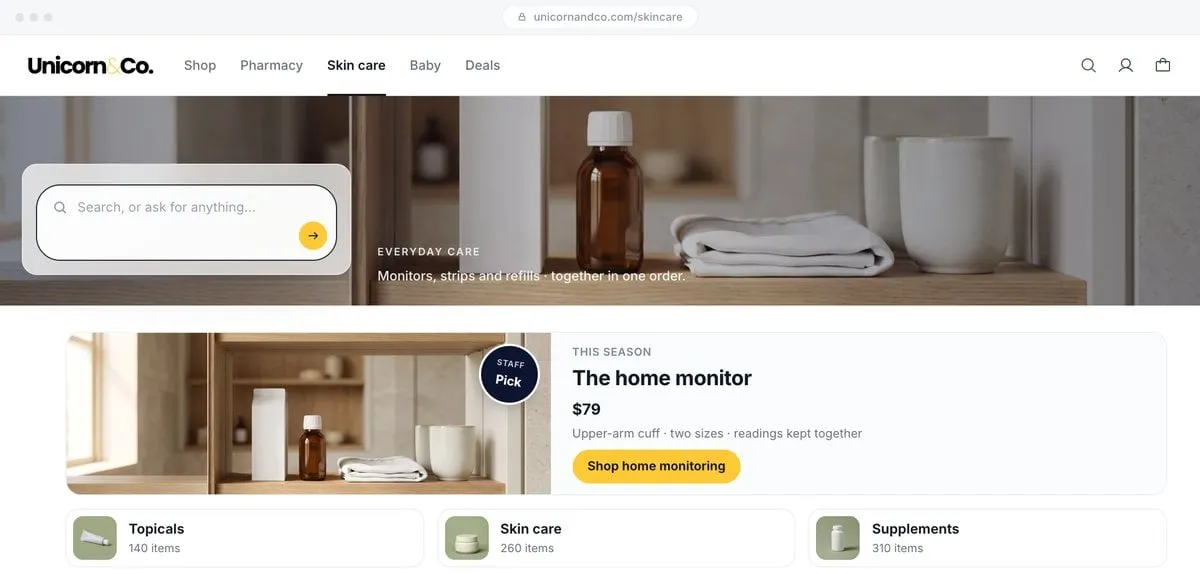
This is an illustration with a made-up product. The tokens are what a real system would name.
-
For Flutter teams
Two apps share one component library, so every screen matches.
Back to Flutter Expertise -
For generative UI
An interface can only compose what the system defines. The design system is what it builds from.
Back to Generative UI (GenUI) -
For new products
Start with a system on the first screen, so week six is not a redesign.
Back to AI Product Development
Change it once. Every screen follows.
Design and engineering work from the same source. A new screen is assembled from parts that already pass review, so it ships looking like the rest of the product.
- 01
Tokens
Color, type, spacing, and radius defined once. Change a value and design and code both follow.
- 02
Components
Flutter widgets that match the Figma library, with tests, so a screen built from them cannot drift.
- 03
Documentation
Usage rules your team can follow after we leave, so the system survives the next hire.
Systems that shipped.
All success stories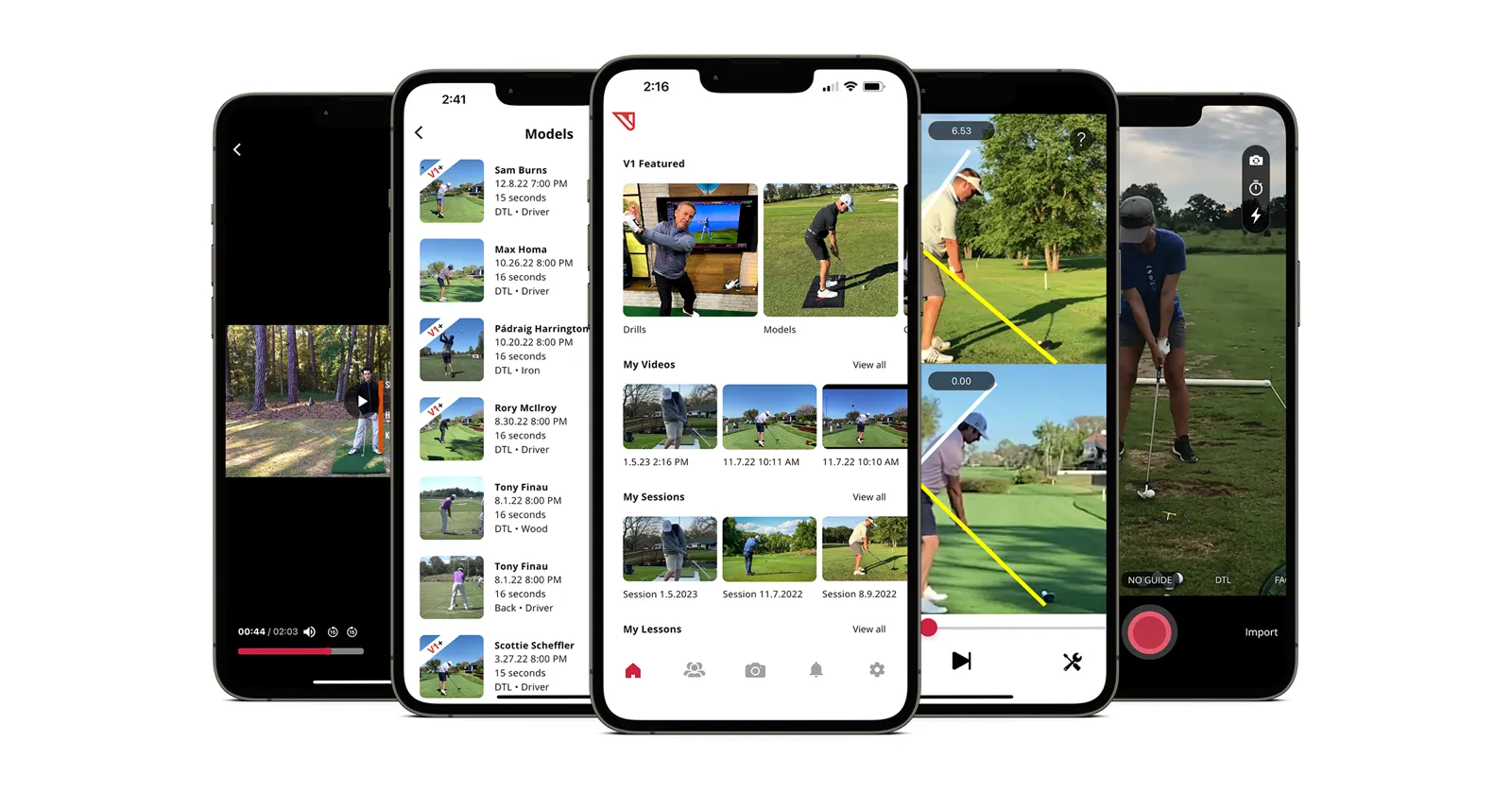
V1 Sports doubles revenue with Flutter

- revenue, year over year
- 2x
- user accounts
- 300K+
- codebases unified
- 6 → 1

Blade’s luxury travel app, rebuilt in Flutter

Reimagining Blade’s luxury travel experience with seamless booking, modern architecture, and a multi-platform mobile app built for speed, elegance, and scale.
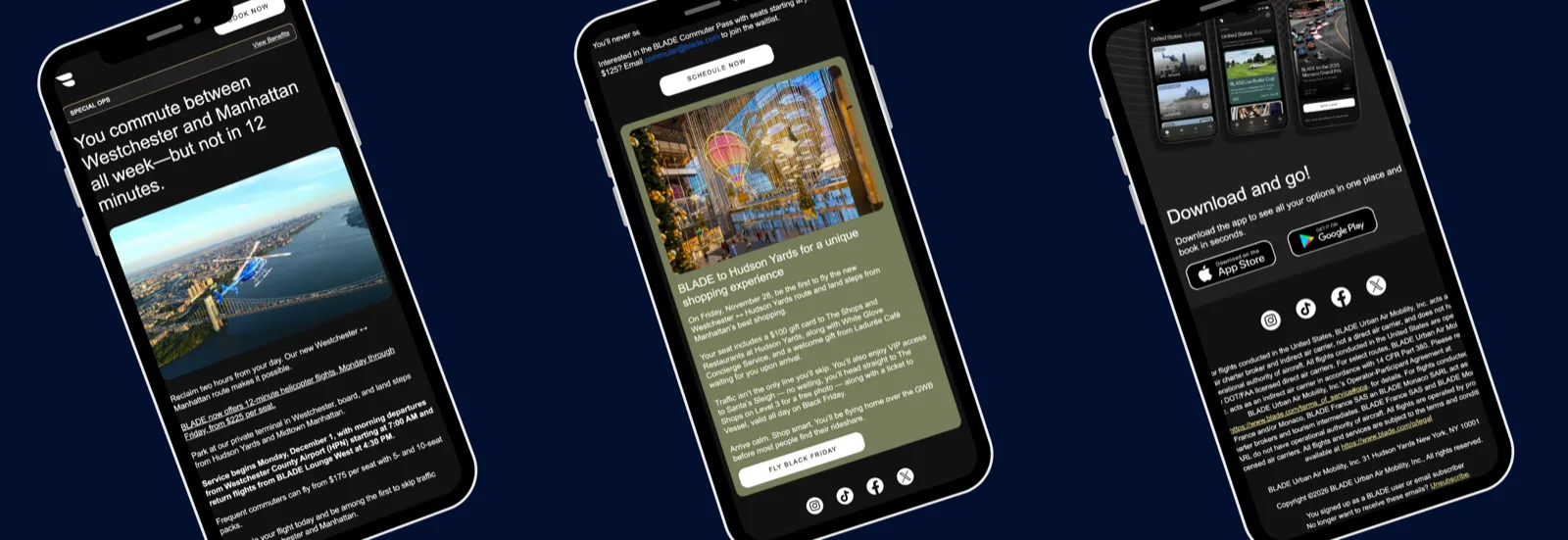
Blade: a modular email design system
A modular HTML email system for faster, on-brand campaigns.
What teams ask before they open the Figma file.
Short answers from systems we built. Anything else, bring it to the first call.
01 We already have a Figma library. Do we start over?
No. On Blade, we built on the initial designs, refined the UI components that were there, and added new ones as the product needed them.
02 How do the Flutter components stay matched to Figma?
With golden tests and Widgetbook. The Flutter widgets are checked against the Figma design, so design and code keep agreeing about what a card looks like.
03 How much of the system does GenUI need?
Less than all of it. The first GenUI catalog covers 6 to 8 components. The model picks among your components and fills them, and it never draws its own.
04 Will our team be able to extend it?
Yes. V1 Sports got a component gallery and documentation with its design system, so its own team could extend and maintain the apps. Training sessions and shadowing came with the handover.
05 How long does a design system take to build?
It depends on how much is already a system. The first call is where we size it, and the written summary says what we would build first.
06 How does a design system engagement start?
With a 30-minute conversation about your product. Afterwards you get a written summary of what we would do first, who would do it, and an estimate. How we work shows how the first weeks run.


We’ll care about your success as much as you do.
Our unicorns read every message and reply, usually the same day.
Start the conversationA 30-minute call about what you’re building.