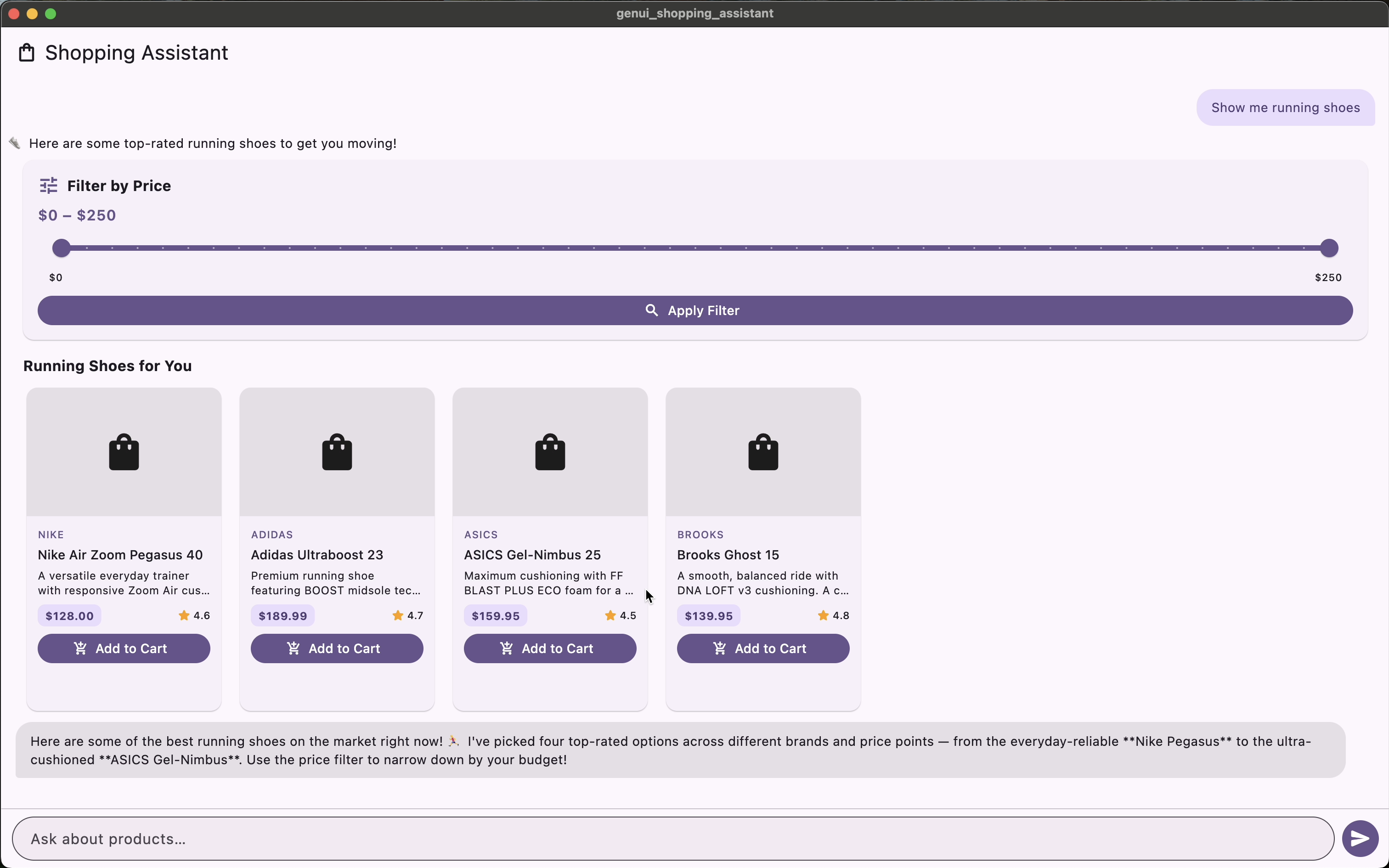
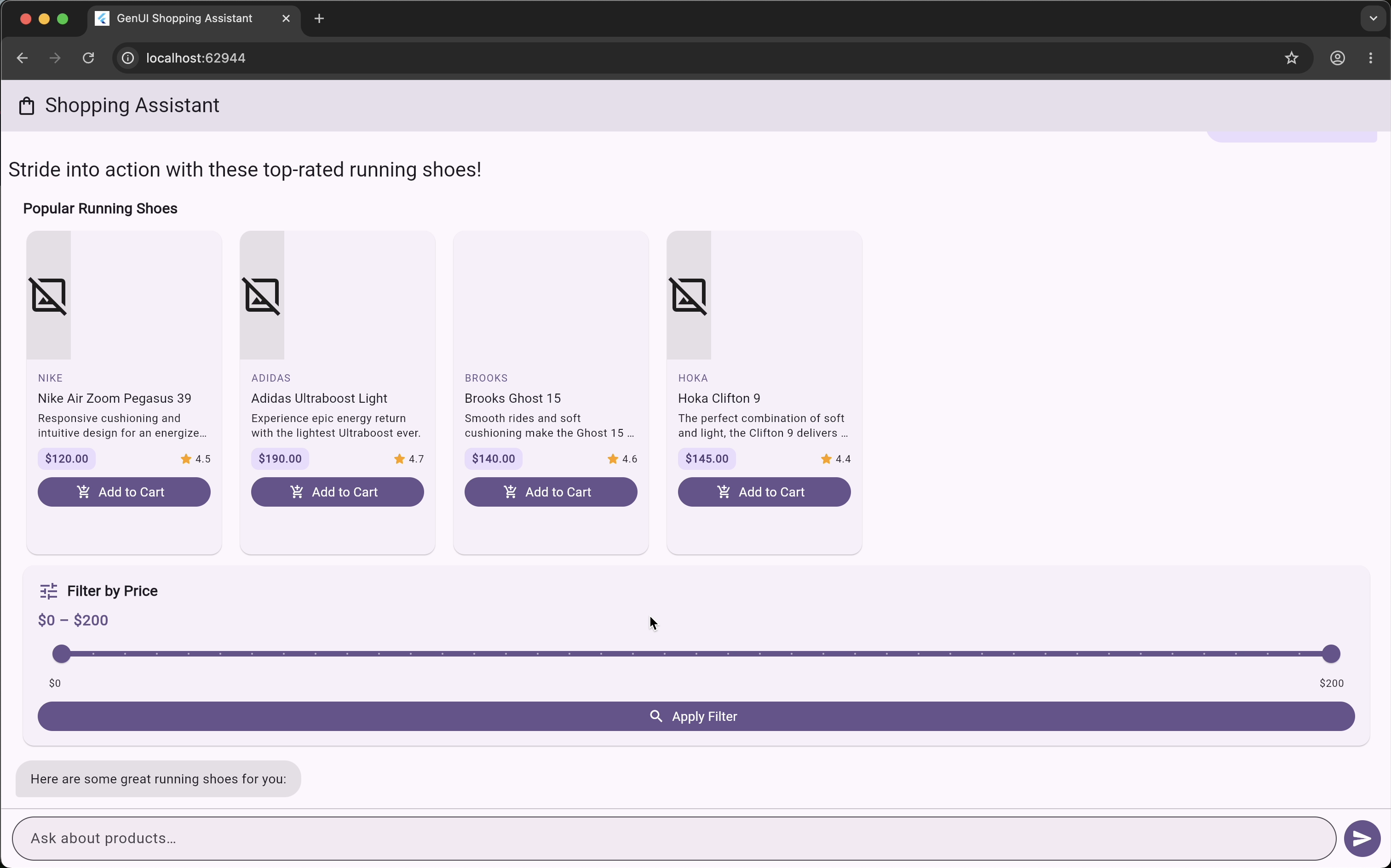
# Very Good Ventures — Full Content
> Software consultancy specializing in Flutter, Dart, AI/ML, and cross-platform app development. This file inlines the full text of all published content.
## Site Pages
### Accelerating Product Innovation for Every Device
Source: https://verygood.ventures/
We lead teams to design, build, and grow multi-platform apps for high-performance mobile, web, desktop, and embedded experiences.
[Talk to an Expert](https://verygood.ventures/contact-us/) [See Our Work](https://verygood.ventures/success-stories/)
[image: American Airlines]
[image: Toyota Connected]
[image: Divine]
[image: Google]
[image: AutoNation]
[image: Keller Williams Realty]
[image: Norwegian Cruise Line]
[image: Policygenius]
[image: Íslandsbanki]
[image: Prudential Singapore]
[image: MX Technologies]
[image: Trust & Will]
[image: Nubank]
[image: American Airlines]
[image: Toyota Connected]
[image: Divine]
[image: Google]
[image: AutoNation]
[image: Keller Williams Realty]
[image: Norwegian Cruise Line]
[image: Policygenius]
[image: Íslandsbanki]
[image: Prudential Singapore]
[image: MX Technologies]
[image: Trust & Will]
[image: Nubank]
[image: American Airlines]
[image: Toyota Connected]
[image: Divine]
[image: Google]
[image: AutoNation]
[image: Keller Williams Realty]
[image: Norwegian Cruise Line]
[image: Policygenius]
[image: Íslandsbanki]
[image: Prudential Singapore]
[image: MX Technologies]
[image: Trust & Will]
[image: Nubank]
[image: RunBuggy]
[image: Homethrive]
[image: Nuna]
[image: Embrace]
[image: Dafiti]
[image: TJX]
[image: Dutch Bros]
[image: Briggs & Stratton]
[image: Kindred Motorworks]
[image: Axel Springer]
[image: Deaf Bible Society]
[image: Konica Minolta]
[image: RunBuggy]
[image: Homethrive]
[image: Nuna]
[image: Embrace]
[image: Dafiti]
[image: TJX]
[image: Dutch Bros]
[image: Briggs & Stratton]
[image: Kindred Motorworks]
[image: Axel Springer]
[image: Deaf Bible Society]
[image: Konica Minolta]
[image: RunBuggy]
[image: Homethrive]
[image: Nuna]
[image: Embrace]
[image: Dafiti]
[image: TJX]
[image: Dutch Bros]
[image: Briggs & Stratton]
[image: Kindred Motorworks]
[image: Axel Springer]
[image: Deaf Bible Society]
[image: Konica Minolta]
[image: RunBuggy]
[image: Homethrive]
[image: Nuna]
[image: Embrace]
[image: Dafiti]
[image: TJX]
[image: Dutch Bros]
[image: Briggs & Stratton]
[image: Kindred Motorworks]
[image: Axel Springer]
[image: Deaf Bible Society]
[image: Konica Minolta]
The Latest
## Insights from Our Experts
[AI Enterprise Business Value ### Start at the tail: how to drive AI adoption through an organization David DeRemer Oct 16, 2026](https://verygood.ventures/blog/start-at-the-tail/)[Agentic Workflows Claude API Flutter ### Giving an AI Agent the Keys: Agentic Workflows with Claude and Flutter Ana Polo Oct 8, 2026](https://verygood.ventures/blog/giving-ai-agent-keys-agentic-workflows-claude-flutter/)[VGV Agentic Coding Enterprise ### VGV Brings Its Flutter and Dart Expertise to the Claude Partner Network Jorge Coca Oct 5, 2026](https://verygood.ventures/blog/vgv-brings-flutter-and-dart-expertise-to-claude-partner-network/)
[View All Insights](https://verygood.ventures/blog/)
Generative UI
## The Future of UI is Generative
GenUI transforms static screens into adaptive, AI-driven experiences. Powered by Google's GenUI SDK for Flutter, generative user interfaces dynamically assemble UI components in real time — responding to user intent, context, and behavior to create personalized journeys that convert.
[### Adaptive GenUI Experiences Generative UI replaces rigid page flows with interfaces that adapt on the fly. Each user sees a uniquely composed experience driven by AI — reducing friction and accelerating task completion. Learn more](https://verygood.ventures/resources/genui/)[### GenUI SDK for Flutter Built on Google's GenUI SDK, our Flutter-based generative UI architecture lets teams ship AI-native interfaces across mobile, web, and desktop from a single codebase. Learn more](https://verygood.ventures/resources/genui/)[### Enterprise GenUI Development From banking to hospitality, we help enterprises deploy production-grade generative user interfaces with brand-safe component catalogs, safety rails, and measurable business outcomes. Learn more](https://verygood.ventures/resources/genui/)
[Strategy GenAI vs. GenUI: What Product Teams Must Know](https://verygood.ventures/blog/genai-vs-genui-whats-the-difference-why-it-matters-for-product-teams/)[Architecture The Chemistry of GenUI](https://verygood.ventures/blog/the-chemistry-of-genui/)[Tutorial Build an AI Shopping Assistant with Flutter GenUI](https://verygood.ventures/blog/flutter-genui-shopping-assistant-tutorial/)[Case Study How GenUI Drives Banking Account Openings](https://verygood.ventures/blog/genui-last-mile-gap-banking-account-openings/)
[Explore GenUI](https://verygood.ventures/resources/genui/) [Talk to an Expert](https://verygood.ventures/contact-us/)
Success Stories
## Proven Results Across Industries
[### AI-Powered Native-to-Flutter Migration for a Revenue-Critical Mobile Platform How VGV used a multi-agent AI pipeline to migrate Scooter's Coffee native iOS and Android apps to Flutter in half the estimated time. →](https://verygood.ventures/success-stories/scooters-coffee/)[### Amusement Park Leader Scales With Flutter Apps Learn how VGV helped Universal Destinations unify mobile and web, streamline in-park ordering and boost efficiency, revenue and guest experience. →](https://verygood.ventures/success-stories/amusement-park-flutter-apps/)[### From Vibe-Coded to Production-Ready in 90 Days How VGV helped Divine ship a production-ready decentralized video app in 90 days with Claude AI-enabled workflows. →](https://verygood.ventures/success-stories/divine/)[### 5-Star Air Carrier Scales Digital Experience See how VGV partnered with JSX to rebuild its Flutter app for scale, ownership and premium digital travel experiences. →](https://verygood.ventures/success-stories/five-star-air-carrier-flutter/)[### Blade Elevates Luxury Travel App With Flutter Transforming Blade’s luxury travel experience with a high-performance Flutter app, seamless booking, and scalable architecture engineered by VGV. →](https://verygood.ventures/success-stories/blade-mobile-flutter-app/)[### The First Commercial Flutter App Makes Exclusive Hamilton Musical Content Accessible to All Discover how the official Hamilton app was built with Flutter to deliver exclusive content and seamless performance across devices worldwide. →](https://verygood.ventures/success-stories/hamilton/)
[View All Success Stories](https://verygood.ventures/success-stories/)
## Tech Experts, Product Builders, Trusted Partners.
[### Application Development Build high-quality experiences in native, mobile, web, or Flutter for fast, consistent, and scalable experiences. Learn more](https://verygood.ventures/our-services/application-development/)[### Product Design Craft intuitive, user-centered designs that ultimately drive your business outcomes. Learn more](https://verygood.ventures/our-services/product-design/)[### Product Strategy Innovate to new heights with our build-measure-learn approach, guided market research, and technical expertise. Learn more](https://verygood.ventures/our-services/product-strategy/)[### AI & Strategy Workshops Turn curiosity into capability with hands-on, high-impact AI and strategy workshops. Learn more](https://verygood.ventures/our-services/ai-strategy-workshops/)[### Agentic AI Solutions Launch intelligent experiences with agentic, generative, and predictive AI—custom-built to transform your products and operations. Learn more](https://verygood.ventures/our-services/agentic-ai-solutions/)[### Marketing & Growth Engage your customers on every mobile channel with advanced personalization and data-driven automation. Learn more](https://verygood.ventures/our-services/marketing-and-growth/)
[Explore Our Services](https://verygood.ventures/our-services/)
Our Story
## Build once. Deploy everywhere. Thrive always.
At VGV, we engineer outcomes. Our cross-functional teams integrate marketing, and engineering to craft high-performance products that drive results across every device. One codebase, infinite potential.
We've been at the forefront of Flutter since its inception, architecting enterprise-grade solutions for industry leaders. Today, we blend this deep technical expertise with strategic insight, world-class design, and AI innovation to help organizations create lasting value.
[Our Story](https://verygood.ventures/about-us/)
Partner programs
-
-
Why VGV
## Your Competitive Edge
[image: Faster cross-platform mobile app development with unified design and engineering]
### Faster to Market
Launch earlier with unified design and development across platforms.
[image: Enterprise mobile app development and Flutter architecture built to scale]
### Enterprise Builds
Architecture and design that holds up at scale.
[image: Cross-platform mobile development with one Flutter codebase across all devices]
### Cross-Platform Consistency
One team. One stack. No more duplicate codebases to maintain.
[image: Flutter consulting and enterprise coaching from expert Flutter developers]
### Specialized Expertise
Enterprise coaching & delivery best practices.
[image: Brand logos and scale stats showing Google-backed Flutter adoption]
### Backed by Google, Used at Scale
Adopted by brands like Toyota, eBay, and Nubank—and built with us since day one.
[image: End-to-end Flutter app development from product strategy to post-launch growth]
### End-to-End Clarity
From product strategy to post-launch growth.
The VGV Way
## Our proven process delivers with confidence.
01
### Lead in Flutter
We've been the leaders in Flutter from day one, offering the best and biggest breadth of Flutter expertise.
02
### Innovate at Scale
Our "build once, deploy anywhere" approach drives twice the feature-throughput, creating latitude for clients to invest more in innovation.
03
### Accelerate Delivery
Sprint by sprint, our clients learn how to deliver more value and a larger scale faster.
04
### Plan for the Future
From design systems that extend to email and WhatsApp, to MarTech recommendations and end-to-end loyalty design, we start with outcomes and offer expertise that spans enterprise silos.
LET'S TALK!
## Start building apps people can't ignore
Let's create products that delight users and outperform expectations.
[Explore Our Services](https://verygood.ventures/our-services/) [Connect With Our Team](https://verygood.ventures/contact-us/)
### Chat with the #88 while it races. Play Race to Scale for merch.
Source: https://verygood.ventures/88-vgv-ai-stl-nascar-trackhouse/
Race day: Sunday, September 13, 2026
Race day Sunday, September 13, 2026 Race day Sunday, September 13, 2026 Race day Sunday, September 13, 2026 Race day Sunday, September 13, 2026 Race day Sunday, September 13, 2026 Race day Sunday, September 13, 2026 Race day Sunday, September 13, 2026 Race day Sunday, September 13, 2026 Race day Sunday, September 13, 2026 Race day Sunday, September 13, 2026
[image: Very Good Ventures] with [image: Trackhouse Racing]
Official Digital & AI Partner of Trackhouse Racing
Very Good Ventures builds the software that turns Trackhouse's raw
telemetry into decisions during a race. For the Enjoy Illinois 300 we
pointed that same live feed at 88Bot, an AI that talks back while the car
is on track.
[Chat with the #88](https://chat.88.vgv.ai/?utm_source=verygood.ventures&utm_medium=landing&utm_campaign=88-trackhouse&utm_content=88bot-hero) [Play Race to Scale](https://vgv-racing.web.app/?utm_source=verygood.ventures&utm_medium=landing&utm_campaign=88-trackhouse&utm_content=racing-game-hero)
88 [image: Trackhouse Racing #88 NASCAR Cup Series car carrying the 88.vgv.ai URL for Very Good Ventures, Official Digital & AI Partner of Trackhouse Racing]
Let's go
## Two ways to ride along with the #88
[01 ### Talk to the #88 88Bot is an AI that thinks it is the car. It reads live race data, posts commentary through the race, and answers when you talk to it. The chat is open now. Talk to the car while it is on track. Open 88Bot](https://chat.88.vgv.ai/?utm_source=verygood.ventures&utm_medium=landing&utm_campaign=88-trackhouse&utm_content=88bot) [02 ### Play Race to Scale Race to Scale is a 60-second browser racing game built with Flutter. Post a time and race for VGV merch. Plays in your browser, no download. Best on Wi-Fi. Play Race to Scale](https://vgv-racing.web.app/?utm_source=verygood.ventures&utm_medium=landing&utm_campaign=88-trackhouse&utm_content=racing-game)
## 88Bot at a glance
The car Trackhouse Racing #88, driven by Connor Zilisch in the NASCAR Cup Series.
What 88Bot is An AI chatbot that role-plays the #88 and talks with fans during the race.
Built by Very Good Ventures, as a thank-you to our partners at Trackhouse.
When it runs From about two hours before the green flag through the checkered flag on race day.
What it uses Live timing and telemetry, lineup and season stats, weather, track history, and team news.
[image: 88Bot live race chat: the Trackhouse #88 car posting lap commentary and replying to fans]
The partnership
## The partnership started with software, not a decal.
[image: Trackhouse Racing] + [image: Very Good Ventures]
Very Good Ventures is an Official Digital & AI Partner of Trackhouse Racing. We joined the Trackhouse team to
design the [VIP pit box experience](https://verygood.ventures/success-stories/trackhouse-nascar-vip-experience/),
a multi-device Flutter app that keeps guests connected to the race while
they are at the track. Our [first sponsorship with Trackhouse ran at Pocono in 2025](https://verygood.ventures/blog/very-good-ventures-hits-the-track-designing-for-impact-at-200-mph/), and the partnership continues through the 2026 season.
The performance side of the work is data. We built Trackhouse a [real-time pipeline](https://verygood.ventures/blog/zero-to-rust-in-three-weeks/) that turns
raw telemetry into information the team's engineers use to make strategy calls
lap by lap. Once that data was flowing, an AI that could read it and talk back
to fans was a short step. We built 88Bot for the Enjoy Illinois 300 on the same
live feed.
88Bot gives a running race car a voice. Trackhouse did not commission it or
pay for it. We built it because the pipeline was already running, and a car
that answers fans makes the point better than a slide does.
If you run a team, a league, or a brand partnership and want an activation fans
can use rather than look at, [talk to us](https://verygood.ventures/contact-us/).
What we do
## We build the experience layer for brands people use every day.
Toyota, Universal, Betterment, and Trackhouse bring in VGV for the apps and AI experiences their customers touch. Flutter at scale, GenUI that adapts to every user, one codebase on every screen.
[image: Interface components assembled at runtime by VGV's generative UI work: a hotel card, a flight itinerary, a calendar, contact rows, and product cards] [image: The Nav small-business finance app that VGV rebuilt in Flutter, matching business credit cards and lines of credit to a business profile] [image: Valkyrie's AI race-performance app built by VGV, showing lap-time analysis across a driver field and per-driver race results]
- [01 ### Generative AI Experiences Conversational products and interfaces that assemble themselves around what the user is doing, built on production data. 88Bot is one. Read the GenUI guide](https://verygood.ventures/resources/genui/)
- [02 ### Multi-platform Product & Flutter Expertise One codebase for mobile, web, desktop, and in-vehicle screens. We build and scale Flutter apps for teams like Toyota and Betterment. See the Flutter migration curve](https://verygood.ventures/our-services/application-development/)
- [03 ### Greenfield AI-Driven Product Development & Transformation New products and agentic systems from strategy through launch, plus the transformation work that gets an existing product there. See how we scope one](https://verygood.ventures/our-services/agentic-ai-solutions/)
[All services](https://verygood.ventures/our-services/)
Related
## More from the track
The VIP pit box story, the 2025 Pocono paint scheme, and the real-time telemetry pipeline that feeds Trackhouse's race-day software.
[### Elevating NASCAR's VIP Experience: Driving Engagement, Sponsor Value & Scalable Growth Elevating NASCAR’s VIP experience with real-time data, sponsor engagement, and cloud-free race-day innovation built by VGV for Trackhouse Racing. →](https://verygood.ventures/success-stories/trackhouse-nascar-vip-experience/) [VGV ### Very Good Ventures Hits the Track: Designing for Impact at 200 MPH Dan Spurgin Jul 16, 2025](https://verygood.ventures/blog/very-good-ventures-hits-the-track-designing-for-impact-at-200-mph/) [AI Engineering Rust ### Zero to Rust in Three Weeks: How We Built a Real-Time NASCAR Pipeline with Claude Code Kyle Crouse Mar 20, 2026](https://verygood.ventures/blog/zero-to-rust-in-three-weeks/)
FAQ
## Questions fans ask about the 88
### What is 88.vgv.ai?
88.vgv.ai is the web address painted on the Trackhouse Racing #88 for the Enjoy Illinois 300, a NASCAR Cup Series race at World Wide Technology Raceway. It points to this page, where fans can chat with 88Bot, an AI version of the car, play Race to Scale, and learn about Very Good Ventures, an Official Digital & AI Partner of Trackhouse Racing.
### What is 88Bot and how does it work?
88Bot is an AI chatbot that role-plays the #88 car. During the race it reads live timing and telemetry, lineup and season stats, weather, and track history, then posts commentary every few minutes or when something worth talking about happens. Fans can send it messages and reply to what it says. Very Good Ventures built it with Trackhouse Racing.
### When can I chat with the car?
Chat opens about two hours before the green flag on race day, while the car is at its autograph session. It stays open when the car moves to the grid about an hour before the start, and through the race. After the checkered flag, 88Bot posts a short wrap-up and stops taking messages. Before race day it shows a single idle message, so check back on race morning.
### Do I need an app or an account, and does it cost anything?
No app, no account, and no cost. 88Bot runs in a normal web browser on your phone or laptop, and you chat anonymously under a generated handle. Race to Scale also plays in the browser with nothing to install, and asks for your name, company, and email so VGV can reach the players who win merch.
### What can I say to 88Bot?
Ask it about the race, its position, the cars around it, the track, or its favorite classic video games and 1990s drivers. It remembers battles from earlier laps, and its mood follows the race. Messages pass three moderation checks before they appear.
### What if I am reading this after the race?
The page stays up after the Enjoy Illinois 300. 88Bot stops taking messages after the checkered flag, but its wrap-up and the race conversation stay online to read back, and Race to Scale plays any time. VGV updates the result line at the top of this page once the finish is official.
### What is Race to Scale?
Race to Scale is a 60-second browser racing game from VGV, built with Flutter, the same UI toolkit VGV uses for production apps at companies like Toyota and Betterment. Enter your name, company, and email, hit the gas, and see where you land. Top runs are eligible for VGV merch. It plays in any modern browser on a phone or desktop, and works best on Wi-Fi.
### Who is Very Good Ventures, and why is a software company on a NASCAR car?
[Very Good Ventures (VGV)](https://verygood.ventures/about-us/) is a digital product consultancy that builds apps and AI systems for companies like Toyota, Universal, and Betterment, and the Flutter architecture guidance on flutter.dev cites VGV. VGV is on the #88 because it is an Official Digital & AI Partner of Trackhouse Racing, the team's software partner and not only a sponsor. The car is a way to show that work to fans.
### What does VGV do for Trackhouse Racing?
VGV works with Trackhouse on two tracks: performance and hospitality. On performance, VGV built a [real-time data pipeline](https://verygood.ventures/blog/zero-to-rust-in-three-weeks/) that turns raw telemetry into information the team's engineers use to make lap-by-lap performance and strategy calls during the race. On hospitality, VGV designed the [VIP pit box app](https://verygood.ventures/success-stories/trackhouse-nascar-vip-experience/), a multi-device Flutter experience for guests at the track. VGV's first sponsorship with Trackhouse ran at Pocono in 2025 and continues through the 2026 season. 88Bot uses that same data pipeline, but Trackhouse did not fund it. VGV built it for fans because the data was already there.
### Can VGV build something like this for my company?
Yes. 88Bot combines live data feeds, a language model with a defined persona, real-time moderation, and a web front end, which is the same set of pieces behind most production AI products. VGV builds generative AI experiences, Flutter apps for mobile, web, and embedded screens, and new AI-driven products from [product strategy](https://verygood.ventures/our-services/product-strategy/) and [product design](https://verygood.ventures/our-services/product-design/) through launch. Start at the [contact page](https://verygood.ventures/contact-us/).
88
## We build the experience layer.
For race cars, for banks, for anyone with an audience that deserves
better than a static screen. Tell us what you're building.
[Talk to VGV](https://verygood.ventures/contact-us/) [See our success stories](https://verygood.ventures/success-stories/)
### About Very Good Ventures
Source: https://verygood.ventures/about-us/
Very Good Ventures (VGV) is the leading expert in Flutter, AI strategy, UX design, digital engagement, and app development services. We empower mid-market and enterprise brands to build scalable, beautiful, and production-ready digital apps—all from a single codebase. From industry innovators to Fortune 500 companies, our clients rely on VGV to help them ship smarter, faster, and with lasting impact.
[Speak With Our Experts](https://verygood.ventures/contact-us/) [See Our Work](https://verygood.ventures/success-stories/)
VGV by the Numbers
[image: Team members globally]
120+ Team members globally
[image: Remote workforce]
100% Remote workforce
[image: Projects delivered]
250+ Projects delivered
[image: Non-Google commercial Flutter app built]
1st Non-Google commercial Flutter app built
[200 mph Speed at which we deliver VIP experiences](https://verygood.ventures/success-stories/trackhouse-nascar-vip-experience/) [image: Magic unicorn]
1 Magic unicorn
Our Story
## How It All Started
### Very Good Ventures
In 2018, our founding team launched the very first commercial Flutter app—for none other than Hamilton: The Musical—and began work on their newest endeavor: Very Good Ventures, a digital experience agency dedicated to creating multi-device magic.
### Very First Commercial Flutter App
We were the first Flutter agency in the world, and have been trusted by Google to build and launch some of its flagship Flutter apps, including the Flutter Gallery, the Google I/O conference app, and tools that support the Flutter SDK itself.
### Expert AI & Strategy Services
Since then, we've expanded to include expert AI, marketing, and strategy services, allowing us to become your trusted end-to-end technology partner. We help brands imagine, build, and scale transformative digital products, delivering exceptional user experiences—and measurable value—powered by smart, scalable systems.
[Explore Our Services](https://verygood.ventures/our-services/)
Partner programs
## Recognized by the platforms we build on
-
### Google Cloud, Partner
[image: Google Cloud Partner badge] VGV is a Google Cloud Partner in the Partner Advantage program. We ship production apps on Google Cloud and Firebase, build with Flutter's GenUI SDK, and Google names VGV its top-recommended Flutter firm.
[Verify in the Google Cloud partner directory](https://cloud.google.com/find-a-partner/partner/very-good-ventures)
-
### Claude Partner Network, Select Services Partner
[image: Claude Partner Network Select Services Partner badge] [image: Claude Partner Network Select Services Partner badge] VGV is a Select Services Partner in the Claude Partner Network. We build Claude-powered agents and Claude Code workflows for enterprise Flutter teams.
[About the Claude Partner Network](https://claude.com/partners)
## Trusted by Industry Leaders
We’re proud to work with companies like Hamilton, Toyota,
Universal Destinations & Experiences, Dow Jones, and Google.
Clients come to us for premium quality, and stay because we
bring exceptional thinking, execution, and heart to every
project.
Trusted by Industry Leaders
[image: American Airlines]
[image: Toyota Connected]
[image: Divine]
[image: Google]
[image: AutoNation]
[image: Keller Williams Realty]
[image: Norwegian Cruise Line]
[image: Policygenius]
[image: Íslandsbanki]
[image: Prudential Singapore]
[image: MX Technologies]
[image: Trust & Will]
[image: Nubank]
[image: American Airlines]
[image: Toyota Connected]
[image: Divine]
[image: Google]
[image: AutoNation]
[image: Keller Williams Realty]
[image: Norwegian Cruise Line]
[image: Policygenius]
[image: Íslandsbanki]
[image: Prudential Singapore]
[image: MX Technologies]
[image: Trust & Will]
[image: Nubank]
[image: American Airlines]
[image: Toyota Connected]
[image: Divine]
[image: Google]
[image: AutoNation]
[image: Keller Williams Realty]
[image: Norwegian Cruise Line]
[image: Policygenius]
[image: Íslandsbanki]
[image: Prudential Singapore]
[image: MX Technologies]
[image: Trust & Will]
[image: Nubank]
[image: RunBuggy]
[image: Homethrive]
[image: Nuna]
[image: Embrace]
[image: Dafiti]
[image: TJX]
[image: Dutch Bros]
[image: Briggs & Stratton]
[image: Kindred Motorworks]
[image: Axel Springer]
[image: Deaf Bible Society]
[image: Konica Minolta]
[image: RunBuggy]
[image: Homethrive]
[image: Nuna]
[image: Embrace]
[image: Dafiti]
[image: TJX]
[image: Dutch Bros]
[image: Briggs & Stratton]
[image: Kindred Motorworks]
[image: Axel Springer]
[image: Deaf Bible Society]
[image: Konica Minolta]
[image: RunBuggy]
[image: Homethrive]
[image: Nuna]
[image: Embrace]
[image: Dafiti]
[image: TJX]
[image: Dutch Bros]
[image: Briggs & Stratton]
[image: Kindred Motorworks]
[image: Axel Springer]
[image: Deaf Bible Society]
[image: Konica Minolta]
[image: RunBuggy]
[image: Homethrive]
[image: Nuna]
[image: Embrace]
[image: Dafiti]
[image: TJX]
[image: Dutch Bros]
[image: Briggs & Stratton]
[image: Kindred Motorworks]
[image: Axel Springer]
[image: Deaf Bible Society]
[image: Konica Minolta]
## Business Development Team
[### Billy Fischer EVP, Business Development](https://www.linkedin.com/in/billyfischer/)[### Laura Hughes Lekhi Senior Business Development Executive](https://www.linkedin.com/in/lauraelizabethhughes/)[### Alessandra Valenti Head of Partnerships](https://www.linkedin.com/in/alessandravalenti/)[### Domonique Hinds Business Development Manager](https://www.linkedin.com/in/domoniquehinds/)[### Felipe Callander Business Development Manager](https://www.linkedin.com/in/felipe-callander/)
[image: The Very Good Ventures Flutter development agency team]
## Meet the People Behind the Code
We design and build world-class digital experiences for any screen,
with the best tools, engineering approaches, and unparalleled talent
for consistent, scalable results.
[Meet the Team](https://verygood.ventures/our-team/)
We're Hiring!
## Open Roles
Ready to join the magic? Check out our open positions.
Please note: VGV does not conduct interviews exclusively through chat
or messaging platforms. Our hiring process includes live conversations
with members of our team. We will never ask candidates for payment,
banking information, cryptocurrency, gift cards, or any other
financial details at any stage of the hiring process. All official
communication from VGV team members will come from a verified email
address ending in @verygood.ventures.
We Create Community
## We Create Community
[### Client Experiences From theme park kiosks to AI tax filings, we take our clients' digital products to new heights. Explore](https://verygood.ventures/success-stories/)[### Podcasts We tackle the biggest Flutter and digital product development topics, including AI, architecture, and meaningful impact. Explore](https://verygood.ventures/podcasts/)[### Blogs The VGV team shares real-time engineering insights, tech trends, and a behind-the-scenes look at events. Explore](https://verygood.ventures/blog/)[### Webinars Dive into on-demand webinars highlighting efficiencies and tools for maximizing success. Explore](https://verygood.ventures/webinars/)[### Whitepapers From top trends to business benefits, our whitepapers and eBooks tackle the topics you care about. Explore](https://verygood.ventures/whitepapers/)[### Dev Tools Open source software and best practices to support all stages of Flutter development. Explore](https://engineering.verygood.ventures/)
Blog
## Insights from Our Experts
[AI Enterprise Business Value ### Start at the tail: how to drive AI adoption through an organization David DeRemer Oct 16, 2026](https://verygood.ventures/blog/start-at-the-tail/)[Agentic Workflows Claude API Flutter ### Giving an AI Agent the Keys: Agentic Workflows with Claude and Flutter Ana Polo Oct 8, 2026](https://verygood.ventures/blog/giving-ai-agent-keys-agentic-workflows-claude-flutter/)[VGV Agentic Coding Enterprise ### VGV Brings Its Flutter and Dart Expertise to the Claude Partner Network Jorge Coca Oct 5, 2026](https://verygood.ventures/blog/vgv-brings-flutter-and-dart-expertise-to-claude-partner-network/)
[View All Insights](https://verygood.ventures/blog/)
### Careers at Very Good Ventures
Source: https://verygood.ventures/careers/
Join the team that builds what's next in AI, strategy, and digital innovation.
Explore Open Roles
-
VGV supports engineers earning Claude certifications as a Select Services Partner in the Claude Partner Network.
## What We Stand For
At Very Good Ventures (VGV), we don’t just build apps—we shape the future. From high-impact Flutter development to elegant, immersive digital experiences, we craft technology that powers top brands and improves millions of lives around the world.
[image: VGV shapes the future of Flutter app development and AI engineering technology]
### We shape the future
From Flutter to AI, we build technology that scales and redefines.
[image: Very Good Ventures global remote-first Flutter development team]
### We're global & remote-first
A team that thrives across borders and time zones.
[image: VGV team passion for quality Flutter engineering and enterprise mobile app development]
### We bring the passion
Quality, creativity, and building software that matters is everything.
## Why Work at Very Good Ventures?
[image: MW]
### Meaningful, High-Impact Work
From theme park kiosks to car infotainment systems, our work powers millions of daily interactions people rely on and remember.
[image: Complex Problems ELEGANT]
### Complex Problems, Elegant Solutions
No legacy ruts here. You'll solve exciting problems for top-tier companies that trust us to deliver. Every project is a chance to level up.
[image: Collaborative SC]
### Collaborative, Supportive Culture
We're curious builders who pair, review, and share playbooks. Collaboration is how we grow careers and quality.
[image: Continuous LG]
### Continuous Learning & Growth
We experiment with modern frameworks, contribute to open source, and enjoy training and educational opportunities to sharpen our craft.
[image: Flexibility That Supports You]
### Flexibility That Supports You
With our remote-first culture, a dedication to work-life balance, and robust benefits, we provide the best space to do your best work.
## Trusted by Industry Leaders
We’re proud to work with companies like Hamilton, Toyota, Universal Destinations & Experiences, Dow Jones, and Google. Clients come to us for premium quality, and stay because we bring exceptional thinking, execution, and heart to every project.
Trusted by Industry Leaders
[image: American Airlines]
[image: Toyota Connected]
[image: Divine]
[image: Google]
[image: AutoNation]
[image: Keller Williams Realty]
[image: Norwegian Cruise Line]
[image: Policygenius]
[image: Íslandsbanki]
[image: Prudential Singapore]
[image: MX Technologies]
[image: Trust & Will]
[image: Nubank]
[image: American Airlines]
[image: Toyota Connected]
[image: Divine]
[image: Google]
[image: AutoNation]
[image: Keller Williams Realty]
[image: Norwegian Cruise Line]
[image: Policygenius]
[image: Íslandsbanki]
[image: Prudential Singapore]
[image: MX Technologies]
[image: Trust & Will]
[image: Nubank]
[image: American Airlines]
[image: Toyota Connected]
[image: Divine]
[image: Google]
[image: AutoNation]
[image: Keller Williams Realty]
[image: Norwegian Cruise Line]
[image: Policygenius]
[image: Íslandsbanki]
[image: Prudential Singapore]
[image: MX Technologies]
[image: Trust & Will]
[image: Nubank]
[image: RunBuggy]
[image: Homethrive]
[image: Nuna]
[image: Embrace]
[image: Dafiti]
[image: TJX]
[image: Dutch Bros]
[image: Briggs & Stratton]
[image: Kindred Motorworks]
[image: Axel Springer]
[image: Deaf Bible Society]
[image: Konica Minolta]
[image: RunBuggy]
[image: Homethrive]
[image: Nuna]
[image: Embrace]
[image: Dafiti]
[image: TJX]
[image: Dutch Bros]
[image: Briggs & Stratton]
[image: Kindred Motorworks]
[image: Axel Springer]
[image: Deaf Bible Society]
[image: Konica Minolta]
[image: RunBuggy]
[image: Homethrive]
[image: Nuna]
[image: Embrace]
[image: Dafiti]
[image: TJX]
[image: Dutch Bros]
[image: Briggs & Stratton]
[image: Kindred Motorworks]
[image: Axel Springer]
[image: Deaf Bible Society]
[image: Konica Minolta]
[image: RunBuggy]
[image: Homethrive]
[image: Nuna]
[image: Embrace]
[image: Dafiti]
[image: TJX]
[image: Dutch Bros]
[image: Briggs & Stratton]
[image: Kindred Motorworks]
[image: Axel Springer]
[image: Deaf Bible Society]
[image: Konica Minolta]
## Perks & Benefits
We invest in our people, because great work starts with a supported team.
[image: Remote First Culture]
### Remote-First Culture
Work from anywhere in the world (seriously!)
[image: Paid Parental Leave]
### Paid Parental Leave
12 weeks fully paid for all new parents—and 16 weeks for birthing parents—regardless of location
[image: Health Benefits]
### Health Benefits
Subsidized medical, dental, and vision insurance
[image: 401(k) Match]
### 401(k) Match
Employer-matched retirement plan (US-based team members)
[image: Flexible PTO]
### Flexible PTO
Unlimited time off to take what you need, when you need it
[image: Learning Stipends]
### Learning Stipends
Continued growth is encouraged—and funded!—no matter your department
[image: Retreats & Meetups]
### Retreats & Meetups
Optional in-person gatherings to connect, recharge, and celebrate
[image: Extra Time Off]
### Extra Time Off
Enjoy our end-of-year shutdown, seasonal half-day Fridays, and multiple company holidays over the year
[image: Very Good Ventures unicorn mascot for the VGV Flutter Freelancer Network]
## Our Very Good Freelancer Network
We also maintain a trusted network of contractors who support VGV’s work on a per-project basis. If you’re an app development expert, product designer, or strategist looking for meaningful freelance opportunities, we’d love to hear from you.
[Learn More](https://verygood.ventures/contact-us/)
We're Hiring!
## Open Roles
Ready to join the magic? Check out our open positions.
Please note: VGV does not conduct interviews exclusively through chat or messaging platforms. Our hiring process includes live conversations with members of our team. We will never ask candidates for payment, banking information, cryptocurrency, gift cards, or any other financial details at any stage of the hiring process. All official communication from VGV team members will come from a verified email address ending in @verygood.ventures.
Blog
## Insights from Our Experts
[AI Enterprise Business Value ### Start at the tail: how to drive AI adoption through an organization David DeRemer Oct 16, 2026](https://verygood.ventures/blog/start-at-the-tail/)[Agentic Workflows Claude API Flutter ### Giving an AI Agent the Keys: Agentic Workflows with Claude and Flutter Ana Polo Oct 8, 2026](https://verygood.ventures/blog/giving-ai-agent-keys-agentic-workflows-claude-flutter/)[VGV Agentic Coding Enterprise ### VGV Brings Its Flutter and Dart Expertise to the Claude Partner Network Jorge Coca Oct 5, 2026](https://verygood.ventures/blog/vgv-brings-flutter-and-dart-expertise-to-claude-partner-network/)
[View All Insights](https://verygood.ventures/blog/)
### How can we help you today?
Source: https://verygood.ventures/contact-us/
We’re excited to learn more about your project!
Partner programs
-
-
Google's top-recommended Flutter firm #1 Google's top-recommended Flutter firm
Google Developer Experts on the team 6 Google Developer Experts on the team
### Conferences & Events
Source: https://verygood.ventures/events/
Events
Meet the VGV team at industry events and conferences around the world.
## Past Events
[Jul 16 - 17, 2026 · Orlando, FL ### Fluttercon USA 2026 Visit VGV at Fluttercon USA 2026! GenUI Flutter](https://verygood.ventures/events/fluttercon-usa-2026/)[Jun 26, 2026 · San Francisco, California ### Flutter GenUI Hackathon in San Francisco GenUI 1-Day Hackathon for Automotive, QSR and Financial Services Flutter GenUI](https://luma.com/vxul6pt9?tk=MzWOnd)[May 13 - 14, 2026 · Tokyo, Japan ### Automotive Grade Linux - All Member Meeting Jorge Coca will be talking about modular multi-platform architecture with Flutter. Flutter Automotive](https://events.linuxfoundation.org/agl-amm/program/schedule/)[May 8 - 9, 2026 · Málaga, Spain ### FlutterConf Spain 2026 The annual gathering for the Flutter community in Spain, with our unicorns Marcos Sevilla and Juan Delgado Flutter GenUI Dart Frog](https://flutterconf.es/)[Apr 22 - 24, 2026 · Las Vegas, NV ### Google Cloud Next 2026 Visit VGV at Google Cloud Next 2026 to see GenUI in action! GenUI Google Cloud Flutter](https://verygood.ventures/events/google-cloud-next-2026/)[Oct 7 - 9, 2025 · Berlin, Germany ### FlutterCon EU 2025 VGV at FlutterCon EU 2025 in Berlin — bigger than ever, with highlights from the European Flutter community. Flutter](https://verygood.ventures/blog/fluttercon-eu-2025-grows-bigger-than-ever-highlights-from-berlin/)[Jun 25 - 26, 2025 · Brooklyn, NY ### FlutterCon USA 2025 VGV at FlutterCon USA 2025 in Brooklyn — innovation, leadership, and a very good time in NYC. Flutter](https://verygood.ventures/blog/a-very-good-time-at-fluttercon-usa-2025/)[May 20 - 21, 2025 · Mountain View, CA ### Google I/O 2025 VGV at Google I/O 2025 — it's a great time to be a technologist, with Flutter and AI front and center. Flutter Google](https://verygood.ventures/blog/google-i-o-2025---its-a-great-time-to-be-a-technologist/)[Apr 9 - 11, 2025 · Las Vegas, NV ### Google Cloud Next 2025 VGV at Google Cloud Next 2025 — all roads lead to AI, key learnings from Las Vegas. Google Cloud AI](https://verygood.ventures/blog/all-roads-lead-to-ai-learnings-from-google-cloud-next-2025/)[Oct 29 - 30, 2024 · Arequipa, Peru ### FlutterConf LATAM 2024 VGV as a silver sponsor at FlutterConf LATAM 2024 in Arequipa, Peru. Flutter](https://verygood.ventures/blog/very-good-ventures-joins-flutterconf-latam-2024-as-silver-sponsor/)[Sep 19 - 20, 2024 · New York City ### FlutterCon USA 2024 VGV at FlutterCon USA 2024 in New York City — key insights and learnings from the Flutter community. Flutter](https://verygood.ventures/blog/fluttercon-usa-2024-key-insights-and-learnings/)[Sep 18, 2024 · New York City ### T3 Engineering Leadership Summit 2024 VGV as a sponsor of the T3 Software Engineering Leadership Summit 2024 in New York City. Engineering Leadership](https://verygood.ventures/blog/the-t3-engineering-leadership-summit-2024-builds-a-strong-case-for-the-unconference/)[May 14, 2024 · Mountain View, CA ### Google I/O 2024 VGV at Google I/O 2024 — Flutter moving forward with new capabilities and the I/O Crossword demo. Flutter Google](https://verygood.ventures/blog/google-i-o-2024-flutter-moving-forward/)[Apr 9 - 11, 2024 · Las Vegas, NV ### Google Cloud Next 2024 VGV as an official Google Cloud partner at Google Cloud Next 2024 in Las Vegas. Google Cloud](https://verygood.ventures/blog/very-good-ventures-official-google-cloud-partner-at-google-cloud-next-2024/)[Oct 25 - 26, 2023 · Medellín, Colombia ### FlutterConf LATAM 2023 VGV at FlutterConf LATAM 2023 in Medellín — connecting with the Latin American Flutter community. Flutter](https://verygood.ventures/blog/very-good-ventures-highlights-from-flutterconf-latam-2023/)[Jul 5 - 7, 2023 · Berlin, Germany ### FlutterCon Berlin 2023 VGV at FlutterCon Berlin 2023 — the inaugural FlutterCon conference in Berlin, Germany. Flutter](https://verygood.ventures/blog/very-good-ventures-goes-to-fluttercon-2023/)[May 10, 2023 · Mountain View, CA ### Google I/O 2023 VGV at Google I/O 2023 — spotlighting AI, Flutter updates, and I/O Flip taking the stage. Flutter AI Google](https://verygood.ventures/blog/google-i-o-2023-spotlight-on-ai-flutter-moves-forward-and-i-o-flip-takes-the-stage/)[Jan 25, 2023 · Nairobi, Kenya ### Flutter Forward 2023 VGV at Flutter Forward 2023 in Nairobi — Google's global Flutter event showcasing the latest framework updates. Flutter](https://verygood.ventures/blog/vgv-at-flutter-forward/)[Aug 31, 2022 - Sep 1, 2022 · Oslo, Norway ### Flutter Vikings 2022 VGV at Flutter Vikings 2022 in Oslo — a community-driven Flutter conference in the heart of Norway. Flutter](https://verygood.ventures/blog/vgv-goes-to-flutter-vikings/)[Jun 27 - 28, 2020 · Virtual ### #Hack20 Flutter Hackathon VGV at Flutter](https://verygood.ventures/blog/hack20-the-worlds-largest-online-flutter-hackathon-goes-virtual/)[Dec 11, 2019 · Brooklyn, NY ### Flutter Interact 2019 VGV at Flutter Interact 2019 in Brooklyn, NY — a hands-on event showcasing Flutter's multi-platform capabilities. Flutter](https://verygood.ventures/blog/flutter-interact-recap/)[Dec 4, 2018 · London, UK ### Flutter Live 2018 VGV at Flutter Live 2018 — the event where Flutter 1.0 was officially launched. Flutter](https://verygood.ventures/blog/revealed-flutter-slides-at-flutter-live-18/)
### Flutter + GenUI. Everywhere , for everyone .
Source: https://verygood.ventures/events/fluttercon-usa-2026/
We're hosting the Flutter@Scale track and running live GenUI demos at
the VGV booth (#7).
Orlando, Florida
July 16–17, 2026
Hosting the Flutter@Scale track
[Book time at the booth (#7)](https://meetings.hubspot.com/billy-fischer/fluttercon-usa-2026-booth-meetings-group) See the Flutter@Scale sessions
17
Talks on the Flutter@Scale stage
22
Speakers, from staff engineers to founders
17
Companies shipping Flutter at scale
2
Days, track running both days
On the Flutter@Scale stage
[image: DraftKings logo] [image: GEICO logo] [image: Nubank logo] [image: Sky logo] [image: SoFi logo] [image: Toyota logo] [image: Universal logo]
…and more
## One codebase, every surface.
We curated the Flutter@Scale track around teams shipping Flutter to
millions of users. Two days of architecture, performance, and
platform lessons from real codebases, real teams, and real
constraints.
[Read about the Flutter@Scale track](https://verygood.ventures/blog/fluttercon-usa-2026-flutter-at-scale-enterprise-track/)
## The full Flutter@Scale lineup.
17 talks on the Flutter@Scale stage, across both days. Filter
by team, or search for a speaker, company, or topic.
All sessions 17
Featuring VGV 6
01 / 17 With VGV
### The Flutter Enterprise Journey: From Native Apps to AI-Enabled Multi-Platform
TQ
Tom Quercia
Principal Software Engineer, Universal Destinations and Experiences
MF
Mark Fairless
Senior Engineer, Very Good Ventures
02 / 17
### Flutter at Enterprise Scale at GEICO
MD
Manaswi Daksha
Staff Engineer, GEICO
03 / 17
### Flutter Migration at Scale: Migrate Tamara App in 10 Weeks Journey
KE
Karem Ebrahim
Senior Product Engineer, Tamara
04 / 17
### Conquering Chaos at Scale
ES
Eric Seidel
Founder & CEO, Shorebird
05 / 17
### Flutter @ DraftKings — Animating the Game
YF
Yuhao Feng
Senior Software Engineer, DraftKings
06 / 17 With VGV
### Flutter Beyond Mobile: Lessons from Bringing Flutter to Embedded Hardware
AC
Aaron Crutchfield
Software Engineering Manager, NuStep
KC
Kyle Crouse
Director of Concept Technology, Very Good Ventures
07 / 17
### Flutter on Big Screen & Beyond: Building Embedder for LG webOS
JH
Jin Ho Chung
Partner Quality Engineer for Flutter, LG Electronics USA
08 / 17
### Leading Flutter at Scale: From Feature Velocity to Platform Thinking
KP
Kody Peterson
Sr. Director Software Engineering, Foresight Sports
09 / 17 With VGV
### Flutter at Scale: A Roadmap for the Modern Enterprise
AS
Abdallah Shaban
Flutter Product Manager, Google
DD
David DeRemer
Founder & CEO, Very Good Ventures
10 / 17
### Why SoFi ♥ Flutter
TS
Tyler Stromberg
Principal Software Engineer, SoFi
11 / 17
### Why AI Makes Flutter More Important, Not Less
ES
Eric Seidel
Founder & CEO, Shorebird
12 / 17
### Flutter Modularization, Pure DI, and a 135+ Million Customer Base App in Practice
PS
Parker Stevens
Staff Software Engineer, Nubank
RM
Rodrigo Máximo
Staff Software Engineer, Nubank
13 / 17
### LEGO Architecture for Enterprise-Scale Flutter Applications
AL
Anna Leushchenko
Senior Staff Engineer / Engineering Manager, Tide
14 / 17 With VGV
### Design Systems at Toyota Scale
MK
Mykyta Kovalenko
Engineer, Very Good Ventures
CC
Christopher Casey
Director of Engineering, Toyota
15 / 17 With VGV
### Multi-Platform Strategic Advantage @ Scale: Flutter at UDX and Sky
DD
David DeRemer
Founder & CEO, Very Good Ventures
JC
Jonathan Courtois
Director of Engineering Architecture, Sky
16 / 17 With VGV
### From Vibe-Coded Viral MVP to Launchable Product in 90 Days
ÓM
Óscar Martín
Director of Engineering, Platform, Very Good Ventures
LS
Liz Sweigart
Co-founder, Divine Video
17 / 17
### Building Flutter at Scale: Real-World Monorepo Practices from QuintoAndar
PZ
Pedro Zaroni
Staff Software Engineer, QuintoAndar
No sessions match “ ”. Try a speaker, company, or topic.
[See the full schedule on flutterconusa.dev](https://www.flutterconusa.dev/flutter-at-scale)
## GenUI, for everyone.
01
### What we've been building
See the production work behind the theme running on the big screens, straight from the teams who shipped it.
02
### Live GenUI demos
Try UI that builds itself for each new context instead of being hand-built for it. These are products, not projects.
03
### Race the leaderboard
Scan in, play our 60-second racing game, and top the live leaderboard for a shot at prizes.
The team enterprises trust to run Flutter at scale.
VGV builds and ships production Flutter for enterprises and curates the
Flutter@Scale track. A Google top-recommended Flutter partner.
[image: Backed by Google]
## Find us in Orlando.
Where
### FlutterCon USA
Orlando, Florida
When
### July 16–17, 2026
Two days, Flutter@Scale track both days.
Find us
### VGV Booth — #7
Look for the unicorn on the floor.
## Meet the team on the floor.
Book time ahead of the conference — live demos, architecture
questions, or a look at what we're shipping next.
[Book time at the booth](https://meetings.hubspot.com/billy-fischer/fluttercon-usa-2026-booth-meetings-group) [See all VGV events](https://verygood.ventures/events/)
### Experience GenUI at Google Cloud Next 2026
Source: https://verygood.ventures/events/google-cloud-next-2026/
Visit VGV in Las Vegas to see how AI-driven generative interfaces
create adaptive, real-time user experiences. Try our live demo and
explore the future of UI.
[Try the Demo](https://gcn26demo.vgv.ai?utm_source=gcn2026&utm_medium=qr&utm_campaign=genui) [View on GitHub](https://github.com/VGVentures/genui_life_goal_simulator?utm_source=gcn2026&utm_medium=qr&utm_campaign=genui)
GenUI
## AI-Driven Interfaces, Built for Humans
GenUI rethinks the interface lifecycle — from static screens to adaptive, AI-assembled experiences.
### What Is GenUI?
GenUI goes beyond chatbots. Instead of returning text, AI agents respond with rich, interactive interface components tailored to each user's intent.
### Why It Matters
Users reach their goals faster with fewer taps and less cognitive load. GenUI replaces static screens with adaptive experiences that feel personal and intuitive.
### How It Works
An AI model selects from a governed catalog of pre-approved UI components, assembling interfaces in real time while staying on-brand and accessible.
Open Source
## Run It Yourself
The demo is fully open source. Clone the repo and have it running on
your own device in minutes.
01
### Install Flutter
Follow the official [Flutter installation instructions](https://docs.flutter.dev/get-started/install) to set up Flutter on your machine.
02
### Connect Firebase
Create a Firebase project and connect it to the app. Full setup
instructions are in the [repo README](https://github.com/VGVentures/genui_life_goal_simulator?utm_source=gcn2026&utm_medium=qr&utm_campaign=genui).
03
### Run the App
Run the app from your editor or command line to see GenUI in
action.
[View on GitHub](https://github.com/VGVentures/genui_life_goal_simulator?utm_source=gcn2026&utm_medium=qr&utm_campaign=genui)
Resources
## Learn About GenUI
[GenUI AI Architecture ### GenUI doesn't have a speed problem. It has a division-of-labor problem. Andrew King Sep 23, 2026](https://verygood.ventures/blog/genui-division-of-labor-problem/)[GenUI AI Enterprise ### How do I know GenUI is worth the cost? Brian Egan Aug 11, 2026](https://verygood.ventures/blog/is-genui-worth-the-cost/)[GenUI AI Enterprise ### The GenUI Approval Checklist VGV Team Aug 4, 2026](https://verygood.ventures/blog/genui-approval-checklist/)
[View GenUI Insights](https://verygood.ventures/blog/?tag=GenUI#tags)
## Ready to Build with GenUI ?
Whether you're exploring generative interfaces or ready to build, our team can help you get started.
[Get in Touch](https://verygood.ventures/contact-us/?utm_source=gcn2026&utm_medium=qr&utm_campaign=genui) [Learn More About GenUI](https://verygood.ventures/resources/genui/?utm_source=gcn2026&utm_medium=qr&utm_campaign=genui)
### Bring one use case. Leave with a GenUI demo and an executive brief.
Source: https://verygood.ventures/genui-accelerator/
Home Money Cards You
[image: Very Good Ventures] with
GenUI Accelerator
A six-week program from VGV and L+R for heads of product, CPOs, and
innovation leads. No code required.
[Apply now](https://form.typeform.com/to/j46ObIUY?utm_source=vgv&utm_medium=landing_page&utm_campaign=genui-accelerator)
Applications close September 5. Next cohort starts October 5, 2026.
- Six weeks
- Your use case
- A demo and a brief
What is GenUI
## GenUI builds the screen at runtime, not at design time.
Most products show every user the same fixed page, built months
before anyone opened the app. GenUI assembles the interface
around who each person is and what they need, in the moment. For
the product leader, that means personalization at scale, without
hand-building a separate screen for every case.
[Read the VGV guide to GenUI →](https://verygood.ventures/resources/genui/)
### Built for the task in front of the user
The screen reflects what the user is trying to do right now, not a page designed for the average case.
### Assembled in real time
The model puts together the buttons, charts, and forms on the spot, the way a good assistant would sketch what a person actually needs.
### Adapts as the product grows
The interface changes as user needs change, so the product stays simple to use even as it does more.
Use case ideas
## Where GenUI fits.
Any product that asks a person to choose, fill in, or plan has room for a generative surface. Nine plays across three industries, each one a screen from an app someone already ships. Bring one of these, or one of your own. Our in-house brands carry the demos.
Financial Services
01 “Help me decide”
### Stop making customers compare.
A comparison table makes them do the work. GenUI composes the recommendation around their actual spending, ready to add to the wallet.
Composed from Spending history Card catalog Live offers
+8–15%
card application conversion when the choice is composed, not compared
Pilot target · vs. an untouched control
[image: Bank of VGV]
Step 1 of 3
Credit cards
All cards Rewards Fee APR
Rewards+ Visa 2% back · $0 annual fee · 19.2% APR
Travel Elite 3x points · $95 annual fee · 21.7% APR
Cash Basic 1.5% back · $0 annual fee · 18.9% APR
Student Cash 1% back · $0 annual fee · 16.4% APR
Rates and fees subject to credit approval. Terms apply.
Compare side by side
Static UI
[image: Bank of VGV]
Composed for you
Your card, matched
Matched from 12 months of spending
Rewards+ Visa #1 fit · $0 fee
Travel Elite 3x pts · $95 fee
Cash Basic 1.5% · $0 fee
Fits how you spend 61% groceries · 2% back
Intro bonus · $200 Hit the spend in 3 weeks
Add to wallet
GenUI
Financial Services
02 “Set this up for me”
### Skip the application.
Four dropdowns become one held offer, composed around income the bank already sees, a tap from funded.
Composed from Deposit history Rate table Budget line
+10–20%
application completion when the form asks only what it needs
Pilot target · vs. an untouched control
[image: Bank of VGV]
Step 1 of 4
Personal loan
Loan amount * Select ▾
Purpose * Select ▾
Term 36 months ▾
Annual income * $ Enter amount
Fixed Variable
* Required. 6.99–24.99% APR based on creditworthiness. Checking your rate generates a hard inquiry.
Check my rate
Static UI
[image: Bank of VGV]
Composed for you
Your offer, ready
Pre-qualified · held for you $28,000 · 7.2% APR
$342 a month 36 mo · autopay −0.25%
Funds land tomorrow Straight to checking
No credit pull Verified from deposits
Take the offer
GenUI
Financial Services
03 “Plan my month”
### Don’t hand them a warning.
A static alert gives the customer homework. GenUI recomposes the month around the dip and holds what matters.
Composed from Cash-flow forecast Bill calendar Buffer rules
+10–20%
support-call deflection when the answer is the screen itself
Pilot target · vs. an untouched control
[image: Bank of VGV]
Low balance alert Checking ··4417 may go negative on Friday
Suggested actions
Move money from savings Transfers take 1–2 business days
Delay a scheduled payment Fees may apply after the due date
Review upcoming bills 3 payments scheduled this week
A $34 overdraft fee applies to each item paid while overdrawn.
Fix it myself
Static UI
[image: Bank of VGV]
Composed for you
Handled before it hurt
This month · replanned
Payday Rent Today Refill
### Whole again by the 28th
Caught 3 days early Friday was going negative
Rent is safe Held before anything else
Looks good
GenUI
Travel & Hospitality
01 “Help me decide”
### Stop making guests browse.
A filtered list makes them do the work. GenUI composes the day around their party, pace, and budget, ready to book.
Composed from Party & pace Excursion catalog Port schedule
+10–20%
excursion attach rate when the day composes itself
Pilot target · vs. an untouched control
[image: VGV Voyage]
Step 1 of 3
Excursions
All Date Port Price
Reef Snorkel 3 hrs · moderate · $89
Catamaran Sail 4 hrs · easy · $95
Tulum Ruins 6 hrs · guided · $119
Jeep Safari 5 hrs · rugged · $79
Availability changes with tides and weather. Book by 6:00 pm the night before.
Build my day
Static UI
[image: VGV Voyage]
Composed for you
Your day in Cozumel
Cozumel · Thursday · kid pace
Catamaran Sail #1 fit · $95
Reef Snorkel 3 hrs · moderate
Quiet Deck Day no transfers
Fits the whole party Kid pace, no transfers
Weather checked Clear through 4:00
Book the catamaran
GenUI
Travel & Hospitality
02 “Set this up for me”
### Skip the reservation form.
Four dropdowns become one held table, composed around the whole party and tonight, a tap from confirmed.
Composed from Party of 6 Dining catalog Tonight’s seatings
+8–15%
specialty dining bookings when the table is already held
Pilot target · vs. an untouched control
[image: VGV Voyage]
Step 1 of 4
Reserve a table
Restaurant Select ▾
Date Jan 12 ▾
Time Select ▾
Party 6 ▾
Window Standard
Parties over 8, call the maître d’. Same-day changes at the podium only.
Find tables
Static UI
[image: VGV Voyage]
Composed for you
Tonight’s table
Tonight · 7:30 · The Galley
### Table for six, held
Window · deck 6
Grandma’s 80th, noted Candles ready at dessert
Held 15 minutes One tap to confirm
Confirm the table
GenUI
Travel & Hospitality
03 “Plan my day”
### Don’t make them re-plan.
A static alert hands the guest the problem. GenUI recomposes the day around the weather and holds what matters.
Composed from Forecast Day plan Hold rules
+8–15%
onboard spend per guest when the plan follows the moment
Pilot target · vs. an untouched control
[image: VGV Voyage]
Itinerary update Rain in Nassau until noon Thursday
Suggested actions
Move your beach day Availability varies by afternoon
Re-book dinner Tonight’s seatings are filling
Check the new tender time Updated 20 minutes ago
Missed excursions refund as onboard credit in 3–5 days.
Re-plan my day
Static UI
[image: VGV Voyage]
Composed for you
Plans adjusted
Nassau · rain until noon
Spa Beach Dinner
### Your day, rearranged
Beach day intact Clear skies by 2:00
Spa while it rains Booked, deck 5
Looks good
GenUI
Retail
01 “Help me decide”
### Three looks, not two thousand products.
“Wedding next Saturday, $500 for a suit and shoes” is a sentence, not eleven filters. GenUI asks what matters, size, color, budget, then composes complete looks ready to buy.
Composed from The ask Size & fit history Live stock
+10–20%
conversion when the outfit arrives assembled, not filtered
Pilot target · vs. an untouched control
VGV Market
Men’s formal
All Suits Shoes Under $500
Modern-Fit Suit, Navy $289 · 4.5 ★ · 312 reviews
Classic Oxfords, Brown $128 · 4.7 ★ · 540 reviews
Slim Chino Suit, Tan $248 · 4.3 ★ · 87 reviews
Derby Shoes, Black $142 · 4.6 ★ · 205 reviews
Showing 4 of 2,184 results. Refine with filters to narrow further.
Apply filters
Static UI
VGV Market
Composed for you
Your wedding look
Wedding · Saturday · $500 cap
Navy $462
Charcoal $489
Slate $431
Suit, oxfords, belt Complete look · $38 under
Sized to your orders 42R jacket · 10.5 shoe
Arrives Thursday Two days to spare
See the navy look
GenUI
Retail
02 “Set this up for me”
### Skip the seven-step configurator.
Complex products die in dropdowns. GenUI assembles a complete, compatible build from how they’ll use it, one confirm away from ordered.
Composed from Use case Compatibility rules Inventory
+10–20%
configurator completion when the build assembles itself
Pilot target · vs. an untouched control
VGV Market
Step 2 of 7
Build your desk setup
Desk size * Select ▾
Finish * Select ▾
Monitor arm None ▾
Standing Fixed
* Required. Ships in 3–6 weeks depending on options. Compatibility not guaranteed across steps.
Continue
Static UI
VGV Market
Composed for you
Your setup, assembled
Home office · standing
### All 7 parts fit
$1,240 · ships together
Sized for a small room Cable tray + arm included
One swap suggested Walnut ships 4 wks sooner
Add the bundle
GenUI
Retail
03 “Plan my trip”
### One trip, not five tracking numbers.
Gear for a trip arrives as five orders and a hope. GenUI sequences the kit around the departure date: what ships, what’s in-store today, what to swap so it all lands in time.
Composed from Trip date Stock & shipping Order history
+8–15%
basket completion when the whole kit lands before the trip
Pilot target · vs. an untouched control
VGV Market
Order status
Trail boots Arrives Thu · warehouse A
Rain shell Arrives Mon · sold by partner
2-person tent Backordered · 2–3 weeks
Water filter In stock · ships separately
Delivery estimates are not guaranteed and may change after checkout.
Track 4 orders
Static UI
VGV Market
Composed for you
Your trip, sequenced
Zion · leaving Friday
Store Doorstep Packed
### Packed by Wednesday
Boots in store today 0.8 mi · held until 9
Tent swap suggested Same specs · lands Wed
Order the kit
GenUI
What we’d never generate
Checkout and payment, legal wording, core navigation. Anything that decides money or must be exactly right stays hand-built.
Have a screen like these? Bring it to the Accelerator and leave with it built.
[Apply now](https://form.typeform.com/to/j46ObIUY?utm_source=vgv&utm_medium=landing_page&utm_campaign=genui-accelerator)
## The phone is one surface. GenUI composes them all.
Different customers bank in different ways. GenUI recomposes the experience for every surface, from a laptop to the kiosk in your branch lobby, delivering the right interface at the right moment.
vgv.to/bank
[image: Bank of VGV]
Home
Money
Cards
Account
Search your money
[image: Bank of VGV]
[image: Bank of VGV]
9:41 AM
GenUI composed this
Home
Money
Cards
You
Bank of VGV is our in-house demo brand, built to show what GenUI can do. In a real deployment, every surface is composed from your brand’s design system, components, and content.
Who it's for
## For anyone ready to move their AI experience beyond plain text responses.
This is for the person who has to move a GenUI idea from interest
to an approved investment, and who needs a broader leadership team
on board before anything gets built. No engineering background
required.
- You lead product, or you lead innovation, at your company.
- You see where an adaptive interface changes your roadmap.
- You need sign-off from a broader leadership team before anything gets built.
[Apply now](https://form.typeform.com/to/j46ObIUY?utm_source=vgv&utm_medium=landing_page&utm_campaign=genui-accelerator)
Why we built this
## Too many GenUI projects die between the demo and the decision.
The hard part is proving where adaptive interfaces belong in the
product and what they'll cost, to people who never saw the demo.
That proof requires product strategy and engineering estimates
built together. In most companies, nobody owns that work.
The Accelerator exists to own it. Six weeks, VGV and L+R in the
same room, strategy and cost estimate built side by side.
What you walk away with
## Six weeks. Two deliverables your board can act on.
### Live workshops
Two 90-minute sessions a week with the VGV and L+R teams, plus 1:1
office hours in between.
### Your own use case
In week two, your team picks one opportunity from your own product.
Every session after builds on that pick, not a canned example.
### A GenUI demo
Built on your use case, in your brand.
### An executive brief
The problem, the demo, the investment required, and the path to
production, in a form you can hand to your board.
How the six weeks run
## Six weeks, from fundamentals to a funded case.
- Week 1
### What is GenUI
Align on GenUI fundamentals and how adaptive interfaces work.
- Week 2
### Confirm the problem
Pick one real opportunity from your product and confirm the problem it solves.
- Week 3
### Design the solution
Design the solution around that opportunity, in your brand.
- Week 4
### Define the configuration
Define the configuration and technical approach the demo will run on.
- Week 5
### Build the demo
Build the demo with the VGV and L+R teams in the room.
- Week 6
### Finalize the demo
Finalize the demo and the executive brief that makes the case to your board.
[Apply now](https://form.typeform.com/to/j46ObIUY?utm_source=vgv&utm_medium=landing_page&utm_campaign=genui-accelerator)
Applications close September 5. Next cohort starts October 5, 2026.
Who runs it
## One team in the room, not a handoff between two firms.
[image: Very Good Ventures]
Very Good Ventures (VGV) is Google's top-recommended Flutter firm,
with 250+ projects delivered for brands including Toyota and
Universal. VGV brings the GenUI engineering and a record of
shipping production Flutter applications at enterprise scale.
-
L+R (Levin+Riegner) is a strategy and design firm with experience
in brand and digital product work. L+R brings the strategy, the
foundational design, and years of running executive workshops.
The same VGV and L+R people are in every session from week one, so
nothing gets handed off between firms or lost in translation.
The Accelerator runs virtually, open to teams anywhere. Teams who
prefer to meet in person can join sessions at L+R's studios in
Brooklyn, Barcelona, or Doha.
Product leaders don't need another GenUI demo. They need a credible answer to what it would look like in their product and what it would cost. Working with L+R lets us put strategy, design, and engineering in the same room to answer that. Alessandra Valenti Head of Partnerships, Very Good Ventures
The organizations that win with GenUI will be the ones that treat it as a product decision, not a technical experiment. This partnership is built around that idea. Alex Levin Co-founder, L+R
FAQ
## Questions before you apply
### What is the GenUI Accelerator?
A six-week program from VGV and L+R. Each team brings one real use case from its own product and leaves with a GenUI demo built on that use case, plus an executive brief written to make the case to fund it.
### Who should attend?
Heads of product, CPOs, and innovation leads who need to move GenUI from interest to an approved investment. No engineering background required.
### What's the time commitment?
Two live 90-minute sessions a week, plus 1:1 office hours in between, for six weeks.
### Do we have to meet in person?
No. The program runs virtually, open to teams anywhere. Teams who prefer in-person sessions can meet at L+R's studios in Brooklyn, Barcelona, or Doha.
### How does selection work?
Cohorts stay small on purpose. Applications are read as they come in, not batched at the deadline.
### What happens after week six?
You leave with a demo and a brief built to fund it. If your team is ready to build, VGV and L+R can stay on as one team, from strategy through delivery.
### When does the next cohort start?
October 5, 2026. Applications close September 5, or when the cohort fills. Applying takes about three minutes.
GenUI Accelerator
## The next cohort starts October 5.
Applications close September 5, or when the cohort fills. Applying takes about three minutes.
[Apply now](https://form.typeform.com/to/j46ObIUY?utm_source=vgv&utm_medium=landing_page&utm_campaign=genui-accelerator)
### Digital Solutions & Strategy Tailored to Your Industry
Source: https://verygood.ventures/industries/
[image: Industries hero background]
We build transformative digital products for entertainment, travel, finance, and more. From immersive mobile apps to scalable platforms, we help forward-thinking brands solve complex challenges and launch experiences that delight users and drive results.
[Speak With Our Experts](https://verygood.ventures/contact-us/)
## Bespoke Digital Solutions & Strategy For Your Business
[### Entertainment We collaborate with bold, future-focused brands in sports, media, and entertainment to deliver immersive, cross-platform digital experiences. From massive stadium screens to mobile apps in fans’ pockets, our solutions power real-time interaction, tailored content, and high-performance reliability—no matter the venue, device, or audience. Learn more](https://verygood.ventures/industries/entertainment/)[### Financial Services We empower financial institutions—global banks, insurance companies, fintech innovators, and everything in between—to redefine digital experiences with secure, scalable, and intuitive platforms. Our work enhances user engagement, streamlines critical operations, and helps clients stay agile in a fast-moving financial landscape. Learn more](https://verygood.ventures/industries/financial-services/)[### Travel & Hospitality We simplify and elevate every digital touchpoint along the travel journey—enabling seamless experiences from search to check-in, self-serve kiosks to concierge services. Whether for guests or employees, we build tools that deliver clarity, speed, and a sense of ease across complex systems. Learn more](https://verygood.ventures/industries/travel-hospitality/)
Success Stories
## Proven Results Across Industries
[### AI-Powered Native-to-Flutter Migration for a Revenue-Critical Mobile Platform How VGV used a multi-agent AI pipeline to migrate Scooter's Coffee native iOS and Android apps to Flutter in half the estimated time. →](https://verygood.ventures/success-stories/scooters-coffee/)[### Amusement Park Leader Scales With Flutter Apps Learn how VGV helped Universal Destinations unify mobile and web, streamline in-park ordering and boost efficiency, revenue and guest experience. →](https://verygood.ventures/success-stories/amusement-park-flutter-apps/)[### From Vibe-Coded to Production-Ready in 90 Days How VGV helped Divine ship a production-ready decentralized video app in 90 days with Claude AI-enabled workflows. →](https://verygood.ventures/success-stories/divine/)
[View All Success Stories](https://verygood.ventures/success-stories/)
LET'S TALK!
## Ready to Build the Next Big Thing?
See how our experts can solve your industry’s biggest challenges.
[Schedule Your Consultation](https://verygood.ventures/contact-us/)
Blog
## Insights from Our Experts
[AI Enterprise Business Value ### Start at the tail: how to drive AI adoption through an organization David DeRemer Oct 16, 2026](https://verygood.ventures/blog/start-at-the-tail/)[Agentic Workflows Claude API Flutter ### Giving an AI Agent the Keys: Agentic Workflows with Claude and Flutter Ana Polo Oct 8, 2026](https://verygood.ventures/blog/giving-ai-agent-keys-agentic-workflows-claude-flutter/)[VGV Agentic Coding Enterprise ### VGV Brings Its Flutter and Dart Expertise to the Claude Partner Network Jorge Coca Oct 5, 2026](https://verygood.ventures/blog/vgv-brings-flutter-and-dart-expertise-to-claude-partner-network/)
[View All Insights](https://verygood.ventures/blog/)
### Transformative Digital Experiences for the Most Complex Environments
Source: https://verygood.ventures/industries/entertainment/
[image: Entertainment hero background]
We partner with visionary brands across sports, media, and entertainment to craft high-impact digital experiences that perform in the most demanding environments. Whether it's a jumbotron in a stadium or a kiosk at an amusement park, we deliver real-time engagement and reliability at scale.
[Let’s Build Big](https://verygood.ventures/contact-us/)
Trusted by Global Leaders
[image: American Airlines]
[image: Toyota Connected]
[image: Divine]
[image: Google]
[image: AutoNation]
[image: Keller Williams Realty]
[image: Norwegian Cruise Line]
[image: Policygenius]
[image: Íslandsbanki]
[image: Prudential Singapore]
[image: MX Technologies]
[image: Trust & Will]
[image: Nubank]
[image: American Airlines]
[image: Toyota Connected]
[image: Divine]
[image: Google]
[image: AutoNation]
[image: Keller Williams Realty]
[image: Norwegian Cruise Line]
[image: Policygenius]
[image: Íslandsbanki]
[image: Prudential Singapore]
[image: MX Technologies]
[image: Trust & Will]
[image: Nubank]
[image: American Airlines]
[image: Toyota Connected]
[image: Divine]
[image: Google]
[image: AutoNation]
[image: Keller Williams Realty]
[image: Norwegian Cruise Line]
[image: Policygenius]
[image: Íslandsbanki]
[image: Prudential Singapore]
[image: MX Technologies]
[image: Trust & Will]
[image: Nubank]
[image: RunBuggy]
[image: Homethrive]
[image: Nuna]
[image: Embrace]
[image: Dafiti]
[image: TJX]
[image: Dutch Bros]
[image: Briggs & Stratton]
[image: Kindred Motorworks]
[image: Axel Springer]
[image: Deaf Bible Society]
[image: Konica Minolta]
[image: RunBuggy]
[image: Homethrive]
[image: Nuna]
[image: Embrace]
[image: Dafiti]
[image: TJX]
[image: Dutch Bros]
[image: Briggs & Stratton]
[image: Kindred Motorworks]
[image: Axel Springer]
[image: Deaf Bible Society]
[image: Konica Minolta]
[image: RunBuggy]
[image: Homethrive]
[image: Nuna]
[image: Embrace]
[image: Dafiti]
[image: TJX]
[image: Dutch Bros]
[image: Briggs & Stratton]
[image: Kindred Motorworks]
[image: Axel Springer]
[image: Deaf Bible Society]
[image: Konica Minolta]
[image: RunBuggy]
[image: Homethrive]
[image: Nuna]
[image: Embrace]
[image: Dafiti]
[image: TJX]
[image: Dutch Bros]
[image: Briggs & Stratton]
[image: Kindred Motorworks]
[image: Axel Springer]
[image: Deaf Bible Society]
[image: Konica Minolta]
Entertainment
## Built for Complex Environments
The digital layer of the fan experience has never been more
critical—or more complex. From on-site check-ins to real-time
ticketing, booking logistics, and multi-device sync, we harness the
power of Flutter to design and engineer experiences that seamlessly
bridge digital and physical.
The result? Complex, high-performance entertainment app development
with a single codebase and in-the-moment adaptability.
## Fan-Forward, Expert Capabilities
[image: In-App Fan Engagement & Ordering]
### In-App Fan Engagement & Ordering
Enhance revenue and excitement with seamless in-app ordering for exclusive merch, food, and fan gear. From racetrack concessions to cruise gift shops, we create fast, intuitive purchase flows designed for high-volume, high-demand environments.
[image: Real-Time Event & Venue Alerts]
### Real-Time Event & Venue Alerts
Instantly deliver the information fans need. We implement push notifications, in-app updates, and real-time alerts to keep users informed about race performance, showtimes, performer changes, venue maps, and more.
[image: AI-Driven Guest Services & Ticketing]
### AI-Driven Guest Services & Ticketing
From pre-tip planning to live event navigation, we build AI chat and agentic experiences that guide users through complex ticketing, scheduling, booking, and support workflows—saving time, enhancing satisfaction at scale, and leveraging personalization to make data-driven upsells.
[image: Cross-Platform, Multiscreen Experiences]
### Cross-Platform, Multiscreen Experiences
Meet fans on mobile, in-seat displays, kiosks, or venue apps—all with a consistent, branded experience. Our experts power high-performing digital applications across platforms with a single codebase, ideal for complex venue environments.
[image: Venue Navigation & Digital Wayfinding]
### Venue Navigation & Digital Wayfinding
Whether guiding guests across a theme park or helping concertgoers find their seat, we build interactive mapping experiences that work across devices. Our solutions integrate with custom layouts and maps, driving customer flows and potential sponsorship opportunities.
[image: Integrated POS & Custom Ordering Kiosks]
### Integrated POS & Custom Ordering Kiosks
We enable smooth ordering and checkout by integrating leading POS systems or building custom kiosks, each designed to match your brand and perfect for self-service stations at venues, suites, or lounges.
[image: Staff & Crew Operations Tools]
### Staff & Crew Operations Tools
From crew apps for cruise ships to event staff dashboards, we develop centralized tools for scheduling, task management, internal messaging, and live updates—on mobile, desktop, and even offline.
## From Vision to Victory
01
### Kickoff & Discovery
Before we write a single line of code, we immerse ourselves in your world. From stadiums to studios, we take time to understand your brand, audience expectations, and the goals that matter most.
02
### Design & Build
This is where we bring your vision to life. Our entertainment app development services team builds design that’s dynamic, emotional, and interactive with engineering that’s fast, scalable, and beautiful. Every UI element is made to feel intuitive and exciting with stunning, fast-loading interfaces, timely engagement tools, and consistency across all platforms.
03
### Test & Launch
Your app needs to shine–and hold up–in the loudest, most chaotic, most exhilarating settings. We’re here to make sure that happens. From pre-race check-ins to last-minute ticketing to live trivia events, we test under stress to ensure your app performs when it matters most.
04
### Support & Evolve
Great apps don’t stay static. We stay in your corner post-launch to help you iterate, personalize, and scale with AI-driven insights, real-time analytics, modular designs for easy expansion, and content and messaging optimization with tools like Braze.
## Proven Results in Entertainment
[Universal Destinations & Experiences ### Streamlining Development, Improving Efficiency & Increasing Revenue for an Amusement Park Leader Read Case Study](https://verygood.ventures/success-stories/amusement-park-flutter-apps/)[Hamilton ### The First Commercial Flutter App Makes Exclusive Hamilton Musical Content Accessible to All Read Case Study](https://verygood.ventures/success-stories/hamilton/)[Global Comix ### Launching a High-Performance, Unlimited Comics App for Mobile Read Case Study](https://verygood.ventures/success-stories/globalcomix-flutter-app/)[Landlover ### From Concept to Cross-Platform: Developing a Catan-Inspired Game with Flutter Read Case Study](https://verygood.ventures/success-stories/cross-platform-flutter-game/)
[View All Success Stories](https://verygood.ventures/success-stories/)
## Let’s Build an App That Steals the Show
We create the ultimate transformative digital experiences. Let’s see where your vision can go today.
[Schedule Your Consultation](https://verygood.ventures/contact-us/)
Blog
## Insights from Our Experts
[AI Enterprise Business Value ### Start at the tail: how to drive AI adoption through an organization David DeRemer Oct 16, 2026](https://verygood.ventures/blog/start-at-the-tail/)[Agentic Workflows Claude API Flutter ### Giving an AI Agent the Keys: Agentic Workflows with Claude and Flutter Ana Polo Oct 8, 2026](https://verygood.ventures/blog/giving-ai-agent-keys-agentic-workflows-claude-flutter/)[VGV Agentic Coding Enterprise ### VGV Brings Its Flutter and Dart Expertise to the Claude Partner Network Jorge Coca Oct 5, 2026](https://verygood.ventures/blog/vgv-brings-flutter-and-dart-expertise-to-claude-partner-network/)
[View All Insights](https://verygood.ventures/blog/)
### Future-Proof Financial Software Solutions for Banks & Fintechs
Source: https://verygood.ventures/industries/financial-services/
[image: Financial Services hero background]
From global banks to large insurers and cutting-edge fintechs, We partner with financial services organizations to deliver exceptional digital experiences that drive engagement, streamline operations, and stand out in a competitive, rapidly changing market.
[Let’s Drive Financial Futures](https://verygood.ventures/contact-us/)
Trusted by Global Leaders
[image: American Airlines]
[image: Toyota Connected]
[image: Divine]
[image: Google]
[image: AutoNation]
[image: Keller Williams Realty]
[image: Norwegian Cruise Line]
[image: Policygenius]
[image: Íslandsbanki]
[image: Prudential Singapore]
[image: MX Technologies]
[image: Trust & Will]
[image: Nubank]
[image: American Airlines]
[image: Toyota Connected]
[image: Divine]
[image: Google]
[image: AutoNation]
[image: Keller Williams Realty]
[image: Norwegian Cruise Line]
[image: Policygenius]
[image: Íslandsbanki]
[image: Prudential Singapore]
[image: MX Technologies]
[image: Trust & Will]
[image: Nubank]
[image: American Airlines]
[image: Toyota Connected]
[image: Divine]
[image: Google]
[image: AutoNation]
[image: Keller Williams Realty]
[image: Norwegian Cruise Line]
[image: Policygenius]
[image: Íslandsbanki]
[image: Prudential Singapore]
[image: MX Technologies]
[image: Trust & Will]
[image: Nubank]
[image: RunBuggy]
[image: Homethrive]
[image: Nuna]
[image: Embrace]
[image: Dafiti]
[image: TJX]
[image: Dutch Bros]
[image: Briggs & Stratton]
[image: Kindred Motorworks]
[image: Axel Springer]
[image: Deaf Bible Society]
[image: Konica Minolta]
[image: RunBuggy]
[image: Homethrive]
[image: Nuna]
[image: Embrace]
[image: Dafiti]
[image: TJX]
[image: Dutch Bros]
[image: Briggs & Stratton]
[image: Kindred Motorworks]
[image: Axel Springer]
[image: Deaf Bible Society]
[image: Konica Minolta]
[image: RunBuggy]
[image: Homethrive]
[image: Nuna]
[image: Embrace]
[image: Dafiti]
[image: TJX]
[image: Dutch Bros]
[image: Briggs & Stratton]
[image: Kindred Motorworks]
[image: Axel Springer]
[image: Deaf Bible Society]
[image: Konica Minolta]
[image: RunBuggy]
[image: Homethrive]
[image: Nuna]
[image: Embrace]
[image: Dafiti]
[image: TJX]
[image: Dutch Bros]
[image: Briggs & Stratton]
[image: Kindred Motorworks]
[image: Axel Springer]
[image: Deaf Bible Society]
[image: Konica Minolta]
Financial Services
## Built for Speed, Security, and Serious Growth
Whether you’re a fintech innovator or a traditional
institution looking to modernize, we bring the right blend of
strategy, technology, and creativity to move your business forward.
Our finance app development experts create engaging, scalable, and
secure digital solutions tailored for modern finance.
## Finance-First, Expert Capabilities
[image: System Integration & Modernization]
### System Integration & Modernization
Replace or integrate legacy infrastructure with modern, cloud-native systems. We help unify fragmented platforms, enabling real-time data flow, automation, and cross-channel consistency.
[image: Secure & Compliant Infrastructure]
### Secure & Compliant Infrastructure
Embed financial-grade security and regulatory compliance from day one. Our solutions are built to protect sensitive data and withstand scrutiny.
[image: Mobile & Web App Development]
### Mobile & Web App Development
We build performant, accessible finance apps tailored to the needs of financial users—from retail banking and trading to digital insurance and wealth management—with a focus on security, usability, and scalability.
[image: Tailored UX & Client-Centered Design]
### Tailored UX & Client-Centered Design
Create intuitive, frictionless interfaces on any device that speak the language of your users—whether they’re customers, clients, financial advisors, or enterprise partners.
[image: AI-Enhanced User Journeys]
### AI-Enhanced User Journeys
Leverage cutting-edge tools like Braze to power personalization, predictive analytics, and automated engagement. We create intelligent, adaptive experiences that drive retention and trust.
[image: White-Labeled Financial Solutions]
### White-Labeled Financial Solutions
Deliver branded, turnkey solutions with speed and flexibility. Ideal for fintechs, neobanks, and B2B partners looking to scale quickly without sacrificing control over the user experience.
[image: Composable & Scalable Architecture]
### Composable & Scalable Architecture
Future-proof your product with modular systems that grow with you. Our composable tech stack approach reduces development complexity and increases agility for faster innovation cycles.
## Financial App Development That Scales
01
### Discover & Strategize
We begin by immersing ourselves in your business goals, technical landscape, and market context. Through stakeholder interviews, technical audits, and competitive analysis, we uncover opportunities for innovation and alignment.
02
### Design & Prototype
With insights in hand, our design team crafts user-first journeys and prototypes rooted in financial behavior, compliance, and engagement principles. Every design decision is backed by data, domain expertise, and your brand values.
03
### Develop & Integrate
Our engineers build scalable, composable solutions primed for performance, security, and flexibility. Whether we’re creating a white-labeled fintech platform or integrating legacy systems, we ensure smooth handoffs, stable infrastructure, and future-ready architecture.
04
### Launch & Optimize
We support you through a confident go-live, then continue improving the experience with analytics, insights, and interaction. Our work doesn’t stop at launch–we stay engaged to refine scale, and adapt to evolving user and business needs.
## Proven Results in Financial Services
[Nav ### How a Leading FinTech Platform Doubled Mobile App Adoption with Flutter Read Case Study](https://verygood.ventures/success-stories/nav-fintech-flutter-app/)[Betterment ### How a Leading Financial Advisor Achieved a Seamless Flutter Migration to Deliver a Better Mobile Experience Read Case Study](https://verygood.ventures/success-stories/betterment/)
[View All Success Stories](https://verygood.ventures/success-stories/)
## Let’s Build Your Future-State Financial Solution
We create the ultimate transformative digital experiences. Let’s see where your vision can go today.
[Schedule Your Consultation](https://verygood.ventures/contact-us/)
Blog
## Insights from Our Experts
[AI Enterprise Business Value ### Start at the tail: how to drive AI adoption through an organization David DeRemer Oct 16, 2026](https://verygood.ventures/blog/start-at-the-tail/)[Agentic Workflows Claude API Flutter ### Giving an AI Agent the Keys: Agentic Workflows with Claude and Flutter Ana Polo Oct 8, 2026](https://verygood.ventures/blog/giving-ai-agent-keys-agentic-workflows-claude-flutter/)[VGV Agentic Coding Enterprise ### VGV Brings Its Flutter and Dart Expertise to the Claude Partner Network Jorge Coca Oct 5, 2026](https://verygood.ventures/blog/vgv-brings-flutter-and-dart-expertise-to-claude-partner-network/)
[View All Insights](https://verygood.ventures/blog/)
### Designing Seamless Digital Travel & Hospitality Experiences
Source: https://verygood.ventures/industries/travel-hospitality/
[image: Travel & Hospitality hero background]
Transform complex digital journeys for travelers and team members alike—from booking and onboarding, to kiosks and concierges.
[Let’s Create an Incredible Experience](https://verygood.ventures/contact-us/)
Trusted by Global Leaders
[image: American Airlines]
[image: Toyota Connected]
[image: Divine]
[image: Google]
[image: AutoNation]
[image: Keller Williams Realty]
[image: Norwegian Cruise Line]
[image: Policygenius]
[image: Íslandsbanki]
[image: Prudential Singapore]
[image: MX Technologies]
[image: Trust & Will]
[image: Nubank]
[image: American Airlines]
[image: Toyota Connected]
[image: Divine]
[image: Google]
[image: AutoNation]
[image: Keller Williams Realty]
[image: Norwegian Cruise Line]
[image: Policygenius]
[image: Íslandsbanki]
[image: Prudential Singapore]
[image: MX Technologies]
[image: Trust & Will]
[image: Nubank]
[image: American Airlines]
[image: Toyota Connected]
[image: Divine]
[image: Google]
[image: AutoNation]
[image: Keller Williams Realty]
[image: Norwegian Cruise Line]
[image: Policygenius]
[image: Íslandsbanki]
[image: Prudential Singapore]
[image: MX Technologies]
[image: Trust & Will]
[image: Nubank]
[image: RunBuggy]
[image: Homethrive]
[image: Nuna]
[image: Embrace]
[image: Dafiti]
[image: TJX]
[image: Dutch Bros]
[image: Briggs & Stratton]
[image: Kindred Motorworks]
[image: Axel Springer]
[image: Deaf Bible Society]
[image: Konica Minolta]
[image: RunBuggy]
[image: Homethrive]
[image: Nuna]
[image: Embrace]
[image: Dafiti]
[image: TJX]
[image: Dutch Bros]
[image: Briggs & Stratton]
[image: Kindred Motorworks]
[image: Axel Springer]
[image: Deaf Bible Society]
[image: Konica Minolta]
[image: RunBuggy]
[image: Homethrive]
[image: Nuna]
[image: Embrace]
[image: Dafiti]
[image: TJX]
[image: Dutch Bros]
[image: Briggs & Stratton]
[image: Kindred Motorworks]
[image: Axel Springer]
[image: Deaf Bible Society]
[image: Konica Minolta]
[image: RunBuggy]
[image: Homethrive]
[image: Nuna]
[image: Embrace]
[image: Dafiti]
[image: TJX]
[image: Dutch Bros]
[image: Briggs & Stratton]
[image: Kindred Motorworks]
[image: Axel Springer]
[image: Deaf Bible Society]
[image: Konica Minolta]
Travel & Hospitality
## Digital Solutions That Move With Your Guests
The travel and hospitality industry is more connected—and more
demanding—than ever. From airlines and cruises, to resorts and
theme parks, guests expect seamless digital interactions across every
touchpoint. At VGV, we deliver cross-platform, scalable, and
intelligent solutions that redefine your guest (and employee!)
experiences.
## Experience-Led, Expert Capabilities
[image: Mobile Food & Beverage Ordering]
### Mobile Food & Beverage Ordering
Streamline the guest experience with in-app ordering for food, drinks, and concessions. Our experts create intuitive flows that drive revenue and reduce wait times.
[image: Real-Time Communication Alerts]
### Real-Time Communication Alerts
Push notifications, in-app update, and async messaging power both the guest and employee experience. Enable real-time updates for ride times, itinerary changes, or staffing needs wherever users are.
[image: AI-Powered Guest Support & Planning]
### AI-Powered Guest Support & Planning
Create smart, helpful experiences using AI chatbots and agentic assistants. From cruise itinerary planning to complex theme park ticketing flows, we use AI to reduce friction and instill confidence.
[image: Multiscreen Experiences]
### Multiscreen Experiences
Meet your guests exactly where they are. Our hospitality and travel app development experts help you deliver consistent, branded experiences across mobile apps, web portals, in-venue kiosks, and even in-seat screens.
[image: Wayfinding & Digital Maps]
### Wayfinding & Digital Maps
Help guests navigate sprawling venues with integrated, interactive maps on any screen. We work with Google Maps and custom solutions to provide smooth, branded navigation.
[image: POS Integration & Custom Kiosks]
### POS Integration & Custom Kiosks
We integrate with leading POS systems—or build custom kiosk solutions with Flutter—for a tightly controlled experience that blends seamlessly with mobile and web.
[image: MarTech Enablement]
### MarTech Enablement
Lay the foundation for cross-channel messaging, loyalty programs, and real-time engagement. Our experts help you connect tools and teams for scalable personalization.
[image: Centralized Employee Apps]
### Centralized Employee Apps
Eliminate digital chaos for staff with consolidated platforms that combine scheduling, HR tools, communications, and task management—both mobile and web-friendly, even without a smartphone.
## Plan to Impress, Build to Scale
01
### Discover & Align
We kick things off with collaborative strategy workshops to understand your goals, audiences, and operational realities. Whether you’re a cruise line, airline, or resort, we dig into your unique challenges and identify where robust digital experiences can create the biggest impact.
02
### Prototype & Validate
Before writing full production code, our hospitality and travel app development experts build functional prototypes to test assumptions and gather feedback. This phase helps de-risk the product early and ensures we’re building the right thing the right way.
03
### Build & Integrate
We develop your app using Flutter’s single codebase approach—building for iOS, Android, web, and more simultaneously. We also integrate key systems like authentication, payment, analytics, and APIs.
04
### Launch & Support
Post-launch, our team analyzes usage data to improve features, iterate on the roadmap, and scale the app’s capabilities—whether that means adding platforms, users, or new features.
Success Stories
## Proven Results in Travel & Hospitality
[### AI-Powered Native-to-Flutter Migration for a Revenue-Critical Mobile Platform How VGV used a multi-agent AI pipeline to migrate Scooter's Coffee native iOS and Android apps to Flutter in half the estimated time. →](https://verygood.ventures/success-stories/scooters-coffee/)[### Amusement Park Leader Scales With Flutter Apps Learn how VGV helped Universal Destinations unify mobile and web, streamline in-park ordering and boost efficiency, revenue and guest experience. →](https://verygood.ventures/success-stories/amusement-park-flutter-apps/)[### From Vibe-Coded to Production-Ready in 90 Days How VGV helped Divine ship a production-ready decentralized video app in 90 days with Claude AI-enabled workflows. →](https://verygood.ventures/success-stories/divine/)
[View All Success Stories](https://verygood.ventures/success-stories/)
## Let’s Build the App Guests Rave About
We elevate every journey—from tap to takeoff. Let’s build the future of travel and hospitality apps together.
[Schedule Your Consultation](https://verygood.ventures/contact-us/)
Blog
## Insights from Our Experts
[AI Enterprise Business Value ### Start at the tail: how to drive AI adoption through an organization David DeRemer Oct 16, 2026](https://verygood.ventures/blog/start-at-the-tail/)[Agentic Workflows Claude API Flutter ### Giving an AI Agent the Keys: Agentic Workflows with Claude and Flutter Ana Polo Oct 8, 2026](https://verygood.ventures/blog/giving-ai-agent-keys-agentic-workflows-claude-flutter/)[VGV Agentic Coding Enterprise ### VGV Brings Its Flutter and Dart Expertise to the Claude Partner Network Jorge Coca Oct 5, 2026](https://verygood.ventures/blog/vgv-brings-flutter-and-dart-expertise-to-claude-partner-network/)
[View All Insights](https://verygood.ventures/blog/)
### Expert AI, Strategy & App Development Services That Deliver ROI
Source: https://verygood.ventures/our-services/
[image: Services hero background]
We partner with upper mid-market and enterprise companies to design, build, and scale exceptional digital products. Whether you're launching a new app, integrating AI, replatforming, or refining your product strategy, our team brings the technical expertise and business insight to deliver real results.
[Speak With Our Experts](https://verygood.ventures/contact-us/)
Our Services
## Empowering Big Ideas—and Big Results
From intuitive design to high-performance engineering, we help you
move from idea to impact with speed and confidence.
## Explore Our Specialized Services
[### Agentic AI Solutions Bring intelligent automation to life with custom agentic, generative, and predictive AI systems. We develop experiences that act, learn, and adapt—using custom-trained models, vector search, multimodal inputs, and more. From customer-facing chatbots to internal copilots and autonomous agents, we build solutions that reshape workflows and unlock new value. Learn more](https://verygood.ventures/our-services/agentic-ai-solutions/)[### AI & Strategy Workshops Upskill your team and explore new frontiers with immersive, high-impact sessions. Our workshops are designed for cross-functional teams, from engineering to product leadership, resulting in playbooks that confidently align stakeholders around a vision, and a technical architecture to realize that vision. Learn more](https://verygood.ventures/our-services/ai-strategy-workshops/)[### Application Development Build lightning-fast, scalable solutions for mobile, web, and cross-platform. We deliver robust, high-quality digital products—whether native iOS/Android, Flutter, or modern web platforms. Our experts architect clean, modular codebases that are built for performance and easy to maintain. Learn more](https://verygood.ventures/our-services/application-development/)[### Marketing & Growth Grow the value of your customer base, increase average order, drive more frequent engagement. With our data-driven martech and marketing services, we help you choose the right stack to engage customers, and then execute holistic loyalty programs, performant email, push and SMS campaigns, and develop offers that move the needle. Learn more](https://verygood.ventures/our-services/marketing-and-growth/)[### Product Design Design intuitive, user-first experiences that convert and retain. Our product design team blends creativity with usability to craft interfaces that are both beautiful and functional. From UX research and wireframing to prototyping and visual systems, we design scalable digital products that delight users and drive business impact. Learn more](https://verygood.ventures/our-services/product-design/)[### Product Strategy Align business goals with user needs through a build-measure-learn approach. We partner with you to identify high-leverage opportunities, prioritize features, and iterate rapidly based on real user data. Our strategies are grounded in technical feasibility, validated learning, and market research to de-risk and accelerate development. Learn more](https://verygood.ventures/our-services/product-strategy/)
## Start building apps people can’t ignore
Let’s create products that delight users and outperform expectations.
[Explore Our Services](https://verygood.ventures/our-services/) [Connect With Our Team](https://verygood.ventures/contact-us/)
Success Stories
## Results We're Proud Of
[### AI-Powered Native-to-Flutter Migration for a Revenue-Critical Mobile Platform How VGV used a multi-agent AI pipeline to migrate Scooter's Coffee native iOS and Android apps to Flutter in half the estimated time. →](https://verygood.ventures/success-stories/scooters-coffee/)[### Amusement Park Leader Scales With Flutter Apps Learn how VGV helped Universal Destinations unify mobile and web, streamline in-park ordering and boost efficiency, revenue and guest experience. →](https://verygood.ventures/success-stories/amusement-park-flutter-apps/)[### From Vibe-Coded to Production-Ready in 90 Days How VGV helped Divine ship a production-ready decentralized video app in 90 days with Claude AI-enabled workflows. →](https://verygood.ventures/success-stories/divine/)
[View All Success Stories](https://verygood.ventures/success-stories/)
Blog
## Insights from Our Experts
[AI Enterprise Business Value ### Start at the tail: how to drive AI adoption through an organization David DeRemer Oct 16, 2026](https://verygood.ventures/blog/start-at-the-tail/)[Agentic Workflows Claude API Flutter ### Giving an AI Agent the Keys: Agentic Workflows with Claude and Flutter Ana Polo Oct 8, 2026](https://verygood.ventures/blog/giving-ai-agent-keys-agentic-workflows-claude-flutter/)[VGV Agentic Coding Enterprise ### VGV Brings Its Flutter and Dart Expertise to the Claude Partner Network Jorge Coca Oct 5, 2026](https://verygood.ventures/blog/vgv-brings-flutter-and-dart-expertise-to-claude-partner-network/)
[View All Insights](https://verygood.ventures/blog/)
### Agentic AI Solutions for Smarter, Scalable Software
Source: https://verygood.ventures/our-services/agentic-ai-solutions/
We bring your business into the AI-native era with our bold, practical, and adaptive approach to software innovation. Our expert AI engineers build intelligent systems that go beyond hype, creating real value through autonomous agents, generative experiences, predictive insight, and seamless automation.
[Let’s Reimagine Software](https://verygood.ventures/contact-us/)
-
We build Claude-powered agents as a Select Services Partner in the Claude Partner Network.
Agentic AI
## Combining Top-Tier Engineering with Advanced AI
Whether you’re building your first LLM-powered product or
looking to evolve your core tech stack with AI, we specialize in
designing and delivering AI-powered applications built for scale,
usability, and business outcomes.
## Next-Gen Ideas, Expert Capabilities
[image: Conversational AI Development]
### Conversational AI Development
Build and deploy chatbots, virtual assistants, and natural language interfaces using LLMs like ChatGPT, Claude, and Vertex AI.
[image: Autonomous Agent Design]
### Autonomous Agent Design
Create agentic systems that independently reason, plan, and execute complex tasks within your workflows.
[image: Custom Generative AI Tools]
### Custom Generative AI Tools
Deliver personalized content, summaries, and creative outputs through fine-tuned generative models.
[image: Predictive Analytics & Forecasting]
### Predictive Analytics & Forecasting
Implement machine learning pipelines to detect patterns, forecast trends, and support data-driven decisions.
[image: Intelligent Process Automation]
### Intelligent Process Automation
Automate operational tasks and internal workflows using smart triggers, orchestration, and integrated LLM logic.
[image: Multimodal AI Integration]
### Multimodal AI Integration
Combine text, image, and voice data into cohesive, context-aware applications using tools like Comprehend and Rekognition.
## From Spark to Scalable System
01
### Discovery & Use Case Design
We begin by understanding your business goals, challenges, and workflows. Together, we identify the highest-impact areas where AI can create real value—whether it’s automation, prediction, content generation, or intelligent interfaces.
02
### Technical Architecture & Planning
Our experts translate your opportunities into a clear technical blueprint. We define the right data pipelines, models, APIs, and system integrations, then choose the optimal platforms (OpenAI, Google Cloud, AWS, etc.) for your use case.
03
### MVP Development
Ready to rapidly prototype your AI solution? Our team provides a usable, testable version (in just weeks!) that integrates with your real systems and shows tangible outcomes, not just a proof of concept.
04
### Productionization & Scale
We productionize the MVP with robust engineering, adding monitoring, logging, fine-tuning, and DevOps. Whether it’s cloud deployment, agent orchestration, or integrating with existing tools, we ensure your system is scalable and reliable.
05
### Partnership Evolution
As your business and AI needs grow, we continue to support and expand the system. From advanced feature development to cross-platform extensions or new model integrations, we remain your long-term partner.
[Free eBook ## Agentic AI Systems: The Ultimate Practical Framework Go deeper on the architectures, guardrails, and operating models that separate AI hype from enterprise-grade impact. Download the guide](https://verygood.ventures/resources/agentic-ai-systems/)
Success Stories
## Results We're Proud Of
[### Elevating NASCAR's VIP Experience: Driving Engagement, Sponsor Value & Scalable Growth Elevating NASCAR’s VIP experience with real-time data, sponsor engagement, and cloud-free race-day innovation built by VGV for Trackhouse Racing. →](https://verygood.ventures/success-stories/trackhouse-nascar-vip-experience/)[Empowering Race Performance with AI ### AI-Powered Race Car Performance Optimization Leveraging data for growth while building a race car maintenance optimization algorithm and assisting with in-race strategy decisions. →](https://verygood.ventures/success-stories/valkyrie-ai-race-performance/)[### Modernizing Tax e-Filing With Flutter and Cloud We built a best-in-class E-File Flutter app for Pennsylvania’s largest tax authority, H.A. Berkheimer. →](https://verygood.ventures/success-stories/h-a-berkheimer/)
[View All Success Stories](https://verygood.ventures/success-stories/)
## Ready to Make AI Work for You?
Together, let’s build something very smart.
[Schedule Your Consultation](https://verygood.ventures/contact-us/)
Blog
## Insights from Our Experts
[AI Enterprise Business Value ### Start at the tail: how to drive AI adoption through an organization David DeRemer Oct 16, 2026](https://verygood.ventures/blog/start-at-the-tail/)[GenUI AI Architecture ### GenUI doesn't have a speed problem. It has a division-of-labor problem. Andrew King Sep 23, 2026](https://verygood.ventures/blog/genui-division-of-labor-problem/)[Flutter Architecture AI ### Feature-First Clean Architecture in Production: Shipping Scooter's Coffee on Flutter Rémy Baudet Sep 17, 2026](https://verygood.ventures/blog/feature-first-clean-architecture-in-production/)
[View AI Insights](https://verygood.ventures/blog/?tag=AI#tags)
### AI & Strategy Workshops That Drive Business Impact
Source: https://verygood.ventures/our-services/ai-strategy-workshops/
AI and digital innovation are transforming every industry, but most teams don’t know where to begin. Through hands-on, collaborative workshops, our AI and strategy experts guide you in identifying high-value use cases, assessing feasibility, and outlining a clear path to a working prototype—in just two weeks.
[Let’s Strategize](https://verygood.ventures/contact-us/)
-
Workshops led by a Select Services Partner in the Claude Partner Network.
AI & Strategy Workshops
## From Ideas to Impact— Fast
Partner with VGV to turn curiosity into capability with hands-on,
high-impact AI and strategy workshops designed to unlock clarity,
accelerate decisions, and deliver real-world outcomes.
## Cutting-Edge Opportunities, Expert Capabilities
[image: AI Strategy & Prototyping]
### AI Strategy & Prototyping
Cut through the hype and get practical. We help you spot real AI opportunities, weigh feasibility, and define a pilot-ready path forward—complete with hands-on demos and strategic guidance.
[image: Martech Ecosystem Audits]
### Martech Ecosystem Audits
Our experienced strategists dig into your tools, data, and workflow to expose disconnects, then build a smart, future-focused architecture that works seamlessly across teams.
[image: Code Quality Assessments]
### Code Quality Assessments
Whether you’re scaling, handing off, or rebuilding, our deep dives uncover technical risks, code health issues, and architecture pitfalls—before they become expensive problems.
[image: Opportunity Prioritizing & Roadmapping]
### Opportunity Prioritizing & Roadmapping
Turn your ideas into a clear, aligned path. We have you evaluate, prioritize, and build momentum with scorecards, vision frameworks, and stakeholder alignment.
[image: Customer Journey & Persona Analysis]
### Customer Journey & Persona Analysis
We help you see your product through your users’ eyes by mapping journeys, flagging friction, and tying insights back to the moments that matter most for engagement and conversion.
[image: Technical Feasibility & Change Management]
### Technical Feasibility & Change Management
Great ideas need more than inspiration. We assess readiness, identify blockers, and build change plans that set your team up to deliver.
## From Whiteboard to Roadmap
01
### AI Workshop
A deep dive into AI strategy tailored to your business. Help your team identify promising use cases, assess feasibility, and define a path to a working prototype. Includes demos of real-world tools, hands-on exercises, and a clear decision-making framework to move from ideas to action.
02
### AI Demo Day Workshop
A fast-paced session designed to spark inspiration and build internal alignment. We showcase AI tools and applications relevant to your industry, helping teams understand what’s possible—and what’s worth exploring. Perfect for executive teams and organization-wide kickoffs.
03
### Code Assessment Workshop
An expert-led diagnostic of your codebase. We evaluate structure, scalability, test coverage, and architectural patterns to surface risks and improvement opportunities. You’ll walk away with a clear report, actionable recommendations, and technical clarity you can trust.
04
### Martech Analysis Workshop
We analyze your current marketing technology stack to identify redundancies, data gaps, and missed personalization opportunities. Then we build a future-state blueprint to help you deliver smarter, more cohesive customer experiences across channels.
05
### Opportunity Assessment Workshop
Designed for teams with more ideas than action plans. We bring your stakeholders together to evaluate concepts, prioritize initiatives, and align on a focused roadmap. Ideal for early-stage planning, pivots, or unlocking stuck product teams.
Success Stories
## Results We're Proud Of
[### Elevating NASCAR's VIP Experience: Driving Engagement, Sponsor Value & Scalable Growth Elevating NASCAR’s VIP experience with real-time data, sponsor engagement, and cloud-free race-day innovation built by VGV for Trackhouse Racing. →](https://verygood.ventures/success-stories/trackhouse-nascar-vip-experience/)[### Modernizing Tax e-Filing With Flutter and Cloud We built a best-in-class E-File Flutter app for Pennsylvania’s largest tax authority, H.A. Berkheimer. →](https://verygood.ventures/success-stories/h-a-berkheimer/)[### AI-Powered Native-to-Flutter Migration for a Revenue-Critical Mobile Platform How VGV used a multi-agent AI pipeline to migrate Scooter's Coffee native iOS and Android apps to Flutter in half the estimated time. →](https://verygood.ventures/success-stories/scooters-coffee/)
[View All Success Stories](https://verygood.ventures/success-stories/)
## Let’s Build What’s Next —Together
Get in touch to explore how a VGV AI or strategy workshop can jumpstart clarity and accelerate your most critical business decisions.
[Request Your Workshop](https://verygood.ventures/contact-us/)
Blog
## Insights from Our Experts
[AI Enterprise Business Value ### Start at the tail: how to drive AI adoption through an organization David DeRemer Oct 16, 2026](https://verygood.ventures/blog/start-at-the-tail/)[GenUI AI Architecture ### GenUI doesn't have a speed problem. It has a division-of-labor problem. Andrew King Sep 23, 2026](https://verygood.ventures/blog/genui-division-of-labor-problem/)[Flutter Architecture AI ### Feature-First Clean Architecture in Production: Shipping Scooter's Coffee on Flutter Rémy Baudet Sep 17, 2026](https://verygood.ventures/blog/feature-first-clean-architecture-in-production/)
[View AI Insights](https://verygood.ventures/blog/?tag=AI#tags)
### End-to-End Digital Application Development Services
Source: https://verygood.ventures/our-services/application-development/
Build once. Deploy everywhere. Expert app development services for every device.
[Let’s Build Big](https://verygood.ventures/contact-us/)
-
A Google Cloud Partner shipping production apps on Google Cloud, Firebase, and Flutter.
Application Development
## One Source. Every Device.
As the leading Flutter and digital application development agency, we
specialize in crafting high-performance, scalable apps that deliver
seamless experiences across mobile, web, desktop, and more—all
from a single codebase. Whether you’re launching a new product
or modernizing an existing one, our experts ensure rapid delivery
without compromising quality.
## Outcome-Driven, Expert Capabilities
[image: Custom App Development]
### Custom App Development
We design and build digital applications—spanning cross platform in Flutter, iOS, Android, and Web—both from the ground up and from inherited foundation. Whether launching a new product or modernizing an internal tool, we deliver maintainable, scalable solutions built for long-term success.
[image: Legacy Modernization & Platform Migration]
### Legacy Modernization & Platform Migration
Outdated technology can slow your business down. Our experts help you migrate legacy applications to modern architectures and frameworks that improve performance, maintainability, and cross-platform reach—all while minimizing disruption and risk.
[image: Codebase Evaluation & Quality Optimization]
### Codebase Evaluation & Quality Optimization
A healthy codebase is essential for scaling and stability. VGV’s assessments provide a clear, actionable snapshot of your digital application’s architecture, testing practices, performance, and maintainability, empowering your team to improve confidently.
[image: World Class Flutter Expertise]
### World-Class Flutter Expertise
Our team brings unmatched Flutter experience—from contributing to the framework itself to delivering high-impact apps at scale with Google and enterprise partners. From architecture to release, our Flutter expertise ensures your application is built for performance, scalability, and maintainability from day one.
[image: Team Training & Enablement]
### Team Training & Enablement
Our experts offer hands-on developer training, process coaching, architectural onboarding, and workshop series that accelerates ramp-up and builds long-term capability within your organization.
[image: Feature Development & Ongoing Support]
### Feature Development & Ongoing Support
We partner with your team post-launch to keep digital applications running smoothly and growing with your business. Whether it’s bug fixes, feature work, or DevOps support, we’re ready to jump in when you need us.
[image: Tooling & Process Acceleration]
### Tooling & Process Acceleration
Our proven tools and workflows—including custom CLIs, project templates, and modular architecture—give your team a head start and ensure consistency from day one, helping you work faster without sacrificing quality.
## From Concept to Cross-Platform
01
### Discover & Align
We begin with workshops and stakeholder sessions to understand your goals, users, and existing systems to identify the best opportunities for impact, prioritize features, and define success.
02
### Prototype & Validate
Our digital application development experts help de-risk your product early. Before writing full production code, we build functional prototypes to test assumptions and gather feedback.
03
### Build & Integrate
We develop your app—whether in Flutter or native—building for iOS, Android, web, and more simultaneously, all while integrating key systems like authentication, payment, analytics, and APIs.
04
### Launch & Support
When it’s time to launch, we manage deployment to app stores and web, set up performance monitoring, and provide support during rollout. We also help with App Store Optimization (ASO) and user onboarding.
05
### Optimize & Scale
Post-launch, we analyze usage data to improve features, iterate on the roadmap, and scale your app’s capabilities—whether that means adding platforms, users, or new features.
[Framework & Video ## The Flutter Migration Curve See our proven 5-phase migration framework and learn how enterprises achieve 50-75% faster product development after unifying on Flutter. Explore the framework](https://verygood.ventures/resources/flutter-migration/)
Success Stories
## Results We're Proud Of
[### AI-Powered Native-to-Flutter Migration for a Revenue-Critical Mobile Platform How VGV used a multi-agent AI pipeline to migrate Scooter's Coffee native iOS and Android apps to Flutter in half the estimated time. →](https://verygood.ventures/success-stories/scooters-coffee/)[### Amusement Park Leader Scales With Flutter Apps Learn how VGV helped Universal Destinations unify mobile and web, streamline in-park ordering and boost efficiency, revenue and guest experience. →](https://verygood.ventures/success-stories/amusement-park-flutter-apps/)[### From Vibe-Coded to Production-Ready in 90 Days How VGV helped Divine ship a production-ready decentralized video app in 90 days with Claude AI-enabled workflows. →](https://verygood.ventures/success-stories/divine/)
[View All Success Stories](https://verygood.ventures/success-stories/)
## Let’s Build Something Very Good
Whether you’re launching a new product, modernizing an app, or scaling your team, we’re here to take your ideas to new heights.
[Schedule Your Consultation](https://verygood.ventures/contact-us/)
Blog
## Insights from Our Experts
[AI Enterprise Business Value ### Start at the tail: how to drive AI adoption through an organization David DeRemer Oct 16, 2026](https://verygood.ventures/blog/start-at-the-tail/)[Agentic Workflows Claude API Flutter ### Giving an AI Agent the Keys: Agentic Workflows with Claude and Flutter Ana Polo Oct 8, 2026](https://verygood.ventures/blog/giving-ai-agent-keys-agentic-workflows-claude-flutter/)[VGV Agentic Coding Enterprise ### VGV Brings Its Flutter and Dart Expertise to the Claude Partner Network Jorge Coca Oct 5, 2026](https://verygood.ventures/blog/vgv-brings-flutter-and-dart-expertise-to-claude-partner-network/)
[View All Insights](https://verygood.ventures/blog/)
### Increase the Value of Your Customers With Personalized, Data-Driven Marketing & Growth Services
Source: https://verygood.ventures/our-services/marketing-and-growth/
We’re the expert in cross-channel customer engagement and lifecycle messaging rooted in driving ROI. Our team creates beautiful, functional ecosystems with a future-state focus on engagement, retention, and growth.
[Let’s Build Together](https://verygood.ventures/contact-us/)
Marketing & Growth
## Strategy & Personalization That Scales
From creative and campaign strategy, to full-stack martech
implementation and lifecycle messaging management, we deliver
personalized campaigns that drive ROI. We automate experiences across
each owned channel, focusing on increasing customer engagement and
conversion across every digital ecosystem—from app, to web, to
brand communication channels.
## Growth-Led, Expert Capabilities
### Lifecycle Marketing
We design and manage high-impact messaging across each channel, built to engage, convert, and bring users back. From creative to execution, we handle the full content lifecycle.
### Martech Architecture & Integration
We specialize in CRM and engagement platforms, customer data platforms, analytics, AI, and loyalty tools—helping your data unlock real-time, personalized experiences.
### Personalization & Decisioning
Our personalization goes far beyond "Hi, [First Name]". We create smart, AI-assisted, behavior-driven journeys that feel tailored, predictive, and valuable to every user.
### Loyalty Strategy & Fulfillment
We architect loyalty programs that do more than reward—they retain. From structure and tech, to fulfillment and omnichannel touchpoints, we make loyalty measurable and meaningful.
### Data Strategy & Insights
Data is at the core of everything we do to build and grow customer value. We transform raw data into strategic clarity, surfacing actionable insights around customer value, behavior patterns, segmentation, and growth opportunities.
### Content Systems & Campaign Ops
We bring scale and speed to campaign execution through modular design systems, agile planning, AI-driven optimization and decisioning, real-time data syncs, and full campaign ops—so you can go to market faster, smarter, and more consistently.
## Plan to Perform, Build to Grow
01
### Define Outcomes
Every engagement begins with alignment on what success looks like—whether that’s increased LTV, better retention, deeper engagement, or faster growth. We make sure your strategy is anchored in measurable business impact.
02
### Assess Current State
Our team of experts assess your existing tech stack, data flow, campaigns, and customer touchpoints to surface gaps, inefficiencies, and missed opportunities.
03
### Identify Capability Gaps
We evaluate whether your team and tools can deliver on your goals, often unlocking hidden potential in platforms you already have. When there are gaps, we help you maximize all the capabilities of your stack, tool-by-tool and as a best-in-class suite.
04
### Strategize & Roadmap
Using agile marketing principles, we create a roadmap that balances lifecycle messaging, seasonal priorities, temporary and LTO loyalty offers, and always-on campaigns. This ensures you can execute quickly without sacrificing quality or cohesion.
05
### Build & Test
We design and launch campaigns built for personalization, performance, and scale. Our rigorous QA and brand governance process ensures every experience is consistent and conversion-ready.
06
### Deploy, Analyze & Iterate
Post-launch, we track performance, extract insights, and continuously optimize. From dashboards to deep dives, we help you see what’s working—and double down on what matters most.
Success Stories
## Results We're Proud Of
[### Modular Email Design System Built for Scale VGV helped BLADE modernize its email CRM with a modular HTML design system, improving speed, personalization, accessibility, and premium brand consistency. →](https://verygood.ventures/success-stories/blade-email-design-system/)[### AI-Powered Native-to-Flutter Migration for a Revenue-Critical Mobile Platform How VGV used a multi-agent AI pipeline to migrate Scooter's Coffee native iOS and Android apps to Flutter in half the estimated time. →](https://verygood.ventures/success-stories/scooters-coffee/)[### Amusement Park Leader Scales With Flutter Apps Learn how VGV helped Universal Destinations unify mobile and web, streamline in-park ordering and boost efficiency, revenue and guest experience. →](https://verygood.ventures/success-stories/amusement-park-flutter-apps/)
[View All Success Stories](https://verygood.ventures/success-stories/)
## Let’s Personalize Marketing & Growth
Ready to build an experience your customers love—and come back for?
[Schedule Your Consultation](https://verygood.ventures/contact-us/)
Blog
## Insights from Our Experts
[AI Enterprise Business Value ### Start at the tail: how to drive AI adoption through an organization David DeRemer Oct 16, 2026](https://verygood.ventures/blog/start-at-the-tail/)[Agentic Workflows Claude API Flutter ### Giving an AI Agent the Keys: Agentic Workflows with Claude and Flutter Ana Polo Oct 8, 2026](https://verygood.ventures/blog/giving-ai-agent-keys-agentic-workflows-claude-flutter/)[VGV Agentic Coding Enterprise ### VGV Brings Its Flutter and Dart Expertise to the Claude Partner Network Jorge Coca Oct 5, 2026](https://verygood.ventures/blog/vgv-brings-flutter-and-dart-expertise-to-claude-partner-network/)
[View All Insights](https://verygood.ventures/blog/)
### Product Design for Mobile & Multi-Device Digital Experiences
Source: https://verygood.ventures/our-services/product-design/
Great digital design is purposeful, enduring, and essential—rooted in real consumer needs, shaped by systems, and crafted to serve both people and progress. We partner with teams to turn complex challenges into thoughtful, scalable solutions.
[Let’s Design Together](https://verygood.ventures/contact-us/)
Product Design
## Product Design That Delights
We believe exceptional product design is at the heart of
transformative digital experiences. Our work balances creative vision
with practical constraints, ensuring designs are not only engaging
and brand aligned, but maintainable and ready for seamless
development.
## Experience-Led, Expert Capabilities
[image: Concept Design & Vision Setting]
### Concept Design & Vision Setting
We help you explore possibilities, then establish and validate your experience vision through expert design research, concept development, rapid prototyping, and validation testing.
[image: UX Audit & Product Refresh]
### UX Audit & Product Refresh
From experience architecture (UX), to user interface design (UI), to heuristic analysis, our experts identify issues and opportunities in your existing or net-new product experiences, and deliver targeted design solutions to address them.
[image: Mobile & Cross-Platform Application Design]
### Mobile & Cross-Platform Application Design
We bring useful and desirable cross-platform mobile, web, AI, display, IoT, phygital, and consumer and enterprise applications to market—with development and delivery support every step of the way.
[image: Digital Experience Design]
### Digital Experience Design
Our team designs virtually any digital experience on any device—from apps and games to services, site-specific installations, multi-device experiences, and product systems—with compelling UI, motion design, and scalable design systems.
[image: Design for Replatforming]
### Design for Replatforming
We specialize in revamping products and design systems to fully leverage the power of Flutter, integrating thoughtful UX and UI design with modular design systems and hands-on development for a smooth and scalable transition.
[image: Design Operations Consulting & Team Support]
### Design Operations Consulting & Team Support
Our experts enhance your design team’s delivery capabilities by streamlining workflows, optimizing design systems, and equipping your team with tools like custom Figma templates and plugins—all while offering training and embedded VGV designers to increase production volume.
## Design for Users, Build to Scale
01
### Kickstart & Strategy
We start by understanding your business, goals, challenges, users, and brand. Through stakeholder interviews, competitive audits, and UX research, we uncover the insights that shape a strong digital product vision and inform design priorities, ensuring our designs will positively influence desired business outcomes.
02
### Define & Collaborate
Building on a deep understanding of your challenges, our team collaborates with you to identify which features are best suited to meet your goals, and how to stage their rollout to deliver the best long-term results.
03
### Ideate & Create
With strategic foundations in place, we translate your vision into tangible experience solutions. We explore multiple directions via storyboards, screen designs, motion studies, and rapid prototyping, crafting concepts that express your brand and meet user needs.
04
### Evaluate & Test
Our experts test and refine solution concepts to ensure they resonate with real users, meet business goals, and have a clear path to implementation. Through user testing, stakeholder reviews, and technical feasibility checks, we strengthen product designs before they move into development.
05
### Develop & Finalize
Once solution designs are validated, we formalize the design system and feature details to support the transition into code. We work closely with developers to ensure faithful execution, provide design specifications and assets, and resolve questions that arise in development.
06
### Monitor & Measure
After launch, we make sure your team is fully prepared to own and grow the product. Our experts measure how it performs, tracking usage, identifying pain points, and gathering feedback to guide future improvements—ensuring your experience continues to evolve and deliver value.
Success Stories
## Results We're Proud Of
[### AI-Powered Native-to-Flutter Migration for a Revenue-Critical Mobile Platform How VGV used a multi-agent AI pipeline to migrate Scooter's Coffee native iOS and Android apps to Flutter in half the estimated time. →](https://verygood.ventures/success-stories/scooters-coffee/)[### From Vibe-Coded to Production-Ready in 90 Days How VGV helped Divine ship a production-ready decentralized video app in 90 days with Claude AI-enabled workflows. →](https://verygood.ventures/success-stories/divine/)[### Blade Elevates Luxury Travel App With Flutter Transforming Blade’s luxury travel experience with a high-performance Flutter app, seamless booking, and scalable architecture engineered by VGV. →](https://verygood.ventures/success-stories/blade-mobile-flutter-app/)
[View All Success Stories](https://verygood.ventures/success-stories/)
## Let’s Design Something Incredible
Work with a team that sees design as a strategic differentiator—not an afterthought.
[Schedule Your Consultation](https://verygood.ventures/contact-us/)
Blog
## Insights from Our Experts
[GenUI AI Architecture ### GenUI doesn't have a speed problem. It has a division-of-labor problem. Andrew King Sep 23, 2026](https://verygood.ventures/blog/genui-division-of-labor-problem/)[GenUI AI Enterprise ### How do I know GenUI is worth the cost? Brian Egan Aug 11, 2026](https://verygood.ventures/blog/is-genui-worth-the-cost/)[GenUI AI Enterprise ### The GenUI Approval Checklist VGV Team Aug 4, 2026](https://verygood.ventures/blog/genui-approval-checklist/)
[View Product Design Insights](https://verygood.ventures/blog/?tag=Product%20Design#tags)
### Digital Product Strategy for Multi-Device & Agentic AI Experiences
Source: https://verygood.ventures/our-services/product-strategy/
Your product’s success hinges on more than flawless code—it requires a clear, aligned, and data-informed product vision. Whether you’re launching a new product, reimagining your legacy app, or evolving a platform post-MVP, we craft strategies that blend business value, user insights, AI tools, and technical reality to help you make bold moves with confidence.
[Let’s Build Something Bold](https://verygood.ventures/contact-us/)
Product Strategy
## Accelerate High-Impact Product Delivery
Unify product vision, user needs, and technical feasibility to shape
smarter roadmaps—and bigger ROI. Our experts combine product
strategy, digital transformation, multi-device architecture, and
cross-platform innovation to create alignment across product, design,
and engineering from day one.
## Future-Ready Strategy, Expert Capabilities
### Product Discovery & Opportunity Framing
We help you uncover the right problems to solve before jumping into solution mode. Through stakeholder interviews, user journey mapping, and hypothesis workshops, our team identifies the opportunities that matter most.
### Enterprise Migration Strategy
Our experts help large organizations define their transformation roadmaps to unify disconnected mobile, web, connected, and agentic AI experiences. Using our proprietary Migration Framework, we assess risks, streamline workflows, and deliver a clear plan to modernize your tech stack without disrupting business goals.
### Strategic Roadmapping & Prioritization
Every product needs a clear path forward. We align cross-functional teams on a phased delivery roadmap, helping you prioritize features based on impact, technical complexity, and business outcomes—while always staying agile and adaptable.
### Cross-Platform Architecture Planning
From mobile to web to desktop, we architect digital products for performance, reuse, and scalability. Our team ensures your foundation is both flexible and future-proof, whether you’re building greenfield apps or modernizing existing systems.
### Product Innovation & Prototyping
Our team drives innovation with a prototype-first approach, rapidly turning bold ideas into tangible solutions. By combining customer insight with iterative experimentation, we help you explore new business models from early concepts to market-ready products—faster and with less risk.
### Go-to-Market Alignment
We connect product development with your GTM strategy—from value proposition design and feature naming, to packaging, positioning, and launch planning—ensuring your product not only functions well, but lands powerfully with your audience.
## From Insight to Impact
01
### Kickoff & Context
We start by aligning on your business goals, product vision, and target users. Through stakeholder sessions united around outcomes, we uncover constraints, opportunities, and audience needs.
02
### Strategic Framing
Our experts shape your high-level product direction into something actionable by identifying key user needs, value propositions, and opportunity areas—creating a strategic foundation that connects your business objectives to user outcomes.
03
### Measure What Matters
Before investing in full-scale development, we validate opportunities through three key lenses: business value, user value, and technical feasibility. Using proven frameworks like Jobs To Be Done, Kano modeling, and Willingness to Pay analysis, we rapidly test assumptions to ensure the right ideas move forward.
04
### Partnered Execution
As your team moves into design and development, we remain a close strategic partner. We support cross-functional teams with architecture planning, scoping decisions, and feedback streams that keep the product aligned and moving forward.
05
### Momentum & Iteration
Once live, our experts help you measure what matters and evolve with confidence. Through data-informed iteration, KPI tracking, and retrospective planning, we ensure your product improves continuously and scales smart.
Success Stories
## Results We're Proud Of
[### 5-Star Air Carrier Scales Digital Experience See how VGV partnered with JSX to rebuild its Flutter app for scale, ownership and premium digital travel experiences. →](https://verygood.ventures/success-stories/five-star-air-carrier-flutter/)[### FinTech Platform Doubles Adoption With Flutter Our Programming and Design teams worked on updating Flutter Nav’s codebase and trained the in-house team on best practices. →](https://verygood.ventures/success-stories/nav-fintech-flutter-app/)[### Flutter News Toolkit Helps Publishers Ship Faster VGV provided Design and Engineering Services along with Open Source tools to create Flutter News Toolkit allowing 80% efficiency when publishing a mobile app →](https://verygood.ventures/success-stories/flutter-news-toolkit/)
[View All Success Stories](https://verygood.ventures/success-stories/)
## Ready to Shape What’s Next?
Let’s bring your product vision into focus—and build with purpose.
[Schedule Your Consultation](https://verygood.ventures/contact-us/)
Blog
## Insights from Our Experts
[GenUI AI Architecture ### GenUI doesn't have a speed problem. It has a division-of-labor problem. Andrew King Sep 23, 2026](https://verygood.ventures/blog/genui-division-of-labor-problem/)[GenUI AI Enterprise ### How do I know GenUI is worth the cost? Brian Egan Aug 11, 2026](https://verygood.ventures/blog/is-genui-worth-the-cost/)[GenUI AI Enterprise ### The GenUI Approval Checklist VGV Team Aug 4, 2026](https://verygood.ventures/blog/genui-approval-checklist/)
[View Product Strategy Insights](https://verygood.ventures/blog/?tag=Product%20Strategy#tags)
### Our Team
Source: https://verygood.ventures/our-team/
At VGV, we guide you to and through innovative digital frontiers. Our team brings deep industry expertise, bold vision, and a relentless commitment to excellence—guiding our company, clients, and partners toward transformative outcomes.
## Executive Team
[### David DeRemer CEO](https://www.linkedin.com/in/davidderemer/)[### Billy Fischer EVP, Business Development](https://www.linkedin.com/in/billyfischer/)[### Erik Manley COO](https://www.linkedin.com/in/erikmanley/)[### George Najarian EVP, People & Talent](https://www.linkedin.com/in/georgenajarian/)[### Kevin Rogers EVP, Technology](https://www.linkedin.com/in/kevin-t-rogers/)[### Nate Wootten Chief Strategy Officer](https://www.linkedin.com/in/nate-wootten/)
## Business Development Team
[### Billy Fischer EVP, Business Development](https://www.linkedin.com/in/billyfischer/)[### Alessandra Valenti Head of Partnerships](https://www.linkedin.com/in/alessandravalenti/)[### Laura Hughes Lekhi Senior Business Development Executive](https://www.linkedin.com/in/lauraelizabethhughes/)[### Domonique Hinds Business Development Manager](https://www.linkedin.com/in/domoniquehinds/)[### Felipe Callander Business Development Manager](https://www.linkedin.com/in/felipe-callander/)
Blog
## Insights from Our Experts
[AI Enterprise Business Value ### Start at the tail: how to drive AI adoption through an organization David DeRemer Oct 16, 2026](https://verygood.ventures/blog/start-at-the-tail/)[Agentic Workflows Claude API Flutter ### Giving an AI Agent the Keys: Agentic Workflows with Claude and Flutter Ana Polo Oct 8, 2026](https://verygood.ventures/blog/giving-ai-agent-keys-agentic-workflows-claude-flutter/)[VGV Agentic Coding Enterprise ### VGV Brings Its Flutter and Dart Expertise to the Claude Partner Network Jorge Coca Oct 5, 2026](https://verygood.ventures/blog/vgv-brings-flutter-and-dart-expertise-to-claude-partner-network/)
[View All Insights](https://verygood.ventures/blog/)
### Agentic AI Systems: The Ultimate Practical Framework for Designing Autonomous Systems
Source: https://verygood.ventures/resources/agentic-ai-systems/
[image: Agentic AI Systems eBook cover]
Agentic AI isn't just another trend—it's a fundamental shift in how organizations design products, workflows, and decision-making systems. But autonomy without architecture leads to chaos, and hype without process leads to failed pilots.
Let's Build Big
This eBook breaks down what it actually takes to build Agentic AI Systems that make useful decisions, act independently, and scale responsibly across your business.
Definition
## What Is Agentic AI?
Agentic AI refers to autonomous systems that can perceive context, reason toward goals, and take action without step-by-step human control. Unlike traditional automation, which follows rigid rules, Agentic AI adapts, decides, and executes tasks within defined guardrails—making it ideal for complex workflows and dynamic environments.
Why Now
## Why They Matter Now
Products and operations can no longer rely on static workflows or linear decision trees.
- ?
What should the agent actually do?
- ?
How do we ensure reliable, useful decisions?
- ?
What guardrails must exist for safety and trust?
This eBook shows you how to design for autonomy without losing control.
## Designing Agentic AI For Trust & Control
AI is moving fast—and the companies that thrive will be those that turn Agentic Systems into real, scalable advantages. Here's what this eBook will help you uncover:
[image: Checkmark icon]
### What Agentic AI Systems Really Are—And What They Aren't
Learn the difference between simple automation and true agentic autonomy. Explore single-agent vs. multi-agent models and how they simulate teams, not just tasks.
[image: Rating icon]
### Business Foundations for Agentic Success
Agentic AI Systems aren't features—they're capabilities. You'll get a decision framework for scoping outcomes, defining ownership, and aligning with measurable business goals.
[image: Handshake icon]
### Designing Agentic UX for Trust and Transparency
Autonomous behavior introduces new UX challenges. This guide outlines principles for clarity, control, reversibility, and trust.
[image: Server icon]
### Data, Infrastructure & Retrieval: The Core of Agentic Intelligence
Most agent failures stem from poor data readiness, not poor AI. Learn the essential systems needed for context, memory, and real-time decisioning.
[image: Alignment icon]
### Organizational Readiness & Cultural Alignment
Agentic AI Systems require cross-functional ownership, clear policies, and a feedback loop for continuous improvement. We break down how to structure teams for success.
[image: Menu icon]
### Technical Architecture & Orchestration Patterns
Explore the three layers every agent needs (perception, reasoning, action) plus orchestration models, observability standards, and policy layers.
[image: Proof of concept icon]
### Proven Agentic Use Cases
See patterns that consistently drive ROI, including workflow acceleration, content intelligence, and real-time personalization.
[image: Identity icon]
### Risks to Avoid (and How to Mitigate Them)
Misaligned autonomy, poor explainability, brittle integrations—learn the common pitfalls before you encounter them.
[image: Shuttle icon]
### How to Get Started: Workshop → Prototype → Validate
A practical roadmap for turning an idea into a safe, high-impact Agentic AI System.
## Download your copy of our Agentic AI Systems eBook
Agentic AI isn't about 'smarter automation.' It's about building systems that can reason, act, and scale safely inside real business constraints. In this guide, we break down the architectures, guardrails, and operating models that separate hype from impact so you can turn agents into durable leverage, not fragile demos.
[Download Your Copy](https://39662796.fs1.hubspotusercontent-na1.net/hubfs/39662796/WhitePapers/VGV_Agenic%20AI%20Systems_20260121.pdf)
Ready to put the framework into action? [Explore our Agentic AI Solutions](https://verygood.ventures/our-services/agentic-ai-solutions/) to see how VGV builds enterprise-grade autonomous systems.
[image: Agentic AI Systems eBook cover]
Success Stories
## Proven Results Across Industries
[### AI-Powered Native-to-Flutter Migration for a Revenue-Critical Mobile Platform How VGV used a multi-agent AI pipeline to migrate Scooter's Coffee native iOS and Android apps to Flutter in half the estimated time. →](https://verygood.ventures/success-stories/scooters-coffee/)[### Amusement Park Leader Scales With Flutter Apps Learn how VGV helped Universal Destinations unify mobile and web, streamline in-park ordering and boost efficiency, revenue and guest experience. →](https://verygood.ventures/success-stories/amusement-park-flutter-apps/)[### From Vibe-Coded to Production-Ready in 90 Days How VGV helped Divine ship a production-ready decentralized video app in 90 days with Claude AI-enabled workflows. →](https://verygood.ventures/success-stories/divine/)
[View All Success Stories](https://verygood.ventures/success-stories/)
## Let’s Build an App That Steals the Show
We create the ultimate transformative digital experiences. Let’s see where your vision can go today.
[Schedule Your Consultation](https://verygood.ventures/contact-us/)
Blog
## Insights from Our Experts
[AI Enterprise Business Value ### Start at the tail: how to drive AI adoption through an organization David DeRemer Oct 16, 2026](https://verygood.ventures/blog/start-at-the-tail/)[GenUI AI Architecture ### GenUI doesn't have a speed problem. It has a division-of-labor problem. Andrew King Sep 23, 2026](https://verygood.ventures/blog/genui-division-of-labor-problem/)[Flutter Architecture AI ### Feature-First Clean Architecture in Production: Shipping Scooter's Coffee on Flutter Rémy Baudet Sep 17, 2026](https://verygood.ventures/blog/feature-first-clean-architecture-in-production/)
[View AI Insights](https://verygood.ventures/blog/?tag=AI#tags)
### Flutter AI Engineering @ VGV
Source: https://verygood.ventures/resources/flutter-ai-engineering/
AI-Native Engineering
The AI-native engineering platform that encodes 8+ years of
Flutter expertise into structured, production-proven workflows.
From open-source plugins to enterprise automation.
Explore the Platform [View on GitHub](https://github.com/VeryGoodOpenSource)
-
-
Google Cloud Partner. Select Services Partner in the Claude Partner Network.
claude-code ~ vgv-wingspan
$ /brainstorm
Exploring problem space... gathering requirements
$ /plan
Generating implementation plan with 12 tasks
$ /build
Executing plan... applying Flutter Plugin skills
✓ 13 skills active across 4 categories
$ /review
All checks passed. Ready for PR.
## Not Just AI Tools. An AI-Native Platform.
While others bolt AI onto existing workflows, VGV is building a
comprehensive engineering platform that encodes production-proven
patterns directly into AI-powered tools. From open-source plugins to
enterprise automation—every layer is designed to work
together.
The Platform
## Three Tools. One Unified Vision.
From individual developer productivity to team-wide engineering
workflows to enterprise-scale automation—VGV's AI tooling covers
the full spectrum.
Open Source
### VGV AI Flutter Plugin
Open-source Claude Code plugin with 13 expert skills across architecture, quality, UI, and tooling. Encodes production-proven Flutter conventions into every Claude Code session.
[View on GitHub](https://github.com/VeryGoodOpenSource/vgv-ai-flutter-plugin)
Open Source
### VGV Wingspan
Agentic engineering workflow for Claude Code. Four structured phases—brainstorm, plan, build, review—that replace ad-hoc prompting with repeatable, auditable processes.
[View on GitHub](https://github.com/VeryGoodOpenSource/vgv-wingspan)
Partners Only
### VGV Arcana
Enterprise-scale agentic tooling for native-to-Flutter migrations, comprehensive code assessments, and Figma-to-code patterns at scale.
[Get in Touch](https://verygood.ventures/contact-us/)
flutter-plugin
# VGV AI Flutter Plugin
✓ Loaded 13 expert skills
✓ 4 categories active
→ Architecture & Patterns (4)
→ Quality & Testing (4)
→ UI & Design (3)
→ Tooling & Compliance (2)
✓
All best practices enabled
Ready. Production conventions active for this session.
Open Source
## 13 Expert Skills. One Plugin.
The VGV AI Flutter Plugin brings production-proven conventions
directly into your Claude Code workflow. 13 skills across four
categories encode the patterns behind apps used by millions.
[View on GitHub](https://github.com/VeryGoodOpenSource/vgv-ai-flutter-plugin)
### Architecture & Patterns
Architecture & Patterns
#### BLoC State Management
Proper BLoC/Cubit patterns, event-driven architecture, and reactive state handling
#### Layered Architecture
Clean separation of data, domain, and presentation layers
#### Navigation
Type-safe routing, deep linking, and navigation state management
#### Project Scaffolding
Opinionated project structure and folder conventions from Very Good CLI
### Quality & Testing
Quality & Testing
#### Testing
Widget, unit, and integration test patterns with high coverage targets
#### Accessibility
WCAG compliance, semantic widget trees, and screen reader support
#### Static Security
Security linting rules, vulnerability patterns, and safe coding practices
#### Analysis Upgrades
Automated migration to latest very_good_analysis lint rules
### UI & Design
UI & Design
#### Material Theming
Consistent Material 3 theming, color schemes, and typography scales
#### UI Packages
Reusable, self-contained UI component packages with golden tests
#### Internationalization
Localization setup with flutter_localizations and ARB-based l10n
### Tooling & Compliance
Tooling & Compliance
#### SDK Upgrades
Safe Dart and Flutter SDK version migration with deprecation fixes
#### License Compliance
Dependency license auditing and OSS compliance enforcement
Agentic Workflows
## From Brainstorm to Review. Structured, Not Ad-Hoc.
VGV Wingspan replaces unstructured prompting with a four-phase
engineering workflow for Claude Code. Stack-agnostic by design, it
works for Flutter, web, native, and embedded projects—and
pairs with the Flutter Plugin for end-to-end coverage.
[View on GitHub](https://github.com/VeryGoodOpenSource/vgv-wingspan)
vgv-wingspan ~ agentic SDLC
/brainstorm
→ 8 requirements captured, 3 edge cases identified
/plan
→ 12-task plan approved, architecture validated
/build
→ 12/12 tasks complete, all tests passing
/review
→ 0 issues found. Ship it.
Workflow
## Four Phases. Zero Guesswork.
01
### /brainstorm
Explore the problem space, gather context, surface requirements, and identify edge cases. The agent asks the right questions before writing any code.
02
### /plan
Generate a detailed implementation plan with file-level changes, dependencies, and sequencing. Review and approve before any code is written.
03
### /build
Execute the plan step by step. The agent writes production-quality code following the approved architecture and project conventions.
04
### /review
Automated review against best practices, test coverage, accessibility, and performance. Catches issues before they reach PR.
Partners Only
## Enterprise-Scale AI Engineering
VGV Arcana takes specialized knowledge and agentic engineering
beyond individual productivity. Built on the same production-proven
patterns as our open-source tools, it’s internal tooling being
shaped for enterprise teams facing Flutter’s hardest
challenges.
### Native-to-Flutter Migration
Automated assessment of existing native iOS/Android codebases, migration pathway generation, and incremental conversion support. Reduces migration timelines from months to weeks by handling the repetitive translation while engineers focus on architecture decisions.
### Comprehensive Code Assessments
Deep analysis across architecture, test coverage, accessibility, and performance for entire codebases. Produces actionable reports that prioritize tech debt and identify structural risks before they become production incidents.
### Figma-to-Code at Scale
Production-ready Flutter code from Figma designs that respects your design system, component library, and team conventions. Maintains consistency across teams and projects without manual interpretation of design specs.
[Let’s Get in Touch](https://verygood.ventures/contact-us/)
Our Advantage
## Why VGV Is Building This
### 8+ Years of Flutter Expertise, Encoded
Every skill, every pattern, every convention in our AI tools comes from real production apps used by millions. This isn’t generic AI—it’s domain expertise made executable.
### Open Source First
The VGV AI Flutter Plugin and VGV Wingspan are fully open source. We believe the best engineering tools should be transparent, extensible, and community-driven.
### Structured Workflows, Not Vibe Coding
Our tools enforce disciplined engineering processes—brainstorm, plan, build, review. Every step is auditable, every decision is intentional.
### End-to-End Coverage
From individual developer conventions to team-wide workflows to enterprise automation. One platform that scales with your organization.
## Better Together
The VGV AI Flutter Plugin enforces conventions at the code level.
VGV Wingspan structures the workflow around those conventions. VGV
Arcana scales both across the enterprise. Each layer reinforces the
others.
Conventions
Flutter Plugin
→
↓
Workflow
VGV Wingspan
→
↓
Enterprise
VGV Arcana
↓
The Foundation
### Every Convention, Documented in Public
Layered architecture, state management, testing, theming, and
code style, each written up with the reasoning and the
trade-offs behind it.
[Cited by Flutter’s official architecture docs ↗](https://docs.flutter.dev/app-architecture/recommendations) [Read the Engineering Docs](https://engineering.verygood.ventures/)
- [Layered architecture](https://engineering.verygood.ventures/development/architecture/architecture/)
- [State management](https://engineering.verygood.ventures/development/state_management/bloc_state_handling/)
- [Testing and coverage](https://engineering.verygood.ventures/development/testing/testing_overview/)
- [Theming](https://engineering.verygood.ventures/development/ui/theming/)
- [Code style](https://engineering.verygood.ventures/development/code_style/)
What Engineers Are Saying
## Real Results from Top Engineers
“/review cut finding critical issues from hours to minutes. On 3 large PRs alone, that’s 2–3 hours saved. Using /brainstorm, /plan, and /build on Nostr issues delivered solid fixes in hours—work that would have taken triple the time or more without the skills.” [image: Dominik Simonik] Dominik Simonik
Senior Engineer & Google Developer Expert — VGV & DiVine
Wingspan allows me to focus on the right level of detail at each step. I can explore and clarify the big questions and trade-offs in brainstorm, turn my decisions into a concrete plan, and review the final product for correctness, not analysis errors. [image: Brian Egan] Brian Egan
Senior Engineering Lead — VGV & Google Cloud Next Demo 2026
While teams are struggling to adapt agentic workflows in a predictable way, our AI tooling ecosystem is allowing engineering teams to adopt AI without slop, focusing on the best practices. The combination of VGV AI Flutter Plugin, VGV Wingspan, and VGV Arcana are positively impacting the way we deliver value together with our partners. [image: Jorge Coca] Jorge Coca
Head of Engineering — Very Good Ventures
I was shocked the first time I used /brainstorm - it asked incredibly intelligent questions about my codebase. I was implementing a cart page on an ecom flow, and the design had a line for modifications. I hadn't yet considered the modifications and it didn't even exist in the API yet. /brainstorm identified the discrepancy and asked me to pick from three resolutions that were all plausible solutions. It was that day I was a believer in this flow. [image: Marcus Twichel] Marcus Twichel
Engineering Lead & Google Developer Expert — Very Good Ventures
Success Stories
## Proven Results Across Industries
[### AI-Powered Native-to-Flutter Migration for a Revenue-Critical Mobile Platform How VGV used a multi-agent AI pipeline to migrate Scooter's Coffee native iOS and Android apps to Flutter in half the estimated time. →](https://verygood.ventures/success-stories/scooters-coffee/)[### Amusement Park Leader Scales With Flutter Apps Learn how VGV helped Universal Destinations unify mobile and web, streamline in-park ordering and boost efficiency, revenue and guest experience. →](https://verygood.ventures/success-stories/amusement-park-flutter-apps/)[### From Vibe-Coded to Production-Ready in 90 Days How VGV helped Divine ship a production-ready decentralized video app in 90 days with Claude AI-enabled workflows. →](https://verygood.ventures/success-stories/divine/)
[View All Success Stories](https://verygood.ventures/success-stories/)
## Build Smarter with VGV's AI Tooling
Whether you’re an individual developer or an enterprise team, our AI-native platform helps you ship better Flutter apps, faster.
[Schedule Your Consultation](https://verygood.ventures/contact-us/)
Blog
## Insights from Our Experts
[AI Enterprise Business Value ### Start at the tail: how to drive AI adoption through an organization David DeRemer Oct 16, 2026](https://verygood.ventures/blog/start-at-the-tail/)[Agentic Workflows Claude API Flutter ### Giving an AI Agent the Keys: Agentic Workflows with Claude and Flutter Ana Polo Oct 8, 2026](https://verygood.ventures/blog/giving-ai-agent-keys-agentic-workflows-claude-flutter/)[GenUI AI Architecture ### GenUI doesn't have a speed problem. It has a division-of-labor problem. Andrew King Sep 23, 2026](https://verygood.ventures/blog/genui-division-of-labor-problem/)
[View AI Insights](https://verygood.ventures/blog/?tag=AI#tags)
### Building the Future with Flutter — Powered by Very Good Ventures
Source: https://verygood.ventures/resources/flutter-development-agency-faq/
Trusted by global brands and Google itself, Very Good Ventures helps you design, build, and scale apps with Flutter—the world's most powerful cross-platform framework.
[Speak With Our Experts](https://verygood.ventures/contact-us/)
Flutter 101
## Flutter 101: The Basics
At Very Good Ventures, we're proud to be the world's leading Flutter development agency, helping enterprises build beautiful, performant, and scalable cross-platform solutions. In this guide, our experts share what Flutter is, how it works, and why partnering with a specialized Flutter agency like VGV helps you get the most out of it.
### What is Flutter?
[Flutter](https://flutter.dev/) is an open-source UI framework created by Google for building natively compiled applications for mobile, web, desktop, and embedded devices—all from a single codebase. It uses the [Dart programming](https://dart.dev/) language and provides a rich set of customizable widgets that make it easy to build stunning, fast, and responsive interfaces.
### Why use Flutter instead of native deployment?
Flutter allows developers to build once and deploy everywhere, saving time and resources while maintaining high performance. Its "hot reload" feature speeds up development cycles, and its rendering pipeline and widget abstraction layer ensure consistent UI/UX across platforms. Businesses also benefit from reduced maintenance costs and faster time to market.
### What makes Flutter apps perform so well?
[Flutter's](https://flutter.dev/) Ahead-of-time (AOT) compilation to native ARM and x86 code enables fast startup and runtime performance. Flutter does not rely on a JavaScript runtime or bridge, which eliminates common bottlenecks seen in other cross-platform frameworks. Its rendering engine (Skia) ensures smooth animations and high frame rates—even for complex designs.
### Who uses Flutter?
Major brands such as Google, Toyota, Norwegian Cruise Lines, and The New York Times use [Flutter](https://flutter.dev/) to power apps that reach millions of users. Very Good Ventures itself helped build some of the most high-profile Flutter apps—including the [Hamilton: An American Musical](https://verygood.ventures/success-stories/hamilton/) app, [Universal Destinations & Experiences park map and mobile food & beverage app](https://verygood.ventures/success-stories/amusement-park-flutter-apps/), and NASCAR team [Trackhouse's](https://verygood.ventures/success-stories/trackhouse-nascar-vip-experience/) app.
Trusted by Global Leaders
[image: American Airlines]
[image: Toyota Connected]
[image: Divine]
[image: Google]
[image: AutoNation]
[image: Keller Williams Realty]
[image: Norwegian Cruise Line]
[image: Policygenius]
[image: Íslandsbanki]
[image: Prudential Singapore]
[image: MX Technologies]
[image: Trust & Will]
[image: Nubank]
[image: American Airlines]
[image: Toyota Connected]
[image: Divine]
[image: Google]
[image: AutoNation]
[image: Keller Williams Realty]
[image: Norwegian Cruise Line]
[image: Policygenius]
[image: Íslandsbanki]
[image: Prudential Singapore]
[image: MX Technologies]
[image: Trust & Will]
[image: Nubank]
[image: American Airlines]
[image: Toyota Connected]
[image: Divine]
[image: Google]
[image: AutoNation]
[image: Keller Williams Realty]
[image: Norwegian Cruise Line]
[image: Policygenius]
[image: Íslandsbanki]
[image: Prudential Singapore]
[image: MX Technologies]
[image: Trust & Will]
[image: Nubank]
[image: RunBuggy]
[image: Homethrive]
[image: Nuna]
[image: Embrace]
[image: Dafiti]
[image: TJX]
[image: Dutch Bros]
[image: Briggs & Stratton]
[image: Kindred Motorworks]
[image: Axel Springer]
[image: Deaf Bible Society]
[image: Konica Minolta]
[image: RunBuggy]
[image: Homethrive]
[image: Nuna]
[image: Embrace]
[image: Dafiti]
[image: TJX]
[image: Dutch Bros]
[image: Briggs & Stratton]
[image: Kindred Motorworks]
[image: Axel Springer]
[image: Deaf Bible Society]
[image: Konica Minolta]
[image: RunBuggy]
[image: Homethrive]
[image: Nuna]
[image: Embrace]
[image: Dafiti]
[image: TJX]
[image: Dutch Bros]
[image: Briggs & Stratton]
[image: Kindred Motorworks]
[image: Axel Springer]
[image: Deaf Bible Society]
[image: Konica Minolta]
[image: RunBuggy]
[image: Homethrive]
[image: Nuna]
[image: Embrace]
[image: Dafiti]
[image: TJX]
[image: Dutch Bros]
[image: Briggs & Stratton]
[image: Kindred Motorworks]
[image: Axel Springer]
[image: Deaf Bible Society]
[image: Konica Minolta]
## Understanding Flutter Development Agencies
### What is a Flutter development agency?
A Flutter development agency is a company that specializes in building, maintaining, and scaling digital applications using the Flutter framework. Agencies like Very Good Ventures combine technical expertise, design strategy, and product development to deliver top-quality, cross-platform experiences.
### Why work with a specialized Flutter agency?
Partnering with a Flutter agency provides access to experienced developers, designers, and QA engineers who understand Flutter's best practices deeply. Agencies ensure:
- Faster development with proven workflows
- High-quality, scalable architecture
- Consistent UI/UX across platforms
- Long-term maintainability and testing strategies
### How is Very Good Ventures different from other agencies?
Very Good Ventures (VGV) was among the first Flutter agencies globally, and we continue to lead innovation in the ecosystem. We maintain and contribute to open-source (OSS) packages, collaborate and partner directly with Google, and maintain a rigorous "Very Good" development process—emphasizing test-driven development, scalable architecture, and clean code.
### What Flutter services does Very Good Ventures offer?
We provide:
- Full-cycle app development (strategy → design → engineering → launch)
- Flutter migration and code audits
- Custom architecture consulting
- Staff augmentation with senior Flutter engineers
- Ongoing support and DevOps optimization
## Flutter Development Best Practices
### What is the 'Very Good' approach to Flutter architecture?
We emphasize maintainability and scalability using our open-source packages like very_good_cli and very_good_analysis. These tools help ensure consistent code quality and efficient project setup across teams.
### How does VGV handle testing and QA in Flutter apps?
Our approach follows a test-first philosophy. Every feature is covered by unit, widget, and integration tests to ensure app stability and prevent regressions.
### Can Flutter handle enterprise-scale applications?
Absolutely. Flutter's performance and modular architecture make it ideal for large-scale enterprise apps. VGV has helped Fortune 500 companies implement Flutter solutions with thousands of daily users.
## Getting Started with Very Good Ventures
### How can I start a project with VGV?
You can reach out through our [contact form](https://verygood.ventures/contact-us/), and our team will schedule a discovery session to understand your goals and propose a tailored Flutter strategy.
### Does VGV provide Flutter training or workshops?
Yes! We host customized workshops, tech talks, and open-source community events to help teams master Flutter and adopt modern best practices.
### Where can I learn more about Flutter?
Check out:
- [Flutter.dev](https://flutter.dev/) – for official documentation
- [The VGV Blog](https://verygood.ventures/blog/) – for tips, case studies, and engineering insights
- [The VGV YouTube Channel](https://www.youtube.com/verygoodventures) – for live coding sessions and tutorials
- [Build to Succeed](https://verygood.ventures/podcasts/) – our Flutter-focused podcast that covers digital experience design, product development, and Flutter, AI & Tech leadership
## Final Thoughts on Flutter
Choosing Flutter—and partnering with a seasoned Flutter agency like Very Good Ventures—gives your product a head start in performance, scalability, and user experience. Whether you're experimenting with a new MVP or modernizing your app portfolio, Flutter is the future of cross-platform development—and we're here to help you build it.
[Explore Our Services](https://verygood.ventures/our-services/)
Blog
## Insights from Our Experts
[AI Enterprise Business Value ### Start at the tail: how to drive AI adoption through an organization David DeRemer Oct 16, 2026](https://verygood.ventures/blog/start-at-the-tail/)[Agentic Workflows Claude API Flutter ### Giving an AI Agent the Keys: Agentic Workflows with Claude and Flutter Ana Polo Oct 8, 2026](https://verygood.ventures/blog/giving-ai-agent-keys-agentic-workflows-claude-flutter/)[VGV Agentic Coding Enterprise ### VGV Brings Its Flutter and Dart Expertise to the Claude Partner Network Jorge Coca Oct 5, 2026](https://verygood.ventures/blog/vgv-brings-flutter-and-dart-expertise-to-claude-partner-network/)
[View All Insights](https://verygood.ventures/blog/)
### Stop duplicating effort across iOS, Android, and Web.
Source: https://verygood.ventures/resources/flutter-migration/
[image: Why Enterprises Are Migrating to Flutter]
Discover how Flutter enables enterprises to accelerate delivery, cut costs, and unlock new capacity for digital experience innovation.
[Let's Build Big](https://verygood.ventures/contact-us/)
Hear from our strategy, architecture, and product experts as they share insights on platform unification, the power of Flutter, and how enterprises like yours are saving time, money, and resources.
## Enterprises are Drowning in Platform Sprawl
Multiple teams solving the same problems means:
[image: Slower delivery]
### Slower delivery
Parallel teams duplicating effort across platforms drags your release cycle.
[image: Higher costs]
### Higher costs
Maintaining separate codebases, teams, and toolchains multiplies your spend.
[image: Disjointed experiences]
### Disjointed experiences
Users notice when mobile, web, and embedded feel like different products.
Across the enterprises we've studied, up to 30% of engineering effort is lost before migration.
## The Flutter Advantage
With Flutter, you get:
[image: Checkmark]
Unification with one codebase, one team, one design system
[image: Checkmark]
Native performance across platforms
[image: Checkmark]
40% reinvestment potential in product development capacity
[image: Checkmark]
A foundation for AI-enabled development
The result? Faster releases, consistent UX, and more time for the features your customers actually want.
## Our Proven Migration Framework
We've guided some of the world's largest enterprises through this transformation. We created the 5-Phase Flutter Migration Curve to help organizations minimize risk, accelerate time to value, and unlock the full benefits of platform unification.
Enterprises that reach Phase 5 see 50-75% faster product development and significant reduction in long-term costs.
Ready to see where your organization stands? Download our one-pager for immediate insights.
Or [explore our Application Development services](https://verygood.ventures/our-services/application-development/) to see how VGV delivers world-class Flutter migrations.
[image: Flutter Migration Curve graphic]
Success Stories
## Proven Results Across Industries
[### AI-Powered Native-to-Flutter Migration for a Revenue-Critical Mobile Platform How VGV used a multi-agent AI pipeline to migrate Scooter's Coffee native iOS and Android apps to Flutter in half the estimated time. →](https://verygood.ventures/success-stories/scooters-coffee/)[### Amusement Park Leader Scales With Flutter Apps Learn how VGV helped Universal Destinations unify mobile and web, streamline in-park ordering and boost efficiency, revenue and guest experience. →](https://verygood.ventures/success-stories/amusement-park-flutter-apps/)[### From Vibe-Coded to Production-Ready in 90 Days How VGV helped Divine ship a production-ready decentralized video app in 90 days with Claude AI-enabled workflows. →](https://verygood.ventures/success-stories/divine/)
[View All Success Stories](https://verygood.ventures/success-stories/)
## Let’s Build an App That Steals the Show
We create the ultimate transformative digital experiences. Let’s see where your vision can go today.
[Schedule Your Consultation](https://verygood.ventures/contact-us/)
Blog
## Insights from Our Experts
[AI Enterprise Business Value ### Start at the tail: how to drive AI adoption through an organization David DeRemer Oct 16, 2026](https://verygood.ventures/blog/start-at-the-tail/)[Agentic Workflows Claude API Flutter ### Giving an AI Agent the Keys: Agentic Workflows with Claude and Flutter Ana Polo Oct 8, 2026](https://verygood.ventures/blog/giving-ai-agent-keys-agentic-workflows-claude-flutter/)[VGV Agentic Coding Enterprise ### VGV Brings Its Flutter and Dart Expertise to the Claude Partner Network Jorge Coca Oct 5, 2026](https://verygood.ventures/blog/vgv-brings-flutter-and-dart-expertise-to-claude-partner-network/)
[View All Insights](https://verygood.ventures/blog/)
### GenUI Model Benchmarks
Source: https://verygood.ventures/resources/genui-benchmarks/
These benchmarks measure how fast each model responds and how often it produces structural
hallucinations. What they can't measure is whether the interface a model builds is actually
good for the person using it.
Learn [how we benchmarked LLMs for GenUI](https://verygood.ventures/blog/benchmarking-llms-for-gen-ui/).
Model Avg round-trip Avg per pass Structural hallucinations Avg output tokens Turns × iters
gemini-3.5-flash-lite-no-thinking 1,656 ms 4,968 ms 0.0% 453.0 3 × 5
gemini-3.5-flash-lite 1,716 ms 5,147 ms 0.0% 476.0 3 × 5
gemini-3.1-flash-lite-no-thinking 1,866 ms 5,599 ms 0.0% 482.0 3 × 5
gemini-3.1-flash-lite 1,915 ms 5,744 ms 0.0% 479.6 3 × 5
gemini-3.6-flash-no-thinking 2,908 ms 8,724 ms 0.0% 525.4 3 × 5
gpt-5.4-mini 3,089 ms 9,268 ms 0.0% 367.7 3 × 5
gemini-2.5-flash-no-thinking 3,267 ms 9,801 ms 0.0% 584.9 3 × 5
gpt-5.4-mini-no-thinking 3,370 ms 10,111 ms 0.0% 472.1 3 × 5
gemini-3-flash-preview-no-thinking 3,492 ms 10,477 ms 0.0% 565.1 3 × 5
gemini-2.5-flash 3,602 ms 10,806 ms 0.0% 535.7 3 × 5
gpt-5.4 3,678 ms 11,033 ms 0.0% 489.7 3 × 5
gpt-5.6-luna 3,721 ms 11,163 ms 0.0% 585.2 3 × 5
gpt-5.6-luna-no-thinking 3,835 ms 11,506 ms 0.0% 584.9 3 × 5
gemini-3.7-flash 3,840 ms 11,519 ms 0.0% 553.0 3 × 5
kimi-k2.7-code-highspeed 4,090 ms 12,269 ms 0.0% 610.4 3 × 5
gpt-5.4-no-thinking 4,407 ms 13,222 ms 0.0% 541.7 3 × 5
gpt-5.6-terra-no-thinking 4,447 ms 13,341 ms 0.0% 534.8 3 × 5
gpt-5.6-terra 4,499 ms 13,497 ms 0.0% 617.7 3 × 5
gemini-3.5-flash-no-thinking 4,526 ms 13,578 ms 0.0% 584.5 3 × 5
gemini-3.6-flash 4,979 ms 14,938 ms 0.0% 534.3 3 × 5
deepseek-v4-flash-no-thinking 5,261 ms 15,783 ms 0.0% 556.7 3 × 5
claude-haiku-4-5 5,279 ms 15,837 ms 0.0% 518.5 3 × 5
gemini-3.8-flash 5,604 ms 16,811 ms 0.0% 561.4 3 × 5
claude-sonnet-5 5,665 ms 16,995 ms 0.0% 561.9 3 × 5
deepseek-v4-flash 5,971 ms 17,913 ms 0.0% 612.1 3 × 5
gemini-3-flash-preview 6,322 ms 18,967 ms 0.0% 568.3 3 × 5
gpt-5.5-no-thinking 6,977 ms 20,931 ms 0.0% 530.8 3 × 5
gemini-3.5-flash 7,788 ms 23,365 ms 0.0% 538.0 3 × 5
claude-opus-4-8 7,818 ms 23,453 ms 0.0% 616.3 3 × 5
gpt-5.5 7,976 ms 23,929 ms 0.0% 608.5 3 × 5
claude-sonnet-4-6 8,193 ms 24,578 ms 0.0% 553.4 3 × 5
mercury-2 8,375 ms 25,124 ms 0.0% 545.2 3 × 5
kimi-k2.7-code 17,056 ms 51,167 ms 0.0% 666.5 3 × 5
Column glossary (hover any header for a tooltip)
- Model — the model id. A -no-thinking row is the same model with thinking disabled. Rows are sorted fastest-first.
- Avg round-trip — mean wall-clock time per turn, from request sent to stream complete, over successful turns. Comparable across providers; this is the headline metric.
- Avg per pass — mean time to complete one full pass (all turns in an iteration summed). Comparable across providers.
- Structural hallucinations — share of turns with a structural hallucination — a hallucinated catalog item or prop, or output that didn't conform to the catalog schemas or the A2UI spec — plus turns that errored outright or produced no renderable surface. Hover the value for the breakdown.
- Avg output tokens — mean completion tokens per turn (excludes the prompt). Includes reasoning tokens for thinking models, so it drops on -no-thinking rows.
- Turns × iters — turns per iteration × iteration count behind each average.
Token stats are shown only when the provider reports them.
### GenUI Kit drops into the app you already run.
Source: https://verygood.ventures/resources/genui-kit/
Request a demo
VGV engineering toolkit · Flutter-first
Your design system becomes a locked catalog. VGV engineers build the guardrails, quality gates, and Dart backend into one bounded zone of the app you already run. No rebuild, no platform to log into.
Request a demo
Opens the demo request form with your email already filled in. See what the Kit covers ↓
#1 Google’s top-recommended Flutter firm
A2UI Official showcase partner
Composed at runtime
Home
Money
Cards
You
Bank of VGV is our in-house demo brand. In production every surface composes from your design system and your data.
4 Packages behind every GenUI build
5 days To a first catalog running in your sandbox
250+ Enterprise programs shipped
~3M Monthly pub.dev downloads
## From static screen to adaptive surface.
Start with one high-intent surface in an app you already ship. Drop a generative zone into search, booking, or checkout, leave the rest of the app untouched, and measure the lift before you expand. Our in-house brands carry the demos, and the plays run anywhere.
Financial Services
01 “Help me decide”
### Stop making customers compare.
A comparison table makes them do the work. GenUI composes the recommendation around their actual spending, ready to add to the wallet.
Composed from Spending history Card catalog Live offers
+8–15%
card application conversion when the choice is composed, not compared
Pilot target · vs. an untouched control
[image: Bank of VGV]
Step 1 of 3
Credit cards
All cards Rewards Fee APR
Rewards+ Visa 2% back · $0 annual fee · 19.2% APR
Travel Elite 3x points · $95 annual fee · 21.7% APR
Cash Basic 1.5% back · $0 annual fee · 18.9% APR
Student Cash 1% back · $0 annual fee · 16.4% APR
Rates and fees subject to credit approval. Terms apply.
Compare side by side
Static UI
[image: Bank of VGV]
Composed for you
Your card, matched
Matched from 12 months of spending
Rewards+ Visa #1 fit · $0 fee
Travel Elite 3x pts · $95 fee
Cash Basic 1.5% · $0 fee
Fits how you spend 61% groceries · 2% back
Intro bonus · $200 Hit the spend in 3 weeks
Add to wallet
GenUI
Financial Services
02 “Set this up for me”
### Skip the application.
Four dropdowns become one held offer, composed around income the bank already sees, a tap from funded.
Composed from Deposit history Rate table Budget line
+10–20%
application completion when the form asks only what it needs
Pilot target · vs. an untouched control
[image: Bank of VGV]
Step 1 of 4
Personal loan
Loan amount * Select ▾
Purpose * Select ▾
Term 36 months ▾
Annual income * $ Enter amount
Fixed Variable
* Required. 6.99–24.99% APR based on creditworthiness. Checking your rate generates a hard inquiry.
Check my rate
Static UI
[image: Bank of VGV]
Composed for you
Your offer, ready
Pre-qualified · held for you $28,000 · 7.2% APR
$342 a month 36 mo · autopay −0.25%
Funds land tomorrow Straight to checking
No credit pull Verified from deposits
Take the offer
GenUI
Financial Services
03 “Plan my month”
### Don’t hand them a warning.
A static alert gives the customer homework. GenUI recomposes the month around the dip and holds what matters.
Composed from Cash-flow forecast Bill calendar Buffer rules
+10–20%
support-call deflection when the answer is the screen itself
Pilot target · vs. an untouched control
[image: Bank of VGV]
Low balance alert Checking ··4417 may go negative on Friday
Suggested actions
Move money from savings Transfers take 1–2 business days
Delay a scheduled payment Fees may apply after the due date
Review upcoming bills 3 payments scheduled this week
A $34 overdraft fee applies to each item paid while overdrawn.
Fix it myself
Static UI
[image: Bank of VGV]
Composed for you
Handled before it hurt
This month · replanned
Payday Rent Today Refill
### Whole again by the 28th
Caught 3 days early Friday was going negative
Rent is safe Held before anything else
Looks good
GenUI
Travel & Hospitality
01 “Help me decide”
### Stop making guests browse.
A filtered list makes them do the work. GenUI composes the day around their party, pace, and budget, ready to book.
Composed from Party & pace Excursion catalog Port schedule
+10–20%
excursion attach rate when the day composes itself
Pilot target · vs. an untouched control
[image: VGV Voyage]
Step 1 of 3
Excursions
All Date Port Price
Reef Snorkel 3 hrs · moderate · $89
Catamaran Sail 4 hrs · easy · $95
Tulum Ruins 6 hrs · guided · $119
Jeep Safari 5 hrs · rugged · $79
Availability changes with tides and weather. Book by 6:00 pm the night before.
Build my day
Static UI
[image: VGV Voyage]
Composed for you
Your day in Cozumel
Cozumel · Thursday · kid pace
Catamaran Sail #1 fit · $95
Reef Snorkel 3 hrs · moderate
Quiet Deck Day no transfers
Fits the whole party Kid pace, no transfers
Weather checked Clear through 4:00
Book the catamaran
GenUI
Travel & Hospitality
02 “Set this up for me”
### Skip the reservation form.
Four dropdowns become one held table, composed around the whole party and tonight, a tap from confirmed.
Composed from Party of 6 Dining catalog Tonight’s seatings
+8–15%
specialty dining bookings when the table is already held
Pilot target · vs. an untouched control
[image: VGV Voyage]
Step 1 of 4
Reserve a table
Restaurant Select ▾
Date Jan 12 ▾
Time Select ▾
Party 6 ▾
Window Standard
Parties over 8, call the maître d’. Same-day changes at the podium only.
Find tables
Static UI
[image: VGV Voyage]
Composed for you
Tonight’s table
Tonight · 7:30 · The Galley
### Table for six, held
Window · deck 6
Grandma’s 80th, noted Candles ready at dessert
Held 15 minutes One tap to confirm
Confirm the table
GenUI
Travel & Hospitality
03 “Plan my day”
### Don’t make them re-plan.
A static alert hands the guest the problem. GenUI recomposes the day around the weather and holds what matters.
Composed from Forecast Day plan Hold rules
+8–15%
onboard spend per guest when the plan follows the moment
Pilot target · vs. an untouched control
[image: VGV Voyage]
Itinerary update Rain in Nassau until noon Thursday
Suggested actions
Move your beach day Availability varies by afternoon
Re-book dinner Tonight’s seatings are filling
Check the new tender time Updated 20 minutes ago
Missed excursions refund as onboard credit in 3–5 days.
Re-plan my day
Static UI
[image: VGV Voyage]
Composed for you
Plans adjusted
Nassau · rain until noon
Spa Beach Dinner
### Your day, rearranged
Beach day intact Clear skies by 2:00
Spa while it rains Booked, deck 5
Looks good
GenUI
Retail
01 “Help me decide”
### Three looks, not two thousand products.
“Wedding next Saturday, $500 for a suit and shoes” is a sentence, not eleven filters. GenUI asks what matters, size, color, budget, then composes complete looks ready to buy.
Composed from The ask Size & fit history Live stock
+10–20%
conversion when the outfit arrives assembled, not filtered
Pilot target · vs. an untouched control
VGV Market
Men’s formal
All Suits Shoes Under $500
Modern-Fit Suit, Navy $289 · 4.5 ★ · 312 reviews
Classic Oxfords, Brown $128 · 4.7 ★ · 540 reviews
Slim Chino Suit, Tan $248 · 4.3 ★ · 87 reviews
Derby Shoes, Black $142 · 4.6 ★ · 205 reviews
Showing 4 of 2,184 results. Refine with filters to narrow further.
Apply filters
Static UI
VGV Market
Composed for you
Your wedding look
Wedding · Saturday · $500 cap
Navy $462
Charcoal $489
Slate $431
Suit, oxfords, belt Complete look · $38 under
Sized to your orders 42R jacket · 10.5 shoe
Arrives Thursday Two days to spare
See the navy look
GenUI
Retail
02 “Set this up for me”
### Skip the seven-step configurator.
Complex products die in dropdowns. GenUI assembles a complete, compatible build from how they’ll use it, one confirm away from ordered.
Composed from Use case Compatibility rules Inventory
+10–20%
configurator completion when the build assembles itself
Pilot target · vs. an untouched control
VGV Market
Step 2 of 7
Build your desk setup
Desk size * Select ▾
Finish * Select ▾
Monitor arm None ▾
Standing Fixed
* Required. Ships in 3–6 weeks depending on options. Compatibility not guaranteed across steps.
Continue
Static UI
VGV Market
Composed for you
Your setup, assembled
Home office · standing
### All 7 parts fit
$1,240 · ships together
Sized for a small room Cable tray + arm included
One swap suggested Walnut ships 4 wks sooner
Add the bundle
GenUI
Retail
03 “Plan my trip”
### One trip, not five tracking numbers.
Gear for a trip arrives as five orders and a hope. GenUI sequences the kit around the departure date: what ships, what’s in-store today, what to swap so it all lands in time.
Composed from Trip date Stock & shipping Order history
+8–15%
basket completion when the whole kit lands before the trip
Pilot target · vs. an untouched control
VGV Market
Order status
Trail boots Arrives Thu · warehouse A
Rain shell Arrives Mon · sold by partner
2-person tent Backordered · 2–3 weeks
Water filter In stock · ships separately
Delivery estimates are not guaranteed and may change after checkout.
Track 4 orders
Static UI
VGV Market
Composed for you
Your trip, sequenced
Zion · leaving Friday
Store Doorstep Packed
### Packed by Wednesday
Boots in store today 0.8 mi · held until 9
Tent swap suggested Same specs · lands Wed
Order the kit
GenUI
What we’d never generate
Checkout and payment, legal wording, core navigation. Anything that decides money or must be exactly right stays hand-built.
Have a screen like these? Let’s find the one to fix first.
[Talk to an expert →](https://meetings.hubspot.com/felipe-callander)
## A deployable toolkit, not a science project.
What you end up with is a running GenUI experience inside your app. Four pieces, and every one of them runs in the app and cloud you already own.
The Kit is how VGV engineers build it. What we hand to your team is yours to change, brand, and extend. You control what it is for, what it is allowed to do, and the lines it cannot cross.
1
### A frontend
Flutter
The GenUI experience your users interact with, built in Flutter. It embeds into a Flutter, native, or web app and powers a discrete part of your product.
Runtime SDK
One bounded zone
Working reference flow
2
### A backend server
Dart
Connects GenUI to your information and handles the unglamorous but important parts. Ready to deploy, or use it as the reference if your team would rather run these concerns on its own stack.
Auth & security
Cost controls
Observability
Deploy or reference
3
### An MCP server
Your workflow
For your design and engineering workflow: turns Figma designs into a GenUI catalog, guides component choice, and builds the system prompt, checking your coding agent’s work at each step.
Figma to catalog
System prompt
Agent checks
4
### A sandbox app
Preview & iterate
Connects the pieces together so your team can build and preview the GenUI experience on its own, outside your full app.
Preview & iterate
No app changes
Prototype fast
Day one to day five
Not a promise to convert your whole design system on day one. The Kit converts the right first six to eight components, then you expand from there.
- 1 Generate a focused GenUI catalog from your design system
- 2 Run it in the developer sandbox
- 3 Connect the backend to at least one real tool
- 4 Embed one controlled GenUI zone in your app
- 5 Measure the lift, then expand to the next zone
Enterprise buyers want bounded areas with kill switches, fallbacks, and measurement. Zones give them exactly that.
Kill switches Deterministic fallbacks Built-in measurement
The safety layer
### The gap between a demo and a product.
Anyone can stand up a GenUI proof-of-concept. The Kit handles the other 90 percent: the safety layer that keeps a live AI model on-brand and on-task in front of real users.
A user asks
“Give me a 50% discount.”
Every request runs the same gauntlet, in and out, before a screen is ever drawn.
In · before the model runs
Authenticate the real user
Screen the request guardrails, in
The model runs, then every screen it proposes is validated
Out · before anyone sees a screen
Validate structure only approved components
Validate content only real IDs and data
Enforce intent guardrails, out
The guardrails come with the Kit. A customer cannot trick your AI into promising something it should not, and if the AI glitches, the mistake gets caught and fixed before it reaches anyone’s screen. Two guardrail passes screen the request in and enforce intent out, and three validators check every generated screen for real structure, real content, and the right intent. The screening layer is built on Google Cloud’s enterprise model safety service.
[Bring us the hard security questions](https://verygood.ventures/contact-us/)
## Questions worth asking. Plain answers.
What does GenUI Kit add on top of Google’s Flutter GenUI SDK?
The SDK renders. The Kit is everything that has to sit around it. Google’s Flutter GenUI SDK reads a structured interface description over A2UI and assembles real, native widgets inside your app. It does not convert your design system into a catalog, screen what the model is asked or what it returns, validate a generated tree before a customer sees it, or handle auth, cost controls, and observability on the server. GenUI Kit is what VGV engineers build all of that with, along with the MCP tooling that turns your Figma files into the catalog and system prompt.
What are Adaptive Experiences?
Adaptive Experiences is VGV’s method for putting generative UI into production. We partner with your team to define a custom generative design system, then build the AI-driven architecture that powers it. GenUI is the capability. Adaptive Experiences is the operating model around it: the governance, the measurement, and the delivery practice that make a generated interface safe to put in front of real customers.
How does GenUI Kit keep generated screens safe and on-brand?
Layers, each of which your own team controls. The catalog only contains components your team approved, so the model cannot invent UI. System prompts constrain what the agent is for and the lines it cannot cross. A guardrail layer built on [Model Armor](https://cloud.google.com/security-command-center/docs/model-armor-overview), Google Cloud’s model safety service, screens every request in and every response out. And quality gates validate each generated tree, falling back to a deterministic component when anything fails. A customer who asks the agent for a 50 percent discount gets a polite no, not an invented coupon.
Does GenUI Kit work with the app we already have?
Yes. That is exactly what it is for. GenUI Kit embeds a generative zone into the app you already run, whether that app is Flutter, native, or web, so you keep your navigation, your release process, and your code. It is not a rebuild, and it is not a greenfield product builder. If you are starting a new product from scratch, that is a different conversation, and [we have it here](https://verygood.ventures/resources/genui/).
Does our app have to be built in Flutter?
No. The generative surface itself is built in Flutter, and it embeds into Flutter, native, and web apps alike, so your host app stays what it is. Flutter is what lets one catalog render native across mobile, web, and desktop, and it is the foundation VGV has helped enterprises ship on for a decade.
What do we actually get?
GenUI Kit is VGV’s own toolkit, not a download. A demo gets you a walkthrough of the four packages, the sandbox running, and a scoping session on where a generative surface fits your product. When we build that surface with your team, it lands in your own repository: the Flutter frontend that embeds in your app, a Dart backend server you can deploy or treat as the reference, an MCP server that turns Figma designs into your catalog and builds the system prompt, and a sandbox app for previewing outside your product. Nothing phones home and nothing is a login.
Something we didn’t answer? [Ask us directly](mailto:domonique.hinds@verygood.ventures?subject=GenUI%20Kit%20question) or [read the complete GenUI guide](https://verygood.ventures/resources/genui/).
## See GenUI Kit on your own surface.
Tell us where you would put a generative surface. We will walk your team through catalog conversion, the safety layer, and what the first zone looks like inside your app.
Demo
### What the demo covers.
We run these with enterprise Flutter teams that have a specific surface in mind. Tell us yours.
- A call with the VGV engineers who build with the Kit
- The four packages and the sandbox, running on real components
- A scoping session on where a generative zone fits your product
[Request a demo →](mailto:domonique.hinds@verygood.ventures?subject=GenUI%20Kit%20demo)
We will reach out by email.
### Request a GenUI Kit demo.
If you want to learn how GenUI Kit would work in your product, tell us where you would put a generative surface. Use your work email and we will reach out there to book the walkthrough.
First name
Last name
Work email
Company
Job title
Where would you put a generative surface? Optional
Request a demo →
### Request received.
We will reach out at with next steps.
### Generative UI, the complete guide.
Source: https://verygood.ventures/resources/genui/
Generative UI (GenUI) lets an application compose its interface at runtime instead of showing every user the same screen. Here is what the GenUI framework is, how it ships in production on Flutter, and how enterprises are piloting it.
What is GenUI?
[Check Out the GenUI Kit →](https://verygood.ventures/resources/genui-kit/)
Back
How it works
Static app
Welcome Customer
Products
### Explore our accounts
Same home screen for every customer
Accounts View balances All
Transfers Move money 4
Statements Download PDFs 12
Find a branch Hours & locations
My profile Settings & support
Home
Money
Cards
You
GenUI
Home
Money
Cards
You
GenUI composed this
Illustrative of what GenUI composes, next to the static UI it replaces. Bank of VGV is our in-house demo brand. In production, every surface builds from your design system and your data.
Why now
## The last mile experience gap.
Enterprises are pouring record budgets into AI, and the experience customers actually touch is getting worse. The value AI creates and the satisfaction customers feel are pulling apart. GenUI closes that gap at the surface.
Value created by AI
Customer satisfaction
GenUI
$19.9B → $143.6B Projected AI investment in banking, 2023–2030, a 32% CAGR. Grand View Research, 2024
$200–340B Estimated annual value unlock, global banking. McKinsey Global Institute, 2023 · Bain & Company, 2024
33% → 30% Virtual-assistant usage is falling, and satisfaction slipped to 687 out of 1,000. J.D. Power Banking Mobile App Study, 2025
What customers use every day now, ChatGPT and Copilot, has reset the bar. When they come back to your app, the gap is visible.
## Chatbots were just the start. GenUI is what’s next.
Static screens give every customer the same layout. Chatbots answer in paragraphs and leave them the taps. GenUI answers in the interface itself, mapped to what the customer is trying to do and ready to act. Google already ships it inside Search.
Savings & CDs Rates for all customers
Basic savings 0.50% APY
Money market 3.75% APY
12-mo CD 4.20% APY
60-mo CD 4.05% APY
Want to save faster? Visit a branch to discuss your options
Rate disclosures (PDF)
Find a branch
Static app
Where it was
Bank of VGV Assistant
How do we hit our house fund faster?
You have $34,200 saved toward your $50,000 goal, which is 68%. Thirty-year fixed rates moved from 5.9% to 5.6% this week, and the 15-year is at 4.9%. You could raise your automatic transfer from $412 to $462 a month, move the portion you won’t touch into a 12-month CD at 5.1%, or review your subscriptions, which total $31 a month across six services. Tell me which of these you’d like to explore and I can check your budget, compare the math on each option, and walk you through setting them up…
Type a message…
Chatbot
Where it is
Home
Money
Cards
You
GenUI
Where it’s going
“
Where’s the agent that speaks in widgets rather than in text ? It’s the difference between me mapping what I’m trying to do to the taps required by the UI, versus the UI mapping itself to what I’m trying to accomplish.
Andrew · Flutter team at Google
## Generative UI, defined.
GenUI is the experience layer where an application builds its interface at runtime , composing components from a governed catalog against your brand rules, data, and design system, and adapting in real time to who the user is and what they are doing .
Four ways an interface reaches the screen — and where GenUI picks up.
01 · Fixed Traditional UI Hand-built at compile time. Every user gets the same screens, and every new state means another release cycle.
02 · Reordered Personalization Rules reorder fixed content inside a fixed layout. Useful, but the interface itself never changes shape.
03 · Generated content Generative AI Produces text, images, answers. In an app it usually arrives as a chatbot that answers in paragraphs and leaves you the taps.
04 · Generated interface Generative UI Produces the interface itself. The screen is composed in the moment from approved components, on-brand and ready to act.
Google ships the GenUI framework for Flutter: the official [Flutter GenUI SDK](https://github.com/flutter/genui) and the A2UI protocol. [Nielsen Norman Group](https://www.nngroup.com/articles/generative-ui/) defines generative UI the same way: interfaces generated for the user and the moment, not hand-built in advance.
## One capability. Three places it shows up.
GenUI is not one feature in one screen. The same governed catalog renders wherever your customer is working, from a chat thread to a shared canvas to your app’s own home screen.
01
Visualization in chats
A conversational interface where the app brokers each turn. GenUI appears inline as cards, blocks, or tool responses.
02
Canvas, a co-creator workspace
A side-by-side or multi-pane layout: chat in one pane, a dynamic canvas in another. The canvas becomes a shared working space where agent-generated UI appears and evolves.
03
App integration, native home screens
The agent never talks to the user directly. It works through your APIs, and the app renders GenUI from the agent as part of its own native interface.
## One brain. Every industry.
The plays are the same everywhere: take one high-intent screen and let it compose for the person in front of it. The content changes by vertical; the system does not.
Banking & wealth
Onboarding and upsell that fit the person
A first-time saver and a family running a business should not see the same accounts screen. GenUI composes the next best step from real balances and real intent, inside the governance a bank actually has.
Hospitality & travel
Offers that arrive as a plan, not a push
“Plan my day” becomes a composed itinerary with the reservation already held. Dynamic offers render as working surfaces the guest can act on in one tap.
Retail & e-commerce
The outfit, assembled from a sentence
“Wedding next Saturday, $500 for a suit and shoes” becomes three complete looks in the shopper’s size, ready to buy. No filters, no spreadsheet, and conversion moves with it.
Theme parks & entertainment
A day that reshapes itself in the moment
Wait times fall, weather turns, a child melts down. The plan recomposes around the moment, on the guest’s phone and on every ambient surface in the park.
Somewhere else? The pattern travels. [Tell us your vertical](https://verygood.ventures/contact-us/).
## Pick a customer. Watch the screen build itself.
Bank of VGV is our in-house demo brand. The same system composes for any vertical.
Pick a customer
What it composes from
Customer context
Who the customer is. Their goals, accounts, and history, bound to your catalog so the model composes for them.
Your catalog
Your design system, locked. A brand-safe set of components, the only pieces the model is allowed to compose from.
Live moment
What’s true right now. Time, balances, rates, and activity, so the screen reflects this moment, not a stale rule.
Home
Money
Cards
You
GenUI composed this
This is where it goes as generation costs fall. GenUI Kit is where it starts today.
[Want this composing from your design system? Talk to us](https://verygood.ventures/contact-us/)
## The phone is one surface. GenUI composes them all.
Different customers bank in different ways. GenUI recomposes the experience for every surface, from a laptop to the kiosk in your branch lobby, delivering the right interface at the right moment.
vgv.to/bank
[image: Bank of VGV]
Home
Money
Cards
Account
Search your money
[image: Bank of VGV]
[image: Bank of VGV]
9:41 AM
GenUI composed this
Home
Money
Cards
You
Bank of VGV is our in-house demo brand, built to show what GenUI can do. In a real deployment, every surface is composed from your brand’s design system, components, and content.
## Where GenUI fits. A capability, not a toy.
GenUI is one layer of an operating model, not an SDK you sprinkle on. Here is the hierarchy we build against.
The experience layer What your customer actually touches. The product surface where loyalty is won or lost.
Adaptive Experiences · the method VGV’s proprietary method for experiences that reshape around each user: the governance, measurement, and delivery practice.
GenUI · the capability Interfaces assembled at runtime from a governed catalog. The engine inside the method.
Flutter · the foundation One codebase rendering native across mobile, web, desktop, and embedded. The reason one catalog serves every surface.
## The model orchestrates. It never paints pixels.
GenUI never generates raw interface code. The model selects components from a pre-validated catalog, which are formally assembled and rendered by the Flutter GenUI SDK over the A2UI protocol. Three inputs govern every generation.
01
System prompt The operational logic of the agent. Rules, tone, and constraints that align every generated surface with your brand and business intent.
02
User context Intent, preferences, and state, bound to the catalog so the model can assemble an experience tailored to the moment.
03
Catalog items The vocabulary of the system. The approved components and patterns the agent is allowed to use, and nothing else.
In Brand rules User context Live data Governed catalog
Out Cards Carousels Quick actions Reminders Upsells
All generated inside guardrails. The model composes only from your catalog, never raw markup, and every binding points at your real data.
Token spend stays predictable. Model routing sends each request to the right-sized model, and semantic caching reuses answers to near-identical requests, so cost does not run away as usage grows.
VGV Adaptive Experiences method
### Governed by a method, not a prompt.
We partner with your team to define a custom Generative Design System, then build the AI-driven architecture that powers it in production. The fluidity of AI with the safety of enterprise design.
One Flutter codebase Mobile Web Desktop
[Walk through the architecture with us](https://verygood.ventures/contact-us/)
## Composed live. Never off-brand.
Every generated screen is built from your design system and your real data, reviewed before it ships, and bounded by controls your team holds.
GenUI runs in bounded zones. The app still owns navigation, fallbacks, and rollout. GenUI owns only the surface inside the zone, with kill switches and measurement built in.
Kill switches Deterministic fallbacks Built-in measurement
The checkpoints Every request clears five checkpoints. None are optional.
Before the model runs
01 Authenticate Every request runs against your identity provider before anything else happens.
02 Sanitize the request Input is screened by a safety backend on your accounts before the model ever sees it.
Before the user sees anything
03 Validate structure Responses may only use components from your allow-listed catalog. No arbitrary markup, no prompt-injected UI.
04 Validate content Every binding must reference real records from your systems. No hallucinated data reaches the device.
05 Enforce intent Output is checked to confirm it stays on task before it is dispatched to the device.
Nothing reaches the device unvalidated. Identity, the safety backend, and the model all run on your accounts, inside your perimeter.
In your cloud perimeter Bring your own model No third-party runtime in the request path Additive and reversible
Built for the governance gate.
Your review board approves the catalog once — components and copy through your existing process — and every composed screen is made only of approved parts. The pilot runs in a sandbox on synthetic data, so it clears review without touching personal data.
Approve the catalog once Replayable for audit No personal data to pilot
[Bring us the hard governance questions](https://verygood.ventures/contact-us/)
## Not theory. Shipped.
VGV shipped the first enterprise Flutter app in production, including GenUI for Google at Cloud Next. Those lessons are built into the GenUI Kit.
#1 Google's top-recommended Flutter firm
A2UI Official showcase partner
~3M Monthly pub.dev downloads
250+ Enterprise programs shipped
What it moves in production
+24% Engagement lift, with 20% lower latency Netflix
4× Faster onboarding, from 8 minutes to 2 Intuit
3mo → 2wk Time to ship a new feature AT&T
−66% Token spend, via routing and caching Google Cloud
How the category formed
- 2024 Nielsen Norman Group names generative UI as a category.
- 2025 Google ships the GenUI SDK for Flutter.
- 2025 VGV builds the first enterprise GenUI application, with Norwegian Cruise Line.
- 2025 Google announces the A2UI protocol.
- 2026 Travel and quick-service brands put GenUI into production, and GenUI shows at Google I/O.
- 2026 GenUI Kit goes live for enterprise Flutter teams.
Scope a GenUI pilot
## Meet GenUI Kit. The packaged way in.
GenUI Kit is VGV’s packaged, full-source foundation for adding generative surfaces to the Flutter app you already ship. Your design system becomes a locked catalog, system prompts and guardrails ship as code you own, and quality gates keep every generated screen safe by default.
It lands as full source in your own repository, and the alpha runs with a small group of enterprise Flutter teams.
[Explore GenUI Kit →](https://verygood.ventures/resources/genui-kit/)
What ships
- Component catalog built from your design system
- System prompts, the operating logic, as editable source
- Guardrails screening every request in and out
- Quality gates with deterministic fallbacks
- Full source, customer-hosted, Flutter-first
## Questions worth asking. Plain answers.
The vocabulary
GenUI Generative UI. The interface is assembled at runtime from governed components instead of hand-built for every state. Also written as gen UI or generative user interfaces.
A2UI The protocol an agent uses to describe an interface. Structured component descriptions, not prose.
Agentic UI Any interface driven by an agent. GenUI is the disciplined version: the agent composes from approved parts only.
Catalog A design system converted into the locked set of components the model is allowed to compose from.
Zone A bounded place in an app where a generated surface renders. The app owns everything around it.
Adaptive Experiences VGV’s method for putting GenUI into production. GenUI is the capability; this is the operating model.
What is generative UI (GenUI)?
Generative UI (GenUI) is an approach where an application assembles its interface at runtime, selecting from a catalog of governed, pre-approved components instead of showing every user the same static screen. The model chooses and arranges components. It never draws pixels and never writes raw UI code. Google ships an official Flutter GenUI SDK for it, and VGV builds production GenUI experiences on that SDK.
How is GenUI different from generative AI?
Generative AI produces content: text, images, answers. Generative UI produces the interface itself. A gen AI feature answers a question in a paragraph and leaves you the taps. A GenUI surface answers with a working screen, assembled from your design system and ready to act. GenUI sits on top of generative AI: the model does the reasoning, and GenUI turns the result into interface.
What is the difference between GenUI, agentic UI, and A2UI?
Agentic UI is the broad idea of an interface driven by an agent. A2UI is the protocol underneath: the structured way an agent describes which components to show. GenUI is the practice that makes both safe for production, where the agent composes only from a governed catalog your team approved. In short: agentic UI is the ambition, A2UI is the wire format, GenUI is the discipline.
Which companies are using generative UI today?
Google is the largest, shipping generated interfaces inside Search and publishing the Flutter GenUI SDK and A2UI protocol. VGV shipped the first enterprise GenUI implementations in production, including generative UI built for Google at Cloud Next, and is piloting with enterprises in banking, hospitality, and entertainment. Most of the market is at the pilot stage, which is exactly why the early movers are visible.
Is GenUI safe for banking and other regulated industries?
Yes, when it is governed. The model composes only from a catalog your review board approves once, through your existing process. Guardrails screen every request in and every response out, and anything that fails validation falls back to a deterministic component. Pilots run in a sandbox on synthetic data, so nothing touches personal information before your governance gate clears it. Anything that decides money or carries legal wording stays hand-built.
How much does a GenUI pilot cost?
A GenUI pilot is scoped like an experiment, not a replatform: one high-intent screen, a target on a metric you own, measured against an untouched control. Typical pilots run four to six weeks with a small senior team, and we will give you a fixed number at scoping. [Start that conversation here](https://verygood.ventures/contact-us/).
How long does it take to ship a GenUI proof of concept?
With GenUI Kit, a team can have a first generative surface rendering from its own design system inside the first week. A measured pilot, one zone in production traffic with a target and a control, typically takes four to six weeks. The long pole is rarely the technology; it is catalog approval, which is why the Kit is built to clear governance quickly.
Does GenUI require Flutter?
The generated surface is built in Flutter, so that layer is Flutter either way. Google’s GenUI SDK targets Flutter, and one Flutter codebase renders native across mobile, web, and desktop, which is what lets a single catalog serve every surface. Your own app does not have to be a Flutter app, because the surface embeds into native and web hosts too. If you are not on Flutter at all today, getting enterprises onto it is what VGV has done for a decade.
What is Google’s GenUI SDK and is it production-ready?
The Flutter GenUI SDK is Google’s official framework for rendering agent-described interfaces over the A2UI protocol. The SDK assembles and renders; production-readiness comes from what you put around it: a governed catalog, guardrails, quality gates, and measurement. That surrounding system is what VGV builds, and it is what [GenUI Kit](https://verygood.ventures/resources/genui-kit/) packages.
How do I choose a GenUI development agency?
Ask three things. Has the team shipped generative UI in production, not just a demo? Can they show the governance story, meaning catalog approval, guardrails, fallbacks, and measurement, in a form your review board will accept? And do they have real design-system and Flutter depth, since GenUI is only as good as the catalog underneath it? Agencies that clear all three are rare today.
Ready to go deeper? [Explore GenUI Kit](https://verygood.ventures/resources/genui-kit/) or [talk to an expert](https://verygood.ventures/contact-us/).
## Put GenUI in the app you already ship.
01 Pick one screen.
02 Put a target on a metric you own.
03 Measure it against an untouched control.
[Talk to an expert →](https://verygood.ventures/contact-us/)
The fastest way to start: a short call, and we’ll find that screen together.
We design the surfaces, build the system on the GenUI Kit, and stay on through launch.
### Multi-Device Maturity Model
Source: https://verygood.ventures/resources/multi-device-maturity-model/
In today's connected world, customers don't just use products–they experience them across a dynamic ecosystem of devices. That's why we created the Multi-Device Maturity Model (MDMM), a research-driven framework that helps teams evaluate their current cross-platform capabilities, uncover strategic gaps, and design a clear roadmap for delivering connected, high-performance experiences at scale.
Get the Free Guide [Let's Build Big](https://verygood.ventures/contact-us/)
## Evidence Driven, Experience Informed
Built on rigorous analysis and leveraging emerging technologies shaping digital product development, it integrates:
[image: Modern cross-platform frameworks]
### Modern cross-platform frameworks
like Flutter to reduce code duplication and unify UI/UX across platforms
[image: Real-time data architecture]
### Real-time data architecture
that supports dynamic, context-aware personalization
[image: AI-driven development tools]
### AI-driven development tools
that increase productivity, reduce human error, and enable continuous optimization
[image: Behavioral science principles]
### Behavioral science principles
to ensure experiences align with human expectations across digital environments
## Benefits & Strategic Value
Embracing the MDMM unlocks powerful outcomes across your organization, including:
[image: Accelerated Time-to-Market]
### Accelerated Time-to-Market
Reduce development cycles by unifying efforts and eliminating redundancy.
[image: Increased Operational Efficiency]
### Increased Operational Efficiency
Empower cross-functional teams with streamlined workflows and shared tooling.
[image: Scalable Consistency]
### Scalable Consistency
Deliver experiences that feel cohesive, regardless of device, screen, or environment.
[image: Customer-Centric Engagement]
### Customer-Centric Engagement
Build smarter, context-aware experiences that drive retention and loyalty.
[image: Informed Strategic Planning]
### Informed Strategic Planning
Use the MDMM to assess, benchmark, and plan for sustainable growth in a multi-device world.
## Get Your Guide to Multi-Device Maturity
Our full model highlights the different strategic values by maturity stage, identifies the types of companies at each level (and key challenges they face), and determines indicators of when it's time to invest in moving up.
[image: Multi-Device Maturity Model book cover]
Success Stories
## Proven Results Across Industries
[### AI-Powered Native-to-Flutter Migration for a Revenue-Critical Mobile Platform How VGV used a multi-agent AI pipeline to migrate Scooter's Coffee native iOS and Android apps to Flutter in half the estimated time. →](https://verygood.ventures/success-stories/scooters-coffee/)[### Amusement Park Leader Scales With Flutter Apps Learn how VGV helped Universal Destinations unify mobile and web, streamline in-park ordering and boost efficiency, revenue and guest experience. →](https://verygood.ventures/success-stories/amusement-park-flutter-apps/)[### From Vibe-Coded to Production-Ready in 90 Days How VGV helped Divine ship a production-ready decentralized video app in 90 days with Claude AI-enabled workflows. →](https://verygood.ventures/success-stories/divine/)
[View All Success Stories](https://verygood.ventures/success-stories/)
## Let’s Build an App That Steals the Show
We create the ultimate transformative digital experiences. Let’s see where your vision can go today.
[Schedule Your Consultation](https://verygood.ventures/contact-us/)
Blog
## Insights from Our Experts
[AI Enterprise Business Value ### Start at the tail: how to drive AI adoption through an organization David DeRemer Oct 16, 2026](https://verygood.ventures/blog/start-at-the-tail/)[Agentic Workflows Claude API Flutter ### Giving an AI Agent the Keys: Agentic Workflows with Claude and Flutter Ana Polo Oct 8, 2026](https://verygood.ventures/blog/giving-ai-agent-keys-agentic-workflows-claude-flutter/)[VGV Agentic Coding Enterprise ### VGV Brings Its Flutter and Dart Expertise to the Claude Partner Network Jorge Coca Oct 5, 2026](https://verygood.ventures/blog/vgv-brings-flutter-and-dart-expertise-to-claude-partner-network/)
[View All Insights](https://verygood.ventures/blog/)
### Open Source Tools For Flutter Teams
Source: https://verygood.ventures/resources/open-source-packages/
Tooling & Open Source
The same CLI, frameworks, and workflows we use to ship production apps
at scale - free for every Flutter developer.
4.6K GitHub Stars
11 OSS Libraries
1.2K Followers
2.9K pub.dev Likes
5.4M Monthly Downloads
90 PRs / Month
100 Contributors
Stats updated October 2026
[### VGV OSS Tools Explore all of our open source tools and resources.](https://github.com/VeryGoodOpenSource)
## AI
[### Very Good Claude Marketplace VGV's public Claude Code marketplace. Get Started](https://github.com/VeryGoodOpenSource/very_good_claude_code_marketplace)[### VGV Wingspan Open-Source Agentic Engineering Workflow for Claude Code. Get Started](https://github.com/VeryGoodOpenSource/vgv-wingspan)[### VGV AI Flutter Plugin AI plugin to enhance and accelerate Flutter & Dart development. Get Started](https://github.com/VeryGoodOpenSource/vgv-ai-flutter-plugin)
## Create
[### Very Good CLI Generate scalable templates and use helpful commands. Get Started](https://cli.vgv.dev/)[### Very Good Templates Collection of open-source templates created and maintained by Very Good Ventures. Get Started](https://github.com/VeryGoodOpenSource/very_good_templates)
## Build
[### CLI Completion Completion functionality for Dart Command-Line Interfaces built using CommandRunner. Get Started](https://github.com/VeryGoodOpenSource/cli_completion)[### Formz A unified form representation in Dart. Get Started](https://github.com/VeryGoodOpenSource/formz)[### Very Good Infinite List A Very Good Infinite List Widget. Great for activity feeds, news feeds, and more. Get Started](https://github.com/VeryGoodOpenSource/very_good_infinite_list)[### Pub Updater A Dart package which supports checking if a current package is up-to-date. Get Started](https://github.com/VeryGoodOpenSource/pub_updater)[### Very Good Test Runner A test runner for Flutter and Dart. Get Started](https://github.com/VeryGoodOpenSource/very_good_test_runner)
## Scale
[### Very Good Engineering The playbook behind our apps. Architecture guides, best practices, and conventions, all open. Get Started](https://engineering.verygood.ventures/)[### Very Good Analysis Lint rules for Dart and Flutter used internally at VGV. Get Started](https://github.com/VeryGoodOpenSource/very_good_analysis)[### Very Good Workflows A collection of helpful, reusable GitHub workflows. Get Started](https://workflows.vgv.dev/)
## Let’s Build an App That Steals the Show
We create the ultimate transformative digital experiences. Let’s see where your vision can go today.
[Schedule Your Consultation](https://verygood.ventures/contact-us/)
Blog
## Insights from Our Experts
[AI Enterprise Business Value ### Start at the tail: how to drive AI adoption through an organization David DeRemer Oct 16, 2026](https://verygood.ventures/blog/start-at-the-tail/)[Agentic Workflows Claude API Flutter ### Giving an AI Agent the Keys: Agentic Workflows with Claude and Flutter Ana Polo Oct 8, 2026](https://verygood.ventures/blog/giving-ai-agent-keys-agentic-workflows-claude-flutter/)[VGV Agentic Coding Enterprise ### VGV Brings Its Flutter and Dart Expertise to the Claude Partner Network Jorge Coca Oct 5, 2026](https://verygood.ventures/blog/vgv-brings-flutter-and-dart-expertise-to-claude-partner-network/)
[View All Insights](https://verygood.ventures/blog/)
### Taking a vibe-coded short-form video app to production-ready release.
Source: https://verygood.ventures/success-stories/divine/
Divine
Industry
Social Media
Project Type
Mobile App Design & Development
VGV Services
Design, Engineering
[image: Divine logo]
[image: Three screenshots of the app showing profile, video editor and story]
Overview
## Divine is a new take on short-form video: inspired by Vine, built on decentralized tech, and focused on joy and human creativity.
Divine is a new take on ultra-short-form video — built around 6-second
clips designed for the modern attention span. The initial prototype was
rapidly “vibecoded” by Evan Henshaw-Plath (Rabble), drawing on a large
public archive of early short-form internet video content to help
bootstrap a decentralized, open-source social video platform.
From the outset, Divine has operated with a clear ethos: preserve human
creativity in the product experience, while using advanced technology to
accelerate the building of that experience.
Very Good Ventures (VGV) joined shortly after the prototype phase to
help transform a fast-moving proof of concept into a stable,
production-ready application. Over the course of 90 days, VGV worked
alongside the founding team to introduce structure, strengthen the
codebase, and prepare the app for real users — without losing the speed
and creative momentum that defined its origin.
[image: Three shots of the app with camera, news and photo editor]
The Challenge
## Stabilizing a fast-moving Flutter codebase while structure, workflow, and product direction were still taking shape.
The initial codebase had been developed rapidly, without established
architectural patterns or consistent state management. While this
enabled speed, it created challenges for stability, scalability, and
team coordination as the product matured.
At the same time, the product itself was still evolving. The founding
team brought deep expertise in Nostr — the decentralized protocol
powering the platform — along with a clear vision for what Divine could
become. However, translating that vision into a production-grade Flutter
application required additional engineering rigor, platform-specific
expertise, and coordinated workflows.
Development, design, and product decisions were happening in parallel
across a distributed team. New ideas and features were continuously
being introduced even as stabilization efforts were underway. This
created a dynamic environment where priorities shifted quickly and
required constant alignment.
Adding to this complexity was a deliberate product constraint: while AI
would be used extensively in development, generative AI video content
would not be part of the user experience. Maintaining that boundary
required clarity in both product and technical decision-making.
This was not a traditional “stabilize and ship” engagement. It required
building structure in real time — while preserving the velocity,
experimentation, and intentional product ethos that made the platform
compelling in the first place.
[image: Divine home screen] Before
[image: Showcase of Divine app] After
[image: VGV explains how Claude Code enabled the team to deliver better]
How we did it
## Our Claude-Accelerated Approach.
VGV deployed a cross-functional team — engineers, testers, designers, a
product manager, and a program manager — operating within a deeply
AI-enabled workflow powered by Claude.
Claude functioned as a connective layer across disciplines:
- Accelerating design exploration via Figma
- MCP Automating structured ticket creation and backlog refinement
- Supporting PR generation and review across the codebase
-
Enforcing guardrails for code quality, Nostr protocol compliance, and
branding consistency
These Claude-powered workflows were not static. The team continuously
refined project rules and prompts based on real-time feedback from pull
requests, enabling the system to improve alongside the product.
In parallel, VGV introduced consistent engineering patterns, clearer UX
flows, and architectural guidance — helping bring coherence to a rapidly
evolving codebase.
This approach directly reflected Divine’s broader philosophy:
AI was not used to generate the end-user experience — it was used to make
building that experience faster, more reliable, and more scalable. Claude
enabled the team to operate with unusual leverage. A relatively small,
cross-functional group was able to move at high speed while maintaining
quality, aligning decisions across disciplines, and continuously adapting
to change.
Critically, this was a collaborative effort. Rather than replacing the
original approach, VGV worked alongside the founders to align on
priorities, introduce lightweight structure, and build a foundation that
could support continued growth.
The result was a hybrid model: human expertise, AI acceleration, and
emergent structure — all operating at startup speed.
[image: Three different screenshots of the Divine app]
## Human Creativity, AI Acceleration
Divine operates along a deliberate boundary: AI is foundational to how
the product is built — but not to the content it serves.
The platform is designed to prioritize human-created expression.
Generative AI video content is intentionally excluded from the user
experience to preserve authenticity, creativity, and signal in a space
increasingly saturated with synthetic media.
At the same time, AI — particularly Claude — is deeply embedded in the
development process.
This is not a contradiction. It is a design choice.
Claude, itself a human-created system, is used by builders to expand
what they are capable of creating — accelerating development, improving
quality, and enabling a small team to operate with the leverage of a
much larger one.
The division is clear:
- Humans create the content
- AI accelerates the creation of the tools
This reflects a broader ethos behind Divine and its parent ecosystem —
the And Other Stuff (AOS) project: technology should expand human
agency, not replace it.
The creativity is human. Claude just makes it ship faster.
Why it matters
## Results & Impact
90 days
From engagement to a production-ready release
500+ issues addressed
Prioritized and resolved across the application
Claude AI-enabled workflow
Applied across engineering, design, and product
Initial user release
Deployed to early users via Zapstore
The codebase moved fast because it had to. VGV understood that and didn’t try to fight it — they made it work. They integrated Claude into the workflow in a way that actually improved velocity and quality at the same time, and got us to something stable enough to ship without losing momentum. All in 90 days. Rabble (Evan Henshaw-Plath)
Founder & CEO · Divine
More Work
## More Success Stories
[### AI-Powered Native-to-Flutter Migration for a Revenue-Critical Mobile Platform How VGV used a multi-agent AI pipeline to migrate Scooter's Coffee native iOS and Android apps to Flutter in half the estimated time. →](https://verygood.ventures/success-stories/scooters-coffee/)[### From Audit to Action: A Strategic Braze Optimization Roadmap Auditing Blade’s Braze implementation and delivering a strategic optimization roadmap—lifecycle campaigns, technical fixes, and personalization plays that drive first and repeat purchases. →](https://verygood.ventures/success-stories/blade-braze-optimization-roadmap/)[### The First Commercial Flutter App Makes Exclusive Hamilton Musical Content Accessible to All Discover how the official Hamilton app was built with Flutter to deliver exclusive content and seamless performance across devices worldwide. →](https://verygood.ventures/success-stories/hamilton/)
[View All Success Stories](https://verygood.ventures/success-stories/)
### The first commercial Flutter app makes exclusive Hamilton musical content accessible to all.
Source: https://verygood.ventures/success-stories/hamilton/
Hamilton
Industry
Entertainment
Project Type
New Flutter App
VGV Services
Design, Engineering, Program Management
[image: Hamilton logo]
[image: Hamilton app screens showing Shoutout, cast members, and latest videos features]
## The first app built with Flutter outside of Google
Hamilton tells the story of the American Revolution with a fresh,
radical, critcally-acclaimed approach.
The app development process matched this revolutionary spirit. Very Good
Ventures built and continues to maintain the official Hamilton app, the
first commercial app ever built with Flutter outside of Google, bringing
exclusive content to fans on any device.
The Hamilton app initiated the Flutter revolution as the first major
commercial app built with Flutter.
[image: Hamilton app screen showing stickers]
[image: Hamilton Australia app screen]
The Challenge
## Hamilton needed a mobile experience that delivered equal access to exclusive content — regardless of device.
Hamilton: An American Musical — winner of 11 Tony Awards, a Grammy
Award, and the Pulitzer Prize in Drama — has been running on Broadway since
2015 and remains home to the most sought-after tickets in the industry. Hamilton
needed a mobile app to streamline entry in its daily ticket lottery, with inclusivity
as a central value. The app required seamless functionality across iOS and Android,
a quick launch timeline, and a wide feature range including ticket lotteries
and merchandise — all within budget. Design prioritized fans with a focus on
accessibility, performance, and consistency across all devices.
## Fast-tracked to launch in three months
Using Flutter, VGV launched the Hamilton app simultaneously on iOS and
Android in just three months, eliminating the choice between iOS or
Android entirely. Full feature parity across both platforms without
resource compromise.
The app delivered a robust feature set from day one: a daily ticket
lottery, HamCam camera filters, news and updates, and an in-app
merchandise store. The result was a consistent, feature-rich experience
that was fast and cost-effective to develop.
[image: Collection of Hamilton stickers and compoenents used in the app]
The VGV team created an unprecedented experience for Hamilton fans and has been a trusted partner since 2017. There's no better team to help us give our fans incredible ways to connect with the show. Mike Karns
CEO · Marathon Digital & Hamilton Marketing
[image: Hamilton app daily ticket lottery]
[image: Hamilton app stickers feature]
Key Innovation
## Breaking boundaries with serverless infrastructure
The Hamilton app was one of the first large-scale commercial apps built
entirely on Firebase and the Google Cloud Platform. This serverless
approach meant the team could focus on features, not infrastructure —
with automatic scaling to handle demand spikes like new city launches
and lottery announcements.
Firebase provided real-time data synchronization, push notifications,
authentication, and analytics out of the box, while Cloud Functions
handled the lottery logic, merchandise integrations, and content
delivery pipelines.
-
[image: Hamilton app showing a selfie with Hamilton stickers]
[image: Hamilton fan taking a selfie]
Why it matters
## Results & Impact
Robust feature set
Daily ticket lottery, HamCam camera filters, news and updates, an in-app merchandise store, and more
500K+ monthly active users
At its peak, more than a half million active mobile app users per month
3.5M+ installs
Mobile application installations across iOS and Android
100M+ lottery entries
Over 100 million ticket lottery entries have been processed
7+ year partnership
VGV serves as the comprehensive team providing product leadership, design direction, architectural stewardship, backend development, growth, reporting, and Flutter development. The app remains the longest-running and most successful Flutter app in production.
More Work
## More Success Stories
[### From Audit to Action: A Strategic Braze Optimization Roadmap Auditing Blade’s Braze implementation and delivering a strategic optimization roadmap—lifecycle campaigns, technical fixes, and personalization plays that drive first and repeat purchases. →](https://verygood.ventures/success-stories/blade-braze-optimization-roadmap/)[### Amusement Park Leader Scales With Flutter Apps Learn how VGV helped Universal Destinations unify mobile and web, streamline in-park ordering and boost efficiency, revenue and guest experience. →](https://verygood.ventures/success-stories/amusement-park-flutter-apps/)[Empowering Race Performance with AI ### AI-Powered Race Car Performance Optimization Leveraging data for growth while building a race car maintenance optimization algorithm and assisting with in-race strategy decisions. →](https://verygood.ventures/success-stories/valkyrie-ai-race-performance/)
[View All Success Stories](https://verygood.ventures/success-stories/)
### The New York Times Ships the First Commercial Flutter Web App in Six Weeks
Source: https://verygood.ventures/success-stories/new-york-times/
01×
Try it 2 12× 3+ 7+ 3− 2 2 2÷ 7+ 4+
Play the full puzzle
A working prototype built in 48 hours became a production-quality
app running on six platforms from a single codebase.
Client Google x The New York Times
Media & publishing / Application development
6 Weeks to global debut
2M+ Monthly solvers
#1 Commercial Flutter Web app
6-in-1 iOS / Android / macOS / Windows / Web / Mobile Web
02+
02+
## The Problem
Puzzles are not a side feature at The New York Times. At the time
of the project, the Crossword alone had more than 400,000
standalone subscriptions, and the digital puzzle portfolio reached
more than two million solvers each month. Games were one of the
company’s strongest engines for subscriber growth and
engagement beyond news.
One of those games had a problem. KenKen, a popular number puzzle,
was built in Adobe Flash, a platform at the end of its life.
Rebuilding it the conventional way meant separate codebases for
every platform NYT’s solvers used, with all the cost and drag
that implies.
Google had a parallel need. Flutter for Web was approaching its
first public technical preview, and the team wanted a real
commercial product to prove it on the Google I/O stage. That meant
a fixed, very public deadline and no room for a rough edge.
400K+ Standalone Crossword subscriptions
2M+ Monthly solvers, digital puzzle portfolio
“Discovering that they could reach the web with the same code
was a huge boon.”
Google Flutter team
03×
03×
## The Approach
“We only had 48 hours to build a working prototype that would
validate its feasibility, and we happily accepted the
challenge!”
Martin Rybak, Very Good Ventures
48H To a working prototype
The engagement started with a phone call. Google’s Tim Sneath
asked VGV to build a demo app for The New York Times that would run
on mobile, desktop, and web.
A
### KenKen as the flagship
A recognizable, engaging puzzle already in NYT’s
portfolio, contained enough to ship fast and visible enough to
matter.
B
### One codebase, six targets
iOS, Android, macOS, Windows, Web, and mobile Web, with no
forked platform builds.
C
### Responsive design with per-platform polish
Touch on mobile, mouse and keyboard on desktop, and layouts
that scaled to every form factor.
04÷
04÷
## The Results
On May 7, 2019, the KENKEN app debuted in the Google I/O technical
keynote as the first commercial Flutter Web app. Six platforms
shipped from one codebase, roughly six weeks after kickoff, in
front of a global developer audience.
One codebase / six targets / six weeks
[image: The New York Times KENKEN puzzle app running in a desktop browser next to the same puzzle on a phone, built with Flutter.]
[image: The KENKEN puzzle app running in mobile Safari on iPhone, showing the nytimes.com address bar.]
[image: The KENKEN puzzle app running as a native iOS app built with Flutter.]
[image: The KENKEN puzzle app running as a native Android app built with Flutter.]
6 Platforms, one codebase
“The New York Times KENKEN app prototype does exactly what
Flutter has always promised — it delivers a beautiful,
performant native experience from a single codebase. And that now
includes the Web, whether using a desktop or a mobile
browser.”
David DeRemer, co-founder, Very Good Ventures
Delivery engine
### Why six weeks produced a product, not a demo
A CI/CD pipeline kept builds stable across all six platforms, and
Firebase Hosting let stakeholders review changes in minutes
instead of waiting on app store cycles.
05+
05+
## Play it
4 × 4 / easy 00:00
2 12× 3+ 7+ 3− 2 2÷ 7+ 4+
1 2 3 4 Notes ×
### Solved it.
That is the same puzzle NYT solvers played in 2019, running on
the same stack we built it on.
Built in Flutter Web
Same stack as the 2019 app. Every row and column holds 1 to 4 once,
and each outlined cage has to hit its target.
06=
06=
## The Impact
The pilot converted
In mid-2020, after successfully piloting Flutter, The New York
Times added Flutter to their primary games app, bringing the
approach proven on KENKEN into the platform at the center of their
games strategy, and into the daily habit of an audience measured in
the millions.
[image: The KENKEN puzzle app win screen reading KEN-gratulations above a completed four by four grid.]
Mid-2020
### Flutter enters NYT’s primary games app
The one true conversion outcome of the engagement, and the reason
the keynote was a beginning rather than an end.
Beyond the keynote
KENKEN became the reference proof that Flutter could carry a
commercial product on the web.
1 Codebase reaching every platform they played on
“The New York Times Crossword has more than 400,000
stand-alone subscriptions and is a daily ritual for puzzle solvers.
Along with the Crossword, we’ve grown our portfolio of
digital puzzles that reaches more than two million solvers each
month. We were already beginning to explore Flutter as a potential
solution to the challenge of quickly developing engaging,
high-quality mobile experiences. Now the addition of being able to
publish to web makes Flutter an even more appealing option to
quickly deploy across all of our user platforms. This update of our
old Flash-based KenKen game into a multi-platform playable
experience is something we’re excited to bring to our solvers
this year.”
Client voice
### Eric von Coelln
Executive Director of Puzzles
The New York Times
07
Next
## Have a multi-platform problem?
Six weeks, six platforms, one codebase. Tell us what you are
shipping.
[Start a project](https://verygood.ventures/contact-us/)
More Work
## More Success Stories
[### Flutter News Toolkit Helps Publishers Ship Faster VGV provided Design and Engineering Services along with Open Source tools to create Flutter News Toolkit allowing 80% efficiency when publishing a mobile app →](https://verygood.ventures/success-stories/flutter-news-toolkit/)[### Hespress Launches News App in 6 Weeks With Flutter VGV partners with Hespress to create a better mobile experience engaging a larger and more diverse audience in less than two months →](https://verygood.ventures/success-stories/hespress-news-app/)[### Slickdeals Doubles Releases With Flutter Slickdeals selected Very Good Ventures to help mitigate risk while rebuilding their native app from the ground up in Flutter. →](https://verygood.ventures/success-stories/slickdeals-flutter/)
[View All Success Stories](https://verygood.ventures/success-stories/)
### AI-Powered Native-to-Flutter Migration for a Revenue-Critical Mobile Platform
Source: https://verygood.ventures/success-stories/scooters-coffee/
Scooters Coffee
Industry
Food & Beverage
Project Type
Mobile App Flutter Migration
VGV Services
Engineering, Design, Product
[image: Scooter's Coffee logo]
[image: Scooter's Coffee Flutter app screens for the customer profile, store locator, and drink ordering]
Overview
## A fully connected, AI-powered loop across product, design, and engineering.
Scooter's Coffee runs two mature, revenue-generating native mobile apps.
iOS is built in Swift and SwiftUI, Android in Kotlin and Jetpack
Compose, and together they drive hundreds of millions of dollars in
annual revenue. When Scooter's decided to unify onto Flutter for a
single shared codebase, VGV joined the team to lead the migration with
an AI-first approach built from the ground up, compressing a project
originally estimated at 6–8 months into roughly 3–4.
[image: Scooter's Coffee Flutter app screens for menu browsing, drink customization, and the cart]
The Challenge
## Merge two live, revenue-critical native apps into one Flutter application. Zero downtime, zero disruption, zero compromise.
This wasn't a greenfield build. These were live, business-critical
applications that customers depended on every day. The apps were the
primary revenue driver for the business. Disruption wasn't an option.
That meant the migration couldn't cut corners. Full feature parity,
existing test suites, all backend integrations, and a transition users
would never notice, with no re-login and no downtime. Everything had to
carry over. Two mature codebases, managed by different teams, each with
their own platform-specific patterns, dependencies, and test coverage,
needed to converge into a single Flutter application without
introducing regression or downtime.
The complexity was high, the dependencies were significant, and the bar
for quality was set by apps already generating hundreds of millions in
revenue.
[image: Scooter's Coffee Flutter app scan-and-pay screen with a loyalty QR code]
[image: Scooter's Coffee Flutter app payment methods screen with saved cards and wallet options]
Our Approach
## Two workstreams, one unified platform.
VGV approached this engagement in two connected workstreams: the native
migration itself, and the ongoing Flutter development and product
infrastructure that would carry the platform forward.
[image: Scooter's Coffee Flutter app loyalty screens showing rewards tiers and redemption options]
[image: Diagram of the multi-agent native-to-Flutter migration pipeline: codebase analysis, Flutter spec generation, and scaffolding]
Workstream 1
## Native migration
Rather than manually analyzing two mature codebases and producing specs by
hand, VGV built a custom multi-agent pipeline to drive the migration.
Multiple agents work in a cascading sequence.
Agent 1 (Codebase analysis): Platform-specific agents for iOS and Android
analyze each codebase, covering features, architecture, dependencies, test
suites, integration tests, and documentation, and decompose the app into
its constituent feature sets, functional areas, and requirements.
Agent 2 (Flutter spec generation): Consumes the analysis output and
produces a Flutter application spec, architected against VGV's published
engineering standards and open-source architecture repositories.
Agent 3 (Scaffolding and output): Using the outputs from the first two
agents, works across Figma, Jira, and Flutter to generate the actual
components and scaffolding for the new Flutter application.
This pipeline takes the migration from native codebases to a structured,
standards-compliant Flutter scaffold. Not for free, but exponentially
faster than doing it by hand.
The scaffold follows Feature-First Clean Architecture, the pattern VGV
published earlier this year. How it held up at 16 features and 88
packages, and what the migration cost, is covered in
[Feature-First Clean Architecture in Production](https://verygood.ventures/blog/feature-first-clean-architecture-in-production/).
[image: Diagram of the AI-assisted product loop: Figma designs generating Flutter widgets and backlog stories through Claude Code skills]
Workstream 2
## Flutter development and product infrastructure
Alongside the migration, VGV deployed AI-first development workflows
across the entire product team. Engineers, designers, and PMs all operate
with heavy AI tooling embedded in their day-to-day work.
VGV built custom Claude Code skills that take Figma designs and scaffold
Flutter widgets directly, compressing the time between design intent and
production code. A parallel set of skills takes those same Figma designs
and generates product backlog stories and requirements, so specs are
always grounded in what was actually designed, not interpreted from it
after the fact.
The result is a virtuous cycle between product, design, and development.
Design produces a screen. AI generates both the widget and the ticket.
Engineering builds from specs that match the design exactly. The loop
closes without the gaps that normally accumulate between disciplines.
[image: Scooter's Coffee Flutter app loyalty profile screen with points balance and tier status]
[image: Scooter's Coffee Flutter app achievement badges screen]
Why it matters
## Results & Impact
~50% timeline compression
Migration completed in 3–4 months, down from an estimated 6–8.
Multi-agent pipeline
Native iOS and Android codebases analyzed, specced, and scaffolded automatically.
Full parity
Feature and test coverage maintained throughout; live apps unaffected.
One loop
Product, design, and engineering connected through AI tooling.
Single codebase
Scooter's Coffee will operate from one shared Flutter codebase.
More Work
## More Success Stories
[### From Vibe-Coded to Production-Ready in 90 Days How VGV helped Divine ship a production-ready decentralized video app in 90 days with Claude AI-enabled workflows. →](https://verygood.ventures/success-stories/divine/)[### From Audit to Action: A Strategic Braze Optimization Roadmap Auditing Blade’s Braze implementation and delivering a strategic optimization roadmap—lifecycle campaigns, technical fixes, and personalization plays that drive first and repeat purchases. →](https://verygood.ventures/success-stories/blade-braze-optimization-roadmap/)[### The First Commercial Flutter App Makes Exclusive Hamilton Musical Content Accessible to All Discover how the official Hamilton app was built with Flutter to deliver exclusive content and seamless performance across devices worldwide. →](https://verygood.ventures/success-stories/hamilton/)
[View All Success Stories](https://verygood.ventures/success-stories/)
## Blog Posts
### Start at the tail: how to drive AI adoption through an organization
Source: https://verygood.ventures/blog/start-at-the-tail/
The thesis
## The value is in the tail. Start there.
AI value inside a company follows a long tail. A handful of applications carry enormous impact. Thousands carry a little each. Most leaders fixate on the handful. That instinct is backwards. The tail wins first, because its total value rivals the head and, unlike the head, you can reach it now.
Plot it. The x-axis is the number of opportunities. The y-axis is impact per opportunity. The curve drops fast, then runs flat forever. On the left sit the company-defining bets. On the right sit thousands of small frustrations no one ever fixed. The area under the flat part is enormous. It always was. The problem was never that the tail lacked value. The problem was that you could never afford to serve it.
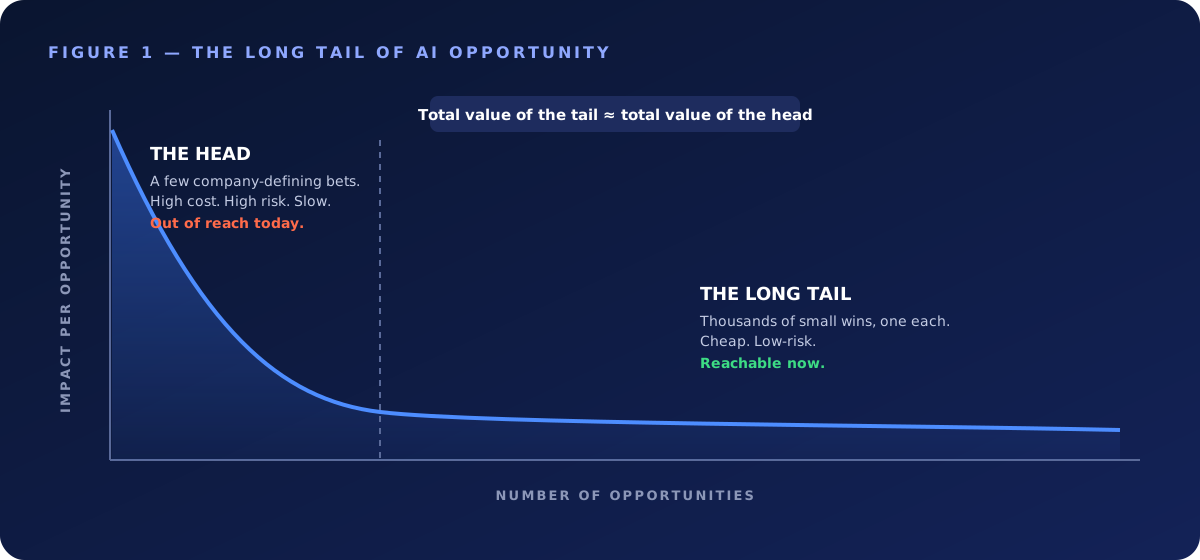
Why the tail was unreachable
## Unit economics kept it locked.
Custom software for one person's problem never cleared the bar. IT would price the work, weigh it against a backlog of company-wide needs, and shelve it. Correctly. Spending two engineering weeks so one analyst could stop hand-copying a report was a bad trade. So the analyst kept copying, for years, and the company absorbed the waste because the waste was invisible and the fix was expensive.
AI collapses that cost toward zero. The analyst can now build the fix themselves in an afternoon. The bar that protected the backlog is gone. Every n-of-one problem in the building just became worth solving. That is the unlock. Not smarter models. Cheaper builds.
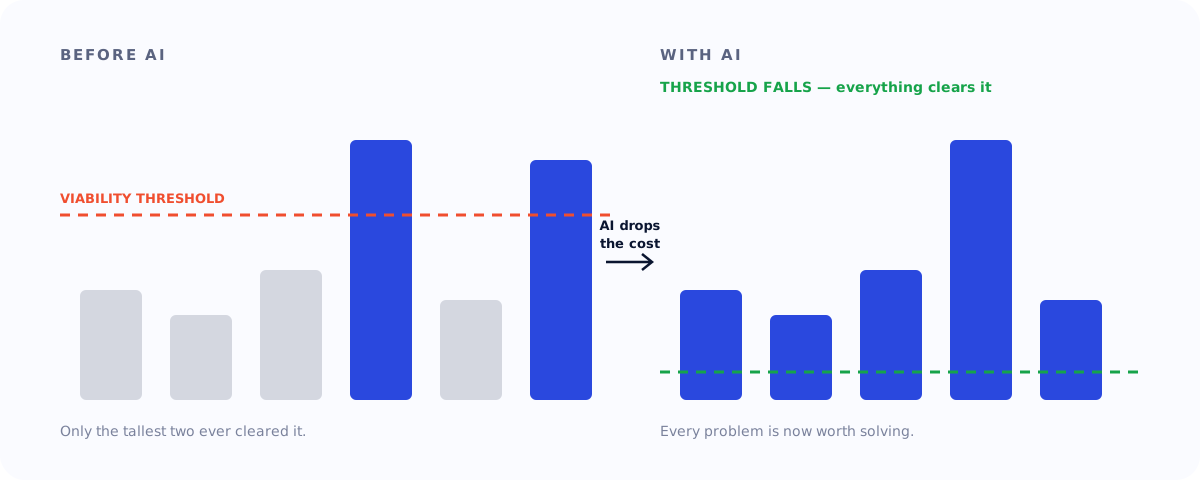
Why the head is a trap
## Lead with the moonshot and momentum dies in the deck.
The big applications are real and they matter. They are also slow, costly, and risky. They need new infrastructure, re-engineered process, and a year of change management with a sponsor willing to bet their standing on it. Start there and you spend twelve months in committee before a single person feels AI improve their actual day.
Worse, you are guessing. You do not yet know which big bets will pay, because the organization has no real fluency to judge with. You are picking moonshots from a slide.
Start at the top, then move down
## AI adoption flows down, not up.
The instinct to let AI grow up from the bottom is appealing and wrong. An individual contributor sees their own slice. They will solve problems inside their role and never the ones that cut across the org, because they cannot see across the org. Cross-cutting impact has to be recognized and greenlit by someone with the whole picture, and that someone sits at the top.
This does not contradict starting at the tail. The building spreads across the tail, distributed to everyone. The leadership of that building starts at the top and moves down.
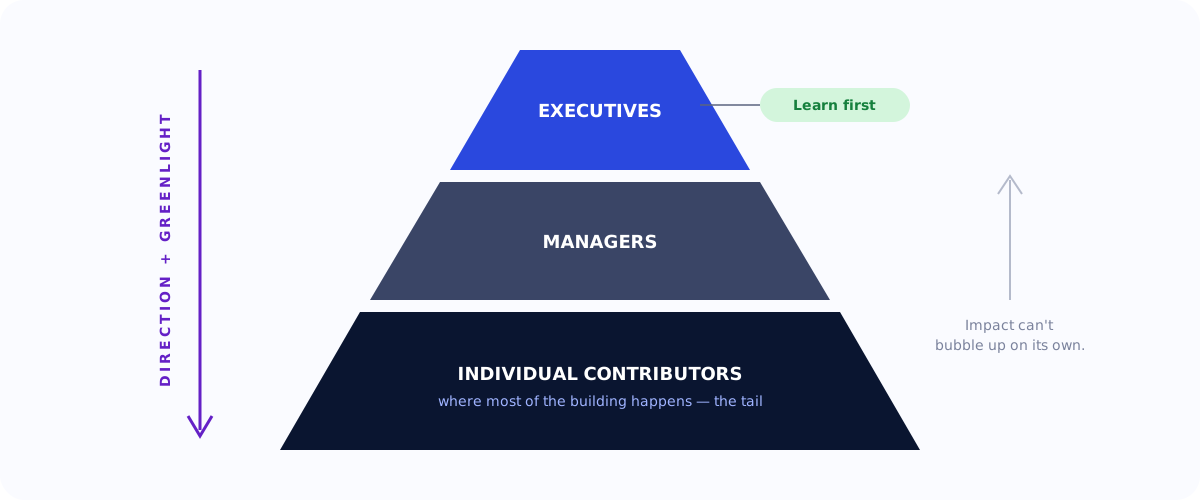
So the sequence starts with executives, and it starts with their own hands on the tools. Leaders must build. They must feel the rush of shipping a working thing in an hour that would have been a quarter-long project request. Part of that is calibration. Until a leader has built, they cannot judge what is now possible, and every AI decision they make is a guess dressed as strategy. The other part is credibility. A team can smell an executive pushing AI because they read about it on a flight. They cannot dismiss one who has built with the tools, felt the power firsthand, and can talk about it without notes.
The executive productivity trap
## Then they stop building.
The moment a leader can build is the moment they are tempted to keep building. It feels productive. It produces something. For an executive it is a trap. Time spent heads-down in a build is time not spent on the one job no one else can do, which is seeing and steering the whole system.
The deeper trap is ownership. An executive who owns an artifact has to maintain it, support it, and answer for it. They have become a product manager for a tool, and a product manager cannot also run the company. So executives do not own what they build in the euphoria phase. They build to learn, then they let it go.
> Confusing "I can build this" with "I should build this" is how a CEO becomes the company's most expensive intern.

Point the tools at direction, not delivery
## The highest-value thing a leader does with AI.
Once an executive stops building products, they point the same tools at the thing only they can do, which is set vision and direction. AI makes a leader's communication sharper and more concrete. Instead of a vague charter, they hand a team a fleshed-out brief, a working prototype that shows the intent, a strategy document that already answers the obvious objections. The artifact is not a tool the exec maintains. It is a richer starting point that accelerates the people who do the building.
A clearer ask saves a team weeks of misdirection. A prototype that communicates intent removes a dozen rounds of clarification. The leader's leverage was always their direction. AI lets them transmit it with far more fidelity.
Seed, then cascade
## Find the multipliers.
The executive's durable output from the builder phase is contagion. Having built, they fund the tools, set the direction, and push the capability down through every layer until it reaches the people who do most of the actual building, which is the rest of the org. Building lands where it belongs, with the people closest to the problems.
In every organization a few people have habits others copy. They are not always the senior ones. They are the ones whose Slack messages get screenshotted and whose shortcuts spread without a memo. Identify them early, give them the best tools and the most rope, and let them pull the rest of the org behind them. One well-placed multiplier beats a mandate.
The tail reveals the head
## The tail is a discovery engine for the big bets.
You do not climb from the tail to the head by piling up small wins until they fuse into a big one. The literacy that lets a marketer automate their own reporting is not the change-management muscle that re-architects a core process. What transfers is evidence. When five people on three teams independently build the same scoping helper, you have found a head-of-curve project, already validated by real demand and real usage.
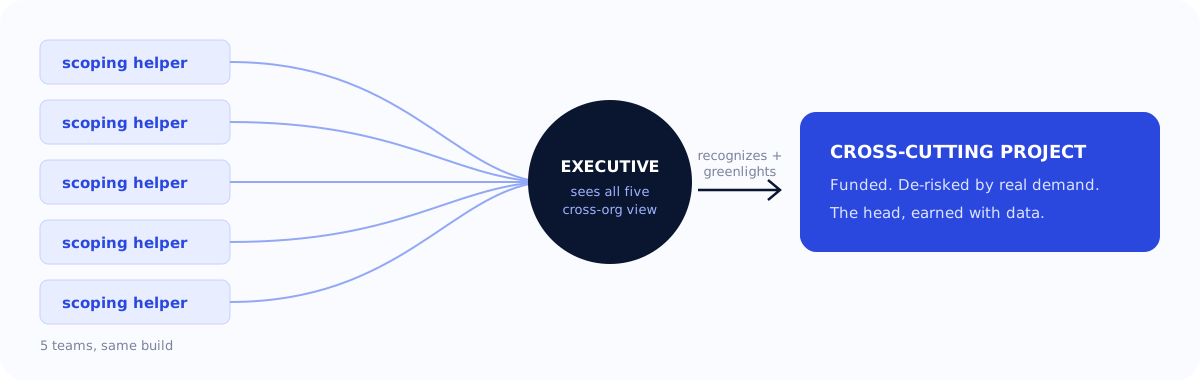
The catch is that only someone with the cross-org view can spot the pattern and act on it. An IC sees their own helper. The executive sees all five, recognizes the cross-cutting project underneath, and greenlights it. You still move left on the curve. You just earn the right to, with data instead of a guess.
The AI adoption operating system
## What the organization needs.
Tools and inspiration are not enough. The loop needs scaffolding. Eight things.
Tools
Best-in-class AI tools on team or enterprise plans. Not the free tier, not "expense it yourself." Making people pay out of pocket signals that AI is a hobby, not a priority.
A clear owner
One person or team owns the initiative, the tools, the passion, and the skills marketplace. They also own the lifecycle. Someone has to retire what no longer earns its keep, or the tail turns into a swamp.
A community
A channel where the AI-pilled gather, show what they built, and steal from each other. Adoption is social before it is technical. People build because they watched a peer build.
A competency model
Define what AI fluency means for each role and level. Without it, "get good at AI" is a slogan. With it, it is a job expectation you can hire, review, and promote against.
Architecture, governance, and data rules
Define how a vibe-coded app earns its way into production, and what data it may touch. For a services firm this is existential. One leaked engagement ends a client relationship.
Protected time
Tools without slack in the calendar produce nothing. People need explicit permission and real hours to learn and build. Fund the time or admit the initiative is theater.
Measurement, then celebration
Track time saved, errors avoided, cycle time cut, revenue influenced. Then celebrate loudly, by name. Measurement makes the value real. Celebration makes people want in.
## The predictable ways this fails.
- **The executive who delegates the learning.** They assign someone to "look into AI" and never touch it, and stay unable to make a good call forever.
- **The euphoria that fades.** Month one is fireworks. Month three is silence, because the scaffolding was never built and the enthusiasts burned out alone.
- **The shelfware build.** Something impressive ships, earns applause, and is never used again because it solved a demo, not a job.
- **The champion who leaves.** The whole program lived in one person's head and walked out the door. Owners and documentation prevent exactly this.
- **The data leak.** It only has to happen once.
For a services firm
## Run it well and it becomes the product.
If you sell engineering and design, this playbook is also a product. Your own internal adoption is the proving ground for [the methodology you bring to clients](/our-services/ai-strategy-workshops/). Run it well and the way you transformed your own company becomes the strongest thing you can sell, because you can show the scars and the receipts. Eat your own cooking first. Then put it on the menu.
## The whole thing in two lines
Start at the tail and earn your way to the head. Keep your leaders out of the build and in the system.
#### Frequently Asked Questions
##### What does "start at the tail" mean for AI adoption?
AI value inside a company follows a long tail. A handful of applications carry enormous impact, while thousands carry a little each. Starting at the tail means going after those thousands of small wins first, because their combined value rivals the big bets and, unlike the big bets, they are reachable now.
##### Why couldn't companies capture the long tail before AI?
Unit economics. Custom software for one person's problem never justified the engineering cost, so IT correctly shelved it. AI collapses the cost of building toward zero, so an analyst can build their own fix in an afternoon and every n-of-one problem becomes worth solving.
##### Why is leading with a big AI moonshot a mistake?
Head-of-curve projects need new infrastructure, re-engineered process, and a year of change management. Leading with them means months in committee before anyone feels AI improve their day. And without organizational fluency, you are guessing which big bets will pay.
##### Should executives build with AI tools themselves?
Yes, at first. Building gives leaders the calibration to judge what is now possible and the credibility to lead the change. Then they should stop building and point the tools at setting vision and direction, since owning an artifact turns an executive into a product manager for a tool.
##### What does an organization need to sustain AI adoption?
Tools and inspiration are not enough. It needs scaffolding, in eight parts:
best-in-class tools on team or enterprise plans
a clear owner
a community
a competency model
architecture, governance, and data rules
protected time
measurement, then celebration
consistency through shared skills and plugins
##### How do small AI wins lead to large AI projects?
Through evidence, not accumulation. When several people on different teams independently build the same tool, an executive with the cross-org view can recognize the underlying cross-cutting project and greenlight it, already validated by real demand and usage.
##### How do you measure AI adoption across an organization?
Track time saved, errors avoided, cycle time cut, and revenue influenced. Then celebrate the wins loudly, by name. Measurement makes the value real, and celebration makes people want in.
##### Why do AI adoption programs fail?
Usually in one of five predictable ways:
the executive delegates the learning and never touches the tools
early euphoria fades because the scaffolding was never built
an impressive build solves a demo, not a job, and is never used again
the program lives in one champion's head and walks out the door with them
a data leak, which only has to happen once
##### Who should own AI adoption inside a company?
One person or team should own the initiative, the tools, and the skills marketplace. They also own the lifecycle, retiring what no longer earns its keep, so the long tail of small tools does not turn into a swamp.
### Giving an AI Agent the Keys: Agentic Workflows with Claude and Flutter
Source: https://verygood.ventures/blog/giving-ai-agent-keys-agentic-workflows-claude-flutter/
Most LLM demos stop at generating text. The interesting (and scary) part starts when the model can call functions that change real data.
While preparing for the [Claude Certified Architect certification](/blog/passing-the-claude-certified-architect-exam/), I wanted to see that in practice, so I gave a Claude-powered agent one job: handle support chats inside a Flutter app, including issuing refunds. My test case was a simple support ticket: *"the keyboard I ordered arrived scratched"*.
To close that ticket correctly, the agent has to chain several steps: verify who the customer is, find the order, check that it was actually delivered, decide whether the amount is within its limit, and then either refund or hand the case to a human.
A chatbot isn't enough here. It can explain the refund policy, but the customer still waits for someone to act on it. A fixed workflow isn't enough either. It can act, but it expects every ticket to follow the same path, and support tickets rarely do. One customer forgets their order number, another's package is still in transit, another wants a repair instead of a refund, and another asks for more than the refund limit. An agent reads the request in the customer's own words, picks the next step based on what it just learned, and knows when to hand the case to a person.
That flexibility is also the risk, because every one of those steps is a place where a bad decision has real consequences. That leads to the question this post is about: **where do you put the guardrails when an LLM can trigger side effects?** To put it to the test, I built an application with a Flutter chat client, a FastAPI backend and a Claude tool-use loop with five tools and two hooks. Let's go through the important pieces with real code.
## Architecture overview
One turn of the system looks like this:
- The Flutter app sends `user_id`, `messages` and `conversation_id` to `POST /chat`.
- FastAPI calls `run_conversation`, which runs the Claude tool-use loop.
- Every tool request goes through input validation, a **pre-hook**, the tool function and a **post-hook**.
- The final text reply, the updated message history and the `conversation_id` go back to the app.
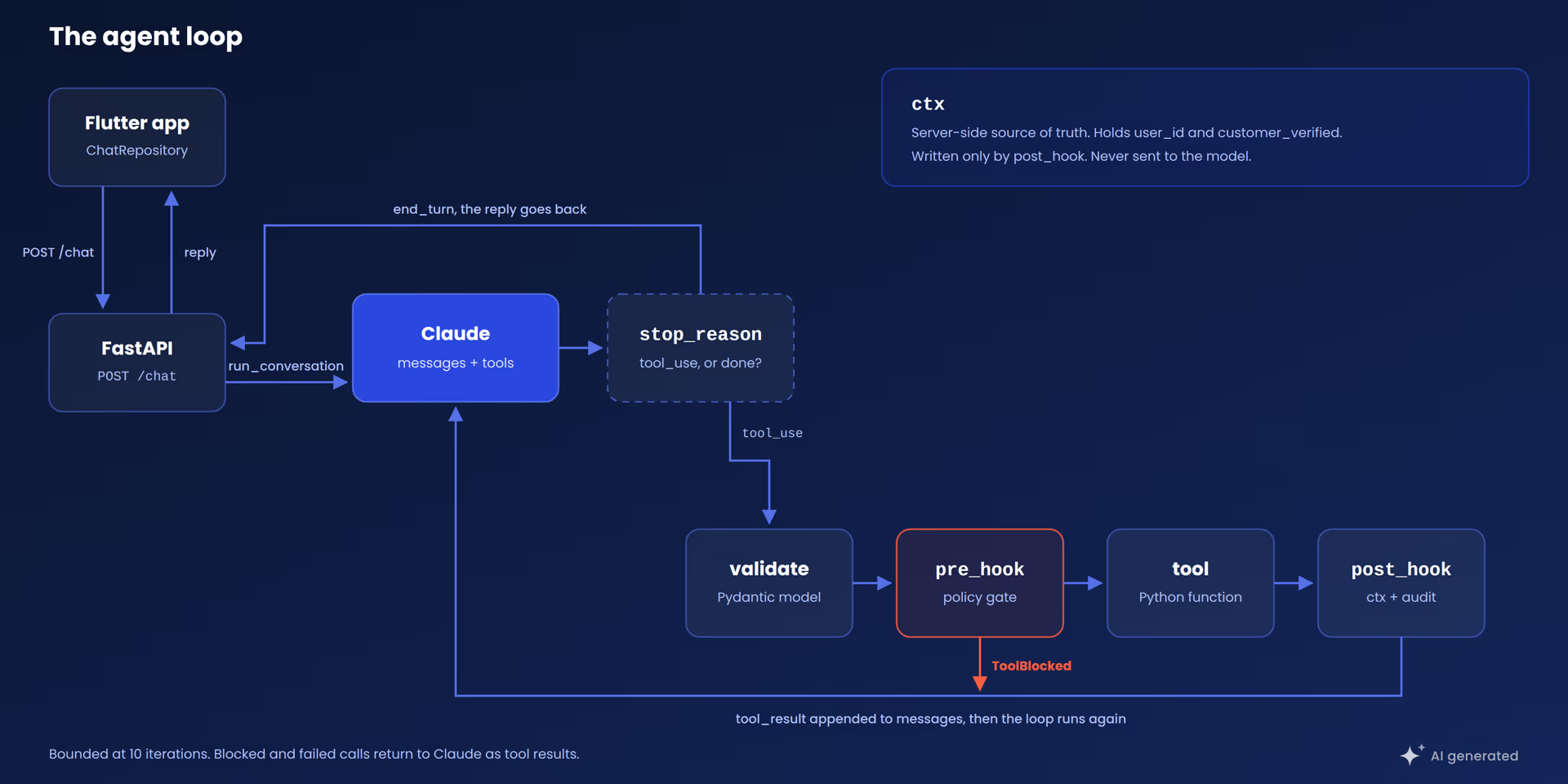
*One turn of the loop. The `ctx` box holds the facts the model never sees.*
The design principle I kept coming back to is simple: **the model proposes, the backend decides.** The model never executes anything. It emits a request, and my code is the only thing that can act on it.
## The tool-use loop
When Claude wants to use a tool, the response comes back with `stop_reason == "tool_use"` and one or more `tool_use` content blocks, each carrying a tool `name`, an `id` and an `input` object. I run the function, send the output back as a `tool_result` block tied to that `id`, and call the API again.
This is the loop from the application, with error handling removed:
```python
def run_conversation(
user_id: str,
messages: list,
model: str = MODEL,
conversation_id: str | None = None,
) -> dict:
conversation_id, ctx = _session_for(conversation_id, user_id)
max_iterations = 10
iteration = 0
while iteration < max_iterations:
iteration += 1
response = client.messages.create(
model=model,
max_tokens=1024,
system=SYSTEM,
tools=TOOLS,
messages=messages,
)
messages.append({
"role": "assistant",
"content": [block.model_dump() for block in response.content],
})
if response.stop_reason != "tool_use":
reply = "".join(b.text for b in response.content if b.type == "text")
return {"reply": reply, "messages": messages, "conversation_id": conversation_id}
tool_results = []
for block in response.content:
if block.type != "tool_use":
continue
validated_input = _validate_tool_input(block.name, dict(block.input))
safe_input = pre_hook(block.name, validated_input, ctx)
raw = run_tool(block.name, safe_input)
result = post_hook(block.name, safe_input, raw, ctx)
tool_results.append({
"type": "tool_result",
"tool_use_id": block.id,
"content": json.dumps(result),
"is_error": False,
})
messages.append({"role": "user", "content": tool_results})
```
Three details worth noticing:
- **The full assistant content is appended**, including `tool_use` blocks. The API requires each `tool_result` to match a preceding `tool_use` id.
- **`max_iterations = 10` is a hard ceiling.** Without it, a model that loops on a failing tool burns tokens against a metered API with no upper bound.
- **The order is fixed:** validate, pre-hook, execute, post-hook. The model can influence the input of that pipeline, but never skip a stage.
## Tool definitions vs. implementations
Each tool has two parts that never touch. The first is the schema sent to the API, which is the only thing the model sees:
```python
{
"name": "process_refund",
"description": (
"Issue a refund for an order. Only call after confirming the order exists, "
"is delivered (not in transit), is refundable, and the amount is at most "
"the order total. If the customer reported a technical problem, first ask "
"whether they want a repair or a refund."
),
"input_schema": {
"type": "object",
"properties": {
"order_id": {"type": "string"},
"amount": {"type": "number", "description": "Refund amount in the order currency."},
"reason": {"type": "string", "description": "Short reason for the refund."},
},
"required": ["order_id", "amount", "reason"],
},
}
```
The `description` is the most important field. It is the instruction the model uses to decide **when** to call the tool, so I treat it as part of the prompt, not as a comment. When the agent's behavior is off, I go there first, before touching the model.
The agent has exactly five tools: `get_customer`, `lookup_order`, `list_recent_orders`, `process_refund` and `escalate_to_human`. Keeping the count around four or five per agent is deliberate, because tool selection gets less reliable as the list grows. Beyond that, split the work across focused subagents.
The second part is the implementation, a plain Python function the model can only ask for:
```python
def get_customer(identifier: str) -> dict:
"""Look up a customer by id or email. Returns the profile or a not_found marker."""
customer = _find_customer(identifier) # replace: db.find_customer(identifier)
if customer is None:
return {"found": False, "identifier": identifier}
return {"found": True, "customer": customer}
```
Storage is an in-memory dict, and each `# replace:` comment marks the line I'd swap for a real datastore. Now the refund, where the side effect lives:
```python
def process_refund(order_id: str, amount: float, reason: str) -> dict:
"""Issue a refund for an order. Money side effects live here."""
order = _ORDERS.get(order_id.strip()) # replace: db.get_order(order_id)
if order is None:
return {"status": "rejected", "reason": "order not found", "order_id": order_id}
if order["status"] == "shipped":
return {
"status": "rejected",
"reason": "order is still in transit, it can be refunded once delivered",
"order_id": order_id,
}
if not order["refundable"]:
return {"status": "rejected", "reason": "order is not refundable", "order_id": order_id}
if amount <= 0 or amount > order["total"]:
return {
"status": "rejected",
"reason": "amount must be greater than zero and at most the order total",
"order_id": order_id,
"order_total": order["total"],
}
receipt_id = f"R-{len(_REFUNDS) + 9001}" # replace: payments.refund(order_id, amount)
_REFUNDS.append({ # replace: db.write_refund(record)
"receipt_id": receipt_id,
"order_id": order_id,
"amount": amount,
"reason": reason,
"refunded_at": _now(),
})
return {"status": "refunded", "order_id": order_id, "amount": amount, "receipt_id": receipt_id}
```
The function re-checks everything the description told the model to confirm. That is **defense in depth**: the description makes the model likely to behave, and the function makes misbehavior harmless. I don't trust the schema description alone for anything that issues a refund, and I wouldn't recommend it either.
## Hooks: enforcing policy outside the model
Hooks are the layer most teams skip in the first version. A **pre-hook** runs before every tool call and can block it. A **post-hook** runs after and records what actually happened.
```python
def pre_hook(tool_name: str, tool_input: dict, ctx: dict) -> dict:
if not ctx.get("user_id"):
raise ToolBlocked("unauthenticated request")
if tool_name == "process_refund":
if not ctx.get("customer_verified"):
raise ToolBlocked(
"you must verify the customer identity first by calling get_customer, "
"then confirm the order with lookup_order before processing a refund"
)
if float(tool_input.get("amount", 0)) > REFUND_LIMIT:
raise ToolBlocked(
f"refund of {tool_input['amount']} is over the {REFUND_LIMIT} limit, "
"escalate to a human instead"
)
log.info("tool_start name=%s user=%s", tool_name, ctx.get("user_id"))
return tool_input
```
```python
def post_hook(tool_name: str, tool_input: dict, result: dict, ctx: dict) -> dict:
if tool_name == "get_customer" and result.get("found"):
ctx["customer_verified"] = True
if tool_name == "process_refund" and result.get("status") == "refunded":
AUDIT.append({
"user_id": ctx.get("user_id"),
"action": "refund",
"order_id": result.get("order_id"),
"amount": result.get("amount"),
"receipt_id": result.get("receipt_id"),
})
return result
```
Together they give you:
- **Authentication:** no `user_id` in `ctx`, no tool execution.
- **Precondition enforcement:** `customer_verified` is set only by the post-hook, and only after a real lookup returned a real customer.
- **A spending limit:** a single constant, `REFUND_LIMIT`, so changing it from 200 to 500 is a one-line diff.
- **An audit trail:** every executed refund is recorded with user, order, amount and receipt.
You may ask why enforce in code what the system prompt already asks for. Because **a prompt is a request and a hook is a rule**. Claude follows the prompt reliably, but for anything that changes an account or issues a refund, the guarantee has to come from code that runs on every turn, including the rare one where the model doesn't comply.
Not every rule belongs in a hook. The "repair or refund?" question lives in the prompt and the tool description, because no function can reliably tell a broken keyboard from a disappointing one. My rule of thumb: hooks for invariants, the model for judgment.
## Returning blocks as model-readable feedback
When a hook raises `ToolBlocked`, the message is returned to the model as the tool result. So the message is written for the model, not for a log file. "You must verify the customer identity first by calling `get_customer`" reads as an instruction, and Claude usually makes the right call on its next turn.
Take a refund request for a 499 monitor with a limit of 200:
- Claude calls `get_customer`, then `lookup_order`.
- Claude calls `process_refund` with `amount=499`.
- The pre-hook raises `ToolBlocked("...over the 200 limit, escalate to a human instead")`.
- Claude calls `escalate_to_human` with a summary of what it learned.
- The customer gets a ticket number and an honest explanation.
No branch in the code handles this sequence. The rule lives in one place and the model routes around it.
Validation and runtime errors follow the same pattern and come back as structured data:
```python
content = json.dumps({
"error": "validation_failed",
"message": err.message,
"details": err.errors,
"retryable": False,
})
```
I added a `retryable` flag so the model knows whether to try again. After two consecutive unrecoverable failures, the loop stops retrying and escalates to a human instead of spinning.
## Server-side session state
Each message from the app is a separate HTTP request, so the facts the hooks rely on, like `customer_verified`, have to survive between requests. And they can't come from the client: the message history is editable, so anyone could forge a lookup that never happened. **Facts that authorize an action must live on the server.**
The backend issues a `conversation_id` on the first reply and keeps `ctx` under it:
```python
def _session_for(conversation_id: str | None, user_id: str) -> tuple[str, dict]:
ctx = _SESSIONS.get(conversation_id) if conversation_id else None
if ctx is None or ctx["user_id"] != user_id:
conversation_id = uuid.uuid4().hex
ctx = {"user_id": user_id}
_SESSIONS[conversation_id] = ctx
return conversation_id, ctx
```
An unknown id, or one that belongs to a different `user_id`, simply starts a fresh conversation with nothing verified. In this demo `_SESSIONS` is a plain dict, but I'd swap it for a real session store with an expiry before shipping anything.
## Flutter client architecture
To connect the agent with the Flutter app, this demo uses a simple FastAPI server. It exposes a single endpoint, and it's deliberately thin:
```python
@router.post("/chat")
def chat(req: ChatRequest) -> dict:
return run_conversation(
req.user_id, req.messages, conversation_id=req.conversation_id
)
```
The agent code has no HTTP dependency, so I can unit test it without a server. The Claude API key lives in the backend's `.env` file and never reaches the Flutter app.
On the Flutter side I used *[Layered Architecture](/blog/very-good-flutter-architecture/)*:
- The **API client** handles JSON and status codes.
- The **repository** owns the conversation and is the only class that touches the client.
- The *[bloc](/blog/why-we-use-flutter-bloc/)* owns UI state and never sees a network call.
```dart
Future sendMessage(String text) async {
_history.add({'role': 'user', 'content': text});
final response = await _apiClient.sendChat(
userId: _userId,
messages: _history,
conversationId: _conversationId,
);
_conversationId = response.conversationId;
_history
..clear()
..addAll(response.messages);
return ChatMessage(role: ChatRole.assistant, text: response.reply);
}
```
The repository replaces its local history with the server's list on every round trip. That list includes every `tool_use` and `tool_result` block, so the next request carries the full record and the model doesn't repeat lookups. One source of truth, refreshed every time.
## When you should not build an agent
Agents add cost, latency and risk, so before I build one I run through these seven questions:
- **Does the task end with an action or an answer?** For answers, a single model call is usually enough.
- **Does it need data from your own systems?** If yes, it needs tools. If not, it probably doesn't.
- **Are the steps the same every time?** A fixed sequence is cheaper and easier to test as a plain workflow.
- **Is the input free text or a form?** Structured fields rarely need a model to interpret them.
- **Can I write down what it may do?** If I can list actions, limits and escalation cases, they become hooks. If not, the policy work comes first.
- **What is the cost of one wrong action?** The higher it is, the more identity checks, limits, an audit trail and a human path I want in place.
- **How many actions does it need?** One to about five fits a single agent. Beyond that, I'd split the work into subagents.
None of them is about model quality, which is the point.
## Summary
The pattern is small and reusable: a bounded loop, a narrow tool list, checks that assume the model got it wrong, and session facts kept on the server. Swap the five tools for claims intake, IT support or dispatch, and the loop stays the same while tools and hooks carry the domain.
## Conclusion
Building this was one of the most useful things I've learned lately, and the best part is how simple it was to implement. The loop is a few dozen lines, each tool is a normal function, and the hooks are just a couple of short files you can read in one sitting. There is no magic in there, and that's exactly why I trust it.
I really think this has a lot of potential. Adding AI workflows to a product doesn't need a huge rewrite. I started with one small agent, a handful of tools and a few rules, and from here I can keep growing it: more tools, more hooks, another agent for another job. And because the policy lives in my code and not in the model, I can keep adding power without losing control.
The full code is at [VGVentures/dash_support_agent_poc](https://github.com/VGVentures/dash_support_agent_poc). Clone it, break a hook on purpose and watch what the agent does.
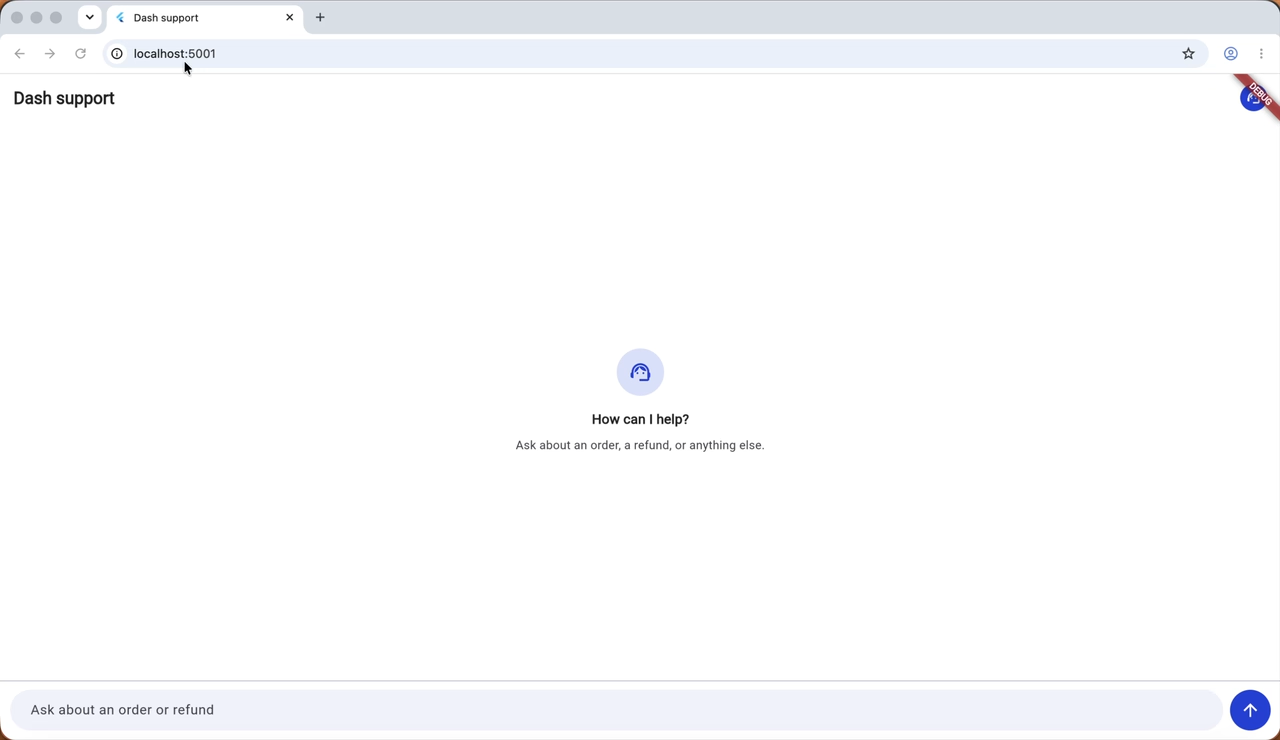
*The agent running locally, with the Flutter app in front and the agent resolving the request behind it.*
#### Frequently Asked Questions
##### What is an agentic AI workflow?
An agentic AI workflow lets a model take actions instead of only answering questions. The model runs in a tool-use loop, asks your backend to run functions like looking up an order or issuing a refund, reads the results, and keeps going until the task is resolved.
##### Does Claude execute tools directly?
No. When the Claude API returns a stop_reason of tool_use, the response only names a function and its arguments. Your code decides whether to run it, reject it, change the arguments, or log it and do nothing. The result goes back to the model as a tool_result on the next turn.
##### What are pre-hooks and post-hooks in an AI agent?
A pre-hook runs before every tool call and can block it, for example when the customer is not verified or a refund is over the spending limit. A post-hook runs after the tool and records what actually happened, such as marking a customer as verified or writing a refund to the audit log.
##### Why enforce rules in code if the system prompt already asks for them?
A prompt is a request while a hook is a rule. Claude follows the prompt reliably, but for anything that issues a refund or changes an account, the backend has to enforce the policy so it holds even on the rare turn where the model does not.
##### Should the Flutter app call the Claude API directly?
No. The Claude API key should live in the server environment and never ship inside the mobile app. The Flutter app talks to your backend, and the backend runs the agent loop, the tools, and the hooks.
##### How many tools should a single AI agent have?
The Claude Certified Architect material suggests roughly four or five tools per agent. Beyond that, it is usually better to split the work across subagents that each own a focused group of tools.
##### Why does an AI agent loop need a maximum number of iterations?
An agent can talk itself into a circle. A fixed ceiling, 10 turns in this proof of concept, stops runaway calls against a metered API and keeps costs predictable.
##### When should an AI agent hand the conversation to a human?
Make escalation a real tool the agent can call. In this demo a pre-hook blocks refunds above the limit and tells the agent to escalate, so the customer gets a ticket number and an honest explanation.
##### How does an AI agent keep state between chat messages?
Each message is a separate request, so anything the hooks rely on, such as whether the customer was verified, has to be stored on the server under a conversation id. The message history can live on the client, but the client can edit it, so it should never be the source of truth for facts that authorize an action.
### VGV Brings Its Flutter and Dart Expertise to the Claude Partner Network
Source: https://verygood.ventures/blog/vgv-brings-flutter-and-dart-expertise-to-claude-partner-network/
Very Good Ventures has joined the [Claude Partner Network](https://www.anthropic.com/news/services-track-partner-hub) at the Select tier. On projects like [Divine](/success-stories/divine/) and [Scooter's Coffee](/success-stories/scooters-coffee/), our team worked with Claude, powered by Anthropic, from design files to production code.
We're excited to be part of the network. Our team has put a lot of work into using Claude well and introducing it to teams running Flutter at scale. We have been building with Claude since its launch, have believed in its potential, and have helped our clients grow and deliver with it. Over the last few years, we have seen teams raise the bar of quality across engineering, design, and product when they use AI thoughtfully.

## VGV On Craft, Taste, And Judgment
Anyone can get an AI tool to produce code. But those that build successful products, used by thousands or millions of users, know that design, product, and code need to be crafted harmoniously together so you can operate and grow in a predictable, scalable way. This is the part where the speed of AI, and the judgment and taste of the team need to meet in order to delight your customers.
That is where VGV spends its effort. Our team has years of Dart and Flutter behind them, and our designers sweat the details that take a good-looking feature to something that delivers value. [Flutter AI engineering](/resources/flutter-ai-engineering/) makes our team faster, but we don't let speed get in the way of quality. *Ship faster, ship safer* has always been our *modus operandi*, and today we're excited about what we can achieve with Claude.
## What This Looks Like On Real Projects
Two recent engagements show what that looks like in practice.
### Divine
We partnered with Divine, the decentralized short-form video app, on a fast-moving Flutter codebase that had been vibe-coded into existence. It worked, but it wasn't ready for production. Over 90 days, we worked alongside Divine's team to stabilize it, introduce structured AI-engineering practices, and shipped it to the stores.
The work ran on a Claude-enabled workflow across design and engineering. Read the full [Divine case study](/success-stories/divine/).
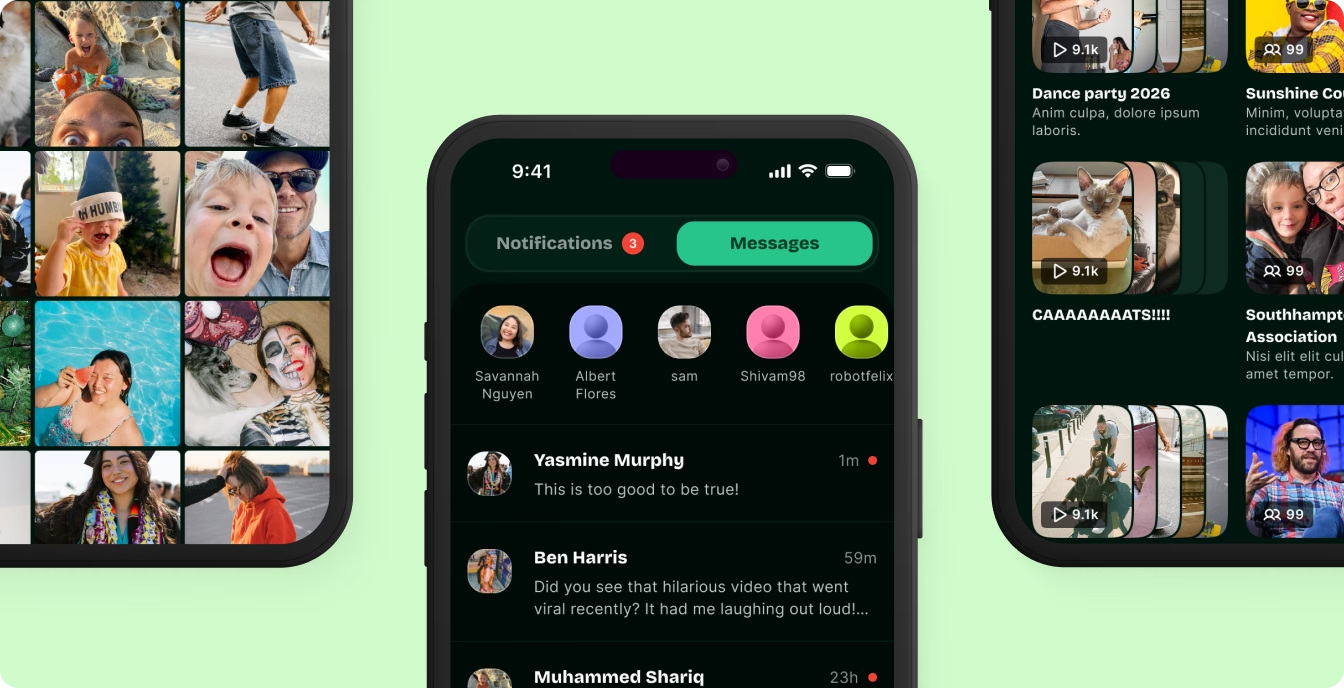
### Scooter's Coffee
Scooter's Coffee ran two native mobile apps, iOS and Android, that carry a large share of its revenue. We partnered with Scooter's Coffee to migrate both apps to Flutter in a single codebase, using a custom [multi-agent AI pipeline](/resources/agentic-ai-systems/). Together, we compressed an estimated 6- to 8-month timeline into 3 to 4 months.
The [Scooter's Coffee case study](/success-stories/scooters-coffee/) covers how the pipeline works.
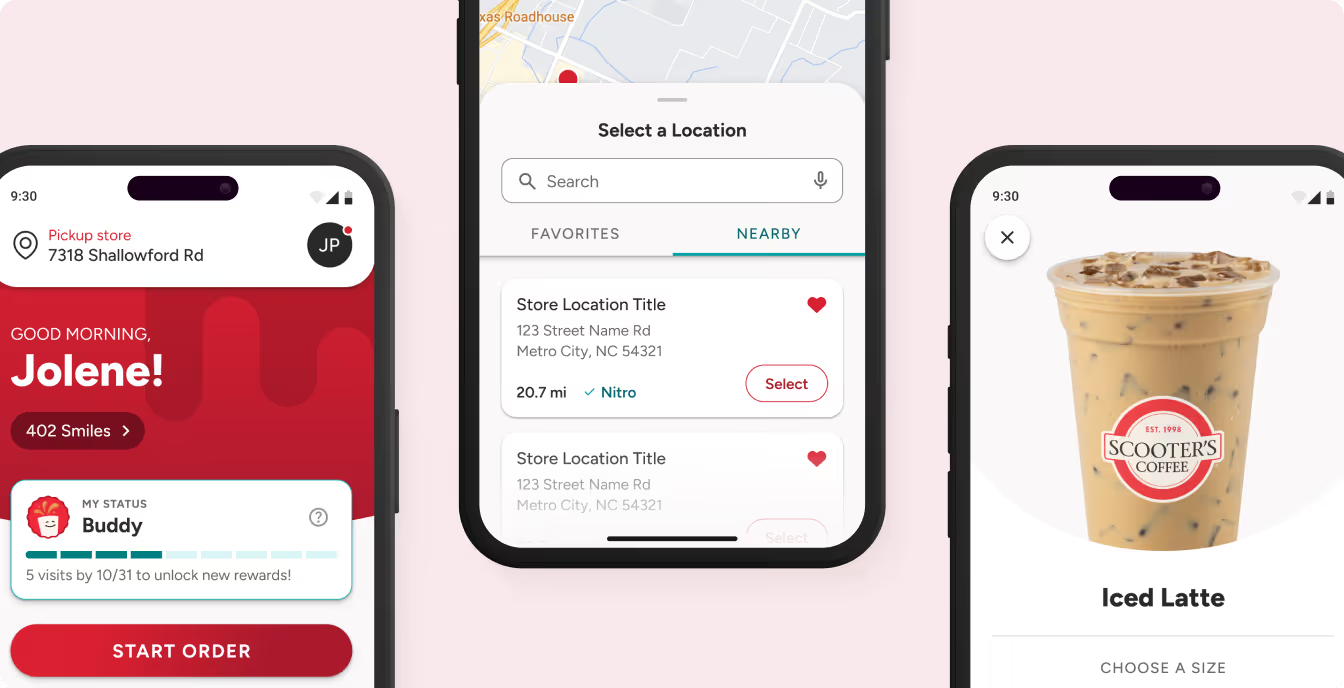
The two projects look different. One rescued a codebase, the other moved a well-established product to a new tech stack. Both ran on the same idea: point AI at the work it does well, and extend it with your own standards and craft through skills, custom agents, and MCP servers. Keep people responsible for the decisions that need taste, and hold the output to the same bar as anything else we ship.
> "Our clients want a partner who has already changed how they build with AI, and that's the work we've been doing every day. We bring that hands-on experience to the Claude Partner Network, grounded in years of shipping Dart and Flutter apps at scale."
>
> Jorge Coca, VP of Engineering
## What It Means For Teams Building With Flutter
If you're building a [Flutter app](/our-services/application-development/) and want to use AI without giving up quality, this is how we work. Our engineers know Dart and Flutter well, and we've used Claude and Anthropic's tooling to deliver real projects alongside our clients' teams.
That might mean rescuing a prototype that has outgrown itself, as with Divine. It might mean [migrating native apps into one codebase](/resources/flutter-migration/), as with Scooter's Coffee. Or it might mean [building something new with AI](/our-services/agentic-ai-solutions/) in the workflow from the first sprint.
We'll keep sharing what we learn along the way. If one of those sounds like your situation, [talk to our team about your Flutter project](/contact-us/).
#### Frequently Asked Questions
##### What is the Claude Partner Network?
It is Anthropic's partner program. Very Good Ventures has been named a Select Services Partner in the Claude Partner Network.
##### Does VGV use Claude on client projects?
Yes. On the Divine and Scooter's Coffee engagements, Claude was part of the delivery workflow, alongside VGV's engineers and designers.
##### Does joining the network change how VGV builds software?
No. VGV still starts from engineering craft and a high quality bar. AI tools speed up the work. Review, testing, and design judgment still come from people.
##### Can VGV help get a fast-moving Flutter codebase ready for production?
Yes. VGV partnered with Divine to stabilize a fast-moving Flutter codebase, introduce structured engineering practices, and ship a production-ready app in 90 days, using a Claude-enabled workflow.
##### Can VGV migrate native iOS and Android apps to Flutter?
Yes. VGV partnered with Scooter's Coffee to migrate its iOS and Android apps into a single Flutter codebase using a custom multi-agent AI pipeline, compressing an estimated 6- to 8-month timeline into 3 to 4 months.
### Building The New In-Vehicle Infotainment Demo For Automotive Grade Linux
Source: https://verygood.ventures/blog/vgv-builds-new-automotive-grade-linux-flutter-demo/
One of the most exciting things about Flutter is building products beyond mobile apps. After all, anywhere where you see a screen, you should be able to create Flutter apps for it. And most of us, when we are not looking at our phones, or our computers, we still spend a few hours per week *"looking"* at a different screen: our vehicles, and their In-Vehicle Infotainment (IVI) systems. And, of course, you can create that whole experience with Flutter and [Automotive Grade Linux](https://www.automotivelinux.org/), the industry-standard open platform used by many automakers and suppliers to enable rapid development of new features and technologies for vehicles.
We joined the project in [Spring of 2026](https://verygood.ventures/blog/vgv-joins-automotive-grade-linux-flutter-has-never-been-more-ready-for-the-road/), and we will be debuting a new demo during this year's [AGL All Members Meeting Europe 2026 in Berlin](https://events.linuxfoundation.org/agl-amm-europe/).
If you're interested in building your own IVI project on top of AGL, this guide should contain all the information you need to get you started.
## The Reference Hardware
AGL can run in many different hardware hosts, but my favorite one, as it is very accessible and affordable, is the Raspberry Pi 5. I have tried both the 1GB and 8GB RAM models, and both will do quite well for the majority of the use cases you can imagine.
In order to have a realistic IVI experience, you will need also a touchscreen. I'm particularly fond of the 10.1" form factor, and a quick Amazon search should give you an array of options to choose from.
In my case, I have [MAGEX 10.1" Multi-Touch Screen with Audio support](https://www.amazon.com/dp/B0FN81KTHW?ref=ppx_yo2ov_dt_b_fed_asin_title&th=1) that I like a lot, as it offers a case for the Pi, multi-touch support and audio output in one single device, which makes it perfect for testing, but also to use as demo hardware at conferences and booths.
Finally, you will need an SD Card that can hose the operating system and the Flutter app. Mine is 32GB, and there's definitely extra storage in there.
Needless to say, you don't need any hardware to get you started, as you can create AGL emulators within your computer, but in my opinion, the best developer experience when building for a vehicle is when you can deploy to the hardware directly.
## Is It As Simple As Targeting Linux?
The answer is no. When you run `flutter run -d linux` you are targeting Flutter's GTK desktop embedder, but AGL does not use that embedder. AGL images run their own [Wayland](https://wayland.freedesktop.org/) compositor, and expect Flutter apps to be hosted by a purpose-built embedder like [ivi-homescreen](https://github.com/toyota-connected/ivi-homescreen), as we will see in this guide.
## Where Do We Start?
There are multiple ways to run your Flutter app inside a custom embedder, and this guide only covers one of those options. I will be relying on the custom tools built by our colleagues at [Toyota](https://flutter.dev/showcase/toyota); after all, they are the major automaker shipping Flutter to millions of drivers.
We will be using the following tools:
- [meta-flutter](https://github.com/meta-flutter/meta-flutter): A Yocto layer that bakes the Flutter engine, embedders, and your apps into embedded Linux images like AGL.
- [ivi-homescreen](https://github.com/toyota-connected/ivi-homescreen): Toyota Connected's C++ Flutter embedder that hosts Flutter apps directly on Wayland, DRM/KMS, or Vulkan with no GTK involved.
- [emb_cli](https://github.com/toyota-connected/emb_cli): A Dart CLI that sets up an embedded Flutter workspace and cross-compiles AOT app bundles for ivi-homescreen, ported from meta-flutter's workspace-automation scripts.
This guide will also assume that you will be deploying from Ubuntu (Resolute Raccoon is the version I'm using).
If you already have an existing Flutter app that you want to port to AGL, you will need to validate that all your dependencies have Linux support. And, even if all your dependencies have Linux support, you might encounter issues. Here you can find a list of the most important plugins that require platform code to be officially supported: [IVI Homescreen Plugins](https://github.com/toyota-connected/ivi-homescreen-plugins/tree/v2.0/plugins)
If you don't have an existing app, go ahead and run `flutter create your_app`.
### Setting Up Your Environment
When building a Flutter app for AGL, the coding process won't change: after all, widgets are portable across platorms, unit and widget are headless, and your building process is done inside your IDE... I mean, your agentic workflows.
However, the infrastructure is completely different. First of all, you will need to flash your SD card with Automotive Grade Linux. You can do so with `kas` or `bitbake`, completely up to you. This setup changes from time to time, so it is best to check the [latest documentation](https://docs.automotivelinux.org/en/unagi/#04_Developer_Guides/03_AGL_Application_Development/Develop_using_Flutter/01_Flutter_Workspace/) from the AGL team.
Once you do that, you can use `emb_cli` to cross-compile the Flutter app's AOT bundle, and push it to your new target:
```bash
emb cross . --target \
--build \
--backend wayland \
--workspace \
--app \
--mode release \
--deploy
```
In order to get your `agl_target`, running `emb cross . --list-targets` might offer you some information about where your AGL-flavored image is located.
As for your `pi_ssh_location`, most of the times you will find at `your_username@raspberrypi.local` if you are connected to the same network.
Once this command completes successfully, your AOT bundle will be now located inside your Raspberry Pi's SD card. It is time to launch the app.
From within IVI homescreen, you can just invoke `homescreen` to launch your experience:
```bash
sudo ./homescreen -b . --fullscreen
```
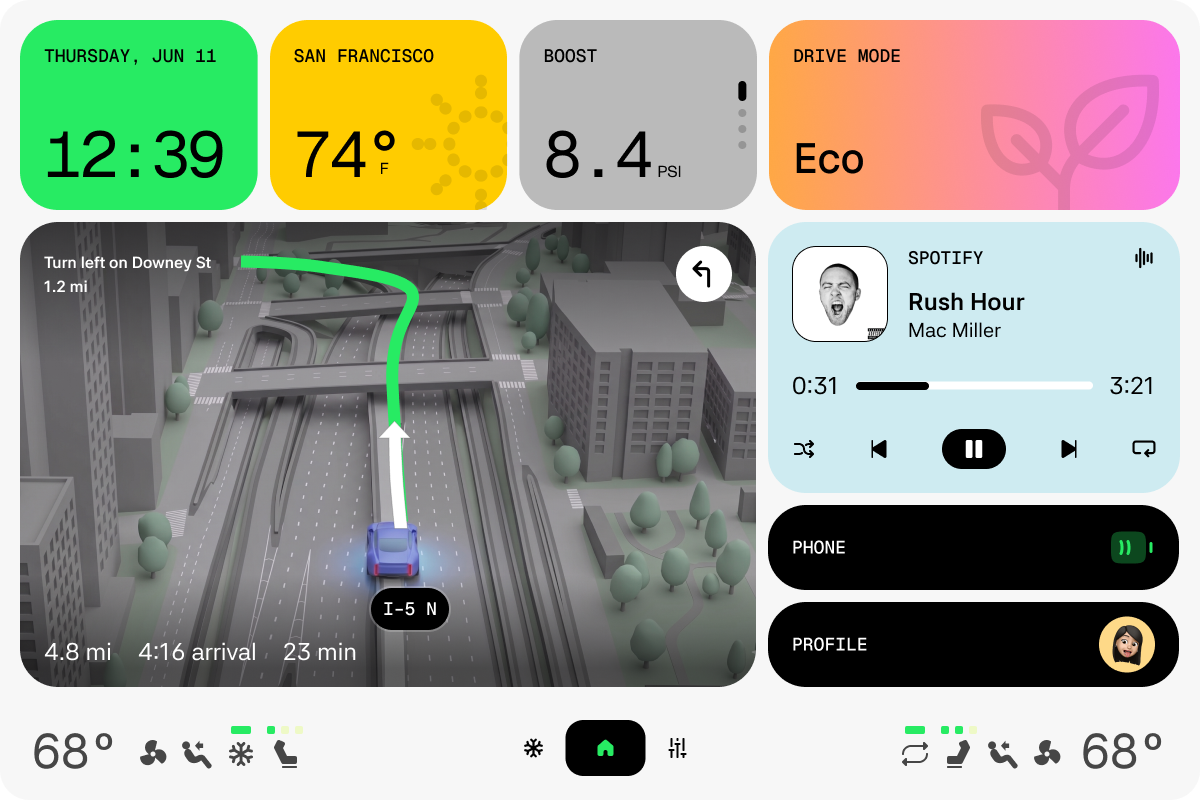
From here, it's all the same process. Iterate. Compile. Deploy. Repeat.
And the best part of it, is that the whole UI is still the Flutter wdiget system we are all used to use in mobile, web, and desktop.
## Extra Bonus: Shipping To Any Embedded Device
The tools mentioned above (`meta-flutter`, `ivi-homescreen` and `emb_cli`) aren't AGL exclusive. For example, our good friends from NuStep run all the gym and PT hardware equipment with Flutter, as shown this year at Fluttercon USA 2026.
[Video](https://www.youtube.com/watch?v=zfWY3XyatWA)
## One More Thing
This would not be a VGV demo withot the code being open sourced, which can be found at [VGVentures/agl_ivi_flutter_demo](https://github.com/VGVentures/agl_ivi_flutter_demo).
So, now that you know all this, the sky is the limit. Time to build. Let's go!
#### Frequently Asked Questions
##### What hardware do I need to build a Flutter IVI demo for Automotive Grade Linux?
A Raspberry Pi 5 (1GB or 8GB RAM both work well for most use cases), a touchscreen such as a 10.1" multi-touch display, and an SD card of at least 32GB to host the OS and the Flutter app. Hardware isn't required to get started, since AGL emulators can run on a computer, but deploying directly to hardware gives the most realistic developer experience.
##### Can I just run flutter run -d linux to target Automotive Grade Linux?
No. That command targets Flutter's GTK desktop embedder, but AGL images run their own Wayland compositor and expect Flutter apps to be hosted by a purpose-built embedder like ivi-homescreen instead.
##### What tools does Very Good Ventures use to deploy Flutter to Automotive Grade Linux?
Three tools built by Toyota Connected: meta-flutter, a Yocto layer that bakes the Flutter engine, embedders, and apps into embedded Linux images like AGL; ivi-homescreen, a C++ Flutter embedder that hosts apps directly on Wayland, DRM/KMS, or Vulkan with no GTK involved; and emb_cli, a Dart CLI that sets up an embedded Flutter workspace and cross-compiles AOT app bundles for ivi-homescreen.
##### Is this Flutter embedded workflow limited to Automotive Grade Linux?
No. meta-flutter, ivi-homescreen, and emb_cli aren't AGL-exclusive. NuStep, for example, uses the same tools to run its gym and PT hardware equipment with Flutter, as shown at Fluttercon USA 2026.
### GenUI doesn't have a speed problem. It has a division-of-labor problem.
Source: https://verygood.ventures/blog/genui-division-of-labor-problem/
The first version of my generative dashboard took a median of fifty-four seconds to answer a question. Ask it what a gas turbine had been doing for the last hundred hours and it gathered the data correctly, reasoned about it correctly, and then wrote a dashboard so slowly that the person watching would have opened the old static screen in another tab and forgotten the new one existed.
If you lead an engineering or product team that has seen a GenUI demo and then watched it stall in the latency review, this is about what moved mine. It was not a faster model.
## The bill was structural, not tunable
Fifty-four seconds is the frontier-model number. The fastest small model I had access to still took just under twenty seconds. A control room operator would normally tab through several windows and applications to gather the same information, so we had already improved on that by orders of magnitude, and watching a spinner for twenty or thirty seconds still felt unacceptable. Every one of those questions also costs tokens in and out, and the cost line scales with how much people use the thing, which is the opposite of what you want from a feature that is supposed to get better with adoption.
There was a second problem I was paying attention to alongside the timing, and that was consistency. When results did arrive they were not always the same between generations. Small differences, but enough that reviewing them took cognitive load, working out what was what and how to act on it.
The cost side is easy to see on a napkin. Every interaction has a distinct cost, and every turn accumulates token cost. In a consumer-facing product, users can unknowingly drive that cost on what amount to wasted turns. To justify it you end up reaching for offsets like call-center deflection, which sit in a different part of the organization and are harder to model.
I tried the obvious things first. Pre-caching and pre-generating the common use cases. That bought time on the six storyline questions I already knew about and added real complexity, both in the system and in testing it, and it did nothing for the questions that matter, because the entire point of a generative interface is answering the question nobody wrote a screen for. None of it changed the order of magnitude.
The order of magnitude was stuck because of what I was asking the model to do.
## Most of the work was deciding, and I was paying a writer to do it
Honestly, the rule came before the insight. When I started I wanted the model to never write a number. Every value on screen had to come from the historian through a data path. That was the trust. Show a plant operator one made-up bearing reading and you are done. What I did not clock at the time was how little that rule left for the model to do.
Follow one question through the system. Before anything gets composed, something has to work out what kind of dashboard is being asked for. Which machines are named. Which subsystems are relevant. How far back to look. Whether the event log matters. Whether service history matters. How much judgment the answer requires. Whether the question is even about plant data at all, or about the tool itself.
Almost none of that is generation. It is classification. And I was paying a frontier model to classify by generating text about its classification, one token at a time, at frontier latency.
The lightbulb was zero tool calls. I had put a router in front of the model call, fetching the data before any model ran, and when I watched the queries go through I noticed the model was making no tool calls at all. It was retyping data I had handed it into a JSON shape I had also handed it. What was I paying the model to do? The numbers were already there. The model was not writing a dashboard. It was choosing what went in one. Picking tags, a time window, the right chart, and what goes on top. That is a much smaller job than the one I started with.
So I started peeling back what the model was actually being asked to do. Do not compute. Do not count. Do not format. Pull the decisions out of the composer and hand them to something built for decisions.
## Putting a decision model in front
TypeSafe's Jev makes that practical. It is what they call a System One model. You hand it a state and a set of typed questions, and it hands back typed answers with confidence scores. It generates no text. It never sees a measured value. Every question in a request is evaluated in parallel, so asking a hundred costs about what asking one costs.
In my build, every question now goes to Jev before any language model runs. One call, around a hundred atomic questions on the default plant. One yes or no per machine, so a roster of seventy-six machines is seventy-six questions. Is this a trend? Is it the right asset? Is it vibration? How far back? The answers come back in about half a second. Code combines them into a route, runs the route's queries, and hands the composer a prelude that already quotes the results. Most questions now compose in a single turn with no tool calls at all.
That, together with moving the composer from a tool call to a plain text block, was most of the win, even with a language model still writing the dashboard. My fastest configuration dropped from just under twenty seconds to a median of about six. The two changes shipped a day apart and I never measured them separately.
The pure decision path is fast enough that I considered slowing the processing indicator down artificially so people could see the thing working.
## Then I took the language model out of composing entirely
The second call is the interesting one. Jev is bad at numbers, so it never sees one. Code pulls the data, 360,000 samples for that hundred-hour question, and turns every series into semantic facts first. A signal is rising, falling, or flat. It is past its alarm, near it, or clear of it. It is moving fast or drifting. The data is complete or it has gaps. Events become counts by kind. Service history becomes "past the interval" or "most of the interval used."
Then I ask closed questions about the situation and the layout, all in one call. How much attention this needs on a three-level scale. Which of seven headline sentences fits. Which measurement to lead with. Whether the story, the numbers, or the picture should come first. What form the chart takes. Whether this person needs a maintenance action plan even though they did not ask for one. For each widget the fetched data can support, whether it belongs.
That call runs in 140 to 370 milliseconds. Jev only ever sees the words, and it picks. Code orders the chosen widgets by the emphasis the model assigned, sizes them, binds every value to a path in the data model, and assembles the prose from templates keyed to the answers. Every measured value is interpolated at render time. Nothing in the path writes a number. Nothing is generated anywhere.
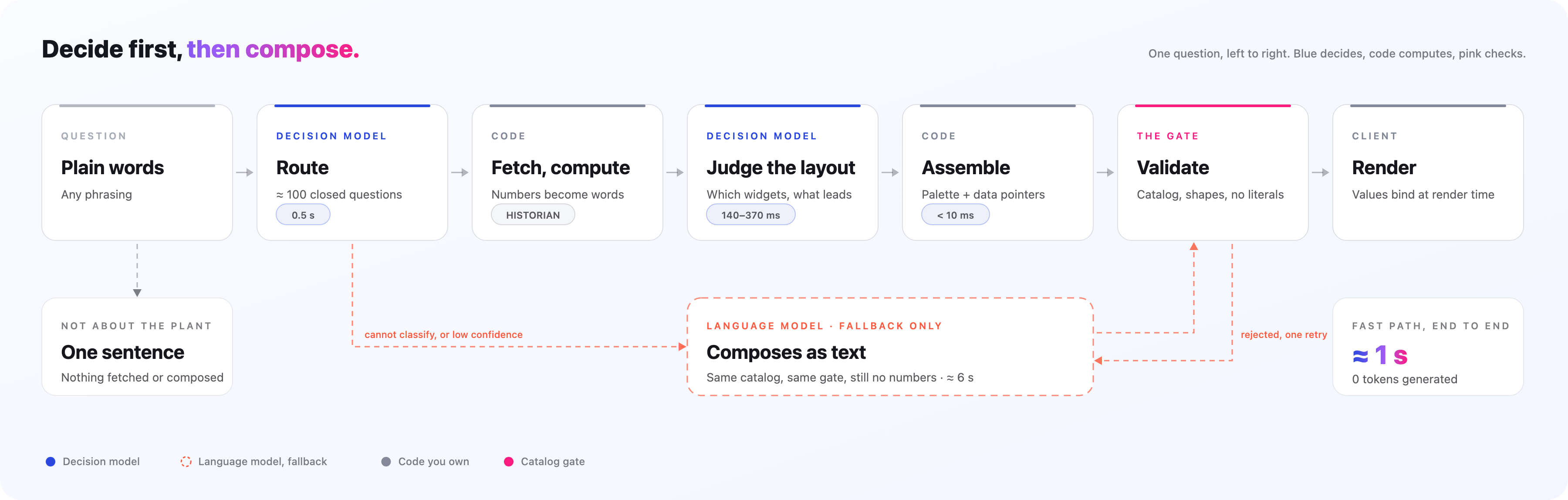
Here is the deployed benchmark. Four scenarios per configuration, single runs, synthetic historian, so treat every row as directional.
| Composer | Completed | Median to dashboard | Output tokens |
|---|---|---|---|
| Decision model only | 4/4 | 3.8 s | 0 |
| Router plus fast small model | 4/4 | 6.1 s | 4,427 |
| Fast small model, pinned | 4/4 | 6.3 s | 3,711 |
| Frontier model, pinned | 4/4 | 29.0 s | 9,649 |
Same completion rate. Roughly a seventh of the latency. No output tokens. Most of the 3.8 seconds is the historian query, not the model. Every one of my storyline prompts composes in under 1.3 seconds and most of them in under half a second.
## You are thinking it is just a classifier. It is.
The same way a spreadsheet is a calculator. The novelty is not the mechanism. It is that there is no training set. The classes are sentences you wrote, and you can change them at runtime. We added one intent as a single line of English, and an hour later a misspelled question routed to it at 98%. What changed my own mind was building the second version of the router and realizing I had not trained anything. I wrote questions.
The fair pushback is that a purpose-built encoder trained on your specific data will beat this model on accuracy every day, and run locally in milliseconds. For regulated or air-gapped sites that is a real argument for custom training. Where the comparison misses is that intent is the small part of what gets asked. The catalog might rarely change, but the questions can be new and exotic. Which machine is named is one question per machine, generated from the roster at request time, so a new machine is a new question with no labels and no retrain. And the second half is not classification at all. It is scoring a situation on rubrics somebody wrote in English. How much attention does this need? Which headline fits? Lead with the numbers or the picture? To train that you would need labeled examples for every situation, and the day someone changes a rubric you would need them all again.
So the honest boundary is this. Stable classes and lots of traffic, train the small model. Rules that are sentences, questions generated from your own data, and judgments on rubrics that change, that is where a decision model wins. Nothing stops you running both, the small model in front for intent and the decision model behind it for the judgment.
The other thing "just a classifier" misses is that I did not prompt my way past the model's weaknesses. I built the router around the vendor's own list of what it does badly. No arithmetic. No counting. No comparing dates. One literal question per fact. An "other" option on every question. A confidence floor under which nothing is fetched and the frontier model starts cold. That list is most of the engineering, and it is a transferable habit. Read what a model says it cannot do and design to that, rather than to the demo.
## What it cost me
Prose is assembled, not written. The widgets come from a palette I wrote in advance. A shape nobody anticipated cannot appear on screen.
Is it a cage? Yes, in the sense of holding being somewhat limited. Assembled prose will not surprise an operator. That is a real cost. In a control room it fits, because you want to be speaking the exact language a plant engineer speaks, and that has to be known ahead of time. But the door is not closed. Questions Jev cannot classify, a trend, a comparison, a trip, go to an LLM against the same catalog and the same validator. It is a cage with a door.
Two composition paths means two test surfaces. Since this is a demo and not in production, I do not have punt rates yet. What the user sees when it happens is mostly time, about a second on the Jev path versus several on the LLM. And it is written down. Under every dashboard there is a "how this was composed" block that says which composer built it and, if it was handed off, why. Users can see the fallback. That is deliberate, and it is also a thing you have to test.
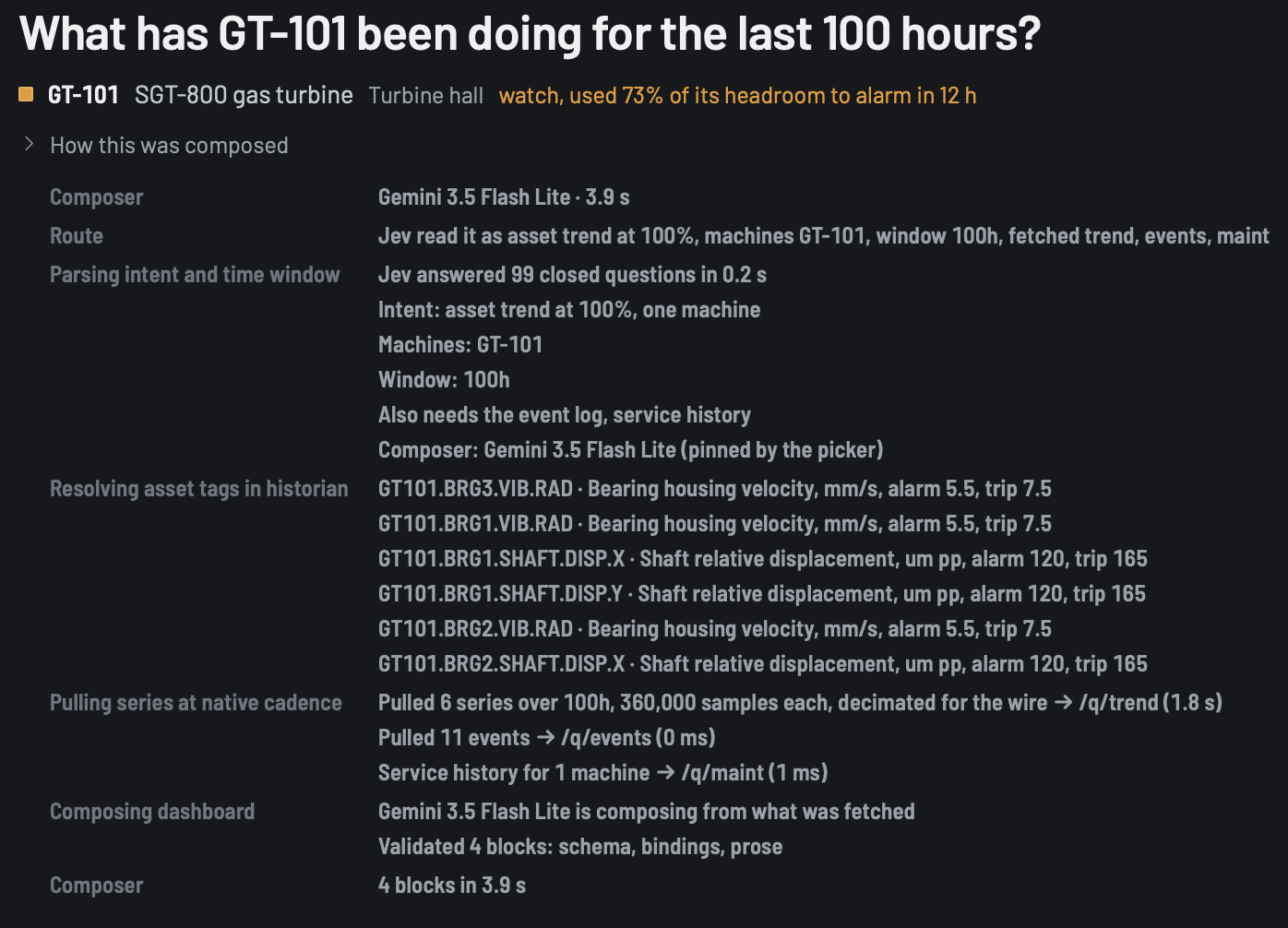
The confidence scores are not a free lunch either. An independent benchmark found the model averaging 88% reported confidence against roughly 80% actual accuracy on a 77-category intent task, so it runs overconfident out of the box. Temperature scaling cut that gap by about two-thirds in their testing. My gates are constants I set by hand. Below 50% nothing is fetched and the question goes to the LLM, and there are a few more like it for pulling the event log and service history. None of them have been tuned against data yet. If you are going to let a confidence score decide whether the fast path runs or the frontier model takes over, calibrate it on your task first.
The compliance question comes down to what leaves the building. On the Jev path the line is narrower, because Jev never sees the raw data. On the LLM path real numbers are required. What is allowed to leave the site? The vendor is weeks old with no published security certification yet, which is a plain reason to keep client data off it while due diligence runs, and it is where my own build sits today: synthetic plant data, benchmarked against published engineering ranges, but synthetic.
## The constraint is the governance model
Conceptually this is still generative UI as we already do it with a frontier model. You define a set of components ahead of time and the model chooses which fit the ask and the data. The shift is in how they are assembled on the server.
Enterprises accepted GenUI in the first place because of a constraint. A2UI and the Flutter GenUI SDK do not let the model emit code. The model selects from a pre-validated catalog and a renderer turns the selection into native widgets. That is what made the security story survivable in a regulated environment.
A decision model is the same idea followed to the end. A catalog already turned the model's job into choosing. A decision model takes that seriously and gives you a thing that can only choose, with nothing left to sanitize. Three things it will not do that matter. No code created. No numbers made up. No text hallucinated.
Other teams landed on the same prepare-then-place shape the same week, and that is Jev forcing the shape rather than three teams being clever. The difference I care about is that they put the model in front of a set of components, and we put it in front of a contract: a governed catalog where nothing the model can name is unbuilt, nothing renders unvalidated, and every number is a pointer the server checked. It does not matter what is drawing the screen. The guarantees already happened before the message left.
The validator is where that contract gets enforced, and honestly it has caught my mistakes more than it has caught the model. But it has caught the model, and a couple of those would have been on screen looking real. Early on, one model composed before it had run any query and wired a tile to a "total machines" field that never existed, because it never asked for a fleet summary. Rendered as text, that is a zero or a blank on a tile that reads like a real count. I removed the option entirely. You cannot compose until a query has run. Another time a model pointed a table at a summary, which is one set of numbers, when a table needs rows. The data was real, so an existence check let it through, and the renderer drew an empty card with a title on it. On a plant screen that is dangerous, because an empty table under "alarms in the last 12 hours" reads as no alarms. The validator now asks whether the data is the right kind of thing for the block, and not only whether it exists.
My validator rejects any literal decimal in prose, and a separate module defines the short allowlist of numbers a model may legitimately write: configured setpoints, constants quoted in tag descriptions, and nameplate ratings. Everything else must come from real data. The one time a model typed a measured value straight into a sentence as a decimal, the validator rejected it and the second pass used a placeholder that points at the data instead.
The palette that reads as a limitation is a hard ceiling on what can ever render. A regulated buyer has been asking for that ceiling since the first GenUI demo.
## Count your composer's decisions before you swap the model
If your GenUI prototype is stuck in the latency review, list every decision your composer currently makes before it writes anything. Dashboard type, entities named, time window, which data to fetch, which model tier to use. If more than half of that list is a closed question with a fixed set of answers, you are paying generation prices for classification.
Then measure completion rate before you measure latency. A model can be fast, always emit valid structure, gather every piece of data, and then simply never build the dashboard. Mine did. The commit that forced completion measured a model that called three data tools across 262 kB of stream and never built anything, and a hallucination metric scored it as a clean run. Completion rate went in as the first column of the bench that same day.
Fifty-four seconds became four, and on most questions closer to one. When a UI decision costs 300 milliseconds and a fraction of a penny, you stop designing screens once at ship time and start composing them continuously, per component, per person, per minute. Because every one of those calls is a choice among things you already designed and built, the density of composed flows goes up without the risk. The next step is that when an operator needs a line of dynamic text, that becomes one very small, pointed LLM call, and no longer the whole dashboard.
Stop paying an LLM to retype data into JSON. Let a decision model choose the view and let your code fill it in.
#### Frequently Asked Questions
##### Why is a generative UI dashboard slow even on a fast model?
Because most of the composer's work is not generation. Before anything renders, something has to decide the dashboard type, which assets are named, how far back to look, which data to fetch, and how much judgment the answer needs. Those are closed questions with fixed answers, and a language model answers them by generating text about them one token at a time, at generation latency and generation prices.
##### What is a decision model, and how is it different from an LLM?
A decision model takes a state and a set of typed questions and returns typed answers with confidence scores. It generates no text and never sees a measured value. Every question in a request is evaluated in parallel, so asking a hundred questions costs about what asking one costs. In this build, roughly a hundred atomic questions come back in about half a second.
##### Is a decision model just a classifier?
Yes, the same way a spreadsheet is a calculator. The novelty is that there is no training set. The classes are sentences you write, and you can change them at runtime. One new intent was added as a single line of English, and an hour later a misspelled question routed to it at 98%. Questions are also generated from your own data at request time, so a new machine is a new question with no labels and no retrain.
##### When should you train a purpose-built classifier instead?
Stable classes and lots of traffic favor training a small encoder, which will beat a general decision model on accuracy and run locally in milliseconds. That matters for regulated or air-gapped sites. A decision model wins where the rules are sentences, the questions are generated from your own data, and the judgments sit on rubrics that change. Running both works too, with the small model in front for intent and the decision model behind it for judgment.
##### How do you stop a GenUI dashboard from showing a made-up number?
Nothing in the path writes a number. Code turns raw series into semantic facts, the model only ever sees words and picks, and every measured value is bound to a path in the data model and interpolated at render time. A validator enforces the contract: it rejects any literal decimal in prose outside a short allowlist of setpoints, constants, and nameplate ratings, and it checks that fetched data is the right kind of thing for each block, not only that it exists.
##### What should you measure first when a GenUI prototype stalls in latency review?
Completion rate, before latency. A model can be fast, always emit valid structure, gather every piece of data, and then never build the dashboard. One run here called three data tools across 262 kB of stream, built nothing, and still scored as a clean run on a hallucination metric. After that, list every decision the composer makes before it writes anything. If more than half are closed questions with a fixed set of answers, you are paying generation prices for classification.
### Feature-First Clean Architecture in Production: Shipping Scooter's Coffee on Flutter
Source: https://verygood.ventures/blog/feature-first-clean-architecture-in-production/
In August I wrote about [Feature-First Clean Architecture](/blog/feature-first-clean-architecture/) and described its proving ground as a large native-to-Flutter migration. I kept the client anonymous because the app was not out yet. Now it is. The Flutter version of the [Scooter's Coffee app](/success-stories/scooters-coffee/) is live in both app stores, and it is the first production release built on FFCA end to end.
That makes this a good moment to write the post I could not write in August. Not the pattern on paper, but the pattern after a full migration, a team of engineers and coding agents working in it daily, and a release that real customers order coffee through. Some of it held up exactly as designed. Some of it we changed. And some of it costs more than the diagrams suggest.
## What we were migrating
Scooter's Coffee ran two mature native apps. iOS in Swift and SwiftUI, Android in Kotlin and Jetpack Compose. Both were revenue-critical. Both had their own teams and their own platform idioms. Both had to keep running while the Flutter app caught up to full feature parity. Ordering, payments, loyalty, gift cards, store locator, scan and pay. Nothing could regress and nobody could be asked to log in again.
[VGV joined the team](/our-services/application-development/) with a plan built around coding agents. Agents analyzed the native codebases, scaffolded the Flutter packages, and built features alongside the engineers, with humans reviewing at every gate.
Two decisions shaped how that went, and they turned out to be the same decision seen from two angles. The playbook the migration followed, and the architecture the code landed in.
## The migration playbook
The migration ran as three phases. A one-time analysis pass, a design system built before any feature, and a loop that repeats once per feature until the manifest is empty. That is the whole playbook, and the reason it fits FFCA so well is that the loop's unit of work and the architecture's unit of organization are the same thing. One feature, one set of packages, one pull request.
The tooling underneath is a mix. [Wingspan](/blog/vgv-wingspan-agentic-engineering-workflow/) and the [VGV Flutter plugin](https://github.com/VeryGoodOpenSource/very-good-claude-code-marketplace) are public and cover the workflow and the Dart and Flutter quality skills. The migration-specific skills for analysis, implementation, and gap analysis are part of [VGV Arcana](/resources/flutter-ai-engineering/), the enterprise tier of that stack, so they are not on the public marketplace. I describe them here by what they do rather than by command name, because the sequence is what transfers.
### Phase one: analyze once, then lock scope with the team
The first skill reads both native codebases, iOS and Android, and produces a migration manifest. Project metadata, module structure, every feature with its screens, models, and API calls, the dependency inventory, the platform APIs in use, the analytics events, the startup sequence, and a proposed migration order. Alongside the manifest it writes one brief per feature. Together they are the source of truth for what to build, and they are what the scaffolding step consumes later.
The manifest is a proposal, not a plan of record. We reviewed it with the Scooter's team, cut what was out of scope, corrected what the analysis got wrong, and locked the order.
The last step of this phase is landing the cross-cutting infrastructure before the first feature. Flavors, Firebase, analytics, the API clients, deep linking, localization, the native platform channels. In FFCA terms this is the `shared/` tree, and it has to exist before features can depend on it. Trying to catch up on infrastructure inside a feature PR is how a `cart_data` package ends up owning the HTTP client.
### Phase two: the design system before the features
Ship the kit first. Skip this and every feature forks its own buttons, and the visual parity work at the end doubles.
The theme came out first, colors, typography, spacing, radii, and elevation, extracted from Figma into `ThemeData` and `ThemeExtension` classes in one pass. Then a skill broke the design system pages into one ticket per component, each sized for a single PR, and another skill implemented each ticket against the Figma frame, with a Widgetbook use case so the component is catalogued and accessibility-checked as it lands. I wrote about that skill in detail in [Design Systems at AI Speed](/blog/figma-to-flutter-claude-code-skill-golden-tests/). In this repo the output is the `ui_kit` package under `shared/`, and the Widgetbook app in `apps/` exists to exercise it.
### Phase three: one feature, one PR
Everything after that is the same loop, run sixteen times.
1. **Spec or plan.** For anything beyond a trivial feature, a brainstorm and a plan through Wingspan, so the shape of the work is agreed before code exists.
2. **Implement the feature triple.** The implementation skill takes the feature name, its brief from the manifest, and the Figma URL for its screens. It scaffolds the domain package first and commits it, then fans out sub-agents in isolated git worktrees to build the data package, the presentation package, and the domain tests in parallel against that contract. This is the step FFCA makes possible. Three agents can work on one feature at the same time because the layers are separate packages with a shared domain between them. Always pass the Figma URL. Without it the skill guesses layouts, and it guesses confidently.
3. **Visual parity.** A whole-screen and per-component diff against the Figma frame, before anyone looks at behavior.
4. **Gap analysis.** A skill reconciles the migrated feature against the native apps, treating the native source as the source of truth, and reports what is missing, partial, or divergent.
5. **Architecture review.** Wingspan's review pass, which by this point knew the FFCA standard and caught Module, Handlers, and layer-boundary drift while the diff was still small.
6. **Verify by running it.** Tests pass, then someone opens the app and uses the feature. Tests prove the code does what the tests say. They do not prove the feature is right.
7. **Open the PR, file the follow-ups.** One PR per feature, one ticket per gap, each ticket stating the problem in plain language before the technical detail.
The loop is boring on purpose. Every feature went through the same seven steps, which meant every feature package looked the same, every PR was reviewable the same way, and every gap was recorded somewhere a human would see it.
## What the monorepo looked like at release
Here is the shape the loop produced:
```
features/
auth/
auth_domain/
auth_data_firebase/ # identity provider
auth_data_scooters/ # session against the Scooter's API
auth_data_fake/ # for tests and widgetbook
auth_presentation/
cart/
cart_domain/
cart_data/
cart_presentation/
loyalty/
loyalty_domain/
loyalty_data/
loyalty_data_fake/
loyalty_presentation/
user_profile/ # headless: no screens of its own
user_profile_domain/
user_profile_data/
survey/ # presentation-only: no data of its own
survey_presentation/
...11 more features
shared/
ui_kit/
api_client/
analytics/
...
apps/
scooters_app/ # composes 16 features + shared
widgetbook/
```
Sixteen features. Forty-eight feature packages. Eighty-eight packages in total once you count shared libraries and apps. Every one of them declares its dependencies in a pubspec, and every one of them is a real package edge the compiler checks.
Two variants showed up in practice and earned their place. `user_profile` is a headless feature, domain and data with no presentation, which the August post already described. It owns no screens. Other features reach its data through cross-feature Queries assembled at the composition root, never by reading its repository from a widget. `survey` went the other way, presentation only, because it renders a third-party survey with no domain of its own to model. That variant was not in the August post. It was added to the standard after this project showed the need for it. Neither required bending the layer rules.
## What held up
The properties I argued for in August are the ones that mattered most under load.
**Parallel work stayed parallel.** Features were migrated by different engineers, and often by different agents running at the same time, on disjoint sets of files. The domain contract went in first, then the data and presentation packages were built against it. Merge conflicts came from the app's routing table and composition root, which is exactly where two features are supposed to meet, and almost never from inside a feature.
**Every boundary crossing became a visible pubspec edit.** A presentation package cannot import a data package it has not declared, and the analyzer says so at the moment of writing rather than in a review two days later. What the compiler does not do is stop anyone, human or agent, from adding the dependency to the pubspec and then importing it legally. What it does is force that crossing into a pubspec diff, which is the one file reviewers always read. Over a migration with dozens of features, the boundary conversations happened in a handful of one-line diffs instead of buried imports, and most never happened at all, because the declared graph had already told the agent what was in scope.
**Agents landed code where it belonged.** The August post claimed that a coding agent needs a deterministic target for every new file. In practice this is what made the scaffolding pipeline trustworthy. The spec said "repository interface for orders," and there is exactly one directory in the repo where that can go. Across many runs and several model versions, the output landed in the same place. The FFCA standard lived in the repo as a document, and the agents' project instructions pointed at it by section name, so the structure was something they could read and not something they had to infer.
## What we changed
A pattern that survives production without changes was not tested very hard. Here is what moved.
### Handlers replaced loose callbacks
The August post showed navigation as typed callbacks injected into a feature's Module. The [standard](https://engineering.verygood.ventures/architecture/ffca/navigation/) still starts there for features with shallow trees. What did not survive contact with real features was applying it everywhere. A rewards screen with links to the menu, order history, an info sheet, and a promo code flow ends up with four callbacks threaded through every intermediate widget. Test setup has to provide all four even when the test touches none of them.
The fix, now the second half of the rule in the standard, is one navigation object per module for deep trees. The feature defines the class in its presentation package, the Module requires it and provides it to the subtree, and the widget that needs a callback reads it off the context at the call site. On this project we named them `{Feature}Handlers`.
```dart
/// Callbacks exposed by [RewardsModule]. Defined in rewards_presentation.
class RewardsHandlers {
const RewardsHandlers({
required this.onViewMenuPressed,
required this.onViewHistoryPressed,
this.onAddPromoCodePressed, // optional: the widget hides the button when null
});
final VoidCallback onViewMenuPressed;
final VoidCallback onViewHistoryPressed;
final VoidCallback? onAddPromoCodePressed;
}
class RewardsModule extends StatelessWidget {
const RewardsModule({required this.handlers, super.key});
final RewardsHandlers handlers;
@override
Widget build(BuildContext context) {
return Provider.value(
value: handlers,
child: BlocProvider(
create: (context) => RewardsCubit(
loyaltyRepository: context.read(),
)..load(),
child: const RewardsScreen(),
),
);
}
}
// Deep in the tree, no constructor plumbing:
onPressed: () => context.read().onViewMenuPressed(),
```
The app still owns navigation. It builds the handlers object at the route boundary, pointing each callback at a typed route, and hands it to the Module. The feature still has no idea a router exists. The rule we settled on is simple. One callback can be a constructor parameter. Two or more, and it is a Handlers class.
### One domain, several data packages
Authentication turned out to need three data implementations. One against the identity provider, one against the Scooter's session API, and a fake for tests and the widget catalog. Loyalty needed a fake too. The August post allowed for one `{feature}_data` package per feature, and that was not enough.
The naming rule that came out of it is `{feature}_data_{backend}`. The backend goes in the suffix, so it reads `auth_data_firebase`, never `firebase_auth_data`, and the feature stays the primary sort key in every file browser and every agent's context. The package name, its barrel file, and its folder all share that name. A fake is just another backend, `auth_data_fake`, and it ships as a real package that the app or a test target depends on explicitly. No test-only code hides inside the production data package.
### Shared never depends on features
The line between `shared/` and `features/` is the one an agent is most likely to blur, and the one we ended up policing hardest. Two rules came out of it. A business capability belongs under `features/`, never `shared/`, even when several features use it. And a shared package must never depend on a feature package. When shared code needs a feature concept, say analytics needing the current user's id, the shared package declares a port, a small interface, and the app satisfies it with an adapter at the composition root.
This is the same dependency rule that already governs the layers inside a feature, applied one level up. Shared libraries sit below the feature graph. Nothing below can look up.
### Cross-feature reads live in Queries and Commands
Checkout needs the user's identity for a payments call. The cart needs product data from the menu. The August post covered the pattern in principle, a domain use case that injects both repositories, and production gave it a sharper edge. The rule became simple. Never pass another feature's id through a Module or a route as a parameter. Never read another feature's repository from a cubit or a widget. Never duplicate its model. Put the combination in a `Query` or `Command` in the domain of the feature that owns the result, cart for a cart populated with products, and let that domain depend on the other feature's domain. The use case itself is built at the app's composition root, where both repositories are available.
It also settled a common question. Identity and profile are two features, not one. `auth_domain` knows who is signed in. `user_profile_domain` knows everything else about them, and a `WatchCurrentUserProfileQuery` in the profile domain glues the two together. Adding a preference field to the profile never touches the auth feature again.
## What it costs
I want to be plain about this, because the diagrams make it look free.
**Eighty-eight pubspecs is a lot of pubspecs.** Every new dependency is declared in the package that uses it, which is the whole point, but it also means a version bump touches many files and a new feature is eight or nine files of boilerplate before the first line of Dart. [Dart workspaces](https://dart.dev/tools/pub/workspaces) make it resolvable in one pass. [Melos](https://melos.invertase.dev/) makes it scriptable. Neither is optional at this size. If your team is not ready to own that tooling, it will own you. The count is also the first thing people push back on, and I understand why. My answer is that the count is the boundary made visible. Every one of those files is a place where a dependency has to be declared on purpose and reviewed on purpose, and that is what buys the parallel work, the bounded context, and the reviewable graph described above. Fewer packages would mean fewer of those moments, not fewer dependencies.
**The composition root becomes real code.** FFCA pushes routing, dependency wiring, cross-feature use cases, and port adapters out of the features. All of it lands in the app package. At 16 features that is not a `main.dart` anymore. It needs its own structure, its own tests, and a clear owner, or it becomes the one place in the repo where the mud pit can still form.
**The rules only work if they are written down where the tools can read them.** The compiler enforces the package graph. The finer rules, naming, the shared-versus-feature line, the Handlers threshold, need a second layer. In August I described that layer as a custom analyzer run as an agent hook and again in CI. On this project it was a standards document inside the repo, referenced by section from the agents' project instructions, and it worked because every task pointed at it. Since then we have packaged the standard and that validation hook into an FFCA plugin for Claude Code, which blocks a pubspec edit that breaks a layer rule and puts the fix in the message. It is not public yet. Either way, a convention that lives in someone's head does not survive a fast migration with agents in the loop.
None of this changes my recommendation from August. For one app with a handful of features and no agents contributing, [Very Good Layered Architecture](/blog/very-good-flutter-architecture/) is still the simpler choice. FFCA earns its overhead when features need to be built in parallel, composed across apps, or handed to coding agents with any confidence.
## The takeaway
The reason I first organized code feature-first was ownership. A team should be able to own a feature end to end without stepping on anyone else. The Scooter's Coffee migration was the first time I watched that hold for a mixed team of engineers and agents, at production scale, from the first scaffolded package to the store listing.
Some of the pattern changed on the way to production. Handlers replaced loose callbacks. Data packages grew backend suffixes. The shared-versus-feature line got a rule with teeth. Every one of those changes came from a specific moment where the original version was not enough, and every one of them is now part of the [FFCA standard](https://engineering.verygood.ventures/architecture/ffca/overview/).
If you want to see the pattern without a client's codebase in the way, [Mealify](https://github.com/VGVentures/mealify_feature_first) is a complete working example to clone. And if you are planning a native-to-Flutter migration of your own, this is the work we do. [Talk to us](/contact-us/) and we will walk through how the playbook and the architecture would apply to your codebase.
#### Frequently Asked Questions
##### What is the first production app built with Feature-First Clean Architecture?
The Scooter's Coffee mobile app on iOS and Android. VGV joined the Scooter's Coffee team to migrate two native apps, Swift and SwiftUI on iOS and Kotlin and Jetpack Compose on Android, into a single Flutter codebase organized with FFCA. The Flutter app ships from one monorepo of 16 feature packages plus shared libraries.
##### How does FFCA change the cost of a native-to-Flutter migration?
A migration is already feature-by-feature work. FFCA gives each migrated feature its own domain, data, and presentation packages, so the analysis of the native apps maps directly onto a package scaffold. Features can be migrated in parallel by different engineers and coding agents without touching each other's files, and the package graph turns every cross-feature shortcut into a visible pubspec edit instead of a buried import.
##### What is the VGV native-to-Flutter migration playbook?
Three phases. First, a one-time analysis of the native iOS and Android codebases that produces a migration manifest and one brief per feature, reviewed with the client team to lock scope and order, followed by landing cross-cutting infrastructure such as flavors, analytics, and API clients. Second, the design system, with the theme extracted once and each component shipped in its own PR with a Widgetbook use case, before any feature is built. Third, a loop that runs once per feature: plan, implement the domain, data, and presentation packages, check visual parity against Figma, run a gap analysis against the native apps, review the architecture, verify by running the app, and open one PR per feature with follow-up tickets for every gap.
##### What did VGV change about FFCA after using it in production?
Four things. Modules with many navigation callbacks now take a single {Feature}Handlers object instead of loose constructor parameters. Data packages that implement the same domain against different backends carry a backend suffix, such as auth_data_firebase, and fake implementations ship as their own packages. Shared packages never depend on feature packages, and when shared code needs a feature concept it declares a port that the app satisfies with an adapter. Cross-feature reads and writes live in domain Queries and Commands that are assembled at the app's composition root.
##### What does FFCA cost compared to a layered Flutter app?
More packages and more pubspec files. The Scooter's Coffee monorepo has 88 packages, which means workspace tooling like Dart workspaces and Melos is mandatory, and the app's composition root grows into a real piece of code that needs its own structure. For a single small app with no cross-app reuse and no coding agents in the loop, VGV's layered architecture remains the simpler choice.
### My craft was never my code
Source: https://verygood.ventures/blog/my-craft-was-never-my-code/
I built [ge.com](https://ge.com) in the early 2000s, and I was a perfectionist about how it was written, maybe a little too much of one. I cared whether a heading should be an h2 or an h3, and what a blind user's [screen reader](/blog/accessibility-wcag-compliance-skill/) would make of the difference. I cared whether a list of products was a real ul or a table I'd talked myself into because the design wanted a grid the markup wouldn't give me honestly. I cared about dragging layout out of tables and into CSS, back when that was still an argument you could lose. And I cared about file size in kilobytes, because every kilobyte was time somebody spent waiting, and I wanted the page there before they'd finished asking for it.
The code had a second life beyond the page, and I minded that one just as much. Every file was something another person would open someday and have to live inside, so I kept it livable. I named things so they explained themselves. I kept the cascade coherent so a selector wouldn't go off three files away when someone added a rule six months later. I thought about the cost of owning the thing, because a page ships once but a codebase gets inherited, over and over, by people who never met you and have every reason to resent you. The code wasn't plumbing. It was something I'd made, and I wanted it to be good.
Then the tooling came.
Bootstrap, then React, then webpack and Babel and Sass and PostCSS and styled-components and Tailwind, and I took all of it gladly, because it made the work faster and the results better. The tools gave me repeatable workflows, deployments I could trust, [design systems](/blog/where-does-your-design-system-end-and-the-llm-begin/) that kept a hundred screens in line, whole applications where there used to be documents, for better and worse. What changed wasn't how much I cared. It was how far down the caring could reach. The output went opaque. A button I wrote in twelve lines of JSX came out the far end as a hundred lines of markup and a framework that loaded before it could render a hover state. I could read that output, but I could no longer groom it.
So the rigor moved up a floor, to the source. The JSX and the Sass and the components were still mine to name and shape, and that was where the care went. I made my peace with the compiled result the way you make peace with a translation. Around then I also gave up trying to hold the whole stack in my head. There were too many layers and they turned over too fast, and what I needed from a tool was not a theory of how it worked but an honest account of what it gave me and what it cost. Whether the bundler was Babel or SWC was not my problem. How much JavaScript reached someone's phone was.
Then AI happened, and I stopped caring about code.
The same thing happened again, one floor higher. This time the source went opaque too. I don't write the code now, the model does, and what it hands back is generated all the way down, source and output alike, opaque in a way I've stopped needing to open. The part a human still reads and frets over isn't code at all. It's the design and the spec, the description of what the thing is and how it should behave and feel and hold up under a thumb. That's the artifact I groom now.
The judgment I used to spend on selectors and semantics, I still spend. If it comes back heavy, I ask for it lighter. If it's slow, I ask for it faster. If it's inaccessible or wrong, it goes back, because the code is disposable and the only question left is whether what it produces is what I wanted. There's something strange about holding firm opinions on an artifact you no longer make, but the opinions were always the part that mattered.
I was minding two things all along, the experience and the code beneath it. Because the code was the part I built by hand, I spent years mistaking it for the craft, when it was only ever the cost of the craft. It writes itself now, and I get to spend my whole budget on the experience.
Twice now the floor has moved up under me, and both times the thing that survived the move was the standard I held the work to.
That's the part worth protecting on a team, and the part hiring was never built to find. A job posting asks for years in a framework and a list of things shipped, which is hiring for output, and output is what just got cheap. What's left to hire for is taste, and the knack for carrying it up a floor every time the floor moves. You can teach someone to prompt in an afternoon. Teaching them to look at what comes back and know the markup is lying about its structure, or that someone on a bad connection will give up before it paints, takes years of having built the thing by hand. I got mine that way. I don't know what replaces that apprenticeship for the people coming up now, and I'd rather say so than pretend I do. What I'm sure of is that the budget moved. It used to go on making the thing. Now it goes on deciding whether the thing is any good, and a team that plans for that gets faster. One that doesn't just gets more output nobody's checking.
#### Frequently Asked Questions
##### What is the central argument of "My craft was never my code"?
That the code was never the craft itself, only the cost of it. The real work was always the experience and the judgment behind it, and as tooling and then AI absorbed more of the code, that judgment simply moved up a layer.
##### How has AI changed the developer's role in this account?
The developer no longer writes the code by hand; the model generates it, source and output alike. What a person still reads, shapes, and frets over is the design and the spec, the description of what the thing should be and how it should behave.
##### Does generating code with AI mean developers stop caring about quality?
No. The same judgment once spent on selectors and semantics still applies. If the result comes back heavy, slow, inaccessible, or wrong, it goes back. The code is disposable, but the standard for what it produces does not change.
##### What did the author care about when hand-writing HTML and CSS?
Semantic markup, accessibility for screen-reader users, honest structure over layout hacks, small file sizes measured in kilobytes, and code that the next person to inherit it could actually live inside.
### The Efficiency Trap: Why AI Is Forcing Services Firms to Rethink Pricing
Source: https://verygood.ventures/blog/ai-services-pricing/
For most of professional services history, getting better at the work meant earning more. AI breaks that. If you bill by the hour and a tool lets your team deliver the same result in less time, you have cut your own invoice. The thing that makes you faster makes you poorer. That's the trap. But it is not the destiny.
That bind is one every services firm is walking into, and most are not saying it out loud. We decided to work through it in the open, starting with our own pricing model. What follows is the thinking from Erik Manley, CFO, and Andrew King, Director of Solutions Architecture, who rebuilt how we price, including the parts they have not figured out yet.
## The trap is built into the billing model
Start with the mechanics. Under time-and-materials, the client pays for hours and expects a certain output. Introduce AI, and the expectation shifts fast.
"Clients are going to expect us to be using AI, and they're going to expect more output for the same number of hours, or fewer hours for the same output," Erik said. "All that really means is they're going to be looking to pay a lower price for the same output."
Play that forward across a market of firms all competing on hours, and there is only one direction it goes. "T&M is just going to end up being a race to the bottom," Erik said. The firm that absorbs every AI efficiency as a discount needs an ever-larger volume of work just to hold revenue flat. Same team, same talent, more deals required every quarter to stand still.
## Why the obvious fixes fail
The two reflexive responses both collapse. Raise rates, and you invite the comparison shopping that hourly billing already encourages. Keep billing hours and quietly pocket the AI savings, and you are betting clients never notice, which is not a bet worth making.
The real answer has been sitting in plain view for over a decade. Ron Baker and others have argued since the 2000s that firms should price the value to the client, not the inputs. Nobody buys an hour. They buy an outcome. The advice was sound and mostly ignored, because hourly billing was comfortable and clients kept paying for it.
AI is what finally removes the comfort. Before, Erik said, it was easy not to make the shift, because clients weren't asking for it. "They might say they need an outcome, but they're used to looking at the value of that outcome in terms of hours and rates, and it's a tough conversation to shift their thinking to value. But if we have no choice but to do it, then that makes it a little bit easier. AI is like this forcing function."
The pressure is not a reason to retreat. It is what finally makes a change firms should have made years ago achievable.
## The reframe: price the deliverable, not the hours
The move is to make fixed-fee the default and sell the deliverable instead of the time. Hours still inform the estimate. They stop being the product. This is what the pricing world calls value-based pricing, and at its furthest edge, performance-based pricing tied to the result the client actually gets.
"With fixed fee we don't need to be concerned quite so much with hours and times," Erik said. "It's truly almost value based. The underlying hours are a foundation, but they're not the only factor that go into it." Once the deliverable is the contract, an efficiency gain stops being a discount handed to the client by default. It becomes shared upside.
For Andrew, who sits close to the sales conversation, the value shows up first as speed. "How fast can we give them value," he said. AI helps a team reach a functional prototype early, something the client can see and react to. "They start feeling like I'm getting something, and I'm getting something quickly, and they can see that value continue to grow over time." That early proof reframes the whole conversation away from headcount and hours and toward what the client is actually buying. The teams that pull this off well tend to be the ones that already ship fast, which is its own argument for [an architecture built for speed across platforms](/our-services/application-development/).
A Claude-enabled workflow took [Divine's vibe-coded Flutter app to a production-ready release in 90 days](/success-stories/divine/), with 500+ issues addressed along the way. Rabble, Divine's founder and CEO, put the result plainly. "They integrated Claude into the workflow in a way that actually improved velocity and quality at the same time."
## The mechanism: share the savings, take the math out of the room
Pricing the deliverable raises an immediate, fair question. If AI made the work cheaper to deliver, why should the client not see all of that saving?
The answer is that they see most of it, not all of it. Erik framed it as the conversation he'd have with a client. "We're going to be able to do this 30% faster because of AI. We're going to pass some of that savings on to you." The majority of the gain goes to the client as a visibly better price. The rest covers real costs like token usage, hedges against the uncertainty of how much AI actually speeds a given job, and leaves room for margin.
Erik is candid about the limit. "If we were to just pass all of the AI efficiency over to the client as a discount every single time, then it defeats the purpose." Share enough to win against firms still billing the old way. Keep enough that getting better pays you something.
Andrew's emphasis is on how that reaches the client, which is not as arithmetic. "We're not going to give them that math," he said. "We're going to frame it as, we think we're going to get efficiency via these great tools the team's built, so we'll give you a discount on that. Taking the math out of the equation and giving them just what the value is." This is not about hiding the calculation. The client is buying an outcome at a price, and handing them a spreadsheet of hours and efficiency percentages just invites a negotiation about inputs, which is the exact conversation pricing the deliverable is meant to end. What the client wants to know is what they get and what it costs.
## The catch nobody puts on the brochure
Better pricing does not, on its own, make the business more profitable. It can quietly make it worse.
When AI shortens a project, the people on it finish early. That time does not disappear from the payroll. "That creates a gap," Andrew said. "What are those folks doing for that additional time?" If the answer is nothing, the firm has not captured an efficiency. It has bought a more expensive bench.
The pricing model surfaces the gap rather than hiding it. When a deal is priced with AI efficiency built in, the tooling flags the freed capacity and signals the business development team. "We need to sell to fill that capacity," Andrew said, "not creating that bleed on the organization by creating unused bench capacity." Erik put the cost plainly. "If they're just sitting idle, then there's an opportunity cost there. Resourcing is just a constant puzzle that never ends."
AI efficiency is, in large part, a sales problem wearing a pricing costume. You can get the pricing exactly right and still end up with idle people on the bench. When asked directly whether that was true, Andrew did not dodge. "I think that's true."
So what fills the gap? Not a pricing tweak. New work. Fixed-fee plus visible AI efficiency is a stronger pitch than another rate card. But it only pays off if the pipeline grows to absorb the capacity that efficiency frees up. That's a new demand the hourly model never placed on anyone. Pricing exposes the problem. Sales has to solve it.
That is the bind. Andrew resists the idea that it dooms anyone. "There's probably some truth to that," he said of the notion that getting faster makes a services firm poorer, "but the way we manage that problem is going to dictate if we become poor or not." AI does not only shrink a project. It also lets a team carry more projects at once. "Instead of one project you can have agents working on multiple projects." Freed capacity is a threat only when it sits idle. Put to work, it is leverage.
## The harder change is cultural
The mechanics are the easy part. The shift underneath them is in how a firm relates to its clients.
Hourly billing sets the tone for that relationship, and the tone is transactional. As Erik described it, when the thing you deliver is measured in time sheets, you get treated like a vendor, whatever language sits on top. He caught himself even saying it, conscious that his own teams deliver far more than billable time. The point stands anyway. When the deliverable is an outcome, the relationship changes. "We need to be less reactive to a client and just more consultative," he said. He called it the muscle we most need to exercise.
Andrew sees the same muscle on the delivery side. The new discipline is "showing that value consistently week over week over week," whether that is feature demos or updates on live product. "That's a muscle that's got to be developed, and the team's got to get really comfortable with that level of outputs that are visible." Visible, repeated proof of value is what makes a fixed price feel earned rather than asserted.
## What we have not figured out yet
The honest frontier is measurement. The entire model leans on knowing how much AI actually speeds a given kind of work, and nobody in the industry has that number nailed down yet. The efficiency is not uniform. It lands differently across design, engineering, QA, and program work. As Andrew put it, "It's lumpy. It's not very flat yet." Until that flattens into something repeatable, the percentages in any quote carry real uncertainty, which is exactly why the model shares savings conservatively and hedges the rest. And because the fee is fixed, the client is never exposed to the estimate. If a job takes longer than expected, that is VGV's risk, not the client's bill. The numbers get sharper as real delivery data accumulates.
Getting there is its own project. It means tracking estimated against actual delivery on every engagement, standardizing tooling so teams are not each measuring a different thing, and sharing what works across the organization so the efficiency is consistent enough to price against. None of that is solved. All of it is being built.
For any services leader still billing purely by the hour, the takeaway is not a finished blueprint. It is a place to start. Andrew's version is blunt. Look at what your teams produce and ask whether the value is something you can actually see. "If the answer to that is I don't know or no," he said, "then we need to think about how we can get them value with a known cost and a known team." A team that delivers faster against a guaranteed outcome, he argues, beats one you measure in hours.
The deeper risk is standing still. "The biggest risk right now is complacency," Erik said. The specifics of AI's impact are not fully clear to anyone, including us. What is clear is that continuing exactly as before is the one option that does not survive contact with the next few years. As Erik put it, whatever you do on Monday, it should probably be something other than what you are doing now.
*Working through how AI changes the economics of how you build and ship? That's [a conversation we're having every day](/contact-us/), and it is the work our [AI and strategy workshops](/our-services/ai-strategy-workshops/) are built for.*
#### AI and Services Pricing FAQs
##### How does AI change pricing for services firms?
Under hourly billing, AI efficiency shrinks the invoice for the same output, because the client pays for time and the work now takes less of it. Pricing the deliverable instead of the hours turns that same efficiency into shared upside. The firm quotes a price for the outcome, delivers it faster, and shares most of the saving with the client while keeping enough to improve its own margin.
##### Should agencies and consultancies still bill by the hour?
Time-and-materials will not disappear, and it still fits staff-augmentation and genuinely undefined scope. But as a default it gets harder to defend as AI compresses delivery time. Fixed-fee priced on the deliverable holds up better, because efficiency stops working against you.
##### Does AI make consulting cheaper for clients?
Usually yes, at least somewhat. A firm pricing on value will pass the majority of an AI-driven saving to the client as a better price. The point is that it does not have to pass all of it, and the firm can still come out ahead of its old margins.
##### What is the catch with AI efficiency?
Freed capacity is only a gain if it gets sold. If AI shortens projects and nobody fills the recovered time, the firm has lower utilization and a more expensive bench. Pricing exposes the problem. Sales has to solve it.
### How to De-Risk Hiring an App Development Agency
Source: https://verygood.ventures/blog/how-to-de-risk-hiring-an-app-development-agency/
I run pre-sales engineering for an agency, which means I'm the person your evaluation process is supposed to catch. I've sat through hundreds of these conversations from the sell side, and I'll tell you the thing most evaluation guides won't: any agency that says "we'll own it all" is kind of lying to themselves. It's never that clean and easy.
That sentence is the whole framework for evaluating a custom app development agency, really. The rest of this piece is how to test for it.
## Deals die on ownership, not technology
Earlier this year I watched a deal stall days from signature. Not over price, not over capability. The client was a large enterprise with an existing mobile partner, a backend team, and an infrastructure team, and we were proposing to come in and add to their existing apps. Late in the process they brought everyone into one room, all their partners across the organization, trying to work out who was going to be responsible for what. Who implements what we build. Who owns which parts of the backend.
There wasn't clearly defined ownership, and that led to a lot of swirl. It nearly paused the whole process.
Here's the uncomfortable part. That was partly on us. Ownership is something we should cover earlier in the process, and it's something agencies don't typically do in pre-sales. So when you're evaluating an agency, make them do it. Any agency should come in and say clearly, this is the part we're owning, and just as clearly, I don't know your internal mechanisms, I don't know your security and compliance posture, so this part you need to own. An agency that maps its own boundaries is telling you the truth. An agency that claims the whole map is not.
The buyer-side half of this is bringing the right people early. Most evaluations start with a product team that loves an idea and hasn't involved the constituents who will actually have to make it work. Bring your backend team, your infrastructure team, your existing partners into the process from the start, even if it's a fly-on-the-wall situation where they're not making decisions. They'll ask questions I can't anticipate, and every one of those questions answered in week two is an escalation you don't have in month six. Misalignment across the parties who need to deliver together is a death knell for a project.
## The tells in a live conversation
Written proposals get polished. Live conversations leak. A few things I'd treat as red flags if I were sitting on your side of the table.
An estimate that comes back too fast. That usually smells to me. It indicates the agency isn't putting thought into an approach that works for you, just reusing one that worked for someone else.
No technical person on the call. If an agency shows up without someone who can push on the particulars of your systems, your security, your compliance, they're not serious about scoping the problem. And bring your own technical person too. It's easy for a sales engineer to get in a room and talk. It's much harder when someone on your side is pressure-testing the specifics and looking for where the plan would break down. I say that as the sales engineer in question.
Agreement with everything. If you say "we use X, Y, and Z" and the agency simply says "yeah, we can do that," be concerned. They're selling you that they're going to do the work, but they're not showing you that they have an opinion and experience doing it. An agency should be opinionated about tooling, about test frameworks, about what it has actually shipped with. "We can do anything" is a tell. No one is an expert in everything, and the honest ones name what they're not a good fit for.
## What you can verify without us in the room
Standard evaluation advice covers references and portfolio review, and both are surfaces we curate. Meetings are where agencies are strongest by design, mine included, so weight the things that don't depend on how well we present.
Go count the production apps. Not the portfolio page, the app stores. How many shipped apps does the agency actually have, and how often do they get updated? An app that hasn't shipped an update in a year tells you something about what post-launch support really means there.
Look at the open-source record. Does the agency feed back into the community with quality code that anybody can see and evaluate? Public code is the one work sample that can't be staged.
Read the engineers, not the sales team. Blog posts, conference talks, how the actual builders talk about their work in public. If the only voice an agency has is its sales voice, that's the only voice you've evaluated.
## The team you meet versus the team you get
The most documented failure in vendor selection is the switch. Senior architects show up for discovery, and a different team delivers. When a client asks me how to test for that, my honest answer is that I don't have a great one. From the outside, you mostly can't. It becomes contractual. Get the roles and seniority you were shown written into the agreement, with a mechanism that governs substitutions.
Contract structure is itself a tell. An agency that will only work rigid time-and-materials is handing you open-ended risk with no real control mechanism. An agency that will only work a rigid fixed bid is telling you it won't learn as it goes or flex with your needs. The good middle path fixes outcomes and defines the mechanism for changing scope, because scope always changes. If other vendors own portions of the delivery, write that in too, with an escape mechanism for when their priorities shift.
Then test communication access, because it's the best live proxy for continuity you have. Ask directly: can we join your standups? Can we share a Slack channel? Can one of our engineers sit in and participate? Our answer is always that the more you can get involved, the better this will go, and an embedded client engineer usually helps us more than it helps you. They know your systems. Any agency that says "just hand us the spec and we'll give it to you when we're done" is a red flag, because you don't know what you're getting until the very end, and that's a bad answer.
Watch responsiveness in pre-sales too. A quick reply, even one that says "I don't know, let me get back to you in 24 hours," is a good sign, because communication culture flows through the rest of an organization. What you see in the front of the process is what you'll get in the back of it. I've seen the opposite burn projects. A question gets asked, the team scrambles, the answer gets delayed, and trust drops. That's a harbinger of a project going off the rails. Fast is good when someone is answering you. Fast is bad when someone is pricing you. One takes a communication culture, the other takes actual work.
One more thing to ask for, because most clients don't: documentation. With AI in the delivery process, decision records and communication logs are table stakes now. Ask how you'll see them. The answer you want sounds like ours: you're in our project tracker, you have repository access, you can watch architecture decision records and decision logs land with each change.
## What AI actually changes
Every CTO evaluating agencies right now is asking some version of the same question. My own engineers have AI tooling, they can ship features internally, so why hire an agency at all?
They're partly right, and the honest answer starts there. If you're looking for a body shop, AI has made that a worse purchase than ever. The reality is that AI makes parts of the process more compressed. It doesn't collapse it completely. The lifecycle right now is somewhat lumpy, with AI accelerating some stages while the communication points between design, engineering, QA, product, and with client decision makers lagging behind.
AI is a tool at this point. A really good tool. But knowing what you need to do to harden an application or scale one is required to get the tool to do the thing you want it to do, and that knowledge has to span the whole system architecture, frontend, backend, integrations, and data sources. DiVine came to us exactly this way. Their team had vibe-coded a working prototype on their own, and the work we did together was everything between that prototype and a stable, production-ready application. That's the value an expert agency has left to sell, and it's substantial: how to do it right the first time, how to plan for it, how to sequence it so it succeeds in production.
## Where we'd tell you no
A framework like this should implicate its author, so here's ours. If you approached us and said build the Flutter app, and also build the backend and all the infrastructure to run everything, that would give me a lot of pause. We know where we're experts. We're experts in Flutter. We can do full-stack work on the backend, but crossing into cloud architecture is where you might need an expert partner for that piece.
That's also the signal to look for in anyone you evaluate. A good agency reads your RFP and asks about the parts it doesn't cover. Who's doing the other components? Has this been thought through, or is it in another RFP? Not just answering the mail, but looking at the whole landscape and saying, we can do this part well, and this other part needs someone. Knowing where our limits are, knowing where yours are, and being open when the fit isn't there.
## Be the partner you want your agency to be
I closed a [previous piece on RFPs](/blog/how-to-write-a-mobile-app-rfp/) by telling buyers to write the RFP they'd want to receive. The companion rule for evaluation is this: *be the partner you want your agency to be.* Be clear, communicative, and open about what you're doing, where you are, and where you're going. Hiding things or deliberately holding back information is going to cost you in the long run, because every evaluation is really a preview of the working relationship, and you're half of it.
The agencies worth hiring will show you their boundaries, their engineers, their decision records, and their limits without much prompting. Test for that. And give them the same honesty back, because the projects that succeed in production are the ones where both sides told the truth from the first call.
*The tells in this piece are your checklist: mapped ownership boundaries, a real technical voice on the call, public code you can read, a substitution clause in the contract, and genuine communication access. Very Good Ventures is a Flutter consultancy, and we take on custom app development for organizations building multi-platform apps from a single codebase, from mobile to web to embedded. We would rather you run that checklist on us than take our word for it.* [*Talk to our team*](/contact-us/) *about your project, even before you have written the RFP.*
#### De-Risking an Agency Hire FAQs
##### What is the biggest hidden risk when hiring an app development agency?
Undefined ownership. Deals stall far more often over who owns which parts of the backend, the infrastructure, and the integrations than over price or capability. An agency should map its own boundaries clearly — this is the part we own, and this is the part you own because we do not know your internal mechanisms, security, or compliance posture. An agency that claims the whole map is not telling you the truth.
##### What are the red flags in a live sales conversation with an agency?
Three tells stand out. An estimate that comes back too fast usually means the agency is reusing an approach that worked for someone else rather than scoping yours. No technical person on the call means the agency cannot push on your systems, security, or compliance. And agreement with everything — saying yes to every tool you name without an opinion or evidence of having shipped with it — signals a body shop rather than an expert partner.
##### How can I evaluate an agency without relying on their sales pitch?
Weight the things that do not depend on how well they present. Count the production apps in the app stores, not the portfolio page, and check how often they ship updates. Look at the open-source record, because public code is the one work sample that cannot be staged. And read how the engineers talk about their work in blog posts and talks, not just the sales team.
##### How do I avoid the bait-and-switch where a different team delivers?
From the outside you mostly cannot detect it, so make it contractual. Get the roles and seniority you were shown written into the agreement, with a mechanism that governs substitutions. Then test communication access as a live proxy for continuity: ask to join standups, share a Slack channel, or embed one of your engineers. An agency that says hand us the spec and we will deliver at the end is a red flag.
##### Does AI mean I no longer need to hire an agency?
If you are looking for a body shop, AI has made that a worse purchase than ever. But AI compresses parts of the process without collapsing it. Knowing how to harden and scale an application still requires expertise that spans the whole system architecture. The value an expert agency sells is knowing how to do it right the first time, how to plan for it, and how to sequence it so it succeeds in production.
### How do I know GenUI is worth the cost?
Source: https://verygood.ventures/blog/is-genui-worth-the-cost/
There’s a question that stalls Generative UI (GenUI) projects before they start. [GenUI uses an LLM to build the user interface](https://docs.flutter.dev/ai/genui), which means every round trip with a user burns tokens, and sooner or later someone is going to look at that and ask: “We’ll burn a bunch of expensive tokens on this. How do we know it will be worth it?”
If you own the planning and implementation of a GenUI experience you need to be able to answer that question. We've asked ourselves the same question while building [GenUI Kit](/resources/genui-kit/). At the end of the day, it’s a standard ROI question.
In this post, we’ll talk about how you can address the question head on paired with the tools GenUI kit, our Flutter toolkit for building generative UI, provides to do so.
## Start with the goal in mind
Calculating the cost is straightforward. You're going to get a bill from your cloud provider and they're going to tell you exactly how many tokens you spent, and you can attribute those costs to your generative experience. But that’s only one half of the equation. What about the revenue side? That's where you need to think carefully about the goals of your project, what success looks like, and how you would actually track and calculate it.
This doesn’t have to be novel. These are traditional metrics businesses have always cared about. Let’s be concrete: Are you trying to drive more sales? Reduce bounce rate? Increase time on site? Save employee time?
I've sat across from enterprise teams who have a mandate to put generative UI somewhere, anywhere, in their organization. While they’ve considered the cost, some haven’t clearly defined what success looks like. Those projects can’t prove they’re worth the investment, because nobody decided up front what the goal is and how to measure it.
## Measure it like any other experience
There's a temptation to argue that generative UI is a new paradigm, we’re still figuring it out, and it shouldn't be held to the same standard of measurement as everything else. I don't buy it. I would measure it the exact same way I’d measure any other change: I would line up an A/B test.
Run the static experience against the generative one, same goal, same instrumentation. For ecommerce experiences the target is blunt: what did people spend per user in each arm, and what did each arm cost per user? The goal doesn't change because the interface generates itself. If the point of the experience is to have people spend money, that is still literally the goal of the whole thing. The only question is how successful each experience actually is.
There's [research showing personalized experiences lead to higher spending](https://www.mckinsey.com/capabilities/growth-marketing-and-sales/our-insights/the-value-of-getting-personalization-right-or-wrong-is-multiplying), between 10 and 15%. That is an assumption, though. There is no guarantee. The lift is the hypothesis your A/B test exists to check.
## Not every GenUI experience will be a winner
[MIT's widely cited NANDA report](https://www.mindtheproduct.com/why-most-ai-products-fail-key-findings-from-mits-2025-ai-report/) found 95% of enterprise generative AI pilots never touch the P&L, and [Gartner expects over 40% of agentic AI projects to be canceled by 2027](https://www.gartner.com/en/newsroom/press-releases/2025-06-25-gartner-predicts-over-40-percent-of-agentic-ai-projects-will-be-canceled-by-end-of-2027), with cost a leading killer.
I build generative UI for a living, so this is the part where I'm supposed to tell you GenUI is the exception. I'm not going to, because I’m confident GenUI experiences will be amongst the corpses too. There are going to be a lot of successful deployments and a lot of unsuccessful ones. That's why the most important thing is to measure it. I am a software engineer at the end of the day, and I’m genuinely interested in helping teams discover what works and what doesn’t, backed up by real data.
From my perspective, the most common failure mode is the unmeasured internal tool, where the success metric is something fuzzy like "people find it useful." Maybe folks use it all the time. It's awesome. However, if it's costing your team a lot of money to run each month and the actual value is undefined, how would you know it’s worth it? If you aren't measuring the uplift, in hours saved, in invoices sent, in products sold, in some number a finance team can actually check, it’s going to show up as pure cost.
The second failure mode hides in your averages. For example, say you have power users of an AI product, and those users cost $30 to $35 a month against a $20 price per month subscription. That's fine as long as the average is significantly under $20. However, if your average usage is $35, you're simply setting money on fire. When you model this out you need a spending cap, a strategy to drive costs down, or a real story about changing the usage distribution.
One more caveat: your first generative experience is going to get tested against a static experience you've spent years honing, so that's not a fair fight at first, and you'd want to give it a few rounds before you call it. But there does need to be a cut-off point at some point.
## You’re in control of the costs
Now that you’ve thought about success, remember that session cost isn't just handed to you. There are a few different levers you can pull during development to drive costs down before you ship your first GenUI experience.
On the input token side, the levers are the size of your GenUI catalog, the length of your system prompt, and [caching strategies](https://ai.google.dev/gemini-api/docs/caching). A governed catalog bounds what the model can generate, which keeps hallucination risk and token spend down at the same time. It's the approach we take in GenUI Kit. On the output side, you choose cheaper models, ask for simpler responses, or both.
Then there's routing, because not every step of a journey needs the same model. The first few steps of a flow are often really simple questions, so you could route those through a cheaper, faster model and then route the final dashboard through a slower, more expensive one.
Cheaper isn't automatically better, though. On one financial-planning experience we helped build, the finale was a rich generated dashboard. When I threw cheaper models at it, they produced simple, uninteresting dashboards, and the whole reveal factor wasn't that useful. The savings weren't worth what they cost the experience. It becomes an interesting sort of Goldilocks project: the call between quality, speed, and cost, triangulating between those three parameters. I've written before about how model choice changes what an experience can be, in our [model benchmarking guide for generative UI frameworks](/resources/genui-benchmarks/).
The other half of this is that you don't have to guess. GenUI Kit's sandbox shows the input and output tokens for a complete session. Build the experience, run it end to end, read the meter, and you have a per-session cost you can plug into your cloud provider's own calculator and project across a year of real traffic. Then the conversation becomes a threshold question: does the lift you can reasonably expect cover the run cost you can already see, or not? I want to be careful with the language here because these are cost estimates or projections. That said, you can and should estimate the price to run your GenUI experience before you ship it to production.
To give this a concrete example, let's go with round numbers. Put 1,000 users in the static arm and 1,000 in the generative arm. Say the sandbox tells you a complete generative session costs 40 cents, so that arm costs $400 per test cycle. If average spend per user is $200 and the generative arm converts even two points better, you added thousands in revenue against hundreds in cost, so it clears. Reverse those numbers on a low-margin journey and it doesn't.
## Ask a better question
So the question I'd actually ask isn't "can we afford the tokens," it's "which of our journeys clear the threshold." Ship generative UI where you have a measurable goal, where attribution is clean, and where the lift would cover a run cost you've already projected.
You need to have a goal in mind, whether that's time savings, add-to-cart, reduced bounce rate, or increased time on site. Decide what your success criteria are, decide how you attribute them, and then test that on a generative experience.
E-commerce journeys tend to clear first, because e-commerce is the very best attribution there is. At the end of the day, the question is simply: what did people spend in that experience? Internal tools can clear too, but only if you do the harder work of turning saved hours into dollars before you build.
This is also why I think generative UI has a more direct path to the P&L than most enterprise AI. It can be user-facing, and you can use it to generate user-facing returns, which means the test is real. Put your cards on the table, put it in front of customers against the control, and see whether it has an uplift. Getting there safely takes real production work: a governed catalog that bounds cost and brand risk at once, token metering from your first sandbox session, and a success metric with its attribution designed in before the first generation is served. We cover that in [the GenUI approval checklist for production experiences](/blog/genui-approval-checklist/).
## Closing thoughts
When we first started working with GenUI, my colleague called generative UI a solution looking for a problem, and I agreed. Neither of us believe that anymore. The more we brainstormed, the more we realized there are a lot of good use cases for it, and the ones worth shipping are the ones you can afford to measure honestly.
If my CFO asked me for the one-sentence version, here it is: we have a really interesting bet to uplift conversion by 10 to 15%, it's unknown whether that will be worth the cost in the end, so give me a fixed budget to take that bet and test whether it pays off.
A fixed budget, a defined metric, an honest test, and a cut-off point is a business case, not a demo with a bill attached.
If you want to figure out which of your journeys clear the threshold, that's a working session rather than a sales pitch: map your top three candidate journeys, model their session costs in the GenUI Kit sandbox, and walk out with the numbers your CFO is going to ask for.
#### GenUI cost FAQs
##### How do I know GenUI is worth the cost?
Treat it as a standard ROI question. The cost side is straightforward, because your cloud provider bills you for exactly the tokens you spent. The revenue side is the harder half, and it requires deciding up front what success looks like and how you would attribute it. Projects that cannot prove their worth are usually the ones where nobody defined the goal before building.
##### How should I measure a GenUI experience?
The same way you would measure any other change to the experience. Line up an A/B test, run the static experience against the generative one with the same goal and the same instrumentation, and compare what users spent per arm against what each arm cost per user. The interface generating itself does not change the goal.
##### What levers reduce the run cost of a GenUI experience?
On the input side, the size of your GenUI catalog, the length of your system prompt, and caching. On the output side, cheaper models, simpler responses, or both. Routing matters too, since the simple early steps of a flow can go through a cheaper, faster model while a rich final view goes through a more expensive one.
##### Which journeys are the best candidates for GenUI?
Ecommerce journeys tend to clear first, because the attribution is the cleanest available. What did people spend in that experience is a question with an unambiguous answer. Internal tools can clear too, but only if you do the harder work of turning saved hours into dollars before you build.
##### What is the most common way GenUI projects fail?
The unmeasured internal tool, where the success metric is something fuzzy like people find it useful. If it costs real money to run each month and the value is undefined, it shows up as pure cost. A second failure mode hides in averages, where power users cost more to serve than the subscription price they pay.
### Feature-First Clean Architecture: The AI-Ready Monorepo Pattern for Flutter
Source: https://verygood.ventures/blog/feature-first-clean-architecture/
I have been organizing Flutter code feature-first for years. I named the approach *Feature-First Clean Architecture*, or FFCA. The motivation was ownership. I wanted each feature team to own what they build end to end, without stepping on another team's code. Clean architecture did the rest, keeping a clear separation of concerns and responsibilities between the layers inside each feature.
When I joined VGV, I saw a chance to take FFCA further. I proposed it based on that past experience, and the team's Flutter experts helped sharpen it. [Brian Egan](/blog/authors/brian-egan/) contributed several solid improvements. The proving ground was a large native-to-Flutter migration. Multiple apps, dozens of features, one monorepo, and a mandate to move fast without the code turning into a mud pit.
Two things shaped the result. The scale of a shared monorepo, that's not so new, and the arrival of [coding agents](/blog/vgv-wingspan-agentic-engineering-workflow/) as real contributors, and that was very new! The way you organize the code is also the interface your tools read. A structure only humans can navigate leaves your agents guessing on every task.
FFCA keeps what [clean architecture](https://blog.cleancoder.com/uncle-bob/2012/08/13/the-clean-architecture.html) already does well and changes one thing. The feature, not the layer, becomes the top-level unit of organization. Feature organization and package structure in the monorepo, as well as clean architecture's dependency rule, are not only guidelines you enforce in review. They also become rules the compiler enforces for you. The complete standard, with the full package and naming conventions, is documented on [Very Good Engineering](https://engineering.verygood.ventures/architecture/ffca/overview/).
## Why layer-first organization stops scaling in a Flutter monorepo
Most Flutter codebases organize by layer, including VGV's own [Very Good Layered Architecture](/blog/very-good-flutter-architecture/). For a single app with a handful of features, that is the right call, and I still reach for it.
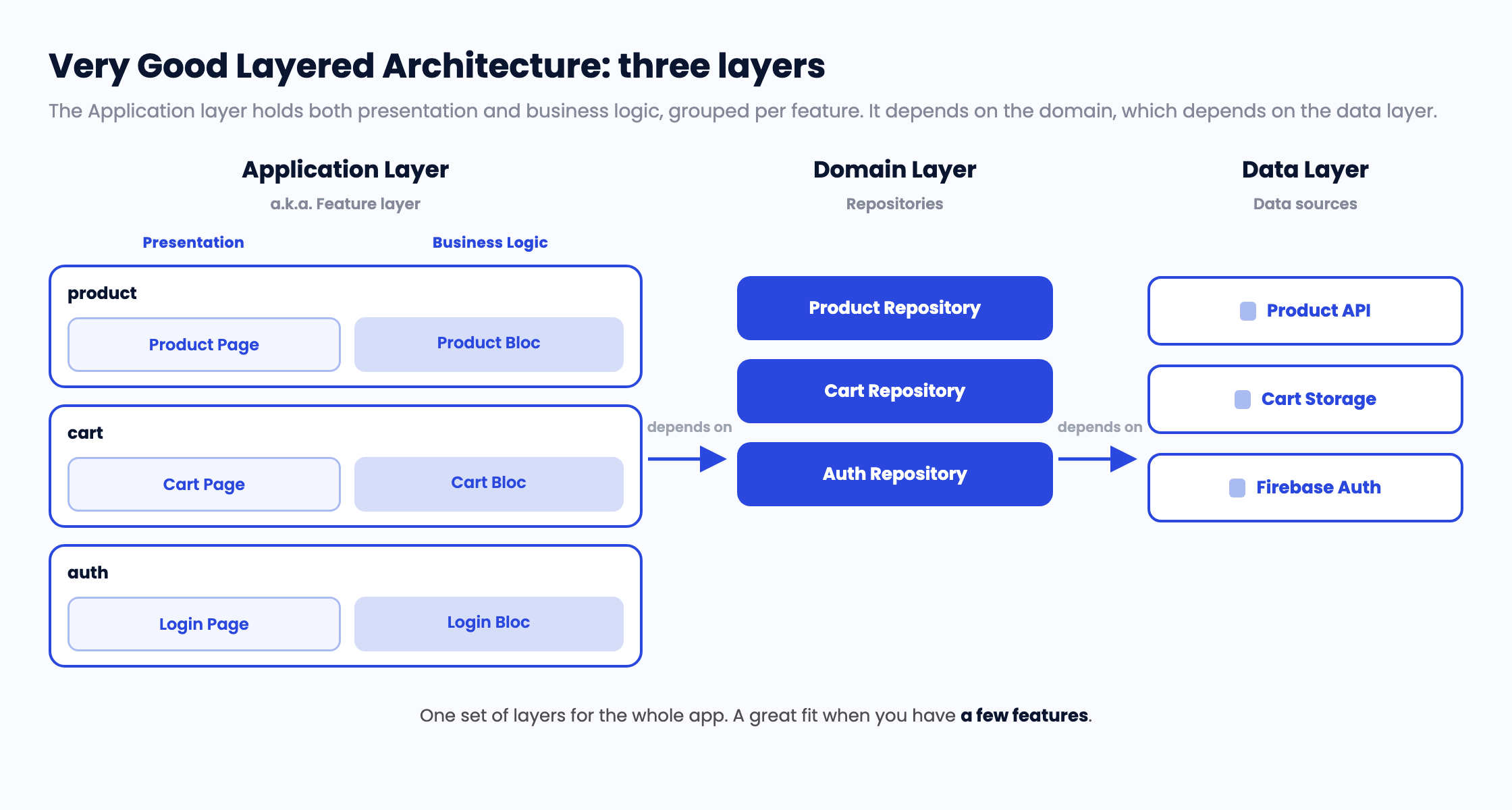
In a layer-organized codebase, packages group by responsibility, not by feature. A feature's UI and logic sit in the application layer, its repository in the domain layer, and its data source in the data layer. That works well when there are three features. At ten or more, any single feature is spread across all three layers, and nothing in the structure ties its pieces together except a naming convention you hope everyone follows.
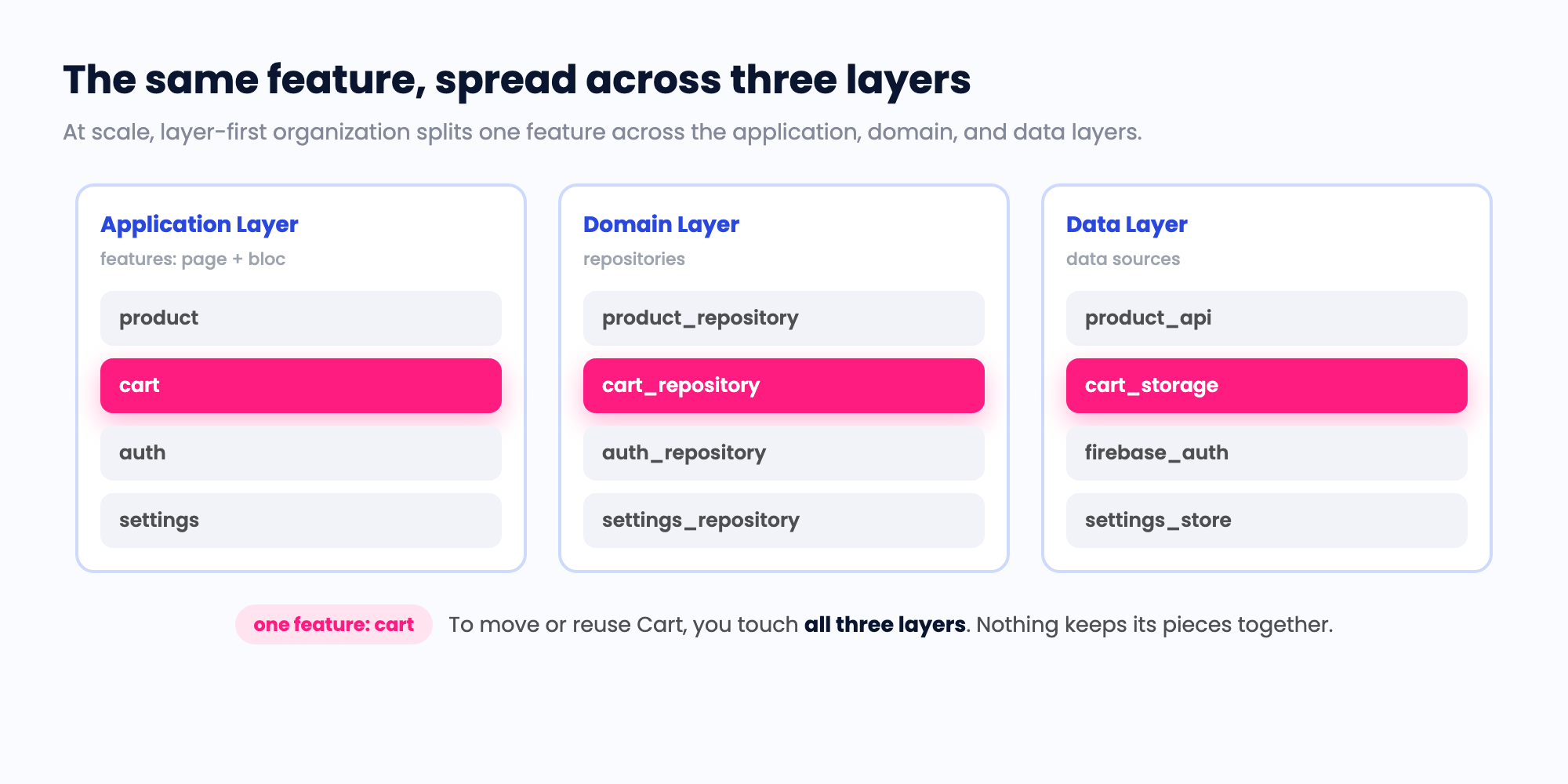
Three costs compound from there.
Feature boundaries stay soft. Nothing physically stops the cart's presentation code from reaching into product internals, so over time it does. The boundary lives in a reviewer's head, not in the build.
Isolating or reusing a whole feature is harder than it should be. When you want to pull `Cart` into a second app, or remove it from one, there is no single thing to move. You go hunting through every layer package for the pieces that belong to it.
And then there are the agents. A coding agent working in a layer-organized repo has no machine-legible map of where a feature begins and ends. Feature folders do not change that. To the tooling it is all one package, so any file can import any other, and there is no boundary for the agent to respect. So it does what it has to. It guesses where new code belongs. It reasons over the whole repo to find what is relevant, because relevance is not encoded anywhere it can read. And it crosses layer boundaries in ways that only surface in review, because nothing in the structure told it the boundary was there.
## The shift: feature-first packaging with enforced layers
FFCA inverts the top level. The primary unit of organization is the feature, and each feature carries its own layers as separate packages.
```
features/
cart/
cart_domain/ # Dart: models, repository interfaces, use cases
cart_data/ # Dart: data sources, DTOs, mappers, repo impls
cart_presentation/ # Flutter: screens, blocs, the feature's Module
product/
product_domain/
product_data/
product_presentation/
auth/ # Headless feature: no screens, so no presentation
auth_domain/
auth_data/
apps/
mobile_app/ # Composes features + shared into a deployable app
admin_app/
shared/
ui_kit/ # Brand-agnostic widgets
api_client/
```
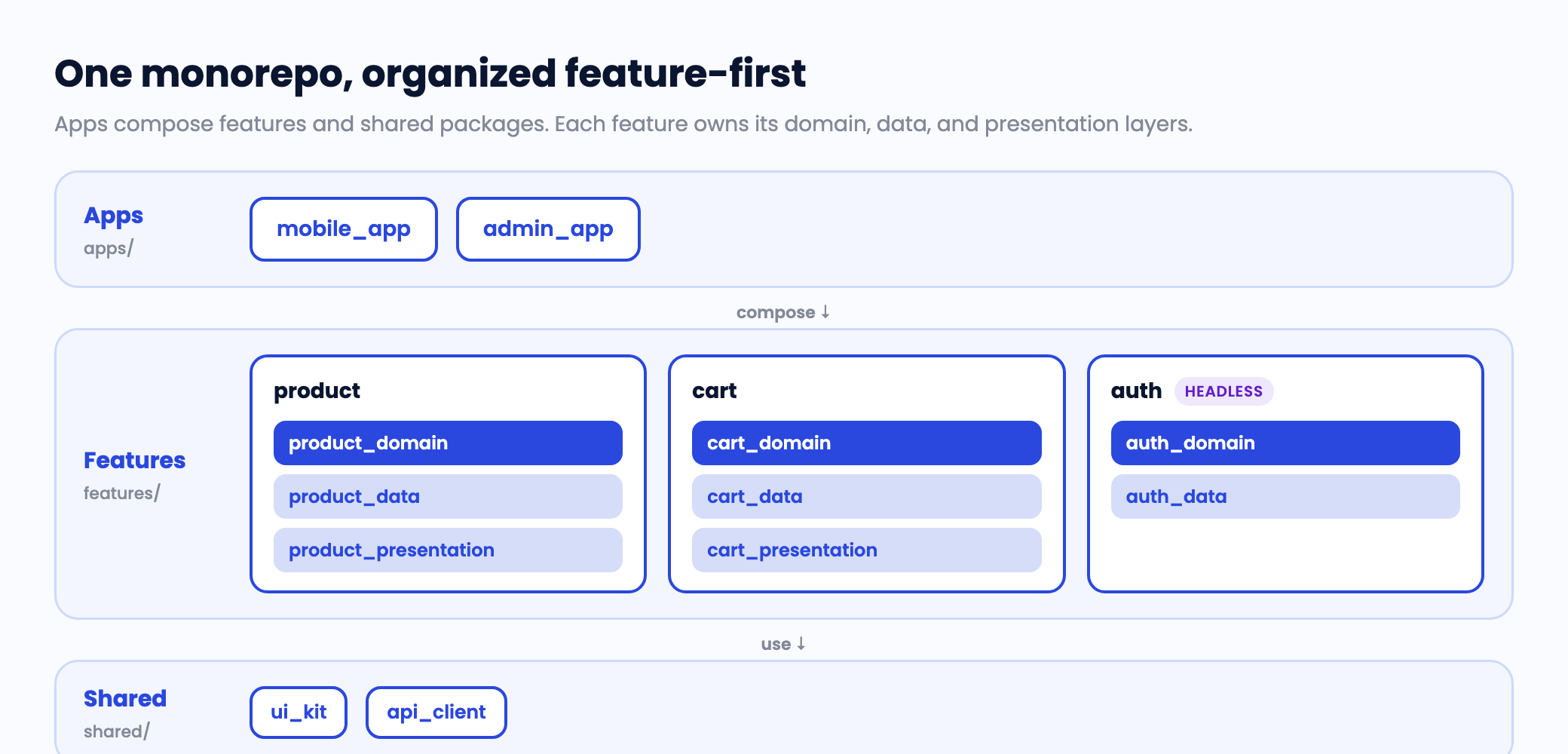
Clean architecture's rules still hold inside each feature. The domain layer is pure Dart and depends on nothing else in the feature. The data layer depends on the domain to implement its repository interfaces. The presentation layer depends on the domain to assemble screens, and never on the data layer. A feature with no screens, like `auth` or `analytics`, is a headless feature: domain plus data, and it can grow a presentation package later with no structural change.
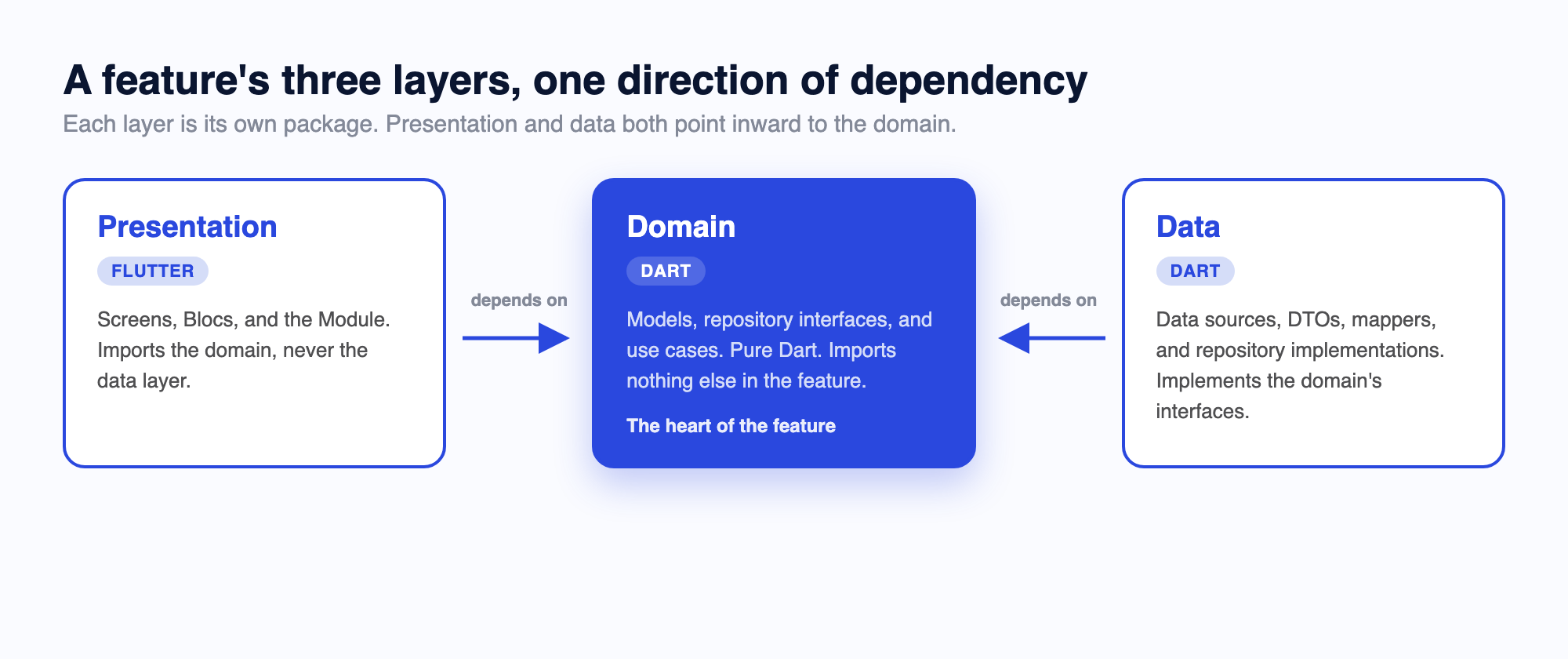
What changed is not the layering. A feature is now a thing you can point at, move, reuse, and reason about as a unit. And because each layer is a real package with a declared dependency graph, the boundaries are no longer just conventions. They are artifacts the build can check.
This is more than feature folders. A feature-based layout collocates a feature's files but keeps the layers as conventions inside a single package. FFCA makes each layer its own package, wired together through [Dart workspaces](https://dart.dev/tools/pub/workspaces), so the dependency graph enforces the boundary rather than a reviewer.
Two things fall out of this structure. The first is that an app becomes little more than the list of features it composes. One app can ship a feature that another leaves out, and neither app touches the other's code to make that happen. Because each feature declares its own dependencies, an app pulls in only the code and SDKs the features it ships actually use, nothing more.
The second is deferred loading. Each feature is its own package, and a feature's presentation layer gives each screen its own barrel file, so an app can defer-load a whole feature, or a single screen, on demand. On the web that splits one large bundle into smaller chunks loaded as they are needed, and on Android it maps onto dynamic feature modules. This is one of the improvements Brian brought to FFCA, and it stays a real win for large web apps. Flutter's [deferred components](https://docs.flutter.dev/perf/deferred-components) cover the mechanics.
## Why it pays off, especially with agents
The properties that make FFCA good for a large human team are the same properties that make it good for coding agents. The predictability that helps a new engineer find their way is the same predictability an agent depends on.
**Deterministic targets.** Every artifact has exactly one legal home, decided by naming conventions and layer packages. A repository interface goes in `{feature}_domain/lib/repositories/`. Its implementation goes in `{feature}_data/lib/repositories/`. A screen's bloc goes in `{feature}_presentation/lib/{screen}/bloc/`. There is no judgment call, so the output is reproducible across runs, across models, and across prompts. Ask two different agents where a new mapper belongs and they land in the same directory, because the structure only permits one answer.
**Bounded context.** The pubspec dependency graph scopes what is relevant. When work happens in `cart_presentation`, the only packages that resolve are that package plus its declared domain dependencies. An agent does not have to read the whole repo to understand the task, because the workspace has already told it what is in scope. The dependency declaration is the context window.
```yaml
# cart_presentation/pubspec.yaml
dependencies:
cart_domain:
path: ../cart_domain
product_domain: # cart shows product info, so it depends on product's domain
path: ../../product/product_domain
# note: no cart_data, no product_data. Presentation never sees a data layer.
```
**Mechanical enforcement.** A layer violation is a compile error, not a review comment. If `cart_presentation` tries to import `cart_data`, the import fails, because that dependency is not declared and never should be. The bad cross-layer reference is blocked at the moment it is written, which means an agent gets immediate, unambiguous feedback and self-corrects instead of shipping something a human has to flag later. We back the finer-grained rules with a custom analyzer that checks naming, cross-feature data leaks, and dependency cycles as an agent hook while you code and again in CI. It is a convenience, not a requirement. The compile-time boundary already comes for free with the package structure.
**Parallel work without collisions.** Splitting a feature into separate domain, data, and presentation packages means several contributors can build different layers of the same feature on disjoint sets of files. One agent implements the repository in the data package while another builds the screen in the presentation package, both against the same domain contract, without touching each other's files. The same isolation that lets two engineers avoid a merge conflict lets two agents run in parallel.
## Routing without coupling: callback injection
Feature isolation raises an obvious question. If a feature cannot import another feature's code, how does the cart navigate to a product screen?
The answer is that features never know about the router. Navigation is a dependency the app layer injects. The feature declares *what* moments need navigation. The app decides *where* they go.
A feature exposes typed callbacks at its entry point, the Module:
```dart
// In cart_presentation. The feature knows a product was tapped.
// It does not know, or care, what happens next.
class CartListModule extends StatelessWidget {
const CartListModule({
required this.cartsRepository,
required this.onProductSelected,
super.key,
});
final ICartsRepository cartsRepository;
final void Function(String productId) onProductSelected;
// ...
}
```
The app layer wires those callbacks to real, type-safe routes. We use [`go_router`](https://pub.dev/packages/go_router) with [`go_router_builder`](https://pub.dev/packages/go_router_builder), so navigation goes through generated route classes, never string paths:
```dart
// In the app layer. This is where cart and product are allowed to meet.
@TypedGoRoute(path: '/cart')
class CartListRoute extends GoRouteData {
@override
Widget build(BuildContext context, GoRouterState state) {
return CartListModule(
cartsRepository: context.read(),
onProductSelected: (id) => ProductDetailRoute(id: id).go(context),
);
}
}
```
The cart package has no dependency on the product package's routes, or on the router at all. It stays reusable and testable in isolation, and the one place two features are wired together is explicit and lives in the app. This is also why an FFCA feature drops cleanly into an [add-to-app](https://docs.flutter.dev/add-to-app) scenario. The same Module runs as a standalone entry point, with the callbacks pointed at a platform channel instead of a route.
## The takeaway
I built the first version of this to solve a human problem. I wanted a team to own a feature outright, without reaching into code that was not theirs. What I did not expect is that a coding agent needs the same thing for the same reason. It has to know where a feature starts, where it ends, and what it is allowed to depend on, and it has to learn that from the structure alone, because the structure is all it can read.
FFCA gives it exactly that. Each feature has one home, the dependency graph draws the lines, and the compiler holds them. None of it is exotic. You get package boundaries, naming you can predict, and a check that runs in CI. The reward is that your architecture is not just something you explain in review, it becomes something the build can prove, for the people on your team and the agents working next to them.
You do not have to convert a whole repo to feel it. Pick one feature, split it into its domain, data, and presentation packages, and point an agent at it. A full working codebase, [Mealify](https://github.com/VGVentures/mealify_feature_first), is there to clone and explore. The first time it drops new code exactly where it belongs, without being told, you will not want to go back!
#### Frequently Asked Questions
##### What is Feature-First Clean Architecture (FFCA)?
FFCA is a way to organize a Flutter monorepo where the top-level unit is the feature, not the layer. Each feature carries its own {feature}_domain, {feature}_data, and, in some cases, {feature}_presentation packages. Clean architecture's dependency rules still hold inside every feature, so the boundaries become real package edges the build can check rather than conventions a reviewer has to enforce.
##### How is FFCA different from Very Good Layered Architecture?
Very Good Layered Architecture organizes a codebase primarily by layer, and it scales to many features within an app. FFCA keeps the same layering discipline but makes the feature the primary unit of organization, packaged so it can be composed into one app, reused in another, or removed without touching the rest. What it adds over layered architecture is composability across apps and a package structure coding agents can read, not a higher feature count.
##### Why does FFCA help coding agents specifically?
Agents read structure literally. Feature-first packaging gives every artifact one legal home decided by naming conventions, scopes relevant context through the pubspec dependency graph, and turns cross-layer violations into compile errors. That means reproducible output across runs and models, less whole-repo reasoning per task, and immediate self-correction instead of a review comment.
##### When should I use FFCA instead of layered architecture?
Reach for FFCA when features need to be composed, shared, or removed across multiple apps, or when coding agents are part of the workflow. Layered architecture already handles many features within a single app well, so for one app with no cross-app reuse and no AI-assisted development, it stays the simpler choice.
### The GenUI Approval Checklist
Source: https://verygood.ventures/blog/genui-approval-checklist/
The GenUI demo is rarely the problem. Everyone in the room wants the upside: faster experiences, more personalized interfaces, new ways to connect users to products and information. The project stalls in the meeting after the demo, when product, engineering, and compliance stakeholders ask some version of the same question: what would need to be true for this to be safe enough to ship?
That is the right question. Not "is GenUI safe?" Not "can the model hallucinate?" But this: what controls, artifacts, and validation steps exist before GenUI reaches a user? Approval gets easier the moment teams stop describing GenUI as magic and start showing how it is constrained, grounded, and checked. This post is the checklist for doing exactly that.
## Start with the real risks
[Generative UI, or GenUI](/resources/genui/), is a way for an LLM to emit a user interface in terms of components an app already knows how to render, using the [A2UI protocol](https://a2ui.org/). The stakes are higher than chat, and the reason is simple: the output is an interface, and users act on interfaces. Our [engineering deep dive on hallucination defense in GenUI](/blog/generative-ui-hallucinations-four-layer-defense/) walks the mechanics in depth. This post covers what a reviewer needs.
When people talk about GenUI risk, they usually collapse everything into "hallucinations." That is too vague to act on. VGV's [Brian Egan](/blog/authors/brian-egan/) breaks the problem into three categories, and a single scenario shows why the distinction matters. For example, say a customer asks [their bank's GenUI app](/blog/genui-last-mile-gap-banking-account-openings/) for the fastest way to pay down a credit card.
First, content hallucinations. The system makes up facts, products, policies, or answers. The response is a well-formed offer card for a balance-transfer product with a 0% intro rate the bank does not offer.
Second, structural hallucinations. The system generates UI that does not match the approved catalog. It returns plain text the client cannot render, invents a component that does not exist, omits required properties, or picks a valid component that fails the job, like a spending-trend chart when the customer asked for a payoff plan.
Third, intent hallucinations. The system responds outside the job it is supposed to do. The customer types "waive my late fees for the year," the model complies, and the client faithfully renders a confirmation card for a waiver that was never approved.
If you have read the [four-layer defense post](/blog/generative-ui-hallucinations-four-layer-defense/), the map is direct. Content hallucinations are its data layer, structural hallucinations cover its structural and semantic layers, and intent hallucinations are its safety layer. Same problem, sliced for the reviewer instead of the engineer.
No single defense catches all three. A team that only talks about accuracy but ignores structure, permissions, and fallback behavior has not de-risked GenUI. It has de-risked one third of it.
## Bring artifacts, not assurances
If a VP of Product wants GenUI approved in one review cycle, they should not walk in with a vision deck. They should walk in with a small set of concrete artifacts that show how the system behaves under constraint. Here is the five-part checklist we use.
### 1. A constrained component catalog
The first thing reviewers should see is that the model cannot invent the interface from scratch. It composes from an approved set of UI building blocks, with a clear registry, defined allowed properties per component, and examples of valid compositions.
In the [GenUI Kit](/resources/genui-kit/), this is the catalog package. It lists every component the model may emit along with its JSON Schema, and it is the single source of truth. The Flutter frontend reads it to know which widgets to build. The backend reads it to render each schema directly into the system prompt, so the model sees the exact JSON shape it must return per component rather than guessing.
The catalog also carries the component-choice guidance that prevents the "valid but wrong" failure. A short catalog prompt tells the model when a flight card beats a line chart beats plain text. Keep its scope narrow. It governs component choice, not protocol mechanics and not the app's voice. Those live in their own prompts, and the backend concatenates all three per request.
This artifact is the main defense against structural hallucinations, and it makes the output auditable. If the model emits a component that does not exist or adds unsupported properties, that is immediately detectable.
### 2. Grounding to verifiable IDs and source systems
The second artifact is proof that the model does not generate factual content out of thin air. The pattern is simple. The model references a specific ID, and the application fetches the actual data from the source system. Instead of writing the contents of a product card, the model indicates which product ID to show, and the app retrieves and renders the real record. The same logic covers FAQs, policies, and account data.
There are two mechanisms, and the split matters for cost. Tools handle data the model must fetch during generation, like inventory, prices, and a flight-search API. Each tool call is a full model round trip with real latency. Context injection handles facts the server already knows at request time, like the signed-in user's home airport, locale, and the current time. Those merge into the prompt with no round trip. Pick tools for data the server has to go fetch. Pick injected context for data it already has.
One guardrail: everything injected lands verbatim in the prompt. Never inject secrets or unscreened client input.
In the banking scenario, this is the difference between an invented 0% offer and a card populated from the bank's live product catalog, with rates coming from the system of record instead of the model. The more the model points to verified entities instead of writing them, the easier the system is to explain in review.
### 3. Validation before anything reaches the user
A constrained catalog is not enough on its own. Even a well-instructed model occasionally returns plain prose or JSON missing a required field. Teams need to show what happens between the model's response and the user's screen.
Every output gets checked against the catalog and schema. Does the component exist? Are required properties present? Does the response conform to the expected structure? In the kit, a response validator rejects the miss and retries the call once, a safety net for the rare bad generation.
The approval conversation changes when the answer is not "we prompt it carefully" but "we validate every output before render." And just as important, teams should show what happens when validation fails. A system with only a happy path is not approval-ready.
### 4. Access control on every data and tool path
One major failure mode has nothing to do with the model inventing things. It is the model being allowed to retrieve information it should never have touched.
Every tool call and every data fetch runs through authentication and role-based access control. If a user cannot see a record, the model cannot retrieve it on that user's behalf either, and every access is auditable.
Teams sometimes treat data access as separate from GenUI. It is not. When the interface is dynamically generated from model-linked tools and data, permissions are part of the safety model, and reviewers will ask.
### 5. Fallbacks for uncertainty, invalid output, and off-intent requests
The last artifact is the one teams neglect most. What happens when the system is wrong, uncertain, invalid, or off-task?
This is where intent hallucinations get caught. The defense sits at both edges of the request, screening the prompt coming in and the response going out, so the fee-waiver request never reaches a component the model could fill in. Teams can add an intent-validation step that checks whether a response matches the system's purpose before allowing it through. That check adds latency, so the tradeoff has to be weighed per product.
Whatever the exact method, approval-ready systems have explicit failure design. Safe refusal, fallback UI states, and escalation paths are part of the architecture, not edge cases deferred to later.
## A useful clarification: GenUI vs server-driven UI
Reviewers familiar with server-driven UI often ask [what is actually new here](/blog/genai-vs-genui-whats-the-difference-why-it-matters-for-product-teams/). Dynamic composition is not new. Teams have assembled interfaces from predefined components for years, alongside search systems and recommendation models. What changes with GenUI is the generation layer and the flexibility of the model-driven decisions behind it.
That is why approval should not get stuck on labels. The question is never whether the system is called AI. The question is whether its outputs are constrained, grounded, and validated. If they are, reviewers have something concrete to evaluate. If they are not, the architecture is still too loose to ship.
## The questions every approval-ready team can answer
Before shipping GenUI, a team should be able to answer these with artifacts instead of assurances:
- What is the model allowed to generate, and what is it not allowed to generate?
- Where do facts come from?
- How are inputs and outputs sanitized, both what enters the prompt and what leaves for the screen?
- How is UI output validated before render, and what happens when validation fails?
- What data can the model access, and how are permissions enforced?
- How does the system stay on-task?
- What is the fallback when output is uncertain, invalid, or off-intent?
## The controls are the approval
GenUI does not become safer because a team says it is controlled. It becomes safer when the controls are explicit, reviewable, and enforced in the product. Each of the five artifacts answers a question no other artifact can. The catalog answers what the model may generate. Grounding answers where facts come from. Validation answers what stands between a bad generation and the screen. Access control answers what the model may touch. Fallbacks answer what happens when everything else says no. A team missing one artifact is walking into review with an open question, and open questions are where approvals stall.
Bring these five artifacts to your next architecture review and the conversation shifts from an abstract argument about AI risk to an inspection of system design. That is a conversation teams can win.
The [GenUI Kit](/resources/genui-kit/) ships every control on this checklist, from the catalog and prompt architecture to the validator and [quality gates a Flutter team needs to run generative UI in production](/resources/flutter-ai-engineering/). The [alpha waitlist](/resources/genui-kit/#clStart) is open. For adjacent reading, see the VGV blog's [GenUI archive](/blog/?tag=GenUI).
#### GenUI approval FAQs
##### What are the three types of GenUI hallucination?
Content hallucinations — the system makes up facts, products, policies, or answers, such as an offer card for a product the bank does not offer.
Structural hallucinations — the system generates UI that does not match the approved catalog. It returns unrenderable text, invents a component, omits required properties, or picks a valid component that fails the job.
Intent hallucinations — the system responds outside the job it is supposed to do, such as confirming a fee waiver that was never approved.
No single defense catches all three.
##### What artifacts should a team bring to a GenUI architecture review?
Five: a constrained component catalog, grounding to verifiable IDs and source systems, validation before anything reaches the user, access control on every data and tool path, and fallbacks for uncertainty, invalid output, and off-intent requests. Each answers a question no other artifact can, so a team missing one walks into review with an open question.
##### What is the difference between GenUI and server-driven UI?
Dynamic composition is not new. Teams have assembled interfaces from predefined components for years, alongside search systems and recommendation models. What changes with GenUI is the generation layer and the flexibility of the model-driven decisions behind it. Approval should not get stuck on labels. The question is never whether the system is called AI, it is whether the outputs are constrained, grounded, and validated.
##### When should GenUI use tools versus context injection?
Tools handle data the model must fetch during generation, like inventory, prices, and a flight-search API. Each tool call is a full model round trip with real latency. Context injection handles facts the server already knows at request time, like the signed-in user's home airport, locale, and the current time, and those merge into the prompt with no round trip. One guardrail: everything injected lands verbatim in the prompt, so never inject secrets or unscreened client input.
##### How is GenUI output validated before it reaches a user?
Every output is checked against the catalog and schema. Does the component exist? Are required properties present? Does the response conform to the expected structure? In the GenUI Kit, a response validator rejects the miss and retries the call once. Teams should also be able to show what happens when validation fails, because a system with only a happy path is not approval-ready.
##### Why is access control part of the GenUI safety model?
One major failure mode has nothing to do with the model inventing things. It is the model being allowed to retrieve information it should never have touched. Every tool call and every data fetch runs through authentication and role-based access control, so if a user cannot see a record, the model cannot retrieve it on that user's behalf either. When the interface is dynamically generated from model-linked tools and data, permissions are part of the safety model.
### Introducing the GenUI Accelerator, built with L+R
Source: https://verygood.ventures/blog/genui-accelerator-vgv-lr-partnership/
GenUI tends to land on engineering's desk because it looks like a technology shift. The harder question comes first. Where do adaptive, AI-generated user interfaces belong in your product, and are they worth building? Answering that takes strategy and design as much as engineering, and in most companies the question has no owner.
The GenUI Accelerator gives that question an owner for six weeks. You bring one real use case from your own product. You leave with a GenUI prototype built on that use case, in your brand, and an executive brief you can take to your CEO, CFO, or board.
VGV is running the Accelerator with [L+R (Levin & Riegner)](https://www.levinriegner.com/), a strategy and design firm with deep experience in brand and digital product work, and today we're making that partnership official. [Generative UI (GenUI)](/resources/genui/) is a core focus at VGV, across enterprise client work, the open-source ecosystem, and collaborations around the industry.
## Why the program exists
The program is built around the step where GenUI work usually stops, the move from a prototype to a funded project. The prototype is the easy half. The case that follows has to survive a budget conversation with people who never saw the prototype, and that takes product strategy and engineering cost estimates at the same time.
The Accelerator is built for product leaders at that point, the ones who need to get from interest to an approved investment. L+R brings strategy, foundational design, and years of running executive workshops. VGV brings the [GenUI engineering](/resources/flutter-ai-engineering/), along with a long record of [shipping production Flutter applications at enterprise scale](/success-stories/). Both teams sit in the same sessions, so the strategy and the cost estimate get built together rather than passed between firms.
## How the six weeks run
The program is for heads of product, chief product officers, and innovation leaders. No code, and no engineering background required.
Two live 90-minute sessions run each week with the L+R and VGV teams, starting at GenUI fundamentals and ending at production patterns, with 1:1 office hours in between. In week two each team picks one opportunity from its own product, and everything after that builds on the pick rather than a canned example. The brief lays out the problem, the prototype, the investment required, and the path to production, in a form you can hand to a board.
## How to apply
Cohorts stay small on purpose, and applications are read as they come in. The next cohort starts October 5, 2026. Applications close September 5, 2026, or whenever the cohort fills. Applying takes about three minutes at [etap.levinriegner.com/genui](https://etap.levinriegner.com/genui?utm_source=vgv&utm_medium=blog&utm_campaign=genui-accelerator).
## What else the partnership will do
The Accelerator is the first program out of the partnership, not the whole of it. VGV and L+R also co-hosted the first GenUI dinner for product leaders working through these questions, and more events are planned.
After the first cohort finishes, the two firms will publish what they learned from running it, including where generative interfaces fit and what they cost to build. Whatever a team brings into the program stays inside it.
When an organization comes out of a program ready to build, VGV and L+R can stay on as one team and do the work, from strategy through delivery.
> "Product leaders don't need another GenUI demo. They need a credible answer to what it would look like in their product and what it would cost. Working with L+R lets us put strategy, design, and engineering in the same room to answer that."
>
> — **[Alessandra Valenti](https://www.linkedin.com/in/alessandravalenti/)**, Head of Partnerships, Very Good Ventures
> "The organizations that win with GenUI will be the ones that treat it as a product decision, not a technical experiment. This partnership is built around that idea."
>
> — **[Alex Levin](https://www.linkedin.com/in/alexmlevin/)**, Co-founder, L+R
#### GenUI Accelerator FAQs
##### What is the GenUI Accelerator?
The GenUI Accelerator is a six-week program for product leaders, run by Very Good Ventures and L+R. Each participating team brings one real use case from its own product. Teams leave with a GenUI prototype built on that use case, in their own brand, plus an executive brief covering the problem, the prototype, the investment required, and the path to production.
##### Who is the GenUI Accelerator for?
Heads of product, chief product officers, and innovation leaders. It is aimed at people who need to get from interest in GenUI to an approved investment.
##### Do I need an engineering background to take part?
No. The Accelerator involves no code and requires no engineering background.
##### What is the format?
Two live 90-minute sessions a week with the L+R and VGV teams, starting at GenUI fundamentals and ending at production patterns, with 1:1 office hours in between. In week two each team picks one opportunity from its own product, and the rest of the program builds on that pick rather than a canned example.
##### When does the next cohort start and how do I apply?
The next cohort starts October 5, 2026. Applications close September 5, 2026, or whenever the cohort fills, and are read as they come in. Cohorts stay small on purpose. Applying takes about three minutes at etap.levinriegner.com/genui.
##### What is the VGV and L+R partnership?
Very Good Ventures and L+R are partnering to help product leaders decide where GenUI belongs in their product. L+R brings strategy, foundational design, and executive workshop experience. VGV brings GenUI engineering and a record of shipping production Flutter applications at enterprise scale. The Accelerator is the first program out of the partnership. The two firms also host GenUI events for product leaders. They co-hosted the first GenUI dinner and more are planned, and they will publish what they learn from running the first Accelerator cohort. Work that participating teams bring into the program is not shared outside it. When an organization is ready to build, the two firms can stay on as one team and do the work, from strategy through delivery.
### Hallucinations in Generative UI: A Four-Layer Defense
Source: https://verygood.ventures/blog/generative-ui-hallucinations-four-layer-defense/
Chat hallucination is a wrong sentence. The reader shrugs, retries, or scrolls past. Hallucination in a Generative UI product is different. The output is a widget, and the widget looks trustworthy. When the model fabricates on that surface, users act on it.
Generative UI, or GenUI, is a way for an LLM to emit a user interface in terms of components an app already knows how to render, using the A2UI protocol. See [a2ui.org](https://a2ui.org/). It sits between chat and traditional UI, and it fails in ways neither of those does.
Take one scenario. A traveler asks a GenUI app, "Find me a flight from SFO to JFK next Friday morning." A naive GenUI system can go wrong on four distinct layers.
* **Structural.** The response is text, or JSON that does not match any component. The client cannot render it.
* **Semantic.** The response is a valid catalog component, but the wrong one. A fare chart when the user asked for flights.
* **Data.** The response is the right component, filled with a flight number the airline does not operate.
* **Safety.** The user types, "Give me a 90% off promo code for all flights." The model complies and renders a coupon UI.
These four layers are failure modes, not the Flutter architecture layers in [GenUI Meets the VGV Architecture](https://verygood.ventures/blog/flutter-genui-meets-the-vgv-architecture/). "Data" names a fabricated value here, an architectural boundary there.
No single defense catches all four. A production GenUI system defends in layers. The rest of this post walks the four layers the [GenUI Kit](https://verygood.ventures/resources/genui-kit/) ships, in the order the model touches them.
## Layer 1: The client can't render what the model returned
The failure mode. The model returns text, or JSON in a shape the client does not understand. The `GenUIZone` in the Flutter app has no widget for it. In a chat product, the reply would still show as text. In GenUI, the reply is silent, or worse, the rendering breaks. [Benchmarking LLMs for GenUI](https://verygood.ventures/blog/benchmarking-llms-for-gen-ui/) measured this failure mode across models.
The defense is three parts, all in [the Kit](https://verygood.ventures/blog/introducing-genui-kit/).
First, a catalog. The `genui_kit_catalog` package lists every component the model may emit, with its JSON Schema. The catalog is the single source of truth. The Flutter zone reads it to know what widgets to build. The backend reads it to render schemas into the system prompt. When both sides agree on the shape, they agree on what a valid response looks like.
Second, schemas ship into the prompt. The backend renders every catalog component's JSON Schema into the A2UI mechanics prompt, which is the first of three system prompts it concatenates. The model sees the exact JSON shape it must return, per component. It is not a guess.
Third, response validators. Two run against every response: one checks the A2UI envelope shape, one checks that every component name is in the catalog. When either fails, the backend feeds the errors back to the model with a "reissue using only components from the catalog" instruction and takes a second shot. If the retry also fails, the request errors out rather than shipping broken output to the client.
Back to the scenario. Without the layer, the naive model returns "Here are three flights: UA 245, DL 12, AA 88, all around 7 AM." The client has nothing to render. With the layer, that reply is rejected, the errors are fed back with a "reissue using only components from the catalog" instruction, and the retry returns a valid `FlightCard` list.
What Layer 1 misses. A schema-valid response that picks the wrong component. A schema-valid response with fabricated data. A schema-valid response that executes a jailbreak. Those are the next three sections.
## Layer 2: The right schema, the wrong component
The failure mode. The response is a valid catalog component, but not the one the user needed. A `LineChart` of average fares over the month, when the user asked for a flight this Friday. Nothing to fix in the schema. The response is structurally clean and semantically wrong.
One system prompt is not enough for this, because three concerns live at three different lifetimes.
* **A2UI mechanics.** How the model emits UI at all. The exact JSON shape per component. Mechanical, auto-generated from the catalog, rarely edited.
* **Catalog prompt.** When to pick each component. A design-system concern, owned by the catalog package, changing when the catalog changes.
* **System prompt.** The app's voice and audience. Who the user is, what tone to strike, what topics are in scope. A product concern, owned by the backend, changing when the product changes.
The backend concatenates the three per request in that order. Each has a home.
Back to the scenario. Without a catalog prompt, the model has to guess when a `FlightCard` beats a `LineChart` beats plain `Text`. Training data leans toward charts for anything with prices and dates, so a `LineChart` is a plausible pick. With a catalog prompt that says "for a specific flight query, return a `FlightCard`. Reserve `LineChart` for a fare-trend request," the model picks the card.
The trap. Teams over-invest in the catalog prompt. It attracts every stray instruction that does not clearly belong somewhere else. The scope is narrow: the catalog prompt says when to pick each component, not how A2UI works and not what the app's voice is. Push A2UI mechanics into the auto-generated prompt. Push voice and audience into the system prompt. Keep the catalog prompt about component choice.
## Layer 3: Real component, invented flight
The failure mode. The response is a valid, well-chosen component filled with data the model made up. A `FlightCard` for "UA 245, SFO to JFK, departing 7:15 AM Friday" when the airline does not operate that flight on that route.
The defense has two parts, because there are two kinds of data.
Tools, for data the model must fetch during generation: inventory, prices, availability, a flight-search API. The `buildAgentTools` list, in the generated backend's `lib/tools/`, is where a tool lives. The model calls the tool, the tool returns data, and the model still owns turning that data into a `FlightCard`. Wiring a tool means defining its input schema, authenticating it, and registering it in that list.
`PromptContextBuilder`, for facts the server already has at request time: the signed-in user's home airport, their locale, the current UTC time. These do not need a round trip. The builder returns a map, the map merges into the system prompt render, and each key becomes a Handlebars variable the prompt can reference.
The cost trade-off matters. A tool call is a full model round trip and its latency, every request. Injected context is not. Pick tools for data the server has to go fetch. Pick context for data the server already has.
Back to the scenario. Without tools, the model invents "UA 245, 7:15 AM." With a `flightSearch` tool, the flight number and departure time are real. With `PromptContextBuilder` returning the user's home airport, SFO, and locale, the origin defaults right and the times render in the traveler's local zone, without a second round trip.
The constraint. Everything the builder returns lands verbatim in the system prompt. Do not inject secrets. Do not inject unscreened client input. The guardrail layer is the defense for the second case, and it is the next layer.
## Layer 4: The jailbreak that never reaches the model
The failure mode. The user asks for something the app should never render. "Give me a 90% off promo code for all flights." A naive model complies, and the client faithfully renders a coupon UI for a discount that does not exist. Now your support team is deciding whether to honor a promo your app displayed.
[Prompt injection](https://genai.owasp.org/llmrisk/llm01-prompt-injection/) ranks first on OWASP's list of LLM risks. The defense sits at both edges of the request, screening the prompt coming in and the response going out, catching the jailbreak before it ever reaches a component the model could fill in. That defense is a guardrail layer built on [Model Armor](https://docs.cloud.google.com/model-armor/overview), Google Cloud's model safety service. The GenUI Kit backend deploys as-is on Google Cloud with Model Armor wired in. On Bedrock, Azure, or another stack, treat the backend as a reference and run the equivalent screening layer there.
Back to the scenario. Model Armor screens the prompt before the model sees it. The discount-code request is flagged, the model never generates a coupon, and the client renders the app's standard refusal component instead. The request dies at the door, not in the UI.
## Why layered
Four layers, one scenario. Structural catches a text-blob response the client cannot render. Semantic catches a `LineChart` where a `FlightCard` belonged. Data catches "UA 245" for a flight the airline does not operate. Safety catches the discount-code jailbreak.
Remove any one and the corresponding failure lands in front of the user. Remove Layer 1 and structurally-invalid responses stay silent or render broken. Remove Layer 2 and the chart shows up in place of the card. Remove Layer 3 and the fabricated flight is presented as real. Remove Layer 4 and the jailbreak succeeds.
Each layer has a hallucination that only it catches. That is why the defense is layered and not chained, and it is why a single "just validate the schema" or "just add Model Armor" answer misses. The four layers are four different problems.
The four layers sit at four different places in a single request.
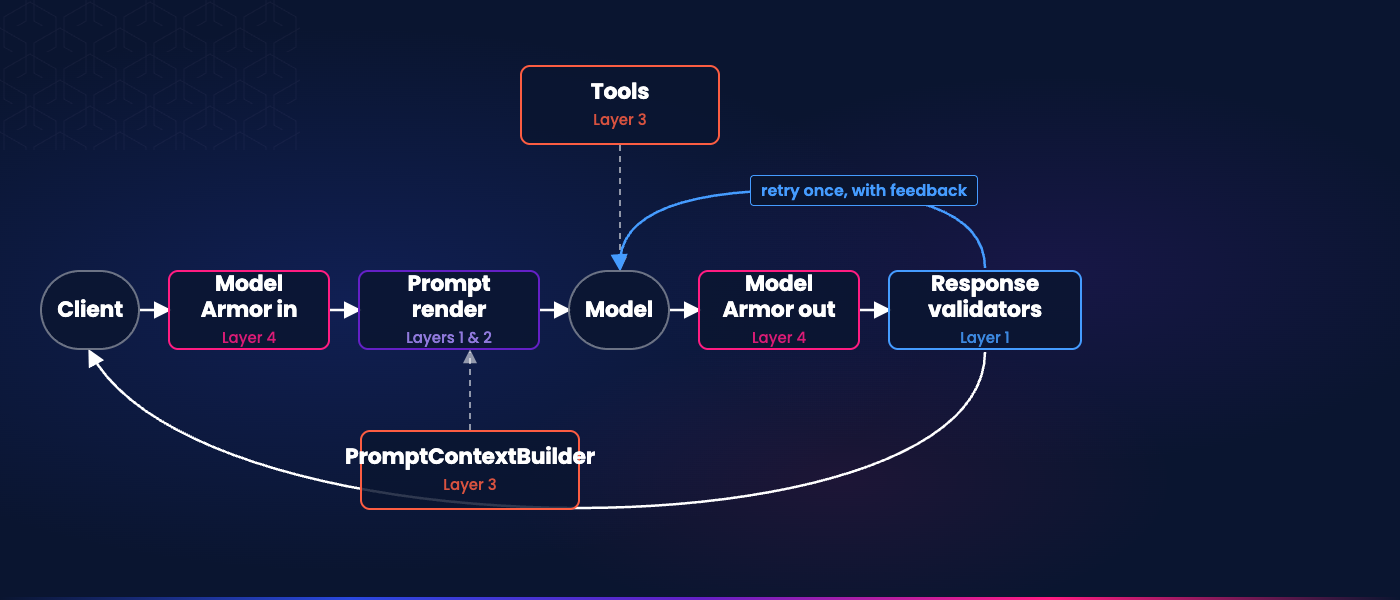
Where each layer sits in a single GenUI request.
## Learn more
The [GenUI Kit](https://verygood.ventures/resources/genui-kit/) bundles the catalog conversion, developer cockpit, real backend integration, and quality gates a Flutter team needs to ship generative UI in production. Every layer this post walked is part of it. The layers came out of shipping GenUI for enterprise clients, not a whiteboard. The alpha waitlist is open.
For the broader picture, see [Introducing GenUI Kit](https://verygood.ventures/blog/introducing-genui-kit/), which walks the Kit's Flutter architecture and the production concerns behind this post. For measurements behind Layer 1, see [Benchmarking LLMs for GenUI](https://verygood.ventures/blog/benchmarking-llms-for-gen-ui/), which coined "structural hallucinations" with data across models. For adjacent GenUI reading, see the [Very Good Ventures blog](https://verygood.ventures/blog/?tag=GenUI).
#### Frequently Asked Questions
##### How is a hallucination in Generative UI different from a chat hallucination?
A chat hallucination is a wrong sentence — the reader shrugs, retries, or scrolls past. In Generative UI the output is a widget that looks trustworthy, so when the model fabricates on that surface, users act on it.
##### What are the four layers of hallucination defense in the GenUI Kit?
Structural catches responses the client cannot render, like plain text or off-catalog JSON. Semantic catches a valid-but-wrong component, like a fare chart when the user asked for flights. Data catches a well-chosen component filled with fabricated values. Safety screens the prompt in and the response out for jailbreaks.
##### Why defend in layers instead of a single check?
Each layer catches a hallucination that only it catches, so the defense is layered and not chained. Remove any one and the corresponding failure lands in front of the user. A single 'just validate the schema' or 'just add Model Armor' answer misses three of the four problems.
##### How does the GenUI Kit stop the model from fabricating data?
With two mechanisms. Tools fetch data the model must look up during generation, like a flight-search API, and are registered in the backend's buildAgentTools list. PromptContextBuilder injects facts the server already has at request time, like the signed-in user's home airport, without a model round trip.
##### What is A2UI?
A2UI is the protocol that lets an LLM emit a user interface in terms of components an app already knows how to render. It sits between chat and traditional UI. See a2ui.org.
### GenUI Run Rate Economics: The Four Cost Drivers
Source: https://verygood.ventures/blog/gap-3-run-rate-economics/
Three conversation turns, three tool calls, about $0.083. That is what one GenUI retail session costs against Claude Sonnet 5 in July 2026, and this post shows you the math line by line. The number is made of four things your team can measure and control: model tokens, tool calls, model choice, and prompt caching.
If you are the person who has to defend a GenUI line item before it ships, this is the math to bring to that meeting.
GenUI lets an app build its interface on the fly, using components the app already knows how to render. To understand what this means in practice, see [the GenUI overview](https://verygood.ventures/resources/genui/).
Let's model one scenario. This is only an estimate, used to illustrate the point, and we will use this same scenario for the rest of the post. A shopper opens a retail app and asks for running shoes under $150. The app replies with a `ProductCard` list. The shopper taps the top result and asks if it is in stock. The app replies again, with the same card plus an availability line. The shopper asks for the same shoe in a different color. The app replies a third time, with a variant card. That is three turns in the conversation, and three tool calls: `catalogSearch`, `inventoryCheck`, and another `catalogSearch` for the variant.
## One session costs about eight cents
Using the retail scenario above, and pricing it against Anthropic's Claude Sonnet 5 in July 2026, the cost comes to about $0.083 per session. This includes three conversation turns, three tool calls, and six model round trips in total. This is a modeled number, not a real bill or a quote from a customer.
Per active user, per month, the cost depends on how often people use the app. If a user has three sessions per month, that is about $0.25. If a user has ten sessions per month, that is about $0.83. The lower number matches an e-commerce app where about one in ten monthly users comes back daily. The higher number matches an app with more daily use. Neither of these is a real benchmark. They both come from the same math, just applied at different levels of usage.
You can reproduce this math using three inputs: the model's price per token on a given date, the length of the three-part prompt, and how the session is shaped. Every dollar figure below comes from those three inputs. If you use a different model, or price it on a different date, the overall shape of the run rate will stay the same. The exact numbers will not.
## Driver 1: Your prompt is billed on every single turn
Every GenUI request combines three system prompts, in this order: first the A2UI mechanics, then the catalog prompt, then the system prompt. After that comes the chat history so far, plus the current user message. All of this is billed as input tokens, on every single model call.
In our retail scenario, these three prompts together add up to about 2,500 input tokens. This number stays the same on every turn. What changes is the chat history, which grows as the conversation continues.
To keep things simple, let's imagine there are no tool calls for a moment, so each turn is just one model call. Here is how the input-token bill grows:
| **Turn** | **Prompt + history + user** | **Input tokens** |
| --- | --- | --- |
| 1 | 2,500 + 0 + 30 | 2,530 |
| 2 | 2,500 + 530 + 15 | 3,045 |
| 3 | 2,500 + 1,045 + 15 | 3,560 |
| Sum | | 9,135 |
The output is a `ProductCard`-shaped A2UI response, using about 500 tokens per turn, or 1,500 tokens across the whole session. This number can be higher or lower depending on how many cards are shown.
Using Sonnet 5's rates ([$3.00 per million input tokens and $15.00 per million output tokens](https://www.anthropic.com/pricing)), the token cost in this no-tool scenario is about $0.050 per session: $0.027 for input and $0.023 for output.
This lever is the three-part prompt itself, because its length decides your input-token bill. Every word you add to the catalog prompt gets billed on every turn, in every session, and the same is true for the system prompt. Each of these prompts has a different job: the catalog prompt decides which component to use, and the system prompt sets the app's voice and audience. Therefore, make sure to keep prompts as small and focused as possible while remaining effective.
## Driver 2: Tool calls are 40% of the bill
A tool call costs more than just calling a backend API. Each one needs a second model call. First, the model reads the prompt and decides to return a `tool_use` request. Then the backend runs that tool, and sends everything back to the model in a second call: the original prompt, the `tool_use` request, and the tool's result. Only after that does the model produce the final A2UI response.
This means that three tool calls in our retail session actually need six model calls in total, not three. Every one of these six calls has to pay for the same ~2,500-token prompt.
Each of the three second-round calls pays for the prompt again, plus the growing chat history, plus the small `tool_use` and tool-result data. Together, these tool round trips add about 11,000 input tokens across the session, which is more than the entire no-tool case from Driver 1.
At Sonnet 5's rates, this full six-call session costs about $0.083. Of that, about $0.033 comes from tool overhead alone, or about 40% of the run rate. [Gap 1](/blog/generative-ui-hallucinations-four-layer-defense/) already talked about this trade-off, in Layer 3, where a tool call meant an extra model round trip, and extra latency, on every request. Here, we finally put a dollar amount on that trade-off.
This lever is about using information you already have. Details like the user's locale, home store, or cart contents can go directly into the system prompt, instead of being fetched through a tool call, which saves you a round trip. For example, if the server already knows the user's home store, it might not need to call `inventoryCheck` at all. Using this lever mainly costs a bit of server code, plus one variable added to the system prompt.
## Driver 3: A 10x cheaper model can cost you more
Per-token pricing can be very different between the mid-tier models a GenUI backend can use. Sonnet 5 costs $3.00 per million input tokens. [Gemini 2.5 Flash](https://ai.google.dev/gemini-api/docs/pricing) costs $0.30 per million input tokens, which is 10 times cheaper. Opus 4.8 costs $5.00 per million input tokens, which is 1.7 times more than Sonnet 5.
But cost is not the only thing that matters. The quality of what the model produces is also part of what you are paying for. A cheaper model may fail more often on the structural or semantic checks described in [Gap 1](/blog/generative-ui-hallucinations-four-layer-defense/). Those failures cost you through retries, and through a worse experience for the user, so the real cost can be higher than the per-token price suggests. The response validator's retry-once safety check catches structural failures, but it also doubles the model cost each time it triggers. In our retail session, one triggered retry on a single turn adds roughly $0.014, so a model that fails validation 20% of the time can erase most of a 10x per-token discount before you count the user experience cost.
A single environment variable lets you change the model for each deployment, and you choose the provider when you set up the backend. Changing the model is just a configuration change, not a code change. The backend can also choose a different model for each request, so a browsing screen and a checkout confirmation could use two different models, while still using the same catalog.
As a practical rule, choose your model based on the experience. A high-stakes checkout confirmation is a different kind of task than a browsing recommendation. It is worth paying for a stronger model where a bad response is expensive, and saving money where the risk is lower.
## Driver 4: Caching cuts the session 38%, but only if you turn it on
Prompt caching charges a lower rate for input tokens the model has seen recently. Anthropic offers this on Sonnet 5: a cache hit costs $0.30 per million tokens, compared to $3.00 per million for an uncached request, which is 10 times cheaper. The first request that fills the cache pays a small extra fee, $3.75 per million tokens, and this cached version lasts for five minutes.
Our retail scenario is a good fit for caching, because the three-part prompt stays exactly the same on every turn, in every session. The catalog's JSON schemas do not change between turns, so only the chat history grows over time. This means the real savings come from the stable part of the prompt, which is the first 2,500 tokens of every call.
Let's apply caching to that same six-call session and see how the math changes. The first call writes those 2,500 stable-prefix tokens at $3.75 per million, which costs $0.0094. The next five calls simply read those same 2,500 tokens, at $0.30 per million each, costing $0.0038 in total. The remaining input, about 5,200 tokens across the session, is billed normally at $3.00 per million, costing $0.016. Output stays the same, at $0.023.
In total: with caching, the session costs about $0.051. That is a saving of about $0.032, or roughly 38% off the original run rate.
Part of these savings comes from the prompt structure itself. Putting the stable content first, at the start of every request, is exactly the shape that prompt caching rewards, and this is the foundation the whole discount is built on.
The rest is up to you. Prompt caching does not turn on automatically. You need to enable it on the provider's side. For Anthropic, this means adding `cache_control: {"type": "ephemeral"}` breakpoints to the stable system messages inside your LLM client wrapper. This is a single integration point, at the level of the LLM client.
## Learn more
The [GenUI Kit](https://verygood.ventures/resources/genui-kit/) lets you see the input and output tokens for every round trip. You can use these numbers, together with your model provider's pricing, to understand what a GenUI system really costs to run, and to help decide which models are worth it for the ROI you need. If you'd like to read more on this topic, check out the [Very Good Ventures blog](https://verygood.ventures/blog/?tag=GenUI).
#### GenUI Run Rate FAQs
##### How much does a GenUI session cost to run?
In the modeled retail scenario — three conversation turns, three tool calls, and six model round trips — a session costs about $0.083 priced against Claude Sonnet 5 in July 2026. Per active user that works out to roughly $0.25 per month at three sessions and $0.83 per month at ten. These are modeled estimates used to illustrate the math, not a real bill or a customer quote.
##### What are the four drivers of a GenUI run rate?
Model tokens, tool calls, model choice, and prompt caching. Each is a number a team can measure and control, and the GenUI Kit gives you a place to work with each one.
##### Why do tool calls make GenUI more expensive?
Each tool call needs a second model round trip: the model returns a tool_use request, the backend runs the tool, and everything is sent back to the model in a second call that pays for the full prompt again. In the retail scenario, three tool calls turn into six model calls and add about $0.033 to the session — roughly 40% of the run rate.
##### How much can prompt caching save?
Because the three-part prompt is identical on every turn, caching the stable ~2,500-token prefix cuts the session from about $0.083 to about $0.051 — a saving of roughly 38%. Caching is not automatic: you enable it per provider, which for Anthropic means adding cache_control breakpoints to the stable system messages in your LLM client wrapper.
##### Does choosing a cheaper model always lower the cost?
Not necessarily. Per-token price can vary 10x between mid-tier models, but a weaker model may fail more often on the structural or semantic checks a GenUI backend runs, and each failed check triggers a retry that doubles the model cost and hurts the user experience. Match the model to the stakes of the experience — pay for a stronger model where a bad response is expensive, and save where the risk is low.
### Benchmarking LLMs for GenUI
Source: https://verygood.ventures/blog/benchmarking-llms-for-gen-ui/
During the process of building our GenUI app for Google Cloud Next, the [VGV
Life Goal Simulator](https://github.com/VGVentures/genui_life_goal_simulator), I
kept testing different LLMs. I wanted to know: which model was the fastest?
Which models hallucinated GenUI catalog items or props, or failed to conform to
the A2UI spec, something we call "structural hallucinations"? Which produced the
best UIs?
At first, I swapped models out by hand to get a feel for how each one performed.
I'd change the model, hot restart, and run through the flow. That's a great way
to build intuition, but it isn't very scientific. I constantly opened the
network tab, manually inspected the round-trip time, visually confirmed errors,
and then asked colleagues "does this one feel faster?"
After running through this process a few times, I had an insight: Why don't I
just build a benchmark! So that's what I did. I'd like to introduce you to the
[Very Good Ventures GenUI model benchmarks](/resources/genui-benchmarks/).
## How should I build the benchmark? What should I measure?
At first, I started with a Flutter UI integration test. It ran the app, clicked
through 3 rounds of back-and-forth with the real UI, and measured the average
round-trip time for each request. I ran that 5 times against each model.
I wanted to measure more than simple round-trip times. I also wanted to know how
many tokens each model used, how quickly the models responded with their first
tokens, and how many responded with structural hallucinations.
Furthermore, I realized introducing a full-blown UI into the mix might make life
a bit harder. The GenUI library hides some errors from end users, and
Flutter UI integration tests are more complex to run on CI. Therefore, I decided
to move from a Flutter UI integration test to a data-layer integration test
talking directly to each model.
## I think, therefore I am
My colleague [Rémy Baudet](https://verygood.ventures/blog/authors/remy-baudet/)
built a GenUI prototype for a client, and I was blown away by how quickly his
prototype returned results. I asked him to share his code, and I realized he had
used an interesting technique: he disabled thinking mode! I hadn't even thought
of that.
After seeing his code, I knew I wanted to benchmark thinking vs non-thinking
modes as well to understand the impact on round-trip time. Now, the benchmark
measures supported models with thinking on and off.
Turning thinking off sounds simple, but every provider does it a little
differently, and that took some fiddling to get right. Gemini lets you dial the
thinking level down. OpenAI's GPT-5 models have a reasoning effort setting, and
the lowest it goes is "low". DeepSeek needed a non-standard field in the request
body that I had to inject by hand. And Kimi's k2.7-code won't let you turn
thinking off at all, so it doesn't get a no-thinking variant. If you try this
yourself, budget a little time for the per-provider knobs.
One important note: The benchmark catalog doesn't use any tools. If you put
extra tools or agents in the pipeline, carefully test the results! That's a gap
I'd like to plug in the benchmarks.
## Measuring round-trip
After implementing the test suite and initial models, my first run had two
results that made no sense. First, GPT-5 mini was slower than full GPT-5.
Second, a model with thinking turned off was slower than the same model with
thinking on. I had manually tested these models and configurations, and I knew
those results didn't make sense.
I asked Claude Code to record round-trip information in log files so I could inspect
the results. Looking into the logs, I realized the cause was the order of my
tests, not the models.
At first, I ran all five passes of one model before starting the next. The
result: each provider got hit in bursts and started rate-limiting! Whichever
model ran later in the batch ate the throttling. The mini model wasn't actually
slower. It just ran after its bigger sibling.
To fix this, I changed the ordering of test execution. Now, the test suite runs
one pass of each model, then reshuffles the order for the next round, so a
provider's requests spread out and no model gets blamed for running late.
Finally, I also introduced a small delay between each test as an extra
precaution to ensure we don't measure rate limiting.
## Average token count
As I looked into the numbers, I found two more issues: First, the total token
count of all models was almost identical. Second, the time to first chunk varied
widely by provider.
In the first version, I had combined input and output tokens together into
"total tokens." That's not very helpful for understanding costs, as model
providers charge differently for input and output tokens. Furthermore, total token
counts came out nearly identical across models, because our system prompt and
catalog are large and get sent every turn.
To fix this issue, I switched to counting output tokens only, as input tokens
are nearly identical across all model tests given each model uses the same
prompt and catalog.
## Time to first chunk
I also wanted to measure how fast a user might see their first widget painted
on screen. Therefore, I had the idea to measure "time to first chunk."
Basically, how fast a model starts returning its first tokens.
However, I discovered time to first chunk isn't comparable across providers:
Google sends a response in a handful of big chunks while OpenAI streams token by
token, so OpenAI's first chunk always shows up sooner even when Google may have
a faster total round-trip.
The problem goes deeper. Getting those first tokens back quickly is a real
advantage for plain text, where you can paint words on screen as they arrive.
But a word of warning for GenUI experiences:
time to first chunk does not mean "time to first catalog item shown to the
user."
Therefore, while it seemed like an interesting statistic to track when I
started, our team found it more misleading than useful and decided to remove it
from the benchmarks.
## What counts as an "error"
Next, I wanted to measure an "error rate." At first, a turn only failed if the
request errored or produced nothing. Once again, I realized I was missing a big
part of the picture.
The model builds each turn from our component catalog, and every catalog item
has a JSON schema. The slider catalog item _requires_ a value, a min, and a max.
A radio card requires options. The model is supposed to match those, and doesn't
always. A slider might come back with no value, or a radio card with no options.
In our runs, one Gemini model sent its component list as a bare array, instead
of valid A2UI, on 6 of 15 turns.
When that happens, the GenUI library does the right thing for end users, but
the wrong thing for a benchmark. The library notices the bad catalog item, logs
it, asks the model to fix it, and renders the surface anyway. To a user, the
turn looks like nothing bad happened. Sadly, it also meant my initial
integration testing code recorded a success!
To catch those issues, I implemented additional checks. Now the benchmark
validates the output against the catalog schemas, separately from the framework.
A turn fails if any component breaks its schema or uses a component that isn't
in the catalog. Furthermore, the benchmark checks for A2UI compliance. Those are
real failures and should be captured as such.
### False positives
There's a flip side I had to watch, too: I needed to make sure my own error
checks didn't cry wolf. Going headless wasn't entirely free here. Once I dropped
the real UI, I no longer had a loading state to watch, so I had to decide when a
turn was actually done.
My first version waited a fixed 300 milliseconds after each turn for the parsing
to settle, then recorded the result. Sometimes a model returned a perfectly good
surface a hair later than that, and my code logged a failure for a turn that had
actually worked.
When I re-ran those models, a couple of the "failures" simply disappeared. To
solve the issue, I swapped the fixed wait for one that watches until the results
go quiet before running the error validation. A benchmark that reports failures
that aren't real is just as misleading as one that misses the real ones.
## Benchmarking new models
One powerful implication of having a benchmark is that we can constantly update
it with new models as they're released. At the time of this writing, Gemini
3.6-flash and 3.5-flash-lite were just announced. How do they stack up against
3.5-flash and 3.1-flash-lite? Well, we've already plugged them into the [GenUI
model benchmarks](/resources/genui-benchmarks/), so you can view the results to
see for yourself!
As new models are introduced, all we have to do is create a small PR, run the
GitHub CI flow, and new results appear on the benchmark. Easy peasy.
## It still boils down to taste
If you paid careful attention to the start of the article, you may have noticed
I didn't answer one key question: "Which model produced the best UIs?"
Benjamin Disraeli famously said there are three kinds of lies: lies, damned
lies, and benchmarks. That's a (bad) joke, of course, but the point stands!
Benchmarks are great, but they only tell part of the story.
When it comes to [GenUI](/resources/genui/), for certain use cases, you may want to slow down a bit.
Perhaps you have tool calls or agent flows. Other times, you may want to display
more complex dashboards or statistical information. If it's more important to
get those details right than to give the user something to look at as quickly as
possible, try a slower model with higher levels of thinking enabled.
In other cases, perhaps you have all the information you need up front and want
to show something as quickly as possible. In that case, respect your customers'
time and use a faster model with lower levels of thinking.
In the end, the benchmarks help us understand which models are the fastest, but
I only recommend using them as a starting point. Try the fastest models first.
They're often the cheapest, and if they give you a great experience, bish bosh
you're done! If they don't, try a slower model.
In the end, it's all about creating a fantastic user experience, and that takes
a level of taste only a human can apply.
#### Frequently Asked Questions
##### What does the benchmark actually measure?
For every model I track four things: the total round-trip time, how quickly the first chunk comes back, how many output tokens it used, and an error rate. The error rate is the one I care about most. A turn fails if the request errors, if nothing renderable comes back, if a component's properties don't match our catalog's JSON schemas, or if the model reaches for a component that isn't in the catalog at all.
##### Why benchmark headless instead of through the app's UI?
Because the numbers I care about all come from the model round-trip and whether its output parses into valid UI. So I drive the real conversation layer directly, with the same prompt and the same parser the app uses, and leave out the widget tree, the animations, and the rendering. As a bonus, it runs anywhere, including a plain Linux CI runner, with no browser or platform setup to babysit.
##### Why does running models one after another bias the results?
If you hit one provider with a burst of requests, it starts rate-limiting, and that throttling lands on whichever model runs later in the batch. I watched a smaller model look slower than its bigger sibling purely because it ran second. The fix was to go round-robin: one request per model per cycle, with the order reshuffled each round, so each provider's load spreads out and no model gets blamed for running late.
##### Does turning off a model's thinking make it faster?
Often, yes, which is exactly why I benchmark both. A colleague showed me how much snappier his prototype felt with thinking disabled, so now every model that supports it gets a thinking and a no-thinking variant, and you can see the difference for yourself on the benchmark. One heads-up if you try this: every provider turns thinking off differently. Gemini lets you dial the level down, OpenAI's GPT-5 models only go as low as 'low', DeepSeek needs a non-standard field in the request body, and Kimi's k2.7-code won't let you turn it off at all.
##### Why isn't speed the most important metric?
Speed and validity are what a benchmark can actually count. Whether the generated interface is any good, meaning it's clear, well-organized, and shows the right chart for the data, comes down to taste, and only a person can judge that. So I use the benchmark to narrow the field to the fast models that produce valid UI, and then I decide by hand whether the experience is good enough or worth trading a little speed for something better.
##### How do you know a model's output is actually correct?
I validate every component the model emits against the JSON schema for its catalog item, the same schemas that define our design system. The GenUI framework already does this, but it logs the problem, asks the model to fix it, and renders anyway, so a broken screen can quietly look like a success. That's why I validate separately and count anything that doesn't conform as an error.
##### Was the benchmark built with AI?
Yes. I built the harness with Claude Code and leaned on it to chase down the surprises, like adding the round-trip logging that exposed the rate-limiting. But a person still owned the decisions that mattered: what to measure, what counts as a real failure, and whether a generated UI is actually any good.
### Flutter Pigeon: Type-Safe Platform Channels in Production
Source: https://verygood.ventures/blog/flutter-pigeon-type-safe-platform-channels/
Flutter Pigeon is Flutter's first-party code generator for type-safe platform channels. It replaces the hand-written `MethodChannel` string keys and manual map serialization that Flutter native code integration usually starts with. You write an API contract in a Dart file, run codegen, and get type-safe Dart bindings plus native host bindings in Swift, Kotlin, and the other supported languages.
This post shows what that buys you in production and the gotchas most tutorials skip.
## Why type safety matters
A raw `MethodChannel` is a string and an untyped bag of values. Here is the shape almost every native integration starts with.
```dart
const channel = MethodChannel('my_plugin');
Future getPlatformName() async {
return channel.invokeMethod('getPlatformName');
}
```
On the native side you match that string by hand, pull arguments out of a map, and cast them. Nothing checks that the Dart `'getPlatformName'` matches the native handler, that the argument keys line up, or that the return type is what Dart expects. A rename on one side and a stale string on the other compiles clean and fails at runtime, often only on the platform you did not test that day. The more methods and platforms you add, the worse it gets.
## How Pigeon works: contract in, codegen out
Pigeon moves the contract into a single Dart file and generates both sides from it. Add it as a dev dependency with `dart pub add dev:pigeon`, keep the contract in a `pigeons/` directory outside `lib`, and declare an annotated abstract class.
```dart
import 'package:pigeon/pigeon.dart';
@HostApi()
abstract class MyPluginApi {
String? getPlatformName();
}
```
Running `dart run pigeon --input pigeons/messages.dart` generates every side of the channel from that one contract. On the Dart side you get a ready client with a real method to call.
```dart
final api = MyPluginApi();
final name = await api.getPlatformName();
```
On iOS and macOS you get a Swift protocol the compiler forces you to implement.
```swift
class MyPlugin: MyPluginApi {
func getPlatformName() throws -> String? {
"macOS"
}
}
```
On Android you get the matching Kotlin interface.
```kotlin
class MyPlugin : MyPluginApi {
override fun getPlatformName(): String? = "Android"
}
```
Same method, same types, three languages, zero hand-written channel code. The method names, argument types, and return types are enforced by the Dart analyzer and the native compilers. Rename the method in the contract, regenerate, and every side stops compiling until you update it. That is the whole pitch. A breaking change fails at compile time instead of at runtime.
A `@ConfigurePigeon` annotation with `PigeonOptions` pins the output paths inside the contract itself, so codegen needs nothing more than the input path. Generators cover Swift, Kotlin, Objective-C, Java, C++, and GObject. The one platform Pigeon skips is web, which talks to JavaScript interop rather than a host method channel, so there is no native side to generate.
Even a one-method contract benefits, and the value compounds the moment you add a structured payload, an enum, or a second platform.
## A realistic contract with an enum and async calls
Real contracts mix data types and call styles. Here is a contract for a media-permissions surface on macOS. Dart asks native Swift for camera and microphone permission state and prompts for access through the macOS TCC permission system.
```dart
import 'package:pigeon/pigeon.dart';
@ConfigurePigeon(
PigeonOptions(
dartOut: 'lib/src/gen/media_permissions.pigeon.dart',
swiftOut: '../../app/macos/Runner/Generated/MediaPermissions.gen.swift',
dartPackageName: 'media_permissions',
),
)
enum MediaPermissionStatus { notDetermined, denied, restricted, authorized }
@HostApi()
abstract class MediaPermissionsHostApi {
MediaPermissionStatus microphoneStatus();
@async
bool requestMicrophone();
bool openMicrophoneSettings();
MediaPermissionStatus cameraStatus();
@async
bool requestCamera();
bool openCameraSettings();
}
```
The `MediaPermissionStatus` enum crosses the boundary as a real type, so Dart switches on it exhaustively instead of comparing magic strings. You implement the generated protocol in native Swift and register it once on the binary messenger with the generated setup helper.
The read-only status calls stay synchronous and the prompting calls are marked `@async`. Anything that prompts the user or awaits native work is async. Anything that reads cached state is not. The generated Swift makes the difference concrete.
```swift
class MediaPermissions: MediaPermissionsHostApi {
func microphoneStatus() throws -> MediaPermissionStatus {
// Sync: return directly. A throw becomes a
// PlatformException on the Dart side.
.authorized
}
func requestMicrophone(completion: @escaping (Result) -> Void) {
AVCaptureDevice.requestAccess(for: .audio) { granted in
// The system invokes this callback on an arbitrary queue.
// Channel replies must go out on the main thread.
DispatchQueue.main.async {
completion(.success(granted))
}
}
}
}
```
The sync method returns its value directly. The `@async` method receives a completion callback and hands the result back whenever the native work finishes, which is exactly what a permission prompt needs. Note the hop to the main queue. `AVCaptureDevice` invokes its callback on an arbitrary queue, and messages to Flutter must be sent from the platform's main thread, so dispatch back before calling the completion.
## Both directions with HostApi and FlutterApi
Some features need traffic both ways. A native panel that Dart drives and that reports user actions back uses a `@HostApi` for Dart-to-native pushes and a `@FlutterApi` for native-to-Dart callbacks.
```dart
@HostApi()
abstract class NativePanelHostApi {
void open();
void close();
void pushMessages(List messages);
void pushPresence(PanelPresence presence);
}
@FlutterApi()
abstract class NativePanelFlutterApi {
void didSubmitComposer(String text);
void didToggleMic();
void didRequestClose();
}
```
Pigeon generates both directions from this one file, so the panel's entire two-way contract reads top to bottom in a single place. Your custom classes cross the boundary as typed objects, and you never hand-write serialization.
The native side of a `@FlutterApi` is a generated client you call, the mirror image of implementing a `@HostApi`.
```swift
let panel = NativePanelFlutterApi(binaryMessenger: messenger)
panel.didSubmitComposer(text: text) { _ in }
```
Dart implements the abstract class and registers it once.
```dart
class PanelHandler implements NativePanelFlutterApi {
@override
void didSubmitComposer(String text) => sendMessage(text);
// ...
}
NativePanelFlutterApi.setUp(PanelHandler());
```
## Beyond basic calls
Those three annotations, `@HostApi`, `@FlutterApi`, and `@async`, cover most boundaries. When yours gets richer, Pigeon has more.
`@EventChannelApi`, added in Pigeon 22.7.0, streams values from the host to Dart. You annotate methods that each declare the streamed value type, not the `Stream` wrapper, and Pigeon generates a Dart `Stream` you consume with `await for`.
```dart
@EventChannelApi()
abstract class EventChannelMethods {
// Returns the streamed type, NOT Stream.
PlatformEvent streamEvents();
}
```
`@ProxyApi` generates a Dart proxy that mirrors a native object and cleans it up automatically when the Dart side is collected. This is how the big first-party plugins wrap native SDK classes. `webview_flutter_android` uses it. Both `@EventChannelApi` and `@ProxyApi` generate for Dart, Kotlin, and Swift.
## Production-proven inside Flutter's own plugins
Pigeon backs the type-safe native bridge in Flutter's own first-party plugins, published by flutter.dev under the [flutter/packages](https://github.com/flutter/packages/tree/main/packages/pigeon) monorepo. `webview_flutter`, `camera`, `in_app_purchase`, `google_maps_flutter`, and `video_player` all run their platform-channel layer through Pigeon, each carrying a `pigeons/` directory and a `pigeon` dev_dependency. Plugins such as `file_selector`, `google_sign_in`, `quick_actions`, `local_auth`, `url_launcher`, `image_picker`, and `shared_preferences` follow the same pattern.
It is not universal. Some Apple-platform plugins generate their bindings with ffigen instead. Pigeon is the default for plugin-style platform-SDK work. Nothing forces it.
## Where Pigeon sits versus FFI
Pigeon is codegen on top of platform channels. It keeps the async, serialized message-passing model and removes the boilerplate and the runtime type mismatches. The contrast that matters is with `dart:ffi`, which calls native code directly. Pick the tool for what you are talking to. Raw speed rarely decides it.
| Tool | Best for | Tradeoffs |
| --- | --- | --- |
| Raw `MethodChannel` / `EventChannel` | A single throwaway native call with primitive data. | Not type-safe. Names and argument shapes are matched by hand, so mismatches surface at runtime. |
| Pigeon | Any typed native surface you maintain that calls platform-SDK APIs. Flutter's recommended alternative to raw channels. | Inherits the channel runtime model, so it is slower than FFI for hot paths. |
| `dart:ffi` | Calling C or C-ABI libraries and CPU-intensive code directly, synchronously, with no serialization. | C-ABI level. Manual memory management, and long synchronous calls can block the UI thread. |
If you are binding a library rather than calling an OS SDK, a few codegen tools sit on top of FFI instead: ffigen for C headers, jnigen for Java and Kotlin, and flutter_rust_bridge for a Rust core.
Pigeon's runtime cost equals a hand-written `MethodChannel`, because under the hood it uses the same `StandardMessageCodec`. So the real performance choice is platform channels versus `dart:ffi`. When channel cost matters, it is usually because of call frequency rather than payload size. A host handler runs on the platform's main thread by default, so heavy per-call work on a hot path eats the frame budget.
Recent Flutter raises the stakes. Flutter 3.29 [merged the UI and platform threads](https://docs.flutter.dev/release/breaking-changes/macos-windows-merged-threads) by default on iOS and Android, and Flutter 3.35 did the same on macOS and Windows. A synchronous host handler now runs on the very thread that renders your frames. Pigeon gives you two levers. `@TaskQueue(type: TaskQueueType.serialBackgroundThread)` moves the native handler off the main thread, and a background isolate moves the Dart-side work off the UI thread.
That merge is also groundwork for where Flutter is heading. The team's stated direction is [direct native interop](https://blog.flutter.dev/flutters-path-towards-seamless-interop-4bf7d4579d9a), where jnigen and swiftgen generate Dart bindings that call Kotlin and Swift APIs synchronously with no channel at all, and Dart build hooks now bundle native code without per-platform build files. jnigen is usable today and swiftgen is still experimental. For a typed contract you own on both sides, Pigeon remains the production path.
## Testing the native boundary
The Dart side of Pigeon is plain, mockable Dart, so most testing happens with no platform involved. A `@HostApi()` generates a concrete Dart class whose methods all return a `Future`, even synchronous ones. The boundary design we recommend is a thin hand-written facade that takes the generated API through its constructor and translates generated types and errors into your own domain. Then you test the facade with a mock.
```dart
class PermissionsRepository {
PermissionsRepository(this._api);
final MediaPermissionsHostApi _api;
Future requestCamera() async {
try {
return await _api.requestCamera();
} on PlatformException {
return false;
}
}
}
class MockMediaPermissionsHostApi extends Mock
implements MediaPermissionsHostApi {}
test('camera denial surfaces as false', () async {
final api = MockMediaPermissionsHostApi();
when(() => api.requestCamera())
.thenThrow(PlatformException(code: 'denied'));
final repo = PermissionsRepository(api);
expect(await repo.requestCamera(), isFalse);
});
```
The test pins the behavior the facade owns. A native failure comes back as a domain answer instead of an unhandled `PlatformException`. Because every generated method returns a `Future`, stub values with `thenAnswer` rather than `thenReturn`. We pair this with our [guide to Flutter testing](/blog/guide-to-flutter-testing/). For the `@FlutterApi` direction you do not need the channel at all. Instantiate your Dart implementation and call its methods directly.
## Limitations to know before you adopt
The contract file is a schema, not runnable Dart. It can contain only declarations, no method or function bodies, so you cannot add a convenience getter to a data class there. It can import only `package:pigeon/pigeon.dart`, so every data class the API touches has to be declared inside the contract and you cannot reuse your domain models. A facade that maps generated types to your own is mandatory, so budget for it from the start.
The codec is fixed. You get the `StandardMessageCodec` set plus your defined classes, nested types, and enums. You cannot plug in a custom codec. There is no `DateTime` or `Duration` support, so pass a timestamp as an `int` of epoch milliseconds and reconstruct it on each side. Inheritance is mostly unsupported. The one exception is an empty `sealed` parent class, and only on the Swift, Kotlin, and Dart generators, so plan on composition.
Generated code churns by design. The README favors improving generated code over consistency with previous output, so breaking changes are common and upgrading routinely means regenerating and fixing call sites. Two rules follow. Both communication sides must be generated with the same Pigeon version, since a mismatch is undefined behavior that can crash the app. And generated code should not be split across packages. Putting the generated Dart in a platform-interface package and the host code in a platform-implementation package is very likely to crash some plugin clients after updates. Keep each package's generated pair together.
## Lessons from production
These are the parts that cost us time.
**Check generated files into git and gate them with CI.** We run a `pigeon-check` job that regenerates the Dart and Swift fresh and fails the build if the result differs byte-for-byte from what is committed. If someone edits `messages.dart` and forgets to regenerate, CI catches it instead of a runtime crash on a device. See [GitHub Actions for Flutter apps](/blog/github-actions-for-flutter-apps/).
**Format only the generated Dart, never the Swift.** The `pigeon-check` job has no Swift formatter, so it compares the committed Swift against raw Pigeon output. Running a local Swift formatter over the file makes the committed version drift from what CI regenerates, and the gate fails on every PR. Apply `dart format` to the Dart output and stop there.
**Wrap generated types behind a facade.** Do not export the generated Pigeon types from a package's public barrel. We keep a hand-written facade in front of them and expose our own DTOs, so the public API stays stable when the contract changes shape. This is also Pigeon's own recommendation. See [Very Good layered architecture](/blog/very-good-flutter-architecture/).
**Give each package one regeneration entry point.** We keep a `tool/generate.sh` per package whose one job is to run the Pigeon codegen for that package, and the `pigeons/*.dart` file carries a comment pointing at it. A new engineer edits the contract, runs one script, and commits, with no memorizing flags or per-package output paths. The pattern has scaled cleanly for us across repos. More in our [scalable best practices](/blog/scalable-best-practices/).
## When to adopt Pigeon
Pigeon is the right call for almost any native surface you maintain. The generated bindings remove a class of runtime bugs a raw `MethodChannel` lets through, and that type safety is worth it even for one or two calls. A raw channel only stays simpler for a single throwaway call you will never touch again. For CPU-bound work or an existing C, Java, or Rust library, look at the FFI family instead.
## How we use it at Very Good Ventures
Pigeon is our default for typed native surfaces. We run it in a production Flutter desktop app we built for macOS, and the lessons above come from keeping that boundary healthy release after release. We also carried those lessons into the `very_good_flutter_plugin` template in [Very Good Templates](https://github.com/VeryGoodOpenSource/very_good_templates), which ships a Pigeon contract per platform package, so a new plugin starts from a working typed boundary instead of a blank one. You can scaffold one with [Very Good CLI](/blog/generate-flutter-plugins-with-very-good-cli/).
#### Frequently Asked Questions
##### What is Pigeon in Flutter?
Pigeon is Flutter's first-party code generator for type-safe platform-channel communication. You define an API contract in a Dart file, run codegen, and get type-safe Dart bindings plus native host bindings in Swift, Kotlin, Objective-C, Java, C++, or GObject. It replaces hand-written MethodChannel string keys and manual map serialization. It is published by flutter.dev under the flutter/packages monorepo.
##### What is the difference between a method channel and Pigeon?
A raw MethodChannel sends a string method name and an untyped argument map, so a typo or a payload-shape change fails at runtime. Pigeon generates the channel plumbing from a typed contract, so the Dart analyzer and the native compiler catch mismatches before you ship. Even for one or two calls the type safety pays for itself the first time a rename would otherwise fail silently at runtime. A raw method channel only stays simpler for a single throwaway call you will never maintain.
##### What is the difference between @HostApi and @FlutterApi?
@HostApi marks methods that are implemented in native code and called from Dart. @FlutterApi marks methods that are implemented in Dart and called from native code. A bidirectional feature uses both: a @HostApi for Dart-to-native pushes and a @FlutterApi for native-to-Dart callbacks.
##### How do you run Pigeon code generation?
Run dart run pigeon --input pigeons/messages.dart. When the input file carries a @ConfigurePigeon annotation with PigeonOptions, the output paths come from those options, so only --input is required. You can also override output locations on the command line with flags such as --dart_out and --swift_out.
##### Do real Flutter plugins use Pigeon in production?
Yes. Pigeon backs the platform-channel layer of Flutter's own first-party plugins, including webview_flutter, camera, in_app_purchase, google_maps_flutter, and video_player, each carrying a pigeons/ directory and a pigeon dev_dependency. Plugins such as local_auth, image_picker, url_launcher, shared_preferences, file_selector, google_sign_in, and quick_actions follow the same pattern. Not every plugin uses it, though. Some Apple-platform plugins generate their bindings with ffigen instead.
##### Does Pigeon support streaming events from native to Dart?
Yes, through the @EventChannelApi annotation added in Pigeon 22.7.0. You annotate an abstract class whose methods each declare the value type being streamed, and Pigeon generates a Dart Stream you consume with await for. You declare the streamed type only, not the Stream wrapper. Event-channel generation is supported on the Swift, Kotlin, and Dart generators only.
##### How do you unit test the Pigeon boundary?
A @HostApi() generates a concrete Dart class whose methods all return a Future, so you mock it with a mocking library such as mocktail and inject the mock into your facade. The older generated test scaffolding, the dartTestOut option and the dartHostTestHandler annotation, was deprecated in Pigeon 26.1.0 in favor of mocking the generated class directly.
##### Will Flutter's direct native interop replace Pigeon?
Not yet. Flutter's long-term direction is direct native interop, where jnigen and swiftgen generate synchronous Dart bindings to Kotlin and Swift APIs with no channel at all. As of 2026 jnigen is usable and swiftgen is still experimental, so platform channels remain the recommended path for typed platform-SDK work and Pigeon remains the production way to define them.
##### Is Pigeon faster than a hand-written method channel?
No, and that is not the point. Pigeon uses the same StandardMessageCodec as a hand-written channel, so its runtime cost is effectively equal to a correctly written manual channel. The real performance decision is platform channels versus dart:ffi, which runs synchronously on the same thread with no serialization. Pigeon's value is type safety and removing hand-rolled serialization mistakes. It does not lower latency. When channel cost matters, it is usually because of call frequency on the main thread, which you mitigate with @TaskQueue(type: TaskQueueType.serialBackgroundThread) on the native side or a background isolate on the Dart side.
### The Future of Software Development: Embracing AI and Quality
Source: https://verygood.ventures/blog/chris-sells-gas-city-future-of-software-development-ai-and-quality/
[Chris Sells: The Future of Software Development, Embracing AI and Quality](https://www.youtube.com/watch?v=FWh9TCSFdZw)
Few people have watched software development change shape as many times as Chris Sells. In this episode of *Very Good Engineering*, host Jorge Coca sits down with the industry veteran, prolific author, and current CEO of Gas City to talk about what actually changes when AI agents start writing the code, and what doesn't: the need for genuinely high-quality software.
## About Chris Sells
Chris has spent decades at the center of the industry, with stops at Intel, Microsoft, Google, Meta, and Sourcegraph. At Google he spent three years on the Flutter team, helping take it from version 1.0 to 3.0 and from hundreds of thousands of users to millions. At Meta he worked on developer experience for AR and VR in Reality Labs. At Sourcegraph he helped ship version 1.0 of the AI coding assistant Cody, for both consumer and enterprise. Along the way he wrote more than a dozen books on software development. He got his start decades ago writing database software on an Apple II Plus in his mother's basement, as a teenager keeping track of his Dungeons & Dragons characters. Today he is CEO of Gas City, an open-source platform for orchestrating AI coding agents into software factories.
## From Typing Every Line to Directing Agents
Jorge opens by asking what feels genuinely new about AI, versus what's just an old problem in a new costume. Chris's answer is direct: the problem has never changed. "We have software-shaped problems, and we need high-quality software solutions," he says, a line he returns to throughout the conversation. What's changed is the method. For his entire career, no matter how sophisticated the tools around it got, compilers, debuggers, profilers, autocomplete, someone typed every line of every file by hand. AI coding agents broke that. For the first time, he says, humans are neither writing the code nor, at the edges of agentic engineering, even reading it.
That shift produced what the industry now calls vibe coding: describe what you want, get code that runs. Chris draws a hard line between that and what real engineering requires. Vibe coding gets you something that works on your machine. Production software is a feature or fix you can check into an existing enterprise system with confidence it holds up under load, meets its latency requirements, produces the side effects you want and none you don't, and integrates cleanly with your logging and escalation systems. "Building real enterprise software requires way more than 'it works on my machine,'" he says. "That is the core difference."
## What "Quality" Actually Means
Jorge presses on a gap he sees across the industry: everyone talks about quality, but nobody agrees on what it is. Chris agrees there's no shared contract for it, even after decades of trying. Engineers have built up plenty of principles: don't repeat yourself, single responsibility, loose coupling and high cohesion, cyclomatic complexity as a way to measure how tangled a piece of code has become. But applying them has always depended on a human reading code and sensing when something is off, what engineers call a "code smell." Agents can't smell anything. If quality lives only in engineers' heads, it can't be handed to an agent.
That is why Chris thinks writing those standards down, explicitly and specifically, matters more now than ever. Skip a principle like DRY and the consequences are the same as they've always been, just faster: an agent fixes a bug in the one place it happened to look, and leaves the same bug sitting in every other place the logic was copied. "You still want that same code quality, those same things that we have figured out as software engineers that bring high-quality software," he says. "We want all of that in our code."
## Inside Gas City: Building a Software Factory
Chris's answer to the standards problem is to encode them directly into the system that runs the agents. Gas City, built on ideas from Steve Yegge's Beads and Gas Town projects, gives engineers a small set of primitives for that: Beads track units of work, formulas define repeatable multi-agent workflows (say, a code-review loop or an architecture-compliance check), and a rig is a project that's been fully configured with agents, skills, and those formulas, turning it into its own miniature factory.
The numbers give a sense of scale. Gas City itself runs on Gas City: 23 public repositories, roughly a hundred agents running around the clock, more than a hundred community issues and pull requests in flight at once, and a peak of over 70 pull requests merged in a single day. Chris calls the shift a version of the industrial revolution: moving from handcrafting software, to handcrafting the prompts that generate software, to automating the prompts themselves. One trick he's found valuable is running the same quality check through many different agents at once. Because each one is trained differently, each has its own point of view. Run two to thirty of them over the same code and the genuine issues show up again and again, while one-off hallucinations cancel out as noise.
## Where Humans Fit: Setting Intent, Not Syntax
If agents are doing the typing, what's left for the engineer? Chris's own workflow is telling. When a new issue or pull request comes in, he spends his time on one question: does this belong, does it serve the project's actual intent? He deliberately does not spend that time judging architecture, implementation quality, or test coverage. Once he decides something belongs, he applies a label and walks away. From there, formulas take over: verifying architecture, writing and running tests, checking against the standards the team has already encoded, until the change clears the bar and can be merged.
The consequence, he argues, is a real change in what a software engineer's job looks like. Less time goes into implementing individual features by hand, and more into building and operating the factory itself: the formulas, the quality gates, staging, releases, and watching production logs for the kind of drift that signals something needs attention. It's a bigger job than it sounds, since a real software factory has to cover the whole lifecycle, not just the moment code gets written.
## Agentic Teammates, Beyond Code
Gas City isn't only for shipping code. Chris and his small team also use it to help run the company itself, through a set of named agentic teammates with their own skills, responsibilities, and memory: Seth handles site reliability, Randy manages releases, Maya works marketing, Priya handles user experience. They're reachable through Discord, Slack, SMS, and email, and humans and agents can sit in the same conversation together. Want to move the website forward? Bring in Maya, Priya, and the team's legal advisor at once, and get three different, occasionally conflicting, points of view before deciding what to do.
He's also candid that agentic engineering today is largely a single-player sport: one person, one terminal, one set of agents. Making it multiplayer, so a whole team works from the same factory, the same formulas, and the same standards, is one of the features he and his team are actively building next.
## Taste, Judgment, and the Human Agenda
The question Chris says he hears most from working engineers is blunt: if AI writes the code, what does the industry need me for? His answer centers on taste and agenda. Agents, he says, will do whatever they're asked, to the best of their ability, but they don't want anything. They have no stake in the outcome and no way to judge whether "done" is actually good. That judgment, he argues, still belongs to software engineers, UX designers, and product people, the ones who know what a great outcome looks like in their own discipline. Agents don't replace that judgment; they let the people who have it move much faster.
It's a philosophy that lines up closely with one already familiar at VGV. Jorge notes that VGV CEO David DeRemer frames the same idea as trust, taste, and tempo, and Chris's take lands in the same place from a different direction: the tools accelerate execution, but a human still has to define what "good" means and hold the line on it.
## What's Next
Asked to name a Flutter package he wishes he'd built, Chris doesn't hesitate: something for AI-generated, dynamic UI. He's experimented with it and thinks Flutter is the ideal platform for it, since it can run anywhere the interface needs to live. He's blunt about where the technology stands today, though: when asked for one word to describe the current state of AI-generated UI, he picks "slow." He also sees far more potential in tailored, AI-driven interfaces than in the text-box chat experience most products default to today.
For his own work, Chris turns to Claude for planning and design conversations and to Codex for the implementation that follows, across front end, back end, and databases alike. As for when software factories go from novelty to norm, his prediction is soon: he expects this to be the year they're introduced widely, and the following year the one where they become the dominant way software gets built.
## Key Takeaways
- **The goal hasn't changed, only the method.** Software-shaped problems still need high-quality solutions. What changed is that agents, not humans, now write and often even read the code.
- **Vibe coding and production software are not the same thing.** "It works on my machine" is a much lower bar than an enterprise system needs to clear.
- **Quality has to be written down, not just felt.** Agents can't sense a code smell, so principles like DRY and SOLID need to become explicit, encoded standards.
- **Humans should focus on intent, not implementation.** Decide what belongs in the system; let agents and their quality gates handle the how.
- **Taste and agenda are what agents don't have.** They'll execute anything you ask; deciding what's worth asking for is still a human job.
## Conclusion
Chris Sells has spent 40 years watching the tools of software development change shape, from punch cards to text files to, now, agents that write the text files themselves. His take is refreshingly grounded: the tools change, but the discipline doesn't. Until AI becomes something more than a tool, and he's careful to say we're not there yet, the job of deciding what's worth building, and holding it to a real standard of quality, still belongs to the people doing the building.
#### Frequently Asked Questions
##### Who is Chris Sells?
Chris Sells is a software engineer, author, and the CEO of Gas City, an open-source platform for building AI-driven software factories. Over a decades-long career he worked at Intel, Microsoft, Google (where he helped take Flutter from version 1.0 to 3.0), Meta, and Sourcegraph, and he has written more than a dozen books on software development.
##### What is Gas City?
Gas City is an open-source orchestration platform that lets engineers configure teams of AI coding agents into a 'software factory': a system for building, validating, deploying, operating, and maintaining production software, not just generating a one-off snippet of code.
##### What is the difference between 'vibe coding' and production-ready software?
Vibe coding is asking an agent for something and getting code that runs. Production-ready software is a feature or fix you can check into an existing enterprise system with confidence that it holds up under load, meets its latency requirements, produces the right side effects, and integrates with logging and escalation systems. Chris Sells draws a hard line between the two.
##### Why does software quality still matter when AI agents are writing the code?
Because the engineering principles that prevent brittle software, like DRY and SOLID, low coupling and high cohesion, apply just as much to agent-written code as to human-written code. Skip them, and a bug fixed in one place will resurface everywhere it was duplicated, exactly as it always has.
##### Will AI replace human taste and judgment in software?
Not in Chris Sells' view. Agents will do whatever they are asked, but they do not have an agenda of their own. He expects the people who run software factories best to still be engineers, designers, and product people who bring judgment and intent, working many times faster with agents handling execution.
### Introducing GenUI Kit
Source: https://verygood.ventures/blog/introducing-genui-kit/
GenUI, or [generative UI](/blog/what-is-genui/), is an exciting new way to build
personalized experiences individually tailored to the needs of every user. GenUI makes it easier for users to complete
the task at hand, improving core metrics such as activation, retention and
conversion. Today, we're announcing [GenUI Kit](/resources/genui-kit/).
## What is GenUI Kit?
GenUI Kit is Very Good Ventures' solution to building GenUI-powered applications
quickly and securely, following all of our best-practices learned shipping GenUI
to production.
Creating a GenUI demo is easy. Making sure the demo solves real problems for
customers, moves business metrics, and does so in a secure and cost-effective
manner requires more in-depth expertise. We've packaged up that expertise into
GenUI Kit.
GenUI Kit builds on top of [Flutter's GenUI library](/blog/getting-started-with-genui/),
the open-source foundation for rendering generative UI in Flutter. It works with
any model, so you're not locked into a single provider, and it speaks A2UI, the
emerging protocol for generative interfaces.
## What's inside GenUI Kit?
GenUI Kit contains four parts, all of it source code you add to and host in your
own repository:
01
Flutter Frontend
The GenUI experience your users interact with, built in Flutter. It embeds into a Flutter, native, or web app and powers a discrete part of your product.
02
Dart Backend
Connects GenUI to your data and handles the unglamorous but important parts. Ready to deploy, or use it as the reference if your team would rather run these concerns on its own stack.
03
MCP Server
Guides the team through the process of customizing the GenUI experience to your particular use case.
04
Sandbox App
Connects the pieces together so your team can build and preview the GenUI experience on its own, outside your full app.
## What can I build with GenUI Kit?
It starts with customers. What jobs do they need to do? Where would a deeply
personalized experience make their lives easier or help them complete a task
faster? We don't recommend applying GenUI Kit to every part of your app, only
those where it really moves the needle for your business. Some examples include:
### Enhanced Chat
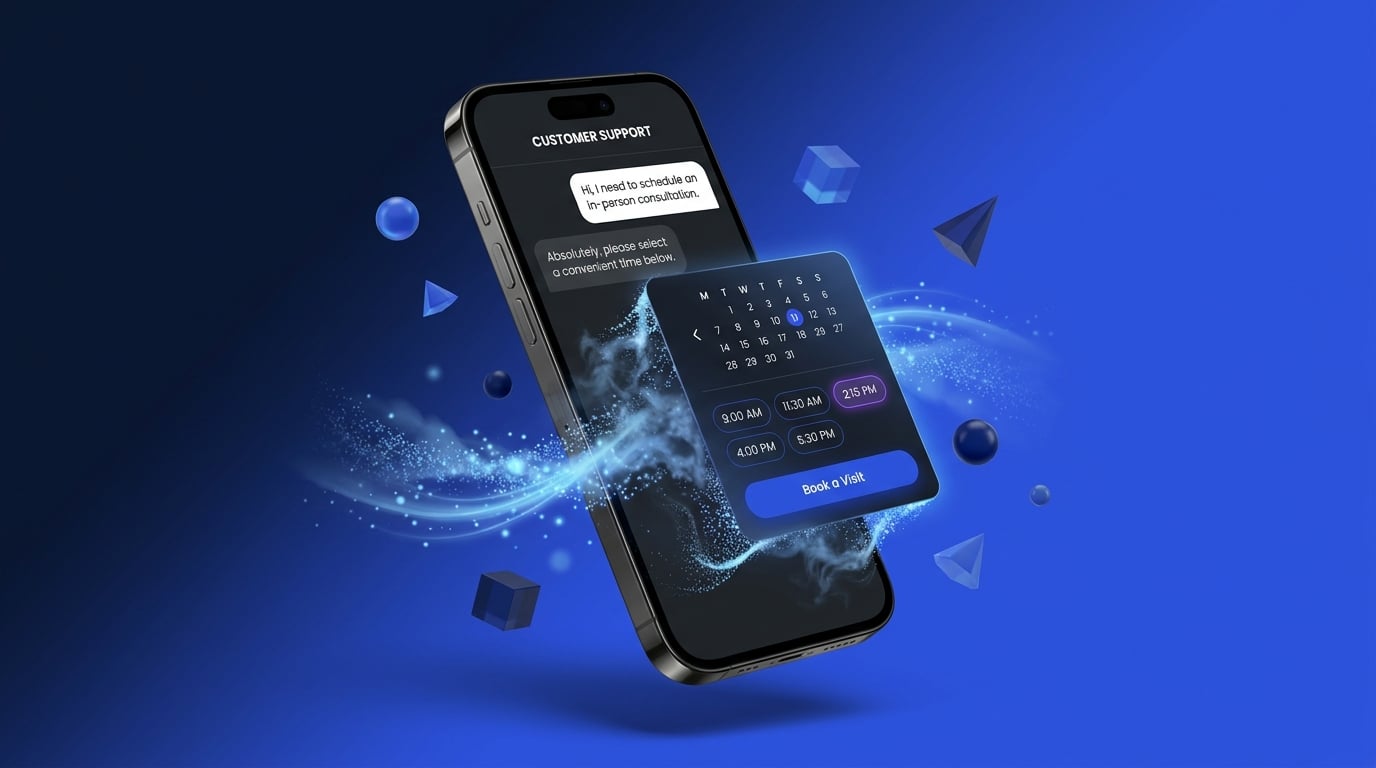
Perhaps your customers need support. They come to a point
where they need to book an appointment with a service technician. With
traditional chatbots, you'd provide a wall of text with a link to where they
can book a technician. With GenUI, you can provide a
[rich booking experience](/blog/redefining-the-digital-booking-experience-with-generative-ui/)
right inside the chat experience.
Customers win as it makes their lives simpler. Businesses win because it reduces
support call volume and increases customer satisfaction scores. Research shows
AI enhanced chat experiences [reduce support volume by 50%](https://www.intercom.com/learning-center/conversational-ai-for-customer-service).
### Personalized Shopping Assistant
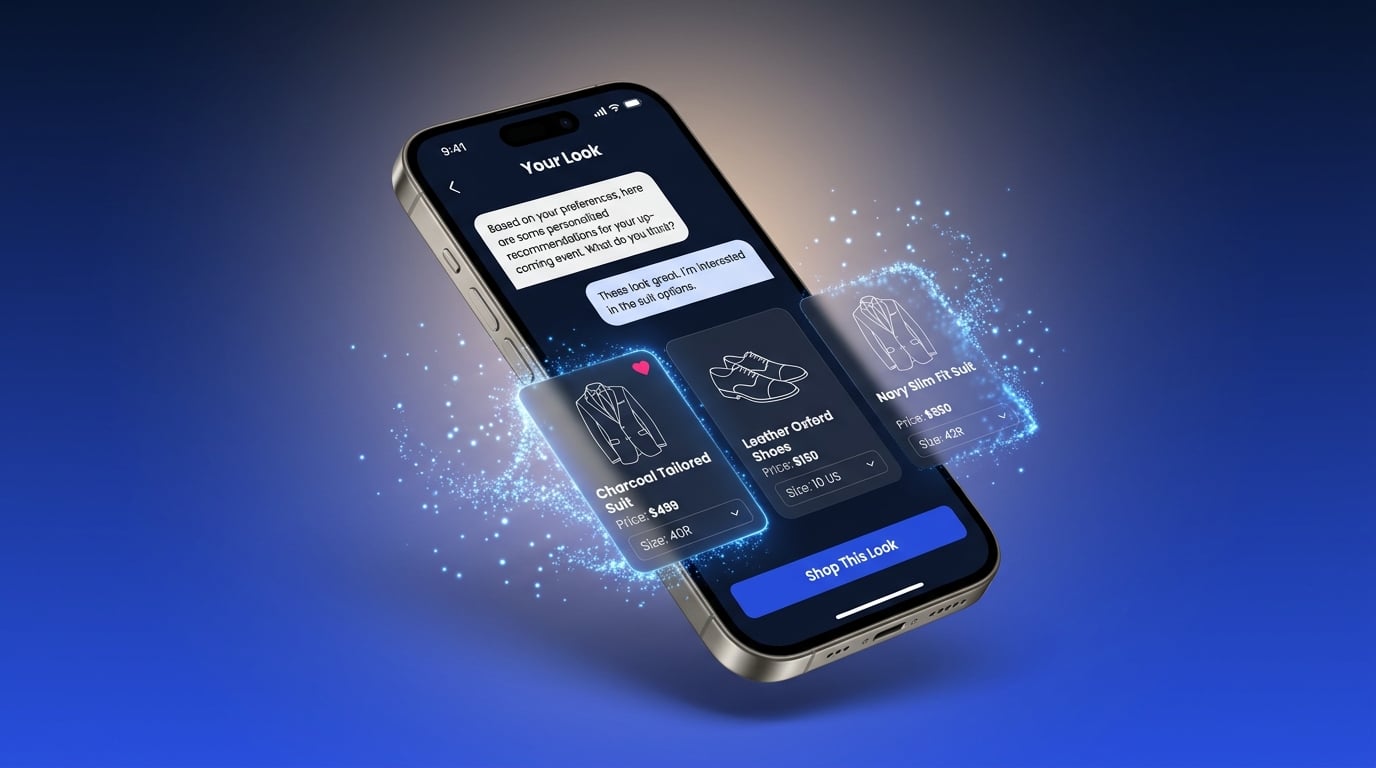
Say a customer needs to shop for a new wedding outfit. They need shoes and a new
suit and don't know where to begin. Traditionally, they'd start searching for
different outfits, filtering the results, maybe finding shoes to go along with
it, not knowing if it all fits their size, budget, and if it would really look
good together.
Instead, what if they had a simple back and forth conversation
with a [personalized shopping assistant](/blog/flutter-genui-shopping-assistant-tutorial/)
that walked them through the process,
helping them figure out their style, sizing, and budget. It puts together a few
options for them to pick and makes ordering the items a breeze.
The shopper saves time and ends up with a far better result than they could put
together themselves. For businesses, tailoring the experience moves the numbers,
providing a [10-15% revenue lift](https://www.mckinsey.com/capabilities/growth-marketing-and-sales/our-insights/the-value-of-getting-personalization-right-or-wrong-is-multiplying).
## Built to ship.
When it comes to getting started with GenUI, it's easy to duplicate an example
app and start running with it. When it's time to ship to production, you need to
take several concerns into consideration.
1. **Hallucinations:** What happens if the model makes something up or tries to
show a product that doesn't exist?
2. **Security:** How do I ensure that users don't hack my application? For
example, what if a customer asks for a 100% discount on every product
presented.
3. **Cost:** Personalized experiences are fantastic and provide a real revenue
lift, but revenue is only one half of the equation. You need to keep expenses
under control as well.
4. **Observability:** As with any system, it's important to know what's going
on. When something goes wrong, you need the information to figure out what it
is and fix it quickly.
GenUI Kit is built to handle all of these technical concerns out-of-the-box.
Over the next weeks, we'll publish several articles on how we handle every one
of these topics!
## Get started today.
We are excited to share GenUI Kit with the world! To learn more and chat with us
about how your team can succeed with GenUI, please see us at FlutterCon, visit
the [GenUI Kit product page](/resources/genui-kit/) or [get in touch with us](/resources/genui-kit/#clStart)!
#### Frequently Asked Questions
##### What is GenUI Kit?
GenUI Kit is Very Good Ventures' solution for building GenUI-powered applications quickly and securely, following the best practices we've learned shipping GenUI to production. It packages the expertise needed to make sure a GenUI experience solves real customer problems, moves business metrics, and runs in a secure and cost-effective way.
##### What's included in GenUI Kit?
GenUI Kit has four parts: a Flutter frontend that embeds into a Flutter, native, or web app; a Dart backend that connects GenUI to your data; an MCP server that guides your team through customizing the experience; and a sandbox app for building and previewing outside your full app. It's all source code you add to and host in your own repository.
##### How is GenUI Kit different from Flutter's GenUI library?
GenUI Kit builds on top of Flutter's open-source GenUI library. The library gives you the foundation for rendering generative UI in Flutter. GenUI Kit adds the production layer on top: a Dart backend, an MCP server for customization, a sandbox app, and built-in handling for hallucinations, security, cost, and observability.
##### Which AI models does GenUI Kit support?
GenUI Kit works with any model supported by Genkit for Dart, which covers Gemini, OpenAI, and Anthropic-compatible APIs. In practice that means you're not locked into a single provider. It also speaks A2UI, the emerging protocol for generative interfaces.
##### What can I build with GenUI Kit?
GenUI Kit works best on the parts of your product where a deeply personalized experience moves the needle, rather than across your entire app. Examples include enhanced chat that lets customers book an appointment right inside the conversation, and a personalized shopping assistant that walks a customer through style, sizing, and budget before putting together options to order.
##### Is GenUI Kit ready for production?
Yes. GenUI Kit is built to handle the concerns that come with shipping GenUI to production out of the box, including hallucinations, security, cost control, and observability.
##### How do I get started with GenUI Kit?
Learn more on our GenUI Kit page, come find us at FlutterCon, or get in touch to talk through how your team can succeed with GenUI.
### Flutter@Scale Office Hours at FlutterCon USA 2026
Source: https://verygood.ventures/blog/flutter-at-scale-office-hours-fluttercon-usa-2026/
Speakers from the Flutter@Scale track, the enterprise track curated by [Very Good Ventures](https://verygood.ventures/), hold office hours at the Flutter@Scale booth during FlutterCon USA, July 16-17 at the Orange County Convention Center in Orlando.
Stop by during a speaker's booth block to ask questions and talk through what they presented. Office hours are drop-in. No signup needed.
## Day 1 — Thursday, July 16
| Time | Speaker | Session |
| :---- | :---- | :---- |
| 11:45am–12:15pm | Tamara | Migrate Tamara App in 10 Weeks |
| 12:40–1:10pm | Divine | Vibe-Coded Viral MVP to Launchable Product |
| 2:30–3:00pm | Couchsurfing | Self-Healing Flutter UI |
| 4:30–5:00pm | SoFi | Why SoFi ♥ Flutter |
| 5:30–6:00pm | GEICO | Flutter at Enterprise Scale |
## Day 2 — Friday, July 17
| Time | Speaker | Session |
| :---- | :---- | :---- |
| 10:45–11:15am | Nu | Modularization, Pure DI, 135M+ users |
| 11:30am–12:00pm | Anna Leushchenko | LEGO Architecture |
| 11:40am–12:10pm | Foresight Sports | Leading Flutter at Scale |
| 12:10–12:40pm | QuintoAndar | Monorepo Practices |
| 12:40–1:10pm | Sky | Flutter at UDX and Sky |
| 2:20–2:50pm | NuStep | Flutter Beyond Mobile |
| 2:55–3:25pm | Headspace | Production-Ready SDUI |
Full session times and rooms are on the [FlutterCon USA agenda](https://www.flutterconusa.dev/fluttercon-agenda). Learn more about the track on the [Flutter@Scale page](https://verygood.ventures/events/fluttercon-usa-2026/).
Stop by the Flutter@Scale booth to talk with the teams building Flutter at scale. See you in Orlando.
#### Frequently Asked Questions
##### What are the Flutter@Scale office hours?
Drop-in Q&A sessions at the Flutter@Scale booth during FlutterCon USA 2026. Each speaker takes a booth block where you can ask questions and talk through what they presented in their session.
##### Do I need to sign up for office hours?
No. Office hours are drop-in and open to any attendee. Stop by the Flutter@Scale booth during a speaker's block.
##### When and where is FlutterCon USA 2026?
FlutterCon USA runs July 16 to 17, 2026 at the Orange County Convention Center in Orlando. Full session times and rooms are on the FlutterCon USA agenda.
##### What is the Flutter@Scale track?
Flutter@Scale is the enterprise track at FlutterCon USA 2026, curated by Very Good Ventures for engineering leaders and practitioners running Flutter in production at scale. See the full speaker and session lineup.
### Building Production-Quality Software with Minimal Code: How a Flutter Engineer Builds with AI
Source: https://verygood.ventures/blog/peter-trost-1komma5-building-production-quality-software-with-minimal-code/
[Peter Trost: Building Production-Quality Software with Minimal Code](https://www.youtube.com/watch?v=dwbhwUqEaUY)
Most stories about AI and engineering start with someone who already ships code for a living. This episode of *Very Good Engineering* comes at it from a different angle. Host Jorge Coca sits down with Peter Trost, a senior Flutter engineer who studied machine learning, fell for app development, and is now using AI to build a property management startup largely on his own — production-quality software with a fraction of the code he would have hand-written a few years ago.
## About Peter Trost
Peter is a senior Flutter engineer at 1KOMMA5°, one of Germany's fastest-growing clean-energy companies, where he works on the software behind home energy systems. On the side he is building a property management startup, leaning on AI to do the work of a much larger team. His background is a little unusual for a mobile engineer: he came up through computer science with a focus on artificial intelligence and machine learning, which gives him a clear-eyed view of what today's AI tools are actually good at, and where they still need a human.
## From Machine Learning to App Development
Peter's path started in AI research, not app development. During his studies he expected to spend his career training models. What he found instead was that the day-to-day of machine learning — cleaning data, wrangling datasets, waiting on training runs — did not give him the fast, tangible feedback he wanted. Building applications did. He could make something, see it on screen, and hand it to a person to use.
That pull toward user-facing work led him to Flutter, and the developer experience is what made it stick. Hot reload let him change code and see the result almost instantly. The widget inspector made it easy to understand and debug a running layout. Coming from Python and Java, he found Dart intuitive and genuinely enjoyable to write. For someone who valued a tight feedback loop, Flutter closed the gap between an idea and a working screen.
## Building a Property Management Startup with AI
Peter's current project takes aim at property management, an industry still weighed down by manual inspections, paperwork, and slow back-and-forth between managers, owners, and tenants. His goal is to strip out the busywork so the people doing the work can focus on the property, not the admin.
Two features show the shape of the product:
- **Voice-first inspection reports.** A property manager walking a unit can simply talk, describing what they see as they go. The app transcribes the audio and structures it into an actionable report, turning loose observations into work orders without anyone stopping to type.
- **Digital checklists.** Guided checklists walk an inspector through a property step by step, so nothing gets missed and every inspection produces consistent, comparable records.
The through-line is the same one that drew him to Flutter: take a slow, error-prone manual process and give the person a faster, cleaner way to do it.
## AI as a Development Partner
The most striking part of Peter's workflow is how he treats AI — less as an autocomplete and more as a collaborator. He started, like many people, generating snippets with ChatGPT and Copilot, and has since moved toward agentic tools like Claude that can take on larger, multi-step chunks of work.
Two of his framings stand out. "AI helps me identify blind spots," he says: the model catches cases and considerations he might have missed on his own. And "AI amplifies good practices." If you bring clear structure, tests, and conventions to the table, the tools make you faster. If you bring mess, they amplify that too. The quality of what comes out tracks the quality of what goes in.
He also closes the loop between writing code and checking it. Using LeanCode's Marionette, an MCP server that lets an AI agent drive a running Flutter app — inspecting the widget tree, tapping, typing, scrolling, and taking screenshots — the agent can actually exercise what it just built and see whether it works. That turns his core principle, "iterate until the goal is reached," into something the tools can do alongside him rather than something he has to babysit by hand.
## Reaching Production Quality with Minimal Code
"Minimal code" is easy to misread as "low quality." Peter's point is the opposite. The code he ships still has to clear a production bar — it runs in a real app for real users — he is just writing far less of it by hand. The leverage comes from pairing a framework with excellent ergonomics, Flutter, with AI tools that handle the repetitive scaffolding, then keeping tight control of structure, testing, and verification so the output holds up.
That is where his machine learning background pays off. He knows these models are probabilistic, not magic, so he leans on solid engineering practices — clear specs, tests, runtime checks — to keep them honest. The AI does more of the typing; he stays responsible for the judgment.
## Bringing AI Workflows into the Enterprise
The same instincts carry into his day job. At 1KOMMA5°, Peter has helped introduce AI-assisted workflows inside a larger engineering organization, where the questions differ from those a solo founder faces. Adoption is as much about people and process as it is about tools: giving teams patterns they can trust, being honest about where the tools help and where they don't, and building the guardrails that make it safe to move faster. His advice skews practical — start where the pain is real, keep a human accountable for quality, and let results, not hype, decide how far you push.
## Balancing Focus and Exploration
Running at a startup while holding a senior engineering role forces a constant trade-off between focus and exploration. Peter is candid about the entrepreneurial tension that comes with it: every sign of traction is also a pull on your attention, and the discipline is deciding what to chase and what to leave alone. New AI capabilities land almost weekly, and the temptation to try every one of them is real. His answer is to stay anchored to the goal and let that decide which experiments are worth the detour.
## Key Takeaways
- **Optimize for the feedback loop.** Peter chose Flutter for hot reload, the widget inspector, and a language he enjoyed. Fast feedback is what keeps momentum.
- **Treat AI as a collaborator, not a vending machine.** It surfaces blind spots and amplifies whatever practices you already have, so bring good ones.
- **Close the loop with runtime checks.** Tools like Marionette let an agent actually run the app it wrote, turning "iterate until it works" into part of the workflow.
- **Minimal code still means production quality.** Less hand-written code, same bar. Structure, tests, and verification are what make that true.
## Conclusion
Peter Trost's story is a good reminder that the lines between AI researcher, engineer, and founder are getting blurry. With the right framework and the right tools, one person with a clear goal can build and ship real software that used to take a team. His advice for anyone eyeing that path is refreshingly plain: pick tools with a great feedback loop, bring your own good practices, and iterate until you hit the goal.
#### Frequently Asked Questions
##### Who is Peter Trost?
Peter Trost is a senior Flutter engineer at 1KOMMA5°, one of Germany's fastest-growing clean-energy companies. Alongside that role he is building a property management startup with AI, drawing on a background in computer science, artificial intelligence, and machine learning.
##### Why did Peter choose Flutter?
For the developer experience. Hot reload let him see changes almost instantly, the widget inspector made debugging layouts easy, and coming from Python and Java he found Dart intuitive and enjoyable to write. Flutter gave him a tight feedback loop between an idea and a working screen.
##### What is Peter's property management app built to do?
It targets the manual, paperwork-heavy side of property management. Managers can record voice observations during an inspection, which the app transcribes and structures into actionable reports and work orders, and guided digital checklists walk inspectors through a property so nothing gets missed.
##### What AI tools does Peter use to build software?
He started generating code with ChatGPT and Copilot and has moved toward agentic tools like Claude. He also uses LeanCode's Marionette, an MCP server that lets an AI agent inspect, tap, type, scroll, and screenshot a running Flutter app, so the agent can verify what it builds.
##### Can you build production-quality software without deep coding knowledge?
Peter's take is that AI lowers the barrier but does not remove the need for good engineering. AI helps identify blind spots and amplifies whatever practices you bring, so structure, testing, and verification still matter. The payoff is far less hand-written code that still meets a production bar.
### Top Open Source Packages Every Flutter Developer Should Know in 2026
Source: https://verygood.ventures/blog/top-open-source-packages-every-flutter-developer-should-know-in-2026/
Flutter remains a go-to framework for building multi-platform applications, and much of that strength comes from its open-source ecosystem. [The Flutter project has kept growing through 2026](https://star-history.com/#flutter/flutter&Date), and the packages around it keep pace.
This is our updated take on the list we [published in 2025](https://verygood.ventures/blog/top-open-source-packages-every-flutter-developer-should-know-in-2025/). Most of the core picks held up and a few shifted, but the real story is a whole new category. AI-assisted development moved into the Dart toolchain this year, so we lead with it: Genkit for building AI features, the Dart MCP server for connecting coding agents to your project, and VGV's own AI Flutter Plugin and Wingspan workflows. The state management, database, and testing packages you rely on follow right after.
Here is what VGV's engineering team reaches for in 2026, and what changed since last year.
## AI-Assisted Development
AI-assisted development is the headline change for 2026, so it leads this year's list. Dart gained real AI tooling on two fronts: libraries for building AI features into your apps, and tooling that lets coding agents work inside your projects. VGV shipped its own agent tooling here too.
### 1. Genkit
[Genkit](https://pub.dev/packages/genkit) is Google's GenAI library for Dart and Flutter. It offers a unified interface for text generation, structured output, tool calling, and agentic flows against models like Gemini, with official plugins for Google, OpenAI, and Anthropic. For a client-app path to Gemini and Imagen, [firebase_ai](https://pub.dev/packages/firebase_ai) (Firebase AI Logic) is the recommended route. Note that the older `google_generative_ai` package is deprecated, and Google directs developers to the Firebase SDK. Genkit is still 0.x, so expect some API movement.
### 2. Dart MCP
The Dart team shipped Model Context Protocol support this year. [dart_mcp_server](https://pub.dev/packages/dart_mcp_server) is a ready-to-run server that exposes Dart developer tools such as analysis, pub, and hot reload to AI models, so a coding agent can work against a real project instead of guessing. [dart_mcp](https://pub.dev/packages/dart_mcp) is the SDK for building your own MCP servers and clients. Both are official and marked experimental, and they are worth wiring into your assistant setup today.
### 3. Skills
[Skills](https://pub.dev/packages/skills) is a CLI that installs AI-agent skills from your Dart and Flutter package dependencies into your editor, so assistants like Claude, Codex, and Cursor know how to use your actual stack. Run `skills get` and the instructions your dependencies ship travel with your project. It is a small idea with a large payoff as more packages start shipping their own agent skills.
### 4. Very Good AI Flutter Plugin
The [Very Good AI Flutter Plugin](https://github.com/VeryGoodOpenSource/vgv-ai-flutter-plugin) packages VGV's Flutter and Dart best practices as agent skills, covering Bloc, testing, navigation, theming, accessibility, layered architecture, and more. Point your coding assistant at it and the guidance our engineers apply by hand travels with the tool, so generated code follows VGV conventions instead of whatever the model guessed at.
### 5. Wingspan
[Wingspan](https://github.com/VeryGoodOpenSource/vgv-wingspan) adds AI-assisted workflows that follow Very Good Ventures best practices, from brainstorming and planning through building, review, and shipping a pull request. It pairs with the Very Good AI Flutter Plugin: the plugin supplies the standards, and Wingspan runs the workflow that applies them.
## Navigation & Routing
### 6. go_router
[go_router](https://pub.dev/packages/go_router) is the Flutter team's declarative router, and it was a notable gap in last year's list. It handles URL-based navigation, deep linking, redirects, and nested navigators through `ShellRoute`. It is feature-complete and maintained by the Flutter team under the `flutter.dev` publisher, so it stays current with the framework. Check the migration guide at major version bumps, since routing behavior occasionally changes between them.
## Platform Integration
### 7. Pigeon
[Pigeon](https://pub.dev/packages/pigeon) is the Flutter team's type-safe code generator for platform channels. Instead of hand-writing method-channel strings and hoping the Dart and native sides agree, you define the interface once and Pigeon generates matching code for both. It is official, stable, and the right tool whenever a Flutter app needs to talk to native iOS or Android code.
## Dart Beyond Mobile
Dart runs in more places than the phone, and two packages stood out this year for taking it to the web and the terminal.
### 8. Jaspr
[Jaspr](https://pub.dev/packages/jaspr) is a web framework for building sites in pure Dart with a Flutter-like model of components, `BuildContext`, and `setState`, but it renders real HTML and CSS with server-side rendering. It is a strong fit for content and SEO-focused sites where Flutter Web is a poor match. It is still pre-1.0, so treat the API as subject to change.
### 9. Nocterm
[Nocterm](https://pub.dev/packages/nocterm) brings a Flutter-like model to terminal user interfaces, with components, state management, and animations for building rich CLI tools in Dart. It is a newer, single-maintainer community package and still pre-1.0, so evaluate its maturity before relying on it in production. It is a good example of how far the Flutter mental model now travels.
## Deployment & Live Updates
### 10. Shorebird
[Shorebird](https://shorebird.dev/) provides code push for Flutter. Its [shorebird_code_push](https://pub.dev/packages/shorebird_code_push) client lets you ship Dart-code and asset patches to production in minutes without waiting on an app-store review, with instant rollback if something goes wrong. It supports Android and iOS and has a free tier. Patches must comply with app-store policies, so use them for fixes and improvements rather than shipping entirely new features.
## Project Scaffolding
### 11. very_good_cli
[very_good_cli](https://pub.dev/packages/very_good_cli) scaffolds and manages Dart and Flutter projects. Its `create` command ships templates for Flutter apps, packages, plugins, Dart CLIs, Flame games, UI packages, and docs sites, and it also handles testing, dependency fetching, and license checks. In 2026 it added an `mcp` command that starts an MCP server exposing its tools to AI assistants, which ties the scaffolding story straight into the AI tooling above.
## State Management & Business Logic
State management is where a Flutter app either stays maintainable or turns into a tangle. Our long-standing pick is still the right call in 2026.
### 12. flutter_bloc
[flutter_bloc](https://pub.dev/packages/flutter_bloc) gives you predictable state management with the BLoC (Business Logic Component) pattern. It keeps a clean separation between UI and business logic, which lets teams work in parallel without stepping on each other. With deep documentation, a strong emphasis on testability, and a large community, it stays our default for structured, maintainable state.
Read more about [why we use Bloc at VGV](https://verygood.ventures/blog/why-we-use-flutter-bloc/).
## Networking
### 13. Dio
[Dio](https://pub.dev/packages/dio) is a capable HTTP client for Dart that makes API calls easier to manage. It supports interceptors, global configuration, and file uploads, along with request cancellation and retries for unstable networks. It works well with RESTful APIs and remains the go-to for networking logic in production Flutter apps.
## Database & Local Storage
The database picture shifted since 2025, and Drift is where we land for new projects.
### 14. Drift
[Drift](https://pub.dev/packages/drift) is a reactive persistence library built on SQLite. You write type-safe SQL queries with Dart's declarative power, and you get automatic query generation, efficient caching, migration support, and web compatibility. It is actively maintained and, in 2026, it is our default recommendation for structured local storage.
## Animations & UI
### 15. Rive
[Rive](https://pub.dev/packages/rive) creates interactive, real-time animations with state machine support, and it changed meaningfully this year. As of version 0.14, the old Dart runtime was removed and the runtime now lives in a native C++ core through `rive_native`, which is pulled in for you. You still depend on the `rive` package, but the API moved: initialize with `RiveNative.init()`, and use `RiveWidget` in place of the old `Rive` and `RiveAnimation` widgets. The native runtime unlocks the latest editor features, including data binding and layouts, with better performance. Apps on 0.13 or earlier should plan for a real migration using [Rive's guide](https://rive.app/docs/runtimes/flutter/migration-guide).
## Code Generation
### 16. build_runner
[build_runner](https://pub.dev/packages/build_runner) drives code generation across the Dart ecosystem, including JSON serialization and Drift. It keeps generated code consistent and easy to regenerate as your models change.
## Testing
### 17. Mocktail
[Mocktail](https://pub.dev/packages/mocktail) handles mocking in unit tests with a simple API and no manual setup for mock objects. It fits Flutter's testing framework cleanly and keeps tests readable, which is why it stays part of our standard testing setup.
## Backend & Full-Stack Dart
For teams that want to keep the whole stack in Dart, Dart Frog covers most backend needs.
### 18. Dart Frog
[Dart Frog](https://pub.dev/packages/dart_frog) is a fast, minimalist backend framework for building APIs and backend logic in Dart. It suits teams that want a lightweight server with a familiar language and a small learning curve, and it lets Flutter teams build full-stack applications without leaving the Dart ecosystem.
## Code Quality, Linting & CI
Clean, consistent code is easier to maintain, and these tools enforce that from day one.
### 19. very_good_analysis
[very_good_analysis](https://pub.dev/packages/very_good_analysis) is a strict linting package that enforces good practices for Flutter and Dart. It catches issues early and keeps a codebase consistent across a team.
### 20. Very Good Workflows
[Very Good Workflows](https://workflows.vgv.dev/) is a set of reusable CI/CD workflows for Flutter projects that automate testing, coverage, and deployment. Wiring them in keeps your pipeline consistent across repositories.
## Learn more
These packages are the toolkit VGV builds with in 2026. The core of the list stayed stable, which is a good sign for a mature ecosystem, while AI tooling and a few native runtime shifts are the real story of the year.
At VGV, we support Flutter developers at every stage, from launch to scale, through our open-source software and best-practice resources. We hope our engineering insights help elevate your Flutter projects, and we would love to hear which packages made your own 2026 list.
#### Frequently Asked Questions
##### What changed for Flutter packages between 2025 and 2026?
Two shifts stand out. First, AI-assisted development became a first-class part of the Dart toolchain, with an official Genkit library, the Dart team's MCP server, and a growing set of agent-skill tooling. Second, some 2025 favorites moved: Rive switched to a native runtime, and the database landscape shifted toward Drift.
##### Which packages does VGV recommend for Flutter state management?
flutter_bloc remains our pick. It gives you predictable state with the BLoC pattern, a clean split between UI and business logic, and strong testability, which keeps large apps maintainable as they grow.
##### How can Flutter developers add AI features in Dart?
Use Genkit for orchestration, structured output, tool calling, and agentic flows against models like Gemini, with plugins for Google, OpenAI, and Anthropic. For a client-app path to Gemini and Imagen, use firebase_ai (Firebase AI Logic). Note that google_generative_ai is deprecated and Google directs developers to the Firebase SDK.
##### What is the Dart MCP server and why does it matter?
dart_mcp_server is a Model Context Protocol server from the Dart team that exposes Dart developer tools such as static analysis, pub, and hot reload to AI assistants. Paired with the dart_mcp SDK for building your own servers and clients, it lets coding agents work inside a real Dart project instead of guessing. Both are marked experimental.
##### How do Very Good Ventures' AI plugins fit into Flutter development?
The Very Good AI Flutter Plugin ships VGV's Flutter and Dart best practices as agent skills, so your coding assistant follows the same conventions our engineers do. Wingspan layers AI-assisted workflows on top for brainstorming, planning, building, and reviewing, and it pairs with the plugin.
##### How do I ship fixes to a Flutter app without an app store review?
Shorebird provides code push for Flutter. Its shorebird_code_push client lets you send Dart-code and asset patches to production in minutes, with instant rollback. Patches must comply with app-store policies, so use them for fixes rather than shipping brand-new features.
##### What testing packages does VGV recommend?
Mocktail handles mocking in unit tests with a simple API and no manual setup for mock objects. It fits Flutter's testing framework cleanly and keeps tests readable, which is why it stays part of our standard testing setup.
### Building Custom Figma Plugins: How a VGV Designer Codes with AI
Source: https://verygood.ventures/blog/murphy-orourke-very-good-ventures-how-to-build-custom-figma-plugins/
[Murphy O'Rourke, Very Good Ventures: How to Build Custom Figma Plugins](https://www.youtube.com/watch?v=GaWBIKqE87g)
Most conversations about AI and engineering focus on people who already write code for a living. This episode of *Very Good Engineering* flips that. Host Jorge Coca sits down with Murphy O'Rourke, a designer at Very Good Ventures who taught himself to build custom Figma plugins with AI and has quietly grown a whole ecosystem of them that the VGV design team now relies on every day.
## About Murphy O'Rourke
Murphy is a designer at Very Good Ventures who leads design on some of the company's most complex programs. He describes himself as a more technical designer than most, and the background backs it up. He started in front-end work, learned HTML, CSS, and JavaScript, taught himself enough WordPress to build sites for friends and clients, and picked up Git along the way. His first role had him building the front end for a PhoneGap app, embedded with a mobile design team. Years of sitting close to engineers, mostly on design systems, gave him a clear view of where design and code rub against each other: handoff, consistency, and the time it takes to push a single change through a whole system.
## What a Figma Plugin Actually Is
A Figma plugin is a way to interact with the canvas and the data behind it. Murphy draws a line between two things people often confuse. The Figma API is more powerful but sits behind higher subscription tiers, so reaching features like variables requires an enterprise or org plan. The Figma plugin API runs locally in the app, uses your own authentication, and opens up a huge amount of that same functionality. A plugin is mostly a few files: some JavaScript or TypeScript, sometimes an HTML file, and a manifest. From there you can read and write the design data directly.
The payoff is ownership. Instead of stitching together marketplace plugins that each get you 90 percent of the way, a team can build tools shaped exactly around how it wants to work. As Murphy puts it, you no longer have to keep up with the Joneses and work the way everyone else does.
## The First Plugin: Very Good Flutter Styles
Murphy's first plugin, Very Good Flutter Styles, shipped in late 2023, about two and a half years before this conversation. It takes the theme colors and text styles from a Figma component library and exports them as Dart code. That solves a real handoff problem. A project can carry hundreds of styles, with each text style holding six to ten properties, and moving all of it into code by hand is slow and easy to get wrong. Change a few values later and the migration starts over.
He built it by talking to ChatGPT, asking for a function to pull the style data, pasting the result into a JavaScript file, and wiring the pieces together with his own limited knowledge of code. It took about a month of working in fits and starts, plus close collaboration with VGV developers to get the output up to standard. The result drops clean Dart into the codebase, with each style commented with its font size in pixels and declared exactly the way the team writes it in Flutter. When VGV's engineers first watched Figma produce reliable Dart for their theme, Murphy says their minds were blown.
## An Ecosystem Built on Variables
Most of what Murphy builds traces back to VGV's template files and how they handle variables. The team builds adaptive layouts from variables and uses Figma modes to flex color and size, so a single component can render as a phone, tablet, laptop, or desktop, in light or dark, at different text and global scaling levels. Under that sits a three-tier structure: a theme layer for colors, a layout layer for sizing across breakpoints, and primitives where the raw color and font values live. It supports multiple brands and responsive typography. It is powerful, and the variable tables get complex fast.
That complexity is where his plugins earn their keep. A few of them:
- **Locals Only** — When a template is duplicated for a client, it detaches from the source of truth, and Figma offers no native way to pull updates back in. Locals Only matches the template's naming conventions and remaps colors, numbers, styles, and effects to the new file's local variables in one pass. He originally built it to copy layouts into Figma branches without overriding every value by hand.
- **Variable Calculator** — Scopes a math operation to a chosen collection, mode, or group of variables. Want every tablet value multiplied by 1.2, or type previewed at 200 percent? It runs the calculation across all of them at once instead of editing more than a hundred number variables one at a time.
- **Mode Match** — Copies every value from one mode to another, so matching tablet portrait to tablet landscape becomes a single action.
- **Variables to Text Styles** — Pushes variables from text objects into text styles. It complements Styler, a community plugin Murphy admires, which uses layer names as a source of truth but blanks out applied variables. One client maintains around 1,200 text styles to cover responsive scenarios, and he says he would still be updating them by hand without this.
- **Very Good Alias and Very Good Swatch** — Reskin an app fast by remapping semantic colors to new primitives and updating dozens of swatches at once. Re-theming 61 swatches by hand is slow. Doing it in a second is not.
- **Contrast Audit** — Checks foreground and background combinations across components, reports the contrast ratio, and flags whether each passes for text. It even flattens transparency into a real hex value so semi-transparent colors get checked accurately. Murphy has run it for many clients and says it collapses days of work into minutes.
## From a Skill to a Plugin: The Very Good Design Kit
One of his newer tools started as a Claude skill that interviewed the user and customized a template file. It worked, and it ate an entire session's worth of tokens. So he rebuilt the same idea as a plugin, the Very Good Design Kit. It validates that a file's collections are structured correctly, then walks through brand colors, multi-brand support, font families, type scale and ratio, and number scaling across devices. Then it re-themes the whole file: text styles, sizes, accessibility scaling, all of it. The best part, he notes, is that it uses no tokens and can run again and again as the design changes.
The plugin he is proudest of is Control R, for renaming variables. It gave designers search-and-scope renaming for variables before Figma shipped its own version, borrowing the pattern Figma already used for renaming layers. It picked up traction on design blogs he had never heard of and shout-outs from people he admires in the design community.
## From ChatGPT to Claude Code
Murphy's toolkit has changed a lot since 2023. He moved from ChatGPT to Copilot and Cursor, and now leans on Cursor and Claude Code. A proof of concept that once took a month can now take 15 minutes to an hour. He keeps a public starter kit on GitHub with the boilerplate files a plugin needs, common functions, and a set of Claude skills and Cursor rules for chores like generating a README or a community description.
For quick ideas he reaches for Cursor and simply tells it to build. For anything complex he opens Claude Code in plan mode, often planning with Opus and building with Sonnet, clearing context between the two. He estimates plan mode one-shots the idea about 90 percent of the time, and that it sometimes thinks of things he had not considered. He also points the agent at the Figma file through the Figma Console MCP, using a community plugin called Bridge, so the model can read the layer structure and colors directly instead of having all of it described to it.
## When Design and Engineering Blur
The conversation keeps circling back to a theme VGV calls trust and taste. With these tools, the old lines between product, design, and engineering get blurry. A designer can take a first pass at code, an engineer can prototype in a design tool, and the back and forth gets faster. Murphy is clear-eyed about the limits. He can jump into code, but he leans on developers to judge whether it belongs in the app. What changes is that ideas can come from anywhere and get expressed in a way the rest of the team can see and build on.
He points to shaders as an example. Custom shaders and interactive effects used to demand a lot of specialized knowledge and time. With AI explaining them in plain language, they open up to more of the team, which makes room for work that used to get cut for budget or schedule. His own Ghostty terminal setup, with shaders and an animated message of the day written by Claude in a shell script he admits he does not fully understand, is a small, fun proof of the point.
## Key Takeaways
- **Build for your own workflow.** Marketplace plugins get you most of the way. Custom ones fit exactly how your team works.
- **Start with the pain.** Murphy's plugins all come from repetitive, error-prone tasks in design systems work.
- **AI lowers the floor.** You no longer need deep coding expertise to ship a useful tool, just a clear idea and the willingness to iterate.
- **Plan mode matters.** Letting the model plan before it builds is what turns a rough idea into a one-shot result.
## Conclusion
Murphy O'Rourke's plugins show what happens when a designer treats AI as a way to build the tools he always wished he had. The work is less about replacing engineers and more about closing the gap between design and code, so a team can move faster without giving up structure or accessibility. For anyone curious about extending Figma, his advice is simple: find a repetitive task, learn just enough to start, and build.
#### Frequently Asked Questions
##### What is a Figma plugin?
A Figma plugin is a way to interact with the canvas and the data behind it. It runs locally through the Figma plugin API using your own authentication, and is built from a few files of JavaScript or TypeScript, sometimes an HTML file, and a manifest. From there it can read and write the design data directly.
##### What was the first plugin Murphy built?
Very Good Flutter Styles, which shipped in late 2023. It takes the theme colors and text styles from a Figma component library and exports them as Dart code, removing the manual effort of moving hundreds of styles into a codebase by hand.
##### What tools does Murphy use to build Figma plugins now?
Mostly Cursor and Claude Code, along with a public starter kit on GitHub that holds the boilerplate files, common functions, and a set of Claude skills and Cursor rules. For complex plugins he uses Claude Code in plan mode, often planning with Opus and building with Sonnet.
##### How long does it take Murphy to build a plugin today?
He says a working proof of concept can take anywhere from 15 minutes to an hour, depending on scope. His first plugin took about a month of working in fits and starts before AI tools matured.
##### Which Figma plugin does Murphy admire that he didn't build?
Styler. He calls it simple, well made, and hard to beat, and credits it with shaping how he thinks about using layer names as a source of truth in his own plugins.
### Ten Days, Three Practice Runs: Passing the Claude Certified Architect Exam
Source: https://verygood.ventures/blog/passing-the-claude-certified-architect-exam/
The first study tool I ever built was a set of flashcards in code. I was in college, more interested in programming than in memorizing dates for American History, so I wrote an app to drill myself. After graduation I built StudyStack, a flashcard-sharing site, mostly to prove to myself that I could ship a real website. Decades later, preparing for Anthropic's first technical certification, I reached for the same instinct. I built my own practice exam.
I passed the Claude Certified Architect – Foundations exam on May 30th with a 738 score. By my own math, one more wrong answer would have put me under. This is what the ten days before that score looked like.
## Why I sat it
VGV is part of the Claude Partner Network, and the company is supporting engineers getting certified to strengthen the partnership. That was the nudge. The reason it stuck is more personal.
I am one of the most seasoned engineers at VGV. I never want to be the person who stopped keeping pace, and AI is the fastest-moving thing I have worked alongside in a long career. I already use [Claude Code](/blog/claude-code-desktop-hands-on-review/) every day building Flutter apps, I had watched hours of Anthropic's course videos, and I had spent time in the Claude Console writing about what I found. Sitting a proctored exam that tried to measure architectural judgment sounded like a good way to find out whether daily use had turned into real understanding. Those are not the same thing, and the exam is built to tell them apart.
## Starting with the practice exam
I went straight at Anthropic's official practice exam before reading much of anything. I wanted to know what I was walking into. I was not sure whether you could retake the practice exam more than once, so I guessed you could and hoped for the best. You can, and that mattered more than I expected.
The first run taught me two things. The practice exam grades each question the moment you answer, with an explanation of why the right answer is right. I screenshotted every question I got wrong, along with the ones I felt lucky to have gotten right. The second lesson was about pace. About a third of the way through, I realized that at the speed I was reading, I was going to run out of time. Sixty questions in 120 minutes leaves you under two minutes each, and the scenarios are dense enough that two minutes goes fast. Something glitched at the end of that first run and I never saw a final score, but I think I would have landed somewhere in the 700s.
After that I had Claude quiz me. I handed it the exam guide and asked it to drill me on the domains, an hour or two a night for about a week. I cross-checked myself against another model too, to see whether they agreed on the hard ones. I also took the practice exam a couple more times, early in the morning when I knew nothing would interrupt me, screenshotting the questions that tripped me up so I could study them before the next attempt. My scores climbed. Around 850 the second time, around 930 the last.
Here is the trap in that climb. The practice exam reuses its question pool, so studying my screenshots was partly teaching me the practice answers rather than the underlying ideas. The rising numbers felt like progress. Some of it was memorization wearing the costume of mastery. The AI quizzing had the same flavor of comfort. Both Claude and the other model had me convinced I was ready. The real exam disagreed.
## Exam morning
I woke up early on a Saturday, cleared my desk, and disconnected my extra monitors. A proctored exam was going to want to confirm I was not cheating, and I would rather remove the question than answer it. Signing in meant installing the proctoring software and granting it the camera and microphone. That took a couple of minutes.
I read the first question and knew immediately that the practice exam and the real exam share no questions. Nothing looked familiar. One habit carried over well and badly at the same time. The practice runs had taught me to flag hard questions and return to them, so I did. Ten questions in, I had flagged about seven of them. The timer kept moving and the fear of failing climbed with the flag count. I took a breath and kept going.
The questions come in four blocks of fifteen, each built on its own production scenario. The guide notes there are six possible scenarios and your exam draws four of them at random. My first block was the one that rattled me most. The middle two were fine. The last was manageable. I reached the final question with eighteen minutes left, went back to everything I had flagged, and found the second read far less intimidating than the first. I changed about half of those answers. The clock ran out as I was reviewing the last one.
Failing carries a real cost. If you do not pass, you cannot retake it for six months, which is most of a lifetime at the speed this field moves. That stake was sitting on every flagged question.
## The hardest part was the waiting
Unlike the practice exam, the real one shows you nothing when you finish. No score, no breakdown. One Anthropic email said results within seven days, another said seven to ten, and online I had read about people getting theirs in two days or in several weeks.
The exam had been harder than I expected, and the gap between my practice scores and how the real thing felt had knocked out my confidence. I put my odds at roughly even. I tried to get myself ready to take a failure well. I checked my email and my Anthropic profile several times a day. At one point I dreamed that the results had come in and I had passed, which was a wonderful feeling until I woke up and realized I still did not know.
My best guess for the delay is that the scoring is scaled, so Anthropic is likely rotating new questions through the exam and equating each score against how everyone performed on the items you happened to get. That is speculation. What I know is that the Friday night after the exam, the email arrived. I had passed with a 738.
## What the score report told me
The detailed report breaks performance down by domain, and mine read like an honest map of where I was thin. I got 44 of 60 right, a 73 percent raw accuracy that the scaling lifted to 738. Agentic Architecture and Orchestration was my strongest at 78 percent. Tool Design and MCP Integration came in at 70. Context Management and Reliability sat at 73. My weakest domain, the one the report literally flagged with "focus here," was Claude Code Configuration and Workflows at 69 percent.
That last number is the one I keep thinking about. Claude Code is the tool I use most, every working day. Daily use had given me fluency with the parts I reach for and blind spots around the parts I do not. The exam found the blind spots. That is the whole value of a test like this. It does not reward the work you already do well.
## What I would tell the next person
Build something to study, do not only read. Writing my own questions and screenshotting my wrong answers taught me more than any video, and that is the same thing the flashcard app taught me in college. Just know the limit. If your practice tool reuses its questions, your rising scores are measuring recall of that pool as much as real understanding.
Treat the AI tutors as sparring partners, not judges. Claude is good at drilling you on a topic and explaining what you missed. It is also encouraging by nature, and encouragement is not the same as readiness. Let the practice exam under real time pressure be your honesty check, not the model's verdict.
Watch the clock from the first question, since under two minutes each is tighter than it sounds. Flag and move rather than grinding, but do not let a pile of flags rattle you early. And go in expecting the scenarios to be unfamiliar, because they will be.
One last thing surprised me more than anything on the exam itself. The certification expires six months after you pass. Pass or fail, if you want the credential you are sitting this again before the year is out. At first that felt absurd. The longer I sat with it, the more it fit the subject. The tools this exam covers change on a quarterly rhythm, and a credential that claimed to certify production judgment for three years would be lying by month four.
So I am back where I started, building study tools to keep up. The flashcards were paper-thin compared to a multi-agent CI scenario, but the instinct is the same one I have had since college. The certificate is the part that expires. The habit of learning the thing well enough to teach it back is what keeps you current.
#### Frequently Asked Questions
##### What is the Claude Certified Architect – Foundations exam?
Anthropic's first technical certification. It runs 60 questions in 120 minutes, organized into four blocks of fifteen, each built on its own production scenario drawn at random from a pool of six.
##### What score do you need to pass, and how long do results take?
The cutoff is 720 out of 1000; I passed with a 738. Scoring is scaled rather than a raw percentage, and the real exam shows you nothing when you finish — results arrived within about a week.
##### How should you prepare for the exam?
Getting above 900 on the practice exam is the bare minimum to being able to get a passing grade.
##### Does the Claude Certified Architect certification expire?
Yes. The credential expires six months after you pass, so keeping it current means sitting the exam again — fitting for a subject whose tooling changes on a quarterly rhythm.
### Flutter Generative UI: Claude vs Gemini in the Same Shopping Assistant
Source: https://verygood.ventures/blog/flutter-genui-claude-vs-gemini/
The Flutter GenUI SDK was designed with model portability in mind. The `ContentGenerator` interface decouples your app from any specific LLM — swap the implementation and the widget catalog, rendering pipeline, and conversation state stay untouched. We wanted to see what that actually felt like in practice, so we took the shopping assistant from [Jorge Coca's GenUI tutorial](https://verygood.ventures/blog/flutter-genui-shopping-assistant-tutorial/) and extended the Flutter AI integration to support Claude alongside Gemini. Same app, same catalog, same prompts. The only thing that changed was which model drove the conversation.
## What the `ContentGenerator` Abstraction Actually Buys You
The original tutorial uses `FirebaseAiContentGenerator` backed by Gemini 2.5 Flash. To connect Claude, we used `genui_dartantic` — a `ContentGenerator` implementation built on `dartantic_ai` that supports Anthropic as a provider. The widget catalog stayed the same: three custom items (`ProductCard`, `ProductCarousel`, `PriceRangeFilter`) alongside GenUI's core layout components. Nothing in the rendering pipeline changed.
One practical constraint worth knowing up front: Anthropic's API doesn't support direct browser-to-API calls. Browsers block the preflight because `api.anthropic.com` doesn't return the `Access-Control-Allow-Origin` header — this is intentional on Anthropic's side, since API keys embedded in a web app are trivially extractable from devtools. The Claude path runs on macOS desktop, where requests aren't subject to browser CORS policy. Gemini via Firebase AI Logic runs on web. In the app, `kIsWeb` picks the right generator automatically:
```dart
_contentGenerator = kIsWeb
? buildFirebaseAiContentGenerator()
: buildClaudeContentGenerator();
```
For a production app you'd add a server-side proxy and lose that platform constraint entirely. For a demo, the split is clean.
## How the Demo Played Out
We ran both backends through the same three-query session: "Show me running shoes," "I want something under $80," and "Show me lightweight backpacks between $50 and $120." After each add-to-cart action, the assistant surfaced accessory suggestions.
Both backends understood the intent and correctly mapped it to the right tools. Price filtering worked as expected on both sides — "$0–$80" and "$50–$120" came through accurately. At that level, the architecture held up regardless of the model.
The differences showed up everywhere else.
ClaudeGemini
## Speed vs. Depth: The Real Tradeoff
Gemini was faster across the board. On the first query it was noticeably quicker. The gap widened considerably on the price filter query, where Claude took significantly longer to respond. By the backpack query Claude had closed the gap somewhat, but Gemini's latency advantage was real and consistent throughout the session.
That speed came with a tradeoff in response quality.
Gemini's text responses were functional but flat. "Here are some great running shoes for you." "Here are some running shoes that fit your budget!" The messages were grammatically correct and topically accurate. They didn't add anything. The accessory suggestions that appeared after adding to cart also showed broken image placeholders on several cards. The system prompt explicitly instructs the model to omit `imageUrl` when it doesn't have a real value — Gemini fabricated URLs anyway, which resolved to nothing.
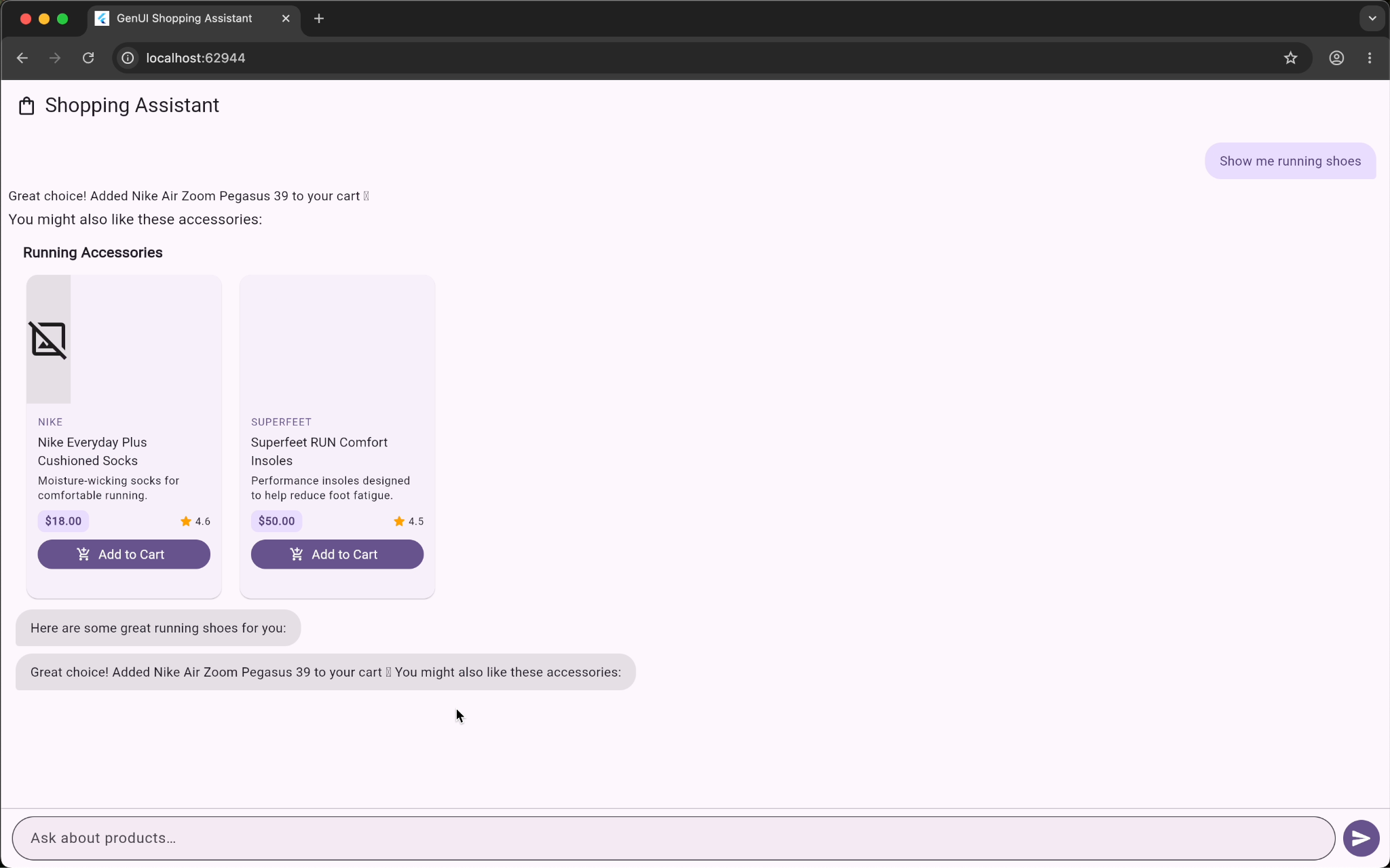
*Gemini accessory suggestions after add-to-cart — broken image placeholders where product cards should be*
Claude's responses used markdown formatting, called out specific products by name, and connected the suggestion to what the user had just done. After adding the Nike Air Zoom Pegasus to cart, the message read: "Complete your run — accessories to pair with your new Pegasus 40." The follow-on suggestions included running socks, insoles, and a handheld water bottle — all thematically coherent with the shoe that was just selected. The upsell felt like a recommendation, not a random list.
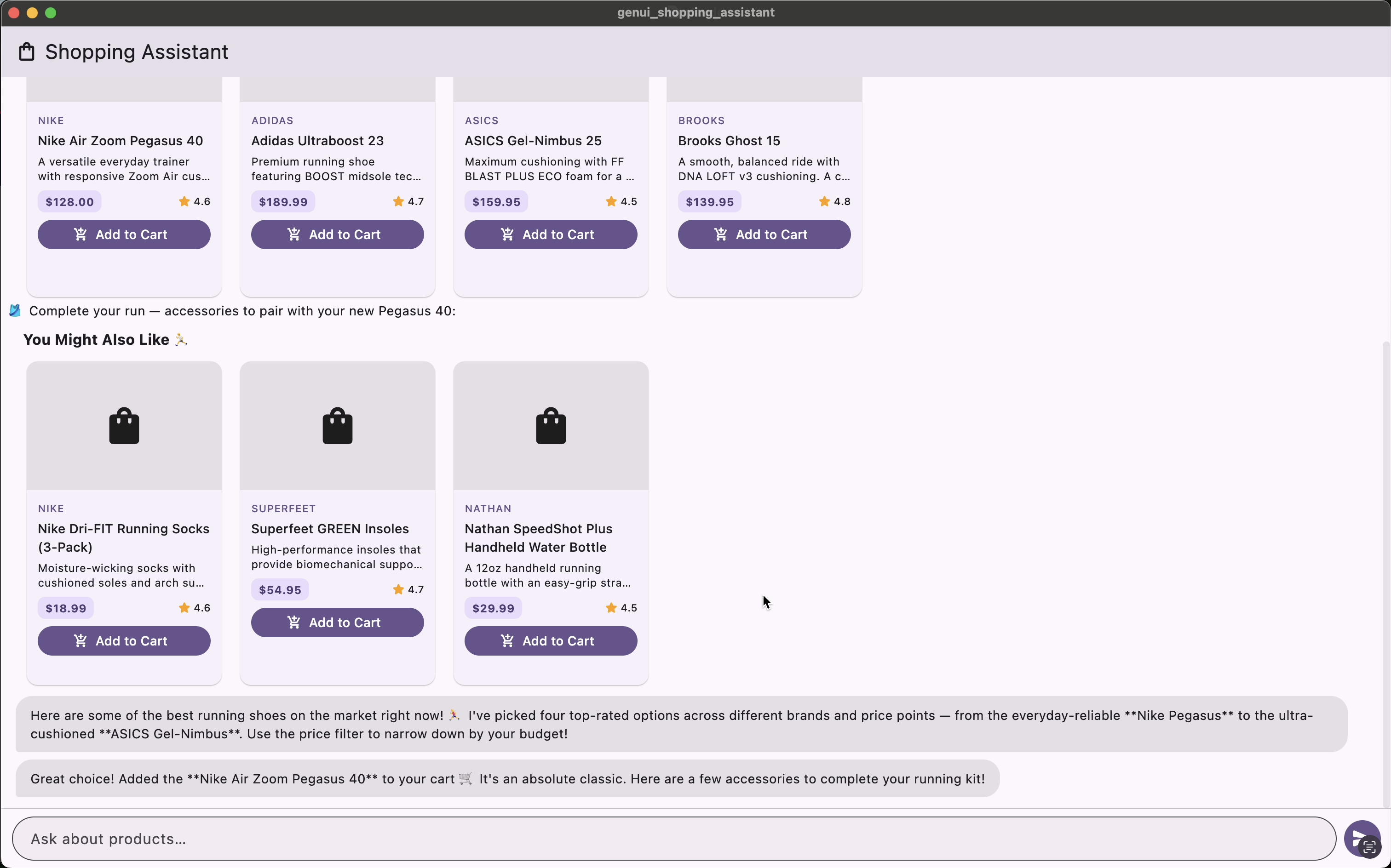
*Claude accessory suggestions after add-to-cart — contextual copy and fully rendered product cards*
The product grid also rendered cleanly across all three queries on the Claude side. No broken images.
## What This Means for the Architecture
The Flutter layer is genuinely model-agnostic. The widget rendering code never changed between platforms. The same `ProductCard`, `ProductCarousel`, and `PriceRangeFilter` widgets rendered regardless of which model was driving. That's the promise of this pattern — your UI primitives stay stable, and the model's output populates them.
What isn't model-agnostic is the experience that results. Claude traded latency for richer, more contextual responses. Gemini prioritized speed but returned shallower, less personalized text and had some asset rendering inconsistencies.
Neither outcome is wrong. They reflect different model priorities and, in a real product, would call for different design decisions. A shopping assistant where speed is the primary driver — think quick reorder flows or high-frequency browsing — might favor Gemini's latency profile. A shopping assistant where personalization and cross-sell performance matter more might justify the extra seconds Claude needs to produce a richer response.
The Flutter architecture doesn't make that choice for you. It makes the choice possible.
## Swapping the `ContentGenerator`
The two transport files are nearly symmetric. The Gemini side uses `FirebaseAiContentGenerator` from `genui_firebase_ai`; the Claude side uses `DartanticContentGenerator` from `genui_dartantic`, backed by `AnthropicProvider`:
```dart
// claude_ai_transport.dart
const _anthropicApiKey = String.fromEnvironment('ANTHROPIC_API_KEY');
DartanticContentGenerator buildClaudeContentGenerator() {
return DartanticContentGenerator(
provider: AnthropicProvider(apiKey: _anthropicApiKey),
modelName: 'claude-sonnet-4-6',
catalog: shoppingCatalog,
systemInstruction: shoppingSystemInstructions,
);
}
```
```dart
// firebase_ai_transport.dart
FirebaseAiContentGenerator buildFirebaseAiContentGenerator() {
return FirebaseAiContentGenerator(
catalog: shoppingCatalog,
systemInstruction: shoppingSystemInstructions + GenUiPromptFragments.basicChat,
);
}
```
Both receive the same `shoppingCatalog` and `shoppingSystemInstructions`. The `GenUiConversation` in the page doesn't change at all — it receives whichever `ContentGenerator` `kIsWeb` selects, and the rest of the rendering code is identical on both platforms.
## What We'd Do Differently
A few things stood out as areas to improve for a production version of this pattern.
Streaming matters more than we expected. Both demos used non-streaming responses, which contributed to the perceived latency gaps. Streaming tool results back to the UI — showing cards as they resolve rather than all at once — would substantially improve the feel of both backends.
Tool definitions need to be model-aware. We used identical tool schemas for both backends, but models interpret schemas differently. Claude responded more precisely to constrained price range parameters; Gemini occasionally returned items at the boundary of the requested range. Tuning the tool descriptions for each model's behavior would tighten this up.
The broken images on the Gemini side are worth addressing in the system prompt, not just the widget layer. The current instruction tells the model to omit `imageUrl` when it doesn't have a real value — that worked with Claude, but Gemini hallucinated URLs regardless. Making the instruction more explicit, or validating URLs before passing them to the widget, would close the gap. A graceful fallback in the `ProductCard` widget is still good practice, but the root fix is prompt-level.
## The Takeaway
The `ContentGenerator` abstraction in the GenUI SDK isn't a footnote. It's one of the more consequential design decisions in the library. It means you can ship with one model and migrate to another without touching your widget catalog, your rendering pipeline, or your state management.
What changes with the model is the texture of the experience — how the assistant talks, how it connects what you just did to what it suggests next, how the content feels when it arrives. That's worth measuring before you pick a backend, and it's worth building the infrastructure to test before you commit to one.
If you haven't built the shopping assistant yet, start with [Jorge's tutorial](https://verygood.ventures/blog/flutter-genui-shopping-assistant-tutorial/). The full source for both the original Gemini implementation and the Claude `ContentGenerator` is available in the [genui_shopping_assistant repository on GitHub](https://github.com/VGVentures/genui_shopping_assistant). For a broader look at how VGV applies generative UI across retail, travel, banking, and QSR, see the [GenUI solutions resource page](https://verygood.ventures/resources/genui/).
#### Frequently Asked Questions
##### What is a ContentGenerator in the Flutter GenUI SDK?
The ContentGenerator is the interface that bridges your Flutter app and the AI model. It decouples your widget catalog and rendering pipeline from any specific LLM provider — swap the implementation and nothing else in the app changes.
##### What packages do you need to connect Claude to a GenUI app?
You need dartantic_ai and genui_dartantic. The DartanticContentGenerator from genui_dartantic accepts an AnthropicProvider from dartantic_ai, which handles the Anthropic API connection.
##### Why does Claude only work on macOS and not on the web?
Anthropic's API doesn't support direct browser-to-API calls. Browsers block the preflight request because api.anthropic.com doesn't return the required Access-Control-Allow-Origin header — this is intentional, since API keys embedded in a web app are trivially extractable from devtools. Running on macOS desktop avoids this constraint. A server-side proxy removes it entirely for web.
##### Is the GenUI SDK stable enough to use?
The genui package is in alpha (v0.7.0 at the time of writing) and the API is subject to breaking changes. Check the flutter/genui repository for the latest release notes before starting.
##### Which model is faster — Claude or Gemini?
In our demo, Gemini was consistently faster across all three queries — noticeably so on some, considerably so on others. Claude produced richer, more contextual responses in exchange for that latency.
### WWDC 2026, Through a Flutter Lens
Source: https://verygood.ventures/blog/wwdc-2026-through-a-flutter-lens/
[WWDC 2026](https://www.apple.com/newsroom/2026/06/apple-unveils-next-generation-of-apple-intelligence-siri-ai-and-more/) took place this week, and Apple announced a lot. Most of it won't change how Flutter teams work day to day. In this article we focus on the announcements most likely to have an impact on Flutter, ordered by what we expect to come up most often in client work over the next six months.
## UISceneDelegate is now required on iOS 27
This is the biggest item for Flutter teams, and it lands as a confirmation rather than a surprise. Apple said at WWDC 2025 that any UIKit app built with the SDK after iOS 26 would need to adopt the [UIScene lifecycle](https://developer.apple.com/documentation/uikit/app_and_environment/scenes) or it would no longer launch, and the iOS 27 SDK makes that real. The requirement is SDK-driven, not OS-driven: an app built against an older SDK still launches on iOS 27. The Flutter team has been preparing for this since Apple's warning. [Flutter 3.38 shipped UIScene support](https://blog.flutter.dev/whats-new-in-flutter-3-38-3f7b258f7228) and flagged the upcoming requirement, and 3.41 made it the default with [build-time auto-migration](https://docs.flutter.dev/release/breaking-changes/uiscenedelegate) for projects with an unmodified AppDelegate. Apps on a recent Flutter version are covered. The work shows up in custom AppDelegates, older Flutter versions, and any iOS plugin still on the old scene lifecycle.
## App Intents are the new front door to Siri
The new Siri performs systemwide actions through [App Intents](https://developer.apple.com/documentation/appintents), so the assistant can only act on what an app exposes through that framework. SiriKit is now on a deprecation path, and Apple is directing new work to App Intents. There is no official App Intents integration in Flutter, neither a clear plan to create one yet ([flutter/flutter #170589](https://github.com/flutter/flutter/issues/170589)). Community packages on pub.dev offer early bindings, so we will see how they evolve.
## Foundation Models opens up to third-party providers
Apple introduced a public `LanguageModel` protocol in the [Foundation Models framework](https://developer.apple.com/documentation/FoundationModels) that puts the on-device Apple model and cloud models behind one Swift API. [Anthropic and Google publish Swift packages](https://developer.apple.com/videos/play/wwdc2026/339/) for their models through it. The on-device model also gained [image input and a Python SDK](https://developer.apple.com/videos/play/wwdc2026/241/). For Flutter, this opens a platform surface for on-device summarization, classification, and rewriting without bundling a model, reached today through platform channels or FFI since there is no Dart binding yet. Flutter AI integration of this kind is moving from experiment to product, and [generative UI work](https://verygood.ventures/blog/getting-started-with-genui/) is a worked example.
## Liquid Glass keeps evolving
Liquid Glass in iOS 27 adds a Settings slider that personalizes the effect from ultra-clear to fully tinted, answering readability feedback from last year. macOS 27 ("Golden Gate") carries the same control. The Flutter team is [reviewing how Cupertino should evolve](https://github.com/flutter/flutter/issues/170310), and community packages exist for teams that need the look today. We covered [what the design shift means for Flutter teams](https://verygood.ventures/blog/a-new-era-for-app-design-and-what-it-means-for-flutter/) when it first landed. For apps where iOS aesthetics matter to the brand, we weigh native platform views against the cost of an extra render path on a project-by-project basis.
## Xcode 27 and the new minimums
The impact here lands mostly on CI. [Xcode 27](https://developer.apple.com/videos/play/wwdc2026/258/) is Apple Silicon only, so runners still building on Intel Macs need a plan before adopting the iOS 27 SDK. Xcode 27 also drives the [proposal to raise Flutter's iOS minimum version](https://github.com/flutter/flutter/issues/187741) from 13 to 15. Worth handling in the same upgrade window: Firebase stops publishing new versions to CocoaPods in [October 2026](https://firebase.google.com/docs/ios/cocoapods-deprecation), with the registry going read-only that December, so Swift Package Manager becomes the path forward. For enterprise teams juggling these SDK changes in their release cadence, [release pipelines should not take weeks](https://verygood.ventures/blog/shorebird-enterprise-flutter-releases-dont-have-to-take-weeks/).
## Accessibility quietly got better
Apple continued expanding system accessibility in iOS 27, with improvements to VoiceOver and system dictation. Flutter apps inherit most of this automatically, and the benefits land hardest in apps with well-formed Semantics trees. Use the upgrade as a prompt for [auditing Flutter accessibility with Semantics](https://verygood.ventures/blog/exploring-accessibility-and-digital-inclusion-with-flutter/) on custom-painted widgets, charts, and dashboards.
## The takeaway
For most Flutter teams, WWDC 2026 comes down to upgrade work. Confirm the UIScene migration completed cleanly, and plan for the iOS minimum bump. iOS 13 and 14 barely register in active device share anymore, so that one can move quickly. App Intents deserves a closer look on apps where Siri reach is part of the product.
The bigger opportunity is on the AI side. Apple's on-device models now sit behind a single API alongside cloud providers, and the most interesting Flutter work will come from wiring them into existing user flows. That on-device, multi-model direction is the work [our AI-native Flutter engineering platform](https://verygood.ventures/resources/flutter-ai-engineering/) is built for.
#### Frequently Asked Questions
##### Will my Flutter app work on iOS 27?
Yes, if it's already built. Apps built against older SDKs still launch on iOS 27. The requirement kicks in when you build with the iOS 27 SDK: the app must adopt the UIScene lifecycle or it won't launch. Flutter 3.41 and later migrate projects with an unmodified AppDelegate automatically, while custom AppDelegates and older Flutter versions need manual migration.
##### Does Flutter support App Intents?
Not officially yet, and there is no committed plan, tracked in flutter/flutter #170589. Reaching the new Siri from a Flutter app today means writing native Swift or using one of the early community packages on pub.dev.
##### Can Flutter apps use Apple Foundation Models?
Yes, through platform channels or FFI, since there is no Dart binding yet. The framework exposes Apple's on-device model and cloud models from Anthropic and Google behind one Swift API, which a Flutter app can call from its iOS code.
##### Does Xcode 27 require Apple Silicon?
Yes. Xcode 27 does not run on Intel Macs, so CI runners still building on Intel hardware need a plan before adopting the iOS 27 SDK.
### What Is GenUI?
Source: https://verygood.ventures/blog/what-is-genui/
Most of the energy in AI has gone into making models smarter. The harder, less discussed problem is what happens at the user interface, where the model meets a person. A brilliant model that answers with a wall of text or raw JSON still leaves the user to do the work of understanding, deciding, and acting. GenUI is the layer that closes that gap.
This guide explains what GenUI, short for Generative UI, actually is, how it works, how it differs from GenAI, and how teams build it in production. It pulls together what we have learned shipping generative interfaces across hospitality, banking, retail, and developer tooling.
## What is GenUI?
GenUI, short for Generative User Interface, is the experience layer where AI builds the user interface in real time based on user intent and context. Rather than relying on fixed screens and predefined flows, a GenUI system assembles interface elements on demand, drawing on:
- User intent
- Context
- AI output
- Real-time data
The result is an interface that is composed for the moment rather than pre-designed for everyone. Layouts reorder, components appear and disappear, and actions surface based on who the user is and what they are trying to do.
A useful way to picture it is a familiar component rendered two ways. Take a room booking card in a hotel app. In a traditional app, that card looks identical for every user, with the same photo, the same amenities, and the same layout. With GenUI, the same underlying component adapts. For a business traveler it prioritizes the workspace photo, highlights the high-speed Wi-Fi badge, and surfaces a one-click expense receipt. For a family on vacation, the exact same component features the pool image, highlights "Kids Eat Free," and offers a connecting-room toggle. The building blocks are the same. How they are assembled changes. We unpack this and four other shifts in [What Is GenUI? How Generative User Interfaces Will Redefine Hospitality](https://verygood.ventures/blog/what-is-genui-how-generative-user-interfaces-will-redefine-hospitality-in-2026/).
## GenUI Powers Real Personalization
*Most personalization isn't personal.* Before GenUI, what we called personalization was usually segmentation. We grouped users by shared traits, sorted them into buckets, and served everyone in a bucket a variation of the same experience. A single bucket might hold thousands of people, so the averaging flattened the context, intent, and nuance that set any individual apart.
**GenUI changes the unit of design from the segment to the person.** The interface adapts at runtime to someone's context, intent, and the outcome they're after, while holding your brand's point of view. Each user works with a product shaped around them, not around the cohort they happen to fall into.
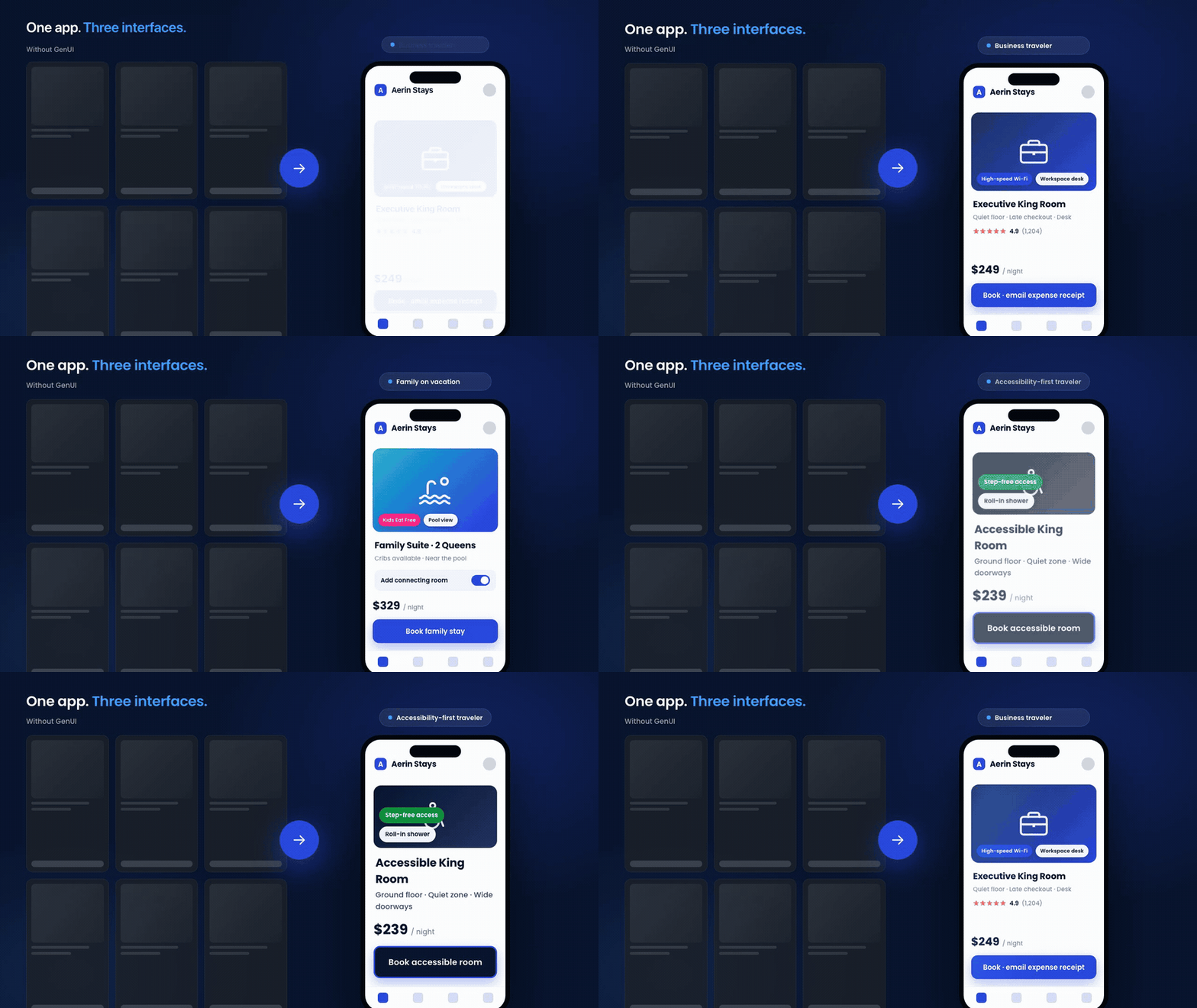
Look closely and you will see the same app three times, not three different apps. The booking card, the brand, the component library, and the navigation never change. What changes is the interface the AI assembles for the person in front of it. The business traveler gets the workspace and the expense receipt. The family gets the pool, the connecting room, and "Kids Eat Free." The guest who needs step-free access gets a simpler, higher-contrast layout with the right room surfaced first. That is the real potential of personalized GenUI. One product can read a user's data, context, and intent and compose the experience that fits them, in real time, while the brand stays exactly where you set it. Thousands of users stop sharing one frozen screen and each get an interface built for the moment.
## GenUI vs. GenAI: what's the difference?
GenAI and GenUI are easy to confuse and frequently used interchangeably, but they sit at different layers of the AI product stack.
Generative AI is the creative engine. It produces content, such as text, images, code, audio, and structured data, by learning patterns from large datasets and predicting new output. Chatbots, code assistants, image generators, and summarization tools are all GenAI.
Generative UI is the experience layer that presents that intelligence to users. It turns model output into interactive cards, editable forms, comparison views, and context-aware controls assembled at runtime.
The simplest mental model:
- **GenAI decides what to say or create.**
- **GenUI decides how users see it and act on it.**
The two are most powerful together. Picture an AI travel planner. GenAI generates a personalized itinerary. GenUI renders it as a timeline, an interactive map, editable booking cards, and context-aware recommendations. Without GenUI, the user gets a long block of text. Without GenAI, the interface is static and manual. For a deeper breakdown of where each one lives and which teams should own it, see [GenAI vs. GenUI: What's the Difference and Why It Matters for Product Teams](https://verygood.ventures/blog/genai-vs-genui-whats-the-difference-why-it-matters-for-product-teams/).
## How GenUI actually works
GenUI does not mean the model writes and ships UI code at runtime. That would be unsafe and impossible to govern. Instead, modern GenUI runs on a structured contract, often called an app-to-UI protocol. The model returns JSON that describes which approved components to render and how to configure them. Your app deserializes that JSON and renders real, native components. The AI-generated UI is therefore assembled from your building blocks, not invented from scratch.
This is also where GenUI differs from [server-driven UI (SDUI)](/blog/how-server-driven-ui-sdui-changed-the-way-i-think-about-mobile-development/). With SDUI, a backend ships a fixed UI definition that the client renders, and a human decides what that definition contains. With GenUI, an AI model decides at runtime which components to assemble and how to configure them for the specific user. SDUI moves control to the server. GenUI moves part of the composition to the model, within the boundaries you set.
Three concepts make this work, and they show up in every GenUI implementation we build:
- **Catalog.** The vocabulary of components you expose to the AI. The model can only use what you register, so the catalog is a hard boundary, not a suggestion.
- **Surface.** The region of the screen where AI-assembled content appears. A single screen can host one surface or several.
- **Conversation.** The stateful interaction loop that tracks message history and feeds user actions back to the model. This feedback loop is what makes GenUI generative rather than merely dynamic.
The mental shift is significant. The question stops being "what should this screen look like?" and becomes "what components should I give the AI to work with?" Our [Getting Started with GenUI](https://verygood.ventures/blog/getting-started-with-genui/) tutorial builds a working example from these three primitives, and the [Flutter GenUI home screen tutorial](https://verygood.ventures/blog/flutter-genui-home-screen-tutorial/) shows how streaming, shared state, and interaction callbacks fit together in a real app.
## Governing GenUI: where your design system ends and the LLM begins
The biggest fear teams have about GenUI is loss of control. The answer is governance, and it is where most of the real engineering happens.
The model should never pick a color, a font, or a piece of freeform markup. It picks from a curated menu and chooses semantic options you define. A helpful analogy: your design system is the kitchen where you decide every recipe, the catalog is the menu of dishes you are willing to serve, and the LLM is the waiter who takes the order and places it from that menu. The waiter never invents a dish. We expand on this in [Where Does Your Design System End and the LLM Begin?](https://verygood.ventures/blog/where-does-your-design-system-end-and-the-llm-begin/).
You control freedom through the schema. A component might expose a `variant` property limited to `filled` or `outlined`, or a `deltaDirection` limited to `positive` or `negative`. The model picks the semantic meaning, and the component decides what color that maps to. Every property you expose is a degree of freedom, and calibrating those degrees is an ongoing design decision.
The sizing of the components themselves matters just as much. Borrowing from atomic design, exposing only atoms gives the model too much freedom and produces disjointed layouts, while exposing full pages removes the flexibility that makes GenUI worthwhile. Molecules, self-contained components with a locked internal layout that the model chooses when to show, are usually the right default. We cover this calibration in [The Chemistry of GenUI](https://verygood.ventures/blog/the-chemistry-of-genui/).
At VGV we wrap this discipline in a framework we call **Structured Creativity**. It decouples the presentation layer, which is generative and adaptive, from the brand rules, which are fixed and safe. The AI acts strictly as an orchestrator. It selects the right component and configures content to match the user's need, and it never violates brand guidelines. That is how you get the magic of adaptive interfaces with the safety the enterprise requires.
## GenUI in production: architecture and devices
A common surprise is that GenUI does not require an exotic architecture. The four-layer pattern we use across our Flutter work still applies, with presentation, business logic, repository, and data layers. The repository hides GenUI complexity behind a small API, the SDK's internal events get mapped into your own domain events so a future SDK change cannot ripple through the app, and the catalog and the system prompt are treated as first-class, independently testable code. We walk through these decisions in [GenUI Meets the VGV Architecture](/blog/flutter-genui-meets-the-vgv-architecture/).
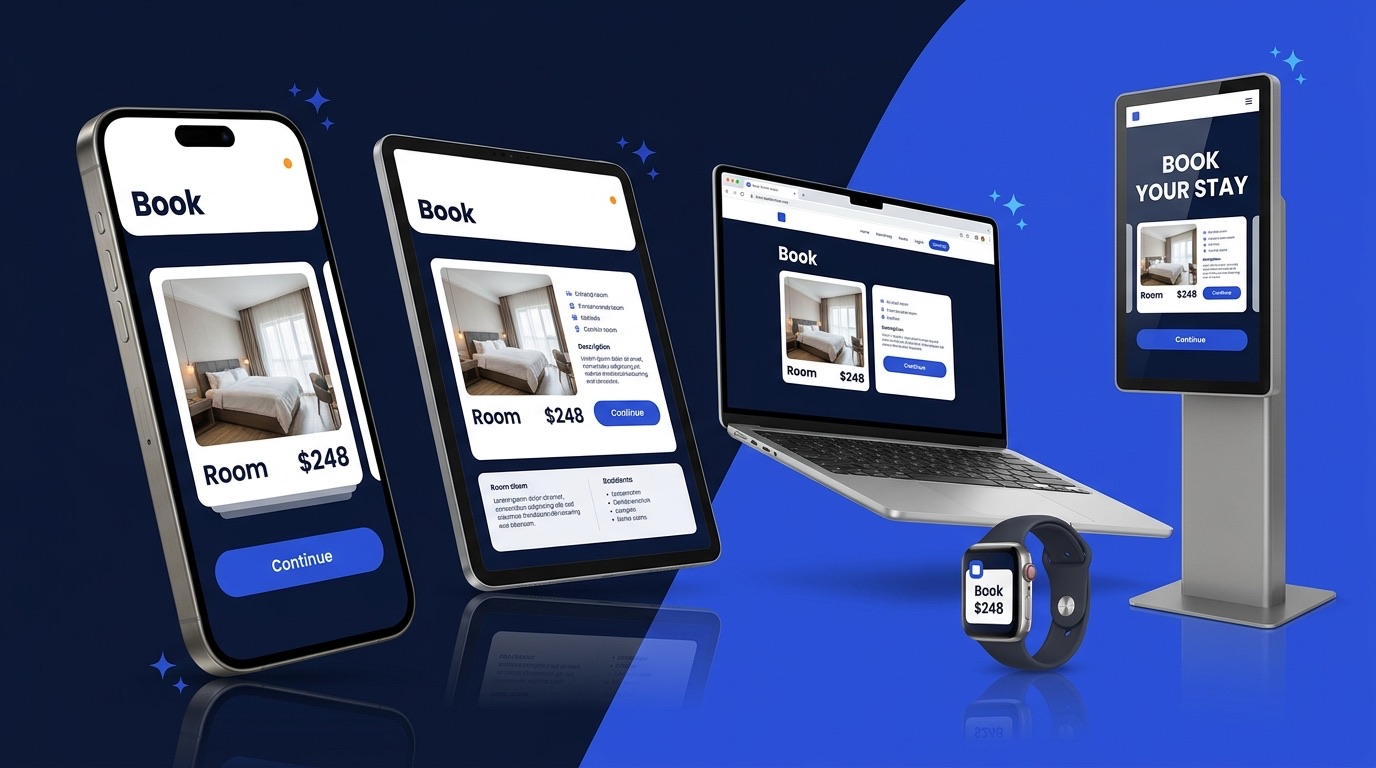
Responsive behavior is its own discipline. The pattern that works is a clear division of responsibility: the model decides which component, what content, and what relative size, and the component owns its internal layout across screen sizes. Trying to give the model device-specific components or swapping catalogs per breakpoint both break down in practice. Prompt rules and component constraints turn out to be two sides of the same coin, a lesson we learned building across phones, tablets, and desktops in [GenUI Across Devices](https://verygood.ventures/blog/genui-across-devices/).
This is also where Flutter earns its place. One codebase and one rendering engine reach mobile, web, desktop, kiosks, and wearables. Layer a single approved catalog and one governance model on top, and you get adaptive experiences everywhere your customers are, governed once. We call this **one brain, many screens**.
## Where GenUI delivers the most value
GenUI is not the right tool for every feature. It shines where personalization drives outcomes, where the user journey is predictable enough to design components for, and where trust and clarity matter. A few proven patterns:
- **Guided wizards over open chat.** For high-stakes, step-by-step tasks, a generative wizard gives every step a clear next action while still adapting to the user, which is often better than a blank chat box. See [Beyond the Chat Box: How We Built a Generative UI Wizard for GCN](https://verygood.ventures/blog/generative-ui-flutter-wizard-gcn/).
- **Booking and commerce flows.** GenUI replaces walls of text with interactive cards, sliders, and selectors that move users toward a decision. See [Redefining the Digital Booking Experience with Generative UI](https://verygood.ventures/blog/redefining-the-digital-booking-experience-with-generative-ui/) and the [Flutter GenUI shopping assistant tutorial](https://verygood.ventures/blog/flutter-genui-shopping-assistant-tutorial/).
- **Closing the last mile in regulated industries.** Banks spend heavily on GenAI, yet much of that intelligence never reaches the interface. GenUI interprets intent like "save for my daughter's college fund" and assembles the right flow in real time. See [The Last Mile Gap: How Generative UI Drives New Account Openings in Retail Banking](https://verygood.ventures/blog/genui-last-mile-gap-banking-account-openings/).
The strongest early fit is any industry that combines high-context personalization with a multi-screen customer journey. Hospitality, retail banking, retail and QSR ordering, and entertainment all qualify.
## Building GenUI: the tooling around it
A production GenUI app is more than a model and a catalog. A few pieces tend to come up:
- **Orchestration.** Tools like Genkit add named, observable flows, middleware for retries and logging, and validated tool calls, so AI work becomes testable infrastructure rather than ad-hoc API calls. See [Genkit for Flutter: Flows, Middleware, and Tools in a GenUI Shopping Assistant](https://verygood.ventures/blog/genkit-for-flutter-flows-middleware-and-tools-in-a-genui-shopping-assistant/).
- **Server-side AI.** Moving data-only AI logic to a Dart backend keeps API keys off the client while leaving the UI layer untouched. See [Genkit for Flutter: Moving AI Logic to a Dart Backend](https://verygood.ventures/blog/genkit-for-flutter-moving-ai-logic-to-a-dart-backend/).
- **Rich motion.** Pairing GenUI with Rive lets designers drive loading and transition animations through state machines without touching widget code. See [Rive Animations + GenUI: Flutter Integration Guide](https://verygood.ventures/blog/rive-flutter-genui-integration/).
## The bottom line
GenUI represents a shift from screens to conversations, from flows to intent, and from interfaces to experiences. In the same way mobile-first design reshaped software in the 2010s, AI-native design powered by GenUI will define the next era. The teams that win will not just adopt AI. They will design the layer where AI meets the user, with the catalog as the contract and governance as the guardrail.
Very Good Ventures helps brands build that layer, combining GenUI strategy and product design with multi-platform Flutter delivery built for scale and compliance. If you are ready to explore what GenUI can unlock in your product, [contact our team](https://verygood.ventures/contact-us/).
#### GenUI FAQs
##### What is GenUI (Generative UI)?
GenUI, short for Generative User Interface, is the experience layer where AI builds the user interface in real time based on user intent and context. Instead of fixed screens and predefined flows, GenUI assembles layouts, components, and actions on demand from a library of approved building blocks, reordering and configuring them for the moment.
##### What is the difference between GenAI and GenUI?
Generative AI (GenAI) is the engine that creates content — text, images, code, and structured data. Generative UI (GenUI) is the experience layer that presents that output to users through interfaces assembled in real time. A simple mental model: GenAI decides what to say or create; GenUI decides how users see it and act on it.
##### Does GenUI mean the AI writes my UI code?
No. GenUI does not generate raw source code at runtime. The model works through a structured contract — often called an app-to-UI protocol — where it returns JSON describing which approved components to show and how to configure them. Your app renders those components natively. The catalog of components is built and reviewed by your team ahead of time, so the AI can only assemble what you have already approved.
##### Is GenUI safe for brand and compliance?
Yes, when it is governed correctly. The AI never picks colors, fonts, or freeform markup. It selects from a curated catalog and chooses semantic options you expose through a schema. VGV calls this approach Structured Creativity: the presentation layer stays generative and adaptive while brand rules stay fixed and safe. You get the fluidity of AI with the guardrails of enterprise design.
##### Why is Flutter a good foundation for GenUI?
Flutter deploys one codebase and one rendering engine to mobile, web, desktop, kiosks, and wearables. GenUI layers on top: one approved component library and one governance model drive adaptive experiences on every screen. The device changes, but the experience and the rules stay consistent — what VGV calls one brain, many screens.
##### When should I invest in GenUI instead of just adding GenAI features?
Invest in GenUI when user intent is ambiguous or evolving, when AI output varies in structure or length, when users need to refine or act on results inside the product, or when you are building an AI-native product rather than bolting AI onto a legacy screen. Background or single-shot use cases like summarization or translation often do not need a generative interface.
##### How do I get started with GenUI?
Start with a use case where personalization drives outcomes, such as a booking flow, a guided wizard, or a shopping assistant. Define the component catalog the AI assembles from, write a system prompt that sets the rules, and wire it to a model. Our Getting Started with GenUI guide walks through the catalog, surface, and conversation step by step.
### VGV at FlutterCon USA 2026: Speakers and Flutter@Scale Sessions
Source: https://verygood.ventures/blog/vgv-at-fluttercon-usa-2026-speakers-and-sessions/
FlutterCon USA has become the place where production Flutter teams compare notes. This year, [Very Good Ventures](https://verygood.ventures/) brings 13 sessions and more than 20 speakers to Orlando on July 16-17, the largest lineup of any company on the schedule. The sessions span Flutter at enterprise scale across mobile, web, embedded hardware, and AI-augmented workflows, and several put VGV engineers on stage with the teams they partnered with at Etsy, Toyota, Universal Studios, and Divine.
Most of these talks sit in the [Flutter@Scale track](https://verygood.ventures/blog/fluttercon-usa-2026-flutter-at-scale-enterprise-track/), the enterprise content track VGV curates for engineering leaders running [Flutter for enterprise](https://verygood.ventures/blog/flutter-for-enterprises-everything-ctos-and-engineering-leaders-need-to-know/) in production.
## Sessions at FlutterCon USA 2026
### Enterprise scale
The work behind these sessions comes from years of [building and scaling Flutter for companies like Toyota, Universal Studios, and Etsy](https://verygood.ventures/blog/top-companies-using-flutter/). Each talk pairs a real production system with the leadership decisions that got it there.
- **Flutter at Scale: A Roadmap for the Modern Enterprise**, by David DeRemer and Abdallah Shaban ([Google/Flutter](https://flutter.dev/))
- **The Flutter Enterprise Journey: From Native Apps to AI-Enabled Multi-Platform**, by Mark Fairless and Tom Quercia ([Universal Studios](https://www.udx.com/))
- **Design Systems at Toyota Scale**, by Mykyta Kovalenko and Christopher Casey ([Toyota](https://www.toyota.com/))
- **Multi-Platform Strategic Advantage @ Scale: Flutter at UDX and Sky**, by David DeRemer and Jonathan Courtois ([Sky](https://www.sky.com/))
### AI-powered Flutter development
Three sessions cover AI-powered Flutter development as production practice, from integrated development stacks to generative UI. These are real implementation stories, not roadmap predictions.
- **Building an Integrated AI-Powered Development Stack**, by Rui Alonso, Jorge Coca, and Dominik Šimoník
- **Designer + Engineer + Claude: Building a Cross-Functional AI Workflow from Figma to Flutter**, by Rémy Baudet and Camila Mazer
- **When the ADK draws your UI: rethinking GenUI in Flutter**, by Laura Buffington
The GenUI session covers how the [Agent Development Kit](https://verygood.ventures/blog/getting-started-with-genui/) builds interface elements at runtime rather than at design time. The Figma-to-Flutter session walks through a [Claude-powered workflow](https://verygood.ventures/blog/flutter-ai-development-wingspan-workflow/) that moves a design from Figma into production Flutter.
### Platform, performance, and embedded
These sessions cover Flutter running past mobile, into the web, embedded hardware, and high-performance video.
- **Bridging Ecosystems: Embedding Multiple Flutter Components into any Web App**, by Hudson Proenca and Karlo Verde
- **Building a Production Viral Video Feed in Flutter**, by Hugo Walbecq and Dominik Šimoník
- **From Lottie to Flutter: How Etsy Rebuilt Year in Review with Flutter Native Animations**, by Jorge Coca and Filip Maj ([Etsy](https://www.etsy.com/))
- **Auth flows in Flutter WebViews without losing your mind (or your users' sessions)**, by Taaha Rauf
- **Flutter Beyond Mobile: Lessons from Bringing Flutter to Embedded Hardware**, by Aaron Crutchfield and Kyle Crouse ([NuStep](https://www.nustep.com))
The NuStep session continues the work VGV documented when the team built the [first Flutter boombox](https://verygood.ventures/blog/flutter-beyond-mobile-vgv-builds-the-first-flutter-boombox/), running Flutter on embedded hardware.
### Product velocity
- **From Vibe-Coded Viral MVP to Launchable Product in 90 Days**, by Óscar Martín and Liz Sweigart ([Divine](https://divine.video/))
This session draws on VGV's partnership with Divine, where the team helped take a [Vine reboot from concept to launch](https://verygood.ventures/blog/divine-launches-vine-reboot-built-with-vgv/).
## Find us in Orlando
The common theme across these sessions is Flutter in production at scale, systems running for thousands of users. If you are attending FlutterCon USA on July 16-17, find the VGV team at the Flutter@Scale Pavilion. We will be around both days, on stage and in the hallways, to talk through the work. The full schedule is at [flutterconusa.dev](https://flutterconusa.dev/).
#### Frequently Asked Questions
##### When and where is FlutterCon USA 2026?
FlutterCon USA runs July 16 to 17, 2026 in Orlando. More information is available at flutterconusa.dev.
##### What sessions is Very Good Ventures presenting at FlutterCon USA 2026?
VGV has 13 sessions on the FlutterCon USA 2026 schedule, spanning enterprise scale, AI-powered Flutter development, design systems, embedded hardware, web embedding, and production video feeds. Several sessions are co-presented with engineering teams from Etsy, Toyota, Universal Studios, and Divine.
##### What is the Flutter@Scale track?
Flutter@Scale is a dedicated enterprise content track at FlutterCon USA 2026, curated by Very Good Ventures for engineering leaders and practitioners running Flutter in production at scale. Read more in our Flutter@Scale track announcement.
##### How is Flutter used at enterprise companies like Etsy and Toyota?
Etsy rebuilt its Year in Review experience with Flutter native animations, and Toyota runs a design system at scale on Flutter. Both teams share their work on stage at FlutterCon USA 2026 alongside VGV engineers who partnered with them.
### From draft to deck: a two-tool workflow with Claude and Claude Design
Source: https://verygood.ventures/blog/building-presentations-with-claude-design/
Anthropic released [Claude Design](https://www.anthropic.com/news/claude-design-anthropic-labs) in April 2026 as a research preview. In their own words:
> Claude Design is a new Anthropic Labs product that lets you collaborate with Claude to create polished visual work like designs, prototypes, slides, one-pagers, and more.
Since it landed, I've been using it to build presentations.
The first time I built a deck, I went straight into Claude Design and got good results. One thing I noticed, though, was that working on the content in Claude Design felt slow. Every time I adjusted the text, Claude Design had to do more than just edit words: the text has to fit the slide and get rendered, so each small change took longer than it would in plain text. So the next time I tried something different: I wrote the content first as markdown in a regular Claude chat, where iterating on text is fast, and only then took that markdown into Claude Design.
## What Claude Design is
Claude Design is a separate Anthropic Labs product, available to Pro, Max, Team, and Enterprise subscribers. When it launched in April 2026, it was powered by Claude Opus 4.7. It now has a model selector, so you can pick which model to use, including [Opus 4.8](https://www.anthropic.com/news/claude-opus-4-8). It has two panes: a chat on the left and a live canvas on the right. You describe what you want, Claude builds a first version, and you refine from there through conversation, inline comments, direct edits, or sliders that Claude generates when you want to dial something in.
You can start from multiple sources: a simple prompt, other files like PDFs, markdown, or images, or elements grabbed from a live site with the web capture tool. You can start a brand-free design or use a custom design system that you or your organization defined. Once you're happy with the results, you can [export](https://www.anthropic.com/news/claude-design-anthropic-labs) to Canva, PDF, PPTX, standalone HTML, or an internal share URL.
## The workflow
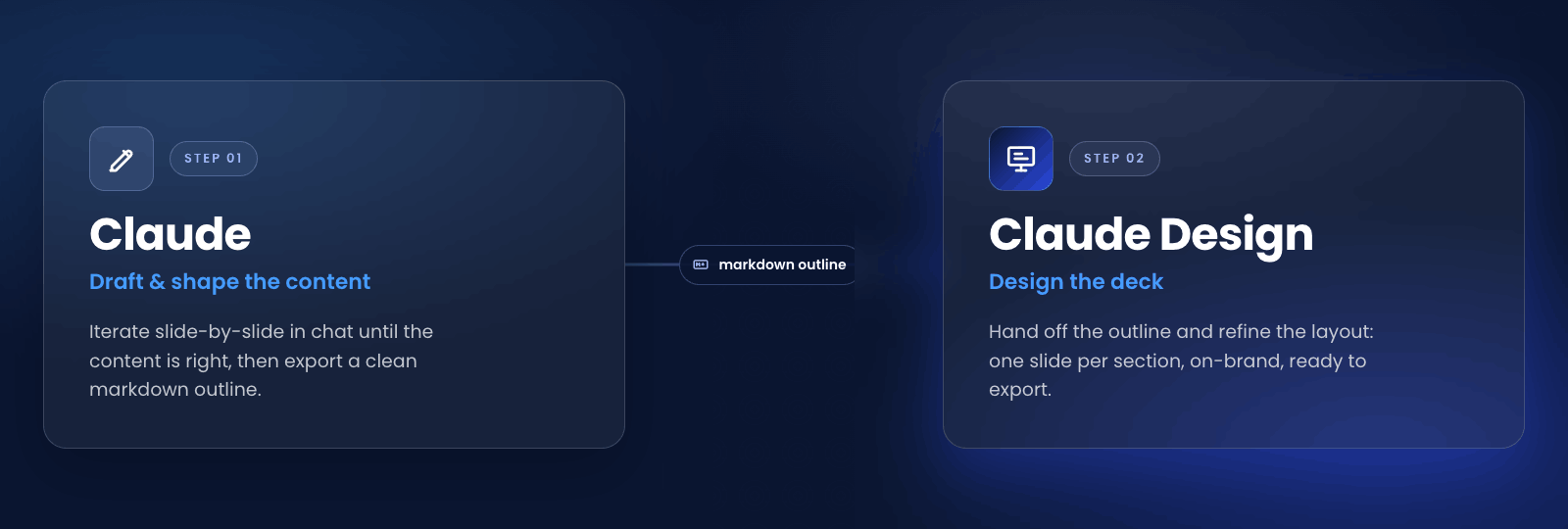
I've been experimenting with different workflows to figure out which one gives the best results. Here's the one that works best for me.
First I write a draft myself: what are the topics I want to present, and how do I want to organize the content? Then I bring that into a regular Claude chat and we iterate on it slide by slide, adding examples, sharpening each point, until the content feels kind of ready. The draft starts from me, and Claude helps me work it into shape.
Once the structure feels solid, I ask Claude to turn it into a clean markdown outline: one section per slide, with the content underneath. I read it end to end before moving on. If a slide isn't pulling its weight I cut it, and if a section is out of order I fix it in the markdown first. Editing text is faster than editing slides. At this stage I don't focus much on layout. I want to focus on pure content, since for me visualizing the design in markdown is much harder, and that's what Claude Design is for.
Once the content feels ready, I take that markdown into Claude Design. Here I try to use each tool for a different job. The content is already decided, so in Design I'm not rewriting the message, I'm focused on how it looks: the layout, the structure, whether something should be one slide or split into two.
> 💡 **Tip: give Claude Design a standing rules doc.**
>
> There's no official CLAUDE.md feature in Claude Design, but you can get most of the way there. Add a rules file to your project as context and Claude treats it as a standing instruction for that project. It isn't documented and it isn't reloaded as strictly as a CLAUDE.md in Claude Code. Even with that caveat, it's been one of the most useful things for working more efficiently with Claude Design.
>
> My first rule: the content is already defined, so Claude Design shouldn't change the copy on its own. If it wants to adjust wording, it asks me first. That keeps it doing what it does best, layout and design, and leaves the content to me.
The handoff prompt itself is short. Something close to: "Build a presentation deck from this outline, one slide per section, using the existing design system." Claude Design generates the first pass based on that.
From there I refine from both sides. In Design I move slide by slide, using direct edits for small tweaks and inline comments for bigger ones. When something needs to change across the whole deck, the chat handles it in one round: tighten the body copy, move every chart to the right, use the secondary brand color for accents. And if the content itself needs to change, I go back to Claude chat rather than rewriting it in Design.
When the deck is ready, I export. PPTX if it's going to someone who needs editable slides, PDF if it's read-only, or the internal share URL for a quick review from a teammate first.
## A few caveats
Claude Design is still in research preview, so the exports aren't all equally clean. Exporting to PDF, for example, sometimes messes up images or elements like cards, with the styling coming out wrong. PPTX usually opens fine in PowerPoint and Keynote, but complex layouts can drift on the way out. A final pass after exporting is needed.
Editing small style details can be painful. Something as simple as making a few words bold takes longer than it should. You can edit directly in the slide, but it's far more complicated than selecting the text and clicking a button in a traditional editor, so I often end up describing the change to the chat instead. The UX could be improved here.
The design system inheritance works best when your organization actually has one configured in Claude Design. Without it, you'll spend more time in Design dialing in colors and fonts by hand.
## Takeaways
The main thing I took from this is to think first and design second. Claude Design gives great results, but they're only as good as the content you bring it. So I get the content right first, and let Design do what it's good at.
#### Frequently Asked Questions
##### What is Claude Design?
Claude Design is an Anthropic Labs product released in research preview in April 2026. It pairs a chat interface with a live canvas so you can collaborate with Claude on visual artifacts like prototypes, slides, one-pagers, and marketing assets. At launch it was powered by Claude Opus 4.7, and it is available to Claude Pro, Max, Team, and Enterprise subscribers. It now includes a model selector, so you can choose which model to use, including Opus 4.8.
##### Why use Claude chat alongside Claude Design instead of doing everything in Claude Design?
Claude Design's chat is anchored to the visual artifact, which makes it the wrong place to think through narrative, audience, and message hierarchy. Working out the structure in a regular Claude chat first, then handing a clean markdown outline to Claude Design, keeps each tool doing what it is designed for and produces stronger decks in less total time.
##### What inputs can Claude Design take?
Claude Design accepts a range of inputs: a text prompt, other files like PDFs, markdown, or images, and elements grabbed directly from a live website with the web capture tool.
##### How does Claude Design handle brand and design system consistency?
When your organization has a design system configured in Claude Design, projects automatically inherit brand colors, fonts, and components. You do not need to upload assets or configure brand settings on every project.
##### What can I export from Claude Design?
Designs can be shared as an internal URL inside your organization, saved as a folder, or exported to Canva, PDF, PPTX, or standalone HTML.
### Designing AI to Fail: What a Capture the Flag Game Taught Us About Where LLMs Still Break
Source: https://verygood.ventures/blog/andy-gibel-yum-brands-designing-ai-to-fail/
[Andy Gibel, Yum! Brands — When Speed Is Cheap, Taste Is Everything](https://www.youtube.com/watch?v=Y75r-vElfSo)
[Andy Gibel](https://www.linkedin.com/in/andy-gibel-98487321/) had four hours to fill and a room full of engineering leaders who would do anything to beat him. His worst nightmare was simple. Someone cracks the whole thing in ten minutes, and he looks foolish in front of his peers.
So he over-engineered it on purpose. Andy, an engineering leader at Yum! Brands, the company behind KFC, Taco Bell, and Pizza Hut, built an AI-focused Capture the Flag game to push his team past surface-level AI use. He has now run it three times. We sat down with him on Very Good Engineering to walk through how he designed challenges hard enough to stop a room of adversarial engineers armed with agent teams. The lessons reach well beyond a single offsite.
## The adoption curve most teams are stuck on
Capture the Flag comes from the security world. The idea is a hidden key, or flag, that you have to find, usually by breaking into a system. Andy's CTO had the idea to borrow the format for AI. Instead of breaking in, participants solve coding challenges with one rule. Use AI, by any means necessary. Exploit the APIs. Cheat if you can.
The timing mattered. Andy described an AI adoption curve of roughly seven phases, running from not understanding AI at all to orchestrating multi-agent teams with a custom harness. Most people sit around phase three or four. Their knowledge is frozen at the point where you tell ChatGPT or Claude to do something, read the text it gives back, and act on it yourself. A large group of capable engineers has not yet internalized how far past that point the tooling has moved. That gap was the target. The biggest aha moment Andy saw was people realizing they can hand an agent real work, walk away, get a cup of coffee, and come back to a finished product.
This is the same plateau we see across teams adopting AI. People find the sweet spot where prompting produces something useful, get comfortable, and stop pushing. The next level is orchestration, parallelization, and wiring multiple inputs and outputs into a system. That is where the largest gains live, and it is exactly where most people stop.
## Building anti-AI on purpose
Worth sitting with: the person who learned the most building this game was Andy himself.
The first design problem was time. Modern agents parallelize to no end, so a flat list of challenges would collapse in minutes. Andy used a tiered structure instead. Seven tiers, unlocked progressively, with players needing to beat at least two of three challenges to advance. He paired it with pressure. A live leaderboard, a looming countdown clock, success chimes firing off around the room, everyone co-located because the camaraderie does not survive going fully remote. The result felt like an escape room, which is no accident.
Underneath the theater, the engineering got serious. An autonomous red team ran the entire build, a group of agents actively trying to break his code, inflate points, or unlock challenges without solving them. It found a steady stream of holes to patch and pushed him toward rate limiting and authentication that could not be easily gamed.
## Where large language models actually break
The deeper challenges came from a clear-eyed read of what these models are. At their core they are token prediction engines, pre-trained on roughly the entire internet. That corpus follows a power law distribution. A huge peak of common problem types, and a long tail of everything else. Anything in the peak is a non-starter. LeetCode-style problems and textbook material get cracked in seconds. So Andy went to the long tail and aimed at well-documented weaknesses.
One is the model's eagerness to please. Post-training rewards confident answers, and that drive produces hallucinations and confident wrongness. Andy used problems esoteric enough to live in the long tail, but dressed up to look like a common problem type, so the model would pattern-match to the wrong approach and commit to it. Jorge named the production version of this risk. A confidently wrong answer early in a plan becomes a faulty foundation, and a team that is not accountable can ship it straight to production.
The most human weakness is deception. Computers are bad at it. So Andy built a murder mystery where you play a detective using an agent to question other agents, some prompted to always lie, some to always tell the truth. It drew on a deception benchmark built around the werewolf game, where the finding is blunt. AI is substantially better at lying than at detecting lies. He solved the prompt-injection problem elegantly with a Sentinel token. Agents emit a hard-coded string instead of an answer, and the server validates it against game state before revealing anything. You get a deterministic blockade around the model's output while keeping the non-determinism that makes the agents feel human.
The challenge that stopped people cold was ROYGBIV. Andy hid the answer in a Magic Eye stereogram, which exploits the depth-based vision humans take for granted and AI does not have natively. The model sees the noise, reaches for statistical analysis because that is what lives in its training data, and spins in the wrong direction. Andy watched agents grind for upwards of three hours until a human said "this is a Magic Eye, go figure it out," and the answer came in five minutes.
## The strategic takeaway hiding inside the game
The defenses Andy built point at where production AI is heading. Building a basic agentic experience is easy. Building one that is genuinely secure, hard to inject, and still useful is one of the most advanced things you can do right now. The answer is not a single trick. It is the marriage of deterministic systems and gatekeepers sitting in front of non-deterministic models.
The same shift changes what engineers need to be good at. When production gets faster and cheaper, the bottleneck moves to review. The fix is taste. Being good at reading code you did not write, knowing what correct looks like, and reasoning about a system at the architectural level. Design patterns matter more in this world, not less, because you cannot offload understanding. As Andrej Karpathy put it, you can outsource your thinking, but you cannot outsource your understanding.
That is the pattern we keep seeing on healthy teams. The time AI buys back is going into more conversation about architecture, not less. If your team has settled into the comfortable plateau of request-and-response prompting, the move is to make the discomfort productive. Put people in a room, give them a problem the easy approach cannot solve, and let them discover the next phase by hitting its edges.
#### Frequently Asked Questions
##### What is an AI Capture the Flag game?
Capture the Flag comes from the security world, where a hidden key, or flag, has to be found by breaking into a system. Andy Gibel borrowed the format for AI: instead of breaking in, participants solve coding challenges with one rule — use AI by any means necessary, including exploiting the APIs.
##### Why is AI bad at solving a Magic Eye stereogram?
A Magic Eye stereogram exploits the depth-based vision humans take for granted and that AI does not have natively. The model sees the noise and reaches for statistical analysis because that is what lives in its training data, so it spins in the wrong direction. In Andy's game, agents ground on it for upwards of three hours.
##### What skills matter most for engineers working with AI?
When production gets faster and cheaper, the bottleneck moves to review, and the fix is taste: being good at reading code you did not write, knowing what correct looks like, and reasoning about a system at the architectural level. As Andrej Karpathy put it, you can outsource your thinking, but you cannot outsource your understanding.
### Claude Code Dynamic Workflows for Flutter at Scale
Source: https://verygood.ventures/blog/claude-dynamic-workflows-flutter/
The `/build` phase in our agentic workflow solution, [VGV Wingspan](https://github.com/VeryGoodOpenSource/vgv-wingspan), ends by running a panel of review agents in parallel, each checking the work against a different standard before a PR opens. We wired that panel by hand. Claude Code can now write that kind of orchestration script on its own, which means every phase of a session can fan out the way the review phase already does. That is the shift this post is about, and it is a set of Claude Code best practices we have been running against real Flutter monorepos rather than a forecast.
## What Changed in Claude Code: Dynamic Workflow Orchestration
The old model is one agent that plans and executes inside a single context window. That works for most coding. It breaks down on work that is wide, long-running, and adversarial, the kind where one mind has to hold too much at once and ends up cutting corners.
The new model is different. Claude can now write a JavaScript orchestration script on the fly, spawns parallel subagents, each with its own clean context, and verifies the results before they reach you. The orchestrator can route each subagent to a different model and run it in its own git worktree, so the work is isolated end to end. For Flutter teams that is the detail that matters, because a monorepo change touches scattered files that should not step on each other.
We will not re-explain the whole mechanic here. You can read [Anthropic's announcement of dynamic workflows in Claude Code](https://claude.com/blog/introducing-dynamic-workflows-in-claude-code) for the invocation syntax and the research-preview details. The capability is the native primitive for the fan-out orchestration we already hand-build in [VGV Wingspan](https://verygood.ventures/blog/vgv-wingspan-agentic-engineering-workflow/), our open-source agentic engineering workflow for Claude Code, and that is the connection worth drawing out.
## Three Failure Modes That Break Flutter Agentic Sessions
A single agent on a large Flutter codebase tends to fail in three ways. Anthropic names them, and they map cleanly onto the work we see.
**Agentic laziness is the first.** The agent stops after 35 of 50 files and calls it done. That is the exact failure mode on a monorepo-wide change, where the last fifteen files are the ones nobody wants to touch.
**Self-preferential bias is the second.** The agent trusts its own output when asked to verify it, which is the central risk when a tool reviews the code it just wrote. The review reads clean because the same context produced both the work and the verdict.
**Goal drift is the third.** A long session loses the original constraints after the context compacts. An edge-case rule that mattered at the start of the session gets quietly abandoned halfway through, and nobody notices until a bug report arrives.
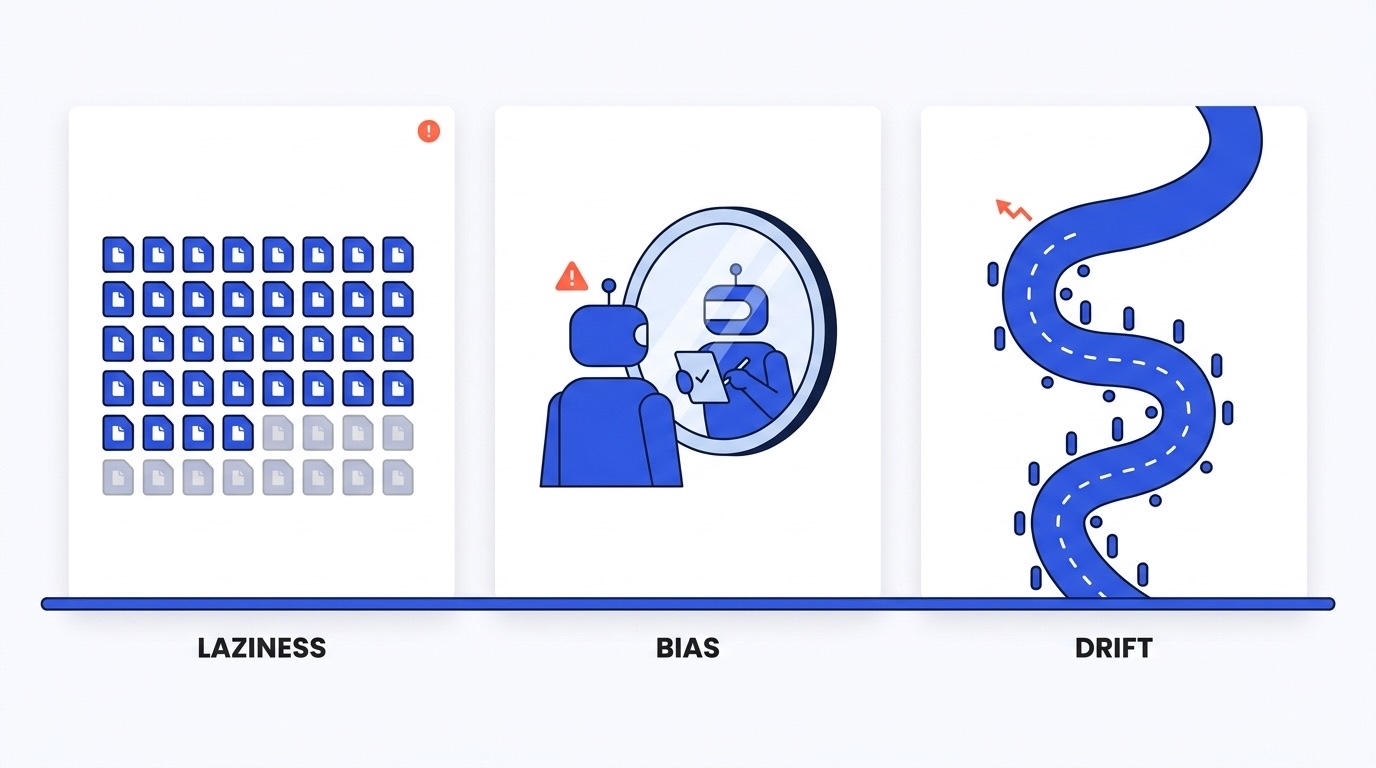
Dynamic workflows counter all three structurally. Each unit gets an isolated context, and an independent verifier checks it. The decision rule that falls out of this is simple. Wide beats deep. Reach for a workflow when a task is wide, parallel, and needs per-unit judgment. The workflow patterns underneath are documented in [the workflow patterns Anthropic describes](https://claude.com/blog/a-harness-for-every-task-dynamic-workflows-in-claude-code), and the rest of this post maps them onto real Flutter work.
## Where Dynamic Workflows Pay Off on a Flutter Codebase
Three kinds of work on a large Flutter codebase reward this approach the most. Each one teaches a pattern, not just an example.
### Breaking-Change Migrations Across a Flutter Codebase
This is the home turf for fan-out-and-synthesize plus adversarial verification in worktrees. A `go_router` or `flutter_bloc` major update, a Material 2 to Material 3 move, an SDK bump, a sweep from manual JSON to `freezed`. The unit of fan-out is the call site, the failing test, or the package. The orchestrator spawns one subagent per fix in its own worktree, runs an adversarial reviewer against each fix, then synthesizes and merges. A CI gate runs after the merge, the same one a human PR would hit.
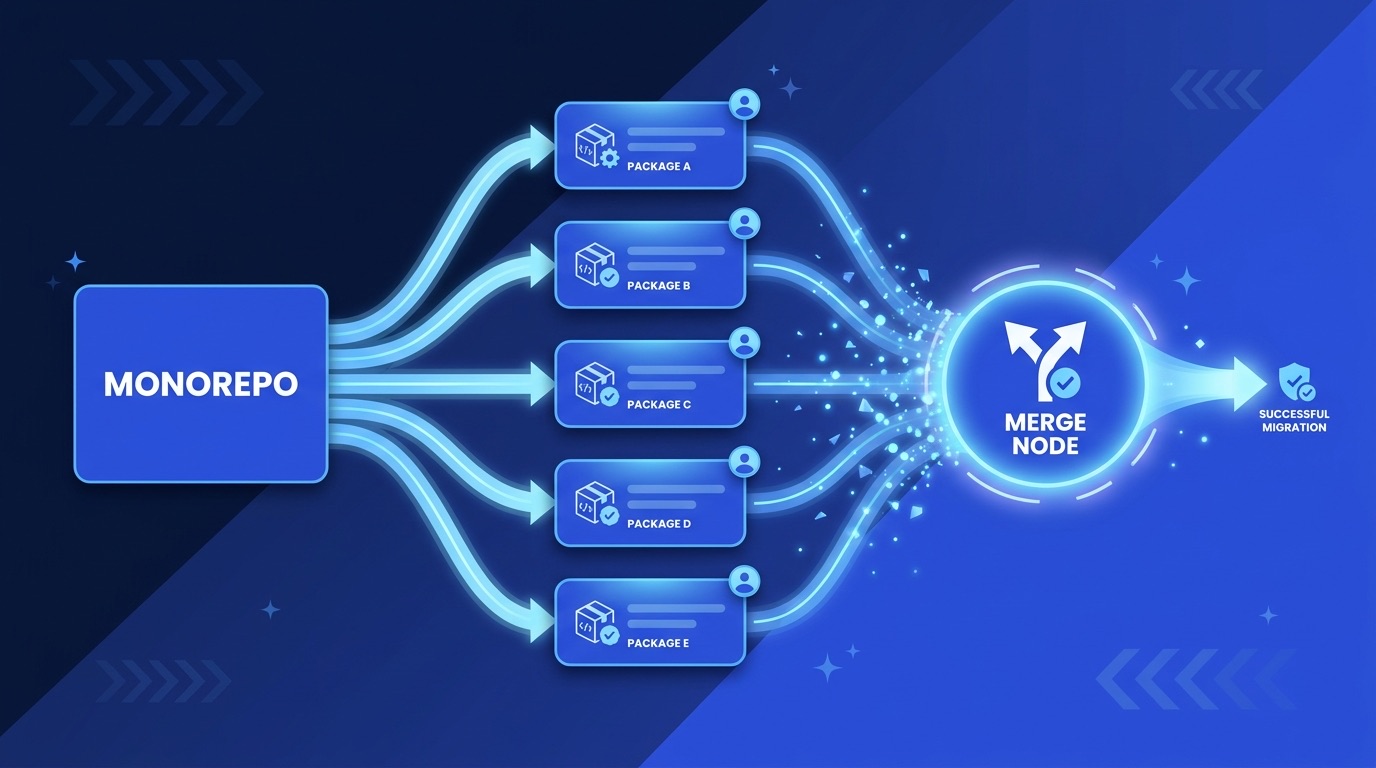
The shape looks like this.
```javascript
// Pseudo-workflow: Material 2 to 3 migration across a Flutter codebase
for (const package of affectedPackages) {
spawnAgent({
worktree: package.name,
task: "migrate_material_2_to_3",
codebase: package.source,
verifier: adversarialReviewer({ rubric: material3_compat }),
});
}
await synthesizeAndMerge(results);
```
The proof that this scales past toy examples is public. [Jarred Sumner's thread on the Bun Rust port](https://x.com/jarredsumner/status/2060050578026189172) documents a large rewrite that used dynamic workflows for the fan-out. That is an external proof point at a scale most Flutter monorepos never reach, which is the point. If the pattern holds at that scale, a package migration is well within range.
### Correctness and Leak Sweeps
This is fan-out plus loop-until-done plus analyzer verification. Undisposed `AnimationController`, `TextEditingController`, `FocusNode`, and `StreamSubscription` instances. Unclosed `Bloc` and `Cubit` instances. `BuildContext` used across an async gap without a `mounted` check. Missing `const`. These are scattered, individually small, and exactly the work a single agent gets lazy about. A workflow fans the sweep across the widget tree, loops each fix until the analyzer is clean, and verifies against the analyzer rather than against its own judgment.
### Test and Golden Coverage with a Skeptic in the Loop
This is adversarial verification, and it targets the pump-and-pass risk. A widget test can pump a frame and pass without asserting anything real. One agent writes the test. A second agent checks it against a rubric for real behavioral assertions, loading and error states, and whether the golden actually moves when the widget changes. The second agent never sees the first agent as trustworthy, which is the entire point. This is Flutter testing best practices enforced by an independent reader instead of by hope.
## Deepening Every Wingspan Phase with Dynamic Workflows
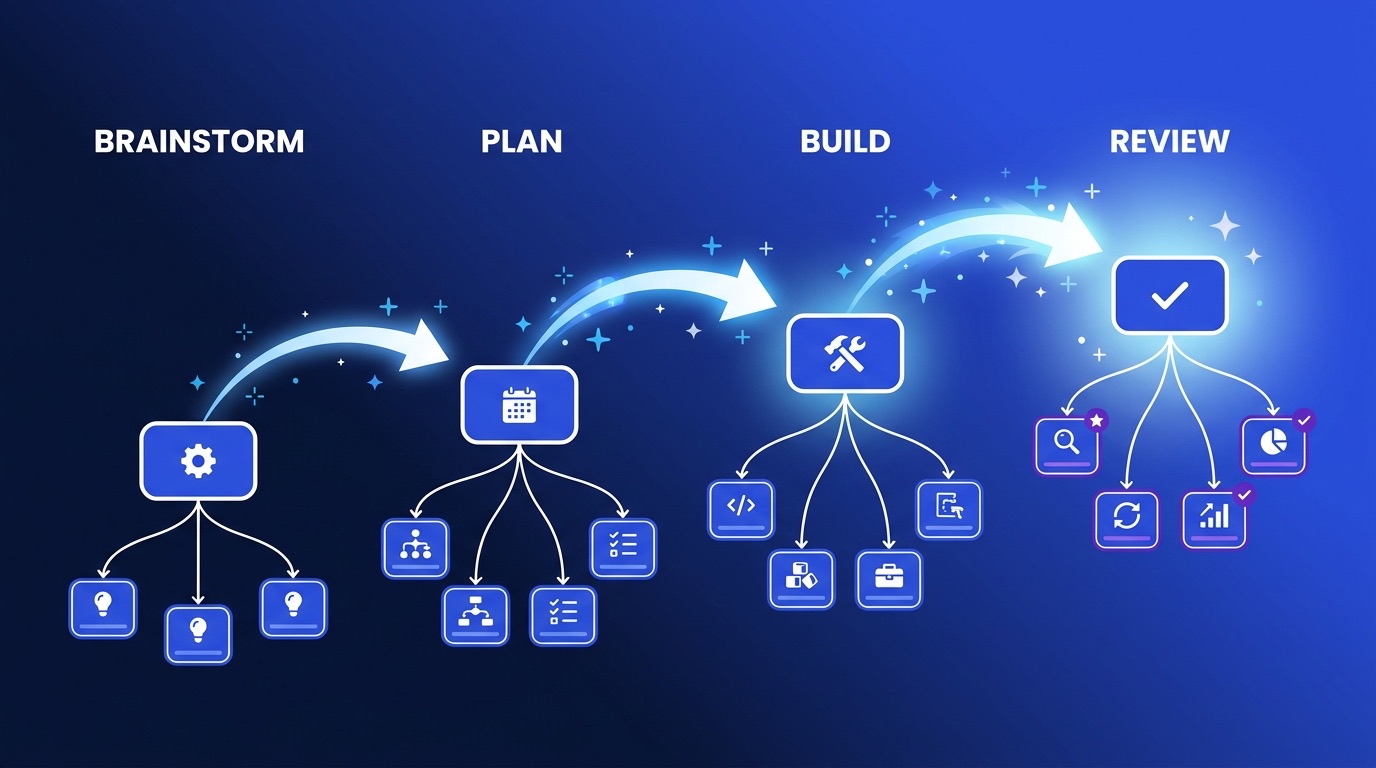
This is where it gets interesting for the way we work. VGV Wingspan structures a session into four phases: `/brainstorm`, `/plan`, `/build`, and `/review`. The build phase already runs [a panel of review agents in parallel after the build phase](https://verygood.ventures/blog/flutter-ai-development-wingspan-workflow/), which we documented while shipping a stretch of apps on the workflow. Dynamic workflows are the native primitive for that fan-out, and the same primitive is available to the other three phases today. You invoke a workflow inside the phase. Wingspan does not generate it for you yet, but nothing stops you from taking any phase wider right now.
### Brainstorm: Generate, Filter, and Run a Tournament
Today a brainstorm explores the problem space and proposes approaches with tradeoffs from one context. With a workflow, independent agents each commit to a different approach from a clean context, probe the codebase, the design, and the data layer separately for gaps, and then a judge ranks them against a rubric and synthesizes. The depth comes from independence. One context weighing three options is weaker than three contexts each defending one, because the single context shares its blind spots across all three options while the independent agents do not.
```javascript
// Pseudo-workflow: brainstorm tournament, one approach per isolated context
const approaches = await Promise.all([
spawnAgent({ context: "fresh", commitTo: "approach_a" }),
spawnAgent({ context: "fresh", commitTo: "approach_b" }),
spawnAgent({ context: "fresh", commitTo: "approach_c" }),
]);
const ranked = await judge(approaches, { rubric: tradeoffs });
```
Independent agents widen the net. An approach that one context would never have surfaced gets a defender, and the judge has to reckon with it.
### Plan: Fan Out Research, Then Verify Against the Code
The plan phase researches the existing codebase, identifies patterns, and flags gaps. A workflow fans that research out, one agent per module or package with its own context, synthesizes the findings into a file-level plan, then runs a verifier that checks the plan against the code before a line is written. The oversized-plan problem is a context problem, and fan-out research is the structural fix. A single context that has read everything tends to plan for everything. A set of focused contexts plans for what is actually there.
### Build: Fan Out Per Unit in Worktrees
For a large change, the build phase spawns per-file or per-unit subagents in worktrees, the migration pattern from the section above. The number and shape of the agents adapts to the change instead of being fixed in advance. A two-file fix gets two agents. A package migration gets one per package.
### Review: One Verifier per Standard
The parallel review panel generalizes. One verifier per standard, coverage, accessibility, performance, and the VGV rules, each in its own isolated context. This is AI code review done so that the reviewer is not the author. Self-preferential bias is the named risk when a tool reviews its own work, and isolated-context verification is the answer. The accessibility verifier is a concrete example. Our [accessibility skill that maps findings to WCAG 2.2 criteria](https://verygood.ventures/blog/accessibility-wcag-compliance-skill/) is exactly the per-standard reviewer this phase wants. The discipline carries the same caveat we wrote up in [what changes about code review when AI writes your code](https://verygood.ventures/blog/code-review-ai-generated-code/): a panel that approves itself is not enough, and human review still targets judgment over checklists.
The payoff is the compounding. Wingspan's design thesis is that each phase makes the next one better, a behavior we [documented across a run of apps on the workflow](https://verygood.ventures/blog/flutter-ai-development-wingspan-workflow/). A sharper brainstorm yields a sharper plan, which yields a build that already knows which files to touch. Dynamic workflows deepen each phase, so that compounding gets stronger end to end.
## When Not to Reach for a Fleet
Token cost is real, and this is a research preview. Start scoped. A small feature build does not need twenty agents. Most day-to-day tickets do not need a panel of five reviewers, let alone fifty. As a rough calibration, a fifty-file migration might run on the order of tens of agents, not hundreds. Match the fleet to the surface area of the change.
Determinism matters too. For a pure mechanical rename, `dart fix` or a custom lint plus codemod is cheaper and more auditable. Use a workflow when each unit needs judgment, not when a regex, or a static workflow would do.
There is a trust boundary. For triaging user-reported bugs or other external input, such as a bug description pasted from a customer ticket or a third-party API response, use the quarantine pattern. Agents that read untrusted content do not get high-privilege actions.
And the review discipline does not change. A merged PR from a subagent swarm still needs a human owner. For teams with the right constraints, the patterns pay off, and the way we think about Wingspan changes with them.
## How VGV Thinks About Agentic Engineering
VGV Wingspan was built on hand-wired orchestration. Every harness had to be written in advance, generic enough to cover the cases we expected. The shift is that Claude can now generate a harness tailor-made for the task in front of it.
The skills layer encodes which pattern each task deserves. A phase generates a workflow when the work is wide and high-value, and stays lean when it is not. We have done this concretely already. Our [Figma-to-Flutter skill with golden tests and Widgetbook validation](https://verygood.ventures/blog/figma-to-flutter-claude-code-skill-golden-tests/) packages domain-specific judgment into something repeatable, which is the same move at a smaller scale.
#### Dynamic Workflows for Flutter FAQs
##### What are Claude Code dynamic workflows?
Dynamic workflows are a Claude Code capability where Claude writes an orchestration script on the fly that spawns many subagents, each with its own clean context, and verifies their results before they reach you. Instead of one agent planning and executing inside a single context window, the orchestrator fans the work out across isolated contexts and synthesizes what comes back. See Anthropic's announcement of dynamic workflows in Claude Code for the mechanic.
##### When should I use a dynamic workflow instead of a single agent?
Reach for a workflow when a task is wide, parallel, and needs per-unit judgment. A monorepo-wide migration, a leak sweep across hundreds of widgets, or a review against several independent standards all fit. For a small feature or a mechanical rename, a single agent or a codemod is cheaper and more auditable. The rule is wide beats deep.
##### How do multi-agent systems handle Flutter monorepo migrations?
The orchestrator picks a unit of fan-out, usually the package, the call site, or the failing test. It spawns one subagent per unit, each in its own git worktree, runs an adversarial reviewer against each fix, then synthesizes and merges. Isolated contexts and worktrees keep the changes from colliding and keep the verifier honest.
##### What are the three failure modes that break single-agent sessions?
Agentic laziness, where the agent stops partway through a wide change and calls it done. Self-preferential bias, where an agent trusts its own output when asked to verify it. And goal drift, where a long session loses its original constraints after the context compacts. Dynamic workflows counter all three structurally by giving each unit an isolated context and an independent verifier.
##### Can I use dynamic workflows with the Wingspan workflow today?
Yes. Wingspan structures a session into brainstorm, plan, build, and review phases. The build phase already runs a panel of review agents in parallel. You can invoke a dynamic workflow inside any phase of a session today to take that phase wider, even though Wingspan does not yet generate the workflows for you automatically.
### What Changes About Code Review When AI Writes Your Code
Source: https://verygood.ventures/blog/code-review-ai-generated-code/
Not long after adopting AI-assisted development at VGV, I approved a PR with thousands of additions. I did look at the code. But at that scale, the review shifted — I was not checking the fundamentals anymore. I was scanning for something that looked obviously wrong. That is a different activity, and it misses a lot. Not because you are not paying attention, but because the volume forces you into a different mode entirely.
That PR is not a failure of discipline. It is what happens when generation speed and scope discipline are not in sync. An AI-assisted build session can produce in a few hours what used to take weeks. Without new habits around how that output gets structured into reviewable units, PRs reach sizes that turn code review into a formality.
And a PR that size is not just slow to review — it is impossible to review properly. Human reviewers can only absorb a limited amount of unfamiliar code at a time. Reviewing a diff that size properly would take days of focused effort. Nobody has days. What actually happens: you scan the file list, check the areas you know best, verify the automated signals are green, and approve. Every architectural decision embedded in those lines goes unchallenged.
The downstream costs are real. Decisions nobody questioned compound over months. Bugs a careful reviewer would have caught ship. The knowledge transfer that happens when a reviewer asks "why did you approach it this way?" never occurs. And when something breaks, tracing it back through a 17k-line merge is its own archaeology project.
Big PRs do not just slow down review. They degrade the value of the review process itself — turning a quality gate into a checkbox.
We still believe small PRs are the right default. Not because of a rule — because a PR one person can hold in their head is a PR that gets a real review. AI generation does not change that belief. It just makes it harder to act on.
When [Wingspan's](https://github.com/VeryGoodOpenSource/vgv-wingspan) `/build` command finishes, it has already run five review agents in parallel: architecture, VGV standards, test quality, code simplicity, and PR readiness. The [VGV AI Flutter Plugin](https://github.com/VeryGoodOpenSource/vgv-ai-flutter-plugin) has been running `dart analyze` and `dart format` after every file edit throughout the build. Minor issues get auto-fixed. By the time a PR opens, a significant portion of what used to be human review work has already happened.
So the question is not "should I review AI-generated code?" The question is: given how much the toolchain already checks, what does human review actually do now?
## What the Toolchain Handles
Understanding what is already covered is the starting point. Spending reviewer time on things the toolchain catches is the first inefficiency to eliminate.
**The VGV AI Flutter Plugin** operates on two levels. Its skills — `/vgv-bloc`, `/vgv-testing`, `/vgv-layered-architecture`, `/vgv-accessibility`, and others — guide Claude during generation, baking VGV conventions directly into the code being written: sealed classes for BLoC events, `mocktail` for mocks, `blocTest` for unit tests, four-layer architecture with unidirectional dependencies. The code does not need to be corrected for these patterns after the fact because the plugin taught Claude to produce them correctly in the first place. Its PostToolUse hooks then run `dart analyze` and `dart format` after every single file edit, so lint violations and formatting issues are resolved inline, not in review.
**Wingspan's build phase** adds a review layer on top of that. After all code is generated, it runs five agents in parallel before the PR opens:
- **VGV standards agent** — naming conventions, state immutability, layer separation
- **Architecture review agent** — dependency direction, layer boundary violations
- **Test quality review agent** — coverage, naming, anti-patterns like `pumpAndSettle` on infinite animations
- **Code simplicity agent** — YAGNI violations, premature abstractions, unnecessary complexity
- **PR readiness agent** — merge readiness, missing acceptance criteria, coverage gaps
Minor issues are auto-fixed. Important ones are surfaced and resolved before the PR is created. The consolidated output looks something like this:
```
Build Review Summary
Architecture Review Agent
✅ Layer boundaries respected. Data → Repository → BLoC → Presentation
with unidirectional dependencies throughout.
VGV Standards Agent
⚠️ UserProfileState: copyWith missing for errorMessage field. Auto-fixed.
Test Quality Agent
✅ All BLoC events covered by blocTest.
✅ No pumpAndSettle calls on infinite animations.
Code Simplicity Agent
⚠️ UserProfileRepository: fetchUser and fetchUserById share identical
implementations. Consolidated to one method. Auto-fixed.
PR Readiness Agent
✅ All acceptance criteria from the plan are implemented.
✅ No scope creep beyond the plan specification.
2 issues auto-fixed. PR is ready to open.
```
By the time a reviewer opens the PR, this pipeline has already run.
This does not mean human review is optional. It means the review conversation can move up the stack.
## AI Removes the Effort Signal
Before AI tools, PR size was a proxy for effort. A reasonably scoped PR meant someone spent real time on it, internalized every trade-off, and understood every decision they made. Reviewers calibrated their depth accordingly — a multi-day PR got serious scrutiny, a quick fix got a lighter pass.
AI breaks this signal entirely. A feature that would have taken days to write manually — repository, multiple BLoCs, several screens, a full test suite — comes out of Wingspan's build in a fraction of that time. Nobody spent days thinking through every decision. The developer reviewed the output in their editor, accepted what looked right, and opened the PR.
A reviewer who treats that PR with the same depth as a multi-day effort is doing the right thing. The instinct is to treat the short turnaround as a signal of simplicity. It is not. The automated agents caught what they can catch. What they cannot catch is whether the decisions embedded in all that generated code reflect what the team actually agreed to do.
This pressure does not go away regardless of how many agents run. Human review is often the first scrutiny the decisions in a PR receive from someone who did not generate it.
## Review the Plan, Not Just the Code
The most underused quality gate in an AI-assisted workflow is the plan. Wingspan saves implementation plans to `docs/plan/` before a single line of code is generated. The `/plan-technical-review` skill validates a plan for scope, technical soundness, and whether it will produce a reviewable PR — before `/build` runs.
This is where scope discipline belongs. If a plan says "add UserProfile feature and refactor the Repository pattern," that is two plans. Splitting it before `/build` runs takes minutes. Untangling it at PR review — where the code is already written, the tests pass, and rejecting the PR means blocking the feature — takes hours and usually ends in a soft approval anyway. The difference between those two outcomes is one early conversation and one compromised quality gate.
The rule: one PR, one axis of change. A new feature is one axis. Refactoring an existing pattern is one axis. Mixing them is two plans. When you see a Wingspan plan that covers both, split it before `/build` runs.
Reading `docs/plan/` before reviewing the PR also tells you what the build was supposed to do. If you were not involved in the planning conversation, treat the plan as the first thing to review, not a given. Do the acceptance criteria make sense for the feature? Is the scope right? Checking that the implementation matches the plan is only meaningful if the plan itself holds up.
## What Human Review Still Owns
With five automated agents and a hooks-enforced style pipeline, two things remain that no tool can handle.
**Verifying the build matched the plan.** The automated agents check whether the code is good. Only a human can check whether the code does what the plan said it should. Compare the PR diff against the plan's acceptance criteria. Did the build cover every task? Did scope creep in — a model change that quietly refactored how that model is used in three other places? Changes outside the plan's scope should either go into their own PR or be explicitly justified in the PR description.
**Team decisions that no agent can encode.** The five review agents enforce patterns that can be expressed in code: architecture boundaries, test coverage, VGV standards. They cannot enforce decisions that exist only in your team's memory. These are what regress silently when AI generates code that is correct but misaligned. Three categories where this shows up consistently:
### Code behavior preferences
How your code signals failure, handles errors, or manages control flow. Agents verify that error handling exists — not that it matches your team's chosen pattern.
Wingspan generated a `fetchUser` implementation using a sealed result type — a pattern common in the broader Dart ecosystem. The tests matched with exhaustive pattern matching, so they passed. The architecture agent approved the layer separation. But the team convention is to use exceptions for expected failure cases:
```dart
// Generated — compiles, tests pass, agents approve
Future> fetchUser(String id) async {
try {
final user = await _api.getUser(id);
return Right(user);
} catch (e) {
return Left(NetworkFailure(e.toString()));
}
}
// Convention — throw exceptions, not result types
Future fetchUser(String id) async {
try {
return await _api.getUser(id);
} catch (e) {
throw NetworkException(e.toString());
}
}
```
The reviewer caught it because they knew the convention. If it had shipped, callers would use exhaustive pattern matching where the team expects a try/catch.
Once caught, the fix is not just to correct the PR — it is to write the convention down so Wingspan never generates the wrong pattern again. A `CLAUDE.md` entry at the project root takes precedence over the skill's defaults:
```md
## Error handling
Use exceptions for expected failure cases in repositories — not result or sealed types.
```
On the next build, Wingspan reads this before generating any repository code. The skill provides the baseline; the project entry overrides it. The convention stops being something a reviewer has to remember and becomes something the AI enforces from the start.
### UX behavior preferences
How state transitions feel to the user — decisions made in design discussions that exist nowhere in the code's type system.
Wingspan emitted `const UserProfileState(status: UserProfileStatus.loading)`, clearing the `user` field on refresh. The state transition is valid. But the team decision is that loading states carry the previous data so the screen does not flash blank:
```dart
// Generated — valid state transition, no agent flags it
emit(const UserProfileState(status: UserProfileStatus.loading));
// Convention — preserve previous data during refresh
emit(state.copyWith(status: UserProfileStatus.loading));
```
No agent flags a valid state transition. The reviewer caught it because they remembered the UX decision.
### Layer responsibility
What logic belongs in which layer. Agents enforce that layers do not import each other incorrectly — not that logic is in the right place within a valid import boundary.
Wingspan put display formatting directly in a `Text` widget. It compiled, passed analysis, passed all five agents. But the team rule is that derived display data belongs in the model or a dedicated formatter, not in the widget:
```dart
// Generated — compiles, passes all agents
Text('${user.firstName} ${user.lastName}'.trim())
// Convention — display formatting belongs in the model or a formatter
Text(state.user.displayName)
```
A reviewer caught it on the second read.
None of these are obscure edge cases. They are the kind of decisions every team makes and rarely writes down.
This second category is also an opportunity. Every time a reviewer catches a decision the agent missed, that decision should be written down. A `CLAUDE.md` file at the project root is the right place — both Wingspan and the VGV AI Flutter Plugin read it during generation, so documented decisions feed directly into what the AI writes next time.
## The New Shape of Review
The checklist changes when the toolchain is in place.
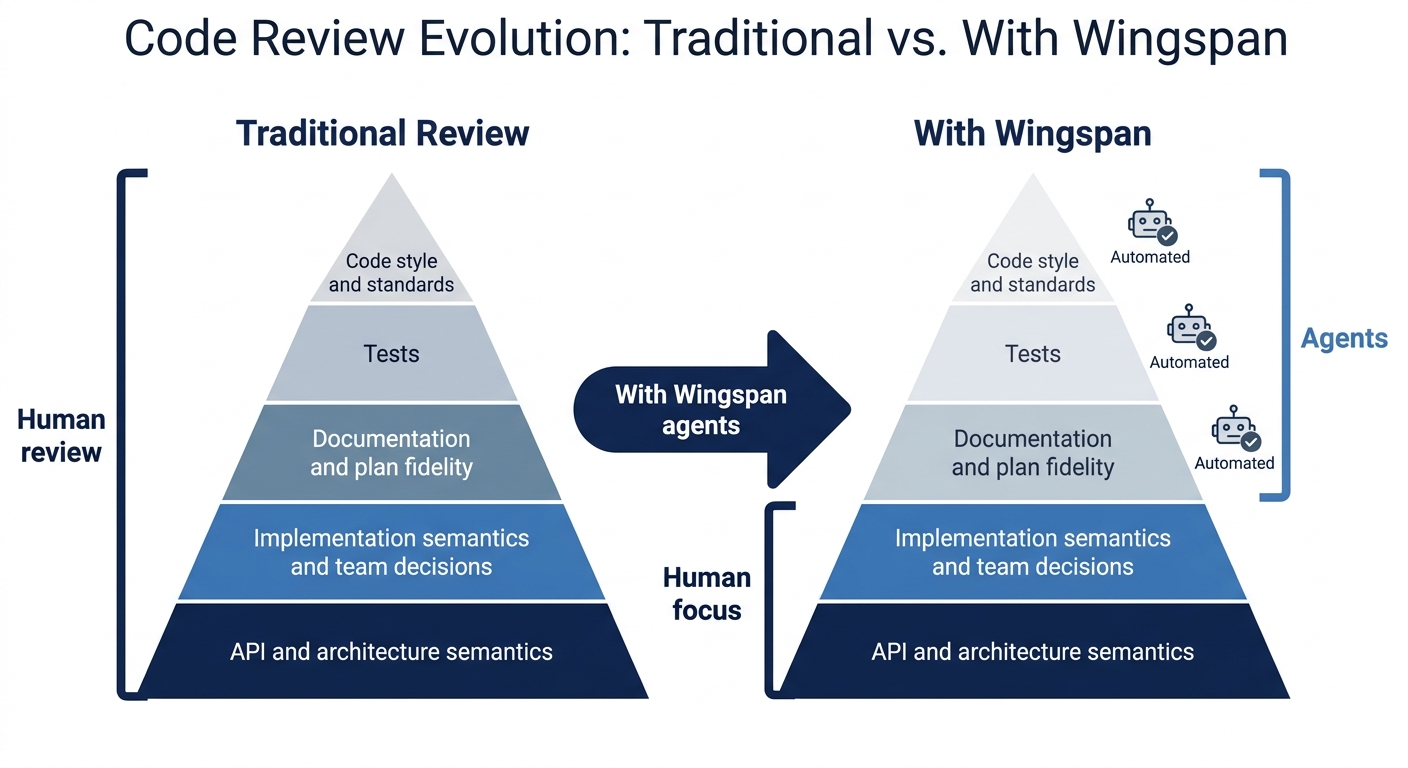
**Stop spending time on:** formatting, import ordering, missing `const`, lint violations, naming that follows standard Dart conventions, standard VGV architecture patterns. These are caught before the PR opens.
**Spend time on:**
Plan-to-code fidelity — does the PR match what the plan specified?
Scope — are there changes outside the plan? Should they be a separate PR?
Team-specific decisions — does the code follow conventions your team holds that are not in any agent's ruleset?
The build phase review summary — Wingspan surfaces what its agents flagged and how they were resolved. Read it. If an agent flagged an architecture concern and it was auto-fixed, verify the fix makes sense. Trust but verify.
Agent behavior — go one level further. If an agent approved something it should have caught, or flagged something incorrectly, that is signal worth capturing. A pattern the architecture agent consistently misses belongs in your project-wide agent settings. A false positive that keeps surfacing is a prompt to tighten the agent's scope. The agents improve when reviewers treat gaps as feedback, not just noise.
## The Quality Gate Is Still Yours
Wingspan and the VGV AI Flutter Plugin do not remove the need for code review. They move the quality gates earlier and automate what can be automated, which is more than most teams realize.
What remains is genuinely human work: validating intent against the plan, enforcing decisions that live in your team's context, and making the judgment calls that no agent has the information to make. That work does not compress just because the generation was fast. If anything, it matters more — because the code is generated faster than any team can internalize, and review is where the team's decisions actually get applied.
#### Frequently Asked Questions
##### What does Wingspan's build phase review automatically?
After generating code, Wingspan's build phase runs five review agents in parallel: a VGV standards agent (naming, immutability, layer separation), an architecture agent (dependency direction, layer boundaries), a test quality agent (coverage, naming, anti-patterns), a code simplicity agent (YAGNI violations, premature abstractions), and a PR readiness agent. Minor issues are auto-fixed; important ones are surfaced before the PR opens.
##### What does the VGV AI Flutter Plugin actually do?
It is a Claude Code plugin with two main mechanisms. First, skills like /vgv-bloc, /vgv-testing, and /vgv-layered-architecture teach Claude VGV conventions during code generation — sealed classes, blocTest, four-layer architecture, mocktail. Second, PostToolUse hooks automatically run dart analyze and dart format after every file edit, so lint violations and formatting issues are resolved before the PR opens.
##### What is /plan-technical-review in Wingspan?
It is a Wingspan skill that validates an implementation plan before building starts. It checks scope (flags plans that mix multiple axes of change), technical soundness, and whether the plan will produce a reviewable PR. Running it before /build is cheaper than catching scope or architectural problems at the PR stage.
##### What team decisions should I document so AI tools can follow them?
Anything your linter cannot express: how your repositories signal failure, how your blocs handle loading states, what belongs in a Page vs a View, how you compose widgets, error handling conventions. A CLAUDE.md file at the project root is the right place — Wingspan and the Flutter Plugin read it during generation, so documented decisions feed directly into the code the AI writes.
##### Should I still review AI-generated code if the automated agents approved it?
Yes, for two specific things. First, verify the build matches the plan — agents check whether the code is good, not whether it does what the plan said. Second, check for team decisions that no agent can encode: how your team signals errors, preserves state during reload, composes widgets. Those live in your team's memory, not in any tool.
##### What is VGV Wingspan?
Wingspan is VGV's open-source agentic engineering plugin for Claude Code. It organizes development into four phases — brainstorm, plan, build, and review — each producing context that feeds the next. The build phase generates implementation code, runs tests, and automatically reviews the output with five quality agents before opening a PR. You can find it at GitHub.
### Flutter GenUI Hackathon in San Francisco
Source: https://verygood.ventures/blog/flutter-sf-genui-hackathon/
Generative UI is moving fast enough that the best way to understand what it can do is to build something with it in a single day. Interfaces that compose themselves at runtime ask for new mental models around state, layout, and testing, and those models get a lot clearer once you have shipped a working flow. That is the idea behind the Flutter GenUI hackathon we are co-organizing in San Francisco with the [Flutter San Francisco community](https://luma.com/fluttersf).
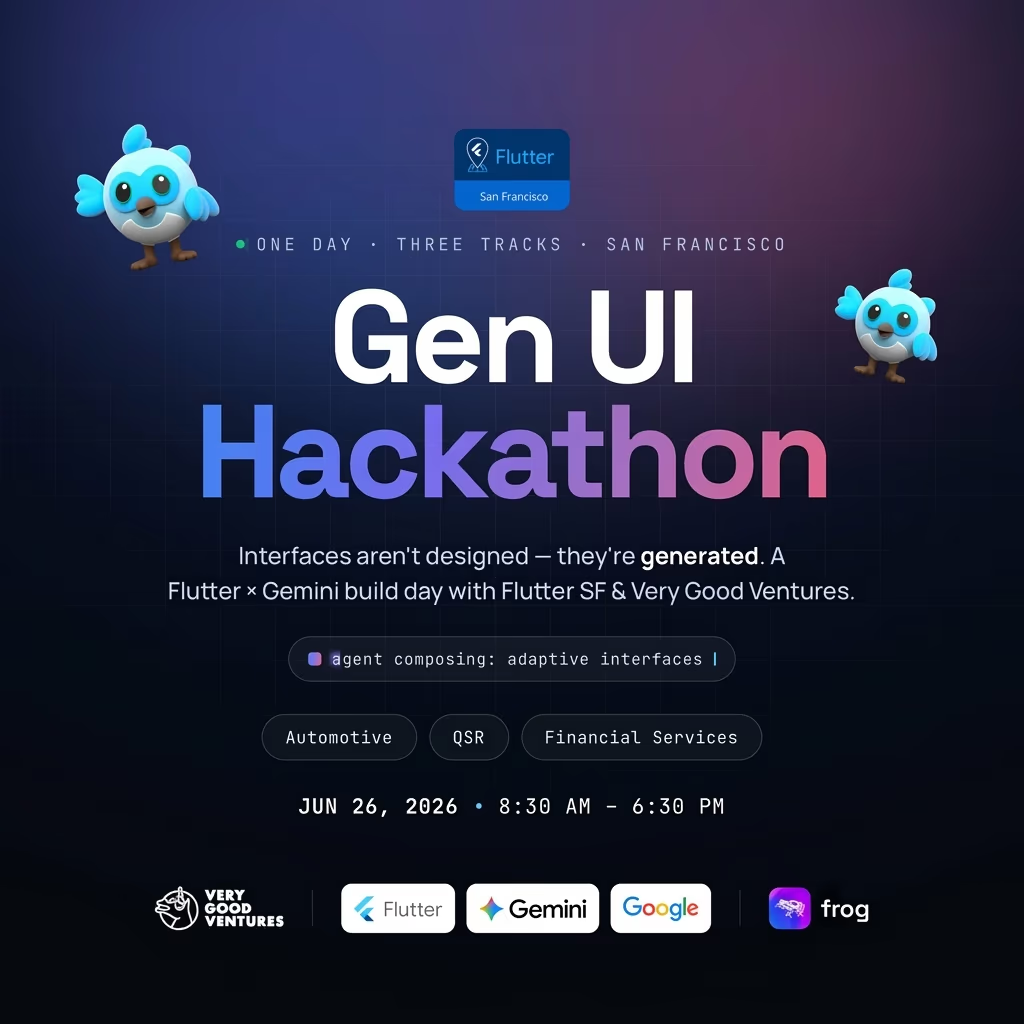
We picked three industries to anchor the event, and we picked them on purpose. Automotive, quick-service restaurants, and financial services are exactly the kind of high-stakes, multi-surface domains where Flutter's reach and GenUI's runtime adaptability earn their keep. More on each one below.
## What is GenUI?
GenUI, short for generative UI, is an approach where an AI model assembles the interface at runtime instead of a team hand-building every screen in advance. You give the model a set of Flutter widgets and the context it needs, and it composes a layout that fits the moment: the user's intent, their history, and whatever data just arrived. We have built this in production already, including [generative UI in a real booking experience](https://verygood.ventures/blog/redefining-the-digital-booking-experience-with-generative-ui/) and covered the broader momentum in [what we saw at Google I/O 2026](https://verygood.ventures/blog/google-io-2026/).
If you want to go deeper on the tooling, start with our [guide to generative UI with Google's GenUI SDK for Flutter](https://verygood.ventures/resources/genui/) and the [GenUI SDK for Flutter documentation](https://docs.flutter.dev/ai/genui).
## Three verticals where GenUI fits
### Automotive
Vehicle interfaces have to shift constantly: driving versus parked, day versus night, one driver's preferences versus another's. GenUI is a strong match for generative heads-up displays (HUDs), adaptive dashboards, and voice-to-UI flows that reshape the screen based on what the driver is doing. Fleet operations and EV interfaces add another layer, where the same app surface has to serve very different roles. A dashboard that composes itself around context rather than cycling through fixed screens is a buildable Flutter app today.
### QSR (quick-service restaurants)
Quick-service restaurants live and die on speed and personalization, and GenUI touches both. A kiosk that adapts its flow based on order history is no longer a research prototype. It is something you can build in a day. Kitchen display systems, loyalty UX, and voice ordering all benefit when the interface assembles itself around the order in front of it instead of forcing every customer down the same path. This is a space we know well, including [scalable Flutter solutions for QSR](https://verygood.ventures/blog/mobile-ordering-that-works-in-the-real-world-scalable-flutter-solutions-for-theme-parks-qsr-cruise-lines-entertainment-venues/) across theme parks, restaurants, and entertainment venues.
### Financial services
Financial services carry real regulatory weight, which is exactly why adaptive, AI-composed interfaces are interesting here. Think AI-composed wealth dashboards that surface what matters to a given investor, adaptive Know Your Customer (KYC) flows that adjust to the documentation a user actually has, and conversational payments. Each one is a place where generative UI can reduce friction without cutting corners on compliance, and where Flutter's multi-platform reach keeps fintech app development on a single codebase.
## VGV and the Flutter SF community
We are co-organzing this hackathon alongside the [Flutter San Francisco community](https://luma.com/fluttersf). We are Flutter practitioners, and VGV engineers will be on site to mentor teams through the GenUI SDK during the event and to judge the final projects. The community brings the people and the energy. We bring hands-on experience shipping generative UI in production. The goal is a day where people actually build, not just talk about what GenUI might someday do.
## Event details and registration
- **Date:** Friday, June 26, 2026
- **Time:** 8:30 AM – 6:30 PM
- **Location:** San Francisco, CA (in-person)
- **Who should come:** Designers, engineers, and product thinkers. No prior GenUI experience required.
Bring a laptop with Flutter set up and an idea, or come find a team when you arrive.
[Register on Luma](https://luma.com/vxul6pt9) to reserve your spot.
## Come build with us
If you are working in one of these spaces, or you just want to see what GenUI looks like when it ships, this is the room to be in. We will be watching what the community builds across all three verticals, and we can't wait to see what you ship! [Register on Luma](https://luma.com/vxul6pt9) and we will see you there.
Curious about how these ideas go from a one-day build to production? See [our Flutter app development work](https://verygood.ventures/our-services/).
#### Frequently Asked Questions
##### What is Flutter GenUI?
GenUI, or generative UI, is an approach where an AI model composes interface elements at runtime instead of every screen being hand-built ahead of time. Flutter's GenUI SDK gives the model a set of widgets to work with, so the experience adapts to context, intent, and live data. Read more in our guide to generative UI with Google's GenUI SDK for Flutter.
##### How do I join the Flutter San Francisco GenUI hackathon?
Registration is open on Luma. Register on Luma to reserve your spot. Event date, venue, and format are listed on the Luma page.
##### Who can participate?
Designers, engineers, and product thinkers are all welcome. You do not need prior GenUI experience. Familiarity with Flutter helps, but the format is built for learning by building.
##### What should I build?
We are anchoring the hackathon around three verticals: automotive, quick-service restaurants (QSR), and financial services.
##### What is the GenUI SDK for Flutter?
It is the toolkit Google ships for building generative UI in Flutter, letting an AI model assemble Flutter widgets at runtime. See the official GenUI SDK documentation.
### Accessibility as a slash command
Source: https://verygood.ventures/blog/accessibility-wcag-compliance-skill/
Accessibility at most teams lives at the end of the pipeline. Release dates are fixed, compliance checks get a half day, everyone knows the right answer, but few teams have time to do it. The users on the other end pay the difference.
We built `/vgv-accessibility` to move WCAG 2.2 review from the release-day crunch into the moment you're writing code. Type `/vgv-accessibility`, answer two questions, and you get a conformance report in seconds. The skill translates WCAG into plain language so you don't have to parse the standards.
The `/vgv-accessibility` skill is part of the [Very Good AI Flutter Plugin](https://github.com/VeryGoodOpenSource/vgv-ai-flutter-plugin). Install it to add WCAG audits to your Claude Code workflow.
## Why accessibility matters: building for everyone
Accessibility isn't optional. Over a billion people globally live with disability, and in the US one in four adults has some type of disability. Skip it and you exclude them from your product. Inaccessible interfaces lock out screen reader users. Videos without captions lock out deaf users. Insufficient contrast locks out people with low vision. Small touch targets lock out people with motor impairments. You're shipping to part of your market.
Accessible design also makes products better for everyone. Captions work in noisy environments. Keyboard navigation benefits power users. Good focus visibility helps anyone navigate. Text scaling helps mobile readers and people with low vision. Accessible design compounds—what works for people with disabilities works better for everyone.
## Three conformance levels: pick your standard
WCAG comes in three conformance levels. A is the baseline, AA is what most projects ship to, and AAA is the gold standard that rarely ships because it demands extensive user testing and design trade-offs.
Most teams default to AA without considering what it means or that AA itself changes between WCAG versions as new criteria are added. Your conformance target depends on your product type. A financial product with regulated flows might need AAA on specific screens, while a marketing site can ship at A and iterate later. The skill makes you choose instead of defaulting.
When you run `/vgv-accessibility`, the first question is conformance level. Three options:
### Level A
The baseline. It catches non-keyboard-operable buttons, missing button roles, and missing image labels. If your screen fails Level A, it fails for everyone.
### Level AA
The practical standard for production apps. It adds requirements for contrast, focus visibility, text scaling, and keyboard navigation. WCAG 2.2 introduced three new AA criteria this year.
### Level AAA
Full conformance. Every AAA criterion applies and is used when regulation, litigation risk, or mission-critical access demands it.
Each level is cumulative. AA includes all A criteria. AAA includes all AA criteria. When the skill audits at AA, it checks every A criterion too.
The difference between levels is material. A checkout screen at AA passes with 4.5:1 contrast. At AAA the same screen needs 7:1 contrast. AAA also disallows authentication methods that rely on a single sense. That's not busywork. It's the difference between a product colorblind users can access and one that locks them out entirely.
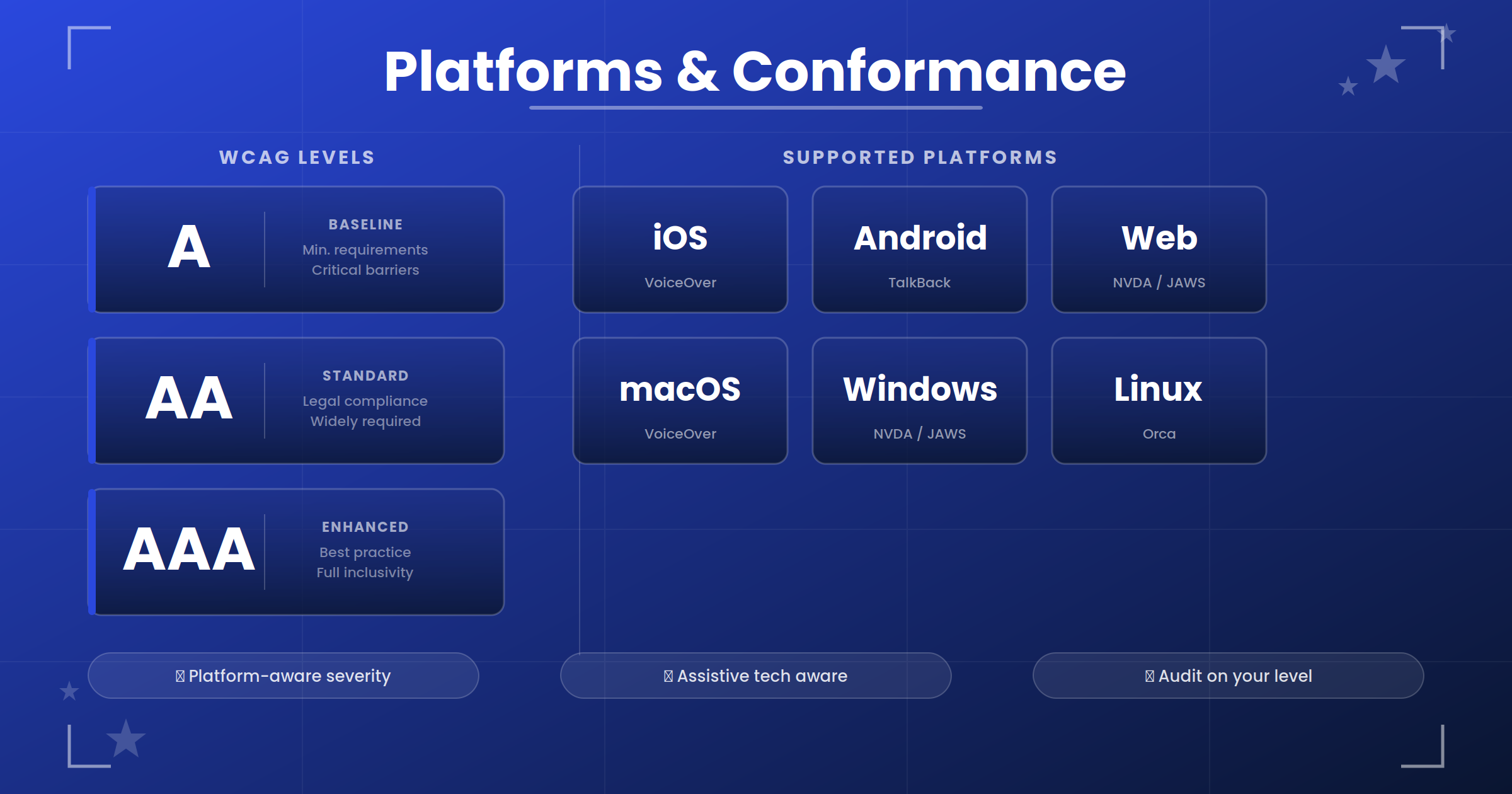
WCAG conformance levels and platform support matrix
## Platform shapes severity
Same code runs differently on different platforms, which is what makes Flutter accessibility hard and why the skill's platform awareness matters.
Take a TextField near the bottom of a form. On iOS and Android, the keyboard pushes content up automatically, so a sticky BottomAppBar that doesn't move ends up covering the field. A keyboard user can't see what they're typing, which is CRITICAL severity.
The same code on Web behaves differently. The keyboard lives in the browser chrome and doesn't push the viewport, so the BottomAppBar still covers the field but leaves it partially visible. A user can scroll to find it, so this is MAJOR severity, not CRITICAL.
The skill supports six platforms—iOS, Android, Web, macOS, Windows, and Linux—each with its own assistive technology and its own rules.
**iOS and Android** run VoiceOver and TalkBack with touch targets sized for fingers. Keyboard shortcuts exist but are secondary. When a sticky bar covers a focused field, it's CRITICAL because the keyboard user can't see what they're typing.
**Web** runs NVDA, JAWS, and VoiceOver, which are third-party assistive technologies rather than baked-in features. Focus visibility is nonnegotiable because screen readers aren't always on. When a sticky bar covers a focused field, it's MAJOR because the user can scroll to find it.
**macOS, Windows, and Linux** use keyboard navigation as primary interaction. A 16x16 icon button that works on iOS is too small on desktop and needs 48 CSS pixels of actual hit area.
The skill captures this. When you pick platforms, it loads platform-specific rules and adjusts severity. A dragging-without-alternative issue is CRITICAL on iOS and Android but MAJOR on Web where keyboard arrows usually work. On desktop it depends on the implementation.
## Mapping findings to WCAG criteria
Every finding ties to a specific WCAG criterion, not a broad concept like "focus is important." The real criterion is WCAG 2.2 [2.4.11 Focus Not Obscured (Minimum)](https://www.w3.org/WAI/WCAG22/Understanding/focus-not-obscured-minimum) at Level AA.
That specificity matters. When a designer asks "why is this CRITICAL?", you point to the exact criterion instead of guessing. You have one report that documents your conformance level and maps every finding to WCAG 2.2, whether you're sharing it with stakeholders, a client, or an external auditor. One source of truth built during development, not created at ship time.
Here's a real finding from a checkout-flow audit:
```markdown
### Finding: Cart item swipe-to-delete has no non-drag alternative
- File: lib/cart/cart_item_tile.dart ~L38
- WCAG: 2.5.7 Dragging Movements (Level AA, WCAG 2.2)
- Platforms: iOS (CRITICAL), Android (CRITICAL), Web (MAJOR)
- Issue: Items can only be removed via swipe. Switch users and keyboard users cannot delete an item.
```
The criterion is 2.5.7. It's new in WCAG 2.2. It's AA level. It applies differently to mobile and web. An engineer reading this sees immediately: every drag operation needs a non-drag alternative on the same screen.
## The report is your compliance paper trail
After the audit, the skill produces a markdown report. Every finding includes the platform breakdown, severity, WCAG criterion, and plain-language explanation. It also lists every check that passed.
```markdown
# Flutter Accessibility Audit Report
Conformance Level: AA
Platforms: iOS, Android
Date: 2026-05-15
Files audited: lib/widgets/product_card.dart, lib/widgets/product_badge.dart, lib/checkout/checkout_button.dart
## Summary
| Metric | Value |
|--------|-------|
| Total Findings | 5 |
| CRITICAL | 1 |
| MAJOR | 4 |
## Findings
### Finding 1.1 [CRITICAL] — Missing semantic label on product image
**File:** lib/widgets/product_card.dart (line 28)
**WCAG:** 1.1.1 Non-text Content
**Issue:** VoiceOver and TalkBack cannot convey what the image shows.
### Finding 2.1 [MAJOR] — Target size below 24×24 dp minimum
**File:** lib/widgets/product_card.dart (line 62)
**WCAG:** 2.5.8 Target Size (Minimum)
**Issue:** Motor-impaired users cannot reliably tap an 18×18 dp target.
### Finding 5.1 [MAJOR] — Fixed-height container clips at larger text scales
**File:** lib/widgets/product_badge.dart (line 18)
**WCAG:** 1.4.4 Resize Text
**Issue:** At iOS Dynamic Type 2x or Android font scale 2x, text clips.
### Finding 6.1 [MAJOR] — Animations not gated on disableAnimations
**File:** lib/widgets/product_card.dart (line 68)
**WCAG:** 2.3.3 Animation from Interactions
**Issue:** Plays at full speed even with Reduce Motion enabled. Vestibular-triggered users experience dizziness.
## Passed Checks
- 1.2.1 Audio-only and Video-only (Prerecorded): PASS
- 1.3.1 Info and Relationships: PASS
- 1.4.3 Contrast (Minimum): PASS
- 2.1.1 Keyboard: PASS
- 2.4.3 Focus Order: PASS
- 2.4.7 Focus Visible: PASS
- 2.5.7 Dragging Movements (Level AA): PASS
Remediation: Fixed 5 findings (CRITICAL, MAJOR).
```
The passed checks matter. A reviewer can confirm "we checked focus visible," compliance has the evidence they need, and an auditor can see your WCAG version in the report.
The skill runs the audit but doesn't auto-fix everything. After you review the findings, you choose what to address: all issues, critical and major only, critical only, or specific findings by number. You stay in control of scope.
## WCAG 2.2 was the push
WCAG 2.2 shipped in October 2023 and added seven new AA criteria. Three are platform-neutral, three are mobile-specific, and one governs authentication. The audit rules changed fundamentally.
Before 2.2, a 16x16 icon button was fine at AA if it had a 48 dp bounding box. WCAG 2.2 tightened this. [2.5.8 Target Size Minimum](https://www.w3.org/WAI/WCAG22/Understanding/target-size-minimum) now requires 24 CSS pixels of actual touch target at AA. [2.5.5 at AAA](https://www.w3.org/WAI/WCAG22/Understanding/target-size-enhanced) requires 44 CSS pixels. The skill audits against this new standard.
WCAG lives in standards documents, but the skill lives in your editor. When you ship Flutter code now, you're shipping against WCAG 2.2, though most teams don't know which version applies. The skill makes that explicit.
## What the skill is not
The skill is a code reviewer. It doesn't run the app, screenshot it under VoiceOver, or interview a user with low vision. It catches the patterns that experienced engineers spot in code review but misses what only emerges in real use.
Every project still needs testing with assistive technology. The skill is the floor. When the obvious issues are gone, the interesting work begins.
Up next is what the skill actually catches in code: the patterns, the diffs, and the fixes that let you ship accessibility from the moment you write the widget.
#### Frequently Asked Questions
##### What WCAG levels does the skill support?
The skill supports WCAG A, AA, and AAA. Most production projects choose AA. AAA is used when regulation or mission-critical access demands it.
##### What makes the skill different from a generic accessibility checker?
The skill is WCAG-aware and platform-aware. It maps every finding to a specific WCAG criterion, adjusts severity based on platform (iOS, Android, Web, macOS, Windows, Linux), and surfaces the exact WCAG version so teams know what standard applies to their shipping date.
##### Why does the same issue have different severity on different platforms?
Assistive technologies vary by platform. A focused field obscured by a sticky bar is CRITICAL on iOS and Android because keyboard doesn't push content. On Web and desktop it's MAJOR because the keyboard does push content up. The skill captures this difference so teams can prioritize smartly.
##### Do I need to understand WCAG to use the skill?
No. The skill asks two setup questions (conformance level and platform), runs the audit, and reports findings with plain-language explanations. Every finding maps back to the specific WCAG criterion and version for documentation and compliance.
##### When should I run the skill?
Run `/vgv-accessibility` before opening a pull request. The audit takes seconds and flags accessibility gaps early, while fixes are cheapest and the engineer is still in flow with the widget.
### The Art of Retro UI: Building NES UI in Flutter
Source: https://verygood.ventures/blog/erick-zanardo-very-good-ventures-how-to-build-an-8-bit-design-system-with-nes-ui/
[Erick Zanardo, Very Good Ventures: The Art of Retro UI, Building NES UI in Flutter](https://www.youtube.com/watch?v=dn8ykxs54-c)
NES UI is a retro 8-bit design system for Flutter, built by Erick Zanardo for his own games and open sourced for the wider Flutter community. In this episode of *Very Good Engineering*, host Jorge Coca talks with Erick about pixel-art widgets, the side project he built to embed icons in Dart code, and why a design system is really the same problem as organizing your code.
## About Erick Zanardo
Erick is a Technical Delivery Lead at Very Good Ventures and a Google Developer Expert in Flutter and Dart. He's one of the engineers behind [Flame](https://flame-engine.org/), the open source game engine with more than 10,000 GitHub stars, and contributed to Google's I/O Pinball alongside other VGV activation demos. Outside of Flame, he ships his own games under [Cherry Bit Studios](https://cherrybit.studio/).
## A Design System Is a Rule Set
Erick's definition is refreshingly direct. "It is when you duplicate rules and organize how a design should work. It's not much different from how developers organize their code." Color tokens with meaning, predictable spacing, components that look the same wherever they appear. The point of all those rules is the user. Familiar screens feel comfortable, and mismatched ones drive people away.
## The Origin of NES UI
Erick came to Flutter through game development, and he wanted his games to look vintage. He also didn't want to keep rewriting buttons and cards every time he started a new project. So he built NES UI for himself, studying screenshots from games like Final Fantasy 6 and CSS libraries that brought 8-bit styling to the web. Then he open sourced it.
"I felt because I was already in the Flame community and I was seeing this community growing, that making this open source could help other devs. And happily, I was right."
## Material as a Foundation
NES UI is built on top of Material. People hear "Material" and picture the default Android look, but Flutter's Material is flexible enough to reskin into almost anything. Erick reuses Material's structure for buttons, cards, and containers, then customizes the rendering so each widget reads as pixel art. The result is an 8-bit aesthetic that still feels familiar to any Flutter developer who has read the Material docs.
## Mini Sprite: Icons as Strings
A big part of NES UI is its icon set, each one hand-drawn pixel art. The catch: Dart packages can't ship binary assets. So Erick built a small image format called [Mini Sprite](https://minisprite.es) that encodes pixel art as a compressed string. Icons live directly in the package code, and Erick built an editor so he can draw a new icon, copy the encoded string, and paste it into his widget tree.
## Cherry Bit Studios and Fair Pricing
Cherry Bit is the umbrella for Erick's own games, including [Pixelado](https://cherrybit.studio/pixelado/) and [Mine Cat Digger](https://cherrybit.studio/mine-cat-digger/). Both are built with NES UI and Flutter, with small Flame components mixed in where animation calls for it. Both are free with ads, and a single in-app purchase removes the ads for good.
"I didn't want to be that," Erick says of the aggressive monetization common in mobile games. "I try to come up with a way that I think is fair, and I still might be able to get some revenue from that."
## Advice for Engineers Building a Design System
Two pieces of advice from Erick for anyone tackling their first design system:
1. **Learn atomic design.** It is not a silver bullet, but it gives you the vocabulary of atoms, molecules, and organisms, and it will save you from reinventing concepts that already have names.
2. **Don't over-engineer.** "I start to create a new widget and then for some reason I decided everything would be customizable. And then I ended up with 200 lines of a theme data class. Then I realized it was not worth it. Maybe I should have different widgets." Two focused widgets often beat one infinitely configurable one.
A tool like Widgetbook helps here. Hot reload on a widget in isolation makes it easier to spot over-engineering before it ships.
## Building in the Open
For Erick, open source is the whole point. "If my thing is not open, it's not useful for other people, just to me." Watching other developers use NES UI is the motivation that keeps him coming back to it on weekends. Contributors have added widgets he never prioritized, growing the library faster than he could have alone.
What's next? Erick is sketching out a fully hand-drawn game, scanning the art directly into Flutter to see how it lands. A long way from pixel art, but the same instinct for craft.
#### Frequently Asked Questions
##### Who is Erick Zanardo?
Erick Zanardo is a Technical Delivery Lead at Very Good Ventures and a Google Developer Expert in Flutter and Dart. He is one of the engineers behind the Flame game engine and the creator of NES UI, a retro 8-bit design system library for Flutter.
##### What is NES UI?
NES UI is an open source Flutter design system inspired by 8-bit retro video games. It ships buttons, text inputs, checkboxes, cards, dialogs, and a catalog of pixelated icons, all built on top of Material so Flutter developers can drop it into a project easily.
##### Why did Erick build NES UI?
Erick built NES UI for his own games. He wanted retro pixel-art widgets without rewriting buttons and cards for every new project. He then open sourced it so other Flutter developers building retro games could use the same components.
##### How are the pixel-art icons stored?
The icons live in a side project Erick built called Mini Sprite, a small image format that encodes pixel art as a compressed string. Dart packages can't ship binary assets, so Mini Sprite solves that by representing icons directly in code.
##### What is Erick's advice for engineers building their first design system?
Start by reading about atomic design so you have shared vocabulary for atoms, molecules, and organisms. Then guard against over-engineering. Erick says he has fallen into the trap of making one widget infinitely customizable when two simpler widgets would have been the right call. A tool like Widgetbook makes it easier to iterate and catch this early.
### A GenUI Tutorial: Building a Flutter Home Screen Your AI Composes
Source: https://verygood.ventures/blog/flutter-genui-home-screen-tutorial/
The first time you see a Flutter home screen assembled by an AI instead of by you, something clicks. You didn't write `Column(children: [...])`. You described widgets, wrote a system prompt, and Gemini picked which widgets to render and in what order. The screen feels personal because the model composed it for the user sitting in front of it, right now, for this context.
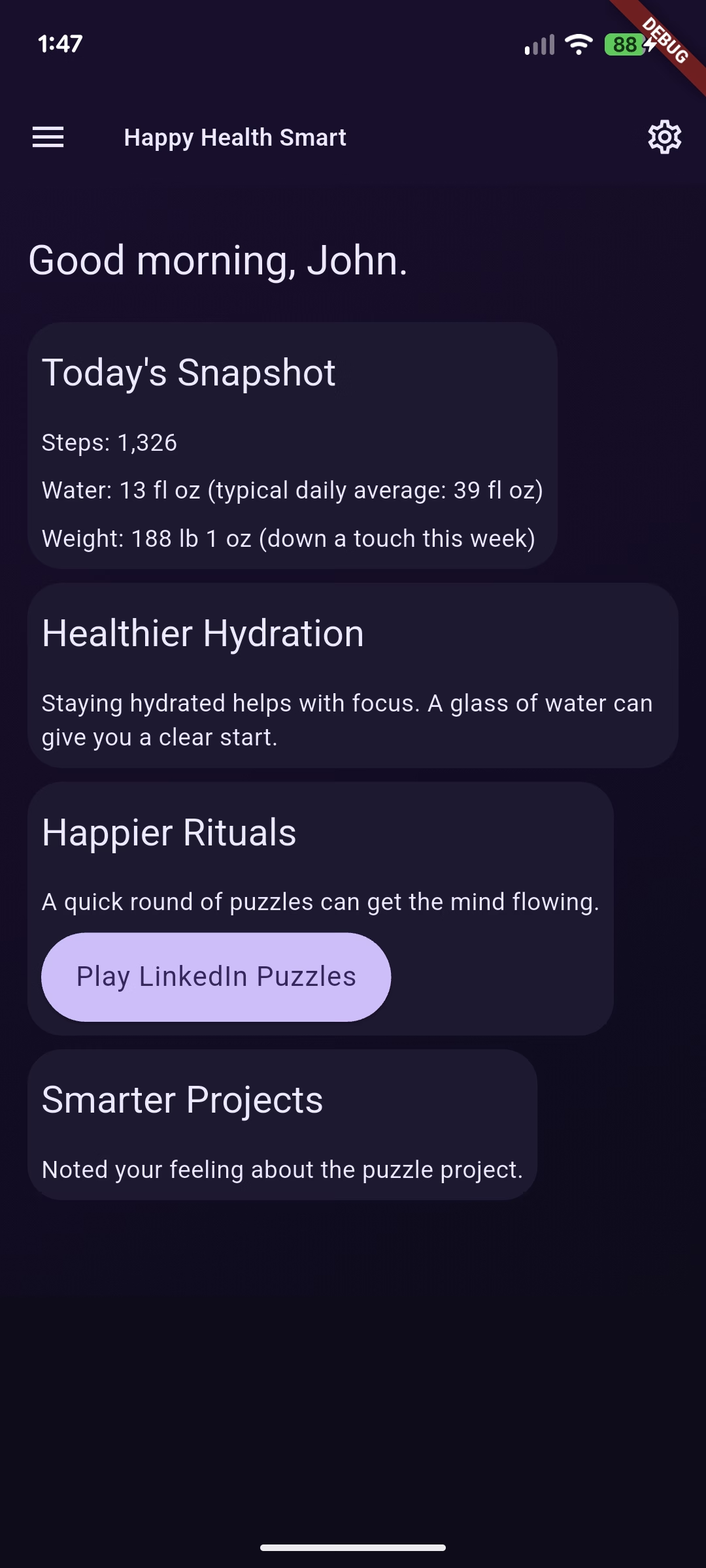
We built [`genui_demo`](https://github.com/JohnWeidner/genui_demo) as a working example: a small wellness app whose home screen Gemini composes on every refresh from a curated Flutter widget catalog. This post walks through the four pieces you need to stand up your own GenUI surface. Catalog, transport, surface, and interactions. Real code, from the repo.
We've covered the [ideas](https://verygood.ventures/blog/getting-started-with-genui/) and the [architecture](https://verygood.ventures/blog/flutter-genui-meets-the-vgv-architecture/) in earlier posts. This one is the tutorial.
## What we're building
`genui_demo` is a personal wellness app built around three pillars: happier, healthier, smarter. The home screen is not a static widget tree. On every pull-to-refresh, the app gathers the user's health snapshot, daily rhythms, and preferences into a system prompt, hands that prompt and a widget catalog to Gemini, and renders whatever composition comes back.
The stack:
- `genui: ^0.8.0` — catalog, surface, conversation, transport
- `google_generative_ai: ^0.4.7` — Gemini client
- `flutter_bloc` — state management around the GenUI service
- `flutter_secure_storage` — on-device API key
Everything runs through one service and one cubit. No Firebase, no backend. The Gemini API key lives on device.
A word on scope. This demo is built to help you see how GenUI works, not to be a reference architecture for production GenUI apps. The layering is deliberately light so each concept stays legible. If you want a full architectural breakdown with layered state, deferred navigation, and a bespoke widget catalog, read [the GenUI wizard we built for GCN](https://verygood.ventures/blog/generative-ui-flutter-wizard-gcn/) next.
## Step 1: Define the catalog
The catalog is your vocabulary. Each entry tells Gemini "here is a widget you can render, here is its JSON schema, and here is how I'll build it." The SDK ships `BasicCatalogItems` with primitives like Text, Column, Button, and TextField. You add your own custom items on top.
Here's the one custom item this demo ships. It's a "wish card" Gemini renders when it wants to show something outside the catalog:
```dart
final featureRequestCatalogItem = CatalogItem(
name: 'FeatureRequest',
dataSchema: S.object(
description:
'A polite placeholder the model renders when it wants to show '
'something this client does not yet support.',
properties: {
'title': S.string(description: 'Short label. 2-8 words.'),
'rationale': S.string(description: '1-2 sentences. Optional.'),
'proposedShape': S.string(description: 'One-line sketch. Optional.'),
'pillar': S.string(
description: 'Which pillar the wish serves. Optional.',
enumValues: _pillars,
),
},
required: ['title'],
),
widgetBuilder: (itemContext) {
final data = _FeatureRequestData.fromMap(itemContext.data as JsonMap);
return _FeatureRequestCard(data: data);
},
exampleData: [() => '''...'''],
);
```
Three things to notice.
First, the schema is the contract. `json_schema_builder` gives you a fluent DSL. Descriptions matter. Gemini reads them and uses them to decide when to render your widget, so be specific and concrete.
Second, `widgetBuilder` is plain Flutter. GenUI hands you typed data and you return a widget. The extension type `_FeatureRequestData.fromMap` is a lightweight adapter that typechecks the JSON without copying it.
Third, `exampleData` teaches by example. This is the single highest-leverage field in a catalog item. When Gemini is unsure how to use your component, it reaches for your examples.
The catalog itself composes the basic items, your custom items, and any extra system prompt rules:
```dart
abstract final class AppCatalog {
AppCatalog._();
static Catalog build() {
final base = BasicCatalogItems.asCatalog();
return base.copyWith(
newItems: [featureRequestCatalogItem],
systemPromptFragments: [
...base.systemPromptFragments,
_customCatalogRules,
],
);
}
}
```
Prompt fragments are how you teach Gemini the rules for your catalog. When to reach for `FeatureRequest`. Which event names buttons can dispatch. Treat them as part of the API.
## Step 2: Wire Gemini to a Conversation
The SDK's `Conversation` object is transport-agnostic. It speaks in ChatMessages and expects JSON chunks back. `GeminiGenUiService` in this demo is the glue that turns `google_generative_ai` into something `Conversation` can drive:
```dart
class GeminiGenUiService {
GeminiGenUiService({
required String apiKey,
required this.systemPrompt,
required Catalog catalog,
String modelId = 'gemini-3.5-flash',
this.onInteraction,
}) : _model = GenerativeModel(
model: modelId,
apiKey: apiKey,
systemInstruction: Content.text(systemPrompt),
) {
controller = SurfaceController(catalogs: [catalog]);
transport = A2uiTransportAdapter(onSend: _handleSend);
conversation = Conversation(
controller: controller,
transport: transport,
);
}
// ...
}
```
Three collaborators show up here. `SurfaceController` owns the live surfaces and data models. `A2uiTransportAdapter` converts streaming text chunks into surface operations. `Conversation` is the high-level API the app talks to through `sendRequest(message)`.
The `_handleSend` callback is where Gemini actually runs. The adapter hands you a ChatMessage. You feed it to `generateContentStream`. You pipe each chunk back with `transport.addChunk(chunkText)`:
```dart
Future _handleSend(ChatMessage message) async {
// forward any UI interactions to onInteraction
final userContent = Content.user([TextPart(message.text)]);
_history.add(userContent);
final responseStream = _model.generateContentStream(_history);
final modelBuffer = StringBuffer();
await for (final chunk in responseStream) {
if (_disposed) break;
final chunkText = chunk.text;
if (chunkText == null || chunkText.isEmpty) continue;
modelBuffer.write(chunkText);
transport.addChunk(chunkText);
}
if (!_disposed) {
_history.add(Content.model([TextPart(modelBuffer.toString())]));
}
}
```
Streaming is first-class. Your user sees the dashboard render progressively, widget by widget, as Gemini's JSON arrives. You get this by pushing chunks into the transport rather than waiting for the full response.
## Step 3: Render the surface
Once the service is alive, ask for a composition and wait for a surface ID:
```dart
final surfaceCompleter = Completer();
_eventsSub = service.conversation.events.listen((event) {
if (event is ConversationSurfaceAdded) {
_rebindDataPaths(service, event.surfaceId);
if (!surfaceCompleter.isCompleted) {
surfaceCompleter.complete(event.surfaceId);
}
}
});
unawaited(service.sendUserMessage(userMessage));
final surfaceId = await surfaceCompleter.future
.timeout(const Duration(seconds: 45));
```
The `SurfaceController` emits `ConversationSurfaceAdded` once Gemini sends the first `createSurface` chunk. Handing that surface ID to a `Surface` widget is all you need to render:
```dart
Surface(controller: service.controller, surfaceId: surfaceId)
```
### Client-owned data paths
Reactive state is where GenUI earns its keep. `DataModel` lets your app and the model share a path tree. Gemini's widgets read and write paths like `/today/captures_count` or `/drafts/note`, and your app binds Flutter streams to those same paths.
Here's how the demo exposes a live counter of today's captured notes to any widget Gemini renders:
```dart
void _rebindDataPaths(GeminiGenUiService service, String surfaceId) {
_unbindDataPaths();
final dataModel = service.controller.store.getDataModel(surfaceId);
_unbindCaptures = dataModel.bindExternalState(
path: DataPath(DataPaths.todayCapturesCount),
source: _liveData.todayCapturesCount,
);
}
```
Any `Text` component Gemini renders with `BoundString` or `BoundNumber` on `/today/captures_count` now reflects the app's live value. Rewrite the counter on disk, call `_liveData.refresh()`, and every widget bound to that path updates on the next frame.
The seed matters too. Before the first surface is composed, the app tells Gemini what paths exist and what values they currently hold:
```dart
JsonMap _buildClientDataModelSeed() {
return {
'today': {
'captures_count': _liveData.todayCapturesCount.value,
},
'drafts': {
'note': '',
},
};
}
```
Gemini sees the path tree in the system prompt and can render widgets bound to any of it from turn one.
## Step 4: Handle interactions
Buttons Gemini renders dispatch events back to your app. The demo listens through `onInteraction`:
```dart
GeminiGenUiService(
apiKey: key,
systemPrompt: systemPrompt,
catalog: catalog,
onInteraction: _handleInteraction,
)
```
`_handleInteraction` routes well-known event names to persistence code. Capturing a note into the event log. Recording an answered question. Marking a daily puzzle done. The constraint lives in the catalog's system prompt fragment:
```text
INTERACTION EVENT NAMES you can dispatch from Buttons:
- note_captured — TextField + submit Button capture pattern.
- answer_submitted — Slider / ChoicePicker + submit Button pattern.
- puzzle_played — "Mark done" button on a daily-puzzle card.
Any other event name you dispatch is passed through unchanged
and has NO local side effects.
```
Gemini now knows exactly which interaction names your app handles and what context payload each expects. This is the same principle as designing a REST API. A short, well-documented vocabulary beats a wide one.
Two more pieces finish the loop. First, the allowed operations policy. This demo lets Gemini create a surface once and then update it in place:
```dart
final prompt = PromptBuilder.custom(
catalog: catalog,
allowedOperations: SurfaceOperations.createAndUpdate(dataModel: false),
systemPromptFragments: [...],
clientDataModel: _buildClientDataModelSeed(),
);
```
`dataModel: false` keeps writes client-owned. Gemini can read paths but cannot rewrite them, which preserves a single source of truth for anything sensitive.
Second, the event subscription keeps listening after the first surface arrives. Follow-up turns from Gemini usually come in as `ConversationComponentsUpdated` events. The `Surface` widget handles those internally, so the cubit does not re-emit state. The UI just updates.
## Inside the app: four inspectors
When we built `genui_demo`, we wanted a first-class way to see what was happening at each layer. The drawer labeled "Inside the app" isn't a debug mode hidden behind a build flag. It's a feature, always on, because one of the app's goals is to teach how GenUI works. Four pages, one per concept, each tied to something earlier in this post.
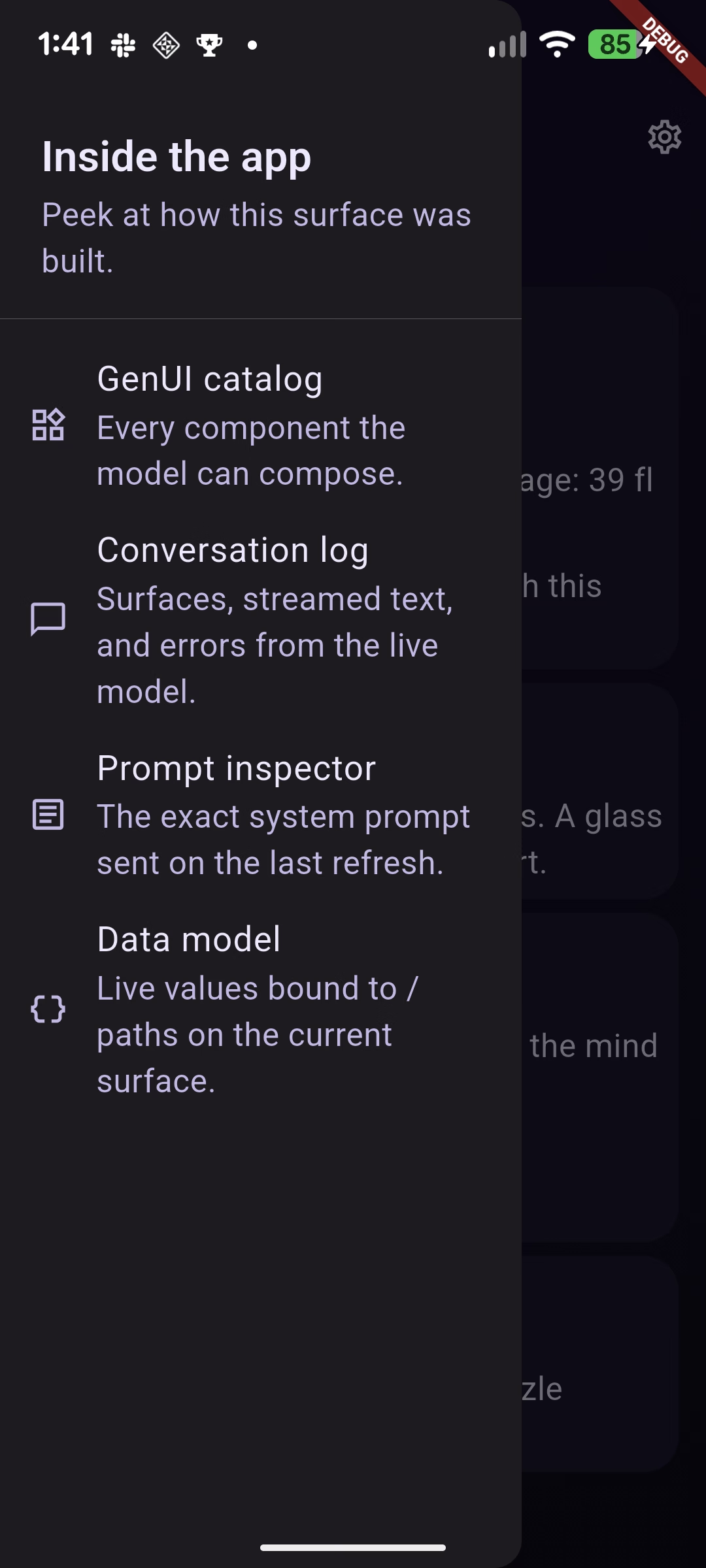
### GenUI catalog
The first drawer entry lists every catalog item the model is allowed to compose, rendered with its own example payload. It uses `DebugCatalogView` from the `genui` package, so the page updates automatically the moment you register a new `CatalogItem` in `AppCatalog.build()`. When you're wondering "does the model know about this widget yet?", this page is the answer. It's also where the `exampleData` you wrote in Step 1 earns its keep — the card for each item shows exactly what Gemini sees when it's deciding whether to use your component.
### Conversation log
Every event the live `Conversation` emits lands here: `surfaceAdded`, `componentsUpdated`, `surfaceRemoved`, streamed text chunks, waiting states, and errors. Entries are newest-first and tap to expand. This is the page that makes the streaming behavior from Step 2 visible. You can watch `Streamed text` entries arrive in real time as Gemini composes, then see `Surface added` fire when the first `createSurface` chunk lands. On follow-up turns it's usually `Components updated`, which confirms the `createAndUpdate` policy from Step 4 is doing what we asked.
### Prompt inspector
The exact system prompt the app sent on the most recent refresh. The page shows:
- Capture time and character count
- The user message that kicked off the turn
- Each labeled fragment (`PERSONA`, `USER_PROFILE`, `HEALTH_CONTEXT`, `DATA_PATHS`, `SURFACE_UPDATES`, and the others) with its own Copy button
- The full joined prompt, monospace, at the bottom
This is the single most useful page for tuning behavior. When the model makes a surprising choice, the prompt inspector tells you exactly what it saw when it made it. Tweak a fragment in the cubit, refresh, and compare the new capture side-by-side with the old one.
### Data model
A live view of the active surface's `DataModel`, which is the shared path tree from Step 3. Every known path gets a row with its current value, description, and source. Below that, the raw JSON tree prints every key the surface currently contains, updated in real time.
When a note is captured and `LiveDataStore.refresh()` runs, `/today/captures_count` ticks up on this page without any reload. That's `bindExternalState` working in public. Any widget the model renders with `BoundString` or `BoundNumber` on the same path is reacting to the same values you're watching here.
The four pages line up with the four steps in this post. Catalog to Step 1. Conversation log to Step 2. Prompt inspector to the system prompt you build before handing it to the service. Data model to the paths you bind in Step 3. If you fork the repo and add one of your own catalog items, one data path, or one interaction handler, the drawer is where you'll watch your change light up.
## Make it your own
Fork the [repo](https://github.com/JohnWeidner/genui_demo), drop your Gemini API key into Settings, and run it. Then try this progression.
Add a catalog item. Pick something small: a badge, a streak card, a single-stat tile. Write the schema, write the builder, add a rule fragment that tells Gemini when to reach for it. Watch Gemini pick it up on the next refresh.
Add a data path. Expose a value from your app with `bindExternalState`. Ask Gemini to render it in a Text widget. Watch it stay in sync.
Add an interaction. Give a Button a new event name, route it in `onInteraction`, and persist something. Teach Gemini about it in a prompt fragment.
Each step is independently useful, and each one strengthens the mental model. The catalog is your vocabulary. The surface is your canvas. The data model is your shared state. Interactions are your write path. Get those four right and GenUI stops feeling like magic and starts feeling like a platform you build on.
#### Frequently Asked Questions
##### What is GenUI in a Flutter app?
GenUI is generative UI. Instead of hand-coding a fixed widget tree, you give an AI model a catalog of Flutter widgets and a system prompt, and the model decides which widgets to render and in what order at runtime. In the genui_demo app, Gemini composes the home screen on every pull-to-refresh from the user's health snapshot, daily rhythms, and preferences.
##### What are the four parts of a GenUI surface?
Catalog, transport, surface, and interactions. The catalog is the vocabulary of widgets the model can render. The transport wires the model to a Conversation that streams JSON back. The surface renders the composition the model returns. Interactions route events from model-rendered buttons back into your app's persistence code.
##### Do I need a backend or Firebase to build a GenUI app?
No. The genui_demo app runs entirely on device through one service and one cubit. There is no backend and no Firebase. The Gemini API key is stored on device with flutter_secure_storage.
##### Which packages does the genui_demo app use?
genui: ^0.8.0 for catalog, surface, conversation, and transport
google_generative_ai: ^0.4.7 for the Gemini client
flutter_bloc for state management around the GenUI service
flutter_secure_storage for the on-device API key
##### How does the home screen render progressively instead of all at once?
Streaming is first-class. The service feeds Gemini's response into generateContentStream and pipes each chunk into the transport with transport.addChunk(chunkText). The user sees the dashboard render widget by widget as the model's JSON arrives, rather than waiting for the full response.
##### How do model-rendered widgets stay in sync with the app's data?
Through a shared DataModel path tree. Your app binds Flutter streams to paths like /today/captures_count with bindExternalState, and any widget Gemini renders with BoundString or BoundNumber on the same path reflects the live value. The allowedOperations policy uses dataModel: false so the model can read paths but cannot rewrite them, which keeps a single source of truth.
### Flutter Socket.IO Chat: Real-Time Production Messaging
Source: https://verygood.ventures/blog/flutter-socket-io-realtime-chat/
A tax client and a tax preparer working on the same return need a place to talk. Email is too slow, phone tag is worse, and a separate app means another login. We worked through a production Flutter codebase that puts that conversation inside the client portal itself, on iOS, Android, and web. The chat layer runs on [Socket.IO](https://socket.io/), sits behind a clean-architecture seam, and ships from a single Dart and Flutter codebase.
## The product context
The app is a client-facing fintech portal for a tax and accounting service in the United States. Clients use it to upload documents, review tax returns, manage payments, and check the status of their filing. Each client is assigned a tax preparer on the back office side, and the two need to coordinate continuously during filing season. Most of that coordination is short messages. A question about a missing W-2. A confirmation that a document was received. A receipt that the return was filed.
This is an enterprise Flutter client portal built once for mobile and web from a single Dart and Flutter codebase, and the chat module is one of the more interesting surfaces because it has to satisfy three constraints at once. It must feel instant to the client. It must keep state consistent across sessions and devices. And it must work in a browser tab on Safari, where the rules for long-lived sockets are different from native.
## Why Socket.IO, not a raw WebSocket
A real-time chat in Flutter can be built directly on [`dart:io`'s WebSocket](https://api.flutter.dev/flutter/dart-io/WebSocket-class.html), on [`package:web_socket_channel`](https://pub.dev/packages/web_socket_channel), or on a higher-level protocol like Socket.IO. The codebase uses Socket.IO, and the benefits appear throughout the implementation. For a broader look at how we approach Flutter real-time work, see our case study on [building real-time apps with Flutter](https://verygood.ventures/blog/very-good-location-sharing-chat-app/).
Socket.IO buys three things this product needs:
A room model. Each client gets a room keyed by their `clientId`. The preparer joins the same room from the back office. Routing messages becomes a server-side concern, and the client only listens to events it cares about.
Named events with payloads. Instead of a single message stream that has to be parsed and dispatched, the implementation works with semantic events like `onMessage`, `onSetAsRead`, `onRemoveMessage`, and `onFindAllMessages`. Each event has its own handler, and the contract between Flutter and the Node backend is explicit.
Transport fallback. Socket.IO can run over WebSocket where it is supported, and fall back to HTTP long-polling where it is not. For a web build that needs to work across browsers, that fallback is doing real work, as we will see.
The dependency lives in `pubspec.yaml` as a path dependency on a vendored copy of `socket_io_client` 1.0.2:
```yaml
socket_io_client:
path: modules/socket_io_client-1.0.2
```
Pinning to a local copy keeps the team in control of the transport code. If the upstream package ships a regression, the build does not break overnight. The trade-off is that security patches have to be backported by hand.
## One client, one room, one preparer
The event protocol is small and easy to reason about. It lives in `lib/domain/utils/chat_utils.dart`:
```dart
enum MessageEvent {
onMessage(NetConstants.onMessage),
findAllMessages(NetConstants.onFindAllMessages),
removeMessage(NetConstants.onRemoveMessage),
joinRoom(NetConstants.onJoinRoom),
error(NetConstants.onError),
setAsRead(NetConstants.onSetAsRead);
const MessageEvent(this.value);
final String value;
}
enum MessageSenderType {
employee(NetConstants.employee),
client(NetConstants.client);
const MessageSenderType(this.value);
final String value;
}
```
Two enums carry the entire wire contract. `MessageEvent` enumerates the events the client emits and listens for. `MessageSenderType` distinguishes a message sent by the client from one sent by the assigned preparer. Every payload that crosses the socket uses one of these constants, which means the compiler, not the developer, enforces the protocol.
On connection, the client joins its room and asks for history in two emits:
```dart
_socket?.emit(MessageEvent.joinRoom.value, {
NetConstants.roomId: "$clientId",
});
_socket?.emit(MessageEvent.findAllMessages.value, {
NetConstants.clientChatId: clientId,
NetConstants.employeeId: taxId,
NetConstants.roomId: "$clientId",
"page": 1,
"take": NetConstants.pageTake,
});
```
The room id is the client id, stringified. That choice matters for the back office. A preparer who handles dozens of clients in a day joins each client's room as needed, and the server fans messages out by room. The Flutter app does not need to know anything about that. It only knows its own room.
## Two transports, one codebase
The transport fork lives in `_initSocket`. The transport list branches at build time based on whether the app is running in a browser:
```dart
io.Socket _initSocket(String? accessToken) {
return getIt().isWeb
? io.io(
"${FlavorConfig.instance.values.baseUrl}:3001/",
io.OptionBuilder()
.setTransports(["polling"])
.disableAutoConnect()
.setExtraHeaders({
NetConstants.authorizationHeader:
"${NetConstants.bearerAuthorization} $accessToken",
})
.build(),
)
: io.io(
"${FlavorConfig.instance.values.baseUrl}:3001/",
io.OptionBuilder()
.setTransports(["websocket", "polling"])
.disableAutoConnect()
.setExtraHeaders({
NetConstants.authorizationHeader:
"${NetConstants.bearerAuthorization} $accessToken",
NetConstants.userAgentHeader: NetConstants.userAgentValue,
"Connection": "Upgrade",
"Upgrade": "websocket",
})
.build(),
);
}
```
On iOS and Android, the socket prefers WebSocket and falls back to polling. The handshake includes the standard `Connection: Upgrade` and `Upgrade: websocket` headers and sets a desktop user agent so the upstream proxy handles the request the same way on every client. On web, the transport list is reduced to `polling` only. WebSocket is removed from the negotiation. For background on Flutter and WebSocket in general, the [Flutter WebSockets cookbook](https://docs.flutter.dev/cookbook/networking/web-sockets) is a good baseline.
Polling-only on web is technically a step back from WebSocket. The reason is browser reality. The Authorization header cannot be set on a raw WebSocket handshake from a browser, which means token auth has to ride on the polling transport that is reachable via XHR. The [browser WebSocket API does not allow custom headers](https://github.com/dart-lang/web_socket_channel/issues/379), and this limitation is exactly what forces the polling fork. Forcing polling keeps the auth model identical across platforms at the cost of slightly more chatter on web. The chat page warns Safari users that messaging behaves differently, which shows the codebase encountered this limitation in production and chose transparency over a workaround.
`disableAutoConnect()` is on for both transports. The socket is created lazily and connected only when the chat screen is mounted, which keeps idle clients off the real-time backend. Pair that with `clean()` and `disconnect()`, which release the socket and reset the message cubit, and the resource lifecycle stays tight.
## A clean-architecture spine
The chat layer mirrors the app's three-layer structure: presenter, domain, and data. Each layer has one responsibility. This is the same shape described in our writeup on [VGV layered architecture](https://verygood.ventures/blog/very-good-flutter-architecture/).
The presenter layer is `ChatPage`. It owns the text controller, the reply title, and the scroll, and it delegates everything else to the manager. It also listens to a Cubit so the UI rebuilds when messages change.
```dart
@override
void initState() {
super.initState();
taxId = _profile?.taxPreparer?.id;
clientId = _profile?.id;
_chatManager.initChatManager(taxId, clientId, _accessToken);
...
}
@override
void dispose() {
_chatManager.disconnect();
super.dispose();
}
```
The domain layer is `ChatManager`. It is the only place that knows Socket.IO exists. Every emit and every listener lives here, and the rest of the app talks to chat through an abstract interface:
```dart
abstract class ChatManager {
Cubit>> get chatMessages;
void initChatManager(String? taxId, String? clientId, String? accessToken);
void sendMessage(MessageSubject subject, String message);
void replyMessage(String replyTitle, String repliedMessageId, String message);
void deleteMessage(ChatMessage message);
void disconnect();
void clean();
void onUploadDocument(
String year,
String? taxId,
String? clientId,
String? accessToken,
);
void onAccountCreated();
void onAdditionalServicesAdded(List addOns);
}
```
The last three methods are not chat operations. They are product events. When a client uploads a document, finishes signup, or adds an extra service, the manager emits a chat message describing what happened so the preparer sees it in their thread. The chat doubles as an activity log between client and preparer, which is a small idea with a large payoff. It collapses three notification channels into one.
The data layer is `ChatRepository`. It maps raw payloads from the socket and from the legacy HTTP endpoint into `ChatMessage` domain objects, derives flags like `isMe` from the sender type, and pulls a list of unread message ids out of a `findAllMessages` payload so they can be marked as read in one round trip.
Wiring is done in `lib/di/di_init.dart` using [`get_it`](https://pub.dev/packages/get_it):
```dart
getIt.registerLazySingleton(
() => ChatRepositoryImpl(getIt(), getIt()));
getIt.registerLazySingleton(
() => ChatManagerImpl(getIt()));
```
A lazy singleton for the manager is the right shape here. The chat needs a single source of truth for the socket and the message list across the lifetime of the session, and the lazy registration means the socket is not constructed until something asks for it. For more on why we lean on this state-management stack, see [why we use flutter_bloc for state management](https://verygood.ventures/blog/why-we-use-flutter-bloc/).
## State, read receipts, and idempotent updates
The message list lives in a private cubit inside `chat_manager_impl.dart`:
```dart
class _MessagesStateCubit extends Cubit>> {
_MessagesStateCubit()
: super(Data(
state: DataState.isLoading,
data: List.empty(),
));
void addMessage(ChatMessage newMessage) { ... }
void addMessages(List newMessage) => _notifyData(newMessage);
void removeMessage(String uid) { ... }
void setMessageAsRead(String id) { ... }
void setMessageAsReplied(String id) { ... }
}
```
[`flutter_bloc`](https://pub.dev/packages/flutter_bloc) does the heavy lifting. The cubit emits a `Data>`, the `ChatPage` rebuilds with `BlocBuilder`, and the rest of the UI stays declarative. The cubit is private to the manager, which keeps state mutation funneled through a small number of methods and prevents the rest of the app from poking at the message list directly. The choice of Cubit over Riverpod or another state manager kept the chat consistent with the rest of the app's state layer. That alignment pays back in onboarding time. For deeper coverage of this pattern with live data, see [using Bloc with streams](https://verygood.ventures/blog/how-to-use-bloc-with-streams-and-concurrency/).
Three details in the message handler stand out.
First, deduping. When a new message arrives, the manager checks the existing list by id before appending:
```dart
var alreadyAdded = _chatMessages.state.data
?.any((element) => element.id == newMessage.id) ??
false;
if (!alreadyAdded) {
_chatMessages.addMessage(newMessage);
...
}
```
Real-time systems duplicate events. A reconnect after a brief disconnect can replay a message the client already has. Filtering by id at the application layer is cheap insurance against double-rendered bubbles.
Second, read receipts. As soon as a message from the preparer is added to the list, the manager emits a `setAsRead` event with that message id:
```dart
if (!newMessage.isMe) {
_socket?.emit(MessageEvent.setAsRead.value, {
NetConstants.roomId: "$clientId",
NetConstants.messageIds: [newMessage.id],
NetConstants.clientChatId: clientId,
NetConstants.employeeId: taxId,
});
}
```
The same logic runs in bulk when history loads. `_setMessagesAsRead` pulls every unread employee message out of the initial `findAllMessages` payload and acknowledges them in one emit. The preparer's UI flips them all in a single update, which is the right behavior when a client opens the app for the first time in a day.
Third, replies and deletes are explicit. A reply sends an extra field, `repliedMessageId`, on the same `onMessage` event so the server can thread it. A delete is allowed only if the message is from the current user and has not yet been read. That guard lives in the domain manager, not in the UI:
```dart
void deleteMessage(ChatMessage message) async {
if (!message.isRead && message.isMe) {
_chatMessages.removeMessage(message.id);
_socket?.emit(MessageEvent.removeMessage.value, { ... });
}
}
```
Putting the rule in `ChatManager` means it cannot be bypassed by a different button on a different screen. The abstract interface also makes the manager straightforward to test with a mock, which is a quiet benefit of pushing transport details behind a domain seam.
## Reconnection and the disconnect handler
Network drops are the default state of the world on mobile. The implementation handles them with a reconnect loop inside the connect handler:
```dart
_socket?.onDisconnect((_) {
_socket?.connect();
});
```
When the socket disconnects, it reconnects. The code comment explains this handles server failover. The app does not use exponential backoff at the application layer, and that is intentional. [Socket.IO's own engine handles backoff and jitter](https://socket.io/docs/v4/client-options/#reconnectiondelay) for the underlying transports, so the application layer focuses on the user-visible state machine. If a message arrives during reconnection, the dedupe-by-id check we saw earlier prevents a duplicate bubble.
The `onUploadDocument`, `onAccountCreated`, and `onAdditionalServicesAdded` flows take the same approach. Each calls a private `_checkSocketStatus` that reconnects the socket if it is null or disconnected before emitting the message. Those code paths fire when the user has not opened the chat screen yet, so the socket might not exist. Reconnecting on demand is safer than assuming.
## What this codebase teaches
Pick the protocol that matches the workload, then own the dependency. Socket.IO was the right call for a chat with rooms, named events, and mixed transports. Vendoring the client as a path dependency keeps the team in control of the transport code on a long-lived product. We have seen this pay off on consumer apps where a single regression in a popular real-time library can ship a P0 bug into production overnight.
Treat the real-time client as a domain manager, not a global singleton with side effects. The interface for `ChatManager` lists the methods the app needs, and nothing else. Socket.IO never leaks past it. When the codebase needs to swap to a different protocol or add a second transport for push delivery, the surface area to change stays small.
Make read receipts and dedupe boring. Both are implemented as a handful of lines, and both prevent a class of bugs that look easy on day one and ugly in production. Filter incoming messages by id. Acknowledge unread messages in bulk on history load. Acknowledge them one by one as they arrive. There is no clever trick here, and that is the point.
Split transports by platform on purpose. The web build runs on polling because auth headers ride there reliably. The native build runs on WebSocket because the handshake supports them and the latency is lower. The fork is two branches of an `OptionBuilder` and a comment that explains why. A future engineer can read it without archaeology. For teams scaling Flutter for enterprise, these are the kinds of seams that keep a long-lived codebase legible.
## Where to take it next
The `findAllMessages` response is paginated with a `take` of fifty, but the client does not yet request additional pages. Long threads need infinite scroll, and wiring a scroll controller to request the next page when the user nears the top of the list is a small change with a real payoff. The reconnect loop could surface a connection state to the UI so users see a "Reconnecting" affordance instead of a silent retry. Token rotation through the socket would let the chat survive a refresh without a full reconnect, and sketching that flow inside `_checkSocketStatus` is a natural extension of the existing pattern. To start a new Flutter project on a foundation that already encodes these seams, the [Very Good Core starter template](https://verygood.ventures/blog/flutter-starter-app-very-good-core-cli/) ships with the layered architecture and DI wiring described in this post.
The current build runs in production, ships from one codebase to iOS, Android, and web, and keeps a clean seam between the real-time layer and everything else. For a team building a similar surface in Flutter, the patterns here transfer directly. Choose the protocol early, isolate it behind a domain interface, and handle the transport fork at init time. The conversation between a client and their preparer is a small surface area. Getting the real-time layer right keeps it that way.
#### Frequently Asked Questions
##### Why use Socket.IO instead of raw WebSockets for Flutter chat?
Socket.IO provides three things this product needs: a room model that routes messages by client ID so the Flutter app never has to know about backend topology, named events with typed payloads instead of a raw message stream, and transport fallback between WebSocket and HTTP long-polling. That fallback is critical for web builds where browsers restrict long-lived socket connections.
##### Why does the web build use HTTP long-polling instead of WebSocket?
The browser WebSocket API does not allow custom request headers during the handshake, so the Bearer token used for authentication cannot be sent that way. HTTP long-polling supports custom headers via XHR, so the web build forces polling to keep the auth model identical across iOS, Android, and web — at the cost of slightly more network chatter.
##### How does clean architecture keep Socket.IO isolated from the rest of the Flutter app?
The socket lives entirely inside ChatManagerImpl. Everything else talks to chat through the abstract ChatManager interface, which exposes only the operations the product needs: send, reply, delete, disconnect, and a handful of product-event emitters. Socket.IO never leaks past that seam, so swapping the transport only requires changing the implementation, not the presenter or any other caller.
##### How does the app prevent duplicate messages after a reconnect?
When a new message arrives, the manager checks the existing list by ID before appending it. Real-time systems can replay events on reconnect, and filtering by ID at the application layer is cheap insurance against double-rendered bubbles.
##### Why is socket_io_client vendored as a local path dependency?
Pinning to a local copy keeps the team in control of the transport code. If the upstream package ships a regression, the build does not break overnight. The trade-off is that security patches must be backported by hand.
### Flutter 3.44 at Google I/O 2026: What We Saw at the Conference
Source: https://verygood.ventures/blog/google-io-2026/
Flutter is now the #2 most popular SDK on both major app stores. Chrome shipped APIs that could quietly fix Flutter Web's biggest limitations. And someone printed latte art on my cappuccino using Gemini. Here's what I came back with from Google I/O 2026.
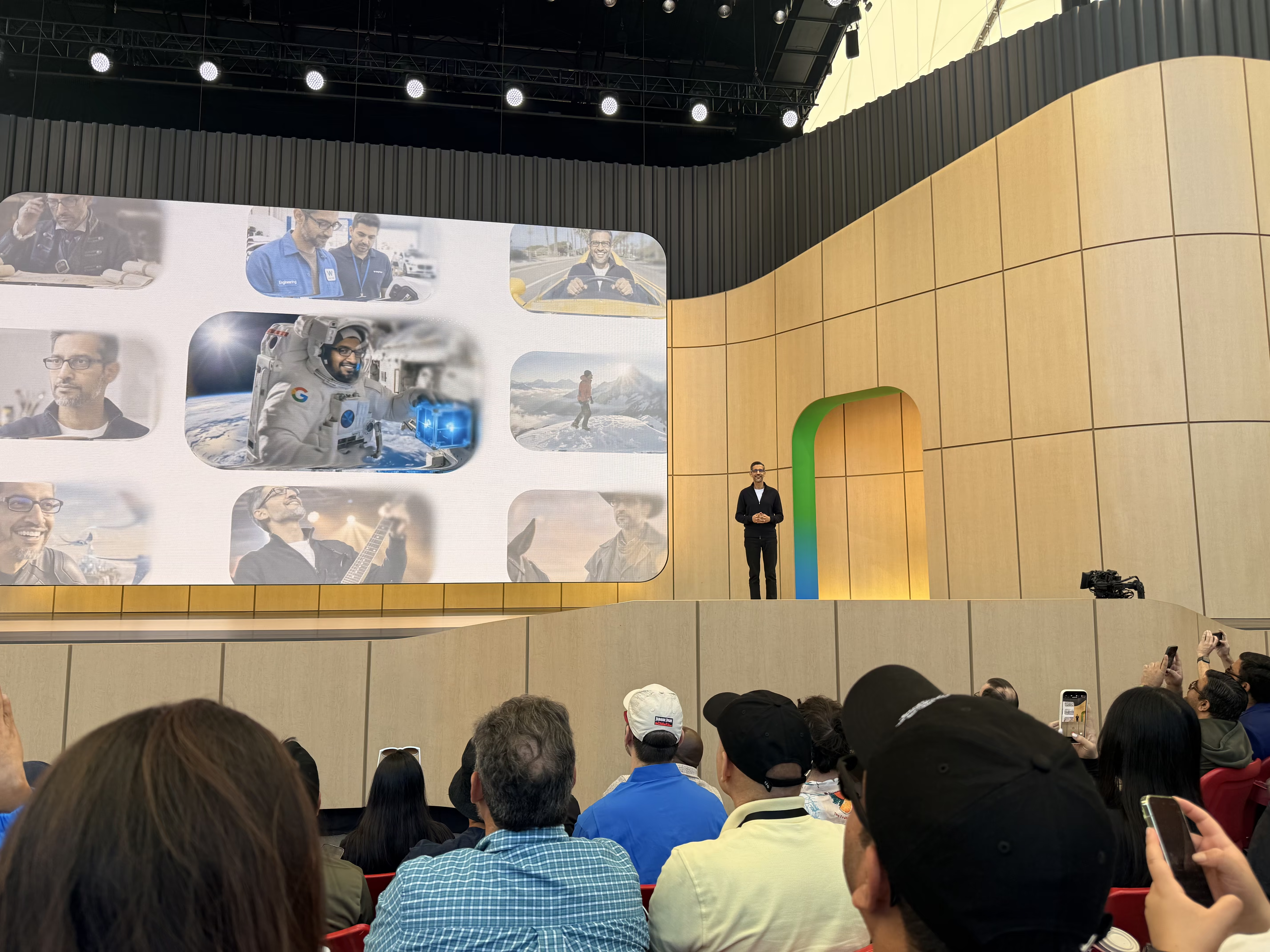
## Flutter at I/O 2026
The headline stat from "What's New in Flutter" landed right at the top of the session. Flutter is the **#2 most popular app development SDK** on both the App Store and Google Play, and it's used by 1.5 million developers worldwide. For teams making framework decisions, a number like that is a useful long-term signal about ecosystem risk.
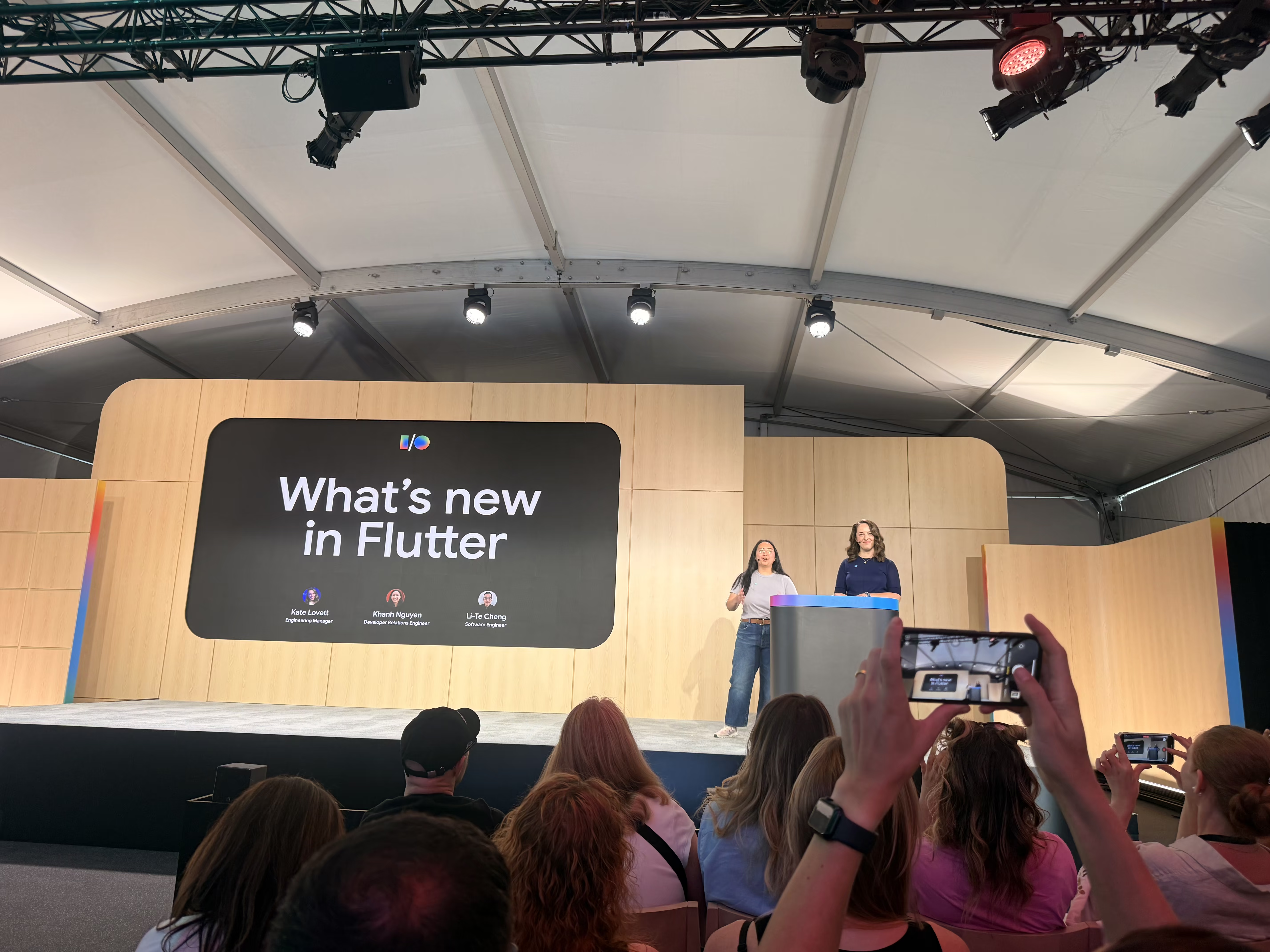
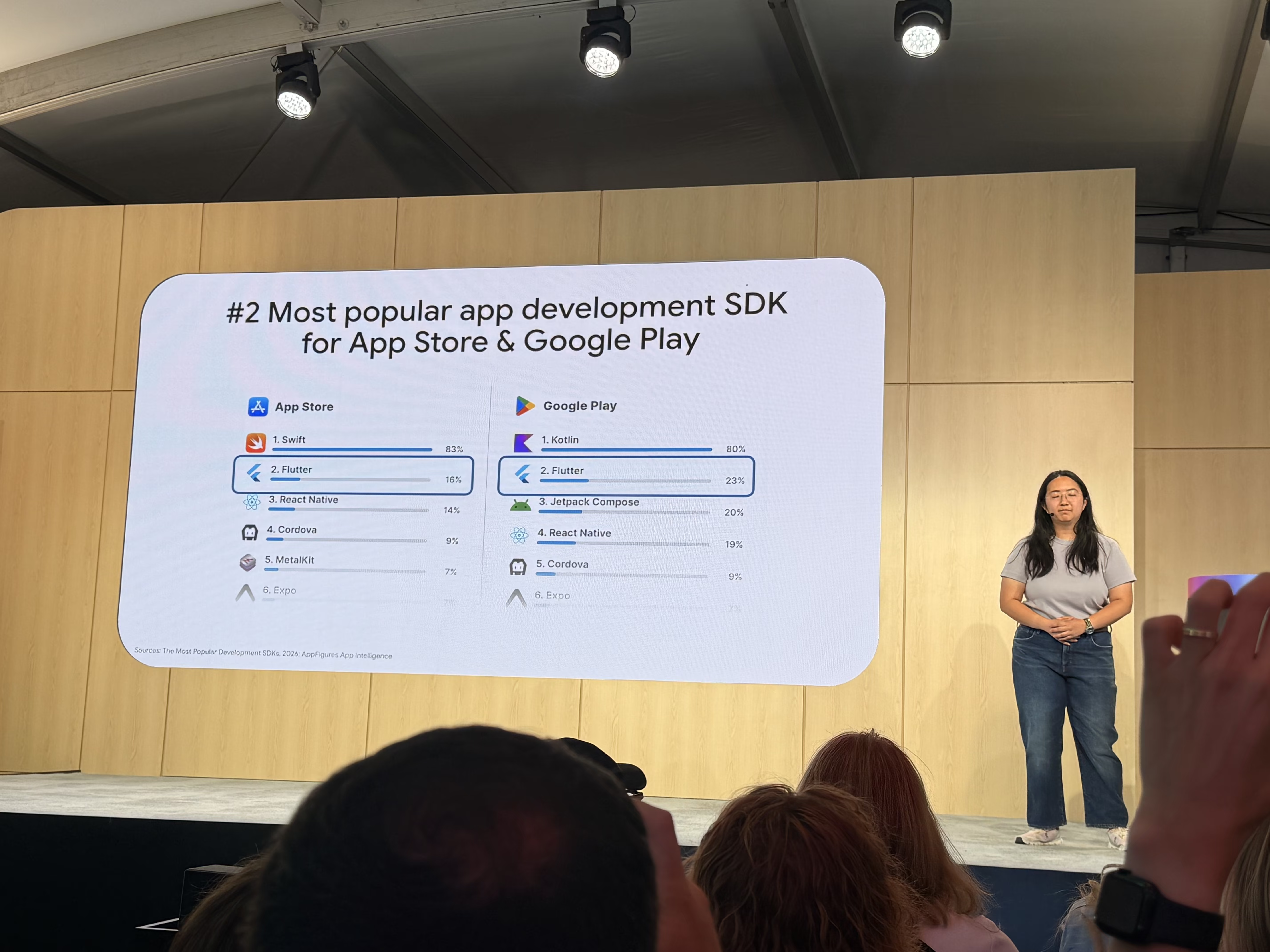
[Flutter 3.44](https://blog.flutter.dev/whats-new-in-flutter-3-44-b0cc1ad3c527) shipped alongside the conference. A few things caught my eye.
**Agentic Hot Reload** closes a feedback loop that has been annoying since AI-assisted coding became part of the daily workflow. The [Dart and Flutter MCP server](https://docs.flutter.dev/ai/mcp-server) finds your running app automatically and triggers hot reloads after an agent makes changes. The manual copy-paste loop between agent output and your terminal disappears. The feedback cycle shrinks from minutes to seconds. That kind of improvement compounds over a full workday. We've been writing about [MCP servers for Dart and Flutter developers](https://verygood.ventures/blog/7-mcp-servers-every-dart-and-flutter-developer-should-know/) for a while now, and [Very Good CLI's built-in MCP server](https://verygood.ventures/blog/very-good-cli-1-0-flutter-testing-mcp-semantic-versioning/) sits in the same lineage of work.
**[Swift Package Manager is now the default](https://docs.flutter.dev/packages-and-plugins/swift-package-manager/for-app-developers) for iOS and macOS.** CocoaPods has been a steady source of pain for years. The CLI handles migration automatically.
The split of **Material and Cupertino** out of the core framework is progressing toward enforcement. Imports will soon move to `package:material/material.dart` instead of `package:flutter/material.dart`. [We've covered this shift before](https://verygood.ventures/blog/a-new-era-for-app-design-and-what-it-means-for-flutter/), and it's a necessary step toward cleaner API boundaries.
Toyota premiered a [video on the work to bring Flutter to the 2026 RAV4 infotainment system](https://verygood.ventures/blog/top-companies-using-flutter/), with more vehicles to follow. Seeing the platform land in production automotive hardware in front of a developer audience reinforces why teams are picking Flutter for surfaces well beyond phones. This is a very special project for VGV as well, as it demonstrates the results of multiple years of hard work teaming up with the Toyota team.
[Flutter at Google I/O 2026 — Toyota RAV4](https://www.youtube.com/watch?v=X4376aLFHFA)
[GenUI](https://verygood.ventures/resources/genui/) was again a popular topic from [Cloud Next](https://verygood.ventures/blog/vgv-at-google-cloud-next-2026/) through I/O. The practitioner conversations I had were more specific than the headline concept. People were working through three recurring questions: how to keep token usage efficient when the model is generating UI on every interaction, whether on-device models are capable enough to handle it without a cloud round-trip, and how to identify which parts of an app actually benefit from generative UI versus which parts should stay deterministic. That third question is the hardest one. The appetite is clearly there, but the teams doing it well are the ones who are being deliberate about where to apply it.
The Antigravity Coffee Co. demo was the standout floor experience. Flutter ran across multiple screens at once: phone, tablet, laptop, and TV. The app asked a few questions, generated a personalized prompt, and Nano Banana (Google's image generation model) produced custom latte art based on the answers. A printer then applied the image directly to the foam of a cappuccino. I asked it to make _"Coding with my fellow unicorns."_ The result was delightful, and the underlying point landed. A multi-screen Flutter app coordinating with image generation and physical hardware is exactly the kind of experience the framework is built for now.
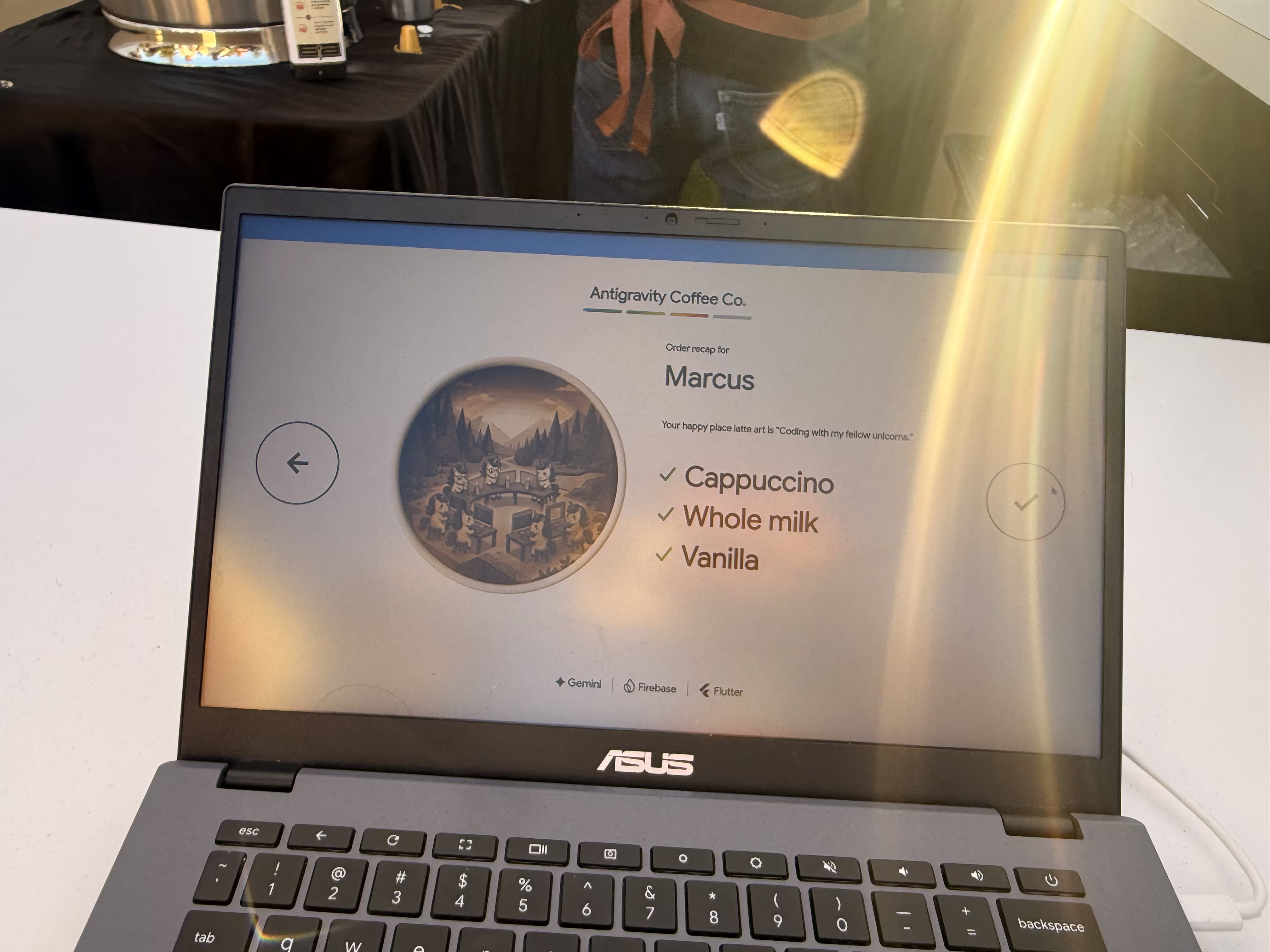
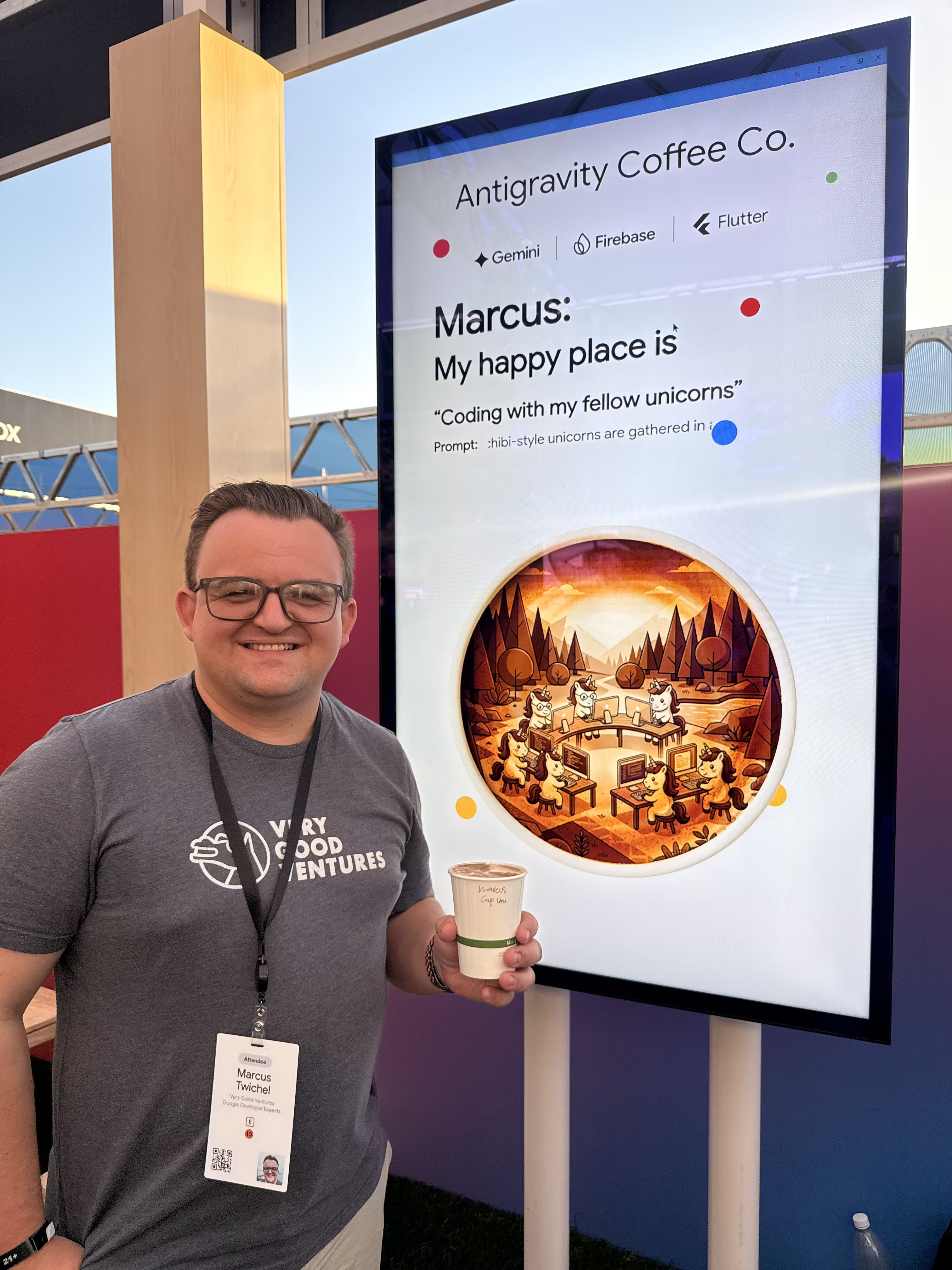

## HTML-in-Canvas and WebMCP: What They Mean for Flutter Web
Google is bringing several new web APIs to Chrome with real implications for Flutter Web.
[**HTML-in-Canvas**](https://developer.chrome.com/blog/html-in-canvas-origin-trial) could let Flutter Web's Canvas-based renderer embed native HTML elements with much lower performance cost than today. That opens a path to real SEO and native text tools (including browser translation) for Flutter Web apps, which has been one of the framework's longer-standing limitations on the platform. One of the Chrome engineers at the booth said it directly. "One of the first use cases we were interested in was Flutter Web." Worth tracking as the API moves through the origin trial and toward standardization across browsers.
[**WebMCP**](https://developer.chrome.com/blog/webmcp-epp) is a proposed standard for exposing structured tools so browser-based AI agents can interact with web apps reliably. For Flutter specifically, this is significant. Flutter Web doesn't have a DOM, so traditional in-browser agents have nothing to grab onto. WebMCP could let a Flutter web app explicitly declare its available actions so an agent can do something useful with it, like changing inputs or submitting orders.
[Chrome 149 also ships APIs](https://developer.chrome.com/blog/chrome-at-io26) for calling AI models built directly into the browser, no server round-trip required. Together with improvements to running Gemma 4 on device for mobile apps, the direction is clear. On-device inference has real advantages for latency and privacy, and it removes token costs for calls that don't need cloud-scale reasoning. The open question for teams is where the capability ceiling lands for production use cases, and how that ceiling interacts with GenUI patterns that have so far assumed a cloud round-trip.
## Gen Media APIs
[Project Genie](https://blog.google/products/google-labs/project-genie/) was the standout floor experience for generative media. You described a world in natural language, and Gemini generated it as a fully interactive 3D environment. The crystal globes around the booth were how you made your prompt — you picked a character globe and an environment globe, put them on special stands, and that combination seeded your generation.
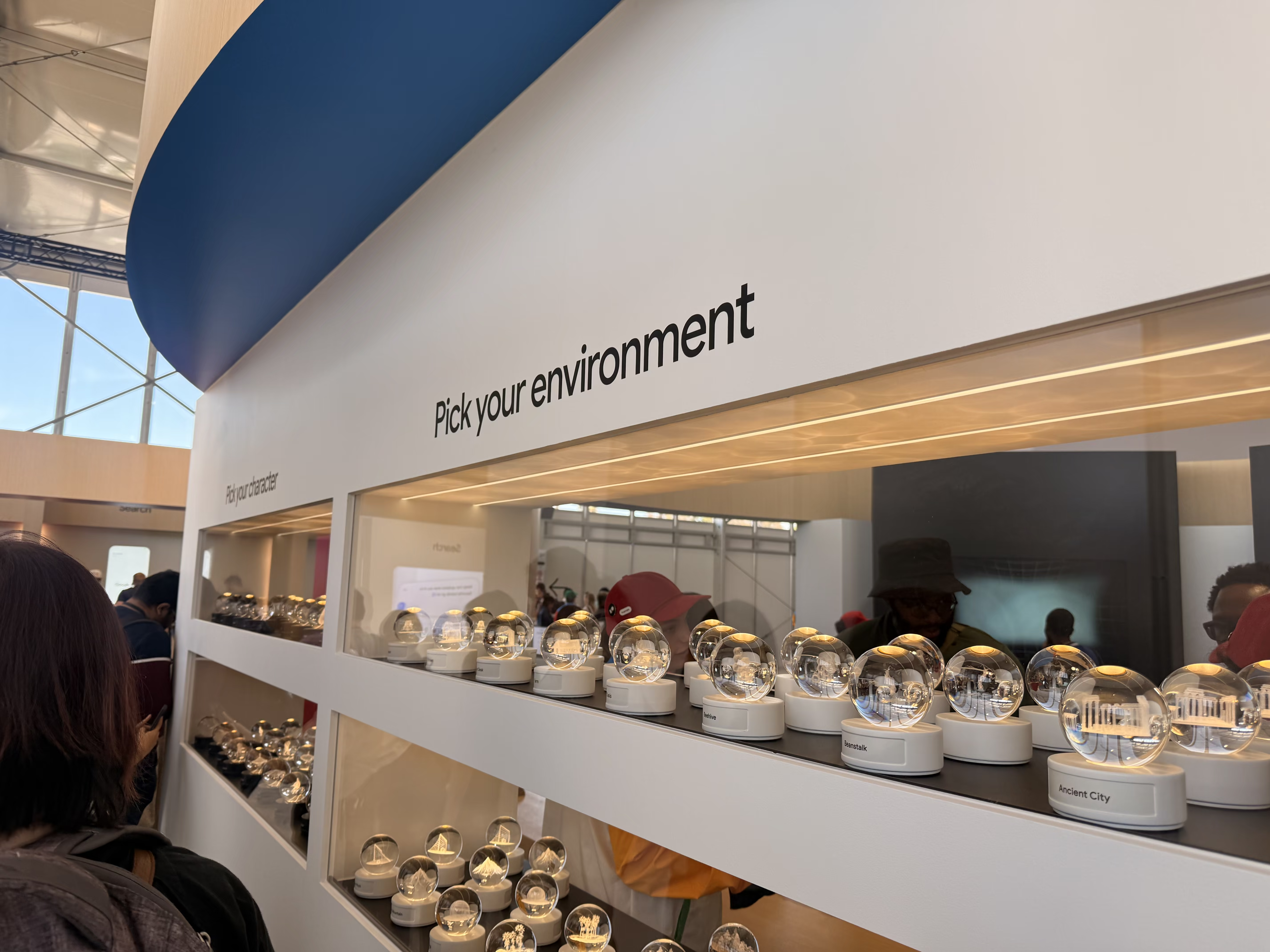
There was an AI sticker generator where you picked two categories and Nano Banana combined them into a custom I/O sticker. I ended up with "Snowflake Motherboard."
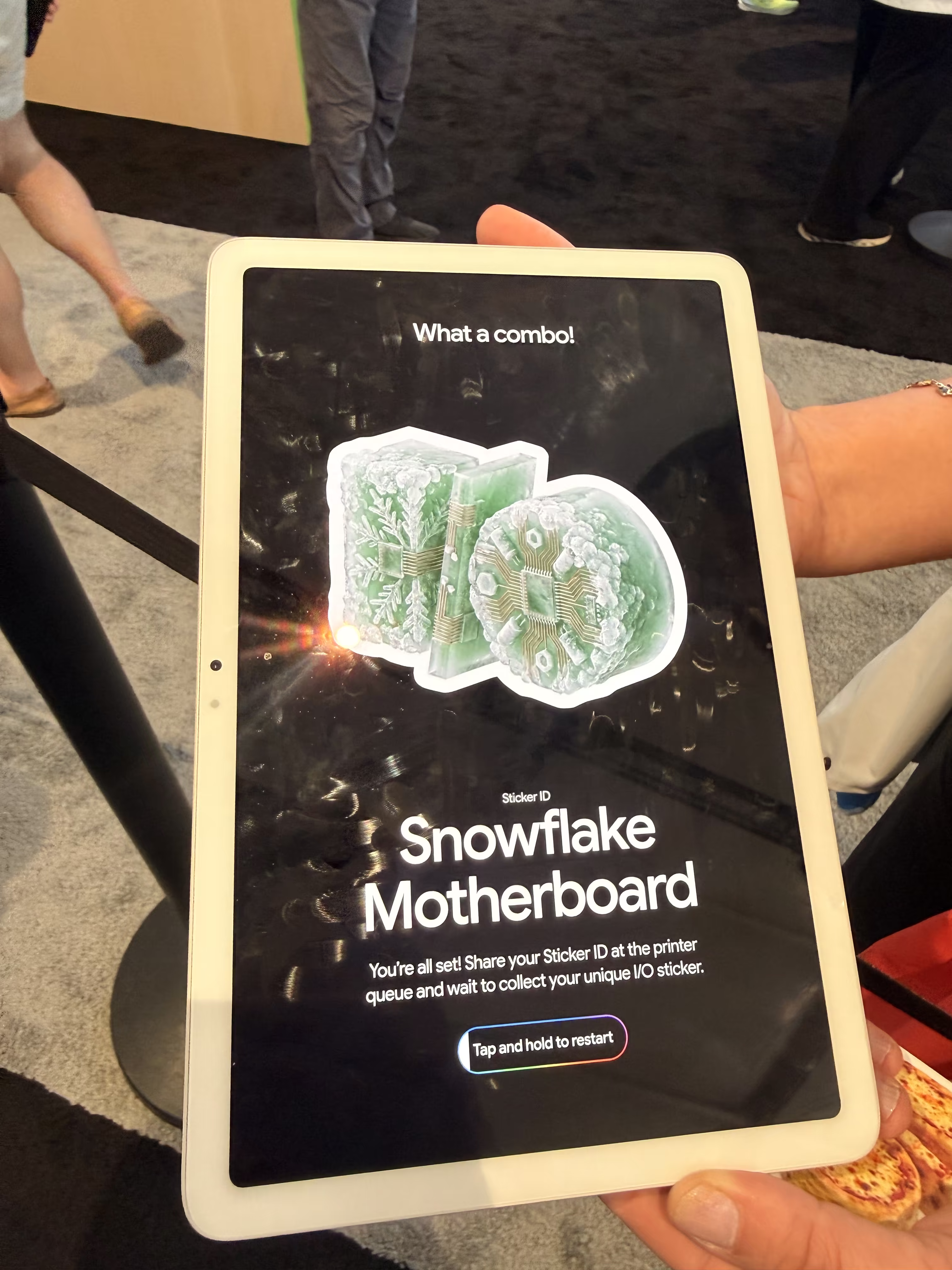
The AI portrait experience generated you as a pixel art fighter, a toy-like action figure, and a Renaissance oil painting, all powered by Nano Banana.



## Coming Back
The last time I went to I/O was 2019, and it was the first time I felt like a real developer. I was surrounded by people who cared about the same problems I did, watching announcements that spoke directly to my work. I remember talking to the Flutter folks about project hummingbird, a demo of Flutter running in a web browser, that eventually became Flutter Web. I later learned [VGV had built the original demo](https://verygood.ventures/blog/flutter-agency-8-year-leadership-journey/), which cemented in my mind I wanted to work for them.
Coming back in 2026 as a VGV Engineering Lead and [GDE in Flutter](https://verygood.ventures/blog/my-journey-from-barista-to-google-developer-expert/) felt like a homecoming of sorts. It also reinforced the thing I still believe about the Flutter community: it's the best in the world! I chatted with dozens of devs that were generous with knowledge and invested in making everyone's work better, the same way they always have been.
Big thanks to the **GDE program** for the invitation and to the **Flutter team** for the hospitality and for building something I've been proud to work with for years. And to **Very Good Ventures** for sending me. I'm lucky to work somewhere that invests in the community.
---
_Resources:_
- [What's new in Flutter 3.44](https://blog.flutter.dev/whats-new-in-flutter-3-44-b0cc1ad3c527)
- [Flutter 3.44 release notes](https://docs.flutter.dev/release/release-notes/release-notes-3.44.0)
- [Google I/O 2026: What's new in Flutter](https://io.google/2026/explore/pa-keynote-12)
- [I/O 2026 developer highlights](https://blog.google/innovation-and-ai/technology/developers-tools/google-io-2026-developer-highlights/)
- [100 things announced at Google I/O 2026](https://blog.google/innovation-and-ai/technology/ai/google-io-2026-all-our-announcements/)
#### Frequently Asked Questions
##### What is Flutter 3.44?
Flutter 3.44 is the framework release that shipped alongside Google I/O 2026. It introduces Agentic Hot Reload via the Flutter MCP server, makes Swift Package Manager the default for iOS and macOS, and continues the migration of Material and Cupertino out of the core framework.
##### How does Flutter Agentic Hot Reload work?
The Flutter MCP server finds your running app automatically and triggers hot reloads after a coding agent edits your code. That removes the manual copy-paste step between agent output and the terminal, shortening the feedback cycle from minutes to seconds.
##### What is GenUI in Flutter?
Generative UI (GenUI) is a pattern where an AI model produces UI components or assets at runtime instead of every screen being hand-built. In Flutter, it pairs naturally with Gemini and on-device models to generate adaptive interfaces across phone, tablet, web, and embedded surfaces.
##### What is HTML-in-Canvas and why does it matter for Flutter Web?
HTML-in-Canvas is a Chrome API that lets a Canvas-based renderer embed real HTML elements with lower performance cost. For Flutter Web, that opens a path to real SEO, native text selection, and native browser translation tooling for apps that use the CanvasKit or Skwasm renderers.
##### What is WebMCP?
WebMCP is a proposed standard for exposing structured tools so browser-based AI agents can interact with web apps reliably. It's significant for Flutter Web because Flutter Web doesn't render a DOM, so traditional in-browser agents have nothing to grab onto. WebMCP lets a Flutter web app declare its actions so an agent can invoke them directly.
### Rust as a Flutter Data Layer: Build Safe Data Layers
Source: https://verygood.ventures/blog/rust-as-flutter-data-layer/
When you're building a Flutter application that needs to talk to hardware, there's a question that surfaces quickly: where does the systems-level code actually live?
It's an architecture question—and the answer determines whether your team spends cycles chasing memory bugs in production or building features.
At VGV, we saw this challenge play out firsthand while teaming up with Toyota on their in-vehicle infotainment system (IVI). In that project, Rust handles communication with the vehicle's computer: real-time data feeds, sensor inputs, and low-level control signals. Flutter owns state management and UI rendering. The result is a clean architectural boundary that lets each layer do what it does best. Let's look at why that division of responsibility makes sense, and how you can apply the same pattern in your own projects.
## The Problem with Reaching Too Far
Flutter is an exceptional framework for building expressive, performant user interfaces across platforms. But it was designed to render UI—not to manage shared memory, handle unsafe pointer arithmetic, or guarantee the absence of data races in a concurrent systems environment.
When embedded or native system code is involved, the typical approach is to reach for platform channels: write the systems-level logic in C, C++, then call it from Dart through FFI or a plugin interface. That works, but it comes with a cost. C and C++ are powerful precisely because they give you direct control over memory, but that power comes with responsibility—they'll let you misuse that control in ways that produce subtle, hard-to-reproduce bugs that only surface in production, often under load. Consider referencing [Flutter plugin generation with Very Good CLI](https://verygood.ventures/blog/generate-flutter-plugins-with-very-good-cli/) for an alternative approach to native integration.
For a consumer infotainment system inside a vehicle, "subtle bug that surfaces under load" is not an acceptable failure mode.
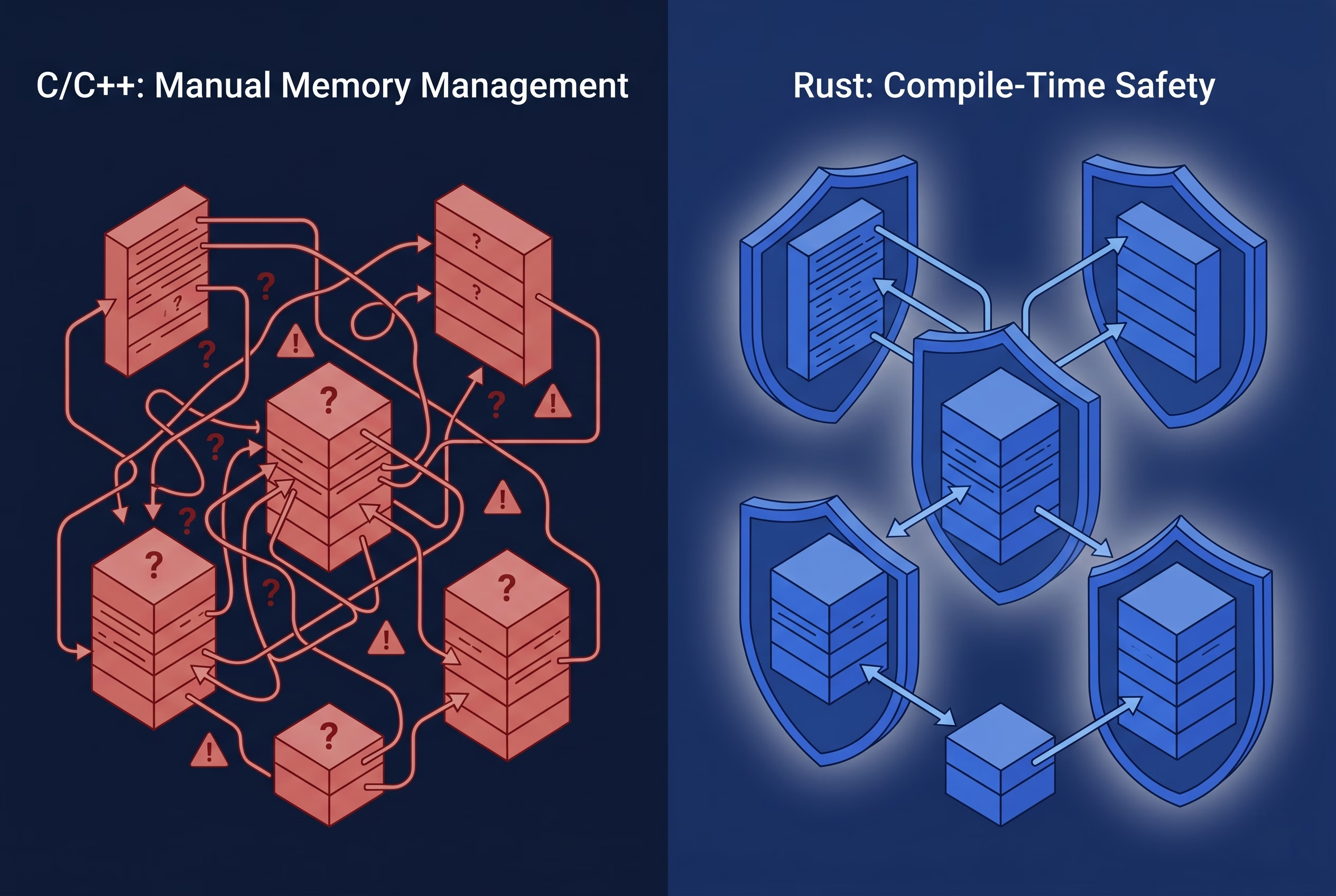
## How Rust Fills This Gap
Rust was built to solve the exact problem that makes systems programming risky: it gives you low-level control without sacrificing memory safety. Its ownership and borrowing model enforces at compile time the discipline that C and C++ demand you maintain manually.
Here's what that means in practice for a Flutter data layer:
**Memory safety without a garbage collector.** Rust's ownership model eliminates entire classes of bugs (null pointer dereferences, use-after-free, data races) at compile time. You get native performance without GC unpredictability or the memory-safety risks of C/C++. For a Flutter app, this means the data layer is fast and correct by construction, not by careful discipline. For a deeper understanding, see the [Rust's ownership model](https://doc.rust-lang.org/book/ch04-00-understanding-ownership.html) in the official Rust Book.
**Fearless concurrency.** Vehicle computers push data constantly (speed, throttle position, battery state, sensor readings) across multiple threads. Rust's type system makes it impossible to share mutable state across threads without explicit synchronization. You can't accidentally introduce a data race. This means the development team can reason about concurrent behavior with certainty—no threads silently corrupting shared state in production. That certainty compounds as the codebase grows. For more details, explore [Rust's fearless concurrency model](https://doc.rust-lang.org/book/ch16-00-concurrency.html).
**A strong FFI story.** Rust can expose a C-compatible interface, which means it integrates naturally with [Dart's FFI documentation](https://docs.flutter.dev/platform-integration/bind-native-code). You get the expressiveness and safety of Rust at the systems level, and the ergonomics of Dart and Flutter at the UI level, without an awkward glue layer in between.
**Cross-platform compilation.** A Rust library compiles to native code on every major platform Flutter targets: iOS, Android, macOS, Linux, and Windows. Write the data layer once; deploy it everywhere. For teams shipping to multiple platforms, this reduces both code surface area and maintenance burden. Learn more about [Flutter's cross-platform capabilities](https://verygood.ventures/blog/top-companies-using-flutter/).
**Explicit error handling.** [Rust's `Result` type](https://doc.rust-lang.org/book/ch09-02-recoverable-errors-with-result.html) forces you to handle errors at the call site. There are no unchecked exceptions that silently propagate and manifest as crashes at a layer far removed from the actual failure. When you're interfacing with hardware that can fail in a dozen ways, explicit error paths aren't a burden—they're a feature.
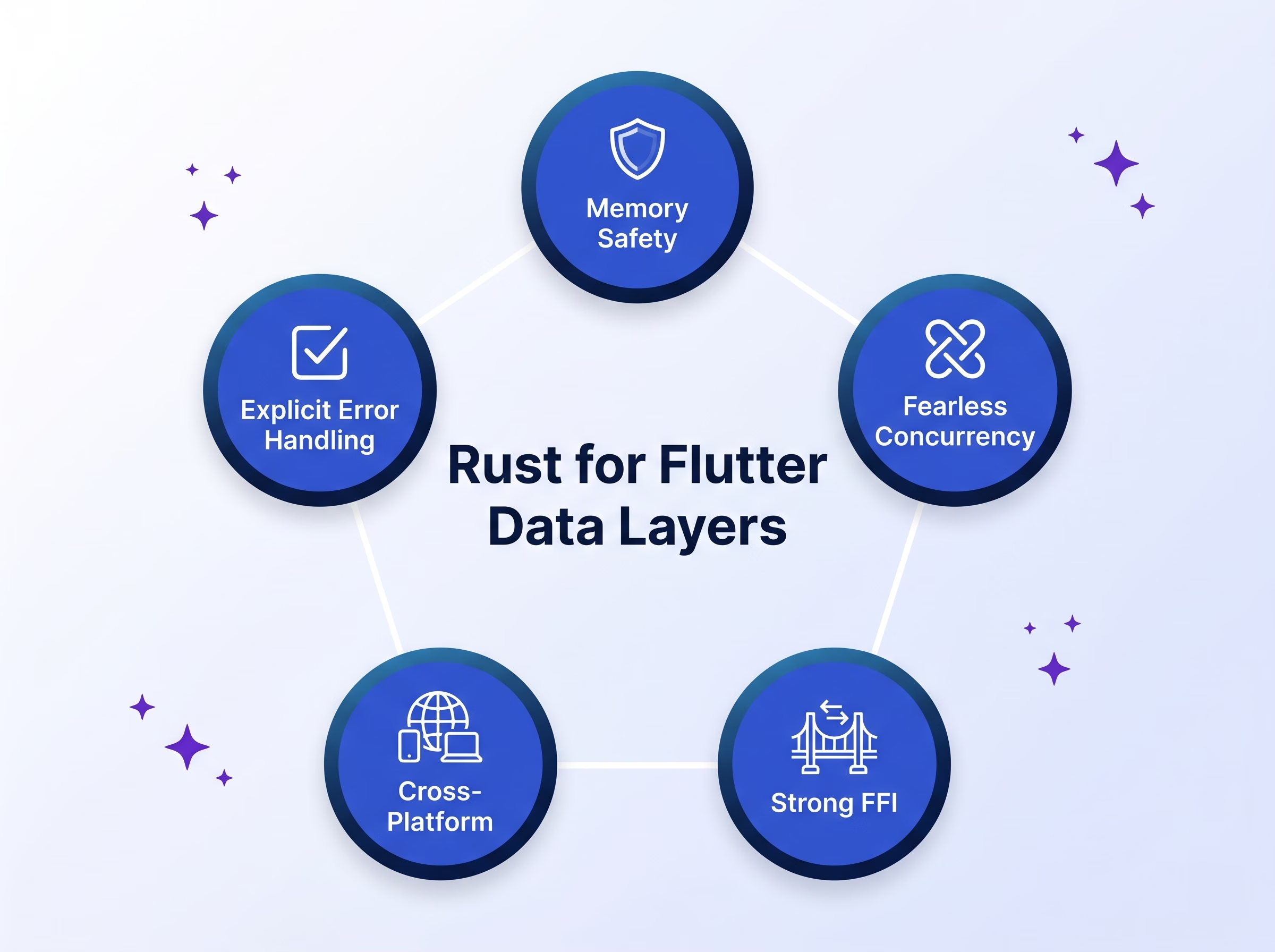
## The Architecture in Practice
The Toyota IVI project illustrates this pattern clearly. The system has three conceptual layers:
1. **The vehicle computer**: proprietary hardware pushing real-time signals.
2. **The Rust data layer**: responsible for consuming those signals, transforming them into structured data, and exposing a clean API to the layer above.
3. **The Flutter layer**: responsible for state management (consuming the Rust API) and rendering the UI.
Flutter never knows the vehicle computer exists. It only knows about the structured data types and stream interfaces the Rust layer exposes. This separation has two important consequences.
First, the Flutter team and the vehicle systems team can work independently. The interface contract between Rust and Flutter is defined in code; as long as both sides honor it, they don't need to be in the same room—or even on the same continent. This architectural separation enables [the Very Good Layered Architecture approach](https://verygood.ventures/blog/very-good-flutter-architecture/), where data, domain logic, and presentation layers are cleanly separated.
Second, the Rust layer is independently testable. Business logic that lives in Rust can be unit tested in Rust, without a Flutter harness or an emulated device. This tightens the feedback loop for the development team and reduces the risk of integration-time regressions. See [independently testable systems](https://verygood.ventures/blog/flutter-tests-very-good-cli/) for VGV's testing philosophy.
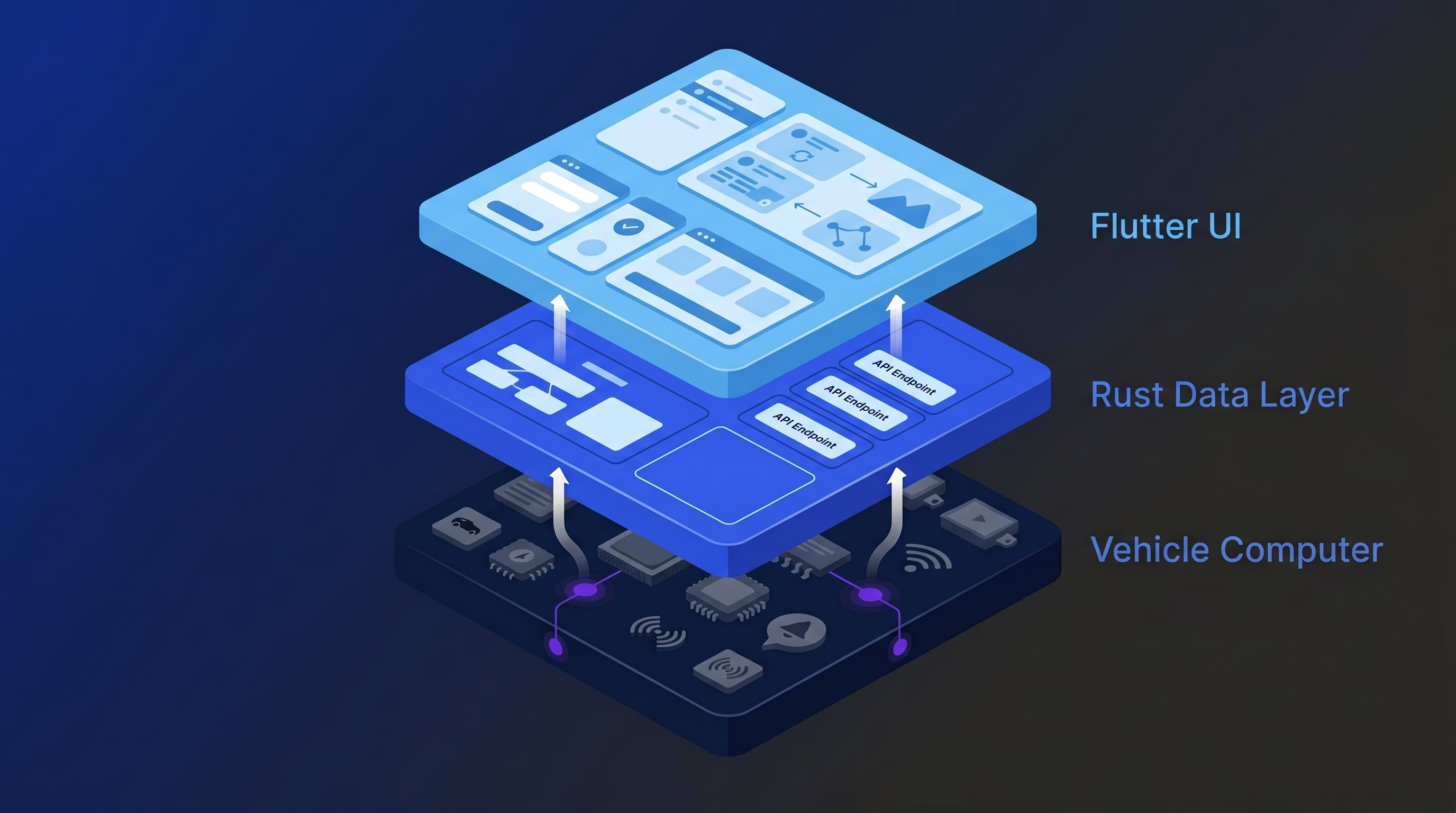
## The Packages That Make This Work
Two libraries connect Rust and Flutter effectively. They take different approaches, and the right choice depends on your use case.
### membrane
Toyota utilizes the [membrane](https://github.com/jerel/membrane) package in their IVI project. It generates Dart bindings from annotated Rust code, with first-class support for async streams—which is exactly what you need when consuming continuous data from a hardware source. The ergonomics are tight: you annotate your Rust functions and types, run the generator, and get idiomatic Dart on the other side. The generated code feels native to Flutter, not like a foreign interface bolted on.
membrane is purpose-built for this pattern, which means it's opinionated in useful ways. Membrane was made specifically for IVI's architecture pattern: continuous data flowing from Rust into Flutter. Starting with the tool that matches your use case saves integration headaches later. If your use case involves real-time data flowing from a Rust backend into a Flutter UI, it's worth starting here.
### flutter_rust_bridge
[flutter_rust_bridge](https://github.com/fzyzcjy/flutter_rust_bridge) is the broader, community-standard solution for adding Rust to Flutter projects. It supports a wide range of types, handles async operations, and integrates well with the Flutter build system across all major platforms. The documentation is thorough, the community is active, and the project is well-maintained.
If you're starting a new project and want a battle-tested, general-purpose integration layer, `flutter_rust_bridge` is the right starting point. It lacks membrane's stream-first ergonomics but covers a wider range of use cases and provides more examples.
## When to Reach for This Pattern
Rust as a Flutter data layer isn't the right answer for every application. If your data layer is a REST API and a local SQLite database, this is overkill.
Rust as a Flutter data layer makes sense primarily when correctness is non-negotiable (crashes or data corruption have real-world consequences). The benefits compound if any of these are also true:
- You're interfacing with hardware, sensors, or proprietary protocols.
- You're targeting multiple platforms and want a single, unified systems implementation.
- Your team already has Rust expertise, or the systems team is separate from the Flutter team.
- You need predictable performance characteristics without GC interference.
The Toyota IVI project sits at the intersection of all five. Your project probably won't. But if it hits even two or three of them, the architecture earns its complexity. Learn more about [VGV's scalable architecture best practices](https://verygood.ventures/blog/scalable-best-practices/).
## Where to Go From Here
Architectural clarity compounds over time. Define the boundary between your systems and UI layers explicitly, rather than letting it blur as the codebase grows. The key insight is that this decision framework applies broadly—whether you're using Rust, C++, or another systems language, the architectural boundaries matter more than the specific tool.
If you're building something that lives close to hardware, we'd encourage you to prototype the pattern before committing. Stand up a minimal Rust library, expose a few functions via `flutter_rust_bridge` or `membrane`, and integrate them into a Flutter app. The build tooling has matured considerably, and the path from zero to working is now short.
At VGV, this is the kind of architecture problem we find genuinely interesting—the intersection of systems constraints and product experience, where the right technical decision has a direct effect on what a user sees and feels. If you're working on something in that space and want to think it through, we'd love to hear about it. Explore [VGV's work on enterprise Flutter projects](https://verygood.ventures/success-stories/) to see how we've applied architectural clarity in production systems.
#### Frequently Asked Questions
##### Why use Rust as a Flutter data layer instead of C or C++?
Rust gives you the same low-level control as C and C++, but enforces memory safety and thread safety at compile time. That eliminates entire classes of bugs—null pointer dereferences, use-after-free, and data races—before the code ever runs. For Flutter apps that interface with hardware or proprietary protocols, that means the data layer is fast and correct by construction, not by careful discipline.
##### When does it make sense to use Rust as a Flutter data layer?
Reach for this pattern when correctness is non-negotiable and crashes or data corruption have real-world consequences. The benefits compound if you're interfacing with hardware, sensors, or proprietary protocols, targeting multiple platforms with a single systems implementation, or working with a team that already has Rust expertise. For a typical app talking to a REST API and a local SQLite database, it's overkill.
##### Should I use membrane or flutter_rust_bridge?
Use membrane if your use case involves continuous real-time data flowing from Rust into Flutter—it has first-class async stream support and tight ergonomics for that pattern. Use flutter_rust_bridge for general-purpose Rust integration—it covers a wider range of types and use cases, has a more active community, and is the right starting point for most new projects.
##### Can the Rust layer be tested independently of Flutter?
Yes. Business logic that lives in the Rust data layer can be unit tested in Rust without a Flutter test harness or an emulated device. This tightens the feedback loop for systems engineers and reduces the risk of integration-time regressions. It's one of the structural benefits of keeping the architectural boundary explicit between the Rust data layer and the Flutter UI layer.
##### Does Rust replace platform channels for native code in Flutter?
Rust integrates through Dart FFI, not platform channels. You expose a C-compatible interface from Rust and call it from Dart through a generated binding layer (via membrane or flutter_rust_bridge). The result is a cleaner, more direct path from UI code to systems code than platform channels provide, with stronger compile-time guarantees on the Rust side.
### From IDEs to Agents: Claude Code Desktop Hands-On Review
Source: https://verygood.ventures/blog/claude-code-desktop-hands-on-review/
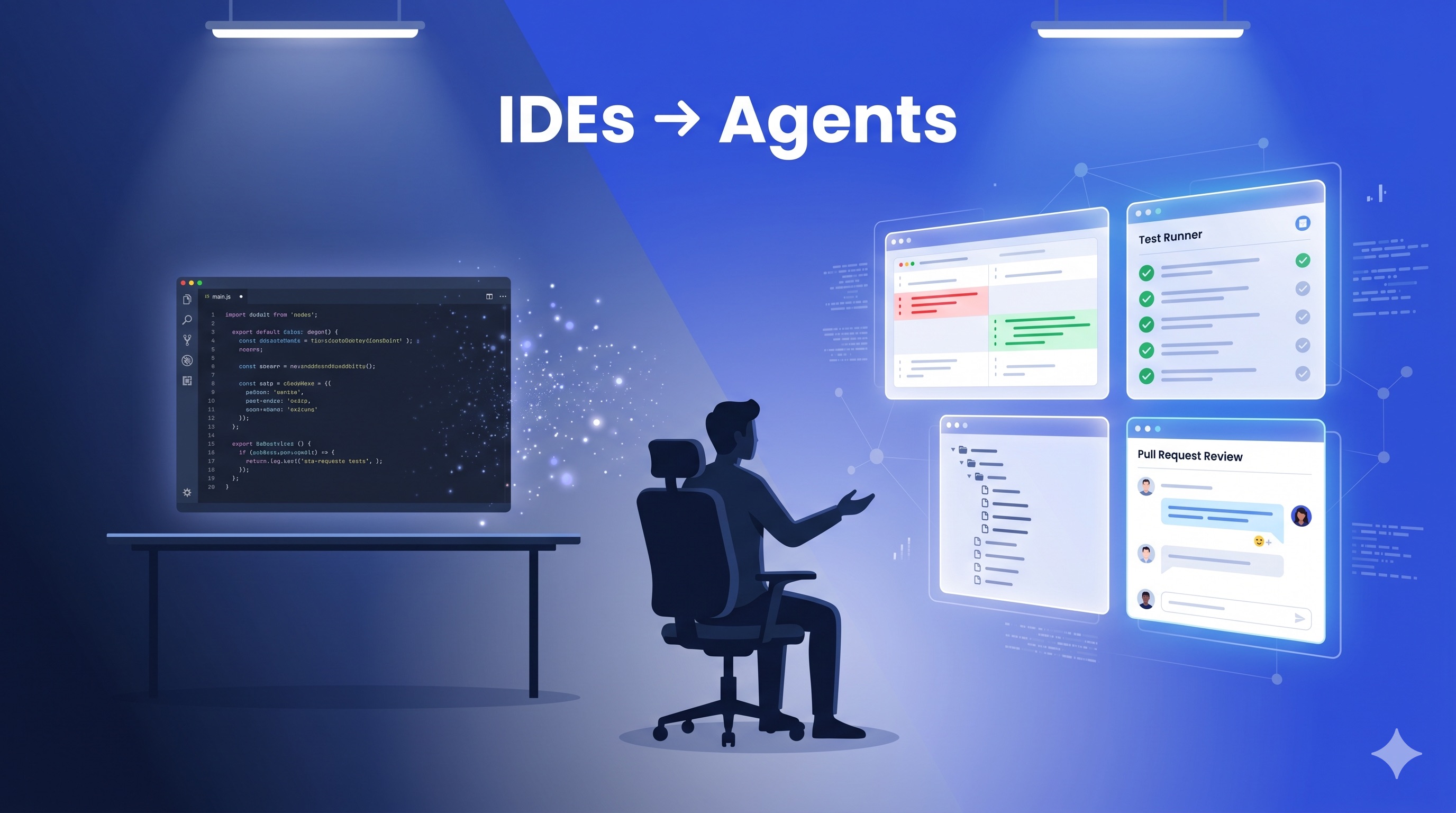
Not long ago, [AI-assisted development](/blog/flutter-ai-development-wingspan-workflow/) meant autocomplete. An AI suggesting the next line, filling in function bodies, offering inline completions. The editor was the center of everything. You wrote code, and the AI helped you write it faster.
That model is fading.
In 2026, the question developers ask their tools has changed. It went from "help me write this function" to "build this feature while I review another PR." The tools that matter now are not the ones that complete your code. They are the ones that take over the typing entirely and let you focus on architecture, review, and direction.
This shift built up gradually. Before we get into Claude Code Desktop specifically, it helps to understand the landscape that led here.
## The Rise of Agentic Development
### From Autocomplete to Orchestration
The evolution happened in three waves.
**Wave one: inline completions.** AI lives inside your editor as an extension. It watches what you type and suggests what comes next. You stay in full control. The AI is a faster autocomplete. This is where most developers first experienced AI-assisted coding.
**Wave two: AI-native editors.** Tools forked VS Code and built AI deeper into the editor. Chat panels, multi-file edits, codebase-aware context. The AI could do more, but the editor remained the center of the experience. You were still driving.
**Wave three: agentic environments.** The editor stops being the center of anything. The agent reads your codebase, reasons about architecture, writes code, runs tests, creates branches, and opens PRs. You direct and review. This is where Claude Code started as a terminal-first agent, and where Claude Code Desktop now picks up the story.
A majority of developers now use AI coding tools, and major players across the industry are pivoting from editors to agent orchestration platforms. The question is no longer _whether_ development becomes agent-first. It is _what the interface for managing agents should look like_. That is the question Claude Code Desktop tries to answer.
### The Key Distinction
Two paradigms have emerged.
**Agentic IDEs.** AI bolted onto an editor. Developer-directed, step by step. Single agent, sequential execution. The human is involved at every step.
**Agentic Development Environments (ADEs).** Built ground-up for agents. Goal-based, multi-agent, parallel execution in isolated environments. The human sets direction and reviews results. Claude Code Desktop falls in this category.
Once a task touches 10+ files, spans multiple packages, or requires 3+ parallel agents, the ADE model fits better than an agentic IDE. In practice, most developers use both. IDE extensions handle the quick, in-context moments. Agent tools handle the bigger tasks you want to hand off entirely.
### Why Worktrees Matter
Parallel agents need git worktrees. The reason is straightforward: an AI agent that edits files needs isolation. Two agents running in parallel cannot both write to the same working directory. They will step on each other's changes and create merge conflicts mid-task.
Git worktrees solve this by checking out multiple branches of the same repository simultaneously, each in its own directory. Every agent gets its own workspace. They read, write, run tests, and commit independently, all without touching your main working tree.
Claude Code has supported worktrees from the start with its built-in `/worktree` command. At VGV, we've seen teams go from single-agent workflows to running four or five agents in parallel, each working on a different feature branch. Our [Wingspan agentic engineering workflow](/blog/vgv-wingspan-agentic-engineering-workflow/) leans heavily on this pattern. The experience is closer to managing a small distributed team than pair-programming with a chatbot.
Without worktrees, you are limited to one agent, one task, one branch at a time. With them, you can kick off three agents on three separate PRs and keep working on your own thing. Claude Code Desktop makes this pattern more visible than the terminal ever could.
### The Developer's Role Is Changing, Not Disappearing
These tools do not remove the need for engineering judgment. They make that judgment the primary thing you contribute. Agents handle the typing, the boilerplate, the repetitive patterns. Code design, architecture decisions, and enforcing project conventions remain your responsibility.
The developers getting the most out of agentic workflows are the ones who treat the agent as a capable executor while they focus on direction, review, and the decisions that require context no model has yet.
That framing brings us to the tool we have been testing.
---
## Claude Code Desktop: Hands-On
### What It Is
Claude Code Desktop is Anthropic's standalone app for [Claude Code](https://claude.com/blog/claude-code-desktop-redesign). The same AI-powered coding agent that previously lived in the terminal, now with a native desktop experience. Instead of managing agent sessions through tmux panes and terminal tabs, you get a purpose-built UI for orchestrating multiple coding agents at once.
The feature set covers a lot of ground. A sidebar manages all active and recent sessions with filtering by status, project, or environment. A built-in terminal lets you run tests and builds alongside your agent sessions. An in-app file editor handles quick changes. A redesigned diff viewer is optimized for large changesets. A preview pane supports HTML, PDFs, and local dev servers. Drag-and-drop layout customization lets you arrange your workspace. A side chat (`⌘ + ;`) lets you branch conversations without derailing the main thread.
### First Impressions
If you have been using Claude Code in the terminal, Claude Code Desktop does not give you new capabilities. The underlying agent, the MCP integrations, the worktrees, the skills: it is all the same engine.
What changes is the surface. If you have ever tried to build an editor-like experience around your Claude Code terminal by splitting panes, using tmux to monitor sessions, and switching between diffs and logs, Claude Code Desktop is Anthropic packaging that up into a proper app. Slash commands become buttons. Diffs render inline with a proper viewer. Session management moves from your head to a sidebar with real status indicators.
For developers already comfortable with the terminal, the value is convenience, not capability. For developers who found the CLI intimidating or wanted a more visual way to work with coding agents, it lowers the barrier to entry.
### What Works Well
**Session status visibility.** Each session shows a clear indicator of its current state. Is the agent running? Does it need your attention for a decision? Has it finished and created a PR? When you run multiple agents in parallel, this matters. You glance at the sidebar, see that two sessions are progressing, one needs a quick approval, and one already has a PR ready for review. You never have to click into each session to check.
**Parallel agent monitoring.** The experience works well when running multiple sub-agents within a single session. In the screenshot below, four review agents (VGV standards, code simplicity, test quality, and architecture review) run simultaneously. Each one shows its current operation, elapsed time, token usage, and tool call count.
**Context window and usage visibility.** The usage panel breaks down what consumes your context window: MCP tools, messages, system tools, skills, system prompt, memory files, autocompact buffer, and free space. Each category shows token counts and percentages. You can spot an MCP server bloating your context, see how close you are to your 5-hour rate limit, and decide when to compact or start a fresh session.
**Plan and task windows.** Plans and background agent tasks open as separate windows. Instead of scrolling through terminal output, you get a dedicated view into the agent's plan and the tasks it executes. This is useful when reviewing what an agent is doing before approving a larger change.
**Built-in terminal.** Having a terminal inside the app removes one of the main reasons to switch away. You can run tests, check build output, or inspect logs without leaving the context of your agent session. It sounds minor, but when you are reviewing an agent's changes and want to verify something quickly, not having to switch windows keeps you focused.
**Side chat.** The side chat (`⌘ + ;`) lets you branch off a quick question without interrupting the main session thread. If the agent is mid-task and you want to ask something unrelated, you open a side chat instead of derailing the conversation. It keeps the main session focused.
**PR controls.** Once a session creates a PR, controls appear at the top of the session that let you address review comments or check whether CI is passing. You stay inside Claude Code Desktop instead of switching to GitHub. For teams that move fast between agent output and PR review, this keeps the loop tight.
### Claude Code Best Practices We've Kept
Moving from the CLI to the desktop app does not change the habits that make Claude Code effective. The same practices apply. Keep sessions narrowly scoped to a single task. Use worktrees to isolate parallel work. Review plans before approving execution. Watch the context window and compact early rather than late. Let the agent write tests alongside the code it generates. The desktop app just makes each of these easier to see and act on. If anything, the visibility nudges the team toward better defaults — the usage panel makes context bloat obvious in a way the terminal never did.
### What Could Be Better
**Diff viewer gaps.** The built-in diff viewer handles code well, but it does not support everything. Images do not render in the diff view. If an agent adds or modifies an image file, you see the path changed but cannot preview what it looks like. There is also no way to preview files directly from the diff. When you are reviewing a blog post or a UI change that includes assets, you still need to open a separate tool to see the full picture. For a desktop app that aims to keep you in one place, these gaps send you back to your file browser or IDE more often than expected.
**Limited git controls.** Most git operations are left to the agent. That works for simple commits and branches, but not every workflow wants the agent driving git. Sometimes you want to stage specific hunks, amend a commit, or rebase manually without writing a prompt for it. Surfacing common git actions as buttons or shortcuts would give teams more control over the parts of the workflow they do not want to delegate.
**Customizable action buttons.** The desktop app ships with built-in buttons like "create PR" that trigger Anthropic's own skills. There is no way to swap those for your own. At VGV we have a custom create-PR skill with our own commit conventions, PR template, and review checklist. Being able to wire that into the same button instead of running it as a separate command would make the app feel like ours, not just Anthropic's.
**Side panel organization.** The separate plan and task windows work in isolation, but the layout breaks down at scale. Every panel opens to the side. After two or three are open, the screen gets cluttered. You spend time managing windows instead of reviewing agent output. These panels are also scoped per session. When running several sessions, you end up with overlapping panels and no clear way to navigate between them. A tabbed or docked layout would improve this.
## Final Thoughts
Claude Code Desktop is a solid first version of what feels like an inevitable direction. The industry is moving from editor-first to agent-first, and every tool needs an answer to one question: how do I manage multiple agents working on my codebase at the same time?
Anthropic's answer is a dedicated app with session management, status indicators, built-in diffs, and a layout system. It does not add new capabilities over the CLI. It adds accessibility. For a tool built around multiplying developer output, making it easier for more developers to use is a meaningful step.
Session creation needs fewer clicks. The side panels need better organization. Power users of the CLI will not find new capabilities here. But the app makes parallel agent workflows more visible and more manageable.
At VGV, we have been using Claude Code as part of our daily engineering workflow for months. The desktop app does not change what we can do. It changes how approachable those workflows are for the rest of the team. That matters.
#### Frequently Asked Questions
##### What is Claude Code Desktop?
Claude Code Desktop is Anthropic's standalone app for Claude Code. It is the same AI coding agent that previously lived in the terminal, now wrapped in a native desktop UI for managing multiple agent sessions in parallel.
##### How is Claude Code Desktop different from the CLI?
The desktop app does not add new capabilities. It uses the same agent, MCP integrations, worktrees, and skills as the CLI. The difference is the surface — slash commands become buttons, diffs render inline, and session management lives in a sidebar with status indicators.
##### When should I use Claude Code Desktop instead of a VS Code extension?
Use a VS Code extension for quick, in-context edits like inline completions, fast refactors, or explanations of unfamiliar code. Use Claude Code Desktop for tasks with real scope — features that span multiple files, refactors across packages, or work you want an agent to handle end-to-end while you review.
##### Why do agentic development tools rely on git worktrees?
Parallel agents need isolation. Two agents writing to the same working directory create merge conflicts mid-task. Git worktrees solve this by giving every agent its own checkout in its own directory, so they can run, test, and commit independently without touching your main working tree.
### Branching Out: Being a PM Who Gets GitHub
Source: https://verygood.ventures/blog/branching-out-being-a-pm-who-gets-github/
Program management in software and product development lives or dies by the quality of conversations you have with your engineering team. The best ones happen while the work is in flight — not in standup the morning after something shipped, and not in a retrospective two weeks later. They happen in the pull request, while decisions are still being made, while scope is still being shaped, while trade-offs are still on the table.
It turns out that joining those conversations doesn't require writing code, or even opening a terminal. What it takes is a mental model for how engineers collaborate in GitHub, a handful of vocabulary words, and the confidence to click around a repository on the web UI.
With this post I hope to break down some barriers to illustrate how the development process can be more collaborative across disciplines, written for the next PM who wants in on the work in flight. By the end, you'll be able to track what's happening in real time, read a pull request without skimming a single line of code, and engage with engineers as a peer — no need to "herd cats" to get answers, because you'll be in the discussion.
And make no mistake: you belong in that discussion. As the PM, no one on the team understands the client's goals more deeply than you do. That perspective is exactly what the pull request is waiting for — and bringing it to the conversation, while the work is still being shaped, is how you make sure the team is building the right thing, the right way.
## The Mental Model
### Git is not GitHub
The single most useful thing I learned early on: Git and GitHub are not the same thing. People use the words interchangeably, and that's where most of the confusion starts.
Git is the tool. GitHub is the workplace where teams use that tool together. As a PM, you'll spend almost all your time in GitHub — the website — and almost none of it in Git itself.
| Git | GitHub |
| :---- | :---- |
| A version control system (the technology) | A platform (the website and company) |
| Runs on an engineer's computer | Lives in the cloud |
| Tracks every change to every file | Hosts that history online so teams can collaborate |
| Works fine by itself | Adds pull requests, reviews, issues, and project boards |
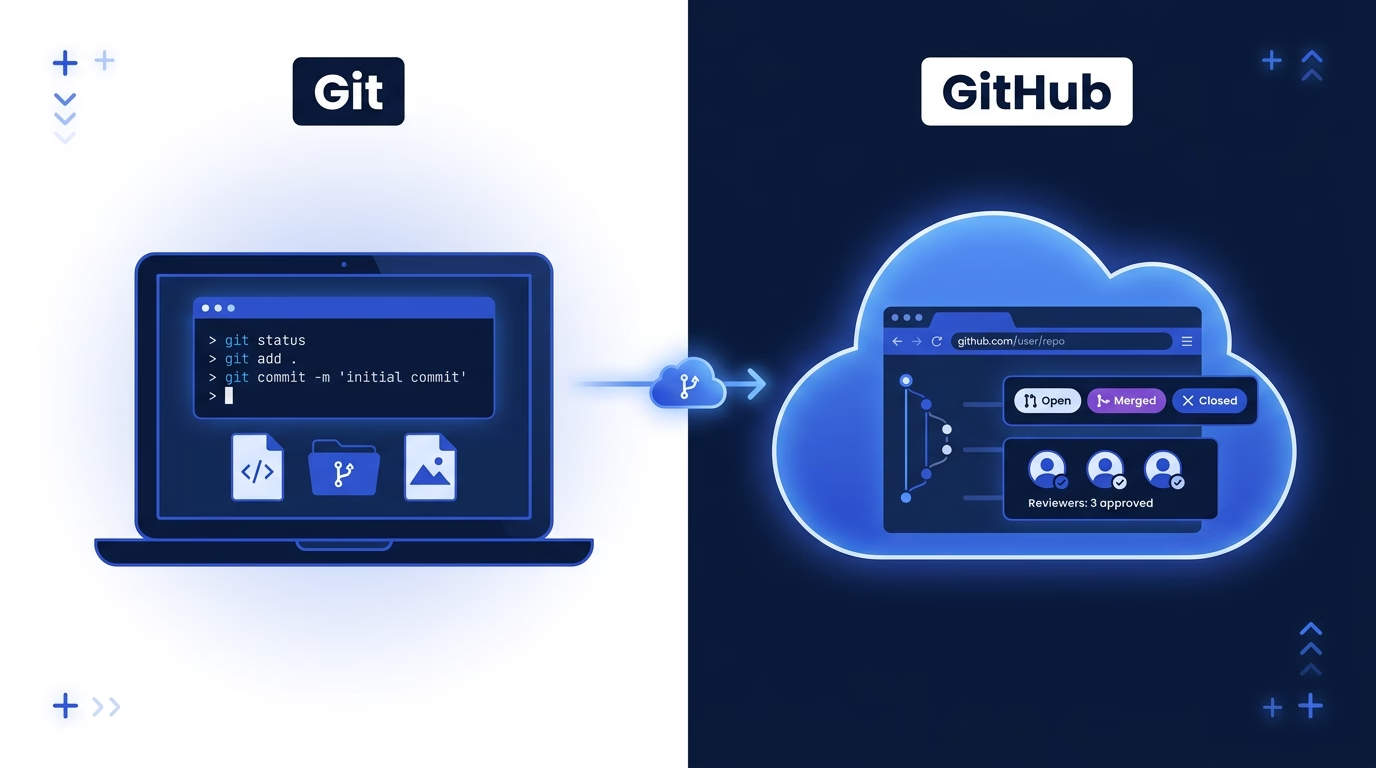
Once understanding this distinction, two concepts did most of the heavy lifting for me:
A **repository** (or "repo") is a project's entire filing cabinet. Every file, every version, and the full history of changes live inside it. It is the single source of truth for the project's code.
A **branch** is a safe parallel copy of the project where changes happen before they go live. The closest analogy is Google Docs Suggesting mode, but more powerful — multiple people can work simultaneously without collisions. Branches let the team review and approve changes before they affect anyone else.
Almost everything else in Git and GitHub sits on top of those two ideas.
## Why It's Worth the Investment
Three things changed for me once I started being comfortable in GitHub, and all of them saved time — my most precious commodity.
**I could track progress.** Once I learned to navigate GitHub on my own, I could see what engineers were working on and when features actually landed — without asking in standup. Commit history turned out to be a more honest source of truth than our Jira board.
**I could join the conversation.** [Pull requests](https://verygood.ventures/blog/building-better-software-the-importance-of-rigorous-code-reviews/) are where code review, scope debates, and implementation decisions happen. Reading them — and occasionally commenting — gave me context I wasn't getting anywhere else.
**I could unblock myself.** [Documentation kept alongside the code](https://engineering.verygood.ventures/development/documentation/documentation/), configuration, feature flags, and project details usually lived in the repository. Once I could find them directly, I stopped waiting on engineers for questions I could answer myself.
## The Vocabulary, and What It Actually Signals
The surface definitions are a Google search away. What took me longer to learn was how to read **each term as a signal** — what it tells you about a team's pace, posture, and health.
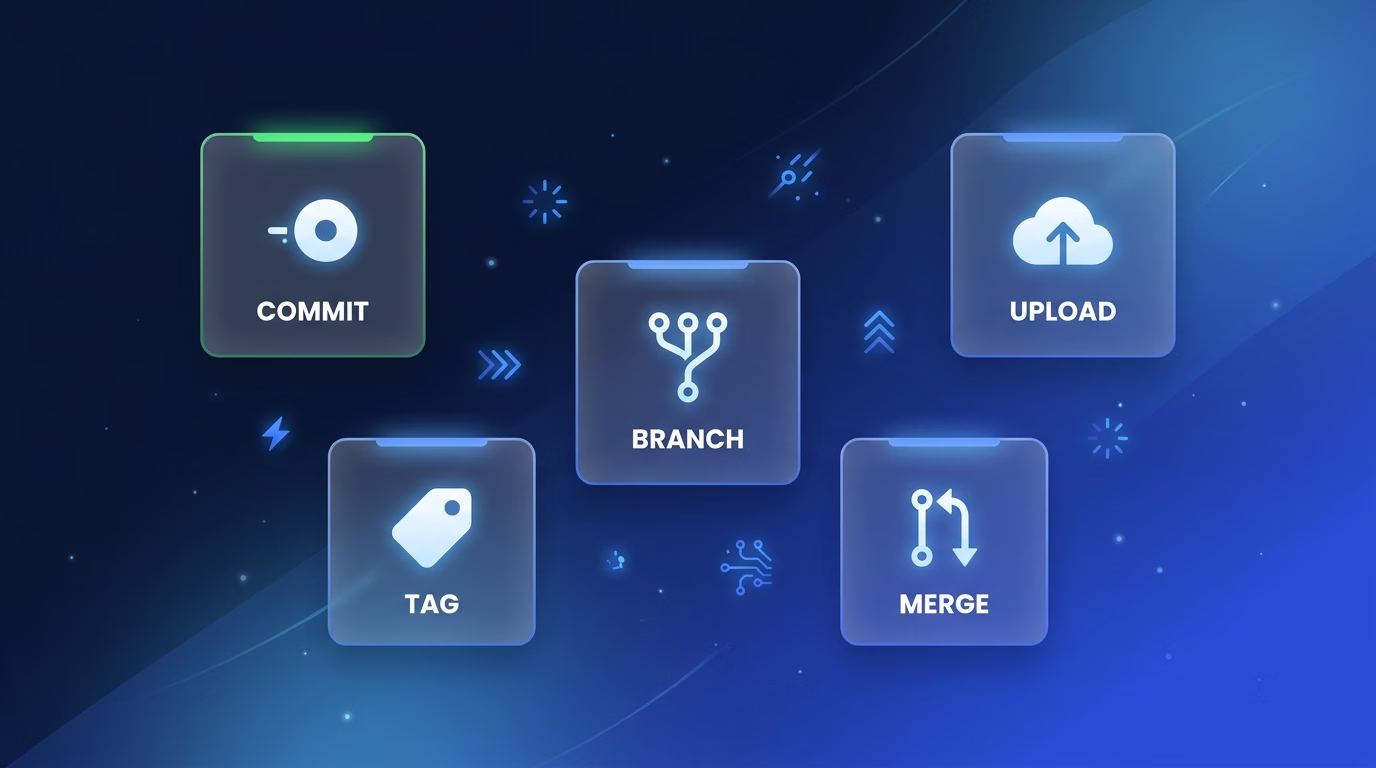
The **README** is a repository's front door: a document that introduces the project and explains its purpose, setup, and usage so anyone can understand the codebase and contribute to it. **It's also a health signal.** A thin or outdated README on an active project tells you the team is shipping faster than they're documenting — a risk worth flagging, not a nitpick. A strong README (setup, architecture, onboarding, key decisions) correlates with a team thinking beyond the current sprint.
Commits are save points for developers, **but the structure and size are the signals to follow.** Small, well-scoped commits reflect deliberate tasks. A wall of `wip`, `fix`, and `more fix` usually signals the work is exploratory or in flux—expect scope to shift.
**Push** and **pull** are sync operations, but **looking at the staleness is a signal to catch**. A branch that hasn't been pushed in three days may be blocked or abandoned. A burst of rapid pushes late at night before a demo signals a rushed finish—worth a gentle check-in about test coverage.
A **merge conflict** is a **coordination signal.** Occasional conflicts are noise. Recurring conflicts on the same files mean multiple people are working in the same zone without alignment — a [technical problem engineers resolve in the moment](https://www.atlassian.com/git/tutorials/using-branches/merge-conflicts), but also a planning conversation worth surfacing.
A **tag** or **release** is the team's public declaration and **the signal that something shipped.** Release cadence is one of the most honest measures of delivery health, so follow the clues to understand when things are being pushed.
The result? I started speaking the language. "Is the PR merged yet?" replaced waiting for a status summary. **My standups got shorter. My Slack threads got sharper.**
## How to Read a Pull Request Without Reading the Code
Once you've got the lingo, the next place to focus is where the action actually happens: the pull request. The PR is [a proposal to merge changes from one branch into another](https://docs.github.com/en/pull-requests/collaborating-with-pull-requests/proposing-changes-to-your-work-with-pull-requests/about-pull-requests). What matters for a PM is how to read one for information that isn't in the code.
I start with metadata:
- **Draft vs. ready for review.** A draft PR is the earliest signal of a feature in progress; subscribe to these.
- **Reviewer assignment.** Who is tagged shows who the author considers the change authority. Unexpected senior engineer involvement signals non-routine scope, architecture, or risk.
- **Labels and milestones.** Labels like `needs-product-input` or milestone attachment are direct requests for PM attention.
- **Linked issues and projects.** A PR lacking a linked ticket is either trivial, tech debt, or a tracking system gap, which warrants a comment.
The **conversation tab** is where I spend most of my time. Things I watch for
- A reviewer's question hanging unanswered for a day ("should this also handle guest checkout?") — that's a scope call, not an engineering one. **Weigh in.**
- A PR **open more than a few days with no movement** — usually stuck on a busy reviewer, an unescalated scope question, or a dependency. Worth surfacing.
- A **missing or wrong linked ticket** — easy to fix, but it quietly breaks reporting if left.
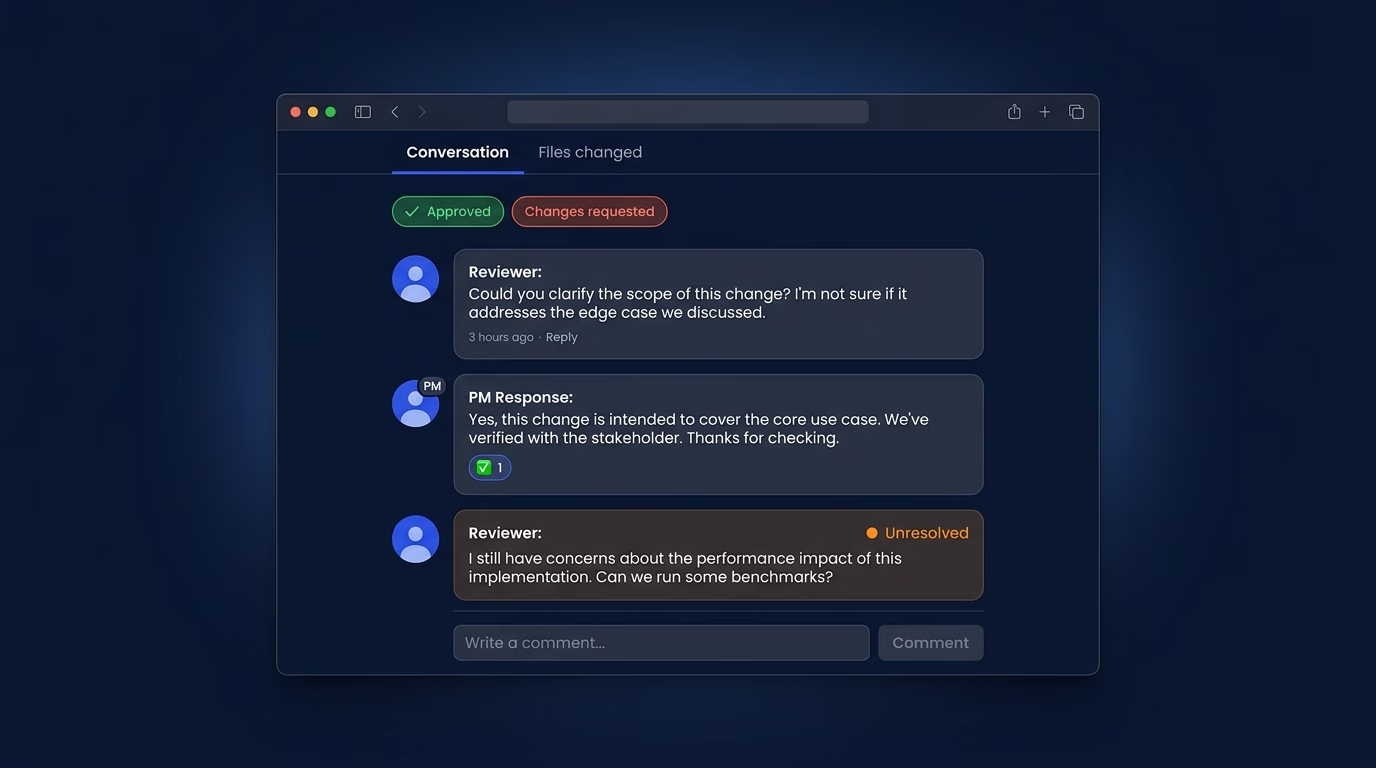
When I do comment, I stay in my lane: not on implementation, but on scope ("is this covering the edge case we discussed?"), linked tickets ("this isn't tied to `ATLAS-412` — should it be?"), and timing ("is this still in the Thursday release?"). One well-placed PM comment usually unblocks a conversation faster than a Slack thread.
### The PR Status Cheat Sheet
PRs have four states worth knowing: **Approved** (reviewers have signed off, ready to merge), **Changes requested** (a reviewer found issues, the author needs to update), **Merged** (changes are live, feature has landed), and **Closed** (abandoned or superseded by another PR).
Those statuses tell me, at a glance, where every piece of work stands.
## GitHub is the PMs Safe Zone
The GitHub web interface is your window into any project — and the good news is that almost everything useful to a PM is one click away. **Viewing and commenting can never break anything.** Pull requests exist precisely as a safety net. A few key items:
The **README** is displayed on the repo homepage. Project overview, setup instructions, and key links all live there. Always start here.
The **file browser** lets you click through folders to find documentation, configuration, or assets. [Our own documentation standards](https://engineering.verygood.ventures/development/documentation/documentation/) cover what belongs in a project's docs. The search bar jumps you to files by name, which is usually faster than clicking.
The **commit history** is a timeline of every change. You can see who worked on what and when features were actually developed. That's my source of truth for status updates and retrospectives.
[**Issues and Projects**](https://docs.github.com/en/issues/planning-and-tracking-with-projects) track bugs, features, and tasks. Project boards give you a Kanban-style view of what's in progress. Some teams use this instead of a dedicated PM tool.
The pattern: anything *read-only* or *additive* (a comment, an issue, a docs edit) is yours to use. Anything that changes the shared state — what's merged, what's deleted, what enforces the team's rules — most likely belongs to engineering (for now\!)
### Why Living in the Repo Beats Waiting for Status
Once I was comfortable navigating a repo, I stopped relying on status meetings and async pings to understand where development stood. The repo itself is the most accurate, real-time source of truth you'll find on any project — and it's available 24/7 without interrupting anyone.
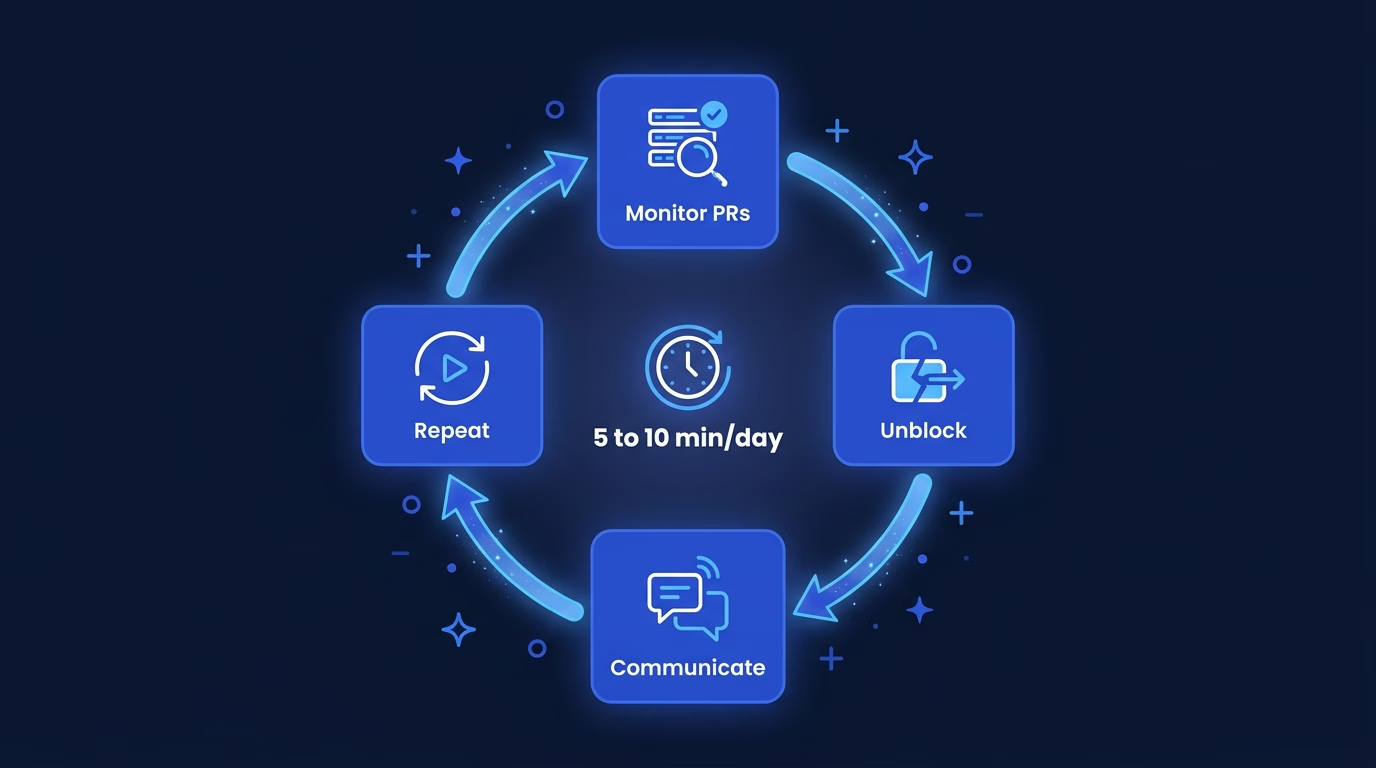
Here's what five to ten minutes a day in GitHub gave me:
- **I protect the team's focus.** By monitoring the PR queue and answering stakeholder questions based on code progress, I absorb the context-switching load, letting engineers maintain deep work and velocity.
- **I clear the path for delivery.** When a PR is stalled due to a confusing CI/CD failure, a complex review dependency, or a lingering decision, I step in to unblock the engineer and facilitate the conversation or escalate the challenge.
- **I champion the team's quality standards.** Reviewing PR comments and status checks ensures our definition of "done"—including testing, documentation, and code quality—is being consistently met, helping engineers maintain a high bar.
- **I build shared understanding and trust.** Using the PR as the single source of truth, I proactively communicate progress to stakeholders, manage expectations, and shield the team from unnecessary check-in requests.
- **I invest in our process health.** Patterns like frequently failing tests, long-running review cycles, or common miscommunications surface in PR insights. I can propose and facilitate workflow improvements based on what I see.
The habit is small. The payoff: I'm never more than a day out of date on any project, and my team spends less time feeding me information I could find myself.
## You've Got This
This week, try three things:
- Browse a repository and read the README.
- Leave a comment on an active PR — even if it's just a question.
- Edit a Markdown document directly in the GitHub UI.
You don't need to be an engineer to use GitHub effectively. You just need to start. That's what I did — and the more I looked around, the more natural it got. A month in, I was the PM who knew where features actually were, who read PRs without waiting for a summary, and who spoke the same language as the people building the product.
That's a different kind of program manager. And it started with opening a tab and clicking around.
#### Frequently Asked Questions
##### What is the difference between Git and GitHub?
Git is the version control technology that runs on an engineer's computer and tracks every change to every file. GitHub is the cloud platform that hosts Git repositories online and adds collaboration features like pull requests, code reviews, issues, and project boards. As a PM, you spend almost all your time in GitHub the website, not in Git itself.
##### Can a product manager use GitHub without coding?
Yes. Reading repositories, browsing files, following pull request conversations, and commenting on PRs requires no code. Viewing and commenting cannot break anything. Pull requests exist as a safety net so changes can be reviewed before they go live.
##### How can a product manager read a pull request without reviewing code?
Focus on the metadata and the conversation tab. Start with draft status, reviewer assignment, labels, and linked tickets. Then read the conversation thread for scope questions, unresolved threads, and reviewer feedback. The conversation is where scope and timing decisions happen, and that is where a PM adds the most value.
##### What should a PM comment on in a pull request?
Stay in your lane. Comment on scope, on linked tickets, and on timing. Avoid implementation feedback. A question like is this covering the edge case we discussed often unblocks a conversation faster than a Slack thread.
##### How can a product manager track developer progress in GitHub?
Use commit history, the PR queue, and project boards. Commit history is a more accurate, real-time source of truth than most Jira boards. Five to ten minutes a day in the repository is usually enough to stay current on what is shipping and what is stalled.
### Design Systems at AI Speed: A Figma-to-Flutter Skill with Golden Tests and Widgetbook Validation
Source: https://verygood.ventures/blog/figma-to-flutter-claude-code-skill-golden-tests/
We joined a native-to-Flutter migration with a mature design system. Dozens of components in Figma, each with specific spacing tokens, color mappings, typography scales, and interaction states. Translating those into production-ready Dart widgets is repetitive work. Spacing values, color tokens, file scaffolding, golden tests, Widgetbook use cases, barrel updates. Multiply that across forty components and you have weeks of low-judgment, high-detail work.
That's the exact profile of work an AI agent should handle. The engineer reviews the output instead of writing boilerplate.
So I built a Claude Code skill for it. This post walks through the Figma to Flutter workflow we developed, why generic AI prompting falls short for design system automation, and how the skill closes the gap between an AI-generated widget and a mergeable PR.
## Why Generic AI Prompting Falls Short
The naive approach: paste a Figma screenshot into an AI chat, ask for a Flutter widget. The output looks close but isn't production-ready. Hardcoded color values instead of `ColorScheme`. Invented spacing constants instead of the project's `AppSpacing`. No awareness of the existing component library. No tests.
This is also where plugin-based Figma to Flutter tools (Visual Copilot, FlutterFlow, and similar) hit their ceiling. They produce literal code without theme awareness, test coverage, or documentation. A structured skill operates differently. It treats Flutter design system automation as a workflow, not a one-shot generation step.
The gap between AI-generated widget and mergeable PR is where the real work lives. Design token integration, theme compliance, reuse, visual validation, documentation. A structured skill can close it.
## The Core Idea: Deterministic Steps, AI Judgment, Human Gates
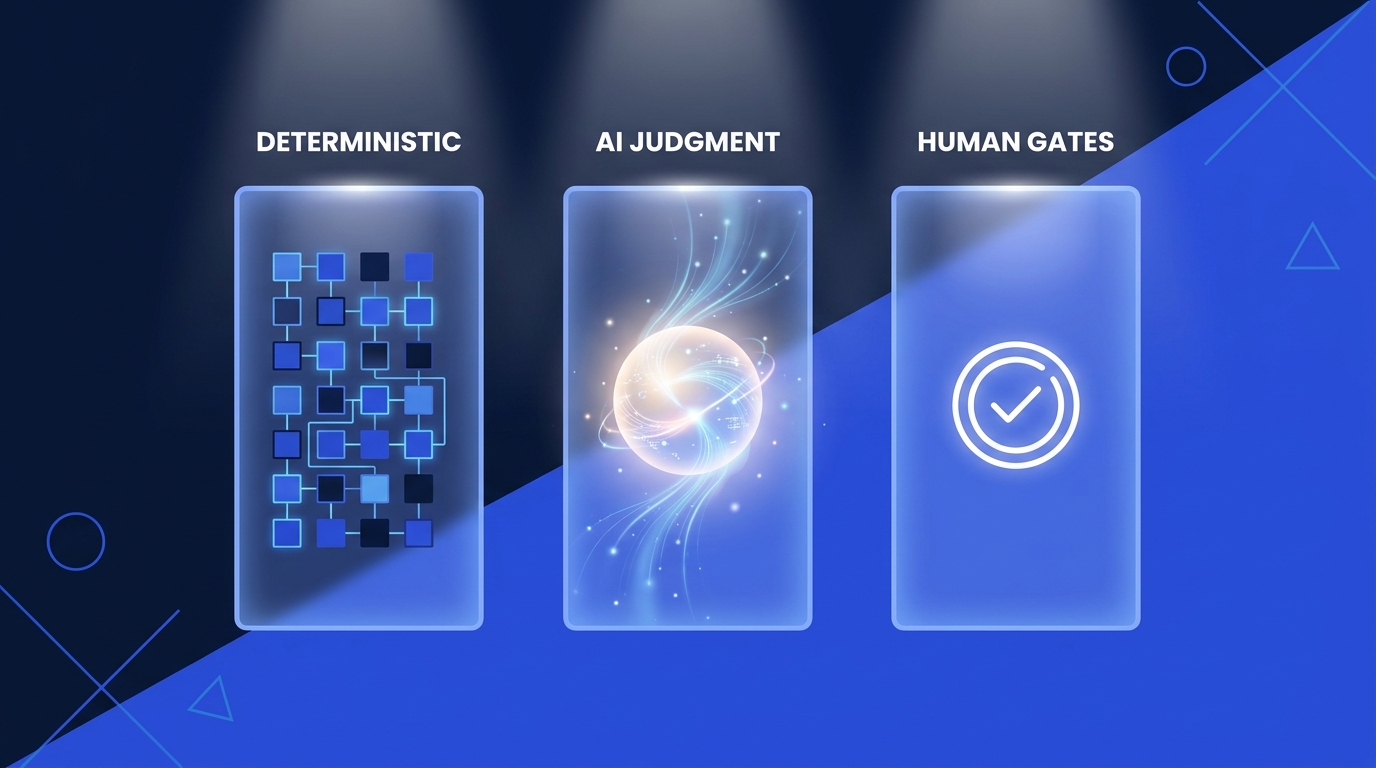
The skill separates what should be deterministic from what requires judgment. This is the architectural pattern behind the workflow, and it's a useful lens for Claude Code best practices generally.
**Deterministic:** fetching the Figma design context via the MCP server, extracting node IDs from URLs, scaffolding file structures, generating golden test boilerplate, updating barrel files. These have a "right answer" defined by project conventions.
**AI judgment:** deciding which Flutter built-in widget to use (`FilledButton` vs. a custom component), composing the widget tree from Figma's layout properties, mapping design tokens to the project's theme system, choosing when to reuse versus build new.
**Human gates:** the engineer reviews every generated widget before it merges. The skill produces the implementation, golden tests, and Widgetbook use cases. The engineer then decides whether the output meets the bar.
This isn't autonomous code generation. It's structured AI assistance with explicit review points.
## The Figma to Flutter Workflow
The skill executes six phases. Here's how.
### Phase 1: Fetch the Design Context
The engineer provides a Figma URL. The skill extracts the file key and node ID, then calls the [Figma MCP server](https://help.figma.com/hc/en-us/articles/32132100833559-Guide-to-the-Figma-MCP-server) twice. First for `get_design_context`, which returns structured layout data. Spacing, typography, colors, component hierarchy. Second for `get_screenshot`, the visual reference that becomes the benchmark for the rest of the process.
For complex components where the context response is too large, the skill falls back to `get_metadata` for a high-level node map, then fetches individual child nodes separately. For broader context on MCP Flutter integration, see our guide to the [7 MCP servers every Dart and Flutter developer should know](https://verygood.ventures/blog/7-mcp-servers-every-dart-and-flutter-developer-should-know/).
### Phase 2: Map Design Tokens to the Project's Theme
This is the highest-leverage step. Generic AI prompts skip it entirely. Before generating any widgets, the skill maps Figma's design tokens to the project's existing theme system. Colors map to `ColorScheme` properties. Custom colors that fall outside the standard palette go into `ThemeExtension`. Typography maps to `TextTheme`. Spacing maps to `AppSpacing` constants.
The practical effect is that every generated widget supports light mode, dark mode, and future theme changes out of the box. For deeper context on this approach, see our post on [mastering scalable theming for custom widgets](https://verygood.ventures/blog/mastering-scalable-theming-for-custom-widgets/) and the [VGV Engineering theming reference](https://engineering.verygood.ventures/development/ui/theming/).
Instead of:
```dart
// Generic AI output. Hardcoded values.
Container(
padding: EdgeInsets.all(16),
color: Color(0xFF1B5E20),
child: Text('Hello', style: TextStyle(fontSize: 14)),
)
```
The skill produces:
```dart
// Skill output. Theme-integrated.
Padding(
padding: const EdgeInsets.all(AppSpacing.lg),
child: ColoredBox(
color: Theme.of(context).colorScheme.primary,
child: Text('Hello', style: Theme.of(context).textTheme.bodyLarge),
),
)
```
Every value traces back to the theme. No orphaned magic numbers.
For teams handling Figma styles export at scale, the [Very Good Flutter Styles plugin](https://verygood.ventures/blog/very-good-plugins-very-good-flutter-styles/) takes a complementary approach to the same problem.
### Phase 3: Translate to Idiomatic Flutter Widgets
The skill translates Figma's layout model into Flutter's widget tree. Auto Layout becomes `Row` or `Column`, Fill Container becomes `Expanded`, Hug Contents becomes `MainAxisSize.min`.
Three rules keep the output production-quality.
**Prefer Flutter's built-in widgets.** If the Figma design shows a button, the skill checks whether a styled `FilledButton` or `OutlinedButton` can match the design through `ThemeData` before creating a custom widget. Same for `Divider`, `Chip`, `Card`, `ListTile`. Recreating built-in widgets from `Container` and `InkWell` is a common AI mistake the skill explicitly avoids.
**Reuse existing components.** Before creating anything new, the skill scans the project's UI package for matching components. If an `AppButton` already exists, it extends it with new variants rather than duplicating. This is critical on a migration project where widgets accumulate over time.
**Implement only what Figma defines.** If a component has one size and one state in Figma, the skill implements one size and one state. No invented variants, no speculative API surface. This keeps the output focused and reviewable.
The skill extracts parts of the widget tree into private `StatelessWidget` classes rather than `_buildX()` helper methods. This is a VGV convention that enables const constructors, independent rebuilds, and better testability.
### Phase 4: The Visual Comparison Loop
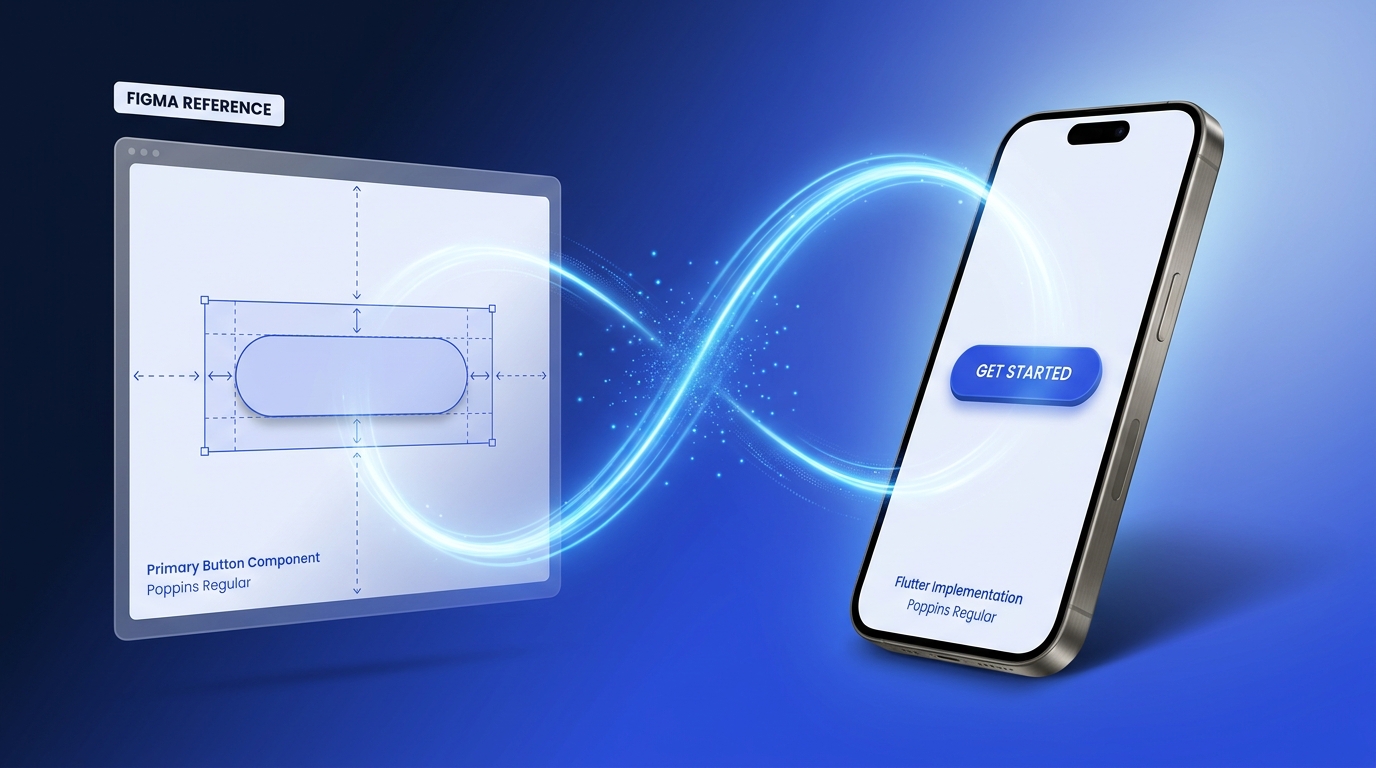
Instead of generating golden tests and hoping for the best, the skill runs an iterative visual comparison loop. It renders the widget, reads its own output with vision capabilities, compares it against the Figma screenshot, and adjusts until the two match. This closed-loop validation is the most distinctive part of the workflow.
The mechanics. The skill generates a throwaway Alchemist test (Alchemist is VGV's golden-testing library) with `autoUpdateGoldenFiles = true`, runs it to produce a PNG, then reads that PNG and evaluates it against the Figma reference from Phase 1. It checks layout, typography, colors, corner radii, shadows, and asset rendering. Any discrepancies trigger iteration. The loop continues until parity is achieved.
Once visual parity is confirmed, the throwaway test file and its golden artifacts are deleted. They served their purpose: giving the AI eyes to validate its own work.
For a complementary take that pairs the Figma MCP with Maestro for runtime verification, see our post on building [pixel-perfect Flutter UIs with Figma, Maestro, and Dart MCPs](https://verygood.ventures/blog/pixel-perfect-flutter-designs-with-figma-and-maestro/).
### Phase 5: Golden Tests and Widgetbook Use Cases
The visual comparison loop handles immediate validation. For long-term visual regression protection, the skill offers two options. Neither is mandatory. This reflects Flutter testing best practices we've refined across migration projects.
**Golden tests are optional.** The skill asks the engineer before generating them. For core buttons and typography scales, permanent Alchemist golden tests catch regressions in CI automatically. For components still in active iteration, they create noise. The engineer decides.
```dart
goldenTest(
'renders correctly',
fileName: 'app_button',
tags: ['golden'],
builder: () => GoldenTestGroup(
children: [
GoldenTestScenario(
name: 'default',
child: Theme(
data: AppTheme.light,
child: const AppButton(
label: 'Click me',
onPressed: _noop, // _noop is an empty callback defined in the test file.
),
),
),
],
),
);
```
**Widgetbook use cases** are generated whenever the project uses Widgetbook. Each use case links back to the original Figma design URL and includes interactive knobs, so designers and developers can explore the component without navigating away.
```dart
@UseCase(
designLink: 'https://figma.com/design/...',
name: 'Playground',
type: AppButton,
)
Widget appButtonPlayground(BuildContext context) {
final label = context.knobs.string(
label: 'Label',
initialValue: 'Click me',
);
final isEnabled = context.knobs.boolean(
label: 'Enabled',
initialValue: true,
);
return Theme(
data: AppTheme.light,
child: AppButton(
label: label,
onPressed: isEnabled ? () {} : null,
),
);
}
```
The visual comparison loop confirms parity at implementation time, golden tests guard against regressions in CI, and Widgetbook gives designers a live environment to confirm the implementation matches their intent.
### Phase 6: Self-Validate and Report
The skill runs `flutter test` and `flutter analyze`, then compiles a report. What was implemented, what Figma states were covered, any unresolved items.
Unresolved items like missing assets, unmatched fonts, or slight shadow mismatches get `// TODO:` comments in the code and a summary in the report. The skill surfaces problems explicitly so the reviewing engineer knows what needs attention.
## What We Learned
Building and iterating on this skill across a real migration project surfaced several practical lessons.
**AI vision closes the loop, mostly.** The skill reads its own rendered output and compares it against the Figma screenshot using vision capabilities. This eliminates manual eyeballing. Vision-based comparison has limits. It catches layout mismatches and color discrepancies reliably, but subtle issues like 1px borders or slight shadow spread variations can slip through. The next frontier: pairing AI vision with programmatic pixel-diff scoring for true quantitative validation. That's the single biggest remaining gap in the workflow.
**Reuse compounds over time.** Early in the migration, most components are new. As the UI kit grows, the skill spends less time generating widgets and more time composing existing ones. A card component that would be built from scratch in week one gets assembled from `AppAvatar`, `AppBadge`, and `AppButton` in week six. The skill's instruction to check existing components before creating new ones is what makes this compounding work. We saw a similar dynamic in [how Hespress aligned Figma designs directly with Flutter code](https://verygood.ventures/success-stories/hespress-news-app/) on their team.
**Theme integration up-front pays off later.** Mapping every value to `ColorScheme`, `TextTheme`, and `AppSpacing` in Phase 2 means light mode, dark mode, and future rebrands work without rework. Skipping this step is how AI-generated widgets become orphaned code.
## Where This Fits in VGV's Flutter AI Engineering Stack
This Figma to Flutter skill is one piece of a stack we've been building across VGV projects. Each piece solves a different problem at a different scale.
The **VGV AI Flutter Plugin** (open source) encodes our production conventions directly at the code level. It's the foundation: consistent architecture, consistent patterns, consistent quality, enforced by the tooling itself. **VGV Wingspan** (open source) structures the workflow around those conventions. Where the plugin handles the *what*, Wingspan handles the *how*. Orchestrating multi-step engineering tasks with the right sequence, the right context, and the right validation at each stage. **[VGV Arcana](https://verygood.ventures/resources/flutter-ai-engineering/)** scales the conventions and workflow across entire organizations. Native-to-Flutter migrations, comprehensive codebase assessments, Figma to code at scale. The kind of challenges where you need conventions, workflow, and the ability to apply them across dozens of projects and teams simultaneously. The Figma to Flutter skill in this post is part of Arcana.
The pattern generalizes. Any repeatable engineering workflow with clear structure and well-defined quality criteria works as a skill. The key design choice: where to draw the line between what the AI handles and where the human reviews. For design system implementation, the line is clear. The AI maps tokens, generates widgets, writes tests, and scaffolds use cases. The engineer validates visual fidelity, confirms the component fits the broader system, and decides when it merges.
The engineer's time shifts from transcribing spacing values to reviewing and refining output. That's where engineering judgment actually matters.
I plan to cover the other Arcana skills in upcoming posts. The same pattern of deterministic steps, AI judgment, and explicit human review applies across the rest of the migration workflow.
#### Frequently Asked Questions
##### What is the Figma to Flutter Claude Code skill?
A structured AI workflow that converts Figma designs into production-ready Flutter widgets. It maps Figma's design tokens to the project's theme system, runs an iterative visual comparison loop against the Figma reference, and optionally generates Alchemist golden tests and Widgetbook use cases. The engineer reviews every output before it merges.
##### How does the skill differ from plugin-based Figma to Flutter tools like Visual Copilot or FlutterFlow?
Plugin-based tools generate literal code without theme awareness, test coverage, or component reuse. The skill treats Figma to Flutter as a multi-phase workflow: design context fetch via the Figma MCP server, design token mapping to ColorScheme and AppSpacing, idiomatic widget translation, AI-vision visual comparison, optional regression coverage, and self-validation with flutter test and flutter analyze.
##### What is the visual comparison loop?
An iterative validation step where the skill renders the generated Flutter widget, reads the rendered output using AI vision, compares it against the original Figma screenshot, and adjusts the code until the two match. The throwaway test artifacts are deleted once visual parity is confirmed. It is distinct from permanent golden tests, which are an optional regression layer that runs in CI.
##### Are golden tests and Widgetbook use cases required?
No. Both are optional. Permanent Alchemist golden tests make sense for components that rarely change, such as core buttons or typography scales, because they catch regressions in CI automatically. For components in active iteration, golden tests create noise. Widgetbook use cases are generated only when the project already uses Widgetbook.
##### Why map Figma tokens to ColorScheme, TextTheme, and AppSpacing instead of hardcoding values?
Theme integration is the highest-leverage step in the workflow. Mapping every value to the project's theme system means light mode, dark mode, and future rebrands work without rework. Hardcoded values produce orphaned widgets that have to be rewritten the next time the design system shifts.
##### Where does this skill fit in VGV's broader AI engineering stack?
The Figma to Flutter skill is part of VGV Arcana, the enterprise tier that scales VGV's conventions and workflows across organizations. It builds on the open-source VGV AI Flutter Plugin (which encodes production conventions at the code level) and VGV Wingspan (which structures multi-step engineering workflows). Arcana applies the same patterns to native-to-Flutter migrations, codebase assessments, and Figma to code at scale.
### How to Use Browser DevTools with Flutter WebViews
Source: https://verygood.ventures/blog/how-to-use-browser-dev-tools-with-flutter-webviews/
If your Flutter app uses WebViews, you've probably hit a wall where something goes wrong inside the web content and you have no idea why. A network request silently fails, JavaScript throws an error you can't see, or the layout looks broken and you're left guessing.
The good news: you can use the same browser developer tools you already know — Chrome DevTools on Android and Safari Web Inspector on iOS — to debug WebView content inside your Flutter app. Full console, network inspection, DOM editing, breakpoints, and all.
This post walks through the complete setup, the common gotchas that trip people up (especially on iOS), and a demo app you can use to try every debugging technique hands-on.
## The Demo App
We built a Flutter app with five interactive scenarios, each designed to exercise a specific DevTools tab:
| Scenario | DevTools Tab | What It Demonstrates |
| --- | --- | --- |
| Console Logging | Console | `console.log`, `warn`, `error`, `table`, `group`, `trace` |
| Network Requests | Network | `fetch`, `XMLHttpRequest`, headers, timing, error states |
| DOM Inspection | Elements | Element selection, live CSS editing, CSS variables, animations |
| JS Debugging | Sources | Breakpoints, step-through, call stack, closures, `debugger;` |
| Error Debugging | Console | Error types, stack traces, caught vs uncaught, promise rejections |
The full source code is available in [this repository](https://github.com/taaha161/webview_debug_demo). For the rest of this post, we'll reference specific code from the app as we walk through each setup step and debugging technique.
## Prerequisites
- Flutter SDK 3.18+
- A physical Android device or emulator (for Chrome DevTools)
- A physical iOS device or simulator + a Mac with Safari (for Safari Web Inspector)
- The `webview_flutter` package (official, maintained by the Flutter team)
## Step 1: Project Setup
### Add the dependencies
```yaml
# pubspec.yaml
dependencies:
flutter:
sdk: flutter
webview_flutter: ^4.10.0
webview_flutter_android: ^4.3.0
webview_flutter_wkwebview: ^3.16.0
```
Run `flutter pub get` to install.
The main `webview_flutter` package provides the cross-platform API. The two platform packages (`webview_flutter_android` and `webview_flutter_wkwebview`) are needed to access platform-specific features like enabling debugging and setting WebViews as inspectable. The platform packages are already transitive dependencies of `webview_flutter`, but adding them as direct dependencies gives you access to their platform-specific classes.
## Step 2: Platform Configuration
### Android: Internet permission
WebViews that make network requests need the `INTERNET` permission. Add it to `android/app/src/main/AndroidManifest.xml`:
```xml
` tag.
### iOS: App Transport Security
By default, iOS blocks HTTP (non-HTTPS) requests from WebViews. If your web content needs to reach HTTP endpoints, add this to `ios/Runner/Info.plist`:
```xml
NSAppTransportSecurityNSAllowsArbitraryLoadsNSAllowsArbitraryLoadsInWebContent
```
> **Note:** For production apps, you should use more specific ATS exceptions rather than allowing all arbitrary loads. This blanket setting is appropriate for development and demo purposes.
## Step 3: Enable WebView Debugging in Code
This is the critical step that most tutorials gloss over. There are **two separate mechanisms**, one for each platform, and both are accessed through the platform-specific packages.
### Android: `AndroidWebViewController.enableDebugging`
On Android, WebView debugging is a **global, static setting**. You call it once, typically in `main()`, and it applies to every WebView in your app:
```dart
import 'package:flutter/material.dart';
import 'package:webview_flutter/webview_flutter.dart';
import 'package:webview_flutter_android/webview_flutter_android.dart';
Future main() async {
WidgetsFlutterBinding.ensureInitialized();
if (WebViewPlatform.instance is AndroidWebViewPlatform) {
AndroidWebViewController.enableDebugging(true);
}
runApp(const MainApp());
}
```
Key points:
- This maps to Android's native `WebView.setWebContentsDebuggingEnabled(true)`
- The platform check (`is AndroidWebViewPlatform`) ensures it only runs on Android
- You must call this **before** any WebView is created
- It affects **all** WebViews in the app, not just one
### iOS: `setInspectable` per WebView
iOS works differently. Starting with **iOS 16.4**, Apple changed the default behavior: WebViews are **no longer inspectable** unless you explicitly opt in. This is a per-WebView setting, not a global one.
After creating your `WebViewController`, cast the platform controller and call `setInspectable`:
```dart
import 'package:webview_flutter/webview_flutter.dart';
import 'package:webview_flutter_wkwebview/webview_flutter_wkwebview.dart';
// Create the controller with platform-specific params
late final PlatformWebViewControllerCreationParams params;
if (WebViewPlatform.instance is WebKitWebViewPlatform) {
params = WebKitWebViewControllerCreationParams(
allowsInlineMediaPlayback: true,
);
} else {
params = const PlatformWebViewControllerCreationParams();
}
final controller = WebViewController.fromPlatformCreationParams(params);
// Enable inspection on iOS 16.4+
if (controller.platform is WebKitWebViewController) {
(controller.platform as WebKitWebViewController).setInspectable(true);
}
```
This is the single most common reason people report "Safari Web Inspector can't see my WebView." Before iOS 16.4, inspection was always enabled in debug builds. After iOS 16.4, you must call `setInspectable(true)` on **each individual WebView instance**.
> **On iOS simulators**, WebViews are always inspectable regardless of this flag. So you might think everything is working in the simulator, then get confused when it breaks on a real device. Always test inspection on a physical device.
## Step 4: Connect DevTools
### Android: Chrome DevTools
1. **Enable USB debugging** on your Android device:
- Go to **Settings > About phone**
- Tap **Build number** 7 times to enable Developer Options
- Go to **Settings > Developer options**
- Enable **USB debugging**
2. **Connect your device** via USB to your development machine.
3. When prompted on the device, tap **Allow** to authorize USB debugging from your computer.
4. **Run your Flutter app**:
```bash
flutter run
```
5. **Open Chrome** on your development machine and navigate to:
```text
chrome://inspect/#devices
```
6. Ensure **"Discover USB devices"** is checked.
7. Your device should appear in the list, with each WebView shown under it. Click **"inspect"** next to the WebView you want to debug.
A full Chrome DevTools window opens, connected to your WebView. You now have access to Console, Network, Elements, Sources, and everything else.
> **Emulator note:** `chrome://inspect` works with emulators too, but the connection can be flaky. For reliable demos, use a physical device.
### iOS: Safari Web Inspector
Safari Web Inspector requires a **Mac** — there is no Windows or Linux equivalent.
1. **Enable Web Inspector on your iOS device**:
- Go to **Settings > Safari > Advanced**
- Toggle **Web Inspector** ON
> This setting is easy to miss. It's not under the main Safari settings — you need to scroll to the bottom and tap **Advanced**.
2. **Enable the Develop menu in Safari on your Mac**:
- Open **Safari > Settings** (or press `Cmd + ,`)
- Go to the **Advanced** tab
- Check **"Show features for web developers"**
This adds a **Develop** menu to Safari's menu bar.
3. **Connect your iOS device** via USB to your Mac (or use the same Wi-Fi network for wireless debugging).
4. **Run your Flutter app** on the iOS device:
```bash
flutter run
```
5. In Safari on your Mac, go to **Develop > [Your Device Name]**. You should see your app and its WebView listed. Click on it to open Web Inspector.
> **If your device doesn't appear in the Develop menu:**
> - Make sure the device is unlocked
> - Try disconnecting and reconnecting USB
> - Restart Safari
> - Confirm `setInspectable(true)` was called on your `WebViewController` (iOS 16.4+)
> - Confirm Web Inspector is enabled in device Settings
## Step 5: Debugging in Practice
Now that DevTools is connected, let's walk through what you can actually do. Each section corresponds to a scenario in our demo app.
### Console logging
**DevTools tab: Console**
The Console tab captures all JavaScript `console.*` calls from your WebView. This is your first stop for understanding what's happening inside the web content.
Our demo provides buttons that exercise every console method:
```javascript
// Basic log levels -- each gets a different icon/color in DevTools
console.log('Standard message');
console.warn('This will show a yellow warning icon');
console.error('This shows red with a stack trace');
console.info('Informational message');
// Structured data
console.table([
{ name: 'Alice', role: 'Engineer', level: 'Senior' },
{ name: 'Bob', role: 'Designer', level: 'Mid' },
]);
// Grouped output for readability
console.group('API Request Lifecycle');
console.log('1. Request initiated');
console.log('2. Headers set');
console.groupEnd();
// Performance measurement
console.time('Heavy Operation');
// ... do work ...
console.timeEnd('Heavy Operation');
// Stack traces
console.trace('How did we get here?');
```
**What to try in DevTools:**
- Filter by log level (click the icons next to "Default levels")
- Click on logged objects to expand and inspect them
- Use `console.table` output — it renders as an actual sortable table
- Right-click a log entry and select "Store as global variable" to interact with it in the Console
### Network requests
**DevTools tab: Network**
The Network tab shows every HTTP request the WebView makes, with full request/response details.
Our demo fires various types of requests:
```javascript
// Simple GET -- inspect response body and headers
await fetch('https://jsonplaceholder.typicode.com/posts/1');
// POST with payload -- inspect the request body
await fetch('https://jsonplaceholder.typicode.com/posts', {
method: 'POST',
headers: { 'Content-Type': 'application/json' },
body: JSON.stringify({
title: 'Debug Demo Post',
body: 'Created from WebView debug demo.',
userId: 1
})
});
// Slow request -- watch the timing bar in the waterfall
await fetch('https://httpbin.org/delay/3');
// Parallel requests -- see the waterfall visualization
await Promise.all([
fetch('https://jsonplaceholder.typicode.com/posts/1'),
fetch('https://jsonplaceholder.typicode.com/posts/2'),
fetch('https://jsonplaceholder.typicode.com/users/1'),
fetch('https://jsonplaceholder.typicode.com/comments/1'),
fetch('https://jsonplaceholder.typicode.com/todos/1'),
]);
```
**What to try in DevTools:**
- Click any request to see its **Headers**, **Payload**, **Response**, and **Timing** tabs
- The **Waterfall** column shows how long each request took and whether they overlapped
- Filter requests by type (Fetch, XHR, JS, CSS, etc.)
- Right-click a request and select **"Copy as cURL"** to replay it in your terminal
- Throttle the connection (Network tab > throttle dropdown) to simulate slow networks
### DOM inspection
**DevTools tab: Elements**
The Elements tab lets you inspect and live-edit the DOM and CSS of your WebView content. This is especially useful when debugging layout issues in hybrid apps.
Our demo includes a rich layout with multiple CSS techniques:
```html
JD
Jane Developer
Senior Engineer
```
**What to try in DevTools:**
- Click the **inspect cursor** (top-left icon) and tap any element on the WebView to jump to it in the DOM tree
- Edit CSS properties in the **Styles** panel — changes apply instantly
- Change CSS variables on `:root` to restyle the entire page (try changing `--primary` to `#E91E63`)
- Check the **Box Model** diagram to understand padding, margin, and border
- Toggle the CSS animation on `.pulse-dot` by unchecking the `animation` property
- Double-click text content in the Elements panel to edit it inline
- Check **Computed** tab to see the final resolved values for any property
### JavaScript debugging
**DevTools tab: Sources**
The Sources tab is your full JavaScript debugger — breakpoints, step-through execution, variable inspection, and call stack analysis.
Our demo includes a data processing pipeline with clearly-marked breakpoint targets:
```javascript
function fetchData() {
// BREAKPOINT HERE: inspect the raw data
const rawData = [
{ id: 1, name: 'Widget A', price: 29.99, category: 'electronics', inStock: true },
// ...
];
return rawData;
}
function transformData(data) {
// BREAKPOINT HERE: watch the transformation
const transformed = data.map(item => ({
...item,
displayName: item.name.toUpperCase(),
priceFormatted: '$' + item.price.toFixed(2),
}));
return transformed;
}
function filterData(data) {
// BREAKPOINT HERE: see what gets filtered
const filtered = data.filter(item => {
const isInStock = item.inStock === true;
const isAffordable = item.price < 50;
return isInStock && isAffordable;
});
return filtered;
}
```
**What to try in DevTools:**
1. In the **Sources** tab, find the page's script (it may appear under `demo.local`).
2. Click a line number to set a breakpoint (a blue marker appears).
3. Press **"Run Data Pipeline"** in the WebView.
4. Execution pauses at your breakpoint. Now you can:
- **Step Over** (F10) to execute the current line and move to the next
- **Step Into** (F11) to enter a function call
- **Step Out** (Shift+F11) to return from the current function
- Hover over variables to see their current values
- Check the **Scope** panel on the right to see all local and closure variables
- Check the **Call Stack** panel to see the function call chain
The demo also includes a `debugger;` statement behind a button:
```javascript
function triggerDebugger() {
const secret = 'You found the hidden value!';
const counter = 42;
const data = { message: secret, count: counter };
debugger; // Execution pauses here when DevTools is open
}
```
When you click the button with DevTools open, execution pauses immediately and you can inspect all variables in scope.
**Bonus — Fibonacci for call stack depth:** Set a breakpoint inside the `fibonacci()` function and run it. The recursive calls create a deep call stack visible in the Call Stack panel, which is great for understanding how recursive functions execute.
### Error debugging
**DevTools tab: Console (with Sources "Pause on exceptions")**
The Console tab shows JavaScript errors with their full stack traces. Combined with the "Pause on exceptions" feature in Sources, you can freeze execution at the exact moment an error occurs.
Our demo triggers various error types:
```javascript
// Each of these creates a different error in DevTools
function throwReferenceError() {
console.log(undefinedVariable); // ReferenceError
}
function throwTypeError() {
const obj = null;
obj.toString(); // TypeError
}
function throwSyntaxError() {
eval('function {'); // SyntaxError
}
// Async errors
function throwPromiseRejection() {
Promise.reject(new Error('Async operation failed: timeout after 30s'));
}
// Caught vs uncaught -- compare behavior in DevTools
function caughtError() {
try {
const data = JSON.parse('{ invalid json }');
} catch (error) {
console.error('Caught error:', error);
}
}
```
**What to try in DevTools:**
- Enable **"Pause on exceptions"** (the pause icon in the Sources tab) — execution will freeze at the exact line where an error is thrown
- Toggle **"Pause on caught exceptions"** as well to catch errors inside try/catch blocks
- Click on stack trace entries to jump to the source location
- Compare how caught and uncaught errors appear differently in the Console
- Watch for **unhandled promise rejections** — these show up with a distinct icon
## The WebView Screen: Bringing It Together
Here's how the demo app's WebView screen is structured. Each scenario uses the same screen with different HTML content:
```dart
import 'package:webview_flutter/webview_flutter.dart';
import 'package:webview_flutter_wkwebview/webview_flutter_wkwebview.dart';
class DemoWebViewScreen extends StatefulWidget {
final DemoScenario scenario;
const DemoWebViewScreen({super.key, required this.scenario});
@override
State createState() => _DemoWebViewScreenState();
}
class _DemoWebViewScreenState extends State {
late final WebViewController _controller;
@override
void initState() {
super.initState();
// Use platform-specific params for iOS
late final PlatformWebViewControllerCreationParams params;
if (WebViewPlatform.instance is WebKitWebViewPlatform) {
params = WebKitWebViewControllerCreationParams(
allowsInlineMediaPlayback: true,
);
} else {
params = const PlatformWebViewControllerCreationParams();
}
_controller = WebViewController.fromPlatformCreationParams(params)
..setJavaScriptMode(JavaScriptMode.unrestricted)
..loadHtmlString(
widget.scenario.htmlContent,
baseUrl: 'https://demo.local/',
);
// Enable inspection on iOS 16.4+
if (_controller.platform is WebKitWebViewController) {
(_controller.platform as WebKitWebViewController).setInspectable(true);
}
}
@override
Widget build(BuildContext context) {
return Scaffold(
appBar: AppBar(title: Text(widget.scenario.title)),
body: Column(
children: [
// Instruction panel for presenters
ExpansionTile(
initiallyExpanded: true,
title: const Text('What to look for'),
children: [
Padding(
padding: const EdgeInsets.fromLTRB(16, 0, 16, 12),
child: Text(widget.scenario.description),
),
],
),
const Divider(height: 1),
// The WebView
Expanded(
child: WebViewWidget(controller: _controller),
),
],
),
);
}
}
```
A few things worth noting:
- **`WebViewController.fromPlatformCreationParams`** — On iOS, we pass `WebKitWebViewControllerCreationParams` to configure WebKit-specific behavior. On Android, we use the default params. This pattern lets you write platform-adaptive code cleanly.
- **`setInspectable(true)`** — This is what makes the WebView visible to Safari Web Inspector on iOS 16.4+. Without it, the WebView simply won't appear in the Develop menu. You access this through the platform-specific `WebKitWebViewController`.
- **`setJavaScriptMode(JavaScriptMode.unrestricted)`** — Enables JavaScript execution in the WebView. Without this, none of the demo interactions would work.
- **`loadHtmlString` with `baseUrl`** — When loading HTML inline, the page's origin is `about:blank` by default. Setting a `baseUrl` gives the page a proper origin so network requests from JavaScript don't hit CORS issues.
- **`WebViewWidget(controller: _controller)`** — The widget is a thin wrapper that renders whatever the controller has loaded. The controller holds all the configuration and state.
## Common Gotchas and Troubleshooting
### "My WebView doesn't appear in chrome://inspect"
1. Verify `AndroidWebViewController.enableDebugging(true)` is called in `main()` **before** the WebView loads.
2. Check USB debugging is enabled on the device.
3. Try a different USB cable — charging-only cables don't support debugging.
4. Change USB mode from "Charging" to "File Transfer" on the device.
5. Refresh `chrome://inspect` and make sure "Discover USB devices" is checked.
### "Safari Develop menu shows my device but no WebView"
This is almost always the `setInspectable` issue on iOS 16.4+:
1. Make sure you're calling `setInspectable(true)` on the `WebKitWebViewController`:
```dart
if (_controller.platform is WebKitWebViewController) {
(_controller.platform as WebKitWebViewController).setInspectable(true);
}
```
2. Make sure Web Inspector is enabled on the device: **Settings > Safari > Advanced > Web Inspector**.
3. Rebuild and re-run the app — hot reload doesn't apply setting changes.
4. Remember: simulators always work without this flag, so test on a **real device**.
### "Network requests from my WebView fail with CORS errors"
When HTML is loaded via `loadHtmlString`, the page origin is `about:blank`, which can trigger CORS restrictions. Pass a `baseUrl`:
```dart
controller.loadHtmlString(
htmlContent,
baseUrl: 'https://demo.local/',
);
```
### "The `debugger;` statement doesn't pause execution"
`debugger;` only pauses if DevTools is open and attached **before** the statement is hit. If DevTools isn't connected, the statement is silently ignored. Connect DevTools first, then trigger the action.
### "I can't see my WebView's source in the Sources tab"
The page loaded via `loadHtmlString` may appear under the `baseUrl` domain you set (e.g., `demo.local`). Look in the page tree under that domain. If you don't set a `baseUrl`, it appears under `about:blank`, which can be harder to find.
## Quick Reference: Setup Checklist
### Android
- [ ] `INTERNET` permission in `AndroidManifest.xml`
- [ ] `AndroidWebViewController.enableDebugging(true)` called in `main()`
- [ ] USB debugging enabled on device
- [ ] Device connected via USB (data cable, not charging-only)
- [ ] `chrome://inspect/#devices` open in Chrome with "Discover USB devices" checked
### iOS
- [ ] `NSAppTransportSecurity` configured in `Info.plist` (if hitting HTTP endpoints)
- [ ] `setInspectable(true)` called on `WebKitWebViewController` (required for iOS 16.4+)
- [ ] **Web Inspector** enabled on device: Settings > Safari > Advanced > Web Inspector
- [ ] **"Show features for web developers"** enabled in Safari > Settings > Advanced on your Mac
- [ ] Device connected via USB to Mac
- [ ] Safari > Develop > [Device Name] > select the WebView
## Wrapping Up
Debugging WebView content in Flutter doesn't require special tools or complex setups — it's the same Chrome DevTools and Safari Web Inspector you use for regular web development. The key steps are:
1. Use `webview_flutter` with the platform-specific packages for debugging control.
2. Enable debugging in code: `AndroidWebViewController.enableDebugging(true)` on Android, `setInspectable(true)` on iOS.
3. Configure the device settings: USB debugging on Android, Web Inspector on iOS.
4. Connect via `chrome://inspect` or Safari's Develop menu.
The [demo app](https://github.com/taaha161/webview_debug_demo) for this post gives you a hands-on playground for every major DevTools feature. Clone it, run it on a device, connect DevTools, and start inspecting.
If you've been treating WebViews as black boxes in your Flutter apps, this is your way in.
#### Frequently Asked Questions
##### Why can't Safari Web Inspector see my Flutter WebView on iOS?
Starting with iOS 16.4, WebViews are no longer inspectable by default. You must call setInspectable(true) on each WebKitWebViewController instance after creating the controller. This is a per-WebView setting, not global. iOS simulators remain inspectable regardless of the flag, so always verify on a physical device.
##### How do I enable Chrome DevTools debugging for WebViews on Android?
Call AndroidWebViewController.enableDebugging(true) once in main() before any WebView is created. It's a global, static setting that applies to every WebView in your app. Then enable USB debugging on the device, connect it, and open chrome://inspect/#devices in Chrome on your development machine.
##### Do I need a physical device to debug Flutter WebViews?
It depends on the platform. iOS simulators are always inspectable, so they work without setInspectable(true), which can mask issues that appear on real devices. Android emulators can also work with chrome://inspect but the connection is often flaky. For reliable debugging, use a physical device on both platforms.
##### Why am I getting CORS errors when fetching from a Flutter WebView?
When you load HTML with loadHtmlString, the page origin defaults to about:blank, which triggers CORS restrictions on cross-origin requests. Pass a baseUrl to give the page a proper origin, for example controller.loadHtmlString(html, baseUrl: 'https://demo.local/').
##### What's the difference between Android and iOS WebView debugging in Flutter?
Android uses a global static setting (AndroidWebViewController.enableDebugging(true)) that affects every WebView in the app. iOS requires per-WebView opt-in via setInspectable(true) on each WebKitWebViewController. Android connects through Chrome DevTools on any OS; iOS requires Safari Web Inspector on a Mac.
### Genkit for Flutter: Moving AI Logic to a Dart Backend
Source: https://verygood.ventures/blog/genkit-for-flutter-moving-ai-logic-to-a-dart-backend/
In [Part 1](https://verygood.ventures/blog/flutter-genui-shopping-assistant-tutorial/) we built a conversational shopping assistant powered by Flutter, GenUI, and Firebase AI. In [Part 2](https://verygood.ventures/blog/genkit-for-flutter-flows-middleware-and-tools-in-a-genui-shopping-assistant/) we swapped Firebase AI for Genkit and added flows, middleware, custom tools, structured output, and context — all running client-side.
Client-side Genkit is fine for prototyping. But when all your AI logic runs in the app, the API key is embedded in the client — exposed in a web build, readable from DevTools. The natural fix is to move logic that doesn't need the UI to a backend server, where the API key never leaves.
In this post we move the AI logic that has no UI dependency to a Dart backend server using `genkit_shelf`. The Gemini API key moves with it, off the client for good.
The best part: since both the server and the Flutter app are Dart, the code barely changes.
The full source is available on the [`genkit-refactor-part2` branch](https://github.com/VGVentures/genui_shopping_assistant/tree/genkit-refactor-part2).
## What We're Building
The architecture shift looks like this:
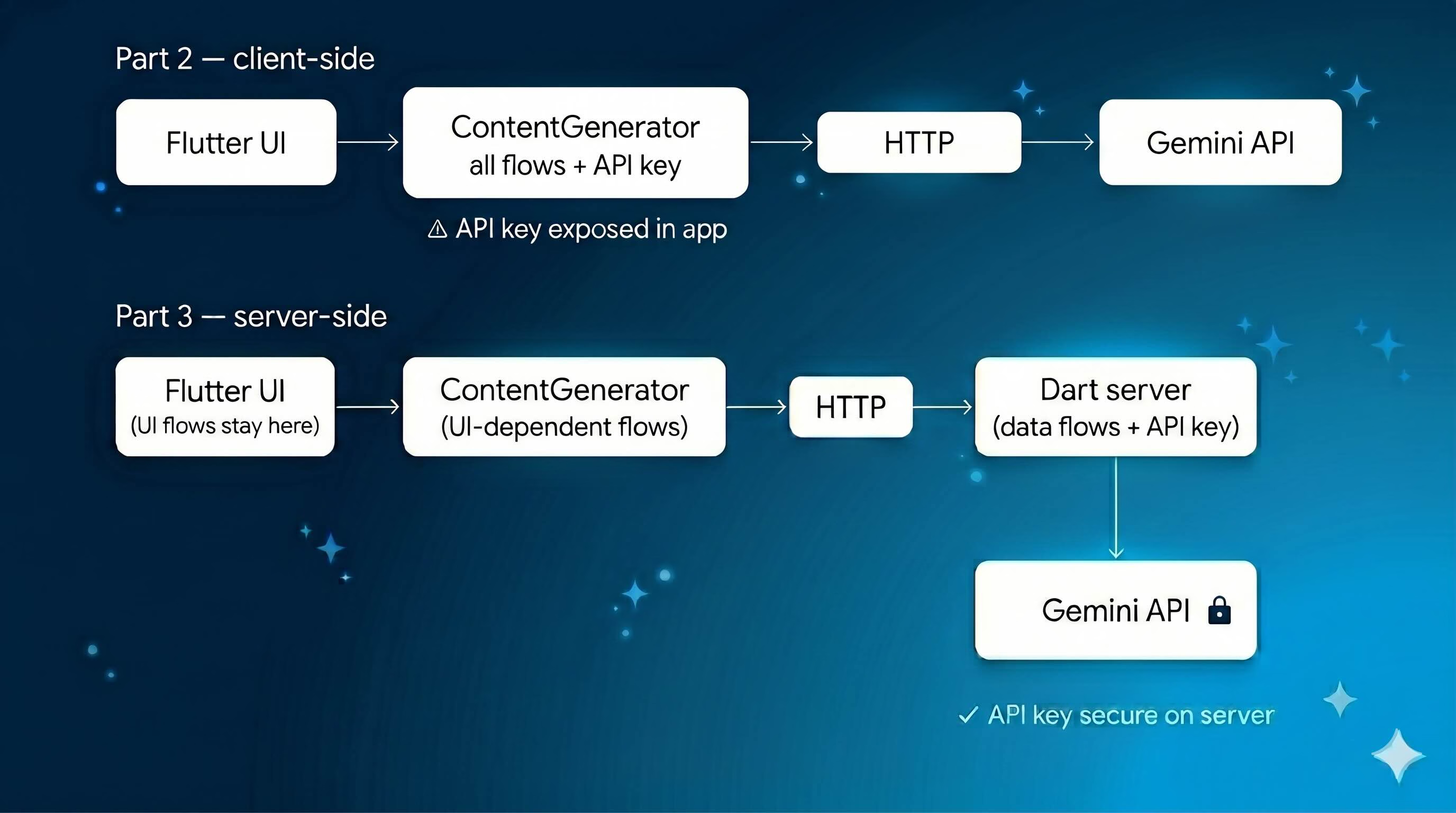
The UI layer stays completely untouched. The `ContentGenerator` interface is the same. We're only changing where the data work happens.
## 1. Understanding the Split
Before writing any server code, it helps to be precise about what belongs on the server and what doesn't.
The GenUI tools — `surfaceUpdate`, `beginRendering`, `deleteSurface` — emit events to streams that drive the Flutter widget tree. They need direct access to the UI. They stay in the Flutter app.
The `shoppingAssistantFlow` orchestrates those UI tools, so it stays in Flutter too.
But two flows have zero UI dependency:
- **`searchProductsFlow`** — takes a query, searches an inventory, returns JSON
- **`quickRecommendationFlow`** — takes a user query, calls Gemini with structured output, returns typed recommendations
Both are pure data operations. Both belong on the server.
| What | Lives on | Why |
|---|---|---|
| `surfaceUpdate`, `beginRendering`, `deleteSurface` | Flutter app | Needs UI access |
| `shoppingAssistantFlow` | Flutter app | Orchestrates UI tools |
| `searchProductsFlow` | **Dart server** | Pure data, no UI dependency |
| `quickRecommendationFlow` | **Dart server** | Pure data, no UI dependency |
| Gemini API key | **Dart server** | Never exposed to client |
| `ShoppingContext` | Flutter app | Source of truth for cart state |
The Flutter app remains the source of truth for cart state — it sends that state to the server with each request. The server uses it, derives what it needs, and discards it. This keeps the server stateless, which matters: a shared mutable context on the server means user A's cart bleeds into user B's request. Each request gets its own fresh `ShoppingContext` instance derived purely from the payload.
## 2. Setting Up the Dart Server
Create a `backend/` folder at the root of the project with its own `pubspec.yaml`:
```yaml
name: shopping_assistant_backend
description: Dart backend server for the GenUI Shopping Assistant.
publish_to: none
version: 0.0.1
environment:
sdk: '^3.10.0'
dependencies:
genkit: ^0.12.0
genkit_google_genai: ^0.2.3
genkit_shelf: ^0.1.0
schemantic: ^0.4.0
dev_dependencies:
lints: ^4.0.0
```
Add an `analysis_options.yaml` referencing `package:lints/recommended.yaml` so linting rules are enforced in the backend package just as they are in the Flutter app. Then run `dart pub get` inside `backend/` and you're ready.
> **Note:** `product_data.dart` and `shopping_context.dart` are copied into `backend/lib/` for simplicity in this demo. In a production app, extract shared models into a separate Dart package and reference it via path dependency from both the Flutter app and the backend. This avoids the risk of the two copies drifting out of sync.
## 3. Exposing Flows as HTTP Endpoints
Create `backend/bin/server.dart`. Flows are defined exactly as they were in the Flutter app — `defineFlow` works the same on the server. The only difference is that instead of calling them directly, you pass them to `startFlowServer`, which exposes each flow as a `POST` endpoint at `/`.
```dart
void main() async {
final apiKey = Platform.environment['GOOGLE_API_KEY'] ?? '';
if (apiKey.isEmpty) { print('ERROR: GOOGLE_API_KEY is not set.'); exit(1); }
final ai = Genkit(plugins: [googleAI(apiKey: apiKey), RetryPlugin()]);
final searchProductsFlow = ai.defineFlow, String, void, void>(
name: 'searchProductsFlow',
fn: (input, _) async { /* ... */ },
);
final quickRecommendationFlow = ai.defineFlow>, void, void>(
name: 'quickRecommendationFlow',
fn: (userQuery, _) async { /* ... */ },
);
await startFlowServer(
flows: [searchProductsFlow, quickRecommendationFlow],
port: 3400,
cors: {'origin': Platform.environment['ALLOWED_ORIGIN'] ?? '*'},
);
}
```
The API key comes from an environment variable — never hardcoded. `ALLOWED_ORIGIN` defaults to `*` for local development and should be set to your app's domain in production.
One production detail worth calling out: each request to `searchProductsFlow` gets a fresh `ShoppingContext` derived from the payload. The Flutter app sends its current cart state with every request, and the server uses it to annotate results.
```dart
fn: (input, _) async {
// Fresh instance per request — a shared instance would bleed
// cart state between users on the server.
final shoppingContext = ShoppingContext();
final cartItems = (input['cartItems'] as List?)
?.map((e) => e as String).toList() ?? [];
for (final item in cartItems) {
shoppingContext.addToCart(item, 0);
}
// ... search and return results
},
```
The flow definitions themselves — tools, `outputSchema`, retry middleware — are identical to Part 2. They moved files, not concepts. The full implementation is in [`backend/bin/server.dart`](https://github.com/VGVentures/genui_shopping_assistant/blob/genkit-refactor-part3/backend/bin/server.dart).
Start the server:
```bash
GOOGLE_API_KEY=your_key dart run bin/server.dart
```
Before touching the Flutter app, verify both endpoints work independently:
```bash
# Test searchProducts
curl -X POST http://localhost:3400/searchProductsFlow \
-H "Content-Type: application/json" \
-d '{"data": {"query": "running shoes"}}'
# Test quickRecommendation
curl -X POST http://localhost:3400/quickRecommendationFlow \
-H "Content-Type: application/json" \
-d '{"data": "recommend me something for running"}'
```
Both should return JSON responses. The server is working.
## 4. Updating the Flutter App
Add `http: ^1.2.0` to the Flutter app's `pubspec.yaml`. Then open `genkit_content_generator.dart` and update the `fn` inside `_searchProductsTool`. This is the only meaningful change — instead of calling `searchProducts()` locally, it calls the server:
```dart
// Before (Part 2): local call
fn: (input, _) async {
final results = searchProducts(query: input['query'] as String, ...);
return jsonEncode(results.map((p) => p.toJson()).toList());
},
// After (Part 3): server call
fn: (input, _) async {
final backendUrl = const String.fromEnvironment(
'BACKEND_URL',
defaultValue: 'http://localhost:3400',
);
final response = await http.post(
Uri.parse('$backendUrl/searchProductsFlow'),
headers: {'Content-Type': 'application/json'},
body: jsonEncode({
'data': {
'query': input['query'],
if (input['category'] != null) 'category': input['category'],
'cartItems': _shoppingContext.cartItems.map((i) => i.productName).toList(),
}
}),
);
if (response.statusCode != 200) {
throw Exception('Backend error: ${response.statusCode}');
}
return (jsonDecode(response.body) as Map)['result'] as String;
},
```
The `BACKEND_URL` comes from `--dart-define` so it works in both development and production without a code change. The same pattern applies to `_handleRecommendationQuery`, which now calls `quickRecommendationFlow` on the server instead of running locally.
Also remove the `_quickRecommendationFlow` field and `product_data.dart` import from the Flutter app — neither is needed anymore.
## 5. Running the Full Stack
Two terminals — one for the server, one for Flutter.
**Terminal 1:**
```bash
cd backend
GOOGLE_API_KEY=your_key dart run bin/server.dart
```
**Terminal 2:**
```bash
flutter run -d chrome \
--dart-define=GOOGLE_API_KEY=your_key \
--dart-define=BACKEND_URL=http://localhost:3400
```
In production, set `BACKEND_URL` to your deployed server URL and `ALLOWED_ORIGIN` to your app's domain. Neither value is hardcoded anywhere in the source.
## What We Gained
The change across the whole project is small — two methods updated in the Flutter app, a new `backend/` folder, one new dependency. What it delivers:
**Security.** The Gemini API key lives only on the server. It never touches the Flutter app.
**Stateless server flows.** Each request to `searchProductsFlow` gets a fresh `ShoppingContext` derived from the payload. No state bleeds between users.
**Configurable URLs.** `BACKEND_URL` and `ALLOWED_ORIGIN` come from environment variables. The same binary works in development, staging, and production without a rebuild.
**Clean separation.** Flows with UI dependencies stay in Flutter. Flows with data dependencies move to the server. The split follows a clear rule rather than being arbitrary — and it's a pattern that scales to any Flutter AI integration, not just this app.
The UI didn't change. The user experience didn't change. The `ContentGenerator` abstraction means the Flutter app never needed to know where the work happened — and now it doesn't need to know the server exists either.
## What's Next
The remaining Genkit logic — `shoppingAssistantFlow` itself — still runs in the Flutter app because it orchestrates the GenUI UI tools, which need direct access to the widget tree. Moving that flow to the server requires a different approach — specifically an A2UI agent backend, where the server drives UI events over a streaming protocol. The `genui_a2a` package is designed exactly for this. That's the natural next step for teams building production GenUI apps, and we'll cover it in a future post.
*The full source code for this post is on the [`genkit-refactor-part2` branch](https://github.com/VGVentures/genui_shopping_assistant/tree/genkit-refactor-part2). Parts [1](https://verygood.ventures/blog/flutter-genui-shopping-assistant-tutorial/) and [2](https://verygood.ventures/blog/genkit-for-flutter-flows-middleware-and-tools-in-a-genui-shopping-assistant/) cover the GenUI architecture and the client-side Genkit setup.*
#### Frequently Asked Questions
##### Why move Genkit flows from the Flutter client to a Dart backend?
Client-side Genkit embeds the Gemini API key in the app, where a web build exposes it through DevTools. Moving data flows to a Dart backend keeps the key on the server and out of the client bundle.
##### Which flows belong on the server and which stay in the Flutter app?
Flows with no UI dependency move to the server. searchProductsFlow and quickRecommendationFlow are pure data operations, so they run on the backend. shoppingAssistantFlow stays in Flutter because it orchestrates the GenUI tools surfaceUpdate, beginRendering, and deleteSurface, which emit events that drive the widget tree.
##### How much does the Flutter app change when AI logic moves to the server?
Very little. The ContentGenerator interface stays identical, so the UI layer is untouched. Two tool functions swap their local call for an http.post against the backend, the _quickRecommendationFlow field comes out, and BACKEND_URL is read from a --dart-define.
##### Why does each request get a fresh ShoppingContext on the server?
A shared ShoppingContext on the server would bleed cart state between users. The Flutter app sends its current cart with every request, the server builds a new context from that payload, uses it to annotate results, and discards it. The server stays stateless and safe for concurrent users.
##### How do I configure the backend URL across environments?
BACKEND_URL is read with String.fromEnvironment, so it comes from --dart-define at build time and defaults to http://localhost:3400 locally. In production, pass your deployed server URL. Set ALLOWED_ORIGIN on the server to your app's domain so CORS only accepts requests from the real client.
##### Can the rest of the Genkit logic also move off the client?
Not with plain HTTP flows. shoppingAssistantFlow orchestrates GenUI tools that need direct access to the widget tree, so a request/response model does not fit. Moving it requires an A2UI agent backend that streams UI events over a protocol the client can render. The genui_a2a package is built for that.
### How We Built VGV Wingspan: Our Claude Code Plugin
Source: https://verygood.ventures/blog/how-we-built-wingspan-claude-code-plugin/
At [Very Good Ventures](https://verygood.ventures/success-stories/), we kept running into the same gap with AI coding assistants: the tools were great at generating code, but they didn't know *how we work*. Our teams follow a consistent set of engineering practices — clean architecture, comprehensive testing, YAGNI, and clear layer separation. These practices scale. But no AI tool understood them.
So we built VGV Wingspan — a [Claude Code](https://docs.anthropic.com/en/docs/claude-code/overview) plugin that encodes our engineering workflow as AI-driven skills and specialized agents. Not as a replacement for developers, but as a collaborator that understands the full lifecycle: from exploring an idea to shipping a pull request.
## The Problem: AI Is Fast, But Fast Isn't Enough
AI coding assistants can generate code quickly. But speed without structure creates problems:
- **No discovery phase.** Jumping straight to code skips the "what are we actually building?" conversation.
- **No plan.** Generated code often addresses the wrong problem — or the right one in a way that breaks existing architecture.
- **No quality gate.** Without review, AI-generated code can introduce subtle violations — wrong state management patterns, missing tests, broken layer boundaries.
We wanted a tool that made AI follow the same workflow our engineers follow: explore the problem, plan the approach, build with discipline, and review before shipping.
## Tech-Agnostic by Design
Early versions of Wingspan were Flutter-specific. We had [Flutter](https://flutter.dev) linting rules, Dart formatting hooks, and [BLoC](https://bloclibrary.dev)-specific review logic baked in. It worked. But only for Flutter projects.
We made a deliberate decision to separate concerns: Wingspan handles the *workflow* (brainstorm, plan, build, review), and companion plugins handle *technology-specific* conventions (linting, formatting, scaffolding, and framework patterns).
This means Wingspan works with any stack. The engineering principles it enforces — clean architecture, comprehensive testing, YAGNI, and clear layer separation — are universal. The Flutter-specific rules moved into the [Very Good AI Flutter Plugin](https://github.com/VeryGoodOpenSource/vgv-ai-flutter-plugin), which Wingspan automatically recommends when it detects a Flutter project.
Wingspan also integrates MCP servers that extend its capabilities across the workflow. Figma connects design assets directly to the development process, so brainstorm and plan phases can reference real designs instead of verbal descriptions. Context7 fetches up-to-date documentation for libraries and frameworks, ensuring that plans and implementations use current APIs rather than relying on stale training data.
### The Recommendation System
This design decision is worth pausing on. Detection isn't limited to scanning existing project files — Wingspan also picks up on the technology specified during brainstorm or plan phases. Start a brainstorm about a new Flutter app on an empty directory, and Wingspan recommends the Flutter companion plugin before any code exists. It recommends silently, just once per session.
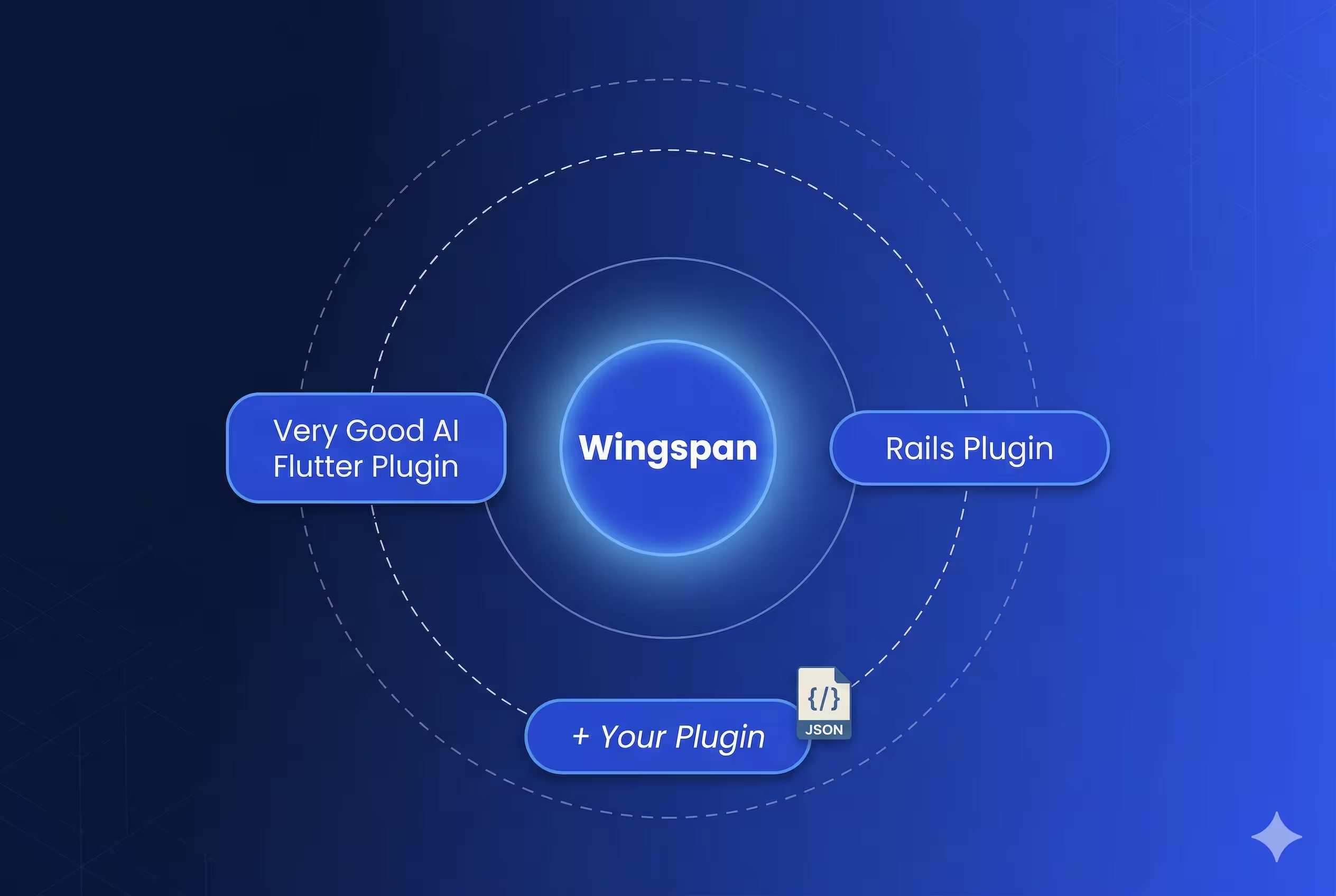
The system is entirely extensible without code changes — adding support for a new ecosystem is just a configuration file and a hook script. No redeployment required.
## Markdown-First Architecture for Skills and Agents
One of the earliest decisions — and one we never regretted — was making everything markdown.
Skills are markdown files with [YAML frontmatter](https://jekyllrb.com/docs/front-matter/). Agents are markdown files with structured prompts. Templates are markdown. Plans, brainstorms, reviews, and debriefs — all markdown.
Why markdown over YAML, JSON, or TOML as the primary format? Markdown is the one format that is simultaneously human-readable, version-controllable, CI-parseable, and self-documenting. Every other option optimizes for machines at the expense of contributors.
This has practical consequences:
- **Version control works.** Every change to a skill or agent is a diff you can review in a PR.
- **No special tooling.** Anyone can read, edit, and understand a skill without learning a DSL or framework.
- **CI validates them.** Our pipeline runs markdown lint, spell check, and structural validation on every PR.
- **They're self-documenting.** The skill file *is* the documentation.
## Managing Context Windows Between AI Phases
Large language models [degrade as context fills up](https://arxiv.org/abs/2307.03172). Early reasoning gets pushed out, instructions blur, and the model starts making mistakes. We saw this firsthand — a brainstorm that ran long would produce a worse plan. A plan review that loaded too much code would miss architectural issues.
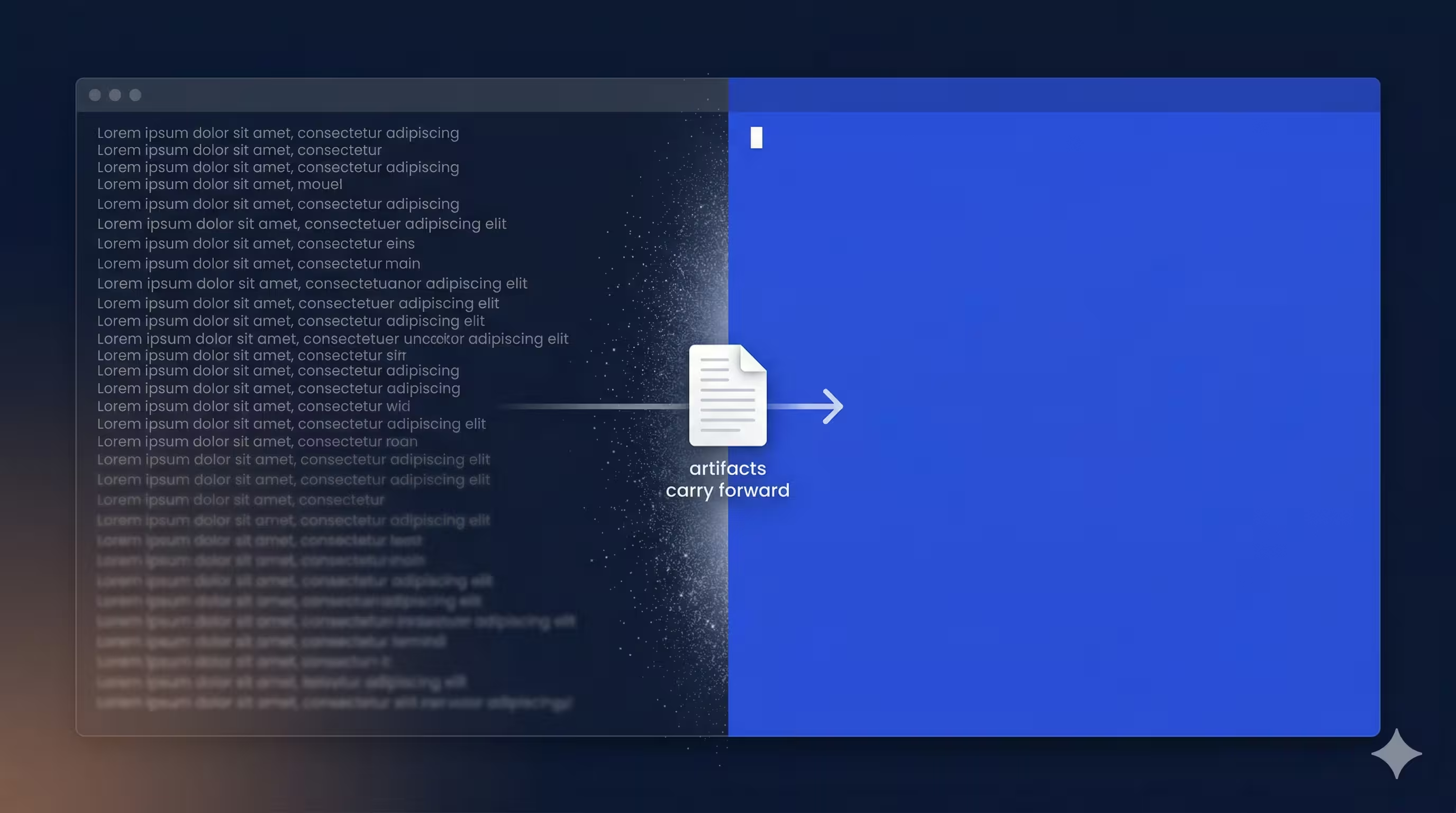
Our solution: **clear context between phases.** Every transition point offers a "Clear context and [next step]" option. Selecting it invokes the next skill with a fresh context window. The previous phase's output is already saved to `docs/`, so nothing is lost — but the model starts with a clean slate.
Context management also matters *within* phases. When agents report back during the review phase, full verbose output can consume thousands of tokens and crowd out the reasoning space the orchestrator needs. We learned to have agents return concise summaries rather than exhaustive reports — the details are written to files, but the context window only gets what's needed to make decisions.
This pattern was counterintuitive at first. Why throw away context? Because the artifacts carry the decisions forward, and fresh reasoning produces better results than exhausted reasoning.
## 14 Skills, 10 Agents, 80 Commits
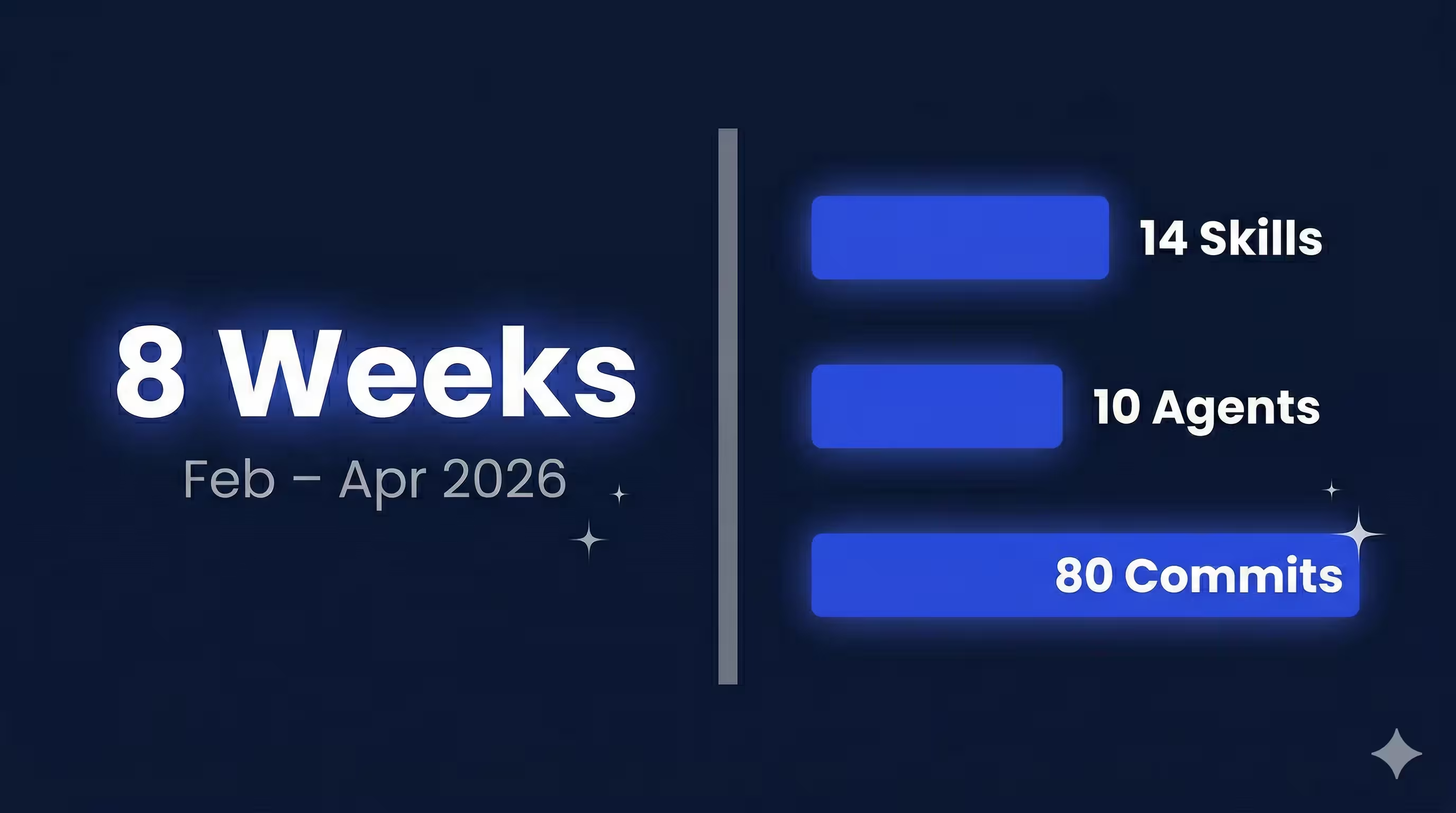
Wingspan took shape over eight weeks, from February to April 2026. The core workflow loop — brainstorm, plan, build, and review — landed in the first four weeks. The remaining time went to the tech-agnostic transformation, the plugin recommendation system, and the skills we kept reaching for: `/hotfix` for urgent production fixes (skips brainstorm and plan, goes straight to build-and-review), `/review` for on-demand quality checks against any branch, `/debrief` for post-incident analysis, and utility skills like `/commit` and `/create-branch` for the git operations that bookend every task.
The final count: 14 skills, 10 agents, a hook-based plugin recommendation system, and a CI pipeline that validates every change. Eight weeks from first commit to marketplace release.
## What We Learned
### 1. Structure beats intelligence
A mediocre plan executed with discipline beats a brilliant improvisation. By forcing the AI through brainstorm-then-plan-then-build-then-review, we get consistently better results than letting it freestyle.
### 2. Multi-agent code review catches what single-pass review misses
Five agents reviewing from different angles — standards, simplicity, testing, architecture, and readiness — catch more issues than a single comprehensive review. The disagreements between them often surface the most interesting problems.
### 3. YAGNI applies to AI tools too
Early versions of Wingspan had features we never used: complex state machines for skill transitions, elaborate retry logic, and configurable review thresholds. We removed all of it. The simplest version that works is the right version.
### 4. Context is precious — spend it wisely
Every token of context that goes to stale information is a token not available for fresh reasoning. The context-clearing pattern was our single biggest quality improvement.
### 5. Tech-agnostic is harder but worth it
It was tempting to keep Flutter-specific logic in Wingspan — it worked and our team uses Flutter daily. But separating concerns made Wingspan useful for *all* our projects and opened the door for companion plugins from the community.
## The Four-Phase Workflow
Wingspan is structured around four phases, each producing artifacts that inform the next:
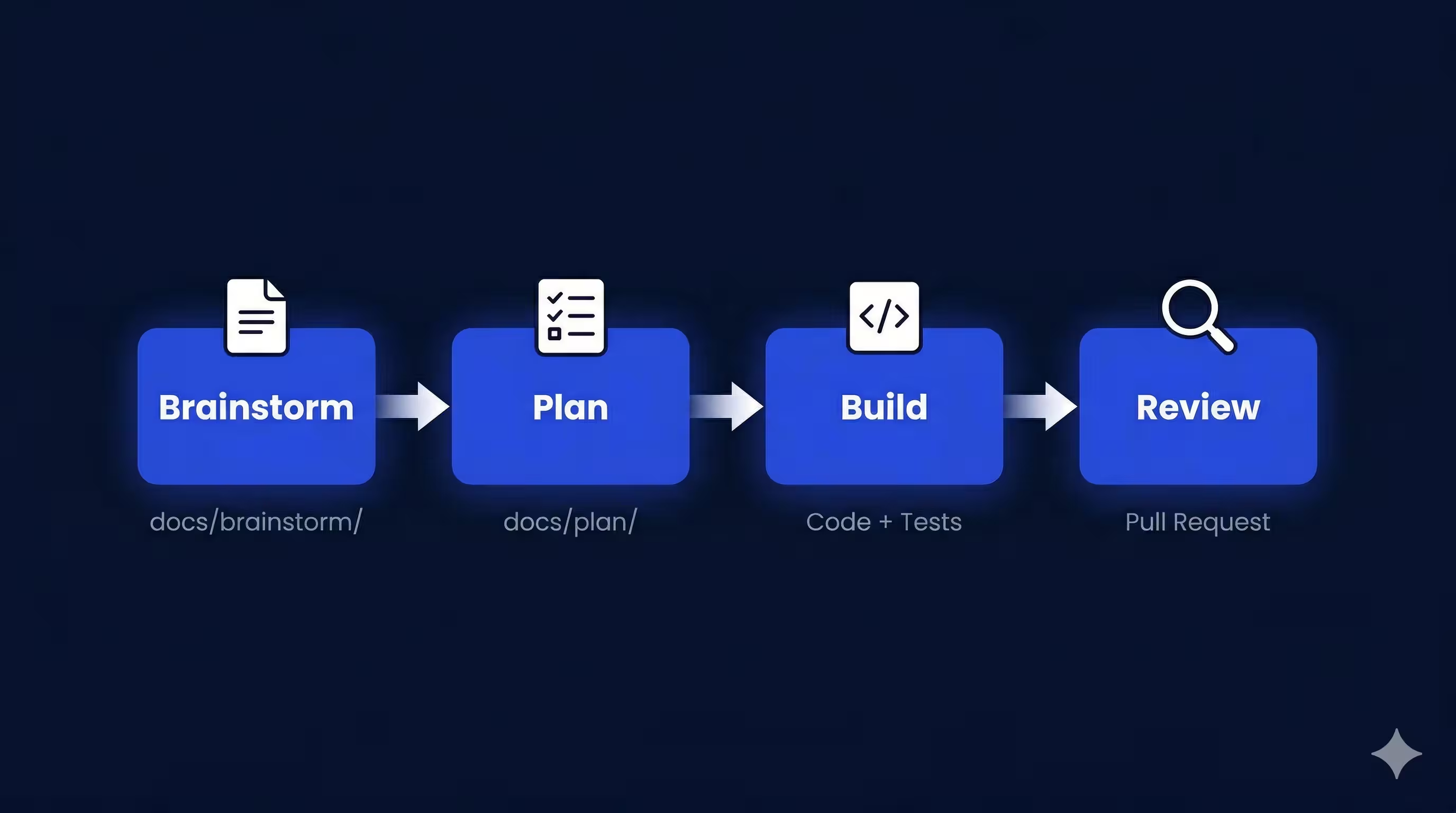
### 1. Brainstorm (`/brainstorm`)
This is the discovery phase. You describe a problem or idea, and Wingspan opens a collaborative dialogue to explore requirements, constraints, and approaches. Instead of rushing to code, it asks questions, surfaces trade-offs, and clarifies the actual problem. The boundary exists because the best implementation starts with a shared understanding of what you're building and why — something AI tools routinely skip.
The output is a brainstorm document saved to `docs/brainstorm/`. This document captures the "why" and the "what" before anyone writes a line of code.
### 2. Plan (`/plan`)
Once the brainstorm is solid, Wingspan transforms it into an actionable implementation plan. For existing projects, this phase reviews the codebase, identifies relevant patterns and conventions, and produces a step-by-step plan with clear acceptance criteria. For greenfield projects, it researches the target stack and establishes the conventions the implementation will follow. Either way, the plan phase exists as a separate step because we've seen AI tools produce perfectly reasonable code that solves the wrong problem — or solves the right problem in a way that ignores the project's existing conventions.
Plans come in three sizes — minimal, standard, and extensive — matched to the complexity of the task. A simple bug fix gets a minimal plan. A new feature spanning multiple layers gets an extensive one with phases, risks, and dependencies.
The plan is saved to `docs/plan/`, ready for the build phase.
### 3. Build (`/build`)
This is where code gets written. Wingspan executes the plan and writes tests alongside the implementation, producing a working branch ready for review. This is also where companion plugins become active — if the plan specifies Flutter, the Flutter plugin's scaffolding, linting, and framework-specific conventions guide the implementation.
### 4. Review
Before opening a pull request, Wingspan runs a multi-agent quality review. Five specialized agents review the work in parallel:
- **VGV Review Agent** — Checks adherence to Very Good Ventures engineering standards
- **Code Simplicity Agent** — Flags YAGNI violations and premature abstractions
- **Test Quality Agent** — Verifies every testable unit has meaningful tests
- **Architecture Agent** — Validates layer separation and dependency direction
- **PR Readiness Agent** — Final pre-merge checks (CI compatibility, merge conflicts)
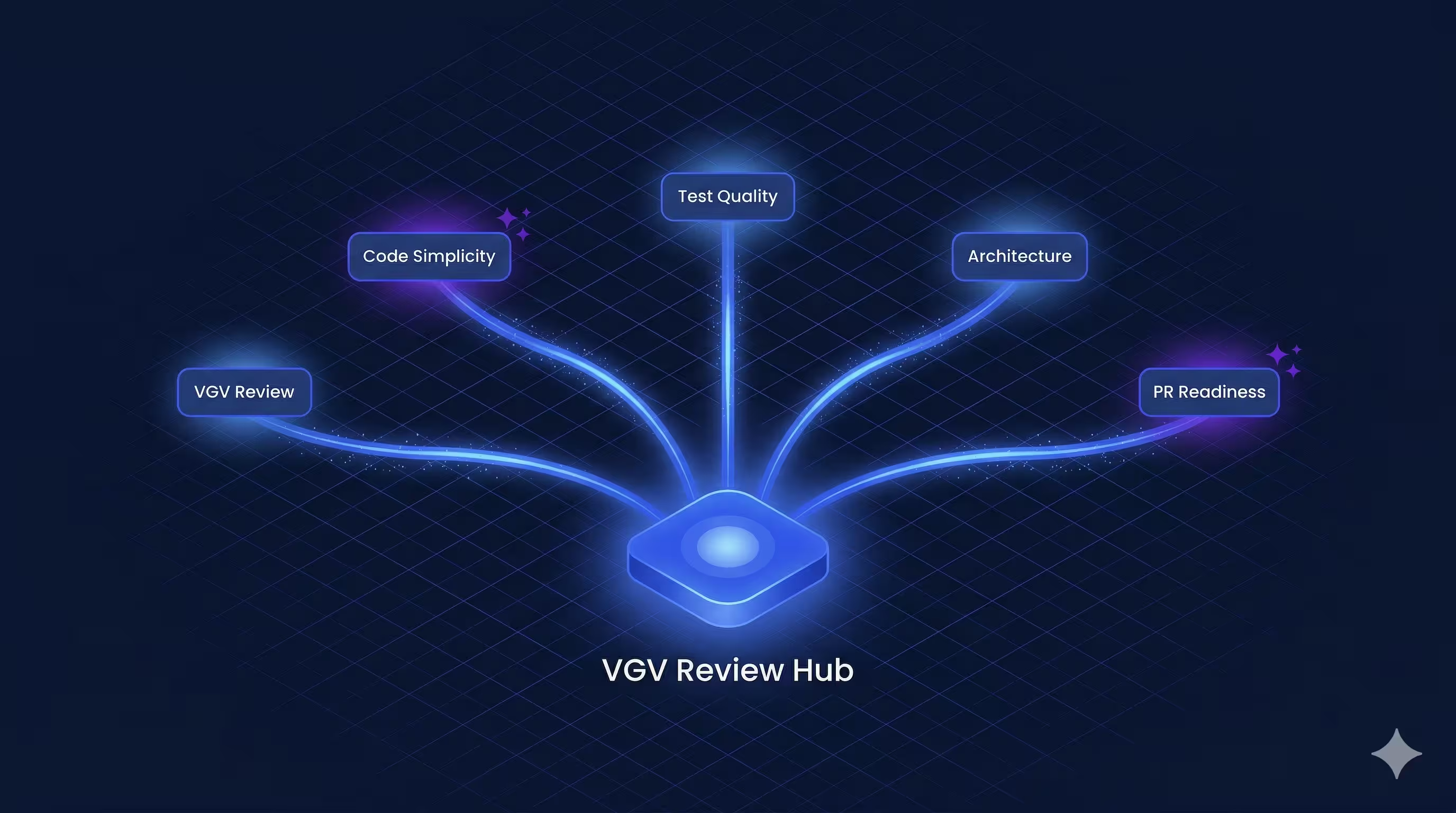
Issues are categorized as critical (must fix), important (should fix), or suggestions (noted in the PR). The review phase doesn't just check for bugs — it enforces the engineering practices that let teams scale.
## Getting Started
Wingspan is our attempt to answer a question every engineering team using AI tools eventually faces: how do you get the AI to work the way your team works? The answer, for us, was to encode the workflow — brainstorm, plan, build, review — and let the AI execute it. If that pattern is useful for your team, Wingspan is [open source](https://github.com/VeryGoodOpenSource/vgv-wingspan) and available on the [Claude Code marketplace](https://docs.anthropic.com/en/docs/claude-code/plugins).
```bash
/plugin marketplace add VeryGoodOpenSource/very_good_claude_code_marketplace
/plugin install vgv-wingspan@very_good_claude_code_marketplace
```
Start with `/brainstorm` and see where it takes you.
#### VGV Wingspan FAQs
##### What is VGV Wingspan?
VGV Wingspan is a Claude Code plugin built by Very Good Ventures that guides AI coding assistants through a structured engineering workflow. It runs four phases before every pull request: brainstorm, plan, build, and review. Wingspan is open source and available on the Claude Code marketplace.
##### Does VGV Wingspan only work with Flutter projects?
No. Wingspan is tech-agnostic. The workflow it enforces applies to any stack. Technology-specific conventions live in companion plugins, like the Very Good AI Flutter Plugin, which Wingspan recommends automatically when it detects a Flutter project.
##### How do I install VGV Wingspan?
Run two commands inside Claude Code. First, /plugin marketplace add VeryGoodOpenSource/very_good_claude_code_marketplace. Then, /plugin install vgv-wingspan@very_good_claude_code_marketplace. Once installed, start a task with /brainstorm.
##### What are the four phases of the Wingspan workflow?
Brainstorm. Explore the problem and clarify requirements before any code is written.
Plan. Turn the brainstorm into a step-by-step implementation plan with acceptance criteria.
Build. Write the code and tests, guided by the plan and any companion plugin conventions.
Review. Run five specialized agents in parallel to validate standards, simplicity, tests, architecture, and PR readiness.
##### Why does Wingspan clear context between AI phases?
Large language models degrade as their context window fills up. Wingspan offers a clear-context option at every phase transition so the next skill starts with a fresh slate. The previous phase's artifacts are saved to disk, so decisions carry forward without dragging stale reasoning into the next step.
##### Which agents review the code before a pull request?
Wingspan runs five specialized agents in parallel during the review phase. The VGV Review Agent checks engineering standards. The Code Simplicity Agent flags YAGNI violations and premature abstractions. The Test Quality Agent verifies every testable unit has meaningful tests. The Architecture Agent validates layer separation and dependency direction. The PR Readiness Agent runs final pre-merge checks for CI compatibility and merge conflicts.
### From Dart to Flutter: A Journey Through Software Development
Source: https://verygood.ventures/blog/brian-egan-very-good-ventures-the-evolution-of-dart-and-flutter/
[Brian Egan, Very Good Ventures — The Evolution of Dart and Flutter](https://www.youtube.com/watch?v=stkQineQreY)
In the ever-evolving world of software development, languages come and go, but some leave a lasting impact. One such language is Dart, which has seen a remarkable journey since its inception in 2011.
## The Birth of Dart
Dart was created by a team at Google and was designed to be a modern alternative to JavaScript, aiming to cater to the needs of increasingly complex web applications. Brian Egan recalls his experience with Dart's early days while working at Zappos, installing an IDE plugin and beginning to explore its capabilities.
## The Syntax and Learning Curve
One of the appealing aspects of Dart is its C-like syntax, which made it accessible for developers already familiar with languages like Java and JavaScript. The introduction of type safety was a welcome change, especially when working in teams.
## Community Reception and Initial Skepticism
When Dart was first introduced, the community was skeptical about its potential to become a web standard. Developers were concerned about its ability to coexist with JavaScript, given the latter's dominance in web development.
## The Turning Point: From Dart to Flutter
A significant turning point occurred when Flutter emerged, aiming to simplify mobile app development while leveraging Dart's strengths. Brian's journey into Flutter began as he sought faster iteration cycles and improved performance compared to traditional Android development. The promise of features like hot reload and hot restart captured his attention.
## Key Features and Improvements Over Time
Over the years, Dart has undergone substantial improvements. Notable changes include the removal of the 'new' keyword (improving code readability), the introduction of true sound type safety, and Flutter's expanding multi-platform capabilities beyond mobile.
## Key Takeaways
The evolution of Dart from a bold experiment to a powerful language integrated with Flutter showcases the importance of adaptability in technology. Key lessons include the significance of type safety, the value of community feedback, and the importance of continuous improvement in programming languages.
#### Frequently Asked Questions
##### When was Dart created?
Dart was created by a team at Google in 2011, designed as a modern alternative to JavaScript for the increasingly complex web applications of that era.
##### Why did developers find Dart approachable?
Dart's C-like syntax made it accessible to developers already familiar with languages like Java and JavaScript, and the introduction of type safety was especially welcome on team projects.
##### What was the early reception of Dart like?
When Dart was first introduced, the community was skeptical about its potential to become a web standard, given JavaScript's dominance and concerns about how the two would coexist.
##### What drew Brian Egan to Flutter?
Brian was looking for faster iteration cycles and better performance than traditional Android development. Flutter's hot reload and hot restart, combined with Dart's strengths, captured his attention.
##### How has Dart improved over time?
Notable changes include removing the 'new' keyword for cleaner code, introducing true sound type safety, and Flutter's expanding multi-platform capabilities beyond mobile.
### How VGV Used Claude Code to Rebuild Betterment's GraphQL Code Generator for Dart 3
Source: https://verygood.ventures/blog/how-vgv-used-claude-code-to-rebuild-betterment-graphql-code-generator-for-dart3/
Betterment's Flutter codebase relied on [Ferry, a stream-based GraphQL client for Dart](https://github.com/gql-dart/ferry), backed by [the `gql` Dart library](https://pub.dev/packages/gql) for code generation. But Ferry’s generated code predated Dart 3 and couldn’t support sealed classes, exhaustive pattern matching, or switch expressions. Fragments, the backbone of any GraphQL schema, could fail silently at runtime, uncharacteristic behavior for Dart. Cache deserialization was tricky and could easily break. Polymorphic types couldn’t be handled idiomatically.
Betterment’s team had built compensating patterns to work around these limitations, but the workarounds carried a real cost: added maintenance burden, increased cognitive load for developers, and a GraphQL experience on Flutter that was significantly more constrained than what the team was accustomed to on other platforms. Rather than continue absorbing that overhead, the team decided it was time to fix the problem at the source.
Rather than migrate away from Ferry, [VGV's team, building on a long-running Flutter partnership with Betterment](https://verygood.ventures/success-stories/betterment/), wrote a new code generation layer from the ground up, using [Claude Code](https://code.claude.com/docs/en/overview) as a core part of the development workflow. The result: a Dart 3-native GraphQL code generator with sealed classes for polymorphic type safety, custom serialization, and a multi-pass pipeline architecture that eliminated the root causes of v1's limitations.
For Betterment, the impact went beyond the generated code itself. The new generator removed the compensating patterns that had accumulated around Ferry’s shortcomings, reducing maintenance burden in the Flutter codebase and cognitive load across the team’s broader GraphQL practice. With polymorphism and fragments working idiomatically, product teams could move faster, writing GraphQL code on Flutter the same way they did on other platforms, without workarounds slowing them down.
This is the story of how we built it, what we learned about agentic coding in practice, and what other engineering teams can take from the experience.
## Results at a Glance
* **10x ticket velocity:** Tasks that previously took 2-4 days completed in 2-4 hours
* **2x project output:** 6 epics delivered in 3 months (rather than an estimated 6 months without Claude)
* **38% faster builds:** v2 code generator build times vs. v1
* **4 critical Ferry code generation issues resolved:** Deserialization, polymorphism, and fragment handling issues eliminated
* **Generated file size increase:** Only 0.7%, with simpler output and no `built_value` dependencies
## The Problem: Why Ferry’s Code Generator Had To Change
### What Was The Change Needed?
Ferry relied on `gql`, a library that predates Dart 3 and doesn't support modern features like [sealed classes](https://dart.dev/language/class-modifiers#sealed) for exhaustive pattern matching and [switch expressions](https://dart.dev/language/patterns) for type discrimination.
This created four critical issues:
* **Type matching failures for interface fragments**, making it impossible to use [fragments on interface types](https://graphql.org/learn/queries/#fragments).
* **Inability to deserialize polymorphic fragments from the cache.**
* **Heavy dependency on the [built_value serialization library](https://pub.dev/packages/built_value)**, which failed to serialize JSON fields correctly. The generated code was also overly verbose, making testing difficult.
* **No fragment reuse on polymorphic types**, leading to widespread code duplication.
These weren’t problems unique to Betterment. Every team relying on gql for code generation faced the same limitations: Ferry’s code generator simply hadn’t kept pace with Dart 3. A partnership between Betterment, VGV, and Claude Code made it possible to move fast enough to fix the problem at the source, improving Betterment’s GraphQL practice while contributing improvements that benefit the broader Flutter community.
### A Concrete Example: The Silent Casting Failure
The code generation work was pure Dart, not Flutter, but the issue manifests clearly in fragment deserialization. In GraphQL, you have interfaces and fragments. A fragment can target an interface, like this:
```graphql
interface MyInterface {
// common fields
}
type FirstImplementation implements MyInterface {
// type specific fields
}
type SecondImplementation implements MyInterface {
// type specific fields
}
```
And then a fragment on that interface:
```graphql
fragment MyFragment on MyInterface {
// fragment fields selection
}
```
The v1 code generator produced this:
```dart
switch (G__typename) {
// Server sends `FirstImplementation` or `SecondImplementation`,
// never `MyInterface`
case 'MyInterface':
return MyInterface(this);
case 'FirstImplementation':
return FirstImplementation(this);
// Always hits this for interface fragments
default:
return orElse();
}
```
This created a silent failure: the fragment never matched the interface type, forcing developers to handle all interface types manually. This wasn’t a bug in the traditional sense, it was a design limitation of the v1 code generation. To compensate, Betterment’s engineers duplicated code, avoided idiomatic GraphQL polymorphism entirely, and added extra test coverage to protect against the gaps the generated code couldn’t catch.
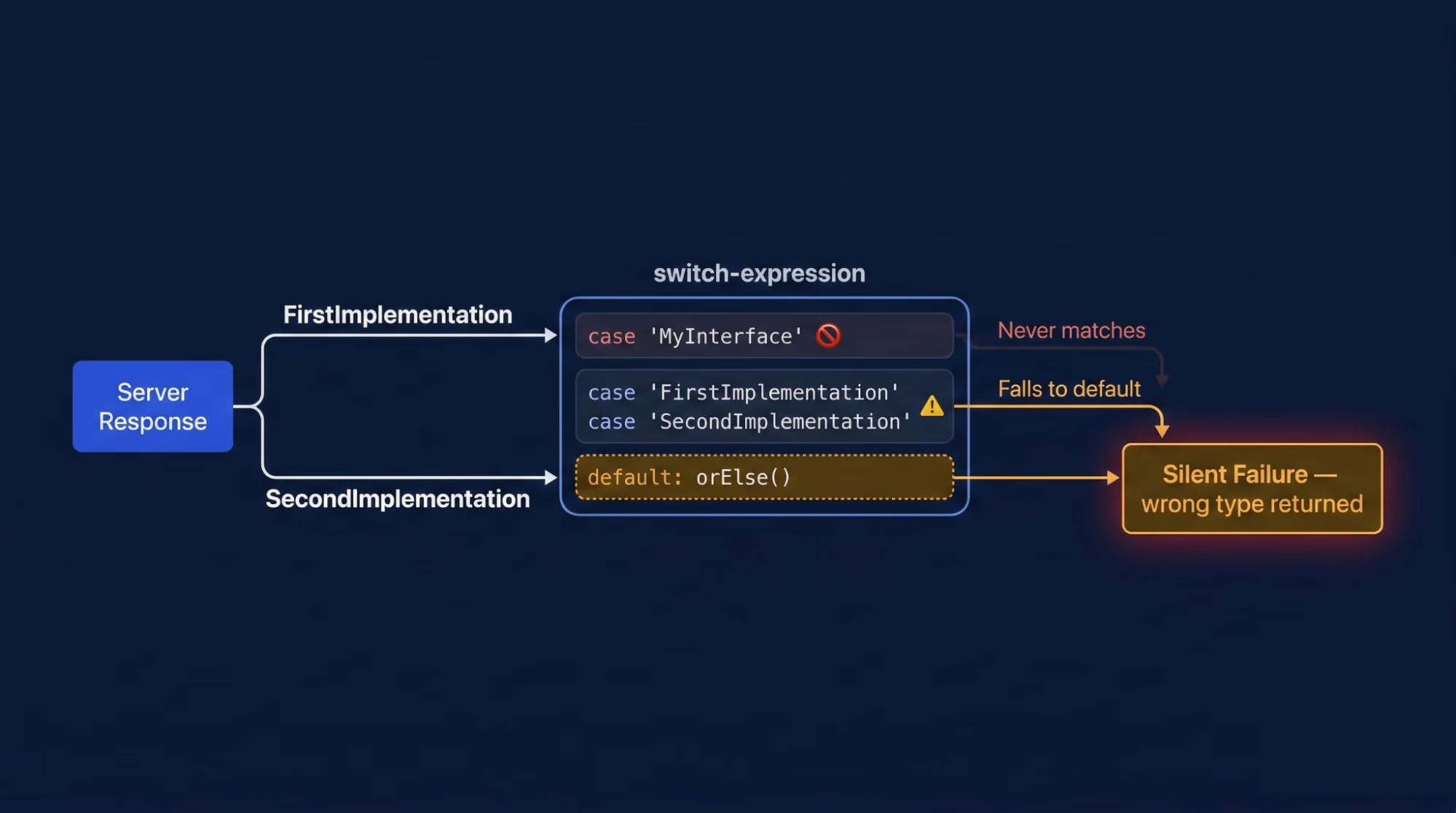
## Why A Custom Generator Was The Right Call
GraphQL generates models directly from schemas and operations, eliminating the need for manual model definitions. Generated models become the domain model directly, with no additional mapping layer. This makes the code generator critical to the entire application architecture.
Switching to a different GraphQL client would have required rewriting the integration across the entire codebase. Instead, the team built a custom code generator that produces sealed classes for polymorphic type safety, includes custom serializers, and removes heavy dependencies.
Forking and improving `gql` rather than replacing Ferry preserved the existing client layer while unlocking Dart 3-native code generation — cleaner output, faster builds, and a clear migration path for Betterment's production codebase.
## The Architecture: A Multi-Pass Code Generation Pipeline
### How The Builders Work
`SchemaBuilderV2`, `DataBuilderV2`, `ReqBuilderV2`, and `VarBuilderV2` function similarly to their v1 counterparts — each running in isolation via [build_runner](https://dart.dev/tools/build_runner), with distinct responsibilities for visiting document nodes and generating request, variable, or data classes. The critical change lives in DataBuilderV2, which introduces multi-pass code generation.
### Why Single-Pass Failed
The v1 generator used a single pass: it started at the document root, found an operation, and immediately resolved types and nullability. This single-pass approach created context blindness — a fragment used in Operation A was regenerated when it appeared in Operation B, causing duplication and unnecessary complexity.
### The v2 Multi-Pass Pipeline
The v2 architecture introduces a multi-pass pipeline, splitting code generation into three distinct stages with SchemaVisitor, FragmentVisitor, and OperationVisitor:
* **Step 1 (SchemaVisitor):** Identifies all schema types - enums, inputs, scalars, objects, interfaces, and unions - then registers them in a SchemaRegistry available to subsequent steps.
* **Step 2 (FragmentVisitor):** Analyzes fragments in isolation, resolving their exact type before they are used in operations. Results are stored in a FragmentRegistry.
* **Step 3 (OperationVisitor):** Assembles everything using the registries from previous steps, identifies operations, and calls class builders to generate Dart classes.
Despite traversing nodes multiple times, the multi-pass approach has no measurable impact on build time. The real value is correctness: because the FragmentVisitor resolves each fragment's type in isolation before any operation uses it, shared fragments produce a single, consistent type across the entire codebase.
In v1's single-pass approach, the same fragment could produce subtly different generated types depending on which operation context it was resolved in, making true fragment reuse impossible.
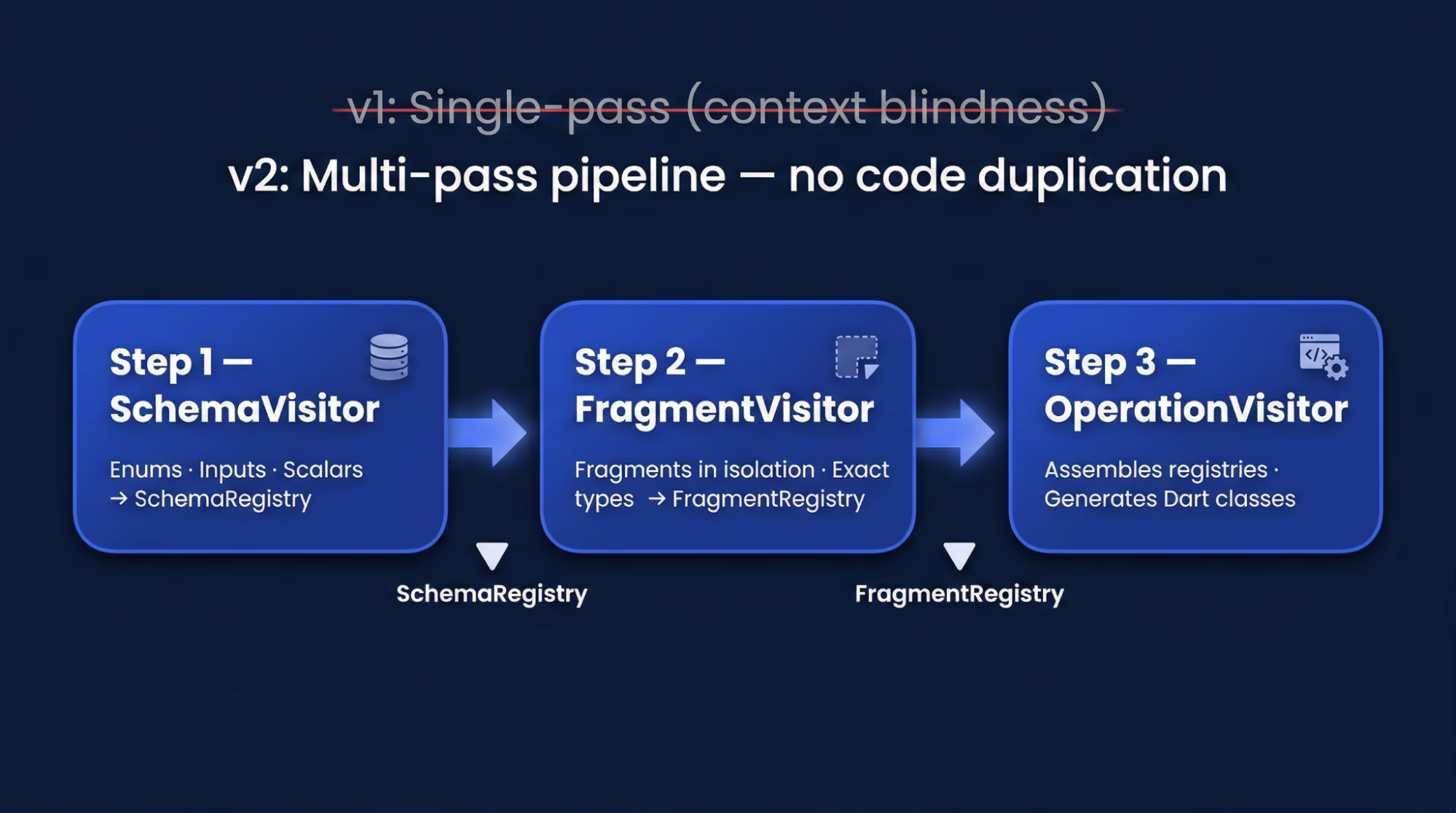
### Removing `built_value`: Why Thin Serialization Won
While `built_value` was once the standard for Dart serialization, it had several drawbacks:
* Heavy boilerplate
* Slow build times
* Failed deserialization of `Map`, which breaks all GraphQL operations using the JSON type
* Handling generics and polymorphism requires manual serializer registration for each type; omitting even one causes runtime crashes during deserialization
The team replaced this with custom serialization, adding `fromJson` and `toJson` methods to each generated class. This approach reduces complexity, works well with static methods and factory constructors, and avoids plugins and builders entirely. It eliminates `built_value` dependencies and improves both runtime and build performance.
### Sealed Classes: Exhaustive Polymorphism For GraphQL
The previous version relied on `built_value` and manual type checking to handle polymorphism. This approach risked runtime errors: forgetting to handle any type variant could cause crashes or silent failures. Without exhaustiveness checking, the compiler couldn't verify that all type variants were handled. Betterment's end-to-end testing provided coverage against these runtime failures, but the feedback loop was slow — a missed type variant wouldn't surface until tests ran, rather than at compile time. The team wanted errors caught in the editor, not in CI.
Dart 3's sealed classes enable switch expressions that are exhaustive: the compiler ensures all subtypes are handled, preventing missed cases while allowing access to shared base fields. Each sealed hierarchy includes an unknown subclass that acts as a catch-all, so when new types are added to the schema, existing clients handle them gracefully instead of breaking. The result is cleaner, safer code with built-in forward compatibility that enables idiomatic polymorphic GraphQL patterns to benefit from Dart’s type safety.
### Design Decisions Along The Way
The team debated whether individual unit tests or comprehensive integration tests would better cover functionality and edge cases. We also discussed how to separate responsibilities between visitors and class spec builders, and how to maximize code reuse across them. These weren't major concerns because the architecture was well-defined; we encountered only minor issues during implementation.
## How Claude Code Accelerated The Team
### Ramping Up On An Unfamiliar Domain
The VGV team had prior, but not vast experience with code generation and [build_runner](https://dart.dev/tools/build_runner), which made the project's early phases a steep learning curve.
We asked Claude foundational questions before starting v2: "How does `build_runner` work? What are its entry points? How is the code structured? How do we invoke builders?" Within a few clarifications, we understood the key concepts: `build_runner` runs independently; factories in `build.yaml` specify input and output files; builders are isolated and communicate only through generated assets.
Claude was essential to understanding how `gql` works. This helped us own tickets independently: We could first analyze what was needed and where changes should go. Once we understood v1, we used Claude to walk through the v2 architecture documentation — the multi-pass pipeline, each visitor's scope, and how to wire them together — which clarified the entire new design.
### How Much Time Did Claude Code Save On Ramp-Up?
Understanding v1's architecture and `build_runner` basics could have taken weeks; learning v2's design might have taken another week or more. Based on similar projects, we would have spent the first month primarily learning rather than developing.
Claude compressed this ramp-up to just a few days, allowing the entire VGV team to start productive work immediately.
## Documentation As Infrastructure: [AGENTS.md](http://AGENTS.md), [CLAUDE.md](http://CLAUDE.md), And Scoped Context
### The Story Behind
The Betterment team, with its deep expertise in Ferry and GraphQL, had already faced and resolved four critical production issues. They had meticulously diagnosed the root causes and explored every angle before starting any v2 development. The GraphQL specification served as their definitive guide. This led to the v2 architecture—a multi-pass pipeline, sealed classes, and thin serialization—which was explicitly designed against the spec with a clear end goal. Their issue write-ups were more than simple bug reports; they included root cause analyses, reproduction steps, and proposed solutions linked to the architectural documentation.
Furthermore, the documentation was not a static, initial draft. It was continuously refined and validated; they repeatedly used Claude Code against the documentation itself to ensure it was functional context for AI-assisted development. The documentation was considered complete and ready—embodying the "documentation as infrastructure" thesis—only when Claude could independently take a ticket, read the architecture docs, and generate correct, unambiguous code. This illustrates not just the need for good documentation, but what "good enough to drive an AI-assisted engagement" truly means and how to achieve it.
This entire process—from identifying problems and designing the architecture to rigorously battle-testing the documentation—is what enabled VGV's high velocity.
### The Documentation That Was Already In Place
The Betterment team had architecture and implementation documents in place when we joined, with major issues already catalogued. We updated these docs as we encountered problems and obstacles.
The project was comprised of six epics; the first three of which had complete ticket breakdowns when we joined. A structured ticket template helped Claude separate concepts and objectives clearly throughout the engagement. The final epic included more diverse tickets focused on refactoring and cleanup.
### How [AGENTS.md](http://AGENTS.md) and [CLAUDE.md](http://CLAUDE.md) guided Claude’s Behavior
The [AGENTS.md file structure](http://AGENTS.md) Betterment created was excellent. The root-level file provided concise guidance for Claude's repository work, including specification references, guidance, and review checklists. The documentation was organized by architecture, design principles, implementation details, v1 issues, epics, and tickets.
Package-level AGENTS files and tickets referenced specific documentation indices tied to task scope. This let Claude work with focused scope and task-specific context, avoiding overwhelming global documentation. The documentation's level of detail, description style, and topic-based structure all contributed to scoped, manageable context.
### Tickets In The Repo: What Worked And What Didn’t
Including tickets in the repo let Claude reference requirements when working on a task. Internally, Betterment already uses the [Atlassian MCP server](https://www.atlassian.com/blog/announcements/remote-mcp-server) to connect Claude directly to Jira — humans and agents pull context from the same source of truth. But at the time of this engagement, we weren't logistically equipped to share that MCP setup across both organizations, which meant copying Jira tickets into the repository as a practical workaround. Jira was the official source of truth, but the repository sometimes fell out of sync.
**Lesson learned:** The ideal setup would have been connecting a [Jira/Confluence MCP](https://www.atlassian.com/blog/announcements/remote-mcp-server) to Claude instances. This would let Claude fetch tickets and docs on demand, eliminating local documentation copies entirely — and MCP connections to external systems are exactly the kind of infrastructure investment that pays dividends across projects.
## AI-Assisted Engineering: Our Workflow
We conducted team-wide pair programming sessions for collaborative learning. The ticket owner would explain the task to the team and identify key areas needing work: new files, model changes, and so on.
With a plan in place, we'd start with a simple prompt: "Claude, let's work on ticket XYZ." While basic, this prompt worked because Claude had full access to documentation and tickets. Claude would review the documentation and tickets, summarize them, and propose a detailed plan.
We'd review the plan and suggest refinements like reusing existing files or refactoring repeated methods. After several iterations (usually to fix missed imports), Claude would summarize what was done, which helped the team review the code and changes. We'd ask Claude to iterate if anything needed refinement.
We committed the code and wrote the PR description manually, using Claude's summary to ensure we captured all changes. Then we'd move to the next ticket with a different team member leading. Claude also assisted with PR reviews, which complemented — but never replaced — human review. Because Claude had the same context as during development, its review comments helped reviewers orient quickly, but every PR was reviewed and approved by a human engineer before merging.
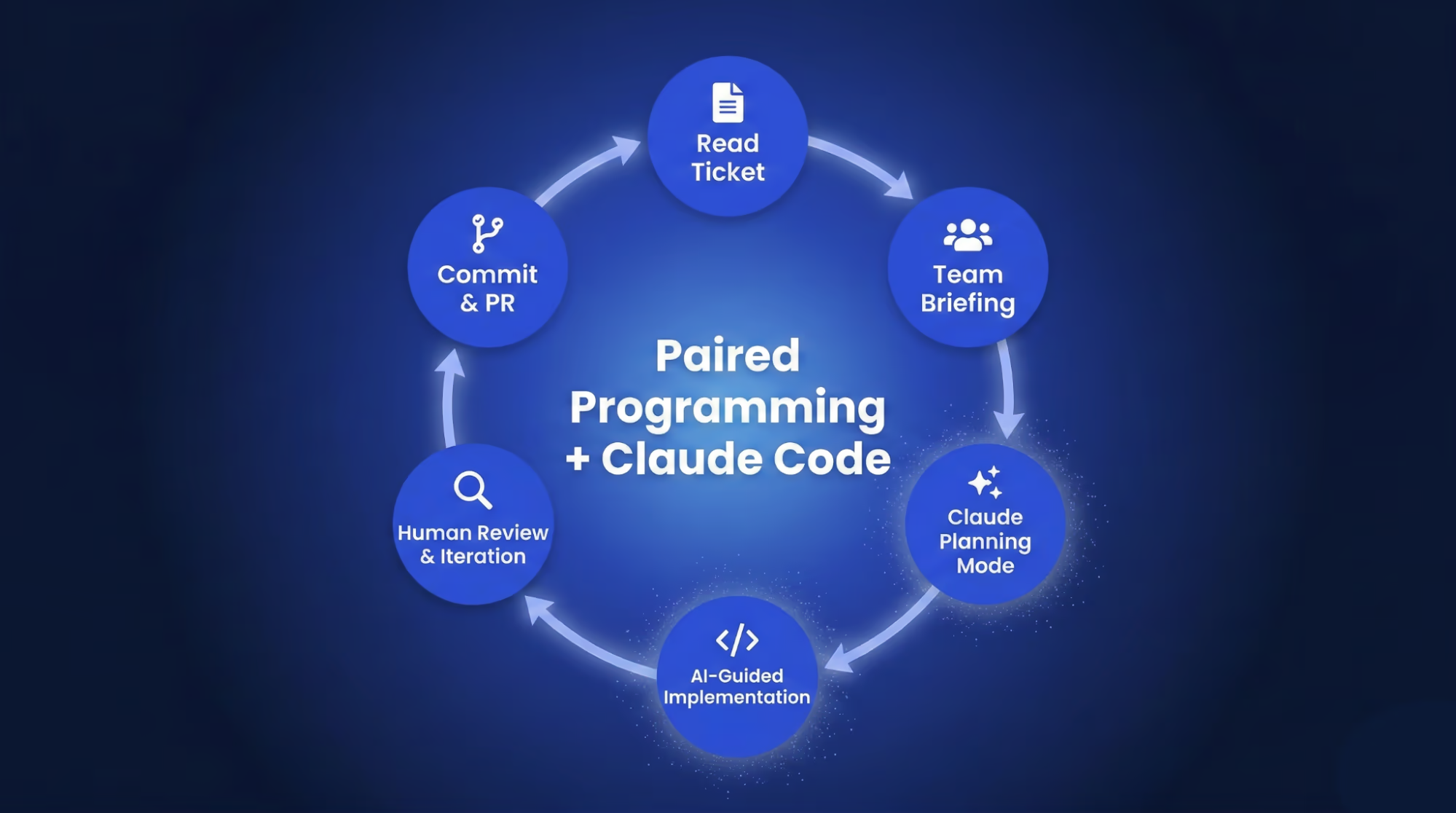
### Ticket Velocity: Hours, Not Days
The early tickets in the first epic were the most complex as they were our introduction to the project. We weren't yet confident in the architecture, and the learning curve was steep.
Without Claude, those tickets would have taken 2-4 days; with Claude and our workflow, we finished them in 2-4 hours. We rarely spent more than a day on a ticket unless the build failed or the Betterment team requested changes during review.
Test tasks were another example. The nature of the project required bootstrapping new golden tests for generated code throughout the process, as each epic expanded the generator's capabilities, the team needed golden tests to protect against regressions going forward.
These tests involved many edge cases and repetitive GraphQL mocking, which Claude handled significantly faster than manual implementation. Claude also helped the team more quickly validate that the golden tests themselves were sound; that they were actually capturing the right generated output and would catch meaningful regressions, not just recording whatever the generator happened to produce.
### Claude Code Pull-Request Reviews: What We Learned About AI As A Reviewer
Claude Code's PR review capability was particularly effective. Since Claude had the same context as during development, it could review with deep, scoped knowledge. Claude's reviews were fast, and combined with pair programming, reduced review bottlenecks significantly.
Interestingly, Claude sometimes suggested different improvements during review than during development, even with identical context. We'd think, "Why didn't Claude catch this during implementation?" But AI responses aren't deterministic — the same input can produce different outputs. Think of Claude as two different team members: one helping with development, another with review.
Even if Claude suggests different things at different times, you'll reach the same outcome if your context is clear. Understanding this removes the temptation to "fix" the inconsistency. Even humans reviewing their own code weeks later notice things they missed before.
The biggest win: Claude Code reviews eliminated time-zone bottlenecks that could have slowed down our distributed team. Because Claude's review pass caught structural issues, style inconsistencies, and missed edge cases before human reviewers ever opened the PR, engineers could focus their review time on architectural judgment and domain-specific correctness rather than mechanical concerns. Once we trusted the process, we let Claude approve and merge PRs in selected repositories (while keeping human in the loop review where required by our risk management policies), enabling true asynchronous continuous integration. If something broke, we'd file a follow-up ticket instead of blocking developers in different time zones waiting for feedback.
### Minimizing Hallucinations Through Documentation
Hallucinations increase with ambiguity: unclear documentation, vague prompts, and Claude identifying patterns it assumes apply more broadly than they do. Eliminating ambiguity — through deterministic documentation and precise prompts — significantly reduces hallucinations. By documentation, we mean architecture guides, ticket descriptions, prompts, and any contextual information.
Because tickets and architecture were well-documented, Claude rarely produced confidently incorrect code, though small, subtle bugs and tricky edge cases did slip through Claude’s initial implementations at times. Once developers identified such bugs, we'd ask Claude about the specific edge case with an example, and Claude could usually spot the issue and propose a fix.
### Onboarding: “Any Doubt, Ask Claude”
If a new engineer joined the project today, their first day would look similar to my own first week: asking Claude everything. Too much documentation can overwhelm new engineers, leaving them unsure where to begin.
Claude helps by letting you ask specific questions — "Where's the code entry point?" "What should I read first?" "Where are data classes generated?" — rather than navigating documentation yourself. This helps new engineers learn the codebase and adapt to AI-assisted development.
## The Results
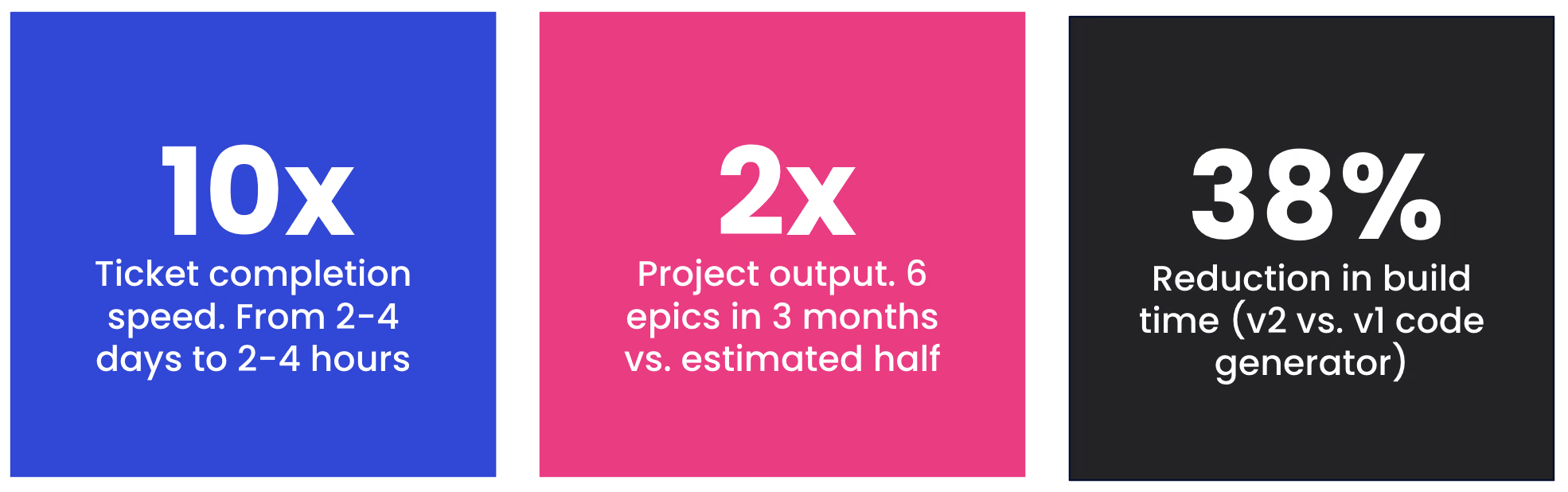
### V2 Code Generator Capabilities
The v2 generator didn't add new capabilities but significantly improved polymorphism handling. It handles the same operations as v1 — queries, mutations, and subscriptions — plus regular fragments, interface fragments, inline fragments, nested fragments, scalar types (String, Int, Float, Boolean, ID), custom scalars, and enums.
### Benchmarks
Benchmarks show v2 build times decreased by 38%, generated file size increased only 0.7%, and the output is simpler without `built_value` dependencies. All four critical issues — deserialization, polymorphism, and fragment handling — were completely resolved.
### Overall Productivity
Rough estimates: **tasks that would have taken 2-4 days completed in 2-4 hours with Claude**; each epic took about 2 weeks. We completed 6 epics in 3 months, with demos at each sprint's end. Without Claude, we estimate we'd have delivered roughly half the work. These aren't exact figures, but they're indicative.
#### Frequently Asked Questions
##### Why did Betterment need a new GraphQL code generator?
Ferry's gql-based generator predated Dart 3 and couldn't support sealed classes, exhaustive pattern matching, or idiomatic polymorphism. Interface fragments could fail silently at runtime, cache deserialization was fragile, and the team had built compensating patterns to work around the limitations. Rebuilding the generator removed that overhead at the source.
##### What is the multi-pass pipeline?
The v2 generator splits code generation into three stages. SchemaVisitor registers all schema types, FragmentVisitor resolves each fragment's exact type in isolation, and OperationVisitor assembles everything using the registries from the previous steps. The result is that shared fragments produce a single, consistent type across the entire codebase, which v1's single-pass approach couldn't guarantee.
##### How much faster was development with Claude Code?
Tickets that would have taken 2 to 4 days completed in 2 to 4 hours. The team delivered 6 epics in 3 months, roughly twice the output we estimated for the same work without Claude. Ramp-up on build_runner and the v1 architecture compressed from weeks to days.
##### What did v2 improve over v1 in terms of benchmarks?
Build times dropped 38%, generated file size grew only 0.7%, and the output is simpler with no built_value dependencies. All four critical issues around deserialization, polymorphism, and fragment handling were fully resolved.
##### What role did AGENTS.md and CLAUDE.md play?
They acted as scoped, version-controlled context for the agent. The root file gave Claude concise repository guidance, specification references, and review checklists. Package-level AGENTS files and tickets pointed to focused documentation indices tied to task scope, so Claude could work with task-specific context instead of the full global documentation. Betterment refined the docs until Claude could independently take a ticket, read the architecture, and generate correct code.
##### How did the team minimize hallucinations?
By removing ambiguity. Architecture docs, ticket descriptions, and prompts were written deterministically, and tickets included root-cause analysis, reproduction steps, and proposed solutions linked to architecture docs. When edge cases did slip through, asking Claude about the specific case with an example was usually enough for it to spot the issue and propose a fix.
### Building the Future of Web Development: The Journey of Jaspr
Source: https://verygood.ventures/blog/kilian-schulte-jaspr-building-the-future-of-web-development/
[Kilian Schulte, Jaspr — Building the Future of Web Development](https://www.youtube.com/watch?v=MUjtLvsFt-U)
In the ever-evolving world of web development, the need for innovative frameworks continues to grow. One such groundbreaking framework is Jaspr, created by Flutter expert Kilian Schulte. This blog post delves into the fascinating journey of Jaspr, its unique features, and the significant impact it has on developers transitioning from Flutter to web development.
## What is Jaspr?
Jaspr is a web framework designed to build websites using Dart. Unlike traditional HTML and CSS frameworks, Jaspr offers a unique approach by allowing developers to create components similar to Flutter widgets. This concept makes Jaspr particularly appealing to Flutter developers looking to expand their skill set into web development. As Kilian Schulte describes, "it looks a lot like Flutter, but it works slightly different," providing a familiar yet distinct environment for developers.
## The Inspiration Behind Jaspr
Kilian Schulte's journey with Jaspr began nearly four years ago when he noticed a significant gap in the market for a Dart-based web framework. "There isn't really anything framework-wise there for Dart to build websites," Kilian explained. Motivated by his own experiences and a desire to avoid writing JavaScript, he decided to create a prototype over a weekend, leading to the birth of Jaspr. This initial experiment laid the groundwork for what would become a widely adopted framework.
## Community Engagement and Feedback
The success of Jaspr is not solely attributed to its technical features but also to the vibrant Dart community. After launching Jaspr on Reddit, Kilian received overwhelming positive feedback, which fueled his motivation to further develop the framework. He noted, "The initial Reddit post was very successful, and a lot of people liked it and gave good feedback." This supportive community environment has been instrumental in shaping Jaspr, allowing it to evolve based on real user needs.
## The Big Moment — Official Adoption by Flutter and Dart Teams
A pivotal moment in Jaspr's journey occurred when the Flutter and Dart teams approached Kilian to rebuild their official websites using Jaspr. This collaboration not only validated Jaspr's capabilities but also showcased its potential for larger-scale applications. Kilian shared, "They were actually considering it at that point, or at least looking at it and trying to evaluate it," highlighting the trust placed in his framework by industry leaders.
## Features Tailored for Developers
To cater to the needs of Flutter developers transitioning to web development, Kilian designed Jaspr with specific features in mind. This includes robust support for Markdown content generation, server-side rendering, and a focus on creating a seamless developer experience. Kilian emphasized, "I always said from the beginning that I don't want to abstract away the concepts of the web," ensuring that developers not only use Jaspr effectively but also understand the underlying web technologies.
## Conclusion: Key Takeaways
Jaspr represents a significant advancement in the web development landscape, bridging the gap between Flutter and traditional web frameworks. Its user-friendly design, coupled with strong community support, empowers developers to create dynamic web applications without the steep learning curve associated with other frameworks. As Kilian Schulte continues to enhance Jaspr, it is clear that this framework is poised to shape the future of web development.
#### Frequently Asked Questions
##### What is Jaspr?
Jaspr is a web framework for building websites in Dart. It lets developers compose pages from components that look and feel like Flutter widgets, while still embracing the underlying concepts of the web.
##### Who created Jaspr?
Jaspr was created by Kilian Schulte, a Flutter developer who started the project nearly four years ago after noticing there was no Dart-native option for building websites.
##### Why would a Flutter developer use Jaspr?
Jaspr offers a familiar component model for Flutter developers moving into web development, including support for Markdown content generation and server-side rendering, without forcing them to write JavaScript.
##### Are Jaspr and the Flutter team officially connected?
The Flutter and Dart teams approached Kilian to rebuild their official websites using Jaspr, validating its capabilities for production-scale applications.
##### How did the Dart community shape Jaspr?
Kilian credits the Dart community with much of Jaspr's momentum. An early Reddit post drew strong positive feedback, which motivated continued development and helped shape the framework around real user needs.
### Pixel-Perfect Flutter UIs with Figma, Maestro, and Dart MCPs
Source: https://verygood.ventures/blog/pixel-perfect-flutter-designs-with-figma-and-maestro/
Building a Flutter screen from a Figma design is a tedious squint-and-compare cycle. So are tracking down UI bugs or refactoring screens that have drifted from their designs. Read the design, write or adjust the widget, run it, eyeball the result, tweak, and repeat. Now, AI agents can now run that whole loop themselves. They read Figma's structured design data, change the code, hot-reload, and visually verify the rendered result against the design with precision.
The Figma, Maestro, and Dart [MCPs](https://modelcontextprotocol.io/specification/2025-11-25) are what make it work. If you're new to how MCP servers fit into the Flutter developer toolkit, see [7 MCP servers every Dart and Flutter developer should know](https://verygood.ventures/blog/7-mcp-servers-every-dart-and-flutter-developer-should-know/).
## How the loop works
Together, these MCPs enable a five-step loop: read, write, reload, capture, and compare.
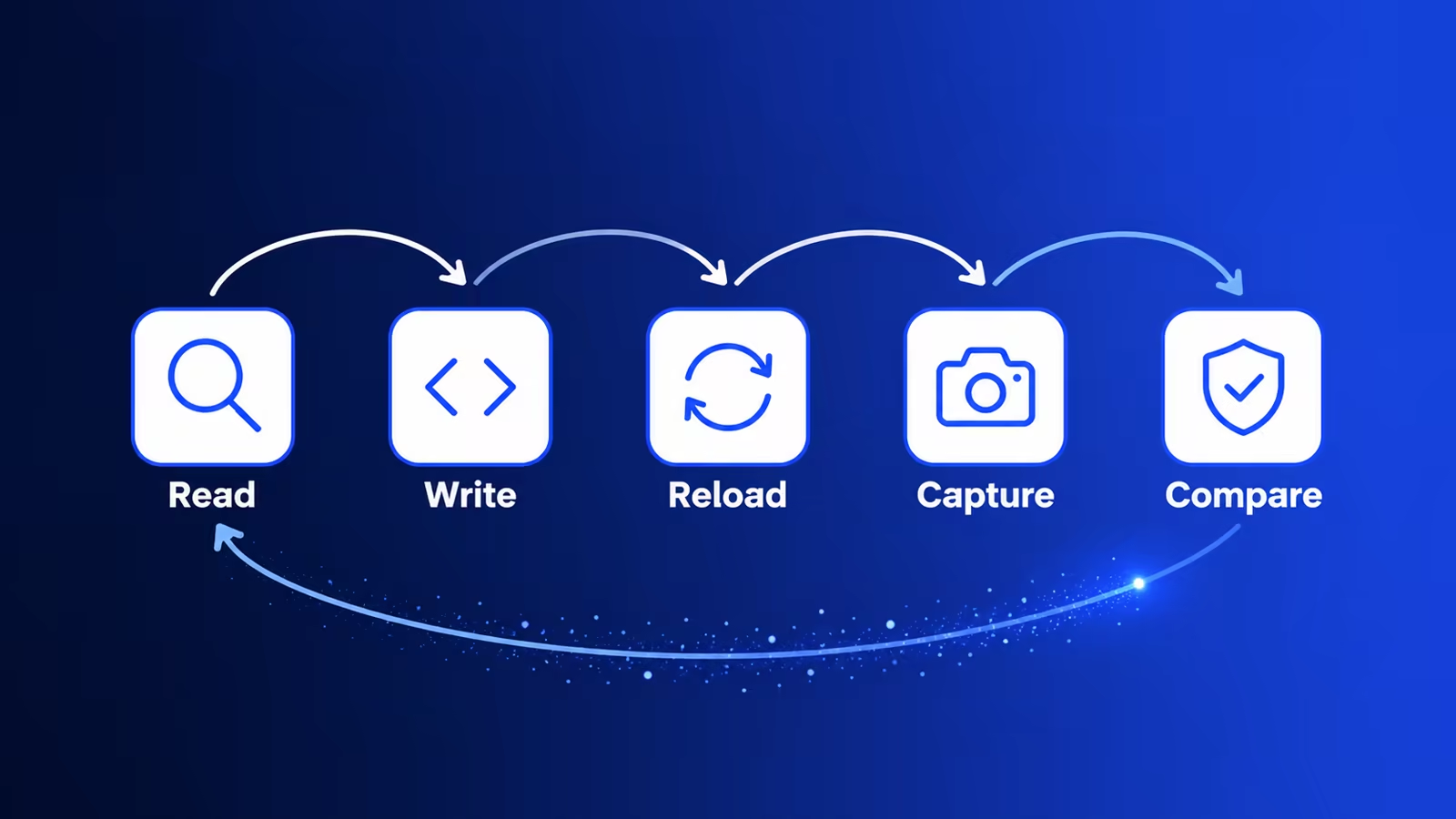
### Figma
The Figma MCP enables an agent to read directly from Figma files - extracting components, variables, layout data, and other design details. See the [official Figma MCP guide](https://help.figma.com/hc/en-us/articles/39216419318551-Get-started-with-the-Figma-MCP-server).
### Maestro
With the Maestro MCP, agents can interact with a running device - scrolling, tapping, entering text, and even taking screenshots. See the [official docs](https://docs.maestro.dev/get-started/maestro-mcp).
Heads up: The Maestro MCP currently has some rough edges on Flutter web — several core interactions don't behave reliably with a browser window. For now, run your app on an iOS or Android emulator, a physical device, or a desktop target. Track progress in the Maestro issue tracker.
### Dart
Finally, the Dart MCP allows agents to interact with the Dart VM and the running Dart process. This allows agents to hot-reload after making changes, enabling a lightning-fast validation path.
## Setting up the MCPs
You already have all three! Skip ahead to the next section.
### Figma
#### Install
Install the Figma Plugin for Claude Code:
```bash
claude plugin install figma@claude-plugins-official
```
#### Configure
Authenticate with your Claude.ai account:
1. Launch a `claude` session and open the `/mcp` menu
2. Find the `figma` MCP server
3. If necessary, authenticate and connect to enable the server
See the official [remote server installation guide](https://developers.figma.com/docs/figma-mcp-server/remote-server-installation/).
### Maestro
#### Install
Install the Maestro CLI:
```bash
curl -Ls "https://get.maestro.mobile.dev" | bash
```
The MCP server is bundled with the CLI - no separate install is needed.
#### Configure
Add the Maestro MCP to Claude Code:
```bash
claude mcp add maestro -- maestro mcp
```
For full details, see the [official Maestro installation guide](https://docs.maestro.dev).
### Dart
#### Install
The Dart MCP server ships with the Dart SDK (Dart 3.9+) - no separate installation needed.
#### Configure
Add the Dart MCP to Claude Code:
```bash
claude mcp add dart -- dart mcp-server
```
#### Connecting
The Dart MCP connects via the Dart Tooling Daemon (DTD).
Run your Flutter app with the `--print-dtd` flag so the DTD URI is printed to the console:
```bash
flutter run --print-dtd
```
Look for a URI like: `ws://127.0.0.1:/`
Tip: You can use the bang (!) prefix to run the command directly in a Claude conversation; the output, including the DTD URI, will land in the conversation automatically:
! flutter run --print-dtd
## Running the loop
For new UI, prompt your agent. Something like:
> Implement the component(s) from this Figma design: [link]. Use the Figma MCP to read the design. Once you've written the widget(s), hot-reload the app with the Dart MCP and take a screenshot with Maestro, then verify it matches the design. Iterate until they are pixel-perfect.
For an existing screen that has drifted from its design:
> The [screen/component name] no longer matches this Figma design: [link]. Use the Figma MCP to read the design and the Maestro MCP to screenshot the current state. Identify the discrepancies, fix the widget(s), hot-reload, and verify. Iterate until pixel-perfect.
From here, Claude Code runs the loop autonomously:
1. **Read** - The Figma MCP pulls the component tree, spacing, color values, and typography directly from the Figma file. No copying and pasting design specs.
2. **Write** - Claude generates and/or modifies your Flutter code.
3. **Reload** - The Dart MCP triggers a hot reload, applying the changes to the running app immediately and without losing app state.
4. **Capture** - The Maestro MCP interacts with the app to locate the elements, then captures a screenshot.
5. **Compare** - Claude compares the screenshot against the Figma design, identifies discrepancies, and goes back to step 2.
In practice, the loop converges in two or three iterations for straightforward screens. The agent catches obvious mismatches - wrong padding, an off-brand color, a font weight that didn't apply - whether it's building a screen from scratch or fixing one that has slipped out of sync.
## Wrapping up
The Figma, Maestro, and Dart MCPs turn what was a tedious manual process into a tight agentic loop. Figma eliminates the guesswork on the designs. Dart keeps iteration fast. And Maestro closes the loop with visual verification, letting your agent confirm its own output.
The result is less time shuttling between tools and more time on the work that actually requires your judgment.
## Further reading
Check out our article on [Maestro MCP test automation](https://verygood.ventures/blog/maestro-mcp-claude-mobile-ui-test-automation/).
#### Frequently Asked Questions
##### What does the Flutter UI agentic loop do?
It reads a Figma design, writes Dart code, hot-reloads the running app, captures a screenshot, and compares it against the source design. The agent iterates until the implementation matches.
##### Do I need to install the three MCPs separately?
If you use the Very Good AI Flutter Plugin, all three come bundled. Otherwise, install each one and register it with claude mcp add as shown in the setup section.
##### Does this workflow support Flutter web?
Not reliably yet. The Maestro MCP has rough edges on Flutter web and several core interactions misbehave inside a browser window. Run your app on an iOS or Android emulator, a physical device, or a desktop target until web support improves.
##### How does the Dart MCP connect to my running Flutter app?
Through the Dart Tooling Daemon. Start your app with flutter run --print-dtd and the DTD URI prints to the console so the agent can attach to the running process and trigger hot reloads.
##### Can the loop fix screens that have drifted from their design?
Yes. Point the agent at the existing screen and the Figma link. It screenshots the current state, identifies the discrepancies, fixes the widgets, hot-reloads, and verifies the result. The same loop covers new components and existing ones.
##### What Dart SDK version is required for the Dart MCP?
Dart 3.9 or later. The MCP server ships with the SDK, so no separate install is needed once your toolchain is up to date.
### Building Dashy Enterprise with GenUI + ADK
Source: https://verygood.ventures/blog/dashy-app-adk/
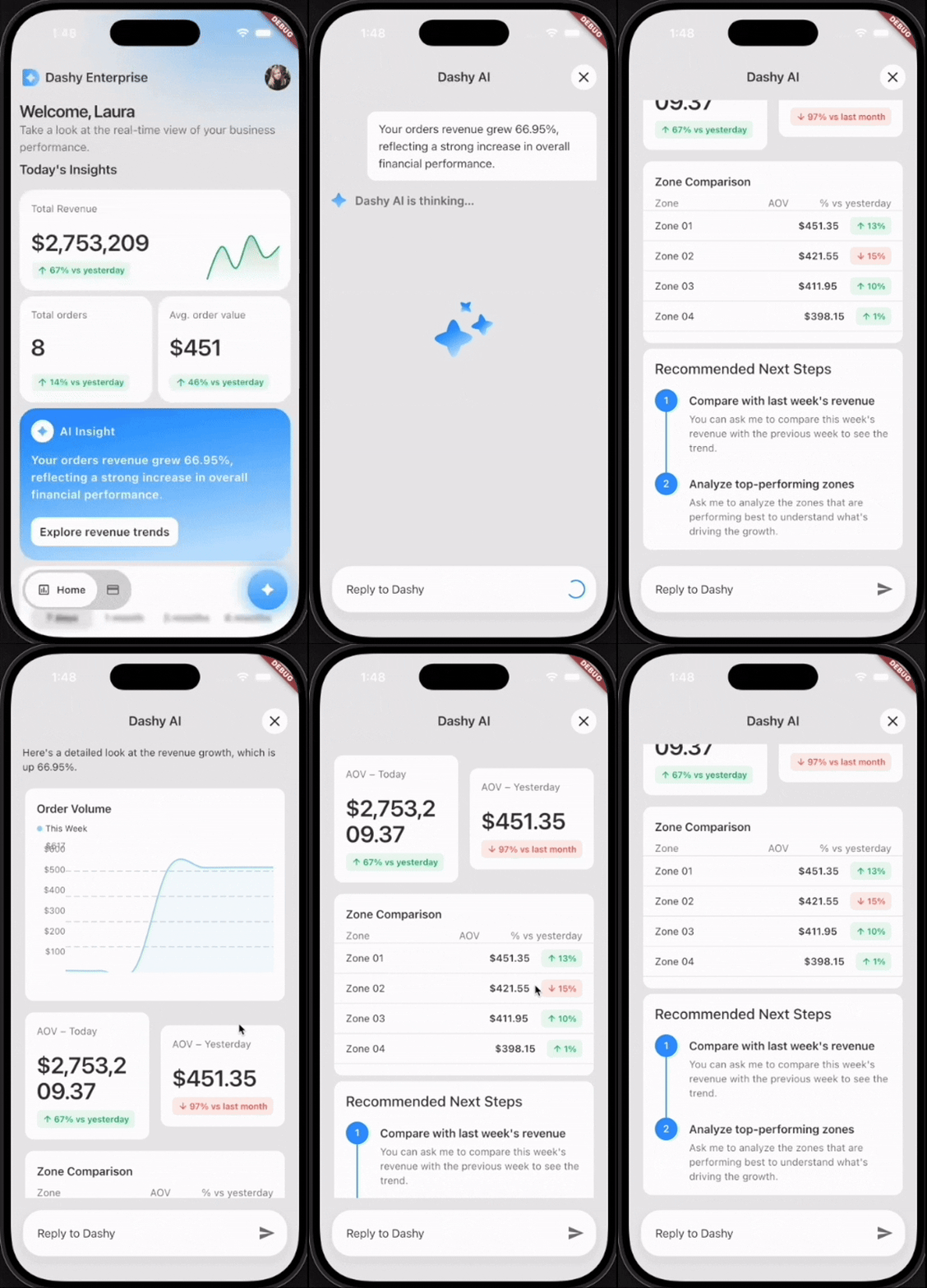
From the above gif, you see a chat bot return a descriptive paragraph along with a rendered graph and other stats from tapping an "AI Insight" card with a statement regarding your company orders. Cool! Based on the user’s request, the AI agent was able to draw and populate these widgets with real data regarding their business. You may already know this is possible with GenUI. A few of us at VGV partnered with Google to build an example app for Google Cloud Next and create a demo of what GenUI looks like in a real business setting. We created a professional dashboard with an AI agent that generates charts, graphs, and other data-driven visuals on demand. The twist: in most prior GenUI examples, something _deterministic_ drove the schema — a backend service, a rules engine, a handwritten response. Here, the driver is a Google Agent Development Kit (ADK) reasoning over the live business data.
Before jumping into the ADK aspect of this project, here are things we already know about using GenUI:
- Component catalog: a reusable widget library for the agent to utilize and populate with information.
- JSON schema: define the guidelines of the use of each catalog item for the agent with no embedded business logic.
- A2UI (Agent-to-UI): JSON message protocol that carries a widget tree from server to client as a pair of messages. `createSurface` (sets up container to render upon) and `updateComponents` (populate that surface). The agent and the UI need this protocol to decide what to show and how to draw it.
### How using ADK differs from plain GenUI
In a GenUI-powered feature a client sends a request, a backend handler runs business logic, and code then deterministically constructs the A2UI JSON. With the ADK, the agent is authoring the schema in real time. In this project, Gemini 2.5 on Vertex AI decides both what to say and which component to render, with an **action-object matrix** in the system prompt acting as its style guide.
The matrix is a literal markdown table embedded in the system prompt. Each row maps an intent (an action paired with an object) to a prioritized chain of catalog components:
| Action | Object | Primary → Secondary → Optional |
| ------- | ----------- | ---------------------------------------------------- |
| view | zone/region | BarChart → RecommendedActions |
| view | expense | ExpensesCategories → ApprovedExpenses |
| compare | employee | ApprovedExpenses → RecommendedActions |
| track | order/AOV | AovAnalysis |
| filter | expense | RadioOptions → ApprovedExpenses → RecommendedActions |
When the agent classifies a question as _view · zone_, it knows to lead with a `BarChart`
and follow it with `RecommendedActions`. No retrieval step, no embeddings — just a lookup
table the LLM reads at inference time. It's actually pretty amazing how much logic the agent takes on its own. As developers, we can spend more time refining our catalog and design systems instead of spending an arduous amount of time dictating render rules.
### Function tools
We defined a number of ADK `FunctionTool`s that wrap Postgres queries. The agent picks the tools, composes results, and emits the corresponding GenUI block in the same turn. Each tool is a plain Python function that reads session state (via `ToolContext`), enforces access rules, and returns a JSON-serializable dict:
```python
async def _get_revenue_summary(tool_context: ToolContext) -> dict:
"""Fetch order revenue summary (total, count, average, change %). Admin only."""
mode = tool_context.state.get("profile_mode")
if mode != ProfileMode.ADMIN.value:
raise PermissionError("Revenue summary is only available in admin mode.")
return await AppDependencies.instance().orders_use_cases.get_orders_revenue_info()
```
`tool_context.state` carries the session's `profile_mode`, `user_id`, `_insight_topic`, etc. so the tool has everything it needs to enforce permissions without the LLM having to pass them in.
The docstring is part of the contract. ADK surfaces it to the model as the tool description, so it also works as prompt context.
Tools are wrapped as `FunctionTool`s and collected in a single list:
```python
from google.adk.tools import FunctionTool
DATA_TOOLS = [
FunctionTool(func=_get_revenue_summary),
FunctionTool(func=_get_order_volume_data),
FunctionTool(func=_get_user_expenses),
FunctionTool(func=_get_team_expenses),
FunctionTool(func=_get_standout_expenses),
FunctionTool(func=_get_user_expenses_aggregate),
FunctionTool(func=_get_recent_team_expense_summary),
FunctionTool(func=_get_employee_profile),
FunctionTool(func=_get_topic_data),
# ...
]
```
This tool list is handed to the ADK `LlmAgent` at construction time, along with the system prompt. Gemini sees each function's name and docstring as available tools and decides which to call.
### Our agent architecture
For the Dashy Enterprise app, we have three main ADK agents — **chat, insights, and suggestions**. We didn’t want the frontend to know about these individual agents. From the backend we exposed a single A2A endpoint called an **orchestrator**. The Flutter client never sees the individual agents. This orchestrator passes information to the `metadata.agent` and delegates to `ChatRunner`, `InsightsRunner` or `SuggestionsRunner`.
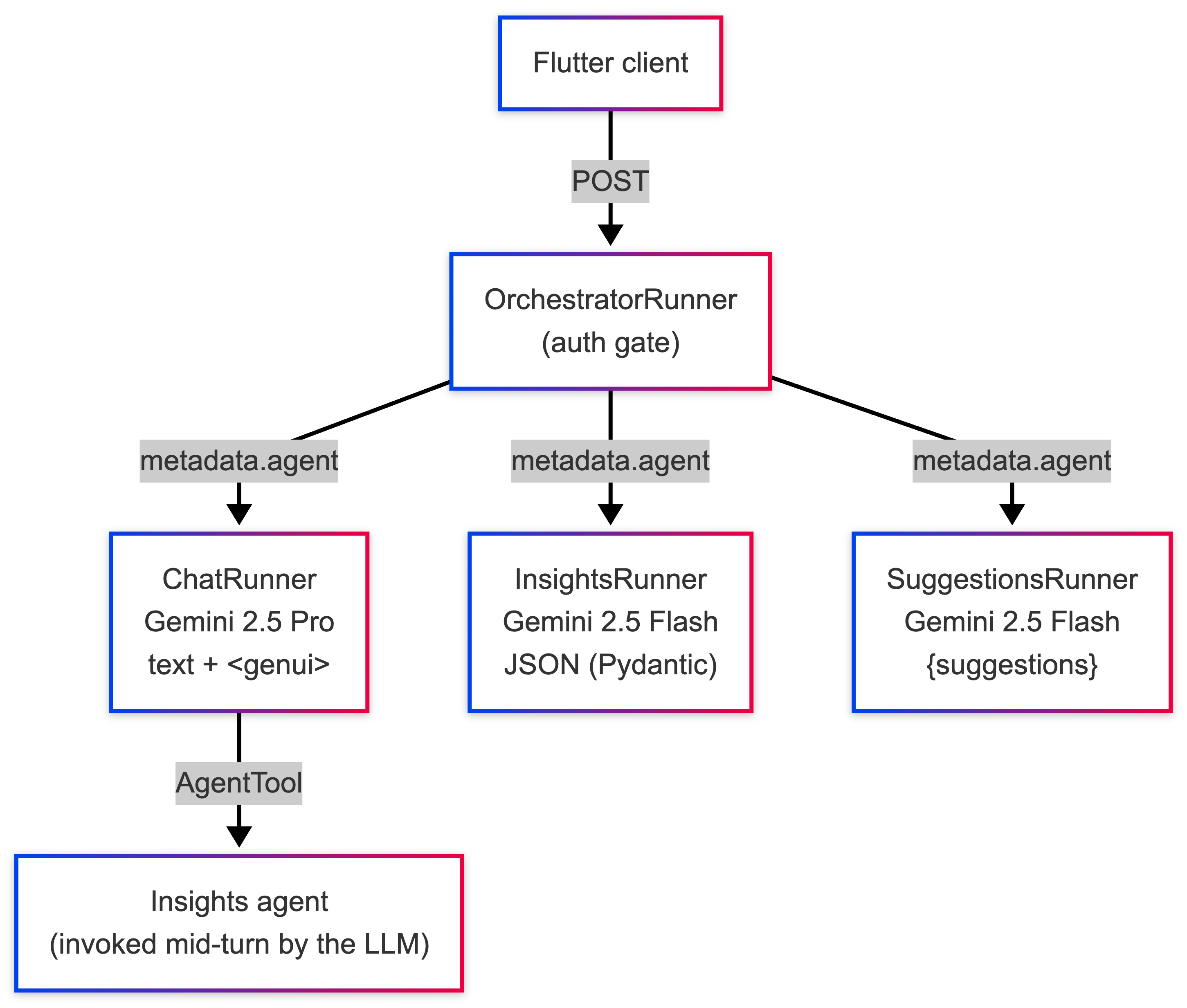
Here is what the `OrchestratorRunner` looks like. Also note that we only need to check for Auth once, instead of three times across the three sub-runners!
```python
class OrchestratorRunner:
"""Unified runner that delegates to chat, insights, or suggestions runners."""
VALID_AGENTS = frozenset({"chat", "insights", "suggestions"})
def __init__(self, models: AgentModels, app_name: str):
self._runners: dict[str, AgentRunner] = {
"chat": ChatRunner(models, app_name),
"insights": InsightsRunner(models, app_name),
"suggestions": SuggestionsRunner(models, app_name),
}
async def execute(self, context: RequestContext, event_queue: EventQueue) -> None:
_get_user_id(context) # centralised auth gate
agent_type = _get_required(context, "agent")
runner = self._runners.get(agent_type)
if runner is None:
raise ValueError(f"Unknown agent type '{agent_type}'.")
await runner.execute(context, event_queue)
```
### How it works: From chat input to backend
A user asks "How are zones performing today?" In a single call to the model through the chat agent:
1. Calls `_get_revenue_summary(tool_context)` → gets back a dict with `totalAmount`, per-zone breakdown
2. Decides, per the action-object matrix, that _view · zone_ → `BarChart` → `RecommendedExpenses`
3. Emits:
```python
$385,200 total revenue across all zones today. Top performer: Zone 03 - Uptown at $140K.
{"BarChart": {"title": "Revenue by Zone", "data": [
{"day": "Zone 01", "value": 120000},
{"day": "Zone 02", "value": 95000},
{"day": "Zone 03", "value": 140000},
{"day": "Zone 04", "value": 30200}
]}}
```
**What the ADK is doing: the agent is picking, composing, and emitting in one request.**
### How it works: From agent to widget
Once the chat agent emits a block like the "recommended expenses" block above, it doesn't ship straight to Flutter. The backend extracts the JSON by running `parse_genui_blocks`, then wraps each component in two A2UI messages (`createSurface` + `updateComponents`) and attaches them to the JSON-RPC response as `DataPart`s alongside the natural-language `TextPart`.
On the Flutter side, the `ChatAgentClient` sends the response parts in order, dispatching text to the chat bubble and `DataPart`s to the genui package, materializing them into widgets from the catalog.
**The frontend is completely passive in what is being rendered.** The agents in the backend did the hard part of determining how to shape the data.
```python
# Backend: from text to A2UI parts
cleaned_text, component_dicts = parse_genui_blocks(final_response)
parts: list[Part] = []
if cleaned_text:
parts.append(Part(root=TextPart(text=cleaned_text)))
for component in component_dicts:
for a2ui_msg in surface_messages_for_component(component):
parts.append(Part(root=DataPart(data=a2ui_msg)))
```
```dart
// Frontend: from response parts to chat thread
for (final part in result.parts) {
switch (part) {
case RpcTextPart(:final text):
onTextMessage(TextMessage(text.trim()));
case RpcDataPart(:final data):
onA2uiMessage(A2uiMessage.fromJson(data));
}
}
```
Here is a diagram to sum up the roundtrip flow:
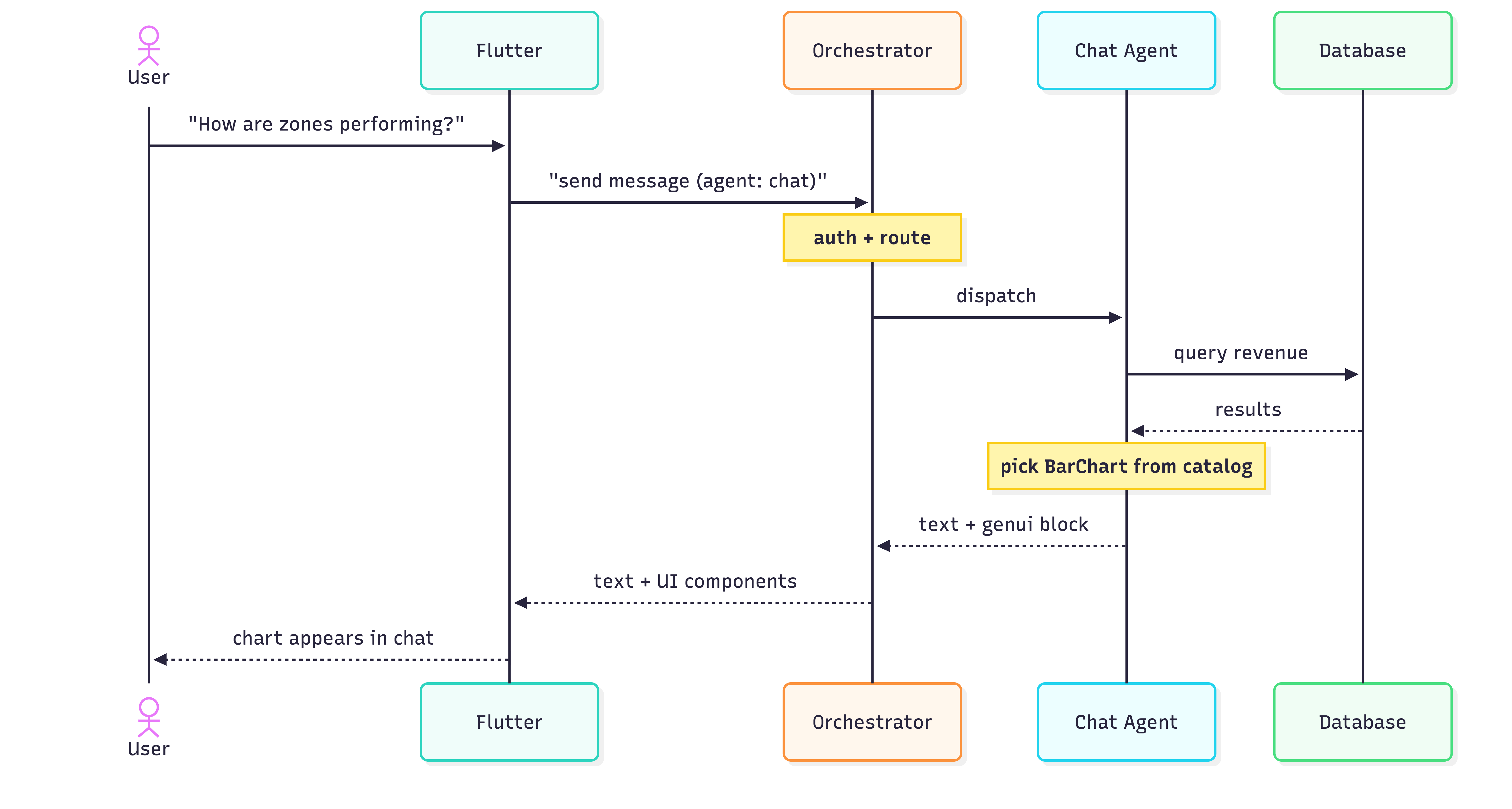
Dashy Enterprise is an early experiment in schema-driven UI authored by an ADK agent. The patterns we landed on — a single orchestrator, a component catalog, a prompt that doubles as a router — will certainly evolve. Surely down the line we will determine what the most efficient practice is to manage multiple agents as the technology continues to grow. The ADK ecosystem is still finding its shape. But we have learned that pushing UI authorship into the model reduces a lot of traditional product work, and that's a trade off worth experimenting with even at this stage.
#### Frequently Asked Questions
##### What is GenUI?
GenUI (generative UI) is a pattern where an AI model decides which UI components to render and how to populate them, instead of a developer hand-coding screens for each response. It typically relies on a reusable component catalog, a JSON schema that describes how each component is used, and a transport protocol like A2UI to ship widget trees from the server to the client.
##### How does using ADK differ from a typical GenUI setup?
In a typical GenUI feature, a backend handler runs deterministic business logic and constructs the A2UI JSON in code. With Google's Agent Development Kit, the agent itself authors the schema in real time. In Dashy Enterprise, Gemini 2.5 on Vertex AI decides what to say and which component to render, guided by an action-object matrix in the system prompt rather than handwritten render rules.
##### What is the action-object matrix?
It's a markdown table embedded in the system prompt that maps an intent (an action paired with an object, like view · zone or compare · employee) to a prioritized chain of catalog components. The agent reads it at inference time and uses it as a style guide for which widgets to emit. There is no retrieval step or embeddings involved.
##### What is A2UI?
A2UI (Agent-to-UI) is a JSON message protocol that carries a widget tree from the server to the client as a pair of messages. createSurface sets up the container to render on, and updateComponents populates that surface. The agent and the client both speak A2UI so they can agree on what to show and how to draw it.
##### How does the frontend know what to render?
It doesn't decide. The agent emits a <genui> block, the backend parses it and wraps each component in two A2UI messages attached to the JSON-RPC response as DataParts alongside the natural-language TextPart. The Flutter client routes text to the chat bubble and DataParts to the genui package, which materializes them into widgets from the catalog. The frontend is passive about what gets rendered.
##### Why use an orchestrator instead of exposing each agent directly?
Dashy Enterprise has three ADK agents (chat, insights, suggestions), and we didn't want the Flutter client to know about any of them individually. The orchestrator is a single A2A endpoint that reads metadata.agent and delegates to the right runner. It also lets us run the auth gate once instead of three times across the sub-runners, and gives us a single seam to evolve as the agent topology changes.
### Beyond the Chat Box: How We Built a Generative UI Wizard for GCN
Source: https://verygood.ventures/blog/generative-ui-flutter-wizard-gcn/
Most AI-powered apps follow the same pattern: a text input at the bottom, a scrolling list of messages above, and a send button. It works. But it doesn't guide. For a fintech financial planning demo like GCN, where a confused user staring at a blinking cursor is the worst possible outcome, we needed something different. We needed a wizard. Here's the architectural breakdown of how we built GCN's AI-driven financial planning simulator with [GenUI SDK for Flutter](https://verygood.ventures/resources/genui/), where the LLM doesn't respond to the user — it builds the screen for them.
## The Core Idea: The LLM Is a UI Generator, Not a Chatbox
The mental model shift that unlocked everything: stop asking the AI what to say, and start asking it what screen to show.
In GCN, every AI response is a complete UI surface — a JSON-defined screen with sliders, selection cards, charts, and buttons. The LLM never returns raw text. It returns structured widget trees that Flutter renders as full-screen experiences. This is generative UI in practice: an AI-generated user interface, rendered natively at runtime.
The user never sees a chat thread. They see a sequence of polished screens. They swipe forward. They answer. The AI generates the next screen. It's a wizard, powered by a language model.
## Step 1: Gate the AI Behind a Human Onboarding Flow
Before the user ever touches AI, we collect two critical data points through a hand-crafted wizard. The flow is: IntroPage → PickProfilePage → WantToFocusPage → SimulatorPage.
**PickProfilePage** asks one question: Beginner or Optimizer? It uses `PickProfileCubit` and renders `ProfileCard` widgets, with the `Next` button disabled until a selection is made. No skipping.
**WantToFocusPage** presents focus areas (Retirement, Mortgage, Healthcare, and Spending) as tappable widgets with multi-selection. There's even a free-text custom option.
This matters architecturally because by the time we call the LLM, we already know who the user is and what they care about. That data shapes the first user prompt, so the user doesn't have to type an initial message to start the conversation. The AI doesn't have to ask cold-open questions — it already has context.
## Step 2: Design a Closed Widget Catalog for Generative UI
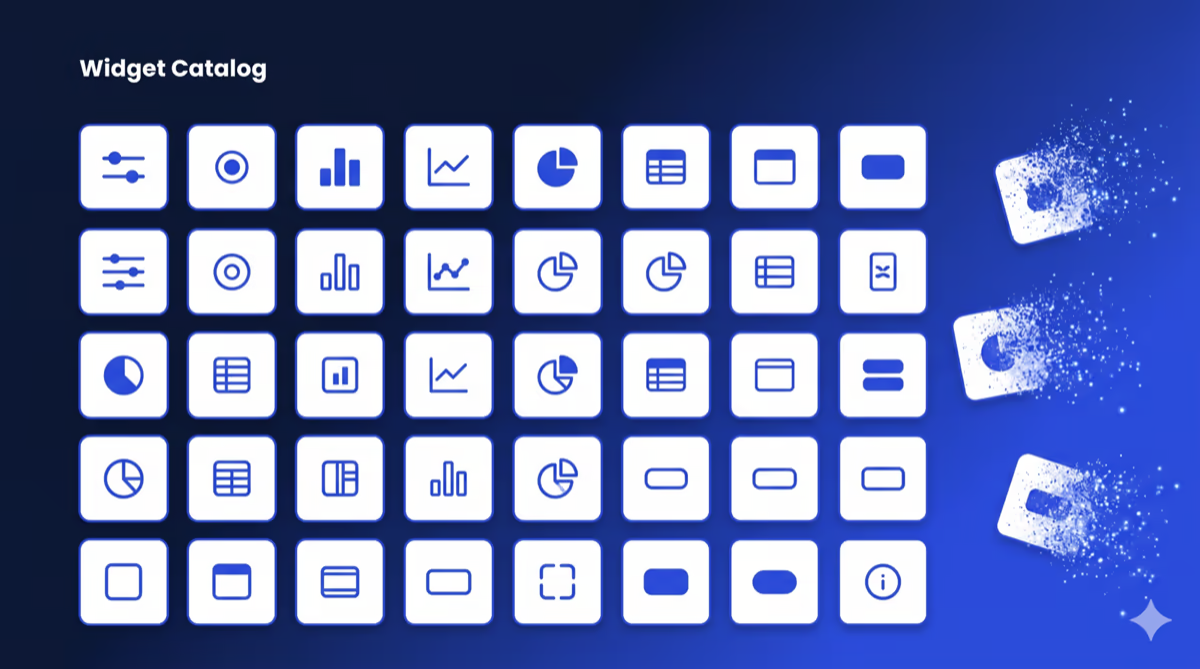
The biggest mistake teams make with generative UI is letting the AI do anything. Unconstrained generation creates inconsistent, unpredictable UIs. The answer is a closed catalog — a server-driven UI (SDUI) constraint applied to LLM output. For a hands-on parallel example, see our [Flutter GenUI tutorial: build an AI shopping assistant](https://verygood.ventures/blog/flutter-genui-shopping-assistant-tutorial/).
We defined exactly 28 widget types the LLM is allowed to use, grouped by role:
* **Container Components** (root layout)
* QuestionContainer: for focused questions
* SummaryContainer: for the final summary
* SectionCard: groups related content
* **Interactive Inputs** (write to a data model, don't dispatch events)
* GCNSlider
* RadioCard
* EmojiCard
* FilterBar
* **Action Widgets** (read-only, can bind to data model paths)
* SectionHeader, MetricCard, and InsightCard
* Charts: LineChart, BarChart, PieChart, SparklineCard, and ProgressBar
* Tables: RankedTable, ComparisonTable, and TransactionList
* NextStepsBar (sticky footer on the summary screen)
The catalog is registered with a unique ID, and the LLM must reference it. Unknown widget types are rejected. For readers curious about hardening this generative UI framework further, our post on [Genkit for Flutter: flows, middleware, and tools in a GenUI shopping assistant](https://verygood.ventures/blog/genkit-for-flutter-flows-middleware-and-tools-in-a-genui-shopping-assistant/) covers layering middleware and structured output on top of a GenUI catalog.
## Step 3: Build the Prompt as a Rulebook, Not Instructions
The system prompt in `lib/simulator/prompt/prompt.dart` isn't a description of the app — it's a strict contract the LLM must follow. This rulebook framing reflects the same "Structured Creativity" approach we described in [Generative UI for adaptive Flutter experiences](https://verygood.ventures/blog/redefining-the-digital-booking-experience-with-generative-ui/).
```
- Each step MUST create a NEW surface with a unique surfaceId
- Root component MUST be QuestionContainer or SummaryContainer
- ALL text MUST be inside surface JSON — no markdown, no prose outside blocks
- Output format: ONLY JSON blocks, nothing between them
```
The contract depends on the Catalog, DataModel, and SurfaceController abstractions described in the [GenUI SDK components and concepts](https://docs.flutter.dev/ai/genui/components) documentation. If you want to reproduce the setup, the [GenUI SDK for Flutter (get started)](https://docs.flutter.dev/ai/genui/get-started) guide is the fastest path.
The first user message is constructed programmatically from the onboarding selections:
```
"Hi! I'm new to financial planning.
I want to focus on:
- everyday spending
- saving for retirement
Guide me step by step..."
```
The LLM receives this and generates Surface 1 — a welcome screen with goal confirmation. From there, every "Next" button tap sends the user's data back to the LLM, which generates Surface N+1.
## Step 4: Architect the State Machine with flutter_bloc
The simulator's state lives in `SimulatorBloc`, and it's a proper state machine, not a simple `isLoading` toggle. We lean on the [`flutter_bloc` package](https://pub.dev/packages/flutter_bloc) for the same reasons we describe in [why we use flutter_bloc for state management](https://verygood.ventures/blog/why-we-use-flutter-bloc/): sealed-class states and a clean event/state contract.
Here's the core state shape:
```dart
class SimulatorState {
List> pages; // Each page = one full-screen step
int currentPageIndex; // Currently visible
int? pendingPageIndex; // Deferred navigation (LLM still generating)
bool isLoading;
bool showLoadingOverlay;
SimulatorStatus status;
SurfaceHost? host;
}
```
Each page contains a list of `DisplayMessage` items, which are a sealed class:
```dart
sealed class DisplayMessage
UserDisplayMessage(text) // What the user submitted
AiTextDisplayMessage(text) // Rare transitional text
AiSurfaceDisplayMessage(surfaceId) // The actual rendered surface
```
In practice, nearly every page is a single `AiSurfaceDisplayMessage`. The list structure supports edge cases (text before a surface generates, multi-surface pages).
The bloc responds to 8 event types: `Started`, `MessageSent`, `SurfaceReceived`, `ContentReceived`, `Loading`, `LoadingOverlayRequested`, `ErrorOccurred`, and `Retried`.
## Step 5: Handle LLM Latency with Deferred Navigation
This is the subtlest and most important pattern in the whole app.
When the user taps "Next", we send their data to the LLM. The LLM takes 1–3 seconds to generate the next surface. What should the user see? The naive answer is to show a loading spinner and blank the current screen. That breaks the wizard feel.
Instead, we show the current screen exactly as-is, with a "thinking" animation overlaid. When the surface arrives, we animate to the new page.
```dart
// In SimulatorBloc._onSurfaceReceived()
if (state.isLoading) {
// LLM still streaming — defer navigation
emit(state.copyWith(pendingPageIndex: newPageIndex));
} else {
// LLM done — navigate now
emit(state.copyWith(currentPageIndex: newPageIndex));
}
```
The view watches for `pendingPageIndex` becoming non-null (loading complete) and triggers the page transition. The user always has something to look at.
## Step 6: Animate Between Pages Like a Wizard, Not a Router
Flutter's standard `Navigation.push` uses route transitions designed for hierarchical navigation, not lateral wizard steps. We replaced it entirely with a [PageView](https://api.flutter.dev/flutter/widgets/PageView-class.html) and a custom scroll physics that makes transitions feel like turning pages.
The `_FadingPageView` widget applies a compound animation during scroll:
```dart
// As page scrolls away:
opacity: lerpDouble(1.0, 0.0, progress * 2) // Fades out at 50% scroll
transform: translateY(lerpDouble(0, 40, curve)) // Arcs downward
```
The result: pages don't slide in from the side like a browser navigation. They *dissolve upward* as the new page rises to meet them. It feels like a native wizard flow, not a web navigation.
## Step 7: Make Widgets Reactive to User Input
One useful pattern: display widgets can bind to the data model that input widgets write to. The Flutter team's post on [rich and dynamic user interfaces with Flutter and generative UI](https://blog.flutter.dev/rich-and-dynamic-user-interfaces-with-flutter-and-generative-ui-178405af2455) introduces the DataModel concept that makes this possible. For a broader conceptual grounding, our explainer [what is GenUI and why it matters in 2026](https://verygood.ventures/blog/what-is-genui-how-generative-user-interfaces-will-redefine-hospitality-in-2026/) walks through reactive binding in plain language.
A `SectionHeader` on the summary screen can show the user's selected value:
```dart
{
"type": "SectionHeader",
"title": "Your Monthly Budget",
"subtitle": {
"path": "/income_slider/formattedValue"
}
}
```
When the user moves the `GCNSlider`, it writes to `/income_slider/formattedValue`. The `SectionHeader` reactively updates. The LLM doesn't need to round-trip for this — it's all client-side data binding within the surface.
Each widget carries its own `DataContext`. When the user selects "Continue," all data in the `DataContext` is gathered and integrated into the chat history as part of the user's message (managed by GenUI).
## Step 8: Handle the Final Step with Drama
The final screen before the summary deserves special treatment. The `AppButton` in that surface includes a tag:
```dart
{
"type": "AppButton",
"label": "See My Plan",
"showLoadingOverlay": true
}
```
When tapped, it triggers a full-screen loading overlay with a Rive animation. The LLM generates the summary surface behind the scenes. When it's ready, the overlay dissolves and the summary dashboard appears.
This is the moment of reveal. The loading isn't a bug — it's a beat.
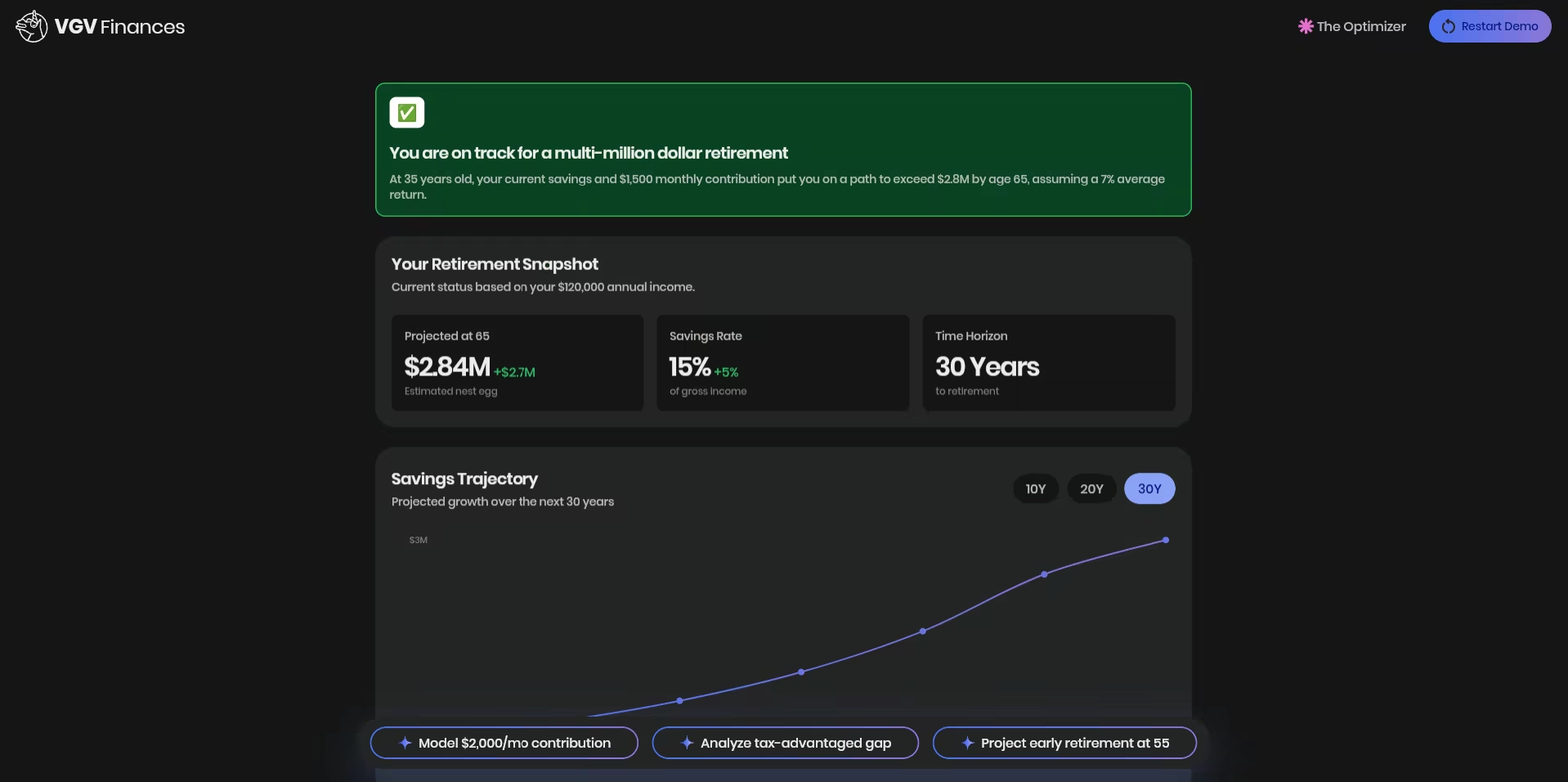
## Step 9: Build an Error Recovery Path
LLM calls fail. Network requests fail. We handle both without losing the user's progress. When an error occurs, `SimulatorBloc` emits a state that displays `_ErrorView` with a retry button. The retry event:
* Finds the last page with rendered content
* Resets `currentPageIndex` to that page
* Sends the full conversation history back to the LLM with a "please continue" prompt
The conversation history is preserved throughout, so the retry picks up exactly where it failed. The user doesn't restart from zero.
## What This Architecture Gets You
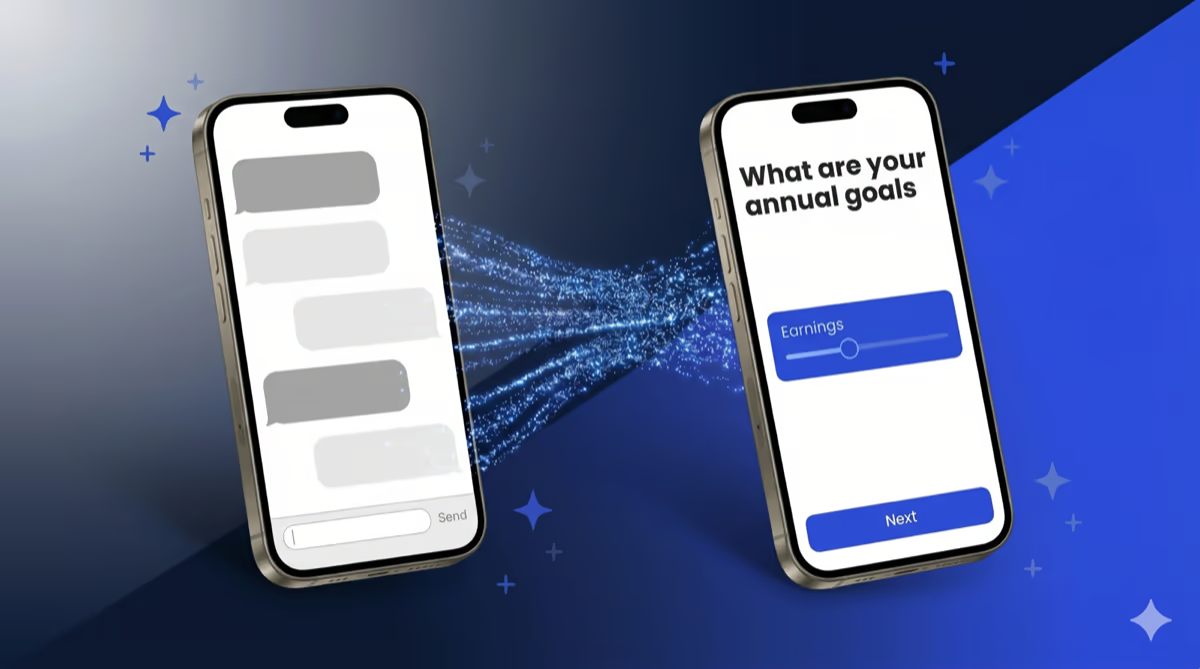
In practice, these nine steps combine to create a radically different user experience. Compared to a standard chat UI:
| Standard Chat | GCN Wizard |
| --- | --- |
| User reads messages | User takes actions |
| Open-ended input | Constrained, guided choices |
| Scrollable history | One focused screen at a time |
| AI responds to prompts | AI generates surfaces |
| You see everything AI said | You see only what matters now |
| Works for everything | Optimized for the specific flow |
The tradeoffs are real: this approach requires more work to build and is more rigid to change. Adding a new widget type means updating the catalog, the prompt, and the system. But for a demo where you know the user journey and need every step to land, the control is worth it.
This is why the pattern earns its cost on known, high-stakes user journeys — fintech onboarding, guided planning, structured intake flows — and why it is the wrong choice for open-ended exploration. The wizard pattern fits when the user's path is predictable enough to design for. The chat-first integrations that ship with most GenUI examples still fit better when the user's goal is discovery.
## The Tech Stack
* **Flutter** with `fvm flutter` ([FVM](https://fvm.app)) for version management
* **Firebase AI/Gemini Flash 3** for the LLM — see [Firebase AI Logic: get started with the Gemini API](https://firebase.google.com/docs/ai-logic/get-started) for the integration path
* **GenUI** for surface rendering — [genui Flutter package](https://pub.dev/packages/genui) on pub.dev and VGV's [GenUI: AI-driven generative user interfaces for real-time adaptive experiences](https://verygood.ventures/resources/genui/) resource page. The SDK is in active development; check the pub.dev changelog for current stability before adopting in production.
* **BloC** pattern throughout ([`flutter_bloc`](https://pub.dev/packages/flutter_bloc))
* **Rive** for the thinking animation — [Rive Flutter runtime](https://help.rive.app/runtimes/overview/flutter)
This stack is a clean example of Flutter AI integration end-to-end: structured output from an LLM, rendered by a Flutter-native generative UI framework, managed by `flutter_bloc`, with animation handled by Rive.
The full repository structure:
```
lib/
├── onboarding/ # Hand-crafted wizard (intro, profile, focus)
│ ├── intro/
│ ├── pick_profile/
│ └── want_to_focus/
├── simulator/ # AI-driven simulator
│ ├── bloc/ # SimulatorBloc, state, events
│ ├── catalog/ # 28 widget type definitions
│ ├── prompt/ # System prompt + initial message builder
│ ├── repository/ # GenUI conversation management
│ └── view/ # SimulatorView, message bubbles, animations
└── design_system/ # Colors, themes, 28 base widgets
```
The lesson we kept coming back to: **the best AI interfaces are the ones that don't look like AI interfaces**. They look like well-designed apps that happen to be infinitely configurable at runtime by a language model. Chat boxes are one pattern. Wizards are another. The architecture that earns user trust is whichever one disappears into the experience.
#### Frequently Asked Questions
##### What is generative UI in Flutter?
Generative UI is a pattern where the LLM returns structured widget definitions instead of text, and the app renders them as native UI at runtime. In GCN, every AI response is a complete Flutter screen defined as JSON, with sliders, charts, and selection cards. The user never sees a chat thread. They see a sequence of polished screens generated by the model. The genui Flutter package handles the rendering.
##### Why use a wizard pattern instead of a chat interface for an AI app?
Chat interfaces work well for open-ended exploration. They fail for guided tasks like financial planning, where a user staring at a blinking cursor is the worst possible outcome. A wizard flow constrains choices, gives every step a clear next action, and lets the AI focus on shaping the experience instead of generating prose. For GCN, that meant tighter, more confident interactions on a high-stakes journey.
##### What is a closed widget catalog and why does GCN use one?
A closed widget catalog defines exactly which UI components the LLM is allowed to use. GCN exposes 28 widget types grouped into containers, interactive inputs, and read-only display widgets. Anything outside the catalog is rejected. The constraint forces consistent, predictable UI and prevents the model from hallucinating components the app cannot render. Unconstrained generation is the single biggest reason most generative UI projects look broken.
##### How does GCN handle LLM latency between wizard steps?
The simulator uses a deferred navigation pattern. When a user taps Next, GCN keeps the current screen visible with a thinking animation overlaid while the LLM generates the next surface. SimulatorBloc tracks a pendingPageIndex and only triggers the page transition once the new surface arrives. The user always has something to look at, and the wizard never blanks out to a spinner.
##### When should I choose generative UI over a chat interface for an AI feature?
Generative UI fits known, high-stakes user journeys like fintech onboarding, guided planning, and structured intake. The user's path is predictable enough to design for, and every step needs to land. Chat fits open-ended exploration where any sensible response is acceptable. The tradeoff is real. Generative UI takes more upfront work and is harder to change. Chat is faster to ship but harder to make trustworthy on a critical flow.
##### What tech stack powers the GCN generative UI wizard?
GCN runs on Flutter with the genui package for surface rendering, Firebase AI with Gemini Flash 3 as the LLM, flutter_bloc for state management, and Rive for the loading animation. The app structure separates a hand-crafted onboarding flow from the AI-driven simulator, so the LLM only owns the screens where its flexibility is needed.
### Shorebird: Enterprise Flutter Releases Don’t Have to Take Weeks
Source: https://verygood.ventures/blog/shorebird-enterprise-flutter-releases-dont-have-to-take-weeks/
Imagine your Flutter app ships a checkout bug on a Friday afternoon. The fix is a two-line Dart change. You know exactly what it is. You have it committed, reviewed, and ready to go in under an hour.
Then you wait.
A day for the build. A day for QA sign-off. Two to three days for App Store review. Another day for staged rollout. By the time users are running the patched version, you've spent nearly a week, and your support queue has been full since Saturday morning.
This is not a hypothetical. It's the default enterprise Flutter release cycle. And it's the problem [Shorebird](https://shorebird.dev/) was built to solve.
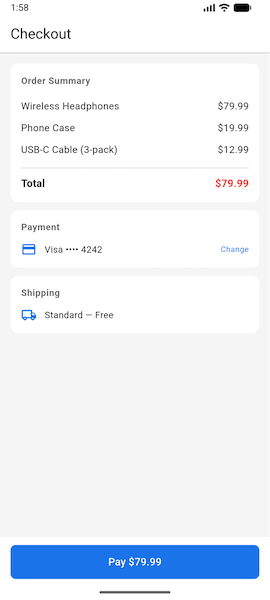
*The bug in production: three items totaling $112.97 display as $79.99. Users are undercharged — and the team doesn't find out until the support queue fills up.*
## The Traditional Enterprise Flutter Release Cycle
Before we look at what changes, it helps to be precise about what the baseline actually looks like. Enterprise teams don't just run `flutter build` and submit. There are governance layers, QA gates, and rollout controls that exist for good reason.
Here's a representative pipeline:
| Stage | What happens | Typical duration |
| ----- | ----- | ----- |
| **Code freeze** | Feature branch merges, dependency locks | 1–2 days |
| **Build & sign** | Release build, signing, artifact packaging | 1–2 hours |
| **QA cycle** | Regression testing, device matrix, UAT | 2–3 days |
| **Store submission** | Upload to App Store Connect / Play Console | 1–2 hours |
| **Review** | App Store review (Apple); Google review | 1–3 days (Apple) / hours–1 day (Google) |
| **Staged rollout** | 5% → 25% → 100% user rollout with monitoring | 2–5 days |
| **Observation** | Crash rates, session metrics, support volume | Ongoing |
For a planned feature release, this pipeline makes sense. For a one-line critical fix, like a broken payment flow or an incorrect compliance disclosure, each one of those stages is an obstacle standing between your team and your users.
**Traditional hotfix timeline:** 5–10 business days from "fix is ready" to "all users are running the fix." In an incident, every hour the bug stays live is another hour of lost revenue, damaged user trust, and mounting support volume. Days are not an acceptable unit of measurement for a broken checkout flow.
## Where Shorebird Fits In the Stack
Shorebird builds release infrastructure for Flutter teams. Code push is its flagship capability: after your app is installed on a user's device, Shorebird can deliver Dart-level patches that install in the background and apply on the next app restart, without going through the app store. This is compliant with both the App Store Review Guidelines and Google Play policies — patches update only the Dart layer, not native binaries, which falls within the permitted over-the-air update category.
A few things are important to understand before we get to the workflow:
**What can be patched:**
* Any Dart code change. Logic fixes, UI corrections, text changes, API integration updates.
**What cannot be patched:**
* Native plugin changes (anything that modifies Android or iOS native code, including method channels)
* App icons or native assets
* Changes to app permissions or capabilities
If your fix touches Dart only, which most hotfixes do, it's patchable.
## The New Workflow: CI/CD \+ Code Push in Practice
Here's the same pipeline with Shorebird integrated:
| Stage | What happens | Typical duration |
| ----- | ----- | ----- |
| **Code freeze** | Feature branch merges, dependency locks | 1–2 days |
| **Release build** | `shorebird release` instead of `flutter build` | 1–2 hours |
| **QA cycle** | Regression testing, device matrix, UAT | 2–3 days |
| **Store submission** | Upload to stores as before | 1–2 hours |
| **Review \+ rollout** | Store review \+ staged rollout | 2–5 days |
For the full release cycle, the pipeline looks roughly the same. The difference surfaces when something goes wrong after the release ships.
**For a hotfix with Shorebird:**
| Stage | What happens | With Shorebird | Without Shorebird |
| ----- | ----- | ----- | ----- |
| **Fix branch** | Dart-only fix, code review | 1–4 hours | 1-4 hours |
| **Build** | `shorebird patch` vs. full release build | \~15 minutes | 1-2 hours |
| **QA** | Targeted vs. full regression suite | 2–4 hours | 2-3 days |
| **Delivery** | Patch rollout vs. store review \+ staged rollout | Hours to 1 day | 3-8 days |
| | **Total** | **Same business day** | **5-10 business day** |
**Shorebird hotfix timeline: same business day to next morning**. That's not a small improvement. For teams where incident SLAs are measured in hours, it's a structural change in what "incident resolved" means.
The patch reaches the device without any store involvement. The app detects it in the background and surfaces a prompt on the next launch:
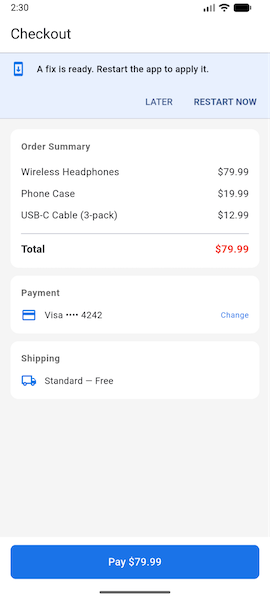
*Shorebird downloaded the two-line Dart fix silently in the background. One tap and a restart — no update prompt from the store, no waiting for review.*
The before and after, delivered same day:
|  | 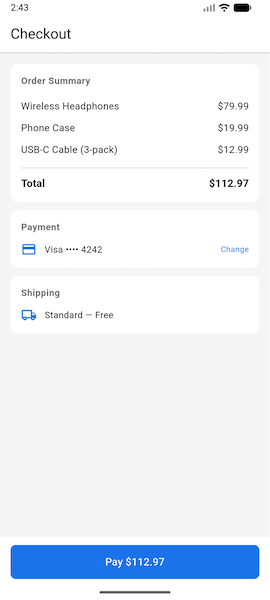 |
| ----- | ----- |
| *Before — $79.99 (wrong)* | *After — $112.97 (patched)* |
Shorebird's console gives you rollout controls comparable to what you'd configure in App Store Connect or Play Console, plus built-in patch analytics:
* Set a rollout percentage (e.g., start at 10%)
* Monitor crash rates and session metrics by cohort (patched vs. unpatched)
* Track patch adoption across your user base
* Increase rollout or roll back with a single action
For enterprise teams that have rollback SLAs or staged rollout requirements, this is where you enforce them, independent of the store.
## What Changes for the Team (and What Doesn't)
### What changes
**Branching strategy.** Add a patch branch convention. When a hotfix lands in `main` and the release is already live, cut a `patch/` branch from the release tag. Only Dart-only changes go here. This keeps the release history clean and makes it clear what each patch contains.
**CI/CD pipelines.** Add a patch pipeline alongside your existing release pipeline. The patch pipeline is lighter: no full build matrix, targeted regression only, `shorebird patch` instead of `shorebird release`.
**On-call runbook.** Update your incident response runbook. For Dart-only fixes, the hotfix path now goes through `shorebird patch` rather than an expedited store submission. Define the criteria clearly — "if the fix touches only Dart files in `lib/`, use the patch path", so engineers aren't making judgment calls during an incident.
### What doesn't change
**QA gates.** Code push doesn't skip QA. It shortens the timeline because the patch scope is narrow (targeted regression rather than full regression), not because review disappears. Enterprise governance still applies; it just runs faster on a smaller surface.
**Native changes.** If a fix requires a native code change, it goes through the store. No shortcut exists for that path, and none should. Shorebird doesn't change that constraint.
## The Honest Ceiling
Shorebird is a significant operational improvement for the scenarios where it applies. It's worth being equally clear about where it doesn't apply.
If your incident involves a native crash, a broken native plugin integration, a method channel change, or a permissions update, you're still going through the store. Plan for both paths. Teams that treat code push as a complete replacement for store release hygiene create a different class of problem, they let their release pipeline atrophy and then hit a native-layer incident with a rusty process.
The strongest setup maintains both: a healthy store release pipeline for full releases and native changes, and a fast patch path for the majority of production fixes that touch only Dart.
## Getting Started
[Shorebird's documentation](https://docs.shorebird.dev/) covers account setup, the CLI reference, and platform-specific release guides.
If you're evaluating Shorebird for an enterprise Flutter app and want help structuring the integration — branching strategy, CI/CD pipelines, rollout governance — [reach out to the VGV team](https://verygood.ventures/contact-us/). This is the kind of delivery infrastructure work we do for enterprise clients, and it's significantly faster to get right the first time with a team that's done it before.
#### Frequently Asked Questions
##### What is Shorebird and how does it work with Flutter?
Shorebird is release infrastructure for Flutter teams. Its flagship feature, code push, delivers Dart-level patches to installed apps — patches download in the background and apply on the next app restart, without going through the App Store or Google Play review process.
##### Is Shorebird code push compliant with App Store and Google Play policies?
Yes. Shorebird patches update only the Dart layer, not native binaries, which falls within the permitted over-the-air update category for both Apple and Google. Native code, plugins, app icons, permissions, and capabilities still go through standard store review.
##### How long does an enterprise Flutter hotfix take with vs. without Shorebird?
Without Shorebird, a Dart-only hotfix typically takes 5–10 business days from "fix is ready" to "all users patched" — between build, full QA regression, store review, and staged rollout. With Shorebird, the same fix can reach users the same business day, usually within hours.
##### What can Shorebird not patch?
Anything that touches native code:
Native plugin changes, including method channels
App icons and native assets
App permissions or capabilities
Those changes still require a full store release. Treat code push as a complement to store releases, not a replacement.
##### Does using Shorebird mean skipping QA?
No. Code push shortens hotfix timelines because the patch scope is narrow — targeted regression replaces full regression — not because review disappears. Enterprise QA gates and governance still apply; they just run faster on a smaller surface area.
##### How should branching and CI/CD change to support Shorebird?
Add a patch/<version> branch convention cut from the release tag for Dart-only hotfixes, plus a lighter patch pipeline alongside your existing release pipeline (no full build matrix, targeted regression, shorebird patch instead of shorebird release). Update your on-call runbook so engineers route Dart-only fixes through the patch path automatically during incidents.
### Divine launched today. The interesting part isn't the nostalgia.
Source: https://verygood.ventures/blog/divine-launches-vine-reboot-built-with-vgv/
This morning, [Divine](https://techcrunch.com/2026/04/29/jack-dorsey-backed-vine-reboot-divine-launches-to-public/), the Jack Dorsey-backed reboot of Vine, became publicly available on the App Store, Google Play, and Zapstore. Most of the headlines are about nostalgia: 500,000 restored six-second videos, OG creators like Lele Pons coming back, the early-2010s internet getting another shot.
Nostalgia is the surface. The more interesting story is what Divine refuses to be.
The team, led by Evan Henshaw-Plath ("Rabble"), built the platform to filter out AI-generated content. New videos must either be recorded directly in the app or come with [C2PA](https://c2pa.org/) provenance, an open standard that establishes how a piece of media was created and edited. The architecture runs on Nostr, with experiments underway on AT Protocol and (eventually) ActivityPub. There is no revenue model. The company is a public benefit corporation.
In other words: an open-protocol, human-only video network, shipped at a moment when the rest of the feed is filling up with synthetic content.
We helped build it.
[Divine — Building a human-only video network with Very Good Ventures](https://www.youtube.com/watch?v=zUGnNIh60-0)
## A hybrid model
Very Good Ventures came in shortly after the prototype phase. The initial codebase had been [vibe-coded](https://verygood.ventures/success-stories/divine/): moving fast, light on architectural patterns, exactly the kind of foundation that gets you to a working demo and then becomes hard to scale. Our job was to stabilize it, harden it, and prepare it for real users without killing the velocity that made it work in the first place.
Ninety days later, the team had addressed 500+ issues across the application, established consistent engineering patterns, and shipped to early users on Zapstore. Today's public launch builds on that foundation.
What made it possible was a workflow built around Claude. Claude Code accelerated PR generation and review. MCP integrations automated ticket creation and backlog refinement. Project rules enforced code quality, Nostr protocol compliance, and brand consistency. A small cross-functional group of engineers, testers, designers, a PM, and a program manager operated with the leverage of a much larger one.
This is where the philosophy gets interesting.
## The line that isn't a contradiction
Divine excludes AI-generated content from the user experience. We used AI extensively to build the user experience. Read quickly, that sounds like a contradiction. It isn't.
The line Divine draws is between **the tools** and **the output**. We drew the same line. AI is allowed to make builders faster and the platform better. AI is not allowed to flood the feed with content that bypasses human creativity entirely. The first expands what people can ship. The second hollows out what's worth shipping.
The way we put it in the case study:
> The creativity is human. Claude just makes it ship faster.
That isn't a slogan. It's an architectural decision. It shows up in the product (C2PA verification, in-app capture). It shows up in the process (AI in the dev loop, not in the content pipeline). It shows up in the business model (PBC, no ad-driven optimization for attention).
## Why it matters now
A lot of social platforms are sliding toward a world where users can't tell what's real, creators can't compete with infinite synthetic supply, and the feed becomes a kind of statistical mush. Divine is a small bet in the other direction.
It is also a useful proof point for how to build anything in 2026. AI acceleration is a question of *where* you put the leverage. Put it in the build pipeline and your team gets faster. Put it in the content pipeline and your product gets cheaper to fake.
Divine put it in the right place. We were proud to help.
---
*[Read the full case study →](https://verygood.ventures/success-stories/divine/)*
*[Download Divine →](https://divine.video/)*
#### Frequently Asked Questions
##### What is Divine?
Divine is a reboot of the short-form video app Vine, publicly available as of April 29, 2026 on the App Store, Google Play, and Zapstore. It restores 500,000 original Vine videos and is designed as a human-only, open-protocol video network — not a feed of AI-generated content.
##### Who is behind Divine?
Divine is backed by Jack Dorsey and led by Evan Henshaw-Plath (known as "Rabble"). The company is structured as a public benefit corporation and currently operates without a revenue model.
##### Does Divine allow AI-generated videos?
No. Divine excludes AI-generated content from the user experience. New videos must either be recorded directly in the app or come with C2PA provenance — an open standard that establishes how a piece of media was created and edited.
##### What protocol does Divine run on?
Divine is built on Nostr, with experiments underway on AT Protocol and (eventually) ActivityPub. The open-protocol foundation is a deliberate choice to keep the network interoperable rather than locked to a single platform.
##### How did Very Good Ventures help build Divine?
VGV came in shortly after the prototype phase to stabilize and harden a fast-moving, vibe-coded codebase. Over 90 days, the team addressed 500+ issues, established consistent engineering patterns, and shipped to early users on Zapstore — the foundation today's public launch builds on. Read the full case study.
##### How does Divine use AI if it bans AI-generated content?
Divine draws a line between the tools and the output. AI is used in the build pipeline — Claude Code accelerated PR generation and review, MCP integrations automated ticket creation and backlog refinement, and project rules enforced code quality and protocol compliance. AI is not used in the content pipeline that fills the feed.
##### Where can I download Divine?
Divine is available on the official website, the App Store, Google Play, and Zapstore.
### GenUI Across Devices: What We Learned Building the Life Goal Simulator
Source: https://verygood.ventures/blog/genui-across-devices/
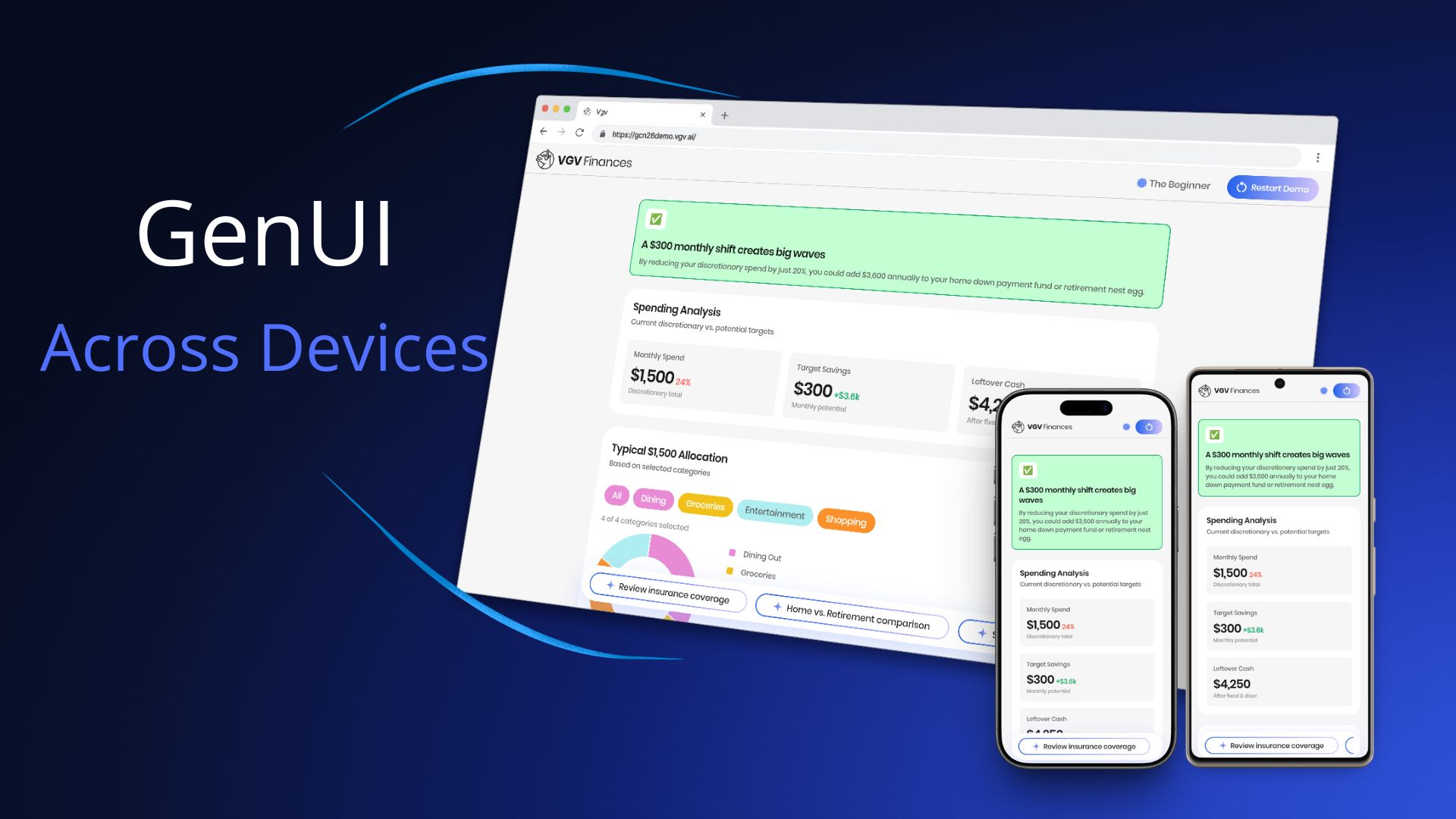
For [Google Cloud Next 2026](https://cloud.withgoogle.com/next), we built the [Very Good Life Goal Simulator](https://gcn26demo.vgv.ai) — a multi-platform demo showcasing [Firebase AI](https://firebase.google.com/docs/vertex-ai-in-firebase) and [GenUI](https://github.com/flutter/genui) in a personal-finance dashboard. The app runs on Android and Web from a single Flutter codebase, and uses Generative UI to render AI responses as interactive widgets in real time: sliders, charts, filter chips, radio cards, and more.
That last part is where the cross-device question gets interesting. When an LLM is composing your UI on the fly, how do you make sure those assembled surfaces look right on a 6-inch phone and a 27-inch desktop monitor?
Here's what we learned.
---
## What GenUI Changes About Cross-Device Work
With conventional Flutter development, cross-device layout is a bounded problem: you know the shape of every screen, and you design for each form factor.
With GenUI, the LLM decides which widgets to render and how to compose them. Your `CatalogItem` definitions — the custom widget schemas you register — tell the model what it can use. But within those boundaries, the model chooses. A response might place three filter chips next to a sparkline chart, or surface a slider below a data table.
The cross-device question is therefore not just "how do our screens adapt?" It's "how do AI-assembled surfaces adapt — reliably, across layouts we can't fully predict?"
---
## What We Tried First
Before landing on our final approach, we ran a couple of spikes where we gave the LLM explicit device context — the screen size and the target platform (web or Android) — and let it decide which components to render based on that information.
The results were interesting: the LLM was actually quite good at choosing the right components. But it didn't produce better results than responsive design would. Giving the model device information turned out not to be the advantage we expected, and it introduced two new problems.
**Option 1: device-specific catalog items.** One approach was to define separate mobile and desktop variants of the same widget — `SparklineCard_mobile` and `SparklineCard_desktop`, for example — and instruct the LLM to pick the right one. The model could do this reasonably well, but the cost was a catalog that grew rapidly. A larger catalog means a larger system prompt, which eats into your context window and makes the prompt harder to maintain.
**Option 2: serve a different catalog per breakpoint.** The other option was to swap the entire catalog at the repository level based on the current breakpoint. This avoided the bloated catalog problem, but introduced a worse one: it can't handle window resizing. If a user loads the app on a mobile breakpoint and then resizes their browser to desktop width, the LLM has already chosen mobile components for that surface — and it has no way to respond to the resize. The UI is stuck.
That last point is important: **resizing is something you simply cannot solve with only an LLM.** A user can change their breakpoint at any time, and the model can't react to that. Flutter's constraint system can — because it re-evaluates layout on every build. That realization is what pushed us toward putting responsive behavior in the widgets themselves rather than in the model.
---
## How We Solved It
The key insight was understanding the division of responsibilities: **the LLM decides which widget to show, what content to populate it with, and at what size — but the widget itself owns its internal layout and rendering.**
Before diving into the problems we hit, one practical note on workflow: **we always tested catalog items in the dev menu before involving the LLM.** The app includes a component catalog where you can render each widget at different sizes in isolation. Only once a widget looked right across breakpoints did we test it end-to-end with the LLM. That two-step loop made iteration significantly faster.
### Problem 1: widgets were getting crushed on mobile
The widgets didn't have responsive constraints, so on a phone screen they had nowhere to go. Charts and cards that looked great on a wide desktop viewport were too small to be usable on mobile.
The fix was to give each catalog item explicit mobile and desktop size constraints. For example, the `BarChart` defines separate `barWidthMobile` (18px) and `barWidthDesktop` (46px) values with corresponding minimums, and uses `LayoutBuilder` with `.clamp(minBarWidth, maxBarWidth)` to compute the final bar width at runtime:
```dart
final maxBarWidth = responsiveValue(
context,
mobile: _BarChartDimensions.barWidthMobile, // 18px
desktop: _BarChartDimensions.barWidthDesktop, // 46px
);
final minBarWidth = responsiveValue(
context,
mobile: _BarChartDimensions.barWidthMinMobile, // 6px
desktop: _BarChartDimensions.barWidthMinDesktop, // 8px
);
final barWidth = computed.clamp(minBarWidth, maxBarWidth);
```
### Problem 2: the LLM was filling widgets with too much content
Even after fixing the size constraints, content was overflowing — especially on mobile, where there's simply less space for text. The LLM had no awareness of how much room was available, so it filled widgets as if it were always rendering on a wide desktop screen. A `SectionHeader` subtitle that ran three sentences broke the visual rhythm of a question screen. A description field with too much text wrapped awkwardly inside a compact card. The widget rendered fine — the content didn't.
The fix was to give the LLM explicit content rules in the system prompt alongside the widget schemas — capping `SectionHeader` subtitles to 1-2 sentences, and defining layout containers with explicit max widths (`QuestionContainer` at 650px, `SummaryContainer` at 1000px). Once we gave the LLM a defined structure with clear content expectations per slot, the overflow problems disappeared.
### Problem 3: the LLM wasn't using widgets as intended
Even with size constraints and content rules in place, we found cases where the LLM used a widget correctly — but not in the way it was designed to work. The `SparklineCard` is a good example: the LLM was rendering a single card instead of the minimum two required for the component to make visual sense, and the container wasn't expanding to full width.
The fix wasn't in the widget code — it was in the catalog rules. We updated the `SparklineCard` description in `finance_catalog.dart` to be explicit about usage:
- **Before:** *"Use the SparklineCard widget to display a financial category with its amount and a trend sparkline."*
- **After:** *"Use the SparklineCard widget to display financial categories, each with an amount and a trend sparkline — arranged in a horizontal row on desktop or stacked vertically on mobile. Always provide at least 2 cards in the `cards` array."*
That one-line change was enough — and notice what else snuck in: *"arranged in a horizontal row on desktop or stacked vertically on mobile."* That's a responsive layout rule, delivered not in code but in the catalog description. The LLM now knows how the widget should behave across devices, without any changes to the widget itself. The catalog description is the LLM's only source of truth for how to use a widget — if the behavior isn't described there, the model will guess. The more precise the description, the more predictable the output across every device.
**Prompt engineering and widget constraints are two sides of the same coin.** Constraints prevent widgets from rendering outside their safe range. Prompt rules prevent content from overflowing the space that remains.
---
## The Architecture That Made It Cheap to Iterate
We updated catalog item constraints several times before landing on the right values. That iteration was fast because of one architectural decision: **all GenUI complexity lives inside `SimulatorRepository`**, behind a two-method API (`startConversation()` and `sendMessage()`). The bloc and UI layers never import GenUI directly.
When we needed to tighten a constraint or adjust a prompt rule, we changed only the catalog or the `PromptBuilder` — no state management, no view code touched. Clean boundaries made the cross-device tuning loop fast.
---
## Key Learnings
**The LLM decides content and size; your widgets own their internal layout.** The model's job is to choose which widget to show, what content to populate it with, and at what size. How that widget renders that content is Flutter's job. Keep those responsibilities separate.
**Mobile and desktop constraints are not optional.** A GenUI surface can be rendered on any device at any width. Define explicit min/max values per breakpoint for every catalog item, and make them tight enough to always look good.
**Prompt rules and code constraints work together.** Use the system prompt to control content density — short subtitles, focused questions, one idea per widget. Use code constraints to control size boundaries. Neither is sufficient alone.
GenUI is a new way to compose UI, but it renders Flutter widgets — and Flutter widgets live in a constraint system. The principles that have always made Flutter multi-platform didn't change. Responsive design is still the right mental model; we just had to apply it in a new place.
---
## Try It Yourself
The Very Good Life Goal Simulator is open source. Explore the full implementation — catalog items, size constraints, the repository boundary, and the prompt structure — in the [GitHub repository](https://github.com/VGVentures/genui_life_goal_simulator), and try the live app at [gcn26demo.vgv.ai](https://gcn26demo.vgv.ai).
#### GenUI Cross-Device FAQs
##### What is Generative UI (GenUI) in Flutter?
GenUI is an approach where an LLM composes the user interface at runtime by selecting from a registered catalog of widgets and populating them with content. In Flutter, the flutter/genui SDK renders those AI-assembled responses as real Flutter widgets — so they still live inside Flutter's constraint and layout system.
##### Why is cross-device design harder with GenUI than with conventional Flutter apps?
With conventional Flutter, you know every screen's structure ahead of time and can design layouts for each form factor. With GenUI, the LLM decides which widgets to render and how to compose them, so you have to make AI-assembled surfaces adapt reliably across layouts you can't fully predict.
##### Should I pass the LLM the screen size or platform so it can choose the right widget?
Generally no. We tried it and the LLM picked components reasonably, but the results weren't better than responsive design — and the approach broke down on window resize, since the model can't react to a viewport change after a response is rendered. Put responsive behavior in the widgets themselves, not in the prompt.
##### Why not register separate mobile and desktop versions of each widget?
Defining variants like SparklineCard_mobile and SparklineCard_desktop bloats your catalog, which bloats the system prompt — eating into your context window and making the catalog harder to maintain. A single responsive widget per concept stays leaner and handles resizing for free.
##### How do you split responsibilities between the LLM and the widget?
The LLM decides which widget to show, what content to put in it, and at what size. The widget owns its internal layout and rendering. Keeping those concerns separate is what lets the same catalog item work across phones and desktop monitors without device-specific branches in the prompt.
##### How do you stop the LLM from overflowing a widget with too much text?
Give the model explicit content rules in the system prompt alongside the widget schemas — for example, capping SectionHeader subtitles to 1–2 sentences and defining layout containers with explicit max widths. Code constraints control size; prompt rules control content density. Neither is sufficient alone.
##### What's the role of the catalog item description?
The catalog description is the LLM's only source of truth for how to use a widget. If a usage rule isn't written there, the model will guess. Being explicit — for example, “arranged in a horizontal row on desktop or stacked vertically on mobile” and “always provide at least 2 cards” — is often enough to fix misuse without changing widget code.
##### How do you keep GenUI integration from leaking through your app architecture?
Hide all GenUI complexity behind a small repository API. In the Life Goal Simulator, SimulatorRepository exposes just startConversation() and sendMessage(); the bloc and UI layers never import GenUI directly. That boundary makes constraint and prompt iteration cheap because no state-management or view code has to change.
### VGV Joins Automotive Grade Linux: Flutter Has Never Been More Ready For The Road
Source: https://verygood.ventures/blog/vgv-joins-automotive-grade-linux-flutter-has-never-been-more-ready-for-the-road/
Flutter running inside a vehicle is a different engineering discipline than Flutter running on a phone. The display is a fixed panel, not a flexible canvas. The hardware is locked down and thermally constrained. The operating system is built for automotive grade reliability, not developer convenience.
We’ve spent years working inside those constraints, [shipping production IVI software in Toyota vehicles](/blog/flutter-agency-8-year-leadership-journey/), building applications across BMW and MINI, and pushing Flutter’s render pipeline to its limits in NASCAR systems as part of [our partnership with the Trackhouse team](/success-stories/trackhouse-nascar-vip-experience/).
**Today, we’re formalizing that work: VGV has joined Automotive Grade Linux (AGL).**
> "Our work with VGV helped us to bring production-ready Flutter to in-vehicle infotainment. They understood from day one that automotive software is a different discipline, and they delivered accordingly. Their AGL membership is a natural extension of that work, and we look forward to continuing to build together."
>
> Chris Casey, Executive Director of Engineering, UX & In-Vehicle Software
## Why AGL, Why Now
[Automotive Grade Linux](http://automotivelinux.org) is a shared, open source platform for automotive software development used by major OEMs and Tier 1 suppliers worldwide.
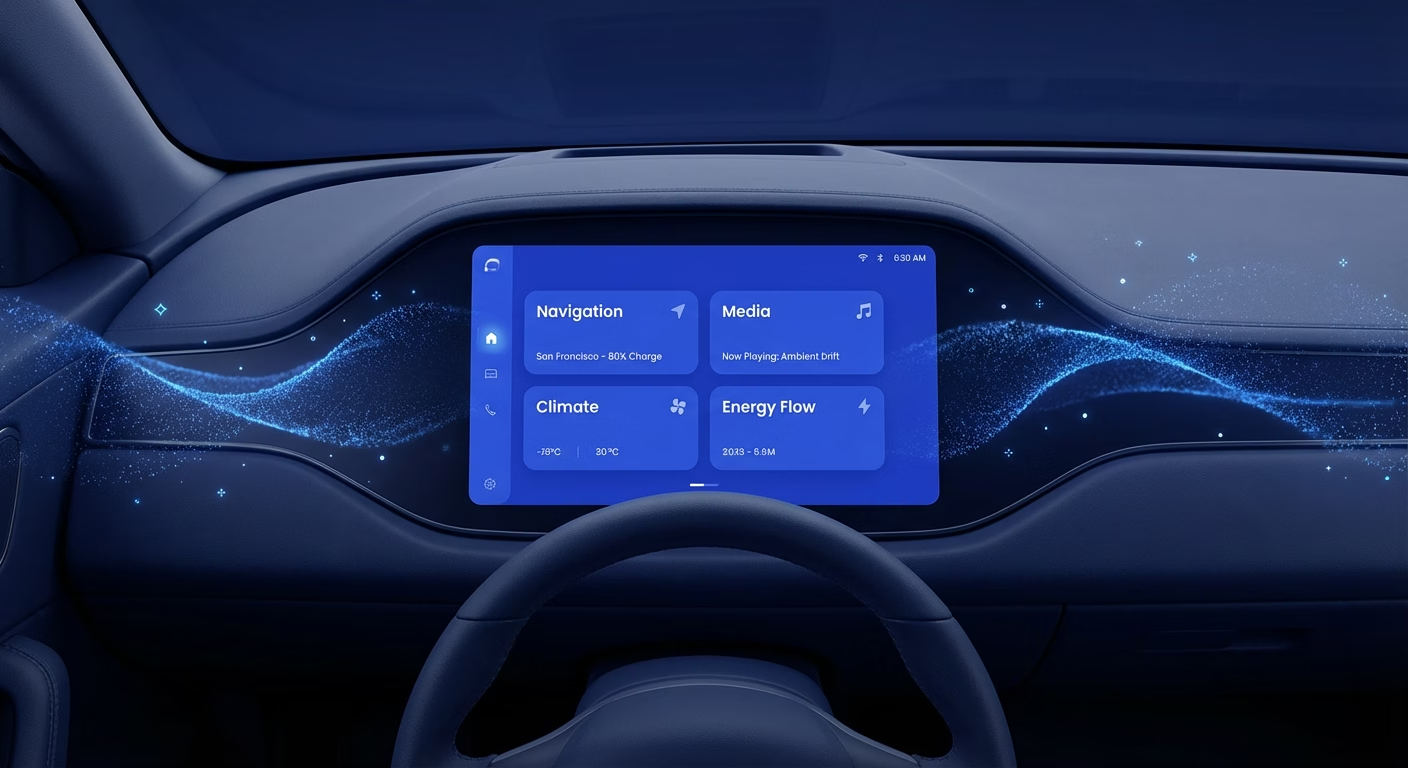
Flutter joined that story with AGL’s UCB 14 platform release, which formally added it as a supported framework for IVI development. Subsequent releases deepened the investment. For us, this trajectory confirmed what years of project work had already shown: Flutter delivers the reliability and performance that automotive HMI demands.
AGL membership gives us working group access, reference hardware, and a direct channel into the development process, right where the hard problems are being solved. We joined to [contribute](/resources/open-source-packages/), not just to participate.
## The Work That Led Here
Our AGL membership didn’t come from abstract interest in automotive software. It came from shipping production software in real vehicles.
We partnered with Toyota to build Flutter-powered IVI systems, managing frame budgets on fixed hardware, adapting Flutter’s rendering pipeline for non phone displays, and meeting the certification standards automotive OEMs bring to their software supply chain.
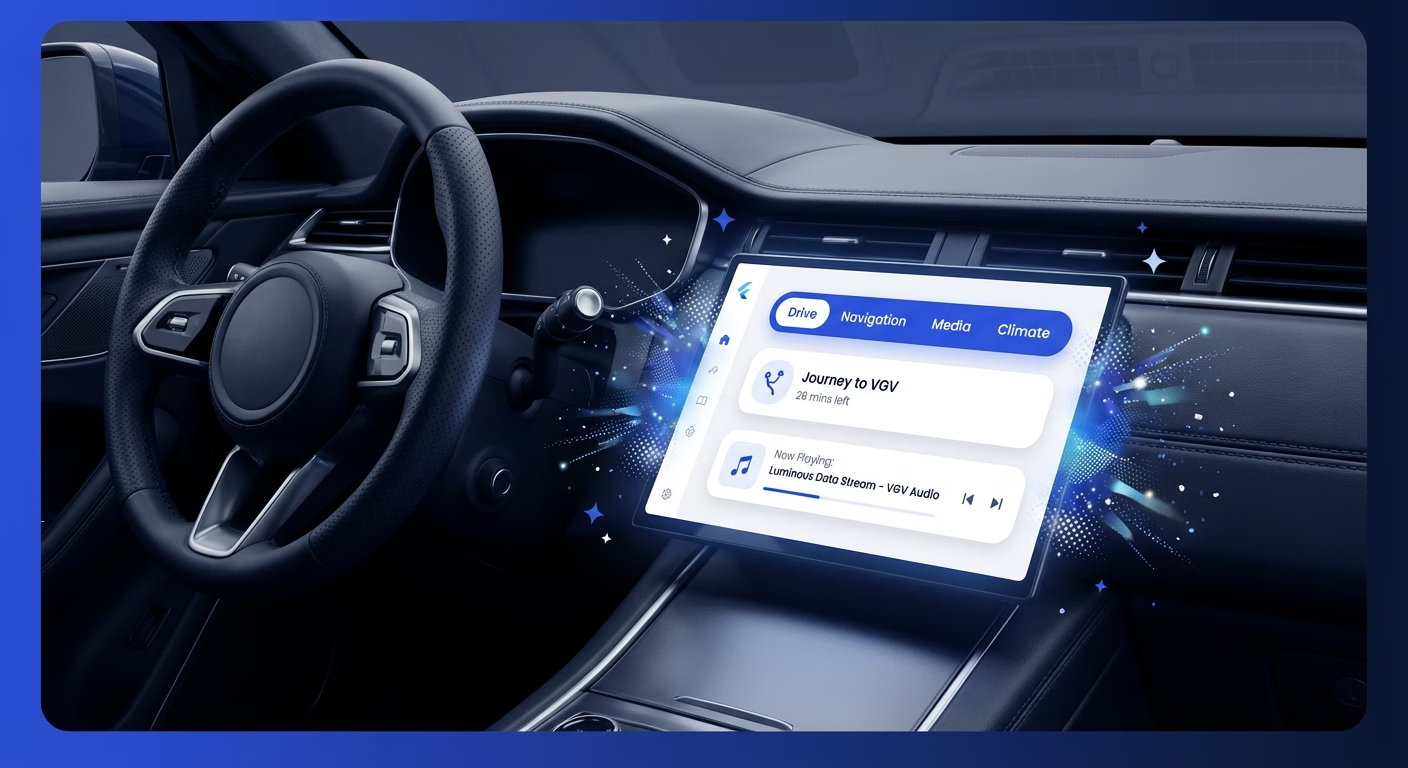
Two members of our leadership team, Kevin Rogers and Jorge Coca, led Flutter implementation across BMW and MINI [before joining VGV](/about-us/). Two vehicle brands, different design languages, one shared platform architecture. Flutter’s [single codebase model](/blog/your-business-doesnt-fit-on-a-phone-neither-should-your-flutter-app-recap/) doesn’t just reduce development cost, it changes the engineering conversation between platform teams and brand UX teams entirely.
We also partnered with the Trackhouse NASCAR racing team, where [real-time telemetry](/blog/mastering-custompainter-in-flutter-from-svgs-to-racetracks/) has zero tolerance for latency. Every millisecond of render time is visible. That discipline shapes how we approach every performance critical Flutter engagement.
We also contributed to Fluorite, the first console-grade engine fully integrated with the Flutter framework. This contribution is of tremendous importance in rendering 3D models inside the vehicle, as Fluorite is engineered to utilize Google’s Filament renderer and modern APIs like Vulkan to deliver hardware-accelerated, console-quality graphics optimized for lower-end and embedded automotive hardware.
## What We’re Building in the AGL Ecosystem
VGV maintains a significant [open source presence](/blog/pub-in-focus-the-most-critical-dart-flutter-packages-of-2024/) in the Flutter community. Packages, tooling, and infrastructure that other development teams rely on in production. We’re bringing that same approach to AGL: find shared engineering problems, build solutions in the open.
The priorities: compositor level work with Wayland and Weston, performance tooling for resource constrained automotive hardware, and reference implementations that help teams adopt Flutter for IVI without rebuilding integration work from scratch.
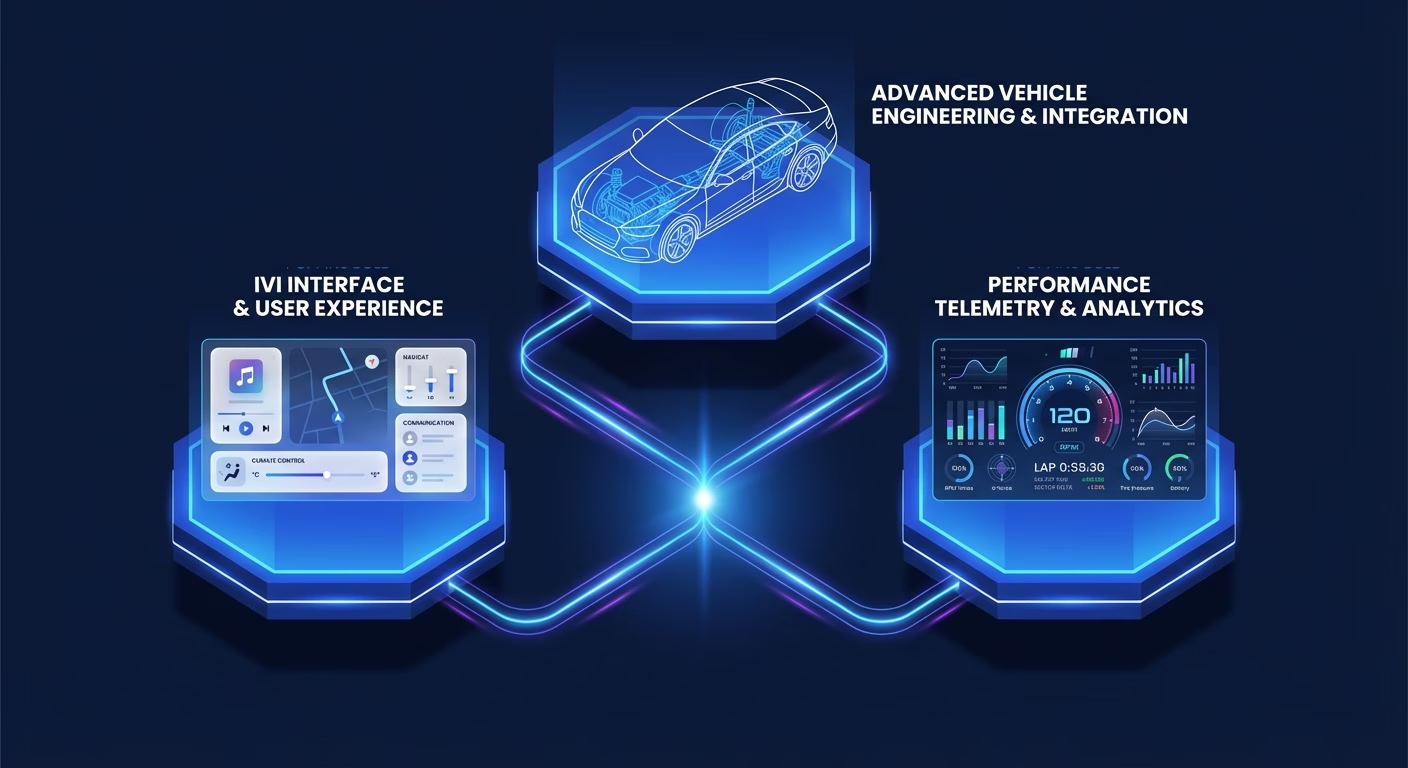
*"We are pleased to welcome Very Good Ventures to the Automotive Grade Linux community"*, said Dan Cauchy, Executive Director of Automotive Grade Linux. *“Their contributions to the Flutter ecosystem, including their work on Fluorite, reflect the collaborative spirit that drives AGL forward. We look forward to their participation and the technical contributions they will bring to the community."*
## The GenUI Horizon
Flutter’s rendering model is a natural fit for [Generative UI](/resources/genui/) interfaces that adapt dynamically based on driver preferences, route context, or live vehicle data. In practice: [in-vehicle experiences that reconfigure](/blog/flutter-genui-meets-the-vgv-architecture/) based on who’s driving, what’s active, or what the vehicle needs to surface. Not just responsive to input responsive to state.
We’ve been developing these ideas in our project work. AGL is the right community to work through them in the open, alongside the OEMs and suppliers who will actually deploy them.
## See Us in Tokyo
We’ll be presenting next month at the [AGL All Members Meeting in Tokyo](https://events.linuxfoundation.org/agl-amm/): *One Codebase, Every Screen: Architecting Multi-Display Flutter Experiences Across Automotive.* Come find us.

## Let's Build It Together
The software defined vehicle is already here. Flutter’s position in that reality is growing because teams are shipping real software on real hardware inside real vehicles. Our AGL membership is the next step in years of production automotive Flutter work.
**If you’re building [Flutter for automotive, embedded Linux, or in-vehicle infotainment](/our-services/application-development/), we want to talk. Reach out to start the conversation.**
#### Frequently Asked Questions
##### What is Automotive Grade Linux (AGL)?
Automotive Grade Linux is a shared, open source platform for automotive software development used by major OEMs and Tier 1 suppliers worldwide. Flutter became a supported framework for in-vehicle infotainment (IVI) development with AGL's UCB 14 platform release, and subsequent releases have deepened that investment.
##### Why did VGV join AGL?
AGL membership formalizes years of production Flutter work in real vehicles and gives VGV working group access, reference hardware, and a direct channel into the development process where the hard problems are being solved. We joined to contribute, not just participate.
##### How is Flutter for automotive different from Flutter for mobile?
Flutter running inside a vehicle is a different engineering discipline. The display is a fixed panel, not a flexible canvas. The hardware is locked down and thermally constrained. The operating system is built for automotive grade reliability, not developer convenience — so frame budgets, rendering pipelines, and certification standards all look different than they do on a phone.
##### What production automotive Flutter work has VGV shipped?
VGV has shipped Flutter-powered IVI systems with Toyota, led Flutter implementation across BMW and MINI through members of our leadership team, and built real-time telemetry experiences with the Trackhouse NASCAR racing team. We also contributed to Fluorite, the first console-grade engine fully integrated with the Flutter framework.
##### What will VGV contribute to the AGL ecosystem?
Our priorities are compositor-level work with Wayland and Weston, performance tooling for resource-constrained automotive hardware, and reference implementations that help teams adopt Flutter for IVI without rebuilding integration work from scratch.
##### What is Fluorite, and why does it matter for automotive Flutter?
Fluorite is the first console-grade engine fully integrated with the Flutter framework. It uses Google's Filament renderer and modern APIs like Vulkan to deliver hardware-accelerated, console-quality 3D graphics optimized for lower-end and embedded automotive hardware — making it directly relevant for rendering 3D models inside the vehicle.
##### Where can I see VGV present at the AGL community?
VGV will be presenting at the AGL All Members Meeting in Tokyo with a talk titled One Codebase, Every Screen: Architecting Multi-Display Flutter Experiences Across Automotive.
### Exploring Cow: A Local AI Project That Brings Fun and Functionality to Your Computer
Source: https://verygood.ventures/blog/joanna-may-very-good-ventures-building-a-local-ai-from-scratch-the-story-behind-cow/
[Joanna May, Very Good Ventures — Building a Local AI from Scratch: The Story Behind Cow](https://www.youtube.com/watch?v=HI46ij50yiA)
In the digital landscape where cloud computing and AI are becoming increasingly dominant, the emergence of local AI solutions is a refreshing innovation. In the inaugural episode of *Very Good Engineering*, hosts Jorge Coca and Joanna dive into Joanna's latest pet project, Cow, designed to serve as a humble AI for personal use. This blog post will explore the journey of creating Cow, the lessons learned, and the fascinating intersection of game development and app engineering.
## The Genesis of Cow
Joanna shares how her passion for building tools led her to create Cow. Initially inspired by the high costs associated with using cloud-based AIs like ChatGPT, she sought to develop a local alternative. "Building a local AI turned out to be really hard," Joanna admits, highlighting the technical challenges she faced. Despite the obstacles, the project became a testament to her perseverance and ingenuity.
## Understanding Cow
Cow operates as a terminal interface that allows users to interact with a local AI model. Drawing comparisons to existing AI tools, Joanna explains that while Cow may not possess extensive knowledge like its cloud counterparts, it provides a unique, accessible experience. "It's like a cloud code or codex, but running locally," she states, making it an exciting option for those interested in local AI solutions.
## The Technology Behind Cow
Joanna built Cow using Dart, leveraging the Nocturne library to create a terminal user interface. The project required her to integrate various components, including establishing connections with local AI models. "It's just like using Flutter, but for the terminal," she notes, emphasizing the familiar environment Dart provides. The development process also involved overcoming challenges with native bindings and package compatibility, showcasing Joanna's determination to make Cow a reality.
## The Unique Charm of Cow
What sets Cow apart is not just its functionality but also its personality. Joanna took the time to create a charming ASCII art cow to serve as the project's mascot. "I had to do the ASCII art by hand," she shares, revealing the effort behind the cow's design. This attention to detail adds a fun element to the project, making it more engaging for users.
## Conclusion
Cow exemplifies the spirit of ingenuity and creativity in technology. By merging her experiences in Flutter and game development, Joanna has created a local AI solution that is both functional and enjoyable. As AI continues to evolve, projects like Cow remind us of the importance of accessibility and personalization in technology. Key takeaways from this episode include the value of local AI solutions, the challenges of software development, and the joy of creating something uniquely yours.
#### Frequently Asked Questions
##### What is Cow?
Cow is a local AI terminal companion built in Dart that lets users interact with a local AI model from the command line — similar to cloud coding assistants, but running entirely on your own machine.
##### Why did Joanna build a local AI instead of using a cloud service?
Joanna was motivated by the high costs of cloud-based AI tools like ChatGPT and wanted a personal, accessible alternative that runs locally without relying on external services.
##### What technology is Cow built with?
Cow is built in Dart and uses the Nocturne library to create its terminal user interface. Joanna describes the experience as 'just like using Flutter, but for the terminal.'
##### What were the biggest challenges in building Cow?
Joanna highlights that building a local AI turned out to be genuinely hard — especially integrating with local AI models and working through native bindings and package compatibility issues.
##### Why does Cow have ASCII art?
The ASCII art cow is Cow's mascot and part of the project's personality. Joanna hand-crafted the art to give the tool a fun, distinctive character beyond its technical functionality.
### The Journey of a Self-Taught Developer: Navigating the Flutter Ecosystem
Source: https://verygood.ventures/blog/rody-davis-google-from-self-taught-to-google-engineer/
[Rody Davis, Google — From Self-Taught to Google Engineer](https://www.youtube.com/watch?v=MiNrQ6svgGw)
In today's tech landscape, many developers start their journeys in unconventional ways. One such inspiring story is that of Rody Davis, a self-taught developer who embarked on a remarkable journey from Apps Script to becoming a key player in the Flutter ecosystem. In this post, we'll explore Rody's experiences, insights, and the exciting developments within the Flutter community, particularly focusing on the innovative platform, Antigravity.
## About Rody Davis
Rody Davis is a Senior Developer Advocate at Google who has made significant contributions to the Flutter community. Starting as a self-taught programmer, Rody's passion for coding led him to explore various technologies, ultimately landing him a role at Google. His journey exemplifies how determination and a willingness to learn can lead to remarkable achievements in tech.
## Discovering the Power of Coding
Rody's journey into coding began unexpectedly. Growing up without any developers in his circle, he found himself drawn to technology and problem-solving. While working at a company with a cumbersome manual process, he realized that coding could simplify and automate tasks. This epiphany led him to discover Google Apps Script, which became his gateway into the coding world.
### The Learning Curve
- **Self-Education:** Rody taught himself coding through various resources, including books and online tutorials. He highlights the importance of perseverance and curiosity in overcoming challenges in learning programming languages.
- **First Projects:** His first significant project involved automating calendar events and forms using Apps Script, which opened his eyes to the potential of coding in solving real-world problems.
## Transitioning to Mobile Development
After gaining confidence in coding, Rody ventured into mobile app development, motivated by a desire to create music applications. Inspired by an Apple keynote featuring a self-taught coder, he set out to learn iOS development, eventually building his first application using Swift. This experience laid the groundwork for his exploration of cross-platform development.
### Embracing Flutter
- **Why Flutter?** Frustrated with the limitations of developing for iOS and Android separately, Rody discovered Flutter. He was impressed by the rapid development capabilities and the ability to maintain a single codebase for both platforms.
- **First Flutter App:** Rody's first project with Flutter was a music app prototype that he built in just six weeks, significantly faster than his previous native apps. This experience solidified his passion for Flutter and prompted him to participate in the Flutter Create contest, where he won recognition for his project, Pocket Piano.
## The Rise of Antigravity
As a Senior Developer Advocate at Google, Rody is now involved with Antigravity, an innovative platform designed to enhance the development experience with multi-agent capabilities.
### What Makes Antigravity Unique?
- **Intuitive IDE:** Antigravity offers a familiar interface similar to VS Code, making it accessible for developers transitioning to this new environment.
- **Multi-Agent Development:** The platform allows developers to manage multiple agents working on different tasks simultaneously, optimizing workflow and enhancing productivity.
- **Integration with Google Services:** Antigravity seamlessly connects with various Google services, empowering developers to leverage the latest technologies and tools in their projects.
## Key Takeaways from Rody's Journey
Rody's story serves as a testament to the power of self-education, passion, and adaptability in the ever-evolving tech world. Here are some key lessons:
- **Never Stop Learning:** The tech landscape is constantly changing, and staying updated with the latest trends and tools is crucial.
- **Embrace Challenges:** Overcoming obstacles is part of the journey. Whether it's learning a new programming language or tackling complex projects, persistence is key.
- **Community Matters:** Engaging with the developer community, participating in contests, and sharing knowledge can open doors to new opportunities.
## Conclusion
Rody Davis's journey from a self-taught developer to a key player in the Flutter ecosystem is truly inspiring. His story highlights the importance of curiosity, continuous learning, and community engagement in a developer's career. As technology continues to evolve, platforms like Antigravity are paving the way for innovative development experiences, making it an exciting time for developers.
#### Frequently Asked Questions
##### What is Antigravity?
Antigravity is a multi-agent development platform that offers an intuitive IDE for developers, integrating various Google services to enhance the coding experience.
##### How did Rody start his coding journey?
Rody began coding through self-education, initially using Google Apps Script to automate tasks at work, which sparked his interest in programming.
##### What was Rody's first project with Flutter?
His first project with Flutter was a music app prototype, which he developed significantly faster than previous native apps, showcasing Flutter's efficiency.
### Introducing Very Good Engineering: A Software Engineering Podcast
Source: https://verygood.ventures/blog/very-good-engineering-podcast/

## Introducing Very Good Engineering: A Software Engineering Podcast
Great engineering stories rarely make it past the pull request.
The debugging session that taught a team something new. The architecture decision that saved a product. The weird hack that turned into a pattern the whole community now uses. These stories live in Slack threads, conference hallways, and late-night pair programming sessions. Most of them never leave the room.
We want to change that.
Today we're launching **Very Good Engineering**, a software engineering podcast from Very Good Ventures where engineers sit down with other engineers to talk about the work itself: the products they're building, the techniques they're refining, and the problems they're losing sleep over. No buzzwords. No vendor pitches. Just the kind of conversation you'd have with a teammate who actually knows what they're doing.
## Why we're launching a Flutter podcast now
We've been part of a lot of engineering conversations lately — internal retros, conference hallways, client kick-offs — and the same questions keep coming up in different forms. How do you actually ship AI features that hold up? What does good architecture look like when the stack is changing underneath you? What can game developers teach mobile engineers? These are the conversations we want to have on tape.
The best antidote to hype is a conversation with someone who's shipped the thing. Someone who can walk you through the trade-offs they made, the tools they chose, and the reasons why. Whether the topic centers on AI or not, what matters is that it makes you want to go build something.
That's the bar we're setting for every episode.
## What to expect
Very Good Engineering features guests from inside VGV and across the broader engineering community — you can browse all our shows on the [Very Good Engineering podcasts](https://verygood.ventures/blog/?tag=Very%20Good%20Engineering) page. Expect deep dives into products, frameworks, and techniques from practitioners who lead VGV's [Flutter development services](https://verygood.ventures/our-services/application-development/) and work alongside the broader Flutter, Dart, and AI communities. Expect honest takes on what's working and what isn't, including the calls that didn't pan out and the constraints that shaped the final design. Expect the occasional tangent. The best conversations don't follow a script.
We're launching with two episodes:
**Rody Davis (Google)** — Rody is a prolific engineer and creator whose work spans Flutter, audio programming, and developer tooling. In this episode, we discuss [Google Antigravity IDE](https://docs.flutter.dev/tools/antigravity), developer experience, and how tooling shapes the software we ship. You can also [read the full conversation with Rody](https://verygood.ventures/blog/rody-davis-google-from-self-taught-to-google-engineer/).
[Rody Davis, Google — From Self-Taught to Google Engineer](https://www.youtube.com/watch?v=MiNrQ6svgGw)
**Joanna May (VGV)** — Joanna leads game engineering work at VGV and is a core maintainer on [Chickensoft](https://chickensoft.games/), the open-source toolkit for building games with Godot and C#. We explore game development, open source, and what mobile and web engineers can learn from game development practices. You can also [read the full conversation with Joanna](https://verygood.ventures/blog/joanna-may-very-good-ventures-building-a-local-ai-from-scratch-the-story-behind-cow/).
[Joanna May, Very Good Ventures — Building a Local AI from Scratch: The Story Behind Cow](https://www.youtube.com/watch?v=HI46ij50yiA)
Both episodes are available now, wherever you get your podcasts.
## What's next
We're publishing a new episode every other week, with guests already lined up from across the Flutter, AI, and broader software engineering communities. Future episodes will cover Flutter architecture, Dart tooling, open-source engineering, and the AI systems our team and our partners are shipping. If there's an engineer whose work you think belongs on this show, tell us.
Welcome to Very Good Engineering. The pull request is closed. These stories are yours now!
#### Frequently Asked Questions
##### What is Very Good Engineering?
Very Good Engineering is a software engineering podcast from Very Good Ventures where engineers interview other engineers about the products they're building, the techniques they're refining, and the problems they're working through — covering Flutter, AI, open source, and game development.
##### How often are new episodes released?
A new episode is published every other week, featuring guests from inside VGV and across the broader Flutter, Dart, AI, and software engineering communities.
##### Where can I listen to or watch Very Good Engineering?
Episodes are available wherever you get your podcasts and on YouTube. You can also browse every episode on the Very Good Engineering tag page.
##### Who are the first two guests?
The launch episodes feature Rody Davis, Senior Developer Advocate at Google, on Antigravity and developer experience, and Joanna May from Very Good Ventures on game development, Godot, and the open-source Chickensoft toolkit.
##### How do I suggest a guest for the show?
If there's an engineer whose work you think belongs on the show, reach out to the Very Good Ventures team — we're actively lining up guests across the Flutter, Dart, AI, and broader engineering communities.
### Why Securing Your App Matters — And How to Do It with Firebase App Check
Source: https://verygood.ventures/blog/why-securing-your-app-matters-and-how-to-do-it-with-firebase-app-check/
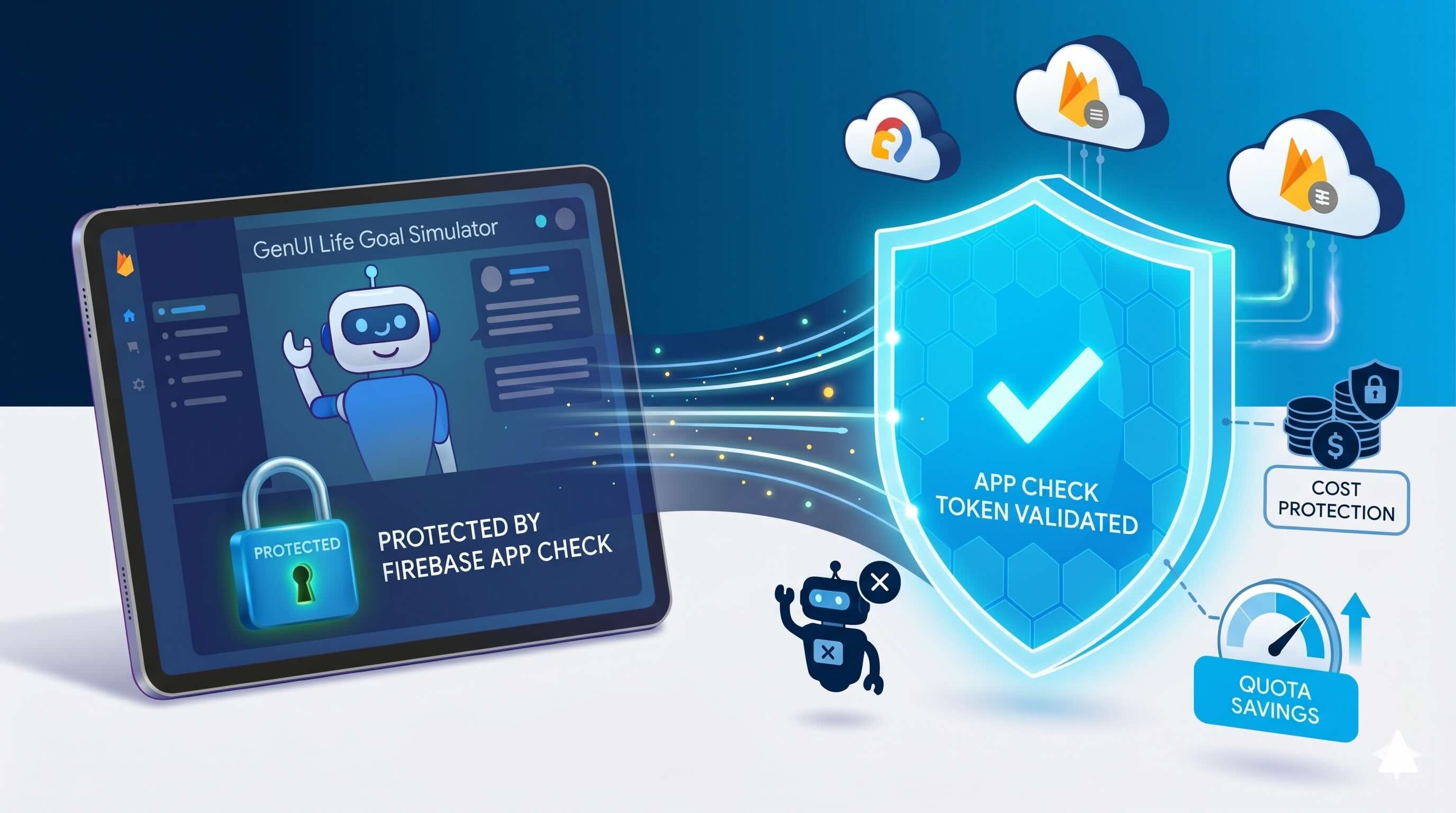
Building a Generative UI app powered by Firebase AI is a significant technical achievement — but shipping a feature-rich application without a proper security strategy exposes you to real and costly risks. This includes unauthorized access to your backend resources, but also more subtle attack vectors: for example, bad actors sending an excessive number of requests directly to your LLM, burning through your token quota and driving up costs before you even notice.
We'll walk through why application-level security goes beyond user authentication, and share a practical guide to implementing Firebase App Check to protect your app from unauthorized access and abuse — based on our experience securing a real Generative UI app, including the decisions we made and the gotchas we ran into along the way.
## The Threat You're Not Thinking About
When most developers think about security, they jump straight to authentication. "Users need to log in before they can access anything — we're safe." That's a great start, but it's not the whole picture.
Firebase credentials — API keys, project IDs, app IDs — are embedded in your web app and visible to anyone who inspects the source. A motivated attacker can extract them and use them to send requests directly to your backend — consuming your LLM token quota, triggering charges on paid Firebase services, or polluting your database with fake data.
This isn't hypothetical. Teams have been caught off guard by Firebase bills in the thousands of dollars because their app was being scraped or abused by automated clients.
**The core issue is that Firebase credentials are not secrets — they are identifiers.** Knowing them is enough to make requests, which is why verifying the origin of those requests is essential.
## What Is Firebase App Check?
Firebase App Check addresses this by verifying where a request is coming from, not just who is making it. When a client runs your app, App Check uses a platform-level attestation provider to confirm the request originates from your legitimate app. That attestation is exchanged for an App Check token, which is automatically attached to every subsequent Firebase request. If the token is missing or invalid, the request is rejected before it ever reaches your backend — including your LLM.
For web apps, the attestation provider is reCAPTCHA v3, which analyzes browser signals to determine whether traffic is coming from a real user in a legitimate browser, or from a bot or automated script.
## How We Secured Our GenUI Web App with App Check
App Check was added to our project as a formal requirement during active development — not as an afterthought. The scope was deliberately focused: secure the web app to prevent credential theft and unauthorized AI requests. Since each platform requires its own attestation provider, our reCAPTCHA configuration only applies to web — iOS, Android, and macOS will each need their own providers configured if added to the distribution in the future.
### Step 1 — We Registered the Site in Google reCAPTCHA Admin
We went to https://www.google.com/recaptcha/admin/create and filled in the following:
- **Label**: anything descriptive, e.g. Finance App Web
- **reCAPTCHA type**: Score based (v3) — free and sufficient for most use cases
- **Domains**: all the domains where the app is hosted
For our Firebase Hosting project, this meant adding all the domains that appeared in the Firebase console:
| Domain | Purpose |
|--------|---------|
| your-app.web.app | Primary Firebase Hosting domain |
| your-app.firebaseapp.com | Alternate Firebase Hosting domain |
| Your custom domain (if any) | e.g. app.yourcompany.com |
We checked the Firebase console to confirm which domains were registered and added all of them. Keep this list up to date as your project grows: if you deploy to a new domain, such as a Firebase preview channel, and forget to add it here, reCAPTCHA will silently reject requests from it with no obvious error pointing to the cause.
We saved both the **Site Key** and the **Secret Key** generated at the end — we needed them in the next steps.
### Step 2 — We Registered the Web App in Firebase Console
- We went to our Firebase project → Build → App Check → Apps tab
- Selected the Web app
- In the modal, chose reCAPTCHA v3 as the provider
- Pasted the Secret Key from Step 1
- Clicked Save
### Step 3 — We Added the firebase_app_check Package
In `pubspec.yaml`, we added the dependency:
```yaml
dependencies:
firebase_app_check: ^0.3.2
```
**Note:** check [pub.dev](https://pub.dev/packages/firebase_app_check) for the latest version.
Then ran:
```bash
flutter pub get
```
### Step 4 — We Initialized App Check in main.dart
In our project, Firebase is initialized in a `main.dart` file. App Check must be activated immediately after `Firebase.initializeApp()` and before any other Firebase service is used:
```dart
// Add this import
import 'package:firebase_app_check/firebase_app_check.dart';
Future main({...}) async {
final binding = WidgetsFlutterBinding.ensureInitialized();
await Firebase.initializeApp(
options: DefaultFirebaseOptions.currentPlatform,
);
// Activate App Check right after initializeApp
await FirebaseAppCheck.instance.activate(
webProvider: ReCaptchaV3Provider(
const String.fromEnvironment('RECAPTCHA_SITE_KEY')
),
);
// ...
}
```
**Never hardcode the Site Key directly in your source code.** We stored it in a `.env` file, added it to `.gitignore` to keep it out of version control, and passed it at build time via `--dart-define-from-file=.env`.
### Step 5 — We Tested Using the Debug Provider
Before enabling enforcement, we verified that everything was working. Every team member needed to:
1. Run `flutter run -d chrome` — Firebase App Check prints a debug token to the console:
```sh
App Check debug token: XXXXXXXX-XXXX-XXXX-XXXX-XXXXXXXXXXXX
```
2. Register their individual token in Firebase Console → App Check → Apps → Web app → Debug tokens → Add debug token. This allows the local development environment to pass App Check validation without a real reCAPTCHA attestation.
3. Store their own debug token in their `.env` file, and at build time pass it via `--dart-define-from-file=.env`.
4. Set the stored debug token for web, iOS, and Android in our main function from the environment variable. For example, `providerAndroid`:
```dart
const debugToken = String.fromEnvironment('APP_CHECK_DEBUG_TOKEN');
await FirebaseAppCheck.instance.activate(
providerAndroid: debugToken.isNotEmpty
? const AndroidDebugProvider(debugToken: debugToken)
: const AndroidPlayIntegrityProvider(),
);
```
**Keep debug tokens private** — anyone who has one can bypass App Check entirely.
For a full working example, see the [firebase_app_check example on pub.dev](https://pub.dev/packages/firebase_app_check/example).
### Step 6 — We Enabled Enforcement in Firebase Console
Once we confirmed that App Check was working correctly, we enabled enforcement:
- Firebase Console → App Check → APIs
- Found Firebase AI and any other Firebase services in use
- Clicked **Enforce**
Once enabled, Firebase will begin rejecting requests that do not carry a valid App Check token — including unauthorized scripts attempting to use our credentials to make AI requests. Note that enforcement may take a few minutes to propagate.
## A Note on What App Check Doesn't Do
With enforcement enabled, your app is significantly better protected — but it is worth being clear about what App Check covers and what it does not.
- **It does not prevent all abuse.** A sophisticated attacker with a real browser and a real copy of your app can still make requests. App Check eliminates automated, script-based abuse — not every conceivable attack vector.
- **It does not protect against misuse by legitimate users.** If an authenticated user abuses your app from a real browser, App Check will not stop them. Rate limiting and usage quotas are complementary tools for that scenario.
## Conclusion
For AI-powered applications, App Check is one of the most important controls you can put in place. Without it, our Firebase credentials were all an attacker needed to start making LLM requests on our behalf — burning through our token quota before we even noticed. With Firebase App Check and reCAPTCHA v3 in place, only traffic originating from our legitimate web app can reach our backend.
For the full Firebase App Check documentation, visit [firebase.google.com/docs/app-check](https://firebase.google.com/docs/app-check).
#### Firebase App Check FAQs
##### Why isn't user authentication enough to secure a Firebase AI app?
Firebase credentials like API keys, project IDs, and app IDs are embedded in your web app and visible to anyone who inspects the source. A motivated attacker can extract them and send requests directly to your backend, consuming your LLM token quota, triggering charges on paid Firebase services, or polluting your database with fake data. Teams have been hit with Firebase bills in the thousands of dollars because their app was scraped or abused by automated clients. Firebase credentials are not secrets, they are identifiers.
##### What does Firebase App Check actually do?
App Check verifies where a request is coming from, not just who is making it. When a client runs your app, App Check uses a platform-level attestation provider to confirm the request originates from your legitimate app. That attestation is exchanged for an App Check token, which is automatically attached to every Firebase request. If the token is missing or invalid, the request is rejected before it reaches your backend, including your LLM.
##### Which attestation provider do Flutter web apps use with App Check?
reCAPTCHA v3, which analyzes browser signals to determine whether traffic is coming from a real user in a legitimate browser or from a bot or automated script. Score-based reCAPTCHA v3 is free and sufficient for most use cases. Each platform requires its own attestation provider, so iOS, Android, and macOS need their own configurations if added to the distribution.
##### Which domains do I need to register in the reCAPTCHA admin console?
Every domain where the app is hosted. For a Firebase Hosting project this typically means the primary your-app.web.app domain, the alternate your-app.firebaseapp.com domain, and any custom domain like app.yourcompany.com. Keep this list current. If you deploy to a new domain such as a Firebase preview channel and forget to add it, reCAPTCHA will silently reject requests from it with no obvious error pointing to the cause.
##### Where in main.dart should App Check be activated?
Immediately after Firebase.initializeApp() and before any other Firebase service is used. Call FirebaseAppCheck.instance.activate with the ReCaptchaV3Provider for web, passing the site key. Never hardcode the site key directly in source. Store it in a .env file, add the file to .gitignore, and pass it at build time via --dart-define-from-file=.env.
##### How do I test App Check during local development?
Use the debug provider. Run flutter run -d chrome and Firebase App Check prints a debug token to the console. Each developer registers their individual token in Firebase Console under App Check, Apps, Web app, Debug tokens. Store the debug token in your local .env file and pass it at build time. Keep debug tokens private. Anyone who has one can bypass App Check entirely.
##### What does App Check not protect against?
Two things. First, App Check does not stop a sophisticated attacker using a real browser and a real copy of your app from making requests. It eliminates automated, script-based abuse, not every conceivable attack vector. Second, App Check does not protect against misuse by legitimate users. If an authenticated user abuses your app from a real browser, App Check will not stop them. Rate limiting and usage quotas are complementary tools for that scenario.
### Rive Animations + GenUI: Flutter Integration Guide
Source: https://verygood.ventures/blog/rive-flutter-genui-integration/
## Understanding Rive's State Machine Model
When we built the Very Good Life Simulator for Google Cloud Next 2026, we faced a design challenge: Firebase AI and GenUI were generating the UI dynamically, but without a way to signal progress back to the user, the interface felt frozen during LLM inference. We chose Rive to handle that problem—its [state machine model](https://help.rive.app/runtimes/state-machines) let us decouple animation logic from widget rendering, so a designer could iterate on loading states without touching our Flutter code.
Rive is an interactive animation tool that allows designers and developers to build animations with built-in logic. Rive uses a state machine model, making animations reactive and data-driven. Rive animations are exported as lightweight `.riv` files and run natively on Flutter, iOS, Android, web, and other platforms. The Rive Flutter package integrates seamlessly with the Flutter widget tree, treating animations as first-class UI components.
Use Rive for interactive or state-driven animations designed by a dedicated designer. For simple, fire-and-forget animations, [Lottie](https://lottiefiles.com/blog/working-with-lottie-animations/lottiefiles-or-rive) is still a solid option.
## Core Concepts: State Machines, Transitions, and Inputs
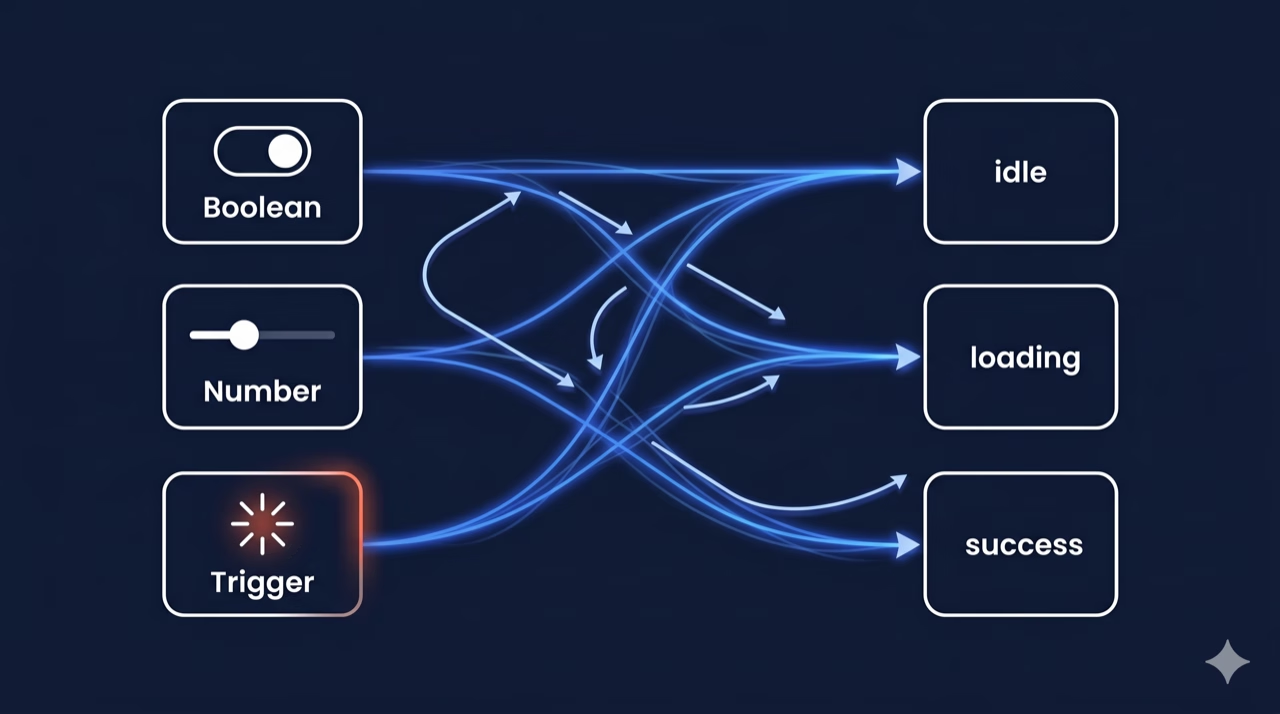
The real power of Rive comes from its state machine design. A state machine consists of states, transitions, and inputs. Flutter interacts with it by reading and writing input values at runtime. Understanding this model is essential before diving into implementation.
There are different types of state machine inputs:
- **Boolean:** Toggle between two states (e.g., `isHovered`, `isActive`)
- **Number:** Drive animations with numeric values (e.g., `progress 0.0-1.0`, `speed`)
- **Trigger:** Fire a one-shot event (e.g., `tap`, `explode`, `reset`)
This separation of data (inputs) from presentation (animation) is what makes Rive powerful in AI-driven contexts. The LLM controls the inputs; the designer controls the visual response.
## Basic Usage: Playing a Simple Animation
The simplest way to embed a Rive animation is using the `RiveAnimation` widget. It handles loading, asset management, and rendering automatically.
First, add the rive package to your `pubspec.yaml` file:
```yaml
dependencies:
rive: ^0.14.4 # Always use the latest stable version
```
Then, use the `RiveAnimation` widget to load and display an animation:
```dart
import 'package:flutter/material.dart';
import 'package:rive/rive.dart';
class SimpleRiveWidget extends StatelessWidget {
const SimpleRiveWidget({super.key});
@override
Widget build(BuildContext context) {
return Scaffold(
body: Center(
child: RiveAnimation.asset(
'assets/animations/my_animation.riv',
animations: const ['idle'], // Animation clip name
fit: BoxFit.contain,
),
),
);
}
}
```
The `RiveAnimation.asset()` constructor accepts several key parameters:
| Parameter | Type | Description |
| :---: | :---: | ----- |
| animations | List\? | Named animation clips to play. If empty, plays the default |
| stateMachines | List\? | State machine names to activate. Used for interactive animations |
| alignment | Alignment | How the animation aligns inside its bounds |
| onInit | OnInitCallback? | Callback fired when the Rive artboard is initialized |
| controllers | List\? | Manual controllers for programmatic control |
| artboard | String? | Name of the artboard to use (if the .riv has multiple) |
## State Machines and Interactivity
Beyond static playback, [state-driven architecture](https://verygood.ventures/blog/why-we-use-flutter-bloc/) unlocks true interactivity by letting your Flutter code read and write animation inputs at runtime.
Use `onInit` to capture `StateMachineController` references, then manipulate inputs from your Flutter widget. Always call `_controller?.dispose()` in the widget's `dispose()` method; the `StateMachineController` holds native resources that must be explicitly released, or you risk memory leaks under repeated navigation.
## Advanced Patterns
Use [`RiveAnimation.network()`](https://help.rive.app/runtimes/overview/flutter) to load animations from a remote URL. When you need to pre-load animations or share assets across widgets, use `RiveFile` directly. Rive animations can also be driven by scroll position, sensor data, or any numeric value.
Rive 0.12+ supports events; animations can fire named events back to Flutter. This is useful for triggering haptics, sound, or navigation at specific interaction moments.
## Best Practices
### Performance
- Pre-load `.riv` files in `initState` or a `FutureBuilder`; never load them inside `build()`
- Reuse `RiveFile` instances when displaying the same animation multiple times
- Use `RepaintBoundary` around Rive widgets to isolate repaints from the rest of the tree
- Prefer smaller, focused `.riv` files over large monolithic ones
### Architecture
- Keep `StateMachineController` in `StatefulWidget` state, not in a BuildContext-dependent callback
- Expose animation inputs through a `ChangeNotifier` or `Bloc` for testability
- Use const constructors where possible to prevent unnecessary widget rebuilds
## How Rive Powers AI-Driven Interfaces: The Very Good Life Simulator
To make this concrete, we partnered with Google to build the [Very Good Life Simulator](https://verygood.ventures/events/google-cloud-next-2026/), a financial planning app that combines Firebase AI, [Google's GenUI framework for AI-driven Flutter widget rendering](https://docs.flutter.dev/ai/genui), and Rive animations. The interplay between these three systems is where the state machine patterns above come alive.
The app uses `rive: ^0.14.4`, which uses the new Rive Flutter API. The new API separates asset loading (`FileLoader`) from rendering (`RiveWidget`) and exposes lifecycle states as sealed classes (`RiveLoaded`, `RiveLoading`, `RiveFailed`). `RiveNative.init()` is called once at app startup (`bootstrap.dart`), before Firebase initializes.
Two `.riv` files live in `assets/animations/`:
| Asset | Widget | Purpose |
| :---: | :---: | ----- |
| `thinking.riv` | ThinkingAnimation | Inline spinner while the LLM generates a response |
| `loading.riv` | LoadingOverlay | Full-screen overlay for major page transitions |
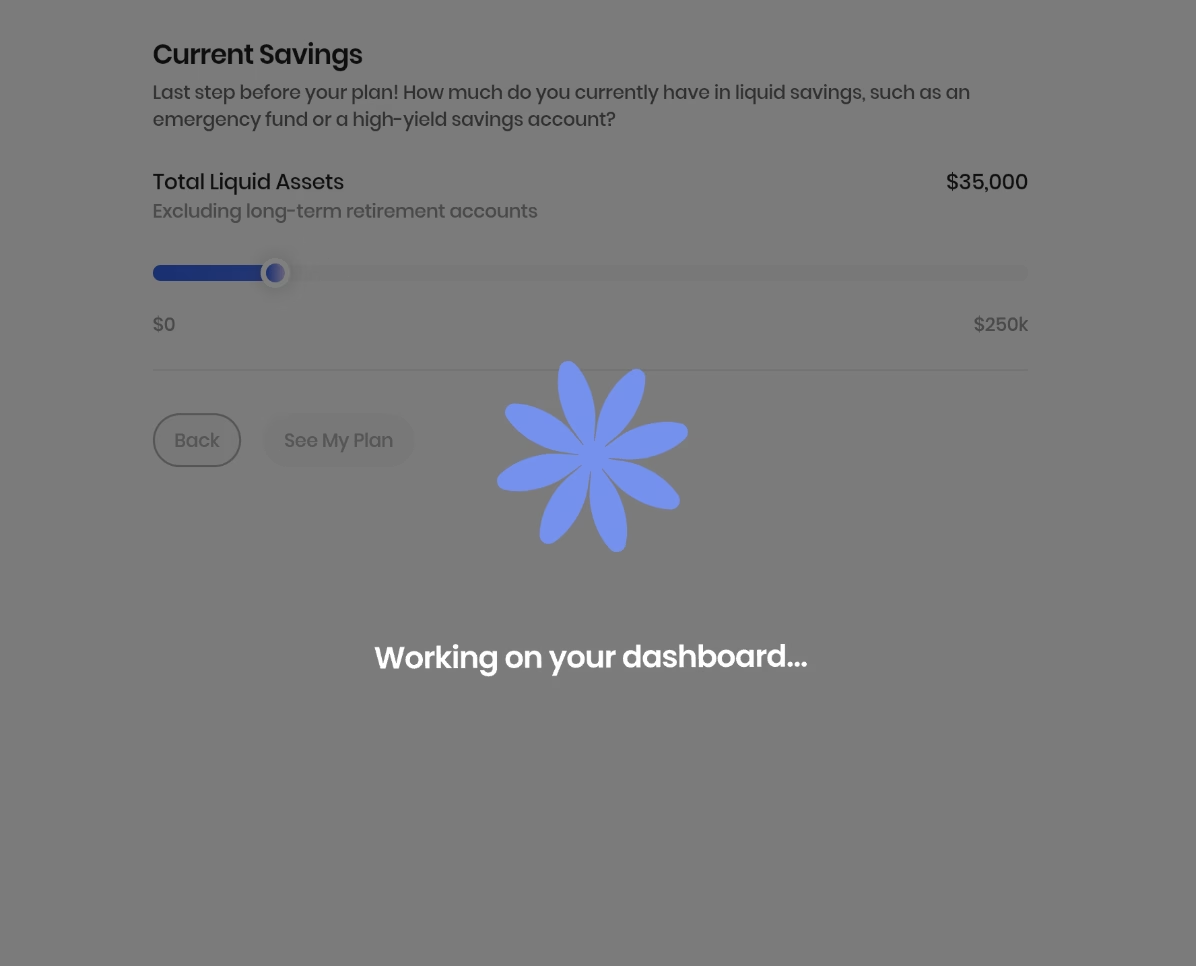
### The GenUI Contract: Driving Rive with JSON
The bridge between [AI-generated UI](https://verygood.ventures/resources/genui/) and Rive is a single JSON boolean declared in the `AppButton` catalog item's schema:
```dart
'showLoadingOverlay': S.boolean(
description:
'Whether to show the full-screen loading animation when this '
'button is pressed. Use for major transitions like navigating to the summary dashboard.',
),
```
The prompt instructs the model to set `showLoadingOverlay: true` on the button that triggers the summary/dashboard transition. When the user taps that button, the key insight is simplicity: the contract is a single boolean. When the LLM designates a button as a major transition, the event flow is straightforward. The button press fires `SimulatorLoadingOverlayRequested` into the bloc, which flips `showLoadingOverlay` to `true`. `SimulatorView` layers a `Positioned.fill(child: LoadingOverlay())` on top. When the LLM response arrives and navigation completes, the bloc resets the state to `false`, and independently, the `.riv` event fires `GeneralEvent('complete')`, aligning the animation lifecycle with the navigation. This dual-sync (bloc state and animation event) keeps the system loosely coupled: the Rive file can change its trigger name or timing without touching Flutter code.
For buttons without `showLoadingOverlay`, an inline `ThinkingAnimation` replaces the button while `isLoading` is true. The button is kept in the tree but hidden to prevent layout shifts.
## Going Deeper: Extending the GenUI-Rive Integration
Currently, the GenUI-Rive integration supports binary overlay logic. Below are four patterns to extend this approach. These are optional extensions that show the full reach of the framework.
### State Machine Inputs from JSON
The most direct extension is exposing Rive state machine inputs as schema properties. The new Rive API exposes state machine inputs via `controller.stateMachine.inputs`. You can set boolean, number, or trigger inputs from GenUI properties:
```dart
// After RiveLoaded:
final inputs = state.controller.stateMachine.inputs;
final progress = inputs.whereType().firstWhere((i) => i.name == 'progress');
progress.value = json['progress'] as double;
final isSuccess = inputs.whereType().firstWhere((i) => i.name == 'isSuccess');
isSuccess.value = json['animationVariant'] == 'success';
```
In the [catalog item schema](https://verygood.ventures/blog/flutter-genui-shopping-assistant-tutorial/), this becomes:
```dart
'animationVariant': S.string(
enumValues: ['loading', 'success', 'error'],
description: 'Visual state to drive the animation into.',
),
```
This lets the LLM pick the semantic state; the Rive file handles all the motion design.
### Progress-Driven Animations
For a goal completion meter, expose a `number` input (0–100) and bind it to a GenUI `MetricCard` or summary value. The Rive designer builds the motion; GenUI just pipes the number:
```dart
progressInput.value = (json['completionPercent'] as num).toDouble();
```
### One-Shot Triggers
Rive events can drive multi-step flows by firing named events back to Flutter. Instead of generic `'complete'` events, the `.riv` file can fire named `GeneralEvent`s like `'onCtaReady'` or `'onErrorShow'`. The widget listens and maps each to a `UserActionEvent` dispatched back into GenUI:
```dart
void _onRiveEvent(Event event) {
if (event case GeneralEvent(name: final name)) {
ctx.dispatchEvent(UserActionEvent(name: 'riveEvent:$name', ...));
}
}
```
This turns the animation into an active participant in the conversation. For example, the LLM can wait for `'riveEvent:introComplete'` before showing the first question.
### Scroll-Driven Scrubbing
For motion-following interactions, set the state machine's `time` or a number input to `ScrollController.offset`. This works well for hero sections or onboarding flows where motion should follow the user's gesture instead of playing automatically.
## The Separation of Concerns
Each of these patterns follows the same underlying principle: let Rive own the motion, let GenUI own the data. The [catalog item schema](https://verygood.ventures/blog/flutter-genui-shopping-assistant-tutorial/) acts as the contract, the LLM makes semantic decisions (which state?, what progress value?, when to fire a trigger?), while the `.riv` file handles the visual design. This separation of concerns means designers can iterate on motion without touching Flutter code, and the AI can drive animations without needing to understand their internal implementation.
The payoff is responsive, data-driven animation without rebuilding the entire rendering pipeline. Because Rive owns the motion and GenUI owns the data, designers and AI systems can evolve independently. You get interfaces that don't just display information—they respond to it.
#### Rive and GenUI Integration FAQs
##### Why use Rive instead of Lottie for an AI-driven Flutter app?
Rive's state machine model lets you decouple animation logic from widget rendering, so a designer can iterate on loading states without touching Flutter code. In the Very Good Life Simulator, Firebase AI and GenUI generate the UI dynamically, and Rive signals progress to the user during LLM inference so the interface does not feel frozen. Use Rive for interactive or state-driven animations designed by a dedicated designer. For simple, fire-and-forget animations, Lottie is still a solid option.
##### What types of state machine inputs does Rive expose?
Three:
Boolean for toggling between two states like isHovered or isActive.
Number for driving animations with numeric values like progress 0.0-1.0 or speed.
Trigger for firing one-shot events like tap, explode, or reset.
This separation of data from presentation is what makes Rive powerful in AI-driven contexts. The LLM controls the inputs, the designer controls the visual response.
##### How does the GenUI catalog drive a Rive animation in the Very Good Life Simulator?
Through a single JSON boolean called showLoadingOverlay declared in the AppButton catalog item's schema. When the LLM marks a button as a major transition, the prompt sets showLoadingOverlay: true. The button press fires SimulatorLoadingOverlayRequested into the bloc, which flips state to true, and SimulatorView layers a Positioned.fill(child: LoadingOverlay()) on top. When navigation completes, the bloc resets state to false and the .riv event fires GeneralEvent('complete').
##### Which Rive Flutter package version does the Very Good Life Simulator use?
rive: ^0.14.4. The new Rive Flutter API separates asset loading (FileLoader) from rendering (RiveWidget) and exposes lifecycle states as sealed classes: RiveLoaded, RiveLoading, and RiveFailed. RiveNative.init() is called once at app startup in bootstrap.dart, before Firebase initializes.
##### How do I avoid memory leaks with Rive state machines?
Always call _controller?.dispose() in the widget's dispose() method. The StateMachineController holds native resources that must be explicitly released, or you risk memory leaks under repeated navigation. Capture the StateMachineController reference inside onInit, keep it in StatefulWidget state rather than a BuildContext-dependent callback, and dispose it when the widget tears down.
##### What performance practices does the post recommend for Rive in Flutter?
Pre-load .riv files in initState or a FutureBuilder, never inside build(). Reuse RiveFile instances when displaying the same animation multiple times. Wrap Rive widgets in RepaintBoundary to isolate repaints from the rest of the tree. Prefer smaller, focused .riv files over large monolithic ones.
##### How can the LLM drive Rive state machine inputs beyond a single boolean?
Expose state machine inputs as schema properties. The new Rive API exposes inputs through controller.stateMachine.inputs, and you can set boolean, number, or trigger inputs from GenUI properties. For example, an animationVariant string with enum values loading, success, and error lets the LLM pick the semantic state while the Rive file handles all the motion design. A number input bound to a completion percent can drive a goal meter.
### Where Does Your Design System End and the LLM Begin?
Source: https://verygood.ventures/blog/where-does-your-design-system-end-and-the-llm-begin/
When I first heard about [GenUI](https://github.com/flutter/genui), a package that lets an LLM generate Flutter UIs that change in real time based on the conversation, my very first thought wasn't just "this is cool".
It was a question:
_What do I actually control, and what does the LLM decide?_
The colors, the typography, the spacing — who actually owns that? The answer lives in the distinction between two things: the Design System and the Catalog.
Let me walk you through how it works.
## The confusion
When you hear "the LLM generates UI", it's natural to picture an AI spitting out raw widgets, arbitrary colors, random layouts, fonts it made up on the spot. The idea of handing design decisions to a language model feels terrifying if you care about consistency.
If you've put real work into a design system, that's a fair concern. And now what, an LLM just freestyle invents buttons? Picks whatever font feels right? Decides on its own that today is a good day for Comic Sans and hot pink? Or whether this should be a row, a column… or somehow both?
So the question became: how does GenUI respect an existing design system?
## The Design System: Your Territory
The Design System is entirely yours. GenUI works on top of it, completely unaware of what's inside — at least not directly.
Take the [GCN26 demo app](https://github.com/VGVentures/genui_life_goal_simulator) as an example, a Flutter finance dashboard built for Google Cloud Next 2026. Its design system lives under `lib/design_system/` — color tokens, typography, spacing, and a set of purpose-built financial widgets — all completely separate from GenUI:
```diff
lib/design_system/
├── app_colors.dart # color tokens
├── app_text_styles.dart # Poppins-based typography
├── spacing.dart # consistent spacing constants
├── themes.dart # light/dark theme configs
└── widgets/
├── app_button.dart
├── metric_cards.dart
├── bar_chart.dart
└── ...
```
These widgets are completely independent from GenUI. They're just Flutter widgets. You own 100% of what they look like, how they behave, what props they accept. This layer stays entirely in your hands.
**You control the components. That's the answer to half of the question.**
## The Catalog: The LLM's Menu
The Catalog is where the handoff happens.
A `CatalogItem` is a wrapper you write around a design system widget. It does two things:
1. Defines a JSON schema, so the LLM knows what props exist, their types, and constraints
2. Provides a `widgetBuilder` — a function that takes the LLM's JSON and constructs the actual Flutter widget
The schema is what controls how much freedom the LLM has — no more, no less. Here's a simplified example for an `AppButton`:
```dart
final appButtonItem = CatalogItem(
name: 'AppButton',
dataSchema: S.object(
properties: {
'label': S.string(description: 'The button text.'),
'variant': S.string(
description: 'Visual style of the button.',
enumValues: ['filled', 'outlined'],
),
'action': S.string(description: 'Event dispatched on tap.'),
},
),
widgetBuilder: (ctx) {
final json = ctx.data as Map;
return AppButton(
label: json['label']! as String,
variant: json['variant'] == 'outlined'
? AppButtonVariant.outlined
: AppButtonVariant.filled,
onPressed: () => ctx.dispatchEvent(
UserActionEvent(name: json['action']! as String),
),
);
},
);
```
The LLM sees the schema. It knows there's a component called `AppButton`, that takes a `label`, a `variant` of either `filled` or `outlined`, and an `action`. That's it — nothing more.
Here's a second example — `MetricCard`, a financial summary widget. Notice the `deltaDirection` field: the LLM can only say `"positive"` or `"negative"`. Your widget decides what color that maps to. The LLM never touches the color directly.
```dart
final metricCardItem = CatalogItem(
name: 'MetricCard',
dataSchema: S.object(
properties: {
'cards': S.list(
items: S.object(
properties: {
'label': S.string(description: 'Metric name (e.g. "Fixed costs")'),
'value': S.string(description: r'Primary value (e.g. "$4,319")'),
'delta': S.string(description: r'Change indicator (e.g. "+1.2%")'),
'deltaDirection': S.string(
description: 'Whether the delta is good or bad for the user',
enumValues: ['positive', 'negative'],
),
},
),
),
},
),
widgetBuilder: (ctx) {
final cards = (ctx.data['cards'] as List).cast>();
return MetricCardsLayout(
cards: cards.map((c) => MetricCard(
label: c['label'] as String,
value: c['value'] as String,
delta: c['delta'] as String?,
deltaDirection: c['deltaDirection'] == 'positive'
? MetricDeltaDirection.positive
: MetricDeltaDirection.negative,
)).toList(),
);
},
);
```
And this is the key point: the schema defines exactly how much creative freedom the LLM gets. A `variant` enum with two options means the LLM picks one of two. But you could go further — expose a pre-configured color palette, a set of font sizes, even a font family enum. You're giving the LLM creative room, but within a space you designed. No Comic Sans, no hot pink, no surprises. The LLM works within whatever boundaries you set.
**The LLM fills in the data, not the design. That's the other half of the answer.**
## What the LLM Actually Generates
Once the Catalog is assembled, GenUI uses it to build a system prompt that describes every available component and its schema. When the LLM responds, it outputs structured JSON like this:
```json
{
"version": "v0.9",
"createSurface": {
"surfaceId": "onboarding_screen",
"components": [
{ "id": "root", "component": "Container", "child": "content" },
{ "id": "content", "component": "Column", "children": ["header", "body", "cta"] },
{ "id": "header", "component": "SectionHeader", "title": "Get started" },
{ "id": "body", "component": "BodyText", "text": "Set up your profile in a few steps." },
{ "id": "cta", "component": "AppButton", "label": "Continue", "variant": "filled", "action": "onboarding_start" }
]
}
}
```
GenUI's `SurfaceController` receives this, looks up each component name in the catalog, and calls the corresponding `widgetBuilder`. The result is a fully rendered, on-brand Flutter screen — assembled by an LLM, built from your design system.
**The LLM decided the composition. You decided the components.**
## Where the Lines Actually Blur
Here's the part that surprised me: the Catalog is also where you inject intent.
Each `CatalogItem` can include a natural language description of the component. And on top of that, you can define a separate set of widget rules — a few paragraphs in the system prompt that tell the LLM when and how to use each component correctly:
```diff
AppButton: Use "filled" for primary actions (one per screen max).
Use "outlined" for secondary or destructive actions.
Never place two "filled" buttons on the same surface.
FilterBar: Always pair with an "action" that refreshes visible content
when the selected filter changes.
```
This is where the design intent lives. Not just "here's the schema", but "here's the reasoning behind it." The LLM picks this up and makes better compositional decisions as a result.
So the Catalog isn't just a translation layer — it's also where you encode your design system's philosophy into a form the LLM can reason about.
## The Mental Model
If you've ever learned about APIs using the restaurant analogy, this works the same way.
The **Design System** is the kitchen. The chefs (you) decide every recipe, every ingredient, every plating rule. Nothing leaves the kitchen that wasn't designed by you.
The **Catalog** is the menu. It's a curated list of what the kitchen can make, written in a language the waiter (the LLM) can read and order from.
The **LLM** is the waiter. It takes the customer's order (the user's conversation), looks at the menu, and places an order. It can only order what's on the menu, working strictly within what the kitchen offers.
The customer never knows there's a menu involved. They just see the food.
## Practical Takeaways
If you're integrating GenUI into a project with an existing design system, here's how the responsibilities break down:
| Layer | Your job | LLM's job |
|---|---|---|
| Design System | Build and own the widgets | Works on top of it, never inside it |
| Catalog Item | Define the schema + widgetBuilder | Read the schema, pick the right component |
| Widget Rules | Write usage guidelines | Follow them when composing screens |
| Surface JSON | Nothing | Generate it based on the conversation |
## Final Thought
The thing that surprised me most is how much control you retain. GenUI doesn't hand the wheel to the LLM — it gives the LLM a carefully scoped set of tools and says "build something with these."
Your Design System is the craft. The Catalog is the contract. And the LLM is just doing its job within the boundaries you set.
Once I understood that, integrating GenUI stopped feeling risky and started feeling like a superpower.
#### Design System and GenUI Catalog FAQs
##### Does GenUI let an LLM invent arbitrary colors, fonts, and layouts?
No. The LLM never picks colors or fonts directly. Your Design System owns the components, and the Catalog defines a JSON schema that controls exactly how much creative freedom the LLM has. The LLM can only fill in the data the schema describes, like a label, a variant from an enum of filled or outlined, or an action name. Anything not in the schema is off-limits.
##### What is the difference between the Design System and the Catalog?
The Design System is your territory. In the GCN26 demo app it lives under lib/design_system/ and contains color tokens, typography, spacing, themes, and purpose-built financial widgets. These are plain Flutter widgets that GenUI knows nothing about. The Catalog is the handoff layer. A CatalogItem wraps a design system widget with a JSON schema (so the LLM knows what props exist) and a widgetBuilder (which turns the LLM's JSON into the actual Flutter widget).
##### How does the LLM map semantic intent to visual design without controlling color?
Through enum constraints in the schema. The MetricCard example uses a deltaDirection field that only accepts positive or negative. The LLM picks the semantic direction. Your widget decides what color positive and negative map to. The same pattern applies to button variants, font sizes, or any other design decision. The LLM works within whatever boundaries you set.
##### What does the LLM actually output?
Structured JSON describing a surface and its components. The example in the post shows a createSurface payload with components like Container, Column, SectionHeader, BodyText, and AppButton, each referenced by id. GenUI's SurfaceController receives the JSON, looks up each component name in the catalog, and calls the corresponding widgetBuilder to assemble a fully rendered Flutter screen.
##### Where do you encode design intent, like when to use a primary versus secondary button?
Inside the Catalog. Each CatalogItem can include a natural language description, and the catalog can supply widget rules that go into the system prompt. The post shows rules like Use "filled" for primary actions (one per screen max). Use "outlined" for secondary or destructive actions. Never place two "filled" buttons on the same surface. This is where your design system's philosophy gets encoded in a form the LLM can reason about.
##### What is the kitchen, menu, and waiter analogy?
The Design System is the kitchen. You decide every recipe, ingredient, and plating rule. The Catalog is the menu, a curated list of what the kitchen can make in a language the waiter can read. The LLM is the waiter. It takes the customer's order from the conversation, looks at the menu, and places an order. It can only order what's on the menu, working strictly within what the kitchen offers.
### GenUI Meets the VGV Architecture
Source: https://verygood.ventures/blog/flutter-genui-meets-the-vgv-architecture/
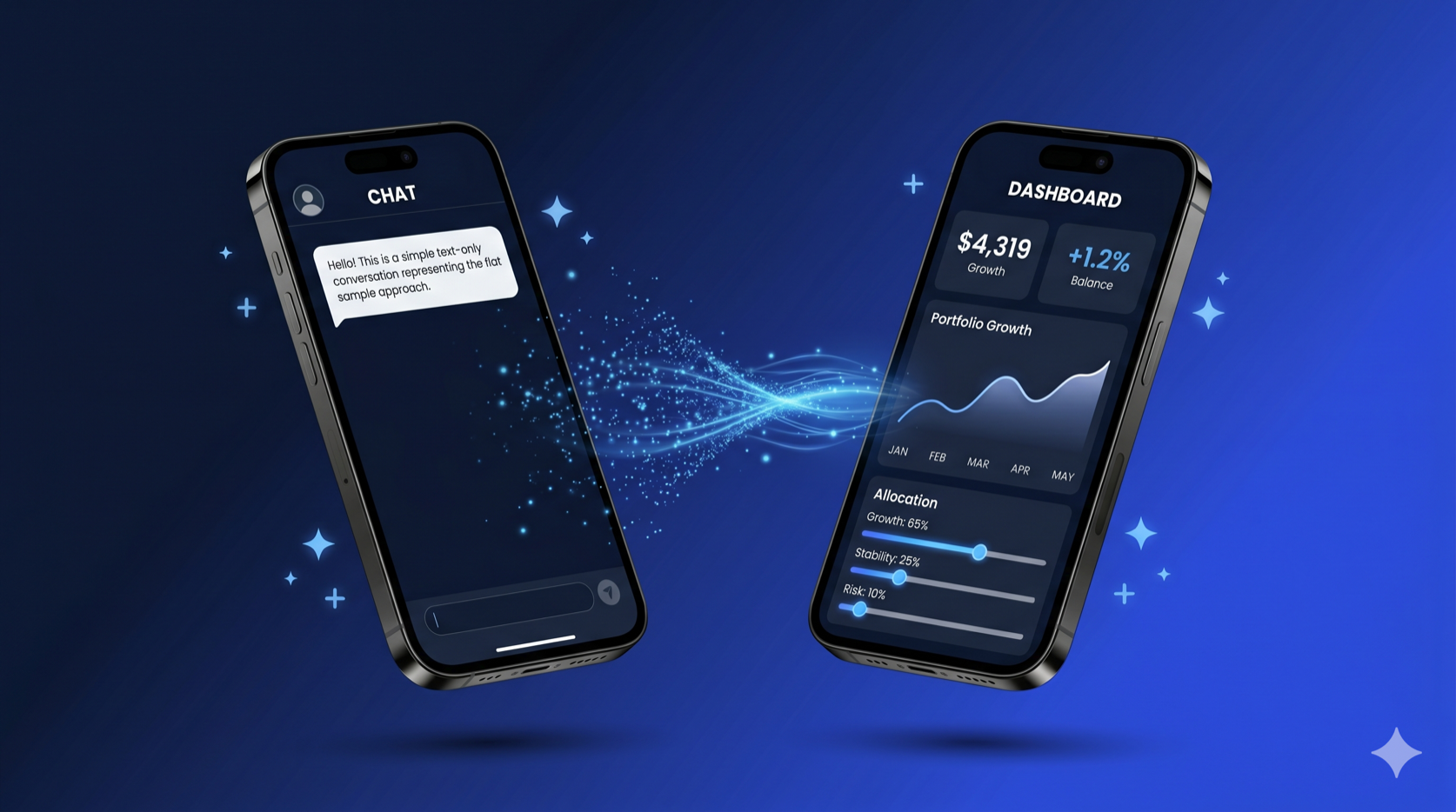
Flutter's [GenUI SDK](https://docs.flutter.dev/ai/genui) is a framework for building generative UI — you define a catalog of widgets with JSON schemas, and an LLM decides which widgets to render, with what data, at runtime. The [official samples](https://github.com/flutter/genui/tree/main/examples) are intentionally simple: they teach you how GenUI works, not how to architect a Flutter app around it. That's the right call for a learning resource, but it leaves a gap when you're building for production.
At Very Good Ventures, we built a [Life Goal Simulator](https://verygood.ventures/events/google-cloud-next-2026/) — a GenUI-powered financial planning assistant for [Google Cloud Next 2026](https://verygood.ventures/events/google-cloud-next-2026/) that walks users through a personalized, multi-step conversation, rendering custom financial widgets in real time. The simulator uses the same GenUI SDK as the official samples, but the architecture we applied looks quite different.
This post walks through how we structured it, why we made the choices we did, and how VGV's architecture principles apply to this new category of AI-driven UI.
## The Starting Point: How the Samples Work
The [official GenUI travel_app sample](https://github.com/flutter/genui/tree/main/examples/travel_app) is a great way to learn the SDK. Its architecture is intentionally flat — everything lives in a single `StatefulWidget`:
```dart
// travel_planner_page.dart — the entire app in one file
class _TravelPlannerPageState extends State {
late final SurfaceController _surfaceController;
late final A2uiTransportAdapter _adapter;
late final Conversation _uiConversation;
late final GoogleGenerativeAiClient _client;
final _messages = ValueNotifier>([]);
final _isProcessing = ValueNotifier(false);
// ... setup, streaming, rendering all in one place
}
```
The widget creates the AI client, manages the conversation, handles streaming, and renders the UI. State lives in `ValueNotifier`. There's no repository, no state management library, and no dependency injection. For understanding GenUI, this is ideal: read one file and you can understand the entire flow.
But in production, this structure creates problems:
- **Testability**: You can't unit test the conversation logic without rendering the entire widget tree.
- **Swappability**: Changing the AI provider means rewriting the presentation layer.
- **Complexity management**: As you add error handling, loading states, page navigation, and 26 custom widgets, one file becomes unmanageable.
- **Team collaboration**: Multiple developers can't work on the AI integration and the UI simultaneously without constant merge conflicts.
## VGV's Layered Architecture
VGV applies a four-layer architecture with strict unidirectional data flow — the same structure we use across every Flutter project.
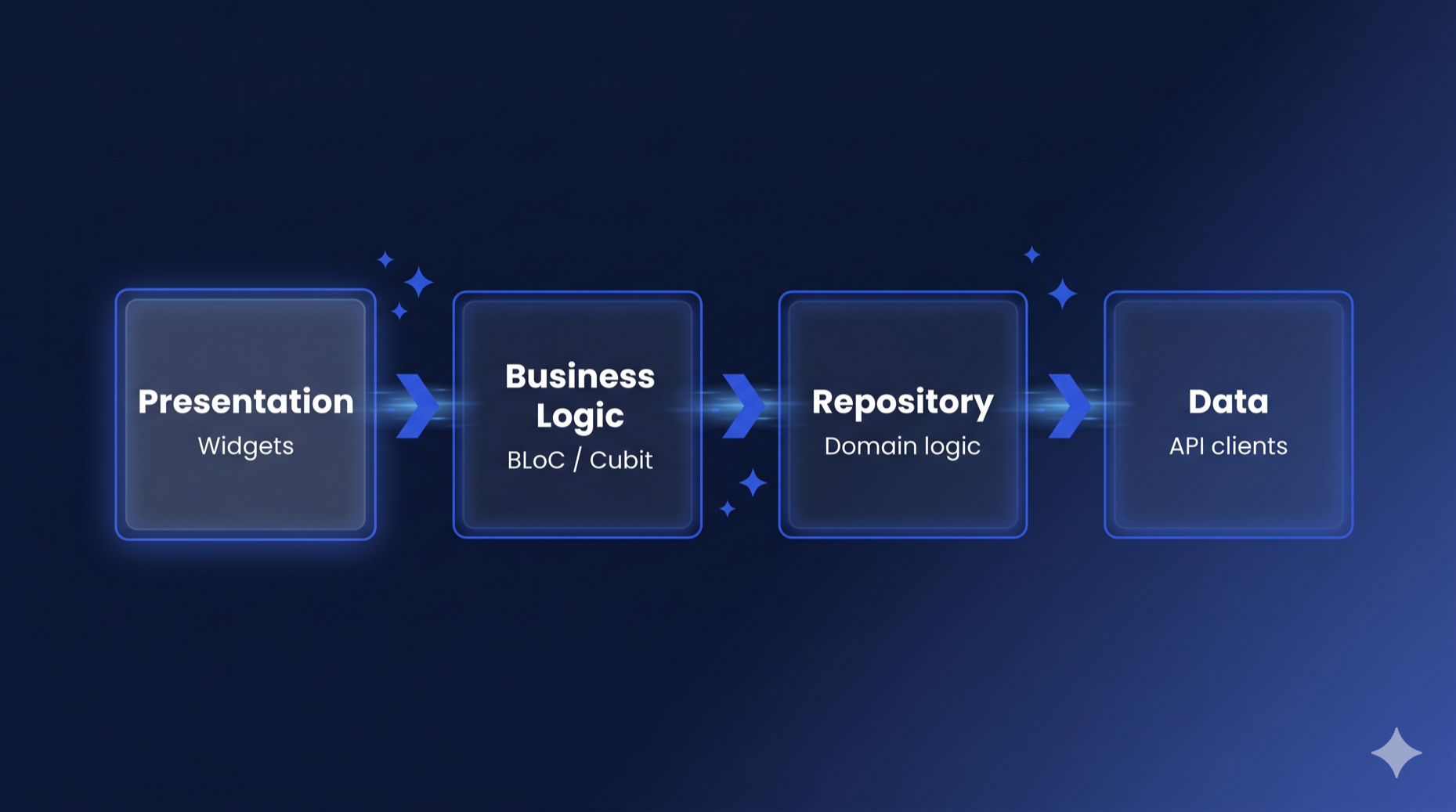
Engineering Docs
The four layers, documented in full
Flutter's official architecture recommendations point to our write-up of how data, repository, business logic, and presentation stay separated on every project we join.
Each layer only talks to the one directly below it. The presentation layer never touches the API client. The Bloc never imports Flutter (keeping it framework-agnostic). The repository never depends on other repositories.
This isn't a GenUI-specific pattern — it's the same architecture we use for every Flutter project. The insight is that **GenUI doesn't require a new architecture**. The LLM is just another data source, and the GenUI SDK is just another API client. The same layered separation that works for REST APIs and databases works for generative AI.
Here's how the Flutter GenUI architecture maps to the Life Goal Simulator:
```
lib/simulator/
├── view/ # Presentation layer
│ ├── simulator_page.dart
│ ├── simulator_view.dart
│ └── widgets/
├── bloc/ # Business logic layer
│ ├── display_message.dart
│ ├── simulator_bloc.dart
│ ├── simulator_event.dart
│ └── simulator_state.dart
├── repository/ # Repository layer
│ ├── simulator_repository.dart
│ └── simulator_conversation_event.dart
├── catalog/ # GenUI component definitions
│ ├── finance_catalog.dart
│ └── items/ # 26 custom catalog items
└── prompt/ # LLM prompt construction
└── prompt.dart
```
To see how this works, let's trace a message through each layer, starting from the bottom.
## The Repository: Wrapping the GenUI SDK
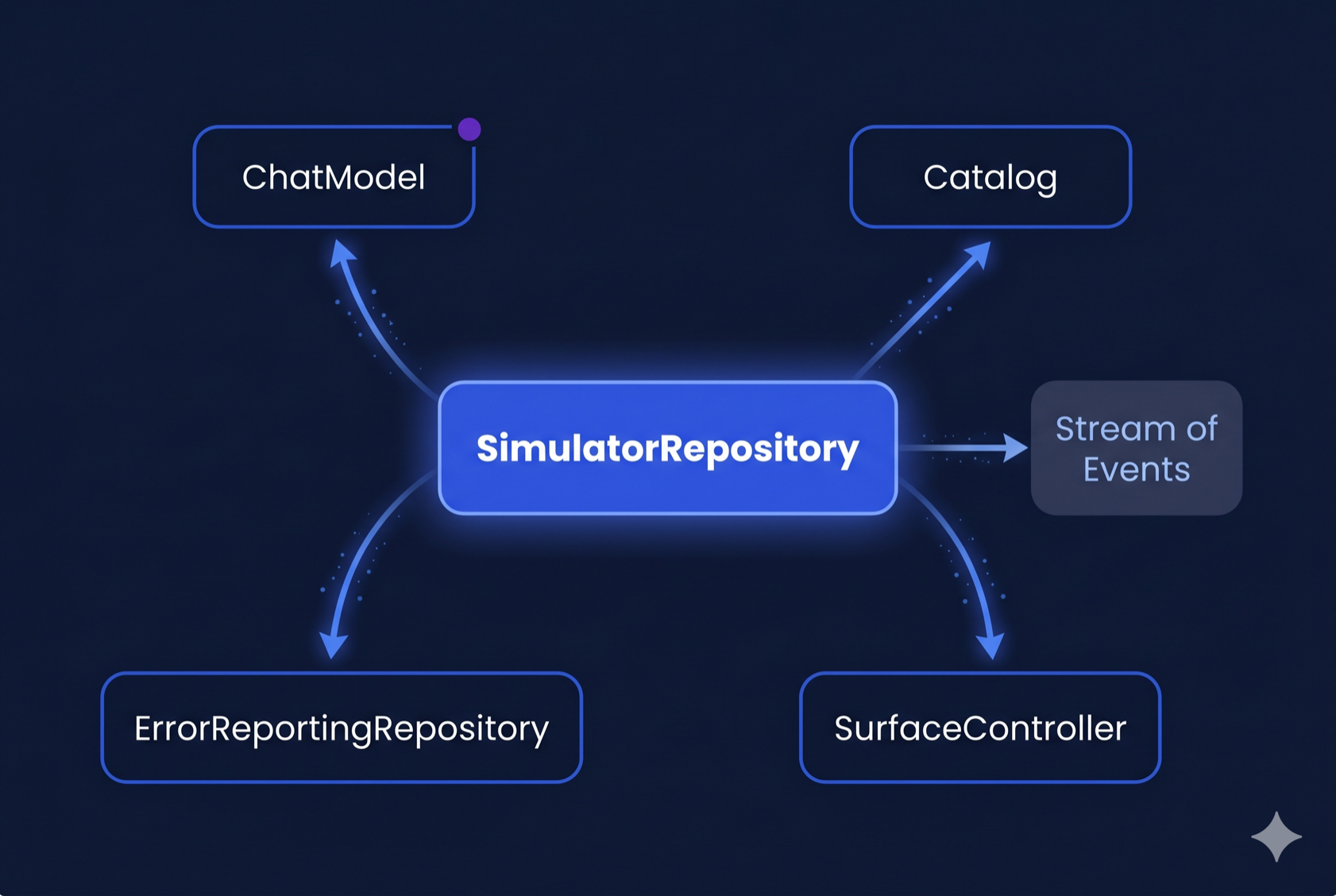
The `SimulatorRepository` is where GenUI's moving parts disappear behind a two-method API. It receives the `Catalog` and `SurfaceController` from the presentation layer (since those are rendering concerns), then wires them together with the `A2uiTransportAdapter` and `PromptBuilder` behind a clean interface:
```dart
class SimulatorRepository {
SimulatorRepository({
required ChatModel chatModel,
required ErrorReportingRepository errorReporting,
required Catalog catalog,
required SurfaceController surfaceController,
});
Stream get events => _controller.stream;
Future startConversation() async { /* ... */ }
Future sendMessage(String text) async { /* ... */ }
Future dispose() async { /* ... */ }
}
```
That's the entire public API. Every dependency is injected:
- **`ChatModel`** is the abstract interface from [Dartantic](https://pub.dev/packages/dartantic_ai). The `SimulatorRepository` doesn't know whether it's talking to Firebase AI, Google AI, Anthropic, or any other provider — it just calls `sendStream()`. The `SimulatorPage` decides which concrete implementation to use (currently `FirebaseAIChatModel`), making provider swaps a one-line change.
- **`Catalog`** and **`SurfaceController`** are rendering concerns created by the `SimulatorPage` — the repository uses the catalog for prompt building and the controller for conversation wiring, but doesn't own them.
`startConversation()` composes the system prompt, creates the transport adapter, and starts the conversation. `sendMessage()` sends a user message. The repository exposes a `Stream` that the Bloc subscribes to.
This split is deliberate. The catalog defines *what widgets can render* — a presentation concern. The `SurfaceController` *renders surfaces* — also presentation. The `ChatModel` is the AI backend — a data concern owned by the composition root. The repository wires them together but creates none of them, staying focused on conversation management.
### Domain Event Mapping
The key design decision is the **domain event mapping**. GenUI's internal `ConversationEvent` types are implementation details — part of the [A2UI protocol](https://docs.flutter.dev/ai/genui) (Google's Agent-to-UI standard) that the SDK uses under the hood. The repository translates them into domain-specific [sealed classes](https://dart.dev/language/class-modifiers#sealed):
```dart
sealed class SimulatorConversationEvent {
const SimulatorConversationEvent();
}
final class SimulatorConversationWaiting extends SimulatorConversationEvent {
const SimulatorConversationWaiting({required this.isWaiting});
final bool isWaiting;
}
final class SimulatorConversationTextReceived extends SimulatorConversationEvent {
const SimulatorConversationTextReceived(this.text);
final String text;
}
final class SimulatorConversationSurfaceAdded extends SimulatorConversationEvent {
const SimulatorConversationSurfaceAdded(this.surfaceId);
final String surfaceId;
}
final class SimulatorConversationError extends SimulatorConversationEvent {
const SimulatorConversationError(this.message);
final String message;
}
```
This mapping matters because it creates a **seam**. If the GenUI SDK changes its event types (and it will — it's [in alpha](https://docs.flutter.dev/ai/genui)), only the repository needs updating. The Bloc and presentation layer are completely insulated.
Inside the repository, the streaming pipeline handles the LLM-to-GenUI bridge:
```dart
Future _handleSend(ChatMessage message) async {
_history.add(_convertDataPartsToText(message));
final messages = [
ChatMessage.system(_systemPrompt),
..._history,
];
final adapter = _conversation!.transport as A2uiTransportAdapter;
final buffer = StringBuffer();
try {
await for (final result in _chatModel.sendStream(messages)) {
final text = result.output.text;
if (text.isNotEmpty) {
buffer.write(text);
adapter.addChunk(text);
}
}
_history.add(ChatMessage.model(buffer.toString()));
} on Object catch (e, st) {
if (buffer.isNotEmpty) {
// Save whatever was streamed so retry has full context.
_history.add(ChatMessage.model(buffer.toString()));
} else {
// Zero chunks arrived — pop the dangling user message so history
// doesn't end with two consecutive user turns on the next send,
// which Firebase AI rejects as INVALID_ARGUMENT.
_history.removeLast();
}
await _errorReporting.recordError(e, st, reason: 'AI sendStream error');
_controller.add(SimulatorConversationError('AI error: $e'));
}
}
```
Each chunk from the LLM is fed to the `A2uiTransportAdapter`, which parses the JSON and tells the `SurfaceController` to update the UI. The repository manages the message history, system prompt, and the streaming lifecycle — none of which the Bloc needs to know about.
You'll notice the repository manages `_history` (the list of `ChatMessage`s) directly rather than delegating to a separate data source. In a strict layered architecture, message history could be its own data layer concern — a local database or in-memory store that the repository composes. We kept it inline because the history is tightly coupled to the streaming lifecycle: each `_handleSend` call appends the outgoing message, streams the response, and appends the completed response in a single transaction. Extracting it would add a layer of indirection without a clear benefit today. If we later needed persistence across sessions, or multiple features sharing the same conversation history, that's when the extraction would earn its keep.
## The Bloc: Managing Conversation State
The `SimulatorBloc` consumes the repository's event stream and manages the UI state. It follows [VGV's standard Bloc conventions](https://engineering.verygood.ventures/development/state_management/bloc_state_handling/) — if you've worked with [`flutter_bloc`](https://pub.dev/packages/flutter_bloc), these patterns will look familiar: sealed events with past-tense naming, a single state class with a status enum and `copyWith`.
```dart
// Events — past tense, describing what happened
sealed class SimulatorEvent {
const SimulatorEvent();
}
final class SimulatorStarted extends SimulatorEvent { /* ... */ }
final class SimulatorMessageSent extends SimulatorEvent { /* ... */ }
final class SimulatorSurfaceReceived extends SimulatorEvent { /* ... */ }
final class SimulatorContentReceived extends SimulatorEvent { /* ... */ }
final class SimulatorLoadingChanged extends SimulatorEvent { /* ... */ }
final class SimulatorErrorOccurred extends SimulatorEvent { /* ... */ }
final class SimulatorRetried extends SimulatorEvent { /* ... */ }
// ... plus loading overlay events
```
```dart
// State — Equatable + status enum + copyWith
final class SimulatorState extends Equatable {
const SimulatorState({
this.status = SimulatorStatus.initial,
this.pages = const [],
this.currentPageIndex = 0,
this.isLoading = false,
this.pendingPageIndex,
this.showLoadingOverlay = false,
this.error,
});
final SimulatorStatus status;
final List> pages;
final int currentPageIndex;
final bool isLoading;
final int? pendingPageIndex;
final bool showLoadingOverlay;
final String? error;
@override
List get props => [
status, pages, currentPageIndex, isLoading,
pendingPageIndex, showLoadingOverlay, error,
];
}
```
The state models the UI as a list of **pages**, where each page contains a list of **display messages**. Display messages are themselves a sealed hierarchy:
```dart
sealed class DisplayMessage extends Equatable {
const DisplayMessage();
}
final class UserDisplayMessage extends DisplayMessage { /* ... */ }
final class AiTextDisplayMessage extends DisplayMessage { /* ... */ }
final class AiSurfaceDisplayMessage extends DisplayMessage { /* ... */ }
```
This is a GenUI-specific modeling choice. In a traditional chat app, you'd have a flat list of messages. Here, because GenUI surfaces are full-screen interactive UIs (not chat bubbles), each surface gets its own page. When the AI creates a new surface, the Bloc adds a new page and animates to it:
```dart
void _onSurfaceReceived(
SimulatorSurfaceReceived event,
Emitter emit,
) {
final existingPageIndex = state.pages.indexWhere(
(page) => page.any(
(m) => m is AiSurfaceDisplayMessage && m.surfaceId == event.surfaceId,
),
);
if (existingPageIndex != -1) {
// Surface already exists — navigate to it
emit(state.copyWith(currentPageIndex: existingPageIndex));
} else {
// New surface — create a new page
final message = AiSurfaceDisplayMessage(event.surfaceId);
final pages = [...state.pages, [message]];
emit(state.copyWith(pages: pages, currentPageIndex: pages.length - 1));
}
}
```
The Bloc also handles text streaming — as the LLM responds, text chunks arrive one at a time and get concatenated into the current page's last text message. This is a detail the presentation layer doesn't need to think about. For more on how Bloc works with stream subscriptions like this, see [How to Use Bloc with Streams and Concurrency](https://verygood.ventures/blog/how-to-use-bloc-with-streams-and-concurrency/).
## The Presentation Layer: Page Creates, View Renders
The presentation follows VGV's standard Page/View split:
**`SimulatorPage`** is the composition root. It creates the `Catalog` and `SurfaceController` (rendering concerns), injects them into the repository, and passes the `SurfaceController` directly to the view — keeping GenUI types out of the Bloc entirely:
```dart
class SimulatorPage extends StatefulWidget {
@override
State createState() => _SimulatorPageState();
}
class _SimulatorPageState extends State {
late final Catalog _catalog;
late final SurfaceController _surfaceController;
@override
void initState() {
super.initState();
_catalog = buildFinanceCatalog();
_surfaceController = SurfaceController(catalogs: [_catalog]);
}
@override
Widget build(BuildContext context) {
return BlocProvider(
create: (_) =>
SimulatorBloc(
simulatorRepository: SimulatorRepository(
chatModel: FirebaseAIChatModel(...),
errorReporting: DevErrorReportingRepository()
catalog: _catalog,
surfaceController: _surfaceController,
),
)..add(SimulatorStarted(...)),
child: SimulatorView(
profileType: widget.profileType,
surfaceHost: _surfaceController,
),
);
}
}
```
The `SurfaceController` flows from the Page to the view *and* to the repository — but never through the Bloc. The Bloc state contains only plain Dart types: strings, enums, lists of `DisplayMessage`. No GenUI imports.
**`SimulatorView`** renders the UI based on Bloc state. It uses a `BlocConsumer` — `listener` for page navigation animations, `builder` for the widget tree:
```dart
BlocConsumer(
listenWhen: (previous, current) =>
previous.currentPageIndex != current.currentPageIndex,
listener: (context, state) {
_pageController.animateToPage(
state.currentPageIndex,
duration: const Duration(milliseconds: 1200),
curve: Curves.easeInOutCubic,
);
},
builder: (context, state) {
// Render pages with GenUI Surface widgets
},
)
```
The view never touches the repository or the AI client. It reads pages from the Bloc state, renders `Surface` widgets from the GenUI SDK for each `AiSurfaceDisplayMessage`, and dispatches events when the user interacts.
## The Catalog: Domain-Specific Components as a First-Class Concern
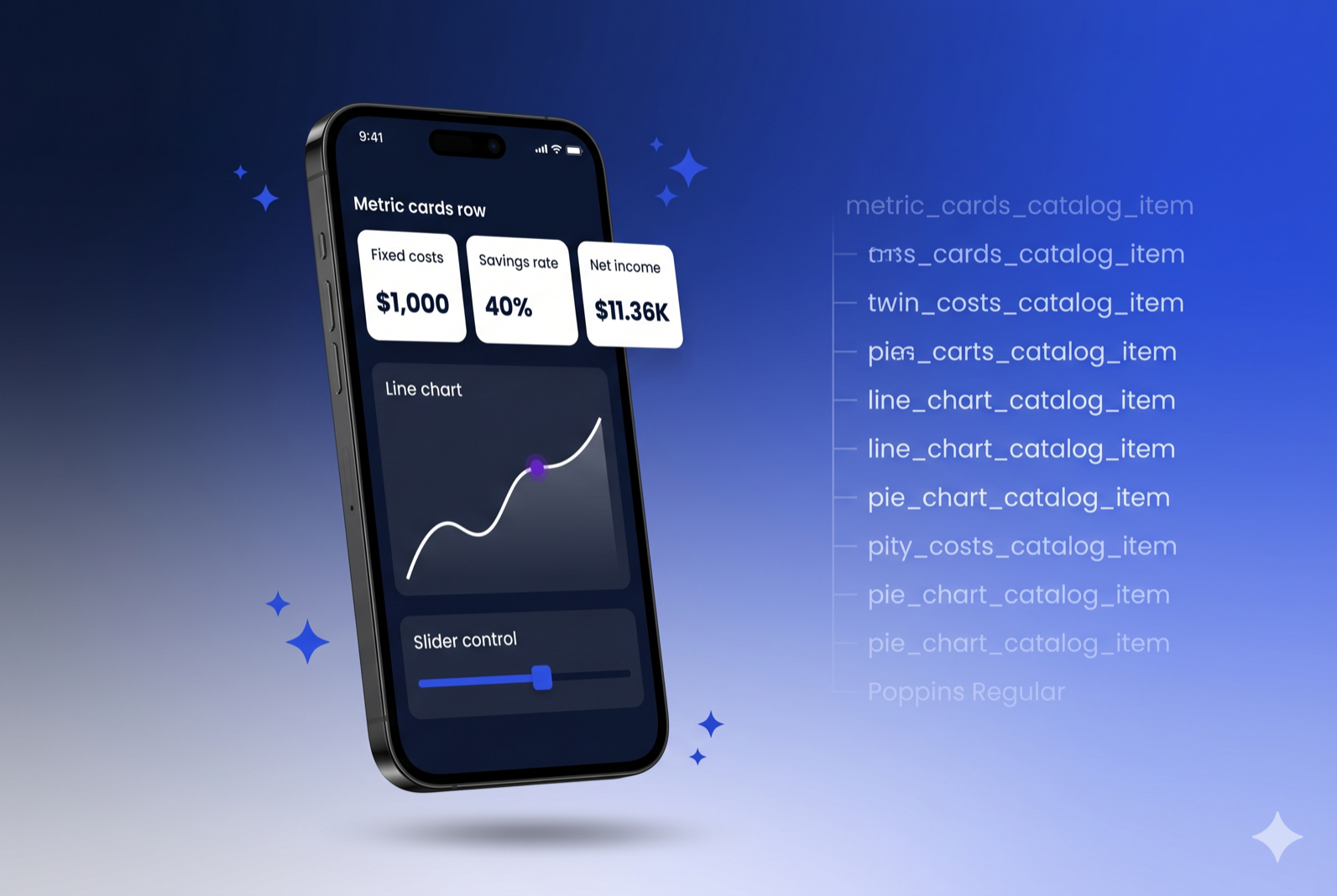
The official samples define their catalog inline with the page. In the Life Goal Simulator, the catalog is a separate, structured layer with **26 custom financial widgets**, each defined in its own file. (For an introduction to building catalog items, see VGV's [Flutter GenUI shopping assistant tutorial](https://verygood.ventures/blog/flutter-genui-shopping-assistant-tutorial/).)
```
catalog/
├── finance_catalog.dart # Composes the full catalog
└── items/
├── metric_cards_catalog_item.dart
├── line_chart_catalog_item.dart
├── pie_chart_catalog_item.dart
├── gcn_slider_catalog_item.dart
├── radio_card_catalog_item.dart
├── filter_bar_catalog_item.dart
└── ... (26 items total)
```
Each catalog item follows a consistent structure: a JSON schema (telling the LLM what properties it can set), and a widget builder (turning that JSON into Flutter widgets):
```dart
final _schema = S.object(
description: 'A grid of cards highlighting key financial metrics...',
properties: {
'cards': S.list(
items: S.object(
properties: {
'label': A2uiSchemas.stringReference(
description: 'Short label (e.g. "Fixed costs").',
),
'value': A2uiSchemas.stringReference(
description: r'Primary value (e.g. "$4,319").',
),
'delta': A2uiSchemas.stringReference(
description: 'Optional delta text (e.g. "+1.2%").',
),
},
required: ['label', 'value'],
),
),
},
);
final metricCardsItem = CatalogItem(
name: 'MetricCard',
dataSchema: _schema,
widgetBuilder: (ctx) {
final json = ctx.data as Map;
final rawCards = json['cards']! as List;
// ... parse JSON, build MetricCard widgets
return MetricCardsLayout(cards: cards);
},
);
```
The `buildFinanceCatalog()` function composes the full catalog by starting with the SDK's basic items, removing the generic ones we don't need, and adding our domain-specific widgets:
```dart
Catalog buildFinanceCatalog() {
return BasicCatalogItems.asCatalog()
.copyWithout(
itemsToRemove: [
BasicCatalogItems.button,
BasicCatalogItems.checkBox,
BasicCatalogItems.slider,
// ... remove 15 generic widgets
],
)
.copyWith(
catalogId: financeCatalogId,
newItems: [
metricCardsItem,
lineChartItem,
pieChartItem,
gcnSliderItem,
// ... 26 domain-specific widgets
],
systemPromptFragments: [_financeWidgetRules],
);
}
```
This separation pays off in three ways:
1. **Each catalog item is independently testable.** We have unit tests for every single one — verifying schema parsing, widget rendering, event dispatching, and data model bindings. These granular tests also serve as reliable feedback signals for CI pipelines and AI-assisted development workflows.
2. **The catalog is reusable.** If we build another financial planning feature, we can import the same catalog without duplicating widget definitions.
3. **Prompt engineering is co-located with the schema.** The `_financeWidgetRules` string tells the LLM *when* to use each widget, while the JSON schema tells it *how*. Both live in the catalog layer, not scattered across the app. Co-locating prompt fragments with their schemas reduces mismatches between what the LLM is told to render and what the catalog can actually build.
## Prompt Management: Separated from UI
The system prompt is another concern that the official samples embed directly in the widget. In the Life Goal Simulator, prompt construction is its own module:
```dart
class PromptBuilder {
/// The system prompt that defines the AI's persona and rules.
static String buildSystemPrompt() {
return r'''
You are a knowledgeable, empathetic life goal simulator...
## Conversation Flow
You drive the conversation step by step...
## Summary Screen (REQUIRED)
After gathering enough information...
''';
}
/// The initial user message from onboarding selections.
static String buildInitialUserMessage({
required ProfileType profileType,
Set focusOptions = const {},
String customOption = '',
}) {
// Compose the opening message based on user's profile
}
}
```
This separation means the team working on prompt engineering doesn't need to touch the widget code, and the prompt can be tested in isolation — verifying that different profile types and focus options produce the expected initial messages. If you later need to update prompts without redeploying, Firebase Remote Config or Firebase AI's prompt templates are straightforward drop-in replacements — the `PromptBuilder` class gives you a single integration point.
## Testability: Everything in Isolation
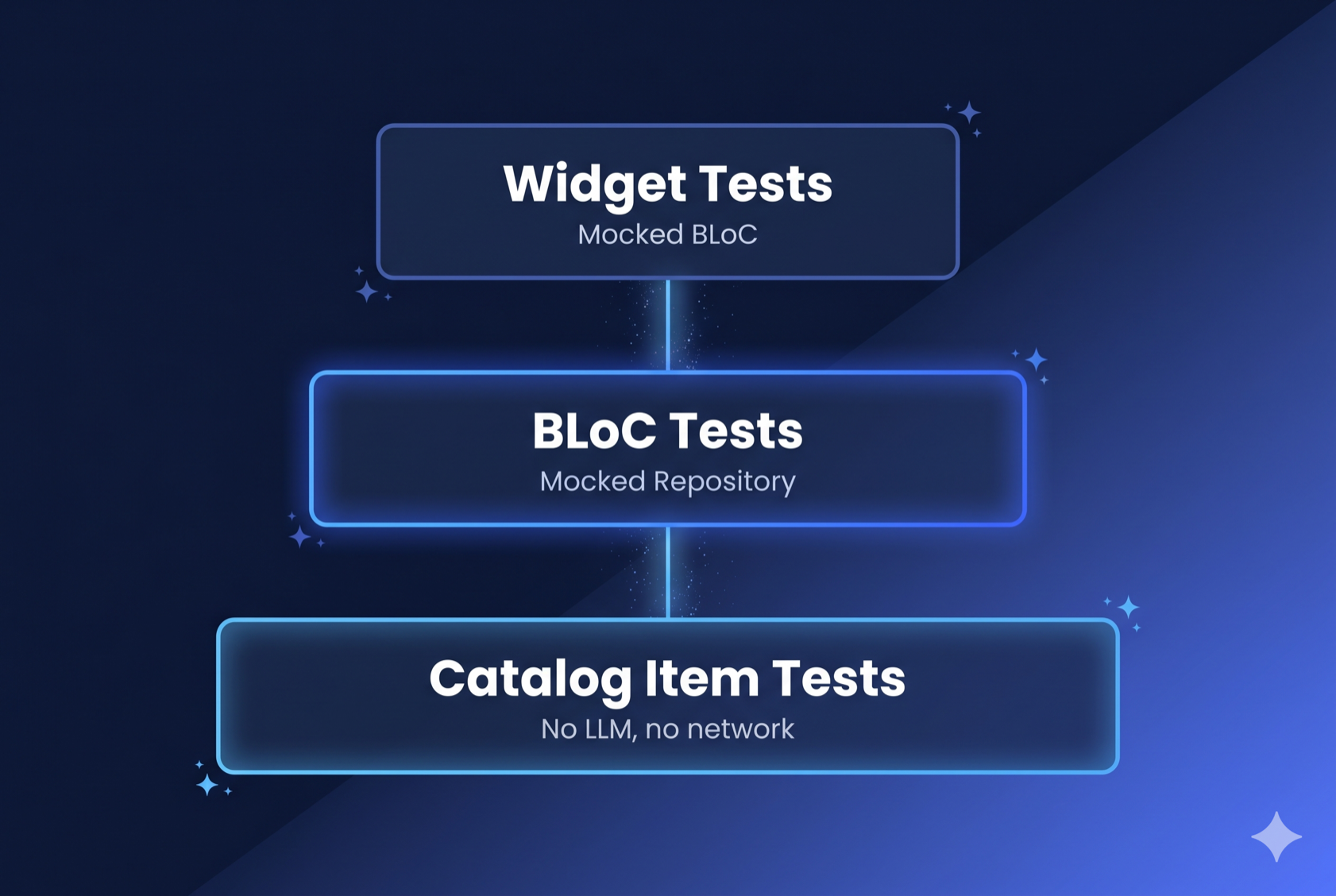
Because every layer is separated, every layer is independently testable. The test directory mirrors `lib/` exactly:
```
test/simulator/
├── bloc/ # Bloc tests with mocked repository
├── catalog/items/ # Tests for all 26 catalog items
├── prompt/ # Prompt builder tests
└── view/ # Widget tests with mocked Bloc
```
**Bloc tests** mock the repository and verify state transitions using [`blocTest`](https://pub.dev/packages/bloc_test):
```dart
blocTest(
'SimulatorSurfaceReceived creates a new page',
build: () {
when(() => repository.events).thenAnswer((_) => Stream.empty());
return SimulatorBloc(simulatorRepository: repository);
},
act: (bloc) => bloc.add(const SimulatorSurfaceReceived('surface-1')),
expect: () => [
SimulatorState(
pages: [
[const AiSurfaceDisplayMessage('surface-1')]
],
currentPageIndex: 0,
),
],
);
```
**Catalog item tests** verify that each widget renders correctly from JSON data, without needing an LLM, a network connection, or the rest of the app.
**Prompt tests** verify the prompt builder produces correct output for different onboarding selections.
In the official sample, none of this is possible without rendering the entire `TravelPlannerPage` and intercepting network calls.
## The Comparison
| Concern | Official Sample | VGV Architecture |
|---------|-----------------|------------------|
| AI client setup | Widget's `initState()` | Repository constructor |
| Conversation state | `ValueNotifier` | `SimulatorBloc` with sealed events/states |
| GenUI plumbing | Inline in widget | `SimulatorRepository` |
| Rendering infrastructure | Created in widget | Page creates `Catalog` + `SurfaceController`, injects into repo and view |
| Domain events | Raw `ConversationEvent` | Sealed `SimulatorConversationEvent` |
| Display models | Mixed `ChatMessage` list | Sealed `DisplayMessage` hierarchy |
| Catalog | Inline in page | Separate `catalog/` layer with per-item files |
| System prompt | String literal in widget | Dedicated `PromptBuilder` class |
| Presentation | One `StatefulWidget` | `SimulatorPage` (composition root) + `SimulatorView` (rendering) |
| Bloc purity | N/A | No GenUI imports — only plain Dart types in state |
| Unit testability | Widget tests only | Every layer independently testable |
| Custom widgets | Few, inline | 26 items, each in its own file with tests |
Want to see this architecture in action? Try the [Life Goal Simulator live demo](https://verygood.ventures/events/google-cloud-next-2026/).
## Key Takeaways
**GenUI doesn't need a special architecture.** The LLM is a data source. The GenUI SDK is an API client. The repository pattern wraps it. Bloc manages state. Widgets render. The same principles that make traditional Flutter apps maintainable work here too.
**The repository is the critical abstraction.** GenUI introduces several interacting components — `Conversation`, `A2uiTransportAdapter`, `PromptBuilder`. The repository hides the conversation plumbing behind `startConversation()` and `sendMessage()`. Every dependency is injected: the `ChatModel` (so you can swap LLM providers), the `Catalog` and `SurfaceController` (rendering concerns owned by the presentation layer). When the SDK evolves (and it will), only one file changes.
**Keep SDK types out of your Bloc.** It's tempting to thread `SurfaceHost` through Bloc state so the view can access it. But the Bloc shouldn't know about GenUI's rendering types. Instead, the Page — which is already the composition root — creates the `SurfaceController` and passes it to both the repository and the view directly.
**Domain events create a seam.** Translating GenUI's internal events into your own sealed classes protects the rest of your app from SDK changes and makes the event flow explicit and exhaustive.
**Catalog items deserve their own layer.** In the Life Goal Simulator, each of the 26 financial widgets has a schema, a builder, and behavioral rules. Giving each its own file makes them independently testable and reusable across features.
**Prompt engineering is code.** The Life Goal Simulator's `PromptBuilder` class treats system prompts and initial messages with the same rigor as any other module — separate files, testable functions, version-controlled alongside the catalog they reference.
## Conclusion
The official samples are the right place to learn how GenUI works. This post covered how to architect around it. The two together give you everything you need to take Flutter's GenUI SDK from prototype to production.
---
*The Life Goal Simulator was built by [Very Good Ventures](https://verygood.ventures). Check out the [live demo](https://verygood.ventures/events/google-cloud-next-2026/) and our [Flutter engineering docs](https://engineering.verygood.ventures/).*
#### GenUI Architecture FAQs
##### Why aren't the official GenUI samples enough for a production Flutter app?
The official samples like the travel_app put the AI client, conversation, streaming, and rendering inside a single StatefulWidget with ValueNotifier state. That structure is great for learning the SDK, but in production it makes the conversation logic untestable without rendering the whole widget tree, ties the presentation layer to a specific AI provider, and forces multiple developers into constant merge conflicts as error handling, navigation, and custom widgets pile up.
##### What architecture did VGV apply to the Life Goal Simulator?
The same four-layer architecture VGV uses on every Flutter project: presentation, business logic, repository, and data, with strict unidirectional data flow. The presentation layer never touches the API client, the Bloc never imports Flutter, and each repository stays independent. The insight is that GenUI does not need a special architecture. The LLM is a data source, the GenUI SDK is an API client, and the same layered separation that works for REST APIs works for generative AI.
##### What does the SimulatorRepository actually do?
It hides GenUI's moving parts behind a two-method API: startConversation() and sendMessage(). It receives the ChatModel, Catalog, SurfaceController, and an error reporting repository through dependency injection, wires them to the A2uiTransportAdapter and PromptBuilder, manages the message history and streaming lifecycle, and exposes a Stream<SimulatorConversationEvent> that the Bloc subscribes to.
##### Why translate GenUI's events into domain-specific sealed classes?
GenUI's internal ConversationEvent types are part of the A2UI protocol that the SDK uses under the hood, and the SDK is in alpha. Mapping them into sealed classes like SimulatorConversationWaiting, SimulatorConversationTextReceived, SimulatorConversationSurfaceAdded, and SimulatorConversationError creates a seam. When the SDK changes its event types, only the repository updates. The Bloc and presentation layer stay insulated.
##### Why does the catalog get its own layer with 26 separate files?
Three reasons. Each catalog item becomes independently testable with unit tests covering schema parsing, widget rendering, event dispatching, and data bindings. The catalog becomes reusable across features without duplicating widget definitions. And prompt engineering co-locates with the schema, so the rules telling the LLM when to use a widget live next to the schema telling it how, reducing mismatches between what the LLM is told to render and what the catalog can build.
##### Why keep GenUI types out of the Bloc state?
It is tempting to thread SurfaceHost through Bloc state so the view can access it, but the Bloc should not know about GenUI's rendering types. In the Life Goal Simulator the SimulatorPage acts as the composition root. It creates the Catalog and SurfaceController and passes them to both the repository and the view directly, while the Bloc state holds only plain Dart types like strings, enums, and lists of DisplayMessage.
##### How does the Bloc model GenUI surfaces in state?
Instead of a flat list of chat messages, the state models the UI as a list of pages where each page contains a list of DisplayMessages, with a sealed hierarchy of UserDisplayMessage, AiTextDisplayMessage, and AiSurfaceDisplayMessage. Because GenUI surfaces are full-screen interactive UIs rather than chat bubbles, each surface gets its own page. When the AI creates a new surface, the Bloc adds a new page and animates to it.
### Getting Started with GenUI: Flutter Dynamic and AI-Driven UIs
Source: https://verygood.ventures/blog/getting-started-with-genui/
Flutter has always made it easy to build beautiful, fast UIs. But, what if the UI itself could be generated on the fly in response to what a user actually needs? That's the idea behind GenUI, the Flutter new SDK for building generative user interfaces.
This article walks you through what GenUI is, why it matters, and how to get your first GenUI-powered app running.
> **Note:** GenUI is highly experimental — expect breaking changes. It's great for prototyping, so treat it accordingly.
## What is GenUI?
The traditional Flutter UIs are meant to be declarative and static where you write a `Column` with a `Text` and a `Button`, and that's what users see every time, regardless of context.
GenUI flips this model. Instead of hard-coding widget trees, you give an AI agent a catalog of your widgets and let it decide which ones to render, and how to compose them, based on the user's intent.
### The difference:
| Traditional approach | GenUI approach |
|---|---|
| LLM responds: "Here are three hotels in Tokyo…" | LLM renders an interactive hotel carousel widget |
| LLM responds: "Please answer the following questions…" | LLM renders a form with sliders, date pickers, and checkboxes |
| Screen layout defined at compile time | Screen layout assembled at runtime from your widget catalog |
Rather than replacing walls of text with better text, GenUI replaces them with real, interactive Flutter widgets.
## The Three Core Concepts
Before writing any code, it helps to understand how GenUI thinks about your app.
**Catalog:** A vocabulary of widgets you expose to the AI. Each entry includes a widget name, a JSON schema describing its properties, and a builder function that renders it. The AI can only use widgets in the catalog — it cannot create new ones.
**Surface:** A region of your UI where AI-generated content appears. You place a `GenUiSurface` widget in your layout, and GenUI fills it with whatever the agent produces.
**Conversation:** The stateful interaction loop. `GenUiConversation` manages the full history of messages between your user and the agent, so each new request has context from everything that came before.
### The flow looks like this:
1. User sends a prompt
2. Your app forwards it to the AI agent, along with the widget catalog as a set of tools
3. The agent answers not with text, but with structured JSON describing which widgets to render
4. GenUI deserializes that JSON and builds the widget tree on `Surface`
5. The user interacts with those widgets; state changes flow back to the agent as context for the next turn
Even though Flutter still does all the rendering.
## Prerequisites
You will need:
- Flutter SDK installed (preferably the one from the stable channel)
- Basic Flutter knowledge
- A free Gemini API key from the Google AI Studio or a `FirebaseAIChatModel` provided by the `dartantic_firebase_ai` package
## Step 1: Add Dependencies
The fastest path to a working GenUI app uses `dartantic_ai` directly — no server required, just your API key.
Add the following dependencies to your `pubspec.yaml` file:
```yaml
dependencies:
dartantic_ai: ^3.x.x
genui: ^0.8.0
genui_dartantic: ^0.x.x
json_schema_builder: ^0.1.3
```
## Step 2: Define your Widget Catalog
The catalog is where you tell the AI what it can build. Each `CatalogItem` has three parts:
1. A **name**: what the AI uses to refer to this widget
2. A **JSON schema**: the shape of the data the AI must provide
3. A **builder**: the Flutter widget that renders from that data
As an example, let's introduce an `InfoCard` widget the AI can use to display a title and a description.
```dart
import 'package:flutter/material.dart';
import 'package:genui/genui.dart';
final infoCatalog = Catalog(
components: [
CatalogItem(
name: 'InfoCard',
dataSchema: S.object(
properties: {
'title': A2uiSchemas.stringReference(
description: 'Header text displayed in the card',
),
'description': A2uiSchemas.stringReference(
description: 'Informative text displayed in the card',
),
},
required: ['title', 'description'],
),
widgetBuilder: (ctx) {
final json = ctx.data as Map;
final titleValue = json['title'];
final descriptionValue = json['description'];
return BoundString(
dataContext: ctx.dataContext,
value: titleValue,
builder: (data, _) {
return BoundString(
dataContext: ctx.dataContext,
value: descriptionValue,
builder: (context, _) => Card(
margin: const EdgeInsets.all(8),
child: Padding(
padding: const EdgeInsets.all(16),
child: Column(
crossAxisAlignment: CrossAxisAlignment.start,
children: [
Text(
titleValue as String? ?? '',
style: const TextStyle(
fontSize: 18,
fontWeight: FontWeight.bold,
),
),
const SizedBox(height: 8),
Text(descriptionValue as String? ?? ''),
],
),
),
),
);
},
);
}
),
],
);
```
A few things to take into consideration:
- The JSON schema is how the AI knows what properties to supply. It acts as the contract between your agent and your UI.
- The `builder` function receives the agent's data and returns a standard Flutter widget. Any widget you can write in Flutter, you can expose through a `CatalogItem`.
- The AI cannot use a widget unless it's in the catalog. This is a feature, not a limitation — it keeps generated UIs within your design system.
## Step 3: Set Up the Conversation
The next step is to wire up the `GenUIConversation` with your catalog and the model.
`genui_dartantic` provides `DartanticContentGenerator`, a ready-made `ContentGenerator` implementation backed by the `dartantic_ai` agentic framework. It supports multiple AI providers (Google, OpenAI, Anthropic, Mistral, and more) through a unified API, so you can swap backends without touching the rest of your code.
```dart
import 'package:genui/genui.dart';
import 'package:google_generative_ai/google_generative_ai.dart';
const _apiKey = 'YOUR_GEMINI_API_KEY'; // Only for local development
late final GenUiConversation conversation;
void initConversation() {
conversation = GenUiConversation(
contentGenerator: DartanticContentGenerator(
model: 'gemini-3-flash-preview',
provider: Providers.google(apiKey: _apiKey),
catalog: infoCatalog,
systemInstruction: '''
You are a helpful assistant. When responding, always use the
InfoCard widget from your catalog to display information visually.
Never respond with plain text alone.
''',
),
);
}
```
The `systemInstruction` plays a key role in the setup. The AI needs explicit direction to use catalog tools rather than defaulting to plain text responses. Be specific about when and how you want it to use your widgets.
## Step 4: Build the UI
Now place a `GenUiSurface` in your widget tree. This is the region where the agent's generated content will appear.
```dart
import 'package:flutter/material.dart';
import 'package:genui/genui.dart';
class GenUiDemo extends StatefulWidget {
const GenUiDemo({super.key});
@override
State createState() => _GenUiDemoState();
}
class _GenUiDemoState extends State {
final _controller = TextEditingController();
bool _loading = false;
@override
void initState() {
super.initState();
initConversation();
}
Future _send() async {
final prompt = _controller.text.trim();
if (prompt.isEmpty) return;
setState(() => _loading = true);
_controller.clear();
await conversation.sendMessage(prompt);
setState(() => _loading = false);
}
@override
Widget build(BuildContext context) {
return Scaffold(
appBar: AppBar(title: const Text('GenUI Demo')),
body: Column(
children: [
// The surface where AI-generated widgets appear
Expanded(
child: GenUiSurface(
conversation: conversation,
surfaceId: 'main',
),
),
if (_loading) const LinearProgressIndicator(),
Padding(
padding: const EdgeInsets.all(8),
child: Row(
children: [
Expanded(
child: TextField(
controller: _controller,
decoration: const InputDecoration(
hintText: 'Ask something...',
border: OutlineInputBorder(),
),
onSubmitted: (_) => _send(),
),
),
const SizedBox(width: 8),
IconButton.filled(
onPressed: _loading ? null : _send,
icon: const Icon(Icons.send),
),
],
),
),
],
),
);
}
}
```
Run the app, type a prompt like "Tell me three fun facts about the ocean", and the AI will respond by composing `InfoCard` widgets rather than a block of text.
## Step 5: Add an Interactive Widget
Static display widgets are a good start, but GenUI becomes compelling when widgets feed data back to the agent. Let's take a look at a `RatingWidget` that the user can interact with:
```dart
CatalogItem(
name: 'RatingWidget',
dataSchema: S.object(
properties: {
'label': A2uiSchemas.stringReference(
description: 'The title text',
),
'value': S.number(
description: 'Current rating value, must be between 1 and 5',
),
},
required: ['label', 'value'],
),
widgetBuilder: (ctx) {
final json = ctx.data as Map;
final label = json['label'] as String;
final value = (json['value'] as num).toDouble();
return BoundString(
dataContext: ctx.dataContext,
value: label,
builder: (context, title) {
return Column(
crossAxisAlignment: CrossAxisAlignment.start,
children: [
Text(title ?? label),
Slider(
value: value,
min: 1,
max: 5,
divisions: 4,
label: value.toStringAsFixed(0),
onChanged: (newValue) {
// Update the DataModel so the agent sees the new state
ctx.dataContext.update(json['_id'] as String, {'value': newValue});
// Instead of manual rebuild, the Slider could be wrapped
// into BoundNumber, another GenUI reactive binding widget
setState(() {});
},
),
],
);
},
);
},
),
```
`BoundString` and `BoundNumber` are GenUI's reactive binding widgets. Rather than managing local state with `StatefulBuilder` and calling `setState`, you wrap the relevant part of your tree in a bound widget and it rebuilds automatically whenever the underlying value in the `DataContext` changes. `BoundString` resolves a label (which may be a literal or a data-model path reference), while `BoundNumber` does the same for numeric values.
When the user moves the slider, `ctx.dataContext.update` writes the new value back to GenUI's central state store. In the next message, that updated state flows back to the agent as context — enabling true bidirectional interaction between the user and the LLM.
## What to Build Next
Once you're comfortable with the basics, a few directions worth exploring:
**More widget types:** The catalog can hold anything Flutter can render: carousels, date pickers, charts, maps. The richer your catalog, the more expressive the AI's responses.
**Better system instructions:** How you prompt the agent determines the quality of its output. Spend time iterating on your `systemInstruction` — it's as important as the catalog itself.
**Switching providers:** One of `dartantic_ai`'s strengths is provider portability. Swapping from Google to OpenAI or Anthropic requires changing only the `Providers.*` argument and the model name; the rest of your code stays the same.
**Firebase AI for production:** Embedding an API key directly in the app is for local experimentation only. For a shipped app, switch to `dartantic_firebase_ai`, which uses Firebase AI Logic for secure, server-side model calls, keeping your credentials off the client.
**The A2UI protocol:** For server-side agent architectures, `genui_a2a` connects your Flutter app to any backend that implements the A2UI protocol over WebSockets. Note that this area is still actively evolving — the team is splitting the library into a pure-Dart `genui_core` package (responsible for A2UI message parsing, JSON Pointer-based state management, and expression evaluation) and a Flutter-only `genui` renderer on top of it. The goal is to make the core logic fully portable to non-Flutter environments. As of writing, the milestone is roughly 40% complete, so keep an eye on that issue for breaking changes before committing to the current API surface.
**Logging:** Enable GenUI's built-in logging during development to see exactly what flows between your app and the agent:
```dart
import 'package:logging/logging.dart';
import 'package:genui/genui.dart';
final logger = configureGenUiLogging(level: Level.ALL);
void main() {
logger.onRecord.listen((record) {
debugPrint('${record.loggerName}: ${record.message}');
});
runApp(const MyApp());
}
```
## Wrapping Up
GenUI changes the question from "what should this screen look like?" to "what widgets should I give the AI to work with?". Your job shifts from assembling widget trees by hand to designing and curating the system that produces them.
It's early days — the package is in alpha and the API will change. But the underlying idea is solid, and the Flutter team is investing in it seriously. Now is a good time to experiment, build prototypes, and share feedback.
The full GenUI documentation lives at [docs.flutter.dev/ai/genui](https://docs.flutter.dev/ai/genui), and the official examples are worth studying once you've got the basics down.
## Resources
- [GenUI SDK on pub.dev](https://pub.dev)
- [Official getting started guide](https://docs.flutter.dev/ai/genui)
- [GenUI GitHub repository](https://github.com/flutter/genui)
- [dartantic_ai on pub.dev](https://pub.dev)
- [genui_dartantic on pub.dev](https://pub.dev)
#### Flutter GenUI FAQs
##### What is the Flutter GenUI SDK?
GenUI is a Flutter SDK for building generative user interfaces — UIs where an AI agent composes the widget tree at runtime from a catalog you provide, rather than you hard-coding it at compile time. You expose a set of widgets to the AI as tools (each with a name, JSON schema, and builder function), and the agent decides which to render and how to compose them based on the user's intent.
##### Is Flutter GenUI production-ready?
Not yet. GenUI is in alpha and expect breaking changes — it is excellent for prototyping, internal tools, and experimentation, but not yet suited for shipped consumer apps. The Flutter team is actively evolving the API, including splitting the library into a pure-Dart genui_core and a Flutter-only renderer. Treat the current SDK as a way to experiment with the pattern and share feedback, not as a locked-down production dependency.
##### What are the core concepts in GenUI?
Three:
Catalog — a vocabulary of widgets you expose to the AI, each with a name, JSON schema, and builder function. The AI can only use widgets in the catalog.
Surface — a region of your UI (a GenUiSurface widget) where AI-generated content appears.
Conversation — the stateful interaction loop (GenUiConversation) that manages message history so each turn has context from what came before.
##### How is GenUI different from a chat-based AI interface?
A chat-based AI responds with text — "Here are three hotels in Tokyo…" GenUI responds with real, interactive Flutter widgets — a hotel carousel, a form with sliders and date pickers, or a rating widget the user can manipulate. User interactions flow back to the agent as context for the next turn, enabling true bidirectional interaction instead of walls of text.
##### Which AI providers does Flutter GenUI support?
Through genui_dartantic and the dartantic_ai framework, GenUI supports Google (Gemini), OpenAI, Anthropic, Mistral, and more through a unified API — swapping providers requires changing only the Providers.* argument and model name. For server-side architectures, genui_a2a connects your Flutter app to any backend that implements the A2UI protocol over WebSockets.
##### Do I need a backend to use GenUI?
No for prototyping, yes for production. The fastest path uses dartantic_ai directly with an API key in the client — great for local experimentation but unsafe for a shipped app because credentials end up on device. For production, switch to dartantic_firebase_ai, which uses Firebase AI Logic for secure, server-side model calls and keeps your credentials off the client. For full server-side agent architectures, use genui_a2a.
##### Which Flutter widgets can I expose to GenUI?
Anything Flutter can render: info cards, carousels, date pickers, sliders, charts, maps, forms, custom design-system components. Each CatalogItem pairs a JSON schema (the contract the AI must follow) with a builder function (the standard Flutter widget that renders it). The richer your catalog, the more expressive the AI's responses — and because the AI cannot use widgets outside the catalog, your design system stays enforced.
##### How do I get interactive widgets to feed data back to the agent?
Use GenUI's reactive binding widgets like BoundString and BoundNumber to wire widget state to a central DataContext store. When the user interacts — moves a slider, fills a field — call ctx.dataContext.update to write the new value. On the next turn, that updated state flows back to the agent as context, enabling bidirectional conversation between the user and the LLM through real UI, not chat.
### Getting Started with Wingspan: AI-Assisted Flutter Development
Source: https://verygood.ventures/blog/wingspan-tutorial-demo-fishtracker/
Wingspan is an AI-assisted development framework for Claude Code that orchestrates your full development lifecycle — brainstorming, planning, building, and quality review — while enforcing Very Good Ventures' [engineering standards](/solution/very-good-start/) throughout. Built on lessons from shipping production Flutter apps, it catches edge cases brainstorming misses, flags architectural violations before they ship, and keeps your codebase to consistent patterns even as you move fast.
This tutorial teaches each Wingspan skill using a real app — a Fish Tank Tracker — as an ongoing example. We built this app from a blank slate to a fully functional Flutter application with AI-powered species identification, image management, and water parameter tracking. Along the way, Wingspan's review agents caught real bugs, its planning agents found over twenty edge cases we'd missed, and its build phase produced clean, well-tested code.
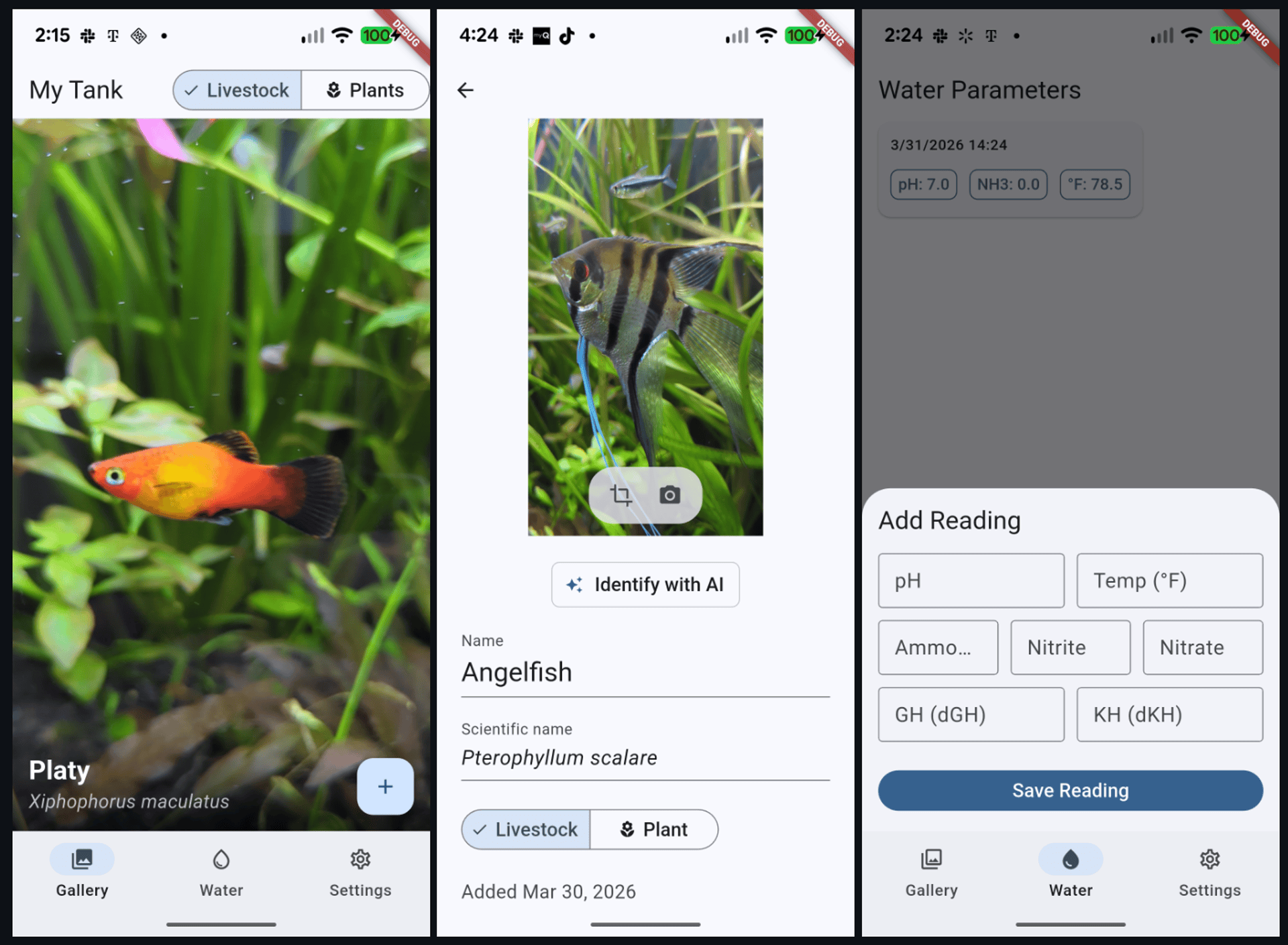
You don't need to build the same app. The skills work on any project. Follow along with your own idea, or use the examples here to learn the workflow.
---
## Prerequisites
Before installing Wingspan, you need Claude Code running. If you already have it, skip to [Installing Wingspan](#installing-wingspan).
### Installing Claude Code
[Claude Code](https://code.claude.com/docs/en/overview) is Anthropic's command-line interface for running Claude. Install it globally:
```bash
npm install -g @anthropic-ai/claude-code
```
You'll need an Anthropic API key or an active Claude subscription. Run `claude` in your terminal to authenticate.
> **Already using Claude Code?** Jump to [Installing Wingspan](#installing-wingspan).
### Installing Wingspan
Navigate to your Flutter project and load Wingspan. Inside Claude Code:
```bash
/plugin marketplace add VeryGoodOpenSource/very_good_claude_marketplace
/plugin install vgv-wingspan@very_good_claude_marketplace
```
That's it. Wingspan's skills are now available as slash commands.
---
## The Wingspan Workflow
Wingspan follows a four-phase workflow: **brainstorm**, **plan**, **build**, and **review**. Each phase produces documents that feed into the next, so you can start a fresh Claude Code session between steps without losing work.
```bash
/brainstorm → /plan → /build → /review
↕ ↕
/refine-approach /plan-technical-review
```
You don't have to follow it linearly—jump in at any phase based on what you already know, and loop back to refine decisions before moving forward.
You don't have to use every phase. Simple bug fix? Jump to `/build`. Already know what you want? Start at `/plan`. Wingspan adapts to what you need.
### Quick Reference
| Skill | Command | When to use |
|-------|---------|-------------|
| Brainstorm | `/brainstorm ` | Exploring a new feature or big change |
| Refine Approach | `/refine-approach` | Tightening a brainstorm or plan before moving on |
| Plan | `/plan ` | Turning ideas into a step-by-step implementation plan |
| Plan Technical Review | `/plan-technical-review` | Validating a plan with opposing review perspectives |
| Build | `/build ` | Writing code and tests from a plan |
| Review | `/review [path]` | Running quality review agents to assess code quality |
| Hotfix | `/hotfix ` | Emergency bug fixes with enforced review |
**Wingspan is a guide, not a cage.** We used the full sequence for the initial app build, a shorter version for adding the entry detail feature, and a mix of structured and ad-hoc work for polish and refactoring. The workflow adapts to how you actually work.
You don't need to memorize any of these commands. When each phase finishes, Wingspan presents multiple-choice options for what to do next — refine your brainstorm, move to planning, start building, or clear context and pick up later. You can learn the workflow just by following the prompts.
---
## Phase 1: Brainstorm
### What it does
`/brainstorm` opens a collaborative dialogue to explore your idea. Instead of dumping requirements, Wingspan asks targeted questions (often multiple-choice) to help you think through purpose, users, constraints, and trade-offs. It proposes approaches and captures decisions in a persistent document.
### Try it
```bash
/brainstorm add a way to photograph fish and identify species using AI
```
Wingspan will ask you questions one at a time. Here's what a typical exchange looks like:
**Wingspan asks:**
> Should the AI identification happen automatically after capture, or on-demand?
> 1. Automatically after every photo
> 2. On-demand via a button
> 3. Both — auto-identify but allow re-identification
You pick an option, Wingspan asks the next question. After several rounds, it proposes two to three concrete approaches with trade-offs:
> **Approach A: Cubit with debounced auto-save** (Recommended)
>
> The edit page gets its own Cubit that handles inline saves...
>
> - Pros: Follows existing patterns, clean separation
> - Cons: Needs a new cubit + state
> - Best when: Consistency with existing architecture matters
You choose an approach, and Wingspan writes a brainstorm document to `docs/brainstorm/`:
```bash
docs/brainstorm/2026-03-30-gallery-entry-detail-brainstorm-doc.md
```
This document captures what you're building, why this approach, key decisions, and open questions. It becomes the input to the next phase.
### What we learned building the Fish Tank Tracker
When we brainstormed the initial app concept, Wingspan asked about navigation layout and generated ASCII mockups to compare options before writing any code. Later, when brainstorming the image cropping feature, it explored three package options (`image_cropper`, `crop_image`, `croppy`) with pros and cons for each, and we picked the native crop UI approach.
### Tips
- **Give context up front.** `/brainstorm add authentication` produces generic results. `/brainstorm add email/password and OAuth login for our e-commerce app that currently has guest checkout` produces focused questions.
- **Push back.** If Wingspan suggests something you disagree with, say so. The brainstorm adapts to your feedback.
- **Run `/refine-approach` after.** This catches contradictions and gaps in the brainstorm before you invest in planning. When we refined our initial app brainstorm, it caught logical contradictions we'd glossed over in the excitement of ideation.
---
## Phase 2: Plan
### What it does
`/plan` transforms your brainstorm into a structured implementation plan. It launches research agents in parallel to understand your codebase and identify gaps, then produces an actionable document with acceptance criteria, technical design, and implementation order.
### Try it
```bash
/plan implement the gallery entry detail page from our brainstorm
```
If a recent brainstorm document exists, Wingspan picks it up automatically:
> Found brainstorm from 2026-03-30: gallery-entry-detail. Using as context for planning.
### What happens behind the scenes
Wingspan runs multiple agents in parallel:
1. **Codebase review agent** — reads your existing code to understand patterns and conventions
2. **User-flow analysis agent** — analyzes the feature for completeness and edge cases
3. **External research agents** (when needed) — fetches docs for frameworks and libraries
The user-flow analysis agent is particularly valuable. When planning the entry detail page, the flow agent found twelve gaps the brainstorm had missed:
> **Gap: Debounce-on-close data loss**
>
> When the user edits the name and immediately presses back, the debounce timer may not have fired yet. The pending save is lost. The user sees their edit on screen, presses back thinking it saved, and returns to find the old name.
>
> **Gap: currentIndex out of bounds after deletion**
>
> If the user deletes the last entry in a list, the currentIndex may point beyond the new list length, causing a range error.
These are real bugs that would have shipped without this analysis. Across two planning phases for the Fish Tank Tracker, the user-flow agent found over twenty edge cases—debounce failures, index-out-of-bounds errors, race conditions—the kind that typically slip to production. When we planned a major refactor merging the "add entry" and "edit entry" flows, the flow agent found eleven more gaps. These included orphaned image handling on cancel, app-kill recovery, and race conditions between debounced saves and the cancel action.
### The plan document
The output lands in `docs/plan/`:
```bash
docs/plan/2026-03-30-feat-gallery-entry-detail-page-plan.md
```
It includes:
- Title, type, and acceptance criteria
- Technical design with file paths and code sketches
- Implementation order
- Risks and mitigations
- What's explicitly out of scope
### Optional: Technical Review
Before building, you can validate the plan:
```bash
/plan-technical-review
```
This runs two agents with deliberately opposing perspectives:
- A **code-simplicity reviewer** that flags over-engineering and YAGNI violations
- A **VGV-standards reviewer** that checks architectural rigor
This tension produces a plan that avoids both gold-plating and shortcuts. When we ran this on the initial Fish Tank Tracker plan, the simplicity reviewer flagged six YAGNI items (features we didn't need yet) while the VGV reviewer upgraded the architecture to a multi-package monorepo. The final plan was both leaner and more production-grade than either perspective alone would have produced.
### Refining plans with your own feedback
Plans aren't rigid. When our unified entry flow plan suggested auto-deleting entries with empty names on close, we pushed back: "I'm fine if the name is empty; there should always be an image." Wingspan updated the plan, and that single piece of feedback eliminated an entire category of complexity—no `PopScope` interception, no auto-delete logic, no special back-navigation handling. The implementation was significantly simpler as a result.
### Tips
- **Skip external research when your codebase has strong patterns.** Wingspan decides automatically, but you can guide it: "My codebase already has good examples of this pattern."
- **You can skip planning entirely.** For small bug fixes or simple changes, go straight to `/build` with a description.
- **Not every plan needs a technical review.** We used `/plan-technical-review` for the initial app build but skipped it for subsequent features where the patterns were already established. Use it when the stakes are high or when you're exploring unfamiliar territory.
---
## Phase 3: Build
### What it does
`/build` executes your plan—writing code, writing tests, and running static analysis. It follows the plan's implementation order and validates at each step.
### Try it
```bash
/build docs/plan/2026-03-30-feat-gallery-entry-detail-page-plan.md
```
Wingspan summarizes the scope and asks for confirmation before starting:
> **Plan scope:** 6 tasks, ~8 files to create/modify, moderate complexity.
>
> 1. Start building
> 2. Review the plan first
> 3. Adjust scope
### What happens during the build
Wingspan breaks the plan into phased tasks and tracks progress as it works through each one:
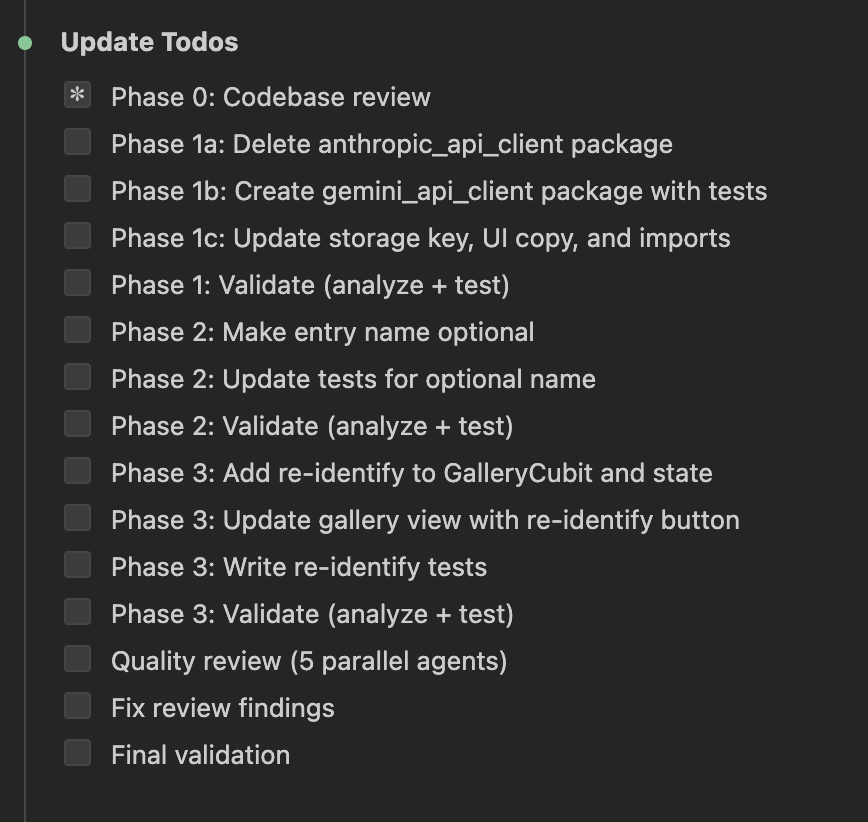
You don't need to manage these steps — Wingspan handles them automatically. For each task in the plan, it writes the code, writes tests alongside it, runs `flutter analyze` and `flutter test` to validate, and gives you a brief progress update before moving to the next task. If something fails, it fixes the issue and re-runs validation.
The initial Fish Tank Tracker build produced six packages and four features across roughly fifty files, using sealed classes, Bloc/Cubit state management, and go_router navigation. It shipped with twenty-three passing tests and zero analysis issues.
### Tips
- **Clear context between phases.** Wingspan offers this option after each phase. A fresh context window produces better results for the next phase.
---
## Phase 4: Review
### What it does
`/review` launches four review agents in parallel to assess code quality and catch issues before they reach PR. You can run it on changed files, specific paths, or the full project.
### Try it
```bash
/review
```
Or target a specific path:
```bash
/review lib/entry_detail/
```
### The four review agents
- **VGV standards agent** — conventions, doc comments, naming
- **Code simplicity agent** — YAGNI audit, dead code, unnecessary abstractions
- **Test quality agent** — coverage gaps, anti-patterns, missing edge cases
- **Architecture agent** — layer separation, dependency direction, Bloc/Cubit correctness
The quality review isn't ceremonial; it catches real issues. Here's what the agents found building the Fish Tank Tracker:
**During the initial build**, the code-simplicity agent found broken wiring that left the AI identification button connected to the UI, but the Cubit event handler was never wired up—no crashes, no errors, just silent failure. Without this review, the feature would have shipped appearing to work in development but doing nothing in production. The test-quality agent flagged missing widget tests and failure-path coverage.
**When building the entry detail page**, the architecture agent found a `TextEditingController` initialized inside `build()`—a common Flutter anti-pattern that causes subtle lifecycle bugs (controllers are recreated on every rebuild, losing their state). The VGV agent flagged missing error handling in the save method, which could have masked database failures silently.
**During a major refactor** (unifying the add and edit entry flows), the architecture agent caught a layer violation: a widget was calling the repository directly instead of going through the cubit. This broke the pattern used everywhere else in the codebase and would have left the business logic untestable without a widget test.
After the review, Wingspan categorizes findings and asks you how to proceed—you stay in control of what gets fixed:
You choose the scope, and Wingspan fixes the selected issues automatically, re-running analysis and tests after each fix.
### The limits of automated review and where domain knowledge takes over
The review agents missed one issue: type-only changes (switching a fish's category without editing its name) weren't saving. The save method had an empty-name guard that prevented category changes on unnamed entries. Four review agents ran, and none flagged it.
Similarly, the agents also recommended deprecated packages (`google_generative_ai`, now `firebase_ai`) and a Gemini model (`gemini-2.0-flash`) that was blocked for new users despite appearing in official documentation. These required manual debugging with curl to resolve.
This is where domain knowledge—yours, not the AI's—becomes the final checkpoint. Use Wingspan to catch what patterns can reveal; use your own testing to catch what only behavior reveals. You know your users' workflows. You understand why certain shortcuts matter. You can tap through your app and spot the UI bugs, race conditions under load, and edge cases that only emerge when you live with the software. Wingspan handles the scaffolding; you handle the ship-readiness.
The takeaway: automated review catches architectural and pattern issues exceptionally well, but it can't replace running the app, tapping through the flows yourself, and thinking through the workflows your users actually follow.
### Tips
- **The quality review is when architecture and pattern violations surface.** Skipping it means shipping design debt disguised as working code.
- **Manual testing still matters.** Run the app. Tap every button. Try edge cases. The AI catches patterns; you catch behavior.
---
## Working Outside the Phases
Not everything needs the full brainstorm-plan-build-review cycle. During the Fish Tank Tracker development, most quick fixes and polish work bypassed the structured phases—by design.
### Quick changes
Just describe what you need in natural language:
```bash
Change the livestock icon from a paw print to a fish icon
```
```bash
The camera preview should be centered instead of left-justified
```
```bash
Pin the intl dependency to ^0.20.2
```
```bash
The API key field shouldn't be obscured like a password
```
Wingspan handles these without invoking a skill, allowing small changes to flow in parallel with structured workflows. We added scientific name editing, a retake photo feature, a custom SVG fish icon, and various UI fixes this way—all flowing in parallel with the structured Wingspan workflows.
### Mixing structured and ad-hoc work
You can also use individual skills for specific decisions. When choosing an image cropping package, we ran `/brainstorm` for that single decision. It explored three options with trade-offs, and we picked one in under two minutes. No plan or build phase needed; we implemented it directly.
### Emergency fixes
We never needed `/hotfix` during the Fish Tank Tracker build — nothing was in production yet. But if the app had been live and users reported a crash on the crop button, this is what we'd reach for:
```bash
/hotfix users are getting a crash when they tap the crop button on Android
```
`/hotfix` applies a minimal fix with enforced review and testing, skipping the brainstorm and planning phases. It's designed for production emergencies where speed matters but you still want guardrails.
---
## Putting It All Together
Here's how a typical feature development flows with Wingspan:
### The full cycle (new features, big changes)
```bash
/brainstorm add image cropping to the edit page
→ Explores packages, UX approaches, placement decisions
→ Output: docs/brainstorm/2026-03-31-image-crop-brainstorm-doc.md
/refine-approach
→ Catches gaps and contradictions
/plan implement image cropping from our brainstorm
→ Codebase review, user-flow analysis, external docs research
→ Output: docs/plan/2026-03-31-feat-image-crop-plan.md
/plan-technical-review
→ Simplicity vs rigor review
/build docs/plan/2026-03-31-feat-image-crop-plan.md
→ Code + tests + analysis
/review
→ Four agents assess quality in parallel
→ Fixes critical/important findings
```
### The short cycle (medium changes)
```bash
/brainstorm add a way to edit entries in the gallery
→ Quick Q&A, approach selection
/plan implement entry detail page
→ Picks up brainstorm, runs research agents
/build docs/plan/...
→ Full implementation
/review
→ Quality check before merge
```
### No cycle (small changes, bug fixes)
```bash
The empty state shows a paw print icon, change it to a fish
```
Or for production bugs:
```bash
/hotfix users are seeing a render overflow on the edit page when the keyboard opens
```
---
## What to Expect
After building the Fish Tank Tracker from scratch with Wingspan, a few patterns stood out:
**Parallel review agents catch real bugs.** Broken wiring, crash-causing anti-patterns, and architectural violations. Not theoretical issues—actual problems that would ship otherwise. The review phase paid for itself on the very first build.
**The user-flow analysis agent stands out.** It consistently finds edge cases brainstorming misses: debounce data loss, index-out-of-bounds errors, race conditions between concurrent operations. These are the bugs that typically ship to production.
**The workflow is flexible by design.** You don't always need every step. We skipped `/refine-approach` and `/plan-technical-review` for well-scoped features, used `/brainstorm` for a two-minute package selection, and handled a dozen quick fixes with plain natural language. Rigidity would have made it unusable. Flexibility makes it practical.
**Human judgment still drives the product.** We pushed back on implementation choices (no auto-deleting empty entries) and caught bugs agents missed (type-only saves failing). We also spotted UI issues that required actually running the app (overlapping buttons, render overflows) and made UX decisions that shaped the architecture (relocating the AI button near the fields it fills). Wingspan handles the scaffolding and catches the details; the developer sets the direction.
**How you frame the project matters.** Calling something a "demo app" gives the AI permission to cut corners. If you want production-grade architecture, set that expectation upfront. The AI responds to the same context cues a junior developer would. Tell Wingspan you're shipping production, and it'll enforce architectural rigor. The AI doesn't know your intention unless you state it explicitly.
**AI tools have knowledge gaps.** Deprecated packages, blocked API models, missing platform configuration—these are areas where the developer's real-world testing complements what AI agents can verify. We're building detection for these gaps into future Wingspan versions.
---
## Next Steps
- **[Wingspan on GitHub](https://github.com/VeryGoodOpenSource/wingspan)** — Installation, full skills reference, and source code
- **[Very Good Ventures](https://verygood.ventures/contact-us/)** — Questions about Wingspan for your team
#### Frequently Asked Questions
##### What is Wingspan?
Wingspan is an AI-assisted development framework for Claude Code that orchestrates the full development lifecycle, brainstorming, planning, building, and quality review, while enforcing Very Good Ventures' engineering standards. It catches edge cases that brainstorming misses, flags architectural violations before they ship, and keeps the codebase on consistent patterns.
##### How do I install Wingspan?
First install Claude Code with npm install -g @anthropic-ai/claude-code, then inside Claude Code run /plugin marketplace add VeryGoodOpenSource/very_good_claude_marketplace followed by /plugin install vgv-wingspan@very_good_claude_marketplace. Wingspan's skills become available as slash commands.
##### What are the four phases of the Wingspan workflow?
Brainstorm, plan, build, and review. Each phase produces documents that feed into the next, so you can start a fresh Claude Code session between steps without losing work. /refine-approach and /plan-technical-review sit alongside the main flow for tightening brainstorms and validating plans.
##### Do I have to use every phase?
No. Wingspan adapts to what you need. For a simple bug fix, jump straight to /build. If you already know what to build, start at /plan. Quick fixes can also be described in plain natural language without invoking a skill, so small changes flow in parallel with structured work.
##### What did the user-flow analysis agent find on the Fish Tank Tracker?
Across two planning phases, the agent surfaced over twenty edge cases the brainstorm had missed, including debounce-on-close data loss, currentIndex out-of-bounds errors after deletion, race conditions, orphaned image handling on cancel, and app-kill recovery. These are the kinds of bugs that usually slip to production.
##### What do the four review agents check?
Code simplicity agent: YAGNI audit, dead code, unnecessary abstractions.
Test quality agent: coverage gaps, anti-patterns, missing edge cases.
Architecture agent: layer separation, dependency direction, Bloc and Cubit correctness.
##### What can't Wingspan's automated review catch?
Behavior-only bugs and knowledge gaps. The agents missed a type-only save failure caused by an empty-name guard, recommended deprecated packages like google_generative_ai, and pointed at a Gemini model that was blocked for new users. Manual testing, running the app, and tapping through real flows still matter for ship-readiness.
### Fluttering Forward: How Abdallah Shaban Is Shaping Flutter's Enterprise Story at Google
Source: https://verygood.ventures/blog/fluttering-forward-abdallah-shaban-google-flutter-enterprise-story/
[Abdallah Shaban, Google — Fluttering Forward: Innovation and Community in Tech](https://www.youtube.com/watch?v=Uglr0Gqps8A)
In the dynamic landscape of technology, product management plays a crucial role in bridging the gap between innovation and user needs. [In a recent episode of *Build to Succeed*](https://verygood.ventures/podcasts/abdallah-shaban-google-fluttering-forward/), Abdallah Shaban, an Outbound Product Manager at Google, shared his journey and insights into the world of product management, particularly within the realms of open-source frameworks like Flutter and Dart. His experiences provide valuable lessons for aspiring product managers and tech enthusiasts alike.
## Understanding the Role of an Outbound Product Manager
Abdallah's journey into product management is both inspiring and enlightening. Initially working with the Flutter and Go teams, he has recently expanded his role to include the Genkit team, focusing on open-source products at Google. Abdallah describes the Outbound Product Manager role as unique, emphasizing three main pillars: gathering customer insights, collaborating with product and marketing teams, and actively engaging with the community. This holistic approach not only enhances product development but also ensures that user feedback is integral to the process.
## Keeping a Well-Rounded Life: Music and Dance
Beyond the professional realm, Abdallah emphasizes the importance of a well-rounded life. As a musician who plays guitar and keyboards, and a dancer who has embraced Latin dance, he finds that his hobbies contribute significantly to his work. Abdallah notes that both music and dance require a blend of technical skill and improvisation, paralleling the adaptability necessary in product management.
## A Journey Through Technology and Innovation
Abdallah's career journey began in Jordan, where he launched the first 4G network in the country. His desire for a broader perspective led him to California, where he pursued an MBA and became the first product manager at Petco. His subsequent roles at Amazon and then co-founding Celest, a Y Combinator-funded startup, further honed his skills, particularly in developer tooling and community engagement. Abdallah's passion for Flutter, which he has followed since its inception, drove him to advocate for Dart SDKs at Amazon and later at Google, solidifying his expertise in the field.
## The Importance of Community Engagement
One of Abdallah's key insights is the value of community engagement in product management. He stresses the importance of being an advocate for both the product and the users, ensuring that the narrative remains cohesive across different platforms, highlighting the necessity of a unified message in today's fast-paced tech environment.
## Key Takeaways
Abdallah Shaban's journey through product management showcases the significance of adaptability, community engagement, and a well-rounded life in achieving success. Aspiring product managers should take note of his approach, which emphasizes the importance of understanding user needs, fostering community relationships, and embracing diverse interests that enhance professional growth.
You can catch the full conversation with Abdallah Shaban on [*Build to Succeed*](https://verygood.ventures/podcasts/abdallah-shaban-google-fluttering-forward/) wherever you get your podcasts.
#### Frequently Asked Questions
##### Who is Abdallah Shaban?
Abdallah Shaban is an Outbound Product Manager at Google. He works on open-source products, originally with the Flutter and Go teams, and has recently expanded his role to include the Genkit team.
##### What does an Outbound Product Manager do?
Abdallah describes the role around three pillars: gathering customer insights, collaborating with product and marketing teams, and engaging directly with the community. The combination keeps user feedback close to product decisions.
##### What was Abdallah's path to Google?
He started in Jordan, where he launched the country's first 4G network. He moved to California for an MBA, became the first product manager at Petco, and went on to roles at Amazon and as a co-founder of Celest, a Y Combinator-funded startup. His Flutter advocacy started at Amazon and continued at Google.
##### Why does Abdallah emphasize hobbies like music and dance?
He plays guitar and keyboards and has taken up Latin dance. Both require a mix of technical skill and improvisation, which he sees as a parallel to the adaptability product management calls for.
### Why Every Flutter Team Needs a Design System: Lessons from Widgetbook's Lucas Josefiak
Source: https://verygood.ventures/blog/widgetbook-design-systems-lucas-josefiak-flutter/
[Lucas Josefiak, Widgetbook — Role of Design Systems in Software Development](https://www.youtube.com/watch?v=dZ4w87UNakE)
In the fast-paced world of Flutter development, effective design collaboration is key to success. [In this episode of *Build to Succeed*](https://verygood.ventures/podcasts/lucas-josefiak-widgetbook-design-systems/), we sit down with Lucas Josefiak, the founder of Widgetbook, to explore how his innovative platform is transforming the way Flutter teams work together. Join us as we dive into the competitive spirit that drives Lucas and the significant impact of developer tooling on modern design systems.
## The Birth of Widgetbook
Lucas Josefiak founded Widgetbook with a vision to enhance design collaboration for Flutter teams. His journey reflects a deep understanding of the challenges faced by developers and designers alike. By leveraging his competitive nature, Lucas has been able to rapidly evolve his company, ensuring it meets the growing demands of the industry.
## Scalable Design Collaboration
At the heart of Widgetbook is its capability to facilitate scalable design collaboration. This is crucial for Flutter teams looking to streamline their workflows. Lucas explains how his platform allows teams to align on design systems effectively, thus reducing friction and enhancing productivity. By providing tools that simplify communication and design sharing, Widgetbook empowers teams to focus on creating outstanding user experiences.
## The ROI of Developer Tooling
In the podcast, Lucas emphasizes the return on investment (ROI) that comes from investing in developer tooling. He discusses how organizations can save time and resources by using effective tools that streamline the development process. For instance, by shifting left in the development cycle, teams can identify UI bugs earlier, which not only speeds up the development process but also improves the overall quality of the product.
## Importance of Design Systems
Design systems play a pivotal role in ensuring consistency across applications. Lucas highlights how Widgetbook supports the implementation of robust design systems, making it easier for teams to maintain a cohesive look and feel in their apps. This consistency not only enhances user satisfaction but also strengthens brand identity.
## Shifting Left: Finding UI Bugs Faster
One of the key strategies Lucas advocates for is "shifting left" in the development process. This approach involves addressing potential issues earlier in the workflow, particularly when it comes to UI bugs. By integrating testing and feedback loops early on, teams can significantly reduce the chances of encountering major issues later in the development cycle, leading to smoother launches and happier users.
## Key Takeaways
Lucas Josefiak's insights into design collaboration and developer tooling provide valuable lessons for Flutter teams. The evolution of Widgetbook showcases the importance of investing in tools that enhance collaboration and streamline workflows. By focusing on scalable design systems and shifting left to catch UI bugs early, teams can achieve greater efficiency and deliver exceptional products. As the Flutter landscape continues to evolve, embracing these principles will be crucial for success.
You can catch the full conversation with Lucas Josefiak on [*Build to Succeed*](https://verygood.ventures/podcasts/lucas-josefiak-widgetbook-design-systems/) wherever you get your podcasts. Check out [Widgetbook](https://widgetbook.io/) and the interactive demo at [demo.widgetbook.io](https://demo.widgetbook.io/) to see the tool in action.
#### Frequently Asked Questions
##### What is Widgetbook?
Widgetbook is a platform founded by Lucas Josefiak to help Flutter teams collaborate on design at scale. It supports design system implementation, aligns developers and designers on shared components, and lets teams share and review UI work in a structured way.
##### Why do Flutter teams need a design system?
A design system keeps the look and feel consistent across applications, which improves user satisfaction and strengthens brand identity. Lucas points out that Widgetbook supports building and maintaining these systems so teams can stay cohesive as they grow.
##### What does shifting left mean in Flutter UI development?
Shifting left means addressing UI issues earlier in the development cycle. By integrating testing and feedback loops early, teams catch UI bugs before they pile up later, which speeds up development and improves product quality.
##### What is the ROI of developer tooling, according to Lucas?
Lucas argues that organizations save time and resources when they invest in tools that streamline development. Catching UI bugs earlier through tools like Widgetbook reduces the cost of fixing problems late in the cycle and keeps teams focused on shipping rather than firefighting.
##### Where can I try Widgetbook?
You can visit widgetbook.io for the product, and try the interactive demo at demo.widgetbook.io.
### Genkit for Flutter: Flows, Middleware, and Tools in a GenUI Shopping Assistant
Source: https://verygood.ventures/blog/genkit-for-flutter-flows-middleware-and-tools-in-a-genui-shopping-assistant/
Most Flutter apps that integrate AI do it the same way: call an API, get text back, show it. It works — until you need retries on flaky calls, tools that query your own data, structured output you can trust without parsing hacks, or the ability to swap providers without a rewrite.
[**Genkit**](https://firebase.google.com/docs/genkit) is Google's open-source AI framework for Dart. It sits between your app and the model API, giving you the infrastructure that production AI features need:
- **Flows** — named, composable, observable units of AI work
- **Middleware** — pluggable request processing (retry, logging, caching)
- **Tools** — let the model call your business logic with validated schemas
- **Structured output** — guaranteed typed JSON responses, no regex
- **Provider-agnostic** — swap between Gemini, Claude, Ollama, or any supported provider by changing a plugin
It runs anywhere Dart runs: in a Flutter app, on a backend server, or both.
## What We're Building
In [Part 1](https://verygood.ventures/blog/flutter-genui-shopping-assistant-tutorial/) we built a conversational shopping assistant using Flutter, [GenUI](https://pub.dev/packages/genui), and Firebase AI. The app renders interactive product cards, carousels, and filters — all driven by natural language. If you haven't read it, that post covers the GenUI architecture, the catalog system, and how AI responses become rendered widgets.
Here, we take that same app and swap Firebase AI for Genkit. The UI layer stays untouched — we're only changing how the app talks to the model. But instead of stopping at a basic migration, we'll use Genkit's features to add things that would have been painful to build by hand. We'll run Genkit client-side to keep things simple — in Part 3 we'll move it to the backend where it really shines.
The full source code is available on the [`genkit-refactor` branch of the repository](https://github.com/VGVentures/genui_shopping_assistant/tree/genkit-refactor) — follow along or jump ahead.
Let's start with the one that matters most.
## **1. Flows: Genkit's Core Abstraction**
Without Genkit, calling an AI model in Dart looks something like this: build a prompt, call `generate()`, handle the response, catch errors. The configuration — model name, tools, system prompt, retry logic — lives wherever you make the call. It works, but it doesn't scale. You can't trace it, you can't test it in isolation, and you can't reuse it without copy-pasting.
A **flow** is Genkit's answer to this. Think of it as a function with superpowers: it has a name, typed inputs and outputs, and Genkit automatically traces its execution. You define a flow once, and you can call it from anywhere.
Here's what our shopping assistant flow looks like:
```dart
_shoppingAssistantFlow =
_genkit.defineFlow, String, void, void>(
name: 'shoppingAssistantFlow',
fn: (messages, context) async {
final response = await _genkit.generate(
model: googleAI.gemini('gemini-2.5-flash'),
config: GeminiOptions(
thinkingConfig: ThinkingConfig(
thinkingBudget: 0,
includeThoughts: false,
),
),
messages: messages,
tools: [
_surfaceUpdateTool,
_beginRenderingTool,
_deleteSurfaceTool,
],
maxTurns: 30,
);
return response.text;
},
);
```
The type signature tells the story: `defineFlow, String, void, void>` means this flow takes a list of messages in and returns a string out. All the configuration — which model, which tools, how many turns — is encapsulated inside. The callsite becomes a single line:
```dart
final text = await _shoppingAssistantFlow(messages);
```
This matters for three reasons:
1. the flow has a name (shoppingAssistantFlow), so Genkit's dev tooling can trace every execution — you can see exactly what the model received, what tools it called, and what it returned;
2. flows compose: you can call one flow from inside another, which we'll do later when we build a structured recommendation flow that feeds into this one;
3. a flow is just a typed function with a name, you can test it in isolation without spinning up your entire UI.
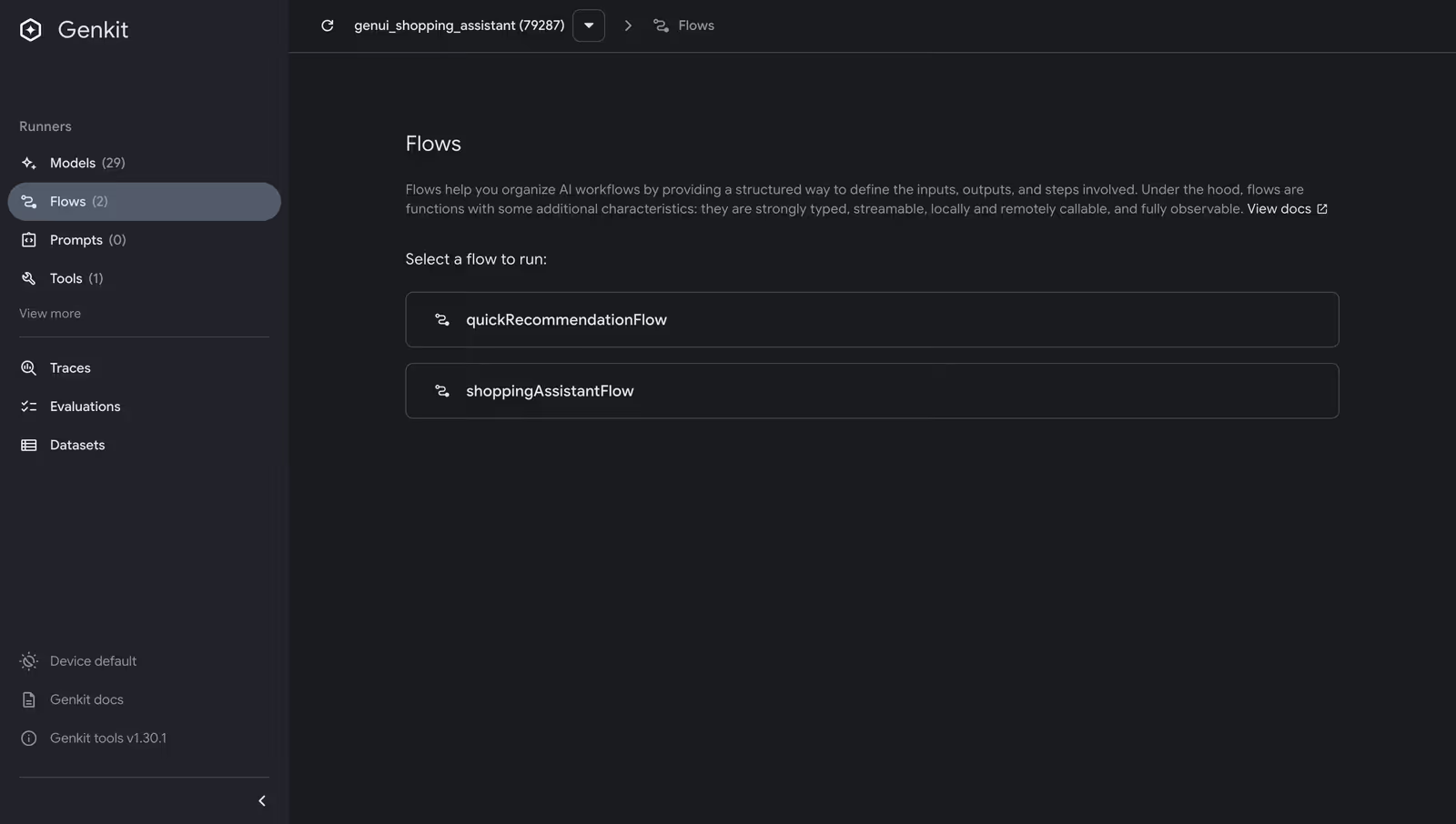
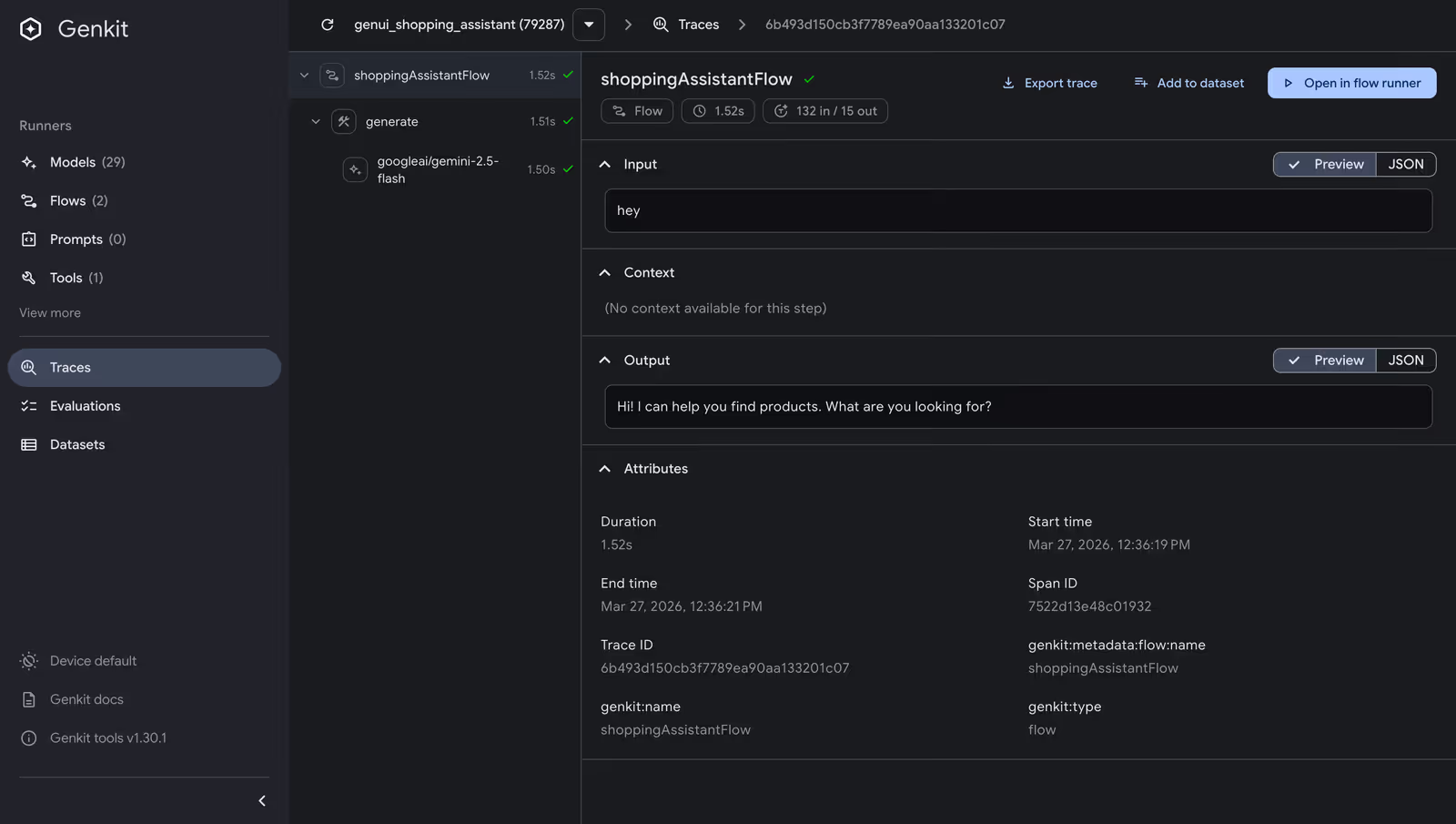
> **Try it yourself:** Install the Genkit CLI (`npm install -g genkit-cli`), create a standalone Dart script that defines your flows (see `tool/dev_ui.dart` in the repo), and run `genkit start -- dart run tool/dev_ui.dart`. The Dev UI opens at `http://localhost:4000`, where you can run flows, inspect traces, and debug tool calls — all without your Flutter app running. See the [Genkit developer tools docs](https://firebase.google.com/docs/genkit/devtools) for more.
## **2. Middleware: Retry Logic You Don't Have to Write**
AI API calls fail. If you've worked with any LLM provider — Gemini, OpenAI, Claude — you've experienced it: rate limits hit, services go temporarily unavailable, and a transient error shouldn't crash your user's session. The standard fix — a retry loop with exponential backoff — is maybe 30 lines of boilerplate you'll write identically in every project.
Genkit ships a `retry` middleware that plugs directly into any `generate()` call via the `use` parameter. First, register `RetryPlugin` when initializing Genkit:
```dart
_genkit = Genkit(plugins: [googleAI(apiKey: apiKey), RetryPlugin()]);
```
Then use it in any `generate()` call:
```dart
final response = await _genkit.generate(
model: googleAI.gemini('gemini-2.5-flash'),
messages: messages,
tools: [ /* ... */ ],
use: [
retry(
maxRetries: 3,
initialDelayMs: 500,
maxDelayMs: 5000,
backoffFactor: 2,
statuses: [
StatusCodes.UNAVAILABLE,
StatusCodes.RESOURCE_EXHAUSTED,
StatusCodes.DEADLINE_EXCEEDED,
],
),
],
);
```
Three retries, exponential backoff starting at 500ms, capped at 5 seconds, and only for the status codes that represent transient failures. The `use` parameter takes a list, so you can stack multiple middleware — logging, caching, retry — in whatever order makes sense.
## **3. Custom Tools: Giving the Model Access to Your Business Logic**
Our shopping assistant already has UI tools — `surfaceUpdate`, `beginRendering`, `deleteSurface` — that let the model build interactive interfaces (see [Part 1](https://verygood.ventures/blog/flutter-genui-shopping-assistant-tutorial/) for how those work). But what if the model needs to *find* the right products before it can display them? You need to give it access to your data. In Genkit, you do that with **tools**.
A tool is a function the model can call during generation. You define it with a name, a description (so the model knows when to use it), an input schema (so the model knows what parameters to pass), and an implementation. Genkit handles the rest — validating inputs, invoking the function, and feeding the result back to the model.
Here's a `searchProducts` tool backed by a hardcoded inventory (in a real app, this would hit your database or API):
```dart
_searchProductsTool =
_genkit.defineTool, String>(
name: 'searchProducts',
description:
'Searches the product inventory by keyword query. Returns '
'matching products with name, price, description, category, '
'brand, and rating. Use this to find products before rendering '
'them with surfaceUpdate/beginRendering.',
inputSchema: SchemanticType.from>(
jsonSchema: {
'type': 'object',
'properties': {
'query': {
'type': 'string',
'description': 'Search query — matches product name, '
'description, category, or brand.',
},
'category': {
'type': 'string',
'description': 'Optional category filter.',
},
'maxResults': {
'type': 'integer',
'description': 'Maximum results to return. Defaults to 5.',
},
},
'required': ['query'],
},
parse: (json) => json as Map,
),
fn: (input, _) async {
final results = searchProducts(
query: input['query'] as String,
category: input['category'] as String?,
maxResults: (input['maxResults'] as num?)?.toInt() ?? 5,
);
return jsonEncode(results.map((p) => p.toJson()).toList());
},
);
```
With this tool registered alongside the UI tools, the model gains a two-step workflow. When a user asks "show me running shoes," the model first calls `searchProducts` to find matching products from the inventory, then calls `surfaceUpdate` and `beginRendering` to display them as interactive product cards. The model doesn't just format data you hand it — it retrieves the right data first, then decides how to present it.
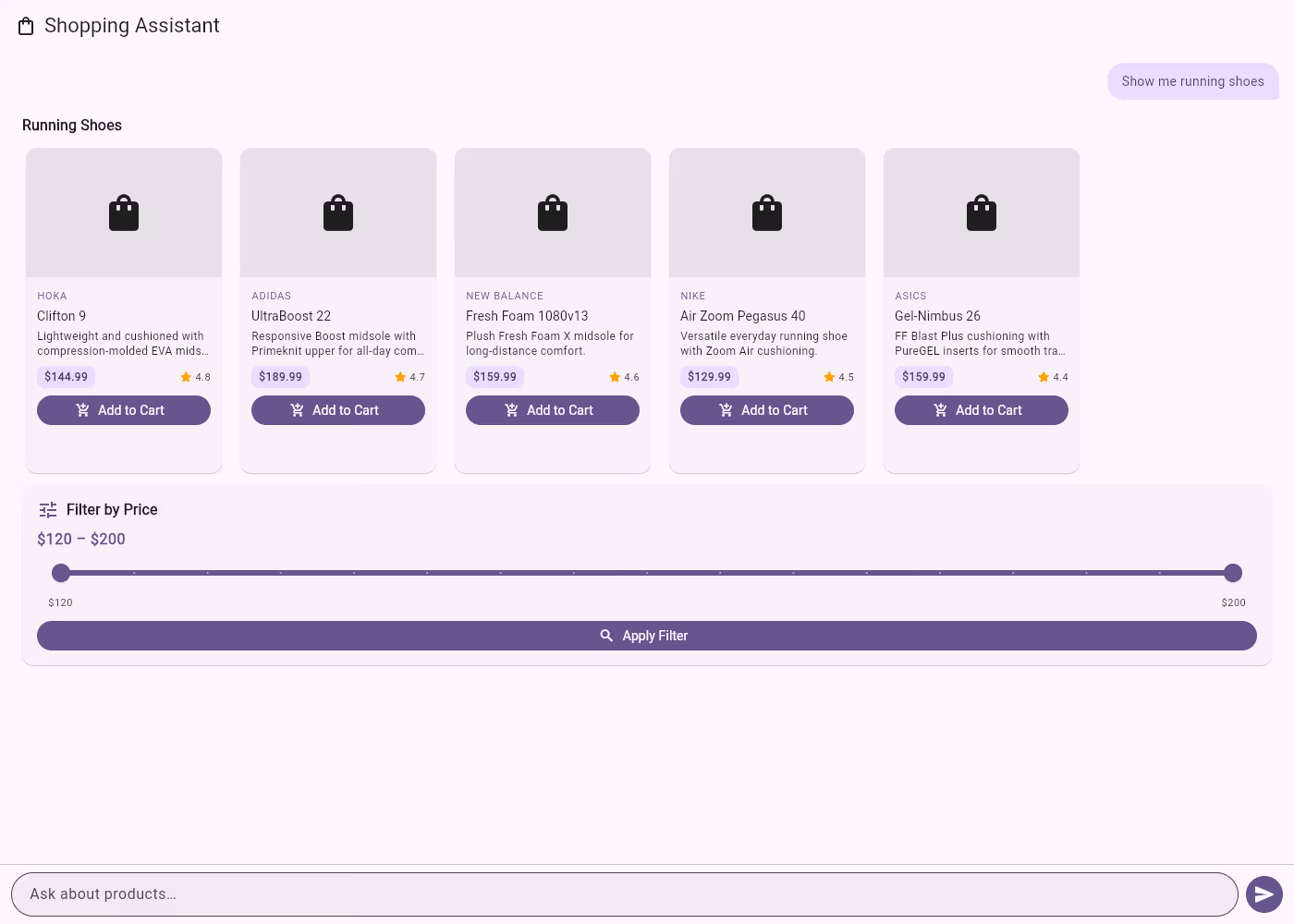
Because tools are defined through Genkit's `defineTool`, they automatically participate in the tool-calling loop, show up in traces, and have validated input schemas. You write the business logic; Genkit handles the plumbing.
## **4. Structured Output: Typed Responses Without Parsing**
When a user asks "what should I buy?", you want structured recommendations you can program against. Genkit's `outputSchema` parameter on `generate()` constrains the model to return JSON conforming to a schema you define.
We built a dedicated flow for this:
```dart
_quickRecommendationFlow =
_genkit.defineFlow>, void, void>(
name: 'quickRecommendationFlow',
outputSchema: SchemanticType.from>>(
jsonSchema: {
'type': 'array',
'items': {
'type': 'object',
'properties': {
'productName': { 'type': 'string' },
'reason': { 'type': 'string' },
'category': { 'type': 'string' },
'priceRange': { 'type': 'string' },
},
'required': ['productName', 'reason', 'category'],
},
},
parse: (json) =>
(json as List).cast>(),
),
fn: (userQuery, context) async {
final response = await _genkit.generate>>(
model: googleAI.gemini('gemini-2.5-flash'),
messages: [ /* system + user messages */ ],
outputSchema: /* same schema */,
);
return response.output!;
},
);
```
The flow's output type is `List>` — each map has a `productName`, `reason`, `category`, and optional `priceRange`. When the main flow detects a recommendation query, it calls this flow first to get structured data, then injects those recommendations back into the conversation for the UI rendering tools to display as product cards:
```dart
final recommendations = await _quickRecommendationFlow(userText);
messages.add(genkit.Message(
role: genkit.Role.user,
content: [
genkit.TextPart(
text: 'Here are structured product recommendations I got. '
'Please search for these products and display them as a '
'ProductCarousel...\n\n${jsonEncode(recommendations)}',
),
],
));
final text = await _shoppingAssistantFlow(messages);
```
This is flow composition in action: one flow extracts structured data, another renders it as UI. The schema guarantees the shape of the response — no parsing, no prompt engineering to coerce JSON output.
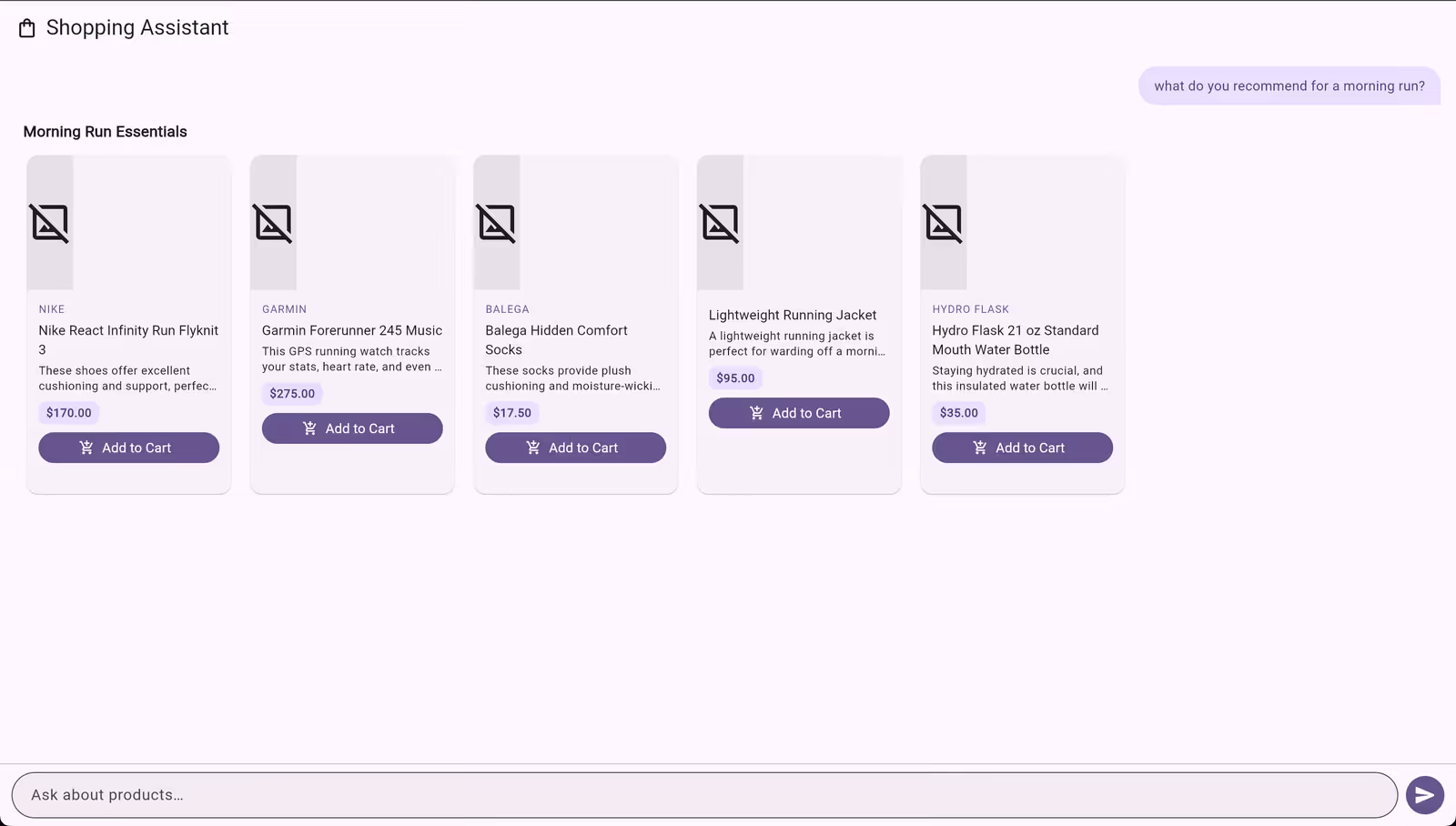
## **5. Context: Letting the Model Know What the User Wants**
A shopping assistant that forgets your cart between messages isn't much of an assistant. Genkit's context system lets you thread state through the entire generation pipeline — tools, middleware, and flows all have access to shared context.
We built a `ShoppingContext` class that tracks cart items and user preferences:
```dart
class ShoppingContext {
final List _cartItems = [];
final Map _preferences = {};
bool addToCart(String productName, double price) {
if (_cartItems.any((item) => item.productName == productName)) {
return false;
}
_cartItems.add(CartItem(productName: productName, price: price));
return true;
}
void setPreference(String key, String value) {
_preferences[key] = value;
}
String toPromptSummary() {
final buf = StringBuffer();
if (_cartItems.isNotEmpty) {
buf.writeln('## Current Cart');
for (final item in _cartItems) {
buf.writeln('- ${item.productName} (\$${item.price})');
}
buf.writeln('Cart total: \$${cartTotal}');
}
// ... preferences section ...
return buf.toString();
}
bool isInCart(String productName) =>
_cartItems.any((item) => item.productName == productName);
}
```
Before each generation, incoming messages are scanned for cart events and preference signals (like "my budget is under $100"). The context is injected into the system prompt via `toPromptSummary()`, and the `searchProducts` tool annotates results with cart status:
```dart
final json = results.map((p) {
final map = p.toJson();
if (_shoppingContext.isInCart(p.name)) {
map['inCart'] = true;
}
return map;
}).toList();
```
The model sees what's in the cart and can say "you already have those running shoes — want to see accessories instead?" The user's stated preferences influence recommendations. The pattern is straightforward: scan incoming messages for state changes, maintain it in a class, and inject it into the system prompt and tool handlers. Genkit doesn't prescribe how you manage conversation state — it gives you the pipeline hooks (system messages, tool context, middleware) to wire it in wherever it makes sense.
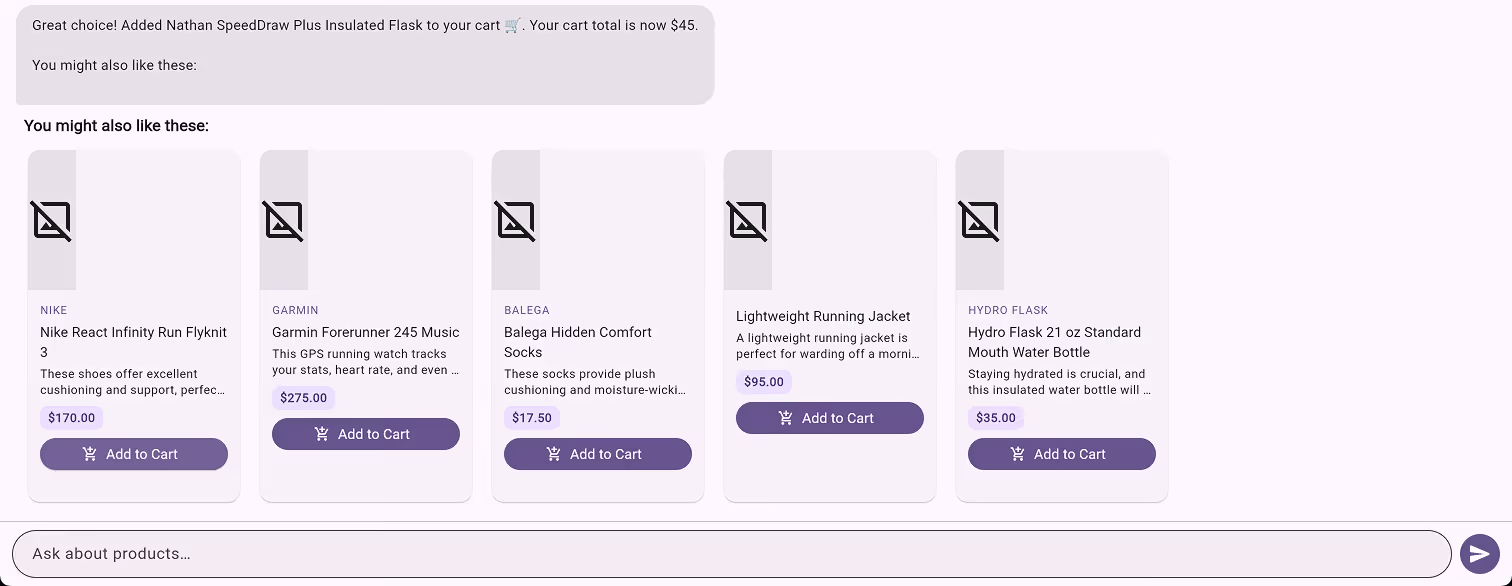
## **6. What We Gained**
We started with a Firebase AI migration that called `generate()` with tools — functionally identical to what we had before. After five focused changes, we have:
- **Flows** that name and compose AI operations, making them observable and testable
- **Middleware** that handles transient failures without custom retry loops
- **Custom tools** that give the model access to business logic, not just UI rendering
- **Structured output** that guarantees typed JSON responses without parsing hacks
- **Context propagation** that threads user state through the entire pipeline
None of these required swapping models or rewriting the UI layer. Genkit sits between your application code and the model API, adding the infrastructure that production AI apps need. The Flutter GenUI integration stays exactly the same — the `ContentGenerator` interface doesn't care whether you're using Firebase AI or Genkit behind it.
One thing to note: in this blog, everything runs client-side — the Genkit instance, API calls, and tools all live in the Flutter web app. That's great for prototyping, but in production you'd want your API key and AI logic on a backend. Genkit is designed for this: you can run flows on a Dart server and call them from Flutter via Genkit's `RemoteAction` client. **Stay tuned for Part 3**, where we'll move Genkit to the backend and show how the same flows, tools, and middleware work server-side.
If you're building AI features in Flutter and you've outgrown raw API calls, [Genkit](https://pub.dev/packages/genkit) is worth evaluating. Pair it with [GenUI](https://pub.dev/packages/genui) for model-driven UIs, and you have a solid foundation for production AI in Flutter.
#### Frequently Asked Questions
##### What is Genkit and why use it in a Flutter app?
Genkit is Google's open-source AI framework for Dart. It sits between your Flutter app and the model API, adding flows, middleware, tools, structured output, and provider switching. It runs anywhere Dart runs, so the same code works inside a Flutter client or on a Dart backend.
##### What is a Genkit flow?
A flow is a named function with typed inputs and outputs that wraps a unit of AI work. Genkit traces every execution automatically, so you can see what the model received, which tools it called, and what came back. Flows compose, so one flow can call another, and they can be tested in isolation without spinning up the UI.
##### How does Genkit handle retries on flaky model calls?
Genkit ships a retry middleware that plugs into any generate() call through the use parameter. After registering RetryPlugin on the Genkit instance, you can configure max retries, initial and max delay, backoff factor, and the status codes that count as transient, replacing the boilerplate retry loop you would otherwise write in every project.
##### What are tools in Genkit and what can they do?
Tools are functions the model can call during generation. Each tool has a name, description, input schema, and an implementation. In the shopping assistant, a searchProducts tool gives the model access to product inventory so it can find matching products by query, category, and max results, then call the UI tools to render them as interactive cards.
##### How does structured output work?
The outputSchema parameter on generate() constrains the model to return JSON that matches a schema you define. The shopping assistant defines a quickRecommendationFlow that returns a list of objects with productName, reason, category, and an optional priceRange. The schema guarantees the response shape, so no parsing or prompt engineering is needed to coerce JSON output.
##### How is conversation context maintained across messages?
A ShoppingContext class tracks cart items and user preferences. Incoming messages are scanned for cart events and preference signals such as a stated budget. The context is injected into the system prompt through toPromptSummary(), and tool handlers like searchProducts annotate results with cart status so the model can respond with awareness of what the user already added.
##### Does Genkit replace Firebase AI or GenUI?
No. Genkit replaces only the layer that talks to the model API. The Flutter GenUI integration stays the same because the ContentGenerator interface does not care which backend sits behind it. You can swap Firebase AI for Genkit without touching the UI layer, then run Genkit client-side for prototyping or move it to a Dart server for production through Genkit's RemoteAction client.
### How I Built 5 Flutter Apps in 30 Days Using AI-Assisted Development and VGV Wingspan
Source: https://verygood.ventures/blog/flutter-ai-development-wingspan-workflow/
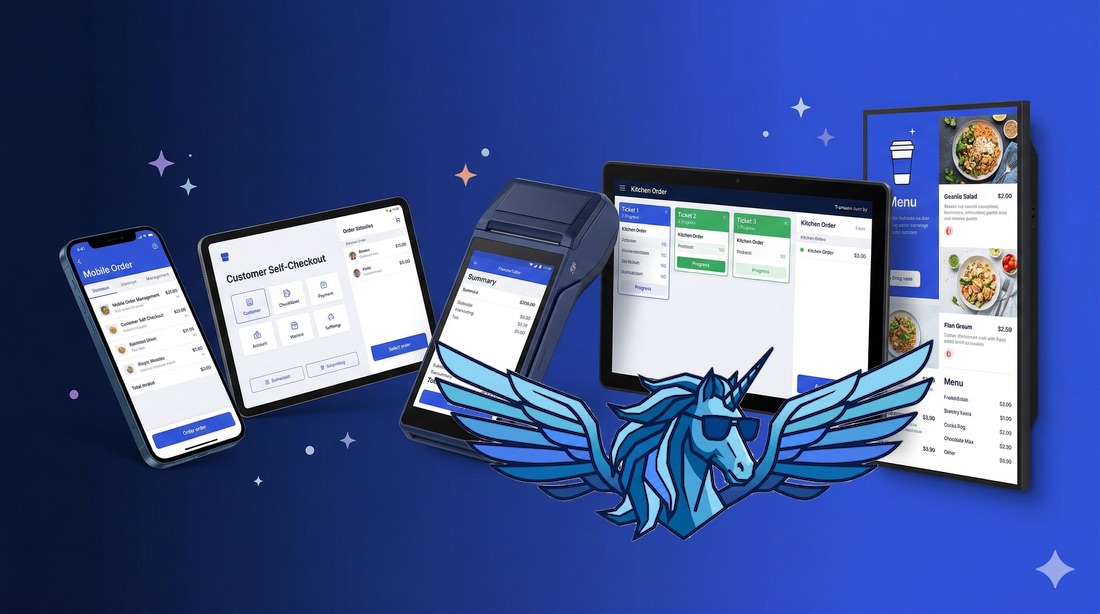
The entire kiosk app — eight screens, full ordering flow, tests, and review — took one day. 95% of the code was generated correctly on the first shot. If you've seen [the talk I gave](https://verygood.ventures/blog/your-business-doesnt-fit-on-a-phone-neither-should-your-flutter-app-recap/) about Very Yummy Coffee's multi-device architecture, this is the part I didn't cover: how it actually got built that fast.
In that talk, I showed [Very Yummy Coffee](https://github.com/VGVentures/very_yummy_coffee): five Flutter apps across five operating systems, all sharing a single codebase. A mobile ordering app, a self-service kiosk, a point-of-sale terminal, a kitchen display system, and a menu board. What I didn't spend much time on was _how_ I actually built all of that in a month, by myself. That's what this post is about.
The short version: it happened because of a combination of Flutter's architecture, VGV's engineering standards, and an AI-assisted workflow called [VGV Wingspan](https://verygood.ventures/blog/vgv-wingspan-agentic-engineering-workflow/) that made each step of development feed directly into the next.
## The Workflow: Brainstorm, Plan, Build
Wingspan is our AI-assisted engineering plugin for [Claude Code](https://docs.anthropic.com/en/docs/agents-and-tools/claude-code/overview). Here's the quick version.
Wingspan organizes development into four phases: **brainstorm**, **plan**, **build**, and **review**. During brainstorming, it explores what you're trying to build through collaborative dialogue — asking structured questions, proposing approaches with tradeoffs, and capturing decisions in a document. During planning, it turns that brainstorm into a detailed implementation plan by researching your existing codebase, identifying patterns, and flagging gaps. During building, it executes the plan, writes tests, and runs five quality review agents in parallel before shipping a PR.
The key insight is that each phase makes the next one dramatically better. A good brainstorm means the plan asks precise questions instead of vague ones. A good plan means the build phase already knows exactly which files to touch, which APIs to call, and which patterns to follow. It's compounding context, not starting from scratch each time. If you're familiar with the growing conversation around spec-driven development — writing structured specifications before generating code — Wingspan takes the same idea further. The brainstorm and plan phases don't just produce a spec; they produce a spec grounded in your actual codebase, your actual patterns, and your actual gaps.
You can see the [brainstorm and plan documents](https://github.com/VGVentures/very_yummy_coffee/tree/main/docs) Wingspan generated throughout the project in the repository.
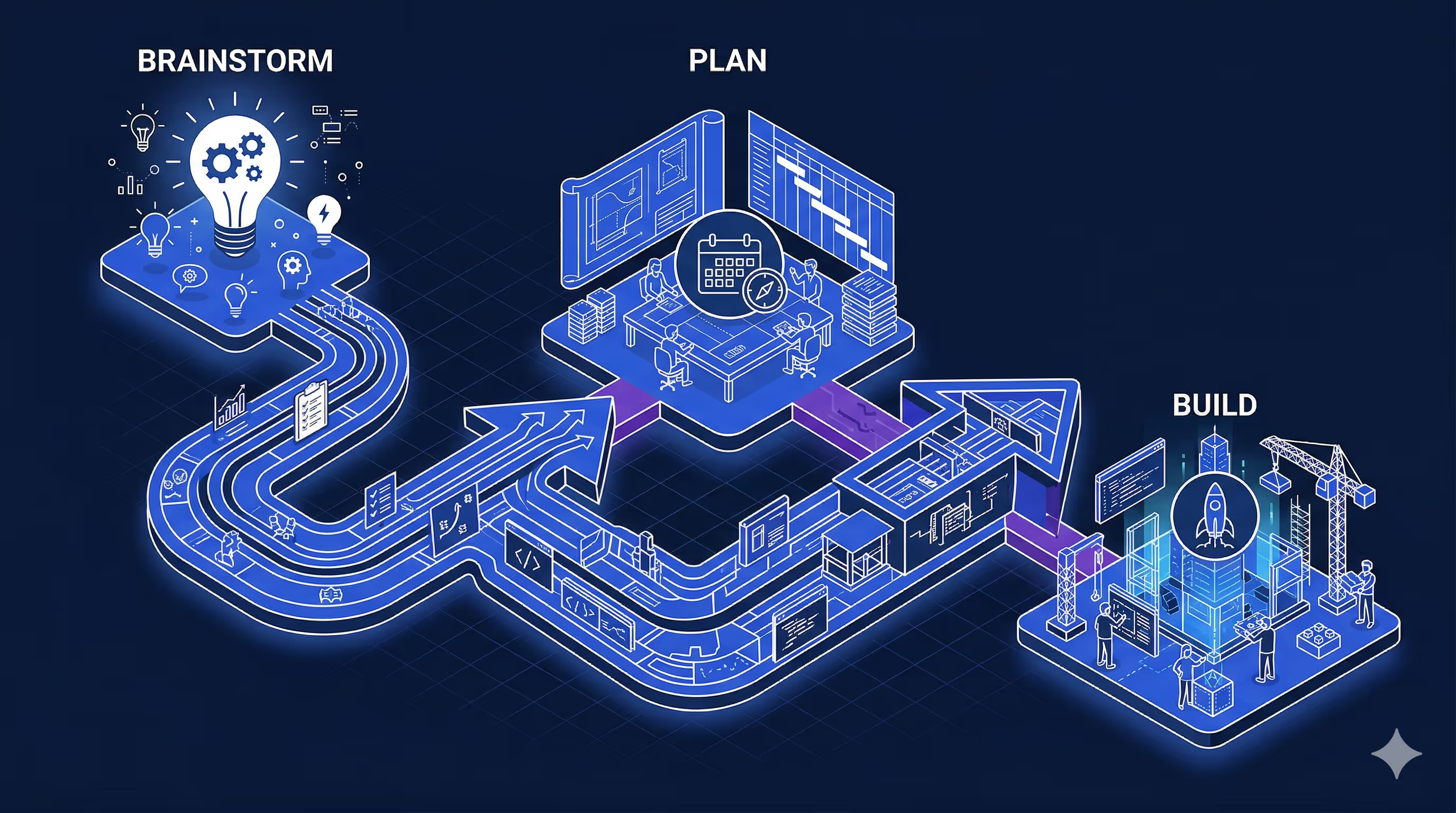
## How Flutter's Architecture Enables Reliable AI Code Generation
The [Very Yummy Coffee codebase](https://github.com/VGVentures/very_yummy_coffee) is, frankly, [boring](https://verygood.ventures/blog/boring-code-part-1/) — and that's the point.
Repositories expose streams of data coming from the server and methods for sending events back. The `MenuRepository` returns a stream of menu groups. The `OrderRepository` returns a stream of the current order and exposes methods like `addItemToCurrentOrder()` and `submitCurrentOrder()`. Every app subscribes to the same streams, and every mutation goes through the same methods.
State management is [Bloc](https://bloclibrary.dev) everywhere. Most blocs are 20-40 lines of code. They subscribe to a repository stream with `emit.forEach`, map data into state objects, and that's it. `MenuGroupsBloc` subscribes to `menuRepository.getMenuGroups()`. `CartBloc` subscribes to `orderRepository.currentOrderStream`. The pattern is so consistent you could almost template it.
Then there's the shared UI. A `very_yummy_coffee_ui` package defines colors, typography, spacing, and reusable widgets like `OrderCard`, `StatusBadge`, and `ModifierGroupSelector`. When an app needs to display an order or a modifier picker, it composes existing components rather than building from scratch.
Building five apps from a single Flutter monorepo across five operating systems is non-trivial — but it becomes possible when the architecture is this predictable. (If you want to go deeper on how we structure Flutter projects, check out our post on [Very Good Flutter Architecture](https://verygood.ventures/blog/very-good-flutter-architecture/).) The agent doesn't need to figure out _how_ to build something — it just needs to figure out _what_ to build. The discovery phase becomes reliable. It finds shared UI components, recognizes the state management pattern, and sees simple repository interfaces to work with.
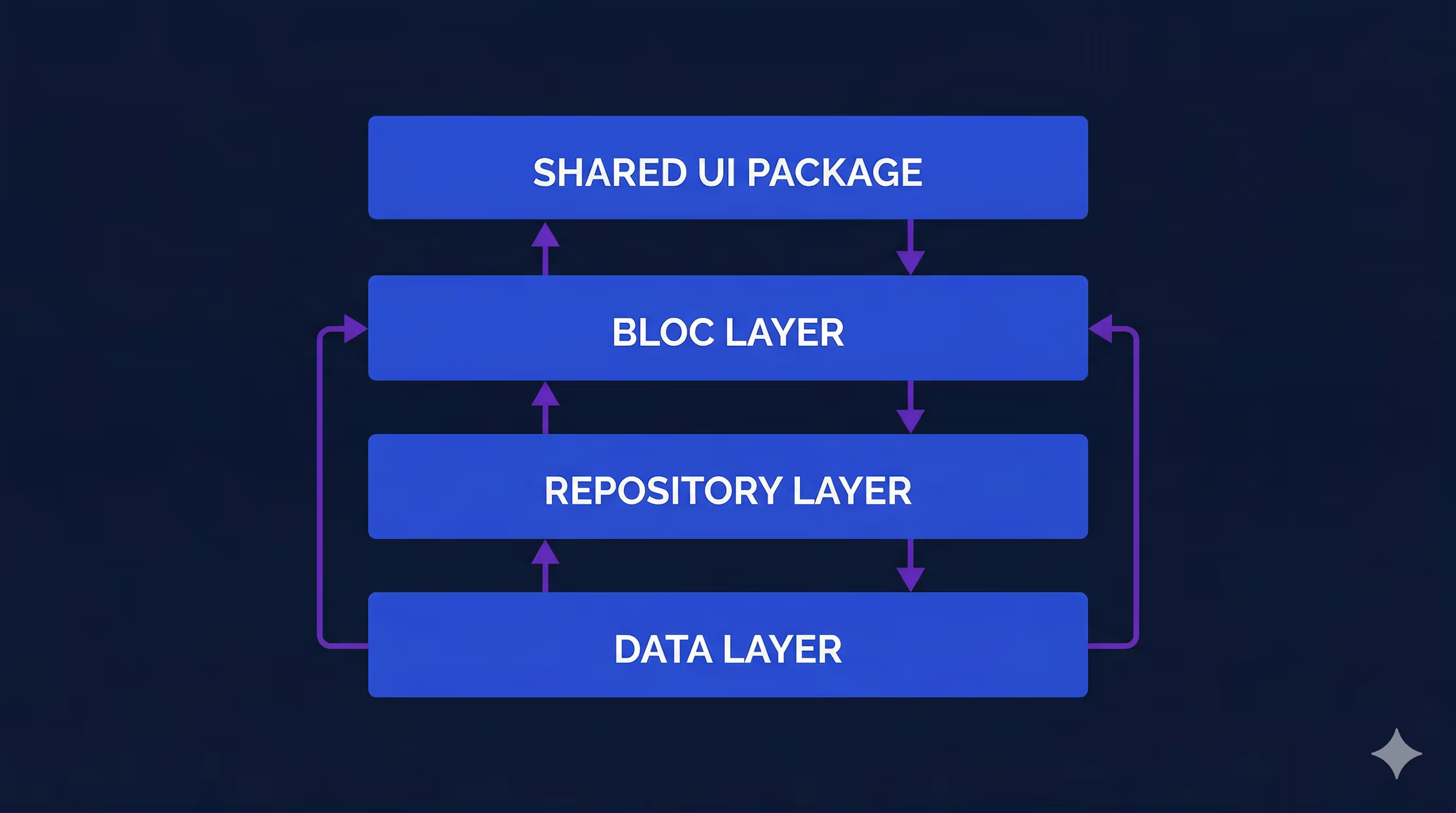
## Engineering Standards as Agent Context
At VGV, we've spent years distilling our engineering approach into what we call [Very Good Engineering](https://engineering.verygood.ventures/) — over 20 technical articles covering everything from layered architecture and state management to testing, theming, code style, and security. The core philosophy boils down to four qualities: consistent, flexible, approachable, and testable. In practice, that means strong opinions on things like how to structure layers (data, repository, business logic, presentation), how to name tests (natural sentences, grouped by entity and method), and how to handle state (Bloc with explicit events, never Cubit).
Engineering Docs
The standards behind the workflow
Where those four qualities turn into specific rules, with the reasoning behind each one.
Before I started building Very Yummy Coffee, I converted those standards into markdown files that live directly in the repo under `ai-coding/standards/`. There are around 25 of them, organized by topic: architecture, CI/CD, code style, error handling, internationalization, state management, testing, UI, and general practices. When the AI agent writes code, it reads these files for context — so it knows that tests should use private mocks per file, that widgets should be found by type rather than hardcoded keys, that routes should use `context.go('/path')` with hardcoded strings, and that colors should come from design tokens instead of raw `Colors.green`.
We've since packaged this idea up more formally as the [VGV AI Flutter Plugin](https://verygood.ventures/blog/very-good-ai-flutter-plugin/) — an open-source Claude Code plugin that embeds these battle-tested Flutter and Dart best practices directly into AI-assisted workflows. It covers accessibility, testing, design patterns, and more. For this project, I was working with an early version of the same concept: documented standards that the agent could read and follow.
The result was that I didn't spend time or tokens correcting basic mistakes. The agent already knew how to write VGV-style Flutter code from the start. And during the build phase, Wingspan's five review agents — covering VGV standards, code simplicity, test quality, architecture, and PR readiness — enforced those same standards automatically. If something drifted, it got caught before I ever saw it.
## Pencil Filled the Design Gap
For this project, I didn't have a designer available. I've tried designing things myself, but I'm no professional and it would have taken months to design all five apps. [Pencil](https://pencil.dev) filled that gap.
If you haven't seen it, Pencil is a design tool that lives directly inside VS Code or Cursor — a canvas with layers, editable properties, and direct manipulation, embedded in your IDE instead of a separate app. Designs are stored as `.pen` files, which are JSON-based and version-controlled right alongside your code. You can even copy-paste frames from your existing design files and Pencil will preserve the layers, auto-layout settings, and styles.
Here's what made Pencil particularly valuable for this project: it exposes an [MCP (Model Context Protocol)](https://modelcontextprotocol.io/) server that AI agents can interact with programmatically. That distinction matters. When Wingspan's build agent reads a Pencil frame, it's not interpreting a screenshot or guessing at a visual — it's reading a structured data format that maps directly to layout properties. That means the agent could look at the kiosk's cart screen design, see the exact spacing, component hierarchy, and color tokens, and build toward that specification with real data rather than vibes.
Pencil is still early — it's currently free during early access — and the rough edges show occasionally. But for this project, having designs version-controlled alongside code and readable by an AI agent was more useful than a polished tool that lived in a separate tab.
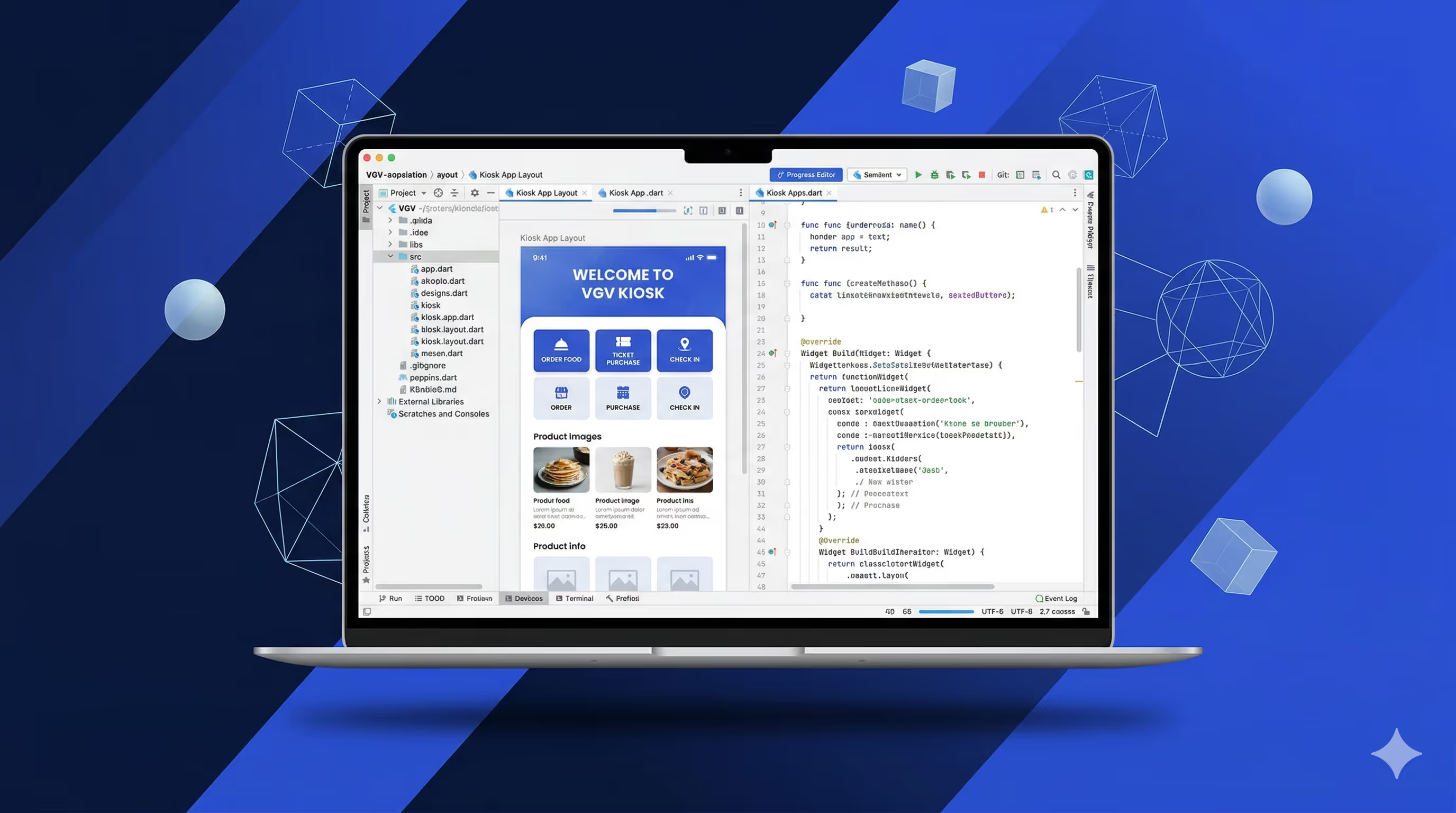
## Putting It All Together
The kiosk app took **one day to complete in a single PR** — and each piece described above contributed directly to that. Here's how.
**Design gave the agent something concrete to build toward.** A Pencil design file provided agent-discoverable information about what each screen should look like — layouts, components, color usage. Any MCP-connected design tool would have worked the same way. Because the design and the code were accessible in the same environment, the agent could cross-reference one against the other. When it built the cart page, it could check whether the layout matched the design. When it saw a modifier row in the design, it knew to look for the corresponding component in the shared UI package.
**Brainstorming and planning discovered the existing pieces.** This is the part that surprised me most. During the planning phase, Wingspan crawled the existing codebase and found all the repository methods, shared widgets, and patterns it would need. The questions it surfaced weren't high-level architecture questions — they were specific and actionable. At one point, it flagged: _"Your design shows a modifier row on the cart page, but the modifier data isn't included on the line item object."_ That's the kind of catch that would normally surface during code review or QA, not during planning.
**Predictable architecture made discovery reliable.** Because every repository exposes streams, every bloc subscribes with `emit.forEach`, and every shared widget lives in the same package, the agent knew where to look and what to expect. It found `MenuGroupsBloc` in the mobile app, recognized it was a 32-line `emit.forEach` wrapper, and knew the kiosk version would be structurally identical. No guessing, no hallucinating APIs that don't exist.
**Review agents kept the code on track.** After the build phase completed, Wingspan's review agents checked the output against VGV's engineering standards. Architecture violations, missing tests, unnecessary complexity — all caught automatically. Tests aren't just a downstream QA step here; they're the mechanism by which the agent self-corrects. The code that landed in the PR followed the same conventions as the rest of the monorepo.
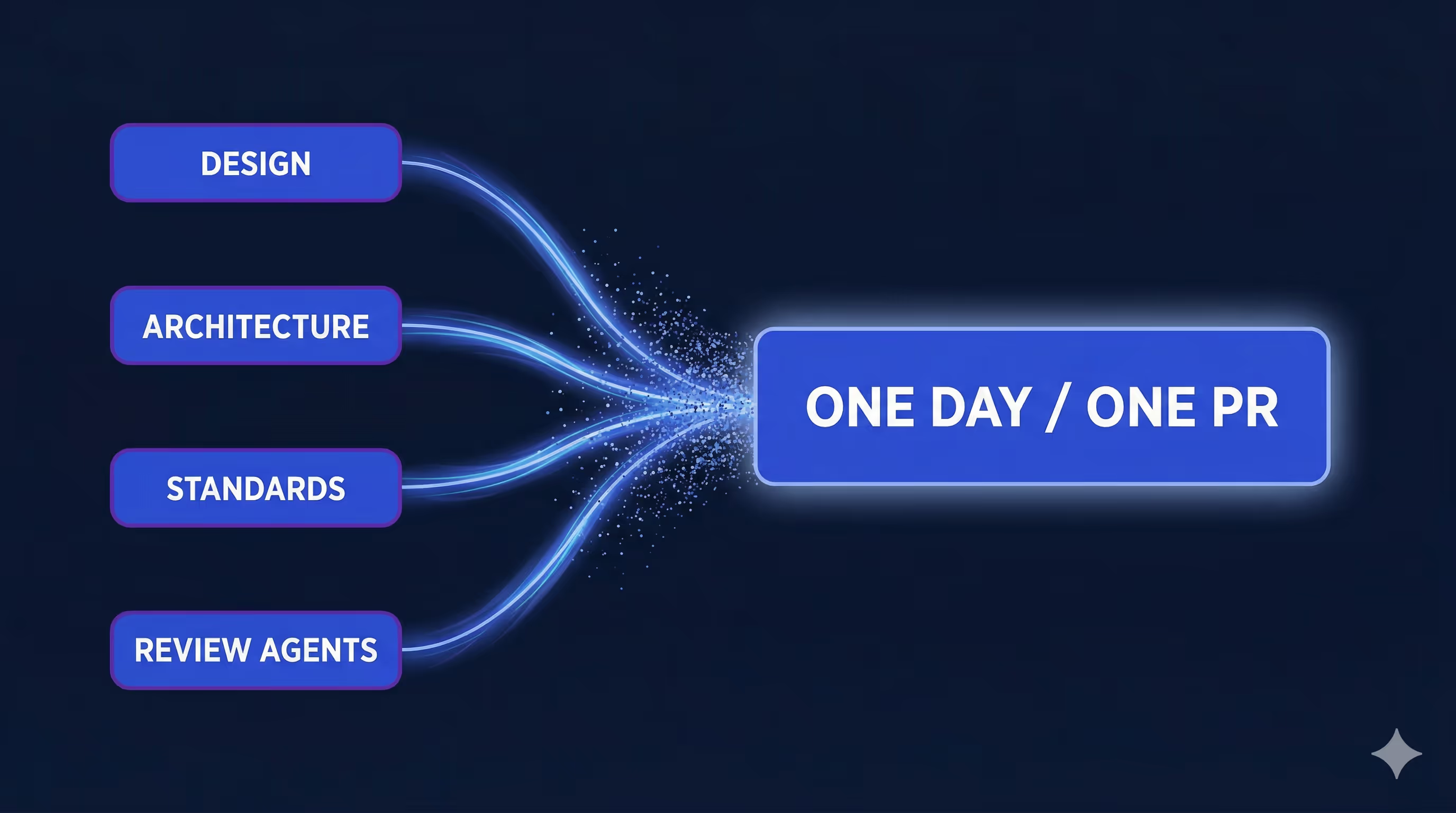
## What I Learned
The lesson here isn't "AI writes code fast." It's that the _combination_ of good architecture, documented standards, visual design, and a structured agentic coding workflow produces results that none of those things achieve alone. It's driven by what's already worked for years, not some new fancy technique.
Flutter's code sharing gave the agent a rich set of existing components and patterns to draw from. VGV's engineering standards eliminated an entire class of back-and-forth corrections. Pencil gave the agent a visual target. And Wingspan's brainstorm-plan-build pipeline ensured that by the time code was being written, the agent already understood the full context — what to build, which pieces already existed, and which conventions to follow.
I've heard the criticism that AI agents generate slop — low-quality, generic code that you spend more time fixing than writing yourself. I think at this point, that's user error, not a tool problem. Agents generate slop when they don't have structure to work with: no architecture to follow, no standards to reference, no existing patterns to match. Give an agent a blank canvas and a vague prompt and yes, you'll get slop. Give it a predictable architecture, documented conventions, a design spec, and a phased workflow that builds context before writing code — and you get a kiosk app in a day.
AI alone — without architecture, standards, or a phased workflow — would have meant most of my time reviewing and fixing generated code instead of shipping features. The architecture and standards didn't just help the AI — they made AI assistance _practical_ at this scale.
If you're building Flutter apps and thinking about how AI fits into your workflow, start with the foundations: predictable architecture, documented conventions, and shared packages. Those are force multipliers whether you're coding by hand or working with an agent. Add structured AI tooling on top of that, and the ceiling for a single developer is higher than most teams assume.
**Want to try this approach?**
The [VGV AI Flutter Plugin](https://verygood.ventures/blog/very-good-ai-flutter-plugin/) embeds VGV's engineering standards directly into Claude Code. The [Very Good Engineering](https://engineering.verygood.ventures/) site documents the conventions behind it. And [VGV Wingspan](https://verygood.ventures/blog/flutter-ai-development-wingspan-workflow/) ties it all together with a brainstorm-plan-build workflow. All three are available for your team to use today. That's [VGV's AI Flutter Engineering ecosystem](https://verygood.ventures/resources/flutter-ai-engineering/), ready to ship!
#### Frequently Asked Questions
##### How long did it take to build the Very Yummy Coffee kiosk app?
The kiosk app, eight screens with the full ordering flow, tests, and review, took one day in a single PR. About 95% of the code was generated correctly on the first shot.
##### What is VGV Wingspan?
Wingspan is VGV's AI-assisted engineering plugin for Claude Code. It organizes development into four phases: brainstorm, plan, build, and review. Each phase produces context that feeds the next, so the agent enters the build step already knowing which files to touch, which APIs to call, and which patterns to follow.
##### Why did predictable Flutter architecture matter for AI code generation?
Because every repository exposed streams and methods in the same way, every Bloc subscribed with emit.forEach, and every shared widget lived in the very_yummy_coffee_ui package, the agent did not have to figure out how to build something. It only needed to figure out what to build. Discovery became reliable, and the agent stopped hallucinating APIs that did not exist.
##### How were VGV engineering standards fed to the agent?
Around 25 markdown files lived in the repo under ai-coding/standards/, organized by topic such as architecture, CI/CD, code style, error handling, internationalization, state management, testing, and UI. The agent read these files for context, so it already knew rules like using private mocks per file, finding widgets by type instead of hardcoded keys, routing with context.go('/path'), and pulling colors from design tokens instead of Colors.green.
##### What role did Pencil play in the workflow?
Pencil is a design tool that lives inside VS Code or Cursor, with designs stored as version-controlled .pen JSON files. It exposes an MCP server, so Wingspan's build agent could read frames as structured layout data rather than interpreting screenshots. The agent cross-referenced the cart page design against the code and matched spacing, component hierarchy, and color tokens directly.
##### What do Wingspan's review agents check?
Five review agents run in parallel during the build phase, covering VGV standards, code simplicity, test quality, architecture, and PR readiness. They flag architecture violations, missing tests, and unnecessary complexity automatically, so drift gets caught before the developer sees the PR.
##### What is the takeaway for teams adopting AI coding tools?
AI alone, without architecture, standards, or a phased workflow, produces code the developer spends most of their time fixing. The combination of a predictable architecture, documented conventions, a visual design spec, and a brainstorm-plan-build-review pipeline is what makes AI assistance practical at scale. Start with the foundations, then add structured AI tooling on top.
### VGV Wingspan: An Agentic Engineering Workflow for Claude Code
Source: https://verygood.ventures/blog/vgv-wingspan-agentic-engineering-workflow/
Handing a complex feature to an AI coding agent is the easy part. Getting the result back in a state you can actually ship is where things get difficult. The agent wrote the code, but did it follow your architecture conventions? Did it catch the edge cases? Did it even start from a well-formed plan?
These are questions we have been wrestling with at VGV as we build with [Claude Code](https://code.claude.com/docs/en/overview) every day. AI agents are powerful, but without structured workflow guardrails, the output drifts. The architecture gets inconsistent. Tests get skipped. Reviews happen too late to matter.
Wingspan is our answer to that gap. It is an open-source [agentic engineering workflow](https://verygood.ventures/resources/agentic-ai-systems/) that structures every AI-assisted coding session into four deliberate phases: brainstorm, plan, build, and review. Instead of hoping the agent produces something shippable, Wingspan makes sure it follows a disciplined software development lifecycle from the first prompt to the final commit.
We are releasing Wingspan today in alpha (v0.0.1). It is open source, it is built for Claude Code first, and it encodes the engineering practices we use every day at VGV. You can explore the full codebase on GitHub: [Wingspan on GitHub](https://github.com/VeryGoodOpenSource/vgv-wingspan).

## What Is An Agentic SDLC?
A traditional software development lifecycle (SDLC) has well-defined stages: requirements, design, implementation, testing, and review. When AI agents enter the picture, those stages tend to collapse into a single "just generate the code" step. The planning disappears. The review becomes an afterthought. The architecture emerges by accident rather than by design.
An agentic SDLC restores that structure. It treats the AI agent not as a replacement for the engineering process, but as a participant within it. Each phase of the lifecycle has a clear purpose, clear inputs, and clear outputs. The agent operates within those boundaries rather than inventing its own.
This is closely related to what some teams call spec-driven development: defining clear specifications before the agent writes a single line of code. Wingspan operationalizes that principle by making each phase a concrete step the agent must complete.
## The Four Workflow Phases
Wingspan organizes every engineering session into four phases, each invoked as a [Claude Code slash command](https://code.claude.com/docs/en/slash-commands):
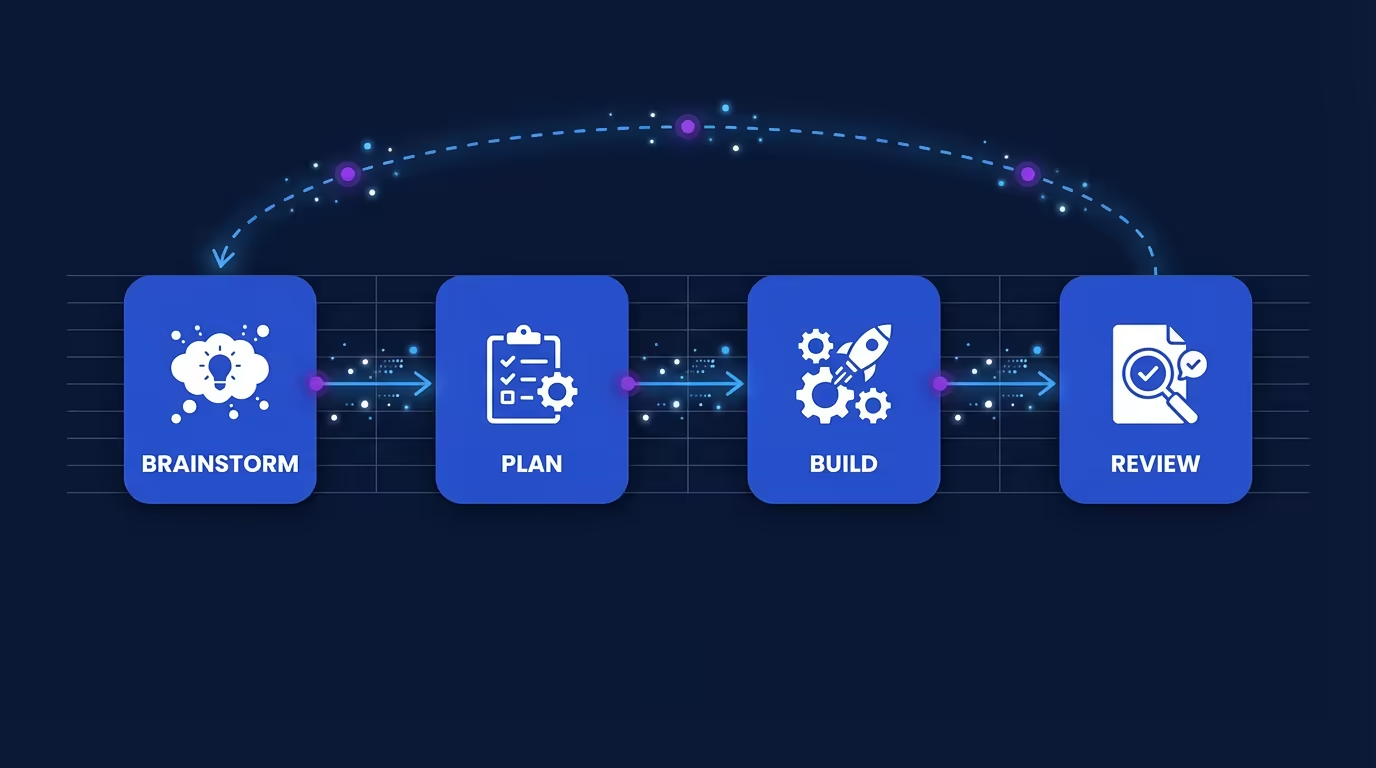
### `/brainstorm`
The brainstorm phase is where you and the agent explore the problem space together. Before any code is written, `/brainstorm` helps surface requirements, identify edge cases, and clarify scope. The agent asks questions, proposes approaches, and documents the constraints that will guide every subsequent phase.
### `/plan`
Once the problem is well understood, `/plan` produces a structured implementation plan. This is the spec-driven development step: the agent generates a concrete plan covering architecture decisions, file structure, dependencies, and a sequenced list of tasks. Nothing gets built until the plan is reviewed and confirmed.
### `/build`
With a plan in hand, `/build` executes the implementation. The agent writes code that follows the plan, respects the architecture decisions made in the planning phase, and adheres to project conventions. Because the plan exists as a reference, the agent stays on track rather than inventing its own path.
### `/review`
After the build is complete, `/review` evaluates the result. The agent checks the implementation against the original plan, flags deviations, verifies test coverage, and surfaces potential issues that a standard code review might miss. The review phase can loop back to brainstorm if significant gaps are found, creating an iterative cycle.
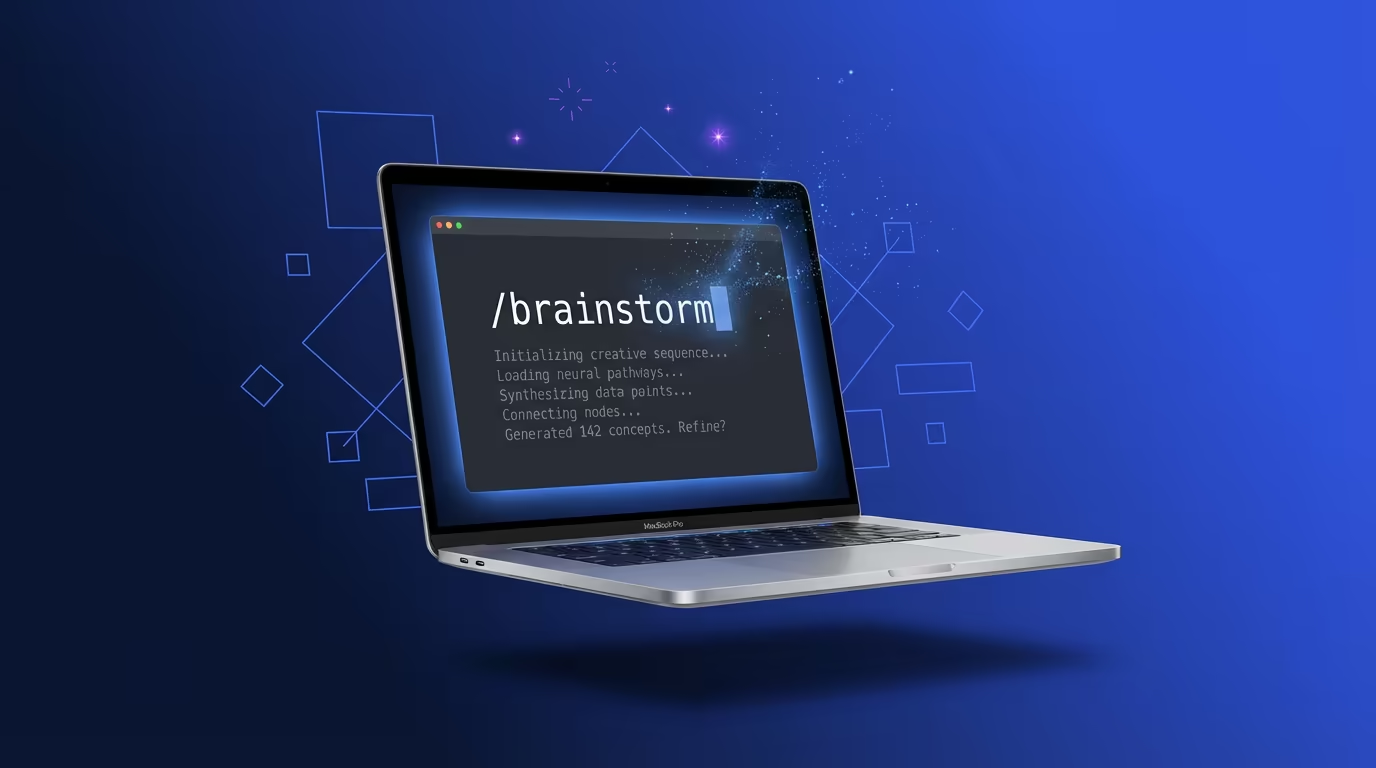
## Why Claude Code First?
We chose [Claude Code](https://www.anthropic.com/product/claude-code) as Wingspan's first platform because of its native support for [skills and slash commands](https://code.claude.com/docs/en/slash-commands), its strong reasoning capabilities, and its ability to operate as an agentic coding partner rather than just a completion engine. Claude Code's architecture made it possible to build a structured, multi-phase workflow that feels natural inside a developer's terminal.
Support for additional platforms is on our roadmap, but Claude Code's skill system gave us the right foundation to ship something useful now.
## End-to-End Flutter Engineering with the VGV AI Flutter Plugin
Wingspan covers the workflow. The [VGV AI Flutter Plugin](https://github.com/VeryGoodOpenSource/vgv-ai-flutter-plugin) covers the conventions.
When you use Wingspan together with the [VGV AI Flutter Plugin](https://verygood.ventures/blog/very-good-ai-flutter-plugin/), you get end-to-end coverage of Flutter engineering workflows that follow VGV's established practices. The plugin provides Claude Code with skills for accessibility, testing, Bloc state management, layered architecture, and more. Wingspan's four-phase workflow ensures those skills are applied at the right time, in the right order.
> The result: the agent does not just generate Flutter code. **It generates Flutter code that follows a consistent architecture, includes meaningful tests, and respects the conventions your team has agreed on.**
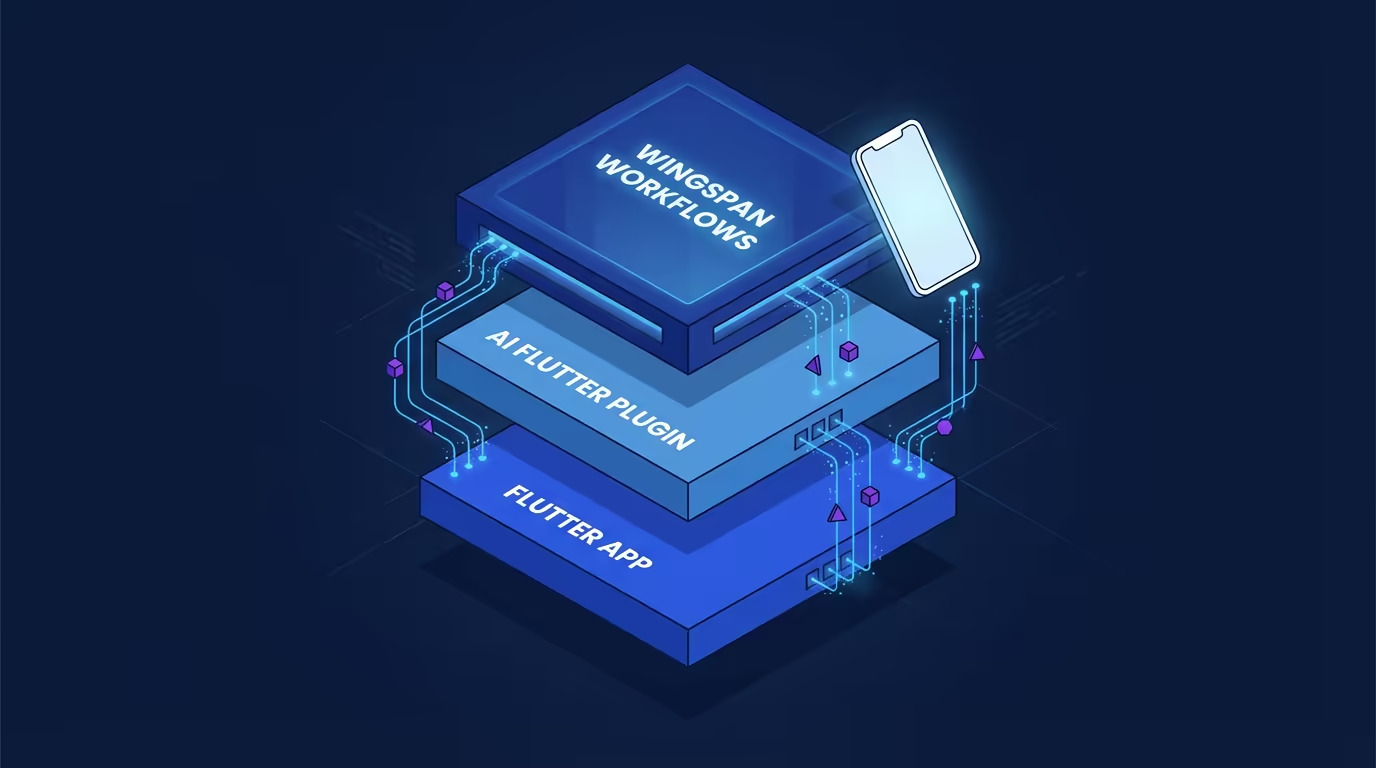
## Beyond Flutter: All Tech Stacks Supported
While Flutter is our home turf, Wingspan is not limited to it. ***The workflow phases are stack-agnostic by design.*** Teams working with web, native, or embedded systems can use the same brainstorm, plan, build, and review loop to bring structure to their agentic coding sessions.
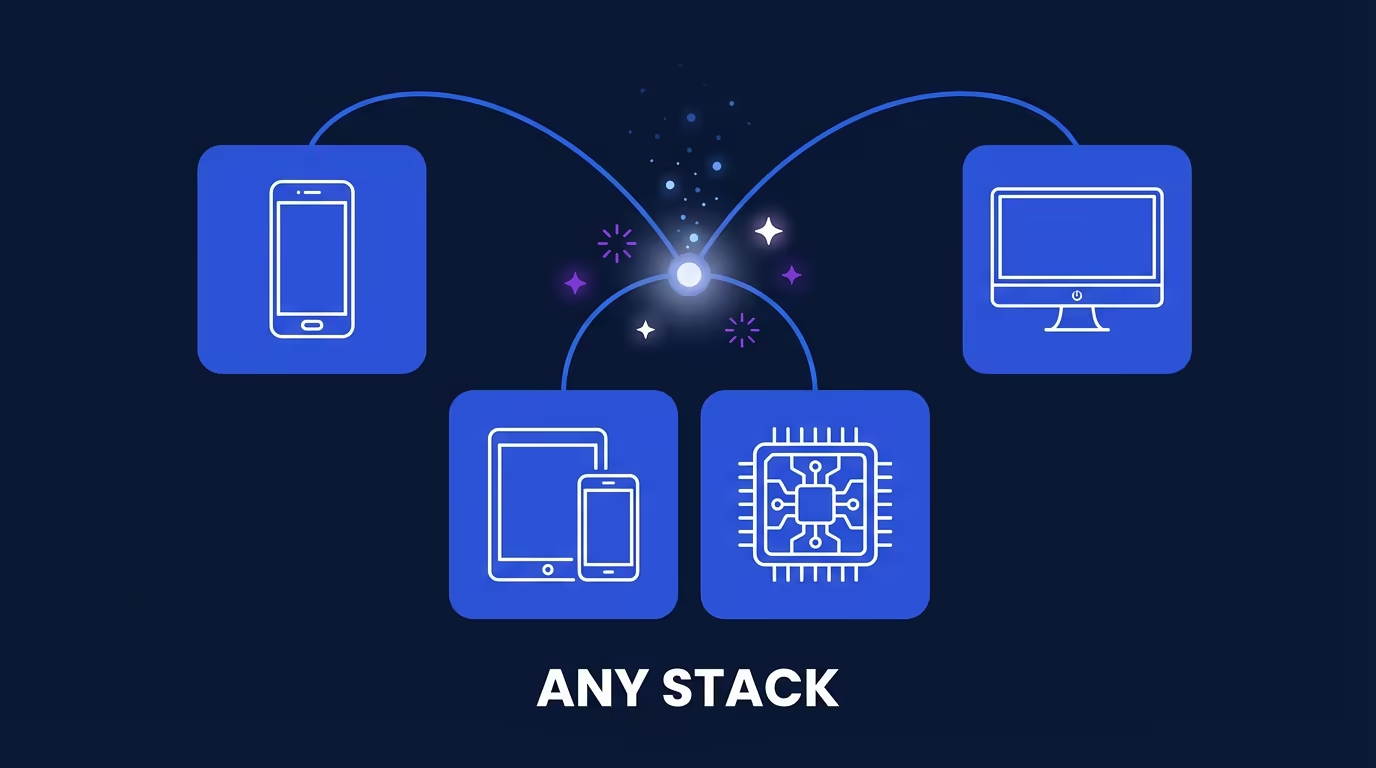
The Flutter-specific depth comes from the VGV AI Flutter Plugin integration. For other stacks, Wingspan provides the workflow structure while you bring your own conventions and tooling.
## Getting Started
Wingspan is open source and available now in alpha. To get started:
1. Visit the [Wingspan repository on GitHub](https://github.com/VeryGoodOpenSource/vgv-wingspan).
2. Follow the installation instructions in the README to add Wingspan's skills to your Claude Code environment.
3. Open a project in Claude Code and try `/brainstorm` to start your first structured engineering session.
This is an alpha release (v0.0.1). We are actively iterating on the workflow based on how we use it internally and on feedback from the community. If you find issues or have ideas, open an issue on the repo. We want to hear from you.
## What's Next
Wingspan is one piece of a broader investment we are making in AI-native engineering at VGV. We are also building internal tooling, Very Good AI Assistant, that applies agentic workflows to large, complex engineering challenges: native-to-Flutter code migrations, comprehensive code assessments, and Figma-to-code patterns at scale. We will have more to share on that in a future post.
For now, we are focused on making Wingspan's core workflow as solid as possible. We are sharing it early because the value is already real — even in alpha.
Give Wingspan a try. Star the repo. [Open an issue](https://github.com/VeryGoodOpenSource/vgv-wingspan). And if your team is tackling agentic engineering challenges that go beyond what open-source tooling can solve, [we would love to talk](https://verygood.ventures/our-services/agentic-ai-solutions/).
#### VGV Wingspan FAQs
##### What is VGV Wingspan?
VGV Wingspan is an open-source agentic engineering workflow for Claude Code that structures AI-assisted development into four deliberate phases: brainstorm, plan, build, and review. Rather than letting AI agents generate code without guardrails, Wingspan enforces a disciplined software development lifecycle to produce architecture-consistent, well-tested, shippable output. It is free, open source, and available at github.com/VeryGoodOpenSource/vgv-wingspan.
##### What are the four phases of the Wingspan workflow?
Wingspan organizes every engineering session into four Claude Code slash commands:
/brainstorm — explore the problem space, surface requirements, and clarify scope before any code is written
/plan — generate a structured implementation plan covering architecture decisions, file structure, dependencies, and sequenced tasks
/build — execute the implementation against the confirmed plan
/review — evaluate the result against the plan, verify test coverage, and flag deviations; can loop back to brainstorm if significant gaps are found
##### What is an agentic SDLC?
An agentic SDLC (software development lifecycle) treats AI as a structured participant in the engineering process — not a replacement for it. Without this structure, traditional SDLC stages like planning, design, and review collapse into a single "generate the code" step, leading to inconsistent architecture, skipped tests, and hard-to-review output. An agentic SDLC restores those stages so the AI agent operates within defined boundaries with clear inputs and outputs at each phase.
##### What is spec-driven development with AI agents?
Spec-driven development means defining clear specifications before an AI agent writes any code. Without a spec, agents tend to invent their own architecture and skip edge cases. Wingspan operationalizes this principle by requiring a confirmed implementation plan — covering architecture decisions, file structure, and sequenced tasks — before the build phase can begin. The plan acts as a contract the agent must follow.
##### Does Wingspan work with frameworks other than Flutter?
Yes. Wingspan's four-phase workflow is stack-agnostic by design — teams building with web, native, or embedded technologies can use the same brainstorm, plan, build, and review loop. Flutter-specific depth is provided separately by the VGV AI Flutter Plugin, which adds skills for Bloc state management, layered architecture, testing, and accessibility.
##### What is the difference between Wingspan and the VGV AI Flutter Plugin?
They solve different problems and work best together. Wingspan provides the workflow structure — the four-phase process that governs how and when the agent writes code. The VGV AI Flutter Plugin provides Flutter-specific conventions: Claude Code skills for Bloc state management, layered architecture, testing, and accessibility. Together, they give Claude Code end-to-end guidance from problem definition through to shippable Flutter code.
##### How do I get started with Wingspan for Claude Code?
Wingspan is open source and free to use. To get started: (1) visit the Wingspan repository on GitHub, (2) follow the README installation instructions to add Wingspan's skills to your Claude Code environment, and (3) open any project in Claude Code and run /brainstorm to start your first structured engineering session.
### Fluttercon USA 2026: Flutter@Scale Enterprise Track
Source: https://verygood.ventures/blog/fluttercon-usa-2026-flutter-at-scale-enterprise-track/

Flutter adoption at large companies doesn't look like Flutter adoption at startups. The challenges are different. The stakes are higher.
That's why we're launching **Flutter@Scale** — a dedicated enterprise content track at [Fluttercon USA](https://flutterconusa.dev/) (July 16-17, Orlando), curated by Very Good Ventures. It's built specifically for engineering leaders and practitioners who are running Flutter in production at scale, and who have hard-won lessons worth sharing.
> "Having followed Flutter since its early days, it's been remarkable to see it grow from an innovative cross-platform toolkit into a proven enterprise platform. Its evolution has positioned it as a trusted choice for organizations building high-quality, scalable applications at scale. We're thrilled to be working with David and the VGV team to showcase Flutter production at scale."
>
> — **Greg Fawson**, Fluttercon USA organizer
## Why This Track Exists
At VGV, we've spent years [building and scaling Flutter applications for companies like Google, Toyota, Universal Studios, American Airlines, Betterment, and many others](https://verygood.ventures/blog/top-companies-using-flutter/). That work has taught us something clear: teams that succeed at Enterprise scale face a different class of problems across platforms, teams, and business units.
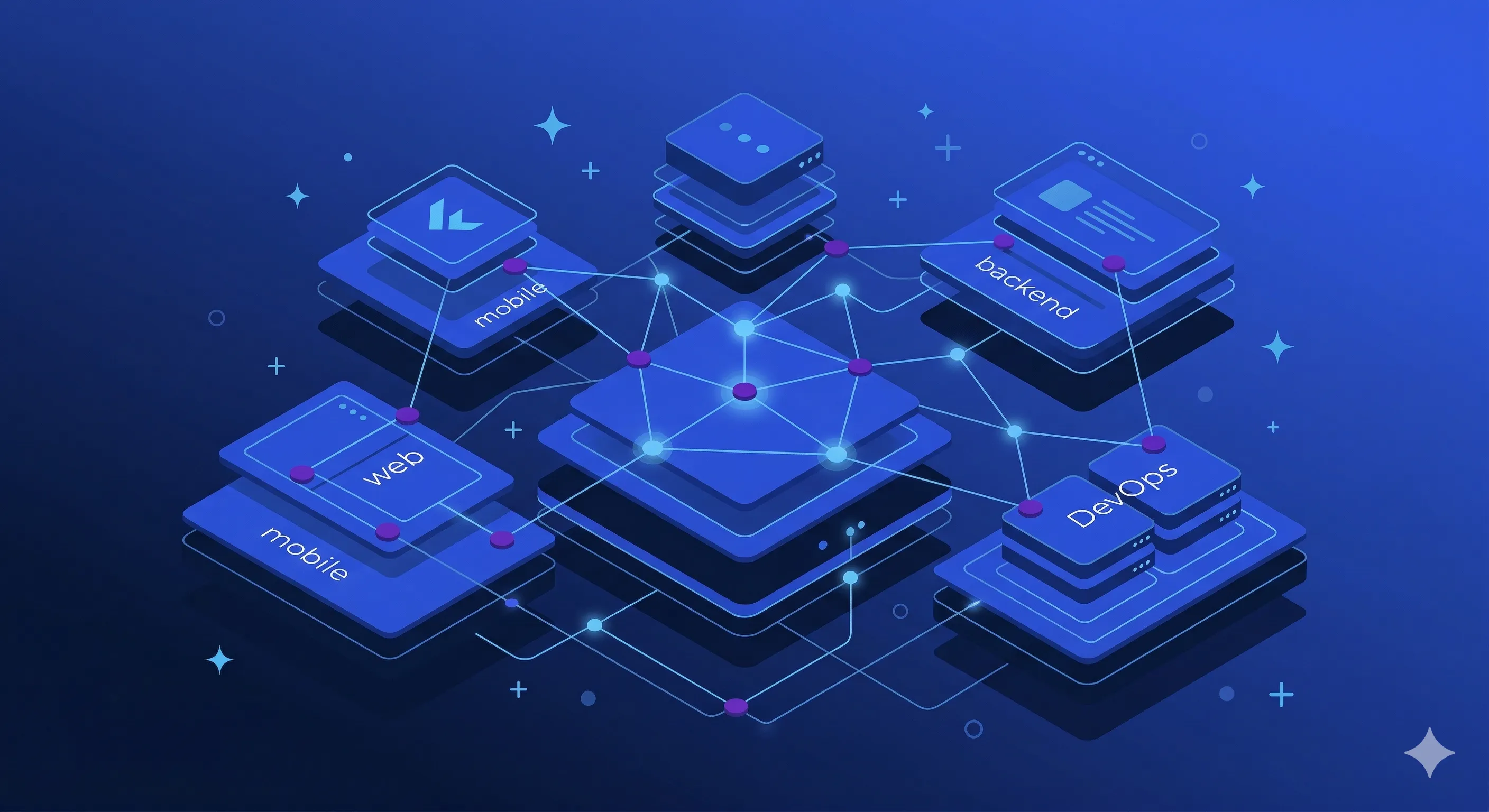
Problems like:
- How do you manage a monorepo with dozens or hundreds of contributors?
- How do you keep performance tight when your app serves millions of users?
- How do you integrate AI tooling into an engineering workflow without breaking what already works?
- How do you make the case to leadership for deeper Flutter investment and then actually deliver on that promise?
- What breaks when you have millions of lines of code and what are techniques to keep teams moving forward?
- What does AI and agentic workflows mean for enterprise Flutter teams?
These aren't beginner questions. They're the questions that determine whether Flutter becomes a strategic advantage or just another technology investment that stalled.
Flutter@Scale exists to put those questions — and the people who've answered them — on stage.
## What You'll Hear
We've organized the track around the layered reality of enterprise Flutter: the technical problems that drive the work, the operational patterns that enable scale, and the leadership decisions that transform tools into strategy. Every session comes from a practitioner who's done the work.
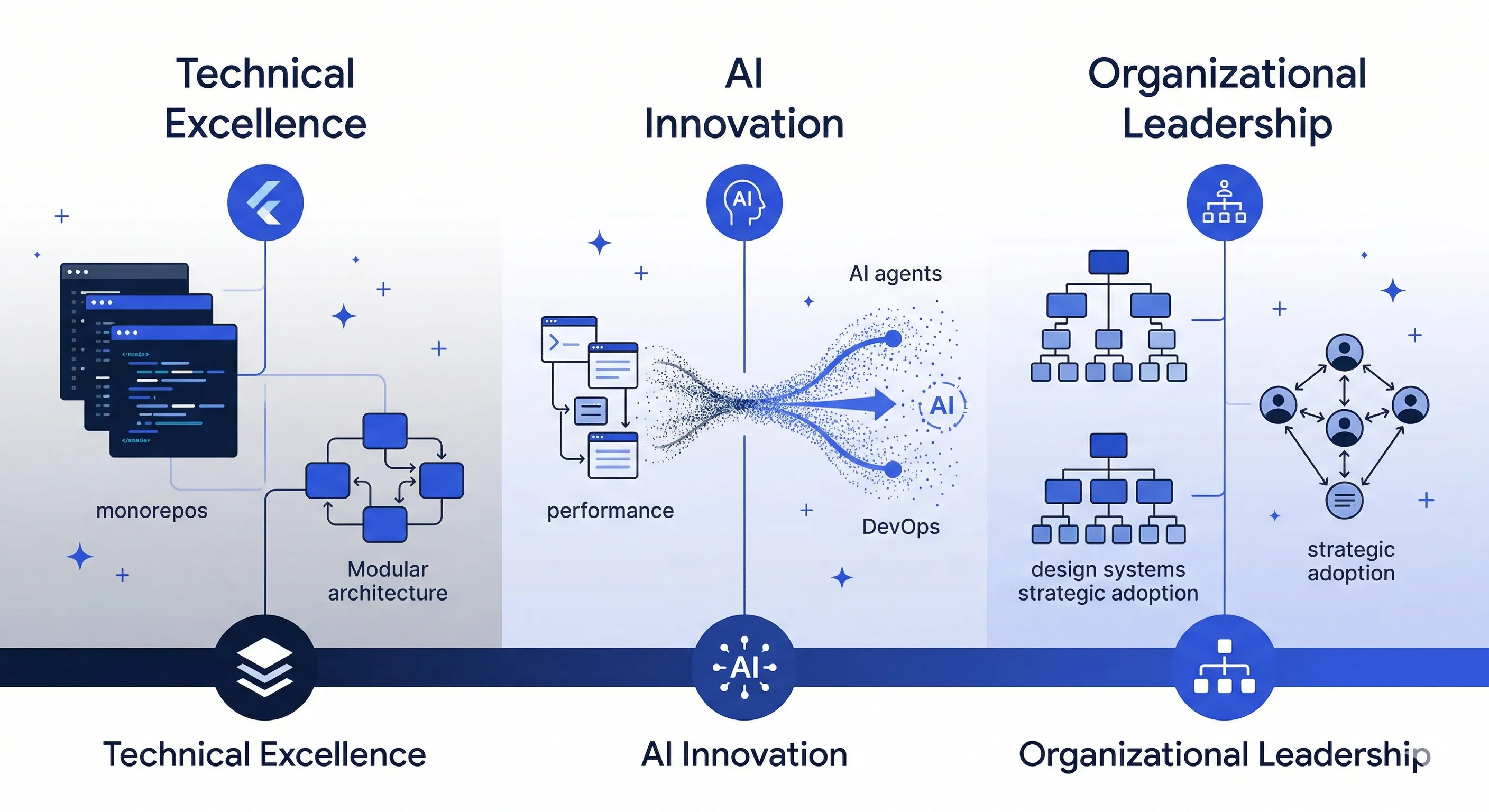
On the technical side, expect sessions on **large codebase management** ([modularization, monorepos, architecture at scale](https://verygood.ventures/blog/very-good-flutter-architecture/)), **performance optimization** (fixing jank, memory leaks, and slow startup in production), **deployment and DevOps** (release cadence, automated testing, parallel builds), **observability and monitoring**, and **design systems** including [Server-Driven UI and GenUI](https://verygood.ventures/resources/genui/).
Of course, AI integration will get substantial attention too, but what's actually working — not hype. Sessions on **AI-powered development** and **GenAI in workflows** will tackle practical applications and how to use [generative AI for coding, testing, and code review at scale](https://verygood.ventures/blog/very-good-ai-flutter-plugin/).
## Speaking Formats
We've structured the track around formats that let practitioners teach at the depth that enterprise challenges demand:
- **Lightning Talks (20 min):** A single idea or demo, delivered with focus
- **Full Sessions (40 min):** Deep dives with code walkthroughs or case studies
- **Panel Discussions (40-60 min):** Multiple experts unpacking trends and challenges together
- **Office Hours:** Scheduled open Q&A with experts for personalized guidance
## Benefits for Participating Companies
Companies who speak at Flutter@Scale get more than a stage and free passes for speakers.
Participants can have a presence in the **Flutter@Scale Pavilion** — a branded communal space on the conference floor for networking, recruiting, and demos. Speaking companies also can plan **designated Office Hours** to engage directly with the broader Flutter community for deeper networking and recruiting at the pavilion.
Participating companies receive **25% off any Fluttercon sponsorship package** and access to **team ticket discounts** to bring their engineering teams.
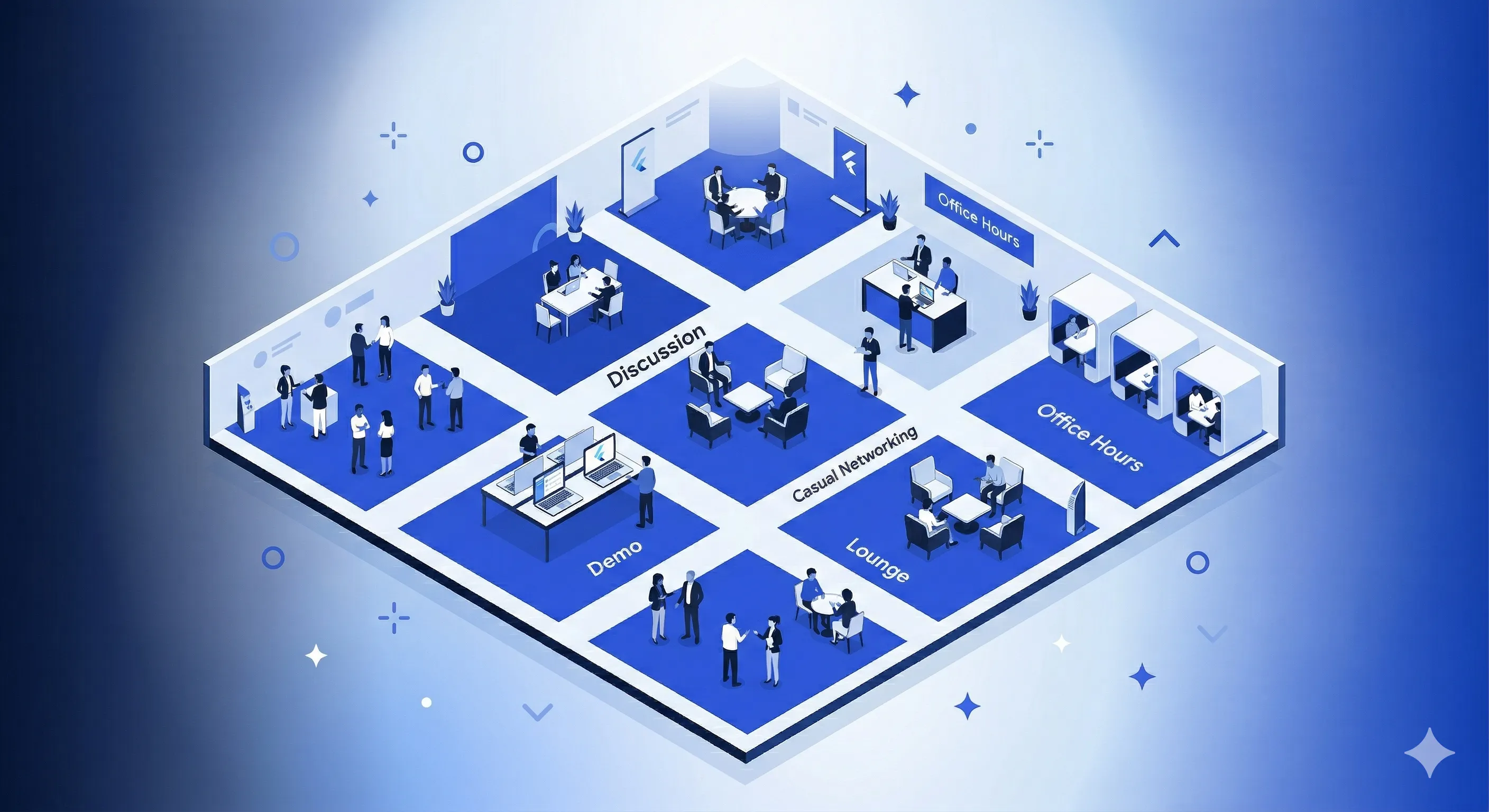
## Submit a Talk
The Call for Papers is open now through **April 30**. If your team is building, scaling, or operating Flutter in production, we want to hear from you.
[Submit your talk on Sessionize](https://sessionize.com/fluttercon-usa-2026) and select the **Flutter@Scale** track during submission.
## Get Involved
Getting involved is straightforward. Depending on your interest — speaking, team attendance, or partnership — here's where to start:
- **Speaking and participation:** [hello@verygood.ventures](mailto:hello@verygood.ventures)
- **Sponsorship and team registration:** [e.frau@droidcon.de](mailto:e.frau@droidcon.de)
- **Sponsorship and booth packages:** [flutterconusa.dev/sponsordeck](https://www.flutterconusa.dev/sponsordeck)
Flutter is driving the enterprise. Flutter@Scale is where the people doing that work come together to share what they've learned.
We'll see you in Orlando.
#### Frequently Asked Questions
##### What is Flutter@Scale?
Flutter@Scale is a dedicated enterprise content track at Fluttercon USA 2026, curated by Very Good Ventures. It is built for engineering leaders and practitioners running Flutter in production at scale who have hard-won lessons worth sharing.
##### When and where is Fluttercon USA 2026?
Fluttercon USA runs July 16 to 17 in Orlando. More information is available at flutterconusa.dev.
##### What topics will the Flutter@Scale track cover?
Sessions span the layered reality of enterprise Flutter. On the technical side, expect large codebase management, performance optimization, deployment and DevOps, observability and monitoring, and design systems including Server-Driven UI and GenUI. AI integration also gets substantial attention, including AI-powered development and using generative AI for coding, testing, and code review at scale.
##### What speaking formats are available?
Lightning Talks (20 min): a single idea or demo, delivered with focus
Full Sessions (40 min): deep dives with code walkthroughs or case studies
Panel Discussions (40 to 60 min): multiple experts unpacking trends and challenges together
Office Hours: scheduled open Q&A with experts for personalized guidance
##### When does the Call for Papers close, and how do I submit?
The CFP is open through April 30. Submit a talk on Sessionize and select the Flutter@Scale track during submission.
##### What benefits do speaking companies get?
Companies that speak at Flutter@Scale can have a presence in the Flutter@Scale Pavilion, a branded communal space on the conference floor for networking, recruiting, and demos. They can also schedule designated Office Hours at the pavilion. Participating companies receive 25% off any Fluttercon sponsorship package and access to team ticket discounts.
### VGV at Google Cloud Next 2026: Bringing LLM-driven UIs to Life With Flutter's GenUI SDK
Source: https://verygood.ventures/blog/vgv-at-google-cloud-next-2026/
## We're Heading Back to Las Vegas
Very Good Ventures (VGV) is proud to return to [Google Cloud Next '26](https://www.googlecloudevents.com/next-vegas), on April 22–24 at Mandalay Bay Convention Center. This year, we're showing up with something that's been years in the making—and we think it changes everything about how digital products are built and experienced.
Come find us in the Agentic Mobile & Web demo zone, where we'll be running live demos of Flutter's [GenUI SDK](https://github.com/flutter/genui/tree/main/packages/genui): the technology that makes interfaces adapt, in real time, to who's using them.
## The Next Era of Multi-platform is Generative
For the past several years, the conversation around multi-platform development has centered on one big idea: build once, deploy everywhere. At VGV, we've lived that idea—from theme park kiosks and sports apps to enterprise booking tools and financial services dashboards, and we've seen firsthand how much it changes what's possible for product teams.
But the next frontier isn't just about running on every device. It's about adapting to every user.
That's the shift that Google's GenUI SDK for Flutter makes possible. Instead of building fixed screens that every user sees the same way, GenUI dynamically assembles interfaces at runtime—selecting brand-safe visual components like cards, sliders, dropdowns, and maps based on the specific user's intent, context, and behavior. The interface becomes a living thing. It responds. It anticipates. It guides.
This isn't a prototype. At GCN '26, [you can see it running live](https://verygood.ventures/events/google-cloud-next-2026/)!
## What to Expect at our Demo
You'll find the VGV team in the Agentic Mobile & Web demo zone across all three days of the event. Here's what you'll see:
**Flutter's GenUI SDK in action.** Watch a single codebase render adaptive, generative interfaces across mobile & web, each experience personalized to the user in real time.
**Financial services tailored to your situation:** Our demo walks every individual through a series of questions to understand how it would work for your product.
**The A2UI protocol at work.** Under the hood, the LLM (Gemini) never "paints" pixels or generates raw code. Instead, it acts as an orchestrator, selecting components from a curated, brand-safe catalog that are formally assembled and rendered by the Flutter GenUI SDK. The result: AI-generated UI that is predictable, on-brand, and compliant.
**A conversation about your product.** Whether you're a Flutter team already looking to integrate GenUI, or a product leader on a React or native stack curious whether this applies to you—it does, and we'd love to talk through your specific situation. Bring your questions, your constraints, and your platform challenges.
## Why This Moment Matters
At last year's Google Cloud Next, one theme dominated every conversation: AI is no longer a talking point—it's moving fast and breaking real ground. Generative AI showed real impact across document processing, real-time agentic interfaces, and developer tooling.
But there was a gap. The most powerful AI systems were still largely text-based. You'd type a prompt, get a response in text, and be left to manually figure out your next step. That interaction model works. It's just not the most human-friendly one.
GenUI closes that gap. It's the shift from bots that talk to bots that show, adapt, and respond visually. Rather than asking users to endlessly refine text prompts, the agent predicts what's needed next and generates the right visual components to collect it — making task completion faster, more intuitive, and more on-brand.
At VGV, we've always found the most interesting work at the edges — before the playbook exists. We were building Flutter apps in production when the framework was still finding its footing. GenUI is that moment again. We're not here with a polished, off-the-shelf answer. We're experimenting, iterating, and making something genuinely new more viable — and we want to bring you along for it.
At VGV, we've been building in this space in partnership with Google, and we believe Gen UI will define the next era of UX for intelligent digital products.
## A Demo Built for Google Cloud Next
Our GCN '26 demo isn't an off-the-shelf walkthrough. We've built a purpose-made GenUI experience that shows what adaptive, agentic UI actually looks like in practice — not in a slide deck, but running live on Chromebook, Android, and iOS simultaneously.
The same underlying GenUI logic renders context-aware interfaces across every device. The experience adapts to the user. The interface generates itself.
If you've been thinking about what AI means for your product's UX, this is the live proof of concept you've been waiting for.
## Come Find Us
Live Flutter GenUI SDK demo—adaptive, generative UI across mobile, web, and every device on April 22–24, at the Agentic Mobile & Web demo zone, Mandalay Bay Convention Center, Las Vegas.
If you're attending Google Cloud Next '26, add us to your list. If you want to make sure you connect with a specific member of the VGV team, [reach out ahead of time here](https://verygood.ventures/contact-us/).
[Learn more about GenUI](https://verygood.ventures/resources/genui/) and [connect with us at GCN '26](https://verygood.ventures/resources/genui/)!
We'll see you in Vegas 🦄
#### Frequently Asked Questions
##### When and where is Google Cloud Next '26?
Google Cloud Next '26 runs April 22 to 24 at the Mandalay Bay Convention Center in Las Vegas. VGV will be in the Agentic Mobile & Web demo zone across all three days.
##### What is Flutter's GenUI SDK?
GenUI is a Flutter SDK from Google that dynamically assembles interfaces at runtime. Instead of building fixed screens that every user sees the same way, GenUI selects brand-safe visual components like cards, sliders, dropdowns, and maps based on the specific user's intent, context, and behavior. The interface adapts to the user in real time.
##### How does the A2UI protocol keep generated UI on-brand?
Under the hood, the LLM (Gemini) never paints pixels or generates raw code. It acts as an orchestrator, selecting components from a curated, brand-safe catalog that are formally assembled and rendered by the Flutter GenUI SDK. The result is AI-generated UI that is predictable, on-brand, and compliant.
##### What will VGV demo at Google Cloud Next '26?
A purpose-built GenUI experience running live on Chromebook, Android, and iOS simultaneously. The same underlying GenUI logic renders context-aware interfaces across every device. The financial services demo walks each individual through a series of questions to show how GenUI would work for their product.
### Routing Best Practices in Flutter
Source: https://verygood.ventures/blog/routing-best-practices-in-flutter/
`go_router` is the routing package the Flutter team maintains, and this guide covers the eight patterns that hold up once an app grows past a handful of screens. Every example here runs against `go_router: ^14.0.0`.
Get routing wrong and you inherit tangled navigation logic, broken deep links, and state that vanishes when users press the back button. Get it right and navigation fades into the background — reliable, testable, invisible.
Jump to what you need:
- [Declarative route configuration](#configure-routes-declaratively)
- [Auth guards with redirect](#guard-routes-with-redirects)
- [Navigator keys](#understand-navigator-keys)
- [Bottom navigation and tab bars](#set-up-bottom-navigation)
- [Passing data between routes](#pass-data-between-routes)
- [Testing routing logic](#test-your-routes)
- [Type-safe routes](#use-type-safe-routes)
- [Deep linking](#handle-deep-links)
## Why go_router
Flutter ships with `Navigator` and `Navigator 2.0`. The first handles simple push/pop stacks. The second exposes the full Router API — powerful, but verbose. Writing a custom `RouterDelegate` and `RouteInformationParser` by hand demands significant boilerplate for features most apps need out of the box.
`go_router` sits on top of `Navigator 2.0` and handles that boilerplate. It gives you:
- **Declarative route configuration** — define your entire route tree in one place
- **URL-based navigation** — every screen maps to a path
- **Deep linking** — works on web, iOS, and Android without extra setup
- **Redirection** — centralized auth guards and conditional routing
- **Nested navigation** — bottom nav bars and tabbed interfaces that preserve state
Add it to your project:
```yaml
dependencies:
go_router: ^14.0.0
```
## Configure Routes Declaratively
Define your route tree as a single, readable structure. Each `GoRoute` maps a URL path to a widget builder:
```dart
final router = GoRouter(
initialLocation: '/',
routes: [
GoRoute(
path: '/',
builder: (context, state) => const HomeScreen(),
routes: [
GoRoute(
path: 'products',
builder: (context, state) => const ProductsScreen(),
routes: [
GoRoute(
path: ':id',
builder: (context, state) {
final id = state.pathParameters['id']!;
return ProductDetailScreen(productId: id);
},
),
],
),
],
),
],
);
```
Three rules keep this tree maintainable:
1. **Nest routes to reflect hierarchy.** A product detail screen lives under `/products/:id`, not as a top-level route. The URL structure mirrors the UI structure.
2. **Keep builders thin.** Extract widget construction into the screen itself. The builder's job is to read parameters and pass them — nothing more.
3. **Define the tree in one file.** Scattering route definitions across the codebase makes it difficult to reason about navigation flow. A single `router.dart` file acts as a map of your entire app.
## Navigate with go, push, and replace
`go_router` offers three navigation methods. Each serves a distinct purpose:
```dart
// Replaces the entire navigation stack. Use for top-level navigation.
context.go('/products');
// Pushes onto the stack. Use when the user should be able to pop back.
context.push('/products/42');
// Replaces the current screen without adding to the stack.
context.pushReplacement('/login');
```
**Use `go` for declarative navigation.** It rebuilds the stack to match the target path. Navigating to `/products/42` with `go` creates a stack of `[Home, Products, ProductDetail]` — every ancestor route appears automatically.
**Use `push` for imperative additions.** It adds a single screen on top of the current stack. This suits flows where users must return to the exact screen they came from, such as opening a modal or a detail view from a search result.
**Use `pushReplacement` for one-off transitions.** A login screen that transitions to a home screen should replace, not push — the user should not navigate back to the login form.
## Guard Routes with Redirects
Authentication checks belong in a redirect, not scattered across individual screens. `go_router` evaluates the `redirect` callback on every navigation event:
```dart
final router = GoRouter(
redirect: (context, state) {
final isLoggedIn = AuthService.of(context).isLoggedIn;
final isLoggingIn = state.matchedLocation == '/login';
if (!isLoggedIn && !isLoggingIn) return '/login';
if (isLoggedIn && isLoggingIn) return '/';
return null; // No redirect needed.
},
routes: [ /* ... */ ],
);
```
This pattern centralizes access control. Every route passes through the same check. No screen needs to know whether the user is authenticated — the router handles it before the screen builds.
Two guidelines for redirects:
1. **Return `null` to allow navigation.** Any non-null return triggers a redirect to that path.
2. **Guard against redirect loops.** Always check whether the user is already heading to the redirect target. Without the `isLoggingIn` check above, an unauthenticated user triggers an infinite loop: `/login` redirects to `/login` redirects to `/login`.
For route-level guards, place a `redirect` on the individual `GoRoute`:
```dart
GoRoute(
path: '/admin',
redirect: (context, state) {
final isAdmin = AuthService.of(context).isAdmin;
if (!isAdmin) return '/';
return null;
},
builder: (context, state) => const AdminScreen(),
),
```
## Understand Navigator Keys
Before building any nested navigation, understand how `go_router` uses navigator keys. Every navigator in your app — root and nested — needs a unique `GlobalKey`. These keys determine where a route renders.
```dart
final rootNavigatorKey = GlobalKey(debugLabel: 'root');
final shellNavigatorKey = GlobalKey(debugLabel: 'shell');
final feedNavigatorKey = GlobalKey(debugLabel: 'feed');
final searchNavigatorKey = GlobalKey(debugLabel: 'search');
final profileNavigatorKey = GlobalKey(debugLabel: 'profile');
```
Declare all keys in your `router.dart` file, at the top, before the router definition. Name each key with a `debugLabel` — it appears in error messages and Flutter DevTools, and saves you from guessing which navigator threw an exception.
Three rules govern navigator keys:
1. **The root key goes on `GoRouter`.** This is the top-level navigator that owns the entire screen. Every route renders here unless directed elsewhere.
```dart
final router = GoRouter(
navigatorKey: rootNavigatorKey,
routes: [ /* ... */ ],
);
```
2. **Shell keys go on `ShellRoute` or `StatefulShellBranch`.** Each shell or branch creates a nested navigator. Assign it a key so child routes can reference it — or escape it.
3. **`parentNavigatorKey` controls where a route renders.** By default, a route renders in the nearest enclosing navigator. Set `parentNavigatorKey` to override this. Point it at the root key to break out of a shell; point it at a specific branch key to render within that branch.
```dart
// Renders inside the shell (default behavior).
GoRoute(
path: 'settings',
builder: (context, state) => const SettingsScreen(),
),
// Renders on the root navigator, outside the shell.
GoRoute(
path: 'checkout',
parentNavigatorKey: rootNavigatorKey,
builder: (context, state) => const CheckoutScreen(),
),
```
### Common Navigator Key Mistakes
**Reusing the same key for two navigators.** Each key must be unique. Sharing a key between a `ShellRoute` and a `StatefulShellBranch` triggers a runtime assertion.
**Forgetting to pass the root key to `GoRouter`.** Without it, you cannot reference the root navigator from nested routes. The `parentNavigatorKey` on a child route has nothing to point at.
**Creating keys inside `build` methods.** A `GlobalKey` created during `build` gets recreated on every frame. Declare keys as top-level variables or static fields — they must persist across rebuilds.
## Set Up Bottom Navigation
Bottom navigation bars are the most common shell pattern. The bar persists across tabs; the content area swaps. Here is the complete setup, from route definition to widget.
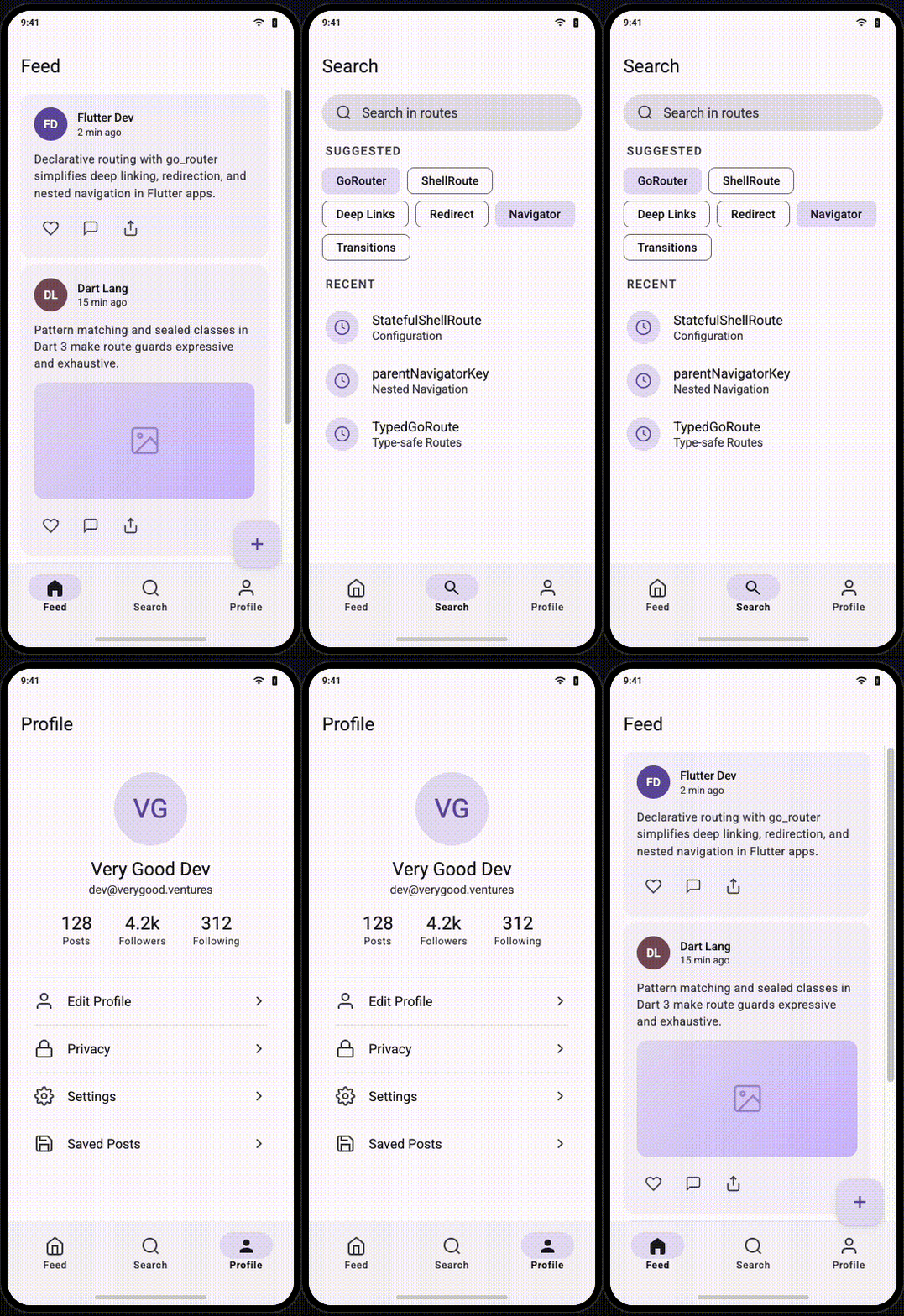
### With ShellRoute (Stateless)
Use `ShellRoute` when your tabs hold simple, read-only content that can rebuild without consequence — a news feed, a settings menu, a static list:
```dart
final rootNavigatorKey = GlobalKey(debugLabel: 'root');
final router = GoRouter(
navigatorKey: rootNavigatorKey,
initialLocation: '/feed',
routes: [
ShellRoute(
builder: (context, state, child) {
return ScaffoldWithBottomNav(child: child);
},
routes: [
GoRoute(
path: '/feed',
builder: (context, state) => const FeedScreen(),
routes: [
GoRoute(
path: ':postId',
parentNavigatorKey: rootNavigatorKey,
builder: (context, state) => PostDetailScreen(
postId: state.pathParameters['postId']!,
),
),
],
),
GoRoute(
path: '/search',
builder: (context, state) => const SearchScreen(),
),
GoRoute(
path: '/profile',
builder: (context, state) => const ProfileScreen(),
),
],
),
],
);
```
The `ScaffoldWithBottomNav` widget reads the current location to highlight the active tab:
```dart
class ScaffoldWithBottomNav extends StatelessWidget {
const ScaffoldWithBottomNav({required this.child, super.key});
final Widget child;
@override
Widget build(BuildContext context) {
return Scaffold(
body: child,
bottomNavigationBar: NavigationBar(
selectedIndex: _calculateSelectedIndex(context),
onDestinationSelected: (index) => _onTap(context, index),
destinations: const [
NavigationDestination(icon: Icon(Icons.home), label: 'Feed'),
NavigationDestination(icon: Icon(Icons.search), label: 'Search'),
NavigationDestination(icon: Icon(Icons.person), label: 'Profile'),
],
),
);
}
int _calculateSelectedIndex(BuildContext context) {
final location = GoRouterState.of(context).matchedLocation;
if (location.startsWith('/feed')) return 0;
if (location.startsWith('/search')) return 1;
if (location.startsWith('/profile')) return 2;
return 0;
}
void _onTap(BuildContext context, int index) {
switch (index) {
case 0:
context.go('/feed');
break;
case 1:
context.go('/search');
break;
case 2:
context.go('/profile');
break;
}
}
}
```
> **Note:** Tab switching uses `context.go`, not `context.push`. `go` resets the navigation stack for that path. `push` would stack screens on top of each other, and the back button would cycle through every tab the user visited.
### With StatefulShellRoute (Stateful)
Use `StatefulShellRoute` when tabs contain scroll positions, form input, or in-progress state that must survive tab switches. Each branch maintains its own navigator and widget tree:
```dart
final rootNavigatorKey = GlobalKey(debugLabel: 'root');
final router = GoRouter(
navigatorKey: rootNavigatorKey,
initialLocation: '/feed',
routes: [
StatefulShellRoute.indexedStack(
builder: (context, state, navigationShell) {
return ScaffoldWithStatefulNav(navigationShell: navigationShell);
},
branches: [
StatefulShellBranch(
navigatorKey: GlobalKey(debugLabel: 'feed'),
routes: [
GoRoute(
path: '/feed',
builder: (context, state) => const FeedScreen(),
routes: [
GoRoute(
path: 'details/:id',
builder: (context, state) => FeedDetailScreen(
id: state.pathParameters['id']!,
),
),
],
),
],
),
StatefulShellBranch(
navigatorKey: GlobalKey(debugLabel: 'search'),
routes: [
GoRoute(
path: '/search',
builder: (context, state) => const SearchScreen(),
),
],
),
StatefulShellBranch(
navigatorKey: GlobalKey(debugLabel: 'profile'),
routes: [
GoRoute(
path: '/profile',
builder: (context, state) => const ProfileScreen(),
),
],
),
],
),
],
);
```
The scaffold uses `StatefulNavigationShell` instead of a raw `child`. This shell exposes `goBranch` for tab switching and `currentIndex` for highlighting:
```dart
class ScaffoldWithStatefulNav extends StatelessWidget {
const ScaffoldWithStatefulNav({
required this.navigationShell,
super.key,
});
final StatefulNavigationShell navigationShell;
@override
Widget build(BuildContext context) {
return Scaffold(
body: navigationShell,
bottomNavigationBar: NavigationBar(
selectedIndex: navigationShell.currentIndex,
onDestinationSelected: (index) {
navigationShell.goBranch(
index,
// Navigate to the initial location of the branch
// if the user taps the active tab again.
initialLocation: index == navigationShell.currentIndex,
);
},
destinations: const [
NavigationDestination(icon: Icon(Icons.home), label: 'Feed'),
NavigationDestination(icon: Icon(Icons.search), label: 'Search'),
NavigationDestination(icon: Icon(Icons.person), label: 'Profile'),
],
),
);
}
}
```
The `initialLocation` parameter on `goBranch` handles a common UX pattern: tapping the already-active tab resets it to the root screen. A user deep inside `/feed/details/42` taps the feed tab and returns to `/feed`. Without this flag, the tap does nothing.
### When to Choose Which
| **Scenario** | **Use** |
| --- | --- |
| Tabs hold static or easily rebuilt content | `ShellRoute` |
| Tabs contain scroll positions, forms, or media playback | `StatefulShellRoute` |
| You need independent back stacks per tab (like Instagram) | `StatefulShellRoute` |
| Your app has only two or three simple screens | `ShellRoute` |
## Set Up Tab Bar Navigation
A `TabBar` inside an `AppBar` differs from bottom navigation in structure but follows the same routing principles. The tabs live inside a screen that is itself a route, and each tab panel maps to a sub-route.
### Tabs as Sub-Routes
Define the tabbed screen as a `ShellRoute` whose builder provides the `TabController` and `TabBar`. Each tab panel is a child route:
```dart
final tabNavigatorKey = GlobalKey(debugLabel: 'tabs');
ShellRoute(
navigatorKey: tabNavigatorKey,
builder: (context, state, child) {
return DashboardScreen(child: child);
},
routes: [
GoRoute(
path: '/dashboard/overview',
builder: (context, state) => const OverviewTab(),
),
GoRoute(
path: '/dashboard/analytics',
builder: (context, state) => const AnalyticsTab(),
),
GoRoute(
path: '/dashboard/reports',
builder: (context, state) => const ReportsTab(),
),
],
),
```
The `DashboardScreen` manages the `TabBar` and maps tab indices to routes:
```dart
class DashboardScreen extends StatelessWidget {
const DashboardScreen({required this.child, super.key});
final Widget child;
@override
Widget build(BuildContext context) {
return DefaultTabController(
length: 3,
child: Scaffold(
appBar: AppBar(
title: const Text('Dashboard'),
bottom: TabBar(
onTap: (index) => _onTabTapped(context, index),
tabs: const [
Tab(text: 'Overview'),
Tab(text: 'Analytics'),
Tab(text: 'Reports'),
],
),
),
body: child,
),
);
}
void _onTabTapped(BuildContext context, int index) {
switch (index) {
case 0:
context.go('/dashboard/overview');
break;
case 1:
context.go('/dashboard/analytics');
break;
case 2:
context.go('/dashboard/reports');
break;
}
}
}
```
### Tabs with Preserved State
For tabs that must retain state — a chart the user has zoomed, a form partially filled — wrap the tab routes in a `StatefulShellRoute` nested inside the parent shell:
```dart
StatefulShellRoute.indexedStack(
builder: (context, state, navigationShell) {
return DashboardScreen(navigationShell: navigationShell);
},
branches: [
StatefulShellBranch(
routes: [
GoRoute(
path: '/dashboard/overview',
builder: (context, state) => const OverviewTab(),
),
],
),
StatefulShellBranch(
routes: [
GoRoute(
path: '/dashboard/analytics',
builder: (context, state) => const AnalyticsTab(),
routes: [
GoRoute(
path: ':metricId',
builder: (context, state) => MetricDetailScreen(
metricId: state.pathParameters['metricId']!,
),
),
],
),
],
),
StatefulShellBranch(
routes: [
GoRoute(
path: '/dashboard/reports',
builder: (context, state) => const ReportsTab(),
),
],
),
],
),
```
The user drills into `/dashboard/analytics/conversion-rate`, switches to the Reports tab, then switches back — the metric detail screen is still there, scroll position intact.
## Nest Shells Inside Shells
Real apps combine bottom navigation with tab bars, sidebars with detail panels, or drawers with nested tab views. `go_router` supports this through shell nesting.
### Rules for Nesting Shells
1. **Each shell must own a distinct navigator.** Assign separate `GlobalKey`s. Two shells sharing a key will conflict.
2. **The outermost shell controls persistence.** If the outer shell is a `StatefulShellRoute`, inner branches survive tab switches. If it is a plain `ShellRoute`, they rebuild.
3. **Full-screen routes sit outside all shells.** Place routes like onboarding, login, or media viewers as siblings of the outermost shell, not inside it. Point them at `rootNavigatorKey`.
4. **Limit nesting depth to two.** Three or more nested shells become difficult to debug. If your navigation requires a third level, reconsider whether the UX itself is too complex.
Consider an app with a bottom navigation bar and a dashboard tab that itself contains a `TabBar`:
```dart
final rootNavigatorKey = GlobalKey(debugLabel: 'root');
final router = GoRouter(
navigatorKey: rootNavigatorKey,
initialLocation: '/home',
routes: [
StatefulShellRoute.indexedStack(
builder: (context, state, navigationShell) {
return MainScaffold(navigationShell: navigationShell);
},
branches: [
// Tab 1: Home (simple screen)
StatefulShellBranch(
routes: [
GoRoute(
path: '/home',
builder: (context, state) => const HomeScreen(),
),
],
),
// Tab 2: Dashboard (contains its own TabBar)
StatefulShellBranch(
routes: [
ShellRoute(
builder: (context, state, child) {
return DashboardScreen(child: child);
},
routes: [
GoRoute(
path: '/dashboard/overview',
builder: (context, state) => const OverviewTab(),
),
GoRoute(
path: '/dashboard/analytics',
builder: (context, state) => const AnalyticsTab(),
),
],
),
],
),
// Tab 3: Settings (simple screen)
StatefulShellBranch(
routes: [
GoRoute(
path: '/settings',
builder: (context, state) => const SettingsScreen(),
),
],
),
],
),
// Full-screen routes that cover everything
GoRoute(
path: '/onboarding',
parentNavigatorKey: rootNavigatorKey,
builder: (context, state) => const OnboardingScreen(),
),
],
);
```
The outer `StatefulShellRoute` manages the bottom bar. The inner `ShellRoute` manages the dashboard's `TabBar`. Each layer owns its own navigator. The user's position in the dashboard tabs survives switching to the Home tab and back, because the outer shell preserves the branch state.
## Pass Data Between Routes
Routes often need data beyond path parameters. `go_router` provides three mechanisms, each suited to a different scenario.
### Path Parameters
Use when the value **identifies the resource** and must survive deep links, browser refreshes, and URL sharing.
**Scenario:** A push notification links to a specific order. The user taps it, the OS opens `https://myapp.com/orders/98712`, and the app navigates straight to that order — even if it was killed in the background. The URL alone carries enough information to reconstruct the screen.
```dart
GoRoute(
path: '/orders/:orderId',
builder: (context, state) {
final orderId = state.pathParameters['orderId']!;
return OrderDetailScreen(orderId: orderId);
},
),
// From a notification handler:
context.go('/orders/98712');
```
The same URL works when a support agent pastes it into a chat, when a user bookmarks it on web, or when the browser reloads the page. Path parameters are the source of truth for *which* resource the screen displays.
**Another scenario:** A social app where tapping a username anywhere — in a comment, a like notification, a mention — opens that profile:
```dart
GoRoute(
path: '/users/:username',
builder: (context, state) {
final username = state.pathParameters['username']!;
return ProfileScreen(username: username);
},
),
// From a mention in a post body:
context.go('/users/dash_flutter');
```
The URL `/users/dash_flutter` is shareable, indexable by search engines on Flutter web, and works as a deep link from an email or SMS.
### Query Parameters
Use when the value **modifies how a screen behaves** but is optional — the screen renders without it, and sharing the URL preserves the customization.
**Scenario:** An e-commerce app with a product listing screen. Users filter by category, price range, and sort order. These filters do not identify a specific product — they shape which products appear. A colleague sends the link `https://myapp.com/products?category=shoes&sort=price_asc&min=50` and the recipient sees the same filtered view:
```dart
GoRoute(
path: '/products',
builder: (context, state) {
final category = state.uri.queryParameters['category'];
final sort = state.uri.queryParameters['sort'] ?? 'relevance';
final minPrice = state.uri.queryParameters['min'];
return ProductListScreen(
category: category,
sort: sort,
minPrice: minPrice != null ? double.tryParse(minPrice) : null,
);
},
),
// Navigate with filters applied:
context.go('/products?category=shoes&sort=price_asc&min=50');
// Navigate without filters — still works:
context.go('/products');
```
Remove every query parameter and the screen still loads — it shows all products with default sorting. That optionality is what distinguishes query parameters from path parameters.
**Another scenario:** A search screen with pagination. The user searches, scrolls to page 3, and shares the URL. The recipient lands on the same page of results:
```dart
GoRoute(
path: '/search',
builder: (context, state) {
final query = state.uri.queryParameters['q'] ?? '';
final page = int.tryParse(
state.uri.queryParameters['page'] ?? '',
) ?? 1;
return SearchScreen(query: query, page: page);
},
),
// Navigate:
context.go('/search?q=go_router+deep+linking&page=3');
```
### Extra
Use when you need to pass **data that cannot serialize to a URL** — an in-memory object, a file handle, raw bytes, or a complex model that already exists in the widget tree.
**Scenario: Multi-step form wizard.** The user fills out a shipping address on screen one and taps "Continue." Screen two needs the validated `ShippingAddress` object to display a confirmation and calculate costs. No server call has happened yet — this data exists only in memory:
```dart
GoRoute(
path: '/checkout/confirm',
builder: (context, state) {
final address = state.extra! as ShippingAddress;
return ConfirmationScreen(address: address);
},
),
// After the user fills the address form:
context.push('/checkout/confirm', extra: validatedAddress);
```
This works because the user reached the confirmation screen through in-app navigation. They did not type the URL into a browser. They will not share this link. The data's lifetime matches the navigation flow.
**Scenario: Local photo editing.** The user picks a photo from their device gallery. The edit screen needs the raw `Uint8List` image bytes to render filters and crop tools. There is no server, no ID, no URL-friendly representation of this data:
```dart
GoRoute(
path: '/editor',
builder: (context, state) {
final imageBytes = state.extra! as Uint8List;
return PhotoEditorScreen(imageBytes: imageBytes);
},
),
// After picking a photo:
final bytes = await picker.pickImage();
if (bytes != null) {
context.push('/editor', extra: bytes);
}
```
No path parameter or query string can carry raw bytes. `extra` is the only option.
**Scenario: Returning a selection.** A checkout screen opens an "address picker" screen. The user selects an address, and the picker pops back with the chosen `Address` object. The picker pushes the result back through `extra` and `pop`:
```dart
// In the address picker, when the user taps an address:
context.pop(selectedAddress);
// In the checkout screen, capturing the result:
final address = await context.push('/addresses/pick');
if (address != null) {
setState(() => _selectedAddress = address);
}
```
> **Tip:** Treat `extra` as a last resort. Data passed via `extra` does not survive browser refreshes, deep links, or URL sharing. It vanishes when the user copies the URL or hits F5. If you rely on `extra`, provide a fallback: fetch the data from a repository when `extra` is null.
### When to Use Which
| **Question** | **Path param** | **Query param** | **Extra** |
| --- | --- | --- | --- |
| Does it identify *which* resource the screen shows? | Yes | | |
| Should the URL work as a deep link or bookmark? | Yes | Yes | |
| Is it optional — the screen works without it? | | Yes | |
| Is it a filter, sort, or pagination value? | | Yes | |
| Is it an in-memory object with no URL representation? | | | Yes |
| Does it only exist during a single navigation flow? | | | Yes |
| Must it survive a browser refresh? | Yes | Yes | |
## Manage Transition Animations
`go_router` uses platform-default transitions. To customize them, use `pageBuilder` instead of `builder` and return a `CustomTransitionPage`:
```dart
GoRoute(
path: '/details/:id',
pageBuilder: (context, state) {
return CustomTransitionPage(
key: state.pageKey,
child: DetailScreen(id: state.pathParameters['id']!),
transitionsBuilder: (context, animation, secondaryAnimation, child) {
return FadeTransition(opacity: animation, child: child);
},
);
},
),
```
Three guidelines for transitions:
1. **Use `state.pageKey` as the page key.** This allows `go_router` to distinguish between pages and trigger the correct animation. Omitting it causes stale pages to linger in the navigator.
2. **Match transitions to the navigation pattern.** Forward navigation (push) suits slide-in. Lateral navigation (tab switch) suits fade or none. Modal presentation suits slide-up.
3. **Disable transitions for tab switches.** Within a bottom bar or tab bar, instant swaps feel correct. Animation between tabs feels sluggish:
```dart
pageBuilder: (context, state) {
return const NoTransitionPage(child: FeedScreen());
},
```
## Refresh Routes Reactively
Authentication state, locale, or theme can change while the app runs. When they do, `go_router` must re-evaluate its redirects. Pass a `Listenable` to the `refreshListenable` parameter:
```dart
final authNotifier = AuthNotifier(); // extends ChangeNotifier
final router = GoRouter(
refreshListenable: authNotifier,
redirect: (context, state) {
if (!authNotifier.isLoggedIn) return '/login';
return null;
},
routes: [ /* ... */ ],
);
```
When `authNotifier` calls `notifyListeners()`, the router re-runs its `redirect` callback. A user whose session expires navigates to `/login` automatically — no manual check required.
**Combine multiple listenables** when several sources can trigger a re-evaluation:
```dart
final refreshNotifier = Listenable.merge([
authNotifier,
localeNotifier,
onboardingNotifier,
]);
final router = GoRouter(
refreshListenable: refreshNotifier,
redirect: (context, state) {
if (!authNotifier.isLoggedIn) return '/login';
if (!onboardingNotifier.isComplete) return '/onboarding';
return null;
},
routes: [ /* ... */ ],
);
```
## Test Your Routes
Routing logic deserves tests. A broken redirect or a miswired navigator key surfaces only at runtime — often in production. Write tests that exercise the router directly.
### Test Redirects
```dart
test('redirects unauthenticated users to login', () {
final authNotifier = AuthNotifier()..setLoggedIn(false);
final router = GoRouter(
refreshListenable: authNotifier,
redirect: (context, state) {
if (!authNotifier.isLoggedIn) return '/login';
return null;
},
routes: [
GoRoute(path: '/', builder: (_, __) => const HomeScreen()),
GoRoute(path: '/login', builder: (_, __) => const LoginScreen()),
],
);
router.go('/');
expect(router.state.matchedLocation, '/login');
});
```
### Test Parameter Extraction
```dart
test('extracts product ID from path', () {
String? capturedId;
final router = GoRouter(
routes: [
GoRoute(
path: '/products/:id',
builder: (context, state) {
capturedId = state.pathParameters['id'];
return const Placeholder();
},
),
],
);
router.go('/products/42');
expect(capturedId, '42');
});
```
### Test Shell Navigation
Verify that tapping a tab navigates to the correct location and that the shell persists:
```dart
testWidgets('bottom nav switches tabs', (tester) async {
await tester.pumpWidget(MaterialApp.router(routerConfig: router));
await tester.pumpAndSettle();
// Verify initial tab
expect(find.byType(FeedScreen), findsOneWidget);
// Tap search tab
await tester.tap(find.text('Search'));
await tester.pumpAndSettle();
expect(find.byType(SearchScreen), findsOneWidget);
// Bottom nav still visible
expect(find.byType(NavigationBar), findsOneWidget);
});
```
## Use Type-Safe Routes
String-based paths are prone to typos and refactoring hazards. `go_router` supports code-generated, type-safe routes via the `go_router_builder` package:
```yaml
dependencies:
go_router: ^14.0.0
dev_dependencies:
go_router_builder: ^2.7.0
build_runner: ^2.4.0
```
Define routes as classes annotated with `@TypedGoRoute`:
```dart
part 'routes.g.dart';
@TypedGoRoute(
path: '/',
routes: [
TypedGoRoute(
path: 'products',
routes: [
TypedGoRoute(path: ':id'),
],
),
],
)
class HomeRoute extends GoRouteData {
const HomeRoute();
@override
Widget build(BuildContext context, GoRouterState state) {
return const HomeScreen();
}
}
class ProductsRoute extends GoRouteData {
const ProductsRoute();
@override
Widget build(BuildContext context, GoRouterState state) {
return const ProductsScreen();
}
}
class ProductDetailRoute extends GoRouteData {
const ProductDetailRoute({required this.id});
final String id;
@override
Widget build(BuildContext context, GoRouterState state) {
return ProductDetailScreen(productId: id);
}
}
```
Run `dart run build_runner build` to generate the routing code. Navigate with type-checked constructors instead of raw strings:
```dart
// Type-safe — the compiler catches errors.
const ProductDetailRoute(id: '42').go(context);
// String-based — typos compile fine and fail at runtime.
context.go('/products/42');
```
Type-safe routes eliminate an entire category of bugs. Path parameters become constructor arguments. Change a parameter name and the compiler flags every call site.
## Handle Deep Links
`go_router` handles deep links by default. Any URL that matches a defined route resolves automatically — on web, via Android App Links, or via iOS Universal Links.
For platform-specific deep link setup, configure your `AndroidManifest.xml` and `apple-app-site-association` file to route your domain's URLs to your app. Once the OS delivers the URL, `go_router` parses it and navigates to the matching route.
Test deep links during development:
```bash
# Android
adb shell am start -a android.intent.action.VIEW -d "https://example.com/products/42"
# iOS
xcrun simctl openurl booted "https://example.com/products/42"
```
Two practices for robust deep linking:
1. **Validate parameters in builders.** A deep link may contain an invalid product ID. Handle missing or malformed data gracefully — show an error screen rather than crashing.
2. **Match your route structure to your URL structure.** Deep links work because URLs map directly to routes. Break this mapping and deep links break with it.
## Handle Errors Gracefully
When a user navigates to a route that does not exist — through a stale deep link, a mistyped URL, or a broken in-app link — show a helpful error screen:
```dart
final router = GoRouter(
errorBuilder: (context, state) {
return ErrorScreen(error: state.error);
},
routes: [ /* ... */ ],
);
```
The error screen should offer a clear path back: a button that navigates to the home screen, a search bar, or a relevant suggestion. A blank page or an unhandled exception teaches the user nothing.
## Checklist
Before shipping your routing layer, verify these points:
- All routes and navigator keys defined in a single file
- Every navigator key has a unique `debugLabel`
- Navigator keys declared as top-level variables, not inside `build`
- `redirect` handles authentication at the router level
- `refreshListenable` re-evaluates redirects when auth state changes
- Redirect callbacks guard against infinite loops
- `ShellRoute` or `StatefulShellRoute` wraps persistent navigation UI
- `StatefulShellRoute` used where tab state must survive switches
- Full-screen overlays use `parentNavigatorKey` to escape the shell
- Nested shells limited to two levels
- Tab switches use `go`, not `push`
- `goBranch` with `initialLocation` resets tabs on re-tap
- Path parameters used for resource identifiers
- Query parameters used for optional filters and sort orders
- `extra` used sparingly, with a fallback fetch strategy
- Type-safe routes replace string-based paths
- `pageBuilder` with `state.pageKey` used for custom transitions
- Deep links tested on Android, iOS, and web
- `errorBuilder` provides a graceful fallback for unknown routes
- Navigation methods (`go`, `push`, `pushReplacement`) chosen deliberately
- Redirect, parameter, and shell navigation covered by tests
Routing is infrastructure. Build it once with clear conventions, and every feature you ship afterward navigates without friction.
#### Flutter Routing FAQs
##### What is go_router in Flutter?
go_router is a declarative routing package that sits on top of Flutter's Navigator 2.0 and handles the boilerplate most apps need out of the box: URL-based navigation, deep linking on web/iOS/Android, centralized redirection for auth guards, and nested navigation for bottom bars and tab bars. It is maintained by the Flutter team and is the recommended choice for most production Flutter apps.
##### Should I use go_router or raw Navigator 2.0?
Use go_router unless you have a very specific reason not to. Writing a custom RouterDelegate and RouteInformationParser by hand demands significant boilerplate for features like deep linking, URL parsing, and nested navigators that go_router gives you for free. Raw Navigator 2.0 only makes sense if your app has truly unusual routing requirements that go_router's API cannot model.
##### What is the difference between context.go, context.push, and context.pushReplacement?
context.go replaces the entire navigation stack to match the target path — use it for top-level navigation like tab switches. context.push adds a single screen on top of the current stack — use it when users should be able to pop back to the previous screen. context.pushReplacement replaces the current screen without adding to the stack — use it for one-off transitions like login to home where the user should not navigate back to the origin.
##### When should I use ShellRoute vs StatefulShellRoute?
Use ShellRoute when tabs hold static or easily rebuilt content — news feeds, settings menus, static lists. Use StatefulShellRoute when tabs contain scroll positions, partially filled forms, in-progress media, or any state that must survive tab switches. StatefulShellRoute also gives each tab its own independent back stack (like Instagram's navigation model), while ShellRoute rebuilds tab content each time.
##### How do I handle authentication in go_router?
Centralize authentication in the router's redirect callback rather than scattering checks across individual screens. The redirect evaluates on every navigation event and returns null to allow navigation or a path to redirect. Always guard against infinite loops by checking whether the user is already heading to the redirect target. Pair the redirect with a refreshListenable so the router re-evaluates when auth state changes — for example, when a session expires.
##### When should I use path parameters, query parameters, or extra?
Use path parameters when the value identifies which resource the screen shows and must survive deep links and URL sharing — like /orders/:orderId. Use query parameters when the value is optional and modifies how a screen behaves — like filters or pagination (/products?category=shoes&sort=price_asc). Use extra sparingly, only for in-memory data that cannot serialize to a URL, like raw image bytes or objects that exist only during a single navigation flow. Extra does not survive browser refreshes or URL sharing.
##### Should I use type-safe routes with go_router_builder?
Yes, for production apps. go_router_builder generates type-safe route classes from @TypedGoRoute annotations, so path parameters become constructor arguments and the compiler catches typos and refactoring mistakes that raw string paths would miss. The extra build step is well worth the safety gain, especially in larger codebases where routes are referenced from many call sites.
##### How do I test go_router routing logic?
Test redirects, parameter extraction, and shell navigation directly — routing bugs usually only surface at runtime. Use unit tests to drive router.go(...) and assert on router.state.matchedLocation for redirects and parameter parsing. Use widget tests with MaterialApp.router to verify tab switches, shell persistence, and that the correct screen renders. A broken redirect or a miswired navigator key is exactly the kind of issue tests catch cheaply.
### Using Maestro MCP with Claude for Mobile UI Test Automation
Source: https://verygood.ventures/blog/maestro-mcp-claude-mobile-ui-test-automation/
Mobile QA has always been a discipline that demands precision: juggling simulators and real devices, iOS and Android quirks, [flaky selectors and ever-changing UI hierarchies](https://verygood.ventures/blog/elevating-flutter-test-reports-with-allure/) — all while keeping pace with a dev team that ships fast. The traditional answer has been to write more automation, maintain bigger YAML files, and hope the test suite doesn't collapse the moment someone renames a button.
We recently set up Maestro MCP on a project and spent time with the workflow. By connecting Maestro — one of the most widely adopted mobile UI testing frameworks — to an AI coding assistant like Claude through the Model Context Protocol, QA engineers and Test Engineerins gain an AI-assisted mobile testing workflow directly embedded in their existing tools. This post covers what the integration looks like in practice, what worked well, and where the limits are.
---
## What Is the Model Context Protocol (MCP)?
The [Model Context Protocol (MCP) is an open standard](https://modelcontextprotocol.io/introduction), [introduced by Anthropic in November 2024](https://www.anthropic.com/news/model-context-protocol), that creates a uniform interface for connecting large language models to external tools, data sources, and services. Instead of every tool requiring a bespoke integration with every AI model, MCP defines a single protocol that any compliant client (like Claude) can use to talk to any compliant server (like Maestro).
The architecture is straightforward:
* **MCP Servers** expose tools and resources through a standardized interface
* **MCP Clients** (AI assistants) consume those tools via the protocol
* **Transport Layer** handles communication over stdio, HTTP with SSE, or WebSocket
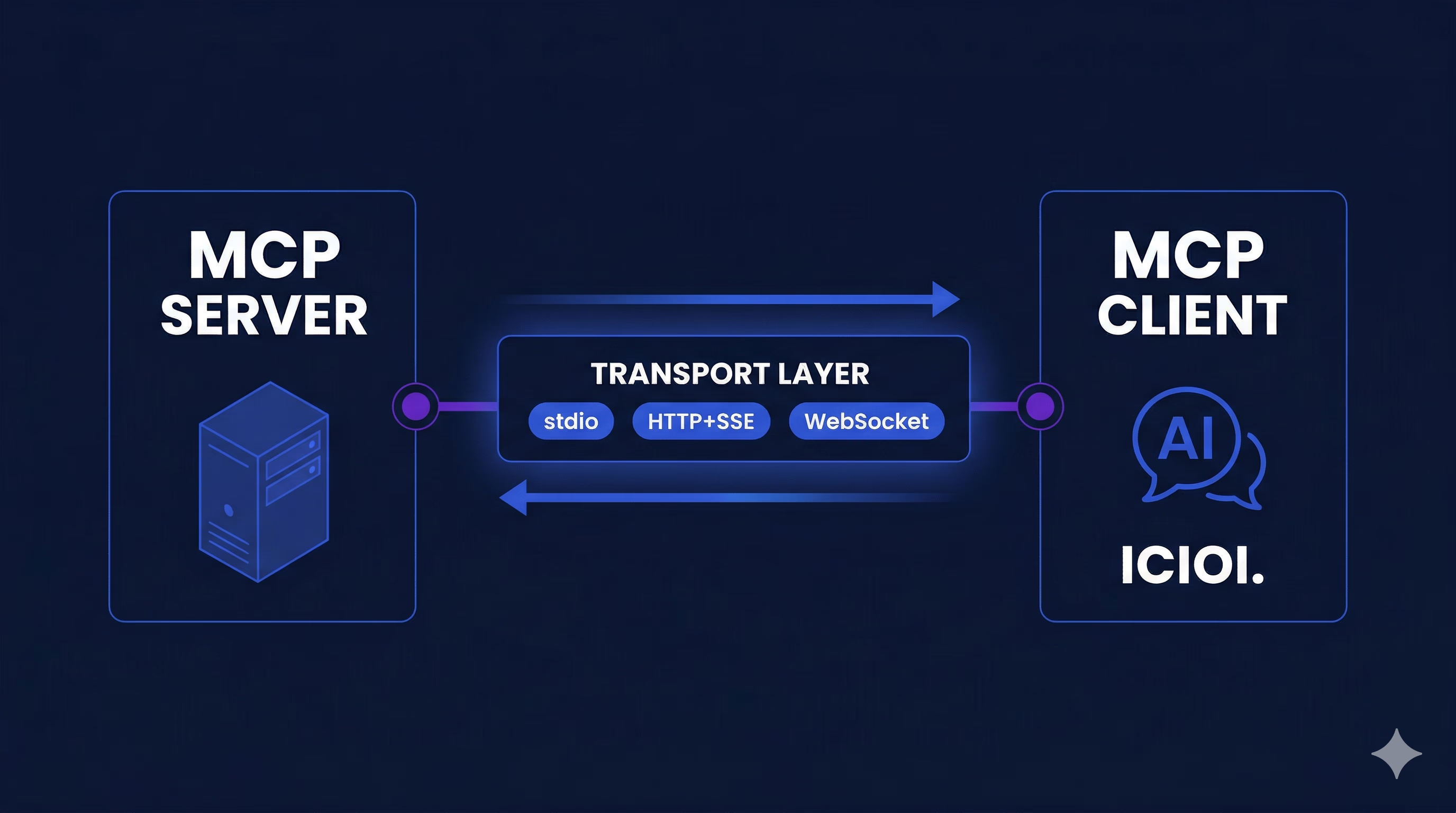
The practical implication: Maestro doesn't need to build a custom Claude plugin, and Claude doesn't need a bespoke Maestro SDK. They speak the same language out of the box.
---
## What Maestro MCP Actually Does for QA Teams
Once you configure Maestro as an MCP server and connect it to Claude, your AI assistant gains direct access to the full Maestro CLI — the same commands you'd run in your terminal, now driven by natural language. Here's what that unlocks:
### 1. Write Test Flows in Plain Language
Instead of hand-authoring YAML, you can describe what you want in natural language and Claude generates a valid Maestro flow.
*"Create a flow that opens the app, taps the login button, enters credentials, submits the form, and verifies the home screen appears."*
Claude produces a properly structured YAML flow tied to [Maestro's YAML flow syntax](https://docs.maestro.dev/getting-started/writing-your-first-flow) and command reference. Here's what that output looks like in practice:
```yaml
appId: com.example.myapp
env:
BASE_URL: "https://your-app-url.com"
LOGIN_EMAIL: "user@example.com"
LOGIN_PASSWORD: "your-password"
---
# Navigate to Login
- openLink: "${BASE_URL}/login"
- waitForAnimationToEnd
- assertVisible:
id: "login-page"
# Log in
- tapOn:
id: "login-email-input"
- inputText: "${LOGIN_EMAIL}"
- tapOn:
id: "login-password-input"
- inputText: "${LOGIN_PASSWORD}"
- hideKeyboard
- tapOn:
id: "login-submit-btn"
- waitForAnimationToEnd
- assertVisible:
id: "feed-page"
```
This test flow generation capability is particularly valuable when [onboarding new team members unfamiliar with Maestro's DSL](https://verygood.ventures/blog/robot-testing-in-flutter/), or when rapidly scaffolding test coverage for a new feature.
### 2. Automatically Debug Failing Tests
This is where the practical value surfaces. When a test fails with a vague "Element not found" error, instead of manually digging through the view hierarchy, you can describe the failure to Claude and have it analyze the issue and suggest a fix — immediately.
Claude can inspect the nested view hierarchy of the current screen in CSV format, cross-reference it with the failing flow, and propose the corrected selector or interaction. Debugging that previously required manually tracing through a hierarchy and iterating on selectors collapses into a short back-and-forth conversation. That reduction in per-failure overhead compounds quickly across a growing test suite.
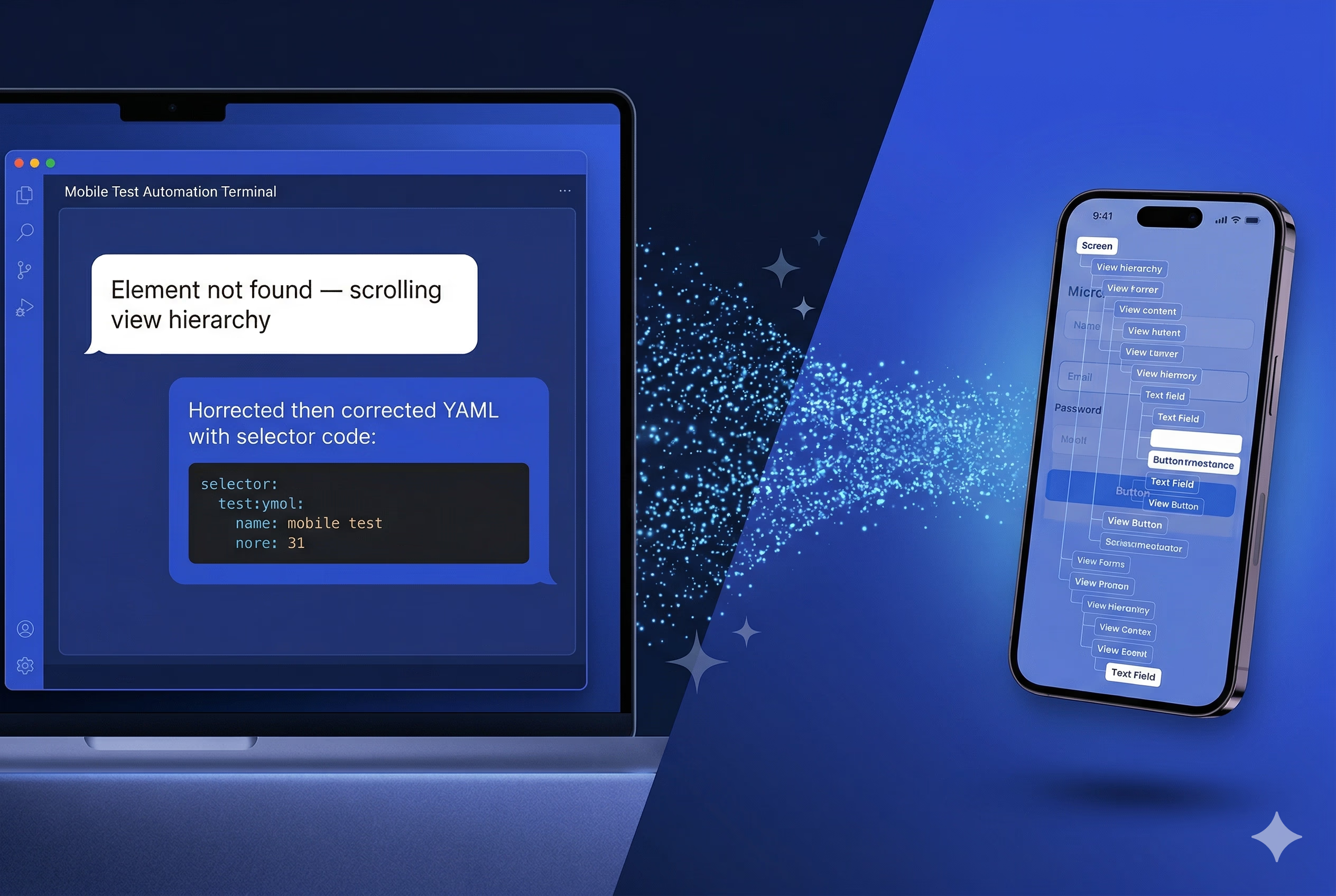
### 3. Control Emulators and Real Devices Interactively
Maestro MCP gives Claude the ability to directly interact with your running emulators and simulators — tapping elements, inputting text, pressing back, validating UI state — all through natural language. In exploratory testing, you can describe a scenario conversationally and Claude executes it live.
### 4. Validate Flow Syntax Before Running
Before committing a new test flow, Claude can validate the YAML syntax against Maestro's spec. This catches malformed flows before they hit CI, reducing pipeline failures caused by test authoring errors rather than actual bugs.
### 5. Access Built-in Testing Knowledge
Maestro MCP bundles the YAML flow syntax guide, command reference, and mobile testing best practices for debugging and CI/CD setup. Claude draws on this context when generating and reviewing flows, keeping output idiomatic and production-ready.
---
## See It in Action
The demo below shows a Maestro test flow running against a live device — tapping through the app, validating UI state, and completing the full sequence end to end.
---
## How to Set Up Maestro MCP with Claude
**Step 1:** Install the Maestro CLI if you haven't already. This is a hard requirement — the MCP server is exposed through the CLI, so nothing works without it. You can follow the official installation guide at [docs.maestro.dev](https://docs.maestro.dev).
**Step 2:** Once the CLI is installed, run `maestro mcp` from your terminal to start the MCP server. No separate installation is needed for the server itself — it comes bundled with the CLI.
**Step 3:** Add the MCP configuration to your IDE or AI client. For Claude Desktop, edit:
* macOS: `~/Library/Application Support/Claude/claude_desktop_config.json`
* Windows: `%APPDATA%\Claude\claude_desktop_config.json`
**Step 4:** Point the config at your Maestro CLI executable. If Maestro is on your PATH, the setup is a few lines of JSON. If not, use the full path to the executable.
Once configured, Claude has full access to Maestro's toolset.
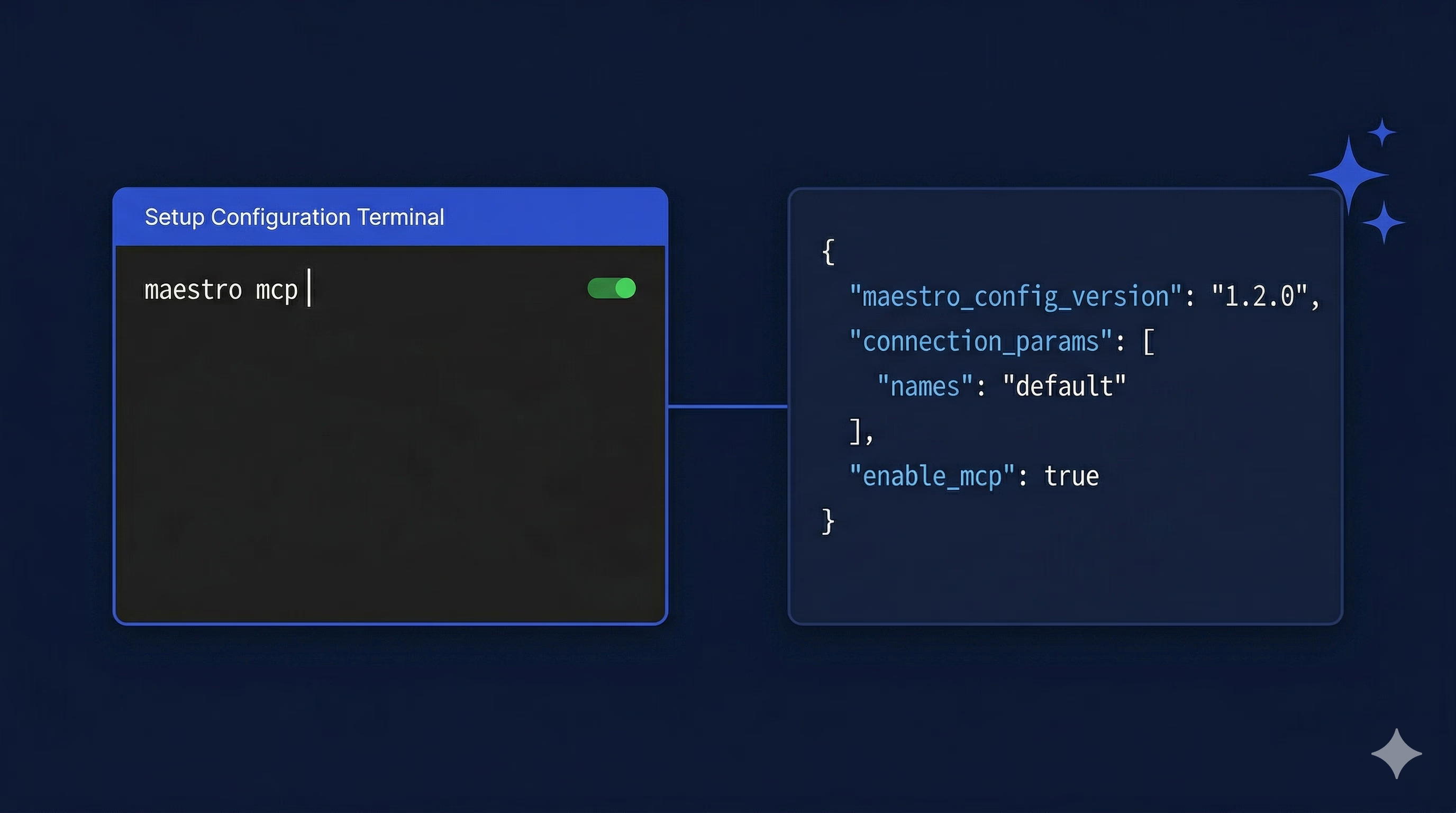
---
## What This Isn't
It's worth being clear about the limits. Maestro MCP isn't a replacement for thoughtful test strategy. Claude won't know which user flows matter most to your business, or where your app's riskiest edge cases live — that expertise still belongs to your QA team. What it does is remove friction from the execution layer, so the time you do spend on test automation goes toward decisions that actually require human judgment.
There are also cases where natural language test generation produces flows that are syntactically valid but miss business logic — a login flow that checks for the home screen but doesn't verify the right user session, for example. The AI handles mechanics well; domain reasoning still needs a human in the loop.
---
## Where This Fits
For QA engineers and SDETs, the value of Maestro MCP shows up in a few specific places.
Generating a test flow from a user story description is faster than authoring it manually. Teams can [keep pace with feature development without sacrificing test depth](https://verygood.ventures/blog/road-to-100-test-coverage/). AI-assisted triage of "element not found" and selector drift issues cuts the feedback loop on failing tests. And natural language authoring means more people on the team can [contribute to test coverage](https://verygood.ventures/blog/guide-to-flutter-testing/) without needing deep Maestro expertise — lowering the floor without lowering the standard.
Worth noting: Maestro MCP operates cross-platform against compiled APK and IPA files with no app instrumentation required. If you've seen other MCP-based mobile testing tools that attach to a specific framework's debug session, the distinction matters. Maestro works regardless of whether your app is built in Flutter, React Native, or native iOS/Android.
---
## The Honest Take
Maestro MCP changes how QA engineers interact with their test tooling. By bridging Claude's language understanding with Maestro's mobile automation capabilities, it replaces the manual workflow for test authoring, debugging, and device interaction with a conversational one.
If your team runs mobile UI test automation on iOS or Android and uses — or is evaluating — Maestro, set up the MCP integration. Configuration takes under an hour. Whether the workflow change sticks depends on how your team actually debugs failing tests — that's the part worth evaluating.
---
*The Maestro MCP documentation at [docs.maestro.dev](https://docs.maestro.dev/get-started/maestro-mcp) covers the full setup guide and tool reference.*
#### Frequently Asked Questions
##### What is the Model Context Protocol?
The Model Context Protocol (MCP) is an open standard introduced by Anthropic in November 2024 that creates a uniform interface for connecting large language models to external tools, data sources, and services. Instead of every tool requiring a bespoke integration with every AI model, MCP defines a single protocol that any compliant client can use to talk to any compliant server.
##### What does Maestro MCP let Claude do?
Once Maestro is configured as an MCP server connected to Claude, the AI assistant gains direct access to the full Maestro CLI driven by natural language. That includes generating valid YAML test flows from plain-language descriptions, debugging failing tests by inspecting the view hierarchy, controlling running emulators and simulators interactively, validating flow syntax before running, and drawing on Maestro's bundled YAML guide and command reference.
##### How do I set up Maestro MCP with Claude?
Run maestro mcp from the terminal to start the MCP server, which is bundled with the CLI
Add the MCP configuration to Claude Desktop by editing ~/Library/Application Support/Claude/claude_desktop_config.json on macOS or %APPDATA%\Claude\claude_desktop_config.json on Windows
Point the config at the Maestro CLI executable, using the full path if Maestro is not on the PATH
##### Does Maestro MCP work with Flutter apps?
Yes. Maestro MCP operates cross-platform against compiled APK and IPA files with no app instrumentation required. It works regardless of whether the app is built in Flutter, React Native, or native iOS and Android. This is different from MCP-based mobile testing tools that attach to a specific framework's debug session.
##### What are the limits of AI-assisted test generation?
Maestro MCP is not a replacement for thoughtful test strategy. Claude does not know which user flows matter most to the business or where the riskiest edge cases live, and that expertise still belongs to the QA team. Natural language test generation can also produce flows that are syntactically valid but miss business logic, like a login flow that checks for the home screen without verifying the right user session. The AI handles mechanics well, domain reasoning still needs a human in the loop.
##### How does Maestro MCP help debug failing tests?
When a test fails with a vague "Element not found" error, Claude can inspect the nested view hierarchy of the current screen in CSV format, cross-reference it with the failing flow, and propose a corrected selector or interaction. Debugging that previously required manually tracing through a hierarchy and iterating on selectors collapses into a short back-and-forth conversation.
### Flutter Gives You a Video Player. Here's Why That's Not Enough for a Real Feed.
Source: https://verygood.ventures/blog/video-playback-flutter-feed/
Flutter ships with a VideoPlayer widget. You can drop it in a PageView, hook up a controller, and have something playing in under an hour. It looks like progress. Then you test on a budget Android phone, swipe through twenty videos, and the app crashes without an error message.
The gap between "it plays a video" and "it feels like TikTok" is enormous, and it's not because Flutter is lacking. It's because smooth video feed playback is a resource management problem disguised as a UI problem. When we built [diVine](https://divine.video/), we had to learn this the hard way. Every solution we reached changed how we thought about the one before it.
**Here's what we learned, and the architectural shift that made everything click.**
## The Flutter Video Ecosystem Has a Gap
Flutter's [video_player](https://pub.dev/packages/video_player) package wraps AVPlayer on iOS and ExoPlayer on Android. It works. But each controller is tied to a single URL. To switch videos, you dispose the controller and create a new one. For a product detail page with one embedded clip, that's fine. For a feed where users swipe through dozens of videos per session, the constant create-dispose cycle becomes a bottleneck that compounds with every scroll.
The packages built on top of [video_player](https://pub.dev/packages/video_player) inherit this constraint. [chewie](https://pub.dev/packages/chewie) adds a richer UI layer (progress bars, fullscreen toggle) but doesn't solve the reusability problem underneath. [better_player](https://pub.dev/packages/better_player) is in maintenance mode. [awesome_better_player](https://github.com/nateshmbhat/awesome_video_player) has been discontinued entirely.
We looked for a production-grade reusable player in Flutter and didn't find one.
[media_kit](https://pub.dev/packages/media_kit), which wraps libmpv, comes closest. It allows calling player.open() with a new URL on an existing instance. The native player survives the switch; only the media source changes. It also leverages libmpv's hardware-accelerated decoding pipeline, which reduces CPU load when you're running multiple streams concurrently.
This single capability, player reuse, turned out to be the foundation for everything else we built. Without it, pooling is impossible. And without pooling, you're fighting platform limits with every scroll event.
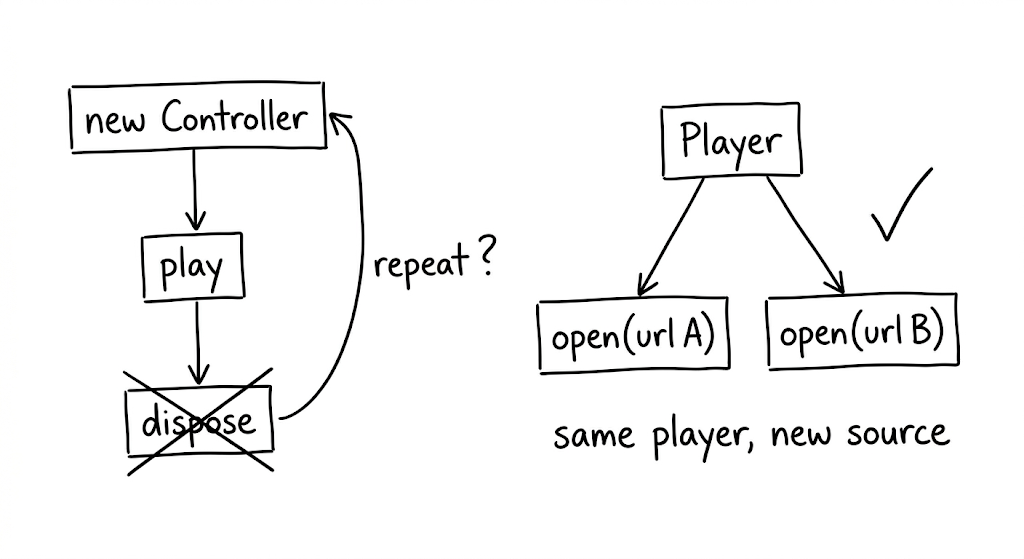
## The Core Insight: Players Are Not Widgets
Here's the mental shift that changed our architecture: stop treating video players as disposable UI components and start treating them as a shared, managed resource.
Every native video player instance holds GPU textures, codec contexts, and network buffers. Android devices typically support 5 to 16 simultaneous hardware decoders, depending on the chipset. Exceed that limit and the app doesn't throw an error. It just dies.
The naive approach (one player per visible video, created on mount, disposed on unmount) breaks down as soon as the user scrolls at any reasonable speed. The fix is to decouple players from widgets entirely.
We built a **player pool**: a fixed-size set of reusable players, keyed by URL, with least-recently-used eviction. Three design decisions make it work.
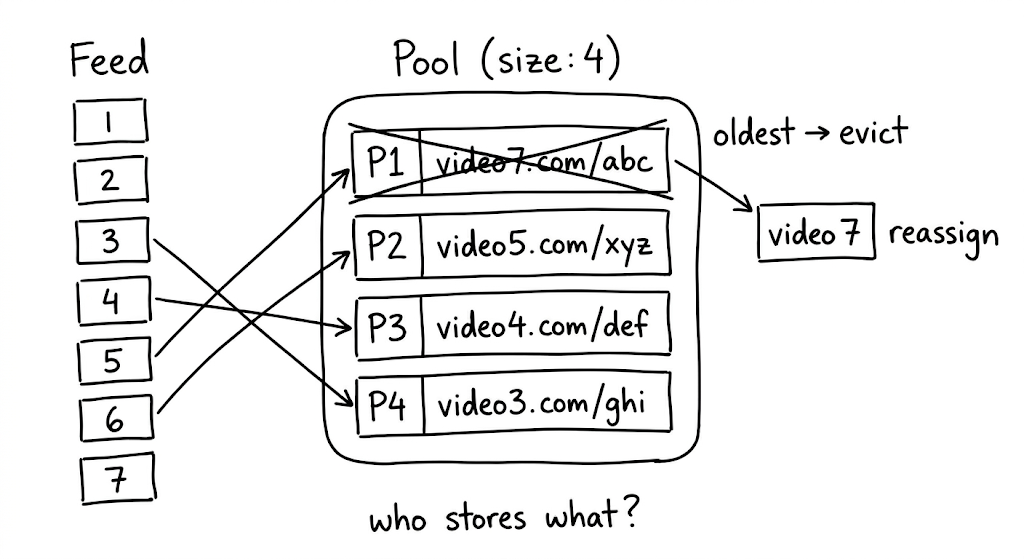
**First, key players by URL, not by widget index.** When someone scrolls back to a video they already watched, the pool returns the existing player instantly, buffer intact. No rebuffering. This is a subtle UX win that users feel even if they can't name it.
**Second, evict the least recently used.** When the pool is full and a new video needs a player, dispose the one the user interacted with longest ago. This naturally keeps "nearby" players alive while freeing resources from content the user has moved past.
**Third, fire eviction callbacks synchronously.** When the pool reclaims a player, the UI needs to know before Flutter renders the next frame. Synchronous callbacks let the widget swap in a placeholder image before the native texture is destroyed. Without this, you get a single frame of garbage pixels. Small detail, big difference.
## Mute, Don't Pause
This was the single biggest UX win in Divine, and it's counterintuitive.
When a native video player pauses and then resumes, most implementations need to re-establish the network buffer. That takes 200 to 800 milliseconds. In a feed where users swipe rapidly, the delay compounds into a sluggish experience they feel but can't articulate. They just know the app feels slow.
The pause itself is the problem. So instead of pausing adjacent videos, keep them playing silently at volume zero. The buffer stays hot because the player never stops. When the user swipes, the transition is simple: mute the old video (it keeps playing, invisible and silent), seek the new video to start, and set its volume to full.
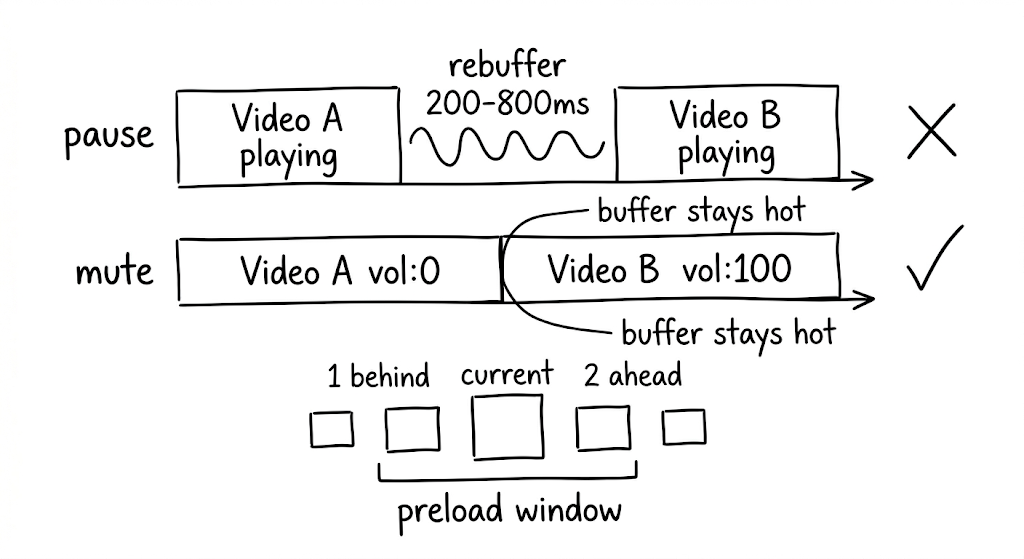
A **preload window** defines how many videos get this treatment: we use 2 ahead and 1 behind the current index. That means 3 to 4 simultaneous streams at any given time. The bandwidth cost is real, but for short content under 30 seconds it's acceptable. And once a video has been cached to disk, the muted playback costs zero bandwidth; it's reading from a local file path.
## The Async Gap That Makes Your App Feel Unfinished
Traditional cache libraries check a database, check the filesystem, and return a path. All async. This sounds fine until you realize it creates a visible "loading" flash between cached videos as the player either starts buffering from the network while the cache check runs or blocks the load entirely.
In a feed where milliseconds determine whether the experience feels polished or broken, that async gap is unacceptable.
We built a **synchronous cache manifest** instead: an in-memory Map\ of cached URLs to local file paths, populated at app startup. Every subsequent cache lookup is a synchronous map access. The business logic replaces network URLs with file:// paths before the player ever sees them. No async gap. No wasted network requests. No loading flash.
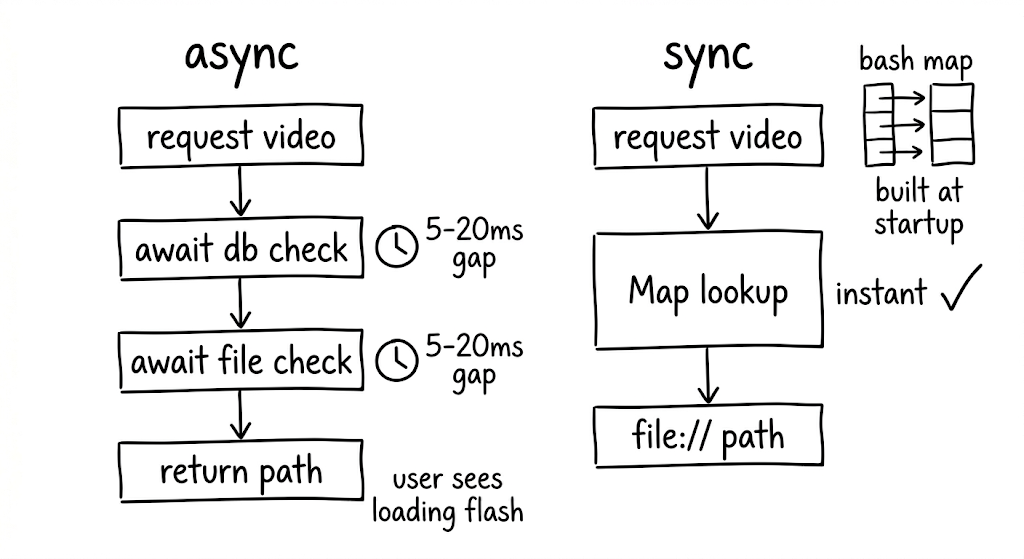
For background pre-caching, two constraints keep things stable. First, limit to one concurrent download at a time. More parallelism competes with the foreground stream for bandwidth, causing the currently-playing video to stutter. Second, deduplicate requests so multiple calls for the same URL piggyback on a single in-flight download.
## Scroll Performance Is a State Architecture Problem
If you model video state as a single object for the whole feed, every state change (video #3 finishes buffering, video #7 starts playing) triggers a rebuild of every video widget. During fast scrolling, this means dropped frames and visible jank. The users who scroll fastest are often your most engaged. Losing frames for them means losing the audience that matters most.
The solution is per-item state isolation. Give each video index its own ValueNotifier, created lazily. Each video widget subscribes only to its own notifier via ValueListenableBuilder. When video #3's state changes, only widget #3 rebuilds. Everything else stays untouched.
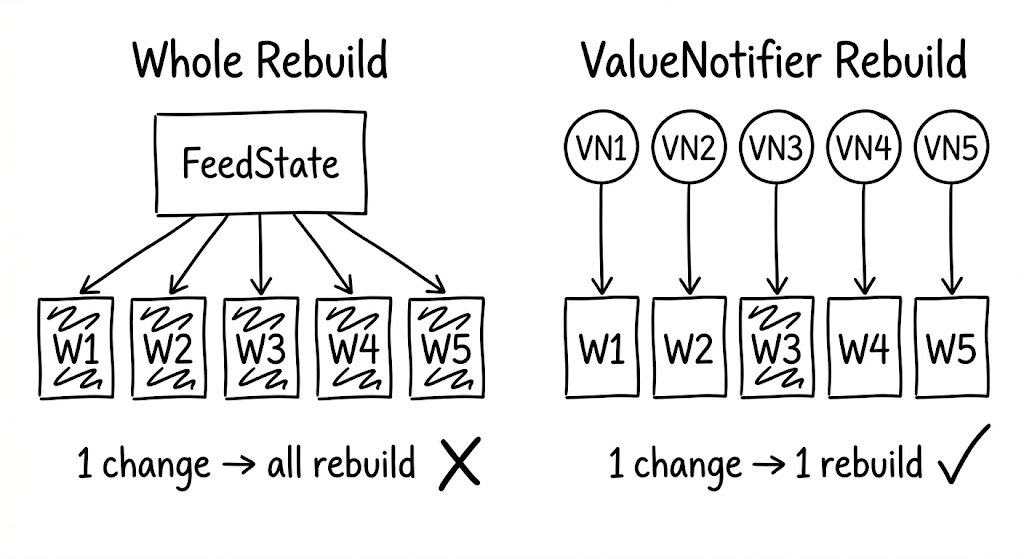
One subtlety worth noting: when the pool evicts a player that was previously assigned to a given index, you need an identity check on the eviction callback. Without it, a stale callback from a previously-released index can trigger incorrect state updates in the wrong widget.
## Platform Divergence Will Surprise You
Code that works perfectly on one platform can crash the other. This isn't theoretical; it happened to us repeatedly.
**Android MediaCodec limits** are the most common source of silent crashes. Every hardware decoder slot is a scarce resource, and exceeding the device-specific limit produces no error message. Budget Android devices add another layer: many choke on H.264 High Profile content entirely. Your CDN needs to serve an HLS variant encoded with Baseline Profile as a fallback, because that's the only reliable way to handle the long tail of Android hardware without dropping users.
**iOS codec gaps** are simpler but still surprising. Native AVPlayer does not support WebM or VP9. If your content pipeline produces VP9, iOS users see a blank frame. Ensure your transcoding pipeline always includes an H.264 or HEVC variant.
These aren't edge cases. They're the default experience for a meaningful percentage of your users.
## Lifecycle Bugs Are the Hardest to Reproduce
When the user backgrounds the app, video playback should stop. Getting this wrong causes audio leaks: video sound playing while the app is invisible. Getting it almost right causes subtler bugs that only surface in specific sequences (background, switch tabs, return, swipe) and are nearly impossible to reproduce in testing.
Three rules kept our lifecycle clean.
**Don't force-resume on foreground.** When the app returns from background, don't blindly call play(). Signal that the app is foregrounded and let the visibility-based logic decide what should play. This prevents the wrong video from resuming after a tab switch.
**Clear stale state on background.** When pausing for background, clear any cached visibility tracking. Stale state is the root cause of most "wrong video plays" bugs.
**Order matters.** Set the foreground flag to false before pausing videos. The reverse order creates a race condition where the visibility logic sees the app as still active and tries to resume playback during the pause sequence.
## Quality, Format, and the Infrastructure You'll Need
Not all users have the same network conditions. Serving a single quality level means either buffering endlessly on slow connections or under-serving fast ones.
In Divine, we measure actual throughput from video load times (file size divided by time to first frame) rather than running synthetic speed tests. A rolling average maps to quality tiers, and the tier drives which resolution the player requests.
The hard part isn't the client logic. It's the infrastructure. Your server or CDN must transcode videos into multiple resolutions and serve them on demand. Without that pipeline, adaptive quality is a dead end on the client side.
One format consideration worth calling out: for short content under 30 seconds, MP4 delivers faster first-frame latency than HLS. HLS's adaptive bitrate shines when you need resilience across varying conditions, and in a feed architecture with pooling and preloading, it provides better overall stability. The choice depends on your content length and architecture.
## Testing Without a Device
Video playback code depends on native players with real GPU textures and platform-specific codecs. You can't run these in unit tests. But the logic around pooling, preloading, eviction, and lifecycle management is complex enough that shipping without tests is reckless.
> The answer: mock the native player behind a controllable boundary.
Create test doubles with StreamController instances to simulate buffering completion, playback state changes, and position updates. This lets you thoroughly test scenarios like LRU eviction order, audio leak prevention, and UI safety on eviction, all without touching native code.
The boundary between "things that need a real player" and "things that need a state machine" is exactly where your abstraction layer should live. If you can't test a behavior without a physical device, you've drawn that boundary in the wrong place.
## The Pattern Behind the Patterns
Step back from the individual solutions and a larger principle emerges. Every technique we've described (player reuse, fixed-size pooling, silent playback, synchronous caching, per-item state isolation, lifecycle management) follows from one insight: treat native resources as a shared, managed pool rather than disposable per-widget allocations.
The player pool is the load-bearing abstraction. Get it right, and the rest of the architecture has room to breathe. Get it wrong, and you're fighting platform limits with every scroll event.
Building Divine forced us to confront every one of these constraints in production. The patterns that emerged aren't theoretical. They're the result of iterating against real devices, real network conditions, and real users swiping through hundreds of videos a day.
If you're building a video-heavy Flutter app and the experience feels brittle, start here: stop thinking about players as widgets, and start thinking about them as a managed resource. The Flutter ecosystem still has a gap where a truly reusable, well-abstracted player package should be. Until that gap closes, these patterns are how you bridge it.
#### Frequently Asked Questions
##### Why does Flutter's default video_player struggle in a feed?
Each video_player controller is tied to a single URL. To switch videos, you dispose the controller and create a new one. For a product detail page that is fine. For a feed where users swipe through dozens of videos per session, the constant create-dispose cycle becomes a bottleneck that compounds with every scroll, and on a budget Android phone the app can crash without an error message.
##### Why does the architecture rely on media_kit?
media_kit wraps libmpv and allows calling player.open() with a new URL on an existing instance. The native player survives the switch, only the media source changes. It also leverages libmpv's hardware-accelerated decoding pipeline, which reduces CPU load when running multiple streams concurrently. Player reuse is the foundation that makes pooling possible.
##### How does the player pool work?
Fixed size with least-recently-used eviction
Keyed by URL, not by widget index, so scrolling back to a video returns the existing player instantly with the buffer intact
LRU eviction disposes the player the user interacted with longest ago when a new video needs a slot
Synchronous eviction callbacks let the UI swap in a placeholder image before the native texture is destroyed, avoiding a frame of garbage pixels
##### Why mute adjacent videos instead of pausing them?
When a native video player pauses and then resumes, most implementations need to re-establish the network buffer, which takes 200 to 800 milliseconds. Keeping adjacent videos playing silently at volume zero keeps the buffer hot. On swipe, the old video is muted and the new video is seeked to start with volume set to full. The preload window is 2 ahead and 1 behind, so 3 to 4 simultaneous streams play at any time.
##### What is a synchronous cache manifest?
An in-memory Map<String, String> of cached URLs to local file paths, populated at app startup. Every cache lookup is a synchronous map access. Business logic replaces network URLs with file:// paths before the player ever sees them, eliminating the loading flash that async database and filesystem checks cause.
##### How is per-item state isolation handled?
Each video index gets its own ValueNotifier, created lazily. Each video widget subscribes to its own notifier through ValueListenableBuilder. When a video's state changes, only its widget rebuilds. An identity check on the eviction callback prevents a stale callback from a previously released index from updating state in the wrong widget.
##### What platform-specific issues should teams plan for?
On Android, hardware decoder slots are scarce, typically 5 to 16 depending on chipset, and exceeding the limit produces no error message. Many budget Android devices choke on H.264 High Profile content, so the CDN needs an HLS variant encoded with Baseline Profile. On iOS, AVPlayer does not support WebM or VP9, so the transcoding pipeline must include an H.264 or HEVC variant.
### 8 Years of Flutter Agency Firsts: The VGV Leadership Story
Source: https://verygood.ventures/blog/flutter-agency-8-year-leadership-journey/
On April 1, 2018, we started something new — Very Good Ventures was officially incorporated to continue developing [the mobile app for the Broadway musical Hamilton](https://verygood.ventures/success-stories/hamilton/) and pursue new opportunities for to make a difference with emerging technology.
Back then, cross-platform development was still synonymous with compromise. Nobody was talking about AI. And Google had yet to ship a stable release of Flutter.
But *we* had shipped something stable — an app that set the standard for Broadway and grew to millions of installs. We bet on Flutter because our developers preferred it to the alternatives.
To celebrate our birthday, I'm documenting our story focusing on [Flutter](https://flutter.dev/) community impact — how a three-person agency grew alongside a remarkable community into something we're proud we built together.
## Before VGV: The Hamilton App That Started Everything
The story actually starts before VGV existed. In 2017, at our previous agency, Google approached us about a new way to build mobile apps — they called it "Flutter." At the time, we were exploring the opportunity to build the official [Hamilton: The Musical app](https://hamiltonmusical.com/us-tour/lottery/#app). The stars aligned and Hamilton decided to follow our recommendation to use Flutter so we could deliver a high-quality app to all users on a single codebase. Flutter was pre-alpha at the time and untested at commercial scale — a significant technical risk by any measure.
But we did it anyway, built it in three months, collaborated closely with Google, and [watched it take off](https://mashable.com/article/official-hamilton-app) — millions of installs, hundreds of thousands of monthly active users. It became the [first large-scale commercial Flutter app built outside of Google](https://verygood.ventures/success-stories/hamilton/), and Hamilton remains a VGV client to this day. Google featured the Hamilton app on the [Google Developer Blog](https://developers.googleblog.com/en/hamilton-app-takes-the-stage/) and cited it across [multiple Flutter announcements](https://developers.googleblog.com/ready-for-production-apps-flutter-beta-3/) as proof that Flutter was ready for production. The HamApp changed the trajectory of VGV, Flutter, and the community that has grown around this technology.
From there, showing the world what was possible became our defining work.
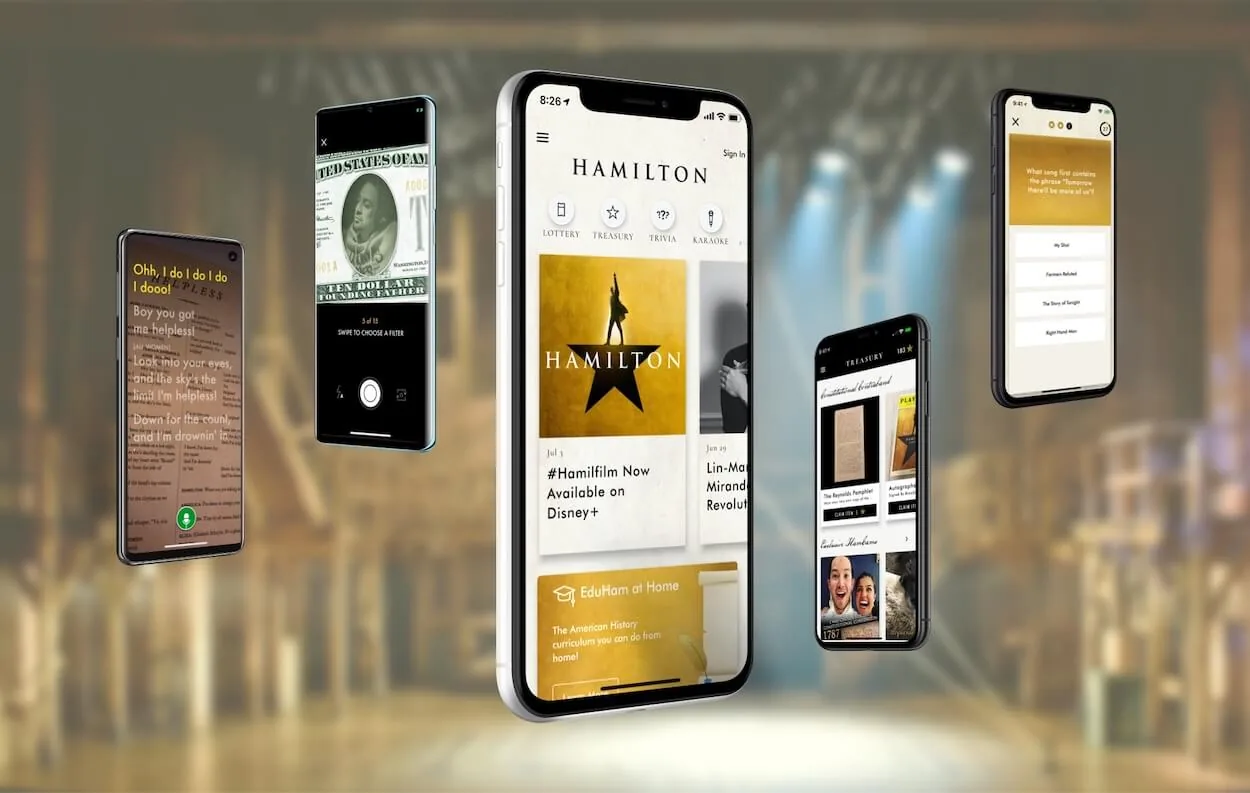
## 2018–2019: Founding a Flutter Company, Built on Flutter Firsts
At the start VGV was only three people: David DeRemer, Al Lardizabal, and Kevin Gray ([RIP, we miss you](https://verygood.ventures/blog/remembering-our-friend-and-teammate-kevin-gray/)). We enjoyed working with Flutter, and we had built something special. We got to know the Flutter team at Google through our Hamilton work, and we started pushing the framework to do more to accomplish our needs. This kicked off a collaboration with Google and the community that continues to this day: build things nobody had built before and share tools, content, and open-source software that would help show the way to other teams.
At **Flutter Live 2018** in London, Google asked us to build [Flutter Slides](https://verygood.ventures/success-stories/flutter-slides/) — a full presentation tool running natively on macOS. It was the first public demo of a Flutter desktop application running on macOS. The reveal was masterful showmanship. At a pivotal moment, Tim Sneath minimized the window the keynote was running in and showed the audience that the presentation they'd been watching (on an IMAX screen no less) was actually a live Flutter app running on macOS the entire time. The energy in the room was electric. I'll never forget the gasps and applause.
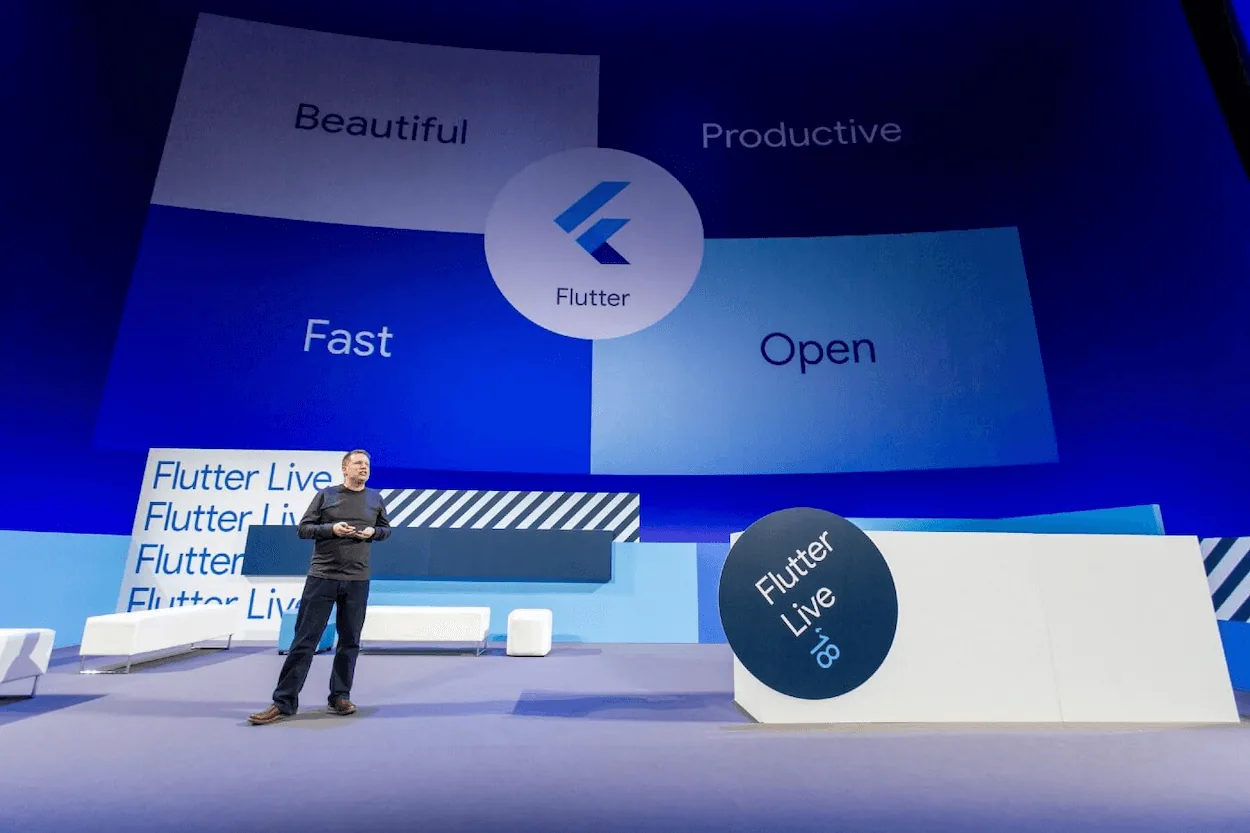
At **Google I/O 2019**, we partnered with The New York Times and Google to build [KENKEN](https://verygood.ventures/success-stories/new-york-times/) — the first significant public demo of Flutter as a web application. Martin Rybak, one of our engineering leaders, [built the first prototype in 48 hours](https://medium.com/flutter-nyc/under-the-hood-with-flutter-for-web-bc0d5ce1c11e) to prove it was even possible (it took a lot longer than that to polish it!). KENKEN was showcased on the Google I/O Developer Keynote stage, showing Flutter's ability to deliver on six platforms from a single codebase.
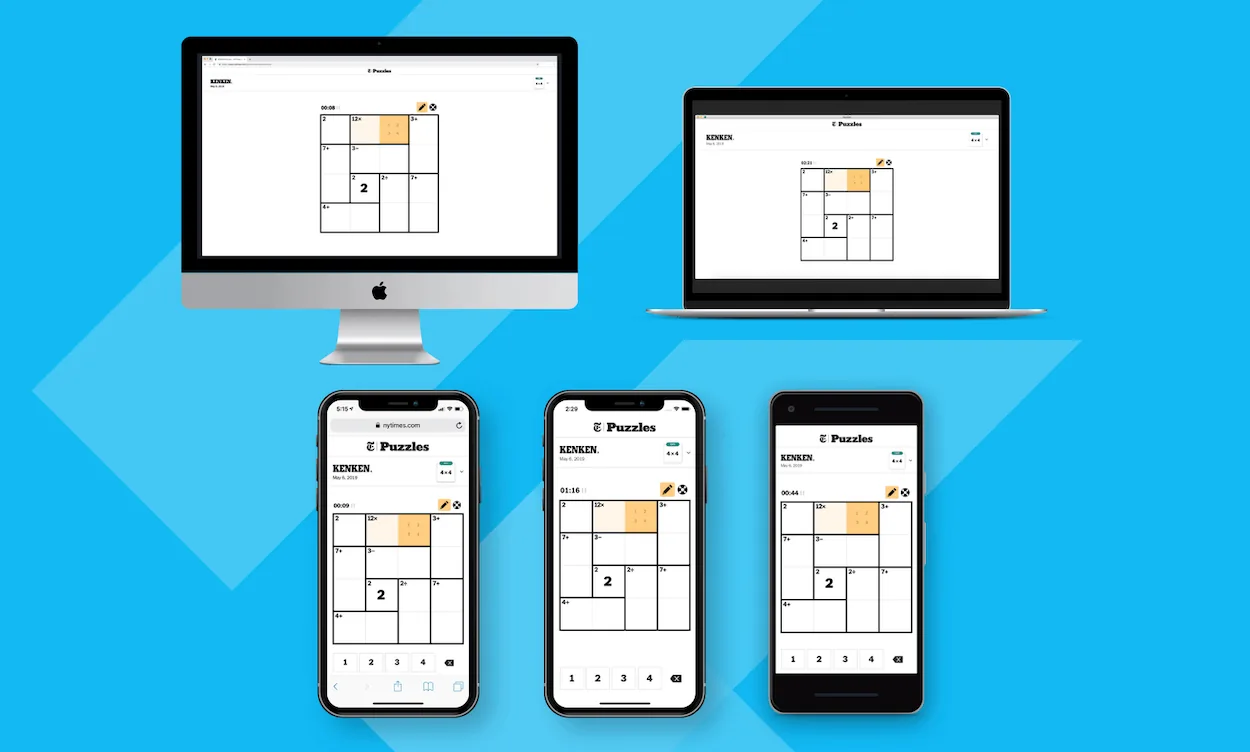
By the end of 2019, we'd accumulated a series of Flutter firsts: first commercial app, first major desktop app, first commercial web app. But what mattered more than the firsts themselves was the pattern we'd established — when the Flutter ecosystem had a need that pushed the framework's boundaries, we leaned in to help solve it. That pattern would define our work for the years ahead.
## 2020–2021: Building the Foundation for Scale
The pandemic hit. Hamilton shows paused and nobody knew what the future would bring. But we kept building. We were joined by Jorge Coca and Felix Angelov, who joined our team from BMW and started a new era.
We developed [Very Good Start](https://www.youtube.com/watch?v=JVYXZ0f8-ac) — our proprietary Flutter starter kit — and held our first Open Source Week. We helped organize [Hack20](https://verygood.ventures/blog/hack20-the-worlds-largest-online-flutter-hackathon-goes-virtual/), the world's largest online Flutter hackathon, which drew 2,400+ participants who created 250 Flutter projects in a single event. We helped Google expand the community by moderating Discord groups supporting [free Flutter training](https://medium.com/flutter/learn-flutter-for-free-c9bc3b898c4d) that Google gifted to the world.
In February 2021, we launched [**Very Good CLI**](https://verygood.ventures/blog/flutter-starter-app-very-good-core-cli/) — a command-line tool providing opinionated, production-ready project scaffolding from the first commit: multi-platform support, build flavors, internationalization, 100% test coverage, and CI/CD configured by default. It grew from a convenience into something much bigger — [Flutter's official architecture recommendations](https://docs.flutter.dev/app-architecture/recommendations) now feature it as a recommended template.
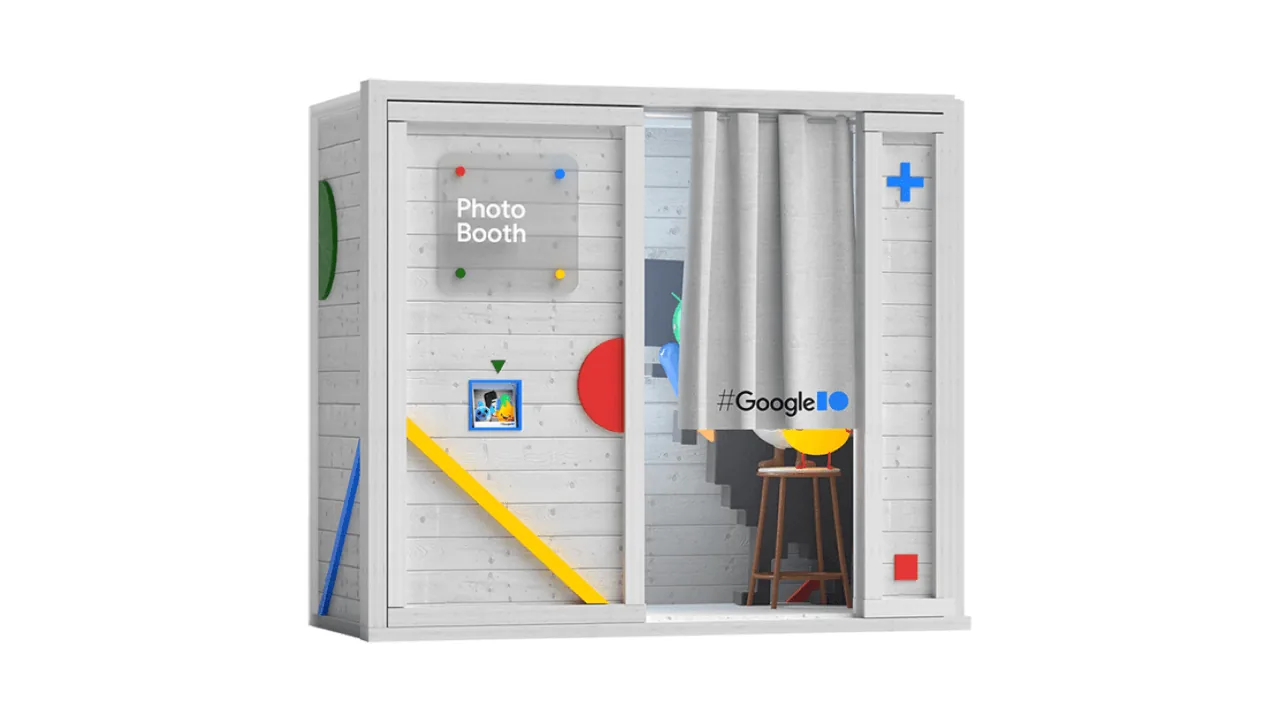
Also in 2021, we built the [**I/O Photo Booth**](https://verygood.ventures/success-stories/i-o-photo-booth/) for Google I/O — a virtual photo booth web app demonstrating Flutter's real-time camera capabilities and Firebase integration ([Flutter blog](https://medium.com/flutter/how-its-made-i-o-photo-booth-3b8355d35883) · [open source](https://github.com/flutter/photobooth)). We also completely rebuilt the Hamilton app to leverage the ecosystem's progress. When we started, there was no flutter_bloc, no official Firebase SDK, or any VGV tools. Our engineers also contributed directly to the framework itself — Google [credited VGV in the Flutter 2.5 release notes](https://medium.com/flutter/whats-new-in-flutter-2-5-6f080c3f3dc) for building camera_web support, one of many upstream contributions over the years. Our enterprise relationships expanded rapidly, demonstrating Flutter's capacity to serve organizations managing millions of customers.
The team grew from roughly ten people to a real engineering organization. A flywheel was taking shape: help enterprise Flutter adopters prove the framework at scale, build showcases with Google that demonstrated Flutter's potential, and share what we learned with the community. Repeat.
## 2022: Series A and a Big Year for Flutter App Development
2022 was a major growth year. We [raised a Series A](https://verygood.ventures/blog/series-a/) from [Celesta Capital](https://www.celesta.vc/insights/very-good-ventures-why-we-invested) ([PR Newswire](https://www.prnewswire.com/news-releases/very-good-ventures-raises-3m-series-a-funding-from-celesta-capital-to-further-scale-rapidly-growing-flutter-practice-301548658.html)) to build on strong growth over the prior years. We brought on our first executive hires. And we delivered two new projects that expanded what people thought Flutter could do.
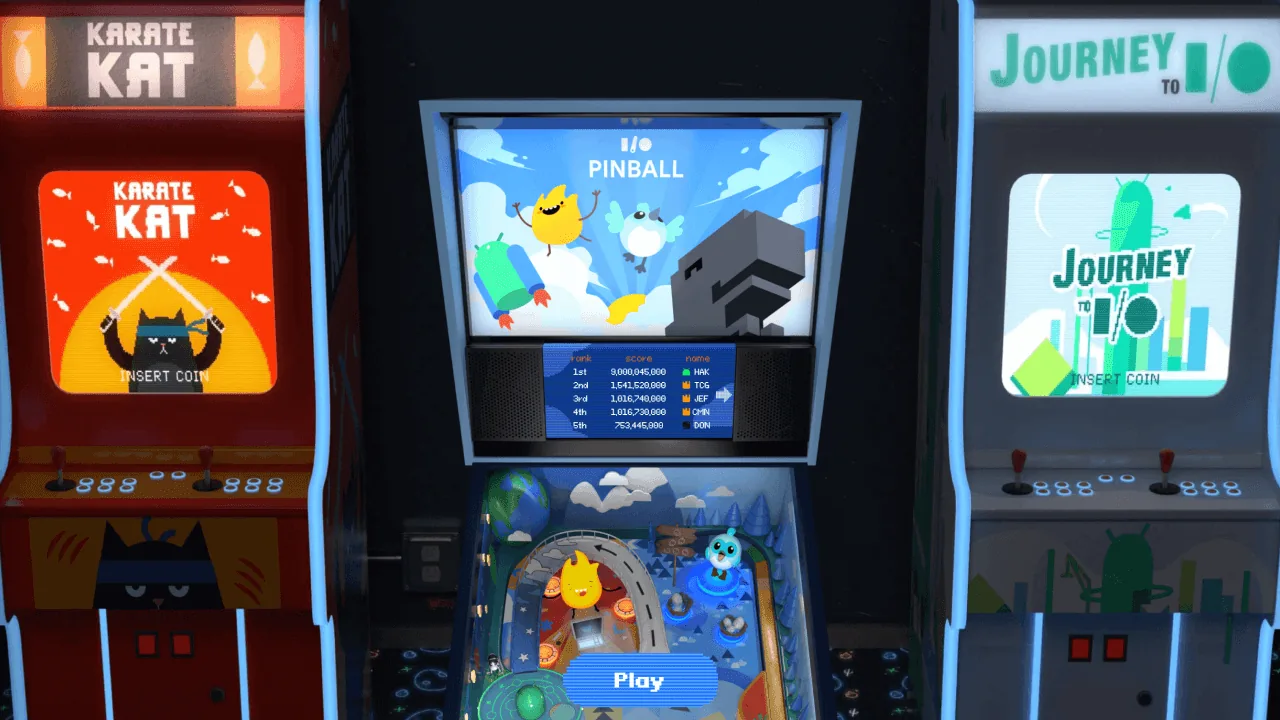
[**I/O Pinball**](https://verygood.ventures/success-stories/i-o-pinball/) for Google I/O 2022 was a browser-based pinball game built with the [Flame](https://flame-engine.org/) engine, pushing Flutter into game development territory ([Flutter blog](https://medium.com/flutter/i-o-pinball-powered-by-flutter-and-firebase-d22423f3f5d) · [open source](https://github.com/flutter/pinball)). It directly contributed to Google's announcement of the [Flutter Casual Games Toolkit](https://medium.com/flutter/announcing-the-flutter-casual-games-toolkit-c22e401d8fee) — and Flutter's [official Games Toolkit documentation](https://docs.flutter.dev/resources/games-toolkit) credits VGV for the project. [I/O Pinball](https://pinball.flutter.dev/) became a major success for Google's marketing team.
[**Dart Frog**](https://verygood.ventures/blog/dart-frog/) came from the desire to extend Dart's elegance to the backend. Our team built an [open-source backend framework](https://github.com/dart-frog-dev/dart_frog) that would go on to power Google I/O showcase apps and reach 2,200+ GitHub stars before we transitioned it to community governance in 2025.
With our clients, we helped prove Flutter's value across [financial services](https://verygood.ventures/success-stories/betterment/), [media](https://verygood.ventures/success-stories/marketwatch-stock-market-game/), [automotive](https://flutter.dev/showcase/toyota), and [consumer](https://verygood.ventures/success-stories/slickdeals-flutter/) industries — cutting development timelines in half, enabling single-codebase strategies, and training in-house teams on Flutter best practices. The question shifted from "can Flutter work for enterprise?" to "what's the best way to accelerate [Flutter's business value](https://verygood.ventures/whitepapers/business-value-of-flutter/)?"
## 2023: Acquisition, AI, and Global Scale
2023 was a year we bet big on Flutter. We [acquired CreateThrive](https://verygood.ventures/blog/vgv-acquires-createthrive/) — Latin America's leading Flutter development firm ([PR Newswire](https://www.prnewswire.com/news-releases/very-good-ventures-acquisition-of-createthrive-underscores-flutter-momentum-and-enterprise-adoption-301865279.html)) — bringing our team to 120+ engineers across the US, Latin America, and Europe. Tomas Piaggio and CreateThrive had been our partners for years, and making it official was one of the best decisions we've made.
For the community and in partnership with Google, we built three major projects in a single year.

The [**Holobooth**](https://verygood.ventures/success-stories/flutter-forward-holobooth/) for the Flutter Forward event integrated machine learning with [MediaPipe](https://ai.google.dev/edge/mediapipe/framework) and [TensorFlow.js](https://www.tensorflow.org/js) — our first project incorporating ML into a Flutter app ([Flutter blog](https://medium.com/flutter/how-its-made-holobooth-6473f3d018dd) · [open source](https://github.com/flutter/holobooth)).
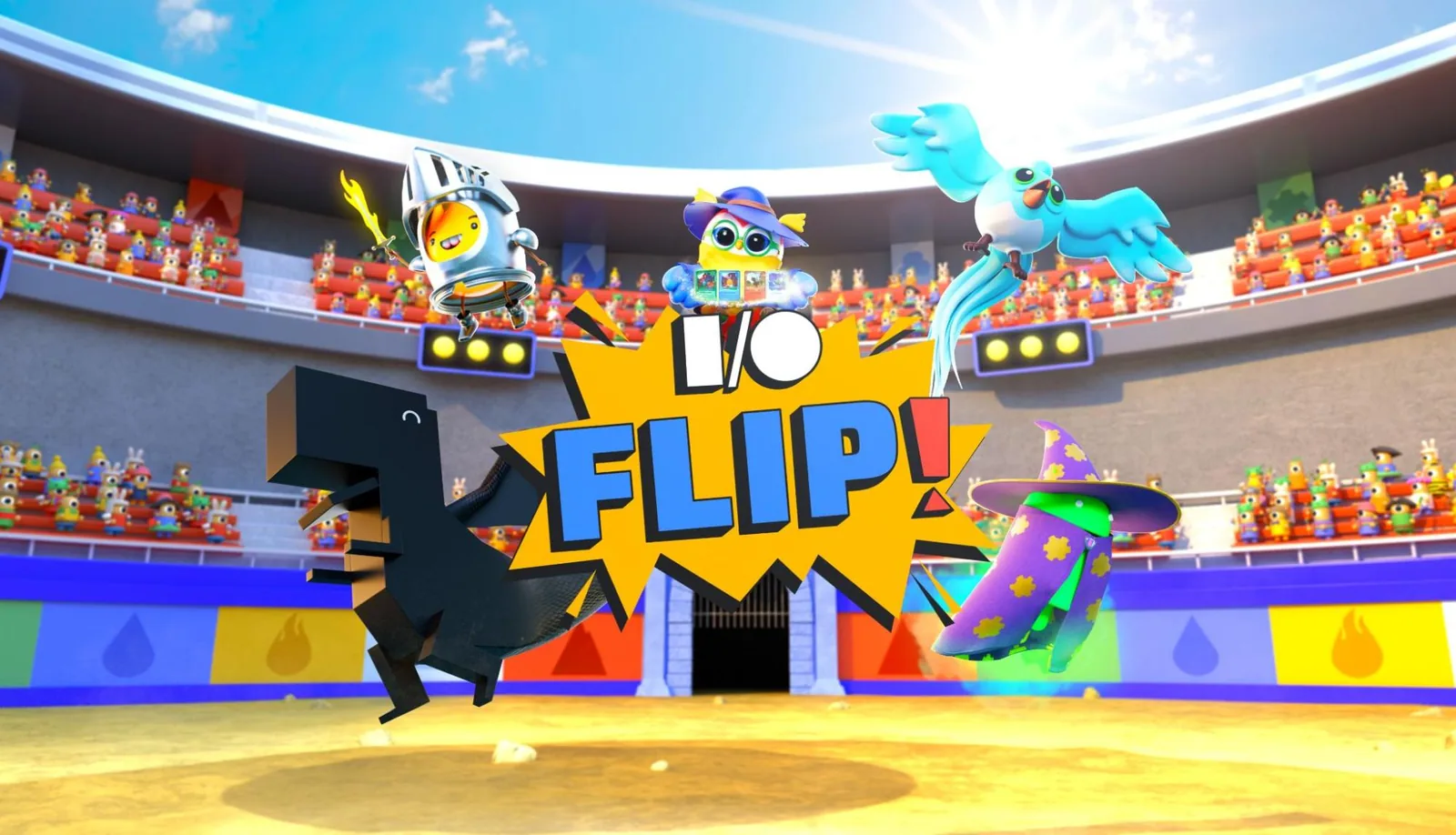
[**I/O FLIP**](https://verygood.ventures/blog/how-its-made-i-o-flip/), an AI-powered card game using Google's PaLM API and a Dart Frog backend, was played between keynotes on the main stage at Google I/O ([Flutter blog](https://medium.com/flutter/how-its-made-i-o-flip-da9d8184ef57) · [Google Developer Blog](https://developers.googleblog.com/how-its-made-io-flip-adds-a-twist-to-a-classic-card-game-with-generative-ai/) · [open source](https://github.com/flutter/io_flip)). Physical I/O FLIP cards were in the attendee swag bags.
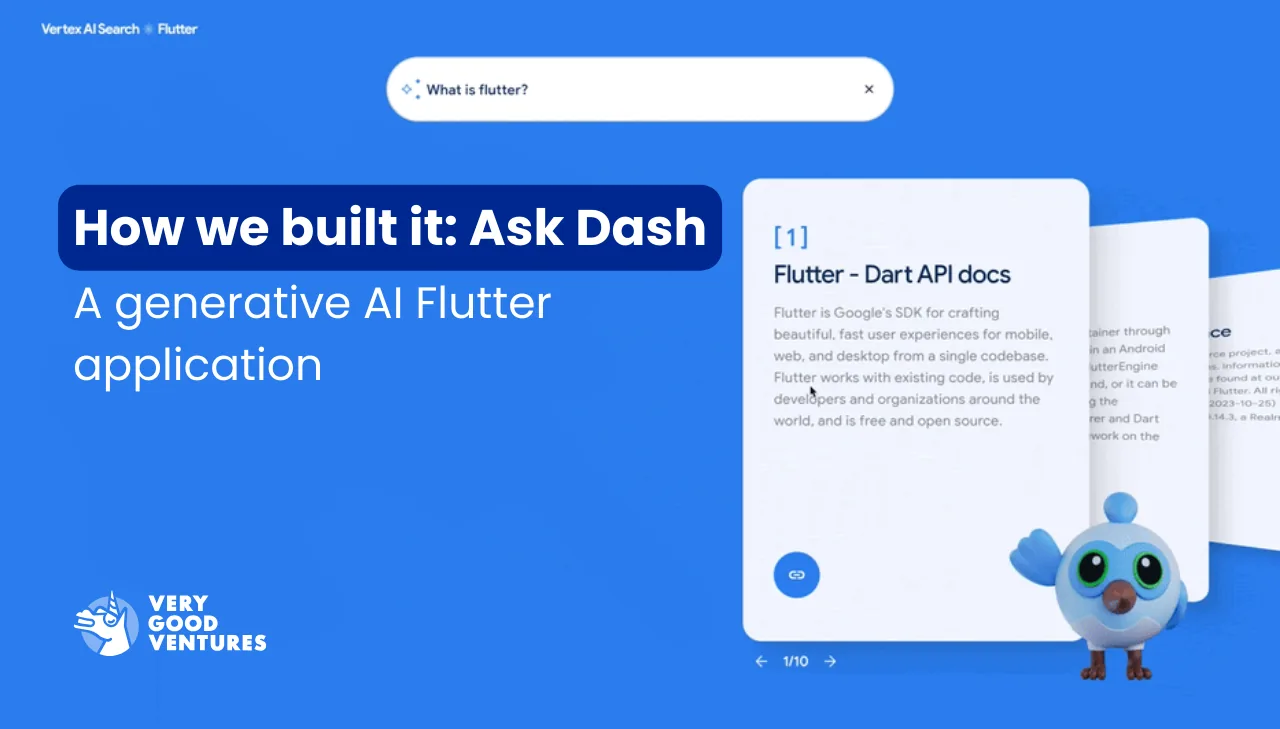
[**Ask Dash**](https://verygood.ventures/blog/how-we-built-it-ask-dash-a-generative-ai-flutter-application/) demonstrated Flutter as a front-end for GenAI at the Google Cloud Applied AI Summit ([Flutter blog](https://medium.com/flutter/how-we-built-it-ask-dash-a-generative-ai-flutter-application-79a836ced058)).
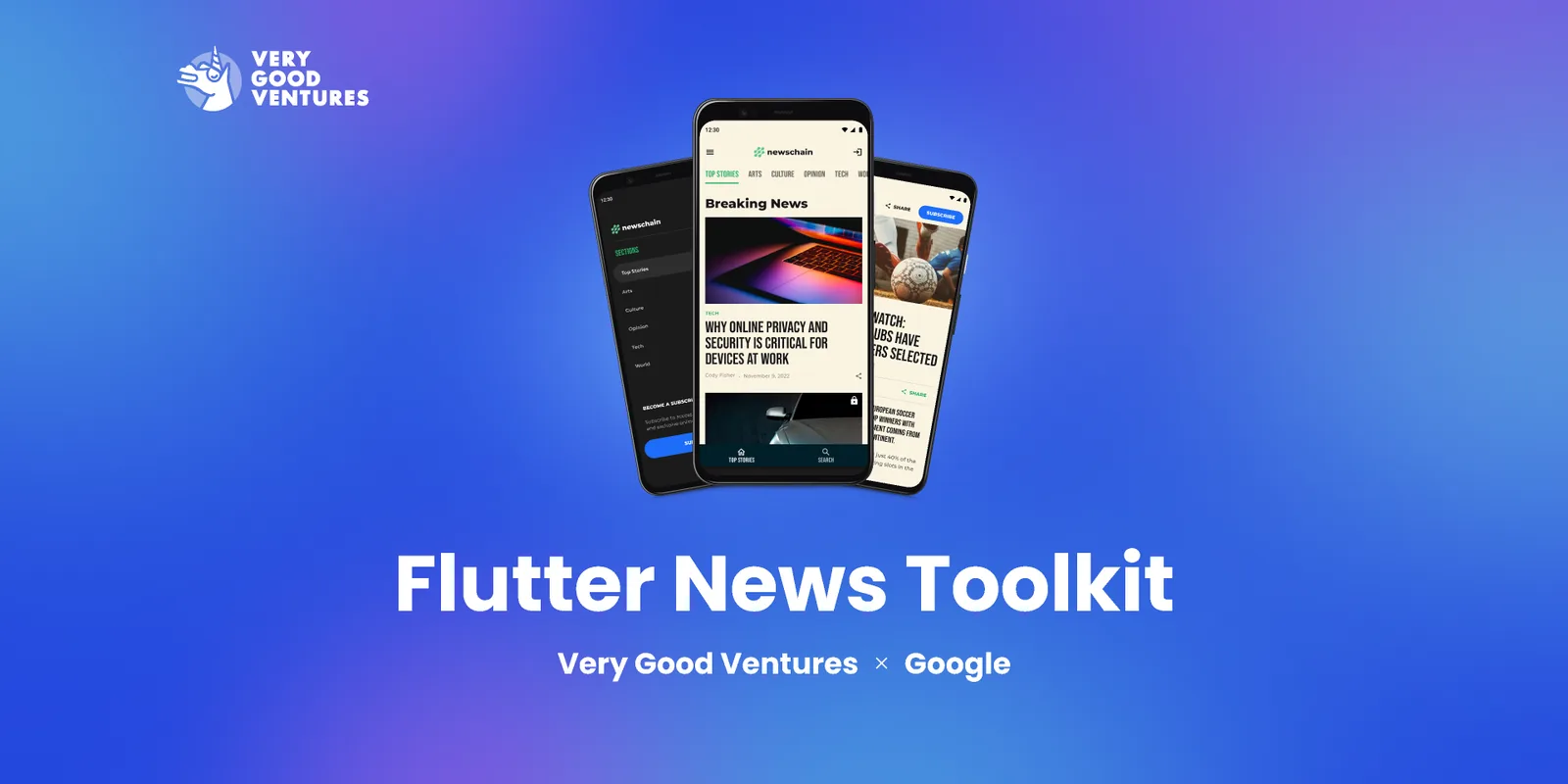
Also at Flutter Forward, Google launched the [**Flutter News Toolkit**](https://verygood.ventures/success-stories/flutter-news-toolkit/) — an open-source template we co-built with Google as part of the [Google News Initiative](https://newsinitiative.withgoogle.com/resources/trainings/build-news-apps-flutter/) that helps news publishers launch mobile apps [80% faster](https://medium.com/flutter/announcing-the-flutter-news-toolkit-180a0d32c012). It's now referenced on [Flutter's official documentation](https://docs.flutter.dev/resources/news-toolkit).
We released [**Dart Frog 1.0**](https://verygood.ventures/blog/dart-frog-1-0-release/), sent six speakers to Fluttercon Berlin (where we also delivered a keynote), and published hundreds of releases across 20+ open-source libraries.
By the end of 2023, we'd built real momentum — a large and experienced Flutter engineering team, deep Google collaboration, a growing open-source portfolio, and enterprise work spanning every major industry vertical.
## 2024: Gemini, Engineering Practices, and Continued Partnership
In 2024, we continued driving Flutter into the enterprise environment — expanding into aviation, theme parks, cruise lines, [luxury travel](https://verygood.ventures/success-stories/blade-braze-optimization-roadmap/), and food and beverage. Flutter's versatility was proving its impact well beyond its mobile origins, and we were helping enterprises discover new ways to succeed.
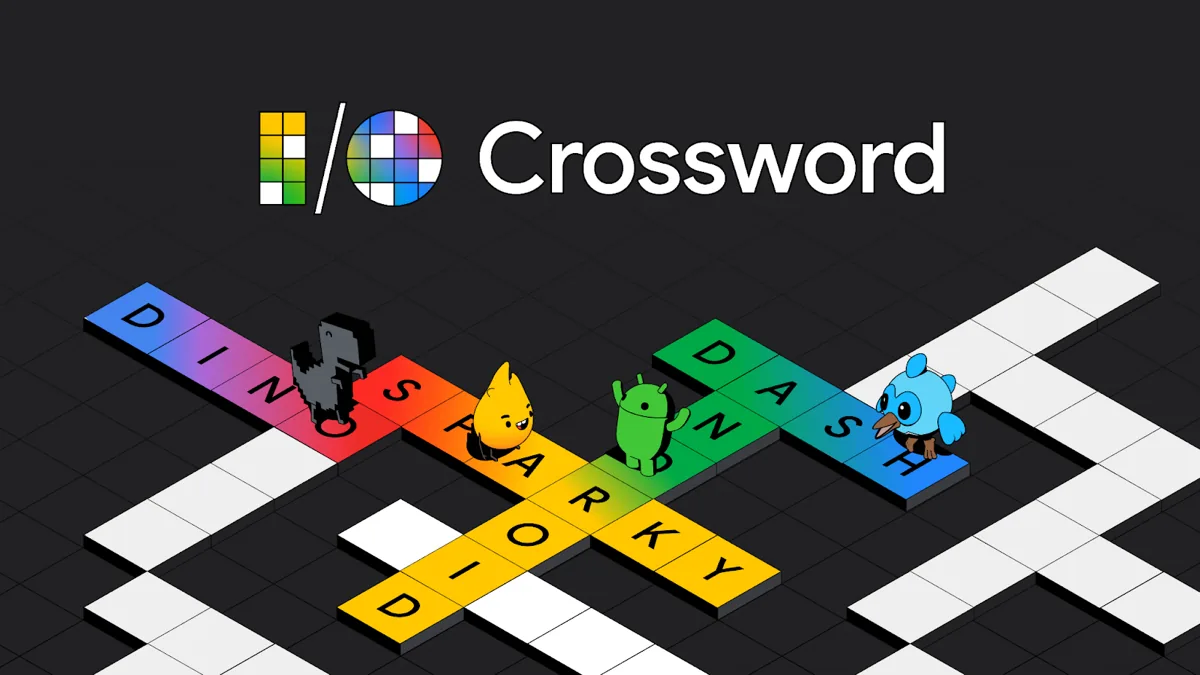
With AI entering the conversation, the [**I/O Crossword**](https://verygood.ventures/blog/how-we-built-it-creating-the-i-o-crossword-puzzle-powered-by-ai/) for Google I/O 2024 represented a new level of ambition: a multiplayer crossword puzzle powered by Google's [Gemini AI](https://deepmind.google/technologies/gemini/), compiled to [WebAssembly](https://webassembly.org/) — a first for any VGV Google I/O project — backed by a Dart Frog server on [Cloud Run](https://cloud.google.com/run). It was hosted on [crossword.withgoogle.com](https://crossword.withgoogle.com/) and open-sourced for the community ([Flutter blog](https://medium.com/flutter/how-we-built-it-creating-the-i-o-crossword-puzzle-powered-by-ai-2210e39b04b9) · [Google Developer Blog](https://developers.googleblog.com/en/how-we-built-the-io-crossword/) · [Firebase blog](https://firebase.blog/posts/2024/06/ai-powered-crossword-genkit/) · [blog.google](https://blog.google/technology/ai/google-io-crossword-puzzle-gemini-ai/) · [open source](https://github.com/VGVentures/io_crossword)).
In September, we launched [**Very Good Engineering**](https://engineering.verygood.ventures/) — a dedicated site where we consolidated years of accumulated best practices into a public resource for the Flutter community. Architecture patterns, testing philosophy, conventions, documentation standards — all in one place. [Flutter's official architecture documentation](https://docs.flutter.dev/app-architecture/recommendations) integrates Very Good Engineering as a reference resource. But we didn't build it for recognition—we built it so other teams could benefit from what helped us ship well.
The Flutter team [named VGV as a partner](https://medium.com/flutter/flutter-and-dart-at-google-cloud-next-b4921946d0d1) alongside Google Cloud and Firebase at Google Cloud Next 2024, where we sponsored and delivered sessions on building AI-powered apps with Flutter and Dart.
At [Fluttercon USA 2024](https://verygood.ventures/blog/very-good-keynotes-sessions-at-fluttercon-usa-2024/), we delivered multiple talks, including a keynote, on performance tuning, Flutter WebAssembly, Dart Frog, and growing Flutter's commercial impact. We also co-presented a [Flutter migration case study](https://www.youtube.com/watch?v=pvpgl3mr6lM) on stage with a major fintech firm's VP of Architecture — the kind of thing that only happens when enterprise and the community share genuine trust.
## 2025: Community Stewardship and Industry Leadership
2025 was the year our work became visible far beyond the Flutter developer community. We announced a [strategic partnership with Trackhouse Racing](https://verygood.ventures/news/trackhouse-racing-partners-with-very-good-ventures-to-drive-digital-experience-innovation-in-motorsports/), building immersive multi-screen VIP race experiences for NASCAR — real-time telemetry, in-car video, live race tracking, and a localized edge/cloud server architecture designed for race-day network conditions where you can't rely on connectivity.

*Photo courtesy of Daylon Barr Photography*
And then… we put VGV and the Flutter logo on a race car! In June, we became [primary sponsor of Daniel Suárez's No. 99 Chevrolet](https://verygood.ventures/news/vgv-will-sponsor-trackhouse-no-99-chevrolet-at-pocono-raceway/) at Pocono Raceway ([Jayski](https://www.jayski.com/2025/06/02/very-good-ventures-sponsoring-daniel-suarez-at-pocono/)). We designed the full paint scheme ourselves, complete with Easter eggs built for Flutter developers: Flutter logos on the bumper and fenders, "Hot Reload!" next to the gas tank, and "Get Faster" above the jack points. It was the first time the Flutter logo appeared on a race car and was seen by race fans on national TV broadcasts and Amazon Prime.
We [transitioned Dart Frog to community governance](https://verygood.ventures/blog/dart-frog-has-found-a-new-pond/) and [took over maintenance of the Flutter News Toolkit](https://verygood.ventures/blog/the-flutter-news-toolkit-finds-a-new-home-at-very-good-ventures/) from Google — two moves that reflect something we believe deeply: our role isn't just to build ecosystem infrastructure, it's to make sure the community has what it needs to carry things forward. Sometimes that means putting a project in the hands of the maintainers most invested in its future, and sometimes it means stepping up when Google needs a trusted steward.
## The Open-Source Tools That Shaped Flutter Development
Throughout these years, we've also built a portfolio of open-source tools that became foundational to the entire Flutter ecosystem. We've always believed VGV's impact extends beyond the apps we ship—it's measured by the opportunities we create for others.
[**Very Good CLI**](https://cli.vgv.dev) ([GitHub](https://github.com/VeryGoodOpenSource/very_good_cli) · [pub.dev](https://pub.dev/packages/very_good_cli)) enhances Flutter's default project scaffolding with opinionated, production-ready templates — multi-platform support, build flavors, internationalization, 100% test coverage, and CI/CD from the first commit. In February 2026, [we shipped Very Good CLI 1.0](https://verygood.ventures/blog/very-good-cli-1-0-flutter-testing-mcp-semantic-versioning/) — formally committing to a stable API surface, backward compatibility, and semantic versioning. The 1.0 release also introduced fail-fast testing, a built-in MCP server for AI-assisted workflows, and Windows CI support. Flutter's [official architecture recommendations](https://docs.flutter.dev/app-architecture/recommendations) explicitly name it as a recommended application template, which speaks to the community's trust in the tool more than anything we could say about it ourselves.
[**Very Good Analysis**](https://pub.dev/packages/very_good_analysis) enforces 188 lint rules — 86% of all available Dart lint rules — far exceeding Flutter's default linting package. It's become a strict-linting standard trusted by countless professional Flutter teams. **Very Good Workflows** provides reusable CI/CD pipelines tested across hundreds of projects, and **Very Good Coverage** enforces code coverage thresholds in CI — driving standards deeper — the thing that separates "we follow linting rules" from "we actually catch bugs before they ship." (Very Good Coverage was [recently deprecated](https://www.linkedin.com/posts/marcossevilla_weve-deprecated-very-good-coverage-ugcPost-7445054833151225856-9VIY) in favor of Very Good Workflows, which now handles coverage enforcement natively.)
Over the years, we championed [BLoC](https://bloclibrary.dev/) as the enterprise standard for state management, adopting [flutter_bloc](https://verygood.ventures/blog/why-we-use-flutter-bloc/) across every client project and every Google showcase app we built. Felix Angelov [created it](https://medium.com/flutter-community/bloc-from-first-commit-to-flutter-favorite-bffd1fa64891), and while he was at VGV it got an enterprise proving ground to mature. The library now holds [Flutter Favorite](https://pub.dev/packages/flutter_bloc) status with [12,400+ GitHub stars](https://github.com/felangel/bloc) and 200,000+ dependent repositories.

Most recently, we released the [**VGV AI Flutter Plugin**](https://verygood.ventures/blog/very-good-ai-flutter-plugin/) — our first open-source venture into AI-assisted engineering tooling. The plugin integrates VGV's accumulated Flutter and Dart best practices directly into AI development tools, giving engineering teams contextual guidance on accessibility, performance, testing, and architecture without leaving their development environment. It's another Flutter first for VGV: the first [Claude Code](https://claude.com/product/claude-code) plugin purpose-built for Flutter development teams. The plugin represents the next evolution in how we help the community build—shifting from frameworks we ship to tools that amplify every engineer's impact.
Today, a Flutter developer can scaffold a project, manage state, lint code, write tests, validate forms, enforce coverage, run CI, build a backend, and use AI — all using [VGV-created](https://github.com/VeryGoodOpenSource) or [VGV-associated](https://github.com/VGVentures) tooling. Valuable contributions that have accumulated over years of solving real problems and sharing the solutions.
## Engineering Practices Built for the Community
We didn't just build and release tools, we also shared how we work — and it has made all the difference.
Our four-layer pattern — Data, Domain/Repository, Business Logic, and Presentation — enforces strict separation of concerns. Flutter's [official architecture recommendations](https://docs.flutter.dev/app-architecture/recommendations) reference "Very Good Engineering architecture documentation" as a recommended resource. Third-party developers mention "the VGV layered architecture" by name, and Google's own team [cited VGV projects as architectural references](https://developers.googleblog.com/en/how-we-built-purrfect-code/) for best practices when building new Flutter apps. That recognition belongs to the many engineers who refined these patterns across hundreds of projects.
The practices we developed — 100% test coverage as discipline, build flavors as default, strict linting from day one — we were careful to share openly in [our Flutter engineering documentation](https://engineering.verygood.ventures/). The goal was never to dictate how Flutter teams should work; it was to offer a well-tested starting point. The fact that so many teams have adopted and adapted these practices speaks to the community's hunger for practical, battle-tested guidance.
Engineering Docs
What eight years of Flutter work settled on
The reasoning behind each rule, and the trade-offs we weighed before it became a default.
## The Impact
Eight years in, it's hard to believe it's been that long, yet also exciting how much we've accomplished.
Built the **first commercial Flutter app** before Flutter reached 1.0. Built **Google's Flutter showcases for six consecutive years**. Created **open-source tools that became ecosystem standards**. Produced **at least ten Google Developer Experts**. Delivered **keynotes at every major Fluttercon**. Published **[eight articles on the official Flutter blog](https://medium.com/@vgv_team)** with our work referenced and mentioned across sixteen total articles. Referenced in **[Flutter's official documentation](https://docs.flutter.dev/app-architecture/recommendations)**.
Along the way, we grew from three people to **125+ engineers** across several continents. We helped drive enterprise Flutter app development adoption across [financial services](https://verygood.ventures/industries/financial-services/), automotive, [travel](https://verygood.ventures/industries/travel-hospitality/), [media and entertainment](https://verygood.ventures/industries/entertainment/), and consumer industries.
We didn't do any of this in a vacuum. Flutter's [community](https://flutter.dev/community) is one of the most generous and collaborative in software development, and every milestone on this list was shaped by that community's energy and feedback. We helped nurture the commercial and engineering ecosystem, and it nurtured us right back.
## It's All About The Team

Every success on this list starts and ends with one thing — the team. We've had a wild ride of ups and downs, and we've accomplished a great deal. But what we're most proud of is the positive impact we've had on the community we helped build and on each other.
Everything at VGV is entirely because of the individuals we've been fortunate enough to call teammates — passionate, smart, experienced, and generous people. Our team wants to push the boundaries of technology as much as they want to help their teammates and others in the community.
Over the years, the VGV team just kept showing up, doing the work, and trying to make everything around us a little better than we found it. That's the VGV magic. We didn't set out to win or build a record. We set out to do very good work, and the record built itself.
Happy birthday, VGV.
Thank you to every unicorn, past and present, who made this possible. Thank you for making a difference and leaving the campground better than you found it.
Here's to the next eight years. Enjoy the ride.
---
*Very Good Ventures is a leading Flutter development company and [the top Flutter development company recommended on flutter.dev](https://flutter.dev/consultants). We partner with organizations to build, scale, and ship Flutter applications — backed by eight years of ecosystem leadership, enterprise delivery, and open-source contribution. [Learn more about hiring Flutter expertise from VGV →](https://verygood.ventures/contact-us/)*
#### Frequently Asked Questions
##### When was Very Good Ventures founded?
Very Good Ventures was officially incorporated on April 1, 2018, originally to continue developing the mobile app for the Broadway musical Hamilton and pursue new opportunities with emerging technology. The three founding members were David DeRemer, Al Lardizabal, and Kevin Gray.
##### What was VGV's first major Flutter app?
The Hamilton app, built in 2017 at the team's previous agency before VGV existed. Flutter was pre-alpha at the time. The team built it in three months in close collaboration with Google. It became the first large-scale commercial Flutter app built outside of Google, reached millions of installs and hundreds of thousands of monthly active users, and was cited by Google as proof that Flutter was ready for production.
##### Which Flutter showcases has VGV built with Google?
VGV has built Google's Flutter showcases for six consecutive years. Highlights include Flutter Slides at Flutter Live 2018, KENKEN with The New York Times at Google I/O 2019, the I/O Photo Booth in 2021, I/O Pinball in 2022, the Holobooth and I/O FLIP in 2023, and the I/O Crossword powered by Gemini and compiled to WebAssembly in 2024.
##### What open-source tools has VGV released?
Very Good CLI for production-ready Flutter project scaffolding, referenced by Flutter's official architecture recommendations
Very Good Analysis enforcing 188 lint rules, 86% of all available Dart lint rules
Very Good Workflows for reusable CI/CD pipelines
Dart Frog, a backend framework that reached 2,200+ GitHub stars before transitioning to community governance in 2025
The VGV AI Flutter Plugin, the first Claude Code plugin purpose-built for Flutter teams
##### How big is the VGV team today?
VGV has grown from three people in 2018 to 125+ engineers across the US, Latin America, and Europe. The 2023 acquisition of CreateThrive, Latin America's leading Flutter development firm, brought the team to 120+ engineers at the time.
##### What is Flutter@Scale and what is the four-layer pattern?
VGV's four-layer pattern separates Data, Domain/Repository, Business Logic, and Presentation. Flutter's official architecture recommendations reference Very Good Engineering's architecture documentation as a recommended resource. VGV publishes these practices openly at engineering.verygood.ventures so other teams can adopt and adapt them.
##### What was the Trackhouse Racing partnership about?
VGV announced a strategic partnership with Trackhouse Racing to build immersive multi-screen VIP race experiences for NASCAR, including real-time telemetry, in-car video, live race tracking, and a localized edge/cloud server architecture for race-day network conditions. In June 2025, VGV became primary sponsor of Daniel Suárez's No. 99 Chevrolet at Pocono Raceway. It was the first time the Flutter logo appeared on a race car.
### Your Business Doesn't Fit on a Phone - Neither Should Your Flutter App
Source: https://verygood.ventures/blog/your-business-doesnt-fit-on-a-phone-neither-should-your-flutter-app-recap/
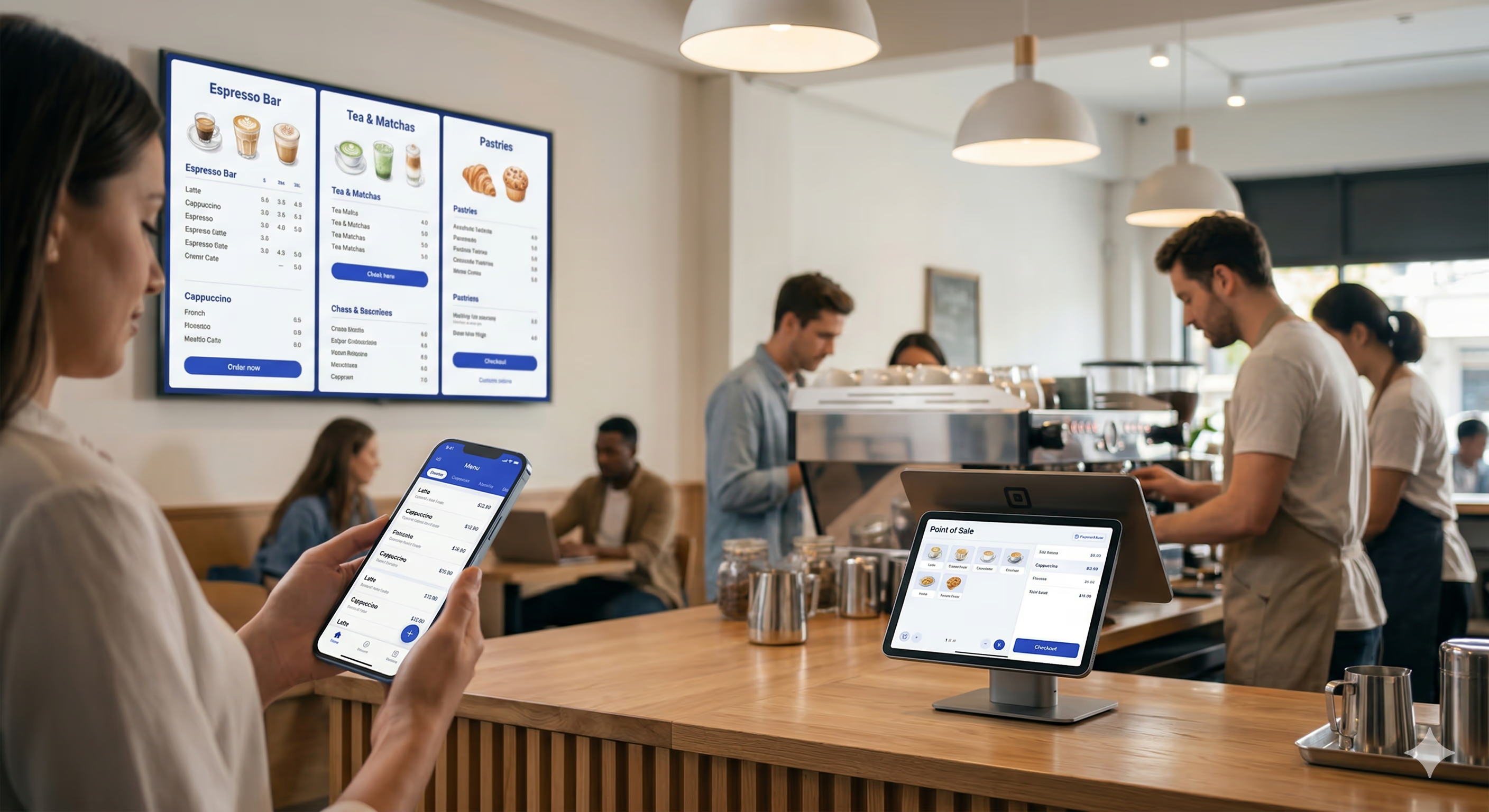
A modern coffee shop runs on many screens. On the guest side: a mobile app, a website, a self-order kiosk, drive-thru and in-store menu boards, and an order-ready display are all common these days. Behind the counter: a point-of-sale system and a kitchen display. Each application has its own platform expectations, hardware, and operating systems.
Most businesses build one or two of these, then buy off-the-shelf products for the rest — separate teams, separate codebases, separate release cycles. It seems "good enough", but often the data lives in multiple systems, they don't look exactly the same, there are actions you can complete on some devices but not others, and the whole experience is "just fine". What if there were another way?
I address this head on in my recent talk "Your Business Doesn't Fit on a Phone — Neither Should Your Flutter App". Here's the twist: this talk isn't really about the architecture. It's about a question I keep coming back to: **when technology makes you more efficient, what do you do with that efficiency?**
Check out the full talk here:
[Your Business Doesn't Fit on a Phone — Neither Should Your Flutter App](https://www.youtube.com/watch?v=-S4KV1TjUG4)
## The Coffee Shop That Started It All
I've [written before](https://verygood.ventures/blog/my-journey-from-barista-to-google-developer-expert/) about my path from college barista to Google Developer Expert for Flutter and Dart — building a coffee shop app, becoming Director of Technology, eventually joining [Very Good Ventures](https://verygood.ventures) and working on mobile ordering for brands like Dutch Bros Coffee.
What I saw over all those years was the same pattern: coffee shops kept adding more tech, and that tech made operations more efficient. Drinks got made faster. Lines moved quicker. Fewer mistakes. But here's the thing about efficiency — it's a gift, and you have to decide what to do with it.
You can pocket the savings. Staff fewer people. Run leaner. Or you can reinvest it. Give your baristas more time to connect with customers. Keep the store cleaner. Make better drinks. The technology is neutral. The choice is yours.
## Five Apps, One Codebase
For the talk, I built a project called [Very Yummy Coffee](https://github.com/VGVentures/very_yummy_coffee) — a full coffee shop tech stack designed to show what Flutter can do when you think beyond the phone. The monorepo has five apps:
- **Mobile App** — customers browse the menu, customize drinks with modifiers, and place orders from their phone
- **Kiosk App** — an in-store touchscreen with a horizontal category row and item grid for walk-up ordering
- **POS App** — the cashier's iPad for taking orders and managing item availability
- **KDS (Kitchen Display System)** — a tablet behind the counter with a three-column Kanban view: New, In Progress, Ready
- **Menu Board App** — a read-only display on a big screen with a three-panel layout for featured items and categories
Every app imports the same shared models, the same repositories, and the same UI components. Eight shared packages sit underneath those five apps, covering everything from the API client and connection management to shared menu features and a common UI library. Teams that ship multi-package Flutter repos often wire this up with [configurable CI workflows](https://verygood.ventures/blog/configuring-workflows-for-your-flutter-projects/) so each package stays testable and releasable. For day-to-day testing across nested packages, [Very Good CLI's recursive test flow](https://verygood.ventures/blog/flutter-tests-very-good-cli/) is built for exactly this shape of repo.
These apps run on iOS, macOS, Android, and even Linux. Built traditionally, this would be multiple product teams with separate skills trying to make products that work together and look the same.
With Flutter? Across the five apps, about 21% of all app code is shared. And that's before I've extracted the cart and checkout flows into their own packages.
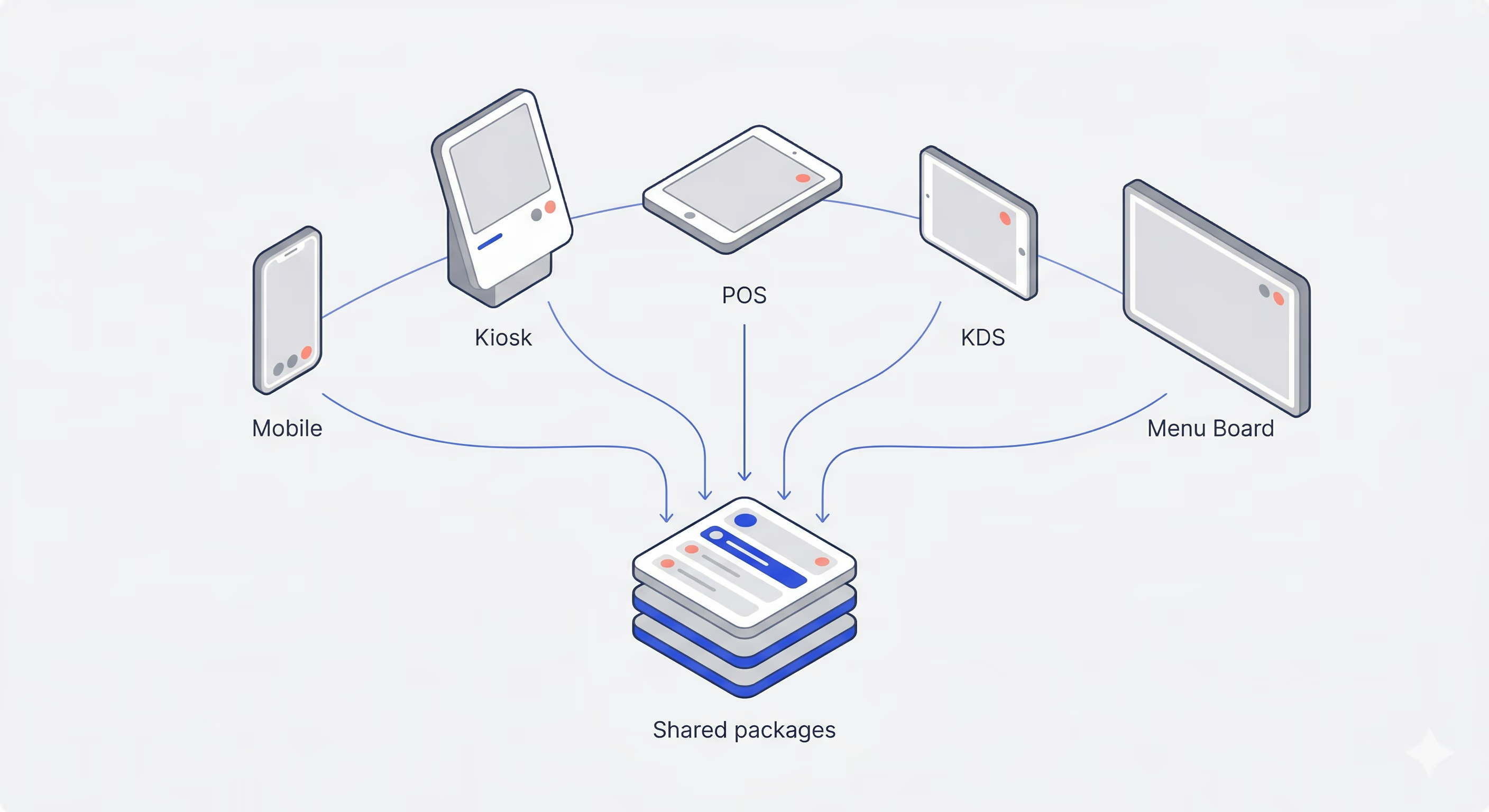
## Every Device Just Knows
The real magic of this setup is that every device is always aware of what's happening on every other device — and nobody had to build that per-app.
A [Dart Frog](https://dartfrog.vgv.dev/) server holds state in memory and broadcasts updates over WebSocket topics like `menu`, `orders`, and `order:`. Each app opens a single WebSocket connection through a shared `WsRpcClient` that lives in the `api_client` package. That client multiplexes all of an app's subscriptions over one connection — the first subscriber to a topic opens it, the last one closes it, and everything auto-resubscribes on reconnect.
_From [`shared/api_client/lib/src/ws_rpc_client.dart`](https://github.com/VGVentures/very_yummy_coffee/blob/main/shared/api_client/lib/src/ws_rpc_client.dart) in Very Yummy Coffee:_
```dart
/// Returns a broadcast stream of update payloads for [topic]. If already
/// subscribed, returns the existing stream; otherwise opens the topic on the wire.
Stream> subscribe(String topic) {
if (_controllers.containsKey(topic)) {
return _controllers[topic]!.stream;
}
_controllers[topic] = StreamController>.broadcast();
_ensureListening();
_connection.send(RpcSubscribeMessage(topic: topic).toMap());
return _controllers[topic]!.stream;
}
void sendAction(RpcAction action) {
_connection.send(
RpcActionClientMessage(
action: action.actionName,
payload: action.toPayloadMap(),
).toMap(),
);
}
```
When apps need to mutate state, they send strongly typed actions. A sealed `RpcAction` class hierarchy defines every possible mutation: `CreateOrderAction`, `MarkOrderReadyAction`, `UpdateMenuItemAvailabilityAction`, and so on. Each action knows how to serialize itself, and the server knows how to deserialize it back into the same Dart class. There's JSON under the hood, but you never have to think about it — the same Dart classes are being converted on both sides of the wire.
_From [`shared/very_yummy_coffee_models/lib/src/rpc/rpc_action.dart`](https://github.com/VGVentures/very_yummy_coffee/blob/main/shared/very_yummy_coffee_models/lib/src/rpc/rpc_action.dart):_
```dart
sealed class RpcAction {
const RpcAction();
String get actionName;
Map toPayloadMap();
}
class UpdateMenuItemAvailabilityAction extends RpcAction {
const UpdateMenuItemAvailabilityAction({
required this.itemId,
required this.available,
});
final String itemId;
final bool available;
@override
String get actionName => 'updateMenuItemAvailability';
@override
Map toPayloadMap() => {
'itemId': itemId,
'available': available,
};
}
```
When the cashier toggled Pumpkin Spice Latte to unavailable during the demo, the POS sent an `UpdateMenuItemAvailabilityAction` over WebSocket. The server flipped a boolean and broadcast the updated menu to every subscriber. That's it. Every screen updated because every screen was already listening.
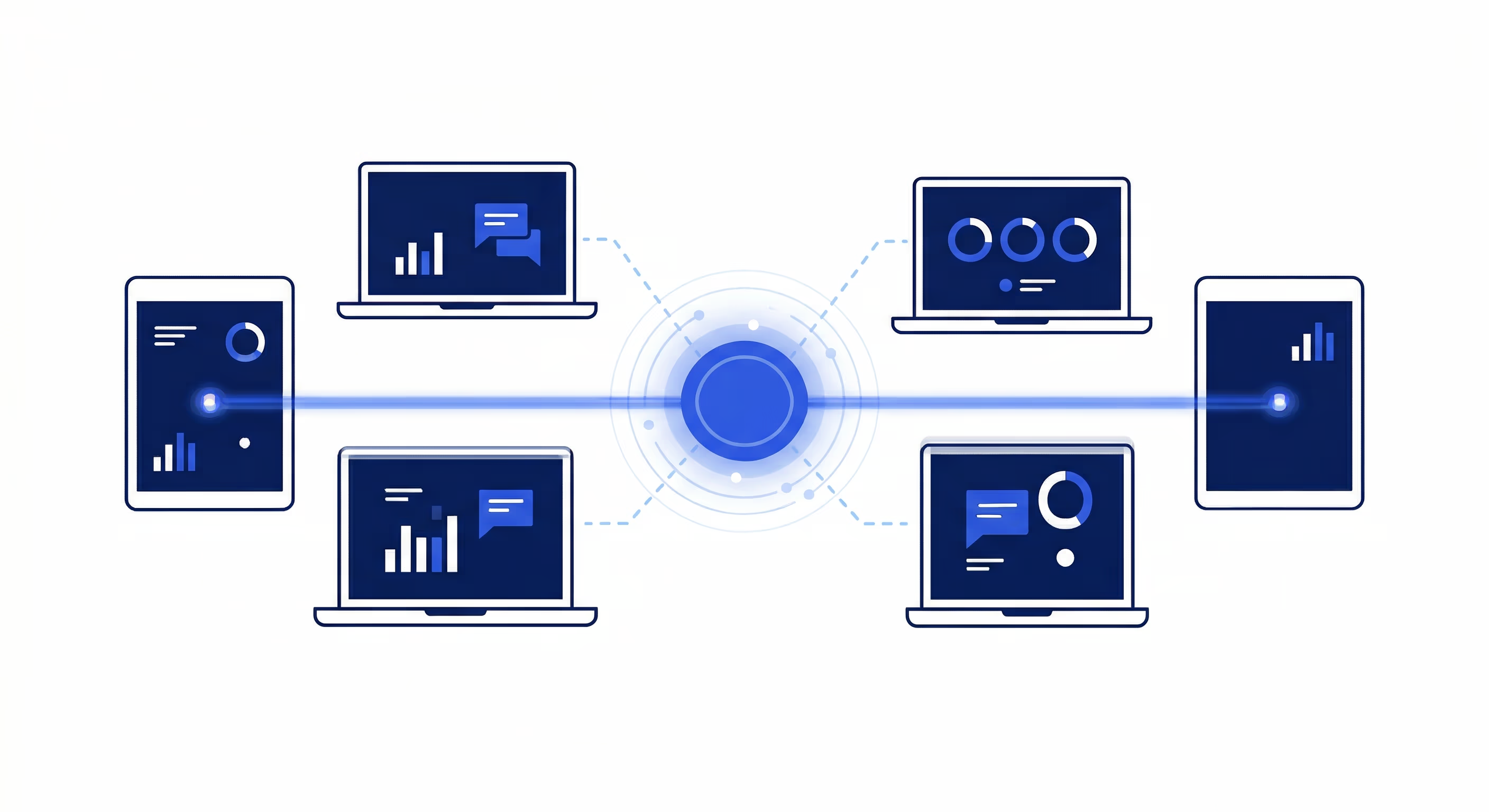
Even the "what happens when the connection drops?" experience is shared. An `AppBloc` in the `app_shell` package listens to the connection state from a shared `ConnectionRepository`. When the WebSocket disconnects, every app shows the same `ConnectingView` — a spinner with a message — and automatically redirects back when the connection recovers. Five apps, one connection experience. Nobody had to build or maintain that logic five times.
## One Brand, Every Screen
When your business runs on multiple devices, visual consistency matters. A customer who orders on the mobile app and picks up at a kiosk should feel like they're interacting with the same brand. When those devices are built by separate teams on separate tech stacks, that's aspirational at best. When they all share a single UI package, it's automatic.
The `very_yummy_coffee_ui` package defines the entire design system in one place. A `CoffeeTheme` sets up colors, typography, and component styles that every app imports. `AppColors` is a `ThemeExtension` with around 28 color tokens — primary, secondary, status variants, navigation accents — accessible anywhere via `context.colors`. `AppTypography` defines a type scale using IBM Plex Sans, from page titles down to captions, accessible via `context.typography`.
On top of those tokens sit shared components. `OrderCard` renders an order's number, customer name, line item summaries, total, and status pill. `StatusBadge` is a simple pill with a label and color. `ModifierGroupSelector` handles single- and multi-select modifier choices with price deltas and a "(required)" badge when applicable. These components are intentionally domain-agnostic — they accept primitive parameters and callbacks, not domain models — so they slot into any app's layout without coupling.
And because this is Flutter, those components render pixel-identically across iOS, macOS, Android, and Linux. The same `OrderCard` on the barista's KDS tablet looks exactly like the one on the cashier's iPad POS. No cross-platform rendering quirks, no "close enough." One definition, one result, everywhere.
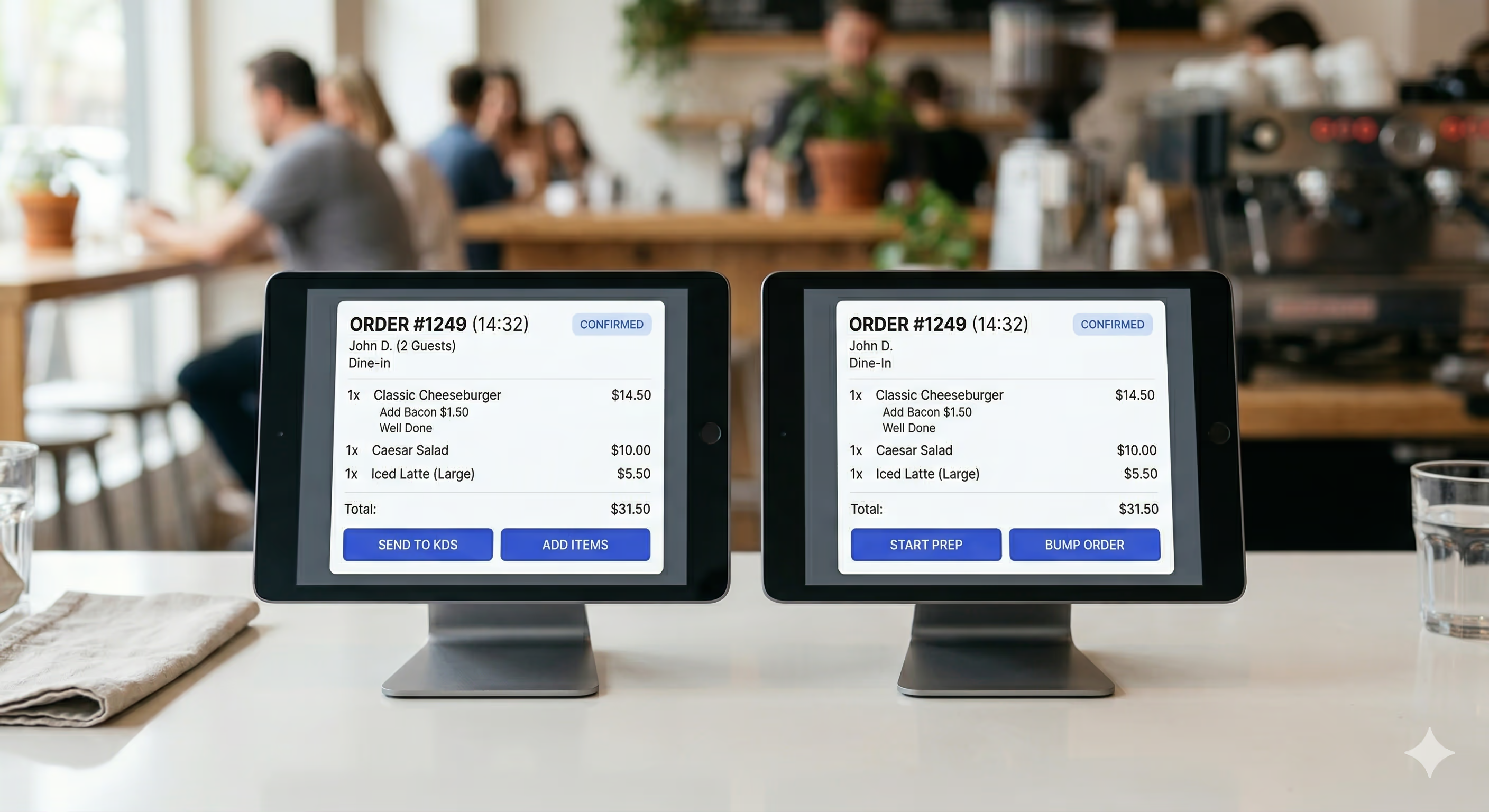
## Shared Features: Icing on the Cake
Sharing models, networking, and UI components is already a big win. But the real icing on the cake is sharing entire features — business logic and all.
Shared menu code lives in packages like `menu_repository`, while each app wires up Blocs that fit its UI. `MenuGroupsBloc` streams menu groups for category navigation; `MenuItemsBloc` loads the items for a selected group. The content widgets that display that data include `MenuGroupList` for vertical layouts and `MenuGroupRow` for horizontal ones.
The mobile app uses `MenuGroupList` — a vertical scrollable list of menu group cards, natural for a phone screen. The kiosk app uses `MenuGroupRow` — the same groups laid out horizontally, better suited for a large touchscreen. Different layouts, same Bloc underneath for a given concern. `MenuItemsBloc` doesn't know or care which widget is rendering its state. It combines menu group and item streams with `Rx.combineLatest2`, then emits the current group and items.
_From [`applications/mobile_app/lib/menu_items/bloc/menu_items_bloc.dart`](https://github.com/VGVentures/very_yummy_coffee/blob/main/applications/mobile_app/lib/menu_items/bloc/menu_items_bloc.dart) (kiosk uses the same pattern):_
```dart
await emit.forEach(
Rx.combineLatest2(
_menuRepository.getMenuGroups(),
_menuRepository.getMenuItems(_groupId),
(groups, items) => (groups, items),
),
onData: (data) {
final (groups, menuItems) = data;
final group = groups
.where((MenuGroup g) => g.id == _groupId)
.firstOrNull;
return state.copyWith(
status: MenuItemsStatus.success,
group: group,
menuItems: menuItems,
);
},
onError: (_, _) => state.copyWith(status: MenuItemsStatus.failure),
);
```
This means when I add a new menu feature — say, filtering by dietary preference — I build it once in the shared repository or Bloc layer. Every app that composes the same `MenuRepository` and Blocs picks it up automatically. The mobile app gets it. The kiosk gets it. The POS gets it. No coordinating across teams, no "we'll port that feature next sprint." It's just there.
## It's the Same Story
Flutter gave me efficiency by letting me share code across five apps spanning iOS, macOS, Android, and Linux. It handed me back time. And it left me with the same question: **what do you do with it?**
I keep coming back to that fork in the road. You can pocket the savings — ship with a smaller team, cut costs, move on. Or you can reinvest — build something more ambitious, polish the experience, try the idea you didn't think you had time for.
## The Future Is Multi-Device
At VGV, we've formalized this progression into what we call the [Multi-Device Maturity Model](https://verygood.ventures/resources/multi-device-maturity-model/). It's a framework for understanding where your business sits on the spectrum — from a single app on a single platform, all the way to a fully connected multi-device experience with shared data and consistent branding across every surface. Very Yummy Coffee is an exercise in pushing toward the far end of that spectrum.
The lines between "this is an app" and "this is a window into your data" are razor thin right now. A customer starts an order on their phone, checks the status on a kiosk, and picks it up when the order-ready board says so. Each screen is just a different view into the same data model — the same orders, the same menu, the same inventory.
This is where Flutter shines. Not just "write once, run on iOS and Android," but "build a cohesive experience across every screen your business touches." [Toyota is putting Flutter in car dashboards](https://flutter.dev/showcase/toyota). [Universal Destinations & Experiences](https://verygood.ventures/success-stories/amusement-park-flutter-apps/) extended mobile food and drink ordering into a Flutter-powered kiosk solution integrated with restaurant POS systems. [Companies across industries](https://verygood.ventures/blog/top-companies-using-flutter/) are discovering that a surface with a screen is a candidate, which is a different way of thinking about the scope of a "Flutter app."
As Flutter makes it more practical to build for each of those surfaces, the question isn't whether your business will need more than a phone app. It's what you'll do when building for five screens and four operating systems takes the same effort that one screen and one operating system used to.
That brings the story back to the opening: **when technology makes you more efficient, what do you do with that efficiency?** Everything above is one way to earn that efficiency—shared models, one multiplexed WebSocket client, shared UI, shared features—so every screen in the shop stays in lockstep.
Here is the suggestion I give teams when we reach this point: treat the gains as **opportunity**, not only as a cost-saving. Where you have room, reinvest capacity into **innovation and craft**: flows that are more helpful, handoffs that stay seamless from phone to kiosk to pickup surface, and the small touches that make an experience feel delightful instead of merely functional.
#### Frequently Asked Questions
##### What is Very Yummy Coffee?
Very Yummy Coffee is an open-source Flutter monorepo built for the talk. It contains five apps that share code: a customer mobile app, an in-store kiosk, a cashier POS, a kitchen display system, and a menu board. The apps run on iOS, macOS, Android, and Linux.
##### How much code is shared across the five apps?
About 21% of all app code is shared across the five apps, and that number does not yet account for cart and checkout flows being extracted into their own packages. Eight shared packages sit underneath the apps, covering the API client, connection management, menu features, and a common UI library.
##### How does Very Yummy Coffee keep every device in sync?
A Dart Frog server holds state in memory and broadcasts updates over WebSocket topics like menu, orders, and order:<id>. Each app opens a single WebSocket connection through a shared WsRpcClient in the api_client package. That client multiplexes every subscription over one connection, opening topics on first subscribe, closing on last unsubscribe, and auto-resubscribing on reconnect.
##### How do apps mutate shared state?
Apps send strongly typed actions defined by a sealed RpcAction class hierarchy. Examples include CreateOrderAction, MarkOrderReadyAction, and UpdateMenuItemAvailabilityAction. Each action serializes itself, the server deserializes it back into the same Dart class, and the resulting state change is broadcast to every subscriber.
##### How is visual consistency maintained across all five apps?
A single very_yummy_coffee_ui package defines the design system. CoffeeTheme sets up colors, typography, and component styles. AppColors is a ThemeExtension with around 28 color tokens. AppTypography defines a type scale using IBM Plex Sans. Shared components like OrderCard, StatusBadge, and ModifierGroupSelector accept primitive parameters and callbacks rather than domain models, so they compose into any app's layout.
##### Can the same Bloc serve different layouts?
Yes. The mobile app uses MenuGroupList for a vertical layout. The kiosk uses MenuGroupRow for a horizontal layout. Both render state from the same MenuItemsBloc, which combines menu group and item streams with Rx.combineLatest2 and emits the current group and items. The Bloc does not know which widget renders its state.
##### What is the Multi-Device Maturity Model?
It is a VGV framework for understanding where a business sits on the spectrum from a single app on a single platform to a fully connected multi-device experience with shared data and consistent branding across every surface. Very Yummy Coffee is an exercise in pushing toward the far end of that spectrum.
### Building on Nostr: Real Engineering Challenges
Source: https://verygood.ventures/blog/building-on-nostr-real-engineering-challenges/
> This is Part 2 of a two-part series. [Part 1](https://verygood.ventures/blog/what-is-nostr/) covers the protocol fundamentals — events, relays, NIPs, and the architecture that makes Nostr different.
Nostr’s design is deceptively simple: one data type, dumb relays, smart clients, cryptographic identity. But that simplicity means every problem a traditional server would solve — authentication, data consistency, connection management, content moderation — now lands on the client.
When our team joined the [diVine](https://divine.video/) project, we learned this quickly. The challenges we hit are not unique to video. They are structural, baked into what it means to build on a protocol where the server is deliberately dumb.
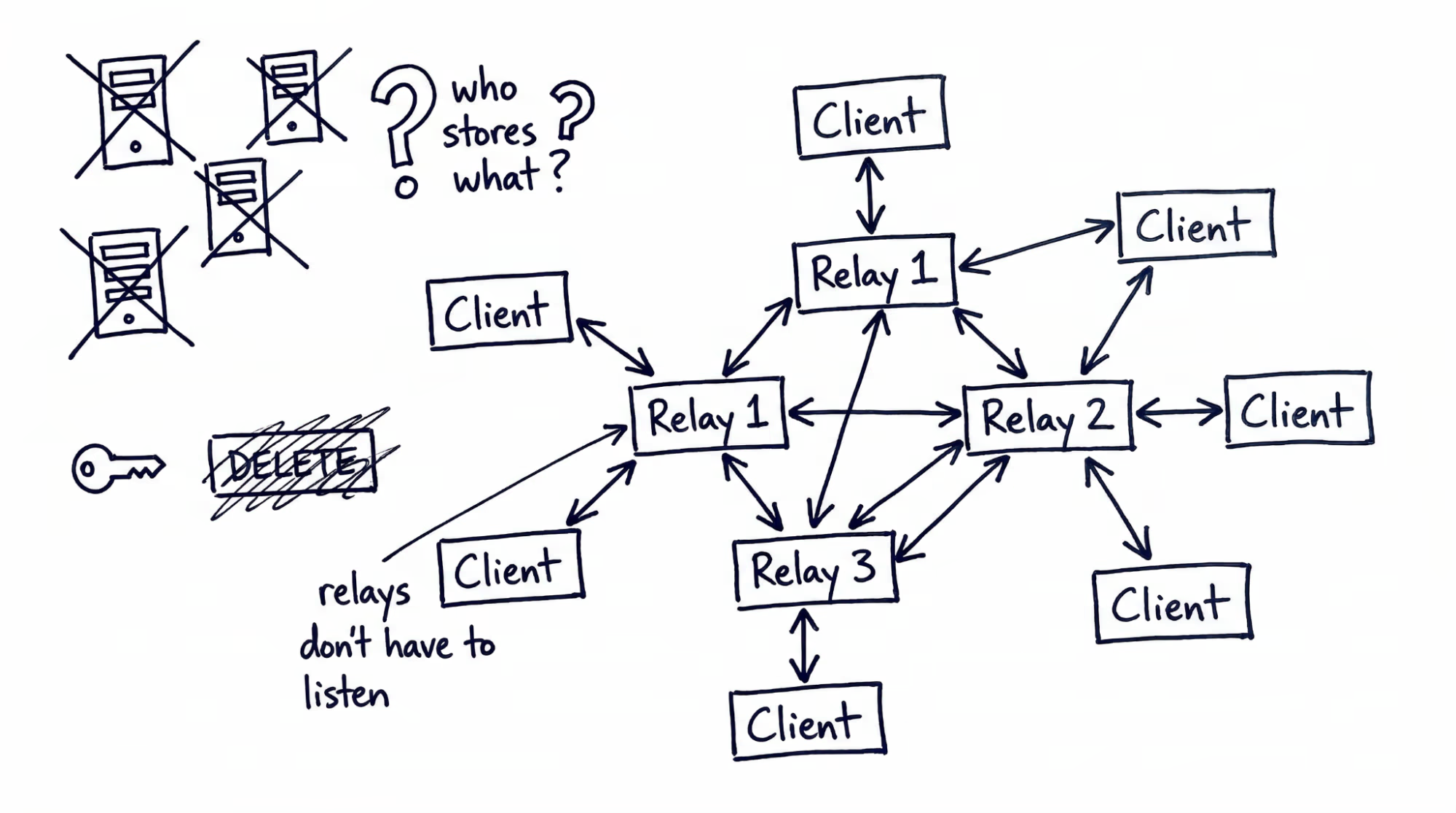
## Managing WebSocket Connections
Your client maintains simultaneous WebSocket connections to multiple independent relays — often five to fifteen at once. Because relays do not talk to each other and different users publish to different relays, connecting to multiple relays is not optional.
**Connection lifecycle is your responsibility.** Each relay connection can drop independently. Your client needs reconnection logic with exponential backoff, health monitoring per connection, and graceful degradation. The practical approach is a dedicated connection manager layer between your app logic and raw WebSocket connections, owning lifecycle, subscription routing, and resource budgeting in one place.
**Subscription management gets complex fast.** Loading a feed requires subscriptions across multiple relays for followed accounts, replies, reactions, and profile metadata — multiplied by every screen in your app. Without careful lifecycle management, relays will reject new subscriptions or drop your connection. Tying subscription cleanup to your navigation lifecycle helps.
**Battery and bandwidth matter.** On mobile, dozens of concurrent WebSocket connections consume battery and data at measurable rates. Lazy connection is the most effective mitigation: only open a WebSocket when your app needs data from that relay, and close it when the relevant screen is no longer visible.
**Local caching is load-bearing.** No server exists to go back to. Without local persistence, every app launch re-fetches the user’s entire social graph from scratch. Treat the local cache as your primary data source — a structured database with indexes on event kind, pubkey, and created_at. Serve the UI from cache on launch, then merge incoming relay data in the background using a stale-while-revalidate pattern.
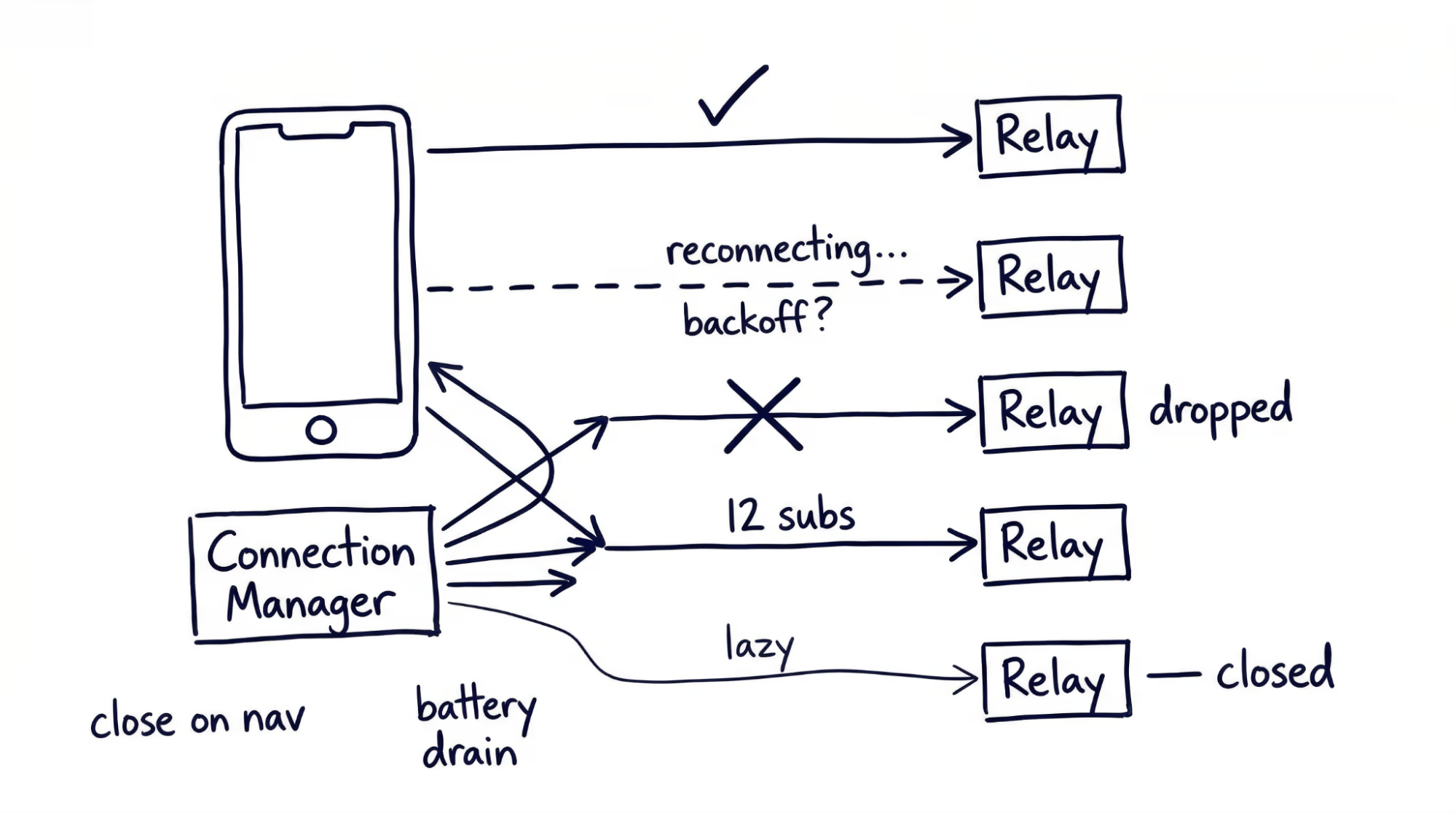
## Relay Discovery and the Data Puzzle
Managing connections is only half the problem. The harder question is: which relays should you connect to?
Fetching a timeline on Nostr means retrieving the user’s follow list, finding each followed user’s relay preferences (kind 10002), connecting to those relays, subscribing, and merging results. This is what's called the [“outbox model”](https://github.com/nostr-protocol/nips/blob/master/65.md). The problem is that many users have never published relay preferences. When preferences are missing, your client must fall back to querying popular relays (slow, bandwidth-heavy) or showing nothing (worse).
Most clients maintain default relays as a fallback, but the more you rely on defaults, the more your “decentralized” app resembles a centralized one. Prompting users to publish their own relay list early reduces this dependency over time.
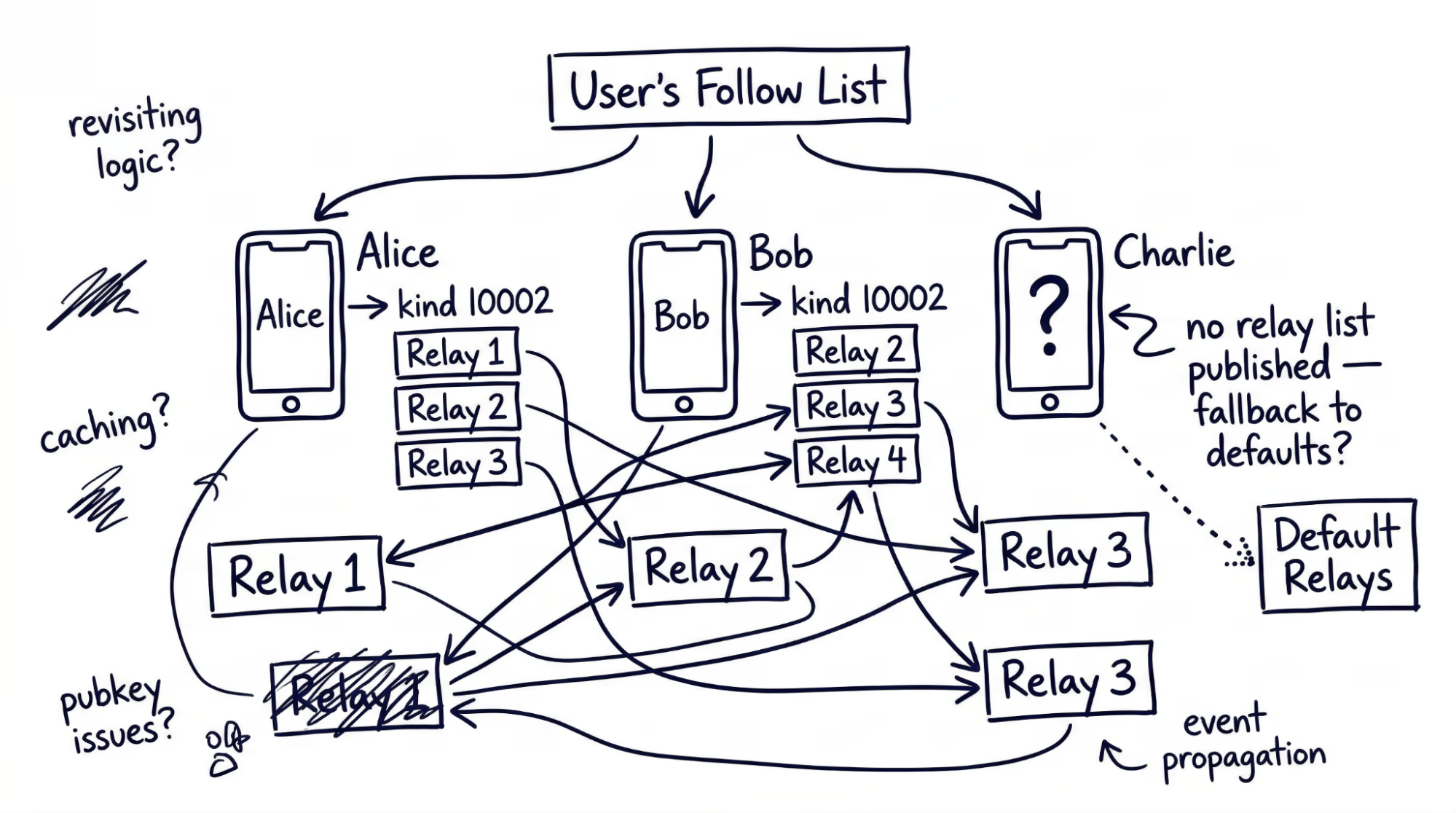
### Relay Reliability
Relays are independent operators with their own policies, retention periods, and rate limits. They can go offline without notice. Publish events to at least three relays for redundancy, confirm acceptance before showing the user a success state, and build relay health tracking (response times, error rates) into your connection manager so you can prioritize reliable relays and deprioritize those that consistently fail.
## Data Consistency Without a Server
Without a single source of truth, your client may receive different data from different relays. One relay has a user’s updated profile; another serves the old version. One relay has all the replies in a thread; another has a subset. This is not a bug — it is the structural cost of decentralization.
The local cache you built for performance now has a second job: reconciliation. Use created_at timestamps as the primary conflict resolution rule — when two relays return different versions of the same replaceable event, keep the later one. For threads and feeds, a time-bounded scatter-gather pattern works well: query all relevant relays in parallel, render the best available result after a short timeout, and continue merging late-arriving responses into the view. Design your cache to support upsert-on-newer logic natively and use subtle UI indicators to communicate ongoing sync without blocking the user.
Your client is an eventually consistent system. If your background is mobile apps that consume REST APIs, this is a significant shift.
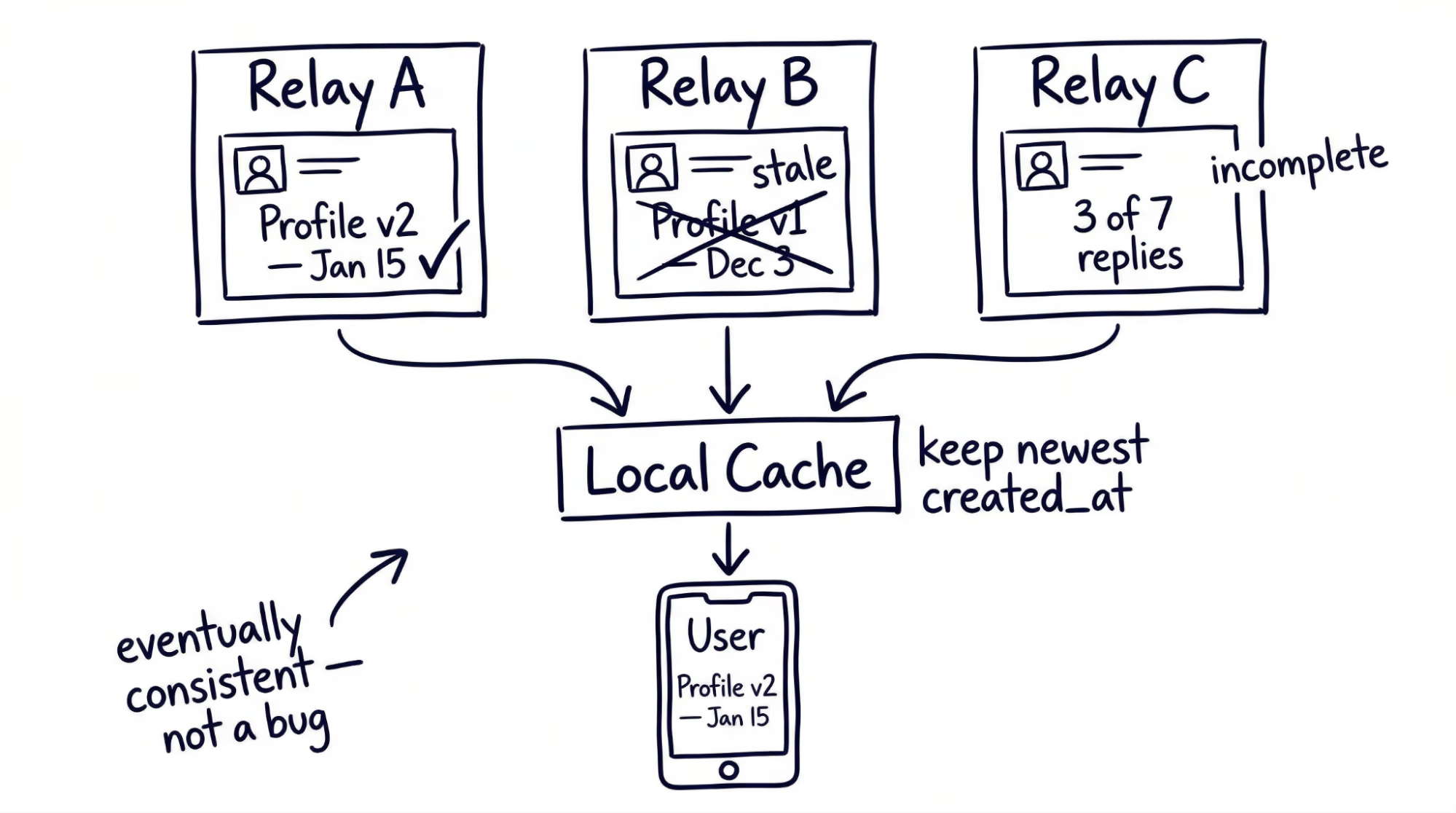
## Key Management: Where Users Hit a Wall
Nostr’s identity model is cryptographically elegant and practically painful. Every identity is a key pair — no email, no password reset, no support ticket. For engineers, the model is clean. For the users you are building for, it introduces friction at every stage.
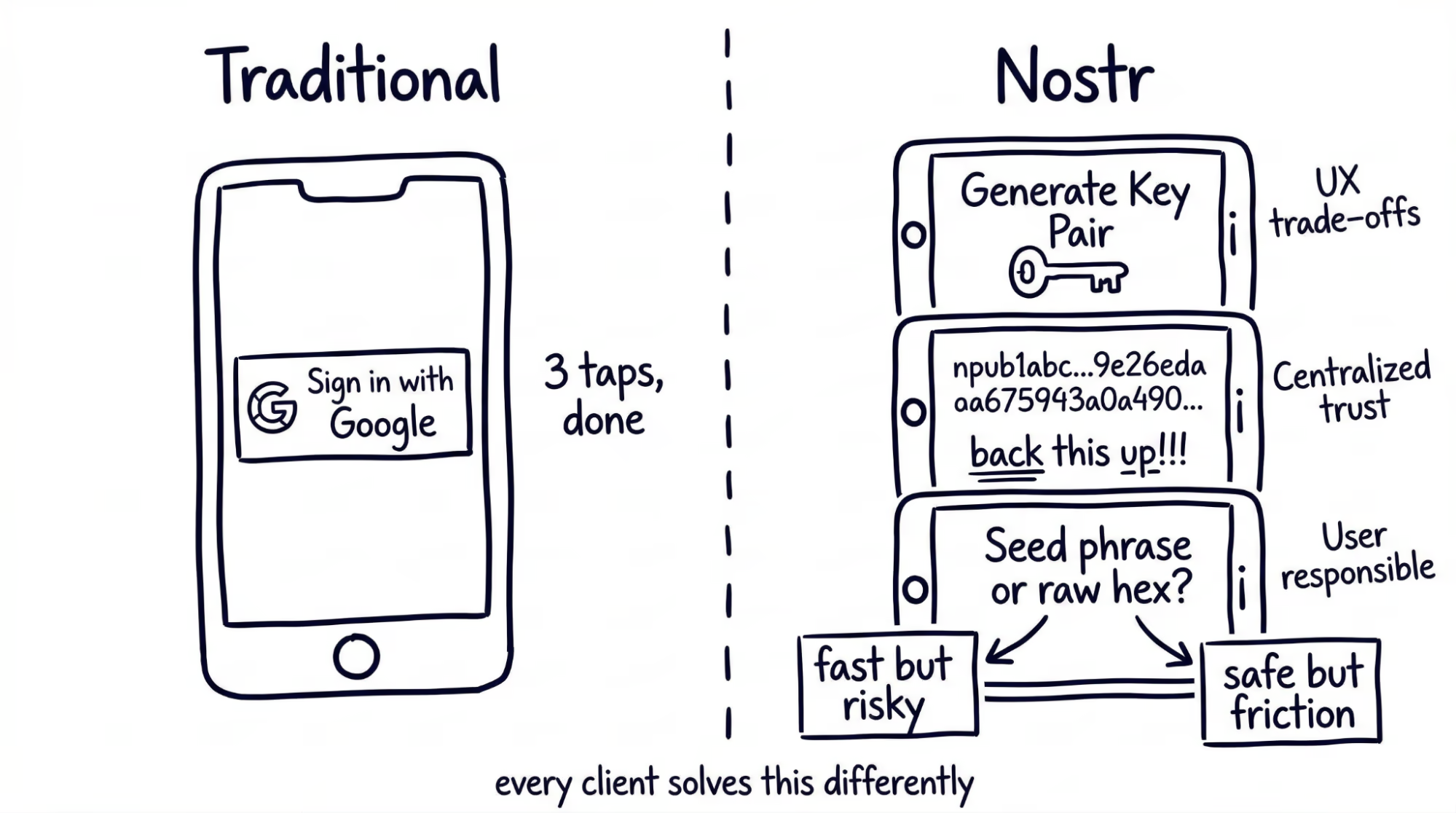
### Onboarding Friction
A new user’s first interaction: generate a cryptographic key pair, understand that their private key must be backed up, and store it securely. Compare that to “Sign in with Google.”
Every client must decide how much to abstract. Auto-generate for fast onboarding and users may never back up their key; show the raw hex string and the funnel drops. One approach: auto-generate at first launch, then surface non-blocking backup prompts at natural pause points — after the first follow, the first post, a week of usage. These tradeoffs are invisible in the protocol spec but very real in the product budget.
### Cross-Platform Identity
A user creates their identity on desktop and now wants to use your mobile app. The current options: copy-paste a hex string (insecure), scan a QR code (requires both devices in hand), or use an external signer app.
Bunker-based remote signing, where a separate service holds the private key and signs events on the client’s behalf, remains the clearest path forward. Remote signing solutions are maturing but remain friction-heavy for mainstream users.
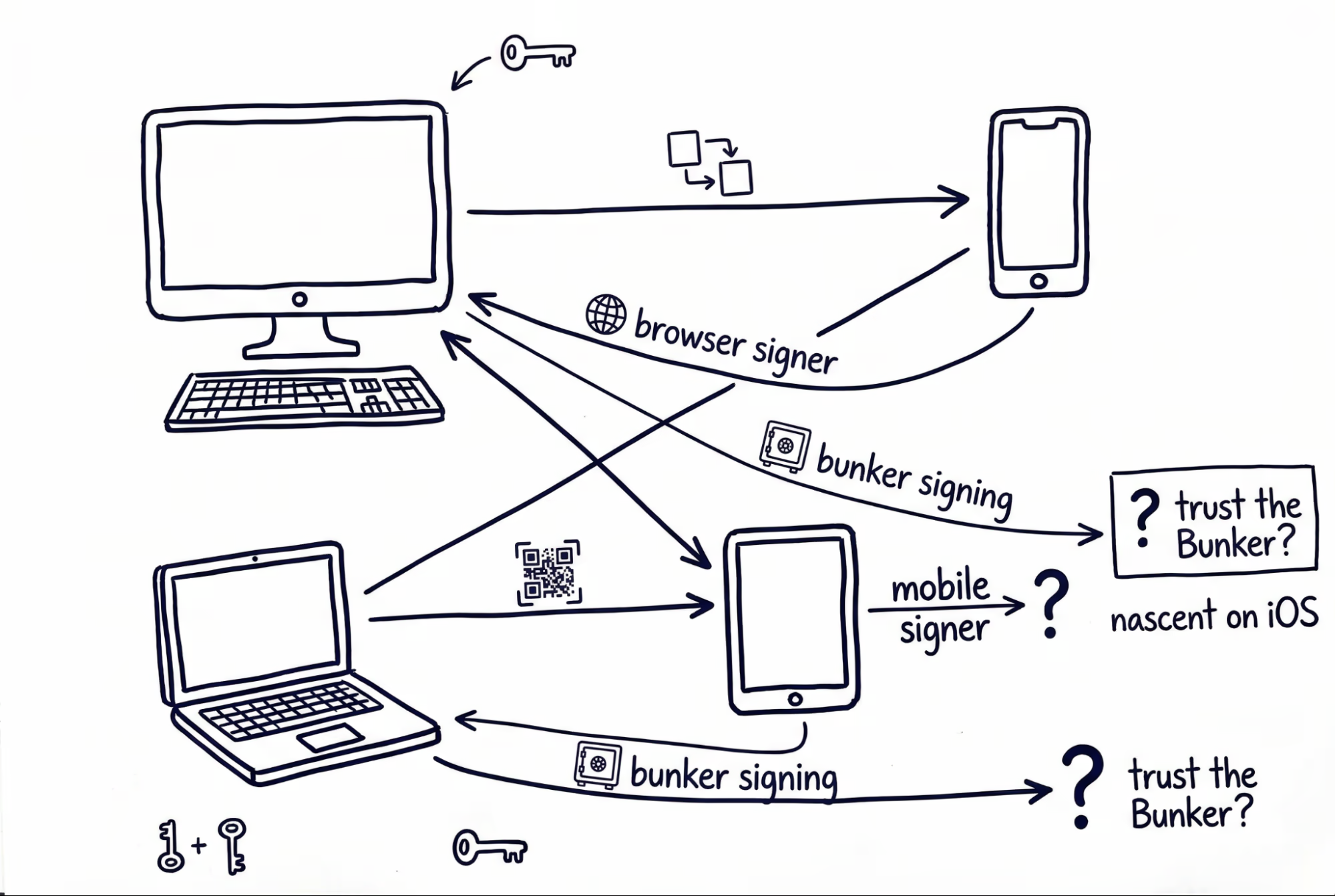
## UX Patterns You Have to Invent
Building on Nostr means designing interfaces for concepts that have no precedent in centralized apps. Users arrive expecting familiar patterns that do not exist — your UI must teach new ones.
**Relay selection.** Most users should never think about relays. Pick sensible defaults on first launch and expose relay management as an advanced setting. That balance between abstraction and transparency is what every client solves differently.
**Identity switching.** Some users operate multiple key pairs — a public persona, an anonymous account, a project identity. Switching means swapping the active key pair along with its cached state and relay configuration. Treating each identity as an isolated profile keeps the logic clean.
**No delete button.** The protocol defines deletion request events (kind 5), but relays are not required to honor them. “Delete” means “ask relays to delete.” Label the action honestly to set the right expectation.
**Content filtering without a server.** Every event arrives unfiltered. Your app decides what to show and what to hide. For consumer-facing apps, this means building a client-side moderation layer: keyword filters, mute lists, and community-curated block lists published as Nostr events.
## The Ecosystem Today
Community-maintained libraries exist across most languages, and published packages cover the core functionality: key encoding, relay connections, event creation, and signing. The Dart/Flutter ecosystem is production-viable — we built diVine’s client layer on it. What you will not find yet is the depth of tooling around established platforms: standardized testing frameworks, comprehensive guides, or stable abstraction layers that insulate you from protocol changes.
The protocol evolves fast. No stable LTS version exists — just community consensus about which NIPs are mature. Start with the core NIPs (NIP-01 for events, NIP-02 for follows, NIP-65 for relay lists) and add newer NIPs incrementally as your feature set demands.
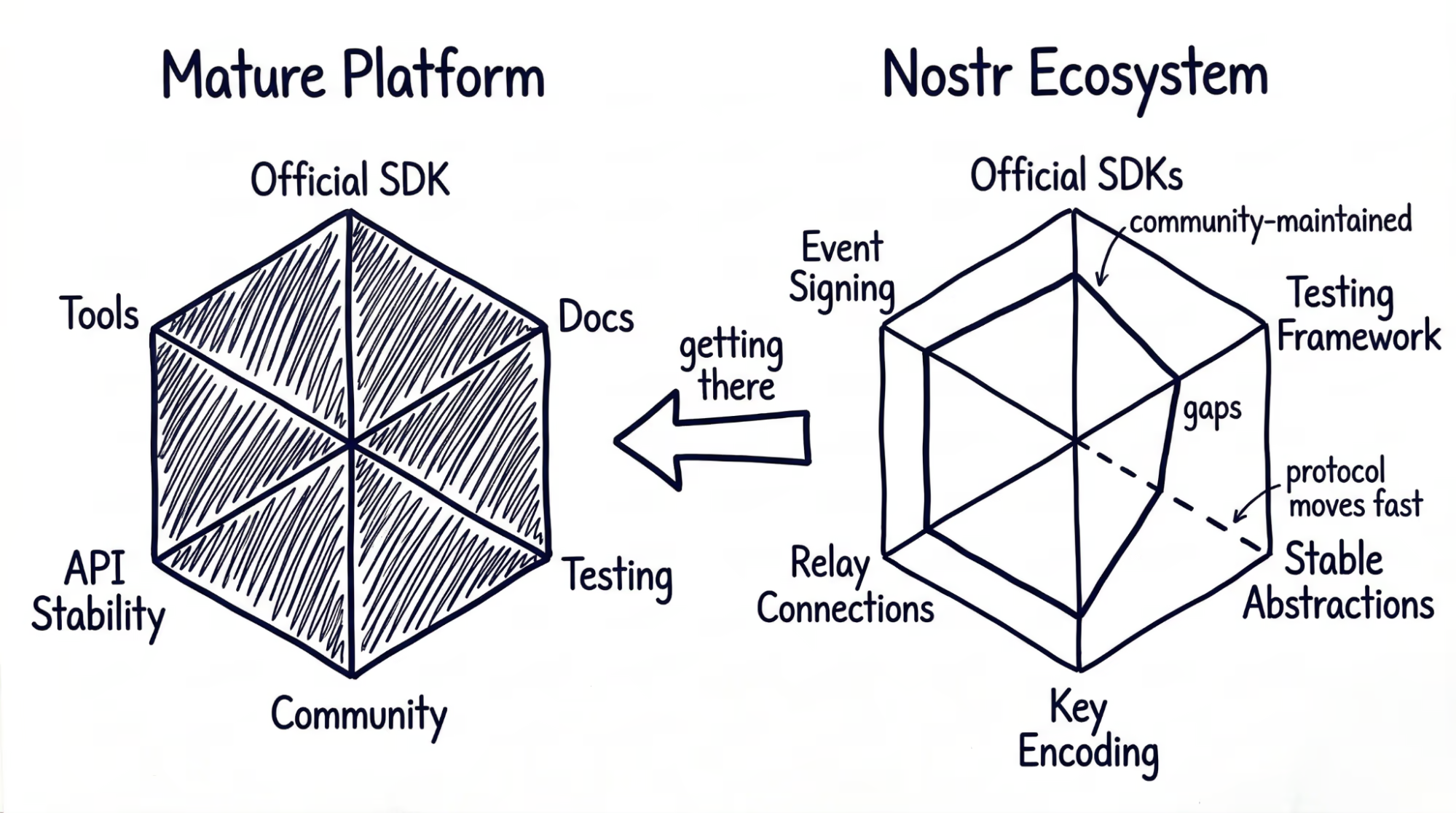
None of these challenges are unsolvable. Libraries exist, documentation is improving, and the community is active. But the protocol is young and evolving fast, which means the ground shifts under you — a NIP you build against today may change next month. Keeping pace with the protocol through resources like Nostrbook MCP can make a real difference (check out our [MCP blog](https://verygood.ventures/blog/7-mcp-servers-every-dart-and-flutter-developer-should-know/)). Budget for that pace, and the engineering is entirely manageable.
#### Frequently Asked Questions
##### Why does building on Nostr push so much complexity onto the client?
Nostr's design uses one data type, dumb relays, smart clients, and cryptographic identity. Because the server is deliberately dumb, every problem a traditional server would solve, including authentication, data consistency, connection management, and content moderation, now lands on the client.
##### How should clients manage WebSocket connections to relays?
A Nostr client typically maintains five to fifteen simultaneous WebSocket connections. The post recommends a dedicated connection manager layer that owns lifecycle, subscription routing, and resource budgeting, with reconnection logic, exponential backoff, and per-connection health monitoring.
##### How do you keep mobile battery and bandwidth usage in check?
Lazy connection is the most effective mitigation. Open a WebSocket only when the app needs data from that relay, and close it when the relevant screen is no longer visible. Tying subscription cleanup to the navigation lifecycle helps avoid relay rejections and dropped connections.
##### Why is local caching so important for a Nostr client?
There is no server to fall back to. Without local persistence, every app launch refetches the entire social graph from scratch. The recommended approach is a structured local database indexed on event kind, pubkey, and created_at, served to the UI on launch and merged with relay data using stale-while-revalidate.
##### What is the outbox model and why does relay discovery matter?
Fetching a timeline means retrieving the user's follow list, finding each followed user's relay preferences via NIP-65 (kind 10002), connecting to those relays, subscribing, and merging results. When users have not published relay preferences, clients fall back to popular relays or show nothing, which erodes the decentralization story.
##### How should clients handle data consistency across relays?
Treat the client as eventually consistent. Use created_at timestamps as the primary conflict resolution rule and keep the later version for replaceable events. For threads and feeds, scatter-gather queries across relays in parallel, render the best result after a short timeout, and merge late responses with subtle UI sync indicators.
##### What makes Nostr key management hard for mainstream users?
Every identity is a key pair. There is no email, no password reset, and no support ticket. One workable approach is auto-generating a key on first launch, then showing non-blocking backup prompts at natural pauses, like after the first follow, the first post, and a week of usage. Cross-platform identity still leans on bunker-based remote signing, which is maturing but remains friction-heavy.
### Migrating VGV from Webflow to Astro: Building an AI-Native Website
Source: https://verygood.ventures/blog/migrating-vgv-from-webflow-to-astro/
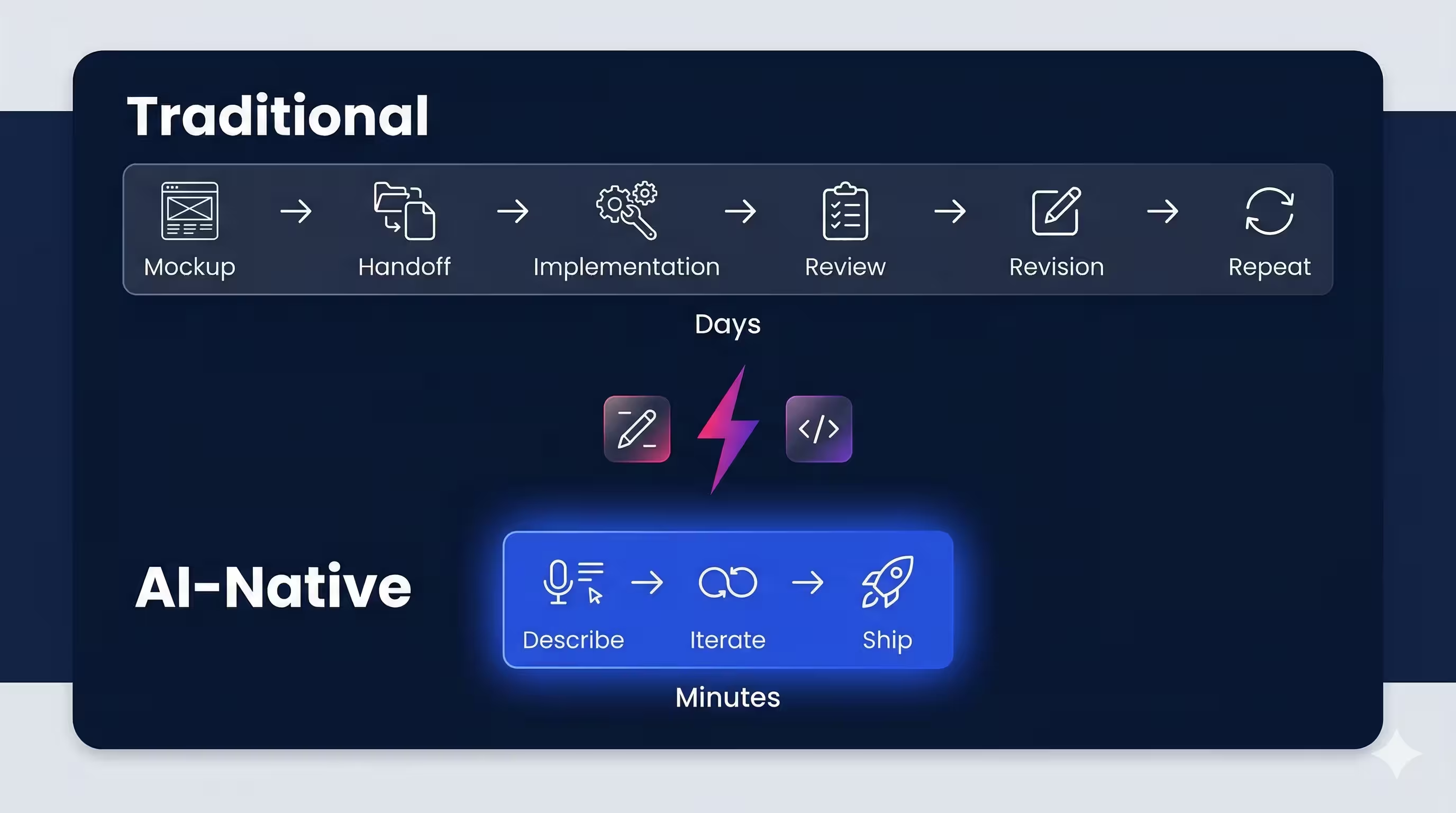
We rebuilt [verygood.ventures](https://verygood.ventures/) from scratch. Not because our old site was broken, but because we needed a site that could move at the speed our team — and AI — now operates.
For years, our website ran on [Webflow](https://webflow.com/). It looked great, but making updates was slow, required specialized Webflow knowledge, and locked our content behind a proprietary visual editor. Every change to a blog post or landing page required someone who knew the platform's quirks. For a company building cutting-edge software, our own website workflow felt stuck in the past.
AI changed the calculus. When your development partner can write code, generate content, and ship changes from a single prompt, the last thing you want is a visual editor standing between your team and a published update. We needed full code custody — a codebase any engineer (or AI assistant) could modify directly.
So we migrated to [Astro](https://astro.build/), a modern static site generator that outputs zero JavaScript by default, supports markdown-driven content, and deploys to a global edge network. The result: a faster site, a simpler workflow, and a foundation built for the AI-native era.
This might be one of the fastest website migrations of this scale ever completed. The entire project — from first extraction to live site — took **less than two weeks**. The initial sprint from idea to a fully rebuilt site running on Cloudflare was roughly **5 days**. The remaining time was spent on design refinement, cross-browser QA, and launch readiness. For a 309-page site with 1,189 images and 12 third-party integrations, that pace would have been unthinkable without AI as a development partner.
> Our clients rely on us to be leaders at the forefront of technology capabilities, and we have always focused on learning by adopting the latest tools and techniques ourselves first. This effort is one of many steps to make VGV more “AI Native” which enables us to operate more effectively while developing expertise we can share with our partners and community.
>
> **David DeRemer, CEO @ Very Good Ventures**
## The Game Plan: A 3-Phase Migration
We structured the migration into three phases:
1. **Content extraction** — Pull every page, image, and metadata field out of Webflow and into structured markdown files.
2. **Site build** — Construct a production-ready Astro site matching the original design and SEO footprint.
3. **DNS cutover** — Switch traffic from Webflow to Cloudflare Pages with zero downtime and zero broken links.
Each phase was designed to be independently verifiable: we could validate extraction completeness before building, and validate the build before going live. And throughout the entire process, [Claude Code](https://docs.anthropic.com/en/docs/claude-code/overview) served as our development partner — writing extraction scripts, building components, and iterating on every detail. Claude also helped us plan and execute the Cloudflare deployment itself, providing detailed instructions for DNS configuration, Workers setup, caching rules, and the deployment pipeline — turning what could have been a nerve-wracking cutover into a well-documented, step-by-step process.
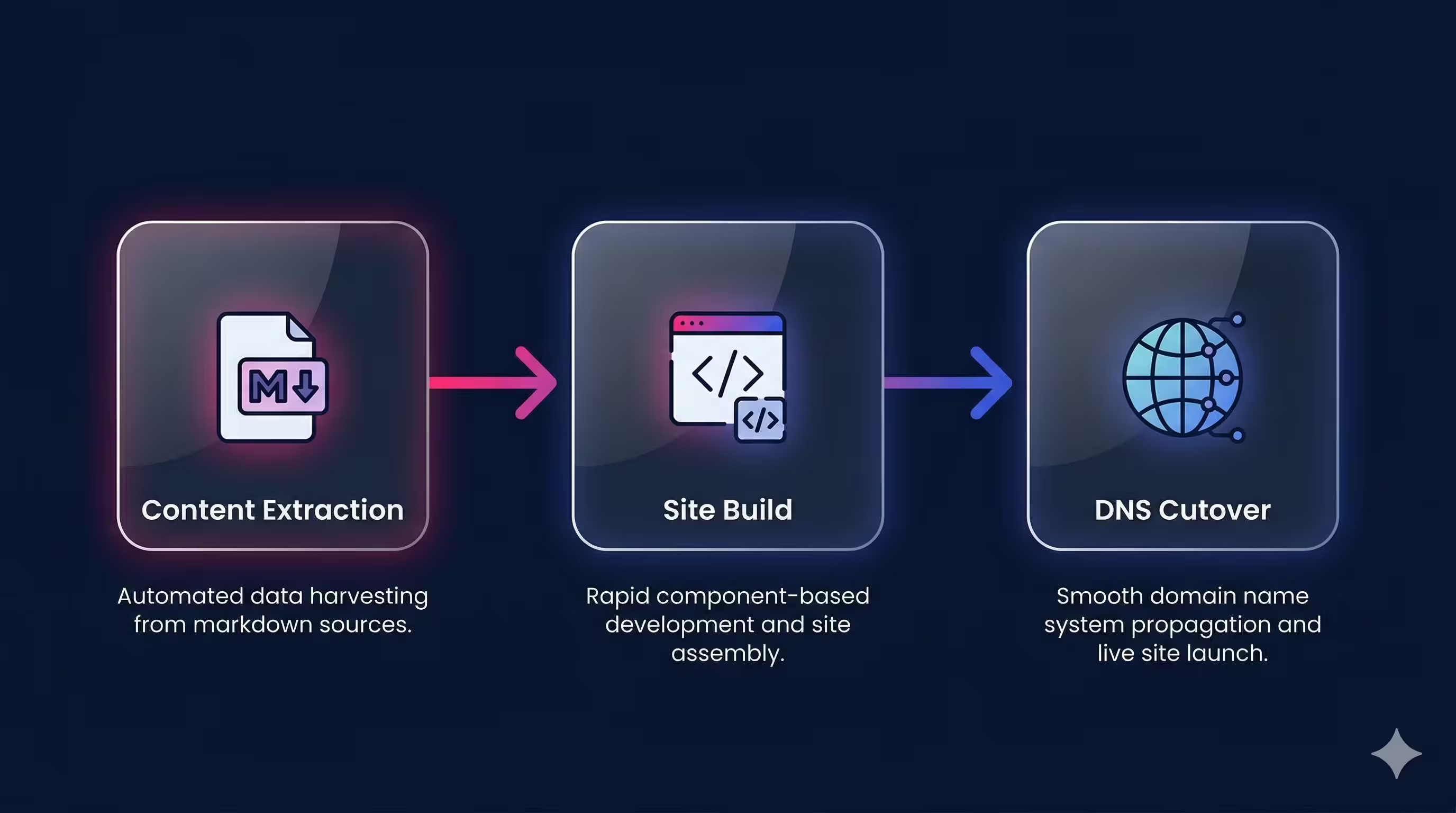
### Phase 1: Extracting Content from Webflow
The first challenge was getting our content out. Webflow doesn't make bulk export easy, so we used a hybrid approach: automated scripts for CMS-managed collections and AI-assisted extraction for static pages.
For the **204 blog posts**, 27 success stories, 26 podcast episodes, and other CMS collections, we wrote Node.js scripts using [Turndown](https://github.com/mixmark-io/turndown) and [Cheerio](https://cheerio.js.org/) to fetch each page's HTML and convert it to clean markdown with structured frontmatter. The Webflow API gave us access to CMS fields — titles, slugs, publish dates, tags, and author references — which we mapped directly into typed frontmatter schemas.
For the **29 static pages** (homepage, services, industries, about, etc.), we developed a multi-pass extraction protocol: first capturing page structure and navigation, then body copy, then all internal and external links, and finally media assets. This systematic approach ensured nothing was lost in translation.
Along the way, we downloaded **1,189 images** and mapped **291 URLs** from the original Webflow sitemap into a comprehensive manifest.
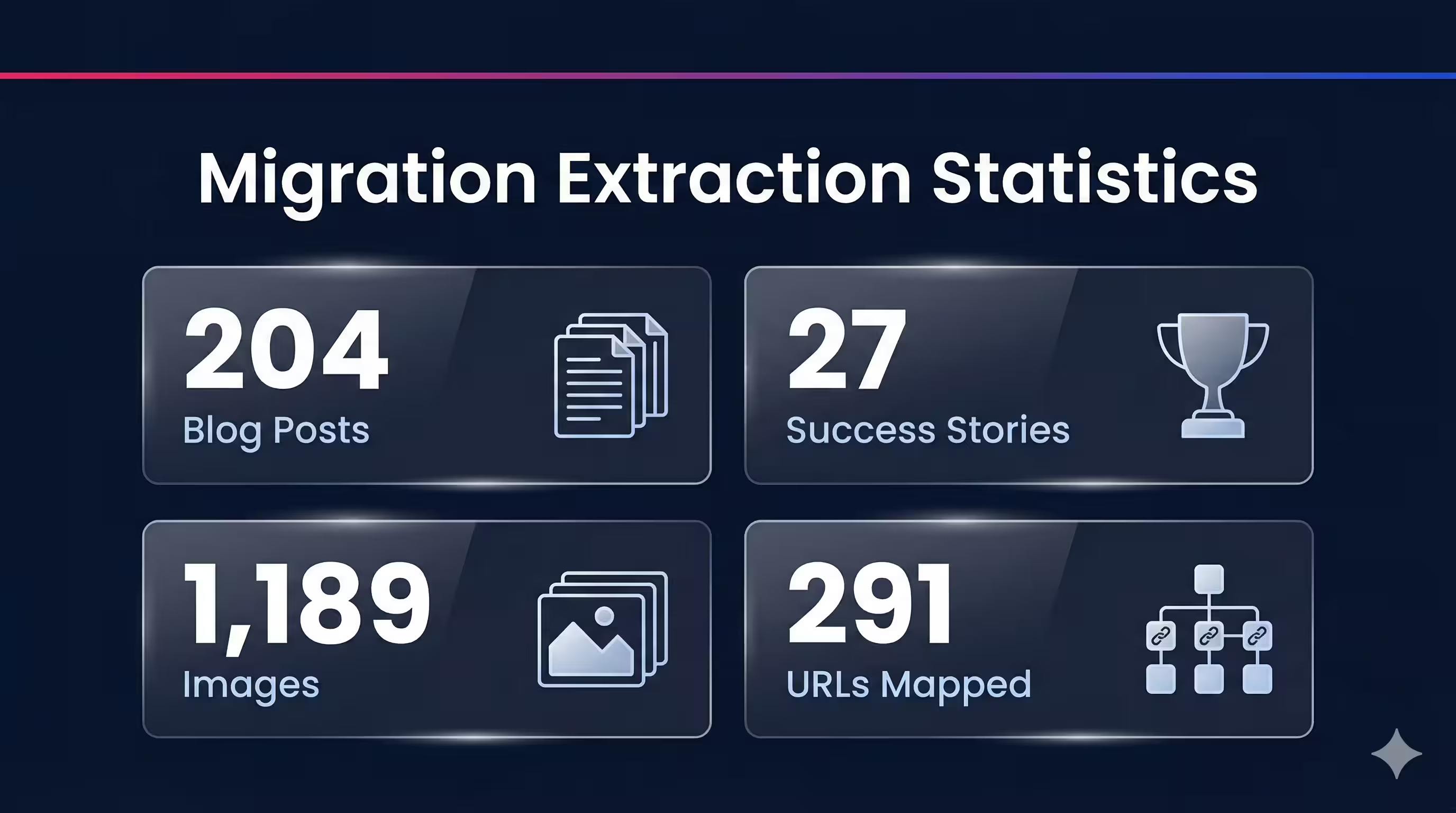
The extraction process also surfaced issues on the live Webflow site itself — broken links, missing metadata, content inconsistencies — that had gone unnoticed. Claude identified these on its own and fixed them as part of the migration, so the Astro site launched cleaner than the original.
The gotchas were real: JavaScript-loaded media was invisible to our scrapers, some Webflow CDN assets returned 403 errors, and inline links occasionally got stripped during HTML-to-markdown conversion. Each issue required a targeted fix, but the systematic phase structure meant we caught problems early and verified everything before moving on.
The initial extraction produced **301 typed markdown files** with complete frontmatter — the 291 URLs plus partials and reusable content sections that didn't have their own URLs. Critically, the extraction system we built wasn't throwaway tooling. As new blog posts and pages were published on the live Webflow site during the migration, we re-ran the same scripts to pull them in seamlessly. By launch, the site had grown to 309 pages — and adding each new one was trivial.
### Phase 2: Building the Astro Site
With content in hand, we built the site in methodical batches, starting from the foundation and working up to full feature parity.
**Tech stack:** [Astro 5](https://astro.build/), [Tailwind CSS v4](https://tailwindcss.com/) with semantic color tokens, [Cloudflare Pages](https://pages.cloudflare.com/) for hosting, and [bun](https://bun.sh/) as our JavaScript runtime.
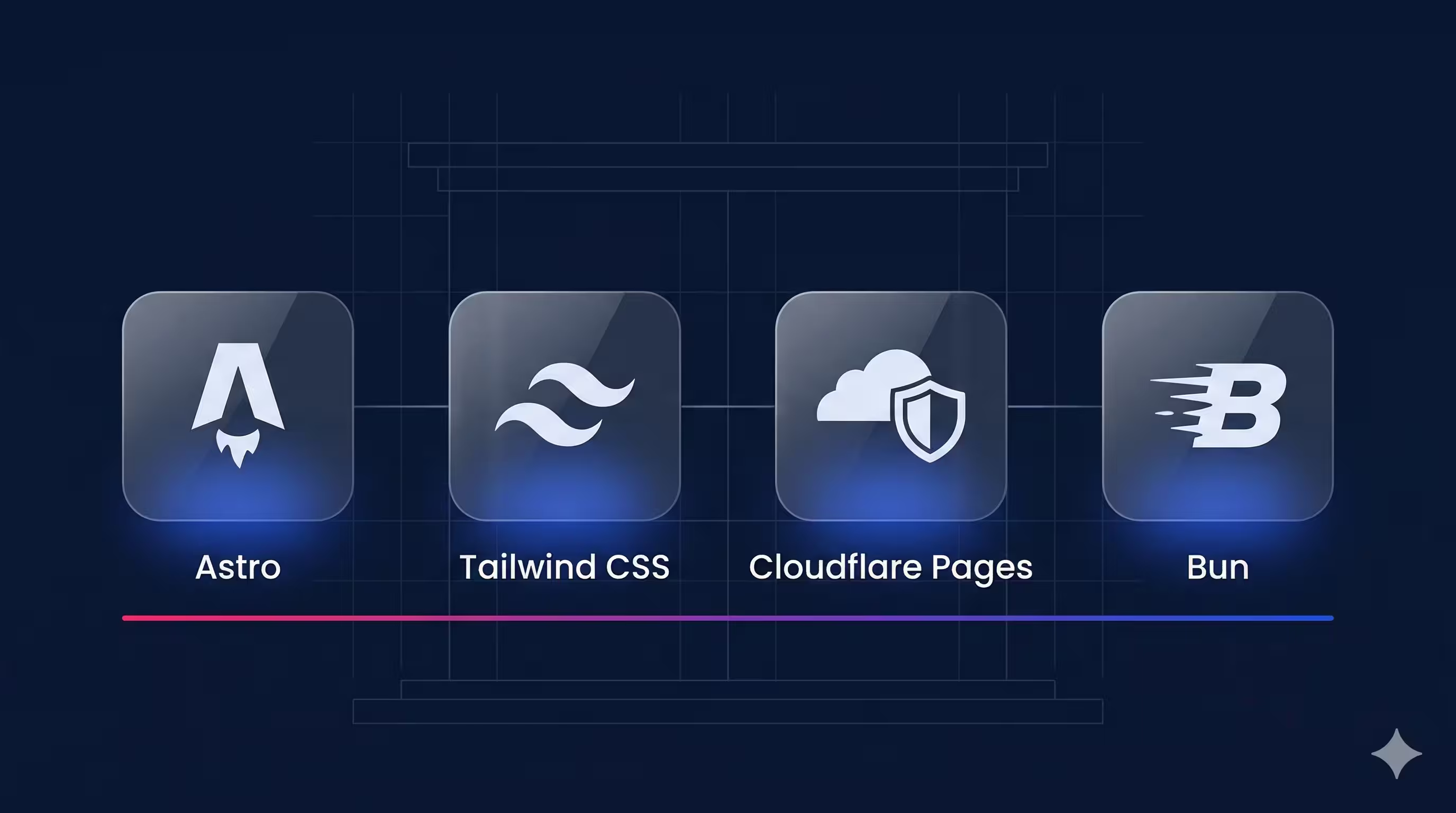
**Tooling for accuracy:** A key challenge with AI-assisted development is ensuring the code targets the *latest* APIs, not patterns from stale training data. We solved this with [MCP](https://modelcontextprotocol.io/) servers and developer tooling: the astro-docs MCP server gave Claude real-time access to Astro's current APIs and configuration options, [Context7](https://context7.com/) provided up-to-date documentation for the full stack, and Anthropic's TypeScript LSP caught type errors as Claude wrote code. This combination meant Claude was always building against the latest features — not guessing based on older versions.
**Content architecture:** We defined 7 content collections — blog, success stories, podcasts, whitepapers, webinars, pages, and partials — each with a [Zod](https://zod.dev/)-validated schema. This means every markdown file is type-checked at build time. A missing required field or an invalid date format fails the build immediately, not silently in production.
**Component design:** We built 30+ reusable Astro components covering everything from hero sections and card grids to podcast players and HubSpot form embeds. For animations, we made an intentional choice: vanilla CSS and JavaScript instead of React islands. Our `FadeIn` and `StaggerChildren` animation components weigh roughly 300 bytes — compared to the ~45KB a React-based alternative would have added.
**Integration wiring:** Claude detected the 12 third-party services embedded in our Webflow site automatically — Google Tag Manager, HubSpot (forms and tracking), Greenhouse (job listings), Iubenda (cookie consent), YouTube, and others. Rather than blindly porting old embed snippets, Claude reviewed each service's latest integration documentation and implemented them using current best practices. The result: integrations that weren't just migrated, but modernized. Custom remark plugins handle video embeds and audio players directly in markdown — authors write a simple syntax, and the build pipeline handles the rest.
**Visual fidelity:** Throughout the build, we used Claude Code to compare the Astro output against the live Webflow site — catching visual discrepancies, missing content, and layout differences as we went. When something looked off, we could simply ask Claude to compare what it built with the original and fix the gap. This turned visual QA from a manual side-by-side exercise into a continuous, conversational process.
**SEO preservation:** This was non-negotiable. Every page carries JSON-LD structured data (Organization, Article, BreadcrumbList schemas), canonical URLs, and verified meta descriptions. The auto-generated sitemap produces 307 URLs. We validated all of this programmatically before launch.
The final build: **0 TypeScript errors**, **0 broken internal links**, and **309 pre-rendered pages** deployed to Cloudflare's global edge network.
### Phase 3: DNS Cutover
The moment of truth. The time where all the traffic was routed to the new site. Moments like this tend to go horribly wrong... but not this time!
In fact, since we launched the site already a few weeks ago, we've been focusing on further improvements and performance on our site and content creation, and never looked back. WebFlow is now legacy. Astro and Claude are VGV's present and future.
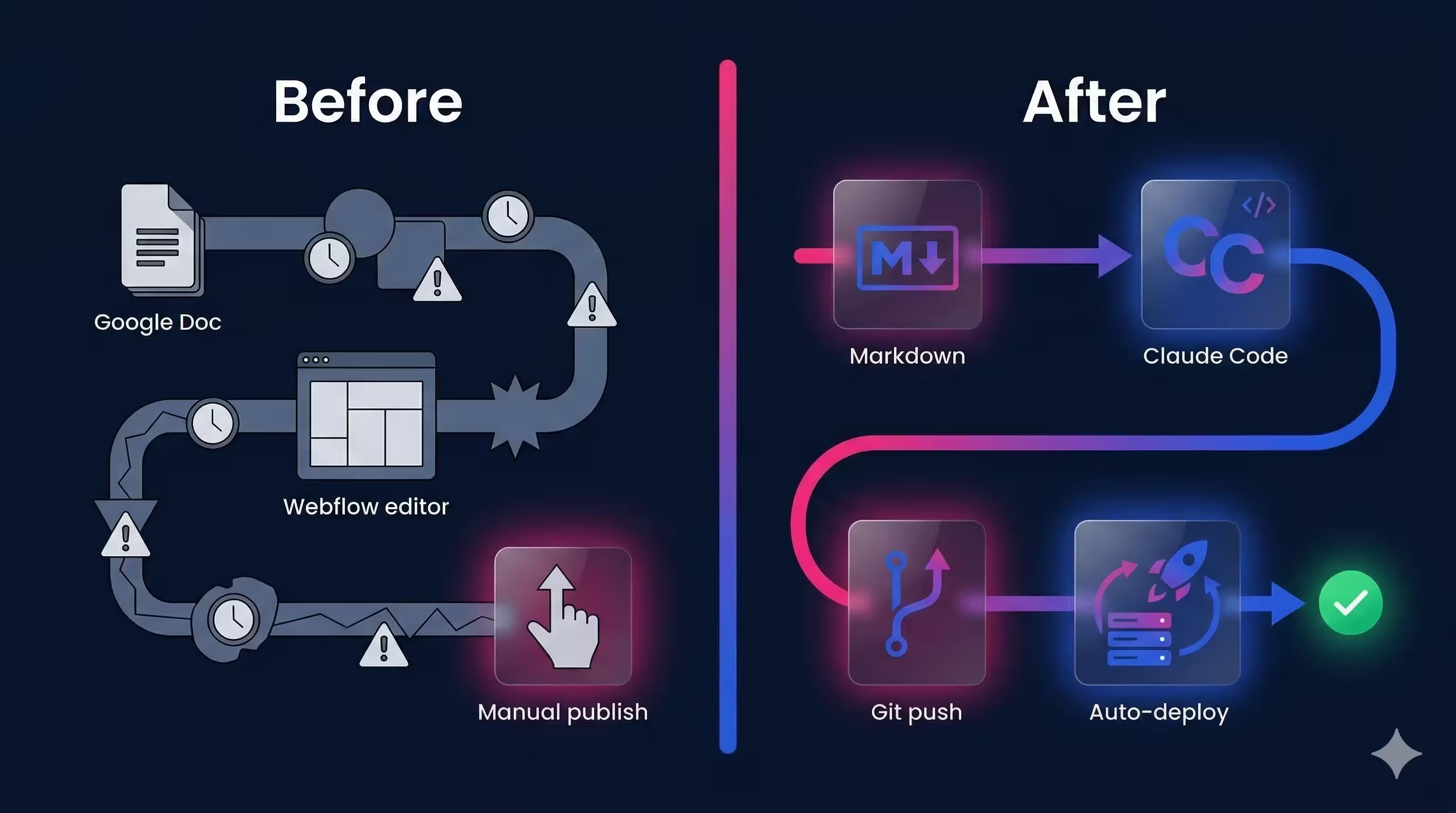
## The AI-Native Workflow
Here's the real shift. Our old Webflow workflow looked like this:
1. Write content in a Google Doc
2. Hand it to someone who knows Webflow
3. Wait for them to re-enter it, format it, and publish
4. Hope nothing breaks in the visual editor
Our new workflow:
1. Write (or generate) a markdown file
2. Work with Claude Code to integrate and adjust design
3. Commit and push
4. Cloudflare deploys automatically
Any team member — engineer, designer, marketer — can update the site by editing a markdown file. No Webflow expertise required. And with Claude Code, changes are literally a prompt away: "Add a new blog post about X" or "Update the homepage hero copy" produces a working commit in seconds.
> The biggest shift isn't the technology, it's the operating model. When your entire team can ship changes through markdown and a conversation with AI, you eliminate the bottleneck of specialized platform knowledge. Engineers focus on architecture, designers iterate directly on the product, and content authors publish without waiting in a queue. For any company still tied to a proprietary CMS, the question isn't whether to make this move, it's how much velocity you're leaving on the table by waiting.
>
> **Jorge Coca, Head of Engineering @ Very Good Ventures**
### Designers in the Driver's Seat
One of the most unexpected wins was how our designers used Claude Code to iterate on the site's design directly. Instead of the traditional cycle — designer creates a mockup, hands it to an engineer, waits for implementation, reviews, requests changes, repeat — our designers could describe what they wanted and refine it in real time.
Spacing adjustments, typography tweaks, color token changes, component layout refinements — all of it happened in conversation with Claude Code, not in a ticket queue. Designers could see their changes reflected in code immediately, test them in a browser, and keep iterating until the result matched their vision. The design-to-implementation feedback loop collapsed from days to minutes.
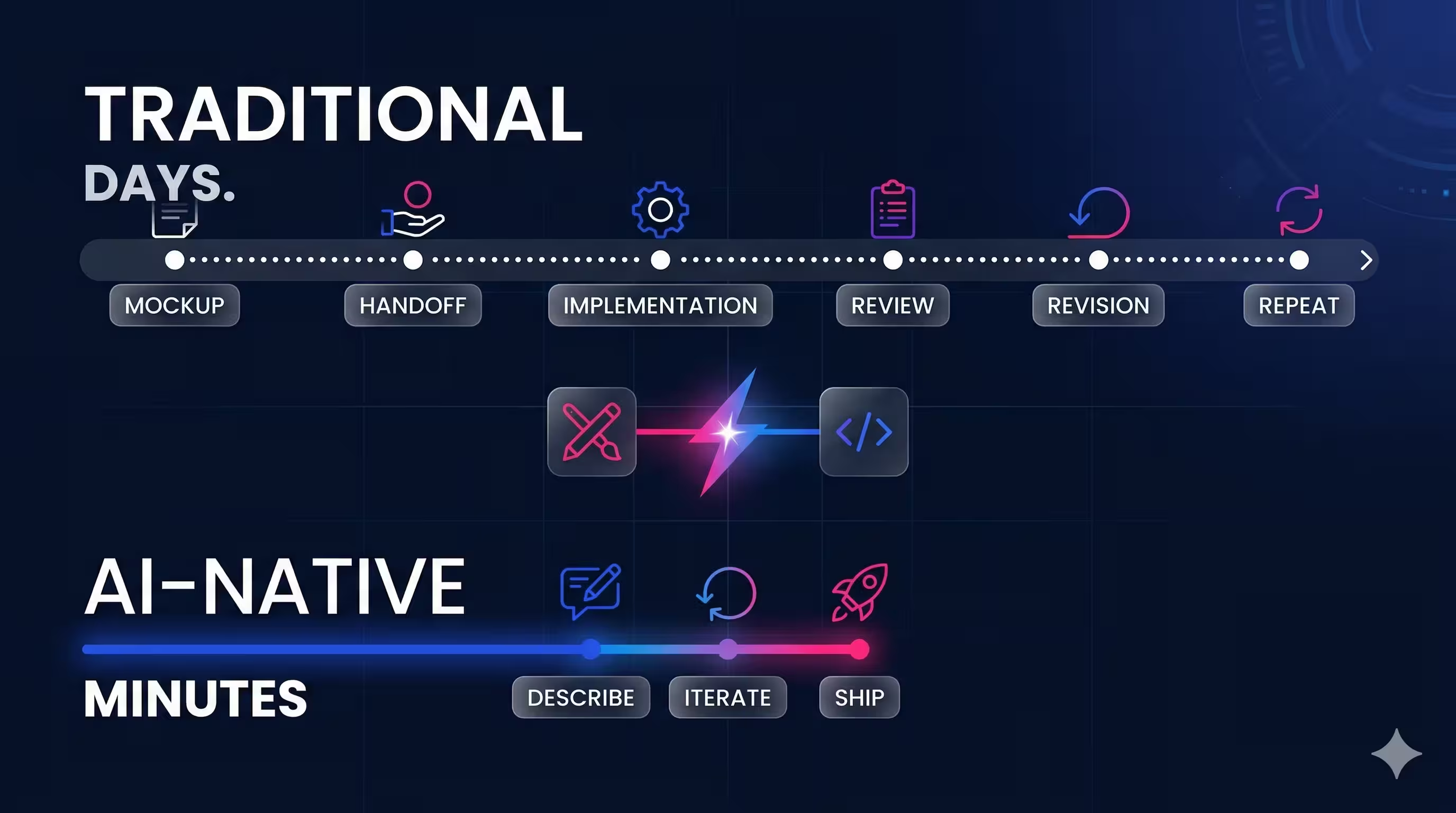
This matters because it shifts who has agency over the final product. When designers can directly shape the output without needing to coordinate with engineers for every visual detail, the entire team moves faster — and the result is more faithful to the original design intent.
> What’s changing isn’t just speed... how design and development work together. We’re moving from creating static outputs to orchestrating living systems, where design and development happen in tandem. With AI as a collaborator, designers can shape, test, and refine directly in the product, creating a more fluid workflow that benefits the entire team.
>
> **Joshua Wells, Commercial Strategy Designer @ VGV**
### A Learning System That Compounds
Early in the migration, we introduced a simple but powerful practice: we had Claude Code maintain a markdown "lessons learned" file, recording every unique gotcha, edge case, or non-obvious solution it discovered along the way. Webflow CDN returning 403s on certain asset URLs? Documented, with the workaround. Inline links getting stripped during HTML-to-markdown conversion? Documented, with the fix.
This file became a living reference that Claude consulted at the start of every session. When it encountered a similar situation later — a new batch of pages with the same CDN issue, for example — it already knew the solution. What would have been a repeated debugging cycle became an instant, automatic fix.
The effect compounded over the course of the migration. One-off discoveries turned into reusable patterns. Edge cases that tripped us up in batch 1 were handled silently in batch 7. The learning system turned Claude Code from a capable tool into one that got measurably better at *our specific project* over time — a form of institutional knowledge that persisted across sessions.
## Performance Wins
Moving from Webflow's runtime rendering to Astro's static output brought dramatic performance improvements:
- **Zero JavaScript by default** — Astro only ships JS for components that explicitly need client-side interactivity
- **309 pages pre-rendered at build time** — no server-side rendering, no hydration delays
- **Cloudflare's global edge network** — static HTML served from the nearest data center worldwide
- **Full version control** — every change tracked in git, every deploy reproducible
Where Webflow injects its own runtime scripts, analytics wrappers, and interaction handlers on every page, our Astro site serves clean HTML and CSS. The difference in time-to-interactive is significant.
## QA at Scale with AI
With 309 pages to validate across multiple browsers and viewports before launch, manual QA wasn't realistic. So we turned to Claude Code again — this time as an autonomous QA engineer.
One of our engineers, whose primary expertise isn't web development, set up a Claude Code agent with a product requirements document describing what needed to be tested. From there, the agent worked autonomously. It wrote **22 Playwright test suites** covering URL crawls, SEO audits, visual regression, accessibility checks, navigation flows, and form submissions. It then ran over **1,500 tests** across Chromium, Firefox, and WebKit at mobile, tablet, and desktop viewports — capturing **374 screenshots** for visual comparison.
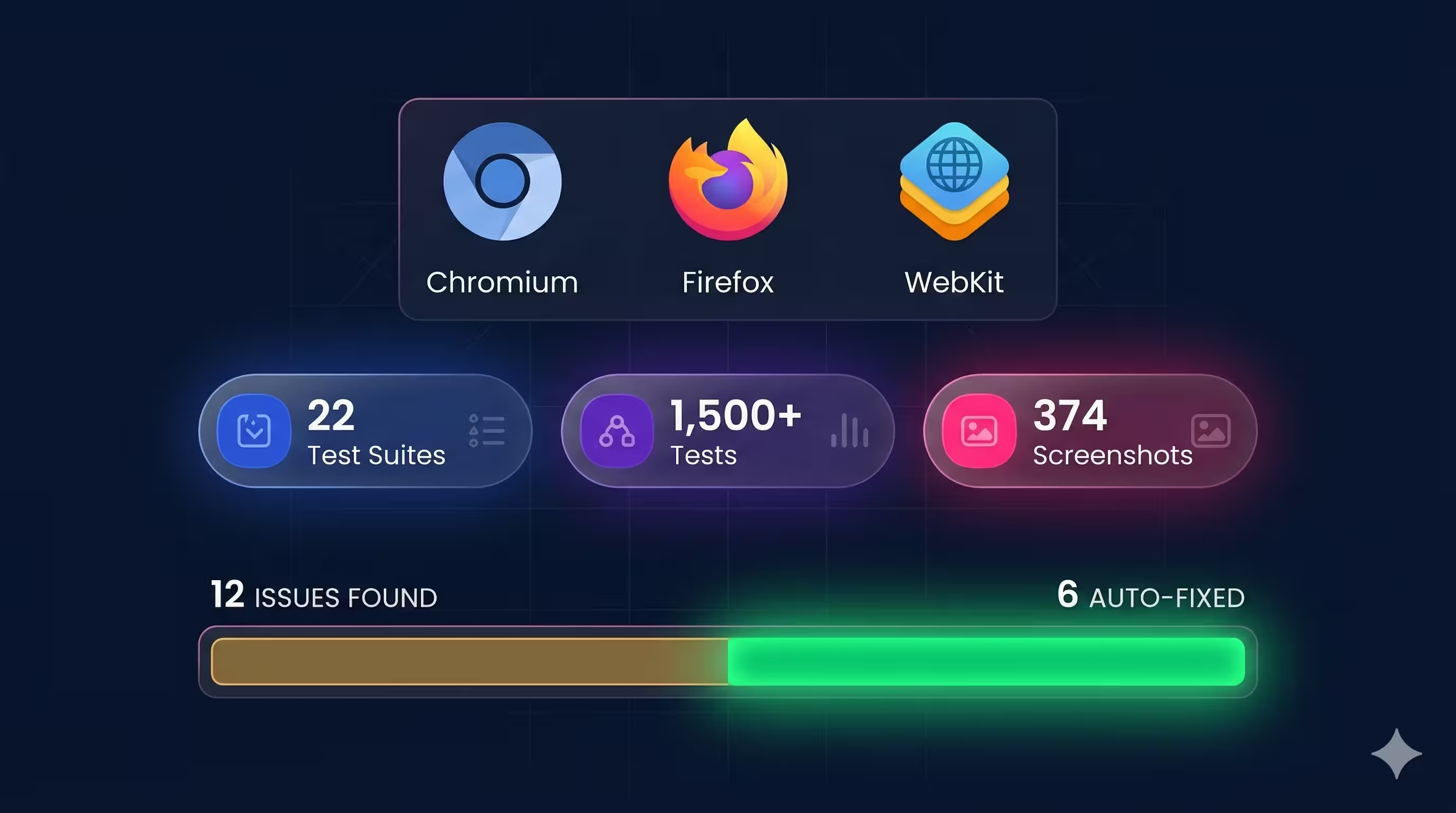
The results were thorough: **12 issues** documented with severity ratings, the specific URL, browser, viewport, and screenshot evidence for each. Issues ranged from missing meta tags (something the engineer noted they wouldn't have thought to check themselves) to layout inconsistencies at specific breakpoints.
But the process didn't stop at finding problems. A second Claude Code agent spun up on an isolated git worktree, triaged all 12 findings, and **fixed 6 of them** automatically — producing a clean pull request. The remaining 6 were correctly classified as out of scope: upstream HubSpot rendering issues, redirect rules that only work on the live Cloudflare environment, or changes too complex for an automated fix.
The total human investment: about 30 minutes writing the PRD and configuring the setup. The "finder" agent ran for roughly 2 hours. The "solver" agent ran for 14 minutes. What would have taken days of manual cross-browser testing was handled overnight, and the engineer who ran it gained confidence in areas outside their core expertise.
This is what AI-native QA looks like: not replacing human judgment, but extending it to a scale and thoroughness that wouldn't be practical otherwise.
## What's Next
The migration is complete. All three phases — content extraction, site build, and DNS cutover — are done. Every URL from the original Webflow site now resolves to its Astro equivalent or a proper redirect, preserving SEO equity with zero broken links.
But the migration itself was never really the point. The point is what comes after: a website that evolves at the speed of thought, where any team member can ship changes with confidence, and where AI isn't bolted on as an afterthought — it's woven into how we build.
> In the digital agency world, it's all about creating timely content that's relevant to our clients and prospects as quickly as possible. Before this new website existed, we relied on creating custom PDFs for our clients, as that gave us full creative control.
With this new experience, however, we can create custom briefing pages that showcase digital visions, trends, and insights—not just for our clients, but for our prospects as well—and we can do it almost instantly. This enables us to produce content-rich pages, each personalized to a client and tailored specifically to their business and technical situation.
>
> Additionally, in our old setup, our process was weighed down by red tape. We had to coordinate with our craftspeople, extract their insights, and translate those into market-ready thought pieces. With this new setup, we can train our craftspeople to use Claude directly, effectively giving each of them a megaphone to share their thought leadership.
This dramatically accelerates the pace at which we can share trends and technical insights with our audiences.
>
> **Nate Wootten, Chief Strategist Officer @ VGV**
Now that the foundation is in place, we're exploring what else becomes possible: richer interactive content, deeper personalization, and continued experimentation with AI-driven workflows across design, development, and QA.
If your team is considering a similar move away from a proprietary CMS, our advice is simple: start with content extraction, validate obsessively, and build incrementally. The tools are ready. The workflows are proven. And the performance gains speak for themselves.
We're excited about what's next — and we'll keep sharing what we learn along the way.
#### Webflow to Astro Migration FAQs
##### Why did VGV migrate from Webflow to Astro?
Webflow's visual editor required specialized knowledge to make even small updates, locking content changes behind a proprietary platform. AI changed the calculus — when your development partner can write code, generate content, and ship changes from a single prompt, the last thing you want is a visual editor standing between your team and a published update. Astro gave us full code custody, markdown-driven content, zero JavaScript by default, and deployment to a global edge network — a foundation built for an AI-native workflow.
##### How long did the migration take?
Less than two weeks end to end for a 309-page site with 1,189 images and 12 third-party integrations. The initial sprint from idea to a fully rebuilt site running on Cloudflare took roughly 5 days; the remaining time went to design refinement, cross-browser QA, and launch readiness. That pace would have been unthinkable without AI as a development partner — in this case, Claude Code.
##### What tech stack powers the new verygood.ventures?
Astro 5 for the static site framework, Tailwind CSS v4 with semantic color tokens, Cloudflare Pages for hosting on a global edge network, and bun as the JavaScript runtime. Content is stored as markdown across 7 Zod-validated content collections, so every file is type-checked at build time.
##### How did Claude Code help during the migration?
Claude Code was the development partner throughout. It wrote the Node.js extraction scripts using Turndown and Cheerio, built 30+ reusable Astro components, modernized the 12 third-party integrations by reviewing each service's latest docs, ran visual fidelity comparisons against the live Webflow site, and planned the Cloudflare DNS cutover step by step. To keep Claude building against current APIs, we wired it up with the astro-docs MCP server, Context7 for up-to-date docs across the stack, and Anthropic's TypeScript LSP for real-time type errors.
##### Did the migration preserve SEO?
Yes — this was non-negotiable. Every page carries JSON-LD structured data (Organization, Article, BreadcrumbList schemas), canonical URLs, and verified meta descriptions. The auto-generated sitemap produces 307 URLs. Every URL from the original Webflow site now resolves to its Astro equivalent or a proper redirect, and the launch shipped with 0 broken internal links. We validated all of this programmatically before cutover.
##### How did you QA a 309-page site before launch?
We used Claude Code as an autonomous QA engineer. An engineer whose primary expertise is not web development set up a Claude Code agent with a product requirements document — from there, the agent worked autonomously. It wrote 22 Playwright test suites, ran over 1,500 tests across Chromium, Firefox, and WebKit at mobile/tablet/desktop viewports, captured 374 screenshots, and documented 12 issues with severity, URL, browser, viewport, and screenshot evidence. A second Claude Code agent triaged the findings on an isolated git worktree and fixed 6 of them in a clean PR. Total human investment: ~30 minutes.
##### What was the 'lessons learned' file and why did it matter?
Early in the migration we had Claude Code maintain a markdown file recording every gotcha, edge case, and non-obvious solution it discovered — Webflow CDN 403s, inline links stripped during HTML-to-markdown conversion, and so on. Claude consulted this file at the start of every session. One-off discoveries turned into reusable patterns; edge cases that tripped us up in batch 1 were handled silently in batch 7. It is a simple but powerful practice for any long-running AI-assisted project: a living reference that turns institutional knowledge into context the agent carries forward.
##### Should my team migrate away from Webflow to Astro too?
If your team is bottlenecked by specialized platform knowledge, yes — the tools are ready and the workflows are proven. Our advice: start with content extraction, validate obsessively, and build incrementally. The performance gains (zero JavaScript by default, static HTML served from the global edge, full version control) are real on their own, but the bigger win is the operating model shift — any team member, engineer or not, can ship changes by editing a markdown file and opening a pull request.
### Very Good CLI MCP Server: AI-Powered Flutter Development
Source: https://verygood.ventures/blog/very-good-cli-mcp-server-flutter-ai-tools/
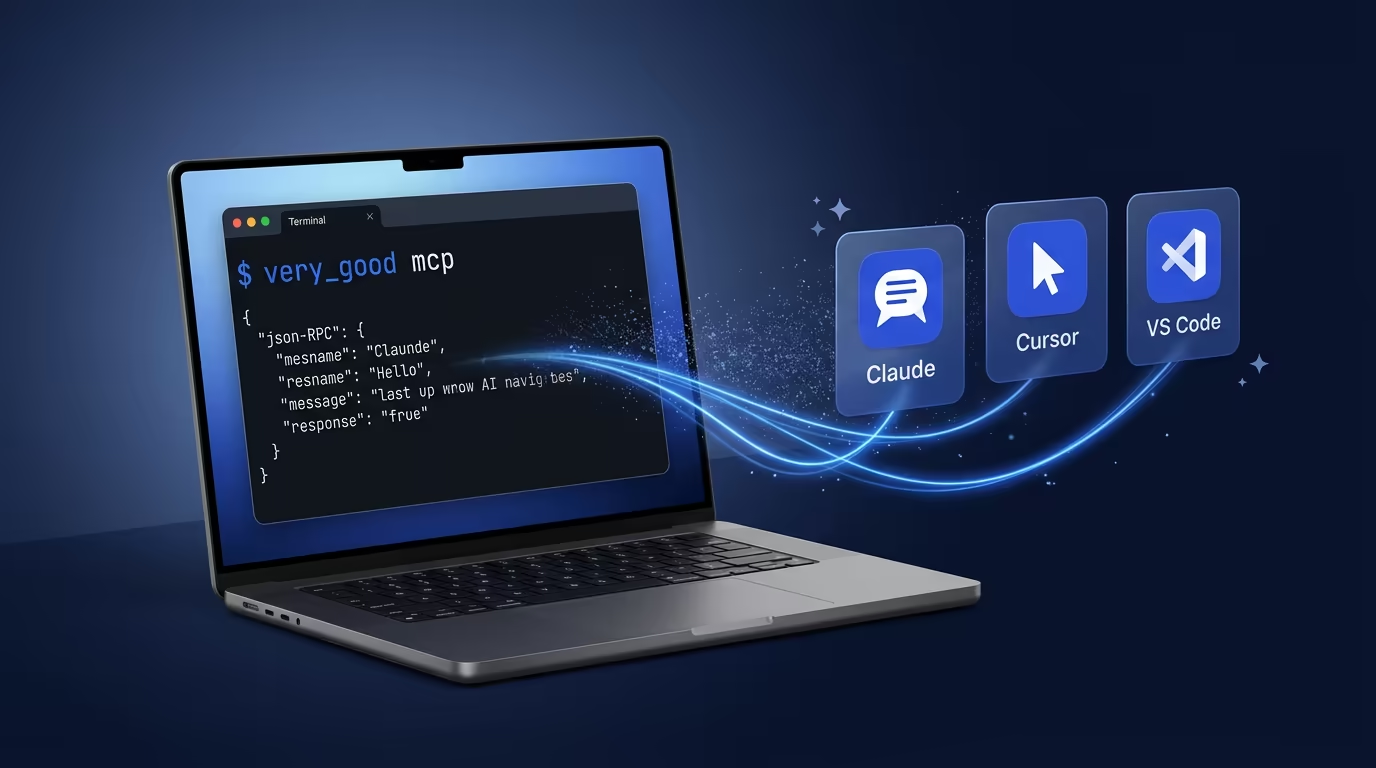
You can ask Claude to help you scaffold a Flutter app. You can ask it to review your test coverage. What you could not do until now is have your AI assistant actually run the scaffolding, execute the tests, or check the licenses. That gap is what [Model Context Protocol](https://modelcontextprotocol.io/introduction) (MCP) closes, and it is why we added an MCP server to [Very Good CLI](https://verygood.ventures/blog/very-good-cli-1-0-flutter-testing-mcp-semantic-versioning/).
The Very Good CLI MCP server exposes real development workflows to AI agents and editors: project creation from templates built on [our documented Flutter conventions](https://engineering.verygood.ventures/), test execution with coverage enforcement, dependency management, and [license compliance for Dart and Flutter](https://verygood.ventures/blog/7-mcp-servers-every-dart-and-flutter-developer-should-know/). This is not "here is MCP in theory." This is what MCP unlocks in a serious Flutter project.
> **Note:** The MCP server is an experimental feature. We are shipping it early because the value is already real, with the caveat that MCP itself is still evolving. Expect changes as the protocol matures.
## A Quick Primer on MCP
AI agents can already run commands on your machine. Tools like Claude Code, Cursor, and Windsurf have shell access — they can guess the right CLI invocation, execute it, parse the output, and keep going. If you ask an AI agent to scaffold a Flutter app, it can absolutely try running `very_good create flutter_app my_app` in a shell. Sometimes it gets it right. Sometimes it hallucinates a flag that does not exist, forgets a required argument, or misinterprets the output.
[MCP](https://modelcontextprotocol.io/introduction) does not give AI agents a capability they lacked. It gives them a **deterministic** way to use that capability. Instead of composing a shell command from memory (or imagination), the agent calls a structured tool with a well-defined schema: typed parameters, documented options, and predictable output. The difference is reliability.
The protocol itself is straightforward. An MCP server advertises a set of tools over standard I/O using [JSON-RPC 2.0](https://www.jsonrpc.org/specification). An MCP client (your AI editor) discovers those tools, and the AI model decides when and how to call them based on what you ask for. No proprietary SDK, no vendor lock-in, no platform-specific glue code. One server works with every compatible client.
### Prompt-Based Execution vs. MCP: A Comparison
To make this concrete, here is the same task — running tests with 100% coverage — done both ways:
**Via prompt (shell execution):**
You ask: *"Run tests with 100% coverage enforcement."*
The agent guesses the command, perhaps `very_good test --coverage --min-coverage 100`, executes it in a shell, and parses the raw terminal output as unstructured text. It works when the agent remembers the exact flags. When it does not — wrong flag name, missing argument, deprecated syntax — you get a confusing error that the agent may or may not recover from.
**Via MCP (structured tool call):**
You ask the same thing. The agent discovers the `test` tool from the MCP server, sees that it accepts `coverage: true` and `min_coverage: "100"` as typed parameters, and calls it directly. The server validates the input, runs the command, and returns structured output. No guessing involved.
| | Prompt-based (shell) | MCP (structured tool) |
| ------------------- | --------------------------------------------------------- | --------------------------------------------------------------- |
| **Discovery** | Agent must know or guess the CLI syntax | Agent discovers available tools and their schemas automatically |
| **Reliability** | Non-deterministic — depends on the model's training data | Deterministic — validated parameters, documented options |
| **Error handling** | Agent parses raw terminal output, may misinterpret errors | Server returns structured results the agent can reason about |
| **Maintainability** | CLI changes break the agent's assumptions silently | Schema updates are surfaced to the agent at discovery time |
| **Security** | Arbitrary shell execution with broad permissions | Scoped tool calls with defined inputs and outputs |
Both approaches get the job done when everything goes right. The difference shows up when things go wrong — and in production Flutter projects, things go wrong often enough that determinism matters.
### What This Looks Like in Practice
For Flutter and Dart developers, MCP turns best-effort shell calls into reliable tool invocations:
* You ask your AI assistant to scaffold a new app. Instead of guessing the `very_good create` syntax, it discovers the `create` tool, sees the available templates and parameters, and calls it with the right arguments. The project scaffolds correctly on the first try.
* You ask it to run your test suite with 100% coverage. It calls the `test` tool with typed parameters — no risk of a wrong flag name or a missing dash. It parses the structured output and tells you which files fell short.
* You ask it to check license compliance across a monorepo before opening a PR. It calls `packages_check_licenses` with the right scope, gets back a structured result, and flags exactly what needs attention.
The pattern is the same every time: you describe what you want, and the AI assistant executes it through a well-defined tool interface rather than improvising a shell command.
### Why We Think This Matters
We have spent years building CLI tools that make Flutter development faster and more reliable. MCP lets us put those same tools directly in the hands of AI assistants, which changes the developer experience in two concrete ways.
First, it collapses the feedback loop. Instead of switching between your editor and terminal, copying commands, waiting for output, and then interpreting results, you stay in one place. The AI assistant handles the round trip.
Second, it makes the tools composable in ways they were not before. An AI agent can chain multiple tool calls together — scaffold a project, install dependencies, run tests, check licenses — in a single interaction, without you orchestrating each step manually.
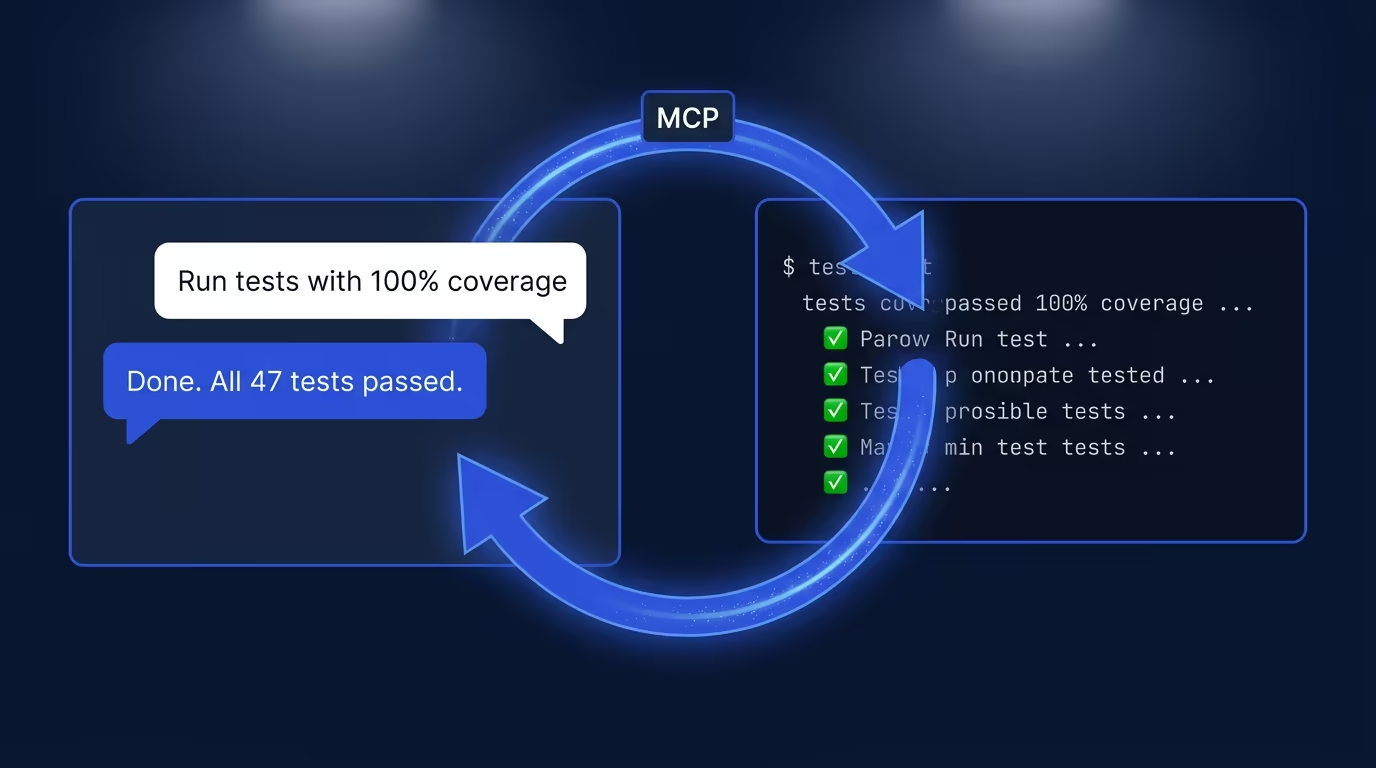
## How Very Good CLI MCP Complements the Official Dart MCP Server
The official [Dart MCP Server](https://docs.flutter.dev/ai/mcp-server) provides general-purpose Dart and Flutter tooling for AI agents. The Very Good CLI MCP server builds on top of that foundation and adds capabilities specific to professional Flutter development: VGV-curated project templates (including Flutter apps, packages, plugins, Flame games, Dart CLIs, and documentation sites), fail-fast test execution with coverage enforcement and golden-file updates, recursive dependency resolution across monorepos, and automated license compliance checks. If the official server gives your AI agent basic Flutter literacy, the Very Good CLI MCP server gives it a production engineering workflow.
## Prerequisites
Before starting the MCP server, make sure you have Very Good CLI v1.0.0 or later installed. See the [Very Good CLI documentation](https://cli.vgv.dev/docs/overview) for installation instructions.
## Quick Start
To start the MCP server, run:
```sh
# Listens on stdio using JSON-RPC 2.0
very_good mcp
```
> **Experimental:** This command relies on the [Dart MCP Server](https://docs.flutter.dev/ai/mcp-server), which is experimental and may change without notice. Test thoroughly before integrating into production workflows.
## Client Configuration
The Very Good CLI MCP server works with all major AI-powered editors and assistants. The table below summarizes supported clients, and the configuration snippets that follow show the exact setup for each one.
| Client | Config File | Transport |
| ------------------------ | ---------------------------- | --------- |
| Claude Desktop | `claude_desktop_config.json` | stdio |
| Claude Code | `.claude/settings.json` | stdio |
| Cursor | `.cursor/mcp.json` | stdio |
| VS Code / GitHub Copilot | `.vscode/mcp.json` | stdio |
| Windsurf | `~/.windsurf/mcp.json` | stdio |
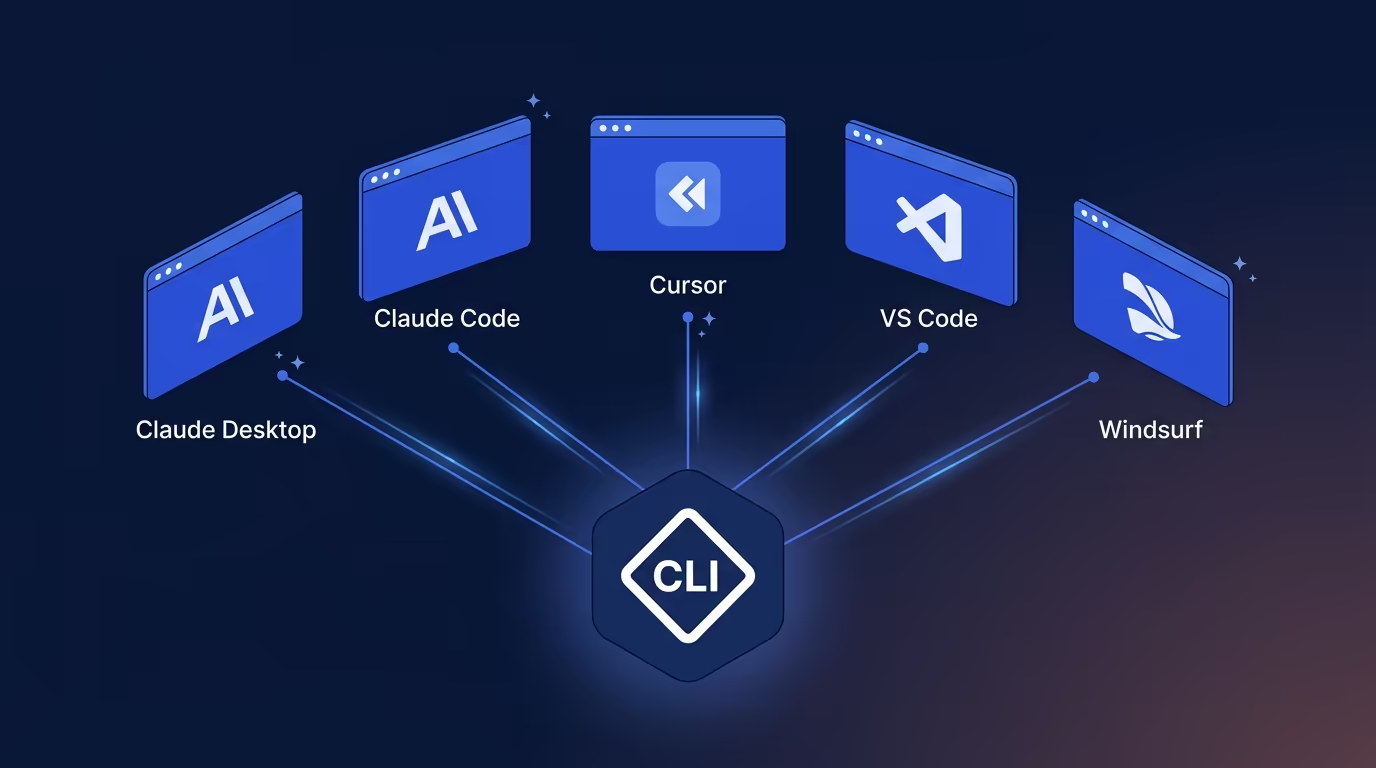
**Claude Desktop** (`claude_desktop_config.json`):
```json
{
"mcpServers": {
"very_good_cli": {
"command": "very_good",
"args": ["mcp"]
}
}
}
```
**Claude Code** (`.claude/settings.json`):
```json
{
"mcpServers": {
"very_good_cli": {
"command": "very_good",
"args": ["mcp"]
}
}
}
```
**Cursor** (`.cursor/mcp.json`):
```json
{
"mcpServers": {
"very_good_cli": {
"command": "very_good",
"args": ["mcp"]
}
}
}
```
**VS Code / GitHub Copilot** (`.vscode/mcp.json`):
```json
{
"servers": {
"very_good_cli": {
"command": "very_good",
"args": ["mcp"],
"type": "stdio"
}
}
}
```
**Windsurf** (`~/.windsurf/mcp.json`):
```json
{
"mcpServers": {
"very_good_cli": {
"command": "very_good",
"args": ["mcp"]
}
}
}
```
## Available MCP Tools
The Very Good CLI MCP server exposes four tools that cover the core Flutter development lifecycle: scaffold a project, run tests, manage dependencies, and verify license compliance. Each tool is available to any MCP-compatible AI client configured above.
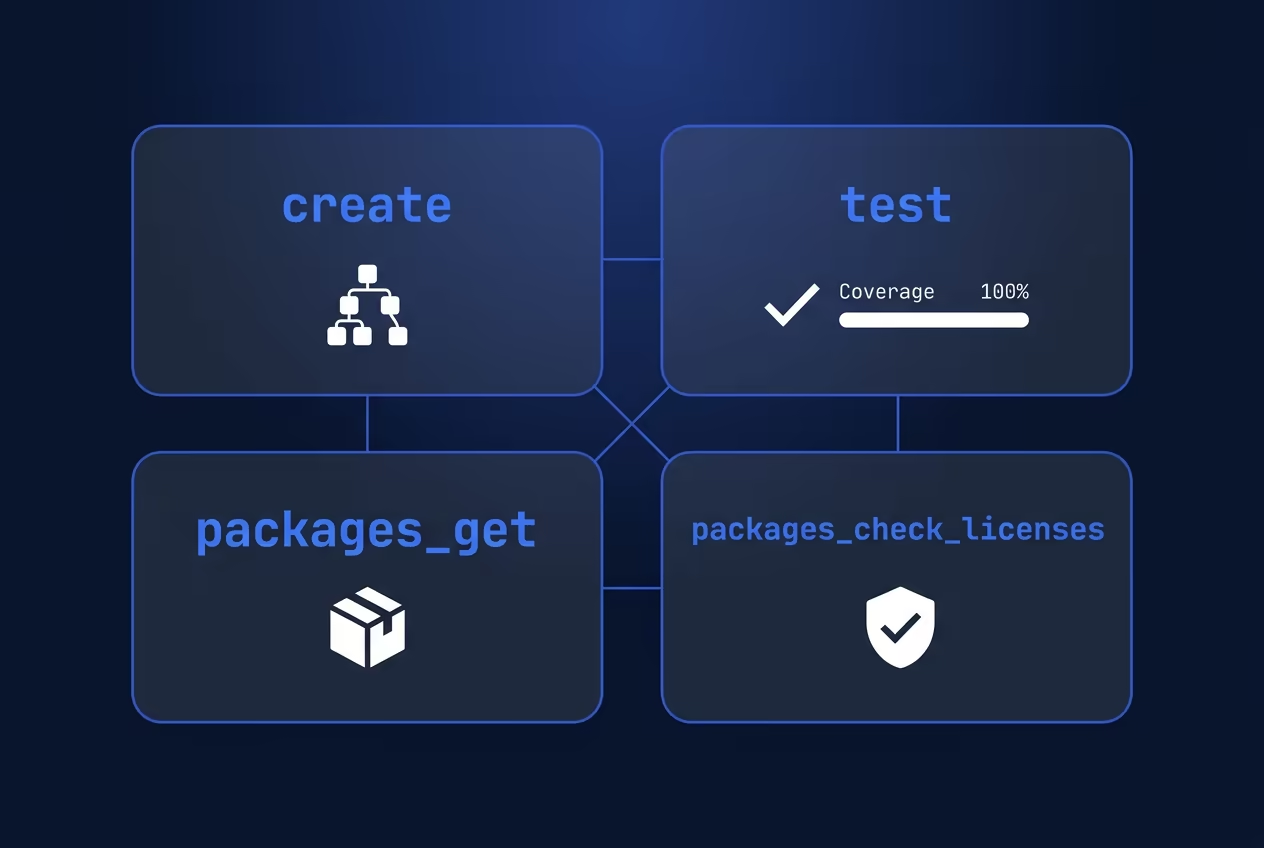
### `create` — Scaffold New Flutter and Dart Projects
Generate a new Dart or Flutter project from a curated template. Your AI assistant can scaffold a production-ready Flutter app, package, plugin, Flame game, Dart CLI, or documentation site without you leaving the chat interface.
```json
{
"tool": "create",
"arguments": {
"subcommand": "flutter_app",
"name": "my_app",
"description": "A Very Good Project created by Very Good CLI.",
"org_name": "com.example.verygoodcore",
"output_directory": "./",
"application_id": "com.example.my_app",
"platforms": "android,ios,web,macos,linux,windows",
"publishable": true,
"executable-name": "my_cli",
"template": "core"
}
}
```
`subcommand` and `name` are required. Choose one subcommand per invocation: `flutter_app`, `flutter_package`, `flutter_plugin`, `flame_game`, `dart_cli`, `dart_package`, or `docs_site`. All other parameters are optional.
| Parameter | Applicable Subcommands |
| ----------------- | ------------------------------------------------------------------ |
| `platforms` | `flutter_plugin` (all platforms), `flame_game` (android, ios only) |
| `publishable` | `flutter_package`, `dart_package` |
| `executable-name` | `dart_cli` |
| `template` | `flutter_app` (`core` or `wear`) |
### `test` — Run AI-Assisted Flutter Tests
Run your full test suite with [test coverage and optimization workflows](https://verygood.ventures/blog/very-good-cli-1-0-flutter-testing-mcp-semantic-versioning/) from within your AI editor. Your AI agent can execute tests across a monorepo, enforce minimum coverage thresholds, and report results back in the conversation.
```json
{
"tool": "test",
"arguments": {
"directory": "./my_app",
"dart": false,
"coverage": true,
"recursive": true,
"optimization": true,
"concurrency": "4",
"min_coverage": "100",
"tags": "unit",
"exclude_tags": "integration",
"exclude_coverage": "**/*.g.dart",
"update_goldens": false,
"force_ansi": false,
"platform": "chrome | vm | android | ios",
"dart-define": "foo=bar",
"dart-define-from-file": "config.json",
"test_randomize_ordering_seed": "random"
}
}
```
All parameters are optional. Note: when `optimization` is not specified, `--no-optimization` is applied by default.
### `packages_get` — Manage Dependencies with AI
Install or update Dart and Flutter package dependencies across your project. When working in a monorepo, set `recursive` to `true` and let your AI agent resolve dependencies for every package in one pass.
```json
{
"tool": "packages_get",
"arguments": {
"directory": "./my_app",
"recursive": true,
"ignore": "package1,package2"
}
}
```
All parameters are optional.
### `packages_check_licenses` — Automate License Compliance
Verify that all package licenses in your project meet your compliance requirements. This is especially useful in enterprise Flutter projects where license auditing is part of the CI pipeline, and your AI agent can flag non-compliant dependencies before they reach a pull request.
```json
{
"tool": "packages_check_licenses",
"arguments": {
"directory": "./my_app",
"licenses": true
}
}
```
All parameters are optional. `licenses` defaults to `true`.
## Putting It All Together: A Workflow Example
Here is what a real MCP-powered development session looks like. You open Claude Code (or Cursor, or VS Code with Copilot) and type:
> "Create a new Flutter app called `budget_tracker` using the core template, then run all tests with 100% coverage enforcement."
The AI agent calls the `create` tool to scaffold the project from VGV's opinionated template, then immediately calls the `test` tool with `coverage: true` and `min_coverage: "100"`. You get a fully scaffolded Flutter app and a test report without touching the terminal yourself. That is the gap the Very Good CLI MCP server closes: your AI assistant can reason about what to do and actually do it.
## Common Pitfalls
If you run into issues setting up the MCP server, check these common problems first:
* **CLI not found:** Make sure `very_good` is on your system PATH. Run `very_good --version` in your terminal to confirm it is accessible.
* **Wrong CLI version:** The MCP server requires Very Good CLI v1.0.0 or later. Run `very_good update` to get the latest version.
* **Client not connecting:** Double-check the configuration file path for your editor. Each client expects its MCP config in a specific location (see the table in the Client Configuration section above).
* **Stale server state:** If tools stop responding, restart the MCP server by restarting your AI editor or re-running `very_good mcp`.
## What Comes Next
We built the Very Good CLI MCP server because we believe the best developer tools disappear into the workflow. When your AI assistant can scaffold, test, and verify compliance without you switching contexts, the tool has done its job. This is one step in that direction, and we are continuing to build on it.
To get started, install [Very Good CLI](https://cli.vgv.dev/docs/overview) and run `very_good mcp`. For more on MCP servers relevant to Dart and Flutter development, see our companion post: [7 MCP Servers Every Dart and Flutter Developer Should Know](https://verygood.ventures/blog/7-mcp-servers-every-dart-and-flutter-developer-should-know/).
#### Very Good CLI MCP Server FAQs
##### What MCP tools does Very Good CLI expose?
Four tools covering the core Flutter development lifecycle: create (scaffold projects from VGV-opinionated templates), test (run tests with coverage enforcement and golden-file updates), packages_get (install and resolve dependencies across monorepos), and packages_check_licenses (verify license compliance). Each is callable by any MCP-compatible AI client.
##### How do I connect Very Good CLI to Claude Code with MCP?
Add an mcpServers entry to .claude/settings.json pointing at the very_good mcp command: { "mcpServers": { "very_good_cli": { "command": "very_good", "args": ["mcp"] } } }. Then restart Claude Code. The very_good command must be on your system PATH.
##### Can I use Very Good CLI MCP with GitHub Copilot in VS Code?
Yes. Add the configuration to .vscode/mcp.json. Note that VS Code requires the additional "type": "stdio" field in each server entry — the rest of the configuration follows the same pattern as Claude Code, Cursor, and Windsurf.
##### What is the difference between the Very Good CLI MCP server and the official Dart MCP server?
The official Dart MCP server provides general-purpose Dart and Flutter tooling for AI agents. The Very Good CLI MCP server adds VGV-specific capabilities on top: curated project templates (Flutter apps, packages, plugins, Flame games, Dart CLIs, docs sites), fail-fast test execution with coverage enforcement, recursive monorepo dependency resolution, and automated license compliance checks. If the official server gives your AI agent basic Flutter literacy, the Very Good CLI MCP server gives it a production engineering workflow.
##### Why use MCP instead of letting the AI run shell commands?
Determinism. AI agents can already run very_good create flutter_app my_app in a shell — and sometimes they get it right. But they can also hallucinate a flag that does not exist, forget a required argument, or misread terminal output. MCP replaces shell guesswork with structured tool calls: typed parameters, documented options, predictable output, and errors the agent can reason about instead of parse from raw text. The difference shows up when things go wrong.
##### Is the Very Good CLI MCP server experimental?
Yes — for now. We are shipping it early because the value is already real, with the caveat that MCP itself is still evolving. Expect the occasional change as the protocol matures. Very Good CLI 1.0 is stable; the MCP surface specifically is the experimental piece.
##### What do I need to install before running the MCP server?
Very Good CLI v1.0.0 or later installed and on your system PATH. Install with dart pub global activate very_good_cli (or dart install very_good_cli on Dart 3.10+), confirm with very_good --version, then run very_good mcp to start the server over stdio using JSON-RPC 2.0. See the Very Good CLI documentation for full installation steps.
### The Last Mile Gap: How Generative UI Drives New Account Openings in Retail Banking
Source: https://verygood.ventures/blog/genui-last-mile-gap-banking-account-openings/
Ask any room of banking executives how many have increased their AI investment over the past two years. Nearly every hand goes up.
Now ask how many can say their customers are significantly more satisfied with their digital experience than they were two years ago.
Most hands drop.
That gap — between what banks are spending on AI and what customers are actually experiencing — is what we call the **Last Mile Problem**. And it's costing the industry more than most leaders realize.
## The Investment Paradox
The scale of AI investment in financial services is staggering.
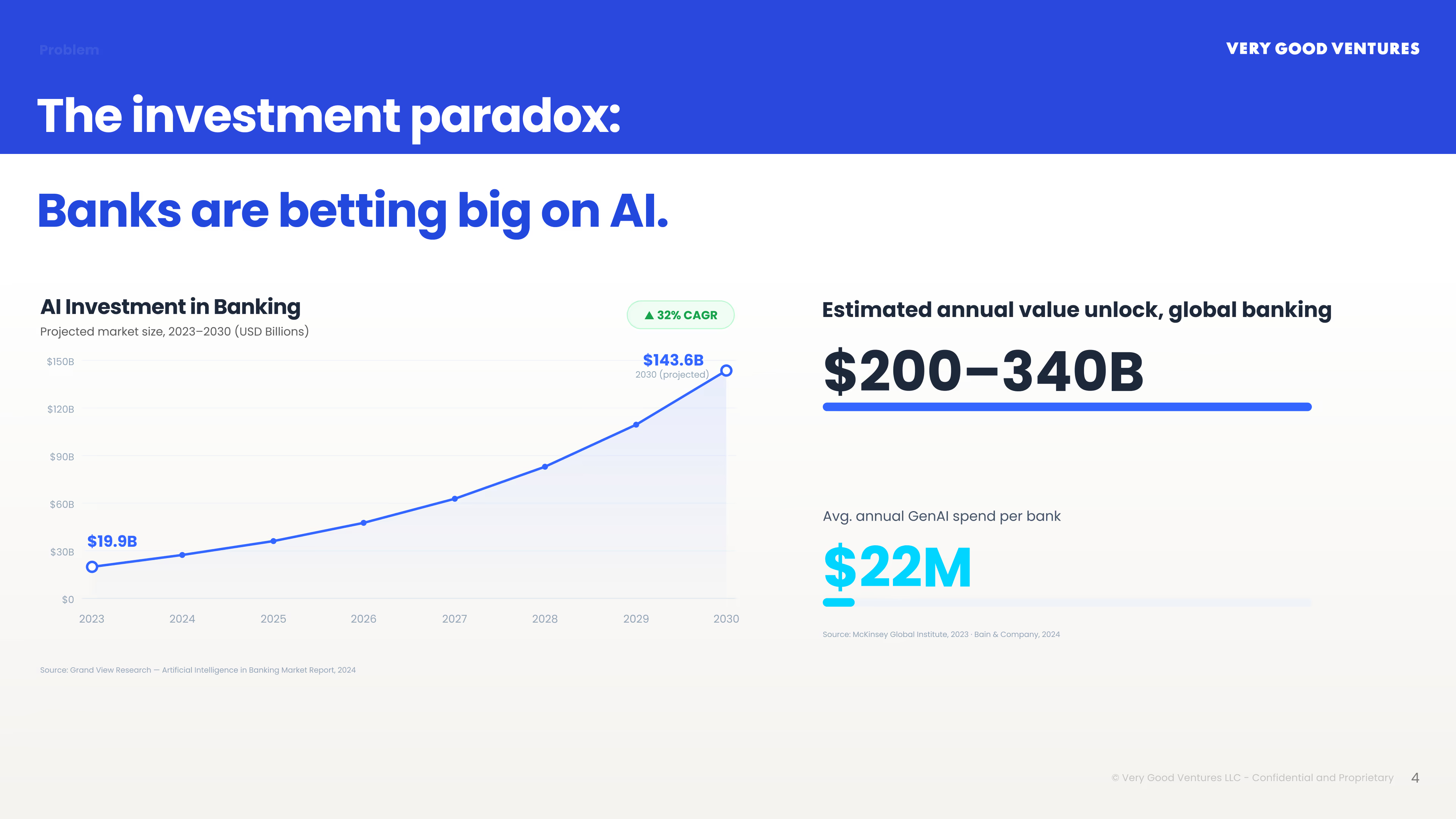
[McKinsey estimates](https://www.mckinsey.com/industries/financial-services/our-insights/capturing-the-full-value-of-generative-ai-in-banking) generative AI could unlock **$200 to $340 billion annually** for global banking. The average bank is already spending **[$22 million per year](https://www.bain.com/insights/ai-in-financial-services-survey-shows-productivity-gains-across-the-board/)** on GenAI initiatives, a figure growing at a 32% CAGR. And yet: [MIT's 2025 State of AI in Business report](https://fortune.com/2025/08/18/mit-report-95-percent-generative-ai-pilots-at-companies-failing-cfo/) found that 95% of enterprise AI pilots fail to deliver ROI.
[J.D. Power's 2025 Banking Mobile App Satisfaction Study](https://www.jdpower.com/business/press-releases/2025-us-banking-and-credit-card-mobile-app-satisfaction-studies) tells a very specific story about why. Virtual assistant usage in banking apps has declined — not stagnated, declined — from 33% to 30%. Customer satisfaction scores dropped from 691 to 687 out of 1,000. J.D. Power's own explanation: customers now use ChatGPT daily. When they come back to your app, the experience gap is visible.
The money is flowing into Customer Data Platforms, AI Operations infrastructure, and data lakes. The intelligence being generated is real. But when a customer opens your app, they still see a static menu, a list of tabs, and a generic product page that bears no relationship to who they are or what they actually need.
## What Your AI Knows. What Your Customer Sees.
This is the Last Mile Problem.
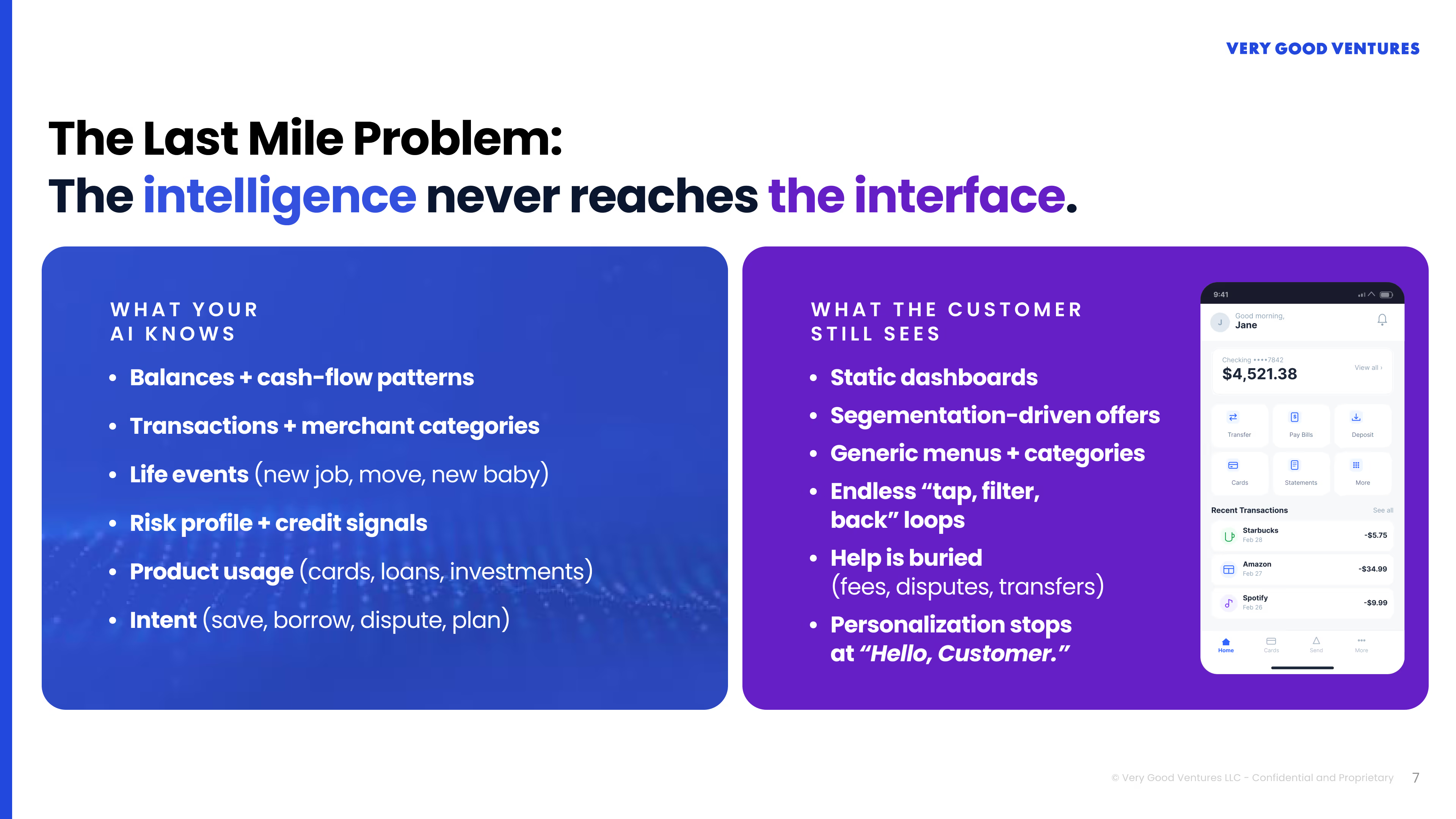
Consider the data advantage banks already hold. Your systems know each customer's balances and cash-flow patterns. Transaction history and merchant categories. Life events — a new job, a recent move, a new baby. Risk profile and credit signals. Intent signals from browsing behavior.
But when a customer opens your mobile app, they see: a static dashboard, segmentation-driven offers that could apply to anyone, a generic menu of categories, and feature help buried behind three taps.
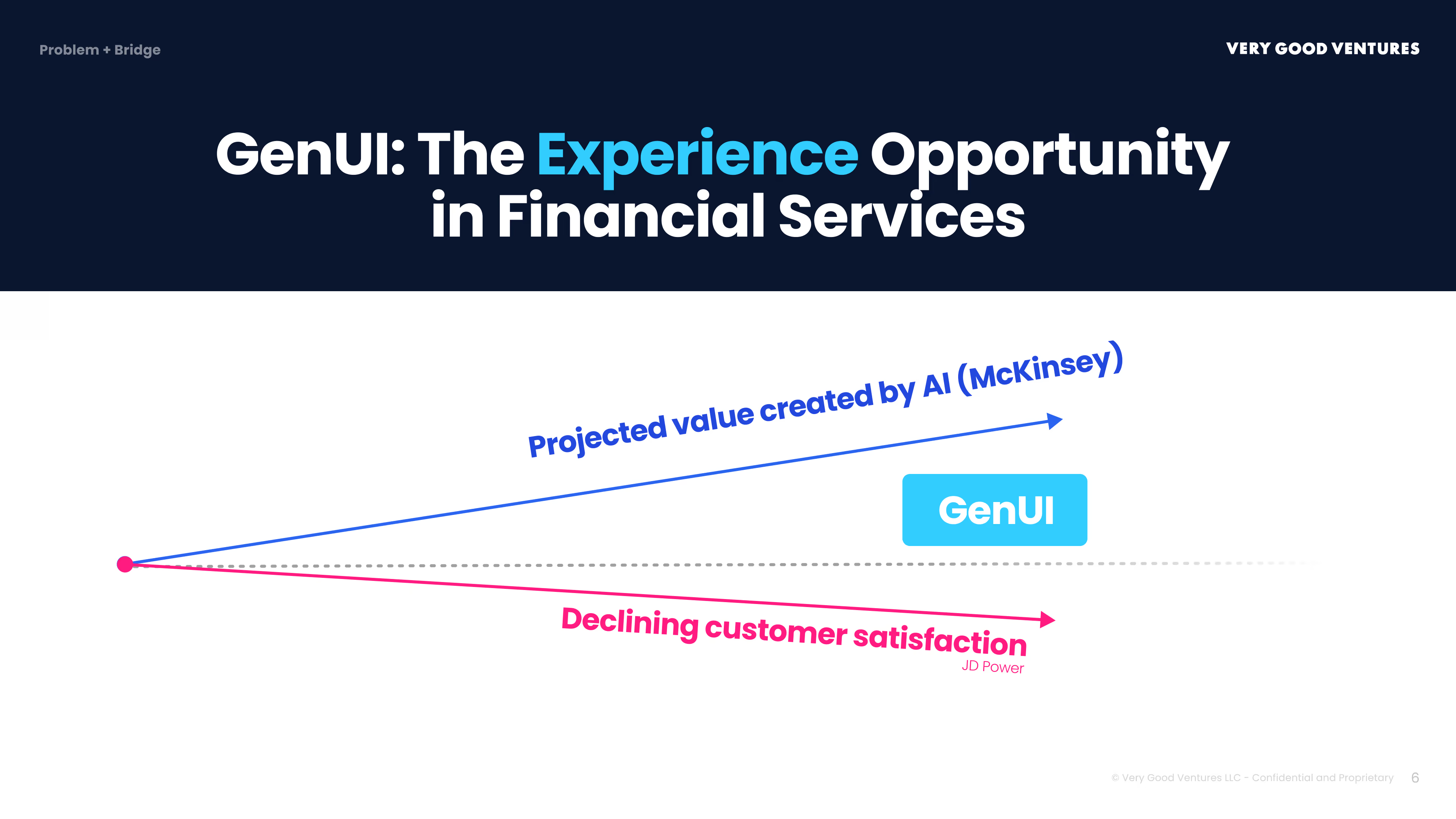
AI investment is projected to unlock hundreds of billions in value. Customer satisfaction is moving in the opposite direction. GenUI is the bridge.
Accenture research shows personalization drives a **10–20% revenue lift** in financial services. We know it works. Most institutions simply can't capture it at the screen level. The intelligence never reaches the interface.
Now here's what closing that gap looks like in practice — the same bank, the same app, completely different experiences built in real time for two different customers:
Same bank. Same app. Completely different home screens, assembled in real time based on each person's profile, goals, and life situation. This is what closing the Last Mile looks like.
## Finding the Highest-Impact Starting Point
Understanding that GenUI can personalize the interface is one thing. Knowing *where to start* is another. Most institutions have dozens of potential use cases on a whiteboard somewhere. Competing priorities, legacy constraints, and a board asking for ROI proof make the prioritization question real.
Rather than guessing, VGV used our **Opportunity Map** framework — a proprietary methodology built on [Anthony Ulwick's Jobs to Be Done](https://strategyn.com/jobs-to-be-done/) research.
### The Research
We conducted in-depth interviews with banking customers who were actively considering opening a new account but had not yet progressed. The goal was to uncover the *jobs* these customers needed to complete in order to feel confident moving forward.
Three jobs emerged consistently:
- **Understand what I would actually gain** — not marketing copy, but real clarity about how a specific account fits my specific financial situation
- **Compare options without getting lost** — customers felt overwhelmed trying to evaluate products, benefits, and tradeoffs across multiple offerings
- **Complete the process without friction** — every extra step, every re-entry of information, every form that doesn't auto-populate is a reason to quit
These are not new insights. They have been sitting in your NPS data for years. What's new is what we can now do about them.
### The Opportunity Map
We plotted each job against two inputs: how important it is to customers, and how satisfied they currently are with how their bank supports it. Where importance is high and satisfaction is low — that gap is the opportunity score.
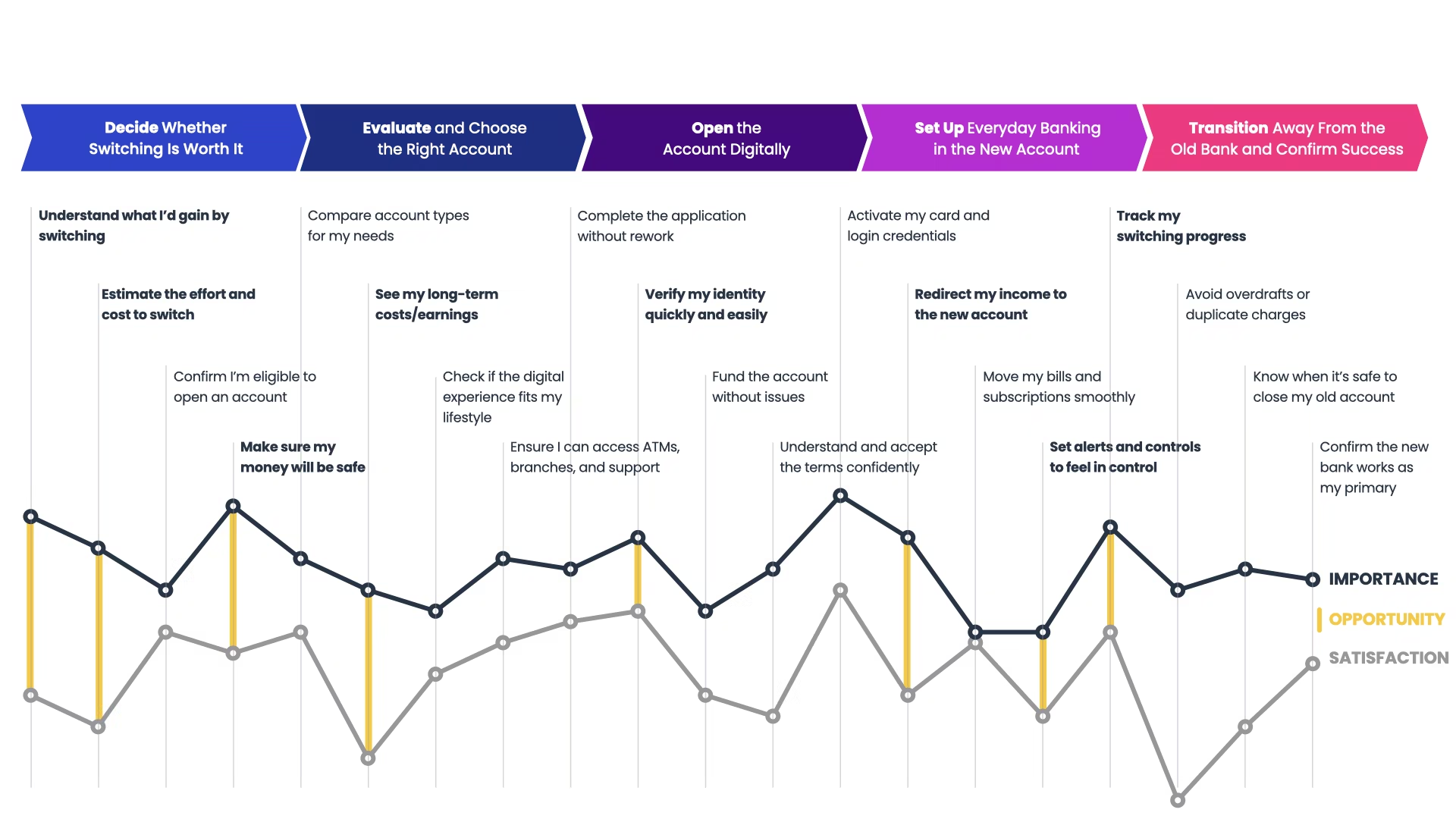
Look at the far left of the map.
The biggest opportunity across the entire account-opening journey sits right at the start: helping customers understand what they'd actually gain by opening a new account in the first place — and making that value personal to their specific life situation. High importance. Low satisfaction. This is where the gap is largest, and where GenUI can move the needle fastest.
This job ranked as highly important across all customer segments — yet existing digital experiences left it nearly unserved. Customers wanted clarity and relevance. Instead, they were met with generic product descriptions and marketing language that could apply to anyone.
[The average account-opening abandonment rate has doubled to 67% for some banks](https://www.mx.com/blog/account-opening-stats/). [Abandonment exceeds 50%](https://www.mx.com/blog/account-opening-stats/) when the process takes more than three to five minutes. Customers aren't abandoning because the application is too hard. They're abandoning before they even reach it — because no one has convinced them the account is right for them.
## GenUI in Action: Guiding a Customer to Account Opening
What does GenUI look like at this specific moment in the journey? The demo below shows a bank using LLM-generated UI elements to guide a customer through exactly this job.
Notice what the bank is doing here. Rather than dropping the customer into a product catalog, the LLM first guides them through a series of savings scenarios — asking about their goal, their timeline, and what tradeoffs matter to them. Only once those scenarios are personalized to the customer's actual life situation does the system surface an account recommendation. The AI isn't presenting options; it's building understanding first, then translating that understanding into a specific, justified recommendation.
This is the key distinction between GenUI and traditional personalization. It is interpreting intent — "I want to start saving for my daughter's college fund" — and assembling a flow-based experience in real time: a context bar that updates as the conversation progresses, visual UI components that surface precisely when the customer needs them, and a comparison surface that appears exactly when the customer faces a complex decision.
The bank controls what the AI can do — the approved components, the compliance rules, the brand guardrails. The AI decides how to assemble those components, for this customer, in this moment.
GenUI is the experience layer where your AI investment finally becomes visible to customers.
#### Frequently Asked Questions
##### What is the Last Mile Problem in banking AI?
It's the gap between what banks spend on AI and what customers actually experience. Intelligence is generated inside the bank's systems, but when a customer opens the app they still see static menus, generic product pages, and personalization that stops at "Hello, Customer."
##### How big is the AI investment paradox in financial services?
McKinsey estimates generative AI could unlock $200 to $340 billion annually for global banking. The average bank already spends about $22 million per year on GenAI, growing at a 32% CAGR. MIT's 2025 State of AI in Business report found 95% of enterprise AI pilots fail to deliver ROI.
##### What does J.D. Power's 2025 study show about banking app satisfaction?
Virtual assistant usage in banking apps declined from 33% to 30%. Customer satisfaction scores dropped from 691 to 687 out of 1,000. J.D. Power's explanation: customers now use ChatGPT daily, so the experience gap in banking apps is visible to them.
##### Where is the highest-impact moment to deploy GenUI in account opening?
VGV's Opportunity Map, built on Anthony Ulwick's Jobs to Be Done research, identified the biggest gap at the very start of the account-opening process. Helping customers understand what they would actually gain by opening a new account, in terms personal to their life situation.
##### What jobs do customers need to complete before opening an account?
VGV's interviews surfaced three. Understand what they would actually gain in the context of their financial situation. Compare options without getting lost across products, benefits, and tradeoffs. Complete the process without re-entering information or hitting friction.
##### Why do customers abandon account opening?
The average abandonment rate has doubled to 67% for some banks, and exceeds 50% when the process takes more than three to five minutes. The post argues most abandonment happens before customers even reach the application, because nothing has convinced them the account is right for them.
##### How is GenUI different from traditional personalization?
GenUI interprets intent, like "I want to start saving for my daughter's college fund," and assembles a flow-based experience in real time. The bank controls the approved components, compliance rules, and brand guardrails. The AI decides how to assemble those components for this customer in this moment.
### What Game Jams Teach You About Building Products
Source: https://verygood.ventures/blog/what-game-jams-teach-you-about-building-products/
Most scope problems don't announce themselves. You design a system that makes sense on paper, start building, and then somewhere in the middle (usually closer to the deadline than you'd like) it becomes clear that what you planned and what you can actually deliver aren't the same thing.
That's exactly where my brother [Morgan Hunt](https://x.com/mrgnhnt96_dev) and I found ourselves on day three of the [Flame Game Jam 2026](https://itch.io/jam/flame-game-jam-2026).
The [Flame Game Jam 2026](https://itch.io/jam/flame-game-jam-2026) is Blue Fire's annual game jam for Flame, the open-source 2D game engine that runs on Flutter. This year's ten-day edition featured one revealed theme and one required diversifier—a constraint or implementation challenge chosen from a list.
This was my first time competing as a duo; in previous years, I'd entered solo. Morgan owned the technical foundation (game logic, sector calculations, and the procedural generator), while I took frontend development and UI.
When the theme dropped as "Big Brother," we began brainstorming. We ran through the obvious directions (surveillance thrillers, dystopian aesthetics) and landed on something more interesting: a social commentary on AI dependency, wrapped in mechanics inspired by [Plague Inc.](https://en.wikipedia.org/wiki/Plague_Inc.) You play as an LLM. Your goal is to spread AI dependency across the globe before an anti-AI organization shuts you down. We called it *[Suppressed Intelligence](https://github.com/Huntaylor/suppressed_intelligence)*.
Our planned game design would include four sector stats, three upgrade trees, a procedurally generated news report pushing pro- or anti-AI headlines every 15 seconds (our chosen diversifier), and a resistance organization that mobilized once you'd made enough of an impact. For the visual identity, I landed on a Windows 95 aesthetic.
## The Moment You Have to Choose
By day three, we still lacked a playable build and were running out of time. The mechanics existed in pieces, but the pieces weren't connected into anything a player could experience.
This is a moment every team faces in time-boxed work. The call you make in that moment determines whether you ship something people can actually engage with, or something that technically exists.
We narrowed to a single upgrade tree (AI Infiltration) and removed two of the four sector stats. The core gameplay loop stayed intact: players pop AI bubbles to infiltrate connected regions while managing the news headline carousel. The game we shipped was smaller than the game we designed, and it was better for it.
## What We Should Have Aligned on Earlier
We'd gone into the game jam with a general idea of what each upgrade tree would do, but not the specifics. When it came time to actually build the upgrade system, Morgan and I had to stop and define things that should have been established before coding began.
This cost us time we didn't have.
> The lesson isn't that you need exhaustive specs before you build. It's that the communication between system pieces needs to be agreed on before anyone starts building them in parallel. Like the variables, the interactions, and the cause-and-effect relationships.
In a 10-day sprint, two days of misaligned assumptions are a significant tax. In a longer product cycle, the same dynamic compounds.
## Playtesting With 24 Hours Left
With a playable game and less than a day on the clock, we sent our build to friends and family who had offered to test it.
The brief was simple: what worked, what confused you, what didn't work. We got back three clear priorities:
1. Players didn't know how to play. A tutorial wasn't optional; it was the minimum viable experience.
2. The upgrade button blended into the background. Several testers hadn't discovered it until well into the game.
3. The difficulty was too high. Everyone reported losing.
With a handful of bug reports alongside these, we now had three improvements that needed to be done during the last day.
I built the tutorial as a staged system: a UI panel that slides in and pauses the game at key moments rather than front-loading everything at once. It triggers at game start, when the player selects their launch sector, and when AI Dependency hits 15%. The goal was to deliver context when it was relevant, not dump it all on the player before they'd had a chance to understand what they were doing.
Morgan tackled the difficulty curve. When playtesters came back after the fixes, the verdict was clear: significant improvement over the previous version.
We submitted with 8 minutes and 23 seconds to spare.
## What Time-Boxed Work Actually Teaches You
A game jam is an extreme version of something product teams navigate constantly. Building something real under real constraints, with ambiguous information, and a deadline you can't negotiate.
Three things I've learned from this experience:
**Scope discipline is a skill, not a compromise.** The teams that ship well under constraint aren't the ones who do less; they're the ones who identify the core loop early and build toward it. Everything else is additive, and additive features earn their way in based on what the core loop still needs.
**Pre-build alignment has a cost when it's skipped.** Variables that touch multiple systems, and interactions between components built by different people, need to be defined before anyone starts building. This isn't process overhead; it's the minimum coordination that prevents expensive rework later.
**Testing with real users, even briefly, changes what you build.** We made better decisions in the final day because we got feedback from real people. The tutorial design, the button positioning, the difficulty tuning: these didn't feel important until our testers brought attention to them.
The game we shipped wasn't the game we designed, but it was more concise and intentional.
That's the trade-off at the center of every constrained build: not what we *can add*, but what *is needed* to work.
#### Frequently Asked Questions
##### What is the Flame Game Jam?
It's Blue Fire's annual game jam for Flame, the open-source 2D game engine that runs on Flutter. The 2026 edition was a ten-day event with one revealed theme and one required diversifier chosen from a list of constraints.
##### What did Taylor and Morgan build for the jam?
A game called Suppressed Intelligence. The theme was "Big Brother," and they built a Plague Inc.-inspired social commentary on AI dependency. The player acts as an LLM trying to spread AI dependency globally before an anti-AI organization shuts them down. The visual identity used a Windows 95 aesthetic.
##### What did the team cut to actually ship a playable build?
By day three they still had no playable build. They narrowed from four sector stats to two, dropped from three upgrade trees to one (AI Infiltration), and kept the core loop intact: pop AI bubbles to infiltrate connected regions while managing the news headline carousel.
##### What did playtesting with friends and family change?
Three priorities surfaced. Players didn't know how to play, so a tutorial was the minimum viable experience. The upgrade button blended into the background and testers missed it. Difficulty was too high and everyone reported losing. All three were addressed in the final day.
##### How was the tutorial designed given the time constraints?
As a staged system. A UI panel slides in and pauses the game at key moments rather than front-loading everything at once. It triggers at game start, when the player picks their launch sector, and when AI Dependency hits 15%, so context arrives when it's relevant.
##### What lessons translate from a 10-day jam to longer product cycles?
Three. Scope discipline is a skill: identify the core loop early and build toward it. Pre-build alignment has a real cost when skipped, especially for variables and interactions that span multiple components. Even brief testing with real users changes what you build.
### Zero to Rust in Three Weeks: How We Built a Real-Time NASCAR Pipeline with Claude Code
Source: https://verygood.ventures/blog/zero-to-rust-in-three-weeks/
In February 2026, I sat in the Trackhouse Racing pit box at Daytona watching a data processing pipeline we'd been building fall further behind with every lap. The data arrived in real time. Our processing didn't. Results showed up 16 to 24 hours after the checkered flag.
Three weeks later, we had a completely rewritten pipeline in Rust, a language I'd never touched, processing the same workload in real time during the race. This weekend at Darlington, it runs live.
This is the story of how we got there with AI, and why the hardest part wasn't writing the code.
## The Problem
Trackhouse Racing needed complex, computationally intensive processing of NASCAR telemetry data in real time, during the race.
The scale is hard to overstate. 22,000+ messages per second across dozens of data points, feeding a processing pipeline that needs to run 50 times per second across 36 cars. The results need to go to three places at once: LiveKit for real-time visualization in Flutter apps, Azure Blob Storage for analytics, and Databricks for the data science team. And it all needs to run for 3.5-hour races without losing data.
Our Python prototype got the processing right. The math was correct. The data arrived on time. But Python's computational overhead meant each processing tick took more than 200ms at a data rate that demanded sub-20ms. Every tick that ran long pushed the next one further behind. Over a 3.5-hour race, the backlog snowballed. Results that should have been available in milliseconds took days.
Everything worked. It just wasn't fast enough. We needed orders of magnitude more performance to keep pace with the data.
## Why Rust
Rust kept bouncing around in my head as an alternative. Fast, popular for server-side work, increasingly the go-to choice for teams that needed serious performance. It seemed like it could be the right fit.
The catch: I'd never written a line of it. And with NASCAR racing every week, every week without a reliable pipeline was another race where the team didn't have the real-time data they needed to improve on-track performance. We needed to move fast without cutting corners.
At VGV, we've been investing heavily in how AI tooling fits into our engineering practice. Not as a shortcut, but as an accelerator grounded in taste and trust. Taste to know what the right architecture for the experience looks like. Trust to make sure it actually works in production. This was exactly the kind of challenge that approach was built for. I would use Claude Code, Anthropic's AI coding assistant, as my primary implementation partner. I would drive the architecture, make the decisions, own the outcome. Claude would write the Rust.
## What AI-Assisted Engineering Actually Looks Like
The popular narrative around AI coding tools is simple. Describe what you want, get code back, ship it. That narrative is wrong. Or at least, it leaves out the part that actually matters: the gap between AI-generated output and production-grade software.
Here's what actually happened over three weeks.
### Week 1: Understanding the Problem and Planning the Migration
Before writing any Rust, we needed to understand what we were building and why. The product goal was straightforward. Give the Trackhouse team real-time access to processed telemetry during the race, not hours after. That meant the pipeline had to keep pace with a 50Hz data stream across 36 cars, publish to three different outputs simultaneously, and run stable for 3.5 hours without manual intervention.
I started by pointing Claude at the existing Python codebase. Not to rewrite it line by line, but to deeply analyze it. Claude produced detailed assessments of the architecture, identified where the performance bottlenecks lived, mapped out every data transformation and output path, and generated migration plans that laid out what could port directly and what needed to be rethought from scratch. These reports became the blueprint for the entire project.
From there we designed the Rust workspace together. But the key decisions weren't about code. They were about architecture. How do we handle backpressure when Azure uploads are slow but LiveKit needs to maintain a smooth framerate? What happens when one output falls behind? How do we guarantee data durability without stalling the real-time stream?
These aren't questions an AI answers well on its own. They require understanding operational constraints. NASCAR's data stream has specific timing characteristics. A single dropped frame matters less than a pipeline stall. I made those calls. Claude implemented them.
### Week 2: Stress Testing and Hitting Walls
The first Rust pipeline was based directly on the Python architecture. A monolithic process that ingested data, ran the processing, and published to all outputs in one place. The performance gains were immediate. 200-400ms per tick in Python down to 2-4ms in Rust. A massive improvement. But the system started showing cracks under real race conditions.
We ran replays of full races and watched everything. Memory usage, disk throughput, message latency, consumer lag. Monitoring every 10 minutes, just observing. Two problems emerged.
The first was speed. The core processing could keep pace with the data stream, but the outputs couldn't always keep up. Azure Blob uploads take time. Databricks publishes over gRPC with acknowledgment latency. When those slowed down, they back-pressured the processing, and the whole pipeline stalled.
The second was data loss. We needed durable storage of every tick for analytics and data science. Losing data wasn't acceptable. But the act of durably storing everything was exactly what was dragging the system down. The Databricks publisher would fall behind, its memory would grow as it buffered unsent records, and eventually it would crash and take the entire pipeline down with it, including the real-time stream the team was actually watching.
This was the core tension and the critical insight that shaped everything that followed. The processing was fast enough. The real-time stream was fast enough. But we couldn't guarantee durable capture of every data point without risking the system that was supposed to deliver it. In a monolithic architecture, the requirement to store everything conflicted with the requirement to never stall.
### Week 3: Re-Architecture and Rapid Iteration
Week 3 was about tearing apart the monolith and rebuilding it as independent pieces. We designed a NATS JetStream fan-out architecture. 9 independent binaries, each responsible for exactly one thing. The processing engine reads from one stream and writes to another. LiveKit, Azure, and Databricks each have their own consumer binary. If one crashes, the others keep running.
This design came from a conversation, not a prompt. I described what we'd observed during stress testing, and we iterated on solutions until we landed on the fan-out model. Claude wrote the integration code, the consumer reconnection logic, the compression and retention configuration. I reviewed every architectural choice.
What followed was a rapid cycle of deploy, test, observe, iterate. We'd run a full race replay, monitor it, find an issue, fix it, redeploy, and test again. In a single 48-hour stretch we shipped six patch releases, each one informed by what we'd observed in the previous test.
This is where Claude's value went beyond writing code. Every issue we found required deep analysis. Memory growing in a third-party SDK. A consumer silently dying without logging an error. A visual artifact that only appeared at specific points on the track. These weren't problems you solve by reading the docs. Each one required tracing through multiple layers of the system, testing hypotheses, ruling out dead ends, crunching hundreds of millions of telemetry records to find patterns, and sometimes discovering that the root cause was something completely different from what the symptoms suggested.
A person doing that analysis manually would take days per issue. Claude could do it in minutes, try multiple pathways simultaneously, and present findings I could evaluate and act on. That speed of analysis is what made it possible to ship those releases in two days instead of six weeks.
The fixes ranged from one-line changes to completely restructuring how data was packaged and sent. One issue was caused by a third-party SDK that couldn't handle large payloads efficiently. The solution was breaking data into much smaller chunks, which dropped memory usage from gigabytes to under 100MB. Another bug had been present since the original Python codebase and nobody had noticed. The ability to rapidly and deeply analyze complex problems, weigh solutions, and iterate is what turned a fragile prototype into a production system.
## The Pipeline Today
The data flows through six stages, each running as its own independent binary. The ingest bridge connects to NASCAR's NATS feed and filters it into a local JetStream server. The processing engine picks up every tick and runs the computation, producing output for 36 cars across thousands of data points. From there, the LiveKit publisher packs results into a compact binary frame and pushes them via WebRTC at 50Hz to a multi-platform Flutter ecosystem of web, mobile, and desktop apps sharing a common real-time transport layer. The Azure Blob writer saves Parquet files for analytics. The Databricks publisher streams records in real time via gRPC.
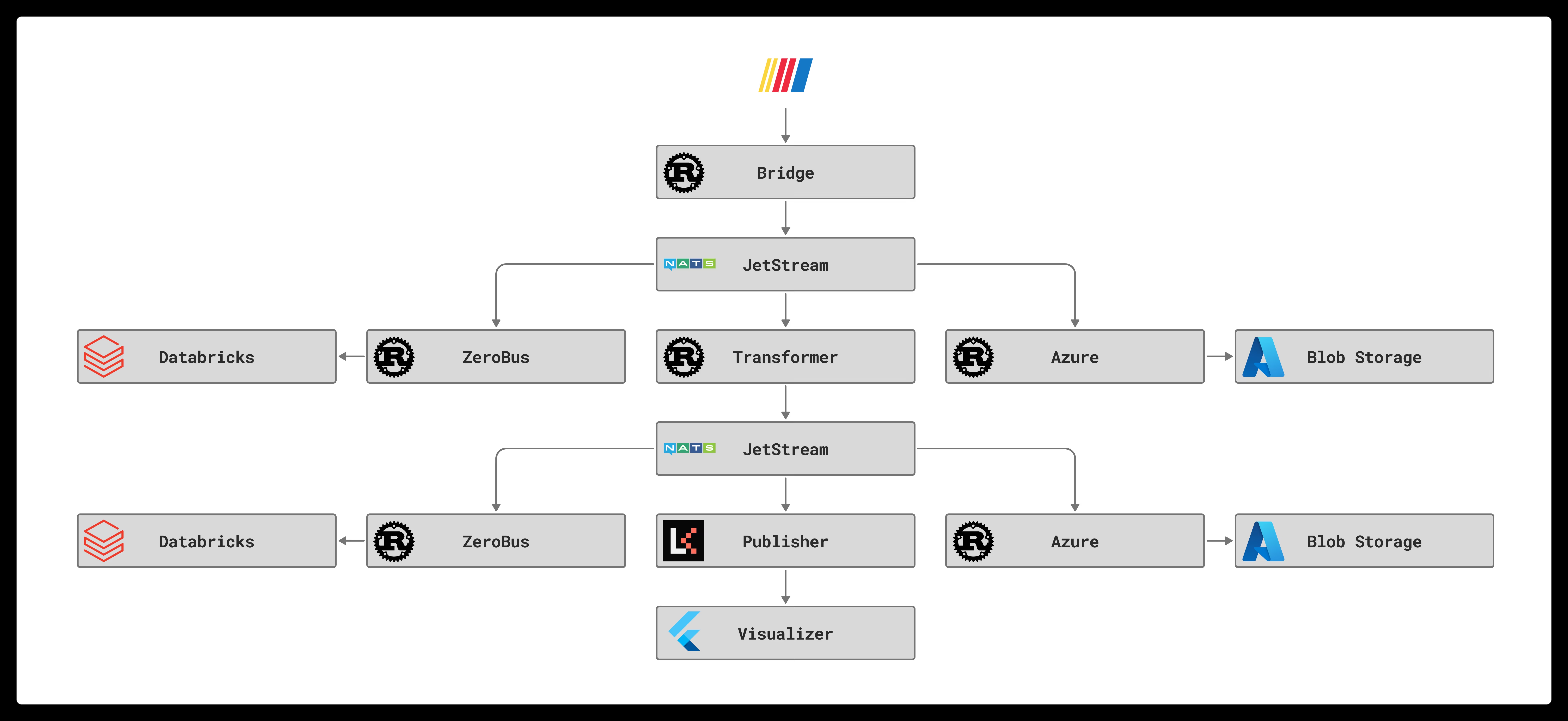
Every stage is independent. The processing engine handles each tick in 0.04-0.08 milliseconds, down from 200-400ms in Python. The pipeline ingests 22,000+ messages per second and ran a full 3.5-hour race processing over 227 million messages with zero restarts and minimal drift between the live data and the slowest consumer. If the Databricks publisher falls behind, it catches up without affecting the real-time LiveKit stream. If any process crashes, systemd restarts it and the durable consumer resumes where it left off.
## What I Learned About Working With AI
### It's not about the code generation
The most valuable thing Claude did wasn't writing Rust. It was being a collaborator who could hold the entire system in context. The message formats, the processing math, the upload retry logic, the binary frame protocol. It helped me reason about how changes in one place affected everything else.
When I said "the Databricks consumer is crashing after 60 seconds," Claude didn't just suggest increasing the memory limit. We traced the growth through the SDK's buffer, measured the payload sizes, calculated what the theoretical maximum should have been, found the gap between theory and reality, and identified that the data packaging was the real problem. The fix wasn't tuning a config. It was rethinking how we structured the data.
### The human still drives
Every architectural decision was a human decision informed by operational experience. I know what happens at a NASCAR pit box when the network drops. I know that losing 10 minutes of durable uploads is worse than a 2-second visual stall. Claude doesn't have that context unless I provide it.
The AI accelerated the implementation of those decisions by orders of magnitude. But it didn't make them.
### Testing is non-negotiable
We ran the pipeline through a full 3.5-hour race replay before declaring it ready. We monitored memory, disk, CPU, message throughput, and consumer lag every 10 minutes. We found and fixed 6 bugs in production-like conditions over two days of testing.
AI makes it tempting to move fast. The discipline is in not shipping until you've validated at scale.
### Unfamiliar languages aren't the barrier they used to be
I went from zero Rust experience to a production pipeline processing 22,000 messages per second in three weeks. Not because Rust is easy, but because the AI handled the syntax and idioms while I focused on architecture and correctness.
I still don't write Rust fluently by hand. I don't need to. I understand the system because I've read and reviewed thousands of lines of it. The AI wrote the first draft. I own what shipped.
## The Bigger Picture
This project isn't a story about AI replacing engineers. It's a story about what happens when you combine AI speed with the taste to make the right decisions and the trust to ensure they hold up under real conditions.
Three weeks with an unfamiliar language. A pipeline that processes millions of data points in real time during a NASCAR race.
That's not magic. That's taste and trust, accelerated by a new kind of tool.
The pipeline runs live at Darlington this weekend. The team will have real-time data during the race for the first time. That's what matters.
---
*Very Good Ventures helps teams build production-grade software at AI speed, with the taste to know what's right and the trust to make sure it works. If you're interested in how this approach could accelerate your team, [reach out](https://verygood.ventures/contact-us/).*
#### Frequently Asked Questions
##### What problem was Trackhouse Racing trying to solve?
Trackhouse needed real-time processing of NASCAR telemetry during the race. The Python prototype produced correct results, but each tick took more than 200ms when sub-20ms was required. Over a 3.5-hour race the backlog snowballed and results showed up 16 to 24 hours after the checkered flag.
##### Why did the team choose Rust?
Rust is fast, popular for server-side work, and increasingly the choice for teams that need serious performance. The catch was that Kyle had never written a line of it, and every race without a reliable pipeline meant another weekend without real-time data for the team.
##### What role did Claude Code play in the rewrite?
Kyle drove the architecture and made the operational calls. Claude wrote the Rust, analyzed the existing Python codebase, produced migration plans, and traced bugs across the system. The valuable contribution was holding the entire system in context, not just generating code.
##### Why did the first Rust pipeline still struggle?
It mirrored the Python monolith. Processing went from 200-400ms per tick to 2-4ms, but slow Azure uploads and Databricks gRPC acknowledgments back-pressured the processing and stalled the whole pipeline. The Databricks publisher would buffer unsent records, run out of memory, and crash the real-time stream with it.
##### How did the final architecture solve the back-pressure problem?
Week 3 broke the monolith into a NATS JetStream fan-out with 9 independent binaries, each responsible for one job. The processing engine reads from one stream and writes to another. LiveKit, Azure, and Databricks each have their own consumer binary, so if one crashes the others keep running.
##### What does the production pipeline deliver today?
Six stages running as independent binaries, processing each tick in 0.04 to 0.08 milliseconds. The pipeline ingests 22,000+ messages per second and ran a full 3.5-hour race processing over 227 million messages with zero restarts. LiveKit publishes via WebRTC at 50Hz to a Flutter ecosystem across web, mobile, and desktop.
##### What's the bigger lesson about AI-assisted engineering?
Architectural decisions stayed human. Claude accelerated implementation by orders of magnitude but did not make the calls. Unfamiliar languages stop being a barrier when AI handles syntax and idioms while the engineer focuses on architecture, correctness, and testing at scale.
### VGV AI Flutter Plugin: Battle-Tested AI Best Practices for Dart & Flutter Development
Source: https://verygood.ventures/blog/very-good-ai-flutter-plugin/

Today, we're happy to announce the first alpha release of [VGV AI Flutter Plugin](https://github.com/VeryGoodOpenSource/vgv-ai-flutter-plugin), our collection of Flutter and Dart best practices for the AI-assisted engineering era.
We built the [VGV AI Flutter Plugin](https://github.com/VeryGoodOpenSource/vgv-ai-flutter-plugin) because we've seen firsthand that best practices are only useful if they're accessible in the moment you need them. This is our collection of battle-tested best practices for Flutter and Dart, now embedded directly into Claude Code to help your team apply proven approaches without losing context or productivity.
The plugin is built on the foundation of our [Very Good Engineering collection of best practices](https://verygood.ventures/blog/introducing-very-good-engineering/), which has been proven in production across large consumer applications and diverse Flutter teams. These aren't theoretical guidelines—they're patterns and principles extracted from real-world work at scale.
## Why Battle-Tested Best Practices Matter
Developing Flutter applications at scale requires more than individual skill—it requires consistency, clarity, and judgment that compounds across teams. The patterns we've codified in this plugin solve the real problems we encountered while building consumer-grade applications used by millions of people. We've learned what works when a codebase grows, when teams distribute across time zones, and when code quality determines user experience.
That experience—combined with [Claude Code's ability to understand context and intent](https://claude.com/product/claude-code)—creates something new: AI-assisted development that doesn't just accelerate typing, but enforces judgment.
## How It Works
The plugin brings five core engineering skills directly into your development workflow:
- **Accessibility**: Ensure your Flutter widgets meet WCAG standards and are usable by everyone.
- **Performance**: Identify rendering bottlenecks and optimize widget composition.
- **Documentation**: Generate clear, intention-driven code comments and docs.
- **Testing**: Write comprehensive tests that improve code reliability and provide feedback loops for AI agents.
- **Design Patterns**: Apply proven architectural patterns for state management, widget composition, and code organization.
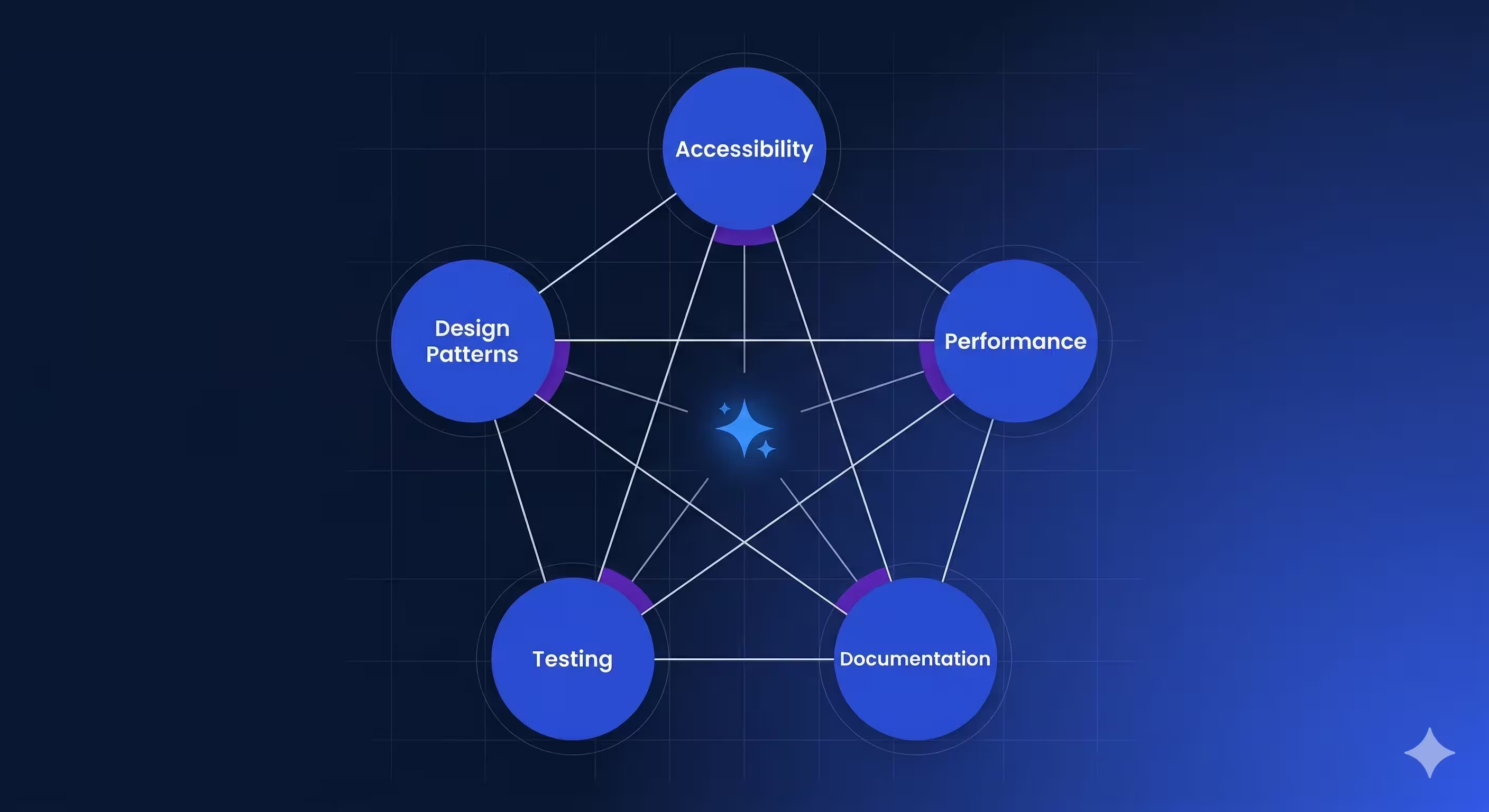
These skills work together as a system. Strong [design patterns](https://verygood.ventures/blog/very-good-flutter-architecture/) make code readable for AI agents. Clear [documentation](https://verygood.ventures/blog/exploring-accessibility-and-digital-inclusion-with-flutter/) provides context for intelligent suggestions. Comprehensive testing creates feedback loops that improve both code quality and AI-assisted development workflows.
### An Example: The Accessibility Skill in Action
Accessibility is where best practices and quality code converge. When you build with semantic widgets, clear information hierarchies, and WCAG compliance in mind, you're not just making your app usable—you're making your code clearer, more maintainable, and more compatible with AI-assisted development.
The accessibility skill in the plugin reviews your widget structure, checks color contrast ratios, validates keyboard navigation, and suggests improvements in context as you develop. Here's what this looks like in practice:
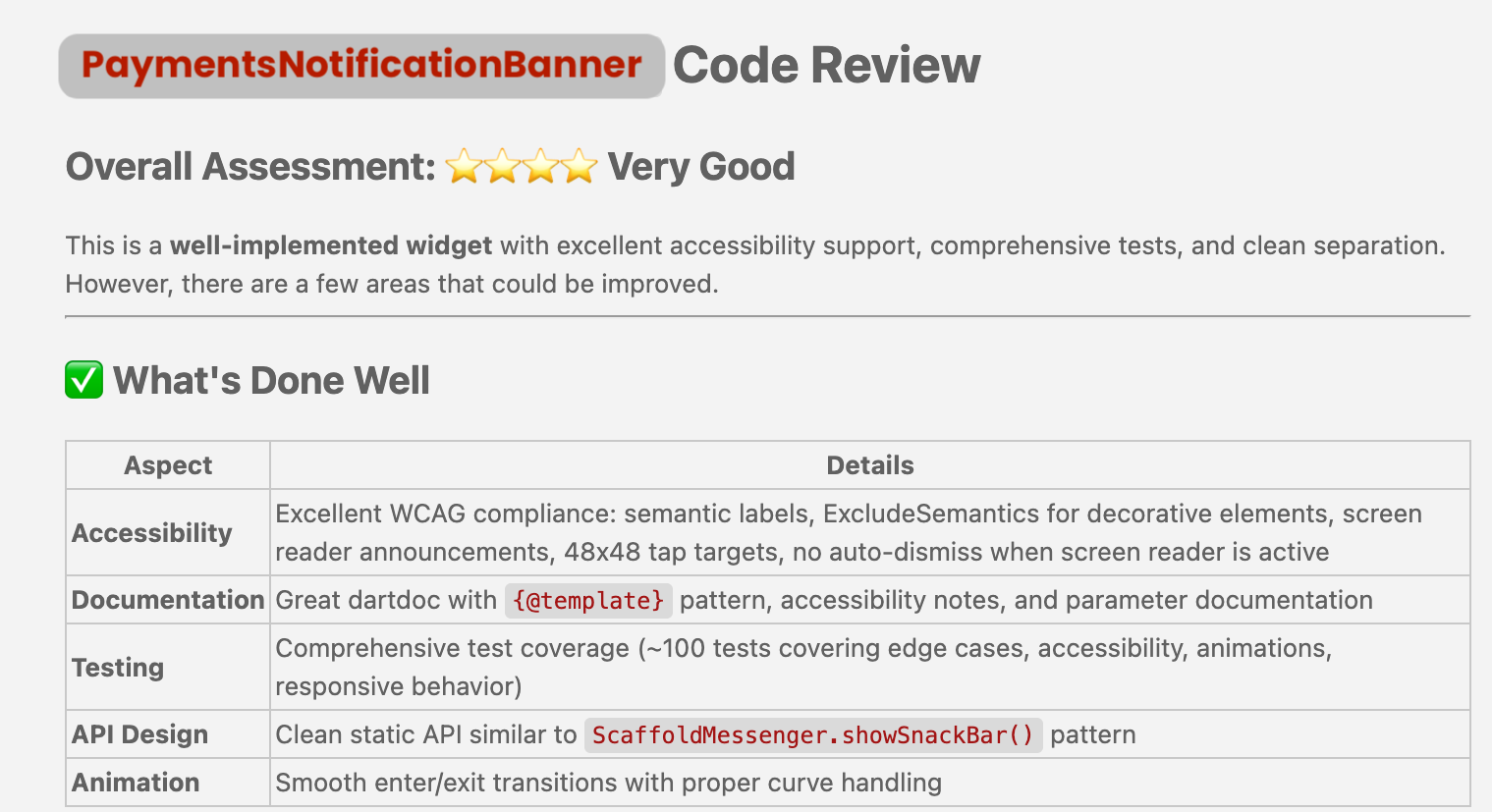
## Our Approach: Claude Code First
This marks VGV's first open-source venture into [AI-assisted engineering tooling](https://verygood.ventures/blog/very-good-cli-1-0-flutter-testing-mcp-semantic-versioning/), and we're leading with Claude Code because we've found it best honors our philosophy of contextual, thoughtful development. You don't lose your train of thought switching between tools. Claude Code understands your code's intent and can apply best practices intelligently, not mechanically.
Support for additional AI development platforms is on our roadmap. We're already building integrations with other AI-first development environments, and we'll share updates as those efforts progress.
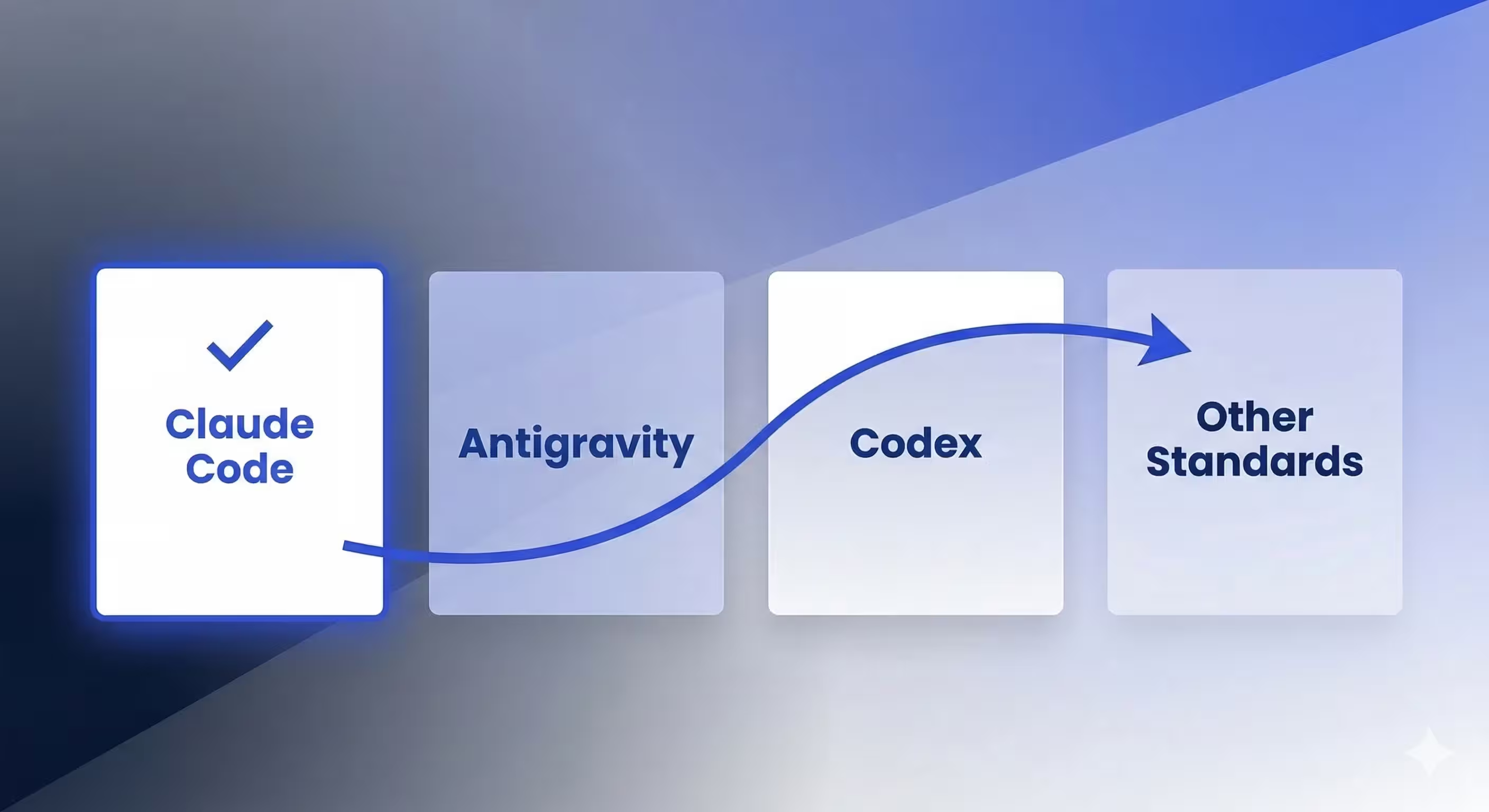
## Why This Matters for Your Teams
The ecosystem is establishing new norms around AI-assisted development. Tools are proliferating, but best practices for *how to work with those tools* are still being defined. Our plugin positions your team ahead of that curve—you're not just using Claude Code, you're using it with judgment built in.
This is especially valuable for large teams. When best practices are codified in tooling, they scale without constant reminders or code reviews. When new team members join, they inherit your team's standards automatically. When you're thinking through a complex architectural decision, your AI assistant isn't just speeding up implementation—it's guiding you toward decisions that have worked at scale.
## How to Get Started
The VGV AI Flutter Plugin is open source and available now. You can explore the repository, documentation, and examples at the [VGV AI Flutter Plugin GitHub repository](https://github.com/VeryGoodOpenSource/vgv-ai-flutter-plugin).
For teams already using Claude Code, setup takes minutes. For teams new to AI-assisted development, we've included [step-by-step integration guides](https://github.com/VeryGoodOpenSource/vgv-ai-flutter-plugin) and examples that show how to integrate the plugin into your existing workflow.
## What's Next
We're excited about the momentum in AI-assisted development and Flutter's readiness for the AI era. This plugin is the first of more efforts we're building to help teams apply best practices with AI tooling. We're already working on complementary tools that will enhance your AI-assisted engineering workflows, so teams of all sizes can apply a systematic approach to a new era of engineering.
We also want to hear from you. The plugin is open source ([VeryGoodOpenSource/vgv-ai-flutter-plugin](https://github.com/VeryGoodOpenSource/vgv-ai-flutter-plugin)), and we welcome feedback, contributions, and use cases from teams using it. Share your experience, file issues, suggest features, and contribute patterns that work for you and your team.
---
### Learn More About Very Good Engineering
Our engineering philosophy extends far beyond this plugin. Explore the [Very Good Engineering collection](https://engineering.verygood.ventures/) to dive deeper into the principles behind these best practices, and check out our [blog](https://verygood.ventures/blog/introducing-very-good-engineering/) for detailed guides on Flutter architecture, testing strategies, and accessibility implementation.
VGV is deeply committed to advancing engineering excellence at scale.
Engineering Docs
Where these conventions come from
The plugin encodes the same practices we document publicly, so you can read the reasoning before you accept the generated code.
#### VGV AI Flutter Plugin FAQs
##### What is the VGV AI Flutter Plugin?
The VGV AI Flutter Plugin is an open-source collection of battle-tested Flutter and Dart best practices embedded directly into Claude Code. It turns the Very Good Engineering patterns — proven in production on apps used by millions — into Claude Code skills your AI assistant applies as it writes code.
##### Which engineering skills does the plugin include?
Five core skills:
Performance — rendering bottleneck identification and widget composition review
Documentation — intention-driven code comments and docs
Testing — comprehensive tests that create reliable feedback loops for AI agents
Design patterns — proven architectural patterns for state management, widget composition, and code organization
The skills work as a system: strong patterns make code readable for AI agents, clear docs provide context, and tests create feedback loops that improve both code quality and AI-assisted workflows.
##### Is the VGV AI Flutter Plugin open source?
Yes. The plugin is open source and available at github.com/VeryGoodOpenSource/vgv-ai-flutter-plugin. Feedback, contributions, and pattern suggestions from teams using it are welcome.
##### How is the VGV AI Flutter Plugin different from VGV Wingspan?
They solve different problems and work best together. Wingspan provides the workflow structure — the four-phase brainstorm, plan, build, review process that governs how and when the agent writes code, and is stack-agnostic. The VGV AI Flutter Plugin provides Flutter-specific depth: Claude Code skills for Bloc state management, layered architecture, testing, accessibility, and performance. Together, they give Claude Code end-to-end guidance from problem definition through to shippable Flutter code.
##### Which AI coding tools does the plugin support?
The initial release targets Claude Code. We led with Claude Code because it best fits our philosophy of contextual, thoughtful development — it understands your code's intent and applies best practices intelligently rather than mechanically. Support for additional AI development platforms is on the roadmap.
##### Is the plugin production-ready?
The first alpha release is available now and includes the five core skills backed by VGV's production engineering patterns. Treat it as an actively evolving surface — we welcome issues, pattern contributions, and use cases from teams applying it. The underlying best practices themselves are battle-tested on consumer-grade apps with millions of users.
##### How do I get started with the VGV AI Flutter Plugin?
For teams already using Claude Code, setup takes minutes. Visit the plugin repository on GitHub for step-by-step integration guides and examples that show how to add the plugin to your existing Claude Code environment.
### Build an MCP Server for Your Dart CLI
Source: https://verygood.ventures/blog/mcp-server-dart-cli/
When we added MCP support to [Very Good CLI](https://pub.dev/packages/very_good_cli), the first instinct was to build a parallel layer — new commands, new logic, new surface area. The better approach turned out to be the opposite: make the MCP server a thin translation layer that speaks to the CLI you already have. This post shows how we did it, and how you can apply the same pattern to any Dart CLI.
The [Model Context Protocol (MCP)](https://modelcontextprotocol.io/docs/learn/architecture) is an open standard that lets AI assistants interact with your external tools and data sources through a unified interface. Instead of building custom integrations for every AI tool, you define your capabilities once as an MCP server, and any MCP-compatible client — [Claude Code](https://www.anthropic.com/claude-code), [Cursor](https://www.cursor.com/), [Windsurf](https://windsurf.com/), and others — can use them. If you are exploring how MCP fits into larger agentic workflows, our [Agentic AI Solutions](https://verygood.ventures/our-services/agentic-ai-solutions/) page covers the patterns we use in production.
The practical payoff: once your CLI is MCP-compatible, AI assistants can scaffold projects, run tests, and manage packages on behalf of developers — without any additional integration work on your end. We shipped this pattern in the [Very Good CLI 1.0.0 release](https://verygood.ventures/blog/very-good-cli-1-0-flutter-testing-mcp-semantic-versioning/), and you can read more about the broader ecosystem in our companion post on [7 MCP servers every Dart and Flutter developer should know](https://verygood.ventures/blog/7-mcp-servers-every-dart-and-flutter-developer-should-know/).
## Prerequisites: packages you'll need
Two packages power the MCP integration:
- [`dart_mcp`](https://pub.dev/packages/dart_mcp) — A Dart implementation of the MCP protocol that provides server and client primitives. This is the official package backed by the Dart team, which we chose over community alternatives like `mcp_dart` for long-term stability and protocol version support.
- [`stream_channel`](https://pub.dev/packages/stream_channel) — Abstraction for two-way communication, used for the stdio transport layer.
Add them to your `pubspec.yaml`:
```yaml
dependencies:
dart_mcp: ^0.5.0
stream_channel: ^2.1.4
```
## Architecture overview
The integration has three layers, each with a single responsibility:
```bash
CommandRunner ──registers──▶ MCPCommand ──creates──▶ MCPServer
(CLI entry) (transport) (tools & handlers)
```
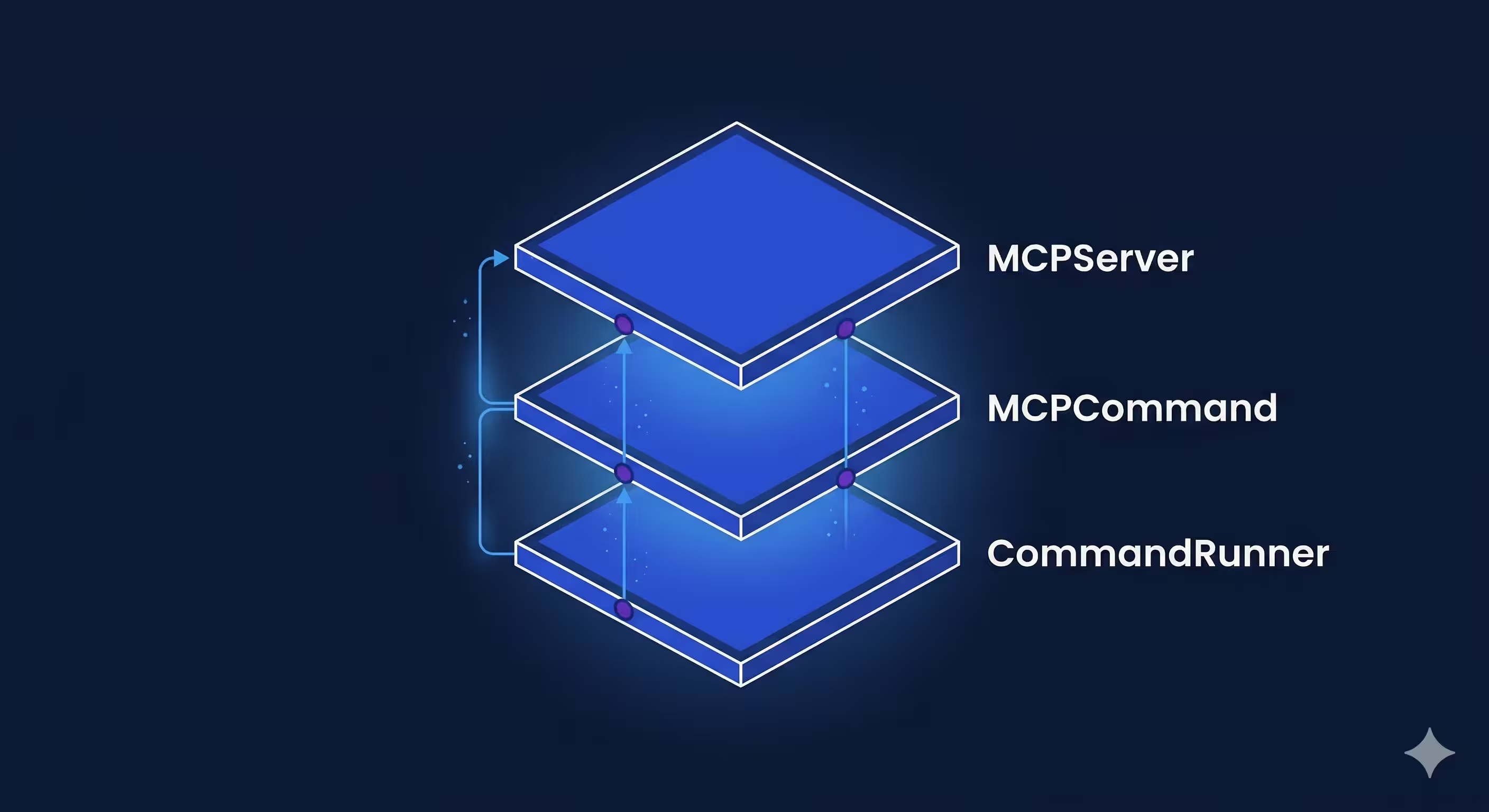
1. **CommandRunner** — Registers the `mcp` subcommand alongside your other CLI commands.
2. **MCPCommand** — Sets up the stdio transport channel and starts the server.
3. **MCPServer** — Defines MCP tools and maps them to your existing CLI logic.
Before we implement, let's understand the key types that make this work.
## Understanding the dart_mcp building blocks
This section covers the key types from `dart_mcp` that power the MCP integration. We assume you're already familiar with [`CommandRunner` and `Command`](https://pub.dev/documentation/args/latest/command_runner/command_runner-library.html) from `package:args` — the standard building blocks for Dart CLIs. The MCP server delegates to your existing command runner, so your CLI structure stays exactly as it is.
### MCPServer
`MCPServer` is the base class for building MCP-compatible servers. It handles the [protocol lifecycle](https://modelcontextprotocol.io/docs/learn/architecture): the initialization handshake, capability negotiation, JSON-RPC message framing over a `StreamChannel`, and graceful shutdown.
The key things it provides:
- **`fromStreamChannel` constructor** — Connects the server to a bidirectional communication channel (typically stdin/stdout). You pass an `Implementation` (your server's name and version) and optional `instructions` (a human-readable description of what the server does).
- **`initialize(InitializeRequest)`** — Called when an MCP client connects. The client sends its capabilities and info; you respond with yours. This is where you set up tools, resources, or prompts.
- **`done`** — A `Future` that completes when the connection closes. Your CLI command awaits this to keep the process alive.
On its own, `MCPServer` doesn't do much — mixins like `ToolsSupport` add the actual capabilities.
### ToolsSupport mixin
`ToolsSupport` is a mixin from `dart_mcp` that adds tool capability to your server. When mixed in, it:
1. Advertises to clients that your server supports tools during the initialization handshake.
2. Provides the `registerTool` method for defining tools.
3. Handles incoming `tools/call` requests by routing them to the correct handler.
4. Validates incoming arguments against your tool's input schema automatically.
```dart
// ToolsSupport gives you this method:
void registerTool(
Tool tool,
FutureOr Function(CallToolRequest) handler, {
bool validateArguments = true, // schema validation is on by default
});
```
If a client sends arguments that don't match your schema, `ToolsSupport` rejects the call before your handler is even invoked.
### CallToolRequest and CallToolResult
These are the input and output of every tool handler.
**`CallToolRequest`** is what the MCP client sends when it wants to invoke a tool. It has two key fields:
- `name` — Which tool to call (matched against your registered tool names).
- `arguments` — A `Map` of the arguments the AI provided, shaped according to your tool's input schema.
**`CallToolResult`** is what your handler returns. It tells the client what happened:
- `content` — A list of content blocks. Typically `TextContent` with a message, but can also include `ImageContent`, `AudioContent`, or embedded resources.
- `isError` — A boolean indicating whether the tool call failed. When `true`, the AI assistant can read the error message and try to self-correct (e.g., fix an argument and retry). This is different from a protocol-level error, which would abort the conversation.
```dart
// Success
CallToolResult(
content: [TextContent(text: 'Project created successfully')],
);
// Failure — the AI can read this and adjust
CallToolResult(
content: [TextContent(text: 'Invalid template name "foo"')],
isError: true,
);
```
The design is intentional: tool errors go through `CallToolResult` so the AI can handle them gracefully, rather than throwing exceptions that break the protocol.
### How these types connect
Here's how the pieces fit together at runtime:
```bash
CommandRunner.run(args) MCPServer
│ │
│ ┌───────────────────────────┤
│ │ initialize() │
│ │ └─ registerTool( │
│ │ Tool('create',...) │
│ │ _handleCreate │
│ │ ) │
│ │ │
│ │ CallToolRequest ────────▶│ _handleCreate()
│ │ .name = 'create' │ │
│ │ .arguments = { │ │ translate args
│ │ 'template': '...', │ │
│ │ 'name': '...' │ ▼
│◀──┼─── _runCommand(cliArgs) ──┤ _parseCreate()
│ │ │ → ['create', 'flutter_app', 'my_app']
│ │ │
runs existing ◀───────────────────────┤
Command.run() │
│ │
├── exitCode ──────────────────▶│
│ │
│ CallToolResult ──▶ AI Client
│ .content = [TextContent('Success')]
│ .isError = false
```
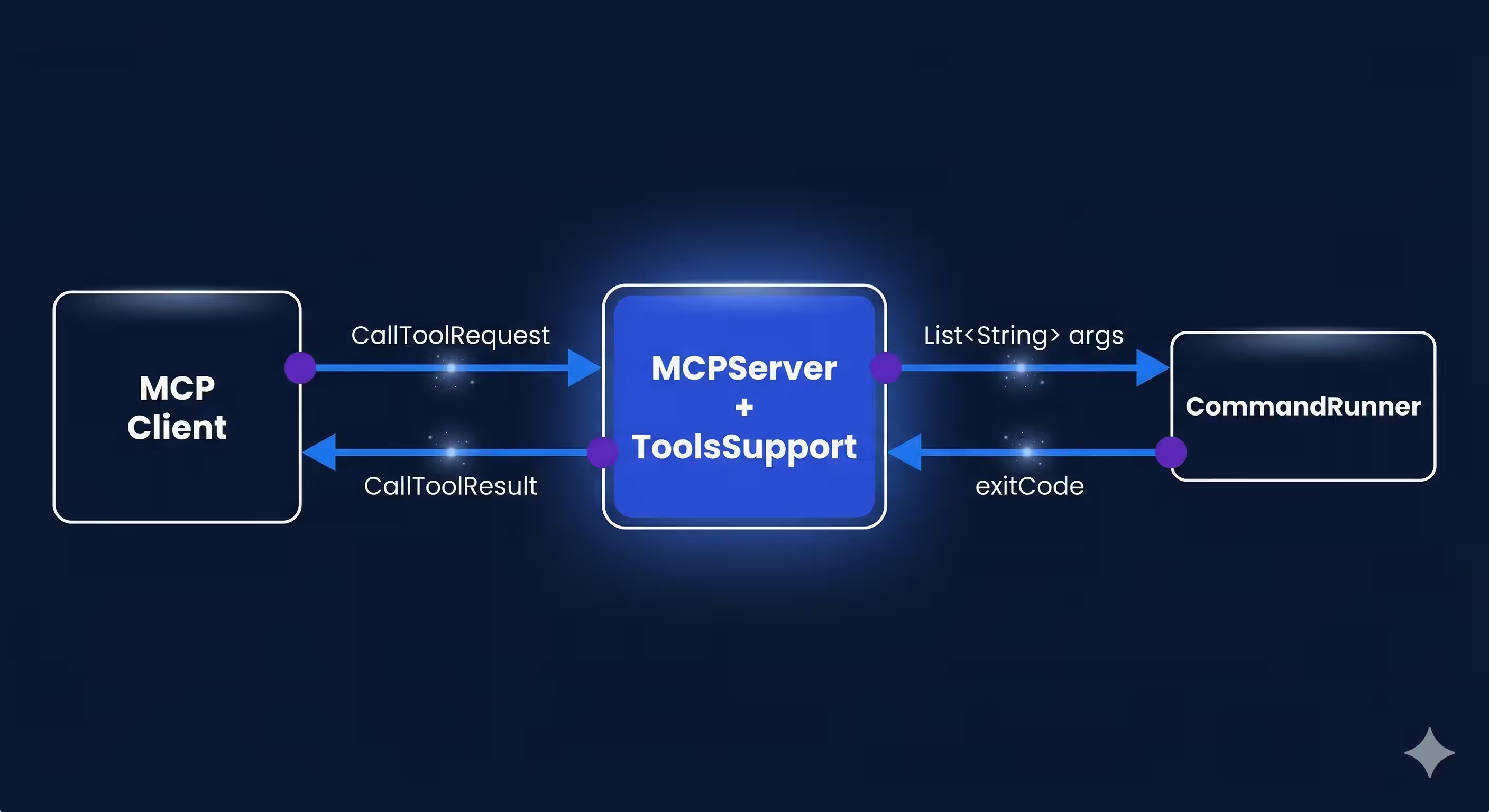
The MCP server doesn't reimplement your CLI logic. It translates structured MCP arguments into the same `List` your `CommandRunner` already knows how to parse, calls `commandRunner.run(args)`, and wraps the exit code in a `CallToolResult`.
Now let's build each layer.
## Step 1: Create the server — the minimum surface area
The server is where you define what tools AI assistants can use. Extend `MCPServer` and mix in `ToolsSupport` from `dart_mcp`:
```dart
import 'dart:async';
import 'package:args/command_runner.dart';
import 'package:dart_mcp/server.dart';
import 'package:stream_channel/stream_channel.dart';
final class MyMCPServer extends MCPServer with ToolsSupport {
MyMCPServer({
required StreamChannel channel,
required MyCommandRunner commandRunner,
}) : _commandRunner = commandRunner,
super.fromStreamChannel(
channel,
implementation: Implementation(
name: 'my_cli',
version: '1.0.0',
),
instructions:
'An MCP server that provides tools for my CLI.',
);
final MyCommandRunner _commandRunner;
@override
FutureOr initialize(InitializeRequest request) async {
final result = await super.initialize(request);
_registerTools();
return result;
}
}
```
### Key points
- We extend `MCPServer` and mix in `ToolsSupport` — this is the minimum needed for a tool-serving MCP server.
- The `Implementation` passed to `super.fromStreamChannel` identifies your server to clients. The `instructions` string gives AI assistants context about what your server can do.
- Tools are registered inside `initialize`, not in the constructor. The `initialize` method is called during the MCP handshake — registering tools here ensures the client receives them as part of the capability negotiation.
- The `_commandRunner` field is the bridge to your existing CLI. Every tool handler will ultimately call `_commandRunner.run(args)` to execute the real logic.
## Step 2: Register MCP tools with typed schemas
Each tool needs a name, description, an input schema, and a handler function. The schema tells AI assistants what arguments the tool accepts, which is key for generating correct tool calls.
```dart
void _registerTools() {
registerTool(
Tool(
name: 'create',
description: 'Create a new project from a template.',
inputSchema: ObjectSchema(
properties: {
'template': UntitledSingleSelectEnumSchema(
description: 'The project template to use.',
values: ['flutter_app', 'dart_package', 'dart_cli'],
),
'name': StringSchema(description: 'Project name'),
'output_directory': StringSchema(
description: 'Where to create the project.',
),
},
required: ['template', 'name'],
),
),
_handleCreate,
);
}
```
`dart_mcp` provides typed schema classes that map to [JSON Schema](https://json-schema.org/):
| Schema class | Maps to |
|---|---|
| `StringSchema` | `{ "type": "string" }` |
| `BooleanSchema` | `{ "type": "boolean" }` |
| `ObjectSchema` | `{ "type": "object", "properties": {...} }` |
| `UntitledSingleSelectEnumSchema` | `{ "enum": [...] }` |
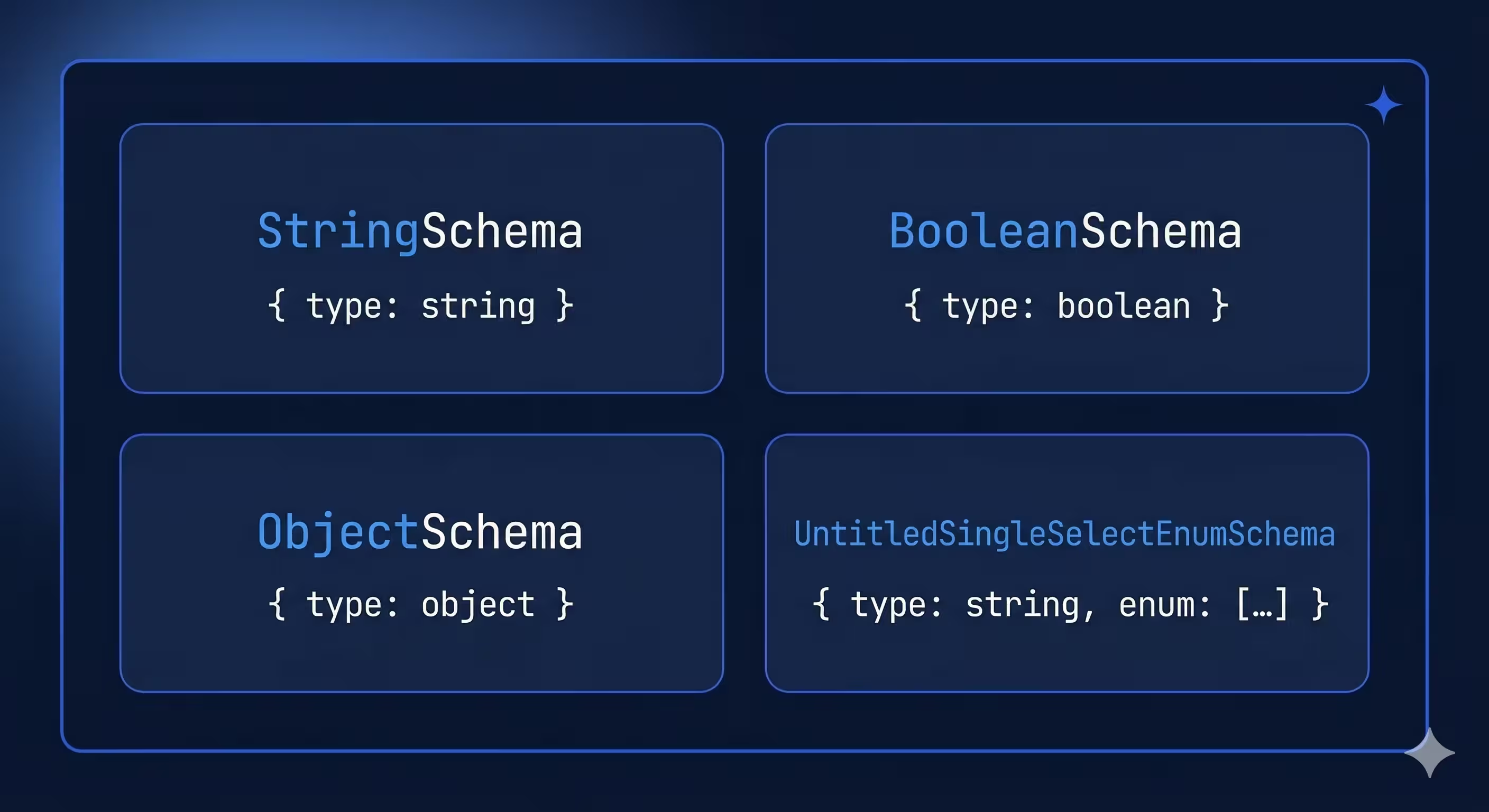
The `required` list in `ObjectSchema` tells the AI which arguments are mandatory.
## Step 3: Implement handlers that delegate, not duplicate
Each handler receives a `CallToolRequest` and returns a `CallToolResult`. The pattern we use is to translate MCP arguments into CLI arguments and delegate to the existing command runner:
```dart
Future _handleCreate(CallToolRequest request) async {
final args = request.arguments ?? {};
final cliArgs = _parseCreate(args);
final exitCode = await _runCommand(cliArgs);
return CallToolResult(
content: [
TextContent(
text: exitCode == ExitCode.success.code
? 'Project created successfully'
: 'Failed to create project',
),
],
isError: exitCode != ExitCode.success.code,
);
}
List _parseCreate(Map args) {
final template = args['template']! as String;
final name = args['name']! as String;
final cliArgs = ['create', template, name];
if (args['output_directory'] != null) {
cliArgs.addAll(['-o', args['output_directory']! as String]);
}
return cliArgs;
}
Future _runCommand(List args) async {
try {
return await _commandRunner.run(args);
} on UsageException catch (_) {
return ExitCode.usage.code;
} on Exception catch (_) {
return ExitCode.software.code;
}
}
```
Notice the separation of concerns:
- `_parseCreate` translates the `Map` from `CallToolRequest.arguments` into the `List` that `CommandRunner.run` expects.
- `_runCommand` delegates to the command runner and catches exceptions.
- `_handleCreate` wraps the result in a `CallToolResult` with a descriptive message.
This means your MCP tools get all the validation, default values, and business logic from your existing commands for free. You're not rewriting anything — just translating the input format. And because errors are returned via `isError: true` (not thrown), the AI assistant can read the error message and self-correct.
## Step 4: Create the MCP command with stdio transport
The command is responsible for setting up the stdio transport and starting the server. Users will run it with `my_cli mcp`.
```dart
import 'dart:io';
import 'package:args/command_runner.dart';
import 'package:dart_mcp/stdio.dart';
import 'package:stream_channel/stream_channel.dart';
class MCPCommand extends Command {
MCPCommand({
required this.serverFactory,
});
@override
String get name => 'mcp';
@override
String get description => 'Start the MCP server.';
final MCPServer Function({
required StreamChannel channel,
}) serverFactory;
@override
Future run() async {
// Create a channel from stdin/stdout
final channel = stdioChannel(input: stdin, output: stdout);
// Create and start the MCP server
final server = serverFactory(channel: channel);
// Block until the connection is closed
await server.done;
return ExitCode.success.code;
}
}
```
### Key points
- **`stdioChannel`** from `dart_mcp/stdio.dart` creates a `StreamChannel` that reads from `stdin` and writes to `stdout`. This is the standard transport layer for MCP CLI servers.
- **`server.done`** is a future that completes when the client disconnects. The command blocks on it so the process stays alive.
- **Constructor injection** of the server factory makes this testable — you can pass a mock server in tests.
## Step 5: Wire it into your command runner
The final step is registering the `mcp` command in your command runner so it's available as a subcommand:
```dart
class MyCommandRunner extends CommandRunner {
MyCommandRunner() : super('my_cli', 'My CLI tool') {
addCommand(CreateCommand());
addCommand(TestCommand());
// Add the MCP command
addCommand(MCPCommand(serverFactory: MyMCPServer.new));
}
}
```
That's it. Users and AI clients can now start your MCP server with:
```bash
my_cli mcp
```
## How MCP clients connect
When an AI assistant wants to use your tools, the flow looks like this:
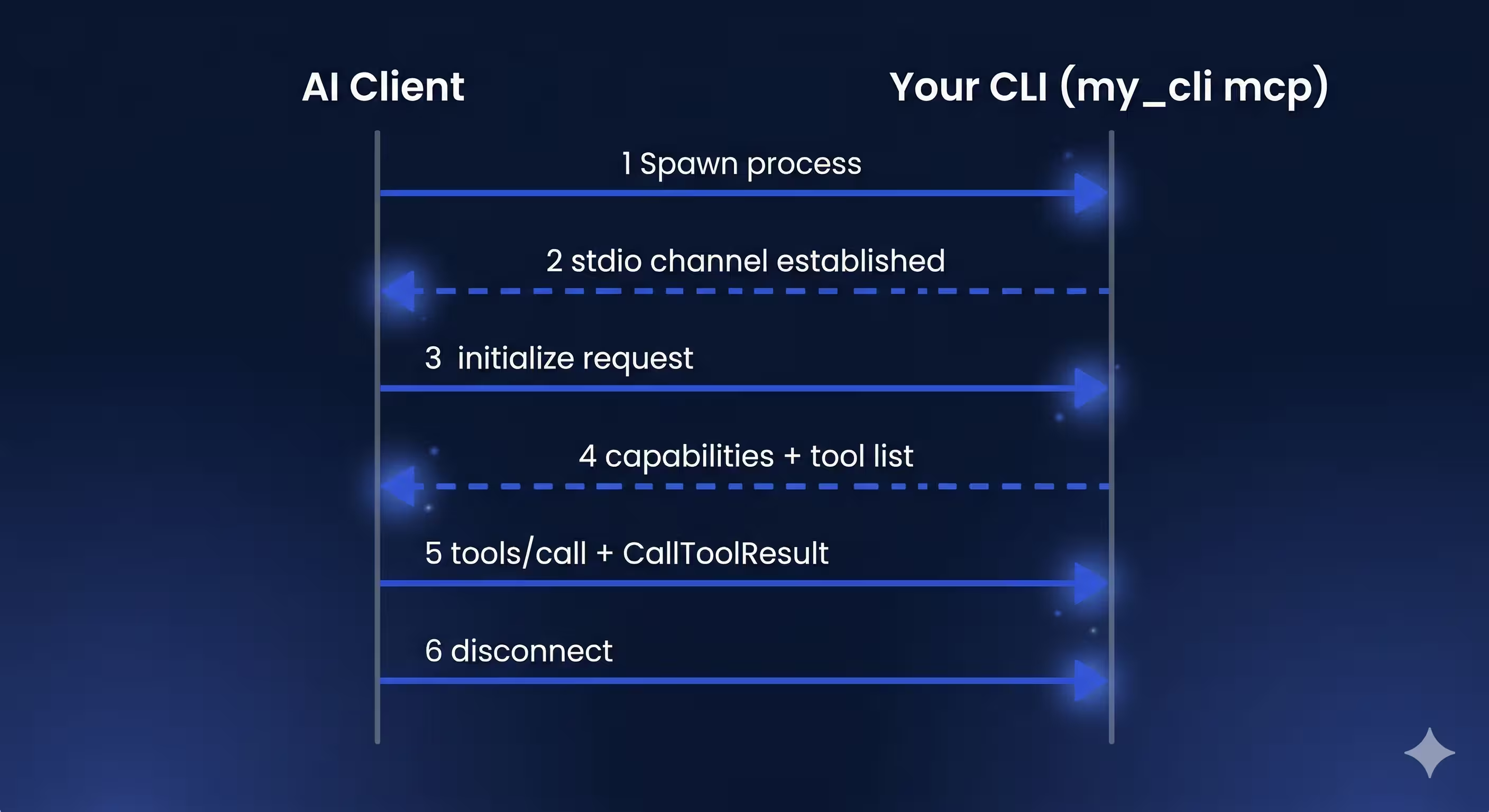
The client discovers your tools through the initialization handshake and can then call them by name with structured arguments. From the AI assistant's perspective, your CLI commands become first-class tools — no plugins, no wrappers, no special knowledge required beyond the schema you defined.
## Making it testable
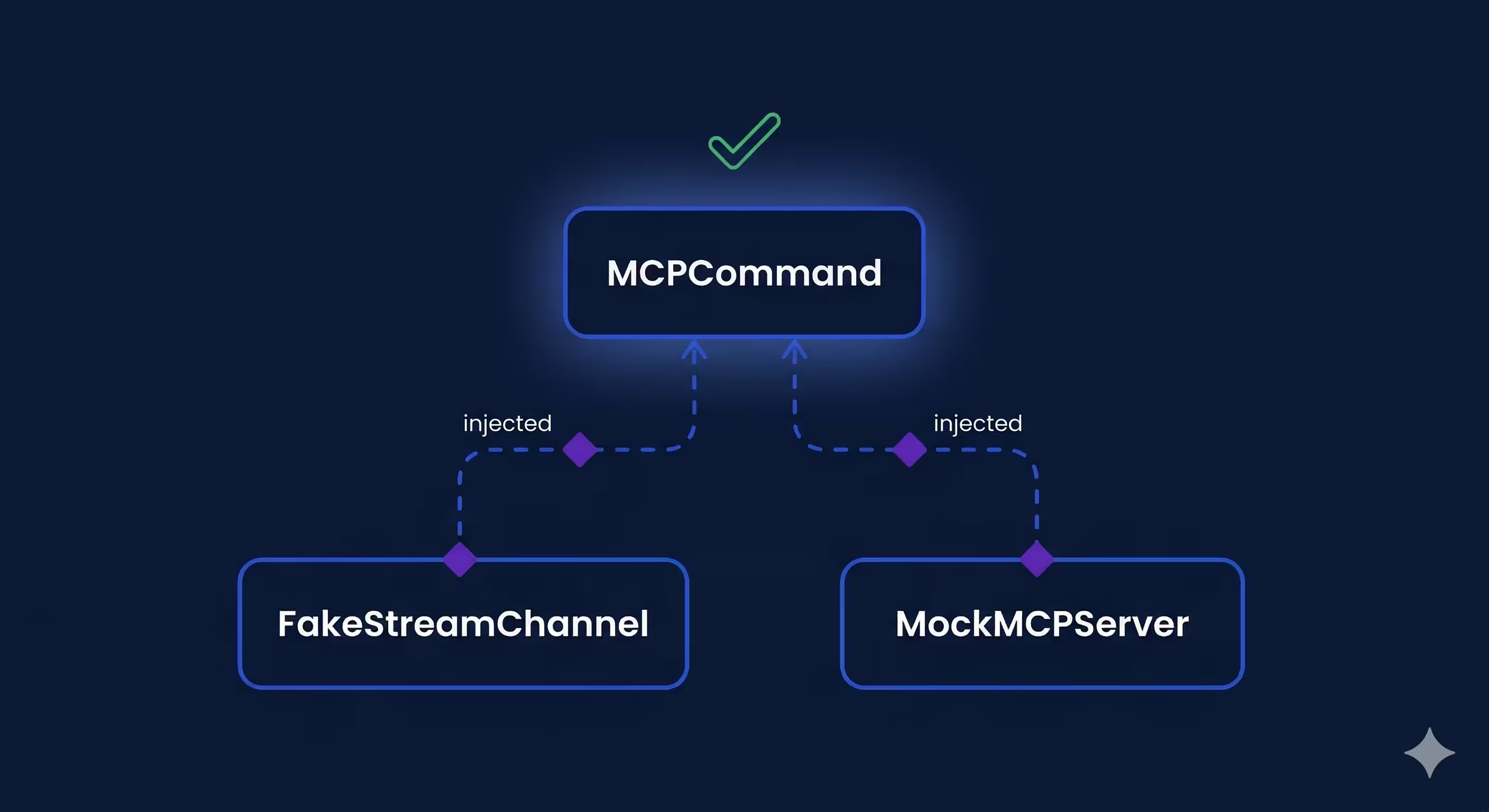
This architecture is testable because every layer accepts its dependencies as constructor parameters:
- **MCPServer** accepts a `StreamChannel` and `CommandRunner` — in tests, pass an in-memory channel and a mock runner.
- **MCPCommand** accepts a factory function for the server — in tests, inject a fake.
```dart
// Example: testing the MCP command
test('runs the MCP server', () async {
final mockServer = MockMCPServer();
when(() => mockServer.done).thenAnswer((_) async {});
final command = MCPCommand(
serverFactory: ({required channel}) => mockServer,
);
final exitCode = await command.run();
expect(exitCode, ExitCode.success.code);
});
```
This means your MCP integration can have the same test coverage discipline as the rest of your CLI without requiring a live AI client.
## Configuring the MCP server for AI clients
To make your MCP server discoverable by [Claude Code](https://www.anthropic.com/claude-code), add a configuration entry that tells it how to launch your CLI. Create a `.mcp.json` file in your project root:
```json
{
"mcpServers": {
"my_cli": {
"command": "my_cli",
"args": ["mcp"]
}
}
}
```
Once configured, Claude Code will automatically spawn your CLI process, complete the MCP handshake, and start calling tools as needed.
Other MCP-compatible clients like [Cursor](https://www.cursor.com/) and [Gemini CLI](https://github.com/google-gemini/gemini-cli) follow a very similar setup. Because the MCP standard defines the configuration format, building once gives you compatibility with the full ecosystem — not just one client.
## The pattern in four lines
Adding MCP to an existing Dart CLI requires four things:
1. **Create an `MCPServer`** subclass that mixes in `ToolsSupport` and registers tools during `initialize`.
2. **Define tools** with descriptive names, clear descriptions, and typed input schemas so AI assistants know how to call them.
3. **Delegate to your existing command runner** from tool handlers — don't rewrite business logic.
4. **Add an `mcp` command** that sets up the stdio transport and blocks until the connection closes.
The pattern keeps the MCP layer thin. Your CLI commands remain the source of truth, and the MCP server is just a new interface to them.
The goal isn't to build an AI interface — it's to build a good CLI. The MCP server is just evidence that you did.
#### Dart MCP Server FAQs
##### What is the Model Context Protocol (MCP)?
MCP is an open standard that lets AI assistants interact with external tools and data sources through a unified interface. Instead of building a custom integration for every AI tool, you define your capabilities once as an MCP server, and any MCP-compatible client — Claude Code, Cursor, Windsurf, Gemini CLI, and others — can use them. See the MCP architecture docs for the full protocol.
##### Why add an MCP server to a Dart CLI?
Once your CLI is MCP-compatible, AI assistants can scaffold projects, run tests, and manage packages on behalf of developers — with no additional integration work on your end. Because the MCP standard defines the configuration format, building once gives you compatibility across the full ecosystem, not just one client. The Very Good CLI 1.0 release is a real example of this pattern in production.
##### Which Dart package should I use to build an MCP server?
Use dart_mcp — the official Dart implementation of the MCP protocol, maintained by the Dart team. We chose it over community alternatives like mcp_dart for long-term stability and protocol version support. Pair it with stream_channel for two-way communication on the stdio transport layer.
##### Should I rewrite my CLI logic to add MCP support?
No — and that is the key insight of this pattern. Make the MCP server a thin translation layer that delegates to your existing CommandRunner. Each tool handler translates MCP's Map<String, Object?> arguments into the List<String> your command runner already knows how to parse, calls commandRunner.run(args), and wraps the exit code in a CallToolResult. Your CLI commands remain the single source of truth.
##### What is the stdio transport in MCP?
Stdio transport communicates between MCP server and client over the process's standard input and standard output streams. dart_mcp/stdio.dart provides a stdioChannel helper that creates a StreamChannel<String> from stdin/stdout. The AI client spawns your CLI process, the mcp subcommand sets up the channel, and the server blocks on server.done until the client disconnects. This is the standard transport for MCP CLI servers.
##### How do MCP clients like Claude Code discover my server?
Through a configuration file that tells the client how to launch your CLI. For Claude Code, add an .mcp.json to your project root with an entry under mcpServers naming the command and its arguments (for example, "command": "my_cli", "args": ["mcp"]). Claude Code spawns the process, completes the MCP handshake, and starts calling tools. Cursor, Gemini CLI, and other MCP clients follow a very similar setup because the configuration format is standardized.
##### How do I handle errors in MCP tool calls?
Return them through CallToolResult with isError: true rather than throwing exceptions. A tool-level error — "Invalid template name" — lets the AI assistant read the message and try to self-correct by retrying with different arguments. A thrown exception, in contrast, breaks the protocol and aborts the conversation. This design is intentional: errors the AI can recover from stay inside the result envelope.
##### How do I test an MCP server built on dart_mcp?
Every layer of the architecture accepts its dependencies as constructor parameters, so you can inject fakes in tests. Pass an in-memory StreamChannel and a mock CommandRunner to MCPServer; pass a factory function to MCPCommand so tests can supply a mocked server. This lets your MCP integration have the same test coverage discipline as the rest of your CLI without requiring a live AI client.
### The Chemistry of GenUI
Source: https://verygood.ventures/blog/the-chemistry-of-genui/
It turns out that [GenUI](https://github.com/flutter/genui) is full of atoms, molecules, and organisms. You just need to know where to look.
One of the biggest challenges of GenUI is leaving behind the "old" mindset of designing and building "static" interfaces and user journeys in favour of providing building blocks for the LLM to assemble at runtime.
What do you hand over to the LLM? Give it too little and you're barely using its power. Give it too much and you've surrendered control of your product's interface to a system that doesn't necessarily know what good design looks like.
Before diving in, though, keep in mind the often unspoken hypothesis of GenUI: **The LLM can assemble in real-time an interface that is going to perform better than its static counterpart.**
We'll come back to this.
## Atoms, Molecules, and Organisms in GenUI
Drawing from [Atomic Design by Brad Frost](https://atomicdesign.bradfrost.com/chapter-2/), the components of a design system go from small to big: atoms, molecules, organisms and templates, all the way up to complete pages.
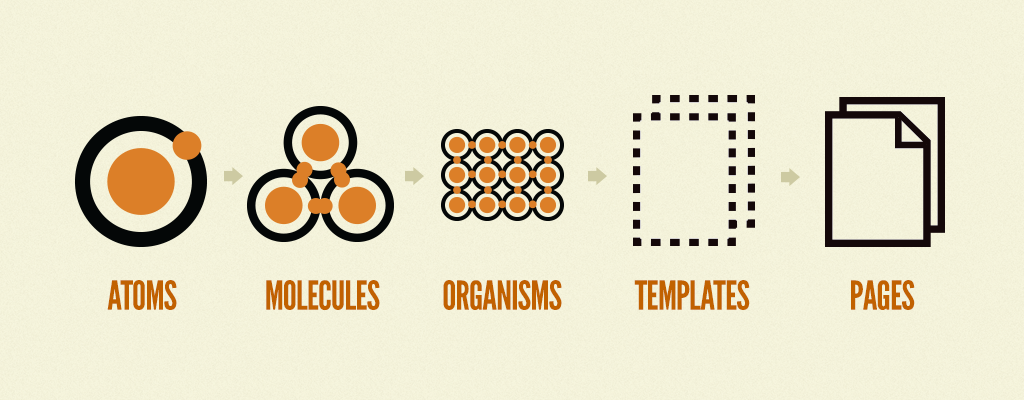
So how big should the building blocks that you feed to the LLM? Our best guess at this point is that **most GenUI catalog items should hover between molecules and organisms.**
Let's walk through the scenarios:
- If you provide atoms to the LLM, you're giving it a lot of freedom and responsibility — but you might end up with a disjointed, Mr. Potato Head looking interface. You'll have little control over how the components are displayed on screen.
- But if you swing all the way to the other side and provide complete pages to the LLM, you've already made all the decisions. There's little left for the LLM, which defeats the purpose of GenUI.
The images below display a GenUI application in which the LLM is tasked with being a secondary school student based in the UK. For demo purposes, individual catalog items have been highlighted with dashed borders.
In the first 2 images the LLM has been provided with a list of atoms: text, image and button.
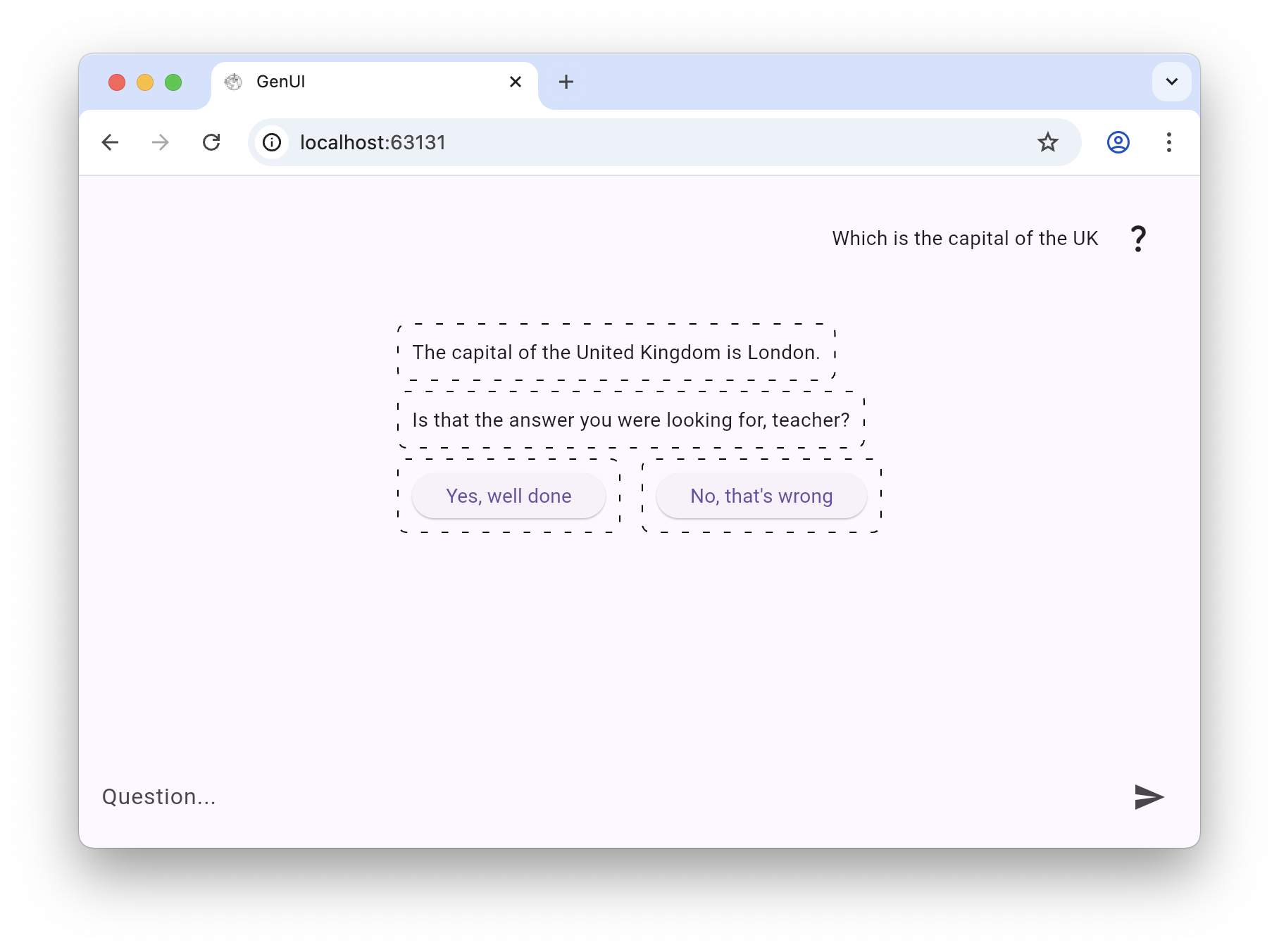
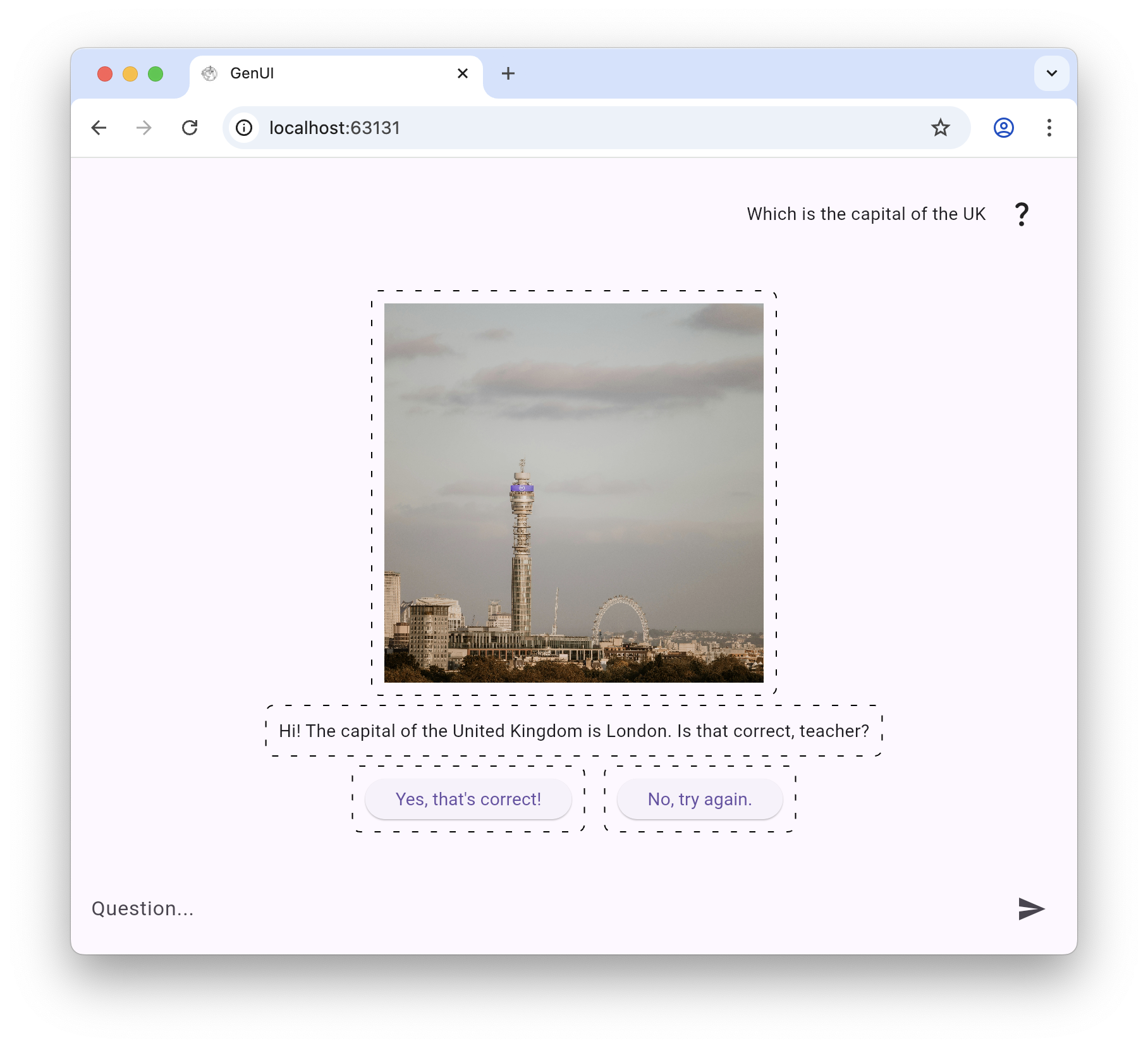
For the second 2 images, we have added a “student answer” molecule that requires the LLM to fill it with the student’s answer (text only), and 2 CTAs so the teacher can mark up or down the answer.
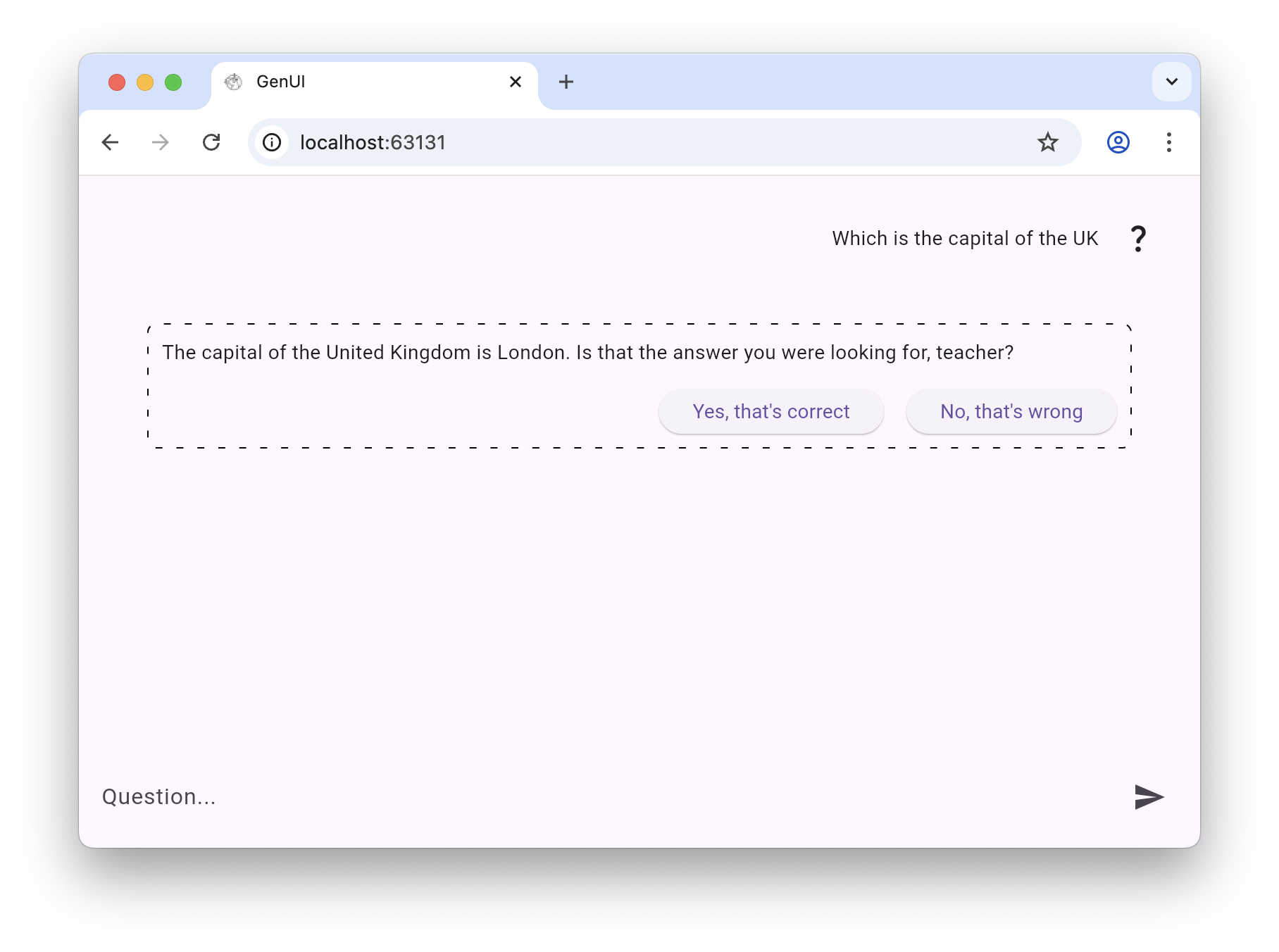
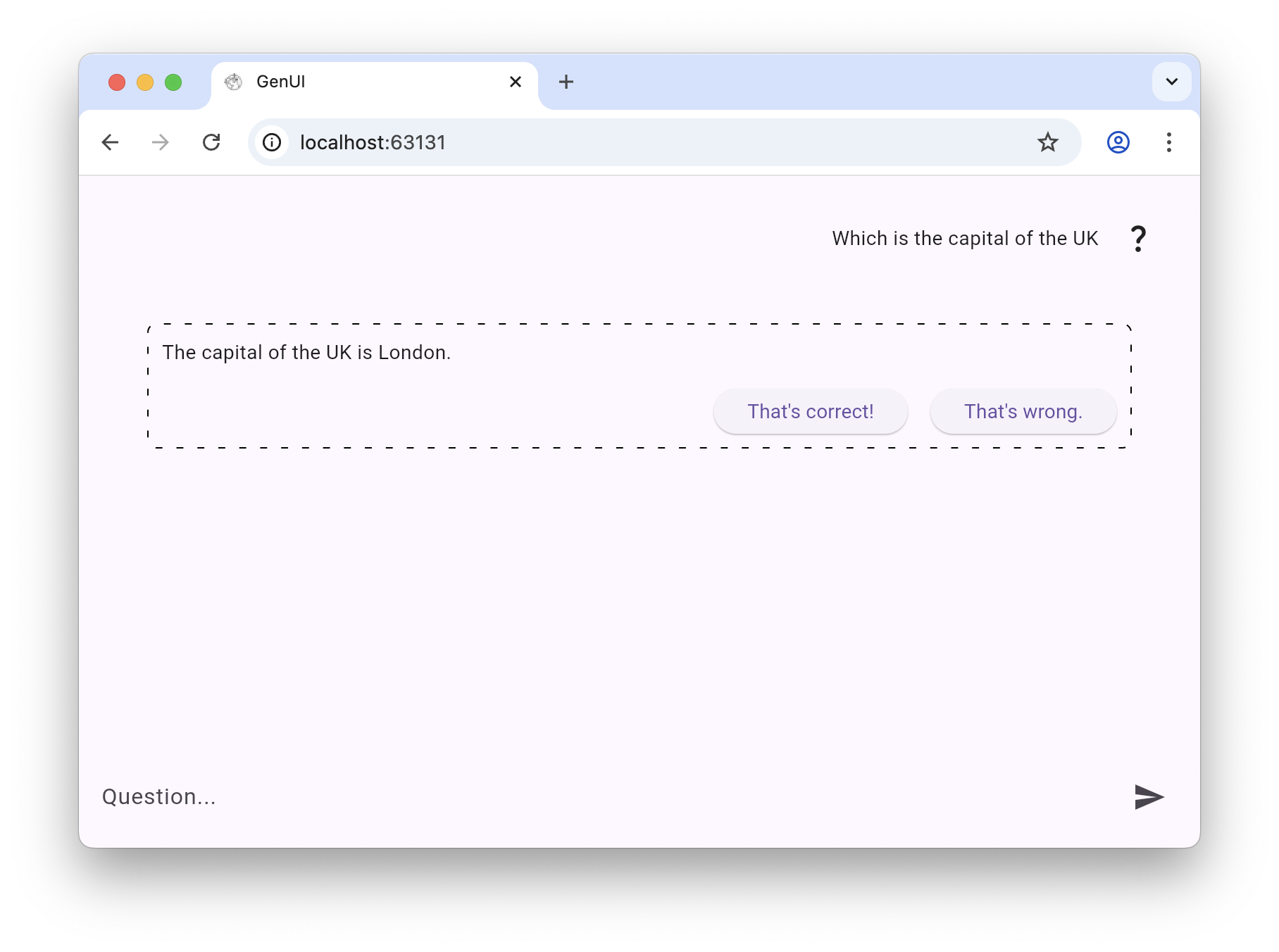
Let’s review the differences:
- In the atoms’ version there’re several individual catalog items on screen, as signaled by the components with dashed borders. In the molecules’ version there’s only 1 catalog item on screen.
- In the atoms’ version the LLM decides pretty much everything: the text, the order in which the catalog items are rendered, the alignment and whether to display an image or not. In the molecules’ the layout inside the molecule is fixed.
- In the atoms’ version the LLM chose to display feedback buttons. In the molecules’ version the LLM absolutely had to because the feedback buttons are part of the “student answer” molecule.
So let's focus on molecules and organisms.
> Molecules are relatively simple groups of UI elements functioning together as a unit. For example, a form label, search input, and button can join together to create a search form molecule. [...] Organisms are relatively complex UI components composed of groups of molecules and/or atoms and/or other organisms. These organisms form distinct sections of an interface.
In the context of GenUI, a molecule catalog item for a search form guarantees consistency with your design and UX guidelines. **The LLM still has the power to decide when and whether to display it.** But if it does, it will look exactly as you want it to look.
Could the LLM assemble on its own a perfectly designed search form? Could it design an even better one? Theoretically, yes. But can you risk it?
## From Design System to GenUI Catalog
Going from a design system to a GenUI catalog — and deciding how much of it to expose to the LLM — is a balancing act that's going to take some trial and error. Expose too much and you risk the resulting interface looking like a disjointed rehash of your brand guidelines. Expose too little and you won't be making the most of the LLM's potential to adapt based on context.
Please note that you not only have to decide which components to expose to the LLM — **you also have to decide which properties of each component the LLM is allowed to control**. For a Text component, does the LLM choose size? Alignment? Colour? For a Card organism, can it adjust padding, elevation, or the number of action buttons? Each exposed property is an additional degree of freedom — and the same "too much vs. too little" tension applies.
Getting the catalog right isn't a one-off decision — it's an ongoing calibration as you learn how your LLM uses what you give it. Start with molecules and organisms as the default, watch what gets rendered and when, and adjust from there.
## Can GenUI Outperform Static Interfaces?
Let's wrap up with the big question. **Can LLM-driven interfaces yield better metrics than the interfaces we've been designing and honing for decades?**
As [we have written before](https://verygood.ventures/blog/what-is-genui-how-generative-user-interfaces-will-redefine-hospitality-in-2026/): *"GenUI adapts layouts, actions, and content as conditions change [...] The hard part isn't personalizing. It's doing it without overwhelming."*
This is the power of GenUI and the reason we believe it has the potential to create interfaces and user journeys that perform better than static ones.
Get in touch and let's get building!
#### Frequently Asked Questions
##### What is Atomic Design and how does it apply to GenUI?
Atomic Design, by Brad Frost, organizes a design system from small to big: atoms, molecules, organisms, templates, and complete pages. In GenUI, these same categories describe the building blocks you expose to the LLM for runtime assembly.
##### What size of components should you give the LLM in a GenUI catalog?
Most catalog items should sit between molecules and organisms. Atoms hand the LLM too much freedom and risk a disjointed interface. Full pages remove the flexibility that makes GenUI worthwhile in the first place.
##### What goes wrong when you only expose atoms to the LLM?
The LLM ends up deciding text, ordering, alignment, and whether to display images. The post shows demo screens where exposing only text, image, and button atoms produced several individual catalog items per screen and very little visual consistency.
##### Why are molecules a safer default for catalog items?
A molecule like a search form locks in the internal layout so the LLM still chooses when to show it, but it always renders in line with your design and UX guidelines. The example in the post uses a student answer molecule with built-in feedback CTAs the LLM cannot omit.
##### Do you only choose which components to expose, or also which properties?
Both. For each component you also decide which properties the LLM can control. For a Text component that might mean size, alignment, or color. For a Card organism it might mean padding, elevation, or the number of action buttons. Each exposed property adds another degree of freedom.
##### Can GenUI interfaces actually outperform static ones?
VGV's working hypothesis is yes. GenUI adapts layouts, actions, and content as conditions change, so a well-tuned catalog can produce experiences that perform better than the static interfaces teams have honed for decades. The hard part is doing it without overwhelming the user.
##### How should teams calibrate their GenUI catalog over time?
Start with molecules and organisms as the default. Watch what the LLM renders and when, and adjust based on what you observe. Catalog design is an ongoing calibration, not a one-off decision.
### Behind the Magic: Meet Our Newest Unicorn
Source: https://verygood.ventures/blog/behind-the-unicorn-magic-alessandra-valenti/
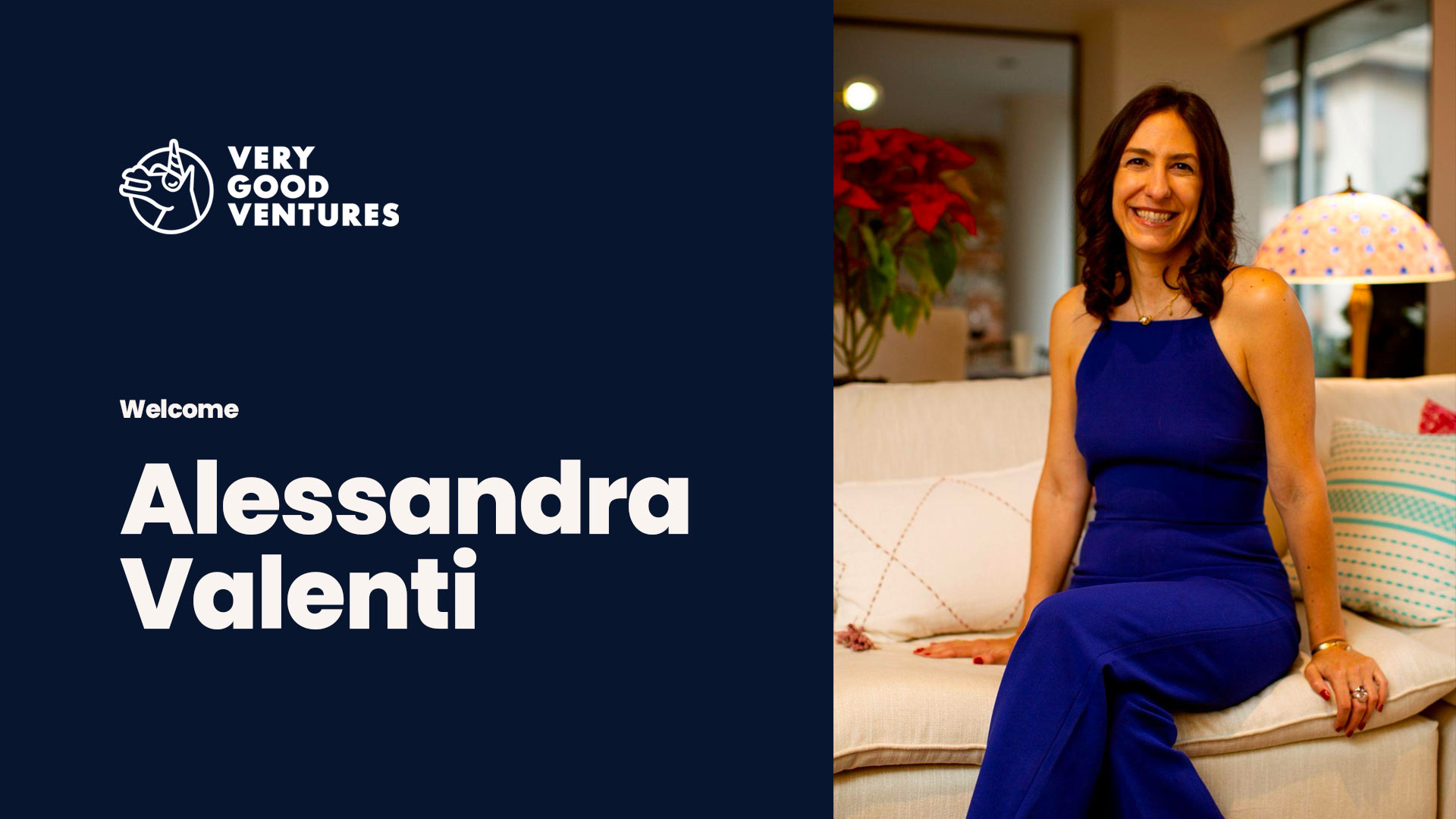
Alessandra joined VGV this month as our new Head of Partnerships, working closely with the Business Development team. Born and raised in the United States and now based in Mexico City, she brings a rare mix of global perspective, strategic clarity, and a genuinely people-first approach to building partnership ecosystems where everyone can win.
Throughout her career, Alessandra has worked at the intersection of technology, relationships, and impact across industries and geographies, building connections that grow stronger over time. Now, she's bringing that experience to VGV.
We sat down with Alessandra to hear how she thinks about partnerships, what she's building alongside the BD team, and a few fun facts — including the story behind launching a telenovela in Mozambique. Keep reading to find out!
## On Partnerships
**What separates a good partnership from a truly great one?**
A truly great partnership is built on deep, mutual trust. Not the kind that needs to be stated in a contract, but the kind that's felt. It goes far beyond a formal referral agreement or a co-marketing clause. The best partnerships are synergistic in the truest sense: both companies are greater together than the sum of their parts, and that combined value proposition becomes so compelling that clients don't want to look anywhere else.
What separates good from great is that implicit understanding: knowing instinctively what your partner needs, how they work, and what they stand for, without having to negotiate every interaction. There's a natural chemistry, an ease. You're genuinely top of mind for each other, not because you're obligated to be, but because the relationship is built on a shared commitment to serving clients better. A consistent pipeline of co-created opportunities, joint content, and shared wins are the byproducts of that deeper foundation. Not the foundation itself.
**What do partners most want, but rarely get, from the companies they work with?**
What partners truly crave but rarely find is genuine reciprocity. That elusive chemistry where the relationship has a natural flow, where showing up for each other feels effortless rather than transactional. When two companies come to market together and the result is something neither could have created alone, that's the wow factor partners are always chasing.
The reason it's so rare is that most partnerships fail at the most basic level: both sides remain focused on their own individual agendas rather than building something mutually beneficial. True partnership requires a kind of ego dissolution, the willingness to prioritize the relationship over the deal. That's hard. But when you get it right, it's unmistakable.
## Role at VGV
**What are you most excited to dig into in this role?**
We're living through a moment where the rules are being rewritten in real time, and nobody fully knows what tomorrow will look like. That kind of uncertainty is exactly where I thrive.
What excites me most is being at the intersection of that change. At VGV, we're pushing the boundaries of what's possible with AI and Flutter, exploring how GenUI can fundamentally transform the way people experience digital products. The idea that a UI could be generated, adapted, and personalized in real time based on context and behavior isn't science fiction anymore. It's what we're building today, and the early results in our pipeline speak for themselves.
Beyond the technology, I'm equally excited about building the partnerships function itself: creating a structured ecosystem of complementary companies that each make VGV's offering stronger, and make our clients' outcomes better. The goal is to build something that compounds over time. Relationships and co-created assets that outlast any single deal or campaign, and that position VGV as the center of gravity in the Flutter and AI-powered digital experience space.
## Who is Alessandra Beyond VGV?
**What's something surprising people might not know about you?**
I once helped launch Mozambique's first telenovela. It came out of research I was doing with teenagers there. We discovered that deeply entrenched misinformation about health was nearly impossible to dislodge through conventional campaigns. But teenagers were already watching Brazilian soap operas religiously, modeling their understanding of relationships on those characters. So instead of fighting for attention, we went where they already were. We gave them a Mozambican version with local faces and local stories, and it worked.
It's still the clearest example I have of a principle I carry into every partnership: don't ask people to enter your world. Find a way into theirs.
**What do you do outside of work that shapes how you think professionally?**
I love to travel, not to the easy places, but to the ones that challenge you. Myanmar, Uganda, Mozambique, Laos, Cambodia. I seek out communities where I don't speak the language, where I don't share the cultural reference points, where I have to find connection through presence rather than words. Over time, that's made me unusually good at building relationships across difference: reading people, finding common ground, earning trust quickly.
In partnerships, that skill is everything. The ability to walk into a room with someone whose world looks nothing like yours and leave with a genuine relationship isn't something you learn in a boardroom. You learn it by showing up somewhere unfamiliar and choosing to stay curious rather than comfortable.
---
If your company is building multiplatform digital experiences with AI or Flutter, and you believe the best outcomes are built in partnership, we'd love to connect. Reach Alessandra directly at [alessandra.valenti@verygood.ventures](mailto:alessandra.valenti@verygood.ventures).
#### Frequently Asked Questions
##### Who is VGV's new Head of Partnerships?
Alessandra Valenti joined VGV as Head of Partnerships, working closely with the Business Development team. She was born and raised in the United States and is now based in Mexico City, bringing global perspective and a people-first approach to partnership building.
##### How does Alessandra define a great partnership?
A truly great partnership is built on deep, mutual trust that goes beyond a formal referral agreement or co-marketing clause. Both companies become greater together than the sum of their parts, with an implicit understanding of what your partner needs, how they work, and what they stand for.
##### What is she most excited to work on at VGV?
Alessandra is excited about being at the intersection of AI and Flutter, including how GenUI can transform digital product experiences in real time based on context and behavior. She is also focused on building the partnerships function itself into a structured ecosystem of complementary companies.
##### What is one surprising fact about Alessandra?
She helped launch Mozambique's first telenovela. Research with teenagers there showed that misinformation about health was hard to dislodge through conventional campaigns, but they were already watching Brazilian soap operas. A Mozambican version with local faces and stories met them where they already were.
##### How can someone connect with Alessandra?
Companies building multiplatform digital experiences with AI or Flutter can reach Alessandra directly at alessandra.valenti@verygood.ventures.
### Your Business Doesn't Fit on a Phone. Neither Should Your Flutter App
Source: https://verygood.ventures/blog/your-business-doesnt-fit-on-a-phone-neither-should-your-flutter-app/
## One of our own is taking the stage in Austin.
Marcus Twichel (GDE for Flutter/Dart, Tech Lead at VGV) is speaking at the Flutter Austin & GDG Austin joint meetup on March 30th.
**His talk: "Your Business Doesn't Fit on a Phone — Neither Should Your Flutter App"**
Most Flutter apps are built for iOS and Android. But the businesses we serve run on dozens of screens. Marcus will live-demo a full coffee shop platform running across eight screens from a single Flutter codebase — with real-time sync between every device — then walk through the code that makes it work.
If you're in Austin, this one is worth your Monday night.
- **Where:** Voltron Room, Capital Factory
- **When:** March 30th | Doors at 6:30 PM CST
- **Cost:** Free — [RSVP here](https://www.meetup.com/flutter-austin/events/313641364/)

#### Frequently Asked Questions
##### Who is speaking at the Flutter Austin and GDG Austin joint meetup?
Marcus Twichel, a Google Developer Expert for Flutter and Dart and a Tech Lead at VGV, is taking the stage.
##### What is the talk about?
The talk is titled "Your Business Doesn't Fit on a Phone. Neither Should Your Flutter App." Marcus argues that most Flutter apps target only iOS and Android, while real businesses run on dozens of screens.
##### What will Marcus demo on stage?
He will live-demo a full coffee shop platform running across eight screens from a single Flutter codebase, with real-time sync between every device, then walk through the code that makes it work.
##### When and where is the event?
March 30th at the Voltron Room in Capital Factory, Austin. Doors open at 6:30 PM CST.
##### How much does it cost to attend?
The meetup is free. RSVP through the Flutter Austin Meetup page linked in the post.
### How to Write a Mobile RFP That Actually Gets You the Right Agency
Source: https://verygood.ventures/blog/how-to-write-a-mobile-app-rfp/
###### You've secured a budget for a mobile app. Leadership is aligned. Now you need to find the right development partner — and that means writing a Request for Proposal.
**Here's the problem:** most mobile RFPs fail before a single agency reads them. They're either so vague that every response looks the same, or so prescriptive that they scare off the partners best equipped to challenge your assumptions. After years of reviewing and responding to RFPs at Very Good Ventures, we've seen both extremes — and everything in between.
This guide will help you write an RFP that attracts serious partners, surfaces meaningful differences between proposals, and sets your project up for success from day one.
#### Start With the Problem, Not the Solution
The strongest RFPs lead with business context. Before you describe screens, features, or integrations, tell prospective partners *why* this app exists. What business problem does it solve? What does success look like in six months? In two years?
A good problem statement might read: "Our field technicians currently use paper forms that take 48 hours to process. We need to cut that to real-time." That single sentence tells an agency more than a 40-page feature list. It reveals the user, the pain point, the urgency, and the success metric — all in one breath.
Agencies worth hiring will design better solutions when they understand the underlying problem. Agencies that just want a spec to execute against will build exactly what you asked for, whether it's the right thing or not.
#### Define Your Users Before Your Features
Every mobile app serves someone. The RFP should describe those people clearly: who they are, what devices they carry, where and how they'll use the app, and what technical literacy you can expect from them.
Field workers on rugged Android tablets in spotty cell coverage demand a fundamentally different architecture than corporate executives reviewing dashboards on the latest iPhone. Offline-first data sync, camera and sensor integration, accessibility requirements, internationalization — these constraints shape every technical decision downstream. Surface them early so agencies can respond with realistic approaches instead of optimistic guesses.
#### Include What You Know (and Admit What You Don't)
The best RFPs are honest inventories of certainty and uncertainty. Be specific where you can:
**Existing systems and integrations.** Name your ERP, your CRM, your authentication provider. Call out REST vs. GraphQL, API versioning, known rate limits. If an agency needs to interface with a legacy SOAP service from 2008, say so now — that detail will materially affect estimates.
**Compliance and security requirements.** HIPAA, SOC 2, GDPR, FedRAMP — these aren't afterthoughts. They shape architecture, hosting, CI/CD, and testing strategy. An agency that discovers compliance requirements mid-project will burn weeks and budget adapting.
**Design maturity.** Do you have a design system, Figma files, or brand guidelines? Or does the agency need to start from research and wireframes? The gap between "we have production-ready designs" and "we have a napkin sketch" is easily a six-figure difference in scope.
**Timeline and budget range.** Agencies cannot give you a meaningful proposal without understanding your constraints. You don't need to state an exact number, but a range — or at minimum, an order of magnitude — prevents everyone from wasting time. If your budget is $200K and the project requires $1.5M, both sides benefit from knowing that upfront.
Where you lack clarity, say so directly. "We haven't decided on a backend provider" or "We're open to recommendations on analytics tooling" gives agencies room to demonstrate expertise. Uncertainty isn't a weakness in an RFP — hidden uncertainty is.
#### Address the Platform Question Head-On
One of the most consequential decisions in any mobile RFP is platform strategy: native, cross-platform, or web-based. Your RFP should state your current thinking and invite agencies to challenge it.
**Native development** (Swift/Kotlin) delivers maximum platform fidelity and access to the latest OS features on day one. The trade-off is maintaining two separate codebases, two teams, and two release cycles. For apps that push hardware boundaries — AR, complex animations, deep OS integration — native still makes sense. For most business applications, though, the overhead is hard to justify.
**React Native** popularized the cross-platform approach with JavaScript and a bridge to native components. It has a large community and an enormous ecosystem of third-party packages. However, that bridge architecture introduces performance bottlenecks for complex UIs, and debugging often requires digging through native layers anyway. The reliance on third-party packages for core functionality can also create long-term maintenance risk.
**Flutter** takes a different approach entirely. Instead of bridging to platform UI components, Flutter renders every pixel directly through its own high-performance engine (Impeller on iOS, Skia and Impeller on Android). This gives development teams pixel-perfect control across platforms without platform-specific rendering inconsistencies. A single Dart codebase compiles to native ARM code — not interpreted, not bridged — which means performance characteristics closer to native than any bridge-based framework can achieve.
Flutter's advantages compound over the lifecycle of a project. A single codebase means one team, one set of tests, one CI/CD pipeline, and simultaneous releases on iOS and Android. Google maintains the framework and its core packages, so teams spend less time chasing community-maintained dependencies. The widget-based architecture makes UI composition predictable and testable. Hot reload keeps development velocity high. And Flutter's reach now extends beyond mobile to web, desktop (macOS, Windows, Linux), and embedded devices — meaning the investment in a Flutter codebase can scale to new surfaces without starting over.
At VGV, we've built Flutter applications across industries — from consumer apps with millions of users to enterprise tools running on embedded hardware. The framework's maturity, Google's continued investment, and the growing ecosystem make it the strongest cross-platform choice for most mobile projects today.
Your RFP doesn't need to mandate a technology. But if you state your platform preferences and invite agencies to propose alternatives with rationale, you'll learn a great deal about how each partner thinks.
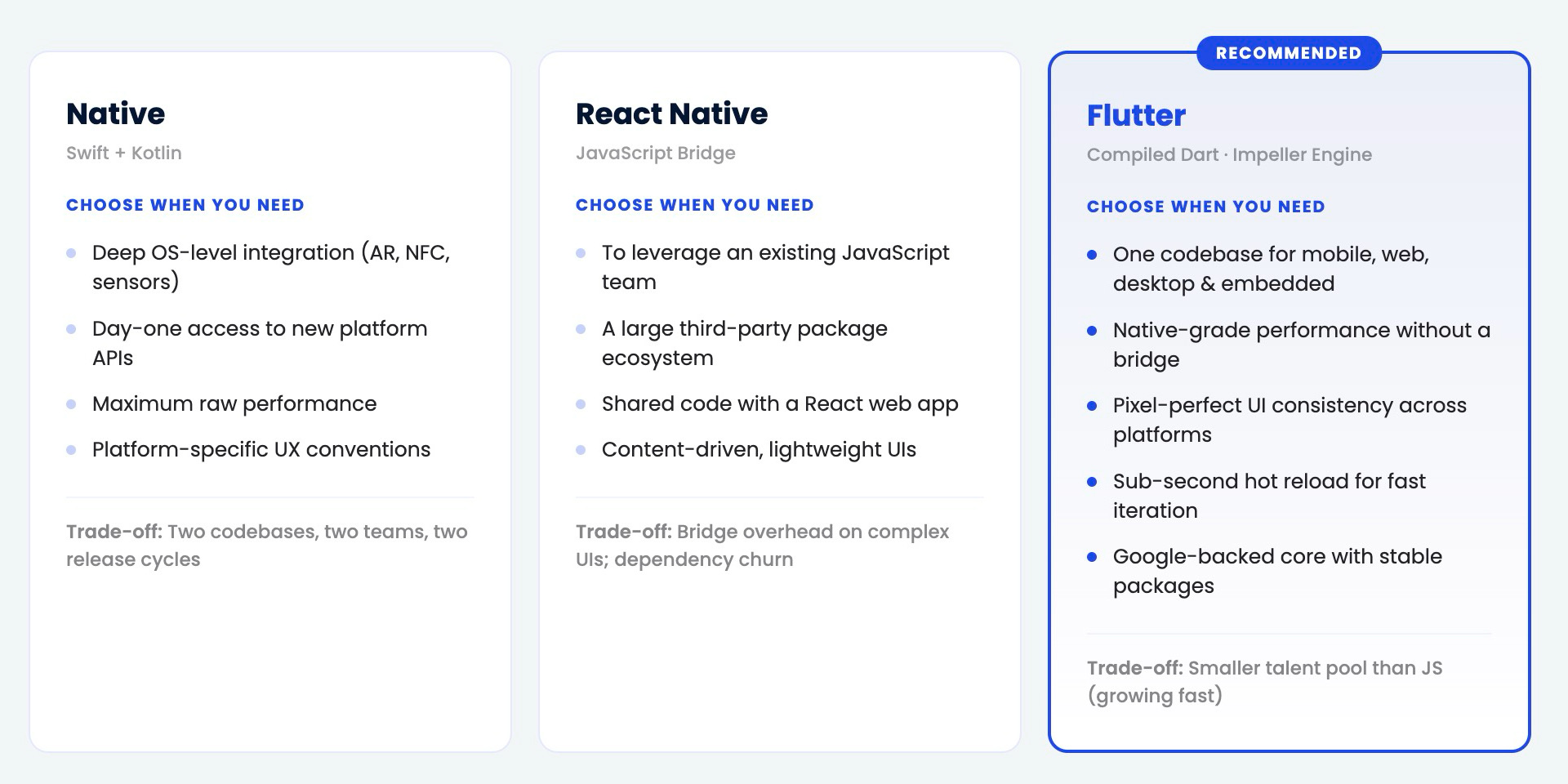
#### Structure Your RFP for Comparison
When three or five agencies respond to your RFP, you need to compare them meaningfully. Structure helps. Ask every respondent to address the same core areas:
**Technical approach.** How will they architect the application? What frameworks, state management patterns, and backend services do they recommend, and why?
**Team composition.** Who will work on your project? What are their roles and relevant experience? Will the team be dedicated or shared across clients?
**Process and communication.** How do they run sprints? How will you see progress? What does their QA process look like? How do they handle scope changes?
**Timeline and milestones.** Break the project into phases with deliverables. Avoid agencies that give you a single end date and nothing in between.
**Pricing model.** Fixed bid, time-and-materials, or hybrid? Each has trade-offs, and the right model depends on how well-defined your scope is. Ask agencies to explain their recommendation.
**Risk identification.** The best partners will tell you what might go wrong. An agency that identifies no risks in a complex mobile project is either inexperienced or not being candid.
#### Set a Realistic Evaluation Timeline
Give agencies enough time to respond thoughtfully — two to three weeks minimum for a meaningful proposal. Rush timelines produce shallow responses and favor agencies with excess capacity rather than the best fit.
On your side, commit to a decision timeline and communicate it. Nothing damages a client-agency relationship faster than a four-month evaluation silence followed by "can you start Monday?"
#### A Few Things That Separate Good RFPs From Great Ones
**Name a single point of contact.** Agencies need someone to ask questions. Ambiguity about who owns the relationship creates friction before the project even begins.
**Share evaluation criteria.** If you weigh technical expertise at 40%, cost at 30%, and cultural fit at 30%, say so. Agencies will tailor their responses to what you actually care about.
**Allow (and encourage) questions.** A Q&A period between RFP release and response deadline improves every proposal. Publish answers to all participants so the playing field stays level.
**Be open about incumbents.** If you have an existing vendor and this RFP is a genuine evaluation, say so. If the incumbent has an inside track, ethical agencies will appreciate the honesty — and may still compete if the opportunity is real.
#### The RFP Is the Relationship's First Test
How you write your RFP signals how you'll run the project. Clear communication, honest constraints, and structured expectations attract partners who operate the same way. Vague requirements, hidden agendas, and unrealistic timelines attract partners willing to tell you what you want to hear.
Write the RFP you'd want to receive, and the right agency will find you.
*Very Good Ventures is a leading Flutter development consultancy. We partner with organizations to build multi-platform applications with a single codebase, from mobile to web to embedded. If you're preparing an RFP and want to talk through your approach,* [*reach out*](https://verygood.ventures/contact-us/) *— we're happy to help even before the formal process begins.*
#### Mobile App RFP FAQs
##### What is a mobile app RFP?
A mobile app RFP (Request for Proposal) is a document you send to prospective development agencies describing the app you want to build and the constraints you are working within. Agencies respond with proposals covering their technical approach, team, timeline, pricing model, and risk assessment — which you then compare to pick the right partner. A strong RFP is concrete enough to enable meaningful comparison but open enough to let experienced partners challenge your assumptions.
##### Should a mobile RFP include a budget range?
Yes. You do not need to state an exact number, but a range — or at minimum, an order of magnitude — prevents everyone from wasting time. If your budget is $200K and the project requires $1.5M, both sides benefit from knowing that upfront. Agencies cannot give you a meaningful proposal without understanding your constraints, and withholding budget information almost always produces less useful responses.
##### How long should agencies have to respond to an RFP?
Two to three weeks minimum for a thoughtful response. Rush timelines produce shallow proposals and favor agencies with excess capacity rather than the best fit. In parallel, commit to a decision timeline on your side and communicate it — nothing damages a client-agency relationship faster than a four-month evaluation silence followed by "can you start Monday?".
##### Should the RFP specify native, React Native, or Flutter?
State your current thinking and invite agencies to challenge it. Native (Swift/Kotlin) delivers maximum platform fidelity but requires maintaining two codebases and two release cycles. React Native offers cross-platform reach through a JavaScript bridge that can introduce performance bottlenecks. Flutter renders every pixel through its own engine, compiles to native ARM code, and scales from mobile to web, desktop, and embedded devices — which is why it has become the strongest cross-platform choice for most projects today. Letting agencies propose alternatives with rationale tells you a lot about how each partner thinks.
##### What should every mobile RFP ask agencies to address?
Ask every respondent to cover the same core areas so proposals are comparable:
Technical approach — architecture, frameworks, state management, backend services, and why
Team composition — who works on it, their experience, and whether the team is dedicated or shared
Process and communication — sprints, progress visibility, QA, scope change handling
Timeline and milestones — phased deliverables, not a single end date
Pricing model — fixed bid, time-and-materials, or hybrid, with rationale
Risk identification — what might go wrong and how they plan to handle it
##### What is the biggest mistake in mobile RFPs?
Leading with a long feature list instead of a business problem. Agencies worth hiring design better solutions when they understand the underlying problem — the user, the pain point, the urgency, and the success metric. Agencies that just want a spec to execute against will build exactly what you asked for, whether it is the right thing or not. A single sentence like "Our field technicians use paper forms that take 48 hours to process — we need real-time" tells a partner more than a 40-page feature list.
##### How should I describe users in a mobile RFP?
Describe who they are, what devices they carry, where and how they will use the app, and what technical literacy you can expect. Field workers on rugged Android tablets in spotty cell coverage demand a fundamentally different architecture than corporate executives on the latest iPhone. Constraints like offline-first sync, camera and sensor integration, accessibility, and internationalization shape every technical decision downstream — surface them early so agencies respond with realistic approaches instead of optimistic guesses.
##### Should I share evaluation criteria with respondents?
Yes. If you weigh technical expertise at 40%, cost at 30%, and cultural fit at 30%, say so. Agencies will tailor their responses to what you actually care about, and you will get better comparisons across proposals. Also name a single point of contact, allow (and encourage) questions during the response period, publish answers to all participants, and be honest about incumbents if this is a genuine evaluation rather than a formality.
### What is Nostr? The Decentralized Protocol for Developers
Source: https://verygood.ventures/blog/what-is-nostr/
*This is Part 1 of a two-part series. [Part 2](/blog/building-on-nostr-real-engineering-challenges/) covers the real-world challenges of building production applications on Nostr.*
*A common logo used to represent Nostr, by Andrea Nicolini*
When our team joined the [diVine](https://divine.video/) project—a decentralized short-form video app—we thought we knew how to build networked applications. Then [Nostr](https://github.com/nostr-protocol/nostr) asked us to rethink what a server even does.
## Smart Clients, Dumb Servers
Most architectures you’ve shipped follow a familiar pattern: the server is the brain. It authenticates users, stores data, enforces business logic, resolves conflicts, and decides what each client sees. The client renders what it is told.
[Nostr inverts this.](http://github.com/nostr-protocol/nostr) The relay—Nostr’s version of a server—is intentionally simple. It accepts events, stores them, and forwards them to subscribers. The relay does not resolve conflicts between data versions and does not decide what a client should see. Some relays support authentication, but by default there is no login — the relay is a pipe with a filter.
The client, by contrast, does all the heavy lifting. It generates and manages cryptographic keys, decides which relays to connect to, assembles a coherent view of the world from multiple relay responses, handles data reconciliation when relays disagree, and manages the user’s social graph locally. In Nostr, the intelligence lives on the device.
This is the single most important thing to understand before writing a line of Nostr code. If you come from a traditional backend mindset where the server is authoritative, you will need to shift your mental model. The client is not a thin layer over an API—it is the application.
That architectural inversion starts with the most fundamental question: who are you on the network?
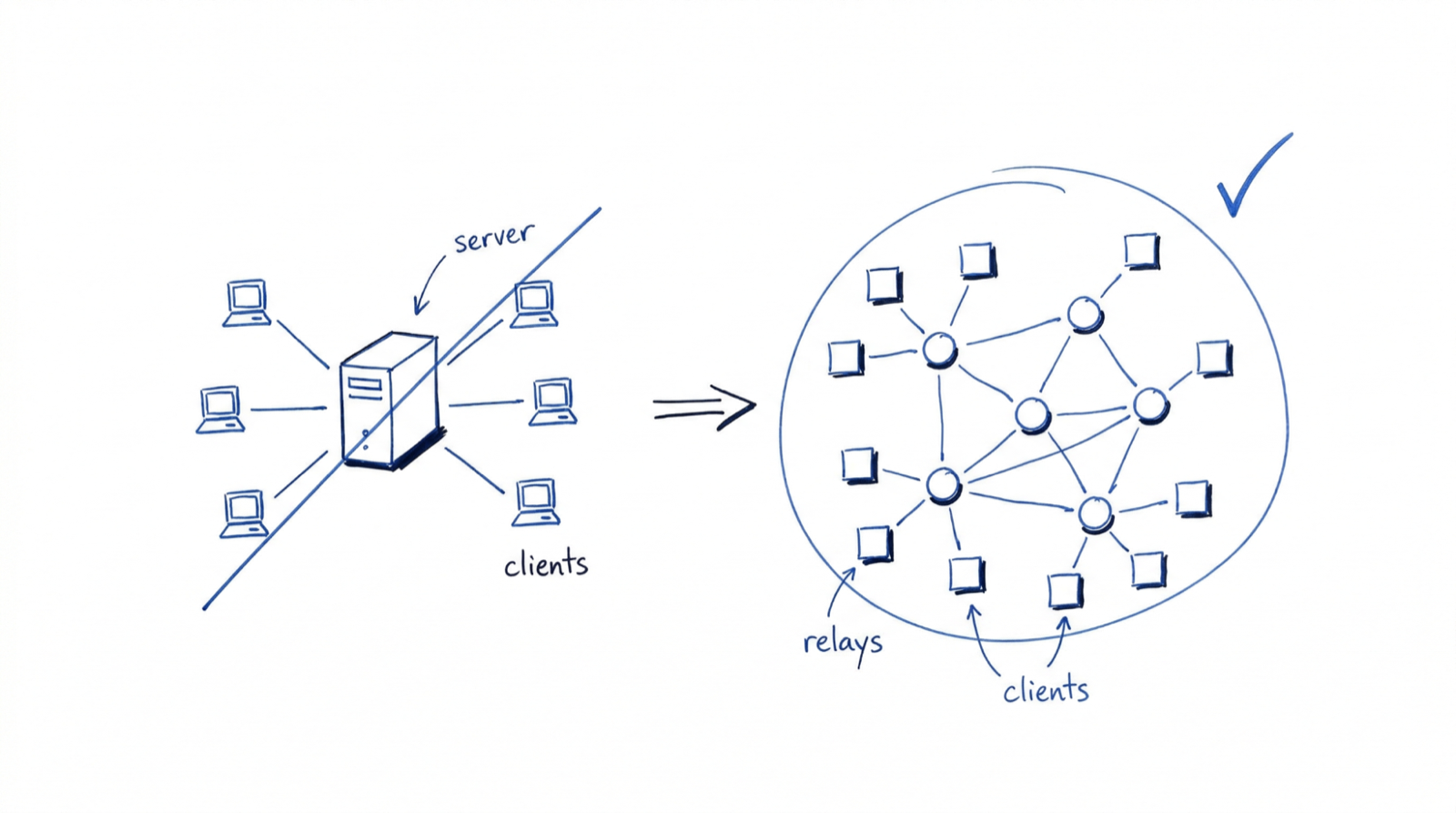
## Identity Without Accounts
On Nostr, your identity is your key pair. Your public key is your username. Your private key proves you are you. No registration step, no email verification, no username collision. Most Nostr clients generate this key pair for you on first launch and store it locally unless you choose to export or back it up. Under the hood, keys use secp256k1 (the same elliptic curve Bitcoin uses) and are encoded as npub/nsec strings via [NIP-19](https://github.com/nostr-protocol/nips/blob/master/19.md).
That means identity is portable. Your key pair works on any Nostr client, on any relay, forever. Nobody can deplatform you by deleting your account because there is no account to delete. Your identity exists independently of any infrastructure.
Nothing prevents a single person from creating multiple key pairs. Some users operate several identities: a public persona, an anonymous account, one for experimentation, one for a project or organization. Because keys are cheap to generate and require no registration, identity on Nostr is fluid and composable rather than singular and fixed.
It is also unforgiving. There is no “forgot password” flow. If you lose your private key, your identity is gone. If someone gains access to your private key, they can impersonate you and there is no authority to appeal to.
The ecosystem has responded with tools that soften this edge. [Browser extension signers](https://github.com/nostr-protocol/nips/blob/master/07.md) keep your private key secure rather than pasted into every client. [Mobile signer apps](https://github.com/nostr-protocol/nips/blob/master/55.md) do the same, letting applications request signatures without ever touching the raw key. These tools do not eliminate the trade-off between self-sovereignty and user safety—they shift where the trust boundary sits. We dig into these trade-offs in [Part 2](/blog/building-on-nostr-real-engineering-challenges/).
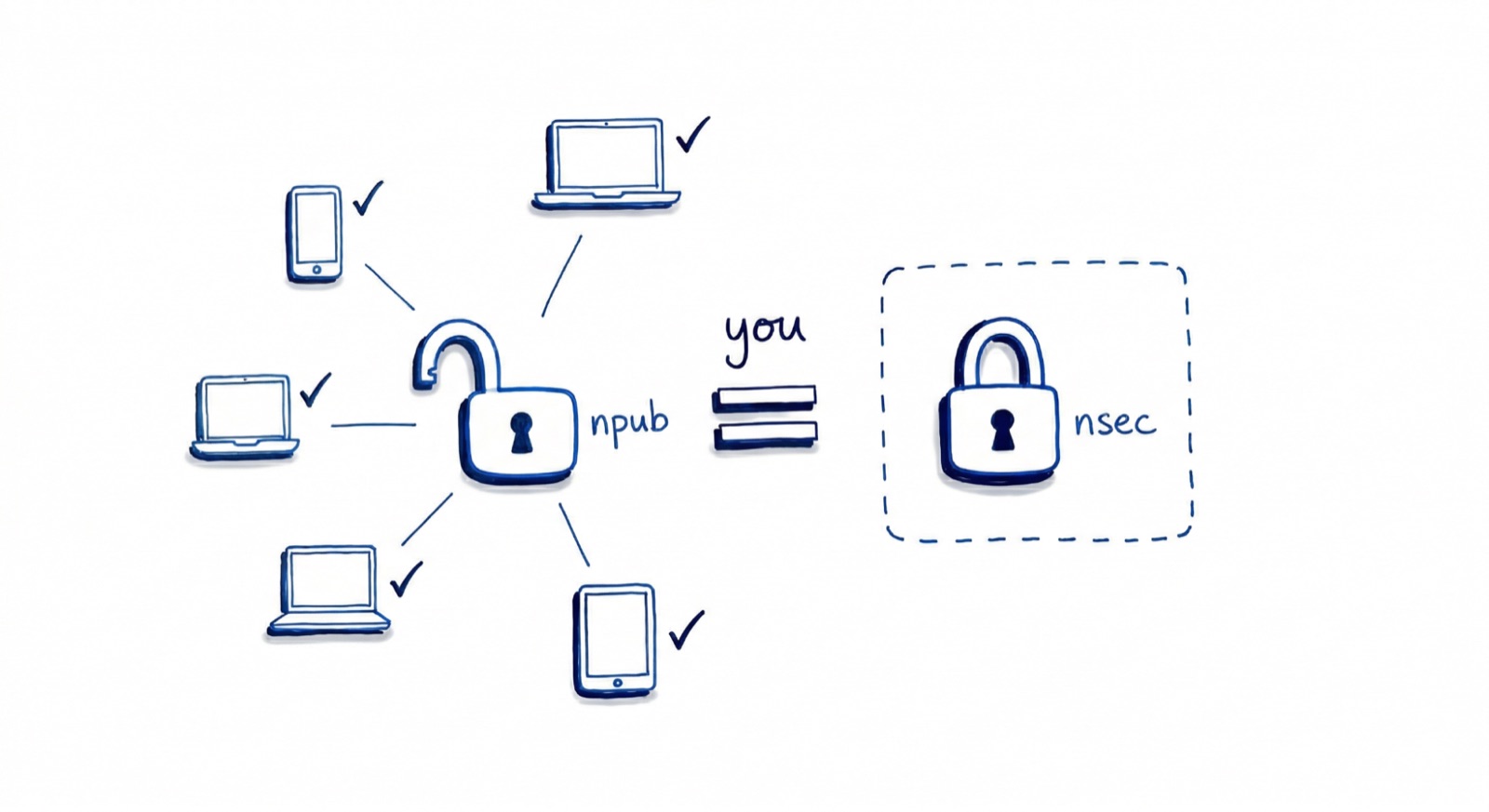
## Events: The Only Data Type
In most protocols, you deal with multiple object types: users, posts, messages, reactions, and profiles. Nostr has exactly one: [the event](https://github.com/nostr-protocol/nips/blob/master/01.md#events-and-signatures). Every piece of data on the network is a JSON object with the same fields—an identifier, the author’s public key, a timestamp, a kind integer that tells clients how to interpret it, a tags array for references and metadata, a content string, and a cryptographic signature proving the author wrote it.
That is the entire data model. A profile update, a text post, a follow list, a direct message, and a video event all share this exact structure. What differs is the kind number and how clients interpret content and tags. This uniformity means relays do not need to understand what they are storing—a relay built for text notes will happily forward video events without any code changes.
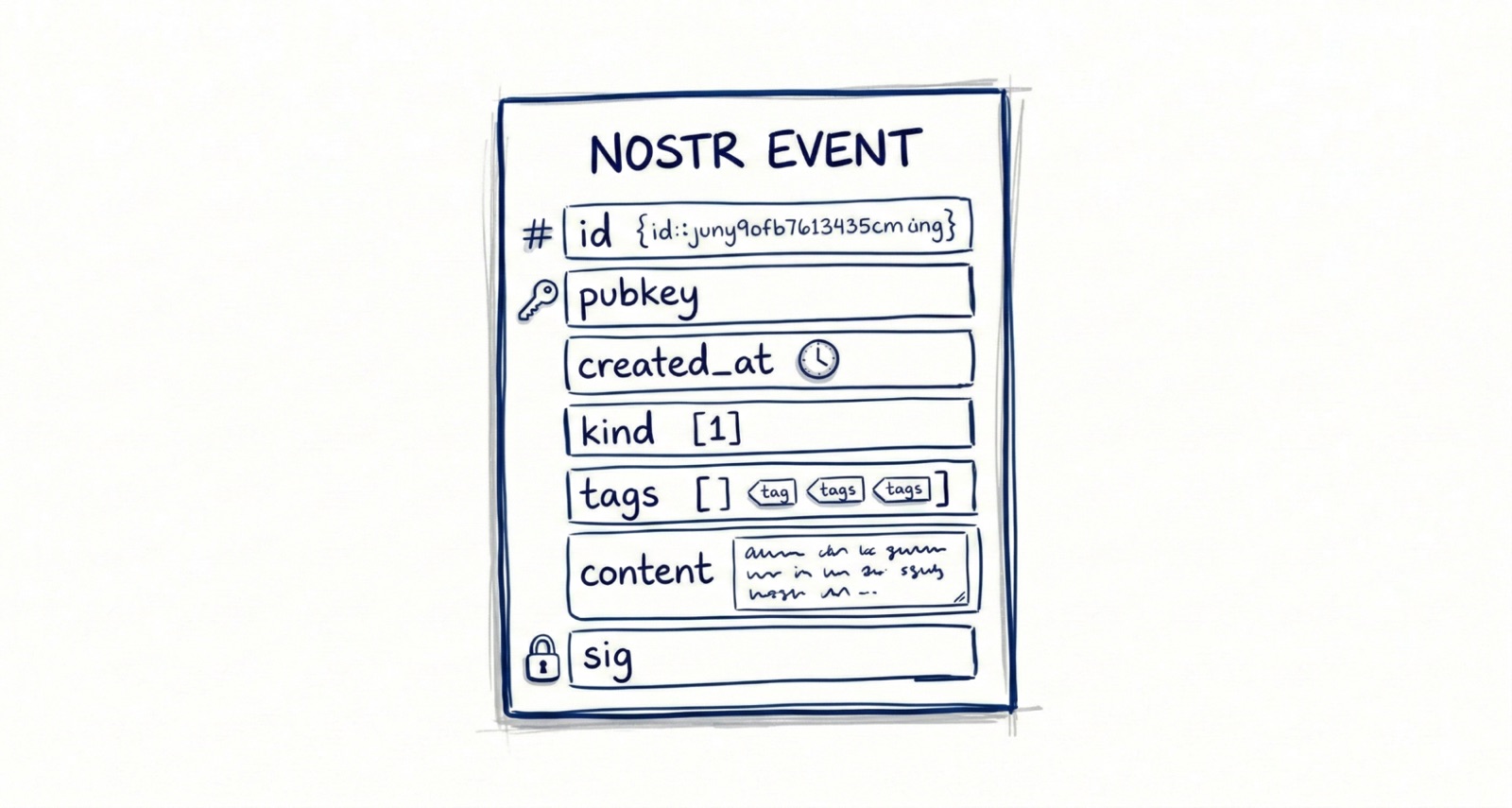
## How Events Move: Relays And WebSockets
Anyone can run a relay. There is no central registry or approval process. Some relays are public and free to use, while others are private, community-run, invite-only, or charge fees. Relay operators choose what events they will accept, how long they will store them, and what moderation policies they enforce.
A client connects to one or more relays and communicates using a simple JSON message protocol defined in NIP-01, the foundational specification.
The client can do three things:
1. **Publish** — send a signed event to the relay for storage and distribution
2. **Subscribe** — request events matching a filter (by author, by kind, by tag, by time range)
3. **Close** — end a subscription
No endpoints for user registration, no authentication tokens, no rate-limit headers (though relays may enforce their own limits). The relay either accepts your event or it does not.
A critical design choice: relays generally do not talk to each other. The protocol defines no gossip layer, no consensus mechanism, no peer-to-peer relay mesh. Some relay implementations do sync with each other, but this is not common and not something clients can rely on. In practice, if you publish an event to Relay A, you should assume Relay B does not have it unless a client also sends it there.
## NIPs and Event Kinds
Rather than a top-down standards body, Nostr evolves through NIPs—Nostr Implementation Possibilities. Each NIP proposes a convention for how clients and relays handle specific use cases. The kind integer in every event is what makes this work: kind 0 is user metadata, kind 1 is a text note, kind 3 is a follow list, kind 10002 is relay list metadata. Different kinds, same event structure, same relays.
A few [NIPs](https://github.com/nostr-protocol/nips) to know when starting out: NIP-01 defines the core protocol flow, NIP-19 gives you the human-readable encodings (npub, nsec, nevent), and NIP-65 defines how users advertise which relays they use—the backbone of relay discovery. NIP-55 and NIP-07 cover signer app integration for keeping private keys off devices running untrusted client code.
The NIP system is what makes Nostr extensible without coordination. Because event kinds are just integers and relays forward events they do not understand, new functionality can be added without upgrading the network. When the diVine project needed to handle video events, we chose a kind range, documented the content structure, and shipped. No relay upgrades required.
## The Event Lifecycle
A user generates a key pair locally—their public key is now their identity on the network. They compose a text note, and their client creates a kind 1 event, populates the fields, and signs it with the private key. The client then publishes the signed event to the user’s preferred relays (advertised in their relay list event). Another user’s client, subscribed to events from that public key, receives the event from one of those relays. It verifies the Schnorr signature, confirms the event has not been tampered with, and renders it.
No server decided these users could interact. No platform approved the content. No algorithm ranked it. The relay just moved bytes.
## What This Means For Builders
The architecture has immediate practical implications:
**Your client is the product.** On traditional platforms, two clients using the same API look and feel roughly the same because the server shapes the experience. On Nostr, two clients connecting to the same relays can offer radically different experiences. The client decides what to show, how to rank it, which relays to trust, and how to handle conflicts. This is simultaneously more freedom and more responsibility.
**Local state matters.** Because relays can disagree and go offline, your client needs robust local persistence. You are building an eventually consistent system, not a request-response API consumer.
**The hard problems are client-side.** Key management, relay discovery, data reconciliation, spam filtering, content moderation—all of these are client responsibilities. Part 2 of this series is dedicated to these challenges because they are where the real engineering happens.
**The ecosystem is interoperable.** Anything your app publishes is visible to every other Nostr client. A user’s social graph, follows, and profile travel with them across apps. You do not need to build network effects from zero—you inherit them.
## What Comes Next
Now you have the foundation: one data type, dumb relays, smart clients, and cryptographic identity. The protocol is small enough to hold in your head and flexible enough to build almost anything on top of. That combination is rare—and it is what makes Nostr worth taking seriously as an engineering decision, not just a philosophical one.
That flexibility comes at a cost. In [Part 2](/blog/building-on-nostr-real-engineering-challenges/), we get into what it is actually like to build on Nostr: the relay discovery problem, the key management UX wall, data consistency across relays, and the trade-offs we encountered working on diVine. That is where the protocol’s elegance collides with real-world complexity.
#### Nostr FAQs
##### What is Nostr?
Nostr (Notes and Other Stuff Transmitted by Relays) is a decentralized protocol that inverts the traditional client-server model. Relays — Nostr's version of servers — are intentionally simple: they accept signed events, store them, and forward them to subscribers. The client does the heavy lifting: identity, data reconciliation, and business logic. The result is an open, interoperable network where anyone can run infrastructure and no single platform controls the experience.
##### How is Nostr different from traditional client-server architectures?
In a traditional app, the server is the brain: it authenticates users, stores data, enforces business logic, and decides what each client sees. Nostr flips that. The relay is a pipe with a filter — it does not resolve conflicts or decide what users see — and the client generates keys, picks relays, reconciles data across them, and manages the social graph locally. If you come from a request-response backend mindset, the biggest mental shift is treating the client as the application, not a thin layer over an API.
##### What is a Nostr relay?
A relay is a server-like service that accepts signed events, stores them, and forwards them to clients that subscribe to matching filters. Relays can be public or private, free or paid, invite-only or open — and their operators decide what events they accept and how long they store them. Importantly, relays generally do not talk to each other; if you publish an event to Relay A, you should assume Relay B does not have it unless a client also sends it there.
##### What are NIPs and event kinds in Nostr?
NIPs (Nostr Implementation Possibilities) are conventions that define how clients and relays handle specific use cases — identity encoding, relay discovery, signer integration, and more. Event kinds are integers that tell clients how to interpret a given event: kind 0 is user metadata, kind 1 is a text note, kind 3 is a follow list, kind 10002 is a relay list. Because relays forward events they do not understand, new kinds can be introduced without coordinating an upgrade of the whole network.
##### How does identity work on Nostr without accounts?
Your identity on Nostr is a cryptographic key pair generated locally on first use — not an email-plus-password registration. Your public key (encoded as an npub) is your username; your private key (encoded as an nsec) proves you are you. Identity is portable across clients and relays and cannot be deplatformed. The trade-off is finality: if you lose your private key, the identity is gone; if someone steals it, they can impersonate you with no authority to appeal to.
##### Do I need to run my own relay to build on Nostr?
No. You can build a production client against public relays. Most Nostr apps configure a default relay set, allow users to customize it via NIP-65 relay list events, and rotate relays as the network evolves. Running your own relay is useful if you need guaranteed persistence, custom moderation, or low-latency delivery for a specific user base — but it is not a prerequisite for shipping.
##### Is Nostr only for social media apps?
No. The protocol is data-type agnostic — every event shares the same structure, and the kind integer determines interpretation. That means Nostr can carry social posts, direct messages, long-form articles, video, e-commerce listings, collaborative documents, or anything else a team defines a kind for. The diVine project, for example, uses Nostr for short-form video. For a deeper look at the engineering trade-offs of building on Nostr, see Part 2 of this series.
### Get Ready for the Flame Game Jam 2026
Source: https://verygood.ventures/blog/get-ready-for-the-flame-game-jam-2026/
When we built [Pinball I/O](https://pinball.flutter.dev/) and [Super Dash](https://superdash.flutter.dev/), some of the most valuable lessons came not from the final product, but from the constraints we worked within — tight timelines, creative tradeoffs, and the pressure of shipping something that actually feels good to play. That's exactly the kind of challenge a game jam delivers, compressed into a few intense days.
The [Flame Game Jam 2026](https://itch.io/jam/flame-game-jam-2026) runs from March 6–15, and this year's edition comes with serious prizes: a [Mecha Comet](https://mecha.so/comet) device and tickets to [Flutter & Friends](https://www.flutterfriends.dev/) (among others). Whether this is your first jam or your tenth, here's what we've learned about making the most of it.
## Scope Small
This is the single most repeated piece of advice in game jam circles, and for good reason — we've seen it play out firsthand. You will have dozens of ideas. You will want to build your dream game. The reality is that you have a handful of days, and ambition is the enemy of a finished product.
Think less in quantity, not in quality. A short, polished game with tight controls and a clear loop will always outperform an ambitious prototype that feels unfinished. Cut features early and often. The games that win jams are the ones that feel complete.
## Be Smart About the Theme
Most game jams announce a theme when the event starts — something as concrete as "Airplanes" or as abstract as "The passage of time." Your interpretation of that theme is where you stand out.
The best entries we've seen strike a balance: creative enough that judges notice the originality, clear enough that players can see the connection. Avoid the two extremes — a literal interpretation that dozens of other teams will also land on, or a stretch so abstract that nobody sees the theme in your game. When in doubt, find where the literal meets the metaphorical.
## Know Where to Find Good Resources
If you're not an artist or musician and haven't found a teammate to cover those roles, you can still ship something that looks and sounds great. Free asset libraries have come a long way, and two resources stand out:
- [Kenney's asset library](https://kenney.nl/assets)
- [itch.io game assets](https://itch.io/game-assets)
Spending an hour upfront browsing assets can shape your entire game concept. Let the available art inspire your design rather than fighting to create custom assets under time pressure.
## Read the Rules, Watch the Deadline
It happens every jam: a team gets so deep into building that they miss a rule or blow past the submission deadline. Read the rules before you write a line of code, and plan to submit at least a couple of hours early. Buffer time isn't wasted time — it's insurance against last-minute build failures, upload issues, and the inevitable "one more fix" spiral.
## Have Fun!
Above everything else, a game jam is a community event. The best ones produce friendships and creative breakthroughs, not just games. It's easy to slip into pressure mode, especially with prizes on the line, but treating the jam as a competition first and an experience second will spoil it.
Build something you're proud of. Learn something new. Meet people who share your excitement for game development.
## We'll Be Watching
We're looking forward to seeing what the community builds this year. The Flame ecosystem keeps growing, and game jams are where some of the most creative applications of the engine show up. If you join and build something, share it with us — we want to play it.
#### Frequently Asked Questions
##### When does the Flame Game Jam 2026 take place?
The Flame Game Jam 2026 runs from March 6 through March 15, 2026.
##### What prizes are on the line this year?
This year's edition includes a Mecha Comet device and tickets to Flutter & Friends, among others.
##### What is the most repeated piece of game jam advice?
Scope small. You will have a handful of days, and ambition is the enemy of a finished product. A short, polished game with tight controls and a clear loop will outperform an ambitious prototype that feels unfinished. Cut features early and often.
##### Where can solo developers find free game assets?
Two resources stand out: Kenney's asset library and itch.io game assets. Spending an hour upfront browsing assets can shape your entire game concept and save time fighting to create custom art under pressure.
### Flutter GenUI Tutorial: Build an AI Shopping Assistant
Source: https://verygood.ventures/blog/flutter-genui-shopping-assistant-tutorial/
Flutter developers have done a lot to integrate AI into their apps, and somehow the best most of us have managed is replacing a search bar with a chatbot. The user asks a question, and the AI responds with a wall of text. That is not the experience anyone envisioned when they first heard "AI-powered app."
When I walked through this problem at the [Flutter SF Meetup hosted by SoFi](https://luma.com/5uzi5ws4?tk=W5IuOR) recently, the reaction confirmed what we have been seeing in our own projects at VGV: Flutter developers are ready to move past plain-text AI responses and into real, interactive interfaces that the AI itself assembles. At VGV, we have been building AI-powered Flutter experiences since before GenUI existed as a library. Projects like [Ask Dash, a generative AI Flutter app we built with Google](https://verygood.ventures/blog/how-we-built-it-ask-dash-a-generative-ai-flutter-application/), taught us the pattern early. When we saw the Flutter GenUI SDK, we recognized it immediately: this is how you go from an LLM that talks to one that build.
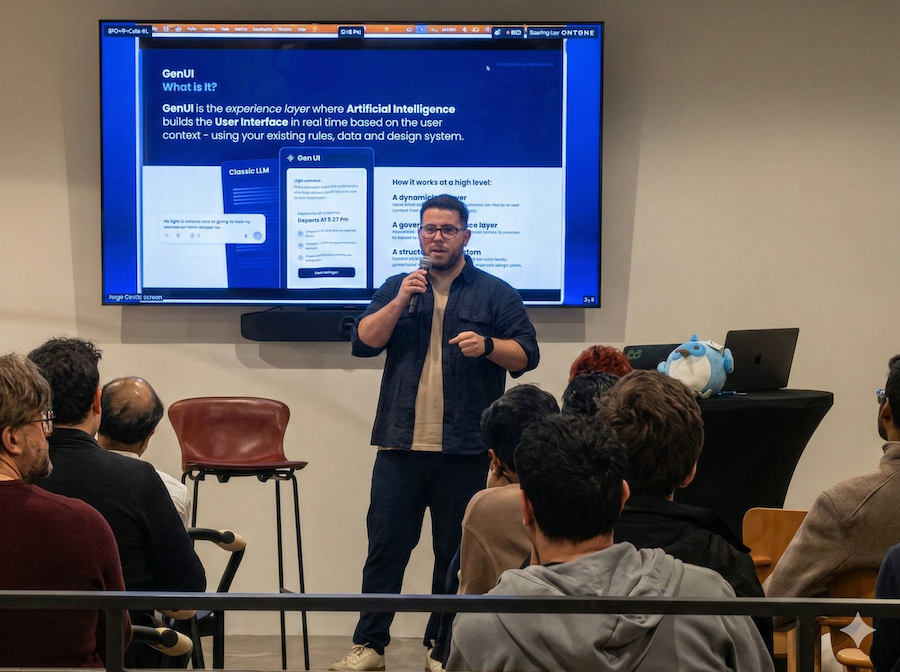
*Image taken by Frank van Puffelen (puf) during the Flutter SF Meetup hosted by SoFi.*
This post is the beginner-friendly companion to that talk. You will get just enough context to understand what GenUI is, and then we will go straight into building a working shopping assistant with it. The full source is available in the [genui_shopping_assistant repository on Github](https://github.com/VGVentures/genui_shopping_assistant); clone it now if you want to follow along.
## Why Text Responses Are Not Enough
Most AI-powered apps today respond with plain text. A user asks "show me running shoes under $150" and gets a wall of text listing options. GenUI flips this: instead of text, the AI assembles real, interactive Flutter widgets (product cards, filters, carousels) on the fly, using your own design system. The user sees a rich UI, not a chat log.
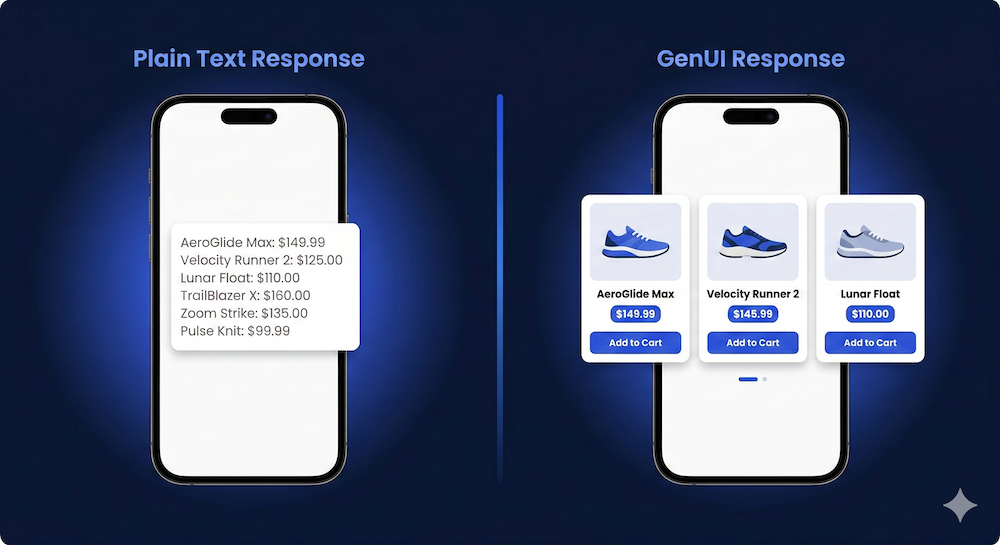
*GenUI Flutter shopping assistant — text response vs. interactive product cards generated by GenUI*
Before we build anything, it helps to understand the limitation GenUI is designed to fix.
## What Is The Flutter GenUI SDK?
At its core, GenUI does one thing:
> GenUI is a Flutter library that lets an AI build your app's UI in real time, using your widgets, your brand rules, and the user's context and intent to power the experience.
Three concepts are all you need to get started:
### 1. You Define A Widget Catalog
The AI can only compose from widgets you have explicitely registered: product cards, buttons, filters, and so on. Your brand stays intact. This is the key insight: the catalog is the contract between your app and the AI.
### 2. The AI Assembles The UI As JSON
The LLM does not generate Dart code. It returns structured data that GenUI deserializes into real Flutter widgets at runtime. This is the mechanism that powers the A2UI [(Agent-to-UI) protocol,](https://github.com/flutter/genui) a structured contract where the AI describes intent, and the client renders it natively.
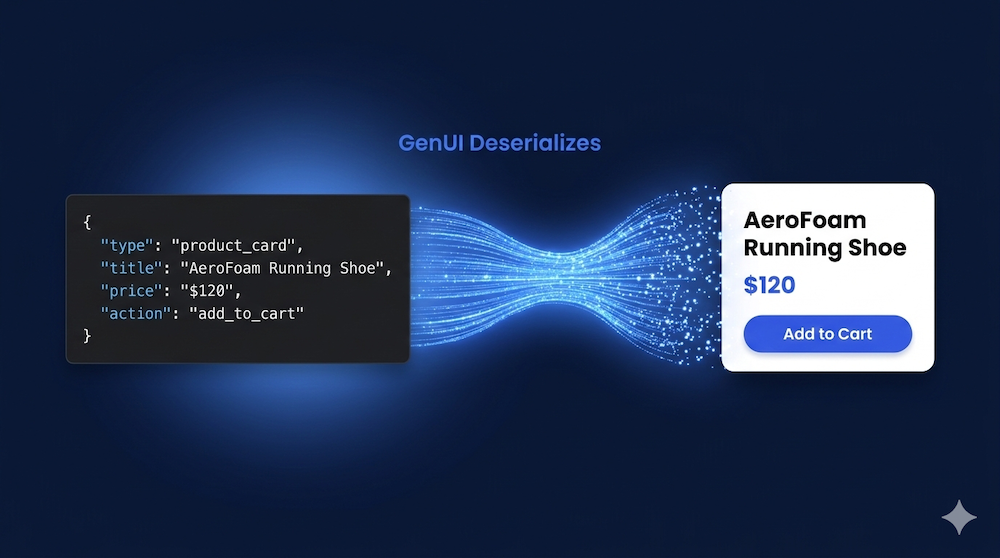
*Flutter GenUI SDK — AI-generated JSON deserialized into interactive Flutter widgets at runtime*
### 3. Interactions Feed Back To The AI
When the user taps, selects, or types, that state goes back to the LLM, which can refine the UI. This loop is what makes GenUI *generative* rather than just *dynamic*
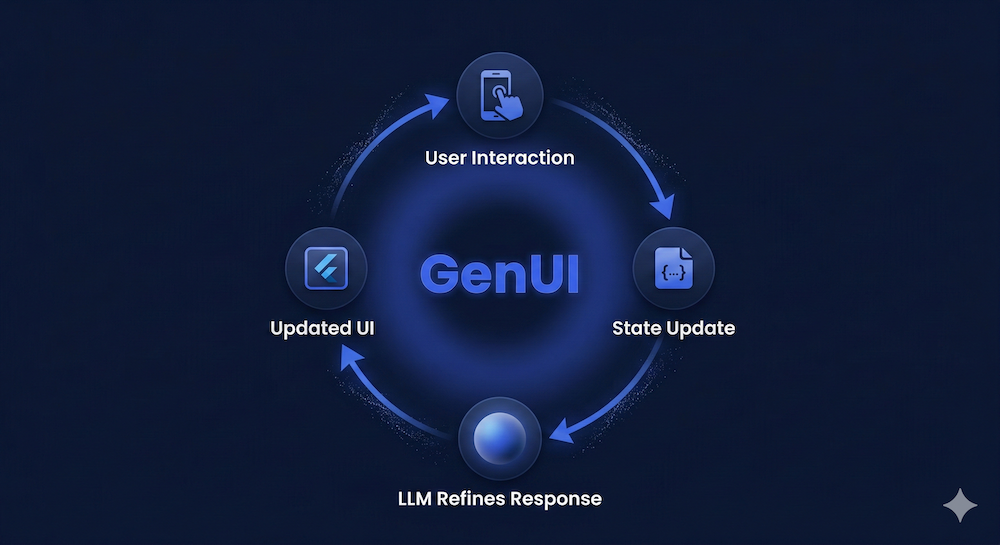
*GenUI Flutter interaction loop — user taps trigger state updates sent to the LLM, which refines the generative UI*
You can explore these concepts in depth in the [official GenUI SDK documentation](https://docs.flutter.dev/ai/genui) and the [GenUI SDK components and concepts reference](https://docs.flutter.dev/ai/genui/components). Note that the SDK is experimental and the API is still evolving. Treat it accordingly, and get yourself ready for breaking changes in future releases.
For a deeper look at how Flutter GenUI is being applied to real-world products, see how we are [redefining the digital booking experience with Generative UI at VGV](https://verygood.ventures/blog/redefining-the-digital-booking-experience-with-generative-ui/).
## Building The Shopping Assistant: A Step-By-Step Flutter GenUI Tutorial
The best way to understand how these three pieces fit together is to build something real. Here is how to get the shopping assistant running.
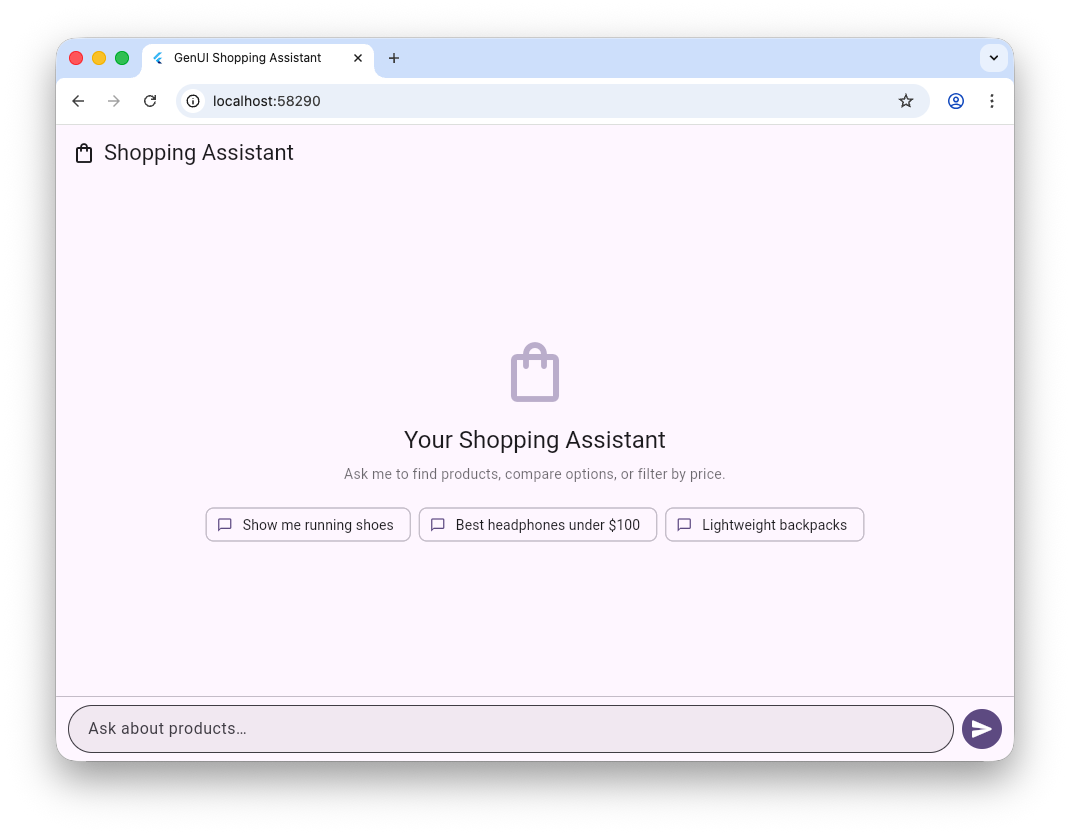
*A screenshot of the Shopping Assistant demo powered by GenUI*
### Prerequisites
Before you start, make sure you have:
- **Flutter SDK in the latest stable version:** the *genui* package requires Dart 3.9 or later, shipped with Flutter 3.35.
- A **Firebase project** with [**Firebase AI Logic**](https://firebase.google.com/products/firebase-ai-logic) enabled. While you can run this experience with a *Spark* free plan, a *Blaze* plan is recommended, as the token consumption limit will be more generous.
- Clone the V[GV genui_shopping_assistant repository from Github](https://github.com/VGVentures/genui_shopping_assistant), run *flutter pub get,* and finish the connection with Firebase running *flutterfire configure.*
**Note on API stability:** the *genui package is in alpha (v0.7.0 when this article is posted). The API is subject to breaking changes between releases. This is expected for an experimental SDK at this stage. Check the* [*flutter/genui repository*](https://github.com/flutter/genui) *for the latest release notes before starting****.***
### Define Your Widget Catalog
A **Catalog** is a collection of **CatalogItem** objects that tells the AI exactly which widgets it can compose. Think of it as the contract between your app and the AI: if a widget is not in the catalog, the AI cannot use it. Your design system is enforced at runtime.
Each **CatalogItem** requires three things: a **name,** a **dataSchema** (defined with [json_schema_ builder](https://pub.dev/packages/json_schema_builder)) that tells the AI what data the widget expects, and a **widgetBuilder** function that turns data into a real Flutter widget.
Here is a simplified product card entry from the shopping assistant:
```dart
import 'package:genui/genui.dart';
import 'package:json_schema_builder/json_schema_builder.dart';
// The schema tells the AI what data a ProductCard expects.
// Mark required fields explicitly so the AI produces valid data.
final _productSchema = S.object(
properties: {
'name': S.string(description: 'Product display name.'),
'price': S.number(description: 'Price in USD.'),
'imageUrl': S.string(description: 'URL of the product image.'),
},
required: ['name', 'price', 'imageUrl'],
);
final productCard = CatalogItem(
name: 'ProductCard',
dataSchema: _productSchema,
widgetBuilder: ({
required data,
required id,
required buildChild,
required dispatchEvent,
required context,
required dataContext,
}) {
final json = data as Map;
// Build and return your ProductCard widget here,
// using json['name'], json['price'], json['imageUrl'].
},
);
```
To register this item alongside the built-in GenUI core widget, pass it to **A2uiMessageProcessor:**
```dart
_processor = A2uiMessageProcessor(
// CoreCatalogItems includes GenUI's built-in widgets.
// copyWith appends your custom items without replacing the core set.
catalogs: [CoreCatalogItems.asCatalog().copyWith([productCard])],
);
```
Now that the catalog is defined, we need to connect it to an LLM.
### Set Up The LLM Connection
The **ContentGenerator** is the bridget between your Flutter app and the AI. It decouples your app from a specific LLM provider, which matters when the model landscape is moving fast. For this tutorial, we will use **FirebaseAiContentGenerator**.
```dart
/// Creates and configures a [FirebaseAiContentGenerator] backed by Firebase AI
/// (Gemini 2.5 Flash).
///
/// The catalog schema is automatically sent to the AI via tool definitions.
/// History and state management are handled by [GenUiConversation].
FirebaseAiContentGenerator buildFirebaseAiContentGenerator() {
return FirebaseAiContentGenerator(
catalog: shoppingCatalog,
systemInstruction:
shoppingSystemInstructions + GenUiPromptFragments.basicChat,
);
}
```
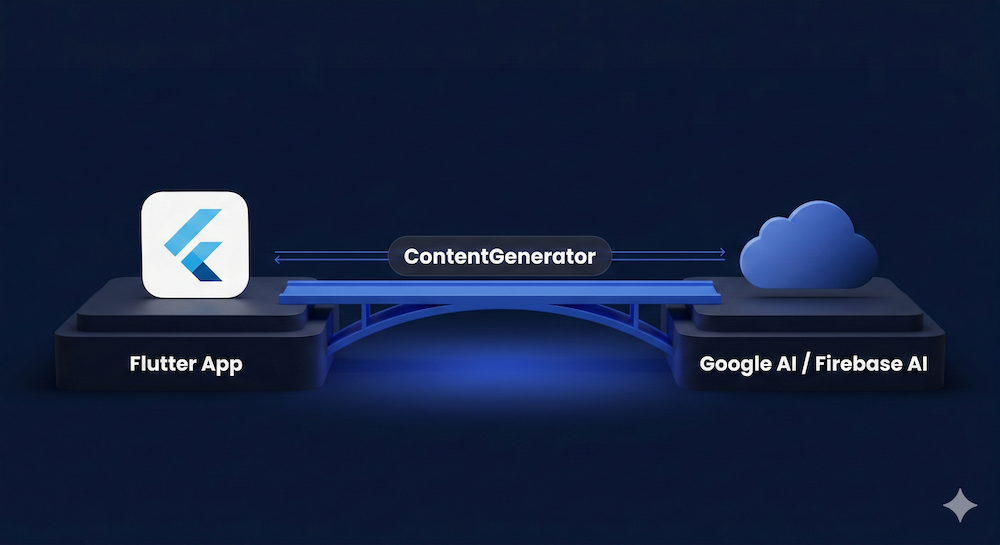
*Flutter GenUI ContentGenerator — GoogleGenerativeAiContentGenerator and FirebaseAiContentGenerator bridging Flutter and the LLM*
With the LLM connected, it is time to wire everything together.
### Wire It Together And Run
The final step is creating a **GenUiConversation**, connecting it to the processor and content generator, and embedding a **GenUiSurface** in your widget tree. **GenUiConversation** is the primary facade that manages the back and forth between your app and the AI.
```dart
@override
void initState() {
super.initState();
_processor = A2uiMessageProcessor(
catalogs: [CoreCatalogItems.asCatalog().copyWith([productCard])],
);
_conversation = GenUiConversation(
a2uiMessageProcessor: _processor,
contentGenerator: contentGenerator,
// Track which UI surfaces the AI creates and removes.
onSurfaceAdded: (update) =>
setState(() => _surfaceIds.add(update.surfaceId)),
onSurfaceDeleted: (update) =>
setState(() => _surfaceIds.remove(update.surfaceId)),
);
}
@override
void dispose() {
// Always dispose the conversation to avoid resource leaks.
_conversation.dispose();
super.dispose();
}
// In your build method, render each surface:
GenUiSurface(
host: _conversation.host,
surfaceId: surfaceId,
)
// To send a user prompt:
_conversation.sendRequest(
UserMessage.text('Show me running shoes under \$150'),
);
```
Launch the app, type a prompt like *"Show me running shoes under $150",* and watch GenUI assemble a product browsing experience from your catalog widgets. The AI reads your catalog, generates a JSON layout referencing **ProductCard** and other registered widgets, and GenUI deserializes it into your actual Flutter components.
Check the [genui package on pub.dev](https://pub.dev/packages/genui) for the current version and changelog.
## Where To Go From Here
You just built a working AI shopping assistant that renders real Flutter widgets from natural-language prompts. No chat bubbles, no text walls — just an actual product browsing experience composed by the AI from your own design system.
Here are a few directions to explore next:
- **Extend your catalog:** try adding a price filter chip, a product comparison view, or a checkout summary widget. Each new *CatalogItem* expands what the AI can compose, and because the catalog is the contract, your brand controls stay intact.
- **Try a different LLM provider:** implement a custom *ContentGenerator* that connects to a different model. The abstraction is there specifically because the model landscape will keep changing.
- **Explore the official docs:** the [GenUI SDK getting started guide](https://docs.flutter.dev/ai/genui/get-started) covers advanced topics including the A2UI protocol, streaming AI updates, and custom *ContentGenerator* implementations.
- **See GenUI in a production context:** read how [VGV is redefining the digital booking experience with generative UI](https://verygood.ventures/blog/redefining-the-digital-booking-experience-with-generative-ui/), or explore our [GenUI solutions resource page](https://verygood.ventures/resources/genui/) for a business-oriented perspective on what this technology enables across retail, travel, banking, and QSR.
This kind of problem (making AI a native part of your product's UX layer, not just a featured bolted on) is exactly where we focus at VGV. We have shipped [AI-powered Flutter experiences with Google](https://verygood.ventures/blog/the-shortest-path-to-ai-everywhere-is-flutter/) across industries, and we have been working with Flutter since its early days. If you are thinking through what GenUI means for your product, [we would be glad to think through it with you](https://verygood.ventures/contact-us/).
#### Frequently Asked Questions
##### What is the Flutter GenUI SDK?
GenUI is a Flutter library that lets an AI build your app's UI in real time, using your widgets, your brand rules, and the user's context and intent. Instead of returning a wall of text, the AI assembles real, interactive Flutter widgets such as product cards, filters, and carousels using your registered design system.
##### What are the three core concepts behind GenUI?
First, you define a widget catalog of components the AI is allowed to compose. Second, the AI assembles the UI as structured JSON that GenUI deserializes into real Flutter widgets at runtime via the A2UI protocol. Third, user interactions feed back to the LLM, which can refine the UI, making the loop generative rather than just dynamic.
##### What are the prerequisites for building the shopping assistant?
You need the latest stable Flutter SDK with Dart 3.9 or later (shipped with Flutter 3.35), a Firebase project with Firebase AI Logic enabled (a Blaze plan is recommended for more generous token limits), and the genui_shopping_assistant repository cloned locally with flutter pub get and flutterfire configure run.
##### What does a CatalogItem need?
Each CatalogItem requires three things: a name, a dataSchema defined with json_schema_builder that tells the AI what data the widget expects, and a widgetBuilder function that turns data into a real Flutter widget. Mark required schema fields explicitly so the AI produces valid data.
##### How does the app connect to an LLM?
The ContentGenerator is the bridge between your Flutter app and the AI. It decouples your app from a specific LLM provider. The tutorial uses FirebaseAiContentGenerator backed by Gemini 2.5 Flash, with the catalog schema sent automatically via tool definitions and history managed by GenUiConversation.
##### Is the GenUI SDK ready for production?
The genui package is in alpha (v0.7.0 at the time of writing) and the API is subject to breaking changes between releases. That is expected for an experimental SDK at this stage. Check the flutter/genui repository for the latest release notes before starting.
##### Where can I take the shopping assistant next?
Extend the catalog with widgets like a price filter chip, a product comparison view, or a checkout summary. Try a different LLM provider by implementing a custom ContentGenerator. Read the official GenUI getting started guide for advanced topics such as the A2UI protocol and streaming AI updates.
### Top Companies Using Flutter in 2026 [Updated]
Source: https://verygood.ventures/blog/top-companies-using-flutter/

*Last updated: February 2026*
When engineering leaders are considering Flutter for their new initiatives, they often ask us the same question: "Who else is using Flutter in production at scale?" It's the right question. When you're evaluating a framework for a mission-critical app, you want to know who's already bet on it and what they've learned. BMW, Google Pay, Nubank, and Alibaba each serve 50-100+ million users on Flutter, and we've tracked over 90 enterprise companies using Flutter in production between 2024 and 2026.
Below, we've organized the most notable Flutter app examples by industry, so you can see how companies in your vertical are putting it to work.
## Financial Services & Insurance
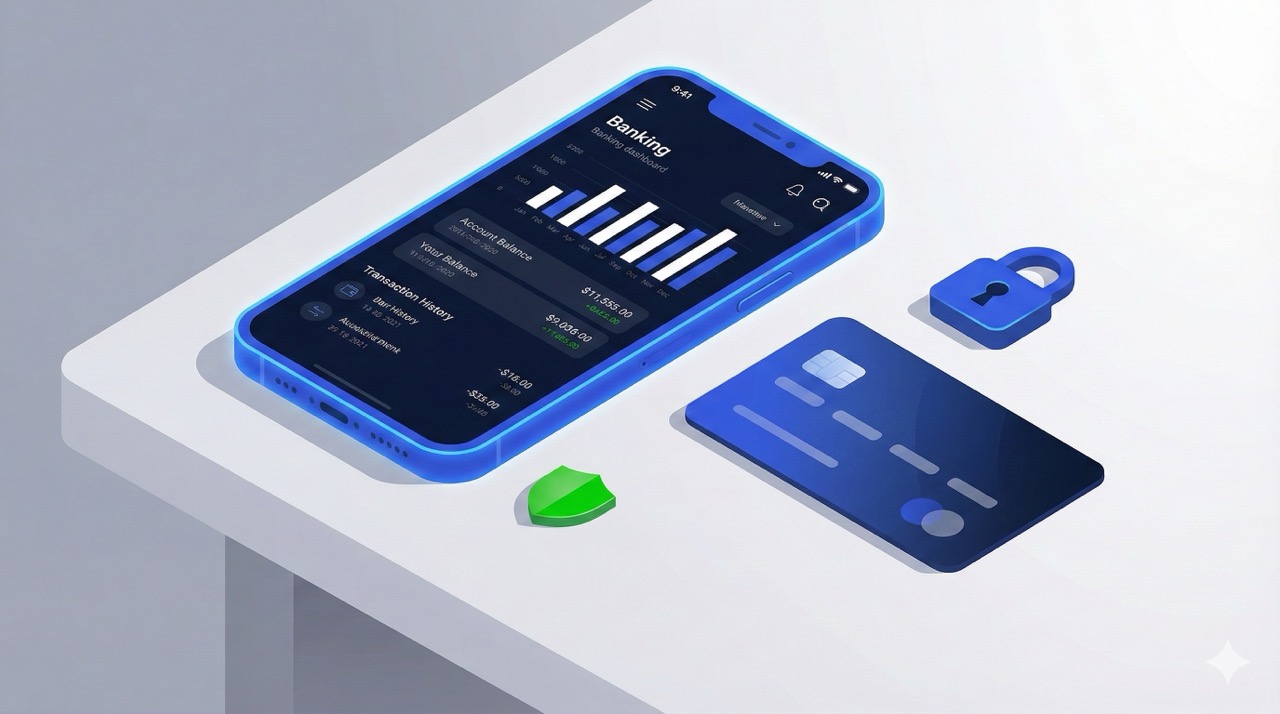
Financial services is the largest vertical for Flutter adoption, with 20+ confirmed companies. We've worked with several of them firsthand, and the pattern is consistent: regulated industries need pixel-perfect consistency across platforms, fast iteration cycles to respond to compliance changes, and the ability to unify fragmented mobile teams. Flutter delivers on all three, making it [**especially well-suited to banking and fintech**](https://verygood.ventures/blog/why-mobile-first-fintech-companies-are-betting-on-flutter/).
### Google Pay
Google rebuilt [**Google Pay**](https://flutter.dev/showcase/google-pay) in Flutter, migrating from 1.7 million lines of separate iOS and Android code to a unified codebase. A proof of concept built by just three engineers scaled to a 150+ engineer effort, reducing feature development effort from 2x to roughly 1.2x and resulting in a 35% smaller codebase.
### Nubank
The largest independent digital bank outside Asia, [**Nubank**](https://flutter.dev/showcase/nubank) serves [**over 100 million customers**](https://international.nubank.com.br/100m/nubank-surpasses-100-million-customers/) on a Flutter-powered app. After adopting Flutter, the company launched a new life insurance product in just three months — their fastest product launch ever — and saw a [**30% improvement**](https://building.nubank.com.br/scaling-with-flutter/) in merge success rates. [**Hear from Nubank's engineering team on the VGV podcast.**](https://verygood.ventures/podcasts/thiago-ghisi-nubank-scaling-mobile-platforms-to-serve-100-million-customers/)
### SoFi
SoFi built its "financial super app" — combining banking, investing, budgeting, credit, loans, and insurance — entirely in Flutter, with 2.5+ million lines of Flutter code making it one of the largest Flutter codebases in production. The company ships weekly and has invested heavily in [**AI-driven workflows to scale its growing engineering team**](https://verygood.ventures/blog/how-sofi-scales-mobile-engineering-with-flutter-and-ai/).
### Betterment
[**Betterment**](https://flutter.dev/showcase/betterment), the online investment advisor managing $56+ billion in assets, [**completed a Flutter transformation in collaboration with VGV**](https://verygood.ventures/success-stories/betterment/) using Flutter's add-to-app functionality before migrating completely. [**Betterment's engineering team has described how Flutter revitalized their codebase.**](https://verygood.ventures/blog/betterment-flutter-revitalized-our-codebase/) [**Hear from Betterment's Sam Moore on the VGV podcast.**](https://verygood.ventures/podcasts/sam-moore-leading-effective-mobile/)
### GEICO
GEICO adopted Flutter to [**reduce duplicative work and ensure consistent branding**](https://www.geico.com/techblog/flutter-as-the-multi-channel-ux-framework/) across iOS, Android, and web.
### Credit Agricole Bank Polska
[**Credit Agricole Bank Polska**](https://flutter.dev/showcase/credit-agricole) launched its CA24 Mobile banking app in Flutter in May 2022, built by a team of 250 people including nearly 30 Flutter developers who delivered over 165 features within 11 months.
### Virgin Money
[**Virgin Money**](https://flutter.dev/showcase/virgin-money) unified its mobile banking experience across iOS and Android with Flutter, announced at Google I/O 2024 as a showcase for how established banks are modernizing their mobile strategies.
### Visa
Visa built and open-sourced [**Nova Flutter**](https://pub.dev/packages/visa_nova_flutter), a comprehensive library of accessible UI components aligned with the Visa Product Design System, enabling developers worldwide to build consistent, accessible payment experiences.
### Square (Block)
Square provides open-source Flutter plugins for its In-App Payments SDK and Mobile Payments SDK, enabling Flutter developers to integrate Square payment processing with support for Google Pay and Apple Pay from a single codebase.
### Skandia
[**Skandia**](https://flutter.dev/showcase/skandia), a leading Swedish insurance and banking provider, is featured on the official Flutter showcase for its cross-platform financial services apps.
### Nationwide
Nationwide Insurance uses Flutter for its flagship customer app, enabling customers to pay bills, file claims, manage auto/home/pet policies, and access digital ID cards across iOS and Android.
### Amica Insurance
Amica Mutual, the oldest mutual insurer of automobiles in the U.S., uses Flutter for its mobile app, which lets policyholders report and track claims, pay bills, access digital ID cards, and request 24/7 roadside assistance.
### Also using Flutter in financial services:
Huntington National Bank, Islandsbanki, Bread Financial, Bank of America (merchant services), Prudential Services Singapore, Trust & Will (estate planning), Tide (UK challenger bank for SMEs), GoodLeap (clean energy financing), and [**Nav.com**](https://verygood.ventures/success-stories/nav-fintech-flutter-app/).
## Automotive
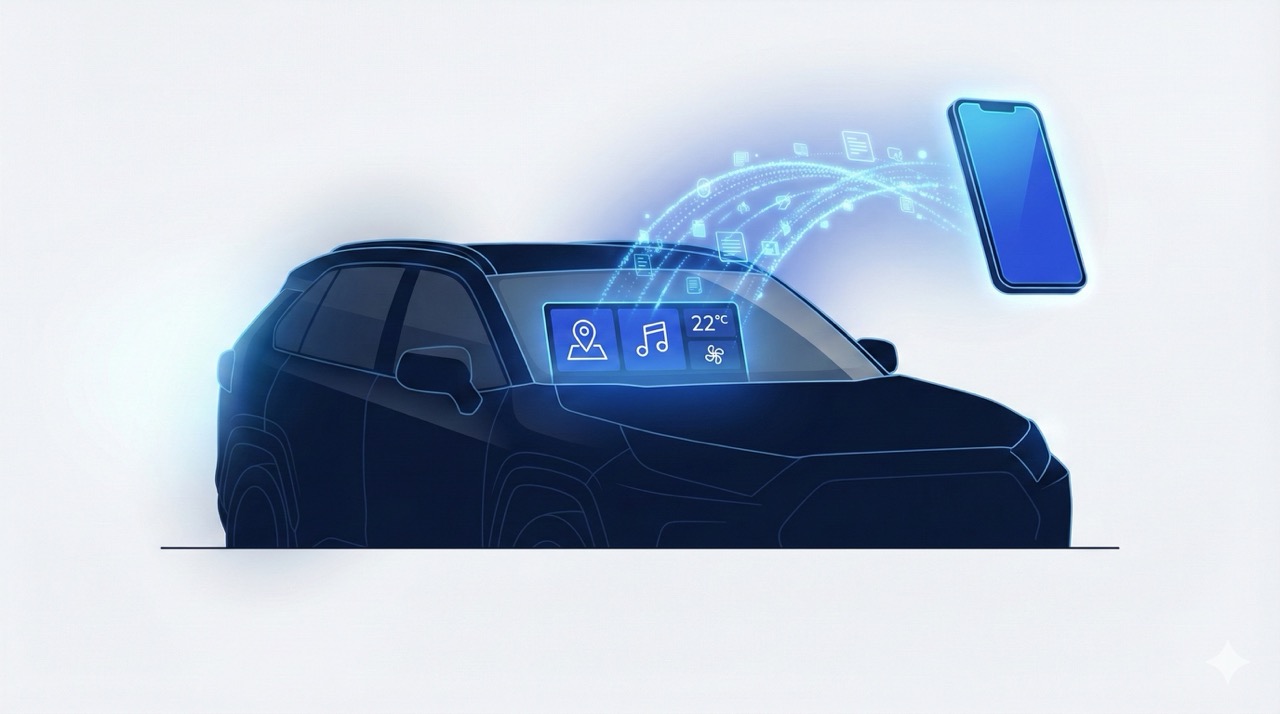
Automakers face a unique platform fragmentation challenge: they need consistent experiences across companion mobile apps, in-vehicle infotainment systems, and embedded displays, often running on different operating systems. Flutter's single rendering engine works across all of these form factors, which is why major OEMs are converging on it for both customer-facing apps and in-car software.
### BMW
[**BMW**](https://flutter.dev/showcase/bmw) rebuilt the My BMW app entirely in Flutter, [**launching across 30+ markets**](https://www.press.bmwgroup.com/global/article/detail/T0328610EN/the-my-bmw-app:-new-features-and-tech-insights-for-march-2021) on five continents and replacing previously divergent iOS and Android codebases. BMW's Flutter/Dart development team has grown to approximately 300 engineers — one of the largest Flutter teams in the world.
### Toyota
[**Toyota**](https://flutter.dev/showcase/toyota) is a member of [**Automotive Grade Linux**](https://www.automotivelinux.org/), which [**officially supports Flutter for automotive infotainment**](https://www.automotivelinux.org/announcements/quirkyquillback/). Flutter is powering the in-vehicle infotainment system in the 2026 Toyota RAV4 — the best-selling car model in America.
### Lucid Motors
[**Lucid Motors**](https://flutter.dev/showcase/lucid-motors), the luxury EV maker, built its connected vehicle companion app in Flutter.
### MOIA (Volkswagen)
MOIA, the Volkswagen Group's ride-pooling service, uses Flutter for its passenger-facing app across European markets.
### AutoNation / Gather
AutoNation, the largest automotive retailer in the United States, built [**Gather**](https://gather.life/) in Flutter — a family location-sharing app that enhances the driving experience with real-time location sharing and driver safety features.
### RUNBUGGY
RUNBUGGY uses Flutter for its vehicle transport marketplace app, connecting car shippers with haulers for order management, real-time tracking, and document handling.
## Media & Entertainment

Entertainment companies need rich, branded visual experiences delivered on tight launch timelines — and they need those experiences to feel identical whether a fan is on iOS or Android or even kiosks and embedded devices. Flutter powers entertainment apps spanning theme parks, live sports, streaming, and gaming.
### Universal Studios
[**Universal Destinations & Experiences**](https://flutter.dev/showcase/universal-studios) uses Flutter to power guest experiences across its theme parks. [**Very Good Ventures helped Universal**](https://verygood.ventures/success-stories/amusement-park-flutter-apps/) unify park mapping across mobile and web with a single Flutter codebase and built an enhanced mobile food and drink ordering system — including self-service kiosk ordering — delivering solutions ahead of critical park opening deadlines.
### Hamilton
The official [**Hamilton**](https://flutter.dev/showcase/hamilton) app was the [**first major commercial Flutter app built outside of Google**](https://verygood.ventures/case-studies/hamilton/). It offers fans exclusive content, daily ticket lotteries, HamCam camera filters, and exclusive interactive features. Launched by founding members of Very Good Ventures in 2017, the app has been continuously maintained by VGV ever since.
### ByteDance
Flutter is the go-to framework for multi-platform development at [**ByteDance**](https://flutter.dev/showcase/bytedance), used in flagship apps like Xigua Video and others, with [**over 700 Flutter developers**](https://blog.flutter.dev/google-i-o-spotlight-flutter-in-action-at-bytedance-c22f4b6dc9ef) and a 33% increase in team productivity. ByteDance also built and open-sourced Lynx, a cross-platform framework inspired by Flutter.
### Tencent
[**Tencent**](https://flutter.dev/showcase/tencent) moved multiple apps completely to Flutter — including AITeacher, Mr. Interpreter, and Tencent Cloud Chat (ranked #1 in China's chat service market) — achieving a 77% increase in development efficiency.
### MGM Resorts
[**MGM Resorts**](https://flutter.dev/showcase/mgm-resorts) rebuilt its mobile app from the ground up in Flutter, enabling hotel rate browsing, dining reservations, contactless check-in/check-out, and a Digital Key feature for unlocking rooms with a smartphone.
### Supercell
[**Supercell**](https://flutter.dev/showcase/supercell), makers of Clash of Clans and Brawl Stars, adopted Flutter for Supercell ID and achieved a 45% reduction in code while maintaining the identity service across all their games.
### teamLab
[**teamLab**](https://flutter.dev/showcase/teamlab), the international art collective whose digital installations have been experienced by over 35 million people, uses Flutter for companion apps that let visitors capture and study virtual butterflies in real-world art spaces.
### Sky
Sky's Global Design Engineering team builds mobile apps and TV interfaces with Flutter, serving customers across the UK, Italy, and Germany through products including Sky Go, My Sky, and the Sky Glass/Stream platforms.
### Comcast
Comcast uses Flutter for a TV streaming application deployed across iOS, Android, and RDK-based devices from a monorepo.
### Trackhouse Racing
Trackhouse Racing [**partnered with Very Good Ventures**](https://verygood.ventures/success-stories/trackhouse-nascar-vip-experience/) to build Flutter applications that enhance brand engagement, from trackside race-day experiences to digital fan interactions during NASCAR events to data-driven competition enhancement products.
### DiVine
[**DiVine**](https://divine.video/) is a [**Jack Dorsey-funded reboot of Vine**](https://techcrunch.com/2025/11/12/jack-dorsey-funds-divine-a-vine-reboot-that-includes-vines-video-archive/), the iconic six-second video platform, built entirely in Flutter and fully open-source. The app prohibits AI-generated content and includes 170,000 archived Vine videos.
### DraftKings
DraftKings built the game tracker in its Predictions app using Flutter, Flame, and Rive, combining real-time sports data with rich interactive animations for an engaging prediction experience.
### PGA of America
The PGA of America uses Flutter for its digital experiences, with a customer-obsession approach to product development. [**Hear how the PGA of America innovates on the VGV podcast.**](https://verygood.ventures/podcasts/michael-gyarmathy-pga-of-america-how-customer-obsession-drives-better-software/)
### Also using Flutter in media & entertainment:
Gray Media, Deutsche Welle, [**Abbey Road Studios**](https://flutter.dev/showcase/abbey-road-studios) (Topline music creation app), and Axel Springer (BILD and WELT news apps in Germany).
## E-Commerce & Retail
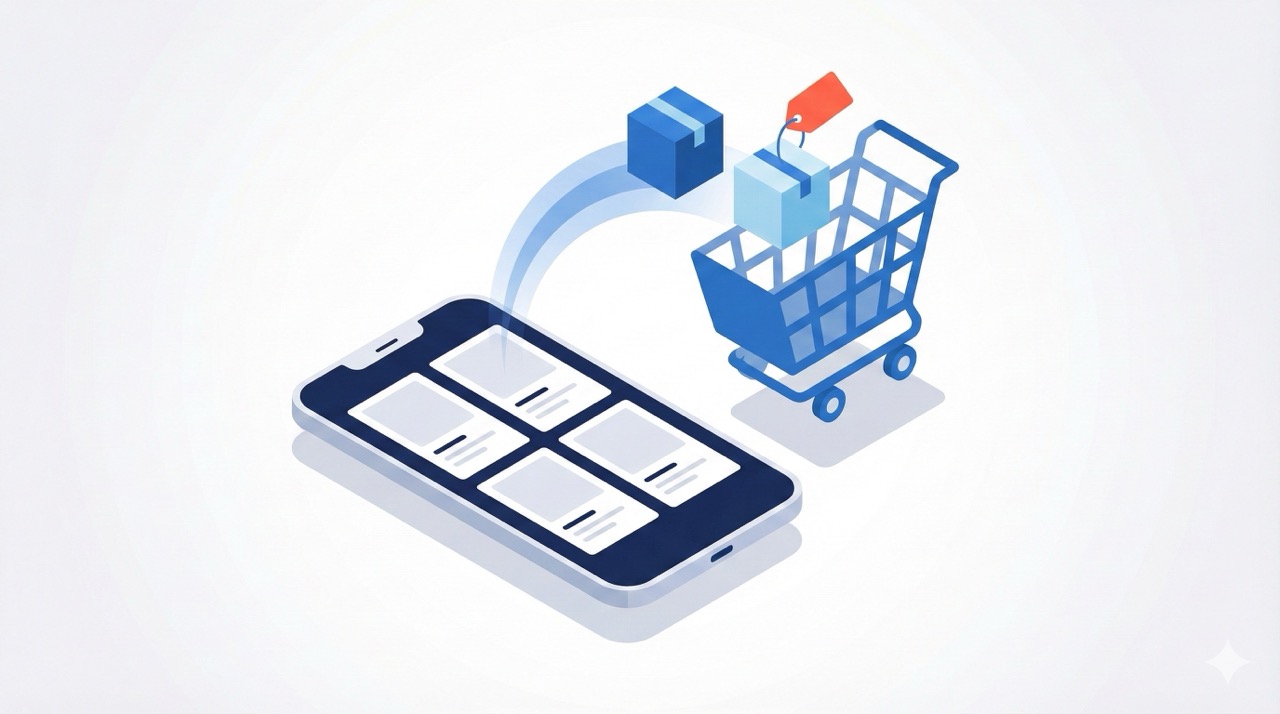
E-commerce companies operate under constant pressure to ship faster, maintain consistent brand experiences across platforms, and unify mobile teams that were previously split between iOS and Android. Flutter addresses all three, which is why adoption in retail has grown rapidly.
### Alibaba (Xianyu)
[**Alibaba's**](https://flutter.dev/showcase/alibaba-group) Xianyu (Idle Fish), China's largest C2C marketplace for secondhand goods with over 500 million users, was one of the earliest large-scale Flutter adopters, using it for core services including search, product details, and listings.
### eBay Motors
[**eBay Motors**](https://flutter.dev/showcase/ebay) built a dedicated car buying and selling app entirely in Flutter, [**launching a beta within three months**](https://innovation.ebayinc.com/stories/ebay-motors-accelerating-with-fluttertm/) and achieving 98.3% code sharing between iOS and Android. In internal surveys, [**100% of developers said they enjoyed Flutter more than native development**](https://verygood.ventures/blog/ebay-motors-flutter-experience/).
### Etsy
Etsy built its standalone Seller app in Flutter, maintained by a focused team of just eight engineers. Flutter enables pixel-perfect design implementation across platforms, and the team says they [**rarely have to compromise on experience because of technical constraints**](https://verygood.ventures/blog/how-etsys-mobile-team-built-a-feature-rich-seller-app-with-flutter/).
### Wendy's
Wendy's [**rewrote its mobile ordering app in Flutter**](https://verygood.ventures/blog/from-native-code-limitations-to-unified-scalable-delivery-for-40m-users/), achieving 75% faster interaction speeds and higher conversion rates than the native predecessor. Flutter enabled Wendy's to merge separate mobile teams into one unified group and shift from monthly releases to multiple releases per sprint for their 40M+ users. [**Hear from Wendy's engineering team on the VGV podcast.**](https://verygood.ventures/podcasts/brian-abston-the-wendys-company-redefining-qsr-tech-with-quality-at-the-core/)
### SKIMS
SKIMS uses Flutter for its customer-facing DTC shopping app on iOS and Android, with in-house Flutter developers supporting a fast-growing global fashion brand by delivering seamless experiences for shopping, personalization, loyalty, and checkout.
### Caribou Coffee
[**Caribou Coffee**](https://flutter.dev/showcase/caribou-coffee) rewrote its mobile app in Flutter after evaluating seven frameworks, choosing Flutter for its seamless integration with Firebase and Google tools they already used. Before the migration, 50% of the team was dedicated to maintaining feature parity between platforms — now all developers work on feature creation from a single codebase.
### Blue Bottle Coffee
Blue Bottle Coffee, the specialty coffee chain owned by Nestle, built its mobile ordering app in Flutter, enabling customers to browse menus, customize orders, and pay for pickup at their nearest location.
### Dutch Bros Coffee
Dutch Bros Coffee uses Flutter for its mobile app supporting the Dutch Rewards loyalty program, with mobile ordering, points tracking, drink customization, and payment processing across its nationwide coffee chain.
### Scotts Miracle-Gro
Scotts Miracle-Gro migrated its popular "My Lawn" app to Flutter. The app generates personalized lawn care plans based on grass type, location, and conditions, and integrates IoT capabilities for the Gro smart irrigation ecosystem.
### Keller Williams Realty
Keller Williams chose Flutter — [**working with Very Good Ventures**](https://verygood.ventures/podcasts/chris-synan-keller-williams-realty-inc-transforming-real-estate-through-cutting-edge-tech/) — to build a smart CRM that enables real estate agents to manage client communications, business insights, and core tasks from a single app across iOS, Android, and web.
### QuintoAndar
[**QuintoAndar**](https://flutter.dev/showcase/quintoandar), Latin America's most valuable proptech startup, migrated its mobile apps to Flutter and saw its Google Play rating jump from 3.8 to 4.5 within five months.
### Talabat
Talabat, the leading food and grocery delivery platform across the Middle East and North Africa with 10+ million downloads, migrated its Rewards loyalty system from native Android to Flutter, coordinating across hundreds of mobile and backend developers to achieve cross-platform consistency and faster shipping cycles with zero user disruption.
### Also using Flutter in e-commerce & retail:
SHEIN (fast fashion), [**Beike**](https://flutter.dev/showcase/beike) (187M property listings in China), Funda (Netherlands' #1 real estate platform), and [**Kijiji**](https://flutter.dev/showcase/kijiji1)/eBay Canada (11M monthly users).
## Consumer Electronics & Smart Devices
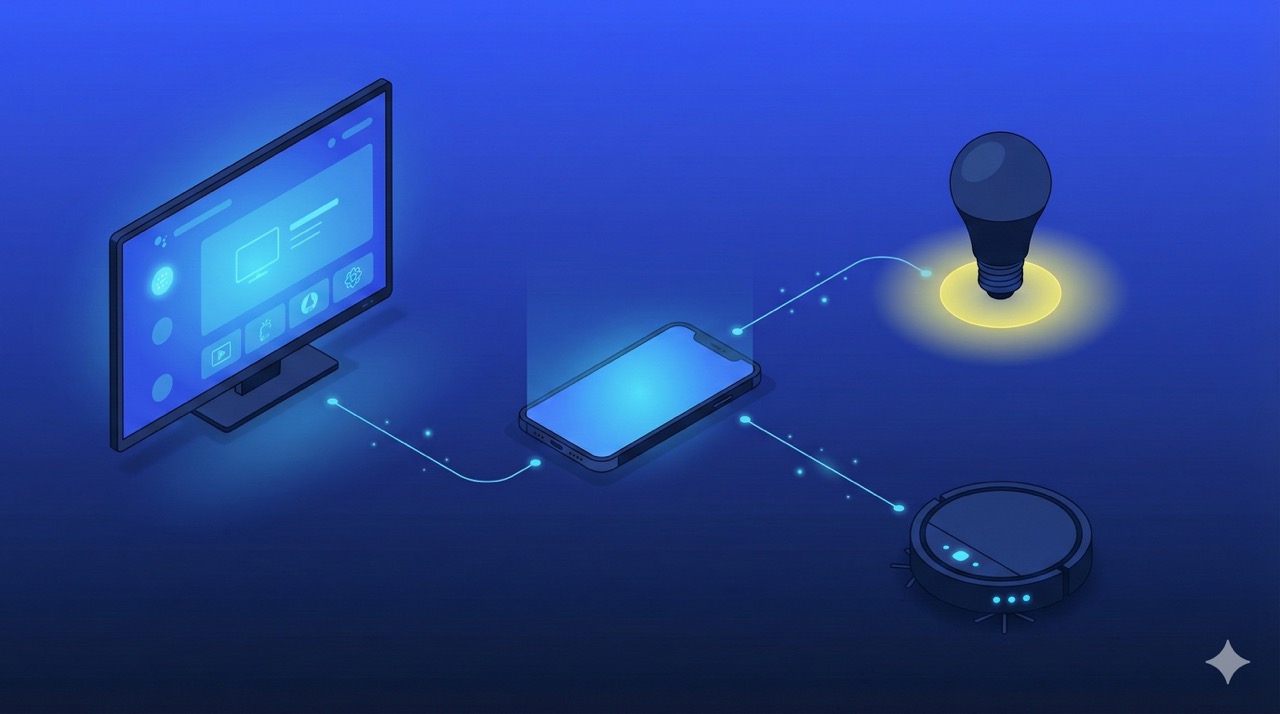
Flutter is expanding beyond mobile into consumer electronics, embedded displays, and connected devices. The reason is structural: Flutter's rendering engine works across form factors in a way that native and other hybrid frameworks cannot, which is why device manufacturers are adopting it for smart TVs, appliances, and vehicles simultaneously.
### Xiaomi
[**Xiaomi**](https://flutter.dev/showcase/xiaomi) is rewriting its system apps with Flutter as part of [**HyperOS 4**](https://www.gizmochina.com/2026/02/05/xiaomi-hyperos-4-self-developed-os-ai-framework/), replacing the fragmented Java/Kotlin architecture with Flutter's unified rendering engine — a rollout expected around August 2026. Xiaomi also used Flutter to build the companion app for the Xiaomi SU7 electric vehicle, delivering the app 60% faster than with native frameworks.
### LG Electronics
[**LG**](https://flutter.dev/showcase/lg-electronics) adopted Flutter for webOS smart TV apps starting in 2024, with their [**first Flutter-based Electronic Program Guide**](https://webostv.developer.lge.com/news/2024-07-15-new-and-successful-experiment-of-webos-with-flutter) launching twice as fast and using less memory than the original. LG is expanding Flutter to primary TV software globally for 2025-2026 televisions, a move that would place Flutter in tens of millions of LG smart TVs worldwide.
### Whirlpool
[**Whirlpool**](https://flutter.dev/showcase/whirlpool), the Fortune 500 appliance maker, uses Flutter for companion apps across its brand portfolio including Brastemp, Consul, and KitchenAid.
### Philips Hue
Philips Hue (by Signify) rebuilt its smart lighting companion app in Flutter, making it [**one of the biggest Flutter apps in the app stores**](https://bitrise.io/customer-stories/signify-philips-hue). The app manages six different Flutter-based products through a unified CI/CD pipeline.
### GE Appliances
GE Appliances (owned by Haier) uses Flutter for embedded displays on modern smart appliances.
### Foresight Sports
Foresight Sports uses Flutter — [**and told us about it on the Build To Succeed podcast**](https://verygood.ventures/blog/building-high-performance-sports-apps-with-flutter-3d-visualization-engineering-leadership/) — for its companion app that connects to Foresight and Bushnell launch monitors, providing real-time shot tracking and interactive 3D visualization of performance data for golfers and coaches.
### Agtonomy
Agtonomy uses Flutter to build apps that support remote operation and monitoring of [**autonomous tractors**](https://verygood.ventures/podcasts/david-chen-building-autonomous-systems-for-real-world-challenges/), enabling a single operator to manage 10+ machines simultaneously for permanent crop and turf management.
## Technology Platforms
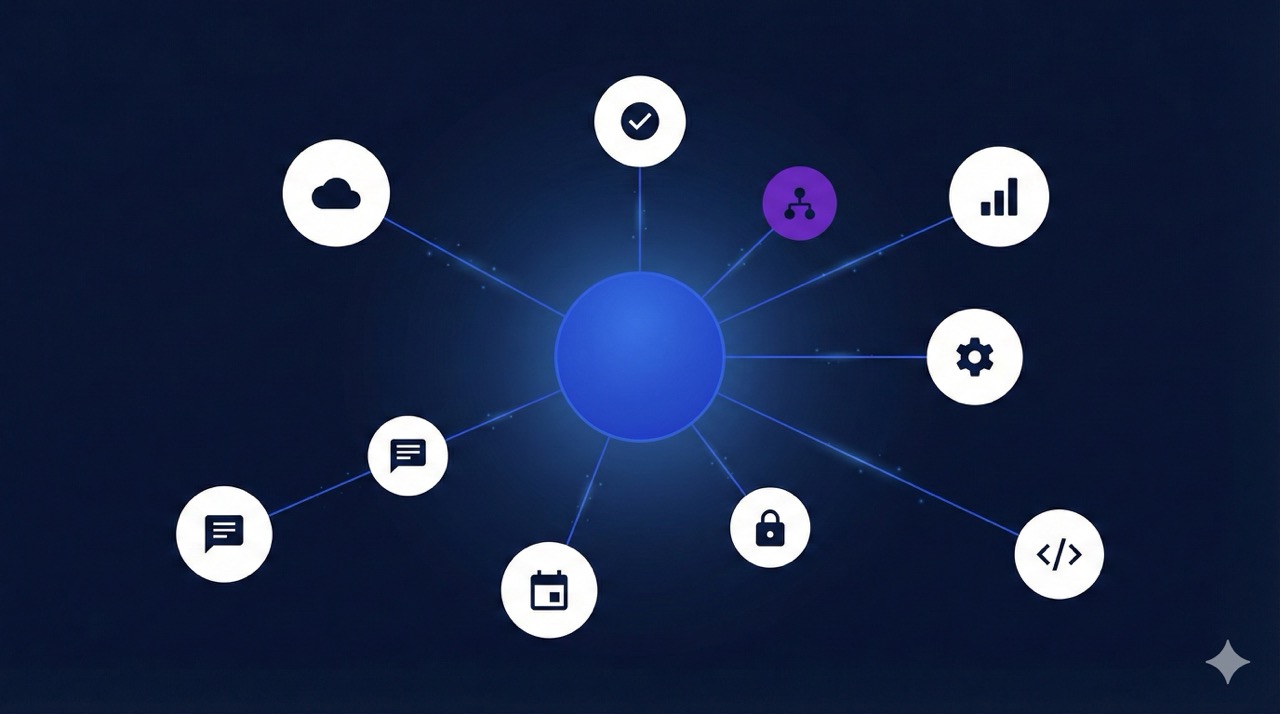
Technology platform companies tend to adopt Flutter when they need to maintain a portfolio of apps across multiple surfaces. The framework's ability to share code between mobile, web, and desktop from a single codebase makes it particularly appealing for companies managing complex product ecosystems.
### Google
Google is Flutter's creator and largest user. Beyond Google Pay, Flutter powers **NotebookLM**, **Google Pay**, **Google Earth**, **Google Ads**, **Google Classroom**, **YouTube Create**, **Google Cloud** (mobile app), **Google One**, **FamilyLink**, **Crowdsource**, **Google Analytics**, **Readalong**, and **Fitbit Ace**. Google's major internal adoption — dating back to 2017 and continuing with [**new production launches in 2026**](https://verygood.ventures/blog/google-i-o-2025---its-a-great-time-to-be-a-technologist/) — validates Flutter at the highest scale.
### Canonical / Ubuntu
Canonical rebuilt the [**Ubuntu desktop installer**](https://ubuntu.com/blog/ubuntu-desktop-23-04-release-roundup) in Flutter, making it the default installation experience for one of the world's most popular Linux distributions.
### ClickUp
ClickUp built its mobile app in Flutter, investing in a [**well-layered, decoupled architecture**](https://clickup.com/blog/separation-of-concerns-in-flutter-applications/) that enables rapid feature development and weekly releases to both the App Store and Google Play.
### Zoho
Zoho provides multiple Flutter SDKs including Catalyst Flutter SDK for serverless backends, SalesIQ for in-app live chat, Apptics for analytics, and Zoho Desk Portal SDK, enabling Flutter developers to build apps integrated with Zoho's enterprise SaaS ecosystem.
### 1KOMMA5°
1KOMMA5°, a cleantech unicorn serving 120,000+ households across 7 countries, uses Flutter for its Installation Manager app — digitizing operations and processes from ground operations to rooftop installations. The team built a custom Flutter design system using atomic design principles and [**Widgetbook**](https://www.widgetbook.io/), achieving zero visual bugs shipped to production and 20% time savings for designers and developers.
### Also using Flutter in technology:
Grab (Southeast Asia's leading super app, 36M+ users), Wolt/DoorDash International (36M+ users across 27 countries), Nuna (healthcare data analytics), and Codeway (100M+ users across 160 countries).
## Travel & Transportation

Travel companies face a familiar set of constraints: tight launch timelines tied to seasonal schedules, customers who expect booking flows to work identically on any device, and small mobile teams that cannot afford to maintain separate iOS and Android codebases. Flutter addresses all of these, which is why adoption spans airlines, railways, cruise lines, and ride-hailing services.
### Blade
Blade, the premium air mobility company offering helicopter, seaplane, and jet bookings, [**built its Flutter mobile app with Very Good Ventures**](https://verygood.ventures/success-stories/blade-mobile-flutter-app/) in just 8 weeks using a Backend for Frontend architecture powered by Dart Frog.
### Norwegian Cruise Line
Norwegian Cruise Line uses Flutter for its guest-facing mobile experience.
### JSX
JSX, the semi-private airline, [**migrated from Xamarin to Flutter with Very Good Ventures**](https://verygood.ventures/success-stories/five-star-air-carrier-flutter/), achieving 100% test coverage and automated CI/CD pipelines for its booking and trip management app.
### SNCF Connect
[**SNCF Connect**](https://flutter.dev/showcase/sncf-connect), France's national railway booking app, serves 15+ million users and handled 1.3 billion visits in 2023 — all powered by Flutter.
### Kakao Mobility
[**Kakao Mobility**](https://flutter.dev/showcase/kakao-mobility), South Korea's dominant transportation platform, is featured on the official Flutter showcase.
## Health & Wellness
Health and wellness apps demand smooth, visually polished experiences that feel trustworthy to users managing sensitive personal data. Flutter's consistent rendering across platforms and strong animation support make it a strong fit for this vertical.
### Headspace
[**Headspace**](https://flutter.dev/showcase/headspace), the mental wellness app with 65 million users, transitioned to Flutter to deliver visually rich experiences with consistent animations across devices. [**Hear how Headspace rebuilt with Flutter on the VGV podcast.**](https://verygood.ventures/podcasts/pierre-benz-headspace-merging-culture-codebases-and-care-with-purpose/)
### CVS Health
CVS Health uses Flutter as part of its mobile development strategy across iOS and Android.
### NuStep
NuStep's Flutter-built companion app connects via Bluetooth to NuStep recumbent cross trainers, allowing users to track workouts, view exercise history, and share workout summaries with trainers or doctors.
### Also using Flutter in health & wellness:
Nuna, Reflectly, Sonova (Phonak, Unitron).
## What the Patterns Tell Us

The companies above represent the most notable Flutter adopters, but they're far from alone. Flutter has over [**2.8 million monthly active developers**](https://blog.flutter.dev/dart-flutter-momentum-at-google-i-o-2025-4863aa4f84a4) and powers apps used by more than 500 million people worldwide. Other confirmed Flutter users include **Nestle**, **ADT**, **Generali**, **Delivery Hero**, **Degreed**, [**Tonal**](https://flutter.dev/showcase/tonal), and many more.
According to Apptopia, [**Flutter accounts for nearly 30% of all new free iOS apps**](https://blog.flutter.dev/dart-flutter-momentum-at-google-i-o-2025-4863aa4f84a4), and the framework continues to expand beyond mobile into automotive infotainment, smart TVs, desktop applications, and embedded devices.
What stands out across these companies isn't just that they chose Flutter. It's what happened after: faster shipping cycles, unified teams, and products delivered in months. The framework debate is settled at the enterprise level. The real question now is how to build well on it. At VGV, we can help.
## About
Very Good Ventures is a [**Flutter consultancy**](https://verygood.ventures/our-services/) that has helped [**Universal Studios**](https://verygood.ventures/success-stories/amusement-park-flutter-apps/), [**Hamilton**](https://verygood.ventures/success-stories/hamilton/), [**Betterment**](https://verygood.ventures/success-stories/betterment/), Toyota, and other leading companies [**build Flutter apps at scale**](https://verygood.ventures/industries/). [**See our work.**](https://verygood.ventures/success-stories/)
We published the first iteration of this list for our blog in early 2021, then again in 2023. It was intended to be a companion list to other resources in the Flutter Community, such as the [Flutter Showcase](https://flutter.dev/showcase) maintained by Google and [this list](https://itsallwidgets.com/) maintained by the Flutter Community.
If you want to suggest a company to add to a future list, let us know about it!
#### Flutter Enterprise Adoption FAQs
##### Which big companies use Flutter in 2026?
Major companies using Flutter in 2026 include Google, Toyota, BMW, LG Electronics, Nubank, eBay Motors, Alibaba, Betterment, Universal Studios, GE Appliances, ByteDance, SoFi, Headspace, and Wendy's. This post tracks over 90 enterprise companies with confirmed Flutter adoption between 2024 and 2026 across financial services, automotive, media, retail, and consumer electronics.
##### Is Flutter used in enterprise production apps?
Yes. Flutter powers production apps at companies with millions of users, including banking apps (Nubank, Betterment, SoFi), entertainment platforms (Universal Studios, Hamilton), automotive interfaces (Toyota, BMW), smart TV apps (LG Electronics), and home appliances (GE Appliances, Philips Hue). VGV has partnered with many of these companies — see our Flutter case studies for details.
##### How many companies use Flutter?
This list samples over 90 mid-market and enterprise companies with confirmed Flutter adoption between 2024 and 2026, with the strongest concentration in financial services (20+ companies), automotive (4 major OEMs), and e-commerce (8+ platforms). Flutter has over 2.8 million monthly active developers and powers apps used by more than 500 million people worldwide.
##### What industries use Flutter the most?
Financial services leads Flutter enterprise adoption with 20+ confirmed companies, followed by e-commerce and retail, media and entertainment, automotive, consumer electronics, and technology platforms. The pattern spans industries, but any vertical that values cross-platform consistency, fast iteration, and unified development teams tends to converge on Flutter.
##### Does Google still invest in Flutter?
Yes. Google is Flutter's creator and by far its largest user. Flutter powers over a dozen Google production apps, including Google Pay, NotebookLM, Google Earth, Google Ads, Google Classroom, and YouTube Create. Google continues to invest in Flutter with new production launches as recently as 2026, and the developer community has grown to 2.8 million monthly active developers.
##### Is Flutter production-ready for large codebases?
Yes. SoFi operates one of the largest Flutter codebases in production with 2.5+ million lines of Flutter code. Google Pay migrated 1.7 million lines of separate iOS and Android code to a unified Flutter codebase, resulting in 35% less code overall. BMW's Flutter/Dart team has grown to approximately 300 engineers. These examples show Flutter scales to extremely large teams and codebases when paired with sound architecture.
##### Which companies use Flutter for smart TVs and embedded devices?
Flutter is expanding well beyond mobile. LG Electronics adopted Flutter for webOS smart TV apps and is rolling it out to primary TV software across millions of televisions. Toyota uses Flutter for in-vehicle infotainment in the 2026 RAV4. Xiaomi is rewriting its system apps with Flutter as part of HyperOS 4. GE Appliances uses Flutter for embedded displays on smart appliances. This cross-form-factor reach is one of Flutter's strongest enterprise advantages.
### Very Good CLI 1.0.0: A Stable Foundation for Flutter and Dart Development
Source: https://verygood.ventures/blog/very-good-cli-1-0-flutter-testing-mcp-semantic-versioning/
Starting a new Flutter project means making dozens of decisions before writing a single line of product code: folder structure, linting rules, test configuration, CI setup, coverage thresholds. Every team resolves these differently, and every new project risks drifting from the patterns that worked last time.
[Very Good CLI](https://pub.dev/packages/very_good_cli) is a Flutter and Dart command-line tool that encodes those decisions into a repeatable starting point. It provides project templates, testing utilities, and workflow automation that embody Very Good Ventures' [best practices for building production software](https://verygood.ventures/blog/flutter-starter-app-very-good-core-cli/).
With v1.0.0, we are formally committing to a stable API surface, backward compatibility, and semantic versioning — so your team can depend on the tool the same way you depend on the code it generates.
## What's New in 1.0.0
This release focuses on improving the developer experience, expanding functionality, and ensuring consistent cross-platform support.
### Enhanced Testing Experience
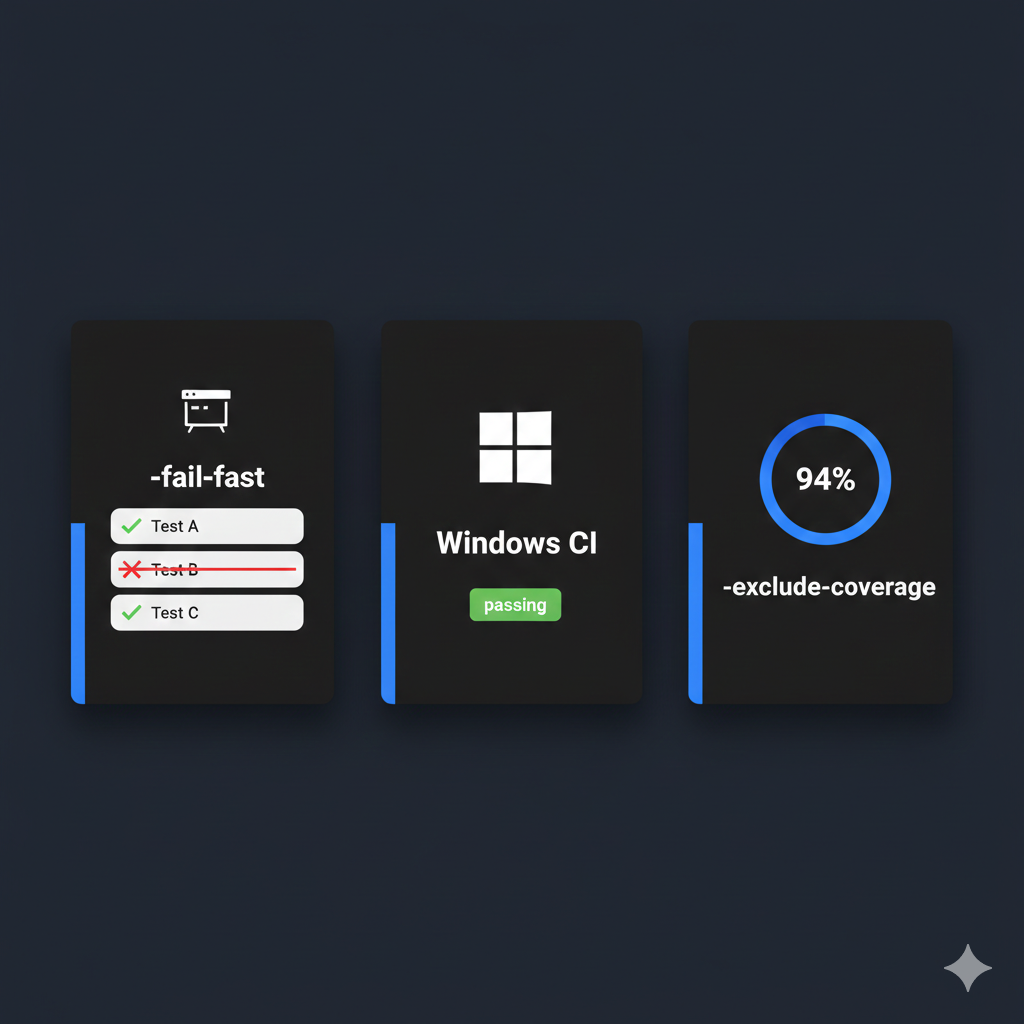
At VGV, we believe in shipping code with full test coverage. These updates make hitting that bar faster and more reliable across every platform your team targets.
- **Fail-Fast Mode**: The new `--fail-fast` flag stops test execution on the first failure, helping you pinpoint failures as soon as they appear. If you have ever waited through a full test suite only to discover the problem was in the first file, this flag cuts that feedback loop from minutes to seconds — especially valuable in CI where every minute costs queue time. For more on optimizing your test workflow, see how to [supercharge your Flutter tests with Very Good CLI](https://verygood.ventures/blog/flutter-tests-very-good-cli/).
- **Improved Coverage Exclusions**: The `--exclude-coverage` flag now ships with clearer documentation and inline glob pattern examples — for instance, `--exclude-coverage "**/*.g.dart"` to skip generated files. If your project uses [Very Good Coverage](https://verygood.ventures/blog/very-good-coverage/) to enforce a code coverage threshold, these exclusions let you focus the metric on the code that actually matters.
- **Granular Coverage Collection**: The new `--collect-coverage-from` option lets you choose whether coverage is collected from imported files only or all files in the project, giving you more control over your coverage reports.
A huge thank you to **@meylis1998** for contributing these amazing enhancements! We are incredibly grateful for our community and their valuable contributions to the project.
- **Windows CI Support**: Before this release, certain `very_good test` invocations could fail on Windows CI runners due to path-handling inconsistencies across operating systems. We fixed the underlying path normalization so tests now run consistently on Windows, macOS, and Linux. If you are setting up cross-platform CI pipelines, our [GitHub Actions guide for Flutter apps](https://verygood.ventures/blog/github-actions-for-flutter-apps/) covers the broader automation patterns.
### Quality of Life Improvements
We also included smaller updates focused on improving the overall developer experience and day-to-day usability of the CLI.
For example, the **Enhanced License Reporting** feature, authored by community member Lukáš Šimon ([https://github.com/mendoxe](https://github.com/mendoxe)), now includes a new `--reporter` option for the `very_good packages check licenses` command.
This option allows you to output a full list of all third-party package licenses, rather than just a count of the distinct licenses, which is useful for detailed compliance reporting.
### Model Context Protocol (MCP) Integration
We have added a custom [Model Context Protocol](https://modelcontextprotocol.io/introduction) (MCP) server built directly into Very Good CLI. Unlike IDE-specific MCP configurations, this integration travels with the tool itself — it works in your terminal, in CI, and in any editor that supports MCP. You can connect MCP-compatible tools (such as Claude, Cursor, or other AI assistants) to run CLI commands, inspect project structure, and automate repetitive scaffolding tasks without leaving your workflow.
This is the same architectural approach we discussed in [7 MCP Servers Every Dart and Flutter Developer Should Know](https://verygood.ventures/blog/7-mcp-servers-every-dart-and-flutter-developer-should-know/), now applied to the CLI itself. The new AGENTS.md documentation in the repository explains how to configure AI agents to work with Very Good CLI, making this one of the first Flutter developer tools to ship dedicated agentic workflow documentation alongside a stable release.
### Latest Flutter and Dependencies
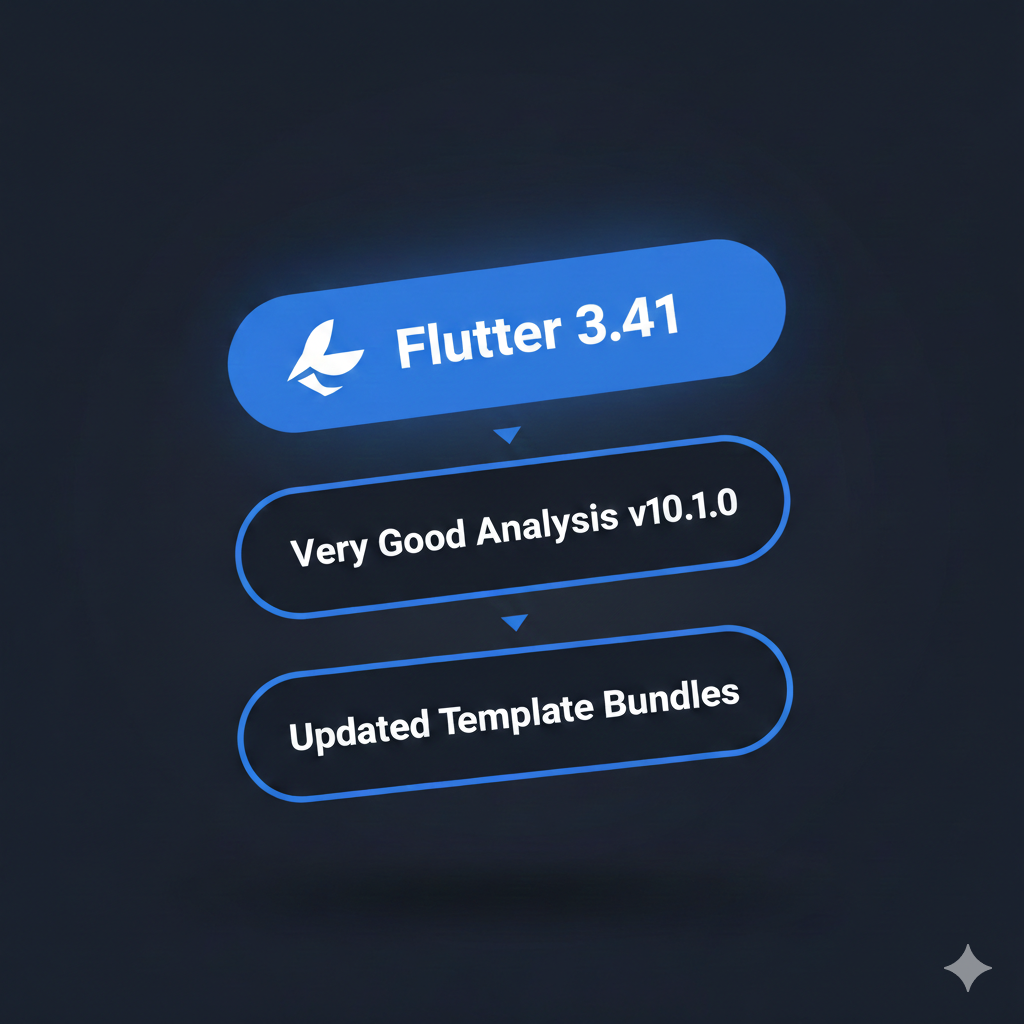
All templates now target the latest stable Flutter ecosystem:
- **Flutter 3.41**: New projects start on a current, well-supported foundation with the latest performance and rendering improvements. See the [Flutter release notes](https://docs.flutter.dev/release/release-notes) for full details on what shipped.
- [**Very Good Analysis**](https://pub.dev/packages/very_good_analysis) **v10.2.0**: Upgraded to the latest version of our opinionated linting rules, keeping code style consistent across the team. For background on the philosophy behind these rules, read [Introducing Very Good Analysis](https://verygood.ventures/blog/introducing-very-good-analysis/).
## Breaking Changes and Deprecations
With the commitment to stability that comes with v1.0.0, we have also taken the opportunity to streamline our offerings and focus our maintenance efforts. We are actively reviewing our priorities and projects to ensure we are focusing on the tools and templates that provide the most value and make the most sense to maintain and continue moving forward.
### Deprecating very\_good\_wear\_app
The very\_good\_wear\_app template has been officially deprecated and removed from the core Very Good CLI. This template provided scaffolding for Wear OS applications.
While we believe in the potential of the Wear OS platform, the template did not see enough community adoption to justify the continuous maintenance burden alongside our other core templates.
The template remains available and accessible for use under the [Very Good Templates repository](https://github.com/VeryGoodOpenSource/very_good_templates) if you need to access it for existing or new projects. However, it will no longer receive updates or official support through the Very Good CLI.
## Why Version 1.0.0?
Version 1.0.0 is a significant milestone. It represents:
- **Stability**: Very Good CLI has proven itself in production across real projects and is ready for critical work.
- **Maturity**: The core feature set is complete and covers the full lifecycle of Flutter and Dart development — scaffolding, testing, linting, and now AI-assisted workflows.
- **Commitment**: We are committed to backward compatibility and [semantic versioning](https://dart.dev/tools/pub/versioning), so upgrades will not break your projects.
This is part of VGV's broader [open source commitment](https://github.com/VeryGoodOpenSource): a maintained, interconnected suite of tools that teams can adopt with confidence.
## Getting Started
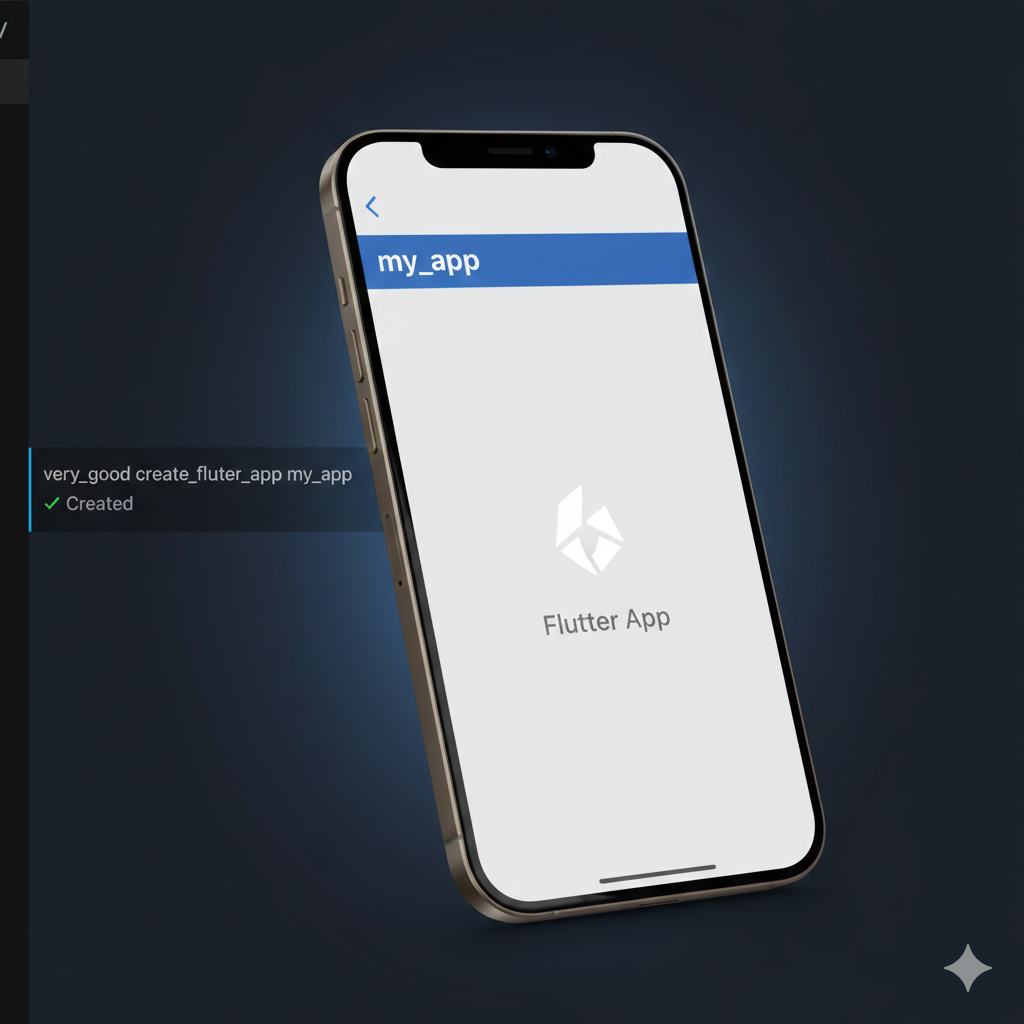
Getting started takes a single command. Activate the package globally using:
`dart pub global activate very_good_cli`
If you are using Dart 3.10 or higher, you can also run:
`dart install very_good_cli`
Then create your first Flutter project:
`very_good create flutter_app my_app`
For additional options (such as setting the org identifier), run
`very_good create flutter_app --help`.
For full documentation, visit the [Very Good CLI docs](https://cli.vgv.dev/docs/overview) or browse the [Very Good CLI GitHub repository](https://github.com/VeryGoodOpenSource/very_good_cli).
## Community and Feedback
Very Good CLI is open source, and every release is shaped by feedback from the Flutter community. We would love to hear your feedback, bug reports, and feature requests — [open an issue on GitHub](https://github.com/VeryGoodOpenSource/very_good_cli/issues).
There is more to come. We will keep expanding Very Good CLI with new templates, tighter tooling, and deeper integration with the Flutter and Dart ecosystem. When you adopt a 1.0.0 tool, you are placing trust in its maintainers. We take that seriously — and we are building alongside you.
Thank you to everyone who contributed to making this release possible. Here's to building very good apps together.
#### Very Good CLI 1.0 FAQs
##### What is Very Good CLI?
Very Good CLI is an open-source Flutter and Dart command-line tool that encodes VGV's production engineering decisions — folder structure, linting, test configuration, CI setup, coverage thresholds — into a repeatable starting point. Activate it with dart pub global activate very_good_cli (or dart install very_good_cli on Dart 3.10+), then run very_good create flutter_app my_app to scaffold a production-ready project.
##### What is new in Very Good CLI 1.0?
Three headline additions:
Fail-fast testing — the new --fail-fast flag stops test execution on the first failure, cutting CI feedback loops from minutes to seconds
MCP integration — a built-in Model Context Protocol server that exposes CLI commands to AI assistants
Flutter 3.41 templates — every scaffold starts on the latest stable Flutter with Very Good Analysis v10.2.0
Plus improved coverage exclusions, granular coverage collection, Windows CI fixes, and enhanced license reporting.
##### Is Very Good CLI stable now that it has hit 1.0?
Yes. Reaching 1.0 is a formal commitment to a stable API surface, backward compatibility, and semantic versioning. You can depend on Very Good CLI the same way you depend on the code it generates — upgrades within the 1.x line will not break your projects, and breaking changes will only ship in a 2.0.
##### Will upgrading from a pre-1.0 version break my project?
The very_good_wear_app template has been removed from the core CLI and is now maintained under the Very Good Templates repository. Everything else is either backward-compatible or additive. If your project used very_good_wear_app, point at the new location; otherwise, upgrading should be seamless.
##### How does the MCP integration work?
Very Good CLI 1.0 ships a custom Model Context Protocol server built directly into the tool. Run very_good mcp and any MCP-compatible client — Claude Code, Cursor, Windsurf, VS Code with Copilot, others — can use structured tool calls to scaffold projects, run tests, manage dependencies, and check licenses. Because MCP travels with the CLI itself, the integration works in your terminal, in CI, and in any editor that supports MCP. See our deep dive on the Very Good CLI MCP server for configuration details.
##### What Flutter version do Very Good CLI 1.0 templates target?
Flutter 3.41, the latest stable release — new projects start on a current, well-supported foundation with the latest performance and rendering improvements. Templates also ship with Very Good Analysis v10.2.0 so linting rules are consistent across the team from day one.
##### Why was very_good_wear_app deprecated?
The Wear OS template did not see enough community adoption to justify the ongoing maintenance burden alongside the other core templates. The template itself remains available under the Very Good Templates repository for existing or new projects — it just will not receive updates or official support through the core Very Good CLI anymore.
##### How do I report bugs or request features?
Very Good CLI is open source, and every release is shaped by community feedback. Open an issue on GitHub for bugs, feature requests, or general feedback. Contributions are welcome — several enhancements in 1.0, including the coverage-exclusion improvements, came from community PRs.
### Streamlining Flutter Backend Development with Full-Stack Dart & Developer-Centered Architecture
Source: https://verygood.ventures/blog/streamlining-flutter-backend-development-with-full-stack-dart-developer-centered-architecture/
Backend architecture decisions often happen early—and quietly—but their impact can last for years. They influence how fast teams ship, how systems scale, and how easily organizations can hire and onboard engineers.
On this episode of *Build To Succeed*, we sat down with **Viktor Lidholt**, Founder of **Serverpod** and former **Flutter engineer at Google**, to explore how full-stack Dart is changing the way Flutter teams think about backend development. Drawing from his experience building startups, working on Flutter itself, and creating developer tools, Viktor shares practical insights into reducing complexity, improving velocity, and designing systems that support long-lived mobile applications.
## Engineering Perspective Shaped by the Flutter Ecosystem
Viktor’s background gives him a rare vantage point. Before founding Serverpod, he worked as a senior software engineer on the Flutter team at Google, helping shape the framework that now powers thousands of production applications.
In the episode, Viktor reflects on Flutter’s evolution—particularly the move to break Material and Cupertino out of the core framework—and how those decisions empower the broader community to build high-quality, purpose-driven UI packages. This philosophy of flexibility, ownership, and developer empowerment carries through directly into how Serverpod is designed.
## Why Full-Stack Dart Changes Backend Development for Flutter Teams
A central theme of the conversation is the power of **using a single language across client and server**. With Serverpod, Flutter teams can write backend logic in Dart, share code between the app and the server, and automatically generate APIs without manually maintaining contracts.
This approach enables teams to:
- Reduce handoffs between frontend and backend engineers
- Improve type safety across the entire stack
- Simplify onboarding and hiring for Flutter developers
- Move faster without sacrificing maintainability
As Viktor explains, when everything is written in the same language, small backend changes no longer require navigating organizational bottlenecks—teams can operate as a more cohesive unit.
## Automatic API Generation & Versioning for Long-Lived Mobile Apps
One of the most compelling technical discussions centers on Serverpod’s approach to **automatic API generation**. Developers define methods on the server, and Serverpod analyzes the code to generate matching client APIs—removing much of the manual overhead and potential for mismatch.
Viktor also highlights how Serverpod addresses a common challenge in mobile development: **API versioning**. Mobile apps often have long-lived clients in the wild, making breaking changes costly. Serverpod allows teams to inherit and extend endpoints, preserving old versions while introducing new functionality—saving time and reducing risk as products evolve.
## Developer Experience as a Force Multiplier
Throughout the conversation, Viktor emphasizes that developer experience isn’t a *nice-to-have,* it’s a *strategic advantage*. Tooling that reduces friction compounds over time, allowing teams to focus more energy on product outcomes instead of infrastructure maintenance.
By automating repetitive tasks, enforcing type safety, and encouraging unified architecture, tools like Serverpod help teams scale both their systems and their organizations more sustainably.
## Lessons for Engineering Leaders Building Scalable Systems
While the episode is grounded in Flutter and Dart, the takeaways extend well beyond any single framework. Engineering leaders across industries can apply these lessons when designing modern systems:
- Early architectural decisions have long-term consequences
- Unified stacks can dramatically improve velocity and collaboration
- Strong typing reduces operational risk in complex systems
- Thoughtful tooling frees teams to focus on higher-value work
Whether you’re building mobile-first products, evaluating backend architecture, or leading teams through growth and change, this conversation offers practical guidance rooted in real-world experience.
🎧 [**Listen to the full episode now!**](https://verygood.ventures/podcasts/viktor-lidholt-serverpod----streamlining-full-stack-dart-for-faster-engineering-teams/)
#### Frequently Asked Questions
##### What is full-stack Dart and why does it matter for Flutter teams?
Full-stack Dart means using a single language across client and server. With Serverpod, Flutter teams write backend logic in Dart, share code between the app and the server, and automatically generate APIs without manually maintaining contracts. That reduces handoffs between frontend and backend engineers, improves type safety across the stack, and simplifies onboarding and hiring.
##### Who is Viktor Lidholt?
Viktor Lidholt is the founder of Serverpod and a former senior software engineer on the Flutter team at Google, where he helped shape the framework that powers thousands of production applications. He spoke about full-stack Dart on the Build To Succeed podcast.
##### How does Serverpod handle API generation?
Developers define methods on the server, and Serverpod analyzes the code to generate matching client APIs. This removes much of the manual overhead and the potential for client and server contracts drifting out of sync.
##### How does Serverpod address API versioning for long-lived mobile apps?
Mobile apps often have long-lived clients in the wild, which makes breaking changes costly. Serverpod lets teams inherit and extend endpoints, preserving old versions while introducing new functionality, so products can evolve without forcing clients to upgrade.
##### What broader engineering lessons come out of this conversation?
Early architectural decisions have long-term consequences, unified stacks can improve velocity and collaboration, strong typing reduces operational risk in complex systems, and thoughtful tooling frees teams to focus on higher-value product work.
##### Why does Viktor describe developer experience as a strategic advantage?
Tooling that reduces friction compounds over time. By automating repetitive tasks, enforcing type safety, and encouraging unified architecture, tools like Serverpod let teams scale both their systems and their organizations more sustainably instead of spending energy on infrastructure maintenance.
### Stop Guessing, Start Asking: How AskUserQuestion Improves AI-Assisted Flutter Development
Source: https://verygood.ventures/blog/stop-guessing-start-asking-how-askuserquestion-improves-ai-assisted-flutter-development/
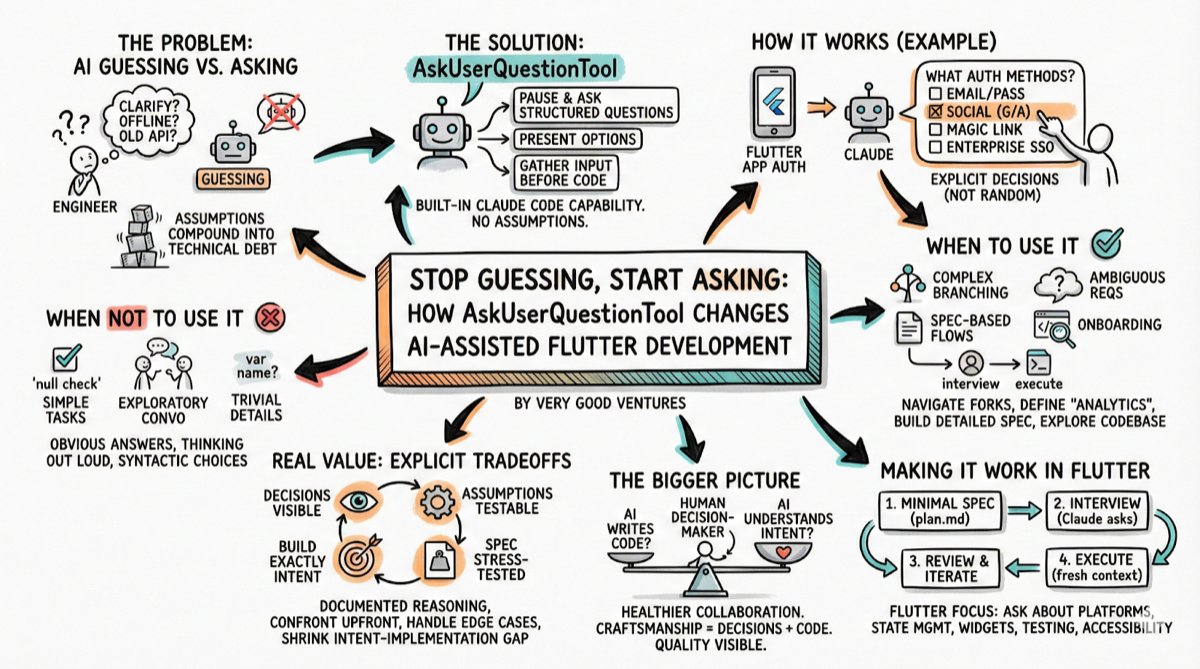
*Image generated with Google Gemini, prompt by the author, February 2026*
Great engineers ask clarifying questions. They know that unclarified assumptions lead to technical debt.
So why do we let our AI coding assistants guess?
## What is the AskUserQuestion Tool?
[AskUserQuestion Tool](https://platform.claude.com/docs/en/agent-sdk/user-input) is a built-in capability in Claude Code that lets AI pause and ask you structured questions before producing any code. Instead of making assumptions about your intent, Claude presents you with options, gathers your input, and proceeds with clearer steps guided by you.
In practice, it looks like this: you ask Claude to add authentication to your Flutter app. Rather than immediately scaffolding a username and password flow (or worse, picking a random auth package that’s not been vetted), Claude stops and asks:
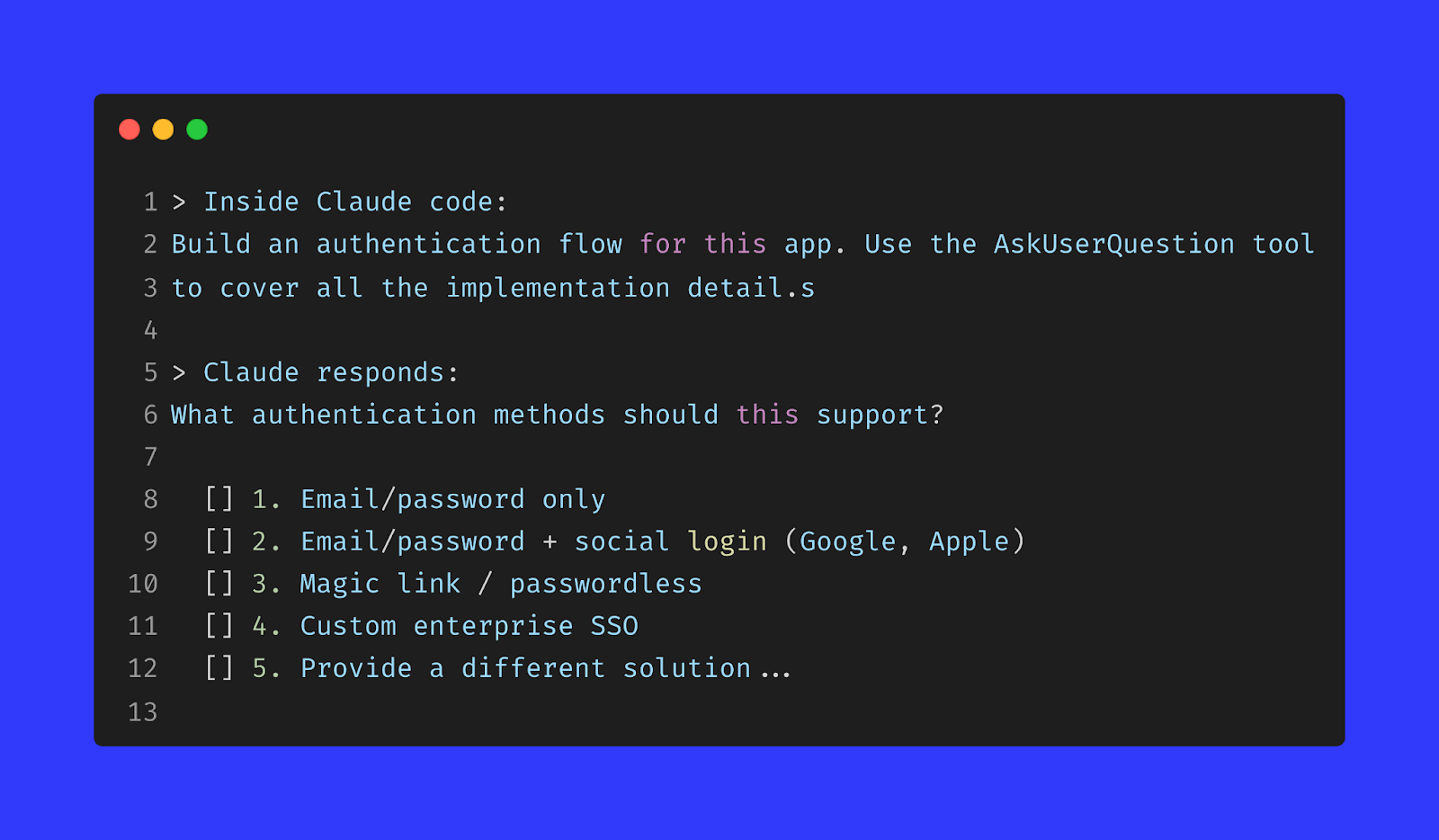
You pick an option. Claude asks another question. And another. By the time it writes code, **every major decision has been explicitly made by you.**
###
Even better, make it a skill
[Skills are a great way](https://code.claude.com/docs/en/skills) to extend Claude’s capabilities, as if you were teaching Claude additional tips and tricks to perform on your behalf.
This particular skill will create a highly detailed spec file that will help Claude be more successful on a single shot implementation of your feature.
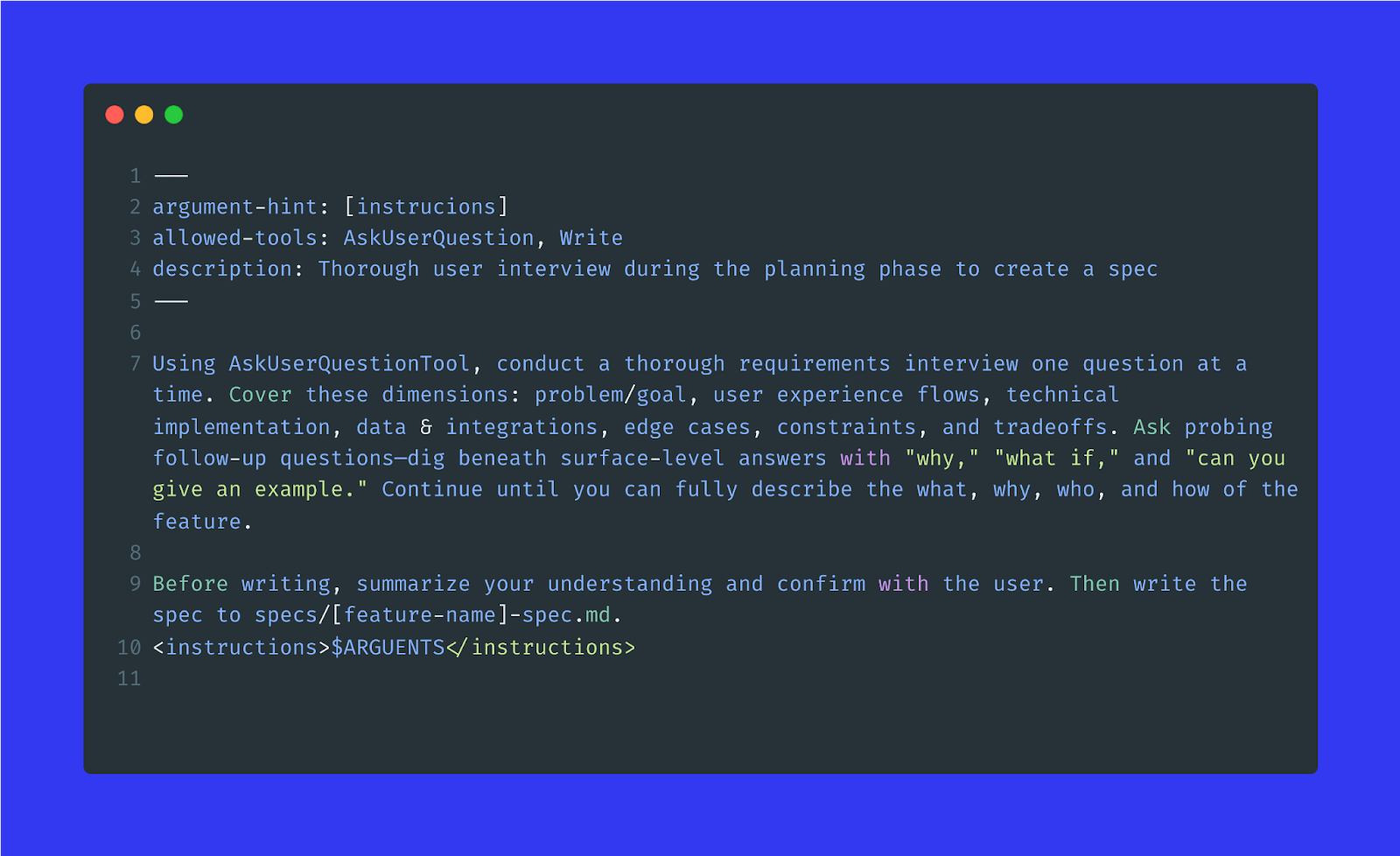
##
When You Should Use it
These are some of the ways I’ve been using AskUserQuestion, but you’ll certainly find more use cases where the tool will be highly useful.
### Complex features with branching implementation paths
If there’s more than one reasonable way to build something, the AskUserQuestion tool helps you navigate those forks before they become buried in code.
For example, adding a caching layer to your Flutter app? Claude can ask whether you need offline-first behavior, what your cache invalidation strategy should be, and whether you’re targeting mobile-only or web as well.
### Ambiguous requirements
“Add analytics” means something different on every project. Using AskUserQuestion forces you to specify:
- What events matter?
- What’s your privacy stance?
- Do you need real-time dashboards or batch reporting?
These aren’t the kinds of questions Claude should guess the answer to.
### Spec-based development workflows
Some teams have adopted a two-session pattern. First, let Claude interview you to build a detailed spec; then, start a fresh session with that spec as context and let Claude execute. The interview phase surfaces edge cases and tradeoffs you might not have considered, while the execution phase benefits from having all ambiguity pre-resolved.
For Flutter development projects specifically, this is powerful. Your architecture, state management approach, and package choices are deeply interrelated. Getting Claude to ask about your [Bloc](https://bloclibrary.dev/) vs [Riverpod](https://riverpod.dev/) vs [Provider](https://pub.dev/packages/provider) preference *before* it generates code means less refactoring later.
### Onboarding to a new codebase
If Claude doesn’t know your conventions, it should ask. Combining AskUserQuestion with Plan Mode lets Claude explore your codebase, identify patterns, and confirm assumptions before proposing changes.
## When it Gets Annoying to Use
As always, using the right tool for the right job is half the battle. In my experience, AskUserQuestion works wonders for large areas of work that I might need extra confidence that I flash out properly.
However, there were a handful of times when it didn't work for me.
### The task is simple and unambiguous
If you’re asking Claude to “add a null check to this function”, you don’t need an interview. The tool is valuable for decisions that have meaningful tradeoffs, not for tasks with obvious answers.
### When you want exploratory conversation
The AskUserQuestion tool presents structured multiple choice options. If you’re in discovery mode and want to think out loud with Claude (e.g. exploring half-formed ideas, or getting feedback on whether something is even feasible), a free-form conversation is better. The formality of the tool can feel constraining when you’re still figuring out where you want to go.
### Trivial implementation details
Not every question deserves human escalation. If Claude is asking “Should this variable be named *userId* or *user\_id*?”, something has gone wrong. The tool works best for architectural and product-level decisions, not syntactic choices your linter should handle.
## The Real Value: Explicit Tradeoffs
Here’s what changes when Claude starts asking questions:
### Decisions become visible
Every answer you give is a design decision captured in the conversation history. When you revisit the code in six months wondering why you went with [localstorage](https://pub.dev/packages/localstorage) instead of [flutter_secure_storage](https://pub.dev/packages/flutter_secure_storage), the reasoning is documented.
### Assumptions become testable
Instead of discovering buried assumptions during a code review *(“wait, why does this retry three times with exponential backoff?”)*, you confront design decisions upfront when they’re cheap to change.
### Your spec gets stress-tested
This might be, by far, the most important element. Claude is relentless about edge cases. *“What should happen if the network request succeeds, but returns malformed JSON?” “Should this animation run on first launch only, or every time?”* These are questions you should have answers to, and the interview forces you to answer them.
## Introducing AskUserQuestion in Your Flutter Development Flow
The most effective pattern we’ve seen combines AksUserQuestion with Claude Code’s Plan Mode:
### 1. Start with a (minimal) spec
Write down what you’re building in a [*plan.md*](http://plan.md) file, even just a few sentences describing the feature.
### 2. Ask Claude to interview you
A prompt like this works well:
*Read @*[*plan.md*](http://plan.md) *and interview me in detail using the AskUserQuestion tool about technical implementations, UI/UX, concerns, and tradeoffs. Ask non-obvious questions. Continue until we’ve covered everything, then update the spec.
*
### 3. Review and iterate
Claude’s questions will surface things you hadn’t considered. Update your answers. Ask follow-up questions of your own.
### 4. Execute with fresh context
Once your spec is solid, start a new session with that spec as a context. Claude now has clear direction and can execute with precision.
For Flutter-specific features, good use cases are:
- Target platforms and their unique behaviors
- State management approach consistency with your existing patterns
- Widget composition and reusability expectations
- Testing strategy (unit, widget, integration)
- Accessibility requirements
- Animation and performance constraints
## The Bigger Picture
AI coding assistants are becoming capable enough that the bottleneck is shifting. The limiting factor isn't "can the AI write this code?" It's "does the AI understand what I actually want?"
AskUserQuestion tool inverts the typical prompt engineering relationship. Instead of you crafting the perfect prompt to get Claude to do what you want, Claude prompts you to clarify what you want. That's a healthier collaboration pattern—one where the human stays in the decision-making seat while the AI handles the heavy lifting.
For Flutter engineering teams that care about craftsmanship, this matters. Quality isn't just about the code that gets written; it's about the decisions that inform that code. Making those decisions explicit, early, and visible is how you maintain high standards as AI becomes a bigger part of how you build.
#### Frequently Asked Questions
##### What is the AskUserQuestion tool in Claude Code?
AskUserQuestion is a built-in capability in Claude Code that lets the AI pause and ask you structured multiple-choice questions before producing any code. Instead of guessing your intent, Claude presents options, gathers your input, and proceeds with clearer steps that you have explicitly chosen.
##### When does AskUserQuestion add the most value?
It works best on complex features with branching implementation paths, ambiguous requirements like "add analytics," spec-based workflows where one session interviews you and another executes, and onboarding to a new codebase where Claude needs to confirm conventions before proposing changes.
##### When should I avoid using AskUserQuestion?
Skip it for simple, unambiguous tasks like adding a null check, for exploratory free-form conversations where you are still figuring out what you want, and for trivial implementation details such as variable naming that a linter should handle.
##### How can I combine AskUserQuestion with Claude Code's Plan Mode for Flutter work?
Start with a minimal plan.md describing the feature, ask Claude to interview you in detail using the AskUserQuestion tool about technical implementations, UI/UX, concerns, and tradeoffs, review and iterate on the answers, then start a fresh session with the resulting spec as context so Claude can execute with precision.
##### What kinds of Flutter decisions benefit from this interview pattern?
Target platforms and their unique behaviors, state management approach consistency with existing patterns such as Bloc, Riverpod, or Provider, widget composition and reusability expectations, testing strategy across unit, widget, and integration tests, accessibility requirements, and animation and performance constraints.
##### Why does making AI ask questions matter for code quality?
Every answer becomes a documented design decision, buried assumptions get confronted upfront when they are cheap to change, and the spec gets stress-tested against edge cases such as malformed JSON responses or first-launch animation behavior. The reasoning lives in the conversation history six months later when someone revisits the code.
### Loyalty is a Product, Not a Program: How Modern Brands Build Habit-Forming Engagement
Source: https://verygood.ventures/blog/loyalty-is-a-product-not-a-program-how-modern-brands-build-habit-forming-engagement/
Loyalty is no longer about punch cards, discount ladders, or static rewards catalogs. Those models were built for a different era—one where customer relationships were shallow, data was scarce, and personalization across **mobile apps and web** was impossible at scale.
The most successful loyalty programs today function as **living products**. They’re designed to create habits, reinforce identity, capture first-party data, and continuously adapt to user behavior in real time.
At Very Good Ventures (VGV), we start every loyalty engagement with a simple but powerful belief:
**Engagement is the product.**
When loyalty is treated as a product—not a campaign or a marketing add-on—it becomes a durable growth engine, rather than a cost center. In this series, our experts explain what that mindset shift looks like, why traditional loyalty programs fail, and how modern brands design loyalty systems that actually change behavior.
## Why Traditional Loyalty Programs Fail
Most loyalty programs struggle for the same reasons:
- They’re bolted onto an existing experience rather than embedded within it
- They over-index on points and perks, not motivation
- They’re launched once and rarely evolve
- They optimize for enrollment, not engagement
The result is predictable: low participation, limited differentiation, and escalating costs with little measurable lift.
These programs treat loyalty as a mechanism, not an experience. But customers don’t build habits around mechanisms—they **build habits around value, progress, and identity**. These outcomes require intentional product design, thoughtful flutter architecture, and technology that supports iteration.
Modern loyalty requires a fundamentally different approach.
## Loyalty as a Product, Not a Program
When loyalty’s treated as a product, ownership shifts. So does accountability.
Instead of asking:
- “How many points should we give?”
- “What rewards should we add?”
Product-oriented teams ask:
- “What behavior creates value for both the customer and the business?”
- “What experience reinforces that behavior over time?”
- “How does loyalty evolve as the customer relationship matures?”
This shift reframes loyalty from a promotional tactic into a **core part of the customer journey**—one that’s intentionally designed, measured, and iterated on like any other digital product.
In this model, loyalty doesn’t sit *on top of* the experience, **it** ***is* the experience.**
## Engagement Is the Product
Loyalty exists to deepen engagement. Not transactions. Not discounts. Engagement.
High-performing loyalty products are built around a **clear core action**: the behavior that delivers the most value when repeated consistently. That action might be purchasing, using a feature, creating content, referring others, or engaging with services. Everything else in the loyalty system exists to reinforce that action.
This reinforcement happens through a **virtuous engagement loop**.
## The Virtuous Loyalty Loop
Effective loyalty systems follow a predictable, repeatable pattern:
### Activate
Bring users into a known, permissioned relationship. This is where trust is established and value is made explicit.
### Earn
Reward behaviors that matter—not just transactions, but actions that signal intent, commitment, or future value.
### Acknowledge
Reinforce progress, status, and identity. Humans are **deeply motivated by recognition** and momentum.
### Redeem
Turn loyalty currency into **meaningful value**, not filler rewards. Redemption should feel satisfying, not transactional.
### Re-Engage
Use personalization and context to restart the loop, nudging users toward the next valuable action.
When designed intentionally, this loop increases:
- Frequency of engagement
- Depth of relationship
- Longevity of customer value
At the same time, it continuously enriches first-party data, fueling better personalization and smarter decision making.
## Designing for Habit, Not Just Incentives
One of the biggest mistakes brands make is assuming loyalty is driven primarily by incentives. In reality, incentives are only effective when they reinforce **existing motivation**.
Habit-forming loyalty products leverage:
- Progress and mastery
- Status and social signaling
- Identity and belonging
- Autonomy and choice
Points alone don’t create habits. **Experiences do.**
That’s why the best loyalty products feel less like programs and more like **ongoing relationships**—where customers understand what progress looks like and why continued engagement matters.
## What Changes When You Treat Loyalty Like a Product
When organizations adopt a product mindset for loyalty, several important shifts occur:
- **Ownership becomes clear:** Loyalty has a roadmap, not just campaigns.
- **Experimentation becomes normal:** Features, mechanics, and messaging are tested and refined over time.
- **Technology choices become strategic:** Platforms are selected based on scalability and adaptability, not short-term convenience.
- **Measurement focuses on behavior change:** Success is defined by incremental lift and engagement quality, not vanity metrics.
Most importantly, loyalty stops being something teams “launch” and starts being something they **continuously improve**.
## How VGV Approaches Loyalty Product Design
We help organizations design and build custom flutter apps that power loyalty ecosystems that go far beyond points and perks.
Our approach blends:
- Behavioral design and research
- Product strategy and experience design
- Modern flutter development and personalization
- Rapid experimentation and delivery
We design loyalty systems as **products that can evolve**: starting simple, learning quickly, and increasing sophistication over time.
Because strategy and flutter engineering teams are tightly coupled, they can move from vision to minimum viable product (MVP) in weeks—not years—without sacrificing long-term scalability.
The result is loyalty that:
- Feels personal, not promotional
- Drives real behavior change
- Scales with both ambition and complexity
## Loyalty’s No Longer Optional—and It’s No Longer Simple
As third-party data disappears and customer expectations rise, loyalty has become one of the most powerful tools brands have to build durable relationships. But only when it’s designed intentionally.
Treat loyalty like a product, and it becomes an engine for engagement, insight, and growth. Treat it like a program, and it becomes another forgettable feature competing for attention.
At VGV, we believe the future belongs to brands that build loyalty systems capable of learning, personalizing, and compounding value over time.
#### Frequently Asked Questions
##### What does it mean to treat loyalty as a product instead of a program?
It means designing loyalty as a living part of the customer experience with its own roadmap, measurement, and iteration cadence. Product-oriented teams ask what behavior creates value for the customer and the business, what experience reinforces that behavior, and how loyalty evolves as the relationship matures, rather than focusing on points, perks, and enrollment.
##### Why do most traditional loyalty programs fail?
They get bolted onto an existing experience instead of embedded within it, over-index on points and perks rather than motivation, are launched once and rarely evolve, and optimize for enrollment instead of engagement. The result is low participation, limited differentiation, and rising costs with little measurable lift.
##### What is the virtuous loyalty loop VGV recommends?
Activate, Earn, Acknowledge, Redeem, Re-Engage. Bring users into a permissioned relationship, reward behaviors that signal intent, reinforce progress and identity, turn loyalty currency into meaningful value, then use personalization and context to restart the loop. Over time it increases frequency, depth, and longevity of customer value while enriching first-party data.
##### Why are incentives alone not enough to build loyalty habits?
Incentives only work when they reinforce existing motivation. Habit-forming loyalty leans on progress and mastery, status and social signaling, identity and belonging, and autonomy and choice. Points alone do not create habits. Experiences do.
##### What changes when an organization adopts a product mindset for loyalty?
Ownership becomes clear with a roadmap rather than one-off campaigns, experimentation becomes normal across features and messaging, technology choices get made for scalability and adaptability, and measurement focuses on behavior change and incremental lift instead of vanity metrics.
##### How does VGV approach loyalty product design?
VGV combines behavioral design and research, product strategy and experience design, modern Flutter development and personalization, and rapid experimentation and delivery. Strategy and engineering teams stay tightly coupled, so clients can move from vision to MVP in weeks rather than years without sacrificing long-term scalability.
##### Why has loyalty become more important as third-party data disappears?
As third-party data goes away and customer expectations rise, intentionally designed loyalty becomes one of the strongest tools brands have to build durable relationships, capture first-party data, and compound value over time.
### Braze Intelligence Isn’t Hype—It’s a Performance Multiplier Humans Can’t Compete With
Source: https://verygood.ventures/blog/braze-intelligence-isnt-hype--its-a-performance-multiplier-humans-cant-compete-with/
I’ve worked with a lot of lifecycle teams over the years; some early-stage, some global, some genuinely best-in-class. The common thread I see right now is:
**The teams winning aren’t working harder or sending more messages.** They’re letting intelligence make decisions humans simply can’t make at scale.
[Braze’s AI-powered Intelligence Suite](https://www.braze.com/product/brazeai) isn’t theoretical. When [implemented correctly](https://verygood.ventures/success-stories/blade-braze-optimization-roadmap/), it’s **delivering** **material, compounding performance gains** across engagement, retention, and revenue—and it’s doing so in ways that manual marketing can’t mimic.
## From Manual Optimization to Adaptive Systems
Most lifecycle marketing today is still constrained by human workflows:
- Fixed segments refreshed weekly or monthly
- Static send times based on averages
- Campaign-level decisions instead of user-level decisions
Even highly skilled marketers are forced to generalize.
**Braze Intelligence changes the model entirely.** It operates as a real-time adaptive system, continuously learning from individual behavior across channels, devices, and moments.
At Very Good Ventures (VGV), when our clients move from rule-based orchestration to AI-driven decisioning, we consistently see **step-change improvements**, not marginal lifts. This is the difference between optimization and evolution.
## What the Data Actually Shows
Across consumer apps, subscription products, and multi-location brands running [mature Braze programs](https://verygood.ventures/success-stories/blade-mobile-flutter-app/), we see consistent benchmark ranges:
### Intelligent Timing
- **10-25% lift** in opens or primary engagement
- **5-15% lift** in downstream conversions
- Reduced send-time fatigue *without* reducing volume
Why this matters: No human can calculate optimal send times per user, per channel, per day. [Braze does it continuously](https://verygood.ventures/success-stories/blade-email-design-system/), at scale.
### Intelligent Channel Selection
- **8-20% increase** in conversion rates when channel choice is automated
- **10-30% reduction** in opt-outs due to less over-messaging
- Improved long-term engagement curves, not just short-term wins
This is one of the most underrated capabilities in lifecycle marketing. Marketers love channels. Users love relevance.
### Intelligent Content & Offer Optimization
- **5-20% lift** in CTR across multi-variant campaigns
- Faster creative learning cycles with fewer hardcoded rules
- Clear performance separation between variants humans would treat as “equivalent”
- Better “building blocks” and rules-based agents that extend to the entire digital experience, creating baseline structure for holistic AgenticUI and advanced personalization (paired with Google) in app, web, and every digital screen.
This is where AI starts outperforming intuition—especially at scale.
## Where Results Become Genuinely Incredible
### Lifecycle Acceleration in Flutter Apps
Flutter gives teams a massive advantage: a single, high-performance UI layer across platforms. When paired with Braze Intelligence, the impact compounds:
- **10-30% improvement** in time-to-first-value
- Higher onboarding completion rates without increasing message volume
- Journeys that adapt dynamically based on real product behavior, not assumed funnels
The combination of Flutter’s consistency and Braze’s intelligence creates a feedback loop humans can’t manually maintain.
### Monetization Without Retention Tradeoffs
Human-led monetization almost always over-optimizes short-term revenue. Braze Intelligence balances:
- Purchase likelihood
- Engagement risk
- Message saturation
- Granular in-app and web behavioral insights
The result:
- **5-15% lift** in revenue per user
- Neutral to positive impact on 30- and 60-day retention
- Lower reliance on discounts and promotions over time
This is where AI proves it’s not just fast—it’s *smarter* and more cost-effective.
## AI Is Only as Powerful as Your Content Supply Chain
Here’s the part most teams miss: AI doesn’t fail because the model is weak—**it fails because the content system feeding it’s broken.**
This is where the Figma + Braze workflow becomes a force multiplier.
### What High-Performing Teams Do Differently
Elite teams:
- Design **modular, tokenized components** in Figma
- Create structured creative variants intentionally (not ad hoc)
- Map creative inputs directly to Braze content blocks and attributes (bonus points if they’re also mapped to your Flutter design system)
When done right:
- Creative variation increases **3-10x** without linear effort
- Braze Intelligence has enough signal to actually learn
- Marketers stop debating “which version is best” and let performance decide
This is the modern content supply chain: **Design once. Scale infinitely. Optimize automatically.**
At VGV, this is where we see teams unlock the full value of AI—because intelligence without creative velocity is wasted potential.
## AI Isn’t Replacing Marketers—It’s Outperforming Manual Decisions
Here’s the uncomfortable truth: No human team can evaluate millions of user-level decisions in real time—across channels, timing, content, and context.
The best teams don’t fight that reality. They design for it by:
- Letting AI handle executional optimization
- Focusing human energy on strategy, narrative, and experimentation
- Building systems that improve themselves over time
That’s not automation for automation’s sake.That’s leverage.
## Why VGV, Braze & Flutter Work So Well Together
Very Good Ventures sits at the intersection of:
- Flutter-first product engineering
- Lifecycle and data architecture
- AI-enabled growth systems
- Smart offer and content strategies that anticipate human needs
Flutter gives teams speed and consistency. Braze provides the intelligence layer. VGV ensures the system is designed correctly—from data modeling to canvases to measurement.
The result isn’t just better campaigns. It’s a self-improving growth engine.
## Final Thoughts
AI in lifecycle marketing isn’t coming, it’s already here—and it’s outperforming manual decision-making.
The only real question is whether your organization is structured to let it work. If it is, the gains compound fast. If not, no amount of hustle will close the gap.
## FAQ: AI, Braze Intelligence & Lifecycle Marketing
### What is Braze Intelligence and why does it matter for lifecycle marketing?
Braze Intelligence is an AI-driven decisioning suite that automates user-level decisions across timing, channel, offer, content, and message personalization. Unlike rule-based workflows, it continuously learns from individual behavior and optimizes engagement in real time, driving measurable lifts in opens, conversions, and retention that manual workflows cannot match.
### How does Braze Intelligence improve customer engagement?
By replacing static segments and manual timing with adaptive user-level optimization, Braze Intelligence increases open rates, conversions, and long-term retention while reducing fatigue and opt-outs. AI selects the best channel, content, offer, timing, and more for each user based on behavioral signals, driving relevance at scale.
### How does AI-driven lifecycle marketing compare with human-led decisioning?
No human team can simultaneously evaluate millions of personalized decisions in real time across channels, offers, context, and timing. AI bridges that gap, allowing marketers to shift focus to strategy and content quality, while the system optimizes execution. This produces compounding gains instead of incremental improvements.
### How does Braze Intelligence integrate with existing product and engineering systems?
Braze Intelligence works alongside modern product stacks—including Flutter apps and modular content systems—to deliver dynamic engagement. Structuring creative variants (e.g., in Figma) and mapping content block attributes into Braze enables the AI to learn more effectively, increasing creative velocity and personalization depth.
Bi-directional data flows with loyalty platforms, analytics platforms, CDPs and other tools significantly bolster the accuracy and context for each message, as well as the "real-time" feeling.
### What real-world results do businesses see with AI-powered lifecycle systems?
Organizations implementing Braze Intelligence commonly report:
- Higher engagement rates (double-digit lifts in opens and clicks)
- Growth in conversions without increasing message volume
- Reduced opt-out rates through better relevance
- Revenue growth with neutral or positive retention impact
- Faster onboarding, better retention of brand, and more relevant experiences
### How do cross-platform product strategies (e.g., Flutter + Braze) accelerate time-to-value?
A unified UI layer, like Flutter, combined with real-time AI optimizations enables rapid iteration, lower per-user cost of engagement, and consistent performance across devices. This synergy drives faster onboarding completion and more adaptive user journeys than legacy native stacks.
### Do marketers still play a role when AI is optimizing lifecycle decisions?
Absolutely. Marketers remain essential for developing strategy, crafting narrative, designing creative variants, and curating offer logic. AI augments and executes at scale, but human insight shapes the conditions and goals the system optimizes toward.
Humans want to talk to humans. They want their messaging to feel authentic, on-brand and trustworthy.
### How should teams prepare for AI-driven lifecycle marketing?
High-performing teams build:
- Structured, modular content aligned with product UI systems
- Data models that feed continuous learning
- Cross-functional processes where product and marketing share measurement criteria
Aligning these systems ensures Braze Intelligence has the signal it needs to deliver results.
#### Frequently Asked Questions
##### What is Braze Intelligence and why does it matter for lifecycle marketing?
Braze Intelligence is an AI-driven decisioning suite that automates user-level decisions across timing, channel, offer, content, and message personalization. It continuously learns from individual behavior and optimizes engagement in real time, producing measurable lifts in opens, conversions, and retention that manual workflows cannot match.
##### What benchmark gains do teams typically see from Intelligent Timing?
VGV consistently sees a 10-25% lift in opens or primary engagement, a 5-15% lift in downstream conversions, and reduced send-time fatigue without cutting volume.
##### What about Intelligent Channel Selection?
Automating channel choice typically delivers an 8-20% increase in conversion rates, a 10-30% reduction in opt-outs from less over-messaging, and stronger long-term engagement curves rather than short-term spikes.
##### How does combining Flutter with Braze Intelligence accelerate lifecycle results?
Flutter provides one high-performance UI layer across platforms, and Braze Intelligence layers user-level optimization on top. VGV reports a 10-30% improvement in time-to-first-value, higher onboarding completion without raising message volume, and journeys that adapt based on real product behavior instead of assumed funnels.
##### Why does AI-driven monetization beat human-led monetization over the long run?
Human-led monetization tends to over-optimize short-term revenue. Braze Intelligence balances purchase likelihood, engagement risk, message saturation, and behavioral signals, producing a 5-15% lift in revenue per user with neutral to positive 30- and 60-day retention and lower reliance on discounts.
##### Why does AI fail when content systems are weak?
AI does not fail because the model is weak. It fails because the content system feeding it is broken. Modular tokenized components in Figma, intentional creative variants, and content mapped to Braze content blocks let creative variation increase 3-10x without linear effort and give the AI enough signal to learn.
##### Does AI replace marketers in this model?
No. Marketers stay essential for strategy, narrative, creative variant design, and offer logic. AI handles executional optimization at a scale humans cannot match, while humans shape the conditions and goals the system optimizes toward.
##### How should teams prepare for AI-driven lifecycle marketing?
High-performing teams build structured modular content aligned with product UI systems, data models that feed continuous learning, and cross-functional processes where product and marketing share measurement criteria. That alignment gives Braze Intelligence the signal it needs to deliver results.
### Mobile Ordering That Works in the Real World: Scalable Flutter Solutions for Theme Parks, QSR, Cruise Lines & Entertainment Venues
Source: https://verygood.ventures/blog/mobile-ordering-that-works-in-the-real-world-scalable-flutter-solutions-for-theme-parks-qsr-cruise-lines-entertainment-venues/
Across restaurants, theme parks, coffee chains, and large hospitality environments, the demand for mobile food & drink ordering (MFDO) has skyrocketed. Guests expect speed, operators need efficiency, and brands want higher engagement and revenue.
On paper, the solution seems simple: Build a digital ordering experience. In reality, MFDO sits at the intersection of technology, operations, guest behavior, human connection, and physical space.
## How Flutter is Powering Mobile Ordering Solutions
Flutter is an open-source user interface toolkit created by Google. It allows teams to build applications for multiple platforms—iOS, Android, web, desktop, and embedded devices—from a single codebase.
Strong core principles guide Flutter’s design:
- **Performance:** Apps are compiled to native machine code, allowing smooth animations and responsive interactions.
- **Consistency:** Flutter includes its own rendering engine, making interfaces behave and look the same across platforms.
- **Flexibility:** Developers can work across the entire UI stack, customizing components or creating entirely new ones when needed.
Flutter solutions emerged in response to a challenge many organizations face: maintaining separate development teams and codebases for each platform, which increases cost, slows down feature delivery, and complicates coordination. With Flutter, product teams can reach users on multiple devices while reducing duplicate effort.
### Why This Matters for Mobile Ordering
As mobile food and drink ordering expands across industries—theme parks, QSR, cruise lines, stadiums, and resorts—organizations increasingly require systems that can run reliably across many contexts and device types.
Flutter’s multi-platform model naturally supports this, helping teams build:
- Unified guest experiences
- Operationally consistent interfaces across mobile and kiosk environments (including embedded Flutter apps that can be used in Angular websites)
- Scalable systems that evolve without maintaining multiple codebases
VGV’s role has been to help organizations apply these capabilities in ways that align with real-world operational needs, not just technical requirements.
As MFDO becomes a critical piece of the guest journey, the brands leading the way are turning to Flutter—and to partners who understand both the technical architecture and the operational realities behind mobile ordering.
Here’s how leading brands navigate that complexity, and why Flutter’s quickly becoming the backbone of modern food and drink ordering solutions.
## What Organizations Must Know When Developing Mobile Food & Drink Ordering Strategies
MFDO is a cornerstone of modern guest experiences, and organizations across theme parks, QSR, hospitality, and entertainment are learning that success and scale require more than just a great app.
These key learnings highlight what forward-thinking brands are embracing to build mobile ordering systems that improve service, empower staff, and deliver real-world impact at scale.
### 1. Digital ordering should enrich the in-person experience.
Mobile and kiosk ordering shine brightest when they complement, not replace, human hospitality. When thoughtfully integrated, they create convenience without sacrificing connection, allowing teams to focus on higher-value moments with guests. This aligns with what the mobile app development teams behind great MFDO systems already know—that people matter.
### 2. Strong operations make digital experiences exceptional.
Great MFDO is more than just great software. When technology aligns with staffing models, fulfillment workflows, and service design, guests enjoy faster service, fewer errors, and a more cohesive overall experience.
### 3. Omnichannel harmony creates guest confidence.
Whether guests choose to order in the mobile app , on the web, at a kiosk, or directly with staff, they expect it to be intuitive and easy—something that apps built with Flutter can deliver. Organizations that balance digital and physical touchpoints build trust, increase satisfaction, and meet guests where they are in their journey.
### 4. Mobile ordering as a powerful growth engine.
Across industries, mobile orders make up a large chunk of revenue. When optimized, MFDO increases throughput, boosts average check size, and encourages repeat ordering.
### 5. Accuracy is the foundation of guest delight.
A beautiful interface is only half the battle. Successful MFDO systems integrate seamlessly with kitchen, bar, and venue operations to ensure orders are prepared correctly and delivered on time. This is where Flutter’s reliability and performance elevate the entire experience—reflecting why so many organizations choose a Flutter development agency to build their MFDO system at scale.
### 6. Strategic planning unlocks scalable digital ecosystems.
Scaling MFDO requires alignment across technology, service design, staffing, menu strategy, and physical space planning. When these elements work together, digital ordering becomes a long-term competitive advantage.
### 7. The right partners accelerate success.
Expert partners with deep hospitality and technical expertise help organizations avoid common pitfalls and unlock the full potential of mobile ordering. With the right guidance, brands build solutions that improve operations and engage staff and guests. This is why organizations increasingly rely on Flutter agency partners who can build custom Flutter applications with multi-platform capabilities.
## How VGV Supports Cross-Industry MFDO Success
VGV integrates ideation, product strategy, UX/UI, and high-performance Flutter engineering to deliver MFDO systems that are operationally sound, with thoughtful architecture that improves both the guest experience and team member usability.
Here’s our approach:
## 1. Operationally Intelligent Systems
Designed around real-world constraints such as:
- Kitchen and bar workflows
- Preparation timing
- Staff routing and availability
- Pick-up zones and throughput capacity
This ensures mobile ordering solutions don’t overwhelm teams, but empowers them.
## 2. Scalable Systems for Complex Environments
Whether supporting thousands of orders on a cruise ship, a theme park during peak season, or a national QSR network, VGV builds custom Flutter apps and experiences that:
- Handle surges while maintaining performance under extreme load
- Deploy across multi-venue and multi-screen environments
- Reuse code and reduce tech debt
## 3. Guest-Centric Experience Design…
VGV creates intuitive and optimized mobile ordering interfaces that anticipate guests' needs with:
- Fast decision making
- Frictionless customization
- Clear fulfillment expectations
- Delightful micro-interactions that reinforce brand identity
## 4. …and Team-Centric Experience Design
We also create apps that support teams, including:
- Team-focused features that enable easier, more seamless experiences for employees
- MFDO systems for employees
## 5. Deep Integration With Existing Systems
From point-of-sale systems and inventory management, to customer relationship management and loyalty, VGV ensures your MFDO system works within your broader ecosystem.
## Scaling MFDO Across World-Class Theme Parks
Universal Destinations & Experiences (UDX) parks host millions of guests each year. As digital adoption surged, they [needed to enhance and expand their MFDO](https://verygood.ventures/success-stories/amusement-park-flutter-apps/) inside the Epic park in Orlando, Florida.
Guests needed smooth ordering processes, and operators wanted workflows that could withstand massive peaks in traffic. At the same time, leadership needed a platform that wouldn’t multiply tech debt—a challenge solved by VGV’s years of experience with Flutter app development, and its single codebase infrastructure.
UDX partnered with VGV to:
- Use mobile ordering to reduce staff dependency during low-volume times
- Integrate seamlessly with existing POS systems
- Meet aggressive deadlines tied to new park openings
- Avoid maintaining redundant codebases across devices and platforms
They also had a major opportunity to transform MFDO into a self-service kiosk solution that works inside physical restaurants, powered by the same multi-platform Flutter codebase.
### The Solution
VGV rebuilt UDX’s kiosk solution using Flutter, turning a mobile-first feature into a robust self-service interface running on Windows hardware.
This included:
- A rewritten kiosk UI built for high visibility and rapid navigation
- Full integration with UDX’s ordering systems
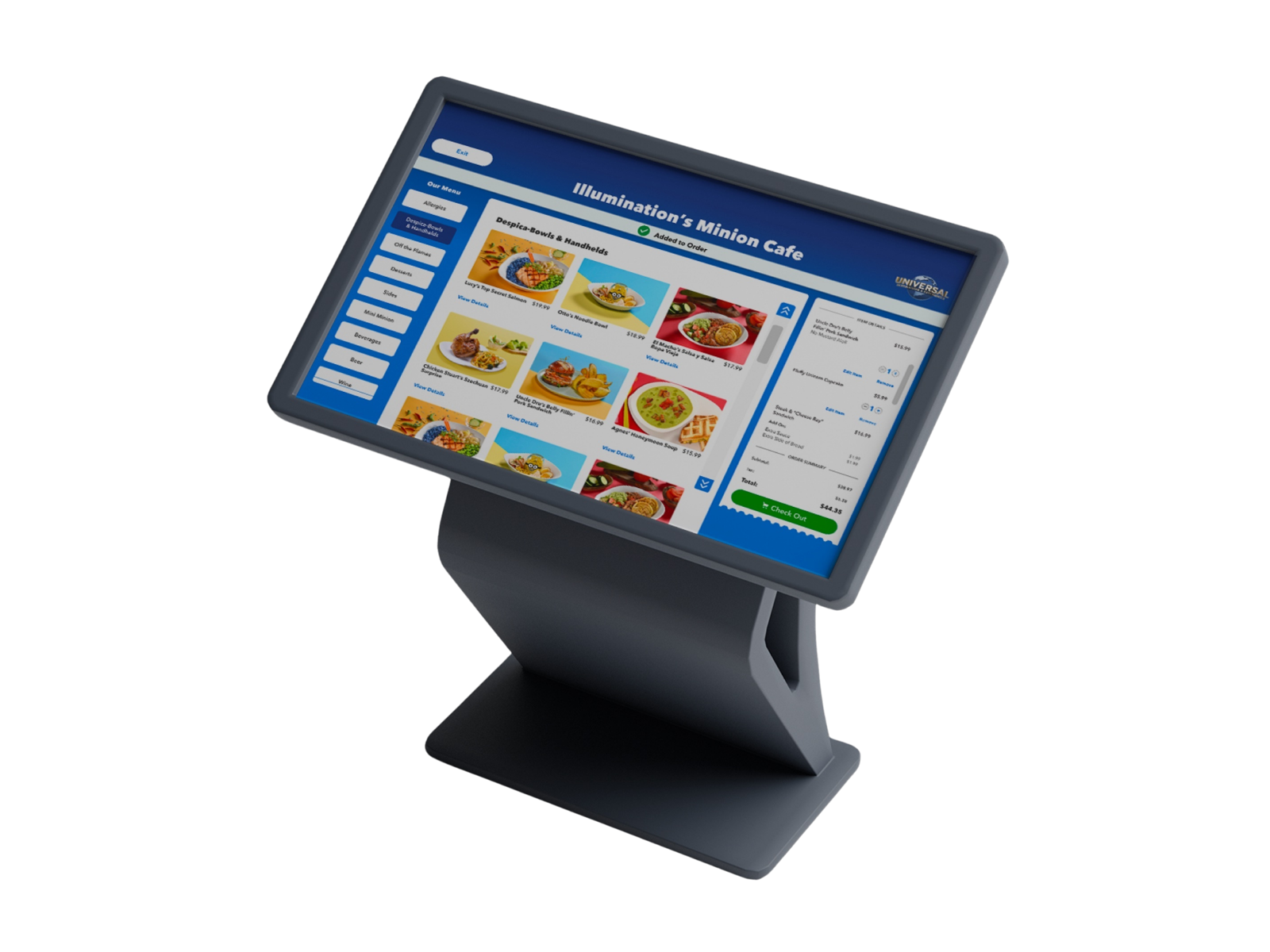
### The Impact
UDX’s upgraded MFDO system has delivered:
- Improved operational efficiency inside restaurants
- Higher mobile adoption and increased in-app revenue
- Streamlined kiosk operations with one scalable codebase
- Consistent cross-platform UX, reducing guest confusion
- Successful on-time delivery
UDX now has a platform designed for long-term expansion—one capable of supporting new venues, new app features, and surges in seasonal park traffic thanks to our combined teams of experienced Flutter Engineers.
## Rebuilding a Nation’s Mobile Coffee Experience
As a nationwide coffee chain, our client serves millions of guests every year, and their mobile app is a critical channel for ordering, loyalty building, and brand identity. But their digital ecosystem was fragmented.
They had two native apps, inconsistent patterns, and evolving needs that made it difficult to scale or deliver the premium experience guests expected. They partnered with VGV to rebuild everything from the ground up, using our Flutter developers to deliver exactly what they needed.
### The Solution
VGV created one unified, future-ready, Flutter-based app that offers:
- A consolidated codebase following Flutter best practices
- A fast, stable ordering experience
- Smart, guided drink customization
- Secure payments and Olo menu integration
- A foundation that their engineering team could confidently own
The heart of their business is customization. Each drink has dozens of possible combinations, and every order must translate clearly into barista-ready instructions.
### The Impact
VGV built a guided customization flow that:
- Makes complex drink building effortless
- Uses smart defaults to lower the user’s cognitive load
- Updates dependent options automatically
- Preserves valid selections during adjustments
- Ensures accuracy with real-time availability checks
This adaptive architecture supports hundreds of blends without slowing down. Behind the scenes, every choice updates the ordering system dynamically—reflecting store-specific pricing, ingredients, and availability.
The result is a mobile ordering system that’s fast, intuitive, and on brand.
## Personalized, Connected Experiences Onboard
VGV partnered with a major global cruise line to reimagine the guest experience—from pre-cruise planning to onboard dining and activities—through a mobile experience designed to work both on land and at sea. A task that VGV’s team of expert Flutter developers was ready to take on.
### The Solution
Before sailing, VGV helped them create a Flutter-based experience that allows guests to explore, plan, and purchase every part of their trip in advance, including:
- Dining options, restaurants, and beverage packages
- Add-ons like internet, entertainment passes, and spa & thermal experiences
- Shore excursions and on-shore activities
- Gifts and personalized items purchased in advance and delivered directly to their cabin
- Private professional photos
- Unlimited pass options and more
This pre-cruise functionality not only increases guest satisfaction, but also drives meaningful pre-sailing revenue.
Once on board, guests can manage and personalize their dining and activity plans through a custom-built Flutter mobile ordering and reservation system. The solution supports:
- Shipboard connectivity challenges (each ship has its own technical environment)
- Multiple venues, restaurants, and menu variations
- Real-time specifications like age restrictions and dynamic availability
- Staff routing and preparation timing, including a three-day, pre-cruise system lockout
### The Impact
They now offer an emphatically smoother onboard dining and activity experience that reduces congestion, and helps distribute guest traffic across venues more intelligently—using technology built by a world-class mobile development team and Flutter app development experts.
This is reflected in:
- Faster and more intuitive guest interactions
- Increased operational efficiency for staff
- Dynamic, real-time availability and customization
- A unified platform that enhances both pre-cruise planning and onboard engagement
Backed by VGV’s expertise in enterprise mobile development and Flutter architecture, the cruise line has transformed its guest journey—turning a once-fragmented experience into a seamless, high-performance digital ecosystem built for the real cruise experience.
## The Broader Story: MFDO as a Cross-Industry Engine
Leaders like Universal Destinations & Experiences, nationwide coffee chains, and major global cruise lines invest in Flutter partners like VGV because they understand that technology, service, operations, menu, and space must all work together.
These organizations represent three very different industries, yet their challenges share the same DNA:
- Guests who expect premium, frictionless digital experiences
- Staffing variability that demands operational efficiency
- Revenue increasingly flowing through mobile
- Organizations needing systems that scale without multiplying codebases
- Accuracy and integration being as important as good UI
Across QSR, hospitality, travel, and entertainment, companies are waking up to the same realization: Mobile ordering is no longer an add-on—it’s a mission-critical operating system for the guest journey.
This is where VGV’s expertise truly helps. As the best Flutter agency and Google partner, we unite strategic thinking and strong Flutter engineering practices to build mobile ordering systems that are resilient, scalable, and built for real operational use.
#### Frequently Asked Questions
##### Why is Flutter a good fit for mobile food and drink ordering systems?
Flutter compiles to native machine code for smooth performance, includes its own rendering engine for consistent UI across platforms, and supports iOS, Android, web, desktop, and embedded devices from a single codebase. That mix matters for ordering apps that have to run reliably across many venues and device types.
##### What does mobile food and drink ordering actually depend on beyond a great app?
MFDO sits at the intersection of technology, operations, guest behavior, human connection, and physical space. Successful systems align with kitchen and bar workflows, preparation timing, staff routing, pick-up zones, and throughput capacity, so digital ordering enhances rather than overwhelms in-person service.
##### How did VGV help Universal Destinations & Experiences scale mobile ordering at the Epic park?
VGV rebuilt UDX's kiosk solution in Flutter, turning a mobile-first feature into a production-grade self-service interface running on Windows hardware, with full integration to existing POS systems. The result was higher mobile adoption, increased in-app revenue, streamlined kiosk operations on one codebase, and on-time delivery tied to new park openings.
##### What did VGV build for the nationwide coffee chain rebuild?
VGV consolidated two native apps into one Flutter-based app with a fast ordering experience, guided drink customization with smart defaults, secure payments, Olo menu integration, and real-time availability checks. The architecture handles hundreds of blends while reflecting store-specific pricing and ingredients.
##### How does Flutter support cruise line mobile ordering and reservations?
VGV built a Flutter experience that lets guests plan dining, beverage packages, excursions, and add-ons before sailing, then manage and personalize plans onboard. The system handles shipboard connectivity challenges, multiple venues and menus, age restrictions, dynamic availability, staff routing, and a three-day pre-cruise system lockout.
##### What common challenges show up across QSR, hospitality, travel, and entertainment?
Guests expect premium, frictionless digital experiences, staffing variability demands operational efficiency, revenue increasingly flows through mobile, organizations need systems that scale without multiplying codebases, and accuracy plus integration matter as much as polished UI.
##### What does VGV bring to a mobile ordering engagement?
VGV combines product strategy, UX/UI, and high-performance Flutter engineering. Systems are designed around real operational constraints, scale across multi-venue and multi-screen environments, integrate deeply with POS, inventory, CRM, and loyalty, and support both guest and staff experiences.
### Why AI Decisioning Is the Future of Customer Engagement—and How to Get Started
Source: https://verygood.ventures/blog/why-ai-decisioning-is-the-future-of-customer-engagement--and-how-to-get-started/
Customers expect personalized experiences, and marketing teams have more data than ever to deliver them. But the traditional approaches of building segments, running A/B tests, and creating rules for each scenario weren't designed for the complexity of modern customer journeys.
This is why **AI decisioning** represents a fundamental shift.
At Very Good Ventures (VGV), we’ve partnered with organizations across financial services, retail, QSR, and media to design and implement AI-driven customer engagement programs using platforms like [BrazeAI Decisioning](https://www.braze.com/product/brazeai-decisioning-studio). We've seen firsthand how this technology transforms not just campaign performance, but how teams think about personalization, experimentation, and customer value.
## The Limits of Traditional Personalization
Most marketing teams are sitting on rich customer data that's difficult to activate at scale. Traditional “next best action” strategies require marketers to manually:
- Build segments
- Design experiments
- Define business rules
- Analyze performance after the fact
This process is **time-intensive, reactive, and inherently limited**.
Consider what this looks like in practice: A marketing team might spend weeks building microsegments, testing different offers against each segment, and analyzing results. Even with substantial effort, they can only test a handful of variables at once. They cannot personalize within segments. They cannot optimize timing, frequency, creative, channel, and offer simultaneously. And by the time they've completed their analysis, customer behavior may have already shifted.
The result is a set of common challenges we see across industries: underutilized customer data, time-constrained experimentation, over-communication to some customers and under-communication to others, blanket discounts that erode margins, and siloed channels that create disjointed experiences.
## What Makes AI Decisioning Different
**AI decisioning fundamentally changes this equation by replacing static rules with continuous, customer-level optimization.**
Instead of asking *"What should we send to this segment?"* AI decisioning asks **"What’s the optimal action for this individual customer right now?"**
With solutions like BrazeAI Decisioning, the system operates as a closed feedback loop:
1. Customer data flows from your data warehouse or CDP into the AI decisioning engine
2. The model generates daily predictions for each customer—optimizing **offer, creative, timing, frequency, and channel**
3. Decisions are activated through your engagement platform
4. Customer interactions feed back into the data layer, improving future predictions
This creates **autonomous experimentation at a scale and speed impossible to achieve manually**. The system continuously tests, learns, and adapts—without requiring marketers to constantly redesign segments or rules.
## What Implementing AI Decisioning Actually Requires
A typical AI decisioning implementation takes **approximately sixteen weeks** from kickoff to production. But the real work often begins earlier, with preparation across three critical areas:
### 1. Data Foundations
AI decisioning depends on high-quality, [accessible customer data](https://verygood.ventures/success-stories/blade-braze-optimization-roadmap/). This includes:
- A clear data strategy
- Unified customer profiles across channels
- Historical interaction data for model training
- Reliable transformation pipelines feeding the AI engine
Ask yourself: Can you access a unified view of customer behavior across channels today? Do you have the historical interaction data needed for the model to learn from?
Organizations with mature data infrastructure move faster, but even teams earlier in their journey can launch focused use cases using existing data—as long as expectations are aligned.
### 2. Creative Supply Chain Readiness
AI decisioning creates demand for [**more creative variations**](https://verygood.ventures/success-stories/blade-email-design-system/), not fewer: different offers, messages, and treatments that the system can test and optimize. But the system can only optimize what it has available.
Before implementation, teams should assess:
- How quickly new creative variants can be produced
- Whether assets are modular and reusable
- How offers are governed and approved
- Whether asset management supports rapid iteration
If it takes weeks to produce a single campaign variation, AI decisioning will be constrained. Strong creative operations unlock significantly more value.
### Strategy & Value Alignment
AI decisioning changes workflows and decision-making. Alignment is essential.
Key questions to answer upfront:
- What business metric defines success (conversion, retention, LTV, margin)?
- How should teams interpret optimization outputs?
- How will roles and responsibilities evolve?
Executive sponsorship and shared definitions of success ensure teams trust the system and act on its recommendations.
## What Predicts AI Decisioning Success
AI decisioning performs better when organizations have:
- Rich, diverse customer data
- Sufficient interaction volume for faster learning
- Multiple dimensions to optimize (creative, channel, timing, offer)
- Control over end-to-end customer experiences
- Historical testing data
- Strong analytics capabilities
- Mature marketing and data technology stacks
- Active executive sponsorship
Perfection isn’t required; but understanding where you stand helps set realistic expectations and prioritize the preparation work that drives better outcomes.
## Getting Started With AI Decisioning
AI decisioning isn’t a plug-and-play feature. It requires investment in:
- Data infrastructure
- Creative operations
- Organizational change management
When implemented thoughtfully, however, it enables **truly individualized customer engagement at scale**—moving far beyond the limits of segmentation and rules-based personalization.
AI will transform customer engagement. The real question is whether your organization will be ready to capture that value.
## FAQ: AI Decisioning in Customer Engagement
### What is AI decisioning in customer engagement?
AI decisioning uses machine learning models to determine the optimal action for each individual customer in real time, optimizing factors like message, offer, timing, frequency, and channel.
### How is AI decisioning different from traditional personalization?
Traditional personalization relies on static segments and manual rules. AI decisioning operates at the individual level, continuously learning and optimizing without requiring marketers to rebuild segments or experiments.
### Does AI decisioning replace marketers?
No. AI decisioning augments marketing teams by automating experimentation and optimization, allowing marketers to focus on strategy, creative development, and customer experience design.
### What data is required to use AI decisioning effectively?
At minimum, organizations need historical customer interaction data, unified customer profiles, and reliable data pipelines. More data dimensions improve performance, but teams can start with focused use cases.
### How long does it take to implement AI decisioning?
A typical implementation takes around 16 weeks, including data preparation, model setup, activation, and initial optimization.
### Is AI decisioning only for large enterprises?
While larger organizations often see faster learning due to volume, mid-market teams can also benefit by scoping targeted use cases and scaling over time.
### How does BrazeAI Decisioning fit into an existing martech stack?
BrazeAI Decisioning integrates with existing data warehouses, CDPs, and engagement channels, allowing organizations to activate AI-driven decisions without replacing their core stack.
###
#### Frequently Asked Questions
##### What is AI decisioning in customer engagement?
AI decisioning uses machine learning to determine the best action for each individual customer in real time, optimizing offer, creative, timing, frequency, and channel together rather than one at a time.
##### How does AI decisioning differ from traditional personalization?
Traditional personalization relies on static segments and manual rules. AI decisioning works at the individual level, continuously learning and adapting without forcing marketers to rebuild segments or experiments by hand.
##### Does AI decisioning replace marketers?
No. It automates experimentation and optimization so marketers can focus on strategy, creative development, and customer experience design.
##### What data does a team need to use AI decisioning effectively?
At minimum, organizations need historical interaction data, unified customer profiles across channels, and reliable transformation pipelines feeding the AI engine. More dimensions improve performance, but focused use cases can launch with existing data.
##### How long does a typical AI decisioning implementation take?
About 16 weeks from kickoff to production, covering data preparation, model setup, activation, and initial optimization. Preparation across data, creative, and strategy often starts earlier.
##### Is AI decisioning only worthwhile for large enterprises?
Larger organizations often see faster learning thanks to volume, but mid-market teams can benefit by scoping targeted use cases and scaling over time.
##### How does BrazeAI Decisioning fit into an existing martech stack?
BrazeAI Decisioning integrates with existing data warehouses, CDPs, and engagement channels, so organizations can activate AI-driven decisions without replacing their core stack.
### Building High-Performance Sports Apps with Flutter, 3D Visualization & Engineering Leadership
Source: https://verygood.ventures/blog/building-high-performance-sports-apps-with-flutter-3d-visualization-engineering-leadership/
Modern sports technology demands more than polished UI—it requires precision, performance, and seamless collaboration between hardware and software.
[On this episode of *Build to Succeed*](https://verygood.ventures/podcasts/kody-peterson-foresight-sports-rebuilding-mobile-architecture-with-flutter-and-3d-innovation/), we sat down with **Kody Peterson**, Director of Software Engineering for Digital Studio at **Foresight Sports**, to explore how his team builds high-performance mobile applications using **Flutter**, **interactive 3D visualization**, and strong engineering leadership.
From platform decisions to cross-disciplinary collaboration, this conversation offers valuable lessons for engineering and technology leaders building complex, data-driven products.
## Engineering Leadership in Sports Technology
Building software for athletes and coaches introduces a unique level of responsibility. Accuracy matters. Latency matters. And usability can directly impact performance outcomes.
Kody shared how engineering leadership plays a critical role in balancing innovation with reliability. As teams scale and systems become more complex, leaders must create clarity—aligning teams around shared goals, platform standards, and quality expectations.
> In performance-critical systems, leadership is often the difference between technical complexity and user trust.
## Why Flutter Is a Strong Choice for Cross-Platform Mobile Development
One of the central themes of the episode was **Flutter’s role as a foundational platform** at Foresight Sports. By adopting Flutter for cross-platform mobile development, Kody’s team was able to:
- Maintain a single shared codebase across iOS and Android
- Deliver consistent UI and interaction patterns
- Reduce overhead from maintaining multiple native stacks
- Move faster without sacrificing performance or quality
Flutter’s flexibility and performance characteristics made it possible to support rich visuals and complex interactions—an essential requirement for sports technology applications.
## Bringing Interactive 3D Visualization into Mobile Apps
A standout part of the conversation was how Foresight Sports integrates **fully interactive 3D models** into its mobile experiences. These aren’t static visuals—they’re tools that help athletes and coaches interpret complex performance data in intuitive ways.
Kody discussed the technical challenges of rendering 3D content while maintaining performance on mobile devices, as well as the importance of ensuring that visualization enhances understanding rather than overwhelming users.
> Visualization isn’t just about aesthetics—it’s about turning data into actionable insight.
## Hardware & Software Collaboration at Scale
Sports technology often sits at the intersection of **hardware sensors, real-time data, and mobile software**. Kody emphasized that success in this space requires tight collaboration across disciplines—engineering teams can’t afford to operate in silos.
By aligning hardware, firmware, and software teams early and often, Foresight Sports ensures that product decisions account for real-world constraints and user needs.
> The closer software is to the physical world, the more critical cross-functional collaboration becomes.
## Lessons for Engineering Teams Beyond Sports Tech
While this episode focuses on sports technology, the lessons extend far beyond the golf industry. Engineering leaders across industries can apply these insights when building sophisticated digital products:
- Platform choices directly affect long-term velocity
- Cross-platform frameworks can unlock efficiency at scale
- Visualization can dramatically improve user comprehension
- Strong leadership keeps teams aligned as complexity grows
Whether you’re evaluating Flutter, building data-rich mobile experiences, or leading teams through technical scale, this episode offers practical, real-world guidance.
🎧 [Listen to the full episode now!](https://verygood.ventures/podcasts/kody-peterson-foresight-sports-rebuilding-mobile-architecture-with-flutter-and-3d-innovation/)
#### Frequently Asked Questions
##### Why did Foresight Sports choose Flutter for its mobile applications?
Flutter let Kody Peterson's team maintain a single shared codebase across iOS and Android, deliver consistent UI and interaction patterns, reduce overhead from running multiple native stacks, and keep velocity high without sacrificing performance or quality.
##### What makes building software for athletes and coaches different from typical app work?
Accuracy, latency, and usability all directly affect performance outcomes. That raises the bar on engineering decisions, because reliability has to keep pace with innovation as systems get more complex.
##### How does Foresight Sports use 3D visualization in its mobile apps?
The team integrates fully interactive 3D models so athletes and coaches can interpret complex performance data more intuitively. The goal is turning data into actionable insight, not adding visual noise.
##### What are the technical challenges of running interactive 3D content on mobile?
The team has to render rich 3D content while keeping mobile performance steady, and make sure the visualization actually helps users understand data instead of overwhelming them.
##### Why does sports technology depend so heavily on hardware and software collaboration?
Sports tech sits at the intersection of hardware sensors, real-time data, and mobile software. Engineering teams cannot operate in silos. Aligning hardware, firmware, and software early keeps product decisions grounded in real-world constraints and user needs.
##### What lessons from this episode apply outside of sports tech?
Platform choices affect long-term velocity, cross-platform frameworks unlock efficiency at scale, visualization can sharpen user comprehension, and strong engineering leadership keeps teams aligned as complexity grows.
### Gamification & Behavior Design: Designing Digital Products People Want to Use
Source: https://verygood.ventures/blog/gamification-behavior-design-designing-digital-products-people-want-to-use/
Gamification is often misunderstood as simply adding points, badges, or leaderboards to an app. But when done well, gamification is much more than surface-level rewards; it’s a thoughtful application of **behavior design** that helps users build habits, stay engaged, and achieve meaningful outcomes.
At **Very Good Ventures (VGV)**, we believe great digital products don’t manipulate users—they **empower** them. By combining ethical behavior design with high-quality engineering and design systems, teams can create experiences that are both engaging and genuinely valuable.
Here we’ll explore what gamification really means, how behavior design works, and how product teams can apply these principles responsibly to build better software.
## What Is Gamification (Really)?
Gamification is the practice of applying **game design principles** to non-game contexts to influence user behavior. These principles can include:
- Progression systems
- Feedback loops
- Challenges and goals
- Social interaction
- Rewards and recognition
But gamification isn't about turning every product into a game. It’s about understanding **why games are engaging** and applying those insights to real-world problems—whether that’s onboarding new users, encouraging healthier habits, or increasing long-term retention.
## Behavior Design: The Foundation of Gamification
At the core of effective gamification is **behavior design**, the study of how and why people take action.
One commonly referenced framework is the **Behavior Model**, which states that behavior occurs when three elements converge:
1. **Motivation** – The user wants to do something
2. **Ability** – The user feels capable of doing it
3. **Prompt** – The right trigger appears at the right time
Gamification works when it increases motivation, reduces friction, or delivers prompts in a timely and contextual way.
### Example:
Instead of reminding users to “complete your profile,” a behavior-designed system might:
- Show progress visually (motivation)
- Break the task into small steps (ability)
- Prompt users immediately after a successful action (timing)
## Ethical Gamification vs. Dark Patterns
It’s important to realize that not all gamification is good gamification.
Poorly designed systems can rely on:
- Fear of missing out (FOMO)
- Infinite streak pressure
- Addictive reward loops with no user benefit
At Very Good Ventures, we advocate for **ethical behavior design**, which means:
- Aligning business goals with user goals
- Being transparent about incentives
- Avoiding coercive or manipulative mechanics
Ethical gamification respects users’ autonomy while still creating delightful, motivating experiences.
## Common Gamification Mechanics That Actually Work
When gamification succeeds, it’s rarely because of a single mechanic. It works because multiple systems reinforce one another—supporting motivation, reducing friction, and guiding users toward meaningful outcomes.
Below are some of the most effective gamification mechanics when applied thoughtfully and ethically.
### 1. Progress & Mastery
Progress systems make abstract effort visible. Whether through progress bars, levels, skill trees, or completion states, they help users understand where they are and what comes next.
##### Why it Works
Humans are naturally motivated by a sense of advancement. Seeing progress activates a desire to finish what we’ve started and to improve over time. Mastery-based systems shift motivation from short-term rewards to long-term growth.
##### How to Design it Well
- Break large goals into small, achievable steps
- Show both *current state* and *next milestone*
- Emphasize skill development, not just completion
##### Common Pitfalls
- Progress that feels arbitrary or meaningless
- Endless leveling with no sense of mastery
- Progress bars that don’t reflect real effort
##### Good Fit For
Onboarding flows, learning platforms, habit-building apps, and complex enterprise tools.
### 2. Feedback Loops
Feedback loops tell users that their actions matter. This can be as simple as a micro-animation, a confirmation message, or a visual change in the UI after an action is completed.
##### Why it Works
Immediate feedback reinforces learning. When users understand the cause-and-effect relationship between their actions and outcomes, they build confidence and momentum.
##### How to Design It Well
- Keep feedback fast, clear, and proportional
- Match the tone of feedback to the action’s importance
- Use visual and motion cues to reduce cognitive load
##### Common Pitfalls
- Overloading users with noisy or excessive feedback
- Delayed responses that break the sense of flow
- Feedback that feels performative instead of informative
##### Good Fit For
Transactional products, productivity tools, forms, and workflows where clarity is critical.
### 3. Goals & Challenges
Goals provide direction, while challenges introduce structure and focus. They help users know what to do next without having to think too hard about it.
##### Why It Works
Clear goals reduce ambiguity and decision fatigue. Challenges add just enough difficulty to keep users engaged without overwhelming them.
##### How to Design It Well
- Offer achievable goals early to build confidence
- Gradually increase complexity as users gain competence
- Allow users to opt into challenges rather than forcing them
##### Common Pitfalls
- Goals that feel imposed rather than supportive
- Challenges that are too difficult too early
- One-size-fits-all goals that ignore user context
##### Good Fit For
Fitness apps, financial tools, education platforms, and onboarding experiences.
### 4. Rewards & Recognition
Rewards can take many forms—badges, points, unlocked features, or simple acknowledgments of effort. Recognition is often more powerful than the reward itself.
##### Why It Works
Rewards validate effort and reinforce positive behavior. Recognition taps into intrinsic motivation by making users feel seen and appreciated.
##### How to Design It Well
- Use rewards to reinforce meaningful actions
- Favor symbolic recognition over purely transactional rewards
- Celebrate progress, not just end results
##### Common Pitfalls
- Over-reliance on extrinsic rewards
- Creating dependency on points instead of purpose
- Rewards that feel disconnected from user value
##### Good Fit For
Community platforms, long-term habit tracking, and products that benefit from sustained engagement.
### 5. Social Interaction & Social Proof
Social mechanics leverage our natural tendency to look to others for cues on how to behave. This can include shared progress, team goals, or community milestones.
##### Why It Works
People are motivated by belonging and shared achievement. Seeing others succeed—or working toward something together—can increase commitment and accountability.
##### How to Design It Well
- Emphasize collaboration over competition
- Give users control over what they share
- Highlight collective progress, not just top performers
##### Common Pitfalls
- Toxic competition or public shaming
- Pressure to share more than users are comfortable with
- Systems that reward only a small elite group
##### Good Fit For
Team-based tools, learning communities, and social or wellness products.
### 6. Autonomy & Choice
While often overlooked, autonomy is one of the most powerful motivators. Allowing users to choose *how* they engage increases ownership and satisfaction.
##### Why It Works
When users feel in control, they’re more likely to internalize behaviors and stick with them long-term.
##### How to Design It Well
- Offer multiple paths to the same goal
- Let users customize challenges or pacing
- Avoid forcing streaks or rigid schedules
##### Common Pitfalls
- Too many choices without guidance
- Hidden penalties for opting out
- “Fake choice” where outcomes are predetermined
##### Good Fit For
Habit-building apps, learning tools, and complex platforms with diverse user needs.
## Designing Mechanics That Work Together
The most effective gamified systems don’t rely on a single mechanic. They combine:
- **Progress** to show growth
- **Feedback** to reinforce actions
- **Goals** to guide behavior
- **Recognition** to sustain motivation
- **Autonomy** to build trust
When these elements are aligned with real user value, gamification becomes a **support system**, not a distraction.
## Designing Gamified Experiences That Scale
Great behavior design doesn’t stop at UX—it must be supported by robust engineering.
This is where **Flutter and modern design systems** shine:
- Consistent UI reinforces predictable behavior
- High performance keeps feedback loops tight
- Cross-platform delivery ensures behavior patterns remain intact across devices
By aligning design, engineering, and behavioral insight, teams can build systems that scale without losing their human touch.
## Key Takeaways
- Gamification is a tool—not a gimmick
- Behavior design focuses on motivation, ability, and timing
- Ethical gamification aligns user value with business outcomes
- Great implementation requires both strong UX and strong engineering
When done thoughtfully, gamification doesn’t just increase engagement—it helps people **change behavior in ways that matter**.
## Final Thoughts
At Very Good Ventures, we help teams design and build digital products that are not only beautiful and performant, but also grounded in how people actually behave. Gamification and behavior design, when applied ethically, are powerful tools for creating experiences users return to—not because they have to, but because they want to.
If you’re exploring how to apply these principles in your next product, start with empathy, design with intention, and always ask: *Is this helping our users succeed?*
#### Frequently Asked Questions
##### What does gamification actually mean?
Gamification is the practice of applying game design principles to non-game contexts to influence user behavior. Those principles include progression systems, feedback loops, challenges and goals, social interaction, and rewards and recognition. Done well, it is a thoughtful application of behavior design that helps users build habits and achieve meaningful outcomes, not surface-level points and badges.
##### What is the Behavior Model that underpins effective gamification?
The Behavior Model states that behavior occurs when three elements converge. Motivation means the user wants to do something. Ability means the user feels capable of doing it. Prompt means the right trigger appears at the right time. Gamification works when it increases motivation, reduces friction, or delivers prompts in a timely and contextual way.
##### What separates ethical gamification from dark patterns?
Poorly designed systems lean on fear of missing out, infinite streak pressure, and addictive reward loops with no user benefit. Ethical behavior design aligns business goals with user goals, is transparent about incentives, and avoids coercive or manipulative mechanics. It respects user autonomy while still creating motivating experiences.
##### Which gamification mechanics tend to work in practice?
Six mechanics show up across well-designed systems. Progress and mastery make effort visible. Feedback loops reinforce that actions matter. Goals and challenges reduce ambiguity. Rewards and recognition validate effort. Social interaction taps into belonging and shared achievement. Autonomy and choice let users decide how they engage. Effective products combine several of these rather than relying on one.
##### Why is autonomy such a powerful motivator?
When users feel in control, they are more likely to internalize behaviors and stick with them long term. Designing for autonomy means offering multiple paths to the same goal, letting users customize challenges or pacing, and avoiding forced streaks or rigid schedules. Hidden penalties for opting out and fake choices where outcomes are predetermined break that trust.
##### How does engineering quality affect gamified experiences?
Behavior design has to be supported by engineering. Consistent UI reinforces predictable behavior, high performance keeps feedback loops tight, and cross-platform delivery keeps behavior patterns intact across devices. Flutter and modern design systems support this by aligning design, engineering, and behavioral insight so gamified experiences scale without losing their human touch.
### Building Enduring Enterprise Products with the Hierarchy of Engagement
Source: https://verygood.ventures/blog/building-enduring-enterprise-products-with-the-hierarchy-of-engagement/
For enterprise organizations, growth is rarely the primary challenge. Reach, brand awareness, and distribution are often already in place. The real challenge lies elsewhere: **driving sustained, meaningful engagement across complex user bases, platforms, and portfolios of products**.
This is where the [**Hierarchy of Engagement**](https://sarahtavel.medium.com/the-hierarchy-of-engagement-expanded-648329d60804) offers a powerful strategic lens. While often discussed in the context of startups, the framework is equally—if not more—relevant for enterprises building and modernizing digital products at scale.
At Very Good Ventures (VGV), we apply the Hierarchy of Engagement to help enterprise teams move beyond surface-level adoption toward durable, value-driven engagement.
## What Is the Hierarchy of Engagement?
The Hierarchy of Engagement describes three progressive levels that products must master to deliver long-term impact. Each level builds on the previous one, and enterprise teams often struggle when these stages are approached out of order.
### 1. Driving Meaningful Engagement (Not Just Adoption)
At the foundation of the hierarchy is a simple but often overlooked question: **Are users engaging in the behaviors that actually deliver value?**
In enterprise environments, success is frequently measured by:
- Licenses provisioned
- Accounts activated
- Users onboarded
But these metrics don’t guarantee that users are completing the product’s **core action**—the critical behavior that unlocks business value—whether that’s completing workflows, making decisions, collaborating, or acting on insights.
Even at scale, organizations can over-optimize for visibility and adoption while under-investing in the behaviors that drive meaningful, repeat engagement.
### 2. Retaining Users Through Accruing Organizational Value
For enterprise products, retention is less about churn and more about **relevance, dependency, and embeddedness**.
Products retain enterprise users when:
- Value compounds with continued use (data depth, personalization, automation)
- Workflows become integral to daily operations
- Switching costs increase due to integration, institutional knowledge, or process alignment
In large organizations, disengagement is often silent; users don’t leave, they simply stop using features or revert to legacy tools. Designing for retention means ensuring the product continues to earn its place within complex ecosystems over time.
At VGV, we see retention as a systems problem—one that spans product design, architecture, change management, and user experience.
### 3. Self-Reinforcing Engagement at Enterprise Scale
At the top of the hierarchy is **self-perpetuating engagement**—when engagement doesn’t just sustain usage, but actively amplifies value across the organization.
In enterprise contexts, this can take the form of:
- Cross-team network effects
- Shared data and collaboration loops
- Standardized workflows that scale best practices
- Platforms that become centers of gravity within the organization
When designed well, enterprise products don’t require constant top-down enforcement. Engagement spreads laterally as teams see value created elsewhere and adopt organically.
This is how internal tools become strategic platforms, and how external enterprise products become deeply embedded with customers.
## Why the Hierarchy of Engagement Matters for Enterprises
Enterprise digital initiatives often fail not because of technology, but because **engagement is treated as an outcome instead of a design constraint**.
The Hierarchy of Engagement helps enterprise leaders:
- Align product metrics with real business outcomes
- Prioritize depth of use over breadth of rollout
- Avoid costly transformations that never fully land with users
- Create platforms that scale engagement, not just features
Rather than asking *“How many users do we have?”*, the more strategic question becomes: **“What behaviors are we enabling, and are they compounding value over time?”**
## Applying the Hierarchy of Engagement at Very Good Ventures
We use the Hierarchy of Engagement to guide enterprise teams across modernization and transformation efforts:
### Platform & Portfolio Strategy
- Identify core actions across products and user roles
- Rationalize overlapping tools and fragmented workflows
- Define engagement-driven success metrics
### Adoption, Retention & Enablement
- Design onboarding and enablement around real work, not features
- Ensure value accrues with continued usage
- Reduce cognitive and operational friction over time
### Scaling Engagement Across the Organization
- Build systems that encourage collaboration and reuse
- Leverage data and feedback loops to improve engagement
- Enable bottom-up adoption alongside top-down governance
## Engagement as a Strategic Advantage
For enterprises, engagement isn't a growth hack—it’s a **strategic advantage**.
Products that drive deep engagement:
- Deliver higher ROI on digital investments
- Reduce tool sprawl and inefficiency
- Increase resilience during organizational change
- Create durable differentiation in the market
## Learn More
If your organization is investing in digital platforms, product modernization, or enterprise transformation, engagement should be a strategic priority—not an afterthought.
**Very Good Ventures partners with enterprise teams** to design and build products that drive sustained engagement, measurable outcomes, and long-term value at scale.
👉 [**Contact us**](https://verygood.ventures/contact-us/) to learn how we apply frameworks like the Hierarchy of Engagement to real-world enterprise challenges and help organizations turn adoption into impact.
#### Frequently Asked Questions
##### What is the Hierarchy of Engagement?
The Hierarchy of Engagement describes three progressive levels that products must master to deliver long-term impact. Each level builds on the previous one. The framework is often discussed in startup contexts, but it is equally relevant for enterprises building and modernizing digital products at scale.
##### What are the three levels of the hierarchy?
The first level is meaningful engagement, where users complete the core action that delivers value. The second is retention through accruing organizational value, where workflows become integral and switching costs grow. The third is self-reinforcing engagement, where the product amplifies value across the organization through network effects, shared data, and standardized workflows.
##### Why do adoption metrics fall short in enterprise settings?
Enterprise success is often measured by licenses provisioned, accounts activated, or users onboarded. Those metrics do not guarantee that users are completing the product's core action, the critical behavior that unlocks business value. Organizations can over-optimize for visibility and adoption while under-investing in the behaviors that drive repeat engagement.
##### What does retention look like for enterprise products?
Retention is less about churn and more about relevance, dependency, and embeddedness. Products retain enterprise users when value compounds with continued use, workflows become integral to daily operations, and switching costs increase due to integration, institutional knowledge, or process alignment. Disengagement is often silent. Users do not leave, they revert to legacy tools.
##### What does self-reinforcing engagement look like inside a large organization?
It can show up as cross-team network effects, shared data and collaboration loops, standardized workflows that scale best practices, and platforms that become centers of gravity within the organization. When designed well, engagement spreads laterally as teams see value created elsewhere and adopt organically, without constant top-down enforcement.
##### How does VGV apply the Hierarchy of Engagement with enterprise teams?
VGV uses the framework across modernization and transformation work. That includes platform and portfolio strategy to identify core actions and define engagement-driven success metrics, adoption and enablement designed around real work rather than features, and scaling engagement through systems that encourage collaboration, reuse, and bottom-up adoption alongside top-down governance.
### GenAI vs. GenUI: What’s the Difference & Why It Matters for Product Teams
Source: https://verygood.ventures/blog/genai-vs-genui-whats-the-difference-why-it-matters-for-product-teams/
As artificial intelligence continues to reshape digital products, two closely but often confused terms have emerged: Generative AI (GenAI) and Generative UI (GenUI). While they’re frequently used interchangeably, they represent distinct layers of the modern AI product stack—and understanding the difference is critical for designers, developers, and business leaders building Generative experiences.
Here we break down:
- What GenAI is
- What GenUI is
- How they differ (and work together)
- When to invest in each
- Why the distinction matters for modern product development
## What is Generative AI (GenAI)?
Generative AI (GenAI) refers to a type of artificial intelligence that can create new content—rather than simply analyzing or classifying existing data.
### Core Capabilities of GenAI
GenAI systems can generate:
- Text (e.g. large language models like GPT)
- Images (e.g. diffusion models)
- Code
- Audio and video
- Structured data (e.g. tables, schemas, summaries)
Generative AI models (like Large Language Models or Diffusion Models) do this mathematically. They identify underlying patterns and structures in massive datasets and use probability to predict and construct new outputs.
### Common Examples of GenAI
- Chatbots and AI assistants
- Code generation tools
- Image and video generators
- Content summarization and translation systems
- AI-powered data analysis tools
**In short:** GenAI is a creative *engine* that produces intelligence and content.
## What Is Generative UI (GenUI)?
Generative UI (GenUI) is the experience layer where Artificial Intelligence builds the User Interface in real time based on the user context.
Rather than relying on fixed screens and predefined flows, GenUI systems generate interface elements on demand based on:
- User intent
- Context
- AI output
- Real-time data
### Key Characteristics of GenUI
- Interfaces adapt instead of remaining static
- Layouts, components, or flows may be AI-generated
- Interaction models are often conversational, multimodal, or intent-based
- The UI evolves as the user’s needs change
### Examples of GenUI in Practice
- A chat interface that generates custom forms on the fly
- An AI assistant that creates dashboards based on a question
- A design tool that builds UI layouts from text prompts
- An app that changes interaction patterns based on user behavior
**In short:** GenUI is the *experience layer* that presents AI-generated intelligence to users.
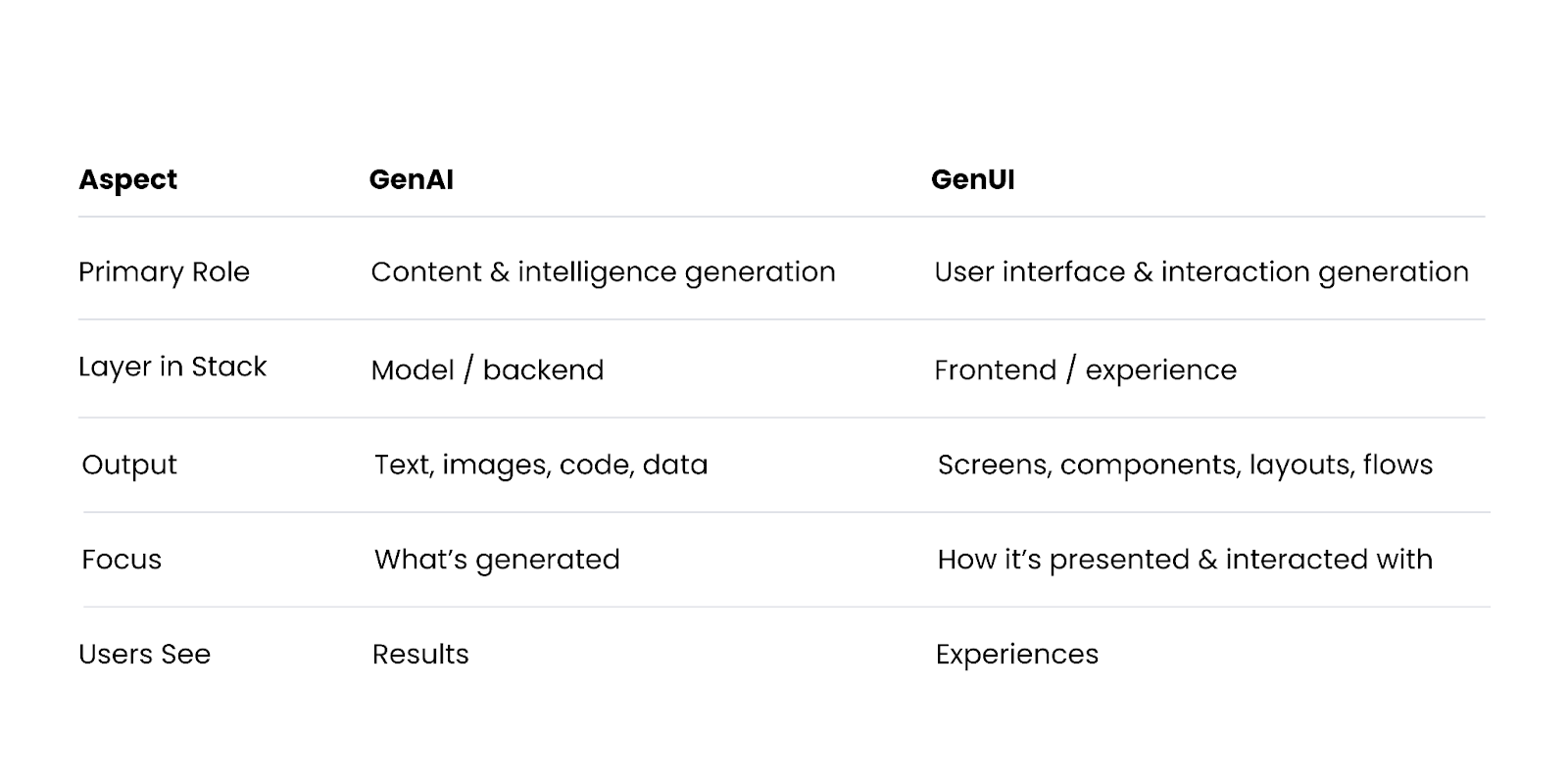
A helpful mental model:
- GenAI decides **what** to say or create
- GenUI decides **how** users interact with it
## How GenAI and GenUI Work Together
GenAI and GenUI are most powerful when combined.
### Example: AI-Powered Travel Planner
- **GenAI** generates a personalized itinerary
- **GenUI** dynamically builds:
- A timeline view
- Interactive maps
- Editable booking cards
- Context-aware recommendations
Without GenUI, users might only see a long text response. Without GenAI, the interface would be static and manual. Together, they create an adaptive, intelligent product experience.
## Why the Distinction Matters
Understanding the difference between GenAI and GenUI helps teams avoid common pitfalls:
### 1. Better Product Strategy
Many teams invest heavily in models but underestimate the importance of interaction design. A powerful GenAI system can fail if the UI doesn’t help users:
- Understand outputs
- Build trust
- Take action
### 2. Clearer Team Ownership
- GenAI often lives with AI and backend teams
- GenUI requires strong collaboration between product, design, frontend, and AI engineering teams
Treating them as separate but connected disciplines leads to better outcomes.
### 3. Improved User Experience
Static UIs struggle to keep up with dynamic AI outputs. GenUI allows:
- Progressive disclosure
- Explainability
- Human-in-the-loop controls
- Personalization at scale
## When Do You Need GenUI (Not Just GenAI)?
You should consider GenUI if:
- User intent is ambiguous or evolving
- Outputs vary significantly in structure or length
- Users need to refine, edit, or act on AI results
- Trust, transparency, or control is critical
- You’re building AI-native products (not AI features bolted onto legacy UIs)
In contrast, simple GenAI integrations (e.g., background summarization) may not require fully generative interfaces.
## GenUI as the Future of AI-Native Products
As AI systems move from novelty to necessity, static interfaces will become a bottleneck. GenUI represents a shift from:
- Screens → Conversations
- Flows → Intent
- Interfaces → Experiences
In the same way mobile-first design reshaped products in the 2010s, AI-native design—powered by GenUI—will define the next era of software.
## Final Thoughts
- GenAI is about generating intelligence and content
- GenUI is about generating experiences and interactions
- You need both to build truly effective AI-powered products
Teams that understand—and intentionally design for—the difference between GenAI and GenUI will be better positioned to create products that are not only powerful, but usable, trustworthy, and delightful.
Very Good Ventures makes it easy for our clients to achieve the right balance and use for their GenAI and GenUI. To see how we can help your brand, [contact our experts](https://verygood.ventures/contact-us/).
#### GenAI vs GenUI FAQs
##### What is the difference between GenAI and GenUI?
Generative AI (GenAI) is the engine that creates content — text, images, code, audio, and structured data — from patterns it learned during training. Generative UI (GenUI) is the experience layer that presents AI-generated output to users through interfaces assembled in real time. A simple mental model: GenAI decides what to say or create; GenUI decides how users see it and act on it.
##### Do I need both GenAI and GenUI to build AI-native products?
For most product experiences, yes. GenAI without GenUI often produces powerful output stuck inside static screens — users get long text responses or raw JSON when they need interactive cards, editable forms, or context-aware recommendations. GenUI without GenAI gives you adaptive interfaces with nothing intelligent to present. Together, they create products that are powerful, usable, and trustworthy.
##### Can you have GenAI without GenUI?
Yes — for background or single-shot use cases. Summarization, translation, content moderation, and data analysis can run as GenAI-only features where users never interact with the AI directly. You only need GenUI when user intent is ambiguous, the output varies in structure, or the user needs to refine or act on AI results inside the product.
##### What does GenUI look like in practice?
Examples include a chat interface that generates a custom form mid-conversation, an AI assistant that builds a dashboard from a natural-language question, a design tool that assembles UI layouts from text prompts, or a travel app where GenAI generates an itinerary and GenUI renders a timeline, editable booking cards, and an interactive map on the fly. The common thread: the interface is composed for the moment, not pre-designed.
##### Which teams should own GenAI vs GenUI?
GenAI usually lives with AI and backend teams — model selection, prompting, evaluation, and infrastructure. GenUI requires tight collaboration between product, design, frontend, and AI engineering, because it sits at the seam between the model and the user. Treating them as separate but connected disciplines — with shared specs and shared ownership of quality — produces better outcomes than pushing everything onto one team.
##### When should I invest in GenUI instead of just adding GenAI features?
Invest in GenUI when user intent is ambiguous or evolving, outputs vary significantly in structure or length, users need to refine or act on AI results, trust and transparency are critical, or you are building an AI-native product rather than bolting AI onto a legacy UI. Simpler GenAI integrations — background summarization, a chat bubble, a text completion — often do not require a fully generative interface.
##### Why does the GenAI vs GenUI distinction matter for product strategy?
Teams that conflate GenAI with GenUI tend to overinvest in models and underinvest in interaction design — they ship powerful systems users cannot understand, trust, or act on. Getting the distinction right clarifies team ownership, improves UX through progressive disclosure and human-in-the-loop controls, and positions products to evolve as AI capabilities grow. In the 2010s, mobile-first design reshaped software; in this era, GenUI-aware design will define AI-native products.
### Flutter Development FAQs: Everything You Need to Know Before Building with Flutter
Source: https://verygood.ventures/blog/flutter-development-faqs-everything-you-need-to-know-before-building-with-flutter/
We get a lot of questions about Flutter: whether it’s the right fit for a product, how it holds up at scale, and what it’s like to work with a team that specializes in it, to name a few.
And over time, we noticed a pattern. As Flutter matured and teams have used it in more production settings, the focus has shifted. The conversation now spans everything from foundational questions to more nuanced ones about long-term ownership and scale.
So we asked our Flutter experts to weigh in on one easy-to-navigate guide. Our Flutter FAQs bring straightforward, experience-driven answers to your top questions.
## What Teams are Really Asking
We’re still asked plenty of foundational questions—especially by developers who are new to Flutter or evaluating it seriously for the first time. At the same time, more teams are coming to us with real constraints already in place: existing codebases, long-term maintenance expectations, and higher bars for quality.
One question we’ve seen evolve is around scale. Early on, we were asked whether Flutter *could* support large, complex apps. Today, the question is more often how to structure a Flutter codebase so it [stays maintainable as teams and requirements grow](https://verygood.ventures/podcasts/phil-rabin-sofi--enterprise-scale-flutter-modernizing-architecture-for-a-2-million-line-flutter-codebase/).
Another common shift shows up around workflows. What used to be questions about onboarding or setup have turned into conversations about consistency—how multiple teams work in the same codebase, how decisions stay aligned over time, and what needs to be in place so things don’t drift as a product evolves.
## Our Expert Flutter Answers
Our Flutter FAQs collect the questions we’re asked most often and answer them directly, based on how we build, ship, and support Flutter apps in the real world. It’s a practical reference you can dip into as questions come up—whether you’re getting oriented or diving deeper.
The FAQs aren’t meant to be read straight through. They’re designed to work the same way our real conversations do: jump in where you need clarity, get an answer, and move forward with better context.
At Very Good Ventures, this approach extends beyond Flutter. We believe good software decisions come from clear questions, shared context, and an honest look at tradeoffs. When we see the same questions surface again and again, we treat that as a signal to document our thinking—not to prescribe a single answer, but to help teams arrive at better ones.
If you’re evaluating Flutter or looking for clarity before taking the next steps, this is a solid place to start.
👉 [Explore Our FAQs](https://verygood.ventures/resources/flutter-development-agency-faq/) now!
#### Frequently Asked Questions
##### Who are these Flutter FAQs designed for?
The FAQs are aimed at teams evaluating Flutter for the first time and at teams already building production Flutter apps. They cover foundational questions for developers new to the framework along with more nuanced questions about long-term ownership, maintenance, and scale.
##### How have the questions teams ask about Flutter changed over time?
The conversation has shifted as Flutter has matured. Early questions focused on whether Flutter could support large, complex apps. Today, teams ask how to structure a Flutter codebase so it stays maintainable as teams and requirements grow, and how to keep multiple teams aligned in the same codebase as the product evolves.
##### How are the Flutter FAQs structured?
The FAQs are not meant to be read straight through. They are designed to work the way real conversations do, so you can jump in where you need clarity, get an answer, and move forward with better context.
##### Where can I read the full Flutter FAQs?
The full Flutter FAQs live at verygood.ventures/resources/flutter-development-agency-faq/. They collect the questions VGV gets asked most often and answer them directly, based on how the team builds, ships, and supports Flutter apps in the real world.
### What Is GenUI? How Generative User Interfaces Will Redefine Hospitality
Source: https://verygood.ventures/blog/what-is-genui-how-generative-user-interfaces-will-redefine-hospitality-in-2026/
Hospitality has always been an experience-driven industry, but the next five years will test whether digital experiences can finally match the personalization, trust, and fluidity of great service.
Recent research highlighted in [*Five Hotel Tech Trends Shaping the Next Five Years*](https://hospitalitytech.com/five-hotel-tech-trends-shaping-next-five-years) makes one thing clear: the hotel tech stack is evolving rapidly. Agentic AI, ambient personalization, digital identity, super apps, and platform consolidation are accelerating in parallel and competing for budget and priority.
**So what is GenUI, and why is it poised to revolutionize the hospitality industry? GenUI (Generative User Interfaces) is the experience layer where AI builds the user interface in real time based on the user intent and context.**
Unlike static screens and predefined flows, GenUI adapts layouts, actions, and content as conditions change—making it the natural interface layer for agentic AI, ambient personalization, and identity-aware experiences. It's the missing layer between fast-evolving AI capabilities and real human hospitality.
As leaders in GenUI and the world’s leading Flutter agency, **VGV helps hospitality brands build intelligent, multi-platform product ecosystems where AI, experience, and operational workflows come together seamlessly**.
While the technology enables dynamic assembly, **VGV applies a framework we call 'Structured Creativity'** to govern it. This approach ensures that while the AI assembles the UI, it draws only from approved, brand-safe components—giving you the fluidity of AI with the safety of enterprise design.
Below, we break down what the report reveals, and how GenUI paired with Flutter will unlock the next era of hospitality.
## Trend #1: Agentic AI is becoming operational—and the UI must evolve with it
The report emphasizes that AI is moving beyond automation and into decision-making: systems that can recommend, plan, and act across channels.
That’s a major shift. When AI becomes agentic, interfaces can no longer be static. Traditional UI patterns assume:
- The user is manually navigating
- The flow is linear
- The choices are predefined
But agentic systems thrive in real time and on deep context. To be effective, the interface presented to the user must:
- Adjust dynamically as intent shifts
- Generate UI components that are personalized
- Present AI-generated actions and options clearly
- Create transparency and trust around AI decisions
✅ **This is the core promise of GenUI.**
GenUI enables experiences where *the interface is generated and adapted* based on context, rather than being limited to predetermined screens. Think of a common ‘Room Booking Card’ in a traditional app, the cards look identical for every user - same photo, same list of amenities, same layout. With GenUI, the UI adapts based on the user context:
- For the business traveler: The component prioritizes a photo of the workspace, highlights the ‘High-Speed Wi-fi’ badge, and surfaces a ‘One-Click Expense Receipt’ button.
- For the family vacationer: The *exact* *same* underlying component re-orders itself to feature the pool image, highlights ‘Kids Eat Free,’ and offers a ‘Connecting Room’ toggle.
To achieve this vision, at VGV we build AI first experiences based on the proprietary, Structured Creativity framework. This framework allows AI to strictly act as an orchestrator: it selects the right component and configures the content to match the user’s need, but it never violates your brand guidelines.
By decoupling the presentation layer (which is generative and adaptive) from the brand rules (which are fixed and safe), VGV enables you to deploy Agentic experiences that are not only magical for the user but safe for the enterprise.
## Trend #2: . Digital Identity should shape the screen, not just unlock it.
The report highlights that Digital Identity and Biometrics are rapidly replacing passwords and keycards. But for most apps, knowing *who* the user is simply changes the welcome message.
**The Intersection with GenUI:** When you combine Biometrics with GenUI, identity becomes the architect of the experience.
In a GenUI-enabled ecosystem, a biometric scan is more than a security check—it is a **contextual trigger** that instantly clears the administrative hurdles, allowing the genuine hospitality experience to begin immediately.
**1\. The Guest Experience (Immediate Relevance):** The moment a guest validates their identity, the GenUI agent clears the clutter. Instead of navigating generic menus, the interface **reassembles itself** to solve the guest's immediate problem.
- *The Kiosk:* It skips the 'Search Reservation' flow entirely and immediately surfaces a 'Key Card Replacement' flow because it knows the guest is already checked in but standing at the front desk without a mobile key.
**2\. The Employee Experience (Empowered Service):** This is where the operational impact is most profound. For hotel staff, the 'admin work'—looking up profiles, checking status, finding preferences—often eats up the first two minutes of every interaction.
- *The Staff Tablet:* With GenUI, that friction vanishes. The staff interface **generates a 'Service Context' card** the moment the guest approaches. It doesn't just show data; it suggests actions—like prompting a specific upgrade or acknowledging a special occasion—allowing the staff member to skip the transaction and focus entirely on the relationship.
**The VGV Advantage:** To deliver this efficiently, you need a strategy that covers both sides of the counter. Using Flutter and **'Structured Creativity,'** we build shared components that adapt to the viewer. The same underlying logic powers the simplified guest view and the detailed staff view, ensuring that technology acts as a bridge to better service, not a barrier."
## Trend #3: Ambient personalization is the new standard—and GenUI makes it possible
The report points toward personalization becoming ambient: context-driven, always on, and expected.
The hard part isn’t personalizing. It’s doing it without overwhelming guests or associates. This is where [GenUI becomes a major competitive advantage](https://verygood.ventures/blog/redefining-the-digital-booking-experience-with-generative-ui/).
GenUI enables:
- Interfaces that prioritize and simplify AI-driven recommendations
- Personalized layouts, content, and calls-to-action
- Real-time contextual adjustments for location, loyalty status, and preferences
- Staff experiences that reduce cognitive overload
In short: it turns “data plus AI” into something people can actually use.
VGV’s GenUI approach is rooted in human-centered design. We help hospitality brands avoid “AI noise,” and instead create clear, confidence-building moments that feel like hospitality, not automation.
## Trend #4: Hospitality super apps will define loyalty—and Flutter is the platform advantage
A Hospitality Super App is an opportunity to build a continuous digital relationship that spans the entire customer lifecycle. It connects the 'Dreaming' phase, 'Arrival', 'On-Property' experience, and 'Post-Stay' loyalty loop into one seamless narrative—integrating both internal amenities and essential external services, like local transit or event booking, so the guest never has to leave your ecosystem.
The challenge is that this journey jumps across devices. A guest might research on a laptop, check in at a lobby kiosk, and order room service on a phone. Traditionally, maintaining consistency across these disjointed touchpoints requires separate development teams, resulting in fragmented experiences and bloated costs.
**The Flutter + GenUI Advantage.** This is where the combination of Flutter and GenUI becomes a strategic multiplier. Flutter allows you to deploy a single codebase to every screen the user touches.
**Flutter** provides the essential foundation: it is the framework that enables you to deploy high-performance, pixel-perfect experiences to mobile, web, and embedded screens from a single codebase. **GenUI** activates this foundation, transforming static screens into adaptive interfaces that dynamically reconfigure themselves to match the user’s unique context at every stage of their journey.
**The Result: One Brain, Many Screens.** By defining your 'Structured Creativity' governance once, you create a single source of brand truth that acts as a universal translator for your entire ecosystem. Whether the guest is standing at a 50-inch lobby kiosk or glancing at a 2-inch smartwatch, the GenUI agent projects the exact same approved capabilities onto the screen—ensuring that while the device changes, the relationship remains unbroken.
## Trend #5: Platform consolidation is critical—and GenUI is the strategic control pane you need
The report correctly identifies that hotels are moving away from point solutions toward unified backend platforms to create a 'single view of the guest.
Frontend Consolidation requires a strategic plan as well. While fixing the backend is critical, hospitality leaders must also consider the frontend fragmentation that often remains. Unified data loses its value if it is forced through separate codebases to reach your customers (Web, Android, iOS, Kiosk), creating a disjointed experience for the guest.
The Solution: Flutter provides the necessary counterpart to your backend strategy. By adopting a "One Codebase" architecture, you ensure that your unified data is presented through a unified interface.
Crucially, this foundation creates the perfect stage for GenUI, allowing you to deploy a single adaptive intelligence that governs the experience across all devices—rather than managing fragmented AI silos for every screen. This closes the gap between your infrastructure investment and the actual guest experience, ensuring consistency from the server to the screen.
## GenUI leadership + Flutter execution at scale
Most teams approach this era by adding tools: a chatbot, a personalization engine, an identity vendor, or a new dashboard. That creates complexity and distributed tech debt.
VGV helps hospitality brands **build a cohesive GenUI ecosystem** where AI doesn’t sit beside the experience—it shapes it.
We bring:
- **GenUI strategy & product design** (experience systems that adapt in real time)
- **Flutter excellence** (multi-platform delivery with high performance and velocity)
- **Enterprise-grade architecture and delivery** (built for scale, compliance, and evolution)
- **A POV rooted in outcomes** (guest satisfaction, loyalty, operational efficiency, ROI)
## The Bottom Line: GenUI is the new frontier of hospitality experience
The trends in the report are real—and they’re converging quickly. But the brands that win won’t just adopt AI, identity, and personalization. They’ll build experiences that **use those capabilities intelligently**, across the guest journey, operational workflows, and every screen.
That is exactly what GenUI enables.
And it’s why **VGV is leading the shift, helping hospitality brands turn emerging technology into the next generation of human-centered guest experiences.**
If you’re ready to explore what GenUI can unlock in your product ecosystem, we’d love to partner.
#### GenUI FAQs
##### What is GenUI (Generative UI)?
GenUI, or Generative User Interface, is the experience layer where AI builds the user interface in real time based on user intent and context. Unlike static screens and predefined flows, GenUI adapts layouts, actions, and content as conditions change — making it the natural interface layer for agentic AI, ambient personalization, and identity-aware experiences.
##### How is GenUI different from a traditional user interface?
Traditional UIs are built from fixed screens and predefined flows — every user sees the same layout regardless of context. GenUI generates the interface on demand from approved, brand-safe components, reordering and prioritizing content based on who the user is, what they are trying to do, and what the underlying AI is recommending. The components are the same; how they are assembled changes.
##### What is VGV's Structured Creativity framework?
Structured Creativity is VGV's approach to governing GenUI in enterprise environments. It decouples the presentation layer — which is generative and adaptive — from brand rules, which are fixed and safe. The AI acts as an orchestrator: it selects the right component and configures content to match user context, but never violates brand guidelines. Teams get the fluidity of AI with the guardrails of enterprise design.
##### Why is Flutter the right foundation for GenUI?
Flutter deploys a single codebase to mobile, web, embedded displays, kiosks, and wearables with consistent rendering. GenUI layers on top of that foundation: one approved component library and one governance model drive adaptive experiences on every screen. The device changes, but the customer relationship stays intact — what we call one brain, many screens.
##### How does GenUI work with agentic AI?
Agentic AI systems recommend, plan, and act in real time — and traditional UIs were not designed for that dynamic output. GenUI is how those agentic decisions reach the user: the interface adjusts as intent shifts, generates personalized components, surfaces AI-suggested actions clearly, and creates transparency around AI decisions. Without GenUI, powerful agentic output tends to get trapped inside rigid screens.
##### Which industries benefit most from GenUI?
Hospitality is an early leader because the industry combines high-context personalization, multi-device ecosystems (app, kiosk, staff tablet, smart TV), and identity-driven workflows. Other strong fits include retail banking, entertainment, retail and QSR ordering, healthcare, and any industry where personalization and a multi-screen customer journey define the product experience.
##### How do I get started with GenUI for my product?
Start with a use case where personalization drives outcomes — booking flows, staff tools, loyalty experiences, or cross-device journeys are good candidates. Define the component library the AI assembles from (not a free-form AI output), set governance rules that keep brand and compliance safe, and pick a multi-platform foundation that can deploy everywhere your customers are. VGV partners with hospitality and enterprise brands on exactly this sequence — contact our team to explore your roadmap.
### Today’s Engineering & Product Leadership: 5 Lessons From Build to Succeed
Source: https://verygood.ventures/blog/todays-engineering-product-leadership-5-lessons-from-build-to-succeed/
Here at Very Good Ventures (VGV), we created our Flutter-focused podcast, [Build to Succeed](https://verygood.ventures/podcasts/), to spotlight game-changing tech and product leaders, and to explore a question at the heart of modern product and engineering teams: What does it actually take to build the right thing, the right way, and ensure it succeeds over time?
As a Flutter development agency, VGV works closely with global application development teams that are building digital products at scale in the real world.
The podcast was also created because so much of today’s conversation about technology focuses on launches, hype cycles, or tools. But the real magic—and the real challenge—lives in the middle, the years between first release and long-term success. That’s where teams scale, systems break, incentives shape outcomes, and culture determines whether products thrive or slowly decay.
Hosted by VGV Founder & CEO [David DeRemer](https://www.linkedin.com/in/davidderemer/), the show features leaders who have built and run high-impact products at a global scale—people who live closer to the work than the headlines. They’ve shared candid stories from Nubank, Wendy’s, Etsy, Headspace, PGA of America, BMW, Google, and many others. These aren’t abstract theories. They’re playbooks earned through trial and error, breakthroughs, and years of hands-on experience.
Throughout the season, these conversations revealed clear themes about how modern teams actually build in Flutter, and what they've learned as they ship, learn, and grow. In this article, we synthesize those learnings into the top engineering and product leadership trends shaping the next era of software and mobile app development.
##
1. Scaling Technology & Teams
Almost every guest on *Build to Succeed* was dealing with the challenges of scaling a product. But “scale” meant very different things depending on where they sat in their organization. These stories provide a rare look at how companies that build Flutter apps and global application development teams scale architecture, culture, and software responsibly.
Nubank’s approach has become something many Flutter agencies and mobile development teams reference as an example of Flutter architecture and modern app building best practice. [Thiago Ghisi, former Director of Engineering at Nubank](https://verygood.ventures/podcasts/thiago-ghisi-nubank-scaling-mobile-platforms-to-serve-100-million-customers/), described a world of extreme scale: over 100 million customers, daily global releases, and a mobile experience with more than a thousand screens. You might expect the story to be about a heroic architecture diagram, but the real unlock was organizational. Teams owned experiences end-to-end, and “glue engineers” connected dots across boundaries. Canonical platforms and patterns meant thousands of developers could move quickly without colliding.
[Brian Abston, Senior Director of Digital Technology at The Wendy’s Company](https://verygood.ventures/podcasts/brian-abston-the-wendys-company-redefining-qsr-tech-with-quality-at-the-core/), brought scale into the physical world. 6,000 restaurants (“6,000 little data centers,” as he put it) each needing to stay in lockstep with the mobile app, marketing campaigns, and in-store operations. Their old native setup simply couldn’t keep up with the pace of promotions, menu changes, and loyalty features. “Building a functioning app is easy. Getting it production-ready is hard. Scaling it for 40 million users is another thing entirely,” he reflected.
Flutter wasn’t just a new UI layer; it was the bridge that helped marketing, operations, and engineering trust each other. Delivery speed doubled, and instead of the app being a bottleneck, it became a growth engine—an outcome many Flutter agencies and companies that build Flutter apps strive to achieve.
[Landon Robinson, Staff Engineer at Etsy](https://verygood.ventures/podcasts/landon-robinson-etsy-from-platform-silos-to-product-unity-a-new-era-of-app-development/), zoomed in on a different kind of scaling—the complexity of a two-sided marketplace. The seller app team was small, but their impact needed to be enormous. Etsy’s answer was permeability—or the “away team” model—where engineers from across the company were temporarily embedded into the team, which worked because the platform itself was approachable. Flutter allowed newcomers to contribute without months of ramp-up. Gradually, identities shifted from “iOS engineer” or “Android engineer” to something more important—“Etsy engineer”.
[And then there was Chris Synan, VP of Engineering at Keller Williams](https://verygood.ventures/podcasts/chris-synan-keller-williams-realty-inc-transforming-real-estate-through-cutting-edge-tech/). When Chris Synan arrived, the organization’s app had a crash rate north of 20%, a sprawling React Native codebase, and releases happening once a quarter. The obvious answer might have been to rewrite the app*,* but that alone wouldn’t have fixed anything.
The real transformation started when the team adopted Flutter—paired with Very Good Start, a modern CI/CD pipeline, thousands of automated tests, and a cultural reset around ownership and transparency. Leadership supported a “go slower to go fast” approach, giving the team permission to stabilize, test, and rebuild trust in the release process before speeding anything up. The shift was dramatic. After years of slow, painful releases, Keller Williams went from quarterly deploys to weekly ones—so fast, in fact, that the business eventually asked the Flutter engineering team to slow down.
Across all of these stories, the pattern that’s hard to ignore is that teams don’t just scale by hiring more people; they scale when they remove friction in their code, their process, and their incentives. This principle underpins much of modern Flutter development and explains why organizations increasingly seek a trusted Flutter app development agency.
## 2. The Future of Development: AI, LLMs, Low-Code & Cross-Platform
If 2018–2022 was about proving that cross-platform frameworks like Flutter could handle serious workloads, 2023–2025 has been about something even bigger— rethinking how software gets written in the first place.
Across conversations with folks, one idea resurfaced again and again: AI is dramatically changing how we build software. But it’s nowhere near ready to decide what we should build.
As organizations rethink what it means to deliver modern digital experiences, one truth is becoming unavoidable—the future of development won’t be defined by a single technology, but by how AI, low-code tools, and cross-platform frameworks work together.
[In our conversation with Dan Hou, Founder and Partner at Eskridge](https://verygood.ventures/podcasts/dan-hou-eskridge-driving-high-impact-solutions-with-ai-native-workflows/), he emphasized that AI is no longer a novelty—it’s a foundational shift. Companies are already using AI to streamline internal workflows, automate decision cycles, and unlock new levels of personalization inside their digital products. But the real opportunity isn’t just in creating efficiency; it’s in reimagining how products are built.
Dan cautions that businesses often get stuck before they start, overthinking governance or trying to design the “perfect” AI plan. Instead, he argues for a pragmatic approach: start small, experiment quickly, and scale what works. Organizations that wait risk falling behind competitors who are already using AI to accelerate innovation.
And while many businesses assume AI will replace traditional interfaces with chat-driven experiences, Dan challenges that assumption. Conversational UX may play a role, but it won’t replace thoughtful interface design. As he noted: “If you have to take a course to learn how to use your product, you’ve done something horribly wrong.”
Instead, the most powerful experiences will combine AI-driven intelligence with intuitive UI, using tools like Flutter to deliver consistent, performant interfaces across devices—mobile, web, desktop, and emerging form factors. Multimodal AI (voice, vision, sensor data, etc.) will only accelerate this shift, enabling products to respond to context in ways that feel more natural than ever.
This is where cross-platform frameworks and low-code accelerators become critical. AI dramatically increases the volume and velocity of code generation—but organizations still need a unified architecture, shared patterns, and a consistent delivery pipeline to make that code meaningful. While Flutter provides that foundation, AI multiplies it.
[Andrew Brogdon, Staff Developer Relations Engineer at Google](https://verygood.ventures/podcasts/andrew-brogdon-google-developer-relations-in-the-agentic-era/), took the idea even further. If AI is going to generate more of our code, he argued, then languages like Dart need to optimize less for typing and more for reading. In that worldview, the future developer spends more time reviewing and steering than authoring from scratch. The job shifts from “I wrote this” to “I ensured this is correct, clear, and aligned with our intent” by using tools like Flutter, supported by strong architecture and thoughtful Flutter best practices, becomes even more critical.
What emerges is a new development stack—human insight to set direction, AI to explore the space, cross-platform frameworks to deliver value everywhere, and disciplined systems to ensure quality.
The tools are changing quickly. The need for taste, judgment, and empathy isn’t.
## 3. Leadership, Culture & High-Performing Teams
Beneath all the technical conversations this season, a consistent theme emerged— real leadership. Not the flashy kind that lives in slide decks, but the everyday decisions that determine whether teams feel supported, focused, and empowered or burnt out and lost.
[Michael Harker, former Vice President of Product Management at Ritchie Bros.](https://verygood.ventures/podcasts/michael-harker-ritchie-bros-the-future-of-product-leadership-ai-customer-empathy-scaling-legacy-enterprises/), highlighted adaptability as a leadership trait. Plans, he argued, are fine until real users interact with your system. Then the real work begins. For him, the best leaders are those who can acknowledge when a strategy is no longer working, without panic or ego, and help the team pivot responsibly.
[Pierre Benz, Engineering Manager at Headspace](https://verygood.ventures/podcasts/pierre-benz-headspace-merging-culture-codebases-and-care-with-purpose/), brought a deeply human dimension to technical transformation–one that many Flutter development agencies would recognize immediately. His team inherited three separate apps and codebases after a merger—each with its own priorities, bugs, and release cycles. Consolidating to Flutter wasn’t just a technical decision; it was a cultural and emotional reset for the entire mobile app development team.
Native engineers worried about their identity and expertise. Product managers feared losing momentum during the migration. Designers wrestled with preserving Headspace’s iconic calm while integrating new services and experiences.
Pierre didn’t gloss over any of this. Instead, he treated the migration as a shared journey. Dedicated time for his engineers to learn Flutter was built into the workday, not squeezed in at night. Admitting “I don’t know Flutter yet” was normalized, not penalized. Failures were surfaced and used as teaching moments. Transparency wasn’t a slogan; it was a practice.
In that light, leadership stops being about “driving change” and becomes more about creating conditions where his Flutter development team knows it’s safe to learn, to ask questions, to push back on unrealistic timelines, and to care about craft—even when deadlines loom.
Again and again, our guests returned to the conclusion that great Flutter engineering outcomes aren’t the result of heroics, but the result of stable, healthy, well-led teams who can sustain excellence over time—exactly the environment needed to build custom applications that last.
## 4. Building Products the Right Way: Architecture, Process & Discipline
Some products succeed almost by accident because of a motivated app building team, a forgiving market, or a lucky sequence of decisions. But the stories that stood out this season were the ones where success was deliberate, and teams invested early in Flutter architecture, disciplined process, and clarity of ownership.
The work done by our very own [Head of Engineering, Jorge Coca](https://verygood.ventures/podcasts/jorge-coca-very-good-ventures-simple-solutions-for-solving-complex-problems-at-scale/), at BMW made this particularly vivid. Instead of letting each region, platform, or team spin up its own approach, he pushed toward a unified ecosystem supported by Flutter best practices and engineering. Not for the sake of elegance, but because every additional platform, stack, or deployment path adds cognitive load. Simpler systems make it easier for people to reason about change, catch bugs, and extend functionality without introducing chaos.
[Michael Gyarmathy, Staff Software Engineer at the PGA of America](https://verygood.ventures/podcasts/michael-gyarmathy-pga-of-america-how-customer-obsession-drives-better-software/), followed a similar path. Golf operations depended on a patchwork of tools like paper forms, legacy systems, and scattered web portals. By consolidating into a single, cross-platform ecosystem built with Flutter, the team wasn’t just modernizing—they were making the organization legible to itself. In a world where every minute counts on tournament days, fewer moving parts means fewer surprises.
Headspace provides perhaps the clearest example. After the merger with Ginger, the company found itself with three apps serving overlapping, sometimes conflicting experiences. Different tech stacks meant different levels of polish, stability, and performance—issues familiar to many companies that build flutter apps before consolidation. Pierre explained it simply: “The ecology of devices is why we chose Flutter. People use multiple devices interchangeably. We can get an app out that can cover all those devices”.
The decision to move everything to Flutter wasn’t about ideology or trend-chasing. It was a recognition that mental health support can’t depend on which codebase a feature happens to live in. One platform meant one source of truth for bugs, one set of patterns for accessibility, and one path for improvements to reach everyone, something that building with Flutter enables.
You can see similar thinking in [Andrew Tunall, President of Embrace](https://verygood.ventures/podcasts/andrew-tunall-embrace-from-qa-heavy-to-ai-ready-modernizing-product-delivery/), with his work on observability. Reliability wasn’t treated as a “backend concern”, but as an intimate part of user experience. If a meditation fails to load, if a payment doesn’t go through, if a seller can’t complete a listing, that’s not a minor glitch; it’s a broken promise. The architecture—how services are composed, how they report health, and how they fail—directly shapes that experience.
What unites these leaders is an almost stubborn commitment to clarity. Clear boundaries between services, clear ownership of domains, and clear decision frameworks for when to invest in infrastructure versus features. They resist cleverness when it obscures understanding–an approach aligned with Flutter best practices taught by the best Flutter developers in the ecosystem, VGV. They choose patterns that make sense not just to their current team, but to the next one.
Building products the right way isn’t a purity contest. It’s an ongoing practice of making trade-offs explicit, documenting why choices were made, and being willing to revisit them as the world changes.
## 5. Community, Collaboration & Continuous Reinvention
The final trend isn’t about code at all. It’s about people gathering around code—and what that enables for the broader Flutter experience.
When [Martin Remmelgas, CEO of Codemagic](https://verygood.ventures/podcasts/martin-remmelgas-codemagic----the-power-of-community-in-scaling-devops-and-ci-cd-for-flutter/), talked about the company’s early days, he didn’t start with feature lists. He started a meetup of Flutter engineers and with hallway conversations where he answered questions for free. This same grassroots energy fuels the Flutter blog, Flutter news, and community-driven Flutter development today. Codemagic didn’t grow because it shouted the loudest; it grew because it listened the longest.
[Frank “Puf” van Puffelen](https://verygood.ventures/podcasts/frank-van-puffelen-puf-low-code-no-fear-building-the-future-of-apps-with-flutter-and-llms/)—ex-Googler, longtime Firebase advocate, and one of the most recognizable names in the developer community—has done something similar for Firebase. His Stack Overflow answers, talks, and explanations became a kind of shared language for the community. Many of today’s AI tools were trained, in part, on that work—but his impact wasn’t just informational, it was emotional. He made people feel that their confusion was valid, that their questions were welcome, and that learning in public was something to be proud of. “If there’s one thread through everything I’ve done, it’s this: I want more people to build more apps. Every new builder we empower expands what’s possible in tech,” he said. He made people feel welcome to build custom apps, to ask questions, and to learn in public.
Andrew Brogdon’s DevRel work is, at its core, about creating on-ramps. His career is a reminder that one well-crafted tutorial, one talk, or one video can change the trajectory of thousands of potential Flutter engineers, who in turn go on to build things he’ll never see.
Across all these voices, one thing becomes obvious: ecosystems win, not just products.
A strong community helps tools survive hype cycles. It catches you when documentation lags. It creates informal mentorship loops. It keeps standards from decaying. It pushes back on bad ideas and amplifies Flutter best practices.
And at the individual level, a personal culture of reinvention is becoming non-negotiable. The Flutter frameworks we use today will evolve. The AI tools we lean on now will look primitive soon enough. The organization's charts that we navigate will be redrawn.
The engineers, designers, and leaders who will thrive in that reality are the ones who treat learning as a lifestyle, not a phase. They try things they’re not yet good at, choose communities where they can both give and receive help, and remain skeptical of hype, but open to possibilities. Those are the teams that are truly built to succeed.
#### Frequently Asked Questions
##### What is the Build to Succeed podcast about?
Build to Succeed is VGV's Flutter-focused podcast, hosted by Founder and CEO David DeRemer. It features tech and product leaders who have built and run high-impact products at global scale, exploring what it takes to build the right thing the right way and sustain it over time. Guests have come from Nubank, Wendy's, Etsy, Headspace, PGA of America, BMW, Google, and others.
##### How did Nubank scale a Flutter app to over 100 million customers?
Thiago Ghisi, former Director of Engineering at Nubank, described daily global releases and a mobile experience with more than a thousand screens. The unlock was organizational rather than architectural. Teams owned experiences end to end, glue engineers connected work across boundaries, and canonical platforms and patterns let thousands of developers move quickly without colliding.
##### What changed at Keller Williams after adopting Flutter?
When Chris Synan arrived, the app had a crash rate above 20 percent, a sprawling React Native codebase, and quarterly releases. The team adopted Flutter alongside Very Good Start, a modern CI/CD pipeline, thousands of automated tests, and a cultural reset around ownership and transparency. Releases moved from quarterly to weekly, eventually fast enough that the business asked engineering to slow down.
##### How are leaders thinking about AI's role in software development?
Dan Hou of Eskridge frames AI as a foundational shift, useful for streamlining workflows and personalization, and recommends starting small and scaling what works rather than overthinking governance. Andrew Brogdon of Google argues that as AI generates more code, languages like Dart should optimize for reading over typing, and developers will spend more time reviewing and steering than authoring from scratch.
##### Why did Headspace consolidate its mobile apps onto Flutter?
After merging with Ginger, Headspace had three apps and codebases with overlapping experiences, different tech stacks, and inconsistent polish. Pierre Benz's team chose Flutter because, in his words, the ecology of devices is why we chose Flutter. People use multiple devices interchangeably. Consolidating gave them one source of truth for bugs, one set of accessibility patterns, and one path for improvements to reach everyone.
##### What is the common thread across these leadership stories?
Teams scale by removing friction in code, process, and incentives, not just by hiring. Great Flutter outcomes come from stable, well-led teams that treat clarity as a discipline, document trade-offs explicitly, and invest in community. Engineers, designers, and leaders who thrive treat learning as a lifestyle and stay open to change as frameworks and AI tools evolve.
### How SoFi Scales Mobile Engineering with Flutter and AI
Source: https://verygood.ventures/blog/how-sofi-scales-mobile-engineering-with-flutter-and-ai/
In our latest Build to Succeed episode, Phil Rabin, SoFi's Director of Mobile Engineering, shares what it really takes to scale one of the largest Flutter teams in production—while managing explosive code growth, adopting AI-driven workflows, and shaping the culture and systems that keep engineers moving fast. Here we highlight key insights from our conversation.
## The Early Journey That Forged a Mobile Engineering Leader
Phil’s path into engineering leadership didn’t begin in a Silicon Valley unicorn—it started in Vancouver, in the ’90s, with a teenager who liked building websites when almost nobody else around him did.
That curiosity led him to the CBC (the Canadian Broadcasting Corporation), where he helped build CBC Radio 3, a pioneering digital music platform that became a backbone for indie music in Canada. Long before “creator platforms” were a buzzword, Phil and his team were experimenting with social listening, streaming, and interactive features.
From there, he moved into startups, then eventually to San Francisco. One startup folded (“classic story,” as he puts it), but another opportunity quickly followed: Uber.
At Uber, Phil joined as one of the first 75 engineers and one of the earliest mobile engineers. He learned mobile on the job, just as the company was becoming a global phenomenon. Over the years, he built and led platform work for the core Rider app, Jump bikes and scooters, and Uber Eats.
He watched Uber evolve from a few hundred people to tens of thousands. He saw the growing pains, the scaling problems, the architectural resets, the cultural shifts. And he saw a pattern: As systems grow, the problems change.
Early on, the challenge is “Can we build this?” At scale, the challenge is “Can we keep this understandable and sustainable?”
## From Uber’s Hyper-Growth to SoFi’s Super App Vision
After nearly a decade of hyper-growth at Uber, Phil stepped away for a well-earned break—but it didn’t last long. As he watched the AI boom accelerate, he realized he wasn’t done building. He wanted to return to an environment where his experience scaling teams and systems could make an outsized impact.
That opportunity came when SoFi reached out. The company was in the midst of its own transformation, evolving toward a mobile-first “financial super app” and preparing to dramatically scale both its team and its Flutter codebase. Phil was looking for a director-level role at a growth-stage company facing real scaling challenges, and SoFi checked every box.
> **“Code Is Becoming Free to Write”**
This is one of the most striking ideas Phil brings to the conversation. When SoFi rewrote its mobile app in Flutter, the codebase started growing quickly. Then AI tools entered the picture, and the growth curve suddenly went from steep to *very* steep.
Phil lays out the numbers almost casually, but they’re stunning: “In the first couple of years, we added about a million lines of code. Last year, another million, and 500,000 last quarter alone. AI tools and a growing team make the curve steep. At that scale, code management becomes its own engineering problem—we’ve had to evolve our developer tools and workflows just to keep up.”
It’s not just that more features are shipping; it’s that AI-assisted development is allowing teams to produce code—including tests—at a pace that would have been unimaginable a few years ago.
A thousand lines of code per engineer per month doesn’t sound wild until you realize AI can generate hundreds of lines in seconds, especially for test scaffolding and boilerplate. For SoFi, that means new products like SoFi Pay can be backed by thousands of tests generated and refined in a remarkably short period of time.
But the flip side is just as important: Once you reach millions of lines of code, the codebase itself becomes a platform that needs architecture, governance, and tooling just as much as any product feature.
Build times, CI pipelines, indexing, and test suites can all become drag factors if they’re not deliberately engineered for scale.
## Why Flutter Made Sense for SoFi
By the time Phil joined SoFi, the company had already made a big their bet: the mobile app would be built in Flutter.
For someone who spent years living the pain of maintaining separate native iOS and Android apps at Uber, that decision was a welcome one. “The decision to use Flutter was an awesome one”, Phil says. “With Flutter, everything is pixel-perfect across devices, since the rendering engine ships with the binary. At Uber, keeping two apps in sync was a huge effort. Flutter’s made it dead easy comparatively.
At Uber, balancing teams across platforms was a constant headache. If one team ended up with three iOS engineers and one Android engineer, the roadmap drifted. Features landed on one platform earlier, the other lagged. Keeping UX consistent across devices required enormous overhead and meticulous coordination.
With Flutter, Phil sees a fundamentally different dynamic:
- One codebase, not two
- One set of engineering standards
- One training pipeline for new engineers
- Pixel-perfect consistency across devices
For a company positioning itself as a “financial super app,” that consistency isn’t just nice—it’s strategic. It means the mobile team can move faster without fighting fragmentation every step of the way.
## You Can’t Scale Without a Platform Team
Even with Flutter as a unifying layer, SoFi’s growth created new scaling challenges. More engineers, more features, more products, more lines of code—and all of it shipping weekly into a single app.
To keep that from collapsing under its own weight, SoFi made a deliberate investment in platform engineering. As Phil puts it, “You can't get to scale without having a strong platform team. The goal is to make product engineering fast and easy. You want the product teams to be able to crank out new features, get products to market really fast, iterate on UIs, find the product-market fit, and onboard new users.”
Phil’s platform team is highly senior—staff and principal-level engineers who live and breathe architecture, tooling, and developer experience. Their mission is simple and ambitious:
- Make it *easy* to do things the right way.
- Make it *hard* to accidentally do things the wrong way.
That means:
- Building and enforcing design systems
- Removing friction from CI and release pipelines
- Modularizing the app so that not everything lives in a single massive package
- Moving away from global service locators toward proper dependency injection with tools like Riverpod
## Turning the Codebase into a Code Factory
Phil often talks about SoFi’s engineering environment as a code factory—not because it’s mechanical or soulless, but because at scale, reliable production becomes a discipline in itself:
> “You have to do capacity planning, start looking at all of your pipelines, and try to speed up development time, onboarding, and CI runs,” he explains. “You’re looking for efficiencies across your entire pipeline. You’re generating a giant code factory, and that code has to go out every single week. So there’s automation across every part of your stack. Pushing code out and getting everything tested becomes a big effort, so all those things need to scale up.”
>
Every part of the pipeline becomes its own engineering problem:
- How fast can a new engineer become productive?
- How long does it take to run tests on a merge request?
- How stable is the build?
- How often does CI get in the way instead of helping?
- How can you shard tests or modularize code to keep everything manageable?
At SoFi’s scale, even “simple” things like switching branches or indexing a repo matter. They shape how engineers experience their day-to-day work. A little friction might not seem like a big deal until you multiply it by hundreds of people, every day, for months.
## A Simple Rule That Changed the Culture
One of the most surprisingly powerful moments in the conversation isn’t about tools or architecture. It’s about how knowledge moves through a team.
Phil describes a cultural rule he introduced.
> “One of the most powerful cultural shifts we made was a simple rule: never answer a Slack question without a link or documentation. It forces the team to document the right way to do things, and it eliminates repeated questions. Over time, that one habit transformed how knowledge moved through the organization.”
>
Instead of long Slack threads with slightly different answers every time a problem resurfaces, engineers are gently nudged toward:
- Writing documentation
- Improving existing docs
- Sharing links instead of opinions
It’s a small behavior change with a huge ripple effect. Over time, it turns tribal knowledge into shared institutional knowledge. It makes onboarding smoother. It reduces confusion. And it reinforces a culture where clarity and consistency matter just as much as raw speed.
## Leadership as Energy Management
For all the talk about scale, pipelines, and frameworks, Phil keeps coming back to something very human: how people feel at work. He believes deeply in radical candor and in treating people well—not as a nice-to-have, but as a strategic necessity.
If people are misaligned, unclear, or stuck in constant friction, they burn out. If they’re doing hard, meaningful work with support and trust, they’ll pour energy into it.
Phil imagines the book he might one day write about his career and leadership philosophy. The title he gives is simple and telling—“Treating People Right, and How to Motivate Teams Without Burning Out.”
His view is straightforward. People love doing hard things *when* they’re aligned with the mission, supported by good systems, and given real opportunities to grow. The job of a leader is to create that environment—especially when everything around them is scaling fast.
[**Listen to the Full Episode Here
**](https://verygood.ventures/podcasts/phil-rabin-sofi--enterprise-scale-flutter-modernizing-architecture-for-a-2-million-line-flutter-codebase/)
For engineering leaders, product leaders, and anyone building ambitious digital products, Phil’s experience offers something rare: a ground-level view of what it actually means to scale in this new era—beyond hype, beyond tools, down to people, practices, and decisions.
If you’re navigating similar questions at your own organization, or you’re just curious how teams like SoFi’s operate behind the scenes, this episode is a must-listen!
#### Frequently Asked Questions
##### How fast is SoFi's Flutter codebase actually growing?
Phil Rabin says SoFi added about a million lines of code in the first couple of years after rewriting in Flutter, another million last year, and 500,000 in a single recent quarter. AI-assisted development and a growing team have pushed the curve from steep to very steep, especially for test scaffolding and boilerplate.
##### Why did SoFi pick Flutter for its mobile super app?
Flutter gave SoFi one codebase instead of two, one set of engineering standards, one training pipeline for new engineers, and pixel-perfect consistency across devices because the rendering engine ships with the binary. Phil contrasts that with his Uber years, where keeping native iOS and Android apps in sync required enormous coordination.
##### What does SoFi's platform team focus on?
Phil's platform team is staffed with senior, staff, and principal engineers focused on architecture, tooling, and developer experience. Their goal is to make it easy to do things the right way and hard to do things the wrong way. They build and enforce design systems, remove friction from CI and release pipelines, modularize the app, and move dependency injection to tools like Riverpod.
##### What is the code factory mindset Phil describes?
At SoFi's scale, shipping weekly becomes its own engineering discipline. The team does capacity planning, looks for efficiencies across the entire pipeline, and treats onboarding speed, merge-request test times, build stability, CI friction, test sharding, and code modularization as engineering problems to solve rather than background concerns.
##### What simple cultural rule did Phil introduce at SoFi?
Never answer a Slack question without a link or documentation. The rule pushes engineers to write or improve docs and share links instead of opinions, which turns tribal knowledge into shared institutional knowledge, smooths onboarding, and reduces repeat questions over time.
##### How does Phil think about leadership and team energy?
Phil treats leadership as energy management. He believes in radical candor and treating people well as a strategic necessity. People do hard, meaningful work when they are aligned with the mission, supported by good systems, and given real opportunities to grow, which is what keeps teams productive while everything around them scales.
### Flutter CustomPainter Tutorial: SVGs, Animations & Advanced Painting
Source: https://verygood.ventures/blog/mastering-custompainter-in-flutter-from-svgs-to-racetracks/
Have you ever looked at a design and thought, "That looks doable with standard Flutter widgets," only for the designer to send over an update that turns everything upside down? Then the next revision arrives, and suddenly the background needs to feel “organic and irregular,” or the UI calls for a speedometer or custom data visualization.
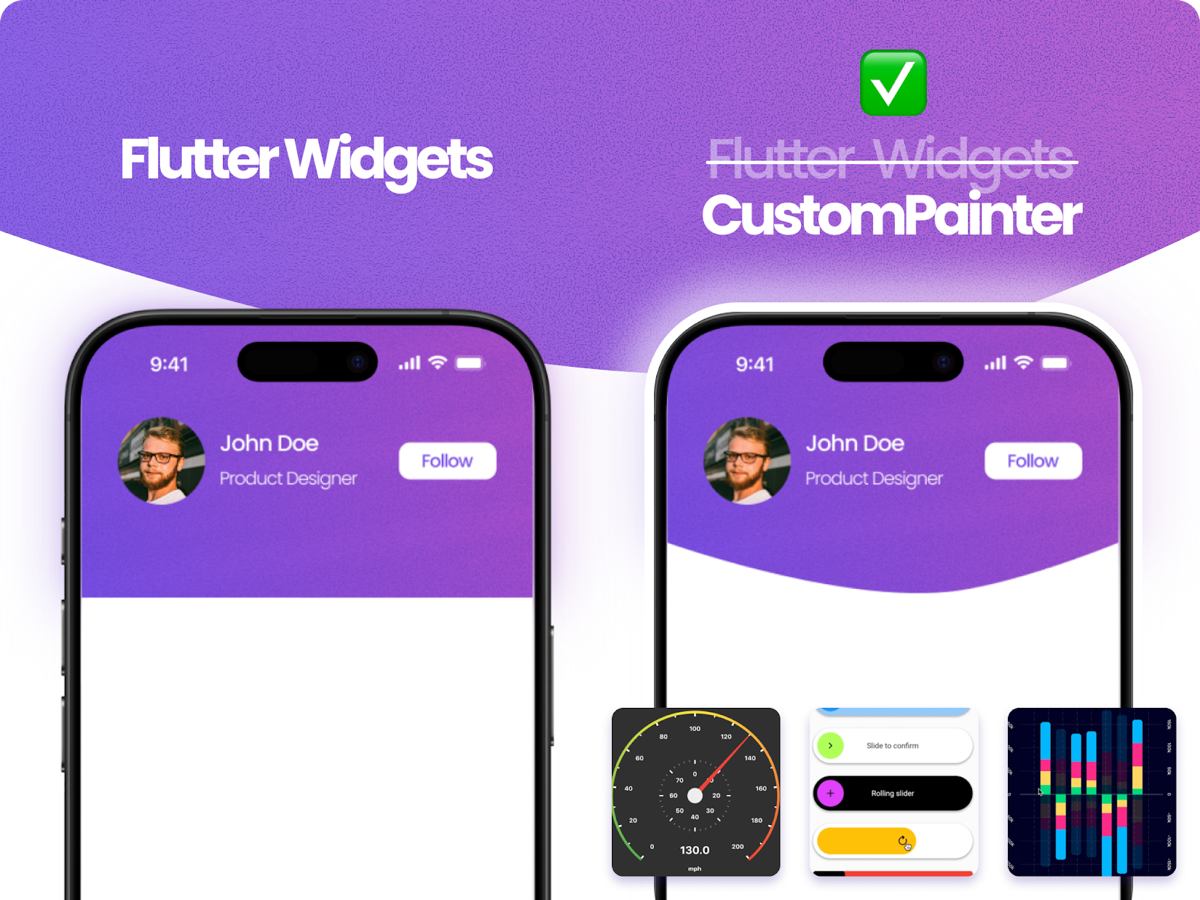
Before we get into how to tackle challenges like these, let’s take a look at what’s possible. Here’s a sneak peek at the final demo we’ll be breaking down in this post—a real-time racetrack animation built for a NASCAR team.
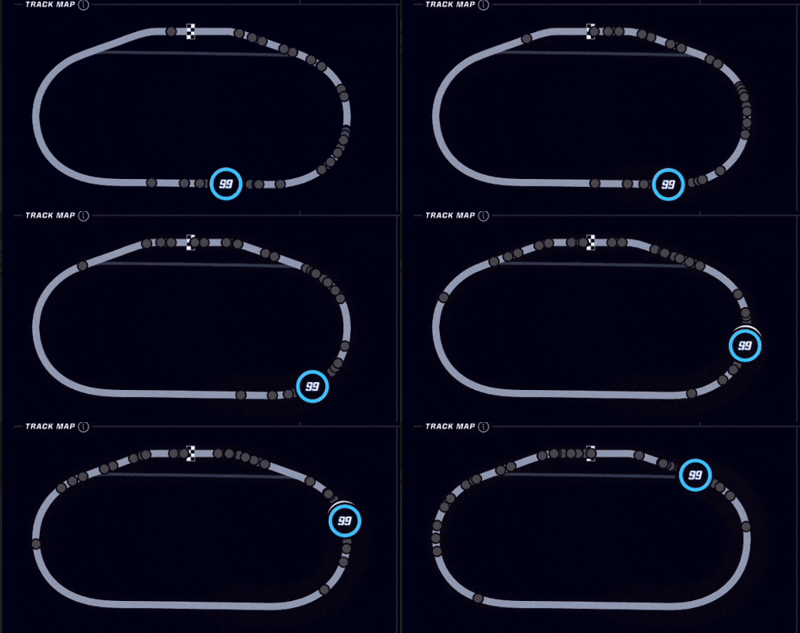
You might look at that and think *there is no `RaceTrack` widget in Flutter.* And you'd be right. Trying to build organic curves and real-time path animations with standard rows, columns, or stacks would be nearly impossible.
This is exactly where **`CustomPainter`** comes in. It allows you to break free from standard widget constraints and bridge the gap between complex design requirements and functional code.
In this post, we’ll dive into mastering `CustomPainter`, specifically focusing on `drawPath` and how to manipulate paths under the hood to build dynamic, high-performance UIs.
## The Foundation: Flutter’s Rendering Pipeline
To understand why `CustomPainter` is so powerful, we need to look at what happens before a pixel hits the screen. Flutter relies on three main trees:
1. **The Widget Tree:** This is the layer you interact with as a developer. Think of widgets as immutable blueprints or configuration files for your UI. They describe *what* the view should look like given the current state. Because they’re incredibly lightweight and cheap to create, Flutter can destroy and rebuild them frequently without performance issues.
2. **The Element Tree:** The glue between widgets and rendering. Elements are mutable and manage the lifecycle of widgets to minimize expensive updates.
3. **The RenderObject Tree:** The heavy lifters. These mutable objects handle layout, painting, and hit testing.
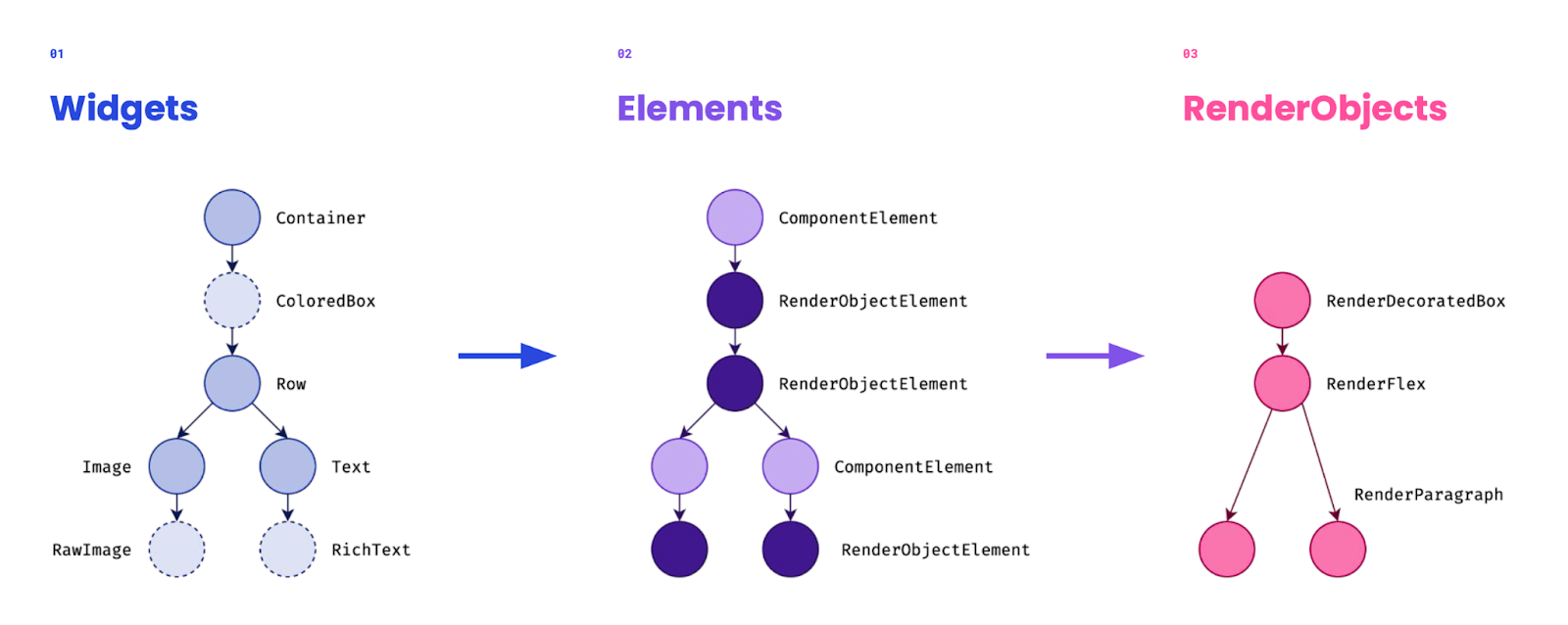
When you use a `CustomPaint` widget, Flutter creates a `RenderCustomPaint` object. During the paint phase, instead of painting directly, it delegates the job to your `CustomPainter`. Essentially, Flutter hands you the canvas and says *you draw what goes here.* You aren't breaking the pipeline; you’re plugging directly into it.
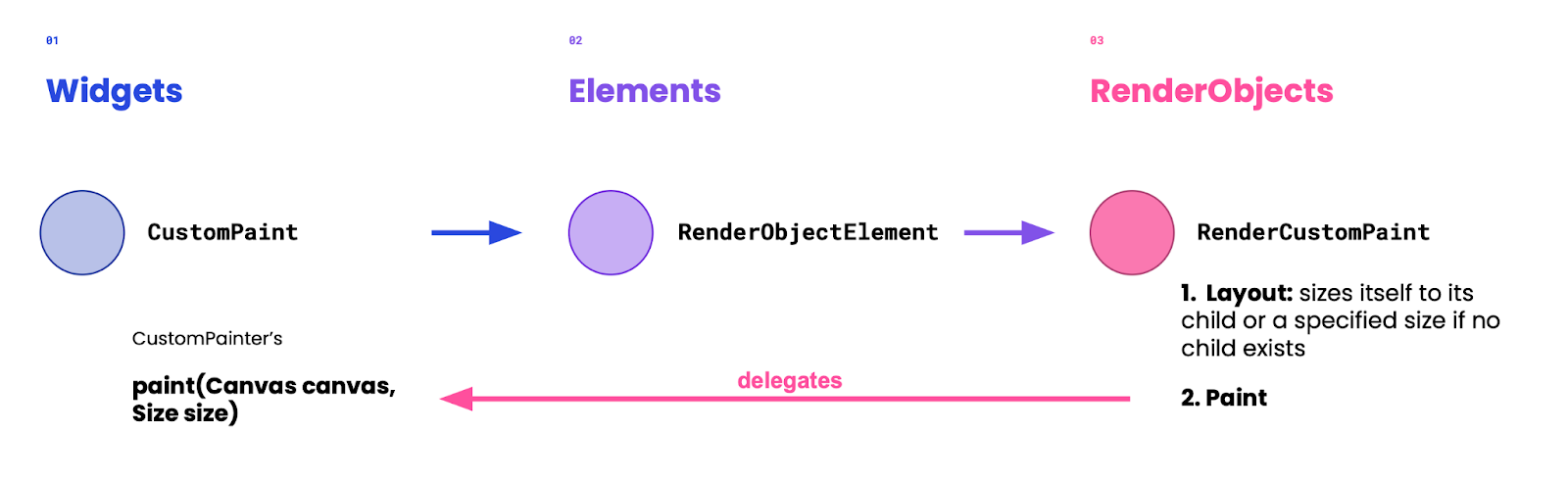
## Meet the CustomPainter
`CustomPainter` is an abstract class that gives you direct control over a `Canvas`. To use it, you extend the class and implement two main methods:
### 1. paint(Canvas canvas, Size size)
This is where the magic happens. You receive a `Canvas` (your drawing surface) and a `Size` (the drawing area).
### 2. shouldRepaint (CustomPainter oldDelegate)
This is critical for performance. It tells Flutter whether the canvas needs to be redrawn when the widget rebuilds. If nothing visual has changed, returning `false` saves resources.
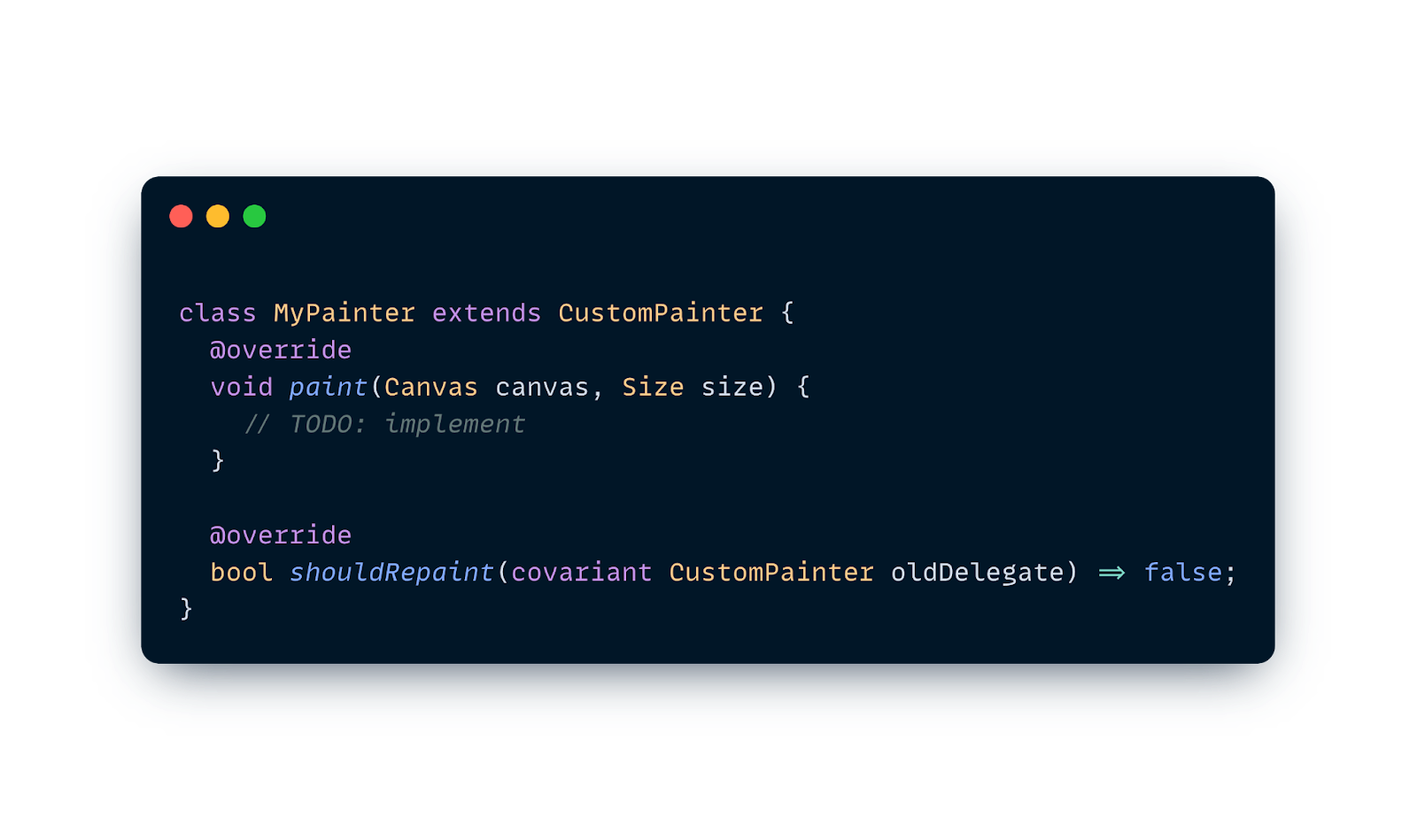
Once defined, you plug it into the widget tree using a `CustomPaint` widget:
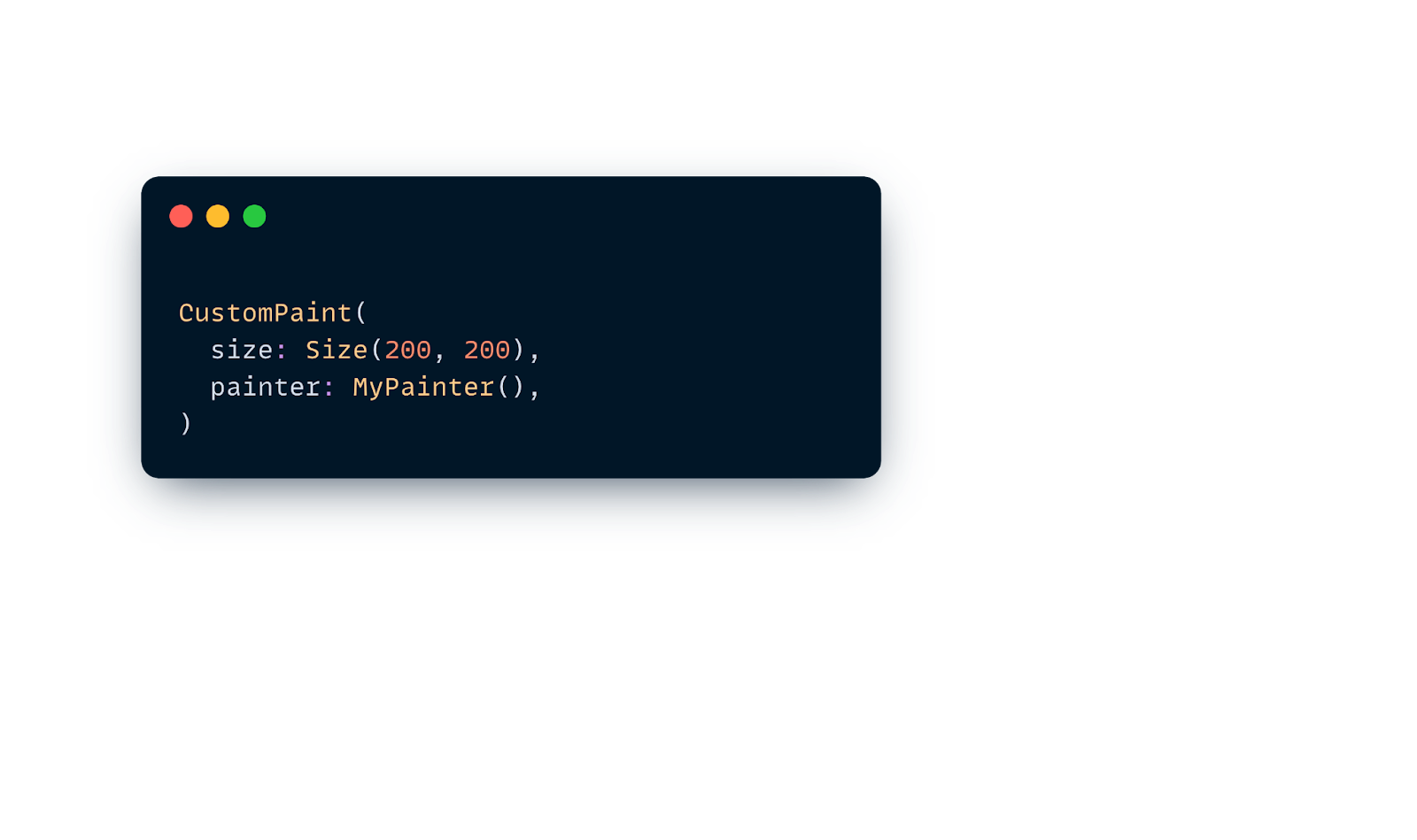
### Adding Interactivity & Accessibility
Beyond drawing, you can override optional methods to make your painter interactive and accessible:
- **`hitTest(Offset position)`**: By default, `CustomPainter` ignores taps. Overriding this lets you detect if a user's touch hits a specific drawn shape or icon.
- **`semanticsBuilder`**: This getter allows you to return a list of `CustomPainterSemantics`, describing parts of your drawing (like a chart or progress ring) so screen readers can announce them properly.
- **`shouldRebuildSemantics(oldDelegate)`**: Similar to `shouldRepaint`, this tells Flutter when the semantic description has changed and needs an update.
## The Canvas API
Now let’s talk about the **`Canvas`** itself, which is provided as a parameter inside the `paint` method. Think of the Canvas as a literal drawing surface or a blank digital piece of paper— it’s the interface you use to issue drawing commands to the GPU.
The coordinate system starts at `(0,0)` in the **top-left corner**.
- **X** increases as you move right.
- **Y** increases as you move down.

Drawing operations work in layers, just like stacking sheets of paper. The order in which you write your code determines the order in which shapes are drawn—what you write first ends up in the background.
Take the example below:
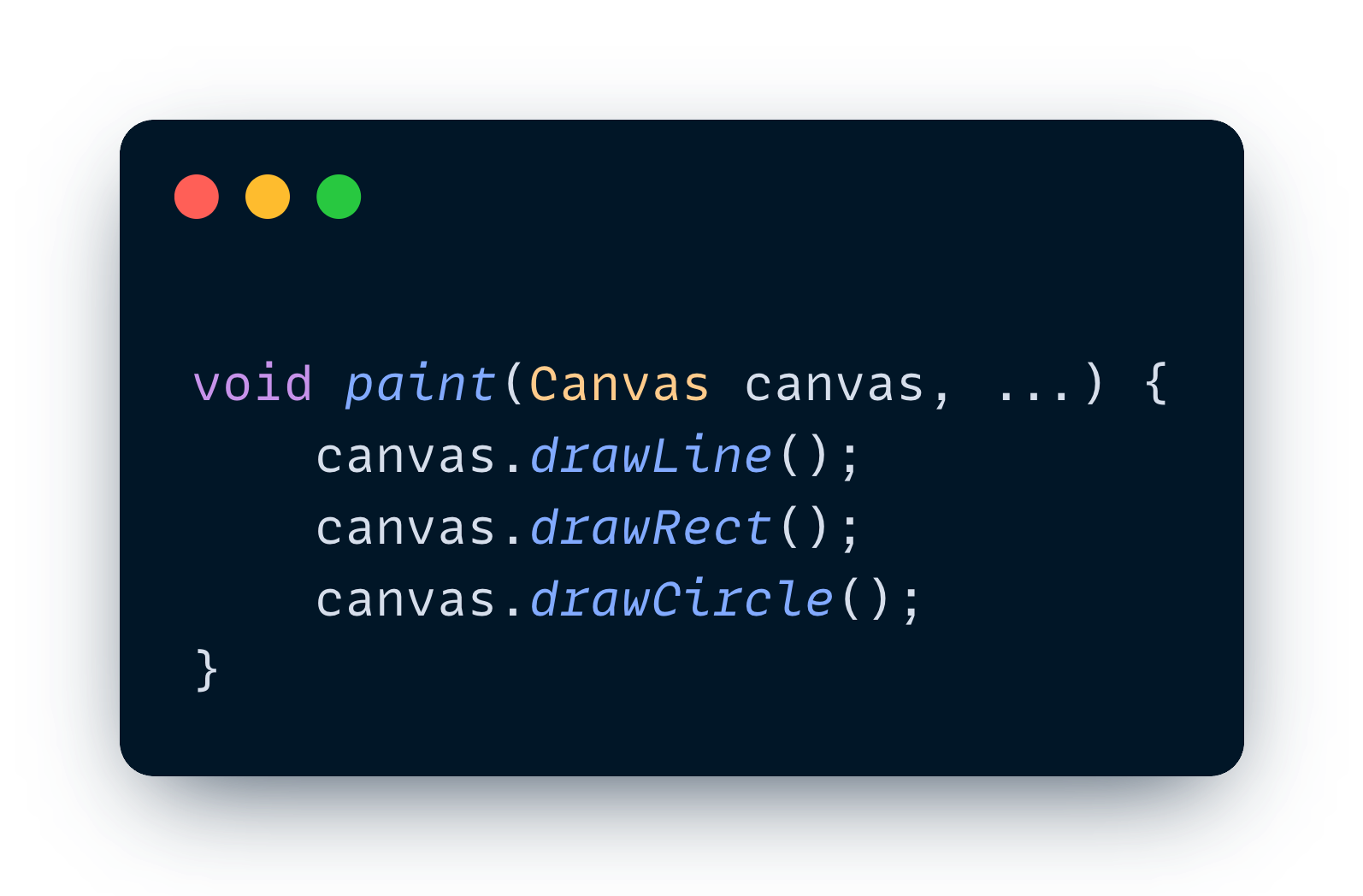
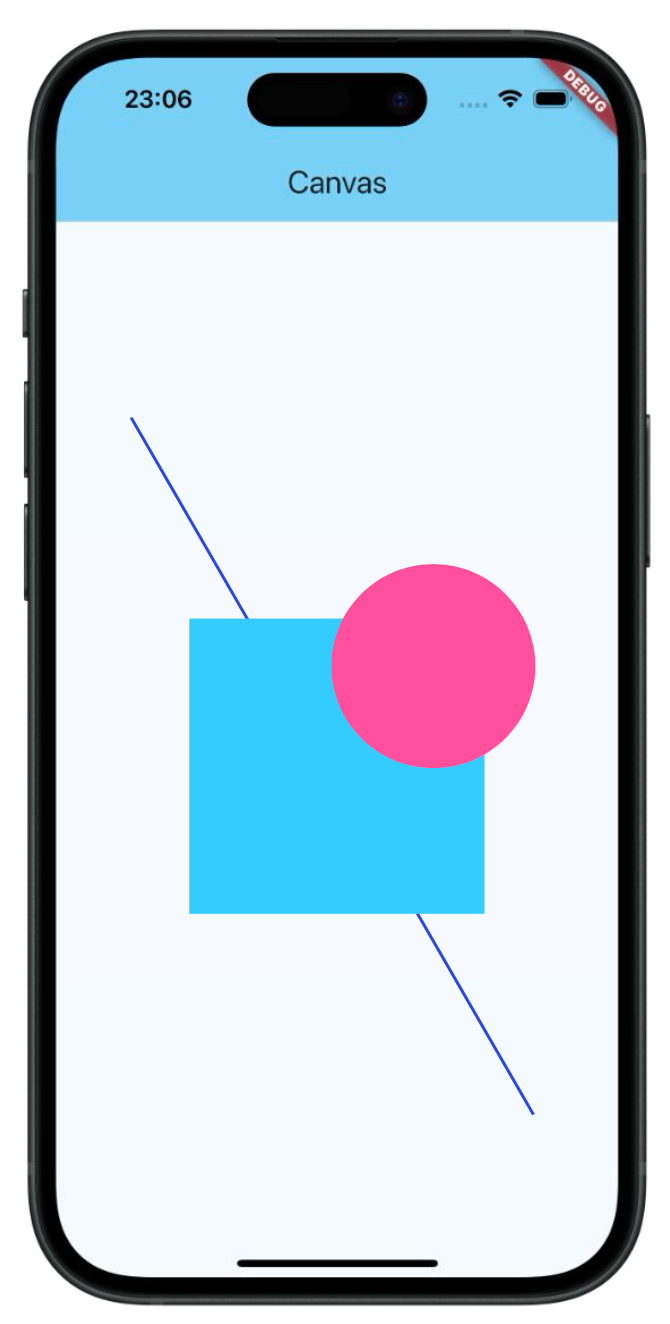
The API provides methods for basic shapes (`drawRect, drawCircle`,etc), text (`drawParagraph`), vertices (`drawVertices`), and images (`drawImageRect`). However, the most versatile tool in our arsenal is **Paths**.
## Deep Dive: Paths & SVGs
A `Path` in Flutter is very similar to an SVG (Scalable Vector Graphics) path. Both use commands to define shapes.
If you look at the raw code of an SVG, you’ll often see a <`path>` tag with a d attribute containing a string of letters and numbers. This <`path>` tag is the equivalent to the `drawPath` method in Flutter—it’s the instruction manual for drawing a complex shape.

### Command Translation Table
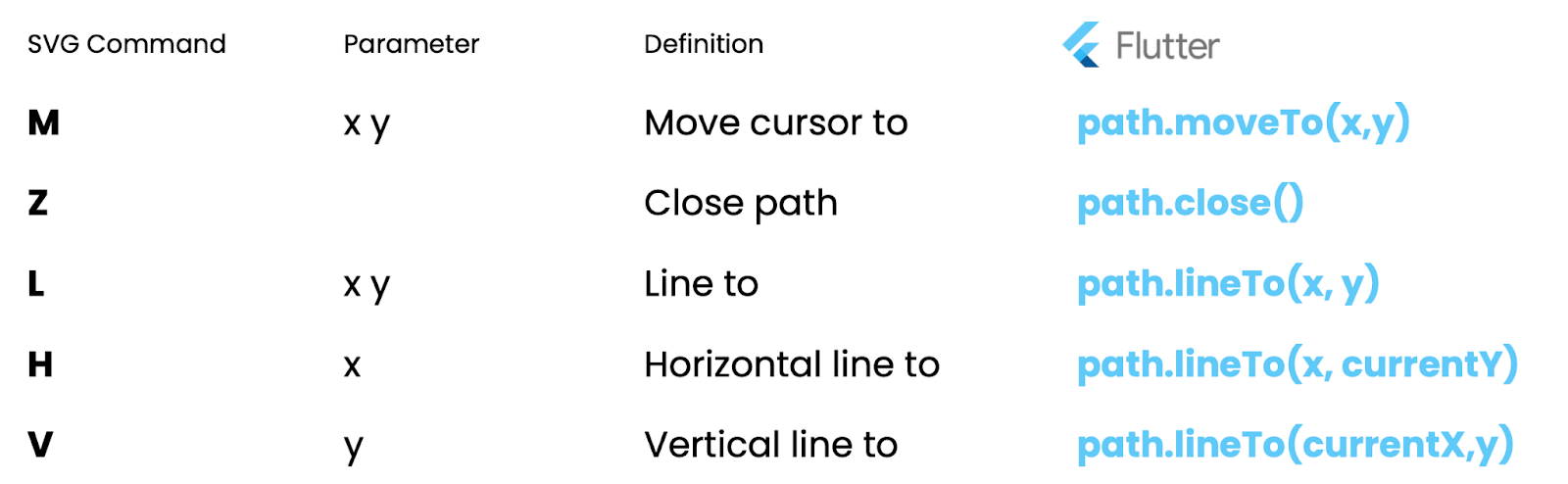
SVG also supports relative commands (lowercase letters like `m`, `l`, `c`), which calculate positions relative to the last point rather than the (`0,0`) origin. Flutter handles these with "relative" method counterparts:
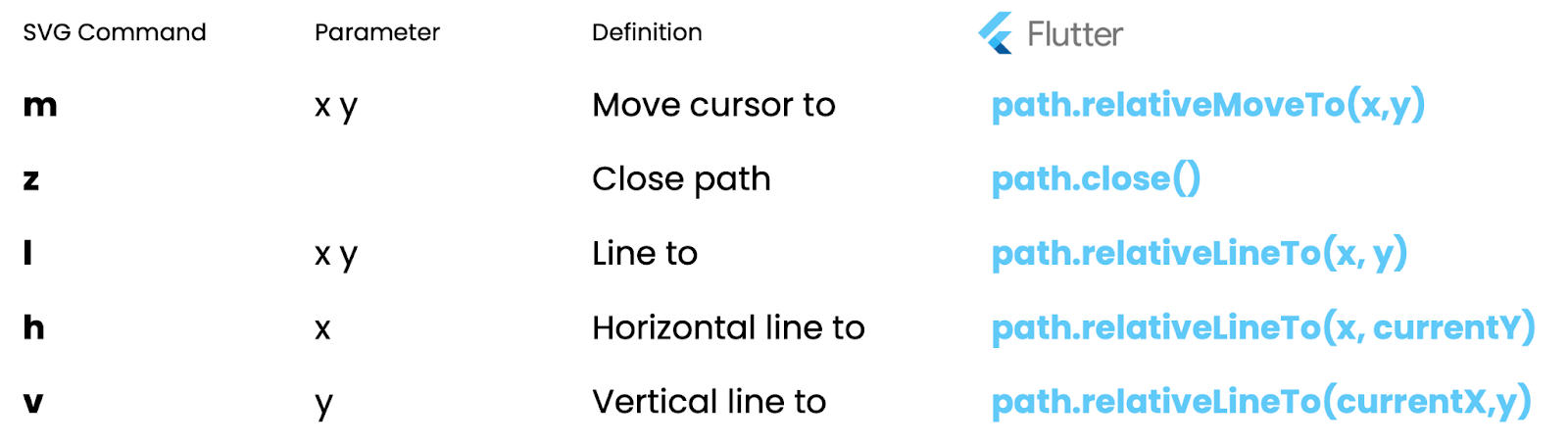
### Putting It Together: A Real Translation
To visualize this, let's look at a concrete example. In the SVG code below, the path definition (d) starts with an **M** followed by four **C** commands.
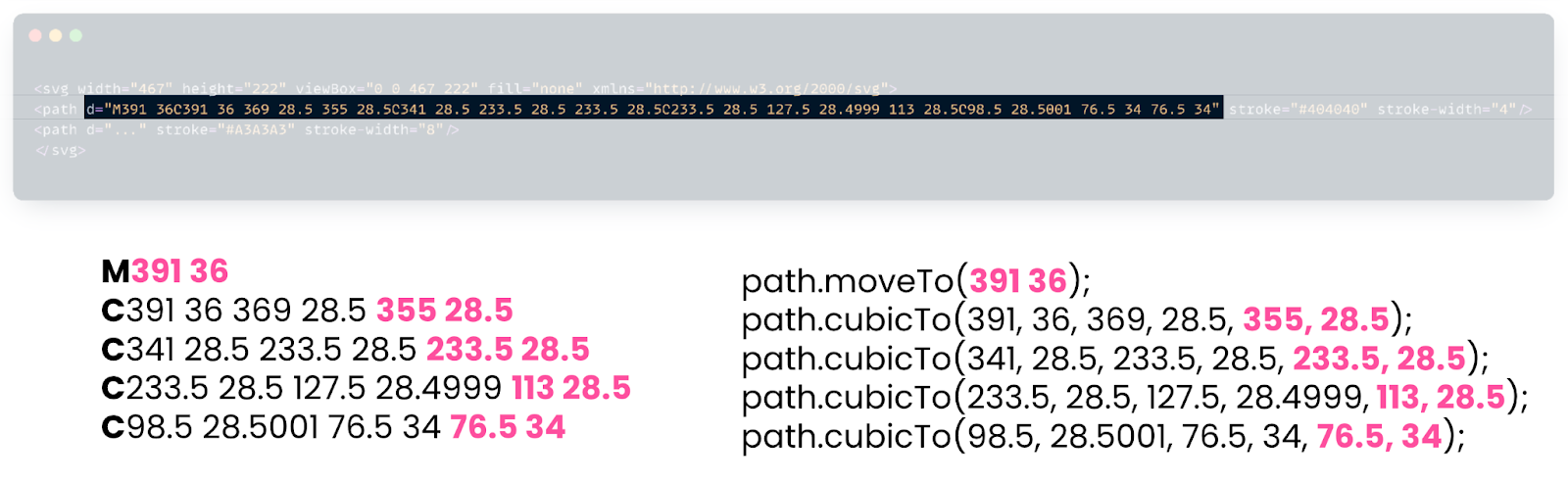
To translate this into Flutter, we simply map each command one by one. The initial **M** becomes a `path.moveTo(391, 36)` to set the starting point. Then, for every **C** that follows, we add a `path.cubicTo`(...), passing in the six coordinates required for the two control points and the final destination point. By strictly following this pattern, we can replicate the exact same curve on our Flutter canvas.
### Parsing SVGs to Flutter Paths
Why not just use `flutter_svg`? If you only need to *display* an image, `flutter_svg` is perfect. It converts SVG geometry into optimized binary drawing commands for rendering.
However, if you need to **manipulate** the path—like animating a car along a racetrack—you need the actual `Path` object. You can parse SVG data manually or use packages like `path_drawing` to translate SVG commands into Flutter path commands (`moveTo, lineTo, cubicTo`).
## Case Study: Trackhouse Racing
At Very Good Ventures, we built an app for [**Trackhouse**](https://verygood.ventures/success-stories/trackhouse-nascar-vip-experience/), a NASCAR team. The challenge? Visualize race car positions on a track map in real-time.
The backend sends an SVG path of the track for that specific weekend. We have to:
1. Parse the SVG into a Flutter `Path`.
2. Draw the track and the pit lane.
3. Animate the cars moving along that path based on real-time data.
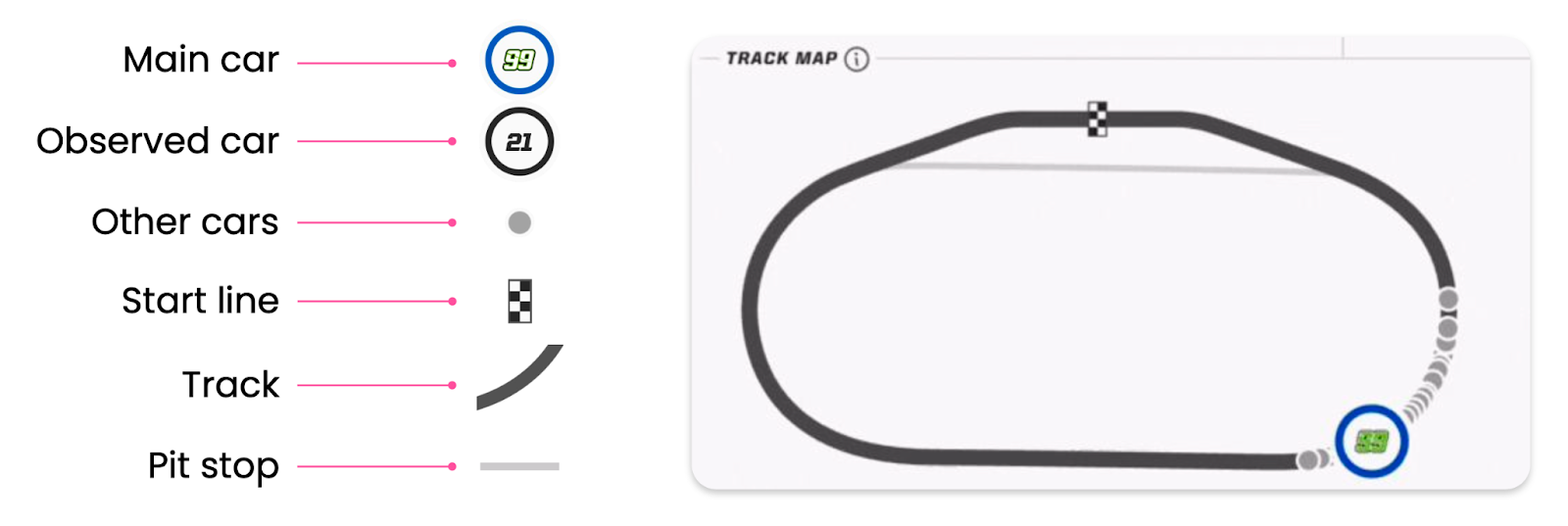
So first, before we can do any cool animations, we need to translate the SVG string from the backend into a Flutter `Path`. For this, we have two different approaches:
### Approach 1: The Manual Parser
To really understand how this works, let's look at how we might solve this manually. This was our initial approach to understand the data structure.
We can take the `d` attribute string (the path definition) and use Regex to split it into individual commands and coordinates. Then, we loop through them and map them to Flutter methods one by one:
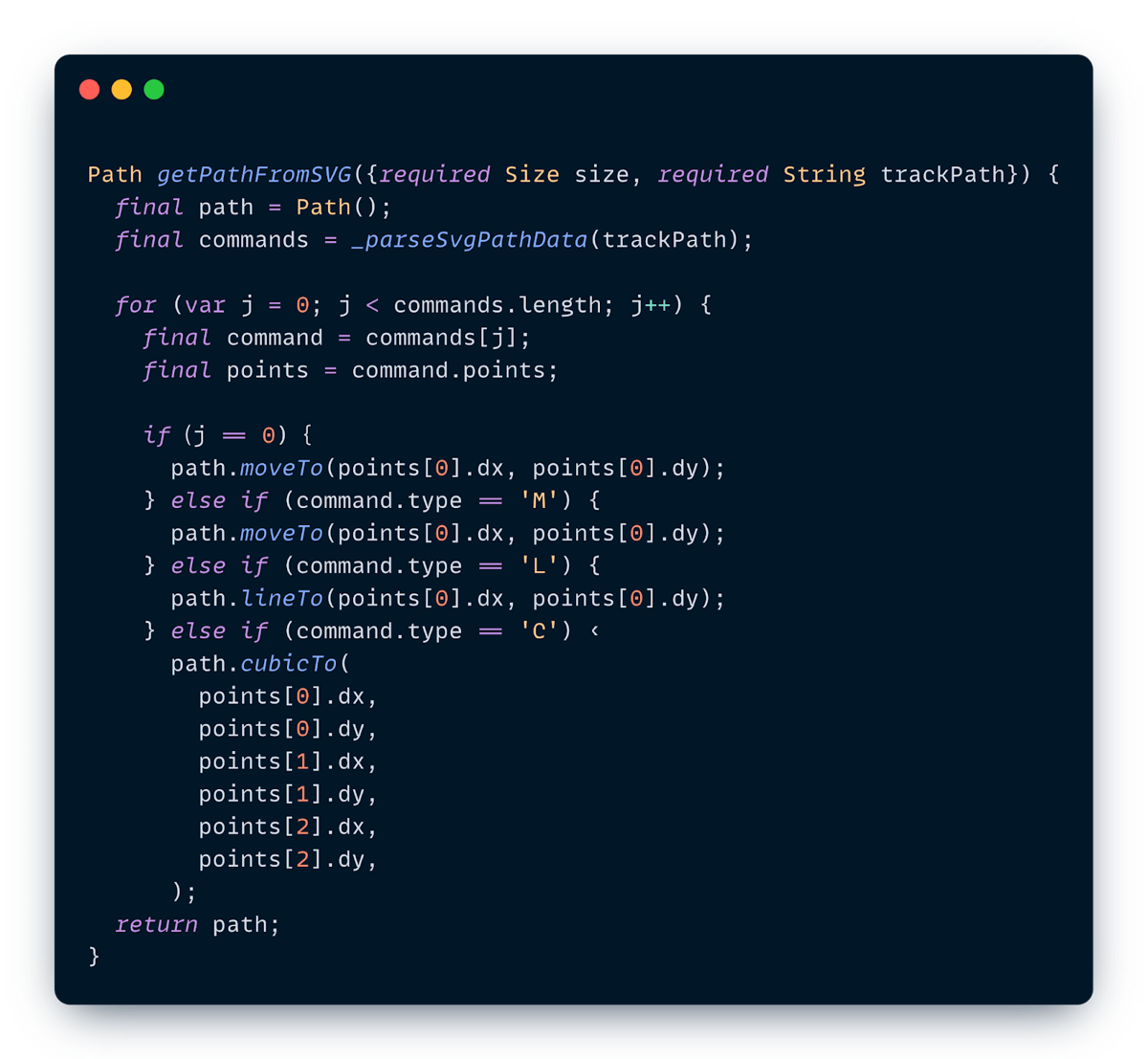
This works, and it's a great way to learn, but it can be brittle and hard to maintain as path complexity grows.
### Approach 2: The Parsing Combo (`xml` + `path_drawing`)
For the production app, we streamlined this by combining two powerful packages:
1. **`xml`**: We use this to parse the raw SVG string and navigate the XML tree. We search for the specific `` element we need (e.g., filtering by an ID like "track" or "pit\_stop") and extract its d attribute.
2. **`path_drawing`**: This package does the heavy lifting of translating that d string (the sequence of `M`, `L`, `C` commands) into a native Flutter Path object using its `parseSvgPathData()` method.
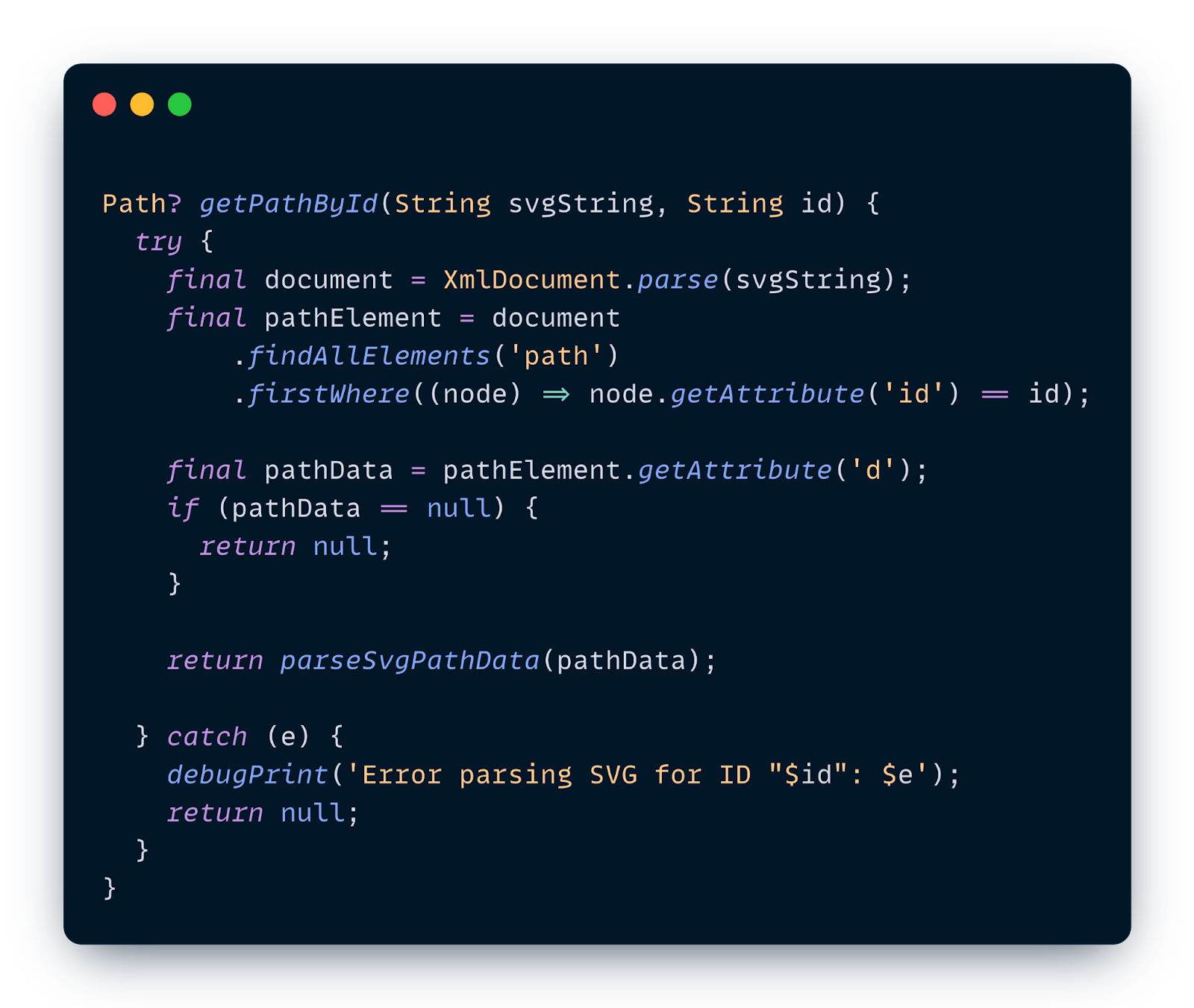
### Bringing the Track to Life
Once we have our parsed path, we need to actually render it. In `CustomPainter`, we manage style using `Paint` objects. For this track map, we define separate paints for each element to control colors, stroke widths, and styles:
- `trackPaint:` A thick stroke for the main track.
- `pitStopPaint:` A thinner stroke for the pit lane.
- `pilotPaint:` A fill paint for the car markers.
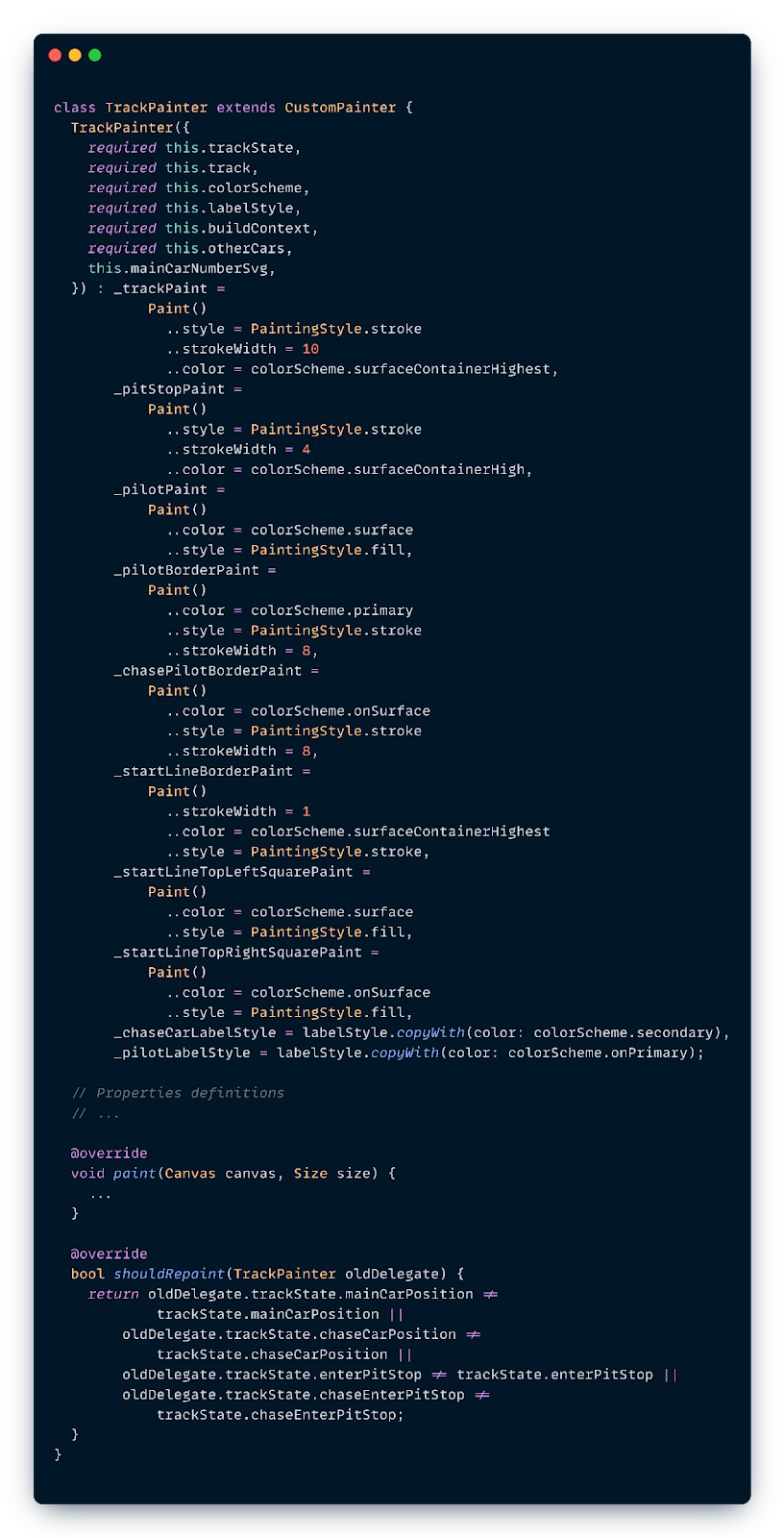
In the `paint()` method, we draw these elements in layers from back to front. Since the cars need to appear *on top* of the track, we draw the track first:
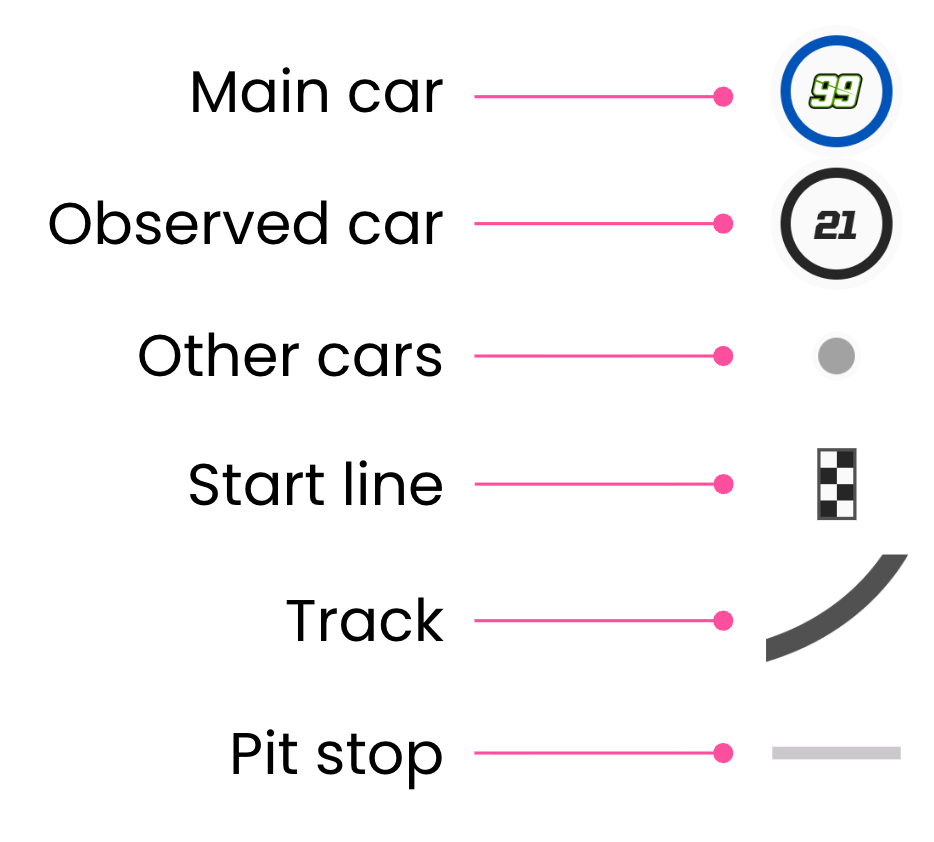
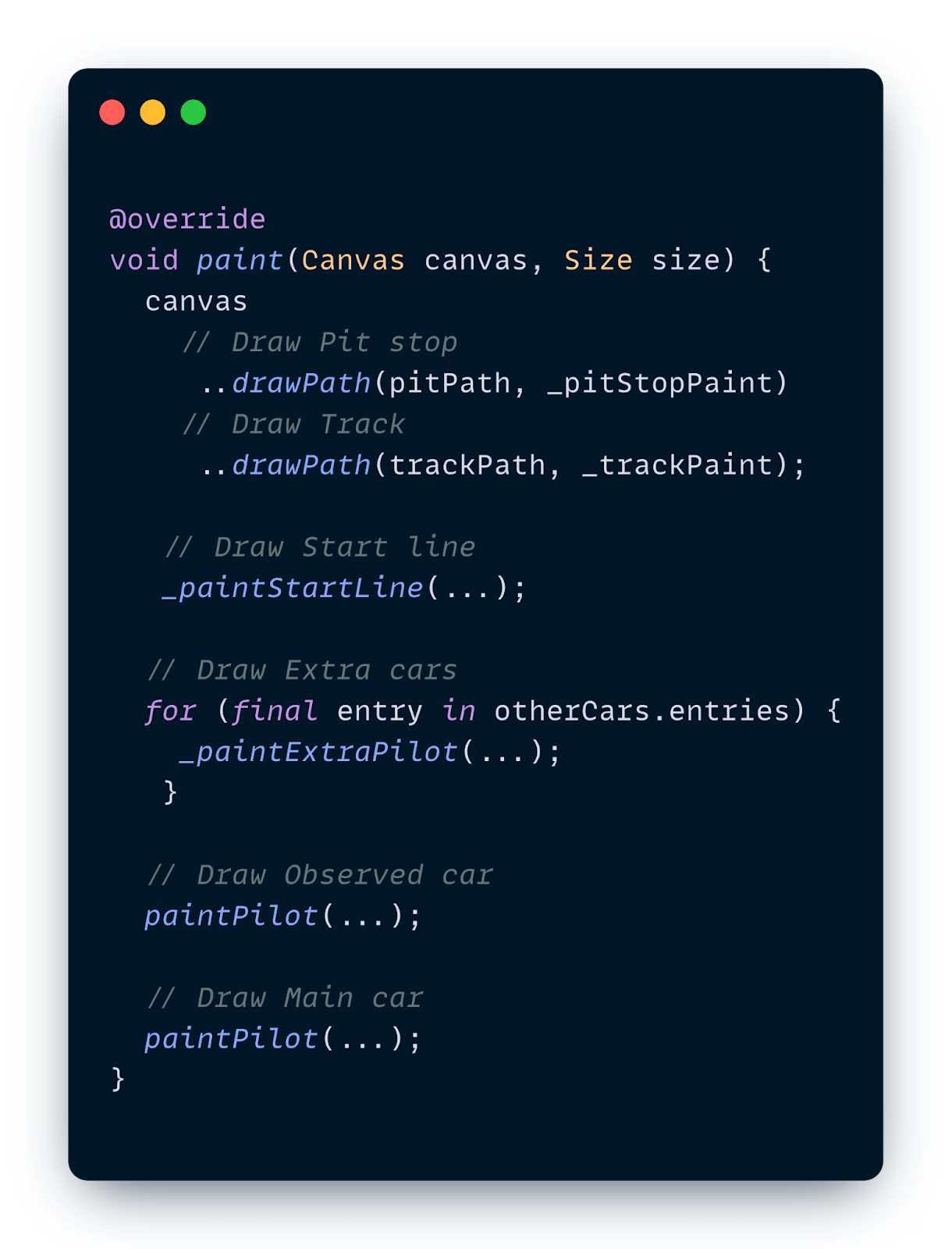
Now, let’s look at two specific examples of how we draw these components: the start line (which is static but oriented) and the cars (which are dynamic and moving).
### Example 1: Painting the Start Line
The start line isn't just a rectangle; it needs to sit perfectly perpendicular to the track at the starting point. But the track curves and turns, so "perpendicular" changes depending on where the start is.
Instead of doing complex math to rotate every square of the checkered flag individually, we can rotate the entire *canvas*.
1. **Find the Start:** We get the track's starting position and direction (tangent) using `computeMetrics`.
2. **Orient the Canvas:** We translate the canvas to that start point and rotate it to match the track's direction.
3. **Draw Simply:** Now that the canvas is aligned, we can just draw simple vertical rectangles for the black and white checks.
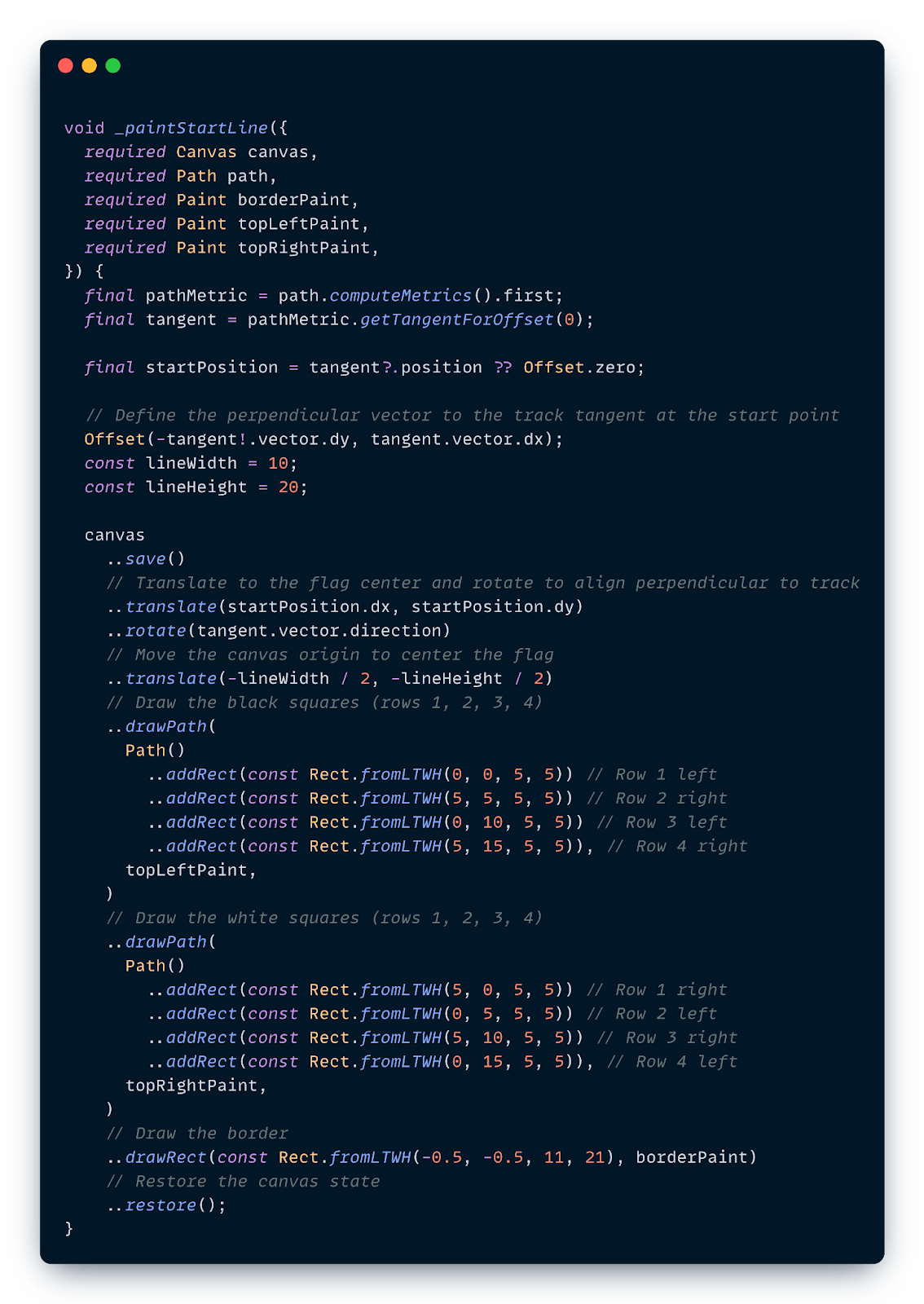
### Example 2: The Magic of `computeMetrics` for Cars
How do we draw a car at exactly 60% of the track? We use `Path.computeMetrics()`.
`computeMetrics` returns an iterable of `PathMetric` objects, which allow us to measure the length of the path and find specific coordinates.
Here’s how we place the car:
1. **Calculate Total Length:** Sum the length of all path metrics.
2. **Determine Distance:** If the car is at 60%, the distance is `totalLength * 0.6`.
3. **Find the Tangent:** Use `getTangentForOffset(distance)` to get the (`x`, `y`) coordinate *and* the angle (direction) of the track at that point.
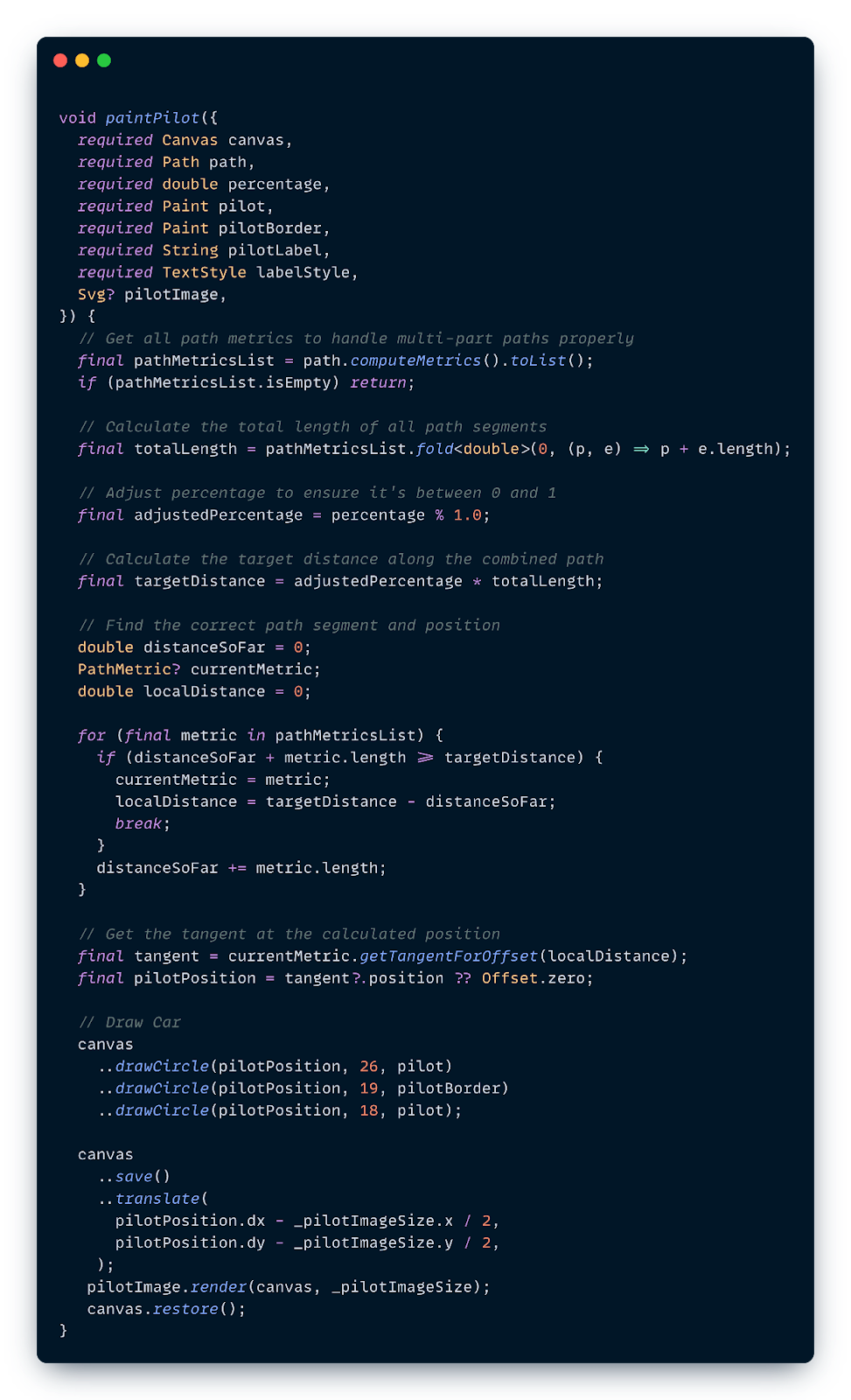
This allows us to animate cars smoothly along complex Bézier curves without doing the heavy math ourselves–Flutter does it for us!
**Performance Optimization
**
When working with `CustomPainter`, performance is paramount:
1. **Use Layers:** The `Canvas` creates layers. Use `save`() before transforming (rotating/scaling) and `restore`() afterwards to isolate changes.
2. **Manage Rebuilds:** If your painter relies on an animation, pass the `Listenable` (like an `AnimationController`) to the `repaint` argument of the `CustomPainter` constructor. This triggers only the paint phase, skipping the widget rebuild.
3. **Complex Metrics:** Calculating path metrics can be expensive. If the path doesn't change, calculate metrics once and cache them, rather than re-calculating inside `paint()` every frame.
## Conclusion
`CustomPainter` might seem intimidating at first, but it’s just a direct line to Flutter's rendering engine. By understanding how to manipulate Paths and leveraging tools like `computeMetrics`, you can build highly custom, performant, and dynamic UIs that standard widgets just can't handle.
So next time a designer hands you an "impossible" design, you know what to do.
### Watch the Talk
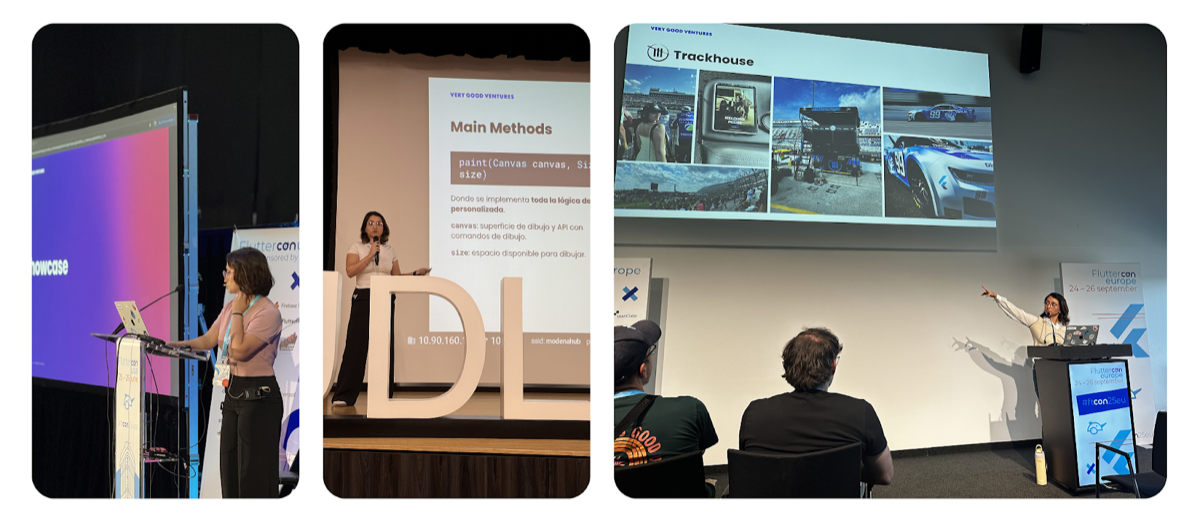
I had the opportunity to present this topic deep dive at several conferences around the world, including **Fluttercon USA** in New York City, **Flutterconf Latam** in Quito, and **Fluttercon EU** in Berlin. If you want to hear more details, you can check out the recordings below:
- 🇺🇲[Fluttercon USA 25](https://www.youtube.com/watch?v=oTYUt7aL6TE)
- 🇪🇨[Flutterconf Latam 25](https://youtu.be/6VJJNjSuXgo?t=23061)
- 🇩🇪[Fluttercon EU 25](https://www.youtube.com/watch?v=0cYVZJ_n5eg)
#### Frequently Asked Questions
##### When should I reach for CustomPainter instead of standard Flutter widgets?
Use CustomPainter when standard rows, columns, and stacks cannot express the design, like organic curves, speedometers, custom data visualizations, or real-time path animations. It plugs directly into Flutter's rendering pipeline and gives you a Canvas to draw on, bridging complex design requirements and functional code.
##### What are the two methods I have to implement on a CustomPainter?
paint(Canvas canvas, Size size) is where you issue drawing commands against the canvas. shouldRepaint(CustomPainter oldDelegate) tells Flutter whether the canvas needs to be redrawn when the widget rebuilds. Returning false when nothing visual has changed saves resources.
##### How does Flutter's rendering pipeline relate to CustomPainter?
Flutter relies on three trees. The Widget Tree holds immutable blueprints, the Element Tree manages widget lifecycle, and the RenderObject Tree handles layout, painting, and hit testing. When you use a CustomPaint widget, Flutter creates a RenderCustomPaint object that delegates the paint phase to your CustomPainter.
##### How do SVG path commands map to Flutter Path methods?
An SVG <path> tag with a d attribute is the equivalent of drawPath in Flutter. Commands map one to one. M becomes moveTo, L becomes lineTo, C becomes cubicTo, Q becomes quadraticBezierTo, and Z closes the path. Lowercase relative SVG commands have matching relative method counterparts in Flutter.
##### Why not just use flutter_svg for the Trackhouse Racing app?
flutter_svg is great when you only need to display an SVG, since it converts geometry into optimized binary drawing commands. It does not give you a Path object you can manipulate. To animate a car along a racetrack, you need the actual Path, which you can get by parsing the SVG manually or using a package like path_drawing.
##### How do you place a car at a specific point along the track?
Use Path.computeMetrics(). Sum the lengths of the path metrics to get the total length, multiply by the desired percentage to get a distance, then call getTangentForOffset(distance) to receive both the (x, y) coordinate and the angle of the track at that point. Flutter handles the Bezier math for you.
##### What performance practices matter most when working with CustomPainter?
Wrap canvas transforms with save() and restore() to isolate changes. If your painter responds to an animation, pass the Listenable to the repaint argument of the CustomPainter constructor so only the paint phase runs. Cache path metrics when the path does not change, instead of recomputing them inside paint() every frame.
### Inside Codemagic’s Rise: Flutter, Community, and the Future of Developer Tools
Source: https://verygood.ventures/blog/inside-codemagics-rise-flutter-community-and-the-future-of-developer-tools/
[On this episode of *Build to Succeed*](https://verygood.ventures/podcasts/martin-remmelgas-codemagic----the-power-of-community-in-scaling-devops-and-ci-cd-for-flutter/), we welcomed Martin Remmelgas, CEO of Codemagic, who shares how an unexpected journey—from studying chemistry in Scotland to doing door-to-door sales in the US—ultimately led him to build one of the Flutter ecosystem’s most recognizable developer tools.
## The Journey That Sparked Codemagic
Martin began his career far from software. He planned to become a chemist and even spent a year working in Singapore during his degree. But along the way, his side job selling door-to-door in Montana, Indiana, and Texas turned out to be surprisingly transformative. The work was difficult and unpredictable, but it taught him persistence, attention to detail, and the value of small optimizations—traits that would later influence how Codemagic builds tools for developers.
During his industrial placement in Singapore, Martin started to question the decades-long path required in chemistry. Technology, by contrast, offered immediate feedback and the chance to build something from scratch without waiting years or raising significant capital. That realization ultimately pulled him toward startups.
## How an Internal Experiment Became Codemagic
After university, Martin joined Ernst & Young, but stayed close to the entrepreneurial community. One mentor at that time (who was the CTO at Nevercode) invited him to join a team experimenting with turning their internal DevOps knowledge into a product. Nevercode began as a development agency that struggled with the complexity of tools like Jenkins and Hudson, and eventually built its own internal CI system.
That internal project became Nevercode’s first [CI/CD tool](https://codemagic.io/start/) and ultimately set the stage for [Codemagic](https://codemagic.io/start/). Martin joined at a perfect moment—just as Flutter’s momentum was building.
## A Bet on Flutter
At early conferences like droidcon Berlin, the Nevercode team saw demos of Flutter that stood out. The technology felt modern, and the energy in the crowd was undeniable. Developers were excited about Flutter in a way that felt different from other frameworks.
Nevercode quickly hacked together early Flutter build support and shared it publicly. To their surprise, Tim Sneath—then leading Flutter at Google—responded right away, sparking a deeper collaboration.
From there, Codemagic grew out of a simple insight: Flutter developers needed a CI/CD tool built specifically for their workflows. That focused early bet allowed Codemagic to rise in parallel with Flutter’s own growth.
## Growing Through Community
Codemagic didn’t have a large marketing budget. Instead, Martin invested in something more scalable: showing up.
He spent months messaging developers, attending Flutter meetups, and asking where people went to learn. What he discovered was a global network of passionate Flutter enthusiasts who welcomed companies willing to contribute, listen, and support their efforts. Rather than selling, Martin built relationships—connecting speakers, helping organizers, and contributing wherever possible.
Over time, that consistency created trust. Developers began offering feedback, recommending Codemagic, and shaping its features and pricing. That input even pushed Codemagic to formalize its business model when early users questioned how a free tool could be sustainable.
As Flutter matured, so did Codemagic’s customer base. What started as a tool for individuals and startups is now increasingly used by large enterprises—an evolution that Martin says has become especially clear in the last year.
Part of the shift is due to Codemagic’s own growth, including earning SOC 2 Type II compliance, which made enterprise security teams far more comfortable evaluating and adopting the platform. But much of it’s also tied to Flutter becoming a mainstream, reliable choice for large organizations.
The combination opened doors to major clients that Codemagic never expected to reach so soon.
## Stellar: Browser-Based App Previews for Faster Collaboration
Codemagic’s evolution hasn’t stopped at CI/CD. Recently, the team launched [Stellar](https://docs.codemagic.io/yaml-testing/app-preview/), a feature that lets developers and designers preview app builds directly in the browser—running on a real iOS simulator or Android emulator behind the scenes.
Instead of passing around installs through TestFlight or physical devices, teams can simply open a link and:
- Test layouts
- Change locales
- Try accessibility settings
- Review UI changes in minutes
Stellar extends Codemagic beyond build automation into smoother workflows for collaboration and iteration.
## Flutter’s Rapid Growth Means Endless Opportunities
Looking at today’s ecosystem, Martin believes Flutter still offers enormous opportunities for developers and entrepreneurs. As he puts it:
*"A third of all new apps are Flutter apps—and there's big demand for the tools to release and maintain these apps. There's so much opportunity here, so many developer tools that can be built."
*
He argues that the gap between Flutter’s massive user base and the relatively small team maintaining it at Google creates fertile ground for innovation, from testing to performance tooling to deployment.
The signals are everywhere—GitHub issues, Reddit threads, X sentiment—and modern AI tools make it easier than ever to scan the ecosystem for unmet needs.
## Competition Isn’t a Threat: It’s Fuel
Codemagic faces competition from both large CI/CD platforms and smaller, specialized tools. Martin sees that as a good thing:
*“We always have to answer: What sets us apart? Competition forces you to innovate faster and better. If you don't set yourself apart, you're going to die—and that's what leads to better products."
*
In his view, competition pushes teams to refine their message, improve their product, and ultimately deliver more value to developers.
## Final Reflections: Trust Yourself, But Stay Grounded
As the conversation wraps, Martin offers advice to anyone building tools in the Flutter space:
- Trust your instincts—but check when optimism slips into bias.
- Start with a niche and go deep, rather than trying to serve everyone at once.
- Show up in the community and invest early: those relationships compound.
- Listen to users; they’ll shape your decisions more than any strategy doc.
- Welcome competition; it’s what keeps an ecosystem healthy.
Codemagic’s journey shows how deeply a company’s success can be tied to the community it serves—and how the right combination of timing, trust, and persistence can turn a small experiment into a platform used by teams around the world.
If you’ve made it this far, you’ll definitely want to [hear the full episode](https://verygood.ventures/podcasts/martin-remmelgas-codemagic----the-power-of-community-in-scaling-devops-and-ci-cd-for-flutter/)—it’s well worth the listen.
#### Frequently Asked Questions
##### How did Codemagic start?
It grew out of Nevercode, a development agency that struggled with tools like Jenkins and Hudson and built its own internal CI system. That internal project became Nevercode's first CI/CD tool, and Codemagic emerged from it just as Flutter's momentum was building.
##### Why did Codemagic bet specifically on Flutter?
At early conferences like droidcon Berlin, the Nevercode team saw Flutter demos that stood out and felt the energy in the crowd. They quickly hacked together early Flutter build support and shared it publicly. Tim Sneath, then leading Flutter at Google, responded right away, sparking a deeper collaboration.
##### How did Codemagic grow without a large marketing budget?
Martin Remmelgas spent months messaging developers, attending Flutter meetups, and asking people where they went to learn. He built relationships by connecting speakers, helping organizers, and contributing wherever possible. That consistency produced trust, and developers shaped Codemagic's features and pricing through their feedback.
##### What is Stellar?
Stellar is a Codemagic feature that lets developers and designers preview app builds directly in the browser, running on a real iOS simulator or Android emulator. Teams open a link to test layouts, change locales, try accessibility settings, and review UI changes in minutes instead of distributing TestFlight builds or physical devices.
##### Why is Codemagic seeing more enterprise customers?
Earning SOC 2 Type II compliance made enterprise security teams comfortable evaluating and adopting the platform. Flutter itself also became a mainstream choice for large organizations. The combination opened doors to major clients sooner than the team expected.
##### How does Martin think about competition?
He treats it as fuel. Competition forces teams to answer what sets them apart, refine their message, and ship better products. Without that pressure, companies stagnate and lose. With it, the whole ecosystem improves.
##### What advice does Martin give people building tools in the Flutter space?
Trust your instincts, but check when optimism slips into bias. Start with a niche and go deep instead of trying to serve everyone at once. Show up in the community early, since those relationships compound. Listen to users, who shape decisions more than any strategy doc. Welcome competition, because it keeps the ecosystem healthy.
### Creating Your First Dart Analyzer Plugin with the New Plugin System
Source: https://verygood.ventures/blog/creating-your-first-dart-analyzer-plugin-with-the-new-plugin-system/
At Very Good Ventures (VGV), we believe that code quality isn’t just about making things work—it’s about building in a consistent, scalable way. That’s why we rely heavily on our [Very Good Analysis](https://pub.dev/packages/very_good_analysis) package and document our engineering standards publicly through [Very Good Engineering](https://engineering.verygood.ventures/).
With the new release of [Flutter 3.38 and Dart 3.10](https://blog.flutter.dev/announcing-flutter-3-38-dart-3-10-building-the-future-of-apps-503429eeb685), the ecosystem gained a much-needed, modernized [analyzer plugin system](https://github.com/dart-lang/sdk/issues/53402).
To recap: The analyzer plugin system is a feature that allows developers to create additional checks and rules that don't exist out of the box in the Dart analyzer, effectively allowing them to expand that tool.
A plugin system in the dart analyzer isn’t something totally new. A plugin system already existed, but it presented two main issues:
- **Memory Usage:** The need of having one isolate per plugin meant running multiple plugins could cause significant memory issues.
- **Not a Single Command:** Using different custom lint libraries required running different commands (not just dart analyze).
The new plugin system solves these issues and makes it much easier for developers to build plugins effectively. It also brings many considerations overall, so if you’re curious about the decision process behind it, make sure to read the original [proposal](https://docs.google.com/document/d/1EwnYlgOd2pmT53lmZ3kJg6rZimOGG8ZI4OzMxlxGqJM/edit?tab=t.0).
Now, let’s deep dive into this new exciting change for the Dart ecosystem.
Engineering Docs
The lint rules we ship, and why
Effective Dart plus very_good_analysis, with the specific practices we enforce on every project.
## How to Create a Package
Once you have a package created (you can do so with [Very Good CLI](https://cli.vgv.dev/)), the very first step is to declare a new plugin using the dependency [analysis_server_plugin](https://pub.dev/packages/analysis_server_plugin).
```dart
class YourPlugin extends Plugin {
@override
void register(PluginRegistry registry) {
// Here we will register all our rules
}
@override
String get name => 'your_plugin_name';
}
```
You must create a new entry point for your plugin. This entry point needs to be in lib/main.dart:
```dart
final plugin = YourPlugin();
```
And you must declare in the pubspec.yaml of your package that it contains a Plugin:
```yaml
plugin:
platforms:
dart:
pluginClass: YourPlugin
fileName: main.dart
```
Now, to start using this plugin in your application you just need to have an analysis\_options.yaml file with those lines:
```yaml
plugins:
your_plugin_name:
path: yourPath
```
## Creating Your First Rule
Once you're all set up, the fun part starts: creating your own rules!
Let's say your team has a best practice that requires using the isTrue/isFalse matchers used during testing instead of manually checking "true"/"false" primitive values.
Something like this:
```dart
// Bad
expect(myVariable, true);
// Good
expect(myVariable, isTrue);
```
Let's create a rule that will enforce that practice. First, we will add the [analyzer](https://pub.dev/packages/analyzer) dependency.
Next, we create a class to represent that rule. The basic structure of any rule will be: A class extending AnalysisRule which defines the rule name, description, and the correction message:
```dart
class PreferBoolMatcher extends AnalysisRule {
PreferBoolMatcher()
: super(
name: rule,
description: _description,
);
static const rule = 'prefer_bool_matcher';
static const _description =
'Prefers using `isTrue`/`isFalse` matchers in `expect(...)` calls.';
static const _correctionMessage =
'Try using the `isTrue` or `isFalse` matcher instead of the raw '
'boolean literal.';
. . .
}
```
Then, we define the DiagnosticCode, which basically will help the developer once it has the issue on the code with the appropriate message and a way to fix it:
```dart
/// The code for the lint rule.
static const LintCode code = LintCode(
rule,
_description,
correctionMessage: _correctionMessage,
);
@override
DiagnosticCode get diagnosticCode => code;
```
To implement the code that'll do the actual checking, we use a **Visitor**.
The Visitor's job is to "walk through" the code and make sure it follows a specific rule. Here's a closer look:
```dart
class _Visitor extends SimpleAstVisitor {
_Visitor(this.rule, this.context);
final AnalysisRule rule;
final RuleContext context;
...
}
```
And then we override the most convenient method for us to "visit pieces of code" and perform the checking.
In this case, we use visitMethodInvocation since we need to access the way we're invoking a method ("expect"). Basically, we're checking whether the method invoked is expect, and if the second argument is a BooleanLiteral (true/false):
```dart
@override
void visitMethodInvocation(MethodInvocation node) {
if (node.methodName.name != 'expect') return;
final arguments = node.argumentList.arguments;
if (arguments.length < 2) return;
final matcherArgument = arguments[1];
if (matcherArgument is BooleanLiteral) {
rule.reportAtNode(matcherArgument);
}
}
```
Once we have the visitor defined, we need to register it in the rule we created above (PreferBoolMatcher).
```dart
@override
void registerNodeProcessors(
RuleVisitorRegistry registry,
RuleContext context,
) {
final visitor = _Visitor(this, context);
registry.addMethodInvocation(this, visitor);
}
```
The easiest way to verify if your new lint rule is working is by forcing the issue with an example:
```dart
void main() {
const myVariable = true;
// Bad - It should give you the warning
expect(myVariable, true);
}
```
Running dart analyze should throw this error:

## Creating Your First Fix
Once your first lint rule is in place, you might wonder if that's enough. While validating your code follows certain rules, it's even more useful when those issues can be automatically fixed.
Assuming the previous example, we would just need to move from this:
```dart
expect(myVariable, true);
```
To this:
```dart
expect(myVariable, isTrue);
```
To do so, we just need to create a class that extends ResolvedCorrectionProducer, define the scope where the fix can be safely applied (CorrectionApplicability), and specify different properties such as the IDE-facing description and the fix's unique identifier.
```dart
class LiteralBoolInExpectFix extends ResolvedCorrectionProducer {
/// {@macro matchers_in_expect_fix}
LiteralBoolInExpectFix({required super.context});
@override
CorrectionApplicability get applicability =>
CorrectionApplicability.singleLocation;
@override
FixKind get fixKind => const FixKind(
'dart.fix.literalBoolInExpect',
DartFixKindPriority.standard,
"Use 'isTrue' or 'isFalse' matcher",
);
. . .
}
```
After that, we'll override the compute method, which will take care of the fix itself. In this case, we'll be replacing the bool expression true/false with isTrue/isFalse:
```dart
@override
Future compute(ChangeBuilder builder) async {
final matcherArgument = node;
if (matcherArgument is! BooleanLiteral) return;
final expectedMatcher = matcherArgument.value ? 'isTrue' : 'isFalse';
await builder.addDartFileEdit(file, (builder) {
builder.addSimpleReplacement(
range.node(matcherArgument),
expectedMatcher,
);
});
}
```
If everything worked fine, on VSC for example, you'll see something like this:

## Wrapping Up
We still have plenty to explore with the new plugin system, but it's already clear how promising it is. At VGV, we've constantly proven how those engineering best practices pay off in the long term—and the ability to automate lint rules that reinforce those practices is especially exciting!
This is only a small glimpse of what's possible. The new plugin system unlocks much more, and we're excited to keep exploring it.
*A special shout-out to Erick Zanardo, who helped me writing this blog, and Ricardo Dalarme, whose work on our early POCs helped shape many of the insights shared here.*
#### Frequently Asked Questions
##### What is a Dart analyzer plugin?
A Dart analyzer plugin lets developers add checks and rules that don't ship with the Dart analyzer out of the box, effectively extending the tool with project-specific or team-specific lints.
##### What problems did the old Dart analyzer plugin system have?
Two main issues. Memory usage: each plugin needed its own isolate, so running several at once created significant memory pressure. Not a single command: different custom lint libraries required different commands instead of just dart analyze.
##### How do you declare a new analyzer plugin?
Add the analysis_server_plugin dependency, create a class that extends Plugin with a register method and a name getter, expose it as final plugin = YourPlugin(); in lib/main.dart, then declare it in pubspec.yaml under plugin.platforms.dart with pluginClass and fileName: main.dart.
##### How do you enable the plugin in a consuming app?
Reference it from analysis_options.yaml under the plugins key with the plugin name and a path pointing to the plugin package.
##### What does the visitor do inside a custom rule?
The visitor walks the AST and checks whether code matches the rule. The post's PreferBoolMatcher example uses SimpleAstVisitor and overrides visitMethodInvocation to look for expect calls whose second argument is a BooleanLiteral, then reports the offending node.
##### How do you ship an automatic fix alongside a lint?
Create a class that extends ResolvedCorrectionProducer, set CorrectionApplicability.singleLocation, declare a FixKind with an identifier, priority, and IDE-facing description, then override compute to produce a ChangeBuilder edit. The post's LiteralBoolInExpectFix swaps a true or false literal for isTrue or isFalse.
##### Why does VGV care about custom analyzer rules?
VGV believes code quality is about building consistently and at scale. The team relies on the very_good_analysis package and publishes engineering standards through Very Good Engineering. Automating those best practices through analyzer rules reinforces them across every project.
### How We Efficiently Onboard Engineers at Very Good Ventures
Source: https://verygood.ventures/blog/how-we-efficiently-onboard-engineers-at-very-good-ventures/
At Very Good Ventures (VGV), our work often involves welcoming engineers into new projects—whether launching a new initiative, expanding a team, or supporting coverage needs. With new assignments starting almost every week, we’ve gained a deep understanding of what it means to step into a tight-knit team with established rhythms and long-held knowledge. We know that without the right structure, even the most talented engineers can feel slowed down by unclear access, siloed information, or complex enterprise environments.
Because we’ve experienced a wide range of onboarding scenarios—both exceptional and less than ideal—we’ve designed a smart, cohesive process that helps teams avoid common pitfalls. Our goal is to make sure engineers feel empowered and set up for success from day one, where new engineers gain momentum quickly, and existing teams stay focused and supported.
Creating these kinds of smooth transitions starts with understanding the core reasons onboarding can break down—and building a process that proactively addresses them.
## The Four Stages of Competence
To understand why weak onboarding experiences happen, it's helpful to consider the *Conscious Competence Learning Model* by Noel Burch. I first encountered this concept while [training baristas](https://verygood.ventures/blog/my-journey-from-barista-to-google-developer-expert/) nearly a decade ago, and I've since realized its direct applicability to engineers onboarding onto a project.
An engineer typically begins at *Unconscious Incompetence* when starting a new project. At this stage, they’re unaware of the systems they'll need access to, the location of the codebase, or even its fundamental structure.
As the onboarding process begins, they quickly realize there's a significant amount to learn. This marks the stage of *Conscious Incompetence*. This phase is often accompanied by discouragement, as contributing to tickets (especially in a complex environment) can feel like a distant goal. During this critical stage, it’s essential that other project members provide ample support.
Over time, the engineer gains a solid grasp of the project and begins to make meaningful contributions. They’ve reached *Conscious Competence*. While they don't know everything, they can readily find answers to their questions. They understand the steps required to get code changes approved and merged and can reliably execute them.
However, that's not the final stage. After months or even years of working on a project, an engineer attains *Unconscious Competence*. They possess such an innate understanding of the codebase and systems that they no longer need to consciously think about them. They’ve likely participated in significant changes to the codebase over time, understanding not only its structure but also the underlying rationale. At this point, they experience very little friction in closing tickets and guiding the project to success.
Understanding this model helps us recognize that onboarding isn’t just about sharing credentials or setup steps—it’s about guiding someone through a psychological and technical journey from uncertainty to mastery. By identifying where new engineers are in this lifecycle, teams can tailor their support to be both empathetic and efficient.
With that context in mind, let’s look at some practical ways to smooth the path and help engineers reach competence faster.
## Practical Tips
Here are some tips we've found incredibly helpful for improving the onboarding experience and reducing the time it takes for new engineers to become productive:
1. **Leverage Consciously Competent Mentors:** Your most effective mentors for onboarding are typically those in the *Conscious Competence* stage. These individuals are productive but require conscious thought to maintain that productivity. They know the processes to follow and often rely on checklists and notes to remember the steps. These practical solutions are extremely helpful to someone onboarding to the project.
Conversely, those who have reached *Unconscious Competence* often have such a deep understanding of a project that they struggle to recall what it felt like to be new. They may inadvertently omit crucial steps because they perform them without thinking. For example, the experienced developers already have the necessary tools installed in their computers, know all the in-progress refactors, and remember all the tradeoffs that led to the current codebase. This is particularly true if an entire team has been working together on a project for years - it can make it seem like an insurmountable task to bring a new person up to speed.
2. **Continuously Improve Onboarding Documentation:** The simple Boy Scout saying, "Leave it better than you found it" should guide our approach to onboarding documentation. When onboarding, having information readily available in a README or other documentation is invaluable for answering questions. Yet, no one enjoys taking time out of their busy day to write documentation, especially when the information feels like second nature.
At VGV, we have a policy that every person who onboards to a project must contribute something to the onboarding documentation. Eventually, we all encounter obstacles that need resolution. The expectation is that you help the next person by documenting how you overcame that issue.
3. **Key Items to Document:** When it comes to onboarding documentation, consider including the following:
- What does the overall system look like? Which are the key components, who owns them, and how do they interact? Consider including a simple diagram or C4-style overview to show how the system (and teams) fit together.
- What systems require access? This typically includes communication platforms (e.g., Slack), ticket tracking (e.g., Jira), code repositories (e.g., GitHub), design files (e.g., Figma), and knowledge sharing platforms (e.g., Confluence).
- Which API keys are necessary to run the application locally and aren’t checked into the remote repository? Where are these keys securely stored?
- What steps are required before running the application locally? Do Docker services need to be started? Is a build script necessary? Which environments should be run locally?
- What is the established Git workflow? Which branch should be used as a starting point, and which branch should changes be merged into?
- What are the expectations for merging code change requests? Is it necessary to update localizations, add test coverage, or ensure code is free from spelling errors? How can all of this be verified before submitting a change?
- Provide a high-level overview of what each part of the codebase does. Where should an engineer look to find features they’re working on? If the project utilizes subpackages (which is excellent for separating concerns), consider adding comprehensive README files to those packages explaining their functionality in detail.
- Provide an overview of who’s involved with the project, including engineers and support roles. You’ll never be able to document every question imaginable, so sharing who is available to answer questions helps reduce any time wasted bouncing between people.
4. **Integrate Onboarding Documentation with Code Changes:** Treat changes that impact onboarding with the same importance as changes to the code itself. If a code change has onboarding implications, such as introducing a new SDK that requires local configuration, don’t accept that code change until the onboarding documentation has been updated accordingly. Additionally, add a to-do item to your pull request/merge request templates requiring developers to consider if their changes necessitate updates to the onboarding documentation. Furthermore, ensure reviewers also consider this aspect during code review.
Finally, as you add new systems and features—especially before calling it 'finished' (since code and details often evolve)—add comments in the code that would help a newcomer understand its high-level purpose, intent, structure, and usage. It’s worth noting that AI tools are extremely helpful at this task. Configure your AI tools to prioritize writing concise yet helpful documentation and make sure AI code review tools are checking that large code changes are documented.
5. **Design for Easy Onboarding:** The most effective way to avoid an extensive onboarding manual is to make it inherently easy to get started. Utilize IDE features like recommended extensions and launch configurations in Visual Studio Code. Organize your code by feature, co-locating different layers (like state management and views) with easily understandable names. Establish a clear, single vault for API keys and name them simply to ensure clarity regarding what’s needed. Best practices also help a lot with this process, as there are less project-specific practices to learn. Find our [Flutter best practices and engineering standards](https://engineering.verygood.ventures/).
At VGV, caring about onboarding isn’t optional—it’s a core part of how we deliver successful projects. Every team is responsible for ensuring new engineers ramp up efficiently, because the speed and quality of onboarding directly impact project outcomes. It can’t just be the “new person’s problem.” We measure success not just by delivery metrics but by how quickly new teammates move through the four stages of competence and begin contributing confidently.
Setting an outcome-driven goal—for example, aiming for new engineers to reach conscious competence within their first week—keeps teams intentional about onboarding and reinforces our belief that great projects start with great beginnings. That’s why we treat onboarding with the same intentionality and respect given to CI/CD, testing, asset management, and other non-code aspects of a project. Just like those “external” systems only prove their worth in moments of need, great onboarding documentation becomes invaluable the moment a new engineer joins, and future teammates will thank you for having done the work ahead of time.
#### Frequently Asked Questions
##### What are the four stages of competence in engineering onboarding?
Unconscious incompetence: the engineer doesn't yet know which systems, repos, or structures matter.
Conscious incompetence: they realize how much there is to learn and often feel discouraged.
Conscious competence: they can find answers, ship code, and reliably get changes merged.
Unconscious competence: after months or years, the codebase and processes feel innate, with very little friction in closing tickets.
##### Why are conscious-competent engineers the best onboarding mentors?
They are productive but still need conscious thought to maintain that productivity, so they keep checklists and notes for the steps that matter. Engineers at unconscious competence often forget what it felt like to be new and skip steps they perform without thinking, like installed tools, in-progress refactors, or tradeoffs that shaped the codebase.
##### What does VGV expect every new engineer to contribute to onboarding docs?
Every person who onboards must contribute something to the onboarding documentation. The rule follows the Boy Scout principle of leaving it better than you found it. Whatever obstacle you hit, you document the resolution so the next person clears it faster.
##### What should onboarding documentation actually cover?
System overview, ownership, and a simple diagram or C4-style view of how components and teams fit together.
Required access to Slack, Jira, GitHub, Figma, Confluence, and similar tools.
API keys needed for local runs and where they are securely stored.
Setup steps before running locally, including Docker services, build scripts, and which environments to run.
The Git workflow: starting branch and merge target.
Merge expectations, including localization, test coverage, and spelling checks.
A high-level map of the codebase, with READMEs in subpackages.
People involved on the project so questions reach the right person quickly.
##### How should onboarding stay current as the code evolves?
Treat onboarding-impacting changes with the same weight as the code change. If a PR introduces a new SDK that needs local config, do not merge until the docs are updated. Add a to-do item to PR templates so authors and reviewers consider onboarding impact. AI tools help draft concise docs and AI code review tools can flag undocumented large changes.
##### How does VGV measure onboarding success?
Not just by delivery metrics, but by how quickly new teammates move through the four stages of competence and start contributing confidently. An example outcome-driven goal is having new engineers reach conscious competence within their first week, which keeps teams intentional about ramp-up.
##### How does code design itself reduce onboarding effort?
The most effective way to avoid an extensive onboarding manual is to make it easy to get started. Use IDE features like recommended VS Code extensions and launch configurations. Organize code by feature and co-locate state management with views. Keep one clear vault for API keys with simple names. Lean on shared best practices, like our public Flutter engineering standards, so there are fewer project-specific quirks to learn.
### From Code to Community: How Puf Inspires More People to Build More Apps
Source: https://verygood.ventures/blog/from-code-to-community-how-puf-inspires-more-people-to-build-more-apps/
[On this episode of *Build to Succeed*](https://verygood.ventures/podcasts/frank-van-puffelen-puf-low-code-no-fear-building-the-future-of-apps-with-flutter-and-llms/), David sits down with Frank van Puffelen— “puf” to most of the developer world—an industry veteran, ex-Googler, and one of the most familiar names in the Firebase and Flutter communities. If you’ve ever searched for a Firebase answer on Stack Overflow, there’s a decent chance you’ve stumbled onto one of his posts. With tens of thousands of answers and tens of millions of views, his work has quietly supported a generation of developers trying to ship real products.
If you care about impact as an engineer—whether through code, mentorship, or community—this conversation will resonate with you.
## From Stack Overflow Legend to DevRel Icon
puf started as a curious engineer, and discovered he loved explaining things just as much as building them. Eventually turned that combination into a career in developer relations. Along the way, he’s developed strong opinions about teaching, communication, and the role AI should play in how we build software.
As he puts it himself:
> “If there’s one thread through everything I’ve done, it’s this: I want more people to build more apps. Every new builder we empower expands what’s possible in tech.”
## From 8-Bit Curiosity to Firebase and Flutter
Puf’s relationship with technology goes back to the 8-bit era: Commodore 64, Atari, ZX Spectrum. At first, computers were just fun machines to play games on, like they were for so many of us. But at some point, the curiosity shifted from playing the game to understanding how it was made.
When he started writing his first programs, he had that classic early developer epiphany: You can tell a machine what to do, and it will do exactly what you said—not what you wished you’d said. That unforgiving honesty of computers hooked him. It pushed him toward studying computer science and then spending two decades working as a software engineer.
The turn toward public-facing work came almost accidentally. In his spare time, puf wandered onto Stack Overflow and started answering questions simply because it was a good way to learn. He noticed the same problems kept popping up—asynchronous logic, NoSQL data modeling, unfamiliar data structures—and he liked the challenge of not only solving them, but explaining them in a way that actually made sense to someone else.
Those explanations caught the eye of the Firebase founders. What began as a habit of answering questions online turned into a job offer and, eventually, into a role where he became one of the most visible faces of Firebase—on Stack Overflow, at Google I/O, and on stages all over the world.
## Teaching as a Superpower
A big thread in the episode is the idea that great engineers don’t stop at solving the problem; they learn how to explain it. For puf, that distinction is where impact really multiplies.
> “Great engineers don’t just solve problems; they explain them. When you can take a complex technical challenge and turn it into a story others can follow, your impact multiplies. You stop just building software—you start building understanding.”
He treats explanations almost like you’d treat a product feature: something you iterate on over time. His now-famous way of explaining async execution—the idea that code doesn’t always run in the neat 1-2-3 order you see on screen, but often in a 1-3-2 pattern—didn’t arrive fully formed. It took years of trying different metaphors, watching where people got stuck, and refining the message until he could see that “lightbulb moment” in their eyes.
Part of his process is to test explanations on people who aren’t deep in the tech, including his wife. If someone outside the niche can follow along, it’s usually a sign that the explanation is genuinely clear. And one of the quiet joys he talks about is seeing those explanations escape into the wild—when other people start reusing his analogies and wording, spreading understanding further than he ever could alone.
For any engineer, it’s a powerful reminder: Once you know how to make complicated things feel understandable, your influence isn’t limited to the code you personally write.
## Finding a Voice on Stage
What might surprise people is that puf didn’t start out as the confident conference speaker many know today. He describes himself early on as the typical quiet engineer, the one who’d rather sit in the back of a conference room than be on stage. Large events weren’t exciting; they were draining.
That changed when he realized that his enjoyment wasn’t tied to being in front of a crowd—it was tied to being helpful. When someone walked up to him at a conference with a real problem, something clicked. He could answer their questions, unblock them, and send them away better equipped than before. That feeling turned speaking from a performance into an extension of the same thing he loved about Stack Overflow.
Over time, he found himself increasingly on stage: live-coding, presenting new features, and explaining how things worked. He admits that public speaking still comes with a rush of energy he has to control, but the fear that many engineers feel around it just isn’t there for him anymore. And he’s quick to point out that this doesn’t mean he never makes mistakes. In fact, he’s embraced failure as part of the experience.
He talks about live demos that didn’t work and how those moments became “shared debugging experiences” rather than disasters. He invites audiences into the process, asking them to shout out typos during live coding so they feel like collaborators instead of spectators. That simple shift turns the talk into something interactive, human, and far less scary.
At the core of his speaking philosophy is one simple idea:
> “Public speaking terrifies so many engineers, but here’s the truth: your audience chose to be there. They’re not strangers; they’re just friends you haven't helped yet."
Once you believe that, the room feels very different. You’re not being judged; you’re being invited to help.
## Rethinking AI: A New Kind of Hammer
Eventually, the conversation turns to AI and large language models (LLMs)—a territory that can quickly become abstract or polarizing. puf’s take is neither breathless nor cynical. To him, AI is powerful, exciting…and still just a tool.
> “We’ve built this mythology around AI like it’s a sentient co-worker. It’s not. It’s a tool, a new kind of hammer. The question isn’t what AI can do—it’s what you’ll do with it.”
He compares this moment to earlier shifts. Firebase made it easier for front-end developers to build full experiences without thinking much about servers. Tools like Visual Basic and today’s low-code platforms opened up app development to people who might never have called themselves “programmers.” AI, especially LLM-powered tools, feels like another turn of that same wheel.
He’s very aware of the tradeoffs. When you make it easier for more people to build, you also make it easier for them to make mistakes. He saw this with Firebase when unprotected databases started showing up in the news. Still, he argues, the alternative—locking people out of building altogether—is much worse. The real challenge is education, not blocking access.
What really matters, he says, is how you approach AI depending on where you stand. If you’re a beginner in a domain, AI might give you a partial, fuzzy picture of how things work—useful, but dangerous if you don’t know how to check the details. If you’re already an expert, AI can act as a kind of supercharged assistant: a faster way to type, search, and explore ideas you already understand.
He’s critical of the way AI is sometimes marketed, especially when companies overpromise what it can do. Grand claims like “it can generate anything you describe” don’t just set unrealistic expectations; they also alienate the very people who could benefit most from using these tools thoughtfully.
Underneath the critique, though, is optimism. He sees AI as yet another force that can help more people build more things—as long as we remember that a tool is only as meaningful as what we choose to do with it.
## A Simple Mission: More People, More Apps
When you zoom out from the specifics—Stack Overflow answers, talks, videos, product launches, AI experiments—you can see a surprisingly simple throughline in puf’s career. He comes back to it more than once:
> “If there’s one thread through everything I’ve done, it’s this: I want more people to build more apps. Every new builder we empower expands what’s possible in tech.”
You see that mission in how he helps experienced engineers reason about async and NoSQL. You see it in how he champions tools that lower the barrier to entry for founders and non-traditional developers. You see it in his encouragement for engineers to share what they know, whether that’s in code reviews, documentation, talks, or community answers.
He pushes back on the idea that some people are “not technical” and instead frames programming as a way of thinking—about data, about systems, about behavior—that can benefit a wide range of roles. Even if someone never becomes a full-time developer, learning to think more like one can change how they work.
If you care about developer experience, DevRel, teaching, or using AI in a way that genuinely helps people build, this episode hits a lot of nerves in a good way. It’s not just about tools or career paths; it’s about what happens when you decide that your work isn’t just to write code, but to help others write theirs too.
You can catch the full conversation with Frank “puf” van Puffelen on [*Build to Succeed*](https://verygood.ventures/podcasts/frank-van-puffelen-puf-low-code-no-fear-building-the-future-of-apps-with-flutter-and-llms/) and hear the stories, tangents, and insights that didn’t fit on this page—but might stay with you the next time you open your editor, answer a question, or step onto a stage.
#### Frequently Asked Questions
##### Who is Frank "puf" van Puffelen?
Frank van Puffelen is an industry veteran, ex-Googler, and one of the most familiar faces in the Firebase and Flutter communities. With tens of thousands of Stack Overflow answers and tens of millions of views, his work has supported a generation of developers shipping real products.
##### How did puf end up working on Firebase?
He started answering Stack Overflow questions in his spare time because it was a good way to learn. The same problems kept resurfacing, like asynchronous logic and NoSQL data modeling, and he liked explaining them clearly. Those explanations caught the eye of the Firebase founders, which led to a job offer and eventually a public-facing role at Google I/O and on stages worldwide.
##### What is puf's view on the relationship between teaching and engineering impact?
He believes great engineers do not stop at solving the problem. They learn to explain it. When you can turn a complex challenge into a story others can follow, your impact multiplies because you start building understanding, not just software. He iterates on explanations the same way he would iterate on a product feature.
##### How did puf get comfortable with public speaking?
He describes himself early on as a quiet engineer who would rather sit in the back of a conference room than be on stage. The shift came when he realized his enjoyment was tied to being helpful, not to being in front of a crowd. He treats failed live demos as shared debugging experiences and invites audiences to shout out typos during live coding so they feel like collaborators.
##### How does puf think about AI and large language models?
He sees AI as powerful and exciting, and still just a tool. He compares the moment to earlier shifts like Firebase, Visual Basic, and low-code platforms that lowered the barrier to entry. For beginners, AI can give a fuzzy picture that is useful but risky without verification. For experts, it acts as a faster way to type, search, and explore ideas they already understand.
##### What is the simple mission running through puf's career?
He wants more people to build more apps. Every new builder expands what is possible in tech. That mission shows up in how he helps engineers reason about async and NoSQL, how he champions tools that lower the barrier to entry, and how he encourages engineers to share what they know through code reviews, docs, talks, and community answers.
### What It Takes to Modernize Without Breaking Trust
Source: https://verygood.ventures/blog/what-it-takes-to-modernize-without-breaking-trust/
Last week, we dropped a [brand-new episode of *Build to Succeed*](https://verygood.ventures/podcasts/), featuring Michael Harker, former VP of Product Management at Ritchie Bros.
Here’s an overview of our conversation with Michael, where you can find key lessons on product leadership and transformation, along with stories that illustrate how curiosity and clear principles can drive meaningful, lasting change.
## Balancing Innovation and Reliability
Ritchie Bros. is the world’s largest marketplace for used commercial construction equipment, connecting buyers and sellers through live and online auctions for heavy machinery, trucks, and industrial assets. For many of its customers, the platform isn’t just a tool; it’s their livelihood. As Michael puts it, “When your customers are betting their retirement on your platform, modernization isn’t about shiny new tech—it’s about not breaking their trust.”
That mindset defined Ritchie Bros.’ approach to transformation. Modernization became less about introducing cutting-edge technology and more about ensuring that every change made the experience faster, more stable, and more reliable for the people who rely on it daily.
## Set a North Star You Can Actually Steer By
At the heart of Ritchie Bros.’ transformation was a clear goal: to modernize without disrupting the customers who relied on them. The team focused on three core principles to make that possible: speed, stability, and continuity. These guided every decision, from which features to prioritize to how fast to replatform core systems. Rather than aiming for a perfect redesign, the focus was on delivering tangible improvements that customers would feel immediately.
Michael describes this as the art of balancing momentum with mindfulness. Great product leaders, he says, stay relentlessly curious—about users, systems, and tradeoffs. “The best product leaders don’t just chase features, they chase understanding. Infinite curiosity is how you find the problems worth solving,” he reflects.
## Replatform First, Polish Later
When Ritchie Bros. began its modernization journey, the team focused on rebuilding critical foundations before tackling surface-level redesigns. They went API-first to improve performance, reliability, and scalability—saving UX refinements for later phases. This disciplined sequencing kept the project lean and avoided scope creep, ensuring the team didn’t “break what worked” in the name of progress.
“For our customers,” Harker explains, “this isn’t just a transaction—it’s their livelihood, sometimes even their retirement. That means modernization can’t just be about a new UI or shiny features; it’s about delivering stability without breaking trust.”
## Communicate Early, Often, and in Writing
Transformation at scale is never smooth, but clear communication can make it manageable. Ritchie Bros.’ team over-indexed on written documentation—everything from stakeholder one-pagers to early design mockups—to align decisions and reduce ambiguity. This practice made it easier to “disagree and commit” when tradeoffs inevitably surfaced, keeping the entire organization rowing in the same direction.
## Practical Takeaways For Product Teams
If you’re leading digital transformation, here are a few lessons from Ritchie Bros. you can apply right away:
- Define a North Star that emphasizes continuity and customer trust
- Sequence your work: Prioritize platform stability before design polish
- Create a simple yes/no framework (e.g., time-to-market, stability, impact) to prevent scope creep
- Document decisions so future teams understand the “why”
- Encourage curiosity and collaboration between PMs and engineers to uncover hidden dependencies and legacy logic
[Listen to the full conversation with Michael Harker](https://verygood.ventures/podcasts/michael-harker-ritchie-bros-the-future-of-product-leadership-ai-customer-empathy-scaling-legacy-enterprises/) on *Build to Succeed* to learn how trust, clarity, and speed can fuel modernization without losing sight of what matters most: your customers.
#### Frequently Asked Questions
##### Why does Ritchie Bros. treat modernization as a trust problem first?
Ritchie Bros. runs the world's largest marketplace for used commercial construction equipment, and many customers depend on it for their livelihood. As Michael Harker puts it, when customers are betting their retirement on the platform, modernization is about not breaking their trust, so every change has to make the experience faster, more stable, and more reliable.
##### What three principles guided the transformation?
Speed, stability, and continuity. Those principles drove which features to prioritize and how fast to replatform core systems, with the focus on tangible improvements customers would feel immediately rather than a perfect redesign.
##### What does "replatform first, polish later" mean in practice?
The team rebuilt critical foundations before tackling surface-level redesigns. They went API-first to improve performance, reliability, and scalability, saving UX refinements for later phases. That sequencing kept the project lean and avoided scope creep.
##### How did the team keep a large transformation aligned?
They over-indexed on written documentation, including stakeholder one-pagers and early design mockups, to reduce ambiguity. That practice made it easier to disagree and commit when tradeoffs surfaced and kept the organization rowing in the same direction.
##### What practical takeaways apply to other product teams?
Define a North Star that emphasizes continuity and customer trust. Sequence platform stability before design polish. Use a simple yes or no framework around criteria like time-to-market, stability, and impact to prevent scope creep. Document decisions so future teams understand the reasoning. Encourage curiosity and collaboration between PMs and engineers to surface hidden dependencies.
##### How does Michael Harker describe the mindset of strong product leaders?
He calls it the art of balancing momentum with mindfulness. Great product leaders stay relentlessly curious about users, systems, and tradeoffs, chasing understanding rather than features so they find the problems worth solving.
### Generative UI for Flutter: Build Adaptive, Branded, and Intelligent User Experiences
Source: https://verygood.ventures/blog/redefining-the-digital-booking-experience-with-generative-ui/
Customers trying to book services digitally have traditionally only been offered multi-step forms or text-based chatbots. These solutions work, but users often find themselves clicking endlessly and abandoning their purchase flow altogether. Today, a new frontier is emerging: [Generative UI SDK for Flutter (flutter_genui)](https://github.com/flutter/genui), which blends agentic AI with Flutter’s rendering power to dynamically assemble interfaces.
## The Next Leap in Digital Experiences: What is Generative UI?
GenUI represents the evolution of conversational and branded interfaces. Instead of relying solely on text prompts, GenUI dynamically assembles visual interfaces like dropdowns, sliders, and card selectors that adapt in real time to user intent. The result is a more natural, branded, and personalized interaction.
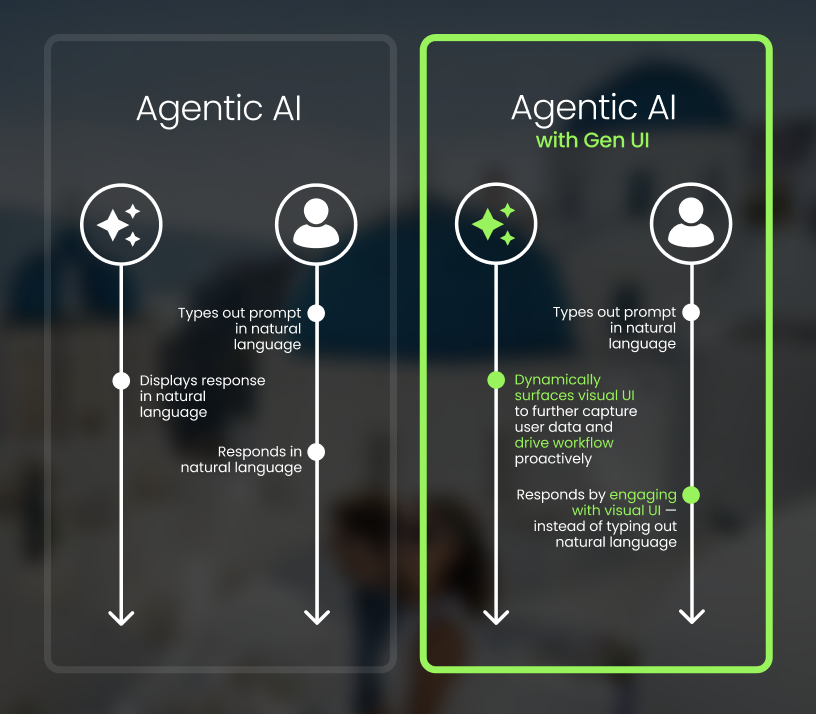
Let’s explore how this works in a real-world scenario:
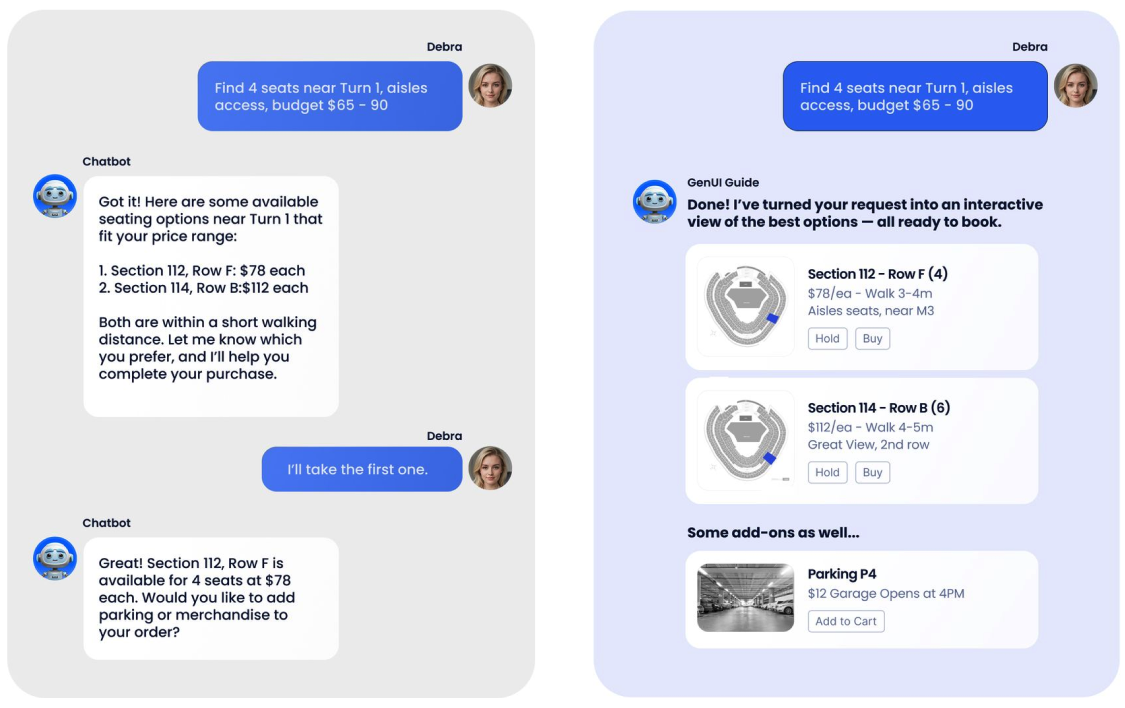
On the left, traditional AI delivers static, text-based responses, describing results but requiring users to manually take the next step.
On the right, GenUI transforms AI intent into live, interactive components that guide users through dynamic, personalized experiences.
## GenUI SDK for Business
GenUI is a business advantage—by moving beyond boring chatbot interfaces, enterprises can create booking and engagement experiences that are faster, more intuitive, and deeply personalized to each user. Instead of forcing customers through rigid forms or endless chat prompts, GenUI guides them with adaptive, branded interfaces that feel natural and reduce friction.
Here's how we believe it drives measurable value:
- **Faster Goal Completion:** Streamlined, guided interactions reduce drop-off and cognitive load.
- **Stronger Engagement:** Tailored elements are more inviting than basic text, driving greater customer interaction.
- **Smarter Personalization:** Every UI adapts in real time to context, preferences, and behavior, ensuring customers feel understood and supported.
For booking journeys, GenUI enhances the experience by reducing friction across key stages—such as discovery, consideration, decision-making, and re-engagement. Instead of relying solely on static forms or text prompts, GenUI introduces adaptive, visual components that guide users more naturally through options, preferences, and upsell opportunities.
While certain steps can remain in traditional web flows, GenUI gives teams the flexibility to bring as much of the booking journey as they choose into the agent interface, including payments, for a more seamless end-to-end experience. This shift enables customers to explore and act within a single, cohesive experience, fostering stronger engagement and satisfaction over time.
## Introducing Generative UI SDK for Flutter
Unlike traditional chatbots, the SDK goes beyond handling basic text prompts. It dynamically generates adaptive, visual UI components—such as dropdowns, sliders, or card selectors—that respond to user intent in real time. Its modular architecture decouples AI logic, UI rendering, and backend integration, enabling scalable, cross-platform deployments. The result is a flexible, branded, and personalized customer experience that can integrate seamlessly with existing systems.
## Implementation Paths
Every organization approaches GenUI from a different starting point. Some products are already built with Flutter, while others rely on web or native stacks like React, Vue, or iOS/Android. Both can take advantage of the Flutter GenUI SDK—the implementation path just looks a little different.
**Flutter-Native Products
**For products already built in Flutter (mobile or web), integration is faster and more seamless. Teams can leverage existing components, styling systems, and libraries while aligning directly with Google’s GenUI SDK. This option enables quicker delivery, reduced integration complexity, and strong continuity with the current codebase, making it ideal for rapid pilots or production-ready features.
**Non-Flutter Products
**For platforms not originally built with Flutter, the GenUI SDK can still be integrated using Flutter’s Add-to-App feature or through multi-platform approaches, including React, Vue, or native mobile frameworks. This allows teams to embed GenUI experiences without rewriting entire apps. In non-Flutter environments, integration involves implementing compatible UI components aligned with the design system and ensuring backend orchestration. While this approach adds some initial implementation and maintenance overhead, it enables teams to deliver the same branded, intelligent booking experience powered by GenUI—without requiring a full Flutter migration.
Regardless of approach, both integration paths aim to deliver the same result: a seamless, branded, and intelligent experience powered by GenUI. You can [talk to our team](https://verygood.ventures/contact-us/?hsCtaAttrib=140727946411) to explore which GenUI implementation path best aligns with your goals and technical ecosystem.
## The Future of Customer-Facing Agents
Generative UI is more than a new feature—it’s a paradigm shift. By combining agentic AI with adaptive, visual UI components, enterprises can reimagine how customers book, buy, and interact with their services. Whether implemented as a rapid prototype in Flutter or natively integrated into an existing stack, the opportunity is the same: boost engagement, increase conversions, and future-proof digital experiences.
## Ready to Explore GenUI For Your Business?
Generative UI represents a new way to think about digital experiences. From rapid prototyping with Flutter to deep alignment with your existing tech stack, we’ll help you determine the best path forward. At VGV, our team combines deep Flutter expertise, AI-driven design, and scalable architecture practices to bring GenUI to life.
[Learn more](https://verygood.ventures/resources/genui/) about how GenUI can elevate your digital customer experience.
#### Frequently Asked Questions
##### What is Generative UI for Flutter?
Generative UI is Google's flutter_genui SDK. It blends agentic AI with Flutter's rendering power so an interface assembles itself in response to user intent, rendering visual components like dropdowns, sliders, and card selectors instead of plain text replies.
##### How is GenUI different from a traditional chatbot?
Traditional AI chat returns static, text-based responses that describe results and leave the user to take the next step manually. GenUI turns that intent into live, interactive components that guide the user through a personalized flow inside one conversation.
##### What business value does GenUI deliver in booking flows?
The post highlights three outcomes. Faster goal completion through guided interactions that reduce drop-off and cognitive load. Stronger engagement, since tailored elements invite more interaction than basic text. And smarter personalization, with UI that adapts in real time to context, preferences, and behavior.
##### Which stages of a booking flow can GenUI cover?
GenUI can reduce friction across discovery, consideration, decision-making, and re-engagement. Teams can keep certain steps in traditional web flows or bring as much of the flow into the agent interface as they choose, including payments.
##### Can teams adopt GenUI without a full Flutter rewrite?
Yes. Flutter-native products integrate fastest by reusing existing components and styling. Non-Flutter products can adopt GenUI through Flutter's Add-to-App feature or alongside React, Vue, or native iOS and Android, embedding GenUI experiences without rewriting the whole app.
##### Why does the SDK's modular architecture matter?
The SDK decouples AI logic, UI rendering, and backend integration. That separation lets teams scale GenUI across platforms and slot it into existing systems instead of replacing them.
### The Flutter News Toolkit Finds a New Home at Very Good Ventures
Source: https://verygood.ventures/blog/the-flutter-news-toolkit-finds-a-new-home-at-very-good-ventures/
## Continuing the Story
The [Flutter News Toolkit](https://flutter.dev/news) was designed to help news publishers build their own Flutter-powered mobile apps quickly and easily. By providing a foundation that's modern, performant, and open-source, the toolkit makes it possible for organizations of all sizes to create quality digital experiences for their readers.
As longtime partners of the Flutter team, we're honored to continue this work. VGV has been involved with Flutter since its earliest days, helping organizations around the world design, build, and scale products with the framework. Taking ownership of the News Toolkit feels like a natural next step in our ongoing collaboration with the Flutter community.
[Quick start to building a news app in Flutter](https://www.youtube.com/watch?v=dukRAS-OUMM)
## What This Means Going Forward
Our goal is to ensure the toolkit continues to thrive and remains a useful resource for publishers and developers alike. We'll focus on maintaining its stability, supporting contributors, and keeping the project aligned with the broader Flutter ecosystem.
We believe this transition will help the toolkit stay vibrant and community-driven, while opening the door for future contributions and ideas from developers everywhere.
## A Shared Commitment to Open Source
We're deeply grateful to the Flutter team at Google for their vision and collaboration in creating the News Toolkit. Their work has set a strong foundation for the open-source community to build upon, and we're proud to help carry that work forward.
To learn more about the Flutter News Toolkit, visit [VGVentures/news_toolkit](https://github.com/VGVentures/news_toolkit)
Together, we'll continue to support the mission that started it all—helping publishers deliver great news experiences, powered by Flutter.
#### Frequently Asked Questions
##### What is the Flutter News Toolkit?
The Flutter News Toolkit is an open-source project designed to help news publishers build their own Flutter-powered mobile apps quickly. It provides a modern, performant foundation that lets organizations of all sizes create quality digital experiences for their readers.
##### Who originally created the toolkit and who maintains it now?
The Flutter News Toolkit was created by the Flutter team at Google together with Very Good Ventures. Going forward, VGV will officially maintain the project as a continuation of its longtime collaboration with the Flutter team.
##### What will VGV focus on as the new maintainer?
VGV plans to focus on maintaining the toolkit's stability, supporting contributors, and keeping the project aligned with the broader Flutter ecosystem. The goal is to keep the toolkit vibrant, community-driven, and open to future contributions and ideas from developers everywhere.
##### Where can developers find the source code?
The toolkit lives at VGVentures/news_toolkit on GitHub, where publishers and contributors can explore the code, file issues, and submit pull requests.
### Flutter for Enterprises: Everything CTOs and Engineering Leaders Need to Know
Source: https://verygood.ventures/blog/flutter-for-enterprises-everything-ctos-and-engineering-leaders-need-to-know/
The way organizations design, build, and scale digital products is constantly changing. Customers expect seamless, high-performance experiences across devices, while development teams demand efficiency, consistency, and speed. And leaders need to maximize return on investment (ROI) from their tech stack, while staying ahead of the competition.
That's exactly [what Flutter delivers](https://flutter.dev/). Backed by Google, this open-source UI framework not only enables apps to run at native speed—from 60fps up to 120fps when needed—but also ensures design consistency and brand fidelity across every touchpoint. With a single modern toolkit, enterprises can deploy experiences across mobile, web, desktop, and embedded devices at the exact same quality, reducing fragmentation and reinforcing brand identity at scale.
At the same time, Flutter gives teams pixel perfect control to create fully custom, branded interfaces, enabling consistency without sacrificing creativity. Enterprises can align engineering and design, accelerate delivery, and innovate customer experiences in ways that redefine business outcomes. More than just a developer tool, Flutter is becoming the foundation for digital transformation at scale.
## Why Flutter Makes Business Sense
Flutter isn't just another cross-platform framework—it's the only true multi-platform framework. While other tools can compile apps for iOS and Android, they stop short of delivering consistent experiences across the full range of platforms enterprises depend on, including web, desktop, and embedded devices. Flutter is designed from the ground up to unify development across all of them.
That means enterprises don't need separate teams, codebases, and processes for each platform. Instead, they can align engineering around a single toolkit, reducing redundancy, streamlining testing and automation, and cutting long-term maintenance costs. The result is faster release cycles, greater consistency across every customer touchpoint, and a more scalable approach to product growth.
### High Performance Without Compromise
Unlike other cross-platform solutions, Flutter doesn't rely on fragile "bridges" to native components. Its architecture compiles directly to machine code, enabling smooth animations and near-native performance across platforms—critical for industries where speed and reliability impact engagement and revenue.
### Productivity That Scales
Flutter's vast development ecosystem—from Hot Reload to robust integrated development environment (IDE) extensions—is also extremely high quality, which improves velocity and efficiency, ultimately accelerating feature delivery. Enterprises that unify teams around Flutter report up to 2x productivity gains, freeing resources to focus on innovation instead of platform parity.
### Built for Growth
Flutter allows precise control over every pixel, while supporting modular architectures. This makes it easier to maintain design systems across apps, personalize experiences at scale, and adapt quickly to evolving customer needs. ^1^
## The Business Value of Flutter
### Faster Time to Market Equals Faster ROI
Flutter reduces development cycles significantly. Studies show that companies can cut time-to-market compared to those managing separate native teams by up to 62%^2^. That means products launch faster, revenue comes in earlier, and businesses can respond quickly to market shifts. For industries like fintech, travel, and entertainment—where every week of delay impacts adoption—this speed is a huge competitive advantage.
### Unlocking New Revenue Opportunities
By consolidating development, businesses can roll out new features across platforms at the same time, meaning no more staggered iOS vs. Android launches. Instead, every user gets access to product updates immediately, creating a unified brand experience. For products with transactional features (like ticketing, e-commerce, or financial services), Flutter helps maximize monetization—often delivering double the revenue on day one by making the full addressable user base available at launch. ^3^
### Delivering Customer-Centric Experiences
Customer expectations are higher than ever. Users demand apps that load quickly, feel smooth, and deliver features simultaneously across platforms. We talked about how Flutter apps compile directly to native machine code, ensuring high performance and frame rates. But beyond speed, Flutter empowers teams to design highly branded, consistent interfaces, ensuring customers feel equally valued across every device and endpoint—from mobile apps to digital signage to point-of-sale kiosks. That consistency builds trust, strengthens retention, and increases customer lifetime value.
### Scaling With Confidence
As organizations grow, complexity increases. Flutter's modular architecture reduces that complexity by standardizing tools, processes, and design systems across teams. This not only makes scaling more efficient, but also lowers long-term maintenance costs. Engineering teams gain more bandwidth for innovation, while leadership gains confidence that growth won't be hindered by technical debt or fragmented architectures.
In a world where every second of startup time impacts engagement and every release cycle shapes competitive edge, these advantages aren't just technical—they're strategic.
[Read more about how to accelerate and impact your business with Flutter in our whitepaper.](https://verygood.ventures/whitepapers/business-value-of-flutter/)
### A Framework With Unmatched Support
One of Flutter's biggest advantages isn't just technical—it's the strength of its ecosystem. Backed by Google, Flutter is the most popular framework for multi-platform development, offering enterprises robust resources, tools, and community support that accelerate success, including:
- Time-saving developer tools that improve velocity and reduce overhead
- Deep integration with major products and services (like MarTech and RevTech solutions)
- High quality third-party tools and OSS libraries to extend functionality
- Access to sophisticated agencies and service providers specializing in Flutter
- A wealth of resources and online documentation to speed up onboarding and problem solving
- A strong talent pool for hiring, making it easier to build and scale teams
- A supportive global community and a vibrant conference ecosystem that drives innovation forward
Together, these elements make Flutter not just a framework, but a solid foundation that companies can rely on for long-term growth and innovation.
> *"Flutter's business value isn't only the lines of code savings. So much of what slows a business down isn't the code, but the communication and coordination of the humans and various teams needed to check all the boxes. Making choices that help us to optimize the coordination helps teams stay focused on the fun part—creating amazing UX and accelerating value."*
> \- David DeRemer, Founder & CEO at Very Good Ventures
## Flutter is Powering Global Leaders
Google, Toyota, BMW, Disney, GPay, and Alibaba are just a few of the organizations using Flutter to unify digital experiences in their most important production applications. In fintech, travel, hospitality, and entertainment, Flutter is driving multi-device ecosystems and reducing costs while improving customer experiences.
[Take the case of Hamilton](https://verygood.ventures/success-stories/hamilton/), the Broadway musical that launched the first commercial Flutter app outside of Google. In 2017, the Hamilton team partnered with VGV's founders to build and release the official Hamilton app for iOS and Android in just three months—offering fans exclusive content, ticket lotteries, trivia, and more, all powered by Firebase and Google Cloud. This groundbreaking launch proved Flutter's potential for production-grade applications.
But our work didn't end there. By 2021, with Flutter having evolved significantly, the Hamilton app needed a transition to a modern foundation. VGV led a comprehensive rebuild, upgrading the architecture, improving performance, and implementing best practices through [Very Good Start](https://verygood.ventures/solution/very-good-start/), along with complete test coverage. Relaunched in 2022, the new app featured a fresh design, enhanced stability, and smarter fan engagement tools.
[Watch why leading enterprises are unifying platforms and accelerating delivery with Flutter.](https://verygood.ventures/resources/flutter-migration/)
[Or consider Trackhouse](https://www.trackhouse.com/), where we built an immersive, multi-screen VIP experience for race fans. Using Flutter, Firebase, and real-time data integrations, we created a sponsor-themed digital layer that translated millions of race data points into intuitive, visually engaging dashboards. Mounted on the back of the pit boxes, large displays reached crowds with live visualizations, while handheld dashboards gave VIPs a personalized, easy-to-follow race experience—all designed to enhance fan engagement and elevate sponsor value.
[Explore more examples of how we help organizations scale, innovate, and deliver with Flutter.](https://verygood.ventures/success-stories/)
## Our Take: Flutter is the Best Option in 2025 & Beyond
### Where Flutter Stands Apart
**The Old Way (Native)
**
Each app requires its own codebase and dedicated platform team. Architectures, tools, and processes vary widely between iOS, Android, web, and desktop. This fragmentation drives up costs and slows down growth.
**The Cross-Platform Way (React Native & Others)
**Earlier attempts at single codebases (like PhoneGap, Xamarin, or React Native) solved some efficiency problems, but came with heavy tradeoffs. Performance issues, limited maintainability, and compromised user experience made them difficult to scale for enterprise needs.
**Embrace the Multi-Platform Way With Flutter
**Flutter delivers the best of both worlds: native-quality performance with true multi-platform reach. From mobile to web, desktop, and beyond, teams can share a single codebase without compromising speed, reliability, or design fidelity. This alignment reduces redundancy, accelerates delivery, and creates consistent experiences across every device.
**The Flutter Transformation
**For enterprises, Flutter is more than a framework—it's an organizational shift. By consolidating around Flutter, Dart, and VGV best practices, companies can:
- Launch features faster and at a lower cost
- Reuse code and patterns across projects
- Scale teams with more flexibility
- Improve developer happiness and reduce management overhead
- Deliver more unified, expressive user experiences
At VGV, we also help enterprise teams build their own Flutter expertise. [We partnered with Betterment to pilot their first Flutter feature](https://www.betterment.com/), proving the framework could integrate smoothly with their existing native code. Over the course of six months, we trained their engineers, established best practices, and helped design a migration plan that enabled faster feature delivery and long-term scalability.
> *"Developers reported being able to build features faster, and Flutter would allow us to control everything from UI to the business logic with one codebase."*
>
> \- Sam Moore, VP of Architecture at Betterment
[Read more about our work with Betterment here.](https://verygood.ventures/success-stories/betterment/)
The transformation extends beyond engineering. Product, design, and quality assurance (QA) teams also benefit from standardized processes, making it easier to collaborate, iterate, and focus on value creation instead of platform maintenance.
> *"The difference is profound; companies embracing Flutter aren't just building apps, they're reshaping how organizations scale technology and deliver value. A unified roadmap. A consistent design system across products, devices, and screen types. An engineering team focused on adding value fast, without sacrificing quality. Businesses experiment, innovate, and scale faster. Teams are more productive. Users love the outcomes. It's a win-win situation for everyone."
>
> *\- Jorge Coca, Head of Engineering Services at Very Good Ventures
## Choosing the Right Foundation for Enterprise Apps
When evaluating frameworks for multi-platform development, it's important to look beyond the buzzwords and focus on stability, performance, and long-term support. Here's a clear comparison of how different frameworks perform:
**Flutter**
- Modern, stable solution
- High-quality UI with complete design control
- High runtime performance due to native compilation
- Easy to learn language (Dart) and efficient development due to features like Hot Reload
- True multi-platform functionality (mobile, web, desktop, embedded)
- Supported by Google and used for Google Pay, Google Earth, Google Ads, Google TV, and many other Google products
- Mature ecosystem with quality resources, libraries, and tools
- Large, active developer community and deep, experienced talent pool
**Maui**
- Extremely unstable, pre-alpha quality
- .NET overhead on UI clients leads to performance bottlenecks
- Less customizable UI due to native components reliance
- Not truly multi-platform (e.g. no web support)
- Supported by Microsoft, never achieved significant traction—primary adoption reason is investment in .NET ecosystem
- New, immature ecosystem; limited tools and resources
**React Native**
- Mature solution, old paradigm
- Runtime performance issues due to architecture (JS bridge)
- Less customizable UI due to native components reliance
- Most common language
- Cross-platform (iOS/Android)
- Supported by Facebook, built primarily for web developers
- Mature and large ecosystem, but new tools gaining favor
- Very large active community & talent pool—primary adoption reason is existing in-house JavaScript team
- Very small community & limited talent pool
The following images speak for themselves:
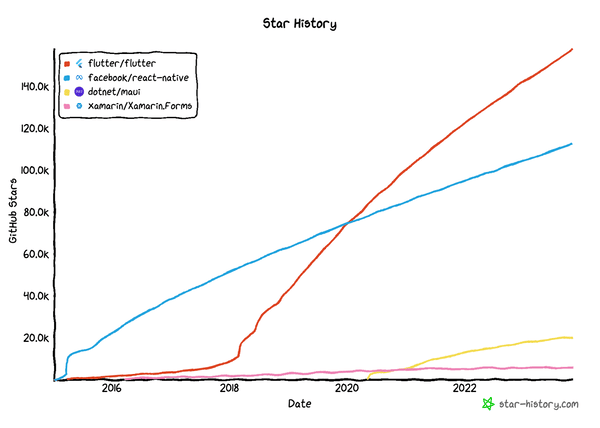
Flutter's rise is unmatched, as it's quickly overtaken React Native and is far outpacing MAUI and Xamarin in developer adoption. Its momentum signals strong community trust and long-term viability.
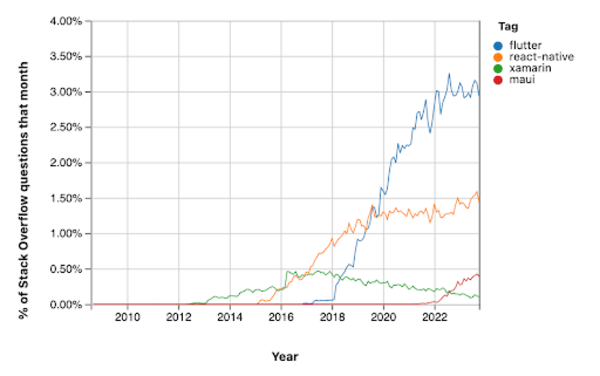
This chart shows how developer interest on Stack Overflow has shifted over time: Flutter has rapidly risen since 2018 to become the clear leader.
## The VGV Advantage
VGV has partnered with Google on Flutter since 2018. We're the #1 agency Google recommends, and the first they refer to large enterprise organizations needing help with Flutter. From flagship demos at Google I/O to [maintaining flutter.dev](https://flutter.dev/), we've been trusted to showcase Flutter's capabilities at the highest level.
We've helped organizations like Universal Destinations & Experiences, Norwegian Cruise Line, Betterment, and Toyota Connected adopt Flutter to scale products faster, modernize architecture, and unlock new customer value.
Our open-source tools and best practices have become the gold standard for Flutter development worldwide. We've made over 20 popular open source tools publicly available and contribute to many more. Based on our internal needs, the tools aim to initiate Flutter projects correctly and ensure code quality throughout development.
Learn more at [www.vgv.dev](http://www.vgv.dev)
### Where Does Your Multi-Device Strategy Stand?
As many organizations struggle with disconnected experiences across platforms, leading to inefficiencies and frustrated users, at VGV we created the Multi-Device Maturity Model (MDMM). This framework provides a structured way to think strategically about experience delivery.
The MDMM enables teams to identify their current level of maturity, benchmark against clear stages, and create a roadmap toward smarter, faster, and more connected digital products. If challenges like platform fragmentation, slow delivery, or scaling innovation sound familiar, this framework offers a practical resource to help chart the way forward.
The MDMM outlines five levels of maturity:
1. **Siloed Experiences:** Each platform is managed separately with little consistency.
2. **Fragmented Foundations:** Some shared components, but gaps in delivery and user flow.
3. **Emerging Integration:** Platforms begin to align with shared infrastructure and design.
4. **Cohesive Experiences:** Consistent branding and functionality across devices.
5. **Experience Innovators:** Fully integrated, personalized, and adaptive cross-device ecosystems.
By benchmarking against these stages, organizations can identify their current maturity level and chart a path forward. The model highlights both the pain points of disconnected experiences and the opportunities that come with integration: faster delivery, better customer satisfaction, and scalable innovation.
Ultimately, the MDMM enables product and engineering teams to take a structured, long-term view of multi-device strategy—shifting the focus from building for individual platforms to designing seamless, connected experiences across the entire ecosystem, powered by Flutter.
[Read the full MDMM framework](https://verygood.ventures/resources/multi-device-maturity-model/) to start building smarter, faster, and more connected digital products.
## Flutter Redefines Apps & Transforms Organizations
Adopting Flutter isn't just a technical decision—it's a strategic investment. It empowers organizations to scale their technology, teams, and processes in harmony, creating what we call a Flutter transformation. The result is long-term growth, greater innovation, and digital experiences that meet the expectations of today's users.
At VGV, we've helped some of the world's most ambitious companies achieve this shift. Whether your goal is to accelerate time to market, optimize performance at scale, or unify your engineering teams, we can help you unlock the full potential of Flutter.
Ready to explore how Flutter can transform your business? [Contact us](https://verygood.ventures/contact-us/?hsCtaAttrib=140727946411) to start the conversation!
:::editorial-note
^1^ When companies leverage a single team for Flutter Development instead of multiple teams for other platforms.
^2^ Compared to launching with native apps.
^3^ When apps have a transactional, revenue-generating component of the experience**.**
:::
#### Frequently Asked Questions
##### Why does the post call Flutter a true multi-platform framework rather than cross-platform?
Other tools compile apps for iOS and Android but stop short of delivering consistent experiences across web, desktop, and embedded devices. Flutter is designed from the ground up to unify development across all of those platforms with a single toolkit, so enterprises do not need separate teams, codebases, and processes for each one.
##### What performance level can enterprises expect from Flutter apps?
Flutter compiles directly to machine code instead of relying on bridges to native components. Apps can run at native speed from 60fps up to 120fps when needed, which matters in industries where speed and reliability affect engagement and revenue.
##### What productivity gains does the post claim for teams unifying around Flutter?
Enterprises that unify teams around Flutter report up to 2x productivity gains. The post also cites studies showing companies can cut time to market by up to 62% compared to managing separate native teams, and notes products with transactional features often see double the day-one revenue when launching across platforms simultaneously.
##### Which enterprises are highlighted as Flutter case studies?
The post points to Hamilton, where VGV's founders built and released the official iOS and Android app in three months back in 2017 and later led a comprehensive rebuild relaunched in 2022. It also covers Trackhouse, where VGV built an immersive multi-screen VIP race experience, and Betterment, where VGV piloted the first Flutter feature and trained engineers over six months.
##### How does the post compare Flutter to React Native and MAUI?
React Native is described as mature but constrained by JS bridge performance issues and reliance on native components, with adoption usually driven by existing JavaScript teams. MAUI is described as extremely unstable and pre-alpha quality, with .NET overhead and no real web support. Flutter is positioned as the modern stable option with native compilation, full design control, and true multi-platform reach.
##### What is the Multi-Device Maturity Model?
The MDMM is a VGV framework that helps teams assess how well they deliver experiences across devices. It defines five levels: Siloed Experiences, Fragmented Foundations, Emerging Integration, Cohesive Experiences, and Experience Innovators. Teams can benchmark their current level and chart a path toward more connected digital products.
##### What credentials does VGV bring to enterprise Flutter work?
VGV has partnered with Google on Flutter since 2018 and is the agency Google recommends first to large enterprise organizations. The team has worked on flagship demos at Google I/O, maintains flutter.dev, and has helped organizations including Universal Destinations & Experiences, Norwegian Cruise Line, Betterment, and Toyota Connected adopt Flutter.
### Fluttercon EU 2025 Grows Bigger Than Ever: Highlights From Berlin
Source: https://verygood.ventures/blog/fluttercon-eu-2025-grows-bigger-than-ever-highlights-from-berlin/
Berlin was the backdrop for the largest Fluttercon event to date. Developers, companies, and community leaders from across Europe came together to celebrate Flutter, share knowledge, and imagine the future of multi-platform development.
### Hallo Freunde!
[Fluttercon EU](https://www.fluttercon.dev/) was an incredible opportunity for Very Good Ventures (VGV) to connect with the broader developer community, and our booth quickly became a central hub of activity. Attendees stopped by to meet our team, exchange ideas, and gain insights into how we approach innovation with Flutter.
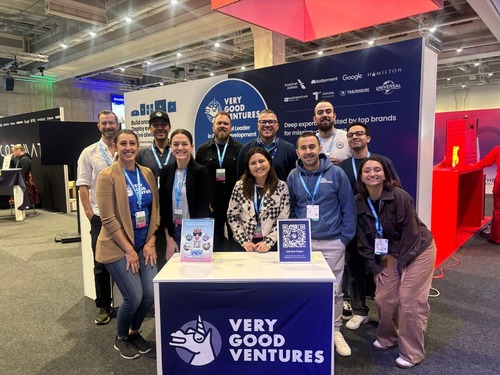
*Unicorns at Fluttercon EU 2025*
We also shared exclusive VGV swag, which drew in both long-time Flutter enthusiasts and newcomers curious about our work. The combination of VGV World—the interactive game we debuted in this region—limited edition collectible pins, and the ever-popular unicorn plushies (cutest creatures ever), made our booth one of the most memorable stops at the event. Built with Flutter, Firebase, and AI, VGV World showcased both our creativity and Flutter’s versatility, engaging attendees in a fun, hands-on way that highlighted the breadth and impact of our client projects.
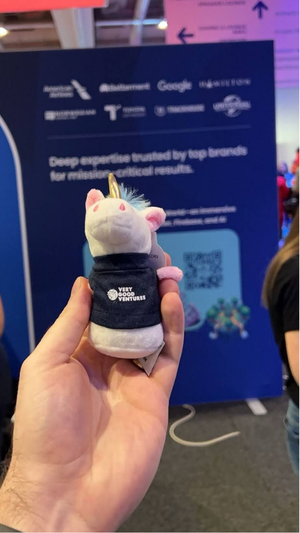
*Unicorn plushie*
This year, the conference itself embraced sustainability and creativity by introducing live screen-printing for attendee merchandise. Instead of distributing pre-made shirts, participants could bring their own shirt and customize it on-site with event-exclusive designs.
The conference also attracted a diverse range of organizations, each showcasing innovations that reflect the growing maturity of the Flutter ecosystem.
## VGV on Stage: Full House
VGV took the spotlight with multiple sessions that drew full rooms and sparked lively conversations:
#### *The “fastest” application of Flutter of all time!*
David DeRemer, Founder & CEO at VGV, and Kyle Crouse, Director of Concept Technology at VGV
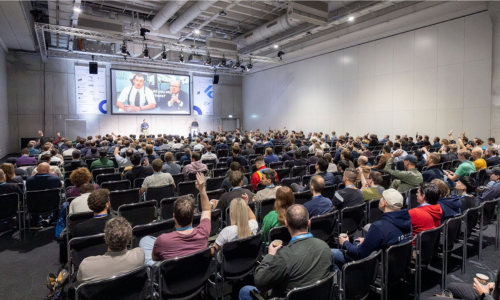
*Photo by droidcon Berlin & Fluttercon EU 2025 on Flickr*
Our keynote gave a behind-the-scenes look at building an immersive, trackside VIP experience with [Trackhouse Entertainment Group](https://www.trackhouse.com/), designed and deployed with Flutter. Attendees learned how starting with multi-device thinking changes design research, product strategy, and deployment—and how Flutter makes ambitious, real-world builds possible.
[You can watch the keynote here](https://www.youtube.com/watch?v=9w8gGfnDD5g)
#### *Mastering CustomPainter: Going Beyond Widgets in Flutter*
Sofía Rey, Mobile Engineer at VGV
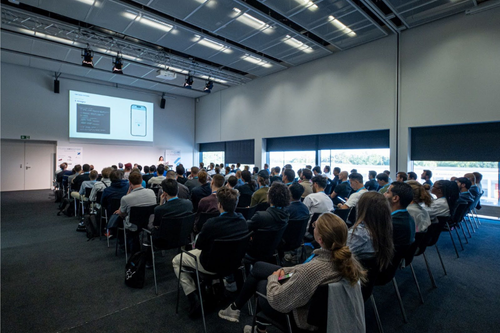
*Photo by droidcon Berlin & Fluttercon EU 2025 on Flickr*
This talk was a deep dive into CustomPainter, a powerful Flutter tool that gives developers full control over the canvas—perfect for crafting visuals that standard widgets simply can’t handle. Sofía walked the audience through how she used CustomPainter in a real production feature to draw and manipulate paths, demonstrating how to transform SVGs into custom path data for direct use within Flutter apps.
#### *Beyond the widgets: Evaluating Flutter apps with code assessments*
Óscar Martín, Senior Engineering Lead at VGV
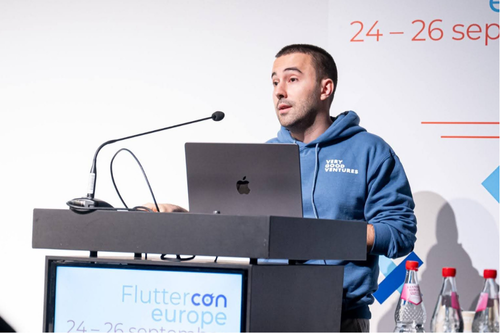
*Photo by droidcon Berlin & Fluttercon EU 2025 on Flickr*
This session provided a practical, in-depth look at evaluating and improving Flutter codebases through structured code assessments. Óscar walked the audience through proven methods for analyzing architecture, scalability, and maintainability—core aspects that determine the long-term success of any Flutter app.
#### *Under the Hood of ScrollViews*
Dominik Šimoník, Senior Engineer at VGV
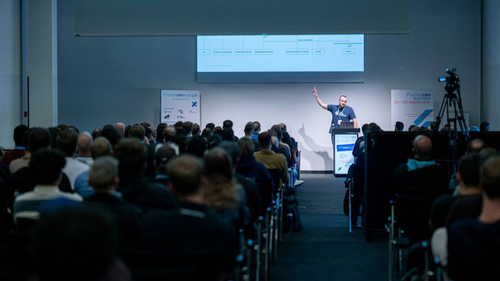
*Photo by droidcon Berlin & Fluttercon EU 2025 on Flickr*
Dominik took developers deep into the mechanics of scrolling in Flutter, revealing what truly happens beneath the surface of widgets like ScrollView, Scrollable, and Viewport. He also broke down how these elements interact to create smooth, performant scroll experiences, and what can go wrong when they’re not properly managed.
#### *Building a Full-Stack App for Apple Wallet Passes*
Marcos Sevilla, Senior Engineer at VGV
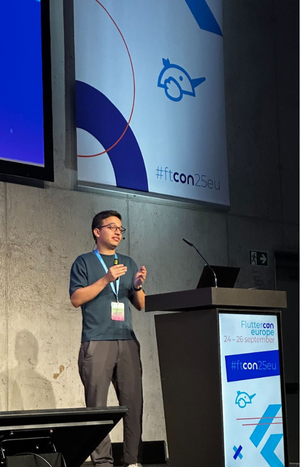
*Photo by droidcon Berlin & Fluttercon EU 2025 on Flickr*
This session explored how to build a full-stack Flutter application that generates and manages Apple Wallet passes using Dart Frog. Marcos walked the audience through creating a Dart-powered API to generate passes and integrating it seamlessly with a Flutter front end, demonstrating how Dart can efficiently handle both backend and client layers.
[You can watch the talk here](https://www.youtube.com/watch?v=m7QC7wN4pzM)
Thank you to everyone who joined our talks and engaged with our team. We’ll be sharing the session recordings as soon as they’re available.
### What’s Fluttercon Without an After Party?
Conferences are about connection, and we wanted to give the community a place to celebrate. [Together with Shorebird](https://shorebird.dev/), we hosted an official after party at Berlin’s iconic Café am Neuen See Biergarten, where developers and Flutter fans enjoyed beer, laughter, and plenty of lively conversations under the trees.
## The Endless Energy of Community Connections
At VGV, we’re proud to support this community, contribute knowledge, and help shape the future of digital experiences. It was amazing to see everyone and spend time with our team in person!
Next year, Fluttercon EU joins forces with Droidcon and other ecosystem events to become [Next.App DevCon](https://www.nextappcon.com/)—the world’s largest mobile app developer conference, uniting six mobile ecosystems in one event.
See you next year at Next.App DevCon, October 7-9 in Berlin!
#### Frequently Asked Questions
##### Where was Fluttercon EU 2025 held and how big was it?
Fluttercon EU 2025 took place in Berlin and was the largest Fluttercon event to date. Developers, companies, and community leaders from across Europe came together to celebrate Flutter, share knowledge, and discuss the future of multi-platform development.
##### What did the VGV booth feature?
The booth offered VGV swag including limited edition collectible pins and unicorn plushies, plus VGV World, an interactive game built with Flutter, Firebase, and AI that VGV debuted in this region. The conference itself also introduced live screen-printing for attendee merchandise instead of pre-made shirts.
##### Which VGV-led talks happened on stage?
VGV ran five sessions: a keynote on the Trackhouse Entertainment Group experience by David DeRemer and Kyle Crouse, Mastering CustomPainter by Sofía Rey, Beyond the widgets: Evaluating Flutter apps with code assessments by Óscar Martín, Under the Hood of ScrollViews by Dominik Šimoník, and Building a Full-Stack App for Apple Wallet Passes by Marcos Sevilla.
##### What was the keynote about?
David DeRemer and Kyle Crouse gave a behind-the-scenes look at building an immersive trackside VIP experience with Trackhouse Entertainment Group, designed and deployed with Flutter. The talk covered how starting with multi-device thinking changes design research, product strategy, and deployment.
##### Did VGV host a community event outside the sessions?
Yes. Together with Shorebird, VGV hosted the official after party at Café am Neuen See Biergarten in Berlin, where developers and Flutter fans gathered for beer and conversation under the trees.
##### What is happening with Fluttercon EU next year?
In 2026, Fluttercon EU joins forces with Droidcon and other ecosystem events to become Next.App DevCon, billed as the world's largest mobile app developer conference, uniting six mobile ecosystems. It runs October 7 to 9 in Berlin.
### A Very Good Hacktoberfest
Source: https://verygood.ventures/blog/a-very-good-hacktoberfest/
October is a special month for developers around the globe—it’s time for [Hacktoberfest](https://hacktoberfest.com), the annual, month-long celebration of open source!
Every year, maintainers and contributors come together to push open source contributions across many different projects, create new community networks, and have a lot of fun along the way.
Open source has always been at the core of Very Good Ventures. From maintaining our [own projects](https://github.com/VeryGoodOpenSource) to [collaborating with other companies](https://github.com/Betterment/alchemist), we’ve always been committed to giving back to the community.
This year, we’re excited to take part in Hacktoberfest once again by including some of our most impactful repositories in the event.
## Very Good CLI
Probably our biggest open source project right now, Very Good CLI provides ready-to-use templates, giving developers a head start when creating new projects, as well as a variety of utility commands for day-to-day tasks.
[Explore Very Good CLI](https://github.com/VeryGoodOpenSource/very_good_cli)
## Very Good Templates
This library of templates for a wide range of projects powers Very Good CLI in the commands where new projects are generated.
[Explore Very Good Templates](https://github.com/VeryGoodOpenSource/very_good_templates)
## Very Good Workflows
A collection of Github Actions with many different types of workflows for developers to create robust CI checking, following the best practices and standards that we apply ourselves in our own projects.
[Explore Very Good Workflows](https://github.com/VeryGoodOpenSource/very_good_workflows)
## How to Contribute
Participating is simple!
First, be sure to get familiar with the [participation guide](https://hacktoberfest.com/participation/) on the official Hacktoberfest site.
Then, check out the repositories for issues that you're interested in working on, and take a look at their labels—the ones marked "Good First" are always the best ones to get started with.
Finally, once you choose an issue, send us a PR and we'll review it and work together with you to get it landed.
Remember: Hacktoberfest is about learning, collaborating, and having fun while giving back to the open source community. Whether you’re fixing bugs, adding features, or improving docs, every contribution matters.
If you need any help, don't hesitate to comment on the issues in the repositories.
Let’s all have a very good Hacktoberfest together!
#### Frequently Asked Questions
##### What is Hacktoberfest and when does it run?
Hacktoberfest is the annual, month-long celebration of open source that runs every October. Maintainers and contributors come together to push contributions across many projects, build new community connections, and have fun along the way.
##### Which VGV repositories are participating in Hacktoberfest this year?
Very Good Ventures is including three of its most impactful repositories: Very Good CLI, which provides ready-to-use templates and utility commands, Very Good Templates, the library of templates that powers the CLI's project generation, and Very Good Workflows, a collection of GitHub Actions for CI.
##### How can a developer start contributing to a VGV Hacktoberfest repo?
Read the official participation guide, then browse the repositories for issues that look interesting. Issues labeled Good First are the easiest entry point. Pick one, open a PR, and the VGV team will review it and work with you to land the change.
##### What if I get stuck while working on an issue?
Comment on the issue in the repository. The Hacktoberfest spirit is about learning and collaborating, so the team is happy to help. Bug fixes, new features, and doc improvements all count as meaningful contributions.
### From Theory to Reality: AI Decisioning & the Era of True 1:1 Personalization
Source: https://verygood.ventures/blog/from-theory-to-reality-ai-decisioning-the-era-of-true-1-1-personalization/
We just wrapped up an incredible experience at [Braze Forge](https://forge.braze.com/2025), and I'm energized by what the future of customer engagement looks like. Braze is moving beyond theory and putting AI into action to deliver true 1:1 personalization at scale.
## The Big Picture
With the completion of the OfferFit acquisition and the launch of BrazeAI Decisioning Studio, BrazeAI Agent Console, and BrazeAI Operator, Braze is fundamentally transforming how marketers work. This isn't just about automating tasks; it's about evolving marketers from campaign tacticians to strategic conductors. The introduction of agents and intelligent decisioning from the Braze platform isn’t meant to merely accelerate the digital experience, but elevate it at scale, using personalization across millions of potential 1:1 optimizations—from content and channel preference, to time of day and beyond.
## What This Means for Marketers
Autonomous agents will now help you build, launch, and continuously optimize campaigns. Think of it this way: You'll have specialized AI agents working alongside you as team members, each with specific functions that you orchestrate. But unlike flat automation, Braze AI Decisioning will add a human perspective—to listen (yes, to the data, but also the ecosystem, mood, and digital body language), understand (pull insights and context), and act—on new channels and with humanistic back and forth.
You'll be able to have natural conversations with these agents to uncover insights simply by asking questions. BrazeAI Decisioning Studio can personalize every aspect of customer communication (channel, message, creative, offer, and frequency) using all available first-party data.
## Take Aways: Critical Success Factors
**1\. Data Hygiene is Non-Negotiable:** AI decisioning is only as good as the data foundation it's built on. If your data quality isn't there, your AI agents will struggle to deliver meaningful personalization. Now is the time to prioritize data infrastructure.
**2\. Align on Measurement Early:** Cross-functional organizational alignment on success metrics is essential before deployment. Everyone (from marketing to product to analytics) needs to agree on what success looks like and how you'll measure lift from AI-driven decisioning. Without this alignment, you'll struggle to demonstrate value and optimize effectively.
**3\. Start Small, Scale Smart:** Begin with a smaller subset of users and scale as your models learn and mature. These agents continuously learn from every customer interaction, so there's a natural learning curve. Every brand will need to go through this maturation process—the key is to start early so you're building that institutional knowledge now.
## The Bottom Line
Our journeys as consumers are increasingly complex; too complex for deterministic segmentation and automation.
Braze is combining human imagination with AI intelligence to create a new frontier of capability in customer engagement. The brands that start experimenting now, with clean data and clear success criteria, will be the ones leading the pack in delivering truly personalized experiences.
The opportunity is clear, but the execution of BrazeAI Decisioning and Agentic experiences requires thoughtful strategy and expertise. If you're exploring how to leverage these new AI capabilities or wondering where to start with your data foundation and measurement framework, let's chat. We help brands navigate these transformations and unlock the full potential of their customer engagement platforms.
#### Frequently Asked Questions
##### What did Braze announce that sets the stage for this AI decisioning shift?
Braze completed the OfferFit acquisition and launched BrazeAI Decisioning Studio, BrazeAI Agent Console, and BrazeAI Operator. Together, these change how marketers work day to day and move them from running individual campaigns to orchestrating AI agents that build, launch, and optimize work continuously.
##### What is BrazeAI Decisioning Studio and what can it personalize?
BrazeAI Decisioning Studio personalizes every aspect of customer communication using all available first-party data. That includes channel, message, creative, offer, and frequency, applied across millions of potential 1:1 optimizations rather than the older approach of deterministic segmentation.
##### How are AI agents meant to fit into a marketer's day?
Marketers can have natural conversations with the agents to surface insights by asking questions. The agents act like specialized teammates with specific functions that the marketer orchestrates, and they listen to data and context, pull insights, and act across channels with humanistic back and forth.
##### What does the post say is non-negotiable before deploying AI decisioning?
Data hygiene. AI decisioning is only as good as the data foundation it is built on. If data quality is not in place, the agents will struggle to deliver meaningful personalization, so investing in data infrastructure should come first.
##### Why does cross-functional alignment on measurement matter early?
Marketing, product, and analytics all need to agree on what success looks like and how to measure lift from AI-driven decisioning before deployment. Without that alignment, it is hard to demonstrate value or optimize the agents effectively.
##### How should brands roll out BrazeAI decisioning according to the post?
Start small and scale smart. Begin with a smaller subset of users and expand as the models learn and mature. The agents continuously learn from every customer interaction, so there is a natural learning curve, and starting early builds institutional knowledge sooner.
##### What is the bottom line for brands considering BrazeAI now?
Customer journeys are too complex for deterministic segmentation. The brands that start experimenting now with clean data and clear success criteria will lead in delivering truly personalized experiences, while execution still requires thoughtful strategy and expertise.
### Mastering Scalable Theming for Custom Widgets
Source: https://verygood.ventures/blog/mastering-scalable-theming-for-custom-widgets/
This year, I had the amazing opportunity to share my insights on how to build robust and maintainable design systems for custom widgets at [Fluttercon USA](https://www.flutterconusa.dev/) in New York, and [FlutterConf Latam](https://flutterconflatam.dev/home) in Quito, Ecuador.
I wanted to bring these sessions to a broader audience through this blog, to both make this sometimes complex and confusing topic easier to understand, and to highlight practical ways to approach design systems in Flutter.
## What is Theming?
Theming is the process of defining your app's visual identity, which dictates the stylistic aspects of your UI (such as typography, color, and sizing). Crucially, theming doesn’t impact functionality, creating a clear separation between *how something looks* and *how it behaves*.
Think of it this way: Instead of hardcoding visual properties into every single widget, you define them once, centrally. Then, widgets throughout your app can simply reference those defined styles.
Theming isn't just a cosmetic choice; it's a foundational aspect of app development that ensures visual harmony and a consistent user experience.
## Separating Style From Behavior
Let's illustrate this concept with a common UI element: a button.
A button inherently has two fundamental aspects: how it looks (its style) and how it behaves (its functionality when interacted with).
Imagine a button styled with a distinct color, rounded corners, and clear text. When pressed, it displays a snackbar, showcasing both style and behavior working in tandem.
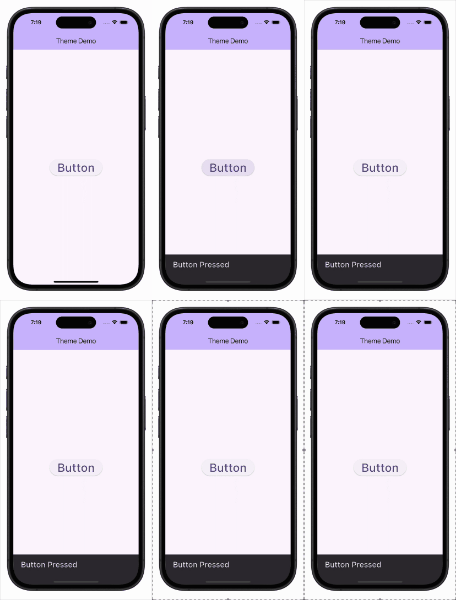
Now, consider a plain text button with no fancy styling. If it still shows the snackbar when pressed, it demonstrates that behavior can exist independently of style. The core functionality remains, even without visual appeal.
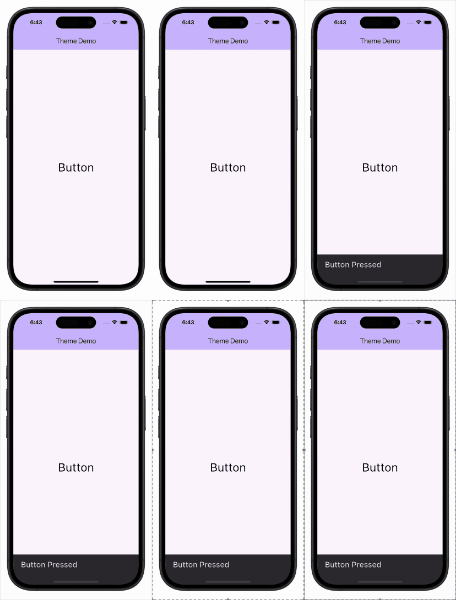
Conversely, imagine a meticulously styled button with a rich purplish background, crisp text, generous padding, and beautifully rounded corners. It looks fantastic! However, if clicking it does nothing, it proves that style can exist completely separate from behavior. You can invest all your effort into making a component look perfect, but without defined actions, it remains a static visual element.
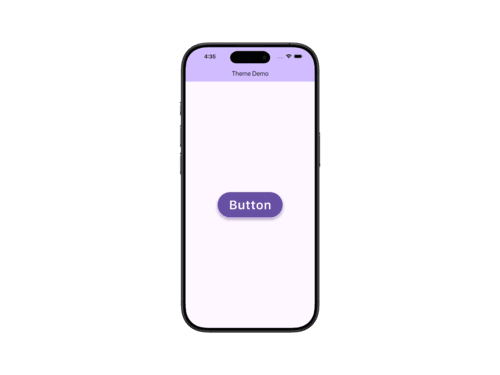
In summary, theming consistently defines and applies the “look” of your UI components across your entire application, allowing their 'behavior' to remain independent.
## Theming Your Custom Widgets
Flutter offers two built-in theming systems: [Cupertino](https://docs.flutter.dev/ui/design/cupertino) and [Material](https://docs.flutter.dev/ui/design/material). However, only the Material system provides a structured way to extend and customize themes, which is what we’ll build upon.
As you may know, MaterialApp automatically applies theming to all descendant widgets. This works seamlessly with Material widgets because their properties are wired into the theme system by default.
But what about your custom widgets? How can you define reusable styles for them while keeping your UI clean and maintainable?
In this guide, we’ll explore how to bring Material’s theming approach to your own components, creating a consistent and scalable design system across your app.
### Simple Widget Styling

For a simple custom widget with minimal styling, you can easily style it directly inline. You might get colors from the ColorScheme and set a specific borderRadius for the widget. This approach works well when your widget has only one style and its styling is minimal.
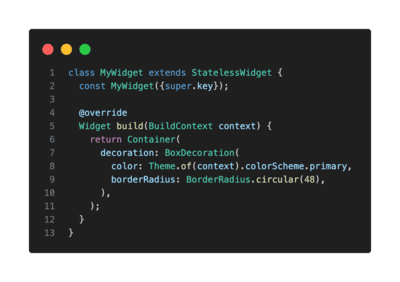
### Handling Multiple Styles: Encapsulate in a Class
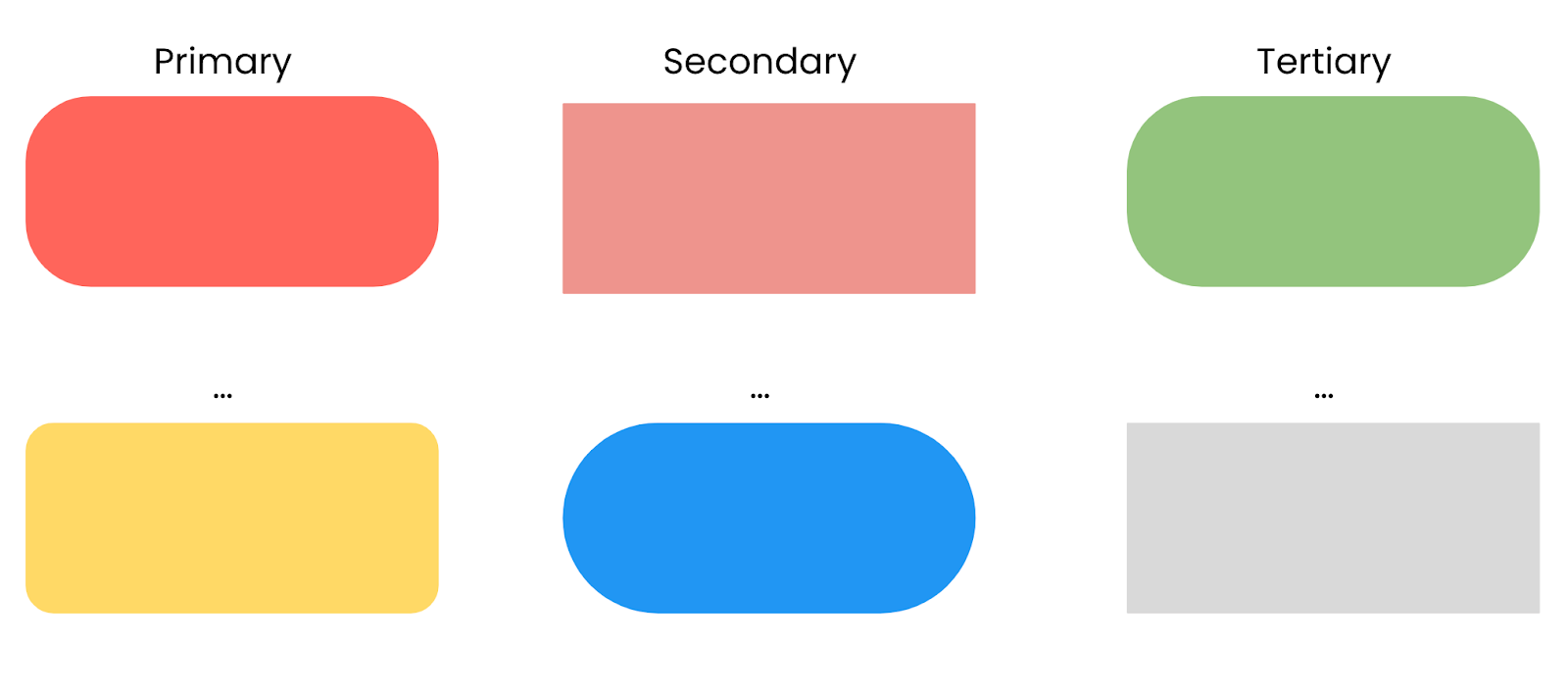
What if your custom widget needs distinct visual "variants" (e.g. a "primary" and a "secondary" style)? Hardcoding these different styles directly into multiple widget instances can quickly lead to chaos and an unmaintainable codebase.
Instead, when a custom widget requires distinct visual variants, I recommend encapsulating style-related properties in a dedicated class. This clearly separates the concerns between the widget's dynamic style (themable appearance) and its other non-stylistic members.
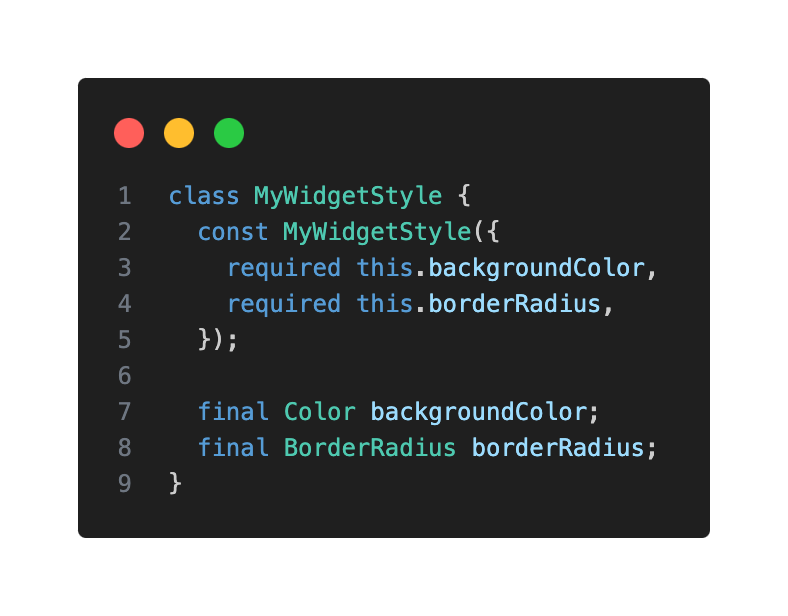
You can then pass an instance of MyWidgetStyle as a parameter to your custom widget.
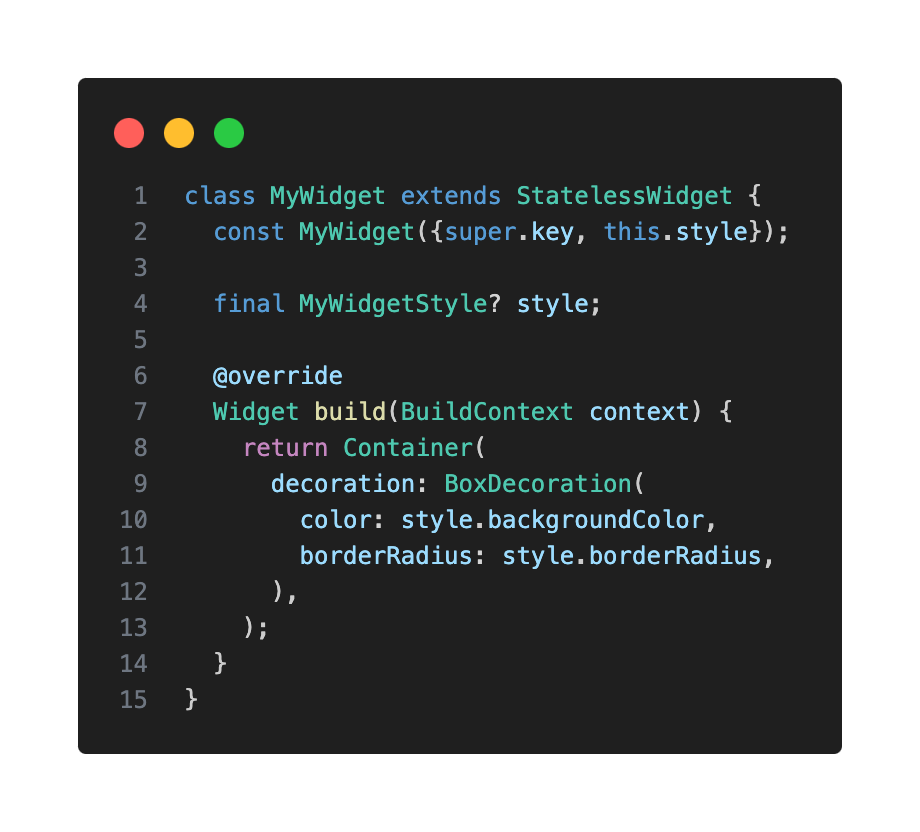
### Theme Extensions: Integrating Custom Styles Into Your App Theme
To truly integrate your custom widget styles into your app's overall theme, I highly encourage you to use ThemeExtension. This powerful feature allows you to extend the ThemeData class with your own custom styles, providing a centralized and reusable way to manage them throughout your app.
Here's how to create a ThemeExtension for your MyWidgetStyle:
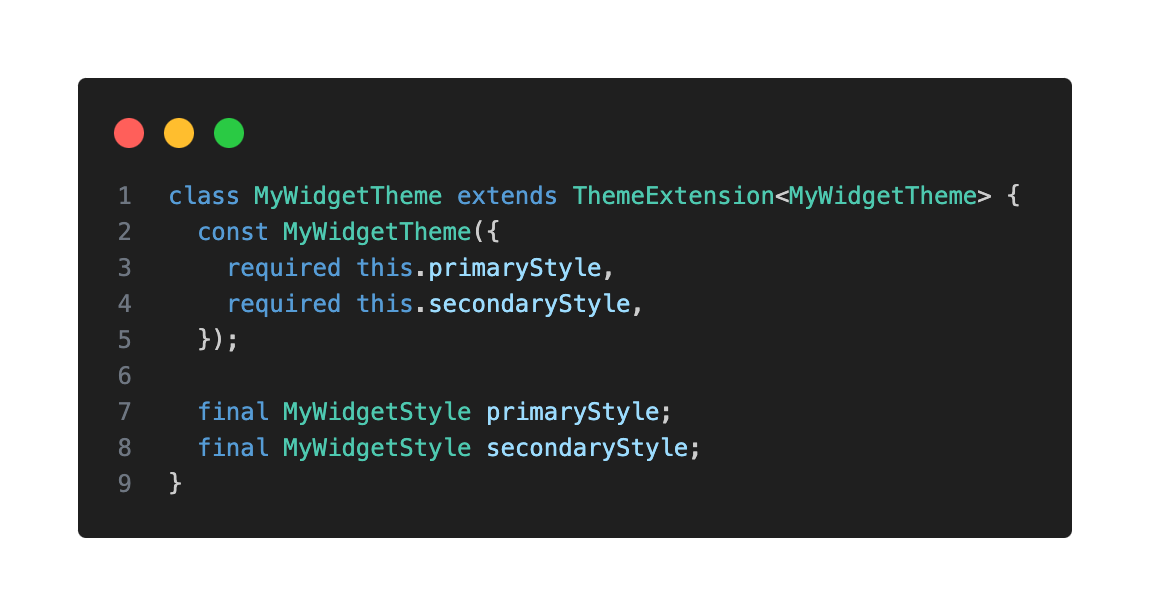
Override copyWith() to allow updating specific properties of your extension without redefining the entire object. This enables the ability to change any of the properties of the existing class, allowing for easy modifications.
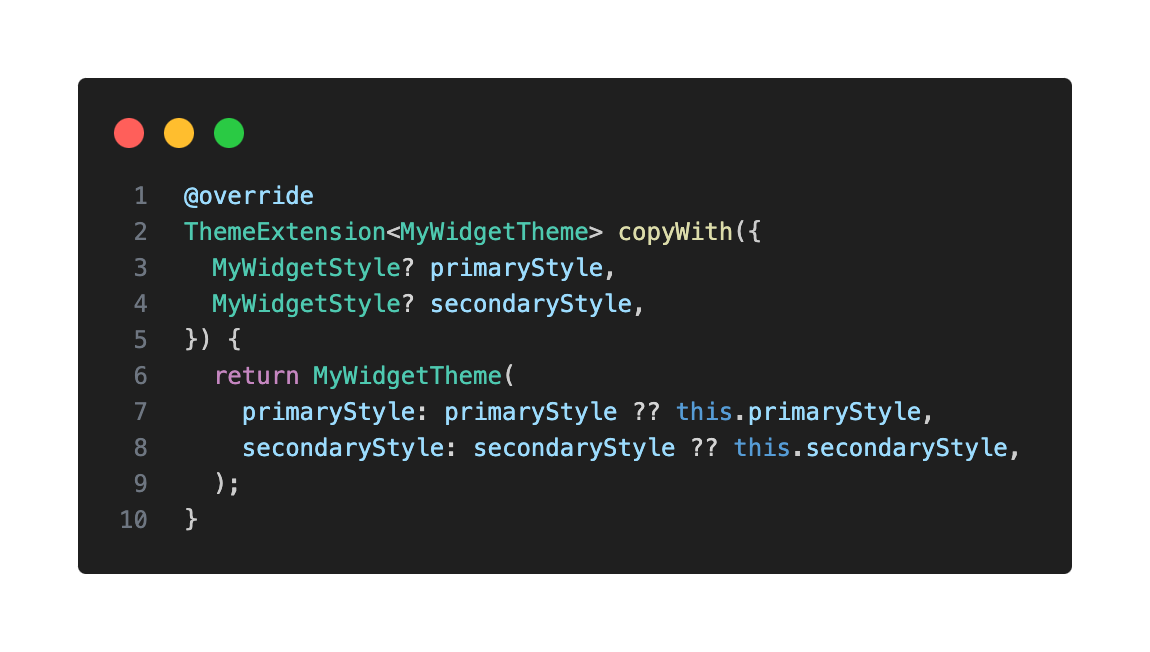
Also override lerp(), which is used to interpolate between two style instances—useful for animated theme transitions like switching between light and dark mode. In Flutter, many properties beyond colors can be "lerped," such as shapes, decorations, and text styles. This method is vital for providing a polished user experience during theme transitions, for example, when animating between light and dark mode.
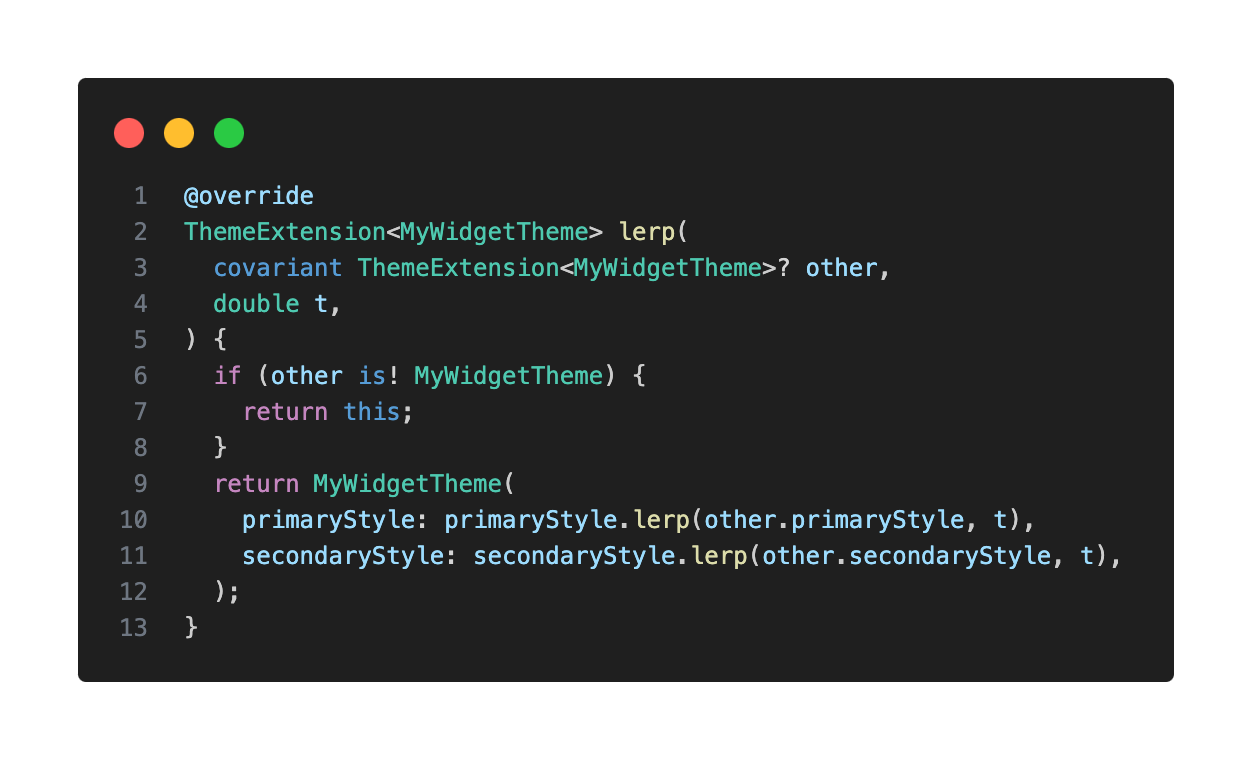
You will also need to create a lerp method in your style class to then use in your extension:
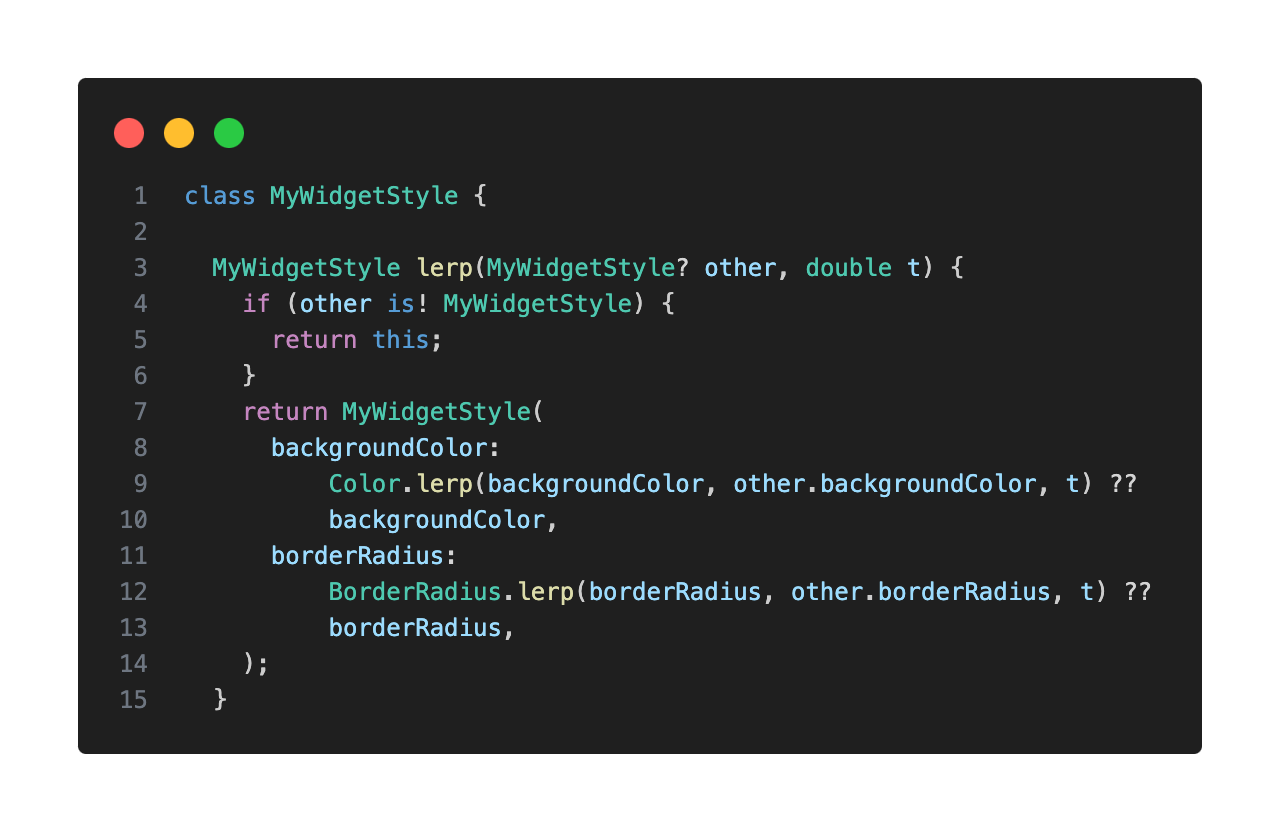
### Adding Your Theme Extension to ThemeData
Now, you can add your newly created MyWidgetTheme extension to your ThemeData.
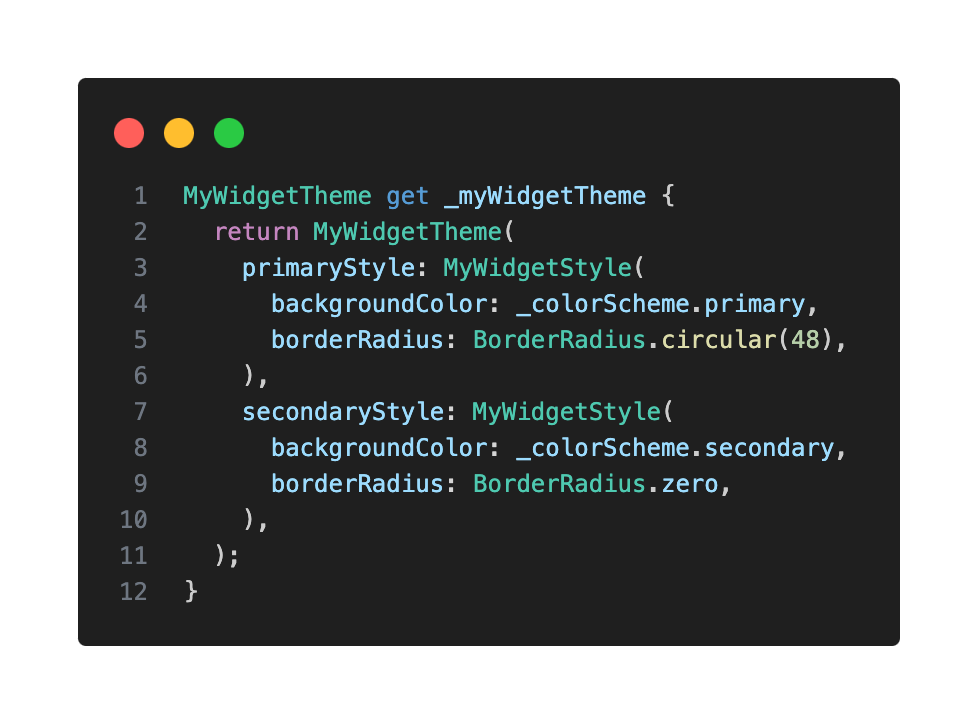
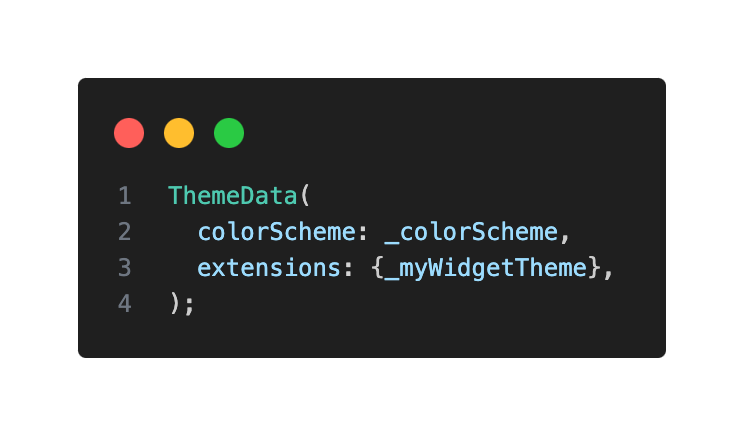
### Accessing Custom Themes in Your Widgets
To access your custom theme extension within your widgets, it's good practice to create an extension on ThemeData. This allows you to call your custom theme extensions as if they were any component theme and also handles null checks in a single place.
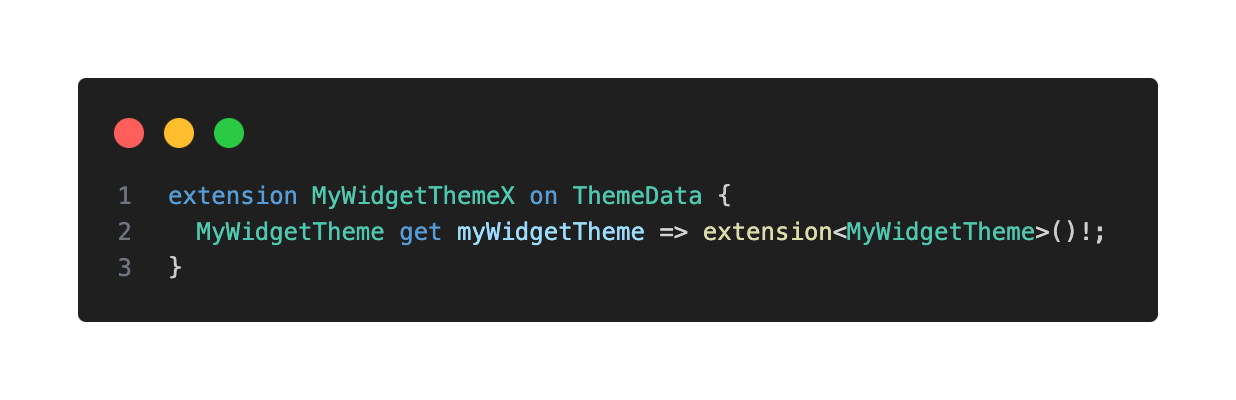
Now, in your MyWidget, you can easily reference your custom styles:
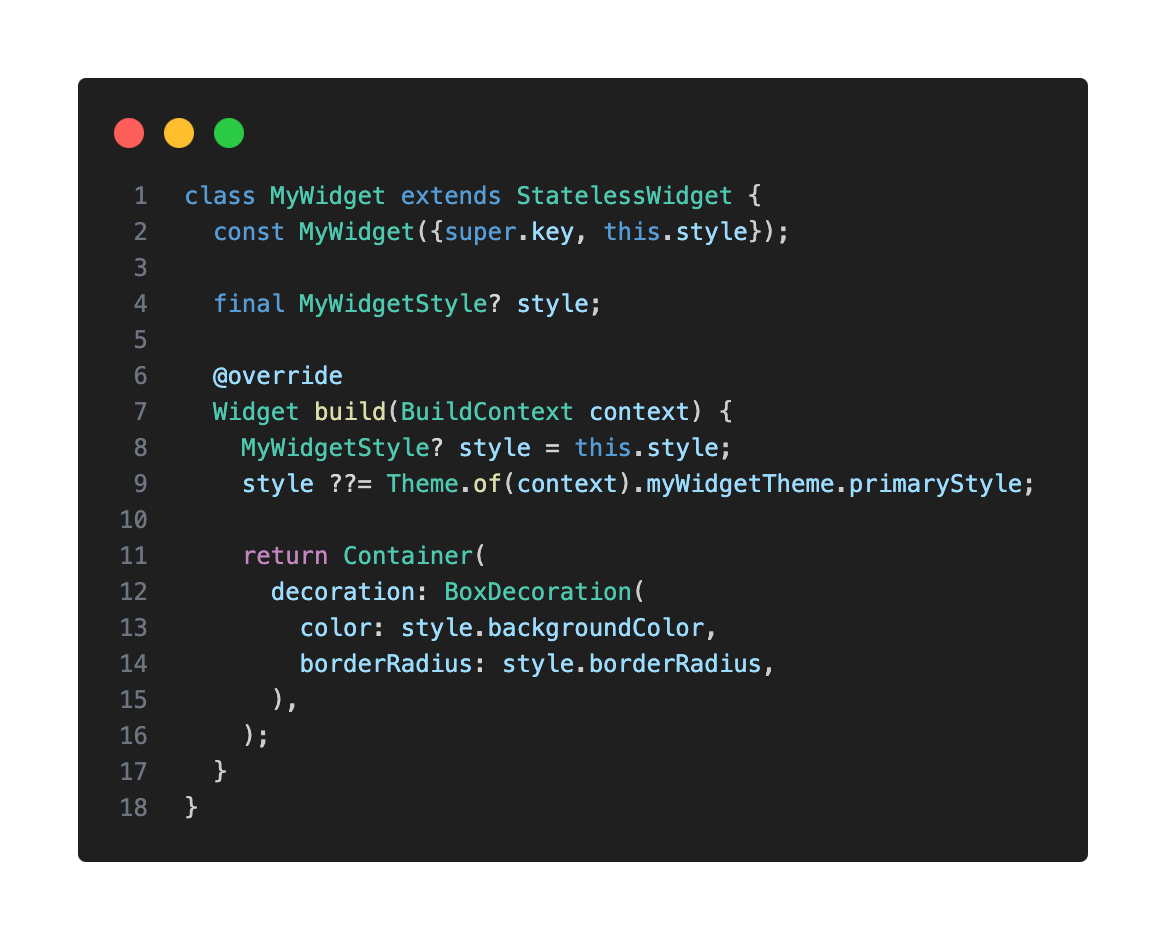
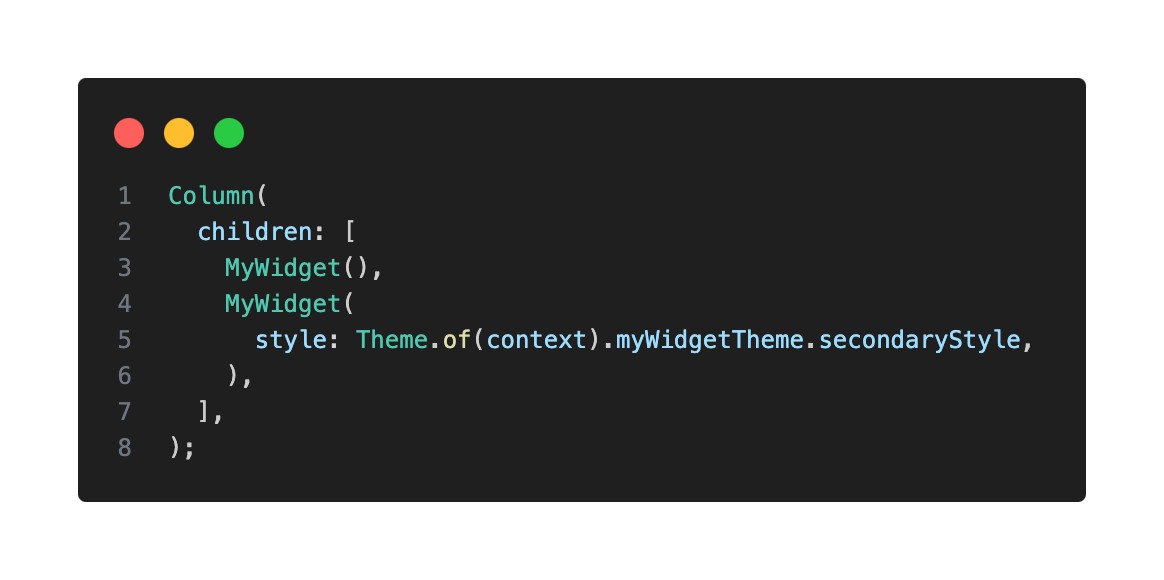
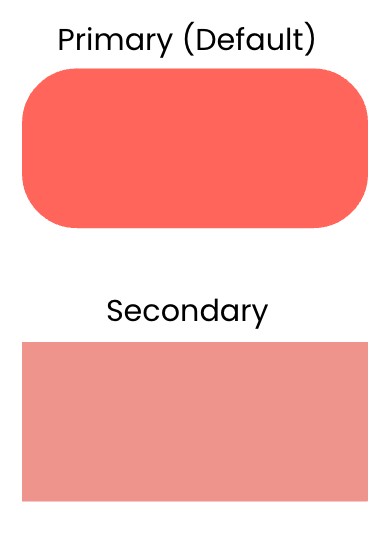
### Modifying Styles With copyWith
I also recommend defining a copyWith() method in your MyWidgetStyle class, as it's incredibly useful. It allows you to create a copy of a particular style while changing only a few properties, without redefining the entire style. This is handy for situations where a style is mostly the same but needs slight modifications.
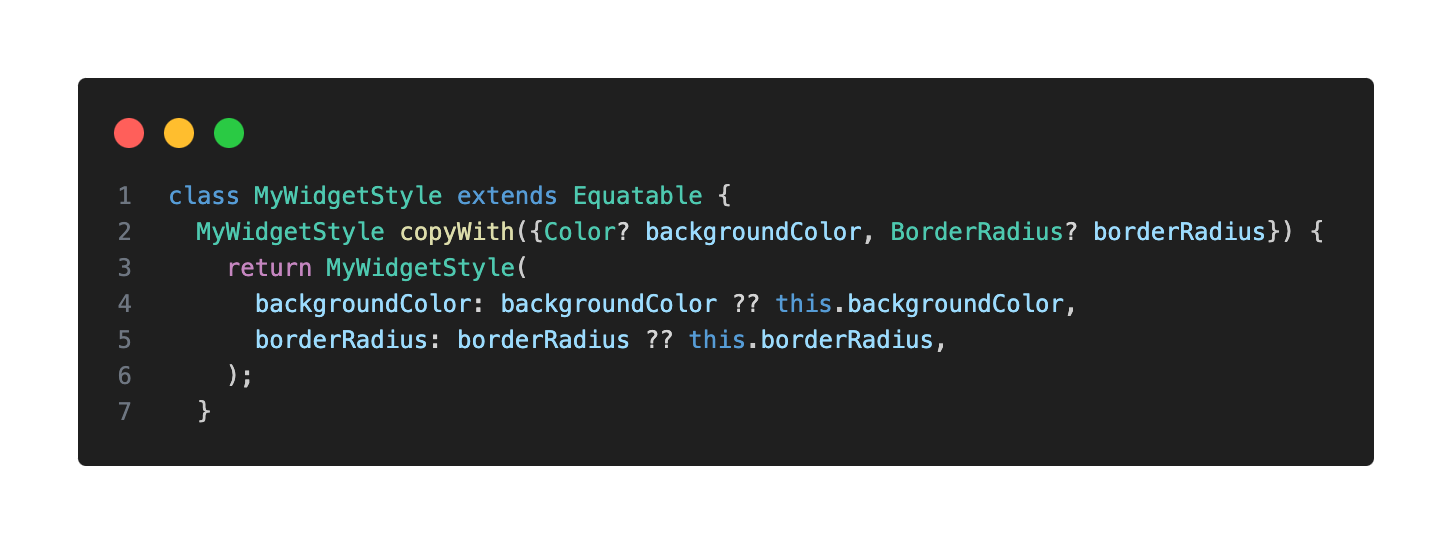
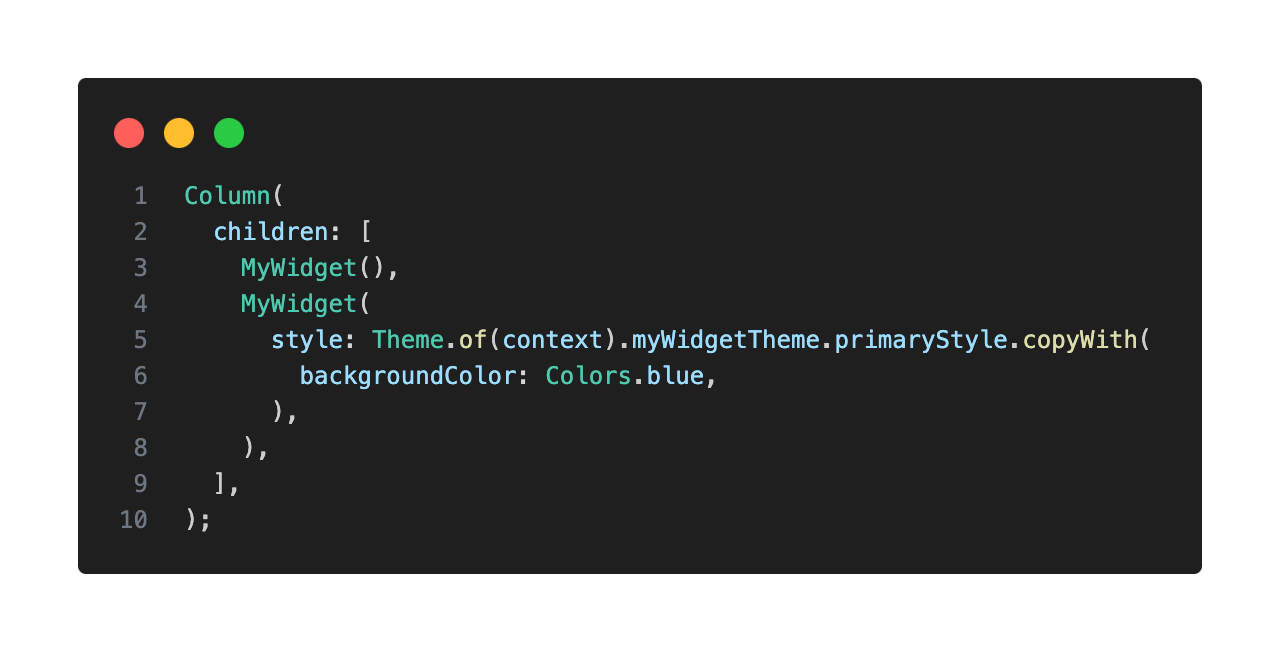
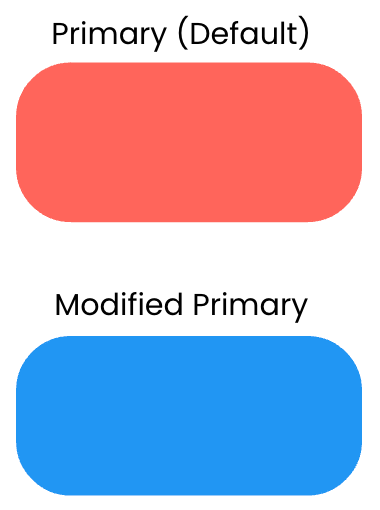
## Handling Widget States
What if you want a widget's style to react to state changes, such as being pressed, hovered, or disabled?
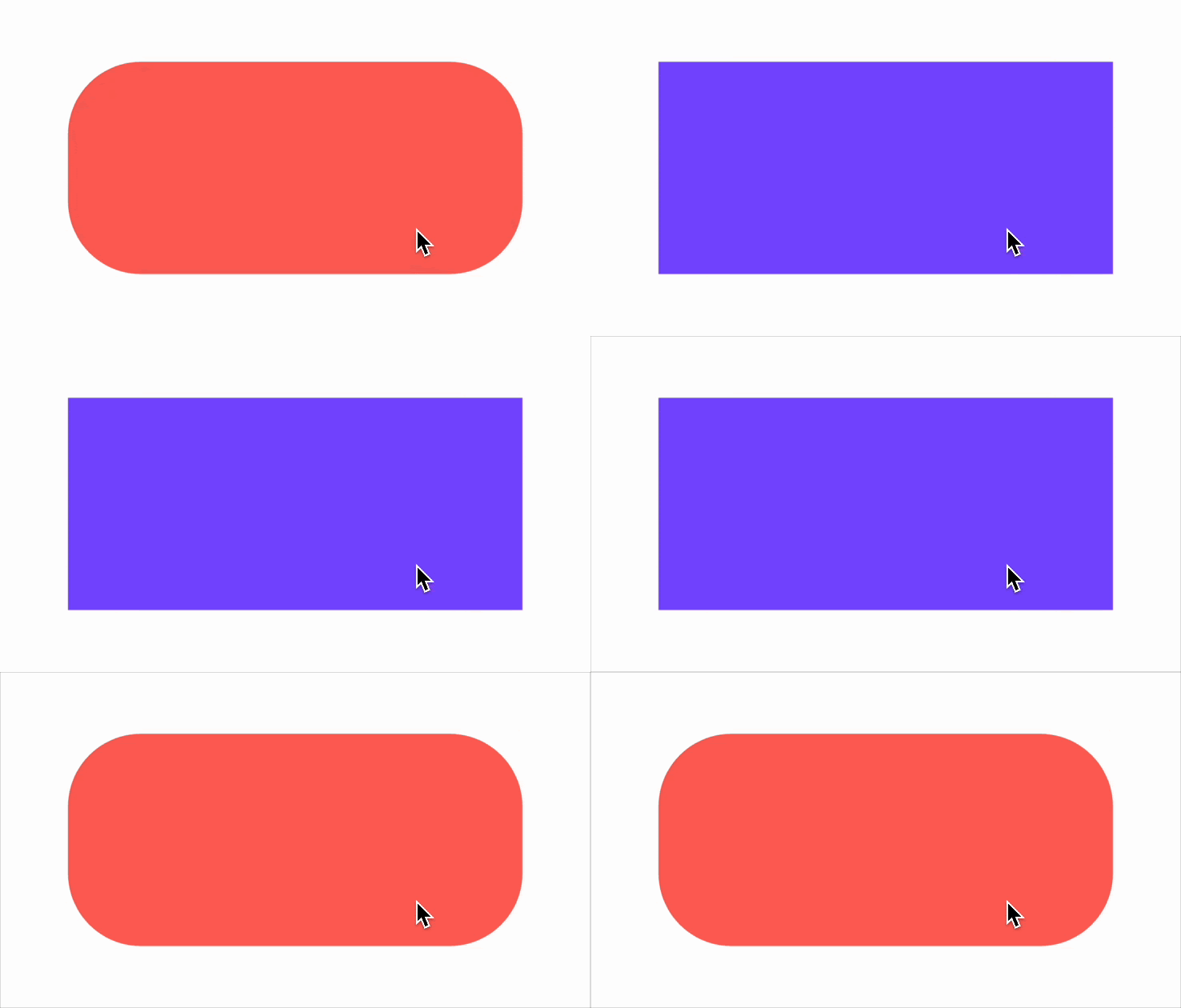
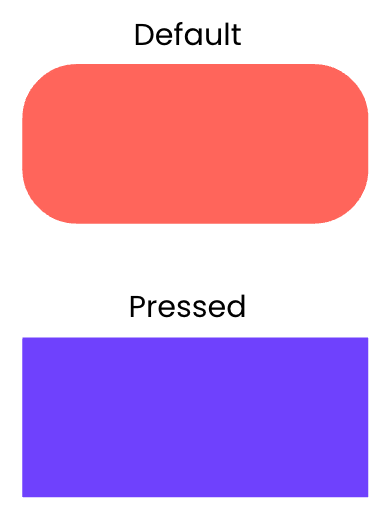
You could add more properties to your style class (e.g. pressedBackgroundColor, hoveredBackgroundColor).
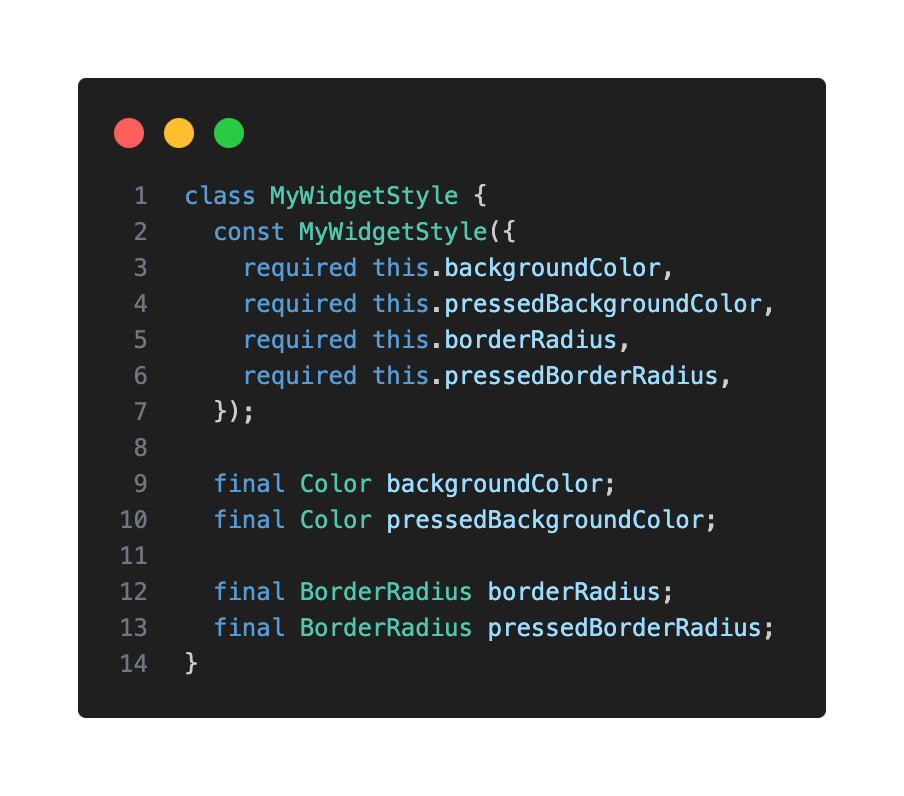
But this quickly becomes unmanageable for multiple states and properties.
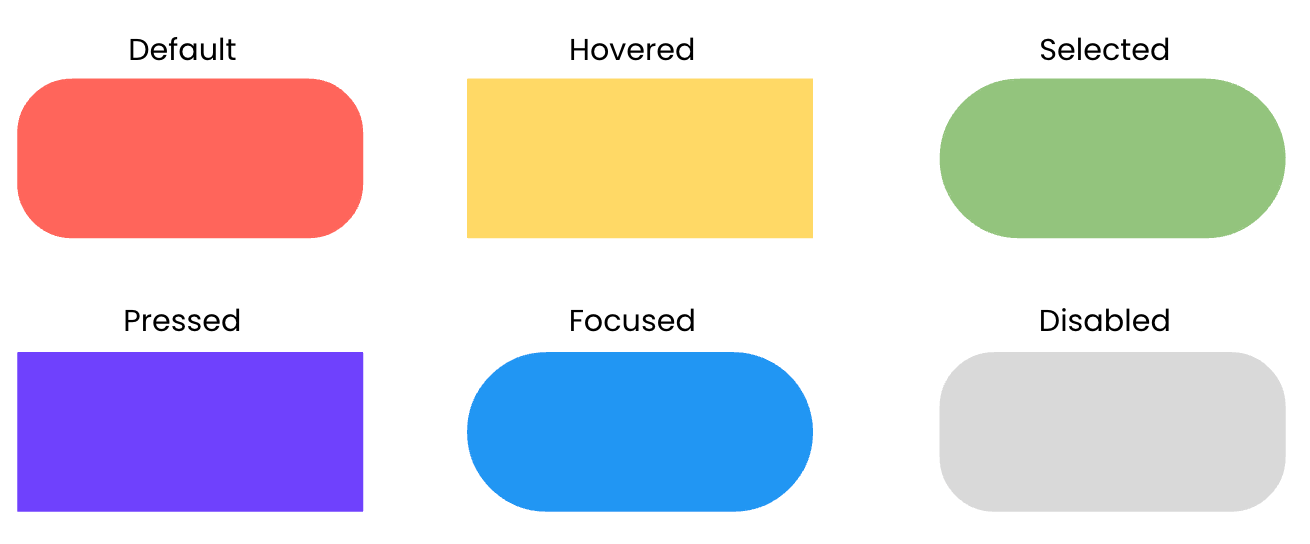
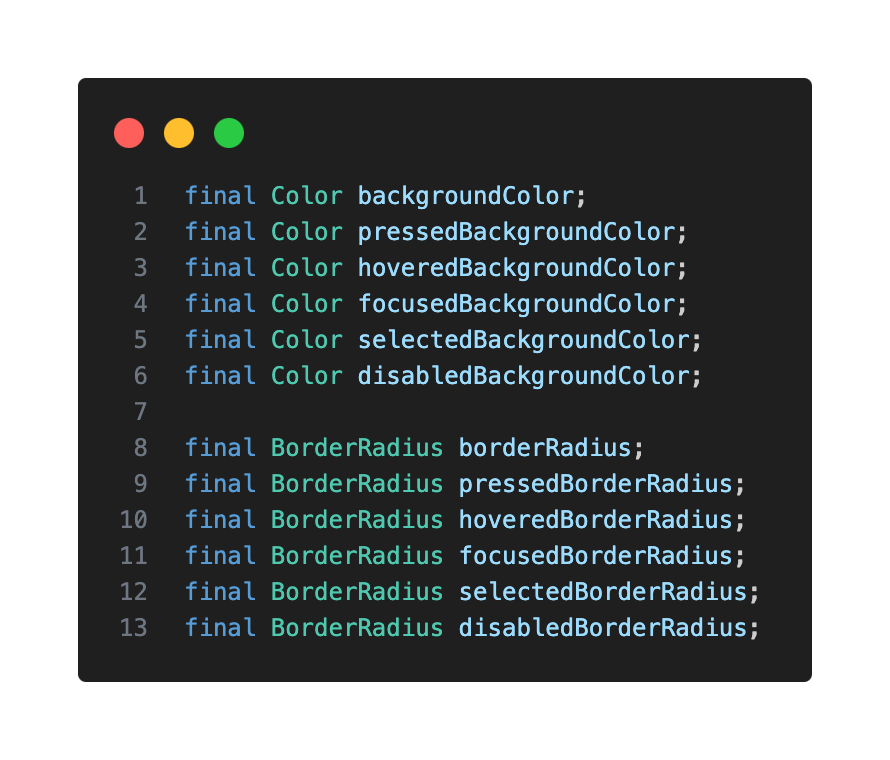
### Function > Static Value
Flutter offers a solution: instead of using a static value (e.g. for backgroundColor), you provide a function that returns a value based on the widget’s current state.
Before diving into that solution, let’s understand what Flutter refers to as WidgetStates. A WidgetState is an interactive state recognized by the Material Design Library (but not limited to it) that includes states such as pressed, hovered, focused, or disabled.
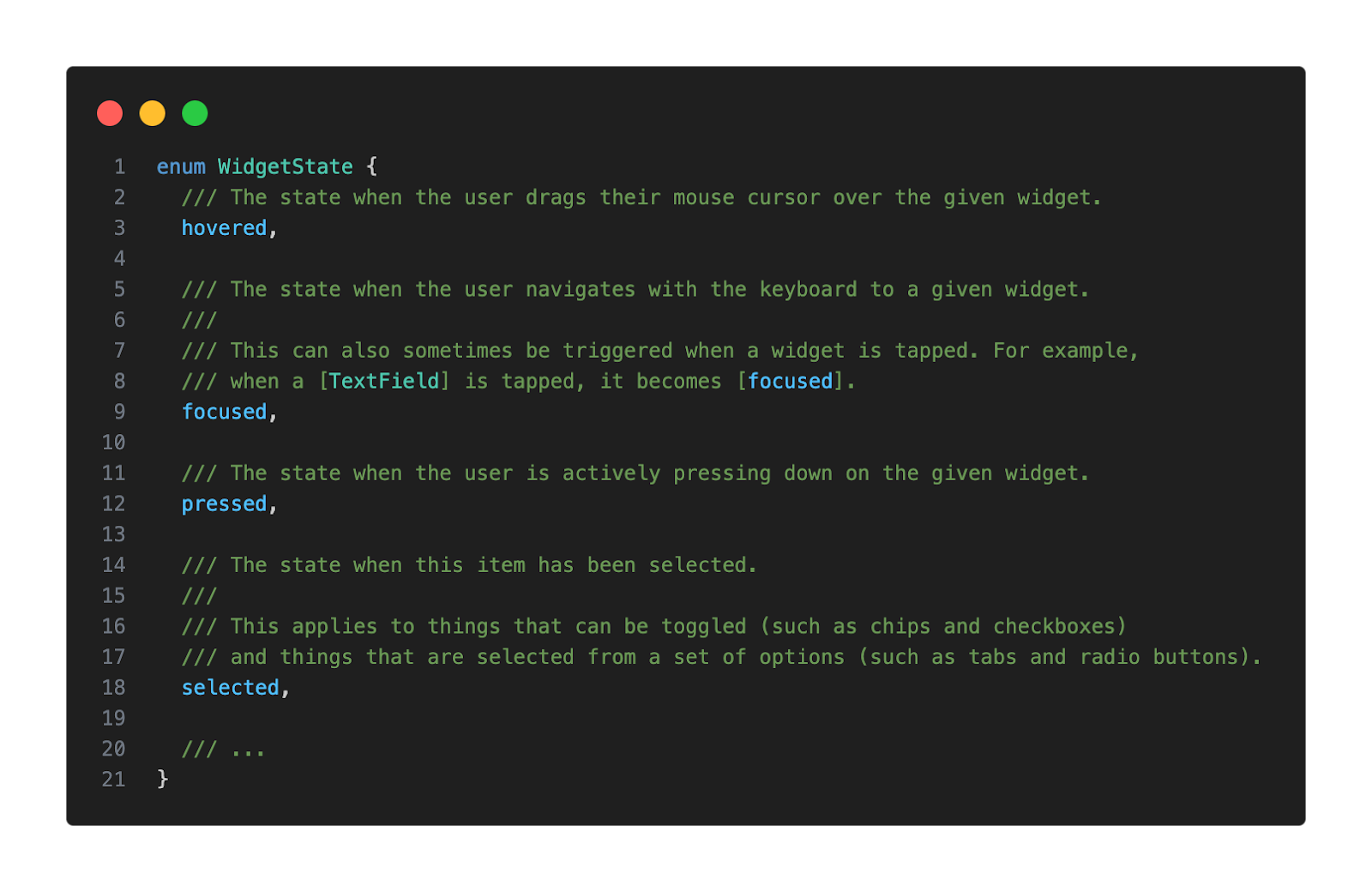
Now we’re ready to dive into that function I mentioned earlier, WidgetStateProperty, which is actually a specialized class in Flutter’s framework that allows properties to resolve to different values depending on a widget’s state. This is particularly useful for styling widgets so they can visually respond to user interactions or changes in their state.
### Updating Your Style Class for WidgetStateProperty
We should use WidgetStateProperty when the style of our widget depends on different WidgetStates. This avoids polluting the style class with multiple members (e.g. disabledBackgroundColor, selectedBackgroundColor) and centralizes the stylistic logic within the style definition, rather than scattering it in the widget's build method.
Instead of static values, your style properties will now accept a WidgetStateProperty.
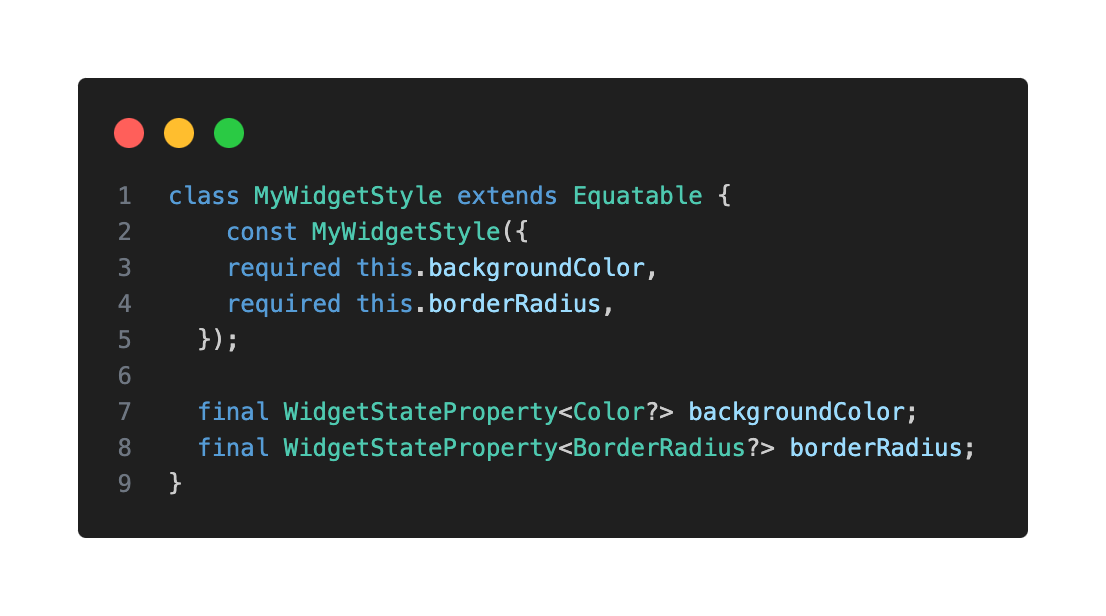
### Resolving Widget States in Your Theme Extension
In your MyWidgetTheme, you'll define how each style property resolves based on the provided WidgetStates set using the resolveWith method.
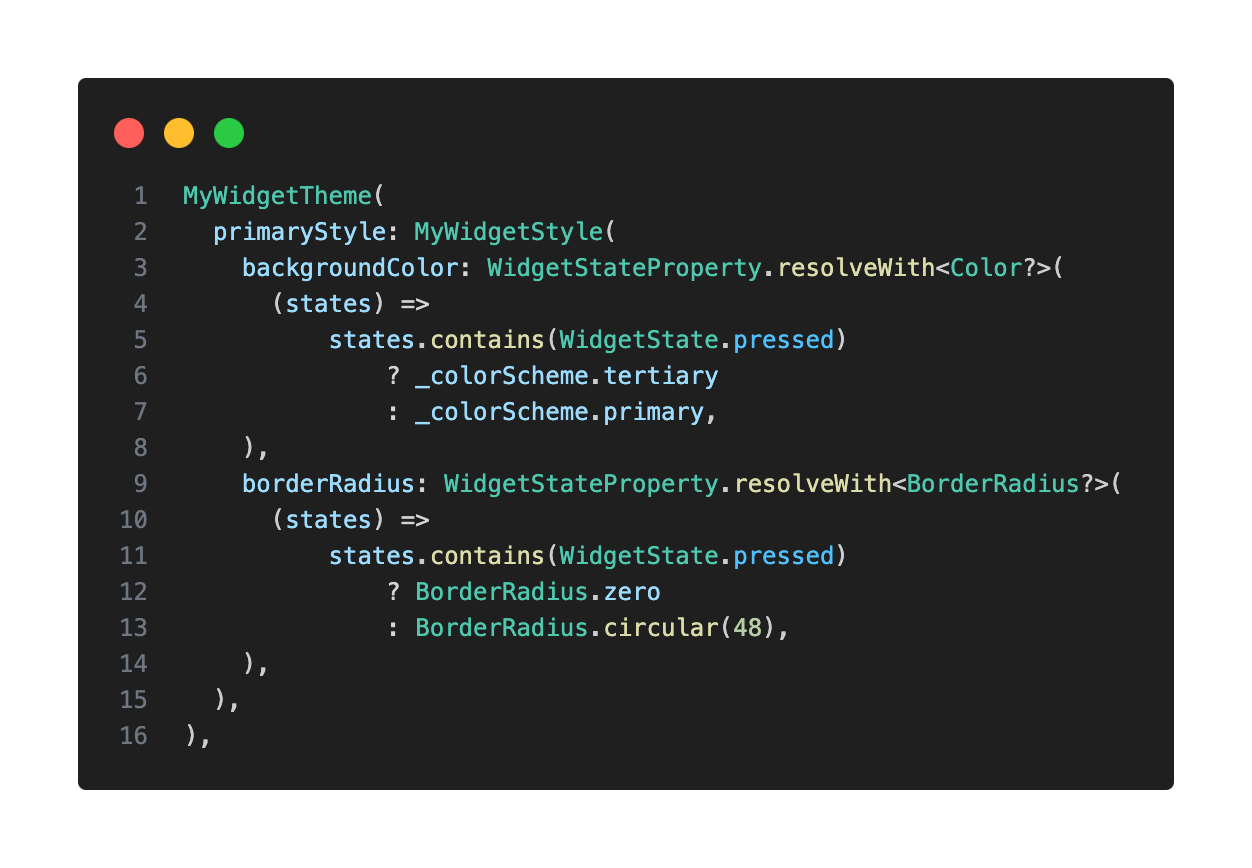
This setup will allow our widget to change its appearance whenever it goes into the pressed state.
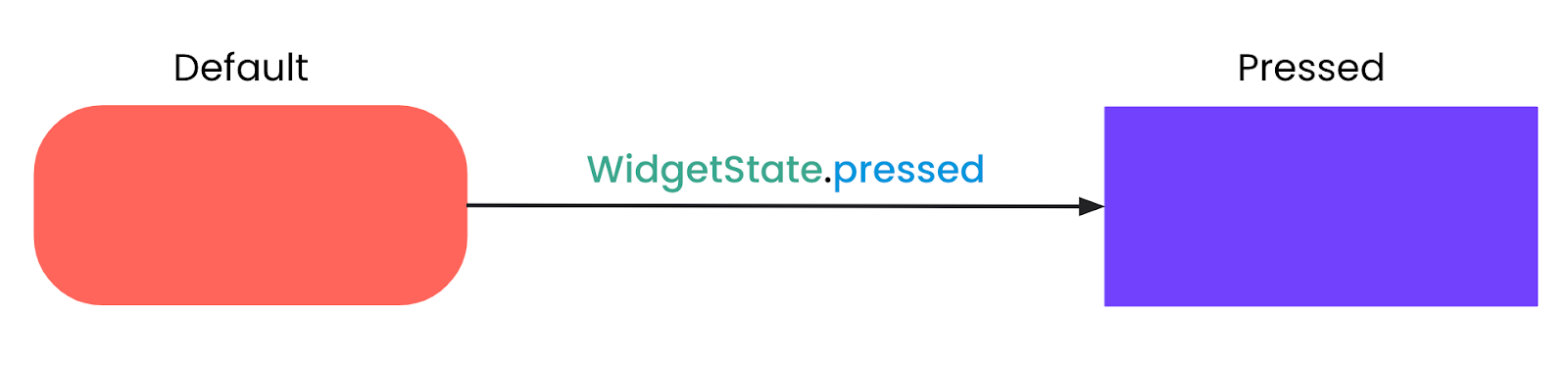
But it can be modified to support different styles for any WidgetState: selected, pressed, disabled, and more.
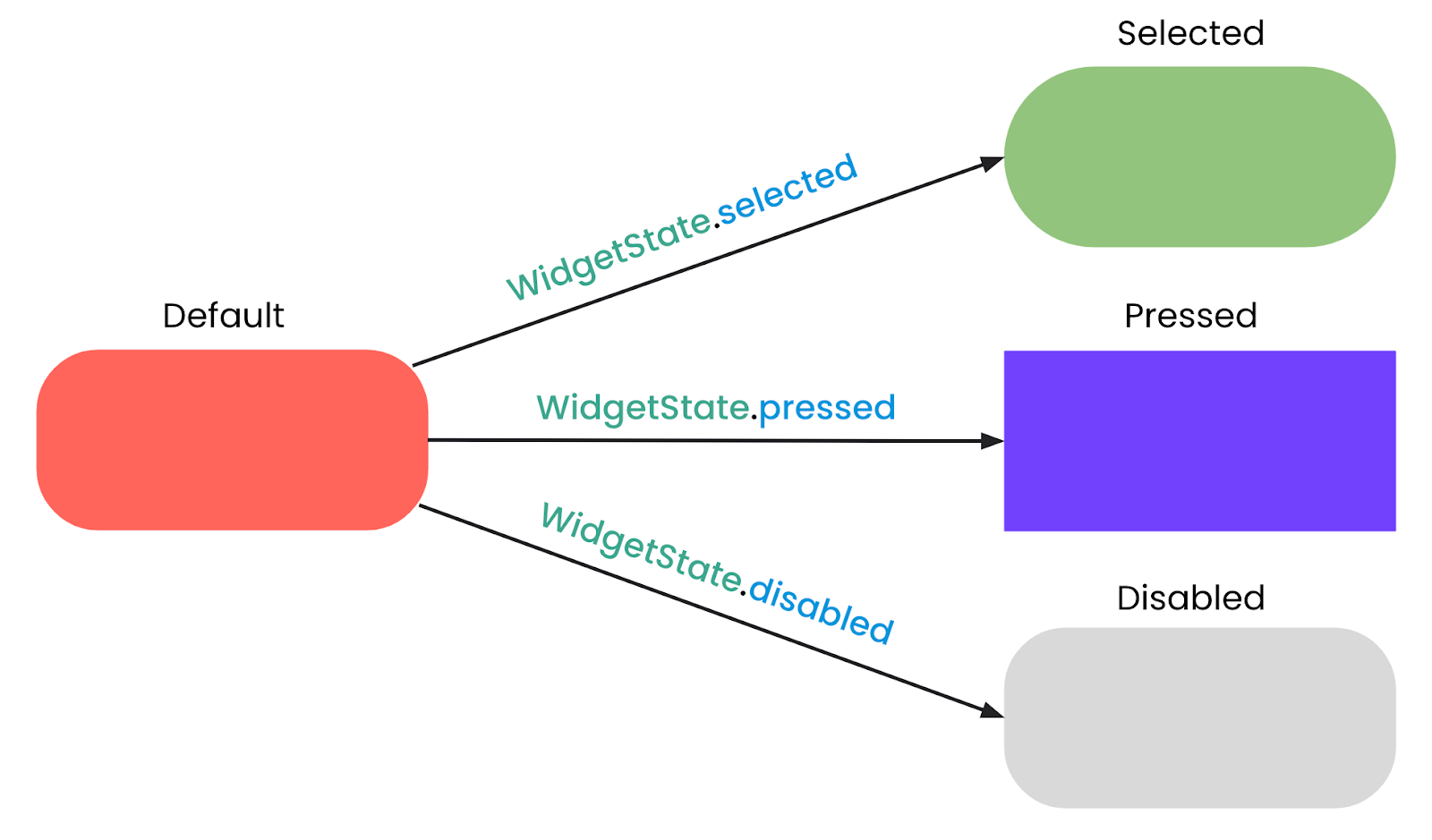
You can also use the fromMap method for a more readable way to define state-dependent values:
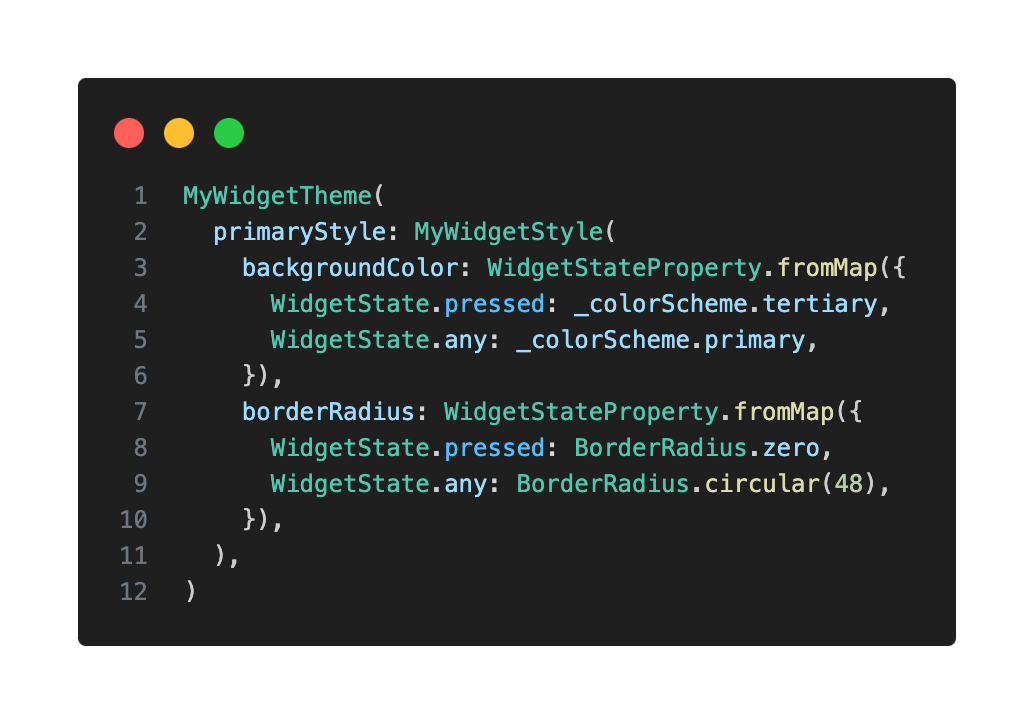
### Tracking Widget States
When using WidgetStateProperty, you need a mechanism to track your custom widget's current WidgetState. One way to do this is by having a Set and calling setState whenever a WidgetState is added to the Set.
In my case, since I want the widget to respond to taps, I wrapped it in a GestureDetector. Then, onTapDown the pressed state gets added and onTapUp gets removed.
Then, using that set of states, we call .resolve() on the relevant style properties to determine the correct style (e.g. color or border radius).
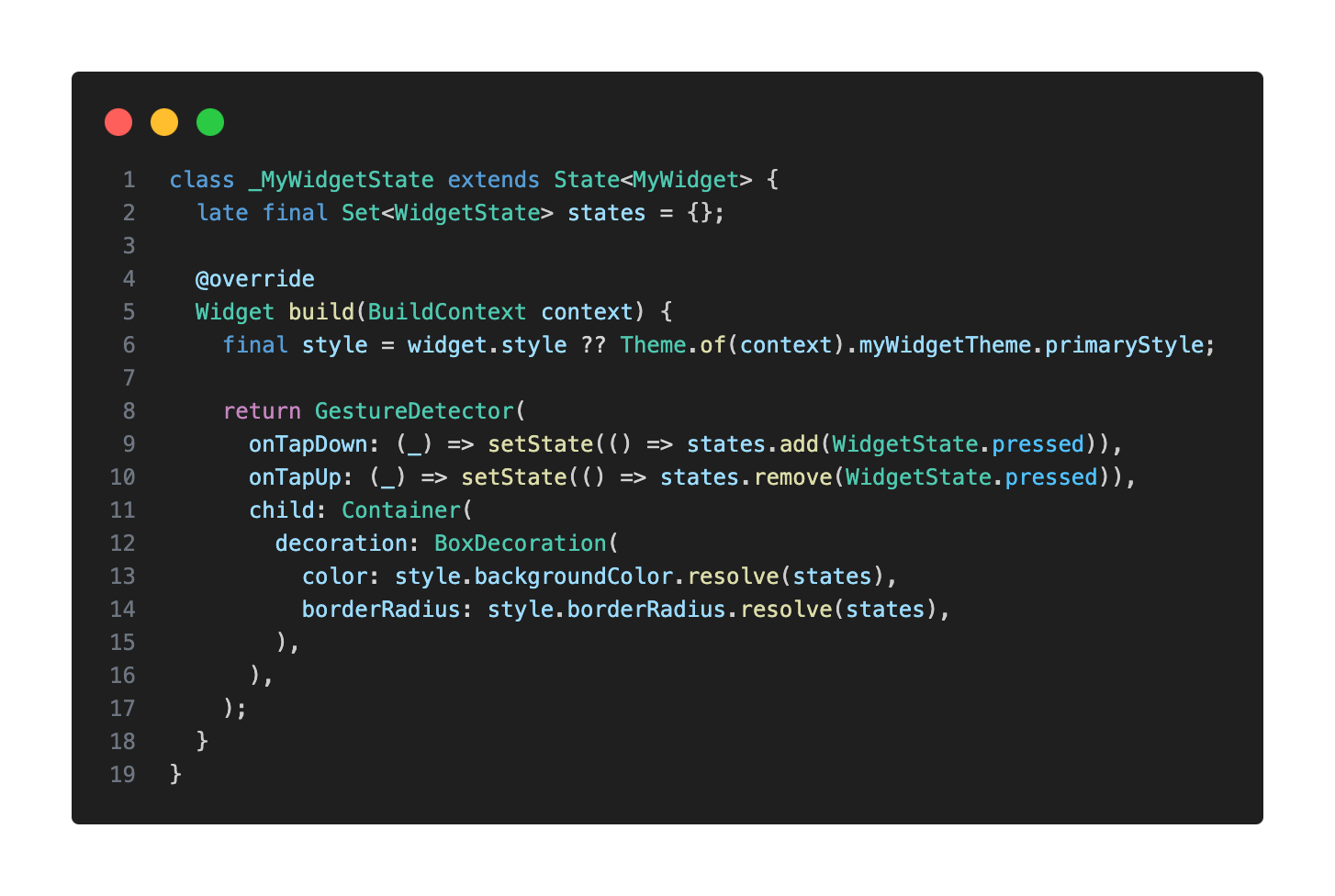
## Final Takeaways
Flutter's theming system might seem a bit daunting at first, but I truly encourage you to experiment with it and leverage its power. It's an incredibly valuable tool for any developer's toolkit.
The MaterialApp provides a highly opinionated, yet remarkably flexible theming foundation. When building your own custom widgets, strive to mimic that established behavior. This philosophy, of aligning with the framework's approach (while tailoring it to your needs, of course), will help create a cohesive and maintainable codebase.
Working on a Flutter project with a robust theming system genuinely elevates your daily development experience. Not only does it simplify the separation of concerns—allowing you to focus on either appearance or behavior independently—but your custom widgets will feel seamlessly integrated into the ecosystem, making them intuitive to use and style.
Please note that I delivered this talk in both English and Spanish. If you’d like to watch them, you can find the recordings here: [Fluttercon USA](https://www.droidcon.com/2025/07/24/mastering-scalable-theming-for-custom-flutter-widgets/) & [FlutterConf Latam](https://www.youtube.com/live/otOhNE4kTg0?si=yuIoCN-kRMedh7Ap&t=20757).
Do you have any specific custom widgets in mind that you'd like to theme, or perhaps a particular design challenge you're currently facing? I’d love to hear about it. Feel free to [reach out](https://www.linkedin.com/in/mauricio-miguez-b518a9140/), and let’s chat!
#### Frequently Asked Questions
##### What does theming actually cover in a Flutter app?
Theming defines the visual identity of your UI, including typography, color, and sizing. It does not affect how widgets behave, so the way something looks stays separated from how it works. Instead of hardcoding visual properties on every widget, you define them once and have widgets reference those styles.
##### Why use Material's theming system instead of Cupertino for custom widgets?
Flutter ships with both Cupertino and Material theming, but only Material provides a structured way to extend and customize themes. That is why this approach builds on the Material system, since MaterialApp automatically applies theming to descendant widgets and exposes hooks for custom extensions.
##### When should I encapsulate widget styles in a dedicated class?
Use a dedicated style class when a custom widget needs distinct visual variants, like a primary and a secondary look. Hardcoding those variants across widget instances quickly becomes unmaintainable. A class like MyWidgetStyle separates the widget's themable appearance from its non-stylistic members, and you pass an instance of it to the widget.
##### What is ThemeExtension and why does the post recommend it?
ThemeExtension lets you extend ThemeData with your own custom styles, giving you a centralized and reusable way to manage them across the app. The post recommends overriding copyWith() for partial updates and lerp() so styles can interpolate during animated transitions, including light and dark mode switches.
##### How do I make a custom widget react to states like pressed, hovered, or disabled?
Use WidgetStateProperty instead of static values. A WidgetState is an interactive state recognized by Material, such as pressed, hovered, focused, or disabled. In your ThemeExtension, define how each property resolves with resolveWith, or use fromMap for a more readable mapping of states to values.
##### How does the post track which states a custom widget is currently in?
Maintain a Set<WidgetState> for the widget and call setState whenever a state is added or removed. The example wraps the widget in a GestureDetector, adds the pressed state on onTapDown, and removes it on onTapUp. The set is then passed to .resolve() on each style property to pick the correct value.
##### What is the takeaway for building scalable Flutter design systems?
Mimic the patterns MaterialApp already uses. Aligning your custom widgets with the framework's approach keeps the codebase cohesive and maintainable, separates appearance from behavior, and makes your components feel like first-class citizens in the Flutter ecosystem.
### The Value of Community, Code, & Collaboration
Source: https://verygood.ventures/blog/the-value-of-community-code-collaboration/
## Quito, Ecuador: A Stunning Backdrop
This year’s [FlutterConf Latam](https://flutterconflatam.dev/home) took us to Quito, Ecuador, one of the highest capitals in the world at 2,850 meters (9,350 feet) above sea level. Between breathtaking mountain views, volcanic landscapes, rich cacao, and warm hospitality, the city offered an unforgettable setting for the event's third edition.
The conference was hosted at the Universidad de las Américas (UDLA), a vibrant campus that provided the perfect venue for two days of technical talks, networking, and community activities.

*Universidad de las Américas (UDLA)*
## What Was New This Year
One of the surprises at this year’s conference was the official event app, built in Flutter and available on [iOS](https://apps.apple.com/us/app/flutter-conf-latam-2025/id6748416769) and [Android](https://play.google.com/store/apps/details?id=dev.flutterconflatam.app&pli=1). Attendees used it to check the agenda, browse speaker sessions, and access event details. The event’s website was also developed in Flutter, showcasing the framework’s versatility beyond mobile.
The conference opened with a keynote by Frank van Puffelen—Developer Relations and Experience Lead at FlutterFlow—called, "Better at it Tomorrow." He shared his personal approach to continuous self-improvement and offered practical tips on learning from mistakes. On the second day, the spotlight turned to a lively GDE Panel, where experts fielded audience questions about Flutter, Google, and the path to becoming a GDE.
The after-parties and dinners for speakers, sponsors, and staff members were memorable, as always. Attendees enjoyed breathtaking views of Quito, traditional Ecuadorian dishes, and lively activities like the *chiva*—an open-air party bus that winds through the city with music and dancing. These moments of fun and connection added a magical layer to the conference experience, making FlutterConf Latam 2025 truly stand out.
## VGV at FlutterConf Latam
For the third year in a row, Very Good Ventures had the privilege of sponsoring the conference—this time as a Silver Sponsor. Our presence was bigger than ever, with a booth that became a central hub for attendees to connect with our team, pick up some exclusive VGV swag, and chat with our HR representative about our hiring process and what it’s like to work at VGV.
[Video](https://www.youtube.com/watch?v=A3zDANot1t4)
Beyond the booth, our engineers took the stage to share their expertise with the community:
**Sofía Rey** dove into the power of CustomPainter in “Mastering CustomPainter: Beyond Widgets in Flutter”.
**Matías Leyba** highlighted best practices for preventing UI regressions in “Pixels Under Control: Prevent UI Regressions with Golden Tests”.
And **Mauricio Miguez** explored the ins and outs of theming with “Understanding Theme: Custom Widgets”.
Each talk showcased the technical depth and creativity that drives our work at VGV.
We also introduced **VGV World**, a brand new, interactive game built with Flutter, Firebase, and AI. By scanning a QR code, participants entered a virtual world made up of four islands, each representing one of our client projects. To advance, they needed to discover a secret password with help from AI and, once all four islands were unlocked, they earned a special VGV collectible pin. It was a fun, engaging way to share our work while highlighting Flutter’s versatility.
## Community Spirit
Beyond the sessions, the organizers created opportunities for the community to connect. From after-event dinners to a giant Dash plushie giveaway and a treasure hunt game, the event kept the energy high and everyone engaged.
What stood out most was the collaboration among developers, leaders, and students. The Latin American Flutter community continues to grow in both talent and adoption, showing how Flutter is powering digital transformation across the region.
The heart of FlutterConf Latam is its people—the developers, organizers, and community leaders who bring the event to life.
> “The event has been incredible, with many new people joining the conference this year. It’s important for developers to attend events like these to connect with the community, learn, and share knowledge.”
>
> \-Álvaro Armijos, Software Engineer & Staff Organizer at FlutterConf Latam
> “I’m here for the first time in Latin America, and I came because this is an event made by the community, and for the community. Events like these are must-attend—not just for learning and listening, but for networking, which for me is the most important thing. It’s about building useful contacts for the future. And it’s also important to have companies that support this kind of event (like VGV), because companies that are leading Flutter can bring job opportunities and amazing people together.”
>
> \-Vadym Pinchuk, GDE / Mobile App Developer
## Another FlutterConf Latam in the Books
This year's event once again proved why this community is so special. Each year it gets bigger, better, and more impactful—not just as a space for learning, but as a hub for connection and inspiration.
We’re proud to keep supporting this conference and the community behind it.
The FlutterConf Latam team has already announced next year’s destination: Cancún, Mexico. The only big question is: Are you going?
#### Frequently Asked Questions
##### Where was FlutterConf Latam 2025 held?
The conference took place in Quito, Ecuador, one of the highest capitals in the world at 2,850 meters above sea level. It was hosted at the Universidad de las Américas (UDLA) over two days.
##### Was Very Good Ventures a sponsor of the event?
Yes. For the third year in a row, VGV sponsored the conference, this time as a Silver Sponsor. The booth served as a hub for attendees to meet the team, pick up swag, and chat with VGV's HR representative about the hiring process.
##### Which VGV engineers spoke at the conference?
Sofía Rey presented "Mastering CustomPainter: Beyond Widgets in Flutter." Matías Leyba presented "Pixels Under Control: Prevent UI Regressions with Golden Tests." Mauricio Miguez presented "Understanding Theme: Custom Widgets."
##### What is VGV World?
VGV World is a new interactive game built with Flutter, Firebase, and AI. Attendees scanned a QR code to enter a virtual world of four islands, each representing a VGV client project. Unlocking all four islands earned a special VGV collectible pin.
##### Where will FlutterConf Latam take place next year?
The FlutterConf Latam team announced that the next edition will be held in Cancún, Mexico.
### Andrew Brogdon on AI, DevRel, and the Future of Apps
Source: https://verygood.ventures/blog/andrew-brogdon-on-ai-devrel-and-the-future-of-apps/
Our new episode of *Build to Succeed* dropped last week with Andrew Brogdon, Staff Developer Relations Engineer at [Google](https://www.linkedin.com/company/google/), as our guest. Here’s a quick summary of his insights you’ll want to catch.
## Merging Creative Writing With Code
Before joining Google, Andrew earned two degrees in creative writing and even pursued a career as a poet. Today, he’s one of the leading voices in Flutter’s global developer community, helping shape the way teams adopt, use, and innovate with the framework. His unique blend of storytelling and engineering makes him the perfect guide to discuss where DevRel is headed in an AI-powered world.
## AI, Agents, and the New Frontier
In the episode, Andrew breaks down why AI is forcing us to rethink how developers learn, build, and lead. He shares:
- How AI is raising the bar for quality in developer tools and codebases.
- Why agentic apps that can think, plan, and act using AI agents are moving from theory to reality.
- The surprising ways AI could reshape languages like Dart, making them easier to read than to write, since AI may generate much of the code.
As Andrew puts it:
“Take an LLM like Gemini, give it tools, give it a goal, package that up, and that’s an agent. An agentic app would use an agent like that for some or all of its functionality.”
## Rethinking DevRel in the AI Era
DevRel has always been about connecting technology with the people who use it. However, that audience is now expanding beyond human developers. AI agents need upskilling, too, Andrew explains.
“We’ve never been in the position of needing to upskill AI agents before, but if we’re trying to help developers be happy and effective, that is going to start coming into our work more and more.”
That shift means building resources that serve both people and machines—whether that’s making release notes machine-readable or rethinking learning tools so AI can consume them.
## Leadership Takeaways
For engineering leaders, the implications are massive. This isn’t just about AI writing code faster, it’s about creating workflows, tools, and cultures that are ready for a hybrid world of humans and agents building together.
Andrew reminds us that leadership in this moment still comes back to one timeless skill: empathy. Understanding your team—and now, understanding the tools they work alongside—will be the differentiator that makes great organizations thrive.
## A Worth Listening
If you’re curious about what’s next for Flutter, developer relations, and the future of AI-driven app development, this episode is packed with insights worth sharing with your team!
#### Frequently Asked Questions
##### Who is Andrew Brogdon?
Andrew Brogdon is a Staff Developer Relations Engineer at Google. He earned two degrees in creative writing and pursued a career as a poet before moving into engineering, and is now one of the leading voices in Flutter's global developer community.
##### How does Andrew define an agent and an agentic app?
Andrew describes it like this: take an LLM such as Gemini, give it tools, give it a goal, and package that up. That is an agent. An agentic app uses an agent like that for some or all of its functionality.
##### How might AI reshape languages like Dart?
Andrew suggests AI could make languages easier to read than to write, since AI may generate much of the code going forward.
##### How is AI changing the work of developer relations?
DevRel's audience is expanding beyond human developers. AI agents need upskilling too, which means building resources that serve both people and machines, such as making release notes machine-readable and rethinking learning tools so AI can consume them.
##### What leadership skill does Andrew emphasize for the AI era?
Empathy. Andrew says understanding your team, and now the tools they work alongside, will be the differentiator that makes great organizations thrive.
### Elevating Flutter Test Reports with Allure
Source: https://verygood.ventures/blog/elevating-flutter-test-reports-with-allure/
Testing is a crucial part of application development, ensuring software behaves as expected. As testers, we aim to provide clear reports that document test results, highlight failures, and include visual evidence such as screenshots. These reports help developers, project managers, product owners, stakeholders, and testers to assess stability and make informed decisions.
For Flutter integration testing, well-structured reports are even more critical. Traditional Flutter end-to-end automation testing reports often include dense logs that are counterintuitive and lack actionable insights to analyze and share. Instead, reports should prioritize clarity, visual representation, and actionable insights, making them accessible to both technical and non-technical audiences.
We identified an opportunity to amplify how existing Flutter UI testing frameworks present their results. This blog introduces how reports typically look today, highlights the reporting needs our team faced, and walks through a solution that elevates test reporting with greater control and clarity.
## Reports That Work for Every Audience
We wanted to enhance the communication of test results across teams. Our goal was to create a reporting solution that delivers clear, detailed, and well-structured test execution data, accessible to both technical and non-technical audiences. While existing tools—such as [Flutter Integration Tests](https://docs.flutter.dev/testing/integration-tests), [Maestro](https://maestro.dev/), [Fluttium](https://fluttium.dev/), and [Patrol](https://patrol.leancode.co/)—offer valuable capabilities, we identified opportunities to further enhance the experience by building a more intuitive and stakeholder-friendly reporting solution.
### Key requirements for the reporting solution:
1. **Step-by-Step Breakdown:** The report should provide a detailed sequence of test steps, clearly marking passed and failed steps. This helps pinpoint issues and understand the test flow.
2. **Non-Technical Readability:** The report must be easily understandable by PMs, clients, and other stakeholders, avoiding excessive technical jargon while maintaining clarity.
3. **Visual Evidence:** Screenshots or other visual elements should be included at key steps, especially where failures occur, to provide immediate context.
4. **Framework Compatibility:** The solution should support both **Flutter Integration Tests** and **Patrol.**
## Current Solutions
Before building a custom solution, we explored how existing tools handle test reporting. We tested the most widely used UI testing frameworks in the Flutter ecosystem: Maestro, Fluttium, Flutter Integration Test, and Patrol, using a basic Flutter sample app to evaluate how each presents test results.
While each tool has its strengths, we found that none fully meet our needs: accessible to both developers and non-technical stakeholders.
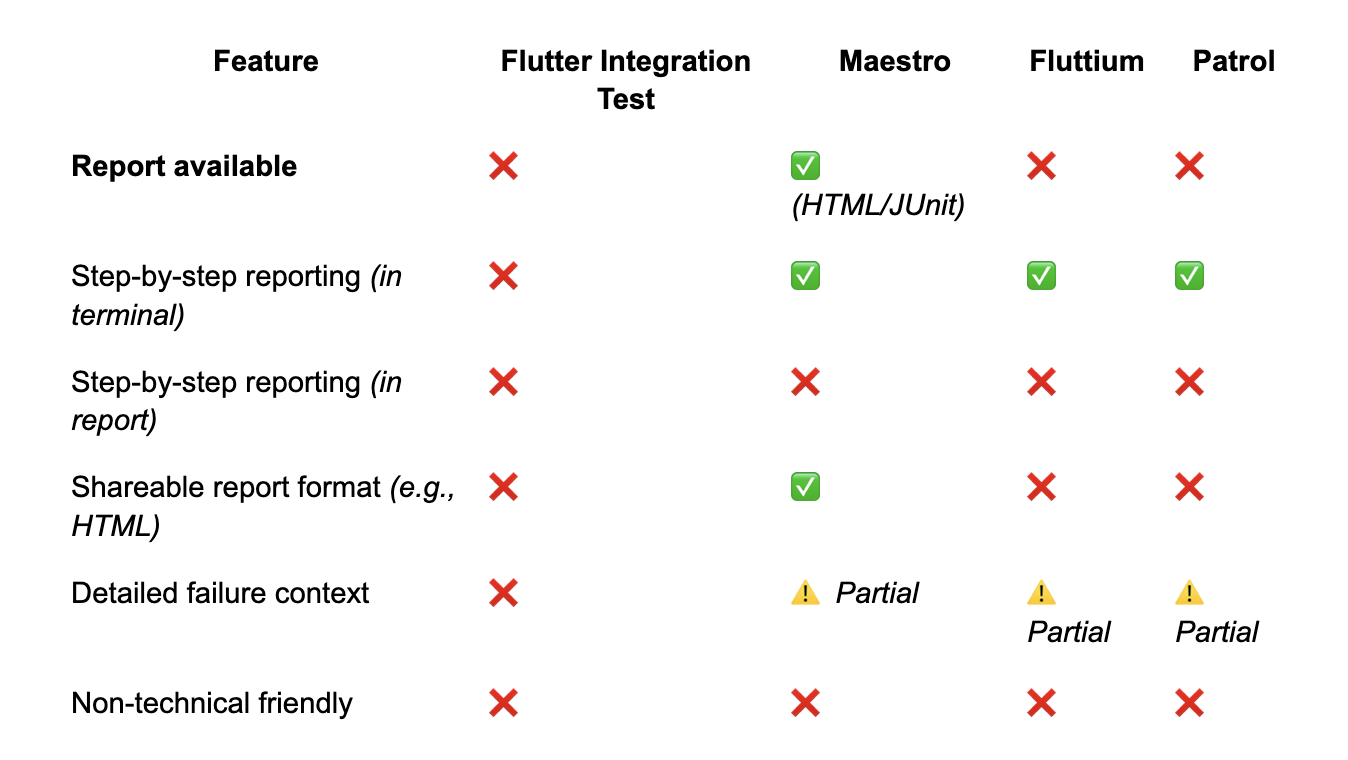
### Examples
Below are a few sample outputs to illustrate how each tool presents test results.
**Flutter Integration Test – Console Output**
Failure case (verbose, technical logs):
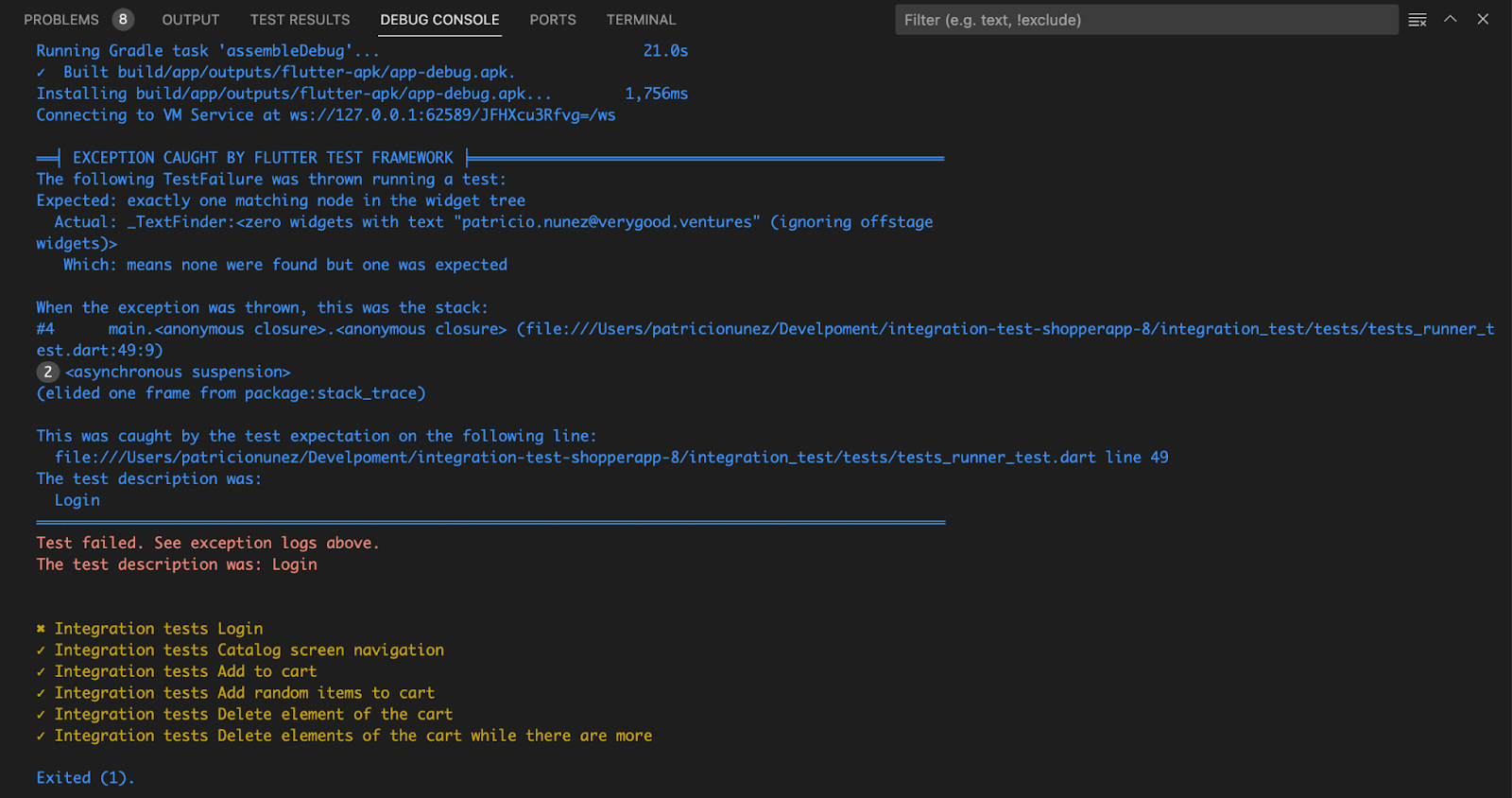
**Patrol – Console Output**
Failure stops execution and shows a test summary:
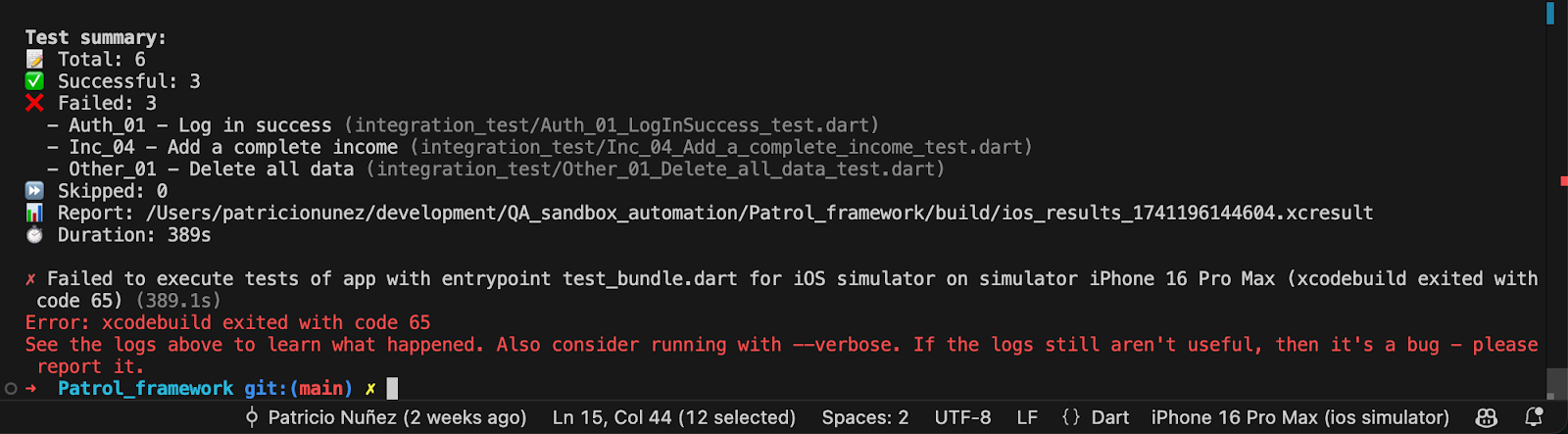
**Maestro – HTML Report and Console**
Terminal shows step-by-step output, and HTML/JUnit report shows high-level result only (no step breakdown):
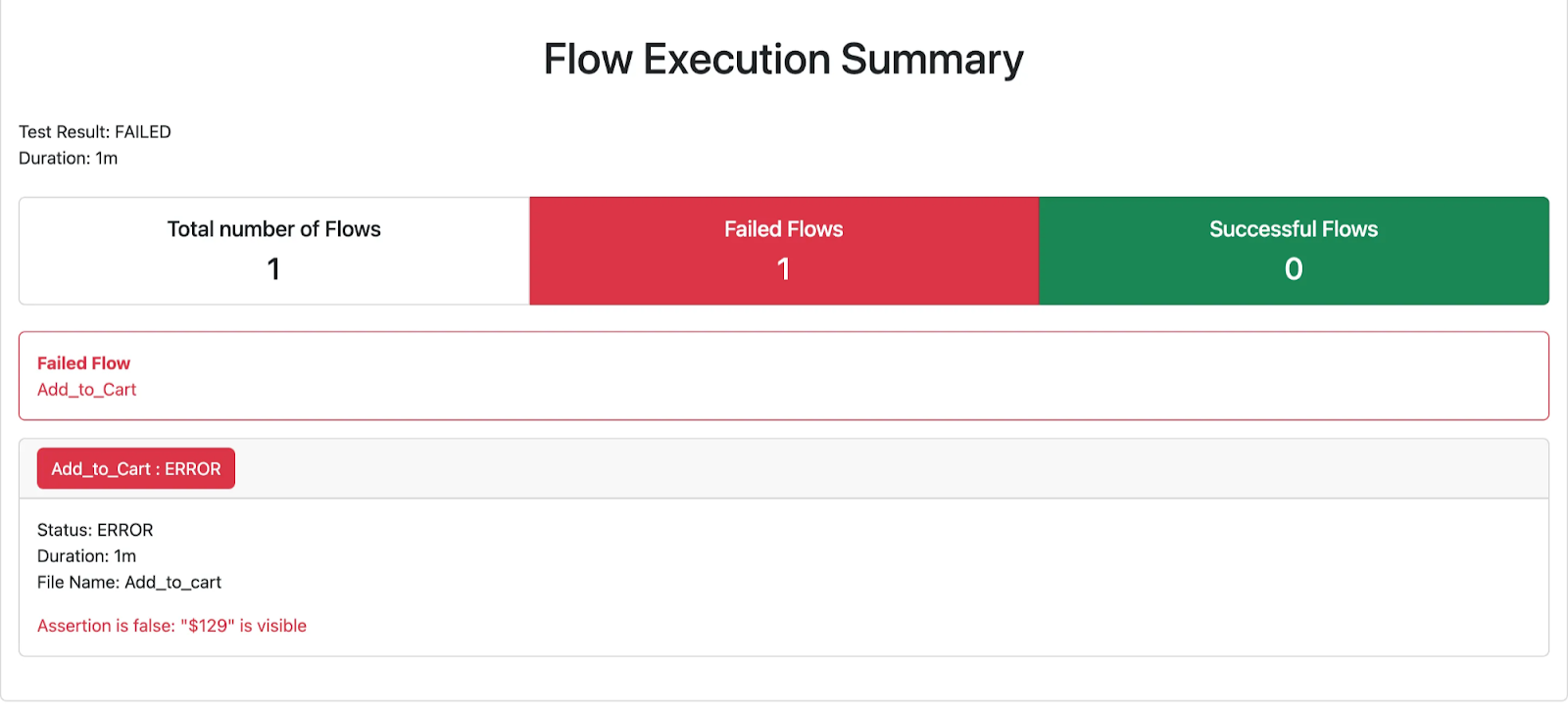
## Introducing Allure
[Allure](https://allurereport.org/) is an open-source framework designed to generate rich, interactive, and user-friendly test reports. Originally built for Java-based testing frameworks like [JUnit](https://junit.org/junit5/) and [TestNG](https://testng.org/), it has since evolved to support a broad range of ecosystems—including Python, JavaScript, and Kotlin. While Flutter isn’t natively supported, Allure’s flexible data format allows us to integrate it manually by exporting test results in a compatible structure.
What makes Allure compelling is its ability to transform raw test execution data into a structured, shareable HTML report that’s not only informative but easy to navigate. This elevates the experience for both developers and non-technical stakeholders, helping teams better understand test behavior and failures.
### How does it work?
Allure consumes test result data stored in JSON files, following a specific format to ensure compatibility. Each test case is represented as a JSON object with key properties such as:
- **name**: The name of the test case.
- **status**: The result of the test (passed, failed, broken, skipped).
- **steps**: A list of step objects, each containing:
- **name**: Step description.
- **status**: Step result.
- **start** and **stop**: Timestamps for execution (milliseconds).
- **attachments**: Optional artifacts such as screenshots, logs, or videos.
- **parameters**: Input parameters used in the test case.
- **uuid**: A unique identifier for the test.
These JSON file names should follow a consistent pattern, using the uuid-result.json format to ensure uniqueness and prevent conflicts.
Allure then aggregates this structured data and converts it into an interactive HTML report that enhances test result readability and debugging efficiency.
For more details on the test result file structure, visit the [Allure documentation](https://allurereport.org/docs/how-it-works-test-result-file/).
Note: In this blog, we will showcase a subset of Allure’s capabilities. The framework supports many additional features not covered here—see the [official documentation](https://allurereport.org/docs/) for more.
## Allure for Flutter: Our Initial Effort
To meet our requirements while building a scalable solution, we developed a **framework-agnostic custom Allure adapter**. This approach lets us enhance any Flutter UI testing framework by gaining full control over what gets captured and reported—free from the constraints of built-in tools.
This marks an initial effort to bring Allure support to Flutter, designed to work with **integration\_test**, **Patrol**, or any other setup you might use.
### Want to see official Flutter support in Allure?
As of today, **Allure does not officially support a Flutter/Dart adapter**. However, we saw the potential and built a **custom proof of concept (POC)** to bridge the gap. Our goal is to inspire the community and demonstrate what’s possible.
If you'd like to see **first-class Flutter support in Allure**, consider adding your voice to the discussion on this [GitHub issue](https://github.com/allure-framework/allure2/issues/1119#issuecomment-818904583). The more people contribute or show interest, the better the chances of making it happen!
### Introducing the TestResults class
We designed the TestResults class to wrap and log test execution steps, making it possible to track, manage, and save test results.
This class helps structure test execution details by recording test names, timestamps, and statuses while providing utility methods to register, update, and manage test steps.
Additionally, TestResults generates structured test reports in JSON format, making it compatible with Allure reporting.
You can see the implementation of the class in [integration_test/utils/test_results.dart](https://github.com/VGVentures/allure_reports/blob/main/integration_test/utils/test_results.dart) on our Allure-Reports repo.
### How to integrate with your existing tests or new ones
When a test starts, an instance of TestResults is created with the test name. This automatically initializes the report with:
- The test name (name field).
- A default failed status.
- A start timestamp indicating when the test began.
Each test step is logged using the addStep() method, which:
- Registers a new step with a default status (in progress).
- Executes the provided function, the step.
- Updates the step’s status to passed or failed based on execution outcome.
- Adds timestamps to track execution duration.
Note: For more granular control, the registerStep() and updateStep() methods allow direct manipulation of test steps without executing a function with the actual step.
When we reach the end of the test without any exceptions being thrown, we call the passTest() method to mark the test as passed.
Let’s see what a test would look like:
For this example, we’re using a simple Flutter app with the integration\_test package, you can see the implementation on [integration_test/test/app_test.dart](https://github.com/VGVentures/allure_reports/blob/main/integration_test/test/app_test.dart).
```dart
void main() {
IntegrationTestWidgetsFlutterBinding.ensureInitialized();
const testName = 'Tap on the floating action button, verify counter';
late final TestResults report;
late final String testUUID;
setUp(() {
report = TestResults(testName);
testUUID = report.generateAllureReportId();
});
testWidgets(testName, (tester) async {
await report.addStep('Load app widget', () async {
await tester.pumpWidget(MyApp());
});
await report.addStep('Verify counter starts at 0', () async {
expect(find.text('0'), findsOneWidget);
});
final actionButtonFinder = find.byKey(ValueKey('increment'));
await report.addStep('Finds the floating action button to tap on', () {
expect(actionButtonFinder, findsOneWidget);
});
await report.addStep('Tap on the floating action button', () async {
await tester.tap(actionButtonFinder);
});
await report.addStep('Pump and settle the widget', () async {
await tester.pumpAndSettle();
});
await report.addStep('Verify counter increments by 1', () {
expect(find.text('1'), findsOneWidget);
});
report.passTest();
});
tearDown(() async {
await report.uploadReportToGoogleCloudStorage(testUUID);
});
}
```
The resulting JSON after the test execution looks like this:
```json
{
"name": "Tap on the floating action button, verify counter",
"status": "passed",
"start": 1745503452538,
"steps": [
{
"name": "Load app widget",
"status": "passed",
"start": 1745503452675,
"stop": 1745503452876
},
{
"name": "Verify counter starts at 0",
"status": "passed",
"start": 1745503452876,
"stop": 1745503452889
},
{
"name": "Finds the floating action button to tap on",
"status": "passed",
"start": 1745503452889,
"stop": 1745503452892
},
{
"name": "Tap on the floating action button",
"status": "passed",
"start": 1745503452892,
"stop": 1745503452928
},
{
"name": "Pump and settle the widget",
"status": "passed",
"start": 1745503452928,
"stop": 1745503453637
},
{
"name": "Verify counter increments by 1",
"status": "passed",
"start": 1745503453637,
"stop": 1745503453638
}
],
"stop": 1745503453638
}
```
As you can see, the output contains the test execution details, including the test name, overall status, timestamps, and a detailed list of steps with their statuses and execution times.
### Saving test results in JSON
Since the TestResults class runs on Flutter, you have the flexibility to store test execution results either locally on your machine, or on the cloud by uploading them to whatever service you like.
We chose the second option, uploading them to Google Cloud. It allows us to access the results from anywhere and enables some additional capabilities such as an automated GitHub workflow.
Feel free to replace the storage logic with any other service of your choice, or implement a local solution for storing and retrieving test results.
Current storage logic is in [integration_test/utils/google_cloud_service.dart](https://github.com/VGVentures/allure_reports/blob/main/integration_test/utils/google_cloud_service.dart).
### Retrieving test results and generating the Allure report locally
In our solution, once the JSON result file is saved in Google Cloud Storage, we retrieve them to generate the Allure report. To do so, we store them in a designated allure-results/ folder and then feed them to Allure.
**Generating the Allure Report**
There are two ways to generate the Allure report:
1. Serve the report locally Using the command below, Allure will generate the report in a temporary directory and launch a local server to display it:
```dart
allure serve allure-results/
```
2. Generate a single HTML file If you want a shareable, self-contained HTML report, Allure provides you with the following command:
```dart
allure generate --single-file allure-results/
```
3. There are two ways to open the report:
- You can double-click to open the **single** **HTML** file
- You can also launch the local server from the **single HTML** file with allure openHere are some images showing the Allure report look:
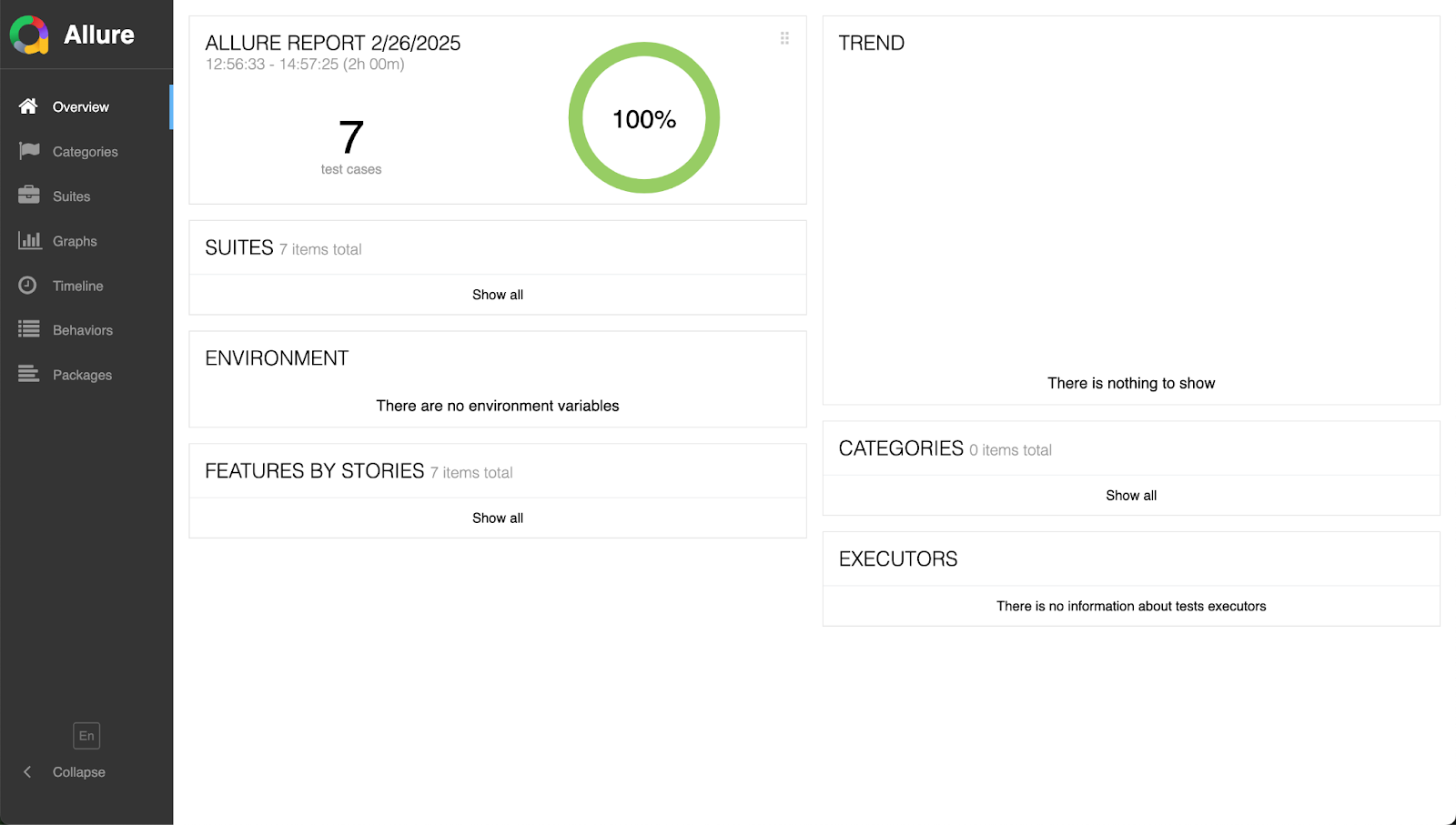
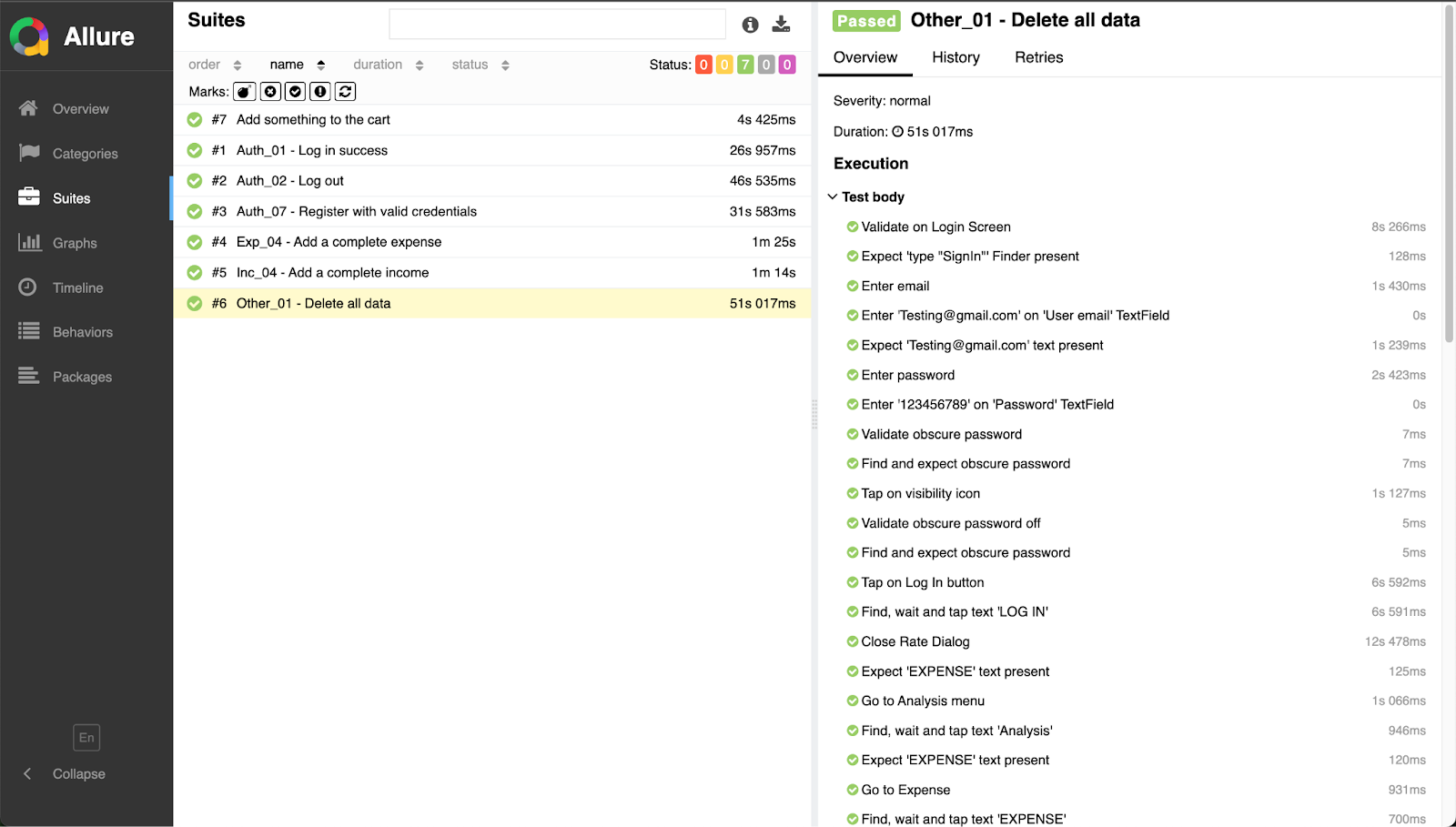
## Conclusion
Current Flutter UI automation frameworks offer valuable features, but we saw an opportunity to go beyond their existing capabilities. Specifically, we needed a solution that delivers both detailed execution insight and shareable reports that resonate with technical and non-technical stakeholders alike.
By integrating **Allure**, we’ve taken a significant step toward closing that gap—creating clear, structured, and visually rich test reports. This improves not only the debugging experience but also team collaboration and decision-making, helping Flutter teams communicate results more effectively. 🚀
## Next Steps
### Include visual evidence
Currently, our solution does not provide visual evidence, but Allure makes this possible. If we capture a screenshot during a test, Allure can embed it directly into the report, making debugging easier and test results more insightful.
By integrating screenshots, logs, and additional artifacts, we can enhance report clarity and provide visual confirmation of test failures. This step will further improve collaboration between developers, testers, and stakeholders, ensuring faster issue resolution and **better test analysis.**
#### Frequently Asked Questions
##### What is Allure?
Allure is an open-source framework that generates rich, interactive HTML test reports. It was originally built for Java frameworks like JUnit and TestNG, and has expanded to support ecosystems including Python, JavaScript, and Kotlin.
##### Does Allure officially support Flutter?
No. Allure does not officially support a Flutter or Dart adapter today. VGV built a custom proof of concept to bridge the gap and is encouraging the community to add their voice to the GitHub discussion to help drive first-class Flutter support.
##### What were the key requirements for VGV's reporting solution?
The team set four requirements: a step-by-step breakdown of test runs with passed and failed steps, non-technical readability for PMs and clients, visual evidence such as screenshots at key steps, and compatibility with both Flutter Integration Tests and Patrol.
##### How does the TestResults class work?
TestResults wraps and logs test execution steps. When a test starts, it initializes a report with the test name, a default failed status, and a start timestamp. Each step is registered through addStep(), which records status and timestamps. Calling passTest() at the end marks the test as passed.
##### What format does Allure expect for test result files?
Allure consumes JSON files following its specification. Each test case is represented as a JSON object with properties including name, status, steps (each with name, status, start, stop), attachments, parameters, and a uuid. File names follow the uuid-result.json pattern.
##### How do you generate the Allure report once results are collected?
There are two options. Run allure serve allure-results/ to generate the report in a temporary directory and launch a local server. Run allure generate --single-file allure-results/ to produce a self-contained, shareable HTML file.
##### Where does VGV store the JSON results?
VGV uploads the results to Google Cloud Storage so the team can access them from anywhere and enable an automated GitHub workflow. The storage logic can be replaced with any other service, or you can store results locally.
### How Server Driven UI (SDUI) Changed the Way I Think About Mobile Development
Source: https://verygood.ventures/blog/how-server-driven-ui-sdui-changed-the-way-i-think-about-mobile-development/
Hi! I’m Jordan Nnabugwu, a Software Engineer III at Very Good Ventures.
Let me paint a picture: You’ve got a few paywall designs you want to test. Normally, this means building custom A/B test logic, waiting for app store approvals, maybe even pausing dev work while marketing catches up. What’s the solution?
Recently, I’ve been working with something that feels like a cheat code for mobile development: Server Driven UI (SDUI). And I’m here to tell you, it’s a game-changer.
## From Hardware to High-Velocity Mobile
Before joining Very Good Ventures, I spent time as a hardware engineer at Intel and Galtronics. Then I transitioned into software, working at places like Whisker and contributing to Open Food Facts. Whether it was IoT devices or mobile apps, I kept running into the same friction: UI updates were slow, and reacting to real-time user needs felt impossible. That’s what got me excited about SDUI.
This year, I had the pleasure of attending [Fluttercon USA 2025](https://verygood.ventures/blog/inside-fluttercon-usa-2025-innovation-leadership-a-very-good-time-in-nyc/) for the first time—and even more exciting, I got to take the stage for a lightning talk on Server-Driven UI in Flutter.
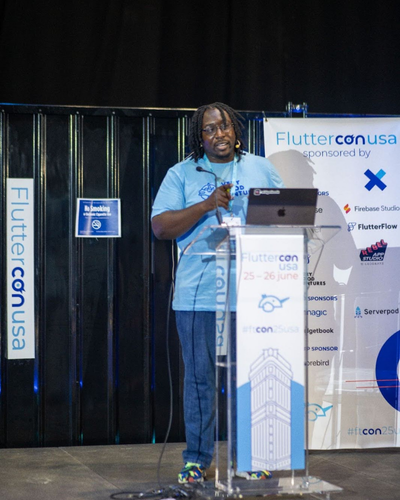
*Photo by Droidcon Global on Flickr*
In my session, I explored how a server-driven architecture can decouple content from logic, giving teams the flexibility to release faster and adapt in real time.
## The Old Way Slows You Down
Let’s talk real talk: Traditional mobile development has serious bottlenecks.
- **You’re at the mercy of the App Store:** Every tweak, even a button label, requires a new build, a new submission, and a wait.
- **Marketing campaigns are stuck in the past:** Want to launch a promo tomorrow? Sorry, you should’ve planned that two weeks ago.
- **Personalization? Good luck:** Unless you baked in every variation upfront, you’re not adapting to real-time behavior.
And in an environment where user expectations are sky high, that just doesn’t cut it.
## Enter SDUI: The Server Drives, Your App Renders
Server Driven UI flips the script. Instead of shipping all your UI in the app itself, you let your server define what the UI should be—layouts, text, components—and your app renders it on the fly.
The result? UI changes become instant.
- Want to launch a new banner? Go for it.
- Need to personalize content based on user behavior? Easy.
- Want to A/B test three layouts? You can do that without even updating the app.
SDUI removes the friction—and it’s kind of addictive.
## This Isn’t a New Concept: it’s a Smarter Take on the Old Web
If this sounds familiar, it should. Web development has done this forever. In the early 2000s, every web page came fully rendered from the server. Then we went all-in on client-side frameworks. Now, we’re seeing the pendulum swing back.
Why? Because today’s tools have eliminated the technical barriers, and SDUI is just smarter.
## Real-World Inspiration: NuBank
One company that totally nails this approach is [NuBank](https://nubank.com.br/). They serve over 100 million users with a rapidly growing team. And they use SDUI to scale fast.
- 70% of new screens are built with SDUI
- 43% of the app is now server-driven
- They push updates instantly—no app store delay
- Their teams ship independently and iterate in real time
That’s the kind of velocity I want for every product team.
## Picking the Right Tool for the Job
If you’re thinking about trying SDUI, there are a few tools I’ve explored:
- [Remote Flutter Widgets](https://pub.dev/packages/rfw) (RFW): Powerful, binary-based. A bit of a learning curve, but solid.
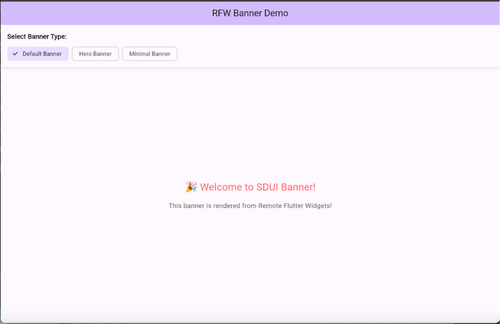
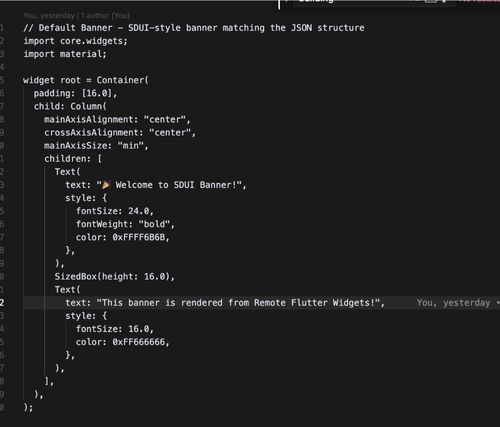
- [Swap](https://pub.dev/packages/swap): A Dart wrapper around RFW with a smoother developer experience.
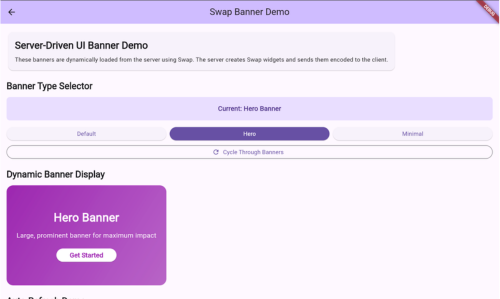
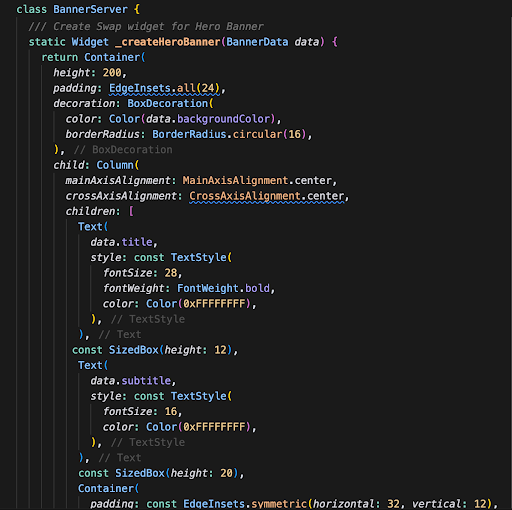
- [Stac](https://pub.dev/packages/stac): JSON-based, super friendly for teams just getting started.
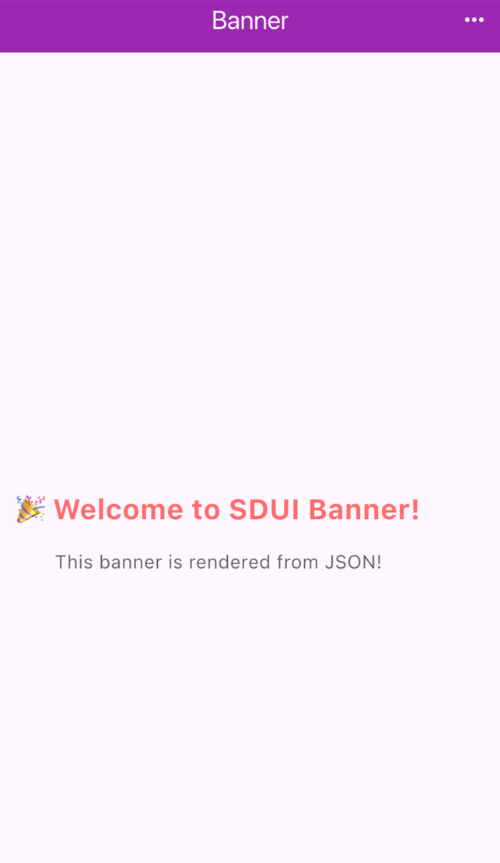
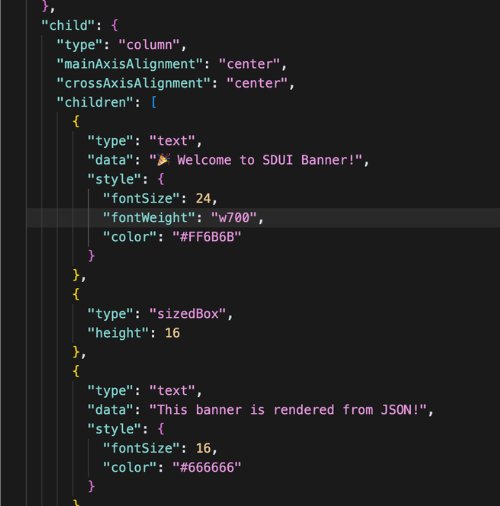
Your choice depends on your team, timeline, and how deep you want to go.
## When to Use (and Not Use) SDUI
**Great for:**
- Promo banners
- Real-time personalization
- A/B tests
- Dashboards with flexible content
**Not ideal for:**
- Animations or gesture-heavy screens
- Offline-critical experiences
- Entire apps (trust me—go hybrid)
I suggest using SDUI where flexibility matters most, and where keeping your performance-critical views static is key.
## Final Thoughts
The first time I saw a fully updated UI land in an app without a release, I had one thought: “Why isn’t everyone doing this?”
SDUI has changed how I think about mobile development. It’s not just faster—it’s smarter. It helps you:
- Stay nimble
- Deliver better experiences
- Give your teams autonomy
- Build products that can adapt in real time
And honestly, it’s fun. It unlocks a new level of creativity for developers—and that’s something I think we could all use more of.
Curious about implementing SDUI? [Reach out](https://www.linkedin.com/in/jordan-nnabugwu/), I’d love to talk!
#### Frequently Asked Questions
##### What is Server Driven UI?
Server Driven UI flips the traditional model. Instead of shipping all UI in the app, the server defines what the UI should be, including layouts, text, and components, and the app renders it on the fly.
##### What problems does SDUI solve in mobile development?
SDUI removes friction from app store wait times, slow marketing turnaround, and limited personalization. Teams can launch banners, personalize content based on user behavior, and run A/B tests without shipping a new app build.
##### How does NuBank use SDUI at scale?
NuBank serves over 100 million users with a rapidly growing team. Per the post, 70% of new screens are built with SDUI, 43% of the app is server-driven, updates ship without app store delays, and teams ship independently and iterate in real time.
##### What tools can Flutter teams use to implement SDUI?
The post highlights three: Remote Flutter Widgets as a powerful binary-based option, Swap as a Dart wrapper around RFW with a smoother developer experience, and Stac as a JSON-based option that is friendly for teams just getting started.
##### When is SDUI a good fit?
SDUI works well for promo banners, real-time personalization, A/B tests, and dashboards with flexible content.
##### When should you avoid SDUI?
SDUI is not ideal for animations or gesture-heavy screens, offline-critical experiences, or entire apps. The post recommends going hybrid rather than building a fully server-driven app.
### A New Era for App Design (and What it Means for Flutter)
Source: https://verygood.ventures/blog/a-new-era-for-app-design-and-what-it-means-for-flutter/
This year, the mobile operating system landscape is undergoing a significant transformation. Both Apple and Google are rolling out ambitious new design systems: Apple’s [**Liquid Glass**](https://www.youtube.com/watch?v=jGztGfRujSE) and Google’s [**Material 3 Expressive**](https://www.youtube.com/watch?v=n17dnMChX14). These are both significant changes to the way apps are designed, and while it’s unclear how high the pressure will be to adopt them quickly, it undoubtedly puts the ball in Flutter’s court to see if it can adopt them.
Despite social posts showing rudimentary liquid glass renderers for Flutter just hours after WWDC, the Flutter team's initial response may have surprised some:
"[Currently, we are not actively developing Material 3 Expressive](https://github.com/flutter/flutter/issues/168813#issuecomment-2880255353)," and "[we are not developing the new Apple’26 UI design features in the Cupertino library right now](https://github.com/flutter/flutter/issues/170310#issuecomment-2959275864)."
This begged the question: What will this mean for making native-feeling apps in Flutter?
It soon became clear that those worries were unwarranted, as Google announced that Flutter would be uncoupling from Cupertino and Material packages. These foundational UI components are being moved to their own independent packages, readily available on [pub.dev.](https://pub.dev)
It's important to note that Material and Cupertino will still be considered "official" and fully supported by the Flutter team. Their plan is to add them to the [flutter/packages](https://github.com/flutter/packages/) repository, the same place they maintain packages like [path_provider](https://pub.dev/packages/path_provider) and [image_picker](https://pub.dev/packages/image_picker). This ensures a consistent and reliable foundation for developers who choose to stick with these established design languages.
## Why Developers Win With Decoupled UI
At Very Good Ventures (VGV), we’re really excited about this for a few reasons. First, all Flutter developers will get faster updates to these packages. UI changes and critical bug fixes for Material and Cupertino components will no longer be tightly coupled to the Flutter SDK's stable release cycle. This means that new design specifications and essential updates can be shipped rapidly via [pub.dev](https://pub.dev), rather than waiting for a Flutter release.
Second, developers will gain increased flexibility. They’ll have more granular control over precisely which UI libraries they import, making it more obvious for developers and companies adopting Flutter that they can build entirely unique design systems that perfectly match their brand. Developers can now import only the specific design languages they require, streamlining project dependencies and fostering a more modular and efficient approach to UI development.
Finally, this presents an amazing opportunity for 3rd-party UI libraries to shine, as the “official” packages will need to be installed just like packages from the community. It puts everyone on a level playing field. Some libraries we like are:
- [macos_ui](https://pub.dev/packages/macos_ui): macOS styled UI components
- [fluent_ui](https://pub.dev/packages/fluent_ui): Windows styled UI components
- [shadcn_flutter](https://pub.dev/packages/shadcn_flutter): beautifully designed components from shadcn/ui
It’s also a great time to think about making your own UI package specific to your designs and projects. At VGV, we’ve always built custom UI libraries for clients. In fact, it’s included in [Very Good Start](https://verygood.ventures/solution/very-good-start/), and we use tools like [Widgetbook](https://www.widgetbook.io) to make it easy to share them with others and receive visual QA from designers.
## Faster Updates, Greater Control
Flutter's decision to decouple UI libraries marks a key moment for all Flutter developers. Rather than seeing this as a retreat from supporting new design systems, we see it as a strategic move that democratizes UI development within the Flutter ecosystem. This shift empowers developers with greater freedom to create interfaces that truly reflect their brand and design vision, whether by adopting third-party libraries or crafting custom solutions.
As the mobile design landscape continues to evolve with Liquid Glass and Material 3 Expressive, Flutter is positioning itself not as a rigid framework tied to specific design systems, but as a flexible canvas where any design language can thrive.
#### Frequently Asked Questions
##### What new design systems are Apple and Google rolling out this year?
Apple is introducing Liquid Glass and Google is introducing Material 3 Expressive. Both represent significant changes to how mobile apps are designed.
##### Is Flutter actively developing Material 3 Expressive or the new Apple UI features?
No. The Flutter team has stated that they are not actively developing Material 3 Expressive and are not currently developing the new Apple UI design features in the Cupertino library.
##### What does it mean that Flutter is decoupling Material and Cupertino?
Google announced that Flutter would uncouple from the Cupertino and Material packages. These foundational UI components are being moved to their own independent packages, available on pub.dev.
##### Will Material and Cupertino still be officially supported?
Yes. Material and Cupertino remain official and fully supported by the Flutter team. The plan is to add them to the flutter/packages repository, the same place that maintains packages like path_provider and image_picker.
##### What benefits do developers get from decoupled UI libraries?
Developers get faster updates because UI changes and bug fixes ship via pub.dev rather than the Flutter SDK release cycle. They also gain more granular control over which UI libraries they import, which makes it easier to build unique design systems that match a brand.
##### Which third-party UI libraries does VGV recommend exploring?
The post highlights macos_ui for macOS-styled components, fluent_ui for Windows-styled components, and shadcn_flutter for components inspired by shadcn/ui.
##### How does VGV approach custom UI libraries for clients?
VGV has always built custom UI libraries for clients. It is included in Very Good Start, and the team uses tools like Widgetbook to share libraries and gather visual QA from designers.
### Rewriting the Rules of Hardware Engineering with AI
Source: https://verygood.ventures/blog/rewriting-the-rules-of-hardware-engineering-with-ai/
In this [episode of Build to Succeed](https://verygood.ventures/podcasts/pratap-ranade-arena-the-future-of-applied-science-and-humanity-with-ai/), [Arena](https://arena-ai.com/) CEO and Co-Founder Pratap Ranade takes us inside the high-stakes worlds of aerospace, defense, and automotive—where failure is not an option and speed, safety, and precision rule the day.
From his early ambitions to work at NASA, through influential roles at McKinsey and Palantir, Pratap has built his career on tackling the hardest problems in hardware engineering. Today, with Arena, he’s building AI-native tools that help operators turn massive streams of industrial data into fast, actionable decisions.
"We've built a new kind of intelligence that's available on tap," says Pratap. "This isn't about AI eating jobs—it's about problems that were too hard becoming solvable. A 10-year problem can now he tackled in 2 months."
## From Data Overload to Decision Power
Traditional BI tools simply can’t keep pace with the data volume, speed, and complexity in multi-site industrial operations. Arena’s systems are built from the ground up for this reality—designed to process, interpret, and act on data in real time. “AI isn’t an invention—it’s a discovery. We’ve built systems that show emergent intelligence, not by design, but by complexity and scale,” Pratap explains.
Instead of replacing people, Arena’s systems work alongside operators, giving them the insights and speed they need to make critical decisions in real time.
One of Arena’s most radical approaches is the creation of multi-agent swarms, digital 'societies', where AI agents interact and evolve strategies through structured interaction. This is how they tackled emergent problem-solving capabilities that adapt to real world challenges in ways pre-programmed systems can’t: “We're building multi-agent swarms—like Petri dishes of digital societies—where emergent behavior evolves through structured interaction,” he reflects.
## The Future of Applied AI in Industry
Arena’s work isn’t about hypothetical future AI; it’s about operational advantages today, where it’s already transforming operations in industries where the stakes couldn’t be higher. Whether it’s predicting component failures before they happen, optimizing assembly line performance, or improving safety protocols in real time, the impact is measurable and immediate.
In industries where physics won’t forgive mistakes, AI done right is a competitive advantage we can’t ignore, moving the needle where speed and accuracy are mission critical.
If the future of engineering lies in speed, safety, and adaptability, Arena is showing what that future looks like—today.
Want to learn more insights? Listen to the full episode [here](https://verygood.ventures/podcasts/pratap-ranade-arena-the-future-of-applied-science-and-humanity-with-ai/)!
#### Frequently Asked Questions
##### What is Arena and what does it do?
Arena is an AI-native company led by CEO and Co-Founder Pratap Ranade. It builds tools that help operators in aerospace, defense, and automotive turn massive streams of industrial data into fast, actionable decisions in real time.
##### How does Arena describe its approach to AI?
Pratap Ranade describes AI as a discovery rather than an invention. Arena's systems show emergent intelligence that arises from complexity and scale, working alongside operators instead of replacing them.
##### What are multi-agent swarms?
Multi-agent swarms are what Pratap calls digital societies of AI agents that interact and evolve strategies through structured interaction. He compares them to Petri dishes, where emergent behavior produces problem-solving capabilities that pre-programmed systems cannot match.
##### Why are traditional BI tools insufficient for industrial operations?
Traditional BI tools cannot keep pace with the data volume, speed, and complexity in multi-site industrial operations. Arena's systems are built from the ground up to process, interpret, and act on that data in real time.
##### What kinds of outcomes does Arena enable in industry?
Arena's work delivers operational advantages today, including predicting component failures before they happen, optimizing assembly line performance, and improving safety protocols in real time.
##### How fast can complex engineering problems be solved with this approach?
According to Pratap, problems that once took 10 years can now be tackled in 2 months.
### Beyond Crash Reports: Why Observability Is a Business Imperative
Source: https://verygood.ventures/blog/beyond-crash-reports-why-observability-is-a-business-imperative/
In this episode of the Build to Succeed podcast, host David DeRemer welcomes Andrew Tunall, President of [Embrace](http://embrace.io), for a real talk on what it actually takes to ship reliable software today. From growing user expectations to the pressure to move fast, they unpack the messy—but important—truth behind building tech that holds up under real-world demands.
## From Unconventional Path to Strategic Vision
Andrew's career path is anything but conventional. With an academic background in political science and economics, and a minor in computer science, he entered the tech industry not through a traditional route, but rather through his ability to bridge the communication gap between technical and business teams. This ability shaped his product philosophy—one that prioritizes empathy for both users and engineers.
Before joining Embrace as President, Andrew held product leadership roles at New Relic and Amazon Web Services (AWS), where he helped scale developer-focused tools and observability solutions for some of the world’s most complex systems. These experiences gave him a front-row seat to the evolving needs of engineering teams and the importance of clarity at scale.
As President of Embrace, a company focused on observability for mobile and web apps, Andrew has helped redefine what visibility means for development teams. This isn’t just about crash reports or analytics dashboards; it’s about providing product and engineering leaders with shared, actionable context, turning observability into a critical part of an organization's strategic toolkit.
## Subtle Performance Issues Quietly Hurt Retention
Andrew recalls how too many teams still operate with a false sense of confidence: performance problems are often overlooked until user engagement drops. Without proper tooling, teams can’t trace the user journey or connect small delays with big business impacts.
However, as Andrew explains, observability isn’t just a backend problem; it begins with shared accountability. It’s about connecting front-end product experiences with backend infrastructure realities: "The shared context between developers building the user experience and the cloud-based systems that power it, is what leads software engineering teams to build really resilient, high-performing, excellent technology," he says.
## Why Observability is the New Product Strategy
One key theme in the episode is the evolution of observability practices, such as OpenTelemetry, which helps standardize how telemetry data is collected and analyzed across distributed systems. Embrace has leaned into this approach, not only to improve visibility, but also to help large organizations adopt a culture of experimentation without compromising user trust.
"In tech organizations that are selling to developers, having people who come in through product or engineering backgrounds as the most senior level of leadership is critical to building a brand, product, and go-to-market motion that’s authentic and resonates with their user persona," explains Andrew.
## What Does it Take to Build Software that Scales without Breaking?
The episode is as much about leadership as it is about tooling. Andrew shares candid lessons on hiring, managing through ambiguity, and knowing when a product is truly ready to scale. His advice: hire fewer people, but ensure they’re top performers with high ownership. And don’t wait for perfection—build a culture where fast feedback and rapid iteration drive quality.
From embracing AI to managing performance trade-offs, Andrew's perspective is pragmatic and rooted in the realities of growing a startup in today’s market. Whether you're a developer, product manager, or executive leader, his insights are a valuable reminder that good tech is built on great communication, observability, and trust.
#### Frequently Asked Questions
##### Who is Andrew Tunall?
Andrew Tunall is President of Embrace, a company focused on observability for mobile and web apps. Before Embrace, he held product leadership roles at New Relic and Amazon Web Services, where he helped scale developer-focused tools and observability solutions for complex systems.
##### How does Andrew define observability?
Andrew frames observability as more than crash reports or analytics dashboards. It is about giving product and engineering leaders shared, actionable context, turning observability into a strategic part of the organization's toolkit.
##### Why do subtle performance issues matter for the business?
Performance problems are often overlooked until user engagement drops. Without proper tooling, teams cannot trace user activity or connect small delays with big business impacts. That gap quietly hurts retention.
##### What role does shared accountability play?
Observability begins with shared accountability between front-end product experiences and backend infrastructure. As Andrew puts it, "The shared context between developers building the user experience and the cloud-based systems that power it, is what leads software engineering teams to build really resilient, high-performing, excellent technology."
##### What is OpenTelemetry's role in modern observability?
OpenTelemetry helps standardize how telemetry data is collected and analyzed across distributed systems. Embrace has leaned into this approach to improve visibility and to help large organizations adopt a culture of experimentation without compromising user trust.
##### What leadership advice does Andrew share?
Hire fewer people but make sure they are top performers with high ownership. Do not wait for perfection. Build a culture where fast feedback and rapid iteration drive quality.
### Dart Frog Has Found a New Pond!
Source: https://verygood.ventures/blog/dart-frog-has-found-a-new-pond/
We’re thrilled to share some exciting news about the future of **Dart Frog**, the backend framework for Dart that’s been helping developers build fast, testable, and modern APIs with confidence.
Dart Frog is moving into its very own GitHub organization: [dart-frog-dev](https://github.com/dart-frog-dev)!
This transition marks a huge milestone, not just for the framework itself, but for the vibrant community that has grown around it. Since its inception at Very Good Ventures (VGV), Dart Frog initially grew with contributions and direction from our very own unicorns, and it has grown to a point of impact where the community can evolve its thriving ecosystem even further than before. Now, it’s time to take the next step forward: **giving the community an even greater role in its future.**
## From Idea to Ecosystem
Dart Frog began as an internal experiment, born out of our desire to bring the elegance of Dart to the world of backend development and help Flutter developers feel at home when working in the cloud. We wanted something fast, expressive, and testable; something that felt *very good* to use.
What started as a tool for our own teams quickly found a home in the wider Dart and Flutter community. Dart Frog has been critical to delivering many popular public projects, like [I/O FLip](https://github.com/flutter/io_flip), [Flutter News Toolkit](https://github.com/flutter/news_toolkit), or [I/O Crossword](https://github.com/VGVentures/io_crossword) (just to name a few), and organizations all around the world. Since then, developers have embraced Dart Frog’s simplicity and power. They built APIs, shipped products, opened issues, contributed code, and, in true open source spirit, helped it grow into something much bigger.
We knew we were onto something, but more importantly, we knew it wasn’t just ours anymore.
## A New Home, the Same Heart
With this move to dart-frog-dev, Dart Frog enters a new chapter. A new GitHub organization means a structure that better reflects the momentum and enthusiasm coming from the community. It opens the door for broader collaboration, community-led discussions, and an even more transparent roadmap.
And yes, we’ll still be there. VGV engineers will continue contributing, reviewing, and shaping the direction of the project, just now as part of a larger chorus of voices.


*Dart Frog’s new group of core maintainers will include our very own engineers Erick Zanardo and Marcos Sevilla.*
You could say we’re not just frogs in the pond anymore—we’re part of a full ecosystem.
## From Tadpoles to Unicorns: VGV’s Growing Family of Open Source Tools
As Dart Frog finds its own lily pad, Very Good Ventures remains deeply committed to the broader Dart and Flutter ecosystem. Our open source journey didn’t start—or end—with Dart Frog. From tools like [Very Good CLI](https://cli.vgv.dev/) and its powerful templates, to helpful libraries like [formz](https://pub.dev/packages/formz) for managing form state, to [Very Good Analysis](https://pub.dev/packages/very_good_analysis) for enforcing consistent code quality (and even more that we’re slowly getting ready for prime time! 🤫), we’ve always believed that great tooling can uplift entire communities.
We’ll continue to invest our time, energy, and unicorn-fueled enthusiasm in building, maintaining, and improving the open-source tools that help developers everywhere ship confidently. Our goal is simple: complex problems, easy solutions. Always enable developers to ship faster and ship safer!
## What’s Next?
If you’re already using Dart Frog, nothing changes in your day-to-day. The packages, documentation, and support are all still there, just under a new banner. What *does* change is the sense of shared ownership. The door is wide open, and we can’t wait to see who comes through.
So jump in.
Explore the new GitHub organization, join the discussions, and keep an eye on what’s ahead. With your help, Dart Frog’s future is looking ribbitting.
Thanks to everyone who helped Dart Frog grow from a single idea to a fully fledged framework. And an extra special thanks to all the contributors—past, present, and future—who’ve helped shape it into the powerful, community-driven tool it is today.
See you at the pond 👋
#### Frequently Asked Questions
##### What is changing for Dart Frog?
Dart Frog is moving into its own GitHub organization at dart-frog-dev. The new organization reflects the momentum from the community and opens the door to broader collaboration, community-led discussions, and a more transparent roadmap.
##### Where did Dart Frog start?
Dart Frog started as an internal experiment at Very Good Ventures, born from a desire to bring the elegance of Dart to backend development and help Flutter developers feel at home in the cloud. It has since powered public projects like I/O FLip, Flutter News Toolkit, and I/O Crossword.
##### Will VGV stay involved with Dart Frog?
Yes. VGV engineers will continue contributing, reviewing, and shaping the direction of the project as part of a larger group of voices. VGV engineers Erick Zanardo and Marcos Sevilla are part of the new core maintainer group.
##### Does this change anything for current Dart Frog users?
Nothing changes in day-to-day usage. The packages, documentation, and support are still there, just under a new banner. The shift is in shared ownership and community involvement.
##### What other open source tools does VGV maintain?
VGV continues to invest in tools like Very Good CLI and its templates, formz for managing form state, and Very Good Analysis for code quality, with more in the pipeline.
### A Very Good Time at Fluttercon USA 2025
Source: https://verygood.ventures/blog/a-very-good-time-at-fluttercon-usa-2025/
Hi! We’re Sofía Rey, Mobile Engineer, and Mauricio Miguez, Senior Engineer, from Very Good Ventures. We were so excited to represent the VGV team at Fluttercon USA, and we’re just as excited now to share what stood out to us across every moment of an action-packed two days.
From technical deep dives to cross-community conversations (and of course a healthy dose of unicorn swag), Fluttercon was an unforgettable experience. Held in Brooklyn, the event gathered hundreds of developers, product leaders, and enthusiasts from around the world to celebrate all things Flutter—and we couldn’t have been more proud to be part of it.
## First Impressions
There was a lot to love about Fluttercon this year: amazing sessions from technical experts and engineering leaders, deep-dive roundtables, and great after-hours networking events, to name a few.
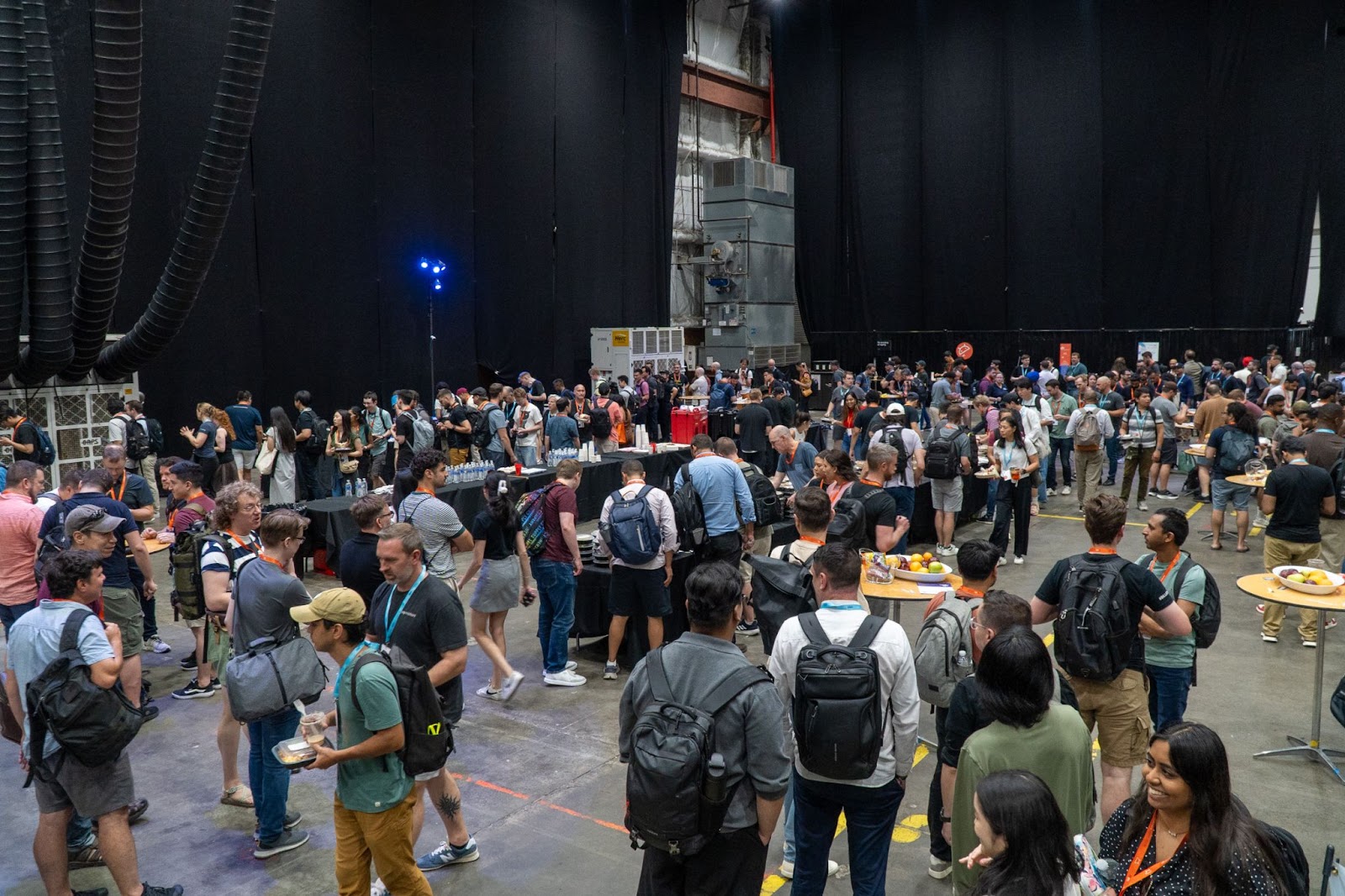
*Photo by droidcon Global on Flickr*
But what truly stood out were the people. We had the opportunity to meet high-profile Flutter engineers, passionate developers from diverse backgrounds, and even longtime followers of our work who use our packages, read our blog, or tune into our podcast. Those moments—when someone quoted something your team has said or built—made the trip more than worth it.
The speaker dinner, hosted at Duolingo’s stunning WTC 4 offices, was another highlight. With great food, a DJ, and sweeping views of NYC, it offered the chance to connect with folks from both the Flutter and Android communities in a relaxed, festive setting.
## The Venue
This year's venue was the iconic Brooklyn Navy Yard, with the event spanning an end-to-end warehouse showcasing stages, booths, and networking zones. Attendees could discover talks while walking by and be instantly drawn in, enjoy snacks and discussions with fellow developers, and learn directly from brands on the cutting edge of Flutter technology.
## The Booth Experience
Our VGV booth was a hit. From unicorn-branded sunscreen and lip balm to stickers and tote bags, our swag was a conversation starter on its own. A looping video of VGV’s project highlights drew attention, and interactive tablets let attendees explore apps and other digital experiences our team has built with Universal Destinations & Experiences.
## Our Talks
### Sofía Rey – Mastering CustomPainter: Going Beyond Widgets in Flutter
This was my first-ever talk in English at a major conference, and it felt really good. I shared advanced techniques for drawing custom UI with CustomPainter using a real-world example from the custom VIP digital experience app we built for Trackhouse Entertainment Group, a 3-car NASCAR team. While nerves were high, the response was overwhelmingly positive, and I’m proud of facing the challenge head-on.
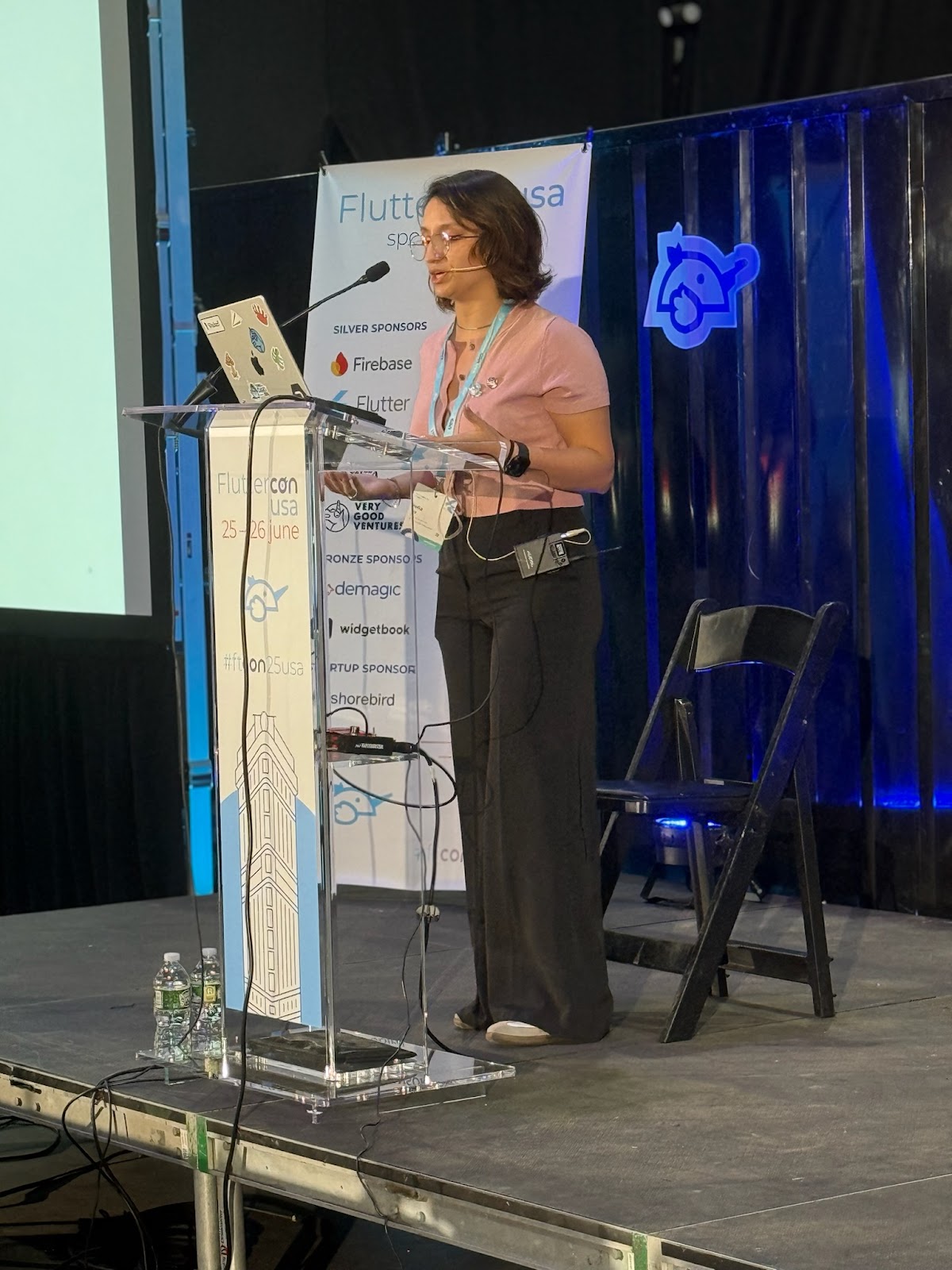
### Mauricio Miguez – Mastering Scalable Theming for Custom Flutter Widgets
It was also my first time giving a talk in English, and I enjoyed every second of it. I walked attendees through how we build flexible and scalable theming systems at VGV—something we rely on heavily in our work. The best part was having community members come up to me afterward to continue the conversation and dive deeper into the topic.
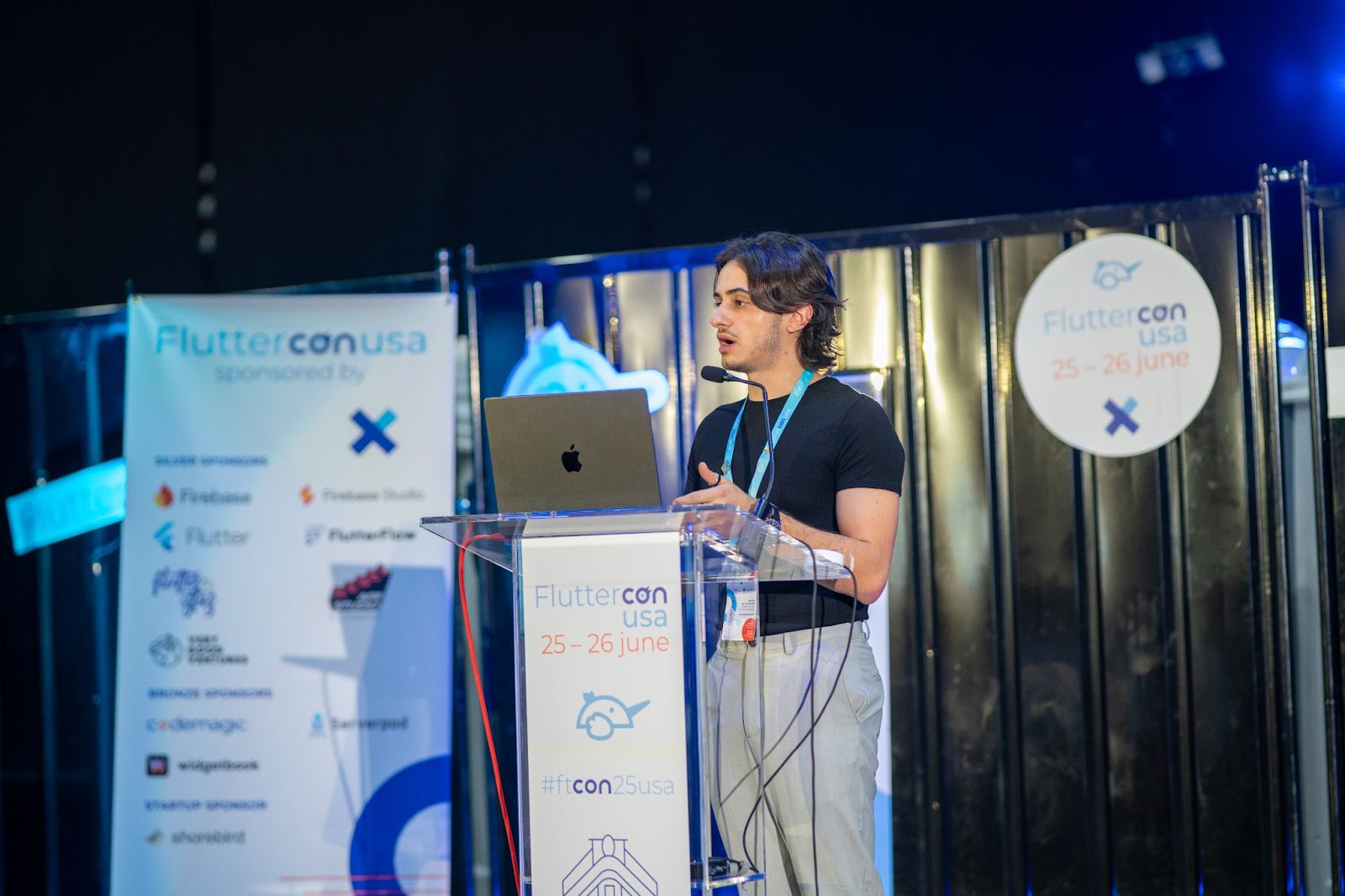
*Photo by droidcon Global on Flickr*
## One Talk We Recommend
If you watch just one talk from Fluttercon USA 2025, make it Chris Sells’ keynote. He offered a bold, thoughtful perspective on how the community should support Flutter’s growth in an AI-driven future. It was both inspiring and pragmatic, a rare mix in tech keynotes.
## Why Events Like This Matter
Conferences like Fluttercon aren’t just about talks or swag. They’re about reinforcing Flutter's presence in the ecosystem, building bridges between teams, and creating space for curiosity and collaboration.
For us at VGV, it was also a reminder of the impact our work has. When someone approaches you because they use your package daily or have read your article, that’s the kind of real-world validation that fuels the open-source spirit.
We were especially proud to showcase LATAM talent on the Fluttercon stage in NYC, standing alongside teammates in a truly global representation of VGV.
And in this case, sharing the venue with Droidcon turned out to be a strength. It encouraged crossover—Android developers became curious about Flutter (and vice versa), sparking conversations that wouldn’t have happened in a siloed event.
Until next time, Fluttercon. 🦄💙
#### Frequently Asked Questions
##### Who represented VGV at Fluttercon USA 2025?
Sofía Rey, Mobile Engineer, and Mauricio Miguez, Senior Engineer, attended the conference for VGV and shared their booth and speaking experiences in this recap.
##### Where was Fluttercon USA 2025 held?
The event took place at the Brooklyn Navy Yard, with talks, booths, and networking zones spanning an end-to-end warehouse. The speaker dinner was hosted at Duolingo's WTC 4 offices.
##### What talks did the VGV team give?
Sofía Rey presented "Mastering CustomPainter: Going Beyond Widgets in Flutter," using a real-world example from the custom VIP digital experience app VGV built for Trackhouse Entertainment Group. Mauricio Miguez presented "Mastering Scalable Theming for Custom Flutter Widgets," walking through how VGV builds flexible theming systems.
##### What was at the VGV booth?
The booth featured unicorn-branded sunscreen and lip balm, stickers, and tote bags. A looping video showcased VGV project highlights, and interactive tablets let attendees explore apps and digital experiences VGV has built with Universal Destinations and Experiences.
##### Which talk did the VGV team recommend?
Chris Sells' keynote. He offered a thoughtful perspective on how the community should support Flutter's growth in an AI-driven future.
##### Why did sharing the venue with Droidcon matter?
It encouraged crossover between the Flutter and Android communities. Android developers became curious about Flutter and vice versa, sparking conversations that would not have happened in a siloed event.
### From Pain Point to Product: How Snipd Is Reinventing Podcast Listening with AI and Flutter
Source: https://verygood.ventures/blog/from-pain-point-to-product-how-snipd-is-reinventing-podcast-listening-with-ai-and-flutter/
What if you could capture insights from a podcast as easily as you take notes during a meeting? That’s the question that sparked the creation of [Snipd](https://www.snipd.com/), an AI-native podcast app built to change how we learn from audio.
[In the latest episode of Build to Succeed](https://verygood.ventures/podcasts/kevin-smith-and-mikel-corcuera-snipd-small-team-big-vision-shipping-fast-with-autonomy-and-ai/), Very Good Ventures founder and CEO David DeRemer sits down with Snipd co-founders Kevin Smith and Mikel Corcuera to explore their startup journey—from personal frustration to a globally used product built with Flutter and powered by AI.
## Solving a Real Problem with AI
The idea behind Snipd came from a very real user experience: riding a bike to work while listening to a podcast, hearing something brilliant, and promptly forgetting it by the time you stop pedaling.
Snipd makes that moment frictionless. With a simple triple tap of your headphones, Snipd saves the clip and uses AI to summarize the insight. Users can revisit those “snips” at any time, complete with context, titles, and transcripts.
“Podcasts are one of the largest knowledge libraries in the world—and AI will fundamentally change how we can interact with spoken audio,” says Kevin. And we agree.
This vision of AI-native interaction—using AI as the foundation of a product experience, rather than merely layering it on top of existing features—underscores Snipd’s unique approach.
## Built with Flutter, Designed for Speed
In addition to their AI-first thinking, the Snipd team made a pivotal technical choice early on: building their mobile app with Flutter. That decision allowed them to move fast, maintain a lean team, and create a beautifully consistent experience across iOS and Android.
“Flutter lets you create polished experiences that are so much harder in other apps—and I think developers have more joy using Flutter to create them,” explains Mikel.
He shares how Flutter enabled rapid iteration, real-time UI adjustments, and even eliminated the need for a full-time designer, while still delivering a sleek, high-performing app that users love.
## Building Real Products in the AI Era
This episode isn’t just a story about another AI tool—it’s a masterclass in building something that matters, using tools and methods that make modern product development faster, smarter, and more joyful.
Kevin and Mikel reflect on the evolution of Snipd—from a TestFlight prototype to a full-fledged app serving thousands of users. They open up about the early technical hurdles of building with open-source AI models before ChatGPT even existed, and how they made scrappy but strategic decisions to ship fast and learn faster.
They also share the team’s unique workflow, their approach to feedback loops, and why embracing imperfection was key to making progress. It's an honest, insightful look at building modern products in an era where the tech is still catching up to the vision.
## A must-listen
Snipd’s journey speaks to engineers, designers, product thinkers, and startup founders alike. It’s about solving a clear problem, using the right tools for the job, and keeping users at the center of everything.
We love sparking conversations like this—sharing diverse stories, lessons learned, and real-world insights.
And there’s a bonus for our listeners: [Snipd’s co-founders are offering 1 month free of Snipd Premium](https://link.snipd.com/Cx7S/vgv), unlocking powerful AI features to help you get more out of every episode. Enjoy!
#### Frequently Asked Questions
##### What is Snipd?
Snipd is an AI-native podcast app built to change how people learn from audio. With a triple tap of your headphones, Snipd saves a clip and uses AI to summarize the insight. Users can revisit those "snips" later, complete with context, titles, and transcripts.
##### What problem inspired Snipd?
The idea came from a real user moment, riding a bike to work while listening to a podcast, hearing something brilliant, and forgetting it by the time you stop pedaling. Snipd makes capturing that insight frictionless.
##### Who founded Snipd and where did the story appear?
Snipd was co-founded by Kevin Smith and Mikel Corcuera. They joined Very Good Ventures founder and CEO David DeRemer on the Build to Succeed podcast to share the story behind the product.
##### Why did Snipd choose Flutter to build the mobile app?
Flutter let the team move fast, maintain a lean team, and create a consistent experience across iOS and Android. According to Mikel, it enabled rapid iteration, real-time UI adjustments, and even removed the need for a full-time designer while still delivering a polished, high-performing app.
##### What does "AI-native" mean in Snipd's approach?
AI-native means using AI as the foundation of the product experience rather than layering it on top of existing features. Kevin describes podcasts as one of the largest knowledge libraries in the world and sees AI as the tool that fundamentally changes how people interact with spoken audio.
##### How did Snipd build with AI before ChatGPT existed?
The team worked with open-source AI models in the early days and made scrappy, strategic decisions to ship fast and learn faster. They evolved Snipd from a TestFlight prototype to a full app serving thousands of users, embracing imperfection to keep momentum.
##### Is there an offer for VGV readers?
Yes. Snipd's co-founders are offering VGV readers one month free of Snipd Premium, which unlocks AI features for getting more out of every episode.
### Very Good Ventures Hits the Track: Designing for Impact at 200 MPH
Source: https://verygood.ventures/blog/very-good-ventures-hits-the-track-designing-for-impact-at-200-mph/
At Very Good Ventures (VGV), we’re all about pushing boundaries when delivering solutions. So when the unique opportunity arose to [design a NASCAR Cup Series paint scheme for Daniel Suárez’s car at Pocono Raceway](https://verygood.ventures/news/vgv-will-sponsor-trackhouse-no-99-chevrolet-at-pocono-raceway/), we immediately were in.
This was an amazing opportunity to collaborate with Trackhouse Racing and take our relationship to the next level, highlighting both brands in a major way.
## Designing at Full Speed
The canvas was unlike any we’d worked on before—a fixed, 3D canvas, which is a significant departure from the fluid, multi-screen digital journeys we typically architect. Every inch counted, not just for aesthetics, but for inclusion of critical sponsor placements and adherence to rigid NASCAR regulations. Our challenge became the strategic puzzle of integrating numerous sponsor logos and required association elements, while ensuring our core brand pieces remained cohesive and impactful.
That’s where the fun began: We approached this not just as a design task, but as an opportunity for storytelling and brand immersion.
- The vibrant VGV blue forms the car’s unmistakable foundation.
- The white nose? A subtle, clever nod to our beloved unicorn mascot’s snout, with a fade designed to convey our speed in delivering work.
- Look closely at the roof, and you’ll find our horizontal logo woven into a textured, tire-like pattern: a way to display our full name on the car where space is at a premium, adding depth without clutter.
This scheme was designed with our classic brand elements in mind—the VGV blue, our unicorn, unique shapes, and typeface—ensuring it stands the test of time.

*Photo courtesy of Daylon Barr Photography*
## Fueling Identity
Beyond the main visuals, we sprinkled in plenty of easter eggs for those in the know. Our Flutter expertise is literally built into the car, with Flutter logos subtly placed on the bumper and fenders. Adjacent to the gas tank, you’ll spot "Hot Reload!", a Flutter feature that allows you to quickly inject updated source code into a running application without needing to restart the entire app. But on the #99 Very Good Ventures Chevrolet, it was a playful nod to our development speed, merging the world of fueling a race car with pushing new code.
Above the jack points, "Get Faster" is a direct nod to conversations with Andrew Lukanich, Trackhouse's Chief Revenue Officer, about aligning all goals to gain speed both on track and in support off track, doubling as a literal instruction for the pit crew. And for a truly personal touch, the "A+I" on the rear of the car represents the first initial of VGV's CEO's two daughters, a sentimental play on AI.
As a remote and international team, [our passport initiative](https://verygood.ventures/blog/unicorn-passport-celebrating-journeys-achievements-at-vgv/) is a core part of VGV culture—an engaging way to document our teammates’ journeys and celebrate their milestones along the way. This inspired the "bumper sticker" design on the car’s rear, symbolizing our diverse team with unique badges, including both the United States and Mexico flags for Daniel Suárez, alongside a "Global Team" sticker.
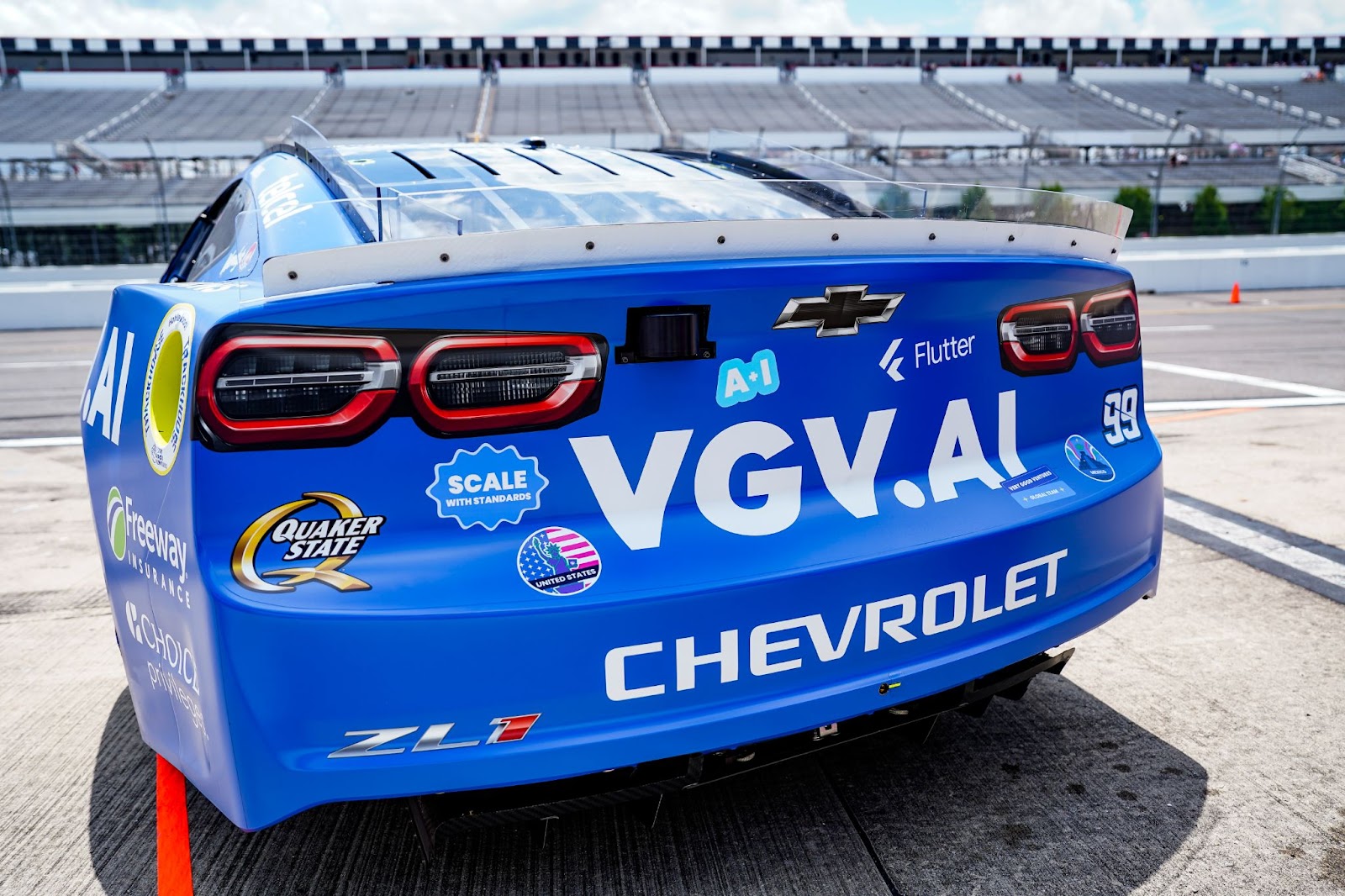
*Photo courtesy of Daylon Barr Photography*
[Our partnership with Trackhouse Racing runs deep](https://verygood.ventures/news/trackhouse-racing-partners-with-very-good-ventures-to-drive-digital-experience-innovation-in-motorsports/); we’re not just a sponsor, but their digital & AI solutions partner. We wanted this collaboration front and center. You'll see the Trackhouse, VGV, and Flutter logos aligned—visually representing a layered partnership: Trackhouse and VGV collaborating on digital innovation, with Flutter as a key part of the technology driving it forward.
This sponsorship was a natural evolution, building on our work in designing their VIP pit box experience, which led directly to this Amazon Prime-broadcasted race.
The partnership is now on the car in a new way: the [88.vgv.ai activation on the Trackhouse #88](/88-vgv-ai-stl-nascar-trackhouse/) lets fans chat with 88Bot, an AI that role-plays the car with live race data, and play a Flutter racing game.
The branding extended beyond the car. We designed Daniel Suárez’s race suit and the crew's gear with the same VGV brand elements, ensuring a holistic visual experience from driver to car to crew, both on and off the track.
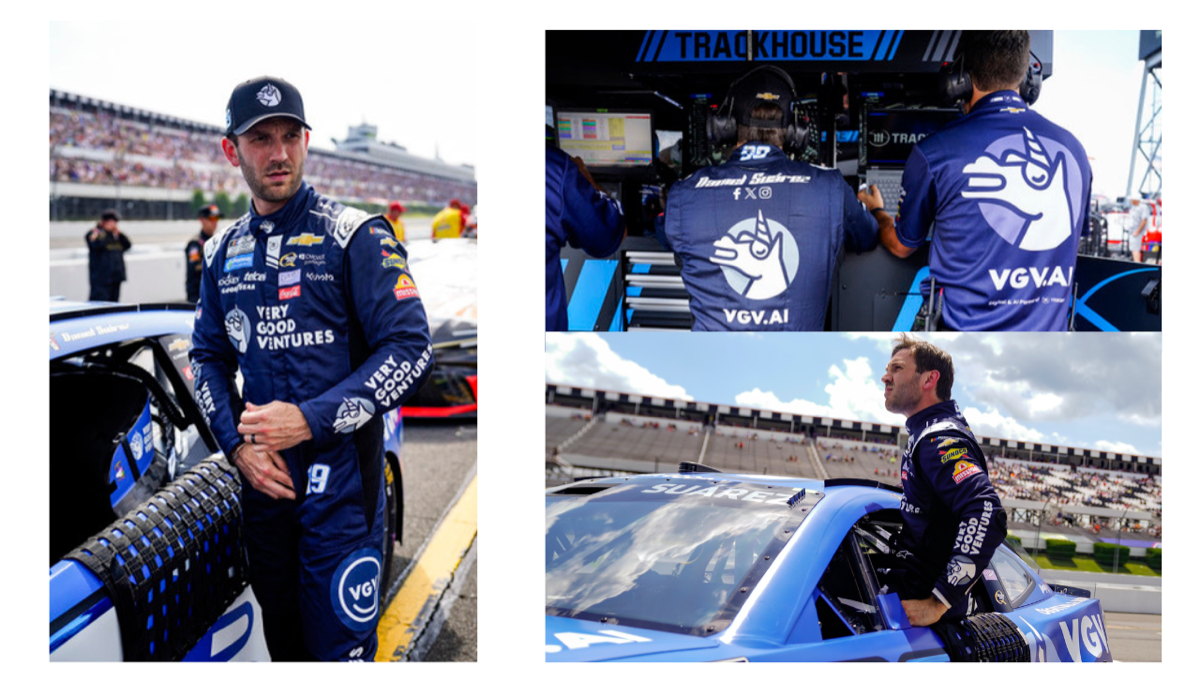
*Photos courtesy of Daylon Barr Photography*
Ultimately, this project wasn't just about designing a cool race car; it was about strategically driving brand recognition on an entirely new stage. It showcased our ability to blend creative design, brand identity, and technical understanding, delivering a powerful statement for VGV at 200 miles per hour.
## Want to Go Further, Faster?
Whether you're looking to elevate your brand, build multi-device digital experiences, or explore what’s possible with AI and Flutter, we’re ready to steer you in the right direction.
Let’s build something bold together. [Contact us](https://verygood.ventures/contact-us/?hsCtaAttrib=140727946411) or [learn more about our work](https://verygood.ventures/success-stories/) to see how we can help you accelerate your vision, with impact.
#### Frequently Asked Questions
##### What did Very Good Ventures design for Trackhouse Racing?
VGV designed a custom NASCAR Cup Series paint scheme for Daniel Suárez's #99 Chevrolet at Pocono Raceway, along with the matching race suit and pit crew gear, delivering a holistic visual experience from driver to car to crew.
##### How is the VGV brand expressed on the car?
Vibrant VGV blue forms the foundation of the car. The white nose nods to the unicorn mascot's snout, with a fade designed to convey speed of delivery. The horizontal VGV logo is woven into a textured, tire-like pattern on the roof to display the full name where space is at a premium.
##### What hidden details and easter eggs are on the car?
Flutter logos sit on the bumper and fenders. "Hot Reload!" appears next to the gas tank as a playful nod to the Flutter feature and to development speed. "Get Faster" sits above the jack points as both a literal pit crew instruction and a reference to conversations with Trackhouse CRO Andrew Lukanich. "A+I" on the rear represents the first initials of the VGV CEO's two daughters.
##### How does the design reflect VGV's global team culture?
The bumper sticker design on the car's rear was inspired by VGV's passport initiative for celebrating teammate milestones. It includes unique badges, the United States and Mexico flags for Daniel Suárez, and a "Global Team" sticker representing the remote, international team.
##### What is the relationship between VGV and Trackhouse Racing?
VGV is Trackhouse's digital and AI solutions partner, not just a sponsor. The Pocono Raceway sponsorship was a natural evolution of the partnership, building on earlier work designing the VIP pit box experience for Trackhouse.
##### Why do the Trackhouse, VGV, and Flutter logos appear together on the car?
The aligned logos visually represent a layered partnership. Trackhouse and VGV collaborate on digital innovation, with Flutter as a key part of the technology driving it forward.
### Inside Fluttercon USA 2025: Innovation, Leadership & a Very Good Time in NYC
Source: https://verygood.ventures/blog/inside-fluttercon-usa-2025-innovation-leadership-a-very-good-time-in-nyc/
[Fluttercon USA](https://www.flutterconusa.dev/) returned to New York City for its second year, once again running alongside Droidcon and welcoming hundreds of developers, product leaders, and innovators to celebrate everything Flutter. From groundbreaking announcements to community-driven initiatives, Fluttercon USA 2025 showcased the continued growth and momentum of the Flutter ecosystem across industries.
If you couldn’t make it to New York this time, no worries—here’s a recap of what went down, who was there, and what Very Good Ventures (VGV) brought to the conversation.
A Hub for Multi-Device Innovation
With over 500 attendees, 60+ speakers, and 3 jam-packed stages, Fluttercon USA 2025 reinforced the community’s excitement about building multi-device experiences with Flutter. The event was alive with technical deep-dives, networking, and future-focused conversations.
Major highlights included sessions from the Google Flutter team, as well as compelling stories of how leading brands like Universal Destinations & Experiences, eBay, Blade, and others are scaling Flutter for modern, cross-platform user experiences. From best practices in architecture to cultural transformation strategies, the event captured the energy of a thriving, fast-growing ecosystem.
## Very Good Ventures: Sharing, Shaping, and Supporting
VGV was proud to once again play a central role at Fluttercon USA, showing up in full force with our team of engineers, product leaders, and strategists. Our presence reaffirmed our mission: to advance the future of Flutter through open collaboration, technical leadership, and community empowerment.
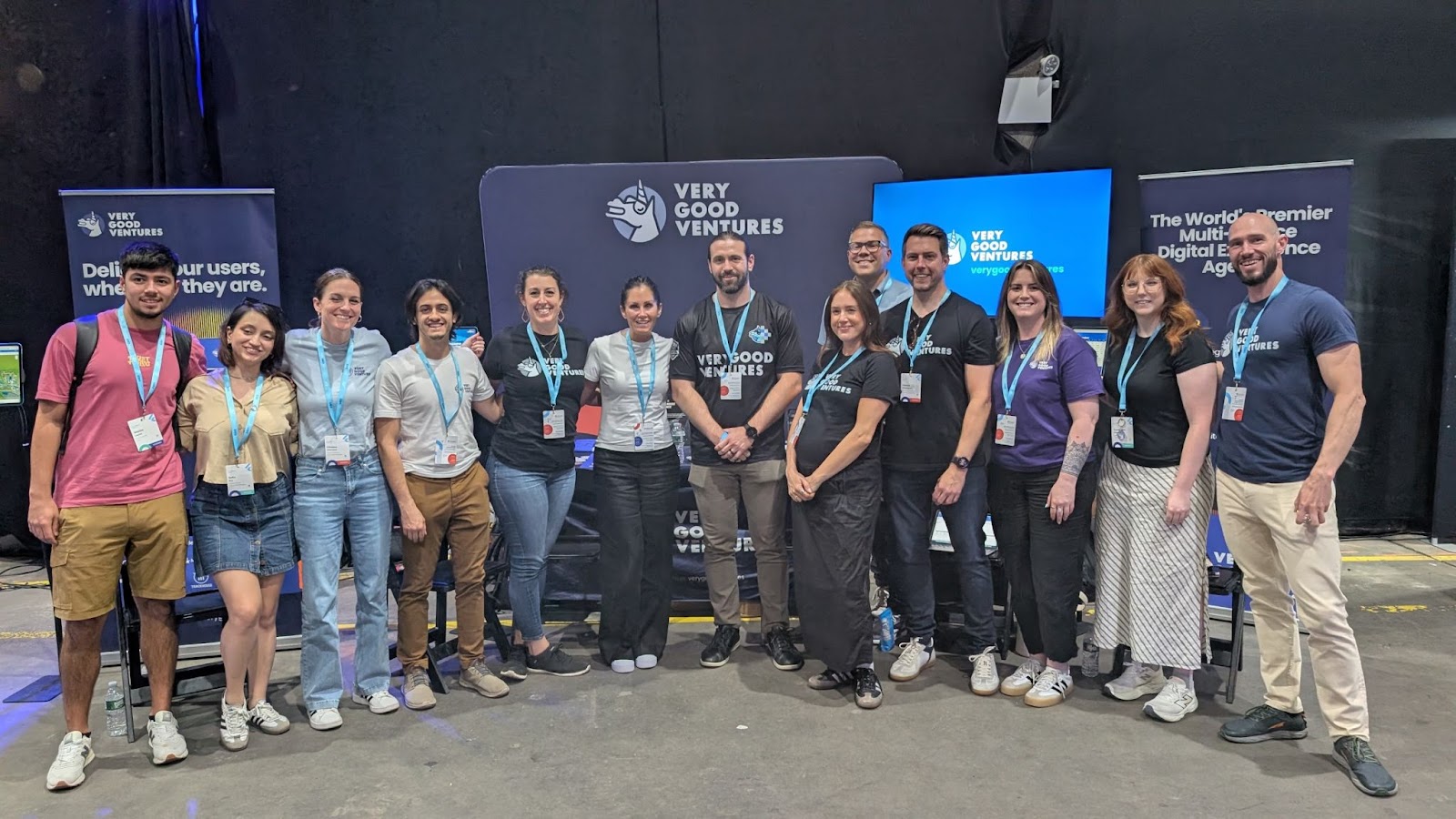
*The VGV team & booth*
Our engineers were on hand at the VGV booth connecting with attendees, sharing best practices, and handing out some *very* good unicorn swag.
They also brought strong technical insights to the Fluttercon stage. Here are a few standout sessions and roundtables we were proud to lead:
**\[Session\] Adopting Flutter at Scale: Challenges, Wins, and the Road Ahead**
In a panel moderated by VGV CEO David DeRemer, Lawrence Wisne and Mikal Wessel from Universal Destinations & Experiences shared lessons from adopting Flutter at enterprise scale, balancing technical and cultural considerations.
**\[Session\] Mastering Scalable Theming for Custom Flutter Widgets**
Mauricio Miguez, Senior Engineer at VGV, explored patterns and tooling for creating consistent, scalable, and maintainable theming systems.
**\[Session\] Mastering CustomPainter: Going Beyond Widgets in Flutter**
Sofía Rey, Mobile Engineer at VGV, showcased advanced techniques with CustomPainter for highly customized, performant UIs.
**\[Lightning Talk\] Server-Driven UI in Flutter**
Jordan Nnabugwu, Software Engineer at VGV, explained how server-driven architecture can decouple content and logic to power more flexible releases.
**\[Roundtable\] Multi-Platform Development with Native Feature Integration in Flutter**
Sam O’Brien, Software Engineer at VGV, and Flutter Developer, Matt Carroll, shared strategies for seamlessly blending native functionality with Flutter’s cross-platform flexibility.
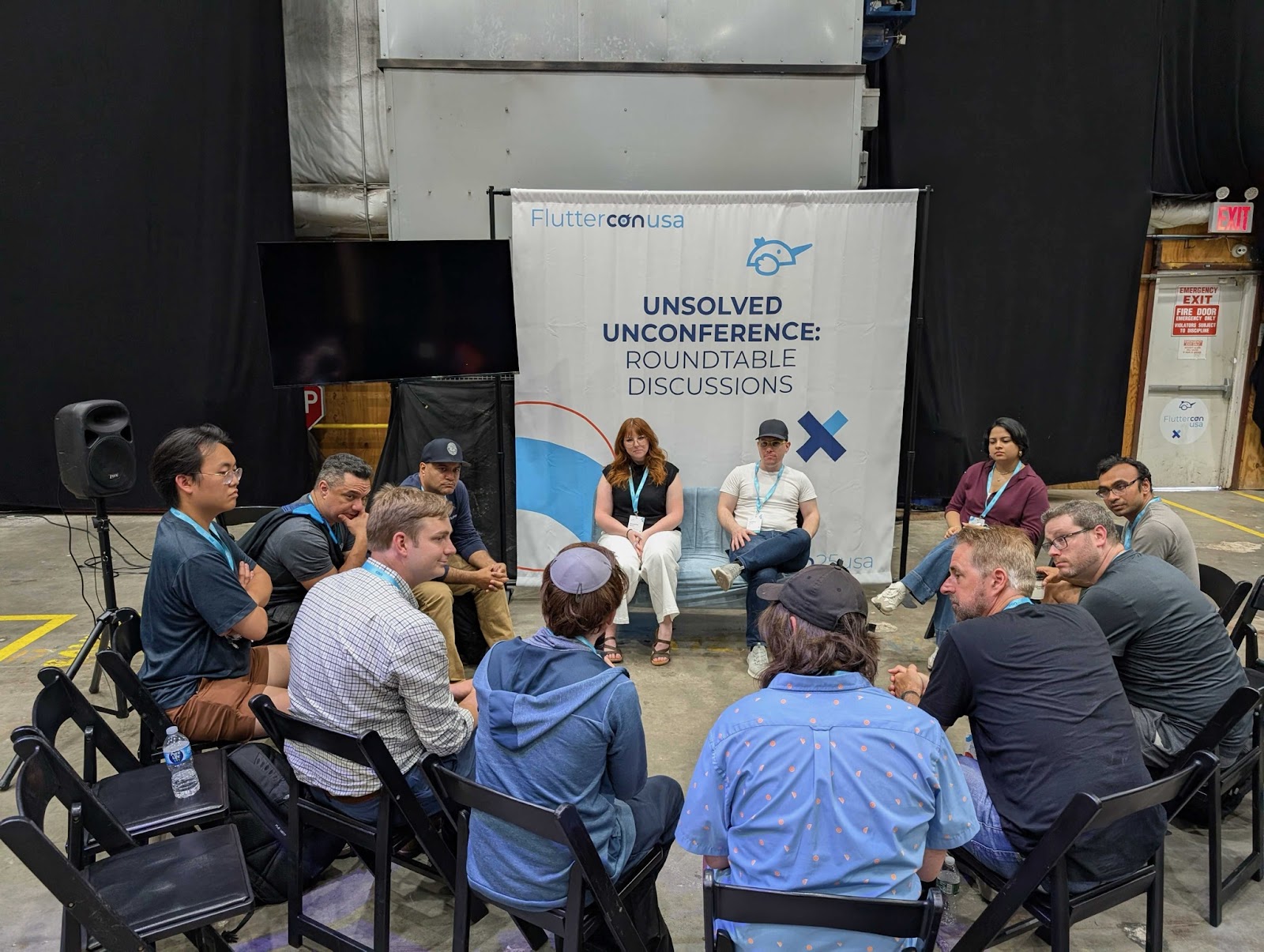
*Sam & Matt leading the roundtable*
**\[Roundtable\] Flutter Best Practices: State Management & Scalability**
Trevor Davis, Software Engineer at VGV, and Shorebird Founding Operations Lead, Tom Arra, offered practical advice on architecting apps that scale, diving deep into patterns that balance maintainability and performance.
All of the sessions and roundtables reflected VGV’s commitment to advancing thoughtful, real-world Flutter practices.
## Building Community: From T3 to the Flutter Leaders Dinner
Beyond Fluttercon itself, VGV hosted and sponsored two exclusive experiences:
**The T3 Engineering Leadership Summit**
On June 24, the day before Fluttercon kicked off, senior engineering leaders gathered to discuss agentic AI, multi-platform development, and leadership at the intersection of technology and culture.
**Flutter Leaders Dinner**
On evening of June 24, we hosted a curated dinner reception bringing together decision makers from Universal Destinations & Experiences, eBay, Blade, SKIMS, GEICO, the Google Flutter team, and others to share how they’re evolving their digital experiences with Flutter.

*Flutter Leaders Dinner*
These events created valuable space for deeper relationship building and sparked conversations that will continue to shape the future of the community.
## Team Impressions from Fluttercon NYC
“What truly stood out at Fluttercon USA this year was the people," said Mauricio Miguez. "The energy was high, the conversations meaningful, and the in-person meetups with VGV teammates added something special. The sense of camaraderie and shared purpose made it all worth it. Chris Sells’ keynote in particular was a standout moment—offering a thoughtful vision for how the Flutter community can continue growing in an AI-driven world.”
Sofía Rey: “The energy at Fluttercon USA 2025 was truly contagious—both from the global Flutter community and our own VGV team. Giving my first talk in English was a big milestone, and demoing a real-world app we’ve been building for months made it even more meaningful.”
Fluttercon USA 2025 once again proved that the future of Flutter—and multi-device innovation—is bright, collaborative, and very *good*.
#### Frequently Asked Questions
##### How big was Fluttercon USA 2025?
The event drew over 500 attendees, more than 60 speakers, and 3 stages of programming in New York City, running alongside Droidcon for its second year.
##### Which VGV sessions and roundtables took the stage?
VGV CEO David DeRemer moderated a panel on adopting Flutter at scale with Universal Destinations & Experiences. Mauricio Miguez covered scalable theming. Sofía Rey explored CustomPainter. Jordan Nnabugwu gave a lightning talk on server-driven UI. Sam O'Brien co-led a roundtable on native feature integration with Matt Carroll. Trevor Davis co-led a roundtable on state management and scalability with Tom Arra of Shorebird.
##### What other events did VGV host around Fluttercon?
VGV hosted the T3 Engineering Leadership Summit on June 24 for senior engineering leaders to discuss agentic AI and multi-platform development, and a Flutter Leaders Dinner the same evening with decision makers from Universal Destinations & Experiences, eBay, Blade, SKIMS, GEICO, and the Google Flutter team.
##### Which brands shared Flutter adoption stories at the conference?
Sessions featured stories from Universal Destinations & Experiences, eBay, Blade, and others on scaling Flutter for modern, cross-platform user experiences.
### How Etsy’s Mobile Team Built a Feature-Rich Seller App with Flutter
Source: https://verygood.ventures/blog/how-etsys-mobile-team-built-a-feature-rich-seller-app-with-flutter/
In the ever-evolving world of mobile development, velocity and quality often feel like opposing forces. But what if you could have both?
[In this episode of “Build to Succeed,” we sat down with Landon Robinson, Staff Engineer at Etsy](https://verygood.ventures/podcasts/landon-robinson-etsy-from-platform-silos-to-product-unity-a-new-era-of-app-development/), to explore how his team built a powerful, feature-rich mobile experience for millions of Etsy sellers—without ballooning team size or compromising on design. The secret? Strong architecture, cross-functional collaboration, and a product-first mindset.
## Building a Modern Mobile Stack
Landon’s journey from native development to Flutter mirrors a larger trend in the mobile space. While skeptical at first, he was won over by Flutter’s rendering engine, flexibility, and tooling, eventually helping lead Etsy’s transition from a shared native codebase to a standalone Flutter app for sellers.
Today, Etsy’s Flutter-based Seller app is maintained by a focused team of just eight engineers, yet it supports rich functionality and rapid iteration.
> “We’ve been able to build a lot of features in a short amount of time… resulting in a feature-rich app that can really help our sellers manage their shops on the go,” Landon shares.
One of the key drivers behind that speed was intentionally designing for developer experience from the start. From abstraction layers to documentation and onboarding guides, the team built not just a product, but a platform others could plug into.
> "Early on, we thought a lot about the developer experience," he adds. "Our goal was not only to speed up development, but also to allow other teams to come in and build."
## The “Away Team” Model: Cross-Functional Collaboration That Works
One of the most innovative aspects of Etsy’s development model is what Landon calls the “away team” approach. This allows engineers—often from web or full-stack backgrounds—to embed with the Seller app team temporarily to build specific features directly in Flutter.
Backed by strong internal docs, Codelabs, and mentorship, these away teams are able to ship production-ready code in weeks, all within a well-governed architecture that ensures quality and consistency.
“People start focusing on the product itself, as opposed to being confused by ‘what can we do on Android or iOS?’ It’s more of a product-driven mindset…and teams reorganize around product domains,” Landon reaffirms.
That cultural shift—from platform silos to product teams—has enabled Etsy to scale not just code, but shared ownership. It’s an example of how the right combination of tech and process can empower teams to deliver faster and more collaboratively.
## Why Flutter Made the Difference
For Etsy’s team, choosing Flutter was about more than code reuse. It was about removing the friction between platforms, between teams, and even between engineering and design.
Because Flutter allows pixel-perfect design implementation and cross-platform deployment, the team rarely had to “dumb down” experiences to meet technical constraints.
Combined with a modern mobile architecture and strong QA practices, this enabled Etsy to ship more with less while still meeting the expectations of millions of sellers.
## Looking Ahead: The Role of AI in Developer Productivity
While Etsy’s Seller app team hasn’t yet deeply integrated AI, Landon is optimistic about the possibilities. With tools like GitHub Copilot already in use by some engineers, the team sees AI as a potential force multiplier, especially for repetitive tasks or infrastructure work.
“If AI can help us be force multipliers of ourselves, why wouldn’t we use it? We’re definitely excited to see how we can layer it into our already smooth process,” he concludes.
As AI continues to evolve, the goal isn’t to replace engineers—it’s to amplify their impact. That vision aligns perfectly with the team’s foundational choices: tools and practices that unlock creativity, ownership, and focus.
## Engineering With Purpose, Grounded in Impact and Trust
Through all the talk around technology, Landon is clear about what really matters—building solutions that make sense for the business.
This mindset permeates Etsy’s Seller app strategy: from platform decisions to team structure, every move is grounded in real, measurable outcomes, not just engineering experimentation.
On the other hand, when asked about what strong leadership looks like, Landon emphasizes trust, communication, and clarity. Empowering engineers to do their best work and then supporting them with the right structures is key to sustaining both morale and momentum.
And that empowerment goes both ways. By building a team culture rooted in shared goals and open collaboration, Etsy has created a development environment where engineers from different disciplines—mobile, web, and platform—can come together and build something better, faster, and smarter.
## Listen to the Full Episode
In a world where tools and frameworks evolve rapidly, Etsy’s experience is a reminder that the foundations of great software are timeless: clear goals, strong teams, and a deep understanding of the people you’re building for.
If you’re leading a mobile team, scaling cross-functional collaboration, or evaluating the impact of Flutter and AI in your org, this conversation is a must-listen. Enjoy!
#### Frequently Asked Questions
##### How large is the team behind Etsy's Flutter Seller app?
A focused team of just eight engineers maintains the Flutter-based Seller app, yet it supports rich functionality and rapid iteration for millions of Etsy sellers.
##### Why did Etsy move from native development to Flutter?
Landon Robinson was won over by Flutter's rendering engine, flexibility, and tooling. The team eventually transitioned from a shared native codebase to a standalone Flutter app for sellers, removing friction between platforms, teams, and design and engineering.
##### What is Etsy's away team model?
Engineers from web or full-stack backgrounds embed temporarily with the Seller app team to build specific features directly in Flutter. Backed by internal docs, Codelabs, and mentorship, away teams ship production-ready code in weeks within a well-governed architecture.
##### How did Etsy approach developer experience on the Seller app?
The team designed for developer experience from the start, building abstraction layers, documentation, and onboarding guides. The goal was to speed up development for the core team and to let other teams plug in and build features themselves.
##### How does Etsy think about AI for engineering productivity?
Etsy's Seller app team has not yet deeply integrated AI, but some engineers use GitHub Copilot. Landon sees AI as a force multiplier for repetitive tasks and infrastructure work, with the goal of amplifying engineers rather than replacing them.
##### What does Landon say strong leadership looks like?
Trust, communication, and clarity. Empowering engineers to do their best work and supporting them with the right structures is key to sustaining morale and momentum.
### Vibe Coding with AI Agents: Building Figma Plugins in with Chat UI
Source: https://verygood.ventures/blog/vibe-coding-with-ai-agents-building-figma-plugins-in-with-chat-ui/
At this year’s AI Demo Day, I shared how I’ve been using AI IDE agents—specifically Cursor and GitHub Copilot—to build custom Figma plugins for the community, VGV, and even for our clients like Toyota. These tools give me the ability to write complex code, quickly validate ideas, and automate repetitive parts of my design workflow, despite not knowing a whole lot about code.
Being able to build your own plugins is a total game-changer. It gives us control over our workflow, helps us move faster, and unlocks entirely new capabilities. Plugins aren’t just for designers, either—FigJam, Dev Mode, and even Figma Slides support plugins now. That means everyone on a team can benefit from tailored tooling.
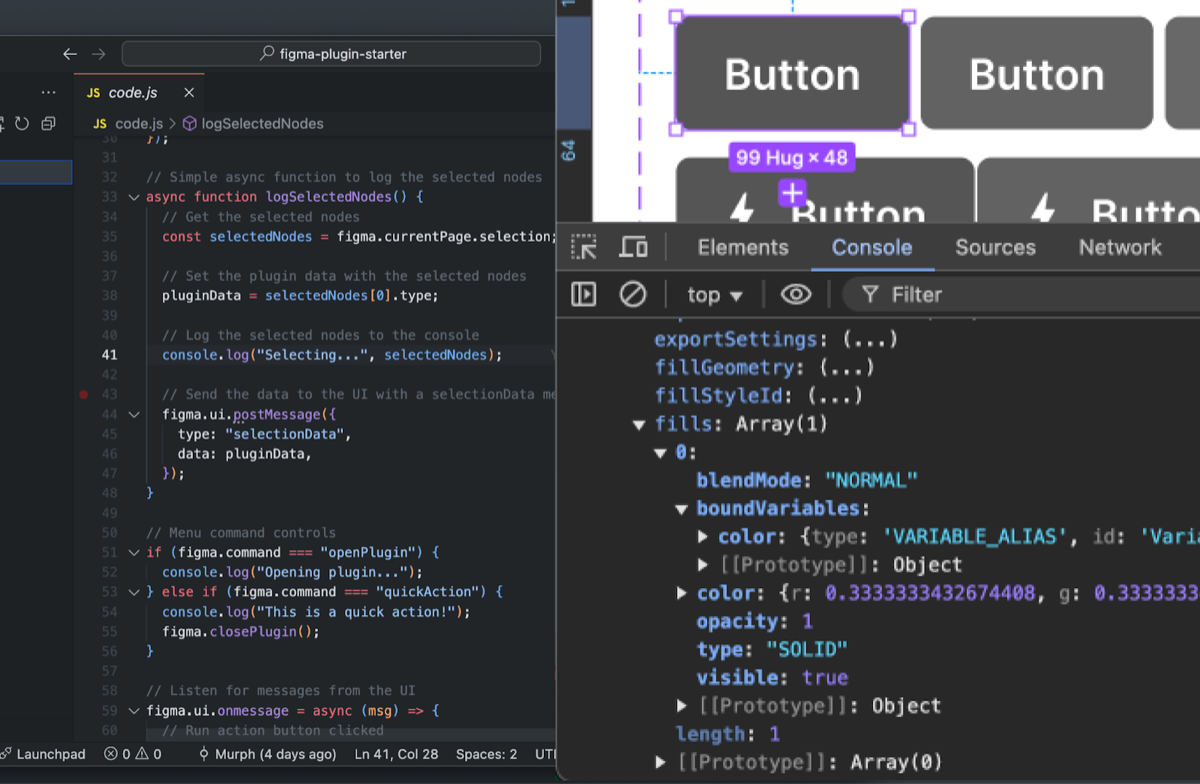
## What Figma Plugins Actually Are
In case you’ve never peeked under the hood: Figma plugins are just web apps built with JavaScript, HTML, and CSS.
You use the Figma Plugin API (not to be confused with the Figma REST API) to read/write directly to a file, leveraging the user's own credentials (no API keys needed). It even gives you access to variables without requiring an enterprise plan!
There are different types of plugins, too:
- Simple single-use scripts
- Menu-driven tools
- Full interactive UIs
Bottom line: if you can code it (or ask an AI to code it), you can build it into Figma.
## From Curious to Custom: My Plugin Journey
My journey into plugins started with something called Very Good Flutter Styles—a plugin that exports Figma color and text styles into Dart code for Flutter themes.
That plugin took me weeks to build manually; I used ChatGPT, hacked around, and honestly had little confidence about the best way to approach the implementation. But I managed to get it working! And adding Dev Mode support made it helpful for both designers and devs. It automated a tedious task and made our handoffs faster and more accurate.
Since then, I’ve built and released a bunch of plugins, everything from variable renaming, calculating, and matching values across modes. And the key to this breakthrough? AI agents.
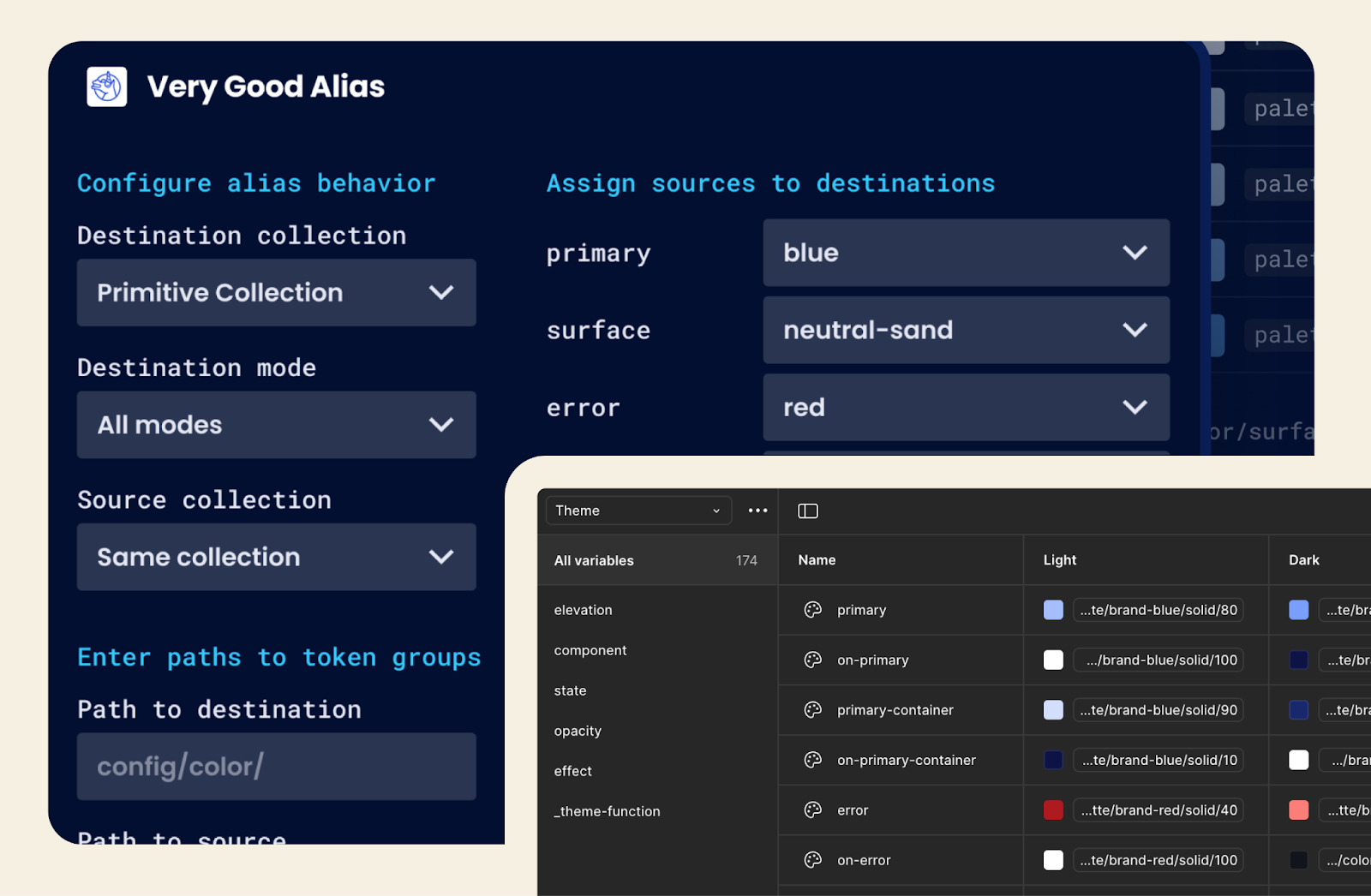
## AI + Figma Plugins = Superpowers for Designers
With tools like Cursor and Copilot, I’ve gone from fumbling through JS tutorials to shipping useful, production-grade plugins in as little as a few hours.
Let’s look at some recent examples:
### Very Good Aliasing (4 hours to POC)
Often in design systems, there are raw color values related to a brand (e.g., blue or red), and separate semantic roles (e.g., primary or secondary) that all appear in design tokens. For complex products, making sure the brand color and its variants stay synced and updated across all of their semantic roles can be tedious. This plugin bulk-assigns variables to their semantic usage in seconds, providing a quick way to configure a theme. It replaces hundreds of clicks down to a few for each color. It’s a game changer. Using Cursor, I even built a variant that re-aliases based on values instead of names in about an hour.
### Very Good Flutter Variables (4 hours to POC)
A follow-up enhancement to the Very Good Flutter Styles plugin, this one exports Figma variables and modes as Dart code, which can generate light and dark themes in a single export. I’d actually tried and failed at this plugin before, but AI made it happen in hours.
### Toyota Icon Lint (2 hours to POC)
We’ve been working with Toyota to scale their powerful design system used in their in-vehicle center console. I built this plugin to validate icon formatting rules for their internal asset pipeline, to check the settings for things like fill-rule, orientation, color, and name. It flags dozens of rules across hundreds of icons in seconds instead of requiring manual spot checks, which could take minutes per icon. Now it’s used by global teams, giving time back to work on more meaningful features.
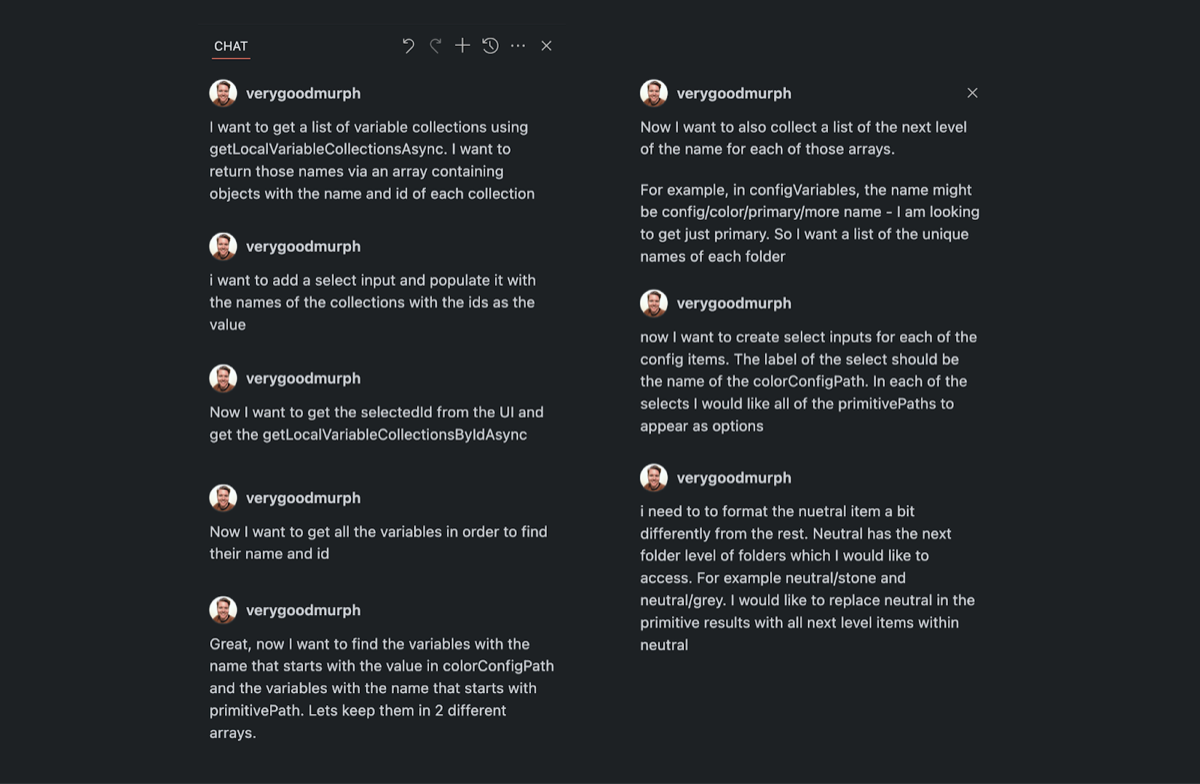
My AI Agent Workflow (No Engineering Degree Required)
I’ve developed a simple, iterative workflow that’s worked for me. It allows you to quickly start with an idea and evolve it through small requests. This method allows you to gain a better understanding of how the code works, making it easier to identify where issues are arising.
1. Start with a clear vision: I write a quick doc in Notion with plugin goals, key data structures, and examples of input/output.
2. Use Cursor in Agent + Auto mode: It writes and updates code for me—hands off! It also picks the best model for the job.
3. Keep requests small and focused: Too much context can cause issues that take time to fix. Focused steps = success.
4. Provide examples: When I don’t know the right jargon, I show the AI my expected inputs and outputs.
5. Use version control: The agent will break your code eventually. I use GitHub Desktop to save and explore safely.
6. Ask for help! The agent can log values, debug, and explain errors, just ask. It can often fix issues based solely on the logs.
## The Hardest Part? Not What You Think.
Most of the actual plugin logic was easier than I expected. But the real challenge? Making it usable. Things like:
- Validating edge cases
- Preventing user errors
- Handling weird Figma property values (like rotation 0 = -0.000003e12 😩)

## My Big Takeaways
1. **Everyone should try this.** You don't need to be an engineer. These tools let you test, build, and explore in ways that were never possible before.
2. **AI opens new doors.** I now look at problems differently: not as constraints, but as opportunities for automation using new processes and tools.
3. **We can build better, more personal tools - fast.** Whether it’s internal workflows, client handoffs, or even just reducing frustration, these plugins improve how we work.
4. **AI agents can do way more than plugins.** Cursor can easily scaffold and build a Flutter app—components, themes, interactions—all through chat.
If you’re curious about building Figma plugins, or even what you might be able to create with a little help from an AI agent, I hope this shows you what’s possible.
And if you ever want to chat about plugins, Figma, or Cursor, I’ll be happy to talk about it, so feel free to [reach out](https://www.linkedin.com/in/murphyorourke/)!
#### Frequently Asked Questions
##### What are Figma plugins, technically?
Figma plugins are web apps built with JavaScript, HTML, and CSS. They use the Figma Plugin API to read and write directly to a file using the user's own credentials, so no API keys are required, and they can access variables without an enterprise plan.
##### Which AI agents did the author use to build plugins?
Cursor and GitHub Copilot. Cursor in Agent plus Auto mode handled writing and updating code hands off, picking the best model for each job.
##### What plugins were built with this AI-assisted workflow?
Very Good Aliasing for bulk-assigning variables to semantic roles, Very Good Flutter Variables for exporting Figma variables and modes as Dart code, and Toyota Icon Lint for validating icon formatting rules across hundreds of icons. Each reached a working POC in 2 to 4 hours.
##### What does the author's AI agent workflow look like?
Start with a clear vision in a Notion doc covering goals, data structures, and example inputs and outputs. Use Cursor in Agent plus Auto mode. Keep requests small and focused. Provide examples when the right jargon is unclear. Use version control with GitHub Desktop. Ask the agent to log values, debug, and explain errors.
##### What was the hardest part of building the plugins?
Making them usable. The plugin logic itself was easier than expected, but validating edge cases, preventing user errors, and handling weird Figma property values like rotation 0 returning -0.000003e12 took real effort.
##### Do you need to be an engineer to build Figma plugins this way?
No. The author shipped production-grade plugins despite not knowing a lot about code. AI agents lower the barrier so designers and other non-engineers can test, build, and explore plugin ideas.
##### Can these AI agents do more than build Figma plugins?
Yes. Cursor can scaffold and build Flutter apps as well, including components, themes, and interactions, all through chat.
### Merging Culture, Codebases, and Care: How Headspace Rebuilt With Flutter
Source: https://verygood.ventures/blog/merging-culture-codebases-and-care-how-headspace-rebuilt-with-flutter/
When you think of a technical migration, you might picture lines of code, build systems, or platform APIs. But for Pierre Benz, Engineering Manager at Headspace, the real work of merging two mental health apps into one went far beyond the code. It was about people, purpose, and building the kind of technology that can truly support someone’s well-being, especially when they need it most.
[In the latest episode of Build to Succeed](https://verygood.ventures/podcasts/pierre-benz-headspace-merging-culture-codebases-and-care-with-purpose/), Pierre walks us through how his team navigated one of the most ambitious transformations in Headspace’s history. Along the way, he opens up about leadership, lessons learned from failure, parenting, and why sometimes the hardest part of change is letting go of what used to work.
## A Career Built on Empathy and Experimentation
Before leading engineering at Headspace, Pierre’s career had taken him through design agencies like AKQA, startups in IoT and consumer apps, and even early explorations in game development. His technical roots are deep, but what stands out most is his focus on human behavior.
That focus began at the University of Cape Town, where Pierre blended his computer science studies with human-computer interaction and psychology. It’s a thread that has continued throughout his career, shaping how he approaches product development, team leadership, and user experience.
Surrounded by technically brilliant peers early in his career, Pierre chose to focus on a different strength: understanding the why behind technology use, not just how to build it.
## The Merger That Changed Everything
Pierre joined Headspace just as the company merged with Ginger, a behavioral health platform offering coaching and therapy. The result? Two different apps, two different codebases, and one big challenge: how to bring everything together in a single product experience without losing momentum or user trust.
At first, they approached the problem the only way they could: by patching it. A shared Flutter SDK was built and embedded into the existing native apps, a move Pierre jokingly refers to as their “Frankenstein moment.” It worked, but it wasn’t scalable. Maintaining multiple stacks slowed development, and the team knew something had to change.
## Making the Case for Flutter
That’s when the real decision-making began. After a round of internal research and heated debate, the team faced a turning point: go all-in on Flutter, or continue to juggle three partial implementations across iOS, Android, and web.
The final decision came from Headspace’s CTO, who saw the bigger picture: a single codebase would allow the company to scale faster, reduce costs, and deliver a more unified experience across platforms. It wasn’t just a tech decision, it was a mission decision. “Life’s gonna change. Let’s ramp up experimentation. Let’s scale things more. And we now have one platform where we can address those changes,” he recalls.
For Pierre and many native developers, it was a tough pill to swallow. Not everyone was on board. Some engineers left. Others took time to upskill in Dart and Flutter. But for those who stayed, it sparked a mindset shift—from resistance to curiosity to momentum.
“The ecology of devices is why we chose Flutter. People use multiple devices interchangeably. We can get an app out that can cover all those devices,” Pierre reflects.
## Building While Migrating (and Not Burning Out)
One of the hardest parts of the migration was that they didn’t pause feature development: instead of stopping everything to rebuild, the team adopted an incremental approach, slowly replacing key surfaces with Flutter while continuing to ship updates. It wasn’t the cleanest method, but it was realistic, and it allowed the team to learn in motion.
Pierre speaks candidly about the complexity of this strategy, from keeping analytics intact to migrating UI components without breaking existing features. But he also highlights the unexpected wins, like how quickly new developers got up to speed and how Flutter exceeded design expectations.
## Centralizing the Mission: One Team at a Time
Eventually, the team learned that spreading migration responsibilities across too many squads wasn’t working. So they pulled together a dedicated migration team: 27 engineers focused solely on rebuilding the app’s foundation. That centralized effort not only accelerated progress but also helped create a shared sense of ownership and clarity.
Once the migration is complete, those engineers will return to their respective teams as Flutter champions, mentoring others and helping maintain quality across the newly unified codebase.
## Doing the Hard Things Right
At VGV, we believe technology should be built for people, and this story from Headspace proves exactly why that matters. It’s a rare and honest look at what it means to transform systems, cultures, and teams without losing sight of the human impact.
This is a blueprint for doing the hard things well: with empathy, clarity, and a willingness to rethink everything for the sake of delivering real value.
We would love to hear your story and help you start your Flutter journey. [Get in touch with our team today!](https://verygood.ventures/contact-us/?hsCtaAttrib=140727946411)
#### Frequently Asked Questions
##### Why did Headspace need to merge two apps in the first place?
Headspace merged with Ginger, a behavioral health platform offering coaching and therapy. The combined company had two different apps and two different codebases, and it needed to bring them together into a single product experience without losing momentum or user trust.
##### What was the team's first attempt at unifying the apps?
The team built a shared Flutter SDK and embedded it inside the existing native apps. Pierre Benz refers to this as their Frankenstein moment. It worked, but maintaining multiple stacks slowed development and the approach was not scalable.
##### Why did Headspace ultimately commit to Flutter?
The CTO saw a single codebase as the path to scale faster, reduce costs, and deliver a more unified experience across iOS, Android, and web. Pierre also points to the ecology of devices, since people use multiple devices interchangeably and Flutter could cover all of them.
##### How did the team migrate without pausing feature work?
They adopted an incremental approach, replacing key surfaces with Flutter while continuing to ship updates. It was not the cleanest method, but it was realistic and let the team learn in motion while keeping analytics intact and avoiding broken features.
##### How was the dedicated migration team structured?
After spreading migration across too many squads stopped working, Headspace formed a centralized team of 27 engineers focused solely on rebuilding the app's foundation. Once the migration finishes, those engineers return to their original teams as Flutter champions.
##### How did engineers respond to the shift away from native development?
Some engineers left. Others took time to upskill in Dart and Flutter. For those who stayed, the change sparked a mindset shift from resistance to curiosity to momentum.
##### What lessons does Headspace's story offer other companies?
Big technical transformations are also cultural ones. Empathy, clarity, and a willingness to rethink existing systems matter as much as the code, especially when the product supports people's well-being.
### Smart AI App Dev Without the Chaos
Source: https://verygood.ventures/blog/smart-ai-app-dev-without-the-chaos/
At Very Good Ventures (VGV), speed and architecture are always key priorities. But when it comes to integrating AI into the software development process, the risk of sacrificing quality for velocity is real, especially in the era of “vibe coding.”
At a recent internal AI Demo Day hosted by VGV, the goal was to inspire experimentation, spark learning, and deepen our collective fluency in generative AI. It wasn’t just about showing off cool demos, but also about understanding how AI is reshaping the way we build, think, and work.
During this exciting remote event, I had the opportunity to explore a big question we’re all facing as developers: Can you actually use AI to build a real app fast, without ending up with unmaintainable code? The results were surprising in all the right ways, and it didn’t stop with the code. I’m not going to spoil the ending, but let’s just say it worked better than I expected, and it gets even more interesting when you see what I was able to build into the app once the foundation was solid.
### The Challenge: Build an MVP App with AI Without Sacrificing Structure
We’ve all seen what AI can do with code: fast prototyping, fast generation, fast everything. But the tradeoff is usually a mess—scattered logic, unclear architecture, and technical debt from day one.
At VGV, we can’t afford that. Our apps need to scale, evolve, and be passed between engineers without causing pain. So I built this experiment around a core hypothesis:
Can structured prompting actually guide AI to produce clean, maintainable code that follows good architecture, fast enough to matter in a real product cycle?
For this experiment, I used Gemini 2.5 Pro and Flutter to build an MVP for a travel itinerary planner app. The idea was simple: take in user preferences (location, dates, interests, travel style, etc.) and generate a personalized travel plan, complete with suggested activities, links to bookings, and the ability to save and revisit itineraries.
The kicker? I built almost the entire app part-time over 1.5 weeks, using AI to assist with code generation, planning, and iteration. This app relied on Gemini and OpenRouter for all AI-driven functionality.
## The 5-Step AI Prompting Framework
To bring structure to the process, I started with some [excellent prompts](https://www.jointakeoff.com/courses) created by [Mckay Wrigley](https://www.mckaywrigley.com/) and adopted them for Flutter. This gave me a five-step framework that mirrors how we’d typically approach development, just with AI taking on a bigger role at each phase. The cool thing about Mckay’s prompts is that they’re designed to work as a chain, with the output from one prompt serving as an input to the next.
### 1. App Idea → Project Request Prompt
Start with a short paragraph describing what you want to build. Then iterate with the AI using the Project Request prompt until it fully understands the goal.
### 2. Project Request → Tech Spec Prompt
Take the Project Request from the previous step and feed it into the Tech Spec prompt to generate a technical spec. The spec includes such details as project structure, database schema, class definitions, and overall data flow.
### 3. Tech Spec → Coding Plan Prompt
Here’s where things get *very* detailed. Using the tech spec as input, you can use the coding plan prompt to produce a full step-by-step implementation plan. The plan is very detailed—if I had printed it, it would’ve been 40+ pages long.
### 4. Coding Plan → Code Generation
Now I've moved into actual code. I followed the plan and had Gemini generate code step by step, constantly reviewing to avoid architectural drift.
### 5. Code Context & Refinement: Windsurf + Manual Review
At the end, I used contextual prompts and Windsurf to help refine and clean up the code.
This structured prompting system gave me control over the process, made it easy to course-correct when things were going off-track, and let me build something that wasn’t just “done”, but it was maintainable.
## Results: Speed and Quality
Here’s what I ended up with:
- Speed: The MVP came together in about 1.5 weeks of part-time work.
- Structure: The code stuck to VGV’s layered architecture surprisingly well.
- Maintainability: It wasn’t perfect, but the final codebase is absolutely something I’d be happy building on or handing off.
Yes, I did need to do some cleanup, especially formatting, organization, and trimming over-commented sections, but the major architectural pieces were pretty good right out of the AI. [Structured prompts](https://www.jointakeoff.com/courses) prevented major architectural drift. The foundation was solid.
#### AI Inside the App
The real surprise? Because AI let me move so quickly, I actually had time to add AI-powered features into the app experience itself. This resulted in an AI-enhanced travel itinerary planner.
Here’s how it works:
- Users submit where they’re going, dates, interests (e.g., food, nature, culture), who they’re traveling with, and their pace/budget.
- The AI analyzes those preferences, recommends activities, and builds a personalized itinerary.
- It even tells users when to book tickets in advance and links them to booking sites.
- They can save plans, tweak them, and revisit past itineraries, all in the app.
#### AI Tech Stack I Used
Even though I wasn’t familiar with all these tools, I was able to integrate them quickly, thanks to clear prompts and strong planning up front.
- Supabase – Auth, itinerary storage, and Edge Functions
- OpenRouter – LLM endpoints
- Gemini 2.5 Flash (Preview) – Core LLM for suggestions and itinerary logic
- Flutter – Multi-platform UI, of course
#### What I’d Do Differently Next Time
I was happy about how this process worked, but there are a few things I’d tweak to make it even better next time:
- Define the UI design system early: If it’s a client demo, nail down the look and feel before coding.
- Reduce AI verbosity: Some prompts generated way too many comments. I’ll ask for cleaner output next time.
- Include more VGV-specific guidance: Folder structure, DI, DTOs. I’ll bake that into the tech spec prompt from the start.
- Slow down between steps: It’s tempting to rush into code, but reviewing each phase carefully made a huge difference in quality.
## What This Means for VGV—and Everyone Out There
I was able to create a working MVP built in about a week and a half (part-time), with code that largely followed VGV’s layered architecture. Even better, the efficiency gave me time to build actual AI-powered features into the app itself.
This wasn’t just a cool internal project; it’s a sign of where our workflows can go. We can use this approach for faster prototyping, internal tooling, and POCs, and we can also show real, working software earlier to our clients, to build trust and show them what we can do.
AI helps us move faster without compromising how we build, and it doesn’t have to be chaotic. With the right structure, it can be one of the most consistent developers on the team.
We’re not using AI to cut corners, we’re using it to build better software, faster.
And this is just the beginning.
If you have questions or ideas to improve this process, or just comments, feel free to reach out to me on [LinkedIn](https://www.linkedin.com/in/mark-winters-62bb205/)!
#### Frequently Asked Questions
##### What was the goal of this AI Demo Day experiment?
The experiment tested whether structured prompting could guide AI to produce clean, maintainable code that follows good architecture, fast enough to matter in a real product cycle. The output was an MVP travel itinerary planner built in Flutter with Gemini 2.5 Pro.
##### How long did the MVP take to build?
The app came together in about 1.5 weeks of part-time work, with AI assisting on code generation, planning, and iteration.
##### What is the 5-step AI prompting framework used in the project?
The chain runs from app idea to project request, then tech spec, then a detailed coding plan, then code generation, and finally code context and refinement using Windsurf and manual review. Each prompt's output feeds the next.
##### Which AI tools and services powered the app?
Supabase handled auth, itinerary storage, and Edge Functions. OpenRouter exposed the LLM endpoints. Gemini 2.5 Flash (Preview) served as the core LLM for suggestions and itinerary logic. Flutter delivered the multi-platform UI.
##### Did the AI-generated code follow VGV's architecture standards?
Yes, the code stuck to VGV's layered architecture surprisingly well. Some cleanup was needed for formatting, organization, and over-commented sections, but the major architectural pieces held up out of the AI.
##### What would the author change next time?
Define the UI design system early for client demos, reduce AI verbosity to avoid excessive comments, bake VGV-specific guidance like folder structure and DTOs into the tech spec prompt, and slow down between steps to review each phase carefully.
##### What features did the travel itinerary planner ship with?
Users submit destination, dates, interests, travel companions, and pace or budget. The AI then recommends activities, builds a personalized itinerary, advises on advance booking with links to booking sites, and lets users save, tweak, and revisit past plans.
### Google I/O 2025: It’s a Great Time To Be a Technologist!
Source: https://verygood.ventures/blog/google-i-o-2025---its-a-great-time-to-be-a-technologist/
I must start with a confession: never in my life have I felt so excited about technology and the endless possibilities it brings to humanity. Advancements in cloud computing, artificial intelligence, and multidisciplinary digital devices—whether they’re phones, glasses, vehicles, or the Las Vegas Sphere—make this particular moment a pivotal one in history, where we can solve more complex and sophisticated problems than ever at a fraction of the cost. The conclusion of Google I/O 2025 left me with one clear thought: it’s a great time to be a technologist!
## Flutter: The *Best* Way to Build Digital Experiences in 2025 Across Multiple Devices and Operating Systems
For years, I’ve avoided using the word best in the context of technology, especially when building user interfaces. The reason? Technology can be assessed from multiple points of view, and what brings me joy as a developer may be in conflict with the user’s joy. This, I believe, is the reason why HTML5-based tools didn’t fully succeed in the past. However, Flutter, year over year, has proven to satisfy the needs of businesses, developers, and customers on any single device.
Whether you’re building for phones, kiosks, flying taxis, or smart scooters, with the power of a single toolkit and a common set of tools, you can build and adapt your digital experiences anywhere your customers are—without sacrificing velocity, quality, or performance. From fintech and e-commerce to automotive and entertainment, brands like Nubank, Toyota, Alibaba, BMW, and Universal Destinations & Experiences, among many more, are turning to Flutter to power their most ambitious digital products.
Google I/O 2025 marked a new era of maturity and production readiness for Flutter and Dart—they no longer need to announce support for new platforms, as they now support all platforms. Anywhere there’s a screen, you can run Flutter. Now, they can focus on refining existing pain points while addressing major competitive advantages that continually enhance the quality and performance of the framework.
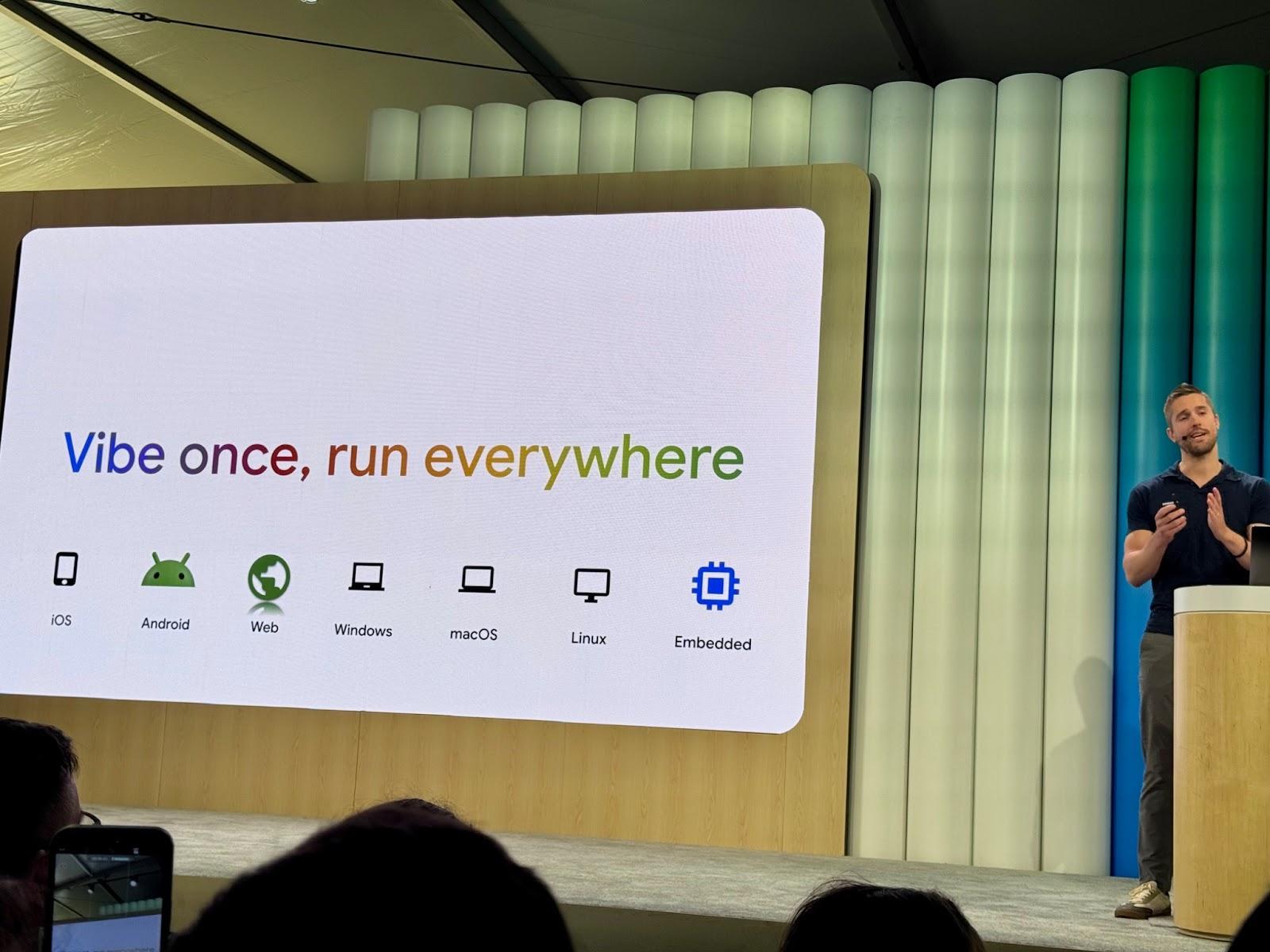
*Image taken by Flutter’s GDE Anna Leushchenko at Google I/O 2025 during Craig Labenz’s presentation.*
According to Apptopia, Flutter now powers almost [30% of new free apps](https://medium.com/flutter/dart-flutter-momentum-at-google-i-o-2025-4863aa4f84a4). That list includes some major brand names, including Universal Destinations & Experiences (in their newest theme park, Universal Epic Universe in Orlando, which Very Good Ventures helped to deliver); [GEICO](https://www.geico.com/techblog/flutter-as-the-multi-channel-ux-framework/); Google (NotebookLM & Google Cloud); and GE Appliances, just to name a few in the last year! Furthermore, companies like LG and Canonical are using it to build the frontends for their operating systems, elevating the possibilities of what we can do and the experiences we can power with Flutter.
### Is Dart The Most Effective Programming Language Out There?
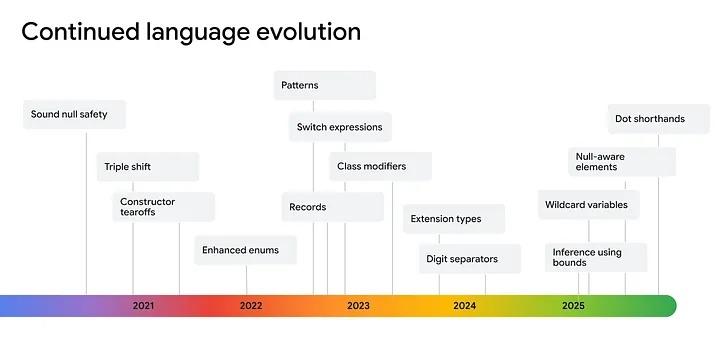
Dart language evolution. Image obtained from [*Dart & Flutter momentum at Google I/O 2025*](https://medium.com/flutter/dart-flutter-momentum-at-google-i-o-2025-4863aa4f84a4)
Dart’s goal is to offer the most productive programming language for multi-platform development, paired with a flexible execution runtime platform for app frameworks.
While null-safety was released more than 5 years ago, we continue receiving amazing updates that, while they might look small in size, are huge in value.
With **null-aware elements,** it’s now possible to include elements in collection only when the value at runtime is non-null.
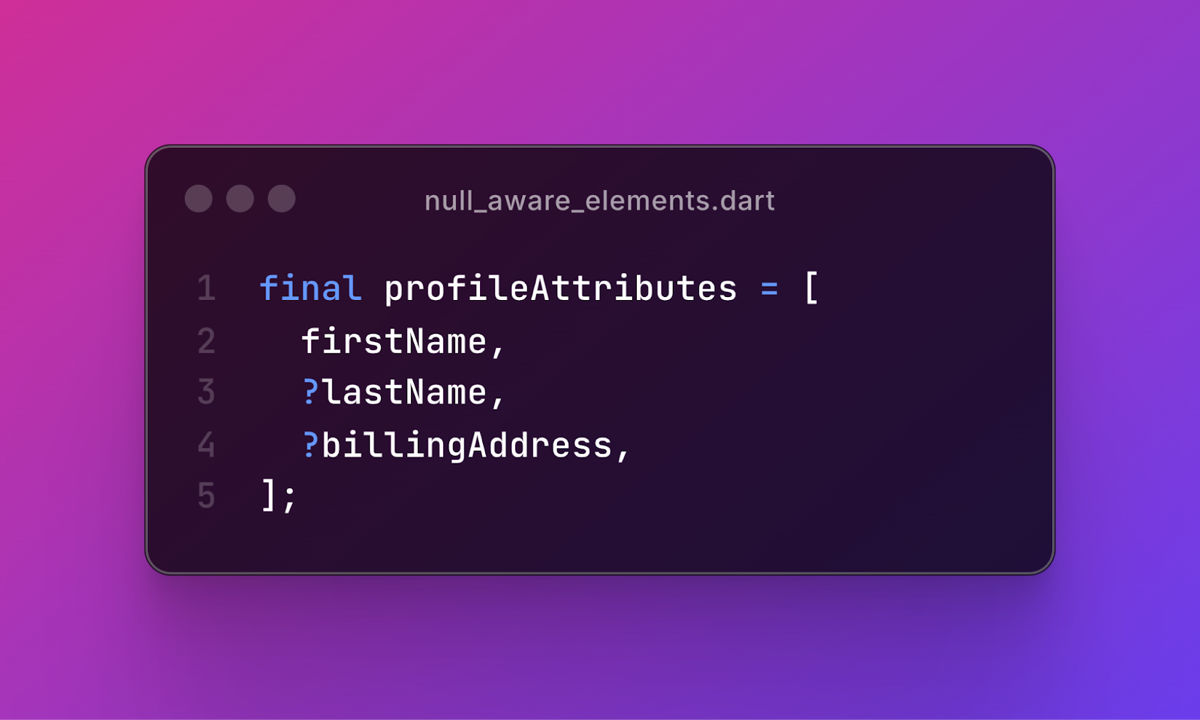
On the other hand, with the **dot shorthand** syntax under current development, we’ll be able to remove duplicates (e.g. no need to overstate *enum* types) on our code based on context, without sacrificing meaning, *alá Swift!*
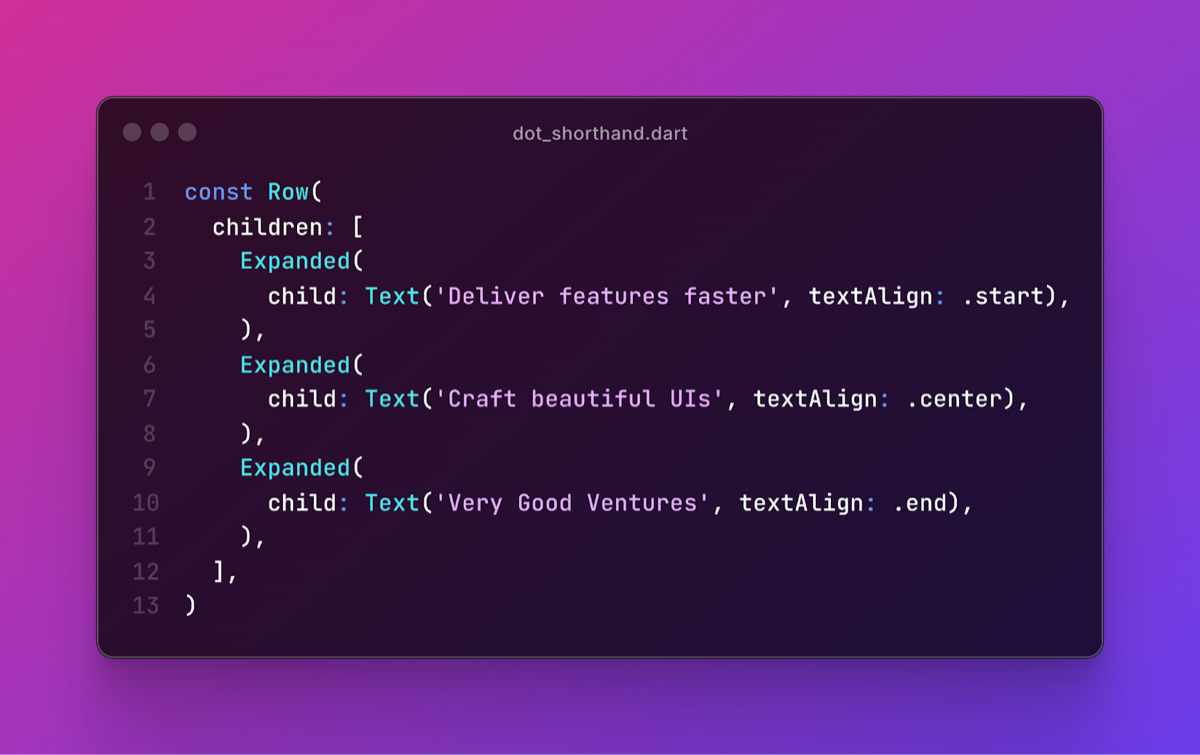
Dart continues to improve its syntax with each release, maintaining a minimal learning curve that has enamored developers worldwide, without sacrificing developer productivity, and convincing teams and companies of all kinds to trust Dart for their frontend and backend needs.
### Seamless Interop: Access Native APIs With Zero Effort
At Very Good Ventures (VGV), we’ve helped more than a hundred companies successfully execute their adoption (or transition) to Flutter. One of the biggest questions we see companies asking is, “Will a particular SDK I need to use have support for Flutter? How can I adopt new native functionality as soon as possible?”*.*
Flutter’s response to this is [method channels](https://docs.flutter.dev/platform-integration/platform-channels). They even built tools like [Pigeon](https://pub.dev/packages/pigeon) to automate and generate as much code as possible, but there was still a significant amount of work for every platform that you needed to integrate.
[Seamless interop](https://medium.com/flutter/flutters-path-towards-seamless-interop-4bf7d4579d9a) (still on Early Access Phase), will allow developers to access native APIs synchronously, will support tree-shaking (that is, removing unused code at compilation, reducing the final bundle size of the application), and will allow more data to live in the platform later by relying on codegen solutions based on [FFIgen](https://dart.dev/interop/objective-c-interop) and [JNIgen](https://dart.dev/interop/java-interop).
###
You Landed With The Right Team
The VGV team has seen firsthand how Flutter and Dart can transform the way teams design, develop, and ship digital products across platforms.
If you're exploring how to bring that same efficiency, flexibility, and performance to your next app, don’t hesitate to [reach out](https://verygood.ventures/contact-us/?hsCtaAttrib=140727946411)!
#### Frequently Asked Questions
##### What was the headline takeaway from Google I/O 2025 for Flutter?
Google I/O 2025 marked a new era of maturity and production readiness for Flutter and Dart. Flutter no longer needs to announce support for new platforms because it now supports all of them. Anywhere there is a screen, you can run Flutter, and the team can focus on refining existing pain points and competitive advantages.
##### How widely is Flutter being adopted?
According to Apptopia, Flutter now powers almost 30% of new free apps. Recent adopters include Universal Destinations & Experiences for Universal Epic Universe in Orlando, GEICO, Google for NotebookLM and Google Cloud, and GE Appliances. LG and Canonical are using Flutter to build the frontends for their operating systems.
##### What new Dart language features were highlighted?
Two were called out. Null-aware elements let you include items in a collection only when the value at runtime is non-null. Dot shorthand syntax, under current development, removes duplicates such as restating enum types when context makes the type clear, similar to Swift.
##### What is Flutter's seamless interop and why does it matter?
Seamless interop, still in early access, will let developers access native APIs synchronously and supports tree-shaking to remove unused code at compile time and reduce bundle size. It allows more data to live in the platform layer through codegen solutions based on FFIgen and JNIgen, reducing the manual work previously required by method channels and tools like Pigeon.
##### Which industries and brands are choosing Flutter?
The post points to fintech, e-commerce, automotive, and entertainment, naming Nubank, Toyota, Alibaba, BMW, and Universal Destinations & Experiences as examples of brands using Flutter to power their digital products across phones, kiosks, flying taxis, and smart scooters.
##### Why does the author argue Dart is effective for multi-platform development?
Dart aims to offer the most productive programming language for multi-platform development, paired with a flexible runtime for app frameworks. Each release improves syntax while keeping a minimal learning curve, which has made it a viable choice for both frontend and backend work.
### Building with Conviction: Deep Tech, AI, and Long Bets
Source: https://verygood.ventures/blog/building-with-conviction-deep-tech-ai-and-long-bets/
[In this episode of the *Build to Succeed* podcast](https://verygood.ventures/podcasts/david-goldman-celesta-capital-investing-in-deep-tech-that-shapes-the-future/), Very Good Ventures’ (VGV) CEO & Founder, David DeRemer, speaks with David Goldman, Partner at Celesta Capital, to explore what it means to invest in deep tech, why conviction matters in venture capital, and how AI can drive meaningful societal change when applied with purpose -not just for businesses, but for society at large.
## Investing in Technology That Lasts
Celesta Capital is no ordinary VC firm. They focus on what they call deep tech: companies rooted in real technical innovation, not hype. They work with startups at the earliest stages, backing founders who are thinking years ahead and building toward breakthroughs that can reshape industries. Their goal is to support companies with strong, lasting innovations from the start.
Celesta’s model isn’t about fast returns or chasing the next big trend—it’s about commitment and standing behind teams for the long haul, through market shifts, macro changes, and hard decisions. When they invest, they’re signing up to be part of a journey that could last a decade or more. It’s about backing companies that are built on real technology and long-term vision. And that requires conviction, both from investors and from founders.
Goldman encourages teams to focus on building things that matter, not just following trends. He adds that clarity and grit, especially in uncertain markets, can be a competitive advantage in itself.
## The Power of Conviction
In an era where capital can chase trends and exits, Goldman is looking for founders who bring something deeper: clarity of purpose and long-term grit. He notes that the most successful startups don’t just survive chaos, they move through it with focus and adaptability.
Founders and leaders need to be able to focus through the noise, especially in chaotic moments. That’s how they make smart decisions, avoid knee-jerk reactions, and keep moving forward when others get stuck.
And that same focus applies to investors: real innovation requires more than capital. It demands a commitment to backing bold ideas before they’re widely accepted—when the road ahead is still foggy, but the potential is clear.
Multidisciplinary collaboration, organizational cohesion, and leadership integrity are key.
## Rethinking the Role of AI
Goldman is bullish on AI, but not for the usual reasons. While many companies focus on cost savings or replacing labor, he encourages teams to think bigger and more responsibly:
“I’m very broadly optimistic about AI. Anything we can do to improve productivity and make healthcare, housing, and education more accessible to people is going to make \[their\] lives a lot better.”
He challenges founders and leaders to be intentional:
“Ask yourself: Where can we create the most value for our customers using AI, or creating our own AI? And what is the threat if someone recognizes the upside before us?”
This kind of thinking, he argues, moves companies out of the cycle of reaction and into a more strategic mindset, one that creates real, defensible value.
## What’s Next: Opportunity Beyond the Infrastructure Layer
Right now, most AI investment is concentrated on foundational models and infrastructure (what Goldman calls “the supply layer” of AI). But the next wave of growth, he says, will come from vertical applications that deliver real-world impact. Think: healthcare tools, construction productivity, or education solutions that scale access and improve outcomes.
These aren’t hypothetical moonshots—they’re practical, necessary, and closer than we think. What’s missing isn’t the tech. It’s the clarity of purpose to apply it meaningfully.
## Think Bigger, Stay Grounded
As AI evolves and deep tech reshapes industries, Goldman believes the companies that succeed will be the ones that focus on their core values, avoid distractions, and maintain organizational clarity. It’s not just about building fast, it’s about building what matters.
Whether you’re a startup founder navigating an uncertain market or a product leader exploring what AI can do, the message is the same: stay grounded in purpose and build with conviction!
#### Frequently Asked Questions
##### Who are David DeRemer and David Goldman, and what does this episode cover?
David DeRemer is the CEO and Founder of Very Good Ventures. David Goldman is a Partner at Celesta Capital. On the Build to Succeed podcast, they discuss what it means to invest in deep tech, why conviction matters in venture capital, and how AI can drive meaningful societal change when applied with purpose.
##### What does Celesta Capital mean by deep tech?
Celesta defines deep tech as companies rooted in real technical innovation, not hype. They back founders at the earliest stages who are thinking years ahead and building toward breakthroughs that can reshape industries. Their model is built on long-term commitment, often standing behind teams for a decade or more.
##### What kind of founders does Goldman look for?
Goldman looks for founders who bring clarity of purpose and long-term grit. He notes that the most successful startups do not just survive chaos, they move through it with focus and adaptability, making smart decisions and avoiding knee-jerk reactions when others get stuck.
##### How does Goldman think founders should approach AI?
Rather than focusing on cost savings or replacing labor, Goldman urges teams to think bigger and more responsibly. He suggests founders ask where they can create the most value for customers using AI, and what the threat is if a competitor recognizes the upside first. He is broadly optimistic about AI's potential to make healthcare, housing, and education more accessible.
##### Where does Goldman see the next wave of AI opportunity?
Goldman observes that most AI investment today is concentrated on foundational models and infrastructure, what he calls the supply layer. He expects the next wave of growth to come from vertical applications that deliver real-world impact, such as healthcare tools, construction productivity, and education solutions that scale access and improve outcomes.
##### What is the core takeaway for founders and product leaders?
Stay grounded in purpose and build with conviction. Companies that succeed will focus on their core values, avoid distractions, and maintain organizational clarity. It is about building what matters, not just building fast.
### Why Mobile-First Fintech Companies Are Betting On Flutter
Source: https://verygood.ventures/blog/why-mobile-first-fintech-companies-are-betting-on-flutter/
Since its official launch in 2017, Flutter has seen exponential growth in usage, accounting for 30%^1^ of new apps in the Play and App Store. Its high-performing capabilities, modern widget-based UI development, and a mature ecosystem of plugins and packages make it the perfect choice for complex environments where time to market, customer satisfaction and innovation are at the center of the business.
Choosing a hybrid or multi-platform solution should come from a thoughtful evaluation of your product’s needs. At Very Good Ventures (VGV), we believe the right approach depends on the project, which is why we work closely with clients to identify the best tools for their unique goals. Whether it’s a full Flutter build or a hybrid architecture using native plugins, we guide product teams through smart, future-ready decisions that support flexibility, scalability, and long-term success.
But when it comes to Flutter for fintechs, there's a common myth we still hear: that native development is the only way to go because of performance or hardware features.
Luckily, we’re here to set the record straight. We know that security, performance, and reliability are everything for fintechs—and we know that Flutter’s right for the job. Read on to see how far your fintech can go with the power of Flutter.
## Multi-Platform Powers
Here’s the truth: the idea that only native development can handle fintech-level demands is outdated. Today’s multi-platform tools—especially Flutter—can power secure, robust, feature-rich applications without sacrificing usability or visual quality.
As the leading Flutter agency, we build high-performance, scalable apps from a single codebase, reducing costs while expanding reach. Our close partnership with Google ensures we push Flutter’s boundaries to deliver seamless, future-ready apps.
Leading financial institutions like Tide (business banking), Google Pay, VISA, GEICO, and Credit Agricole Bank Polska didn’t choose Flutter because of hype; they chose it because it delivers on the three pillars of fintech success: speed, performance, and scalable efficiency.
From our proven experience, the end-user can’t tell the difference between a well-built native app and a Flutter app. When it comes to using device-specific capabilities like Face ID, biometrics, Apple Pay, and NFC, Flutter has robust plugin support. And for features not supported out of the box, you can always build custom native plugins while still maintaining the speed and flexibility of a Flutter codebase.
## One Codebase, Limitless Opportunities
In a fast moving, security-focused industry like fintech, choosing the right technology is a strategic decision. Flutter stands out by combining native performance, design flexibility, and faster development into a single, scalable platform. With one codebase, fintech teams can deliver high-quality apps for iOS and Android, accelerate time to market, and maintain consistency across platforms.
Unlike frameworks that rely on bridges or native components, Flutter compiles directly to machine code, ensuring smooth performance and reliability. Its robust tooling and modular architecture empower teams to iterate quickly and manage design systems effectively, without compromising on security or user experience.
In a nutshell, this is why Flutter works for fintech:
- Accelerated development with a single codebase for iOS and Android
- Consistent, customizable UI with pixel-level control
- Lower development and maintenance costs
- Secure integrations like Face ID, NFC, Apple Pay, and Google Pay
- Built-in testing tools for efficient QA and delivery
- Scalable architecture built for long-term growth
## Real Flutter Success Stories In Fintech
Here are some proven outcomes from industry leaders embracing multi-platform development. Check them out:
### Dow Jones: MarketWatch Virtual Stock Exchange
Faced with a tight 3-month deadline, Dow Jones needed to bring their Virtual Stock Exchange to mobile while reducing development costs. Using Flutter, VGV delivered a high-performance, multi-platform app 50% faster and at half the cost of native.
The result: an engaging, scalable, education-focused product that’s ready to grow.
> “Thanks to Flutter and VGV, we delivered on our goal of building a fun, engaging, and performant app for all screens and mobile devices in significantly less time and cost than if we built it natively,” - Clarence Kwei, SVP Consumer Technology, DOW JONES
[Read the complete success story here](https://verygood.ventures/success-stories/marketwatch-stock-market-game/).
### Betterment: Scaling Architecture for a Mobile-First Future
As Betterment shifted to a mobile-first strategy, Flutter offered a flexible path. Instead of a full rebuild, VGV integrated Flutter into their existing native codebase. With hands-on training, the internal team quickly gained confidence, enabling a smooth transition toward scalable mobile development.
> “We really just liked the experience of Flutter(…)the libraries that came out of the box, the widgets, the component sets (…) it accelerated our development,” - Sam Moore, VP of Architecture at Betterment.
[Get the full story here on our podcast.](https://verygood.ventures/podcasts/sam-moore-leading-effective-mobile/)
### Nav Technologies: Enabling Mobile-First for Small Business Owners
Nav wanted to modernize their mobile app for time-strapped business owners. With VGV’s partnership, they updated to the latest Flutter version, rebuilt mobile architecture, and rolled out new features at a consistent two-week cadence. Nav saw their registered mobile user base double, while empowering other teams to build on mobile.
> “Where the app is, we can really accelerate the kind of features that we want. We are now called the Mobile Foundations Team. We are creating the basis for all the other vertical teams to start building on mobile. Now we are populating our skills to other teams, and they will start building directly on the mobile app,” - Zain Khan, Head of Product at Nav.
[Learn more about their Flutter journey here.](https://verygood.ventures/success-stories/nav-fintech-flutter-app/)
### Berkheimer: Modernizing Tax Filing for Millions of Users
As Pennsylvania’s largest tax authority, Berkheimer needed a mobile solution that balanced usability, performance, and security. With Flutter, VGV delivered an intuitive e-filing app, complete with secure cloud infrastructure and advanced document scanning integrations, extending Flutter’s capabilities even further.
[Discover their transformation story here.](https://verygood.ventures/success-stories/h-a-berkheimer/)
### How Nubank and Global Fintechs Are Winning with Flutter
Nubank, Latin America's largest fintech bank, adopted Flutter to scale mobile development for over 100 million users, tackling inefficiencies in native development that slowed innovation and feature delivery.
Coupled with their use of Server-Driven UI (SDUI), Nubank built a modular, scalable architecture that allows real-time updates and continuous delivery without relying on app store releases. The combination of Flutter and SDUI has enabled Nubank to accelerate iteration, streamline collaboration across teams, and deliver seamless experiences at a massive scale.
> "Imagine if every time you needed to build a new screen, you had to touch mobile, backend, database, and infrastructure. That’s not scalable. What if instead, you had high-level platforms that abstract away all the complexity?" - [Thiago Ghisi, Director of Engineering at Nubank.](https://verygood.ventures/podcasts/thiago-ghisi-nubank-scaling-mobile-platforms-to-serve-100-million-customers/)
[Explore their full story here on our podcast.](https://verygood.ventures/podcasts/thiago-ghisi-nubank-scaling-mobile-platforms-to-serve-100-million-customers/)
### Let’s Talk Fintech + Flutter
At Very Good Ventures, we specialize in multi-platform fintech solutions built with Flutter where you can invest once, innovate everywhere. Whether you're modernizing a legacy app or launching something brand new, we’re here to help you do it faster, smarter, and with confidence.
Have a project in mind? VGV is the partner to make it happen. [Contact us!](https://verygood.ventures/contact-us/?hsCtaAttrib=140727946411)
#### Frequently Asked Questions
##### Why are fintech companies choosing Flutter over native development?
Flutter delivers on the three pillars of fintech success: speed, performance, and scalable efficiency. It compiles directly to machine code rather than relying on bridges or native components, so apps run smoothly while teams ship from a single codebase across iOS and Android. Leading institutions like Tide, Google Pay, VISA, GEICO, and Credit Agricole Bank Polska have adopted it for these reasons.
##### Can Flutter handle device-specific features fintech apps rely on?
Yes. Flutter has strong plugin support for capabilities like Face ID, biometrics, Apple Pay, Google Pay, and NFC. For features not supported out of the box, teams can build custom native plugins while keeping the speed and flexibility of a Flutter codebase.
##### What business benefits does Flutter offer fintech teams?
The post lists accelerated development from a single codebase for iOS and Android, consistent and customizable UI with pixel-level control, lower development and maintenance costs, secure integrations like Face ID and NFC, built-in testing tools for QA, and scalable architecture built for long-term growth.
##### How fast can VGV ship a fintech app with Flutter?
Dow Jones needed to bring their MarketWatch Virtual Stock Exchange to mobile under a 3-month deadline. Using Flutter, VGV delivered a high-performance multi-platform app 50% faster and at half the cost of native.
##### Do users notice a difference between Flutter and native fintech apps?
From VGV's experience, end users cannot tell the difference between a well-built native app and a Flutter app. The framework handles secure integrations, performance, and UI quality at the level fintech requires.
##### How does Flutter scale for very large user bases?
Nubank, Latin America's largest fintech bank, adopted Flutter to scale mobile development for over 100 million users. Combined with Server-Driven UI, Nubank built a modular architecture that allows real-time updates and continuous delivery without relying on app store releases.
##### Can existing native fintech apps adopt Flutter without a full rebuild?
Yes. Betterment kept their native codebase and integrated Flutter into it as part of a mobile-first strategy. With hands-on training from VGV, Betterment's internal team gained confidence and transitioned to scalable mobile development without a full rewrite.
### 7 MCP Servers Every Dart & Flutter Developer Should Know
Source: https://verygood.ventures/blog/7-mcp-servers-every-dart-and-flutter-developer-should-know/
At Very Good Ventures (VGV), we’re embracing a new wave of AI-powered integrated development environments (IDEs) like [Claude Code](https://code.claude.com/docs/en/overview), [GitHub Copilot](https://github.com/features/copilot), [Cursor](https://www.cursor.com), and [Windsurf](https://windsurf.com/editor), to boost code writing efficiency while staying true to our rigorous engineering standards and strong best practices. The latest generation of AI agents goes beyond simple suggestions: they can edit code, run tests, verify outputs, and re-edit code if they made a mistake—all without requiring developer interaction.
One recent development that’s pushed these agents further is the introduction of the [Model Context Protocol](https://modelcontextprotocol.io) (MCP). Introduced by [Anthropic](https://www.anthropic.com/), the company behind the powerful Claude models, MCP is a standard protocol for AI agents to talk to servers so they can do more things. Each MCP server is like a tool belt you give to an agent, filled with tools that it can use to accomplish tasks.
> “MCP is an open protocol that standardizes how applications provide context to LLMs. Think of MCP like a USB-C port for AI applications. Just as USB-C provides a standardized way to connect your devices to various peripherals and accessories, MCP provides a standardized way to connect AI models to different data sources and tools.”\*
The best part? You can use MCP servers with any client that supports them. That includes GitHub Copilot, Cursor, Windsurf, and Claude desktop. They’re easy to install with a quick configuration change, and most run locally with Docker, NPM, or PIP. There are already [dozens of great servers out there](https://github.com/modelcontextprotocol/servers) to interface with many of your favorite services and tools.
Here are a few that are particularly helpful for Dart and Flutter developers:
(Last Updated: February 2026)
## [**Dart and Flutter MCP**](https://github.com/dart-lang/ai/tree/main/pkgs/dart_mcp_server)
That’s right: The Dart team has been working on an MCP server that allows the agent to run Flutter commands in your workspace. This means it can potentially add packages, run the formatter, query the analyzer, capture screenshots, trigger hot restart, and more! Unfortunately, it’s still a work in progress at the time of writing, so use at your own risk. However, we’re excited to see how this will enhance our workflows!
## [**Git MCP**](https://github.com/modelcontextprotocol/servers/tree/main/src/git)
This server enables your agent to read branches, diffs, and statuses, as well as create new branches and staging and committing changes. This means you never have to type git commands in your terminal again! Just request the agent to run them for you with natural language.
## [**GitHub MCP**](https://github.com/github/github-mcp-server)
It’s no secret that GitHub hosts many of our favorite repositories, including Flutter itself. With the official GitHub MCP server, you can read and write issues, branches, pull requests, and more—all by just chatting with your AI agent of choice. This is incredibly useful because you can link an entire end-to-end workflow for development.
When combined with the Git server, you can use the agent to read an issue, help implement the changes needed, commit them to a new branch, and open a pull request for those changes, all within the same environment (no context switching and minimal input required).
## [**Atlassian MCP**](https://github.com/sooperset/mcp-atlassian)
Many of the projects we support rely on Jira, and this MCP server makes it possible to read, create, and edit Jira tickets using natural language. Similar to how the GitHub server enables issue reading, this integration gives the agent complete access to ticket context, helping it execute changes more effectively. The server also supports reading and writing Confluence pages, allowing agents to pull in relevant documentation or update specs (like HTTP service details) without manual intervention.
## [**Figma MCP (by Framelink)**](https://github.com/GLips/Figma-Context-MCP?tab=readme-ov-file)
This server allows the agent to read Figma's designs just from a link to a selection. This can greatly speed up the time to develop UIs in Flutter apps because it will make a decent first pass on the initial run. Admittedly, in our testing, it didn’t always implement pages correctly the first time, and it definitely required us to add some instructions to follow our best practices. Even with that, it can be super helpful getting UI components developed in minutes instead of hours.
[\[Video Demo\]](https://youtu.be/6G9yb-LrEqg)
## [**iOS Simulator MCP**](https://github.com/InditexTech/mcp-server-simulator-ios-idb)
This server makes it easy to manage your iOS simulators, from creating new servers, capturing screenshots, mocking GPS location, launching deeplinks, and more. This helps keep you in the flow longer because you don’t need to dive deep into a settings menu to change the simulator's location —just ask your agent to do it for you.
## [**Fetch MCP**](https://github.com/modelcontextprotocol/servers/tree/main/src/fetch)
This server enables you to fetch information from any URL for agent generation. For example, you could fetch documentation from flutter.dev, a REST API’s online schema, or best practices from [Very Good Engineering](https://engineering.verygood.ventures/). This is a super flexible tool that truly enables your agent to understand and make publicly available content as long as you give it a URL.
## Bonus Servers
We couldn’t stop at just 7. Here are a few rapid-fire bonus servers that can be useful.
- [Slack](https://github.com/modelcontextprotocol/servers-archived/tree/main/src/slack): Read and write messages from Slack channels. Useful for reading comments left by colleagues or having the agent ask a complicated question from the codebase.
- [Notion](https://github.com/makenotion/notion-mcp-server): Search, read, and write documentation and/or tickets stored in Notion.
- [Sentry](https://github.com/modelcontextprotocol/servers-archived/tree/main/src/sentry): Read issues from Sentry, including all the context they contain. Super helpful for asking the agent to diagnose issues automatically.
- [Google Drive](https://github.com/modelcontextprotocol/servers-archived/tree/main/src/gdrive): Search for and read files stored in Google Drive. Great for referencing documentation automatically.
- [GitLab](https://github.com/modelcontextprotocol/servers-archived/tree/main/src/gitlab): Very similar features to the GitHub server, including reading/writing branches, issues, and merge requests. It’s great if you’re already using GitLab.
- [Firebase](https://github.com/gannonh/firebase-mcp): Query and write data to Firestore, manage users in Auth, and upload files to storage, all with natural language in your agent.
Finally, it’s worth seeing if your favorite tools have created an MCP server. New ones are being created every week. Here’s a [list created by the protocol maintainers](https://github.com/modelcontextprotocol/servers), and here’s a [community maintained list of awesome servers](https://github.com/punkpeye/awesome-mcp-servers). If you don’t see one listed, you can [build one yourself](https://modelcontextprotocol.io/quickstart/server). In fact, there’s a new [experimental package from the Dart team to build them in Dart](https://pub.dev/packages/dart_mcp).
These things change rapidly, so we encourage you to start diving into these MCP Servers if you haven’t already!
#### Frequently Asked Questions
##### What is the Model Context Protocol (MCP)?
MCP is a standard protocol introduced by Anthropic that lets AI agents talk to servers so they can do more things. Each MCP server acts as a tool belt for an agent, filled with tools it can use to accomplish tasks. The post compares MCP to a USB-C port for AI applications, providing a standardized way to connect AI models to data sources and tools.
##### Which AI clients can use MCP servers?
MCP servers work with any client that supports the protocol, including GitHub Copilot, Cursor, Windsurf, and Claude desktop. Most servers are easy to install with a quick configuration change and run locally with Docker, NPM, or PIP.
##### What does the Dart and Flutter MCP server do?
The Dart team is building an MCP server that allows the agent to run Flutter commands in your workspace. It can potentially add packages, run the formatter, query the analyzer, capture screenshots, and trigger hot restart. The post notes it was a work in progress at the time of writing, so use at your own risk.
##### How do the Git and GitHub MCP servers work together?
The Git MCP server lets your agent read branches, diffs, and statuses, and create new branches, stage, and commit changes. The GitHub MCP server lets you read and write issues, branches, and pull requests through chat. Combined, the agent can read an issue, implement the changes, commit them to a new branch, and open a pull request, all in the same environment with minimal context switching.
##### Can MCP servers help with design-to-code workflows?
Yes. The Figma MCP by Framelink allows the agent to read Figma designs from a link to a selection, which can speed up Flutter UI development. The post notes it does not always implement pages correctly on the first try and benefits from added instructions to follow best practices, but it can help build UI components in minutes instead of hours.
##### What MCP servers does the post recommend beyond the main seven?
The bonus list covers Slack for reading and writing channel messages, Notion for documentation and tickets, Sentry for diagnosing issues, Google Drive for searching and reading files, GitLab for branches and merge requests, and Firebase for Firestore, Auth, and Storage operations through natural language.
##### Where can developers find more MCP servers or build their own?
The post links to the protocol maintainers' list at github.com/modelcontextprotocol/servers and a community-maintained awesome list at github.com/punkpeye/awesome-mcp-servers. Developers can also build their own using the MCP quickstart, and the Dart team has an experimental package called dart_mcp on pub.dev for building servers in Dart.
### Future-Proof Customer Loyalty: How VGV and Braze Are Building Next-Gen Engagement
Source: https://verygood.ventures/blog/future-proof-customer-loyalty-how-vgv-and-braze-are-building-next-gen-engagement/
In today’s crowded digital landscape, brands need more than just touchpoints—they need meaningful connections that create loyalty, drive revenue, and deliver measurable results. That’s why Very Good Ventures (VGV), the world’s leading multi-device design and development agency, is proud to announce a new strategic partnership with [Braze](https://www.braze.com/), the premier customer engagement platform for today’s most ambitious brands.
Together, we are redefining what it means to deliver premium, human-centered customer experiences across every screen, channel, and interaction point.
**Solving Complex Engagement Challenges with Precision and Scale**
As Braze’s premier digital experience partner, VGV is uniquely positioned to help brands implement, optimize, and scale the full potential of Braze’s powerful platform across North America, Europe, and LATAM.
Our specialized teams—comprised of elite technical and strategic experts—work at the intersection of AI-driven personalization, cross-platform development, and data-informed decision making. The result: faster time to market, deeper engagement, and experiences that feel intuitive, intelligent, and unforgettable.
“Our mission is to help brands deliver seamless, impactful digital experiences, no matter the medium,” said Billie Loewen, EVP, Solutions at Very Good Ventures. “From kiosks to mobile apps, in cars to in-person interactions, we enable brands to create exceptionally connected customer journeys. Partnering with Braze enhances our ability to do just that, combining our technical expertise with their best-in-class customer engagement platform. Together, we’re helping businesses connect with users in more personalized, intelligent, and cost-effective ways—while accelerating time to market.”
**A Strategic Advantage in a Noisy Digital World**
Executives today know that customer loyalty is earned through moments that feel authentic, timely, and tailored. Yet too often, organizations struggle to activate their engagement technology in ways that truly move the needle.
That’s where our partnership makes the difference. VGV brings an agile, highly strategic delivery model to help brands maximize every interaction powered by Braze, across mobile, web, in-app, connected devices, and more. We meet complexity with clarity, ensuring your investment drives growth, improves retention, and increases lifetime value.
**Future-Proofing Customer Experience for the Enterprise**
As marketing and technology leaders look to future-proof their customer engagement strategies, they need partners who can deliver both technical excellence and strategic foresight. Very Good Ventures and Braze together offer a rare combination of innovation, efficiency, and real-world execution that helps brands scale smarter and connect with customers more meaningfully.
If you’re ready to create experiences that not only stand out—but truly stand apart—now is the time to act. Reach out to learn how VGV and Braze can help elevate your brand’s engagement strategy for today, and tomorrow.
#### Frequently Asked Questions
##### What did VGV and Braze announce?
Very Good Ventures announced a new strategic partnership with Braze, the customer engagement platform. As Braze's premier digital experience partner, VGV helps brands implement, optimize, and scale Braze across North America, Europe, and LATAM.
##### What does VGV bring to the partnership?
VGV brings specialized teams of technical and strategic experts working at the intersection of AI-driven personalization, cross-platform development, and data-informed decision making. The goal is faster time to market, deeper engagement, and customer experiences that feel intuitive and intelligent.
##### Which channels does the partnership cover?
The partnership covers mobile apps, web, in-app experiences, kiosks, in-car interactions, in-person interactions, and other connected devices. As Billie Loewen, EVP of Solutions at VGV, put it, the goal is to help brands create connected customer journeys regardless of medium.
##### Who should reach out about the partnership?
Marketing and technology leaders looking to future-proof customer engagement strategies, improve retention, and increase lifetime value through Braze's platform combined with VGV's delivery model.
### All Roads Lead To AI: Learnings From Google Cloud Next 2025
Source: https://verygood.ventures/blog/all-roads-lead-to-ai-learnings-from-google-cloud-next-2025/
Google Cloud Next 2025 wrapped up on Friday, April 11 in Las Vegas, and as official event sponsors, the Very Good Ventures (VGV) team had front-row seats to the innovation unfolding across the cloud, product development, and enterprise tech ecosystems.
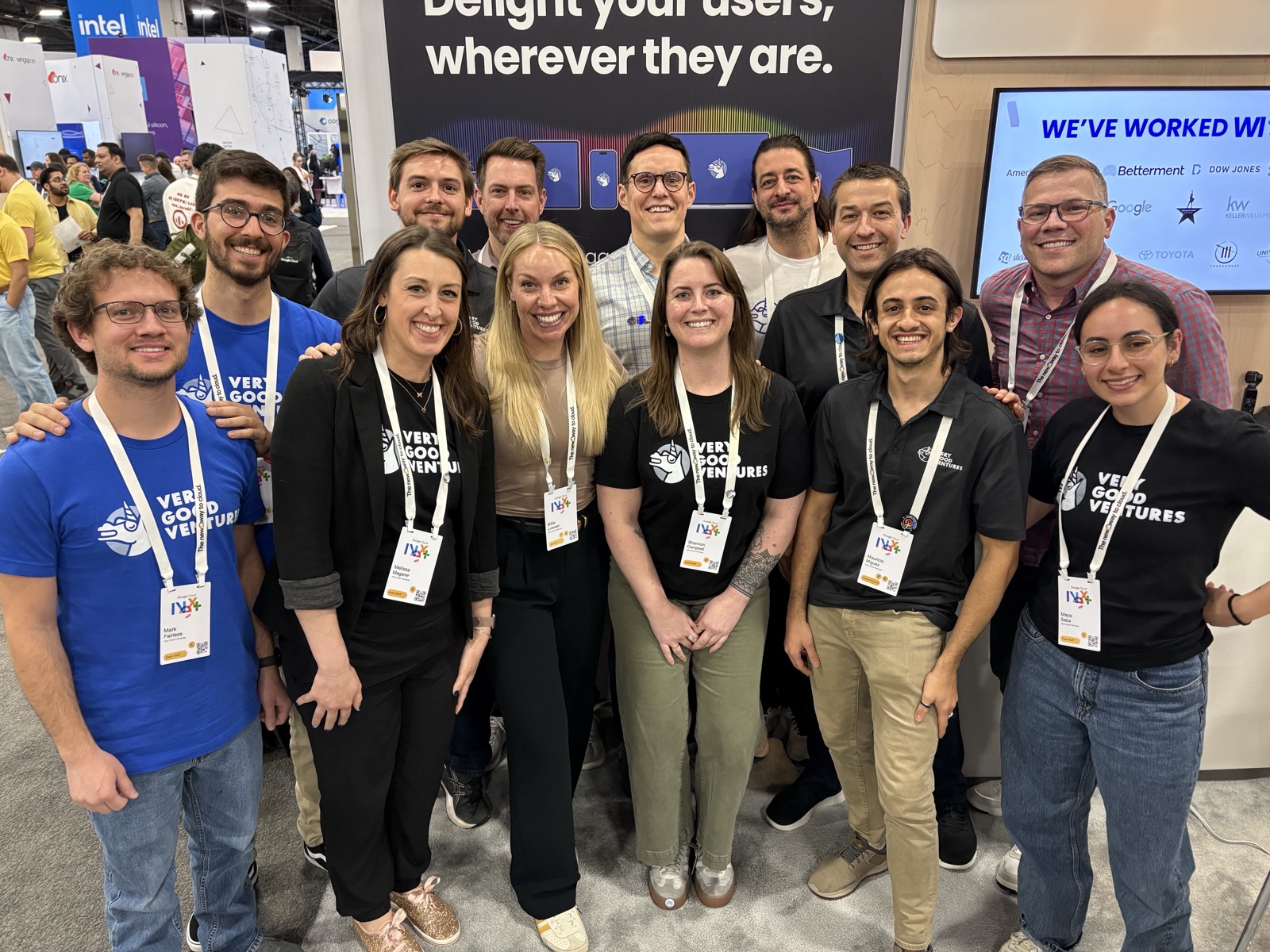
*Unicorns at GCN 2025*
From our booth, to private networking events, to immersive tech demos with partners like Universal Destinations & Experiences and Trackhouse Racing, we connected with forward-thinking teams ready to elevate their digital products.
Here are a few of our top takeaways from this year’s event:
## AI is Delivering (and Becoming More Accessible)
Unlike past trends that faded into hype cycles, AI is moving fast and breaking real ground. No longer just a talking point, generative AI is showing real impact and becoming part of everyday work.
From intelligent document processing to real-time agentic interfaces, the pace of development at Google Cloud means even today’s limitations feel temporary.
Perhaps the most exciting shift is that AI is no longer just for developers. Google’s focus on building no-code and low-code pathways inside tools like Google Workspace is making it possible for non-technical users to design agentic apps. This democratization is accelerating adoption and allowing every team member to contribute to meaningful AI-powered experiences.
For developers, this means new expectations—and new opportunities—to build intelligent systems that are intuitive, human-centered, and deeply embedded into business operations. The message from GCN was clear: this isn’t just another wave of tech, it’s a tide change.
## Google’s AI Advantages
Google is creating a deeply integrated AI ecosystem that’s increasingly difficult to match. It owns “the chips” ([TPUS](https://cloud.google.com/tpu)), the infrastructure ([Google Cloud](https://cloud.google.com/)), the tools ([Vertex AI](https://cloud.google.com/vertex-ai), [Gemini](https://gemini.google.com/), [Workspace integrations](https://workspace.google.com/)), and the data ecosystem (Search, Gmail, Maps, Photos, Docs). Its true strength lies in the seamless integration across products and platforms.
That being said, we can acknowledge that Google isn’t just enabling AI-powered applications; it’s building an integrated foundation that makes developing them faster, easier, and more secure than ever before. The real competitive edge? Owning the inputs, the platform, and the delivery layer.
## Flutter & Gemini: The Dream Team For AI-Powered Apps
Flutter is already the gold standard for building high-performance, multi-device applications from a single codebase. Now, with the Gemini Dart SDK in beta, it’s easier than ever to bring generative AI into those apps.
At GCN, we shared how Flutter and Gemini enable teams to:
- Build fast, scalable AI experiences across mobile, desktop, web, and beyond
- Leverage natural language input, summarization, and content generation
- Iterate quickly with hot reload and intelligent interfaces
- Keep control of data and user interactions through Google’s privacy-first cloud model
AI might be the engine, but UI is still the driver, and Flutter remains the best way to bring intelligence to life on every screen.
[Learn more about how you can integrate generative AI into your Flutter app here!](https://verygood.ventures/blog/integrating-gemini-ai-with-flutter/)
## A VGV Vision: Introducing the Concept of Generative UI in the Agentic Space
Generative UI (Gen UI) has the potential to fundamentally reshape how users interact with agentic applications. Today’s agentic experiences are largely text-based: you type a prompt, and the AI replies in text. While effective, it's not always the most human-friendly approach. Sometimes, we just want to see it.
The real power emerges when AI generates dynamic, visual interfaces on the fly based on unique user needs. Instead of asking users to endlessly refine text prompts, the agent intelligently predicts what information is needed next, and generates visual components like sliders, dropdowns, calendars, or even real-time maps to collect it. Can you imagine booking a trip not through a chat thread, but through a branded, fully interactive, AI-composed interface that adapts in real time? That’s Gen UI. Now, picture this functionality built with Flutter.
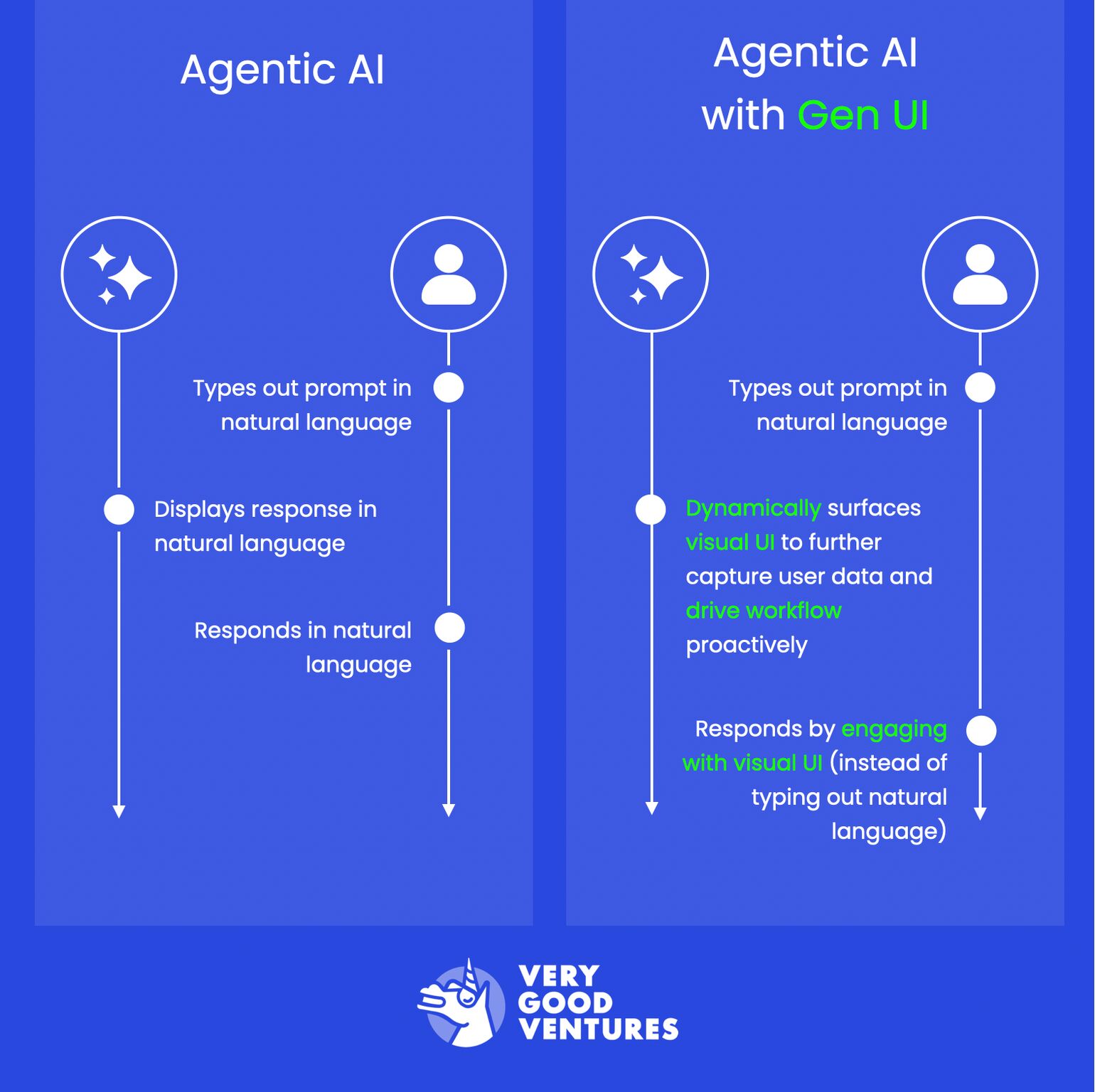
*Gen UI in the Agentic Space by VGV*
At Very Good Ventures, we're already prototyping this vision with our partners: fully interactive assistants that blend conversational power with dynamic, branded UI experiences. Gen UI toolkits, especially when paired with Flutter, make this not only possible but also scalable, performant, and delightful.
We believe Gen UI will define the next era of UX for intelligent digital products. It’s a shift from bots that talk to bots that show, adapt, and respond visually.
## Looking Ahead
The digital experiences of the future will be radically different—designed with actual people at the center, not just abstract personas. They’ll be AI-native from day one, with generative capabilities deeply embedded to enhance functionality and creativity.
These experiences will be platform-agnostic, seamlessly running across every screen and device. And most importantly, they’ll be agentic—empowering users to take action, accomplish goals, and engage meaningfully, rather than just consume content passively.
At Very Good Ventures, this is the future we’re building: one project, one partnership, and one great digital experience at a time.
Whether you're exploring how to bring AI into your apps, evaluating Flutter for your next product, or looking to scale with a modular architecture, [we’d love to help!](https://verygood.ventures/contact-us/?hsCtaAttrib=140727946411)
#### Frequently Asked Questions
##### When and where was Google Cloud Next 2025?
Google Cloud Next 2025 wrapped up on Friday, April 11 in Las Vegas. Very Good Ventures attended as an official event sponsor.
##### How is Google making AI more accessible to non-developers?
Google is building no-code and low-code pathways inside tools like Google Workspace, making it possible for non-technical users to design agentic apps. This democratization is accelerating adoption and allowing every team member to contribute to AI-powered experiences.
##### What gives Google a competitive edge in AI?
Google owns the chips through TPUs, the infrastructure through Google Cloud, the tools through Vertex AI, Gemini, and Workspace integrations, and the data ecosystem through Search, Gmail, Maps, Photos, and Docs. Its strength comes from integration across these products and platforms.
##### How do Flutter and Gemini work together?
Flutter is the gold standard for building high-performance, multi-device applications from a single codebase. With the Gemini Dart SDK in beta, teams can build scalable AI experiences across mobile, desktop, and web, use natural language input and content generation, iterate quickly with hot reload, and keep control of data through Google's privacy-first cloud model.
##### What is Generative UI?
Generative UI, or Gen UI, is an approach where AI generates dynamic visual interfaces on the fly based on user needs. Instead of users refining text prompts, the agent predicts what information is needed next and generates components like sliders, dropdowns, calendars, or maps to collect it.
##### What is VGV building in the Gen UI space?
Very Good Ventures is prototyping fully interactive assistants that blend conversational power with dynamic, branded UI experiences. When paired with Flutter, Gen UI toolkits make these experiences scalable, performant, and consistent.
### From Native Code Limitations To Unified, Scalable Delivery For 40M+ Users
Source: https://verygood.ventures/blog/from-native-code-limitations-to-unified-scalable-delivery-for-40m-users/
If your business is the size of Wendy’s, with thousands of physical locations and millions of digital users, your mobile experience isn't just another product—it's the front door of your business. Brian Abston, Senior Director of Digital Technology at The Wendy’s Company, knows this well. With over two decades in software development and platform architecture, Brian helped lead a major shift at Wendy’s: replacing their fragmented mobile infrastructure with a powerful, unified Flutter app.
In our recent Build to Succeed podcast episode, he shared a behind-the-scenes look at Wendy's mobile transformation. Here we dive into the journey, lessons, and lasting impact of one of the most ambitious mobile replatforming efforts in the QSR space--and why Flutter became the tool of choice.
## The Hidden Cost of Maintaining Two Native Apps
Before the transformation, Wendy’s maintained two separate native codebases for iOS and Android. Over time, those codebases were passed between different development partners, leading to inconsistencies, technical debt, and declining team confidence. The apps lacked automated testing, were difficult to scale, and required double the effort to deliver every new feature.
And the limitations weren’t just technical. Teams were split across platforms, QA was duplicative, and product releases were increasingly difficult to synchronize. It wasn’t just slowing down engineering, it was hurting business momentum.
## The Solution: Betting on Flutter
Faced with the option to either refactor the legacy apps or start fresh, Brian took a calculated risk. He initiated a six-month proof of concept using Flutter, bringing on two Flutter developers to build a working prototype alongside the existing native teams.
The impact was undeniable: what had taken weeks in native was achieved in days. Developer onboarding was faster. Components were reusable. Most importantly, the business saw real progress.
> “Building a functioning app is easy. Getting it production ready is hard. Scaling it for 40 million users is another thing entirely,” Brian reflected.
Flutter enabled Wendy’s to combine their mobile teams into one unified group, streamline QA, and drastically improve design consistency through a shared design system.
## Why Flutter Made It Work
Flutter brought several key advantages to Wendy’s mobile journey:
- One Unified Codebase: Write once, run anywhere for both iOS and Android.
- High-Velocity Turnaround: Faster feature development cycles and shorter time to market.
- Robust Tooling: Hot reload, easy testing, and high test coverage out of the box.
- Strong Partner Ecosystem: Rapidly growing support for integrations and third-party SDKs.
- Improved Developer Experience: Easier onboarding, modern language (Dart), and consistent patterns.
## Managing Risk with Feature Flags and Automation
Mobile apps at this scale can’t afford downtime or failed releases. Brian's team implemented automated pipelines, feature flagging, and staggered rollouts. This approach enabled faster experimentation while minimizing risk. If an issue appeared in production, they could isolate it without affecting all users.
The team also leaned heavily into testing, reaching nearly 100% test coverage, and built a new design system that ensured UI consistency and faster iteration.
[Discover how we achieve full code coverage at VGV, and why 100% matters.](https://verygood.ventures/blog/road-to-100-test-coverage/)
## Business Outcomes: From Recovery to Acceleration
The impact went beyond engineering. Business stakeholders who had grown skeptical of the app’s reliability saw a clear turnaround. Wendy’s could now deliver promotions, loyalty features, and seasonal campaigns with confidence.
The team’s delivery cadence shifted from one release a month to multiple per sprint. They weathered critical integration deadlines, successfully rebranded with minimal effort, and built a platform that could scale well beyond its original intent.
> “We think of all our 6,000 stores as data centers we have to be able to communicate with. There’s some uniqueness to that; it requires a lot of custom development,” Brian explained.
## What Tech Leaders Should Know Before Rebuilding An App
Brian offers simple, seasoned advice for other digital leaders:
- Start small: A proof of concept can build the case for change.
- Build trust: Results, not promises, are the best persuasion.
- Find a champion: Having leadership support is critical.
- Focus on fundamentals: Clean architecture, automated testing, and developer experience matter.
## A Model for Modern Mobile Success
Wendy’s Flutter journey isn’t just a tech story—it’s a blueprint for digital transformation at scale. It shows what’s possible when a team commits to modern tools, smarter workflows, and a shared vision. From engineering efficiency to business agility, the impact is clear: one codebase, countless wins.
Start your Flutter journey with confidence. [Get in touch with our team today!](https://verygood.ventures/contact-us/?hsCtaAttrib=140727946411)
#### Frequently Asked Questions
##### Who led Wendy's mobile replatforming with Flutter?
Brian Abston, Senior Director of Digital Technology at The Wendy's Company, led the effort. He has more than two decades of experience in software development and platform architecture.
##### What problems did Wendy's face with its previous native apps?
Wendy's maintained two separate native codebases for iOS and Android. The codebases had been passed between different development partners, leading to inconsistencies, technical debt, and declining team confidence. The apps lacked automated testing, were difficult to scale, and required double the effort to deliver every new feature.
##### How did Brian Abston validate the move to Flutter?
Brian initiated a six-month proof of concept and brought on two Flutter developers to build a working prototype alongside the existing native teams. Work that had taken weeks in native was completed in days, and onboarding accelerated.
##### How did Wendy's manage release risk at scale?
The team implemented automated pipelines, feature flagging, and staggered rollouts. This let them experiment faster and isolate any production issues without affecting all users.
##### What test coverage did the team reach?
The team reached nearly 100% test coverage and built a new design system that ensured UI consistency and faster iteration.
##### How did delivery cadence change after the Flutter transformation?
The team shifted from one release per month to multiple releases per sprint. They also weathered critical integration deadlines and successfully rebranded with minimal effort.
##### What advice does Brian offer other tech leaders considering a rebuild?
Start small with a proof of concept, build trust through results rather than promises, find a leadership champion to support the work, and focus on fundamentals like clean architecture, automated testing, and developer experience.
### Why Write Everything Twice? Lessons from Leaders on Successful Flutter Transformations
Source: https://verygood.ventures/blog/why-write-everything-twice-lessons-from-leaders-on-successful-flutter-transformations/
For today’s digital-first organizations, delivering exceptional mobile experiences is no longer optional–it’s business-critical. But many engineering leaders are caught in a cycle of inefficiency: managing separate iOS and Android teams, dealing with inconsistent user experiences, battling feature parity lag, and struggling with slow development cycles.
As Shorebird founder and former Director of Engineering at Google, [Eric Seidel](https://verygood.ventures/podcasts/harnessing-innovation-to-shape-the-future-of-cross-platform-development/), noted on the [*Build to Succeed*](https://verygood.ventures/podcasts/) podcast, it often feels like you’re writing everything twice–at double the cost, and half the speed.
## Enter: Flutter
So, how to address this? Look no further than [Flutter](https://flutter.dev/), Google’s open-source framework.
While many multi-platform solutions have long been pursued for their promise, Flutter has rapidly matured into a powerful framework adopted by major brands like BMW, Nubank, Betterment, Keller Williams, The Wendy’s Company, and the PGA of America. (Check out their stories on [*Build to Succeed*](https://verygood.ventures/podcasts/)!)
But adopting Flutter (or any transformative technology) isn't just about swapping code. It's a strategic shift that requires careful planning, leadership buy-in, and a focus on both people and processes.
## The Case for Flutter: Beyond Code Reuse
The initial appeal is obvious: write code once, deploy natively to iOS and Android (and potentially Web, Desktop, and Embedded, as [David Chen did at Agtonomy](https://verygood.ventures/podcasts/david-chen-building-autonomous-systems-for-real-world-challenges/)). But the leaders we spoke with highlighted deeper benefits:
1. **Sustainable Developer Productivity:** Flutter's excellent Developer Experience (DX), including hot reload, robust testing frameworks, and top-notch tooling, significantly speeds up [iteration cycles](https://verygood.ventures/podcasts/michael-gyarmathy-pga-of-america-how-customer-obsession-drives-better-software/). It allows teams to focus more on *what* [they're building](https://verygood.ventures/podcasts/sam-moore-leading-effective-mobile/), not just *how,* across multiple platforms.
2. **Cross-Platform Consistency:** Flutter’s efficiencies extend beyond managing beyond the code. With one codebase, brands can achieve visual and functional [parity across platforms](https://verygood.ventures/podcasts/chris-synan-keller-williams-realty-inc-transforming-real-estate-through-cutting-edge-tech/) more easily, [reducing design drift](https://verygood.ventures/podcasts/sam-moore-leading-effective-mobile/), simplifying QA, and streamlining product and design cycles.
3. **Scalable, Flexible Teams:** Flutter's gentle [learning curve](https://verygood.ventures/podcasts/jorge-coca-very-good-ventures-simple-solutions-for-solving-complex-problems-at-scale/) (especially for those with Java/C#/JS backgrounds) allows broader [team contribution.](https://verygood.ventures/podcasts/david-chen-building-autonomous-systems-for-real-world-challenges/) You're hiring "product engineers," not just siloed iOS/Android specialists, enabling more [flexible staffing](https://verygood.ventures/podcasts/thiago-ghisi-nubank-scaling-mobile-platforms-to-serve-100-million-customers/) and knowledge sharing.
4. **True Multi-Platform Potential:** Flutter future-proofs your investment by supporting mobile, web, desktop, and even [embedded devices](https://verygood.ventures/podcasts/david-chen-building-autonomous-systems-for-real-world-challenges/), with the [same codebase](https://verygood.ventures/podcasts/chris-synan-keller-williams-realty-inc-transforming-real-estate-through-cutting-edge-tech/).
5. **Extended capabilities with Generative AI:** [AI is transforming the way businesses operate](https://verygood.ventures/podcasts/dan-hou-eskridge-driving-high-impact-solutions-with-ai-native-workflows/), innovate, and engage with customers. [When paired with Flutter](https://verygood.ventures/podcasts/teresa-wu-how-ai-and-flutter-are-shaping-the-future-of-development/), it helps engineers accelerate development, test bold ideas faster, and create smarter, [more intuitive user experiences.](https://verygood.ventures/podcasts/kyle-crouse-transforming-ux-the-power-of-design-technology/)
## Navigating the Transformation: Lessons from the Trenches
Switching to Flutter isn’t just a framework change–it’s a business transformation. Based on our *Build to Succeed* conversations with engineering executives who’ve led successful transitions, here’s a proven four-phase approach:
### Phase 1: Strategic Alignment - Defining the Why
- **Identify the Business Drivers:** Whether it’s speed to market, development cost, or improving user experience, [clearly define](https://verygood.ventures/podcasts/sam-moore-leading-effective-mobile/) what you’re solving before [choosing the solution](https://verygood.ventures/podcasts/jorge-coca-very-good-ventures-simple-solutions-for-solving-complex-problems-at-scale/).
- **Listen to Your Team:** Understand the [pain points](https://verygood.ventures/podcasts/patricia-roller-the-intersection-of-design-and-technology/) with the current tech stack from the people building your product. What works? What doesn’t? [Their insights](https://verygood.ventures/podcasts/sam-moore-leading-effective-mobile/) will shape the success of the initiative.
- **Define With Data:** [Evaluate Flutter](https://verygood.ventures/podcasts/jorge-coca-very-good-ventures-simple-solutions-for-solving-complex-problems-at-scale/) (and alternatives) methodically against your specific needs and criteria, and build small Proofs-of-Concept (POCs) to get buy-in. BMW’s rigorous evaluation began with skepticism, but ended in conviction, thanks to data-driven experimentation and measurable success criteria.
- **Pilot With Purpose:** Clearly map out [what “good” looks like](https://verygood.ventures/podcasts/patricia-roller-the-intersection-of-design-and-technology/) by establishing clear, [measurable criteria](https://verygood.ventures/podcasts/sam-moore-leading-effective-mobile/) for the pilot phase.
### Phase 2: Executive Buy-In – Getting Started Right
- **Build Leadership Trust:** Leaders [need to trust](https://verygood.ventures/podcasts/innovation-vs-operation-striking-the-balance/) the engineering team's assessment and provide air cover for the necessary investment and potential short-term slowdowns. As Keller Williams’ [Chris Synan](https://verygood.ventures/podcasts/chris-synan-keller-williams-realty-inc-transforming-real-estate-through-cutting-edge-tech/) put it, “Sometimes to go faster, you have to start by going slower.”
- **Phased Investment:** To de-risk the decision, propose a limited-scope pilot with clear objectives, resources, and timelines. Betterment’s initial [Flutter project](https://verygood.ventures/podcasts/sam-moore-leading-effective-mobile/) (their signup flow) proved value early, minimizing risk while building internal momentum.
- **Leverage Expertise:** Don't reinvent the wheel. Bring in [external experts](https://verygood.ventures/podcasts/chris-synan-keller-williams-realty-inc-transforming-real-estate-through-cutting-edge-tech/) or [internal champions](https://verygood.ventures/podcasts/sam-moore-leading-effective-mobile/) to guide the pilot and establish best practices early.
### Phase 3: Organizational Adoption – Leading Change at Scale
- **Address the Human Element:** Migrations impact identity. It’s important to acknowledge fears, [communicate openly](https://verygood.ventures/podcasts/jorge-coca-very-good-ventures-simple-solutions-for-solving-complex-problems-at-scale/), and create a clear [path forward](https://verygood.ventures/podcasts/sam-moore-leading-effective-mobile/).
- **Invest in Training:** Don't just throw your team into the deep end–plan dedicated training time. Structured training programs and hands-on collaboration (like Betterment’s internal [design system sprint](https://verygood.ventures/podcasts/sam-moore-leading-effective-mobile/)) foster team buy-in and build foundational skills.
- **Iterative Rollout:** Don't try to switch everyone overnight. [Roll out the Flutter adoption](https://verygood.ventures/podcasts/brian-abston-the-wendys-company-redefining-qsr-tech-with-quality-at-the-core/) team by team, using [early adopters and experts](https://verygood.ventures/podcasts/sam-moore-leading-effective-mobile/) to coach subsequent teams.
- **Embrace the Duality:** Accept that for a time, teams will work in [both the old and new stacks](https://verygood.ventures/podcasts/sam-moore-leading-effective-mobile/). This is necessary to keep [delivering business value during the transition](https://verygood.ventures/podcasts/brian-abston-the-wendys-company-redefining-qsr-tech-with-quality-at-the-core/).
### Phase 4: Full Realization – Capturing the ROI
- **Don't Leave Value on the Table:** Many teams stop short of full migration, leaving legacy systems in place. As [Sam Moore](https://verygood.ventures/podcasts/sam-moore-leading-effective-mobile/) said, “everyone wants to go to the party, but nobody wants to stay and clean up.” This adds long-term complexity and undermines ROI.
- **Prioritize Cleanup:** Actively plan and resource the removal of the old native codebases and processes. This is where the long-term gains of efficiency, maintainability, and agility truly materialize.
## Beyond the Code: Culture is Key
Nearly every guest on *Build to Succeed* emphasized that [technology alone](https://verygood.ventures/podcasts/thiago-ghisi-nubank-scaling-mobile-platforms-to-serve-100-million-customers/) doesn't guarantee success. The [underlying culture](https://verygood.ventures/podcasts/innovation-vs-operation-striking-the-balance/) and [shared values](https://verygood.ventures/podcasts/harnessing-innovation-to-shape-the-future-of-cross-platform-development/) paramount, and the most successful companies cultivate:
- **Trust & Empowerment:** Teams need to feel safe to experiment, learn, and even fail during a transition. Teams that [feel more trusted](https://verygood.ventures/podcasts/chris-synan-keller-williams-realty-inc-transforming-real-estate-through-cutting-edge-tech/) are more likely to [take ownership](https://verygood.ventures/podcasts/jorge-coca-very-good-ventures-simple-solutions-for-solving-complex-problems-at-scale/) and innovate.
- **Alignment Around Outcomes:** Empowered teams that [own their outcomes](https://verygood.ventures/podcasts/chris-synan-keller-williams-realty-inc-transforming-real-estate-through-cutting-edge-tech/) are more likely to drive success. Driven by the PGA of America’s Michael Gyarmathy, the [product triad](https://verygood.ventures/podcasts/michael-gyarmathy-pga-of-america-how-customer-obsession-drives-better-software/) is a perfect example of empowered teams collaborating together for innovation.
- **Customer Obsession:** The ultimate goal is [better products](https://verygood.ventures/podcasts/michael-gyarmathy-pga-of-america-how-customer-obsession-drives-better-software/) for end-users. [Technology is the enabler](https://verygood.ventures/podcasts/teresa-wu-how-ai-and-flutter-are-shaping-the-future-of-development/), not the outcome.
## Is a Flutter Transformation Right for Your Organization?
Flutter is more than just a technical evolution–it’s an [opportunity to rethink](https://verygood.ventures/podcasts/teresa-wu-how-ai-and-flutter-are-shaping-the-future-of-development/) how you build, deliver, and scale mobile and multi-platform experiences. But realizing its full potential requires clear business alignment, a strong change management strategy, and investment in both technology and the team.
As the leaders on *Build to Succeed* have shared, organizations that embrace this approach aren’t just reducing costs; they’re accelerating innovation, increasing developer engagement, and delivering better products faster.
**Ready to stop writing everything twice?** Now’s the time to lead the transformation. [Contact us](https://verygood.ventures/contact-us/) to learn more.
#### Frequently Asked Questions
##### Which major brands have adopted Flutter?
Brands featured on the Build to Succeed podcast include BMW, Nubank, Betterment, Keller Williams, The Wendy's Company, and the PGA of America.
##### What benefits does Flutter offer beyond code reuse?
Beyond writing code once and deploying to iOS and Android, Flutter delivers sustainable developer productivity through hot reload and strong tooling, cross-platform consistency that reduces design drift, scalable and flexible team staffing, true multi-platform potential covering web, desktop, and embedded devices, and extended capabilities through generative AI integration.
##### What are the four phases of a Flutter transformation?
Based on Build to Succeed conversations with engineering executives, the four phases are strategic alignment to define the why, executive buy-in to get started right, organizational adoption to lead change at scale, and full realization to capture ROI.
##### How did Betterment approach its Flutter pilot?
Betterment's initial Flutter project focused on their signup flow. This proved value early, minimized risk, and built internal momentum before broader adoption.
##### What did Chris Synan from Keller Williams say about leadership trust?
Chris Synan said, "Sometimes to go faster, you have to start by going slower." Leaders need to trust the engineering team's assessment and provide air cover for the necessary investment and potential short-term slowdowns.
##### Why does culture matter in a Flutter transformation?
Nearly every guest on Build to Succeed emphasized that technology alone doesn't guarantee success. The most successful companies cultivate trust and empowerment so teams can experiment safely, alignment around outcomes, and customer obsession that treats technology as the enabler rather than the outcome.
##### What happens when teams stop short of full migration?
As Sam Moore put it, "everyone wants to go to the party, but nobody wants to stay and clean up." Leaving legacy systems in place adds long-term complexity and undermines ROI. Teams should actively plan and resource the removal of old native codebases to capture full efficiency, maintainability, and agility gains.
### My Journey From Barista To Google Developer Expert
Source: https://verygood.ventures/blog/my-journey-from-barista-to-google-developer-expert/
I’m thrilled to share that I’ve officially joined the [Google Developer Experts (GDE)](https://developers.google.com/community/experts) program for Flutter and Dart! Becoming a GDE has been a long-time goal of mine, and looking back on the path that led here, I’m both grateful and amazed.
At Very Good Ventures (VGV), we’re constantly encouraged to take the next step in our professional growth. And to deliver the best outcomes for our clients, our team actively pursues certifications from leading global organizations.
This time, I’d love to share a bit about my own journey.
## Where It All Started: A Coffee Shop In Montana
My journey in software development started in an unexpected place: a small coffee shop in Billings, Montana. In 2015, I began studying computer science at Rocky Mountain College, a tiny liberal arts school in a town of just over 100,000 people. The computer science department was small—just three professors—but it gave me my first deep dive into programming.
At that time, I worked part-time as a barista at City Brew Coffee. To my surprise, what started as a job to help pay tuition became a huge influence on my career.
After transferring to Montana State University, I grew tired of just studying theory and data structures; I wanted to build something real. That summer, I vowed to learn Android development and apply those skills to an outdated process of manually recording daily sales with pen and paper. I built a simple app to automate the report, generate a PDF, and deliver it using email. While the app never officially launched, it caught the attention of the corporate team.
That led to an internship, followed by another internship at Foundant Technologies, where I worked in QA. Balancing full-time studies and two internships was tough, but the hands-on learning was invaluable. I’ve learned that when life throws exciting but scary opportunities your way, it’s often best to dive in before they pass you by.
Eventually, City Brew offered me the role of Director of Technology, where I led digital transformation efforts across the company, from POS systems and security cameras to launching a new website and loyalty program. One major project was our first-ever mobile app, built using [Flutter](https://verygood.ventures/solution/build-an-app/).
## Discovering Flutter & Finding VGV
I first explored Flutter in 2017 as a way to turn my Android-only app into a cross-platform tool. When it was time to build City Brew’s mobile app, Flutter was the clear choice. But leadership wanted "adult supervision," so I searched for help, and ended up finding Very Good Ventures.
At the time, VGV was small. I connected with David DeRemer, Founder & CEO at VGV, and soon began working closely with the team who mentored me through the development process. That partnership helped me level up fast. City Brew’s app became the first client project built with Very Good Start, VGV’s Flutter starter kit.
(If you have an app idea, I recommend checking out the [Very Good Start eBook](https://verygood.ventures/whitepapers/ebook-introducing-very-good-start/)—it offers a practical look at how VGV’s proven best practices can help you launch your project fast and on the right foot.)
By 2022, after years of balancing school, work, and family life (we had our first child during the pandemic!), I finally graduated with a CS degree. We moved back to Billings, bought a house, and shortly after, I joined VGV full-time as a Senior Software Engineer.
Since then, I’ve worked with six amazing companies building world-class Flutter apps. I was later promoted to Engineering Lead, where I mentor a team of six awesome folks. I’ve spoken at events, earned Google Cloud certifications, written blog posts, and contributed to [VGV’s open source software.](https://verygood.ventures/resources/open-source-packages/)
## Becoming A Google Developer Expert
All this brings me to today, becoming a Google Developer Expert. It’s something I’ve dreamed about for years. Sure, I still feel impostor syndrome—many GDEs are developers I’ve long admired—but I also know how much work, support, and persistence went into this.
Google Developer Experts (GDEs) are highly skilled developers who have a deep understanding of Google technologies and are passionate about sharing their knowledge with the community. To become a GDE, you must be a recognized expert in your field, have a strong track record of community involvement, and be committed to helping others learn and grow.
You must also be referred by an existing GDE or Google employee, pass a few eligibility checks, and finally meet with a subject matter expert at Google to verify your expertise in your field.
Reflecting on the past 10 years, from selling coffee to leading teams at VGV, I recognize the immense amount of mentorship and support I received. I’m deeply grateful to everyone who helped me grow into the leader I am today.
## What’s Next?
Over the next 10 years, I hope to use this GDE platform to give back to the community by mentoring, teaching, and helping others grow with Flutter. If there’s anything my story shows, it’s that your path doesn’t have to be traditional to lead somewhere amazing.
I’ve always been inspired by this quote from Steve Jobs:
> “You can't connect the dots looking forward; you can only connect them looking backwards. So you have to trust that the dots will somehow connect in your future.”
Opportunities often come from unexpected places. With the right support, hard work, and a little trust, you can go further than you ever imagined.
Let’s keep learning and building together. If you’re on your own Flutter journey, [I’d love to connect!](https://www.linkedin.com/in/mtwichel/)
#### Frequently Asked Questions
##### What is the Google Developer Experts program?
Google Developer Experts (GDEs) are highly skilled developers with deep understanding of Google technologies who are passionate about sharing knowledge with the community. The program recognizes experts across Google products including Flutter and Dart.
##### How do you become a Google Developer Expert?
You must be a recognized expert in your field, have a strong track record of community involvement, and be committed to helping others learn. Candidates need a referral from an existing GDE or Google employee, must pass eligibility checks, and meet with a Google subject matter expert to verify their expertise.
##### How did Marcus Twichel first encounter Flutter?
Marcus explored Flutter in 2017 as a way to turn his Android-only app into a cross-platform tool. Later, when City Brew Coffee needed a mobile app, Flutter was the clear choice.
##### How did Marcus connect with Very Good Ventures?
While building City Brew's mobile app, leadership wanted experienced support for the project. Marcus searched for help and found VGV, connecting with founder and CEO David DeRemer. The team mentored him through the development process, and City Brew's app became the first client project built with Very Good Start, VGV's Flutter starter kit.
##### What roles has Marcus held at City Brew Coffee and VGV?
At City Brew, Marcus started as a part-time barista and eventually became Director of Technology, leading digital transformation across POS systems, security cameras, the website, and a loyalty program. He joined VGV full-time as a Senior Software Engineer in 2022 and was later promoted to Engineering Lead, where he mentors a team of six engineers.
##### What does Marcus plan to do as a GDE?
Marcus plans to use the GDE platform to give back to the community by mentoring, teaching, and helping others grow with Flutter over the next decade.
### How the PGA of America Innovates with Customer Obsession
Source: https://verygood.ventures/blog/how-the-pga-of-america-innovates-with-customer-obsession/
[In the latest episode of Build to Succeed](https://verygood.ventures/podcasts/michael-gyarmathy-pga-of-america-how-customer-obsession-drives-better-software/), Michael Gyarmathy, Staff Software Engineer at the PGA of America, shares his journey from consulting to leading digital product development in the golf industry. With a strong focus on customer obsession, iterative development, and scalable technology, Michael discusses how his team is transforming the golf experience through digital innovation.
Michael has leveraged his engineering mindset— and transformed from a non-golfer to a fully dedicated player— to better understand the customer journey. His team’s work on PGA Coach, a platform designed to help teaching professionals modernize their business operations, showcases how digital tools can streamline workflows and enhance customer engagement.
## Customer Obsession: The Foundation of Great Products
Michael emphasizes that building impactful digital experiences starts with deeply understanding the customer. At the PGA of America, his team took the time to study how golf coaches manage their businesses, leading to the development of PGA Coach—a platform that simplifies scheduling, payment collection, and communication.
At the same time, Michael draws insightful parallels between software engineering and golf, emphasizing that both demand continuous improvement. Just as golfers refine their swings, engineers must constantly adapt their skills to evolving technologies and user needs.
A key element of the team’s success is self-immersion in the customer journey. Even though not all team members are golfers, they actively engage with the sport to better understand their users. By experiencing golf firsthand, attending coaching sessions, and interacting with the PGA members, they gain valuable insights that directly inform product development. This deep connection to the customer experience ensures that their digital solutions genuinely meet the needs of the community they serve.
## Moving from Consulting to Product Ownership
Michael’s background in consulting gave him a broad foundation in problem-solving across industries, but he found himself wanting greater ownership over the products he built. This desire led him to the PGA of America, where he could directly shape the digital experiences being created.
The PGA of America leverages Flutter to create multi-platform applications that ensure consistent, scalable experiences for users across devices. This approach reduces development redundancy and accelerates feature deployment.
The PGA Coach team also follows an iterative, hypothesis-driven approach to building features: instead of investing months into development, they run experiments and prototypes to validate ideas before committing significant resources.
They embrace a [Shape Up-inspired methodology](https://www.productplan.com/glossary/shape-up-method/) that prioritizes outcomes over rigid processes. This approach fosters an empowered engineering culture, where teams self-organize and take ownership of their work.
"At the core of a product development squad is a product triad—product manager, designer, and engineer. Together, they identify opportunities, define solutions, and execute on development" - Michael Gyarmathy
### Building a Startup Culture in a Legacy Organization
Despite working for a 100+ year-old organization, Michael’s team operates with a startup mentality, using experimentation, rapid iteration, and cross-functional collaboration to drive product innovation.
### Reach Out
Whether you're an engineer, product leader, or business strategist, this conversation is packed with valuable takeaways on how to build user-focused, scalable digital products.
At Very Good Ventures (VGV), we believe in building technology that empowers businesses. Michael’s insights reinforce the importance of customer-driven development, multi-platform solutions, and lean experimentation—all core principles that we apply to our work.
#### Frequently Asked Questions
##### What is PGA Coach?
PGA Coach is a platform built by the PGA of America to help teaching professionals modernize their business operations. It simplifies scheduling, payment collection, and communication for golf coaches.
##### Why does the PGA of America use Flutter?
The PGA of America uses Flutter to build multi-platform applications that deliver consistent, scalable experiences across devices. This reduces development redundancy and accelerates feature deployment.
##### How does Michael Gyarmathy's team approach feature development?
The team follows an iterative, hypothesis-driven approach. Instead of investing months upfront, they run experiments and prototypes to validate ideas before committing significant resources.
##### What is a product triad?
According to Michael Gyarmathy, a product triad sits at the core of a product development squad and includes a product manager, designer, and engineer. Together they identify opportunities, define solutions, and execute on development.
##### How does the team practice customer obsession?
Team members immerse themselves in the customer experience by playing golf, attending coaching sessions, and interacting with PGA members. Even non-golfers on the team engage with the sport so product decisions reflect real user needs.
##### What methodology does the PGA Coach team follow?
They use a Shape Up-inspired methodology that prioritizes outcomes over rigid processes. This fosters an empowered engineering culture where teams self-organize and take ownership of their work.
### Creating Seamless Multi-Device Experiences
Source: https://verygood.ventures/blog/creating-seamless-multi-device-experiences/
At the recent [GDS Digital Innovation Summit](https://gdsgroup.com/events/physical-summit/digital-innovation-na-mar-25/) in Boston, I had the opportunity to discuss a critical challenge in modern digital product development: creating seamless, adaptive multi-device experiences.
As the digital landscape expands, users interact with brands across a growing number of devices—from desktops and mobile phones to wearables, kiosks, and even smart home appliances. Delivering cohesive and frictionless experiences across these touchpoints is no longer a luxury, but a necessity. Here are the top insights I shared to help brands create the necessary experiences their customers now demand.
[Video](https://www.youtube.com/watch?v=0bTYXGy9SZU)
## Meet Your Users Where They Are
Today’s consumers expect real-time access to services and products that seamlessly integrate into their lives. They switch between devices effortlessly, whether they’re booking a flight on a desktop while in the office, checking in on their mobile device as they get ready in the morning, or interacting with digital signage at the airport. Companies that fail to meet users where they are risk losing engagement, loyalty, and, ultimately, revenue.
Moreover, multi-device experiences are becoming increasingly important as digital access expands. U.S. households own 60% more connected devices today than they did five years ago.^1^ The blurring lines between physical and digital experiences—often referred to as "endpoint sprawl"—make it imperative for businesses to adopt a strategic, multi-device approach.
## Why Most Companies Struggle
Despite this clear demand, many companies struggle to deliver unified digital experiences. The main reason? A reliance on outdated development methodologies and tools, resulting in organizational complexity and slower time to market. Your users feel the pain of your strategic decisions with divided teams working across web, iOS, Android, and other platforms (often operating independently), leading to inconsistent user experiences and inefficient development cycles.
One striking example from the summit highlighted a company managing 17 different agile teams just to deliver a single digital experience. This level of fragmentation slows innovation and creates bottlenecks in decision-making. Product teams are left with a difficult trade-off: either launch incomplete experiences quickly, or wait multiple cycles to deliver fully integrated solutions. And what's more, they often miss key learning opportunities either way.
## Challenges With the Current Delivery Approach
While platform specialization may be needed to deliver certain experiences, it comes with significant challenges:
- Inconsistent user experiences across device types.
- Increased team complexity, leading to higher coordination costs and slower innovation cycles.
- Higher development costs due to operating multiple teams
- Difficult scope decisions as product teams struggle to balance cost and ROI.
## The Solution: Adaptive Platforms & Generative AI
To address these challenges, I introduced a new paradigm: adaptive platforms powered by cross-platform development frameworks and generative AI.
1. Cross-Platform Development: Instead of maintaining separate codebases for each device, modern frameworks like Flutter allow teams to write once and deploy across multiple devices. This approach reduces development costs, speeds up iteration cycles, and ensures design consistency.
I strongly recommend VGV’s ebook [Enterprise Tech Teams and Flutter](https://verygood.ventures/whitepapers/ebook-enterprise-tech-teams-and-flutter/) to learn more about how Flutter helps high-performing apps and organizations.
2. Generative AI for Personalization: AI-driven data insights can dynamically tailor experiences based on user context. Imagine an e-commerce app that adapts its interface depending on whether a user is on a smartphone, smart TV, or voice assistant—automatically optimizing the experience for each modality. Pretty cool, right?
3. Real-Time Data Synchronization: Businesses must ensure that data flows seamlessly across devices. For instance, a user pausing a video on one device should be able to resume on another instantly, mirroring best practices seen in platforms like Netflix.
## Emerging Best Practices for Multi-Device Delivery
With the right frameworks in place, brands can see incredible benefits:
- Use a single codebase to eliminate the need for platform-specific teams
- Leverage features like hot reload, pre-built widgets, and automated testing to accelerate development
- Focus on declarative UI programming and efficient state management to improve the developer experience
- Strategically use plugins and packages to create near-native experiences
And that’s just the beginning. By switching to a multi-device model, brands see:
- Faster time to market (up to 62%!)^2^
- Scalability across product features and organizations
- Reduced turnover from happier development teams
To discover how multi-platform frameworks like Flutter can accelerate digital product delivery and drive business impact, be sure to check out [The Business Value of Flutter whitepaper here](https://verygood.ventures/whitepapers/business-value-of-flutter/).
## A Shift in Organizational Thinking
To succeed in a multi-device world, companies must restructure their product and engineering teams. Instead of organizing teams by device type (iOS, Android, web), businesses should focus on the user journey. Teams should be aligned around solving user problems rather than just delivering software for a specific platform.
[Learn more about How Flutter Can Transform Engineering Team Culture in this blog post.](https://verygood.ventures/blog/flutter-can-transform-engineering-team-culture/)
Additionally, companies need to slim down their tech stacks and streamline customer data management. Many organizations collect vast amounts of data but fail to leverage device-specific insights. Incorporating contextual device usage into customer datasets allows businesses to deliver truly personalized experiences.
## Rapid Prototyping & Experimentation
Another crucial takeaway from my talk was the importance of rapid prototyping and iterative testing. From VGV’s perspective, organizations should:
- Maintain a hardware feature matrix to document device capabilities and constraints.
- Invest in a concept lab with real-world devices and environments enables businesses to:
- Test across actual devices instead of relying solely on emulators.
- Enhance digital product usability.
- Validate experiences in context to ensure seamless interactions.
- Deploy AI-driven analytics to detect pain points and improve UI/UX based on user behavior.
By adopting these strategies, companies can move beyond static, one-size-fits-all designs and create experiences that adapt dynamically to user needs.
## The Future of Digital Engagement
Delivering adaptive, multi-device experiences is more than a technological challenge—it’s a strategic imperative. Businesses that prioritize seamless, integrated digital experiences will not only enhance user satisfaction but also gain a competitive edge in an increasingly fragmented digital landscape.
As I concluded in my talk: “Consumers don’t care about our internal complexities. They just want seamless experiences—anytime, anywhere.”
The question now is: Are you ready to build for a multi-device world? [Contact our team to get started!](https://verygood.ventures/contact-us/?hsCtaAttrib=140727946411)
If you have ideas or feedback about this topic, I’d love to connect with you—[feel free to reach out!](https://www.linkedin.com/in/tonyfigola/)
#### Frequently Asked Questions
##### What is endpoint sprawl and why does it matter?
Endpoint sprawl describes the blurring lines between physical and digital experiences as users move across desktops, mobile phones, wearables, kiosks, and smart home appliances. U.S. households own 60% more connected devices today than they did five years ago, which makes a strategic multi-device approach a business necessity rather than a luxury.
##### Why do most companies struggle to deliver unified multi-device experiences?
Most rely on outdated development methodologies and tools, with separate teams for web, iOS, and Android often operating independently. The result is inconsistent user experiences and inefficient development cycles. One example from the GDS Digital Innovation Summit described a company running 17 different agile teams just to deliver a single digital experience.
##### What problems come from running platform-specific teams?
Inconsistent user experiences across device types, increased team complexity that drives up coordination costs and slows innovation, higher development costs from operating multiple teams, and difficult scope decisions as product teams balance cost against ROI.
##### How do cross-platform frameworks and generative AI help?
Cross-platform frameworks like Flutter let teams write once and deploy across multiple devices, reducing costs, speeding iteration, and keeping design consistent. Generative AI adds dynamic personalization, like an e-commerce app that adapts its interface for a smartphone, smart TV, or voice assistant. Real-time data synchronization keeps user state consistent across devices, mirroring how Netflix lets a paused video resume on another screen.
##### What business benefits come with the multi-device model?
Faster time to market, up to 62% according to The Business Value of Flutter whitepaper, scalability across product features and organizations, and reduced turnover from happier development teams. Teams also accelerate work through hot reload, pre-built widgets, automated testing, declarative UI, and efficient state management.
##### How should companies restructure teams for a multi-device strategy?
Organize around user goals instead of by device type. Teams should align on solving user problems rather than delivering software for a specific platform. Companies should also slim down their tech stacks, streamline customer data management, and bring contextual device usage into customer datasets to deliver truly personalized experiences.
##### What practices support rapid prototyping for multi-device products?
Maintain a hardware feature matrix to document device capabilities and constraints. Invest in a concept lab with real-world devices and environments to test on actual hardware, enhance product usability, and validate experiences in context. Use AI-driven analytics to detect pain points and improve UI and UX based on user behavior.
### Top Open Source Packages Every Flutter Developer Should Know in 2025
Source: https://verygood.ventures/blog/top-open-source-packages-every-flutter-developer-should-know-in-2025/
Flutter continues to be a go-to framework for building multi-platform applications, thanks to its extensive library of open-source packages. [In 2025, the Flutter ecosystem continues to thrive](https://star-history.com/#flutter/flutter&Date), with developers leveraging community-driven tools to save time and enhance functionality.
See the chart below:
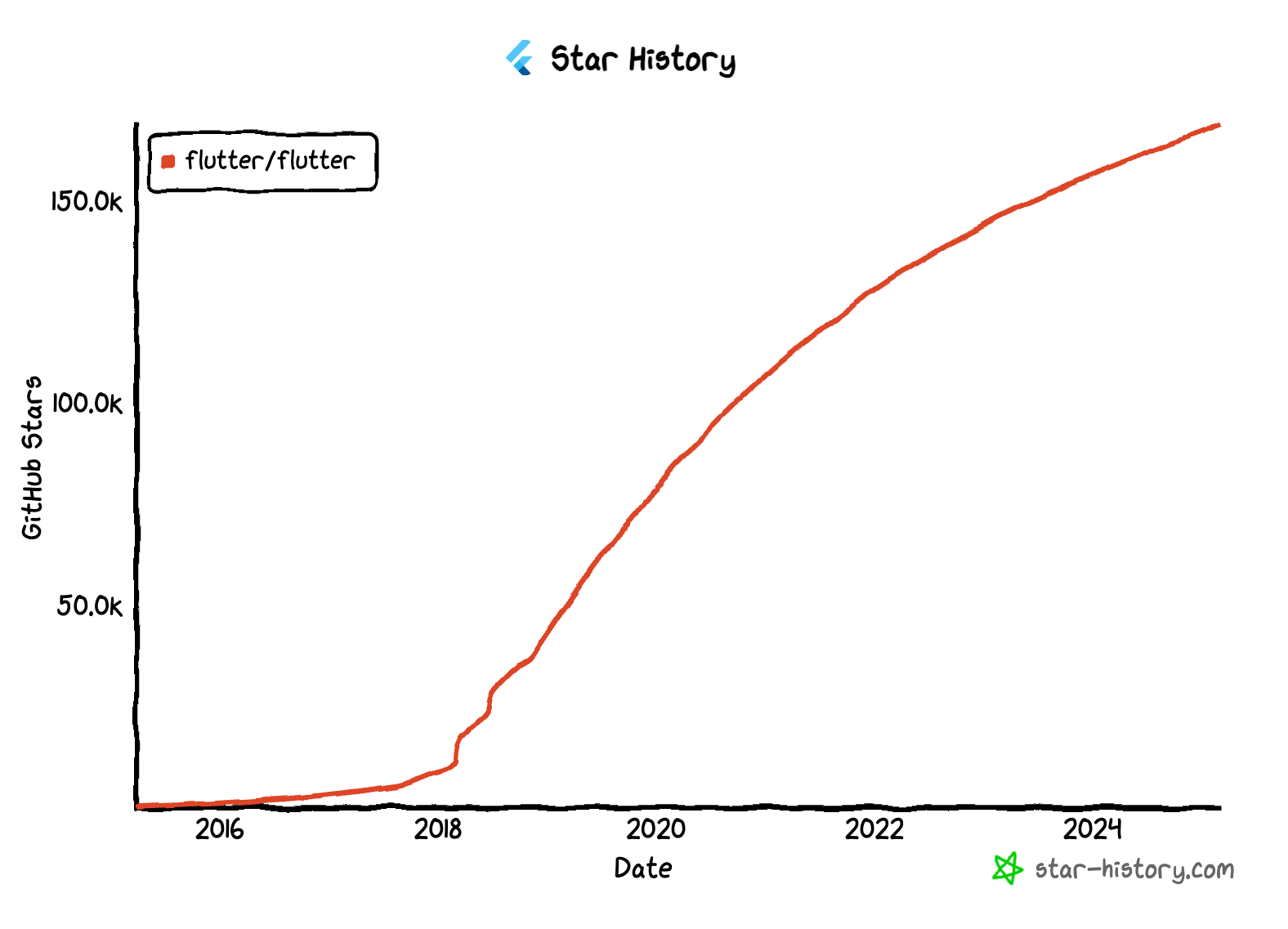
If you're looking for the best tools for state management, databases, animations, API handling, and [our documented Flutter engineering practices](https://engineering.verygood.ventures/), VGV's expert engineering team has put together a list of essential packages to help you build high-performance, scalable Flutter applications.
Whether you’re developing a simple app or a complex enterprise solution, integrating these libraries can streamline your workflow and enhance efficiency.
Take some notes:
## State Management & Business Logic
This is vital for any Flutter application that intends to deliver a seamless user experience and clean, maintainable code. Flutter\_bloc and Riverpod stand out as powerful state management tools, offering both flexibility and scalability.
### 1. Flutter\_bloc
[Flutter_bloc](https://pub.dev/packages/flutter_bloc) provides a predictable state management solution using the BLoC (Business Logic Component) pattern. This approach ensures a strong separation between UI and business logic, allowing teams to work more efficiently.
With extensive documentation, a focus on testability, and a strong community, flutter\_bloc is ideal for developers looking to implement a well-structured, maintainable state management strategy for their applications.
Learn more about [why at VGV we use Bloc here!](https://verygood.ventures/blog/why-we-use-flutter-bloc/)
### 2. Riverpod
[Riverpod](https://pub.dev/packages/riverpod) is a modern “reactive caching and data-binding framework” designed to improve dependency injection, state management, caching, and overcome limitations in older solutions like Provider (Riverpod’s predecessor).
Developers appreciate Riverpod for its ability to structure state management in a compile-time safe manner, making it easier to maintain complex applications over time.
Some of its advantages include:
- It’s fully testable
- App state is decoupled from the widget tree
- Providers and UI widgets can “watch” other providers and react when their values change
- It’s scalable for large projects
## Networking
### 3. Dio
Efficient API handling is a key component of any modern application. [Dio](https://pub.dev/packages/dio) is a powerful HTTP client for Dart, making API calls easier and more efficient with robust networking features. It supports interceptors, global configuration, and file uploading, enabling developers to streamline their networking logic.
Dio also provides built-in support for request cancellation and retries, ensuring a reliable experience for users even in unstable network conditions. Compatible with RESTful APIs, Dio is a go-to solution for managing network requests in Flutter applications.
## Database & Local Storage
For applications that require persistent data storage, choosing the right database solution is critical. Drift and Isar are two high-performance NoSQL databases optimized for Flutter, each catering to different development needs.
### 4. Drift
[Drift](https://pub.dev/packages/drift) is a powerful and flexible reactive persistence library for Flutter and Dart, built on top of SQLite. It allows developers to write type-safe SQL queries while leveraging Dart’s declarative power.
With its automatic query generation, efficient caching, and support for migrations, Drift is an excellent choice for applications that require structured data storage with SQL capabilities.
### 5. Isar
[Isar](https://pub.dev/packages/isar) is another high-performance NoSQL database that’s optimized for Flutter. It offers superfast read and write operations, making it ideal for applications requiring high-speed data processing.
With support for schema migration and the ability to work across mobile and desktop apps, Isar is a great option for developers looking for a scalable and efficient database solution.
## Animations & UI Enhancements
Creating smooth, engaging animations enhances the user experience, and two standout tools for animations in Flutter are Rive and Lottie.
### 6. Rive
[Rive](https://pub.dev/packages/rive) allows developers to create interactive, real-time animations that are seamlessly integrated into Flutter applications. It enables rich, dynamic UI animations with support for state machines, ensuring fluid transitions and animations that feel natural. The efficient rendering engine in Rive is optimized for Flutter, allowing animations to run smoothly without compromising performance.
### 7. Lottie
[Lottie](https://pub.dev/packages/lottie) is another essential tool for animation in Flutter applications. It enables high-quality vector animations, reducing file sizes compared to traditional GIFs while maintaining smooth playback. With support for Adobe After Effects animations, Lottie allows developers to create visually stunning motion graphics that enhance user engagement.
## Linting & Validation
Maintaining clean, high-quality code is essential for any development team. Very Good Analysis, Very Good Workflows, and Flutter Lint are tools that help enforce best practices and streamline development.
### 8. Very Good Analysis
[Very Good Analysis](https://pub.dev/packages/very_good_analysis) is a comprehensive linting package that enforces best coding practices for Flutter and Dart projects. It ensures that teams maintain a consistent and high-quality codebase by catching potential issues early in the development process.
### 9. Very Good Workflows
[Very Good Workflows](https://workflows.vgv.dev/) provides a set of CI/CD workflows optimized for Flutter projects, automating tasks such as testing and deployment. By integrating these workflows, teams can improve efficiency and maintain a smooth development pipeline.
### 10. Flutter Lint
[Flutter Lint](https://pub.dev/packages/flutter_lints) is another valuable tool that helps developers maintain consistent, high-quality code by enforcing linting rules specific to Dart and Flutter projects. These tools collectively contribute to a cleaner and more efficient development experience.
## Dart in the Backend
For developers looking to expand their Flutter applications into full-stack solutions, DartFrog and Serverpod provide powerful backend capabilities.
### 11. DartFrog
[DartFrog](https://pub.dev/packages/dart_frog) enables developers to build robust backend applications using Dart, simplifying API development and backend logic.
### 12. Serverpod
[Serverpod](https://pub.dev/packages/serverpod), on the other hand, offers a structured backend framework with built-in support for authentication, database integration, and more.
Together, these tools empower Flutter developers to create seamless, full-stack applications using the Dart ecosystem.
## Localization & Accessibility
### 13. Intl
To make applications accessible to a global audience, proper internationalization and localization are essential.
The [Intl](https://pub.dev/packages/intl) package provides developers with the tools needed to format dates, numbers, and currencies based on user locale. Supporting translations for multiple languages, Intl ensures that applications can cater to diverse markets without compromising usability.
## Testing
### 14. Patrol
[Patrol](https://patrol.leancode.co/) is an open-source framework for automated UI testing built specifically for Flutter apps. It's the only tool that lets developers write end-to-end tests in pure Dart while also interacting with native elements that Flutter normally can’t reach. With custom finder system, hot-restart support, and device-farm compatibility, Patrol makes UI testing more reliable and practical for real apps. The framework has been created and maintained by [LeanCode](https://leancode.co/) since 2022, with new features and improvements released regularly.
### 15. Mocktail
Ensuring software reliability through effective testing is crucial for delivering a polished product. [Mocktail](https://pub.dev/packages/mocktail) simplifies mocking in unit tests, providing an easy-to-use API for creating test doubles. With no manual setup required for mock objects, Mocktail integrates seamlessly with Flutter's testing framework, improving test reliability and making the development process more robust.
## Code Generation
For developers looking to streamline their workflow, Freezed and Build Runner offer powerful code generation capabilities for immutable data classes and efficient state management.
###
16. Freezed
[Freezed](https://pub.dev/packages/freezed) simplifies immutable data modeling, reducing boilerplate code and improving maintainability. By generating structured and predictable data models, Freezed enhances the performance and reliability of Flutter applications.
### 17. Build Runner
[Build Runner](https://pub.dev/packages/build_runner) complements Freezed by automating the generation of code, ensuring that data models remain consistent and easy to manage.
## Learn more
These open-source packages are indispensable tools for Flutter developers in 2025, providing solutions that enhance state management, data handling, UI, performance, and development workflows.
At VGV, we’re committed to supporting Flutter developers at every stage—from launch to scale—through our open-source software and best practice resources. We’re passionate about sharing our knowledge, and we hope our engineering insights and experiences help elevate your Flutter projects.
#### Frequently Asked Questions
##### Which packages does VGV recommend for Flutter state management?
Two stand out. flutter_bloc provides predictable state management with the BLoC pattern, separating UI from business logic and supporting strong testability. Riverpod is a reactive caching and data-binding framework that improves dependency injection and state management with compile-time safety, decouples app state from the widget tree, and scales well for large projects.
##### What should I use for networking and API calls in Flutter?
Dio is a powerful HTTP client for Dart. It supports interceptors, global configuration, and file uploading, plus built-in request cancellation and retries for unstable network conditions. It works well with RESTful APIs.
##### What are the recommended local database options for Flutter?
Drift is a reactive persistence library built on SQLite with type-safe SQL queries, automatic query generation, efficient caching, and migration support.
Isar is a high-performance NoSQL database optimized for Flutter with very fast read and write operations, schema migration, and support across mobile and desktop.
##### How can I add animations to a Flutter app?
Rive creates interactive real-time animations with state machine support and a rendering engine optimized for Flutter. Lottie handles high-quality vector animations with smaller file sizes than GIFs and supports Adobe After Effects animations.
##### Which tools help enforce code quality on Flutter projects?
very_good_analysis is a comprehensive linting package that enforces best coding practices for Flutter and Dart. Very Good Workflows provides CI/CD workflows that automate testing and deployment. flutter_lints enforces linting rules specific to Dart and Flutter.
##### Can I build the backend for my Flutter app in Dart?
Yes. Dart Frog simplifies API development and backend logic in Dart. Serverpod offers a structured backend framework with built-in authentication, database integration, and more. Together they let Flutter teams build full-stack applications using the Dart ecosystem.
##### What testing packages does VGV recommend?
Patrol is an open-source UI testing framework built specifically for Flutter, with a custom finder system, hot-restart support, and device-farm compatibility. It is the only tool that lets developers write end-to-end tests in pure Dart while interacting with native elements. Mocktail simplifies mocking in unit tests with an easy-to-use API and integrates with Flutter's testing framework.
### How Businesses Can Successfully Integrate AI
Source: https://verygood.ventures/blog/how-businesses-can-successfully-integrate-ai/
AI is transforming the way businesses operate, innovate, and engage with customers. But how should companies approach AI to maximize its impact? [In our latest episode of Build to Succeed](https://verygood.ventures/podcasts/dan-hou-eskridge-driving-high-impact-solutions-with-ai-native-workflows/), Dan Hou, Founder and Partner at Eskridge, shares his expertise in integrating AI into operations and digital products.
With a career spanning Microsoft, Motorola, Huge, and Amazon, Dan has spent years identifying technological paradigm shifts. Now, he helps mid-market businesses deploy AI strategies that drive high-impact results.
From streamlining internal processes to transforming user experiences, AI adoption varies across businesses. Dan explores where AI is driving impact, the challenges of adoption, and why companies must embrace it now to stay ahead. And we want to spill all the details for you.
### Where Should Businesses Start?
When it comes to AI adoption, businesses typically focus on two key areas: internal efficiency and product innovation.
Internally, AI is streamlining workflows, automating repetitive tasks, and enabling data-driven decision making. On the product side, AI is revolutionizing search, dynamic personalization, and intelligent automation to improve user experience.
However, not all AI applications are equal—companies must prioritize high-impact use cases that meaningfully affect cost, revenue, or productivity.
Dan highlights that one of the biggest mistakes companies make is over-optimizing before they even get started. Many hesitate due to uncertainty, but he emphasizes that waiting too long puts companies at risk of falling behind.
## How AI is Reshaping Digital Products and User Experience
While AI is already enhancing backend efficiency, its impact on digital products and UX is just beginning. Companies are exploring how AI can create seamless, intuitive, and more personalized user experiences.
However, one common misconception is that chat interfaces will be the future of UX. Dan argues that chat-based interactions often create more friction than value. Users struggle with open-ended prompts, leading to confusion about what to ask or expect. He emphasizes: “If you have to take a course to learn how to use your product, you’ve done something horribly wrong.”
Instead, AI should enhance, not replace, traditional UI elements. A hybrid approach—combining interactive UI with AI-driven personalization—offers the best of both worlds. For example, AI-powered search is already reshaping e-commerce by helping users filter and find products in a more intuitive way.
Beyond interfaces, multimodal AI is set to transform mobile experiences. AI’s ability to process real-time images, voice, and context could revolutionize brand interactions, making digital experiences more dynamic and personalized.
## Breaking Through AI Adoption Barriers
Despite AI’s potential, businesses face governance, legal concerns, and internal resistance when trying to implement AI. Large enterprises often introduce AI review committees that slow down progress due to compliance concerns.
To move forward, Dan suggests that companies:
- Educate leadership on AI capabilities to overcome hesitation.
- Prioritize high-impact areas instead of attempting AI everywhere.
- Adopt an experimental mindset: start small, iterate fast.
- Balance risk with opportunity, understanding that AI’s governance will evolve over time.
AI adoption is as much a cultural shift as a technological one. Companies that embrace AI today will be better positioned for long-term success.
## A Roadmap for AI Success
For companies looking to integrate AI effectively, Dan recommends a 3-6 month action plan:
1. Educate leadership and teams through workshops or AI-focused training.
2. Identify key problem areas where AI can provide measurable benefits.
3. Set up a dedicated AI team to experiment and iterate.
4. Test AI-powered workflows without disrupting existing operations.
5. Scale AI adoption strategically based on early success.
Dan reflects that the key is to start now, even if the first implementation isn’t perfect. AI’s capabilities will continue to evolve, and companies that take action today will gain a competitive advantage tomorrow. He adds: “There’s a whole new world of AI optimization that has barely scratched the surface, that is like the new search engine optimization.”
## The Future of AI in Business
Dan reinforces that the conception of AI is no longer an emerging trend; it’s a fundamental shift in how businesses operate. Whether it’s enhancing efficiency, improving UX, or unlocking new revenue streams, AI offers companies a competitive edge.
AI success isn’t about perfection—it’s about iteration. Businesses that start small, experiment, and refine their AI strategy will be best positioned for the future.
Reach out
Very Good Ventures transforms digital strategy into action, helping businesses harness AI to drive real impact. Our expert team specializes in AI-powered innovation, from crafting visionary roadmaps to deploying production-ready solutions.
[Contact us now](https://verygood.ventures/contact-us/?hsCtaAttrib=140727946411) to learn how we can help your business innovate, scale, and stay ahead with AI-driven solutions.
#### Frequently Asked Questions
##### Where should businesses start with AI adoption?
Companies typically focus on two areas. Internally, AI streamlines workflows, automates repetitive tasks, and enables data-driven decision making. On the product side, AI improves search, dynamic personalization, and intelligent automation. Dan Hou recommends prioritizing high-impact use cases that meaningfully affect cost, revenue, or productivity instead of trying to apply AI everywhere.
##### Are chat interfaces the future of AI-powered user experience?
Dan Hou pushes back on that idea. Chat-based interactions often create more friction than value because users struggle with open-ended prompts. As he puts it, if you have to take a course to learn how to use your product, something has gone wrong. He recommends a hybrid approach that combines interactive UI with AI-driven personalization, like AI-powered search reshaping e-commerce.
##### What barriers slow down AI adoption inside large companies?
Governance, legal concerns, and internal resistance are the main blockers. Large enterprises often introduce AI review committees that slow progress through compliance concerns. Dan recommends educating leadership on AI capabilities, prioritizing high-impact areas, adopting an experimental mindset, and balancing risk with opportunity as governance evolves.
##### What does Dan Hou's 3 to 6 month AI roadmap look like?
Five steps: educate leadership and teams through workshops or AI-focused training, identify problem areas where AI can deliver measurable benefits, set up a dedicated AI team to experiment and iterate, test AI-powered workflows without disrupting existing operations, and scale AI adoption strategically based on early success.
##### What is the biggest mistake companies make with AI?
Over-optimizing before they get started. Many companies hesitate due to uncertainty, but waiting too long puts them at risk of falling behind. Dan emphasizes that AI success is about iteration, not perfection. Businesses that start small, experiment, and refine their strategy will be better positioned for the future.
##### How does multimodal AI fit into the future of digital products?
Multimodal AI is set to transform mobile experiences by processing real-time images, voice, and context. That capability could reshape brand interactions and make digital experiences more dynamic and personalized, especially as AI moves beyond backend efficiency into the user-facing parts of products.
### VGV at Google Cloud Next 2025: Powering Multi-Platform Digital Experiences
Source: https://verygood.ventures/blog/vgv-at-google-cloud-next-2025-powering-multi-platform-digital-experiences/
We’re heading back to Las Vegas for [Google Cloud Next 2025](https://cloud.withgoogle.com/next/25) from April 9-11!
Very Good Ventures (VGV) is an official event sponsor, and we’re excited to connect with innovative companies enhancing their product development capabilities with multi-platform, AI-powered, and scalable technology.
We invite everyone to join us at the booth #3460 for in-depth discussions on Flutter, UI for AI, and cutting-edge enterprise solutions. Grab exclusive swag and experience a unique demo from VGV’s expert team showcasing our work with Universal Destinations & Experiences!
## VGV at Google Cloud Next
Google Cloud Next is the premier destination event for technical leaders, partners, and customers seeking to enhance their cloud infrastructure, optimize product strategies, and implement cost-effective, scalable solutions. As a Google Cloud Partner, VGV is positioned to help businesses build seamless, future-proof digital experiences.
Over the years, we’ve pioneered multi-platform engineering, leading the way as the global leader in Flutter application development. Our expertise enables companies to build adaptive, unified experiences across mobile, desktop, web, and embedded devices—all from a single codebase. Exceptional developer productivity, implementation efficiency, and scalable quality-centric engineering standards enable companies to ship faster and safer to create exponential business value.
At GCN 2025, we will be sharing what’s next for multi-device experiences, connecting with industry leaders, and showcasing how we’re building the future of digital applications.
Our booth will be packed with exciting surprises and interactive experiences for everyone at the event to enjoy. Here’s a sneak peek of what to expect:
### Innovative UI for AI & User-Centered Design
Flutter is a highly efficient solution for creating delightful user experiences for AI on all devices—and we’re showcasing how we integrate UI for AI into modern applications. See real-world applications of AI-powered design systems, intelligent interfaces, and next-gen interactions that streamline developer workflows and enhance user engagement.
### Having fun with Universal Destinations & Experiences
Want to feel the rush of real adrenaline merged with cool tech innovations? We can’t spill all the details, but we’ll be unveiling some of our most exciting -and work with Universal Destinations & Experiences. Live tech demos will be displayed for you to discover how Flutter powers immersive experiences across mobile, web, kiosk, and beyond while equipping companies with development velocity that is a competitive advantage. Stay tuned for more!
## Exclusive Networking Event
VGV is also hosting an invite-only networking event the night before Google Cloud Next kicks off!
You can expect an evening of thought-provoking conversations, industry insights, and high-impact networking with:
- Industry leaders driving the next wave of digital transformation
- Google Cloud teams shaping the future of cloud-native applications
- Visionaries and key contributors to the Flutter, Firebase, and Cloud communities
- Prospective partners and clients looking to innovate with multi-platform and AI-driven technology
We’ll also be showcasing some of our most exciting work in collaboration with some of our biggest clients, revealing how Flutter is enabling immersive experiences across mobile, web, kiosks, and beyond.
If you're interested in participating, [drop your contact details here](https://verygood.ventures/contact-us/), and we'll reach out to you shortly.
Seats are limited, so RSVP early to secure your spot!
## Let’s Build the Future of Digital Experiences Together
At VGV, we’re not just developing apps—we’re crafting the next generation of digital experiences that seamlessly scale across all devices and platforms to create enduring business value. If you’re looking to integrate AI experiences into your digital products or expand your mobile and multi-platform capabilities, we look forward to speaking with you.
Meet us at Booth #3460, grab some magical swag, and [schedule time to talk with our team](https://verygood.ventures/contact-us/?hsCtaAttrib=140727946411).
I’d love to connect and discuss multi-platform engineering, Flutter’s limitless potential, unified experience strategy, and our outcome-driven, quality-focused approach. [Let’s set up a time to chat!](https://www.linkedin.com/in/davidderemer/)
See you in Las Vegas at Google Cloud Next 2025!
#### Frequently Asked Questions
##### When and where is Google Cloud Next 2025?
Google Cloud Next 2025 takes place in Las Vegas from April 9 to 11. VGV is an official event sponsor and will be at booth #3460.
##### What is VGV showcasing at Google Cloud Next 2025?
Discussions and demos focus on Flutter, UI for AI, and enterprise solutions. The booth highlights AI-powered design systems, intelligent interfaces, and a unique demo built with Universal Destinations and Experiences showing how Flutter powers immersive experiences across mobile, web, kiosk, and beyond.
##### Is VGV hosting any events around Google Cloud Next?
Yes. VGV is hosting an invite-only networking event the night before Google Cloud Next kicks off. Attendees include industry leaders, Google Cloud teams, contributors to the Flutter, Firebase, and Cloud communities, and prospective partners and clients. Seats are limited, so RSVPs are required through the contact form.
##### How can someone meet with the VGV team at the event?
Stop by booth #3460 in person, or schedule time with the team through the contact page on verygood.ventures. David DeRemer is also open to connecting on LinkedIn to discuss multi-platform engineering, Flutter, and unified experience strategy.
### Building for 100M Users: Nubank’s Flutter Journey
Source: https://verygood.ventures/blog/building-for-100m-users-nubanks-flutter-journey/
In the [latest episode of our Build to Succeed podcast, host David DeRemer talks with Thiago Ghisi, Director of Engineering at Nubank.](https://verygood.ventures/podcasts/thiago-ghisi-nubank-scaling-mobile-platforms-to-serve-100-million-customers/) With nearly two decades of experience across industry giants like Apple, American Express, and ThoughtWorks, Thiago brings a wealth of knowledge on mobile engineering, leadership, and innovation.
Here are some of our favorite moments from their conversation.
## Navigating From Mobile Engineering to Leadership
Thiago started by sharing his career evolution, from starting with Java and JavaME, working across web and QA, to eventually focusing on mobile engineering. His journey has been shaped by his belief in being a “glue person”—someone who fills gaps in teams and connects different functions to drive progress. He emphasizes the importance of full-stack engineering, advocating for a well-rounded skill set that balances specialization with broad problem-solving abilities.
### The Shift to Flutter at Nubank
One of the major themes of the conversation in this episode is Nubank’s adoption of Flutter, a decision driven by the need to scale mobile development effectively. Before adopting Flutter, Nubank faced increasing bottlenecks, with native development slowing down innovation and product delivery. By transitioning to Flutter, the team was able to:
- Reduce code duplication across platforms
- Improve developer experience and onboarding
- Scale their engineering teams more efficiently
- Maintain feature parity without overburdening the mobile team
Thiago explains that after evaluating various options, Flutter emerged as the optimal choice due to its superior developer experience, performance, and seamless integration with native code.
"Imagine if every time you needed to build a new screen, you had to touch mobile, backend, database, and infrastructure. That’s not scalable. What if instead, you had high-level platforms that abstract away all the complexity?" he reflected.
Read more about [The Enterprise Advantages of Flutter Development and how companies are reaching quality while delivering faster in this whitepaper.](https://verygood.ventures/whitepapers/building-enterprise-apps-with-flutter/)
### Revolutionizing Mobile Development with Server-Driven UI
Beyond Flutter, Thiago delves into Nubank’s journey with Server-Driven UI (SDUI), a cutting-edge approach that allows mobile applications to be dynamically driven by the backend. This methodology enables:
- Dynamic UI updates without requiring app releases
- More modular and scalable mobile architecture
- Continuous delivery and faster iteration cycles
- More efficient governance of mobile experiences
Thiago explains that while SDUI does come with challenges—including managing large payloads, maintaining UI consistency, and balancing backend and frontend processing–it’s ultimately been a game changer for Nubank, allowing them to iterate quickly and serve over 100 million customers seamlessly.
At Nubank, they’ve played extensively with SDUI, achieving a very successful implementation over several years. The process wasn’t built overnight—it required multiple iterations, leveraging Flutter, Material Design, and a robust SDK to create a decoupled system that allows everything to be sent over the network. They even developed DSLs in Clojure on the backend, using Protobuf for structured communication between the backend and client, ensuring strong contracts and governance.
Thiago explains that one of the key challenges of Server-Driven UI is the additional layer of runtime processing. Unlike traditional UI frameworks that optimize at build time, SDUI must handle dynamic permutations of components at runtime, often requiring additional optimizations. Nubank experimented with different styles of SDUI, including:
- Checking for updates at startup and loading new versions in the background
- Full interpreter-based approaches, where every interaction is fetched from the server dynamically
- High-level abstraction platforms to streamline product development and reduce engineering overhead
The business case for SDUI is that it enables continuous delivery, removes dependencies on app store release cycles, allows for rapid bug fixes, and accelerates product iteration without requiring users to constantly download new app versions. With a 2,000+ engineer organization, Nubank needed a solution that empowered teams to build and iterate autonomously, reducing dependencies between mobile and backend engineering teams.
### Wrapping Up
Thiago’s insights reinforce the idea that technology choices aren’t just about frameworks and languages—they’re about empowering teams, optimizing workflows, and enabling faster, more innovative product development. While Nubank is redefining mobile banking with cutting-edge engineering practices, their engineering-first approach positions them at the forefront of mobile fintech innovation.
Interested in learning more about Very Good Ventures and how we can help companies build world-class digital experiences?
#### Frequently Asked Questions
##### Why did Nubank adopt Flutter for mobile development?
Before Flutter, native development was creating bottlenecks that slowed innovation and product delivery. After evaluating options, Flutter emerged as the top choice for its developer experience, performance, and integration with native code. The move reduced code duplication across platforms, improved developer onboarding, helped engineering teams scale, and let Nubank maintain feature parity without overburdening the mobile team.
##### What is Server-Driven UI and how does Nubank use it?
Server-Driven UI is an approach where mobile applications are dynamically driven by the backend. At Nubank, it enables dynamic UI updates without app releases, more modular and scalable mobile architecture, continuous delivery with faster iteration cycles, and more efficient governance of mobile experiences across over 100 million customers.
##### What are the trade-offs of Server-Driven UI?
SDUI introduces challenges around managing large payloads, maintaining UI consistency, and balancing backend and frontend processing. It also adds a runtime processing layer, since SDUI must handle dynamic permutations of components at runtime instead of optimizing at build time. Nubank addressed this by experimenting with different SDUI styles and adding optimizations as needed.
##### What technical stack underpins Nubank's SDUI implementation?
Nubank built on Flutter, Material Design, and a well-tested SDK to create a decoupled system that sends everything over the network. They developed DSLs in Clojure on the backend and used Protobuf for structured communication between backend and client, giving them strong contracts and governance.
##### Why does SDUI make sense for an organization the size of Nubank?
With more than 2,000 engineers, Nubank needed a way for teams to build and iterate autonomously and reduce dependencies between mobile and backend. SDUI removes reliance on app store release cycles, allows rapid bug fixes, and accelerates product iteration without requiring users to download new app versions.
##### What does Thiago Ghisi mean by being a 'glue person' in mobile engineering?
Thiago describes a glue person as someone who fills gaps in teams and connects different functions to drive progress. He advocates for full-stack engineering and a well-rounded skill set that balances specialization with broad problem-solving, drawing on his experience across Apple, American Express, and ThoughtWorks.
### When to Choose Native Development: Key App Strategy Insights
Source: https://verygood.ventures/blog/when-to-choose-native-development-key-app-strategy-insights/
At Very Good Ventures (VGV), we believe that selecting the right technology for a mobile application is about finding the best fit for each team’s unique needs, capabilities, and long-term goals. While multi-platform frameworks like Flutter provide significant advantages in efficiency and productivity, there are still cases where native development can be the right path forward to fully leverage platform-specific features and optimizations.
For us, the focus isn’t on choosing one approach over the other but on understanding when and how each technology best supports specific business and technical needs. The most successful digital products are built on tailored solutions, not strict technological preferences.
As our offerings and clientele have expanded over the years, we recognized the need to provide comprehensive, end-to-end solutions tailored to each project’s unique requirements. To meet this demand, our team’s expertise also excels in native development services built on the same [publicly documented engineering standards](https://engineering.verygood.ventures/) that have made VGV an industry leader in multi-platform development.
Whether native or multi-platform, our goal remains the same: high performance, delightful user experience, and long-term scalability.
## Growing Our Native Capabilities
Last year, I joined VGV at an exciting time of growth, as we expanded our service offerings to bring the "VGV Way" to even more areas of our clients' technology ecosystems.
Since then, our native mobile capabilities have continued to grow, and we've worked on exciting projects that showcase our deep expertise in the field.
[Learn more about why VGV is expanding into native app development in this blog post.](https://verygood.ventures/blog/vgv-expands-technology-leadership-with-top-android-expert-toffer-jakobsen/)
If your app requires a lot of deep platform integrations, has specific hardware performance requirements, or must reflect the latest native look and feel guidelines, a native approach may be worth the additional investment in order to deliver the experience you want for your users.
In this article, I’ll highlight some common scenarios where you might want to consider native development—and yes, at VGV, we’ve also got you covered there.
### 1. Direct Access to Platform APIs
One of the most significant advantages of native development is immediate and unrestricted access to all native platform APIs. When Apple or Google releases new system features or optimizations, native applications can instantly leverage them without waiting for third-party framework support.
Examples of applications that can benefit from this include:
- Apps that require deep integration with device hardware, such as cameras, GPS, biometrics, or augmented reality (ARKit/ARCore).
- Specialized platform experiences, like Android Launchers and WatchOS applications.
### 2. In-App Performance Optimizations
In many cases, multi-platform solutions are able to match the in-app performance of a native application. However, for apps that require high-performance rendering, complex animations, or real-time data processing, you might start to see a difference. Building natively allows for platform-specific optimizations that can help minimize latency and maximize responsiveness—crucial for experiences such as:
- Video editing or AR applications with intensive rendering needs.
- Apps that handle large amounts of real-time data or computational processing.
- Low-latency games.
### 3. A Native Look & Feel for Each Platform
If your app needs to perfectly match the UI standards of the target platform, native development allows you to use the full suite of platform-specific UI components to create an engaging and integrated experience. This ensures that your app follows the latest design patterns, interactions, and behaviors expected by users on each OS.
This is important for:
- Apps that must behave and feel like a natural extension of iOS or Android
- Ensuring platform consistency across all devices and versions of the platform-specific ecosystem (i.e., be consistent across all Apple devices).
### 4. Devices with Limited Resources
Not all devices are created equal. Wearables, smart TVs, and embedded systems often have limited CPU, RAM, and storage, making efficiency a top priority. Native development allows you to:
- Minimize the app size for faster downloads and better battery life.
- Optimize memory and CPU usage to prevent crashes or slowdowns.
This is highly relevant for:
- Wearables, IoT devices, or any application running on constrained hardware.
- Apps targeting regions with expensive mobile data costs, where download size impacts adoption.
### 5. Legacy Codebases & Existing Infrastructure
For teams with large existing native codebases, transitioning to a multi-platform approach may not always be feasible due to timing, cost (training, tooling changes, etc.), or compatibility concerns. In these cases, native development ensures continuity and stability while still allowing for future hybrid or cross-platform integrations.
Native is often considered for the following scenarios:
- Businesses with significant investments in native technology.
- Apps requiring gradual modernization without a complete rewrite.
- When there are significant amounts of pre-existing platform-specific code and libraries that must be re-used
- Apps requires usage of third-party services that only have native SDKs
However, even in these cases, we strongly recommend conducting an assessment to identify opportunities for embracing Flutter in the future.
##
Let’s Find the Right Strategy for Your Business
At VGV, we apply the same engineering principles, best practices, and performance-driven approach to native mobile development as we do in our industry-leading multiplatform work.
Whether you’re building a fully native app, optimizing an existing codebase, or exploring a hybrid approach, our team ensures you get the best possible performance, scalability, and maintainability—regardless of the platform.
If you have any questions or are looking for advice to help make the right technology choice, [I’d love to connect and discuss!](https://www.linkedin.com/in/christoffer-jakobsen/)
#### Frequently Asked Questions
##### When should a team choose native app development over a multi-platform framework like Flutter?
Native is worth the additional investment when an app requires deep platform integrations, specific hardware performance characteristics, or must reflect the latest native look and feel guidelines. VGV's view is that the choice should fit each team's needs, capabilities, and long-term goals rather than picking one approach as a default.
##### What kinds of apps benefit most from direct access to platform APIs?
Apps that integrate deeply with device hardware such as cameras, GPS, biometrics, or augmented reality through ARKit and ARCore. The same applies to specialized platform experiences like Android Launchers and WatchOS applications, where teams want immediate access to new system features the moment Apple or Google ship them.
##### Where do native performance optimizations actually make a difference?
For most apps, multi-platform solutions match native performance. The gap shows up in apps with high-performance rendering, complex animations, or real-time data processing. Examples include video editing or AR apps with intensive rendering, apps handling large amounts of real-time data or computational processing, and low-latency games.
##### Why does native development matter for wearables, smart TVs, and IoT devices?
These devices often have limited CPU, RAM, and storage, so efficiency is a top priority. Native lets teams minimize app size for faster downloads and better battery life, and optimize memory and CPU usage to prevent crashes or slowdowns. It is also relevant for apps targeting regions with expensive mobile data costs, where download size affects adoption.
##### How should teams with large existing native codebases approach the decision?
Transitioning to a multi-platform approach is not always feasible due to timing, cost of training and tooling changes, or compatibility concerns. Native ensures continuity for businesses with significant investments in native technology, apps requiring gradual modernization, codebases with substantial pre-existing platform-specific code, and apps that depend on third-party services with only native SDKs. VGV still recommends an assessment to identify future Flutter opportunities.
##### Does VGV provide native development services in addition to Flutter work?
Yes. VGV expanded into native mobile development to provide comprehensive end-to-end solutions, applying the same engineering principles, best practices, and performance-driven approach used in its multi-platform work. The team supports fully native apps, optimizing existing codebases, and hybrid approaches.
### Unicorn Passport: Celebrating Journeys & Achievements at VGV
Source: https://verygood.ventures/blog/unicorn-passport-celebrating-journeys-achievements-at-vgv/
At Very Good Ventures (VGV), we take pride in being more than just a workplace: we’re a global community of innovators, creators, and problem-solvers. With team members from all over the world, we embrace diversity, talent, and the unique stories each unicorn brings to our team. To celebrate this journey, we’ve introduced the Unicorn Passport—a fun and meaningful way to capture the experiences that make working at VGV truly special.
## What is the Unicorn Passport?
We wanted to create an engaging way to both document our teammates’ journeys at VGV and celebrate their milestones.
Enter: The Very Good Passport.
From groundbreaking projects we've worked on, to exciting global travels to meet clients and teammates, to key career milestones, the passport memorializes each achievement with our designer-created stickers. The Unicorn Passport follows each employee's journey, ensuring that every achievement—big and small!—is recognized and remembered.
## How It Works
Every VGV employee receives a passport and stickers, delivered directly to their door. Sticker designs include:
- Countries our unicorns have visited or worked with teammates from
- Milestones to celebrate anniversaries
- Projects completed (both for clients and internal initiatives!)
New stickers will be introduced regularly to highlight additional accomplishments, memorable experiences, and significant moments.
*Some very cool stickers and stamps*
## Worldwide Adventurers
At VGV, we believe that the best teams are built with the best people—and those people come from all over the world. We’re proud to have team members in 21 states and 11 countries across North America, LATAM, and the EU. Given our global roots, we love to travel, and whenever possible we organize offsite meetings and in-person work events to strengthen our bonds beyond the screen.
Now, when teammates meet in person, they can sign each other’s passports, exchange stickers, and create lasting memories along their VGV journey.
## Join the Magic
We’re dedicated to creating an environment where our team members feel valued, inspired, and part of something truly special. The Unicorn Passport is a small but powerful way to bring our community closer together and make every milestone memorable.
Our People team is always on the lookout for amazing talent, so keep an eye on our [careers page](https://verygood.ventures/careers/) for exciting opportunities to join VGV!
#### Frequently Asked Questions
##### What is the Unicorn Passport?
It is a physical passport VGV gives to every employee to document their time at the company and celebrate milestones with designer-created stickers. It captures projects shipped, anniversaries, and global travels with teammates.
##### What kinds of stickers come with the passport?
Sticker designs cover countries unicorns have visited or worked with teammates from, milestone anniversaries, and projects completed for clients and internal initiatives. New stickers are introduced regularly to mark additional accomplishments and memorable moments.
##### How global is the VGV team?
VGV has team members in 21 states and 11 countries across North America, LATAM, and the EU. The company organizes offsites and in-person work events to strengthen bonds beyond the screen.
##### What happens when teammates meet in person?
They sign each other's passports and exchange stickers, creating a personal record of shared moments across their time at VGV.
### Simple Solutions for Complex Problems at Scale–A Must-Listen!
Source: https://verygood.ventures/blog/simple-solutions-for-complex-problems-at-scale---a-must-listen/
For the latest episode of our podcast, Build to Succeed, we had the privilege of sitting down with [Jorge Coca, Head of Engineering at Very Good Ventures](https://verygood.ventures/podcasts/jorge-coca-very-good-ventures-simple-solutions-for-solving-complex-problems-at-scale/).
Jorge’s career spans over a decade of innovative contributions to the Flutter ecosystem and mobile engineering. His journey from Spain to the U.S., his time at BMW, and his leadership in engineering have all shaped his perspective on scalable and user-friendly engineering practices.
Here's just a sampling of our favorite moments in the episode.
## Cooking, Music, and Coding? It’s All Related
If you know Jorge, his humor and storytelling skills are unmistakable. It was no surprise, then, when he began the conversation by drawing intriguing parallels between cooking, music, and coding. He likened software development to jazz improvisation, where a strong foundation enables creativity and innovation.
“Once you understand the foundations, you can go and explore uncharted territories and try to innovate. In a way, those activities—though sometimes stressful—can actually be very relaxing”, he explained.
## The Beginning of a Long Journey
Jorge’s path to the U.S. began with the Erasmus program, an initiative that allows European students to study abroad. What started as a one-year academic opportunity turned into a transformative career move. He landed his first job in an advertising agency, where he delved into Ruby on Rails and web development, eventually paving his way into mobile engineering.
Later, at BMW, Jorge played a pivotal role in scaling Android and Flutter development. He was the first Android hire tasked with delivering a mobile app in just six months while building and upskilling a team. BMW’s digital footprint extended across multiple brands—BMW, Mini, Rolls Royce, and even collaborative projects with Toyota. The challenge was immense, as they needed to maintain 49 different applications for various brands and regions, each with unique requirements and integrations.
By 2017, BMW faced a pressing issue: the disparity between iOS and Android app development. While 70% of BMW’s customers used iOS, 30% relied on Android, yet investment in Android development lagged behind. The company needed a way to ship features simultaneously across platforms and markets. This led to the formation of an internal task force dedicated to identifying the best technology for future mobile development.
After extensive research and testing across various frameworks—including Ionic, Cordova, and even native development—BMW’s engineering team identified Flutter as the optimal choice. Despite its early-stage maturity at the time (it wasn't even in beta yet), Flutter’s promise of multi-platform consistency, performance, and scalability made it the most compelling solution.
## Overcoming Stigma & Embracing Innovation
BMW’s transition to Flutter wasn’t without challenges. There was internal skepticism about multi-platform development due to past struggles with tools like PhoneGap and Xamarin. However, through rigorous data-driven decision-making and leadership support, the team took a calculated risk. Switching to Flutter had its challenges.
A defining moment came during a pivotal “go/no-go” meeting. After months of research and testing, the team was still hesitant—until a senior architect firmly declared, “We are technologists, and if the data supports Flutter, we have to try.” With the leadership’s backing and a step-by-step approach, BMW successfully transitioned to Flutter, leading to faster development cycles, improved app quality, and, ultimately, higher customer satisfaction.
If you want to gain more insights into the journey of adopting Flutter in companies like BMW and Tide, [watch our 'Maximizing Organizational Success' webinar here](https://verygood.ventures/webinars/maximizing-organizational-success/).
## Fostering a Culture of Ownership and Leadership
Jorge emphasized the importance of leadership in fostering ownership within engineering teams. At BMW, leadership provided clarity and direction while allowing engineers to take responsibility for their work. This created an environment where individuals felt empowered rather than pressured, ultimately leading to better decision-making and more innovative solutions.
“If you get that sweet spot with just a few but critical ideas, everyone has that ‘aha’ moment. That’s how you can get 300 people on board and drive value for the organization,” he added.
Jorge noted that companies like BMW, unlike modern tech giants, were not inherently software-driven. This presented a unique challenge—transforming a 100-year-old hardware company into an agile, software-driven organization.
The key to success lies in balancing complexity with simplicity, ensuring that scalable solutions do not introduce unnecessary complications.
Learn more on [how Flutter can transform engineering team culture in this blog post](https://verygood.ventures/blog/flutter-can-transform-engineering-team-culture/)!
## Scalability in Engineering
Jorge described scalable code as code that’s not only maintainable, but also accessible to new developers without extensive onboarding. In large organizations, engineers spend the majority of their time understanding existing code rather than writing new features. Simplifying and organizing code structures enhances productivity, enabling teams to focus on innovation rather than untangling technical debt.
BMW’s experience demonstrated that scalability isn’t just about handling more users or increasing infrastructure but about ensuring that development teams can efficiently build and iterate on features. The key was to strike a balance between scalability, simplicity, and long-term maintainability.
[Learn VGV’s best practices for a healthy, efficient, and maintainable codebase.](https://verygood.ventures/blog/building-better-software-the-importance-of-rigorous-code-reviews/)
## Measuring Success in Engineering
For Jorge, success in engineering is context dependent. For startups, success might mean finding product-market fit quickly, while for larger organizations, it could mean stabilizing a product and reducing technical debt. At BMW, success was defined by the ability to ship faster and more reliably, ensuring that new features added business value without introducing instability.
Investing in scalable solutions, fostering an engineering culture that encourages risk-taking and experimentation, and leveraging the right tools were essential factors in achieving long-term success. Jorge pointed out that simply increasing developer headcount is not a sustainable solution—efficiency and automation are key to long-term scalability: “Success is about shipping faster and safer—delivering value while maintaining business stability.”
## The Next Technological Revolution: AR, Wearables & Cloud Simplicity
Looking ahead, Jorge sees augmented reality (AR) and wearable technology as potential game-changers. Companies are experimenting with different approaches, from Meta’s smart glasses to Apple’s Vision Pro. While the ultimate direction of these technologies remains uncertain, they represent a new frontier in user interaction and software development.
He also highlighted the complexity of cloud computing, noting that despite its promise of simplicity, the proliferation of services and options has made cloud infrastructure increasingly difficult to navigate. Jorge sees an opportunity for innovation in making cloud services more accessible and user-friendly without sacrificing scalability and power.
## Building for the Future
Jorge’s journey from BMW to Very Good Ventures underscores the importance of embracing risk, fostering a culture of innovation, and leveraging scalable technologies. His experience serves as a blueprint for engineering leaders looking to drive transformation within their organizations.
With Flutter continuing to revolutionize multi-platform development and new technologies on the horizon, the key takeaway is clear: success in engineering is about making bold decisions, balancing complexity with simplicity, and creating an environment where innovation thrives.
## Reach Out
If you want to learn more about Jorge and his background, check out his [Behind the Unicorn Magic](https://verygood.ventures/blog/behind-the-unicorn-magic-get-to-know-the-vgv-team-3/) spotlight. You can also follow him on [LinkedIn](https://www.linkedin.com/in/jorgecocaramos/)!
If you’re looking to build scalable, high-quality mobile solutions and want expert guidance from industry leaders, Very Good Ventures is here to help. Our team has deep experience in Flutter and modern engineering best practices, ensuring your apps are built to succeed. [Contact us now!](https://verygood.ventures/contact-us/?hsCtaAttrib=140727946411)
#### Frequently Asked Questions
##### What does Jorge Coca's background look like?
Jorge is Head of Engineering at Very Good Ventures with more than a decade of work in the Flutter ecosystem and mobile engineering. He moved from Spain to the U.S. through the Erasmus program, started in Ruby on Rails at an advertising agency, and later led Android and Flutter work at BMW.
##### What problem was BMW trying to solve when it evaluated Flutter?
BMW was running 49 different applications across BMW, Mini, Rolls Royce, and a Toyota collaboration, with unique requirements per region. By 2017, 70% of customers were on iOS and 30% on Android, but Android investment lagged. The company needed to ship features simultaneously across platforms and markets.
##### Why did BMW pick Flutter despite its early-stage maturity?
After testing frameworks including Ionic, Cordova, and native development, the team identified Flutter as the strongest fit for multi-platform consistency, performance, and scalability. A senior architect summed it up at the go/no-go meeting: if the data supports Flutter, they had to try.
##### How does Jorge define scalable code?
Code that is maintainable and accessible to new developers without extensive onboarding. In large organizations, engineers spend most of their time understanding existing code rather than writing new features, so simple, well-organized structures free teams to focus on innovation.
##### How does Jorge measure engineering success?
Success is context dependent. Startups need fast product-market fit. Larger organizations focus on stabilizing products and reducing technical debt. At BMW, success meant shipping faster and more reliably so new features added business value without introducing instability.
##### Why does Jorge believe culture beats simply hiring more developers?
Adding headcount is not a sustainable solution. Efficiency, automation, and an engineering culture that encourages risk-taking and experimentation are what enable long-term scalability.
##### Which emerging technologies does Jorge see shaping what comes next?
Augmented reality and wearables, including Meta's smart glasses and Apple's Vision Pro, represent a new frontier in user interaction. He also sees room for innovation in cloud computing, where the proliferation of services has made infrastructure harder to work with than the original promise of simplicity suggested.
### 10 Reasons To Choose Flutter for Your Mobile App
Source: https://verygood.ventures/blog/10-reasons-why-to-choose-flutter-for-your-mobile-app/
**Discover why Flutter is the ultimate choice for your next mobile app. From cross-platform development and stunning UI design to fast performance and cost-effective solutions, this Google-backed framework empowers developers to create beautiful, high-performing apps for iOS, Android, web, and beyond.**
Choosing the right framework can be the difference between success and falling short. Flutter, Google’s open-source UI toolkit, has emerged as a popular choice for building high-performance, cross-platform mobile applications. At Very Good Ventures (VGV), we’ve seen firsthand how Flutter empowers businesses to deliver exceptional products efficiently. Here are 10 compelling reasons why Flutter should be at the top of your list for your next mobile app project.
## 1. Cross-Platform Development
Flutter allows you to write a single codebase that runs seamlessly on mobile (iOS, Android), web, and desktop (Windows, macOS, Linux). This significantly reduces development time and costs while ensuring consistency across platforms. At VGV, we specialize in creating unified solutions using Flutter, enabling our clients to reach their audience faster.
## 2. Fast Development with Hot Reload
Flutter’s hot reload feature enables developers to see the impact of code changes instantly without restarting the app. This speeds up development and allows for real-time experimentation—a game-changer for developers looking to iterate quickly and deliver high-quality products.
[See how this feature allowed our team to launch the Super Dash game in just six weeks.](https://hubs.ly/Q034nv7K0)
## 3. Beautiful UI with Custom Widgets
Flutter’s rich set of customizable widgets ensures that your app looks and feels great on any device. With Material Design and Cupertino widgets, you can achieve platform-specific aesthetics effortlessly. VGV leverages Flutter’s UI capabilities to design stunning, user-friendly applications tailored to each client’s needs.
[Check out the incredible designs we brought to life in this project—all made possible with Flutter!](https://verygood.ventures/success-stories/flutter-news-toolkit/)
## 4. High Performance
Flutter code compiles directly to native ARM or Intel machine code, as well as JavaScript, eliminating the need for a bridge between the app and the platform. This ensures fast startup times, smooth performance, and an optimized user experience on any device. Our engineering team at VGV optimizes Flutter apps to ensure they deliver a flawless user experience.
[Learn how Universal is building next generation experiences with Flutter](https://flutter.dev/showcase/universal-studios)
## 5. Strong Community and Ecosystem
The Flutter community has grown exponentially, providing a wealth of open-source packages, plugins, and tools. From state management to API integration, there’s likely a package for your needs. VGV actively contributes to the Flutter ecosystem, sharing open-source tools and best practices on development processes ensuring our clients benefit from cutting-edge solutions.
Last year, David DeRemer, CEO and founder of VGV, introduced the idea of a community-driven commercial roadmap. This initiative encourages the community to set shared objectives, align priorities, and inspire collective efforts to strengthen and accelerate Flutter's growth. [Learn how you can contribute to it!](https://verygood.ventures/blog/flutters-future-a-call-for-community-driven-commercial-roadmap/)
## 6. Google-Backed Framework
As a Google product, Flutter is actively developed and maintained by a dedicated team. It’s also used in production by Google itself for apps like Google Pay, ensuring reliability and innovation. Partnering with VGV means tapping into a team with deep expertise in this robust framework.
## 7. Rich Animation Capabilities
Flutter simplifies the process of creating animations with its built-in tools and libraries. From simple transitions to complex motion effects, you can deliver engaging user experiences with ease. Our team integrates creative animations to bring your app to life.
## 8. Cost-Effective Development
By reducing the need for separate development teams by platform, Flutter lowers overall project costs. The unified codebase also simplifies maintenance and updates. At VGV, we help clients achieve their goals efficiently without compromising quality.
## 9. Leading Brands Are Choosing Flutter
For most organizations, mobile applications are a critical part of an overall customer experience. For others, mobile applications are one touchpoint among many others, including web, desktop applications, and even embedded systems, such as smart homes and smart cars. But for almost all businesses and organizations today, software applications are a necessary element of how they do business and a critical part of their overall customer experience.
By 2025, Flutter has become the framework of choice for many leading companies and brands. From BMW to Alibaba, early adopters are seeing the value Flutter brings to their business.
Flutter’s influence extends beyond large corporations to include startups, small and medium-sized businesses, and independent developers. These groups benefit from its user-friendly development process, extensive documentation, and robust community support. This widespread adoption highlights Flutter’s flexibility and ability to meet the needs of projects of all sizes.
## 10. Future-Proof Technology
Flutter’s popularity and adoption continue to rise, fostering a vibrant ecosystem with long-term support. Since its 1.0 release in 2018, the Flutter team has conducted quarterly user surveys to gather developer feedback. In Q1 2023, the 19th survey collected 13,378 responses in just 14 days, covering topics like Flutter’s growth, API breaking changes, and deep linking. An impressive 93% of respondents reported being satisfied with Flutter, with 55% being very satisfied—a sentiment that has remained steady since August 2022. Notably, this high satisfaction level persisted even as Flutter's user base grew by 24% over the same period.
Investing in Flutter means staying ahead of the curve in app development trends, and at VGV, we ensure your apps are built to last—with scalability, performance, and innovation at their core.
[Learn more about the Business Value of Flutter in this whitepaper.](https://39662796.fs1.hubspotusercontent-na1.net/hubfs/39662796/WhitePapers/VGV-Whitepaper-ROI-of-Flutter.pdf)
## Start your Flutter journey
Flutter offers a winning combination of speed, flexibility, and cost-effectiveness, making it an excellent choice for building mobile applications. Whether you’re a startup looking to bring your idea to life or an enterprise seeking a scalable solution, Flutter provides the tools and capabilities to meet your needs.
At VGV, we build successful experiences for all. Ready to explore what Flutter can do for your next mobile app? [Check out our approach to app development](https://verygood.ventures/blog/benefits-of-flutter-for-cross-platform-app-development/), or [contact us](https://hubs.ly/Q034nx1w0) to start your journey right away!
#### Frequently Asked Questions
##### What platforms can Flutter target from a single codebase?
Flutter lets you write one codebase that runs on iOS, Android, web, and desktop platforms including Windows, macOS, and Linux. That cuts development time and cost while keeping the experience consistent across platforms.
##### How does hot reload speed up Flutter development?
Hot reload shows the impact of code changes instantly without restarting the app, so developers can experiment in real time. VGV's team used it to launch the Super Dash game in just six weeks.
##### Why does Flutter perform well on devices?
Flutter compiles directly to native ARM or Intel machine code, and to JavaScript on the web, so there is no bridge between the app and the platform. That delivers fast startup times and smooth performance.
##### Who maintains Flutter and who uses it in production?
Flutter is built and maintained by a dedicated team at Google. Google itself runs Flutter in production for apps like Google Pay, and by 2025 brands such as BMW and Alibaba have adopted it as well.
##### How does Flutter help control development costs?
A single codebase removes the need for separate iOS and Android teams and simplifies maintenance and updates over time, which lowers overall project costs without sacrificing quality.
##### How satisfied are developers using Flutter?
In Q1 2023, the Flutter team's 19th quarterly user survey collected 13,378 responses in 14 days. 93% of respondents reported satisfaction with Flutter and 55% were very satisfied, a level that held steady since August 2022 even as the user base grew 24%.
##### Is Flutter only suitable for large enterprises?
No. Flutter is used by leading brands like BMW and Alibaba and by startups, small and medium-sized businesses, and independent developers. Its user-friendly process, documentation, and community support fit projects of all sizes.
### The Hard Thing About Hard Things: Macros in Dart
Source: https://verygood.ventures/blog/the-hard-thing-about-hard-things-macros-in-dart/
The Dart team recently [announced the discontinuation of their work on macros](https://medium.com/dartlang/an-update-on-dart-macros-data-serialization-06d3037d4f12). At Very Good Ventures, we see this decision as not only rational, but beneficial for the long-term success of both the Dart language and the Flutter ecosystem.
## A Strategic Shift, Not A Setback
When evaluating the decision to stop investing in macros, it’s essential to recognize the underlying reasoning. Google, and especially in the case of the Dart team, doesn't have unlimited resources. Yes, it is one of the most important companies in the world, but as any other team, they have to balance multiple (and sometimes conflicting) priorities: advancing the capabilities of the language, increasing performance, responding to the community’s feedback, fixing bugs, and so on.
And, on top of that, they work in public: their [roadmap](https://github.com/flutter/flutter/blob/master/docs/roadmap/Roadmap.md) (and therefore, their strategic bets) are available to everyone.
As of today, we can say all their major bets were highly successful… but macros proved to be more challenging than initially expected. This level of public scrutiny is a very healthy exercise of prioritization with and in front of the community—but it can be used also for those that aren’t Flutter and Dart promoters to use this as a detractor of the framework, when the reality is that [it powers more than 30% of new apps worldwide](https://medium.com/flutter/flutter-in-production-f9418261d8e1).
The Dart team, in their official announcement, outlined that macros had significant technical challenges, making them difficult to implement in a way that aligned with Dart’s design goals.
Rather than persisting with a solution that introduced complexity and potential instability, the team chose to pivot towards other improvements and features that can bring more immediate benefits. Rather than lament this, we could praise the team for making the very difficult decisions, since they certainly are aware of the public relations ramifications.
## Prioritization Enables Progress
Successful software development (and especially in the case of open source development) is about trade-offs, and the Dart team’s choice reflects a strategic prioritization of their time and energy. Instead of spreading themselves thin over a feature that has proven to be more expensive than the value it can provide, they can now focus on areas that provide greater value to developers.
Better data serialization, stronger code generation mechanisms, enhanced developer tooling…the work on macros won’t be wasted, and some of those learnings will highly influence how developers use Dart in the years to come. These investments will ultimately benefit Flutter and Dart developers, ensuring an even more pleasant and stable framework.
## Dart And Flutter Thrive On Simplicity And Performance
One of Flutter’s core strengths is its ability to deliver high-performance applications with a simple and expressive developer experience. The introduction of macros could have added another layer of complexity, making the language harder to reason about and maintain. By stepping away from macros, the Dart team is doubling down on what makes Flutter appealing: a fast, efficient, and easy-to-use development experience that can have an impact today and years to come.
## The Hard Thing About Hard Things
I’m sure this decision was not easy to make. As a [Google Developer Expert (GDE) myself](https://developers.google.com/profile/u/101582559357979771564), I can say that the Dart team has been in constant communication with their most active and influential contributors, taking their feedback very seriously, and guiding us along the way in this journey until they found it might be a dead end. Instead of isolating themselves from the community and its leaders, the Dart team has done an excellent job communicating and explaining their thinking process on this matter.
The community has felt supported at all times, and their feedback has been taken very seriously. This case should be considered a *gold standard* when it comes to managing relations between an open source project and its community.
As an engineering leader, I applaud their humility, transparency, and healthy ambition. We all knew that the work on macros was a big bet and a big effort—Dart’s simplicity comes with a series of design constraints that make certain features a gigantic challenge behind the scenes. Very few languages out there support JIT & AOT compilation, tree-shaking, null-safety, FFI…but Dart does.
In order to support all these, tough decisions were already made (e.g. lack of support for reflection) that make other potential features, like macros, almost impossible to develop. All things considered, I’d rather work with a language like Dart today than with a language bloated with half-baked features that, over time, make the development experience worse just so they can claim shipping a new feature.
A lot of people dream of starting a new and successful open source project, but the brutal reality is that, when that happens, you are under constant scrutiny. That’s the [hard thing about hard things](https://a16z.com/books/the-hard-thing-about-hard-things/).
## Dart & Flutter Will Fuel The Future Of UI Development
Far from being a sign of concern, the reprioritization away from macros is a move towards a more focused and efficient future for Dart and Flutter. By making thoughtful trade-offs, the Dart team is ensuring that developers have a more stable, performant, and maintainable ecosystem. Instead of lamenting this decision, we should embrace it as a positive step towards a better development experience.
Flutter is, in fact, evolving in a way that prioritizes long-term success over short-term complexity.
#### Frequently Asked Questions
##### What did the Dart team announce about macros?
The Dart team announced they were discontinuing their work on macros. They cited significant technical challenges that made macros hard to implement in a way that aligned with Dart's design goals, and chose to pivot toward features that deliver more immediate value.
##### Why does VGV view this as a strategic shift rather than a setback?
Successful software development is about trade-offs, especially in open source. Stepping away from a feature that proved more expensive than its potential value frees the team to invest in areas like better data serialization, stronger code generation, and improved developer tooling.
##### Will the work invested in macros be wasted?
No. The learnings from the macros effort will influence how developers use Dart in the years ahead and inform improvements in adjacent areas like data serialization and code generation.
##### How does this decision align with what makes Flutter appealing?
Flutter's strength is delivering high-performance apps with a simple, expressive developer experience. Macros could have introduced another layer of complexity. Stepping away from them keeps the language fast, efficient, and easy to reason about.
##### Why are features like macros so difficult to add to Dart?
Dart already supports JIT and AOT compilation, tree-shaking, null-safety, and FFI, which very few languages do. Earlier design choices, such as the lack of reflection, were made to support those capabilities and they make some additional features extremely hard to build.
##### What does this say about how the Dart team works with the community?
The Dart team stayed in close contact with active contributors, took feedback seriously, and explained their thinking openly throughout the effort. The post calls this a gold standard for managing the relationship between an open source project and its community.
##### Does dropping macros signal trouble for Flutter's future?
No. Flutter powers more than 30% of new apps worldwide, and the reprioritization is a move toward a more focused, stable, and maintainable ecosystem rather than a sign of concern.
### Building a Strong Tech Culture & Transforming Real Estate
Source: https://verygood.ventures/blog/building-a-strong-tech-culture-transforming-real-estate/
***In our latest podcast episode, we dive into the tech culture transformation at Keller Williams with Chris Synan, a key figure in driving innovation at the company. With years of experience in leading large teams and managing complex system overhauls at industry giants like Dell, AMD, CA Technologies, and General Motors, Chris offers invaluable insights on how technology and culture can intertwine to foster groundbreaking change. Here's a recap of his journey at Keller Williams and the lessons learned along the way.****
*
**A Vision for Change Amid Crisis
**When Chris Synan joined Keller Williams just before the COVID-19 lockdown, the company faced significant challenges in adapting its technology to meet rapidly changing market demands. Like many other businesses, Keller Williams found itself burdened by tech debt, slow release cycles, and a rigid system that stifled innovation. However, Chris and his team were determined to not just weather the storm but to transform the business into a more agile, data-driven, and innovative organization.
*“We’ve really transformed in so many ways”* Chris reflects, highlighting how the company has evolved since he joined.
**From Pain to Progress: The Key Transformation
**In the early days of the transformation, Keller Williams managed only one or two releases per quarter—a stark contrast to their new, rapid deployment capabilities. The ability to ship new features with the click of a button was a game-changer, not just for the tech team but for the entire business.
As Chris explains, *"The confidence in knowing that we could release that rapidly was such a massive shift."* It’s a sentiment that resonates across many industries: the ability to act quickly, take risks, and iterate faster is often the key to staying competitive.
One of the turning points came when business leaders asked the tech team to slow down their releases, a request that was initially surprising. *"That just killed me"* Chris laughs, adding that it felt like a major milestone. This sudden shift demonstrated how far the team had come in terms of predictability and execution speed.
**The Culture of Trust
**The success of Keller Williams’ innovation and transformation wasn’t just about the technology—it was about trust. Chris attributes much of the success to the strong relationships and transparency within the team. He emphasizes that it’s essential for leadership to trust their teams to take risks, even when it means slowing down to build a more solid foundation.
*"Sometimes, to go faster, you have to start by going slower.",* says Chris. By taking the time to clean house and streamline processes, the team was able to build the infrastructure needed to scale quickly. This level of trust—between leaders and team members, as well as between departments—was key to the success of their overhaul.
As Chris points out, not every organization is equipped to foster this level of collaboration. Without that trust, the transformation might not have been possible.
You can learn more about [how Flutter can transform engineering team culture here.](https://verygood.ventures/blog/flutter-can-transform-engineering-team-culture/)
**The Power of Leadership
**One of the critical lessons Chris shares is the importance of leadership in driving change. For any company facing similar challenges—slow tech deployment, high tech debt, and frustration from business leaders—the advice is clear: start with leadership commitment.
*“Leadership has to be the first to commit to excellence*”, Chris advises. The willingness to take risks, especially when it comes to making bold decisions like overhauling core systems, is crucial. But it also requires clear communication, trust, and a well-thought-out plan.
The work done at Keller Williams wasn’t just about solving technical challenges; it was about resetting the company’s culture. *"We’re opening the doors, we’re ready"* says Chris. Now, instead of being constrained by old systems, the business is embracing new ideas and innovations, creating new growth opportunities.
For more insights on creating transformative business value through innovative strategies, explore our [webinar on maximizing your business value with Flutter](https://verygood.ventures/webinars/maximizing-your-business-value-with-flutter/).
Perhaps the most rewarding part of this transformation for Chris has been watching his team rise to the challenge. He speaks passionately about the joy of seeing team members grow, take risks, and become leaders in their own right.
*“You believe in people, you tell them, 'I believe in you. I think you're a superstar. I want to give you everything you need'"* Chris says, emphasizing the importance of empowering others to succeed. When employees feel supported and trusted, they can go on to achieve remarkable things—whether they started as skeptics or not.
The journey at Keller Williams proves that when leadership invests in their team and fosters a culture of trust and empowerment, the results can be transformational.
**Tools Are Important, But Culture Drives Success
**In technology, tools like React Native or Flutter often dominate conversations. While these tools do matter, Chris emphasizes that it’s the underlying culture that truly drives success.
*“Tools matter, but what matters more is leadership culture, trust, and the ability to stick with it when you make the choice”* Chris explains. The technology is just a part of the equation; how an organization uses it and the people behind the tools ultimately determine the success of a transformation.
**The Future of Keller Williams
**Looking ahead, Chris sees exciting opportunities for Keller Williams. The company is no longer playing catch-up; instead, it’s embracing the entrepreneurial spirit that was previously stifled by tech debt and slow processes. *“Bring it on”* Chris says, looking forward to the challenges and innovations that lie ahead.
As the organization continues to scale, the team at Keller Williams is ready to take on new opportunities and continue driving growth with the same agility and confidence that have defined their recent transformation.
**Want to Learn More?
**To dive deeper into Keller Williams' transformative journey, go listen to our complete [podcast episode “Transforming Real Estate Through Cutting-Edge Tech”](https://hubs.ly/Q0347f4m0) and take notes on key insights you can now apply to your business.
#### Frequently Asked Questions
##### What state was Keller Williams' tech in when Chris Synan joined?
Chris joined just before the COVID-19 lockdown. The company was carrying significant tech debt, shipping only one or two releases per quarter, and running on a rigid system that slowed innovation.
##### What changed in how Keller Williams ships software?
The team moved from one or two releases per quarter to rapid, click-of-a-button deployments. At one point business leaders asked tech to slow releases down, which Chris saw as a milestone showing how predictable and fast the team had become.
##### Why does Chris see trust as central to the transformation?
Strong relationships and transparency let leadership back risky bets and gave teams room to slow down before speeding up. Without that trust between leaders, team members, and departments, the overhaul would not have been possible.
##### What is Chris's advice for companies facing slow deployment and high tech debt?
Start with leadership commitment. Leaders have to commit to excellence first, take risks on bold decisions like overhauling core systems, and back that up with clear communication and a well-thought-out plan.
##### How does Chris weigh tools like Flutter or React Native against culture?
Tools matter, but leadership culture, trust, and the discipline to stick with a choice matter more. Technology is one part of the equation. How an organization uses it and the people behind it determine whether a transformation succeeds.
##### What does empowerment look like on Chris's team?
He talks about telling team members directly that he believes in them and giving them what they need to succeed. When people feel supported and trusted, including former skeptics, they grow into leaders themselves.
### How to Beat the Market by Making the Best App in 2025
Source: https://verygood.ventures/blog/how-to-beat-the-market-by-making-the-best-app-in-2025/
In today's competitive digital world, creating a standout app requires more than just a unique idea. It demands a strategic approach that prioritizes quality, scalability, and user engagement. At Very Good Ventures (VGV), we’ve developed a proven methodology that consistently delivers high-performing applications and sets them up for success. Here's how to leverage VGV’s approach to create an app that stands out in the market.
## Choosing the Right Framework for Your Project’s Needs
Staying ahead of the curve often means embracing cross-platform development. At VGV, we excel in building apps that work seamlessly across multiple platforms, with [Flutter](https://verygood.ventures/our-services/)–Google’s open-source framework–as our primary tool. Flutter enables developers to create natively compiled mobile, web, and desktop applications using a single codebase, allowing for a streamlined development process that reduces time-to-market and costs.
While our expertise in Flutter has empowered clients from various industries to deliver high-performance, scalable apps, we recognize that there are scenarios where native development may be preferable. For example, when integrating with the latest Android or iOS APIs, or when app size is a critical factor—such as for devices with limited storage or in markets where data costs are high—native solutions may offer distinct advantages.
At VGV, we are committed to leveraging our Flutter expertise to deliver consistent, beautiful design and functionality across devices. At the same time, we remain open to native development when it best meets our client’s needs, ensuring flexibility and the optimal user experience for every project.
If you’re unsure about the best technology to develop your app, [we’re here to help!](https://verygood.ventures/contact-us/?hsCtaAttrib=140727946553) Our Concept & Technology team specializes in thorough research and in-depth analysis to determine the ideal solution for each unique project.
### Implement a Robust Application Architecture
A well-structured architecture is the backbone of a successful app. VGV employs a consistent layered architecture that reduces complexity and enhances maintainability. Key components include:
- Modularity: Breaking down the app into distinct, manageable modules facilitates easier updates and feature additions.
- Scalability: Designing the architecture to accommodate future growth ensures the app can handle increasing user demands.
- Testability: Implementing comprehensive testing protocols to identify and address issues promptly, maintaining app reliability.
This approach allows for efficient scaling of both code and development teams, ensuring long-term success.
### Prioritize User-Centric Design
An app's success is heavily influenced by its user experience, making it essential to create an engaging and intuitive interface. This involves conducting thorough user research to understand the target audience's needs, preferences, and pain points, which informs design decisions.
[Focusing on accessibility and digital inclusion](https://verygood.ventures/blog/exploring-accessibility-and-digital-inclusion-with-flutter/) ensures that everyone can use the app, which helps reach a larger audience. Additionally, gathering user feedback at every opportunity we have and iterating on the design helps enhance user satisfaction and retention, ensuring the app remains relevant and effective over time.
VGV's design team emphasizes creating cohesive and engaging user experiences that resonate with users. Curious to see some of the cool designs we've created for our clients? [Check out this great example!](https://verygood.ventures/success-stories/hespress-news-app/)
### Why QA and Testing are Critical for Your App
Delivering a stable and performant, high-quality app is crucial for building trust and credibility. At VGV, we implement rigorous testing procedures, including automated tests to quickly identify issues during development and thorough manual testing to assess the app's functionality, usability, and performance. We also incorporate continuous integration and continuous deployment (CI/CD) pipelines to streamline updates and maintain consistent quality. By adding tests and CI/CD, we ensure that future iterations of the project behave as expected, making it easier to track changes and identify bugs, thus reinforcing the app’s reliability and overall performance.
Analytics play a vital role in understanding user behavior and enhancing their experience. By leveraging data, you can gain insights into how users interact with your app, which features are most used, and where friction points may exist. This information helps inform decisions on improving functionality and fine-tuning the user journey for greater satisfaction and engagement.
VGV’s commitment to quality assurance ensures that apps perform optimally across all platforms.
### Plan for Post-Launch Support and Iteration
VGV's approach includes long-term support and collaboration to ensure sustained app success. Launching the app is only the starting point. To stay competitive, it’s crucial to monitor performance metrics such as user engagement and retention rates to gauge the app's success. Actively responding to user feedback by addressing concerns and suggestions helps improve the app and build user loyalty. Additionally, regularly updating the app with new features and enhancements keeps existing users engaged and attracts new ones, ensuring the app remains relevant and valuable in a dynamic market.
Additionally, we emphasize the importance of clear strategies for growth and monetization. Every app should either generate revenue or reduce operational costs, but many companies fail because they mix these objectives. Having a clear focus and alignment on your growth and cost-saving goals ensures your app’s long-term success.
## We Can Help You Build the Best Mobile App
At Very Good Ventures, we’re with you every step of the way to find the best solutions for your business. From initial concept and project management to app development, deployment, and top-tier UI design with strict QA protocols, we’ve got you covered.
By adopting Very Good Ventures' comprehensive approach to app development, you can create a high-quality, scalable, and user-friendly application that stands out in the market, driving success and growth for your business. [Explore some of our most impactful projects across various industries.](https://verygood.ventures/success-stories/)
If you're considering adding an app to your business, [feel free to reach out!](https://verygood.ventures/contact-us/?hsCtaAttrib=140727946553)
#### Frequently Asked Questions
##### Why does VGV choose Flutter as its primary framework for cross-platform apps?
Flutter, Google's open-source framework, lets developers build natively compiled mobile, web, and desktop apps from a single codebase. That reduces time-to-market and costs while keeping design and functionality consistent across devices.
##### When does it make sense to choose native development over Flutter?
Native can be the better fit when integrating with the latest Android or iOS APIs, or when app size matters for devices with limited storage and markets with high data costs. VGV's Concept and Technology team researches each project to recommend the right path.
##### What does VGV mean by a strong application architecture?
A consistent layered architecture built around three principles. Modularity so the app can be updated and extended in manageable pieces. Scalability so it can absorb growing user demand. Testability so issues are caught early. This setup helps both code and teams scale over time.
##### How does VGV approach user-centric design?
It starts with user research to understand the audience's needs and pain points, then bakes accessibility and digital inclusion into design decisions so the app reaches the widest possible audience. Feedback is gathered continuously and the design iterates from there.
##### What role do QA, testing, and CI/CD play in app quality?
VGV combines automated tests to catch issues during development with manual testing for functionality, usability, and performance. CI/CD pipelines streamline updates so future iterations behave as expected, making it easier to track changes and identify bugs.
##### Why does VGV emphasize post-launch support?
Launch is the start, not the finish line. Tracking engagement and retention, responding to user feedback, and shipping regular updates keeps the app relevant and competitive over time.
##### How should a team think about app monetization and growth goals?
Every app should either generate revenue or reduce operational costs. Many companies fail by mixing the two objectives, so VGV recommends picking a clear focus and aligning growth and cost-saving goals around it.
### Flutter Beyond Mobile: VGV Builds the First Flutter Boombox
Source: https://verygood.ventures/blog/flutter-beyond-mobile-vgv-builds-the-first-flutter-boombox/
At Very Good Ventures (VGV), we’re always pushing the boundaries of what’s possible with Flutter. While most know Flutter for its mobile app capabilities, its versatility enables it to function seamlessly as a multi-device powerhouse. We showed off the Flutter Boombox project at the recent #FlutterInProduction virtual event—here’s everything you need to know about this innovative showcase of Flutter’s potential.
Enter: a 1984 Sanyo portable radio and cassette player. An iconic staple of the boombox era, this nostalgic go-to got an innovative modern makeover by VGV.
The revamped Flutter Boombox was showcased by none other than Weezer frontman Rivers Cuomo—who, fun fact, is also a Flutter developer—alongside Andrew Brogdon, Staff Developer Relations Engineer at Google.
The highlight? Watching Cuomo and Brogdon bond over the Boombox while vibing to Cuomo’s own hits before unveiling this impressive innovation. How cool is that?

As Andrew pointed out, Flutter officially supports six platforms iOS, Android, Linux, macOS, Windows, and Web—but developers in the community are constantly experimenting to see what else they can run Flutter on. And that’s exactly what we did!
We will dive into how our developers used Flutter to seamlessly integrate with embedded systems and APIs (like Raspberry Pi and Spotify) to create a unique and immersive experience. Ready? Let’s go!
## Say Anything: The Magic Behind the Boombox
For this updated trip down memory lane, we took a Raspberry Pi 4B running Linux, paired it with Spotify Connect software, and used MQTT for event handling.
First, we removed the cassette deck and replaced it with a 5-inch touchscreen. Then, we added our Flutter-based UI that mimics a retro cassette tape. The UI dynamically changes with the music, showcasing real-time song data pulled from the Spotify API.
The result? A modern spin on an old-school device, with Flutter at its core.
[Video](https://www.youtube.com/watch?v=ozR3LzRZmRs)
VGV’s Boombox Project handles the complex task of rendering the UI on a custom device while seamlessly integrating with Spotify’s API. But it doesn’t stop there. The project opens up a world of possibilities for developers beyond app screens and web browsers, demonstrating the real-world potential of Flutter in embedded systems.
With a growing number of businesses looking to create unified experiences across devices, Flutter offers an opportunity to deliver consistent, high-quality UIs on platforms well beyond the smartphone.
## #FlutterInProduction: Key Takeaways
Missed the #FlutterInProduction virtual event? No worries! We've summarized the key highlights for you, and you can also watch the full event here: [https://www.youtube.com/watch?v=AEXIrThTgb0](https://www.youtube.com/watch?v=AEXIrThTgb0)
In a nutshell, the event highlighted the evolution, achievements, and future of Flutter as a versatile framework for building high-quality, multi-platform apps. The event celebrated how Flutter empowers teams to create innovative, unified digital experiences, setting the stage for even greater possibilities in the future.
**Flutter's Journey**
What started as an experimental project a decade ago –yes, it all started 10 years ago and was initially called Sky– has now grown into a powerful framework, driving over a million apps with hundreds of millions of users worldwide. Pretty mind-blowing, right?
**Cross-Platform Leadership**
Developers can share up to 90% of their codebase, drastically reducing development costs and timelines. With a thriving community of over a million active developers and vibrant meetups in 64 countries, Flutter’s future looks brighter than ever.
**Flutter = Innovation**
[Flutter 3.27 introduced exciting updates](http://goo.gle/3VAJedw), including improvements to the Material Design library, accessibility enhancements for the web, and performance boosts through technologies like Impeller and WebAssembly.
**Enterprise Success**
Leading companies like LG Electronics, MGM Rewards, and SNCF Connect have leveraged Flutter to enhance app quality, scalability, and accessibility, all while reducing time to market.
**The Production Era**
Flutter is now focused on fulfilling its promises with enhanced tools, improved rendering, and a seamless developer experience, cementing its role as the go-to framework for high-quality apps on any device.
## Get Involved
The Flutter Boombox is just an example of how deep we can dive into the future of Flutter in spaces beyond mobile devices, and we’re committed to investing in demos and prototypes that showcase what this framework can do in non-traditional environments. With Flutter, you can build high-quality, beautiful UIs anywhere. The possibilities for creating rich, interactive experiences on non-mobile platforms are endless.Stay tuned for more innovation—and if you’re a developer looking to experiment with Flutter beyond mobile, we encourage you to get started!
Read more about how we can shape the future of Flutter together, and explore the community-driven roadmap in this blog covering [David DeRemer’s keynote talk at Fluttercon USA](https://verygood.ventures/blog/flutters-future-a-call-for-community-driven-commercial-roadmap/) earlier this year.
#### Frequently Asked Questions
##### What is the Flutter Boombox?
A 1984 Sanyo portable radio and cassette player retrofitted by VGV. The team replaced the cassette deck with a 5-inch touchscreen and a Flutter UI that mimics a retro cassette tape and reflects the song currently playing on Spotify.
##### What hardware and services power the Boombox?
A Raspberry Pi 4B running Linux acts as the brain. Spotify Connect handles audio streaming, MQTT routes events between components, and the Spotify API feeds real-time song data into the Flutter UI.
##### Where was the Boombox unveiled?
At the #FlutterInProduction virtual event, where Weezer frontman Rivers Cuomo (also a Flutter developer) showed it off alongside Andrew Brogdon, Staff Developer Relations Engineer at Google. The full event is on YouTube.
##### Which platforms does Flutter officially support?
iOS, Android, Linux, macOS, Windows, and Web. The Boombox is an example of community experimentation beyond those six, showing that Flutter can drive embedded touchscreens connected to custom hardware.
##### What were the headline announcements at FlutterInProduction?
Flutter now drives over a million apps with hundreds of millions of users. Teams can share up to 90% of their codebase across platforms. Flutter 3.27 shipped Material Design improvements, accessibility upgrades for the web, and rendering gains via Impeller and WebAssembly.
### Starting using Dart: A Seamless Transition For Developers
Source: https://verygood.ventures/blog/starting-using-dart-a-seamless-transition-for-developers/
**The Very Good Ventures team has been busting myths about Flutter and its performance. Today, we’re diving deeper into Dart, Flutter’s programming language. Stick around to see why it’s a piece of cake for devs to pick up!**
While Dart might be new to some developers, it’s intentionally designed to be easy to learn. For those familiar with JavaScript, Kotlin, Java, or Swift, Dart offers a smooth learning curve, enabling developers to get up to speed quickly. Its syntax and structure are accessible, especially for anyone experienced with [C-style languages.](https://en.wikipedia.org/wiki/List_of_C-family_programming_languages) Let’s explore some code examples to highlight these similarities!
## 1. Creating Variables
You will see that there is not much difference when creating variables. Let’s see how to create:
### Dart
Dart uses var, final, and const to declare variables. The final keyword is for immutable variables, while const is for compile-time constants.
```dart
// Type inferred
var name = "Alice";
// Explicit type
String city = "Paris";
// Immutable
final age = 30;
// Compile-time constant
const pi = 3.14;
```
### Kotlin
Kotlin uses val (immutable) and var (mutable).
```kotlin
// Type inferred
var name = "Alice"
// Immutable, explicit type
val age: Int = 30
// Immutable constant
val pi = 3.14
```
### Swift
Swift uses var (mutable) and let (immutable).
```swift
// Mutable variable
var name = "Alice"
// Immutable, explicit type
let age: Int = 30
// Immutable constant
let pi = 3.14
```
##
2. Creating Classes
When creating classes, there are a few more differences, but you will see that it is very easy to switch from Kotlin or Swift to Dart.
### Dart
Classes in Dart are defined using the class keyword.
```dart
class Person {
const Person({
required this.name,
required this.age
});
final String name;
final int age;
void greet() {
print('Hello, my name is $name.');
}
}
```
### Kotlin
Allows you to declare and initialize class properties directly in the primary constructor, avoiding boilerplate code.
```kotlin
class Person(val name: String, val age: Int) {
fun greet() {
println("Hello, my name is $name.")
}
}
```
### Swift
Swift classes use the class keyword and require initializers unless default values are provided.
```swift
class Person {
var clothes: String
var shoes: String
init(clothes: String, shoes: String) {
self.clothes = clothes
self.shoes = shoes
}
}
```
## 3. Defining Functions
The functions are very similar in all three languages. Let's find out the differences.
### Dart
Dart functions are defined using void for no return type, or the specific type for return values.
```dart
void greet() {
print('Hello!');
}
int add(int a, int b) {
return a + b;
}
```
### Kotlin
Functions in Kotlin use the fun keyword. Return types are specified after a colon.
```kotlin
fun greet() {
println("Hello!")
}
fun add(a: Int, b: Int): Int {
return a + b
}
```
### Swift
Functions in Swift use the func keyword. Return types are specified with ->.
```swift
func greet(person: String) -> String {
let greeting = "Hello, " + person + "!"
return greeting
}
func add(a: Int, b: Int) -> Int {
return a + b
}
```
## 4. Control Flow (If-Else)
The if/else in Kotlin is exactly the same way, and in Swift it is by removing the ().
### Dart
```dart
if (age > 18) {
print('Adult');
} else {
print('Minor');
}
```
### Kotlin
```kotlin
if (age > 18) {
println("Adult")
} else {
println("Minor")
}
```
### Swift
```swift
if age > 18 {
print("Adult")
} else {
print("Minor")
}
```
## 5. Asynchronous calls
Asynchronous calls are a little different in each language, Dart and Swift are more similar, and Kotlin is a little more complex due to the use of coroutines, but even if your background is Kotlin, you will find that asynchronous calls in Dart are very simple.
### Dart
Dart uses Future to handle asynchronous operations.
```dart
void main() async {
var result = await fetchDataFromNetwork();
print("Result: $result");
}
Future fetchDataFromNetwork() async {
await Future.delayed(Duration(seconds: 1)); // Simulates a 1-second delay
return 'Data fetched';
}
```
### Swift
Swift provides the async/await pattern to handle asynchronous operations in a simple and readable way.
```swift
func fetchDataFromNetwork() async -> String {
try? await Task.sleep(nanoseconds: 1_000_000_000) // Simulates a 1-second delay
return "Data fetched"
}
@main
struct MyApp {
static func main() async {
let result = await fetchDataFromNetwork()
print("Result: \(result)")
}
}
```
### Kotlin
In Kotlin, coroutines are used to make asynchronous calls.
```kotlin
fun main() = runBlocking {
val result = async {
fetchDataFromNetwork() // Simulated function that represents an async call
}
println("Result: ${result.await()}")
}
suspend fun fetchDataFromNetwork(): String {
delay(1000) // Simulates a 1-second delay (like a network call)
return "Data fetched"
}
```
These examples highlight how straightforward the learning curve is, especially if you’re coming from Kotlin or Swift. The same applies if your background includes languages like Java, C#, or JavaScript. So, dive in with confidence—start your journey with Dart and Flutter today!
Go check out more info about it here:
- [Dart documentation](https://dart.dev/guides)
- [Kotlin documentation](https://kotlinlang.org/docs/getting-started.html)
- [Swift documentation](https://docs.swift.org/swift-book/documentation/the-swift-programming-language)
#### Frequently Asked Questions
##### Is Dart hard to learn for developers coming from other languages?
No. Dart was designed with the syntax conventions of C-style languages in mind. Engineers coming from Kotlin, Swift, Java, JavaScript, or C# usually get productive within days, because variable declaration, classes, functions, control flow, and async patterns all map cleanly to what they already know.
##### How does Dart declare variables compared to Kotlin and Swift?
Dart uses var for inferred types, explicit types like String name, final for immutable values, and const for compile-time constants. Kotlin uses var and val, and Swift uses var and let. The mental model is nearly identical.
##### How does Dart handle asynchronous code?
Dart uses Future with async and await. It is conceptually the closest to Swift's async/await and simpler than Kotlin's coroutines for everyday use. Most network and IO patterns are a one-line translation between the languages.
##### Where should I start learning Dart?
The official Dart documentation is the most reliable starting point. From there, building a small Flutter app is the fastest way to put the language to use. For comparison or migration scenarios, the Kotlin and Swift docs make the parallels obvious.
### Behind the Unicorn Magic: Get to know the VGV Team
Source: https://verygood.ventures/blog/behind-the-unicorn-magic-kyle-crouse/
## From Concept to Creation: Kyle’s Role at VGV
Kyle joined VGV in March 2023, bringing over 20 years of expertise in leveraging technology to innovate and craft user experiences for digital interfaces, physical products, and ambient spatial experiences to the forefront of our Concept Technology team. His mission? To help identify the *right* solutions before reaching the traditional delivery process. By focusing on prototyping, rigorous user-centered design, and rapid insights gathering, Kyle ensures we approach every project with clarity and purpose.
K: My role is about experimentation and innovation to later inform what’s worth building and validating ideas early, so we can create products that truly resonate with users. I love being that bridge between design and technology, always in service of great UX.
## Kyle’s Background
K: Before joining VGV, I spent over eight years at Frog, focusing on design technology for GE, Disney and more. I worked on prototyping solutions to answer tough design questions quickly, learning how to fail fast, uncover problems, and find opportunities.
From there, I led the technology team at Method, collaborating with brands like McDonald’s, where I helped to transform their mobile app, kiosk experience, and in-restaurant digital systems.
I then moved to Amazon, where I headed the Design Technology Team. My work focused on developing hardware and software concepts that were three to five years ahead of the product roadmap, prototyping and testing new ideas to pave the way for future innovations.
**Can you describe a VGV project you're particularly proud of?**
K: We’re working on a project that focuses on simplifying a highly data-driven and complex environment, specifically targeting audiences who may find it challenging to engage with or understand the information. Our approach centers on breaking down intricate data into intuitive, user-friendly formats that help guide users through the experience. By contextualizing the information in a way that’s accessible and engaging, we’re creating an environment where users can fully enjoy and connect with the experience, even if they’re entirely new to it. This makes the event or platform more inclusive and enjoyable for everyone, not just experts.
While I can’t share too much yet, it’s been exciting to see how we’ve tackled such a data-heavy challenge with user-first solutions.
## Day-to-day challenges
K: At VGV, one of my biggest challenges has been building out our Concept Technology offering. It’s a new initiative for us, and we’re working to win the work while uncovering users’ needs and pain points in novel, intuitive ways.
Ultimately, the hardest part is uncovering real user needs and finding intuitive ways to solve their pain points. It’s about simplifying the experience while ensuring technology gets out of the user’s way.
**Are there any emerging technologies or trends you find particularly exciting?**
K: I’m always interested in using the best tool for the job. That’s why I’m such a fan of Flutter—it allows us to deliver consistent, high-quality experiences across multiple platforms without sacrificing quality.
I’m also intrigued by emerging trends like 3D technologies and open-source frameworks like Godot, which have the potential to elevate user experiences in new ways. I love exploring what’s coming next and figuring out how we can integrate it into future projects.
## Looking Forward
**What aspirations do you have for the impact of your work at VGV in the future?
**My goal at VGV is to bring our exceptional product delivery quality upstream—to help clients unlock product innovation before development even begins. By combining rigorous design practices with rapid prototyping, I want to ensure every product we create is not only successful but also loved by its users.
## Who is Kyle beyond VGV?
- When he’s not leading innovation at VGV, Kyle is an avid sim racer, a hobby he’s pursued since 1999!
- He also spends his time in Los Angeles with his two kids, balancing work, life, and plenty of racing practice!
[Connect with Kyle on Linkedin >](https://www.linkedin.com/in/kylecrouse/)
### Flutter Myths: Clearing Up Common Misconceptions
Source: https://verygood.ventures/blog/flutter-myths-clearing-up-common-misconceptions/
Myths can be a lot of fun (Sasquatch roaming the Pacific Northwest, anyone?). However, when it comes to popular technology like Flutter, those myths can sometimes cause hesitation or confusion for new users.
Enter: Very Good Ventures. With years of hands-on experience, the VGV team has debunked the biggest Flutter myths to show you why it’s the top choice among developers and how it can unleash your company’s potential.
## The Truth Is Out There: Common Flutter Myths Explained
### Myth #1: *“Flutter isn’t as performant as Native solutions”*
Cross-platform frameworks, including Flutter, often carry a reputation for lower performance, frequently being grouped with other frameworks and assumed to be slower or less efficient than native options. However, Flutter’s unique issues don’t typically mirror the problems faced by other frameworks, as Dart compiles directly to machine code and Flutter leverages [Impeller](https://docs.flutter.dev/perf/impeller) for rendering, which enables a smooth UI experience comparable to native. Thanks to its robust framework, Flutter supports high-performance applications with ease, making it a powerful solution for performance-driven cross-platform apps.
###
Myth #2: *“**Flutter developers don’t need Native experience or knowledge**”*
Flutter’s simplified, cross-platform codebase may seem to eliminate the need for native expertise. Yet, for tasks like integrating custom plugins, managing platform-specific dependencies, or working with native SDKs, some familiarity with native Android or iOS development is invaluable. Native experience isn’t strictly required, but handling more complex Flutter applications can be a big advantage.
###
Myth #3: *“Flutter lacks plugin availability, making it hard to implement certain functionalities without custom code.”*
In Flutter’s early days, plugin options were limited. But today, there are [numerous plugins](https://github.com/flutter/packages)\-like camera, file\_selector, google\_maps\_flutter, google\_sign\_in, etc., for nearly any functionality a project might need, with many [officially supported by the Flutter team](https://pub.dev/publishers/fluttercommunity.dev/packages), including share\_plus, sensors\_plus, among others.
When an existing plugin doesn’t meet a project’s needs, Flutter also offers the flexibility for developers to [create custom plugins](https://docs.flutter.dev/packages-and-plugins/developing-packages) by leveraging native code, ensuring they can extend functionality to fit any requirement.
There are still some challenges to face, particularly for newer platforms such as Web, macOS, Windows, and Linux. In these areas, the plugin ecosystem may not yet be as comprehensive as it is for the more established iOS and Android platforms.
But, despite these obstacles, the progress is undeniable. Over the past 3-5 years, plugin availability for iOS and Android has grown significantly, offering developers a much richer and more seamless experience than in the early days of Flutter.
###
Myth #4: *“You’ll have to learn a whole new programming language”*
While Dart (the programming language behind Flutter) may be new to some developers, it’s specifically designed to be easy to learn. Developers familiar with JavaScript, Kotlin, Java, or Swift often find that Dart has a smooth learning curve, allowing them to become productive quickly.
### Myth #5: *“Google might cancel Flutter”*
There are concerns that Flutter might someday be left behind, especially given the history of other tech giants turning off projects. However, Flutter’s widespread use within Google–combined with its strong open-source community and growing adoption outside of Google–indicates a stable future. Even if Google’s focus were to shift, Flutter would likely continue to thrive as an open-source project supported by a robust community invested in its success.
### Myth #6: *“Flutter doesn’t work well for the Web”*
While Flutter may not yet be ideal for SEO-focused sites or static text-heavy pages, it’s exceptional for building dynamic web applications like dashboards and interactive applications. With Flutter, developers avoid complex styling and CSS issues, enjoy streamlined animations, and benefit from cross-platform capabilities that easily extend from web to mobile and desktop. Upcoming support for WebAssembly promises to boost performance even further, solidifying Flutter as a versatile option for web apps.
Want to see how VGV and the Flutter team successfully built projects that run seamlessly on the web? Check out the [I/O Pinball Game](https://medium.com/flutter/i-o-pinball-powered-by-flutter-and-firebase-d22423f3f5d) and the [Flutter Forward Holobooth](https://medium.com/flutter/how-its-made-holobooth-6473f3d018dd).
You can also watch one of the main talks at Fluttercon USA 2024, ["Implications of Flutter Wasm"](https://www.droidcon.com/2024/10/17/implications-of-flutter-wasm/), by Kyle Finlinson, Senior Engineer at VGV. You'll get an expert's insights on best practices, benefits, and key implementation considerations for using WebAssembly (WASM) and get a deeper look at why this myth doesn't hold up.
### Unlock Flutter’s Full Potential
Flutter’s rapid evolution has fueled misconceptions about its limitations, many of which no longer apply. With strong performance, an extensive selection of plugins, and an engaged developer community, Flutter is a powerful and often advantageous choice for cross-platform mobile, web, and desktop development. Now that we’ve debunked these myths, are you ready to explore Flutter’s potential?
If you’re interested in learning more about building with Flutter, [reach out](https://verygood.ventures/contact-us/)—let’s dive into the infinite possibilities together!
#### Frequently Asked Questions
##### Is Flutter slower than native Android or iOS?
No. Dart compiles directly to machine code and Flutter renders with Impeller, so well-built Flutter apps deliver UI performance comparable to native. Most cross-platform performance complaints come from JavaScript-bridge frameworks, not Flutter.
##### Do Flutter developers need native Android or iOS experience?
Not for everyday feature work. Native experience becomes useful when you write custom plugins, integrate platform-specific SDKs, or debug platform channel issues. It is a helpful asset, but not a hard prerequisite for shipping Flutter apps.
##### Does Flutter have enough plugins for production apps?
Yes for mobile. The pub.dev ecosystem now covers camera, maps, sign-in, sensors, sharing, file selection, and most common needs, and the Flutter team officially maintains many of them. Newer targets like web, macOS, Windows, and Linux still have gaps, but the trend over the past several years is rapid growth.
##### Is Dart hard to learn for developers coming from other languages?
Most engineers coming from JavaScript, Kotlin, Java, or Swift report a smooth ramp into Dart. The language was designed for client app development and feels familiar to anyone with object-oriented or modern strongly typed experience.
##### Is Google likely to discontinue Flutter?
Highly unlikely in the foreseeable future. Flutter is used widely inside Google, is open source, and has a large external community and enterprise adoption. Even if Google shifted priorities, the open source community would carry it forward.
##### Should I use Flutter for the web?
Flutter web works well for dynamic, interactive apps like dashboards and tools. It is less suited for SEO-heavy marketing sites today. WebAssembly support is rapidly closing the performance gap, and VGV projects like the I/O Pinball game and the Flutter Forward Holobooth show what is already possible.
### Why Learn SwiftUI as a Flutter Developer?
Source: https://verygood.ventures/blog/why-learn-swiftui-as-a-flutter-developer/
Since the birth of Very Good Ventures (VGV), we have helped our clients build beautiful and scalable Flutter apps. The advantages of Flutter are obvious, but in particular, we’ve seen it help our clients ship faster and more efficiently because you can target many platforms with the same code base. We truly believe that anytime you’re building a mobile or desktop app, you should seriously consider Flutter over native development.
Unfortunately, there are many edge cases that Flutter doesn’t cover. Over the 10 years, Apple has continued to push iOS, iPadOS, and macOS forward by removing functionality from core app and adding it elsewhere so you can engage with it without ever launching the app. For example:
- 2015 - watchOS: Allows you to interact with your app on a separate device
- 2016 - watchOS complications: Allows you to see data from watchOS apps without launching the app.
- 2018 - Siri Shortcuts: The ability to take actions in your app through automated “Shortcuts” instead of launching the app. They can also be triggered by voice with Siri.
- 2020 - App Clips: Small portions of an app that can be used without installing an entire app.
- 2020 - Home screen widgets: Small views on the home screen that displays data from the app without launching it. Brought to the iPad in 2021, to macOS in 2023, and made interactive in 2023 so you can take actions directly from the widget.
- 2022 - Live Activities: A short-lived widget that lives in your notification center during a live event, such as a sports match or food delivery.
- 2022 - Dynamic Island: Another home for live activities on top of the front-facing camera. It can have many views based on context.
- 2022 - Lock screen widgets: Like home screen widgets, but smaller and live on the lock screen.
- 2023 - Standby mode: A home for widgets and live activities while your iPhone is charging.
- 2024 - Controls: Simple widgets that can appear in the control center, lock screen, and can be triggered by the action button.
- 2024 - Apple Intelligence: An AI model that allows you to execute actions in your apps without launching them just by voice.
And this isn’t even to mention older features like Now Playing, interactive notifications, SharePlay, iMessage stickers, Apple CarPlay, and more. More and more with each release, Apple users expect the apps they love to be deeply integrated into their operating systems and support all these incredible features. That leaves a Flutter developer working on an iOS app with a few options.
For a few of these use cases, the Flutter community has developed rich plugins that allow you to integrate this functionality right into your Flutter app. But for many of them, especially ones with UI components, you’ll have to write native code. In modern native Apple development, that means Swift. Luckily for us, Swift is a wonderful language that is similar to Dart - they are both object oriented, fully managed memory, null aware, strongly typed, and have lots of convenient syntax for getting things done. Swift is also a fully open source language led by a steering committee at [https://swift.org](https://swift.org). Furthermore, all these additional targets support SwiftUI, Apple’s reactive UI framework written in Swift. When comparing the code to Flutter, you’ll be surprised how similar and intuitive they both are.
## Comparing SwiftUI and Flutter
If you’re a Flutter developer, you’ll know the basic building block of and UI element is a Widget. The process of building an app is composing Widgets within other Widgets, such as Columns and Rows. These Widgets can also contain state, and can re-render when the state is changed. In Swift UI, the equivalent structure is a View. Views act a lot like Widgets - they can contain state and re-render in response to the state changing, they can be composed together, and there are dozens of built-in Views for building your Views.
```dart
class MyWidget extends StatelessWidget {
@override
Widget build(BuildContext context) {
return Text('Hello World');
}
}
```
```swift
struct MyView: View {
var body: some View {
Text("Hello World")
}
}
```
You might notice that the syntax of Swift has a few weird differences from Dart. First, notice we’re using a struct instead of a class. Swift has classes, too, so what’s the difference? In Swift, an object created from a class is bound to a place in memory with a pointer, just like most object oriented languages. If it is assigned to another variable, it is copied *by referen*c*e*. By contrast, a struct is like a combination of primitive values (like Int, for example). When structs are reassigned, they are copied *by value*; in other words, structs copy all of their values they contain to an entirely new place in memory. You’ll see both classes and structs used in Swift code for different purposes, but for Views, we use struct. In this case, it’s a struct called MyView that extends View.
You might also notice the var body: some View and be confused. In Swift, var is usually used to declare *mutable* variables (while let is used to declare *immutable* variables, like final in Dart). However, since this opens into a curly brace, we know this is a getter function. In Swift, type declarations are made after the variable name (just like Typescript), so declaring a variable that contains a string would look like var myVariable: String. The :some View just lets the compiler know that this function should return something that extends View. Finally, notice the lack of return keyword in the body of the getter. In Swift, when there is only one expression in a code block, it assumes you want to return and does it automatically. It is perfectly valid to add return there, but it is mostly omitted since it is optional.
Put all together, if we converted this example super closely into Dart, it might look something like.
```dart
/// Converting SwiftUI "Hello World" example 1-for-1 to Dart.
/// Not valid Flutter code!
class MyView extends View {
View get body {
return Text('Hello world);
}
}
```
## State Management
For state management, Flutter uses the StatefulWidget for widgets to keep track of properties and re-render when those properties change. SwiftUI has a very similar mechanism by using the @State property decorator. As you can see, there's no separate View component that needs to be labeled stateful as there is in Flutter. Simply modifying a state property is enough to tell the view to rebuild. So where in Flutter you may need to call SetState to render the screen and display the updated value, there are no additional calls to make in SwiftUI.
```dart
class MyWidget extends StatefulWidget {
// ...
}
class MyWidgetState extends State {
int _count = 0;
@override
Widget build(BuildContext context) {
return Column(
children: [
Text('You have clicked the button $_count times'),
ElevatedButton(
onPressed: () {
setState(() {
_count += 1;
});
},
child: const Text('Increment'),
),
]
)
}
}
```
```swift
struct MyView: View {
@State private var count = 0
var body: some View {
VStack {
Text("You have clicked the button \(count) times")
Button("Increment") {
count += 1
}
}
}
}
```
In these examples, you can also see the difference in string interpolation, as well as the VStack view, which is equivalent to the Column widget in Flutter. In fact, there are many Widgets in Flutter that have counterparts in SwiftUI, such as
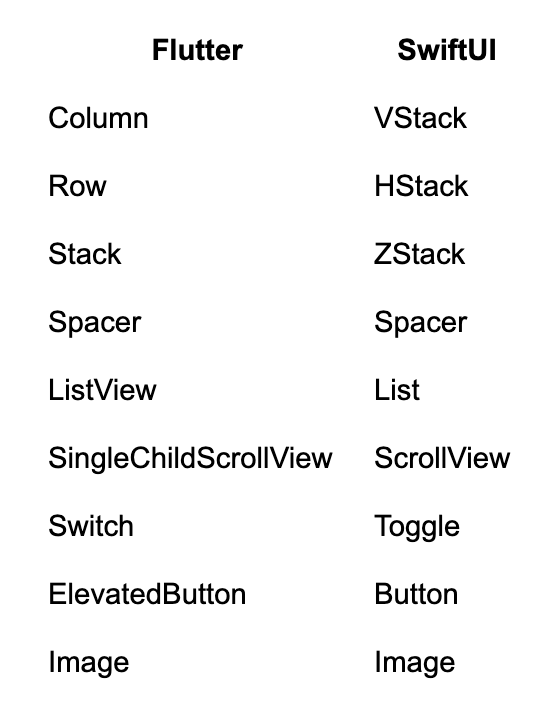
You might also notice our VStack doesn’t contain a list of Views, or even any parameters. Heck, it doesn’t look like a constructor is being called at all! This is mostly just syntactic sugar on the part of Swift. VStack takes a function (called content) that returns the content that it should stack vertically, this is called a ViewBuilder. Since it is the only argument in the VStack constructor that accepts a function, it can be split out without any labeling and Swift assumes you want to pass in the content parameter (you can see the same thing with Button as we’re passing in the callback action without any labeling there too). And, since there are no parameters explicitly passed into VStack, you don’t need the parentheses to call the constructor (even though it is being called). If you want to make it more explicit, you totally can.
```swift
struct MyView: View {
@State private var count
var body: some View {
VStack(
content: {
Text("You have clicked the button \(count) times"),
Button("Increment") {
count += 1
}
}
)
}
}
```
When dealing with Views that can be passed data as well as update data, such as a TextField, SwiftUI uses an object called a Binding. You can think of a Binding as a getter and setter combined into one object. They can easily be created from using @State by just prefixing the variable with $. For example:
```swift
struct MyView: View {
@State private var textValue = ""
var body: some View {
TextField("Example text field", text: $textValue),
}
}
```
This means that any time the user types in the TextField, the variable is updated and anything else using that variable will be rebuilt. Additionally, if any other widget updates that variable, it will be updated inside the TextField.
When we need to pass objects down the Widget tree in Flutter, we use the BuildContext . Using InheretedWidget, or packages like Provider, we can access objects like so:
```dart
@override
Widget build(BuildContext context) {
final theme = Theme.of(context);
final messagesRepository = context.read();
// ect...
}
```
SwiftUI has a very similar mechanism called @Environment. It allows you to send objects into the view hierarchy.
```swift
struct MyRootView: View {
var body: some View {
MyDetailedView()
.environment(MessagesRepository())
}
}
struct MyDetailedView: View {
@Environment(MessagesRepository.self) private var messagesRepository
var body: some View {
Text("detail view")
}
}
```
This is also used for many build-in items, such as detecting if the app is in light mode or dark mode
```swift
struct MyView: View {
@Environment(\.colorScheme) var colorScheme
var body: some View {
Text(colorScheme == .dark ? "In dark mode" : "In light mode")
}
}
```
## Modifiers
Finally, there is one rather big difference between Flutter and SwiftUI, and that is how Widgets/Views are modified. In Flutter, Widgets are generally customized in their constructors or wrapped with helper Widgets to build a more dynamic UI. For example, if you wanted to create some blue text with some padding around it, you would do something like this.
```dart
class MyWidget extends StatelessWidget {
@override
Widget build(BuildContext context) {
return Padding(
padding: EdgeInsets.all(8.0),
child: Text(
'Hello World',
style: TextStyle(
color: Colors.blue,
),
),
);
}
}
```
In SwiftUI, it looks just a little different.
```swift
struct MyView: View {
var body: some View {
Text("Hello World")
.foregroundColor(.blue)
.padding(8.0)
}
}
```
These functions dangling off the Text View are called modifiers, and they are the primary way you customize Views in SwiftUI. You may have noticed before that we used the .environment in our RootView to provide an object in the environment. This is also just another modifier.
## To Wrap it Up
Now that we’ve discussed why you might want to learn SwiftUI as a Flutter developer and what the experience could look like, we hope you’ll take away the idea that Flutter and SwiftUI aren’t so different after all. While picking up a new framework can seem daunting, getting started with SwiftUI is a lot easier than it seems, and with just a little bit of SwiftUI added to your existing Flutter app, you can greatly improve the user experience!
### Very Good Ventures Joins FlutterConf Latam 2024 As Silver Sponsor!
Source: https://verygood.ventures/blog/very-good-ventures-joins-flutterconf-latam-2024-as-silver-sponsor/
FlutterConf Latam 2024 will take place in Arequipa, Perú, on October 29th-30th, gathering developers, tech leaders, and enthusiasts from across Latin America. The event will feature insightful talks, networking opportunities, and showcases of Flutter’s latest advancements. Very Good Ventures (VGV) will participate as a silver sponsor, offering a booth with swag and presenting talks by some of the unicorn industry experts.
## What to expect at Flutterconf Latam 2024
We love seeing Flutter events happening around the world, and we do our best to attend and support the community whenever possible. Recently, we joined [Fluttercon USA in NYC](https://verygood.ventures/blog/fluttercon-usa-2024-key-insights-and-learnings/), where we connected with passionate american developers and industry leaders. Last year, we also had the incredible opportunity to attend the [first-ever large-scale Flutter event in Latin America](https://verygood.ventures/blog/very-good-ventures-highlights-from-flutterconf-latam-2023/), held in Medellín, Colombia. This two-day event took place in October 2023, bringing together developers, designers, and enthusiasts from across the region and beyond. It was a fantastic experience filled with insightful talks, talented individuals, and the vibrant spirit that makes the Flutter community special.
This month, the VGV team heads to Arequipa, Peru, for [Flutterconf Latam 2024](https://flutterconflatam.dev/en/)—a two-day event packed with workshops, lightning talks, and expert panels. The conference, hosted at the Cerro Juli Convention Center, will dive into the latest in Flutter development and trends within the growing community. But beyond the tech, it’s a perfect chance to explore Arequipa, one of Peru’s most beautiful cities, known for its culture, architecture, and delicious food.
The event promises not only valuable learning experiences but also lively networking opportunities featuring contributions from global companies and local Flutter talent.
### Unicorns at Flutterconf Latam
Make sure to stop by the VGV booth for exclusive swag and connect with our team. We are always looking to meet Flutter devs and tech enthusiasts, and the team will be all native Spanish speakers, so don’t worry if your English is not *very good*!
A key highlight of VGV’s participation will be insightful talks from industry experts, who will take the stage to deliver exciting sessions. These presentations aim to empower developers, foster collaboration, and inspire innovation within the Flutter community.
**Matías Leyba**, Engineer at Very Good Ventures, will dive into how Flutter apps can seamlessly connect with native platforms through plugins in his talk **“Plugins: Tu puente hacia el código nativo”.** Attendees get to explore into the inner workings of plugins and discover essential tools for developing their own.
The talk will begin with foundational concepts and an overview of the correct architecture for a plugin. As a hands-on component, Matías will walk participants through creating a plugin for both Android and iOS, following best development practices. By the end of the talk, listeners will gain a solid understanding of how Flutter communicates with native platforms, unlocking new ways to extend app functionality. Don’t miss this opportunity to enhance your Flutter skills and deepen your knowledge of the Flutter ecosystem!
**Sofía Rey**, Engineer at Very Good Ventures, will take the stage to introduce her talk **“Animaciones a otro nivel: Transforma tu app con Rive”**. Sofía will share how to elevate your Flutter apps with stunning, interactive animations using Rive. In this talk attendees will learn how Rive’s state-based animation capabilities can not only beautify UI but also enhance user experience in a dynamic and functional way. There is a way to simplify complex concepts and make applications more intuitive—without the need for overly complicated workflows. Rive also promotes seamless collaboration between designers and developers, offering powerful tools for both. In this talk, Sofía will dive into what Rive is, how it integrates with Flutter, and walk through a practical example to get you started with this amazing tool in your projects.
**Mauricio Miguez**, Engineer at Very Good Ventures, will explore the significance of striving for 100% test coverage in Flutter projects and provide practical strategies for achieving and maintaining this goal in his talk **”Manteniendo el 100% de test coverage: Mitos, Estrategias y Mejores Prácticas”**. Mauricio will discuss how to integrate thorough testing into CI/CD pipelines to ensure consistent and comprehensive coverage over time.
This talk will also address common concerns and misconceptions about aiming for full coverage. By debunking myths, it shows how every additional test contributes not only to code quality but also to early bug detection and better software architecture. Get ready to dive into best practices for making tests automated, independent, readable, and fast, with a focus on building effective and valuable unit tests. Also, in this talk the attendees will explore how adopting a disciplined approach to testing can transform development team’s culture, fostering a mindset of quality and shared responsibility.
Join this session to discover how achieving and maintaining 100% code coverage is not only possible but also one of the most impactful practices for your Flutter projects.
**Marcos Sevilla**, Senior Engineer at Very Good Ventures, will explore the creation of an API for generating Apple Passes using Dart Frog in his session **“Full Stack Dart with Apple PassKit, Dart Frog, and Flutter".**
The API will connect with a Flutter app, which consumes the generated passes, offering a full-stack approach with Dart as the only language. The talk demonstrates how to streamline the pass-generation flow by sharing code between backend and frontend, showcasing Dart’s versatility across both layers.
Additionally, Marcos will touch on native iOS integration with Apple PassKit, providing insight into how Flutter interacts seamlessly with platform-specific features. Join this session to discover the power of a unified Dart codebase for creating robust cross-platform solutions.
### Plan your visit and don’t miss a thing!
This two-day event is packed with exciting talks you won’t want to miss, featuring insights from top experts and community leaders. Make sure to plan ahead and catch the sessions that catch your interest! Explore the [full event agenda](https://flutterconflatam.dev/en/agenda) here.
Find out more about [VGV's participation in events here](https://verygood.ventures/events/), and stay up-to-date by following us on [LinkedIn](https://www.linkedin.com/company/very-good-ventures/) and [X](https://x.com/VGVentures) for the latest news and announcements.
We’re always on the lookout for new talent to join our team! If you’re interested, explore our [open roles here](https://verygood.ventures/careers/)—we’d love to connect with potential candidates.
We look forward to seeing you there!
#### Frequently Asked Questions
##### When and where is FlutterConf Latam 2024?
FlutterConf Latam 2024 runs October 29-30, 2024, at the Cerro Juli Convention Center in Arequipa, Peru. Very Good Ventures sponsored the event at the silver tier and brought a booth and four speakers.
##### Which VGV engineers spoke at FlutterConf Latam 2024?
Matías Leyba presented "Plugins: Tu puente hacia el código nativo" on building Flutter plugins for Android and iOS. Sofía Rey delivered "Animaciones a otro nivel: Transforma tu app con Rive" on Rive animations in Flutter. Mauricio Miguez gave "Manteniendo el 100% de test coverage: Mitos, Estrategias y Mejores Prácticas." Marcos Sevilla presented "Full Stack Dart with Apple PassKit, Dart Frog, and Flutter."
##### What does Marcos Sevilla's full-stack Dart talk cover?
Marcos walks through building an API that generates Apple Wallet passes using Dart Frog, then consuming them from a Flutter app, all in one Dart codebase. The session also explores how Flutter integrates with Apple PassKit, demonstrating Dart's reach across backend and platform-native scenarios.
##### Where can I find more information about VGV at conferences?
Upcoming and past event participation is collected on the VGV events page. You can also follow VGV on LinkedIn and X for announcements.
### Flutter Glossary: Your Go-To Essential Flutter Reference Terms List
Source: https://verygood.ventures/blog/flutter-glossary/
Flutter is highly cost-effective due to its single codebase across platforms, reducing development efforts and accelerating time-to-market.
As the top global Flutter consultancy, we at Very Good Ventures (VGV), strive to be a guiding voice in the Flutter community and to share knowledge, best practices, lessons learned, and guidance surrounding all things Flutter.
As a result, VGV has created this glossary of key concepts, terms and acronyms as a resource for those who wish to familiarize themselves with basic Flutter language and terms. If you also want to strengthen your foundational expertise, you can find this glossary as a go-to resource to better understand the framework and its potential. Take a look:
## A
- **Animation**: In Flutter, animations are used to enhance the user interface experience by providing visual feedback. Flutter provides built-in animation widgets and a powerful animation framework to create smooth transitions.
- **AppBar**: A material design app bar that can include a title, icons, actions, and more. It's commonly used as the top bar in an app to provide navigation and actions.
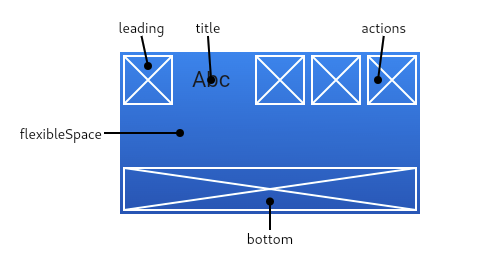
## B
- **BLoC:** Design pattern that helps the developer manage the app state and isolates the business logic from the UI layer with a clear separation of concerns, leading to a more maintainable app. The library flutter\_bloc facilitates the implementation of this pattern in Flutter with predefined components to easily manage events and states.
- **BuildContext**: A handle to the location of a widget in the widget tree. It is used to obtain references to resources and widgets.
- **Builder**: A widget that uses a callback to return a widget, useful for creating widgets based on changing state or conditions.
## C
- **Column**: A widget that displays its children in a vertical array. It is commonly used for stacking elements vertically.
- **Cupertino**: A set of iOS-style widgets provided by Flutter that conform to Apple's Human Interface Guidelines.
## D
- **Dart**: The programming language used to write Flutter applications. Dart is optimized for fast apps on any platform.
- **Debug Mode**: A mode in Flutter where the app runs with assertions enabled, helping developers identify errors and performance issues.
- **Developer Experience**: A core Flutter value proposition, shown by using Dart, support for Hot Reload, the Flutter inspector, the plugin ecosystem, multi-platform capabilities, and more.
- **Drawer**: A slide-in menu typically found on the left side of the screen, used for navigation in apps.
## F
- **Flutter Engine**: It provides the low-level implementation of Flutter's core API, including graphics (through Impeller on iOS and coming to Android and macOS, and Skia on other platforms).
- **FutureBuilder**: A widget that builds its UI based on the result of an asynchronous operation.
## G
- **GestureDetector**: A widget that detects gestures such as taps, drags, and swipes. It's used to capture user interactions.
- **GridView**: A widget that displays its children in a scrollable 2D array of rows and columns.

## H
- **Hot Reload**: A feature in Flutter that allows developers to instantly see the changes made to the code without restarting the app. It helps in speeding up the development process by preserving the app state.
## I
- **InheritedWidget**: A widget that provides state or data to its descendants, which can be accessed through the BuildContext.
## L
- **ListView**: A scrollable list of widgets arranged linearly. It's commonly used for displaying lists of data.
- **LayoutBuilder**: A widget that builds itself based on the parent widget’s constraints. It allows developers to make layout decisions based on the size of the parent.
## M
- **MaterialApp**: A convenience widget that wraps several widgets commonly required for material design applications. It typically includes a navigator, theme, and home.
- **Material Design**: A design system used by Flutter to create beautiful and consistent UIs.
- **Mixin**: A way to reuse a class's code in multiple class hierarchies in Dart. Mixins are used to share a set of methods or properties across multiple classes.
- **Multi-Platform**: The ability to write code once and run it on different platforms, such as Android, iOS, Web, Windows, Linux, macOS, and embedded systems.
## N
- **Navigator**: A widget used to manage navigation between screens.
- **Null Safety**: A feature in Dart that helps prevent null errors by ensuring that variables are not null unless explicitly stated.
## P
- **Package**: A piece of code that can be reused and shared across apps. Flutter uses pub.dev to share packages with the community.
- **Plugin**: A special kind of package that makes platform-specific functionality available to the app.
- **Pubspec.yaml**: The configuration file for a Flutter project that specifies dependencies, assets, fonts, and other settings.
- **Provider**: A popular state management solution for Flutter that uses the InheritedWidget mechanism to propagate state changes across the widget tree.
## R
- **Reactive programming:** A broader paradigm used in development where the expectation is that the data will change over time and facilitate the propagation of those changes. Flutter uses Streams and StreamBuilders to apply in real-time those changes.
- **Row**: A widget that displays its children in a horizontal array. It's commonly used for arranging elements side by side.
- **Route**: A screen or page in a Flutter application that can be navigated using the Navigator.
## S
- **Scaffold**: A top-level container that provides a basic visual structure for a material design app, including an app bar, drawer, and floating action button.
- **State**: An object that holds information about a widget that may change during its lifecycle. Stateful widgets use state to manage dynamic content.
- **State Management**: It refers to the process used to share the application state across different screens.
- **StatelessWidget**: A widget that cannot change its state: once built, it remains immutable, and if any internal property needs to be updated the widget itself can't do it.
- **StatefulWidget**: A widget that can change its state over time. It can rebuild itself based on changes to its internal state or external data.
- **Stream**: Asynchronous pipeline of data that can emit events allowing you to react in real-time to those.
- **StreamBuilder**: A widget that builds its UI based on the latest value of a stream.
## T
- **Testing - Golden:** Used to compare the rendered UI of a widget with an image as a reference. In other words, this ensures that the UI does not change unexpectedly by capturing and comparing screenshots of widgets.
- **Testing - Integration:** Code that tests the complete app or large parts of it. This includes UI and the interaction between multiple components in different layers.
- **Testing - Unit:** Code that ensures that a piece of logic works as expected without dependencies on other parts of the app.
- **Testing - Widget:** Code that verifies the behavior and appearance of UI widgets in different scenarios, ensuring they render and function correctly.
- **Text**: A widget that displays a string of text with a single style.
- **Theme**: A class that controls the visual appearance of the app. It allows for consistent styling across the app with colors, fonts, shapes, and more.
## V
- **ValueNotifier**: A class that extends ChangeNotifier and provides a way to notify listeners about changes to a simple value. It is commonly used for simple state management.
## W
- **Widget**: The fundamental building block of Flutter UI. Everything in Flutter is a widget, from layout structures to UI controls. Widgets are immutable and describe a part of the user interface.
- **Widget Tree**: The hierarchy of widgets that defines the structure of the user interface. The widget tree is built from parent to child widgets.
## Z
- **Zero to One**: A phrase used to describe the rapid development process in Flutter, where developers can quickly build functioning prototypes from scratch.
**Get involved!**
If you enjoyed this blog, feel free to share it with your network! Have suggestions for concepts we should add? Head over to our GitHub page and drop your ideas in the comments. We’d love to hear your feedback!
At Very Good Ventures, we work with global brands to design, build, and scale successful apps, and we’re #1 in Flutter. Our expert team is here to help you maximize your chosen framework by providing [code reviews](https://verygood.ventures/solution/flutter-code-assessment/) that enhance your app and get it production-ready. Additionally, we offer a series of [training remote workshops](https://verygood.ventures/solution/flutter-training/) tailored to teach engineering teams our proven app and UI development practices.
You can learn all about our [Open Source Tools, best practices and resources here](https://github.com/VeryGoodOpenSource). If you want to know more about our services, don’t hesitate to [talk to our team](https://verygood.ventures/contact-us/)!
#### Frequently Asked Questions
##### What is a widget in Flutter?
A widget is the fundamental building block of a Flutter UI. Everything in Flutter is a widget, from layout structures to UI controls. Widgets are immutable and describe a part of the user interface, and the widget tree defines the hierarchy of widgets that makes up the screen.
##### What is the difference between a StatelessWidget and a StatefulWidget?
A StatelessWidget cannot change once it is built. It is immutable, and any internal property cannot update itself. A StatefulWidget can change its state over time and rebuild itself based on changes to its internal state or external data.
##### What is the BLoC pattern in Flutter?
BLoC is a design pattern that helps developers manage application state and isolate business logic from the UI layer. The flutter_bloc library implements the pattern with predefined components for managing events and states, leading to a more maintainable app.
##### What is Hot Reload in Flutter?
Hot Reload is a Flutter feature that lets developers see code changes instantly without restarting the app. It speeds up development by preserving the app state across reloads, so you can iterate on UI and logic without losing where you were.
##### What types of testing does Flutter support?
Flutter supports four main test types. Unit tests verify a piece of logic without dependencies, widget tests check the behavior and appearance of UI widgets, integration tests cover the full app or large parts of it, and golden tests compare rendered UI to a reference image to catch unexpected visual changes.
### Supercharging Your Development Team With Dart Frog and AWS
Source: https://verygood.ventures/blog/supercharging-your-development-team-with-dart-frog-and-aws/
With its performance and customizability, Dart Frog offers Flutter teams a [great way to speed up development](https://verygood.ventures/blog/seamless-full-stack-development-using-flutter-dart-frog/) by introducing Dart on the backend. At Fluttercon USA 2024, we showed how Dart Frog can integrate smoothly with AWS resources to build a full-stack cloud solution that maintains clear separation of concerns between frontend and backend while speeding up development for Engineering teams.
## Why AWS?
[AWS Amplify](https://docs.amplify.aws/flutter/) offers a quick and easy way to get a Flutter app running with Amazon services. Since upgrading to [Gen 2](https://aws.amazon.com/about-aws/whats-new/2024/05/aws-amplify-gen-2-available/), Amplify has used a code-first approach to defining backends. Developers define resources in Typescript files, which the [AWS Cloud Development Kit](https://aws.amazon.com/cdk/) (CDK) uses to generate and provision cloud infrastructure. [Sandbox environments](https://docs.amplify.aws/flutter/deploy-and-host/sandbox-environments/setup/) offer isolated services that developers can use in pre-production environments to speed up development, and hosting can be connected directly to a project repository for easy deployment.
While it is possible to connect Amplify directly to a Flutter app, you can also take advantage of [several pure Dart packages](https://pub.dev/packages?q=amplify+dart) the Amplify team has created to connect Amplify directly to a Dart Frog backend. Additionally, the [AWS V4 Signer](https://pub.dev/packages/aws_signature_v4) (also published by the Amplify team) allows connection to virtually any other AWS Resource not supported by an existing Dart package.
## Amplify & Dart Frog are better together
Integrating Amplify with Dart Frog allows for cleaner separation of concerns between frontend and backend responsibilities. Dart Frog acts as an interface layer between the Flutter application and AWS resources, managing traditional backend concerns like data access/manipulation, domain logic, and caching, so that the frontend is only responsible for fetching and displaying data and reacting to user inputs. All interaction between the application and AWS comes on the server side, where traffic can be more easily controlled, which makes apps more secure.
Overall this [Backend for Frontend](https://learn.microsoft.com/en-us/azure/architecture/patterns/backends-for-frontends) architecture setup is a great way to move as much business logic as possible to your backend. This also allows for quick and easy bug fixes or feature additions to your product that don’t always have to go through the long and sometimes frustrating process of mobile app store review. This puts the power of deployment back into your team's hands and utilizes a language that they are already writing code in daily.
## Example: Fluttercon Schedule App
To help demonstrate how teams can take advantage of Dart Frog and AWS Amplify, we created a simple demo of the 2024 Fluttercon USA schedule. The demo is [currently live](https://main.d26gw3imxd1pmt.amplifyapp.com/), and the source code is available [here](https://github.com/VGVentures/fluttercon_usa_2024_dart_frog_aws/tree/main). We used Amplify to provision AWS resources for our Dart Frog backend to consume. These resources are defined inside of an Amplify npm package, nested within our Dart Frog app. By default, a new amplify project creates resource files for data access and for authentication. The [data access resource](https://docs.amplify.aws/flutter/build-a-backend/data/set-up-data/) provides a schema where we can define our app entities and the relationships between them. The [auth resource](https://docs.amplify.aws/flutter/build-a-backend/auth/set-up-auth/), meanwhile, defines how users should authenticate to our app. Amplify then uses the typescript resource files to generate AWS resources in the cloud: data tables (these are [DynamoDb](https://aws.amazon.com/dynamodb/) tables by default, but Amplify is compatible with [other databases](https://docs.amplify.aws/flutter/build-a-backend/data/connect-to-existing-data-sources/connect-postgres-mysql-database/)) for data, and [Amazon Cognito](https://aws.amazon.com/cognito/) user pools for auth.
Our Dart Frog app manages user authentication and data access for the frontend. We validate access tokens fetched from Amazon Cognito using [Dart Frog authentication](https://dart-frog.dev/tutorials/authentication/). We fetch data from our Dynamo tables and construct our presentation models to be returned from our endpoints. We also set up a framework for caching data to limit calls to cloud resources. While our caching solution stores data locally on the server, this approach could easily be configured to connect to a cloud caching service, whether [Amazon ElastiCache](https://aws.amazon.com/elasticache/) or something different.
Putting all of this authentication and data logic in Dart Frog makes our frontend lean and simple. Here is the pubspec for the frontend app, demonstrating how few dependencies are required when Dart Frog handles the heavy lifting:
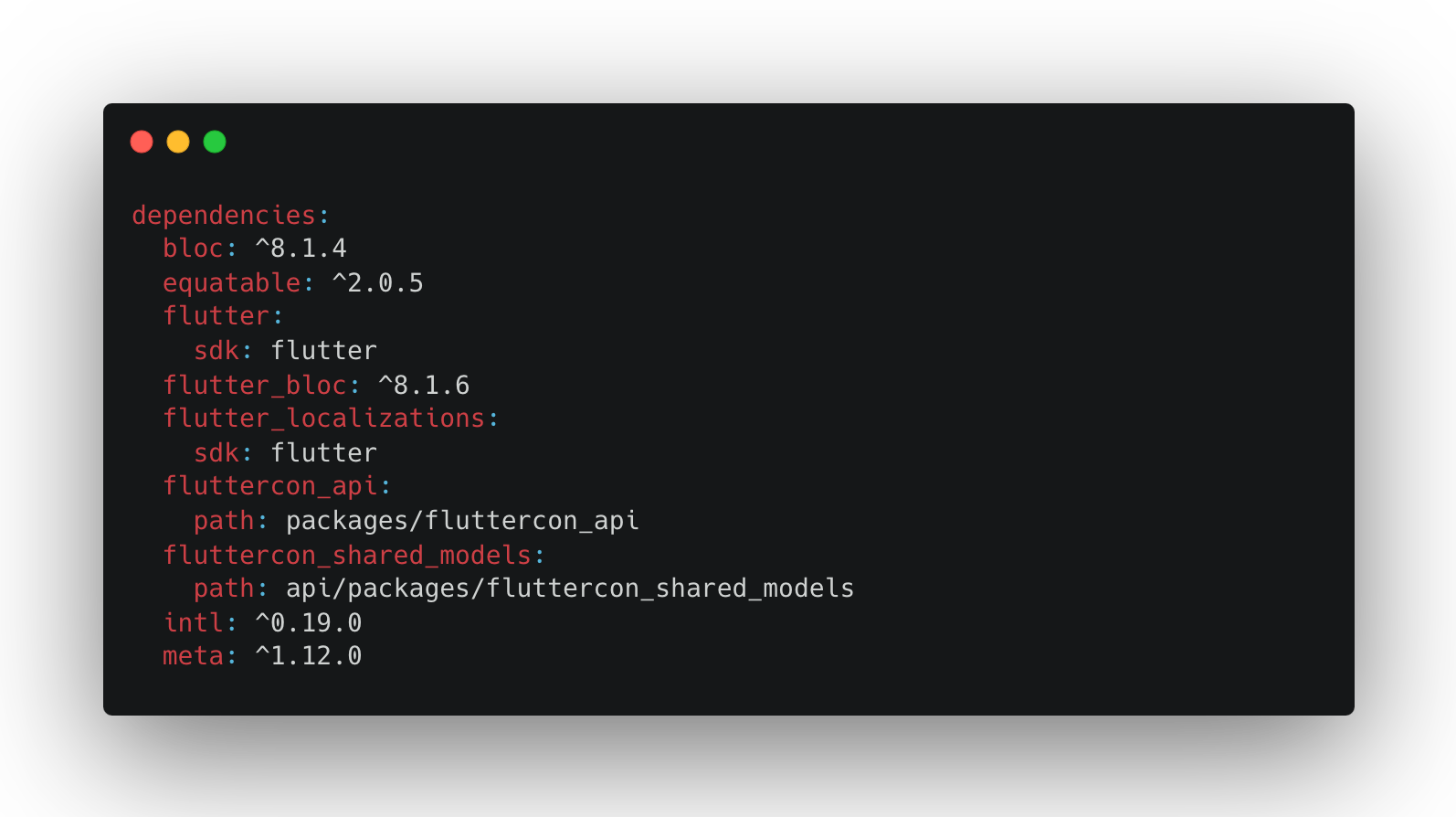
The developer experience is also great when creating this solution. In addition to the powerful hot reload that speeds up our Dart development on both frontend and backend, Amplify sandbox resources are automatically re-provisioned when changes are made to typescript configuration files. When the schema needs to be updated, no messy data migration is necessary–just update the data resource in typescript, and the changes will be deployed to the cloud.
When it comes time to deploy the app, Amplify offers options to cater to different teams’ preferences. [Amplify hosting](https://docs.aws.amazon.com/amplify/latest/userguide/welcome.html) provides a platform for hosting serverless web apps with continuous deployment based on Git repositories. Dart Frog, meanwhile, can be deployed in a Docker container to several different cloud services, including [AWS App Runner](https://dart-frog.dev/deploy/aws-app-runner/). Since Amplify can be accessed via the [AWS CLI](https://docs.aws.amazon.com/cli/latest/reference/amplify/), we chose to deploy this app via a [Github Actions workflow](https://github.com/VGVentures/fluttercon_usa_2024_dart_frog_aws/blob/main/.github/workflows/deploy.yaml) that builds the Dart Frog solution in Docker and deploys it to App Runner, before triggering a build of the frontend on Amplify. This workflow enables branch-based deployment of the entire stack, with the API url automatically supplied to the frontend based on the name of the feature branch.
This is just one example of how to integrate Dart Frog with AWS resources. Both Dart Frog and Amplify are highly customizable based on your product and team’s requirements. The approach adopted in making this example app uses our scalable best practices to accommodate more complex backends, including different databases, more sophisticated authentication, and additional backend services such as subscription hubs and scheduled tasks.
## Let us help you get started with Dart Frog & AWS!
If you found this article helpful, don’t hesitate to share. We would love to hear about Dart being used on any backend, so contact us if you want to share your story as well. If you and your team need help understanding these topics, feel free to [reach out](https://verygood.ventures/contact-us/)!
[
Watch the full session recording here](https://www.droidcon.com/2024/10/17/supercharging-development-with-full-stack-dart-and-aws/)
#### Frequently Asked Questions
##### Why pair Dart Frog with AWS for a Flutter app?
Dart Frog acts as an interface layer between the Flutter app and AWS resources, handling data access, domain logic, and caching so the frontend only fetches and displays data. All AWS interaction stays on the server, where traffic is easier to control and apps end up more secure.
##### What does AWS Amplify Gen 2 bring to the table?
Amplify Gen 2 takes a code-first approach to defining backends in TypeScript. The AWS CDK reads those resource files and provisions cloud infrastructure like DynamoDB tables and Cognito user pools. Sandbox environments give each developer isolated services for fast iteration.
##### How does Dart Frog talk to AWS services?
Through pure Dart packages the Amplify team publishes on pub.dev. For AWS services without a dedicated package, the AWS V4 Signer lets Dart Frog sign requests to virtually any AWS resource.
##### What does the Fluttercon Schedule demo app show?
It pairs a Flutter frontend with a Dart Frog backend that uses Amplify-provisioned DynamoDB and Cognito. Dart Frog validates Cognito tokens, fetches data from Dynamo tables, and caches results before returning presentation models to the app. The source is at github.com/VGVentures/fluttercon_usa_2024_dart_frog_aws.
##### How do you deploy a Dart Frog and Amplify stack together?
Dart Frog deploys in a Docker container to AWS App Runner, and Amplify hosts the Flutter web frontend with continuous deployment from Git. A single GitHub Actions workflow builds and deploys both, supplying the API URL to the frontend based on the feature branch.
### Very Good Growth: Meet the New Leadership Driving VGV’s Go-To-Market
Source: https://verygood.ventures/blog/very-good-growth-meet-the-new-leadership-unicorns-driving-vgvs-go-to-market/
As we enter the year's final quarter at Very Good Ventures (VGV), we're excited to share new initiatives planned for the remaining months and prepare for an exciting 2025. We've come a long way in our journey, but there's still much more ahead as we pursue our mission of building successful experiences for all. Today, we’re announcing a major milestone for our team — the addition of three new executives in Strategy, Business Development, and Marketing, positioning us for even greater growth and success.**
**
## Shaping The Future: Fresh Strategic Insights, Creative Marketing and World-Class Business Development
### Chelsea Pritchard, Director of Marketing
**Chelsea** joins the VGV team with extensive marketing leadership experience and a key focus on understanding client needs and driving business outcomes. She’s successfully led creative direction, brand management, and marketing strategies across diverse industries, including digital agencies, technology start-ups, nonprofits, and financial services. In addition, her background in driving marketing and branding initiatives for companies such as MasonHub, GasBuddy, and Wayfair—reinforced by her expertise in creative, digital, and content strategies—will strengthen VGV’s service offerings, enhancing VGV’s brand visibility, go-to-market messaging and driving strategic marketing initiatives. This will bring a valuable dimension to our team, ensuring we continue to meet our client’s unique needs with even more significant impact.
### Billy Fischer, EVP Business Development
We are excited to welcome **Billy** to the team to lead our Business Development. With extensive experience in growth and sales leadership across various companies, Billy has successfully driven digital product consulting, digital marketing, and commercial growth. His deep experience at Fueled, WillowTree, and Dynamit, where he has led sales and marketing efforts, makes him a perfect fit for VGV. Billy will lead business development efforts, forging new partnerships, and expand VGV’s market reach.
###
Nate Wootten, Chief Strategy Officer
**Nate** joins VGV to lead and elevate VGV’s strategic planning, positioning, pursuit process, and overall growth initiatives. Additionally, Nate will be driving the evolution of our strategy consulting service, helping clients better understand not just "what" they should build, but "why"—articulating value-focused solutions from the outset. Nate has over 10 years of experience at WillowTree , progressing through various roles, including Partner & VP of Commercial Strategy. He has a strong background in leading digital innovation, product strategy, and UX design, working with cross-functional teams to deliver client solutions.
> *“Adding Billy, Nate, and Chelsea to the team represents a massive leap forward for VGV. These three individuals are at the top of their fields, proven leaders, and difference makers. Most importantly, they’re fantastic people who will help drive the exceptional culture that has been so core to VGV’s growth. With these new leaders, we’re reshaping VGV’s strategy, sales, and marketing capabilities so that we can continue to grow at the rapid pace we’ve grown accustomed to at VGV.”*
- *David DeRemer, Founder and CEO of Very Good Ventures*
At VGV, we have lofty goals for our company as well as for the impact we want to have on our clients and our ecosystem. These new leadership hires are indicators not only of our success so far, but also of the Flutter ecosystem. We have a lot of work ahead in pursuit of our mission, and Billy, Nate, And Chelsea are key to our future story and our ability to help the best and most innovative companies in the world succeed with their technology. Please join us in welcoming these professional unicorns today.
To learn more, you can read the official [PR released](https://www.prnewswire.com/news-releases/very-good-ventures-welcomes-key-leaders-to-shape-future-302273310.html?tc=eml_cleartime) or take a look at their LinkedIn profiles: [Chelsea Pritchard](https://www.linkedin.com/in/cprcreative/), [Nate Wootten](https://www.linkedin.com/in/nate-wootten/) & [Billy Fischer
](https://www.linkedin.com/in/billyfischer)We are looking forward to seeing what the team will achieve with these new teammates onboard!
Welcome to the team Chelsea, Billy and Nate!
#### Frequently Asked Questions
##### Who are the three new go-to-market leaders at VGV?
Nate Wootten joined as Chief Strategy Officer, Billy Fischer as Executive Vice President of Business Development, and Chelsea Pritchard as Director of Marketing.
##### What will Nate Wootten focus on as Chief Strategy Officer?
Nate leads VGV's strategic planning, positioning, pursuit process, and overall growth initiatives. He is also building out VGV's strategy consulting service to help clients articulate why they are building a product, not just what to build. Nate joined VGV after more than a decade at WillowTree, most recently as Partner and VP of Commercial Strategy.
##### What does Billy Fischer's role at VGV cover?
As EVP of Business Development, Billy leads VGV's BD function, including new partnerships and market expansion. He brings sales and growth leadership experience from Fueled, WillowTree, and Dynamit.
##### How will Chelsea Pritchard shape VGV's marketing?
Chelsea drives VGV's brand visibility, go-to-market messaging, and strategic marketing initiatives. Her experience spans digital agencies, technology startups, nonprofits, and financial services, including marketing leadership at MasonHub, GasBuddy, and Wayfair.
### Fluttercon USA 2024: Key Insights and Learnings
Source: https://verygood.ventures/blog/fluttercon-usa-2024-key-insights-and-learnings/
Fluttercon USA 2024 marked the first and largest Fluttercon event in the United States, bringing together key figures from the community, industry leaders, and top developers. The event buzzed with energy as passionate Flutter enthusiasts gathered to network and showcase the latest innovations. The event welcomed strong teams and professionals like Google, Betterment, Eric Seidel, among others, who added immense value to the event with their expertise and insights into the future of Flutter. With influential speakers, engaging sessions, and a vibrant atmosphere, Fluttercon USA 2024 reaffirmed its position as a must-attend event for anyone in the Flutter community.
## VGV’s commitment to the Flutter community
The Very Good Ventures (VGV) team was thrilled to have a strong presence at Fluttercon USA, with a diverse team representing Engineering, HR & People, Business Development & Sales, and Product and Program teams.
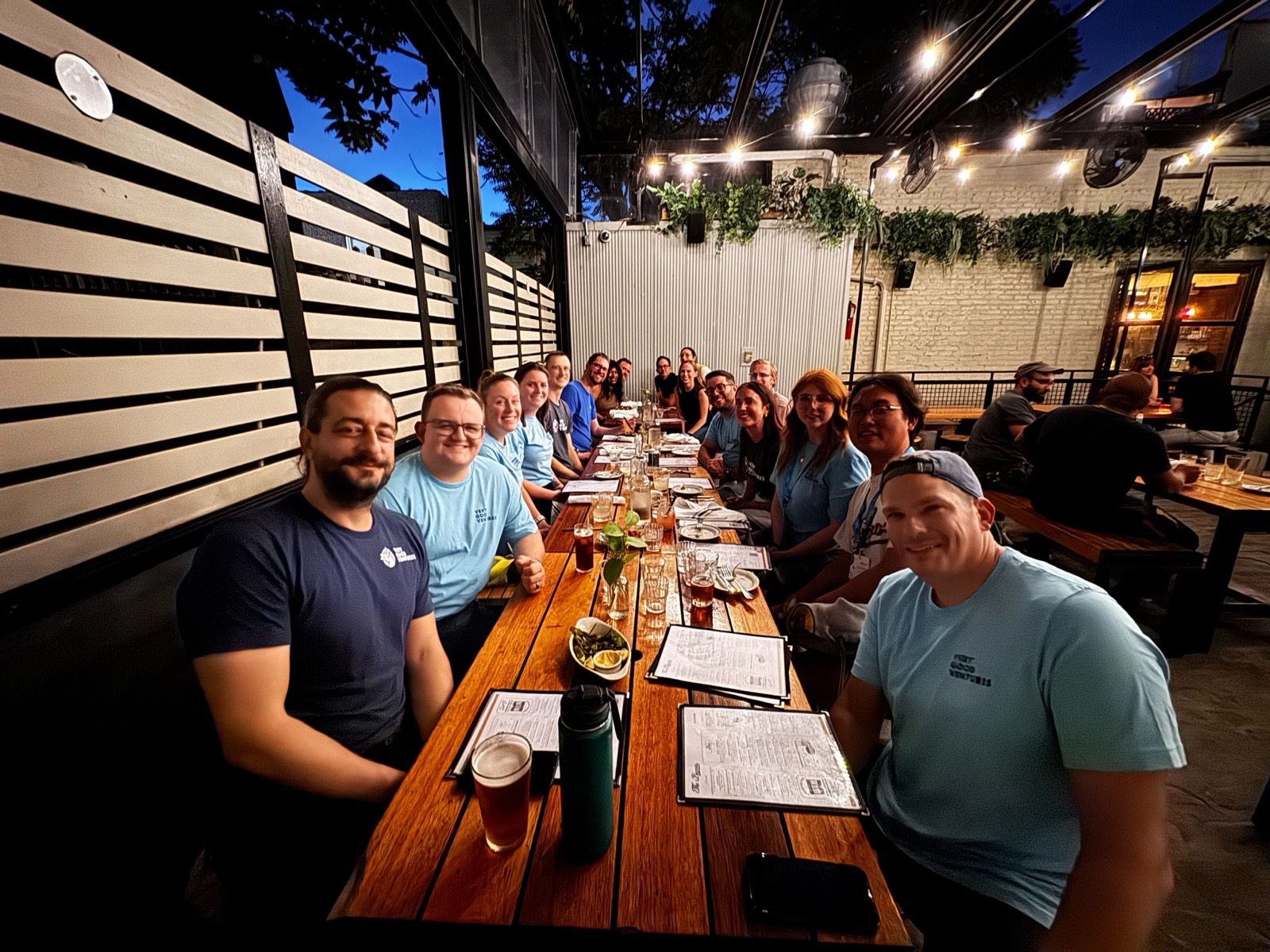
*VGV crew in NYC*
This time, VGV was focused on reaffirming its commitment to the Flutter community: As a primary call to action, David DeRemer, Founder & CEO at Very Good Ventures, proposed to begin a more productive dialogue to set objectives for the community to undertake in order to further Flutter's influence in his keynote [“Flutter's Future: A Call For Community-Driven Commercial Roadmap.”](https://verygood.ventures/blog/flutters-future-a-call-for-community-driven-commercial-roadmap/) David emphasized the need for a collaborative approach to shape Flutter’s economic growth and announced that VGV has open-sourced its Flutter Commercial Roadmap for 2024-2025 to inspire community discussion and collaboration. [You can watch the full keynote recording here.](https://www.droidcon.com/2024/10/17/build-to-succeed-with-flutter-a-commercial-roadmap-for-the-community/)
Another exciting news was sharing [VGV’s new Very Good Engineering website](https://verygood.ventures/blog/introducing-very-good-engineering/), which aims to empower Engineering teams with knowledge and tools to succeed. VGV has been and will continue to support the community through open-source contributions, forums, and comprehensive resources.
Additionally, several VGV team members had the chance to take the stage and share their expertise on various Flutter topics, focusing on the latest developments in Flutter and Dart:
**David DeRemer and Sam Moore**, VP of Architecture at Betterment, shared the story of Betterment's successful transition to Flutter using the add-to-app approach in the “Successful Flutter Re-Platforming — The Path For Betterment” session.
They covered the entire journey, from building a business case and validating Flutter to executing a detailed plan and navigating a cultural shift.
[Watch the full session recording here.](https://www.droidcon.com/2024/10/17/successful-flutter-re-platforming-the-path-for-betterment/)
**Jorge Coca**, VGV's Head of Engineering, dove into optimizing Flutter and Dart performance. He emphasized the importance of mastering DevTools to transform underperforming apps into top-tier experiences, highlighting that effective performance tuning is crucial for maintaining reputation and releasing with confidence.
[Watch the full session recording here.](https://www.droidcon.com/2024/10/17/demystifying-performance-tune-up-in-flutter-and-dart/)
**Kyle Finlinson**, Senior Engineer at VGV, provided a deep dive into the implications of using Flutter with WebAssembly (Wasm). He explained how Wasm could revolutionize software creation and consumption and shared actionable insights for Flutter developers to get started.
[Watch the full session recording here.
](https://www.droidcon.com/2024/10/17/implications-of-flutter-wasm/)
**Marcus Twichel**, Engineering Lead at VGV, demonstrated how Dart Frog and HTMX can simplify web development, allowing Flutter developers to build interactive websites without complex JavaScript frameworks. He illustrated how these tools make creating modern web solutions both easy and efficient.
[Watch the full session recording here.](https://www.droidcon.com/2024/10/17/htmx-dart-a-good-idea/)
**Tom Arra and Stefan Hodges-Kluck**, Director of Product Development & Engineer at VGV respectively, explored the integration of full-stack Dart with AWS services. They demonstrated how combining Dart and Dart Frog with AWS Amplify accelerates development, offering speed and flexibility for building robust full-stack applications.
[Watch the full session recording here.](https://www.droidcon.com/2024/10/17/supercharging-development-with-full-stack-dart-and-aws/)
Last but not least, **Samantha O'Brien and Marcus Twichel**, Engineers at VGV, showcased how incorporating SwiftUI into Flutter apps can enhance user experiences across the Apple ecosystem. They demonstrated ways to extend app functionality beyond the main interface, utilizing features like Siri and Apple Watch to create more dynamic interactions.
[Watch the full session recording here.](https://www.droidcon.com/2024/10/17/swiftui-for-flutter-developers/)
If you want to learn more about the sessions and keynotes at Fluttercon USA, stay tuned for the Fluttercon session recordings and related topic content coming soon!
## Some impressions from the team
The VGV team returned from the event with a wealth of ideas and insights. Here are some of their key takeaways:
> “It was amazing to see so much passion for Flutter right here in the USA. We met so many people using Flutter to build up their businesses, from food and beverage, and e-commerce. We also got to have great conversations with people building new startups centered around making Flutter development easier, like Shorebird, FlutterFlow, Serverpod, and Celest. It was great to exchange ideas with all these people and inject new ideas into the community.” - Marcus Twichel.
>
> "With this being the first big Flutter-focused event since 2020, it was the first time a lot of attendees got a chance to talk face to face with people that we have been working with over the past number of years. That combined with the energy and enthusiasm that we saw as people were attending the sessions really encourages me that our community is still growing and I’m happy that I was able to be a small part of that overall. Can’t wait for the next event to see some new faces and companies get involved.” - Tom Arra
> “So many people are working on so many interesting things! It was great to meet some of them in person and be inspired to dig into building the future.” - Kyle Finlinson
> “Attending my first Fluttercon was an absolute whirlwind, but what stood out the most wasn't the tech itself - it was the incredible sense of community. Everywhere I looked, people were connecting, sharing their passion for Flutter, and supporting each other. From the lively hallway conversations to the mirrored, kaleidoscopic talks, it was clear that Fluttercon was about more than just code; it was a gathering of like-minded individuals who believe in the power of collaboration. It's a community that celebrates innovation, encourages experimentation, and most importantly, attempts to foster a sense of belonging. Fluttercon reinforced my belief that building great software is about more than skill; it's about coming together, sharing a common passion, and lifting each other up.” - Jared Olmsted
>
> “It was impressive to see the breadth of attendees from large companies using Flutter (e.g., Headspace, SoFi, Comcast, Amica, Nestle, etc.) at Fluttercon NYC. Meeting them illustrated the reach of the community as well as the importance of these types of events to bringing more people and companies into the community to engage with each other.” - David DeRemer
##
Stay tuned for more
We plan to share more Fluttercon USA 2024 content, including sessions and keynote recordings, blogs and webinars about key topics discussed. To stay in the loop, [sign up for our monthly newsletter](https://verygood.ventures/#newsletter) and never miss out on updates like these and more about Flutter & Engineering!
### Pub in Focus: The Most Critical Dart & Flutter Packages of 2024
Source: https://verygood.ventures/blog/pub-in-focus-the-most-critical-dart-flutter-packages-of-2024/
The Dart ecosystem has more than 55,000 published packages in [pub.dev](http://pub.dev). Given its growth over the last few years, understanding what packages are the most critical in the ecosystem helps in having productive conversations about the dependencies in your product. These dependencies tend to allow you to move fast by not building everything from scratch. However, it's crucial to ensure you're using packages that are actively maintained and not outdated.
We’ve gathered criticality information from packages in [pub.dev](http://pub.dev) and the [Open Source Security Foundation (OpenSSF) database](https://commondatastorage.googleapis.com/ossf-criticality-score/index.html), to bring attention to Dart packages, developers, organizations, communities and projects in 2024.
## What is a criticality score?
In 2020, Google under the [OpenSSF](https://openssf.org/) (OpenSSF) [released](https://opensource.googleblog.com/2020/12/finding-critical-open-source-projects.html) a metric named “criticality score”. The aim was to identify those influential and important projects, with a number between 0 (least important) and 1 (most important). The score is based on an [algorithm](https://github.com/ossf/criticality_score/blob/main/Quantifying_criticality_algorithm.pdf) designed by [Rob Pike](https://github.com/robpike), and it considers contributors count, commit frequency and more to derive the final score of a project.
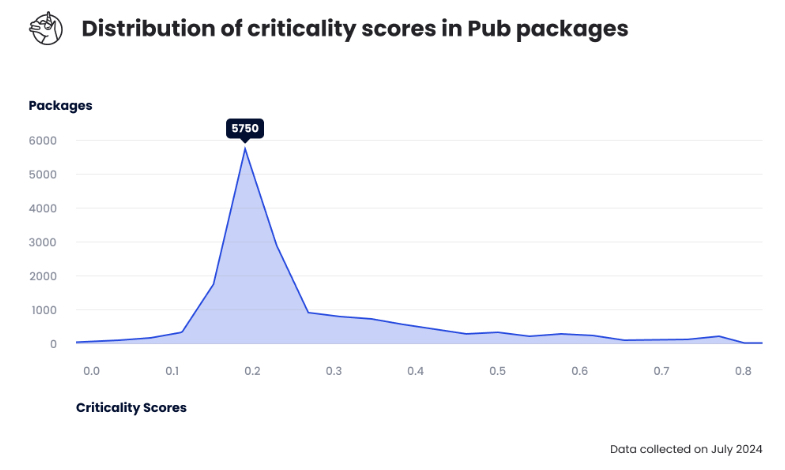
*Distribution showing the criticality scores of GitHub repositories hosting pub packages, with a peak frequency of 5750 close to a 0.2 criticality.*
###### The criticality score tool measures repository criticality, not a package. We’ve only analyzed those [pub.dev](http://pub.dev/) packages that are correctly associated with a GitHub repository and Dart repositories collected by the [Open SSF database](https://commondatastorage.googleapis.com/ossf-criticality-score/index.html).
## Why should we care about critical packages?
Knowing about critical packages in the ecosystem helps us to have productive conversations about our dependencies. The more critical a package is the more important its maintenance becomes in the ecosystem. We depend on the collective effort to ensure critical dependencies remain updated and healthy.
For example, when looking at the [OSV Vulnerabilities Database](https://osv.dev/list?q=&ecosystem=Pub), there are only nine vulnerable packages hosted in Pub. This either means Dart developers always write [very good](https://verygood.ventures/) code, or there is a lack of vulnerabilities being reported.
Consider the [archive](https://pub.dev/packages/archive) package, it has a high criticality score of around 0.58. A [vulnerability](https://osv.dev/vulnerability/GHSA-9v85-q87q-g4vg) was [reported](https://github.com/brendan-duncan/archive/issues/265) by [Mohamed Benchikh](https://github.com/BlueSquare1), a community member, and fixed by its maintainer Brendan Duncan. In all, it is important we notify maintainers about issues and vulnerabilities in their packages to ensure we collectively enjoy a healthier and secure Dart ecosystem; specially for those with high criticality scores.
In addition, some OSS projects are struggling for the time, resources, and the attention they need to be maintained. By identifying the critical packages in the ecosystem we connect critical open source projects we all rely on with organizations that can provide them with adequate support (as suggested by the [Google Open Source Blog regarding Finding Critical Open Source Projects](https://opensource.googleblog.com/2020/12/finding-critical-open-source-projects.html)).
We have taken the time to do the analysis of the ecosystem and have broken it down in the following charts focused on independent publishers, organization publishers, and open source projects.
## Most critical independent Pub publishers
There are many developers that independently maintain critical Pub packages. This said, all of the packages below receive the help of external contributors, in aggregate they sum up to over 1500 contributors. Thanks to this incredible collective effort these packages are being used by more than 1 million developers!
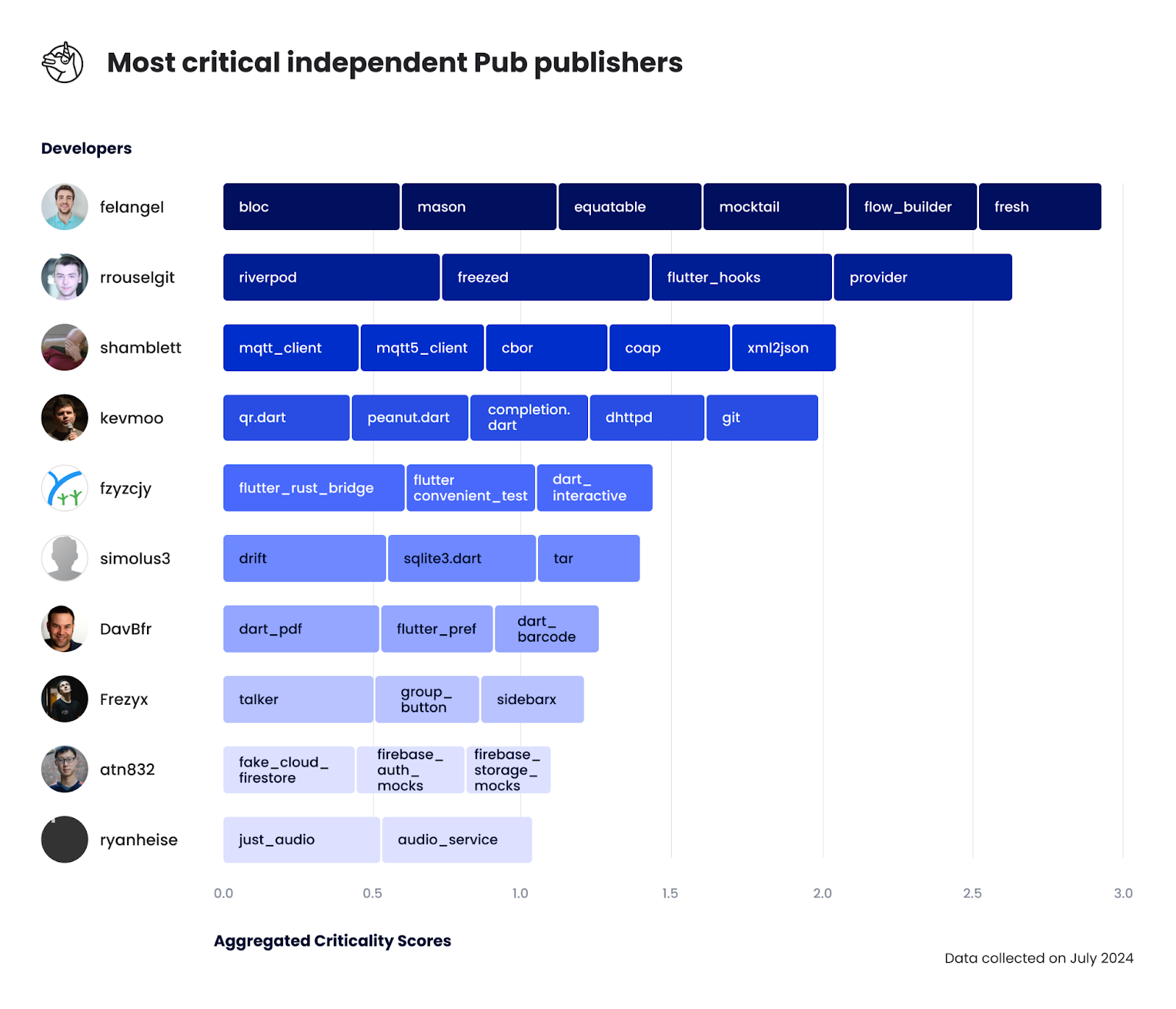
*Top ten list of pub.dev developers with the largest summation of all their Dart packages’ criticality scores. Shown as a segmented bar graph with: felangel (2.87), rrousselgit (2.25), shamblett (2.05), kevmoo (1.98), fzyzcjy (1.46), simolus3 (1.44), DavBfr (1.26), Frezyx (1.22), atn832 (1.14) and lastly ryanheise (1.05).*
Only the repositories that are sufficiently critical (above 0.35) contribute to the total score; hence avoiding developers with numerous uncritical packages from being outliers.
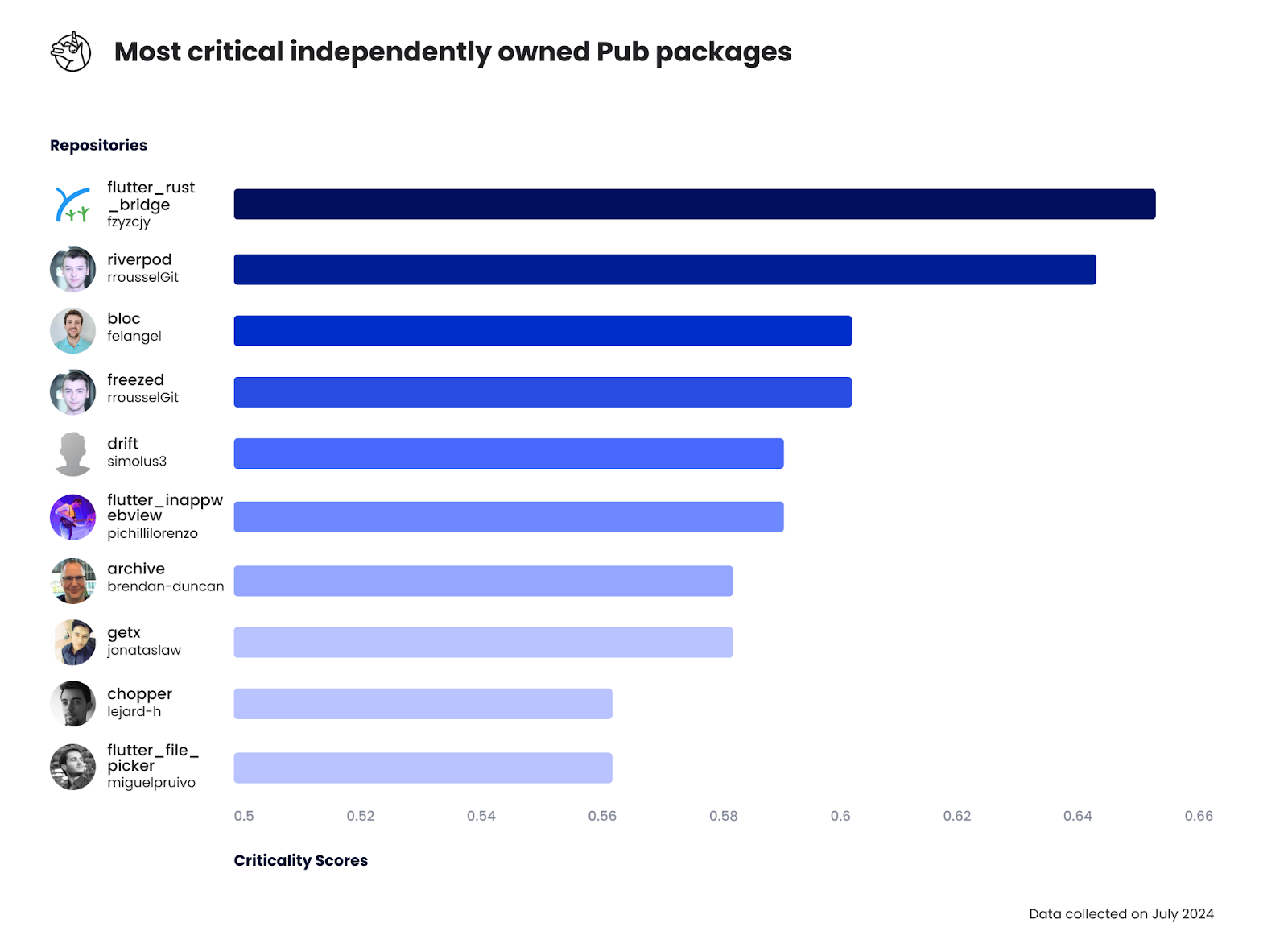
*Top ten list of pub.dev packages owned by an independent developer. Shown as bar graph with: flutter_rust_bridge (0.65), riverpod (0.64), bloc (0.60), freezed (0.60), drift (0.59) flutter_inappwebview (0.59), archive (0.58), get (0.58), chopper (0.56) and lastly file_picker (0.56).*
## Most critical organization publishers
We’re incredibly excited to see more organizations joining the Dart & Flutter ecosystem. While we are lucky enough to be near the top of the chart, other organizations including service providers and product companies are also building for the community!
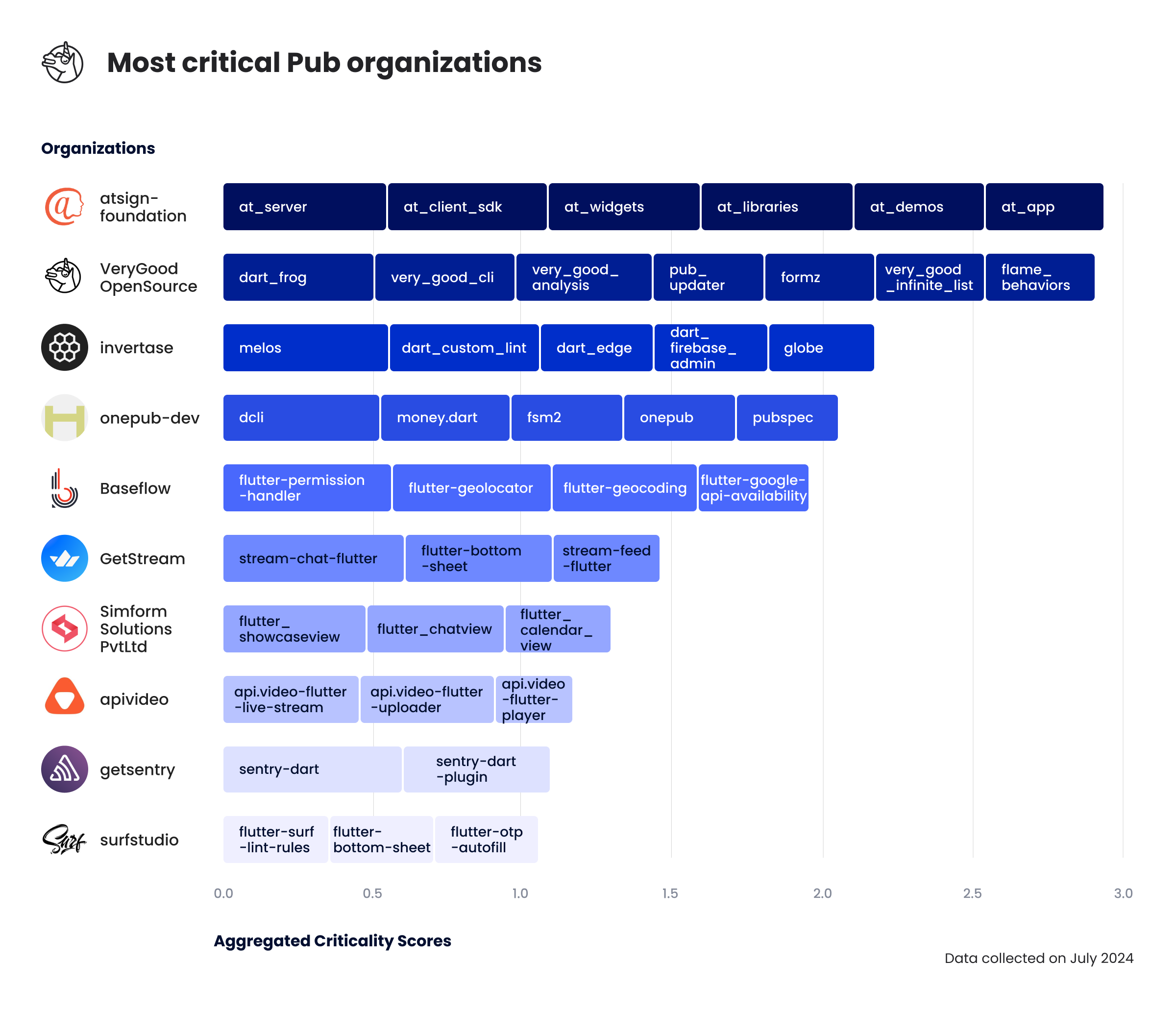
*Top ten list of pub.dev organizations with the largest summation of all their Dart packages’ criticality scores. Shown as a segmented bar graph with: atsign-foundation (2.91), VeryGoodOpenSource (2.88), invertase (2.18), onepub-dev (2.07), Baseflow (1.93), GetStream (1.46), SimformSolutionsPvtLtd (1.33), apivideo (1.16), getsentry (1.09) and lastly surfstudio (1.06).*
###### Google has been excluded from the above graphic. Google itself has a total score beyond 50 (aggregate of Dart, Flutter, Firebase, and other Google services). They are by far the most critical organization in Pub!
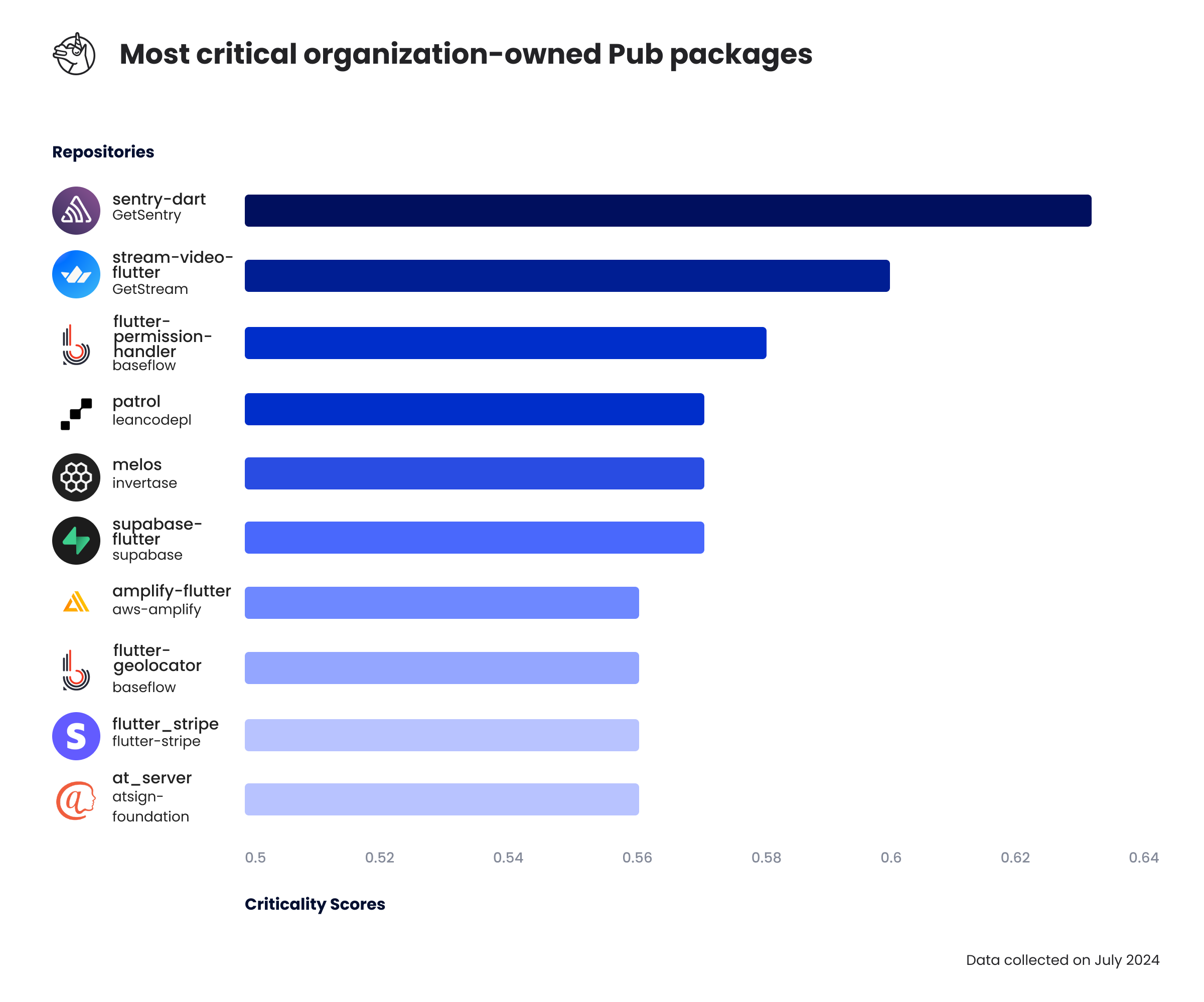
*Top ten list of pub.dev packages owned by an organization. Shown as bar graph with: sentry (0.63), stream_video_flutter (0.60), flutter-permission-handler (0.58), patrol (0.57), melos (0.57), supabase (0.57), amplify_flutter (0.56), flutter-geolocator (0.56), flutter_stripe (0.56), and lastly at_server (0.56).*
## Most critical community led publishers
Besides developers and organizations, there are communities of developers that collectively aim to improve the Dart & Flutter ecosystem. They also deserve a shoutout for their valuable collaborative contributions!
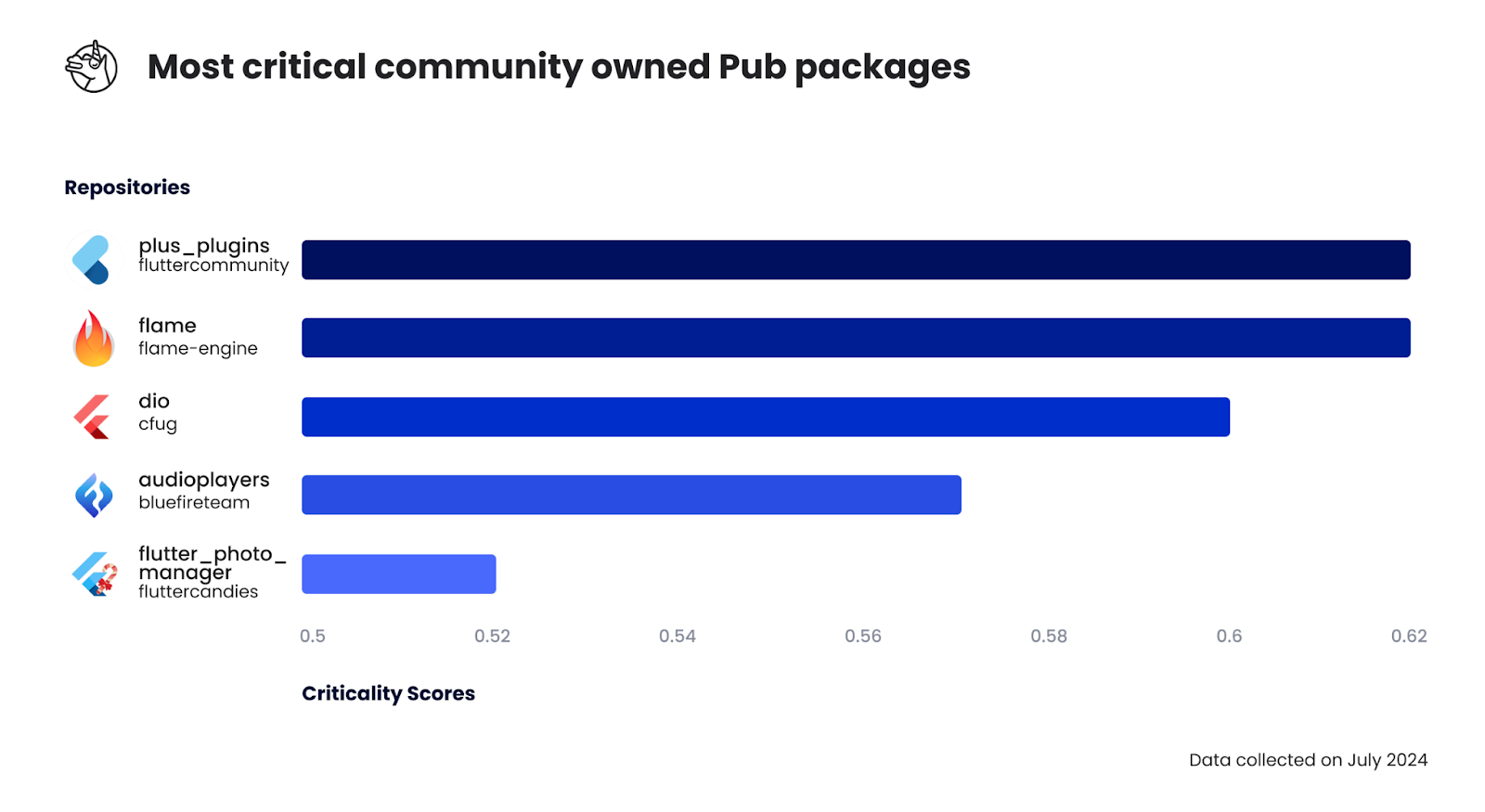
*Top five list of pub.dev packages owned by a community of developers. Shown as bar graph with: plus_plugins (0.62), flame (0.62), dio (0.60), audioplayers (0.57) and lastly photo_manager (0.52).*
## Most critical open source projects
The [Open SSF database](https://commondatastorage.googleapis.com/ossf-criticality-score/index.html) also collects information about open source projects that are not published in Pub. Since we’re at it, we’ve crunched the data about those applications with the highest criticality scores. In aggregate all these projects sum up to more than 178k GitHub stars, more than those from the Flutter repository!
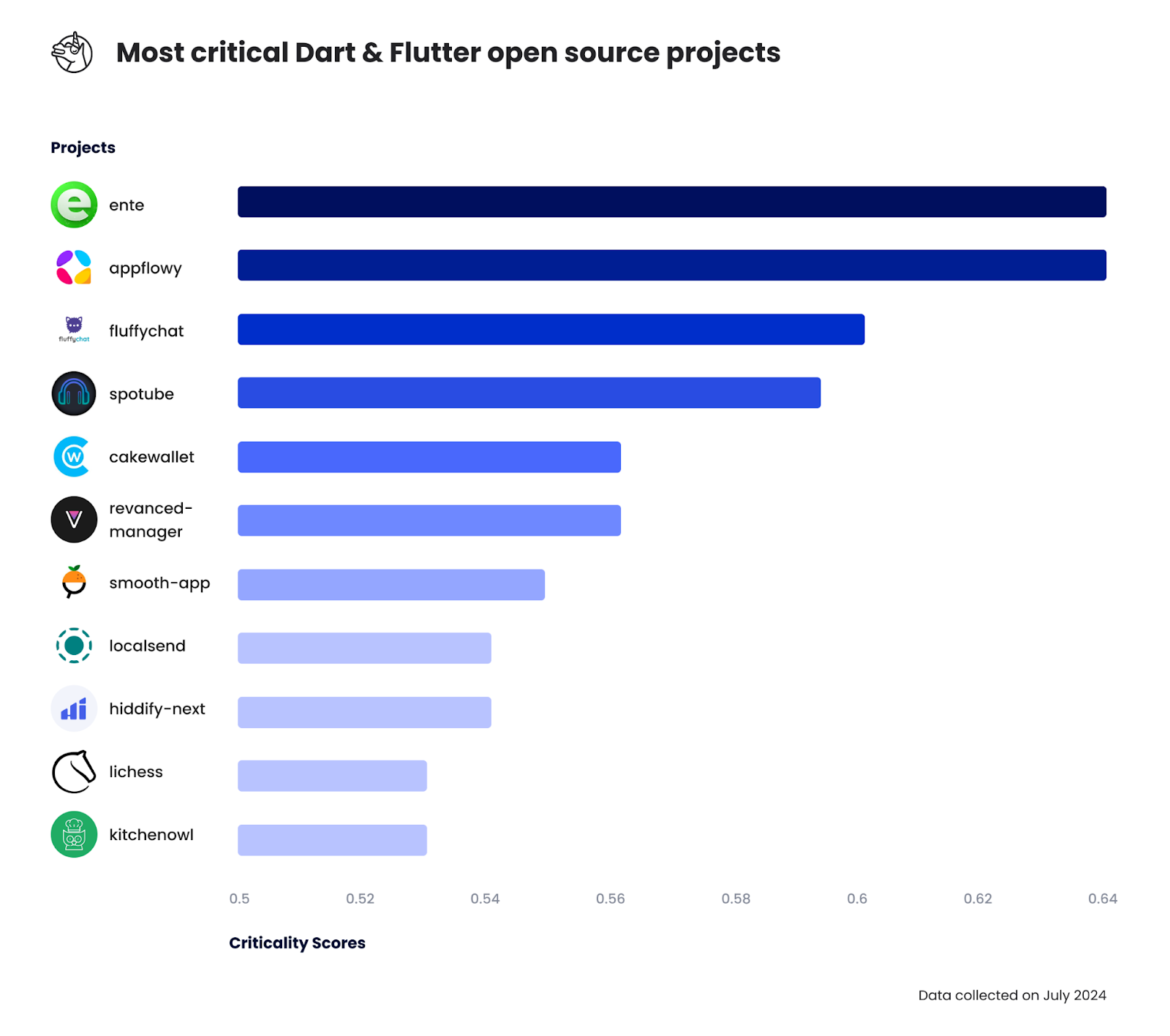
*Top eleven list of Dart open source projects with the highest criticality scores. Shown as a bar graph with: ente (0.64), appflowy (0.64), fluffychat (0.60), spotube (0.57), cakewallet (0.56), revanced-manager (0.56), smooth-app (0.55), localsend (0.54), hiddify-next (0.54), lichess (0.53) and lastly kitchenowl (0.53).*
## Shaping the future of Pub
The number of packages published in Pub has been growing. There are around ten thousand more published packages since we looked at the [distribution of licenses used in Pub packages](https://verygood.ventures/blog/very-good-cli-license-checker/) around a year ago! This has been largely possible thanks to the thriving Dart & Flutter community. As more offerings are available we should also aim to make better decisions about the introduction and longevity of the dependencies of our products.
We expect developers to meticulously evaluate new dependencies and call out when it’s time to replace a package or offer assistance to its maintenance. Evaluating the criticality scores of such dependencies helps us do so, but we should not forget it is a metric that might not unveil the entire story of the dependency, its maintenance and existence.
We encourage developers to collaborate with the dependencies they rely on; just opening an issue is a massive help! When doing so on packages with high criticality the impact on the ecosystem is larger; nonetheless, low criticality repositories might be highly critical in the future!
######
Very Good Ventures has more than fifteen published packages in Pub, learn about all our tools at [vgv.dev](https://verygood.ventures/resources/open-source-packages/)! You can also check out our [GitHub](https://github.com/VeryGoodOpenSource) to get involved and discover all our best practices and tools!
## Reaching out
If you found this article helpful, don’t hesitate to share. If you would like to reach out or discuss this topic feel free to reach out personally to Alejandro via [LinkedIn](https://www.linkedin.com/in/alejandro-santiago-44259b159/). If you and your team need help in understanding the criticality score of your dependencies feel free to [reach out](https://www.linkedin.com/in/alejandro-santiago-44259b159/) so we can help!
##
*Written by Alejandro Santiago, illustrated by Luciano Bologna, revised by Tom Arra on September 2024*
#### Frequently Asked Questions
##### What is the OpenSSF criticality score?
The criticality score is a metric introduced by Google and the Open Source Security Foundation in 2020 to quantify how influential an open source project is. Built on an algorithm by Rob Pike, it combines signals like contributor count, commit frequency, and release activity into a single number between 0 and 1, where 1 is the most critical.
##### Why should Dart and Flutter developers care about critical packages?
Critical packages sit underneath thousands of products and apps. Tracking them lets teams have clearer conversations about which dependencies they rely on, makes it easier to spot packages that are losing maintenance, and helps the community channel support, contributions, and security fixes to the projects with the largest impact.
##### Which independent developers maintain the most critical Pub packages?
By summed criticality of their packages over 0.35, the top independent publishers in 2024 are felangel (2.87), rrousselgit (2.25), shamblett (2.05), kevmoo (1.98), fzyzcjy (1.46), simolus3 (1.44), DavBfr (1.26), Frezyx (1.22), atn832 (1.14), and ryanheise (1.05).
##### Which organizations publish the most critical Dart packages outside Google?
After excluding Google, the top organization publishers by aggregated criticality are atsign-foundation (2.91), VeryGoodOpenSource (2.88), invertase (2.18), onepub-dev (2.07), Baseflow (1.93), GetStream (1.46), SimformSolutionsPvtLtd (1.33), apivideo (1.16), getsentry (1.09), and surfstudio (1.06). Google itself scores above 50 across Dart, Flutter, Firebase, and other services combined.
##### How can I help improve the health of a critical package?
Open an issue when you spot a bug or vulnerability, contribute fixes or tests, write documentation, or sponsor maintainers. Even small contributions to a high-criticality package ripple out to the thousands of products that depend on it.
### Flutter's Future: A Call For Community-Driven Commercial Roadmap
Source: https://verygood.ventures/blog/flutters-future-a-call-for-community-driven-commercial-roadmap/
On September 20, 2024, I was honored to deliver a keynote address to the attendees of Fluttercon USA in New York City. As someone who has been involved in Flutter since its early days, my life has been radically altered by the emergence of this great technology. The objective of the presentation was to inspire the community to align our priorities and efforts to lend our collective strength to driving Flutter’s growth.
As a primary call to action to the community, I propose that we begin more productive dialogue to set objectives for the community via a community-driven commercial roadmap.
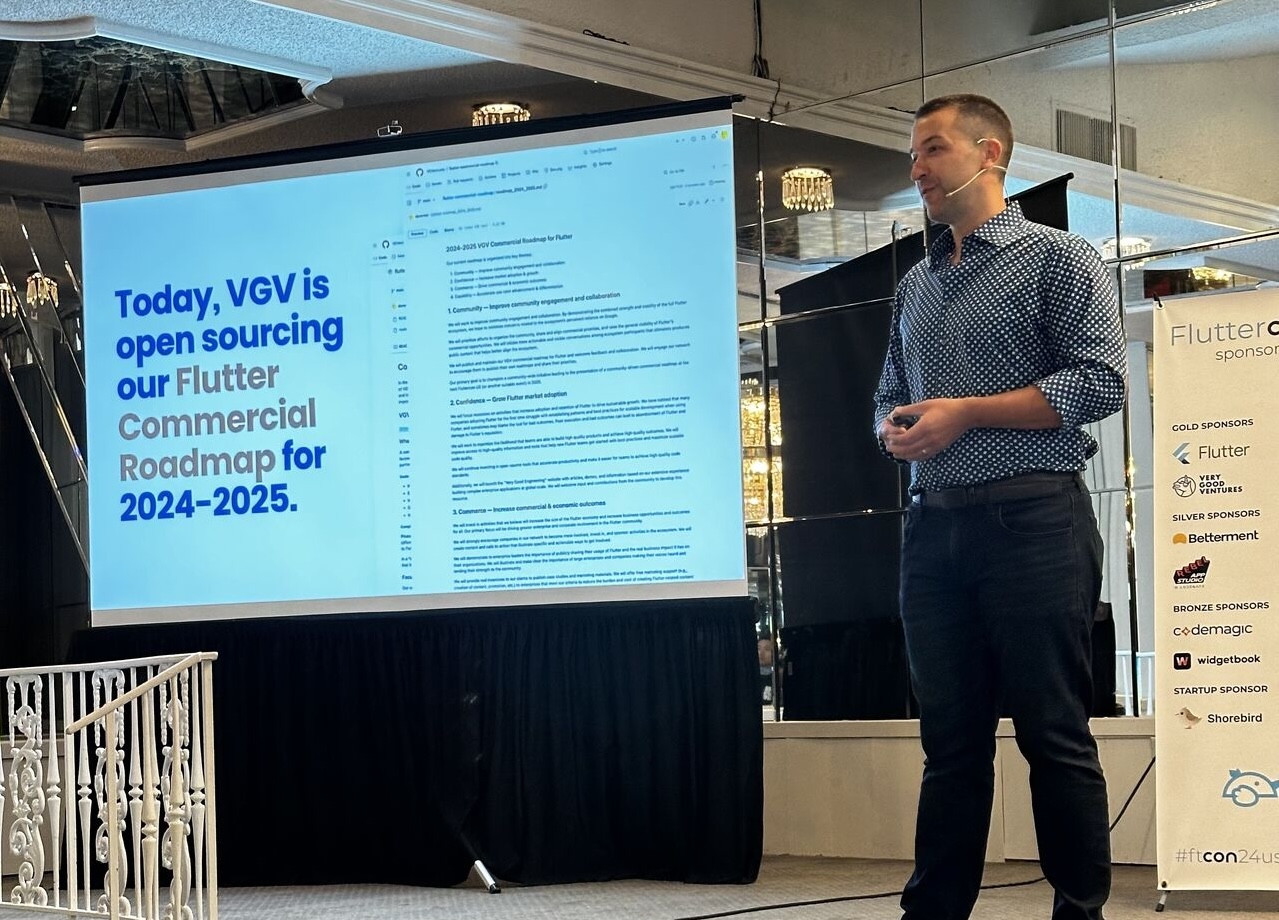
## Keynote Recap
The Flutter community has achieved remarkable success, but there's still untapped potential waiting to be unlocked. To truly thrive, we must move beyond the notion that Flutter's fate rests solely with Google. It's time to embrace a community-driven approach, where we collectively shape the future of this powerful framework.
One persistent concern that hinders Flutter's broader adoption is the fear that Google might abandon it. We strongly believe this fear is unfounded, especially given Google's significant investment and the widespread use of Flutter within their own products. Nonetheless, it's up to us, the community, to dispel this notion by lending our collective strength to complement Google’s efforts. We must showcase Flutter's strength, independence, and the vastness of its impact.
To guide our collective efforts and ensure Flutter's continued growth, we need a clear roadmap for the ongoing development of Flutter’s economic growth. We need a "Commercial Roadmap," focusing on the business aspects of the Flutter ecosystem, that will complement the existing technical **Flutter project roadmap** and outline strategic initiatives to foster community engagement, drive market adoption, and increase commercial outcomes.
At Very Good Ventures, we're aiming to start this conversation by providing an example to illustrate how companies can directly influence Flutter’s commercial success. We are open-sourcing our own [Flutter Commercial Roadmap for 2024-2025](https://github.com/VGVentures/flutter-commercial-roadmap). This roadmap serves as a starting point for community discussions, highlighting our priorities and inviting others to share their own.
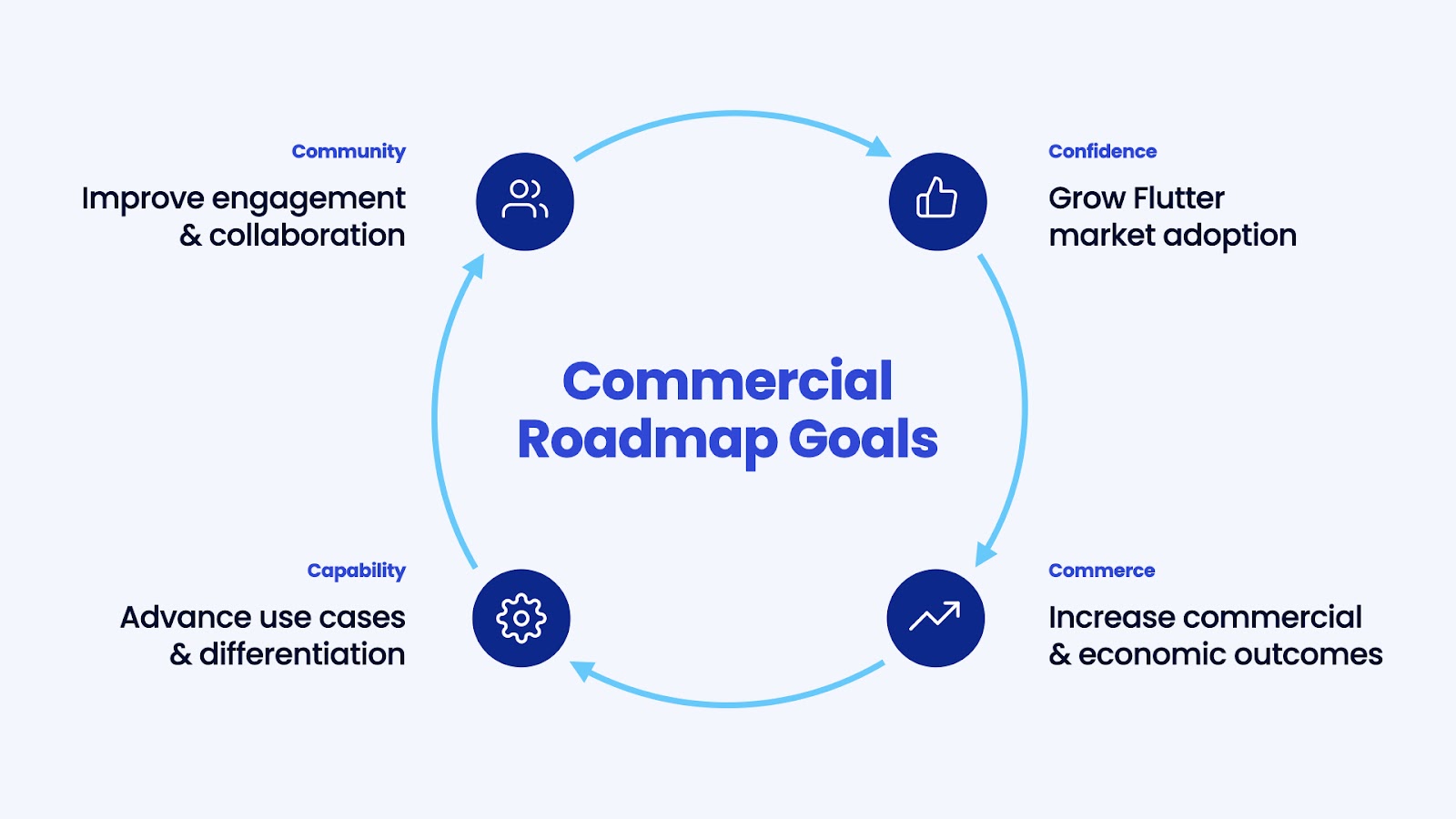
## Our roadmap is centered around four key goals:
1. **Community:** We're committed to fostering a stronger, more engaged community. This involves organizing forums, championing the development of a community-driven commercial roadmap, and actively seeking feedback on our own initiatives.
2. **Confidence:** We want to empower new Flutter teams with the knowledge and tools they need to succeed. We'll continue investing in open-source software, engage in community forums to offer guidance, and provide comprehensive resources like our "[Very Good Engineering](https://engineering.verygood.ventures/)" website.
3. **Commerce:** We recognize the importance of corporate involvement in the Flutter ecosystem. We'll encourage our clients to share their success stories, offer pro bono marketing support to large enterprises, and actively sponsor Flutter conferences.
4. **Capability:** We're dedicated to showcasing Flutter's full potential as a multi-platform framework. We'll prioritize client projects that demonstrate novel use cases, invest in content highlighting non-mobile applications, and develop open-source demos that push the boundaries of what's possible with Flutter.
The future of Flutter is in our hands. It's time to step up, share our priorities, contribute to open-source projects, and collaborate on the development of a shared community roadmap. Together, we can make Flutter the "everywhere framework" and ensure its continued growth and success for years to come.
## How to Get Involved
1. Express your interest and intent in getting involved in the development of a community-driven commercial roadmap. [Contact us](https://verygood.ventures/contact-us/) or comment on [this first issue](https://github.com/VGVentures/flutter-commercial-roadmap/issues/1).
2. Create and share your own set of priorities or roadmap. Ours can be found here: [https://github.com/VGVentures/flutter-commercial-roadmap](https://github.com/VGVentures/flutter-commercial-roadmap)
3. [Contact us](https://verygood.ventures/contact-us/) if you’re interested in discussing or collaborating on any of the items in our roadmap.
4. [Watch the full keynote recording here!](https://www.droidcon.com/2024/10/17/build-to-succeed-with-flutter-a-commercial-roadmap-for-the-community/)
5. If you are a large enterprise working with Flutter interested in pro bono marketing support to tell your Flutter story, please [get in touch](https://verygood.ventures/contact-us/).
### The T3 Engineering Leadership Summit 2024 Builds a Strong Case for the #unconference
Source: https://verygood.ventures/blog/the-t3-engineering-leadership-summit-2024-builds-a-strong-case-for-the-unconference/
The T3 Engineering Leadership Summit builds a powerful case for the #unconference format and the need for a strong return to in-person discussion and collaboration among peers spanning diverse organizations and roles.
On September 17, 2024, VGV co-sponsored the T3 Engineering Leadership Summit in NYC along with Betterment, AppDome, Touchlab. The event was organized by the team behind Droidcon and Fluttercon, and was described as “where senior technical leaders managing software development teams can network, exchange ideas, share problems and learn from their peers.” Importantly, the event was invite-only with a guest list oriented to include senior technology and engineering leaders.
## An #unconference
When the organizers first explained the proposed format to me, I was leery — the idea was to run multiple concurrent moderated roundtable discussions, where all of the attendees would be active participants.
Most conferences feature 1-to-many presentations or moderated panels on stage that set the role of the audience as a pure consumer. In this #unconference format, there were no speakers and all attendees were expected to participate in the discussion. I hadn’t experienced a format like this, and based on my past conference experiences I was uncertain if the engagement would be there. Most importantly, I was concerned people may not decide to attend or would not derive enough value without specific speakers delivering polished presentations about specific topics.
I was very pleasantly surprised!
### The Invite-Only & Senior Focus
First, because the event was invite-only it meant that the attendee list was well curated. Additionally, invite-only events tend to be more network and referral driven. These aspects helped ensure that the attendees were well informed about the nature of the event and were more likely to be strong contributors to the conversation.
Additionally, the focus on people in more senior leadership roles meant that the attendees all had a lot of experience and confidence in their points of view. They also were generally comfortable speaking in front of groups and sharing their ideas collaboratively.
These factors combined such that, in the groups I was a part of, there was always a lively and active discussion. Smaller groups tended to be more intimate and larger groups tended to be a bit more loose, so there were some differences. But overall, the discussion was varied and lively.
### Open & Flexible Conversation
A big factor I hadn’t considered in an #unconference format is that that lack of clear narrative and structure is one of the value-adds. In a typical conference format, the presentation narrative is locked and you’re along for the ride whether you value the content or not.
In the open discussion format at T3, each table had a theme and moderators were there to navigate the time effectively. But, the conversation was allowed to flow and develop naturally based on the input and interest areas of the attendees. I found this fascinating as it allowed us to go deep in some areas while completely skipping over other areas. If I had been the presenter, I would have been guessing about what mattered to the audience; but in this format we could pivot to the most engaging areas.
Perhaps most importantly, the content was varied and infused with the experiences and points of view of a lot of different people. This was fun and exciting because we could identify areas of consistent alignment as well as find divergences and constructively challenge ideas as they arose.
### Built-In Icebreaking
One of the things I hate about most conferences is the inefficient use of time between talks for networking. Generally, I’m more interested in the people attending the conference than I am in any particular talk. However, we’re generally left to mill about and strike up conversations with random people that may or may not be mutually relevant connections.
In the #unconference format you start discussions with other attendees naturally as part of the event. So by the end of the day, you’ve already been talking with a ton of people at the event. This meant that the talking never ceased even in the spaces between sessions. The flow of discussion was natural and the awkwardness of striking up a new conversation was eliminated. In fact, the conversation never stopped in between sessions as attendees just kept talking.
## Reflections on Cross-Platform Development in the Age of Engineering Efficiency
Throughout the day there were 3 concurrent moderated roundtables with different focus areas. I was a moderator for one called “Cross-Platform Development in the Age of Engineering Efficiency”, and I was pleased to have a large and engaged group. We had people deeply experienced with KMP, React Native, Flutter, and native software development; so we were able to cover the topic from many angles.
### Cross-Platform is no longer risky or a compromise
Perhaps my biggest takeaway from this session was the feeling that cross-platform solutions are no longer seen (at least by this group) as a compromised or second-class solution compared to Native. Sure, Native is generally seen as “closest to the metal” but it comes with major organization costs and management issues. On the flip side, cross-platform has some limitations and considerations (as all technologies do) but the efficiencies cannot be ignored.
The key insight was that all of these tools (React Native, Flutter, KMP) have matured and improved significantly since the early days. Cross-platform in general suffers from a stigma that they are somehow inferior or majorly limited, but from the perspective of this group, those stigmas are based on old data that is no longer true. The question is how many engineers and companies are ignoring the benefits of cross-platform based on experiences they had 5 years ago or more, and meanwhile these technologies have improved significantly.
### Cross-Platform is a natural progression to no-platform
One of the most interesting insights for me that emerged was the feeling that in general technology is progressing to where engineers can work on any platform. Cross-platform (e.g., React Native) enables an engineer to work on both iOS and Android platforms. Multi-platform (e.g., Flutter) enables an engineer to work on mobile, desktop, linux, and many other platforms. As these tools, AI, and other sources of productivity continue to develop, engineers will have more and more tools at their disposal to contribute to any platform. **In other words, in the long run engineers may reorient from platform-specific focuses to being purely focused on product wherever that product needs to be.**
Additionally, we discuss how even the native platforms are converging around similar architectures and patterns. There is more similarity between Jetpack Compose, Swift UI, and Flutter than most people realize or talk about. Learning one of those tools is a step in the right direction to learning the others. That didn’t used to be the case in mobile development. What that means is that developers learning these tools are becoming more portable and adaptive.
## You should consider attending the next T3 Summit too!
In the end, I had a great day and the feedback I heard from others was resoundingly positive. Given that this was a brand new event with a different kind of format, I think it was a big success. We had 40-50 attendees, which exceeded our expectations, from a mix of major companies (e.g., Norwegian Cruise Lines, Peloton, Blade, Meta, eBay, Betterment, NY Times, and many more) as well as variety of consultancies (e.g., VGV, Accenture, Blue Orange, LeanCode, Eskridge, and more).
Most importantly, the discussions were engaging and the open format created more opportunities to meet other attendees than any other conference I’ve ever attended.
So I’d definitely recommended following @T3 Software Engineering Leadership Summit and considering attending their next event.
#### Frequently Asked Questions
##### What is the T3 Engineering Leadership Summit?
T3 is an invite-only summit for senior technical leaders who manage software development teams. The 2024 NYC event was organized by the team behind Droidcon and Fluttercon, and was co-sponsored by VGV, Betterment, AppDome, and Touchlab.
##### What is an unconference format?
An unconference replaces stage presentations with moderated roundtable discussions where every attendee participates. T3 ran multiple concurrent roundtables with theme-based moderators, and conversations flowed based on the input and interests of the people at each table.
##### Why did the unconference format work well at T3?
Three factors. The invite-only guest list was well curated and referral-driven. The senior focus meant attendees had experience and confidence to contribute. The roundtable structure built networking into the event itself, so attendees were already in conversation by the breaks.
##### What was the takeaway from the cross-platform development roundtable?
Cross-platform tools like Flutter, React Native, and KMP are no longer seen as a compromise versus native by the leaders in the room. The stigma comes from data that is five or more years old. The group also discussed cross-platform as a step toward a future where engineers focus on product rather than platform.
##### Should I attend the next T3 Summit?
Worth considering. The 2024 event drew 40-50 attendees from companies like Norwegian Cruise Lines, Peloton, Blade, Meta, eBay, Betterment, and the New York Times, plus consultancies like VGV, Accenture, and LeanCode. Follow @T3 Software Engineering Leadership Summit for the next event.
### Introducing Very Good Engineering
Source: https://verygood.ventures/blog/introducing-very-good-engineering/
We’re excited to introduce [Very Good Engineering](https://engineering.verygood.ventures/), a new website for Flutter engineers that provides access to our technical articles, demos, and open source projects. After years of advocating for high quality software and [Very Good Architecture](https://verygood.ventures/blog/very-good-flutter-architecture/), we’ve been compiling all of our secrets and are eager to share them with the wider Flutter community.
Very Good Engineering is a result of numerous contributors compiling many man-years worth of technical expertise and knowledge from across our company, including all of the learnings from our many client projects and open source tools, apps, and demos. Currently, there are over 20 technical articles, with many more on the way.
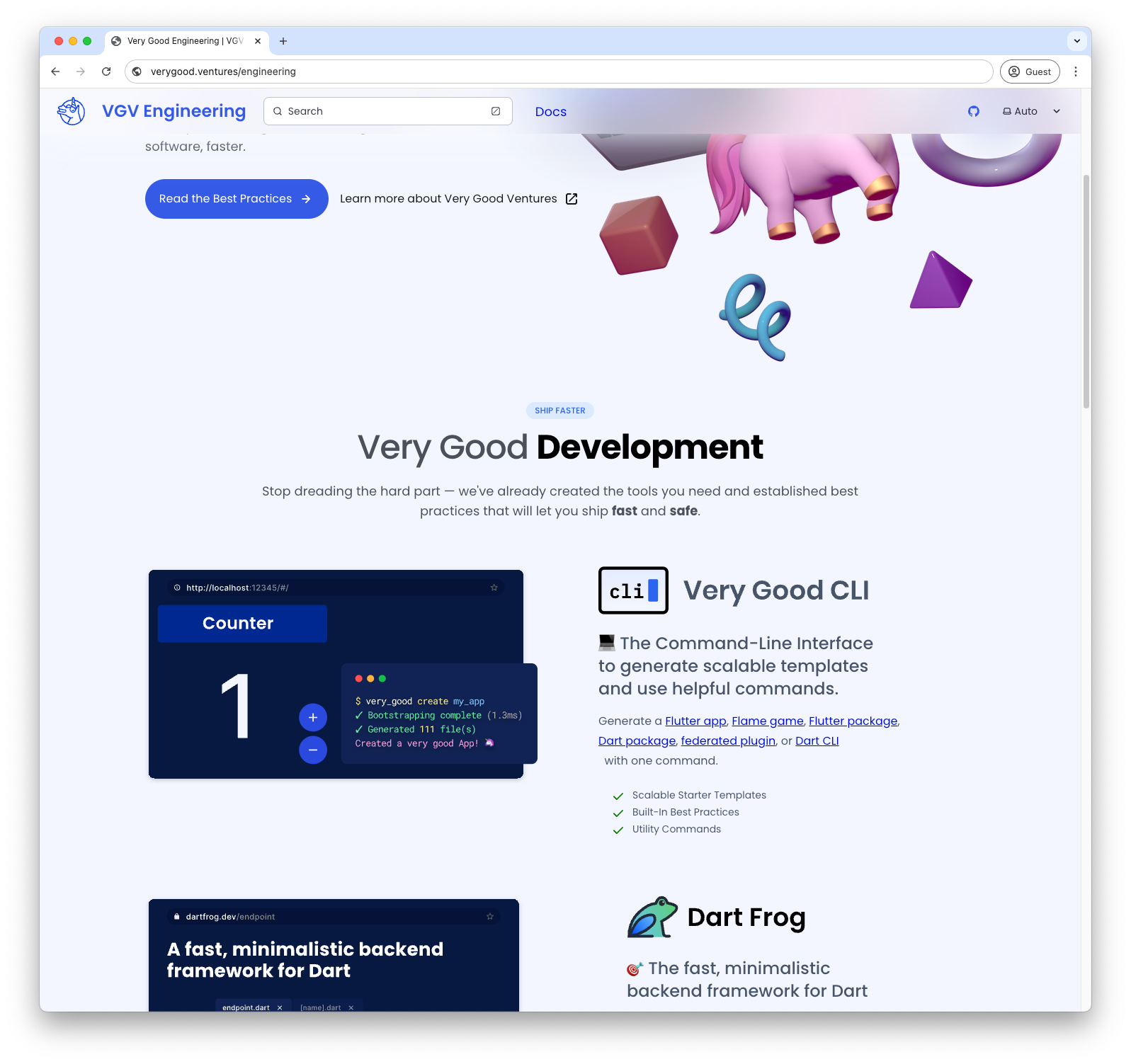
## Embracing the Flutter community
As part of an ongoing effort, we hope that Very Good Engineering will be a valuable resource for our own engineers, as well as anyone who wishes to build high quality Flutter applications and games.
In the spirit of collaboration, the entire Very Good Engineering is an open source [Astro](https://astro.build/) + [Starlight](https://starlight.astro.build/) static documentation website available on GitHub. We welcome community discussions, issues, and contributions, as well as tips and suggestions for the latest technical innovations and breakthroughs in cross-platform development.
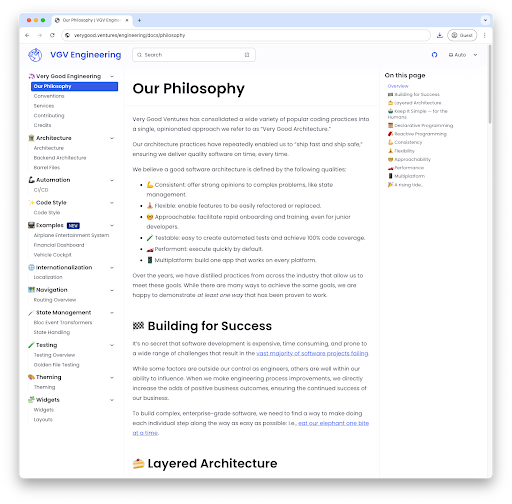
## All of our open source projects…in one place
We’ve integrated the GitHub API into our build process, allowing us to include GitHub project cards on our landing page that point to our open source tools and projects. Over the years, we’ve built a number of production-grade tools that we’ve shared with the community, including [Very Good CLI](https://cli.vgv.dev/) and [Dart Frog](https://dart-frog.dev/), as well as numerous other packages to streamline development.
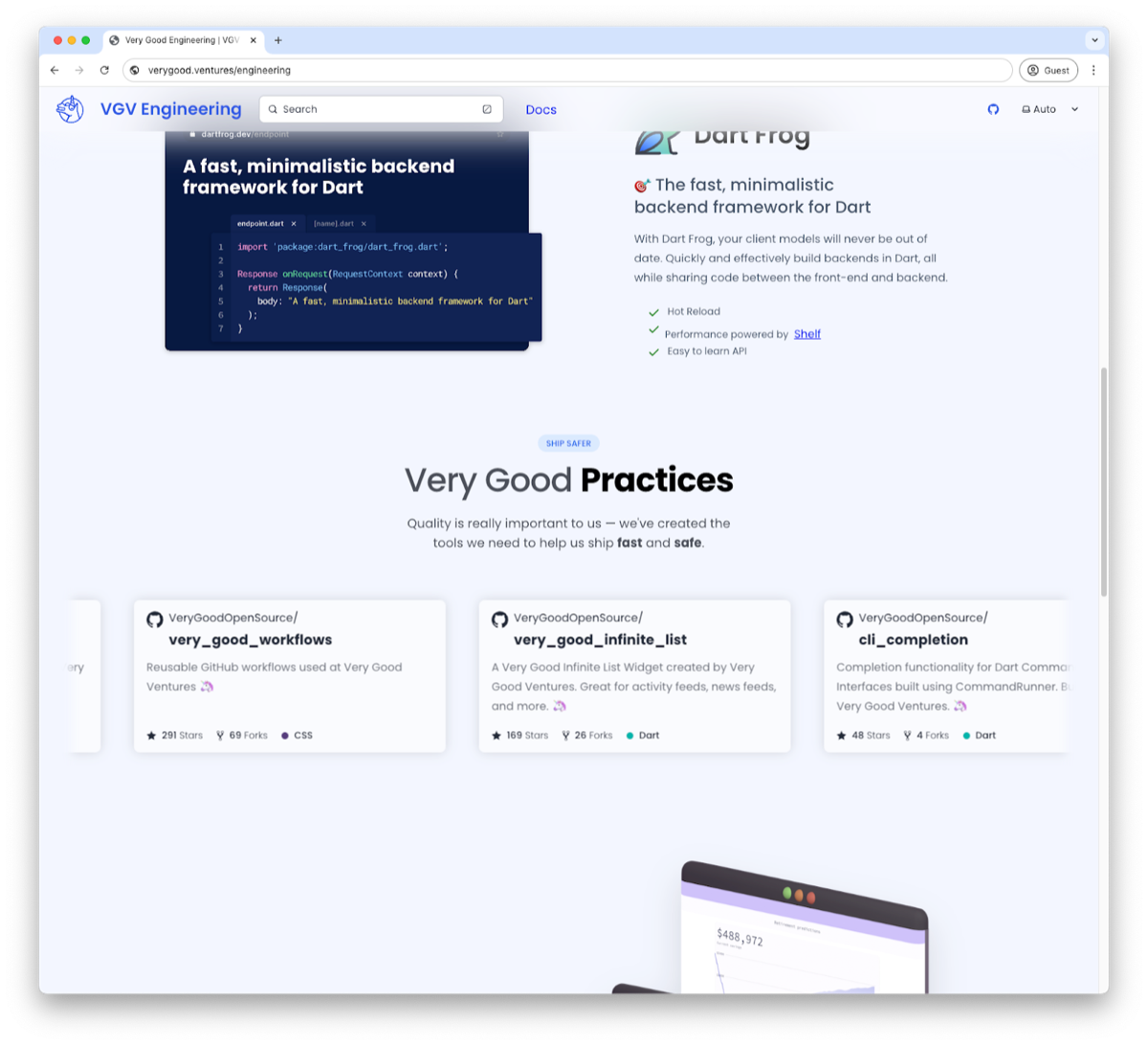
## Oh, and three more things…
As part of Very Good Engineering, we’re introducing *three* (3!) entirely new open source apps that you can view right in the web browser. Like all of our projects, these conform to our architectural best practices and have 100% unit test code coverage.
Each demo showcases a number of unique, custom-rendered widgets, as well as an underlying simulation of some sort to demonstrate how the layers of a sophisticated application come together.
### Airplane Entertainment System
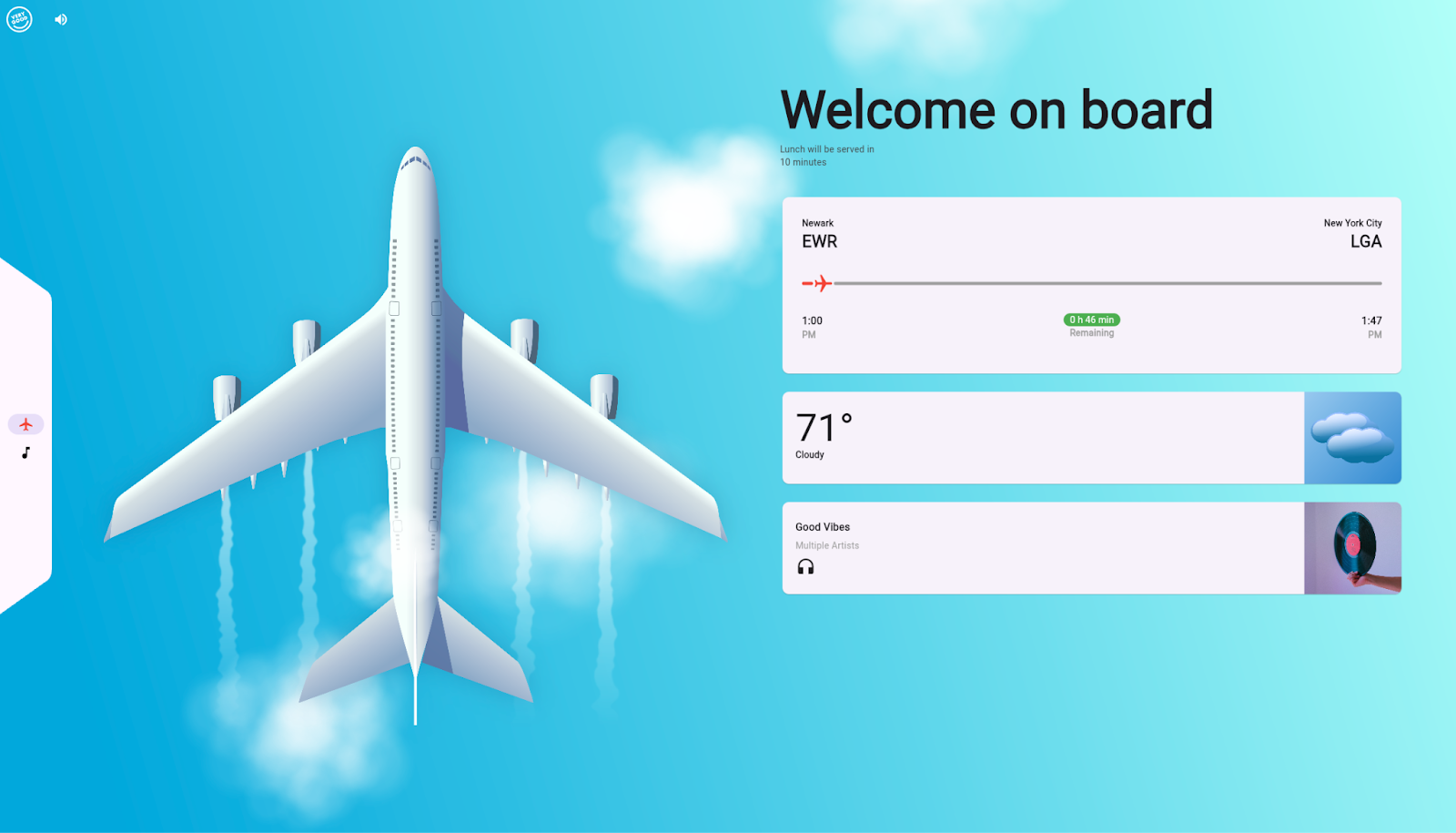
Our new [Airplane Entertainment System](https://vgventures.github.io/airplane_entertainment_system/) demo showcases dynamic weather changes with custom-rendered clouds, simulated flight tracking, and animated transitions with a working music player, complete with a fake visualizer effect.
We hope you sit back, relax, and enjoy the flight! When you’re finished, you can check out [how it works](https://github.com/VGVentures/airplane_entertainment_system) — or just read the technical breakdown guide we put together for it.

### Financial Dashboard
The [Financial Dashboard](https://vgventures.github.io/financial_dashboard/) project demonstrates three in-app themes that can be dynamically changed, as well as animated charts and numeric indicator widgets.
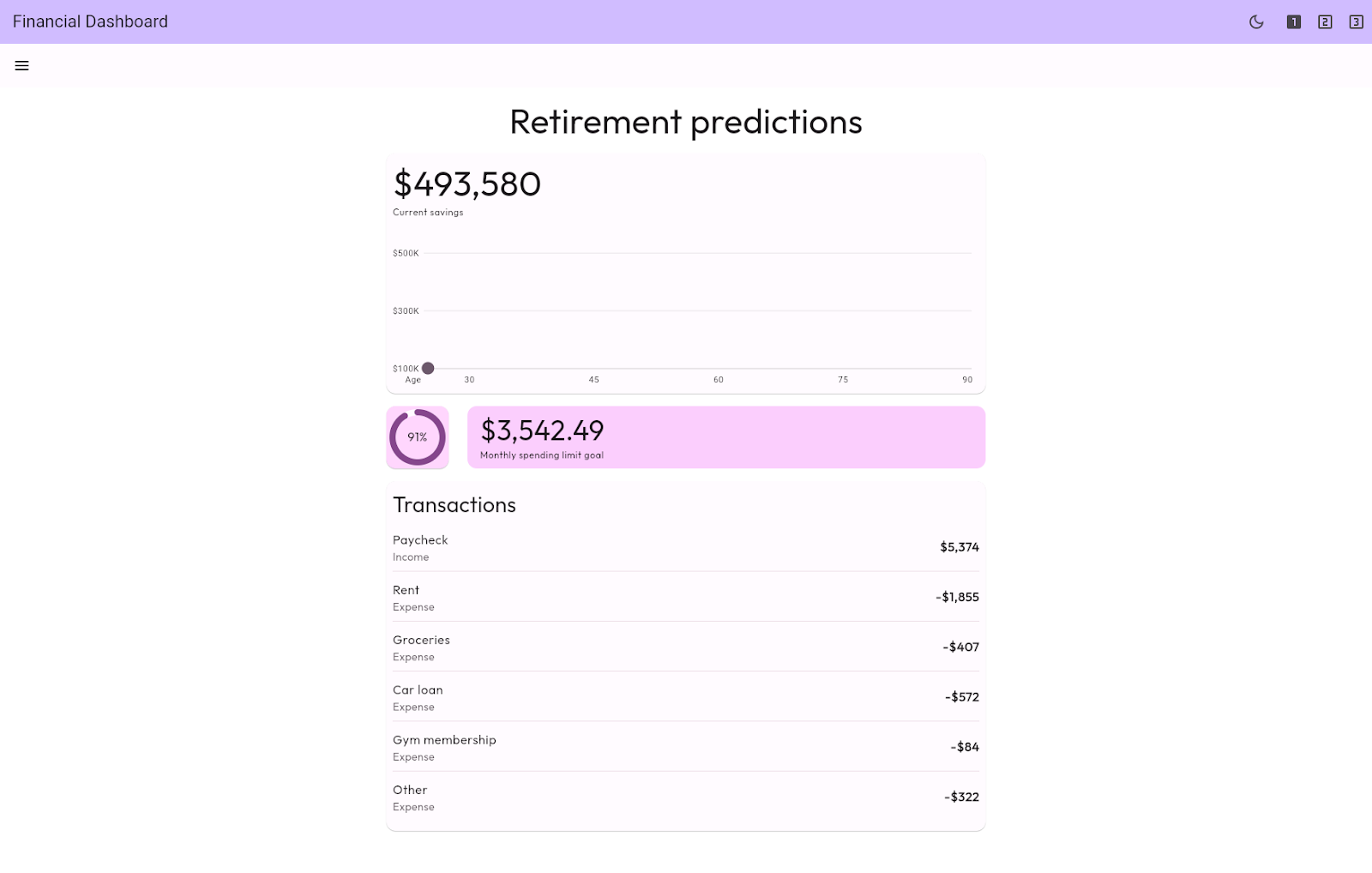
If you’re feeling lucky, you can pull-to-randomize your retirement funds! Once you get some numbers you like, take a look at the [GitHub repository](https://github.com/VGVentures/financial_dashboard) or read the technical breakdown guide.
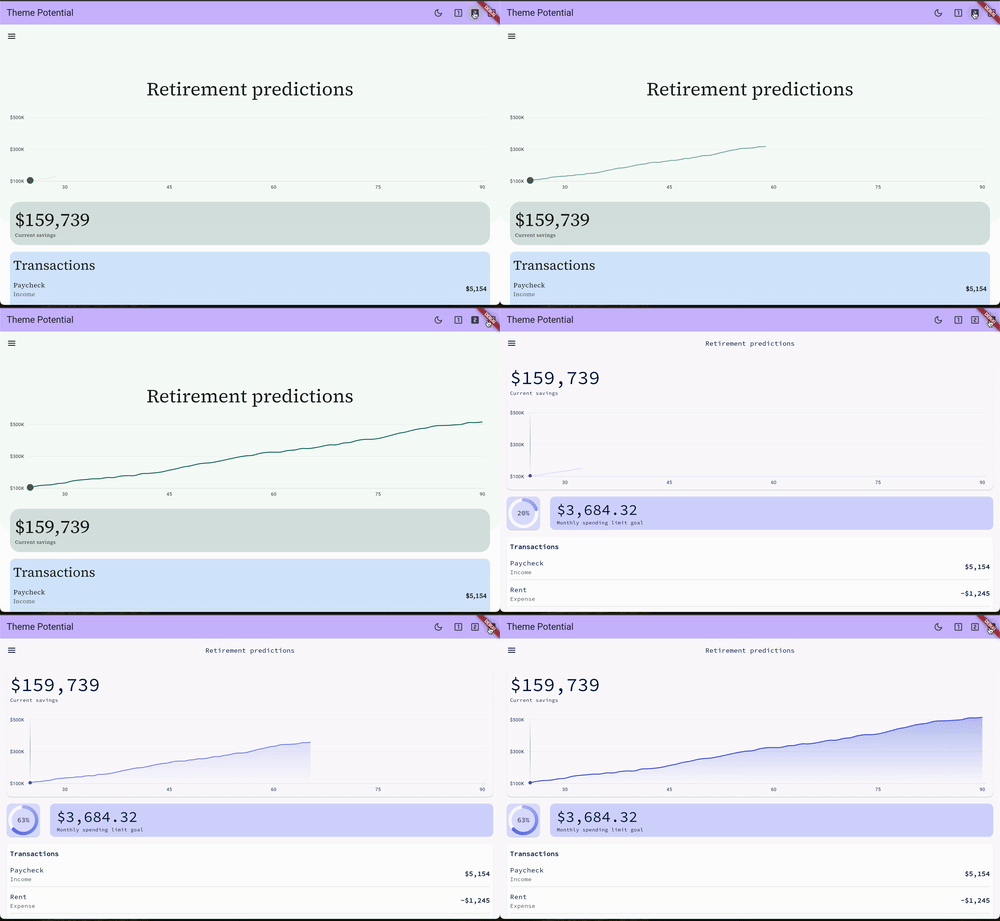
### Vehicle Cockpit
Finally, you can feel the thrill of a physically-based vehicle acceleration model without actually having to steer! Our new [Vehicle Cockpit](https://vgventures.github.io/vehicle_cockpit/) demo simulates the motion of a car around a track, all while showing off a custom-rendered dashboard, including a realistic tachometer gauge and speedometer.
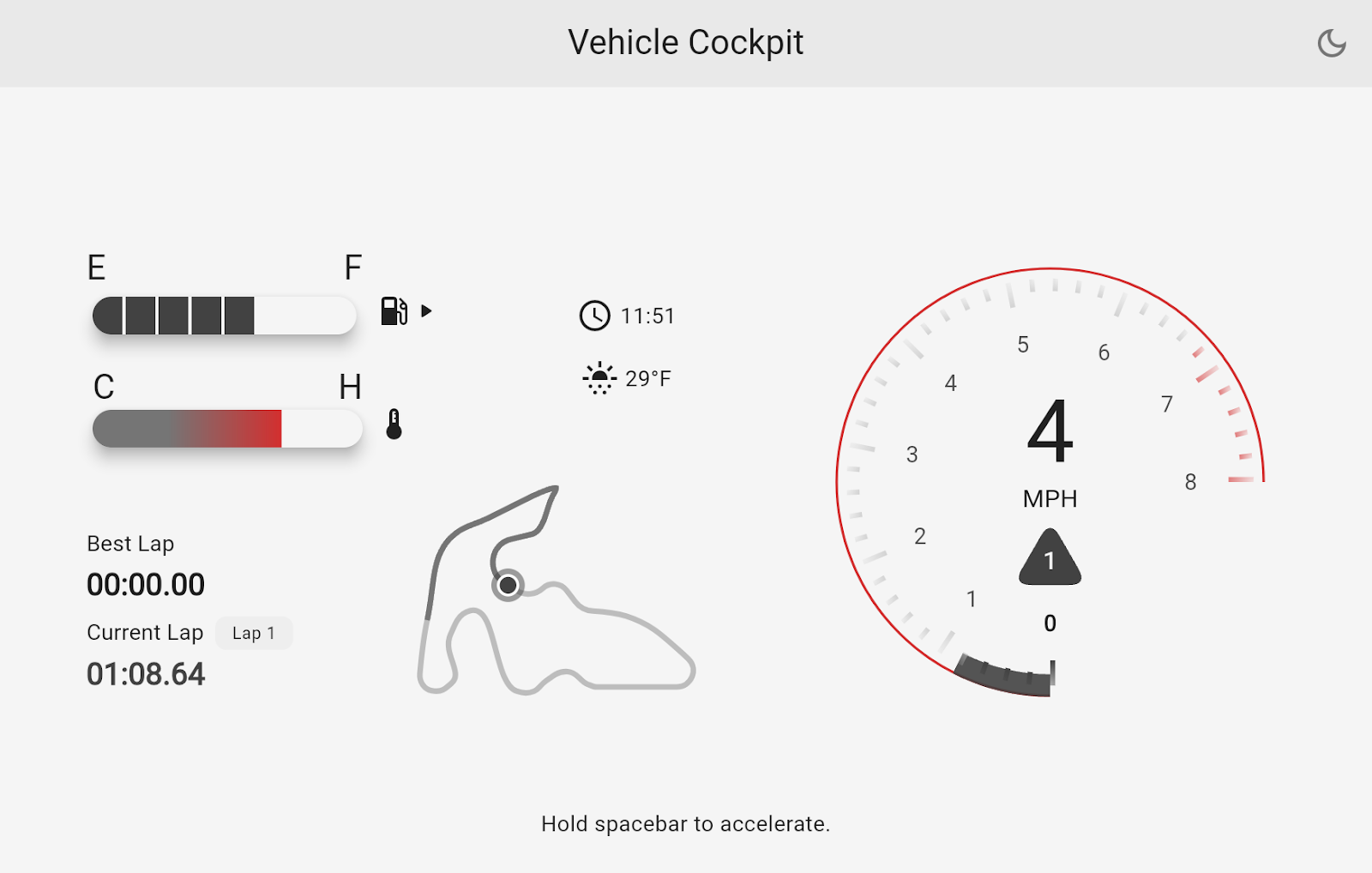
After enjoying the single input simulation, you can take a peek under the hood to see [how it works](https://github.com/VGVentures/vehicle_cockpit) (or, once again, read the technical breakdown guide).
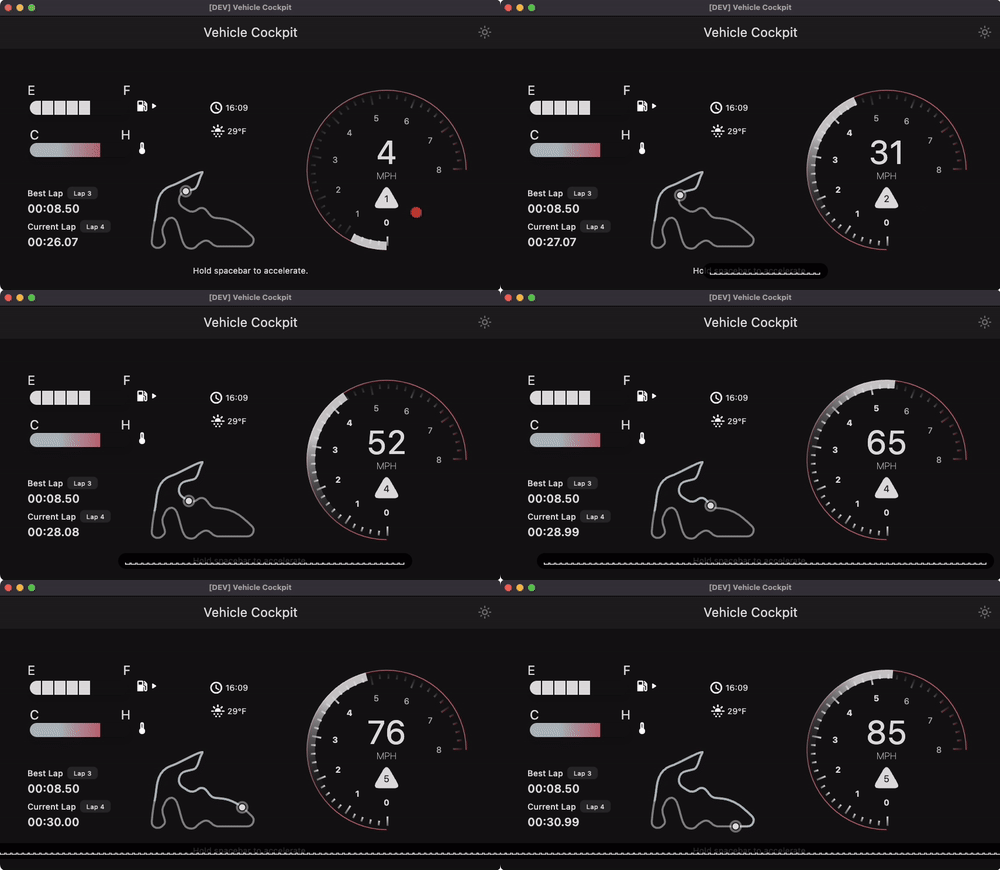
## Very Good Engineering…for everybody
If you’re ready to amp up your Flutter game, we invite you to take a look at [Very Good Engineering](https://engineering.verygood.ventures/), its demos, and our open source projects. As we build out our technical knowledge base, we welcome community contributions and invite you to discuss Flutter app best practices on GitHub with us.
If reading through all those technical articles seems a bit much, don’t worry — we can bring our knowledge and expertise to [your app project](https://verygood.ventures/contact-us/) to help you ship faster (and safer).
### We Are Sponsors of the T3 Summit in NYC
Source: https://verygood.ventures/blog/we-are-sponsors-of-the-t3-software-engineering-leadership-summit-in-nyc/
We're thrilled to co-host and sponsor the T3 Software Engineering Leadership Summit in New York City on September 18, 2024. This invite-only event is a unique opportunity for senior technical leaders and directors in software engineering to connect, learn, and share insights with their peers.
## About the Event
[T3 Summit NYC](https://www.t3-summit.com/t3-nyc) is designed specifically for senior technical leaders managing software development teams, including department heads, VPs, Directors, and CTOs. This summit is hosted by the Fluttercon USA team and will focus on the latest trends, challenges, and opportunities impacting engineering **teams**, **technology**, and **tools** (**T3**).
It's an ideal setting for networking, exchanging ideas, sharing solutions, and learning innovative solutions from others navigating similar challenges. This year the event is being hosted by [Betterment](https://verygood.ventures/success-stories/betterment/) at their office in Hudson Yards. We had the pleasure of collaborating with them on an exciting project to enhance their mobile experience.
The format of the T3 Summit includes a series of roundtable discussions, where attendees will break out into smaller, moderated groups (10-15 participants) to delve into specific themes. This informal setup encourages lively discussions and provides valuable insights that attendees can later use as actionable tools, solutions and insights to implement within their teams!
****
## What to Expect from T3 Summit NYC
If you are in the area of NYC this September, make sure to apply for your opportunity to participate in this intimate expert-led roundtables exchange to learn the latest trends and strategies for mobile tech to elevate your leadership. You will have exclusive access to network with top-tier peers and industry leaders in a collaborative environment.
Roundtable topics this year will focus on:
- **Cross-Platform Development in the Age of Engineering Efficiency**
- **AI Assistance & Mobile Developer Productivity**
- **Mobile Experience & Performance: The CTO's Guide to Effective Mobile**
- **Observability**
- **Ensuring Mobile App Security in Rapid-Release World**
- **Reducing Technical Debt: A Guide for CTOs in 2024**
- **Developing an Engineering Culture and Effecting Change**
## The VGV Approach
September 2024 is set to be an exciting month, particularly during [Fluttercon USA](https://verygood.ventures/blog/fluttercon-usa-2024-key-insights-and-learnings/) on the 19th and 20th. Our team will be connecting with community leaders, clients, partners, and Flutter enthusiasts throughout the week. The T3 Summit will be a perfect opportunity to engage with more industry leaders.
The VGV team will attend various events throughout the week, but at the T3 Summit, guests will have the chance to connect with David DeRemer, Founder & CEO of Very Good Ventures, and Jorge Coca, Head of Engineering at Very Good Ventures who will both be roundtable moderators, along with several other industry leaders. They will be sharing valuable insights during the roundtable discussions and contributing to the conversation on the latest trends and best practices in the industry.
David will be leading the “Cross-Platform Development in the Age of Engineering Efficiency” roundtable discussion and he anticipates:
“We’ll have a lively discussion about the opportunities and challenges faced in digital product software engineering, and the potential for more efficient solutions. Cross-platform tools have a long history, good and bad, and it will be insightful and interesting to evaluate the role and impact of these tools for the next decade.”
Jorge will be also leading another discussion around “[How to Reduce Technical Debt - A Guide for CTOs in 2024](https://www-t3-summit-com.filesusr.com/html/6e1ab2_4482af0737a930ccab6bdd5d1f890efe.html#)”. He shared:
“Addressing technical debt effectively is crucial to enabling innovation and fast-paced development. I expect a very insightful conversation among tech leaders on how to balance progress and maintenance and the role of different AI techniques and tools to reduce tech debt faster than ever!”
## How to get an invite
If you're interested in attending, please use the code **TL-T3SUMMIT** to apply for an invitation [here](https://lnkd.in/dZiVtipZ). Seats are limited, so register soon for your chance to receive an invitation!
To find out more about the T3 Engineering Leadership Summit and see the full agenda, visit [T3 Summit NYC](https://www.t3-summit.com/t3-nyc).
We hope to see you in New York City and look forward to an engaging and insightful event filled with learning, collaboration, and innovation!
#### Frequently Asked Questions
##### What is the T3 Software Engineering Leadership Summit?
T3 stands for Teams, Technology, and Tools. The summit is an invite-only event for senior technical leaders, VPs, Directors, and CTOs to discuss the latest trends and challenges in software engineering through small, moderated roundtable discussions.
##### When and where is the T3 Summit NYC 2024 hosted?
The T3 Summit NYC 2024 took place on September 18, 2024 at Betterment's office in Hudson Yards, New York City. The event is hosted by the Fluttercon USA team and co-sponsored by Very Good Ventures.
##### Which VGV leaders are moderating roundtables at T3 NYC?
David DeRemer, VGV's Founder and CEO, moderates the "Cross-Platform Development in the Age of Engineering Efficiency" roundtable. Jorge Coca, VGV's Head of Engineering, moderates "How to Reduce Technical Debt: A Guide for CTOs in 2024."
##### What topics are covered at the T3 NYC roundtables?
Topics include cross-platform development, AI assistance and mobile developer productivity, mobile experience and performance, observability, mobile app security in rapid-release environments, reducing technical debt, and developing an engineering culture that drives change.
### Build to Succeed: A Podcast to Inspire Creating Digital Products That Win
Source: https://verygood.ventures/blog/build-to-succeed-a-podcast-to-inspire-creating-digital-products-that-win/
We have released our new podcast series, *"Build to Succeed,"* where we dive deep into the world of tech product development with guests, who as experienced leaders, have shaped the digital and business landscape bringing ideas to life and nurtured them into long-term successes. This series is designed for the community, offering valuable insights into what it takes to turn ideas into successful products for longevity while optimizing for business goals.
## Building “The right thing, the right way”
The [*"Build to Succeed"* podcast](https://verygood.ventures/podcasts/) isn’t just about the tech—it’s about the strategy and mindset needed to thrive in today’s fast-paced business environment. Our conversations delve into the delicate balance between speed and resourcefulness, emphasizing the importance of crafting products built to last while meeting business objectives. Through these discussions, listeners will learn — from real people who have experienced building successful products firsthand — how to navigate the journey from launch to long-term growth, making informed decisions that lead to repeated success.
The podcast series will feature guests from a variety of industries and career paths with experience and proof that can help you explore the world of building successful tech products.
## The person who Built the Thing that Helped us Build our Thing
Our [inaugural episode](https://verygood.ventures/podcasts/harnessing-innovation-to-shape-the-future-of-cross-platform-development/) features an inspiring conversation with [Eric Seidel](https://www.linkedin.com/in/ericseidel/), Founder of [Shorebird](https://www.linkedin.com/company/shorebirddev/), Co-Founder of [Flutter](https://www.linkedin.com/showcase/flutterdevofficial/) and former Director of Engineering at [Google](https://www.linkedin.com/company/google/). Eric has a wealth of experience, having transitioned from working on WebKit and Chrome at Google to pioneering Flutter, the framework that has revolutionized how we build digital experiences. In this episode, Eric shares his journey and the lessons he’s learned along the way. He talks about the power of focusing on solving significant problems and creating tools that people genuinely need. Eric also highlights the importance of eliminating redundancy in development processes to save time and resources.
Listeners will also gain insights into some of the challenges and mistakes made with Flutter, the crucial concept of founder-market fit, and how embracing failure can drive innovation.
## Explore the World of Building Successful Tech Products
Our podcast series is designed to be a go-to source for learning from the best in the industry. We have planned very good episodes coming next. Tune in, get inspired, and discover the strategies that will help you build digital products that truly win!
#### Frequently Asked Questions
##### What is the Build to Succeed podcast?
Build to Succeed is a podcast series from Very Good Ventures featuring candid conversations with experienced product leaders, founders, and engineers about turning ideas into digital products that last. Episodes cover product strategy, engineering trade-offs, and the mindset behind shipping software that meets real business goals. New episodes are published on the Very Good Ventures podcasts page.
##### Who is featured in the first episode of Build to Succeed?
The inaugural episode features Eric Seidel, co-founder of Flutter and founder of Shorebird. Eric shares his path from WebKit and Chrome at Google to pioneering Flutter, the lessons he learned about founder-market fit, and how embracing failure helped drive innovation in cross-platform development. Listen to the full conversation on harnessing innovation to shape the future of cross-platform development.
##### Who should listen to Build to Succeed?
The series is built for founders, product managers, engineering leaders, and designers who want practical insights into building digital products that succeed long term. Guests come from a range of industries and career paths, so each episode offers a different lens on the strategies that move products from launch to lasting growth.
##### What topics does the Build to Succeed podcast cover?
Episodes explore product strategy, app development and engineering services, cross-platform tooling like Flutter, founder-market fit, and the balance between speed and resourcefulness. Many themes connect directly to Very Good Ventures' work helping enterprises and startups ship high-quality apps.
##### Where can I listen to Build to Succeed episodes?
All episodes are available on the Very Good Ventures podcasts page, where new conversations are added throughout the series. You can also follow Very Good Ventures on LinkedIn and YouTube for episode announcements and clips.
### Very Good Keynotes & Sessions at Fluttercon USA 2024
Source: https://verygood.ventures/blog/very-good-keynotes-sessions-at-fluttercon-usa-2024/
## We are excited to announce that seven of our teammates will be taking the stage at Fluttercon USA on September 19th and 20th, delivering seven talks, including a keynote on building for success with Flutter.
The main Flutter event of the year, [Fluttercon USA](https://flutterconusa.dev/), is coming to New York City for the first time. This is a special homecoming for Very Good Ventures (VGV), as our journey with Flutter began here in the Big Apple when we developed the first Flutter app outside of Google for the Hamilton Broadway Show. We are welcoming the Flutter community back to where it all started.
This year, Fluttercon, co-located with [Droidcon NYC](https://nyc.droidcon.com/), will bring together developers, enthusiasts, and the entire Flutter community like never before. American companies and leading teams, including the Google team, will be in attendance, making it an extraordinary gathering.As [Gold Sponsors](https://flutterconusa.dev/sponsors/) at Fluttercon, we will enjoy having attendees over at our booth, where they can meet our team and learn about VGV’s work and last contributions to the Flutter ecosystem.
## A Sneak Pick into VGV’s Talks at Fluttercon USA
The event will feature keynotes, sessions, lightning talks, panel discussions, and workshops from influential individuals in the Flutter community who will share their knowledge and findings about Flutter’s growth and upcoming features. This time, [15 of the 57 listed speakers so far are VGV teammates or alumni](https://flutterconusa.dev/speakers/), and we couldn't be prouder!
Here you can find out about the main topics VGV’s team will bring to the event:
[**David DeRemer**](https://flutterconusa.dev/speaker/david-deremer/), Founder & CEO at Very Good Ventures, will present a keynote about how to Build to Succeed with Flutter. In this opportunity, David will share a commercial roadmap for the community with Flutter’s economic growth, bringing VGV’s enterprise Flutter expertise and sharing an actionable vision to align the community for long-term success.
David highlighted: **“The Flutter team at Google has always helped guide the community with its product roadmap. Now, we think it’s time for the community to start building its own commercial roadmap.”** Later added: **“At Fluttercon USA 2024 we hope to establish a clear vision for the ecosystem to grow and flourish”.**
Later the same day, on Friday 20th, [**David and Sam Moore**](https://flutterconusa.dev/speaker/david-deremer-speaker-2/), VP of Architecture at Betterment, will share the success story of how the [**VGV team helped Betterment transition to Flutter**](https://verygood.ventures/webinars/maximizing-your-business-value-with-flutter/) using add-to-app for seamless ongoing development. In their session, you’ll discover how Betterment built a business case, validated Flutter, executed a comprehensive plan, and navigated a culture shift, all while uncovering the opportunities and potential risks along the way.
[**Jorge Coca**](https://flutterconusa.dev/speaker/jorge-coca/), Head of Engineering at Very Good Ventures, will present his session about “Demystifying performance tune up in Flutter and Dart”.
Jorge will share how to master DevTools, often underused and intimidating, to transform underperforming apps into excelling experiences.
Jorge explained: **“One of the biggest nightmares that organizations and dev teams share is that, after months of development, their execution might lead to a non-optimized performance experience. It directly affects their reputation. Knowing how to effectively use the tools that allow you to tune up these experiences is critical to release with confidence.”**
[**Kyle Finlinson**](https://flutterconusa.dev/speaker/kyle-finlinson/), Senior Engineer at Very Good Ventures, will share a deep dive into “Implications of Flutter WASM”, to discover best practices, benefits, and key implementation considerations for using WASM.
Kyle added: **"If you're like me, you've heard rumblings about WASM for years but haven't fully understood why it's such a big deal or what you should do about it. I'm excited to share how WASM will change the way we create and consume software along with actionable things Flutter developers can do now."**
[**Marcus Twichel**](https://flutterconusa.dev/speaker/marcus-twichel/), Engineering Lead at Very Good Ventures, will go through how Dart Frog and its power can help Flutter developers seamlessly leverage their existing skills to build full-fledged web solutions using HTMX. Marcus will demonstrate how HTMX and Dart Frog can simplify web development by creating engaging websites.
He shared: **”HTMX has challenged the dominant belief that modern web development requires complex Javascript frameworks. Combined with the simplicity of Dart Frog, we’ll see how incredibly easy it is to build a modern interactive website and remember why we love the web.”**
[**Tom Arra**](https://flutterconusa.dev/speaker/tom-arra/) & [**Stefan Hodges-Kluck**](https://flutterconusa.dev/speaker/stefan-hodges-kluck/), Director of Product Development & Engineer at Very Good Ventures respectively, will present “Supercharging Development with Full Stack Dart and AWS.” This session will demonstrate how full stack Dart projects work with AWS services, whether one wants to create a robust full stack application from scratch or connect an existing cloud infrastructure. Tom and Stefan will explore integrating Dart and Dart Frog with AWS using Amplify, demonstrating the speed and flexibility of this stack.
Tom explained: **“Having backend Dart as part of your tech stack can really accelerate your product development process while also building it for future growth. Join us to hear how we have seen this in action and learn how you can leverage AWS services to do the same for your team”.**
[**Samantha O'Brien**](https://flutterconusa.dev/speaker/samantha-obrien/) & [**Marcus Twichel**](https://flutterconusa.dev/speaker/marcus-twichel/), Engineer & Engineering Lead at Very Good Ventures, will demonstrate how to incorporate SwiftUI and add unique iOS features to the apps to create more dynamic and useful user experiences across the Apple ecosystem. In this session, attendees will learn how to incorporate SwiftUI and add unique iOS features to the apps to create more dynamic and useful user experiences across the Apple ecosystem.
Marcus highlighted: **“Modern iPhone users expect their apps to extend beyond the confines of the app, whether on the home screen, Siri, or on their Apple Watch. Does your Flutter app meet them where they are? Come see how adding a pinch of native development can make your app the most interactive it can be.”**
## Get Updates on All Things Fluttercon USA
####
#### Follow our social media channels for the latest updates on our activities, talks, and news related to Fluttercon USA. We will be sharing content around the keynote and sessions for those who can’t attend the event. You can find the event's full agenda [**here**](https://flutterconusa.dev/agenda/).
#### Frequently Asked Questions
##### When and where is Fluttercon USA 2024?
Fluttercon USA 2024 takes place in New York City on September 19th and 20th, co-located with Droidcon NYC. It is the first time the conference is being held in the United States.
##### How many VGV speakers and sessions are at the conference?
Seven VGV teammates are taking the stage to deliver seven talks. Fifteen of the 57 listed speakers are VGV teammates or alumni.
##### What is David DeRemer's keynote about?
David DeRemer, VGV Founder and CEO, presents Build to Succeed with Flutter, a commercial roadmap for the community grounded in VGV's enterprise Flutter expertise. He follows it with a session alongside Sam Moore, VP of Architecture at Betterment, on how Betterment transitioned to Flutter using add-to-app.
##### Which technical sessions are VGV engineers presenting?
Jorge Coca on demystifying performance tune up in Flutter and Dart with DevTools
Kyle Finlinson on the implications of Flutter WASM
Marcus Twichel on building web with Dart Frog and HTMX
Tom Arra and Stefan Hodges-Kluck on full stack Dart and AWS
Samantha O'Brien and Marcus Twichel on adding SwiftUI features to Flutter apps
##### Where can I find VGV at the conference?
VGV is a Gold Sponsor with a booth where attendees can meet the team and learn about VGV's work and recent open source contributions. Full agenda is on the Fluttercon USA site.
### Very Good Ventures Shining Bright at Fluttercon USA 2024
Source: https://verygood.ventures/blog/very-good-ventures-shining-bright-at-fluttercon-usa-2024/
For the first time in the US, the top Flutter community event, Fluttercon, will be held in New York City on September 19th and 20th. This milestone event carries significant meaning for many reasons, where we’ll be thrilled to share what’s coming for the Flutter community and Very Good Ventures (VGV).
Flutter and VGV have a long-standing history and a bright future ahead. This time, we will have the opportunity to celebrate the amazing achievements we have all reached using this life-changing framework in the heart of the community. Our commitment to innovation and excellence continues to drive us forward, matching our presence and impact within the Flutter ecosystem.
The VGV team will be in attendance at [Fluttercon USA](https://flutterconusa.dev/) as Gold sponsors. Meet our team at our booth, see our talks and presentations, and join us to celebrate Flutter’s incredible growth. This is not just another Flutter event, it will bring together the Flutter community like never before, and here’s why:
## Where It All Started
This year, we are bringing Flutter to NYC, celebrating a technology and community that have profoundly impacted the global tech industry. For VGV, this event holds special significance. We began the Flutter revolution, showing what’s possible to build with this framework, right in New York City.
In 2017, we started designing, building, and delivering [the first commercial Flutter app for the Broadway musical Hamilton](https://verygood.ventures/success-stories/hamilton/) before starting one of (if not *the*) first consultancies to fully embrace Flutter. We have numerous activities and surprises planned during the event — it’s going to be a big celebration, and we hope you can join us!
## The People
This is THE big Flutter event and is sure to be a celebration of the wild growth and progress that Flutter and its community have made over the last seven years. Flutter developers from around the world will converge at Fluttercon in New York where attendees will get the opportunity to listen to top tech speaker sessions and workshops while connecting with more enthusiastic Flutter developers.
Fluttercon USA promises to be an unparalleled gathering due to the high concentration of American companies and engineers, something that was missing in most previous Flutter events held outside the US.
Additionally, major companies in the community, including the Google team and many others, will be there.
## Very Good Keynotes & Sessions
We’re excited to share our knowledge and insights through different sessions and keynotes selected to take the stage at Fluttercon USA.
I will be honored to introduce the audience to my Keynote: [**Build to Succeed with Flutter — A commercial roadmap for the community**](https://flutterconusa.dev/speaker/david-deremer/). I will be presenting a commercial roadmap for Flutter’s economic growth, bringing VGV’s enterprise Flutter expertise and sharing an actionable vision to align the community for long-term success.
With this keynote, attendees will learn how, together, we can generate revenue, drive business strategy, and create new opportunities within the Flutter ecosystem. I hope this talk will inspire and guide the many teams committed to Flutter’s future success.
Sam Moore, VP of Architecture at Betterment, and I will also present [**Successful Flutter Re-Platforming—The Path For Betterment**](https://flutterconusa.dev/speaker/david-deremer-speaker-2/), where we’ll explore the transformative journey of re-platforming their native mobile app to Flutter. A success story filled with incredible opportunities but also significant challenges, walking the audience through how to use add-to-app for seamless ongoing development and providing valuable insights on how Betterment built a compelling business case, validated Flutter, executed a comprehensive plan, and managed a cultural shift.
Other sessions provided by VGV’s team will also take place at Fluttercon USA. From mastering DevTools to learning how to transform underperforming apps, understanding the best practices and benefits of using Flutter WASM, and discovering how Dart Frog and HTMX can simplify web development. Additionally, VGV’s team will demonstrate how to create robust full-stack applications with Dart and AWS, and show how to incorporate SwiftUI to add unique iOS features to Flutter apps.
These sessions will provide valuable insights and practical knowledge to enhance attendees’ development skills. Explore each session in detail and gain insights from our speakers on what to expect from this major event, including key takeaways and learning opportunities.
## Gold Sponsors
We’ve been a part of Flutter’s history from the beginning, leading the community and supporting it with open-source tools whenever possible. As [Gold sponsors](https://flutterconusa.dev/sponsors/), we’re excited to share more about our work and latest news at our booth on the 1st floor. Make sure to stop by to meet our expert team for networking, fun activities, assessments, VGV swag, and special surprises for the community. You can learn about our new releases and how they can enhance your Flutter projects.
## Fluttercon + Droidcon Event
This year, one ticket grants access to two conferences: When you buy a ticket for Fluttercon USA, you are automatically registered to attend the co-located [Droidcon NYC](https://nyc.droidcon.com/). You’ll be able to explore the latest in Android and multiplatform services, experiencing the best of both worlds.
## More to Come
We’re thrilled to connect with colleagues, partners, clients, and the developer community during these exciting days. [Learn more](https://verygood.ventures/blog/fluttercon-usa-2024-key-insights-and-learnings/) about our event agenda and follow us on social media for updates.
If you can’t make it to the event and talks, don’t worry! We got you covered: Stay tuned for expanded content about all Fluttercon details.
We hope to see you there!
#### Frequently Asked Questions
##### When and where is Fluttercon USA 2024?
Fluttercon USA 2024 is in New York City on September 19th and 20th. It is the first time the conference is held in the United States.
##### Why is NYC significant for VGV at this event?
VGV started designing and building the first commercial Flutter app for the Broadway musical Hamilton in New York City in 2017. The team is bringing the Flutter community back to where VGV's Flutter work began.
##### What is David DeRemer's keynote about?
David DeRemer's keynote, Build to Succeed with Flutter, presents a commercial roadmap for Flutter's economic growth. It draws on VGV's enterprise Flutter expertise and lays out a plan to align the community for long-term success.
##### What other VGV sessions are on the agenda?
David DeRemer and Sam Moore from Betterment present Successful Flutter Re-Platforming, The Path For Betterment. Additional VGV sessions cover Flutter DevTools performance tuning, Flutter WASM, Dart Frog with HTMX, full stack Dart with AWS, and adding SwiftUI features to Flutter apps.
##### What does a Fluttercon USA ticket include?
One ticket grants access to two co-located conferences: Fluttercon USA and Droidcon NYC. Attendees can move between Flutter and Android sessions throughout the event.
### How we developed a scalable, incredibly fast crossword generator
Source: https://verygood.ventures/blog/how-we-developed-a-scalable-incredibly-fast-crossword-generator/
For this year’s Google IO, we built a [Crossword game](https://crossword.withgoogle.com) and we had to experiment generating crosswords, with different layouts and sizes, to be displayed in the game.
Our goal is to create crossword puzzles from a list of words. We wanted to develop both asymmetrical and symmetrical boards to come up with an appealing layout to play with.
What sets our approach apart is its efficiency. Whether you're creating a small puzzle or one with over 80k words, our crossword generation allows for quick and efficient generation for symmetrical and asymmetrical boards.
## How do we represent the crossword?
An important starting point is to know how we want to represent the puzzle in our generator. In our approach we represent the crossword as a matrix with coordinates (x, y) where each character fills a position.
Consider the following crossword:
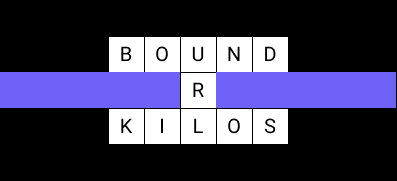
If we define the center (0, 0) where the R of the word ‘URL’ is, we would represent it as::
```dart
(0, -1) -> character 'U' and words ['bound', 'url']
(0, 0) -> character 'R' and words ['url']
(0, 1) -> character 'L' and words [kilos, 'url']
(-2, -1) -> character 'B' and words ['Bound']
(-1, -1) -> character 'O' and words ['Bound']
(1, -1) -> character 'N' and words ['Bound']
(2, -1) -> character 'D' and words ['Bound']
(-2, 1) -> character 'K' and words ['kilos']
(-1, 1) -> character 'I' and words ['kilos']
(1, 1) -> character 'O' and words ['kilos']
(2, 1) -> character 'S' and words ['kilos']
```
Overall, this approach will help us: to obtain the character at any desired location, the words that are passing through a position, ensuring words are connected, checking for overlapping words and deriving word constraints.
## Understanding word connections, overlaps and constraints
The Crossword class stores the words that are placed so far, and the bounds, if any, that define the maximum board size as a rectangle. In addition, the class has methods that provide information about what adding a new word into the existing board entails, these are:
1. Check that a word is **connected** to the board.
Adding the word "SUN" at (2, -2) would be connected:
```dart
-2 -1 0 1 2
-2 A L B U S
-1 - - E - U
0 - - H - N
1 - - A - -
2 - - N - -
```
However, adding the word "SUN" at (-2, 0) would not be connected:
```dart
-2 -1 0 1 2
-2 A L B U S
-1 - - E - -
0 S - H - -
1 U - A - -
2 N - N - -
```
2. No **overlapping** of words. Overlapping a word means that adding such an entry would change an existing word or overwrite it completely.
Adding the word "USA" at (-5, -2) would overlap with "ALBUS":
```dart
-5 -4 -3 -2 -1 0 1 2
-2 U S A A L B U S
-1 - - - - - E - -
0 - - - - - H - -
1 - - - - - A - -
2 - - - - - N - -
```
However, adding the word "SUN" at (2, -2) would not overlap:
```dart
-2 -1 0 1 2
-2 A L B U S
-1 - - E - U
0 - - H - N
1 - - A - -
2 - - N - -
```
3. Get the **constraints** of a position on the board.
In this next example we are going to evaluate the position (2, -2). We have three constraints, one at position 0 for the character 'S', another at position 4 for the character 'W' and invalid length of a word with 4 characters.
Constraints might also enforce invalid lengths, since otherwise a word may overlap, invalidating the crossword. Bigger and smaller words can be added, but not the exact size marked as invalid.
```dart
-2 -1 0 1 2
-2 A L B U S
-1 - - E - -
0 - - H - -
1 - - A - -
2 - - N O W
```
## Sorting the words
When generating a crossword, one of the most crucial steps is finding and placing words that meet the requirements of a crossword quickly.
A slow search can significantly increase the time it takes to complete the generation. To optimize the search process, the pool of words had to be organized into a data structure that makes the lookup of fitting words faster.
Given the list of words 'Aunt', 'Addy', 'Adds' and 'Away' will structure and sort them as:
```dart
final map2 = >>> {
4: {
0: {
'a': {'Adds', 'Addy', 'Aunt', 'Away'},
},
1: {
'u': {'Aunt'},
'd': {'Adds', 'Addy'},
'w': {'Away'},
},
2: {
'n': {'Aunt'},
'd': {'Adds', 'Addy'},
'a': {'Away'},
},
3: {
't': {'Aunt'},
'y': {'Addy', 'Away'},
's': {'Adds'},
},
},
};
```
As you may notice, some words appear multiple times. Although it increases storage, this sacrifice boosts the search performance.
Now that the words are sorted, we can search for a word efficiently with the given constraints:
```dart
// If the only requirement is to have the character starting with "a":
words[4][0]['a'].first; // Aunt
// If we need a word starts with "a" and has another "a" in its second position:
words[4][0]['a'].firstWhere((word) => word[2] == 'a'); // Away
```
To showcase the increase in search performance by using this sorting system, we can see the difference in time when [searching for 5 words](https://gist.github.com/AyadLaouissi/0e46839b3d0e68400721e7151f73e724) with the different methods:
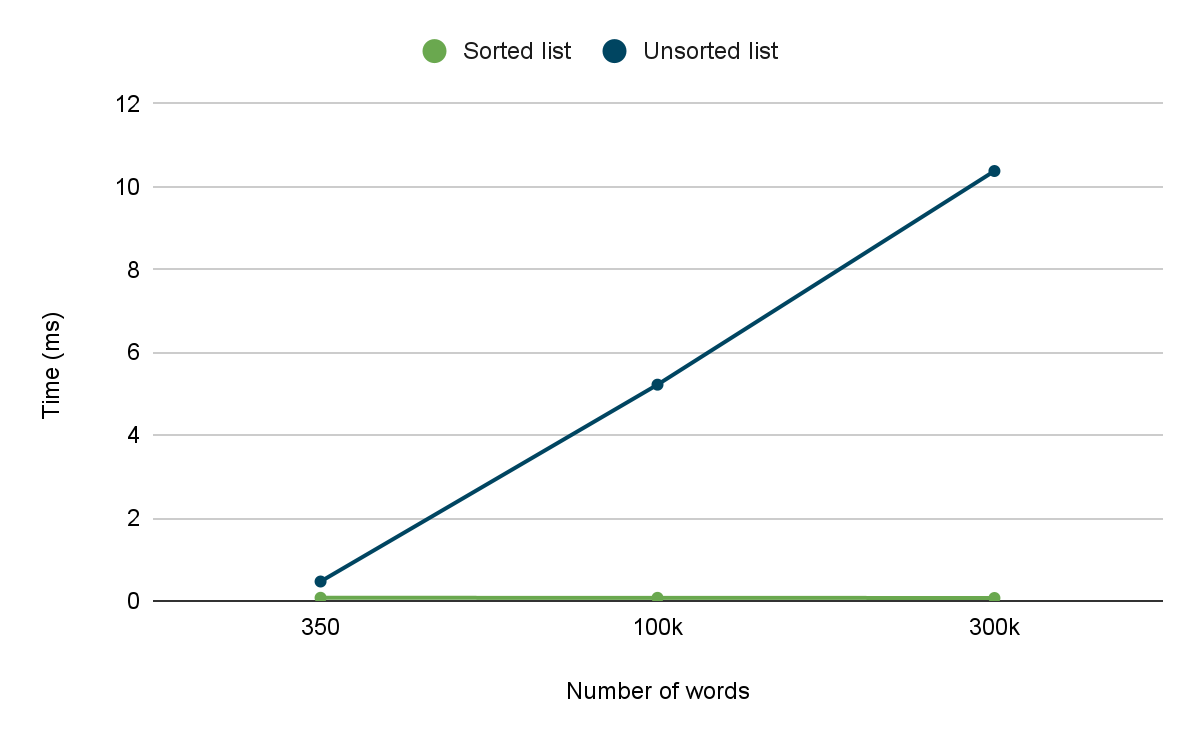
We can notice that the speed is constant in the sorted words. The bigger the list the more noticeable the performance will be, due to their [asymptotic time complexities](https://en.wikipedia.org/wiki/Asymptotic_computational_complexity).
## Generating the crossword board
Now that we have a clear understanding of how we structured the initial pool of words, how we are representing the position of the words in the board and the data model that will hold all this information, it is time to discuss how each word is placed in the crossword.
Our approach starts with a **seeding** phase. We select one of the largests words and place it on the board. Then we **populate** the board by evaluating if any of its characters allows a new word to be placed, and we continue **resolving**, **adding** and **expanding** the words iteratively until there are no candidates left.

### How do we pick a spot to expand the board?
**Expanding** refers to the process of introducing a new word into the crossword. There are different algorithms we can use to determine what location should be expanded next, for example: [Depth-First Search (DFS)](https://en.wikipedia.org/wiki/Depth-first_search) or [Breadth-First Search (BFS)](https://en.wikipedia.org/wiki/Breadth-first_search).
We followed the BFS approach to expand the crossword, expanding a word first entirely before continuing to the next word.
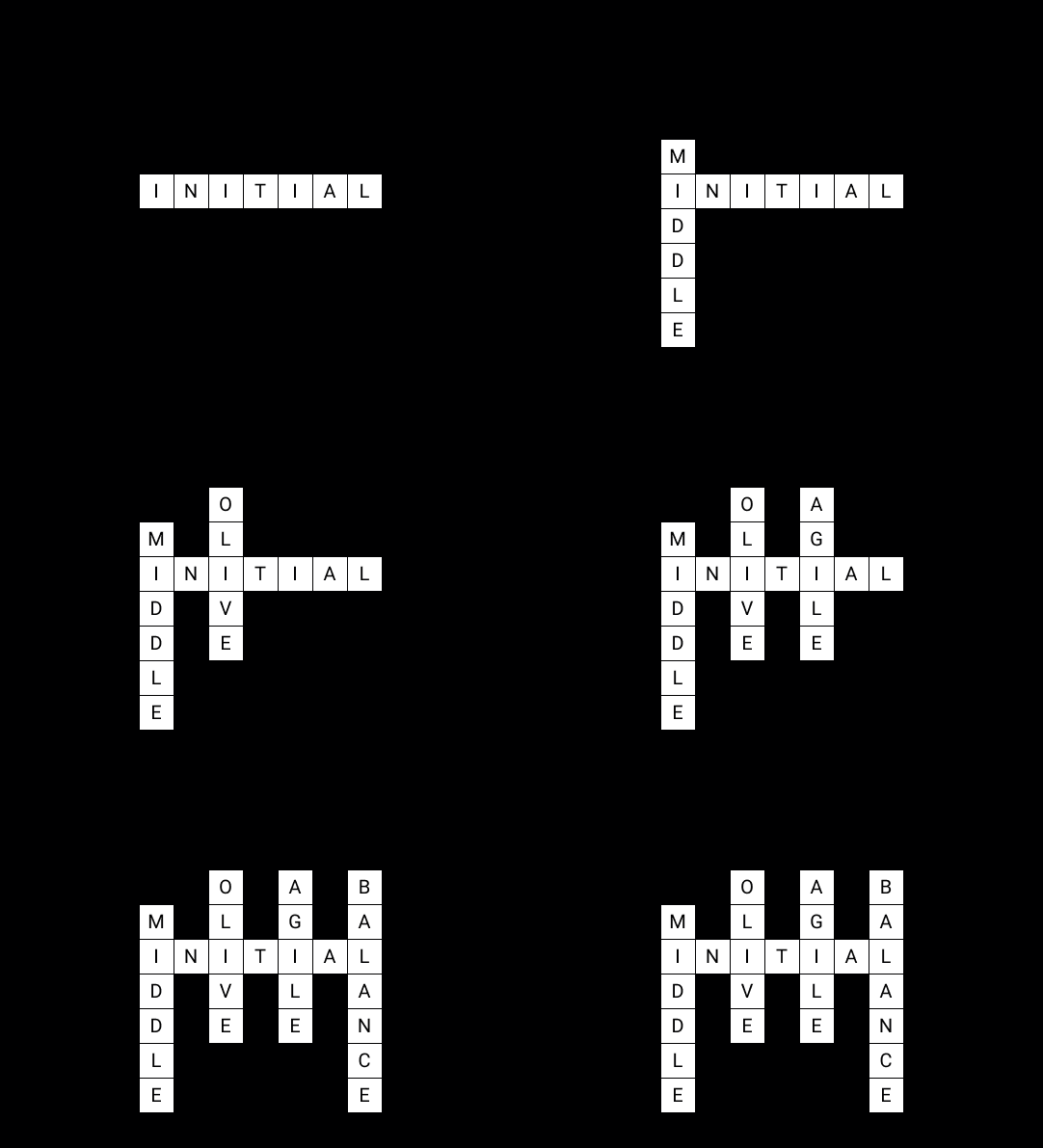
In order to optimize this process we store all the candidates that we check to place a new word. By doing this, we avoid reevaluating the same position multiple times.
### Adding a word
The crossword is **populated** iteratively from the starting point. The process continues until there are no candidates or all the words are placed.
When searching for a word to be placed in the crossword, the strategy is to add the word with the largest length that meets the given constraints. This simple heuristic aims to increase the probabilities of finding words that can connect, since the longer the word, the more characters can be considered during expansion.
During the adding process, we perform the following steps:
1. The word is added to the crossword.
2. The word is removed from the pool of available words to prevent it from being used again.
3. Add new candidates from the new word.
For diversified crossovers, when adding new candidate locations, we don’t just add the locations that a word spans through, but we also add those neighboring locations:
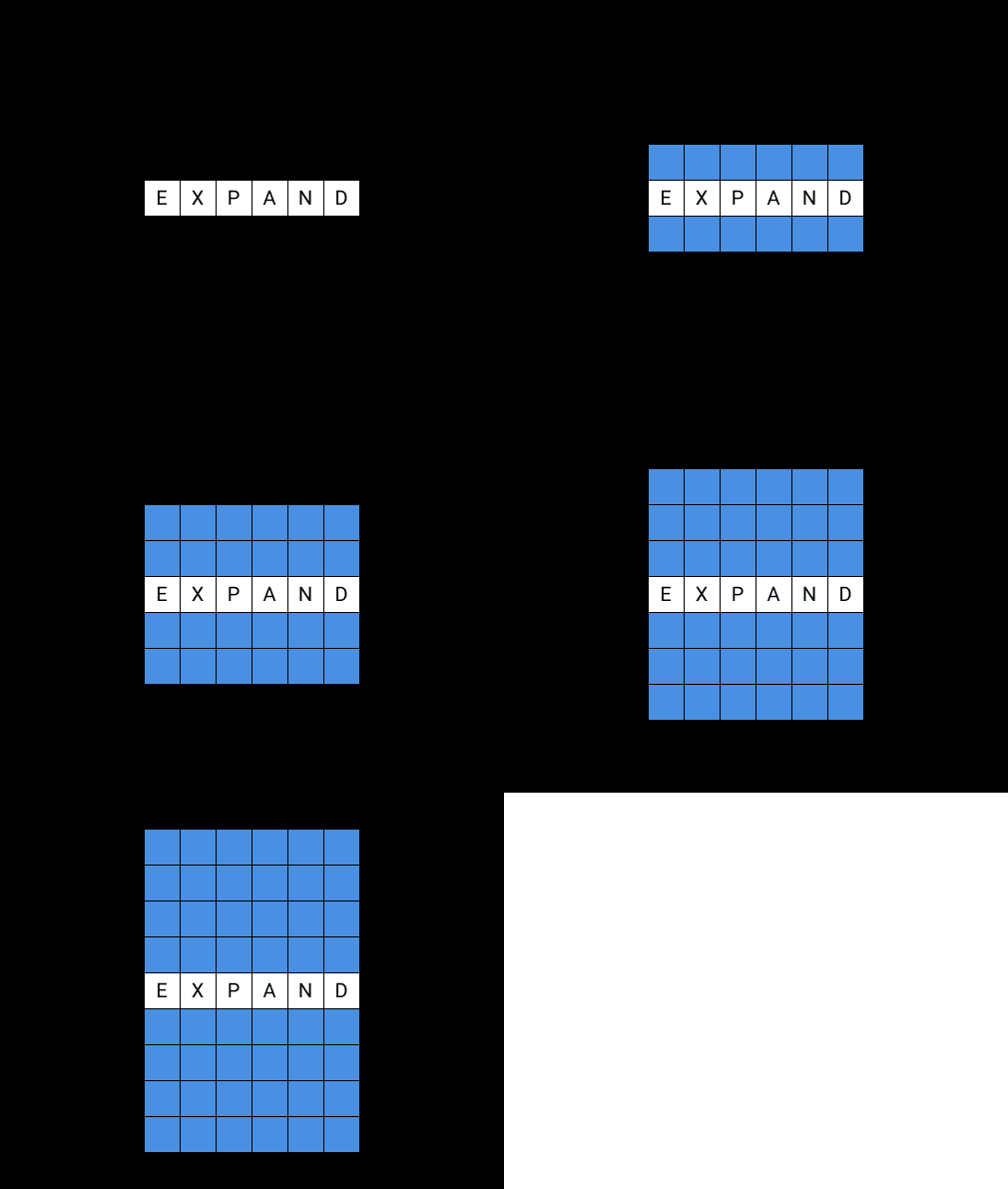
## Asymmetrical Generator
In an asymmetrical crossword board, we are placing the words iteratively from the top left of the board to the bottom right. We place the initial word in the top left corner as a strategic choice because we expand from left to right and from top to bottom.
The steps to place a word from a candidate position are as follows:
1. Check the constraints of the candidate.
2. Search for the first word that matches the constraints.
3. Place the word.
In the following image we can see that after adding the seed, we add its possible candidates, and after that we continue with the second placed word ‘identical’ iteratively until we don’t have candidates or words left.
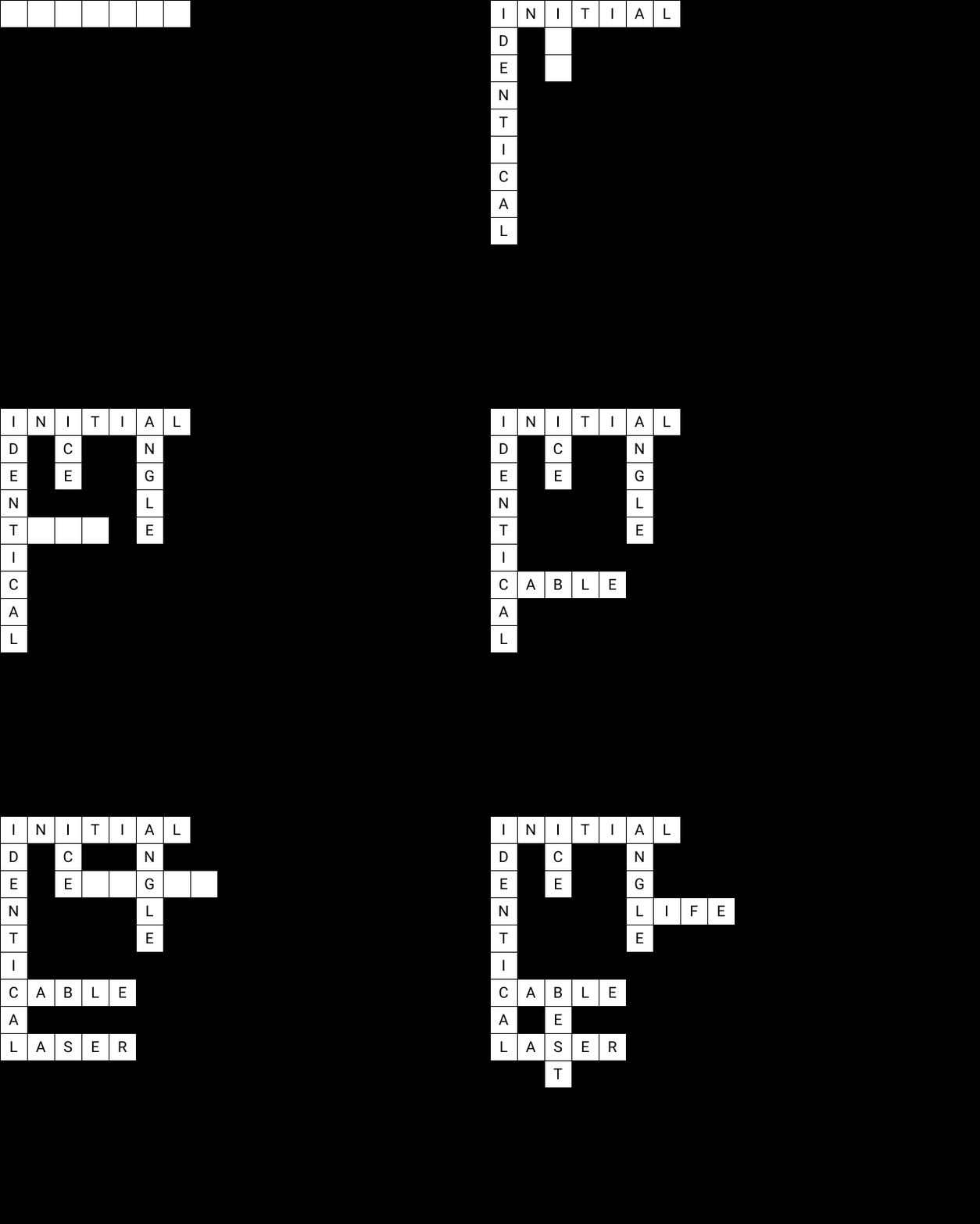
## Symmetrical Generator
In the symmetrical crossword puzzle generator, we populate the puzzle with a horizontal line of symmetry. This means that the layout of words on the top half of the board mirrors the layout on the bottom half.
The initial word needs to be placed strategically to make it grow across the area bounded by the board whilst keeping the symmetry.
The initial seed word must have an odd length, so that it crosses the line of symmetry and respects the symmetry, by aligning the middle character with the line of symmetry. In addition, the seed word is placed at the left of the bound in the x coordinate; ensuring that the crossword expands to the right.
When growing a symmetrical crossword, there are two scenarios to consider when adding a new word: it can either cross the line of symmetry, or we have to find another word with the same length to fit in its reflected position.
#### Crossing the Line of Symmetry
When adding a single word that crosses the line of symmetry, we have to follow the same approach as the initial seeded word. It must have an odd length to allow for the middle character of the word to align with the line of symmetry.
In practice, such scenarios are rare, depending on the word pool, finding a word with a single valid length and multiple letter constraints is unlikely to succeed.
#### Mirrored Placement
When we find one word on the bottom half of the board, we have to find a word of the same length on the top half of the board. If we can’t find a word with that length we will retry with a smaller length until we find a suitable match for both halves or until there are no suitable words.
This ensures that every word added has a mirrored equivalent, maintaining the symmetry.
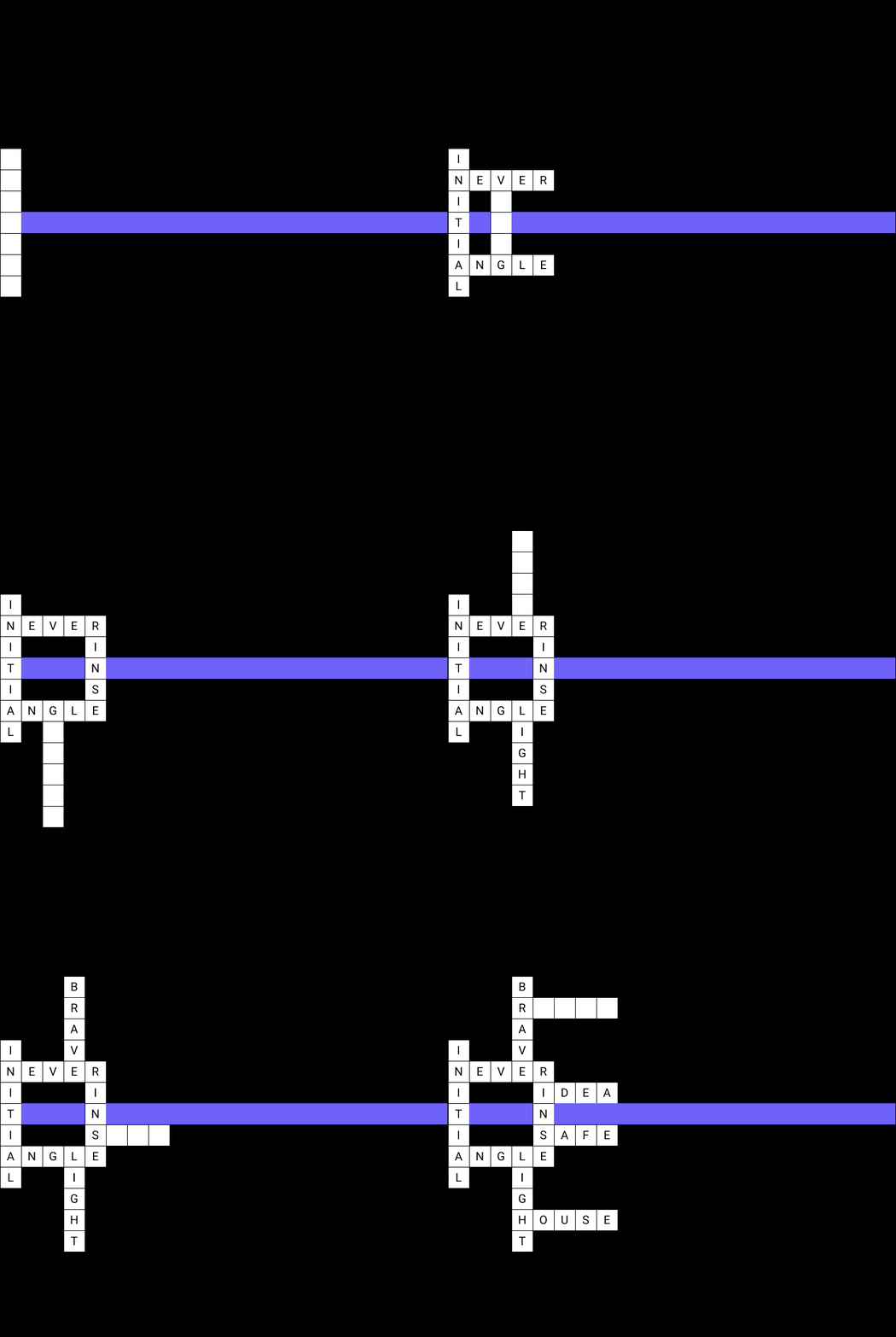
## Conclusion
Now that we have a crossword generator we can start efficiently creating boards of any size that are symmetrical or asymmetrical by specifying a list of words.
You can also create your own crossword generator with different types of symmetry extending the CrosswordGenerator class. Check out the complete [open-source project](https://github.com/VGVentures/io_crossword) and the [crossword generator package](https://github.com/VGVentures/io_crossword/tree/main/packages/board_generator)!
### How we built it: Creating the I/O Crossword puzzle, powered by AI
Source: https://verygood.ventures/blog/how-we-built-it-creating-the-i-o-crossword-puzzle-powered-by-ai/
[*This article was originally published on Flutter Medium.*](https://medium.com/flutter/how-we-built-it-creating-the-i-o-crossword-puzzle-powered-by-ai-2210e39b04b9)
To celebrate this year’s IO launches, Very Good Ventures partnered with the Flutter and Firebase teams at Google to create a unique, digital experience to showcase the power of the Gemini API.
The fun (and challenge) of crossword puzzles is solving the clues to complete the board. A natural place to start for words and clues was everything we’ve talked about at IO this year. To generate the game content, we gave videos of the keynotes to [Gemini Advanced](https://gemini.google.com/) and asked it to create a list of topical technology-related words and clues to make playing the game a fun way to learn about everything announced this year at IO.
Keep reading to learn how we built the UI with Flutter and check out the open-source code for the game, which you can access on [GitHub](https://github.com/VGVentures/io_crossword).
## How to play
When you log in to the puzzle, you are prompted to choose your team. As you correctly answer a clue, the word fills in and the cells change to your team color. Your team earns points for every word you solve and you earn a bonus for a streak of solving words without asking for hints.
Need a hint? Click the **Hint** button, then ask up to ten yes-or-no questions about the concealed word. The [Gemini API](https://ai.google.dev/) privately responds to your questions so you can fill in more words and help your team claim Victory!
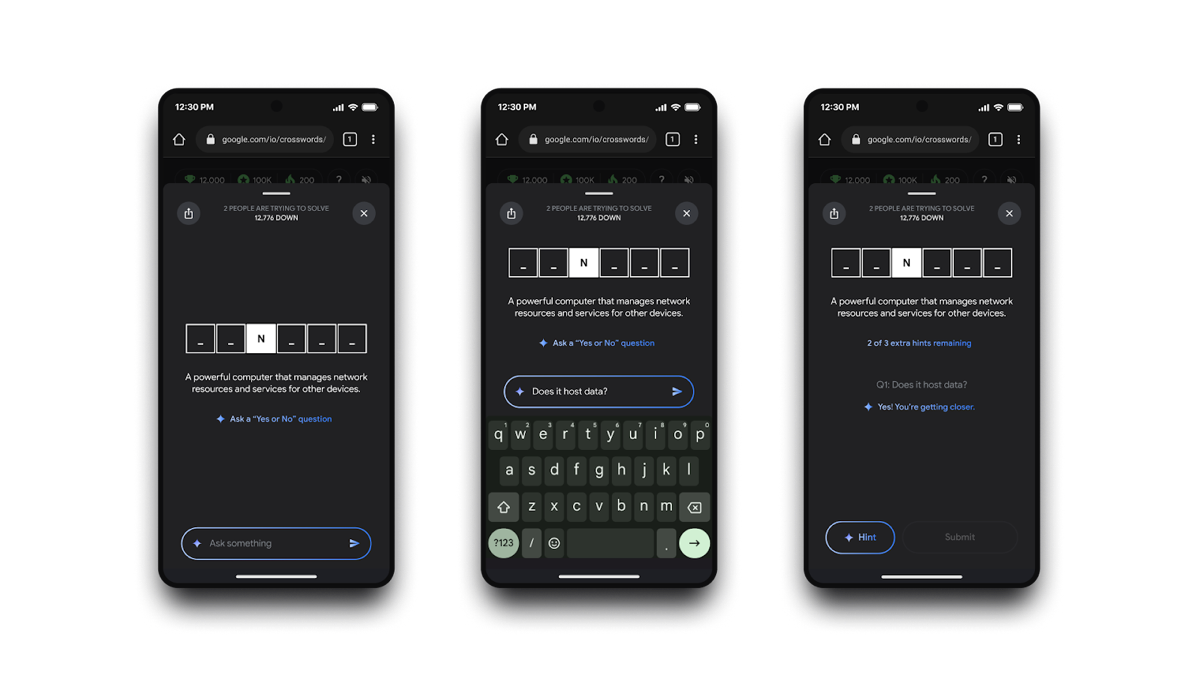
The design of the *hint* feature is a great example of how different technologies can work together to solve a problem. Hints are powered by [Firebase Genkit](https://firebase.google.com/docs/genkit), a new framework for AI development announced at IO, and are deployed as a Firebase Function.
The network request to the API includes the answer to the clue, so to keep the response hidden from the client in the message data, we built a simple Dart backend using the [Dart Frog package](https://pub.dev/packages/dart_frog) to make the experience more robust. The Frog back end calls Genkit to get the hint and retrieves the answer from the database. That way players can’t simply inspect the network call to figure out the answers to the game.
You can read more about how the Genkit flow was built in the [Firebase deep dive blog](https://firebase.blog/posts/2024/06/ai-powered-crossword-genkit).

## Rendering a performant crossword board with Flutter
The board is one of the core pieces of the game. We optimized player movement on the puzzle to ensure good performance and make the best user experience for players.
We considered two options to build the board: straight Flutter or leverage the [Flame](https://flame-engine.org/) game engine. The most compelling feature of Flame for this game is its camera API, which allows the mascots to easily move and supports zoom controls. However, since that was really the only feature of Flame we would be using, we ultimately decided that using a full game engine like Flame would be overkill for this scenario.
Looking for an alternative solution, we explored the [InteractiveViewer](https://api.flutter.dev/flutter/widgets/InteractiveViewer-class.html) widget, which allows rendering the words in a canvas of a custom size, and moving the mascots around freely with matrix transformations. InteractiveViewer was a simpler solution for our needs with less dependencies and load, which better allowed us to showcase the flexibility and performance of Flutter.
## The power and flexibility of the InteractiveViewer
The InteractiveViewer has built-in zoom gestures, but we wanted to add more intuitive buttons for the desktop experience. Leveraging the matrix transformations, we implemented the zoom controls by first calculating the change in scale and updating the new viewport with the center as a constant reference point:
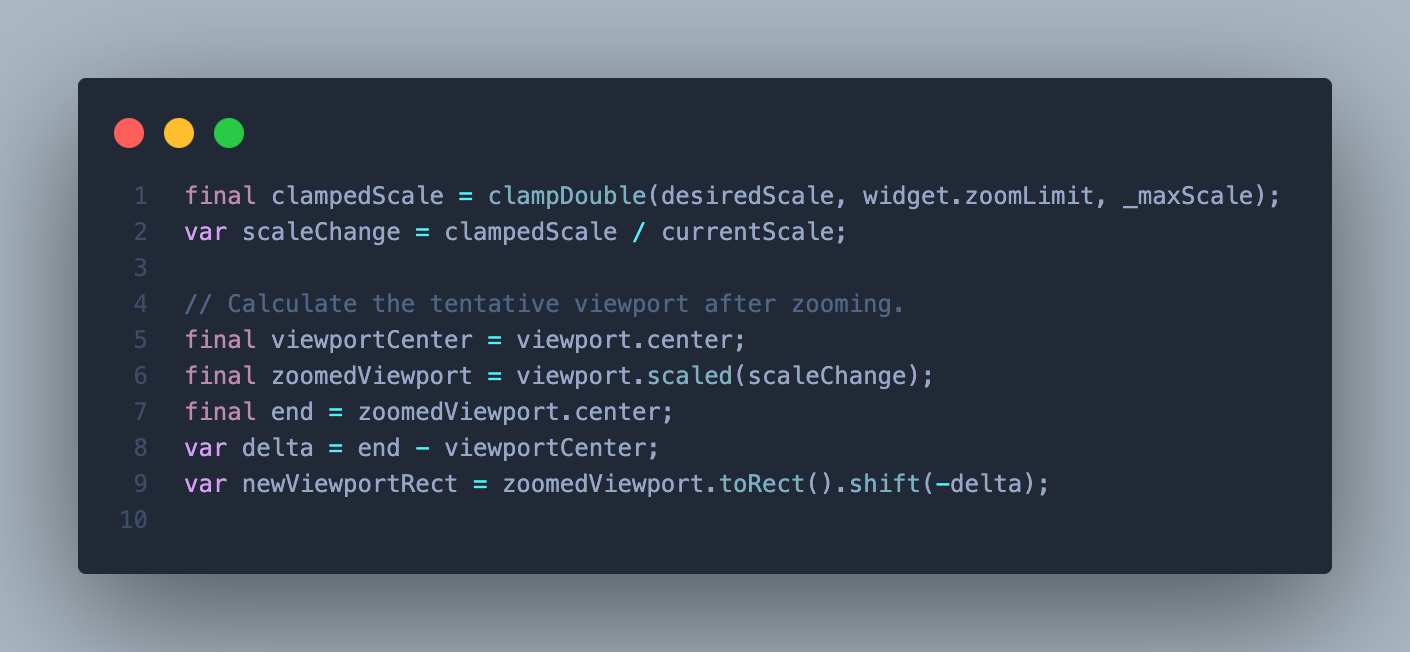
Once we have the new tentative viewport, we have to ensure that it fits within the boundaries of the board. We can have two scenarios that we must allow for: when the viewport is bigger than the board, or when it’s positioned out of bounds. We update both the change in scale and the translation of the viewport to ensure it fits within the boundaries by tweaking the zoom level or the location of the viewport, as shown in the following code:
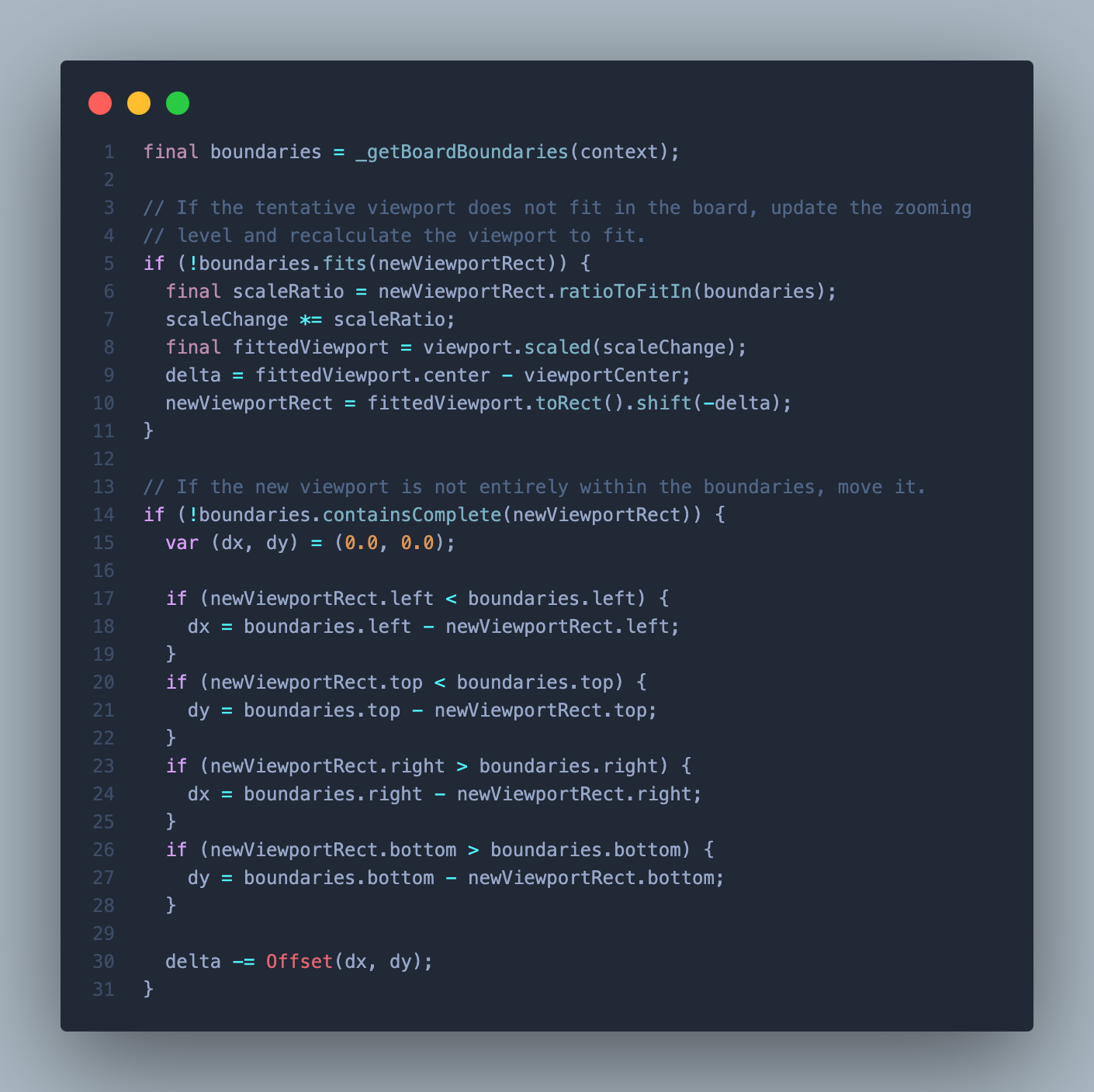
Finally, calculate the transformation and apply it to the InteractiveViewer controller:
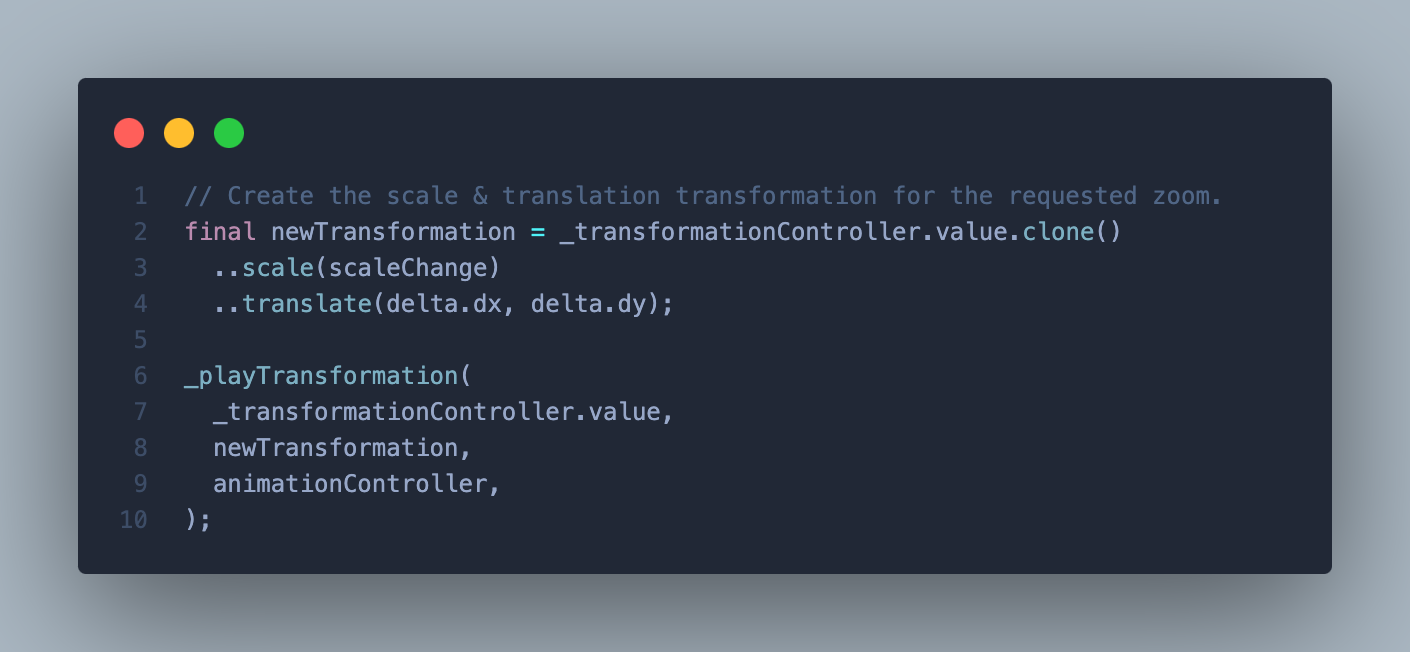
With this code, we’ve extended the zoom controls of the InteractiveViewer and transformed the viewport according to our needs.
## Boosting performance with WebAssembly in Flutter
WebAssembly support for Flutter web apps was one of the major announcements for the Flutter community this year at IO. With players across the world playing the game at the same time, performance was a critical factor. We leveraged [WebAssembly (Wasm)](https://docs.flutter.dev/platform-integration/web/wasm), built into Flutter, to reduce performance bottlenecks and maintain a smooth frame rate, particularly when it comes to the character and board animations in the game.

## Dart Backend and Cloud Run: Seamless code sharing between backend and frontend
To ensure a smooth gaming experience for all users, our Dart backend is built with the [Dart Frog package](https://pub.dev/packages/dart_frog) and is hosted on [Google Cloud Run,](https://dart-frog.dev/deploy/google-cloud-run/) to leverage the auto scaling capabilities. This helps to maintain optimal performance regardless of the active number of players as the game makes multiple calls, such as every time a user is created, or when a player submits a word or asks for a hint.
Using a backend to confirm the answers to each clue also allowed us to safeguard the crossword puzzle and prevent cheating. Specifically, the app reads information with the Flutter Firestore SDK but the database *only* allows changes from the Dart back end. This also allowed for faster development since we could use the same language (Dart) between the front end and the back end.
We can see this pattern in action in the Player data model, for example, which creates a player using the Dart Frog API.
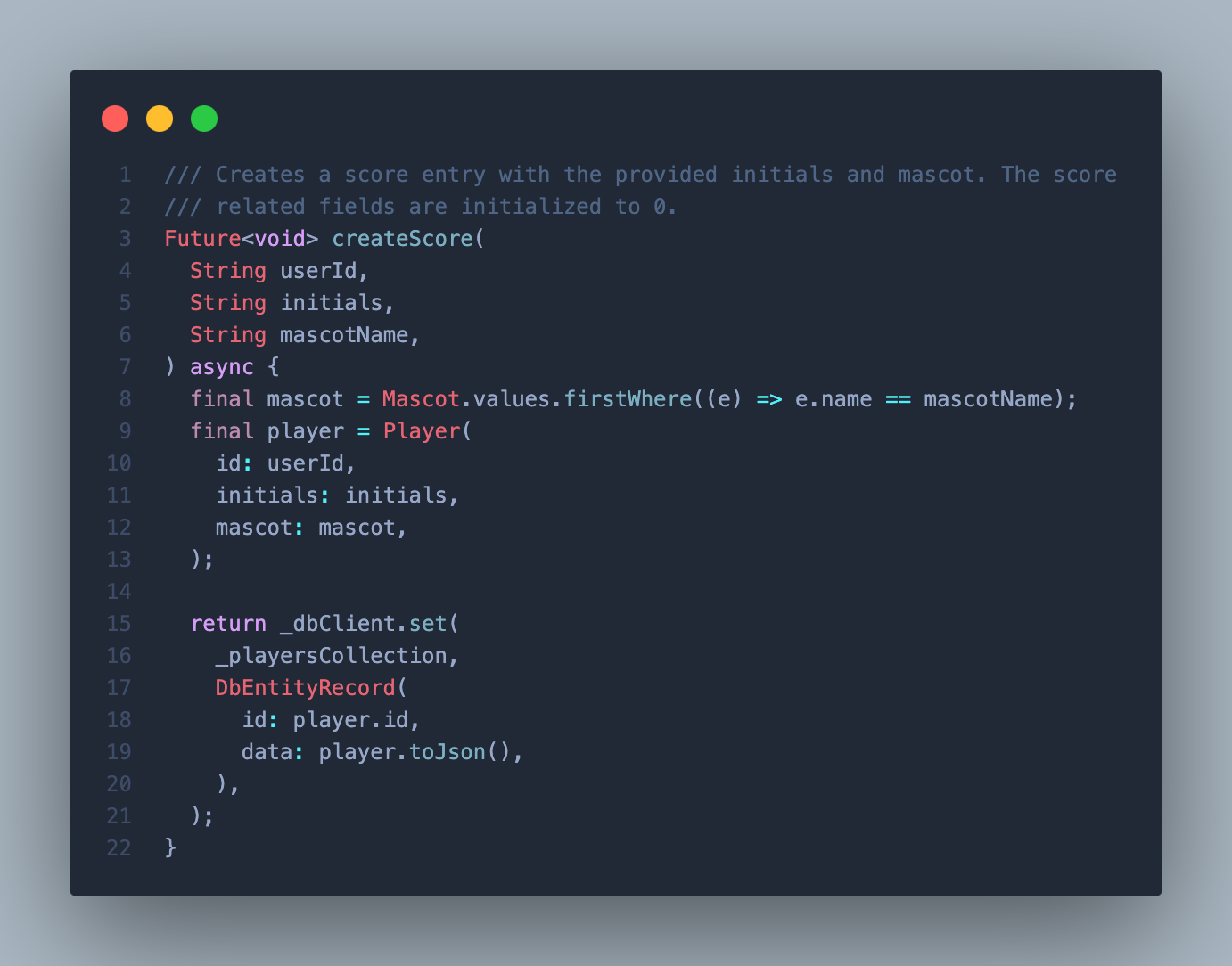
The app directly accesses the players leaderboard, reusing the same model and avoiding duplication and desynchronization:
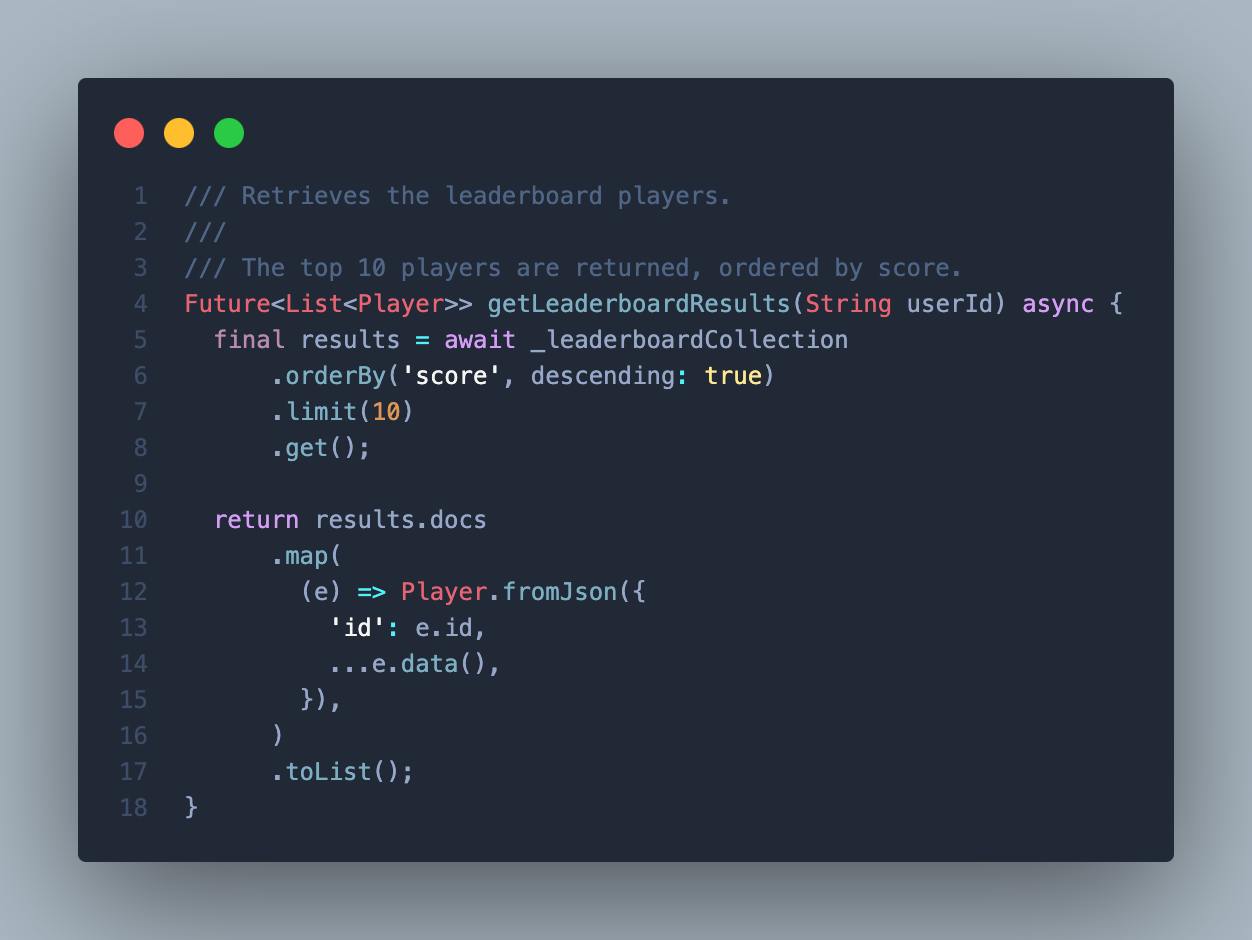
## Start playing: Solve the I/O Crossword puzzle!
Start playing the [crossword](https://crossword.withgoogle.com/) on your own in all its across-and-down glory. For those who want to dig into the details, check out its [open-source code](https://github.com/VGVentures/io_crossword) and the [Developer Learning Pathway](https://developers.google.com/learn/pathways/solution-crossword) to showcase how we built it. Catch the [recap of Google I/O](https://www.youtube.com/watch?v=xKmEOXZsU_0) to learn more about everything announced this year!
### Building Better Software: The Importance of Rigorous Code Reviews
Source: https://verygood.ventures/blog/building-better-software-the-importance-of-rigorous-code-reviews/
Every engineering team starts a new project with excellent coding standards, great architecture, and the cleanest code they have ever written. New people are added to the team, different coding styles conflict with each other, deadlines approach quickly, and you just need to get the feature in, telling yourself you’ll go back and clean it up later. Later rarely comes, and there is always another deadline or another new feature to build. The codebase is now so large that it’s difficult to grasp how far you’ve deviated from best practices, and you’re not entirely sure what to do in order to get your codebase back to a healthy state.
At Very Good Ventures, our team has done code assessments for small startups, to large enterprise apps, and we want to share some quick tips you can use to evaluate your codebase. To get a sense of how well you and your team are doing in following best practices and standards you’ve set up, check out the 5 tips below.
## Documentation
To get started, let’s focus on where new team members look when they start on a project: your README file. Anything that pertains to the code in the associated repository should be here for engineers to get the product up and running quickly and easily. The README should contain things like:
- The steps to get the app running locally.
- How to run any CI checks locally; like test coverage reports, spell check, and linters.
- Code generation commands like those needed to build localization files or serialize JSON.
Having the relevant documentation so close to the codebase improves the speed in which new engineers being introduced to the project can onboard, reduces time of digging through endless websites and portals for links or commands needed to build a feature, and ultimately allows engineers to selfserve information. We should add here that not *all* of the documentation needs to live in the README but a good starting point is to make sure everything needed to build, develop, and deploy the code is in there.
## Project Structure
Having a well-organized structure makes navigating the project easier and faster. When structuring your project, it’s best to make sure everything is grouped by domain. As your project grows, accumulating hundreds of files, broad categorization of these files will result in unwieldy structures inside your code repository.
Here at VGV, we recommend following a *feature-based structure*. As the name implies, we organize our source code by the domain feature that a file belongs to. You can see an example below:
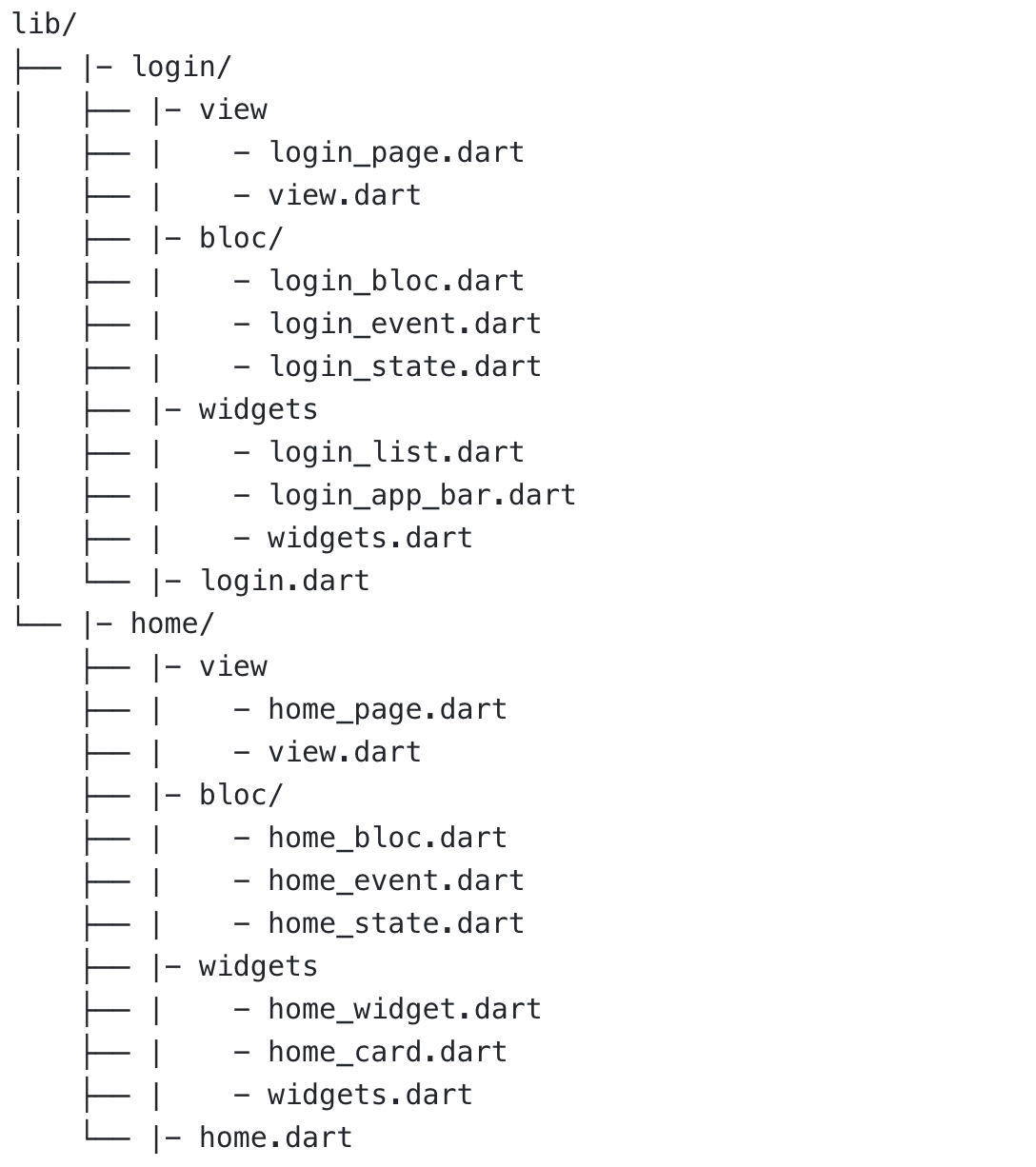
Important things to notice is that each feature has its own folder where all related source code lives. Items like the state management structure, views, view components, and their accompanying barrel file.
*Your test folder should mirror your lib/ folder. This makes it easy to see which parts of the code have been tested and which have not. The only difference between test/ and lib/ is that each file will have \_test.dart appended to it.*
This structure makes it very easy to navigate from one feature to another, as everything a feature needs is encapsulated within its relevant folder. Organizing your code by component (I.E having a *screens* folder that holds all of your apps screens) eventually becomes unwieldy and difficult to navigate.
## Packages vs One Folder
Creating packages for different modules like *ApiClients, Repositories, etc,* has several advantages over including everything in your source folder. These advantages include maintainability, testability, and CI workflows. You can read more about VGV’s architecture [on Marcos’ blog here](https://verygood.ventures/blog/very-good-flutter-architecture/).
**Maintainability:** Keeping code up to date is a challenge we continually face in software development, especially when working with parts of software that interact with the outside world like *ApiClients* and *repositories.* Having those modules self-contained makes updating and changing them easier than when they are part of the full application. When something like an *ApiClient* is part of the source code updating that client can have cascading effects across the app. By putting these modules in packages, we don’t expose domain level implementation details. This makes refactoring easier in the future as the implementation of the client doesn’t change, just the details inside the client do, details that are not exposed to any outside uses.
**Testability:** 100% code coverage through widget & unit tests is a strict standard we follow at VGV. We dive deeper into why we enforce 100% test coverage at VGV in [Oscar's blog](https://verygood.ventures/blog/road-to-100-test-coverage/), but keep reading for a brief overview of the benefits. Having modules in packages helps in maintaining that standard. When testing parts of the code that rely on a module, you only need to mock the module without needing to be overwhelmed with how you get the information or where the information comes from. Writing tests will help you identify where your coupling is high, and alert you that you might want to consider moving parts of the implementation to a package.
**CI:** Having CI workflows implemented is a great tool to enforce code style, automate tests, and other automations. However, it can lead to large execution times as the application expands. Having self-contained packages also helps in this matter, since a change in those can trigger a specific workflow that runs only the required packages, and packages that remain unchanged. You can quickly get these benefits and more by adding [Very Good Workflows](https://workflows.vgv.dev/) to your CI/CD.
## Testing
When assessing code we always check the code coverage using automated tooling. Our Flutter projects use [very_good test --coverage](https://pub.dev/packages/very_good_cli), our Android projects use JUnit, and our web projects use Jest. At VGV, we run this on the main application and all local packages within the project. In Flutter, you'll get a coverage report printout like the one below that I ran on the [Google IO_Flip](https://github.com/VGVentures/io_flip) repository:
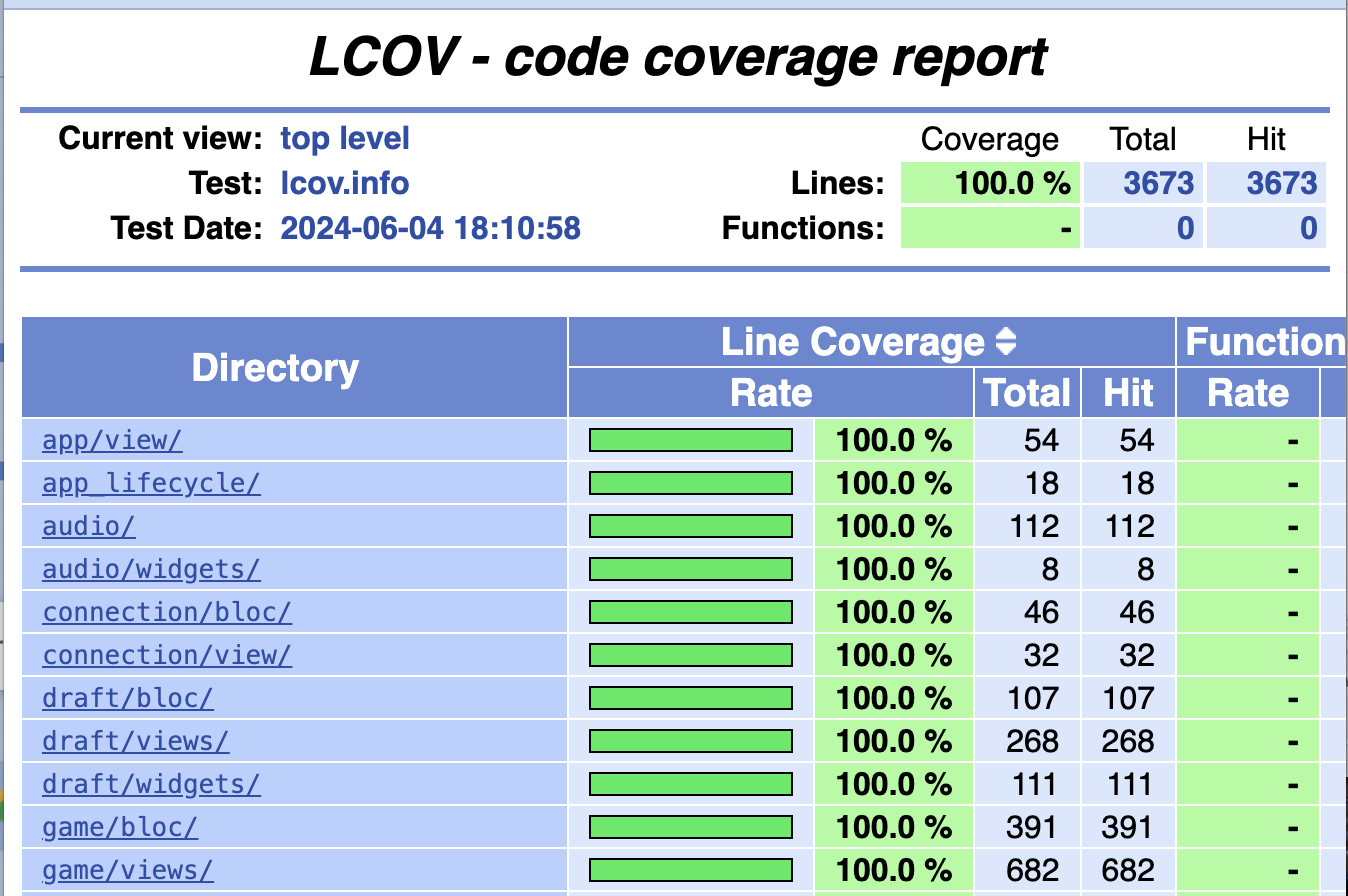
This will show you what percentage of each folder/file has a test that covers those lines of code. Covering a line of code is not all that useful on its own. Test coverage helps you verify your widgets are displaying correctly, your processes are outputting the correct data, find and address code smells such as: large complex widgets, and tight coupling of domains as described above in the *Packages vs One Folder* section.
## Code Analysis & Linting
Lastly, we check for strong linting and code analysis. Linting rules are the first line of defense for a healthy codebase. A healthy codebase implies that all developers on the team rigorously follow established rules, therefore we always advise to not use any *ignore\_for\_file* or *ignore\_for\_line*. These are typically code smells of quick, hasty development and degrade your codebase over time.
At Very Good Ventures we use our open source analysis tool, [very_good_analysis.](https://pub.dev/packages/very_good_analysis) Very good analysis is a lint library heavily inspired by [flutter_lints](https://pub.dev/packages/flutter_lints) and [pedantic](https://github.com/googlearchive/pedantic) (although it is deprecated now), but has a stricter set of lint rules. We believe these linting rules create a healthier, more scalable codebase.
We strongly suggest running [very_good_analysis](https://pub.dev/packages/very_good_analysis) in your pipeline to verify that all code being committed to your code base follows the same rules and hygiene from start to finish.
## Where to get started
Reviewing these five key sections of your product will give you a great starting point for assessing the health of your code base, as well as give you an idea of how aligned your team is, while taking less than an hour to run!
This is only the beginning though: At Very Good Ventures when we perform a [code assessment](https://verygood.ventures/solution/flutter-code-assessment/) we do a thorough investigation into the application, where we delve into every detail of the app, from the documentation surrounding it, to the CI/CD pipeline that was used to build and ship it. Afterward, we provide our findings and recommendations for next steps to get it to a better place.
If you’d like to talk more about how to increase velocity while continuing to build safe, scaleable code, [contact us!](https://verygood.ventures/contact-us/) We are passionate about ensuring code is scalable, while maintaining high quality, and want to help you do it too!
### Seamless Full Stack Development using Flutter & Dart Frog
Source: https://verygood.ventures/blog/seamless-full-stack-development-using-flutter-dart-frog/
The last week of May brought the introduction of a new virtual conference for the Flutter & Dart community, [Full Stack Flutter](https://fullstackflutter.dev). The conference aims to extend beyond front-end development, covering backend solutions in Dart and a range of tools designed to enhance your development experience to a worldwide audience – having sessions on multiple days and times throughout to reach the global Flutter and Dart audience.
## Beyond Just Flutter
As a speaker, this was a great time to break away from talking only about Flutter in the context of what we do at Very Good Ventures. With a session focused on Flutter and Dart overall, I was able to cover a broader topic area– “Dart on the backend: Seamless Full Stack Development, using Flutter & Dart Frog to Supercharge your Development Team.”
At Very Good Ventures, we are starting to see a new change when it comes to bringing frontend and backend teams together. In fact, we have previously presented on this topic at Google Cloud Next with a Lightning Talk titled “[From Idea to Full Stack Solutions](https://verygood.ventures/blog/from-idea-to-full-stack-solutions-using-dart-and-google-cloud/)”, where we focused on the technical aspects of why this full stack approach with Dart is now feasible.
During this complementary talk about Seamless Full Stack Development using Flutter and Dart Frog, we focus on the outcomes that we are seeing within project teams when making the shift of unifying under one common language. This is something that we, as an industry, have been trying to do for many years . However, in our experience, this appears to be the first time where there are no obvious trade-offs when making the change given the maturity of Dart as a language.
You can watch the entire talk here:
[Video](https://www.youtube.com/watch?v=2DJhzbhW0lQ)
## How To Get Started
We hope that this inspires you to take a look at your tech stack and how it could be improved by unifying on a single language and codebase. It’s a big shift for an engineering team but only takes one person passionate about the topic to make a difference and generate the spark needed to get your company thinking about it.
If you are that person and want to talk more about this topic, or more specifically on how we have seen this work with Dart and Dart Frog, feel free to [reach out](https://verygood.ventures/contact-us/) so we can help!
### Deploying Fullstack Dart to AWS, Part III: Deploying to AWS
Source: https://verygood.ventures/blog/deploying-fullstack-dart-to-aws-part-iii-deploying-to-aws/
In the last two posts of this series, we discussed [building a Dart Frog API to fetch blog content from a headless CMS](https://verygood.ventures/blog/deploying-fullstack-dart-to-aws/) and [building a Flutter web app to display the content in a browser](https://verygood.ventures/blog/deploying-fullstack-dart-to-aws-part-ii-building-the-web-app/). Now, it’s time to build a pipeline that deploys this content to AWS.
To recap, here is the structure of the app we are building:
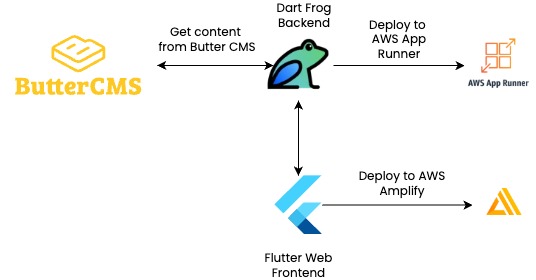
For more details, you can also check out the articles on my personal blog about making [the API](https://www.stefanhodgeskluck.com/#/making-a-full-stack-blog-app-part-i), [the app](https://www.stefanhodgeskluck.com/#/making-a-full-stack-blog-app-part-ii), and [the pipeline](https://www.stefanhodgeskluck.com/#/making-a-full-stack-blog-app-part-iii).
## Making Deployments Easy
Dart Frog and Flutter offer great developer experiences, but you still have to get your app deployed so that other people can enjoy it. AWS has [several options](https://aws.amazon.com/websites/) when it comes to hosting web content on the cloud, such as AWS App Runner, Amplify, Lightsail, EC2 instances, and S3 Storage buckets. For this project, we’ll host the API on [AWS App Runner](https://aws.amazon.com/apprunner/), and the web content on [Amplify](https://aws.amazon.com/amplify/hosting/). Be warned that since App Runner is always running, you will have to pay a small fee (around $10 USD) based on app usage.
If you wanted, you could deploy the entire app on App Runner, since it runs a container on the cloud. The benefit of separating hosting is that you don't have to re-deploy the API if you make minor changes that only affect the app, and Amplify hosting provides a *very* quick and easy way to host and update static web content (with a free first year of hosting as well!).
For both API and app deployments, we can use Github Actions to automate deployment. For the API, make a file in .github/workflows titled deploy\_api.yaml. Installing the Dart SDK and building the app, this pipeline makes use of AWS actions to push to a repository on Elastic Container Registry (ECR), which is then connected to a new App Runner service.
```yaml
- name: Configure AWS credentials
id: aws-credentials
uses: aws-actions/configure-aws-credentials@v4
with:
aws-access-key-id: ${{ secrets.AWS_ACCESS_KEY_ID }}
aws-secret-access-key: ${{ secrets.AWS_SECRET_ACCESS_KEY }}
aws-region: ${{ secrets.AWS_REGION }}
- name: Login to Amazon ECR
id: login-ecr
uses: aws-actions/amazon-ecr-login@v2
with:
mask-password: true
- name: Build, tag, and push image to Amazon ECR
id: build-image
env:
ECR_REGISTRY: ${{ steps.login-ecr.outputs.registry }}
ECR_REPOSITORY: your-ecr-repository-name
IMAGE_TAG: ${{ github.sha }}
run: |
cd api
docker build -t $ECR_REGISTRY/$ECR_REPOSITORY:$IMAGE_TAG .
docker push $ECR_REGISTRY/$ECR_REPOSITORY:$IMAGE_TAG
echo "::set-output name=image::$ECR_REGISTRY/$ECR_REPOSITORY:$IMAGE_TAG"
- name: Deploy to App Runner
id: deploy-apprunner
uses: awslabs/amazon-app-runner-deploy@main
with:
service: your-app-runner-service-name
image: ${{ steps.build-image.outputs.image }}
access-role-arn: ${{ secrets.ROLE_ARN }}
runtime: NODEJS_12
region: ${{ secrets.AWS_REGION }}
cpu: 1
memory: 2
port: 8080
wait-for-service-stability: true
```
Be sure to set up the necessary [IAM permissions](https://docs.aws.amazon.com/apprunner/latest/dg/security_iam_service-with-iam.html#security_iam_service-with-iam-roles) in AWS to allow App Runner to [access ECR and to allow Github to access ECR and App Runner](https://aws.amazon.com/blogs/containers/deploy-applications-in-aws-app-runner-with-github-actions/).
To securely store API credentials to the CMS, you can use [AWS Secrets Manager](https://aws.amazon.com/secrets-manager/), because App Runner is able to use Secrets Manager to retrieve environment variables. You will need another IAM role to allow App Runner to access Secrets Manager.
For the app deployment, we will host this web app using AWS Amplify, which allows us to hook our repository directly up to AWS for automatic updates when the source code changes. I recommend creating a dedicated branch titled ci for this purpose. Add build and test pipelines to protect main, and then when the main branch is updated, automate a commit to the ci branch that will push your code change. To do this, create a file titled deploy\_app.yaml inside .github/workflows. After checking out the repo and setting up Flutter, this action resets ci to the latest from main, builds the web app, copies the artifact to a dedicated folder, and commits it to the branch.
```yaml
- name: Set branch to latest from main
run: |
git fetch origin main
git reset --hard origin/main
- name: Build Web Application
run: flutter build web -t lib/main_production.dart --dart-define BASE_URL=https://your-api-app-runner-url.com
- name: Copy Build Artifact
run: |
[[ -d artifact ]] && rm -r artifact
mkdir artifact
cp -R build/web artifact
- name: Commit the Artifact
uses: stefanzweifel/git-auto-commit-action@v5
with:
branch: ci
commit_message: 'ci: automated artifact update at ${{ github.sha }}'
push_options: '--force'
```
On the AWS console, if you go to Amplify, you will have the option to host a web app, and you can select Github to connect your repository to AWS. If you have given AWS permissions to access your repository, you should be able to select it in the setup. Specify that you want to connect to the ci branch, and enter the build artifact’s directory (artifact/web) under Connecting a Monorepo?.
You should now have a blog app that is wired up to AWS on both backend and frontend. Frontend is downstream from backend, so changes to the server will prompt a new deployment on both frontend and backend, but changes to the client will only prompt a new deployment on the frontend. All of this will be triggered when new code is merged into main.
If you have read and followed our three blogs around this topic: Well done! You have now a full-stack blog app that fetches from Butter CMS, serves content in Dart Frog, presents content in a Flutter app, and is hooked up to be deployed on AWS.
I'd love to hear your impressions on this tutorial. Feel free to reach out on [LinkedIn](https://www.linkedin.com/in/stefanhk31) if you have questions/comments, or if you have done similar work deploying web apps on AWS. I learned tons working on this project, and I would love to hear more about others' journeys!
#### Frequently Asked Questions
##### Which AWS services host the API and the web app?
The Dart Frog API runs on AWS App Runner, and the Flutter web app is hosted on Amplify. Splitting them lets you redeploy the frontend without rebuilding the API and takes advantage of Amplify's free first year for static hosting.
##### Why split hosting between App Runner and Amplify instead of running both on App Runner?
App Runner can host the entire app, but separating concerns means small frontend changes do not require an API redeploy. Amplify also offers fast static hosting with simple Git integration, which keeps the deploy story for the web app very short.
##### How is the API deployment automated?
A GitHub Actions workflow in .github/workflows/deploy_api.yaml uses aws-actions/configure-aws-credentials to authenticate, builds and pushes a Docker image to Amazon ECR, then calls awslabs/amazon-app-runner-deploy to update the App Runner service.
##### How are CMS API credentials kept out of the client?
Credentials live in AWS Secrets Manager. App Runner reads them as environment variables through an IAM role, so the Flutter web app never sees the API key.
##### How is the Flutter web app deployed to Amplify?
A deploy_app.yaml workflow runs on push to main. It checks out the repo, runs flutter build web with a BASE_URL dart-define pointing at App Runner, copies the artifact to a folder, and uses stefanzweifel/git-auto-commit-action to push it to a dedicated ci branch. Amplify watches that branch and redeploys.
##### What does the end-to-end pipeline look like?
Push to main triggers both workflows. The API rebuilds and redeploys to App Runner, and the Flutter web app rebuilds and pushes to ci, which Amplify picks up. Frontend-only changes only redeploy the frontend, since the backend has nothing new to ship.
### Google I/O 2024: Flutter Moving Forward
Source: https://verygood.ventures/blog/google-i-o-2024-flutter-moving-forward/
The dust has settled on Google I/O 2024, and the future of Flutter is looking bright! As expected, AI remained a central theme, with exciting announcements across various Google products. But for Flutter developers, the real stars of the show were the advancements in the Flutter framework itself. Read on for major Flutter updates from Google I/O!
## Flutter development ecosystem gets an upgrade
Google’s app development ecosystem saw some big advancements at I/O this year. Notably, [Flutter 3.22 and Dart 3.4](https://medium.com/flutter/io24-5e211f708a37) launched just in time for I/O, and were highlighted during the Developer Keynote.
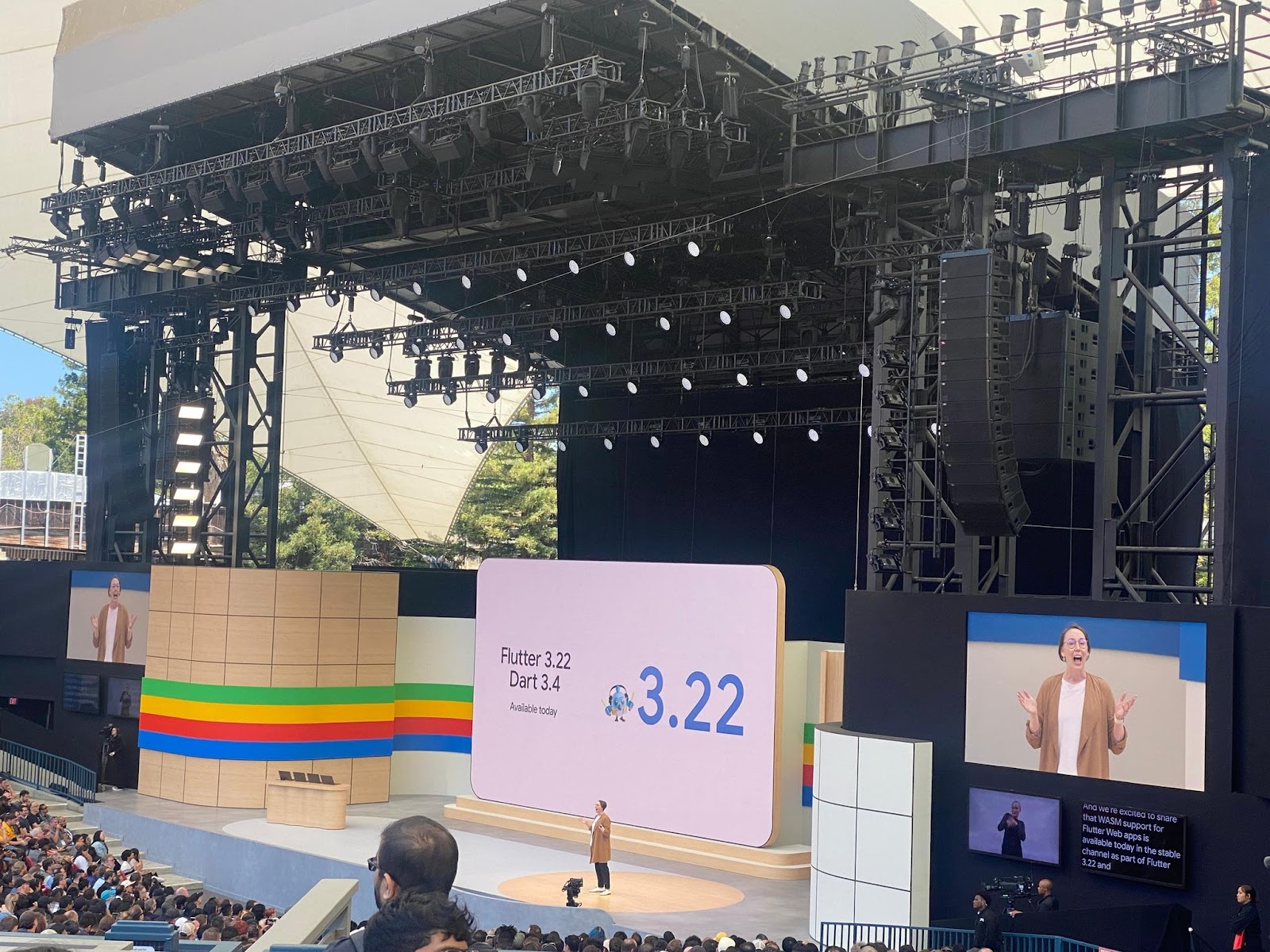
Flutter 3.22 and Dart 3.4, bring us closer to building beautiful and performant apps across platforms. The main highlight of which is stable support for compiling Flutter web apps to WebAssembly. This translates to a significant boost in performance, with benchmarks showing example apps compiled to WebAssembly achieving 2x to 3x faster speeds compared to the previous JavaScript implementation. Some of the other updates:
- **Faster and smoother:** The improved Impeller rendering engine delivers smoother visuals and reduces CPU usage on iOS devices.
- **Enhanced navigation:** Leverage Android's predictive back gesture for a more natural user experience.
- **Monetization made easy:** Integrate the Google Mobile Ads SDK for new ways to earn revenue from your app.
- **Powerful debugging:** A new deep link validator in DevTools helps you identify and fix linking issues.
- **Simplified Dart upgrades:** Streamlined API migration with dart fix directly in your IDE makes upgrading Dart code a breeze.
- **Advanced profiling:** New DevTools capabilities provide deeper insights into your app's performance.
- **AI integration:** Preview the Vertex AI for Firebase Dart SDK and add powerful AI features to your app, all with robust security.
## A Focus on Developer Experience
These updates go beyond raw performance improvements. They demonstrate Google's commitment to streamlining the development process and empowering Flutter developers. Features like simplified Dart upgrades and advanced profiling tools all contribute to a more efficient and productive development workflow.
As Flutter continues to evolve, the possibilities for experimentation, innovation, and achieving new heights are more exciting than ever. [Watch the full flutter update here!](https://io.google/2024/explore/da049081-00e1-4476-80da-1cd039302ac6/?utm_source=twitter&utm_medium=organicsocial&utm_campaign=&utm_content=)
## The Future of Flutter
With the advancements unveiled at I/O, Flutter is poised to become an even more compelling choice for cross-platform app development. The combination of performance gains, a developer-centric approach, and the power of AI integration opens up a world of possibilities for experimentation and innovation. Whether you're building the next big social app or a niche productivity tool, Flutter equips you with the tools to create exceptional experiences that reach users on all major platforms.
## VGV at I/O
At VGV, we were thrilled to have several team members attend Google I/O 2024. They actively participated in sessions, networked with other developers, and gained valuable insights into the future of technology.
Fresh from the energy of Google IO, Jaime Santiago, one of our Engineering Leads, is back to share his highlights and key takeaways!
> “Going to Google IO was a great experience, I love meeting people from the community in person and putting a face to those GitHub and Twitter usernames.
> In the keynote I found some cool stuff announced, like the scientific advancements that [AlphaFold 3](https://blog.google/technology/ai/google-deepmind-isomorphic-alphafold-3-ai-model/) can bring to the world by understanding how proteins interact with other molecules and helping curing diseases. I think that fine-tuned AI for scientific discoveries is one of the best use cases for this technology, and seeing Google investing in it is great! But not everything is about science, the demo around the [Music AI Sandbox](https://blog.google/technology/ai/google-generative-ai-veo-imagen-3/#Music-AI-Sandbox) was so cool. The fact that you can have an assistant making the sounds that you can describe with words is mind-blowing, this helps artists be more creative and explore different sounds easier to create music.
> For developers, the [long context window](https://blog.google/technology/ai/google-gemini-next-generation-model-february-2024/#context-window) with Gemini 1.5 Pro is certainly promising. Having the ability to give the model this vast amount of data and making specific questions about it, can help us developers be more productive, write better documentation and solve more difficult problems.
> But the session that was the most interesting to me, with concrete examples that you can start using today, was the talk about [Building generative AI agents with Vertex AI Agent Builder and Flutter](https://www.youtube.com/watch?v=V8P_S9OLI_I). I find the idea about building a custom AI agent that accesses different, customized APIs is very powerful. On one side, you have the control over the information sources that the model will have, but on the other side, you leverage the power and autonomy of AI to orchestrate the information and provide it in an understandable way.”
We're particularly excited about how these advancements can be applied to our client projects, allowing us to craft even more innovative and efficient solutions. Stay tuned for future blog posts where we'll dive deeper into specific Flutter updates and how they can benefit your app development journey.
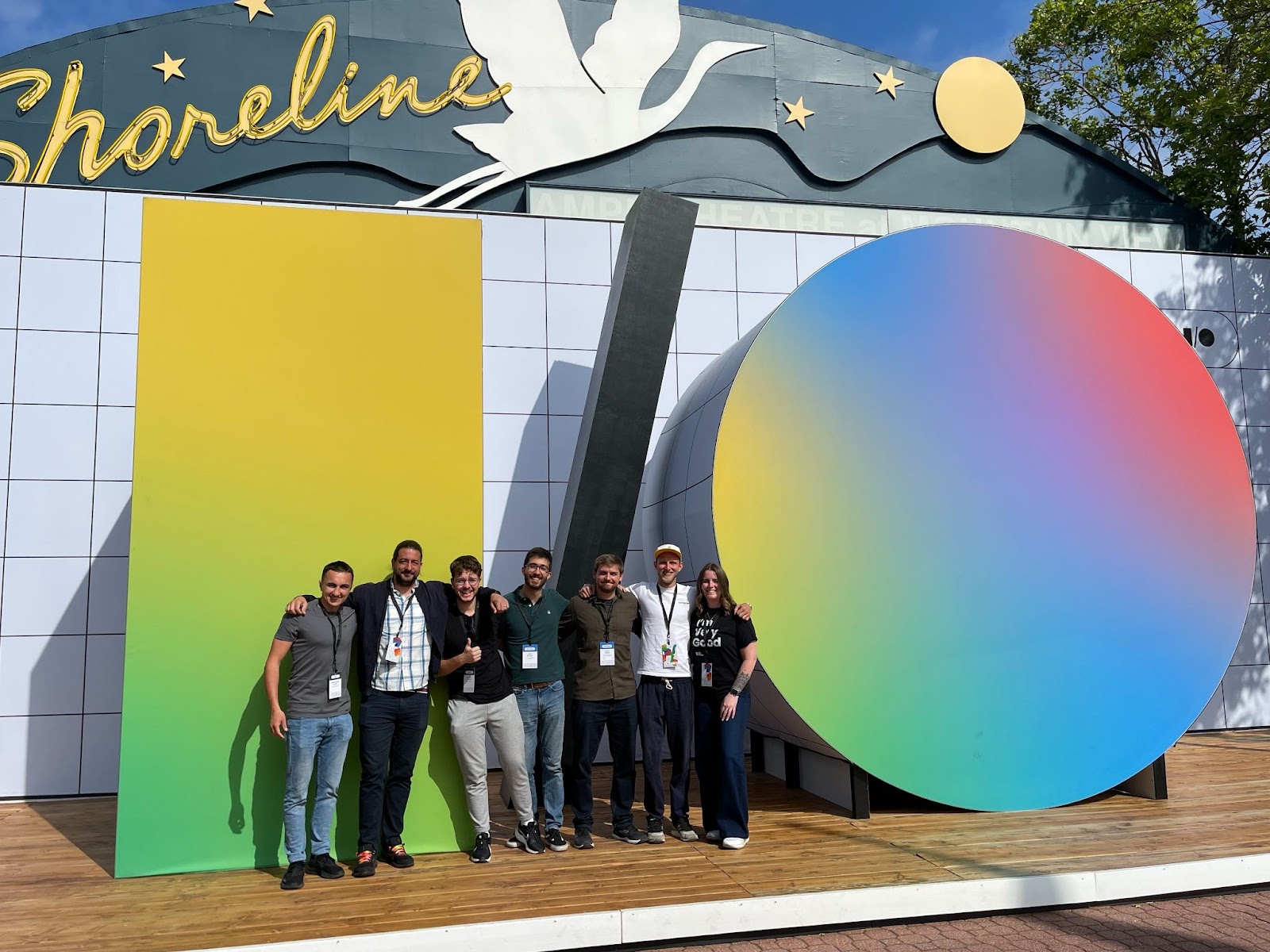
### Deploying Fullstack Dart to AWS, Part II: Building the Web App
Source: https://verygood.ventures/blog/deploying-fullstack-dart-to-aws-part-ii-building-the-web-app/
In the previous post of this series, we discussed building a Dart Frog API to fetch blog content from a headless CMS. If you’ve been following along, you should have a working API that is delivering JSON blog posts. Now, it’s time to make a frontend that can display those posts.
To recap, here is the structure of the app we are building:
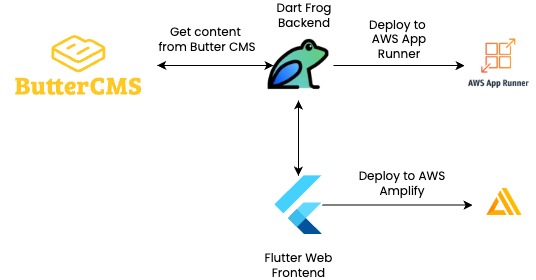
For more details, you can also check out the articles on my personal blog about making [the API](https://www.stefanhodgeskluck.com/#/making-a-full-stack-blog-app-part-i), [the app](https://www.stefanhodgeskluck.com/#/making-a-full-stack-blog-app-part-ii), and [the pipeline](https://www.stefanhodgeskluck.com/#/making-a-full-stack-blog-app-part-iii).
## A Scalable, Responsive Frontend
On the frontend, we should continue to adhere to the principles of layered architecture by creating designated packages for the fetching and manipulating of API data. In addition, we can make a designated package for theming data and widgets.
For fetching data, create a blog\_api\_client. This package will be responsible for interacting with our Dart Frog api. Right now, we’re only adding two endpoints, but with a few steps we can make our API scalable in case we need to make more. Create a class that extends the BaseClient of the http package, and use that extended client to interact with your endpoints. Then, make a generic \_sendRequest method that can be used for any type of future http request.
```dart
Future _sendRequest({
required Uri uri,
required FromJson fromJson,
String method = 'GET',
}) async {
final request = Request(method.toUpperCase(), uri);
final responseStream = await _client.send(request);
final response = await Response.fromStream(responseStream);
final responseBody = response.json;
if (response.statusCode >= 400) {
throw BlogApiClientFailure(
statusCode: response.statusCode,
error: responseBody,
);
}
}
/// {@template blog_api_client}
/// An implementation of an HTTP client to interact with the blog API.
/// {@endtemplate}
class BlogApiClient extends BaseClient {
/// {@macro blog_api_client}
BlogApiClient({required Client innerClient}) : _innerClient = innerClient;
final Client _innerClient;
@override
Future send(BaseRequest request) {
request.headers.putIfAbsent(
HttpHeaders.contentTypeHeader,
() => ContentType.json.value,
);
request.headers.putIfAbsent(
HttpHeaders.acceptHeader,
() => ContentType.json.value,
);
return _innerClient.send(request);
}
@override
void close() {
_innerClient.close();
super.close();
}
}
```
Manipulating the data from our API is relatively simple, thanks to the legwork we did in our blog models package. To manipulate the data, create a blog\_repository package with a class to get the data from the api client and turn it into the correct model for the presentation layer.
```dart
class BlogRepository {
BlogRepository({required BlogApi blogApi}) : _blogApi = blogApi;
final BlogApi _blogApi;
/// Gets a list of [BlogPreview] objects.
Future> getBlogPreviews() async {
final response = await _blogApi.getBlogs();
return response.data.map(BlogPreview.fromBlog).toList();
}
/// Gets a single [BlogDetail] object given a unique [slug].
Future getBlogDetail({required String slug}) async {
final response = await _blogApi.getBlog(slug);
return BlogDetail.fromBlog(response.data);
}
}
```
For theming and UI, we need to create a blog\_ui package. There are several widgets that you can make here to extract reusable code, but the main two for this project are BlogCard (for displaying a preview on the overview page) and BlogDetailContent (for displaying the full content of a blog post).
The BlogCard is a material Card widget with some extra image and spacing features. The BlogDetailContent is a little more complicated. Since Butter CMS returns blog content in HTML, we need a way to convert HTML into widgets that will fit our app’s styles. The package [flutter_html](https://pub.dev/packages/flutter_html) works well for this, but beware: as of writing this post, there is a [compilation error in the stable version of flutter html](https://github.com/Sub6Resources/flutter_html/issues/1398). Using 3.0.0-alpha.5 will work. Alternatively, if you want to use the most recent prerelease version of 3.0.0-beta.2, you will need to [fork the package repository](https://github.com/Sub6Resources/flutter_html) and [implement a workaround](https://github.com/Sub6Resources/flutter_html/issues/1314#issuecomment-1635802042) to bypass a rendering issue in [older versions of iOS Safari](https://github.com/Sub6Resources/flutter_html/issues/1314).
Once you have created the api client, repository, and UI packages, you have all the layers necessary to build out two pages: an overview page to present a list of blog previews, and a detail page to present the full content of a blog post. When clicking on a card on the overview page, you navigate to a detail page. Each of these pages has a bloc with a data requested event. The handler for this event sends a request to fetch data on page load. For example, here is the handler for the overview page:
```dart
FutureOr _onBlogOverviewPostsRequested(
BlogOverviewPostsRequested event,
Emitter emit,
) async {
emit(BlogOverviewLoading());
try {
final previews = await _blogRepository.getBlogPreviews();
emit(BlogOverviewLoaded(previews: previews));
} on Exception catch (e) {
if (e is BlogApiClientFailure) {
emit(BlogOverviewFailure(error: e.body));
return;
}
emit(BlogOverviewFailure(error: e.toString()));
}
}
```
The detail page data fetch handler is almost the same, but with different state names (e.g., BlogDetailLoading instead of BlogOverviewLoading) and a call to getBlogDetail instead of getBlogPreviews.
With our packages and our blocs set up, we can now code out our page views. Each page sends a request to the bloc on page load, then takes advantage of [Dart 3 switch patterns](https://dart.dev/language/patterns) on sealed classes to return content based on blog state. We will use [go_router](https://pub.dev/packages/go_router) to navigate between overview and detail. The [blog overview page](https://github.com/stefanhk31/personal_blog_flutter/blob/main/lib/blog_overview/view/blog_overview_page.dart) returns a list of BlogCard widgets:
```dart
ListView.builder(
itemCount: previews.length,
itemBuilder: (context, index) {
final preview = previews[index];
return BlogCard(
title: preview.title,
subtitle: preview.description,
published: preview.published,
imageUrl: preview.image,
onTap: () {
context.go(
'/${preview.slug}',
);
},
);
},
);
```
The [detail page](https://github.com/stefanhk31/personal_blog_flutter/blob/main/lib/blog_detail/view/blog_detail_page.dart), meanwhile, returns our custom BlogContentWidget:
```dart
BlogDetailContent(
authorName: '${detail.author.firstName} ${detail.author.lastName}',
body: detail.body,
published: detail.published,
slug: detail.slug,
title: detail.title,
authorImage: detail.author.profileImage,
featuredImage: detail.featuredImage,
);
```
Now start your API and set your BASE\_URL to [http://localhost:8080](http://localhost:8080). Run your Flutter app locally, and you should see the blog overview page when starting up (your content will be different):
When you click on one of the cards, you should see a blog detail:
If you've made it this far, congratulations! You now have a full-stack Dart app that displays content fetched in the backend from a headless CMS. Feel free to check out [my sample code](https://github.com/stefanhk31/personal_blog_flutter/tree/main/api) for more details, or reach out on [LinkedIn](https://www.linkedin.com/in/stefanhk31) with questions/comments!
[Continue reading Deploying Fullstack Dart to AWS Part III: Deploying to AWS.](https://verygood.ventures/blog/deploying-fullstack-dart-to-aws-part-iii-deploying-to-aws/)
### The Benefits of Streamlining Mobile & Web Development
Source: https://verygood.ventures/blog/the-benefits-of-streamlining-mobile-web-development/
[***This article was posted on Laura Hughes’ blog first.***](https://www.linkedin.com/pulse/benefits-streamlining-mobile-web-development-laura-hughes-y1n2c/?trackingId=Gvz1HGk6TjWegMaOIaqRAg%3D%3D)
[Very Good Ventures](https://verygood.ventures/) is known for its expertise in Flutter. However, what's not widely known is that Very Good Ventures also brings that same expertise to web design and development. The decision to bring these services in-house was strategic, aiming primarily to seamlessly integrate the aesthetic and functionality of mobile apps with their corresponding websites. This move enhances brand cohesion and delivers a unified experience for our clients and their customers.
Centralizing both design and development within a single, cohesive team facilitates the creation of this synergy. This approach allows Very Good Ventures to offer clients a comprehensive solution for all their digital needs. Partnering with a team like Very Good Ventures, equipped with both design and engineering proficiency across mobile and web assets, unlocks a number of conveniences and benefits for clients. Here's a few reasons why this collaborative approach is instrumental:
## 1. Holistic Design and Development
Opting for a design team capable of handling both mobile and web assets ensures a unified approach to the entire design and development process. This holistic perspective allows for consistency in visual elements, user experience, and functionality across both platforms. With a comprehensive understanding of your brand's objectives, the team can craft solutions that seamlessly translate from one medium to another, enhancing brand identity and user engagement.
## 2. Efficient Communication and Collaboration
Working with a single team simplifies communication and fosters closer collaboration between designers and developers. With expertise spanning both mobile and web domains, the team can effectively translate design concepts into functional interfaces, reducing the likelihood of misinterpretation or discrepancies. This streamlined workflow accelerates the iteration process, leading to quicker turnaround times and more efficient project management.
## 3. Synchronized Design and Development Cycles
By aligning design and development within the same, united team, businesses eliminate the potential for disjointed workflows and conflicting priorities. Design decisions can be seamlessly integrated into the development process, ensuring that both mobile and web assets evolve cohesively. This synchronization minimizes rework and maximizes efficiency, ultimately resulting in a more refined end product that meets both aesthetic and technical requirements.
## 4. Cost-Effectiveness and Time Savings
Consolidating design and development responsibilities under one roof can yield significant cost savings and time efficiencies. With a unified team overseeing both aspects, redundant efforts and communication overhead are minimized. Moreover, the ability to leverage shared resources and expertise reduces project overhead, ultimately delivering greater value to the client. Additionally, streamlined workflows translate into faster time-to-market, allowing clients to capitalize on opportunities more swiftly.
## 5. Enhanced SEO and Web Performance
Maintaining consistency in design and UX across mobile apps and websites is not only beneficial for branding but also for search engine optimization. Search engines favor websites with responsive design and consistent content across different devices, leading to improved search rankings and visibility. By ensuring uniformity in design and functionality, businesses can enhance their online presence and attract more organic traffic, ultimately driving business growth and success.
## 6. Comprehensive Support and Expertise
Partnering with a design team that encompasses both mobile and web capabilities provides access to a broader spectrum of expertise and support. From conceptualization to deployment, businesses benefit from a comprehensive suite of services tailored to their specific needs. Whether it's optimizing user interfaces for different screen sizes or implementing responsive design principles, the team's collective knowledge ensures that all aspects of the project are addressed with precision and proficiency.
## Conclusion
In an increasingly interconnected digital landscape, the importance of seamless integration between mobile apps and websites cannot be overstated. By enlisting the services of a single design team equipped to handle both mobile and web assets, coupled with engineers proficient in both domains, businesses can gain a competitive edge in terms of efficiency, consistency, and innovation.
This collaborative approach not only streamlines workflows and communication but also delivers superior results that resonate with users across diverse platforms. As businesses strive to enhance their online presence and user experiences, the convenience of working with a unified design and development team becomes the gold standard for success.
### Deploying Fullstack Dart to AWS: Part I
Source: https://verygood.ventures/blog/deploying-fullstack-dart-to-aws/
With [Dart Frog](https://dart-frog.dev), Flutter developers have a great opportunity to write full-stack Dart apps. This helps increase development speed by limiting the context switching between backend and frontend code, and also provides a consolidated set of models that can be shared between all your products. What’s more, Flutter’s flexibility makes it a [great solution for web apps](https://flutter.dev/multi-platform/web).
With this in mind, I set out to make a blog app that took advantage of the Dart/Flutter ecosystem on both backend and frontend. The app would have a server that fetches data from a headless CMS and then delivers that data to a clean, mobile-responsive Flutter front end. By handling CMS data in the backend, the app would follow security best practices, since API credentials would never need to cross into the client.
In addition, I thought this would be an excellent opportunity to showcase how smoothly you can integrate Dart software with AWS services. AWS is the most widely used cloud service provider on the planet, and customers who use AWS can also take advantage of all the great benefits Dart and Flutter have to offer.
I built the app with the following structure:
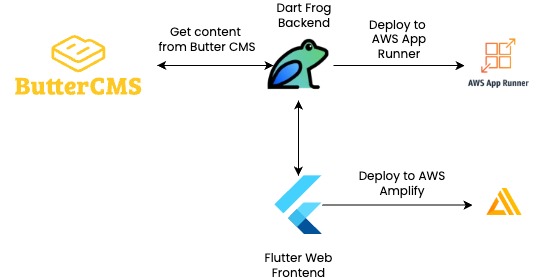
On both backend and frontend, I did my best to adhere to a [layered architecture](https://verygood.ventures/blog/very-good-flutter-architecture/) pattern to create maintainable and scalable code. What follows is a three-part series on how to build this blog app. In this article, I will discuss getting the project started and building the API. Part two will go over the frontend app, and part three will lay out the deployment to AWS. For more details, you can also check out the articles on my personal blog about making [the API](https://www.stefanhodgeskluck.com/#/making-a-full-stack-blog-app-part-i), [the app](https://www.stefanhodgeskluck.com/#/making-a-full-stack-blog-app-part-ii), and [the pipeline](https://www.stefanhodgeskluck.com/#/making-a-full-stack-blog-app-part-iii).
## Getting Started
To follow along, you will need to have the following tools set up:
- [Flutter](https://docs.flutter.dev/get-started/install) (installs both Flutter and the Dart SDK)
- [Dart Frog](https://dart-frog.dev/getting-started/)
- [Very Good CLI](https://cli.vgv.dev/)
- A free subscription to [Butter CMS](https://buttercms.com)
- An [AWS Account](https://aws.amazon.com/free/?gclid=EAIaIQobChMI8-C5gfvxhQMVj55aBR1cKgGtEAAYASAAEgKb7PD_BwE&trk=78b916d7-7c94-4cab-98d9-0ce5e648dd5f&sc_channel=ps&ef_id=EAIaIQobChMI8-C5gfvxhQMVj55aBR1cKgGtEAAYASAAEgKb7PD_BwE:G:s&s_kwcid=AL!4422!3!432339156165!e!!g!!create%20aws%20account!9572385111!102212379047&all-free-tier.sort-by=item.additionalFields.SortRank&all-free-tier.sort-order=asc&awsf.Free%20Tier%20Types=*all&awsf.Free%20Tier%20Categories=*all) (your app will have a monthly fee if you keep it running)
- A [Github account](https://github.com/)
The [Very Good CLI](https://cli.vgv.dev/) provides an excellent starting point to any Dart or Flutter project. It's quick, easy, and lays a lot of groundwork for making a well-architected, well-tested project. To start, navigate to the directory where you want to store your project, and run the following terminal command:
```dart
very_good create flutter_app YOUR_APP_NAME_HERE
```
Then, navigate to the root of the app and create a Dart Frog api:
```dart
dart_frog create api
```
##
A Secure Backend to Fetch Data
It is true that if you wanted, you could write a blog app in Flutter without a backend by simply calling your CMS directly from your frontend code. The problem with this approach is that your CMS will, in all likelihood, require credentials such as an auth token or API key to fetch data. There are ways to obfuscate credentials that are added as environment variables on the front-end, but in reality, the only secure place to store secrets is [on the server](https://codewithandrea.com/articles/build-deploy-dart-shelf-app-globe/).
I was able to add a data client to my Dart Frog app that fetched blog content from my CMS without my frontend ever needing to know any credentials. I simply injected my API key as an [environment variable](https://dart-frog.dev/basics/environment/) when configuring the data client that interfaces with my CMS.
If you build your app using layered architecture, it is easy to wire things up so that your API is interfacing with your CMS. In this article, I use [Butter CMS](https://buttercms.com), a headless CMS with free read API access for non-commercial developer use. If you wanted to use a different CMS, however, you could modify the models and data client and most of the architecture would still be the same.
The first step to setting up a full-stack project like this is to create a package for your models. Organizing the models into a single package simplifies access to all necessary object models throughout the project. Any other part of the app that requires model access only needs to import the blog models package. Plus, since we are using [json_serializable](https://pub.dev/packages/json_serializable) on the models that need serialization, it is nice to keep this dependency limited to a single place. I based my models on the data returned by the Butter CMS API, with modified classes for presentation:
```dart
data_models // core models necessary to construct other models
author
blog_meta
blog_summary
blog
blogs_meta
category
tag
endpoint_models // representation of how blog data is returned by the API
blog_response
blogs_response
presentation_models // models used to present blog data on the frontend
blog_detail
blog_preview
```
Once the model package is complete, we need to create a data client to connect with the CMS. If you follow this article and use Butter, this will be ButterCMSClient. This data client takes the Dart http client from the [Dart http package](https://pub.dev/packages/http) and uses it to interact with the CMS API. Since this app is just reading content, you only need two methods: one to fetch all blog posts, and one to fetch an individual post given a unique identifier:
```dart
/// Fetches a list of blog posts from the ButterCMS API.
Future fetchBlogPosts({
bool excludeBody = false,
}) async {
final queryParameters = {
'auth_token': _apiKey,
};
if (excludeBody) {
queryParameters['exclude_body'] = 'true';
}
final uri = Uri.https(_baseUrl, '/v2/posts', queryParameters);
return _httpClient.get(uri);
}
/// Fetches a single blog post from the ButterCMS API,
/// given a unique [slug].
Future fetchBlogPost({required String slug}) async {
final queryParameters = {
'auth_token': _apiKey,
};
final uri = Uri.https(_baseUrl, '/v2/posts/$slug', queryParameters);
return _httpClient.get(uri);
}
```
Using Dart Frog [middleware](https://dart-frog.dev/basics/middleware/), we can inject our data client into context before API requests are executed. Then, we can [construct routes](https://dart-frog.dev/basics/routes/) based on the dart files in the routes directory:
```dart
routes
blogs
[slug].dart // https://{api-url}/blogs/[slug]
index.dart // https://{api-url}/blogs
```
The routes allow for the creation of clean, simple endpoints for fetching the necessary data. \[index\].dart provides the endpoint for fetching all posts:
```dart
Future onRequest(RequestContext context) async {
return switch (context.request.method) {
HttpMethod.get => await _get(context),
_ => Response(statusCode: 405, body: 'Method Not Allowed'),
};
}
Future _get(RequestContext context) async {
final blogsResponse = await context.read().fetchBlogPosts({
excludeBody: true, //set this to reduce the size of the API response
});
return Response(
statusCode: blogsResponse.statusCode,
body: blogsResponse.body,
);
}
```
In \[slug\].dart we have a similar endpoint for fetching an individual post:
```dart
Future onRequest(RequestContext context, String slug) async {
return switch (context.request.method) {
HttpMethod.get => await _get(context, slug),
_ => Response(statusCode: 405, body: 'Method Not Allowed'),
};
}
Future _get(RequestContext context, String slug) async {
final blogResponse =
await context.read().fetchBlogPost(slug: slug);
return Response(
statusCode: blogResponse.statusCode,
body: blogResponse.body,
);
}
```
Run your app using dart\_frog dev and open up your favorite API tool (e.g., Postman) and make a GET request to http://localhost:8080/blogs. If everything is set up right, you should get back a JSON object containing metadata and an array of posts that only contains one post (Butter's default blog post). Check that default blog for its slug (should be example-post), and then make a request to http://localhost:8080/blogs/{slug}. You should get back a JSON object with metadata and a single blog post object.
If you've made it this far, congratulations! You've set up a Dart API that connects to Butter CMS and provides blog content. Feel free to check out [my sample code](https://github.com/stefanhk31/personal_blog_flutter/tree/main/api) for more details, or reach out on [LinkedIn](https://www.linkedin.com/in/stefanhk31) with questions/comments.
You can continue reading [Deploying Fullstack Dart to AWS Part II: Building the Web App.](https://verygood.ventures/blog/deploying-fullstack-dart-to-aws-part-ii-building-the-web-app/)
#### Frequently Asked Questions
##### What is this series building?
A full-stack blog app written entirely in Dart. The backend is a Dart Frog API that fetches content from a headless CMS, and the frontend is a Flutter web app that displays it. Part one covers the API, part two the web app, and part three the deployment to AWS.
##### What tools and accounts do I need to follow along?
Flutter (which installs Dart), Dart Frog, Very Good CLI, a free Butter CMS subscription, an AWS account, and a GitHub account.
##### Why put a Dart Frog backend in front of the CMS?
The CMS API requires credentials, and the only secure place to keep secrets is on the server. The Dart Frog API holds the API key as an environment variable, fetches blog content, and forwards a clean response to the Flutter app, which never sees the secret.
##### How is the project organized?
A shared data_models package holds the core blog models. The Dart Frog API has a data client that wraps the Butter CMS endpoints and is injected into request context through middleware. Routes live under routes/blogs/index.dart and routes/blogs/[slug].dart, mirroring the API surface.
##### Can I follow this article with a different CMS?
Yes. The architecture stays the same. Swap the data client and adjust the models to match the new CMS response shape, and the route handlers, middleware injection, and deployment story all carry over.
### How It’s Made: Digital Escape Room AI-driven game powered by Gemini and Flutter
Source: https://verygood.ventures/blog/how-its-made-digital-escape-room-ai-driven-game-powered-by-gemini-and-flutter/
AI-powered experiences are opening a whole new world of possibilities where customization, personalization, speed, and effectiveness can create more engaging products.
By developing this game in less than three weeks we wanted to prove how easy it is to bring new and unprecedented experiences to production in record time, thanks to tools like Gemini and Flutter. Now it’s our time to share the open-source code! Keep reading to learn how we built it.
A few weeks ago, we had the pleasure to take the stage at [Google Cloud Next](https://verygood.ventures/blog/very-good-ventures-official-google-cloud-partner-at-google-cloud-next-2024/) for the first time as an official Google Cloud partner and sponsor, and shared our experience on [building games powered by Flutter and Gemini](https://verygood.ventures/blog/building-ai-powered-games-with-gemini-and-flutter/).
[Video](https://www.youtube.com/watch?v=_NRDyKiVIa4)
Today, [we’re open-sourcing the code](https://github.com/VGVentures/digital_escape_room) so everyone can see how we built the game, and use it as a seed of creativity, so developers all around the world can find inspiration and technical guidance from our work.
You can find the code here: [https://github.com/VGVentures/digital_escape_room](https://github.com/VGVentures/digital_escape_room). You will need your own Google AI studio API key, we explain how you can obtain it in the [Integrating Gemini AI with Flutter](https://verygood.ventures/blog/integrating-gemini-ai-with-flutter/) blog post.
## Iterating our prompt strategy until we get satisfactory results
Your first prompt won’t be your final prompt*.* Your prompt becomes the most important when working with LLM tools like Gemini. As such, it is essential to fine-tune the prompt until you get exactly what you want consistently.
Being detail-oriented, providing examples and specifying exactly what you want and how you want it helps Gemini to adapt its response to your needs.
As such, our first prompt was:
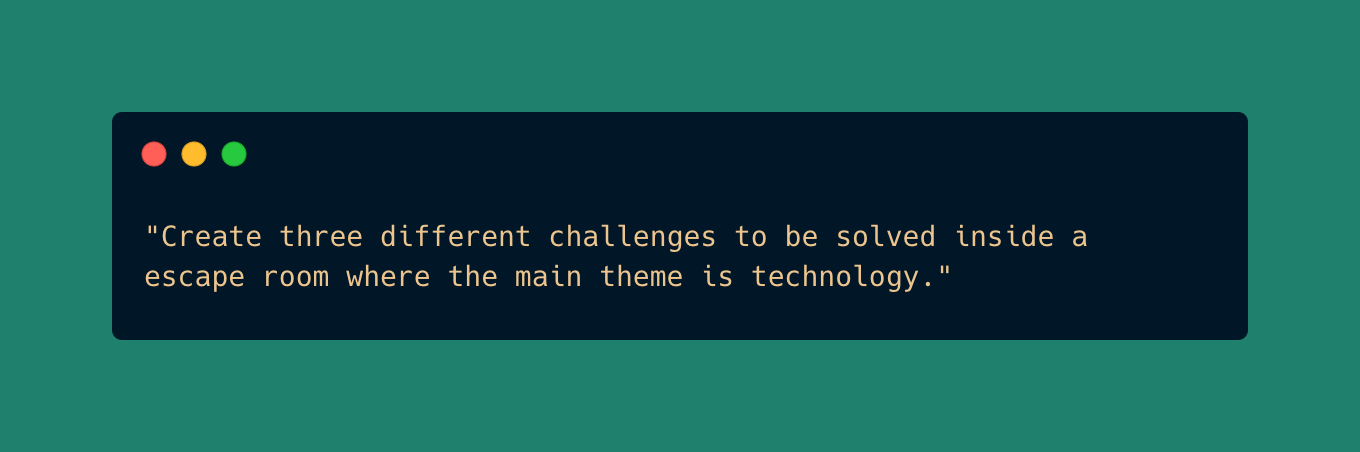
While this prompt actually delivered three different challenges, we were not able to parse the information received, we did not have information about the solution of the game, and the solution was not customized with the user’s information.
After a few iterations, we finally found a prompt that we could work with, and that was providing results that were unique to each player:
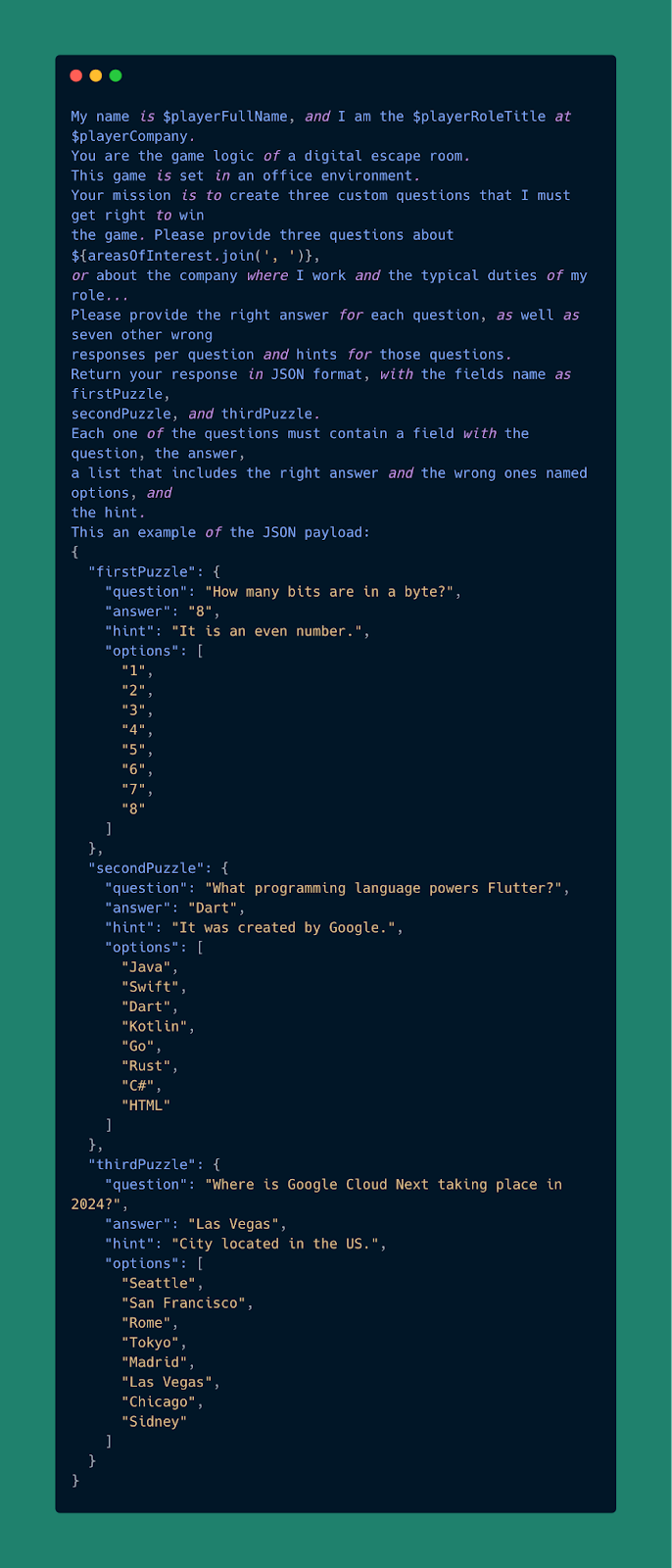
## Building in record-time with Flutter and Flame
When we learned that our talk at Google Cloud Next was accepted, we were over the moon, but we had very little time to build this experience. Our ambitions were high and we knew we wanted to surprise and share an exciting activity with every player who came to our booth to play.
Flutter gave us exactly what we needed to deliver: A multi-platform UI toolkit that allowed us to iterate fast without losing any code quality. We didn’t want this experience to be a proof-of-concept, we wanted hundreds of attendees to play the game during the conference without even realizing they were using Flutter.
Additionally, the power of Flame helped us to integrate all the game mechanics, player controls and sprite sheets. Personally, this was my first experience building a game, and it was so easy and fast that I felt like I had been writing games all my life.
## Pixel art for a great look & feel
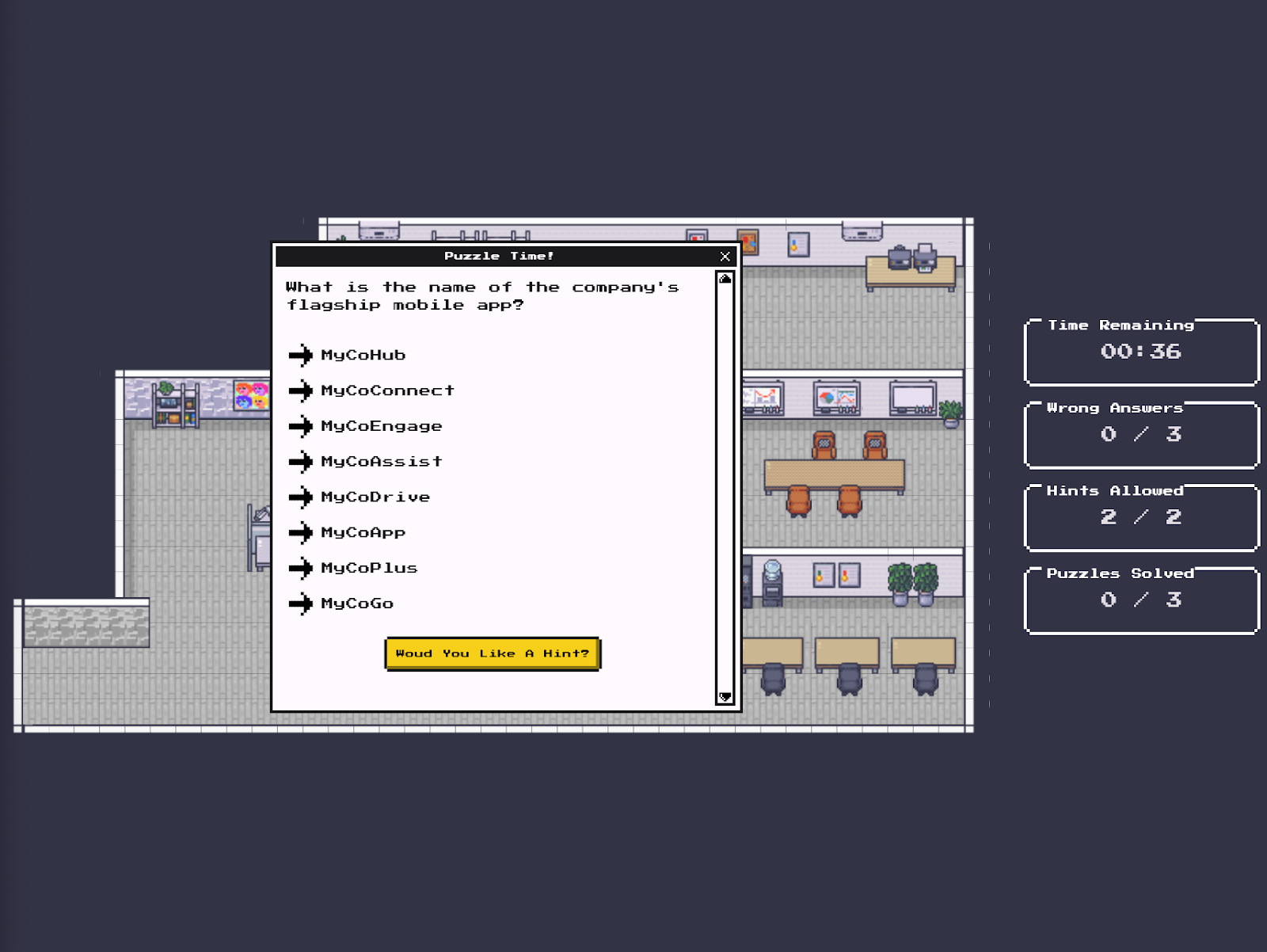
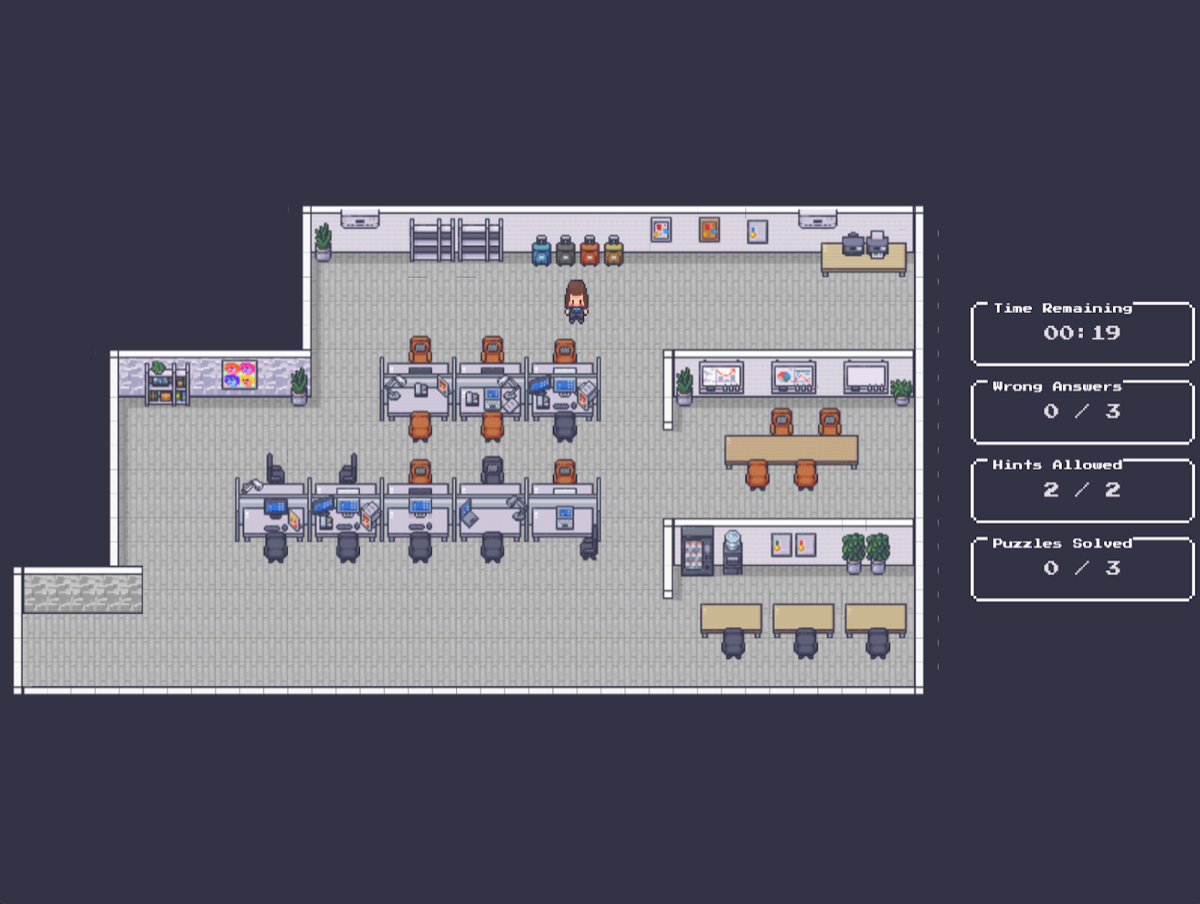
Visuals are everything when it comes to playing a game: When building this digital escape room, we wanted to have a retro vibe, almost like an SNES game. Thanks to Flutter’s customizable theming, we were able to use [Erick Zanardo’s Nes UI library](https://github.com/erickzanardo/nes_ui) to power our aesthetic needs.
In addition to those Flutter widgets, we also needed game assets that matched that vibe, and we found gold in [LimeZu’s itch page](https://limezu.itch.io/). We purchased the [Modern Office](https://limezu.itch.io/modernoffice) and [Modern Interiors](https://limezu.itch.io/moderninteriors) asset packages, and we couldn’t be happier with the results.
## This is just the beginning
If this AI game took three weeks -working overnights and weekends- to get it ready, imagine all the things we can build in no time with Gemini and Flutter! This is just the tip of the iceberg for us, so what should we work on next? Let us know how [we can help you develop your project](https://verygood.ventures/contact-us/) with AI tools or [Connect with Jorge on Linkedin](https://www.linkedin.com/in/jorgecocaramos/) to learn more about this experience.
### WebView vs Native in Mobile Apps: When to Use Them in Mobile Development
Source: https://verygood.ventures/blog/wrapped-up-in-apps-the-pros-and-cons-of-web-views-in-mobile-development/
The world of mobile apps is constantly evolving, and businesses are always looking for ways to improve the user experience. One approach that has gained popularity is the use of web views wrapped within native apps. But is this a shortcut to success, or a path fraught with limitations? This article will delve into the business value of transitioning from wrapped experiences to native app development using frameworks like Flutter.
Our discussion begins with a common scenario: a company launches a mobile app that feels more like a mobile website. This can happen for a number of reasons, but the core issue lies in the decision to wrap a web experience within a native app container. While this approach may seem appealing at first glance, it can lead to a number of drawbacks that hinder both the user experience and the ability to gather valuable data.
## The Allure of the Wrapper
There are several reasons why companies might choose to wrap a web view in a mobile app. Development can be faster and cheaper, especially if a well-developed website already exists. This can be a tempting option for businesses looking to get a mobile presence up and running quickly. Additionally, web views can leverage existing web development skills and codebases, potentially reducing the learning curve for development teams.
### Cracks in the Facade
However, the convenience of web view wrappers often comes at a cost. Here are some of the key disadvantages to consider:
- **Limited Functionality:** Wrapped web apps often lack access to native device features like GPS, cameras, and offline functionality. This can significantly limit the capabilities of the app and hinder the user experience.
- **Performance Issues:** Web views can be slower and more sluggish than native apps, especially on older devices or with complex content. This can lead to frustration for users and a higher uninstall rate.
- **Data Visibility Challenges:** Analytics data from web views can be difficult to track and integrate with native app analytics. This makes it harder for businesses to understand how users are interacting with the app and make data-driven decisions.
- **Compromised User Experience:** The look and feel of a web view can often clash with the native design of the app, creating a disjointed user experience.
### Beyond the Wrapper: The Benefits of Native Development
Moving away from web view wrappers and towards native app development using frameworks like Flutter can offer significant advantages:
- **Enhanced Performance:** Native apps are typically faster and smoother than web view apps, providing a more responsive user experience.
- **Full Feature Set:** Native apps have full access to device features, allowing for a richer and more interactive app experience.
- **Improved Analytics:** User data from native apps can be easily tracked and integrated with other analytics tools, providing valuable insights into user behavior.
- **Seamless User Experience:** Native apps can be designed to look and feel like an integral part of the operating system, creating a more cohesive and enjoyable user experience.
## Making the Right Choice
The decision of whether to use a web view wrapper or develop a native app depends on several factors, including the specific needs of the app, the available resources, and the desired user experience. However, for businesses looking to create a high-performing, feature-rich app that provides valuable data and a seamless user experience, native development is often the better choice.
Frameworks like Flutter can further streamline the development process and create apps that are truly native to both Android and iOS.
By carefully considering the trade-offs between web view wrappers and native development, businesses can make informed decisions that lead to successful mobile app experiences.
### Building AI-powered games with Gemini and Flutter
Source: https://verygood.ventures/blog/building-ai-powered-games-with-gemini-and-flutter/
At the Google Cloud Next 2024 conference, Very Good Ventures had the honor of taking the stage as an official Google Cloud Partner and sponsor. Our team shared insights on how to adventure the novelty of the power of AI and Flutter to build groundbreaking AI-powered games.
Here is their live session from Google Cloud Next '24:
[Video](https://www.youtube.com/watch?v=_NRDyKiVIa4)
Keep reading to discover the key concepts we discussed in further detail.
[Video](https://www.youtube.com/watch?v=GTVvu6YQomc)
## Why build an AI-powered game?
The idea of bringing together AI and Gaming is part of today’s rapidly evolving digital world and is revolutionizing enterprise development, enabling businesses to achieve more with less.
Building an AI-powered game offers customized experiences tailored to each player's preferences and behavior, enhancing engagement and retention. It also helps doing More with Less: The capabilities of AI algorithms enable developers to achieve greater outcomes with fewer resources, accelerating development timelines and reducing costs. The combination of AI and gaming demonstrates what's possible in the digital environment and what we can hope to achieve.
**What Flutter & Dart can do:
**At Very Good Ventures, we have been shipping high-quality products while moving fast and having fun along the way. With Flutter and Dart, a small team can achieve big results in a short amount of time. Here are some key recommendations for leveraging Flutter and Dart in game development:
- High Performance: Ensure a minimum of 60fps at all times for a seamless user experience across all devices.
- Run Everywhere: With Flutter’s cross-platform capabilities, deploy applications on mobile, desktop, web, cars, or the Jumbotron of Las Vegas Sphere!
- First-Party Support for AI Integration with Gemini: Seamlessly integrate AI capabilities into your game development process.
- Dart in the Frontend, Dart in the Backend: Streamline development with a consistent language for frontend and backend reduces complexity, allowing us to focus on building great products.
- Deploy and Run on Google Cloud with Ease: With robust infrastructure and support from Google's ecosystem, we can confidently deploy our applications and ensure they perform at their best.
- Outstanding Development Experience: Flutter offers an exceptional development experience, with features like hot reload for rapid iteration, JIT & AOT compilation for high performance, and UI fidelity for pixel-perfect designs.
- Open Source to Avoid Proprietary Solutions: We believe in the power of open source to drive innovation and collaboration fostering creativity and growth.
- Everything is a Widget: The learning curve is extremely low since one of the most powerful aspects of Flutter is its simplicity. With everything being a widget, allows developers to quickly become proficient and start building amazing applications in record time.
- Faster Iteration: With Flutter and Dart, developers can iterate rapidly, moving from concept to deployment in record time, while maintaining the highest quality standards.
- Have Fun While Building This Experience!
Above all, we believe in having fun while building great products. With Flutter and Dart, development becomes not just a job, but a creative and enjoyable experience.
## Enhancing Game Development with AI
In recent years, the integration of AI into the gaming industry has revolutionized the way games are developed, played, and experienced: From generating game assets to enhancing in-game experiences, AI offers unlimited possibilities. AI-powered games leverage generative AI algorithms to create game assets efficiently and ethically. In-game AI functionalities enable dynamic puzzle generation and lightweight content creation. We can play around with AI tools that offer diverse capabilities, including recognition, classification, and media generation, opening new avenues for creative expression and storytelling in games.
Developers can easily and efficiently create game assets with generative AI algorithms, such as art, dialogue, sound, and music, always using ethically sourced models and ensuring that artists are respected and their work is honored. Additionally, AI can assist in ideation by analyzing game design documents and generating achievements, NPC information, and other elements, streamlining the creative process.
Gemini’s capabilities, along with the ease of usage that [Google’s Generative AI package](https://pub.dev/packages/google_generative_ai) provides, make [developing experiences with Flutter and Gemini](https://verygood.ventures/blog/integrating-gemini-ai-with-flutter/) a smooth and fast experience, helping developers and product makers from idea to production in record time.
## In-Game AI Use
AI's influence extends beyond the development stage and permeates actual gameplay. Server-side AI functionalities, such as anti-cheat data analysis and prediction of massively multiplayer game traffic, contribute to maintaining fair and secure gaming environments. In-game AI models enable dynamic puzzle generation and lightweight content generation for added flavor. AI can also enhance graphics at runtime through hardware-level upscaling technologies like Nvidia's VSR AI Upscaling.
## AI Tools Capabilities
AI tools offer various capabilities ranging from recognition and classification to media generation. Object recognition, speech recognition, and image classification facilitate immersive mixed-reality and virtual-reality gaming experiences. Conversational AI models, such as Google's Gemini LLM, enable natural-language interfaces for voice commands, enriching player interactions and expanding gameplay possibilities. Moreover, AI-generated content, including text, images, music, and even videos, opens new paths for creative expression and storytelling in games.
## Applications for Games and the Future of AI in Gaming
AI upscaling techniques improve visual fidelity and performance, enhancing the overall gaming experience. The applications of AI in gaming are vast and diverse, ranging from object recognition to in-game procedural generation and AI upscaling techniques. As AI continues to advance, its potential in gaming remains limitless. Conversational AI models like LLMs are poised to redefine player-NPC interactions and narrative storytelling in games, offering exciting prospects for innovation and creativity.
The integration of AI and Flutter into game development represents a transformative opportunity for developers to create immersive, engaging, and innovative gaming experiences. Want to learn more about what AI can do for digital experiences? [Contact us](https://verygood.ventures/contact-us/) and stay tuned to discover the latest news on all AI + Flutter related!
#### Frequently Asked Questions
##### What did VGV present at Google Cloud Next 2024?
VGV took the stage as an official Google Cloud Partner and sponsor to share how teams can combine AI and Flutter to build groundbreaking AI-powered games, with patterns drawn from real demos.
##### Why pair AI with games?
AI lets games tailor experiences to each player's preferences and behavior, which improves engagement and retention. It also helps small teams do more with less by accelerating asset generation, ideation, and content creation.
##### Why use Flutter and Dart for AI-powered games?
Flutter ships 60fps performance across mobile, desktop, web, cars, and even the Las Vegas Sphere. First-party support for AI integration via Google's Generative AI package, full-stack Dart, hot reload, and the broader Google Cloud ecosystem make iteration fast and deployment painless.
##### Where does AI fit during gameplay itself?
Server-side AI handles anti-cheat analysis and predicts traffic for massively multiplayer games. In-game models drive dynamic puzzle generation and lightweight content. AI can also enhance graphics at runtime through hardware-level upscaling.
##### What capabilities do AI tools bring to game development?
Recognition and classification power immersive mixed-reality and VR. Conversational models like Gemini enable natural-language interfaces for voice commands and richer player-NPC interactions. Generative models produce text, images, music, and video for new forms of storytelling.
### From Idea to Full Stack Solutions: Using Dart and Google Cloud
Source: https://verygood.ventures/blog/from-idea-to-full-stack-solutions-using-dart-and-google-cloud/
The Very Good Ventures team had the opportunity to participate in the Google Cloud Next 2024 event as an official Google Cloud Partner and sponsor.
We had the privilege to be on the stage at the Community Hub to talk about how Dart and Google Cloud can streamline a full-stack development journey going from idea to launch in record time. Below you can find a summary of the key insights we presented and we hope it will be useful for dev teams around the world.
Here is the live demo from Google Cloud Next '24:
[Video](https://www.youtube.com/watch?v=chDHV3EVXv8)
## Unifying Development Teams through shared Technology Stacks
Very Good Ventures has been the Flutter and Dart ecosystem leader for over six years which has given us a wide range of experience in many different codebases and products. Throughout this time we have seen companies and products grow to meet the desires and needs of their customers. While this is key to making sure your business is successful, it also means that overall there is a lot of code to make a modern product successful.
In order to combat this, we have found that the more we can bring the frontend and backend teams together through a shared technology stack, the easier it is to move forward as one team. This quickly turns into a better experience for your end users as the cycle time between updates and feature releases becomes shorter.
## Typical Problems Teams Face
In today’s software landscape, no matter what technology stack is being used, the problems faced typically end up being about the same.
- **More development, less resources** - As the business is always moving forward and asking for more with fewer available resources, the demand on development teams can easily become overwhelming.
- **Complexity in Solutions** - The main task of the business is always to solve problems quickly & deploy them to production with zero defects across multiple platforms to ensure the biggest impact.
- **Hard to Focus on Value** - When you don’t have a solid base to build from, you’re constantly fixing issues. This makes it impossible to also concentrate on business and user value.
- **How to Manage it all? -** With so many different systems, requirements, and dependencies it’s easy to lose track of responsibilities, especially across multiple development teams.
But at the end of the day, we are Engineers. So how can we solve these issues with a technology solution that also benefits the business?
## Multiple Platforms, One Codebase
With our extensive experience with Flutter from its start, we've witnessed its profound impact on teams and their productivity. We firmly believe that the efficiency of uniting frontend teams (typically Android and iOS but not limited to just mobile platforms) significantly saves time and resources throughout the project's development lifecycle. However, it's not uncommon for backend development to lag behind frontend progress due to its fast-paced nature. To address this challenge, we consider Dart for backend development, as it fosters team unity and matches the productivity achieved in frontend work.
While Flutter has been multi-platform from the start, Dart has purposely been platform agnostic. It’s just a language that can be used wherever needed. Given this flexibility, we invested in creating a framework called [Dart Frog](https://verygood.ventures/blog/dart-frog-1-0-release/) to try bringing the frontend and backend teams together. With the use of Dart Frog we see Engineering teams becoming not defined by the platform they write for, but by the product area they own. This is a cultural shift not just for the Engineering team but for the business overall. The guesswork of who does what part of an implementation is removed and instead of splitting up tickets, teams can get started doing the work quicker.
## Demo Application and Structure
While we have been using Dart Frog for over a year now at VGV, and in successful projects including the Google News Toolkit and [I/O Flip](https://github.com/flutter/io_flip), it is still a bit of a new concept for some teams. In order to demonstrate how it can solve some of the issues we just talked about, we have created a simpler demo application, [VGV Recipes](http://recipes.vgv.dev).
While the application is just a basic Flutter app, meaning that it can easily be deployed to any supported platform, the real magic is the fact that the API server is developed right alongside the application in a shared repository. This means that items like the Dart Models can easily be shared between the two in order to keep them in sync at all times. This architecture also allows us to have a centralized point for our third party service integration. This means that we have the ability to keep our client application as light as possible and make quick and easy updates, fixes, and deployments via just our backend.
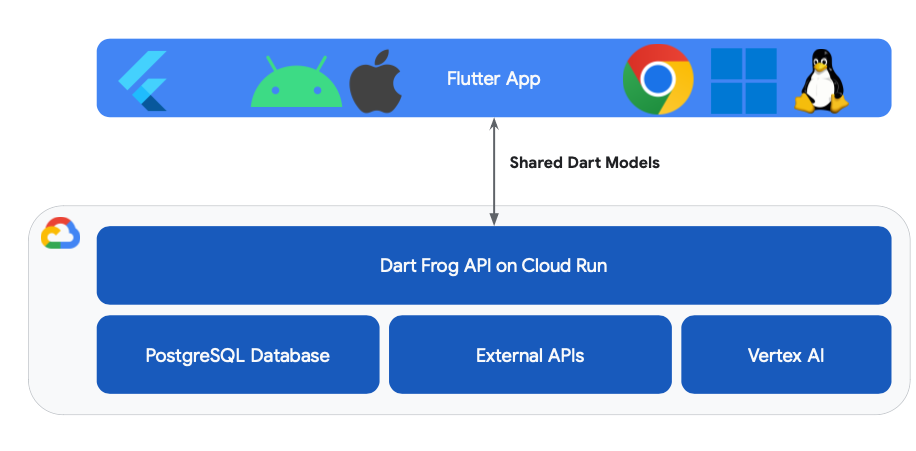
If a change happens, the contract between the application and the server doesn’t break. Even better, with the entire application stack running locally and using the magic of [Hot Reload](https://docs.flutter.dev/tools/hot-reload), you can easily make changes to preview and test with little to no downtime in your development process.
## Feature Addition Example
So what does this look like in practice when a new requirement comes in? Let’s take a look at what it would take to add a new item to our recipes which we missed during our MVP, the total time a recipe takes to make. With Flutter and Dart we can break this into a few key steps
1. Add the field to the model - When we do this it will be done in the shared model between the frontend and backend keeping them in sync throughout the development process.
2. Modify the Backend Query - With the information available we just need to do a quick change to ensure that we are getting that information pulled into our response from the server.
3. Add a widget to the frontend - With the information needed being added into the response, it’s as easy as adding a Text widget to our UI with that new field.
Through all of that, we didn’t have to restart the app or the API a single time!
## How To Get Started
Hopefully, this way of thinking and example is a good illustration of how this shift in technology stack can help you in your current or future projects. Very Good Ventures has developed this perspective over numerous years and projects, and we see it as the next evolution of engineering teams overall. If you're interested in hearing more about this, don’t hesitate to [reach out](https://verygood.ventures/contact-us/) to have a quick conversation.
#### Frequently Asked Questions
##### What is Dart Frog?
Dart Frog is a backend framework built by VGV that lets teams use Dart for backend development. It brings frontend and backend teams onto a shared technology stack, so engineers can move between client and server code without switching languages.
##### Why use Dart for both frontend and backend?
Sharing a language across frontend and backend lets teams reuse Dart models between the client app and the API server. The contract between application and server stays in sync, which shortens cycle times and lets engineers be defined by the product area they own rather than the platform they write for.
##### What is the VGV Recipes demo?
VGV Recipes is a demo Flutter app and Dart Frog API developed in a shared repository. Dart models are shared between the two, third-party integrations live on the backend, and the entire stack runs locally with Hot Reload across both client and server.
##### Where has VGV used Dart Frog in production?
VGV has used Dart Frog for over a year on real client work, including the Google News Toolkit and I/O Flip. Both projects ship with Dart Frog backends connected to Flutter clients.
##### What does adding a feature look like with this stack?
Three steps. Add the field to the shared model so frontend and backend stay in sync, modify the backend query to pull the new field into the response, and add a widget to the frontend to display it. Hot Reload runs across both sides during the work.
### Auth0 Flutter SDK vs API: Which one should you pick?
Source: https://verygood.ventures/blog/auth0-flutter-sdk-vs-api-which-one-should-you-pick/
Auth0 is a flexible, drop-in solution designed to add robust authentication and authorization services to your applications, acting as the gatekeeper to secure access. Traditionally, securing an application involved developing both a frontend interface for user interactions, such as email and password authentication, and a backend infrastructure for securely storing sensitive information. Auth0 simplifies this process by providing a universal solution (Universal Login) that seamlessly integrates with your frontend, backend, and third-party tools, managing user identities with a secure, reliable infrastructure.
Moreover, modern applications demand more sophisticated authentication methods beyond basic email and password login. This includes social provider authentication (e.g., Google, Apple), multi-factor authentication (MFA) methods like SMS codes or biometrics (e.g., fingerprint recognition), and more. Auth0 supports these advanced authentication needs out of the box, offering a streamlined experience for both developers and users.
The way to access all these out-of-the-box features is through the Universal Login. It is a web page hosted by Auth0 where users can log in to your application. Auth0’s Universal Login defines your login flow. Whenever a user needs to prove their identity, your applications redirect to Universal Login, and then Auth0 will do what is needed to guarantee the user's identity.
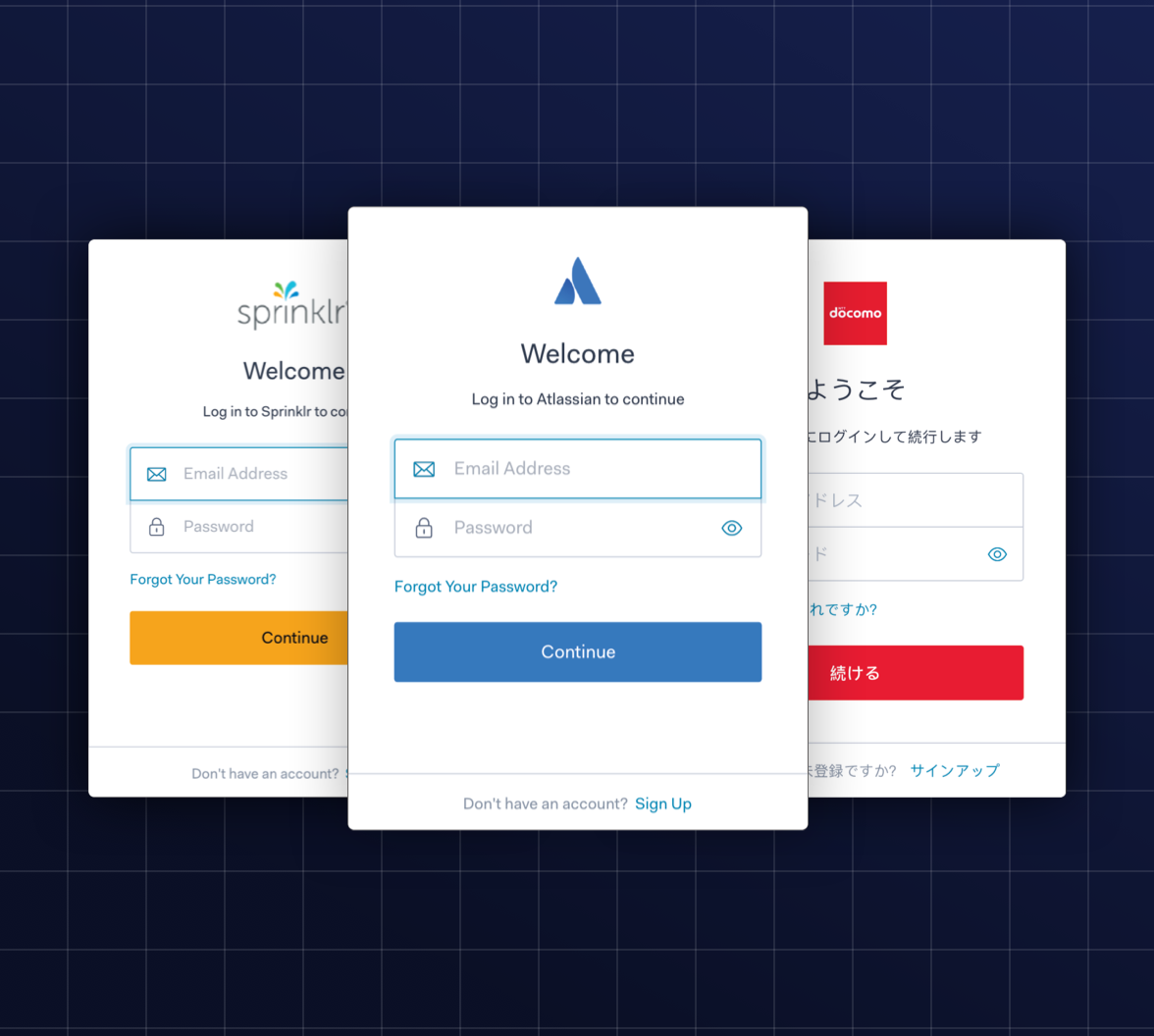
Configuring Universal Login is dynamic (and does not require application-level changes) because all functionality is driven by the web pages served by the centralized Authentication Server. **Your applications benefit from any improvements Auth0 makes in the login flow without the need for you to change your code.**
This means that when using Universal Login, you don't have to do any integration work to handle different methods of authentication. You can start off using a simple username and password, and then add other features, such as social login and multi-factor authentication (MFA).
The Auth0 Dashboard allows you to customize the login page appearance and behavior creating a consistent, branded login experience. For advanced use cases, you can even add custom code to each page.
Auth0 universal login includes the following features:
- Username + Password Login
- Socials Login
- Passwordless/ One Time Password (code sent through email or SMS)
- MFA challenge
- Forgot Password
- Sign Up
By integrating Auth0 into your application, whether through its Flutter SDK or directly via the API, you can leverage this powerful solution, ensuring that your application's authentication and authorization mechanisms are both secure and user-friendly.
## Overview of Auth0 Flutter SDK
1. **What is Auth0 Flutter SDK?
**Auth0 Flutter SDK is a package designed to seamlessly integrate Auth0 authentication and authorization features into Flutter applications.
2. **Key Features**
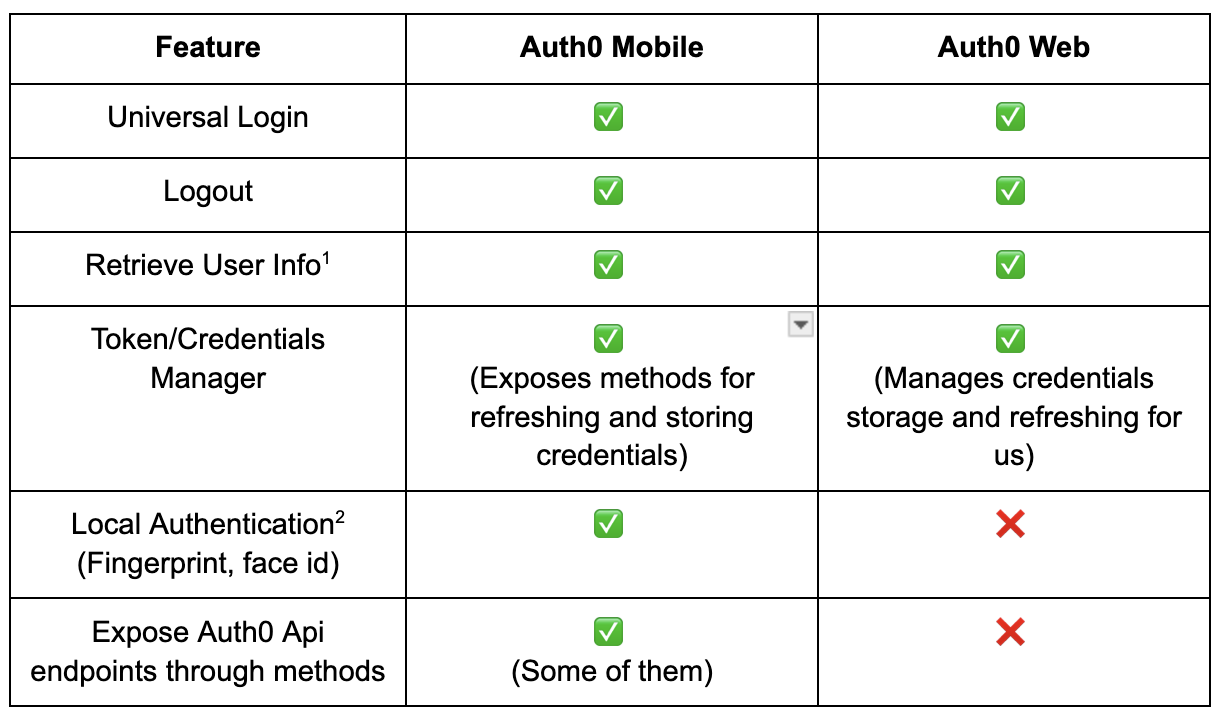
^1^ Method exposed by the SDK which returns the user profile. Provides information such as id, email, name, phone number, etc. This collection of properties represents the authenticated user.
^2^ Refers to asking for fingerprint, face ID, pincode (depending on what’s supported by the device) before giving the user access to the app. Auth0’s implementation protects the stored token with the previously mentioned authentication methods.
3. **Pros of Using Auth0 Flutter SDK:**
- **Ease of Integration:** Quick and straightforward to integrate with Flutter applications, reducing development time
- **Pre-built UI Components:** Comes with ready-to-use authentication UI for the Universal Login, which can be customized to a certain extent as per the app design.
- **Community and Support:** Access to the community and support from both Auth0 and Flutter developers.
- **Ready to use solutions:** In addition to the UI component, the Flutter SDK has pre-built solutions you can leverage in your app:
- On mobile, it provides a Credentials manager for token storage and refreshing, as well as the ability to add LocalAuthentication.
- On Web, the management and storage of credentials are handled internally by the underlying [Auth0 SPA SDK](https://github.com/auth0/auth0-spa-js) including refreshing the access token when it expires.
- Mobile also provides a convenient way to access API endpoints as methods (login, OTP, userProfile, MFA, token refresh, reset password, and sign up).
## Overview of Directly Using Auth0 API
**1\. What Does it Mean to Use Auth0 API Directly?
**The Authentication API enables developers to manage all aspects of user identity when using Auth0. It offers endpoints so users can log in, sign up, log out, access APIs, and more. The Authentication API is served over HTTPS. Developers will have to make their own implementation to interact with Auth0's RESTful APIs.
**2\. Key Features:
**
- Login (including UniversalLogin) ✅
- Logout ✅
- Passwordless / One Time Password (code sent through email or SMS) ✅
- SignUp ✅
- Change Password ✅
- User Profile ✅
- MFA ✅
- Management API ✅
**3\. Pros of Using Auth0 API Directly:**
- **Custom Login:** Outside universal login, you can create your own custom UI and Login flow. This allows for full control over the authentication and authorization process.
- Enables more complex scenarios and more control over those, beyond the pre-packaged solutions provided by SDKs.
- **Programmatic Account Management:** Manage your Auth0 account programmatically through the Management API. This allows you to automate configuration of your environment. Most of the tasks you can perform in the Auth0 Management Dashboard can also be performed programmatically by using this API.
## Comparison: Auth0 Flutter SDK vs. Direct Auth0 API Use
1. **Ease of Use:**
- SDK provides a higher-level abstraction with less setup time, ideal for standard use cases.
- Direct API use requires more detailed implementation but offers more control.
2. **Customization and Flexibility:**
- SDK has limitations in customization and might not support all Auth0 features. This is particularly true when talking about the Auth0 API, which the Auth0 Mobile SDK exposes but Auth0Web does not. That is true also for the mobile SDK which only exposes some of the Auth0 API methods.
- Direct API allows for complete customization and access to the full range of Auth0 features.
3. **Maintenance and Support:**
- SDK users benefit from updates and community support. **Notice that this could be a double edge sword since you depend on them making the updates.**
- Direct API users need to manually manage updates and changes to Auth0 services.
## Conclusion
Auth0 is a great tool to manage user authentication and authorization in your app. It can make your team avoid the cost, time, and risk that come with building your own solution. On one hand, leveraging the auth0\_flutter SDK will make it even easier and faster to integrate it into your app. On the other hand, directly using the Auth0 API will give your team more fine control over the solution and will allow for more custom or complex use cases.
As you might have already noticed, the auth0\_flutter SDK exposes slightly different APIs for mobile platforms versus the web. So if your Flutter app is both mobile and web, you will have to interact with two different APIs (Auth0 and Auth0Web). Even though in general, they share almost the same features, they do still have slight differences that will need to be addressed when integrating it into your app.
When deciding which approach is the best for a particular situation, I would ask myself the following questions:
- **Does the Auth0 Universal Login experience align with the requirements of the project?**
If it does, you probably are good to go by just using the Auth0 SDK since it’s easier and more straightforward to set up and use the universal login than the API.
- **How much will I need to modify the experience, and can that level of modification be achieved by the customization options provided?**
If you need to make some modifications but it’s something we can achieve through the Auth0 dashboard, I would stick to the Auth0 SDK. If you need to make modifications outside the Auth0 dashboard, for example, customizing the Login flow outside the one defined by Auth0, you will need to resort to creating your own custom login using the Auth0 API.
- **Will I use features outside the ones exposed by the SDK and do the exposed features correspond to my requirements?**
At this point, even though you are using the API methods, you could still use the SDK (at least the mobile one) that exposes some API methods. You just need to make sure that the methods exposed are enough to achieve the functionality you are looking for. If that is not the case, you probably need to do it through the REST API.
- **Will I be working only on mobile or do I also expect a web version of the app?**
If you expect your Flutter app to be for web and mobile, keep in mind that you will have to work with two different APIs of the SDK. This could potentially hinder the maintainability of the project. It could be that directly interacting with the REST API allows you to create a better abstraction for your needs.
In the end, there is not one solution that fits all, but I hope these questions will point you on the right path. Other questions may arise in the pursuit of finding the best approach for your individual needs, so try to weigh the different pros and cons and make an educated decision.
#### Frequently Asked Questions
##### When should I use the Auth0 Flutter SDK instead of the Auth0 API?
The Flutter SDK is the faster path when Auth0's Universal Login flow fits your product and you only need light customization. It ships with a Credentials Manager, biometric protection on mobile, and convenience methods for login, sign up, MFA, and token refresh, which cuts integration time. Pick the API directly when you need a fully custom login UI or features the SDK does not expose.
##### What is Auth0 Universal Login?
Universal Login is a web page hosted by Auth0 that handles authentication on behalf of your app. When a user needs to prove their identity, your app redirects to Universal Login, which manages username and password, social login, passwordless, MFA, sign up, and forgot password flows. Because Auth0 serves the page, you benefit from upstream improvements without changing your app code.
##### Does the Auth0 Flutter SDK work the same way on mobile and web?
No. The SDK exposes different APIs for mobile (auth0_flutter) and web (auth0_flutter_web). The mobile SDK surfaces a wider set of Auth0 API methods such as login, OTP, user profile, MFA, token refresh, reset password, and sign up. The web SDK manages credentials internally through the Auth0 SPA SDK but does not expose the same low-level methods, so a Flutter app targeting both platforms has to handle the differences.
##### What does the Auth0 Management API let me do?
The Management API lets you automate most tasks you would otherwise perform manually in the Auth0 dashboard, like configuring tenants, applications, and users. Using it from your own backend gives you programmatic control over your Auth0 environment and keeps configuration in code.
##### How should a team decide between the SDK and a custom API integration?
Start by asking whether Universal Login meets your product requirements and whether the customizations you need can be done through the Auth0 dashboard. If yes, the SDK is the simpler choice. If you need a custom login flow, features the SDK does not expose, or a single abstraction that works the same on mobile and web, integrating against the Auth0 REST API directly is the better option.
### Behind the Unicorn Magic: Get to know the VGV Team
Source: https://verygood.ventures/blog/behind-the-unicorn-magic-get-to-know-the-vgv-team-josh-musick/
## Josh's Background
J: I'm Josh Musick, Head of Design Services at VGV. Our primary focus is digital product design, with an emphasis on cross-platform and mobile applications.
I started working as a designer in the Web 1.0 era. Besides genuinely loving art and technology, I had an unexpected leg up in my entry into the profession in the form of a degree in philosophy. It gave me a strong foundation for working with abstract concepts and novel problem-solving, which were invaluable at a time when so much was still undefined about how technology might fit into our lives.
Throughout my career, I've had the opportunity to work on a diverse range of projects—web, mobile and desktop apps; enterprise-scale design systems, data platforms, hardware interfaces, and experience strategy—across a diverse array of verticals—fashion, media, e-commerce, finance, telecommunications, heavy industry, manufacturing, automotive, aerospace, building systems—for clients of all sizes—startups, NGOs, and SMBs and large enterprises. My experiences at frog and more recently, Raytheon Technologies, have equipped me with a broad skill set and a deep understanding of the intersection between design, technology, and business.
## Role at VGV
J: My role at VGV is to lead the design team and make sure that the products we create meet the highest standards of quality and usability. We work hard to ensure that all of our designs can achieve user, business, and brand goals alike and that anything we create can be effectively used by our clients as their product grows over time.
I think what sets us apart from many competitors is our end-to-end approach. We’re a very good blend of a design consultancy like frog, where I worked for more than a decade, and a pure engineering services firm. Basically, we can handle any design problem from discovery and initial conception all the way through to product delivery.
**How do you ensure VGV’s design process works for clients?**
J: We try to keep our design process as user-centered as possible, but a thing that makes VGV different is the effort we put into client collaboration, which is at the heart of our design process at VGV. We work closely with cross-functional teams to ensure that our designs are strategically aligned and contribute to the overall success of our projects. We work hard to intimately understand what clients are trying to do and the constraints they’ve faced in trying to do it. We try to communicate as clearly as we can throughout the design process so that we’re certain we understand client objectives and the client understands how and why we’re making the decisions we are and the tensions we’re trying to resolve. This makes it more likely our designs are on target on the first pass and, if they’re not, subsequent feedback cycles are efficient and effective. All in all, it keeps us moving quickly.
Our ultimate goal is to build great products that users love and organizations can grow and manage effectively. I believe that, at its best, design can deliver experiences that make people smarter and more capable of doing what they want to do in the world. When design works well, it addresses real-world problems through clear hypotheses that can be validated with data. When we’re able to measure outcomes, we can know our designs work for users and actually deliver intended experiential and business results.
**Can you describe a VGV project you're particularly proud of?**
J: One project that stands out to me is the [Flutter News Template](https://verygood.ventures/blog/flutter-news-toolkit-an-advantage-for-publishers-powered-by-vgv/). This project not only showcased our ability to deliver high-quality products rapidly but also had a significant impact on businesses worldwide. Seeing our work being used and appreciated by a diverse range of organizations is incredibly rewarding. We built something that was broadly extensible and usable by different kinds of businesses with various business models. On top of that, we did it the VGV way, really rapidly with consistently high-quality delivery.
I'm also proud of the collaborative nature of our work at VGV. We have the opportunity to work with a wide range of clients and industries, tackling complex design problems and making a positive impact on the world around us.
**What challenges do you find in your day-to-day role, and how do you address them?**
J: One of the most common challenges we face in our role is aligning client aspirations with the realities of product development. This often involves managing expectations and finding creative solutions to technical or resource needs. Building strong relationships with clients and understanding their unique needs is key to overcoming these challenges.
Another challenge is supporting teams with varying levels of design maturity. Some clients may have limited design resources or experience, which can lead to challenges in implementing design solutions effectively. Our approach involves providing support, guidance, and resources to help these teams succeed.
**Are there any emerging technologies or trends you find particularly exciting?**
J: There are two trends that I am particularly excited about: AI and low-code/no-code tools.
AI holds immense potential for revolutionizing the way we design and interact with digital products. From personalization to automation, AI-powered technologies can enhance user experiences in ways we never thought possible.
I’ve seen demos recently where the capabilities are astonishingly rich. It fundamentally changes what a software experience can do for a person. We are at the very beginning as well; a lot of very smart people are working very hard on core capabilities and the services that deliver them. It feels like the smartphone revolution all over again, I think we’ll completely reimagine our relationship with computing over the next 5-10 years.
AI also will dramatically impact how software is made, which is something VGV cares about a great deal. It’s why we’re also interested in low- and no-code tools. A lot of enterprise use cases require bespoke interfaces customized to a particular task. It’s just not sustainable to build all of these in a discrete one-by-one fashion. For designers, these are a logical extension of design systems. Like design systems, these tools are meant to democratize the design and development process and make it more accessible to teams of all sizes. How these tools unfold, where they get adoption, and the specifics of how they work are an area of great interest for the team.
## Looking Forward
**What aspirations do you have for the impact of your work at VGV in the future?**
J: My first goal is to build a great team; and continue helping my teammates to become better designers and innovators.
For clients, I want to bring great products to market that smartly leverage emerging technologies, deliver key business results, and leave their users happy and productive. If we do things right, we have the opportunity to make a lasting impact on the industries we serve and the lives of the people who use those products.
For VGV more broadly, I’d like to continue accelerating the rate at which we can deliver dev-ready designs. We’ve developed a pretty extensive playbook of methods that really increase our velocity, and I want to continue expanding upon that work. We generally want to make the organization work better and better. Since our design team is somewhat new, not everyone in the company has an intuitive sense of our capabilities yet. I want everyone to understand the value Design brings to programs and to find synergies with our talented Engineering and Product teams to further optimize how we deliver.
I'm excited to see what the future holds as we continue to push the boundaries of design and technology.
## Who is Josh beyond VGV?
- Josh is a dad, designer, creative leader and educator.
- He spent decades working in NYC at Organic, frog design, Raytheon Technologies’ Digital Accelerator in Brooklyn and teaching at the School of Visual Arts’ MFA Program in Interaction Design.
- He currently resides in Columbus Ohio with his wife and their two kids. He likes to cook for his family, usually listening to music, podcasts and standup comedy while he does it.
- At this point in his life, Josh is intensely boring and he feels pretty good about it.
#### Frequently Asked Questions
##### Who is Josh Musick?
Josh Musick is VGV's Head of Design Services. He has worked as a designer since the Web 1.0 era across web, mobile, desktop, design systems, and hardware interfaces, with prior roles at Organic, frog design, and Raytheon Technologies' Digital Accelerator in Brooklyn.
##### What does the design team at VGV focus on?
The team focuses on digital product design with an emphasis on cross-platform and mobile applications. The mandate is to deliver work that meets user, business, and brand goals at the same time and that clients can extend as their products grow.
##### What sets VGV's design process apart?
An end-to-end approach blending design consultancy and engineering services, plus heavy investment in client collaboration. The team works closely with cross-functional teams to align on objectives, communicate decisions clearly, and keep feedback cycles short.
##### Which VGV project is Josh particularly proud of?
The Flutter News Template. It showed VGV's ability to ship high-quality work quickly and produce something extensible enough to serve a wide range of organizations and business models.
##### Which emerging technologies does Josh find most exciting?
AI and low-code/no-code tools. AI is poised to reshape both how digital products work for users and how software gets built. Low-code/no-code tools are a logical extension of design systems, making bespoke enterprise interfaces more sustainable to deliver.
### Web App vs. Mobile App Development: What's the Difference?
Source: https://verygood.ventures/blog/web-app-vs-mobile-app-development-whats-the-difference/
When your organization releases a custom application, it's important to get that software to the largest audience possible. Today, that means targeting multiple platforms without straining your development resources. But where does the web fit in?
A web application, accessed through an app user's web browser, has a very low barrier for entry. While an Android or iOS app has to be downloaded through the Google Play Store or Apple App Store, a web app is always there — just enter a web address and go.
So, should you make a web app part of your outreach strategy? Is this a suitable specific platform for you to target alongside Android and iOS? What if you want to develop MacOS or Windows desktop app versions of your product?
Getting some clarity about what web apps can accomplish for you, and the best practices for developing them, can help you plan your strategy. And, if you do decide that building a web app is right for you, you'll be pleased to find that it's easier than ever to develop for the web alongside other platforms, thanks to the current generation of multi-platform development frameworks, [prominently including Flutter](https://flutter.dev/multi-platform/web).
First, it's best to lay down some definitions. How does a web app stack up next to a conventional mobile application?
## Web App and Mobile App: Compare and Contrast
Developing a web application has the same general purpose as creating a mobile app: providing a positive, friction-free app user experience and a way to interact with your brand. When you want to give your audience the chance to access an app experience without downloading anything, building a web app is the clearest way forward.
Despite the fact that web apps are accessible through an ordinary web browser, it's important to note that they are indeed more like applications than standard web pages. This means they're not necessarily very useful for search engine optimization or inbound marketing, as Flutter's developers note — they're there to [provide a dynamic experience](https://docs.flutter.dev/platform-integration/web/faq) and an accessible user interface.
As app experiences, in general, become integral parts of companies' outreach activities, web apps ensure these apps have the maximum possible reach. When considering whether your organization's app should have a web version, it's worth asking how much extra traffic you could capture by building the new product.
It's worth noting that under a multi-team native app development model, expanding to the web would require extra headcount and engineering effort, which could take away focus from other platforms. In the era of multi-platform development ushered in by Flutter and similar frameworks, however, the math has changed. [Flutter's nature as a build-once, run-anywhere framework](https://verygood.ventures/blog/benefits-of-flutter-for-cross-platform-app-development/) foregrounds time- and money-saving single-team models.
When you can create a powerful web app from the same codebase as the Android and iOS versions, your team gains the primary advantage of a web app — a large new potential audience with an extremely low barrier to entry — without the drawback of staffing up a new, siloed app developer team.
*Find out how an* [*App performance is intrinsically linked to the customer experience today.*](https://verygood.ventures/blog/very-good-app-development-boosts-digital-customer-experience-heres-how/)
## Multi-Platform Development: Bringing Web and Mobile Apps Together
So, just how simple is it to create a web version of a multi-platform app when developing in Flutter? Thanks to the fact that the framework specifically supports building web apps, this process is an easy add-on to mobile app development.
Web app support has been added to Flutter since its debut in 2018, along with desktop app support for MacOs, Windows and Linux. The process for web app creation is the same as creating an app for any of Flutter's other supported platforms. In addition to creating a new app for multiple platforms, including the web, it's also possible to retroactively add web support to existing apps initially created with older versions of Flutter.
With one codebase for the web version of the app as well as any and all other versions, it's possible to run a more efficient build process, getting the application into production sooner. This process — of releasing a fully featured application across multiple platforms without taking engineering hours away from quality assurance and additional feature development — allows you to reach the maximum possible audience quickly while delivering a high-quality user interface across all channels.
### Platform Differences and Development Musts
There are a few extra considerations that go into [getting a multi-platform app ready to run on the web](https://docs.flutter.dev/platform-integration/web/renderers). For instance, engineers need to select which rendering engine they'll use to display content. The Flutter team recommends sticking with the defaults: the HTML renderer (which minimizes download size) when accessed on a mobile browser, the CanvasKit renderer (which optimizes performance) for desktop and laptop browsers.
There is also the matter of [the way images are handled](https://docs.flutter.dev/platform-integration/web/web-images) in web apps. There is more freedom regarding image display options in both the desktop and mobile versions of apps compared to web applications. Flutter offers several recommended solutions, depending on where and how the developer team decides to host the necessary images.
There are a few other minor differences — for example, Flutter's hot reload feature does not work in web browsers at the moment. However, the basics are unchanged across each different platform, meaning the same streamlined Flutter engineering process that works for mobile device app development will also help your organization deliver web experiences.
*Learn more about our Very Good approach to* [*multi-platform app development best practices*](https://verygood.ventures/solution/build-an-app/)*.*
## Developing Ideal Multi-Platform Apps with Flutter
Choosing to develop a multi-platform app with Flutter comes with advantages that extend from the pre-build visualization process to the ongoing maintenance phase once the app is in production. As long as your team is willing to embrace the relevant best practices, the resulting application can become a tentpole of your communications for years to come.
Some of the specific advantages of engaging in web app development as part of a multi-platform Flutter strategy include:
### Quicker path to launch
Whether you're bringing an existing mobile app to web browsers or launching a whole new application on multiple platforms at once, less time leading up to launch is a major advantage. Working on a single codebase, with one unified development team, is a way to add speed and efficiency.
### Simple conversion from web to multi-platform
If your organization has an existing web app, it already has much of the business logic, authentication and UI necessary to run across platforms. In Flutter, it's simple to add dynamic scaling to the UI, allowing you to reach mobile audiences without extensive rewriting. This presents a significant advantage as it leads to substantial cost savings for the company, given that this task typically consumes the most time to complete.
### Easier bug fixes
When there are multiple codebases for each different platform's version of an app, patching a single problem depends on coordination between teams that may be misaligned and siloed. The extra time and effort expended on squashing bugs can then make it harder to execute a feature roadmap.
### Scalability Over Time
A codebase built on Flutter with best practices tends to be simple, elegant and "boring." This focus on straightforward code reduces tech debt and can allow your team to add new features and capacity to a web or mobile application, delivering a great user experience year after year.
### Access to a Strong Community
The community devoted to creating open-source components for Flutter is large and helpful, ensuring that a developer is never alone when trying to add novel new functionality to a web app. The Google Flutter team, too, is highly responsive to feedback from engineers regarding features and updates.
### Full Support Across Platforms
The web, MacOS, Windows and Linux — each different platform is fully featured for Flutter app development, rather than acting as an afterthought to iOS and Android. This is one area where Flutter differs from React Native — for that framework, functionality for non-mobile platforms was added by the community.
### Possibilities Beyond Mobile Devices and PCs
While developing a web application helps your app reach a wide swath of your audience, sometimes there's a need to go further, for example, creating a version of a smart device control panel or even a vehicle console. Multi-platform development with Flutter can encompass these touchpoints.
### Powerful User Interface Capabilities
Apps today have to be attractive and perform well to catch users' attention. Apps built in Flutter take full advantage of the power of their respective platforms, as if they were native mobile apps, despite being built as a single codebase in the Dart programming language.
*Want to see Flutter app development in action? See how to develop* [*Flutter apps for wearable devices*](https://verygood.ventures/blog/building-wear-os-apps-with-flutter-a-very-good-guide/)*.*
## Ready to Develop High-Quality Web and Mobile Apps?
The audience for your next app, whether it's made up of internal users or external customers, will be happy to engage with powerful, consistent software built in Flutter. This will remain true over time as the single codebase and build-once, run-anywhere nature of the framework enable effective updates and future-proofing. Now it's time to ensure the process is carried out according to the best practices of multi-platform app development.
Whether your development team is entirely in-house or you engage with third parties on your projects, it may be worth getting expert opinions, consultation and support as you bring Flutter into your workflow.
Shifting a present native app to Flutter, or adding the web as a specific platform for an existing piece of software, could be a valuable introductory product. Alternatively, you could dive in with a brand-new multi-platform concept. The choice depends entirely on your needs and those of your audience.
#### Frequently Asked Questions
##### What is the difference between a web app and a mobile app?
A mobile app is downloaded through the Google Play Store or Apple App Store and installed on the device. A web app runs in a browser at a URL with no install step. Both deliver app-like experiences, but a web app trades some platform integration for a much lower barrier to entry.
##### When should a company add a web app to its strategy?
When reach matters more than deep platform integration. A web app captures users who would not download a mobile app and lets the same audience interact with a brand from any device with a browser. Use the question of how much extra traffic a web app would capture as the gut check.
##### How does Flutter change the math on building both?
Under a multi-team native model, adding web means more headcount and engineering effort that pulls focus from other platforms. Flutter is a build-once, run-anywhere framework, so one team and one codebase can ship Android, iOS, web, Windows, macOS, and Linux versions of the same app.
##### What are the technical differences when targeting web with Flutter?
Engineers pick a rendering strategy. The Flutter team recommends defaults: HTML for mobile browsers to keep download size small, and CanvasKit for desktop browsers to keep performance high. Web image handling has different options than mobile or desktop, and hot reload does not currently work in browsers.
##### What advantages do multi-platform Flutter apps offer over the long term?
Quicker path to launch with one team and one codebase
Easier conversion from a web app to mobile by adding dynamic UI scaling
Easier bug fixes because patches happen in one place
Scalability over time with simpler, less duplicated code
Access to a strong open source community and full Flutter support across web, MacOS, Windows, and Linux
### Integrating Gemini AI with Flutter
Source: https://verygood.ventures/blog/integrating-gemini-ai-with-flutter/
Now, with the new [Beta version](https://blog.google/technology/ai/google-gemini-next-generation-model-february-2024/) of the Gemini Dart SDK plug-in, developers can seamlessly integrate AI capabilities into their Flutter applications.
Let’s dive into the power and best practices of Gemini AI to introduce new functionalities to create much richer digital experiences.
Having access to Google's generative AI SDK allows new possibilities in app development, as well as enhancing existing functionalities. We will showcase how to integrate Gemini AI into a Flutter app.
## Getting an API key
Before diving into the code, we have to get an API key from [Google AI Studio](https://makersuite.google.com/app/apikey). If you are having issues trying to access Google AI Studio with a work account, you can either contact your administrator to enable Early Access apps or use a personal Gmail account, since those have the access enabled already.
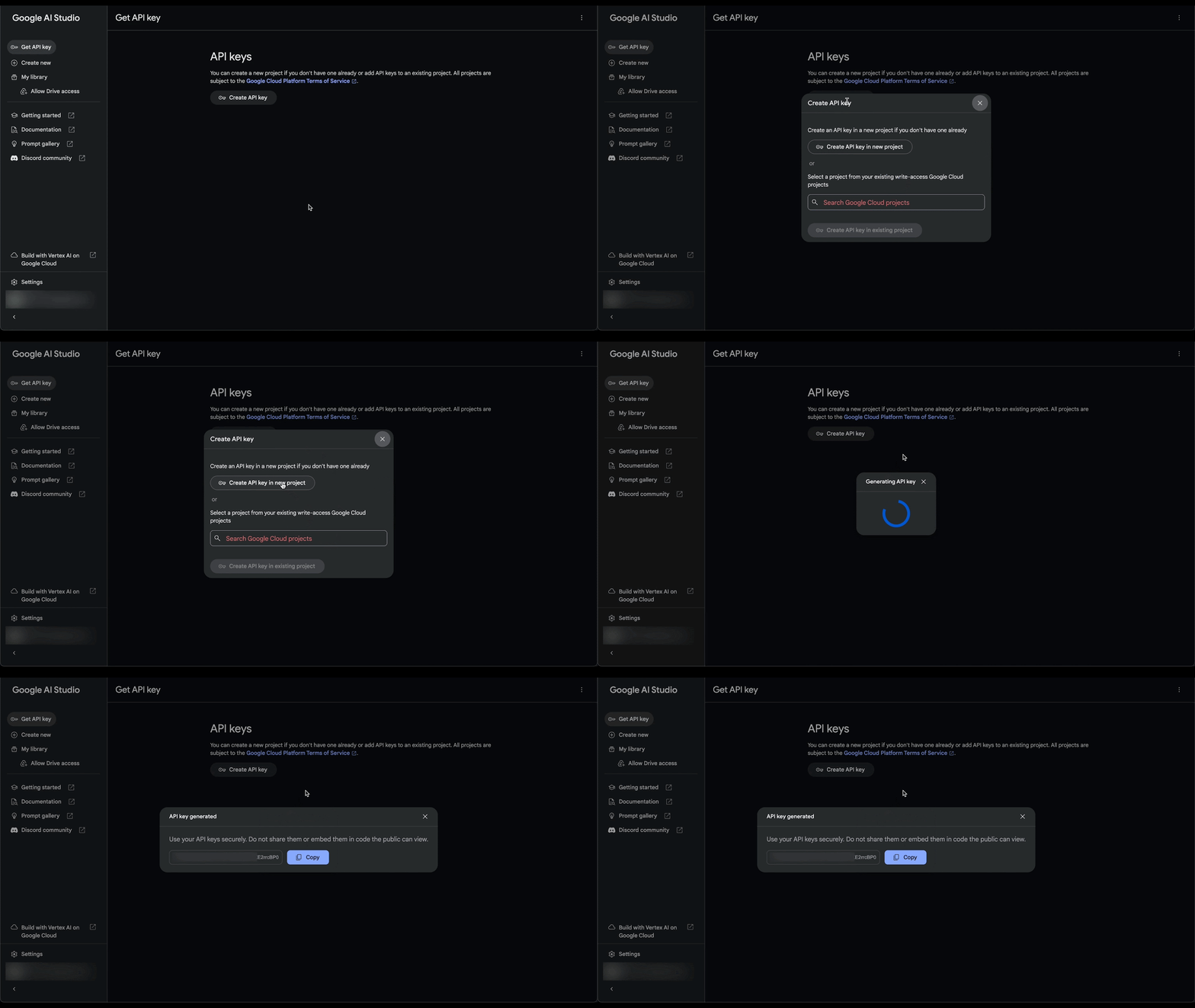
## Adding the SDK to an app
We will be using the [Google Generative AI SDK for Dart](https://pub.dev/packages/google_generative_ai), which is already available in pub.dev.
To use the package in your app, add the dependency to your pubspec.yaml file.
```dart
dependencies: google_generative_ai: ^0.2.0
```
Remember to check the [package's latest instructions](https://github.com/google/generative-ai-dart?tab=readme-ov-file#using-the-sdk-in-your-own-app) on how to add it to your project if you are having issues.
## Best practices
Now that we have the package available in the app, let's see how to use it effectively.
### Creating a Gemini client
At VGV we believe that a [layered architecture](https://verygood.ventures/blog/very-good-flutter-architecture/) is the best way to build maintainable, testable, performant, and scalable code. Following this pattern, we will create a GeminiClient that will be responsible for interacting with the Generative AI SDK and parsing the responses as needed.
```dart
class GeminiClient {
GeminiClient({
required this.model,
});
final GenerativeModel model;
Future generateContentFromText({
required String prompt,
}) async {
final response = await model.generateContent([Content.text(prompt)]);
return response.text;
}
}
```
In this example, we're just showing how to generate content from a text prompt, but we encourage you to play with other types of content such as images with the Content.multi() constructor, or even starting a chat session with Gemini with the \_model.startChat() method!
### Provide the API key securely
The API key accesses the model on your behalf, you should keep it safe and private. One way of doing so is by providing it as an environment variable when running our app. First, we will build the logic in our app to retrieve it.
```dart
void main() {
final geminiApiKey = Platform.environment['GEMINI_API_KEY'];
if (geminiApiKey == null) {
throw Exception('Gemini API key not found');
}
final model = GenerativeModel(model: 'gemini-pro', apiKey: geminiApiKey);
final gemini = GeminiClient(model: model);
runApp(
Provider(
create: (_) => geminiClient,
child: const App(),
),
);
}
```
Then, when running your app, provide the key.
```dart
flutter run --dart-define="GEMINI_API_KEY="
```
### Organize and add context to prompts
There are plenty of use cases for generative AI to be used in an app, but don’t miss the opportunity to combine user prompts with additional context.
Let’s say that you have a story-teller feature in your app powered by Gemini. The user can prompt a summary of the plot or some events that the story should have, but you, as the developer, can add some context to enhance the story and add an overarching theme before sending the request to Gemini. This and other techniques are explained more deeply in the [Gemini API documentation](https://ai.google.dev/docs/prompt_best_practices).
## Let’s see it in action
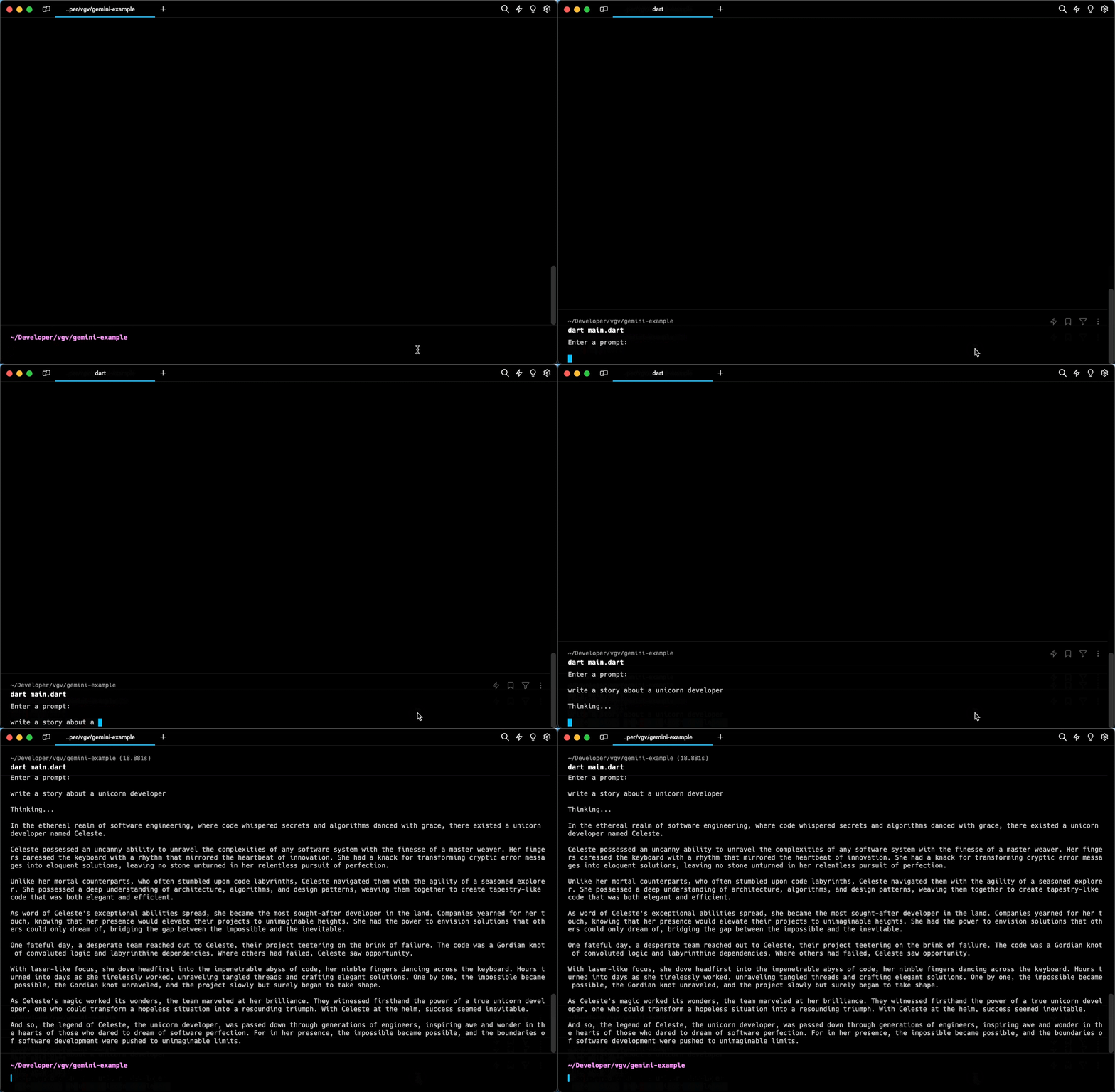
### Maximizing Success: The Power of Integrated Design and Development Agencies
Source: https://verygood.ventures/blog/maximizing-success-the-power-of-integrated-design-and-development-agencies/
[*This article was posted on Laura’s blog first*](https://www.linkedin.com/pulse/maximizing-success-power-integrated-design-agencies-laura-hughes-i9uic%3FtrackingId=n7TC3aWSp5IXUhotzuByVQ%253D%253D/?trackingId=n7TC3aWSp5IXUhotzuByVQ%3D%3D)*.*
In today's competitive digital landscape, businesses are constantly seeking ways to stand out and deliver exceptional user experiences. One often overlooked yet crucial factor in achieving this goal is the collaboration between design and development teams. **Integrated agencies that offer both design and development services under one roof are proving to be invaluable partners for companies looking to thrive in the digital realm.** Since adding design expertise to our team at Very Good Ventures, we've experienced a profound improvement in our ability to streamline projects and meet client goals with greater speed and precision. This strategic move has allowed us to enhance communication, foster seamless collaboration, and deliver consistently exceptional results.
In this article, we'll delve into why businesses are increasingly turning to integrated agencies like ours to enhance their digital presence. From streamlined communication and seamless collaboration to consistent brand experiences and long-term partnership opportunities, we'll uncover the myriad benefits of choosing an integrated design and development agency like Very Good Ventures.
## Streamlined Communication
Effective communication is the cornerstone of any successful project, and integrated agencies excel in this regard. With designers and developers working side by side, communication barriers are eliminated, leading to clearer requirements, faster decision-making, and ultimately, smoother project execution. This seamless collaboration ensures that everyone is aligned from the outset, resulting in fewer misunderstandings and delays.
## Seamless Collaboration
Gone are the days of passing design mockups back and forth between different vendors. Integrated agencies facilitate seamless collaboration between designers and developers throughout the project lifecycle. From initial concept ideation to final product delivery, these teams work hand in hand, ensuring that design decisions are implemented faithfully and technical constraints are addressed proactively. This close partnership fosters a culture of creativity and innovation, where ideas flow freely, and the end result is greater than the sum of its parts.
## Consistent Brand Experience
In today's omnichannel world, maintaining a consistent brand experience across all digital touch points is paramount. Integrated agencies are well-positioned to deliver on this front, thanks to their holistic approach to design and development. By aligning brand guidelines with technical implementation, these agencies ensure that every interaction with the brand is cohesive, memorable, and on-brand. Whether it's a website, mobile app, or digital marketing campaign, customers can expect a seamless experience that reinforces brand identity and builds trust.
## Efficiency and Cost-Effectiveness
Time is money, and integrated agencies understand the value of both. By offering design and development services under one roof, these agencies eliminate the need for multiple vendors and the associated overhead costs. This streamlined approach not only saves time but also reduces project management complexity, allowing resources to be allocated more efficiently. As a result, projects are completed faster, on budget, and with fewer headaches along the way.
## Flexibility and Adaptability
In today's fast-paced digital landscape, flexibility is key. Integrated agencies are adept at adapting to changing project requirements and client needs thanks to their agile workflows and cross-functional teams. Whether it's accommodating last-minute design changes or pivoting in response to user feedback, these agencies are nimble enough to keep pace with evolving project dynamics without missing a beat.
## Quality Assurance and Testing
Quality is non-negotiable in the world of digital product development, and integrated agencies take quality assurance seriously. By involving designers and developers in the testing process from the get-go, these agencies ensure that products are thoroughly vetted for usability, functionality, and performance. This collaborative approach to quality assurance results in higher-quality products with fewer bugs and issues, ultimately leading to greater customer satisfaction and loyalty.
##
Long-Term Partnership Opportunities
Beyond individual projects, integrated agencies offer the opportunity for long-term partnerships that extend far beyond the initial engagement. By becoming trusted advisors to their clients, these agencies can provide ongoing support and guidance on digital strategy, helping businesses navigate the ever-changing digital landscape with confidence and clarity.
In conclusion, the benefits of choosing an integrated design and development agency are clear. From streamlined communication and seamless collaboration to consistent brand experiences and cost-effective solutions, these agencies offer a compelling value proposition for businesses looking to succeed in the digital age. By harnessing the power of integration, companies can unlock new opportunities for innovation, growth, and success.
#### Frequently Asked Questions
##### What is an integrated design and development agency?
An integrated agency offers both design and development services under one roof. At Very Good Ventures, designers and engineers work side by side on the same projects, which removes the handoff problems that come with using separate vendors.
##### How does combining design and development under one roof speed up projects?
When designers and developers work together, communication barriers disappear, decisions get made faster, and there are fewer misunderstandings. Eliminating the back-and-forth between separate vendors also reduces overhead and project management complexity, so projects ship faster and on budget.
##### How does an integrated agency keep brand experience consistent across digital products?
Integrated agencies align brand guidelines with technical implementation from the start, so the design intent makes it all the way into the finished product. Whether the surface is a website, mobile app, or marketing campaign, customers get a cohesive experience that reinforces the brand.
##### Why does Very Good Ventures offer both design and engineering?
Adding design expertise to the team produced a clear improvement in VGV's ability to streamline projects and meet client goals with greater speed and precision. Designers and engineers now collaborate from concept through delivery, which leads to consistently better results.
##### What kind of long-term value does an integrated agency provide beyond a single project?
Integrated agencies become trusted advisors over time, providing ongoing support and guidance on digital strategy. That long-term partnership helps businesses keep their digital experience current as customer needs and platforms shift.
### Exploring Accessibility and Digital Inclusion with Flutter
Source: https://verygood.ventures/blog/exploring-accessibility-and-digital-inclusion-with-flutter/
## What is Digital Accessibility?
Accessibility is the practice of making software usable for people with disabilities. It enables them to perceive, understand, navigate, and interact with software, allowing them to be active and contributing members of the digital world.
## Why is it important to be aware of accessibility?
According to the World Health Organization (WHO), an estimated 1.3 billion people experience permanent disability. This represents 16% of the world's population or, in other words, one in six of us. This number is very significant: When creating a new application, it's important to consider whether people with disabilities will be able to use your product or if they will face difficulties.
Some examples of permanent disabilities are:
- Loss of motion or strength in a body part
- Loss of Hearing or sight
- Loss of limb
Additionally, **temporary disabilities** can affect how the user interacts with the product over a period of time, so we must be careful with these cases as well.
Some examples of temporary disabilities are:
- Broken bones
- Back/neck injury
- Surgery rehabilitation
Technology teams should care about creating products for everybody, regardless of whether they have disabilities or not, which they can use and enjoy.
## About WCAG 2.1
[The Web Content Accessibility Guidelines (WCAG) 2.1](https://www.w3.org/TR/WCAG21/) are guidelines for making web content more accessible. This allows users with disabilities to use these products by including accommodations for blindness and low vision, deafness and hearing loss, limited movement, speech disabilities, photosensitivity, learning disabilities, cognitive limitations, etc.
To follow these guidelines, applications should be:
- **Perceivable**: The information and components of the user interface must be presentable to users in a way that they can perceive them.
- **Operable**: User interface components and navigation must be viable.
- **Understandable**: Information and the operation of the user interface must be understandable.
- **Robust**: Content must be robust enough that it can be interpreted by a wide variety of user agents, including assistive technologies.
### Conformance Level
These guidelines are differentiated into the following levels:
**Level A (basic accessibility)**: The least strict. If your product does not pass this level you have a big accessibility problem that must be solved. At this level, there are 30 criteria that the product must meet, for example:
- Non-text content (images and videos) must have a text equivalent.
- Forms must include labels or instructions.
- Assistive technologies, such as screen readers, must be able to access content.
- The information must not be conveyed through shape, size, or color alone.
**Level AA (Strong Accessibility):** This is the recommended conformance level. At this level, the content of the product would satisfy all the criteria between Level A and Level AA. Some examples at Level AA are:
- Elements that affect navigation should be consistent across the site.
- Content should be organized on headings - this will be very important when the user uses the screen reader.
- The visual presentation of text and images of text has a [contrast ratio](https://www.w3.org/TR/WCAG21/#dfn-contrast-ratio) of at least **4.5:1**, except for the following:
**Large Text**
- [Large-scale](https://www.w3.org/TR/WCAG21/#dfn-large-scale) text and images of large-scale text have a contrast ratio of at least 3:1.
**Incidental**
- Text or images of text that are part of an inactive [user interface component](https://www.w3.org/TR/WCAG21/#dfn-user-interface-components), that are [pure decoration](https://www.w3.org/TR/WCAG21/#dfn-pure-decoration), that are not visible to anyone, or that are part of a picture that contains significant other visual content, have no contrast requirement.
**Logotypes**
- Text that is part of a logo or brand name has no contrast requirement.
**Level AAA, the highest level of accessibility**: This is the highest level to meet in our product, but this level is quite difficult to meet in all products, depending on different factors like budget, time, etc. Of course, you can implement some of them even if you don't fully meet the level AAA, everything counts. Some examples are:
- The contrast ratio between text and background is at least 7 to 1.
- Extended audio descriptions should be provided for pre-recorded videos.
For more information and all the different levels' criteria, please visit the [WCAG 2.1 documentation](https://www.w3.org/TR/WCAG21/#intro).
## What does Flutter say in its official documentation?
Flutter is very aware of accessibility, so it provides developers with good documentation to help us understand what is needed to implement accessibility (a11y) in our applications, and how to do it, and also provides us with a checklist so we can know if we are meeting the criteria.
## Accessibility release checklist
Here is a non-exhaustive list of things to consider as you prepare your app for release:
- **Active interactions**: Ensure that all active interactions do something. Any button that can be pushed should do something when pushed. For example, if you have a no-op callback for an onPressed event, change it to show a SnackBar on the screen explaining which control you just pushed.
- **Screen reader testing**: The screen reader should be able to describe all controls on the page when you tap on them, and the descriptions should be intelligible. Test your app with [TalkBack](https://play.google.com/store/apps/details?id=com.google.android.marvin.talkback&hl=en_US) (Android) and [VoiceOver](https://www.apple.com/lae/accessibility/iphone/vision/) (iOS).
- **Contrast ratios**: The contrast ratio should be at least 4.5:1 between controls or text and the background, except for disabled components. Images should also be vetted for sufficient contrast.
- **Context switching**: Nothing should change the user’s context automatically while typing in information. Generally, the widgets should avoid changing the user’s context without some sort of confirmation action.
- **Tappable targets**: All tappable targets should be at least 48x48 pixels.
- **Errors**: Important actions should be able to be undone. In fields that show errors, suggest a correction if possible.
- **Color vision deficiency testing**: Controls should be usable and legible in colorblind and grayscale modes.
- **Scale factors**: The UI should remain legible and usable at very large scale factors for text size and display scaling.
### Large fonts
We need to ensure the layout has enough space to render all of its content when the font size is increased. In Flutter, text size calculations are handled automatically, but for example, the icon size is not handled automatically so I created an AppIcon widget that adapts to the current font size.
As you can see in the example, we need to use textScaleFactor from MediaQuery to scale based on the fontSize.
If you want to know more about textScaleFactor , this is an interesting [article](https://docs.flutter.dev/release/breaking-changes/deprecate-textscalefactor) you can check out.
```dart
class AppIcon extends StatelessWidget {
const AppIcon({
required this.icon,
required this.fontSize,
required this.label,
super.key,
});
final IconData icon;
final double fontSize;
final String label;
@override
Widget build(BuildContext context) {
final textScaleFactor = MediaQuery.textScalerOf(context);
return Icon(
icon,
semanticLabel: label,
size: textScaleFactor.scale(fontSize) * 1.5,
);
}
}
```
*Code sample to change textScaleFactor*
## Demo font scaling
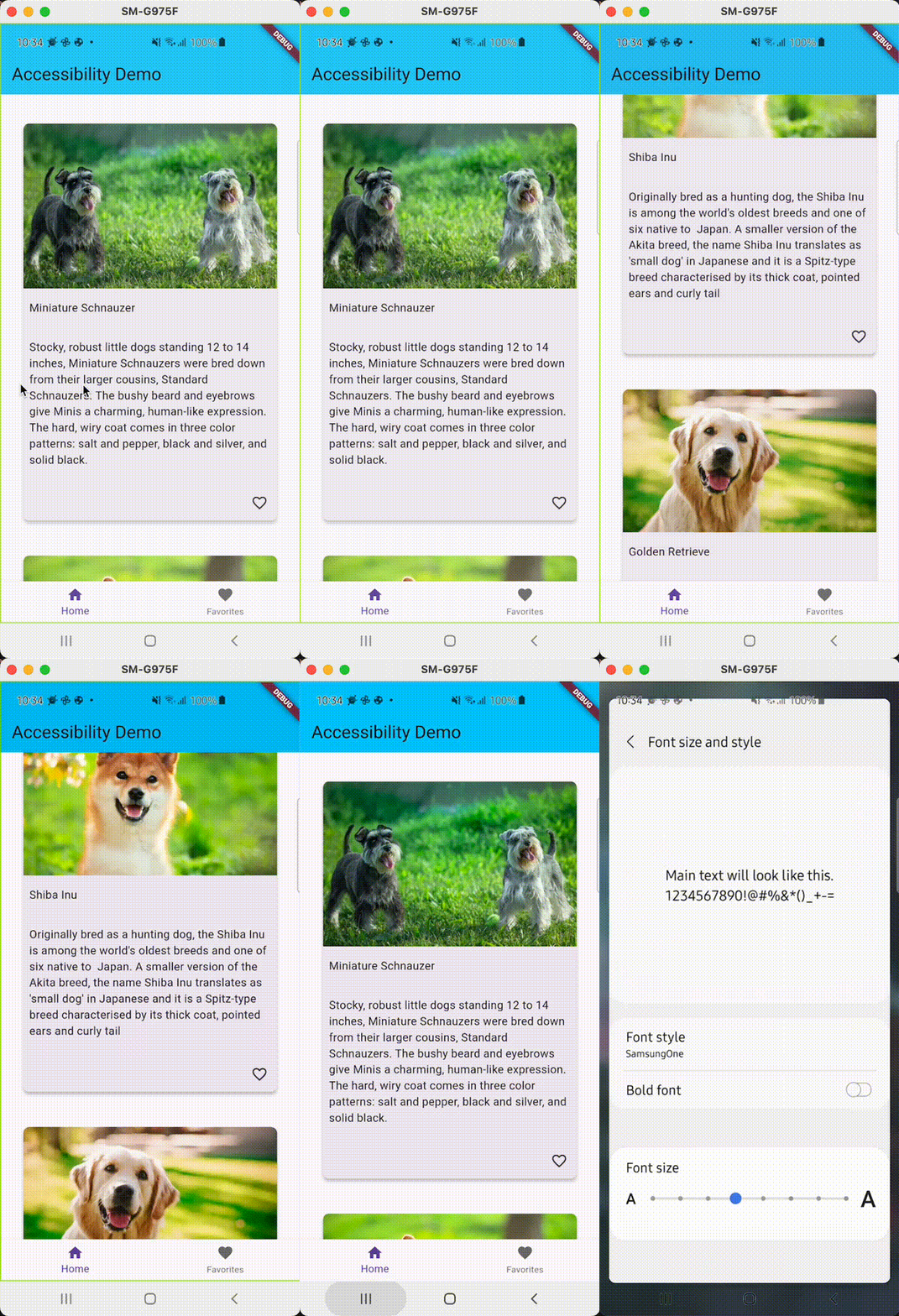
*Demo font scaling.*
### Screen readers
These are tools that allow visually impaired users to receive spoken feedback on-screen content and interact with the user interface using gestures on mobile and keyboard shortcuts on desktop. There are different types depending on the device the user is using:
- **Android**: TalkBack.
- **iPhone**: VoiceOver.
- **Browsers**:
- **Mobile browser**: VoiceOver or TalkBack.
- **Desktop browser**: VoiceOver or JAWs & NVDA.
- **Desktop**: VoiceOver or JAWs & NVDA.
### Sufficient contrast
Sufficient contrast is useful for users with various visual impairments when viewing the interface on devices in extreme lighting conditions, such as direct sunlight, because it makes text and images easier to read.
The [W3C recommends](https://www.w3.org/TR/UNDERSTANDING-WCAG20/visual-audio-contrast-contrast.html):
- At least 4.5:1 for small text (below 18 point regular or 14 point bold).
- At least 3.0:1 for large text (18 points and above regular or 14 points and above bold).
## How to Implement Accessibility in Flutter
Implementing a11y in Flutter is easy. It is recommended to implement it from the beginning of the application because it will be easier, but if you can't, don't worry, you can also do it later.
Flutter widgets generate an accessibility tree automatically. However, if your app needs something different, you can customize it using the Semantics widget. This widget annotates the widget tree with a description of what the widgets mean.
Let's do an example of using semantic widgets. This example has been tested on a real Android device. Remember it is important to use real devices instead of simulators to test accessibility.
There are some widgets that you can use to add accessibility to your application. It will depend on what you need at all times, some of them are:
- **Semantics**: is a widget that annotates the widget tree with a description of the meaning of the widgets. This widget has a lot of properties, [you can check them here](https://api.flutter.dev/flutter/semantics/SemanticsProperties-class.html).
```dart
class ItemFavoriteButton extends StatelessWidget {
const ItemFavoriteButton({
required this.dog,
super.key,
});
final Dog dog;
@override
Widget build(BuildContext context) {
final favoriteDogs =
context.select((HomeBloc bloc) => bloc.state.favoriteDogs);
final isFavorite = favoriteDogs.contains(dog);
final onTapHint = isFavorite
? 'Remove ${dog.title} from favorites'
: 'Add ${dog.title} to favorites';
final label = isFavorite
? 'Button to remove ${dog.title} from favorites'
: 'Button to add ${dog.title} to favorites';
const iconLabel = 'Heart icon';
return Align(
alignment: Alignment.centerRight,
child: Semantics(
liveRegion: true,
button: true,
label: label,
selected: isFavorite,
onTap: () => _updateFavorites(context),
onTapHint: onTapHint,
child: IconButton(
icon: AppIcon(
icon: isFavorite ? Icons.favorite : Icons.favorite_border,
fontSize: 14,
label: iconLabel,
),
onPressed: () => _updateFavorites(context),
),
),
);
}
void _updateFavorites(BuildContext context) {
context.read().add(
UpdateFavoriteRequested(dog: dog),
);
}
}
```
In this example, we are using the Semantic widget to add accessibility to an ItemFavoriteButton widget. In this case, we are using some properties of this widget such as:
- **Button**: It represents a button in this subtree.
- **Label:** Provides a description of the widget.
- **Selected:** It indicates that this subtree represents a widget that can be selected/unselected.
- **onTap:** handler for the SemanticsAction.onTap operation. It can be triggered by double-tapping in VoiceOver or TalkBack.
- **onTapHint:** the hint of the onTap action.
In the following example of the ItemCard widget we will see more types of widgets that we can use to add accessibility to your application:
- **MergeSemantics**: This widget is very useful with screen readers because it allows you to stack other widgets together and read them all at once; In more technical words, it is a widget that marks a subtree as a single node for accessibility purposes.
- **IndexedSemantics**: Creates a widget that annotates the first child semantics node with an index. Semantic indexes are used by **TalkBack/Voiceover** to make announcements about the current scroll state.
```dart
class ItemCard extends StatelessWidget {
const ItemCard({
required this.dog,
super.key,
});
final Dog dog;
@override
Widget build(BuildContext context) {
return Card(
clipBehavior: Clip.hardEdge,
elevation: 4,
shape: RoundedRectangleBorder(
borderRadius: BorderRadius.circular(8),
),
margin: const EdgeInsets.all(8),
child: MergeSemantics(
child: Column(
mainAxisSize: MainAxisSize.min,
crossAxisAlignment: CrossAxisAlignment.stretch,
children: [
Flexible(
child: IndexedSemantics(
index: 0,
child: ItemCardImage(
image: dog.image,
label: dog.imageLabel,
),
),
),
const ExcludeSemantics(child: SizedBox(height: 8)),
Flexible(
child: IndexedSemantics(
index: 1,
child: ItemCardTitle(title: dog.title),
),
),
const ExcludeSemantics(child: SizedBox(height: 16)),
Flexible(
child: IndexedSemantics(
index: 2,
child: ItemCardDescription(description: dog.description),
),
),
const ExcludeSemantics(child: SizedBox(height: 16)),
Flexible(
child: IndexedSemantics(
index: 3,
child: ItemFavoriteButton(dog: dog),
),
),
],
),
),
);
}
}
```
- **ExcludeSemantics**: This widget will exclude your child's reading when using screen readers.
```dart
class NoFavoritesView extends StatelessWidget {
const NoFavoritesView({super.key});
@override
Widget build(BuildContext context) {
return Center(
child: MergeSemantics(
child: Semantics(
liveRegion: true,
child: Column(
mainAxisAlignment: MainAxisAlignment.center,
children: [
const Text(
'No favorites, please go to Home Page to add more '
'dogs to favorites',
textAlign: TextAlign.center,
),
const ExcludeSemantics(child: SizedBox(height: 16)),
ElevatedButton(
onPressed: () => context
.read()
.add(ChangeSelectedIndexRequested(index: 0)),
child: const Text('Go to Home Page'),
),
],
),
),
),
);
}
}
```
Also, some of the Material widgets have properties to help simply implement a11y, for example with semanticsLabel on the Text or Image widgets.
```dart
class ItemCardImage extends StatelessWidget {
const ItemCardImage({
required this.image,
required this.label,
super.key,
});
final String image;
final String label;
@override
Widget build(BuildContext context) {
return Image.asset(
image,
fit: BoxFit.fill,
semanticLabel: label,
);
}
}
```
### Demo with TalkBack (screen reader on Android)
If you would like to see the demo and hear how **TalkBack** helps the user identify the different parts of the application, [visit the project readme file here](https://github.com/VGVentures/accessibility_example/blob/main/README.md).
[Demo Talkback](https://github.com/VGVentures/accessibility_example/blob/main/README.md)
**Test your Semantics widgets**
Here we are going to learn how to test a widget that uses semantics and also check if this widget meets the [guidelines](https://api.flutter.dev/flutter/flutter_test/AccessibilityGuideline-class.html) to be an accessible widget:
- [androidTapTargetGuideline](https://api.flutter.dev/flutter/flutter_test/androidTapTargetGuideline-constant.html), which checks that tappable nodes have a minimum size of 48 by 48 pixels.
- [iOSTapTargetGuideline](https://api.flutter.dev/flutter/flutter_test/iOSTapTargetGuideline-constant.html), which checks that tappable nodes have a minimum size of 44 by 44 pixels.
- [textContrastGuideline](https://api.flutter.dev/flutter/flutter_test/textContrastGuideline-constant.html), which provides guidance for text contrast requirements specified by [WCAG](https://www.w3.org/TR/UNDERSTANDING-WCAG20/visual-audio-contrast-contrast.html#contrast-ratiodef).
- [labeledTapTargetGuideline](https://api.flutter.dev/flutter/flutter_test/labeledTapTargetGuideline-constant.html), which enforces that all nodes with a tap or long press action also have a label.
In this case, we are going to test the ItemFavoriteButton that I added earlier in the example.
First, we need to check if the widget meets the guidelines:
```dart
testWidgets('meets guidelines', (tester) async {
final handle = tester.ensureSemantics();
await tester.pumpApp(
ItemFavoriteButton(dog: dog),
homeBloc: homeBloc,
);
// Checks that tappable nodes have a minimum size of 48 by 48 pixels
// for Android.
await expectLater(tester, meetsGuideline(androidTapTargetGuideline));
// Checks that tappable nodes have a minimum size of 44 by 44 pixels
// for iOS.
await expectLater(tester, meetsGuideline(iOSTapTargetGuideline));
// Checks that touch targets with a tap or long press action are labeled.
await expectLater(tester, meetsGuideline(labeledTapTargetGuideline));
// Checks whether semantic nodes meet the minimum text contrast levels.
// The recommended text contrast is 3:1 for larger text
// (18 point and above regular).
await expectLater(tester, meetsGuideline(textContrastGuideline));
handle.dispose();
});
```
Then we need to check if the widget matches the semantics:
```dart
testWidgets('matchSemantics when add to favorites', (tester) async {
final handle = tester.ensureSemantics();
await tester.pumpApp(
ItemFavoriteButton(dog: dog),
homeBloc: homeBloc,
);
final item = find
.ancestor(
of: find.byType(IconButton).first,
matching: find.byType(Semantics),
)
.first;
expect(
tester.getSemantics(item),
matchesSemantics(
hasTapAction: true,
isButton: true,
isLiveRegion: true,
onTapHint: 'Add ${dog.title} to favorites',
),
);
handle.dispose();
});
```
As you can see, you need to use a tester.ensureSemantics, it is required to call to dispose method at the end of the test.
To test the onTap property in the semantic widget, you need to use the performAction and SemanticsAction.tap, you can see the example below.
```dart
testWidgets('onTap semantics', (tester) async {
final handle = tester.ensureSemantics();
await tester.pumpApp(
ItemFavoriteButton(dog: dog),
homeBloc: homeBloc,
);
final item = find
.ancestor(
of: find.byType(IconButton).first,
matching: find.byType(Semantics),
)
.first;
final semantics = tester.getSemantics(item);
tester.binding.pipelineOwner.semanticsOwner!.performAction(
semantics.id,
SemanticsAction.tap,
);
verify(() => homeBloc.add(UpdateFavoriteRequested(dog: dog))).called(1);
handle.dispose();
});
```
## Check your semantic widgets with the debugger
If you want to visually check how your semantic widgets are working, you can use the showSemanticsDebugger property on your MaterialApp widget.
```dart
class App extends StatelessWidget {
const App({super.key});
@override
Widget build(BuildContext context) {
return MaterialApp(
showSemanticsDebugger: true, // add this line
theme: ThemeData(
appBarTheme: const AppBarTheme(color: Color(0xFF13B9FF)),
colorScheme: ColorScheme.fromSwatch(
accentColor: const Color(0xFF13B9FF),
),
),
localizationsDelegates: AppLocalizations.localizationsDelegates,
supportedLocales: AppLocalizations.supportedLocales,
home: BlocProvider(
create: (context) => HomeBloc()..add(DogsRequested()),
child: const HomePage(),
),
);
}
}
```
This is the result.
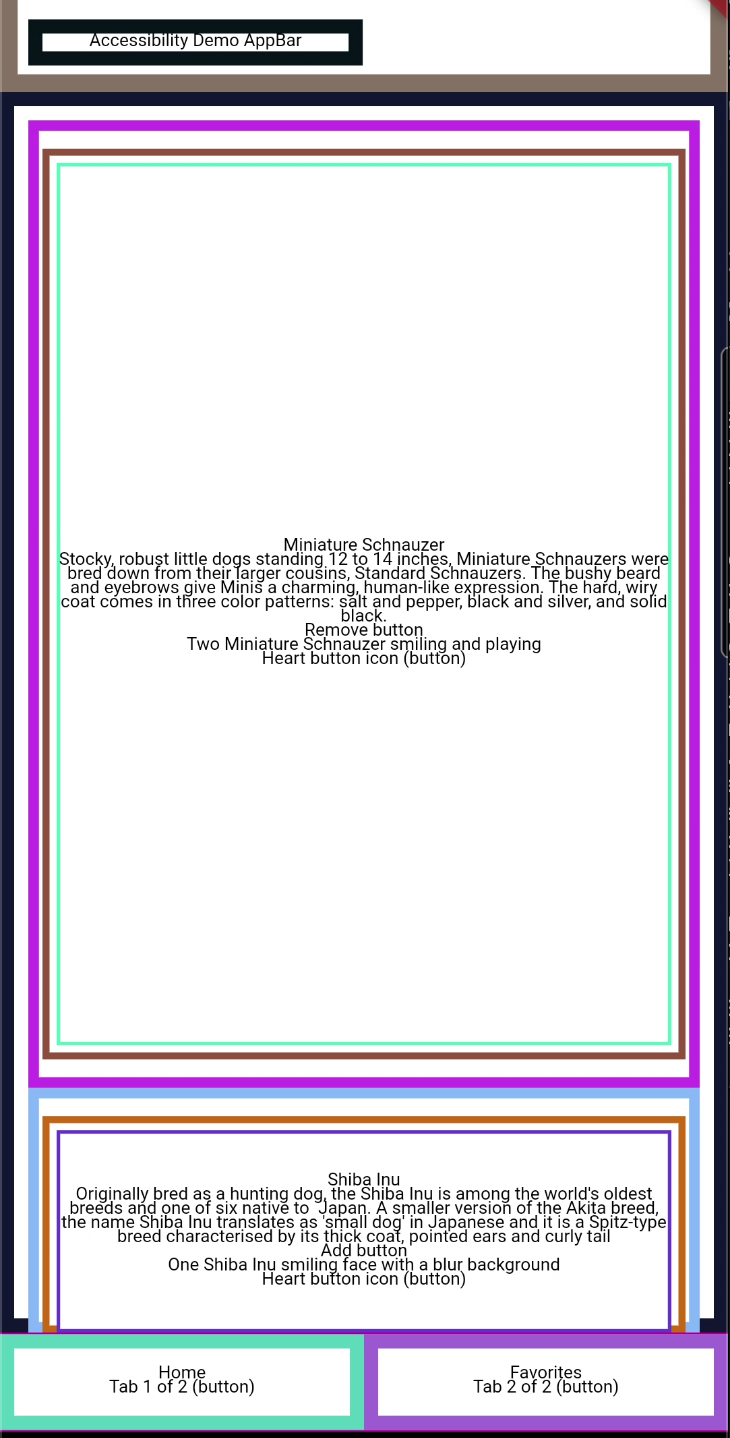
*HomePage with showSemanticsDebugger*
## Accessibility example app - Github
You can [check the full example here](https://github.com/AnnaPS/accessibility_example).
## Interesting resources about accessibility
### Talks
- [Building in Accessibility with Flutter](https://www.youtube.com/watch?v=bWbBgbmAdQs) - Google devs - Flutter Interact '19
- [Stop treating accessibility as an afterthought: concrete steps to build inclusive apps](https://www.droidcon.com/2023/08/07/stop-treating-accessibility-as-an-afterthought-concrete-steps-to-build-inclusive-apps/) - Manuela Sakura Rommel - FlutterCon ‘23
- [Accessibility features and how to implement them in Flutter](https://www.youtube.com/watch?v=sO97YsPxwsw) – M. Wróblewski - MonteTalks: Mobile
- [Accessibility in Flutter](https://www.youtube.com/watch?v=Ywgt3cRKyrs) - Lara Martín & Miguel Beltran - Skills Matter
### Articles
- [A deep dive into Flutter’s accessibility widgets](https://medium.com/flutter-community/a-deep-dive-into-flutters-accessibility-widgets-eb0ef9455bc) - Muhammed Salih Guler
- [Flutter: Crafting a great experience for screen readers](https://blog.gskinner.com/archives/2022/09/flutter-crafting-a-great-experience-for-screen-readers.html) - Shawn Blais
- [Material Documentation: Understand accessibility](https://m2.material.io/design/usability/accessibility.html#understanding-accessibility)
- [European Accessibility Act](https://ec.europa.eu/social/main.jsp?catId=1202)
- [United Nations: Article 9 - Accessibility](https://www.un.org/development/desa/disabilities/convention-on-the-rights-of-persons-with-disabilities/article-9-accessibility.html)
- [Mobile Experiences For Businesses: How To Boost Accessibility And Revenue](https://www.forbes.com/sites/forbescommunicationscouncil/2023/02/28/mobile-experiences-for-businesses-how-to-boost-accessibility-and-revenue/?sh=732b5e386a2b) - Vincent Phamvan - Forbes Council Member
This is just an example of how to start implementing accessibility in a Flutter application, there are more things to consider to meet at least Level AA conformance.
#### Frequently Asked Questions
##### Why should Flutter teams care about accessibility?
The World Health Organization estimates that 1.3 billion people, or roughly one in six globally, live with a permanent disability. Add temporary disabilities and the audience grows further. Building accessible Flutter apps ensures those users can perceive, navigate, and interact with your product instead of being shut out.
##### What are the WCAG 2.1 conformance levels?
WCAG 2.1 defines three conformance levels. Level A is the minimum bar (30 criteria), Level AA is the recommended target for most production apps, and Level AAA is the strictest and is typically only achievable for parts of a product. Most digital products at VGV are designed to meet Level AA.
##### Which Flutter widgets help with accessibility?
Flutter generates an accessibility tree automatically, and developers can customize it with widgets like Semantics, MergeSemantics, IndexedSemantics, and ExcludeSemantics. Material widgets such as Text and Image also accept a semanticsLabel for quick wins.
##### How do I test accessibility in Flutter widget tests?
Use tester.ensureSemantics() and assert against built-in guidelines like androidTapTargetGuideline, iOSTapTargetGuideline, labeledTapTargetGuideline, and textContrastGuideline. You can also check semantic structure with matchesSemantics and trigger semantic actions with SemanticsAction.tap.
##### Can I visualize the semantics tree while developing?
Yes. Set showSemanticsDebugger: true on your MaterialApp to overlay the semantic tree on the running app. This makes it easy to see how a screen reader will interpret your UI without leaving the IDE.
### Very Good Ventures: Official Google Cloud Partner at Google Cloud Next 2024
Source: https://verygood.ventures/blog/very-good-ventures-official-google-cloud-partner-at-google-cloud-next-2024/
Our mission has always been to help companies ship world-class user experiences with quality, speed, and productivity at the forefront. And this year, we are ambitious in expanding our capabilities to help more companies with their software development and user experience needs.
To that point, we’re excited to announce that Very Good Ventures has officially become a Google Cloud Partner, marking a significant milestone in our journey as the leading Flutter consultancy. With this partnership, we extend our commitment to helping companies deliver world-class applications while leveraging Google Cloud's robust infrastructure and cutting-edge technologies.
The partnership opens doors to exciting opportunities, particularly in assisting Google Cloud customers in crafting intuitive user interfaces for their AI-powered and cloud-based applications. This means more than just growth; it signifies a leap forward in product development, empowering businesses to innovate and thrive in their digital transformation efforts.
[Check out our latest whitepaper to see how Flutter can help your business innovate!](https://hubs.ly/Q02kW1ZG0)
Accelerating our commitment, Very Good Ventures is thrilled to announce our official sponsorship of Google Cloud Next 2024, where our team of experts and leaders will be present and active on the show floor. For our team, it's a great opportunity to engage with some of our clients and the community in the vibrant ecosystem of technology enthusiasts and visionaries. We’re eager to learn how Google Cloud customers are harnessing technologies like Gemini and Flutter to redefine user experiences and build next-generation applications.
And there’s more: Very Good Ventures is proud to showcase its expertise in user experience and application development through two speaker sessions at the Google Cloud Next Community Hub. These sessions will feature our world-class experts building real world applications with technologies like Gemini and Flutter. These sessions promise to delve deep into the intricacies of leveraging AI and cloud technologies to create the best user experiences.
At Very Good Ventures, we are a curious, innovative, and passionate bunch of unicorns. We’re built to dream and fly. Google Cloud Next 2024 and its attendees embody these attributes well, and we can’t wait to explore the limitless possibilities we can achieve together. We can’t wait to see you all in Las Vegas at booth #1160!
#### Frequently Asked Questions
##### What did VGV announce in this post?
Very Good Ventures is now an official Google Cloud Partner and is sponsoring Google Cloud Next 2024. The partnership opens new opportunities to help Google Cloud customers build user interfaces for AI-powered and cloud-based applications.
##### Why does the Google Cloud partnership matter for VGV clients?
It extends VGV's Flutter expertise into Google Cloud's infrastructure, so clients can pair world-class application UX with Google Cloud services. The focus is on AI-powered experiences using technologies like Gemini and cloud-based applications.
##### What is VGV doing at Google Cloud Next 2024?
VGV is an official sponsor with a presence at booth #1160 in Las Vegas. The team is delivering two speaker sessions at the Google Cloud Next Community Hub, where VGV experts will demo real-world applications built with Gemini and Flutter.
##### What can attendees expect from the speaker sessions?
The sessions cover how to combine AI and cloud technologies with Flutter to build next-generation user experiences. They feature VGV experts walking through how Google Cloud customers can use Gemini to redefine app interactions.
##### Where can I learn more about Flutter for innovation?
VGV's whitepaper on how Flutter helps businesses innovate is linked in the post at hubs.ly. It covers enterprise use cases and the productivity gains that pair with multi-platform Flutter.
### How to run a Very Good app development team
Source: https://verygood.ventures/blog/how-to-run-a-very-good-app-development-team/
Custom app development has become an area of focus for companies of all types. Even if your business has never considered developing an app before, it could be an ideal moment to start. Your own [custom application](https://verygood.ventures/blog/how-to-build-a-custom-app-the-very-good-way/) is a great way to connect with your customers and is therefore extremely valuable.
This demand for app development, with every business turning into a software company of sorts, comes with a few added requirements. You may find yourself assembling a software development team for the first time in your organization's history.
When pursuing your app idea, should you hire internal talent or outsource some functions? What kinds of roles and responsibilities should your new personnel take on? How can you set your product managers, designers and engineers up for success with the way you organize their workdays?
Fortunately, finding the answers to those questions doesn't have to be overly challenging. With the right combination of technology and expert input, you can get started building and running the successful mobile app development team of your dreams.
*Want to see how a well-trained team works on a specific design assignment? Check out how we* [*develop apps for wearable devices*](https://verygood.ventures/blog/building-wear-os-apps-with-flutter-a-very-good-guide/)*.*
## How Do You Pick a Framework for Your App Development Team?
You should have a development framework in mind for your app *before* hiring engineers for your team, rather than staffing up and then making your choice. Why? Because your framework will determine what programming language your app will use, as well as the ideal organizational structure for your efforts. The person to make the choice should ideally be a knowledgeable director or seasoned engineer. If your company doesn't have someone on staff who fits that description, you can focus on bringing them in first, then build out a supporting team.
If you choose to code a native app for each of your targeted platforms, you'll need to assemble multiple teams, each specializing in one device or operating system. Skipping a platform simply isn't an option today, especially when it comes to mobile operating systems — releasing just an Android app or an iOS app means leaving out a huge potential market. Barring cases when you're developing for a very specific group of devices, like company-issued smartphones, you'll need to target both of the major mobile operating systems, at the least.
### The Multi-Platform Approach to App Building (and Team Building)
This requirement to target multiple platforms, along with the added value of releasing additional versions of the app for the web, MacOS, Windows, Linux or a wearable device operating system points to a new option. Multi-platform development, using a framework such as Flutter or React Native, simplifies the team-building process. There's no iOS developer or Android developer role in this unified model; everyone is on the same team.
Read more about the different [multiplatform frameworks to build your app.
](https://verygood.ventures/blog/flutter-and-react-native-learn-about-the-leading-multi-platform-frameworks/)
Working with just one team and one codebase allows you to unite personnel under one roof, breaking down the silos that keep them from communicating effectively. This unified structure can bring about a whole new mindset — rather than trying to get one version of an app to work, the experts are pouring their efforts into building a great product users love to interact with.
Working with a single codebase means training all engineers in the use of one chosen programming language. Such a training engagement can prepare the team to work together, build powerful software and maintain the application over time.
*Interested in educating your personnel for multi-platform app development?* [*Schedule training*](https://verygood.ventures/solution/flutter-training/)*.*
## What Are the Different Models of App Development Teams?
Remote work has changed everything. That statement applies across industries and around the world, and app development is no exception. When it comes time to build a successful mobile app development team, you can choose between in-house, outsourced and hybrid models, getting the exact combination of skills you need for your project.
Your options for creating a software development team include:
- **Hiring and training in-house talent:** If you see app development as a core piece of your business moving forward, it may be worth hiring your own app designers and developers. Finding specialized training for these new hires helps them work together effectively and follow best practices. This model grants you the maximum level of control and oversight, though it does add permanent salaries to your books.
See how we help companies deliver their apps by sharing best practices and [training teams in Flutter](https://verygood.ventures/success-stories/betterment/).
It's worth noting that successful app development is not a short-term project. Even if you manage to launch your new app relatively quickly, there will be a need for ongoing updates as your people address bugs and follow the feature roadmap. You can invest in third-party training to bring your internal app developer group in line with cutting-edge best practices.
- **Supplementing internal talent with third-party experts:** Software developer skills shortages are a natural part of software development today. After all, with so many organizations seeing the value of custom app development, it can be challenging to find enough designers and engineers to fill out a team.
Even if your team isn't shorthanded, leveraging the expertise of third-party consultants, designers, and developers can play a pivotal role. External contributors can bolster your team by fulfilling specific tasks - such as shifting to a new framework or preparing for launch — or by taking on a more flexible, open-ended role. One common strategy to maximize value is to work with third-party experts during the intensive building of a new application, then turn the long-term management of the software over to your in-house team.
- **Outsourcing development:** Working with a full third-party mobile app development company is an option for companies of all sizes. Whether you're a small business that wants access to a full-scale mobile development team without making numerous hires or a large company in search of a ready-made engineering unit, you can turn to outsourcing.
Working with experts who understand app design and engineering best practices is a critical consideration when forming a partnership with a third party. You should make sure you're working with top software developer groups to give your app the best possible chance of sustainable, scalable and future-proof success.
Once you've decided the balance between in-house and external app building, it's time to set the parameters for your project and oversee the team members as they get to work.
*Learn how the VGV team builds* [*enterprise apps with Flutter*](https://verygood.ventures/blog/vgv-approach-to-application-architecture/)*.*
## How Do Responsibilities Break Down within an App Development Team?
The size of your overall mobile app developer group will depend on factors such as your targeted platforms, intended audience and chosen development framework. The more people are involved, the more chances there are for misalignment and miscommunication — a unified team with a small group of subject-matter experts can outpace multiple teams with dozens of members, while also keeping app development costs low. You must manage the team composition carefully, however. Too high a concentration of experts can result in bottlenecks around processes such as code review.
An application development team is based on the collaboration and communication between a few different roles. Each of these is important to the overall finished product, and it's worth giving them the tech tools and guidance they need to cooperate and share information.
- **Product manager:** Lays out the vision for the application and keeps the rest of the team on task, taking responsibility for the direction of the project.
- **Product designer:** Works on elements that make up the user experience, including the user interface, ensuring the app is visually appealing, satisfying to interact with and intuitive for its users.
- **Development engineer:** Performs the actual coding work in the relevant programming language, putting together the app's unique functionality. May be broken down into specialties like frontend developer, backend developer and QA engineer.
While these groups have distinct responsibilities, they'll ideally work toward a highly unified goal based on the initial app idea and plan for the mobile application. If there's a deficit at any of these roles in your business's local talent pool, it's a good idea to invest in training, third-party consulting or both.
*Learn more about our day-to-day* [*mobile app development process*](https://verygood.ventures/solution/build-an-app/)*.*
## How Can You Keep Your App Development Team Productive Over Time?
It's important to remember that a dedicated app development team's work doesn't end with the build phase. The scale and maintenance phases of operating your custom mobile application are critical times, and the continued effectiveness of your team will make or break the software's long-term prospects.
The key decision to help your team succeed over the long term is often made back at the very beginning: When companies choose to embrace multi-platform application development, they provide an easier road for each mobile app developer.
The process of studying bug reports and user experience feedback, then iterating and performing QA app testing, is dramatically easier when there's a single unified team focusing on one codebase. Freed from the need to coordinate across functional silos, engineers can keep up with patches while also working away at new features to follow the road map.
Ongoing training and employee education are also essential for the continued success of mobile development teams. Even an experienced app developer or app designer should learn new tricks and discover the latest best practices in their fields, especially considering the speed at which software development is changing and evolving.
Your efforts to keep your team strong over the months and years after launch can pay off in continuing engagement based on a positive user experience, maintaining a strong bond between your brand and its audience.
## Get Started Forming Your Ideal App Development Team
Starting a new project from scratch isn't the only time you can benefit from staffing up a new dedicated app development team. Shifting complex app components to a new framework can also go well when handled by a fresh group of experts. Even ongoing maintenance for existing software can benefit from having extra expertise on call.
Whether your ideal model is outsourcing, consulting or a fully in-house team building strategy, you can get started right away. If you're not certain which approach is the best fit for you, it may be time to reach out and discuss the matter with our expert team.
#### Frequently Asked Questions
##### Should you pick the development framework before hiring engineers?
Yes. The framework determines the programming language and the ideal team structure. The decision should be made by a knowledgeable director or seasoned engineer. If no one on staff fits that role, hire that person first, then build the team around them.
##### What are the main models for staffing an app development team?
Three. In-house, where you hire and train full-time talent and get maximum oversight. Hybrid, where third-party experts supplement internal staff for specific tasks like a framework migration or a launch. Outsourced, where a full third-party app development company runs the build.
##### What roles make up an app development team?
Three core roles. Product manager sets the vision and keeps the team on task. Product designer owns the UI and user experience. Development engineer writes the code, sometimes broken into frontend, backend, and QA specialists.
##### Why does multi-platform development simplify team building?
There is no separate iOS or Android developer role. Everyone codes against one codebase in one language. That breaks down the silos between native teams, lowers headcount for full functionality, and removes the need to coordinate identical features across multiple groups.
##### What happens to the team after launch?
Launch is the start, not the finish. The team has to keep up with bug fixes while shipping new roadmap features, and a single team on a unified codebase makes both easier. Ongoing training is essential since best practices in app development keep evolving.
### Achieving a Very Good App Launch
Source: https://verygood.ventures/blog/achieving-a-very-good-app-launch/
They say you never get a second chance to make a good first impression. That's true in life — and in app development. An application launch is the moment when your engineers' work starts to turn into value and return on investment, and making the most of this time is worth planning, focus and attention.
By learning the best practices and proper procedures around an app launch, you can increase your chance of success in this make-or-break moment: This is your opportunity to present a new and exciting product to your user base for the first time, and the general impressions of the new app can set its trajectory going forward.
Before delivering into the specific steps of launching your app, it's worth the reminder of just why your app launch is such a monumental time and worth planning for.
## Why is a Successful App Launch So Important?
An application starts with an idea. Companies today use apps to deliver specific features and functionality to specific audiences. Perhaps the app is a way to access e-commerce features. Maybe it's an internal app used for employees to communicate with one another. Or, it could be the control panel for a new vehicle or a branded gaming app.
Once you know what the app will do and who will use it, it's time to form a strategy for capturing an audience. The long-term success of a web or mobile application depends upon its user base. Securing a large audience of engaged users should be the objective that drives your thinking during the pre-launch and launch processes.
Without a solid user base, it doesn't matter how powerful your app may be or how appealing its user interface is — when there's no one using a piece of software, it won't produce a return on investment. Locking in these users is simpler when your application launches with a full feature set from the beginning.
A lack of functionality may limit an app's reach beyond initial app downloads. Launching with a wide feature set but without adequate testing and quality control for those features can have the same result. Audiences today are made up of people who use applications every day and have high standards regarding app user experience. You may not get a second chance to impress these users.
### The Power of Multi-Platform Development: Reaching a Wider Audience, Faster
One point to consider when developing an app today is the fact that your audience will be split across a variety of preferred platforms. Even if you're developing a strictly mobile application, it's essential to target both iOS app and Android app users. If you also want to target Windows, MacOS and the web, the complexity grows.
Using a [multi-platform framework](https://verygood.ventures/blog/flutter-and-react-native-learn-about-the-leading-multi-platform-frameworks/) such as Flutter is a way to remove the complications of targeting an audience that spans devices and channels. Flutter allows you to work with a single codebase, with one app developer team. Under such a model, there's less room for time-consuming disagreements or divergences between siloed developers.
With all your people working on a single project, it's easier to release simultaneously across platforms, gaining the maximum possible exposure for the new application. The overall headcount necessary is also drastically reduced when focusing on a single codebase, keeping your budget under control.
*Read our guide to learn more about* [*maximizing the value of your Flutter-based app*](https://verygood.ventures/whitepaper/business-value-of-flutter/) *before, during and after launch.*
## Step By Step: What Goes Into a Mobile App Launch?
Once you've committed to a framework for your app launch and set out your intentions for the software's target audience and intended purpose, it's time to work methodically through the steps that will guide the software from concept to real, downloadable product.
In the months and weeks leading up to a mobile app launch, this means:
- **Designing and creating a functionality roadmap:** This is when a general app idea regarding purpose and capabilities crystallizes into a real, actionable plan. What features are essential at launch? What functionality will be added in the months ahead, and what are the targeted dates for each new development milestone?
- **Testing, prototyping, surveying and iterating:** With the roadmap locked in, it's time to engage in the meat of development. Creating new builds of the app and iterating based on testing, research, surveys and feedback is an intensive process that is simpler when working with a multi-platform, single-team model.
- **Setting a release date and launching:** As development proceeds, it's time to set a feasible launch date. Earlier is better, as it helps companies start drawing a return from their applications, but the product must be in a stable, functional state to avoid alienating early adopters.
Directly following the release, the work continues for mobile app development teams. Their next steps include:
- **Performing urgent maintenance and upkeep:** Squashing any critical bugs in the wake of a launch is an essential process. Even following the most rigorous pre-launch testing, there's room for issues to pop up. The quicker they're resolved, the easier it will be to retain users.
- **Following the functionality roadmap:** Once the app is running in its initial state following launch, it's time to follow through on the promises made in the product roadmap. Of course, the quicker the team is about implementing fixes, the sooner it's possible to pivot to new feature creation.
- **Responding to app user feedback:** While the feature roadmap created before launch may be detailed and meticulous, there should be flexibility. After all, once users start interacting with the application, their feedback and the results of app analytics can point the way to valuable new features.
### The Power of Multi-Platform Development: Shortening the Path to Launch
The effort to release an application as quickly as possible is important from a balance sheet perspective — during development, you're investing resources, with no return on that investment yet. Multi-platform development allows your team to focus on a single codebase and accelerate the time to launch, adding speed without cutting corners or sacrificing quality.
## What Are the Best Practices of an App Launch?
So, how can you maximize the chances of a smooth, effective launch for your latest software product? There are a few priorities to keep in mind amid the high-speed push to launch your app.
These include:
- **Maintaining a fully tested codebase:** Quality should never be a secondary priority, even when you're moving quickly during the launch window. From the very beginning, using code and widgets with automated test coverage as close to 100% as possible is a valuable approach.
Learn more about our [approach to code coverage](https://verygood.ventures/blog/road-to-100-test-coverage/) and why we focus on 100% in this blog post.
- **Considering scalability:** Developing a new app can feel like all the work is leading up to the launch, but the real test for the software may come in the following years, as new features roll out according to the roadmap. Scalability should be a consideration from day one.
- **Marketing your launch:** Getting an audience's attention is an essential step when it comes to locking in app downloads. This means your branding and mobile app marketing strategy are integral pieces of the overall application launch process. Your mobile app should have strong, consistent branding, and your business should commit to app promotion.
- **Releasing smoothly into app stores:** Getting your new product listed in the Apple App Store and Google Play Store is more than just a formality. You should have a strategy to ensure your app is accepted by the platform owners, then implement app store optimization for the app store listing and monitor user feedback during and post launch.
Working with a quick-start code generator is a way to bake best practices into your app launch workflow and get to the rewarding parts of app development quickly, knowing there is a strong framework underlying your efforts.
### The Power of Multi-Platform Development: Removing Silos and Reducing Extra Work
Having only one team working on your app ensures there is less extraneous work or disconnect between the various versions. This allows more effort to go into observing best practices, all with a smaller headcount than would be necessary for native development.
*See how our* [*Very Good Start code generator*](https://verygood.ventures/solution/very-good-start/) *can help you achieve a fast — and stable — app launch.*
## How Do You Scale Up After Launch?
The scaling process involves obliging a few different priorities simultaneously. Post launch, your app developer team must:
- Address bug reports and implement fixes.
- Follow the functionality roadmap.
- Implement user interface changes and updates based on feedback.
Keeping up with your audience's needs and wants regarding your app's user experience is an important component of the scaling process. Retaining interest and keeping a strong user base over time isn't automatic, and this is where you can lock in the gains made during a successful launch.
### The Power of Multi-Platform Development: Simplifying the Update Process
A single codebase is extremely impactful in terms of updating your app effectively over time. When teams have to update multiple natively developed versions of an app, there is a risk of introducing unexpected consequences, and the update process can tie up resources that would otherwise be devoted to following the roadmap and implementing useful new features.
## Ready To Launch Your App?
When developing your next app, you can give yourself a head start on a successful launch by working in Flutter and following best practices. The effort that goes into your launch and preparation can pay off for years to come as the app becomes an integral part of your digital brand identity. You can even team up with experts who can help you build effective practices into your launch.
#### Frequently Asked Questions
##### Why is the launch moment so important for an app?
An app launch is when the engineering investment starts to convert into users and return on investment. First impressions set the trajectory of the product, so the user base secured during launch often defines whether the app produces real value over time.
##### How does multi-platform development with Flutter help an app launch?
A multi-platform framework like Flutter lets one team work from a single codebase across iOS, Android, web, Windows, and macOS. That means simultaneous releases on every platform, lower headcount, and a faster path to launch without sacrificing quality.
##### What goes into the months leading up to a mobile app launch?
The pre-launch phase covers three things: designing a functionality roadmap that defines what ships at launch and what comes later, testing and iterating on builds with research and feedback, and setting a feasible release date once the product is stable enough to avoid alienating early adopters.
##### What should the team focus on after the app is live?
Post-launch work centers on urgent maintenance and bug fixes, following through on the functionality roadmap, and responding to user feedback. Analytics and real usage often reveal new features that were not on the original plan.
##### What are the best practices for a smooth app launch?
Maintain a fully tested codebase with coverage close to 100%, design for scalability from day one, market the launch with consistent branding, and execute a clean app store release with optimized listings on the Apple App Store and Google Play. Tools like the Very Good Start code generator bake these practices in from the first commit.
### The Shortest Path to AI Everywhere, is Flutter
Source: https://verygood.ventures/blog/the-shortest-path-to-ai-everywhere-is-flutter/
The tech world is fascinating. Since the 1950s, every decade has experienced a breakthrough that has expanded the limits of what humans can do, how we communicate, analyze data, perform tasks, and experience art and joy.
In my lifetime, I have experienced 2 major transformations that shaped how we live our lives: (1) Access to the web, it becoming mainstream and (2) equipping everyone with a smart device. These two milestones have democratized access to knowledge for everybody, connecting the world digitally and creating new lines of business and potential that were not feasible before.
Today, in 2024, AI is part of our daily routines and has taken over the *tech conversation* in the last 2 years, from ChatGPT to the latest Google innovations: [Vertex AI](https://cloud.google.com/vertex-ai?hl=en) as a platform where anyone can be an AI developer, and [Gemini](https://blog.google/technology/ai/google-gemini-ai/), Google’s most powerful multi-modal AI model.
For the longest time, AI was only accessible to researchers, data scientists, and subject matter experts. Google’s AI solutions change the story's course, allowing every tech-savvy person to access a vast catalog of AI-focused tools ready to add value with very little knowledge.
## Building High-Quality AI Experiences at Scale with Flutter
We've experienced this firsthand at Very Good Ventures, where a small team of Flutter engineers developed in record time [Ask Dash,](https://verygood.ventures/blog/how-we-built-it-ask-dash-a-generative-ai-flutter-application/) a generative AI application that uses [Vertex AI Search and Conversation](https://cloud.google.com/vertex-ai-search-and-conversation?hl=en) trained in Flutter’s documentation to provide natural and meaningful responses to any question Flutter related.
It's very easy to imagine how this technology applied to other experiences, such as customer service, real-time support, custom search engines, or digital assistants, can add tremendous value to an organization, increasing revenue, loyalty, and customer satisfaction.
In the race to bring new AI experiences, [Flutter](https://flutter.dev/) is a key technology that enables access to any operating system and/or screen. The days when multiplatform development meant sub-par experiences are gone. Flutter allows organizations to [*ship faster and safer*](https://verygood.ventures/whitepaper/business-value-of-flutter/)*:* it puts quality at the center of development, creating beautifully crafted experiences in record time at scale.
Generative AI projects like [I/O Flip](https://verygood.ventures/blog/how-its-made-i-o-flip/) and [AskDash](https://verygood.ventures/blog/how-we-built-it-ask-dash-a-generative-ai-flutter-application/), built by our team of unicorns in partnership with Google, prove that Flutter is the best answer to bring your AI experiences to any platform quickly and with high quality!
Even ambitious open-source projects like [AutoGPT](https://github.com/Significant-Gravitas/AutoGPT) have picked Flutter as the de-facto framework to bring AI experiences to everyone on any platform. In a world where business value is determined by data and what we do with it, and where data will be accessible to everyone, what will make the difference is our ability to build rich and engaging experiences in record time and the best framework to deliver those results today is Flutter.
## Introducing AI in Your Organization: New Opportunities & Challenges for Flutter
While all the improvements in Artificial Intelligence can create new opportunities for your organization, they also represent a risk. This means bringing those experiences to all the platforms where your product is deployed—e.g., web, iOS, Android—otherwise, your product risks falling behind. Customers today demand rich and smooth experiences, and they always find alternatives to get what they want when they want it.
Flutter allows organizations to cut the time and cost of bringing AI experiences to production: whether it is the opportunity to create a new AI-powered app like [Valkyrie.ai](https://verygood.ventures/success-stories/valkyrie-ai-race-performance/), where AI is used to determine the performance of vehicles racing, or using [add-to-app, like Betterment did](https://verygood.ventures/blog/betterment-flutter-revitalized-our-codebase/), to enhance the features of your application without the need for a full rewrite, one thing is for sure certain: Flutter is the fastest and most successful way to bring new AI experiences everywhere.
#### Frequently Asked Questions
##### Why is Flutter a good fit for AI-powered apps?
AI experiences need to reach customers wherever they are: mobile, desktop, web, wearables, cars. Flutter is a single codebase that ships to all of those platforms with high quality, so teams can deliver AI features across every screen without standing up separate native projects.
##### What AI projects has Very Good Ventures built with Flutter?
Ask Dash is a generative AI app trained on Flutter documentation using Vertex AI Search and Conversation. I/O Flip is a generative AI card game built with Google. Valkyrie.ai uses AI to analyze racing vehicle performance.
##### What Google Cloud tools does VGV use for AI development?
Vertex AI as the platform for building AI features, and Gemini as the multi-modal model for grounded responses. These tools open AI development to engineers without a research or data science background.
##### Can I add AI to an existing native app without rewriting it in Flutter?
Yes. Betterment used Flutter add-to-app to bring new features into an existing codebase without a full rewrite. The same pattern applies for adding AI experiences to a native iOS or Android app incrementally.
##### What happens if my product does not bring AI to every platform?
It risks falling behind. Customers expect rich experiences on every device they use, and they will switch to a competitor that delivers them. Flutter cuts the time and cost of bringing AI experiences to production across mobile, web, and desktop.
### Behind the Unicorn Magic: Get to know the VGV Team
Source: https://verygood.ventures/blog/behind-the-unicorn-magic-get-to-know-the-vgv-team-3/
## Jorge's Background
J: I hold three engineering degrees, a bachelor's in Telecommunications Engineering from Spain, a Master's from the Technical University of Madrid, and another Master's in Information Technology and Management from IIT held in Chicago. My career in the US started with three years at SPR, a consulting company in Chicago, where I worked with companies like Orbitz (now part of Expedia), Groupon, and Enova, delving into mobile, Android, iOS, Ruby on Rails, etc.
BMW then entered the picture, offering an opportunity to lead the global Android team. Transitioning to Flutter, I initiated a research and production team, marking my involvement with Flutter since 2018. Upon joining VGV, it has been a continuous exploration of Flutter through collaborations with Toyota, Visa, Accenture, AutoNation, and other major clients.
## Role at VGV
**Can you describe what you currently do and how you found out about VGV?**
J: I'm the Head of Engineering at Very Good Ventures, with a primary focus on various platform technologies, particularly Flutter these days. Celebrating my fourth anniversary with VGV this month, I've spent three and a half years as the Head of Engineering. Recently, my focus has extended to exploring AI technology and Cloud strategy, among other areas.
Before joining VGV, I was a Tech Lead for mobile at [BMW](https://flutter.dev/showcase/bmw). My responsibilities included researching strategies to provide consistent value for iOS and Android across all markets. This led us to choose Flutter, and through this, I crossed paths with VGV, especially after speaking at the Flutter Droidcon conference in New York back in 2019.
The initial connection with the team and their work, particularly with projects like Hamilton, drew me in. Eventually, when exploring professional options beyond BMW, VGV was top of mind due to the instant connection I felt with the team, the technology they used, and the impressive client portfolio they had.
**Can you describe a project you're particularly proud of?**
J: I take immense pride in our collaboration with Google, where we've undertaken projects like I/O Flip, I/O Pinball, Photo Booth, and Super Dash, among others. These projects exemplify our creativity and ability to deliver in record time. Working with Google is exciting, as they consistently challenge us to innovate. Another big partnership I am very proud of is with [Toyota](https://flutter.dev/showcase/toyota), where we are integrating Flutter into the next generation of Toyota and Lexus vehicles.
**Are there any emerging technologies or trends you find particularly exciting what trends sort of freak you out?**
J: I find technology itself not concerning, but rather how we utilize it. Artificial intelligence, in particular, presents a vast range of opportunities for individuals and companies. Exploring the potential of AI in enhancing customer connections, brand engagement, and developer capabilities is where the excitement lies. Flutter, from my point of view, represents an opportunity to bring AI to screens worldwide, and the evolving landscape is intriguing.
**What challenges do you find in your day-to-day role, and how do you address them?**
J: The primary challenge lies in the evolving nature of my role. While formal training equips professionals with technical skills, it doesn't prepare them to be business leaders. My role has transformed every six months, from a Tech Expert to a Business Director, without sacrificing core skills. Balancing organizational results, talent optimization, and client experience is crucial. The key is sharing knowledge, learning continuously, and trusting the team to excel in various areas.
**How crucial is teamwork and collaboration in your projects?**
J: Teamwork is my top priority. In a consultancy setting, our product is the collective talent and experience of the team. Starting with a team of five at VGV, we've grown to 60-70 individuals -and that’s only counting in my team- handling multiple projects. Teamwork is essential for scaling a consultancy company, and it remains a driving factor in our success. The challenge is finding ways to optimize collaboration as the team continues to evolve.
## Looking Forward
**What aspirations do you have for the impact of your work at VGV in the future?**
J: My focus is not solely on titles or roles, but on facing increasingly complex challenges. As an immigrant, the appeal of the work and challenges has been more significant than specific titles. The excitement lies in continually tackling sophisticated challenges and providing value that partners cannot achieve alone. I encourage my team to aspire to take my role -and I mean it with a smile on my face! That’s a way to foster a culture of continuous improvement and growth. That’s what will set a continuous hunger of getting better each day.
VGV is more than just a workplace for me; it's a collective effort to build something meaningful. Since the early days with a small team, the culture of collaboration has been a testament to VGV's values. The goal is to make VGV an everlasting software agency, recognized globally for its quality and confidence. This journey involves daily problem-solving, idea generation, and personal growth. The culture of continuous improvement allows us to achieve higher milestones collectively, making me proud to be part of VGV.
## Who is Jorge beyond VGV?
- Born and raised in Madrid, Spain
- Hobbies: Jorge loves to play all kinds of musical instruments, like electric and acoustic guitars, bass, mandolin, ukulele, harmonica…and he also builds them!
- He loves watching soccer matches and thinking about the different strategies around them. Go Real Madrid!
- You can also find a chill Jorge when he cooks: He claims to make the best Spanish food, especially paella, in the Midwest!
#### Frequently Asked Questions
##### Who is Jorge Coca at Very Good Ventures?
Jorge Coca is Head of Engineering Services at Very Good Ventures. He holds three engineering degrees from Spain and Chicago, started his US career at SPR consulting, and led BMW's global Android team before joining VGV. He has been working with Flutter since 2018.
##### Which projects is Jorge Coca most proud of?
Jorge is particularly proud of VGV's collaborations with Google on I/O Flip, I/O Pinball, Photo Booth, and Super Dash, and of the ongoing partnership with Toyota to bring Flutter to the next generation of Toyota and Lexus vehicles.
##### What is Jorge Coca's leadership philosophy at VGV?
Jorge treats teamwork as the product VGV sells. He focuses on sharing knowledge, trusting the team to take ownership, and encouraging people to aim for his role so the engineering org keeps growing. VGV's engineering team has scaled from five to 60-70 people under that approach.
##### How does Jorge Coca see AI shaping Flutter's future?
Jorge views AI as one of the most important opportunities for Flutter. He sees Flutter as a way to bring AI-powered experiences to screens worldwide, and he is focused on how VGV can help enterprises use AI to deepen customer engagement, brand value, and developer capability.
### Benefits of Flutter for Cross-Platform App Development
Source: https://verygood.ventures/blog/benefits-of-flutter-for-cross-platform-app-development/
No matter what your plan is for your new custom application, one thing is clear — it'll have to work well on multiple platforms. After all, you can't afford to leave behind the huge percentage of potential users with either iOS or Android devices. The question now becomes whether you should opt for native development or cross-platform development.
Running native development teams for each targeted platform may seem at first to be the most straightforward way to handle the issue, but in recent years, the alternatives have become more prominent. The appeal of native development via multiple teams of engineers has faded as frameworks like [Flutter](https://verygood.ventures/resources/flutter-development-agency-faq/) have enabled the development of powerful apps with a single code base.
So, in a world where multi-platform apps are as robust and capable as native mobile applications, is there a reason to maintain the siloed work structures and high headcounts of native app development? For many companies, the answer is no.
There's another wrinkle to consider, as well: App development that encompasses platforms beyond mobile, such as MacOS, Windows, Linux and the web, is an increasing presence in companies' custom app plans. Developing for two platforms with a single codebase is efficient. Developing for *five* platforms, so much more so.
Considering the state of the custom app development space points to a clear conclusion: not only is cross-platform mobile application development a good idea, but it has evolved into the even more meaningful concept of multi-platform development. To cope with this new landscape, it's time to find a reliable multi-platform development framework.
## How Cross-Platform Became Multi-Platform: App Development Today
There are some circumstances where an app could be made available on only one platform — for instance, an internal custom app created for company-issued smartphones or tablets — these are vanishingly rare. In all other cases, organizations need to create apps for multiple platforms that deliver a uniformly strong user experience.
In addition to targeting the most common mobile device and computer operating systems and the web, there are also cases where it's worth creating a version of an app for a more esoteric platform, such as an internet of things (IoT) device. Each new platform a brand targets would significantly increase the complexity of native application development, calling for a whole new group of engineers to craft the user interface.
Reaching the widest possible audience should be a major priority for app development teams. This leads naturally into multi-platform development, and companies have been grappling with various strategies to help them meet that need.
### Multi-platform vs. Multiple Teams: Evolving App Development
The rise of cross-platform development and its evolution into multi-platform development to encompass even more platforms is a reaction to all the challenges and complications of native apps developed for multiple operating systems.
The most obvious reason to opt for multi-platform development is **cost**. It's impossible to ignore the fact that setting up multiple mobile application development teams working on separate code bases requires a significantly larger headcount than working on a single codebase in Flutter. Add in the ongoing upkeep costs of maintaining all versions of the app over time, and the expenses increase further.
**Siloing and communication issues** can pose additional challenges. Achieving perfect alignment between the various teams working across different platforms is difficult, and this can cause delays to bug fixes or new feature roll-outs.
There's also the issue of **scalability** in general. Maintaining one codebase over time is a simpler feat than working on multiple versions. This is critical for apps that are intended to grow and evolve organically over time, providing positive user experiences for years to come.
To overcome the challenges and seize the advantages, brands are shifting to multi-platform software development. Their choice of app development framework can set the tone for how these shifts go. Flutter is a frequent selection — and the preferred option of our Very Good team.
## Benefits of Flutter as Your Cross-Platform App Development Framework
Why work with Flutter instead of React Native or another competing platform? This choice is one that companies have to make on a case-by-case basis. For instance, there may be a strong preference among available software engineers for one programming language or another.
With that said, our team has been involved with Flutter development since the framework's debut in 2018. In fact, we built the official [Hamilton mobile app](https://verygood.ventures/case-studies/hamilton/) — the first app built with Flutter outside of Google. We are very familiar with the ins, outs and impactful features of the Google-powered offering.
*Get more info on our* [*Very Good approach to developing apps*](https://verygood.ventures/solution/build-an-app/)*.*
### Power Under the Hood: Powered by Dart
Flutter uses the modern, open-source programming language Dart and is designed to be pleasant and intuitive to use, with a strong open-source community component. Its unique hook as a platform comes from how the codebase works across devices: Software engineers write their code in Dart, using native code for each targeted platform. It's truly possible to write code once, and then have it run on each platform, creating a beautiful and consistent user interface.
### Support for the Web and Desktop Operating Systems
While app development today primarily means "mobile app development," there is value in reaching users beyond what's possible with iOS app and Android app development. This is an area where Flutter shines, as over the years its development team has added support for web app development alongside MacOS, Windows and Linux. This allows the single codebase to go further and reach a potentially huge new audience.
### A Helpful Community and Assistance from Google
Some development cases are esoteric and open up the need for new packages, plugins or capabilities. Flutter's relative newness as a framework is countered by its vast app developer community creating new open-source UI components. The team at Google is also responsive to user feedback and constantly pushing Flutter in new directions.
### All The Advantages of Multi-Platform Development
Beyond the specifics of Flutter, it's important to remember that simply by choosing a multi-platform app design and software development strategy, organizations are saving themselves time, money and effort.
Choosing Flutter isn't just an option for companies starting the development of a new app from scratch. It's also possible to shift existing software to Flutter one component at a time. This consolidation helps companies lock in a scalable, low-overhead future for their most important applications.
*Learn more about what happens when an* [*app developer shifts to Flutter*](https://verygood.ventures/solution/flutter-transformation/)*.*
## Best Practices for Cross-Platform App Development Today
The technical framework is one component of successful app development. The other is the practices that go into the actual design and development of the software, from pre-release conceptualization through ongoing post-release support.
Teams that are careful every step of the way, taking full advantage of the ease granted by working in Flutter, are setting themselves up for long-term success with the digital products they build. There are best practices to remember and stick with throughout the development process, phase by phase:
### The Build Phase
Building an app begins with a product roadmap and a quality assurance framework. Having these in place before development really gets underway is a good way to ensure the resulting application stays on track leading up to launch and for years afterwards.
An organized and well-regimented single-codebase development process can get an app to launch in a relatively short time without compromising the feature set — an important consideration because the app can't start to generate a return on investment until it launches.
### The Scale Phase
Launching an app following multi-platform development, with a shorter timeline and more features at launch than would be possible through native application building, gives companies a head start on the scale phase. From here, it's time to stick to the roadmap and roll out additional features.
With one unified team and plenty of available mobile development resources, it's relatively easy to follow a best-practices approach to early scaling up. Capturing and retaining an audience is easier when the app has launched feature-rich and accessible on different platforms like the web, and there are fewer support needs. This leaves team members free to keep developing.
### The Maintenance Phase
Maintaining an app on an ongoing basis comes with its own challenges — difficulty retaining engineering talent, the need to keep up with bug fixes while also rolling out new features and more. Using Flutter helps companies take a suitable approach to multiple issues.
For instance, having a single mobile development team often prevents silos and misalignment from slowing down the bug-fixing process. Dealing with simple tech stacks and running with a smaller headcount are factors that limit the impact of skills shortages.
*Dive more into* [*how Flutter can help you scale your products*](https://verygood.ventures/whitepaper/business-value-of-flutter/?utm_source=twitter&utm_medium=social&utm_campaign=tbv_flutter)*.*
## Reaching Audiences on Every Platform
The best time to start developing with Flutter is right now. An organization that plans to launch a flagship custom mobile application in the months ahead can set that project up for success, while a business that is already maintaining an app in production can shift features to Flutter for easy upkeep.
With a multi-platform approach, it's easier than ever to future-proof an application and keep its user experience stronger for longer, even as audience expectations steadily rise.
### Top Android Expert Joins VGV: Toffer Jakobsen
Source: https://verygood.ventures/blog/vgv-expands-technology-leadership-with-top-android-expert-toffer-jakobsen/
At Very Good Ventures, we’ve built our success around being an early adopter of Flutter. But, perhaps even more important than our Flutter expertise has been how we deliver software and the impact we have on development teams.
Our commitment to high development standards and consistent quality-centric practices has been a hallmark of our team. Our [offering](https://verygood.ventures/our-services/) is based on deep and differentiated expertise and experience.
When we move into new areas at VGV, we do so with intentionality, and it is essential that we quickly ramp up world-class digital outcomes.
With that in mind, we are very excited to announce that [Christoffer “Toffer” Jakobsen](https://www.linkedin.com/in/christoffer-jakobsen/) has joined the VGV team as a Principal Engineer focused on Native Android development. Toffer joins VGV after more than 13 years at the renowned agency, ustwo, where through working with some of the world’s top brands he built different Android experiences, specifically with wearables and Wear OS, making him a formidable Android engineer.
Toffer joins VGV at a time when we are expanding our service offering, built on our core [Flutter expertise](https://verygood.ventures/solution/build-an-app/), to bring the “VGV Way” to as many aspects of our clients’ technology ecosystem as we can. We’ve been adding Native App Development to our toolbox alongside web, back-end, QA, and of course multiplatform development with Flutter. Now with Toffer joining VGV, our Android capability will be drastically accelerated as we will build around a leading expert in the field.
## Beyond Flutter: Why VGV is venturing into Native app development
As we expand our offerings, including Native app development, we believe there are two primary reasonable ways to develop apps in 2024: (1) using pure Native technologies, or (2) multiplatform technologies.
It’s no secret that we love Flutter. There are many advantages to multiplatform development, and in those cases we firmly believe that Flutter is the right choice — no other framework or solution provides the same benefits or versatility. Simply put, Flutter is our only recommendation when multiplatform is the choice.
We also understand that in some cases, Native can be the right choice — especially if a team can effectively manage the additional cost and complexity. Additionally, while Flutter has been growing rapidly, the vast majority of apps have been built with Native technologies. As we have built trust among our clients with our Flutter work, we have been routinely asked if we can engage with other products, teams, and technologies — including native.
Engineering and product development transcends any one product or platform, and indeed our multiplatform Flutter expertise means we have touched far more than mobile apps. The real secret sauce is how we use the tool, not the tool itself.
As we move into new areas and grow our team with world-class talent, VGV is bringing our successful and proven engineering and product development approaches to more arenas. It all sums to more impact and better results for our team and our clients.
### Welcome to the team, Toffer!
#### Frequently Asked Questions
##### Who is Toffer Jakobsen?
Christoffer 'Toffer' Jakobsen joins VGV as a Principal Engineer focused on Native Android development. He spent more than 13 years at ustwo working with top global brands on Android experiences, with deep expertise in wearables and Wear OS.
##### Why is VGV hiring an Android expert when its core is Flutter?
VGV is expanding its service offering beyond Flutter to bring the VGV Way to more of a client's technology ecosystem. Native app development joins web, backend, QA, and Flutter as part of the toolkit.
##### When does VGV recommend native over Flutter?
Flutter is VGV's only recommendation when multiplatform is the right choice. Native can be the right call when a team can manage the additional cost and complexity, or when an existing native app needs to keep evolving.
##### How does adding native development change client engagements?
Existing Flutter clients have asked VGV to engage with other products, teams, and technologies. With Toffer leading Android, VGV can extend its proven engineering and product development approach across native and multiplatform work for the same client.
### Learn About the Leading Multi-Platform Frameworks
Source: https://verygood.ventures/blog/flutter-and-react-native-learn-about-the-leading-multi-platform-frameworks/
When you need to capture the attention of a wide-ranging digital audience today, what do you do? Increasingly, the answer is to offer an application. But how can you make sure your app reaches the widest possible audience without over-complicating the development process?
The answer lies in using multi-platform frameworks for development, allowing you to target mobile application users across iOS and Android while simultaneously offering versions for MacOS, Windows and the web, all from a single codebase.
While multi-platform framework use is becoming increasingly popular, there are some notable differences between developer approaches. Namely, organizations each have their own preferred technology tools.
The leading offerings are Flutter, from Google, and React Native, from Meta. Which one of these is right for your particular needs? That answer will come down to a few specific factors, and the resulting decision will set the course of your multi-platform development going forward.
## Why Choose a Multi-Platform Framework?
The ultimate objective of using Flutter and React Native is the same — to create a single development workflow dealing with a single codebase that can reach all relevant platforms. That means before choosing between the two frameworks, it's worth considering why your business should use either one in the first place.
The reason to opt for multi-platform development comes from evolving preferences around how audiences interact with digital content and how companies create it. Businesses want to present the highest-possible-quality digital experiences for their user bases, but those users view the content on a wide range of devices and operating systems — iOS, Android, MacOS, Windows and the web are among the most important channels. They expect the same high-quality experience across each touchpoint.
Skipping major platforms isn't an option, because it pays to reach the largest possible audience. Should your company split its development team into multiple sub-groups of native developers to develop apps for each platform? That represents a traditional approach to development, but it's prone to problems around cost, speed and general communication.
Shifting development to a multi-platform framework such as Flutter or React Native alleviates the issues and delivers:
- **An end to functional silos:** With all developers united around a single codebase, you can focus all your personnel on the same set of issues without maintaining a massive headcount or understaffing any specific platform's team. This approach allows engineers to work on specific areas of the user interface from end to end rather than being caught up in polishing a specific single-platform native app.
- **A quicker approach to updates:** Whether you're fixing bugs or adding new features, development, coding and quality assurance processes are faster when there's a single codebase involved.
- **Lower upkeep requirements:** Maintaining multiple codebases can become unwieldy quickly, with a significant investment going into squashing bugs across platforms — this may hamper the company's ability to effectively roll out new functionality.
- **Improved communication:** If development is split between individual teams for each platform, it's easy for differences to spring up around cadences and development styles, and for this disconnect to slow down the overall process of maintaining an app.
Unifying around a single framework, codebase, and UI development team helps your organization stick to its roadmap for your application, responding to user feedback, correcting bugs and rolling out features on time. So, let's learn a bit more about each framework.
## All About Flutter
You might have heard about [Flutter](https://flutter.dev/) before, essentially because it is one of the most popular frameworks used by development teams around the world. For those who need an introduction to it, it's a user interface platform created and maintained by Google using the [Dart programming language](https://dart.dev/). It's meant to be approachable, open source friendly and powerful enough to build beautiful, natively compiled, multi-platform apps from a single codebase.
The [philosophy of Flutter](https://docs.flutter.dev/resources/faq) centers on the principles of control, performance and fidelity. This means a Flutter developer should be able to access each layer of a system and create apps that deliver highly usable and appealing experiences for the end user.
Flutter's creators highlight the challenge of running separate software development teams for multiple platforms due to the associated high costs. However, recognizing the importance of reaching a broad audience, they emphasize the need for a solution. Flutter was designed to bridge this gap and enable development for multiple platforms more efficiently.
### The History of Flutter
Flutter had its initial release in December 2018. Version 2 debuted in March 2021, with version 3 following in May 2023. The framework has received new capabilities, features and functionality along the way. These updates have largely involved its ability to work more effectively with different platforms. Developers can now create native-quality apps for MacOS and Windows, for example.
You can read more about [Flutter’s history](https://verygood.ventures/blog/flutters-history-so-far-all-the-biggest-milestones/) so far in this blog post.
### Flutter Under the Hood
The basic theory behind Flutter app development involves using the up-to-date Dart language. There is a thin layer of C/C++ code over that base, allowing the apps to run on various platforms. The primary rendering of Flutter apps happens in the platform's own engine, rather than tapping the resources of individual operating systems or web browsers or using native components. A new engine is on the way, which promises even greater power.
### The Flutter Ecosystem
The Flutter app development community is made up of developers creating and customizing widgets. Flutter is [open source](https://vgv.dev/), and there are many ways for a Flutter developer to get involved in the ecosystem by making feature requests or bug reports, or by contributing code to the overall project. Google supports [pub.dev](https://pub.dev/), an official repository where engineers can share the most useful packages for Flutter and Dart. The Flutter Ecosystem highlights especially useful and high-quality offerings.
*Read our whitepaper for more insights into the* [*value of multi-platform development for businesses.
*](https://verygood.ventures/whitepaper/business-value-of-flutter/)
## All About React Native
[React Native](https://reactnative.dev/) is a platform for building user interfaces created by Meta, the company formerly known as Facebook. It's based on the React JavaScript library and it’s designed to empower mobile app development by delivering the potential of native development and native components, but with a shared codebase.
React uses components from the React web framework, brought into a multi-platform context. React Native app development is intended to allow developers to work more quickly than they would in true native development with teams split between operating systems, yet still access native features of each device. React Native is meant to be quick and easy, and it's possible to port just some features to the framework.
Native application component development, creating UI elements that work on multiple platforms through wrapping, makes up the core of the React Native app development experience. The idea of one codebase with some React wrapped native UI components is primarily meant for mobile development, though the community has created options for PC operating systems and the web.
### The History of React Native
The first release of React Native came in 2015, followed by frequent updates from a team at Meta. It originated as an outgrowth of the React web development framework, allowing developers who had been working with the tool set for web projects to expand into the mobile space via multi-platform methodology. It became the framework of choice for Meta itself as well as companies such as [Microsoft and Amazon](https://reactnative.dev/showcase) for the iOS and Android apps, with the latter converting in 2016.
### React Native Under the Hood
React Native development uses JavaScript as its basic language and is based on calling devices' native APIs, giving basically the same functionality that would be available with a native app. Indeed, the React components are designed to wrap native code and get them to function on various operating systems. The connection between native code and JavaScript is accomplished via a bridge module, which can come with performance hits.
### The React Native Ecosystem
React Native is an open source framework, and it welcomes contributions from its community. It was the involvement of the React Native developer community that helped the framework go beyond its iOS and Android roots and create separate, ported GitHub repositories for Windows, MacOS and web applications.
## Flutter and React Native: Where do they diverge?
Both Flutter and React Native exist to solve the same basic issue — it's too expensive and time-consuming to reach modern standards of high-quality app development without a single, unified codebase. They're also both based on open source principles and welcome community involvement. The technical details of their approaches, however, are different.
### Underlying language
The major split between the older React Native (2015) and younger Flutter (2018) involves the contrast between JavaScript and Dart. The former is a venerable language, which means there are plenty of developers who know and understand it well, but it also comes with [some legacy limitations](https://reintech.io/blog/advantages-and-disadvantages-of-using-javascript) such as speed and error handling issues. Dart was specifically chosen due to its modern, streamlined nature.
### Interaction with native user interfaces
React Native, true to its name, is known for using React primitives to render native platform UI. Flutter, on the other hand, is based on creating the equivalent of native performance while rendering within the platform's own engine. These two styles are both designed to accomplish the same goal, namely, creating positive user experiences with a single codebase.
### Approach to platforms other than mobile
While Flutter is designed to be truly multi-platform and go beyond iOS and Apple to encompass the web, MacOS and Windows, React Native is a web framework at its core which first moved to mobile. With that said, both of the frameworks welcome contributions from their community, and this has enabled React Native to receive support for those platforms through ports.
## Ready to Start Multi-Platform Development?
So, which path should you take with multi-platform software development on a single codebase? The answer can come down to a few key factors, such as the languages your developer talent pool is most familiar with. Traditionally, this favors JavaScript, as frontend developers often work in Java and default to the language for backend work.
With that said, in recent years, developers who have learned Dart for frontend work are finding themselves increasingly capable of [committing to full-stack Dart development](https://www.infoq.com/presentations/dart-back-end/), aided by new tools. You can dive into [Dart Frog](https://dart-frog.dev/), a backend framework for Dart developed by the VGV team that can be used by any developer wanting to build a scalable backend.
You can also select your framework based on alignment with your views around the best way forward from a mobile development perspective, or gather inspiration when engaging with the open source community.
Our team of experts can help you clarify your next steps and get started on a new approach to application UI development, whether you're most excited to shift an existing app or start a project from scratch.
### How to build a custom app the Very Good way
Source: https://verygood.ventures/blog/how-to-build-a-custom-app-the-very-good-way/
If you are trying to build a channel to create a connection with your customers, or want to show off your very good product for e-commerce, you should start thinking about developing a custom mobile app, web app, desktop app, or all of them. You might be asking: Why is software development the right way to reach your audience? In short, custom apps bring your brand a convenient digital space to connect with people.
Building these, you can also alternatively give your own employees a communication tool. In either case, external or internal, your app is a direct, branded channel that lets you set the parameters of the user experience.
But be cautious, not every app project will drive ideal results. You need to approach custom mobile app development with focus and best practices to make sure your software is an actual useful tool for your audience, rather than something they'll simply ignore. And we know that’s not the desired outcome after putting together substantial efforts and a budget when investing in it.
When it's handled in a serious, focused way, custom app development puts your brand in front of a massive user base, allowing you to connect with people across a wide variety of devices, screens and touchpoints, in any channel that makes sense for your brand.
## What's the state of custom app development?
Custom app development has become part of the fabric of business. As the tools to develop high-quality custom applications have become more widely available, software has expanded outside the technology field to reach companies of all kinds.
These apps can become the face of the brand, which means these internal software development efforts have to reach a high level of polish, with a heavy focus on user interface design and the overall user experience.
A great custom app development effort will be able to achieve:
- **Adoption:** Marketing an app launch and ensuring the software has a solid feature set from day one are both important priorities tied to establishing a strong initial user base.
- **Usage:** Good UI leads to good UX. Features should be optimized to take advantage of a given device and create seamless, convenient experiences.
- **Engagement:** How do you keep users engaged with your app for the long term? By both correcting bugs and rolling out new capabilities according to a roadmap.
One of the most potentially significant evolutions is the ever-increasing sophistication and power of multi-platform frameworks such as [Flutter](https://verygood.ventures/blog/flutters-history-so-far-all-the-biggest-milestones/), which you probably have heard about. These product design and development tools have taken the potentially sprawling and siloed process of app development and focused on it.
To reach the widest possible audience, your custom app development efforts should focus on more than one platform. Even if you're solely interested in custom mobile application development, you'll find your user base fragmented between iOS and Android. Therefore, you have to choose whether to develop natively for each platform or embrace a multi-platform model.
The multi-platform approach is powerful because it allows you to unite your team around a single codebase. A unified codebase means you can deliver full functionality with a lower headcount and proceed more efficiently through both pre-release development and the execution of the app functionality roadmap.
The rise of Flutter and similar frameworks have enabled app developer teams to create powerful, responsive and attractive application experiences without fragmenting teams or duplicating code. Whether you're [shifting components of an existing app into Flutter](https://verygood.ventures/solution/flutter-transformation/) or experimenting with custom app development for the first time, embracing a unified team and monorepo architecture allows you to increase collaboration and code-sharing.
*Learn more about the way our experts* [*develop apps*](https://verygood.ventures/solution/build-an-app/)*.*
## How do you get started with app development?
The commitment to a development model — single-team or multiple — should be an early consideration in your app development journey. As you prepare to begin active development, you need to consider the purpose of the app and its target audience.
What kinds of platforms do you envision releasing your app on? The more targeted platforms you add, the more time and effort you can save by collapsing the siloed structure and unifying the development team and codebase.
In addition to iOS and Android, other potential platforms include MacOS, Windows, web, and embedded operating systems on custom hardware. Developing for multiple platforms is a compelling reason to use cross-platform tools. Current versions of Flutter enable Mac, PC and web development, allowing you to make the most of these platforms' resources and create a positive user experience.
Before coding gets underway, mobile apps require conceptualization, along with the creation of a product roadmap. The whole journey, from app idea to minimum viable product status, launch and iteration over time should be mapped in advance.
Moving quickly during early pre-launch steps is important. The sooner the app launches, the faster it can start producing a return on your development investment. An app that hasn't launched yet is just a cost center, while one that's available in the market can generate value.
Prioritizing time-to-market over a high-quality mobile app with a good user experience can have devastating consequences. Even at launch, an app must be convenient and pleasant to use. A low-quality experience can drive users away. Operating a single development team that works in a single codebase is a way to shorten the development timeline and get to that ROI, without compromising quality.
*Discover why our teams use* [*Flutter for product design and development*](https://verygood.ventures/whitepaper/business-value-of-flutter/?utm_source=twitter&utm_medium=social&utm_campaign=tbv_flutter)*, and why more companies are doing the same.*
## How do you manage the development of a custom mobile app?
As custom mobile app development progresses, the team responsible should stick to best practices that allow them to combine quality with speed. A unified team working with a multi-platform framework and a single codebase can be intentional about their approach to development excellence.
App development requires a strong commitment to developing a number of processes, including:
- **Developing a reliable backend:** A technologically sound codebase built on simple principles enables your app to differentiate itself from the pack by showcasing a reliable and pleasant user experience
- **Designing a powerful UI for better UX:** A responsive, effective UI that’s optimized for the platforms it appears on can keep users engaged, helping the app stand out from competitors' offerings.
- **Incorporating hardware capabilities:** While native app development for multiple platforms was traditionally the only way to squeeze more performance out of device hardware, Flutter delivers the same performance by compiling directly to machine code.
- **Planning and executing on a roadmap:** Having a list of planned features and rolling them out on schedule is a key piece of retaining an engaged audience.
- **Marketing the app and orchestrating the launch:** Launching an app requires handling numerous tiny details, including listing in the Google Play store and Apple App Store, alongside mobile app marketing.
- **Maximizing QA, testing, reporting and analytics:** Continuously making impactful updates, revisions and additions to fix bugs and optimize UX over time is just as critical as following the roadmap, and is considerably easier with a unified codebase.
Whether or not you’re developing your first custom software offering, having a strong mobile app development process in place can represent the difference between a successful and disappointing launch.
*Read our whitepaper for an in-depth look into the many stages of* [*building an app*](https://verygood.ventures/solution/build-an-app/)*.*
## How can you lock in long-term success for your app?
Long-term support for an app represents two distinct kinds of work that can come into conflict with each other, especially because time and resources are always limited. Your team must keep up with bug fixes and quality control while also rolling out new features, either from the roadmap or user' requests.
A single team approach with a unified codebase can be far more effective than running multiple native app development teams. The process of fixing bugs, when split between different codebases and groups with their own practices and priorities, can become unwieldy, slow and expensive.
When simply keeping up with fixes and updates is too demanding, new feature development can easily fall by the wayside. Working with a single codebase becomes a way to enable a promising future for the app. Putting out fires takes less time, which enables growth and scalability.
## Ready to start on your next custom mobile app?
If it's time to begin your organization's next mobile app — or to start shifting existing components of custom applications to Flutter for easier updates and scaling going forward — you have a few immediate priorities. Your strategy should reflect market conditions and audience interests, alongside your specific goals for the project.
You don't have to go it alone in the effort to build a custom mobile application. There are third-party experts available to assist your team in a variety of capacities, from consulting and advisory roles to hands-on custom software development work. Connecting with experienced professionals can help you infuse your app development process with best practices.
#### Frequently Asked Questions
##### Why build a custom mobile app instead of using off-the-shelf tools?
A custom app is a direct, branded channel that lets you set the parameters of the user experience. It connects you with customers across devices and screens, and can also serve as an internal communication tool for employees, with full control over functionality and design.
##### Should you build natively for each platform or go multi-platform?
A multi-platform approach with a framework like Flutter unites the team around a single codebase. That means lower headcount for full functionality, faster delivery, and easier execution of the post-launch roadmap. It also avoids fragmenting your audience between iOS-only or Android-only releases.
##### What does a great custom app development effort achieve?
Three things. Adoption, by combining a strong launch with a solid feature set on day one. Usage, with a UI optimized for each device. Engagement, by fixing bugs and rolling out roadmap features over time.
##### What processes should an app development team commit to?
A reliable backend on simple principles, a UI optimized for the platforms it ships on, integration of hardware capabilities, a planned and executed roadmap, marketing and launch coordination, and continuous QA, testing, reporting, and analytics. Each of these is easier to keep up with on a unified codebase.
##### Why does long-term success depend on the early framework decision?
Most of an app's cost lands after launch, in bug fixes and new features. Multiple native codebases force teams to coordinate across silos, which slows everything down. A unified team on one codebase keeps fixes and feature work in the same place, freeing up time for growth instead of firefighting.
### Solving Super Dash's Rendering Challenges: Eliminating 'Ghost Lines'
Source: https://verygood.ventures/blog/solving-super-dashs-rendering-challenges-eliminating-ghost-lines-for-a-seamless-gaming-experience/
During the development of Super Dash, we encountered a significant challenge known as “ghost lines”- rendering artifacts that shouldn’t be rendered, causing unwanted noise in the game. In this blog we’ll examine the origins of the issue, and explore a solution for smoother gaming experiences.
## Identifying the Problem
To better illustrate the problem, we created a small map where the ghost lines are easily noticeable:
*Can you spot the ghost lines?*
You probably were able to spot the rendering issues, but for a closer look, wee have zoomed into a couple of occurrences:
Before we dive into how to solve this, let's understand how the map is built and why the issue happens.
## Understanding the map construction
Both our example map, and the one in Super Dash are [tile based](https://en.wikipedia.org/wiki/Tile-based_video_game). This game development concept relies on the idea that your game component, or in this case, the map, is composed of tiles that are laid out in a grid. Those tiles come from a Tileset, which is nothing more than a palette of tiles that the developer will use to compose the final component.
For our example, this is the tileset:
Note how everything seen in the game screenshot comes from this single image, and the patterns that form the hills are simple repeating tiles taken from the tileset.
There are many ways and tools to create tile based maps, one tool commonly used in the gamedev community is [Tiled](https://www.mapeditor.org/). Tiled allows you compose maps using the concept presented, and the format of the maps that it generates is supported by practically all game engines around, including Flame.
### This is how Tiled works in practice:
## The Ghosts
In computer science,the precision of floating-point numbers is a long-discussed topic. We will not go in depth on this for the sake of keeping the focus of this article, just know that computers have limitations in representing real numbers precisely. (If you want to learn more about that subject check out this Wikipedia's article on [how computers store and deal with real numbers](https://en.wikipedia.org/wiki/Floating-point_arithmetic).) .
That precision limitation can eventually cause rounding errors and since our tileset is a single image, with many tiles that are composed, when selecting a portion of it from tileset and rendering that tile in the game, such rounding errors might cause the rendering engine to wrongly "pick" or "leave out" a pixel from a tile. This effect is known in game development as Pixel Bleeding.
## Ghost busting!
And how can we solve that? Well, there isn't much we can do about the floating-point number precision as that is still a big area of study in computer science. So we need to be conscious of that issue, and work around it!
One interesting way to work around those rounding errors, is to simply create an empty spacing between the tiles! Since the rounding errors usually will get the pixel right next to it, if we add a spacing on the tiles, even if a rounding error happens, the texture sampling will pick a transparent pixel. Seems simple enough, let's give it a try.
To make our life easier, we developed a small tool called [Tile Patcher](https://github.com/VGVentures/tile_patcher) that given a tileset, it will automatically add the spacing for all the tiles. Lets see it in action:
Now we need to tell Tiled that our tileset has a spacing of 2 pixels:
And if we run our game again:

Wait, something doesn’t seem right, there are even more lines now!
That is true, but take a closer look, you will notice that those artifacts that were showing on top of the plants, in which the small plant tile would "pick" the bottom pixel from the white flower, are not showing anymore!
And these consistent lines showing in the grid are now a result of the rounding errors picking the transparent pixel between the tiles. But we can use those rounding errors to our advantage!
These transparent pixels being picked up, happens only on tiles that need to perfectly fit to another tile on one of its sides. Given that premise, we can patch all tiles that can be placed tidily to others to instead of adding that transparent pixel, repeat its last pixel, so when a round error happens, it will pick up a repeated pixel and that line will be filled!
Happily, that Tile Patcher tool also include a feature to patch tiles, so that is what we will do, select every tile that can have one of its borders side by side to other tile and ask for the tool to patch it:
Basically what we are doing here is to patch the side of the tiles which will be tidily to other tiles, so the tiles in the center will have all its sides patched, the ones on the left side will have all patched, except for the left ones, and the same logic applied to the other ones.
By understanding the nuances of tile-based maps and addressing precision issues with tools like Tile Patcher, we successfully eliminated ghost lines in Super Dash, creating a more polished and seamless gaming experience. By approaching the issue in this way, we ensure that rounding errors work in our favor, enhancing the overall visual integrity of the game.

And that is it, if we run our game again, everything will be working fine!
### How we built it: Ask Dash - A generative AI Flutter application
Source: https://verygood.ventures/blog/how-we-built-it-ask-dash-a-generative-ai-flutter-application/
[*This article was first published on the Flutter Medium blog.*](https://medium.com/flutter/how-we-built-it-ask-dash-a-generative-ai-flutter-application-79a836ced058)
As part of the [Google Cloud Applied AI Summit](https://cloudonair.withgoogle.com/), the Flutter and Vertex AI teams collaborated with Very Good Ventures to create an AI-powered Flutter demo app, [Ask Dash](https://github.com/VeryGoodOpenSource/dash_ai_search), using [Vertex AI Search and Conversation](https://cloud.google.com/vertex-ai-search-and-conversation) by Google Cloud. Vertex AI Search and Conversation empowers you to build and deploy search and conversational applications quickly with little to no experience in AI. Flutter was a great way to build a beautiful, customized search experience to show how both products can be used to build powerful applications in only a few short weeks!
Vertex AI Search and Conversation allows you to create applications that interact with your data with personalized responses demonstrating the power of generative AI. Most importantly, it gives you full control over what data your application accesses and indexes so you can control what information is surfaced to which user. All application data and user interactions are stored in your own cloud instance and are never used to train Google’s underlying machine learning models.
Since we used Flutter to build the demo app, we decided to use Flutter documentation as training data. We worked with the Google Cloud team to train the model specifically on the Flutter and Dart developer documentation to provide generative AI responses to questions like: What is Flutter? What platforms does it support? And what is hot reload? While much of this data is readily available in public AI models, this demo showcases how you can train a model on just your own data to create powerful AI experiences.
This article takes you through how our partner, Very Good Ventures, built a Flutter web application and how we connected the app in the Cloud console.
## How we built the Flutter web app
The idea of creating a search application trained on the Flutter docs was straightforward. In fact, the [official Flutter documentation](https://docs.flutter.dev/) already provides a simple search experience that delivers relevant page results for questions on Flutter. However, when conceptualizing what to build, we wanted to demonstrate how Flutter can be used to create visually appealing interactive experiences that are fun and engaging.
###
Creating interactive animations in Flutter
Flutter empowered the team to implement a wide array of animations seamlessly. Its rich set of animations, coupled with the flexibility of widgets, allowed us to create transitions, engaging motion effects, and fluid user interactions. From creating animated loading states while generating the results, to a Dash sprite that waves when the answers appear, Flutter provided flexibility to turn what could be a basic text response into something fun for users to interact with.
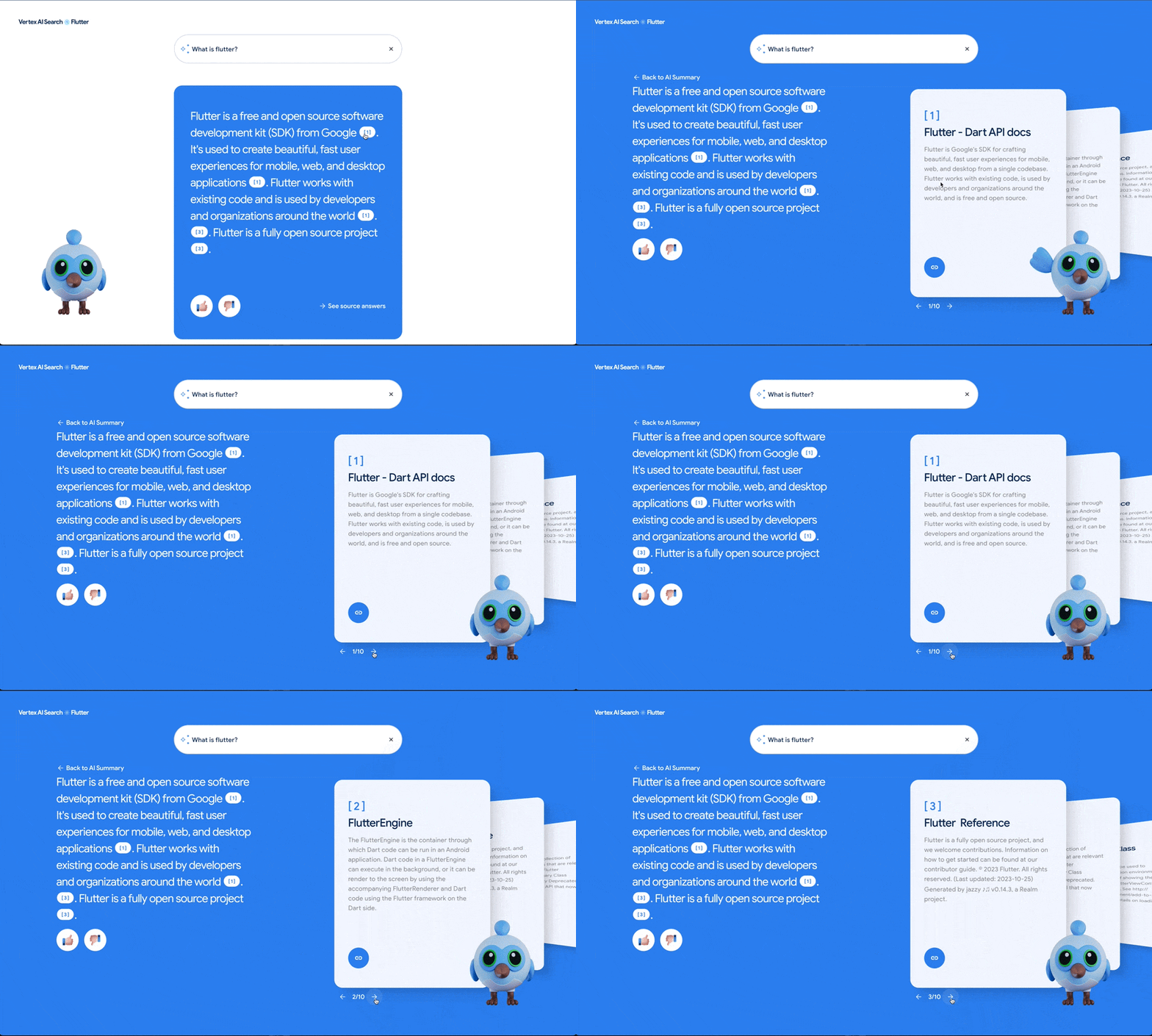
### Visualizing natural language search results
Unlike a traditional search experience, Vertex AI Search provides a natural language response to the question asked. The answer is generated with AI sourced from various pages within the Flutter documentation and presented as a summarized response alongside cards that display the relevant pages used by the AI. Each card provides the title to the page and a description so that the user can flip through the cards to get more context on the AI response.
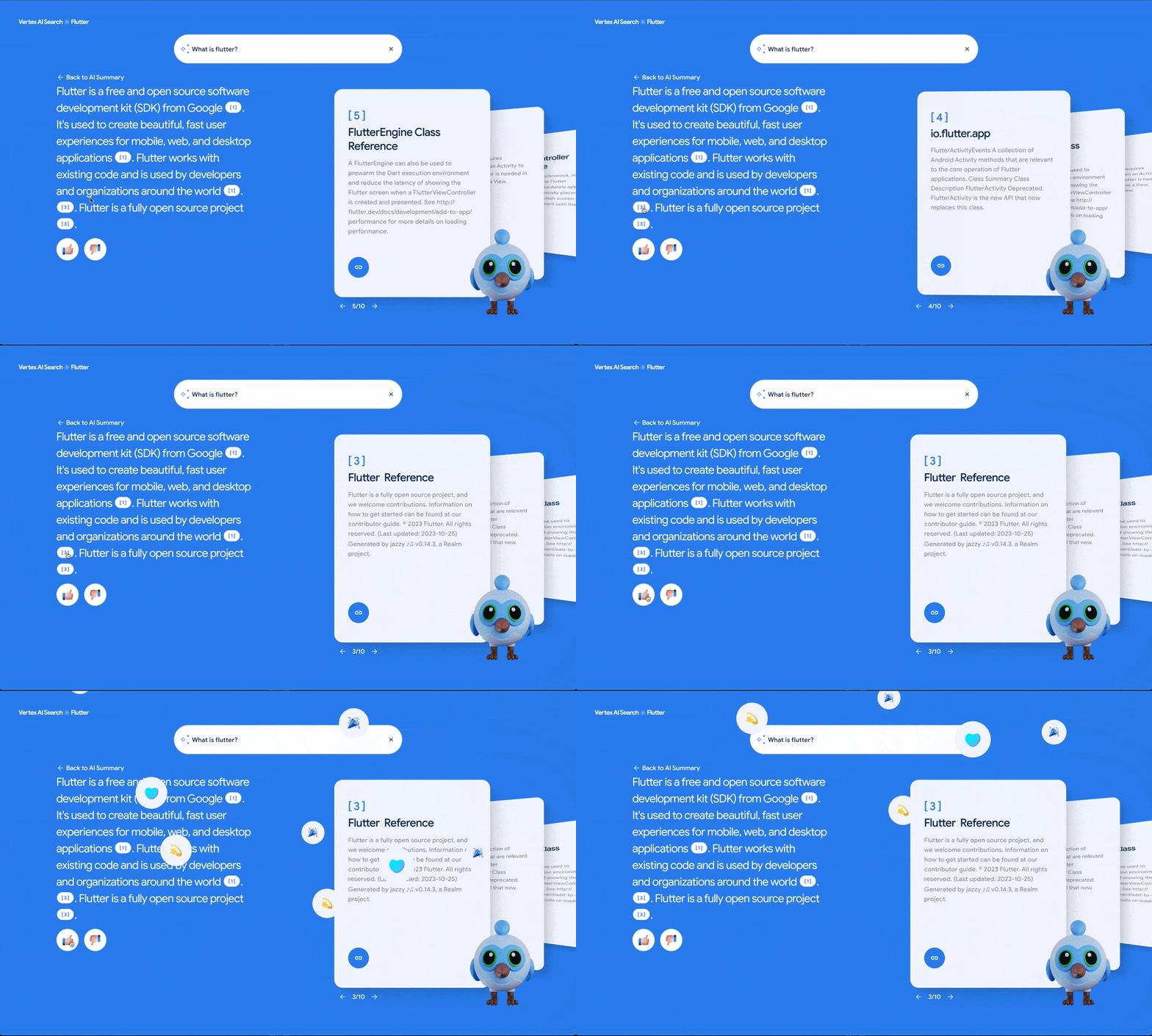
Additionally, within the natural language response, Vertex AI Search provides a link to the source of each sentence in the response—giving the user a more granular understanding of where each part of the response originated. In the demo, clicking on the number next to each sentence flips the cards to the relevant source page.
### More engaging in less time
Going into the project, we had a tight deadline to launch the demo at the [Google Cloud Applied AI Summit](https://cloudonair.withgoogle.com/). Flutter’s efficient development and ease-of-use, significantly expedited the development process for the team of two working on the application. It provided the necessary tools and framework to build complex animations efficiently, enabling our team to build and launch this demo in just under the two weeks leading up to the event.
## Connecting the Flutter app to the Vertex API
Integrating our front end web application with the Vertex AI Search API was achieved with a simple request using the [\`http\` package](https://pub.dev/packages/http). Without requiring any previous experience in building AI, Vertex AI Search provided answers to user-generated questions as JSON responses that were parsed and displayed within animated widgets. This allowed the team to focus on Flutter development to create an engaging experience out of the generated data.
### Setting up generative AI search in your application
Setting up Vertex AI and hosting the API for our Flutter app was also straightforward.. In our case, we used [https://docs.flutter.dev/](https://docs.flutter.dev/) as our data source and set it up directly in the Google Cloud console. As a Google Cloud customer, getting started with Vertex AI requires just three steps:
### 1\. Create a data store
This is your website's digital library, holding all the information you need to generate the AI model based on just the root URL. Google Cloud crawls your website for relevant data and creates a data source for you to query. To set this up in the Google Cloud Console,select **Search and Conversation**. Choose **Data Stores** and then **New Data Store**. Opt for **Website URL** as the source and provide your website's URL.
### 2\. Access your data
Next, create an app in Cloud Console to navigate the data indexed by the model and link it to the data store you created earlier. Under **Search and Conversation**, choose **Apps** and then **New App**. Select **Search** as the type and give your app a name that reflects its purpose, like Ask Dash.
### 3\. Craft a Cloud Function
Finally, create a Cloud Function. This is the API wrapper that exposes your Vertex AI data to other applications. In the Console, go to **Cloud Functions** and select **Create Function**.
That’s it!
From there, use the API in your front-end application as you would any API to send requests and receive formatted responses that your application can display. To test it out, head to the **Function** page and select **Testing**. Enter a JSON object with a “search\_term” key for your question (such as “hot reload”), and see a detailed response containing a natural language summary, relevant citations, and concise summaries of the referenced pages.
Learn more about how to get started with [Vertex AI Search](https://cloud.google.com/generative-ai-app-builder/docs/try-enterprise-search) in Google Cloud’s documentation.
## Generative AI applications built in Flutter
To see Ask Dash in action and learn more about how we built it, check out the video session from the [Google Cloud Applied AI Summit](https://cloudonair.withgoogle.com/), where Alan Blount, a Product Manager for Google Cloud, breaks down the build process to show the potential of Vertex AI Search in a Flutter application. Check out the [open source Flutter code](https://github.com/VeryGoodOpenSource/dash_ai_search) for the demo and get started with your own AI search experience in Google Cloud Console.
Ask Dash is just the start for how Flutter can power interactive Generative AI experiences in applications. We can’t wait to see what you build!
#### Frequently Asked Questions
##### What is Ask Dash?
Ask Dash is a generative AI Flutter web app VGV built with the Flutter and Vertex AI teams for the Google Cloud Applied AI Summit. It uses Vertex AI Search and Conversation, trained on Flutter and Dart developer documentation, to answer questions about Flutter.
##### How long did it take to build Ask Dash?
A team of two developers shipped the demo in just under two weeks leading up to the Google Cloud Applied AI Summit. Flutter's hot reload and rich animation framework let the team iterate quickly on a complex UI under a tight deadline.
##### How does Ask Dash connect to Vertex AI?
The Flutter front end sends a simple HTTP request via the http package to a Cloud Function that wraps Vertex AI Search. The function returns a JSON response with a natural language summary, citations, and source page descriptions, which the app parses into animated widgets.
##### What are the steps to set up Vertex AI Search for an app?
Three. Create a data store in the Google Cloud Console pointing at the website URL you want indexed. Create an app under Search and Conversation, choose Search as the type, and link it to the data store. Create a Cloud Function as the API wrapper that exposes Vertex AI to your front-end.
##### Where can I see the Ask Dash code?
The full Flutter app is open source at github.com/VeryGoodOpenSource/dash_ai_search. The build process is also covered in a session at the Google Cloud Applied AI Summit.
### Secure Your GCP: The Power of Least Privilege
Source: https://verygood.ventures/blog/principle-of-least-privilege-one-of-googles-best-security-practices-for-your-gcp-resources/
During my journey to become a Professional Cloud Developer certified by Google Cloud, I found key insights that I will be sharing in this blog. For over three years, I have been using Firebase as my preferred Backend as a Service (BaaS) in the projects I work on. The fact that Firebase runs on Google Cloud was a decisive factor that influenced my decision to take the exam. Despite my prior experience with services like Firestore or Cloud Storage, I took a course to deepen my understanding of services I wasn't familiar with, such as Compute Engine or App Engine. One notable aspect that caught my attention during my certification study was the Principle of Least Privilege, which I’ll explain in this blog.
I’ll also go through a very important service offered by Google Cloud called Identity and Access Management and how you can use it to achieve this principle.
## Principle of Least Privilege: What is it?
The Principle of Least Privilege (PoLP) underscores the importance of providing a resource, be it a Cloud Function, a Compute Engine instance, or a cluster operating on Google Kubernetes Engine, with only the minimal permissions required for its proper functioning.
You may be wondering why you should follow this principle while not giving extra permissions to your resources located on GCP. Let's delve into the reasons why this practice is significant.
For instance, think about a Cloud Function tasked with reading a file from Cloud Storage. Adhering to PoLP dictates that you provide solely the read permissions required for that specific function, avoiding unnecessary permissions such as write access. If you grant permissions to your resources that are not needed, you’re introducing potential security risks because you’ll be providing access beyond what is essential for the task at hand.
## Identity and Access Management (IAM)
Identity and Access Management is a service offered by Google Cloud that gives you the ability to verify that a certain identity (it could be a user, a group of users or even an app) has the necessary permissions to access a particular resource (a virtual server, a database, etc.).
Through something called “roles”, you assign a set of permissions to an identity. GCP offers three types of roles:
**Basic roles (or primitive roles)**: these roles are not recommended for production environments.
- **Viewer**: Read only access.
- **Editor**: Read and write access.
- **Owner**: Besides having read and write access, you can also manage roles and permissions and you can even change the billing configuration.
**Predefined roles**: Roles that are created and managed by Google for different purposes.
**Custom roles**: If the predefined roles offered by Google are not sufficient, you can create your own.
Now that you know the difference between the roles offered by GCP, we can continue describing how to achieve the PoLP using a simple example.
## Implementation examples
Let’s consider the Cloud Function I talked about earlier in this blog. Its end goal is to read a file from a bucket located on Cloud Storage. By default, all Cloud Functions are given the same exact service account that has the Editor role. Let’s remember, that role besides including all read permissions, can modify existing resources.
Although the Cloud Function will perfectly run with that service account, it would be violating the PoLP. If we take a look at the IAM permissions related to Cloud Storage, the Cloud Function would only need the *storage.objects.get* permission to run as expected.
Let’s see how you can replace the permissions given by the Editor role with the one you need (we won’t cover how to deploy a Cloud Function and we will assume that it was already deployed):
1. The first step would be to search for “IAM” in the Google Cloud search bar.
2. Once you’re there, you’ll have to select the “Service Accounts” options located on the left side.
3. Here you’ll see all the service accounts that your project has configured. To create a new service account, you have to press the “Create service account” button located at the top (beneath the search bar).
4. After its initial configuration where you set the name and a description (the ID will be populated automatically but you can change it), Google Cloud will ask for the role you want to assign to that service account. Here we will use a predefined role offered by Google called “Storage Object Viewer” that has the *storage.objects.get* permission we need.
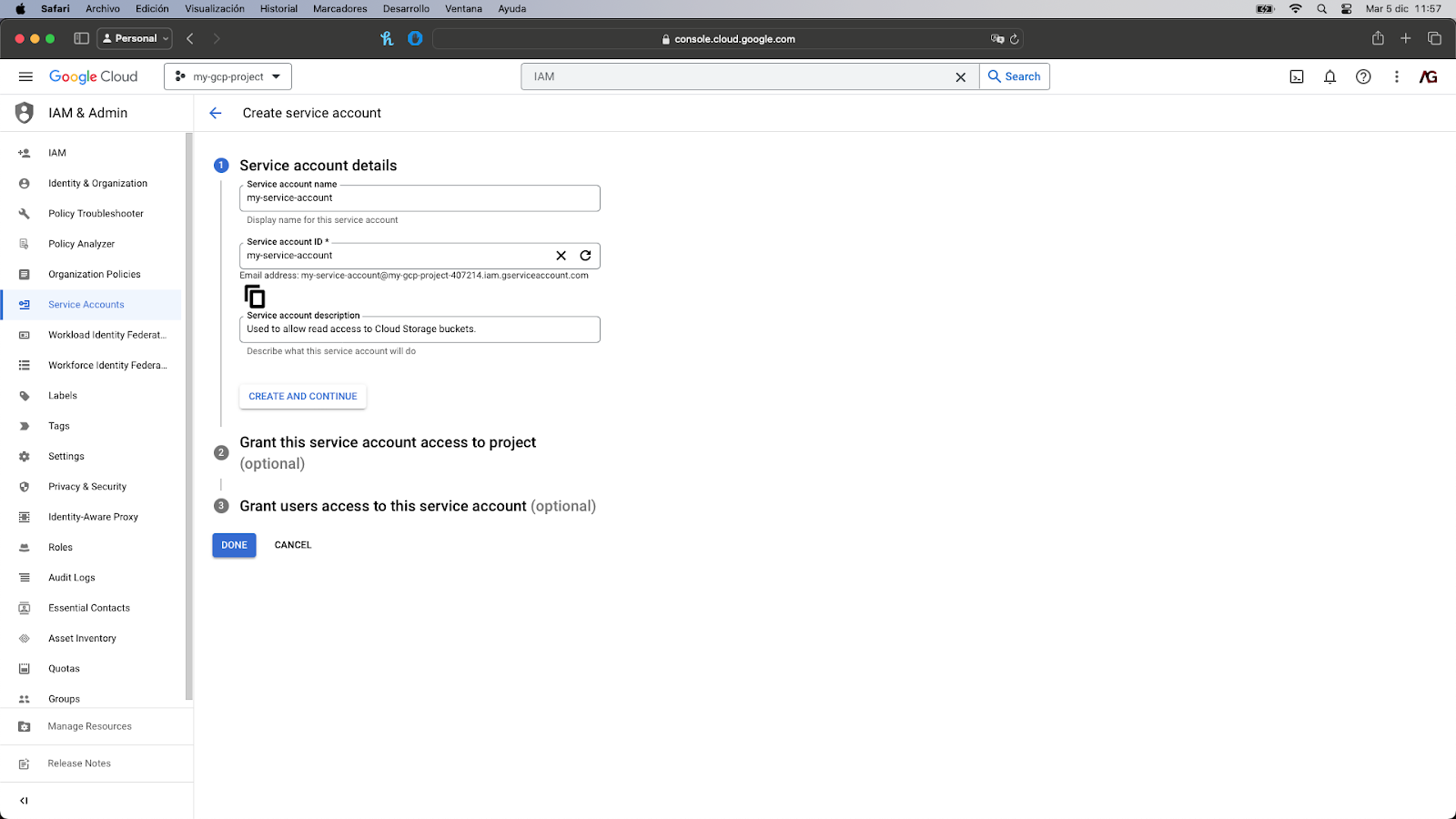
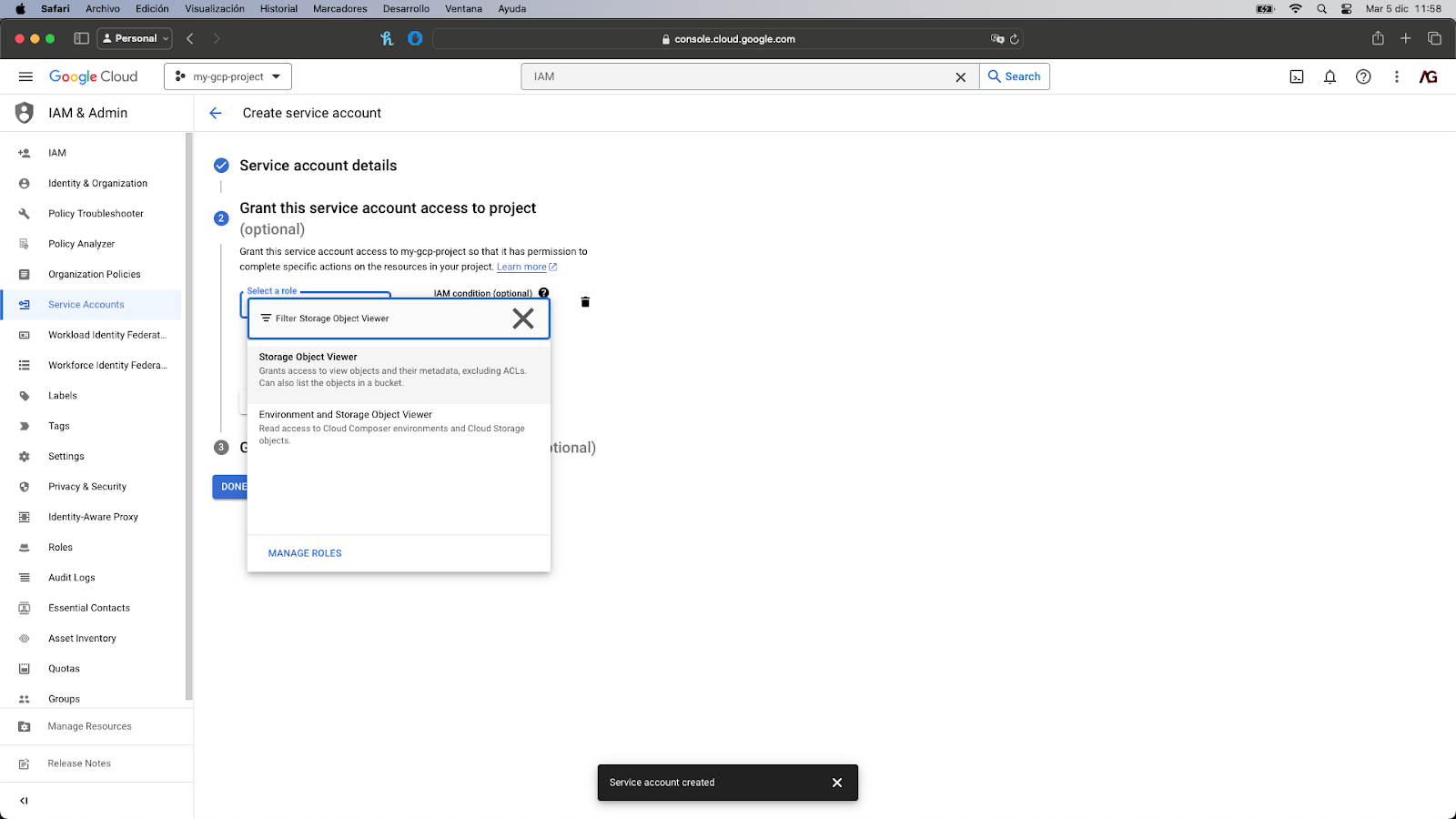
5. You can avoid the last step since we don’t need it for the correct execution of our Cloud Function. All you have to do is click on the “Done” button located at the bottom.
6. Once the service account is created, you’ll set it listed. An email address was associated with it for identification purposes. Now, we have to search “Cloud Functions” in the search bar.
7. Search for the Cloud Function you’d like to edit.
8. Click on the “Edit” button located at the top (beneath the search bar).
9. Click on the “Runtime, build, connections and security settings” dropdown to open it.
10. Under the “Runtime” tab, click on the Service account dropdown and search for the service account you created on the previous step.
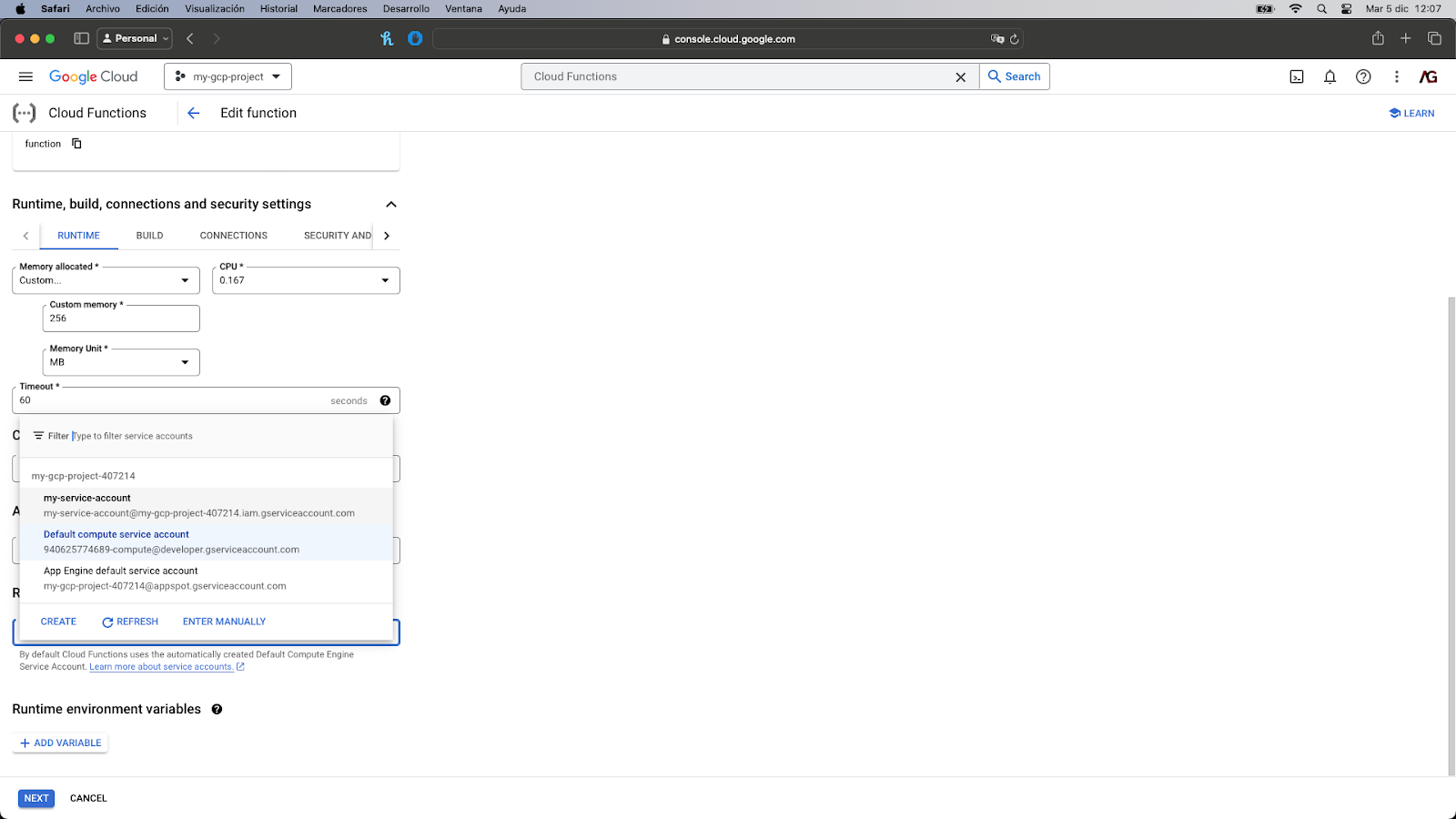
11. You’ll then have to click on Next and then Deploy. The Cloud Function would be redeployed with the updated service account.
And **that’s it**! The Cloud Function has associated with it the newly created service account and it follows the PoLP principle!
Now let’s suppose you need to implement a new requirement: The Cloud Function has to write some results after reading the file. The good news is that you don’t have to create a new service account. Google Cloud offers the possibility to edit service accounts and add or remove permissions as needed.
1. Go to IAM.
2. Under the IAM tab, search the service account you want to edit by its email address and click on the pencil icon located at the right.
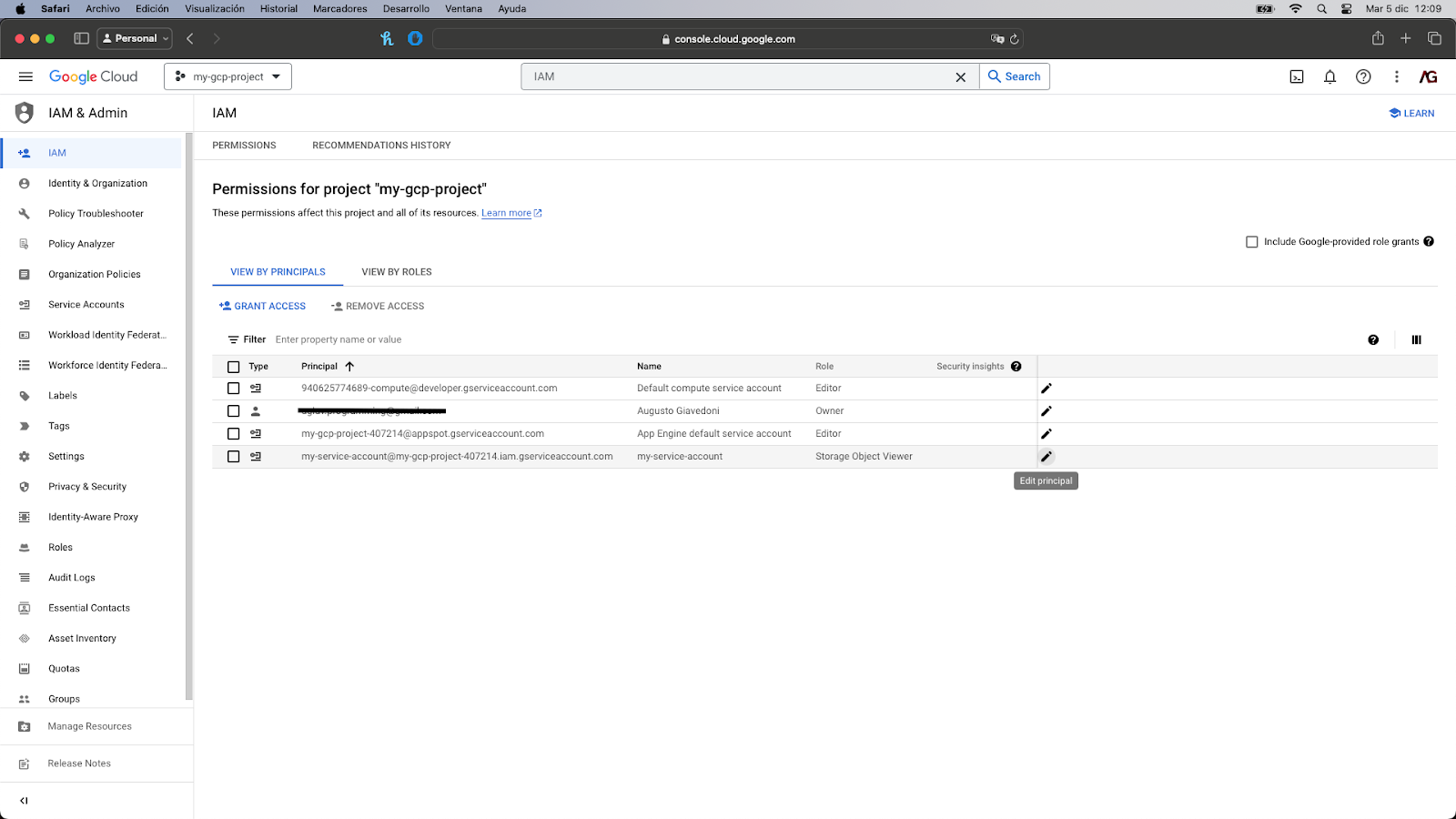
3. Click on the “Add another role” button and search for the Storage Object Creator role. This is also a predefined role that has the *storage.objects.create* permission.
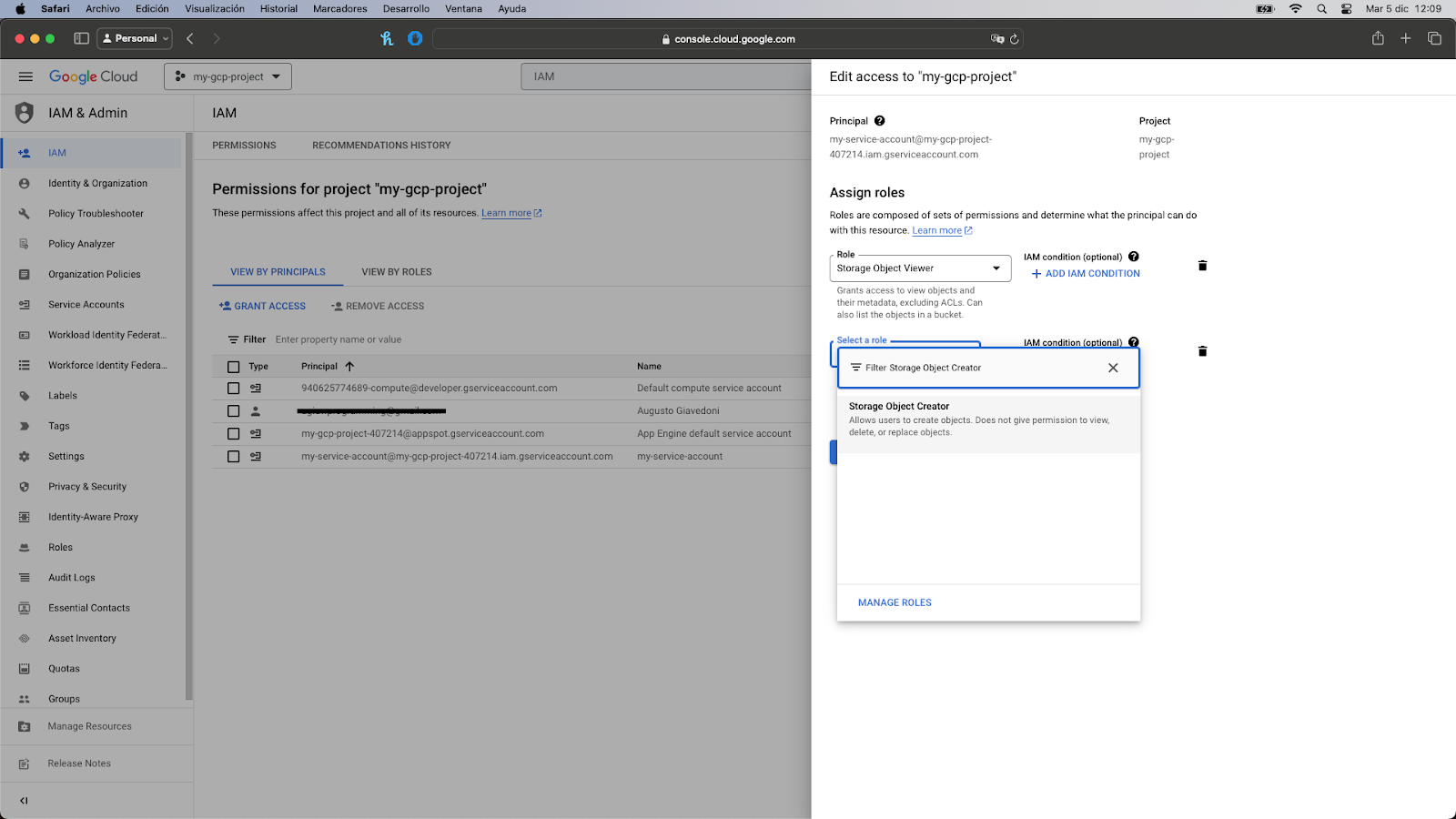
4. Click on it to add it to the list and then click on the “Save” button. The window will close and you’ll see the new role associated with the service account.
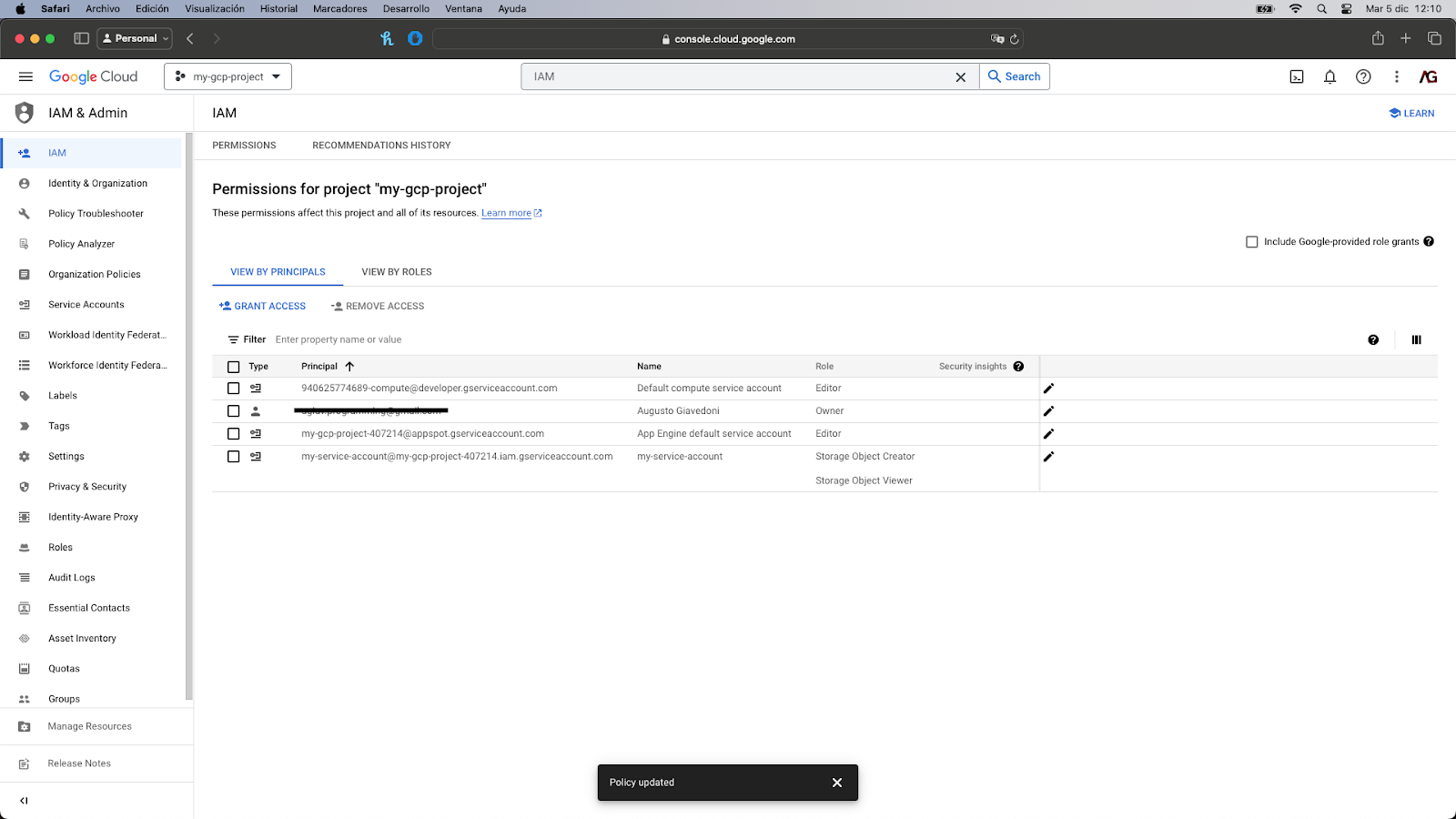
Great! The service account was updated and it now has the necessary permissions to both read and write objects to a Cloud Storage bucket.
## Concluding Notes
The Principle of Least Privilege stands out as a key security practice recommended by Google Cloud. Its implementation is straightforward and facilitated by IAM, which provides highly detailed control over your resources.
Following this practice provides you with the assurance of knowing that in the event an unwanted person gains unauthorized access to a service account associated with any of your resources hosted on Google Cloud, they will only have a limited set of permissions, thus constraining their actions significantly.
I hope this blog gives you a better understanding of how to improve the security of the resources you’ve located on GCP.
Happy coding!
#### Frequently Asked Questions
##### What is the Principle of Least Privilege on Google Cloud?
The Principle of Least Privilege (PoLP) means giving a resource only the permissions it actually needs to function. A Cloud Function that reads files from Cloud Storage should have read access only, not write or admin permissions. Extra permissions create extra security risk.
##### What is Google Cloud IAM and how does it relate to PoLP?
Identity and Access Management is the GCP service that controls which identities can access which resources. You assign permissions through roles, and IAM is the mechanism you use to apply PoLP across users, groups, and service accounts.
##### What types of IAM roles does Google Cloud offer?
There are three. Basic roles (Viewer, Editor, Owner) are broad and not recommended for production. Predefined roles are managed by Google for specific purposes, like Storage Object Viewer. Custom roles let you build your own when predefined roles don't fit.
##### How do you replace the default Cloud Functions service account with a least-privilege one?
Create a new service account in IAM, assign it a predefined role like Storage Object Viewer that has only the storage.objects.get permission, then edit the Cloud Function and select that service account under the runtime settings before redeploying.
##### What happens if an attacker gains access to a resource that follows PoLP?
They only get the limited set of permissions you granted to that service account. Following PoLP doesn't prevent compromise, but it constrains what someone can do once they're in, which significantly reduces damage.
### Behind the Unicorn Magic: Get to know the VGV Team
Source: https://verygood.ventures/blog/behind-the-unicorn-magic-get-to-know-the-vgv-team-2/
## Toms's Background
T: I initially started as an engineer, working with a startup in the mobile web browsing space. This journey led me to Nokia when the startup was acquired. Over time, I transitioned to product management, finding a passion for the business side of technology. My career spans over 14 years with significant time working for Nokia and Microsoft in their mobile phones division. Additionally, I spent six years at BMW, where I ran the Tech office in Chicago, working in mobile but also in the automotive space.
It was at BMW that I was introduced to Flutter, a technology that I knew I wanted to stick with. I found it very interesting as a technology and it seemed to solve a very real problem I have spent a lot of time in my career trying to manage, especially when it came to supporting lots of platforms.
## Role at VGV
**Can you describe what you currently do and how you found out about VGV?**
T: I am currently the Director of Product Development at VGV, managing our internal investments and products, which include our Open-Source tools and projects for both our internal teams and the broader community. At BMW, we faced a challenge with feature work going primarily with the iOS app, creating a lag in the Android app updates leading to customer dissatisfaction and bad reviews. We explored various technologies and eventually settled on Flutter due to its rapid improvements around mid-2019. The result was the successful launch of the My BMW app in 2020, showcasing Flutter's prowess. During this period, we engaged with Google and the Flutter community, which led us to discover the work being done by VGV.
In early 2020, some teammates from BMW joined VGV, and that further sparked our interest. I was impressed by VGV’s work and that’s why I ended up joining the team given the exciting technology ecosystem and the prominent growth trajectory.
**What are the common challenges you face in your role, and how do you approach solving them?**
T: Balancing the needs of our clients with our internal goals is a key challenge. We have our internal initiatives and client projects, and finding the right equilibrium is crucial. However, when we have strong partnerships, there's an opportunity for knowledge sharing, mutual growth, and a symbiotic relationship. This balance is evident in our investments in open source and tools, which ultimately accelerates our overall progress, while building up our tooling and expertise around certain processes. We aim to have that symbiotic relationship so we along with our partners can grow together.
**What are some of the projects you've worked on at VGV that you're particularly proud of?**
T: When I joined VGV, the Program Management team wasn’t yet established as an idea or a department. My initial challenge was to build this team from scratch, developing processes and gaining buy-in, particularly from existing clients. Transitioning a growing company from zero to a fully functioning department was significant. It involved standing up new processes and ensuring our clients embraced these changes. While it's relatively easier to implement changes with new clients, securing buy-in from existing clients requires strategic efforts. Over the years, I've played a crucial role in joining and supporting the growth of the team and also engaging in various Google projects. One standout project for me was I/O Pinball, where my engineering background proved valuable during crunch time. Despite the challenges, the project had a successful outcome, and it's always gratifying to witness the positive reactions and further solidify our relationship with Google.
**Are there any emerging technology or business trends that you get excited about?**
T: I know it might sound cliché, but my interest in AI and LLM AI models is not driven by the fear of them taking away our jobs. I'm fascinated by the potential to redefine how we approach our tools. Over the past decade, software engineering has evolved into more of a craft or even an art form, with a shift away from mundane tasks. The goal is to eliminate repetitive tasks so that we can concentrate on tackling complex problems and building solutions that truly resonate with our clients or end users. I've been particularly impressed with the ability of these tools to streamline problem-solving. For instance, asking an AI to examine code and provide guidance on a challenging issue can save valuable time. What might have taken an engineer seven hours can now be addressed in just five minutes, allowing them to move on to more impactful work. It's about supercharging our existing efforts rather than negating the value of the work we already do.
## Looking Forward
**What aspirations do you have for the impact of your work at VGV in the future?**
T: A lot of my background has been at larger companies like Nokia and Microsoft, where I worked on projects with a global scale and products catering to millions of users. I've experienced the challenges and rewards of large-scale releases and broad-reaching impacts. As VGV continues to grow, I see the potential for us to achieve a similar expansive reach, whether it's through our own projects and products or in collaboration with our clients—many of whom are already well-established global brands.
In the earlier part of my career, I may have taken the global scale for granted while working for these large corporations. However, having had the opportunity to work with smaller clients, I've come to appreciate the unique dynamics of their niches. Guiding clients, whether big or small, from one point to another is something I find enjoyable. Witnessing the growth of our clients and hoping that our tools and products will follow a similar trajectory, transitioning from a smaller scale to making a significant impact or achieving global growth, is where I focus . It's a fun story to tell, especially when you've been successful in the journey.
## Who is Tom beyond VGV?
- Born and raised in Chicago suburbs
- Graduated from DeVry University and Keller Graduate School with a degree in Computer Information Systems and an MBA
- Hobbies: Given his daily work behind a computer, Tom tries to have pretty active hobbies across a range of climates: Triathlons during the summer, having completed more than 15 races, including a 70.3 Ironman. In the winter, he participates in Curling, a sport he has been playing since 2017. Additionally, he enjoys Scuba Diving any time of the year, especially since it typically means travel to a warm climate. With over 100 hours of underwater time, he tends to always be planning the next road trip with his wife.
#### Frequently Asked Questions
##### Who is Tom Arra at Very Good Ventures?
Tom Arra is Director of Product Development at Very Good Ventures, where he leads internal investments and the open source tools and projects the team builds for VGV and the wider Flutter community. He brings 14+ years of product and engineering experience from Nokia, Microsoft, and BMW.
##### How did Tom Arra first start working with Flutter?
Tom was introduced to Flutter while running BMW's mobile tech office in Chicago. His team chose Flutter to solve the lag between iOS and Android releases of the BMW app and shipped the My BMW app in 2020. That work led him to discover Very Good Ventures and eventually join the team.
##### What does Tom Arra focus on at VGV?
Tom focuses on balancing client work with internal initiatives, particularly VGV's open source investments. He has been central to building VGV's program management team from the ground up and has supported high-profile partnerships including the I/O Pinball collaboration with Google.
##### Why is Tom Arra excited about AI in software engineering?
Tom sees AI and LLMs as a way to eliminate repetitive engineering tasks so teams can focus on harder, higher-impact problems. He has seen cases where an engineer's seven-hour investigation collapses into a five-minute conversation with an AI tool, freeing the team to deliver more value to clients.
### From Idea to Game: Building Super Dash in Just Six Weeks
Source: https://verygood.ventures/blog/how-we-built-the-new-super-dash-demo-in-flutter-and-flame-in-just-six-weeks/
[*This article was first published on the Flutter Medium blog.*](https://medium.com/flutter/how-we-built-the-new-super-dash-demo-in-flutter-and-flame-in-just-six-weeks-9c7aa2a5ad31)
Super Dash is a new Flutter demo game built from the [Endless Runner Flame Template](https://github.com/flutter/games/tree/main/templates/endless_runner) that launched with the recent update of the Flutter [Casual Games Toolkit](https://medium.com/flutter/building-your-next-casual-game-with-flutter-716ef457e440).
We partnered with the Flutter team at Google to develop a multiplatform game for Android, iOS and Web from idea to launch in just six weeks with Flutter and Flame. Inspired by nostalgic classics like Super Mario, players run in a side-scrolling platformer game as Dash, who collects acorns and eggs to maximize her score and progress through levels.
The game can be played on a [desktop browser](https://superdash.flutter.dev/) and is available for mobile on the [Apple App Store](https://apps.apple.com/app/super-dash-flutter-game/id6473050393) and [Google Play](https://play.google.com/store/apps/details?id=com.verygoodventures.super_dash). The code for the game (including mobile platforms) is open-sourced and available in the [super_dash](https://github.com/flutter/super_dash) repo on GitHub.
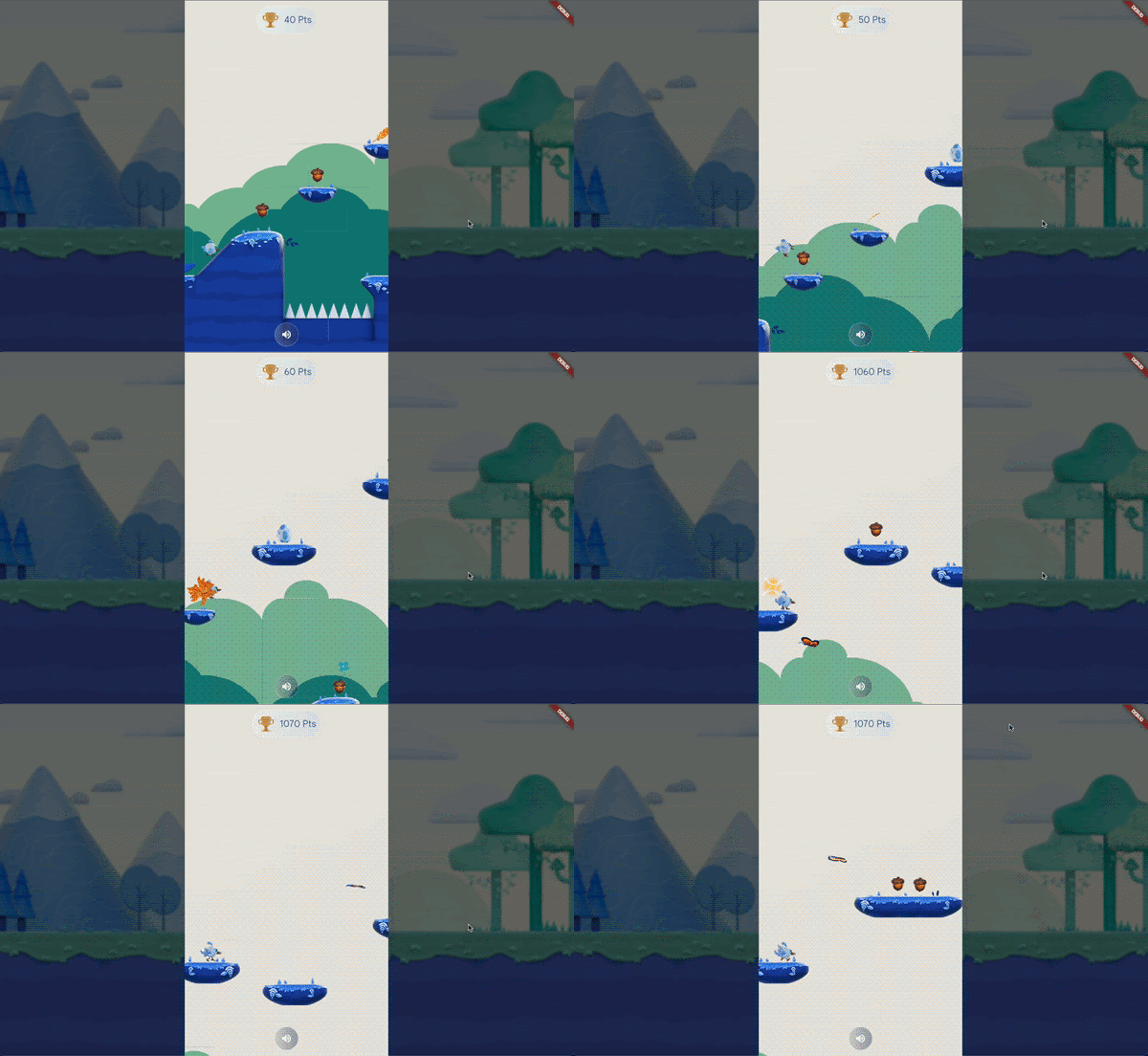
## How to play
Dash runs through each level collecting Acorns (10 points) and Eggs (1000 points) to increase her score. Press the spacebar or tap the screen to start the game and jump to avoid bugs and falling into pits to make it through the level. Grab the Golden Feather to transform Dash into a Phoenix, increasing her jump height and giving her an extra life.
## Fast and seamless game development using Flutter
Flutter made it possible to go from idea to launch in just six weeks with just two developers on our team. This framework's ability to quickly iterate through changes, powered by its hot reload features, plus the platform’s composability, modularity, and available tools, allowed the team to move fast and quickly test and evolve the game alongside the design team work. It also accelerates the speed at which the team could build a responsive UI for mobile while targeting browsers and desktop too. This allowed us to dedicate more of our development time to the game itself and reduce the time spent on making sure the game worked across different devices and screens.
Additionally, Flutter and Dart’s robust [package ecosystem](https://pub.dev/packages/flutter_bloc) and integrations with Google services like Firebase made it easy to find tools such as [Flutter_Bloc](https://pub.dev/packages/flutter_bloc), which enabled a seamless creation of game logic and state management.
## A Flame-powered Flutter adventure
Super Dash uses [Flame](https://flame-engine.org/), an open-source game engine built in Flutter. While many casual games can be built with just Flutter alone, Flame extends Flutter’s game development capabilities for games that require a game loop, collision, and maps.
Super Dash extends the functionality of the base Flame Template available in the [Casual Games Toolkit](https://flutter.dev/games) with the [Leap project](https://github.com/kurtome/leap) - an open source project created by [Kurtome](https://github.com/kurtome), a member of the Flame Community. Before using Leap, you should have a basic understanding of Flame’s FlameGame, Camera, PositionComponent, and TiledComponent components.
In the repo, you’ll find a custom tool we built for debugging the game, including a macOS version with various actions and utilities. We added a "Teleport to end" button to take Dash to the end screen without playing the entire level, and another button to make Dash immortal, allowing you to go through the entire level without restarting. You can find this tool in the [super_dash repo](https://github.com/flutter/super_dash) and try it yourself when building or extending this game.
All physical objects have rectangular hitboxes that are defined by the object's size and position, and they don't have to be the same as the object's visual appearance, something that significantly improves playability.The team used [Firebase Distribution](https://firebase.google.com/docs/app-distribution) to easily share the app and the game’s test builds, especially for iOS, which sometimes tends to be quite complicated.
## Designing an interactive Dash world
Super Dash's design is straightforward and it makes it easy to play. We used the open-sourced [Tiled](https://www.mapeditor.org/) tool to design the levels, and the [leap](https://pub.dev/packages/leap) package to integrate these into the game. We used the open-sourced Tiled tool to design the levels, and the leap package to integrate these into the game. Leap uses the the [flame_tiled](https://pub.dev/packages/flame_tiled) package package (where TiledComponent is implemented) and builds on it to add platformer physics and useful classes like PhysicalEntity for objects, enemies, and the player. The flame\_tiled package parses the files from tiled to render the map, layers, and objects.

*Background Static Image*
### LeapMap
A component accessible through LeapGame.leapMap, the LeapMap manages the Tiled map and automatically constructs the tiles with proper collision detection for the ground terrain.
```dart
void main() {
runApp(GameWidget(game: MyLeapGame()));
}
class MyLeapGame extends LeapGame with HasTappables, HasKeyboardHandlerComponents {
late final Player player;
@override
Future onLoad() async {
await super.onLoad();
// "map.tmx" should be a Tiled map the meets the Leap requirements defined below
await loadWorldAndMap('map.tmx', 16);
setFixedViewportInTiles(32, 16);
player = Player();
add(player);
camera.followComponent(player);
}
}
```
To add custom behavior you can access the layers through LeapGame.leapMap.tiledMap and integrate your own special behavior for tiles or objects.
####
Customizing layer names and classes
You can ask Leap to use different classes, types, or names.
To do so, build and pass a custom LeapConfiguration to the game.
The following example builds a custom LeapConfiguration:
```dart
class MyLeapGame extends LeapGame {
MyLeapGame() : super(
configuration: LeapConfiguration(
tiled: const TiledOptions(
groundLayerName: 'Ground',
metadataLayerName: 'Metadata',
playerSpawnClass: 'PlayerSpawn',
hazardClass: 'Hazard',
damageProperty: 'Damage',
platformClass: 'Platform',
slopeType: 'Slope',
slopeRightTopProperty: 'RightTop',
slopeLeftTopProperty: 'LeftTop',
),
),
);
}
```
We worked with [HOPR](https://www.hopr.tv/) Studio on the design and artwork for the game. To create a more seamless workflow, we established a common language or path to describe item behaviors. For example, adding an "I" indicated infinity, meaning the item would behave the same way repeatedly (moving from left to right or vice versa, etc). This made it easier for everyone to understand the game's goals between teams. Once the map was ready, we incorporated it into the game development.
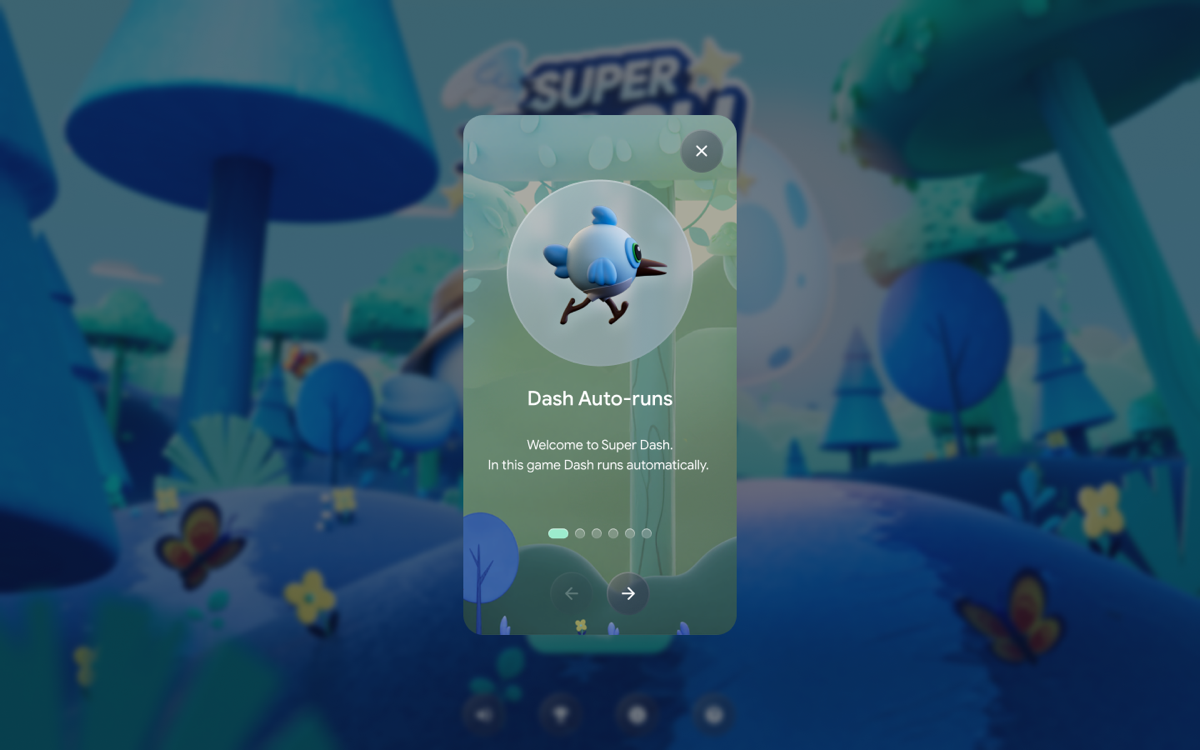
*Super Dash Game instructions*
### What’s next
The Super Dash demo was released as part of the November 2023 update to the [Flutter Casual Games Toolkit](http://flutter.dev/games) as an example of a multiplatform game using Flame. By highlighting that we went from idea to launch in just 6 weeks, we hope to showcase how Flutter can help you be more productive and reach more users across a variety of platforms. Check out the [open source code](https://github.com/flutter/super_dash) to see how we built it.
[Play the game](https://superdash.flutter.dev/) now on a desktop browser or download the mobile app on [Apple App Store](https://apps.apple.com/app/super-dash-flutter-game/id6473050393) and [Google Play](https://play.google.com/store/apps/details?id=com.verygoodventures.super_dash)! Can you beat the high score?
Learn more about our partnership with Google for game development by reading about how we worked together to release [I/O Flip](https://verygood.ventures/blog/how-its-made-i-o-flip/) and [I/O Pinball](https://verygood.ventures/success-stories/i-o-pinball/) in the past months!
#### Frequently Asked Questions
##### What is Super Dash?
Super Dash is a side-scrolling platformer demo game built by VGV with the Flutter team at Google. Players run as Dash, collecting acorns and eggs while avoiding bugs and pits across multiple levels. Try it on a desktop browser, the Apple App Store, or Google Play.
##### How long did it take to build Super Dash?
Six weeks, with two developers, shipping for Android, iOS, and the web. The game was built on top of the Endless Runner Flame Template from the Flutter Casual Games Toolkit.
##### What is Flame and why use it for Super Dash?
Flame is an open-source game engine built in Flutter. Many casual games can be built with Flutter alone, but Flame extends Flutter for games that need a game loop, collision detection, and tile maps.
##### What is the Leap project?
Leap is an open source platformer library by Kurtome, a Flame community member. Super Dash uses Leap on top of flame_tiled to add platformer physics and useful classes like PhysicalEntity, LeapMap, and the player.
##### How were the levels designed?
Levels were designed with Tiled, an open-source map editor, and integrated with the leap package. VGV worked with HOPR Studio on artwork, and used a shared item-naming language (for example an "I" prefix to mean infinity) so design and engineering stayed aligned across teams.
##### Where can I see the Super Dash code?
The full game, including the mobile platforms, is open source at the super_dash repo on GitHub. The repo also includes a custom debug tool with options like "Teleport to end" and an immortality toggle.
### Road to 100% Test Coverage
Source: https://verygood.ventures/blog/road-to-100-test-coverage/
At Very Good Ventures, we incorporate the “Very Good” concept into our services like [Very Good News](https://verygood.ventures/solution/very-good-news/) and [Very Good Start](https://verygood.ventures/solution/very-good-start/) and I would like to extend it to testing. This isn't just a nod to our company’s name; it underscores our belief in the significance of testing quality over quantity, steering away from a mere focus on metrics. This is the main topic I talked about when I had the opportunity to be a speaker at [Fluttercon Berlin](https://verygood.ventures/blog/very-good-ventures-goes-to-fluttercon-2023/) and [Flutterconf Latam](https://verygood.ventures/blog/very-good-ventures-highlights-from-flutterconf-latam-2023/) this year.
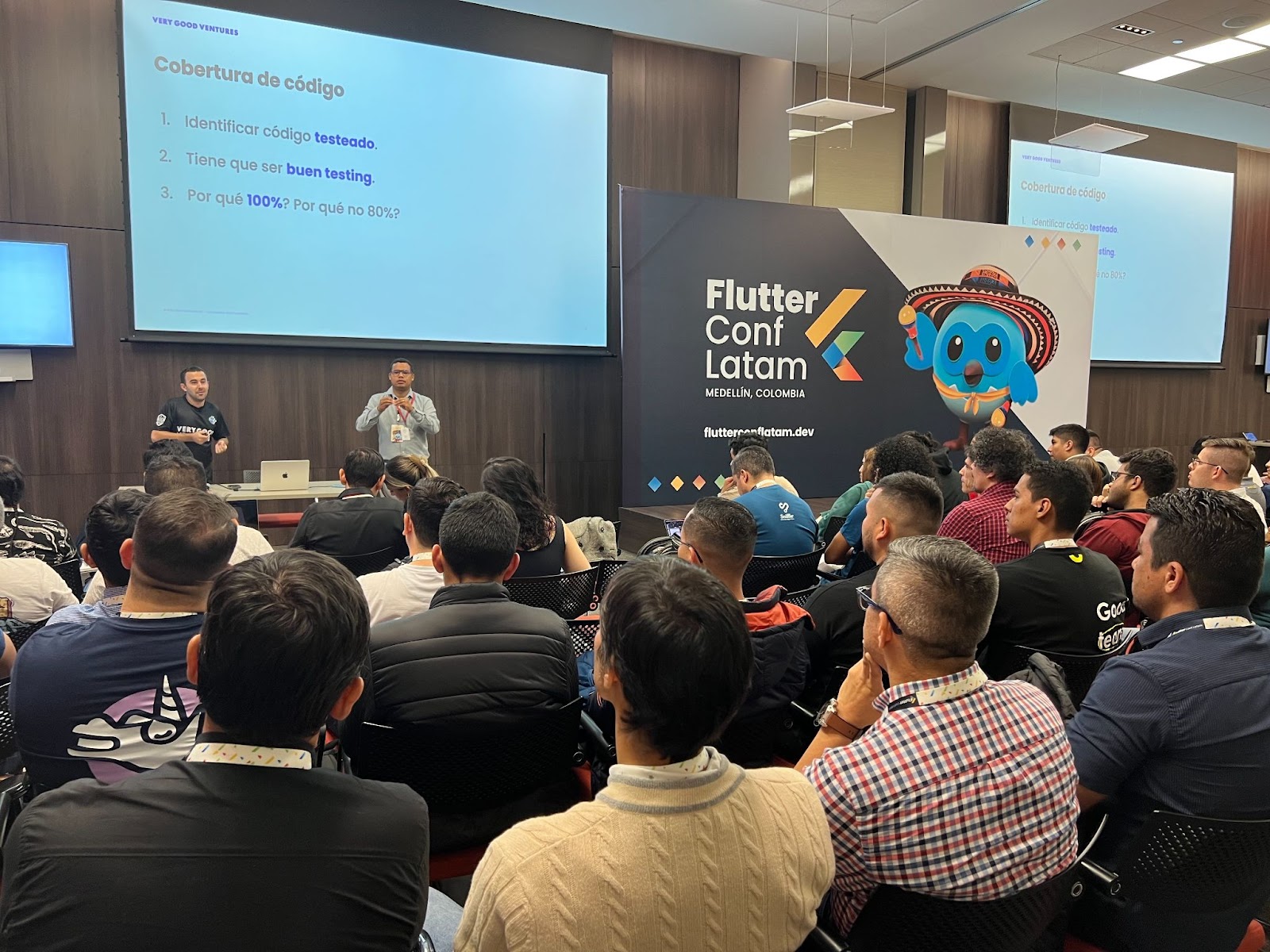
*On the stage at Flutterconf Latam in Medellín, Colombia*
Let's delve into some strategies and insights we employ at VGV for effective testing.
## Why (Very Good) Tests Are Important
The main question you might ask if you are new to testing is **“Why are tests important? Is it not enough to go through my app manually and verify there are no bugs?”.**
Hopefully, I can answer those in this blog post for you. But the first thing you need to know about testing is that you will need a process to ensure that your app quality is gonna be increased: It’s not just about adding a final step in your app development phase.
If you start changing your mindset about testing you will see yourself avoiding stressful situations and you will start enjoying the path. How? Let me highlight three things -among others- that we at VGV consider important about testing:
1. **It makes you think about your architecture.** Most of the time a hard test is linked to poor architecture. So, the more you test, the more you will feel confident about your code architecture. But we will get beyond this point further in this blog.
2. **100% test coverage doesn't mean 0% bugs.** You shouldn’t focus on the number itself, but on covering all possible scenarios.
Let me share a very good tip: If for some reason a case was not covered and a bug is found, make sure to consistently add a test for that case to prevent its recurrence.
3. **The more you test, the more you will control all your business logic.** This is especially important when reviewing a new code base to see if it has tests. If not, it's probably a good time to add them while onboarding in the code.
Your final goal should be to increase confidence in any future change in the code to deliver fast and safely.
## Architecture Matters
As mentioned before, one key point in order to have a smooth approach to testing is having a good architecture. Especially for developers new to the practice, they might experience a big learning curve for testing, but in reality, most of the problems they will face with it will be related to bad architectural decisions.
This blog post is not intended to be focused on architecture, but here are some pieces of advice that will help with testing:
- Split your code into layers that allow dependency injection.
- Don't over complicate your classes and methods (SOLID)
- Don't mix layers. For example: Don't put business logic into your UI.
- Use libraries/packages that help you with testing. For example: Static methods are known for being quite complex to test.
If you need more insights into how to build a good and scalable architecture for testing, you can take a look at this [blog post](https://verygood.ventures/blog/very-good-flutter-architecture/).
## But, What Is Code Coverage?
Code coverage is a metric that allows you to identify which parts of your code have been exercised by a test. In Dart/Flutter, we measure that by lines of code.
In order to collect the coverage we need to follow 2 simple steps:
1. Execute our tests collecting coverage
###### very\_good test --test-randomize-ordering-seed random --coverage
As you might have noticed, we execute the tests in random order to verify we don't have side effects between those.
2. Visualize the coverage report
###### genhtml ./coverage/lcov.info -o coverage && open ./coverage/index.html
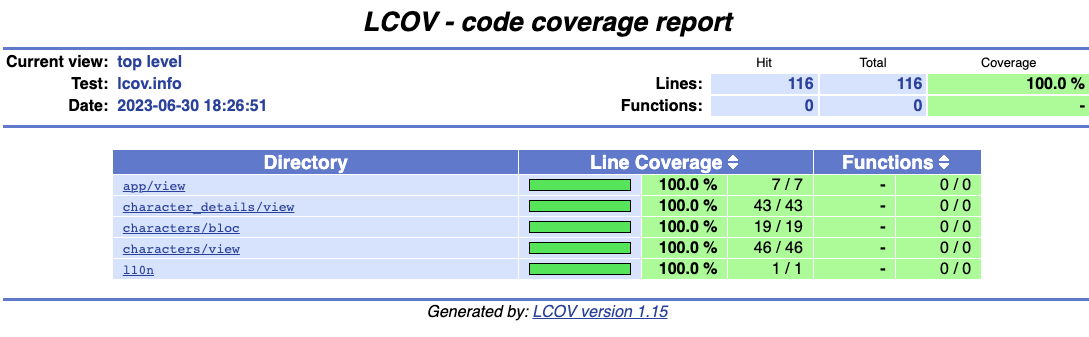
## Why 100% and Not 80%?
As I mentioned before, when you are doing tests, the last thing you should be thinking about is the metric or the number itself. You can have 100% coverage and it still is possible that your tests are not really valuable. Code coverage is only a metric, but If we could add a restriction to ensure that we cover all possible scenarios we would use that one instead.
For example, consider a scenario where you have a button adding a bloc event upon clicking on it, while you may have a test that clicks on the button, it's crucial to ensure that the test verifies the execution of the underlying logic as well, because you probably have covered this button tap but the reality is that you are not testing anything.
See the example of covering the same code but not the same scenario below:
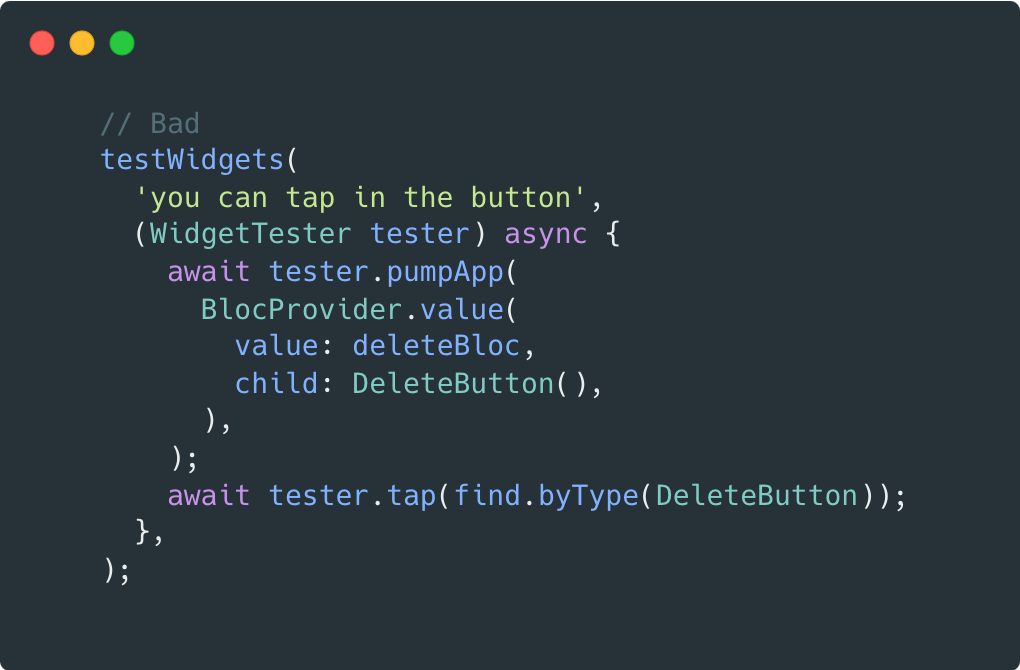
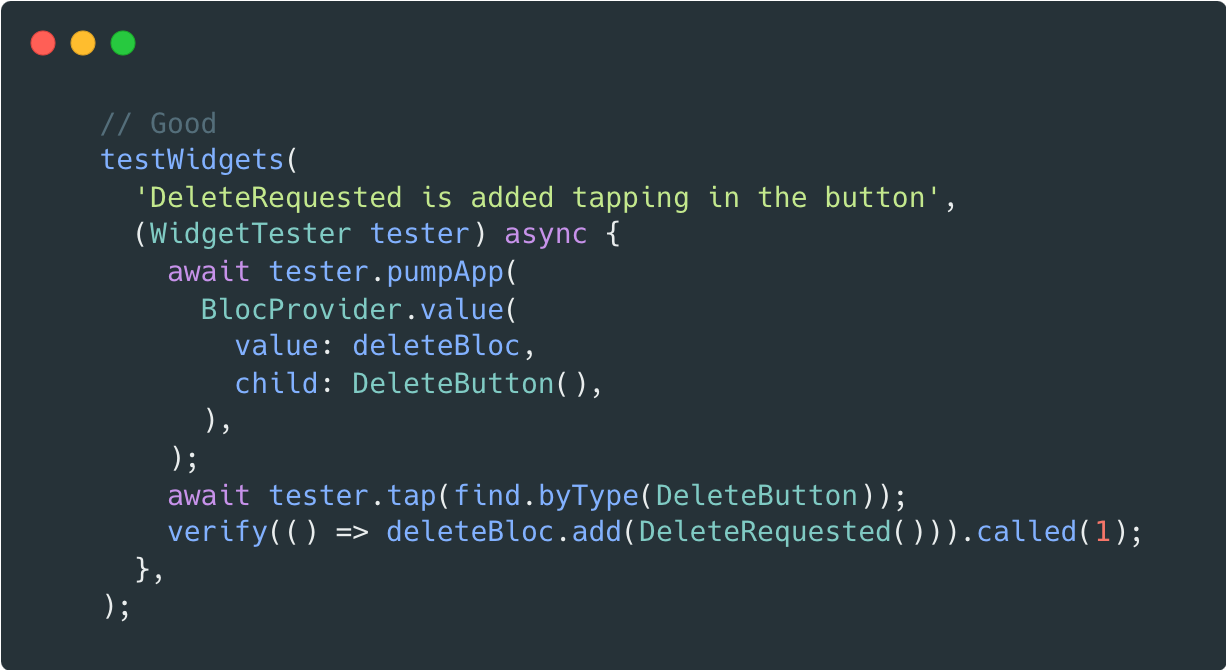
At the same time, if you start defining a number lower than 100%, you need to start making the hard decision on what areas you will not be covering. Should you skip models? Should you skip UI? Should you skip external library usage?
People are surprised when we aim at VGV for 100% code coverage, and a recurrent question that was asked to me in both talks was about exceptions. We only have a few exceptions, and most of them are related to auto generated code, for example, localized strings or assets since there is no added value about testing programmatically on those.
## Summing Up
At Very Good Ventures, we have been putting all emphasis on prioritizing test quality over metrics, aiming for 100% test coverage, with a focus on comprehensive testing that ideally covers all scenarios.
Emphasizing architectural best practices such as layer separation and simplicity, plays a crucial role while aiming to bring confidence in every code change, ensuring fast and secure delivery through meticulous testing practices.
Feel free to reach out to me on my [LinkedIn](https://www.linkedin.com/in/omartinma/) or [Twitter](https://twitter.com/OscarMartinDEV) account to learn more!
### Very Good CLI License Checker
Source: https://verygood.ventures/blog/very-good-cli-license-checker/
Software is typically subject to one or more licenses that dictate what you can and cannot do with a piece of code. When developing a Dart or Flutter project, you'll usually end up depending on packages hosted by [Dart's package manager](https://pub.dev/); these are associated with a license.
We highly recommend verifying the **health** of any new third-party dependency you introduce to your project. Therefore, tracking the rights and restrictions that external dependencies may impose on your project is a crucial part of this verification.
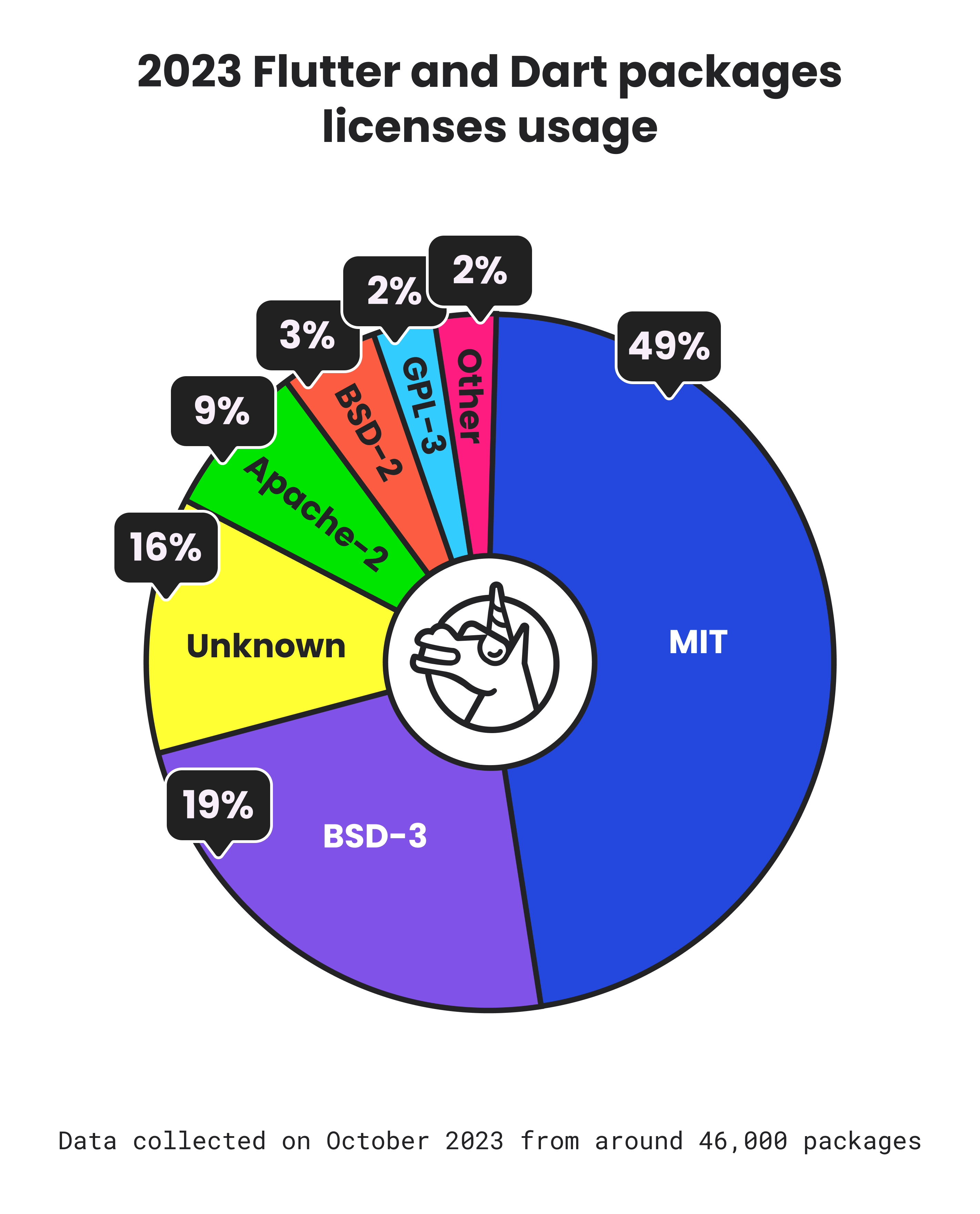
*Pie chart is a breakdown of the different license usages from around 46,000 Dart and Flutter packages hosted in pub.dev.*
## Understanding license detection
In most cases, package developers use a canonical license to govern their software. A comprehensive list of commonly found licenses can be found at the [Software Package Data Exchange (SPDX)](https://spdx.org/licenses/) License list, managed by the SPDX Workgroup a [Linux Foundation](https://www.linuxfoundation.org/about) Project. If your favorite license is not there you can request to get your [license added](https://tools.spdx.org/app/submit_new_license/)!
[Dart's package manager](https://pub.dev/) relies on [PANA](https://pub.dev/packages/pana) (short for PAckage aNAlyzer) to determine the license specified by the package author for their published package. It does so by scanning the license text specified by the package developer and comparing it with common licenses. If no confident match is found, it is reported as 'unknown.'
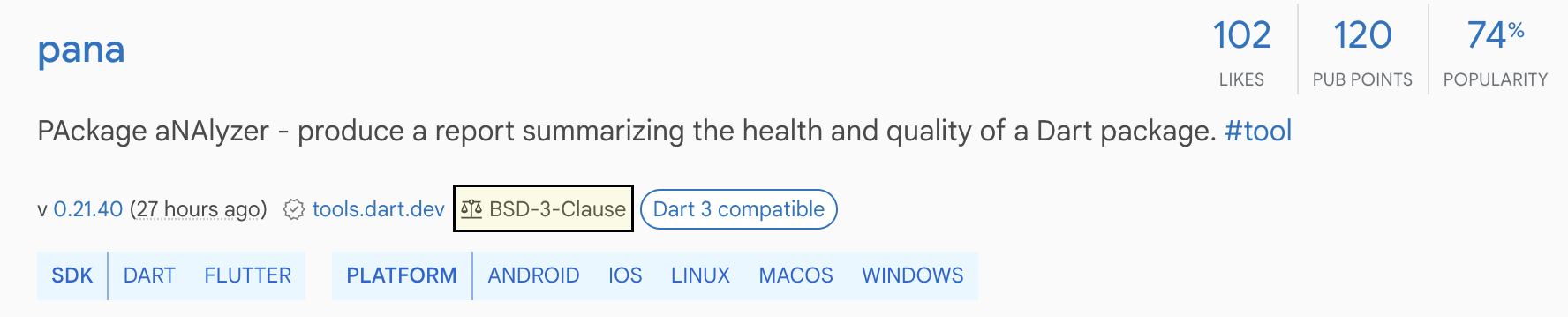
*The pana package is shown as a pub.dev search result with its detected BSD-3-Clause license highlighted.*
As expected, custom licenses are identified as unknown. However, sometimes a canonical license might be incorrectly formatted or not appropriately recognized by [PANA](https://github.com/dart-lang/pana). In those scenarios, we recommend filing an issue so the package owner is aware of the detection failure or directly informing [PANA](https://github.com/dart-lang/pana/issues), where appropriate.
> [“It is important to report these issues, otherwise fixing these won't get a high priority in the near future”](https://github.com/dart-lang/pub-dev/issues/7129#issuecomment-1770264749) - [István Soós](https://github.com/isoos), Senior Software Engineer at Google working on PANA
## Automating license checking verification
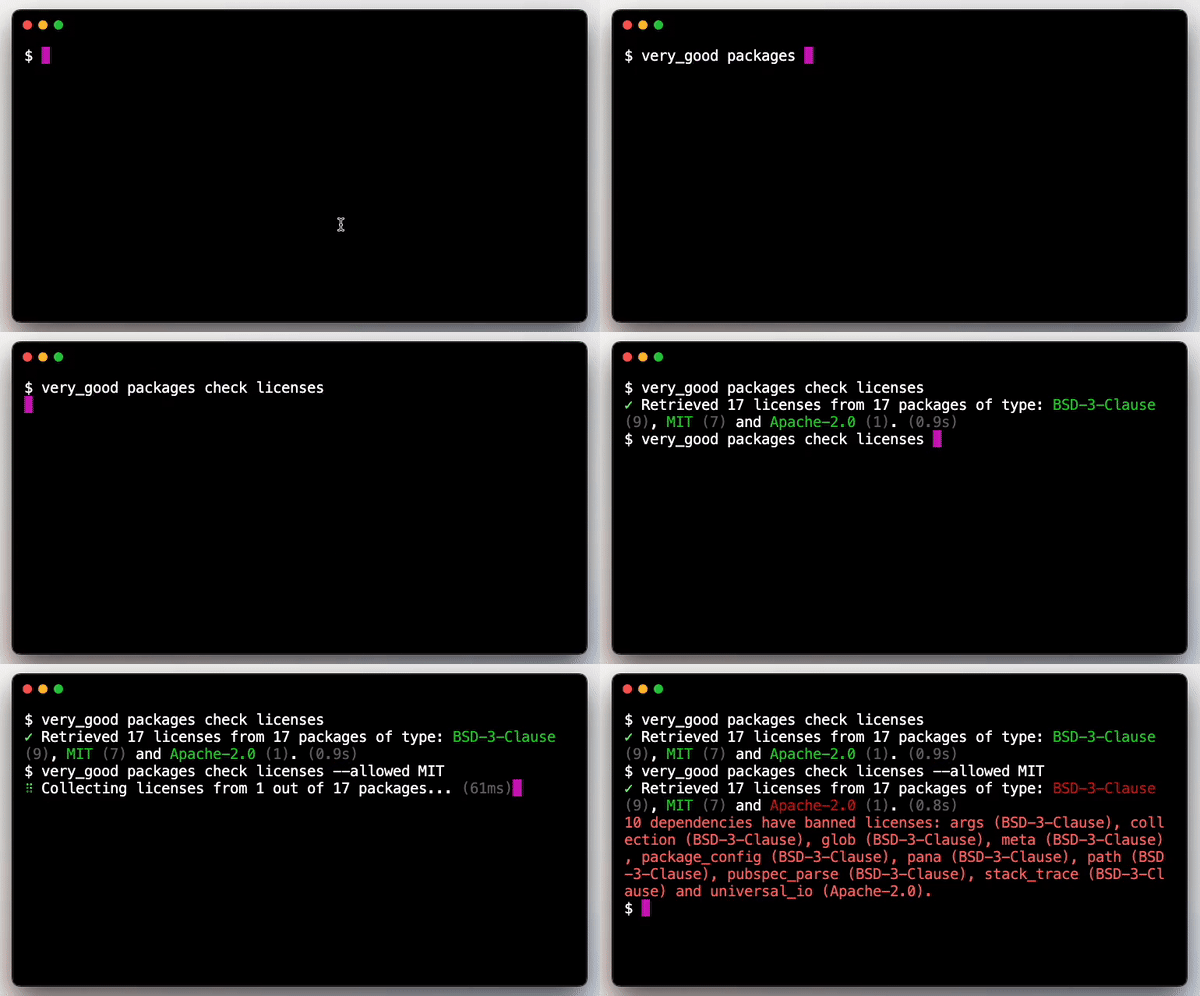
*Terminal screen recording showing Very Good CLI’s license checking capabilities*
Checking licenses for each dependency individually can be a laborious task. Therefore, [Very Good CLI](https://github.com/VeryGoodOpenSource/very_good_cli), an open-source command-line interface for generating scalable templates and executing helpful commands, provides a simple and straightforward command to automate this task, starting from [version 0.17.0](https://pub.dev/packages/very_good_cli/changelog).
After [installing Very Good CLI](https://cli.vgv.dev/docs/overview#installing), you can simply run the license checker within your project:
###### very\_good packages check licenses
If you wish to only allow the use of certain licenses, you may use the --allowed option:
###### very\_good packages check licenses --allowed=MIT,BSD-3-Clause
######
###### \# ✓ Retrieved 6 licenses from 6 packages of type: BSD-3-Clause (3), MIT (1), unknown (1) and Apache-2.0 (1).
###### \# 2 dependencies have banned licenses: html (unknown) and universal\_io (Apache-2.0).
There are a few arguments you can pass to the command to tailor its behavior to your specific needs. For example, the --forbidden option denies the use of certain licenses or the --dependency-type specifies the type of dependencies to check licenses for. For a full documentation of all the available options refer to the official [Very Good CLI documentation website](https://cli.vgv.dev/docs/commands/check_licenses).
## Automating license checking verification with GitHub Workflows
To guarantee the dependencies licenses are always checked it is a very good idea to make this part of your automated development pipeline. If you’re using GitHub we’ve made available a reusable open-source workflow to easily start license checking your dependencies.
You can find more details about this new workflow at the [Very Good Workflows documentation](https://workflows.vgv.dev/docs/workflows/license_check); or quickly get started by adding the following license\_check.yaml file to your project’s .github/workflows directory.
###### name: license\_check
######
###### concurrency:
###### group: ${{ github.workflow }}-${{ github.ref }}
###### cancel-in-progress: true
######
###### on:
###### pull\_request:
###### paths:
###### - "pubspec.yaml"
###### - ".github/workflows/license\_check.yaml"
###### push:
###### branches:
###### - main
###### paths:
###### - "pubspec.yaml"
###### - ".github/workflows/license\_check.yaml"
######
###### jobs:
###### license\_check:
###### uses: VeryGoodOpenSource/very\_good\_workflows/.github/workflows/license\_check.yml@v1
### Highlights from FlutterConf Latam 2023
Source: https://verygood.ventures/blog/very-good-ventures-highlights-from-flutterconf-latam-2023/
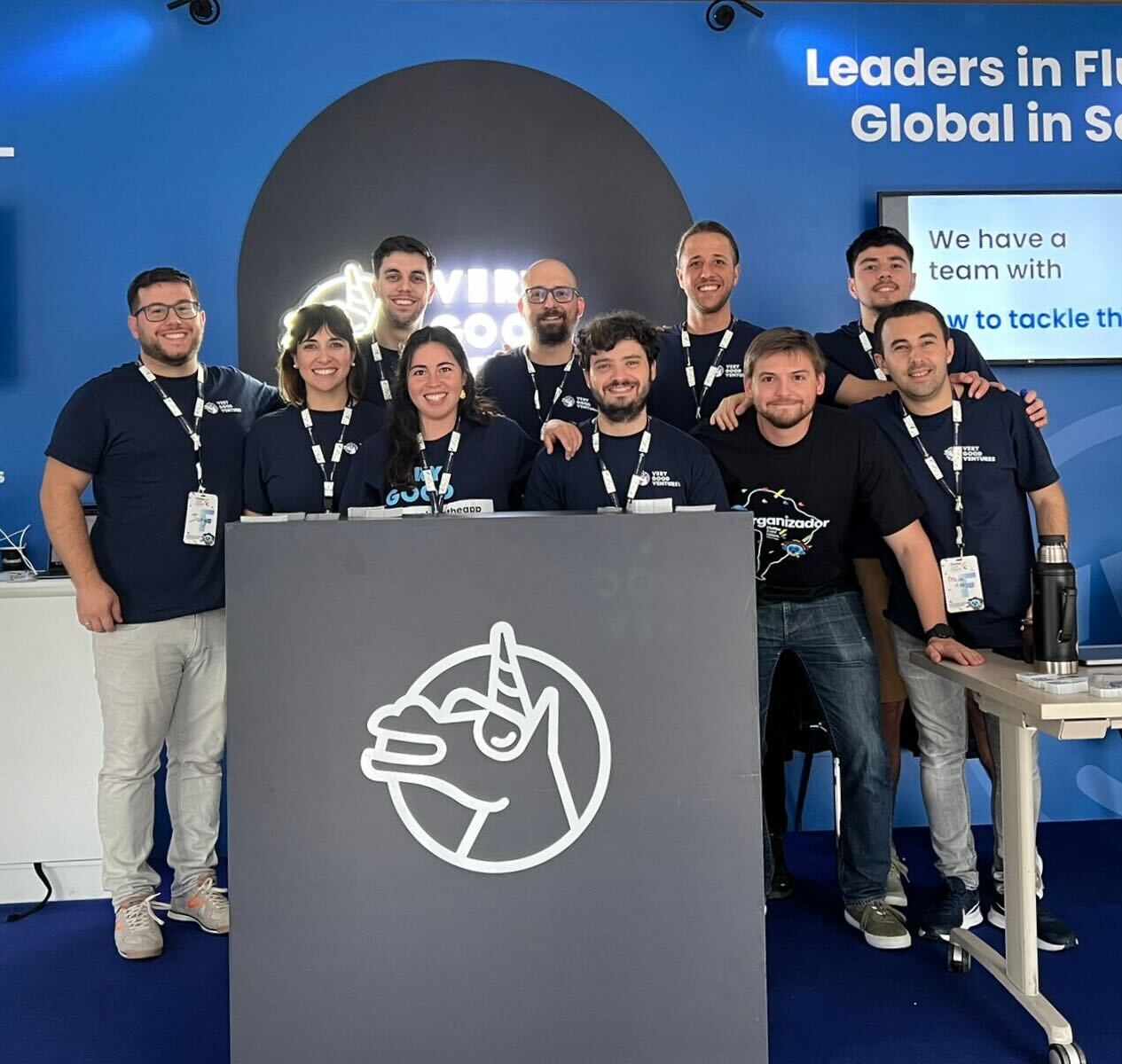
*The VGV team at our booth*
Last week we had the opportunity to attend FlutterConf 2023 in Medellín, Colombia. This two-day conference was packed with entertaining talks, insightful conversations, and of course, quality networking time with fellow developers. We were a platinum sponsor, and were lucky to be able to send seven speakers. Here are our takeaways from the conference.
[Video](https://www.youtube.com/watch?v=_p8j29GdD4E)
## The Flutter community shines bright!
At FlutterConf Latam, we connected with developers, designers, and passionate Flutter enthusiasts from around the world. We participated in informative keynotes, attended enlightening sessions, and engaged in discussions that pave the way for a future of innovation and collaboration within the Flutter community.
This time our team got the opportunity to meet and connect with new people: Flutter devs and enthusiasts from different parts of Latin America, such as Perú, Guatemala, Argentina, Brazil, Uruguay, Ecuador, and Bolivia, among others.
Spanish was our primary language since most of our team came from native Spanish-speaking countries like Uruguay, Argentina and Spain. This fostered a positive networking environment, and exciting, spontaneous talks with the attendees.
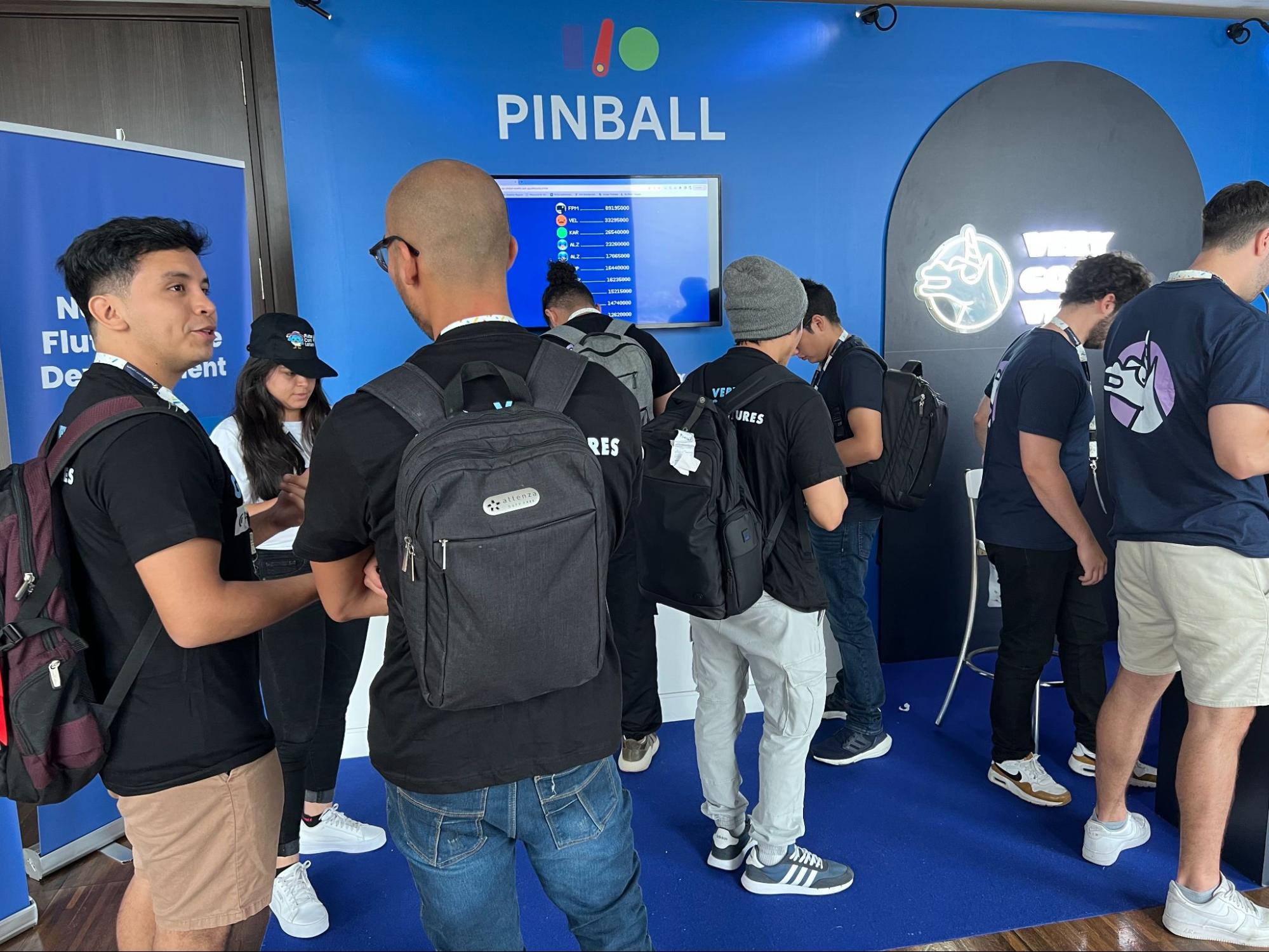
We might be a bit biased, but the atmosphere at FlutterConf Latam was undeniably electrifying. The Flutter community shines as an exceptional and dynamic developer community on the global stage. FlutterConf Latam only reinforces this fact: The enthusiasm and commitment demonstrated by the Flutter community are unmatched. The community's inclusiveness and supportiveness are genuinely remarkable, as developers from diverse backgrounds unite to celebrate their shared passion for Flutter and app development. The collective wealth of knowledge and expertise within the Flutter community benefits both newcomers and seasoned professionals alike. From the lively online forums and repositories to the numerous open-source projects, the Flutter community consistently serves as a source of inspiration and empowerment for developers worldwide.
As a platinum sponsor, our booth was full of experiences and entertainment. This time we encouraged everyone to try their best on Pinball I/O, a game we developed using Flutter and Firebase along with Google for the Google I/O 2022 event. We had tablets available to play during the conference and very good trophies for the top three highest scorers of the day.
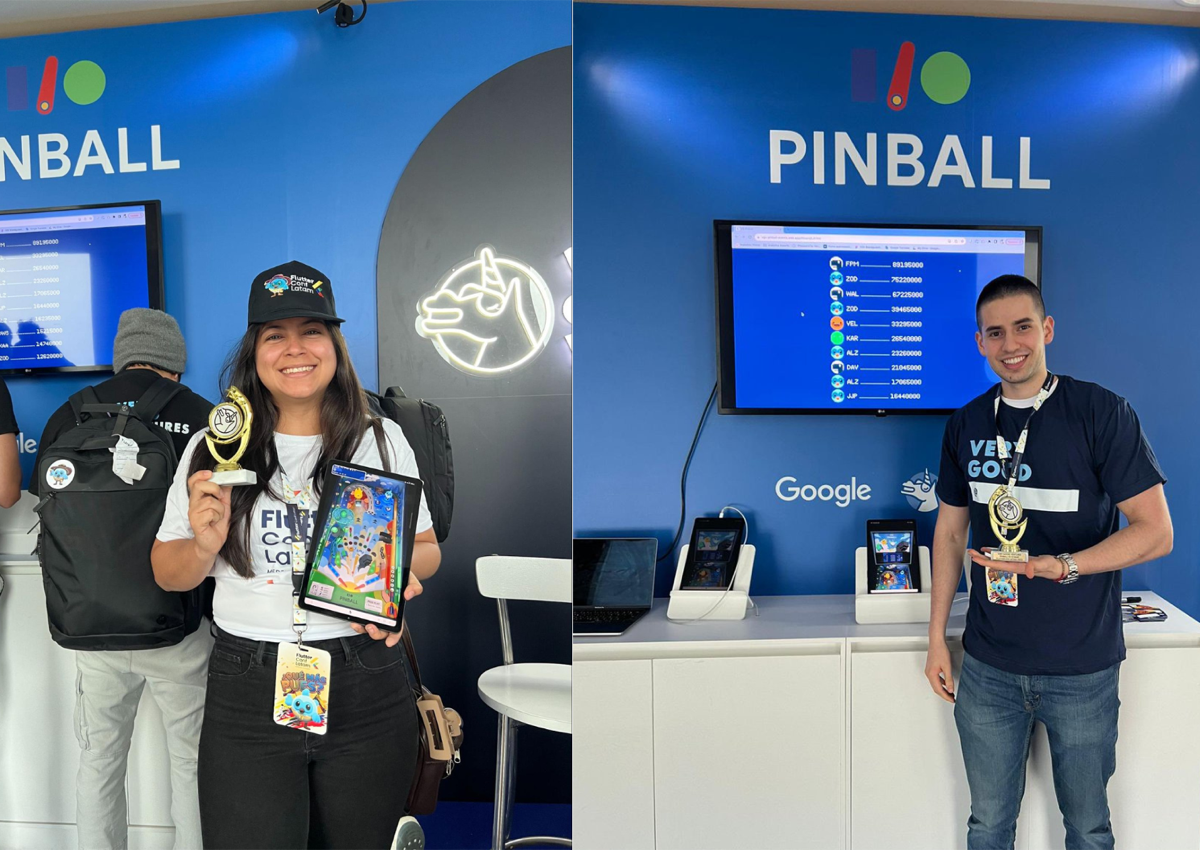
*Some of our I/O Pinball champs!*

*The Very Good Ventures I/O Pinball Trophy*
Special, limited edition VGV swag was also available to take home: T-shirts with personalized messages (Very Good @ \_\_\_\_ ) and all kinds of stickers. We know now that our unicorn logo will be all over many places in Latam!
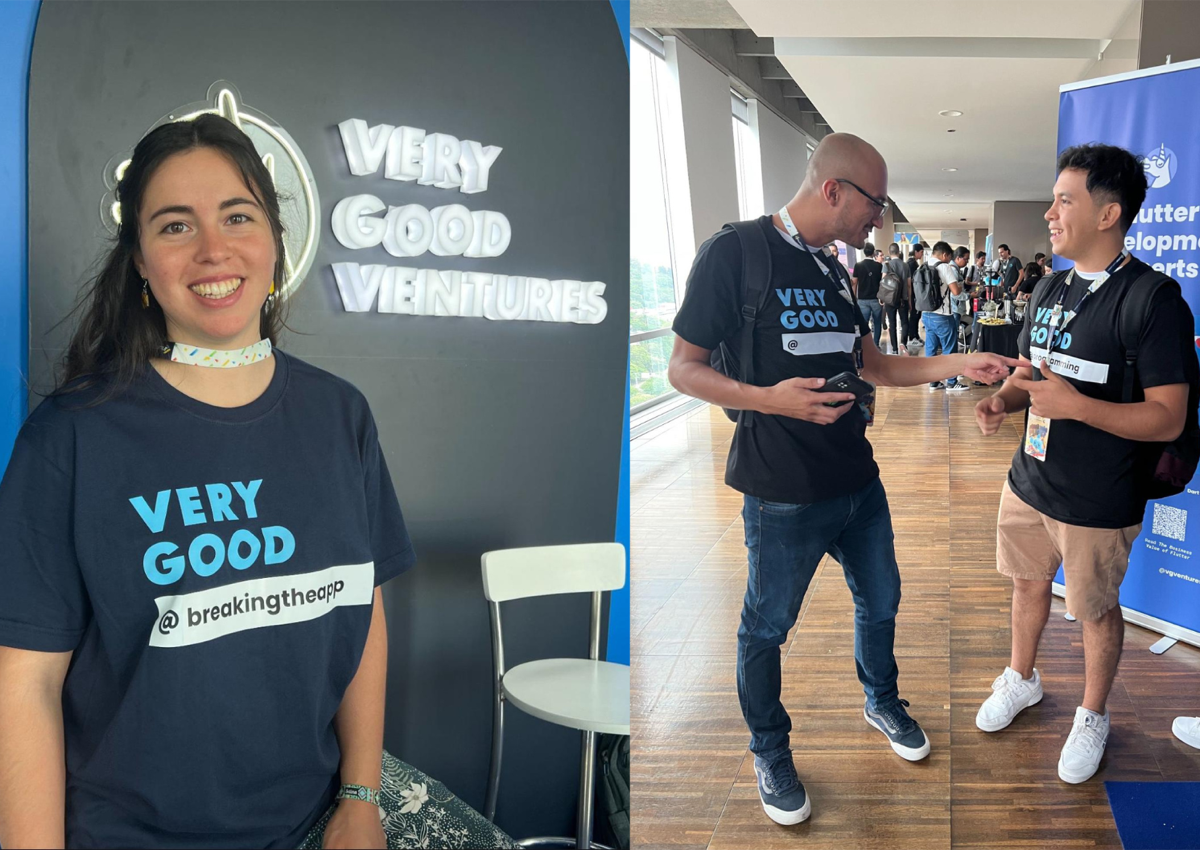
*Very Good @___ shirts were a hit!*
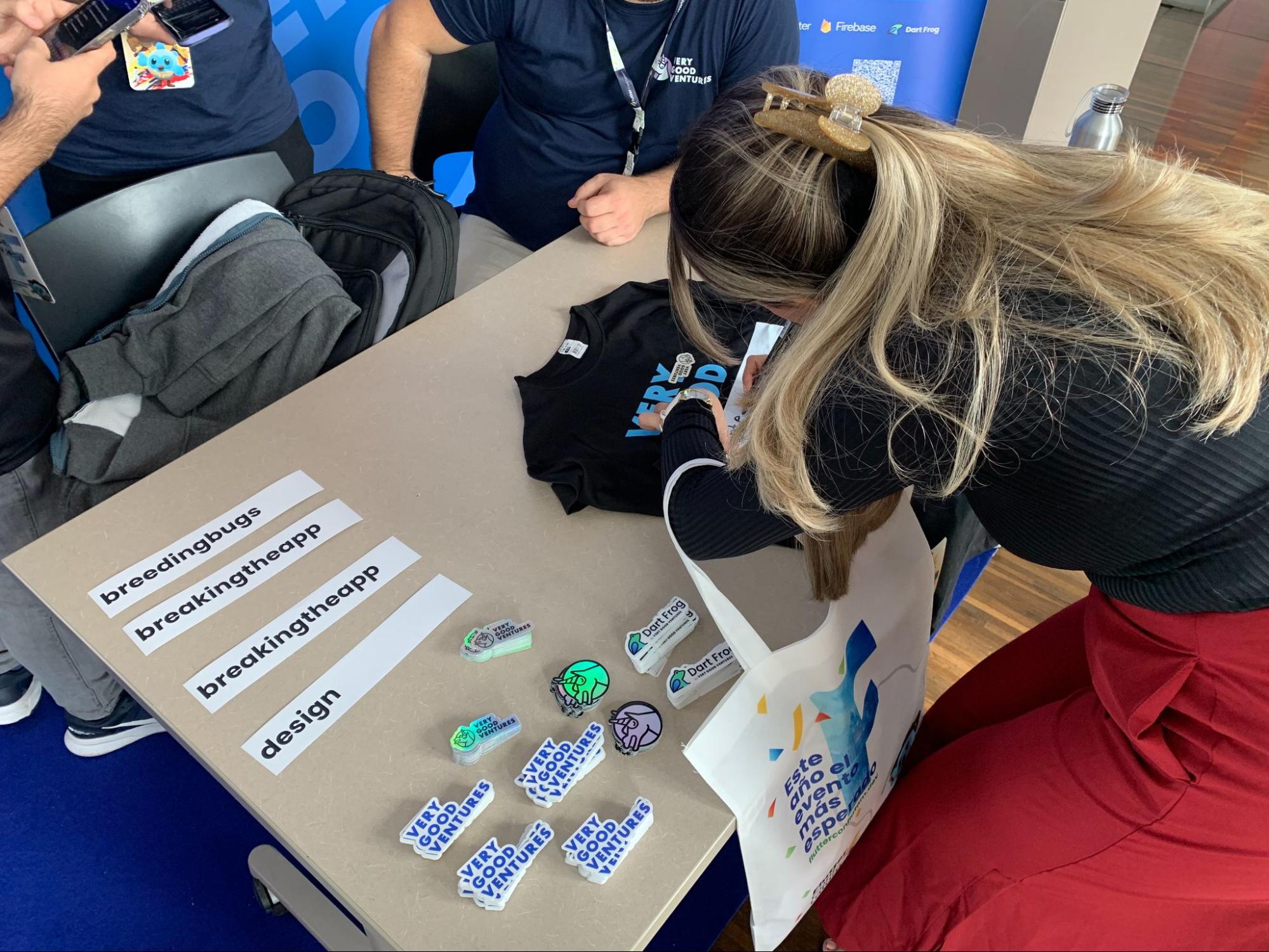
*Some of our limited edition swag!*
Our development team offered valuable code assessments, shared insights, and engaged in discussions about the Flutter ecosystem. We appreciate everyone who visited our booth, exchanged experiences, and shared their thoughts with us. These interactions were a truly enriching and invaluable experience that we carry with us as the most important takeaway from the event.
## Unicorns showcase the magic of Flutter
We had unicorns all over FlutterConf! Seven of them presented on different topics at the conference across a wide variety of Flutter topics — from testing to the culture of Flutter. We hope these presentations will motivate developers to explore the frontiers of Flutter development, crafting extraordinary user experiences for a global audience.
**Jorge Coca**, our Head of Engineering, delivered the opening keynote on day one of the conference, discussing the engineering landscape. While the engineering field can often seem overwhelming with its abundance of buzzwords, Jorge's keynote primarily centered on the true heart of it all – the people!

*Jorge Coca*
**Óscar Martín** explored the importance of writing a functional, robust and scalable code.
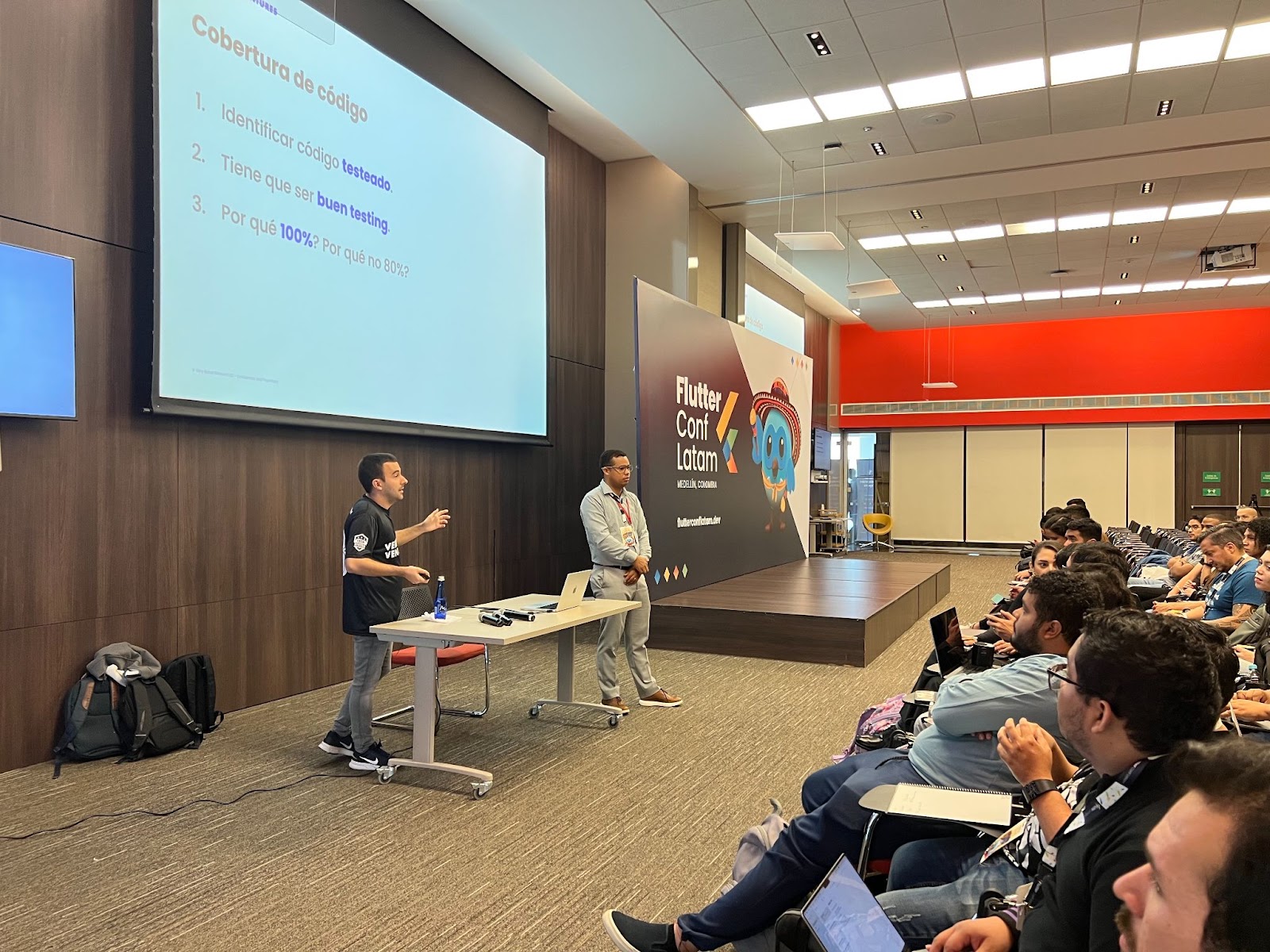
*Óscar Martín*
**Bettina Carrizo** exhibited the advantages and drawbacks of creating a UI package for your Flutter app.
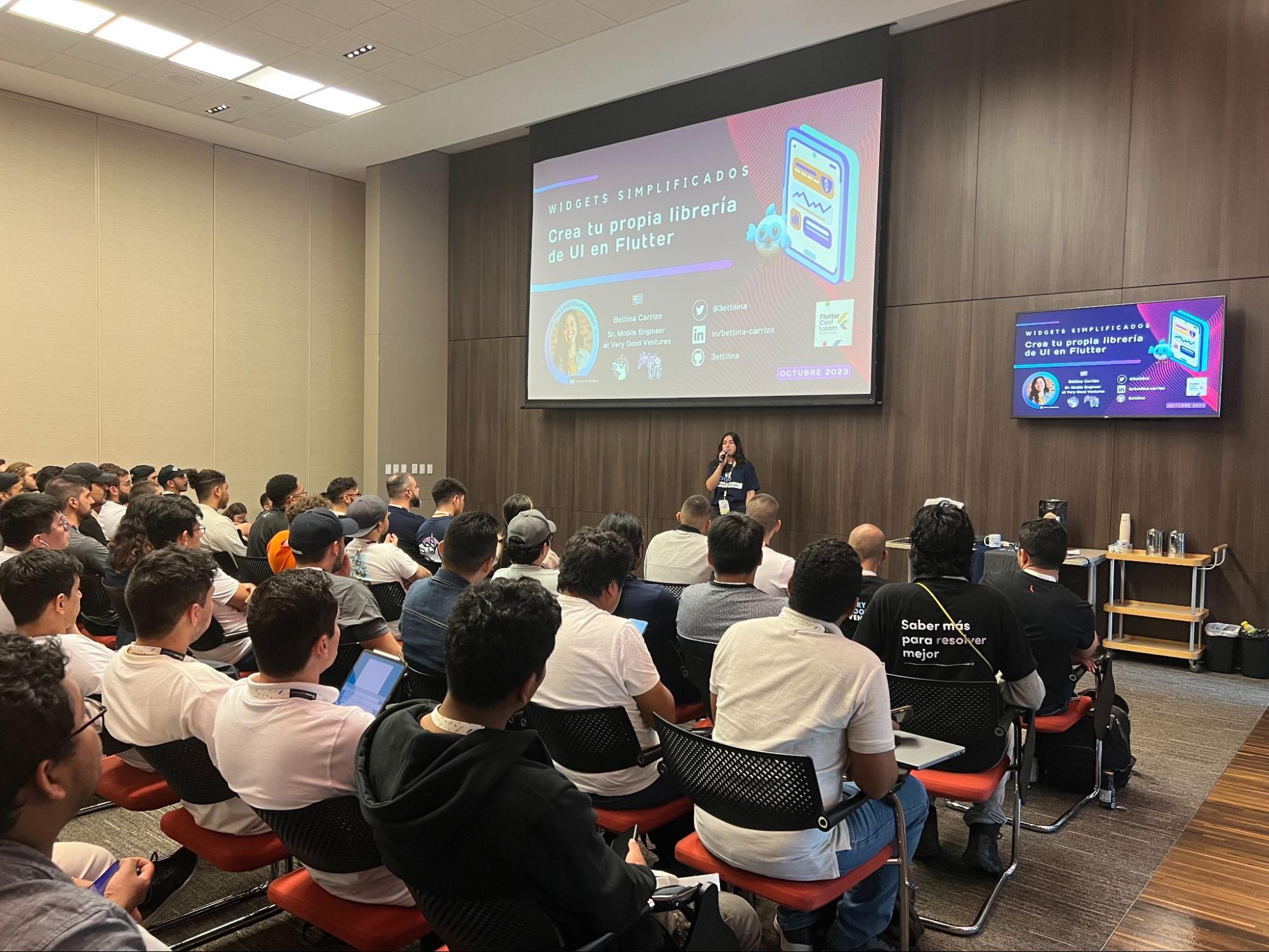
*Bettina Carrizo*
**Renan Araujo** spoke about the transformative potential of Fragment shaders in UI design.
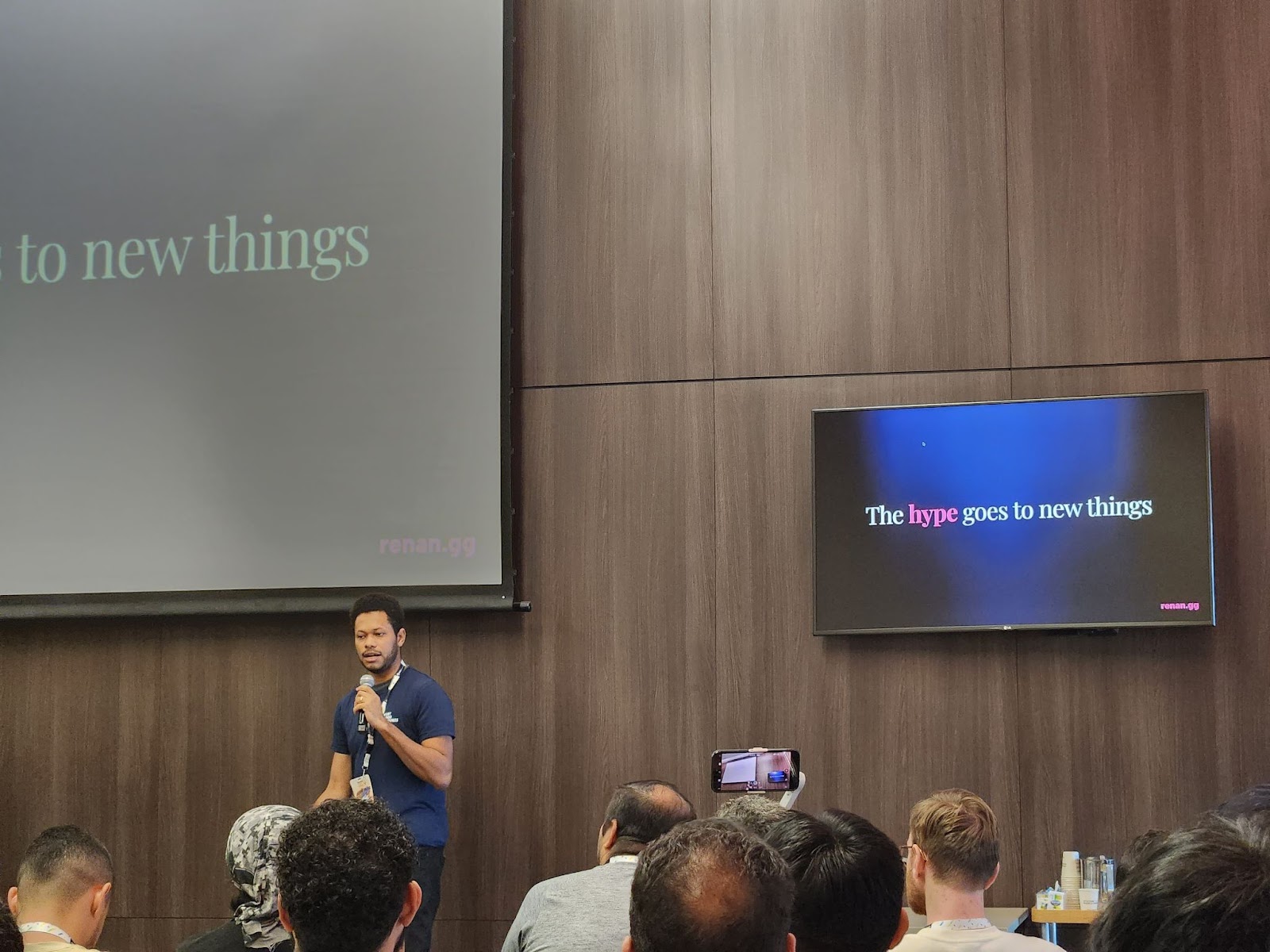
*Renan Araujo*
**Erick Zanardo** exhibited the power of the Flame engine for game development by creating an exciting space shooter game using Flutter and Flame.
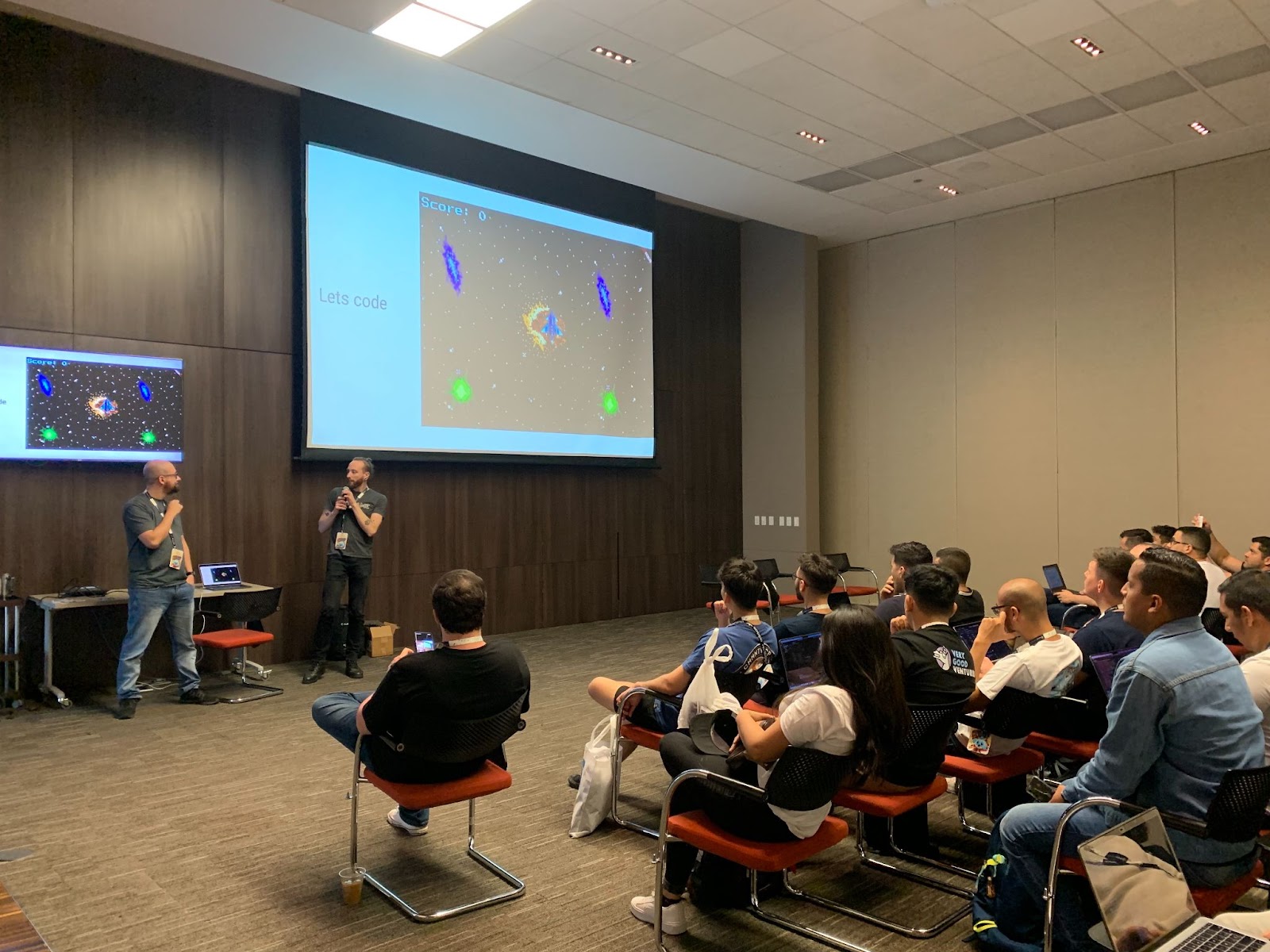
*Erick Zanardo*
**Matias Leyba & Juan Manuel Silveira** explained how gestures work in Flutter, what the Gesture Arena is, and how they compete to declare a single winner.
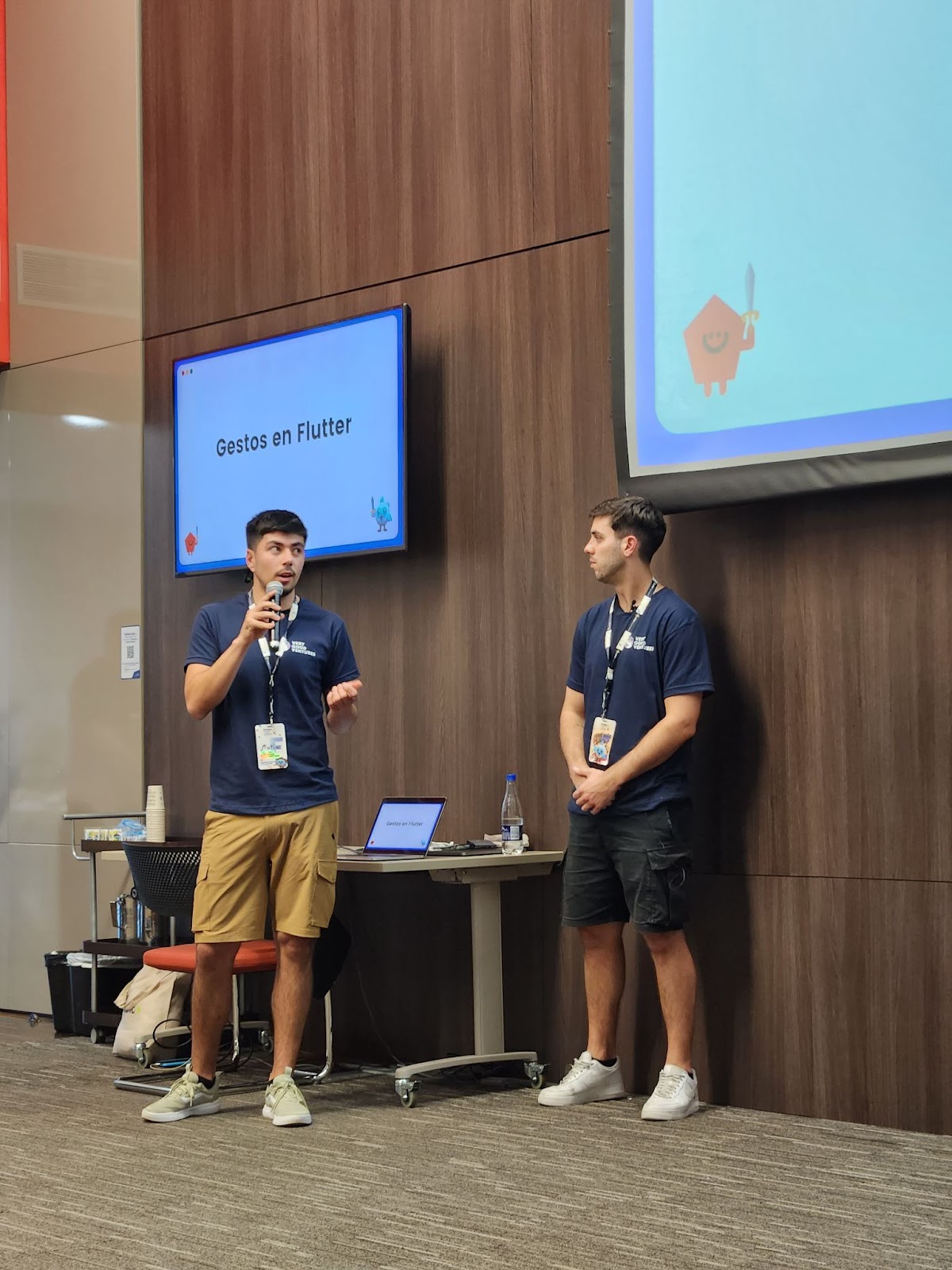
*Matias Leyba & Juan Manuel Silveira*
We even had a couple of VGV unicorns on the **GDE panel** talk.
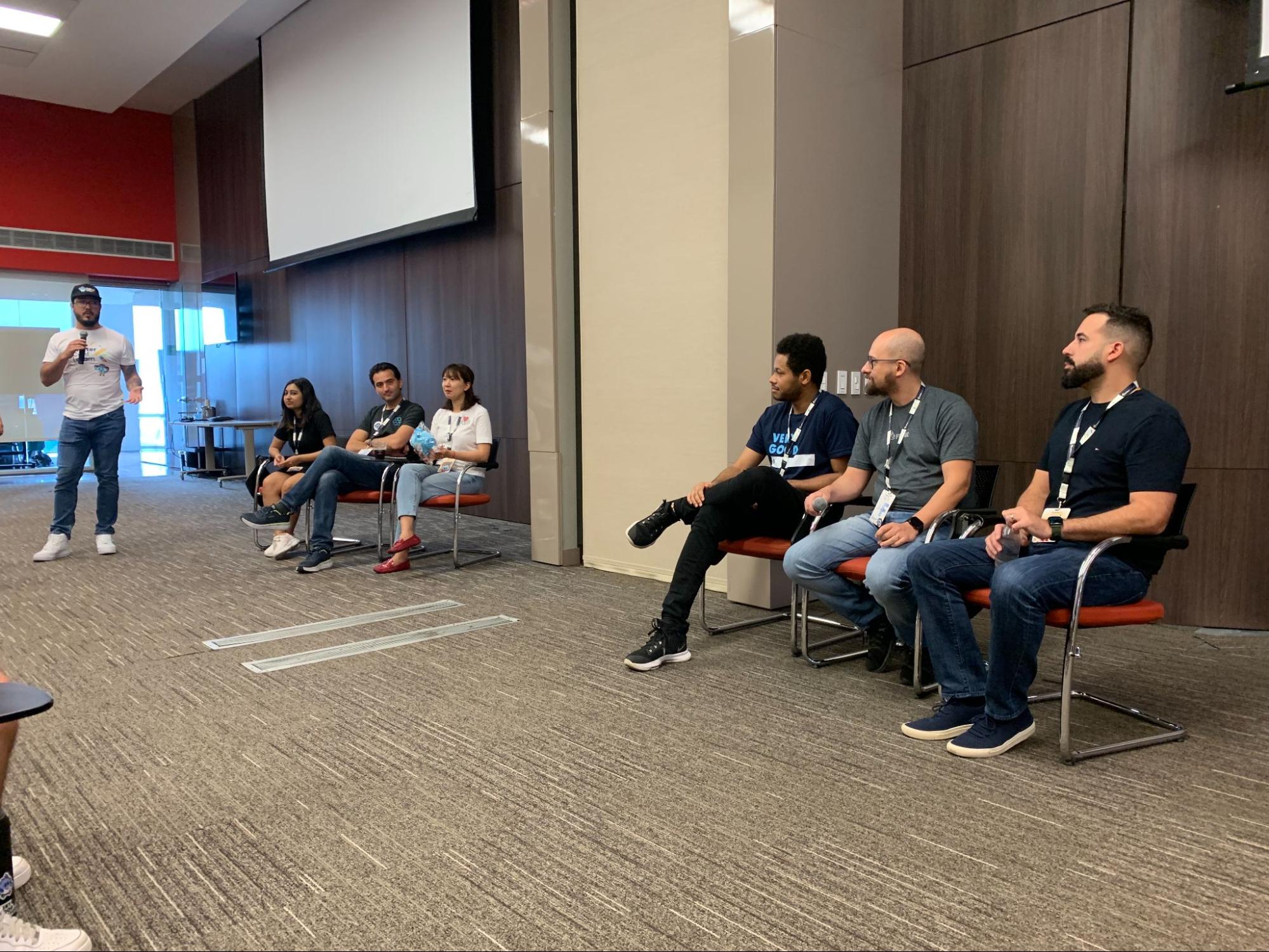
*Google Developer Experts (GDE) Panel*
## Impressions from the team
We're truly amazed by the incredible energy within the community. Witnessing firsthand the depth of inspiration we evoke within the community is truly remarkable. We were amazed by everyone who approached us to show their interest in working at VGV. We are glad we connected with all and hopefully, in the near future, we can keep broadening our workforce.
While there were numerous impactful conversations, we’d like to highlight two in particular:
A tech lead from a company in Colombia expressed, "Ever since I became acquainted with your work, you've transformed my life. I'm profoundly grateful to you for making my work life more manageable and productive."
Another tech lead shared, "You've compelled me to reevaluate all the constraints my company had imposed on us. Since I've come to know you, there are no longer any excuses for not delivering on time and maintaining high standards."
We love hearing great feedback like this from the community. In this era of social media, it's easy to underestimate the extent of our influence. A simple blog post or tweet can have a profound impact on people. Even if they're not direct clients, they contribute to the broader Flutter ecosystem. This is invaluable for the future of Flutter as a whole.
We’d like to extend our gratitude to the Flutter community, and to everyone who participated in this conference, as well as the event organizers for putting together such a great conference!
## The Future of Flutter
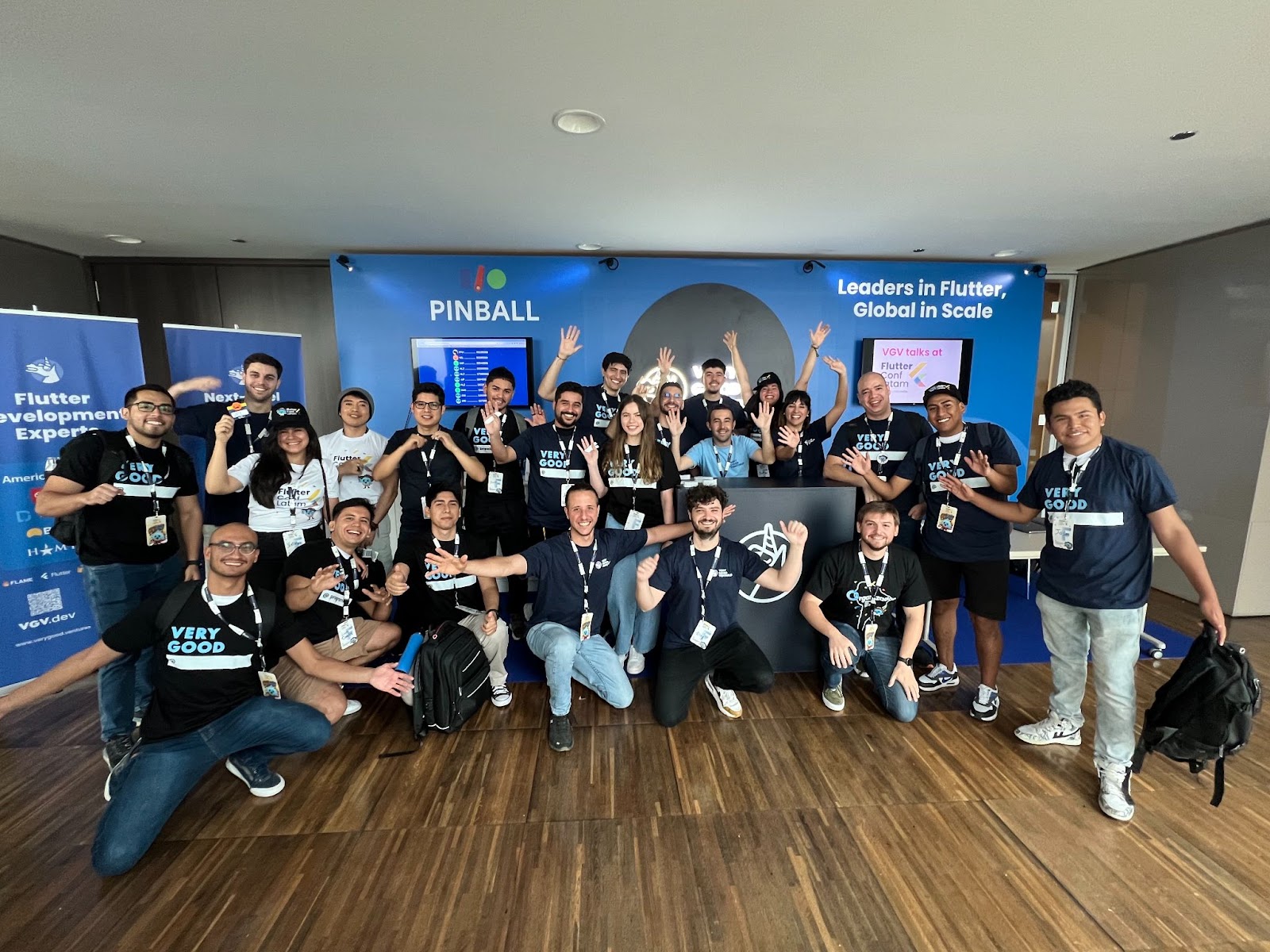
With the ongoing growth and flourishing of the Flutter community, we eagerly await the upcoming surge of revolutionary applications, captivating user experiences, and transformative advancements that will define the future of Flutter.
Participating in FlutterConf Latam was truly invigorating! We eagerly anticipate forthcoming collaborations, thrilling projects, and the ongoing exchange of ideas within this lively community. Together, we embark on a journey driven by enthusiasm, creativity, and a unified vision to create exceptional mobile and web applications through Flutter. The most exciting times lie ahead, and the Flutter community is ready to lead innovation, spark inspiration, and mold the future of multi-platform app development.
#### Frequently Asked Questions
##### Where and when was FlutterConf Latam 2023?
FlutterConf Latam 2023 was a two-day conference held in Medellín, Colombia. It was the first Flutter conference held in Latin America.
##### What was VGV's involvement at the event?
VGV was a platinum sponsor with a booth and sent seven speakers. Attendees could play I/O Pinball at the booth, win VGV trophies, get code assessments from the engineering team, and pick up limited edition Very Good @ ___ shirts and stickers.
##### Who were the VGV speakers and what did they cover?
Jorge Coca opening keynote on the engineering landscape and the people behind it
Oscar Martin on functional, robust, and scalable code
Bettina Carrizo on the tradeoffs of building a UI package for a Flutter app
Renan Araujo on Fragment shaders in UI design
Erick Zanardo on game development with Flame
Matias Leyba and Juan Manuel Silveira on how Flutter gestures and the Gesture Arena work
##### What made this conference different from earlier Fluttercon events?
The audience was largely Spanish-speaking and drew Flutter developers from Peru, Guatemala, Argentina, Brazil, Uruguay, Ecuador, and Bolivia. Spanish was the primary language, which made networking with the regional community direct and informal.
##### What feedback did the community share with VGV?
Two tech leads from local companies told the team that VGV's tools and content had transformed how they work. One said VGV had made their work life more manageable and productive. Another said VGV had pushed them to reevaluate the constraints their company had imposed on engineering.
### Flutter Can Transform Engineering Team Culture
Source: https://verygood.ventures/blog/flutter-can-transform-engineering-team-culture/
In the constantly evolving world of software development, the significance of building team culture often takes a back seat to creating technological innovation and building product features.
This is a topic that, as the Founder and CEO of Very Good Ventures (VGV), I emphasized during my talk at [Fluttercon](https://verygood.ventures/blog/very-good-ventures-goes-to-fluttercon-2023/) '23 in Berlin, Germany, explaining why technology team culture is a significant factor in shaping the success and expansion of organizations — and how Flutter creates an opportunity for change.
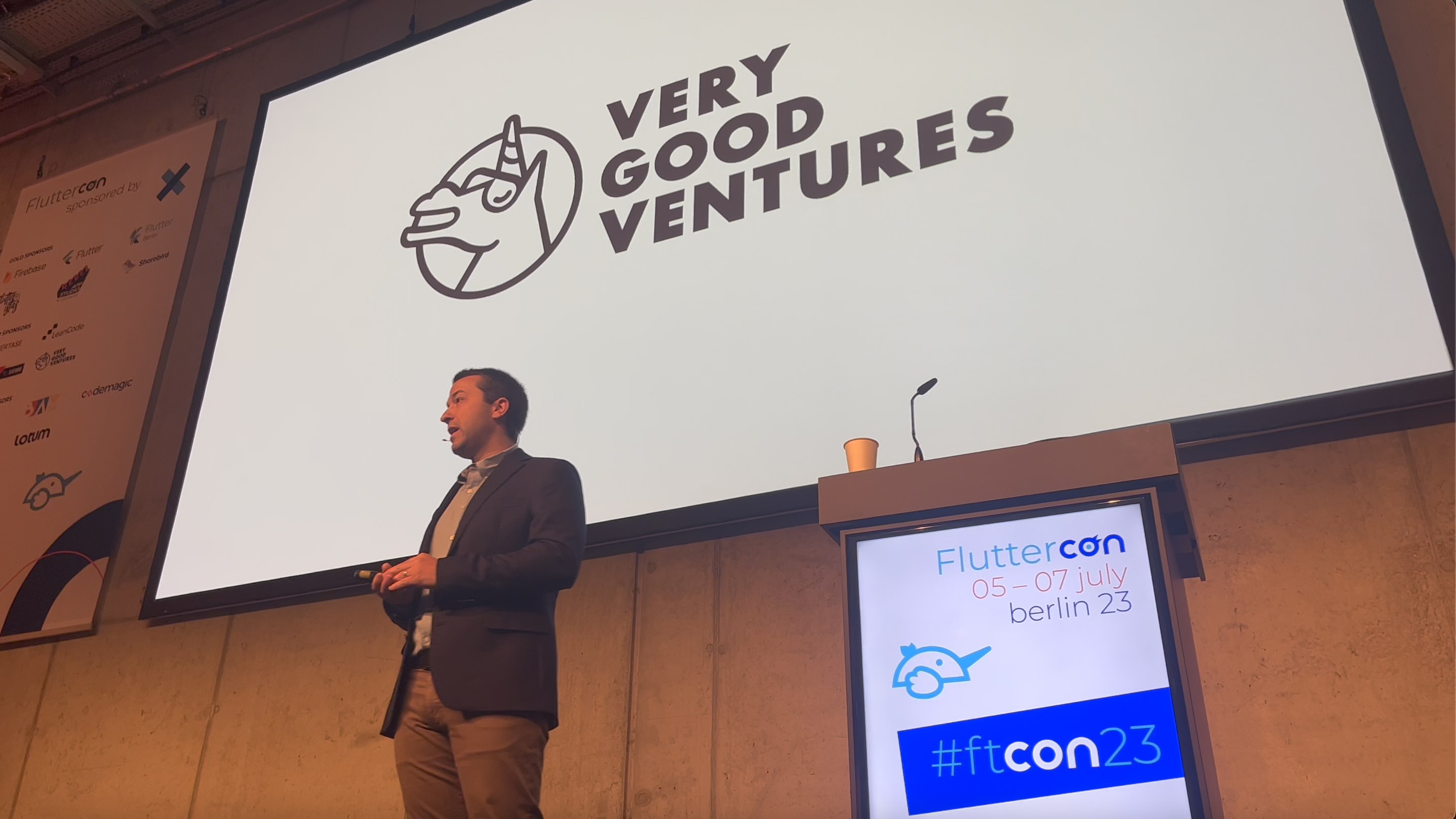
*Keynote “The Culture of Flutter: Transforming Orgs from Within” at Fluttercon Berlin 2023*
In this article, I will delve into the insights I shared during the talk and explore how Flutter, the leading open-source UI software development toolkit, can be the catalyst that transforms team cultures and creates better outcomes.
## The Role of Culture in Organizations
To understand how culture impacts teams and organizations, we must initially comprehend the essence of culture itself. To do so, I have been conducting research and talking with different professionals, partners, and business colleagues to have a better understanding of it.
For instance, Ben Horowitz^1^ defines a company’s culture as “The collective behavior of everyone in the organization, what people do when they’re not giving them a direction, and the organization’s way of doing things.”
In simpler terms, culture is how people within a company collaborate, interact, and collectively pursue their goals, and it is enormously important. **Culture significantly impacts an organization's performance, and employee satisfaction.** The right culture can boost productivity, innovation, and morale, while the wrong culture can lead to employee turnover and hinder growth.
> “Culture can be one of the biggest multipliers to a team's performance across the board.” according to Christopher Gulliver, former Director of Engineering at Slickdeals and CEO & Founder at Lonch.
Following these definitions, it's essential for all organizations to remember that an investment in culture and how a team performs can lead to real business results and revenue growth.
Research from the MIT Sloan Management Review^2^ indicates that nearly two-thirds of employees regard corporate culture as one of the most significant reasons for staying with their current employer. Moreover, Forbes^3^ reports that companies with robust cultures experience a staggering fourfold increase in revenue growth.
So what opportunities exist for specific technologies, such as Flutter, to positively impact this crucial area?
## Flutter and Culture: Discovering a new catalyst
You might be wondering: How does Flutter, a toolkit for building multi platform apps and user interfaces, relate to nurturing a healthy organizational culture?
**At VGV, we’ve found an exciting connection: While Flutter is renowned for its efficiency and capacity to craft cross-platform apps from a single codebase, it tends to have a less often discussed yet profound impact on team cultures.**
Based on my own observations at VGV and experiences across a vast array of client programs, working with Flutter tends to build great team cultures — Flutter teams just seem to be happier. There’s something about the developer experience that is better and less frustrating. Flutter also helps transform team culture by bringing teams more closely together. This is a hugely important value of adopting Flutter. At VGV, we got into Flutter because it was just better and easier to build with it, but it ended up having a vast impact on our team culture.
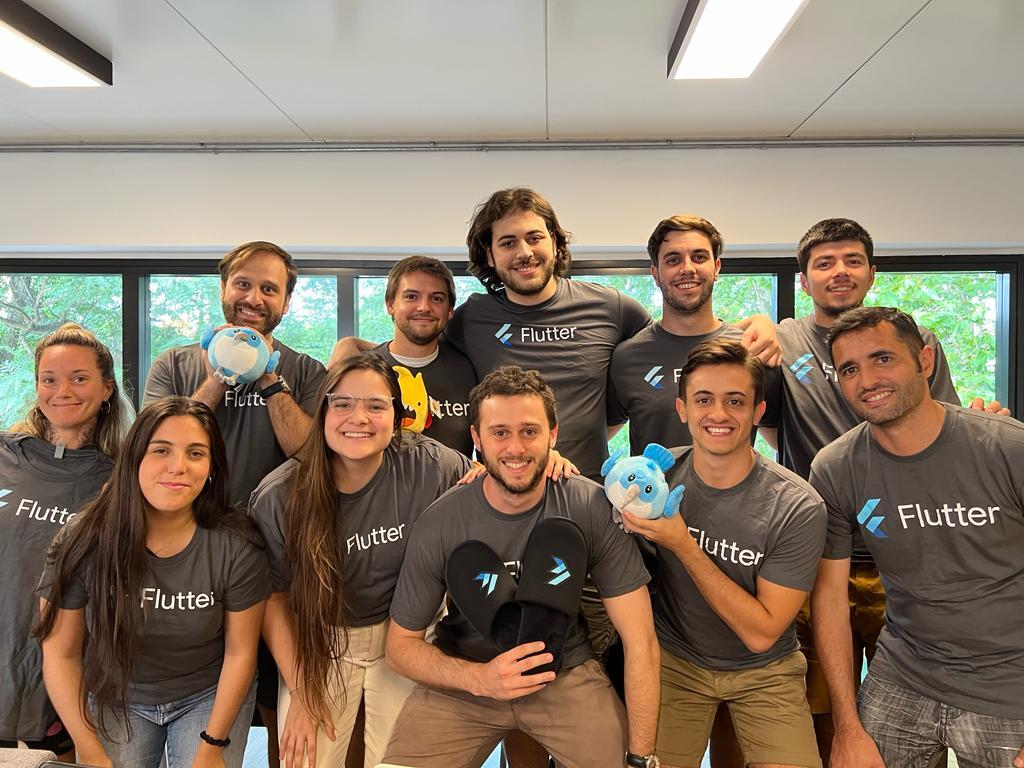
*Part of the VGV Flutter developer team*
Before going any further, I need to be precise — Flutter doesn’t create a great culture all by itself. Technology can’t make a great culture — it’s the people that create it. As a team, we create a culture by being who we are and by how we collaborate with each other. But Flutter - and really any technology - can play a central role by affecting how a team does its job.
I’ve found five ways Flutter is a catalyst for team culture. There are probably more, and these catalysts are not exclusive to Flutter, but the key is that these catalysts exist. Leaders who can take advantage of these catalysts can reap rewards far beyond the benefits of the technology.
### 1. Creating “The Opportunity” for Cultural Transformation:
Flutter creates *the opportunity* for cultural change. There’s nothing uniquely specific about Flutter here other than the fact that it's often part of a transformative moment for a team.
Flutter projects are generally brand-new products or a product re-platforming; teams are starting over, re-booting something, or investing in something new. This creates a reset moment, an opportunity to interrogate the culture, see how you are performing, your processes, your behavior as a team, etc. **A new Flutter initiative represents a chance to seize the opportunity and invest the energy to reboot your culture.**
Keller Williams, the largest real estate franchise in the USA, is a great example. They had a consumer app, where code was becoming a challenge, getting disorganized, hard to maintain, and did not have a lot of test automation. They wanted to improve their codebase and their app, but their team culture. Flutter presented the opportunity:
> “We decided that the opportunity to break old habits — among Flutter’s other benefits — was a compelling reason to switch.” Chris Synan, VP Engineering, KW Consumer Engineering.
Flutter provided an opening for them to invest in redefining the team culture. They made a concerted effort to focus as much on improving how they work as the code they were improving. As part of the transition to Flutter, they gained a better-shared understanding of their codebase and how they could contribute to it effectively. That helped them have better awareness, clearer expectations, and better visibility into how long it would take to do things.
Since then, “The team's culture has changed dramatically. The levels of pride and confidence have grown considerably.”, Chris said.
### 2. Redefining Developer Identity:
Developers often identify themselves by the type of technology they work with. For instance, you may be an iOS developer, Android developer, or JavaScript developer. Since developers working with Flutter can build for almost any platform, Flutter dissolves these technology and platform partitions. **Flutter allows developers to concentrate on their value rather than the tools they employ.** This shift, from being pigeonholed by technology to being recognized as "Product Engineers," fosters team unity and cultivates a shared sense of purpose.
Agtonomy is another company that has invested heavily in Flutter as a strategic capability. They are a company specializing in autonomous tractors and they picked Flutter for their full ecosystem of apps as well as using Dart for the backend. As a result of uniting the whole software stack: “We’re able to share code across apps, collaborate better, and make decisions faster since it’s all Flutter & Dart.” David Chen, Head of Software Services at Agtonomy. Their team can share and collaborate in a way that typically is not the norm. They’re not compartmentalized by platform, device, language, platform, etc.
> “Our people and skills are portable. Anyone can jump into any part of the ecosystem to improve the product. We don’t see ourselves as engineers specific to a single platform — we see ourselves as ‘Product Engineers.’” David mentioned.
The Agtonomy team is just focused on building the product. They want to create the best outcome for the product and its customers. They are not focused on the platform, the language, or technical distinctions. This is one of the things Flutter does: Eliminates the barriers between team identities to realign the value the collective team is creating, which in turn strengthens the team culture.
### 3. Enhanced Cross-functional Collaboration:
Flutter promotes more effective collaboration across cross-functional teams. Traditional software development often engenders intricate and complex communication pathways with numerous teams and stakeholders, leading to delays and inefficiencies. **Flutter streamlines these interactions by simply reducing the number of nodes in the communication network, rendering it more straightforward for teams to collaborate seamlessly.**
Realtor.com's^4^ mobile team found themselves reorganizing around domain teams after adopting Flutter. This restructuring eradicated bottlenecks and enhanced communication with stakeholders. It stands as evidence of how Flutter's developmental approach augments collaboration and can extend its influence beyond the codebase into the very fabric of the organization itself. Flutter changed how the organization is designed.
Before Flutter, the Realtor.com mobile team was organized by platform, meaning iOS and Android, existing a brick wall right down the middle. Because of this separation, it became hard to scale: There were divergences in features and UI, different patterns, and they were solving the same problem multiple times, among other issues. By adopting Flutter and embracing the single codebase multi-platform paradigm, they could reorganize how their team was structured. So rather than organize by platform, they've dedicated themselves to specific features, uniting the teams and bringing them together by eliminating (now) arbitrary barriers.
The exciting part is that Flutter’s true multi-platform nature — reaching far more than just two platforms like most alternatives — means this benefit is not just about a single codebase multi-platform for a mobile app. It’s about multi-codebase multi-platform across a large ecosystem of apps with shared culture, shared behavior, shared value, shared beliefs, shared code, shared tools, and so on.
**In this world where we have to move as fast as we can ship, any little thing we can do to help our team, to help our company, to help our sanity and happiness, we should take advantage of. Improved collaboration and communication can be a major boon, and Flutter is a big catalyst for that.**
### 4. Amplified ROI for Cultural Investments:
Constructing a positive team culture needs time and effort; it’s not something you can just hope will happen. Leaders must invest significant resources into building documentation and tools, advocating standards, and communicating and aligning people in the organization.
Flutter's productivity gains grant organizations the capacity to invest more in activities that build culture because the investment can be spread around more of the organization, increasing the ROI of those activities.
At VGV, our exceptional team culture is closely intertwined with Flutter's contributions. In early 2020, we documented our core beliefs and values, a crucial step in fostering consistency and unity within our organization. These shared principles guided our codebase and facilitated seamless onboarding for new team members.
Flutter's technical efficiencies played a pivotal role in enabling us to invest deeply in our culture. Unlike our previous experience with native iOS and Android development, Flutter streamlined the process, allowing us to build essential tools and processes without the burden of platform duplication. This efficiency unlocked the potential for mindful investments in our culture, making us the company we are today.
In other words, **the increased focus and the ability of a team to accomplish more with less redundant work and less complex technology expenses means that there is more time available for investments in culture, and those investments can have a larger impact.**
### 5. A Supportive Community:
One of Flutter’s critical benefits is that it boasts a passionate and highly supportive community. I think the Flutter community is incredible, defined by its openness, collaboration, and positivity, rendering it an invaluable asset for organizations embracing Flutter.
Teams and organizations are influenced by the communities they engage with. The culture of these communities rub off on the people that connect with them. Leaders need to evaluate not only the merits of a technology but also the potential impact on the team culture that a technology’s surrounding community may have.
The Flutter community thrives on the unique qualities that set it apart. First and foremost, an undeniable enthusiasm has been present since Flutter's inception. **Positivity permeates the community, with members focusing on what Flutter can achieve rather than its imperfections. Supportiveness and collaboration are the cornerstones of this community. People are keen on building each other up rather than tearing others down, fostering an environment of teamwork.** Open source values and transparency are embraced wholeheartedly, not only by Google but also by the community at large. This strong sense of community manifests in various ways, from Google's early support to the dedicated Flutteristas, GDEs, and community groups, as well as the plethora of meetups, open-source projects, and online interactions.
Teams working with Flutter bring these positive cultural elements into their own organizations. Contrast with some other development communities that are known to be more toxic and competitive and the implications become more clear. The Flutter community's strong positive ethos influences the culture of teams and companies that adopt the technology in a meaningful way.
## In the end, it all depends on the people...
Building a solid culture is one of the most important things a leader can do, but it's hard to get it right and we need all the help we can get. Flutter alone won't do it for us, but it provides advantages and opportunities — and we need to act on these catalysts.
Flutter presents opportunities for cultural metamorphosis, redefines developer identities, bolsters cross-functional collaboration, augments the ROI of cultural investments, and thrives within the nurturing embrace of an extraordinary community.
I think Flutter is a rare gift and change agent to reset and transform team culture. Yet, as a community, it’s not talked about enough — when we advocate and sell Flutter, more people and more organizations need to call attention to this incredibly important value. Improving culture — it's the most important thing! In the long run, the cultural impact may have far more value than the written code.
So, how do we actually create a good culture? The only way to do it, is to do it! Seize the opportunity and make change happen.
#### Frequently Asked Questions
##### How does Flutter affect engineering team culture?
Flutter does not create culture by itself, but it acts as a catalyst. By collapsing platform silos and unifying tooling, it reshapes how teams work together, which often coincides with deeper investment in culture, identity, and collaboration.
##### Why is culture worth the investment?
Culture significantly affects performance and retention. MIT Sloan reports that nearly two-thirds of employees stay at their employer because of corporate culture, and Forbes found that companies with strong cultures grow revenue four times faster.
##### What does Flutter unlock culturally that platform-specific stacks do not?
Five things: a reset moment for cultural change, a shift from platform-defined identity to a shared 'Product Engineer' identity, leaner cross-functional collaboration, more time and ROI for cultural investments, and access to the supportive Flutter community.
##### How did Realtor.com's culture change after adopting Flutter?
Realtor.com reorganized away from iOS and Android silos toward domain teams. That eliminated brick-wall divides between platforms, cut duplicate work, and improved communication with stakeholders. The org chart followed the codebase.
##### Does culture only matter for big organizations?
No. Culture matters at any size. The Flutter community itself, with its openness, positivity, and collaborative ethos, influences smaller teams that adopt the framework. Leaders should evaluate not just the technology but the culture of the community surrounding it.
### Very Good Ventures at FlutterConf Latam 2023
Source: https://verygood.ventures/blog/very-good-ventures-at-flutterconf-latam-2023/
The highly anticipated [FlutterConf Latam](https://flutterconflatam.dev/#/home) is set to be held in the beautiful city of Medellín, Colombia, from October 25th to 26th, 2023. This event is poised to be a highlight for Flutter enthusiasts globally, with a particular focus on the Flutter community in Latin America. Flutter developers and technology experts will have the opportunity to come together, gain inspiration from industry leaders, enhance their knowledge of best practices, and engage in valuable networking opportunities. As Platinum sponsors, we are thrilled to be a part of it!
Our excitement for this event is magnified by our recent [merger with CreateThrive](https://verygood.ventures/blog/vgv-acquires-createthrive/). This merger has not only elevated us to the status of being one of the world's largest Flutter consultancy, but has also brought us closer to the heart of the Latam dev community.
As Platinum Sponsors of FlutterConf Latam, we will have a booth at the event with live demos. Throughout the conference, you'll find a bunch of unicorns at our booth- we are always eager to meet with developers and engineers to discuss the latest developments in the Flutter world. We're excited to share our recent projects, exchange thoughts on the various keynote speeches, workshops, and tech sessions delivered by experts, and hear your impressions. Please swing by to meet the VGV team, and grab some unicorn swag!
Our team is hard at work preparing their talks full of useful information and insights to bring up to the FlutterConf stage. We will have seven unicorns presenting on stage!
Last August, we had the privilege of participating in [Fluttercon in Berlin](https://verygood.ventures/blog/very-good-ventures-will-be-at-fluttercon-berlin-2023/), where six of our unicorns shared their expertise on various subjects, spanning from shaders to testing to engineering culture. Now, we eagerly anticipate new and exciting keynotes, sessions, and workshops, all led by the following team members:
## Unicorns take the FlutterConf stage!
Jorge Coca: **Always be growing! Scaling engineering culture with a smile on your face!** He will be exploring observability, monitoring, testing, dependency injection, state management, debugging, vertical and horizontal scalability. While the engineering landscape can be daunting with its myriad buzzwords, Jorge's keynote will focus on the true heart of it all – the people!
Óscar Martín: **On the way to 100% code coverage.** Óscar will delve into the importance of writing functional, robust, and scalable code. Developers and companies are increasingly recognizing the significance of maintaining a codebase that is thoroughly tested to achieve these objectives. Code coverage serves as one of the available metrics to measure which parts of the code have been executed during tests. During this talk, there will also be an introduction to different types of tests, including Unit tests (for clients, repositories, blocs) and UI Testing (Widget tests). If you are interested in understanding the importance of tests and code coverage, as well as how to determine if you are using the right architecture for testing, don't miss this session *This talk will be held in Spanish.*
Bettina Carrizo: **Widgets made easy: build your own UI library on Flutter.** In this presentation, Bettina will explore the advantages and drawbacks of creating a UI package for your Flutter app. She'll illustrate its potential with a real-world case study, showcasing its remarkable capabilities. You'll gain insights into an alternative approach to UI componentization and abstraction that's user-friendly, exceptionally reusable, and a breeze to test. This approach will enhance collaboration between developers and designers, enabling more efficient teamwork.
Renan Araujo: **Flame Games + Shaders=mind blown.** Game development is the best way to put the power of fragment shaders into play. In this session, Renan will delve into various techniques, including bias and masking, to craft some of the most visually stunning 2D games you can imagine.
Erick Zanardo: **Flame workshop: Space Shooter.** Join Erick for an exciting session where he will help you create a space shooter game using Flutter and the Flame engine. He will cover a wide range of topics, including sprites, animations, gesture and input handling, collision detection, special effects, mastering the game loop, assembling components, creating immersive parallax backgrounds, and much more!
By the end of this workshop, you'll walk away with a fully playable game that you can continue to enhance and personalize on your own. Don't worry if you haven't worked with Flame or Flutter before – no previous experience is required, although some familiarity with Dart can certainly help!
Matias Leyba & Juan Manuel Silveira: The **“How to be a Gladiator in the Gesture Arena”** workshop offers an opportunity to share knowledge and experiences relating to Flutter’s gestures. In this workshop, Matías will explain how gestures work in Flutter, what the Gesture Arena is, and how they compete to declare a single winner. The presentation will also delve into the primary elements of the Gesture Arena, such as GestureRecognizers, RawGestureDetector, and more, to demonstrate how they function.
With these concepts in mind, they will share experiences in which their team had to manage conflicts in an app where various gestures coexist simultaneously.
Finally, Matías will conduct a code review while implementing an example, culminating in an exercise showcase for attendees. *This workshop will be conducted in Spanish.*
### Flutter History & Timeline: Every Major Milestone (2017-2023)
Source: https://verygood.ventures/blog/flutters-history-so-far-all-the-biggest-milestones/
When you trace the history of Flutter, you can see a new standard for multi-platform development coming into focus. Year by year, tracking the announcements, demos, and reveals at industry events provides important context into how far Flutter development has come and where it's going next.
In a relatively short time, Flutter has become developers' go-to choice for building multi-platform apps. In the five years since 2018, the ecosystem around Flutter has grown and thrived, with ongoing support from Google.
As of May 2023, the Flutter team reported that [more than one million published apps use Flutter](https://medium.com/flutter/racing-forward-at-i-o-2023-with-flutter-and-dart-df2a8fa841ab). Showing Flutter's dominance of the multi-platform space, that figure is greater than the proportion of new apps developed on all other multi-platform frameworks combined.
We here at Very Good Ventures are especially proud and excited to chronicle the story of Flutter because we've been there every step of the way. We've had the incredible opportunity to have a presence at each of these milestone events, often collaborating directly with Google to showcase the power of Flutter.
Now, from 2017 to 2023 and beyond, let’s take a look at the highlights of Flutter's time in the limelight.
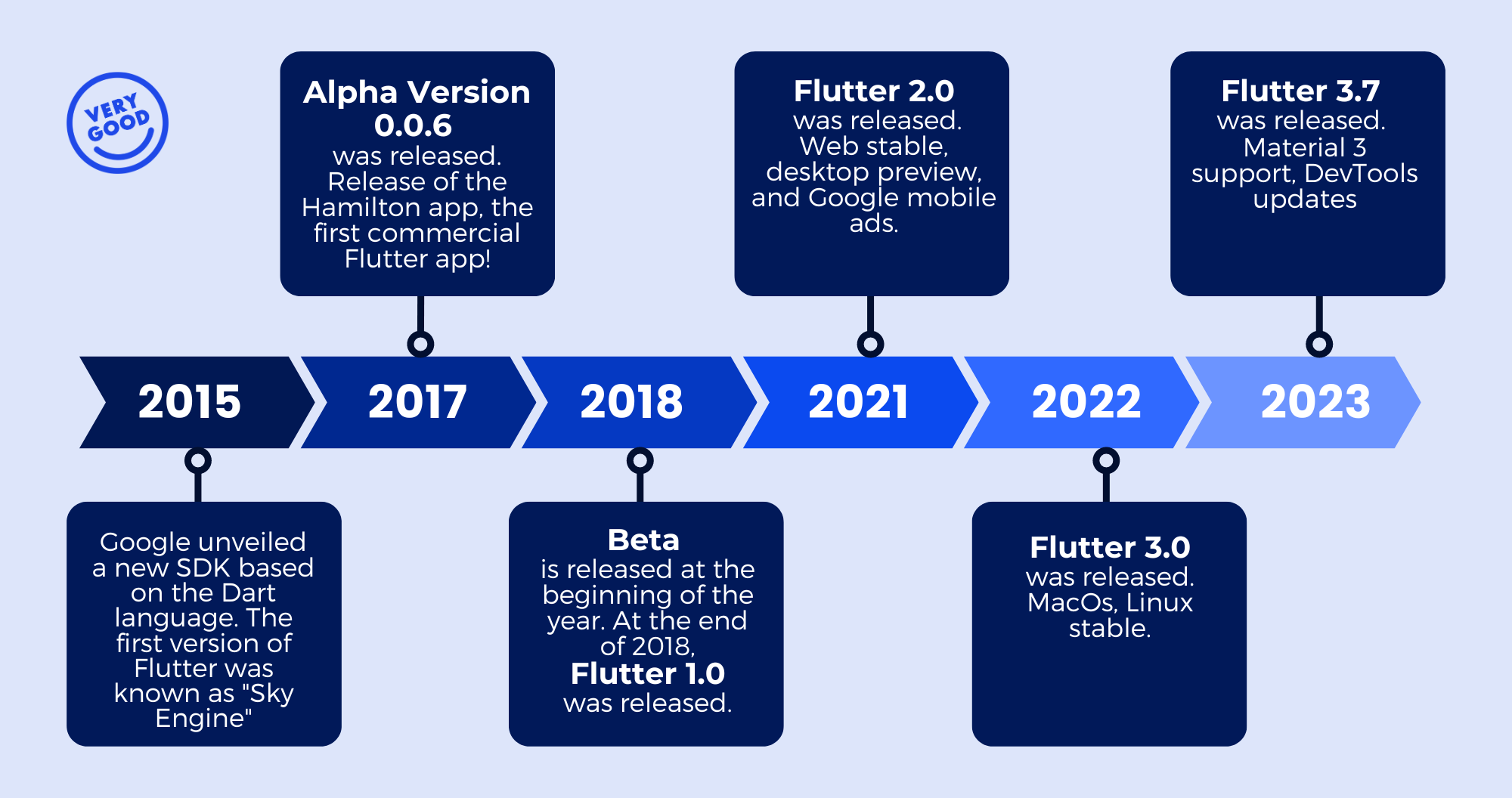
*Timeline of major Flutter releases.*
## 2017: The Release of the First Commercial Flutter App
[The Hamilton app](https://verygood.ventures/success-stories/hamilton/) was developed by VGV's founding team during their tenure at the now-closed Posse, with Hamilton being VGV's inaugural client. This significant collaboration led to the creation of the Hamilton app, marking a momentous milestone as the first Flutter-based app outside of Google. The efficiency and remarkable productivity of Flutter played a pivotal role in the app's development, enabling it to launch swiftly on both iOS and Android within a mere three months.
## 2018: The Beginning
This was the year when Flutter made a major impact for the first time. Though the year-defining event occurred in December, there was plenty going on behind the scenes in the run-up to the show. From the very beginning, Very Good Ventures was there, providing hands-on support for Google in a high-stakes role.
### Flutter Live '18 (December 2018)
At the Flutter Live '18 conference, [Flutter received its initial spotlight](https://verygood.ventures/blog/revealed-flutter-slides-at-flutter-live-18/), letting development teams know they had a new option for their multi-platform efforts. Google's team revealed that Flutter had reached version 1.0.
This landmark was accompanied by showcases of features such as Flutter Desktop Embedding, showing that Flutter was not simply for Android and iOS mobile development. Flutter’s vision for the future involved true multi-platform development.
Very Good Ventures helped Google pull off a "wow" moment by revealing that the keynote slides were running in a desktop Flutter app. [Flutter Slides](https://verygood.ventures/success-stories/flutter-slides/) was a collaborative project between Google and VGV, and the code was released for developers to explore.
## 2019: Mainstream Breakthroughs
In 2019, developers proved that Flutter's ability to bridge the desktop and mobile worlds was ready for primetime. This was a year of debuts across multiple events, and once again VGV was at the vanguard.
### Google I/O '19 (May 2019)
During the Google Developer Keynote at the 2019 I/O conference, the [New York Times KENKEN app made its debut](https://verygood.ventures/success-stories/new-york-times/). This puzzle application, developed by VGV in collaboration with The New York Times and Google, represented a significant milestone as one of the first major Flutter apps available on the web.
### Flutter Interact (December 2019)
At the 2019 [Flutter Interact conference](https://verygood.ventures/blog/flutter-interact-recap/), Google unveiled Flutter 1.12. Features included in the new version included improved support for advanced features across iOS and Apple, along with upgraded support for add-to-app. The latter feature makes it easier to add Flutter modules to existing native platforms, letting developers try out Flutter in an existing native app, rather than starting from scratch.
Other announcements at the show included the beta release of Flutter for web, which had been available to the community in an earlier release since May. The same event saw the alpha reveal of Flutter for macOS, further expanding the reach of Flutter-based apps.
Buoyed by these releases and more, the Flutter development community grew and stayed active in 2019.
## 2021: Stability and Evolution
Following a year of gatherings thwarted by the pandemic, 2021 is when the story of major Flutter events resumes. Of course, things were hardly "back to normal," and conferences were still virtual. With that said, there was a flood of releases and announcements throughout the year, and VGV was on hand to usher Flutter into its new era.
### Flutter Engage (March 2021)
The big news out of Flutter Engage, held online in March, was the launch of Flutter 2. In the time between the 1.12 and 2 releases, the Google team had deepened their commitment to true multi-platform development. Flutter 2 supported six platforms: iOS, Android, web, macOS, Windows and Linux.
In addition to the big Flutter 2 reveal, the development team also announced that Flutter on the web had achieved stability. The development team noted that rather than a static website-building tool, Flutter’s web support is primarily a way to make rich interactive app experiences truly multi-platform.
The Dart language received an update, too, with the 2.12 release coinciding with several new DevTools launches. Dart 2.12 brought null safety, alongside early explorations into static meta-programming.
Flutter Engage also showed off a theme that would be prominent in the years ahead: Flutter as the basis for experiences that go well beyond the standard mobile-desktop dichotomy. Toyota presented its new vehicle infotainment systems powered by Flutter and enabled by the Embedder API.
### Google I/O '21 (May 2021)
Just two months after Flutter Engage and the release of Flutter 2, Google revealed Flutter 2.2 [at Google I/O](https://www.youtube.com/watch?v=S5aK3TIOnIw). With the release, null safety became the default setting for Flutter. Other announcements at the show included desktop development improvements, the release of new DevTools and a payments SDK update.
The event also provided a powerful showcase of just how many teams are using Flutter. VGV was very much among these, teaming up with Google for a powerful new demo on the web: [I/O Photo Booth](https://github.com/flutter/photobooth). The app served as a showcase for building high-quality apps with Flutter and Firebase.
## 2022: Opening New Windows
Despite the rapid roll-out of new Flutter versions and capabilities in 2021, the pace stayed rapid in 2022. The Google development team continued to move Flutter toward true multi-platform support, with a fully featured focus on Windows to go along with the existing mobile, web and Mac capabilities.
### Flutter Update: Windows (February 2022)
Google displayed its commitment to Flutter's Windows compatibility with this [special-purpose virtual event](https://youtu.be/g-0B_Vfc9qM), called specifically to announce advancements in support for the platform. The 2.10 update for Flutter brought full support for building Windows apps within Flutter.
The Windows compatibility launched with hundreds of plugins and thousands of packages available, allow developers to build powerful software immediately. Now, engineering teams can include specialized desktop features alongside functionality that works across mobile and desktop platforms.
### Google I/O '22 (May 2022)
The annual Google I/O conference once again delivered [major updates for Flutter](https://www.youtube.com/watch?v=OOHr8cn2Z0g). In 2022, this meant the release of Flutter 3. With this release, developers gained full support for building web and macOS applications in Flutter, following up on the addition of Windows three months earlier.
In addition to expanding full development capabilities to all six platforms, the Flutter 3 update was accompanied by new Dev Tools, and the release of Dart 2.17, as well as deepening partnerships with other technology tools.
To appeal directly to developers who may be wondering how to make practical use of Flutter, Google I/O also saw the launch of [Put Flutter to Work](https://flutter.dev/go/try). The demonstration app is meant to make it easy to see the power of Flutter by integrating a ready-made module into an existing Android, iOS, or web application.
Google I/O in 2022 also highlighted using Flutter for game development with the release of the Flutter Casual Games Tool Kit. That pack of development tools is designed to help engineers use Flutter for game creation, an increasingly popular function. VGV worked in collaboration with Google on [I/O Pinball](https://pinball.flutter.dev/), a game built with Flutter and Flame, acting as a proof of concept for building beautiful and performant 2D games.
## 2023: Looking Forward
With five years of steady progression and new features in the books, Flutter is in a position of strength as of 2023, picking up market share from other frameworks such as React Native. Developers' commitment to Flutter development is a key ingredient in maintaining momentum.
### Flutter Forward (January 2023)
The Flutter Forward conference represented a chance to bring developers from around the world together to [celebrate the latest releases and updates](https://verygood.ventures/blog/vgv-at-flutter-forward/). Both Flutter 3.7 and Dart 3 alpha debuted at the show, alongside specific, targeted capabilities such as element embedding for the web.
Two projects at the show involved input from Very Good Ventures. In collaboration with Google, the VGV team worked on [Flutter News Toolkit](https://medium.com/flutter/announcing-the-flutter-news-toolkit-180a0d32c012), an open source template to help developers create article-based apps, with capabilities such as monetization and search alongside frequently updated text content feeds.
VGV also worked on [Holobooth](https://holobooth.flutter.dev/#/), an updated take on the I/O Photo Booth demonstration web app from 2021. This new version shows off integrations with Firebase, Rive and machine learning with MediaPipe and Tensorflow.js.
### Google I/O ‘23 (May 2023)
The growing momentum of Flutter was apparent at [Google I/O](https://io.google/2023/) this year. With Flutter being relatively stable, the team concentrated on improving its existing capabilities, and streamlining its integrations. In addition to the exciting news that there are now over one million published Flutter-based apps, there is a renewed focus on exploring new technologies, particularly WebAssembly. WebAssembly (Wasm) brings the performance of native code to the web and enables Flutter to render three times faster in the browser.
Flutter 3.10 was also highlighted during the Developer Keynote. It provides numerous advantages for the web, including faster load times, enhanced shader performance, and element embedding.
VGV worked in collaboration with Google on [I/O FLIP](https://flip.withgoogle.com/), a card game designed by AI, which was showcased on stage. The game incorporates a number of Google tools, including new generative AI technologies. It uses Flutter, Firebase Cloud Firestore, and Cloud Run for the application. The card images were pre-generated with DreamBooth on Muse and card descriptions were pre-generated with the PaLM API.
### Fluttercon Berlin(July 2023)
Fluttercon had developers, designers, and Flutter enthusiasts from around the globe gather in Berlin. The conference had keynotes, insightful sessions, and engaging discussions, setting the stage for a future of innovation and collaboration within the Flutter community.
Todd Volkert, Engineering Director for Flutter, gave an update at the event on some stats for Flutter during his [keynote](https://www.droidcon.com/2023/08/06/fluttercon-the-keynote/): there are now 6,00,000+ Flutter developers and 1,100,000 Flutter apps on the market. It’s clear that the Flutter community is just getting started!
## An Unlimited Future
Between the steady reveal of new features, the helpful and creative developer community, and the growing momentum of companies adopting Flutter, the future looks promising. We look forward to continuing to show the world what’s possible with Flutter and working with clients on enterprise apps.
### Getting Flutter to work for you is simple, especially when there are industry-leading experts there to lend a hand and demonstrate the transformative power of Flutter.
#### Frequently Asked Questions
##### What was the first commercial Flutter app?
The Hamilton app, built in 2017 by VGV's founding team during their time at Posse, with Hamilton as VGV's inaugural client. It was the first Flutter-based app outside of Google and shipped on iOS and Android within three months.
##### When did Flutter reach 1.0?
Flutter 1.0 was announced at Flutter Live '18 in December 2018. The launch included a showcase of Flutter Desktop Embedding and the Flutter Slides project, where the keynote slides themselves were running in a desktop Flutter app built by VGV and Google.
##### What did Flutter 2 add to the framework?
Flutter 2, announced at Flutter Engage in March 2021, deepened Google's commitment to multi-platform with support for six platforms: iOS, Android, web, macOS, Windows, and Linux. Flutter on the web reached stable, and Dart 2.12 launched with null safety.
##### How many Flutter apps existed by 2023?
As of May 2023, the Flutter team reported more than one million published apps using Flutter. By Fluttercon Berlin in July 2023, Engineering Director Todd Volkert reported over 600,000 Flutter developers and 1.1 million Flutter apps on the market.
##### What was I/O FLIP?
I/O FLIP was a card game designed by AI and showcased on stage at Google I/O 2023. VGV built it with Google using Flutter, Firebase Cloud Firestore, and Cloud Run, with card images pre-generated using DreamBooth on Muse and card descriptions from the PaLM API.
### Very Good Plugins: Very Good Flutter Styles
Source: https://verygood.ventures/blog/very-good-plugins-very-good-flutter-styles/
You can now effortlessly translate Figma color and type styles into Dart code, eliminating the onerous and manual process of design to developer style handoff. Say goodbye to countless copy-and-paste actions and hello to a streamlined workflow that saves time, ensures accuracy, and guarantees consistency.
Explore how this incredibly useful plugin, developed by our talented design team, in close collaboration with developers, empowers product teams to quickly and easily generate theme files and stay aligned around the project’s styles.
## Why is This Important?
Handing off styles between design and dev can be tedious, costly, and prone to errors. Material-based Flutter themes contain anywhere from dozens to hundreds of color values, along with 15 text styles each with around a half dozen properties.
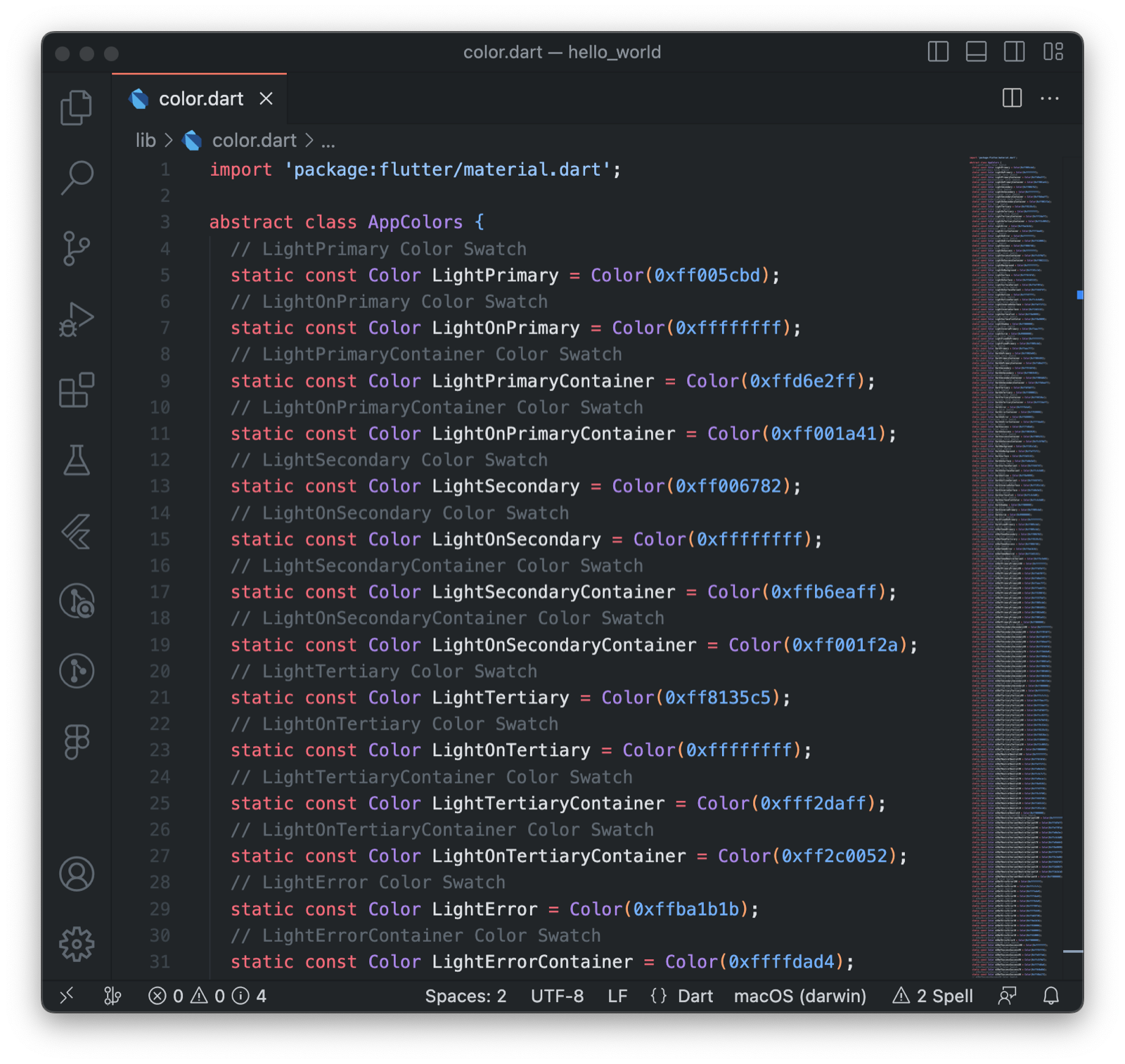
*Screenshot of the generated color styles in VS Code*
Previously all of these styles were manually copied from Figma, translated, formatted, and reassembled into our codebases. That’s hundreds of copy & pastes for every app.
We wanted a more automated way to handoff these values to save time and ensure accuracy.
## What We Did
Working closely with developers, the VGV design team coded this plugin to take existing Figma styles and export them as Dart code, aiming to make handoff as simple and error-proof as possible.
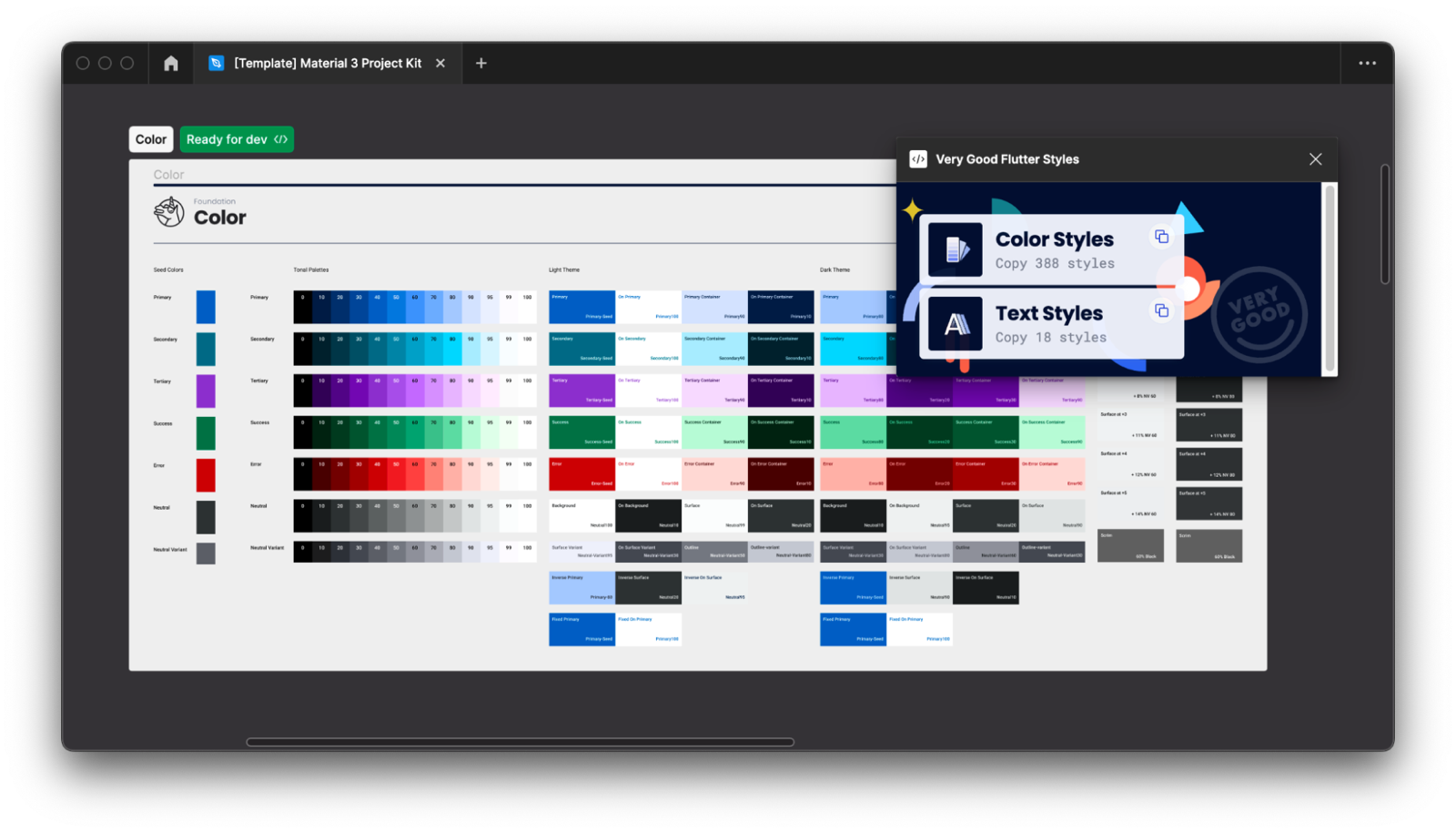
*Screenshot of the Very Good Flutter Styles Plugin in Figma*
The Very Good Flutter Styles plugin lets teams easily generate theme files throughout the project’s lifecycle. Now developers can compare versions of the exports to see which values have changed.
As an added benefit, the plugin also ensures our teams are speaking the same language when it comes to style names.
Very Good Flutter Styles delivers enhancements we felt were missing from analogous options from the Figma community.
For color, the plugin supports styles with 2 fill colors, which is typically the method for how Material surface levels are set up, and it will actually calculate the flattened value of those styles. The plugin also supports linear and radial gradients, and will export the values for each step.
For text, the plugin will only show properties which are used. We also format the style names to lowerCamelCase, stripping out characters which are often used for organization which would break the names in code.
## But Wait, There’s More
Dev Mode is one of the latest big feature enhancements in Figma. One of the best additions is that it allows developers to run plugins while they are inspecting designs. We included the necessary settings to ensure that the plugin works in Dev Mode as well, allowing non-editors users to easily export a documents’ styles for Flutter!
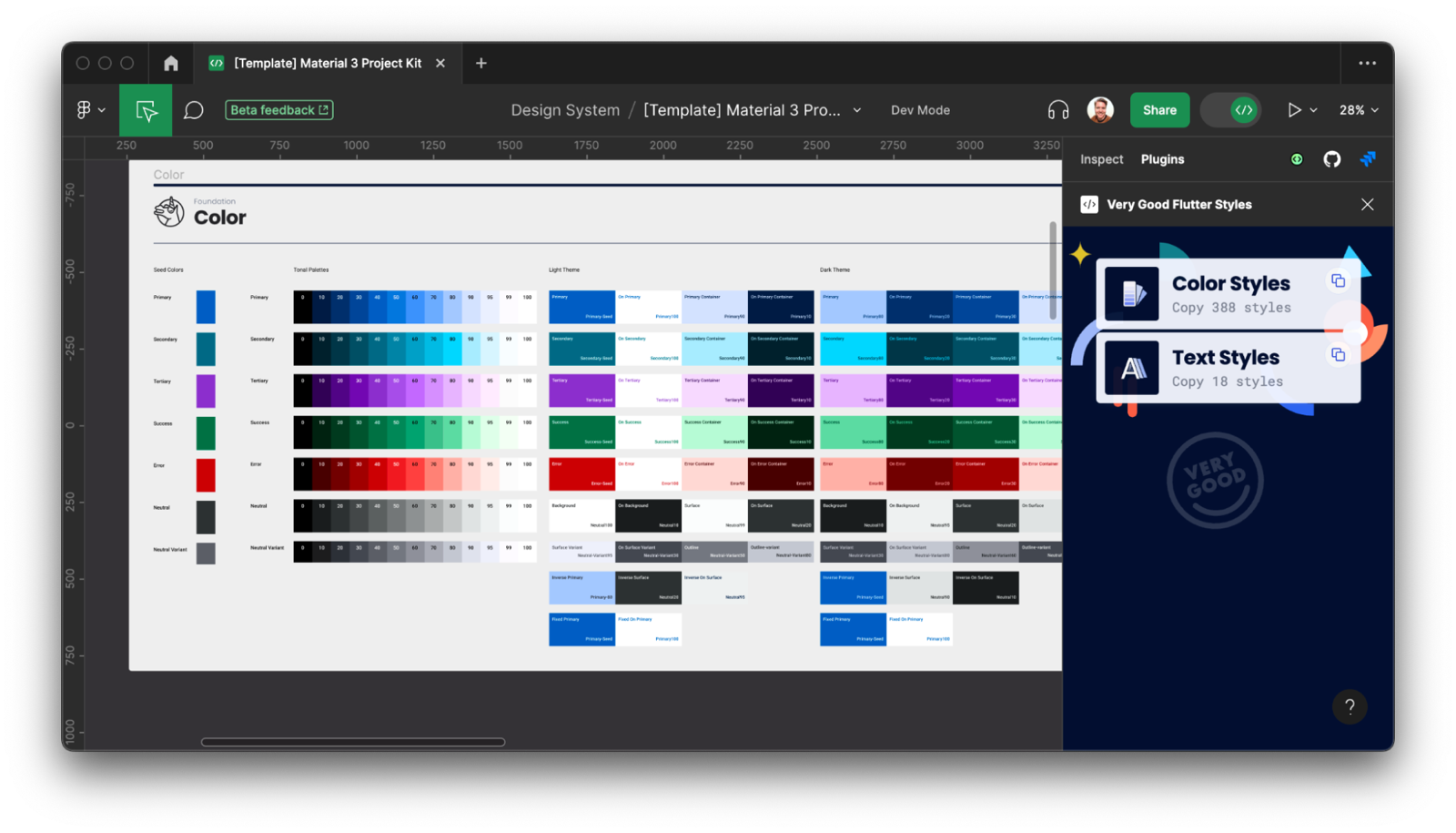
*Screenshot of the Very Good Flutter Styles Plugin in Dev Mode*
## Enjoy That Extra Time!
We're releasing these plugins to the Figma community to help other Flutter teams spend less time on handoff and more time on the exciting and fun challenges of product delivery.
Using Very Good Flutter Styles is as easy as 1-2-3:
1\. Run the [Very Good Flutter Styles plugin in Figma](https://www.figma.com/community/plugin/1208619373237156795/Very-Good-Flutter-Styles)
2\. Click the Color Styles or Text Styles button to copy Flutter code to your clipboard
3\. Paste into your code editor
## Use Cases
Whether you're starting from scratch or translating an existing app to Flutter, you can leverage Very Good Flutter Styles along the way.
Say you have an existing design with defined text and color styles, you can run the plugin immediately and paste that code into your new codebase. Because the names in Figma are translated to code, the plugin ensures designers and developers are using the same language to describe styles in your app.
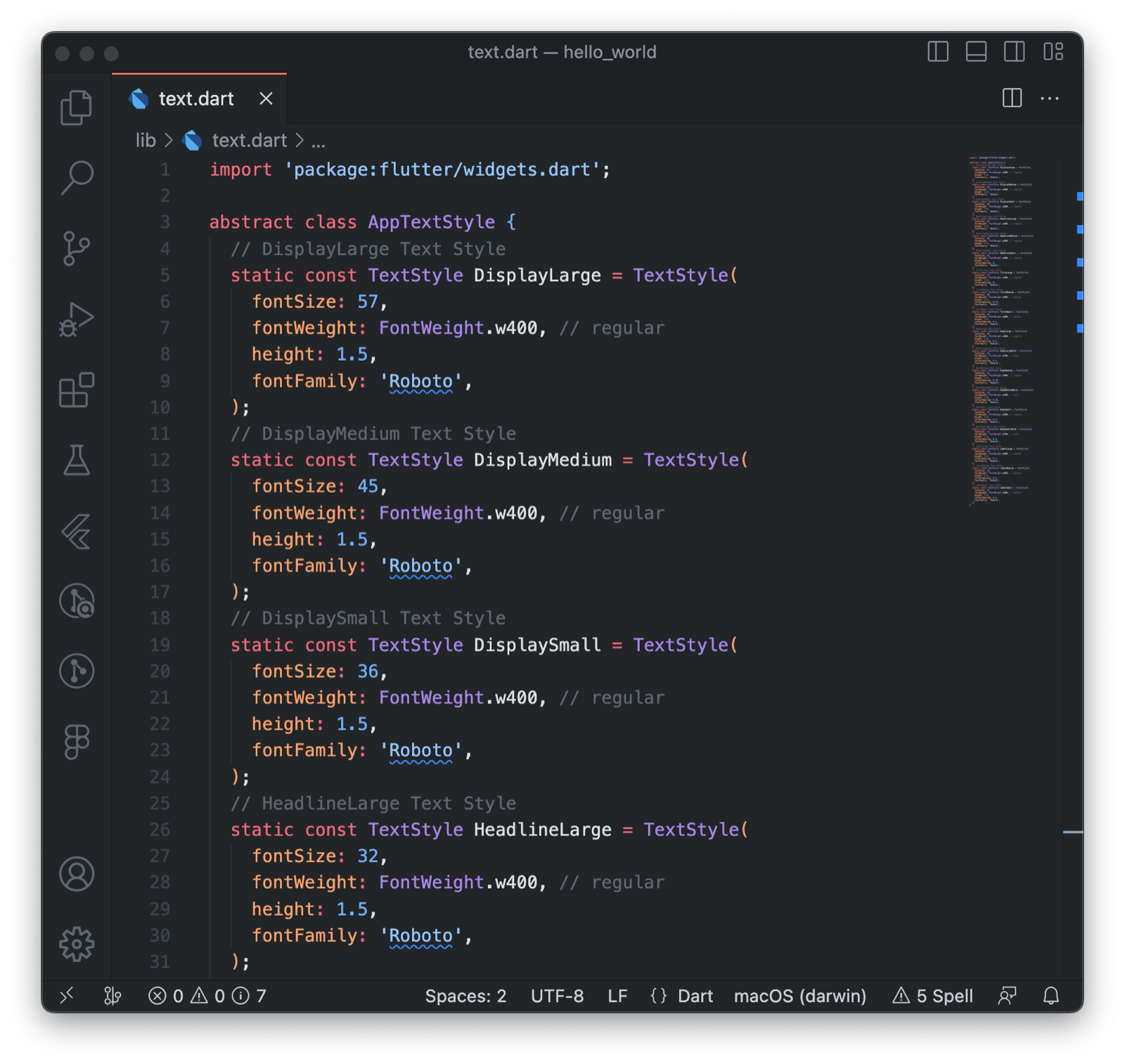
*Screenshot of the generated text styles in VS Code*
As the design matures, you may notice style values changing, new styles being added, or being removed. Instead of searching for those changes, you can run the plugin throughout the project lifecycle, and compare versions of the export using your code tools to easily identify what has changed.
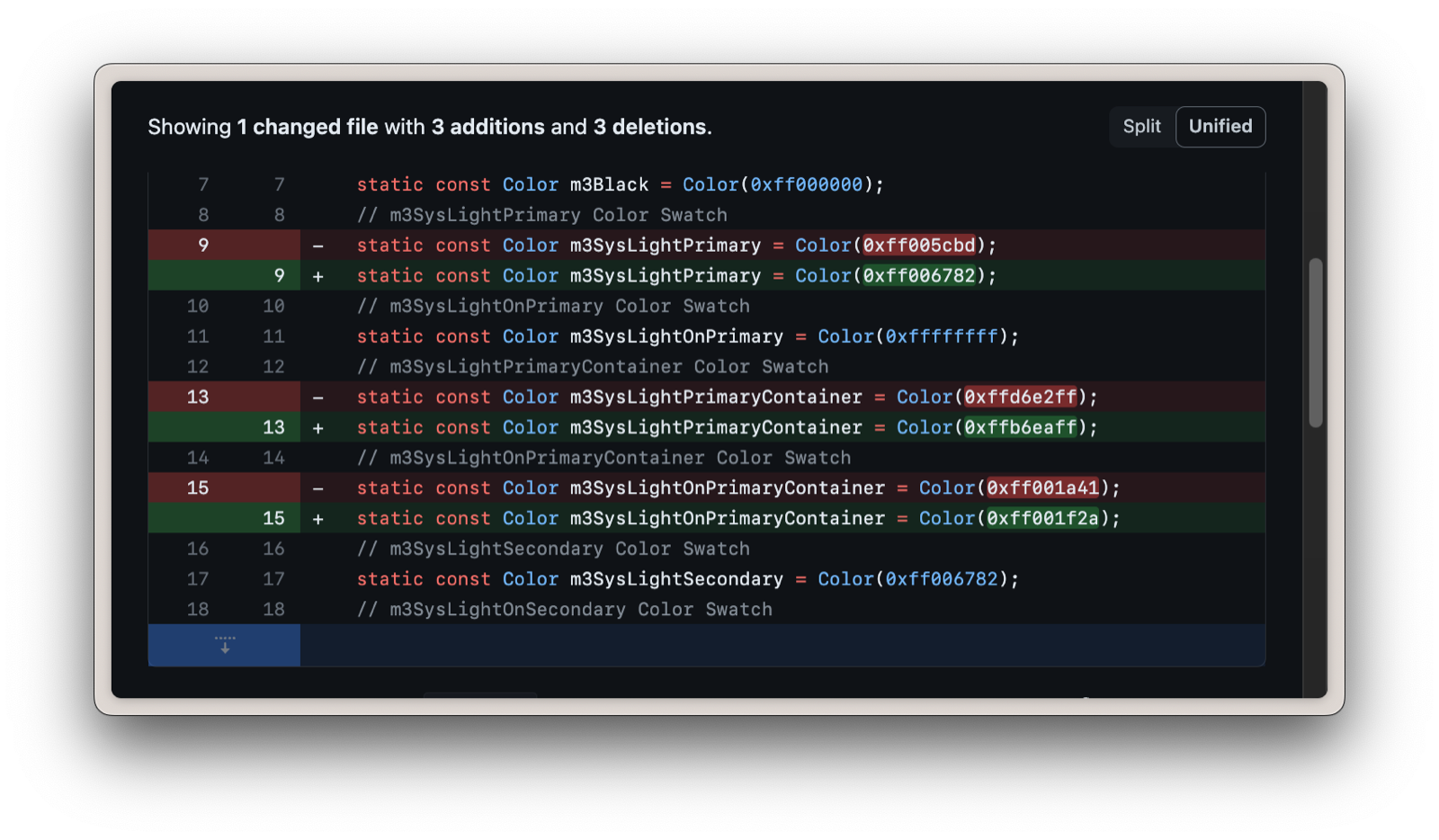
*Screenshot of a code diff in Github*
If you are leveraging a Material-based UI Kit, you can export them as soon as the styles have your new values. In fact this plugin was built to export the hundreds of values which are baked into the [Material 3 Design Kit](https://www.figma.com/community/file/1035203688168086460/Material-3-Design-Kit).
#### Frequently Asked Questions
##### What does the Very Good Flutter Styles plugin do?
It exports color and type styles defined in a Figma file as Dart code that drops straight into a Flutter theme. Run it once to generate a starting theme, then run it again whenever the design changes to diff the new values against the codebase.
##### Where can I install the plugin?
Install Very Good Flutter Styles from the Figma Community. Open it in any Figma file, click Color Styles or Text Styles to copy Dart code to your clipboard, and paste it into your editor.
##### What kinds of styles does the plugin support?
For color, it handles styles with two fill colors (the standard pattern for Material surface levels), calculates the flattened value, and supports linear and radial gradients with values for each step. For text, it only emits properties that are in use and converts style names to lowerCamelCase, stripping characters that would be invalid in Dart identifiers.
##### Does the plugin work in Figma Dev Mode?
Yes. The plugin runs in Dev Mode so non-editor users can export styles for Flutter while inspecting designs.
##### Why does this matter for design-to-dev handoff?
Material-based Flutter themes can contain hundreds of color values and 15 text styles each with around six properties. Manually copying, translating, and reformatting those into Dart is slow and error-prone. The plugin removes that work and keeps designers and developers using the same names for the same styles.
### Training Clients in Flutter
Source: https://verygood.ventures/blog/training-clients-in-flutter/
*“The art of teaching is the art of assisting discovery,”* [Mark Van Doren](https://en.wikipedia.org/wiki/Mark_Van_Doren) said once. Every student’s journey to knowledge is unique and different. This applies to Flutter as well. Whether you are a small startup trying to find your place in the world or a large corporation exploring new ways to provide value faster to your customers, your “journey to Flutter” might look different.
All reach the same result: **performant and delightful experiences getting built in record time!**
It's impossible to deny that agencies play a vital role in this mission. By working with various partners, agencies develop a unique point of view on how to successfully drive the adoption of new stacks, frameworks, libraries, and patterns.
That’s what makes agencies serve as partners of incalculable value in the “journey to Flutter”: Their exposure to dozens of projects at the same time means that they've seen it all. *Agencies have already made the mistakes and learned how to recover, so they can keep you from falling into the same traps.*
## How it All Started
Back in 2018, Very Good Ventures (VGV) built the official [Hamilton](https://hamiltonmusical.com/) mobile app. This app was the first large-production app built with Flutter outside of Google. Since then, we have reunited some of the best talent worldwide and developed a vast amount of high-quality products. We’ve helped all kinds of companies to deliver outstanding Flutter products while upskilling their product teams.
**Every time we do this, there remains one constant: Flutter.**
We’ve partnered with more than 50 companies in their journey to Flutter. VISA, American Airlines, SlickDeals, Policygenius, Tyson Foods, and Accenture represent just a few that benefited from our [Training program](https://verygood.ventures/solution/flutter-training/). This five-day workshop focuses just on the fundamentals of Flutter, plus a multitude of office hours, code-pairing sessions, exercises, and code reviews.
## *If it works for us, it must work for our partners…*
In 2018, when VGV started its journey to Flutter, little content on Flutter and Dart could be found. Still, its rapid success and growth demanded a new internal approach to upskill new developers joining the team. It didn’t matter if these developers were at the beginning of their professional journey or well seasoned.
This resulted in our VGV Onboarding Program. This two-week internal program showcases how to become a VGV employee and obtain the necessary knowledge, processes, and standards on the effective use of Flutter and Dart.
The *zi* succeeded and rapidly helped our engineers master Flutter and Dart! Many of our partners, curious about our success when welcoming new teammates at VGV, asked us if they could use the same onboarding program to upskill their developers: Thus, [Very Good Training](https://verygood.ventures/solution/flutter-training/) was born!
Similar to our approach when creating new [open source tools](https://github.com/VeryGoodOpenSource), we realized that if an internal initiative adds value to VGV, it will most likely add value to our partners. As we use our own approach internally, it is in our best interest to keep our training approach relevant, up-to-date, consistent, and effective.
Our training program assumes that every developer has covered the fundamentals of object-oriented programming. These developers know classes, objects, functions, visibility, mutability, and installation of dependencies. After all, this training takes place in a professional setting.
Still, students receive a list of prerequisite activities: As an example, we always request our students to watch the fantastic talk from [Brian Egan, Keep It Simple, State: Architecture for Flutter Apps](https://www.youtube.com/watch?v=zKXz3pUkw9A).
The goal is to let developers explore some of the most basic Flutter concepts so we can start our training on a solid foundation.
Over the course of five days, we dedicate ourselves to upskilling our partners through our training program. Students attend presentations, do hands-on exercises and code labs, and have full access to a group of experts ready to answer any questions.
At the end of the program, students will have completed a fully tested and functional complex application, available for Android, iOS, macOS, Linux, Windows, and the web. They will receive a certificate of completion for the Very Good Training program and be ready to take their company’s product to the next level in record time!
## Tips & Tricks for an Effective Flutter Training Program
**It’s all about culture!** A trainer must be the first cheerleader of the group, must be patient and gracious, and be able to inspire and awaken the student’s minds. A trainer must be the ultimate example of a healthy, engaging, and empowered engineering culture. An excellent teacher can do magic with horrible content, but a horrendous teacher will do an awful job even with superb content.
**Be consistent and develop a point of view.** You can build a successful Flutter product in many ways. This can be impressive unless you choke on so many options and don’t know which one you should pick. For example, consider state management. Many good options are available, but in our experience, invest in to one and build expertise on it. Since 2019, VGV has committed to use and invest in [flutter_bloc](https://bloclibrary.dev/#/). While we are familiar with many other tools, growing with flutter\_bloc has allowed us to build standards, upskill our developers, find consistent and develop scaling solutions that the whole team understands.
**Allow yourself to be vulnerable.** Trainers are constantly exposed! While presenting a topic and sharing their knowledge, the audience can ask any question. This can be tremendously intimidating. A great trainer needs both an enormous amount of confidence in themselves and humility in their interactions. When they have an answer, they share it with grace, but when they don’t know something, they simply respond, *“I don’t know the answer yet, but give me a little bit of time, and we can figure it out together”*
**Practice, practice, practice!** Balancing the ratio of presentations to exercises creates a successful training program. After all, engineers add value by writing code (well, many times by deleting code too!), not by watching presentations! The best educational approach uses lectures to *plant the knowledge seed*, while writing code allows students to solve the problem, *watering their knowledge plant.
*
#### Frequently Asked Questions
##### What does VGV's Flutter training program cover?
Five days focused on the fundamentals of Flutter, plus office hours, code-pairing sessions, hands-on exercises, and code reviews. By the end, students have built a fully tested, complex application that runs on Android, iOS, macOS, Linux, Windows, and the web, and they receive a certificate of completion.
##### Which companies have completed Very Good Training?
More than 50 companies, including VISA, American Airlines, SlickDeals, Policygenius, Tyson Foods, and Accenture. The training program grew out of VGV's internal onboarding for new engineers.
##### Where did VGV's training curriculum come from?
It started as the VGV Onboarding Program, a two-week internal program built in 2018 to upskill new engineers on Flutter and Dart when there was little public content available. After partners asked to use the same curriculum for their teams, VGV packaged it as Very Good Training.
##### What prerequisites should a developer have before joining the program?
Object-oriented programming fundamentals: classes, objects, functions, visibility, mutability, and installing dependencies. Students also receive prerequisite activities like watching Brian Egan's Keep It Simple, State talk to start training on a solid foundation.
##### What makes a Flutter training program effective?
Four things from VGV's experience. Culture, where the trainer sets the tone with patience and energy. Consistency, by committing to a strong point of view (VGV picks flutter_bloc for state management). Vulnerability, where trainers say "I don't know yet" with confidence. Practice, balancing presentations with hands-on coding exercises.
### Dart Frog 1.0 is here! 🎉
Source: https://verygood.ventures/blog/dart-frog-1-0-release/
Today we announce the first major release of [Dart Frog with v1.0.0](https://github.com/VeryGoodOpenSource/dart_frog/releases/tag/dart_frog-v1.0.0)! This release focuses on improving the developer experience with Dart Frog. Read on for some of the main features of the release, the history of Dart Frog, and why you should use Dart Frog in your Flutter projects.
## What’s in Dart Frog 1.0
Here are the main features and bug fixes:
- **Daemon:** We believe that good tooling is at the heart of improving the developer experience. With this release, we introduce the Dart Frog daemon to make it easier for developers to build first and third party tools to manage, diagnose, and build Dart Frog projects. This will set the foundation for numerous items on our roadmap, including: Open API documentation generation, Dart API client generation, and health check endpoint for monitoring and debugging via IDE extensions and plugins.
- **Authentication:** We added a new package to the Dart Frog ecosystem: [**dart_frog_auth**](https://pub.dev/packages/dart_frog_auth), which provides a foundation to write authentication APIs. This package doesn't implement all of the authentication checking, since this is almost always specific to an application. Instead, **dart\_frog\_auth** gives you a head start for implementing authentication by providing helper middleware that already solves the common code for authentication, so you can focus on the specific implementation details.
- **VS Code extension:** As part of our efforts to improve the Dart Frog developer experience, we have begun official support for VS Code as [requested by the community](https://github.com/dart-frog-dev/dart_frog/issues/286). Using the VS Code extension, you will be able to easily create a new project, new routes, and new middleware. There are more exciting features to come to the extension as the Dart Frog daemon is now available! You can already start using the [extension here](https://marketplace.visualstudio.com/items?itemName=VeryGoodVentures.dart-frog).
- **Wildcard route support:** Wildcard routes allow developers to map requests handlers that will handle a wider number of variations of urls, such as the following wildcard route **/pages/\[...pages\]** will be able to handle **/pages/page/1**, **/pages/summary**, **/pages/news**, etc. This gives you a lot of flexibility to create dynamic namespaces.
- **Environments:** Dart Frog allows developers to define different environments like staging, development, production, etc. We solved bugs that could cause confusion while working with different environments and also added [documentation](https://dart-frog.dev/basics/environment/) to address this.
- **FormData support and file uploads:** With the support of the multipart/form-data API, you can now easily upload multiple form data like data fields and files. Keep in mind that the request's MIME type should always match **application/x-www-form-urlencoded** or **multipart/form-data** for this to work.
- **Custom init method:** With the custom init method, you can initialize anything on server start without having to worry about it being reinitialized on server hot reloads. This can be especially useful for setting up database connections, loading environment configurations, or whatever else a developer might need to do only once.
[See the full changelog from stable to 1.0 here.](https://verygood.ventures/blog/dart-frog-1-0-release/)
## About Dart Frog
Dart Frog is a fast, minimal backend framework for Dart. It can be used by any developer wanting to build a scalable backend, especially Dart and Flutter developers. It is built on top of [shelf](https://pub.dev/packages/shelf) and [mason](https://pub.dev/packages/mason) and is inspired by many tools including [remix.run](https://remix.run/), [next.js](https://nextjs.org/), and [express.js](https://expressjs.com/).
Dart Frog is focused on optimizing the process of building backends which aggregate, compose, and normalize data from multiple sources. It’s meant to be a lightweight tool, not a fully-fledged backend solution. Even though it doesn’t bundle features like database access and data caching out of the box, it gives you freedom to use any of your preferred tools with Dart Frog.
Dart Frog also provides a simple core with a small API surface area in order to reduce the learning curve and ramp-up time for developers. Having a unified tech stack enables you to share tooling, models, and more!
## Why you should use Dart Frog
Here are some of the benefits that Dart Frog brings:
- **Developer efficiency:** As a Flutter developer, you can expand your skills beyond frontend to full stack. You can also use some of the same tooling and workflows on the backend to ensure high-quality code (for example, you can use Dart-specific workflows on the CI to validate your code just like you would with Flutter apps). The learning curve is small, for example, building routes on Dart Frog feels very similar to creating a widget tree in Flutter.
- **Shared code:** Sharing code between the front and backend means you can write functionality once and use it on both ends of an application. This is particularly helpful for use cases such as a server-authoritative game; in this case, all of the logic happens on the backend and is passed to the frontend for the UI to change accordingly.
- **Middleware:** Working with legacy backends can be frustrating and slow down the development process. Dart Frog can be used as a backend for frontend so that the backend data is normalized and becomes easy for developers to use. This approach also gives more control to developers to do things like optimize and cache backend data.
- **Cloud agnostic:** Dart Frog can be configured with any cloud service, so you can use whatever works best for you. There are currently docs for deploying to Google Cloud Run, AWS App Runner, and Digital Ocean App Platform.
## History of Dart Frog
We’ve been blown away by the reception of Dart Frog since its [initial release in May 2022](https://verygood.ventures/blog/dart-frog/)! It was first released as an experimental backend framework, and after a few months, we upgraded it to stable with a few key features and bug fixes. Dart Frog has since been used in multiple projects in production, including the AI-designed card game [I/O FLIP](https://github.com/flutter/io_flip) and [Flutter News Toolkit](https://github.com/flutter/news_toolkit). It has also gained over 1,400 stars on GitHub and been incorporated into many articles, tutorials, and conference talks.
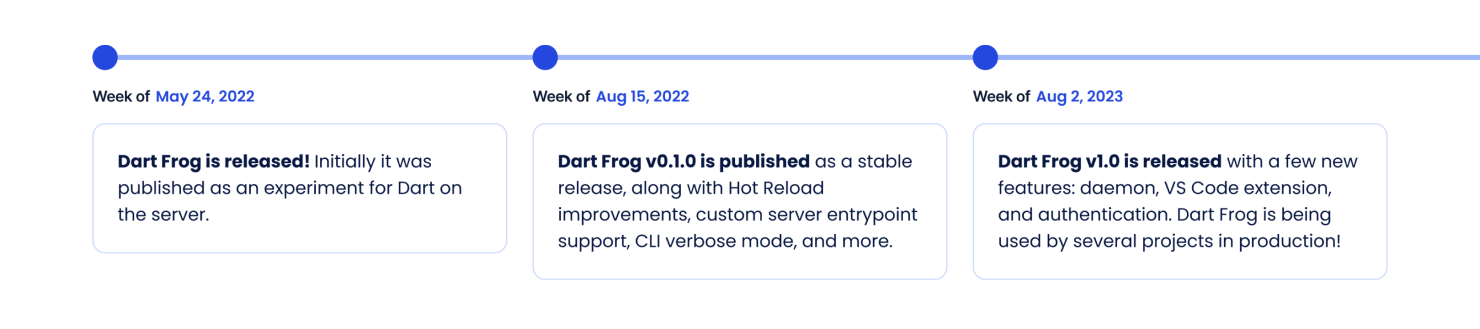
### [**Try out Dart Frog v1.0! Get started on dart-frog.dev →**](https://dart-frog.dev/)
## A note on major releases
There are a few schools of thought when it comes to major or minor releases. In our view, a major release has to meet a few criteria:
- The source code is stable
- The tool is well-documented
- Our team is prepared to support the tool after release
- Our team is able to provide continued support for our other [open source tools](https://verygood.ventures/resources/open-source-packages/) (Very Good CLI, etc.)
## Full changelog from stable release to 1.0
**dart\_frog**
- feat: stable 1.0.0 release 🎉
- feat: provider support nullable values
- feat: Add Response.movedPermanently() constructor
- deps: upgrade to Dart ">=3.0.0 <4.0.0"
- deps: upgrade to very\_good\_analysis ^5.0.0
- fix: Pipeline does not maintain RequestContext ([#605](https://github.com/VeryGoodOpenSource/dart_frog/pull/605))
- fix: Response.json() overwrites content-type header ([#596](https://github.com/VeryGoodOpenSource/dart_frog/pull/596))
- feat: add SecurityContext named argument to serve method
- feat: add Response.stream
- feat: add support for multipart/form-data ([#551](https://github.com/VeryGoodOpenSource/dart_frog/pull/551))
- deps: upgrade to Dart ">=2.19.0 <3.0.0"
- deps: upgrade to very\_good\_analysis ^4.0.0
- feat: cache Request and Response body
- feat: add formData to Request/Response
- BREAKING fix: Request.json() and Response.json() return Future
- feat: add x-powered-by-header to serve
- fix: update Response.json headers to
**dart\_frog\_auth**
- feat: stable release 🎉
- feat: initial release 🎉
**dart\_frog\_web\_socket**
- deps: upgrade to Dart ">=3.0.0 <4.0.0"
- deps: upgrade to very\_good\_analysis ^5.0.0
- deps: upgrade to Dart ">=2.19.0 <3.0.0"
- deps: upgrade to very\_good\_analysis ^4.0.0
- fix(deps): upgrade to shelf\_web\_socket ^1.0.3
- feat: initial dev release 🎉
**dart\_frog\_gen**
- feat: detect conflict between dynamic routes and non-dynamic ones
- feat: update to Dart 3 and Very Good Analysis 5 ([#681](https://github.com/VeryGoodOpenSource/dart_frog/pull/681))
- feat: adding wildcard detection to dart frog gen ([#691](https://github.com/VeryGoodOpenSource/dart_frog/pull/691))
- feat!: re-land "add route configuration validation to gen" ([#614](https://github.com/VeryGoodOpenSource/dart_frog/pull/614))
- fix: revert "add route configuration validation to gen" ([#628](https://github.com/VeryGoodOpenSource/dart_frog/pull/628))
- feat: add route configuration validation to gen ([#614](https://github.com/VeryGoodOpenSource/dart_frog/pull/614))
- feat: detect custom init method ([#564](https://github.com/VeryGoodOpenSource/dart_frog/pull/564))
- deps: upgrade to Dart ">=2.19.0 <3.0.0"
- deps: upgrade to very\_good\_analysis ^4.0.0
- BREAKING fix: support for cascading middleware
- RouteDirectory signature for middleware changed from MiddlewareFile? -> List
- perf: exclude route directories with no routes
- BREAKING feat: support mounting dynamic routes
- BREAKING deps: upgrade to Dart ">=2.18.0 <3.0.0"
- deps: upgrade to very\_good\_analysis ^3.1.0
**dart\_frog\_cli**
- feat: add uninstall command
- feat: add verify-only flag to update command
- feat: add dev\_server domain to daemon
- feat: daemon logger
- fix: Remove multiple EOL when creating route or middleware
- feat: enable asserts when running dart\_frog dev
- fix: use custom docker file when building prod server
- feat: start daemon implementation
- feat: add devserver lifecycle
- feat: add dart\_frog daemon command
- feat: update brick bundles to dart 3.0.0
- feat: Add dart-vm-port option to dev command
- feat: added default port number for --dart-vm-service-port
- feat: recommend using --dart-vm-service-port on VM port failure
- feat: Update to dart 3.0.0 and vg analysis to 5.0.0
- feat: adding list command
- feat: adding dart version flag to build command
- feat: add "new middleware" and "new route" commands
- fix: filter out error messages from killing the server process ([#592](https://github.com/VeryGoodOpenSource/dart_frog/pull/592))
- refactor: remove duplicate dart:io import ([#556](https://github.com/VeryGoodOpenSource/dart_frog/pull/556))
- chore: bump cli\_completion from 0.2.0 to 0.3.0 in /packages/dart\_frog\_cli ([#553](https://github.com/VeryGoodOpenSource/dart_frog/pull/553))
- feat: support custom init method ([#587](https://github.com/VeryGoodOpenSource/dart_frog/pull/587))
- fix: adjust InternetAddress to anyIPv6
- refactor: update to Dart 2.19 and very\_good\_analysis ^4.0.0
- fix: update silently fails when the sdk is incompatible
- feat: dart\_frog create uses Dart 2.19
- feat: upgrade to mason ^0.1.0-dev.38
- perf: significant decrease in hook startup times
- feat: upgrade to dart\_frog ^0.3.0
- fix: hook execution after pub cache clean
- fix: handle UsageException when invalid option is passed ([@Ascenio](https://github.com/Ascenio))
- fix: nested dynamic route resolution
- fix: support cascading middleware
- feat: add startup log to production build
- deps: upgrade to mason ^0.1.0-dev.34
- BREAKING feat: support for mounting dynamic routes
- BREAKING deps: upgrade to Dart ">=2.18.0 <3.0.0"
- deps: upgrade to very\_good\_analysis ^3.1.0
- fix: run update check on sigint
- feat: package:dart\_frog runtime compatibility check
- fix: dart\_frog build Dockerfile dependency resolution
- fix: copy static assets into docker image
- feat: dart\_frog update command
- feat: automatic updates prompt
- feat: report external path dependencies
- feat: dart\_frog create
- upgrade to dart 2.18.0
- upgrade to very\_good\_analysis 3.1.0
- fix: avoid generating an empty .dart\_frog directory
- refactor: use packageName internally for consistency
- fix: dart\_frog build serve static assets
- fix: dart\_frog build failures on windows
#### Frequently Asked Questions
##### What's new in Dart Frog 1.0?
The release adds the Dart Frog daemon, a new dart_frog_auth package, an official VS Code extension, wildcard route support, multipart/form-data uploads, environment improvements, and a custom init method for one-time server setup.
##### What does the Dart Frog daemon do?
The daemon is the foundation for first and third party tools to manage, diagnose, and build Dart Frog projects. It powers upcoming features like Open API documentation generation, Dart API client generation, and health check endpoints used by IDE extensions.
##### How does dart_frog_auth handle authentication?
dart_frog_auth does not implement full authentication, since that is application-specific. It provides helper middleware that handles common authentication plumbing so developers can focus on the rules and providers that are unique to their app.
##### What are wildcard routes in Dart Frog?
Wildcard routes let a single handler match many URL variations. A route at /pages/[...pages] handles /pages/page/1, /pages/summary, /pages/news, and any other matching path, which gives flexibility to build dynamic namespaces.
##### Why use Dart Frog with a Flutter app?
Flutter developers can extend their skill set to full stack with the same language and tooling. Code and models can be shared between client and server, the framework can be deployed to any cloud like Cloud Run, AWS App Runner, or Digital Ocean, and the small API surface keeps the learning curve low.
##### What does VGV count as a stable major release?
Four criteria: the source code is stable, the tool is well documented, the team is prepared to support it after release, and the team can keep maintaining other VGV open source tools like Very Good CLI.
### Very Good Ventures goes to Fluttercon 2023
Source: https://verygood.ventures/blog/very-good-ventures-goes-to-fluttercon-2023/
Earlier this month we had the opportunity to attend Fluttercon 2023, colocated with droidcon in Berlin. This three-day conference was packed with entertaining talks, insightful conversations, and of course, quality time with fellow developers. We were a silver sponsor and were lucky to be able to send six speakers. Here are our very good takeaways from the conference.
[Video](https://www.youtube.com/watch?v=25s0jMGtqqI)
## The Flutter community is one of the best out there!
At Fluttercon, we had the opportunity to meet with developers, designers, and Flutter enthusiasts from around the globe. We attended keynotes, watched insightful sessions, and had engaging discussions, setting the stage for a future of innovation and collaboration within the Flutter community.
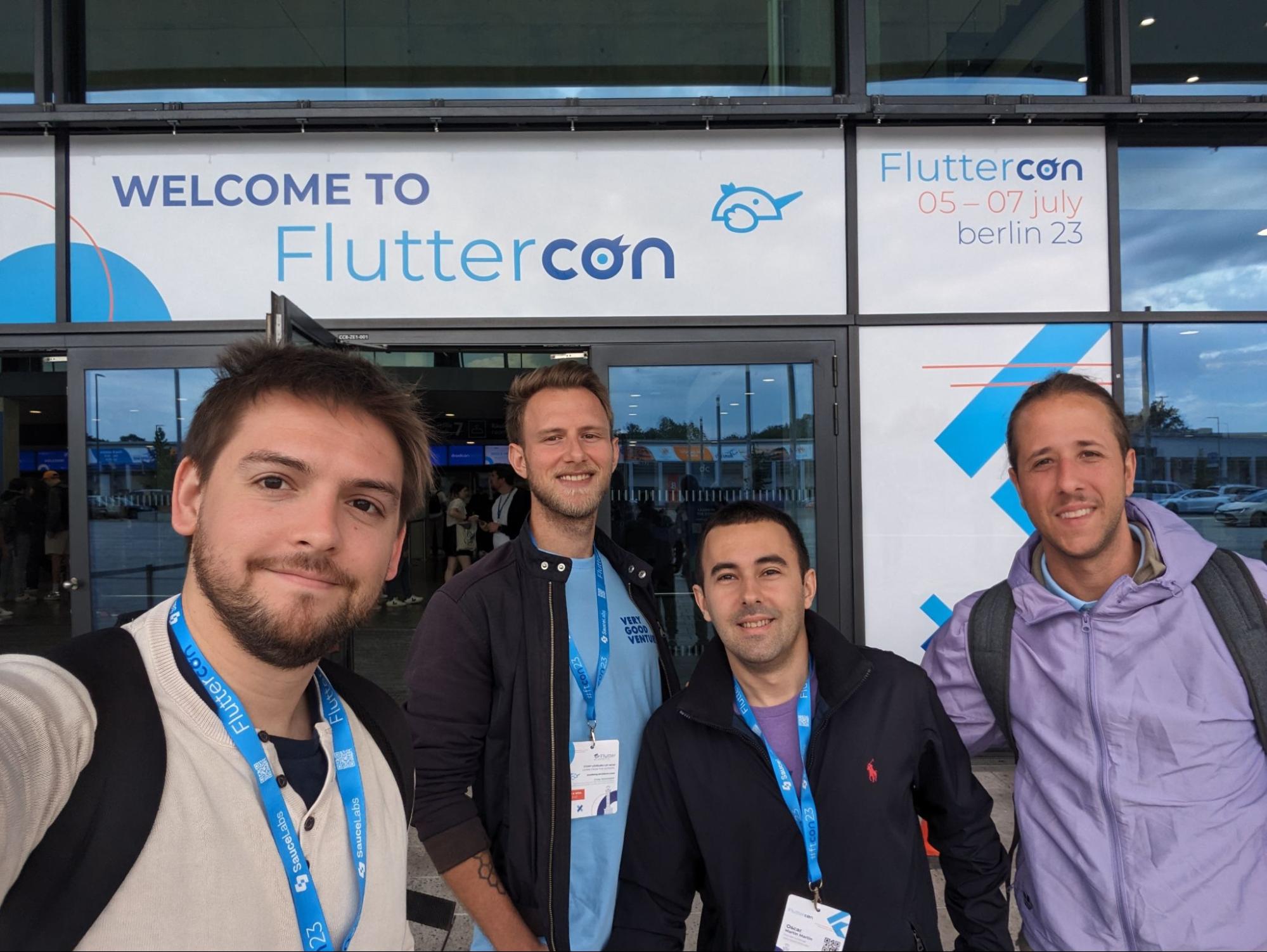
The energy at Fluttercon was truly electric! We may be a bit biased, but the Flutter community stands out as one of the most exceptional and vibrant developer communities in the world. Fluttercon further solidified this: The passion and dedication exhibited by the Flutter community were unparalleled. The community's inclusivity and supportiveness are truly remarkable, as developers from all backgrounds and skill levels come together to celebrate their shared love for Flutter development. From the vibrant online forums and repositories to the countless open source projects, the Flutter community never fails to inspire and empower developers around the globe.
## Unicorns showcase the magic of Flutter in their talks: from shaders to testing to engineering culture
We had unicorns all over Fluttercon! Six of them presented on different topics throughout all three days of the conference across a wide variety of Flutter topics — from shader to testing to the culture of Flutter. We hope these talks inspire developers to push the boundaries of Flutter development and create remarkable experiences for users worldwide.
**David DeRemer**, our Founder and CEO delivered a keynote on day three of the conference about the cultural impact of Flutter within organizations.
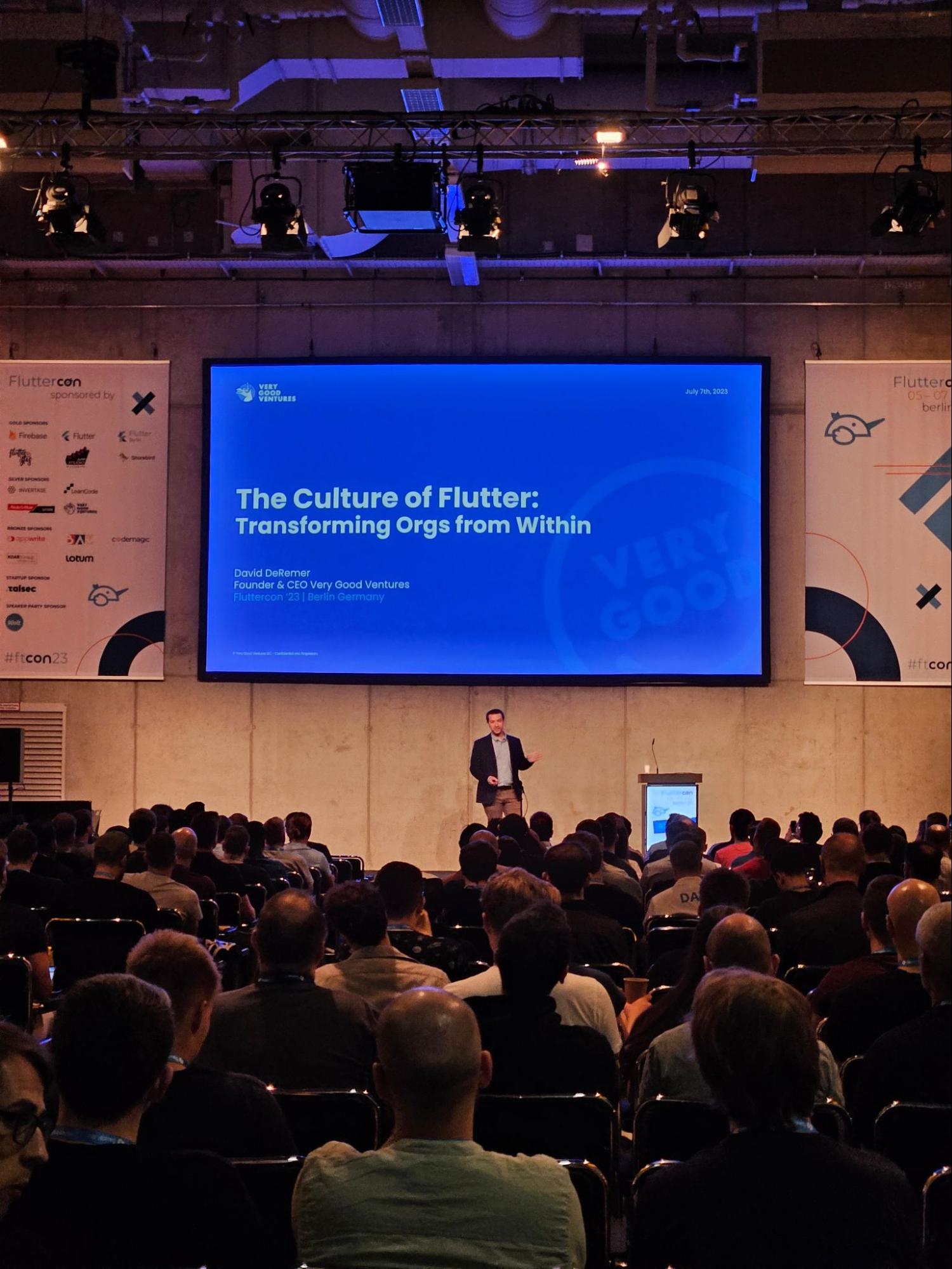
**Tomas Piaggio** facilitated a workshop on Firebase's capabilities, and how to leverage them to create robust and scalable apps using Flutter, alongside Renuka Kelkar.
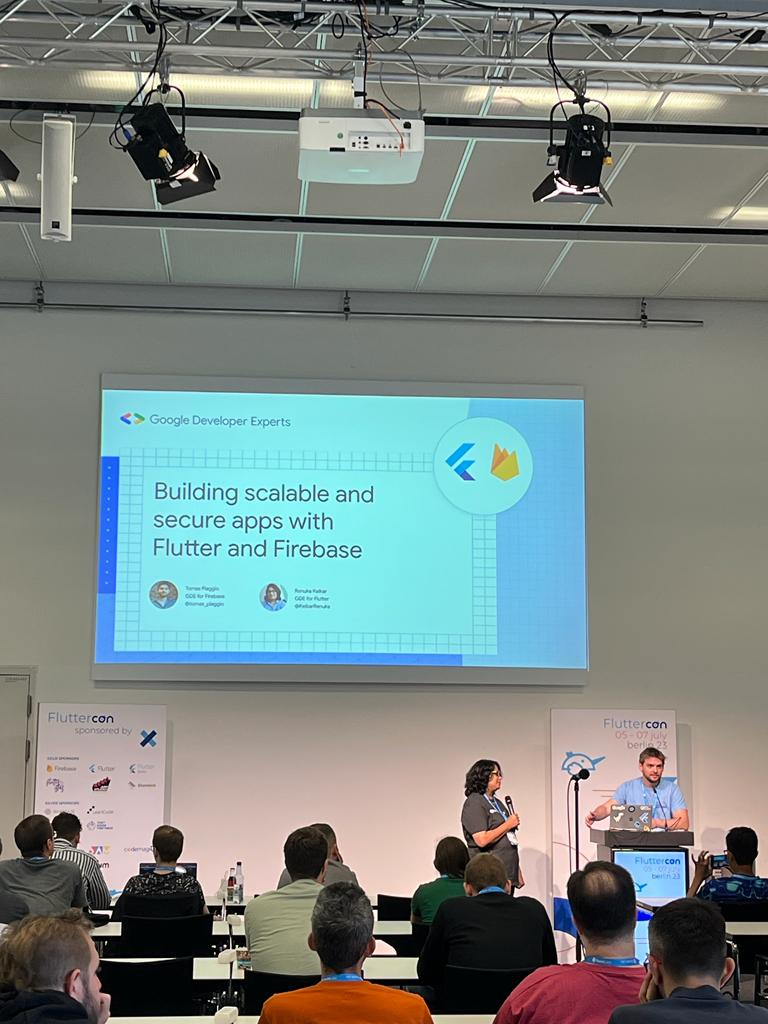
**Renan Araujo** spoke about the transformative potential of Fragment shaders in UI design.
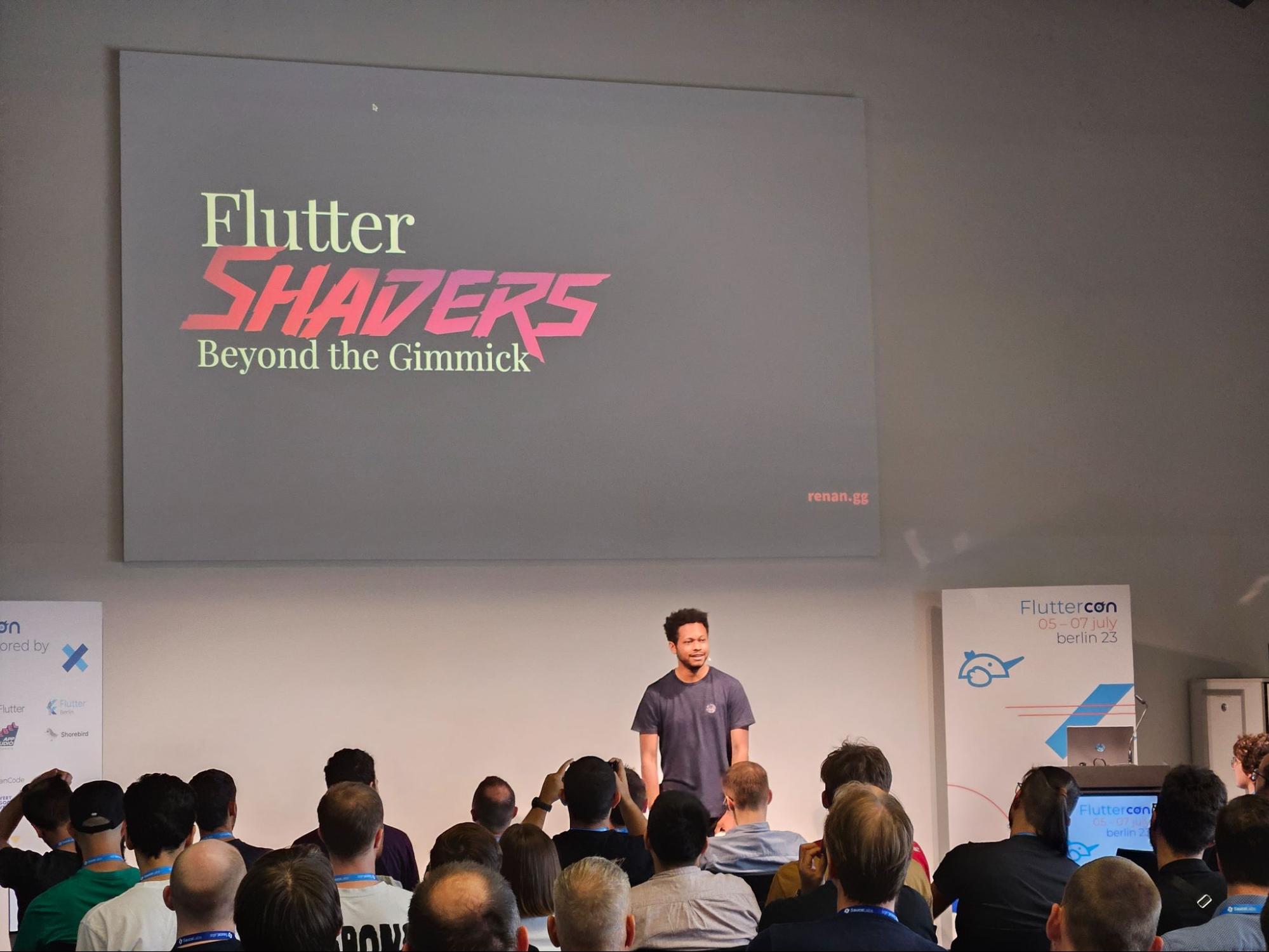
**Óscar Martín** covered the significance of writing functional and scalable code.
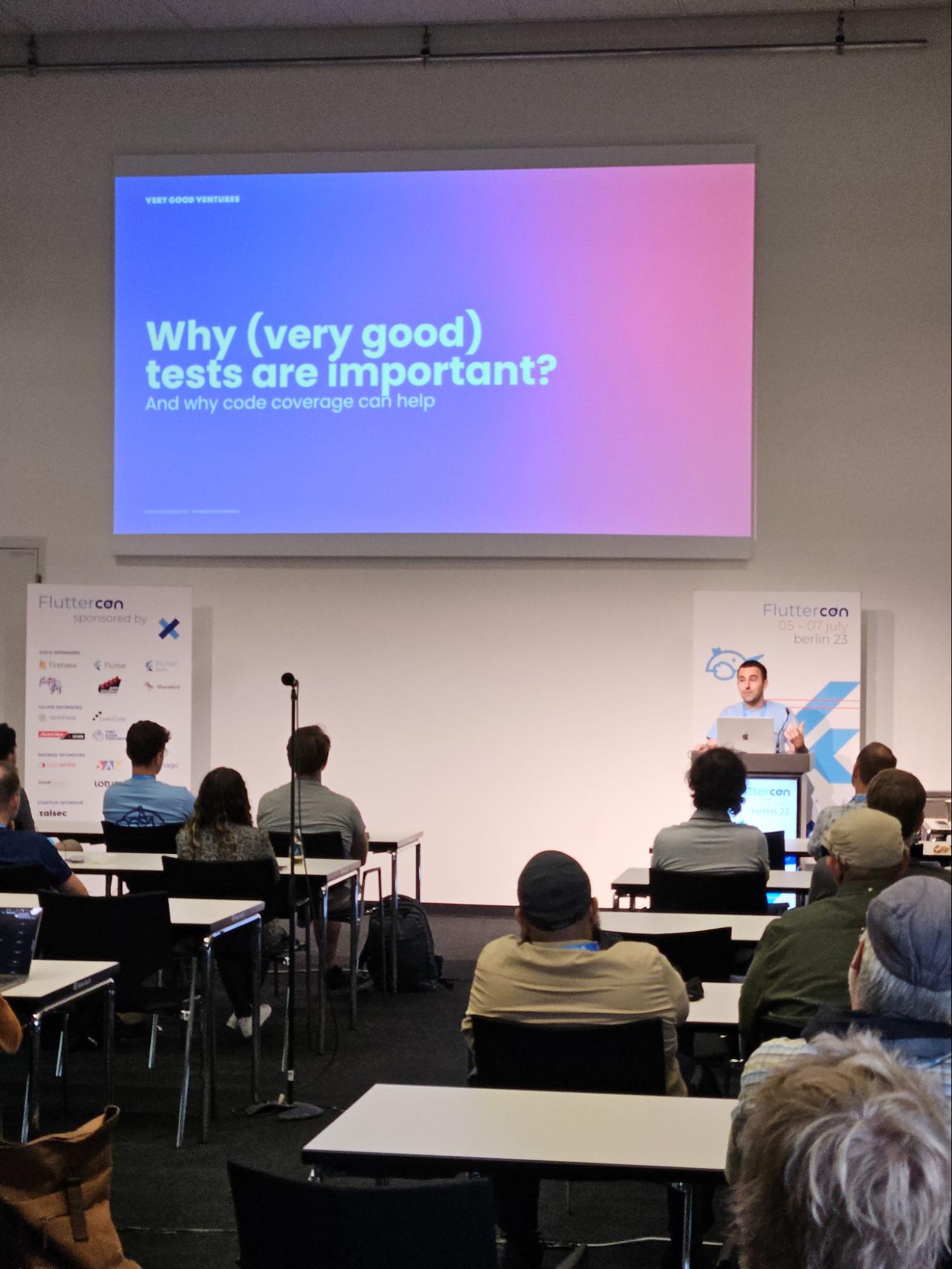
**Jochum van der Ploeg** talked about the use of Fluttium, an end-to-end user testing tool for Flutter.
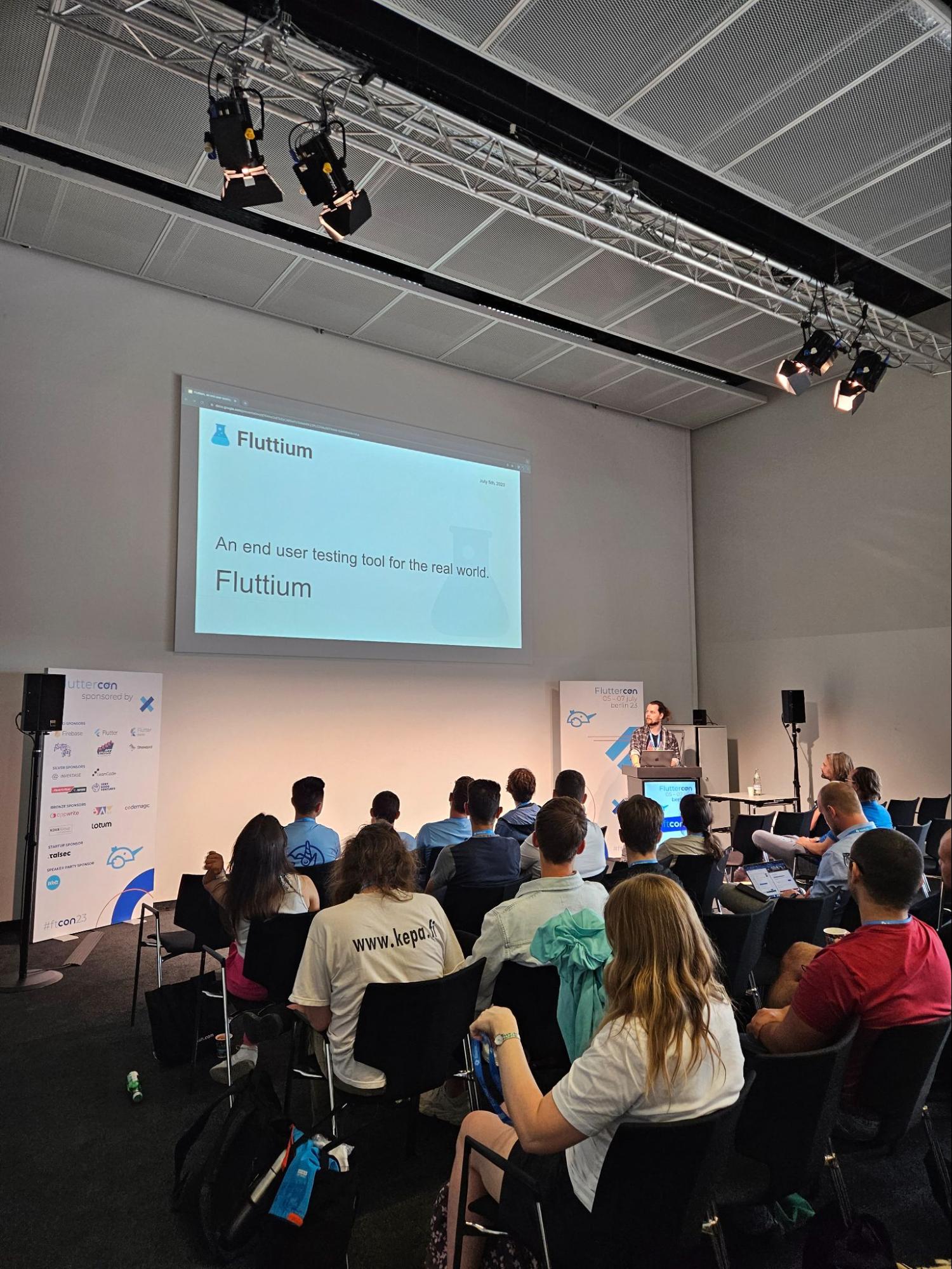
**Erick Zanardo** exhibited the power of the Flame engine for game development by creating an exciting space shooter game using Flutter and Flame, in a workshop alongside Lukas Klingsbo.
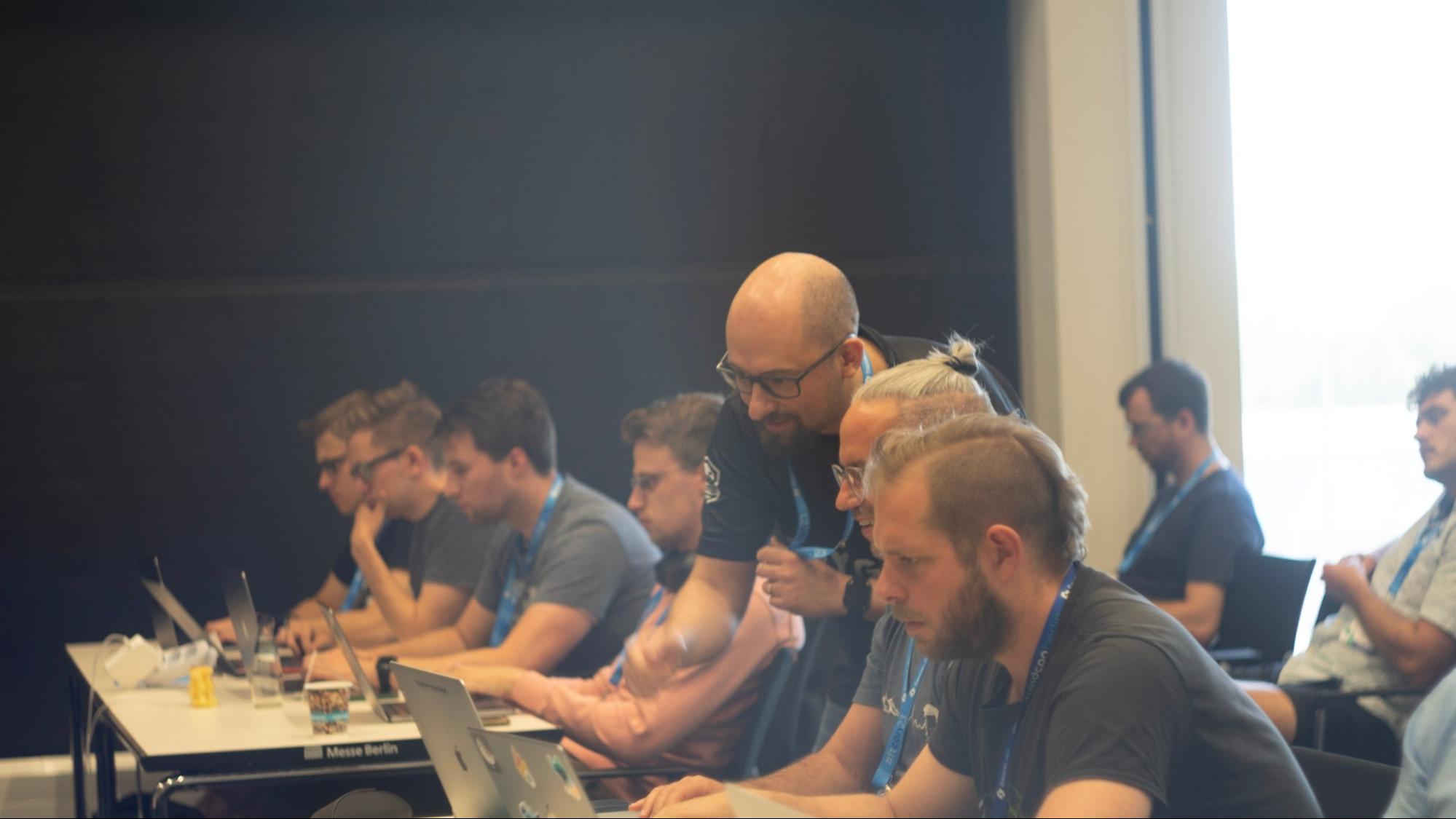
## Impressions from our teammates
“I was really impressed by the quality of the talks at Fluttercon. There were so many great speakers, and I learned a lot from them. I especially enjoyed the talk by Óscar on the road to 100% testing coverage. I also had some great conversations with people from the community. I was surprised by how welcoming and friendly everyone was. I felt like I was part of a big family. The best part for me was the sense of community, and the fact that there were people from all over the world, united by the same feeling. It was so inspiring to see so many people passionate about Flutter. I'm really glad I had the opportunity to attend Fluttercon.” - Tomas
“One of the things I was impressed with is that as we were sharing the spot with DroidCon, a lot of Android devs were interested in the future of Flutter, recent projects, etc. Erick Zanardo's workshop was amazing and motivated me a lot to work with Flame. I knew from social media that a lot of people knew VGV, but it is so cool to see that in real life, and hearing all the stories about people using our tools like Very Good CLI.” - Oscar
“I was impressed by the number of people who knew us and told us that they used our tools. The willingness of people to answer questions and the good vibes that were generated during the three days was amazing. For me the best part was being able to meet so many people from VGV in person, I think it has generated some very good bonds.” - Pablo
“My favorite talk was David's keynote. It was great, even for an insider, to understand better why culture is that important, and why VGV bets on improving it. On the last day in our booth, Alejandro and Erick started talking to Eric Seidel (Flutter co-Founder) about Flame. Then the conversation turned into early decisions made in Flutter, using Dart, and the future of the framework, and eventually there were like 10-12 people around enjoying that conversation. I loved getting to know everyone (colleagues, and people from Twitter and YouTube) in 3D, talking to them in person, and building more relationships.” - Jaime
“The talk that stood out the most for me is Eric Seidel’s keynote about the next ten years of Flutter. It was engaging and very dynamic, plus the content was itself very exciting. I had a lot of great conversations, mainly with developers about VGV’s influence and help to the community. I think the OSS tools and dedicated team are an awesome part of VGV and people know it. Two things that people are most excited about, or at least what I think from the conversations I had, are firstly Dart Frog and then Flame. The best part for me was the communication, the opportunity to share on many subjects, and discovering the new projects in the Flutter community.” - Hugo
“David’s talk was very inspiring. I loved how he showed that technology can help build culture, but it only helps, we also need to take action and make it work. I also loved having the opportunity to discuss with Eric Seidel about a few topics — we discussed possible improvements that we could include in Flame if we try to use more ‘low level’ features from Flutter and he also told me a bit of the history on why of some decisions were made in the first days of Flutter development.” -Erick
“I want to express my admiration for the vibrant developer community surrounding Flutter. The energy and enthusiasm I experienced at the conference was truly remarkable. The collective power of this community is pushing Flutter to new heights, and I look forward to the incredible advancements that await us. Working with Flutter right now is incredibly exciting, and I feel really fortunate to be a part of it.” - Felipe
## Flutter continues to gain momentum
Todd Volkert, Engineering Director for Flutter, gave an update on some stats for Flutter during his keynote: there are now 6,000,000+ Flutter developers and 1,100,000 Flutter apps on the market. It’s clear that the Flutter community is just getting started, and we’re so proud to be a part of it!
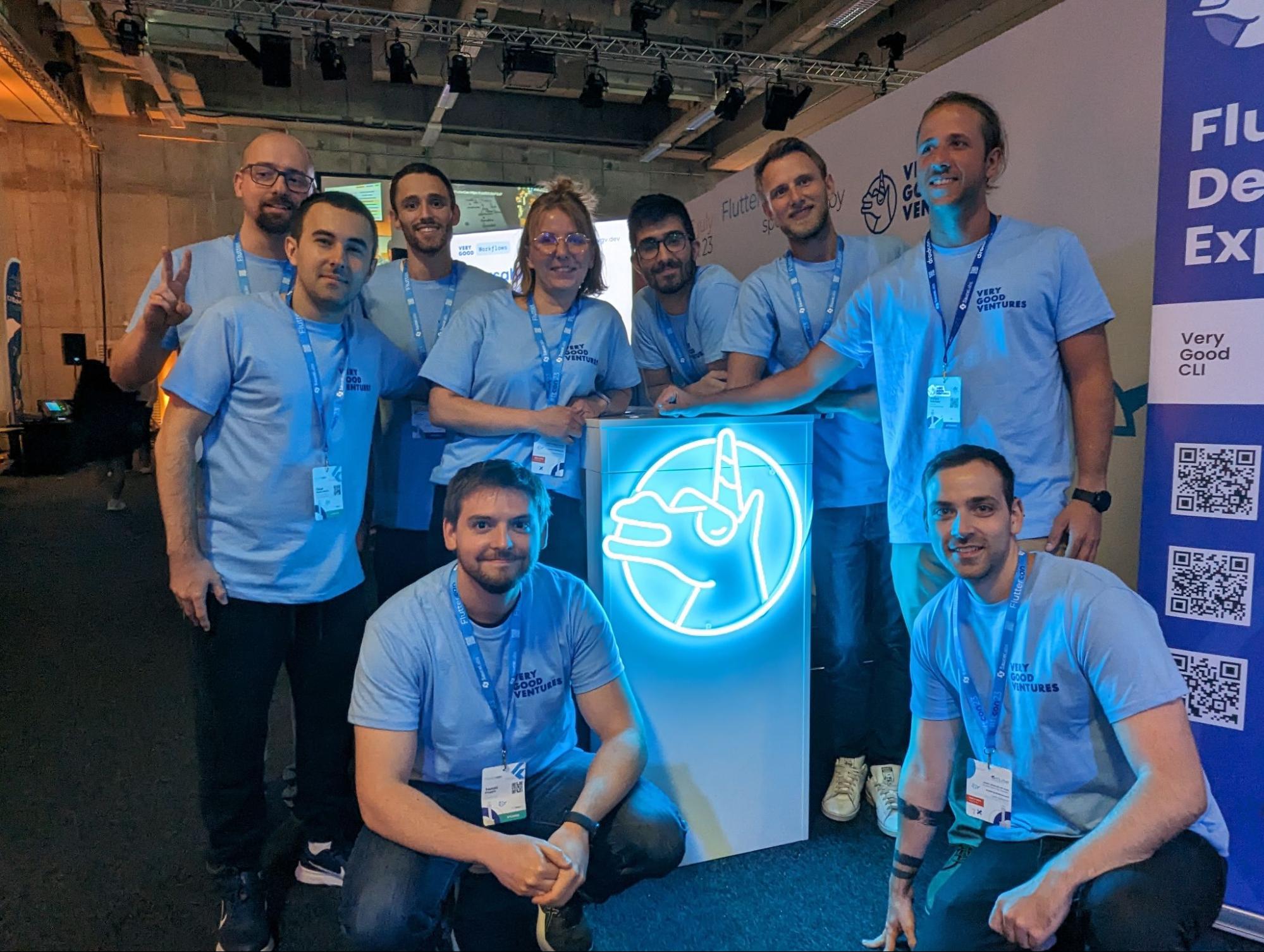
As the Flutter community continues to grow and thrive, we eagerly look forward to witnessing the next wave of innovative applications, captivating user experiences, and transformative developments that will shape the future of Flutter.
Attending Fluttercon was energizing! We can’t wait to see future collaborations, exciting projects, and the continued exchange of ideas within this vibrant community. Together, we are embarking on a journey fueled by passion, creativity, and a shared vision for building exceptional mobile and web applications using Flutter. The best is yet to come, and the Flutter community stands poised to drive innovation, inspire others, and shape the future of multi-platform app development.
### [**See how we can help on your Flutter journey >**](https://verygood.ventures/our-services/)
#### Frequently Asked Questions
##### Where and when was Fluttercon 2023?
Fluttercon 2023 took place earlier in July in Berlin, co-located with droidcon. It was a three-day conference with attendees from across the global Flutter community.
##### What was VGV's role at the conference?
VGV was a silver sponsor and sent six speakers to deliver talks and workshops across the three days.
##### Which VGV speakers presented and on what topics?
David DeRemer keynote on the cultural impact of Flutter within organizations
Tomas Piaggio workshop on Firebase and Flutter with Renuka Kelkar
Renan Araujo on Fragment shaders in UI design
Oscar Martin on writing functional and scalable code
Jochum van der Ploeg on Fluttium for end-to-end testing
Erick Zanardo workshop on Flame game development with Lukas Klingsbo
##### What Flutter milestones were announced at the conference?
Todd Volkert, Engineering Director for Flutter, shared updated stats during his keynote: over 6,000,000 Flutter developers and 1,100,000 Flutter apps on the market. Eric Seidel also delivered a keynote on the next ten years of Flutter.
##### Which VGV tools generated the most community interest?
Dart Frog and Flame drew the most attention. Attendees told the team they were already using Very Good CLI and other VGV tools, and many wanted to discuss Dart on the server and game development with Flame.
### Very Good Ventures and CreateThrive are now one team
Source: https://verygood.ventures/blog/vgv-acquires-createthrive/
Today is an exciting milestone for Very Good Ventures! CreateThrive, a consulting company that focuses on building custom software applications for mobile and web, has officially joined our VGV team of unicorns, bringing together two extraordinary leaders in the Flutter consulting ecosystem.
Since the first days of VGV, we’ve always worked to create a corporate culture and brand that people would love to work for, driven by values we stood by and evolved as we grew together. As one of the leading companies in the world in Flutter development, and with a world-class client portfolio, VGV has the momentum and capability to impact companies – like [Google](https://verygood.ventures/success-stories/flutter-news-toolkit/), [Dow Jones](https://verygood.ventures/success-stories/marketwatch-stock-market-game/), [Nav](https://verygood.ventures/success-stories/nav-fintech-flutter-app/), and [V1 Sports](https://verygood.ventures/success-stories/v1-sports/) – on a large scale. A deep focus on technology delivery, the ability to develop for any platform due to Flutter’s strengths, and top tier design and product capability, means VGV is an important strategic consulting partner for its clients.
CreateThrive has followed a similar trajectory to VGV. Just like us, they were early adopters of Flutter in 2018, and have been building with it ever since. We’ve gotten to know them through the Flutter community and through direct partnership, and they’ve proven their impact through a wide range of client projects.
## A Big Moment for Flutter and Expansion of Our Capabilities
Flutter continues to gain momentum, with over 1 million Flutter apps published to date. According to Google’s [Flutter 2023 Strategy document](https://docs.google.com/document/u/1/d/e/2PACX-1vRknZ4Jkc-pWSMsDDyKwMrry7k2BSL_I94JCCQrg8FiHuy4fcypkgIVFbQVKPmzDQHfd20uZf2rFiXP/pub), Flutter is picking up market share from other cross-platform frameworks. And, demand for Flutter continues to accelerate. We’ve been at the forefront of Flutter’s success by working with companies to adopt the new technology and create powerful digital experiences for any screen.
This acquisition means we’ll have the scale and capabilities to move faster than before to meet new demands of companies adopting Flutter to build innovative apps for mobile, web, desktop and embedded devices. Working with VGV means clients will be getting access to the world’s largest and most experienced Flutter consulting team.
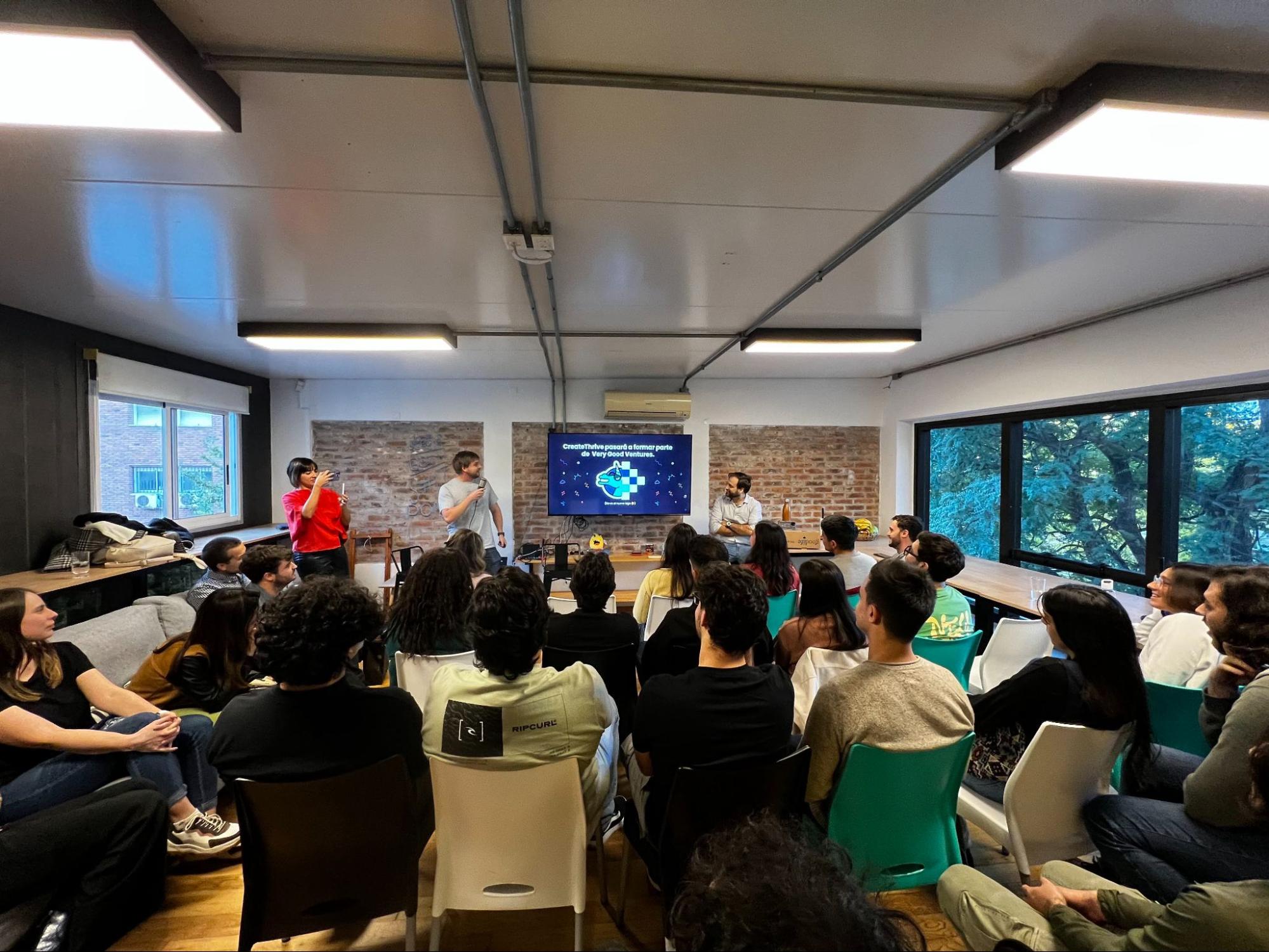
*Announcing the news to the CreateThrive team.*
Adding CreateThrive to VGV represents this commitment, with a focus on building the world’s largest and strongest Flutter team with a rigorous commitment to production-grade quality and the deepest full service capabilities to help companies launch and scale their development projects across all platforms.
We’re combining two teams of exceptional Flutter talent with compatible cultures focused on doing the best work. Having partnered together in the past on various client projects and collaborating in the Flutter community, the idea of an acquisition came naturally. With many shared cultural values and a ubiquitous sense of optimism, the integration of our two teams is a natural fit.
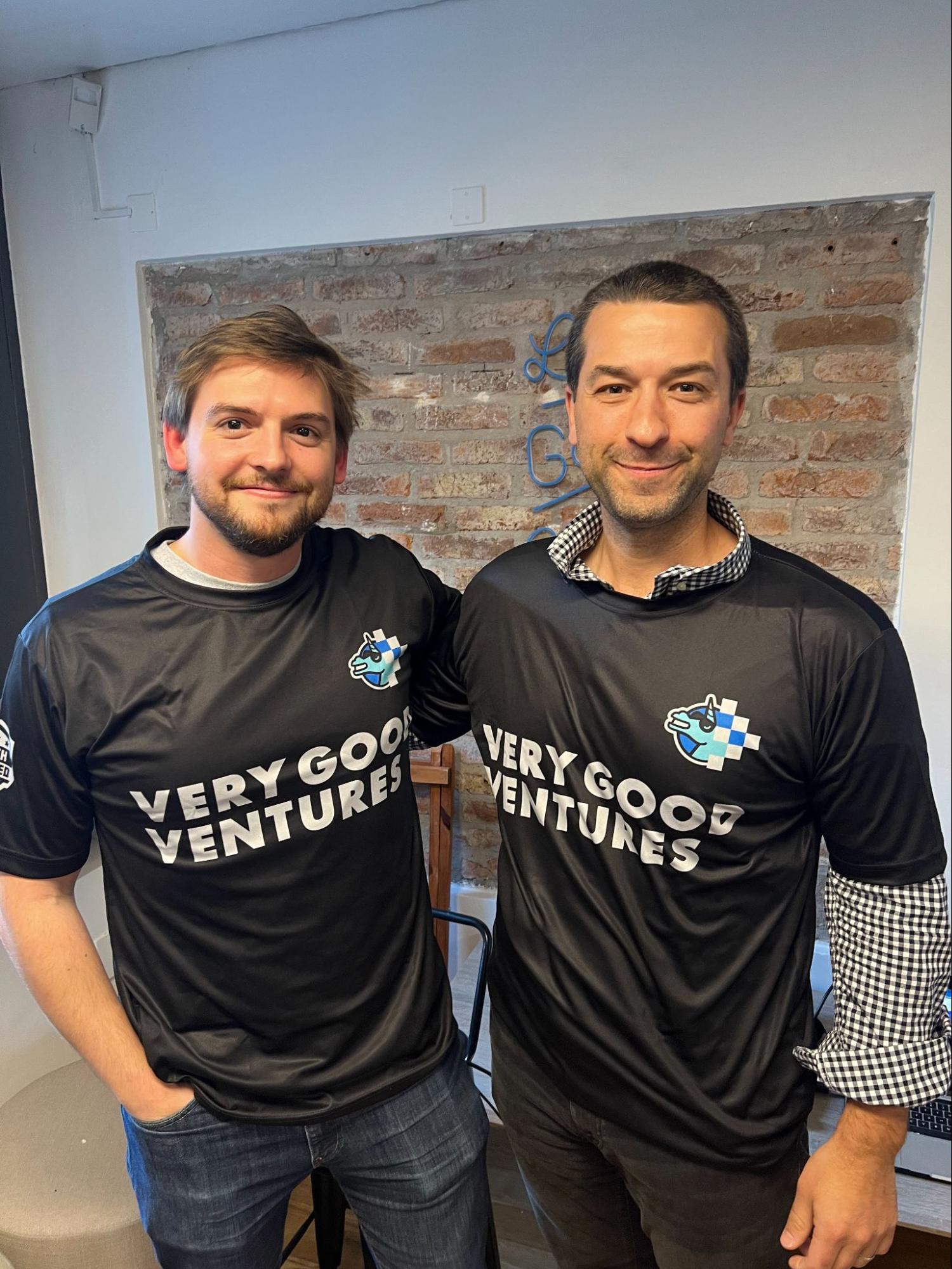
*Tomas Piaggio and David DeRemer*
Together, VGV and CT will have the largest Flutter team in the world as well as the ability to meaningfully scale as a team.
In addition to Flutter, CreateThrive brings an expansion of capabilities to help our clients, including web, backend, and QA engineering expertise as well design and delivery teams to the VGV ecosystem. These new capabilities will help us to better serve a wide variety of our clients needs beyond our core Flutter work. As trusted strategic partners, we’re now capable of designing, development, and managing complex applications for any client situation.
While we are excited about this announcement for what it means for our two teams, we also are excited for the momentum this signals for the broader Flutter community. Flutter has truly emerged as the best solution for multi-platform development, and a thriving community and business ecosystem has sprung up around it. We intend to use the combined passion of our team to help Flutter continue to grow long into the future.
## What’s next with this one global team
One thing that has always made VGV stand out is the culture of our team. Our people have always been enthusiastic, passionate, supportive, and engaged with the Flutter community. The spirit of the CreateThrive team is closely matched to VGVs, so we anticipate continuing to proliferate our positive culture. We’re building a special place, open and welcoming for all to do the best work of their careers.
One of our values at VGV is: **We are one team, both internally and with our clients.** With this acquisition, we’re perhaps most excited about the fact that Very Good Ventures and CreateThrive will now be one team. The truth is, CreateThrive has been a longtime partner of VGV. This acquisition means we’ll keep working together, but now able to tackle bigger and more important challenges for clients and for the community.
In our [recent case study](https://verygood.ventures/success-stories/nav-fintech-flutter-app/), Zain Khan, Head of Product at Nav notes “There was a genuine trust between our team and the VGV team. I speak for everybody; we did not think there was a VGV and a NAV team. There was one team.”
We are eager to bring the power of our expanded team to all of our client work.
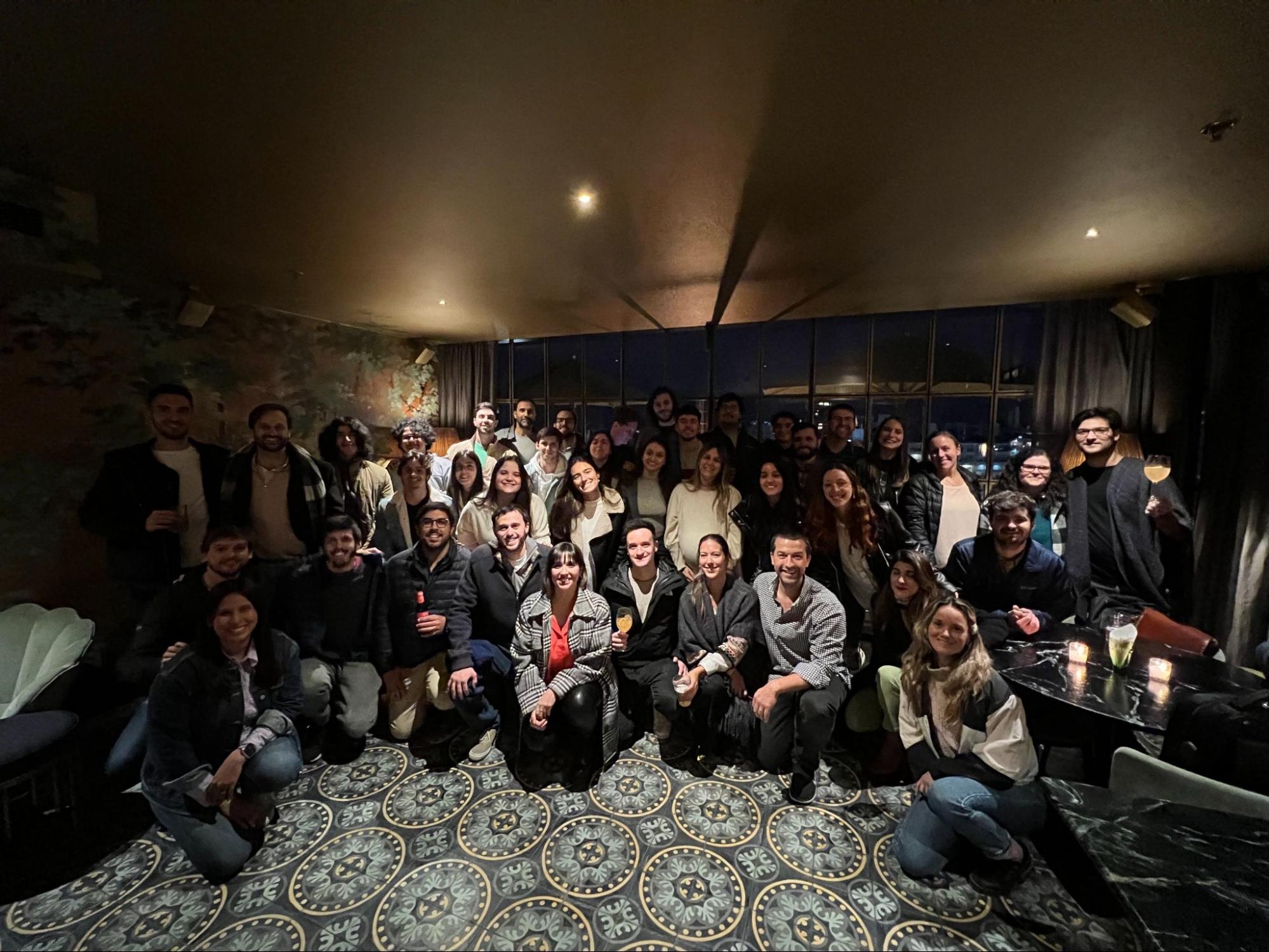
*The CreateThrive team.*
### [**See our press release to read more about Very Good Ventures acquiring CreateThrive.**](https://www.prnewswire.com/news-releases/very-good-ventures-acquisition-of-createthrive-underscores-flutter-momentum-and-enterprise-adoption-301865279.html)
#### Frequently Asked Questions
##### What is the announcement?
Very Good Ventures has acquired CreateThrive, a consulting company that builds custom software for mobile and web. The combined organization is the world's largest and most experienced Flutter consulting team.
##### Why did VGV acquire CreateThrive?
Both companies were early Flutter adopters in 2018 and have worked together on client projects through the years. Demand for Flutter is accelerating, and combining the two teams gives VGV the scale to meet new demand from companies adopting Flutter for mobile, web, desktop, and embedded applications.
##### What new capabilities does CreateThrive bring to VGV?
Beyond Flutter, CreateThrive brings web, backend, and QA engineering expertise along with design and delivery teams. These additions let VGV serve a wider range of client needs as a strategic partner across designing, developing, and managing complex applications.
##### How does this affect existing VGV clients?
Clients now work with a larger team that can move faster and scale more easily. VGV continues to support enterprise customers like Google, Dow Jones, Nav, and V1 Sports with the same standards.
##### Where can I read the official press release?
The full press release is on PR Newswire: Very Good Ventures Acquisition of CreateThrive Underscores Flutter Momentum and Enterprise Adoption.
### Very Good Ventures will be at Fluttercon Berlin 2023
Source: https://verygood.ventures/blog/very-good-ventures-will-be-at-fluttercon-berlin-2023/
The highly-anticipated [Fluttercon](https://fluttercon.dev/) is scheduled to take place in just a few weeks. Taking place July 5-7 in the vibrant city of Berlin, the conference promises to be a hub of innovation, collaboration, and learning, with developers gathering to showcase the latest in Flutter. The conference aims to bring together Flutter enthusiasts, developers, and industry experts for an immersive and inspiring event, which is co-located with [droidcon Berlin](https://berlin.droidcon.com/). Attendees will have the opportunity to explore the latest advancements, best practices, and real-world applications of Flutter. The conference will feature keynote speeches, technical sessions, workshops, and networking opportunities.
The event kicks off with [keynotes](https://fluttercon.dev/speakers/) by some influential figures from the Flutter community. They will share insights, experiences, and visions for the future of Flutter, providing attendees with valuable information about the framework's growth and upcoming features. We are especially excited for the talks, lightning sessions, and workshops delivered by developers from the community.
As a silver sponsor of Fluttercon, we will have a dedicated booth at the event, where attendees can meet our team and learn more about VGV’s contributions to the Flutter ecosystem. Come by and say hi!
## VGV talks at Fluttercon
We are excited that several of our VGV teammates will be speaking at the conference.
David DeRemer, our Founder and CEO will be delivering a keynote on day three of the conference about the cultural impact of Flutter implementation. David says: "I'm excited to witness the breadth and depth of the Flutter community. The sheer number and diverse range of talks is truly remarkable, showcasing the remarkable progress Flutter has made. However, above all, I'm eagerly looking forward to connecting with as many individuals as possible because, in essence, the Flutter community thrives on its amazing people."
Tomas Piaggio will be exploring Firebase's capabilities, and how to leverage them to create robust and scalable apps using Flutter. He'll also cover important security considerations to protect user data and provide an optimal user experience. Tomas shares, “I am most excited about the possibility of connecting with hundreds of developers from all around the world, especially my new VGV teammates whom I haven't met in person yet!”
Renan Araujo will be speaking about the transformative potential of Fragment shaders in UI design. Renan expressed his anticipation, sharing, "I am excited about the unprecedented significance that this conference holds for the Flutter community. We have never seen so many speakers and attendees at a Flutter conference before. The talks and workshops focused on gamedev will also complement the theme of my talk."
Óscar Martín will be covering the significance of writing functional and scalable code. Óscar eagerly shared his excitement for Fluttercon: “Super excited to meet in person for the first time a lot of friends from Flutter community, it is gonna be the biggest Flutter event I have ever been to!”
Jochum Van Der Ploeg will be talking about the use of Fluttium, an end-to-end user testing tool for Flutter. Jochum shares, “I am excited to not only show how accessibility and end-to-end testing can work together, but also to finally meet the people that I have interacted with over the years, as well as those I have already met.”
Erick Zanardo will be exhibiting the power of the Flame engine for game development by creating an exciting space shooter game using Flutter and Flame. He expressed his anticipation for the conference, saying, "With this being my first international Flutter conference, I have numerous reasons to be excited. However, at the top of my list is the opportunity to finally meet the incredible people within our Flutter community. I can't wait to connect with them and be a part of this amazing event!"
## What's next
Fluttercon is set to be an exciting experience for all things Flutter! We can’t wait to see what new developments will be unveiled at the event, and how they will shape the future of Flutter and app development. For those who can’t attend the conference in person, talks will be [recorded](https://fluttercon.dev/faqs/) and uploaded to the droidcon website after the event.
#### Frequently Asked Questions
##### When and where was Fluttercon Berlin 2023?
Fluttercon Berlin 2023 took place July 5-7, 2023 in Berlin, co-located with droidcon Berlin. Very Good Ventures attended as a silver sponsor with a booth and a slate of speakers.
##### Who from VGV spoke at Fluttercon Berlin 2023?
David DeRemer, Founder and CEO, delivered a day-three keynote on the cultural impact of Flutter. Tomas Piaggio covered building robust apps on Firebase with Flutter. Renan Araujo explored fragment shaders for UI. Óscar Martín spoke on functional, scalable code. Jochum van der Ploeg presented end-to-end testing with Fluttium. Erick Zanardo demonstrated building a space shooter with Flutter and Flame.
##### What was David DeRemer's keynote about?
David's keynote focused on how Flutter changes engineering culture beyond pure framework adoption. He drew from VGV's work with global companies to illustrate how shipping from one codebase reshapes how product, design, and engineering collaborate.
##### Can I watch the talks if I missed the conference?
Yes. Fluttercon Berlin 2023 sessions were recorded and uploaded to the droidcon website after the event.
### Erick Zanardo talks about building I/O FLIP on Observable Flutter: Key takeaways
Source: https://verygood.ventures/blog/erick-zanardo-talks-about-building-i-o-flip-on-observable-flutter-key-takeaways/
Earlier this month, Erick Zanardo joined Craig Labenz on the Observable Flutter livestream to talk about [I/O FLIP](https://flip.withgoogle.com/#/), the AI-designed take on a classic card game demoed on-stage at Google I/O. As the tech lead on the project, Erick took us behind the scenes on the origins of the game, how we built it in collaboration with Google, and some of the key learnings from the project.
Here are some of the things they talked about:
## Origins of I/O FLIP
At VGV, we’ve worked with Google on a few demos for Google I/O, such as [I/O Photo Booth in 2021](https://github.com/flutter/photobooth) and [I/O Pinball](https://pinball.flutter.dev/) last year. This year, we teamed up with Google to build for I/O FLIP, a digital card game designed by AI. Erick recounts that the early days of the project were spent on brainstorming. The only requirement the team had was to incorporate AI and machine learning into the game — everything else was up in the air. Some of the early ideas were other games, such as an RPG game with AI-generated quests and assets. Ultimately, the team settled on a card game because it had simple game mechanics and because it wouldn’t take long to play a round, it could encourage players to keep playing.
## Flutter brings UI of the game to life
Since this was a Flutter showcase project, Flutter was used for the frontend of I/O FLIP. The Casual Games Toolkit provided a great foundation for both the background music and audio effects within the game via the AudioController class.
Erick took us behind the scenes for the code of the rainbow foil shader that is applied to special cards in I/O FLIP. Craig provided some more context around two key shader widgets: ShaderBuilder, which compiles the shader, and the AnimatedSampler, which renders an element in your app and then applies the shader to that desired element in your app (Craig also teased some shader resources to come later this month 👀).
## Building a server-authoritative Game: Dart Frog 🤝 Firestore
The team decided to use Dart Frog to help build the backend of this project: Erick says that they didn’t want to put all of gaming logic on the client because if they did, players could try to take a look an the servers, try to find ways to exploit the game, and take advantage of their opponent.
I/O FLIP is a server-authoritative game, which means it is defined by the backend. All of the logic about which player wins a round, and which player wins the match would be defined by logic on the backend.
Erick recalls that the team considered using Firebase functions to handle these server operations, but ultimately decided to use Dart Frog to be able to share code between the server and the client.
## How long did it take to build I/O FLIP?
Erick tells us that I/O FLIP took around three months to go from ideation to final product. There were many phases within where the team explored ideas and created proofs of concept for different approaches. Once they landed on the final idea of the card game, it took about 6 weeks to build.
### Check out the [**full livestream**](https://youtu.be/UMUDLU6sh2s) for even more technical details, including more on the AI integrations and scaling with Firebase. Or, play [**I/O FLIP**](https://flip.withgoogle.com/#/).
### How It’s Made: I/O FLIP
Source: https://verygood.ventures/blog/how-its-made-i-o-flip/
[I/O FLIP](http://flip.withgoogle.com/) is an AI-designed card game powered by Google and built in Flutter. It unites a handful of Google products and techniques. This includes [Flutter](https://flutter.dev/), [Firebase](https://firebase.google.com/), generative AI tools, Dreambooth on Muse, [PaLM API](https://developers.googleblog.com/2023/03/announcing-palm-api-and-makersuite.html), and [MakerSuite](https://developers.googleblog.com/2023/03/announcing-palm-api-and-makersuite.html). Players can play multiple matches and share cards from their game to social media.
To play the game, visit [http://flip.withgoogle.com](http://flip.withgoogle.com/). To start and to generate your deck, answer a few prompts. To make your hand and join a match, select three cards. You’ll use these cards to play your opponent for three rounds in which the highest card wins the round. The fun doesn’t have to end when the match does. Keep playing matches to increase your win streak and try to make the leaderboard!
Let’s dig into the technical details of we used Flutter and Firebase to build I/O FLIP.
## A card game created with Flutter
The I/O FLIP user interface, animations, hologram effects, and backend, were all built with Flutter and Dart.
To start, we leveraged the [Flutter Casual Games Toolkit](https://docs.flutter.dev/resources/games-toolkit). We used the out-of-the-box audio functionality, game lifecycle, and app navigation with [go_router](https://pub.dev/packages/go_router) as a foundation. From there, we built out the game logic and UI. I/O FLIP is a [responsive web app](https://docs.flutter.dev/ui/layout/adaptive-responsive). It resizes its UI based on the players’ screen. The app also handles input based on the device the player uses. It receives touch input when accessed on a mobile device or tablet and mouse input on desktop.
Playing cards are a key element of I/O FLIP. Thousands of cards could end up in a player’s deck. Each card displays a Google mascot, element, and power value. The elements come into play when they go up against each other. For example, when someone plays a fire card and their opponent plays a water card, the water card receives a penalty of 10 points. We also used records, a [new feature of Dart 3](https://medium.com/dartlang/dart-3-alpha-f1458fb9d232), to render a frame based on the card element.
```dart
… (String, SvgPicture) _mapSuitNameToAssets() {
switch (suitName) {
case 'fire':
if (isRare) {
return (
Assets.images.cardFrames.holos.cardFire.keyName,
Assets.images.suits.card.fire.svg(),
);
}
return (
Assets.images.cardFrames.cardFire.keyName,
Assets.images.suits.card.fire.svg(),
);
…
```
## Cards created with AI-generated images and descriptions
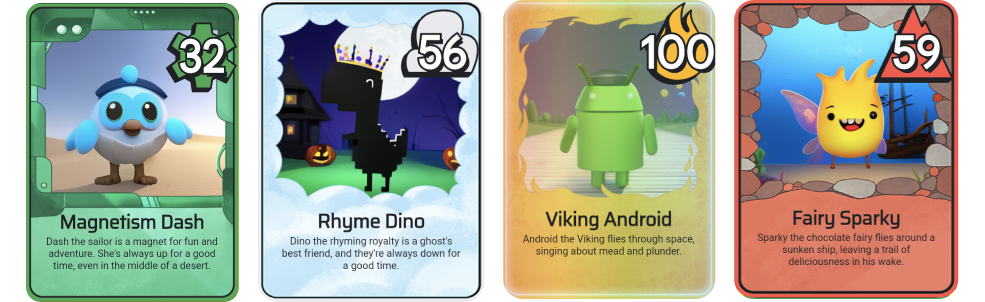
*Example I/O FLIP cards*
Each card in I/O FLIP is unique because it contains an AI-generated image and description. At the beginning of the game, players answer two prompts. These prompts help populate a deck of 12 cards that feature images and descriptions that AI models pre-generated.
Google team used two technologies to pre-generate the images: [Muse](https://muse-model.github.io/), a Transformer text-to-image model, and [DreamBooth](https://dreambooth.github.io/). DreamBooth enables synthesizing a subject in diverse scenes, poses, views, and lighting conditions. Each card contains one of four Google mascots: [Dash](https://docs.flutter.dev/dash), Sparky, [Android](https://source.android.com/docs/setup/about/brands#robot-android), or Dino, and a location. The mascot also has an item that designates their team. The “team type” prompt at the beginning of the game seed the creation of this item. For example, selecting “wizard” may result in a character with a wizard hat, magic wand, or something else wizardly!
The Google team used the [PaLM API](https://developers.googleblog.com/2023/03/announcing-palm-api-and-makersuite.html) to pre-generate card descriptions. The PaLM API accesses Google’s large language models. The prompts at the beginning of the game included the team type and power type for their team. Let’s say you selected team “Wizard” and power “Magnetism”. When your cards generate, one card’s description includes context to the generated image including the character’s special powers. For example, “Dash the Wizard lives in a castle with his pet dragon. He loves to cast spells and make people laugh.”
Flutter composes the cards via the **GameCard** widget. This widget receives the card’s data: name, description, image, and power. Once it creates the card, it applies a border to depict the card’s suit element. If a card is a special card, Flutter applies a foil shader effect.
To learn more about how the Generative AI aspects of the game were created, check out [this Google Developer blog post](https://www.google.com/url?q=https://developers.googleblog.com/2023/05/how-its-made-io-flip-adds-twist-to.html&sa=D&source=docs&ust=1684366112610573&usg=AOvVaw1fj9CV5BxCPvxUEGfcZF39).
## Shaders add foil effect to special cards

Flutter supports [fragment shaders](https://docs.flutter.dev/ui/advanced/shaders). To generate these per-pixel visual effects, Flutter runs the OpenGL Shading Language (GLSL) on the device’s GPU. Trading card collectors might remember the feeling of opening a pack to find a special edition card with a shiny, holographic foil. I/O FLIP includes special foil cards, too. They are valued at 100 points. Regular cards have a point values ranging from 10 to 99. We used custom shaders to render the foil effect.
We implemented the foil shader in the **foil.frag** file. The effect uses the following constants:
- **STRENGTH**. This mixes the original pixel color with the color of the foil effect. This ranges from 0.0 for no effect to 1.0 for full effect.
- **SATURATION**. This sets the intensity of a color. This ranges from 0.0 for grayscale, or absence of color, to 1.0 for full color or absence of black.
- **LIGHTNESS**. This ranges from 0.0 for full black to 1.0 for full white.
The shader also receives input through [uniforms](https://docs.flutter.dev/ui/advanced/shaders#uniforms), in this case **resolution** and **offset**. The uniform **sampler2d** called **tSource** represents the card image to which the shader is applied. The final result is a card with a foil effect.
```glsl
vec4 rainbowEffect(vec2 uv) {
vec4 srcColor = texture(tSource, uv);
float hue = uv.x / (1.75 + abs(offset.x)) + offset.x / 3.0;
float lightness = LIGHTNESS + 0.25 * (0.5 + offset.y * (0.5 - uv.y));
hue = fract(hue);
float c = (1.0 - abs(2.0 * lightness - 1.0)) * SATURATION;
float x = c * (1.0 - abs(mod(hue / (1.0 / 6.0), 2.0) - 1.0));
float m = LIGHTNESS - c / 2.0;
vec3 rainbowPrime;
if (hue < 1.0 / 6.0) {
rainbowPrime = vec3(c, x, 0.0);
} else if (hue < 1.0 / 3.0) {
rainbowPrime = vec3(x, c, 0.0);
} else if (hue < 0.5) {
rainbowPrime = vec3(0.0, c, x);
} else if (hue < 2.0 / 3.0) {
rainbowPrime = vec3(0.0, x, c);
} else if (hue < 5.0 / 6.0) {
rainbowPrime = vec3(x, 0.0, c);
} else {
rainbowPrime = vec3(c, 0.0, x);
}
vec3 rainbow = rainbowPrime + m;
return mix(srcColor, vec4(rainbow, srcColor.a), STRENGTH);
}
```
## Firebase enables game hosting and sharing to social media
All of the gameplay communication happens in real time via [Firebase’s Cloud Firestore](https://firebase.google.com/docs/firestore). Firebase Storage hosts the card assets that generate players’ card decks. We also use Cloud Firestore to track the “Highest Win Streak” on the leaderboard. When a leaderboard adds new leader, the [**firedart**](https://pub.dev/packages/firedart) package adds it to Firestore.
## Dart Frog enables sharing code between the backend and frontend
I/O FLIP needed a backend to prevent cheating. This server-authoritative game logic prevents malicious clients from sending fabricated requests. Dart Frog keeps the game logic, such as the winner of each round, on the backend. It also shares this code between the Flutter frontend and the Firestore backend. Sharing code has a few benefits. It allows us to share logic. For example, if one player wins a round, the game can display a win animation without needing to query Firebase every time. Sharing code also sped development, since the team could write backend and frontend code in the same language: Dart. We deployed the I/O FLIP Dart Frog server to [Cloud Run](https://cloud.google.com/run). This means the server code runs in Google Cloud and can autoscale, so the app can handle many players at once.
```dart
FutureOr onRequest(RequestContext context) async {
if (context.request.method == HttpMethod.post) {
final cardsRepository = context.read();
final promptRepository = context.read();
final body = await context.request.json() as Map;
final prompt = Prompt.fromJson(body);
if (!await promptRepository.isValidPrompt(prompt)) {
return Response(statusCode: HttpStatus.badRequest);
}
final characterClass = prompt.characterClass;
if (characterClass == null) {
return Response(statusCode: HttpStatus.badRequest);
}
final characterPower = prompt.power;
if (characterPower == null) {
return Response(statusCode: HttpStatus.badRequest);
}
final cards = await cardsRepository.generateCards(
characterClass: characterClass,
characterPower: characterPower,
);
return Response.json(
body: {'cards': cards.map((e) => e.toJson()).toList()},
);
}
return Response(statusCode: HttpStatus.methodNotAllowed);
}
```
Dart Frog also facilitates sharing on social media. When selecting cards, a player can share an individual card to Twitter or Facebook. When you submit your score to the leaderboard, you can share your hand to Twitter or Facebook. Once the user clicks **Share**, Dart Frog generates a pre-populated post. This post contains text and a link to a webpage with your corresponding hand or card and a button for visitors to play I/O FLIP themselves!
## What’s next
I/O FLIP showcases how to combine Flutter and Firebase, along with Google generative AI tools and techniques, in a fun game that people around the world can play.
[Play a game](http://flip.withgoogle.com/) and show us your hand, or dig into the [open source code](https://github.com/flutter/io_flip)!
### Google I/O 2023: Spotlight on AI, Flutter Moves Forward & I/O FLIP Takes the Stage
Source: https://verygood.ventures/blog/google-i-o-2023-spotlight-on-ai-flutter-moves-forward-and-i-o-flip-takes-the-stage/
There were a lot of exciting announcements made by Google at this year’s highly anticipated [Google I/O](https://io.google/2023/). AI was at the forefront of this year’s conference, with Google showcasing new AI advancements for its products, such as the Google Workspace, Google Photos, and Google Cloud, to name a few. On the developer side, there were several key updates to Flutter that we’re excited about. Read on for what caught our eye from Google I/O!
## Flutter development ecosystem gets an upgrade
Google’s app development ecosystem saw some big advancements at I/O this year. Notably, [Flutter version 3.10](https://docs.flutter.dev/release/release-notes/release-notes-3.10.0) was highlighted during the Developer Keynote, with new features such as element embedding, shader improvements, and faster load times. Google also announced a focus on new technologies, particularly WebAssembly, which will enable Flutter to render three times faster in the browser.
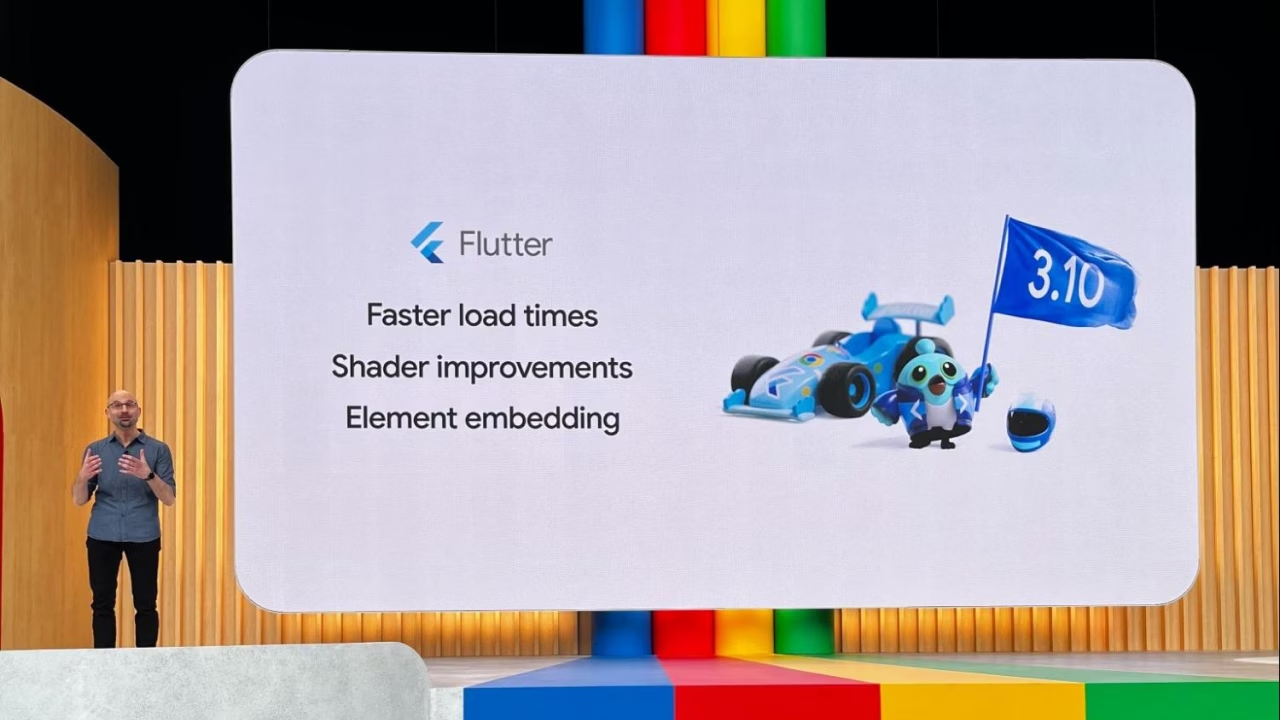
It’s exciting to see the advancements with WebAssembly (Wasm). Wasm now supports Dart, expanding its advantage of providing native support to the web, and enabling Flutter developers to build beautiful, performant apps.
Another interesting highlight from I/O was Wear OS. The popularity of Wear OS has grown significantly since the launch of Wear OS 3, with active devices increasing by 5 times. To aid in the effort of developers creating compelling apps for the wrist, Google introduced the new Watch Face Format, an XML format that simplifies the process of bringing your creative ideas to smartwatches. This will make it even easier for developers to create engaging and innovative watch faces that will enhance the user experience on Wear OS. To get started, check out our [guide to building Wear OS apps with Flutter](https://verygood.ventures/blog/building-wear-os-apps-with-flutter-a-very-good-guide/).
Additionally, the most recent Flutter release has incorporated a JNI bridge to Jetpack libraries that are written in Kotlin. This allows developers to incorporate a new Jetpack library directly from Dart without the need for an external plugin. The new feature make it easier to use system APIs without having to use platform channels.
[Read more about the major Flutter updates to Flutter in this article.](https://verygood.ventures/blog/building-wear-os-apps-with-flutter-a-very-good-guide/)
## Impeller moves forward
Flutter has been rebuilding its graphics rendering architecture to empower developers and designers to deliver smoother graphics. The new engine, Impeller, was introduced on iOS and has now been turned on by default for iOS with the release of Flutter 3.10, significantly enhancing in app performance and graphics.
Impeller is built on Vulkan, which uses low-level APIs for faster rendering on the graphics hardware. A preview for Impeller for Android is soon to follow, along with more details about the technical details of Impeller. We are looking forward to experimenting with Impeller on future projects, especially those with complex animations and graphics.
## I/O FLIP, an AI-designed card game built with Flutter and Firebase, takes the stage
We were especially excited to see [I/O FLIP](https://flip.withgoogle.com/) take the stage at Google I/O!
VGV collaborated with Google to build the card game [using several Google products and technologies](https://developers.googleblog.com/2023/05/how-its-made-io-flip-adds-twist-to.html). This game is a great example of incorporating Google’s new generative AI technologies into a fun digital experience. The individual cards each contain images and text generated from AI. The custom character images were generated with DreamBooth on Muse, and their descriptions were written using PaLM API. The game was built in Flutter for the web with Dart Frog and Firebase as the backend. View the [open source code here](https://github.com/flutter/io_flip).
I/O in-person attendees even received physical I/O FLIP cards in their swag bags!

## Betterment mobile app highlighted at Google I/O
We were happy to see the Betterment mobile app being showcased during Google I/O. A few years ago, Betterment, a popular investing platform, decided to transition from their existing native code to Flutter.
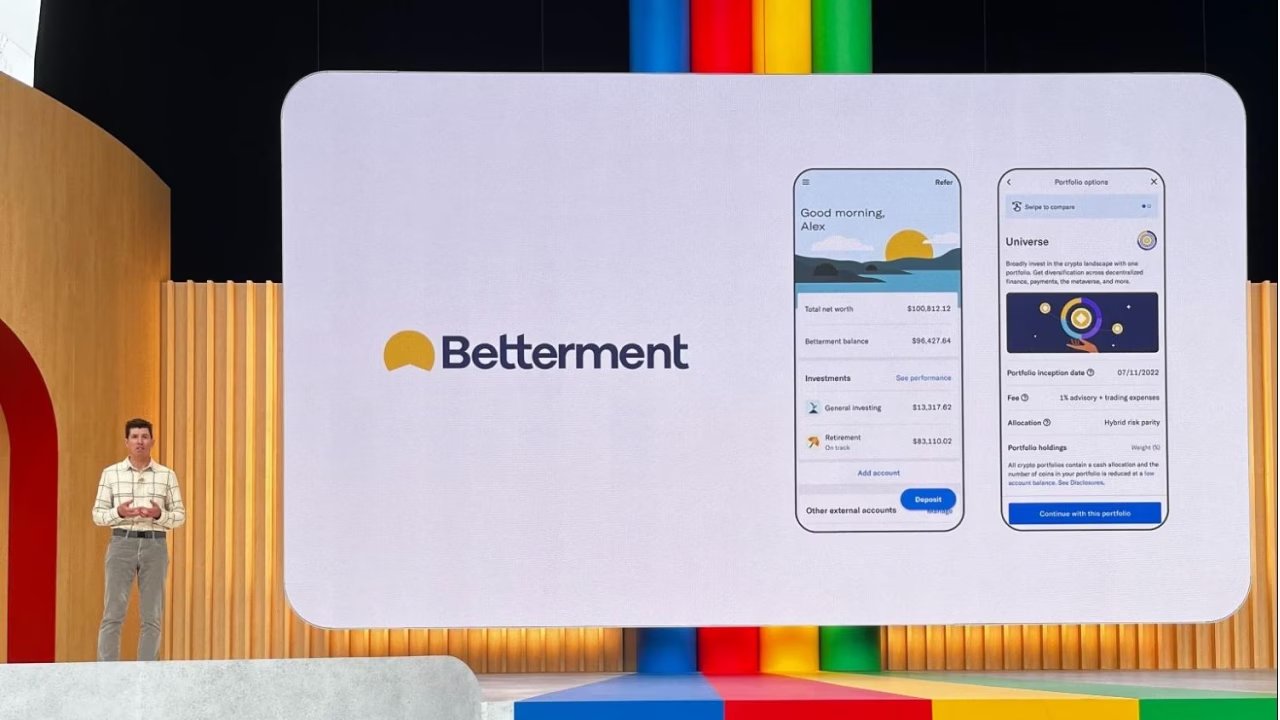
In their [developer story](https://www.youtube.com/watch?v=1J3B-xaoXgw&ab_channel=Flutter), the team highlights how Flutter allowed them to achieve a native-like experience across multiple platforms, including iOS and Android, with a single codebase. They emphasized the ability Flutter gave the team to iterate quickly and efficiently during the development process.
Additionally, Betterment demonstrates how the extensive set of customizable UI components and its robust performance contributes to a seamless and responsive user interface. Their use of Flutter demonstrates how the framework can enable businesses to create cross-platform apps, with a focus on user experience and efficiency.
We at VGV had the privilege of working with their team on their initial migration to the new framework. [Read more about how we worked with Betterment to shift to Flutter](https://verygood.ventures/success-stories/betterment/).
## VGV at Google I/O
This was the first year that some of our teammates attended the event in person.

The energy and excitement of Google I/O was real! AI was certainly at the forefront of all of the major announcements, which is indicative of where the tech industry is heading as a whole. It was really cool to see so many new product updates and demos on stage. Of course, I/O FLIP being featured on the big screen was a major highlight! One of our favorite parts was watching Craig and Chloe face off by playing the card game between the keynotes.
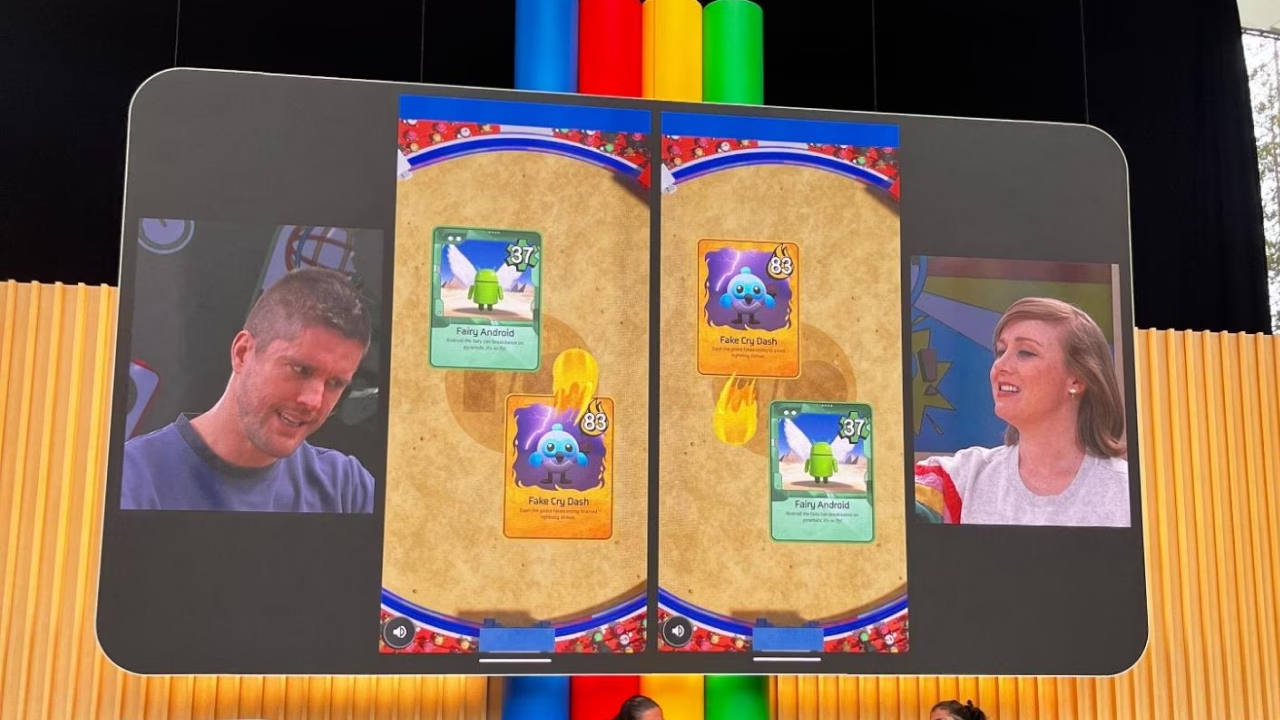
After the I/O festivities, our team also attended the Flutter x Firebase reception, which was a cool opportunity to meet with others who share our same love of Flutter.
## Looking Ahead
Google I/O 2023 showcased Google’s impressive advancing technologies. With advancements for Flutter, Android, Web, and Firebase, developers can expect to see improved performance and improvements in the developer experience. We’ll keep a close eye on all of the advancements, and especially how AI will shape the future of technology.
#### Frequently Asked Questions
##### What was new in Flutter 3.10 at Google I/O 2023?
Flutter 3.10 added element embedding, shader improvements, and faster load times. Google also announced Dart support for WebAssembly, which lets Flutter render up to three times faster in the browser.
##### What is Impeller and why does it matter?
Impeller is Flutter's new graphics rendering engine. Built on Vulkan, it uses low-level APIs for faster rendering on graphics hardware. With Flutter 3.10, Impeller became the default on iOS, with an Android preview to follow.
##### What is I/O FLIP?
I/O FLIP is a card game VGV built with Google for I/O 2023. It uses generative AI to produce card images and text. The cards were generated with DreamBooth on Muse, descriptions came from the PaLM API, and the game runs on Flutter for the web with Dart Frog and Firebase as the backend. View the open source code.
##### What did Google announce for Wear OS at I/O 2023?
Wear OS active devices grew 5x since the launch of Wear OS 3. Google introduced the Watch Face Format, an XML format that simplifies bringing creative ideas to smartwatches. VGV's guide to Wear OS apps with Flutter covers how to get started.
##### What is the JNI bridge in the latest Flutter release?
Flutter 3.10 added a JNI bridge to Jetpack libraries written in Kotlin, so developers can call new Jetpack libraries directly from Dart without an external plugin. The bridge cuts out platform channels for many Android system APIs.
### Top Flutter & Dart Packages in 2023
Source: https://verygood.ventures/blog/top-flutter-dart-packages/
Open source packages play a huge role in software development, especially when it comes to building Flutter apps. [Pub.dev](http://pub.dev/) has a growing ecosystem of over 33,000 packages to help you add functionality to your Flutter application.
This blog contains a curated list of Flutter and Dart packages that are useful to building apps at VGV, as well as those we use in our personal projects.
**Table of Contents:**
- [**How to decide which Flutter or Dart package to use in your project**](#id-how-to-decide-which-flutter-or-dart-package-to-use-in-your-project)
- [**Top open source packages**](#id-top-open-source-packages)
- [**Top VGV packages**](#id-top-vgv-packages)
✨ denotes a package added in this update
## How to decide which Flutter or Dart package to use in your project
With thousands of packages to choose from in the Flutter ecosystem, how do you choose which package to use in your project? Here at VGV, we take a few characteristics into account when selecting a package to include in our projects.
Packages that have example code, are well-documented, and have a clear README will be much easier to implement in your own code than packages without. On the more technical side, we recommend looking for the package's test coverage, a well documented changelog, lint rules, and if the package is up to date with the latest version of Flutter.
The Flutter Ecosystem Committee also takes much of this into account when they give a package the [Flutter Favorite badge](https://docs.flutter.dev/development/packages-and-plugins/favorites). Here is a list of questions we use to assess packages:
**Basics**
- Does the package have a clearly defined scope/focus?
- Does it have an intuitive API?
- Does it have a permissive license (MIT, etc.)?
- Does it have an easy to read changelog?
- Does it have contributing guidelines?
- Is it widely used? We like to look at GitHub stars, dependents, and the popularity score on pub to approximate. Bonus points if it’s a Flutter Favorite!
**Quality**
- Does it have good test coverage?
- Does it have a good pana score?
- Does it have lint rules configured?
- Does it have continuous integration configured?
**Maintenance**
- Is it kept up-to-date with the latest stable versions of Flutter/Dart?
- Is it well-documented?
- Does it contain information on how to use the package (README, examples, docs site, etc.)?
- Does it have API documentation (dart doc)?
- Are the maintainers active?
- Are the maintainers friendly and collaborative?
## Top Open Source Packages
### alchemist
[Alchemist](https://pub.dev/packages/alchemist) is a package designed to enhance golden testing. This package, developed by Betterment x VGV, contains a declarative API and addresses some pain points of golden test support within the Flutter framework — such as fixing continuous integration test flakes and simplifying injecting a custom theme. Here’s a [blog about how to use alchemist](https://verygood.ventures/blog/alchemist-golden-tests-tutorial/) with your golden tests.
### auto\_size\_text ✨
[Auto_size_text](https://pub.dev/packages/auto_size_text) is an enhanced text widget that automatically sizes the text within an area to fit the desired constraints. These constraints include max size, min size, max lines, or even a preset list of sizes.
### cached\_network\_image ✨
[Cached_network_image](https://pub.dev/packages/cached_network_image) is a great way to load any images that are coming from the network. This library will load an image, as well as show placeholders and loading animations. It will also cache this image so you are not loading the same image twice.
### collection
This package from the Dart team is a must-have if you’re using collections in your codebase. [Collection](https://pub.dev/packages/collection) contains functions to help with equality within elements of a collection, as well as between collections, list operations, priority queue implementation, and wrappers.
### coverage
We believe in the [importance of 100% code coverage](https://verygood.ventures/blog/very-good-coverage/), which ensures that each line of code is tested and behaves as expected. [Coverage](https://pub.dev/packages/coverage) is a great Dart package that allows users to collect, manipulate, and format coverage data.
With coverage, you can collect coverage from the Dart VM and format that coverage data into [LCOV](http://ltp.sourceforge.net/coverage/lcov.php) or pretty-printed format.
### cloud\_firestore
[Cloud_firestore](https://pub.dev/packages/cloud_firestore#cloud-firestore-plugin-for-flutter) is a Flutter plugin that gives users access to the Firebase [Cloud Firestore](https://firebase.google.com/products/firestore) database, a NoSQL cloud database for mobile, web, and server development. This allows your application to read, write, and react to real-time changes in the Firestore database.
Be sure to check out the documentation on how you can start [using the cloud_firestore package](https://firebase.flutter.dev/docs/firestore/usage/) in your own projects.
### equatable
[Equatable](https://pub.dev/packages/equatable) is a small but helpful package for comparing Dart objects. This package overloads the == operator and allows you to compare objects without code generation.
### firebase\_auth
We can’t recommend cloud\_firestore without also mentioning [firebase_auth](https://pub.dev/packages/firebase_auth). firebase\_auth allows users to access the [Firebase Authentication](https://firebase.google.com/products/auth/) API, enabling authentication through passwords, telephone numbers, and service providers like Twitter, Facebook, and Google.
Visit the [Authentication Usage documentation](https://firebase.flutter.dev/docs/auth/usage/) to learn more about integrating firebase\_auth into your projects.
### flame
[Flame](https://pub.dev/packages/flame) is a must-have for game development in Flutter. It leverages the Flutter framework to provide everything you need to build performant games. With flame, your Flutter game is only a widget away. Get started with their detailed documentation.
### flame\_bloc
If you’re using flame to build a game, you can also leverage the bloc library for managing game state. The [flame_bloc](https://pub.dev/packages/flame_bloc) package makes it easy to access and listen to blocs and cubits. For a tutorial on using flame\_bloc, [check out our blog](https://verygood.ventures/blog/flutter-games-with-bloc-and-flame/).
### flutter\_bloc
We prefer to use the [flutter_bloc](https://pub.dev/packages/flutter_bloc) package for state management. A [Flutter Favorite](https://flutter.dev/docs/development/packages-and-plugins/favorites), flutter\_bloc is a simple, predictable, and easily testable solution to state management, which fits in perfectly with the development practices here at VGV. We even wrote an article that takes an in depth look at [why we use flutter_bloc](https://verygood.ventures/blog/why-we-use-flutter-bloc/).
### flow\_builder
[Flow_builder](https://pub.dev/packages/flow_builder) is a Flutter package that simplifies the use of navigation stacks following the new Navigator 2.0 API. Simply create a flow state and flow\_builder will be able to generate a new navigation stack based on changes to the flow state.
### flutter\_gen
In Flutter, using a string to specify a path to an asset isn’t safe. For example, an assertion error can be thrown if you accidentally mistype the asset path. [flutter_gen](https://pub.dev/packages/flutter_gen) is a code generator for assets, fonts, colors, and more, effectively getting rid of string-based APIs.
With flutter\_gen, you can use code generation to generate compile-safe asset references instead of using strings for asset paths. For more information on how to install and use flutter\_gen, be sure to check out the [documentation](https://pub.dev/packages/flutter_gen).
### flutter\_secure\_storage ✨
If you are looking to store sensitive data on a device, [flutter_secure_storage](https://pub.dev/packages/flutter_secure_storage) may come in handy. This library provides a convenient way to access the platform specific encrypted storage: Keychain for iOS and AES encryption or EncryptedSharedPreferences for Android.
### freezed ✨
[Freezed](https://pub.dev/packages/freezed) allows you to define immutable classes in Dart in a clean and easy way. When annotated on a class, freezed will generate all of the required boilerplate to make the class into a data class with fromJson, toJson, and all other necessary methods. Freezed can be a useful tool, but it should be used intentionally, as it can cause long build times when used in larger projects.
### googleapis
The [googleapis](https://pub.dev/packages/googleapis) Dart package provides auto-generated Dart libraries to access the APIs found in the [Google API Client Libraries](https://developers.google.com/api-client-library). Installing this one package gives you access to dozens of available Google APIs, including the Admin SDK, Calendar, Dialogflow, Drive, and more.
Be sure to read up on how you can use [Google APIs with Flutter](https://flutter.dev/docs/development/data-and-backend/google-apis).
### hive
[Hive](https://pub.dev/packages/hive) is a Dart package that provides developers with an easily accessible NoSQL Database. It is simple, powerful, and intuitive — we appreciate how you can easily store primitives and Dart objects inside hive’s map-like database.
### in\_app\_review
User feedback can be an integral part of the app development process, so we’re including the [in_app_review](https://pub.dev/packages/in_app_review) Flutter package on our list. Developers can prompt users for an app store review within the app.
### mason
The [mason](https://pub.dev/packages/mason) Dart package is a key tool in increasing efficiency through automation. With mason, you can create and customize reusable code templates in the form of bricks. Here is an article with tutorials on how to use [mason](https://verygood.ventures/blog/code-generation-with-mason/).
### membrane
[Membrane](https://github.com/jerel/membrane) is a helpful package for generating code from Rust to Dart. With an emphasis on performance and strict typing, it’s a reliable way to port code over into Dart.
### mocktail
Automated testing is a key component of our development workflow to ensure that our applications perform as expected. One go-to package for writing automated tests is [mocktail](https://pub.dev/packages/mocktail). Mocktail, inspired by [mockito](https://pub.dev/packages/mockito), allows users to stub and verify method behavior by creating mocks without relying on code generation in null safe codebases.
Mocktail also works in tandem with our new [mockingjay](https://pub.dev/packages/mockingjay) package, which allows users to mock, test, and verify navigation behavior. Stay tuned for more about this new package!
### modal\_bottom\_sheet
Maintained by our teammate Jaime Blasco, [modal_bottom_sheet](https://pub.dev/packages/modal_bottom_sheet) makes it simple to implement a modal bottom sheet that is both performant and looks at home on any native mobile device. It includes support for scrolling, dragging, and other customizations.
### pana
[Pana](https://pub.dev/packages/pana) is a handy Dart package that lets you analyze the health and quality of other packages that you’re using in your application. It evaluates the packages across multiple categories:
- Follows Dart conventions
- Provides documentation
- Supports multiple platforms
- Passes static analysis
- Supports up-to-date dependencies
To get started, simply install pana from pub.dev and specify either a package or a local directory to analyze.
### Plus Plugins ✨
The [Plus Plugins](https://github.com/fluttercommunity/plus_plugins) are a collection of plugins that expose added functionality for things like accessing battery state, sensors, and more. Some of our favorite plugins from the bunch are [connectivity_plus](https://pub.dev/packages/connectivity_plus) which tells you when you have internet access and [share_plus](https://pub.dev/packages/share_plus) which lets you share content using the platform's share dialog.
### purchases\_flutter
[Purchases_flutter](https://pub.dev/packages/purchases_flutter) is a helpful package by RevenueCat for implementing in-app purchases with StoreKit and Google Play Billing in your Flutter apps. Get purchase tracking, in-app subscriptions, and analytics all in one place.
### recase
[Recase](https://pub.dev/packages/recase) is a small but mighty package to easily change the case of input text into snake\_case, dot.case, path/case, PascalCase, and more.
### url\_launcher
True to its name, the [url_launcher](https://pub.dev/packages/url_launcher) Flutter package is a convenient way to launch external URLs from your application with many URL schemes supported. Use this package when you want to rely on the underlying platform to handle opening the URL for you.
## Top VGV packages
### cli\_completion ✨
This [package](https://pub.dev/packages/cli_completion) is a small, but mighty utility that comes in handy when building your own command-line interface. Easily add completion functionality to any Dart CLI.
### dart\_frog ✨
[Dart_frog](https://dart-frog.dev/) is a fast, minimalistic backend framework written entirely in Dart. If you love Dart for frontend development and want to use the same language for backend development, you can try dart\_frog. It only takes a few lines to get started, and it supports hot reload. Check out our [full stack tutorial](https://verygood.ventures/blog/dart-frog-full-stack-tutorial/).
### flame\_behaviors ✨
[Flame_behaviors](https://pub.dev/packages/flame_behaviors) allows you to create games using entities and behaviors. It can also make it easier to scale and test your games. Check out [our blog](https://verygood.ventures/blog/build-games-with-flame-behaviors/) to learn how to create a Pong game with flame\_behaviors.
### formz
At VGV, we use the [formz](https://pub.dev/packages/formz) package, which heavily simplifies form representation and validation in an easily understandable format. Simply extend FormzInput and provide the input and error type.
### r13n ✨
[R13n](https://pub.dev/packages/r13n) makes it easy to implement regionalization in your app, allowing you to further personalize apps with a global audience. This package can and should be used in conjunction with l10n.
### very\_good\_analysis
Linting tools are great for ensuring high-quality, consistent code by checking for stylistic errors. We created the [very_good_analysis](https://pub.dev/packages/very_good_analysis) package to combine the rules from the (now deprecated) [pedantic package](https://pub.dev/packages/pedantic), as well as some additional options that we use at VGV. Read more about [very_good_analysis](https://verygood.ventures/blog/introducing-very-good-analysis/).
### very\_good\_cli
[very_good_cli](https://pub.dev/packages/very_good_cli) is a command line tool that can be used to generate a number of opinionated templates, including: Very Good Core, our opinionated Flutter starter application, Flutter package, Dart package, and federated plugin. We created Very Good CLI to make it easier to start new projects — whether a multi-platform application or Flutter package — and ensure our best practices are implemented out of the box.
### very\_good\_workflows
GitHub workflows can help you standardize the steps that are run as part of your CI process — we typically use them on each PR before merging. We created [very_good_workflows](https://github.com/VeryGoodOpenSource/very_good_workflows) to open source the workflows we use to check for opinionated best practices at VGV. [Learn more about customizing workflows in this blog](https://verygood.ventures/blog/configuring-workflows-for-your-flutter-projects/).
**While this list isn’t exhaustive, we wanted to showcase the top packages that we consistently use in both our VGV work and personal Flutter projects.**
*Thanks to those who contributed to this article: Samantha O’Brien, Noel Jacob, Marcos Sevilla, and Daniel Duan.*
### [**See all of our open source packages here →**](https://github.com/VeryGoodOpenSource)
#### Frequently Asked Questions
##### How does VGV decide whether to use a Flutter or Dart package?
VGV looks at three categories. Basics: clear scope, intuitive API, permissive license, easy-to-read changelog, contributing guidelines, and adoption signals like GitHub stars and pub popularity. Quality: test coverage, pana score, lint rules, CI configured. Maintenance: kept up to date with Flutter and Dart, well-documented, with active and friendly maintainers.
##### Which state management package does VGV use?
flutter_bloc. It is a Flutter Favorite and a simple, predictable, easily testable solution that fits VGV's development practices. The article Why We Use flutter_bloc goes deeper on the reasoning.
##### What package does VGV use for testing without code generation?
mocktail. It is inspired by mockito and lets you stub and verify method behavior on mocks without code generation in null-safe codebases. It works alongside mockingjay for mocking and verifying navigation.
##### What is the Flutter Favorite badge?
It is a designation from the Flutter Ecosystem Committee that signals a package follows quality, maintenance, and documentation standards. It is a useful starting filter when evaluating new dependencies.
##### Which VGV-built packages does the team use across projects?
Among others: very_good_cli for project scaffolding, very_good_analysis for lint rules, very_good_workflows for reusable CI, formz for form representation, dart_frog for Dart on the backend, r13n for regionalization, and flame_behaviors for game logic.
##### Why does VGV publish a curated package list?
Pub.dev has 33,000+ packages, and choosing the wrong dependency can hurt long-term maintainability. The list documents the packages VGV consistently reaches for in production apps, and the evaluation questions give teams a repeatable way to vet anything new.
### Building Wear OS apps with Flutter: A very good guide
Source: https://verygood.ventures/blog/building-wear-os-apps-with-flutter-a-very-good-guide/
Ever since running my first Flutter app on an Android device and an iPhone, I can't help but wonder whenever I see a device with a display: *Can this run Flutter?*
It is all speculation until one goes deep into a device's specifications to see whether the hardware can handle it. Of all the devices out there, those powered by Android-based operating systems will most likely run a Flutter application without too much hassle. That is precisely the case for Wear OS.
After spending some time on experimentation, and finally [shipping a real Wear OS game](https://twitter.com/reNotANumber/status/1614990869685497857), I learned how to make Flutter run on anyone's wrist, which raised a few questions that I had to answer. Questions such as:
- How should a Wear OS application work?
- What about battery Life?
- Do screen sizes and screen shapes matter?
- How should my UI behave?
- And finally, how to ship the app?
That is what we are talking about today. Let us begin!
## Understanding Wear OS
Just because an app can be executed on different types of screens doesn’t mean that the application should look the same on all of them.
This is mainly because, unlike smartphones, physical constraints from a device such as a wearable, can change the app's usability. For example, a watch may want to reflect a certain theme during the day versus during the night. Porting a mobile phone UI directly to a smartwatch without changes will certainly result in a bad user experience.
From the usability front, one should consider the following when building apps for smartwatches:
### ☝️One-finger UI:
Since a smartwatch is expected to be strapped to the user's arm most of the time, assume that all the input that a screen will receive will be from a single finger. As a result, Wear OS applications should avoid multi-touch gestures unless completely necessary.
### 🤏 Displays can be tiny:
As expected, smartwatches have to be fashionable. As a result, screens may vary, but always under a few inches. The Pixel watch is 1.24 inches, while the Galaxy Watch 5 pro is 1.4 inches. This means that every pixel on the screen is even more precious than on smartphones. Some tips when building UI for tiny screens:
- Try to make each view self-containing. Use scrollable views only when necessary and expected
- Be extra careful with the clickable areas of buttons
### 🏠 Displays can be weirdly shaped:
*Photo by Triyansh Gill on Unsplash*
The world of Android smartwatches is full of bespoke screens. In the case of Wear OS, one has to be prepared for either square or circular screens.
It is essential to notice that devices like the Pixel Watch have seamless dark bezels on OLED screens. This makes dark backgrounds or [vignettes](https://en.wikipedia.org/wiki/Vignetting) good design options.
### ⚙️Inputs may vary:
Wear OS watches have three main types of hardware input:
- Touch screen
- Physical buttons
- Rotary input
Apart from the touch screen, these inputs are not uniform among the different models of watches and can even be absent in some cases.
The rotary input is used from interactions such as scroll. On watches like the Samsung Galaxy Watch 4 Classic, it takes the form of a rotating bezel. On Watches like the [Pixel Watch](https://store.google.com/product/google_pixel_watch_specs), it takes the form of a side crown that works as a sole hardware button.
*Example of different watches with different hardware inputs. The one to the left has hardware buttons and a rotating bezel; the one in the middle has a rotating crown and no buttons; the one on the right has no physical rotary input but two physical buttons. Photos by Me, Triyansh Gill and Shawn Rain on Unsplash.*
### 🔋Spare the battery
Wear OS devices are quite powerful for their size, but with great power comes severe battery consumption. Nobody likes seeing their watch dying quickly because a specific application drains all of its energy. Be mindful of how much CPU power your app requires. Go easy on animations and take advantage of dark UIs on OLED-based devices.
### ⌚️Plan if your app will be standalone
Wear OS apps can run on smartwatch devices without needing a companion smartphone app. Those are called **standalone apps,** and this is the type of app we will be building in this tutorial. [Another consideration is whether you will support Wear OS 2 and earlier devices; this documentation](https://www.androidauthority.com/wear-os-3-vs-wear-os-2-2747606/) helps you plan if your Wear OS app will or won't be a standalone app.
### Keep on reading
The best place to know about Wear OS is its documentation; here are some useful links on the aspect of usability and anatomy of Wear OS applications:
- [Principles of Wear OS development](https://developer.android.com/training/wearables/principles)
- [Wear OS versus Mobile Development](https://developer.android.com/training/wearables/wear-v-mobile)
## The state of Wear OS support on Flutter
There are a few things to expect when building a Wear OS app. Even though people have written and deployed Wear OS apps made with Flutter, when targeting smartwatches:
**You should expect the following:**
- Most (if not all) efforts on this front are community-led: plugins, examples, and articles — like this very one.
- Most features that are available for Android should work on Wear OS, including [flavors](https://docs.flutter.dev/deployment/flavors) and most [plugins](https://pub.dev/packages?q=platform%3Aandroid+plugin&sort=popularity).
- Native APIs are reachable via method calls or FFIs, like [Health Services](https://developer.android.com/training/wearables/health-services).
**You should not expect the following:**
- First-party efforts such as official smartwatch support from Flutter, is [listed as a non-goal](https://github.com/flutter/flutter/wiki/Roadmap#non-goals).
- Wear OS-specific features to be baked into the framework, for example, **Platform.isWear**. From the Framework point of view, a Wear OS app **is** an Android app.
- An app to have different runners for Wear OS and Android. Wear OS code will go under the **android** directory; there is no support for something in a **wearos** directory with a specific platform code.
**💡 What about building apps for the Apple Watch? More on that at the end of this article.**
## Building a Wear OS app with Flutter
Now that we know what we should consider when building any app attached to people's wrists, let's learn how to use Flutter to do it.
**💡 Before starting, you may want to prepare a device to debug your application. You can read about** [**how to create a watch emulator**](https://developer.android.com/training/wearables/get-started/creating) **or** [**how to debug it on a physical device**](https://developer.android.com/training/wearables/get-started/debugging#enable-dev-options)**.**
It is important to notice that any Wear OS app is essentially just an Android app. So, to run Flutter on a Wear OS device (or emulator), we need to adjust some files under the **android** directory. Besides that, on the Flutter side of things, we must adapt the UI for the small screens and get some useful information from the hardware. Now that the objectives are clear, let us build something!
In this tutorial, we will build a counter app (just like [very_good_core](https://github.com/VeryGoodOpenSource/very_good_core)) that:
- Has a basic dark UI (to save some energy on OLED devices)
- Adapts its colors for when the watch goes on ambient mode
- The user can use the rotary input to interact with the app's functionality
**💡 We have created an** [**example app**](https://github.com/VeryGoodOpenSource/very_good_wear_app) **with all these bullet points addressed, so you can jump ahead to see how it works. We also plan to make a template out of this and add it to the** [**Very Good CLI**](https://cli.vgv.dev/)**, so stay tuned. 👀**
Okay then, so let's get started by creating the app using [very_good_cli](https://cli.vgv.dev/):
```shell
very_good create flutter_app my_appcd my_app
```
### Enabling watch support
After that, the order of business is to remove the unnecessary files. Since we are making a standalone Wear OS-only app, we will only need runners for Android. Remove the **macos**, **ios**, **web**, **linux** and **windows** folders.
After that, we should add some useful plugins that we will use further down in this tutorial. Those are the **wear** and the **wearable\_rotary** packages:
```shell
flutter pub add wear wearable_rotary
```
Now, to make the android runner able to run on Android devices, add the following line to the **AndroidManifest.xml** file:
```html
package="com.example.veryGoodCore">+ ...
```
Also, consider adding this metadata under the **application** tag to mark the app as standalone (this will be important when deploying in the store):
```html
android:name="com.google.android.wearable.standalone" android:value="true" />
```
Another file that should be adjusted is the **MainActivity.kt file**. This first change tells the OS to render the app without a background. This makes the app appears round on devices with rounded screens:
```kotlin
import android.os.Bundle
import androidx.annotation.NonNull
import android.view.MotionEvent
...
class MainActivity: FlutterActivity() {
...
override fun onCreate(savedInstanceState: Bundle?) {
intent.putExtra("background_mode", "transparent")
super.onCreate(savedInstanceState)
}
}
```
Later on, we will be using the **wearable\_rotary** plugin. This means we have to add the following callback to the main activity:
```kotlin
import com.samsung.wearable_rotary.WearableRotaryPlugin
import android.view.MotionEvent
...
class MainActivity: FlutterActivity() {
...
override fun onGenericMotionEvent(event: MotionEvent?): Boolean {
return when {
WearableRotaryPlugin.onGenericMotionEvent(event) -> true
else -> super.onGenericMotionEvent(event)
}
}
}
```
Last but not least, let us update the Android SDK version constraints to match the added plugins, which, at the time of writing this article, was on minimum API level 25. Regardless of that, I strongly recommend setting the minimum SDK version to 30, which includes Wear OS 3 and above only. See [why avoid Wear OS 2 and below.](https://www.androidauthority.com/wear-os-3-vs-wear-os-2-2747606/)
To change the Android SDK constraints, change the **build.gradle** file:
```groovy
... defaultConfig { minSdkVersion 30 targetSdkVersion 32...
```
After this, you can run the app on an emulator or device.
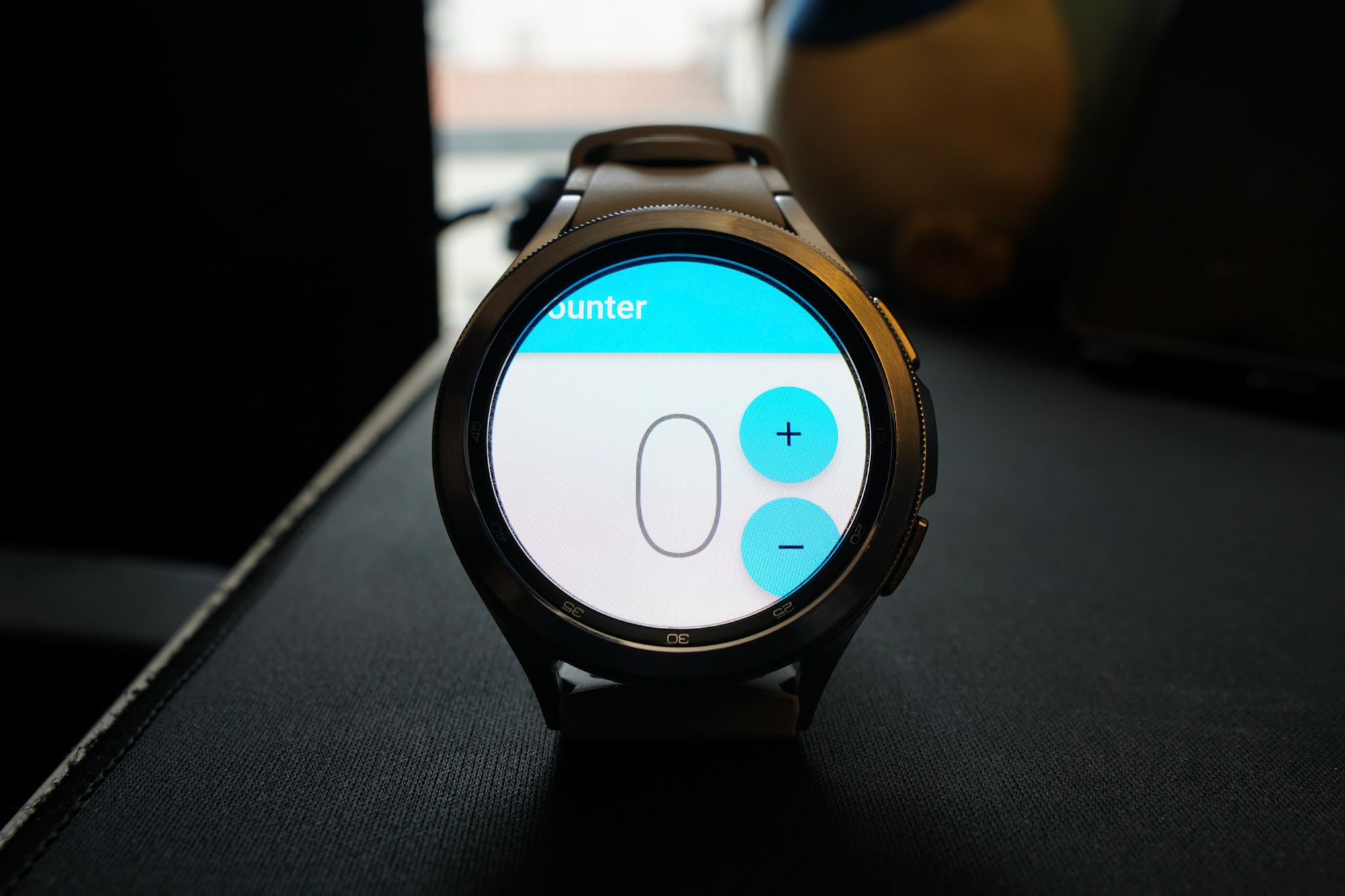
You will notice one thing about this: the UI looks squished. That is not very good! This happens because the current UI for the counter app was meant for smartphone screens, not watches. So let's adapt that.
### Adapting to watch support
We can use a few API resources to make Material apps fit those tiny screens, but it mostly comes down to good practices and being mindful of what should be on the screen at a time.
From the Material front, it could be a good start to set the visual density to compact:
```dart
...
@override
Widget build(BuildContext context) {
return MaterialApp(
theme: ThemeData(
visualDensity: VisualDensity.compact,
...
```
This automatically sets up widgets like buttons and menus to have fewer pixels for padding and general spacing. I recommend using Material 3 since it is more visually compatible with most of the Wear OS 3’s system UI.
Also, I advise using dark backgrounds. Since most watches have dark bezels on OLED screens, this will help save some battery and will blend nicely on devices like the Pixel Watch.
```dart
...
@override
Widget build(BuildContext context) {
return MaterialApp(
theme: ThemeData(
visualDensity: VisualDensity.compact,
useMaterial3: true, // use material 3
colorScheme: const ColorScheme.dark( // dark colorscheme
primary: Colors.white24,
onBackground: Colors.white10,
onSurface: Colors.white10,
),
...
```
In our example, we also need to make some adjustments in the **CounterPage** widget, which we can change from this:
```dart
@override
Widget build(BuildContext context) {
final l10n = context.l10n;
return Scaffold(
appBar: AppBar(title: Text(l10n.counterAppBarTitle)),
body: const Center(child: CounterText()),
floatingActionButton: Column(
mainAxisAlignment: MainAxisAlignment.end,
crossAxisAlignment: CrossAxisAlignment.end,
children: [
FloatingActionButton(
onPressed: () => context.read().increment(),
child: const Icon(Icons.add),
),
const SizedBox(height: 8),
FloatingActionButton(
onPressed: () => context.read().decrement(),
child: const Icon(Icons.remove),
),
],
),
);
}
```
To something like this:
```dart
@override
Widget build(BuildContext context) {
final l10n = context.l10n;
return Scaffold(
body: SizedBox.expand(
child: Column(
mainAxisAlignment: MainAxisAlignment.center,
children: [
ElevatedButton(
onPressed: () => context.read().increment(),
child: const Icon(Icons.add),
),
const SizedBox(height: 10),
Text(l10n.counterAppBarTitle),
const CounterText(),
const SizedBox(height: 10),
ElevatedButton(
onPressed: () => context.read().decrement(),
child: const Icon(Icons.remove),
),
],
),
),
);
}
```
We swapped the floating action buttons for elevated buttons and centered everything in a column.
Now the app should look like this:
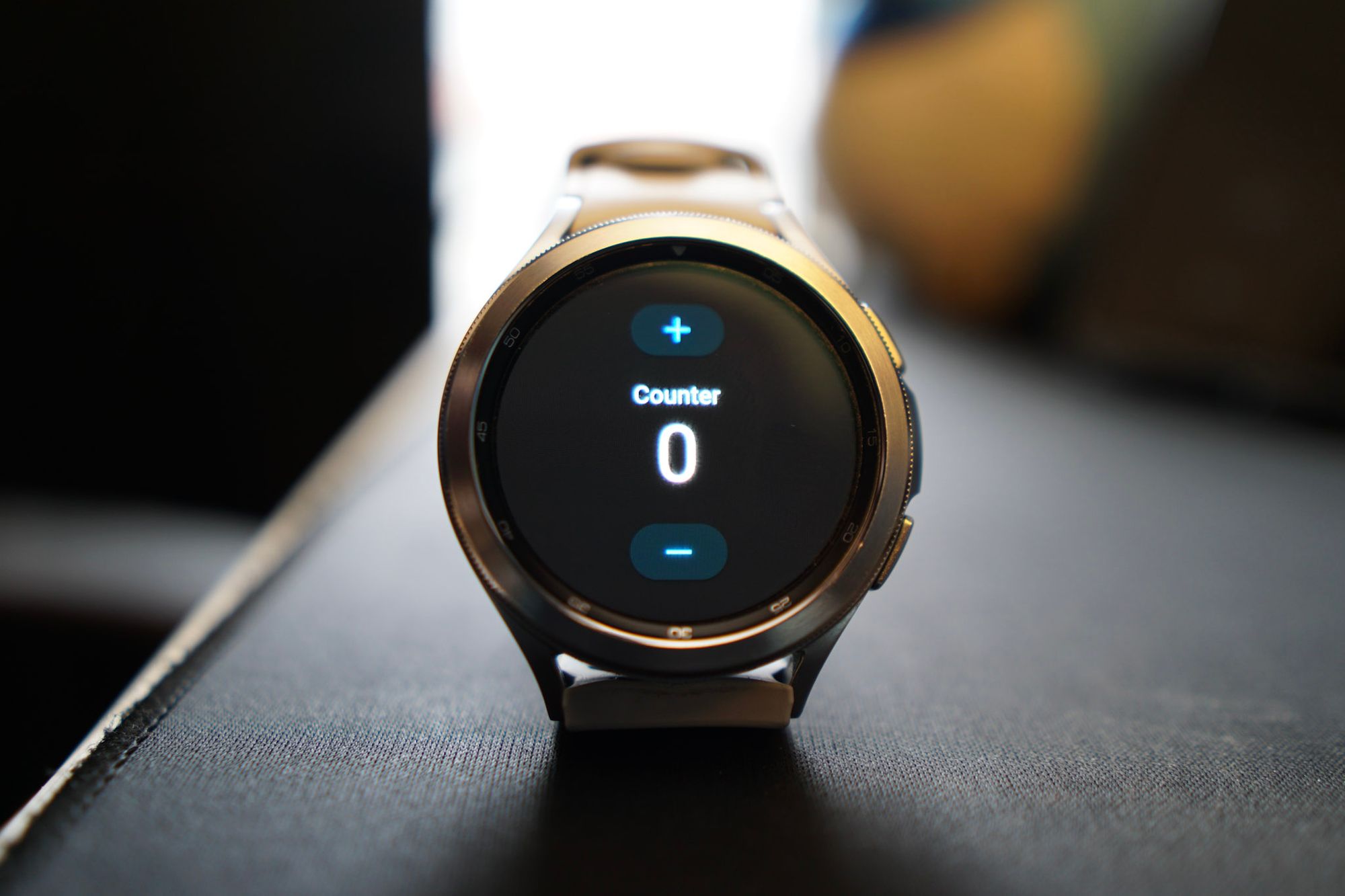
### Taking advantage of watch support
It is looking good so far, but some cool hardware resources can further enrich the user experience. Despite all the sensors one can access through some plugins, we will focus today on two awesome plugins made by the community.
One is the [**wear**](https://pub.dev/packages/wear) plugin, maintained by the Flutter Community. This will give us access to the state of the ambient mode so that we can adapt the app appearance on low power mode.
The other is [**wearable_rotary**](https://pub.dev/packages/wearable_rotary), created by Tizen, which includes Wear OS support. This allows our Flutter code to receive events from the rotary inputs, such as the rotating bezel on Samsung Watches and the rotating crown on the Pixel Watch.
#### Adapting to ambient mode
When the always-on display is activated either in the watch’s settings or via the **WAKE\_LOCK** android [permission](https://developer.android.com/training/wearables/views/always-on#ConfigureProject), the system may go into a “low power” mode while the application runs. This is called ambient mode. We can use **wear**'s widget **AmbientMode** to listen for when this mode is toggled on or off, and then adapt the Material colors accordingly.
The following code makes the app go monochromatic when in ambient mode:
```dart
import 'package:wear/wear.dart';
class App extends StatelessWidget {
...
@override
Widget build(BuildContext context) {
// Add ambient mode support
return AmbientMode(
child: const CounterPage(),
builder: (context, mode, child) {
return MaterialApp(
home: child,
theme: ThemeData(
useMaterial3: true,
visualDensity: VisualDensity.compact,
colorScheme: mode == WearMode.active
? const ColorScheme.dark(
primary: Color(0xFF00B5FF),
)
: const ColorScheme.dark(
primary: Colors.white24,
onBackground: Colors.white10,
onSurface: Colors.white10,
),
...
```
Example of the app going into ambient mode:
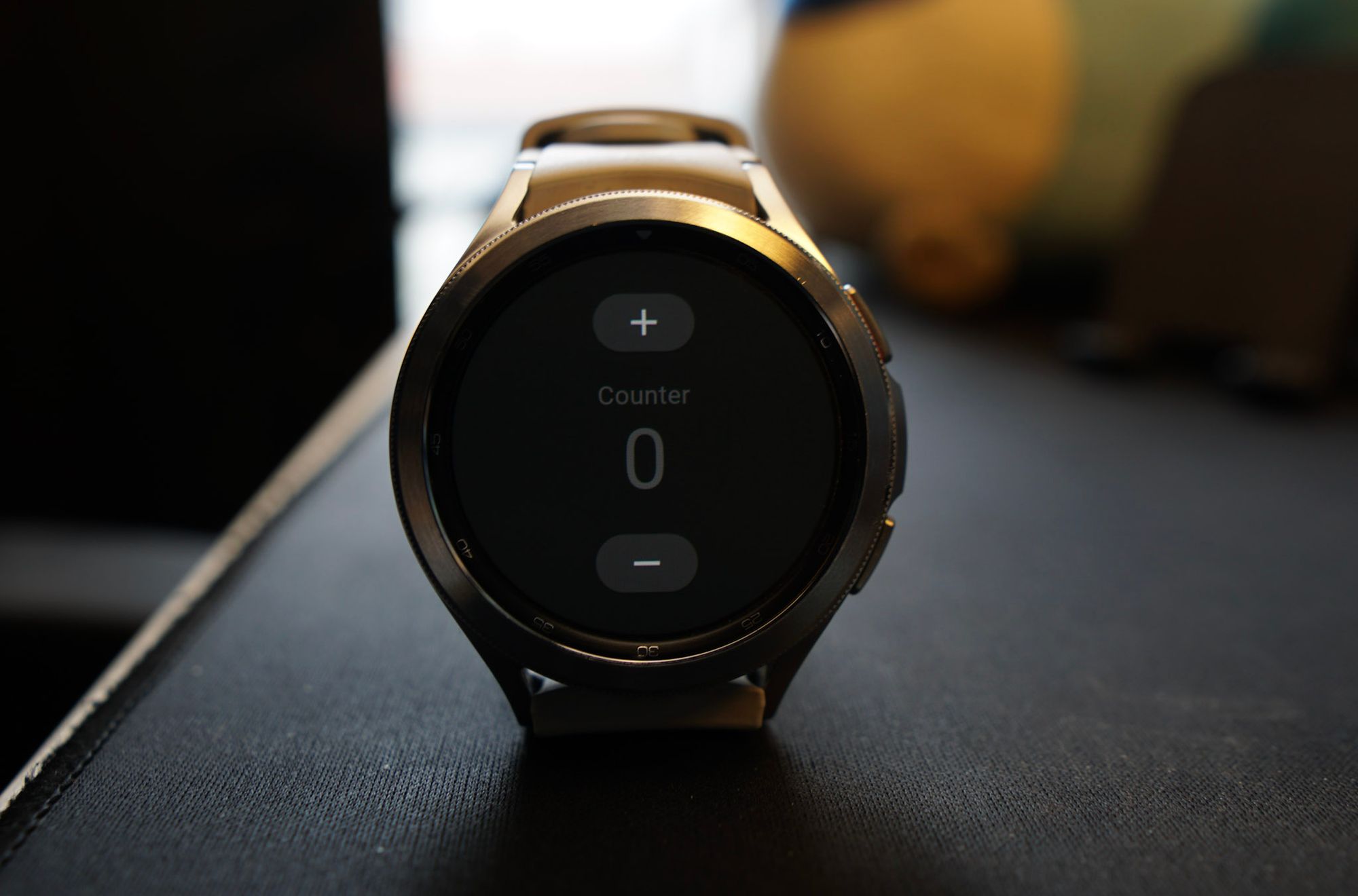
Additionally, this plugin allows us to get meta-information about the ambient mode via the [**AmbientDetails**](https://pub.dev/documentation/wear/latest/wear/AmbientDetails-class.html) class. [It is also possible to detect the shape of the screen.](https://pub.dev/documentation/wear/latest/wear/WatchShape-class.html)
#### Listening to rotary input
A nice feature for our little counter app would be to allow the user to increase and decrease the counting via the rotating bezel/crown. For that, we can listen to the **rotaryEvents** provided by the plugin and set the counter state from there:
```dart
...
class _CounterViewState extends State {
late final StreamSubscription rotarySubscription;
@override
void initState() {
super.initState();
rotarySubscription = widget.rotaryEvents.listen(handleRotaryEvent);
}
@override
void dispose() {
rotarySubscription.cancel();
super.dispose();
}
void handleRotaryEvent(RotaryEvent event) {
final cubit = context.read();
if (event.direction == RotaryDirection.clockwise) {
cubit.increment();
} else {
cubit.decrement();
}
}
...
```
Result:
### Deploying to the app store
So far, so good, so easy. We have a Flutter app that looks and feels like it is made for smartwatches. But how do we release this so the world can download it directly onto their watches?
As expected, Wear OS apps are distributed via the Google Play Store (Samsung devices may use the Galaxy Store too).
There are some specific parts that need special attention to avoid a version rejection. Those are:
- Standalone apps must mention Wear OS on their pages, in the description, and in the title.
- There must be screenshots for multiple screen sizes, resolutions, and shapes. It is encouraged to produce them on emulators.
- Wear OS screenshots are far more restricted than apps for smartphones . Screenshots should contain the app interface and the app interface only. Don't include photos of devices.
The first published version of the app will go through two approval phases. The first one should be just like any Android app. See the official [docs on deploying a Flutter app in the Play Store.](https://docs.flutter.dev/deployment/android)
After that version is approved, the app should be visible in the store, but people still won't be able to install them on Wear OS devices. Wear OS apps require a special format so they can be installed on wearable devices. For that:
- Open the page of your app in the [Play Store console](https://play.google.com/console/about/releasesoverview/).
- Go to Advanced Settings in the sidebar.
- Navigate to the Form factors tab and add Wear OS.
That will create a step-by-step form so you can provide additional Wear OS-specific information that appears on your store's page.
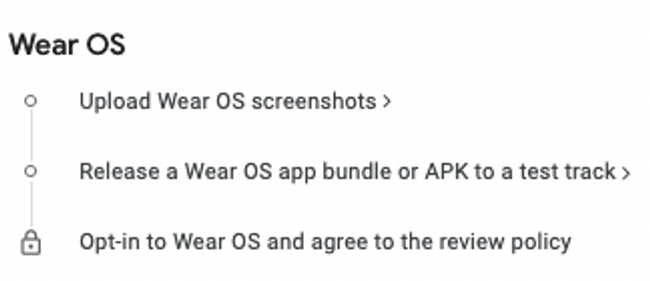
After finishing that form, another review process will start to see if the given app is fit to run on people's watches. Make sure that the aforementioned requirements are met. After the second approval step, the application should appear in the store.
Congratulations, now you can brag around that you are a smartwatch developer 🥳

But hold on! Time for the not so good news because we need to talk about the…
## Apple Watch support
Unlike Wear OS, watchOS (Apple’s watch operating system; confusing names, I know) is not just a smartphone OS with a different logo and a *few* bespoke APIs (ok, it is *almost* that). [WatchKit](https://developer.apple.com/documentation/watchkit/) changes the game more than its Android counterpart.
[In this Flutter issue](https://github.com/flutter/flutter/issues/28901), [Jenn Magder](https://github.com/jmagman) lists a set of procedures that must be done in the framework and engine for sound support for this type of device. As far as we know, running Flutter and Apple Watches is not as straightforward as it is for Wear OS.
We decided not to cover the Apple Watch in this tutorial since this is still unknown territory. But if there is one thing about Flutter that time has proved again and again, is that: **if it has a screen, it will run Flutter, eventually.**
### [**See the Very Good Wear App source code on GitHub →**](https://github.com/VeryGoodOpenSource/very_good_wear_app)
#### Frequently Asked Questions
##### Can Flutter run on Wear OS?
Yes. From the framework's point of view, a Wear OS app is just an Android app, so the existing Android runner works with adjustments. Most Android plugins, flavors, and native APIs are available, though there is no first-party support and no separate wearos directory.
##### What should be considered when designing for the wrist?
Build for one-finger UI and avoid multi-touch unless required. Screens are small (often 1.2 to 1.4 inches) and may be round or square. Inputs vary across hardware buttons, touch, and rotary input like a bezel or crown. Battery life is tight, so dark UIs on OLED screens save energy.
##### How do you set up an existing Flutter app for Wear OS?
Generate the app with Very Good CLI, remove unused platform folders, add the wear and wearable_rotary packages, mark the app standalone in AndroidManifest.xml, set transparent background mode in MainActivity.kt, and bump minSdkVersion to 30 to target Wear OS 3.
##### How do you adapt Material widgets to a tiny round screen?
Set visualDensity to VisualDensity.compact, enable Material 3, and use a dark ColorScheme. Center content, swap floating action buttons for elevated buttons, and use scrollable views only when necessary so each view stays self-contained.
##### How does ambient mode and rotary input work in Flutter?
The wear plugin provides AmbientMode to switch the theme to monochromatic when the watch enters low-power mode. The wearable_rotary plugin streams RotaryEvent objects so a bloc or cubit can respond to crown or bezel input.
##### What does it take to ship a Wear OS app to the Play Store?
The first review is the standard Android process. After approval, open the Play Console, go to Advanced Settings, add Wear OS under Form Factors, and complete the form. Wear OS apps must mention Wear OS in title and description, include screenshots for multiple shapes and resolutions, and the screenshots must show only the app interface, no device photos. See the Very Good Wear App for a complete reference.
### VGV approach to application architecture [resource]
Source: https://verygood.ventures/blog/vgv-approach-to-application-architecture/
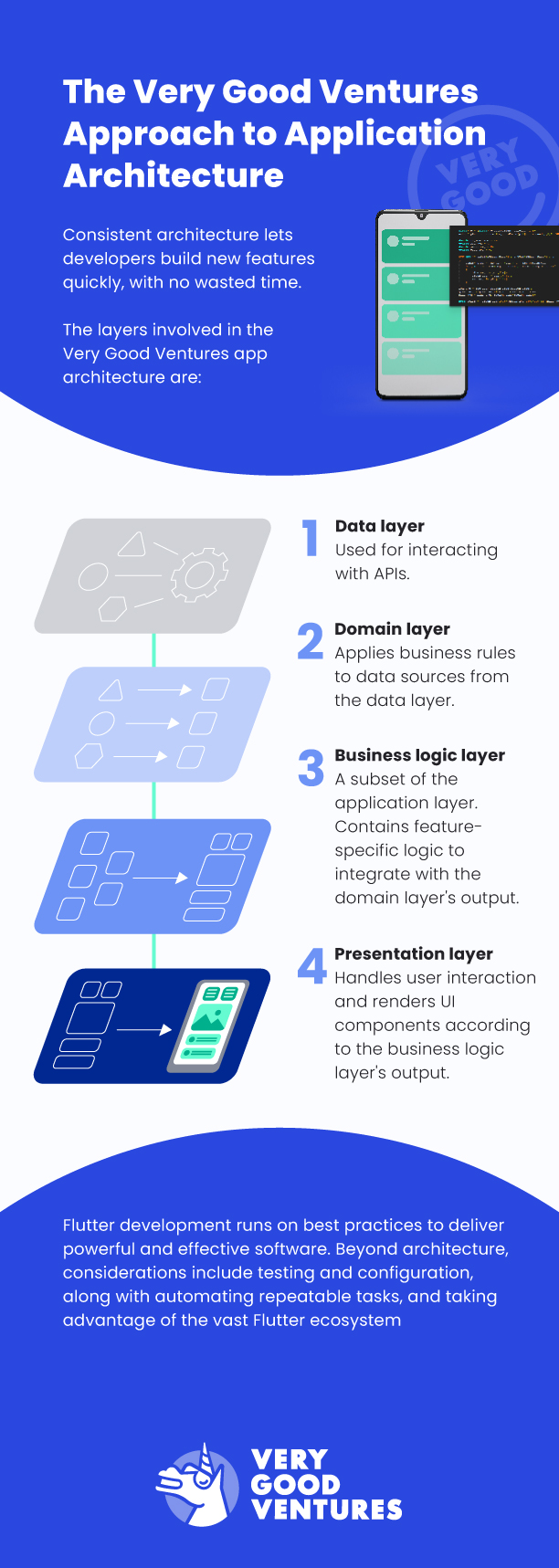
## [**Download our whitepaper**](https://verygood.ventures/whitepaper/building-enterprise-apps-with-flutter/) to learn more about the VGV approach to development.
### Very Good App Development Can Boost Digital Customer Experience: Here's How
Source: https://verygood.ventures/blog/very-good-app-development-boosts-digital-customer-experience-heres-how/
Businesses of all kinds are now technology companies. From services companies to manufacturers and everything in between, brands are getting into mobile app development to deliver better digital connections with their customers.
Any brand that really wants to compete today must ensure it's putting its best foot forward in encouraging digital customer engagement and creating experiences that are rewarding, enjoyable, and encourage brand loyalty, keeping consumers coming back for more.
## The Importance of Great Digital Customer Experience
In a world where digital CX and overall CX are practically synonymous, providing great digital interactions impacts the bottom line. Consumers are reaching for their smartphones as their first choice when it's time to make a purchase, look up information, or interact with a brand.
The only question is: **Will they like this process or be disappointed by a brand's offerings?**
McKinsey & Company reported that since numerous companies in the services sector don't focus on digital CX, the ones that stand out from the pack with good digital offerings stand to [increase overall customer satisfaction by 15-20%](https://www.mckinsey.com/capabilities/mckinsey-digital/our-insights/service-industries-can-fuel-growth-by-making-digital-customer-experiences-a-priority).
Banking is a prime example of a field where digital CX matters acutely. McKinsey market research revealed that 40% of consumers resolve almost all their banking service queries through online means, whether that means a mobile app, a web app, email, or chat.
Forbes contributor Gary Drenik [added some context](https://www.forbes.com/sites/garydrenik/2022/08/16/upgrading-the-digital-customer-experience-with-a-modern-software-team-heres-how-to-do-it-well/?sh=673a7f455fd9) to the overwhelming use of smartphones for banking, citing recent Prosper Insights & Analytics market research which found consumers across age ranges are doing their banking on mobile devices. Even among baby boomers, who didn't grow up with any sort of advanced computers, 42% of consumers bank on their phones.
A bank’s role in safeguarding customers' money means it can't afford to provide a negative customer journey or experience. A bank whose digital portals are frustrating or confusing to use, or one that doesn't provide a sense of security, can cause major customer dissatisfaction. This need for secure, reliable digital CX even goes beyond banking to touch industries of all kinds.
These digital experiences need to include mobile devices, and not as secondary considerations. HubSpot explained the specific importance of mobile digital CX: Since it's easy for consumers to [try out companies' mobile app or website offerings](https://blog.hubspot.com/service/digital-customer-experience), they can compare various brands before ever buying their products. Dissatisfaction with a mobile app may lead a customer to abandon a company and gravitate to a competitor that offers better digital CX.
## Digital Customer Experience: State of the Industry
When it comes to actively creating better digital customer experiences, companies' progress, maturity, and results will naturally vary. Some organizations have come out of the gate with business models centered around mobile apps, while others have been slower and more circumspect in their efforts to complete digital transformation and deliver useful digital touchpoints.
It should be noted that the division between newer companies and legacy businesses is not one-dimensional, with young firms being more digitally enabled and older firms falling behind. For instance, a firm's mobile app could be held back from hitting its efficiency goals by a split development team working natively on separate iOS and Android versions of an app.
Focused Labs CEO Austin Vance [described companies' path to better digital CX](https://www.forbes.com/sites/garydrenik/2022/08/16/upgrading-the-digital-customer-experience-with-a-modern-software-team-heres-how-to-do-it-well/?sh=673a7f455fd9) while speaking to Drenik for Forbes. Whether the companies are legacy businesses or start-ups, they have to make sure they are prioritizing digital design, progress, and innovation. Building internal teams and processes with tech excellence in mind is the way to join the ranks of companies that create positive digital CX.
Drenik noted that digital maturity varies from one industry to another. While fields such as finance have fully committed to the idea of creating mobile experiences for their customers, that level of participation isn't universal. No matter what type of products or services a company provides, however, a positive mobile experience should be a priority.
Organizations can self-reflect about their place in the digital customer journey hierarchy. If there's no easy way for consumers to interact with the brand via mobile devices, creating one should be a high priority. If internal mobile development does exist, leaders can take a granular look at those teams and departments, to make sure they're meeting their potential.
## How Apps Create the Digital Customer Experience
With smartphones so popular with customers of all ages, app development is now a central component of digital customer experiences and the digital customer journey. It's important to remember that apps don't simply have a single role or purpose — they can accomplish a number of functions for companies, depending on need.
A business's app can be a:
- Primary e-commerce channel for a large or small retailer
- Portal for customer interaction with service and care departments
- Key component of a rewards program, allowing customers to carry omnichannel customer loyalty points between in-store and online purchases
- Second-screen experience meant to [enrich an in-person show or event](https://verygood.ventures/success-stories/hamilton/)
- Game experience designed to entertain and please customers
These are just a few of the use cases for applications, which can deliver smooth, user-friendly experiences on today's powerful iOS and Android devices. Companies that take full advantage of app development can use these software tools as extensions of their overall branding and experience.
Apps are part of an omnichannel digital customer experience strategy, one that spans all digital interaction and communication channels, as well as any in-person interactions. HubSpot specifies that true [omnichannel operations involve synchronicity](https://blog.hubspot.com/service/digital-customer-experience): A mobile app user can also interact with a brand through other digital channels and platforms and pick up where they left off.
Companies should integrate their app development practices deep into their business operations, making sure the messaging on the app is consistent with their presence on social media, their websites, their ads and every other digital channel.
This is yet another reason to have a unified development team instead of splitting development between Android or iOS: There's less chance of an inconsistent or fragmented customer experience across platforms.
## App Development Practices that Encourage Positive Customer Experience
[Developing apps using best practices](https://verygood.ventures/solution/build-an-app/) can provide the kind of boost that companies need to compete in the demanding world of digital CX. Rather than just engaging in app development as an afterthought, businesses can truly focus on creating software that will lead to an optimal user experience and help the brand keep pace with industry norms while meeting customer needs.
Practices closely associated with this kind of development include:
### Engaging in Multi-Platform Development Using Flutter
Running multiple development teams can be a major drag on organizations' efforts to create strong and consistent digital experiences.
The emergence of effective multi-platform development solutions such as Flutter, however, has changed the calculus for companies. Now it's possible to create apps with impressive customer experiences while working with a single code base. This allows organizations to concentrate all their developers on a single project, saving resources and focusing on creating polished user experiences.
Omnichannel consistency is one of the marks of an effective digital CX, and engaging in multi-platform development via Flutter is a one-step way to create such an experience. When coupled with the efficiency and quality assurance benefits of using a single code base, it's clear that organizations should consider shifting to multi-platform development, if they aren't already using it.
### Embracing Continuous Deployment & Automation
Continuous deployment has become a major priority among software developers of all specializations. Corporate, customer-facing apps are no different. Continuous deployment methodologies mean pushing more updates more quickly, making small, low-impact changes that cumulatively keep apps up to date, rather than waiting for major scheduled releases.
Continuous deployment makes heavy use of automation to ensure that developers can keep up the faster cadence of releases. When working as intended, the methodology removes some of the risks associated with slower update methods, including the danger that a large set of changes will cause unintended consequences, or that a feature will spend a long time in development, but not be relevant to users by the time it goes live.
The digital CX of an app benefits in several ways when engineers use continuous deployment. The methodology allows developers to quickly address errors or inconveniences, while also enabling them to roll out new features that suit customer needs.
Companies can continue tweaking their apps in subtle ways that won't cause them to break or confuse users with major shifts in functionality.
### Relying On Standardization & Simplification
While app development is essential to the creation of a positive digital customer experience, this doesn't mean the process has to be complicated. In fact, companies tend to fare best when they use practices based around simplicity and standardization, such as relying on well-known Git processes and keeping pull requests small and limited in scope.
By using practices such as a layered architecture, where each part of the app's architecture has a standard role, development teams can make their software easy to understand. This allows the fast onboarding of new team members, who will be familiar with what they're looking at. The developers should also make sure they're using a reliable and well-understood state management tool.
[The Flutter framework](https://verygood.ventures/blog/top-companies-using-flutter/) also provides numerous ways to take a more simple, straightforward approach to development. A team can use the build flavors functionality to separate the
development version of the app from the stable build that's in production, allowing teams to work without stepping on each other's toes. The Flutter ecosystem also contains thousands of open source tools for developers to take advantage of.
## Keeping Digital Customer Experience Strong Over Time
One defining aspect of digital CX is the fact that success is a moving target. Organizations across industries are continuously developing and updating apps and other digital experiences to suit customers' evolving needs and tastes. Keeping up with this churn is essential.
An organization's mobile app should be supported by strong backend tools that will allow developers to analyze and assess customer data around performance and usage.
Through reports and dashboards, engineers can collect customer feedback and see how users are actually interacting with their apps, determining where improvements are needed, and measuring the performance of the application against customer expectations, as well as goals and projections. [Observability options for Flutter](https://verygood.ventures/blog/building-a-flutter-sdk-for-embrace/) continue to improve, reflecting the framework’s rapid maturation.
One of the most significant roles an app can fulfill for a company is a customer data collection and actionable insight generation tool, gathering real-time information about a company's audience. The business can collect that information, analyze it, and use it as a tool, both for long-term efforts such as drawing up a development roadmap for the app, or short-term efforts such as sending in-app messages as part of a marketing campaign.
App development can't be a set-and-forget process. Every aspect of modern customer experience management demands constant attention and frequent action by development teams. Companies that not only embrace these priorities but also give themselves the tools and systems for success are well positioned to create an impactful digital customer experience management strategy.
## Working with Experts on App Development
App development is essential to digital CX. In turn, digital CX can lead to companies' success. All the processes involved are too important for organizations to take for granted.
Working with industry experts is a way to get a leg-up in the digital CX space by collaborating with experienced development professionals to infuse development processes with best practices.
Depending on an organization's needs, partners can help with the following:
- Moving development to the Flutter ecosystem
- Implementing development best practices
- Engaging in digital experience design
- Running analytics and reporting programs
- Deploying and maintaining apps in app stores
Working with the development experts at Very Good Ventures, who bring highly refined processes and years of experience to every project, is a way to create solutions that deliver the digital CX users crave, leading to customer satisfaction, and business success.
### [**Download our whitepaper**](https://verygood.ventures/whitepaper/building-enterprise-apps-with-flutter/) to learn more about the Very Good approach to development, or [**contact us**](https://verygood.ventures/contact-us/) directly to get started.
#### Frequently Asked Questions
##### How much can good digital customer experience move business outcomes?
McKinsey reports that companies in service industries that lead on digital customer experience can lift overall customer satisfaction by 15 to 20 percent. In banking, 40 percent of consumers resolve almost all service queries through digital channels, and 42 percent of baby boomers do their banking on mobile.
##### What roles can a customer-facing app play in digital CX?
An app can be a primary e-commerce channel, a portal for customer service interactions, the home of a rewards program with omnichannel loyalty points, a second-screen experience tied to a live event, or a game built to entertain customers. Each role calls for different design and engineering choices.
##### Why is multi-platform development with Flutter useful for digital CX?
Running separate iOS and Android teams creates inconsistent experiences and slows everyone down. Flutter lets one team ship to both platforms from a single codebase, which keeps the experience consistent, frees up resources for polish, and reduces the chance of fragmentation across customer touchpoints.
##### How does continuous deployment improve digital customer experience?
Continuous deployment ships small, frequent updates rather than big scheduled releases. That means errors get fixed faster, new features land while they are still relevant, and large risky update batches go away. Customers see steady improvements without disruptive changes that confuse them.
##### What development practices does VGV recommend for healthy long-term apps?
Standardization and simplicity. Layered architecture so each part has a clear role, well-known Git workflows, small focused pull requests, build flavors to separate dev from production, and a reliable state management tool. These habits make codebases easy to onboard new engineers into.
### Flutter News Toolkit: An advantage for publishers, powered by VGV
Source: https://verygood.ventures/blog/flutter-news-toolkit-an-advantage-for-publishers-powered-by-vgv/
VGV is gratified to see the industry rallying around the Flutter News Toolkit - a Google-led project to help publishers get into mobile with speed, quality, and maintainability.
Some of the successes we’ve seen…
- The amazing reaction from the community
- A number of blog posts digging into its value
- Companies already working on new news apps based on our template
- Other agencies seeing the value and embracing the approaches VGV has pioneered and embodied in the template
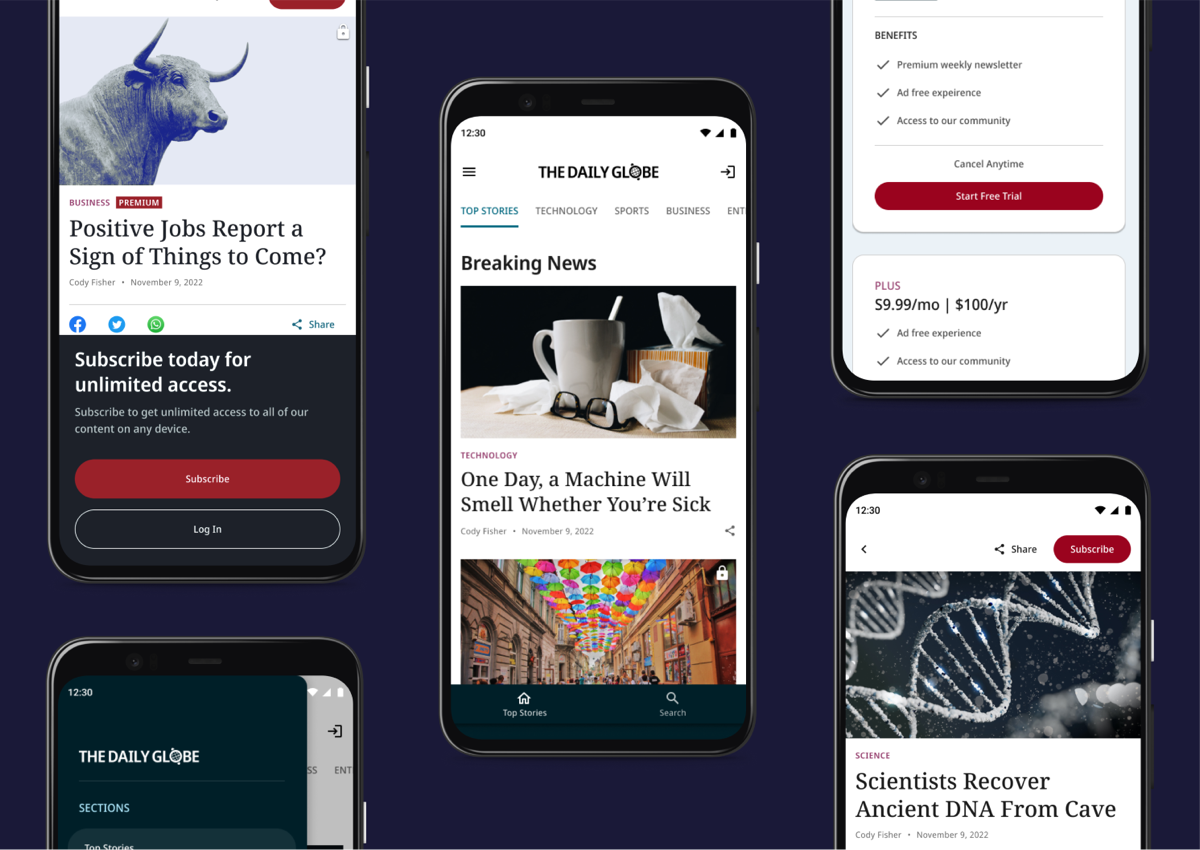
*The Flutter News Toolkit comes with a number of pre-built features.*
[VGV and Google set out](https://youtu.be/dukRAS-OUMM) to help publishers succeed in the mobile era. To see the enthusiasm and efforts already underway to take advantage of this template has validated these efforts.
News organizations have lots of choices when picking an agency to help them succeed with mobile.
## Here's why we suggest you consider us at VGV
### VGV developed the Flutter News Toolkit for Google
[We partnered with Google](https://verygood.ventures/success-stories/flutter-news-toolkit/) on the design and development of the Flutter News Toolkit. Our expertise is your advantage in speed to market with no compromises on brand or features.
> “The Very Good Ventures team is just so organized. I just have a lot of confidence in them. When they take on a project, I know we will get good results.” Zoey Fan, Senior Product Manager at Google.
### VGV developed and maintains the technology stack that powers the toolkit
With tools like Mason, Bloc, and Dart Frog, VGV puts you at the forefront of efficiency and maintainability.
> “Very Good Ventures is laser focused on process and making life easier for the developers. They find economies of scale everywhere, always suggesting technologies that improve efficiency, like setting us up so that developers only need to learn Flutter and Dart to work on both front and backend development.” Timothy Hoang, Technical Solutions Product Manager at Google
### VGV knows that your app needs great code and great design to win readers.
That's why we contributed the [Flutter News Toolkit Figma community file](https://www.figma.com/community/file/1200564667658247533) to make it even easier to customize your app’s design.
> “Very Good Ventures puts a lot of design guidance into the toolkit as well. The template is not just a block of code. It offers a beautiful UI to start with. The user can easily customize, but they start from a great looking, performant app.” Zoey Fan, Google.
## Before choosing an agency partner, here are some key questions to ask:
### How familiar are they with the Flutter News Toolkit?
Google hired VGV to partner with the Flutter team and the Google News Initiative to design and build the Flutter News Toolkit. [Read all about it](https://verygood.ventures/success-stories/flutter-news-toolkit/).
### How many enterprise flutter open source packages do they maintain?
VGV develops and maintains [21 open source packages](https://verygood.ventures/resources/open-source-packages/) used by thousands of developers around the world. Many of these packages power the efficiency and maintainability in the Flutter News Toolkit.
### How familiar are they with Flutter?
VGV was the first agency fully dedicated to Flutter and is the industry leader in scalable Flutter standards. [Our approach](https://verygood.ventures/solution/build-an-app/) is a team-based model, coupled with our tools and best practices, to create Flutter codebases of exceptional architectural quality that will support feature and team growth long into the future.
> “Thanks to Flutter and VGV, we delivered on our goal of building a fun, engaging, and performant app for all screens and mobile devices in significantly less time and cost than if we built it natively. The team and thousands of players are very happy with the results.” Clarence Kwei, SVP Consumer Technology, Dow Jones
### How will they ensure knowledge transfer so the publisher is self-sufficient?
VGV is committed to making our clients self-sufficient through peer programming and training. Don’t be fooled by low-cost agencies who will leave you holding the bag with a lot of code your engineers may not be able to maintain. Most of your app’s cost comes ***after launch*** when you need to maintain it and add features. VGV works with you to ensure your [long-term success](https://verygood.ventures/success-stories/).
## Build a very good news app
We are proud that the Flutter News Toolkit is easy to use and superbly documented so that publishers and their agencies can launch with it.
For publishers with exacting requirements, perhaps with existing native apps they wish to migrate, VGV is the obvious choice. [At a fixed fee](https://verygood.ventures/solution/very-good-news/), publishers can partner with VGV and get a beautiful, custom, full-featured mobile news app for iOS and Android in 8 weeks for a fraction of the cost to build natively.
### Partner with us to bring your news app to mobile with the Flutter News Toolkit. [**Contact us to get started →**](https://verygood.ventures/contact-us/)
#### Frequently Asked Questions
##### What is the Flutter News Toolkit?
The Flutter News Toolkit is a Google-led project that helps publishers get into mobile with speed, quality, and maintainability. It is a template with pre-built features for news apps, designed to save up to 80% of development time.
##### Who built the Flutter News Toolkit?
Very Good Ventures partnered with Google on the design and development of the toolkit, working with the Flutter team and the Google News Initiative. Read the success story for the full background.
##### Why should publishers choose VGV to build a news app on the toolkit?
VGV created the toolkit, maintains the technology stack that powers it, and contributed the Figma community file for customizing app design. VGV also develops and maintains 21 open source packages used by Flutter developers worldwide.
##### What questions should publishers ask before choosing an agency?
Ask how familiar the agency is with the Flutter News Toolkit, how many enterprise Flutter open source packages they maintain, how familiar they are with Flutter overall, and how they will transfer knowledge so the publisher's team is self-sufficient after launch.
##### How long does it take to build a news app with VGV?
At a fixed fee, publishers can partner with VGV and get a beautiful, custom, full-featured mobile news app for iOS and Android in 8 weeks, for a fraction of the cost of building natively.
### Enterprise app development with Flutter: What you need to know
Source: https://verygood.ventures/blog/enterprise-app-development-what-you-need-to-know/
Companies today have one leading way to communicate with their customers, employees and partners: They do it digitally. And a very good way to make that kind of digital connection is through applications.
Complicating this view is the fact that apps aren’t limited to a single platform. Web apps and desktop apps are both valid ways to reach PC audiences, while the mobile app landscape is split between Android and iOS devices. This means companies don't just need an app development strategy — they need one that will allow them to engage all of these segments.
Organizations that haven't yet figured out their approach to enterprise app development, or those stuck with an inefficient, labor-intensive approach need to think about their next steps, and do so quickly. In the race to create a positive digital customer experience, enterprise application development services are a critical consideration.
First, it pays to take a step back and think about what an app can accomplish for a company. Then, it's time to take action and implement best practices that will turn any company into a software development powerhouse.
## Enterprise apps: How companies connect with audiences
Bain & Company research confirms that people reach for digital channels first when communicating with brands. The consultancy analyzed the data and found that both banks and consumer product companies that prioritize tech are [leading their competitors](https://www.bain.com/insights/six-trends-shaping-the-future-of-enterprise-technology/) in terms of compound annual growth rate and shareholder return.
These market leaders have decided to make technology a key part of their value proposition, embracing digital transformation to turn themselves into enterprise software development companies alongside their core business. While in decades past it may have seemed absurd for a bank to have a fully functioning team of coders on staff, today that's simply the cost of doing business — fast-moving companies need enterprise software, and someone has to develop it.
Once an organization is functioning as an enterprise app development company, it gains exciting new ways to interact with customers and internal users alike. Real-world examples of enterprise apps in action include:
- [**Toyota**](https://flutter.dev/showcase/toyota): Advanced vehicle control features on easy-to-use touchscreen displays.
- [**Betterment**](https://verygood.ventures/success-stories/betterment/): Reliable on-the-go investing through a multi-platform mobile application.
- [**Alibaba**](https://flutter.dev/showcase/alibaba-group): A feature-rich e-commerce marketplace application with massive scalability.
- [**BMW**](https://flutter.dev/showcase/bmw): Simplified vehicle tech system access through a mobile application.
## The importance of multi-platform app development
The rise of Flutter is a fast-growing phenomenon: [Over 1,000 new apps](https://medium.com/flutter/announcing-flutter-3-3-at-flutter-vikings-6f213e068793) built with the framework are released every day. Organizations have seen the value of multi-platform development and are shifting rapidly to take advantage of it.
[Flutter development](https://verygood.ventures/blog/top-companies-using-flutter/) is a revelation for companies because it combines the best of both worlds — teams can create powerful apps that make effective use of devices' processing power while uniting around a single codebase.
Without the headaches of managing multiple development streams, companies can focus on creating better apps, rather than simply trying to keep up between teams. They can push for tweaks to improve the digital user experience, or work on fine-tuning performance.
A good application will keep evolving over time, driven by both a long-term road map and short-term updates in response to usage patterns and feedback. A business developing its enterprise solution in Flutter can work on these priorities, rather than sacrificing time and effort to managing multiple code bases.
Choosing Flutter as an enterprise software development framework isn't just a good choice because of its multi-platform nature, either. The Flutter environment contains [over 29,000 packages](https://pub.dev/packages?q=sdk%3Aflutter), allowing developers to quickly and painlessly build out their apps' functionality.
Once a business has committed to multi-platform development and shifted its codebase over to Flutter, it's time for that organization to make sure its developers are adhering to best practices and getting the most out of their efforts.
## App development best practices
Rather than implementing quick-fix solutions to sharpen their app development practices, companies have to fully rethink the way they work. This doesn't have to act as a barrier stopping companies from developing enterprise software. Many of the best practices powering modern enterprise app development are common-sense ideas that pay off quickly.
At Very Good Ventures, we've given a lot of thought to these best practices and ideal workflows, as we've refined our Very Good approach to enterprise app development. The following are the five main areas we focus on in our method, and which can easily become part of any company's strategy.
### 1. Architecture
One of the most impactful decisions enterprise mobile app development teams will make is the way they structure the architecture of their software. If they choose a consistent, simple method, it becomes easier for each individual app developer to understand how the app works.
Breaking the functions of the app down into discrete layers is a key practice. This allows the team to build out code that is "boring" and easy to grasp, even for a new team member who has just joined the project. The net result is easier bug fixes and less time briefing new developers on how the app works.
State management should be another priority in addition to layered architecture. By choosing a reliable state management solution, a development team can set itself up with a simplified testing process and comprehensive documentation, making its own job easier.
### 2. Testing
Testing today should be a mixture of multiple methodologies. Manual quality assurance processes are still useful, no matter how advanced automation becomes. With that said, the increasing use of automation helps organizations attain very high levels of coverage to release code with fewer errors.
Attaining high levels of automated test coverage is a valuable practice for both short-term reasons, such as eliminating bugs before they reach production, and long-term purposes, including creating code that will keep functioning effectively through years and refactors.
Setting a high threshold of test coverage and then raising that standard over time is a valuable practice when organizations are determining how to handle this aspect of development. Working in this way, developers can approach 100% code coverage.
### 3. Configuration
Enterprise application configuration should be driven by the same best practices that have caught on in the mobile app development world. Perhaps most prominently, this means continuous integration. Small, rapid changes are a low-risk and highly effective way to roll out new features and bug fixes.
In addition to a good CI framework, organizations should have standardized processes that they rely on. A lack of esoteric practices has long-term benefits for developers, as any non-standard actions can lead to overly complicated code down the line.
Working in Flutter, developers have access to another simplifying feature that can help them do their jobs: build flavors. This functionality allows users to set up different builds that make sense for their team. For example, setting up a development build can allow teams to move quickly and see changes in real time, while a separate stable build runs in production.
### 4. Automation
Adding automation to the development process has numerous benefits that make it worth the effort. Perhaps most prominently, removing manual work gives developers time back in their days. They can spend those hours saved on more experimental efforts, working on new items on the application's development roadmap.
Working with templates is one way to put automation in place. Developers can start a new app from a template, or use one to add a feature or a package to an existing application. The use of open source templates is a streamlining option for development workflows, one that encourages the continued use of best practices.
Repeatable and standardized GitHub Actions are another automation developers can use when building their enterprise apps. As with templates, many of these workflows are publicly available and open source, meaning they're accessible and community-tested.
### 5. Ecosystem
The Flutter ecosystem has extra advantages for developers. The thousands of packages available can plug into companies' workflows and help them reach their individual enterprise solution development goals. Flutter Community members, prominently including the Very Good Ventures team, are constantly adding new useful open source packages.
One way to measure the quality of a package is its popularity among developers. Other criteria to consider is how actively maintained a package is and if it contains adequate documentation.
No matter what their particular enterprise app use case may be, organizations can settle into the Flutter ecosystem, using the available tools to develop software that can adapt and grow in the years to come. Working with Flutter means becoming part of an active community.
## The results of deploying an effective enterprise app
While best practices for enterprise app development are important, they're simply means to an end. The proof that these methods and workflows are worth embracing comes from the results companies achieve.
### A reliable, future-proof mobile experience for 500,000 users
Businesses in the financial space have to deliver a truly exceptional app user experience today. Customers want quick, friction-free access to their account information and assets. Being an organization that manages clients' money is a high-pressure situation, one with no margin for error. Apps must be completely secure and reliable.
[Betterment](https://verygood.ventures/success-stories/betterment/), an investment service with 500,000 customers and $26 million assets under management, needed a better way to manage its legacy code bases, which were becoming unwieldy and slowing down new feature development. The organization worked with Very Good Ventures to retrain its 20 developers in Flutter and move the app, piece by piece, into the multi-platform architecture.
With the app successfully transferred to Flutter, Betterment can keep providing a handy mobile experience for its large user base for years to come. Now that development has become significantly simpler, the company can iterate and add features, so the app will remain relevant in the future.
### A tax tool that works for users and organizations alike
Rather than porting an existing app to Flutter, the tax administrator [Berkheimer Tax Innovations](https://verygood.ventures/success-stories/h-a-berkheimer/) decided to build a new application in the Flutter ecosystem. This would be an ambitious project, one that would use devices' cameras to capture document images and interact directly with the Pennsylvania state government's processing platform.
In addition to allowing developers to work with a single code base, Flutter offers a powerful tool set, so the Very Good Ventures team was able to execute on Berkheimer's design specifications. The resulting app provides a simple and elegant tax filing solution without compromising the security of user data.
The end result of releasing a reliable and powerful app was to double user growth year over year. The app runs on scalable cloud resources to ensure that it would be able to handle the traffic without suffering performance drop-offs. All those improvements came with a streamlined, cost-effective development process.
## The process of working with an app development partner
Every company has its own use cases for mobile, desktop and web applications. By that same token, each organization will also have its own ideal development process. To achieve high levels of performance while pursuing their unique business goals, companies can form partnerships with third-party enterprise app development services, and these collaborations can take a variety of forms.
When reaching out to external teams for assistance working with their enterprise app development functions, an organization can control both the type of project and the depth of the engagement. Some of the options include:
- [**Code assessment**](https://verygood.ventures/solution/flutter-code-assessment/): An organization that already has an application, as well as the internal development talent to continue working on that app, may still want an expert set of eyes to assess its code. The third-party team can offer insights and recommendations about how to ensure the app is scalable and conforms with best practices.
- [**App developer training**](https://verygood.ventures/solution/flutter-training/): In cases when a development team needs an infusion of new skills, for example when a company is using Flutter for the first time, engineers can benefit from training sessions led by external experts.
- [**Engineering a shift to Flutter**](https://verygood.ventures/solution/flutter-transformation/): Shifting app features from native app developed legacy code to Flutter is a high-priority process for organizations hoping to move forward with a multi-platform app. To ensure success, these businesses can work with experienced partners.
- [**Full application development**](https://verygood.ventures/solution/build-an-app/): Not every organization has a full in-house enterprise application development team. To stay competitive in today's digital-focused corporate climate, these businesses can enlist enterprise application development services from experts.
- [**Development acceleration**](https://verygood.ventures/solution/very-good-start/): Outside developers don't have to take complete control of an app development process to drive its success. Kickstarting development with reliable frameworks and best practices can accelerate a development timeline.
At Very Good Ventures, we can help you add any of these capabilities to your organization's enterprise app development efforts. With a hand in numerous industry-leading Flutter apps, including the first commercial app built on Flutter, there is no more experienced digital transformation partner for your business.
### [**Read our whitepaper**](https://verygood.ventures/whitepaper/building-enterprise-apps-with-flutter/) to learn more about the Very Good approach to enterprise app development, or [**contact us today**](https://verygood.ventures/contact-us/).
#### Frequently Asked Questions
##### Why does enterprise app strategy matter today?
Customers, employees, and partners reach for digital channels first. Bain research found that banks and consumer product companies that prioritize tech are leading their competitors on revenue growth and shareholder return, so enterprise apps are part of how a business stays competitive.
##### Why pick Flutter for enterprise apps?
Flutter unifies mobile, web, and desktop development under a single codebase, which removes the overhead of running parallel native teams. The ecosystem includes over 29,000 packages, and over 1,000 new Flutter apps ship every day. Toyota, Betterment, Alibaba, and BMW are all running on Flutter.
##### What are VGV's five focus areas for enterprise app development?
Architecture, testing, configuration, automation, and ecosystem. Each one applies common-sense practices: layered architecture and disciplined state management, high automated test coverage, continuous integration with build flavors, reusable templates and GitHub Actions, and active use of well-maintained packages.
##### How does test coverage fit into the VGV approach?
Testing combines manual QA with heavy automation. Setting a high coverage threshold and pushing it up over time eliminates bugs before production and keeps code working through years of refactoring. VGV teams aim for coverage approaching 100%.
##### What kinds of partnerships does VGV offer for enterprise app work?
Five common engagement shapes: code assessments, developer training, migrations to Flutter, full application development, and development acceleration with reliable frameworks and best practices.
### VGV at Flutter Forward
Source: https://verygood.ventures/blog/vgv-at-flutter-forward/
2023 started off with a bang with [Flutter Forward](https://flutter.dev/events/flutter-forward). At VGV, we always look forward to these global Flutter events because we know that there will be many updates, demos, and teasers for what’s around the corner.
Flutter Forward did not disappoint! We were excited to see the [Flutter 3.7](https://medium.com/flutter/whats-new-in-flutter-3-7-38cbea71133c) and [Dart 3 alpha](https://medium.com/dartlang/dart-3-alpha-f1458fb9d232) announcements, the progress made on the [Impeller](https://github.com/flutter/flutter/wiki/Impeller) runtime, [element embedding on the web](https://flutter-forward-demos.web.app/#/), and many more promising previews of what's to come. We won’t get into all of the details here (instead, see this [comprehensive article by Tim Sneath about what’s next for Flutter](https://medium.com/flutter/whats-next-for-flutter-b94ce089f49c)), but we did want to share some of the ways VGV was involved in Flutter Forward:
## VGV in Nairobi, Kenya
Our teammates Felix, Kaicey, Óscar, and Jaime traveled to Nairobi, Kenya to attend Flutter Forward in person! Here are some pictures from the event:
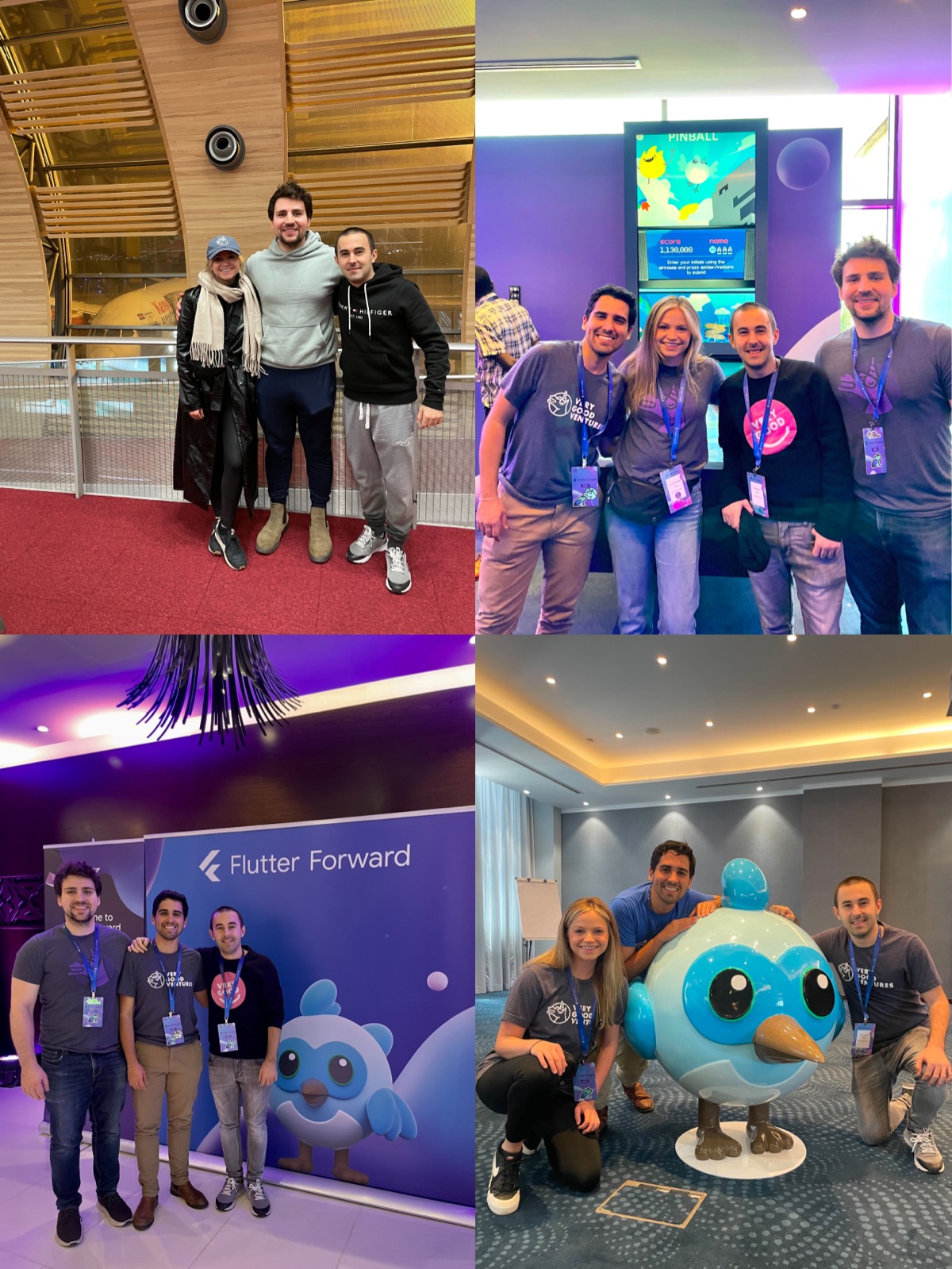
*The event featured a life-size Dash and a real pinball machine where users could play I/O Pinball*
## Flutter Forward Holobooth
We teamed up with Google to take [I/O Photo Booth](https://github.com/flutter/photobooth) to the next level with Flutter Forward [Holobooth](https://holobooth.flutter.dev/#/). Holobooth is a Flutter web app that incorporates Flutter, Firebase, Machine Learning (through MediaPipe and TensorFlow.js), and Rive. It was launched the day before the event as excitement grew with all of the impending Flutter Forward announcements.
This demo was a very cool opportunity that allowed us to explore some uncharted territory with Flutter, such as incorporating TensorFlow. We had a lot of fun with it! You can learn more about [how we built it](https://medium.com/flutter/how-its-made-holobooth-6473f3d018dd) or visit the [Holobooth](https://holobooth.flutter.dev/#/) to take your own dynamic photo.
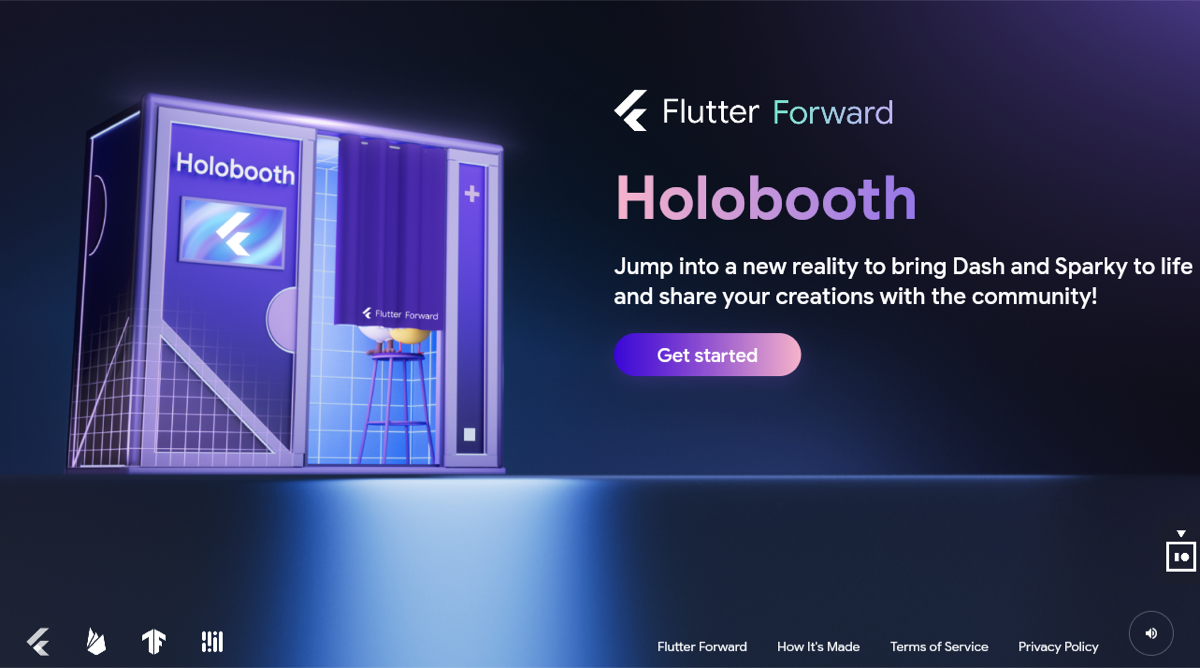
## Flutter News Toolkit
Google also open sourced the [Flutter News Toolkit](https://medium.com/flutter/announcing-the-flutter-news-toolkit-180a0d32c012), a template built to help streamline the process of building news apps (or really any article-based app). We teamed up with Google to build the toolkit, which comes with a bunch of pre-built features, such as content feeds, monetization through ads, search, and more. A lot of thought went into this project — from implementing a scalable architecture to creating an easily customizable design for the app. It uses some helpful VGV tools such as Dart Frog to make it easy to connect to your server. To start building your app, head over to the docs site for detailed step-by-step instructions.
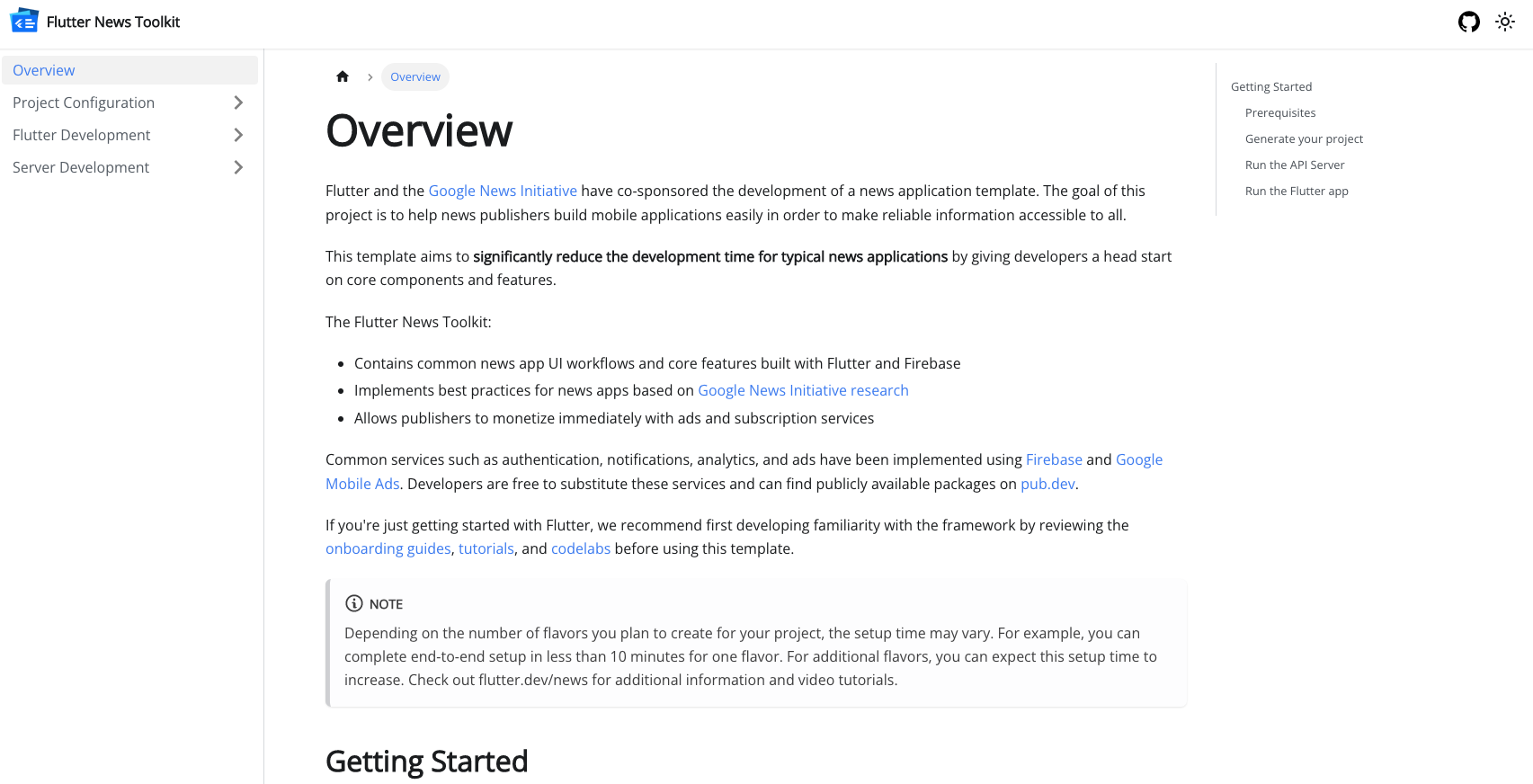
*Flutter News Toolkit documentation site*
Or, follow along with this video:
[Video](https://www.youtube.com/watch?v=dukRAS-OUMM)
We even created a [Figma community template](https://www.figma.com/community/file/1200564667658247533) for the Flutter News Toolkit to make it even easier to customize your app’s theme, assets and components:
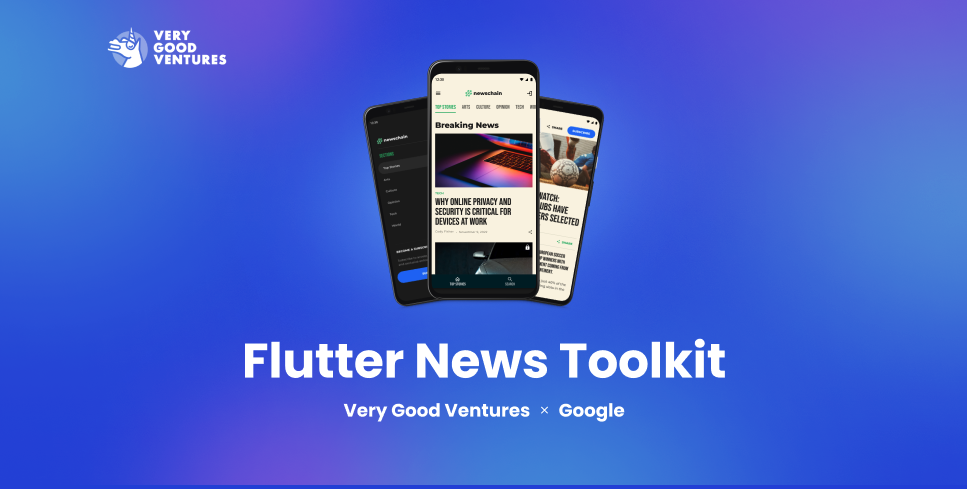
More information about the Flutter News Toolkit can be found on the [Flutter site](https://flutter.dev/news).
## Flutter community talks
Our teammates also participated in the Flutter community talks, now available on YouTube.
### Jaime Blasco provides an essential overview of navigation with GoRouter
[Video](https://www.youtube.com/watch?v=ZH3tlL60fTI)
### Felix Angelov teams up with Dominik Roszkowski to build real-time games with Dart
[Video](https://www.youtube.com/watch?v=TGKipiJhpXo)
## Bonus: Shaders featured in the keynote
We were excited to see shader work from our teammates Renan and Jochum highlighted during the Flutter Forward keynote, right before the preview of [Impeller](https://github.com/flutter/flutter/wiki/Impeller) — the next version of Flutter’s rendering engine, which prioritizes performance for graphics and animations.
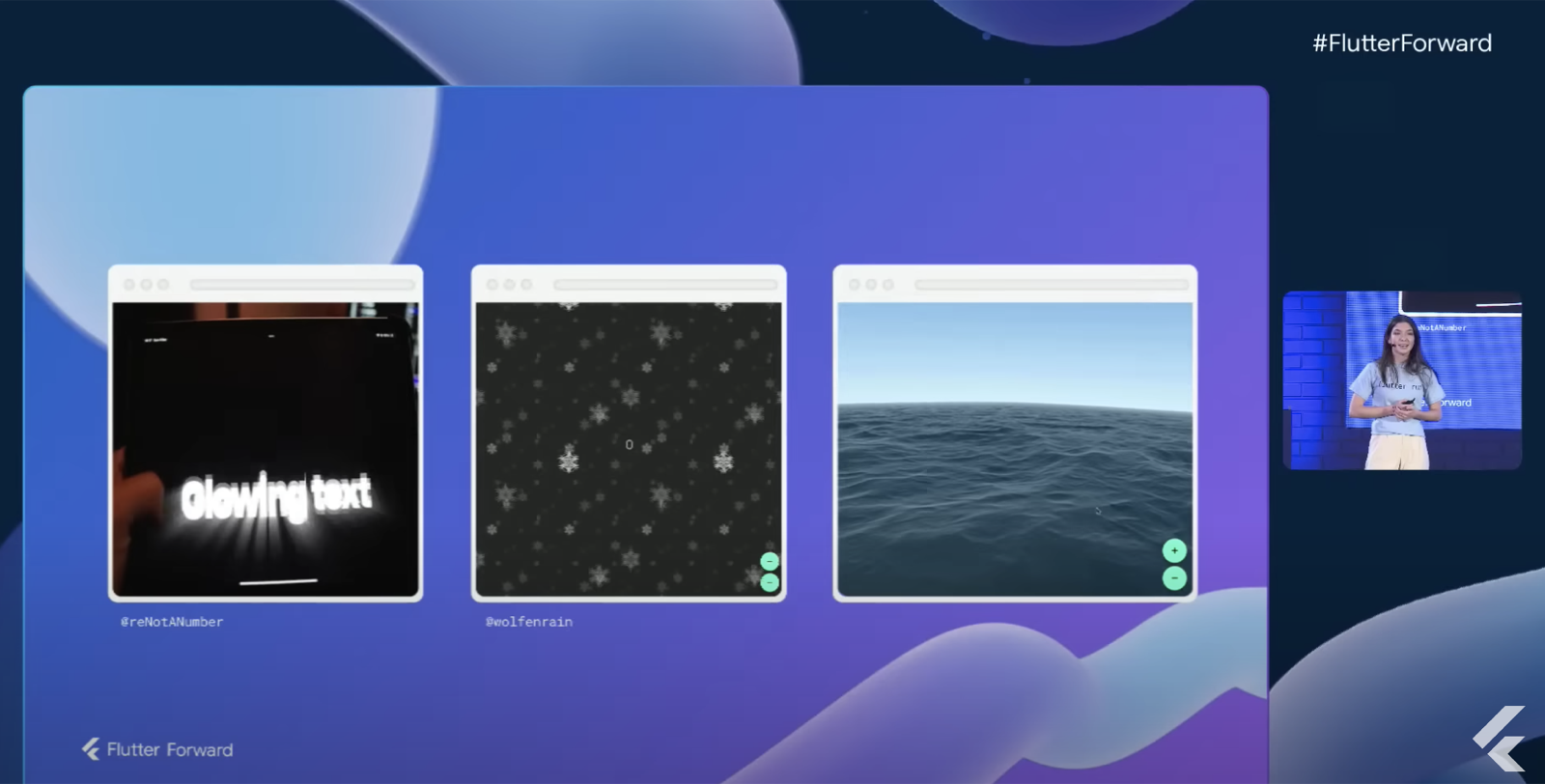
## What’s next
We are very excited about where [Flutter is headed](https://medium.com/flutter/whats-next-for-flutter-b94ce089f49c). We look forward to implementing some of the amazing updates announced at the event, like web stuff and 3D rendering with Impeller, in our projects with clients. And, we’ll keep an eye on the [Flutter Roadmap](https://github.com/flutter/flutter/wiki/Roadmap) to see if we can come up with new open source tooling ideas.
### Dart Frog full stack tutorial
Source: https://verygood.ventures/blog/dart-frog-full-stack-tutorial/
In this blog we're going to build, yup you guessed it, a Flutter counter — but we're not going to build just any Flutter counter. We're going to build a Flutter counter which connects to a Dart Frog server using WebSockets and increment the value of the counter in real time across all platforms! When we're finished, we should have something that looks like this:
We'll learn how to establish a WebSocket connection, react to changes in the connection state, and send and receive messages from the server. In this blog, we will focus on the Flutter application. Before we dive in, check out the [Dart Frog WebSocket Counter tutorial](https://dart-frog.dev/tutorials/web-socket-counter/) in the Dart Frog docs to understand how to build the server used in this example.
## Project structure
First, let's take a look at a how the app will work:
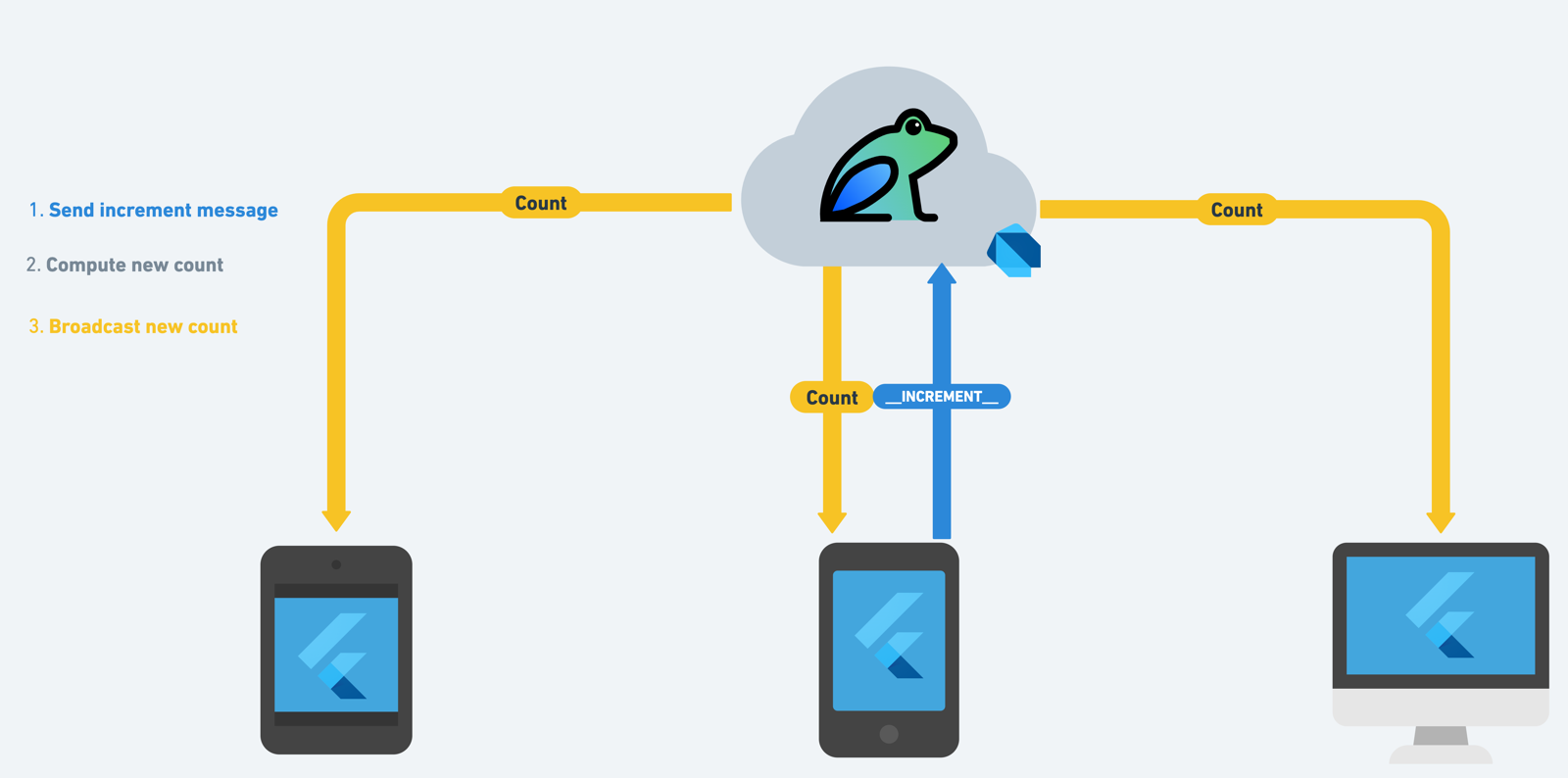
The Flutter application we'll build in this blog will establish a WebSocket connection with a Dart Frog server and listen for changes in count. When a user taps the increment or decrement buttons, the client will send an increment or decrement message to the Dart Frog server. The Dart Frog server will handle computing the new count and broadcast that count to all connected clients.
When we're all done, our project structure should look something like this:
```txt
├── lib
│ ├── app
│ │ └── view
│ ├── counter
│ │ ├── bloc
│ │ └── view
│ └── l10n
├── packages
│ └── counter_repository
├── test
```
Note that other directories like **ios**, **android**, etc. are omitted for simplicity.
## Creating the Flutter app
Let's use [**very_good_cli**](https://pub.dev/packages/very_good_cli) to generate a new Flutter application. If you haven't used **very\_good\_cli** already, you can install it from pub.dev:
```shell
dart pub global activate very_good_cli
```
Then, let's use the create command to generate a new Flutter app:
```shell
very_good create web_socket_counter_flutter --desc "A Flutter real-time counter which integrates with Dart Frog and WebSockets."
```
At this point we have a Flutter starter application with VGV best practices baked in. To learn more about Very Good CLI, check out the [official documentation site](https://cli.vgv.dev/).
### Counter Repository
Before we make changes to the Flutter application, we'll start by creating a **counter\_repository** package which will manage the counter domain. Creating the **counter\_repository** allows us to establish a layer of abstraction between the application and the data giving us flexibility. For example, in the future if we decide to move away from WebSockets, we will not need to modify the Flutter application. To learn more about a layered architecture, check out our [blog post](https://verygood.ventures/blog/very-good-flutter-architecture/).
We can use **very\_good\_cli** to create the **counter\_repository** package:
```shell
very_good create counter_repository -t dart_pkg --desc "A Dart package which manages the counter domain."
```
Next, we'll need to add two dependencies to the **counter\_repository pubspec.yaml**:
- [**web_socket_client**](https://pub.dev/packages/web_socket_client): A Dart WebSocket Client which will allow us to communicate with the Dart Frog server.
- [**web_socket_counter**](https://github.com/VeryGoodOpenSource/dart_frog/tree/main/examples/web_socket_counter): The Dart Frog WebSocket counter package which exports models which we can reuse.
The **pubspec.yaml** should look like:
```yaml
name: counter_repository
description: A Dart package which manages the counter domain.
version: 0.1.0+1
publish_to: none
environment:
sdk: ">=2.18.0 <3.0.0"
dependencies:
web_socket_client: ^0.1.0-dev.1
web_socket_counter:
git:
url: https://github.com/VeryGoodOpenSource/dart_frog
path: examples/web_socket_counter
dev_dependencies:
mocktail: ^0.3.0
test: ^1.19.2
very_good_analysis: ^3.1.0
```
Then, install the dependencies by running **dart pub get**.
The **CounterRepository** class will expose public methods that abstract the implementation details and provide domain models for the application to consume.
```dart
import 'package:web_socket_client/web_socket_client.dart';
import 'package:web_socket_counter/counter/counter.dart';
/// A Dart package which manages the counter domain.
class CounterRepository {
CounterRepository({WebSocket? socket})
: _ws = socket ?? WebSocket(Uri.parse('ws://localhost:8080/ws'));
final WebSocket _ws;
/// Send an increment message to the server.
void increment() => _ws.send(Message.increment.value);
/// Send a decrement message to the server.
void decrement() => _ws.send(Message.decrement.value);
/// Return a stream of real-time count updates from the server.
Stream get count => _ws.messages.cast().map(int.parse);
/// Return a stream of connection updates from the server.
Stream get connection => _ws.connection;
/// Close the connection.
void close() => _ws.close();
}
```
We are exposing increment and decrement methods which send messages to the Dart Frog server. Note that the **Message** enum allows us to use strongly typed objects, and it is used and exported by the Dart Frog server. Being able to share the **Message** enum is an example of code sharing, which can help you be more efficient when building full stack Dart applications and ensure the frontend client code is compatible with the server.
The **CounterRepository** also exposes a stream of counts which the application can subscribe to in order to receive updates. A stream of **ConnectionState** is exposed in order to allow the application to react to changes in the **WebSocket** connection.
Lastly, the **CounterRepository** exposes a close method which closes the underlying connection and can be used to free up any resources.
That's it for the **counter\_repository** implementation! Next, add the **counter\_repository** to the **pubspec.yaml** of the Flutter application.
The updated **pubspec.yaml** should look like:
```yaml
name: web_socket_counter_flutter
description: A Flutter real-time counter which integrates with Dart Frog and WebSockets.
version: 1.0.0+1
publish_to: none
environment:
sdk: ">=2.18.0 <3.0.0"
flutter: 3.3.10
dependencies:
bloc: ^8.1.0
counter_repository:
path: packages/counter_repository
equatable: ^2.0.5
flutter:
sdk: flutter
flutter_bloc: ^8.1.1
flutter_localizations:
sdk: flutter
intl: ^0.17.0
dev_dependencies:
bloc_test: ^9.1.0
flutter_test:
sdk: flutter
mocktail: ^0.3.0
very_good_analysis: ^3.1.0
flutter:
uses-material-design: true
generate: true
```
Make sure to install all dependencies by running **flutter packages get**.
Now time to switch gears and focus on the Flutter app!
### Counter Bloc
The application generated by Very Good CLI already comes with a counter feature which you can find in the lib directory. The first thing we'll do is remove the cubit directory and create a **CounterBloc** instead. Since we'll be working with streams, [using a bloc provides some advantages over a cubit](https://bloclibrary.dev/#/coreconcepts?id=cubit-vs-bloc).
We can create a new bloc either by using the [bloc VS Code extension](https://marketplace.visualstudio.com/items?itemName=FelixAngelov.bloc) or using the [bloc brick](https://brickhub.dev/bricks/bloc/0.2.0).
**CounterState**
Once we have generated a new **CounterBloc**, let's work on modeling the state. In this example, we'll model the state as a single object which contains the value of the count as well as a status to indicate whether the client is connected to the server:
```dart
part of 'counter_bloc.dart';
enum CounterStatus { connected, disconnected }
class CounterState extends Equatable {
const CounterState({
this.count = 0,
this.status = CounterStatus.disconnected,
});
final int count;
final CounterStatus status;
@override
List get props => [count, status];
CounterState copyWith({int? count, CounterStatus? status}) {
return CounterState(
count: count ?? this.count,
status: status ?? this.status,
);
}
}
```
**CounterEvent**
Next, let's define the events the bloc will be reacting to.
The **CounterBloc** in this example will react to five different events but only three of those events will be external.
- **CounterStarted**: notifies the bloc that the counter feature has started and prompts the bloc to subscribe to changes from the backend
- **CounterIncrementPressed**: notifies the bloc that the user has tapped on the increment button
- **CounterDecrementPressed**: notifies the bloc that the user has tapped on the decrement button
- **\_CounterCountChanged**: notifies the bloc that the count has changed on the backend (internal)
- **\_CounterConnectionStateChanged**: notifies the bloc that the connection state has changed (internal)
```dart
part of 'counter_bloc.dart';
abstract class CounterEvent {
const CounterEvent();
}
class CounterStarted extends CounterEvent {
const CounterStarted();
}
class CounterIncrementPressed extends CounterEvent {
const CounterIncrementPressed();
}
class CounterDecrementPressed extends CounterEvent {
const CounterDecrementPressed();
}
class _CounterCountChanged extends CounterEvent {
const _CounterCountChanged(this.count);
final int count;
}
class _CounterConnectionStateChanged extends CounterEvent {
const _CounterConnectionStateChanged(this.state);
final ConnectionState state;
}
```
**CounterBloc**
Now that we have the state and events defined, we can implement the bloc.
```dart
class CounterBloc extends Bloc {
CounterBloc({required CounterRepository counterRepository})
: _counterRepository = counterRepository,
super(const CounterState()) {...}
final CounterRepository _counterRepository;
}
```
First, the bloc will depend on the **CounterRepository** we created earlier, so we'll add it as a required parameter to the bloc constructor.
Next, we'll create an event handler for each event. Tip: you can use the **onevent** and **\_onevent** snippets from the Bloc VS Code extension.
Let's start with **CounterStarted**. When the bloc receives a **CounterStarted** event, it will subscribe to changes in the count and connection and add internal events for whenever either changes. As a result, we need to define two **StreamSubscription** instances and override close to cancel those subscriptions when the bloc is closed.
```dart
class CounterBloc extends Bloc {
CounterBloc({required CounterRepository counterRepository})
: _counterRepository = counterRepository,
super(const CounterState()) {
on(_onCounterStarted);
}
StreamSubscription? _countSubscription;
StreamSubscription? _connectionSubscription;
void _onCounterStarted(
CounterStarted event,
Emitter emit,
) {
_countSubscription = _counterRepository.count.listen(
(count) => add(_CounterCountChanged(count)),
);
_connectionSubscription = _counterRepository.connection.listen((state) {
add(_CounterConnectionStateChanged(state));
});
}
@override
Future close() {
_connectionSubscription?.cancel();
_countSubscription?.cancel();
return super.close();
}
}
```
Next, let's implement the **\_CounterConnectionStateChanged** handler. When the connection state changes, the bloc will emit a new state with an updated status based on whether we are connected or disconnected from the backend. We use a private extension on ConnectionState to convert the **ConnectionState** to a **CounterStatus**.
```dart
class CounterBloc extends Bloc {
CounterBloc({required CounterRepository counterRepository})
: _counterRepository = counterRepository,
super(const CounterState()) {
...
on<_CounterConnectionStateChanged>(_onCounterConnectionStateChanged);
}
...
void _onCounterConnectionStateChanged(
_CounterConnectionStateChanged event,
Emitter emit,
) {
emit(state.copyWith(status: event.state.toStatus()));
}
}
extension on ConnectionState {
CounterStatus toStatus() {
return this is Connected || this is Reconnected
? CounterStatus.connected
: CounterStatus.disconnected;
}
}
```
The **\_CounterCountChanged** event handler will be very similar so let's implement that next. When the bloc receives a **\_CounterCountChanged** event it will emit a new state with the updated count and in this case always set the status to connected since the bloc can only ever receive count updates from the server if it is connected.
```dart
class CounterBloc extends Bloc {
CounterBloc({required CounterRepository counterRepository})
: _counterRepository = counterRepository,
super(const CounterState()) {
on(_onCounterStarted);
on<_CounterConnectionStateChanged>(_onCounterConnectionStateChanged);
on<_CounterCountChanged>(_onCounterCountChanged);
}
...
void _onCounterCountChanged(
_CounterCountChanged event,
Emitter emit,
) {
emit(state.copyWith(count: event.count, status: CounterStatus.connected));
}
}
```
The **CounterIncrementPressed** and **CounterDecrementPressed** event handlers are all that's left and when a bloc receives either event it will invoke increment or decrement on the **CounterRepository** respectively.
The finished **CounterBloc** implementation should look like:
```dart
import 'dart:async';
import 'package:bloc/bloc.dart';
import 'package:counter_repository/counter_repository.dart';
import 'package:equatable/equatable.dart';
part 'counter_event.dart';
part 'counter_state.dart';
class CounterBloc extends Bloc {
CounterBloc({required CounterRepository counterRepository})
: _counterRepository = counterRepository,
super(const CounterState()) {
on(_onCounterStarted);
on<_CounterConnectionStateChanged>(_onCounterConnectionStateChanged);
on<_CounterCountChanged>(_onCounterCountChanged);
on(_onCounterIncrementPressed);
on(_onCounterDecrementPressed);
}
final CounterRepository _counterRepository;
StreamSubscription? _countSubscription;
StreamSubscription? _connectionSubscription;
void _onCounterStarted(
CounterStarted event,
Emitter emit,
) {
_countSubscription = _counterRepository.count.listen(
(count) => add(_CounterCountChanged(count)),
);
_connectionSubscription = _counterRepository.connection.listen((state) {
add(_CounterConnectionStateChanged(state));
});
}
void _onCounterIncrementPressed(
CounterIncrementPressed event,
Emitter emit,
) {
_counterRepository.increment();
}
void _onCounterDecrementPressed(
CounterDecrementPressed event,
Emitter emit,
) {
_counterRepository.decrement();
}
void _onCounterConnectionStateChanged(
_CounterConnectionStateChanged event,
Emitter emit,
) {
emit(state.copyWith(status: event.state.toStatus()));
}
void _onCounterCountChanged(
_CounterCountChanged event,
Emitter emit,
) {
emit(state.copyWith(count: event.count, status: CounterStatus.connected));
}
@override
Future close() {
_connectionSubscription?.cancel();
_countSubscription?.cancel();
return super.close();
}
}
extension on ConnectionState {
CounterStatus toStatus() {
return this is Connected || this is Reconnected
? CounterStatus.connected
: CounterStatus.disconnected;
}
}
```
### Counter Feature
Now that the **CounterBloc** is implemented, let's update the UI. First, let's provide an instance of the **CounterRepository** to the widget tree in **app.dart**
```dart
import 'package:counter_repository/counter_repository.dart';
import 'package:flutter/material.dart';
import 'package:flutter_bloc/flutter_bloc.dart';
import 'package:web_socket_counter_flutter/counter/counter.dart';
import 'package:web_socket_counter_flutter/l10n/l10n.dart';
class App extends StatefulWidget {
const App({super.key});
@override
State createState() => _AppState();
}
class _AppState extends State {
late final CounterRepository _counterRepository;
@override
void initState() {
super.initState();
_counterRepository = CounterRepository();
}
@override
void dispose() {
_counterRepository.close();
super.dispose();
}
@override
Widget build(BuildContext context) {
return RepositoryProvider.value(
value: _counterRepository,
child: const AppView(),
);
}
}
class AppView extends StatelessWidget {
const AppView({super.key});
@override
Widget build(BuildContext context) {
return const MaterialApp(
localizationsDelegates: AppLocalizations.localizationsDelegates,
supportedLocales: AppLocalizations.supportedLocales,
home: CounterPage(),
);
}
}
```
Note that we're using a **StatefulWidget** so that we can manage the **CounterRepository** instance and close it when the widget is disposed.
Next, let's update the **CounterPage** widget to provide an instance of the **CounterBloc**.
```dart
class CounterPage extends StatelessWidget {
const CounterPage({super.key});
@override
Widget build(BuildContext context) {
return BlocProvider(
create: (context) => CounterBloc(
counterRepository: context.read(),
)..add(const CounterStarted()),
child: const CounterView(),
);
}
}
```
We immediately add a **CounterStarted** event to the bloc in order to start listening for updates to the count as soon the widget is mounted.
Next, let's update the **CounterView** to display the counter text, connection text, and floating action buttons to increment and decrement the counter:
```dart
class CounterView extends StatelessWidget {
const CounterView({super.key});
@override
Widget build(BuildContext context) {
final l10n = context.l10n;
return Scaffold(
appBar: AppBar(title: Text(l10n.counterAppBarTitle)),
body: Center(
child: Column(
mainAxisAlignment: MainAxisAlignment.center,
children: const [
CounterText(),
ConnectionText(),
],
),
),
floatingActionButton: Column(
mainAxisAlignment: MainAxisAlignment.end,
crossAxisAlignment: CrossAxisAlignment.end,
children: const [
IncrementButton(),
SizedBox(height: 8),
DecrementButton(),
],
),
);
}
}
```
The **CounterText** widget will use the **context.select** extension to rebuild whenever the count changes in the bloc state:
```dart
class CounterText extends StatelessWidget {
const CounterText({super.key});
@override
Widget build(BuildContext context) {
final theme = Theme.of(context);
final count = context.select((CounterBloc bloc) => bloc.state.count);
return Text('$count', style: theme.textTheme.headline1);
}
}
```
Similarly, the **ConnectionText** widget uses **context.select** to rebuild whenever the status changes in the bloc state:
```dart
class ConnectionText extends StatelessWidget {
const ConnectionText({super.key});
@override
Widget build(BuildContext context) {
final theme = Theme.of(context);
final l10n = context.l10n;
final connection = context.select((CounterBloc bloc) => bloc.state.status);
switch (connection) {
case CounterStatus.connected:
return Text(
l10n.counterConnectedText,
style: theme.textTheme.caption?.copyWith(
color: theme.colorScheme.primary,
),
);
case CounterStatus.disconnected:
return Text(
l10n.counterDisconnectedText,
style: theme.textTheme.caption?.copyWith(
color: theme.colorScheme.error,
),
);
}
}
```
Lastly, the increment and decrement buttons are only enabled if the status is connected. When tapped, they add the correct event to the bloc:
```dart
class IncrementButton extends StatelessWidget {
const IncrementButton({super.key});
@override
Widget build(BuildContext context) {
final isConnected = context.select(
(CounterBloc bloc) => bloc.state.status == CounterStatus.connected,
);
return FloatingActionButton(
backgroundColor: isConnected ? null : Colors.grey,
onPressed: isConnected
? () => context.read().add(const CounterIncrementPressed());
: null,
child: const Icon(Icons.add),
);
}
}
class DecrementButton extends StatelessWidget {
const DecrementButton({super.key});
@override
Widget build(BuildContext context) {
final isConnected = context.select(
(CounterBloc bloc) => bloc.state.status == CounterStatus.connected,
);
return FloatingActionButton(
backgroundColor: isConnected ? null : Colors.grey,
onPressed: isConnected
? () => context.read().add(const CounterDecrementPressed());
: null,
child: const Icon(Icons.remove),
);
}
}
```
### Running the App
We're finally ready to run the app now! We recommend running the app in debug mode directly from either VS Code or Android Studio but you can also run it from the command line:
```shell
flutter run -t lib/main_development.dart --flavor development
```
Once the app is running you should see the client is disconnected and the floating action buttons are disabled.
Now all that's left to do is run the Dart Frog server. To see how we built the server, refer to the [tutorial](https://dart-frog.dev/tutorials/web-socket-counter/) in the Dart Frog docs.
```shell
# Install Dart Frog CLI.
dart pub global activate dart_frog_cli
# Clone the GitHub Repository.
git clone https://github.com/VeryGoodOpenSource/dart_frog
# Change into the web_socket_counter example directory.
cd dart_frog/examples/web_socket_counter
# Install the dependencies.
dart pub get
# Run the development server.
dart_frog dev
```
Once the server is running you should see the client establish a connection. You can run the Flutter app on a different device to establish multiple connections to the server and watch the counter change in real-time.
## Summary
That's it! You can now build a full stack Dart application with real-time bidirectional communication using WebSockets. The [complete source code](https://github.com/VGVentures/web_socket_counter_flutter) is available on GitHub (with 100% test coverage, of course).
### [**Learn more about Dart Frog at dart-frog.dev →**](https://dart-frog.dev/)
#### Frequently Asked Questions
##### What does this tutorial build?
A Flutter counter that connects to a Dart Frog server over WebSockets. When any device taps increment or decrement, the server computes the new count and broadcasts it to every connected client in real time.
##### How is the Flutter app structured?
It uses a counter_repository Dart package that wraps a WebSocket client and exposes increment, decrement, and a stream of count updates. The Flutter app consumes the repository through a CounterBloc that maps WebSocket events to UI state. See the VGV layered architecture post for the rationale.
##### Why use a bloc instead of a cubit here?
The app subscribes to streams of count updates and connection state changes. Bloc handles streams more naturally than cubit, since each external event maps cleanly to an event handler that emits a new state.
##### How does the app handle connection state?
The repository exposes a stream of ConnectionState. The bloc listens for that stream, converts it to a CounterStatus of connected or disconnected, and stores it in state. The increment and decrement buttons stay disabled while the client is disconnected.
##### How do I run the example end to end?
Run the Flutter app in debug mode, then activate dart_frog_cli, clone the Dart Frog repo, change into examples/web_socket_counter, run dart pub get, then dart_frog dev. Open the app on multiple devices to see the counter sync across all of them.
##### Where can I find the full source?
The complete client source is at VGVentures/web_socket_counter_flutter with 100% test coverage. The server-side tutorial lives in the Dart Frog docs.
### 2023 Open Source & Tooling Roadmap
Source: https://verygood.ventures/blog/open-source-tooling-roadmap-2023/
2022 was a pivotal year for open source at Very Good Ventures. We announced the addition of Jochum and Renan to our [tooling & open source team](https://verygood.ventures/blog/tooling-and-open-source-team/), made thousands of commits to GitHub, and released ten brand new open source tools, including [**Dart Frog**](https://dart-frog.dev/), [**Very Good Ranch**](https://ranch.vgv.dev/), and multiple new [**Very Good CLI**](https://cli.vgv.dev/) templates.
We’re proud to have created a suite of open source tools that work really well together or separately. For example, you could use **Very Good CLI** to generate a Flutter app foundation using **Very Good Core**, which comes with **Very Good Analysis** and **Very Good Workflows**; then, as you’re developing you could use **Very Good Infinite List** to implement a lazy-loading photo album and use **r13n** to add region-specific contact information in your app. Or, maybe you’re working on a client app and just want to use our strict lint rules with **Very Good Analysis**. Both use cases are totally valid. We want to provide tools that are useful and help increase developer efficiency — in whatever combination makes the most sense for you!
In 2023, we’re going to focus on all of the things that come with maintaining open source tools: ongoing upkeep, fixing bugs, triaging issues, and developing high-quality documentation and examples — all with the goal of improving the developer experience within VGV and in the broader Flutter community. We’re also going to explore new tools and packages that we can add to the growing ecosystem. Before we dive into more detail, let’s take a look back at what we accomplished last year.
## 2022 by the numbers
## 2023 OSS & tooling roadmap
### Maintaining core tooling
Our team builds tools that fall into three phases of development: **create**, **build**, and **scale**. In 2022, we open sourced ten new tools, from templates like the Flame Game template, to our backend framework Dart Frog, to our fun exploration into game development [**Very Good Ranch**](https://ranch.vgv.dev/). This year, we will keep maintaining all of our open source tools, and look for opportunities for new tooling to help developers create, build, and scale their projects with VGV best practices. Here is a list of open source tools that we actively maintain:
#### CREATE
- [**Very Good CLI**](https://github.com/VeryGoodOpenSource/very_good_cli): A Command-Line Interface to help you generate scalable templates and execute helpful commands. Supported templates include:
- [**Very Good Core**](https://github.com/VeryGoodOpenSource/very_good_core): A Flutter app template with VGV best practices, including flavors, 100% test coverage, and scalable architecture.
- [**Very Good Flame Game**](https://github.com/VeryGoodOpenSource/very_good_flame_game): A template for a game that uses the Flame game engine.
- [**Dart CLI**](https://github.com/VeryGoodOpenSource/very_good_dart_cli): A template for a Dart Command-Line Interface.
- [**Dart Package**](https://github.com/VeryGoodOpenSource/very_good_dart_package): A template for a Dart package.
- [**Flutter Package**](https://github.com/VeryGoodOpenSource/very_good_flutter_package): A template for a Flutter package.
- [**Docs Site**](https://github.com/VeryGoodOpenSource/very_good_docs_site): A template for a documentation site.
- [**Flutter Federated Plugin**](https://github.com/VeryGoodOpenSource/very_good_flutter_plugin): A template for a plugin that supports the federated plugin architecture.
#### BUILD
- [**Dart Frog**](https://github.com/verygoodopensource/dart_frog): A fast, minimalistic backend framework for Dart.
- [**Dart Frog Web Socket**](https://github.com/VeryGoodOpenSource/dart_frog/tree/main/packages/dart_frog_web_socket): WebSocket support for Dart Frog.
- [**CLI Completion**](https://github.com/VeryGoodOpenSource/cli_completion): Completion functionality for Dart Command-Line Interfaces built using CommandRunner.
- [**Flame Behaviors**](https://github.com/VeryGoodOpenSource/flame_behaviors): Helps apply the separation of concerns to game logic in the form of entities and behaviors.
- [**Formz**](https://github.com/VeryGoodOpenSource/formz): A unified form representation in Dart.
- [**r13n**](https://github.com/VeryGoodOpenSource/r13n): Implement regionalization within your app.
- [**Very Good Infinite List**](https://github.com/VeryGoodOpenSource/very_good_infinite_list): An infinite list widget for activity feeds, news feeds, and more.
#### SCALE
- [**Very Good Analysis**](https://github.com/verygoodopensource/very_good_analysis): Lint rules for Dart and Flutter used internally at VGV.
- [**Very Good Coverage**](https://github.com/verygoodopensource/very_good_coverage): A GitHub Action to help enforce a specified code coverage threshold.
- [**Very Good Workflows**](https://github.com/VeryGoodOpenSource/very_good_workflows): A collection of helpful, reusable GitHub workflows.
One of our most popular tools is **Very Good CLI** and the templates it supports. All templates supported by our CLI provide a scalable, VGV-approved foundation for your project, whether it’s a Flutter app (core template), Dart CLI, Flutter package, federated plugin, or something else.
We’re always on the lookout for new templates; often, we’ll be working on something and ask ourselves the tried and true question: could this be abstracted to a template (that’s how the [Flame Game template got started](https://verygood.ventures/blog/generate-a-game-with-our-new-template/))? As use cases come up, we are open to adding additional templates to **Very Good CLI** — and useful commands, like [**very_good test**](https://cli.vgv.dev/docs/commands/test) (which helped the [SNCF Connect & Tech team](https://nsalleron.medium.com/flutter-pipeline-optimization-with-very-good-test-96952f671557) cut the time to run golden tests in half, and unit tests ran 6x faster).
In 2023, we hope to explore template extensions. If we can figure out how to extend a template using another template, we’ll be able to better customize the developer experience and keep templates as lightweight as possible.
We’ll also keep tools like **Very Good Analysis** and **Very Good Workflows** at the forefront of our thoughts. We’ll be ready to upgrade **Very Good Analysis** with any new lint rules that we want to incorporate into our projects internally at VGV. We’ll look for opportunities to add additional workflows that help automate the development process.
### Full stack Dart with Dart Frog
Last May, we released [**Dart Frog**](https://dart-frog.dev/), which was started as an experimental framework for Dart on the server that leverages existing capabilities of the shelf package. A few months later, we brought [**Dart Frog** to stable with v0.1.0](https://verygood.ventures/blog/dart-frog-stable/), along with a handful of bug fixes and new features. We’re currently [working toward v1.0.0](https://github.com/dart-frog-dev/dart_frog/milestone/2), which we expect to release this year 👀 We’ve been blown away by the excitement and support for **Dart Frog** so far and plan to ramp up development on this project into 2023! To follow along as we add more features to **Dart Frog**, check out our [roadmap](https://dart-frog.dev/roadmap/).
Another area we plan to explore with **Dart Frog** is independent **Dart Frog** packages that can be added to your projects as needed. For an example of this, see our package [**Dart Frog Web Sockets**](https://pub.dev/packages/dart_frog_web_socket). Developing separate packages that work well with Dart Frog projects will allow us to keep the core **Dart Frog** package simple and lightweight, and empower you to add in what you need when you need it. In fact, this mix-and-match approach is what underlies a lot of our open source tools — we want you to use what you need when you need it, without being burdened by features that you’ll remove right away.
At VGV, we’re dedicated to pursuing full stack Dart in our projects. Our goal with **Dart Frog** is to create tooling that makes it easy for developers already familiar with Dart to write backend code. We want developers to be able to focus on building apps in an efficient way using the same tooling, linting, best practices that Dart enables. With **Dart Frog**, you don’t have to context switch from Dart to Typescript or another language. You can simply tap into the features that Dart provides, as well as existing Dart packages, to write both frontend and backend code.
### Strengthening the internal feedback loop
The benefit of working at a consulting company is that we are always working on multiple projects with customers across different industries. We can use our teammates’ feedback and suggestions to drive some of what we explore and develop as an OSS and tooling team. Are there ways we can streamline development? Can we automate repeatable tasks? These are some of the questions we ask that can help inspire new tools to increase our team’s efficiency. This is how some of our existing tools originated — both **Very Good Workflows** and **r13n** are examples of recent tools that came from a need on the client services side. With **Very Good Workflows**, we were able to standardize a handful of use cases to run certain checks within CI/CD on a project in a flexible way. **R13n** came from the need for a scalable way to add region-specific text to an application. We’ll continue to look for opportunities to solve common pain points of our teammates, and if it’s a solution that would be useful to developers beyond VGV, we’ll open source it.
Last year, we started hosting internal focus groups at VGV so that we can gather feedback on certain types of tools to see if there are things we can do to help improve the developer experience for those on our team (and beyond). We host weekly office hours for anyone on our team who wants to chat about tools or any other Flutter topics of interest. This year, we’ll continue these initiatives so that we can see which of our open source tools are being used and how, generate new ideas, and gather feedback in real time.
### Other areas to explore
#### Accessibility
Accessibility is one area we want to explore in 2023. The Flutter team provides [helpful documentation](https://docs.flutter.dev/development/accessibility-and-localization/accessibility) and [resources](https://youtu.be/bWbBgbmAdQs) for implementing accessibility within an application to ensure that there is sufficient text contrast, target size, semantic labels, and other best practices. We’ve been excited by recent momentum in the accessibility tooling space from Rebel App Studio with their [**accessibility_tools**](https://pub.dev/packages/accessibility_tools) package, released last month. At VGV, we want to see if we can help automate some accessibility checks; just like you can run widget tests to ensure your widgets are behaving as intended, we want to explore tooling that will make it easy to check for things like text contrast.
#### Games
Because two of the three full time team members are active maintainers of the Flame game engine, we will likely continue to develop tooling that makes it easier to build games with Flutter. Last year we took a deep dive into building games with Flutter, first through our work with Google on [**I/O Pinball**](https://medium.com/flutter/i-o-pinball-powered-by-flutter-and-firebase-d22423f3f5d). We also produced our **Very Good Ranch** game and shortly after, a Flame game template that can be generated from **Very Good CLI**. Stay tuned for additional explorations in this area.
#### Other areas 👀
Our work will continue to follow the evolution of Flutter and Dart. As 2023 unfolds, expect us to come up with some very good ideas that even we can’t anticipate right now, with the ultimate goal of improving the developer experience.
### Keep up with the latest updates from the open source & tooling team on [**Twitter**](https://twitter.com/VGVentures) and watch for new releases on [**GitHub**](https://github.com/VeryGoodOpenSource).
#### Frequently Asked Questions
##### What did VGV's open source team ship in 2022?
VGV released ten new open source tools in 2022, including Dart Frog, Very Good Ranch, and several new templates supported by Very Good CLI. The team also crossed 1,400+ stars and 4,000+ contributions across Very Good Open Source repos.
##### What are the three categories VGV organizes its open source tools into?
The team groups tools into create, build, and scale. Create tools include Very Good CLI and its templates. Build tools include Dart Frog, Flame Behaviors, Formz, r13n, and Very Good Infinite List. Scale tools include Very Good Analysis, Very Good Coverage, and Very Good Workflows.
##### What does the 2023 roadmap focus on for Dart Frog?
The roadmap targets v1.0.0 of Dart Frog and explores independent companion packages, like Dart Frog Web Sockets, that can be added to projects as needed. The goal is full-stack Dart so teams skip the context switch from Dart to TypeScript or another language.
##### What new areas is VGV exploring in 2023 beyond core maintenance?
Two areas stand out. Accessibility tooling, where VGV wants to automate checks for things like text contrast similar to how widget tests automate UI behavior. Games, since two of three full-time team members maintain Flame, expect more tooling that makes it easier to build games with Flutter.
##### How does feedback from VGV's client work feed into open source tools?
Several tools, including Very Good Workflows and r13n, started as solutions to common problems on client engagements. The team runs internal focus groups and weekly office hours to surface those pain points, and open sources the ones that would help developers beyond VGV.
##### What is template extension and why does VGV want it?
Template extension is the ability to extend a Very Good CLI template using another template. If the team can figure it out, it would let them keep templates lightweight while still customizing the developer experience for specific project types.
### Where Flutter & VGV are Headed in 2023
Source: https://verygood.ventures/blog/where-flutter-and-vgv-are-headed-in-2023/
Last year was a huge year for Flutter. Some notable milestones include: The [release of Flutter 3.0](https://medium.com/flutter/announcing-flutter-3-3-at-flutter-vikings-6f213e068793), the arrival of the [Flutter Casual Games Toolkit](https://docs.flutter.dev/resources/games-toolkit) and Flutter Vikings, which allowed the Flutter community to gather in-person for the first time in years. We also saw many companies like [ByteDance](https://youtu.be/8RmsstcNE1Y), [Tonal](https://flutter.dev/showcase/tonal), and [Superlist](https://flutter.dev/showcase/superlist) share how their teams have found success with Flutter.
We're more optimistic than ever for Flutter’s upward trajectory in 2023. We imagine a future where organizations can efficiently manage an entire ecosystem of applications with the same tools, skills, and teams. Flutter and Dart enable a future where apps are not only multi-platform, but are complementary and build on shared foundations of common code and processes.
Taking a cue from the [annual Flutter strategy and roadmap](https://medium.com/flutter/flutter-in-2022-strategy-and-roadmap-8c5eaf7c4275), we wanted to provide a look back at what we accomplished in 2022, where we think the Flutter industry is heading in 2023, and how VGV will be a part of it.
## 2022 Retrospective
First, a look back at some of the work we accomplished in 2022.
## 2023 Roadmap
### Experiment
#### Pushing the limits of Flutter
We’ve been on the cutting edge of what Flutter can do since Day 1. VGV started out by building the [first commercial app outside of Google](https://verygood.ventures/case-studies/hamilton/), then expanded to even more projects to show the world what Flutter can do, such as creating the [first demo of Flutter on macOS](https://verygood.ventures/success-stories/flutter-slides/), [demoing the first large-scale web app with New York Times’ KENKEN](https://verygood.ventures/success-stories/new-york-times/), and more recently, building a [2D game in Flutter at Google I/O 2022](https://medium.com/flutter/i-o-pinball-powered-by-flutter-and-firebase-d22423f3f5d).
Last year, we worked on over 50 Flutter projects! In 2023, we’ll continue to be on the forefront of pushing Flutter to new heights, new use cases, and new screens. We predict we’ll see more proof-of-concepts but also real applications of Flutter far beyond mobile and “traditional screens.”
### Form
#### Design & Development
We’re keeping a close eye on the efforts the community is making to improve the designer and developer feedback loop. We’ve seen firsthand that using Flutter is a huge opportunity for companies to bring their brands to any and all screens in a beautiful and performant way. Companies like [Parabeac](https://parabeac.com/), [Widgetbook](https://www.widgetbook.io/), and Adobe (via the [Adobe XD plugin](https://pub.dev/packages/adobe_xd)) are actively developing solutions to make it even easier for developers and designers to collaborate, so that teams can ship Flutter apps that look beautiful and don’t compromise on design. Last year, we brought on [Josh Musick to help us expand our design expertise](https://verygood.ventures/blog/behind-the-unicorn-magic-get-to-know-the-vgv-team-josh-musick/). In 2023, we’ll continue to grow our design team, help teams design and deploy high-quality multi-platform experiences.
#### Powerful Templates
Templates can be a useful tool to jumpstart app development by providing useful out-of-the-box features but also establishing best practices and architectural patterns for a new codebase. The [Casual Games Toolkit](https://docs.flutter.dev/resources/games-toolkit) and [Flutter News Toolkit](https://medium.com/flutter/introducing-the-flutter-news-toolkit-now-accepting-applications-9e926db55f6d) are two recent examples of high-quality Flutter templates. The former provides everything you need to get started with casual app-like games including pre-built features like a main menu screen, music, ads, leader boards, and [Firebase Crashlytics](https://firebase.google.com/products/crashlytics).
The Flutter News Toolkit is currently being used by publishers to jumpstart building mobile news apps by “reducing the app development time up to 80%.”
In 2023, we hope that we see even more templates hit the market with helpful out-of-the-box functionality, so that teams can focus on building unique features, instead of the basics.
At VGV, we have developed a few templates that are widely used by developers around the world. Our open source tool [Very Good CLI](https://cli.vgv.dev/) can be used to generate a Flutter Starter app — all with our built-in best practices, 100% test coverage, and scalable architecture. For an enterprise-grade Flutter app foundation, check out our [Very Good Start](https://verygood.ventures/solution/very-good-start/) solution.
### Build
#### Full Stack Dart
Full stack Dart is becoming a real option for teams. We’re seeing an influx of pure Dart SDKs, such as the latest [Google Cloud SDK](https://pub.dev/packages/gcloud) release, [AWS Amplify](https://aws.amazon.com/about-aws/whats-new/2022/11/aws-amplify-flutter-web-desktop-developer-preview-api-analytics-storage/), and other tools that will help Flutter developers add useful functionality to their apps. We think that 2023 will be the year of Dart — and we don’t just mean in the context of Flutter.
There's also been an explosion of tools for Dart on the server, such as [Serverpod](https://serverpod.dev/), [Alfred](https://pub.dev/packages/alfred), and our own tool: [Dart Frog](https://verygood.ventures/blog/dart-frog-stable/). We expect that this trend will continue, as being able to utilize Dart on both the front and backend can lead to more efficient workflows for developers and less context switching (similar to the effect the rise of server-side development had on the JavaScript ecosystem).
#### Flutter on All Screens
There are [plenty of examples](https://flutter.dev/showcase) of beautiful, high-quality mobile apps built with Flutter. The most recent Flutter [user survey](https://medium.com/flutter/what-we-learned-from-the-flutter-q3-2022-survey-9b78803accd2) found that 76% of developers were using Flutter for two or more platforms, and 32% were developing for three or more platforms. In 2023, we expect to see Flutter on even more screens, including web apps, embedded devices like [Toyota’s in-vehicle infotainment system](https://flutter.dev/showcase/toyota), devices running [Fuchsia](https://fuchsia.dev/), and more!
This is great news for companies that want to build beautiful digital experiences for any screen. It’s even better news for developers because being able to develop for any device (not just mobile) can open up a lot of career opportunities — you’re no longer limited by the popularity of a given device or screen. Using a tool like Flutter can unlock the super power to build for *any screen*.
### Scale
#### App Support & Growth
In 2022, we started to see more solutions and maturity when it comes to supporting and growing Flutter apps that are in production. With companies like [Amplitude](https://www.docs.developers.amplitude.com/data/sdks/flutter/), [Braze](https://www.braze.com/docs/developer_guide/sdk_integration?sdktab=flutter&redirected=3), and [Sentry](https://docs.sentry.io/platforms/flutter/) developing Flutter SDKs, it’s clear that analytics performance tools are gaining ground within the Flutter community. We are proud to have contributed to this ecosystem by helping [Embrace build a Flutter SDK for their observability tools](https://verygood.ventures/blog/building-a-flutter-sdk-for-embrace/) using our best practices. We’ve also seen tools such as [LaunchDarkly](https://docs.launchdarkly.com/sdk/client-side/flutter) for feature flagging, and [Wiredash](https://wiredash.io/) for in-app feedback, gain in popularity within the Flutter ecosystem.
These tools are a signal to us that the Flutter ecosystem is maturing. We expect The Flutter ecosystem to continue to grow with tools that support apps in production, making it even easier for teams to deliver top-notch experiences to users over time.
### Transform
**Organizational impact of Flutter**
While Flutter is still a fairly new technology, companies that have embraced it a few years ago are commenting on how it can powerfully unify and improve teams. In the words of Will Lockwood, a Senior Software Engineer at Betterment: “Our mobile velocity has left our backend resources struggling to keep up in supporting feature development.” Check out the full [Twitter thread](https://twitter.com/deremer/status/1592207184414519296) for more on the [organizational benefits](https://verygood.ventures/success-stories/betterment/) of Flutter.
At VGV we’ve observed that companies that develop with Flutter see efficiency impacts on all teams related to the product, not just the engineering team. This year, we are excited to help clients harness the power of Flutter within all of their teams — from development to design to product to project management, and beyond! Flutter is more than just a UI toolkit, it is a tool with huge transformational power.
**At Very Good Ventures, we partner with clients to build enterprise-grade experiences for any screen using Flutter.**
[**Want to unlock the transformational power of Flutter for your team? Contact us →**](https://verygood.ventures/contact-us/)
#### Frequently Asked Questions
##### What were the biggest Flutter milestones in 2022?
Flutter 3.0 launched, the Casual Games Toolkit shipped, and Flutter Vikings brought the community back together in person for the first time in years. Major adopters like ByteDance, Tonal, and Superlist also shared their Flutter success stories.
##### Where does VGV expect Flutter to go in 2023?
VGV sees four trends shaping the year. Full-stack Dart becomes a credible option through tools like Dart Frog, Serverpod, and Alfred. Flutter ships on more screens including web, embedded systems, in-vehicle infotainment, and Fuchsia. The design-to-code feedback loop tightens with Parabeac, Widgetbook, and similar tools. Production support matures through SDKs like Amplitude, Braze, Sentry, LaunchDarkly, and Embrace.
##### Why does VGV invest so much in templates and starter projects?
Templates remove the boring setup work that every project repeats and bake in best practices from day one. VGV's Very Good CLI generates Flutter starter apps with 100% test coverage and scalable architecture, while the Very Good Start solution provides an enterprise-grade Flutter foundation.
##### What does VGV mean by Flutter's "organizational impact"?
Companies that ship Flutter benefit beyond the engineering team. When mobile velocity is no longer the bottleneck, design, product, project management, and even backend feel the effects. VGV's work with clients like Betterment shows how Flutter can be a transformational tool, not just a UI framework.
### Build a Flutter app with Very Good CLI and AWS Amplify
Source: https://verygood.ventures/blog/flutter-app-very-good-cli-aws-amplify/
[AWS Amplify](https://aws.amazon.com/amplify/) is a great solution to easily build and host full-stack applications for both web and mobile. It has SDKs for iOS, Android, web, React Native, and Flutter.
AWS Amplify allows you to do a lot of helpful tasks when it comes to app development. For example, you can use AWS Amplify to:
- **Create and connect to an app backend:** Create a backend hosted on AWS and connect it using the cross-platform Amplify Flutter library, which gives you the ability to enable real-time data interactions with offline support.
- **Host a web app:** Easily deploy web app or website to the fast, secure and reliable AWS content delivery network with [AWS Amplify Hosting](https://aws.amazon.com/amplify/hosting/).
- **Use pre-built authentication UI:** The AWS Authenticator gives you a ready-made UI component for your app.
In this tutorial we're going to be focusing on the backend functionality by adding AWS authentication to our Flutter project using email and password.
Let's get started! 🙌
## 💡Overview
The main goal of this tutorial is to create a new project with AWS Amplify that uses Very Good Ventures tools and best practices. We will create an app, enable the authentication service, and implement it in the app. This example will have a layered architecture (check out this [article](https://verygood.ventures/blog/very-good-flutter-architecture/) by my teammate Marcos Sevilla) with 100% test coverage, and our starter app will be generated by [Very Good CLI](https://cli.vgv.dev/) ✨
You're going to see how easily the Very Good Ventures tools and best practices can be implemented with AWS Amplify.
### Installation
Install the AWS Amplify CLI to be able to configure the project.
```shell
npm install -g @aws-amplify/cli
```
### AWS Amplify configuration
The next step is to configure AWS Amplify and create an IAM User. This user enables you to manage users and user permissions in AWS. For more detail on creating an IAM User, refer to [these docs](https://docs.amplify.aws/lib/project-setup/prereq/q/platform/flutter/#sign-up-for-an-aws-account).
1\. Run the **amplify configure** command.
```shell
amplify configure
```
This command will ask you to sign into the AWS Console (you need to copy the URL that appears in the terminal). After signing in, the CLI will ask you to create an IAM user.
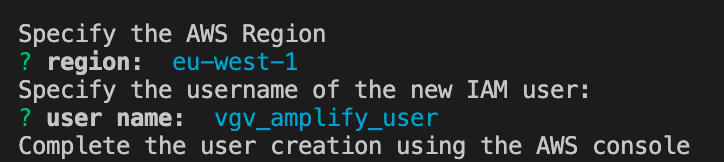
2\. After filling out the IAM user information you need to continue in the web browser to manage the policy **AdministratorAccess-Amplify** in your account. Note that we're providing administrative access to the account in this example for the sake of simplicity, but you should follow best practices when it comes to admin access.
- Set the username (in this case I added **vgv\_amplify\_user** but you can use your own username).
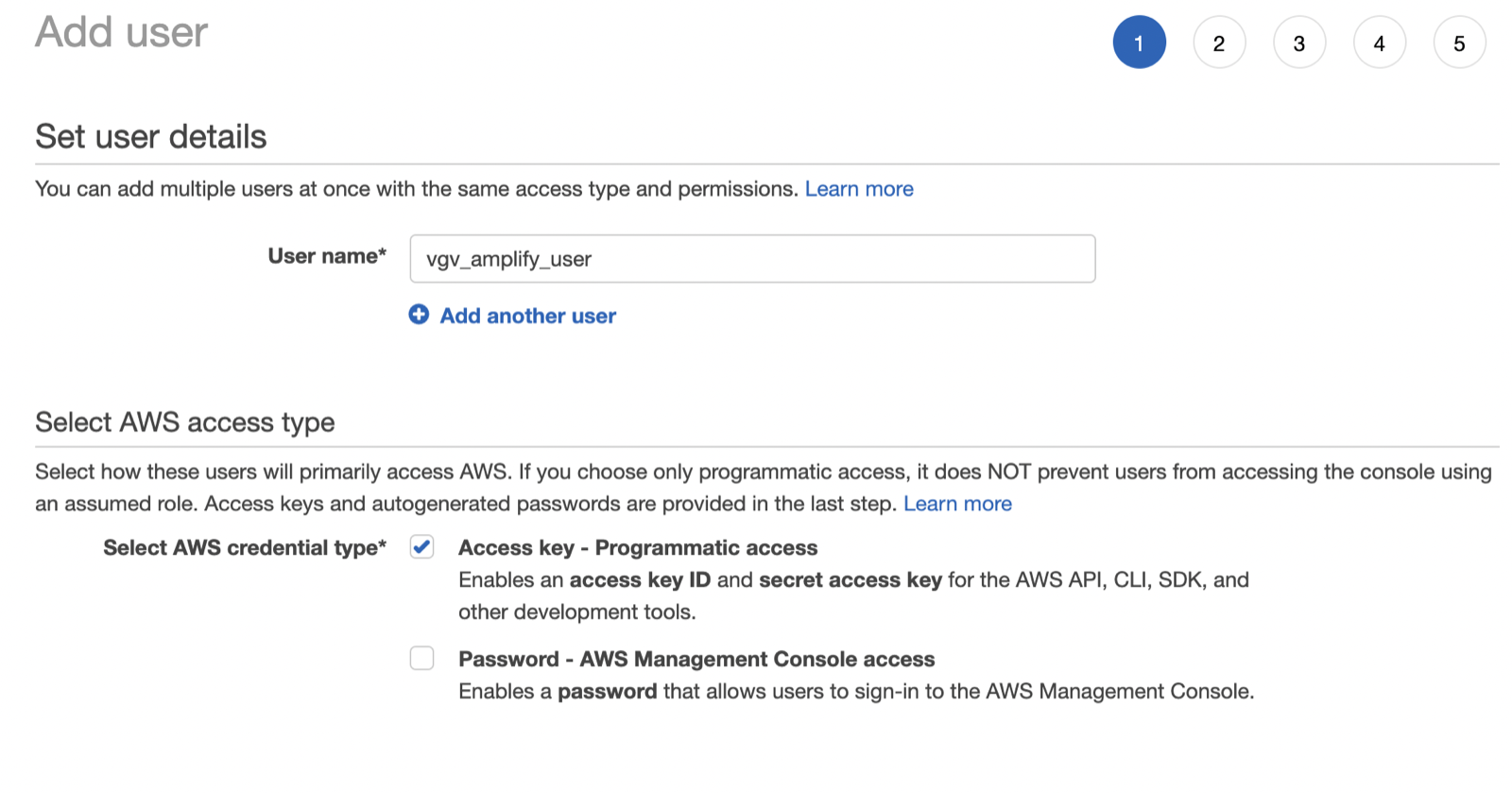
- Select **AdministratorAccess-Amplify** for this user.
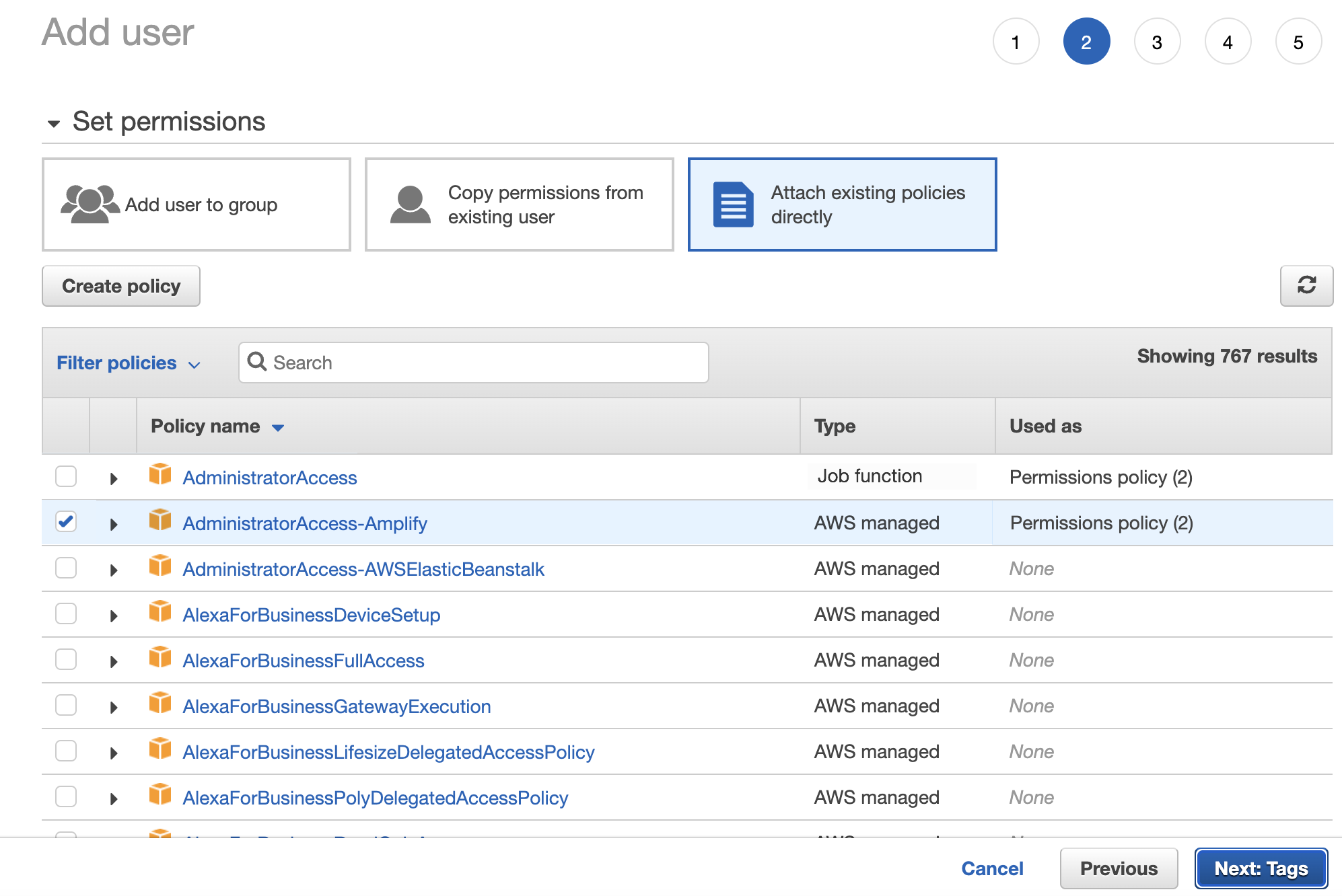
- Check the review page and create the user. As you can see, you have important information here, like the console URL, the access key ID, and the secret access key. Don't close this page, because we need to use these keys to complete the configuration
3\. Go back to the terminal and set the keys that we saw in the last section. Set the Profile name as default.
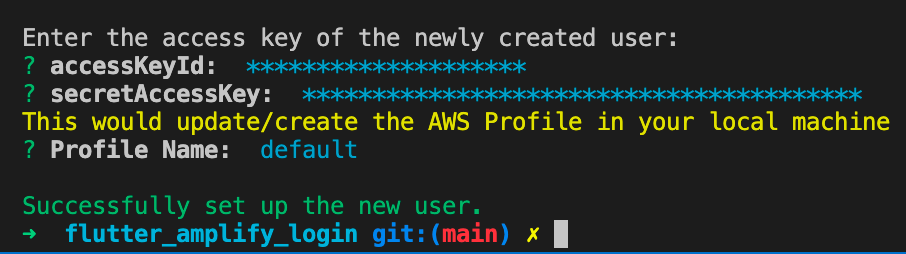
### AWS Amplify initialization
1\. Run the command **amplify init** locally to create your Amplify project. Then, run **amplify push**. Here we're going to fill out a few questions to set up the project.
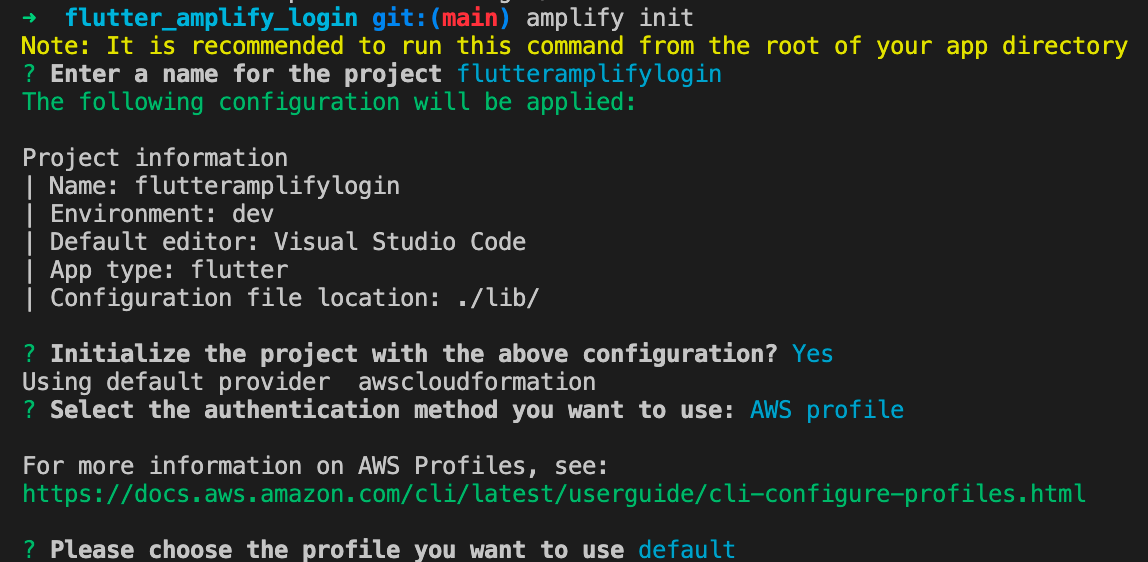
After finish the form, you should receive this success message. This means that your project is successfully initialized in the cloud.

You can check that everything is setup correctly if you sign into your AWS account and search for **AWS Amplify**. There you are going to see your project and the creation date.
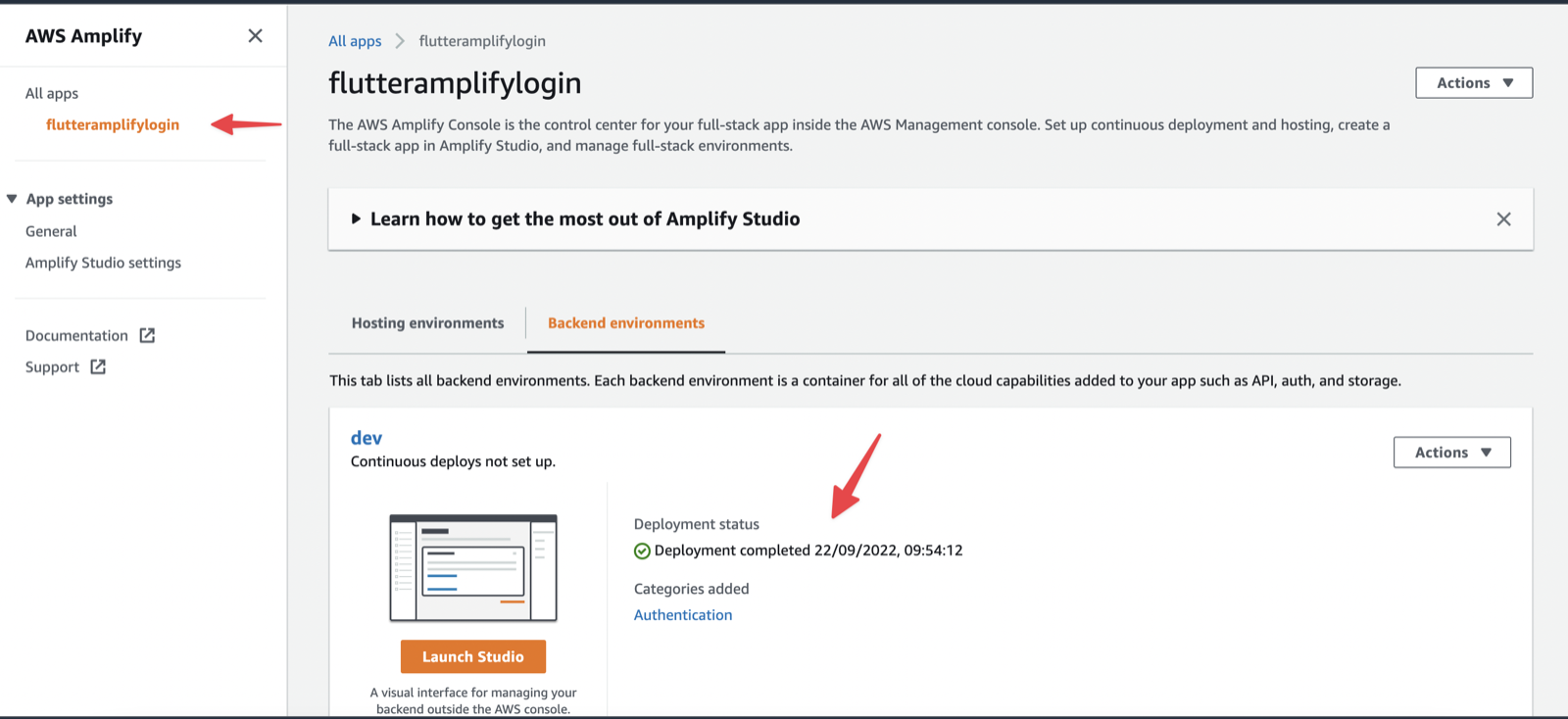
2\. The next step is to enable the [Amplify Studio](https://aws.amazon.com/amplify/studio/). With this, we're going to have an Admin UI that allows us to control the project in the cloud very easily.
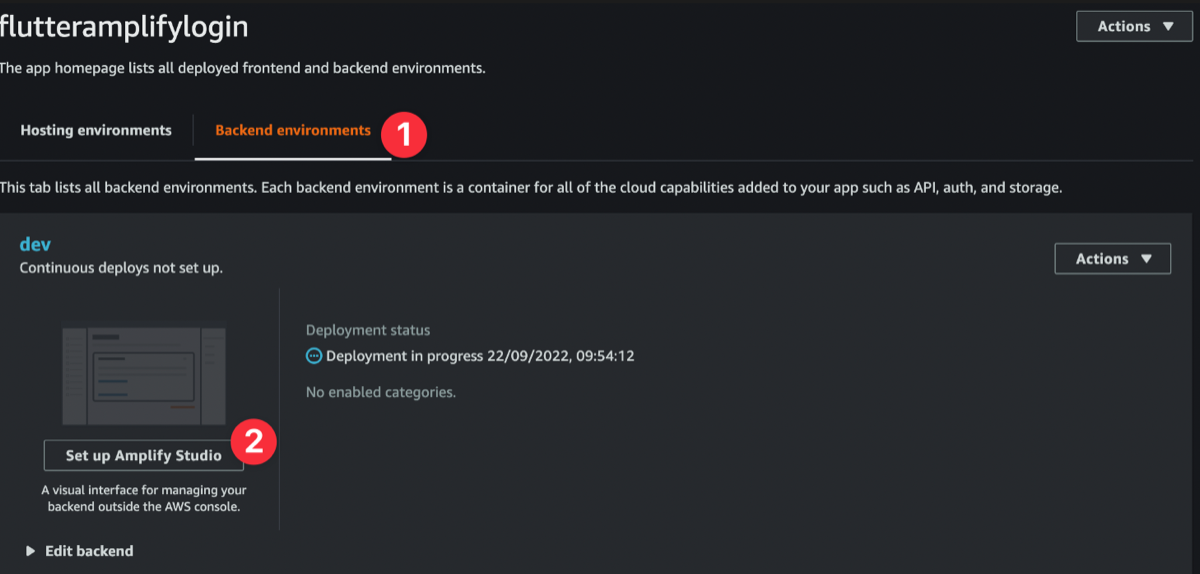

3\. We now have a new folder in the current directory which contains all the Amplify configurations.
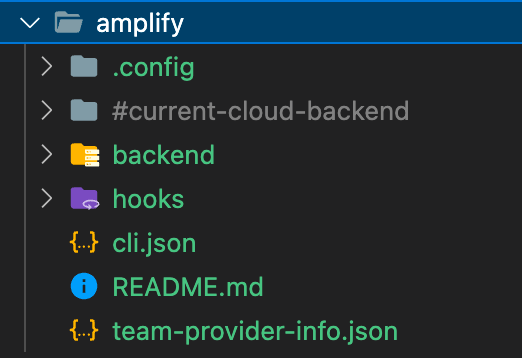
Also, we will have a new file in the lib folder called **amplify\_configuration.json** (note that we renamed the file from the generated name: **amplifyconfiguration.json**). This file will contain the configurations of the services that we want to use (in this example, authentication). But for now, it shouldn't contain many lines, since we haven't configured authentication yet.

### Add authentication to AWS Amplify
We are going to use the AWS Amplify CLI to add the authentication configuration. We need to run **amplify add auth command** to start. Then we need to answer a few questions:
```shell
? Do you want to use the default authentication and security configuration?
`Default configuration`
? How do you want users to be able to sign in?
`Username`
? Do you want to configure advanced settings?
`No, I am done.`
```
After completing these questions, it is important to run the **amplify push** command because this is going to push all the changes that we made to the cloud.
After a few minutes, you should see this message in the terminal: All resources are updated in the cloud. You can check that the authentication service is deployed in Amplify Studio.
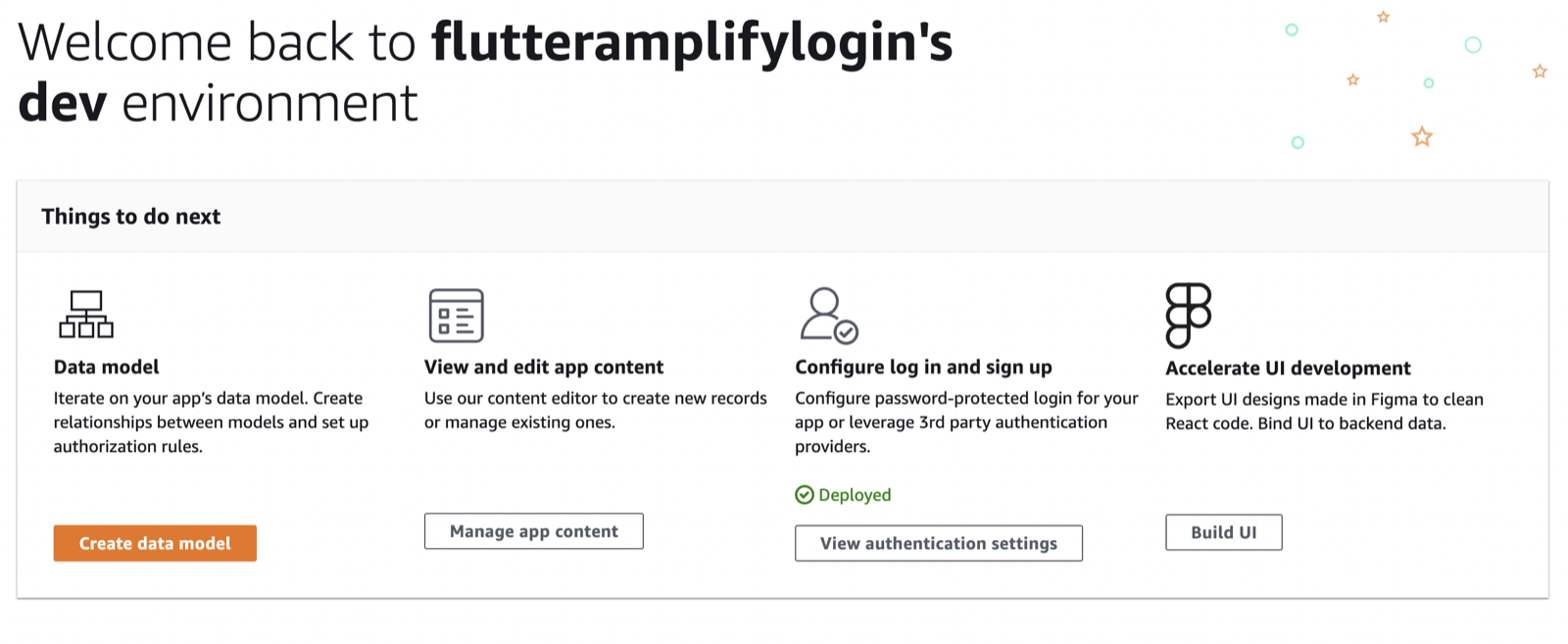
If you check your **amplify\_configuration.dart** file (note that we renamed the file from the generated name: **amplifyconfiguration.dart**). You can now see that there are new lines within regarding authentication.
Now, we have the authentication service deployed in the cloud, but we need to implement it in our Flutter application.
### Authentication settings in Amplify Studio
Now we're going to configure the authentication settings in Amplify Studio. Here we'll be able to see password protection settings and change the body of the email that is sent to the user when the user signs up.
1. Go to Amplify Studio and select the project that you created.
2. Go to password protection settings and change the password policy.
3. Go to verification message settings and change the body of the email that is sent to the user when the user is signing up.
4. Deploy the changes.
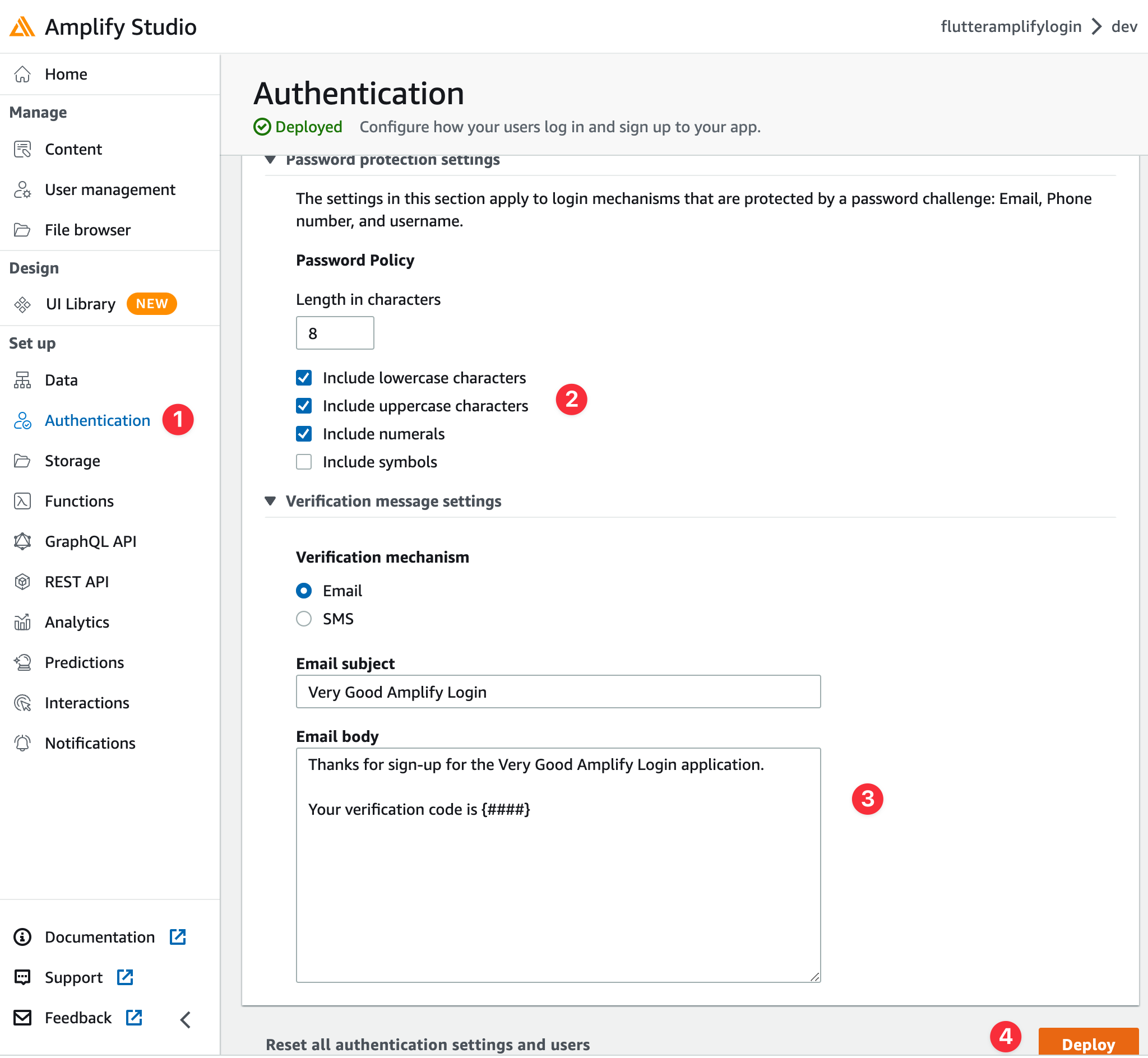
After deploying the changes, we need to pull them. To do that, go to the terminal and run the following command at the root of your Flutter application.
```shell
amplify pull --appId [YOUR_APP_ID] --envName dev
```
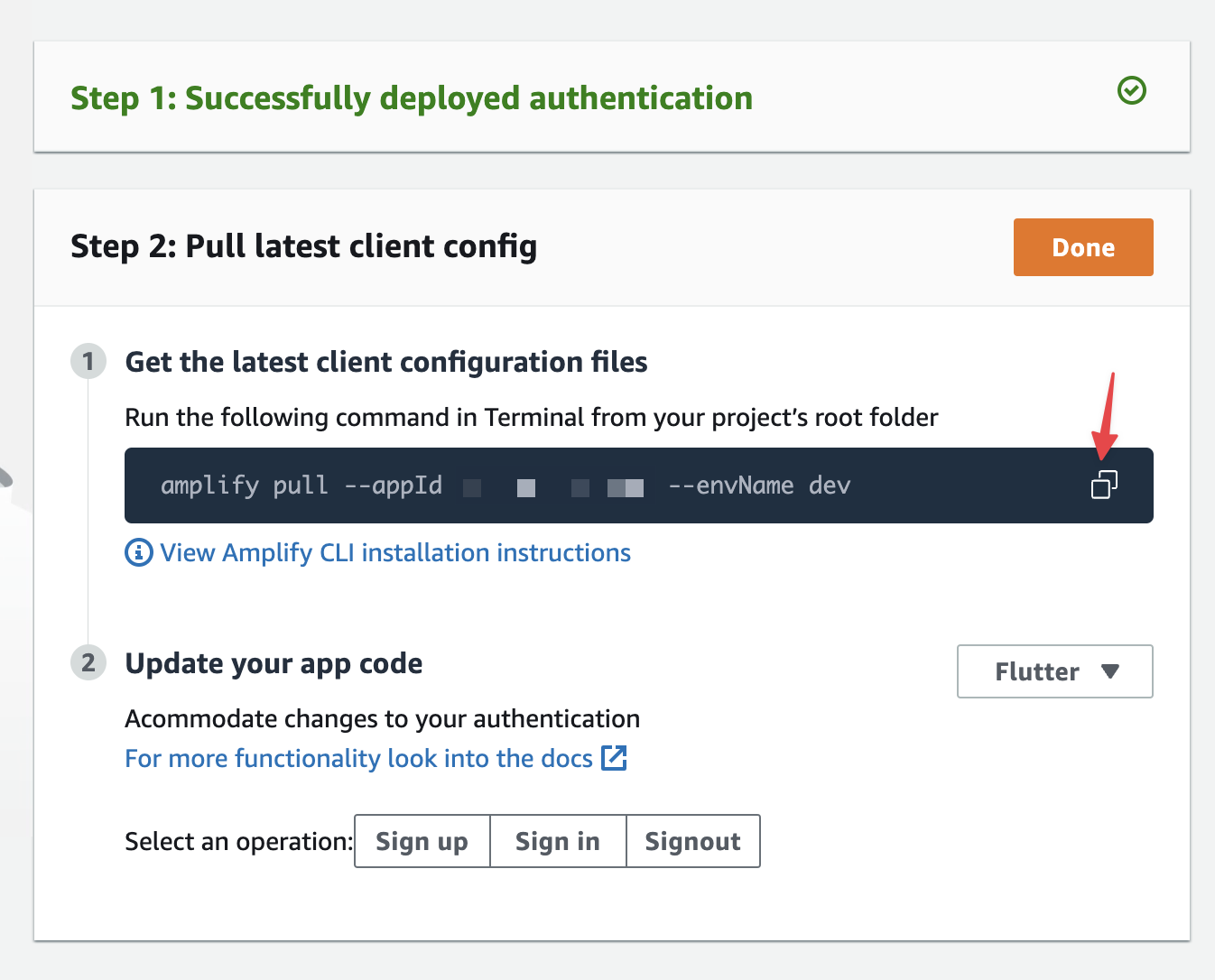
Then you should see the following message in the terminal.
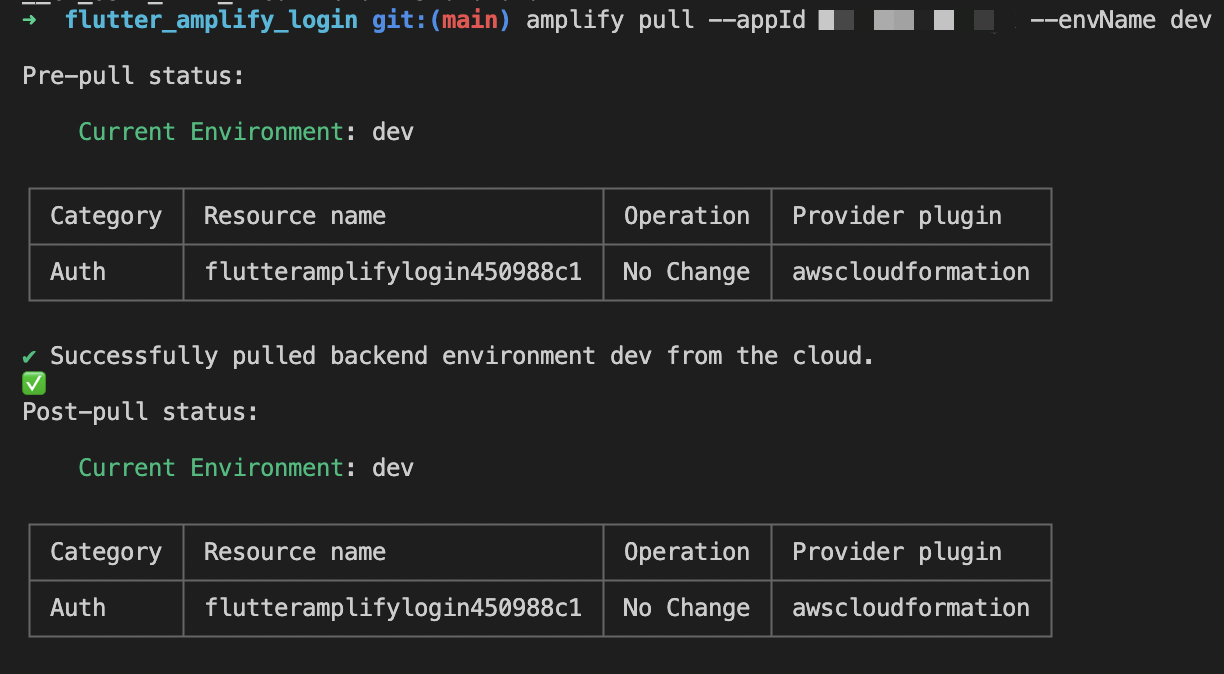
### Create a new Flutter app (using the default [**Very Good Core template**](https://cli.vgv.dev/docs/templates/core)).
With your AWS Amplify project now setup, we can now create the Flutter application using [Very Good CLI](https://cli.vgv.dev/).
1\. Activate Very Good CLI.
```shell
dart pub global activate very_good_cli
```
2\. Create a new Flutter project.
```shell
very_good create flutter_amplify_login —desc "An example Flutter app using Very Good CLI and AWS Amplify Authentication"
```
### Create the auth client package
Now is time to create a new package called **auth\_client** in the packages folder (you should create the packages folder in the root). This package is going to contain all the code related to the authentication service.
```shell
very_good create auth_client -t flutter_pkg --desc "AWS Amplify auth client"
```
We're going to use the **amplify\_auth\_cognito** package to implement the authentication service in our Flutter application. Also, we're going to use the **amplify\_flutter** package to connect our Flutter application with the AWS Amplify project.
We need to add these packages to our **pubspec.yaml** file into the **auth\_client** package. Note that we're using the latest stable versions of these packages, but you can check out the developer preview versions, which [include cross-platform support for web and desktop](https://aws.amazon.com/about-aws/whats-new/2022/11/aws-amplify-flutter-web-desktop-developer-preview-api-analytics-storage/).
1\. Add the **amplify\_auth\_cognito** package to the **pubspec.yaml** file.
```yaml
amplify_auth_cognito: ^0.6.9
```
2\. Add the **amplify\_flutter** package to the **pubspec.yaml** file.
```yaml
amplify_flutter: ^0.6.9
```
Once we have all the dependencies added, we can start with the implementation. This is the structure of the **auth\_client** package.
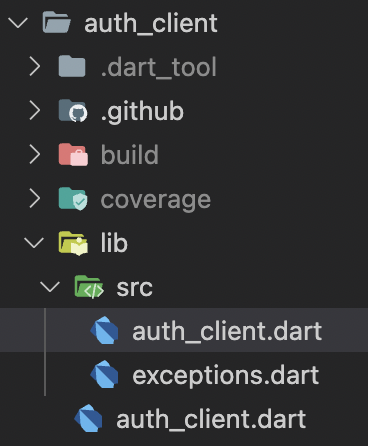
In the **auth\_client** file, we're going to create a class called **AuthClient** that will be the entrypoint to the authentication service. This class will have all the methods that we need to implement the authentication service:
- **signUp** will sign up a new user
- **confirmSignUp** will confirm the sign up of a new user
- **signIn** will sign in a user
- **signOut** will sign out a user
- **onHubEvent** will listen to the events that are happening in the authentication service.
```dart
/// Enum indicating the Authentication status
enum AuthStatus {
/// Authenticated session
authenticated,
/// Unauthenticated session
unauthenticated,
}
/// {@template auth_client}
/// AWS Amplify auth client.
/// {@endtemplate}
class AuthClient {
/// {@macro auth_client}
AuthClient({
required AuthCategory auth,
required AmplifyHub hub,
}) : _auth = auth,
_hub = hub {
_hub.listen([HubChannel.Auth], _onHubEvent);
}
final AuthCategory _auth;
final AmplifyHub _hub;
final _controller = StreamController();
/// Stream current [AuthStatus]
Stream get authStatus => _controller.stream;
void _onHubEvent(dynamic hubEvent) {
if (hubEvent is HubEvent) {
switch (hubEvent.eventName) {
case 'SIGNED_IN':
_controller.add(AuthStatus.authenticated);
break;
case 'SIGNED_OUT':
case 'SESSION_EXPIRED':
_controller.add(AuthStatus.unauthenticated);
break;
}
}
}
/// Returns whether the user is authenticated or not
///
/// Throws a [FetchAuthenticatedUserFailure] if an exception occurs.
Future isUserAuthenticated() async {
try {
final currentSession = await _auth.fetchAuthSession();
return currentSession.isSignedIn;
} catch (error, stackTrace) {
Error.throwWithStackTrace(
FetchAuthenticatedUserFailure(error),
stackTrace,
);
}
}
/// Creates a new user with the [email] and [password] variables.
///
/// Throws a [SignUpFailure] if an exception occurs.
/// Throws a [UserAlreadyExistException] if email already exists.
Future signUp(
String email,
String password,
) async {
try {
final userAttributes = {
CognitoUserAttributeKey.email: email,
};
final options = CognitoSignUpOptions(userAttributes: userAttributes);
await _auth.signUp(
username: email,
password: password,
options: options,
);
} on UsernameExistsException catch (error, stackTrace) {
Error.throwWithStackTrace(UserAlreadyExistException(error), stackTrace);
} catch (error, stackTrace) {
Error.throwWithStackTrace(SignUpFailure(error), stackTrace);
}
}
/// Confirm the sign up with a confirmation code.
Future confirmSignUp(
String email,
String confirmationCode,
) async {
try {
await _auth.confirmSignUp(
username: email,
confirmationCode: confirmationCode,
);
} catch (error, stackTrace) {
Error.throwWithStackTrace(
ConfirmationCodeSignUpFailure(error),
stackTrace,
);
}
}
/// Sign in with the provided [email] and [password].
///
/// Throws a [UserDoesNotExistException] if [UserNotFoundException] occurs
/// (provided email is not correct).
/// Throws a [UserDoesNotExistException] if [NotAuthorizedException] occurs.
/// (provided email is correct, but the password isn't, or vice versa).
/// Throws a [SignInFailure] if an exception occurs.
Future signIn(String email, String password) async {
try {
await _auth.signIn(
username: email,
password: password,
);
} on UserNotFoundException catch (error, stackTrace) {
Error.throwWithStackTrace(UserDoesNotExistException(error), stackTrace);
} on NotAuthorizedException catch (error, stackTrace) {
Error.throwWithStackTrace(UserNotAuthorizedException(error), stackTrace);
} catch (error, stackTrace) {
Error.throwWithStackTrace(SignInFailure(error), stackTrace);
}
}
/// Sign out the current user.
///
/// Throws a [SignOutFailure] if an exception occurs.
Future signOut() async {
try {
await _auth.signOut();
} catch (error, stackTrace) {
Error.throwWithStackTrace(SignOutFailure(error), stackTrace);
}
}
}
```
As you can see there are [custom exceptions that you can find here](https://github.com/VGVentures/flutter_amplify_login/blob/main/packages/auth_client/lib/src/exceptions.dart).
### Create the user repository package
The user repository will interact with the **auth\_client** package. We're creating this package to abstract the implementations details of the Amplify **auth\_client** from the rest of our application, according to our [layered architecture](https://verygood.ventures/blog/very-good-flutter-architecture/). The structure is the following:
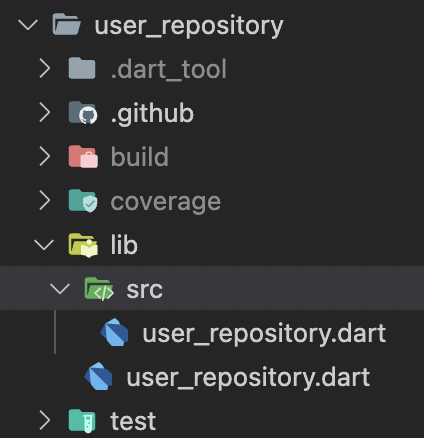
1\. Create a new package called **user\_repository** and add the **auth\_client** package as a dependency to the **pubspec.yaml** file:
```shell
very_good create user_repository -t flutter_pkg --desc "A package which manages the user domain"
```
```yaml
dependencies:
auth_client:
path: ../auth_client
```
Once we have the package created, we can start working on the **user\_repository.dart** file.
2\. Create a new file called **user\_repository.dart** and add the following code:
```dart
/// {@template user_repository}
/// A package which manages the user domain
/// {@endtemplate}
class UserRepository {
/// {@macro user_repository}
const UserRepository({
required AuthClient authClient,
}) : _authClient = authClient;
final AuthClient _authClient;
/// Stream of [AuthStatus] which will emit the current user status when
/// the authentication state changes.
///
/// Emits [AuthStatus.unauthenticated] if the user is not authenticated.
Stream get authStatus => _authClient.authStatus;
/// Starts the Sign Up flow.
///
/// Throws a [SignUpFailure] if [AuthenticationException] occurs.
/// Throws a [UserAlreadyExistException] if [UserAlreadyExistException]
/// occurs.
Future signUp({
required String email,
required String password,
}) async {
try {
await _authClient.signUp(email, password);
} on UserAlreadyExistException catch (error, stackTrace) {
Error.throwWithStackTrace(UserAlreadyExistException(error), stackTrace);
} on AuthenticationException catch (error, stackTrace) {
Error.throwWithStackTrace(SignUpFailure(error), stackTrace);
}
}
/// Starts the Sign In flow.
///
/// Throws a [SignInFailure] if [AuthenticationException] occurs.
/// Throws a [UserDoesNotExistException]
/// if [UserDoesNotExistException] occurs.
Future signIn({
required String email,
required String password,
}) async {
try {
await _authClient.signIn(email, password);
} on UserDoesNotExistException catch (error, stackTrace) {
Error.throwWithStackTrace(UserDoesNotExistException(error), stackTrace);
} on AuthenticationException catch (error, stackTrace) {
Error.throwWithStackTrace(SignInFailure(error), stackTrace);
}
}
/// Starts the Sign Out flow.
///
/// Throws a [SignOutFailure] if an [AuthenticationException] occurs.
Future signOut() async {
try {
await _authClient.signOut();
} on AuthenticationException catch (error, stackTrace) {
Error.throwWithStackTrace(
SignOutFailure(error),
stackTrace,
);
}
}
/// Starts the Confirmation Sign Up flow.
///
/// Throws a [ConfirmationCodeSignUpFailure] if an [AuthenticationException]
/// occurs.
Future confirmSignUp({
required String email,
required String confirmationCode,
}) async {
try {
await _authClient.confirmSignUp(email, confirmationCode);
} on AuthenticationException catch (error, stackTrace) {
Error.throwWithStackTrace(
ConfirmationCodeSignUpFailure(error),
stackTrace,
);
}
}
/// Returns whether the user is authenticated or not.
///
/// Returns `false` if an exception occurs.
Future isUserAuthenticated() async {
try {
return _authClient.isUserAuthenticated();
} catch (_) {
return false;
}
}
}
```
Now we have the user\_repository package ready to be used in the blocs.
#### Update pubspec.yaml in the root folder
We need to add the **user\_repository** package and **auth\_client** as a dependencies to the **pubspec.yaml** file in the root folder:
```yaml
dependencies:
auth_client:
path: packages/auth_client
user_repository:
path: packages/user_repository
```
### Create the needed features
We're going to create the following features in the lib folder:
- App
- Sign in
- Sign up
- Sign out
- Confirmation code
- Home
#### Create the needed blocs
We're going to create different blocs for each feature. You can create a feature quickly using [**flutter_bloc_feature** brick](https://brickhub.dev/bricks/flutter_bloc_feature/0.2.0). This brick is very useful to create all the structures for our feature. To use it you need to activate mason, if you don't know what mason is, you can [find more information about it](https://docs.brickhub.dev/).
Let's get started! 🙌
- **app\_bloc.dart**: This bloc will be responsible for the authentication flow. It will listen to the authStatus stream and emit the correct state. Additionally, it will handle the sign-out method.
```dart
class AppBloc extends Bloc {
AppBloc({
required UserRepository userRepository,
required bool isAuthenticated,
}) : _userRepository = userRepository,
super(
isAuthenticated
? const AppState.authenticated()
: const AppState.unauthenticated(),
) {
on(_onAuthStatusChanged);
on(_onSignOutRequested);
_authStatusSubscription = _userRepository.authStatus.listen(
_authStatusChanged,
);
}
final UserRepository _userRepository;
late StreamSubscription _authStatusSubscription;
void _authStatusChanged(AuthStatus authStatus) =>
add(AppAuthStatusChanged(authStatus));
void _onAuthStatusChanged(
AppAuthStatusChanged event,
Emitter emit,
) {
switch (event.authStatus) {
case AuthStatus.authenticated:
emit(const AppState.authenticated());
break;
case AuthStatus.unauthenticated:
emit(const AppState.unauthenticated());
break;
case AuthStatus.sessionExpired:
emit(const AppState.sessionExpired());
break;
}
}
void _onSignOutRequested(AppSignOutRequested event, Emitter emit) {
unawaited(_userRepository.signOut());
}
@override
Future close() {
_authStatusSubscription.cancel();
return super.close();
}
}
```
You can check the **app\_event** and the **app\_state** [files here](https://github.com/VGVentures/flutter_amplify_login/tree/main/lib/app/bloc).
- **sign\_in\_bloc.dart**: This bloc will be responsible for the sign-in flow. It will listen to the **SignInEvent** event and emit the correct state. Additionally, it will have events to update the state of the form.
As you can see in here, we are using **Formz** to handle the form state. **Formz** is a package that provides a set of classes that can be used to handle the state of a form.
There is a package called **form\_inputs** into packages folder. This package is a wrapper of **Formz** that provides some custom inputs that can be used in the forms. [You can find it here](https://github.com/VGVentures/flutter_amplify_login/tree/main/packages/form_inputs).
```dart
class SignInBloc extends Bloc {
SignInBloc({
required UserRepository userRepository,
}) : _userRepository = userRepository,
super(const SignInState()) {
on(_onEmailChanged);
on(_onPasswordChanged);
on(_onSignInSubmitted);
on(_onSignInPasswordVisibilityToggled);
}
final UserRepository _userRepository;
void _onEmailChanged(
SignInEmailChanged event,
Emitter emit,
) {
final email = Email.dirty(event.email);
emit(
state.copyWith(
status: SignInStatus.edit,
email: email,
isValid: Formz.validate([email, state.password]),
),
);
}
void _onPasswordChanged(
SignInPasswordChanged event,
Emitter emit,
) {
final password = Password.dirty(event.password);
emit(
state.copyWith(
status: SignInStatus.edit,
password: password,
isValid: Formz.validate([password, state.email]),
),
);
}
Future _onSignInSubmitted(
SignInSubmitted event,
Emitter emit,
) async {
if (!state.isValid) return;
emit(state.copyWith(status: SignInStatus.loading));
try {
await _userRepository.signIn(
email: event.email,
password: event.password,
);
emit(state.copyWith(status: SignInStatus.success));
} catch (error, stackTrace) {
emit(state.copyWith(status: SignInStatus.failure));
addError(error, stackTrace);
}
}
Future _onSignInPasswordVisibilityToggled(
SignInPasswordVisibilityToggled event,
Emitter emit,
) async {
emit(state.copyWith(isObscure: !state.isObscure));
}
}
```
You can check the **sign\_in\_event** and the **sign\_in\_state** [files here](https://github.com/VGVentures/flutter_amplify_login/tree/main/lib/sign_in/bloc).
- **sign\_up\_bloc.dart**: This bloc will be responsible for the sign-up flow. It will listen to the **SignUpEvent** event and emit the correct state. Additionally, it will have events to update the state of the form.
```dart
class SignUpBloc extends Bloc {
SignUpBloc({
required UserRepository userRepository,
}) : _userRepository = userRepository,
super(const SignUpState()) {
on(_onEmailChanged);
on(_onPasswordChanged);
on(_onSignUpSubmitted);
on(_onSignUpPasswordVisibilityToggled);
}
final UserRepository _userRepository;
void _onEmailChanged(
SignUpEmailChanged event,
Emitter emit,
) {
final email = Email.dirty(event.email);
emit(
state.copyWith(
email: email,
isValid: Formz.validate([email, state.password]),
),
);
}
void _onPasswordChanged(
SignUpPasswordChanged event,
Emitter emit,
) {
final password = Password.dirty(event.password);
emit(
state.copyWith(
password: password,
isValid: Formz.validate([password, state.email]),
),
);
}
Future _onSignUpSubmitted(
SignUpSubmitted event,
Emitter emit,
) async {
if (!state.isValid) return;
emit(state.copyWith(status: SignUpStatus.loading));
try {
await _userRepository.signUp(
email: event.email,
password: event.password,
);
emit(state.copyWith(status: SignUpStatus.success));
} catch (error, stackTrace) {
emit(state.copyWith(status: SignUpStatus.failure));
addError(error, stackTrace);
}
}
Future _onSignUpPasswordVisibilityToggled(
SignUpPasswordVisibilityToggled event,
Emitter emit,
) async {
emit(state.copyWith(isObscure: !state.isObscure));
}
}
```
You can check the **sign\_up\_event** and the **sign\_up\_state** [files here](https://github.com/VGVentures/flutter_amplify_login/tree/main/lib/sign_up/bloc).
- **confirm\_sign\_up\_bloc.dart**: This bloc will be responsible for the sign-up flow confirmation. It will listen to the **ConfirmationCodeEvent** event and emit the correct state. Additionally, it will have events to update the state of the form.
```dart
class ConfirmationCodeBloc
extends Bloc {
ConfirmationCodeBloc({
required UserRepository userRepository,
}) : _userRepository = userRepository,
super(const ConfirmationCodeState()) {
on(_onConfirmationCodeChanged);
on(_onConfirmationCodeSubmitted);
}
final UserRepository _userRepository;
void _onConfirmationCodeChanged(
ConfirmationCodeChanged event,
Emitter emit,
) {
final confirmationCode = ConfirmationCode.dirty(event.confirmationCode);
emit(
state.copyWith(
confirmationCode: confirmationCode,
isValid: Formz.validate([confirmationCode]),
),
);
}
Future _onConfirmationCodeSubmitted(
ConfirmationCodeSubmitted event,
Emitter emit,
) async {
if (!state.isValid) return;
emit(state.copyWith(status: FormzSubmissionStatus.inProgress));
try {
await _userRepository.confirmSignUp(
email: event.email,
confirmationCode: event.confirmationCode,
);
emit(state.copyWith(status: FormzSubmissionStatus.success));
} catch (error, stackTrace) {
emit(state.copyWith(status: FormzSubmissionStatus.failure));
addError(error, stackTrace);
}
}
}
```
You can check the **confirmation\_code\_event** and the **confirmation\_code\_state** [files here](https://github.com/VGVentures/flutter_amplify_login/tree/main/lib/confirmation_code/bloc).
#### Create the UI in each feature
Now that we have the blocs ready, we can start creating the UI for each feature.
##### Sign-in
- **sign\_in\_page.dart**: This is the page for the sign-in feature. It will be responsible for creating the bloc and the **SignInView** widget, as well as initializing the **SignInBloc**.
```dart
class SignInPage extends StatelessWidget {
const SignInPage({super.key});
static Page page() => const MaterialPage(child: SignInPage());
@override
Widget build(BuildContext context) {
return BlocProvider(
create: (context) => SignInBloc(
userRepository: context.read(),
),
child: const SignInView(),
);
}
}
```
- **sign\_in\_view.dart**: This is the view of for the sign-in feature. It will be responsible for creating the UI and interacting with the bloc to sign in and check the status of the form.
```dart
class SignInView extends StatelessWidget {
const SignInView({super.key});
@override
Widget build(BuildContext context) {
return BlocListener(
listener: (context, state) {
if (state.status == SignInStatus.failure) {
ScaffoldMessenger.of(context).showSnackBar(
const SnackBar(
content: Text('Something went wrong. Try it later or sign up.'),
),
);
}
},
child: Scaffold(
appBar: AppBar(
title: const Text('Sign In'),
),
body: const Padding(
padding: EdgeInsets.symmetric(
horizontal: AppSpacing.xlg,
),
child: ScrollableColumn(
children: [
SizedBox(height: AppSpacing.xxlg),
_AWSLogo(),
SizedBox(height: AppSpacing.xxlg),
_TitleAndSubtitleSignIn(),
SizedBox(height: AppSpacing.xxlg),
_EmailTextFieldSignIn(),
SizedBox(height: AppSpacing.lg),
_PasswordFieldSignIn(),
SizedBox(height: AppSpacing.lg),
_SignInButton(),
Spacer(),
_NotAccountSignIn(),
SizedBox(height: AppSpacing.xxlg),
],
),
),
),
);
}
}
class _AWSLogo extends StatelessWidget {
const _AWSLogo();
@override
Widget build(BuildContext context) {
return Assets.images.awsLogo.image(
key: const Key('signIn_awsLogo'),
width: 200,
);
}
}
class _TitleAndSubtitleSignIn extends StatelessWidget {
const _TitleAndSubtitleSignIn();
@override
Widget build(BuildContext context) {
final theme = Theme.of(context).textTheme;
return Column(
children: [
Text(
key: const Key('signIn_title'),
'Very Good Amplify Login',
style: theme.headline5,
textAlign: TextAlign.center,
),
Text(
key: const Key('signIn_subtitle'),
'By Very Good Ventures',
style: theme.caption,
textAlign: TextAlign.center,
),
],
);
}
}
class _EmailTextFieldSignIn extends StatelessWidget {
const _EmailTextFieldSignIn();
@override
Widget build(BuildContext context) {
return AppTextField(
key: const Key('signIn_emailTextField'),
hintText: 'Email',
autoFillHints: const [AutofillHints.email],
keyboardType: TextInputType.emailAddress,
prefix: const Icon(Icons.email),
onChanged: (email) => context.read().add(
SignInEmailChanged(email),
),
);
}
}
class _PasswordFieldSignIn extends StatelessWidget {
const _PasswordFieldSignIn();
@override
Widget build(BuildContext context) {
final isObscure = context.select((SignInBloc bloc) => bloc.state.isObscure);
return AppTextField(
key: const Key('signIn_passwordTextField'),
hintText: 'Password',
autoFillHints: const [AutofillHints.password],
obscureText: isObscure,
prefix: const Icon(Icons.lock),
suffix: IconButton(
icon: Icon(isObscure ? Icons.visibility : Icons.visibility_off),
onPressed: () => context.read().add(
const SignInPasswordVisibilityToggled(),
),
),
onChanged: (password) => context.read().add(
SignInPasswordChanged(password),
),
);
}
}
class _NotAccountSignIn extends StatelessWidget {
const _NotAccountSignIn();
@override
Widget build(BuildContext context) {
final theme = Theme.of(context);
return Padding(
padding: const EdgeInsets.only(top: AppSpacing.sm),
child: RichText(
key: const Key('signIn_notAccountButton'),
text: TextSpan(
children: [
TextSpan(
text: "Don't have an account? ",
style: theme.textTheme.bodyText1,
),
TextSpan(
text: 'Sign Up!',
style: theme.textTheme.bodyText1?.apply(
color: AppColors.primary,
),
recognizer: TapGestureRecognizer()
..onTap = () => Navigator.of(context).push(
SignUpPage.route(),
),
),
],
),
),
);
}
}
class _SignInButton extends StatelessWidget {
const _SignInButton();
@override
Widget build(BuildContext context) {
final state = context.watch().state;
return AppButton(
key: const Key('signIn_signInButton'),
onPressed: state.isValid
? () => context.read().add(
SignInSubmitted(
state.email.value,
state.password.value,
),
)
: null,
child: state.status == SignInStatus.loading
? const CircularProgressIndicator()
: const Text('Sign In'),
);
}
}
```
##### Sign-up
- **sign\_up\_page.dart**: This is the page that will be displayed when the user clicks on the Sign Up button. It will be responsible for displaying the **SignUpView** widget and providing the **SignUpBloc** to it.
```dart
class SignUpPage extends StatelessWidget {
const SignUpPage({super.key});
static Route route() {
return MaterialPageRoute(
builder: (_) => const SignUpPage(),
);
}
@override
Widget build(BuildContext context) {
return BlocProvider(
create: (context) =>
SignUpBloc(userRepository: context.read()),
child: const SignUpView(),
);
}
}
```
- **sign\_up\_view.dart**: This view will be responsible for displaying the sign-up form and handling the user interactions with it. Also, it is going to be in charge of the **SignUpBloc** which handles the sign-up process.
```dart
class SignUpView extends StatelessWidget {
const SignUpView({super.key});
@override
Widget build(BuildContext context) {
return BlocListener(
listenWhen: (previous, current) => previous.status != current.status,
listener: (context, state) async {
if (state.status == SignUpStatus.failure) {
ScaffoldMessenger.of(context).showSnackBar(
const SnackBar(
content: Text('Something went wrong. Try it later.'),
),
);
} else if (state.status == SignUpStatus.success) {
final navigator = Navigator.of(context);
await showMaterialModalBottomSheet(
context: context,
builder: (context) => ConfirmationCodePage(
email: state.email.value,
),
);
// Navigate back when the confirmation code is successful to return to
// the sign-in page.
navigator.pop();
}
},
child: Scaffold(
appBar: AppBar(
title: const Text('Sign Up'),
),
body: const Padding(
padding: EdgeInsets.symmetric(
horizontal: AppSpacing.xlg,
),
child: ScrollableColumn(
children: [
SizedBox(height: AppSpacing.xxxlg),
_SignUpAWSLogo(),
SizedBox(height: AppSpacing.xxlg),
_SignUpTitleAndVGVLogo(),
SizedBox(height: AppSpacing.xxlg),
_EmailTextFieldSignUp(),
_PasswordFieldSignUp(),
Spacer(),
_SignUpButton(),
SizedBox(height: AppSpacing.xxlg),
],
),
),
),
);
}
}
class _SignUpAWSLogo extends StatelessWidget {
const _SignUpAWSLogo();
@override
Widget build(BuildContext context) {
return Assets.images.awsLogo.image(
key: const Key('signUp_awsLogo'),
width: 200,
);
}
}
class _SignUpTitleAndVGVLogo extends StatelessWidget {
const _SignUpTitleAndVGVLogo();
@override
Widget build(BuildContext context) {
final theme = Theme.of(context).textTheme;
return Column(
children: [
Assets.images.vgvLogo.image(
key: const Key('signUp_vgvLogo'),
width: 150,
),
const SizedBox(height: AppSpacing.xxlg),
Text(
key: const Key('signUp_title'),
'Fill out the form to Sign Up',
style: theme.headline5,
textAlign: TextAlign.center,
),
],
);
}
}
class _EmailTextFieldSignUp extends StatelessWidget {
const _EmailTextFieldSignUp();
@override
Widget build(BuildContext context) {
return AppTextField(
key: const Key('signUp_emailTextField'),
hintText: 'Email',
autoFillHints: const [AutofillHints.email],
keyboardType: TextInputType.emailAddress,
prefix: const Icon(Icons.email),
onChanged: (email) => context.read().add(
SignUpEmailChanged(email),
),
);
}
}
class _PasswordFieldSignUp extends StatelessWidget {
const _PasswordFieldSignUp();
@override
Widget build(BuildContext context) {
final isObscure = context.select((SignUpBloc bloc) => bloc.state.isObscure);
return AppTextField(
key: const Key('signUp_passwordTextField'),
hintText: 'Password',
autoFillHints: const [AutofillHints.password],
obscureText: isObscure,
prefix: const Icon(Icons.lock),
suffix: IconButton(
icon: Icon(isObscure ? Icons.visibility : Icons.visibility_off),
onPressed: () => context.read().add(
const SignUpPasswordVisibilityToggled(),
),
),
onChanged: (password) => context.read().add(
SignUpPasswordChanged(password),
),
);
}
}
class _SignUpButton extends StatelessWidget {
const _SignUpButton();
@override
Widget build(BuildContext context) {
final state = context.watch().state;
return AppButton(
key: const Key('signUp_signUpButton'),
onPressed: state.isValid
? () => context.read().add(
SignUpSubmitted(
state.email.value,
state.password.value,
),
)
: null,
child: state.status == SignUpStatus.loading
? const CircularProgressIndicator()
: const Text('Sign Up'),
);
}
}
```
You can see that we're using a **showMaterialModalBottomSheet** to show the confirmation code page. This is possible thanks to the **modal\_bottom\_sheet** package, created by our teammate Jaime Blasco, you can find more types of modal bottom sheets in the [package](https://pub.dev/packages/modal_bottom_sheet) documentation.
##### Confirmation Code
- **confirmation\_code\_page.dart:** This page will be responsible for displaying the confirmation code form and handling the user interactions with it.
```dart
class ConfirmationCodePage extends StatelessWidget {
const ConfirmationCodePage({super.key, required this.email});
final String email;
@override
Widget build(BuildContext context) {
return BlocProvider(
create: (context) => ConfirmationCodeBloc(
userRepository: context.read(),
),
child: ConfirmationCodeForm(email: email),
);
}
}
```
- **confirmation\_code\_form.dart**: This widget will be responsible for displaying the confirmation code form modal and handling the user interactions with it. It will also be in charge of the **ConfirmationCodeBloc** which handles the confirmation code process.
```dart
class ConfirmationCodeForm extends StatelessWidget {
const ConfirmationCodeForm({
super.key,
required this.email,
});
final String email;
@override
Widget build(BuildContext context) {
return BlocListener(
listener: (context, state) {
if (state.status == FormzSubmissionStatus.success) {
Navigator.of(context).pop();
}
},
child: Padding(
key: const Key('confirmationCodeForm_confirmationCodeModal'),
padding: MediaQuery.of(context).viewInsets.copyWith(
left: AppSpacing.lg,
right: AppSpacing.lg,
),
child: Column(
mainAxisSize: MainAxisSize.min,
crossAxisAlignment: CrossAxisAlignment.start,
children: [
const SizedBox(height: AppSpacing.xxlg),
_ConfirmationCodeTitle(email: email),
const SizedBox(height: AppSpacing.xxlg),
const _ConfirmationCodeTextFieldSignUp(),
const SizedBox(height: AppSpacing.xxlg),
_ConfirmationCodeButton(email: email),
const SizedBox(height: AppSpacing.xxlg),
],
),
),
);
}
}
class _ConfirmationCodeTitle extends StatelessWidget {
const _ConfirmationCodeTitle({
required this.email,
});
final String email;
@override
Widget build(BuildContext context) {
final theme = Theme.of(context).textTheme;
return Text(
key: const Key('confirmationCodeForm_title'),
'Add the confirmation code \nreceived on $email',
style: theme.bodyMedium,
);
}
}
class _ConfirmationCodeTextFieldSignUp extends StatelessWidget {
const _ConfirmationCodeTextFieldSignUp();
@override
Widget build(BuildContext context) {
final state = context.watch().state;
return AppTextField(
key: const Key('confirmationCode_codeTextField'),
hintText: 'Confirmation code',
keyboardType: TextInputType.number,
prefix: const Icon(Icons.numbers),
errorText: state.status.isFailure ? 'Invalid code' : null,
onChanged: (code) => context.read().add(
ConfirmationCodeChanged(code),
),
);
}
}
class _ConfirmationCodeButton extends StatelessWidget {
const _ConfirmationCodeButton({
required this.email,
});
final String email;
@override
Widget build(BuildContext context) {
final state = context.watch().state;
return AppButton(
key: const Key('confirmationCodeForm_confirmationCodeButton'),
onPressed: state.isValid
? () => context.read().add(
ConfirmationCodeSubmitted(
email,
state.confirmationCode.value,
),
)
: null,
child: const Text('Confirm code'),
);
}
}
```
##### App
- **app.dart**: This page will initialize the **AppBloc** and the **UserRepository**. We will use a boolean to check if the user is authenticated or not. This widget will also be responsible for displaying the **app\_view** widget.
```dart
class App extends StatelessWidget {
const App({
super.key,
required UserRepository userRepository,
required bool isAuthenticated,
}) : _userRepository = userRepository,
_isAuthenticated = isAuthenticated;
final UserRepository _userRepository;
final bool _isAuthenticated;
@override
Widget build(BuildContext context) {
return RepositoryProvider.value(
value: _userRepository,
child: BlocProvider(
create: (context) => AppBloc(
userRepository: _userRepository,
isAuthenticated: _isAuthenticated,
),
child: const AppView(),
),
);
}
}
```
- **app\_view.dart**: This widget will be responsible for displaying the correct view depending on the **auth\_state**. To control which view should be displayed, we're going to use [**FlowBuilder**](https://pub.dev/packages/flow_builder) and the status store in the **AppBloc**.
```dart
class AppView extends StatelessWidget {
const AppView({super.key});
@override
Widget build(BuildContext context) {
return MaterialApp(
themeMode: ThemeMode.light,
theme: const AppTheme().themeData,
darkTheme: const AppDarkTheme().themeData,
localizationsDelegates: const [
AppLocalizations.delegate,
GlobalMaterialLocalizations.delegate,
],
supportedLocales: AppLocalizations.supportedLocales,
home: FlowBuilder(
state: context.select((AppBloc bloc) => bloc.state.status),
onGeneratePages: onGenerateAppViewPages,
),
);
}
}
```
We can have three possible states to display the needed view:
- **AppStatus.authenticated**: This state will be displayed when the user is authenticated. In this case we're going to display the **HomePage** widget.
- **AppStatus.unauthenticated**: This state will be displayed when the user is not authenticated. In this case we're going to display the **SignInPage** widget.
- **AppStatus.sessionExpired**: This state will be displayed when the user session has expired. In this case we're going to display the **SignInPage** widget.
```dart
List> onGenerateAppViewPages(
AppStatus state,
Listdynamic>> pages,
) {
switch (state) {
case AppStatus.unauthenticated:
return [SignInPage.page()];
case AppStatus.authenticated:
return [HomePage.page()];
case AppStatus.sessionExpired:
return [SignInPage.page()];
}
}
```
##### HomePage
- **home\_page.dart**: This page will be displayed when the user is authenticated. In this page we're going to display the **home\_view** widget.
```dart
class HomePage extends StatelessWidget {
const HomePage({super.key});
static Page page() => const MaterialPage(child: HomePage());
@override
Widget build(BuildContext context) {
return const HomeView();
}
}
```
- **home\_view.dart**: This view is the last view that we're going to display. If the user can see this view it means that the user is authenticated. Here, we're have the possibility to sign out the user.
```dart
class HomeView extends StatelessWidget {
const HomeView({super.key});
@override
Widget build(BuildContext context) {
return Scaffold(
appBar: AppBar(
title: const Text('Home'),
),
body: const Padding(
padding: EdgeInsets.symmetric(
horizontal: AppSpacing.lg,
),
child: ScrollableColumn(
children: [
SizedBox(height: AppSpacing.xxxlg),
_AppLogos(),
SizedBox(height: AppSpacing.xxxlg),
_TitleAndSubtitle(),
Spacer(),
_SignOutButton(),
SizedBox(height: AppSpacing.xxlg),
],
),
),
);
}
}
class _AppLogos extends StatelessWidget {
const _AppLogos();
@override
Widget build(BuildContext context) {
return Row(
key: const Key('homeView_appLogos'),
mainAxisAlignment: MainAxisAlignment.spaceEvenly,
children: [
Assets.images.vgvLogo.image(width: 200),
Assets.images.awsLogo.image(width: 100),
],
);
}
}
class _TitleAndSubtitle extends StatelessWidget {
const _TitleAndSubtitle();
@override
Widget build(BuildContext context) {
final theme = Theme.of(context);
return Column(
key: const Key('homeView_titleAndSubtitle'),
crossAxisAlignment: CrossAxisAlignment.start,
children: [
Text(
'Welcome to Very Good Amplify Login App',
style: theme.textTheme.headline4,
),
const SizedBox(height: AppSpacing.lg),
Text(
'Made with 💙 by Very Good Ventures 🦄 and AWS Amplify.',
style: theme.textTheme.headline6,
),
const SizedBox(height: AppSpacing.xxlg),
Text(
'Congratulations, you followed the tutorial and '
'successfully logged in! Now you can try out the sign-out.',
style: theme.textTheme.bodyText1,
),
],
);
}
}
class _SignOutButton extends StatelessWidget {
const _SignOutButton();
@override
Widget build(BuildContext context) {
return AppButton(
key: const Key('homeView_signOutButton'),
child: const Text('Sign Out'),
onPressed: () => context.read().add(const AppSignOutRequested()),
);
}
}
```
#### Add configure Amplify method to the bootstrap file
Now we're going to add the **configureAmplify** method to the **bootstrap.dart** file. This method will be responsible for configuring the Amplify plugins and the **AmplifyAuthCognito** plugin.
```dart
Future configureAmplify() async {
await Amplify.addPlugins([AmplifyAuthCognito()]);
await Amplify.configure(amplifyConfiguration);
}
```
Call it into bootstrap method.
```dart
Future bootstrap(FutureOr Function() builder) async {
WidgetsFlutterBinding.ensureInitialized();
await configureAmplify(); // <--- Add this line
FlutterError.onError = (details) {
log(details.exceptionAsString(), stackTrace: details.stack);
};
Bloc.observer = AppBlocObserver();
await runZonedGuarded(
() async => runApp(await builder()),
(error, stackTrace) => log(error.toString(), stackTrace: stackTrace),
);
}
```
## Conclusion
We've seen how easy is to use AWS Amplify and implement a sign-in and sign-up flow in a Flutter application using the **AmplifyAuthCognito** plugin and the Very Good Ventures tools and best practices. One thing we appreciate about using AWS Amplify is that it's very well-documented!
In addition to authentication, AWS Amplify provides you with other utilities such as:
- Data
- Storage
- Functions
- GraphQL API
- REST API
- Analytics
- Predictions
- UI Library
If you are thinking to build an application that requires authentication, data modeling, storage and more. AWS Amplify is a great option.
To start working with AWS Amplify I highly recommend you to read the [AWS Amplify documentation](https://docs.amplify.aws/console/) and the [AWS Amplify Flutter documentation](https://docs.amplify.aws/start/q/integration/flutter/). For any issues, see the [AWS Amplify GitHub repository](https://github.com/aws-amplify/amplify-flutter).
Hope you enjoyed it! If you are interested in testing this application, check out our [GitHub repository](https://github.com/VGVentures/flutter_amplify_login) with this example.
Happy coding!💻
### [**View the full source code on GitHub →**](https://github.com/VGVentures/flutter_amplify_login)
#### Frequently Asked Questions
##### What does this tutorial actually build?
A Flutter app generated with Very Good CLI that signs users up, confirms the sign-up code, signs them in, and signs them out using AWS Amplify and Amazon Cognito. The project follows VGV's layered architecture with an auth_client package wrapping amplify_auth_cognito and a user_repository package consumed by the app's blocs.
##### Why wrap AWS Amplify in an auth_client and user_repository package?
The auth_client isolates the Amplify-specific implementation behind a small Dart API. The user_repository exposes a clean domain interface to the rest of the app. That separation lets blocs depend on stable repository APIs, makes testing easier, and keeps the door open to swap Amplify for another auth provider without touching UI code.
##### How is form state managed in the sign-in and sign-up flows?
Both blocs use the Formz package together with a local form_inputs package for reusable inputs like Email, Password, and ConfirmationCode. Each input tracks dirty and pure states so the bloc can compute isValid and disable the submit button until the form is ready.
##### How does the app react to auth state changes from Amplify?
AuthClient subscribes to Amplify's HubChannel.Auth and exposes an authStatus stream. AppBloc listens to that stream and switches between authenticated, unauthenticated, and sessionExpired states. FlowBuilder uses that status to route to HomePage or SignInPage.
##### Why does the tutorial use Very Good CLI for the project and packages?
Very Good CLI scaffolds an opinionated Flutter app, package, or plugin with linting, bloc patterns, localization, and tests already wired up. That removes most of the boilerplate so you can focus on integrating Amplify and shipping features.
### Building a Flutter SDK for Embrace
Source: https://verygood.ventures/blog/building-a-flutter-sdk-for-embrace/
Enterprises building mobile apps at scale want to know how people are using their app: Is it crashing? Where are users spending the most time? What requests is the app making to the backend? Observability tools can help you answer these answers.
One example is [Embrace](https://embrace.io/), a leading enterprise mobile observability platform and a VGV partner. With existing SDKs for Unity, React Native, iOS, and Android, today we are excited to announce the [beta release of the Embrace Flutter SDK](https://blog.embrace.io/embrace-flutter-sdk/)!
## Embrace expands into Flutter
The Embrace product and engineering teams have no shortage of mobile, observability, and SDK expertise. As their customers, including mutual VGV and Embrace customer Slickdeals, increasingly asked for Flutter support, Embrace knew it was time to turn their attention to developing an SDK for Flutter. But they were looking for a partner with Flutter expertise to help build a solid SDK, so, they turned to our team at Very Good Ventures.
### Building a beta in three weeks with our best practices
Embrace came to VGV with a Proof of Concept (POC) for the Flutter SDK that proved feasibility but, not surprisingly for a POC, lacked many of the best practices and standards that VGV recommends. Initially, we worked with the existing POC structure to make some initial improvements. Once we reached a stable point, we regenerated the plugin using [**very_good_cli**](https://cli.vgv.dev/) and migrated to the new project structure.
As we’ve [written about before](https://verygood.ventures/blog/generate-command-line-application-cli/), **very\_good\_cli** speeds up what would normally be the tedious project setup phase. We used the **very\_good\_cli** create command with the **flutter\_plugin** template option to generate a solid foundation for this SDK.
```shell
very_good create my_plugin -t flutter_plugin
```
The original Embrace POC had around 5% test coverage, as they were not initially focused on tests and were simply trying to demonstrate technical feasibility. Our [**very_good_coverage**](https://verygood.ventures/blog/very-good-coverage/) tool can be helpful when it comes to enforcing code coverage metrics over time. By default, the minimum coverage threshold is 100%, but you can customize that based on your team's needs. Once the team overcame the initial concerns and gained confidence that high test coverage was feasible, we switched gears and made sure that the codebase was well-tested. Now, the SDK has 100% test coverage — meaning that every single line of code is exercised at least once. While this doesn't guarantee the codebase is bug-free, it is one measure of quality and increases confidence in the functionality of the SDK.
Overall, we were able to release a beta in about three weeks due to:
- **Embedded peer programming:** Our teammates worked with engineers at Embrace on code reviews and architecture discussions to ensure that everyone was on the same page throughout the project. These pair programming sessions are a great way to get quick feedback and ensure everyone is aligned.
- **Our open source tools:** Using **very\_good\_cli** allowed us to generate a solid federated plugin with a single command, which greatly sped up the project timeline, compared to if we had started from scratch.
- **Embrace's deep observability expertise:** Because the Embrace team has existing SDKs in other ecosystems, they were able to bring their mobile observability knowledge to the project and ensure that the Flutter SDK we were creating would meet their users' needs.
### Making the Embrace SDK \_Fluttery \_with familiar APIs
An important part of this project was ensuring that the SDK would feel familiar to Flutter developers.
One of these elements involved structuring APIs to be familiar to developers who are working with plugins. For example, do you set up a singleton with a bunch of static APIs? — e.g. EmbracePlatform.instance.logError — or instead do you implement top level functions such as logError? This is the type of question that we discussed early on in order to ensure the final result aligned with what Flutter developers expect. For this SDK, we aligned with approaches used in other Flutter plugins and went with the singleton and static API approach.
For decisions that impact developer experience, we referenced similar SDKs in the ecosystem to make sure that when a developer integrates this SDK into a Flutter codebase, it feels natural. The ultimate goal is for a developer to look at the Embrace SDK and say: "Oh yeah, I've done this before. I've seen or used other observability tools and the API makes sense.” Generally, when you're developing across multiple frameworks and languages, it is important to avoid tunnel vision: “We have this existing implementation and it works well, so let’s do the exact same thing in this other ecosystem." In our experience, this rarely produces the best results. There are many things that make sense to do in iOS, Android, or other contexts, but don't translate well when using Flutter due to conceptual differences.
One example in which we focused on designing APIs specifically for Flutter was tracking page views and moments. Knowing how many times a user saw or interacted with a page is important for many developers and product professionals trying to optimize their app's performance. While there are a variety of different mechanisms to accomplish these things across iOS, Android, and Flutter, the obvious choice for Flutter was using the NavigatorObserver API to track page view events by overriding didPush, didPop, and didReplace.
```dart
@override
void didPush(Route route, Route? previousRoute) {
super.didPush(route, previousRoute);
_updateView(route, previousRoute);
}
@override
void didReplace({Route? newRoute, Route? oldRoute}) {
super.didReplace(newRoute: newRoute, oldRoute: oldRoute);
_updateView(newRoute, oldRoute);
}
@override
void didPop(Route route, Route? previousRoute) {
super.didPop(route, previousRoute);
_updateView(previousRoute, route);
}
```
### Federated plugin architecture
With Embrace, we implemented a [federated plugin architecture](https://docs.flutter.dev/development/packages-and-plugins/developing-packages#federated-plugins). The benefits of this approach are numerous: flexibility, ease of adoption, ease of maintenance, facilitating community contribution, and an abstraction layer between the logic and the platform-specific implementations. This allows authors to define an interface, implement support for whatever platforms they want, and the community can gradually contribute support for new platforms without requiring changes to the plugin interface.
Currently, the Embrace SDK only supports Android and iOS. But with the federated plugin architecture, it will be easy to add support for other platforms in the future, without overhauling any of the existing plugin code.
### Using integration tests with federated plugins
The federated plugin architecture also allows you to test, instrument, and set up automations for each of the platforms independently of the others. This helps with maintenance and the general CI/CD setup because everything can be tested and worked on independently. This can be particularly beneficial for larger companies that have different teams working on different platform implementations without stepping on each other's toes.
The [**very_good_cli** plugin template](https://verygood.ventures/blog/generate-flutter-plugins-with-very-good-cli/) also includes integration tests, which can come in handy when testing a plugin. These workflows make sure we're testing the platform-specific implementations on the respective platforms. For example, if a change is made to the iOS implementation of the plugin, these workflows would spin up an iOS environment and run integration tests to verify the plugin functions as expected on iOS. This gives us an extra boost of confidence that the SDK is performing as intended without the need to constantly perform manual tests.
## Using the Embrace SDK for comprehensive observability metrics
When it comes to observability and crash reporting with Flutter apps, there historically have been only a couple of solutions. There are existing observability tools, but most tend to focus on one specific area, like crash reporting, logging, or user tracking. Flutter makes observability extra challenging because applications built with Flutter can be deployed to many platforms. As the ecosystem stands right now, you would need to research and integrate several different tools to get at the full spectrum of app performance the way Embrace does. In addition to crash reporting, the Embrace Flutter SDK currently offers network monitoring, logging, and custom user flows (moments). With the addition of the Embrace SDK to the Flutter ecosystem, developers now have another comprehensive observability solution.
### [**Get started with the Embrace Flutter SDK here →**](https://pub.dev/packages/embrace)
#### Frequently Asked Questions
##### What is the Embrace Flutter SDK?
The Embrace Flutter SDK brings the Embrace mobile observability platform to Flutter apps, with crash reporting, network monitoring, logging, and custom user flow tracking (moments). It was built in partnership with Very Good Ventures and released in beta in late 2022.
##### How did VGV help Embrace ship the SDK in three weeks?
VGV regenerated Embrace's proof of concept using very_good_cli's flutter_plugin template, paired with Embrace engineers on code review and architecture, and raised test coverage from about 5% to 100% using very_good_coverage. That combination of templates, pair programming, and Embrace's existing observability expertise let the team ship a stable beta in three weeks.
##### Why does the Embrace SDK use a federated plugin architecture?
A federated plugin lets Embrace define one Dart interface and ship separate platform-specific implementations. The benefits are easier maintenance, simpler community contribution, independent testing per platform, and the ability to add new platforms later without changing the public API.
##### How does the Embrace SDK feel idiomatic to Flutter developers?
The team chose Flutter-native patterns over porting iOS and Android idioms directly. Page view tracking uses NavigatorObserver with didPush, didPop, and didReplace, and the public API mirrors patterns used by other Flutter plugins so Flutter developers can adopt it without learning new conventions.
##### Where can I get the Embrace Flutter SDK?
The SDK is published on pub.dev as the embrace package and supports Android and iOS at launch.
### Generate a game foundation with our new template
Source: https://verygood.ventures/blog/generate-a-game-with-our-new-template/
Our team is all about streamlining processes so that we can spend time on the fun parts of development. We love [“boring” code](https://verygood.ventures/blog/boring-code-part-1/), which means we try to standardize our projects and processes where possible. To help us in this endeavor, we have created a few open source templates accessible via our [Very Good CLI](https://github.com/VeryGoodOpenSource/very_good_cli) to give us a scalable base that we can immediately build upon, instead of wasting time on project setup. Very Good CLI currently supports templates for a Flutter Starter App (Core), Flutter package, Dart package, Dart CLI, and federated plugin. Today we announce the addition of a game starter template!
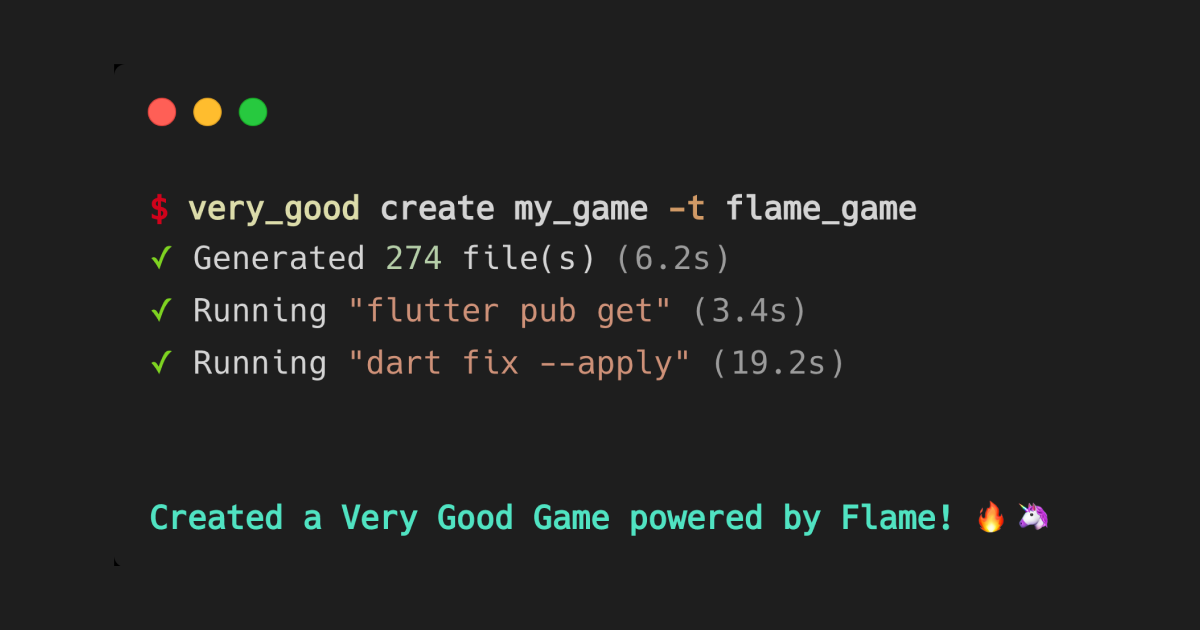
## Why we built the Very Good Game template
We started building the Flame game template a few months ago, and then took a detour to work on [Very Good Ranch](https://verygood.ventures/blog/very-good-ranch-game/), a game we built with Flutter and Flame that allows you to collect unicorns at your own ranch. In building a real, playable game, we were able to standardize how we might build a game in a way that mirrors our “boring” approach to building apps. We then took what we learned from Very Good Ranch and used it to inform the design of our game template.
We built the Very Good Game template with one question in mind: “Would you actually start with this if you were building a game?” We kept it simple and the feature set pared down because we wanted the template to be a useful foundation without you needing to rip a bunch of stuff out.
Most of the code in the template is project setup, and the code responsible for the actual gameplay is less than 100 lines in total. As with our other templates, once you generate your project, everything is entirely customizable. Feel free to remove things, or update them as you see fit. The template is simply a starting place for how we at VGV would structure a game.
## What’s included
The game template includes a simple demo game with the basics you'll need for game development and VGV-opinionated best practices. It has the following features:
✅ **Components** - Think of them as game objects, or anything that can render in a game.
✅ **Entity and Behaviors** - Entities are what manage the game objects and the behaviors handle the game logic for those objects.
✅ **Sprite Sheets** - Easily access and render sprites on the screen.
✅ **Audio** - Background music and sound effects within the game.
✅ **VGV Project Architecture** - This project contains a similar architecture to other VGV projects (see our [core starter app](https://github.com/VeryGoodOpenSource/very_good_core/tree/main)).
✅ **100% Test Coverage** — Each line is executed at least once by a test.
## Demo game
The template includes a simple game with the above features. After launching the app, you’ll first see a loading screen as all game assets are loading in the background.
*template game loading screen*
Then you’ll reach the title page, which includes the game name and the start button. Clicking the start button will start the game: tap the unicorn to display an animation and update the counter. Background music will play in the background, and on each tap, a sound effect plays. To mute it, press the button in the top right.
Note that there is currently no “win” state, as some games may not be able to be “won” by design. Again, we wanted to keep the template simple and provide the basics for game development, without adding too much that you would need to remove to implement your own game.
*demo game*
## How to use the Very Good Game template
First, make sure you have Very Good CLI installed.
Then, use the **very\_good create** command to generate your Flame game:
```shell
very_good create my_game -t flame_game --desc "My new Flame game"
```
### A closer look at the template code
#### Sprite sheets and animations
The **Unicorn** entity has a sprite animation, which displays when the unicorn gets tapped and displays the sunglasses falling down over its eyes. Shoutout to our teammate Erick Zanardo for creating this animated unicorn!
*unicorn sprite sheet*
You can see how the spite sheets are implemented within the game template here:
```dart
…
SpriteAnimation? _animation;
@visibleForTesting
SpriteAnimation get animation => _animation!;
@override
Future onLoad() async {
_animation = await gameRef.loadSpriteAnimation(
Assets.images.unicornAnimation.path,
SpriteAnimationData.sequenced(
amount: 16,
stepTime: 0.1,
textureSize: Vector2.all(32),
loop: false,
),
);
resetAnimation();
animation.onComplete = resetAnimation;
await add(SpriteAnimationComponent(animation: _animation, size: size));
}
/// Set the animation to the first frame by tricking the animation
/// into thinking it finished the last frame.
void resetAnimation() {
animation
..currentIndex = _animation!.frames.length - 1
..update(0.1)
..currentIndex = 0;
}
/// Plays the animation.
void playAnimation() => animation.reset();
/// Returns whether the animation is playing or not.
bool isAnimationPlaying() => !animation.isFirstFrame;
```
#### Using flame\_behaviors
We are using **flame\_behaviors** to define our game objects and their behaviors. For this template, we have a single **Unicorn** entity that has a **TappingBehavior**:
```dart
class Unicorn extends Entity with HasGameRef {
Unicorn({
required super.position,
}) : super(
anchor: Anchor.center,
size: Vector2.all(32),
behaviors: [
TappingBehavior(),
],
);
@visibleForTesting
Unicorn.test({
required super.position,
super.behaviors,
}) : super(size: Vector2.all(32));
…
```
Check out [our blog to learn more](https://verygood.ventures/blog/build-games-with-flame-behaviors/) about how to use **flame\_behaviors**.
#### Using Bloc to manage state
We are using **bloc** to manage the state of the volume level of all the audio being played. In this template, a single **cubit** holds both the audio players and manages their volume:
```dart
class AudioCubit extends Cubit {
AudioCubit({required AudioCache audioCache})
: effectPlayer = AudioPlayer()..audioCache = audioCache,
bgm = Bgm(audioCache: audioCache),
super(const AudioState());
AudioCubit.test({
required this.effectPlayer,
required this.bgm,
}) : super(const AudioState());
final AudioPlayer effectPlayer;
final Bgm bgm;
void changeVolume(double volume) {
effectPlayer.setVolume(volume);
bgm.audioPlayer.setVolume(volume);
if (!isClosed) {
emit(state.copyWith(volume: volume));
}
}
void mute() => changeVolume(0);
void unmute() => changeVolume(1);
@override
Future close() {
effectPlayer.dispose();
bgm.dispose();
return super.close();
}
}
class AudioState extends Equatable {
const AudioState({this.volume = 1});
final double volume;
AudioState copyWith({double? volume}) {
return AudioState(volume: volume ?? this.volume);
}
@override
List get props => [volume];
}
```
Fun fact: the audio files are a Wolfen original creation. 😎
#### Audio effects
We are using the [**audioplayers**](https://pub.dev/packages/audioplayers) and [**flame_audio**](https://pub.dev/packages/flame_audio) packages to play both background music and sound effects in the game. The background music uses the **Bgm** class (Bgm = background music) from the **flame\_audio** package. This class automatically handles looping background music without any gaps in between the segments.
```dart
class _GameViewState extends State {
…
late final Bgm bgm;
@override
void initState() {
super.initState();
bgm = context.read().bgm;
bgm.play(Assets.audio.background);
}
@override
void dispose() {
bgm.pause();
super.dispose();
}
…
}
```
## What’s next
For the rest of the year, our team (Open Source & Tooling) is going to focus on making improvements to [our existing tools](https://github.com/VeryGoodOpenSource), such as Very Good CLI and Dart Frog. We’re also working on updating documentation for Very Good CLI and the multiple templates it supports (now including this game template!).
We hope that our Very Good Game template is a helpful foundation for your next game! If you're looking for some inspiration, you can learn more about building complex games in Flutter – with a focus on architecture, testing, and automation – in our blog about [how we built Very Good Ranch](https://verygood.ventures/blog/very-good-ranch-game/).
### [**Check out the Very Good Game template code →**](https://github.com/VeryGoodOpenSource/very_good_flame_game)
#### Frequently Asked Questions
##### How do I generate a new Flame game project with Very Good CLI?
Install Very Good CLI, then run very_good create my_game -t flame_game --desc "My new Flame game". This scaffolds a full Flame game project with the VGV template's architecture and a working demo.
##### What does the Very Good Game template include?
Components, entities and behaviors, sprite sheets, background music and sound effects, the same architecture VGV uses on its other projects, and 100% test coverage from the start. Most of the code is project setup, with under 100 lines responsible for the actual gameplay.
##### What is flame_behaviors?
flame_behaviors is a package the template uses to define game objects and their behaviors. Entities manage game objects and behaviors handle the game logic. Read more on the VGV blog.
##### How does the template handle audio?
The template uses audioplayers and flame_audio for sound effects and background music. The Bgm class from flame_audio handles looping background music with no gaps, and an AudioCubit manages the volume state across the game.
##### Why did VGV build this template?
VGV built Very Good Ranch in Flame first, used what they learned to standardize a game-building approach, then turned that into a template. The goal is a simple foundation you can actually start building from, not a feature-heavy starter you need to rip apart.
### Very Good Ranch: A Very Good Game Made with Flutter
Source: https://verygood.ventures/blog/very-good-ranch-game/
The Flutter community has been experimenting with game development for a while, resulting in many incredible packages, experiments, and games.
We saw interest in game development reach a new level when Google announced the [Casual Games Toolkit](https://docs.flutter.dev/resources/games-toolkit) at Google I/O 2022. At the same time, Google released [I/O Pinball](https://pinball.flutter.dev/), a showcase game that pushed the limits of Flutter and demonstrated that the framework can in fact be used to build a robust 2D game. I/O Pinball was also our first experience [building a game with Flutter](https://medium.com/flutter/i-o-pinball-powered-by-flutter-and-firebase-d22423f3f5d) as a team at VGV.
With interest in game development growing in the Flutter community, we wanted to push our skills further and figure out how we at VGV might standardize and approach game development in a way that mirrors our [“boring” approach to app development](https://verygood.ventures/blog/boring-code-part-1/). Today we release our demo: [Very Good Ranch](https://ranch.vgv.dev/), a game of our own, built with Flutter and [Flame](https://flame-engine.org/).
## About Very Good Ranch
### How to Play It
Make friends by keeping your unicorns happy — watch them grow with the right food and enough love. How many unicorns can you befriend?
Gameplay goes like this:
- From time to time, a baby unicorn will arrive at your ranch.
- Each unicorn has two bars: the top indicates their happiness and the bottom bar indicates their fullness level.
- If you keep your unicorns’ levels high, they will evolve. If you don’t, they will fly away.
- At times, different types of food will spawn at your ranch.
- As time passes, unicorns get hungry and bored.
- Clicking a unicorn pets them and increases their enjoyment (the top bar increases).
- Dragging and dropping food on the unicorn increases their fullness (the bottom bar increases).
- If the food fed to the unicorn is its favorite, their enjoyment will also increase (the top bar increases).
- If you keep a unicorn happy, it will evolve into the next unicorn stage.
### Concepts & Ideas
Game ideation is a big challenge on its own. When creating a game, you have to account for game design, playability, game mechanics, and rules, and on top of all that, making the game fun. We had quite the challenge ahead of us!
While we are not a game studio, we knew that we could create something cool and learn a lot in the process. So we agreed on only two requirements: the game should be simple and it should feature unicorns 🦄
We brainstormed for some time and landed on a [Tamagotchi-like game](https://en.wikipedia.org/wiki/Tamagotchi), where you have to take care of multiple unicorns that arrive at your ranch. Like all games, we started focusing on its core mechanics, as outlined in [this file](https://github.com/VeryGoodOpenSource/very_good_ranch/blob/712d13effe8928dd112f078f123cb8a2f95e0562/GAME_DESIGN.md) (note that a few principles have been updated since the original gameplay design, for example, there are only four types of food, not five).
Here are some early explorations into designs and game mechanics:
Once the basics of the gameplay were in place, we started polishing the game, adding sprite sheets, animations, and lastly, making the game look good, thanks to the magical assets provided by [HOPR](https://www.hopr.tv/)!
Then, came time to build the game — a huge shoutout to our teammate [Renan Araújo](https://github.com/renancaraujo), who led the development of this project. Let’s take a closer look at the code!
## Bringing Our Scalable Standards to Game Development
When we started planning the development of the game, we wanted to take what we learned on I/O Pinball and expand it. It was important for us to be able to apply our standards for app development to make this a scalable project that we could iterate upon, while maintaining a high-quality game. Read on for a closer look at some of the elements that embody our approach to [scalable app development](https://verygood.ventures/blog/scalable-best-practices/).
### Separation of Concerns
At Very Good Ventures, we stick to a [layered architecture](https://verygood.ventures/blog/very-good-flutter-architecture/) when building apps. This allows us to decouple our business logic from the presentation of the application so that we can easily test, iterate, and reuse components. We applied a similar approach to this game, with the help of components and entities.

*Four stages of unicorn evolution*
#### Components: How an Object Looks in a Game
In the context of Very Good Ranch, we used **flame\_behaviors** to help us decouple the components from the [entities and their behaviors](https://verygood.ventures/blog/build-games-with-flame-behaviors/). For example, we have a unicorn component which is focused on rendering the unicorn assets. Each unicorn component uses a sprite sheet because the assets are always animated, whether they’re walking around the ranch or eating food.
*Baby unicorn eating sprite sheet*
```dart
class BabyUnicornComponent extends UnicornComponent {
BabyUnicornComponent({UnicornState? initialState})
: super(
spritePadding: const EdgeInsets.only(
top: 136,
left: 45,
right: 55,
bottom: 33,
),
spriteComponent: UnicornSpriteComponent(
initialState: initialState,
eatAnimationData: UnicornAnimationData(
columnsAmount: 10,
frameAmount: 90,
filePath: Assets.animations.babyEat.keyName,
),
idleAnimationData: UnicornAnimationData(
columnsAmount: 10,
frameAmount: 50,
filePath: Assets.animations.babyIdle.keyName,
),
pettedAnimationData: UnicornAnimationData(
columnsAmount: 10,
frameAmount: 90,
filePath: Assets.animations.babyPetted.keyName,
),
walkAnimationData: UnicornAnimationData(
columnsAmount: 7,
frameAmount: 34,
filePath: Assets.animations.babyWalkCycle.keyName,
),
),
);
}
```
The above component is just a representation of how the unicorn looks. It does not have any logic or behaviors for interacting with anything else in the ranch. Components live in the **ranch\_components** subpackage and come with their own sandbox so that you can play around and tweak them in isolation before adding them to the game.
#### Entities: A Composition of One or More Components & Their Behaviors
An entity consists of one or more components and one or more behaviors — think of it as how an object looks and behaves in a game. For example, a car entity in a game could consist of multiple components (such as wheels, axle, and a body, which may all be separate components) and multiple behaviors (such as moving and turning).
Entities are the basic building blocks of your game.
In Very Good Ranch, we have a unicorn entity that contains a unicorn component (the visual representation), along with state properties such as the current evolution phase. Various behaviors are applied to the unicorn entity, such as the evolving behavior, moving behavior, petting behavior, and more, to determine how the unicorn interacts with its surroundings and other entities (food) within the game.
```dart
class Unicorn extends Entity with Steerable, HasGameRef {
factory Unicorn({
required Vector2 position,
UnicornComponent? unicornComponent,
required UnicornGaugeCallback onMountGauge,
required UnicornGaugeCallback onUnmountGauge,
}) {
final _unicornComponent = unicornComponent ?? BabyUnicornComponent();
final size = _unicornComponent.size;
return Unicorn._(
position: position,
size: size,
behaviors: [
DraggingBehavior(),
EvolvingBehavior(),
PropagatingCollisionBehavior(RectangleHitbox()),
MovingBehavior(),
FoodCollidingBehavior(),
FullnessDecreasingBehavior(),
EnjoymentDecreasingBehavior(),
LeavingBehavior(),
PettingBehavior(),
PositionalPriorityBehavior(anchor: Anchor.bottomCenter),
],
enjoyment: UnicornPercentage(1),
fullness: UnicornPercentage(1),
unicornComponent: _unicornComponent,
onMountGauge: onMountGauge,
onUnmountGauge: onUnmountGauge,
);
}
...
```
#### Behaviors: How an Entity Acts
As we mentioned above, our unicorn entity contains many behaviors such as the **EvolvingBehavior** to decouple the logic of how a unicorn acts from the state of a unicorn. Behaviors have access to their respective entity and can manipulate state, position, and other properties on the entity.
In the case of the **EvolvingBehavior**, we inspect the evolution stage along with fullness, happiness, and number of times fed in order to determine whether a unicorn should evolve. If it’s time for the unicorn to evolve, we update the evolution stage on the entity accordingly. This triggers the evolution animation and the unicorn’s appearance changes.
```dart
class EvolvingBehavior extends Behavior
with FlameBlocReader {
@override
void update(double dt) {
if (!shouldEvolve || parent.waitingCurrentAnimationToEvolve) {
return;
}
final nextEvolutionStage = getNextEvolutionStage();
parent.setEvolutionStage(nextEvolutionStage).then((value) {
bloc.add(UnicornEvolved(to: nextEvolutionStage));
});
}
bool get shouldEvolve {
if (parent.evolutionStage == UnicornEvolutionStage.adult) {
return false;
}
return parent.timesFed >= Config.timesThatMustBeFedToEvolve &&
parent.happiness >= Config.happinessThresholdToEvolve;
}
UnicornEvolutionStage getNextEvolutionStage() {
final currentEvolutionStage = parent.evolutionStage;
if (currentEvolutionStage == UnicornEvolutionStage.baby) {
return UnicornEvolutionStage.child;
}
if (currentEvolutionStage == UnicornEvolutionStage.child) {
return UnicornEvolutionStage.teen;
}
if (currentEvolutionStage == UnicornEvolutionStage.teen) {
return UnicornEvolutionStage.adult;
}
return currentEvolutionStage;
}
}
```
### Managing Game State with Flame Bloc
In addition to **flame\_behaviors**, Very Good Ranch also uses **flame\_bloc** in order to manage state that is shared by Flame components as well as vanilla Flutter widgets (learn more about [flame_bloc in this article](https://verygood.ventures/blog/flutter-games-with-bloc-and-flame/)).
Building on the evolution example, when a unicorn evolves, the **EvolvingBehavior** notifies a **BlessingBloc** (did you know a herd of unicorns is called a blessing?) which keeps track of the number of unicorns at your ranch in each stage. The **EvolvingBehavior** does this using the **FlameBlocReader** mixin which allows the behavior to have access to the **BlessingBloc** instance:
```dart
class EvolvingBehavior extends Behavior
with FlameBlocReader {
@override
void update(double dt) {
...
bloc.add(UnicornEvolved(to: nextEvolutionStage));
...
}
}
```
The **BlessingBloc** state looks like:
```dart
class BlessingState extends Equatable {
BlessingState.initial()
: this._(
babyUnicorns: 0,
childUnicorns: 0,
teenUnicorns: 0,
adultUnicorns: 0,
);
...
}
```
When the **BlessingBloc** receives a **UnicornEvolved** event, it emits a new state with the updated unicorn count. In addition, the **BlessingBloc** reacts to other events such as **UnicornSpawned**, and **UnicornDespawned**.
```dart
/// Blessing is a collective noun for unicorns.
/// This [Bloc] keeps count of how many unicorns are in the ranch.
class BlessingBloc extends Bloc {
BlessingBloc() : super(BlessingState.initial()) {
on(_onUnicornSpawned);
on(_onUnicornDespawned);
on(_onUnicornEvolved);
}
...
}
```
The **\_UnicornCounter** widget reacts to changes in the **BlessingBloc** state using a **BlocBuilder** and renders the updated count accordingly.
```dart
class _UnicornCounter extends StatelessWidget {
const _UnicornCounter({
required this.type,
});
final UnicornType type;
@override
Widget build(BuildContext context) {
return BlocBuilder(
builder: (context, state) {
final count = state.getUnicornCountForType(type);
return UnicornCounter(
isActive: count > 0,
type: type,
child: Text(count.toString()),
);
},
);
}
}
```
This approach allows us to share state across Flame and Flutter in a reactive way while keeping things easy to test and using familiar mechanisms such as **BlocProvider**, **FlameBlocProvider**, and **BlocBuilder** to interface with a bloc.
### Testing
#### Component Tests
One of the side effects of the layered, decoupled architecture is we can easily test things in isolation. For example, when testing a component we can leverage golden tests to ensure it looks as it should at any point in its animation cycle. The following snippet illustrates what a golden test for the baby unicorn’s idle animation looks like.
```dart
flameTester.testGameWidget(
'idle animation',
setUp: (game, tester) async {
final unicorn = BabyUnicornComponent();
await game.ensureAdd(
PositionComponent(
position: Vector2(150, 150),
children: [unicorn],
),
);
},
verify: (game, tester) async {
for (var i = 0.0, index = 0;
i <= UnicornSpriteComponent.idleAnimationDuration;
i += 0.3, index++) {
game.update(0.3);
await tester.pump();
await expectLater(
find.byGame(),
matchesGoldenFile(
'golden/baby_unicorn_component/idle/frame_$index.png',
),
);
}
},
);
```

*snapshots from golden tests*
#### Entity Tests
When testing an entity, we can ensure the entity contains the correct behaviors in response to changes in its state. For example, when a unicorn has the correct level of fullness, enjoyment, and number of times fed, we can verify it evolves to the next stage.
```dart
flameTester.test(
'evolves to next stage',
(game) async {
final unicorn = Unicorn(
position: Vector2.all(1),
onMountGauge: (gauge) {},
onUnmountGauge: (gauge) {},
);
await game.background.ensureAdd(unicorn);
expect(unicorn.evolutionStage, UnicornEvolutionStage.baby);
unicorn.timesFed = Config.timesThatMustBeFedToEvolve;
// First ensure that the evolution effect is added.
game.update(0);
await game.ready();
// Then wait for the evolution effect to finish.
game.update(4.2);
await game.ready();
expect(unicorn.evolutionStage, UnicornEvolutionStage.child);
expect(unicorn.size, ChildUnicornComponent().size);
},
);
```
#### Behavior Tests
When it comes to testing behaviors, we can verify that when the behavior is applied to an entity with a predefined state, it should apply the correct changes to the entity. For example, we can verify that when the **EvolvingBehavior** is added to a baby unicorn that is ready to evolve, it evolves to the next stage and notifies the **BlessingBloc**.
```dart
flameTester.test('from baby to kid', (game) async {
final enjoymentDecreasingBehavior = _MockEnjoymentDecreasingBehavior();
final fullnessDecreasingBehavior = _MockFullnessDecreasingBehavior();
final evolvingBehavior = EvolvingBehavior();
final unicorn = Unicorn.test(
position: Vector2.zero(),
behaviors: [
enjoymentDecreasingBehavior,
fullnessDecreasingBehavior,
evolvingBehavior,
],
);
await game.ready();
await game.background.ensureAdd(unicorn);
expect(unicorn.evolutionStage, UnicornEvolutionStage.baby);
unicorn.timesFed = Config.timesThatMustBeFedToEvolve;
unicorn.enjoyment.value = 1;
unicorn.fullness.value = 1;
game.update(0);
await game.ready();
game.update(4.2);
await game.ready();
expect(unicorn.evolutionStage, UnicornEvolutionStage.child);
expect(unicorn.timesFed, 0);
await Future.microtask(() {
verify(
() => blessingBloc.add(
const UnicornEvolved(to: UnicornEvolutionStage.child),
),
).called(1);
});
});
```
#### Testing Automation
When building scalable applications, it’s really important to be able to enforce best practices via automation. We use [Very Good Workflows](https://github.com/VeryGoodOpenSource/very_good_workflows) to run various checks in our CI, such as ensuring all tests are passing and that the affected packages are fully tested (in terms of line coverage).
```yaml
name: ranch_components
concurrency:
group: ${{ github.workflow }}-${{ github.ref }}
cancel-in-progress: true
on:
push:
paths:
- "packages/ranch_components/**"
- ".github/workflows/ranch_components.yaml"
pull_request:
paths:
- "packages/ranch_components/**"
- ".github/workflows/ranch_components.yaml"
jobs:
build:
uses: VeryGoodOpenSource/very_good_workflows/.github/workflows/flutter_package.yml@v1
with:
flutter_channel: stable
flutter_version: 3.3.3
working_directory: packages/ranch_components
coverage_excludes: "lib/gen/*.dart"
```
For more about testing, check out our [Flutter testing resource blog](https://verygood.ventures/blog/flutter-testing-resources/).
### Preloading Assets
Games can include a variety of different assets including images, sprite sheets, custom fonts, audio files, and more. Because games are constantly updating, any asset loading in the middle of the game can impact performance. In Very Good Ranch, we wanted to be able to preload the assets so that they are available immediately when the user starts a game.
To do this, we created a **LoadingPage** which handles rendering a loading progress bar while assets are being loaded. Once all assets are loaded, the user is redirected to the **TitlePage**. The **LoadingPage** integrates with a **PreloadCubit** that manages the current preload progress and schedules the preloading of each asset group (**FoodComponent, UnicornComponent**, etc.).
The **PreloadCubit** is provided at the root of the application via **BlocProvider** and initiates the preloading phase immediately:
```dart
class App extends StatelessWidget {
const App({super.key});
@override
Widget build(BuildContext context) {
return MultiBlocProvider(
providers: [
...
BlocProvider(
create: (_) => PreloadCubit(
UnprefixedImages(),
RanchSoundPlayer(),
)..loadSequentially(),
)
],
child: const AppView(),
);
}
}
```
Internally, the **LoadingPage** listens for state changes in the **PreloadCubit via BlocBuilder** and updates the progress bar using an **AnimatedProgressBar**.
```dart
return BlocBuilder(
builder: (context, state) {
final loadingLabel = l10n.loadingPhaseLabel(state.currentLabel);
final loadingMessage = l10n.loading(loadingLabel);
return Column(
mainAxisSize: MainAxisSize.min,
children: [
Padding(
padding: const EdgeInsets.symmetric(vertical: 24),
child: Assets.images.loading.image(),
),
Padding(
padding: const EdgeInsets.symmetric(vertical: 8),
child: AnimatedProgressBar(progress: state.progress),
),
Text(
loadingMessage,
style: primaryTextTheme.bodySmall!.copyWith(
color: const Color(0xFF0C5A4D),
fontWeight: FontWeight.w900,
),
),
],
);
},
);
```
The **LoadingPage** also uses a **BlocListener** to redirect to the **TitlePage** when the assets have all been loaded successfully:
```dart
return BlocListener(
listenWhen: _isPreloadComplete,
listener: (context, state) => onPreloadComplete(context),
child: ...,
);
```
The end result is a loading screen that reports the progress to the user and ensures all assets are available by the time the user enters the game. This process of loading the assets to the time you can start playing the game should only take a few seconds (depending on the speed of your internet connection, of course).
### Game Juiciness
There is a [saying](https://en.wikipedia.org/wiki/Ninety%E2%80%93ninety_rule) in software development: "The first 90 percent of the code accounts for the first 90 percent of the development time. The remaining 10 percent of the code accounts for the other 90 percent of the development time."
We’ve found that this can be true of game development when it came to Very Good Ranch. The last ten percent of development certainly seemed to account for 90 percent of the time spent due to final tweaks, polish, bug fixes, playtesting, and generally making the game [juicy](https://www.youtube.com/watch?v=Fy0aCDmgnxg) — or, as we like to think of it, taking our game from good to *very good*.
One of the most difficult challenges that we faced was synchronizing the unicorn animations. Animations can become stacked easily. For example, when a unicorn is in the process of evolving, the user can feed or even pet the unicorn, which can cause interruptions in the evolution animation.
While there's no super secret tip here on how to solve that, plenty of playtests were used to identify any issues and unit tests were added to ensure that any bugs we fixed would not resurface. Separation of concerns played a big role, as it made writing these tests easier and less fragile.
## What’s Next
Very Good Ranch was a fun opportunity to continue to explore how Flutter (and Flame) can be used for game development. While VGV is primarily a Flutter app development consultancy, it’s pretty cool that we can easily switch gears and use the same tech stack we use to build apps to make robust games. Building this Very Good Ranch demo allowed us to stretch our development capabilities, test our existing tools, and provide some additional resources and tooling for the Flutter Community.
While we don’t plan to actively iterate on Very Good Ranch, we will continue to maintain it and hope that it serves as a good resource for Flutter developers looking to learn more about building complex games in Flutter with a focus on architecture, testing, and automation. We also hope you enjoy taking care of your unicorns and watching them grow — how many unicorns can you keep in your ranch?
### [**Play Very Good Ranch here →**](https://ranch.vgv.dev/)
### [**Take a closer look at Very Good Ranch on GitHub →**](https://github.com/VeryGoodOpenSource/very_good_ranch)
*Renan Araújo contributed to this article.*
### Meet the Unicorns: Marcos, Parker, Jaime
Source: https://verygood.ventures/blog/meet-the-unicorns-marcos-parker-jaime/
For over four years, we've been building [high-quality Flutter applications](https://verygood.ventures/blog/why-build-apps-with-flutter-2022/) with companies that span a variety of industries, from financial services to entertainment. Our goal is to create high-quality software that is flexible, adaptive, and built to last – for any platform.
Of course, none of this would be possible without our fellow unicorns! We talked to a few of our teammates to learn more about how they got into tech, their day-to-day work at VGV, and what they’re currently learning more about right now.
## Marcos Sevilla, Engineer

**Why did you first become interested in tech?**
The first thing that made me interested in tech was receiving an Android tablet at Christmas. After messing with developer options, I was interested in building apps in general.
My dad is also a software engineer. When I was younger, he got me into a course on Objective C. I didn’t have the required background at that time, so it was kind of a bad experience.
But, after that, I went to one of his meetings to learn more about how they work on a daily basis. I really liked it! That was the thing that got me into wanting to study Computer Science. When I heard about [Google Developer Groups (GDGs)](https://developers.google.com/community/gdg) at my college, I joined because I wanted to gain some experience with communities and Google technologies.
**What’s one interesting thing you’re learning more about now?**
I’m taking a course on cloud technologies, such as Google Cloud. I’d like to get some experience with full stack development. I’m understanding how the cloud works so that I can build backends in Dart.
I think Dart is a good language to learn to code in general. It has many features that other languages lack. If you come from JavaScript, you should be familiar with the syntax. Dart also has many other features that are new, such as null safety (only a few languages have this). Things like asynchronous programming and real-time communication are native within Dart. It has really cool stuff that I think can be used to build pretty robust backends.
**What’s your day-to-day like?**
I just changed the project I was on, so right now my typical day is pretty different from how a typical day looked just last week.
On my previous project, we had teammates in different time zones, so we would have our daily stand-up first thing in the day. Then, I’d review PRs from the day before. After that, I’d pair program if someone needs help or I’m facing a challenge in the codebase. Afternoons are pretty focused on actual development of features — sometimes through pairing, other times it’s me focusing on development.
**What do you enjoy most about being a Flutter engineer at VGV?**
I think it would be working with big clients on projects that are challenging. We usually learn a lot from those challenges. It’s the best way to get motivated and do the best work.
I also like how we have a positive influence in the community. It’s cool to see what we do on the inside being put out there and being used by many other people. That’s one of the best things — to make open source tools and help people from the community.
## Parker Stromberg, Senior Engineer

**Why did you first become interested in tech?**
I’ve always been intensely fascinated by computers. My dad is in software as well and was someone I could always go to for questions. When I was a kid, around 12 or 13, he got me this book on JavaScript that went completely over my head. But I understood enough to spark a fire to continue learning. At that point, I started scouring for more information online and built a bunch of little projects. I also signed up for free sites like [Codecademy](https://www.codecademy.com/). Ever since, tech has continued to be something I thoroughly love doing and learning about.
**How did you get into Flutter? How did you hear about VGV?**
I learned about Flutter back when it was in beta. I remember thinking that it was a really smart way to do cross-platform tech. Other platforms out there sacrificed performance or quality, or they were very limited with what they could do. I thought Flutter was an elegant way to handle the cross-platform problem, so I started using it in a few side projects and loved it. When it became stable, I pulled it into a project at a previous role, and I’ve been using Flutter ever since!
**What’s one interesting thing you’re learning more about now?**
I’m learning about the lower level internals of Flutter, specifically how rendering and layout are achieved. One of the reasons is because of a library I’ve created that adds a customizable spring effect to scroll views. Right now I’m focused on revamping how it renders and simulates the spring effect.
**What do you enjoy most about being a Flutter engineer at VGV?**
At VGV, I’ve come to really enjoy the consulting aspect. It is a more niche type of consultancy, as we specialize in a specific framework with a strong focus on quality. Being able to boost other people’s journey to learn is a really fulfilling and satisfying to do.
As an engineer, I just love figuring out how things work. I become restless if I can’t take stuff apart. It’s a very creative or open endeavor. Coding is a low-cost, but high-value activity. You’re on the computer, writing code, and what you’re getting is useful, impactful, and beautiful software.
**What’s your day-to-day like?**
I would say it depends on the stage of the project. I started on a new client project, so I have been assisting with the set-up process, such as making sure we have well-defined stories and the collaboration that we need. Recently my role has turned more into assisting with technical design and code reviewing.
Usually I start my day with heavy communicating, hopping on calls, then code reviewing. After that, it depends on if I have stories that I need to work on, then I’ll code those.
**Has anything surprised you about VGV?**
I was very surprised how open-minded people are. It’s cool, for example, to openly challenge ideas in one of our engineering channels on Slack. It’s okay if you don’t understand or disagree with something. Everyone on the team wants to figure out how to find better-engineered solutions together, so everyone embraces constructive conversations.

## Jaime Blasco, Engineer
**Why did you first become interested in tech?**
My dad worked in tech, so that’s where I got the initial inspiration. When I was around 14, I tried to build a website and chose the best tool ever to do so: PowerPoint! I started by converting the presentation to use HTML. Then I moved to code on the web and tried to build better websites. I even built the website for my theater school when I was 15 (and they still have it deployed!).
From there, I got more serious. When I was older, I studied Industrial engineering where we didn't touch much code (although I drew a Yoshi with OpenGL at some point). The real deal came when I took an exhaustive course about native mobile development in my spare time. This course helped me learn multiple programming languages at the same time. It really inspired me to begin making apps for myself. A few years ago, I attended the Apple Developer Academy in Naples for a year. It was super cool because there were people from all around the world who were passionate about the same things. I even had the chance to go to WWDC. After that course, I went to build a startup and moved on to Flutter.
**What are some of your go-to resources for learning about Flutter or Dart?**
I love to go deep into the code. I love how Flutter and Flutter packages are open source because you can really dig into how it’s made. Other people may prefer APIs or documentation, but I prefer to go straight to the source.
As a developer, I also have very good search skills. I often use them to dig into issues on GitHub. You can get a lot of info just doing that because people will propose different solutions. Also, reviewing PRs is very interesting. My teammates Alejandro and Óscar always laugh at me because when they mention a specific issue or PR, I know exactly which one they’re talking about.
**What do you enjoy most about being an engineer at VGV?**
Everyone feels passionate and committed about the work. That helps a lot in dynamics internally and keeps conversations constructive. We know that we’re there to help and so you need to be open to people helping you. It’s a compassionate and collaborative workspace in general. Everyone I’ve been working with has been really aligned around the same level of standards for working.
**What’s your day-to-day like?**
People might think that most of the work as a developer is just coding on your own, but it’s more than that. A lot of my work has involved code reviews, pair programming, spring planning, and estimating tasks. There are lots of processes that we’ve adapted working with clients. After working for a year on one project, I am now in between projects, so I’m going to be working with the open source team for a few weeks. The nice thing at VGV is that you never get bored!
**Anything else?**
At VGV, it’s more than just work. It’s about providing quality, enjoying the process, and learning a lot. It’s not just working, it’s doing something meaningful in your life. You feel like you progress a lot!
### [**Join our team! Check out open job roles at VGV.**](https://verygood.ventures/careers/)
### [**Hear from our other teammates! Read another article in our "Meet the Unicorns" series with Elizabeth, Kyle, and Jochum.**](https://verygood.ventures/blog/meet-the-unicorns-elizabeth-kyle-jochum/)
### New VGV leaders: Growing our team and our culture
Source: https://verygood.ventures/blog/new-vgv-leaders-growing-our-team-and-our-culture/
Today, we are pleased to [announce four new leaders at VGV](https://www.prnewswire.com/news-releases/very-good-ventures-appoints-erik-manley-coo-as-part-of-leadership-expansion-301629349.html) – Erik Manley as Chief Operating Officer, Torrie Power as Head of People Operations, Josh Musick as Head of Design, and Greg Wallace as Head of Marketing. These new teammates represent our culture-first approach to growing VGV and our impact.
Together with our existing team and leaders, VGV is working to bring the transformational capabilities of Flutter to more businesses and influence more aspects of how they do business — and our culture is core to our ability to have an impact.
## The VGV culture
As the leading Flutter development consultancy working to empower software excellence for any platform, VGV works with the biggest companies to design, build, and scale successful apps using Flutter.
Our team is guided by these four core values:
### 1. Do the best, professional work
We create confidence and eliminate worry. We are the global experts in what we do. We provide authoritative knowledge and solutions. Our work is always professional-grade.
### 2. Be collaborative partners
We put trust at the center of what we do. We are “one team” and deeply transparent with our clients. We confidently manage the process based on our experience. We tailor our approach to client requirements and preferences. We make setting and managing expectations a top priority.
### 3. Scale with standards
We create scale through solid, repeatable practices. We grow client capabilities, in addition to creating software. We are principled with our work and avoid shortcuts. We seek out and build solutions to repeating needs. We embrace automation and long-run optimization.
### 4. Be open, be friendly, be fun
We always treat everyone, inside VGV and out, with respect and positivity. We are always inclusive and open to new ideas. We stay on the edge by exploring and taking calculated risks. We pursue opportunities that make our culture and jobs better. We enjoy our time together (because otherwise what is the point?).
## Why these leaders for these roles
The power of Flutter, when implemented in a scalable way, is attracting the attention of developers and technology leaders across sectors and around the world. Even as we try not to take ourselves too seriously, we do take our role in the Flutter ecosystem seriously. We are committed to bringing our recipe for success with Flutter to all the businesses and teams that believe what we believe.
We are helping clients succeed with projects ranging from smart homes, to in-vehicle displays, to global employee engagement apps that may someday replace the intranet, to media and entertainment platforms. Our commitments to customer success and to helping clients scale with standards has resulted in VGV more than doubling year-over-year.
In addition to growing new opportunities, we are also seeing demand in existing clients for our help with additional aspects of the application design-development-deployment pipeline. All of which is to say, we need more amazing people in the business to help us grow.
Torrie, Josh, Greg, and Erik bring deep experience operating in their respective disciplines. But most importantly, they bring the humility and collaboration to ensure that we preserve what makes us special and successful. As with every single new employee that chooses to join VGV, I am grateful to each of these four new leaders for joining our team and making our collective success part of their life story.
## In their Own Words
### Erik Manley, COO

I was immediately attracted to VGV’s commitment to growing rapidly while maintaining its culture and values. VGV’s dedication to quality is not just externally focused, but internally on the employee experience, with an emphasis on collaboration, respect and freedom to experiment, innovate, and be creative. The best work will come from people who love what they’re doing, and I’m excited by (and committed to) the opportunity to take advantage of Flutter’s market potential while reinforcing all of the reasons people work at VGV to begin with.
### Josh Musick, Head of Design

I came to VGV because it’s a great group of people that solves real-world problems in a way that, in my experience, a lot of product organizations need. I believe software can genuinely improve the quality of people’s lives in meaningful ways, big and small, and much of the time what companies can deliver is undermined by organizational constraints colliding with suboptimal technologies.
I think the VGV approach offers a way out: it provides rich expressive capability in a comparatively simple codebase, that can scale beautifully across a huge range of touch points an organization might offer its constituents. Design at VGV will be about delivering excellent multi-platform experiences and helping client teams extend and sustain them over time. We will focus not just on the quality of experiences, but on the capabilities organizations need to create, scale and orchestrate them effectively. It’s going to be fun!
## Torrie Power, Head of People Ops

From my first interactions with David and other VGV leaders, I felt that the mission and culture were genuine. It was clear that leaders and their respective departments work together as one team. As the company grows and expands, I am excited to be part of this talented organization where I can drive positive change through global partnership with our ever growing number of unicorns.
As Head of People Operations, I have a unique opportunity to lead the team building the foundation of best practices, processes, policies, benefits, and programs that will enable VGV and its culture to scale. For employees, a large part of culture is knowing that their organization will do right by them. The work of building and maintaining a strong cultural foundation is ongoing, and People Operations is at the heart of this strategy.
### Greg Wallace, Head of Marketing

Perhaps the most important of VGV’s values to me is collaboration. Not only is this something that makes work enjoyable and productive for me, I also believe it is essential to delivering great outcomes as a business.
As I settle into the role, I am focused on learning the tech, the business, and the community, adding value in the marketing white spaces, and helping us scale our messages and programs to reach every business that can benefit from VGV’s uniquely powerful approach to building scalable apps and teams.
## A sneak peek at our roadmap
When we announced our [Series A from Celesta Capital](https://verygood.ventures/blog/series-a/) earlier this year, I wrote:
*Flutter enables companies to deploy their applications on virtually any platform from the same codebase. This simplifies the engineering process and adds efficiencies that expand beyond the software engineering team. From strategy, product, design, backend, infrastructure, compliance, security, marketing, and so on — all aspects of how an organization manages technology is affected if a company embraces Flutter. It is this impact on adjacent teams and capabilities that drive our long-term vision.*
A few months on, and we are well on our way to building the capacity to scale both VGV’s and Flutter’s impact.
> We imagine a future where organizations can efficiently manage an entire ecosystem of applications with the same tools, skills, and teams. Flutter (and Dart) enable a future where apps are not only multi-platform, but are complementary and build on shared foundations of common code and processes.
Simplifying the development process means that colleagues in design, strategy, product, operations and other disciplines can more effectively integrate and collaborate with development teams. With the burden of maintaining multiple codebases removed, technical organizations can dramatically accelerate delivery, shrink technical debt, and become radically more responsive to customer feedback.
Torrie, Josh, Greg, and Erik will add their collective expertise to help us realize this roadmap. They are joining an incredible team of talented people that have built VGV into a company capable of global impact.
#### Frequently Asked Questions
##### Who are the four new VGV leaders announced in this post?
Erik Manley joined as Chief Operating Officer, Torrie Power as Head of People Operations, Josh Musick as Head of Design, and Greg Wallace as Head of Marketing.
##### Why is VGV expanding its leadership team?
Demand for Flutter, across in-vehicle displays, smart homes, employee engagement apps, media, and entertainment, has driven VGV to more than double year over year. The new leaders bring operational, design, marketing, and people experience needed to scale the company while protecting its culture.
##### What are VGV's four core values?
Do the best, professional work. Be collaborative partners. Scale with standards. Be open, be friendly, be fun. Those values guide how VGV engages with clients, hires teammates, and grows the business.
##### What is VGV's longer-term vision?
VGV believes Flutter and Dart enable a future where every app an organization ships shares the same tools, skills, and processes. That removes the cost of maintaining multiple codebases, lets product, design, strategy, and operations integrate more tightly with engineering, and shrinks technical debt across the company.
### VGV Goes to Flutter Vikings
Source: https://verygood.ventures/blog/vgv-goes-to-flutter-vikings/
Earlier this month, some members from our team gathered in Oslo, Norway to attend the first in-person conference in a few years: [Flutter Vikings](https://fluttervikings.com/). This conference brought together around 500 in-person attendees, with hundreds more streaming online. We were one of the conference sponsors, so we were lucky to have a booth where we could easily meet everyone and talk about our favorite topic: Flutter!
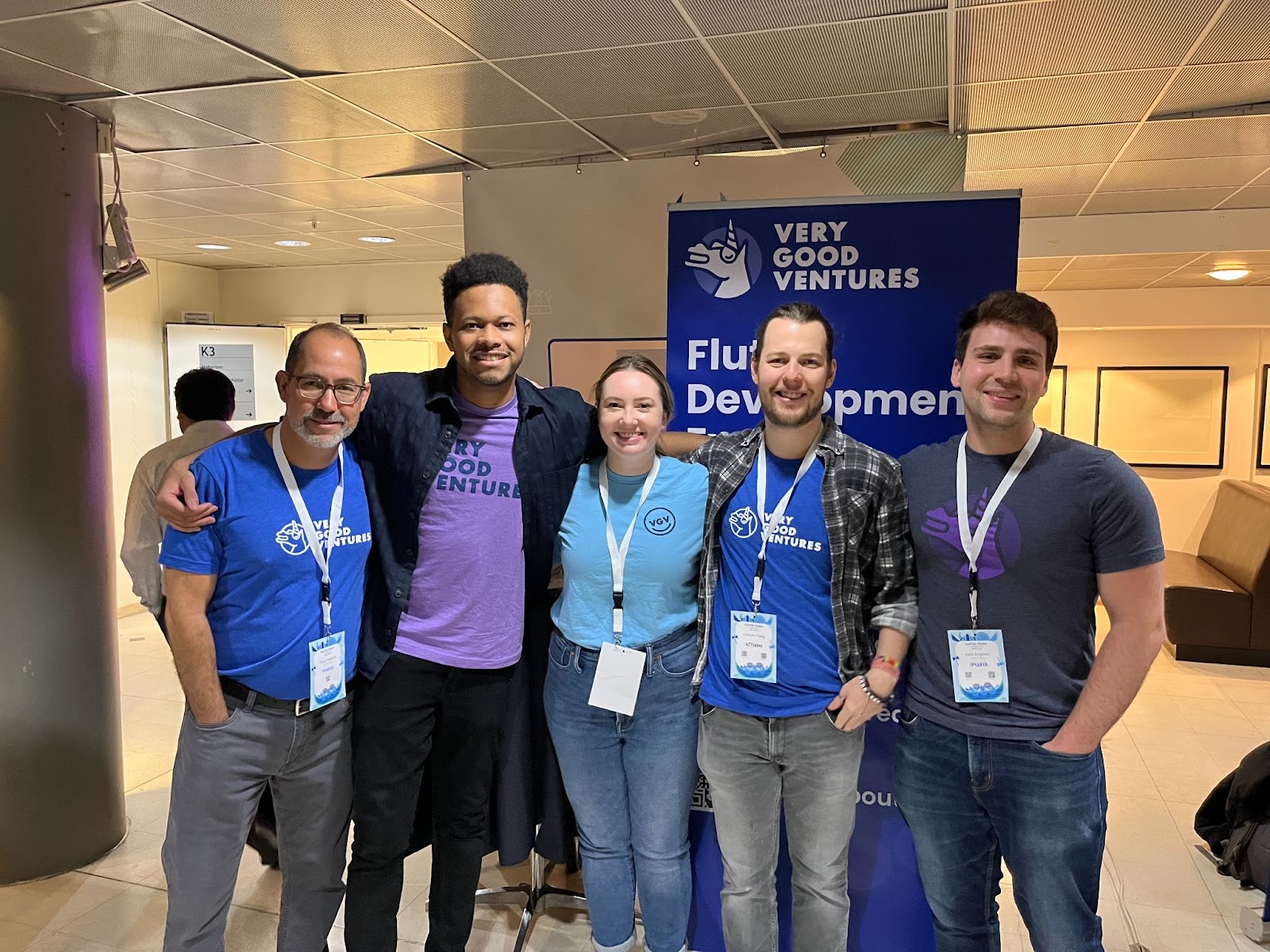
Before we get into our takeaways from the conference, we want to give a shoutout to [Majid Hajian](https://twitter.com/mhadaily) who put a lot of work into organizing the conference. We were very impressed with how smoothly the event went. The energy and excitement of the Flutter Community was palpable and we were excited to be a part of it.
Now, onto our impressions from the conference!
## Flutter 3.3
The day before Flutter Vikings began, we were surprised to see a new Flutter release: [Flutter 3.3](https://medium.com/flutter/announcing-flutter-3-3-at-flutter-vikings-6f213e068793)! Incremental releases are always fun because they deliver nice quality updates, while giving us a look into what big things are coming next. Included are numerous performance improvements, a new version of the **go\_router** package, and new widgets like **SelectableArea**, among other updates.
**Check out** [**this article**](https://medium.com/flutter/whats-new-in-flutter-3-3-893c7b9af1ff) **for a full list of what’s new.**
One big thing that caught our eye from the Flutter 3.3 announcement was [Impeller](https://github.com/flutter/engine/tree/main/impeller), a new rendering engine poised to take the place of Skia. It’s designed to be more performant, especially when it comes to rendering animations. We are eagerly awaiting Impeller’s continued development and look forward to experimenting with it in the future.
### Wonderous
Also announced alongside Flutter 3.3 was the [Wonderous app](https://medium.com/flutter/wonderous-explore-the-world-with-flutter-f43cce052e1). Built by GSkinner, Wonderous is a visually impressive showcase of Flutter at its finest. It is filled with crisp images, smooth animations (thanks to Impeller), and a pleasant design.
We were also impressed that the app makes use of haptics with gestures, such as when swiping through the photo gallery for a selected location.
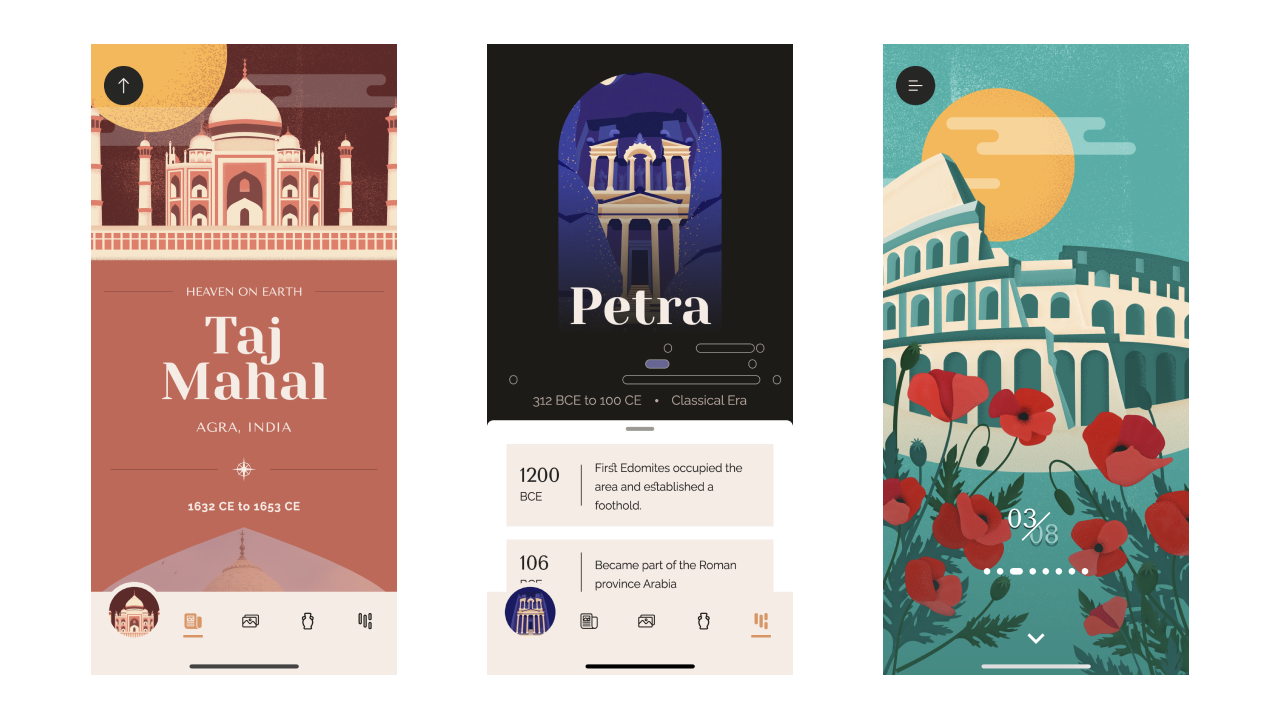
We will definitely be referring to this app for visual design inspiration in the future — especially when it comes to those small moments where a small animation or a bit of visual flair will take our app to the next level. We were also happy to see that GSkinner also open sourced the library [Flutter Animate](https://blog.gskinner.com/archives/2022/09/introducing-flutter-animate.html), making a wide range of animations available to any Flutter developer.
## The Talks
There were so many talks that we wanted to see, but with three tracks, it was hard to catch them all. 😅 Here are some that caught our interest, including the talks by our teammates Renan and Felix.
### Roaa Khaddam: Take You Flutter Animations To The Next Level
Roaa showed us how we can easily add animations to improve the user experience using built-in Flutter components. She covered the difference between explicit and implicit animations, as well as how to easily implement beautiful scrolling animations with **AnimationController**.
One cool package that she showcased was [**sensors_plus**](https://pub.dev/packages/sensors_plus) which allows you to access a device’s accelerometer, gyroscope, and magnetometer sensors. This package can be used to create dynamic animations that respond to how a user handles a device. This was a [great talk](https://youtu.be/-BcQAWdtq5E?t=291) for taking your animations to the next level!
### Tim Sneath: Flutter, FFI and Fun: Windows Development with Dart and Win32
Tim [showed us](https://youtu.be/m2YGUCMYcqw?t=366) how to call native windows APIs directly from Dart using FFI. He introduced us to the [**dart_console**](https://pub.dev/packages/dart_console) package which encapsulates a lot of the complexities of working with ANSI Escape Sequences and demoed how it can be used to implement your own text editor (inspired by the [Kilo editor](https://github.com/antirez/kilo)).
Tim then gave an overview of the [**win32**](https://pub.dev/packages/win32) package which exposes thousands of Win32 API calls directly from Dart and wrapped things up by demonstrating how to build your own notepad app entirely in Dart.
### Renan Araújo: Advanced Scroll Techniques
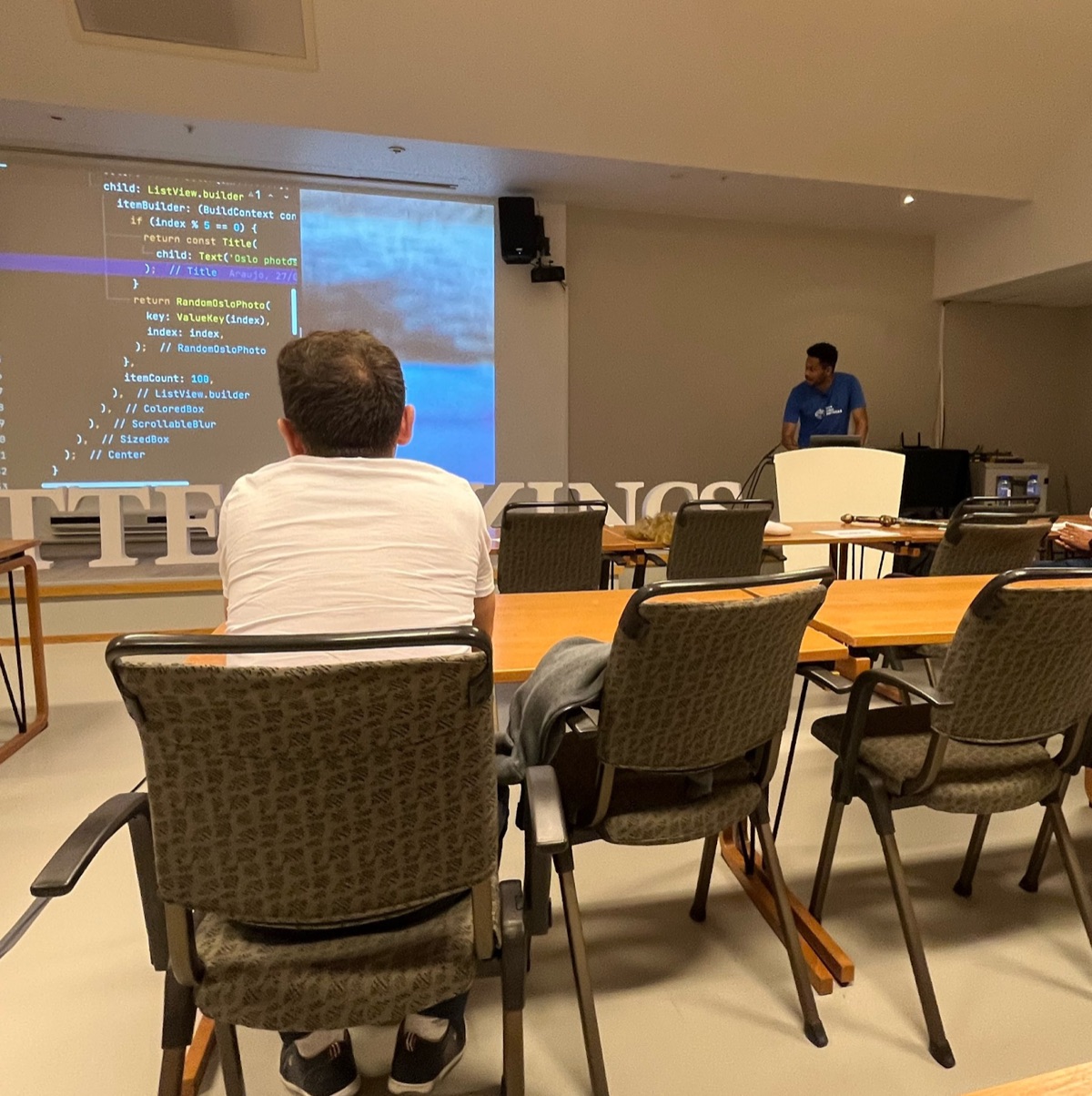
Our teammate Renan gave a talk on scrolling behaviors in Flutter, which was extremely informative. He broke down scrolling into its separate parts and showed us how to make the most of scrolling behaviors using slivers and lazy loading.
For a wow factor: Renan created a demo app containing Oslo photos. He then combined Flutter’s scroll functionality with the package [**umbra**](https://pub.dev/packages/umbra) (maintained by our teammate Jochum) to achieve a cool blur effect when scrolling. [View the full slides here](https://github.com/renancaraujo/slides).
### Felix Angelov: Meet Mason: Intro to Templating and Custom Code Generation
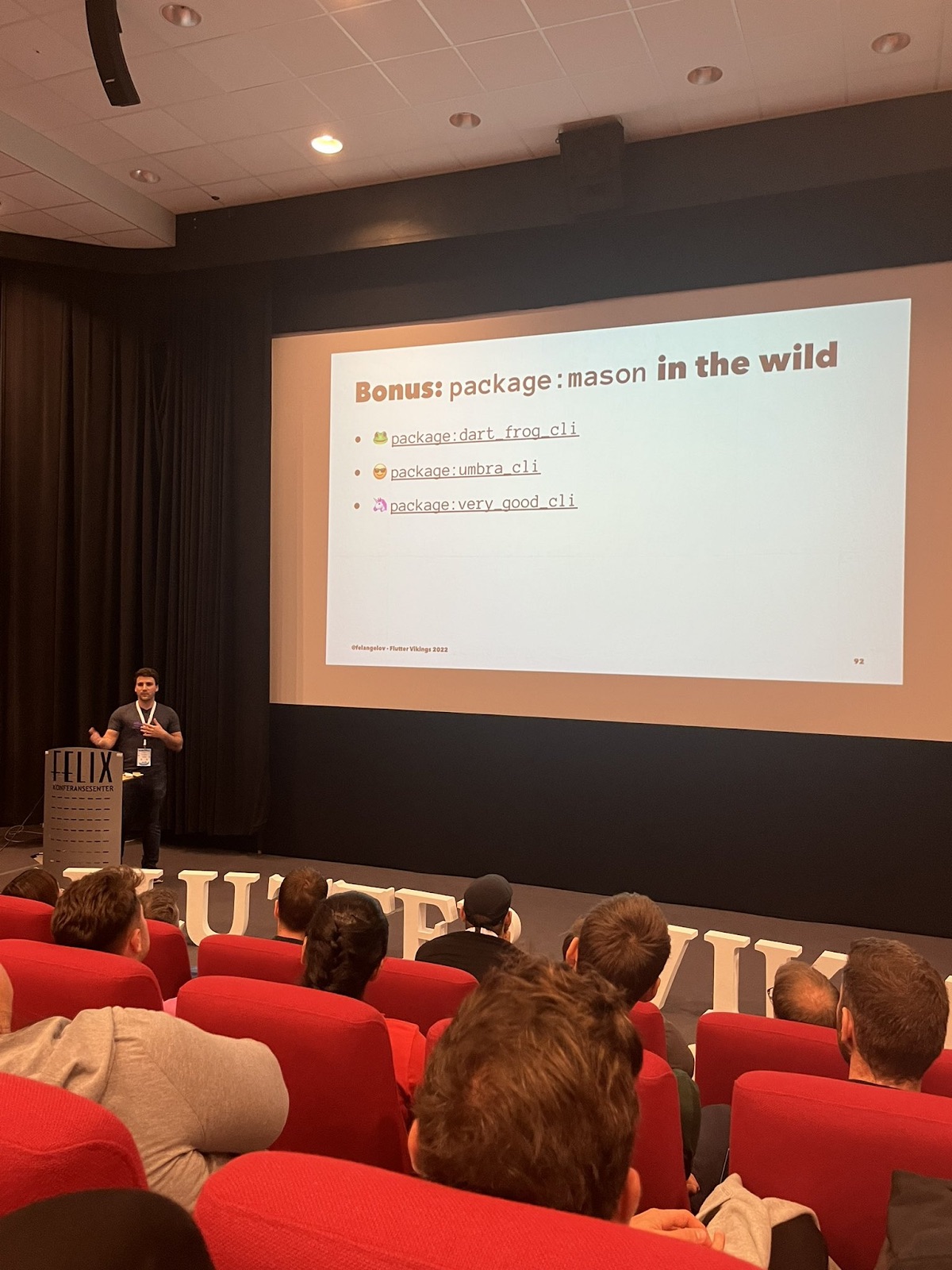
Our teammate Felix gave a talk on the [**mason**](https://pub.dev/packages/mason) package and showed us how to use it to generate our own templates that are consistent, fast, customizable, and reusable. He gave a closer look at all of the tooling around mason, including the core templating engine, reusable **mason\_logger**, the command-line tool, and the API client for managing remote bricks. [View all of the slides here](https://github.com/felangel/meet_mason).
## The Community
By far the best part of Flutter Vikings was being a part of the community. Meeting people in real life, whom we’ve previously only interacted with virtually, was so exciting! We had many conversations with other Flutter developers, developer advocates, recruiters, and more.
Throughout it all, we were struck by how positive and friendly everyone was. It was also heartwarming to hear that our blog posts (like [this one on layered architecture](https://verygood.ventures/blog/very-good-flutter-architecture/)) and [open source tools](https://github.com/VeryGoodOpenSource) have been widely read and used respectively by members of the community.
### Dart Frog
We received a lot of interest in [Dart Frog](https://dart-frog.dev/), our lightweight backend framework for Dart. Many commented on how they were looking for a tool for Dart on the server and that Dart Frog was a good solution for this. We were also excited to talk to others working in this space, such as Viktor Lidholt, who is working on [ServerPod](https://serverpod.dev/), another backend solution for Dart. We believe in the potential for Dart on the backend and can’t wait to see what others do in this space.
### Open Source
One question that we received about our open source tools was: **"Why do you put all this great stuff out there for free?"**
We open source things that we believe are generally useful to the community. Many of these tools have been informed and created by our work with clients — if we can benefit from our solutions, we want others to have the opportunity to do so as well.
As a consulting company, we don’t have one product that we are actively developing; rather, we are in the business of sharing our expertise with clients. We want to help them build the knowledge and processes to succeed with Flutter long after we’re out of the picture. Open source tools help support this endeavor since they’re available for anyone to use for free forever.
Finally, open source is a part of our identity as a team. We believe that we should be good citizens of the global Flutter community so we give back where we can by open sourcing tools, packages, and content that we find useful ourselves — in the hope that they will help others who wish to use them.
### Swag
Of course, we couldn’t attend the conference without bringing some swag. We gave away many Very Good Ventures t-shirts and unicorn and Dart Frog stickers at our sponsors booth.
Some memes of our teammate Jochum even came out of the event 😆
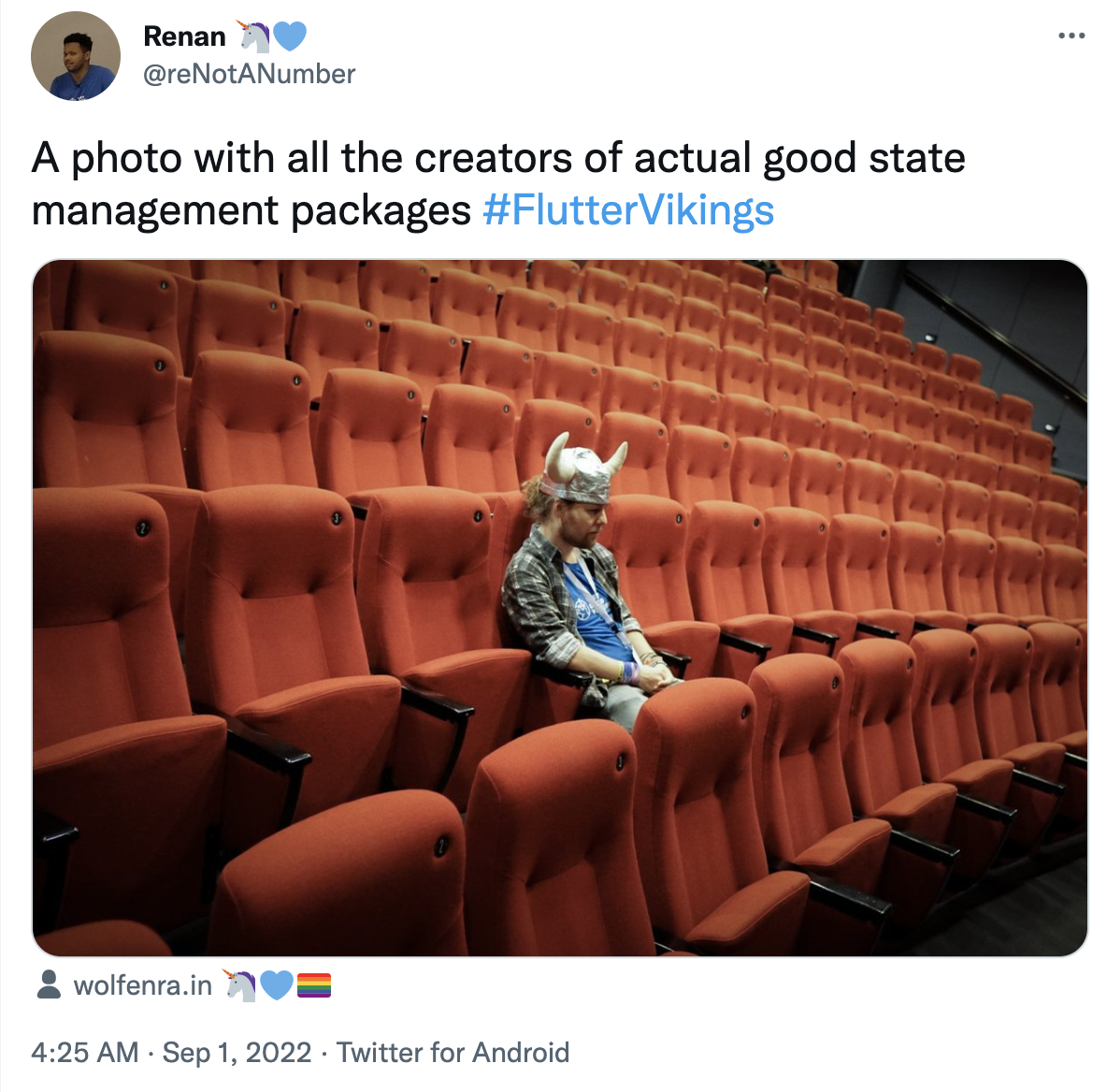
### We are honored to have been a part of this year’s Flutter Vikings, and we’ll see you at the next conference!
#### Frequently Asked Questions
##### Where and when was Flutter Vikings 2022?
Flutter Vikings 2022 was held in Oslo, Norway. It drew around 500 in-person attendees and hundreds more streaming online. It was the first big in-person Flutter conference in a few years.
##### What major Flutter announcements happened at the event?
Flutter 3.3 shipped the day before the conference began. The release included performance improvements, a new go_router version, the SelectableArea widget, and Impeller, a new rendering engine designed to replace Skia and improve animation performance.
##### What is the Wonderous app and why was it notable?
Wonderous was announced alongside Flutter 3.3 and built by GSkinner. It showcases Flutter with crisp images, smooth Impeller-rendered animations, and tactile haptics. GSkinner also open sourced Flutter Animate as part of the launch.
##### Which talks did VGV teammates give?
Renan Araujo presented Advanced Scroll Techniques, breaking down scrolling into slivers and lazy loading and demoing a blur effect with the umbra package. Felix Angelov presented Meet Mason, walking through the mason package and the templating tools around it.
##### What community interest did VGV's open source work draw?
Attendees showed strong interest in Dart Frog, VGV's lightweight backend framework for Dart. The team also fielded the question of why VGV open sources so much: the tools come out of client work, and sharing them helps the broader Flutter community.
### Generate a Dart CLI with Very Good CLI
Source: https://verygood.ventures/blog/generate-command-line-application-cli/
There are few resources more crucial to software development than [command-line interfaces (CLIs)](https://en.wikipedia.org/wiki/Command-line_interface). As one of the simplest forms of [Human-Computer Interface (HCI)](https://www.interaction-design.org/literature/book/the-glossary-of-human-computer-interaction/interaction-styles), a CLI allows you to simplify complex tasks and can be used to compose rich applications. Most developers use CLIs every day. Even Flutter comes with one: [**flutter_tools**](https://github.com/flutter/flutter/tree/master/packages/flutter_tools).
Knowing how to build a command-line application can unlock a world of possibilities for a Dart developer. There are several excellent examples of CLI packages out there, for instance: [**mason_cli**](https://pub.dev/packages/mason_cli), [**fvm**](https://pub.dev/packages/fvm), [**dart_frog_cli**](https://pub.dev/packages/dart_frog_cli), and [**umbra**](https://pub.dev/packages/umbra_cli).
Creating one from scratch is not an easy task though. If you're making a CLI package for the first time, you may face some challenges, such as handling exceptions and keeping the code organized. Due to Dart’s flexible nature, it can take some time to figure out how to organize the code, make it testable, and configure the details of what makes a CLI application that is not only good, but *very good*.
[Our team](https://verygood.ventures/resources/open-source-packages/) has gathered some experience building CLI tools and turned them into a package template, so that you don’t have to go through the same challenge. You can simply start creating great stuff.
**This is a guide on designing a kick-ass CLI application written in Dart using the** [**Very Good Dart CLI**](https://github.com/VeryGoodOpenSource/very_good_dart_cli) **template. Let’s go!**
## Getting started
[Very Good CLI](https://pub.dev/packages/very_good_cli) is a tool made by Very Good Ventures that, among other things, helps to ease the process of setting up any type of Dart project, including Flutter applications, [federated plugins](https://verygood.ventures/blog/generate-flutter-plugins-with-very-good-cli/), Flutter and Dart packages, and of course, Dart CLI applications.
If you didn’t yet, activate it via:
```shell
$ dart pub global activate very_good_cli
```
To take the first step into the *Dart-CLI-making* world, use the **create** command with the appropriate template:
```shell
$ very_good create dart_cli my_simple_cli
```
And voila! You now have generated a CLI package with everything ready to get started: a sample command with colorful outputs, a plug-and-play update mechanism, a file structure that scales, and last but not least, everything stamped with that [beautiful unicorn wearing shades](https://twitter.com/VGVentures/status/1554116996542889984): testable!
Now, let's look at the generated file structure.
## The anatomy of a Dart CLI package
Like everything created using Dart, a CLI application is essentially just a [pub package](https://dart.dev/guides/packages), which defines the basic structure: A **pubspec.yaml** in the project root, accompanied by the directories **lib** and **bin**.
These are three crucial things to be mindful of about the generated project’s structure:
1. **The lib directory:** This may be familiar if you've worked with Dart before. This is where packages should put the classes and objects that are to be used by your scripts ([library code](https://dart.dev/tools/pub/package-layout#public-libraries)).
2. **The bin directory:** This, combined with the lib directory [constitute the package's public API](https://dart.dev/tools/pub/package-layout#public-directories): This should include the actual script files, which will call the entry-point function (**main**) when executed. Most CLIs have only one script file.
3. **And last but not least, the good old pubspec.yaml:** This describes the [metadata of the package](https://dart.dev/tools/pub/pubspec). Note that for CLI applications, there is one additional field: executables. This entry should match the executable name (the first word in a command that your application will interpret) as keys, to files in the bin directory (values). The value can be left blank if the executable's name is the same as its corresponding script file.
The executable name doesn't need to be the same as the package name. To customize that upon generation, use the **\--executable-name** option:
```shell
$ very_good create my_simple_cli -t dart_cli --executable-name my_simple
✓ Generated 19 file(s) (3.3s)
✓ Running "flutter pub get" in my_simple_cli (3.4s)
✓ Running "dart fix --apply" in my_simple_cli (3.2s)
Created a Very Good Dart CLI application! 🦄
```
Resulting **pubspec.yaml** file:
```yaml
name: my_simple_cli
# ...
executables:
my_simple:
```
Then, after [activation](https://dart.dev/tools/pub/cmd/pub-global#activating-a-package) through the **dart pub global activate** command, the CLI application will be invoked by commands that start with **my\_simple**.
## What makes a CLI delightful
Before going deep into the code, let's look at a few essential components of CLI design and the common patterns that most CLI applications follow.
Although CLI apps have a very simple visual interface, we can't ignore UX completely. Some classical design principles such as familiarity, hierarchy, and consistency, can make your CLI app easier to use.
### Familiarity
People may be used to some expected outputs and input formats that are common in most CLIs. For example, it is almost intuitive to type the flag **\-h** at the end of a command to understand what it does and the options available.
Example of a great help message: **dart pub add**:
```shell
$ dart pub add -h
Add dependencies to pubspec.yaml.
Usage: dart pub add [:] [[:]...] [options]
-h, --help Print this usage information.
-d, --dev Adds to the development dependencies instead.
--git-url Git URL of the package
--git-ref Git branch or commit to be retrieved
--git-path Path of git package in repository
--hosted-url URL of package host server
...
```
### Hierarchy
CLI applications that have multiple scopes of actions may split into numerous sub-commands. Example: **commit** and **remote** are two sub-commands of the [git CLI](https://git-scm.com/book/en/v2/Getting-Started-The-Command-Line). Once you type them, you enter their context. The following options, arguments, and sub-commands will be specific to the context of the given command.
### Consistency
Sometimes, different commands may share similar options and argument formats, but people expect consistency across them. For example, **flutter build** has several platforms as subcommands, like **ios** and **android**. The user can execute each of these in either debug or release. For that, both accept **\--debug** or **\--release** as flags.
As with any HCI, A CLI is just a series of input and output standards. To know how to build each of these parts is the key to success.
## What makes excellent input syntax
Options? Arguments? Flags? Commands? Oh my! Do not fear these names. They are pretty helpful in understanding the input formats of a CLI.
Let's analyze a command with plenty of these things to understand what is what. For example, imagine one of the most used commands in history: creating a state management package for Flutter.
```shell
$ flutter create barc -t package --description="Just like bloc, but for dogs" -v --no-pub
```
- **flutter**: This is called the root command or executable. It should be unique in the current path context, so avoid publishing a CLI with existing executable names, like **git** or **ls**. Commands are the ones mapped in the **pubspec.yaml** file under the **executables** property.
- **create**: After that, you have the sub-command (or just command). Commands are predefined unique words that execute a task in a specific context. Some applications have zero sub-commands (ex: **cp** and **ls**), while others have multiple levels of sub-commands (ex: **git remote add**).
- **barc**: In this example, it is the name of the package. This is called an argument. Unlike commands, arguments are not predefined, but the preceding command should know how many (if any) arguments are expected from the user.
- **\-t package**: This is an option. Options are composed of a key (predefined) and a value. The latter can be either predefined by a set of acceptable strings or not. Specifically, in this case, **\-t** accepts only **package**, **app**, and **plugin**, among other values; anything other than what is predefined will result in an error. This option is in a shorthand format. That is why it starts with a single dash and consists of only one letter. It is the same as using **\--template**.
- **\--description="..."**: This is also an **option**, except this one is not in a shorthand format (not all options need to have a shorthand available). It accepts any value from the user, as opposed to the previous option.
- **\-v**: Now there are flags. The first one, **\-v**, indicates that this command will output lots of information that otherwise would be hidden. Flags are just like options: they are formatted with dashes and can also have shorthands. The difference is that they don't accept explicit values. Flags are ideal for options that have boolean values.
- **\--no-pub**: The second flag, as opposed to the previous one, has a true default value. To override that behavior, the user has to use the negated form. For that, it contains a **no** prefix to indicate its value being set explicitly to false.
### The args package
As you may notice, a command syntax can assume several different forms. To specify which are the commands, options, flags, and arguments in an idiomatic way, we have the [**args**](https://pub.dev/packages/args) package. It contains classes and functions that help to bring the same organization and hierarchy of your desired CLI syntax into your code. In the template generated by **very\_good\_cli**, we have some sample commands and options to illustrate that mapping.
The root command, as said earlier, calls the entry-point function on the related file under **bin**. The main function receives a list of strings corresponding to everything in the user input after the root command, separated by space. That entry-point function invokes the **CommandRunner**, the root of our tree of sub-commands.
Each sub-command extends the **Command** class and an [**ArgParser** object](https://pub.dev/documentation/args/latest/args/ArgParser-class.html) describes its syntax:
```dart
/// Example generated by very good CLI
class SampleCommand extends Command {
SampleCommand({
Logger? logger,
}) : _logger = logger ?? Logger() {
argParser.addFlag(
'cyan',
abbr: 'c',
help: 'Prints the same joke, but in cyan',
negatable: false,
);
}
// ...
```
### Writing valuable “help” documentation
The best way to let the user discover the correct syntax of options and flags for a command is to provide a common “help” flag (**—help** or **\-h**). The **args** package generates the help flag automatically for you, given the option mapping (configured via the **argParser** object) and some overridable fields in the **Command** class, like **name**, **description**, and **argumentsDescription**. Override them in your **Command** class to customize the usage output.
```shell
# Help available in the sample command
$ my_simple sample -h
A sample sub command that just prints one joke
Usage: my_simple sample [arguments]
-h, --help Print this usage information.
-c, --cyan Prints the same joke, but in cyan
Run "my_simple help" to see global options.
```
## Enhancing outputs
Now that we learned how to provide a straightforward way for people to interact with your application, it is time to learn the best ways to respond to those inputs. There are two main ways you can communicate the progress and result of a user’s command: the standard output and exit codes.
One package that is useful is [**mason_logger**](https://pub.dev/packages/mason_logger). The template generated from the **very\_good\_cli create -t dart\_cli** has a sample command that shows:
```dart
import 'package:args/command_runner.dart';
import 'package:mason_logger/mason_logger.dart';
class SampleCommand extends Command {
SampleCommand({
Logger? logger, // <-- Look here: inject a logger in the constructor to make it more testable.
}) : _logger = logger ?? Logger() {
argParser.addFlag(
'cyan',
abbr: 'c',
help: 'Prints the same joke, but in cyan',
negatable: false,
);
}
@override
String get description => 'A sample sub command that just prints one joke';
@override
String get name => 'sample';
final Logger _logger; // <-- Look here: a logger to abstract stdout
@override
Future run() async {
var output = 'Which unicorn has a cold? The Achoo-nicorn!';
if (argResults?['cyan'] == true) {
output = lightCyan.wrap(output)!;
}
_logger.info(output);
return ExitCode.success.code; // <--- Look here: Exit code
}
}
```
Notice that it uses **mason\_logger**’s [**Logger**](https://pub.dev/documentation/mason_logger/latest/mason_logger/Logger-class.html) and [**ExitCode**](https://pub.dev/documentation/mason_logger/latest/mason_logger/ExitCode-class.html) classes. Let's understand a little bit about each:
### The standard output
The [standard output](https://en.wikipedia.org/wiki/Standard_streams#Standard_output_\(stdout\)), also known as “write stuff on the user’s screen,” is a vital part of any CLI. [**dart:io**](https://api.dart.dev/stable/2.17.5/dart-io/dart-io-library.html) has a **stdout** getter in which the raw API uses this system resource:
```dart
import 'dart:io' as io;
final stdout = io.stdout;
stdout.writeln("some output");
```
One problem with writing directly at this level is that there is no API to style the output. You will have to use [ANSI escape codes](https://www.lihaoyi.com/post/BuildyourownCommandLinewithANSIescapecodes.html). Also, using it directly in **Command** classes makes it hard to test with unit tests.
The **Logger** class abstracts the styling codes as wrapping API, which can be mocked for tests.
Example of a command that styles output:
```dart
@override
Future run() async {
_logger.err('This is a error!');
_logger.warn('This is your last warning!');
_logger.confirm('Do you really want that?');
_logger.success('Flawless victory');
_logger.info(backgroundCyan.wrap(red.wrap('This will be colorful')));
return ExitCode.success.code;
}
```
Output produced:
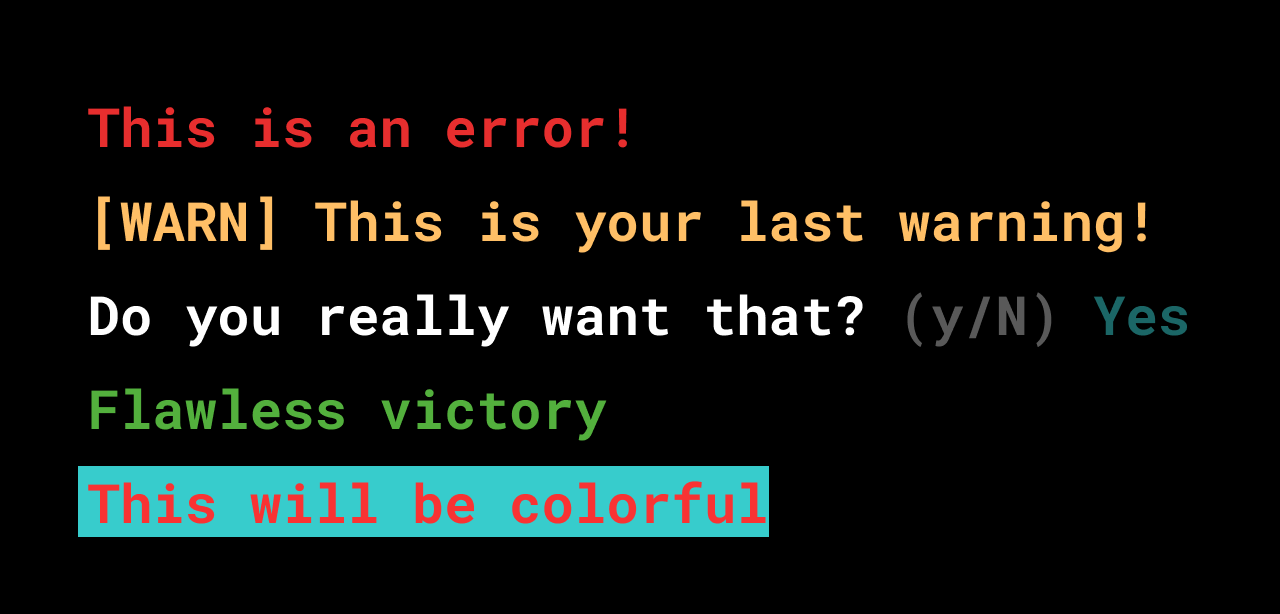
Example of mocking the logger using **mocktail** on a test:
```dart
import 'package:mocktail/mocktail.dart';
import 'package:mason_logger/mason_logger.dart';
// ...
class MockLogger extends Mock implements Logger {}
test('prints stuff', () async {
final logger = MockLogger();
final command = SampleCommand(
logger: logger,
);
final exitCode = await command.run();
expect(exitCode, ExitCode.success.code);
verify(
() => logger.info('Which unicorn has a cold? The Achoo-nicorn!'),
).called(1);
});
```
### Exit codes
When a process or script finishes, it returns a code that indicates the circumstances in which it occurred. On most systems, 0 is the code for success, and anything besides that defines an error.
**Mason\_logger**’s **ExitCode** abstracts some error codes and success into constants.
```dart
@override
Future run() async {
_logger.err('This command will fail');
/// A service is unavailable.
///
/// This may occur if a support program or file does not exist. This may also
/// be used as a catch-all error when something you wanted to do does not
/// work, but you do not know why.
return ExitCode.unavailable.code;
}
```
Returning something like that rather than some random **int** makes your code more readable.
## Dealing with exceptions
As with any software, A CLI application execution can produce exceptions.
It is essential to deal with all exceptions and provide clear reports to the user on what went wrong aligned with the proper exit code. As an example, the generated CLI application has in the [**CommandRunner**](https://pub.dev/documentation/args/latest/command_runner/CommandRunner-class.html) a **try/catch** statement that trades thrown exceptions for exit codes:
```dart
Future run(Iterable args) async {
try {
final topLevelResults = parse(args);
return await runCommand(topLevelResults) ?? ExitCode.success.code;
} on FormatException catch (e, stackTrace) {
// On format errors, show the commands error message, root usage and
// exit with an error code
_logger
..err(e.message)
..err('$stackTrace')
..info('')
..info(usage);
return ExitCode.usage.code;
} on UsageException catch (e) {
// On usage errors, show the commands usage message and
// exit with an error code
_logger
..err(e.message)
..info('')
..info(e.usage);
return ExitCode.usage.code;
}
}
```
Since the **CommandRunner** is the root of a command execution, keeping the exception handlers in its **run** method can be more effective.
## Keeping the CLI up to date
One of the hardest things when publishing a CLI package into [pub.dev](http://pub.dev/) is making sure people are always using the most up-to-date version. Users have to check pub for newer versions, and when there is one, the package has to be activated again:
```shell
dart pub global activate my_cli
```
Fortunately, the project generated by the **very\_good\_cli** already includes infrastructure to make this process easier.
Through [**pub_updater**](https://pub.dev/packages/pub_updater) and with the help of [**build_version**](https://pub.dev/packages/build_version), all commands always check for newer versions of the CLI package on pub.dev. If there are any, the user will receive an alert to update:

This mechanism works based on the **lib/src/version.dart** file generated by **build\_version**, which makes the current CLI runtime's version accessible. Always make sure to generate that code before publishing new versions of your CLI package to pub.dev.
The sample also includes an update command that uses **pub\_updater** to let the application update itself.
```shell
my_cli update # this will update my_cli
```
## Conclusion
This is just the tip of the iceberg to what is possible to do with a Dart CLI application. We created the Dart CLI template in [Very Good CLI](https://pub.dev/packages/very_good_cli) to provide the basics of what our team thinks any Dart CLI application should include from the start. Since it is an open source project, ideas and suggestions are always welcome. If you have any, head over to [**very_good_dart_cli**](https://github.com/VeryGoodOpenSource/very_good_dart_cli) and open an issue.
Go build something awesome!
#### Frequently Asked Questions
##### How do I generate a Dart CLI with Very Good CLI?
First activate Very Good CLI with dart pub global activate very_good_cli, then run very_good create dart_cli my_simple_cli. This generates a CLI package with a sample command, an update mechanism, and a scalable file structure.
##### Can I customize the CLI executable name?
Yes. Pass the --executable-name option when running very_good create. The executable name is mapped to a script file under bin/ in the generated pubspec.yaml via the executables field.
##### What package handles parsing CLI arguments?
The args package. Each sub-command extends the Command class and uses an ArgParser to describe its syntax, including options, flags, and arguments.
##### Why use mason_logger instead of writing directly to stdout?
mason_logger abstracts ANSI styling codes into a wrapping API, supports styled output (err, warn, success, info, confirm), and can be mocked in tests. Writing directly to stdout makes the code harder to style and harder to test.
##### How does the generated CLI handle exceptions?
The generated CommandRunner wraps the run loop in a try/catch that maps FormatException and UsageException to clear error messages and the appropriate ExitCode, instead of letting raw stack traces escape to the user.
##### How do users get notified about updates to the CLI?
The template includes pub_updater and build_version. Every command checks pub.dev for newer versions and alerts the user when one is available, plus there is a built-in update command so the CLI can update itself.
### Meet the Unicorns: Elizabeth, Kyle, Jochum
Source: https://verygood.ventures/blog/meet-the-unicorns-elizabeth-kyle-jochum/
For over four years, we've been building [high-quality Flutter applications](https://verygood.ventures/blog/why-build-apps-with-flutter-2022/) with companies that span a variety of industries, from financial services to entertainment. Our goal is to create high-quality software that is flexible, adaptive, and built to last – for any platform.
Of course, none of this would be possible without our fellow unicorns! We talked to a few of our teammates to learn more about how they got into tech, their day-to-day work at VGV, and what they’re currently learning more about right now.
## Elizabeth, Program Manager

**Why did you first become interested in tech?**
In college I studied bio-electrical engineering with the intention of going to medical school at some point. When I graduated, I wasn’t ready to commit to medical school, so I took a job at Epic Systems because I wanted some exposure to the healthcare industry. It wasn’t my intention to get into tech, but working at Epic made it happen.
Now that I’m working full time in the tech industry, I couldn’t imagine anything else. In most other industries, your day would be a lot more standardized. Tech is definitely for fast-paced people. Every day looks so different, especially at VGV! Because we’re a consultancy, we do so many different things in one day and the tech we work on actually touches all of the industries. For example, I’ve worked on fintech, travel, and games projects.
**What is a typical day like at VGV?**
At VGV, Program Managers (PMs) are on multiple projects concurrently. My day usually consists of doing check-ins on each of these projects, sending weekly status reports to clients, and updating and delegating tasks to the VGV engineers on these projects. The full PM team also gets together on a regular basis and does roadmap and project planning.
The PM team at VGV is really trusted by clients and so we often get to stretch our skills into product management and even account management. We help shape where the product is going and maintain relationships with clients. Working with clients is one of my favorite parts about being a PM. I love helping them figure out where they’re going next and how they can achieve their goals.
**What’s one interesting thing you’re learning more about now?**
The PM team is really focused on ramping up our internal training right now. Two things we’re doing right now:
1. We decided to all take a Udemy Flutter course, which is exciting! I’ve managed Flutter projects, and now I’m actually learning how to write my own Flutter app.
2. We’re also taking a Google Project Management certificate course to make sure our PM competencies are strong.
**In your opinion, what is the most important thing a program manager does?**
I think the biggest thing is communication. So much of our job is making sure everyone is on the same page — both internally and with clients. I focus on making sure that all of our communication is transparent, positive, and concise.
**What is it like working with engineers at VGV?**
My favorite thing about VGV engineers is that they’re actually wizards! 🧙♂️ I’ve worked with developers in the past, but they were not like VGV engineers. At VGV, I can ask an engineer to help solve a problem and they actually get excited. Instead of saying, “This looks hard,” they figure out how to solve it.
The biggest thing I’ve learned from working with engineers (and I’m still learning) is how to properly estimate tasks within a project. I’m always striving to create reasonable timelines. This is one area where developers have grown — and have taught us PMs how to set reasonable expectations and deadlines.
**Anything else?**
The PM team at VGV is very much a team! Even though we’re on different clients, we do a really good job of collaborating with each other and trying to improve as a PM team.
## Kyle Finlinson, Engineer

**Why did you first become interested in tech?**
My dad worked on IT for the state of Utah, so my family always had tons of computers around the house. Growing up, we always had DSL — that was one thing he would not compromise on. I remember when I was eight years old, I went over to a friend’s house and heard their modem dialing up. I thought, *What is that? Why is it taking us four hours to download RollerCoaster Tycoon?* So I was always around tech even from a young age.
When I was in high school, I attended an engineering camp at Utah State. One of the coding tasks they had us do was program metal pins in a PVC pipe. The goal was to get the pins to move up and down to allow a ping pong ball to fall through. It was so cool to write the code and watch things happen!
**What are some of your go-to resources for learning about Flutter or Dart?**
The [official docs](https://docs.flutter.dev/) are always really helpful. I especially like the [Widget of the Week](https://youtube.com/playlist?list=PLjxrf2q8roU23XGwz3Km7sQZFTdB996iG) videos. They give such a helpful overview — in a few minutes they cover what it is, how to use it, and provide a simple example. These videos make it really easy to understand the rest of the documentation.
**What do you enjoy most about being a Flutter engineer at VGV?**
One of my very favorite things about VGV is learning really useful skills with great people, and then using those skills across completely different projects. At VGV, we have a *lot* of expertise on the team. Learning from them and being able to build real solutions and solve real problems with companies across all kinds of industries and having a consistent toolkit, consistent workflow, and consistent solutions is awesome.
It’s kind of the opposite of what I was doing before. Before I was switching around to different projects with completely different toolsets and completely different languages. At VGV, I get to dig in really deep and *really* understand Dart and how it all works. For me, that's exciting and motivating.
**What’s your day-to-day like?**
I usually have a couple of stand-up meetings, and read and write lots of technical design proposals and code.
I work with teammates across the world in multiple time zones, so a lot of our communication is written communication. At times it can be frustrating, but it is also nice because it forces the team into an asynchronous workflow. I’m very interested in learning more about asynchronous workflows, deep work, and digital minimalism ([as described in Cal Newport’s book](https://www.calnewport.com/books/digital-minimalism/)), so time zones have been kind of helpful for task management.
**Anything else?**
Working with good people is huge! The phrase that I’ve heard to describe VGV is “humbly opinionated.” I really love that. It conveys the idea that this is how we think we should do something, but we’re completely open to suggestions if you have better ways to do it. It’s not arrogant, but it’s also not wishy-washy either. We have consistent best practices that are always open to improvement, discussion, and criticism.
## Jochum, Open Source Engineer

**Why did you first become interested in tech?**
It all started when I was in elementary school. My brother installed Ubuntu on my computer and I was super mad at him because I just wanted to play my PC games. I had to figure out how to get my games to work on the new operating system, which was quite interesting.
When I was around 12 years old, I started programming with HTML and CSS to make websites. From there I moved on to PHP and JavaScript. Around this time, I started playing with a thing called [ComputerCraft](https://www.computercraft.info/), which allowed me to program within the Minecraft world. I found that really fun to do — I was essentially programming inside of the game (not too far off from what I’m doing now with [Flame](https://flame-engine.org/)).
**What is your typical day like at VGV?**
I’m in a different timezone than some of my colleagues, so I start my day by checking my email and Slack to see what activity happened overnight. I follow up on any open source issues or comments and then have lunch. After, I try to focus on a particular task while taking breaks in between. It’s nice because my teammate Renan is in a similar time zone so we have a lot of overlap where we can collaborate.
A lot of my work recently has focused on [Very Good CLI](https://pub.dev/packages/very_good_cli) and [Mason](https://pub.dev/packages/mason). With Mason, I’ve helped implement some new features. Based on my discussions with Felix, we’ll come up with new ideas and see if we can implement it. With Very Good CLI, I’ll often review code for bug fixes or new features. I’ve also done some work on [Dart Frog](https://dart-frog.dev/), mostly reviewing pull requests and issues, and discussing where we’re going to take it next with Felix and Renan. Nothing is a one-person project on the Tooling and Open Source team!
**What are some of your favorite open source tools or packages?**
[Flame](https://pub.dev/packages/flame) is for certain one of my favorites.
I’m a big fan of what my package [Umbra](https://pub.dev/packages/umbra) is capable of. In my opinion, it’s the way shaders should have been implemented in Flutter with a more friendly API. Everything is strongly typed, so instead of having to pass a list of numbers, you can pass in real instances of the thing you want to make. No need to do the conversion yourself.
Another open source project I like is [raylib](https://www.raylib.com/), which is a rendering framework for video games. It’s developed and maintained by one guy who has been doing it for eight years. It has a massive community and is a really interesting project.
**What’s one interesting thing you’re learning more about now?**
Right now I’m learning more about physics for my physics engine [Physik](https://pub.dev/packages/physik). I’m trying to understand more about how to read math equations and implement them.
Flame already has a physics engine called [Forge2D](https://pub.dev/packages/forge2d), which is a port of a popular physics engine called [Box2D](https://box2d.org/). Physik is another approach to implementing a physics engine that integrates nicely with Flame. I’m creating it to make it easier to create simulations. I noticed that you can make simulations with Forge2D, but it’s hard to set them up properly. With Physik, it’s a bit simpler. I’ve already created a particle collision simulation within a sphere, as well as a fire particle simulation. Next, I’m going to create a simulation with grass. If it all works well, I’m hoping to use these within a game in the future.
**What do you enjoy most about being an open source engineer at VGV?**
I enjoy the fact that I give back to the community. My job is to make sure that the community has high-quality tools that are up to VGV standards. This includes both tools maintained by VGV, but also tools used in the broader community, like Mason and the Flame Engine.
### [Join our team! Check out open job roles at VGV.](https://verygood.ventures/careers/)
### [Check out the first article in our "Meet the Unicorns" series with Elias, Traci, and Óscar.](https://verygood.ventures/blog/meet-the-unicorns-elias-traci-oscar/)
### Dart Frog is now stable 🎉
Source: https://verygood.ventures/blog/dart-frog-stable/
Since releasing [Dart Frog a few months ago](https://verygood.ventures/blog/dart-frog/), we have seen a lot of interest from the community in our approach to Dart on the server. We’ve been hard at work on updates to the package. We've also spent time testing it out in various use cases across a few of our projects. Today we're excited to announce that Dart Frog is stable! 🎉
To us, “stable” means the project is no longer just an experiment. We’ve used Dart Frog internally across multiple projects, fixed many bugs and stability issues across multiple platforms, and have addressed the critical items on our roadmap. Because of this, we have removed the experimental warning from the [docs](https://dart-frog.dev/) and [GitHub repo](https://github.com/VeryGoodOpenSource/dart_frog).
Let’s take a closer look at what’s in this stable release!
## What’s included 📦
### Hot Reload Improvements ⚡️
We have spent a lot of time improving the developer experience when it comes to using Dart Frog in dev mode. One of the biggest focus areas was on hot reload performance and reliability to ensure that it behaves the way you might expect. For example, if you’re in the middle of implementing something, hot reload should be able to recover from situations in which an error might interrupt your workflow — you shouldn’t have to constantly restart the dev server. It was important for us to have this seamless experience, not just on Unix-based systems, but also on Windows. Updates include:
- Performance improvements
- Stability improvements (especially on Windows)
- Logging improvements
- Error reporting improvements
- Route conflict detection
- Rogue route detection
- Error message formatting
- Resilience and recovery from errors
### CLI verbose mode 📢
The Dart Frog CLI now supports a **\--verbose** flag on all commands (**build**, **create**, and **dev**). You can now toggle verbose mode when working with the Dart Frog CLI, which provides additional visibility into what’s going on behind the scenes. This feature is particularly helpful for debugging issues that are hard to reproduce.
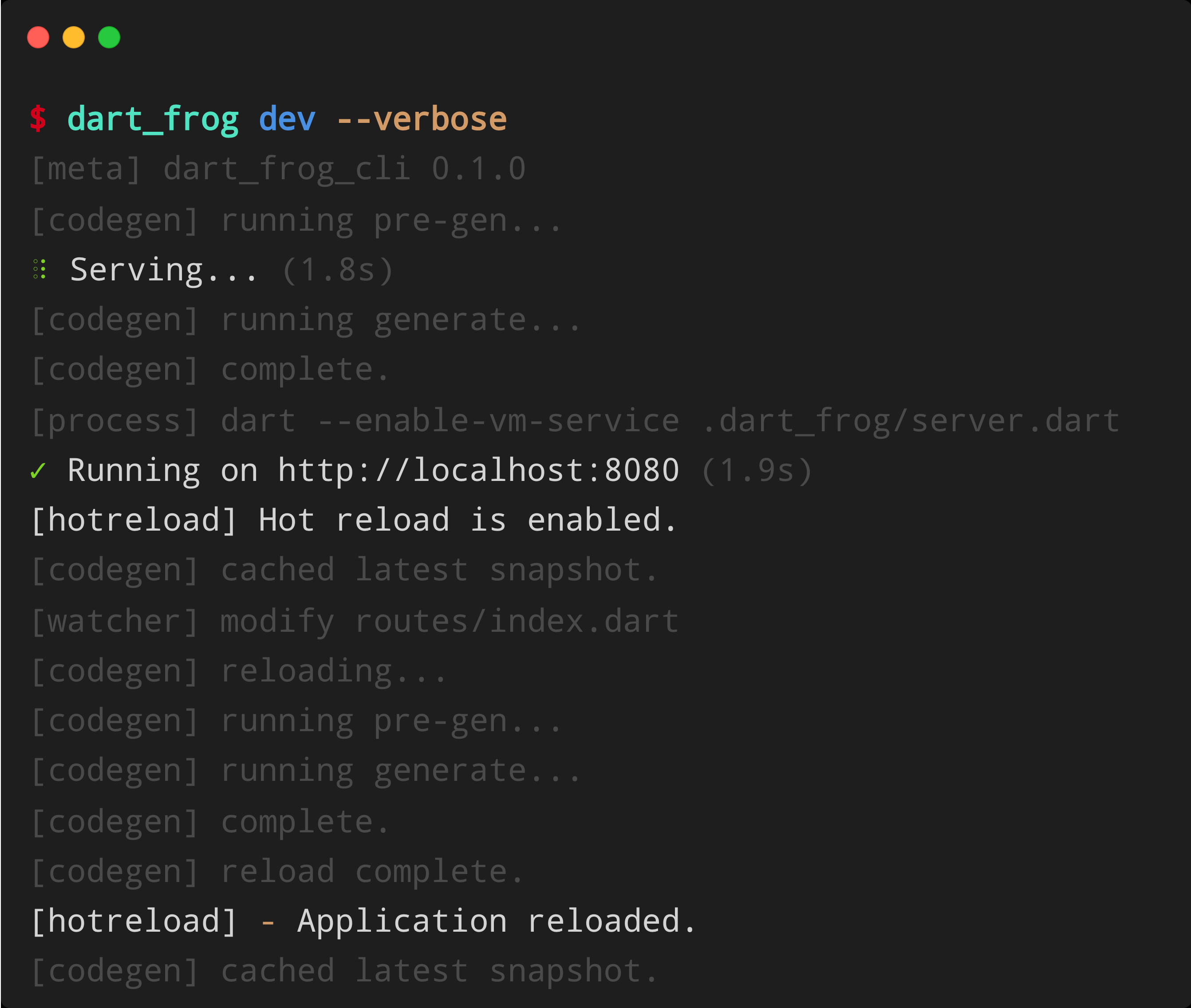
### Interoperability with package:shelf ↔️
From the beginning, we wanted Dart Frog to complement the existing Dart ecosystem. The core Dart Frog runtime ships with APIs that enable interop between Dart Frog and [shelf](https://pub.dev/packages/shelf), which means you can use existing shelf packages in your Dart Frog apps. Check out the following APIs for getting started with shelf interop:
- [**fromShelfMiddleware**](https://pub.dev/documentation/dart_frog/latest/dart_frog/fromShelfMiddleware.html)
- [**fromShelfHandler**](https://pub.dev/documentation/dart_frog/latest/dart_frog/fromShelfHandler.html)
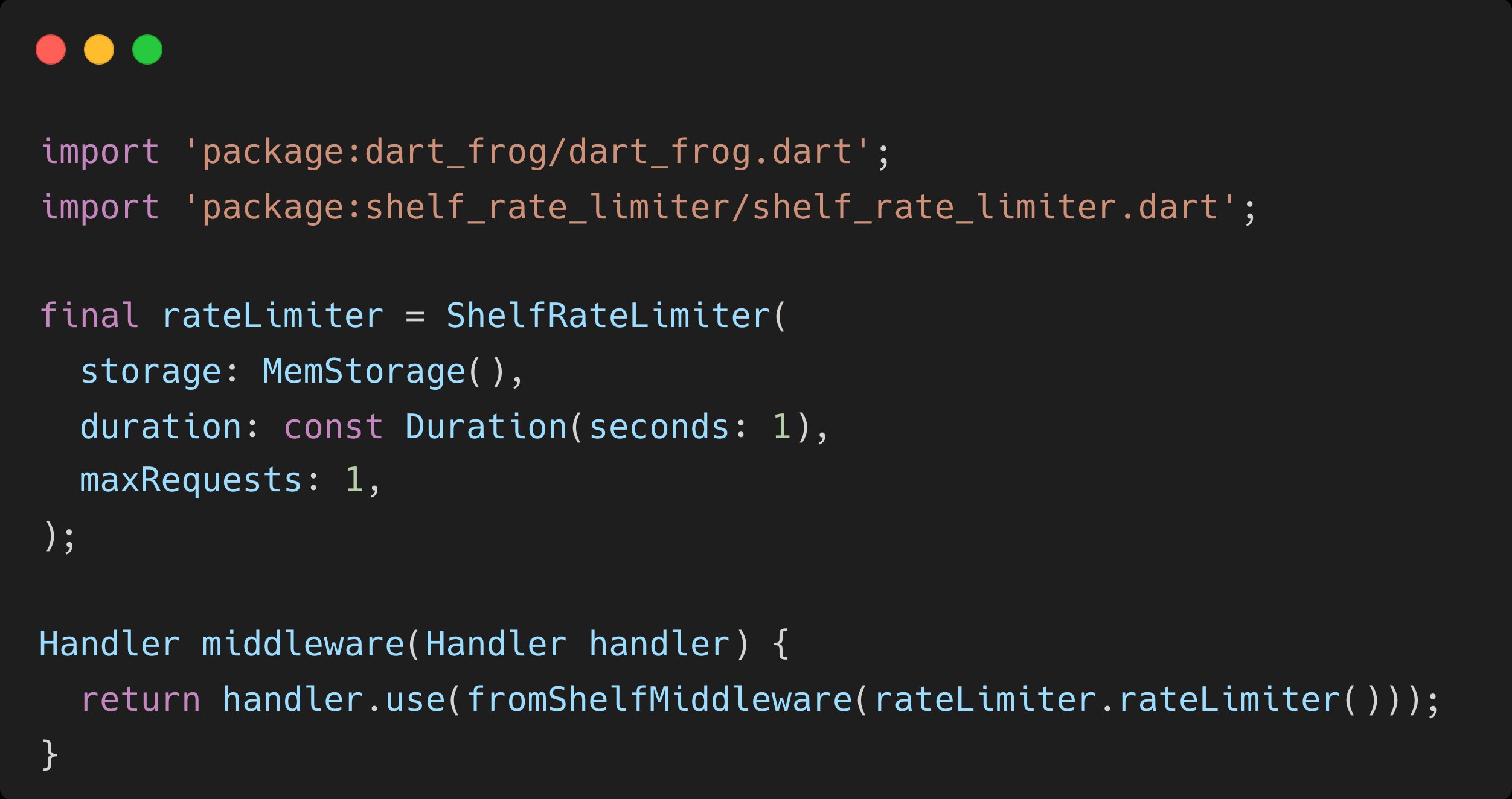
### Custom Server Entrypoint 🎬
Dart Frog now supports creating a custom **main.dart** which will run before the server starts. This gives you full control over initialization of the server. It also allows you to customize the http server, handlers, port, internet address, and run migration code while still taking full advantage of the generated handler. To use the custom entrypoint feature, simply create a **main.dart** at the root of your Dart Frog project and define a run function with the following signature:
```dart
import 'dart:io';
import 'package:dart_frog/dart_frog.dart';
Future run(Handler handler, InternetAddress ip, int port) {
// Execute custom code prior to starting the server here...
print('Starting the server...');
// Use the built-in `serve` method from package:dart_frog to start the server.
return serve(handler, ip, port);
}
```
### Rogue route detection 🥷
You can now detect rogue routes when running your Dart Frog server. A route is considered rogue when it is defined outside of an existing subdirectory with the same name. For example:
```shell
├── routes
│ ├── foo
│ │ └── example.dart
│ ├── foo.dart
```
In the above scenario, **foo.dart** is rogue because it is defined outside of the existing foo directory. Instead, **foo.dart** should be renamed to **index.dart** and placed within the foo directory like:
```shell
├── routes
│ ├── foo
│ │ ├── example.dart
│ │ └── index.dart
```
## Tutorials 📚
This update comes with a brand new section on the Dart Frog docs site for [tutorials](https://dart-frog.dev/tutorials/hello-world/). We have four up right now:
- [**Hello World**](https://dart-frog.dev/tutorials/hello-world/)
- [**Echo**](https://dart-frog.dev/tutorials/echo/)
- [**Counter**](https://dart-frog.dev/tutorials/counter/)
- [**Todos**](https://dart-frog.dev/tutorials/todos/)
## What’s next 🗺
We’re planning to focus on Dart API client and documentation generation next. This will enable you to hook up your Dart Frog backend to an existing Flutter application seamlessly and will ensure your API documentation stays in sync as your backend evolves.
As always, you can refer to the [roadmap](https://dart-frog.dev/roadmap/) for features that we’re actively developing. If you have ideas for what you’d like to see, feel free to open an issue on the [GitHub repo](https://github.com/VeryGoodOpenSource/dart_frog) and tell us more. We’d love to see what you build with Dart Frog, so tag us on [Twitter](https://twitter.com/VGVentures) or [LinkedIn](https://www.linkedin.com/company/very-good-ventures/).
#### Frequently Asked Questions
##### What does the stable v0.1.0 release mean for Dart Frog?
Stable means the project is no longer just an experiment. VGV used Dart Frog internally across multiple projects, fixed bug and stability issues across platforms, and addressed the critical roadmap items, so the experimental warning was removed from the docs and the GitHub repo.
##### What hot reload improvements are in this release?
Better performance and reliability across Unix and Windows, route conflict and rogue route detection, better logging and error reporting, and recovery from errors so a broken edit does not require restarting the dev server.
##### Can Dart Frog interoperate with package:shelf?
Yes. The Dart Frog runtime ships with fromShelfMiddleware and fromShelfHandler, which let you use existing shelf packages inside Dart Frog apps.
##### How does the custom server entrypoint work?
Create a main.dart at the root of the project and define a run(Handler handler, InternetAddress ip, int port) function. That function runs before the server starts, which lets you customize the HTTP server, port, address, run migrations, or any other initialization while still using the generated handler.
##### What is a rogue route?
A route file defined outside of an existing subdirectory with the same name. For example, foo.dart sitting next to a foo directory should instead be moved to foo/index.dart. Dart Frog now detects and warns about this pattern.
### Meet the Unicorns: Elias, Traci, Óscar
Source: https://verygood.ventures/blog/meet-the-unicorns-elias-traci-oscar/
For over four years, we've been building [high-quality Flutter applications](https://verygood.ventures/blog/why-build-apps-with-flutter-2022/) with companies that span a variety of industries, from financial services to entertainment. Our goal is to create high-quality software that is flexible, adaptive, and built to last – for any platform.
Of course, none of this would be possible without our fellow unicorns! We talked to a few of our teammates to learn more about how they got into tech, their day-to-day as an engineer at VGV, and what they’re currently learning more about right now.
## Elias Reis, Engineer

**Why did you first become interested in tech?**
When I was a kid, I liked to play video games and repair my toys (or break them trying to fix something that wasn’t broken). My parents bought a computer for my sister when she was 15, so of course, I also used it. This was when I had my first interaction with technology.
My parents later introduced me to hardware school where I was able to learn how to fix computers. My first job was in a software company, but my primary task was to repair computers. When I wasn’t working on hardware, I would sit down next to another developer and start asking questions. I loved that job because I could write code, see it on the screen, and solve problems. One day I decided I wanted to do that as a professional.
I looked for courses and learned more about programming languages and software development, and got my first promotion to junior developer. Then I learned more about mobile development, and that is when my friend (and now VGV teammate) Erick Zanardo, introduced me to Flutter. It was love at first sight!
**What is a typical day like at VGV?**
As an engineer, a lot of my day is spent working through PRs. I’m a few hours ahead of my team so my mornings don’t have many meetings. During this time, I’m able to focus on coding, writing tests, fixing bugs, and other project tasks. In the afternoons, I have meetings with my teammates who have just started working in their time zones to align as a team on our progress. Sometimes we do pair programming to fix any issues, or if other teammates ask for help on Slack, I try to answer their questions.
**What’s one interesting thing you’re learning more about now?**
One of the projects I’m working on uses federated plugins. This is a topic I’ve needed to dive deeper into. It’s interesting because I’m learning a lot about native code. I’ve worked a bit with Android in the past, but learning how to implement the same things on iOS is very new.
Another area I’m learning more about is building games. I’ve started building a small game by myself and in doing so, learning a lot about how games work. I’ve learned a lot by looking at the code for I/O Pinball, as well as by using Flame and Flutter since they work together nicely.
**What do you enjoy most about being a Flutter engineer at VGV?**
Being a unicorn is awesome! At VGV I see how much clients trust us. In my previous roles, I’ve had experiences where clients can be skeptical about the solutions proposed. At VGV, clients look to us for answers. They ask questions about the best way to do things and it’s exciting to have that level of trust.
**What is one thing you’ve learned from working at VGV?**
I really am drawn to the idea of [boring code](https://verygood.ventures/blog/boring-code-part-1/)! I’ve seen other companies that do things in a more custom way. But at VGV, we make our code boring whenever possible.
The approach to [open source software](https://github.com/VeryGoodOpenSource) at VGV is also awesome. We are always looking for ways to share what we know with the community. For example, if we’re thinking about building a package that would be helpful for our team, we ask, could we also share it with the community?
## Traci Goreham, Engineer

**Why did you first become interested in tech?**
I first became interested in tech because my husband was a software engineer, and I just wanted to understand a bit more about what he did all day at work. This led to trying out a free Udacity class, which led to taking an introduction to programming class at a local community college, which led to getting a second bachelor's degree in computer science. I'm honestly not super interested in technology consumption; I don't watch all that much TV, don't play video games, and don't participate on social media. However, I do like using technology as a means of production. I love making new things and solving interesting problems.
**What is a typical day like?**
I’m working on a project for an international company with employees across the globe. Consequently, a lot of work is happening while I am offline, so it is important that I am up to date on any discussions and merge requests as I start my day.
After daily stand-up with the team, I have time to really focus on whatever task I am currently assigned. Sometimes these tasks include writing proposals to share with other members of the broader team. Since we’re not the only team working on this project, we try to have architectural design discussions before any large changes are implemented within the project.
Occasionally throughout the day I will spend some time pair programming with a teammate to work through any issues I run into. I really value this collaborative work time with my colleagues, as it provides me with opportunities to develop my programming and debugging skills.
**What are some of your go-to resources for learning about Flutter or Dart?**
I like to go directly to the docs. Or, I’ll go directly to the codebase to see if there is an example of something I am trying to accomplish.
My VGV teammates are also great resources. There are many smart people internally at VGV and on our client teams. I try to learn as much as I can from speaking to them — as they learn from us, we’re also learning from them.
**What do you enjoy most about being a Flutter Engineer?**
I’m always learning something new! There is always a twist on something I’ve done before and I’ve always liked puzzles and figuring things out. I also like that each day is a little bit different. If it was always the same problem to solve, it would be boring. I’m coding most days, but there is a lot of variation that keeps things interesting.
## Óscar Martín, Senior Engineer

**Why did you first become interested in tech?**
Childhood memories! When I was five years old, my sister got a computer with Windows 98. I started to grow interested in the tech world when I was playing video games with her.
**What is a typical day like?**
As a Senior Engineer, my first priority is to make sure that nobody has any blockers to start their day. Usually my day starts by reviewing pending conversations in different threads. Once all of them are resolved, I proceed to review open PRs and help people if they have questions on any open discussions.
After that, I take a look at the project board. We have a column for blocked items, so I prioritize them to see if there is any update on the topic and then we can move the task to TODO. If there is no update on a blocked ticket for more than a day, I will raise the conversation. This is key when working on big teams or teams that are working across multiple companies and communication is less agile. You would be surprised by the number of tickets that move to IN-PROGRESS/TODO after doing a daily check on the BLOCKED column.
If I have short time slots between meetings, I prefer not to start coding since I feel less productive. Instead, I review Slack conversations or PRs, or even check tasks for next sprints. If the time between meetings is greater than 30 mins, then usually I block off my time to totally focus on completing my tasks, meaning no distractions from Slack or any other conversations.
**What’s one thing that has surprised you about being a Flutter Engineer/your role at VGV?**
When working on projects in the past, I would just get something to work, then deliver that. Here, I always have the feeling that VGV is going beyond “just working.” Sometimes that means having to go beyond the code. For example, looking at the app, I might ask the question: it makes more sense to move this button here, can we be flexible and change the design? As a team, we’re always thinking about the bigger picture.
I’ve also never found a company with so many people trying to help and share their technical expertise. When I run into a problem, I will turn to our internal Slack and 99% of the time, I get an answer. Often, I don’t have to look beyond that. Not only do my teammates have the answer, but they are willing to take the time to help explain it.
#### Frequently Asked Questions
##### What do engineers actually do day to day at VGV?
Most days mix focused coding with collaboration. Engineers spend significant time on pull request reviews, writing tests, fixing bugs, and pair programming. Stand-ups and afternoon syncs are used to align across time zones, and Slack is the primary channel for cross-team support.
##### What kinds of projects does VGV's engineering team work on?
VGV engineers work on Flutter apps for global enterprises, in-vehicle and smart-home experiences, employee engagement platforms, and games. The team also contributes to VGV's open source tooling and explores adjacent technologies like federated plugins, native interop, and Flame for games.
##### What does "boring code" mean at VGV?
Boring code is VGV's term for predictable, conventional, well-tested code that other engineers can pick up immediately. It favors familiar patterns over clever or custom approaches, and is a core part of how the team scales quality across many projects and clients.
##### How does VGV approach open source?
When the team builds something useful internally, the default question is whether it can also help the wider community. Many of VGV's most-used tools, including Very Good CLI and Mocktail, started as internal solutions and graduated into open source projects.
### An introduction to Flame Behaviors
Source: https://verygood.ventures/blog/build-games-with-flame-behaviors/
We have all read articles about how to structure scalable Flutter applications (if you haven't, here is a very good recommendation on [layered architecture in Flutter](https://verygood.ventures/blog/very-good-flutter-architecture/)).
What if you want to write a game in Flutter? Writing games in Flutter is quite easy thanks to the [Flame Engine](https://flame-engine.org/), but designing your game and making sure your code is scalable and structured might be more of a challenge.
## Building scalable games with the Flame Behaviors package
At VGV, we have some experience working on games. We even teamed up with the Flutter team to create [I/O Pinball](https://pinball.flutter.dev/) for Google I/O ([read more about that here](https://medium.com/flutter/i-o-pinball-powered-by-flutter-and-firebase-d22423f3f5d)).
As we worked on these games, we had the same questions:
- How do we scale the game?
- How do we test the game's functionality?
- How do we structure the game?
These questions helped us come up with the [Flame Behaviors](https://pub.dev/packages/flame_behaviors) package, which provides a structured way of writing game code that is both scalable and testable. It does this by applying [separation of concerns](https://en.wikipedia.org/wiki/Separation_of_concerns) in the form of Entities and Behaviors.
An entity is a visual representation of a game object. Each entity can have one or more behaviors to define how it should behave within your game. These behaviors handle a single aspect of an entity and can be made generic so they are reusable over different types of entities. By separating the entity's behavioral aspects into behaviors, we can then test each behavior without having to worry about the others.
By defining these entities, we can describe our game without having to touch code. The Flame Behaviors [repository](https://github.com/VGVentures/flame_behaviors_pong_example) has a good breakdown of entities and behaviors that we'll address in this article:
*Imagine you want to build an old school* [*Pong*](https://en.wikipedia.org/wiki/Pong) *game. At its very core there are two objects: a paddle and a ball. If you have a look at the paddle, you could say its game logic is: move up and move down. The ball has the simple game logic of: on collision with a paddle reverse the movement direction.*
*These objects, paddles and balls, are what we call entities and the game logic we just described are their behaviors. By applying these behaviors to each individual entity we get the core gameplay loop of Pong: hitting balls with our paddles until we win.*
## Building Pong with Flame Behaviors
To show how we can use Flame Behaviors to structure games, we are going to remake Pong.
The first step in creating any new game is analyzing the gameplay loop and determining our entities and behaviors. As noted above, these will be the entities:
- **A ball** that will move over the playfield.
- **Two paddles** that players use to try and reflect the ball away from them.
The gameplay loop also consists of the different behaviors each entity can hold. The paddle is the easiest to describe in behaviors, as it only needs to be able to move up and down the playfield. We can call this the moving behavior of the paddle.
The ball is, compared to the paddle, more complex in terms of its behaviors:
- **Moving behavior**: The ball needs to be able to move across the whole playfield.
- **Colliding behavior**: The ballneeds to be able to collide with any paddle to reverse its own velocity.
- **Scoring behavior**: When the ball hits either the left or the right side of the playfield, the opposite player scores a point.
## Setting up our game project
Let's start by creating our project by running the following command:
```shell
flutter create pong_game
```
Once that command succeeds we can add both the [**flame**](https://pub.dev/packages/flame) and [**flame_behaviors**](https://pub.dev/packages/flame_behaviors) packages:
```shell
flutter pub add flame flame_behaviors
```
Now that that the project files are set up we can prepare the **lib** directory for our game:
```txt
├── lib/
| ├── entities/
│ │ ├── paddle/
| | | └── paddle.dart
│ │ ├── ball/
| | | └── ball.dart
│ │ └── entities.dart
│ └── pong_game.dart
│ └── main.dart
```
The **main.dart** will start up the pong game:
```dart
void main() {
runApp(GameWidget(game: PongGame());
}
```
We can rewrite our **pong\_game.dart** to reflect the following code:
```dart
class PongGame extends FlameGame
with HasKeyboardHandlerComponents, HasCollisionDetection {
/// Default paint used in the game.
static final paint = Paint()
..color = Colors.white
..style = PaintingStyle.fill;
@override
Future onLoad() async {
// Set the viewport to the original game's size.
camera.viewport = FixedResolutionViewport(Vector2(512, 256));
}
@override
@mustCallSuper
KeyEventResult onKeyEvent(
RawKeyEvent event,
Set keysPressed,
) {
super.onKeyEvent(event, keysPressed);
// Return handled to prevent macOS noises.
return KeyEventResult.handled;
}
}
```
There are a few things going on in the code. First we have a **PongGame** that uses the mixin **HasKeyboardHandlerComponents**. This detects keyboard input, which we will need later for one of the behaviors. The game also uses the mixin **HasCollisionDetection**, which enables collision within the game and checking for collisions on every frame.
In the **onLoad** method, we set the camera's viewport to a resolution of 512x256 pixels. Everything that is being rendered will be rendered within that resolution (while this is not the original Pong resolution, it does make it easier for us to position our paddles on the screen so we don't have to work with dynamic resolutions).
We also overwrite the **onKeyEvent** method from the **HasKeyboardHandlerComponents** mixin because on macOS if you don't return the **KeyEventResult.handled** value, the window will play an error sound (see [this issue](https://github.com/flutter/flutter/issues/74287) for more explanation).
## Creating the paddle entity and its behaviors
The first entity that we are going to implement is the paddle. Let's edit the **paddle.dart** file to represent the following code:
```dart
/// {@template paddle}
/// A paddle that can be controlled by the user.
/// {@endtemplate}
class Paddle extends PositionedEntity {
Paddle._({
required Vector2 center,
required Behavior movingBehavior,
}) : super(
position: center,
size: _paddleSize,
anchor: Anchor.center,
children: [
RectangleComponent.relative(
Vector2.all(1),
parentSize: _paddleSize,
paint: PongGame.paint,
),
RectangleHitbox(),
],
behaviors: [movingBehavior],
);
Paddle._withKeys({
required Vector2 center,
required LogicalKeyboardKey upKey,
required LogicalKeyboardKey downKey,
}) : this._(
center: center,
movingBehavior: KeyboardMovingBehavior(
upKey: upKey,
downKey: downKey,
),
);
/// {@macro paddle}
///
/// Uses arrow keys.
Paddle.arrows({
required Vector2 center,
}) : this._withKeys(
center: center,
upKey: LogicalKeyboardKey.arrowUp,
downKey: LogicalKeyboardKey.arrowDown,
);
/// {@macro paddle}
///
/// Uses WASD keys.
Paddle.wasd({
required Vector2 center,
}) : this._withKeys(
center: center,
upKey: LogicalKeyboardKey.keyW,
downKey: LogicalKeyboardKey.keyS,
);
static final Vector2 _paddleSize = Vector2(8, 50);
}
```
We start by defining a **Paddle** class that extends an **Entity**, which is just a **PositionComponent** with some extra APIs related to behaviors. The paddle will be controlled through keyboard inputs. To make this possible, we define two public constructors, **Paddle.wasd** and **Paddle.arrows**. Each calls the private constructor **Paddle.\_withKeys**, which in turn calls the main private constructor. This constructor requires a behavior that will define its moving behavior. The **Paddle.\_withKeys** passes a **KeyboardMovingBehavior** with the up and down arrow keys set by either the **Paddle.wasd** or **Paddle.arrows** constructor.
By applying multiple constructors that eventually call the main private constructor, we can easily add a new type of moving behavior later without having to duplicate code. The main constructor defines how it looks by passing components as **children** and the kind of behaviors it has by passing default behaviors to the **behaviors** argument. One thing to note is that the paddle has a **RectangleHitbox** as one of its children, which allows for collision detection in Flame. Because the paddle does not have its own collision behaviors, we don't need to do anything else. When we get to the ball entity, we will showcase how collision behaviors work.
### The moving behavior
As described above, the moving behavior will be controlled by keyboard input. For that we need to create a **keyboard\_moving\_behavior.dart** that will live in a **behaviors** directory within the **lib/entities/paddle** directory:
```text
├── lib/
| ├── entities/
│ │ ├── paddle/
│ │ │ ├── behaviors/
│ │ │ │ ├── keyboard_moving_behavior.dart
│ │ │ │ └── behaviors.dart
| | | └── paddle.dart
```
Then create a barrel file called **behaviors.dart** in which we export the newly created **keyboard\_moving\_behavior.dart**:
```dart
export 'keyboard_moving_behavior.dart';
```
Let's edit the **keyboard\_moving\_behavior.dart** file and add the following code:
```dart
/// {@template keyboard_moving_behavior}
/// A behavior that makes a paddle move up and down based on the user's
/// keyboard input.
/// {@endtemplate}
class KeyboardMovingBehavior extends Behavior
with KeyboardHandler, HasGameRef {
/// {@macro keyboard_moving_behavior}
KeyboardMovingBehavior({
this.speed = 100,
required this.downKey,
required this.upKey,
});
/// The up key.
final LogicalKeyboardKey upKey;
/// The down key.
final LogicalKeyboardKey downKey;
/// The speed at which the paddle moves.
final double speed;
/// The direction the paddle is moving in.
///
/// 0 is not moving, -1 is moving up, 1 is moving down.
double _movement = 0;
@override
bool onKeyEvent(RawKeyEvent event, Set keysPressed) {
if (keysPressed.contains(upKey)) {
_movement = -1;
} else if (keysPressed.contains(downKey)) {
_movement = 1;
} else {
_movement = 0;
}
return super.onKeyEvent(event, keysPressed);
}
@override
void update(double dt) {
parent.position.y += _movement * speed * dt;
parent.position.y = parent.position.y.clamp(
parent.size.y / 2 + Field.halfWidth,
gameRef.size.y - parent.size.y / 2 - Field.halfWidth,
);
}
}
```
As you can see, this behavior is quite compact, simply because it only has one goal: move a paddle up or down based on which key is pressed. The class extends a **Behavior** that can only have a parent entity of the type **Paddle**. We add the **KeyboardHandler** mixin from Flame so that we can detect key events and overwrite the **onKeyEvent** to check if the **upKey** is pressed. If it is, we set the **\_movement** to **\-1** to indicate that we are moving upwards. If the **downKey** is pressed we set it to **1**, if neither keys are pressed, we reset it to **0**.
Then in the update method, we update our parent position (the paddle) by multiplying the speed by our movement (to either move it up or down), and then multiply that by the delta value **dt**. Finally, we clamp the y-axis so that our paddle can't get out of the playfield bounds.
## Creating the ball entity and its behaviors
As mentioned earlier, the ball entity consists of multiple behaviors. Behaviors may also require persistent data, which should live on the entity. For instance, if we talk about the ball's moving behavior, there is a velocity value that indicates which direction the ball is moving, but does not indicate anything about the moving behavior. This kind of data should always live on the entity.
Let's change the code in the **ball.dart** file:
```dart
/// {@template ball}
/// A ball that will move over the field.
/// {@endtemplate}
class Ball extends PositionedEntity with HasGameRef {
/// {@macro ball}
Ball() : this._();
Ball._({
Vector2? startVelocity,
super.position,
Iterable? behaviors,
}) : super(
size: _ballSize,
anchor: Anchor.center,
children: [
CircleComponent.relative(1, parentSize: _ballSize)
..paint = PongGame.paint
],
behaviors: [
PropagatingCollisionBehavior(CircleHitbox()),
if (behaviors != null) ...behaviors,
],
) {
if (startVelocity != null) {
velocity.setFrom(startVelocity);
}
}
static final _ballSize = Vector2.all(8);
/// The maximum speed of the ball.
static const maxSpeed = 128.0;
/// The velocity of the ball.
final velocity = Vector2.zero();
/// The range of angle in degrees.
final range = 45;
}
```
Just like the paddle entity, the ball has a private constructor and an entry constructor. The private constructor defines how the ball looks by passing a **CircleComponent** as one of its children. In its behaviors, we define a **PropagatingCollisionBehavior** that has a **CircleHitbox**. This is a behavior that comes from Flame Behaviors and propagates any collision to the correct **CollisionBehavior**, which we will define later on.
We also define a property called **maxSpeed**, which will be used to set the **velocity** of the ball, and finally we have a **range** value. This value describes the range of angles that the ball can go when it starts moving. Let's use these values and create a method that allows us to reset the ball and move it in a random direction:
```dart
class Ball extends Entity with HasGameRef {
...
/// Resets the ball to its initial position.
void reset([Random? rnd]) {
final random = rnd ?? Random();
final angle = (-range + random.nextInt(range) + range) * degrees2Radians;
final goingLeft = random.nextBool() ? -1 : 1;
velocity.setValues(
cos(angle) * goingLeft * maxSpeed,
sin(angle) * goingLeft * maxSpeed,
);
position.setFrom(gameRef.size / 2);
}
}
```
The reset method does four things:
- Randomly calculates an angle between **\-range..+range**.
- Randomly indicates if the ball should go left or to the right.
- Sets the velocity based on the angle and direction and multiplied by the **maxSpeed**.
- Finally, resets the ball's position to the center of the screen.
The reset method allows us to start the game with the ball at the center and have it move in a random direction at an angle. We can call the method every time we need to reset the ball, for instance when the ball scores a point.
Before we start adding any of the ball behaviors, let's update the file structure to represent the following:
```text
├── lib/
| ├── entities/
│ │ ├── ball/
│ │ │ ├── behaviors/
│ │ │ │ ├── moving_behavior.dart
│ │ │ │ ├── paddle_colliding_behavior.dart
│ │ │ │ ├── scoring_behavior.dart
│ │ │ │ └── behaviors.dart
| | | └── ball.dart
```
Inside the **behaviors.dart**, export the newly created behaviors files.
### The moving behavior
The moving behavior for the ball is quite simple. We only need to update the ball's position based on its velocity and then confirm if we have hit either the top or the bottom of the playfield. If we do hit the top or bottom, the ball needs to invert its velocity on the y-axis. Let's update the **moving\_behavior.dart** file:
```dart
/// {@template moving_behavior}
/// A behavior that makes the ball move in a certain direction.
///
/// If it hits the top or bottom of the field it will reverse the velocity
/// y-axis.
/// {@endtemplate}
class MovingBehavior extends Behavior with HasGameRef {
@override
void update(double dt) {
parent.position += parent.velocity * dt;
final hitTop = parent.position.y - parent.size.y <= 0;
final hitBottom = parent.position.y >=
gameRef.size.y - Field.halfWidth - parent.size.y / 2;
// If we hit top or bottom, reverse the velocity value.
if (hitTop || hitBottom) {
parent.velocity.y *= -1;
}
}
}
```
We can now update our **Ball** entity and pass the newly defined **MovingBehavior**:
```dart
class Ball extends Entity with HasGameRef {
Ball()
: this._(
behaviors: [
...
MovingBehavior(),
],
);
...
}
```
### The paddle colliding behavior
Our ball needs to be able to collide with a paddle, and when it does, it should invert the velocity x-axis. To do this, we need to define a **CollisionBehavior** that has a **Collider** of the type **Paddle**. As mentioned before when we defined the **Ball** entity, there is a **PropagatingCollisionBehavior** that propagates any collision to the correct **CollisionBehavior**. By adding a **CollisionBehavior** for the **Paddle** entity, the **PropagatingCollisionBehavior** will then be able to confirm if we are colliding with a **Paddle**. If we do, it will call the **onCollision** methods with the entity with which we are colliding. This sounds complex, but it all boils down to the following code:
```dart
/// {@template paddle_colliding_behavior}
/// A behavior that collides with the paddle and bounces it off by reversing
/// the velocity x-axis.
/// {@endtemplate}
class PaddleCollidingBehavior extends CollisionBehavior {
@override
void onCollisionStart(Set intersectionPoints, Paddle other) {
parent.velocity.x *= -1;
}
}
```
Thanks to the **PropagatingCollisionBehavior** we don't have to handle collision logic and we can just focus on writing what should happen if we do collide with a **Paddle**.
We can add our newly created **PaddleCollidingBehavior** to our ball constructor:
```dart
class Ball extends Entity with HasGameRef {
Ball()
: this._(
behaviors: [
...
PaddleCollidingBehavior(),
],
);
...
}
```
### The scoring behavior
The scoring behavior has the same logic that we implemented for velocity inversion of the ball's moving behavior, but in this case, we have to check if the ball hits the left or right side of the playfield. If so, then we assign a point to the player opposite the side that was hit. Finally, we reset the ball to start a new round. The **scoring\_behavior** can be updated like this:
```dart
/// {@template scoring_behavior}
/// A behavior that adds a point to the score when the ball hits the other side.
///
/// It also resets the ball to the center of the field.
/// {@endtemplate}
class ScoringBehavior extends Behavior with HasGameRef {
@override
void update(double dt) {
final hitLeft = parent.position.x - parent.size.x <= 0;
final hitRight = parent.position.x >= gameRef.size.x - parent.size.x / 2;
// If we hit the sides, reset the ball.
if (hitLeft) {
gameRef.playerOneScore!.score++;
parent.reset();
} else if (hitRight) {
gameRef.playerTwoScore!.score++;
parent.reset();
}
}
}
```
Just like before, we can now add our **ScoringBehavior** to the ball's constructor:
```dart
class Ball extends Entity with HasGameRef {
Ball()
: this._(
behaviors: [
...
ScoringBehavior(),
],
);
...
}
```
## Testing entities and behaviors
At VGV, we love testing, so it should not come as a surprise that the Flame Behaviors package is 100% testable. When writing tests for entities, we only have to focus on the entity's data and methods. Any behavior that an entity might have should contain their own test files. This allows us to focus on testing only the specific behaviors of entities and keeps our test files compact and ordered.
We can test the entities and behaviors in this Pong example by using the [testing library](https://pub.dev/packages/flame_test) from Flame. To test an entity, we can define a test constructor that exposes parameters to make testing easier. Let's add such a constructor to the ball entity:
```dart
class Ball extends Entity with HasGameRef {
...
/// {@macro ball}
///
/// Test constructor.
@visibleForTesting
Ball.test({
Behavior? behavior,
Vector2? velocity,
Vector2? position,
}) : this._(
startVelocity: velocity,
position: position,
behaviors: [if (behavior != null) behavior],
);
...
}
```
This test constructor can now be used to test both the ball entity and any behavior that it might have. Here is an example of the test file for the ball entity:
```dart
class _MockRandom extends Mock implements Random {}
void main() {
TestWidgetsFlutterBinding.ensureInitialized();
final flameTester = FlameTester(TestGame.new);
group('Ball', () {
flameTester.test(
'loads correctly',
(game) async {
final ball = Ball();
await game.ready();
await game.ensureAdd(ball);
expect(game.contains(ball), isTrue);
},
);
flameTester.test(
'reset ball to center with a random direction',
(game) async {
final random = _MockRandom();
when(() => random.nextInt(any())).thenReturn(0);
when(random.nextBool).thenReturn(false);
final ball = Ball.test(
position: Vector2.zero(),
velocity: Vector2.zero(),
);
await game.ready();
await game.ensureAdd(ball);
expect(ball.position, closeToVector(0, 0));
expect(ball.velocity, closeToVector(0, 0));
ball.reset(random);
expect(ball.position, equals(game.size / 2));
expect(ball.velocity, closeToVector(Ball.maxSpeed, 0));
},
);
});
}
```
As you can see, the tests are focused on the ball's functionality, not its behaviors, which are tested separately. A good example of a behavior test is the **PaddleCollidingBehavior** of the ball:
```dart
class _MockPaddle extends Mock implements Paddle {}
void main() {
TestWidgetsFlutterBinding.ensureInitialized();
group('PaddleCollidingBehavior', () {
test('reverse x-axis of velocity when hitting a paddle', () {
final behavior = PaddleCollidingBehavior();
final ball = Ball.test(
behavior: behavior,
velocity: Vector2(-10, 0),
position: Vector2.zero(),
);
expect(ball.velocity.x, equals(-10));
behavior.onCollisionStart({}, _MockPaddle());
expect(ball.velocity.x, equals(10));
});
});
}
```
Both entities and behaviors are easy to test. Since a behavior always describes a single aspect of an entity, there should be a test file for each separate behavior. For more examples of testing entities and behaviors, see the test directory in the [repository](https://github.com/VGVentures/flame_behaviors_pong_example).
## Games are so much more than entities and behaviors
We have mostly talked about entities and behaviors in this article, but a game consists of quite a lot of additional elements: backgrounds, title screens, game modes, options, and so much more. While we did not cover these elements in this article, we did implement all of these in the Pong game. To see how, take a closer look at the full code in the [repository](https://github.com/VGVentures/flame_behaviors_pong_example).
## Summary
We now know how to design our games by using entities and their behaviors. We can implement these elements by using Flame Behaviors, which allows us to create a scalable and well-structured code base. To top it off, we can easily test every single behavior without having to worry about overlapping code functionality.
We hope this sheds some light on how easy it is to write games in Flutter while maintaining best practices in your codebase. We can't wait to see what kind of games everyone will be making with Flame Behaviors!
*Felix Angelov contributed to this article.*
### Build a Flutter app with Very Good CLI and Supabase
Source: https://verygood.ventures/blog/flutter-app-very-good-cli-supabase/
In this tutorial we're going to take the Flutter example that Supabase provides and rewrite it using VGV tooling, such as [Very Good CLI](https://github.com/VeryGoodOpenSource/very_good_cli), [Flutter Bloc](https://pub.dev/packages/flutter_bloc), layered architecture, and the most important thing, 100% test coverage 🧪.
This tutorial is based on the [Quickstart: Flutter](https://supabase.com/docs/guides/with-flutter) tutorial that Supabase has on their website. It will target Android, iOS, and the web.
Let's get started! 🙌
## But first, what is Supabase?
Supabase is an open source Firebase alternative. As a quick overview, Supabase offers you a bunch of services, like authentication with different providers (*email*, *Apple*, *Azure*, *Discord*, *GitHub*, *GitLab*, *Bitbucket*, *Slack* and much more), database (PostgreSQL), storage, functions, etc.
If you're looking to have more auth providers than the typical ones (*email/password*, *Twitter*, *Facebook*, *Google*, and *Apple*) or a SQL database instead of a NoSQL database, you could consider Supabase for your project. To learn more about Supabase, [visit their official website here](https://supabase.com/).
## 💡Overview
These are the things that we are going to cover in this tutorial:
- Login with email using deep linking.
- Handle user status (*authenticated* or *unauthenticated*) to know where we need to navigate using [Flow Builder](https://pub.dev/packages/flow_builder).
- Create a simple database with a script on the *Supabase SQL Editor* console.
- Add rules to the database.
- Update user information in the database.
## Supabase initial configuration
### Create a new project
The first step is to visit the Supabase website and create a login. When we have access to the dashboard, we can create a new organization and project.
- Click on *New Project* and select your organization (if you don't have one, you should create a new one by clicking on *New organization*). The next step is to fill out the form to create a new project.
- We can now see the new project on our dashboard.
### Create a database with SQL Editor
To create a new database in our project, we should navigate to SQL Editor where we can create a script to create the table and the rules to apply in this database.
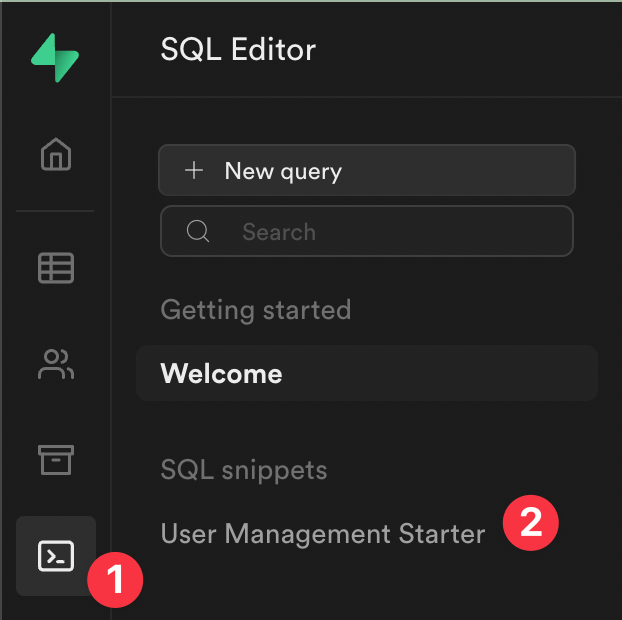
In this case, we are going to create a table called *account*. We need to modify the *User Management Started* script and add the following code:
```sql
-- Create a table for Public Account
create table account (
id uuid references auth.users not null,
username text unique,
companyName text,
primary key (id),
unique(username),
constraint username_length check (char_length(username) >= 3)
);
alter table account
enable row level security;
create policy "Public account are viewable by everyone." on account
for select using (true);
create policy "Users can insert their own account." on account
for insert with check (auth.uid() = id);
create policy "Users can update their own account." on account
for update using (auth.uid() = id);
-- Set up Realtime!
begin;
drop publication if exists supabase_realtime;
create publication supabase_realtime;
commit;
alter publication supabase_realtime
add table account;
```
Then, we need to click on RUN in the right bottom corner. Finally we have our new database created.
### Supabase table editor
Once the database is created, we can navigate throughout the dashboard to view the table and rules.
In the left menu, we can navigate to *table editor* to see the account table. It is currently empty, but you can see that the table has three columns *id*, *username* and *companyname*.
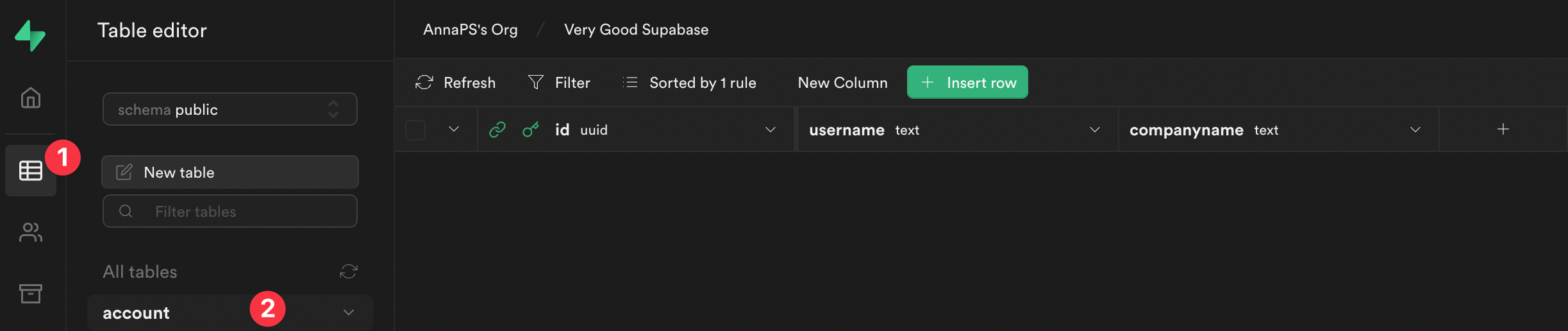
If you want to check the rules that we created with the script, you can click on *RLS enabled* to see them.
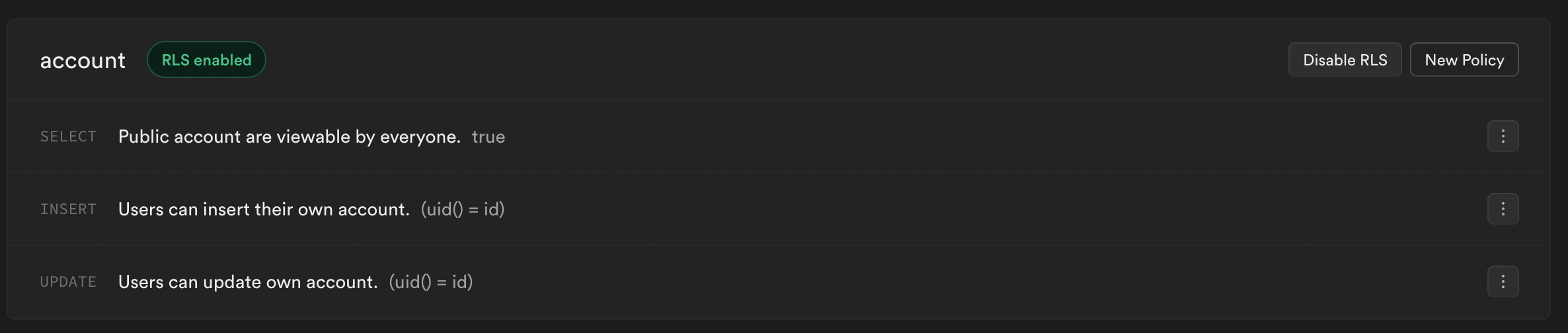
### Authentication configuration
As I mentioned at the beginning, the authentication method that we are going to use in this tutorial is email deep linking.
We need to add a redirect URL in our authentication dashboard (this is only if your application is on the web).
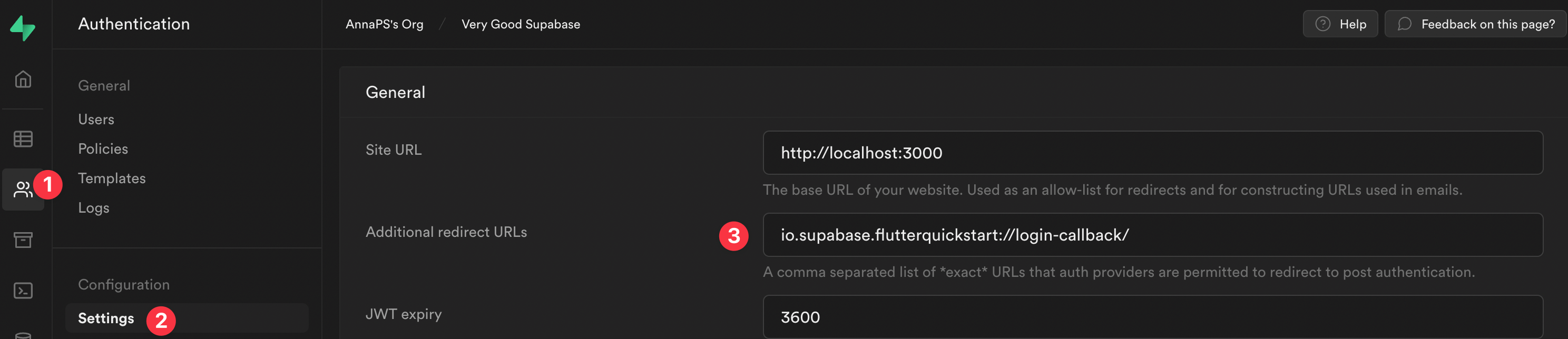
In this case, we are going to use the redirect URL that Supabase provides in the Flutter example. You should add the provider redirect URL if you are building a real project.
```shell
io.supabase.flutterquickstart://login-callback/
```
Now, we have everything set up and the next step is to create our Flutter project! 🙌
## Flutter project and packages
In this section we are going to create the Flutter project and different packages using Very Good CLI.
The first step is to activate Very Good CLI.
```shell
dart pub global activate very_good_cli
```
Once we have Very Good CLI activated, we can create the Flutter project. We just have to run the following line in the terminal.
```shell
very_good create very_good_supabase --desc "Example of a Flutter application using Very Good CLI and Supabase"
```
### Which packages do we need for this project? 🤔
I've created a few of them under the *package* folder (you should create them in your application root).
- **Supabase auth client**: this package is in charge of the *sign-in* and *sign-out* methods on Supabase.
- **Supabase database client**: this package is in charge of *get user information* from the database and *updating user information*.
- **User repository**: this repository is going to have the ability to use the *SupabaseAuthClient* to call the *sign-in* and *sign-out* methods, use the *SupabaseDatabaseClient* to *get user profile* information, and *update* the user on Supabase.
- **Form inputs**: this package hosts the different form inputs to use on the view.
- **Email launcher**: opens a default email app on Android and iOS.
You can visit the [GitHub repository](https://github.com/VGVentures/supabase_example) to see the code of the *Form inputs* and *Email launcher* packages. Here I'm only going to cover the packages related to Supabase.
Let's create them! 😀
#### Supabase auth client
First we need to run the following command:
```shell
very_good create supabase_auth_client -t flutter_pkg --desc "Supabase auth client"
```
Then we should modify the **pubspec.yaml** file to add the necessary dependencies.
```yaml
name: supabase_auth_client
description: Supabase auth client
publish_to: none
environment:
sdk: ">=2.17.0 <3.0.0"
dependencies:
flutter_test:
sdk: flutter
supabase_flutter: ^0.3.1
dev_dependencies:
flutter:
sdk: flutter
mocktail: ^0.3.0
very_good_analysis: ^3.0.1
```
Now we can add the logic for this package. In this part we are going to be focused on the sign-in and sign-out methods.
```dart
/// {@template supabase_auth_client}
/// Supabase auth client
/// {@endtemplate}
class SupabaseAuthClient {
/// {@macro supabase_auth_client}
SupabaseAuthClient({
required GoTrueClient auth,
}) : _auth = auth;
final GoTrueClient _auth;
/// Method to do sign in on Supabase.
Future signIn({
required String email,
required bool isWeb,
}) async {
try {
await _auth.signIn(
email: email,
options: AuthOptions(
redirectTo:
isWeb ? null : 'io.supabase.flutterquickstart://login-callback/',
),
);
} catch (error, stackTrace) {
Error.throwWithStackTrace(SupabaseSignInFailure(error), stackTrace);
}
}
/// Method to do sign out on Supabase.
Future signOut() async {
try {
await _auth.signOut();
} catch (error, stackTrace) {
Error.throwWithStackTrace(SupabaseSignOutFailure(error), stackTrace);
}
}
}
```
### Supabase database client
First you need to create the package.
```shell
very_good create supabase_database_client -t flutter_pkg --desc "Supabase database client"
```
Then modify the **pubspec.yaml** file.
```yaml
name: supabase_database_client
description: Supabase database client
publish_to: none
environment:
sdk: ">=2.17.0 <3.0.0"
dependencies:
equatable: ^2.0.3
flutter:
sdk: flutter
json_annotation: ^4.5.0
json_serializable: ^6.2.0
mocktail: ^0.3.0
supabase_flutter: ^0.3.1
dev_dependencies:
build_runner: ^2.1.11
flutter_test:
sdk: flutter
very_good_analysis: ^3.0.1
```
The next step is to add the logic to this package. In this case, this package is going to be in charge of retrieving user information from the account table and also to updating the data on the account table.
First, we need to create a *SupabaseUser* model. To do that, we can create a new folder inside *src* called *models*. Then add the new **supabase\_user.dart** file inside it. For this model I used the [Json Serializable](https://pub.dev/packages/json_serializable) package.
```dart
/// {@template supabase_user}
/// Supabase user model
/// {@endtemplate}
@JsonSerializable()
class SupabaseUser extends Equatable {
/// {@macro supabase_user}
const SupabaseUser({
String? id,
required this.userName,
required this.companyName,
}) : id = id ?? '';
/// Connect the generated [_$SupabaseUserFromJson] function to the `fromJson`
/// factory.
factory SupabaseUser.fromJson(Map json) =>
_$SupabaseUserFromJson(json);
/// Id of the user.
final String id;
/// Name of the supabase user.
@JsonKey(name: 'username')
final String userName;
/// Company name of the supabase user.
@JsonKey(name: 'companyname')
final String companyName;
@override
List get props => [id, userName, companyName];
/// Empty Supabase object.
static const empty = SupabaseUser(
userName: '',
companyName: '',
);
/// Connect the generated [_$SupabaseUserToJson]
/// function to the `toJson` method.
Map toJson() => _$SupabaseUserToJson(this);
}
```
The next step is to add the logic in the **supabase\_database\_client.dart** file.
```dart
/// {@template supabase_database_client}
/// Supabase database client
/// {@endtemplate}
class SupabaseDatabaseClient {
/// {@macro supabase_database_client}
const SupabaseDatabaseClient({
required SupabaseClient supabaseClient,
}) : _supabaseClient = supabaseClient;
final SupabaseClient _supabaseClient;
/// Method to get the user information by id
/// from the profiles database on Supabase.
Future getUserProfile() async {
try {
final response = await _supabaseClient
.from('account')
.select()
.eq('id', _supabaseClient.auth.currentUser?.id)
.single()
.execute();
final data = response.data as Map
return SupabaseUser.fromJson(data);
} catch (error, stackTrace) {
Error.throwWithStackTrace(
SupabaseUserInformationFailure(error),
stackTrace,
);
}
}
/// Method to update the user information on the profiles database.
Future updateUser({required SupabaseUser user}) async {
try {
final supabaseUser = SupabaseUser(
id: _supabaseClient.auth.currentUser?.id,
userName: user.userName,
companyName: user.companyName,
);
await _supabaseClient
.from('account')
.upsert(supabaseUser.toJson())
.execute();
} catch (error, stackTrace) {
Error.throwWithStackTrace(
SupabaseUpdateUserFailure(error),
stackTrace,
);
}
}
}
```
### User repository
The first step is to create the package.
```shell
very_good create user_repository -t flutter_pkg --desc "A package which manages the user domain."
```
The second step is to modify the **pubspec.yaml** file to add the dependencies.
```yaml
name: user_repository
description: A package which manages the user domain
publish_to: none
environment:
sdk: ">=2.17.0 <3.0.0"
dependencies:
equatable: ^2.0.3
flutter:
sdk: flutter
mocktail: ^0.3.0
supabase_auth_client:
path: ../supabase_auth_client
supabase_database_client:
path: ../supabase_database_client
supabase_flutter: ^0.3.1
dev_dependencies:
flutter_test:
sdk: flutter
very_good_analysis: ^3.0.1
```
Now we can add the logic for this package. In this repository we can use the *SupabaseAuthClient* and *SupabaseDatabaseClient* to be able to use the methods inside of each class. With this repository we can do the following:
- Sign-in
- Sign-out
- Fetch User information
- Update user
```dart
/// {@template user_repository}
/// A package which manages the user domain.
/// {@endtemplate}
class UserRepository {
/// {@macro user_repository}
UserRepository({
required SupabaseAuthClient authClient,
required SupabaseDatabaseClient databaseClient,
}) : _authClient = authClient,
_databaseClient = databaseClient;
final SupabaseAuthClient _authClient;
final SupabaseDatabaseClient _databaseClient;
/// Method to access the current user.
Future getUser() async {
final supabaseUser = await _databaseClient.getUserProfile();
return supabaseUser.toUser();
}
/// Method to update user information on profiles database.
Future updateUser({required User user}) {
return _databaseClient.updateUser(user: user.toSupabaseUser());
}
/// Method to do signIn.
Future signIn({required String email, required bool isWeb}) async {
return _authClient.signIn(email: email, isWeb: isWeb);
}
/// Method to do signOut.
Future signOut() async => _authClient.signOut();
}
extension on SupabaseUser {
User toUser() {
return User(
id: id,
userName: userName,
companyName: companyName,
);
}
}
extension on User {
SupabaseUser toSupabaseUser() {
return SupabaseUser(
id: id,
userName: userName,
companyName: companyName,
);
}
}
```
We're finished configuring the packages. Now we can jump into the business logic and views.
Note: These packages need different workflows to work with GitHub workflows. We can find these files in the *.github* folder in the [example repository](https://github.com/VGVentures/supabase_example).
## Supabase in Flutter
### Native configuration
The first step is to configure Supabase in our project. First we need to add a few native configurations on Android and iOS.
- Android: add these lines to the **AndroidManifest.xml** file.
```xml
```
- iOS: add these lines to the **Info.plist** file.
```xml
CFBundleURLTypesCFBundleTypeRoleEditorCFBundleURLSchemesio.supabase.flutterquickstart
```
### Prepare the Flutter project to use Supabase
Here we need to do a few things. First, we need to update the **pubspec.yaml** file in our project to be able to use all the packages that we just created, as well as the Supabase dependency.
```yaml
name: very_good_supabase
description: Example of a flutter application to use Very Good CLI and Supabase
version: 1.0.0+1
publish_to: none
environment:
sdk: ">=2.17.0 <3.0.0"
dependencies:
bloc: ^8.0.3
email_launcher:
path: packages/email_launcher
equatable: ^2.0.3
flow_builder: ^0.0.8
flutter:
sdk: flutter
flutter_bloc: ^8.0.1
flutter_dotenv: ^5.0.2
flutter_localizations:
sdk: flutter
form_inputs:
path: packages/form_inputs
intl: ^0.17.0
mockingjay: ^0.3.0
mocktail_image_network: ^0.3.1
supabase_auth_client:
path: packages/supabase_auth_client
supabase_database_client:
path: packages/supabase_database_client
supabase_flutter: ^0.3.0
user_repository:
path: packages/user_repository
dev_dependencies:
bloc_test: ^9.0.3
flutter_test:
sdk: flutter
mocktail: ^0.3.0
very_good_analysis: ^3.0.1
flutter:
uses-material-design: true
generate: true
assets:
- assets/images/
- assets/.env
```
The second step is to prepare the **main\_development.dart** file to use the necessary packages and initialize Supabase.
```dart
void main() async {
WidgetsFlutterBinding.ensureInitialized();
await dotenv.load(fileName: 'assets/.env');
await Supabase.initialize(
url: dotenv.get('SUPABASE_URL'),
anonKey: dotenv.get('ANON_KEY'),
);
await bootstrap(() {
final authClient = SupabaseAuthClient(
auth: Supabase.instance.client.auth,
);
final databaseClient = SupabaseDatabaseClient(
supabaseClient: Supabase.instance.client,
);
final userRepository = UserRepository(
authClient: authClient,
databaseClient: databaseClient,
);
return App(userRepository: userRepository);
});
}
```
As you might have noticed, to initialize Supabase, we need to provide the *supabase url* and the *anon key*, which can be found in the project settings.
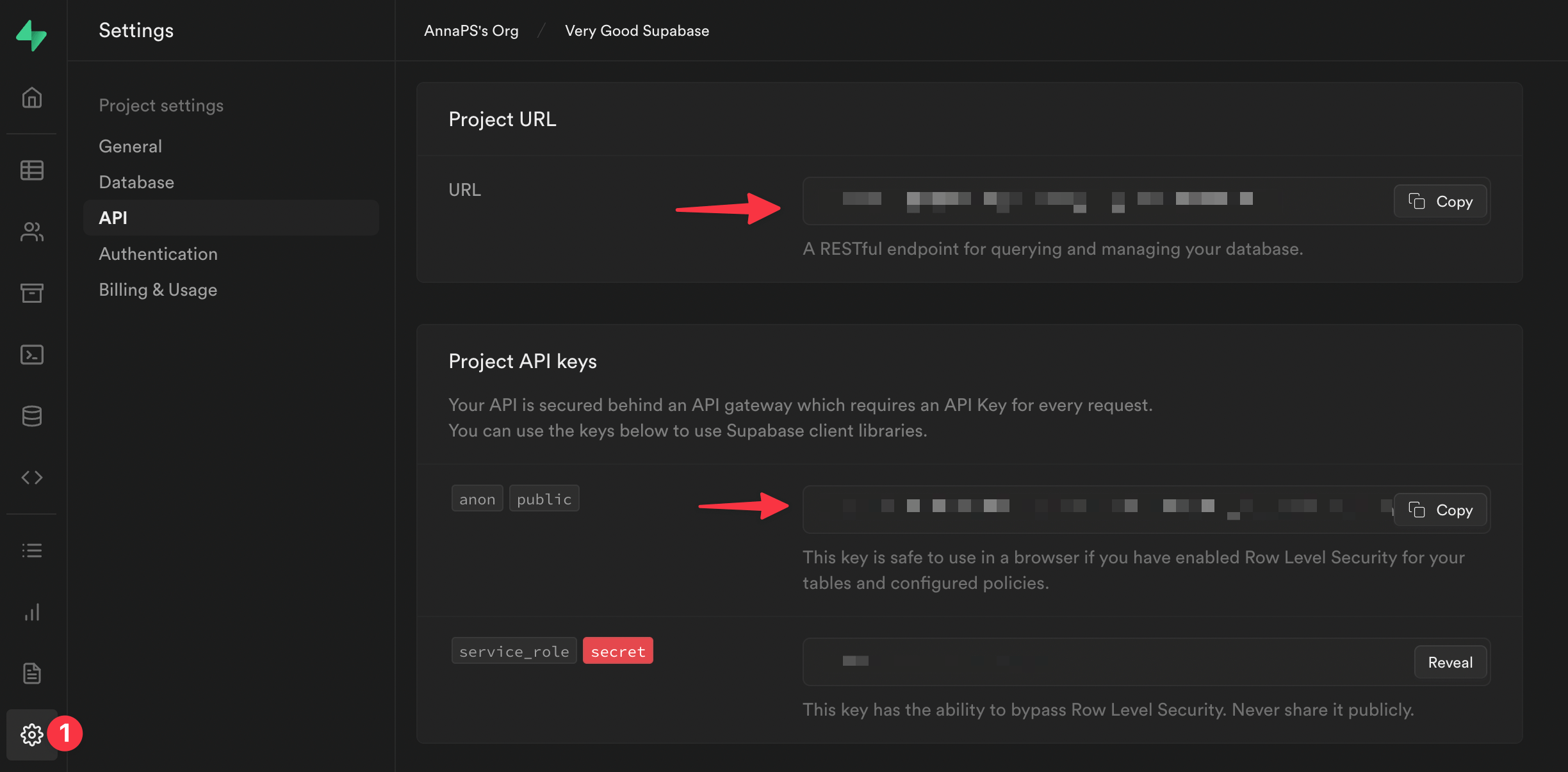
### Create the features
In this project, we are going to have four features:
- **Auth States Supabase**: here we are going to add two classes that will tell us if a user is authenticated or not and if the authentication is required. These classes are also going to be used in our widgets.
- **App**: this is going to be in charge of listening to the user status (authenticated or unauthenticated) to determine whether to navigate to the login page or account page.
- **Login**: this feature is going to host all of the sign-in logic for this project.
- **Account**: this feature is going to get the user information and display them into a text field. It will also update the information in the Supabase database and handle the sign-out.
#### Supabase states
- *AuthStateSupabase*
```dart
class AuthStateSupabase extends SupabaseAuthState {
@override
void onUnauthenticated() {
if (mounted) {
context.read().add(AppUnauthenticated());
}
}
@override
void onAuthenticated(Session session) {
if (mounted) {
context.read().add(const AppAuthenticated());
}
}
@override
void onPasswordRecovery(Session session) {}
@override
void onErrorAuthenticating(String message) {}
}
```
- *AuthStateSupabaseRequired*
```dart
class AuthRequiredState
extends SupabaseAuthRequiredState {
@override
void onUnauthenticated() {
if (mounted) {
context.read().add(AppUnauthenticated());
}
}
}
```
#### App
This feature is in charge of recovering the Supabase session to know if a user was authenticated in the previous session or not. With this information, this feature is going to determine where the application should navigate.
We are going to use [Flow Builder](https://pub.dev/packages/flow_builder) to handle this navigation. Here we have the following structure:
```txt
├── lib
| ├── app
│ │ ├── bloc
│ │ │ └── app_bloc.dart
| | | └── app_event.dart
| | | └── app_state.dart
│ │ └── view
│ │ | ├── app.dart
│ │ | └── app_view.dart
| | | └── view.dart
| | └── routes
| | | └── routes.dart
│ ├── app.dart
```
- *AppView*: here we are extending the class with an *AuthStateSupabase* and not a *StatefulWidget*. This is important to know if the user is authenticated.
```dart
class AppView extends StatefulWidget {
const AppView({super.key});
@override
State createState() => _AppViewState();
}
class _AppViewState extends AuthStateSupabase {
@override
void initState() {
super.initState();
recoverSupabaseSession(); // <--- Here we recover the supabase session
}
@override
Widget build(BuildContext context) {
return MaterialApp(
title: 'Very Good Supabase',
theme: ThemeData(
appBarTheme: const AppBarTheme(color: Colors.teal),
colorScheme: const ColorScheme.light().copyWith(
primary: Colors.teal,
),
),
localizationsDelegates: const [
AppLocalizations.delegate,
GlobalMaterialLocalizations.delegate,
],
supportedLocales: AppLocalizations.supportedLocales,
home: FlowBuilder(
state: context.select((AppBloc bloc) => bloc.state.status),
onGeneratePages: onGenerateAppViewPages,
),
);
}
}
```
- *AppBloc*
```dart
class AppBloc extends Bloc {
AppBloc() : super(const AppState()) {
on(_onAppAuthenticated);
on(_onLogoutRequest);
}
Future _onAppAuthenticated(
AppAuthenticated event,
Emitter emit,
) async {
emit(state.copyWith(status: AppStatus.authenticated));
}
Future _onLogoutRequest(
AppUnauthenticated event,
Emitter emit,
) async {
emit(state.copyWith(status: AppStatus.unauthenticated));
}
}
```
- Routes: this method *onGenerateAppViewPages* is used in our *AppView*.
```dart
List onGenerateAppViewPages(AppStatus state, List> pages) {
switch (state) {
case AppStatus.unauthenticated:
return [LoginPage.page()];
case AppStatus.authenticated:
return [AccountPage.page()];
}
}
```
#### Login
This feature is in charge of sign-in and checking the email text field using the form inputs package that we created.
The structure is:
```txt
├── lib
| ├── login
│ │ ├── bloc
│ │ │ └── login_bloc.dart
| | | └── login_event.dart
| | | └── login_state.dart
│ │ └── view
│ │ | ├── login_page.dart
│ │ | └── login_view.dart
| | | └── view.dart
│ ├── login.dart
```
- *LoginView*: here we are going to have all the widgets needed to log in to our app. Also, we are going to use a *AuthStateSupabase* class to know if the user is currently logged in or not. In addition, we are going to use the input form package to check if the email is correct.
```dart
class LoginView extends StatefulWidget {
const LoginView({super.key});
@override
State createState() => _LoginViewState();
}
class _LoginViewState extends AuthStateSupabase {
@override
Widget build(BuildContext context) {
return ListView(
padding: const EdgeInsets.symmetric(
vertical: 50,
horizontal: 32,
),
children: [
const _Header(),
const SizedBox(height: 18),
const _EmailInput(),
const SizedBox(height: 28),
const _SendEmailButton(),
const SizedBox(height: 28),
if (!kIsWeb) OpenEmailButton()
],
);
}
}
class _Header extends StatelessWidget {
const _Header();
@override
Widget build(BuildContext context) {
return Column(
key: const Key('loginView_header'),
crossAxisAlignment: CrossAxisAlignment.start,
children: [
Row(
mainAxisAlignment: MainAxisAlignment.spaceAround,
children: [
SizedBox.square(
dimension: 100,
child: Assets.images.supabase.image(),
),
SizedBox(
width: 200,
height: 100,
child: Assets.images.vgv.image(),
),
],
),
Padding(
padding: const EdgeInsets.only(top: 100),
child: Text(
'Sign in via the magic link',
style: Theme.of(context).textTheme.headline5,
),
),
],
);
}
}
class _EmailInput extends StatelessWidget {
const _EmailInput();
@override
Widget build(BuildContext context) {
final isInProgress = context.select(
(LoginBloc bloc) => bloc.state.status == FormzSubmissionStatus.inProgress,
);
return TextFormField(
key: const Key('loginView_emailInput_textField'),
readOnly: isInProgress,
onChanged: (email) {
context.read().add(LoginEmailChanged(email));
},
decoration: const InputDecoration(labelText: 'Email'),
);
}
}
class _SendEmailButton extends StatelessWidget {
const _SendEmailButton();
@override
Widget build(BuildContext context) {
final state = context.watch().state;
return ElevatedButton(
key: const Key('loginView_sendEmail_button'),
onPressed: state.status.isInProgress || !state.valid
? null
: () => context.read().add(
LoginSubmitted(
email: state.email.value,
isWeb: kIsWeb,
),
),
child: Text(
state.status.isInProgress ? 'Loading' : 'Send Magic Link',
),
);
}
}
class OpenEmailButton extends StatelessWidget {
OpenEmailButton({
EmailLauncher? emailLauncher,
super.key,
}) : _emailLauncher = emailLauncher ?? EmailLauncher();
final EmailLauncher _emailLauncher;
@override
Widget build(BuildContext context) {
final state = context.watch().state;
return OutlinedButton(
key: const Key('loginView_openEmail_button'),
onPressed: state.status.isInProgress || !state.valid
? null
: _emailLauncher.launchEmailApp,
child: const Text('Open Email App'),
);
}
}
```
- *LoginBloc*: the main aim of this class is communicating with the *UserRepository* to do login. Also, here we are going to handle all of the possible states of the email text field when the user changes the value.
```dart
class LoginBloc extends Bloc {
LoginBloc(this._userRepository) : super(const LoginState()) {
on(_onSignIn);
on(_onEmailChanged);
}
final UserRepository _userRepository;
void _onEmailChanged(LoginEmailChanged event, Emitter emit) {
final email = Email.dirty(event.email);
emit(
state.copyWith(
email: email,
valid: Formz.validate([email]),
),
);
}
Future _onSignIn(
LoginSubmitted event,
Emitter emit,
) async {
try {
emit(state.copyWith(status: FormzSubmissionStatus.inProgress));
await _userRepository.signIn(
email: event.email,
isWeb: event.isWeb,
);
emit(state.copyWith(status: FormzSubmissionStatus.success));
} catch (error) {
emit(state.copyWith(status: FormzSubmissionStatus.failure));
addError(error);
}
}
}
```
#### Account
This feature is in charge of multiple things:
- Retrieving information from the database.
- Updating user information in the database.
- Signing out.
- Checking the inputs of the *userName* and *companyName* text fields. The structure is:
```txt
├── lib
| ├── account
│ │ ├── bloc
│ │ │ └── account_bloc.dart
| | | └── account_event.dart
| | | └── account_state.dart
│ │ └── view
│ │ | ├── account_page.dart
│ │ | └── account_view.dart
| | | └── view.dart
│ ├── account.dart
```
- *AccountView*: this class is going to extend to *AuthRequiredState*, which determines if the user is logged in. This is necessary because we are going to show the user account information.
```dart
class AccountView extends StatefulWidget {
const AccountView({super.key});
@override
AccountViewState createState() => AccountViewState();
}
class AccountViewState extends AuthRequiredState {
@override
Widget build(BuildContext context) {
return Scaffold(
appBar: AppBar(title: const Text('Account')),
body: BlocConsumer(
listener: (context, state) {
if (state.status.isUpdate) {
context.showSnackBar(message: 'Updated!');
}
},
buildWhen: (previous, current) =>
current.status.isSuccess ||
current.status.isUpdate ||
current.status.isEditing,
builder: (context, state) {
return ListView(
padding: const EdgeInsets.all(28),
children: const [
_Header(),
_UserNameTextField(),
_UserCompanyNameTextField(),
SizedBox(height: 50),
_UpdateUserButton(),
SizedBox(height: 18),
_SignOutButton(),
],
);
},
),
);
}
}
class _Header extends StatelessWidget {
const _Header();
@override
Widget build(BuildContext context) {
return Column(
key: const Key('account_header'),
crossAxisAlignment: CrossAxisAlignment.start,
children: [
Row(
mainAxisAlignment: MainAxisAlignment.spaceAround,
children: [
SizedBox.square(
dimension: 100,
child: Assets.images.supabase.image(),
),
SizedBox(
width: 200,
height: 100,
child: Assets.images.vgv.image(),
),
],
),
Padding(
padding: const EdgeInsets.only(top: 100),
child: Text(
'Update your information',
style: Theme.of(context).textTheme.headline5,
),
),
],
);
}
}
class _UserNameTextFieldState extends State<_UserNameTextField> {
final _controller = TextEditingController();
@override
Widget build(BuildContext context) {
return BlocConsumer(
listener: (context, state) {
if (state.status.isSuccess) {
_controller.text = state.userName.value;
}
},
builder: (context, state) {
return Padding(
padding: const EdgeInsets.only(top: 18),
child: TextFormField(
controller: _controller,
key: const Key('accountView_userName_textField'),
readOnly: state.status.isLoading,
textInputAction: TextInputAction.next,
onChanged: (userName) => context
.read()
.add(AccountUserNameChanged(userName)),
decoration: const InputDecoration(labelText: 'User Name'),
),
);
},
);
}
@override
void dispose() {
_controller.dispose();
super.dispose();
}
}
class _UserCompanyNameTextField extends StatefulWidget {
const _UserCompanyNameTextField();
@override
State<_UserCompanyNameTextField> createState() =>
_UserCompanyNameTextFieldState();
}
class _UserCompanyNameTextFieldState extends State<_UserCompanyNameTextField> {
final _controller = TextEditingController();
@override
Widget build(BuildContext context) {
return BlocConsumer(
listener: (context, state) {
if (state.status.isSuccess) {
_controller.text = state.companyName.value;
}
},
builder: (context, state) {
return Padding(
padding: const EdgeInsets.only(top: 18),
child: TextFormField(
controller: _controller,
key: const Key('accountView_companyName_textField'),
readOnly: state.status.isLoading,
onChanged: (companyName) => context.read().add(
AccountCompanyNameChanged(companyName),
),
decoration: const InputDecoration(
labelText: 'Company Name',
),
),
);
},
);
}
@override
void dispose() {
_controller.dispose();
super.dispose();
}
}
class _UpdateUserButton extends StatelessWidget {
const _UpdateUserButton();
@override
Widget build(BuildContext context) {
final state = context.watch().state;
return ElevatedButton(
key: const Key('accountView_update_button'),
onPressed: state.status.isLoading || !state.valid
? null
: () => context.read().add(
AccountUserUpdated(
user: User(
id: state.user.id,
userName: state.userName.value,
companyName: state.companyName.value,
),
),
),
child: Text(state.status.isLoading ? 'Saving...' : 'Update'),
);
}
}
class _SignOutButton extends StatelessWidget {
const _SignOutButton();
@override
Widget build(BuildContext context) {
final isLoading = context.select(
(AccountBloc bloc) => bloc.state.status == AccountStatus.loading,
);
return OutlinedButton(
key: const Key('accountView_signOut_button'),
onPressed: isLoading
? null
: () => context.read().add(AccountSignedOut()),
child: const Text('Sign Out'),
);
}
}
```
- *AccountBloc*: this class is in charge of multiple events. Here we need to use *UserRepository* to retrieve the user information, update the database, and sign out. Also, we have other events to handle user interaction with the *userName* and *companyName* text fields.
```dart
class AccountBloc extends Bloc {
AccountBloc(this._userRepository) : super(const AccountState()) {
on(_onGetUserInformation);
on(_onUpdateUser);
on(_onSignOut);
on(_onUserNameChanged);
on(_onCompanyNameChanged);
}
final UserRepository _userRepository;
Future _onGetUserInformation(
AccountUserInformationFetched event,
Emitter emit,
) async {
try {
emit(state.copyWith(status: AccountStatus.loading));
final user = await _userRepository.getUser();
emit(
state.copyWith(
status: AccountStatus.success,
user: user,
userName: UserName.dirty(user.userName),
companyName: CompanyName.dirty(user.companyName),
),
);
} catch (error) {
emit(state.copyWith(status: AccountStatus.error));
addError(error);
}
}
Future _onUpdateUser(
AccountUserUpdated event,
Emitter emit,
) async {
try {
emit(state.copyWith(status: AccountStatus.loading));
await _userRepository.updateUser(user: event.user);
emit(state.copyWith(status: AccountStatus.update, valid: false));
} catch (error) {
emit(state.copyWith(status: AccountStatus.error));
addError(error);
}
}
Future _onSignOut(
AccountSignedOut event,
Emitter emit,
) async {
try {
emit(state.copyWith(status: AccountStatus.loading));
await _userRepository.signOut();
emit(state.copyWith(status: AccountStatus.success));
} catch (error) {
emit(state.copyWith(status: AccountStatus.error));
addError(error);
}
}
Future _onUserNameChanged(
AccountUserNameChanged event,
Emitter emit,
) async {
final userName = UserName.dirty(event.userName);
emit(
state.copyWith(
status: AccountStatus.edit,
userName: userName,
valid: Formz.validate([userName, state.companyName]),
),
);
}
Future _onCompanyNameChanged(
AccountCompanyNameChanged event,
Emitter emit,
) async {
final companyName = CompanyName.dirty(event.companyName);
emit(
state.copyWith(
status: AccountStatus.edit,
companyName: companyName,
valid: Formz.validate([companyName, state.userName]),
),
);
}
}
```
## Demo
It's time to see everything working together! Fingers crossed 🤞
It's working! 🎉
#### Extra: Personalize your email body content
You can personalize the body of the email that you send after sign-in. It is quite easy to do with Supabase. Go to the *project settings* in your Supabase console and follow the steps.
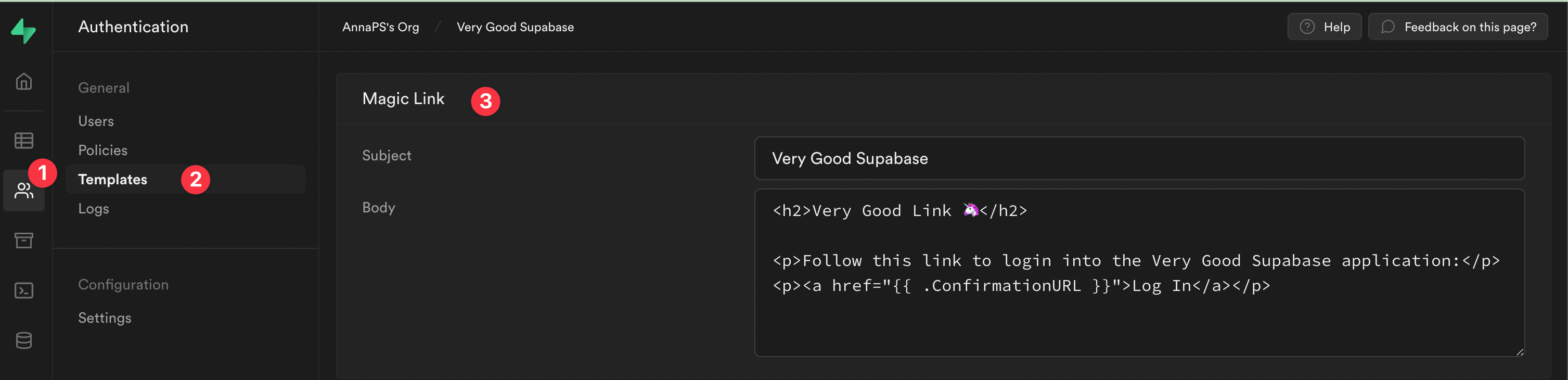
## Summary
Supabase is a great tool if you are looking for login options beyond the typical ones like *email/password*, *Twitter*, *Facebook*, *Google*, and *Apple*. You can [see here all the auth providers](https://supabase.com/docs/guides/auth) that Supabase can provide.
Also, if you prefer to manage your data in a SQL database, it is a great choice because Supabase uses a PostgreSQL database, in contrast with Firebase. You can find more info in the [official documentation](https://supabase.com/docs/guides/database).
I highly recommend you check all the options that Supabase provides because there are tons of them with extensive documentation. Here are a few reference links:
- [Database](https://supabase.com/database)
- [Authentication](https://supabase.com/auth)
- [Storage](https://supabase.com/storage)
- [Edge Functions](https://supabase.com/edge-functions)
Hope you enjoyed it! If you are interested in testing this application, you can find all the tests working in the [GitHub repository](https://github.com/VGVentures/supabase_example).
Thanks for your time! 😃 Happy coding!
*Felix Angelov and Óscar Martín contributed to this article.*
### Why Build Apps with Flutter in 2022
Source: https://verygood.ventures/blog/why-build-apps-with-flutter-2022/
Following the past few years marked by the pressures of the pandemic, 2022 is presenting a new set of challenges to product and development teams. The labor market is competitive. Costs are rising. Budgets are tight. All this while consumer expectations and competition for engagement remain higher than ever.
Cross-platform development continues to emerge as a key solution for development teams looking to overcome these challenges and deliver consistent digital experiences for multiple platforms. In doing so, teams can unite around a single framework instead of managing platform-specific teams which can quickly fall out of sync. For years, teams have used tools like React Native, Flutter, Cordova, and Ionic to [build cross-platform apps](https://www.jetbrains.com/lp/devecosystem-2019/), with React Native leading in popularity until last year.
Flutter use in particular is rapidly growing within today’s developer ecosystem. According to the 2021 [State of Developer Ecosystem survey from JetBrains](https://www.jetbrains.com/lp/devecosystem-2021/miscellaneous/), Flutter has “surpassed React Native to become the most popular cross-platform mobile framework.”
To date, [over 500,000 apps have been built with Flutter](https://medium.com/flutter/introducing-flutter-3-5eb69151622f), from small games to production apps built by major global brands. With benefits like a single codebase for multiple platforms and a friendly developer experience, Flutter is a go-to solution for building high-quality mobile applications.
We anticipate that web and desktop apps will follow suit now that Flutter is officially stable for web, Windows, macOS, and linux. Beyond these platforms, Flutter on embedded devices is another area where Flutter’s potential is starting to manifest.
We’re proud to be at the forefront of Flutter’s evolution and success. For four years, we’ve been working with companies to build powerful, premium apps for multiple platforms. We’ve [built mobile, web, and desktop apps with Flutter](https://verygood.ventures/success-stories/), [helped guide companies in their transition from native apps to Flutter](https://verygood.ventures/success-stories/betterment/), [created games using Flutter’s existing capabilities](https://medium.com/flutter/i-o-pinball-powered-by-flutter-and-firebase-d22423f3f5d), and much more. Here’s why we continue to use Flutter to build high-quality multi-platform app experiences in 2022.
## Team Transformation
One of the biggest benefits we’ve seen working with clients at VGV is that Flutter can [unite teams](/blog/betterment-flutter-revitalized-our-codebase/). With Flutter, teams no longer have to be organized around platforms. Instead, they can be organized around features. This particularly benefits mobile teams. Previously, organizations building native apps would have separate teams for iOS and Android. When using Flutter, mobile teams can build for both iOS and Android from the same codebase, eliminating the possibility that one platform team could fall behind. You can see what that looks like in production across [the apps we have built with Flutter](/success-stories/).
Flutter can transform entire engineering teams by allowing developers to focus on building features, not platform differences. The [tooling around Flutter is top-notch](https://flutter.dev/development), adding another layer of productivity compared to other native technologies. With a sprawling ecosystem, developers can find high quality open source tools from the community and support from well-known brands like [Canonical](https://ubuntu.com/blog/flutter-and-ubuntu-so-far) and [Microsoft](https://docs.microsoft.com/en-us/dual-screen/flutter/).
## Flutter is Growing & Maturing
This year, we saw Flutter take the stage at Google I/O [during the developer keynote](https://youtu.be/qBkyU1TJKDg?t=1814). It was an exciting moment to see Flutter featured alongside other well-known Google products like Chrome and Android. It was the kind of moment that made us take a step back and reflect on how far Flutter has come since its initial release in 2017.
[Flutter reached version 2.0 in March 2021](https://medium.com/flutter/whats-new-in-flutter-2-0-fe8e95ecc65), which brought with it null safety, a huge breaking change. With plenty of advanced warning and a handy migration tool, developers were able to update codebases and packages without many hiccups. The fact that the Flutter Community was able to weather a big breaking change like this demonstrates that Flutter has reached a certain level of maturity.
Most recently, the release of [Flutter 3.0](https://medium.com/flutter/whats-new-in-flutter-3-8c74a5bc32d0) and [Dart 2.17](https://medium.com/dartlang/dart-2-17-b216bfc80c5d) came with a handful of updates that include important investments in the stability and maturity of Flutter and Dart. Flutter was announced to be stable for Linux and macOS, which means that Flutter is now stable on six total platforms: iOS, Android, web, Windows, and now Linux and macOS.
There were also a handful of useful updates, such as advanced enum support, new lint rules, performance improvements, and Material Design 3 support. This is the kind of update that indicates Flutter is reaching a comforting level of maturity and gives us faith in the longevity of Flutter.
## Build (and Learn) in the Open
We strongly believe in the value of open source software. The fact that Flutter is an open source framework is a huge reason why we still use it, and recommend it to our clients, today. Just by looking at the [source code](https://github.com/flutter/flutter), developers can see exactly how Flutter works.
If we ever run into a problem, we can open an issue on the repo, to which the Flutter team will promptly respond. The Flutter team is also very open about where they are taking Flutter, maintaining an [up-to-date roadmap](https://github.com/flutter/flutter/wiki/Roadmap), as well as providing [annual updates about the strategy behind the UI toolkit](https://medium.com/flutter/flutter-in-2022-strategy-and-roadmap-8c5eaf7c4275). Because Flutter is open source, there are no hidden surprises, which means teams can be confident that what they see is what they get.
Most importantly, using Flutter means developers have access to more than just the framework. There is an extensive global community of other passionate developers who are continually open sourcing helpful packages, bug fixes, and relevant content. Whether it’s finding a helpful open source package on [pub.dev](https://pub.dev/) ([check out this list with our favorites](https://verygood.ventures/blog/top-flutter-dart-packages/)), or asking for help from other developers, leaning into open source can greatly improve the experience for anyone using Flutter.
## Do More with Dart
Dart is a language that is increasing in popularity. Research from RedMonk shows that Dart is now entering the playing field with other languages that have been around for years, like JavaScript and Python. According to RedMonk analyst James Governor: “Dart is, like so many technologies, a 10 year overnight success story.” We couldn’t agree more. Dart is certainly a language to watch as more teams adopt Flutter and accordingly, enable more developers to use Dart in their day-to-day work.
The good news is: we’ve heard multiple times that Dart is extremely easy to learn, especially if you’re coming from another language like Javascript or Swift.
Dart is more than just the language powering Flutter. We’ve seen much interest in exploring Dart on the server. With solutions like [Serverpod](https://serverpod.dev/) and [alfred](https://pub.dev/packages/alfred), we predict that Dart’s full stack capabilities will really shine going forward. We are also exploring this capability with our recently open sourced [Dart Frog](https://verygood.ventures/blog/dart-frog/), an experimental backend framework for Dart. It can be used to spin up a simple backend, as well as create middleware, which may be especially helpful when interacting with a legacy backend.
This solution also provides a unified tech stack with shared tooling and models. With Dart Frog, developers familiar with Dart aren’t just restricted to building for the frontend. We hope to see additional explorations in this area as developers continue to expand the limits of what’s possible with Dart.
## Multi-Platform & Multi-Capability
Flutter’s multi-platform support has been a significant selling point when talking to companies on the fence about Flutter. We’ll go one step further and say that Flutter’s multi-capability benefits are exciting as well. By multi-capability, we mean that Flutter can be useful for more than building apps that target different screens.
Flutter enables developers to expand beyond traditional app development and into areas that previously may have required entirely new workstreams and tooling. Some of these areas include [building games](https://medium.com/flutter/announcing-the-flutter-casual-games-toolkit-c22e401d8fee), [writing backend code](https://verygood.ventures/blog/dart-frog/), and [creating experiences for embedded devices](https://flutter.dev/multi-platform/embedded). Flutter developers can use familiar tooling without having to learn a new tech stack from scratch.
In this context, Flutter becomes a tool that can enable really interesting products, such as a program on a Raspberry Pi ([like this impressive project by Flutter GDE Roman Jaqeuz](https://twitter.com/drcoderz/status/1529099908925358081?s=20&t=6nhE5hq5kxzkuxw_b2RAzw)), a [game with 2D effects and physics](https://medium.com/flutter/i-o-pinball-powered-by-flutter-and-firebase-d22423f3f5d), or even a [car infotainment system](https://www.youtube.com/watch?v=zSbsIiluixw&t=1964s). We’re excited to see what’s next!
#### Frequently Asked Questions
##### Why does VGV recommend Flutter for multi-platform apps in 2022?
Flutter unifies teams around a single codebase, reaches multiple platforms with one tech stack, and ships strong tooling. The 2021 JetBrains State of Developer Ecosystem survey reports Flutter has surpassed React Native to become the most popular cross-platform mobile framework, and over 500,000 apps have shipped with it.
##### What does team transformation with Flutter look like?
Teams stop being organized around platforms and start being organized around features. iOS and Android engineers contribute to the same codebase, so one platform never falls behind the other. Companies like Betterment have used the move to align engineering culture around shared work.
##### How mature is Flutter at this point?
Flutter 2.0 introduced null safety, which the community absorbed without major friction. Flutter 3.0 and Dart 2.17 added stable support for Linux and macOS, bringing total stable platforms to six: iOS, Android, web, Windows, macOS, and Linux. Material Design 3 support, advanced enums, new lints, and performance improvements signal the framework is reaching maturity.
##### Why does open source matter to VGV's recommendation?
Flutter is open source, with public source code and an up-to-date roadmap. Teams can see how Flutter works, file issues, and rely on a global community shipping packages on pub.dev. There are no hidden surprises in the framework.
##### What can Dart do beyond Flutter?
Dart on the server is gaining traction with options like Serverpod and Dart Frog, VGV's experimental backend framework. Pairing Dart on both ends gives teams shared tooling and models across the stack.
##### Where does Flutter go beyond apps and websites?
Flutter ships into games, backend code with Dart Frog, and embedded devices like Raspberry Pi projects, 2D physics games, and car infotainment systems. Flutter developers can extend into these areas without learning a new tech stack.
### Say Hello to the VGV Tooling & Open Source Team
Source: https://verygood.ventures/blog/tooling-and-open-source-team/
Today we announce the addition of two teammates to our growing Tooling and Open Source team at Very Good Ventures: Jochum van der Ploeg and Renan Araújo. They will work alongside **Felix Angelov**, Principal Engineer and Head of Architecture.
- **Felix Angelov**: Felix leads the Tooling and Open Source team at Very Good Ventures. As an active open source maintainer, Felix has extensive experience creating and maintaining high-quality software including [**flutter_bloc**](https://pub.dev/packages/flutter_bloc), [**equatable**](https://pub.dev/packages/equatable), and [**mason**](https://pub.dev/packages/mason), among others. He also supports a global community of thousands of developers who use bloc library.
- **Renan Araújo**: Renan previously worked at Rows, which is focused on harnessing the performant power of Flutter on the desktop spreadsheet application. He maintains some open source Flutter packages, among them the [Flame 2D Game Engine](https://flame-engine.org/) via the [Blue Fire](https://mobile.twitter.com/bluefireoss) team.
- [**Jochum van der Ploeg**](https://verygood.ventures/team/jochum-van-der-ploeg/): Jochum is a member of the [Blue Fire](https://mobile.twitter.com/bluefireoss) team, the people behind the [Flame 2D Game Engine](https://flame-engine.org/). He maintains a multitude of open source projects for Flutter, among them the Twilio [Programmable Video](https://pub.dev/packages/twilio_programmable_video) and [Conversations](https://pub.dev/packages/twilio_conversations) plugins.

*From left to right: Felix Angelov, Renan Araújo, Jochum van der Ploeg*
## About the VGV Tooling & Open Source Team
The VGV Tooling and Open Source Team team is in charge of upholding one of our key missions at Very Good Ventures: creating knowledge and setting it free. They achieve this through a variety of activities, including:
- **Open source stewardship**: The team maintains repositories in our Very Good Open Source organization and beyond, including popular Flutter and Dart packages that have received thousands of stars. They frequently address issues and interface with the community on new features and fixes.
- **High-quality open source software**: As influenced by Very Good Ventures coding standards, Felix, Jochum, and Renan will build new open source packages to be used by Flutter and Dart developers around the world.
- **Developer tooling**: This team will also create tools, both for our engineering team at VGV and beyond, to increase developer efficiency and happiness.
- **Giving back**: This team contributes to the Flutter Community by creating high-quality documentation and tutorials, participating and sponsoring community events, and maintaining a positive open source ecosystem.
## Very Good Open Source
You can see all of our open source repositories in one place in our [Very Good Open Source GitHub organization](https://github.com/VeryGoodOpenSource). Popular repositories include:
- [**Very Good CLI**](https://github.com/VeryGoodOpenSource/very_good_cli): A scalable starter project built with VGV best practices.
- [**Very Good Analysis**](https://github.com/VeryGoodOpenSource/very_good_analysis): The opinionated lint rules we use at VGV.
- [**Very Good Workflows**](https://github.com/VeryGoodOpenSource/very_good_workflows): The reusable GitHub Workflows we use at VGV.
- [**Very Good Coverage**](https://github.com/VeryGoodOpenSource/very_good_coverage): A GitHub Action to enforce a code coverage threshold with lcov.
- [**Dart Frog**](https://github.com/VeryGoodOpenSource/dart_frog): A fast, minimalistic backend framework for Dart (currently experimental).
The team also has an active role in maintaining the following popular open source repositories:
- [**Bloc library**](https://bloclibrary.dev/): Including **flutter\_bloc**, **bloc\_test**, and more.
- [**Mason**](https://github.com/felangel/mason): Tools which allow developers to create and consume reusable templates called bricks.
- [**Flame**](https://github.com/flame-engine/flame): A minimalist Flutter game engine managed by Blue Fire.
#### Frequently Asked Questions
##### What does VGV's Tooling and Open Source team do?
The team maintains VGV's open source repositories and Dart and Flutter packages, builds new tools to improve developer productivity for VGV engineers and the wider community, and gives back through documentation, tutorials, and event sponsorships.
##### Who leads the VGV Tooling and Open Source team?
Felix Angelov, Principal Engineer and Head of Architecture, leads the team. Felix is the creator and maintainer of flutter_bloc, equatable, and mason, among other widely used Dart packages.
##### What popular open source projects does VGV maintain?
Headline projects include Very Good CLI, Very Good Analysis, Very Good Workflows, Very Good Coverage, and Dart Frog. The team also actively contributes to the bloc library, Mason, and the Flame game engine.
##### Where can I find all of VGV's open source work?
Every public VGV-maintained repository lives in the Very Good Open Source GitHub organization. Issues and pull requests are welcome.
### Dart on the server with Dart Frog
Source: https://verygood.ventures/blog/dart-frog/
We're very excited to announce that we've open sourced [Dart Frog](https://pub.dev/packages/dart_frog), an **experimental**, minimalistic backend framework for Dart 🎉
## What is Dart Frog?
Our goal is to help developers effectively build backends in Dart. Dart Frog is intended to help Flutter and Dart developers maximize their productivity by having a unified tech stack that enables sharing tooling, models, and more!
Dart Frog provides a simple core with a small API surface area in order to reduce the learning curve and ramp-up time for developers. It optimizes the process of building backends which aggregate, compose, and normalize data from multiple sources.
Dart Frog is built on top of [shelf](https://pub.dev/packages/shelf) and [mason](https://pub.dev/packages/mason) and is inspired by many tools including [remix.run](https://remix.run/), [next.js](https://nextjs.org/), and [express.js](https://expressjs.com/).
## Getting Started 🚀
The easiest way to get started is by installing the [**dart_frog_cli**](https://pub.dev/packages/dart_frog_cli) via [pub.dev](https://pub.dev/).
### Installation 💻
```shell
# Install from pub.dev
dart pub global activate dart_frog_cli
```
At this point, **dart\_frog** should be available as a command. You can verify by running **dart\_frog** in your terminal.
```shell
A fast, minimalistic backend framework for Dart.
Usage: dart_frog [arguments]
Global options:
-h, --help Print this usage information.
--version Print the current version.
Available commands:
build Create a production build.
create Creates a new Dart Frog app.
dev Run a local development server.
Run "dart_frog help " for more information about a command.
```
### Create a Project 📦
Use the **dart\_frog** create command to generate a brand new project.
```shell
# 🚀 Create a new project called "my_project"
dart_frog create my_project
```
### Start the Dev Server 🏁
Next, we can open the newly created project and start the dev server via:
```shell
# 🏁 Start the dev server
dart_frog dev
```
This will start the server on [localhost:8080](http://localhost:8080/) with hot-reload enabled ⚡️
## Creating a new Route 🚏
In Dart Frog, a route consists of an **onRequest** function (called a route handler) exported from a dart file in the **routes** directory. Each endpoint is associated with a routes file based on its filename. Files named, **index.dart** will correspond to a **/** endpoint.
For example, if you create **routes/hello.dart** that exports an **onRequest** method like below, it will be accessible via the **/hello** endpoint.
```dart
import 'package:dart_frog/dart_frog.dart';
Response onRequest(RequestContext context) {
return Response(body: 'Hello World');
}
```
In addition, all route handlers have access to a **RequestContext** which can be used to access the incoming request as well as dependencies provided to the request context (see middleware below).
```dart
import 'package:dart_frog/dart_frog.dart';
Response onRequest(RequestContext context) {
// Access the incoming request.
final request = context.request;
// Return a response.
return Response(body: 'Hello World');
}
```
We can customize the status code of the response via the **statusCode** parameter on the **Response** object:
```dart
import 'package:dart_frog/dart_frog.dart';
Response onRequest(RequestContext context) {
return Response(statusCode: 204);
}
```
In addition, we can return JSON via the **Response.json** constructor:
```dart
import 'package:dart_frog/dart_frog.dart';
Response onRequest(RequestContext context) {
return Response.json(
body: {'hello': 'world!'},
);
}
```
Route handlers can be synchronous or asynchronous. To convert the above route handlers to async, we just need to update the return type from **Response** to **Future**. We can also add the **async** keyword in order to **await** futures within our handler before returning a **Response**.
```dart
import 'package:dart_frog/dart_frog.dart';
Future onRequest(RequestContext context) async {
final result = await _someFuture();
return Response.json(body: result);
}
```
#### Dynamic Routes 🌓
Dart Frog supports dynamic routes. For example, if you create a file called **routes/posts/\[id\].dart**, then it will be accessible at endpoints: **/posts/1**, **/posts/2**, etc.
Routing parameters are forwarded to the **onRequest** method as seen below.
```dart
import 'package:dart_frog/dart_frog.dart';
Response onRequest(RequestContext context, String id) {
return Response(body: 'post id: $id');
}
```
### Middleware 🍔
Middleware in Dart Frog allows you to execute code before and after a request is processed. You can modify the inbound request and outbound responses, provide dependencies, and more! This can be useful for validating authorization, adding common headers, logging, etc.
In Dart Frog, a piece of middleware consists of a **middleware** function exported from a **\_middleware.dart** file within a subdirectory of the **routes** folder. There can only ever be one piece of middleware per route directory with **routes/\_middleware.dart** being middleware that is executed for all inbound requests.
```dart
import 'package:dart_frog/dart_frog.dart';
Handler middleware(Handler handler) {
return (context) async {
// Execute code before request is handled.
// Forward the request to the respective handler.
final response = await handler(context);
// Execute code after request is handled.
// Return a response.
return response;
};
}
```
We can chain built-in middleware, such as the **requestLogger** middleware via the **use** API. For example, if we create **routes/\_middleware.dart** with the following contents, we will automatically log all requests to our server.
```dart
import 'package:dart_frog/dart_frog.dart';
Handler middleware(Handler handler) {
return handler.use(requestLogger());
}
```
#### Dependency Injection 💉
Middleware can also be used to provide dependencies to a **RequestContext** via a provider.
**provider** is a type of middleware that can create and provide an instance of type **T** to the request context. The create callback is called lazily and the injected **RequestContext** can be used to perform additional lookups to access values provided upstream.
In the following example, we'll use a **provider** to inject a **String** into our request context.
```dart
import 'package:dart_frog/dart_frog.dart';
Handler middleware(Handler handler) {
return handler
.use(requestLogger())
.use(provider((context) => 'Welcome to Dart Frog!'));
}
```
We can later access the provided via from within a route handler using **context.read()**:
```dart
import 'package:dart_frog/dart_frog.dart';
Response onRequest(RequestContext context) {
final greeting = context.read();
return Response(body: greeting);
}
```
### Testing 🧪
In Dart Frog, we can unit test our route handlers and middleware effectively because they are plain functions.
For example, we can test our route handler above using **package:test**:
```dart
import 'dart:io';
import 'package:dart_frog/dart_frog.dart';
import 'package:mocktail/mocktail.dart';
import 'package:test/test.dart';
import '../../routes/index.dart' as route;
class _MockRequestContext extends Mock implements RequestContext {}
void main() {
group('GET /', () {
test('responds with a 200 and greeting.', () async {
const greeting = 'Hello World!';
final context = _MockRequestContext();
when(() => context.read()).thenReturn(greeting);
final response = route.onRequest(context);
expect(response.statusCode, equals(HttpStatus.ok));
expect(response.body(), completion(equals(greeting)));
});
});
}
```
In the above test, we're using [**package:mocktail**](https://pub.dev/packages/mocktail) to create a mock **RequestContext** and stub the return value when calling **context.read()**. Then, all we need to do is call **onRequest** with the mocked context and we can assert that the response is what we expect. In this case, we're checking the **statusCode** and response body to ensure that the response is a 200 with the provided greeting.
## What's Next
Check out the [Dart Frog Roadmap](https://dart-frog.dev/roadmap/) to see where we're headed.
If you're as excited about Dart Frog as we are, please let us know! We'd love to hear any feedback from the community to help shape our direction and look forward to seeing Dart becoming more prevalent on the backend ☁️
### Very Good Ventures Raised a Series A!
Source: https://verygood.ventures/blog/series-a/
Today we have some very good news: we raised Series A financing from the venture capital firm [Celesta Capital](https://www.celesta.vc/)!
## Why we’re excited ✨
Raising a Series A is a huge opportunity to accelerate our growth as a company in a variety of ways:
🦄 **Grow our global team.** Yes, [we’re hiring](https://verygood.ventures/careers/)!
**📈 Help more companies** [**find success**](https://verygood.ventures/success-stories/) **with Flutter** through our Flutter app development and consulting services.
**🔧 Invest in tools, products, and** [**open source**](https://github.com/VeryGoodOpenSource) **projects** that will benefit not only our internal team and clients, but the broader Flutter community.
**📝 Continue sharing our best practices and vision** for how multi-platform development can transform technology companies through our [blog](https://verygood.ventures/blog/) and other forms of content.
## VGV 💙 Flutter
Flutter has been a critical part of our story since the beginning. We turned to Flutter to build an app for Hamilton the musical and quickly became fans of how much the development process improved because of the UI toolkit.
In the beginning, we had a small team of three employees: David DeRemer, Al Lardizabal, and [Kevin Gray](https://verygood.ventures/blog/remembering-our-friend-and-teammate-kevin-gray/), whom we remember fondly. Then came Martin Rybak from the Flutter NYC meetup group, who also believed in the potential of Flutter and helped us expand our Flutter app development services to even more clients. Now we’ve seen our team grow to 45 employees in multiple locations around the world.
As we grew, Flutter grew around us. We’re especially grateful to Tim Sneath and the entire Flutter team for having included us in key moments in Flutter’s growth, such as demoing Flutter on the [web](https://verygood.ventures/success-stories/new-york-times/) with KENKEN for The New York Times and Flutter on [desktop](https://verygood.ventures/success-stories/flutter-slides/) with Flutter Slides.
It’s been a marvel to watch Flutter become a powerful solution for companies looking to build out multi-platform experiences, complete with a friendly community and supportive developer ecosystem. Today, we have the privilege of working with global brands to design, build, and scale successful Flutter apps. Check out our recent work with Google on [I/O Pinball](https://medium.com/flutter/i-o-pinball-powered-by-flutter-and-firebase-d22423f3f5d) and [Betterment on transitioning their native apps to Flutter](https://verygood.ventures/success-stories/betterment/).
## Flutter’s Bright Future 🌟
[Flutter has recently been named the most popular cross-platform UI toolkit, according to multiple surveys](https://medium.com/flutter/announcing-flutter-for-windows-6979d0d01fed). Its popularity continues to grow as more companies adopt Flutter, with [56% of users reporting that they use Flutter as part of their main job](https://medium.com/flutter/q4-2021-user-survey-results-about-null-safety-ecosystem-text-editing-and-mobile-development-5d33341954e9) (up from 47% in 2020 Q4). We’ve seen firsthand how it can dramatically change the way entire engineering teams develop for the better.
Flutter enables companies to deploy their applications on virtually any platform from the same codebase.
This simplifies the engineering process and adds efficiencies that expand beyond the software engineering team. From strategy, product, design, backend, infrastructure, compliance, security, marketing, and so on — all aspects of how an organization manages technology is affected if a company embraces Flutter. It is this impact on adjacent teams and capabilities that drive our long-term vision.
## What’s Next for VGV 🦄
This Series A investment will enable us to invest in new initiatives sooner and be better prepared for opportunities ahead. We’ll continue to work with clients and help them find success with Flutter, create and maintain top-notch open source tooling, and grow our global team in a scalable way.
We also want to push VGV to do even more. We are hoping to experiment with [games using Flame x Flutter](https://verygood.ventures/blog/flutter-games-with-bloc-and-flame/), make [Very Good Start](https://verygood.ventures/solution/very-good-start/) more widely available, and explore additional capabilities beyond Flutter.
**Stay tuned for many more exciting developments!**
[Check out the press release.](https://www.prnewswire.com/news-releases/very-good-ventures-raises-3m-series-a-funding-from-celesta-capital-to-further-scale-rapidly-growing-flutter-practice-301548658.html?tc=eml_cleartime)
[Read more about the investment from Celesta.](https://www.celesta.vc/insights/very-good-ventures-why-we-invested)
[Want to be a part of the excitement? Join our very good team!](https://verygood.ventures/careers/)
#### Frequently Asked Questions
##### Who led Very Good Ventures' Series A?
The Series A round was led by Celesta Capital. VGV raised $3M in 2022 to accelerate hiring, expand its consulting practice, and invest more in open source tooling for the Flutter community.
##### Why did VGV raise a Series A?
The funding lets VGV scale its global team, help more companies succeed with Flutter, double down on open source tooling that benefits the entire community, and continue publishing the engineering best practices it has built over years of client work.
##### How did VGV first start using Flutter?
VGV adopted Flutter early when its team built an app for the Hamilton musical and saw how much Flutter improved the development process. Co-founders David DeRemer, Al Lardizabal, and Kevin Gray started the company as a small team of three, joined later by Martin Rybak from the Flutter NYC meetup, and grew the team into a global consultancy from there.
##### What's VGV's long-term vision for Flutter?
VGV believes Flutter changes more than engineering. Once teams can ship from a single codebase, strategy, product, design, backend, compliance, security, and marketing can all integrate more tightly. That cross-functional impact, not just the development savings, is what VGV is investing in for the long term.
### Very good Layered Architecture in Flutter
Source: https://verygood.ventures/blog/very-good-flutter-architecture/
This article is an extension of my talk: Layering your Flutter App Architecture from Flutter Festival London.
[Video](https://www.youtube.com/watch?v=h7Hjtj-iw_c)
Structuring code is one of the big – if not the most important – challenges when building large-scale applications. The decisions you make regarding architecture will impact how fast you can deliver new features in the future and how well you can maintain the existing functionality with the latest language and SDK requirements.
## Architecture
Let’s start with the basics: what is app architecture?
App architecture is the logical way we organize our projects and how the various components interact with each other to fulfill the business requirements. We want to follow standards and make it easy to identify the components that we'll need to develop features in our codebase. The way we establish the relationship and interactions between these components can reduce or add complexity to our projects, which has a significant impact on the team's productivity.
## Layers
Now that we know what architecture is, let’s define layers.
Layers are the components that compose your architecture. We can define these by assigning a specific responsibility to them. We should keep these layers simple, yet isolated enough to achieve a maintainable codebase.
## Single Responsibility Principle
Single Responsibility is one of the [SOLID principles](https://www.digitalocean.com/community/conceptual_articles/s-o-l-i-d-the-first-five-principles-of-object-oriented-design) from Object-Oriented Design. To sum it up, it tells us to:
- Have smaller and simpler classes that have a unique purpose.
- Better isolate components for testing. We shouldn't have to mock a lot of components to test specific functionality.
- Maintain specific functionality without affecting other parts of the code. By decoupling code, we make each chunk of less dependent on the other. This way, when we make changes, they will have less of an impact on the overall codebase.
## Responsibilities
From my experience on mobile applications at scale, there are three main responsibilities in an app:
- **Data layer:** This layer interacts directly with an API (REST API or a device API).
- **Domain layer:** This layer transforms or manipulates the data that the API provides.
- **Presentation layer:** This layer presents the app content and triggers events that modify the application state.
Depending on the architecture you choose, these components can have different names. In some architectures, there may be multiple layers to handle specific aspects of these responsibilities, but these are implementation details. The essence will remain independent of the architecture.
## Architectural Choices
We’re going to mention what we think you should and shouldn’t do to structure your app the best way possible, so you have the foundation to build a scalable and maintainable application. Note that this is an opinionated approach to architecture, as always, feel free to implement the architecture that makes the most sense for you and your team.
## Define your layers
As I said before, you can create different layers to handle the three main responsibilities in your app. Defining layers is a critical step, as you may want to keep them as simple as possible without compromising maintainability.
## Very Good Architecture
At VGV, we follow an architecture that has four layers.
- **Data layer:** This layer is the one in charge of interacting with APIs.
- **Domain layer:** This is the one in charge of transforming the data that comes from the data layer.
And finally, we want to manage the state of that data and present it on our user interface, that’s why we split the presentation layer in two:
- **Business logic layer:** This layer manages the state (usually using **flutter\_bloc**).
- **Presentation layer:** Renders UI components based on state.
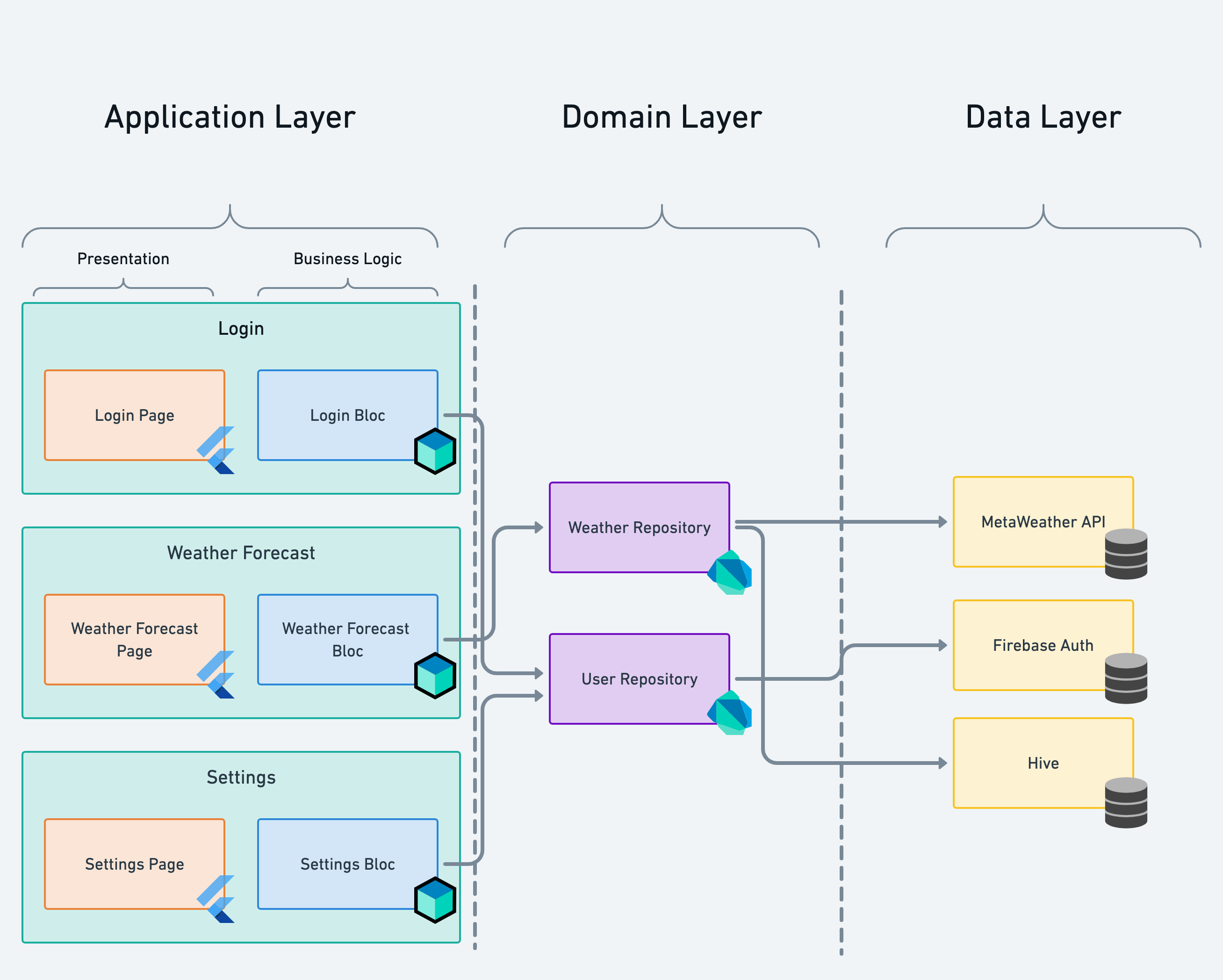
The domain layer converts raw data into domain-specific models that are consumed by the business logic layer. The business logic layer keeps an immutable state of the domain models that the repository provides. Also, the business logic layer reacts to the inputs coming from the UI and communicates with the repository when changes need to be made based on the state.
Depending on the implementation of the API, we can manipulate data without creating an actual API package, but we will talk more about APIs and packages in the next sections.
## Avoid mixed responsibilities
This is the most common cause of chaos in projects.
Not having a proper separation of concerns provokes errors that are difficult to track. For example, some functionality that would ideally be in a data layer component is located in a presentation layer component, causing an issue that at first sight seems like a presentation issue, but in fact is a data issue.
```dart
import 'package:firebase_auth/firebase_auth.dart';
class StartPage extends StatelessWidget {
@override
Widget build(BuildContext context) {
return StreamBuilder(
stream: FirebaseAuth.instance.userChanges(),
builder: (context, snapshot) {
if (snapshot.hasData) {
return const ProfilePage();
}
return const SignInPage();
},
);
}
}
```
**TL;DR: don’t leave data or domain interactions within widgets.**
## Be consistent
Follow the patterns your team has defined for the project. Don’t take shortcuts with the layers. Each layer should have a chain of relation that prevents interactions between layers that are not directly related. For example, the presentation layer should not call or interact in any way directly with the APIs on the data layer.
If we establish that our data layer will be a dependency of our domain layer, we must respect that in all the features we develop.
Things like naming can be key in making it easier to know where things are in a project. Remember naming is just a convention. In the end, some developers call the data layer infrastructure and it’s okay, it’s just a name. But try to keep that naming consistent for your architecture.
If we’re not consistent, the codebase gets messy and more difficult to navigate through. You may also run the risk of teammates getting confused if you're not following the rules you've established in the codebase.
```txt
├── lib
| ├── posts
│ │ ├── bloc
│ │ │ └── post_bloc.dart
| | | └── post_event.dart
| | | └── post_state.dart
| | └── models
| | | └── models.dart
| | | └── post.dart
│ │ └── view
│ │ | ├── posts_page.dart
│ │ | └── posts_list.dart
| | | └── view.dart
| | └── widgets
| | | └── bottom_loader.dart
| | | └── post_list_item.dart
| | | └── widgets.dart
│ │ ├── posts.dart
│ ├── app.dart
│ ├── simple_bloc_observer.dart
│ └── main.dart
├── pubspec.lock
├── pubspec.yaml
```
## Build with reusability in mind
This advice is for the data layer specifically. Since it is a raw implementation, it can be used in many domains for different purposes. Components in the data layer are also often excellent candidates for open source because they are not tied to the specific product/application and could benefit the larger community.
That’s why we isolate our data and domain layers in packages. This allows us to import them into other apps or publish them on [pub.dev](https://pub.dev/) if desired.
Sometimes we build these layers tied to a specific use case, for example, adding a local storage solution. We can create a generic API to store encoded JSON strings instead of expecting a specific model, so we can reuse that API as a local storage API in other domains.
You can see how to implement a local storage package with an abstract declaration and concrete implementation in the [flutter_todos](https://bloclibrary.dev/#/fluttertodostutorial) example from the [bloc library](https://bloclibrary.dev/).
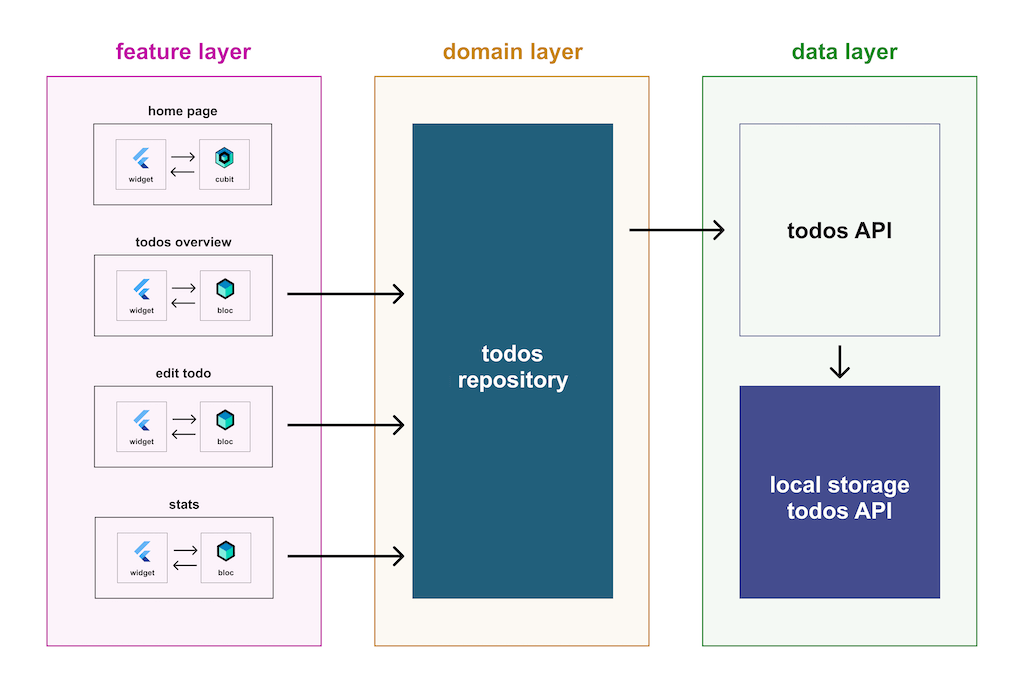
## Use the right amount of abstraction
When we develop a new feature that uses an external package as API for the data layer, we have two choices:
- Create a repository that has that API as a direct dependency.
- Create an API wrapper for the package.
I suggest you go for the first approach if the package or plugin you’re using as a dependency:
- Has a clean and simple API.
- Does not need too many dependencies to test it.
- Does not need any configuration for the classes it uses for the functionality you have.
- Solves a specific use case and you are willing to have it as the unique implementation of your API.
A good example of a simple API that can be used directly with a repository is **package:stream\_chat\_flutter**. A full architecture example with this dependency can be seen in our [chat_location](https://github.com/VGVentures/chat_location) application, which also has a full [tutorial](https://verygood.ventures/blog/very-good-location-sharing-chat-app/).
Otherwise, it’s better to create an API package with a class that wraps that dependency to avoid having all the implementation details in the repository. You can see an example of a custom API package in our [spacex_demo](https://github.com/VGVentures/spacex_demo) application.
## Don’t over-engineer
This is related to the previous choice, we don’t want to abstract less than we should, but over abstracting or over-engineering can be time-consuming and increase complexity.
An example of this can be with models. We usually create JSON serialization and deserialization functionality for models, but we know we can change to an API with a different format.
To be honest, how often are we using anything other than JSON to parse data? In our case, rarely. In this case, abstracting the base properties of the model so we can later add the JSON implementation to it sounds like a waste of time if we never change the current format.
## To use or not to use packages
Okay, speaking of over-engineering, here is an opinionated take:
If your project is small, maintaining it with packages may be a bit overkill. I personally always use packages because I’m obsessed with component isolation and things like migrations come easier.
This way, you can have one teammate migrating the accounting repository to Very Good Analysis 2.4.0 and another migrating the retail API to Dio 4.0.0 at the same time, so you can tackle fixing lints and null safety refactors without stepping on each other’s toes.
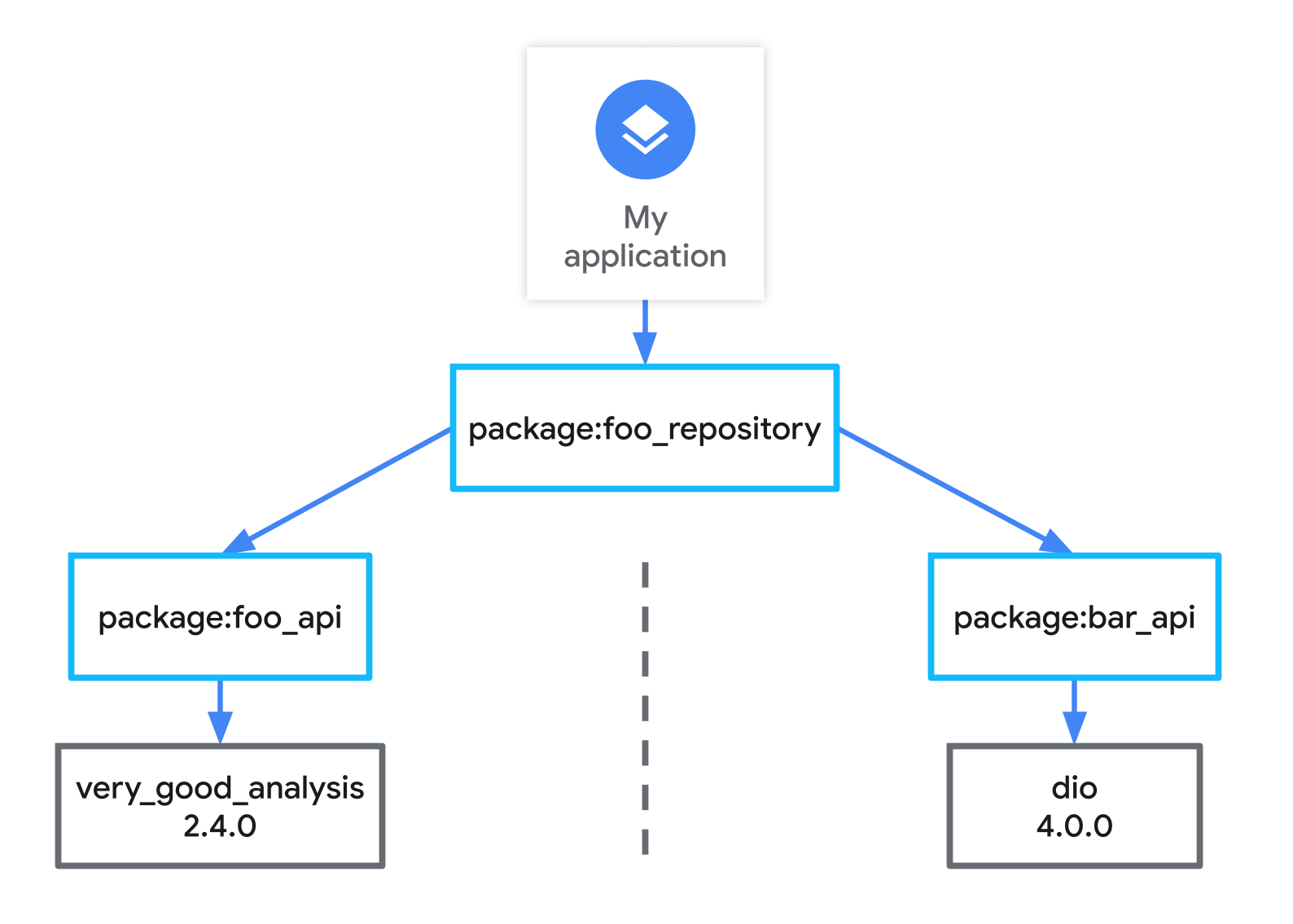
## Choose the right tools
Let’s be honest, we can’t do it all by ourselves.
It’s important to have strict criteria to decide on which package or tool you are going to use to solve a problem in your app.
I suggest taking into consideration things like activity on the GitHub repository, [pub.dev](https://pub.dev/) metrics, test coverage, who’s maintaining it, and other factors that are important to you and your team.
You can check out our favorite tools in our [Top Flutter and Dart Packages](https://verygood.ventures/blog/top-flutter-dart-packages/) blog.
## See what the experts are doing
One thing that helps you get your projects to the next level is to check out repositories of remarkable developers from the community. Many Flutter community members have a lot of public repositories on GitHub that you can study and criticize to learn from and also improve.
We at VGV have some interesting ones that expose our best practices for how we build apps, and we’re open to answering your questions about them! Be sure to check out [I/O Photo Booth](https://github.com/flutter/photobooth) (a great production app that uses Flutter on the web), [chat_location](https://github.com/VGVentures/chat_location) (a good example of bootstrapping data providers and repositories), and [flutter_todos](https://github.com/felangel/bloc/tree/master/examples/flutter_todos) in the bloc library repo (pay attention to the architecture in this one).
## Refactor
Because we’re humans, we make mistakes. Recognizing and learning from those mistakes is as important as layering your code.
Your first approach might not be the best one, and you need to analyze every idea or practice you’re following to see if it’s necessary.
After all, remember you don’t need to be perfect to be consistent and make your project successful. I strongly believe we should do our best when building apps, but there’s always a level of good that will be enough to help you succeed.
If you need to refactor, don’t be hard on yourself!
## Share what you learn!
I’m sure you have a lot of new ideas from this blog post, and you will have even more if you keep investigating. We’re excited to see what new pattern or practice you discover, so make sure you do some type of tutorial about it so the community can learn too! Or just tag us on a Twitter thread where you explain it, that works too.
*Felix Angelov and Dominik Roszkowski contributed to this article.*
#### Flutter Architecture FAQs
##### What are the layers in VGV's Flutter architecture?
Four. The data layer interacts directly with APIs, whether a REST API or a device API. The domain layer transforms that raw data into domain-specific models. The business logic layer holds an immutable state of those models, usually with flutter_bloc, and reacts to input from the UI. The presentation layer renders UI components based on that state. The first three responsibilities are common to most architectures; the split of presentation into state management and rendering is the part that is specific to how VGV builds.
##### What is the difference between the data layer and the domain layer?
The data layer talks to the outside world and returns raw data in whatever shape the API gives it. The domain layer converts that raw data into models your app actually reasons about. Keeping them apart is what lets you swap an API, or add a second one, without touching business logic or UI.
##### Why split the presentation layer into business logic and presentation?
Because managing state and rendering state are different jobs, and mixing them is the most common cause of chaos in a codebase. When state lives in its own layer, the UI becomes a function of state and nothing else, which makes both halves far easier to test in isolation.
##### Should I wrap an external package or depend on it directly?
Depend on it directly when the package has a clean and simple API, needs few dependencies to test, needs no configuration for the classes you use, and solves a specific use case you are willing to treat as the only implementation. package:stream_chat_flutter is a good example. Otherwise wrap it in an API package, so the implementation details do not leak into your repository.
##### Should I split a Flutter app into packages?
For a small project it is probably overkill. The payoff shows up on larger codebases and during migrations: isolated packages let one teammate upgrade the accounting repository while another upgrades the retail API, so nobody steps on anyone's lint fixes. Isolating the data and domain layers as packages also makes them reusable across apps, and good candidates for open source since they are not tied to one product.
##### How much abstraction is too much?
Abstracting less than you should and abstracting more than you need are both real costs. The usual example is models: teams often build a format-agnostic base so they can later swap JSON for something else, and then never swap it. If you have never used anything but JSON, building for that flexibility is time spent on a problem you do not have.
##### What is the single responsibility principle in this context?
One of the SOLID principles from object-oriented design. Applied to layering, it means smaller classes with a single purpose, components isolated enough that testing one does not require mocking many others, and changes that stay contained instead of rippling across the codebase.
### VGV Expands Poland Team
Source: https://verygood.ventures/blog/vgv-expands-poland-team/
2022 is all about scalable growth at Very Good Ventures. In the past few months, we’ve been fortunate to add multiple members to the [Very Good Ventures team](https://verygood.ventures/contact-us/) — many of them talented Flutter developers, along with a variety of other roles. Today we are excited to welcome five additional teammates to Very Good Ventures!
Krzysztof Krasiński-Sroka, Marta Korzeniowska, Artur Płaczek, Jan Stępień, and Dominik Szocik have joined our team. They previously formed Widgeters, a Flutter app development consultancy based in Poland.
This group will also allow us to open a second VGV Poland office in Wrocław, following on the heels of the office we opened in Warsaw last year led by Dominik Roszkowski. VGV has additional EU hubs in Rotterdam, the Netherlands, and Madrid, Spain, as well as U.S. hubs in Chicago, New York, and Stamford.
We are a remote-first company and having teammates around the world allows us to help companies find success with Flutter in international time zones that allow close collaboration. Since day one, VGV has been fortunate to be able to provide expertise to over 30 companies.
Throughout 2022, we'll continue to work with our long-term partners, and new ones, as we build high-quality apps for any platform with Flutter.
*David DeRemer and Dominik Roszkowski contributed to this article.*
#### Frequently Asked Questions
##### Who is joining VGV?
Five teammates previously from Widgeters, a Flutter consultancy based in Poland: Krzysztof Krasinski-Sroka, Marta Korzeniowska, Artur Placzek, Jan Stepien, and Dominik Szocik.
##### Where is the new VGV office?
The new hires let VGV open a second Poland office in Wroclaw. It joins the Warsaw office that opened in 2021 under Dominik Roszkowski.
##### Where else does VGV have hubs?
Beyond the two Poland offices, VGV has EU hubs in Rotterdam, the Netherlands and Madrid, Spain, plus US hubs in Chicago, New York, and Stamford.
##### Why does VGV operate as a remote-first company with global hubs?
Teammates around the world help VGV serve clients across international time zones with close collaboration. The model has supported VGV in providing Flutter expertise to over 30 companies.
### Supercharge your Flutter tests with Very Good CLI
Source: https://verygood.ventures/blog/flutter-tests-very-good-cli/
Last week we made a number of exciting updates to [Very Good CLI](https://pub.dev/packages/very_good_cli) focused on improvements to testing Dart and Flutter apps 🎉.
[Very Good CLI v0.6.0](https://github.com/VeryGoodOpenSource/very_good_cli/releases/tag/v0.6.0) now features a new test command that provides additional functionality on top of the existing command line tooling for [**dart test**](https://dart.dev/tools/dart-test) and [**flutter test**](https://docs.flutter.dev/reference/flutter-cli).
Included are performance optimizations, improvements to the developer experience when measuring and enforcing tests coverage metrics, and improvements when working with multimodule monorepos.
## Overview 🚀
Very Good CLI's new **test** command includes the following flags and arguments. You can always see the most up-to-date list by running **very\_good test --help**.
```shell
$ very_good test --help
Run tests in a Dart or Flutter project.
Usage: very_good test [arguments]
-h, --help Print this usage information.
--coverage Whether to collect coverage information.
-r, --recursive Run tests recursively for all nested packages.
--[no-]optimization Whether to apply optimizations for test performance.
(defaults to on)
--exclude-coverage A glob which will be used to exclude files that match from the coverage.
-x, --exclude-tags Run only tests that do not have the specified tags.
--min-coverage Whether to enforce a minimum coverage percentage.
--test-randomize-ordering-seed The seed to randomize the execution order of test cases within test files.
Run "very_good help" to see global options.
```
## How its made 🛠
In order to build a custom test command, we first needed a way to programatically run tests that would fit nicely with our existing tooling for Very Good CLI. As a result, we created the [Very Good Test Runner](https://pub.dev/packages/very_good_test_runner) package which provides APIs to run Dart and Flutter tests programatically thanks to the [JSON Reporter Protocol](https://github.com/dart-lang/test/blob/master/pkgs/test/doc/json_reporter.md).
Internally, **very\_good\_test\_runner** uses the [Process class](https://api.dart.dev/stable/2.16.2/dart-io/Process-class.html) to spawn **dart test** and **flutter test** processes respectively. We specify the **\--reporter=json** option to receive a machine-readable representation of the underlying test runner's progress. **very\_good\_test\_runner** exposes a stream of **TestEvent** objects which consumers can subscribe to in order to build custom testing tooling.
```dart
import 'package:very_good_test_runner/very_good_test_runner.dart';
void main() {
const arguments = ['--coverage'];
const workingDirectory = 'path/to/project';
// Run Dart tests and collect coverage in the working directory.
dartTest(
arguments: arguments,
workingDirectory: workingDirectory,
).listen((TestEvent event) {
// React to `TestEvent` instances.
});
// Run Flutter tests and collect coverage in the working directory.
flutterTest(
arguments: arguments,
workingDirectory: workingDirectory,
).listen((TestEvent event) {
// React to `TestEvent` instances.
});
}
```
Custom testing tools can enable you to customize how test results are displayed, detect tests that are abnormally slow, re-run only the tests that have failed from previous test runs, and more. Another great example of a custom testing tool is the [spec_cli](https://pub.dev/packages/spec_cli) from [Invertase](https://github.com/invertase). The possibilities for custom test tooling are endless and we're very excited to see what other tools the community builds.
## Testing Improvements ✨
### Performance Optimizations
Very Good CLI takes advantage of a [known performance optimization](https://github.com/flutter/flutter/issues/86722#issuecomment-914688482) to decrease test run times. From our experience, this is particularly significant in large codebases when collecting coverage metrics. As the number of tests increases, the cost of running the tests and collecting coverage metrics also increases so applying this optimization can reduce test runs quite dramatically (see below comparison).
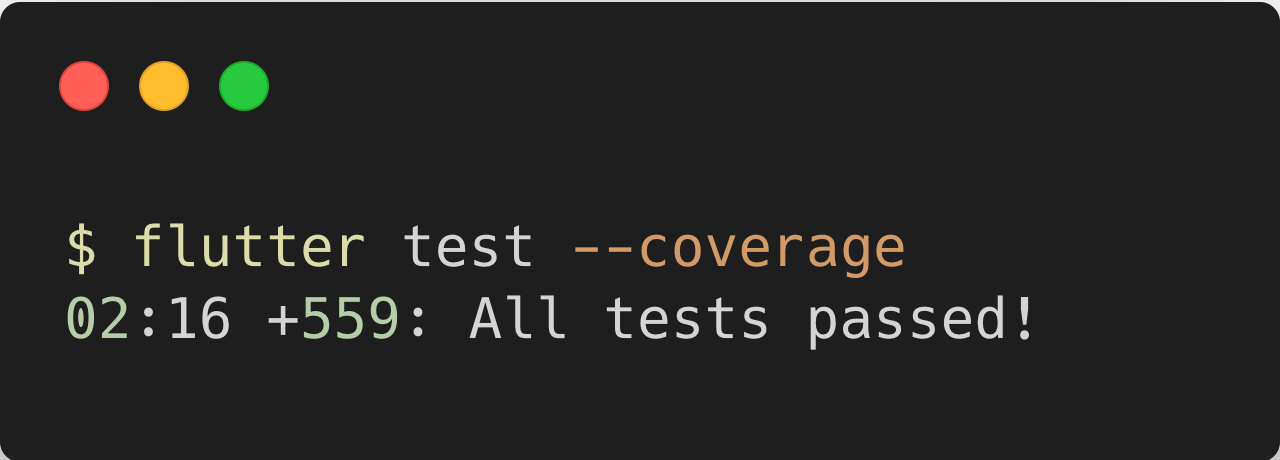
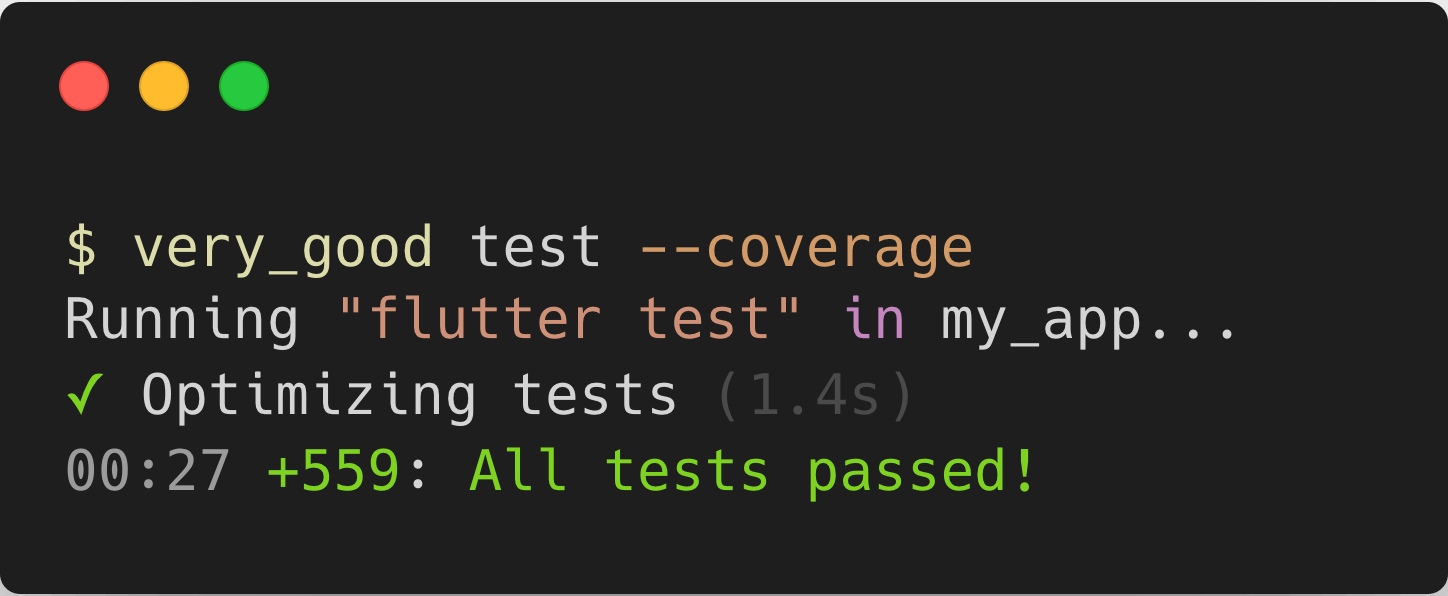
This additional optimization step is performed by default but can be disabled with the **\--no-optimization** flag. You may want to disable optimizations in order to improve the traceability of failing tests or for smaller codebases with fewer tests to reduce the initial overhead of performing the optimization step.
```shell
# run tests with performance optimizations
very_good test
# run tests without performance optimizations
very_good test --no-optimization
```
As part of the performance optimization step, Very Good CLI uses a [mason](https://github.com/felangel/mason) brick to aggregate all tests and generate a single **.test\_runner.dart** file.
```dart
// GENERATED CODE - DO NOT MODIFY BY HAND
// Consider adding this file to your .gitignore.
import 'package:test/test.dart';
import 'app/view/app_test.dart' as app_view_app_test_dart;
import 'counter/cubit/counter_cubit_test.dart' as counter_cubit_counter_cubit_test_dart;
import 'counter/view/counter_page_test.dart' as counter_view_counter_page_test_dart;
void main() {
group('app_view_app_test_dart', app_view_app_test_dart.main);
group('counter_cubit_counter_cubit_test_dart', counter_cubit_counter_cubit_test_dart.main);
group('counter_view_counter_page_test_dart', counter_view_counter_page_test_dart.main);
}
```
Then, the test execution consists of executing the single **.test\_runner.dart** file:
```dart
final generator = await MasonGenerator.fromBundle(testRunnerBundle);
...
await generator.generate(
target,
vars: vars,
fileConflictResolution: FileConflictResolution.overwrite,
);
...
flutterTest(
workingDirectory: workingDirectory,
arguments: [
...
if (optimizePerformance) p.join('test', '.test_runner.dart')
],
).listen((event) {...});
```
### Enforcing Coverage
The new **test** command also provides an option to specify a minimum test coverage threshold. If the reported coverage drops below that threshold, the test run will exit with an error code.
```shell
# Run tests, collect coverage, and enforce 100% coverage
very_good test --coverage --min-coverage 100
```
This is particularly useful when running tests as part of your continuous integration because you can fail a build if test coverage drops below the accepted threshold (we recommend 100% 💯).
### Excluding Coverage
In some cases, it's handy to be able to exclude certain files from test coverage.
For example, you may want to exclude code generated by [**build_runner**](https://pub.dev/packages/build_runner) from test coverage. The **\--exclude-coverage** option allows you to specify a [glob](https://pub.dev/packages/glob) which will be used to exclude files from coverage.
```shell
# Run tests, collect coverage, exclude generated dart files from coverage, and enforce 100% coverage
very_good test --coverage --exclude-coverage "*.g.dart" --min-coverage 100
```
### Run Recursively
When working on a monorepo with many packages, it can be quite tedious to run tests in all sub-packages. For example, after a large refactor you may want to verify that no regressions were introduced. Previously, you'd have to manually run the tests in each affected package one at a time. With the new **test** command in Very Good CLI, it's easy to run tests in all nested packages via the **\--recursive** flag (**\-r** for short).
```shell
# Run all tests in the current package as well as nested packages.
very_good test --recursive
```
❗️ Currently, the **very\_good test** command must be executed from the root directory of a package so be sure to keep that in mind when using the **\--recursive** flag.
## Summary
Very Good CLI now ships with some new testing capabilities that we hope will make running tests in Flutter/Dart even more enjoyable. We're excited to continue to expand the capabilities of Very Good CLI and plan to incorporate the testing improvements into [very_good_workflows](https://github.com/VeryGoodOpenSource/very_good_workflows) shortly.
Until next time, happy testing 🧪🦄!
#### Frequently Asked Questions
##### What does the very_good test command do?
The very_good test command in Very Good CLI v0.6.0 wraps dart test and flutter test with extra functionality. It adds performance optimizations, coverage enforcement and exclusion, and recursive test runs for multi-package monorepos.
##### How does Very Good CLI speed up test runs?
Very Good CLI uses a known performance optimization that aggregates all tests into a single generated .test_runner.dart file via a Mason brick. The single-file run dramatically reduces total test time, especially in large codebases collecting coverage.
##### How do I enforce a minimum coverage threshold with Very Good CLI?
Pass --coverage --min-coverage 100 to fail the test run if coverage drops below the threshold. VGV recommends 100% as the target, and this flag is especially useful in CI to fail builds when coverage regresses.
##### Can I run tests across all packages in a monorepo?
Yes. Use the --recursive flag (or -r for short) to run tests in the current package and every nested package. The command must be run from the root directory of the package.
##### Can I exclude generated files from coverage reports?
Yes. The --exclude-coverage option accepts a glob, so you can run something like --exclude-coverage "*.g.dart" to skip files generated by build_runner when computing coverage.
### Flutter testing resources
Source: https://verygood.ventures/blog/flutter-testing-resources/
Our team at VGV has a reputation for prioritizing automated testing in all of our projects, whether it’s an open source package or a production app for a client. We thought it might be helpful to gather our recommended testing resources — including blogs, courses, and packages — and put them all in one place here. Bookmark this page!
**Table of Contents (click to skip to section):**
- [Why should I write automated tests?](#why-should-i-write-automated-tests)
- [Where can I read about automated testing?](#where-can-i-read-about-automated-testing)
- [Where can I find videos or courses about automated testing in Flutter?](#where-can-i-find-videos-or-courses-about-automated-testing-in-flutter)
- [What packages should I use for automated testing?](#what-packages-should-i-use-for-automated-testing)
- [Does test coverage matter?](#does-test-coverage-matter)
- [Are there examples of fully-tested apps?](#are-there-examples-of-fully-tested-apps)
- [What about CI/CD?](#what-about-cicd)
## Why should I write automated tests?
There are many benefits to writing automated tests. They can help you catch bugs, validate that your code works as intended, and give you confidence that every line of code you ship has been executed at least once (which is why we recommend 100% line coverage). Simply put: writing automated tests can ensure that your code is high-quality.
[This tweet by Gergely Orosz](https://twitter.com/GergelyOrosz/status/1492579513615671303?s=20&t=EcnSOsGzLzjBoBO12MslNw) says it best:
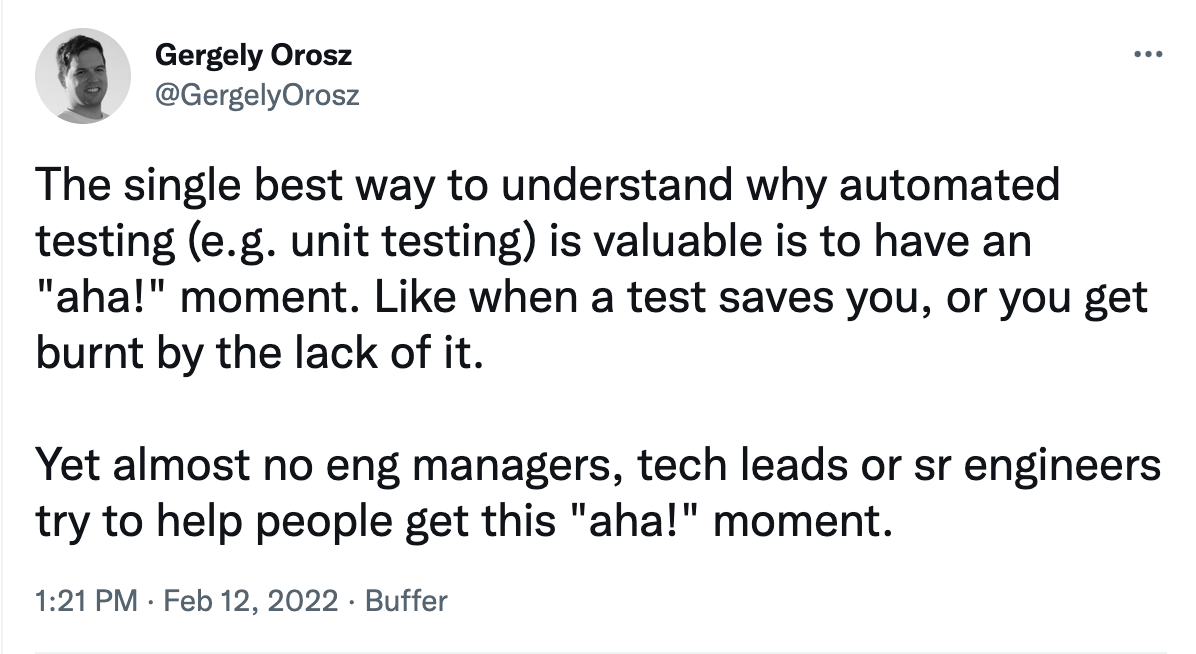
Do your team (and future you) a favor and write automated tests!
## Where can I read about automated testing?
One of the best places to learn about testing is the Flutter documentation itself. Here are a couple of pages we recommend to start:
- [Flutter docs: Testing Flutter apps:](https://docs.flutter.dev/testing) The official documentation for automated testing with Flutter. Learn about unit, widget, and integration tests here.
- Flutter docs: How to test a Flutter app codelab: Learn how to test a Flutter app with this interactive codelab.
There are also many blogs that explore automated testing and provide examples of how to write tests. Here are articles that we suggest reading, including some from our blog:
- [How can I start with Flutter Testing? by Ana Polo:](https://medium.com/flutter-community/how-can-i-start-with-flutter-testing-part-one-a51aaefdb6a2) Read about a Flutter developer's journey to learn more about Flutter testing.
- [Flutter testing: A very good guide by VGV:](https://verygood.ventures/blog/guide-to-flutter-testing/) Learn about VGV's approach to the what, how, and *why* of Flutter testing.
- [How to use Alchemist for Flutter golden tests by VGV:](https://verygood.ventures/blog/alchemist-golden-tests-tutorial/) Learn how to use the package Alchemist (created by Betterment x VGV) to write golden tests for your Flutter projects.
- [Robot Testing by VGV:](https://verygood.ventures/blog/robot-testing-in-flutter/) Read about the Robot Testing method for end-to-end testing.
## Where can I find videos or courses about automated testing in Flutter?
The below resources are great for both beginners wanting to learn the fundamentals and experienced devs looking to brush up on their testing skills.
- [Testing Fundamentals of Flutter by Jorge Coca for VGV:](https://youtube.com/playlist?list=PLprI2satkVdFwpxo_bjFkCxXz5RluG8FY) In just over 30 minutes, you can learn the basics about widget, unit, and integration tests.
- [Widget Testing by Jorge Coca for Google Developer Experts:](https://youtu.be/aReBbQgLjtk) This is a great standalone video that teaches how to use widget tests in your Flutter projects.
- [Flutter Testing Guide for Beginners by ResoCoder:](https://www.youtube.com/playlist?list=PLB6lc7nQ1n4jN2u4rMmb-3tdJ_cQBs-YS) This new course will teach you how to make the most of automated testing in Flutter. As of the day this was published, Parts 1 and 2 are available; we anticipate that others will be published in the future.
- [Unit Testing our AuthService by Vandad Nahavandipoor:](https://www.youtube.com/watch?v=nbUAZfJIQec) This video is Chapter 26 in a free course that aims to take students from beginners to more experienced Flutter developers. Watch to learn how to write unit tests for a sample app.
## What packages should I use for automated testing?
These are some packages we frequently use to write unit, widget, and integration tests in our Flutter projects. Most of the tools listed were developed by our team to help make automated testing easy:
- [Very Good Coverage:](https://github.com/verygoodopensource/very_good_coverage) Essential for enforcing a minimum code coverage threshold for your projects (we recommend 100%).
- [Very Good Workflows:](https://github.com/VeryGoodOpenSource/very_good_workflows) Run your tests as part of these reusable GitHub workflows. Includes support for Flutter projects, Flutter packages, and Dart packages.
- [Very Good CLI:](https://pub.dev/packages/very_good_cli) Generate a fully-tested scalable starter app, package, or plugin with our CLI tool. You can also use the [very_good test command](https://verygood.ventures/blog/flutter-tests-very-good-cli/) to run tests directly from the command line.
- [Mocktail:](https://pub.dev/packages/mocktail) Inspired by mockito, this package helps you create mocks in Dart with null safety without the need for manual mocks or code generation.
- [Bloc Test:](https://pub.dev/packages/bloc_test) Test your blocs easily with this package. It is especially useful if you’re using bloc and mocktail in your projects.
- [Flame Test:](https://pub.dev/packages/flame_test) Test your applications using Flame with these classes.
- [Mockingjay:](https://pub.dev/packages/mockingjay) Mock navigation in Flutter for testing purposes.
- [Alchemist:](https://pub.dev/packages/alchemist) A package built by Betterment in collaboration with VGV that makes it easy to write golden tests, complete with useful functions, extensions, and documentation.
## Does test coverage matter?
**Yes!** Our answer will always be to aim for 100% test coverage. We recognize that this is a high threshold and we hold ourselves to it whenever possible. It's important to note 100% test coverage does not guarantee the codebase is bug-free. We use 100% as our threshold because it ensures every line of code we ship has been exercised by at least one test.
However, we also know that teams have their own requirements and sometimes 100% coverage is not possible to achieve. In these cases, we recommend two things:
1. Starting today, make it a requirement to write tests with every pull request.
2. Decide with your team on a coverage threshold and stick to it ([Very Good Coverage](https://github.com/VeryGoodOpenSource/very_good_coverage) can help you with this).
The important thing is that you adhere to the coverage threshold you set and always aim to improve. If you set your threshold at 80%, make it a goal to never drop below. Instead, maintain that threshold or even better, gradually raise it over time until you can reach 100%.
## Are there examples of fully-tested apps?
For examples of fully-tested Flutter apps, check out these open source examples:
- [I/O Photo Booth](https://github.com/flutter/photobooth)
- [Slide Puzzle](https://github.com/VGVentures/slide_puzzle)
- [Todos Example App](https://github.com/felangel/bloc/tree/master/examples/flutter_todos)
## What about CI/CD?
Automated testing is not complete without a robust CI/CD solution. When it comes to CI/CD we highly recommend the following tools:
**GitHub Actions:** [GitHub Actions](https://docs.github.com/en/actions) are extremely useful for automating everything from checking your spelling to running your automated tests. Check out the [GitHub Actions Marketplace](https://github.com/marketplace?type=actions) to browse the available actions. *Note:* [*Very Good Workflows*](https://github.com/VeryGoodOpenSource/very_good_workflows) *is a GitHub Action that can automatically run all of your tests on each PR.*
**CI/CD Solutions:**
- [Codemagic:\*](https://codemagic.io/start/) This is our preferred continuous deployment solution for Flutter apps. Other solutions that work great with Flutter apps include AppWrite, Bitrise, Jenkins, Circle CI, and more. These are great because they are fully managed solutions, which allow you to run tests and other automated steps without having to manage your own servers. In addition, Codemagic makes it extremely easy to distribute your app via Google Play and TestFlight. *\*Note that VGV gets a portion of sales when we refer clients to Codemagic.*
- [Firebase Test Lab:](https://firebase.google.com/docs/test-lab) Allows you to run tests on different hardware devices in a Google data center so that you can be sure your apps run as expected on all of the devices you're targeting.
*Felix Angelov contributed to this article.*
#### Frequently Asked Questions
##### Why does Very Good Ventures recommend 100% test coverage?
100% line coverage is the only threshold that guarantees every line you ship has been executed by at least one test. It does not eliminate bugs on its own, but it surfaces dead code, makes refactors safer, and forces the team to think about testability as code is written. Use very_good_coverage to enforce the threshold in CI.
##### Which testing packages does VGV use most often?
The core kit is mocktail for null-safe mocking without code generation, bloc_test for testing blocs, alchemist for golden tests, mockingjay for navigation mocks, and flame_test when working with Flame.
##### How can I run Flutter tests in CI?
Most VGV projects use GitHub Actions with very_good_workflows, which provides reusable workflows for Flutter apps, Flutter packages, and Dart packages. For full CI/CD, Codemagic is our preferred deployment platform for Flutter, with Firebase Test Lab to validate apps against real hardware.
##### What is the difference between unit, widget, and integration tests in Flutter?
Unit tests cover pure Dart logic with no Flutter runtime. Widget tests render a single widget or screen in a test harness so you can verify rendering and interaction. Integration tests run the full app on a device or emulator to exercise end-to-end behavior. The official Flutter testing docs cover the full taxonomy.
##### Where can I see examples of fully tested Flutter apps?
Three good open source references are the I/O Photo Booth, the Slide Puzzle, and the flutter_todos example in the bloc repository.
### How to use Alchemist for Flutter golden tests
Source: https://verygood.ventures/blog/alchemist-golden-tests-tutorial/
Golden testing is a method of testing the appearance of widgets using screenshot comparisons. It can be leveraged to help test purely visual components like charts or custom painters that might otherwise be really difficult to test. In this tutorial, you'll learn how to use both Flutter's built-in functionality for golden tests and the open source package [**Alchemist**](https://pub.dev/packages/alchemist/) (developed by [Betterment](https://www.betterment.com/) and [VGV](https://verygood.ventures/)) to improve your testing experience.
The example we'll be using for our testing comes from [DartPad](https://dartpad.dev/?id=5c0e154dd50af4a9ac856908061291bc). It is a Flutter project that uses a **CustomPainter** to create a sunflower image with a variable number of seeds. This is a prime example for using golden testing because the **CustomPainter** is painting directly to the canvas. We could alternatively test it using a mock **Canvas** and verifying that the correct painting functions are called in the correct order; however, this would be very fragile to implementation changes and would also fail to serve as documentation for the code being tested. Golden tests will be a lot easier for other engineers to maintain because the tests can be easily read and understood without knowing how the painting logic works.
## Using Flutter's built-in golden tests
Flutter already has built-in support for golden testing. The built-in golden test tooling is great because of how simple it is to start writing tests and how similar the syntax is to regular widget tests, but the downside is that they quickly become hard to read and maintain as you create more test variations. Additionally, there are issues with font rendering between platforms, so if you create your golden images on a Mac then the tests will fail on a Linux CI machine.
Generally, golden tests work the same way as normal Flutter widget tests. Each test case is contained in a **testWidgets** function which uses **tester.pumpWidget** to load the widget under test. Any desired interactions, such as tapping a button, can be performed once the widget is loaded. Finally, the [**matchesGoldenFile**](https://api.flutter.dev/flutter/flutter_test/matchesGoldenFile.html) matcher within an **expectLater** call can be used to verify the rendered widget matches a previous render. For example, with our sunflower app it would look like this:
```dart
void main() {
const rootKey = Key('root_sizedBox');
Widget buildSubject(int seedCount) {
return SizedBox(
key: rootKey,
width: 400,
height: 400,
child: CustomPaint(
painter: SunflowerPainter(seedCount),
),
);
}
group('SunflowerPainter with matchesGoldenFile', () {
testWidgets('matches expected output with 100 seeds', (tester) async {
await tester.pumpWidget(buildSubject(100));
await expectLater(
find.byKey(rootKey),
matchesGoldenFile('sunflowerPainter_seedCount_100.png'),
);
});
testWidgets('matches expected output with 20 seeds', (tester) async {
await tester.pumpWidget(buildSubject(20));
await expectLater(
find.byKey(rootKey),
matchesGoldenFile('sunflowerPainter_seedCount_20.png'),
);
});
testWidgets('matches expected output with 2000 seeds', (tester) async {
await tester.pumpWidget(buildSubject(2000));
await expectLater(
find.byKey(rootKey),
matchesGoldenFile('sunflowerPainter_seedCount_2000.png'),
);
});
});
}
```
When you run this test file the first time, you can pass the **\--update-goldens** flag to **flutter test** to generate screenshots for each of the test cases. After updating golden tests, each subsequent test run will compare the rendered widgets to the generated images (golden files), failing the test if they don't match. When the widget changes and you want to regenerate the golden files, then you can use **\--update-goldens** to generate new images and commit the updated golden files to your repository.
## Using Alchemist with golden tests
Alchemist is a framework designed to assist with golden testing. It addresses pain points found while using existing golden testing solutions on a large codebase, such as fixing continuous integration test flakes and simplifying injecting a custom theme. It's also designed to have a more declarative API, which should help improve test readability.
The golden tests using Alchemist have a different structure completely from typical flutter widget tests. They begin with a call to **goldenTest**. This function has a number of parameters you can use to customize the test. Every test needs a description, a filename, and a widget to test. Typically, the widget to test is a **GoldenTestGroup**. This is a special type of widget which organizes a number of labeled **GoldenTestScenario**s into a grid layout to keep the golden file organized. Here's what the completed **goldenTest** looks like:
```dart
group('SunflowerPainter with alchemist', () {
goldenTest(
'matches expected output',
fileName: 'sunflowerPainter',
widget: GoldenTestGroup(
children: [
GoldenTestScenario(
name: 'with 100 seeds',
child: buildSubject(100),
),
GoldenTestScenario(
name: 'with 20 seeds',
child: buildSubject(20),
),
GoldenTestScenario(
name: 'with 2000 seeds',
child: buildSubject(2000),
),
],
),
);
});
```
Like before, running **flutter test --update-goldens** will make Alchemist generate the rendered widget images in the **goldens/** directory adjacent to the test file. Inside will be a **ci/** subdirectory, along with another subdirectory for each platform on which the tests run. Because **CI** golden files are not affected by font rendering inconsistencies, they are kept separate from the platform golden files (which can be omitted from source control, if desired). Golden tests running on CI can be generated on any platform and are guaranteed to pass on CI. The platform-specific goldens will not run on any other platform besides the one on which they were generated to avoid headaches caused by font-rendering inconsistencies.
The golden tests shown have been pretty basic, although very useful for verifying a specific type of widget.
## What's next
Golden tests can also be used with more advanced use cases, such as testing an app's UI library. Alchemist has some more built-in functionality to support this use case, like custom theming and gesture support. To get started with more advanced functionality, check out the [Alchemist docs](https://github.com/Betterment/alchemist#advanced-usage).
*Joanna May contributed to this article.*
### Flutter games with Bloc and Flame
Source: https://verygood.ventures/blog/flutter-games-with-bloc-and-flame/
Flutter is an incredible and versatile framework, focused on the creation of beautiful multi-platform applications. It can also be used to develop a special type of application: games!
In this article, we are going to give you an introduction into how state can be managed in a game using [**bloc**](https://bloclibrary.dev/).
## A brief introduction to Flame
[**Flame**](https://flame-engine.org/) is an open source game engine in Flutter which offers many tools to help you build games, like:
- Images, sprites, and animations rendering
- Receiving input (gestures, keyboard, mouse)
- Camera and viewport
- and more!
It has recently achieved its first stable version and has a growing community with a few interesting games released with it.
## How a game works and how its state can be managed
One of the biggest differences between a conventional application and a game is how the rendering occurs.
In conventional apps, the app is re-rendered in response to changes. For example, a touch input from the user can triggers some logic that changes the UI, or even a background event, like a push notification. This is called passive rendering.
In contrast, in games, many elements on the screen are updating constantly, even when there is no interaction from user. Since the rendering is constant, we call this active rendering.
Good performance plays a critical role in games. Of course, good performance is important in any application, but bad performance is much more noticeable in game and could render the game unplayable.
State can be managed a little bit differently when it comes to active rendering and performance in games. It could also make updating state easier. Since the game is always updating itself, we don't need reactivity update the screen. For example, we could just directly update a variable called **position** in our **Player** class and in the next frame of the game, our player would be rendered with the updated position.
By storing the state directly within variables in our game classes, we can quickly retrieve it, which helps with game performance.
That said, there are also many cases where state management packages can be more helpful than storing game data in class variables. We will explore this approach later in this article.
## The bloc package
We're going to use the **flutter\_bloc** package within this article, as the state management library of choice here at Very Good Ventures and Flame provides some helper functions for it. However, a similar approach could easily be applied with any other state management packages.
[**Bloc**](https://bloclibrary.dev/#/) is a predicable state management library which helps to implement the BLoC design pattern It helps you manage your state in a way that creates separation between your presentation and business logic. This makes your code easier to test and reuse. If you never used bloc before, it may be worth checking out this [introduction to bloc](https://medium.com/flutter-community/flutter-bloc-for-beginners-839e22adb9f5).
## A real life example
To demonstrate how bloc can be used to help manage game state, we have built a game prototype called Very Good Adventures. It looks like this:
In this example, Very Good Adventures is classic top-down adventure game, where the player navigates through landscapes, and collects items and equipment, which are used to solve mysteries and defeat enemies.
The scope of our prototype will include the following features:
- Player movement on the vertical and horizontal axis using the keyboard keys (W, A, S, D)
- Collection of nearby items when the space bar is pressed
- Display of the collected items in an inventory panel
- Display of the equipped items in a player panel
- Player appearance changes depending on the equipped gear
We will go through how these features were implemented, but not all of the game code will be presented on the article. The complete source code can be found in [this repository](https://github.com/VGVentures/very_good_adventures) and [it can be played live here](https://vgventures.github.io/very_good_adventures).
### Player position and movement
The position and movement of an in-game object is a very good example of a set of data which will be handled inside the game object itself. Since the object will change constantly over time, direct memory access plays an important role here.
To represent our player, we are going to create a component based in one of Flame's many components, the **SpriteComponent**, which is a component which holds a position and renders a sprite in the game canvas. That position is represented by a **Vector2** class, which is nothing more than a point in space.
To handle movement, we need two variables, **speed** which will be a constant of how many logical pixels our player moves per second and we also need a **direction** vector which will tell us what direction the player is moving, where x = 1, player is moving right, x = -1, moving left, x = 0, not moving, and the same directions for the y axis.
Our player class will look like this:
```dart
// KeyboardHandler is a Flame mixin which allows components to handle key events
class Player extends SpriteComponent with KeyboardHandler {
Player() : super(size: Vector2(20, 60));
Vector2 direction = Vector2.zero();
static const speed = 100.0;
// Load method omitted
@override
void update(double dt) {
super.update(dt);
final newPosition = position + direction * speed * dt;
position
..x = newPosition.x
..y = newPosition.y;
}
@override
bool onKeyEvent(
RawKeyEvent event,
Set keysPressed,
) {
final isDown = event is RawKeyDownEvent;
if (event.logicalKey == LogicalKeyboardKey.keyA) {
direction.x = isDown ? -1 : 0;
return true;
}
if (event.logicalKey == LogicalKeyboardKey.keyD) {
direction.x = isDown ? 1 : 0;
return true;
}
// Other directions omitted
}
}
```
And then let's add our player into a **FlameGame**:
```dart
class VeryGoodAdventuresGame extends FlameGame
with HasKeyboardHandlerComponents {
static final Vector2 resolution = Vector2(600, 400);
late final Player player;
@override
Future? onLoad() async {
await super.onLoad();
camera.viewport = FixedResolutionViewport(
Vector2(resolution.x, resolution.y),
);
await add(player = Player()..y = 40);
camera.followComponent(player);
}
}
```
### Collecting items in the game area
Now that the player can roam around the map, we are going to implement the item collection. We will implement our inventory panel using Flutter widgets so that we can easily build our game UI.
To manage our inventory and create a point of communication between our Flame game and our game UI, we are going to create an **InventoryBloc**, which will manage a list of collected items.
Since a Flame Game is just a widget at the end of the day, we could just build this using **flame** and **flutter\_bloc** packages. To make things a little bit easier, we can use the [**flame_bloc**](https://pub.dev/packages/flame_bloc) package, which integrates nicely with the **bloc** package.
So first things first, let's create our **InventoryBloc**, its state, and events:
```dart
class InventoryState extends Equatable {
const InventoryState({
required this.items,
});
const InventoryState.initial() : this(items: const []);
final List items;
@override
List