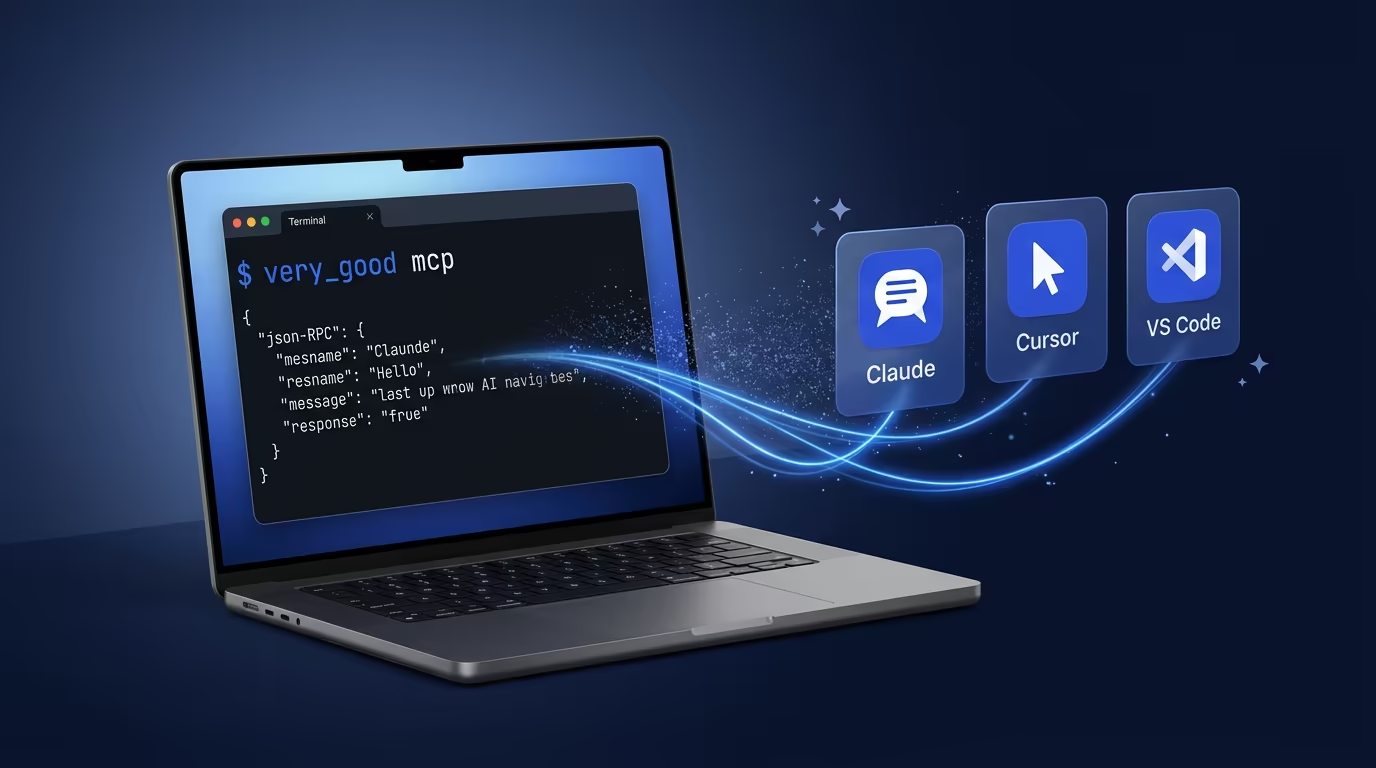
You can ask Claude to help you scaffold a Flutter app. You can ask it to review your test coverage. What you could not do until now is have your AI assistant actually run the scaffolding, execute the tests, or check the licenses. That gap is what Model Context Protocol (MCP) closes, and it is why we added an MCP server to Very Good CLI.
The Very Good CLI MCP server exposes real development workflows to AI agents and editors: project creation from VGV-opinionated project templates, test execution with coverage enforcement, dependency management, and license compliance for Dart and Flutter. This is not “here is MCP in theory.” This is what MCP unlocks in a serious Flutter project.
Note: The MCP server is an experimental feature. We are shipping it early because the value is already real, with the caveat that MCP itself is still evolving. Expect changes as the protocol matures.
A Quick Primer on MCP
AI agents can already run commands on your machine. Tools like Claude Code, Cursor, and Windsurf have shell access — they can guess the right CLI invocation, execute it, parse the output, and keep going. If you ask an AI agent to scaffold a Flutter app, it can absolutely try running very_good create flutter_app my_app in a shell. Sometimes it gets it right. Sometimes it hallucinates a flag that does not exist, forgets a required argument, or misinterprets the output.
MCP does not give AI agents a capability they lacked. It gives them a deterministic way to use that capability. Instead of composing a shell command from memory (or imagination), the agent calls a structured tool with a well-defined schema: typed parameters, documented options, and predictable output. The difference is reliability.
The protocol itself is straightforward. An MCP server advertises a set of tools over standard I/O using JSON-RPC 2.0. An MCP client (your AI editor) discovers those tools, and the AI model decides when and how to call them based on what you ask for. No proprietary SDK, no vendor lock-in, no platform-specific glue code. One server works with every compatible client.
Prompt-Based Execution vs. MCP: A Comparison
To make this concrete, here is the same task — running tests with 100% coverage — done both ways:
Via prompt (shell execution):
You ask: “Run tests with 100% coverage enforcement.”
The agent guesses the command, perhaps very_good test --coverage --min-coverage 100, executes it in a shell, and parses the raw terminal output as unstructured text. It works when the agent remembers the exact flags. When it does not — wrong flag name, missing argument, deprecated syntax — you get a confusing error that the agent may or may not recover from.
Via MCP (structured tool call):
You ask the same thing. The agent discovers the test tool from the MCP server, sees that it accepts coverage: true and min_coverage: "100" as typed parameters, and calls it directly. The server validates the input, runs the command, and returns structured output. No guessing involved.
| Prompt-based (shell) | MCP (structured tool) | |
|---|---|---|
| Discovery | Agent must know or guess the CLI syntax | Agent discovers available tools and their schemas automatically |
| Reliability | Non-deterministic — depends on the model’s training data | Deterministic — validated parameters, documented options |
| Error handling | Agent parses raw terminal output, may misinterpret errors | Server returns structured results the agent can reason about |
| Maintainability | CLI changes break the agent’s assumptions silently | Schema updates are surfaced to the agent at discovery time |
| Security | Arbitrary shell execution with broad permissions | Scoped tool calls with defined inputs and outputs |
Both approaches get the job done when everything goes right. The difference shows up when things go wrong — and in production Flutter projects, things go wrong often enough that determinism matters.
What This Looks Like in Practice
For Flutter and Dart developers, MCP turns best-effort shell calls into reliable tool invocations:
- You ask your AI assistant to scaffold a new app. Instead of guessing the
very_good createsyntax, it discovers thecreatetool, sees the available templates and parameters, and calls it with the right arguments. The project scaffolds correctly on the first try. - You ask it to run your test suite with 100% coverage. It calls the
testtool with typed parameters — no risk of a wrong flag name or a missing dash. It parses the structured output and tells you which files fell short. - You ask it to check license compliance across a monorepo before opening a PR. It calls
packages_check_licenseswith the right scope, gets back a structured result, and flags exactly what needs attention.
The pattern is the same every time: you describe what you want, and the AI assistant executes it through a well-defined tool interface rather than improvising a shell command.
Why We Think This Matters
We have spent years building CLI tools that make Flutter development faster and more reliable. MCP lets us put those same tools directly in the hands of AI assistants, which changes the developer experience in two concrete ways.
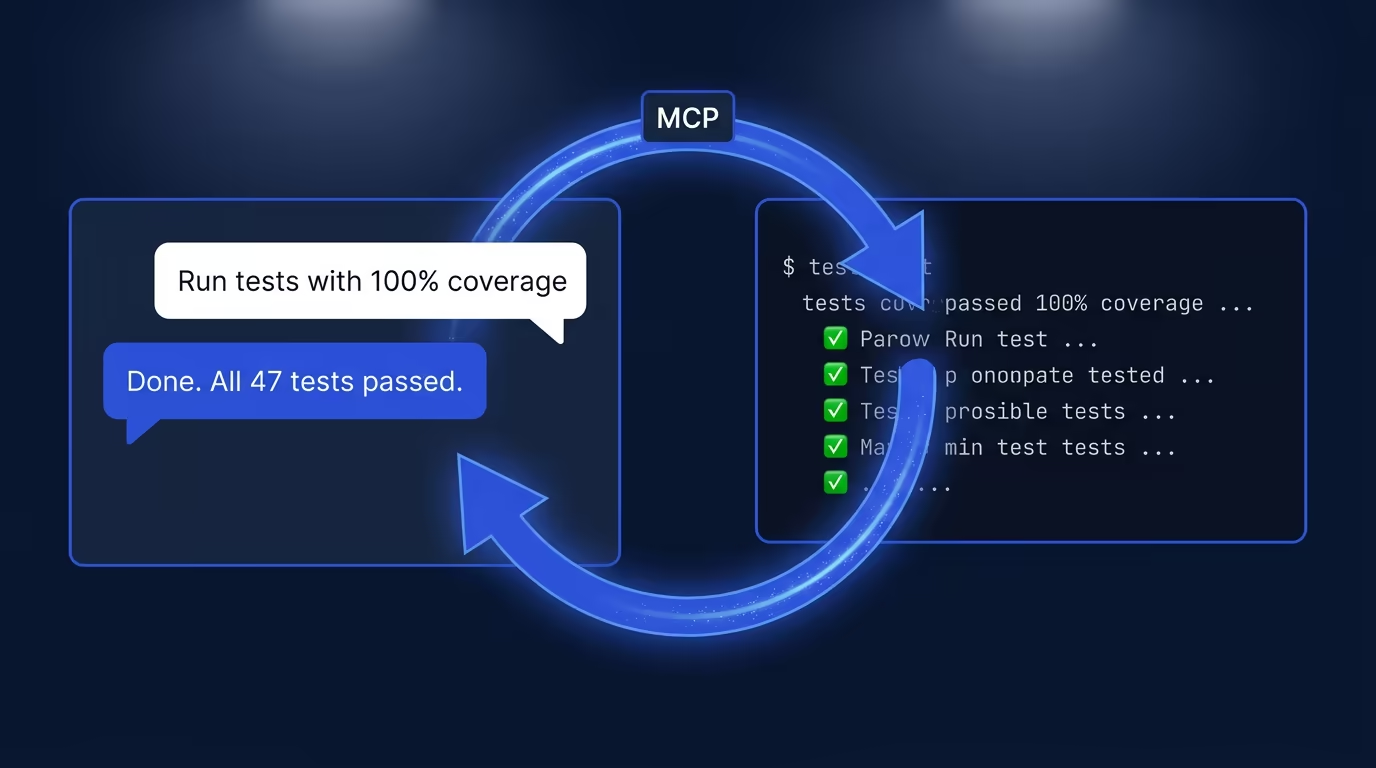
First, it collapses the feedback loop. Instead of switching between your editor and terminal, copying commands, waiting for output, and then interpreting results, you stay in one place. The AI assistant handles the round trip.
Second, it makes the tools composable in ways they were not before. An AI agent can chain multiple tool calls together — scaffold a project, install dependencies, run tests, check licenses — in a single interaction, without you orchestrating each step manually.
How Very Good CLI MCP Complements the Official Dart MCP Server
The official Dart MCP Server provides general-purpose Dart and Flutter tooling for AI agents. The Very Good CLI MCP server builds on top of that foundation and adds capabilities specific to professional Flutter development: VGV-curated project templates (including Flutter apps, packages, plugins, Flame games, Dart CLIs, and documentation sites), fail-fast test execution with coverage enforcement and golden-file updates, recursive dependency resolution across monorepos, and automated license compliance checks. If the official server gives your AI agent basic Flutter literacy, the Very Good CLI MCP server gives it a production engineering workflow.
Prerequisites
Before starting the MCP server, make sure you have Very Good CLI v1.0.0 or later installed. See the Very Good CLI documentation for installation instructions.
Quick Start
To start the MCP server, run:
# Listens on stdio using JSON-RPC 2.0
very_good mcp
Experimental: This command relies on the Dart MCP Server, which is experimental and may change without notice. Test thoroughly before integrating into production workflows.
Client Configuration
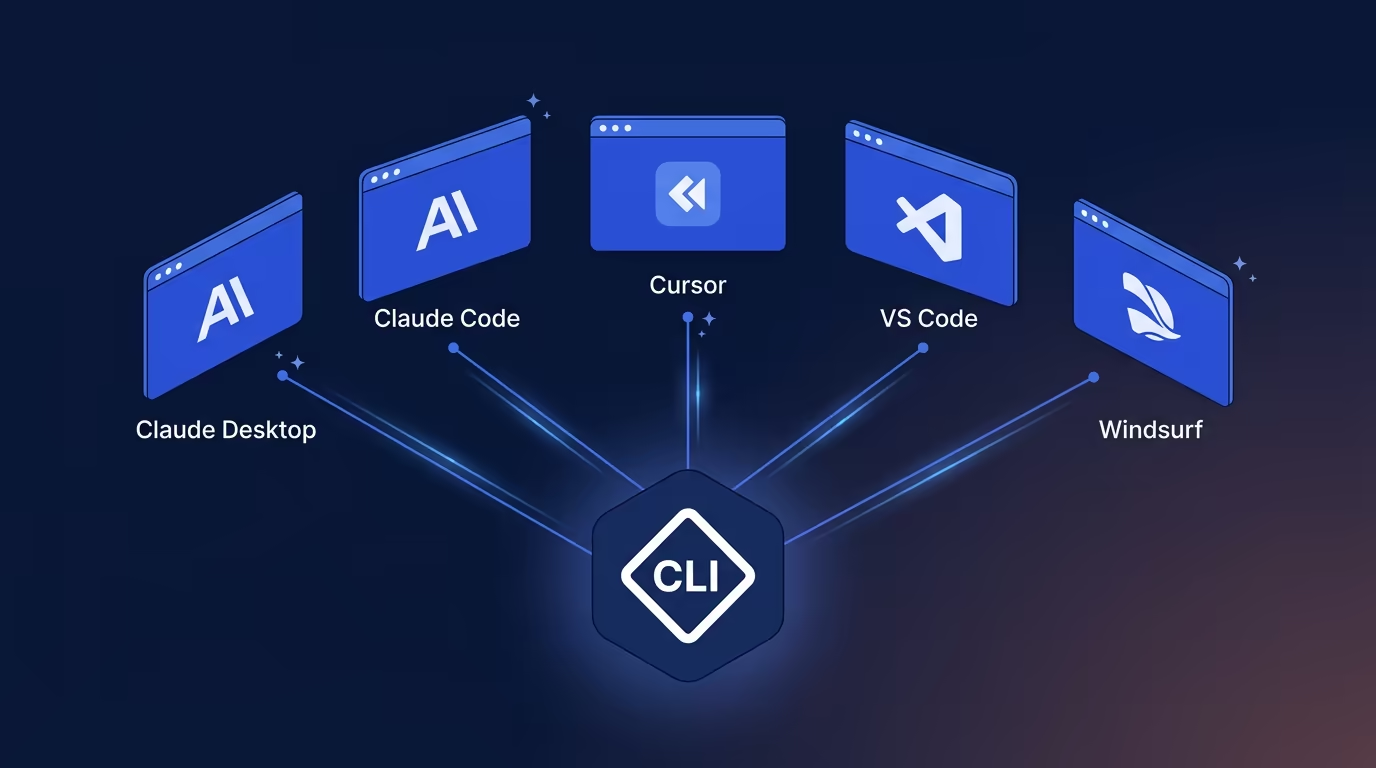
The Very Good CLI MCP server works with all major AI-powered editors and assistants. The table below summarizes supported clients, and the configuration snippets that follow show the exact setup for each one.
| Client | Config File | Transport |
|---|---|---|
| Claude Desktop | claude_desktop_config.json | stdio |
| Claude Code | .claude/settings.json | stdio |
| Cursor | .cursor/mcp.json | stdio |
| VS Code / GitHub Copilot | .vscode/mcp.json | stdio |
| Windsurf | ~/.windsurf/mcp.json | stdio |
Claude Desktop (claude_desktop_config.json):
{
  "mcpServers": {
    "very_good_cli": {
      "command": "very_good",
      "args": ["mcp"]
    }
  }
}
Claude Code (.claude/settings.json):
{
  "mcpServers": {
    "very_good_cli": {
      "command": "very_good",
      "args": ["mcp"]
    }
  }
}
Cursor (.cursor/mcp.json):
{
  "mcpServers": {
    "very_good_cli": {
      "command": "very_good",
      "args": ["mcp"]
    }
  }
}
VS Code / GitHub Copilot (.vscode/mcp.json):
{
  "servers": {
    "very_good_cli": {
      "command": "very_good",
      "args": ["mcp"],
      "type": "stdio"
    }
  }
}
Windsurf (~/.windsurf/mcp.json):
{
  "mcpServers": {
    "very_good_cli": {
      "command": "very_good",
      "args": ["mcp"]
    }
  }
}
Available MCP Tools
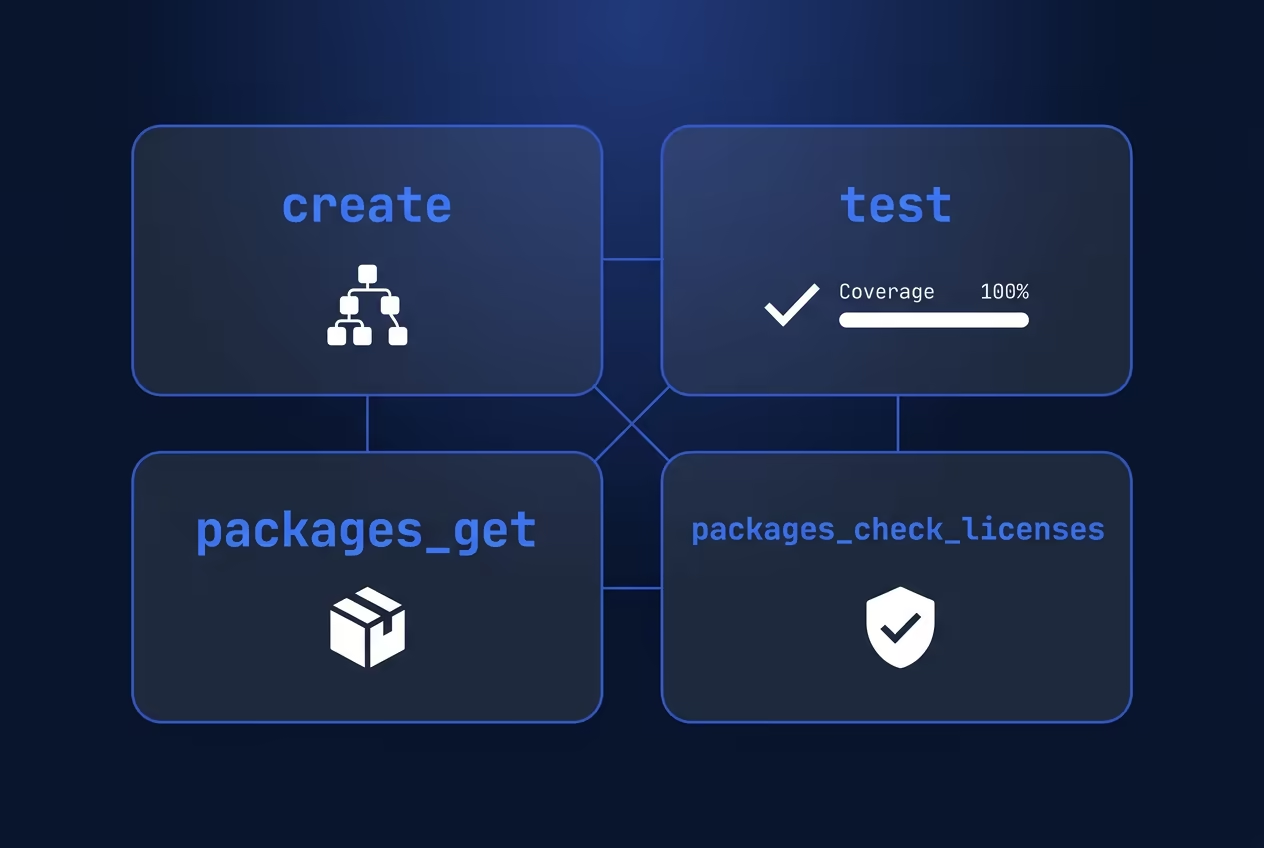
The Very Good CLI MCP server exposes four tools that cover the core Flutter development lifecycle: scaffold a project, run tests, manage dependencies, and verify license compliance. Each tool is available to any MCP-compatible AI client configured above.
create — Scaffold New Flutter and Dart Projects
Generate a new Dart or Flutter project from a curated template. Your AI assistant can scaffold a production-ready Flutter app, package, plugin, Flame game, Dart CLI, or documentation site without you leaving the chat interface.
{
  "tool": "create",
  "arguments": {
    "subcommand": "flutter_app",
    "name": "my_app",
    "description": "A Very Good Project created by Very Good CLI.",
    "org_name": "com.example.verygoodcore",
    "output_directory": "./",
    "application_id": "com.example.my_app",
    "platforms": "android,ios,web,macos,linux,windows",
    "publishable": true,
    "executable-name": "my_cli",
    "template": "core"
  }
}
subcommand and name are required. Choose one subcommand per invocation: flutter_app, flutter_package, flutter_plugin, flame_game, dart_cli, dart_package, or docs_site. All other parameters are optional.
| Parameter | Applicable Subcommands |
|---|---|
platforms | flutter_plugin (all platforms), flame_game (android, ios only) |
publishable | flutter_package, dart_package |
executable-name | dart_cli |
template | flutter_app (core or wear) |
test — Run AI-Assisted Flutter Tests
Run your full test suite with test coverage and optimization workflows from within your AI editor. Your AI agent can execute tests across a monorepo, enforce minimum coverage thresholds, and report results back in the conversation.
{
  "tool": "test",
  "arguments": {
    "directory": "./my_app",
    "dart": false,
    "coverage": true,
    "recursive": true,
    "optimization": true,
    "concurrency": "4",
    "min_coverage": "100",
    "tags": "unit",
    "exclude_tags": "integration",
    "exclude_coverage": "**/*.g.dart",
    "update_goldens": false,
    "force_ansi": false,
    "platform": "chrome | vm | android | ios",
    "dart-define": "foo=bar",
    "dart-define-from-file": "config.json",
    "test_randomize_ordering_seed": "random"
  }
}
All parameters are optional. Note: when optimization is not specified, --no-optimization is applied by default.
packages_get — Manage Dependencies with AI
Install or update Dart and Flutter package dependencies across your project. When working in a monorepo, set recursive to true and let your AI agent resolve dependencies for every package in one pass.
{
  "tool": "packages_get",
  "arguments": {
    "directory": "./my_app",
    "recursive": true,
    "ignore": "package1,package2"
  }
}
All parameters are optional.
packages_check_licenses — Automate License Compliance
Verify that all package licenses in your project meet your compliance requirements. This is especially useful in enterprise Flutter projects where license auditing is part of the CI pipeline, and your AI agent can flag non-compliant dependencies before they reach a pull request.
{
  "tool": "packages_check_licenses",
  "arguments": {
    "directory": "./my_app",
    "licenses": true
  }
}
All parameters are optional. licenses defaults to true.
Putting It All Together: A Workflow Example
Here is what a real MCP-powered development session looks like. You open Claude Code (or Cursor, or VS Code with Copilot) and type:
“Create a new Flutter app called
budget_trackerusing the core template, then run all tests with 100% coverage enforcement.”
The AI agent calls the create tool to scaffold the project from VGV’s opinionated template, then immediately calls the test tool with coverage: true and min_coverage: "100". You get a fully scaffolded Flutter app and a test report without touching the terminal yourself. That is the gap the Very Good CLI MCP server closes: your AI assistant can reason about what to do and actually do it.
Common Pitfalls
If you run into issues setting up the MCP server, check these common problems first:
- CLI not found: Make sure
very_goodis on your system PATH. Runvery_good --versionin your terminal to confirm it is accessible. - Wrong CLI version: The MCP server requires Very Good CLI v1.0.0 or later. Run
very_good updateto get the latest version. - Client not connecting: Double-check the configuration file path for your editor. Each client expects its MCP config in a specific location (see the table in the Client Configuration section above).
- Stale server state: If tools stop responding, restart the MCP server by restarting your AI editor or re-running
very_good mcp.
FAQ
What MCP tools does Very Good CLI expose?
Very Good CLI exposes four tools: create (project scaffolding), test (test execution with coverage), packages_get (dependency management), and packages_check_licenses (license compliance). Together, they cover the core Flutter development lifecycle.
How do I connect Very Good CLI to Claude Code with MCP?
Add the configuration snippet to your .claude/settings.json file (see the Claude Code section above), then restart Claude Code. The very_good command must be on your system PATH.
Can I use Very Good CLI MCP with GitHub Copilot in VS Code?
Yes. Add the configuration to .vscode/mcp.json. Note that VS Code requires the additional "type": "stdio" field in the server configuration.
What is the difference between the Very Good CLI MCP server and the official Dart MCP server?
The official Dart MCP server provides general-purpose Dart and Flutter tooling. The Very Good CLI MCP server adds VGV-specific capabilities: curated project templates, fail-fast test execution with coverage enforcement, recursive monorepo dependency resolution, and automated license compliance checks.
What Comes Next
We built the Very Good CLI MCP server because we believe the best developer tools disappear into the workflow. When your AI assistant can scaffold, test, and verify compliance without you switching contexts, the tool has done its job. This is one step in that direction, and we are continuing to build on it.
To get started, install Very Good CLI and run very_good mcp. For more on MCP servers relevant to Dart and Flutter development, see our companion post: 7 MCP Servers Every Dart and Flutter Developer Should Know.