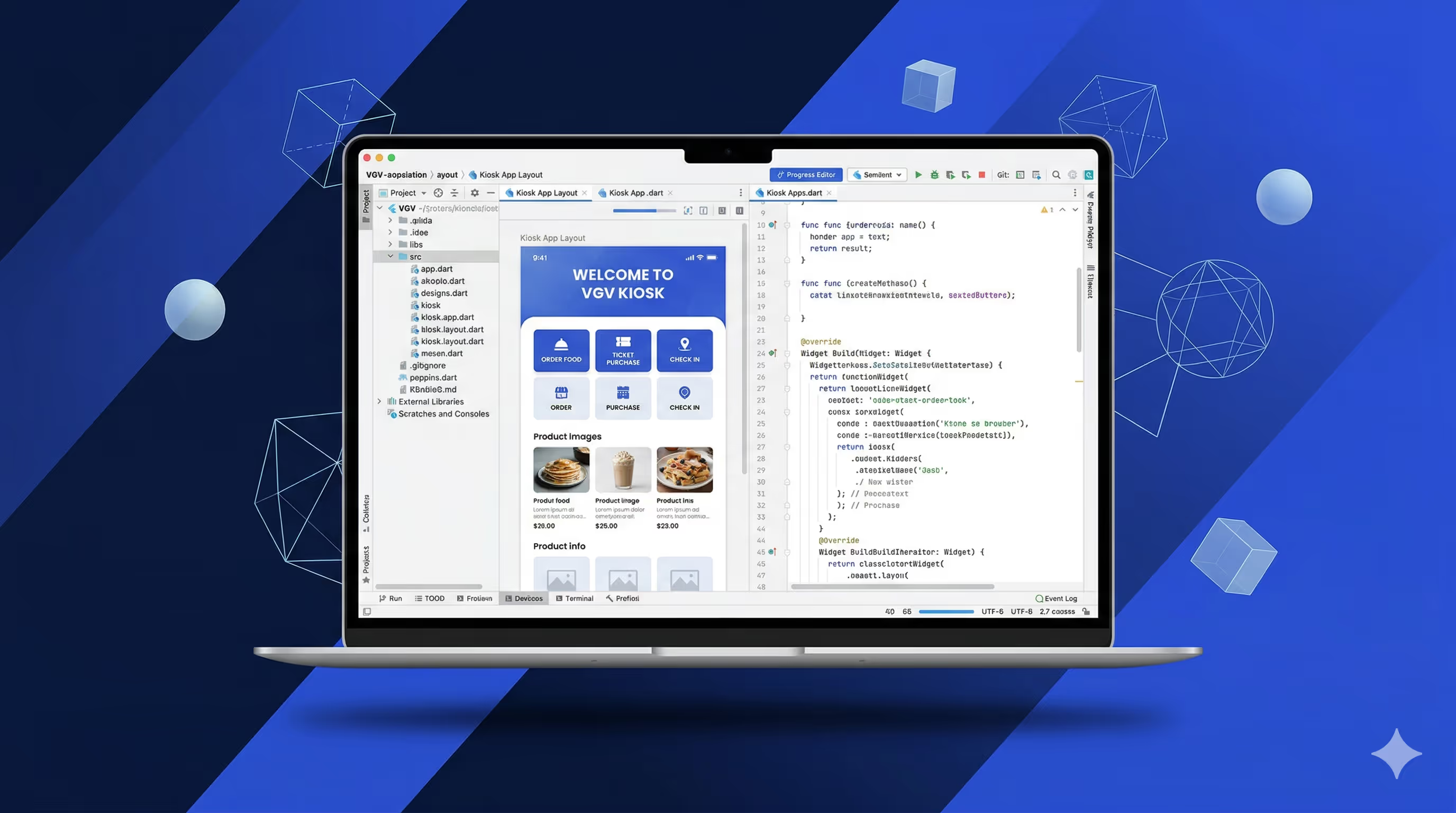
The entire kiosk app — eight screens, full ordering flow, tests, and review — took one day. 95% of the code was generated correctly on the first shot. If you’ve seen the talk I gave about Very Yummy Coffee’s multi-device architecture, this is the part I didn’t cover: how it actually got built that fast.
In that talk, I showed Very Yummy Coffee: five Flutter apps across five operating systems, all sharing a single codebase. A mobile ordering app, a self-service kiosk, a point-of-sale terminal, a kitchen display system, and a menu board. What I didn’t spend much time on was how I actually built all of that in a month, by myself. That’s what this post is about.
The short version: it happened because of a combination of Flutter’s architecture, VGV’s engineering standards, and an AI-assisted workflow called VGV Wingspan that made each step of development feed directly into the next.
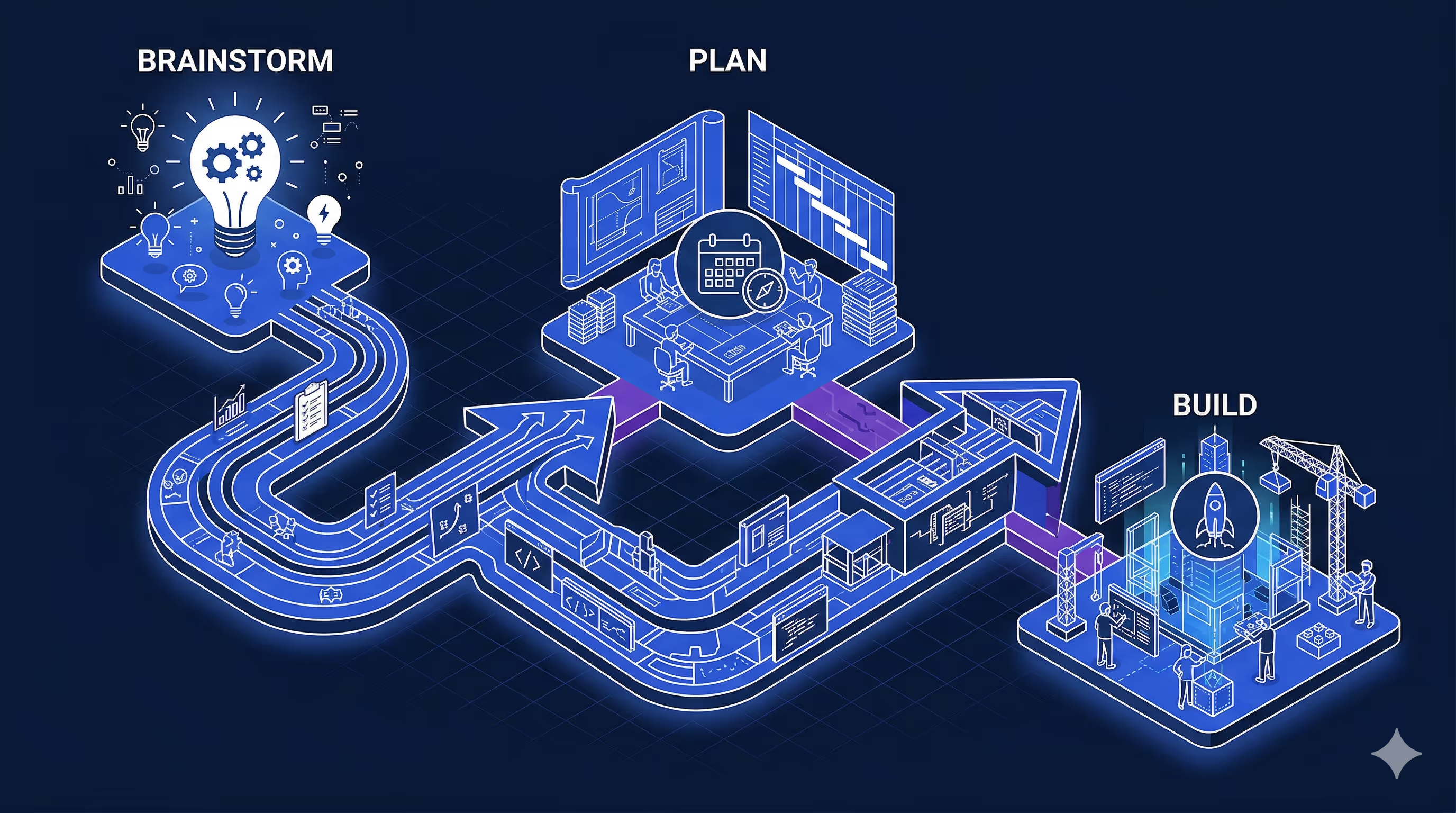
The Workflow: Brainstorm, Plan, Build
Wingspan is our AI-assisted engineering plugin for Claude Code. Here’s the quick version.
Wingspan organizes development into four phases: brainstorm, plan, build, and review. During brainstorming, it explores what you’re trying to build through collaborative dialogue — asking structured questions, proposing approaches with tradeoffs, and capturing decisions in a document. During planning, it turns that brainstorm into a detailed implementation plan by researching your existing codebase, identifying patterns, and flagging gaps. During building, it executes the plan, writes tests, and runs five quality review agents in parallel before shipping a PR.
The key insight is that each phase makes the next one dramatically better. A good brainstorm means the plan asks precise questions instead of vague ones. A good plan means the build phase already knows exactly which files to touch, which APIs to call, and which patterns to follow. It’s compounding context, not starting from scratch each time. If you’re familiar with the growing conversation around spec-driven development — writing structured specifications before generating code — Wingspan takes the same idea further. The brainstorm and plan phases don’t just produce a spec; they produce a spec grounded in your actual codebase, your actual patterns, and your actual gaps.
You can see the brainstorm and plan documents Wingspan generated throughout the project in the repository.
How Flutter’s Architecture Enables Reliable AI Code Generation
The Very Yummy Coffee codebase is, frankly, boring — and that’s the point.
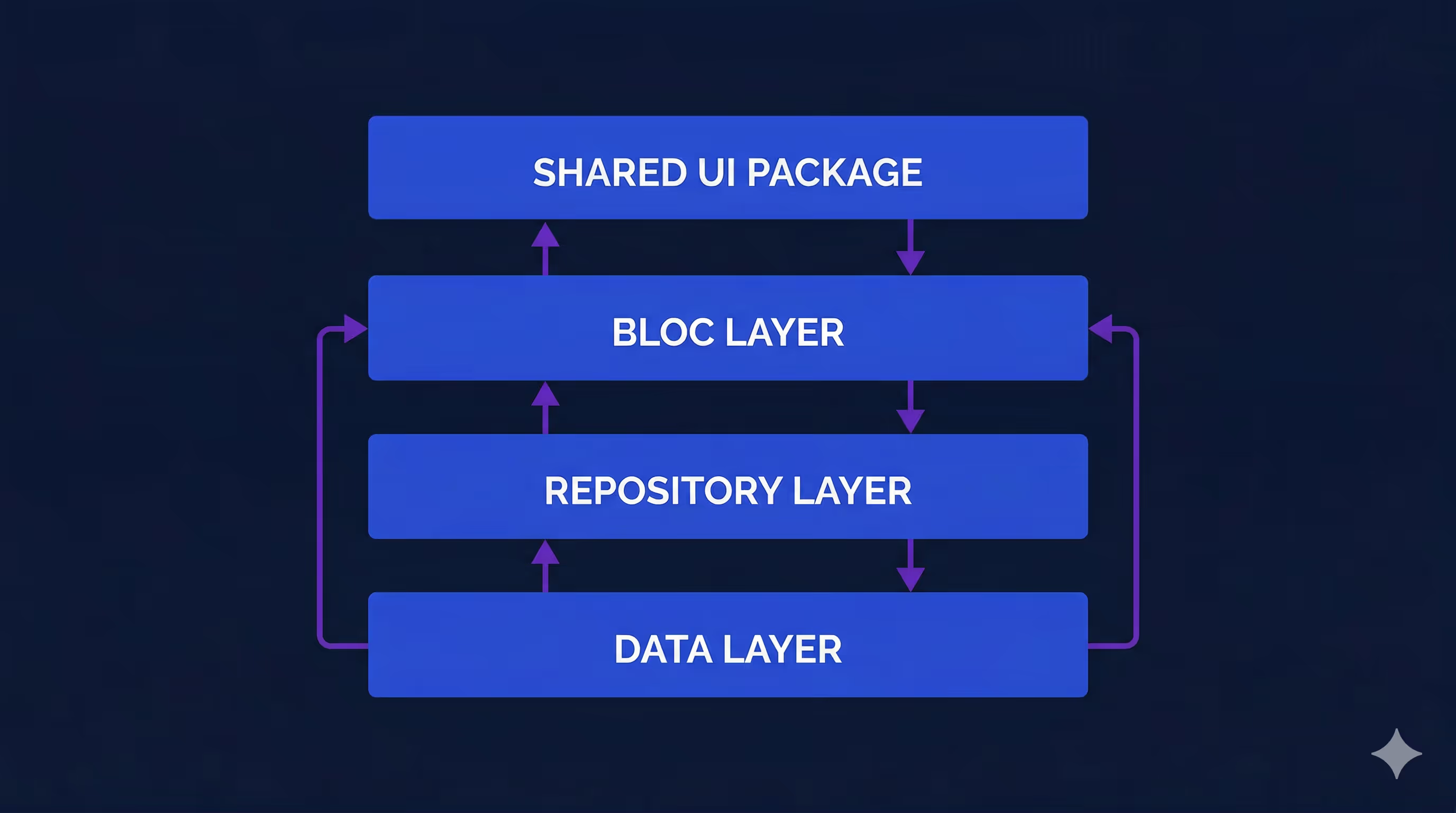
Repositories expose streams of data coming from the server and methods for sending events back. The MenuRepository returns a stream of menu groups. The OrderRepository returns a stream of the current order and exposes methods like addItemToCurrentOrder() and submitCurrentOrder(). Every app subscribes to the same streams, and every mutation goes through the same methods.
State management is Bloc everywhere. Most blocs are 20-40 lines of code. They subscribe to a repository stream with emit.forEach, map data into state objects, and that’s it. MenuGroupsBloc subscribes to menuRepository.getMenuGroups(). CartBloc subscribes to orderRepository.currentOrderStream. The pattern is so consistent you could almost template it.
Then there’s the shared UI. A very_yummy_coffee_ui package defines colors, typography, spacing, and reusable widgets like OrderCard, StatusBadge, and ModifierGroupSelector. When an app needs to display an order or a modifier picker, it composes existing components rather than building from scratch.
Building five apps from a single Flutter monorepo across five operating systems is non-trivial — but it becomes possible when the architecture is this predictable. (If you want to go deeper on how we structure Flutter projects, check out our post on Very Good Flutter Architecture.) The agent doesn’t need to figure out how to build something — it just needs to figure out what to build. The discovery phase becomes reliable. It finds shared UI components, recognizes the state management pattern, and sees simple repository interfaces to work with.
Engineering Standards as Agent Context
At VGV, we’ve spent years distilling our engineering approach into what we call Very Good Engineering — over 20 technical articles covering everything from layered architecture and state management to testing, theming, code style, and security. The core philosophy boils down to four qualities: consistent, flexible, approachable, and testable. In practice, that means strong opinions on things like how to structure layers (data, repository, business logic, presentation), how to name tests (natural sentences, grouped by entity and method), and how to handle state (Bloc with explicit events, never Cubit).
Before I started building Very Yummy Coffee, I converted those standards into markdown files that live directly in the repo under ai-coding/standards/. There are around 25 of them, organized by topic: architecture, CI/CD, code style, error handling, internationalization, state management, testing, UI, and general practices. When the AI agent writes code, it reads these files for context — so it knows that tests should use private mocks per file, that widgets should be found by type rather than hardcoded keys, that routes should use context.go('/path') with hardcoded strings, and that colors should come from design tokens instead of raw Colors.green.
We’ve since packaged this idea up more formally as the VGV AI Flutter Plugin — an open-source Claude Code plugin that embeds these battle-tested Flutter and Dart best practices directly into AI-assisted workflows. It covers accessibility, testing, design patterns, and more. For this project, I was working with an early version of the same concept: documented standards that the agent could read and follow.
The result was that I didn’t spend time or tokens correcting basic mistakes. The agent already knew how to write VGV-style Flutter code from the start. And during the build phase, Wingspan’s five review agents — covering VGV standards, code simplicity, test quality, architecture, and PR readiness — enforced those same standards automatically. If something drifted, it got caught before I ever saw it.
Pencil Filled the Design Gap
For this project, I didn’t have a designer available. I’ve tried designing things myself, but I’m no professional and it would have taken months to design all five apps. Pencil filled that gap.
If you haven’t seen it, Pencil is a design tool that lives directly inside VS Code or Cursor — a canvas with layers, editable properties, and direct manipulation, embedded in your IDE instead of a separate app. Designs are stored as .pen files, which are JSON-based and version-controlled right alongside your code. You can even copy-paste frames from your existing design files and Pencil will preserve the layers, auto-layout settings, and styles.
Here’s what made Pencil particularly valuable for this project: it exposes an MCP (Model Context Protocol) server that AI agents can interact with programmatically. That distinction matters. When Wingspan’s build agent reads a Pencil frame, it’s not interpreting a screenshot or guessing at a visual — it’s reading a structured data format that maps directly to layout properties. That means the agent could look at the kiosk’s cart screen design, see the exact spacing, component hierarchy, and color tokens, and build toward that specification with real data rather than vibes.
Pencil is still early — it’s currently free during early access — and the rough edges show occasionally. But for this project, having designs version-controlled alongside code and readable by an AI agent was more useful than a polished tool that lived in a separate tab.
Putting It All Together
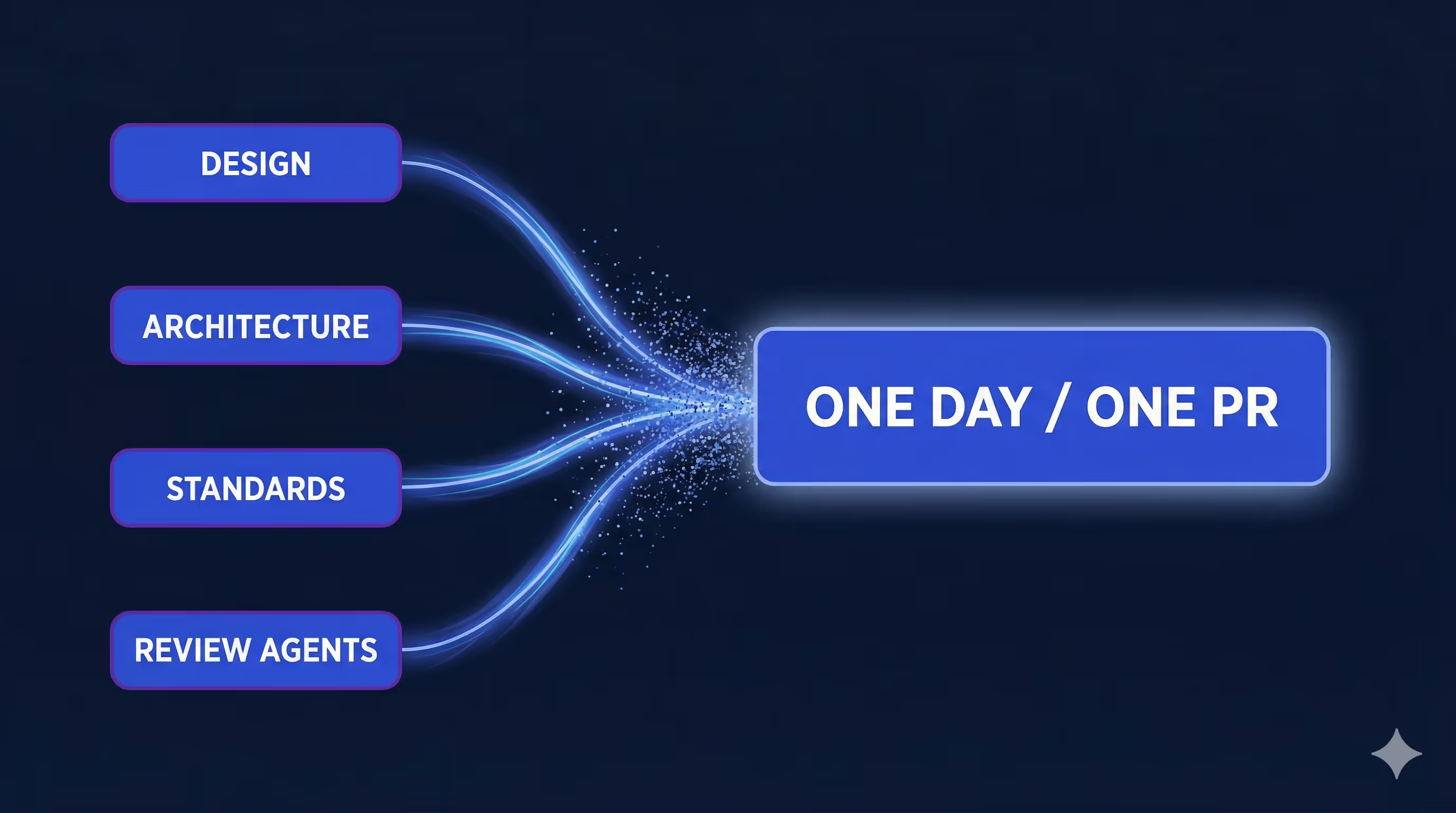
The kiosk app took one day to complete in a single PR — and each piece described above contributed directly to that. Here’s how.
Design gave the agent something concrete to build toward. A Pencil design file provided agent-discoverable information about what each screen should look like — layouts, components, color usage. Any MCP-connected design tool would have worked the same way. Because the design and the code were accessible in the same environment, the agent could cross-reference one against the other. When it built the cart page, it could check whether the layout matched the design. When it saw a modifier row in the design, it knew to look for the corresponding component in the shared UI package.
Brainstorming and planning discovered the existing pieces. This is the part that surprised me most. During the planning phase, Wingspan crawled the existing codebase and found all the repository methods, shared widgets, and patterns it would need. The questions it surfaced weren’t high-level architecture questions — they were specific and actionable. At one point, it flagged: “Your design shows a modifier row on the cart page, but the modifier data isn’t included on the line item object.” That’s the kind of catch that would normally surface during code review or QA, not during planning.
Predictable architecture made discovery reliable. Because every repository exposes streams, every bloc subscribes with emit.forEach, and every shared widget lives in the same package, the agent knew where to look and what to expect. It found MenuGroupsBloc in the mobile app, recognized it was a 32-line emit.forEach wrapper, and knew the kiosk version would be structurally identical. No guessing, no hallucinating APIs that don’t exist.
Review agents kept the code on track. After the build phase completed, Wingspan’s review agents checked the output against VGV’s engineering standards. Architecture violations, missing tests, unnecessary complexity — all caught automatically. Tests aren’t just a downstream QA step here; they’re the mechanism by which the agent self-corrects. The code that landed in the PR followed the same conventions as the rest of the monorepo.
What I Learned
The lesson here isn’t “AI writes code fast.” It’s that the combination of good architecture, documented standards, visual design, and a structured agentic coding workflow produces results that none of those things achieve alone. It’s driven by what’s already worked for years, not some new fancy technique.
Flutter’s code sharing gave the agent a rich set of existing components and patterns to draw from. VGV’s engineering standards eliminated an entire class of back-and-forth corrections. Pencil gave the agent a visual target. And Wingspan’s brainstorm-plan-build pipeline ensured that by the time code was being written, the agent already understood the full context — what to build, which pieces already existed, and which conventions to follow.
I’ve heard the criticism that AI agents generate slop — low-quality, generic code that you spend more time fixing than writing yourself. I think at this point, that’s user error, not a tool problem. Agents generate slop when they don’t have structure to work with: no architecture to follow, no standards to reference, no existing patterns to match. Give an agent a blank canvas and a vague prompt and yes, you’ll get slop. Give it a predictable architecture, documented conventions, a design spec, and a phased workflow that builds context before writing code — and you get a kiosk app in a day.
AI alone — without architecture, standards, or a phased workflow — would have meant most of my time reviewing and fixing generated code instead of shipping features. The architecture and standards didn’t just help the AI — they made AI assistance practical at this scale.
If you’re building Flutter apps and thinking about how AI fits into your workflow, start with the foundations: predictable architecture, documented conventions, and shared packages. Those are force multipliers whether you’re coding by hand or working with an agent. Add structured AI tooling on top of that, and the ceiling for a single developer is higher than most teams assume.
Want to try this approach?
The VGV AI Flutter Plugin embeds VGV’s engineering standards directly into Claude Code. The Very Good Engineering site documents the conventions behind it. And VGV Wingspan ties it all together with a brainstorm-plan-build workflow. All three are available for your team to use today. That’s VGV’s AI Flutter Engineering ecosystem, ready to ship!