



Experience GenUI at Google Cloud Next 2026
Visit VGV in Las Vegas to see how AI-driven generative interfaces create adaptive, real-time user experiences. Try our live demo and explore the future of UI.
GenUI
AI-Driven Interfaces, Built for Humans
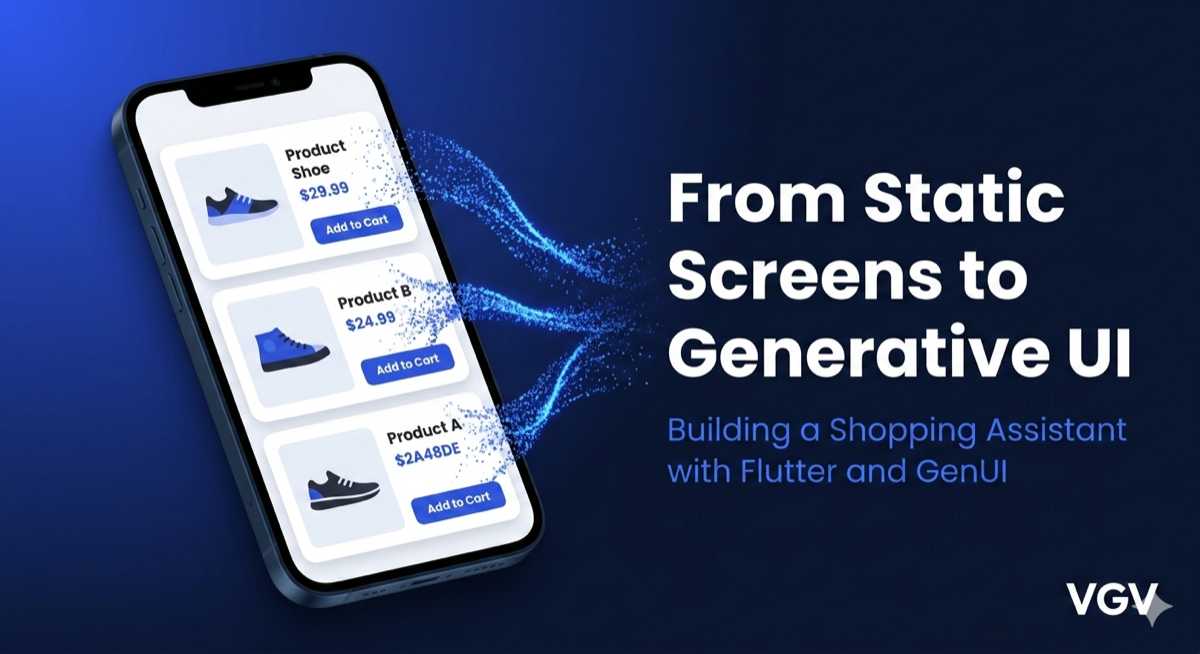
GenUI rethinks the interface lifecycle — from static screens to adaptive, AI-assembled experiences.
What Is GenUI?
GenUI goes beyond chatbots. Instead of returning text, AI agents respond with rich, interactive interface components tailored to each user's intent.
Why It Matters
Users reach their goals faster with fewer taps and less cognitive load. GenUI replaces static screens with adaptive experiences that feel personal and intuitive.
How It Works
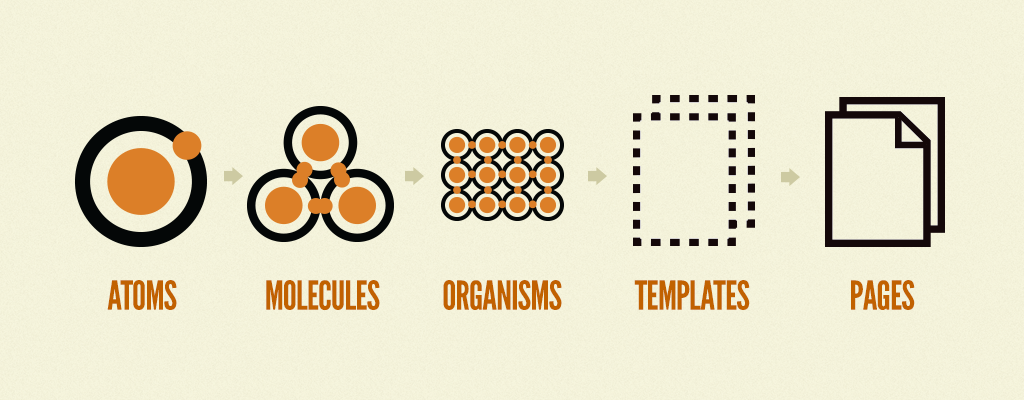
An AI model selects from a governed catalog of pre-approved UI components, assembling interfaces in real time while staying on-brand and accessible.
Open Source
Run It Yourself
The demo is fully open source. Clone the repo and have it running on your own device in minutes.
01
Install Flutter
Follow the official Flutter installation instructions to set up Flutter on your machine.
02
Connect Firebase
Create a Firebase project and connect it to the app. Full setup instructions are in the repo README.
03
Run the App
Run the app from your editor or command line to see GenUI in action.