Google is a global tech company with hundreds of thousands of employees around the world. The company is most known for the Google search engine, as well as numerous other cloud computing, internet, hardware, and software services. Google launched Flutter in 2017 as a solution to build apps for all screens and has since partnered with us numerous times to demonstrate Flutter’s amazing potential.
Google tasked us with building a slides desktop application for macOS using Flutter to demonstrate how Flutter Desktop Embedding works.
First Major Flutter Desktop App
Google regularly turns to Very Good Ventures to demonstrate Flutter’s capabilities — we built Hamilton, the first commercial mobile app using Flutter, as well as the first web app, KENKEN for The New York Times. For this project, we used Desktop Embedding — an implementation of Flutter that enables Flutter apps to run on Windows, macOS, and Linux — to build a slides presentation app.
Customizable Slides
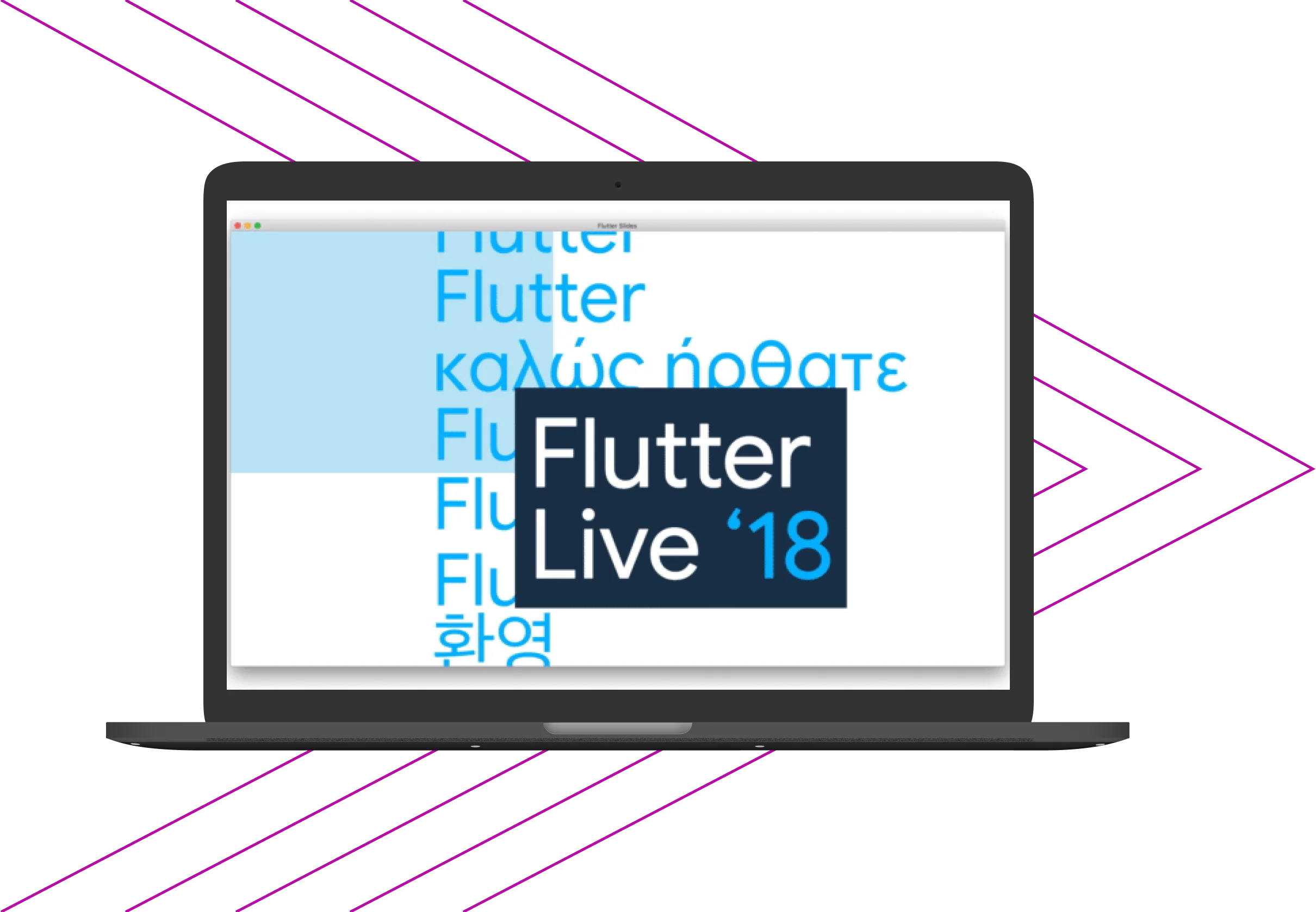
We designed the slides to contain rich text and had to make them resizable to fit any window so that users would have a similar experience when viewing on mobile compared to desktop. We also implemented navigation controls to move through the slides. All slide content is contained within one JSON file for easy updates in one place.
Animations and Embedded Code
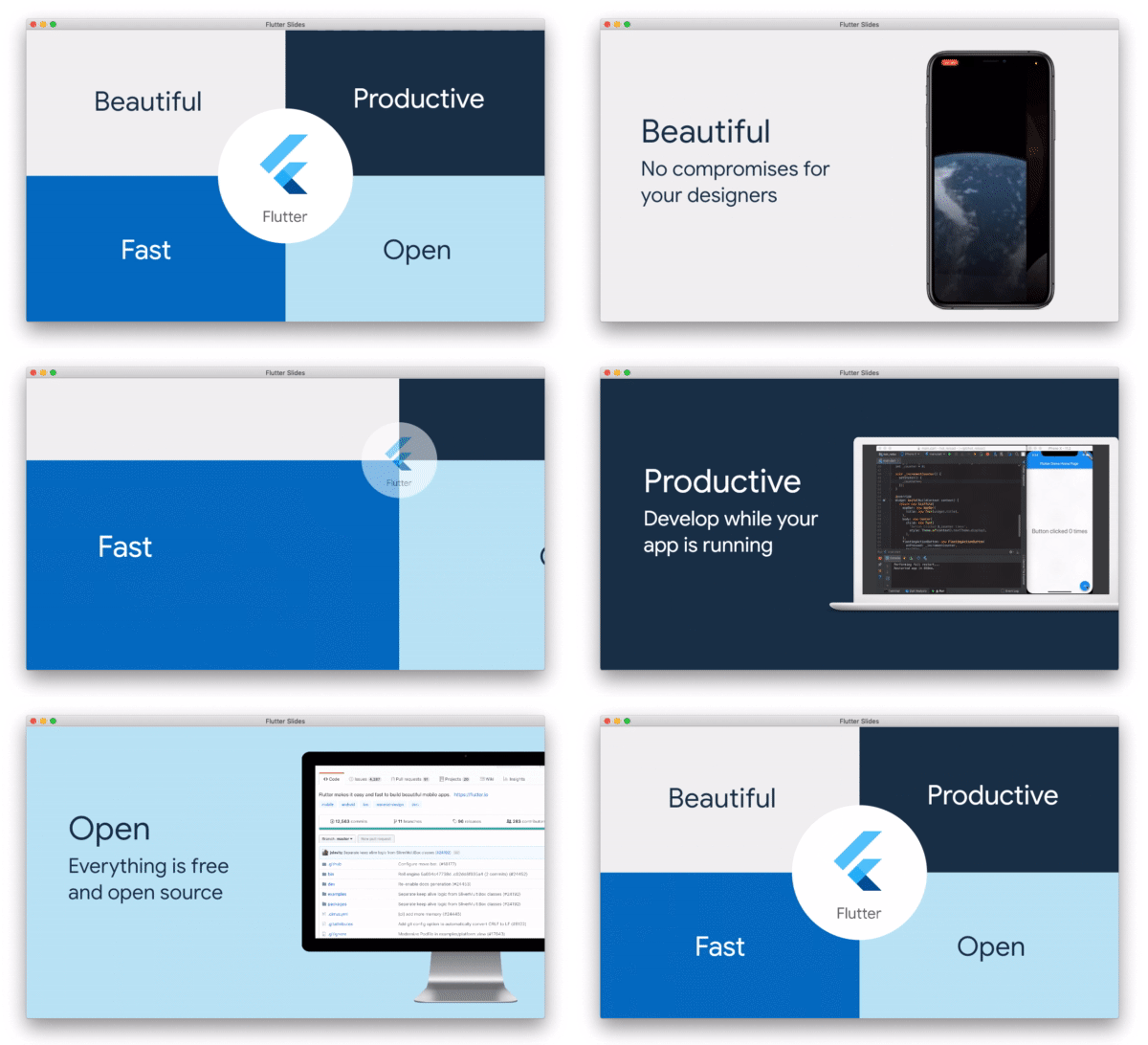
The slides applications includes a variety of transitions, scaling effects, and carousel and other useful animations. But the shining star of the project was demonstrating that any Flutter code could run as a desktop app. Now, instead of limiting presentations to screenshots or video captures of code, the app can embed code and run real apps directly in the slides.
Project Summary
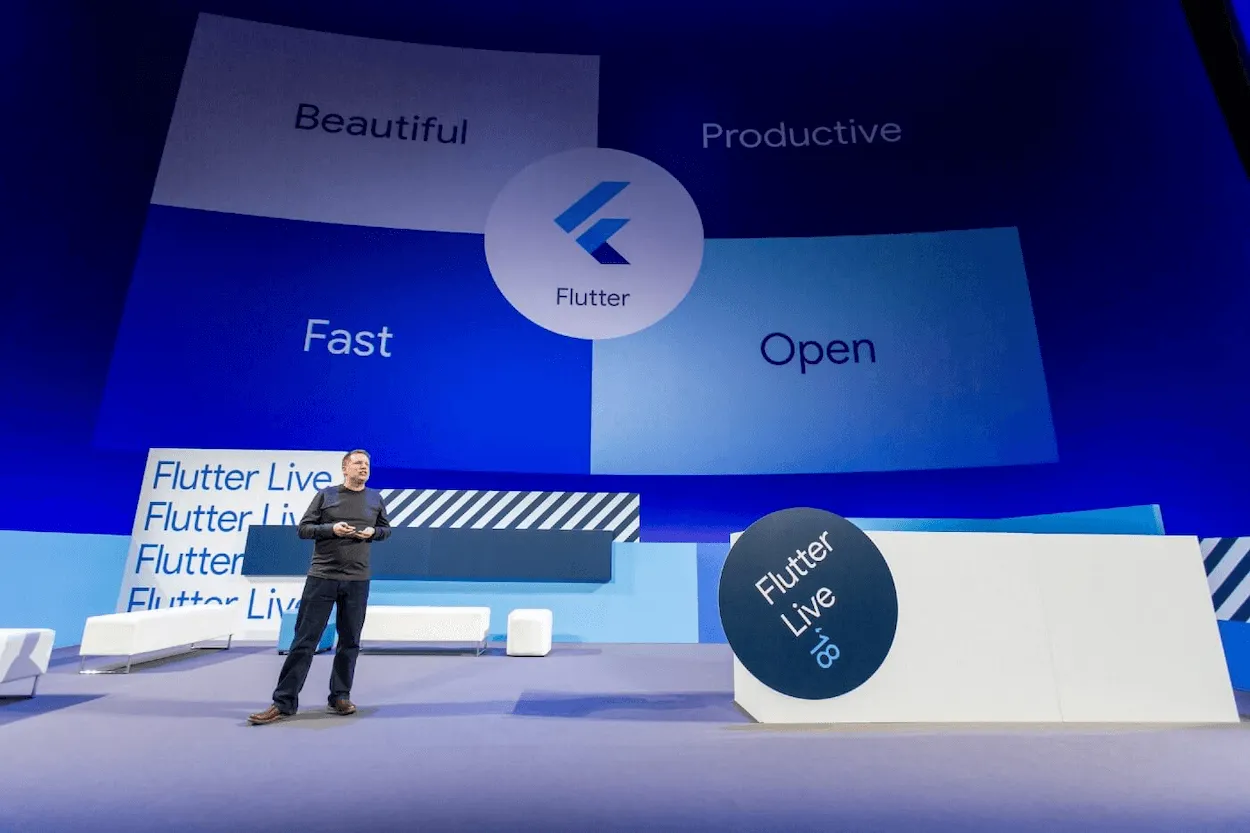
Google turned to us to create a slides application in Flutter, complete with customizable design elements and animations. At Flutter Live ‘18, Tim Sneath delivered the keynote and revealed that his entire presentation was running in the Flutter app that we built!
Stats
120k+
Views on YouTube
200+
Stars on slides open source repository
100%
Code re-usable between desktop and mobile
Outcomes
Outcome 1
Animations Made Easy
One of the major animations we created for the presentation was the unique four-box animation we created for Flutter’s “Four Pillars.” With Flutter we implemented this effect easily — something that would not possible in typical presentation tools.
Outcome 2
Build for Mobile and Desktop
Our slides application was the first major application built in Flutter for desktop. In addition to creating mobile applications with Flutter, we could develop for desktop without having to learn a new language.
Outcome 3
Dedication to Open Source
Participating in the Flutter Community is essential to our work. After the conference, we made the code for the slides application available as a Flutter open source repository on GitHub.