# Flutter 3.44 at Google I/O 2026: What We Saw at the Conference
> Notes from a Flutter dev on Agentic Hot Reload, Chrome APIs that matter for Flutter Web, and the gen-media demos on the floor.
- Source: https://verygood.ventures/blog/google-io-2026-flutter/
- Published: 2026-05-22
- Author: Marcus Twichel
- Tags: Flutter, Google I/O, GenUI, Agentic Development, MCP
---
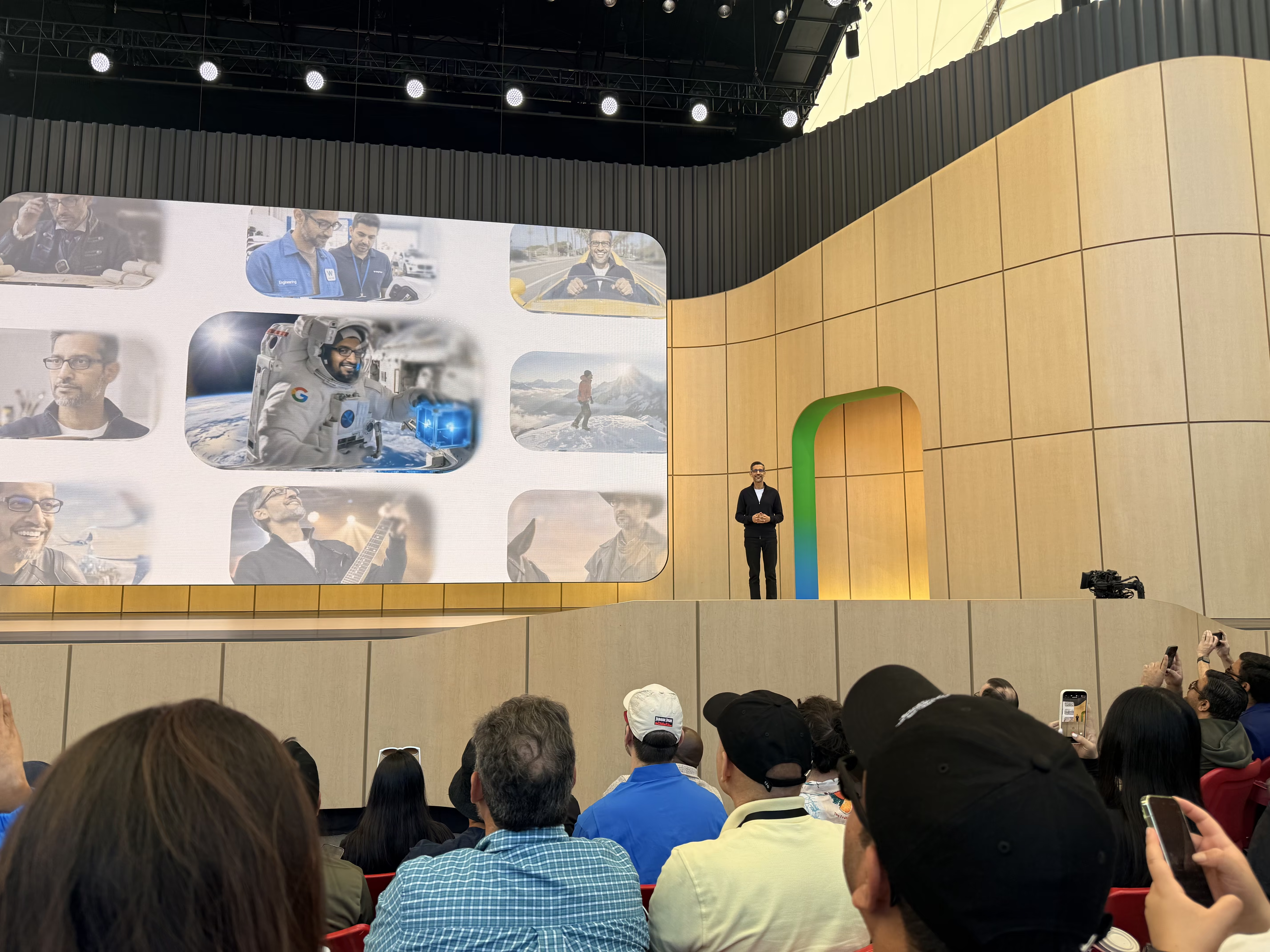
Flutter is now the #2 most popular SDK on both major app stores. Chrome shipped APIs that could quietly fix Flutter Web's biggest limitations. And someone printed latte art on my cappuccino using Gemini. Here's what I came back with from Google I/O 2026.
## Flutter at I/O 2026
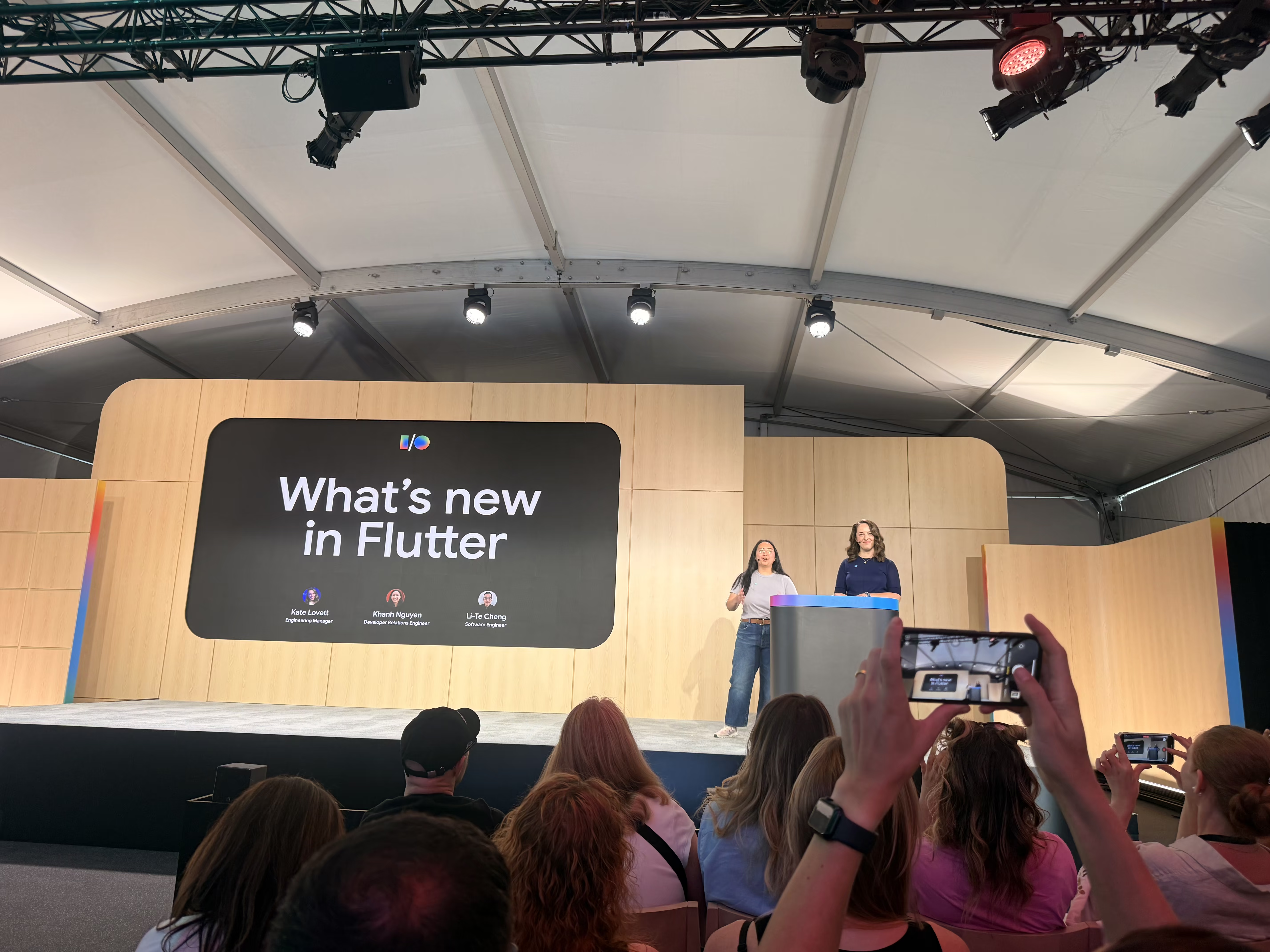
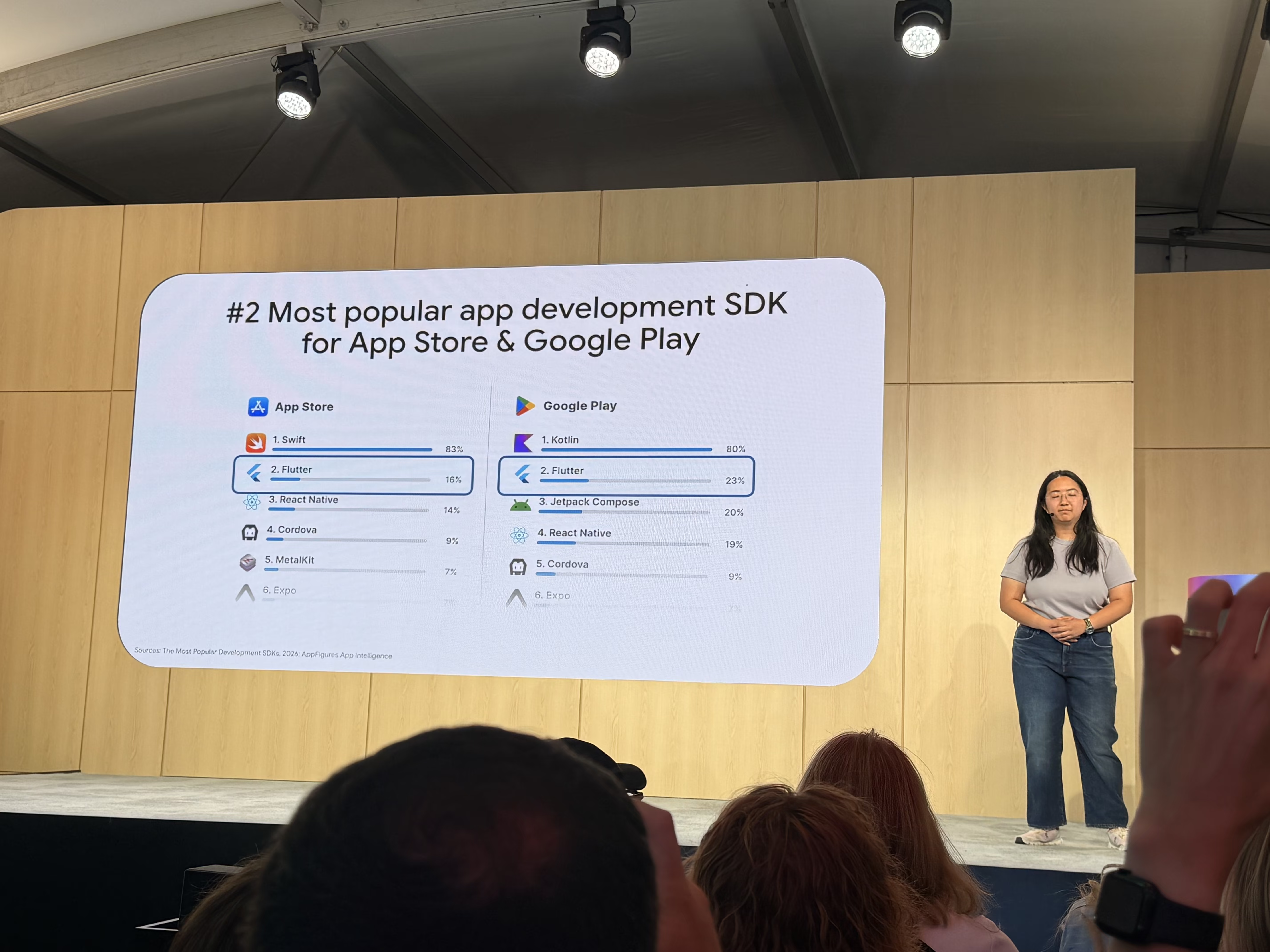
The headline stat from "What's New in Flutter" landed right at the top of the session. Flutter is the **#2 most popular app development SDK** on both the App Store and Google Play, and it's used by 1.5 million developers worldwide. For teams making framework decisions, a number like that is a useful long-term signal about ecosystem risk.
[Flutter 3.44](https://blog.flutter.dev/whats-new-in-flutter-3-44-b0cc1ad3c527) shipped alongside the conference. A few things caught my eye.
**Agentic Hot Reload** closes a feedback loop that has been annoying since AI-assisted coding became part of the daily workflow. The [Dart and Flutter MCP server](https://docs.flutter.dev/ai/mcp-server) finds your running app automatically and triggers hot reloads after an agent makes changes. The manual copy-paste loop between agent output and your terminal disappears. The feedback cycle shrinks from minutes to seconds. That kind of improvement compounds over a full workday. We've been writing about [MCP servers for Dart and Flutter developers](https://verygood.ventures/blog/7-mcp-servers-every-dart-and-flutter-developer-should-know/) for a while now, and [Very Good CLI's built-in MCP server](https://verygood.ventures/blog/very-good-cli-1-0-flutter-testing-mcp-semantic-versioning/) sits in the same lineage of work.
**[Swift Package Manager is now the default](https://docs.flutter.dev/packages-and-plugins/swift-package-manager/for-app-developers) for iOS and macOS.** CocoaPods has been a steady source of pain for years. The CLI handles migration automatically.
The split of **Material and Cupertino** out of the core framework is progressing toward enforcement. Imports will soon move to `package:material/material.dart` instead of `package:flutter/material.dart`. [We've covered this shift before](https://verygood.ventures/blog/a-new-era-for-app-design-and-what-it-means-for-flutter/), and it's a necessary step toward cleaner API boundaries.
Toyota premiered a [video on the work to bring Flutter to the 2026 RAV4 infotainment system](https://verygood.ventures/blog/top-companies-using-flutter/), with more vehicles to follow. Seeing the platform land in production automotive hardware in front of a developer audience reinforces why teams are picking Flutter for surfaces well beyond phones. This is a very special project for VGV as well, as it demonstrates the results of multiple years of hard work teaming up with the Toyota team.
{% video url="https://www.youtube.com/watch?v=X4376aLFHFA" title="Flutter at Google I/O 2026 — Toyota RAV4" %}
[GenUI](https://verygood.ventures/resources/genui/) was again a popular topic from [Cloud Next](https://verygood.ventures/blog/vgv-at-google-cloud-next-2026/) through I/O. The practitioner conversations I had were more specific than the headline concept. People were working through three recurring questions: how to keep token usage efficient when the model is generating UI on every interaction, whether on-device models are capable enough to handle it without a cloud round-trip, and how to identify which parts of an app actually benefit from generative UI versus which parts should stay deterministic. That third question is the hardest one. The appetite is clearly there, but the teams doing it well are the ones who are being deliberate about where to apply it.
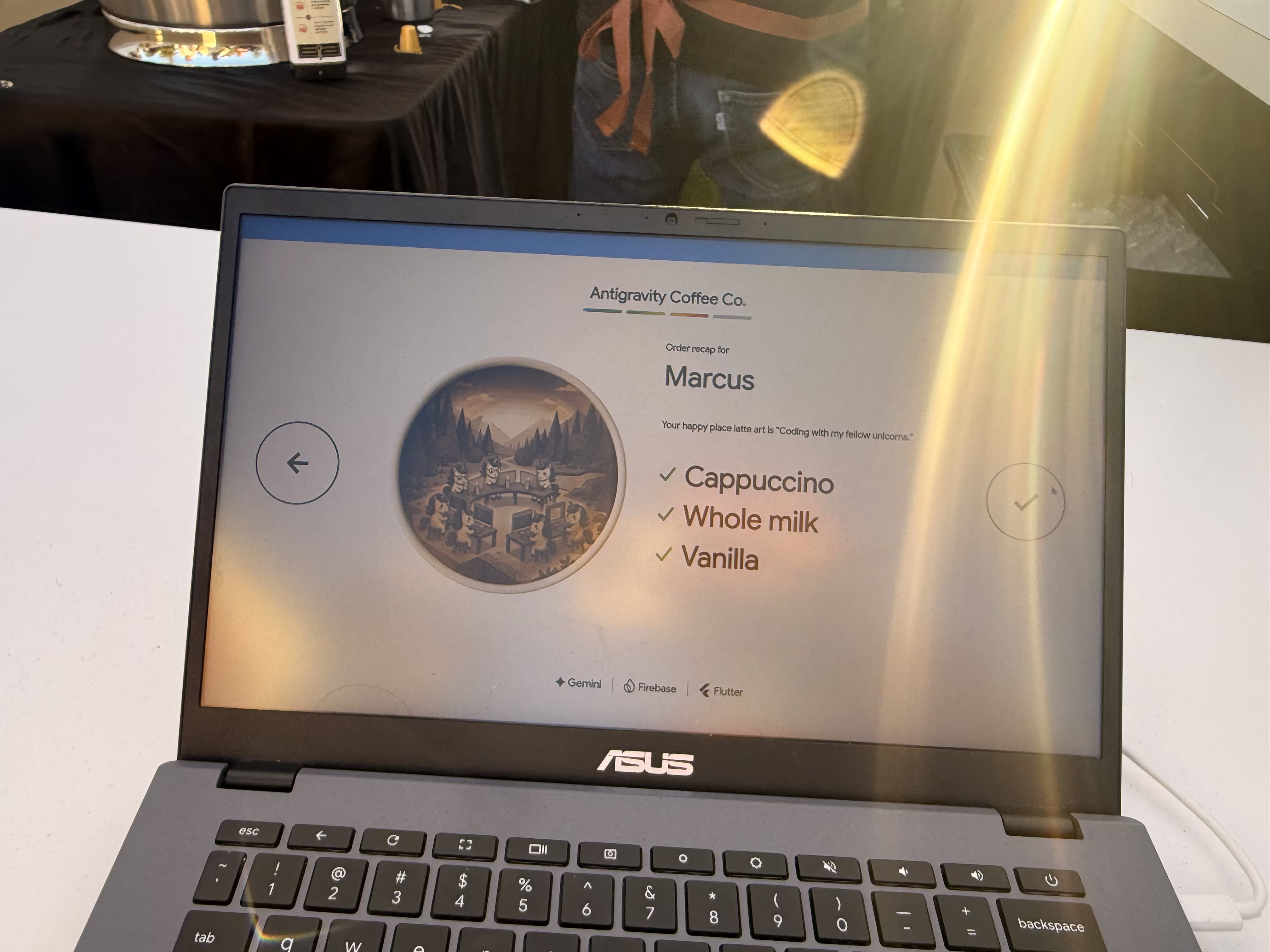
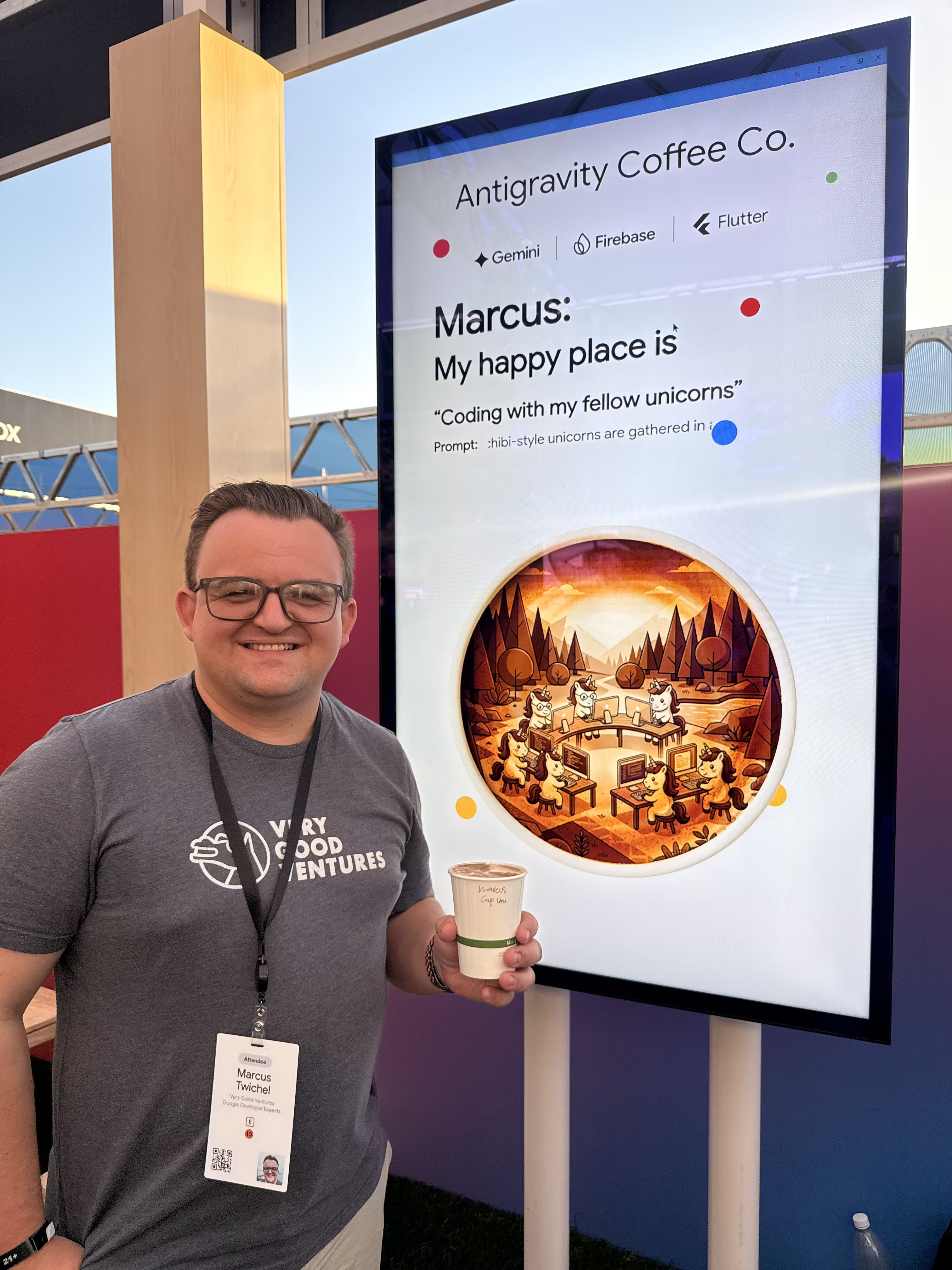
The Antigravity Coffee Co. demo was the standout floor experience. Flutter ran across multiple screens at once: phone, tablet, laptop, and TV. The app asked a few questions, generated a personalized prompt, and Nano Banana (Google's image generation model) produced custom latte art based on the answers. A printer then applied the image directly to the foam of a cappuccino. I asked it to make _"Coding with my fellow unicorns."_ The result was delightful, and the underlying point landed. A multi-screen Flutter app coordinating with image generation and physical hardware is exactly the kind of experience the framework is built for now.

## HTML-in-Canvas and WebMCP: What They Mean for Flutter Web
Google is bringing several new web APIs to Chrome with real implications for Flutter Web.
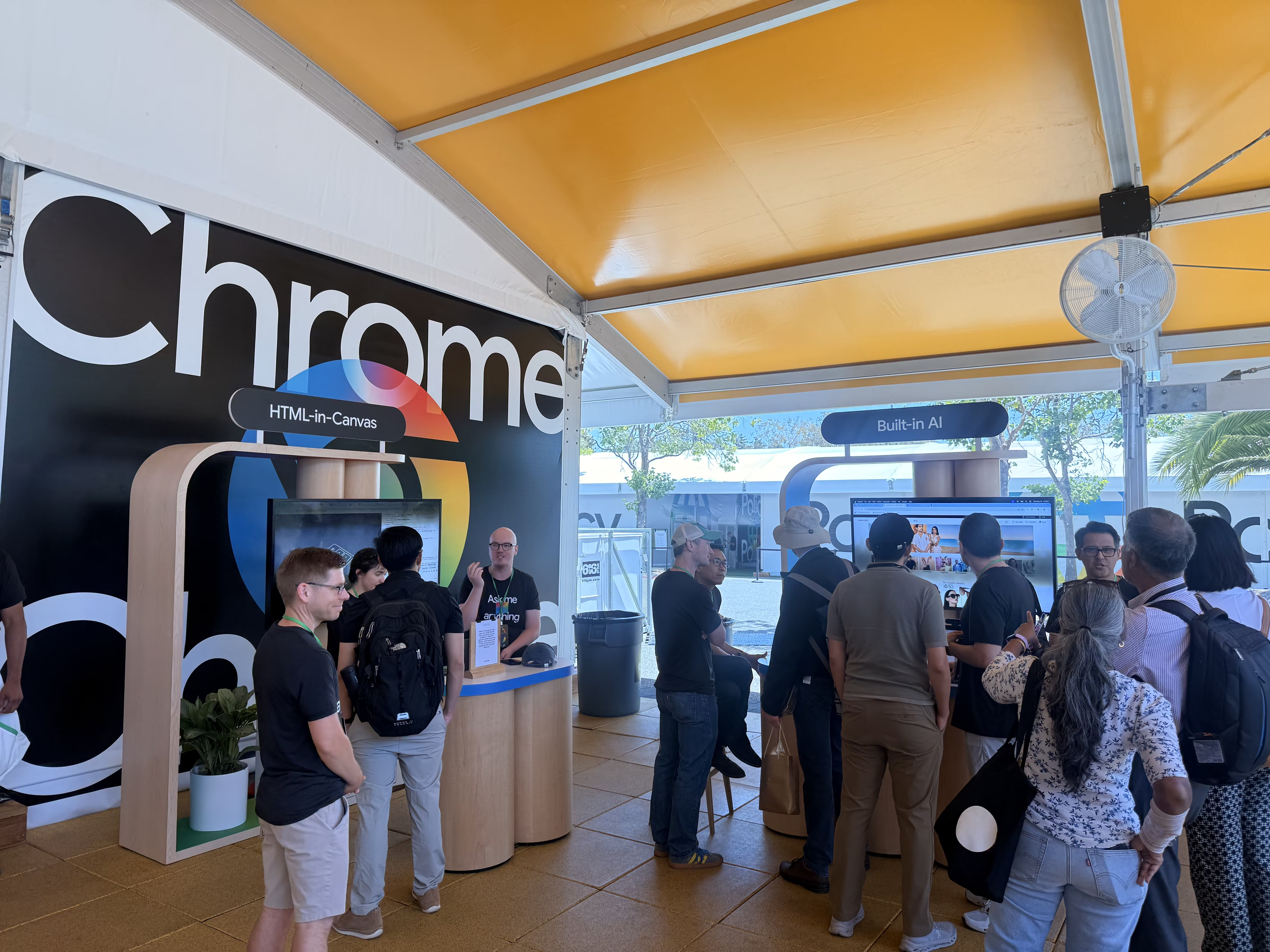
[**HTML-in-Canvas**](https://developer.chrome.com/blog/html-in-canvas-origin-trial) could let Flutter Web's Canvas-based renderer embed native HTML elements with much lower performance cost than today. That opens a path to real SEO and native text tools (including browser translation) for Flutter Web apps, which has been one of the framework's longer-standing limitations on the platform. One of the Chrome engineers at the booth said it directly. "One of the first use cases we were interested in was Flutter Web." Worth tracking as the API moves through the origin trial and toward standardization across browsers.
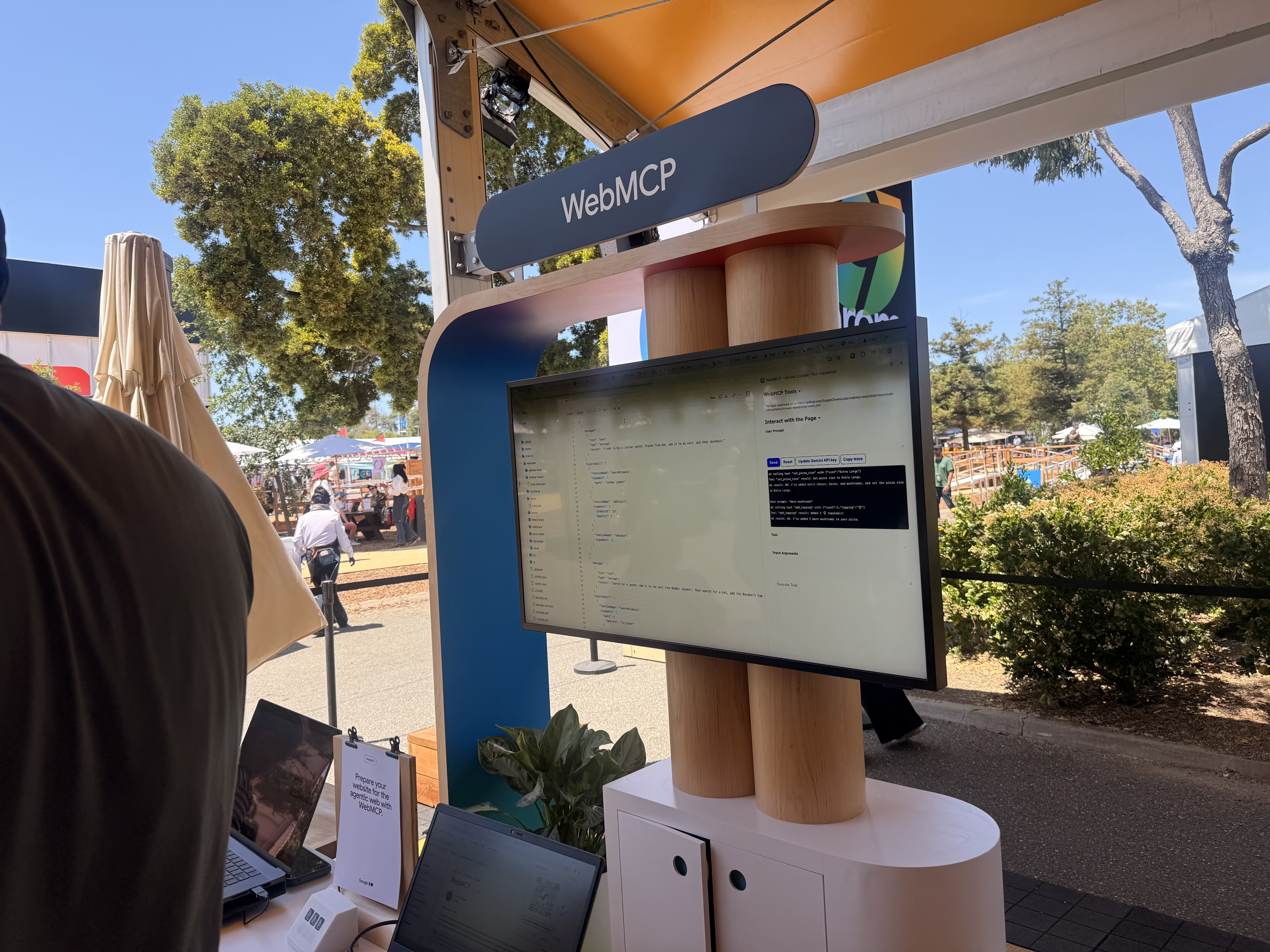
[**WebMCP**](https://developer.chrome.com/blog/webmcp-epp) is a proposed standard for exposing structured tools so browser-based AI agents can interact with web apps reliably. For Flutter specifically, this is significant. Flutter Web doesn't have a DOM, so traditional in-browser agents have nothing to grab onto. WebMCP could let a Flutter web app explicitly declare its available actions so an agent can do something useful with it, like changing inputs or submitting orders.
[Chrome 149 also ships APIs](https://developer.chrome.com/blog/chrome-at-io26) for calling AI models built directly into the browser, no server round-trip required. Together with improvements to running Gemma 4 on device for mobile apps, the direction is clear. On-device inference has real advantages for latency and privacy, and it removes token costs for calls that don't need cloud-scale reasoning. The open question for teams is where the capability ceiling lands for production use cases, and how that ceiling interacts with GenUI patterns that have so far assumed a cloud round-trip.
## Gen Media APIs
[Project Genie](https://blog.google/products/google-labs/project-genie/) was the standout floor experience for generative media. You described a world in natural language, and Gemini generated it as a fully interactive 3D environment. The crystal globes around the booth were how you made your prompt — you picked a character globe and an environment globe, put them on special stands, and that combination seeded your generation.
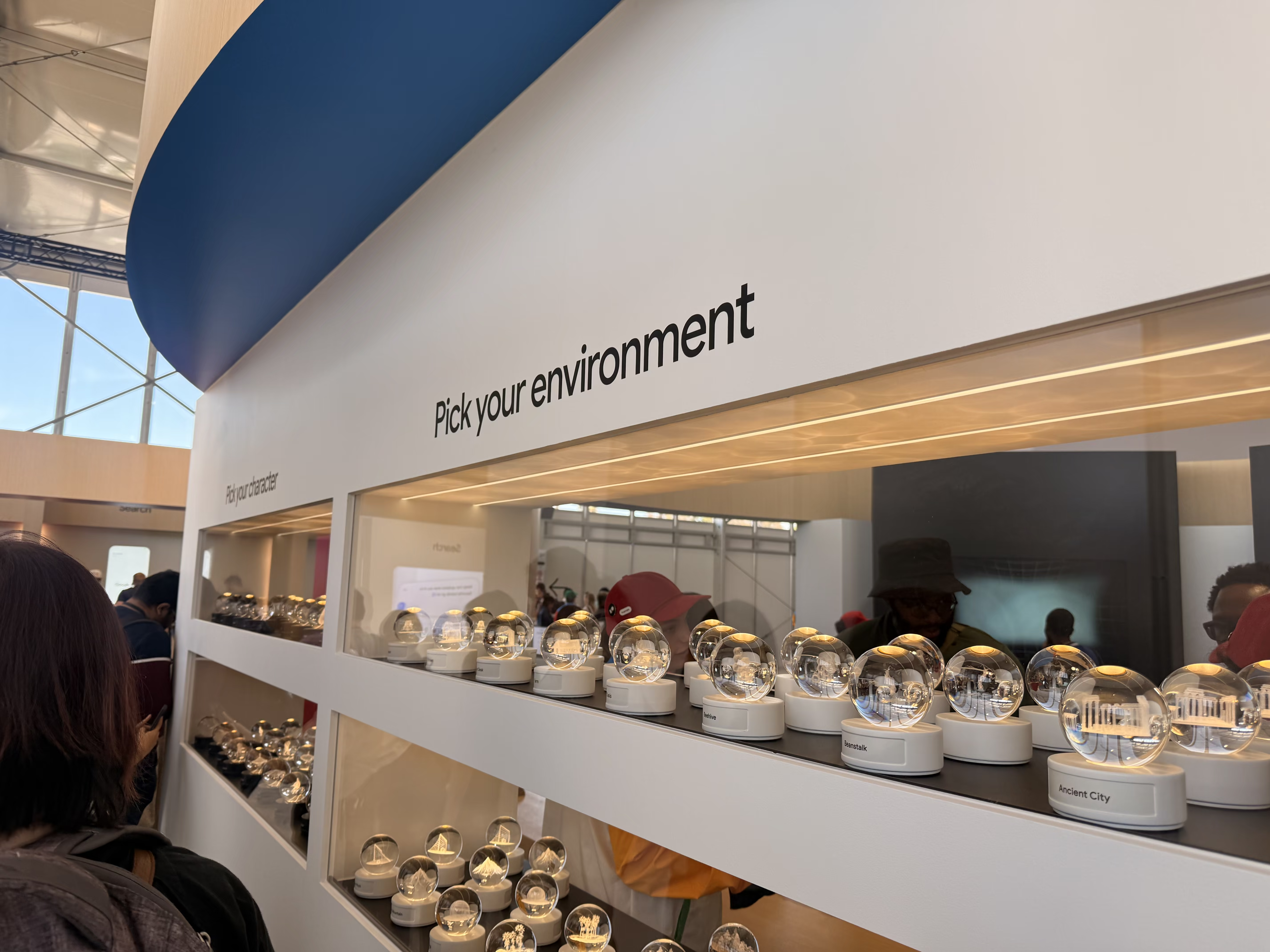
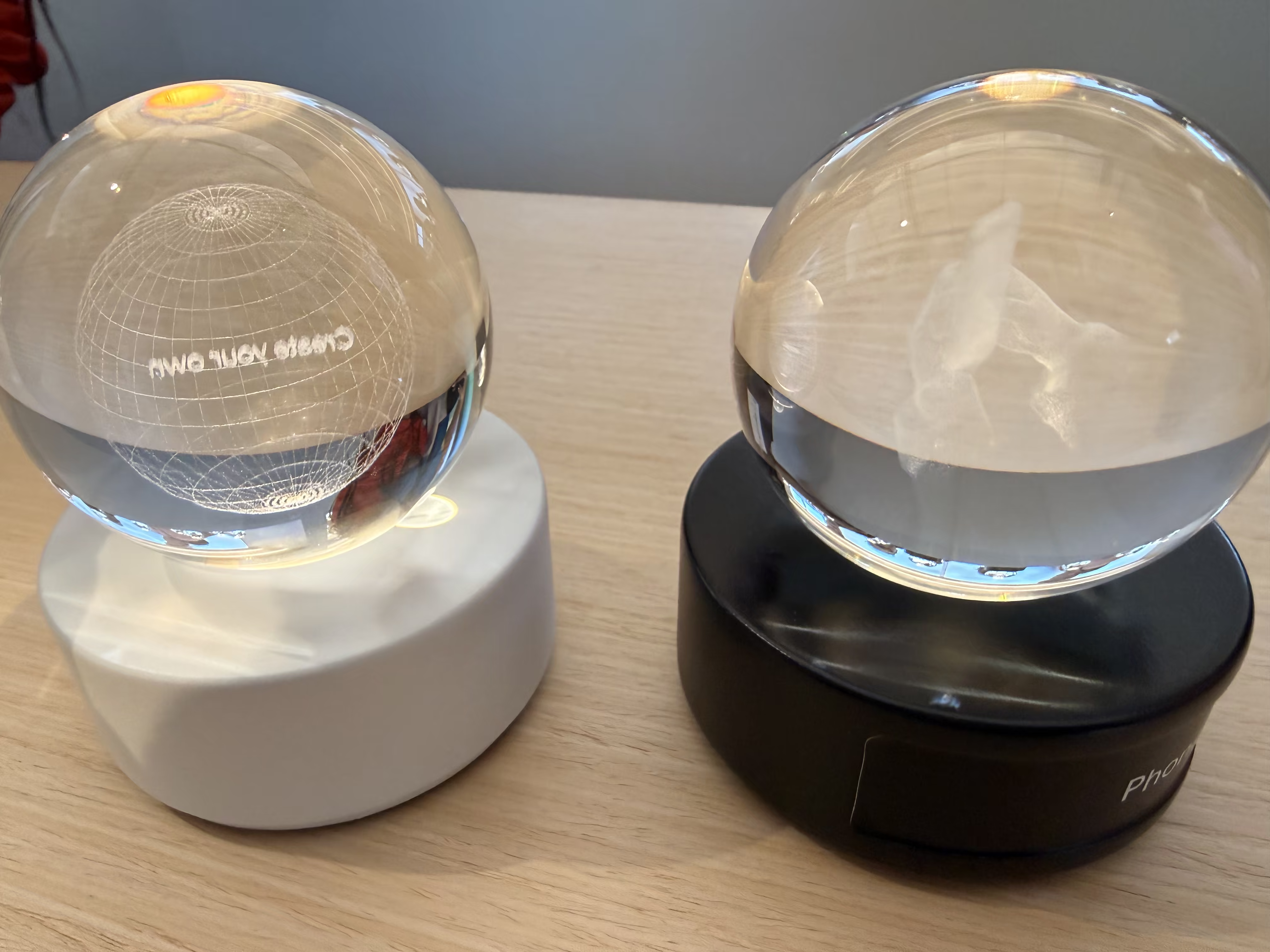
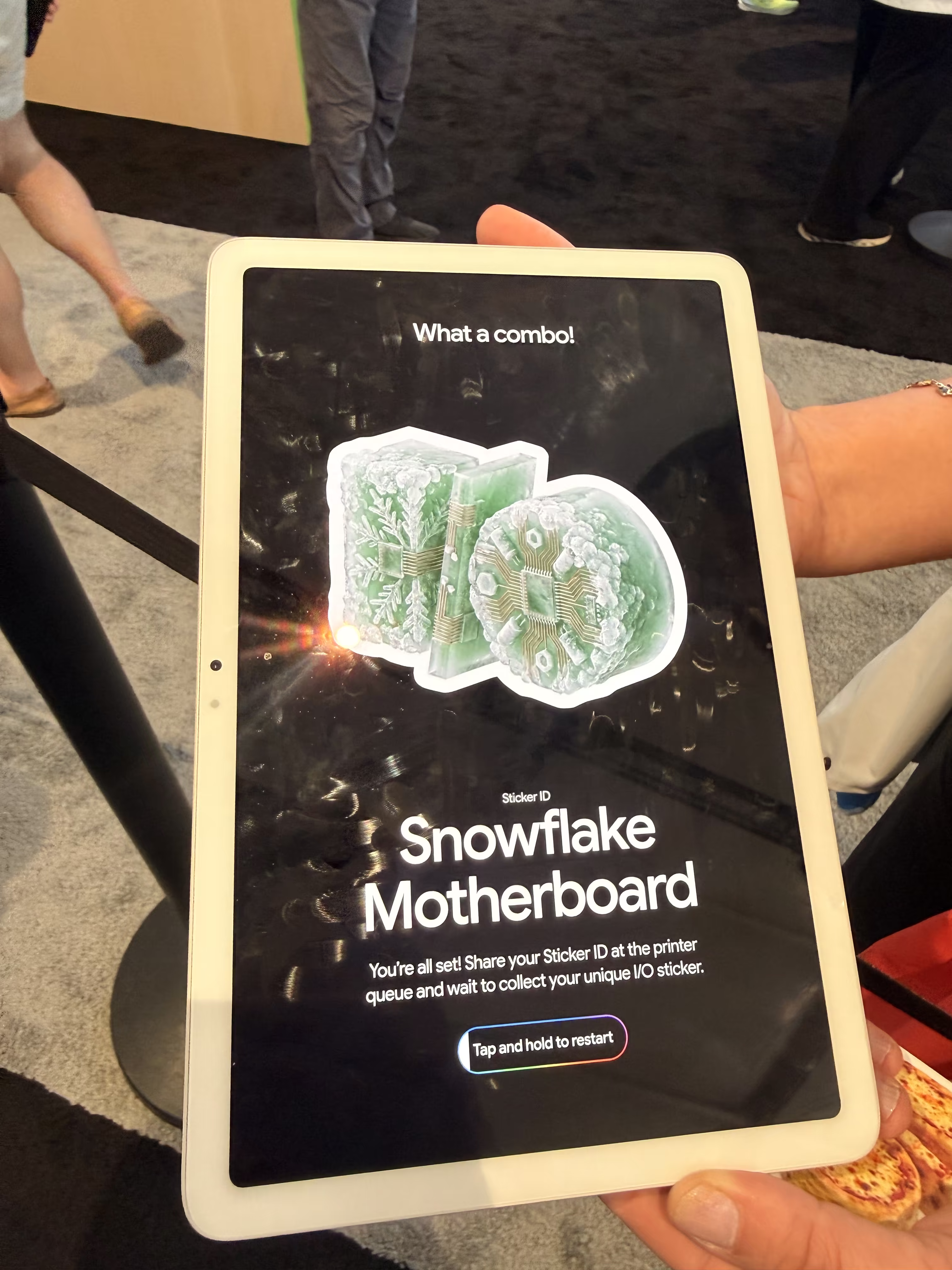
There was an AI sticker generator where you picked two categories and Nano Banana combined them into a custom I/O sticker. I ended up with "Snowflake Motherboard."
The AI portrait experience generated you as a pixel art fighter, a toy-like action figure, and a Renaissance oil painting, all powered by Nano Banana.



## Coming Back
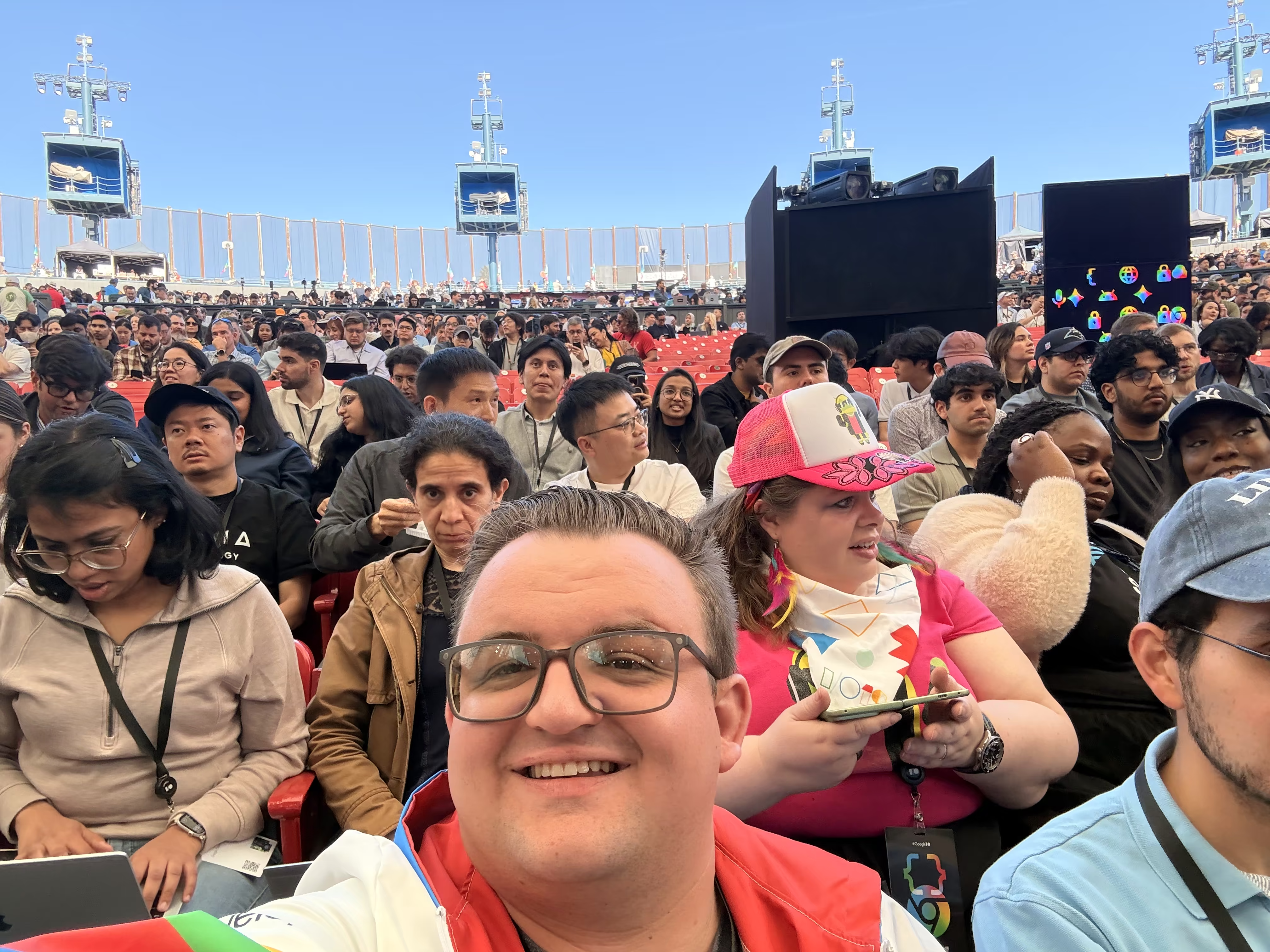
The last time I went to I/O was 2019, and it was the first time I felt like a real developer. I was surrounded by people who cared about the same problems I did, watching announcements that spoke directly to my work. I remember talking to the Flutter folks about project hummingbird, a demo of Flutter running in a web browser, that eventually became Flutter Web. I later learned [VGV had built the original demo](https://verygood.ventures/blog/flutter-agency-8-year-leadership-journey/), which cemented in my mind I wanted to work for them.
Coming back in 2026 as a VGV Engineering Lead and [GDE in Flutter](https://verygood.ventures/blog/my-journey-from-barista-to-google-developer-expert/) felt like a homecoming of sorts. It also reinforced the thing I still believe about the Flutter community: it's the best in the world! I chatted with dozens of devs that were generous with knowledge and invested in making everyone's work better, the same way they always have been.
Big thanks to the **GDE program** for the invitation and to the **Flutter team** for the hospitality and for building something I've been proud to work with for years. And to **Very Good Ventures** for sending me. I'm lucky to work somewhere that invests in the community.
---
_Resources:_
- [What's new in Flutter 3.44](https://blog.flutter.dev/whats-new-in-flutter-3-44-b0cc1ad3c527)
- [Flutter 3.44 release notes](https://docs.flutter.dev/release/release-notes/release-notes-3.44.0)
- [Google I/O 2026: What's new in Flutter](https://io.google/2026/explore/pa-keynote-12)
- [I/O 2026 developer highlights](https://blog.google/innovation-and-ai/technology/developers-tools/google-io-2026-developer-highlights/)
- [100 things announced at Google I/O 2026](https://blog.google/innovation-and-ai/technology/ai/google-io-2026-all-our-announcements/)